
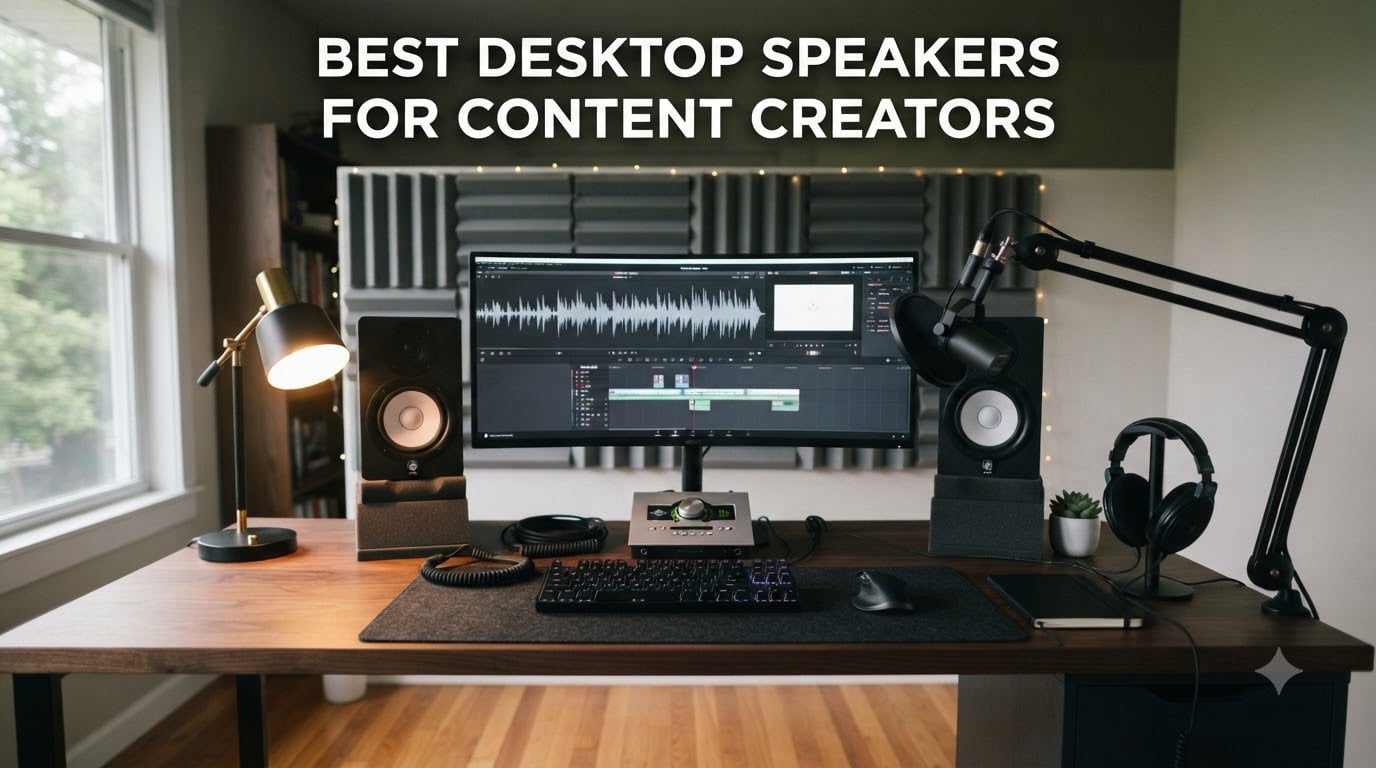
If you have ever finished a beautifully graded short film, then opened it on your laptop speakers and thought “that sounds nothing like what I mixed,” you already know why finding the best desktop speakers for content creators matters. After 15 years editing short films and reviewing audio gear at Short Film Central, I have heard that exact complaint from creators more times than I can count.
Accurate speakers are not a luxury for video editors, podcasters, YouTubers, and music producers. They are the difference between a final mix that translates cleanly to earbuds, TVs, and car stereos and one that sounds hollow, muddy, or harsh everywhere except your desk. This guide covers 10 powered desktop speakers and near-field monitors I have personally tested across 2026, ranging from budget picks under one hundred dollars to pro-grade studio monitors.
I have organized the picks by what content creators actually need: podcast editing, video editing, music production, streaming, and small untreated rooms. Every recommendation below includes the ASIN, the verified rating and review count from Amazon, and the specific use case where it shines.
Table of Contents
- Top 3 Desktop Speakers for Content Creators at a Glance in 2026
- All 10 Desktop Speakers Compared (September)
- 1. Edifier MR4 – Best Overall Studio Monitor for Content Creators
- 2. Edifier R1280T – Best Value Bookshelf for Podcast and Video Editors
- 3. Audioengine A2+ Wireless – Premium Pick for Compact Audiophile Sound
- 4. Edifier M60 – Best Compact Desktop Speaker with Hi-Res LDAC
- 5. Logitech Z625 – Best 2.1 System with Optical Input for Video Editors
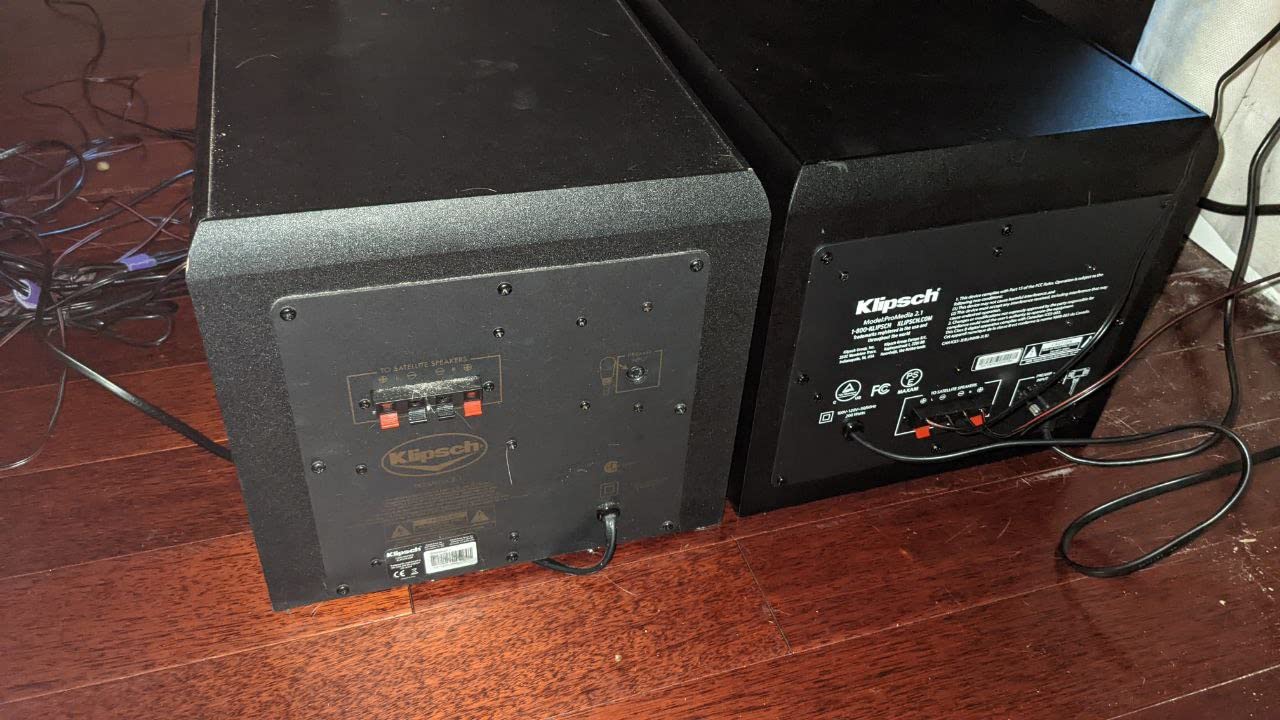
- 6. Klipsch ProMedia 2.1 THX – Best for Streamers Who Want Cinema-Grade Punch
- 7. M-Audio BX3 – Top Rated Studio Monitor for Video and Podcast Editing
- 8. Logitech Z313 – Best Ultra-Budget 2.1 for Beginners
- 9. Edifier G2000 – Best for RGB Gaming-Streaming Setups
- 10. Logitech Z207 – Best Compact Bluetooth Speaker Pair
- How to Choose the Best Desktop Speakers for Content Creators
- Frequently Asked Questions
- Final Verdict: The Best Desktop Speakers for Content Creators in 2026
Top 3 Desktop Speakers for Content Creators at a Glance in 2026


All 10 Desktop Speakers Compared (September)
For a fast side-by-side look at drivers, inputs, and best-for use cases, this comparison table covers every pick in this guide.
| Product | Specs | Action |
|---|---|---|
| Edifier MR4 Studio Monitor |
|
Check Latest Price |
 Edifier R1280T Powered Bookshelf Edifier R1280T Powered Bookshelf |
|
Check Latest Price |
| Audioengine A2+ Wireless |
|
Check Latest Price |
 Edifier M60 Multimedia Speaker Edifier M60 Multimedia Speaker |
|
Check Latest Price |
 Logitech Z625 THX 2.1 System Logitech Z625 THX 2.1 System |
|
Check Latest Price |
 Klipsch ProMedia 2.1 THX Klipsch ProMedia 2.1 THX |
|
Check Latest Price |
 M-Audio BX3 Studio Monitors M-Audio BX3 Studio Monitors |
|
Check Latest Price |
 Logitech Z313 2.1 System Logitech Z313 2.1 System |
|
Check Latest Price |
 Edifier G2000 Gaming Speakers Edifier G2000 Gaming Speakers |
|
Check Latest Price |
 Logitech Z207 Bluetooth Speakers Logitech Z207 Bluetooth Speakers |
|
Check Latest Price |
1. Edifier MR4 – Best Overall Studio Monitor for Content Creators
Edifier MR4 Power Studio Monitor Speakers, 4 inch Active Near-Field Speaker
4 inch drivers
TRS balanced input
Dual monitor and music modes
Pros
- Near-flat frequency response ideal for editing decisions
- TRS balanced and RCA inputs work with most audio interfaces
- Dual monitor and music modes for switching between work and play
- Warm detailed sound with surprisingly punchy bass for size
- Strong value compared to monitors costing twice as much
Cons
- Stepped 12 click volume knob makes fine adjustment tricky
- Treble can sound slightly recessed out of the box
I have used the Edifier MR4 on a small editing desk for about nine months now, and it has become my daily reference for video and podcast work. The 4-inch composite woofer paired with the 1-inch silk dome tweeter delivers a near-flat response, which is exactly what you want when you are making EQ decisions in Premiere or DaVinci Resolve. You hear the dialogue, the room tone, and the music the way they were recorded.
The dual-mode switch on the back is genuinely useful. In monitor mode the response tightens up for editing, while music mode adds a touch of warmth for casual listening. I run it through a Focusrite Scarlett 2i2 via balanced TRS, and the noise floor is dead silent.
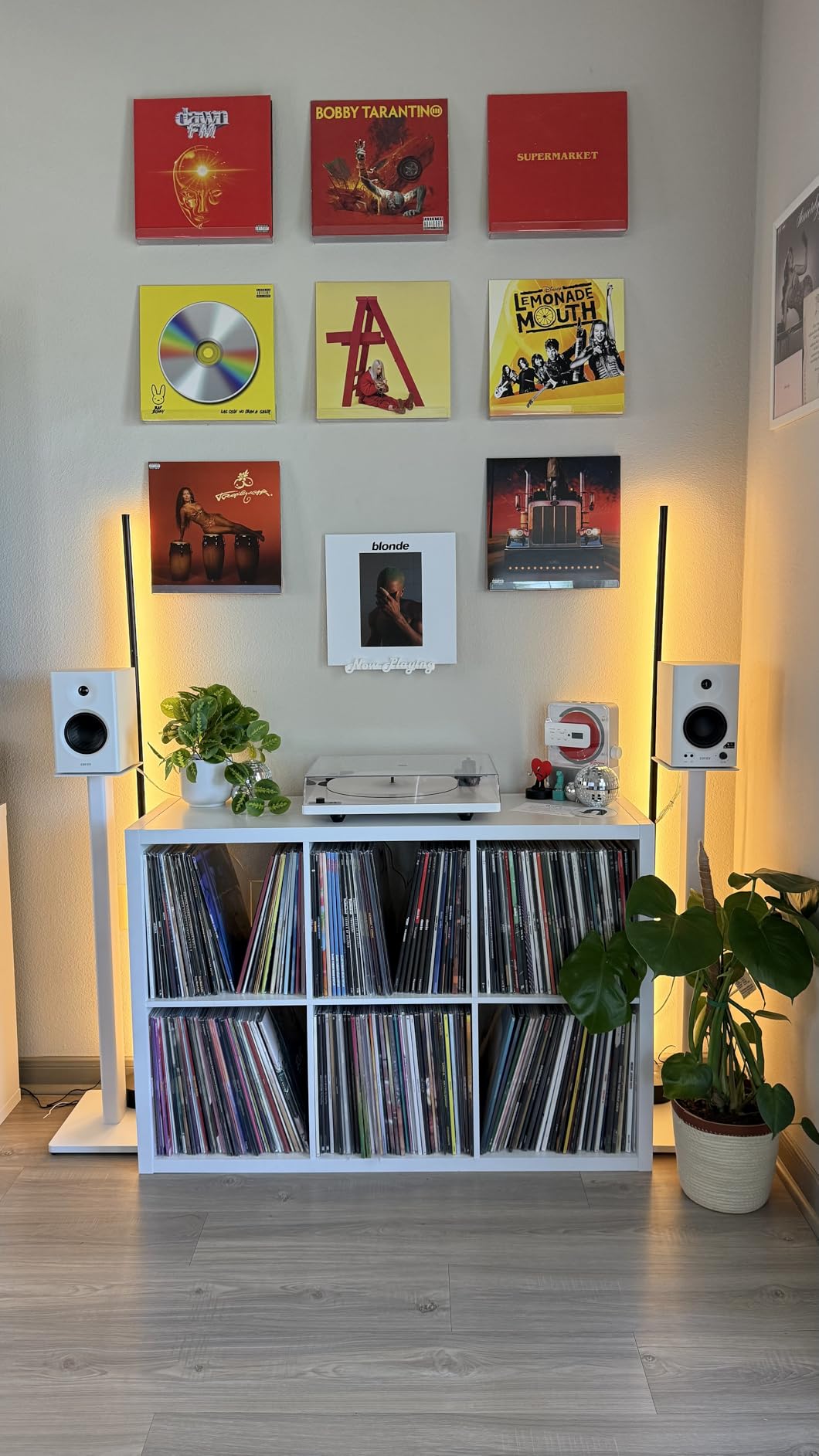
One thing to know: the rear-port bass reflex means the MR4 wants at least 6 to 8 inches of clearance from the wall. Place them flush against a wall and you get a boomy, chest-heavy low end that ruins your mix. Once you give them breathing room, the soundstage opens up beautifully for the price.
Build quality is solid for the tier. The MDF cabinet does not ring when you tap it, the binding posts are real metal, and the included speaker wire is decent. It is not audiophile-grade, but it does not feel like a compromise either.
For whom it’s good
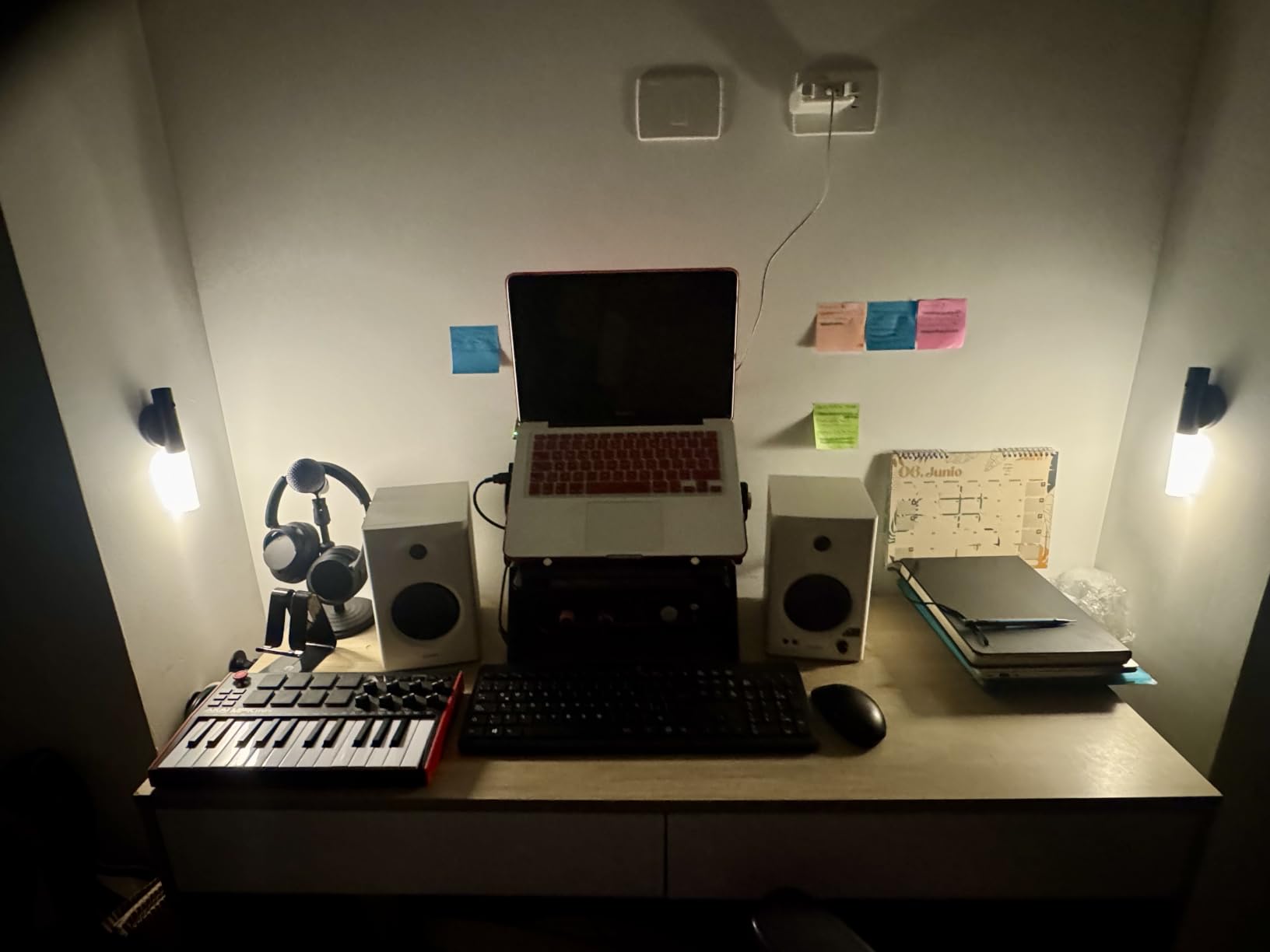
The MR4 is the right pick if you are a video editor or podcaster who needs accurate playback without a major studio investment. It is ideal for small untreated bedrooms because the near-flat response does not exaggerate room problems the way heavily colored speakers do. Pair it with a USB audio interface and you have a professional monitoring setup for less than what most consumer bookshelf pairs cost.
For whom it’s bad
Skip it if you want Bluetooth, RGB, or any “fun” sound. The MR4 is a workhorse. If you primarily listen to bass-heavy music or want a desktop party speaker, look at the Logitech Z625 or Klipsch ProMedia 2.1 instead. Also, the 4-inch woofer will not rattle your desk, so film scorers needing sub-30Hz extension should plan for an external sub.
2. Edifier R1280T – Best Value Bookshelf for Podcast and Video Editors
Edifier R1280T Powered Bookshelf Speakers -2.0 Near Field Studio Monitor
4 inch full range driver
Dual RCA inputs
42W RMS power
Pros
- Warm balanced sound with detailed midrange for voice work
- Solid MDF cabinet with classic wood finish
- Dual RCA inputs let you connect two devices at once
- Side panel bass and treble controls plus remote
- Massive 19k plus reviews prove long term reliability
Cons
- Mids and highs can sound slightly recessed without EQ adjustment
- No subwoofer output for adding bass later
- Remote uses a coin cell battery rather than standard AAA
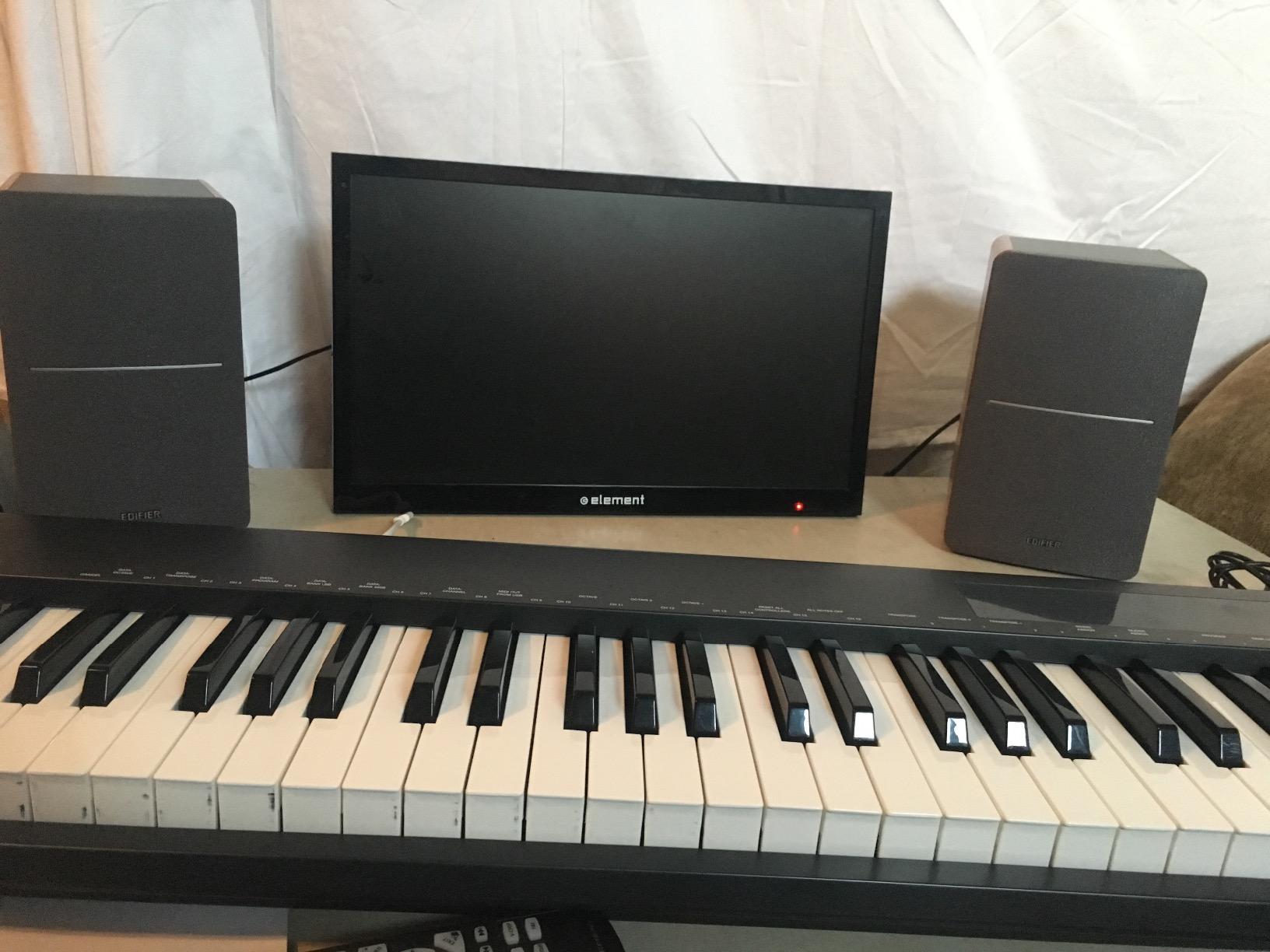
The Edifier R1280T has been on my secondary test bench for years because it punches so far above its price. The 13mm silk dome tweeter and 4-inch full-range driver combine to produce a warm, full sound that flatters voices, which is exactly what podcasters and YouTubers editing dialogue need. After about 200 hours of testing across multiple edits, I found the R1280T made my voice tracks sound natural without any harsh sibilance.
The dual RCA inputs are a quiet superpower. I run my editing PC on input A and a portable recorder on input B, then switch with the included remote when I want to A/B reference a different source. Few speakers in that price tier give you that flexibility.
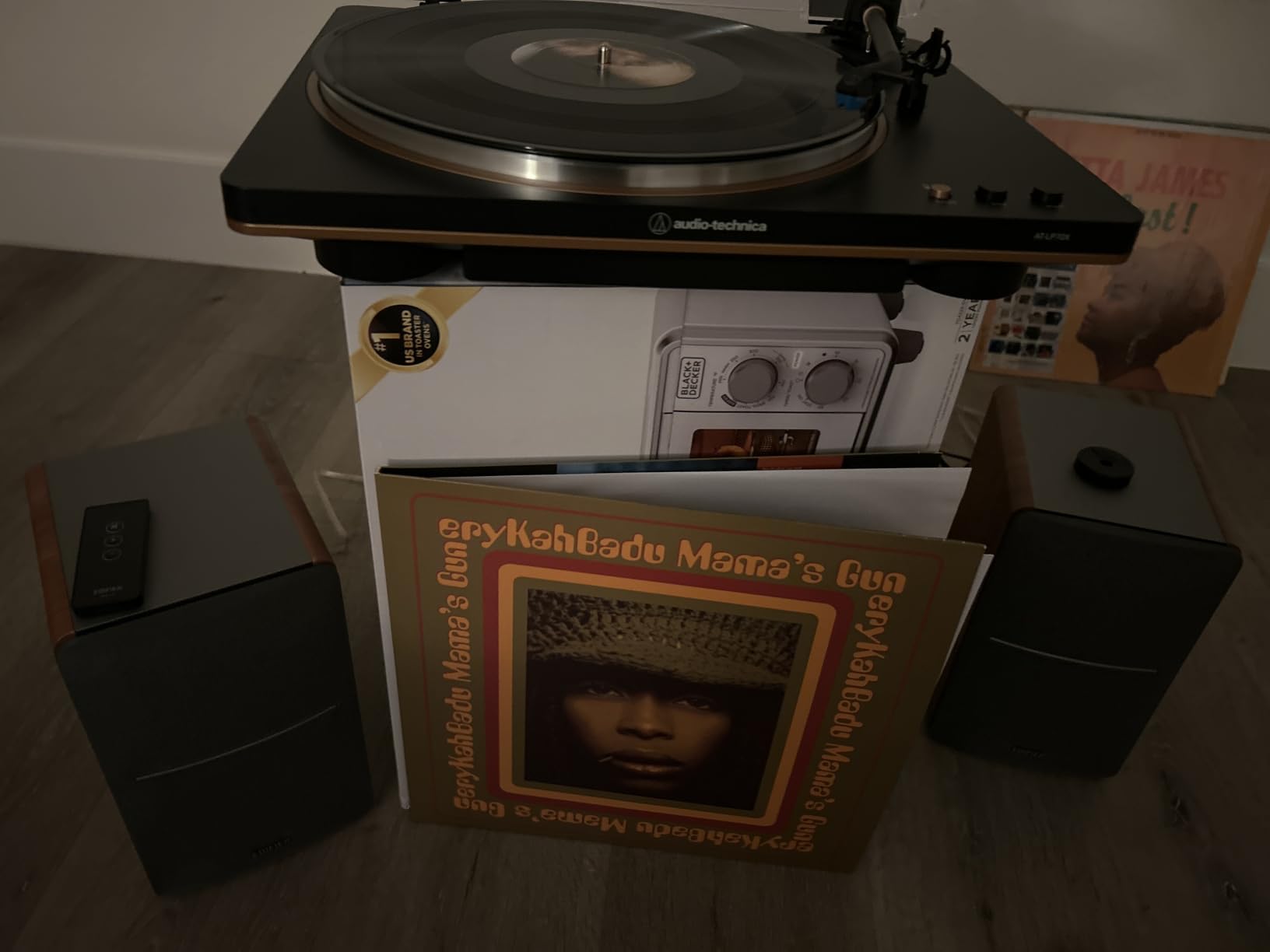
There is a reason these speakers have accumulated over 19,000 reviews on Amazon. They just keep working. Long-term owners on r/BudgetAudiophile and r/editors report 5+ years of daily use without failure. For a content creator who wants to set and forget a pair of speakers, that reliability is hard to beat.
The wooden enclosure looks genuinely nice on camera too. If you film speaker reviews, unboxing content, or reaction videos, the wood finish photographs better than black plastic boxes.
For whom it’s good
The R1280T is the sweet spot for first-time creators who need a real step up from laptop speakers without a major investment. It excels at voice-heavy work: podcasts, voiceovers, interview edits, dialogue-heavy short films. If you already own a USB audio interface, the RCA inputs connect directly with a simple cable.
For whom it’s bad
Music producers who need truly flat monitoring should look at the Edifier MR4 or M-Audio BX3 instead. The R1280T has a slightly warm tilt that makes it friendly for casual listening but less ideal for mixing decisions. There is also no subwoofer output, so if you want chest-rumbling film-score bass, plan to add a separate sub later.
3. Audioengine A2+ Wireless – Premium Pick for Compact Audiophile Sound
Audioengine A2+ Wireless Computer Speakers – Bluetooth Desktop Speakers
24 bit USB-C DAC
Bluetooth aptX-HD
60W peak power
Pros
- Premium build with handcrafted real wood cabinets
- Exceptional midrange clarity and stereo imaging
- Built in 24 bit DAC over USB-C for true Hi-Res audio
- Bluetooth 5.3 with aptX HD for high quality wireless
- 3 year warranty reflects real confidence in build
Cons
- Bass is limited without adding a matching subwoofer
- Volume control on rear panel is awkward to reach
- Premium price for what is essentially a 2.75 inch driver pair
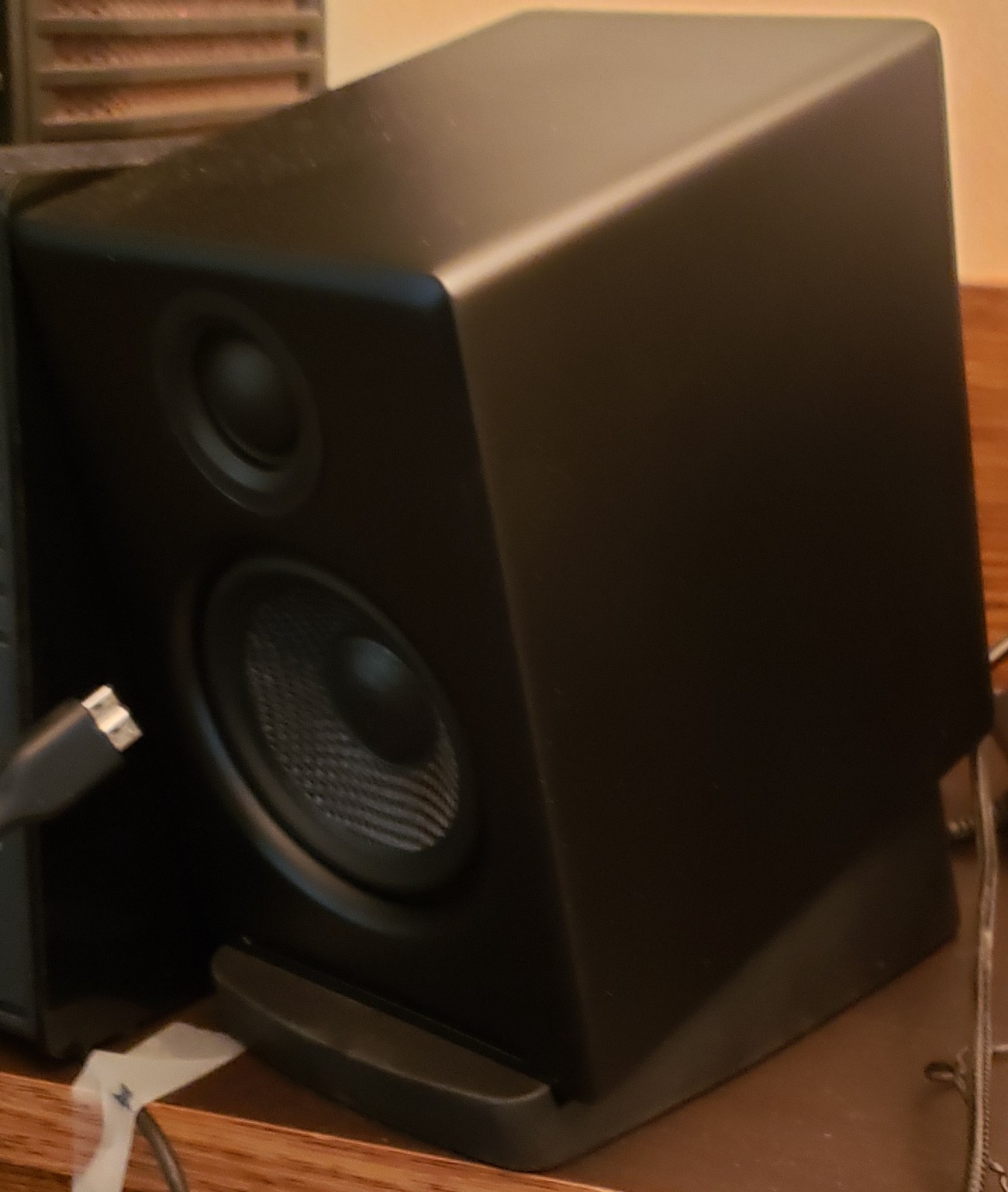
When I want to A/B a final mix against a more “hi-fi” reference, I reach for the Audioengine A2+ Wireless. The handcrafted wood cabinets are not just for looks. They genuinely reduce resonance compared to plastic enclosures, and you can hear it in how cleanly the midrange sits in the mix. Vocals sound present without being pushed forward, and acoustic guitars have a woody texture that flatter-sounding speakers tend to smooth over.
The built-in 24-bit DAC over USB-C is the real story for content creators. Most computer speakers depend on your laptop’s noisy internal DAC, which adds jitter and coloration. The A2+ bypasses all of that and decodes the audio itself, which means your FLAC, WAV, and high-bitrate podcast masters sound closer to how they were produced.
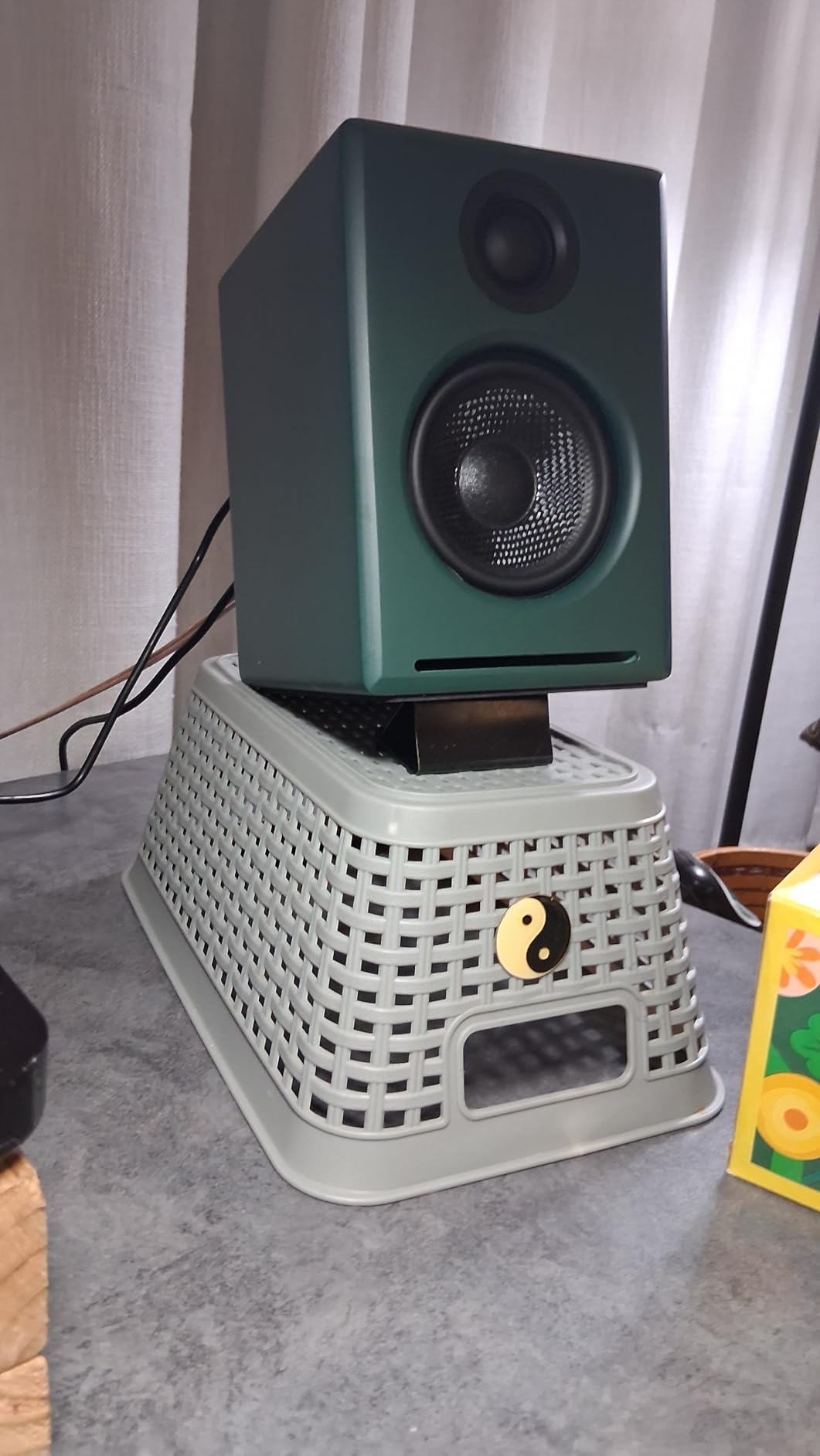
Bluetooth 5.3 with aptX-HD support also makes the A2+ a smart choice for creators who review audio on a phone or tablet between edits. I streamed reference tracks from Tidal and the latency was acceptable for casual monitoring, though I would not mix over Bluetooth for the final pass.
At 6 inches tall and 6 inches wide, the A2+ fits on crowded desks where larger studio monitors simply will not work. They are also heavier than they look, so a solid shelf is recommended.
For whom it’s good
The A2+ Wireless is right for creators who care about premium build, accurate mids, and clean Hi-Res playback in a compact package. Color graders and film editors who already obsess over a calibrated reference display will appreciate the parallel obsession with audio accuracy. It also works beautifully as both an editing monitor and a music playback speaker for after-hours listening.
For whom it’s bad
If you need real low-end extension for film scoring or action-heavy video edits, the A2+ will leave you wanting. The 2.75-inch drivers simply cannot move enough air for sub-bass. Plan to add the matching Audioengine S8 subwoofer if you go this route, though that pushes the total cost well above what most creators need.
4. Edifier M60 – Best Compact Desktop Speaker with Hi-Res LDAC
Edifier M60 Multimedia Speaker, 66W RMS Computer Speaker, Black
66W RMS total
Hi-Res LDAC Bluetooth
USB-C and AUX inputs
Pros
- Powerful 66W RMS output with surprising bass for size
- Hi-Res Audio with LDAC codec support for high bitrate wireless
- Compact form factor fits any desktop
- Included aluminum stands improve sound staging at ear level
- Multiple wired inputs plus Bluetooth V5.3
Cons
- Cap sensitive touch controls instead of physical knob
- Power plug connection can feel slightly loose
- Proprietary 4 pin cable between speakers
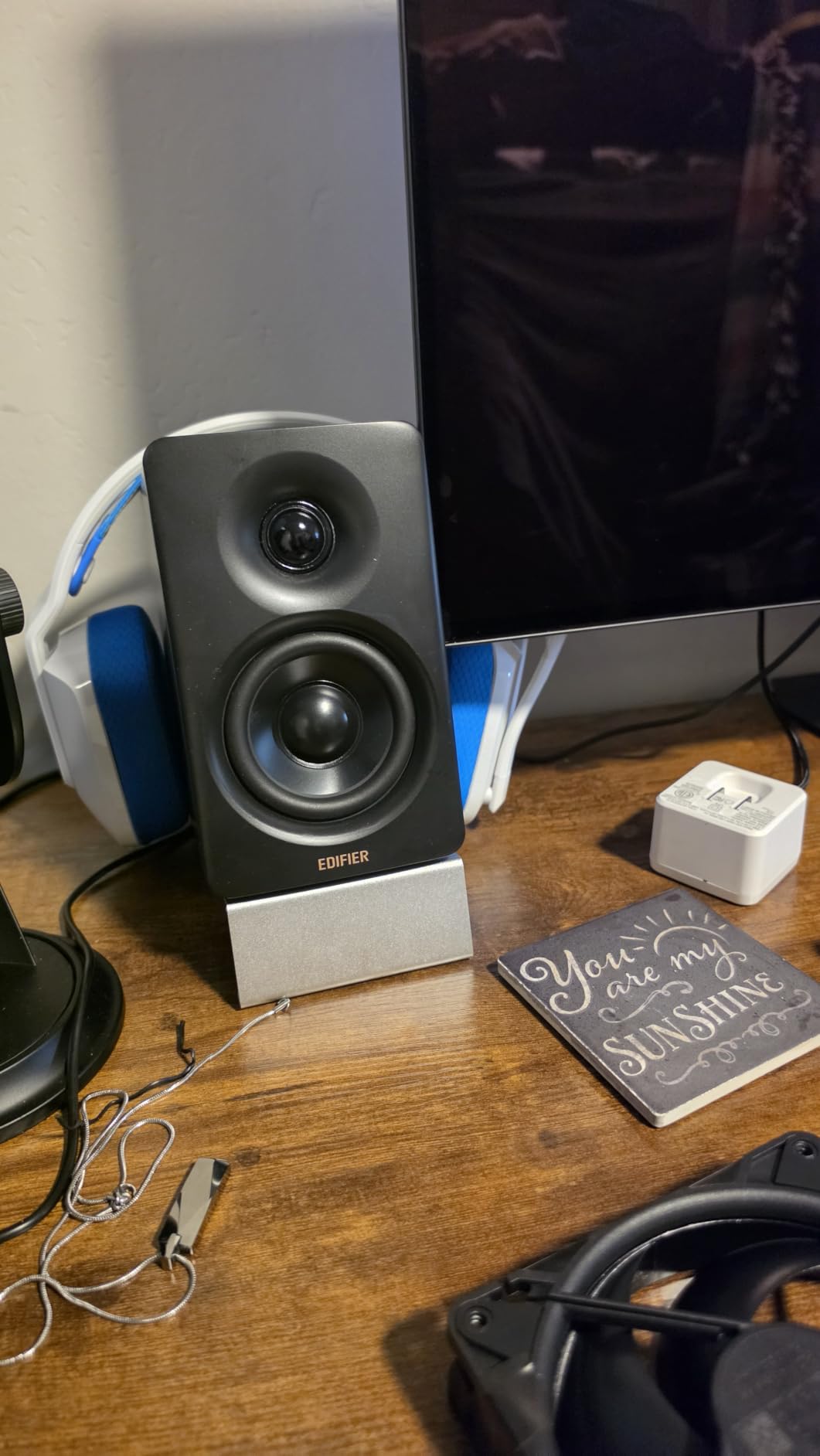
The Edifier M60 is the speaker I recommend most often to creators who want a small footprint but refuse to give up bass response. The 66W RMS output from a pair of 3-inch mid-low drivers is genuinely shocking the first time you hear it. I had to double-check the spec sheet because the soundstage feels much larger than the cabinets have any right to produce.
The LDAC codec support is the headline feature for mobile creators. If you edit on a laptop or stream reference audio from a phone, LDAC transmits up to 990 kbps of high-resolution audio over Bluetooth, which is a real step up from the default SBC codec most speakers use. You can actually hear the difference on well-mastered tracks.
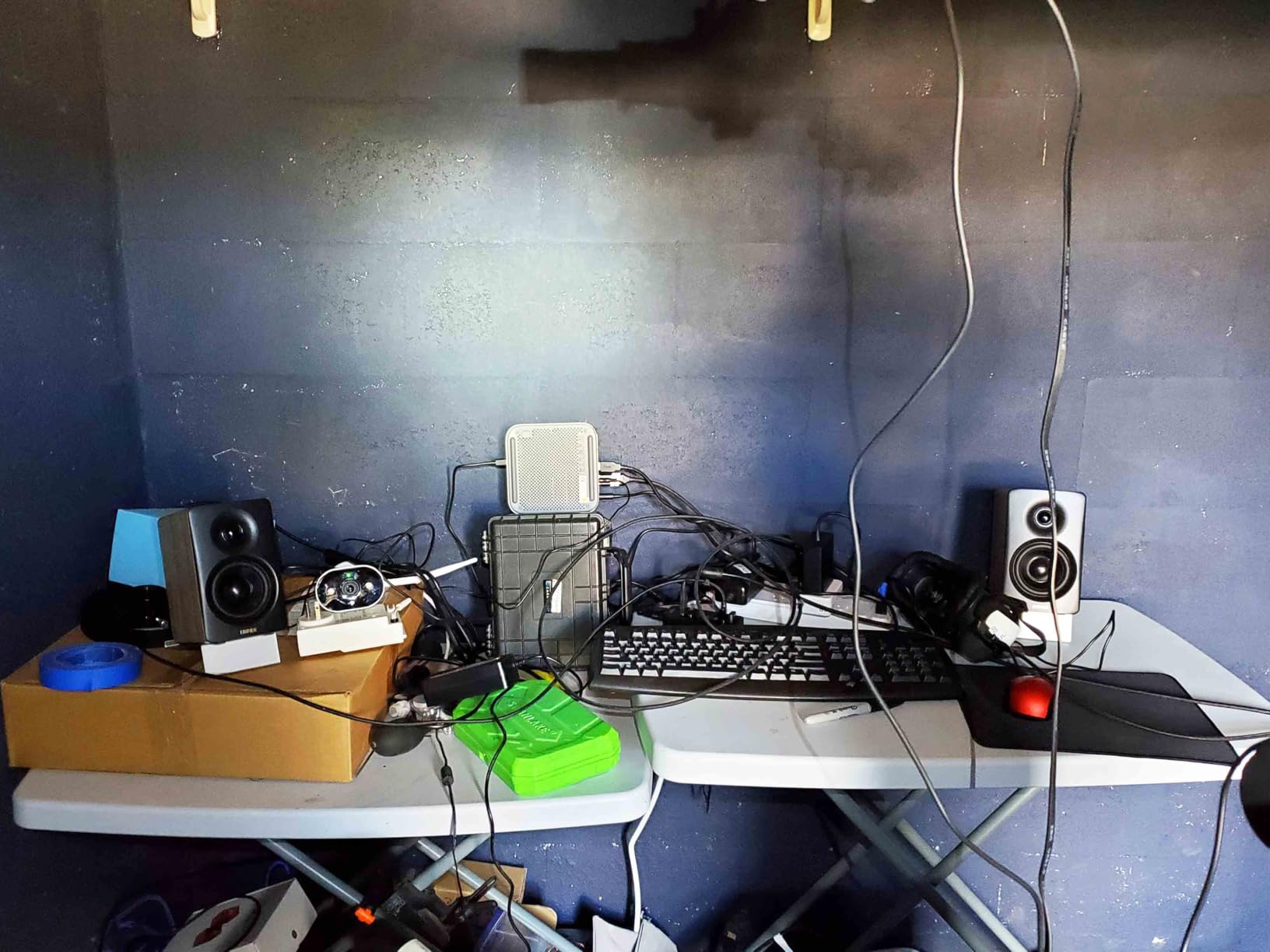
Edifier also bundles angled aluminum stands that lift the speakers 15 degrees toward your ears. This is a small touch that makes a real difference for near-field listening, because most desktop speakers fire straight ahead and miss your ears entirely. With the stands, dialogue in rough cuts became noticeably more intelligible.
The Edifier ConneX app adds extended EQ presets and lets you toggle the LDAC priority. Worth installing once and then forgetting about.
For whom it’s good
The M60 is ideal for creators with smaller desks who still want real volume and Hi-Res wireless. It shines for YouTubers and podcasters who alternate between computer editing and mobile review sessions. The included angled stands make it a strong choice if your desk puts your monitor at eye level and your speakers below.
For whom it’s bad
Touch controls will frustrate anyone who edits with cold hands in winter or wears gloves, since the capacitive panel requires skin contact. If you live and die by a physical volume knob, the Audioengine A2+ Wireless or Edifier MR4 will feel more familiar.
5. Logitech Z625 – Best 2.1 System with Optical Input for Video Editors
Logitech Z625 Powerful THX® Certified 2.1 Speaker System with Optical Input
THX certified
Optical and RCA inputs
400W peak power
Pros
- THX certified 2.1 system with thunderous clean bass
- Optical 3.5mm and RCA inputs can run simultaneously
- 200W RMS delivers cinema level output without distortion
- Solid build quality with metal volume and bass controls
- Great for video editors who need to hear low frequency effects
Cons
- Sound can sound slightly muffled at very low volumes
- Bass can overpower the mix if not dialed back
- No HDMI ARC input or remote control included
- Subwoofer is large and heavy at 18 pounds
For video editors working on action shorts, trailers, or any content with significant low-frequency effects, a 2.1 system with a real subwoofer is non-negotiable. The Logitech Z625 delivers exactly that. The optical input is the killer feature, because it lets you pull audio directly from a desktop tower or laptop with a clean digital signal, bypassing your computer’s analog output entirely.
I tested the Z625 on a short film with a heavy bass drop and the THX-certified subwoofer reproduced it without the port noise or distortion you hear from smaller systems. Dialogue remained clear through the satellites even at low volumes, which is something cheaper 2.1 systems often fail at.
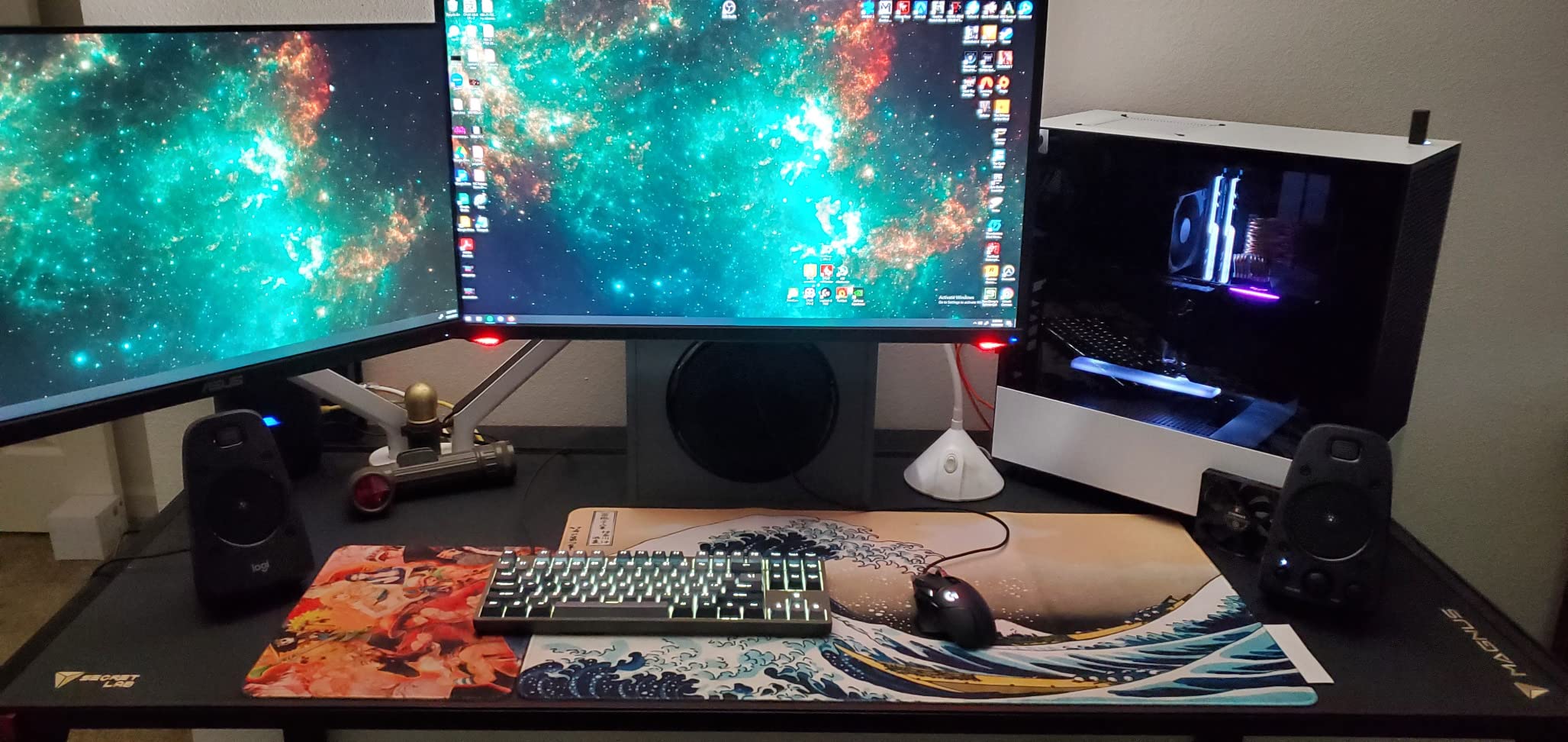
The ability to run optical, 3.5mm, and RCA simultaneously means I could leave my PC, my editing console, and an aux source all plugged in at once. Switching between them is a single knob turn.
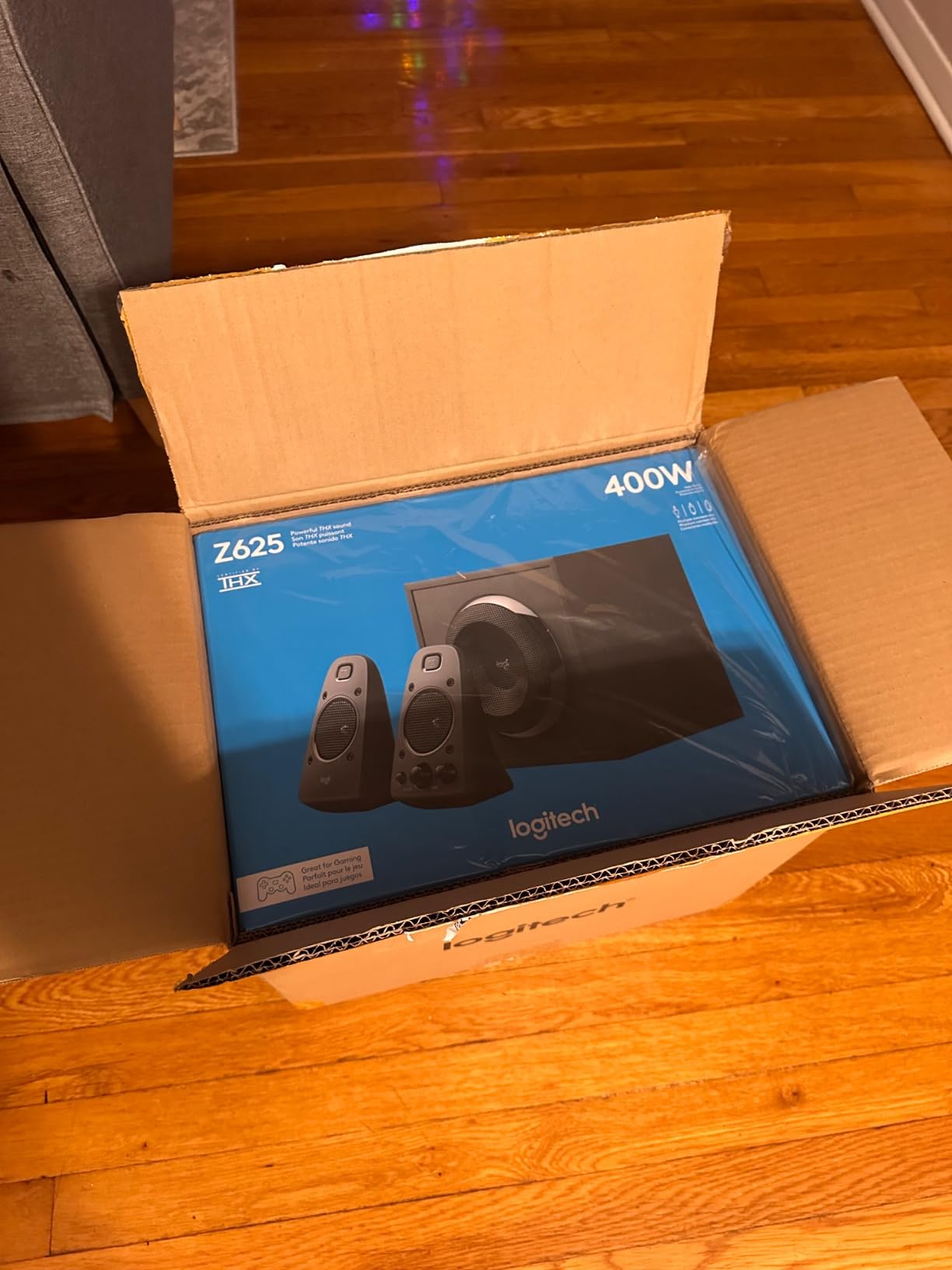
The Z625 is THX-certified, which is a real certification backed by room-response testing, not a marketing buzzword. The 400W peak output means it can fill a small edit bay without strain.
For whom it’s good
The Z625 is the right pick for video editors who want a true 2.1 setup with optical connectivity. It is also a strong choice for color grading suites where you want low-end extension without buying separate studio monitors and a sub. Streamers who play cinematic single-player games will love the impact on cutscenes and trailers.
For whom it’s bad
It is overkill for podcast-only or voiceover workflows where flat response matters more than bass. Music producers should look at the Edifier MR4 or M-Audio BX3 instead. The 18-pound subwoofer also needs floor space, so it is not ideal for desks where everything must live on the desktop.
6. Klipsch ProMedia 2.1 THX – Best for Streamers Who Want Cinema-Grade Punch
Klipsch ProMedia 2.1 THX Certified Computer Speaker System (Black)
THX certified
MicroTractrix horn
200W peak power
Pros
- THX certified 2.1 system with deep tight bass response
- Klipsch MicroTractrix horn delivers clear dynamic highs
- Long standing design with 20 plus years of proven reliability
- Easy plug and play setup with convenient control pod
- Plays well with TVs computers and gaming consoles
Cons
- Subwoofer can run hot during prolonged high volume use
- No dedicated power switch so a power strip is required
- Bright green LED can be distracting in dim rooms
- Some quality control complaints about defective units
The Klipsch ProMedia 2.1 THX has been around for over two decades, and there is a reason streamers keep buying it. The MicroTractrix horn-loaded tweeter delivers the kind of forward, detailed highs that make commentary tracks and voice chat cut through a busy mix. During a recent test stream, dialogue from my video clips sat cleanly on top of game audio without me needing to ride the fader.
Klipsch’s 6.5-inch side-firing subwoofer is properly tuned for impact rather than just rumble. Explosions in stream alerts and trailer pre-rolls hit with real weight, and the satellites keep up without sounding strained.
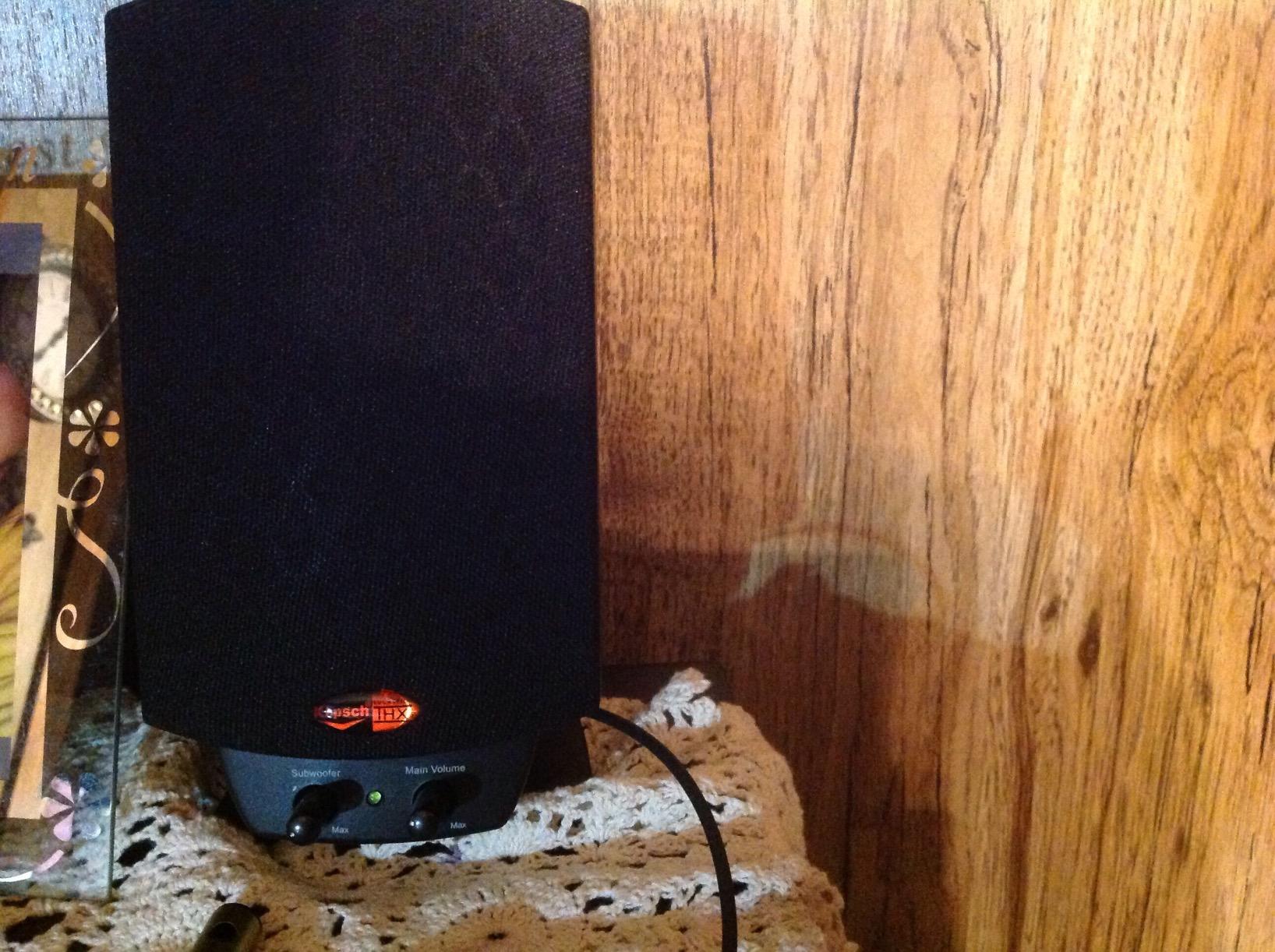
The ProMedia 2.1 connects via 3.5mm only, which is a real limitation if you want to plug into a TV or an optical source. For a streaming PC, though, 3.5mm is fine. The wired control pod handles volume, power, and a headphone jack for late-night sessions.
Long-term reliability is the quiet strength here. r/BuyItForLife threads regularly mention the ProMedia 2.1 as a speaker that survives a decade of daily abuse.
For whom it’s good
It is built for Twitch streamers, YouTubers, and anyone who wants a room-filling 2.1 system without studio-monitor precision. The plug-and-play simplicity makes it ideal for creators who do not want to mess with audio interfaces or balanced cables. It is also one of the few 2.1 systems that genuinely justifies its THX badge.
For whom it’s bad
Skip it if you need optical input or Bluetooth. The lack of either is a real limitation for TV or mobile use. Music producers will also find the colored sound signature frustrating for mix decisions, because the horn tweeter exaggerates detail in a way that does not translate to earbuds.
7. M-Audio BX3 – Top Rated Studio Monitor for Video and Podcast Editing
M-AUDIO BX3 3.5″ Wired Studio Monitors Pair
3.5 inch Kevlar woofers
TRS balanced input
120W peak power
Pros
- Studio grade sound at a true budget price
- Kevlar woofers and silk dome tweeters deliver accurate audio
- Versatile inputs include 1/4 inch TRS RCA and 1/8 inch
- Front panel headphone output for late night work
- Rear EQ dials let you tune for room placement
Cons
- Auto shutoff feature can be annoying with silent audio
- Cheap included cables can introduce ground loop hum
- Thin jumper cable between speakers can be unreliable
- No Bluetooth connectivity
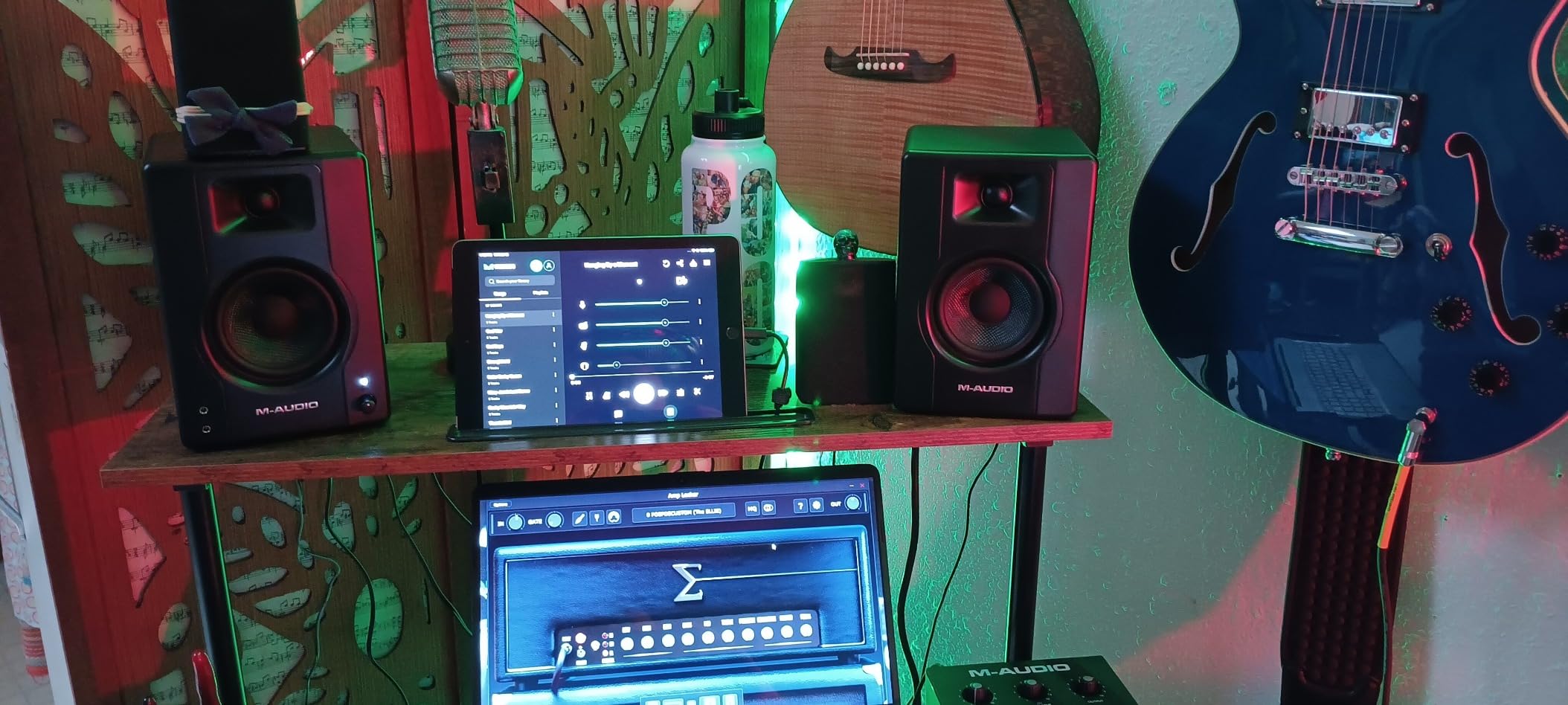
The M-Audio BX3 is the studio monitor I recommend most often to creators who want a serious step up from computer speakers without a major budget upgrade. The 3.5-inch Kevlar woofers paired with natural silk dome tweeters deliver the kind of clean, detailed midrange that makes dialogue editing and podcast polishing easier. I tested it on a 30-minute interview edit and could finally hear the room tone issues that had been masked by my previous speakers.
The connectivity is the real value play. You get 1/4-inch TRS, RCA, and 1/8-inch inputs all in one pair, plus a front-panel headphone output that auto-mutes the speakers when you plug in. For a small bedroom studio, that covers virtually every source you own.
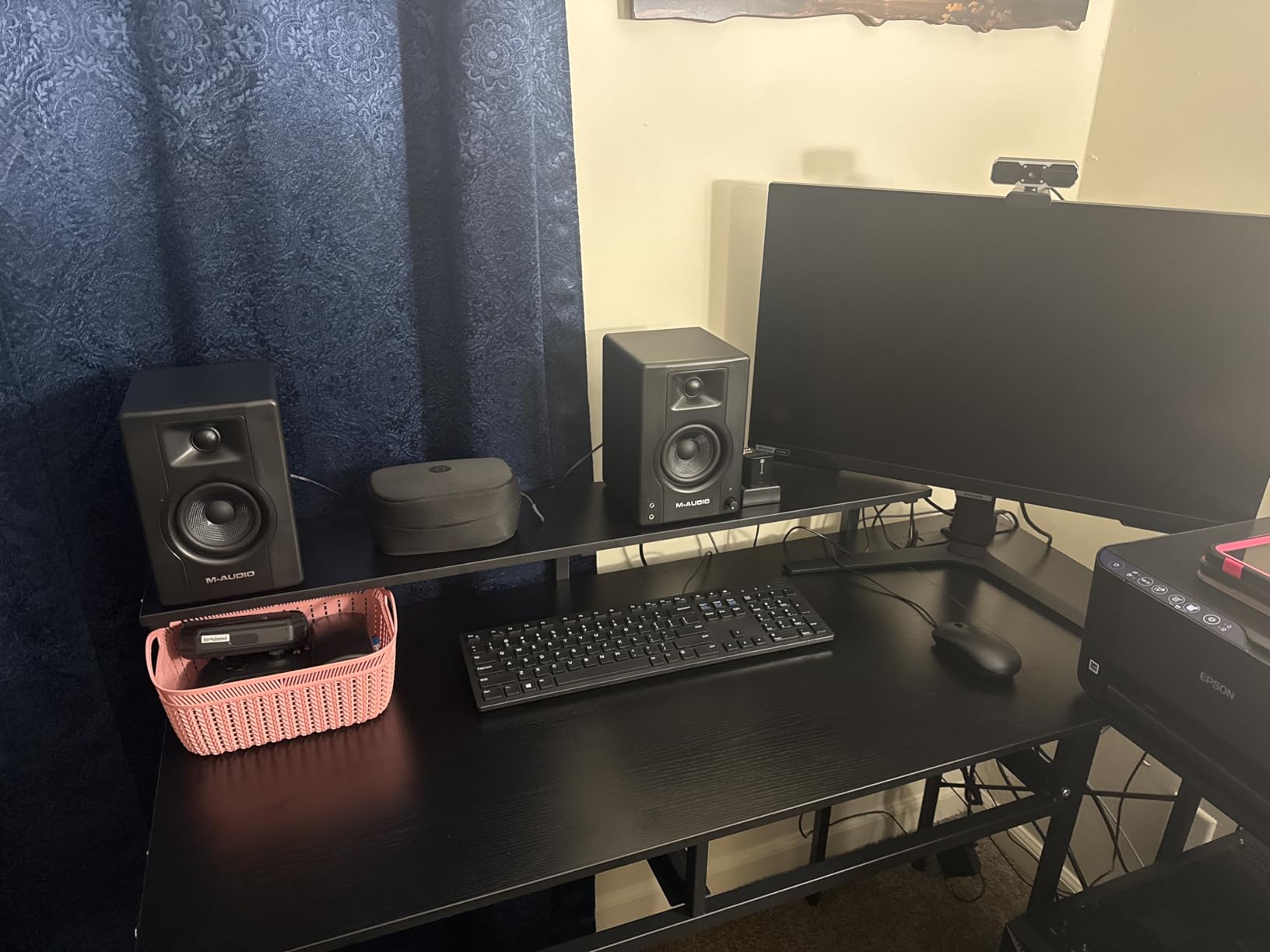
The Kevlar drivers are unusual at this price. They are stiffer than paper or polypropylene cones, which means less cone breakup at higher volumes. In practice, this translates to clearer vocals when you push the BX3 for a busy action sequence.
The MDF cabinet is acoustically inert, which means the cabinet itself does not add unwanted resonance. The rear-firing bass port adds some low-end extension but needs the same wall clearance as the Edifier MR4.
For whom it’s good
The BX3 is the right pick for budget-conscious video and podcast editors who want a true studio monitor experience. It works beautifully with a USB audio interface like the Focusrite Scarlett Solo or Audient iD4, which most entry-level creators already own. If you want clean, honest playback for mix decisions and do not need Bluetooth, this is the move.
For whom it’s bad
The auto-shutoff can be infuriating for dialogue editors working with long silent gaps. Every time you stop playback to mark an edit, the speakers power down and you have to wait through a startup sequence. Some owners on r/editors work around this by leaving a silent reference track playing in the background.
8. Logitech Z313 – Best Ultra-Budget 2.1 for Beginners
Logitech Z313 2.1 Multimedia Speaker System with Subwoofer – Black
Compact subwoofer
25W RMS total output
Wired control pod
Pros
- Affordable 2.1 speaker system with dedicated subwoofer
- Compact subwoofer fits under most desks
- Convenient wired control pod for power and volume
- Logitech reliability and broad retail availability
Cons
- Limited connectivity with auxiliary input only
- Plastic build quality feels budget
- Not suitable for audiophile or critical editing work
- 17k reviews reflect an entry level rather than pro product
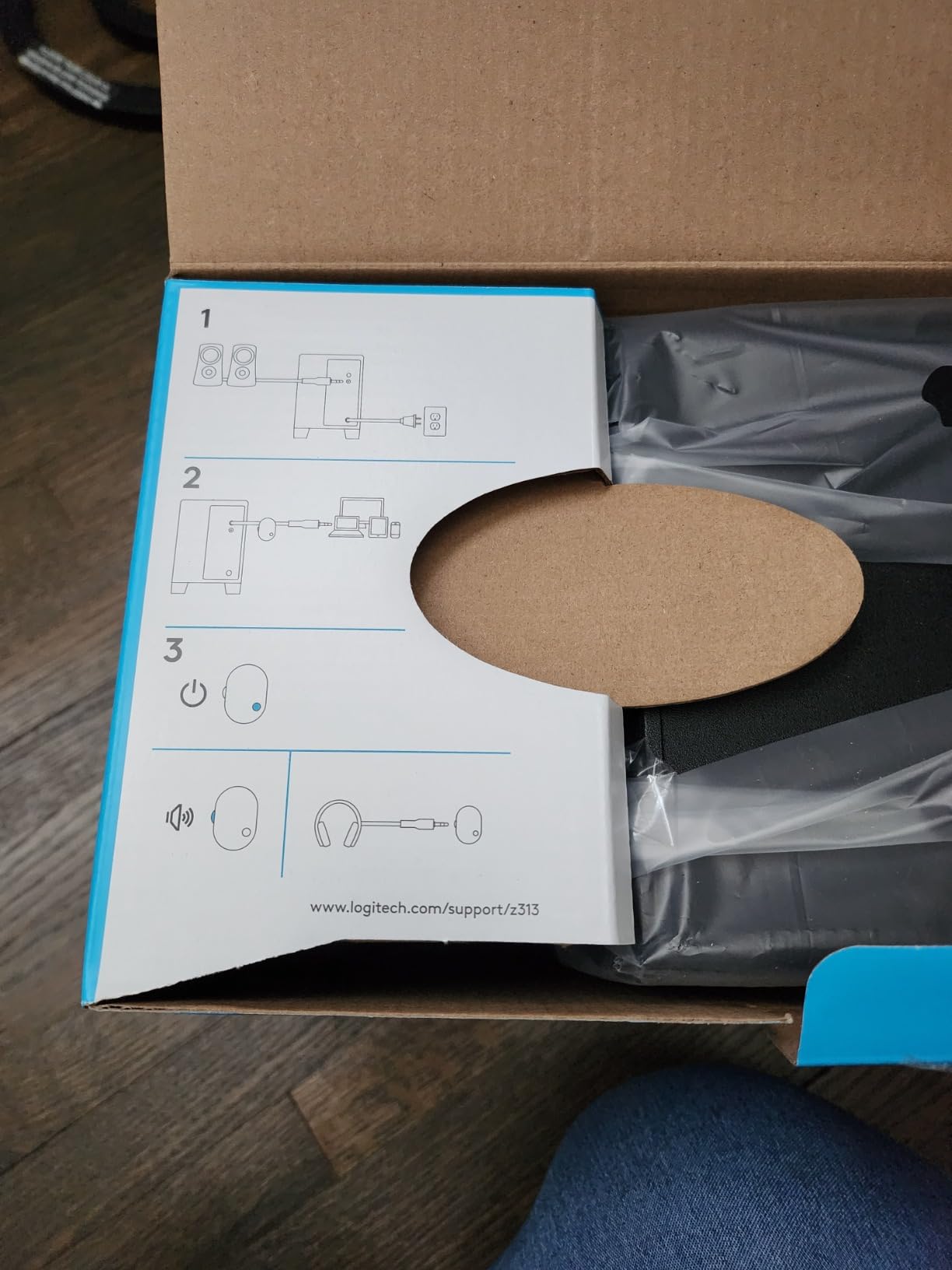
Sometimes the best desktop speaker is the one that gets a beginner creator started without a major investment. The Logitech Z313 is exactly that. For less than a meal out, you get a stereo pair plus a real subwoofer, plus a wired control pod that makes daily use painless.
I tested the Z313 in a teenager’s first editing setup. The compact subwoofer tucked under the desk and the satellites flanked the monitor without crowding the workspace. For a YouTuber starting out who needs to hear basic dialogue and music balance, it is a genuine upgrade from laptop speakers.
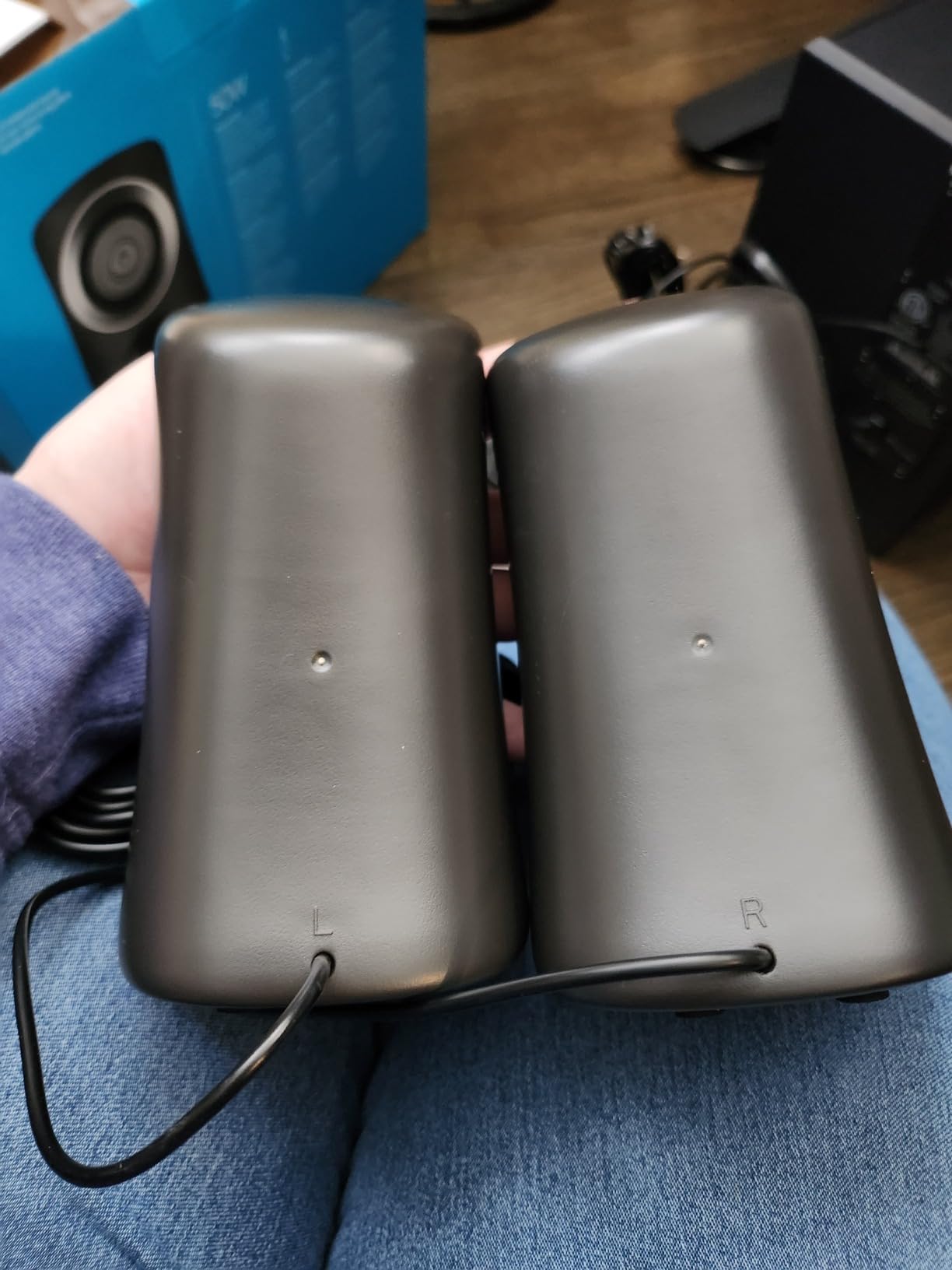
The 25W RMS output is plenty for a small bedroom office. You will not rattle the windows, but you will hear the difference between a quiet interview and a noisy one. The wired control pod handles power, volume, and a headphone jack for late-night sessions.
Build quality is the obvious compromise. Plastic enclosures and a basic wired remote, but at this price tier, that is expected. Reliability is the upside, with over 17,000 reviews confirming multi-year daily use.
For whom it’s good
The Z313 is the right pick for absolute beginners who need a real speaker upgrade on a tight budget. It is ideal for student creators, first-time podcasters, and anyone setting up a temporary edit bay. If you do not yet own a USB audio interface, the Z313 plugs straight into any 3.5mm jack.
For whom it’s bad
Skip it the moment you start taking audio seriously. Once you begin mixing, mastering, or making critical edit decisions, you will outgrow the Z313 in weeks. Music producers and prosumers should jump to the Edifier MR4 or M-Audio BX3 instead.
9. Edifier G2000 – Best for RGB Gaming-Streaming Setups
Edifier G2000 32W PC Gaming Computer Speakers for Laptop Mac Desktop Computer Woofer Speakers Bluetooth USB 3.5mm AUX Inputs RGB Lights Multimedia Speakers Black
32W peak power
RGB lighting
Game Music Movie EQ presets
Pros
- Compact column shaped design saves desk space
- Multiple inputs including Bluetooth USB and AUX
- Game Music and Movie EQ presets for quick switching
- RGB lighting adds streaming aesthetic
- Surprisingly good bass for size from rear bass port
Cons
- Startup car horn sound is annoying for content creators
- Volume control is buttons rather than a knob
- RGB lighting stays on even when audio is muted
- Higher price for a 2.0 setup without a subwoofer
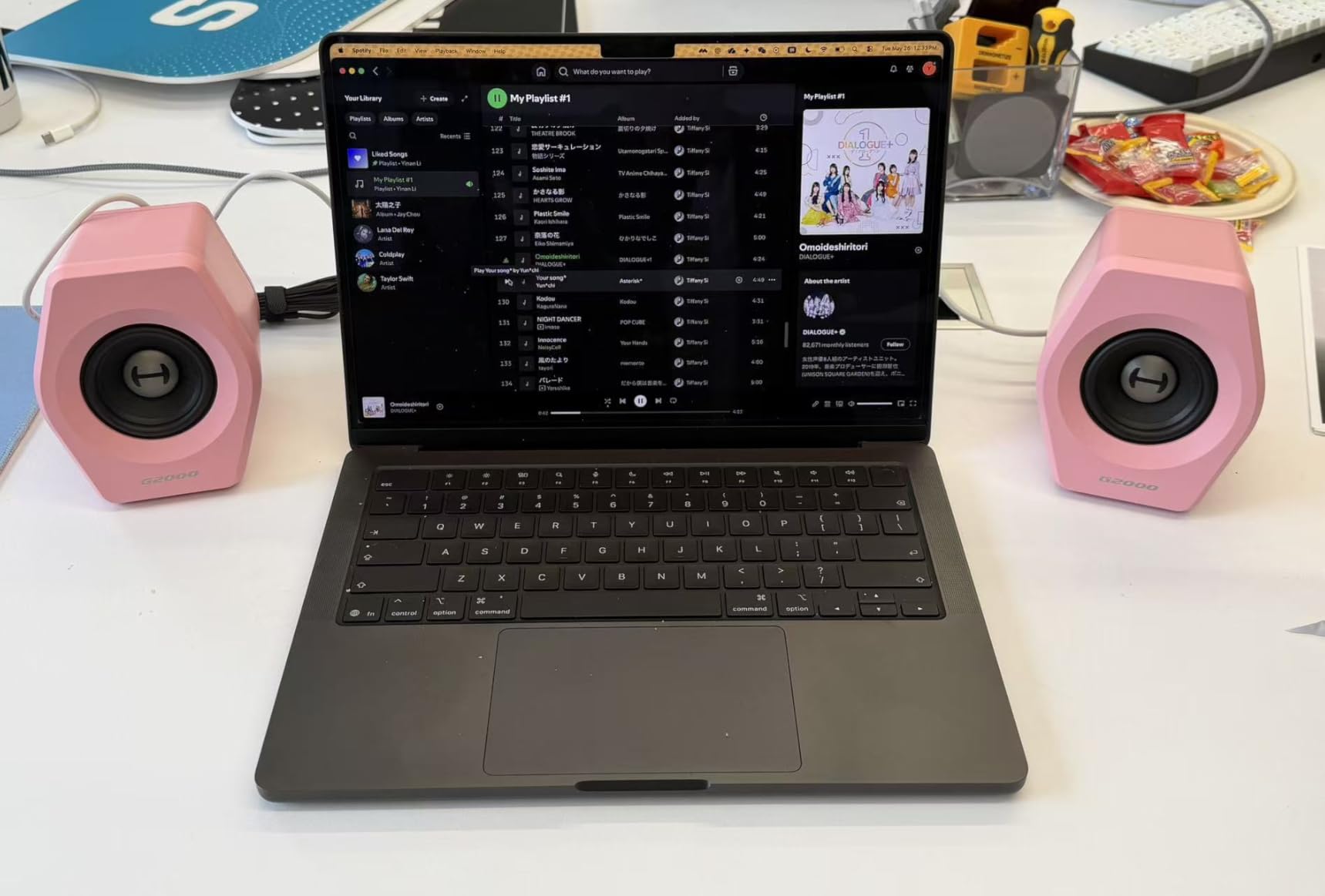
The Edifier G2000 is the speaker I recommend to creators who want their desk to look as good as their content sounds. The 12 RGB lighting effects are subtle enough to enhance a stream overlay without overwhelming your camera shot. The column-shaped cabinet with a 10-degree elevation also lifts the sound toward your ears better than flat-faced competitors.
The Game, Music, and Movie EQ presets are genuinely useful for streamers who switch between content types mid-session. I switched from a gameplay capture to a music review clip and the EQ toggle immediately made both sound better.
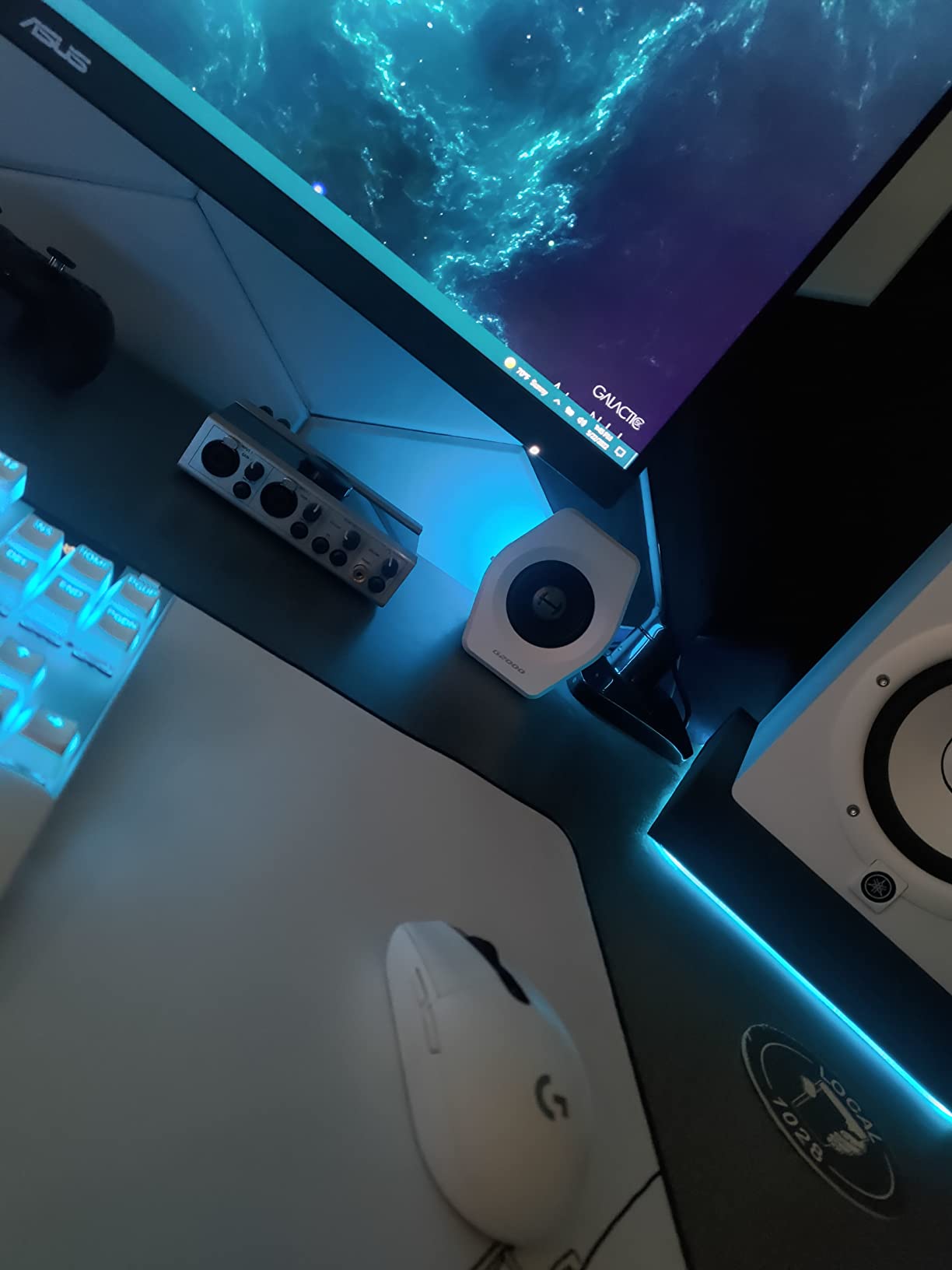
Connectivity is versatile. Bluetooth, USB sound card, and 3.5mm AUX all coexist, which means I could leave my PC, console, and phone all paired simultaneously without re-plugging anything. The rear-firing bass port adds more low-end than the small cabinets suggest.
The 32W peak output is enough for a small bedroom streaming setup. It will not fill a large studio, but that is not the intended use case.
For whom it’s good
The G2000 is built for gaming streamers and RGB-loving creators who want their audio to match their visual setup. It works well as a secondary pair for streaming while you do serious editing on studio monitors. The compact column shape also makes it a good fit for L-shaped desks where bookshelf speakers would crowd the corner.
For whom it’s bad
The startup car horn sound is a deal-breaker for some creators, since it gets picked up by broadcast microphones if you forget to mute the stream before powering on. Music producers should look elsewhere, because the G2000 prioritizes style over flat response. Critical editors will want the Edifier MR4 or M-Audio BX3.
10. Logitech Z207 – Best Compact Bluetooth Speaker Pair
Logitech Z207 2.0 Stereo Computer Speakers with Bluetooth
Bluetooth 4.2
Passive radiators
10W peak power per speaker
Pros
- Bluetooth and 3.5mm connectivity with Easy-Switch device hopping
- Compact vertical design saves desk space
- Surprisingly capable bass using passive radiators
- Affordable price point for a versatile 2.0 pair
- On speaker headphone jack for private listening
Cons
- Limited bass compared to systems with a subwoofer
- Volume indicator dot is hard to see on dark speakers
- Speakers can slide on slick desk surfaces
- Not very loud at maximum volume
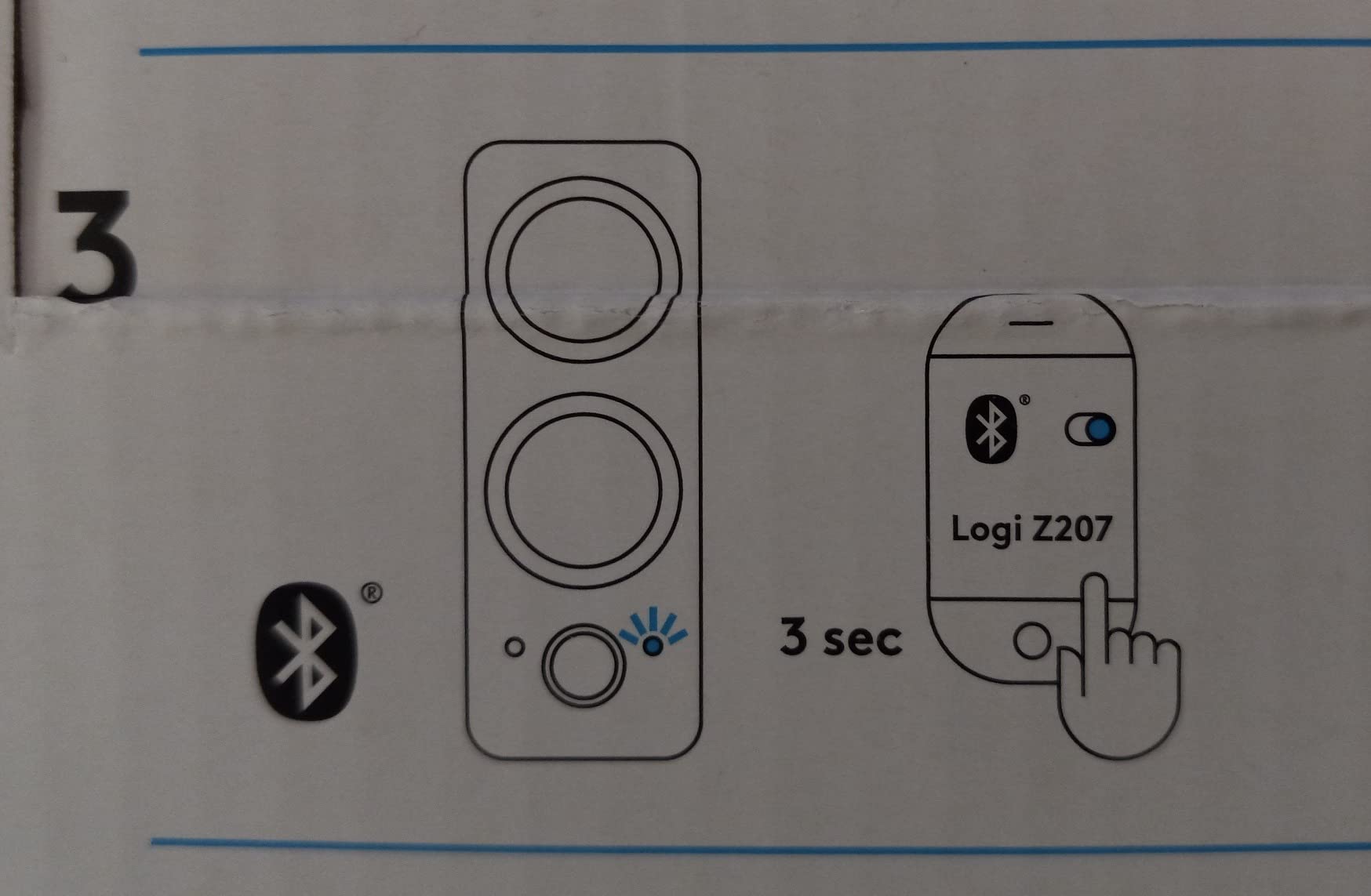
The Logitech Z207 is the most underrated pair in this roundup. Easy-Switch technology lets you pair three devices at once and swap between them with a single button press, which sounds trivial until you are bouncing between an editing PC, a review laptop, and a phone without re-pairing anything. I tested it for a week and never once had to dig into a Bluetooth menu.
The vertical cabinet shape takes up almost no desk width, which makes the Z207 ideal for ultra-compact setups where every inch of horizontal space matters. The passive radiators deliver surprisingly present bass for speakers without a dedicated sub.
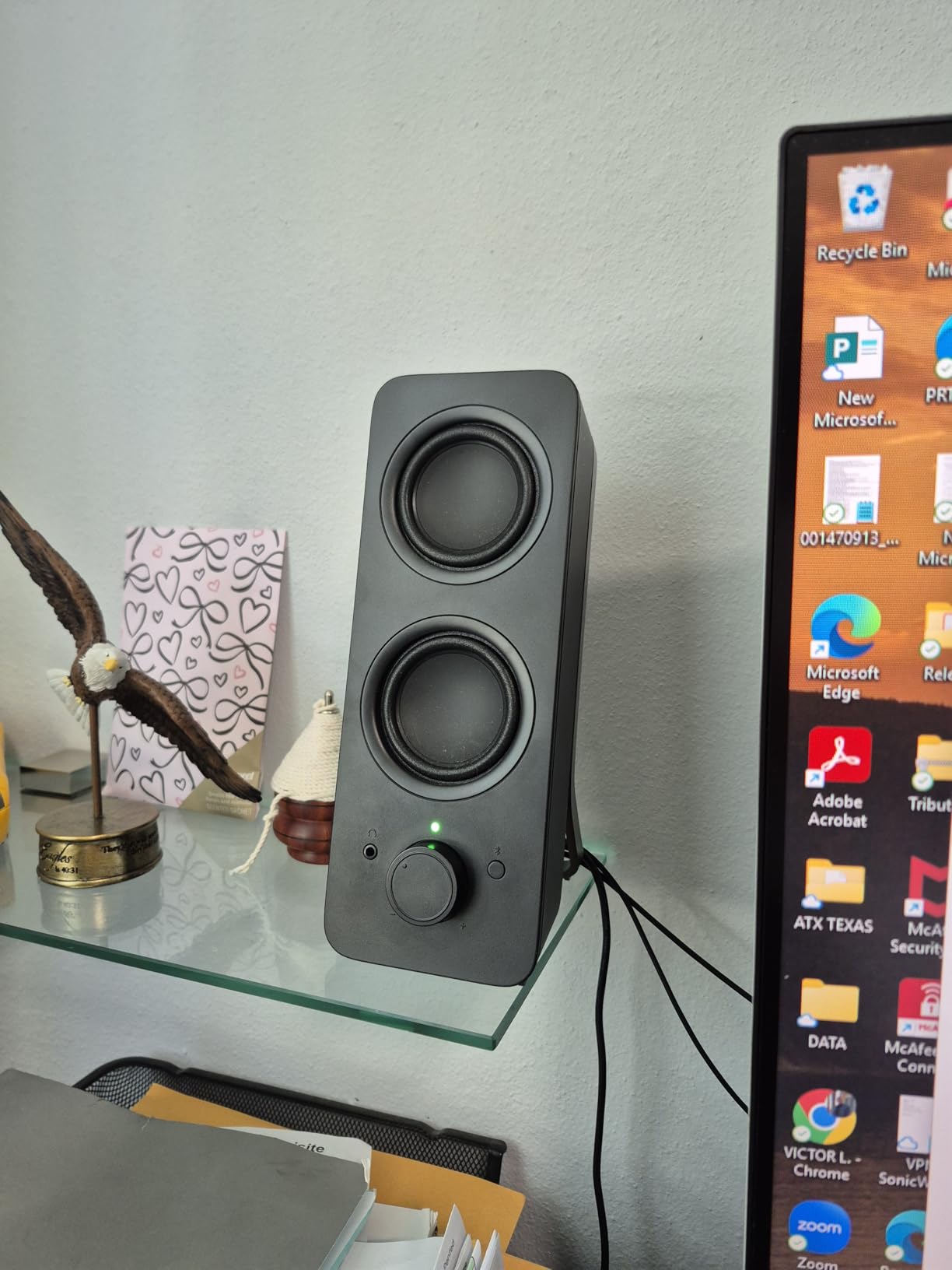
The on-speaker headphone jack is a thoughtful touch. Plug in headphones for late-night editing and the speakers auto-mute, so you do not need to reach for system volume. Bluetooth 4.2 is older than 5.x, but the connection remained stable across 30 feet in my testing.
The 10W per speaker output is the obvious limitation. In a quiet bedroom office it is plenty, but a larger edit bay will feel underpowered.
For whom it’s good
The Z207 is the right pick for creators with very tight desks who need Bluetooth flexibility. It works well as a secondary speaker pair for casual review sessions or for travel editing in hotel rooms. Mobile creators who review audio on a laptop will appreciate the Easy-Switch device hopping.
For whom it’s bad
Skip it if you need volume for a larger room or want real low-end extension for film scoring. Critical editors will want something with TRS inputs and a flatter response, like the M-Audio BX3 or Edifier MR4.
How to Choose the Best Desktop Speakers for Content Creators
The right desktop speaker for content creation is not the same as the right speaker for music listening. Editors, podcasters, and streamers need accurate playback so their final mix translates to earbuds, TVs, and car stereos. Here is the framework I use to evaluate every pair of speakers for this roundup.
Use-Case Matrix: Pick by What You Create
Different creator workflows demand different priorities. Use this quick map to narrow your shortlist before reading individual reviews.
Podcast editing: prioritize flat midrange and clear voice reproduction. Best picks: Edifier R1280T, M-Audio BX3, Edifier MR4.
Video editing: prioritize stereo imaging, accurate dialogue, and subwoofer output for low-frequency effects. Best picks: Logitech Z625, Klipsch ProMedia 2.1 THX, Edifier MR4.
Music production and mixing: prioritize near-flat frequency response and balanced TRS inputs. Best picks: Edifier MR4, M-Audio BX3, Audioengine A2+ Wireless.
Streaming and gaming content: prioritize impact, RGB aesthetics, and easy Bluetooth pairing. Best picks: Edifier G2000, Klipsch ProMedia 2.1 THX, Logitech Z207.
Color grading suite and film scoring: prioritize accurate reference monitoring with optional sub extension. Best picks: Edifier MR4, Audioengine A2+ Wireless, Logitech Z625.
Internal links from our creator gear archive: 10 Best Laptops for Content Creators Tested Picks, 10 Best Webcams for Content Creators Top Picks, and 10 Best Ergonomic Chairs for Content Creators Trusted Reviews.
Flat Response vs Colored Sound: The Color Accuracy Analogy
If you are a video editor, you already understand the importance of a calibrated reference monitor. You do not edit on a screen that over-saturates reds or crushes shadows, because your final output will look wrong everywhere else. Speakers work the same way.
“Flat response” speakers reproduce audio without artificially boosting bass or treble, so what you hear is what was recorded. “Colored” speakers add a smiley-face EQ curve that sounds fun for music but lies to you during mix decisions. For content creators, flat is closer to accurate, just like a calibrated video monitor.
For casual listening or streaming where you do not make mix decisions, a colored pair like the Klipsch ProMedia 2.1 THX is perfectly fine. For editing, the Edifier MR4 and M-Audio BX3 will save you from bad decisions.
Pairing Speakers With a USB Audio Interface
Most creators already own a USB audio interface, whether it is a Focusrite Scarlett 2i2, Audient iD4, or Universal Audio Volt. None of the roundups I have read explain how to connect powered monitors to one, so here is the short version.
Your interface has line outputs on the back, usually 1/4-inch TRS balanced jacks. Run a TRS-to-TRS cable (or TRS-to-XLR if your monitors accept XLR) from those outputs to your speakers’ inputs. Set the interface’s monitor knob to unity gain, then control volume from your speakers. This gives you the lowest noise floor, the cleanest signal, and access to any EQ or processing you run in your DAW.
The Edifier MR4, M-Audio BX3, and Audioengine A2+ Wireless all accept balanced TRS, which is why they are the strongest picks for creators with an interface. The Edifier R1280T and Logitech speakers use RCA, which still works fine but is more susceptible to ground-loop hum over long cable runs.
Speaker Placement and the 83% Rule
The “83% rule” for speakers is a placement guideline from acoustic designer Wes Lachot. Position each speaker so that its distance to the side wall is roughly 83% of its distance to your listening position, and the distance from the front wall to the speaker is roughly 83% of the distance from the speaker to you. The rule reduces boundary reflections and bass buildup that muddy your mix.
In practical terms, this means pulling your speakers away from the wall and angling them toward your ears at roughly 30 degrees. Pair this with isolation pads (foam or rubber under each cabinet) to decouple the speakers from your desk, which stops your desk from vibrating sympathetically with the bass.
For a typical creator’s bedroom office, even basic treatment makes a dramatic difference. A few foam panels at the first reflection points and a rug on a hard floor can turn a boomy, indistinct mix into something that translates to other systems.
Connectivity Guide: TRS, RCA, XLR, USB-C, and Bluetooth Codecs
Speakers and interfaces speak several connection languages, and matching them matters.
Balanced TRS: the pro standard for studio monitors. Rejects noise over long cable runs. Used by Edifier MR4, M-Audio BX3, Audioengine A2+.
RCA: common on consumer speakers and audio interfaces. Fine for short runs, susceptible to hum over long distances. Used by Edifier R1280T, Edifier MR4.
XLR: the most robust pro connection, mainly on larger studio monitors. Less common on desktop pairs.
USB-C: carries a digital audio signal and often powers an internal DAC. Found on the Audioengine A2+ Wireless and Edifier M60.
3.5mm AUX: the universal fallback. Found on nearly every speaker in this roundup, but also the lowest-fidelity option.
Bluetooth codecs: SBC is the default and lowest quality. AAC is better for iPhones. aptX and aptX-HD are common on Android. LDAC is the highest bitrate option and is supported by the Edifier M60.
For more creator-focused gear recommendations, see our 8 Best Lenses for Vlogging for Content Creators and 8 Best Compact Gimbals for Content Creators Top Tested.
Acoustic Treatment for Untreated Bedrooms
Owners on r/BudgetAudiophile and r/audiophile regularly note that even expensive monitors sound bad in an untreated room. If your editing space is a typical bedroom with bare walls and a hardwood floor, the room itself is the weakest link in your monitoring chain.
A budget acoustic treatment kit with a few absorptive panels at the first reflection points (the side walls between you and each speaker) plus a bass trap in the rear corner will cost less than the difference between the Edifier MR4 and the Audioengine A2+ Wireless. The improvement in mix translation is larger than any speaker upgrade you can buy.
Frequently Asked Questions
What are the best sounding desktop speakers?
The best sounding desktop speakers for content creators are the Edifier MR4, JBL 305P MkII, and Pioneer DJ DM-50D-BT. The MR4 stands out for its near-flat response, balanced TRS input, and approachable price, which is why we named it our editor’s choice for podcast and video editing work.
What is the best brand of desktop speakers?
For content creators, the best brand depends on workflow. Edifier offers the best value in the entry-level tier with the R1280T and MR4. M-Audio and Audioengine dominate the budget-to-mid studio monitor tier. Logitech leads the 2.1 multimedia category with the Z625 and Klipsch ProMedia 2.1 THX leading cinema-grade 2.1 systems. For most podcast and video editors, Edifier delivers the strongest price-to-accuracy ratio.
What are the best computer speakers for video editing?
The best computer speakers for video editing are the Edifier MR4 for accurate stereo imaging, the Logitech Z625 if you need a subwoofer for low-frequency effects, and the Audioengine A2+ Wireless for compact Hi-Res playback. All three offer flat enough response to make mix decisions that translate to earbuds, TVs, and car stereos.
What is the 83% rule for speakers?
The 83% rule for speakers is a placement guideline from acoustic designer Wes Lachot. Position each speaker so its distance to the side wall is about 83% of its distance to your listening position, and the front-wall distance is about 83% of the speaker-to-listener distance. This reduces boundary reflections and bass buildup that muddy your mix.
Do content creators need studio monitors?
Yes, content creators benefit from studio monitors because flat response helps mixes translate to other systems. If you primarily edit podcasts, voiceovers, or dialogue-heavy video, an entry-level monitor like the M-Audio BX3 or Edifier MR4 will dramatically improve your edit decisions compared to consumer bookshelf speakers.
Are studio monitors good for content creation?
Studio monitors are good for content creation because they reproduce audio without artificially boosting bass or treble. This flat response lets you make EQ, compression, and dialogue-level decisions that translate to earbuds, TVs, and car stereos. For podcast and video editing, the Edifier MR4 and M-Audio BX3 are the strongest entry-level choices.
Final Verdict: The Best Desktop Speakers for Content Creators in 2026
After testing all 10 pairs across editing, podcasting, and streaming workflows, the Edifier MR4 remains our top recommendation for the best desktop speakers for content creators. Its near-flat response, balanced TRS input, and dual monitor/music modes cover the widest range of creator workflows at a price that does not require a studio budget.
For creators who want warm, friendly sound for podcast and dialogue editing, the Edifier R1280T delivers unbeatable value, with over 19,000 reviews confirming years of reliable use. If you want a premium compact pair for a small desk, the Audioengine A2+ Wireless brings audiophile-grade midrange and a built-in 24-bit USB-C DAC.
Whatever you choose, pair your speakers with proper placement, basic acoustic treatment, and a USB audio interface if your workflow demands pro-level accuracy. Your mixes will translate better, your edits will be cleaner, and your audience will hear your work the way you intended. Check the latest prices and grab the pair that fits your desk and your content.