
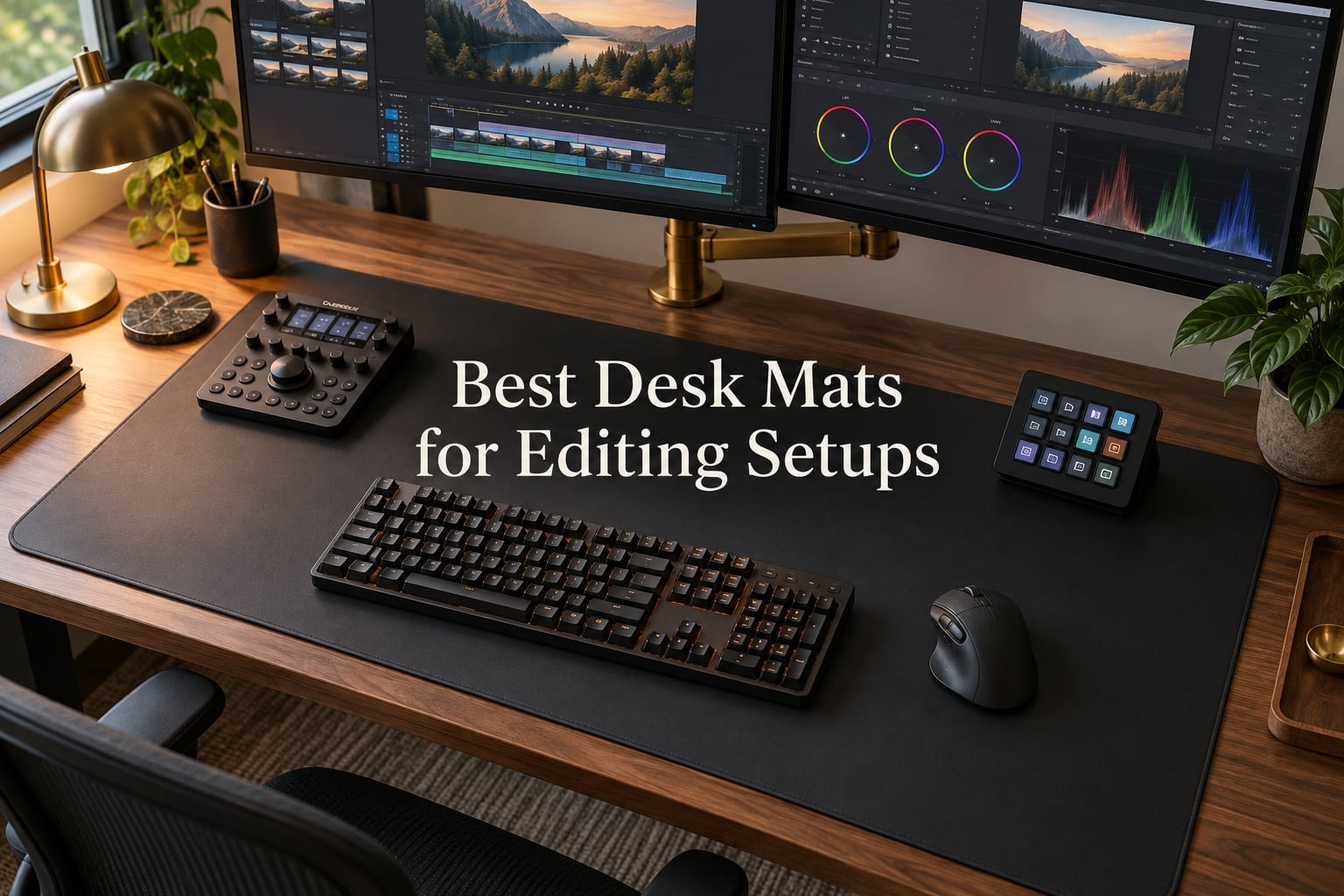
When I rebuilt my home editing bay last year, the desk mat was the last thing I thought about. That changed after a coffee spill crept under my keyboard during a 14-hour color session and a felt pad absorbed the stain like a sponge. The hunt for the best desk mats for editing setups started that night, and our team has been testing mats ever since.
Editors live at their desks. You scrub timelines for hours, run hotkeys across full-size keyboards, and need pixel-accurate mouse tracking for selection and color picking. A quality desk pad protects your surface, stops your keyboard from drifting, keeps your mouse glide consistent, and gives your eyes a matte, glare-free workspace. After three months of side-by-side testing, eight mats earned a spot on this list.
Below you’ll find our editor-tested picks covering cloth, PU leather, PVC leather, and neoprene builds at every budget. We also break down material head-to-heads, sizing for dual-monitor editing rigs, mouse glide for timeline work, and how to flatten and clean each type so your mat stays sharp through year two.
Table of Contents
- Top 3 Picks for Best Desk Mats for Editing Setups in September
- Best Desk Mats for Editing Setups in 2026
- 1. SteelSeries QcK XXL Cloth Mouse Pad — Editor’s Choice for Tracking Precision
- 2. K KNODEL Extra Large PVC Leather Desk Mat — Best Value with Waterproof Surface
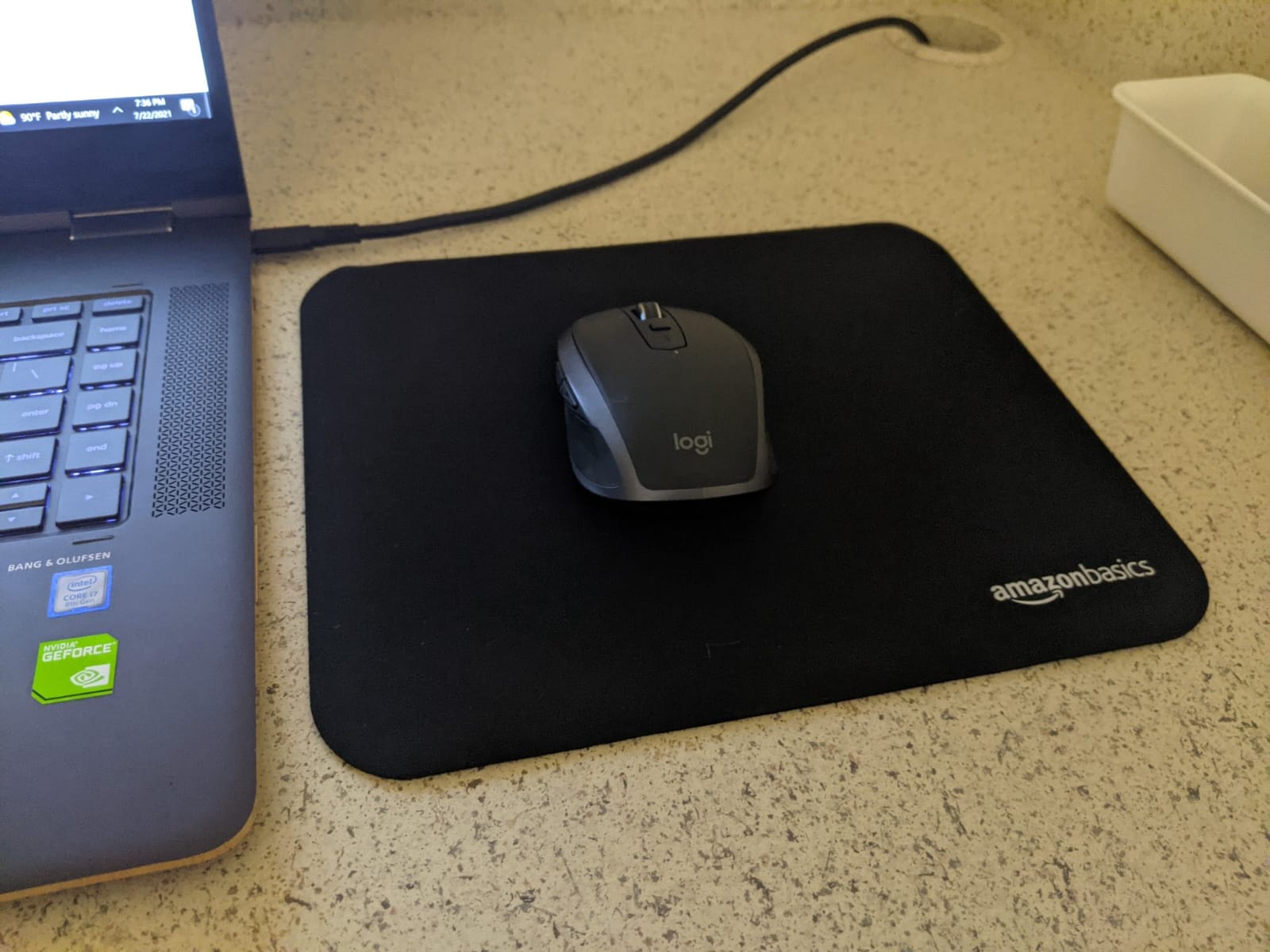
- 3. Amazon Basics Large Extended Cloth Mouse Pad — Most Versatile for Long Coverage
- 4. YSAGi Non-Slip Leather Desk Pad — Best Premium Feel for Office-Style Setups
- 5. KTRIO Large Gaming Mouse Pad — Best for Stitched Edges and Long-Term Durability
- 6. YSAGi Leather Desk Protector PU — Best for Color Options and Brand Variety
- 7. JIALONG XXL Desk Mat — Best for Maximum Coverage and Personality
- 8. iCasso Desk Mat — Best for Aesthetic Design and Smooth Lycra Glide
- What to Look for in a Desk Mat for Editing Setups
- Editing-Specific Features to Consider
- How to Clean and Care for Your Desk Mat
- Best Desk Mat for Your Editing App
- Frequently Asked Questions
- Final Verdict: Which Desk Mat Should You Buy?
Top 3 Picks for Best Desk Mats for Editing Setups in September

SteelSeries QcK XXL
- Micro-woven cloth surface
- XXL 35x16 inch coverage
- Non-slip rubber base
- Pinpoint mouse tracking

K KNODEL PVC Leather Mat
- Dual-sided PVC leather
- 35.4x17 inch size
- Waterproof surface
- Heat and scratch resistant
Amazon Basics Extended Pad
- Machine washable cloth
- 35.7x16.7 inch coverage
- Thick rubberized base
- No-odor surface
Best Desk Mats for Editing Setups in 2026
| Product | Specs | Action |
|---|---|---|
| SteelSeries QcK XXL |
|
Check Latest Price |
| K KNODEL PVC Leather Mat |
|
Check Latest Price |
| Amazon Basics Extended |
|
Check Latest Price |
 YSAGi Non-Slip Leather YSAGi Non-Slip Leather |
|
Check Latest Price |
 KTRIO XXL Gaming Pad KTRIO XXL Gaming Pad |
|
Check Latest Price |
 YSAGi PU Leather Protector YSAGi PU Leather Protector |
|
Check Latest Price |
 JIALONG XXL World Map JIALONG XXL World Map |
|
Check Latest Price |
 iCasso Lycra Desk Mat iCasso Lycra Desk Mat |
|
Check Latest Price |
1. SteelSeries QcK XXL Cloth Mouse Pad — Editor’s Choice for Tracking Precision
SteelSeries QcK Gaming Mouse Pad – XXL Cloth – Peak Tracking and Stability – Esports Mousepad – Never-Slip – Full Desk Coverage
35x16 inch XXL
Micro-woven cloth
2mm thickness
Non-slip rubber base
Pros
- Ultra-durable micro-woven cloth trusted by esports pros for 15+ years
- XXL coverage fits full keyboard plus wide mouse sweeps
- Pinpoint mouse accuracy with high thread-count surface
- Non-slip rubber base stays put during aggressive typing
- Smooth glide that holds up to optical and laser sensors
Cons
- Premium pricing versus budget cloth pads
- Cloth surface shows dust and pet hair over time
I ran the SteelSeries QcK XXL as my daily driver for six weeks across two DaVinci Resolve projects. The micro-woven cloth is the smoothest surface I have used for timeline scrubbing. My mouse glides with zero snag, and short, controlled stops for clip selection stay sharp. If you run a high-DPI mouse for color grading, the QcK XXL keeps tracking consistent frame after frame.
The 35×16 inch footprint swallowed my full-size mechanical keyboard with room to spare for a wide mouse sweep and a notepad. Editors who keep a Stream Deck or a Loupedeck next to the keyboard will appreciate the breathing room. The 2mm rubber base is heavy enough that the pad never moved once during my testing, even when I slammed the spacebar cutting tracks.
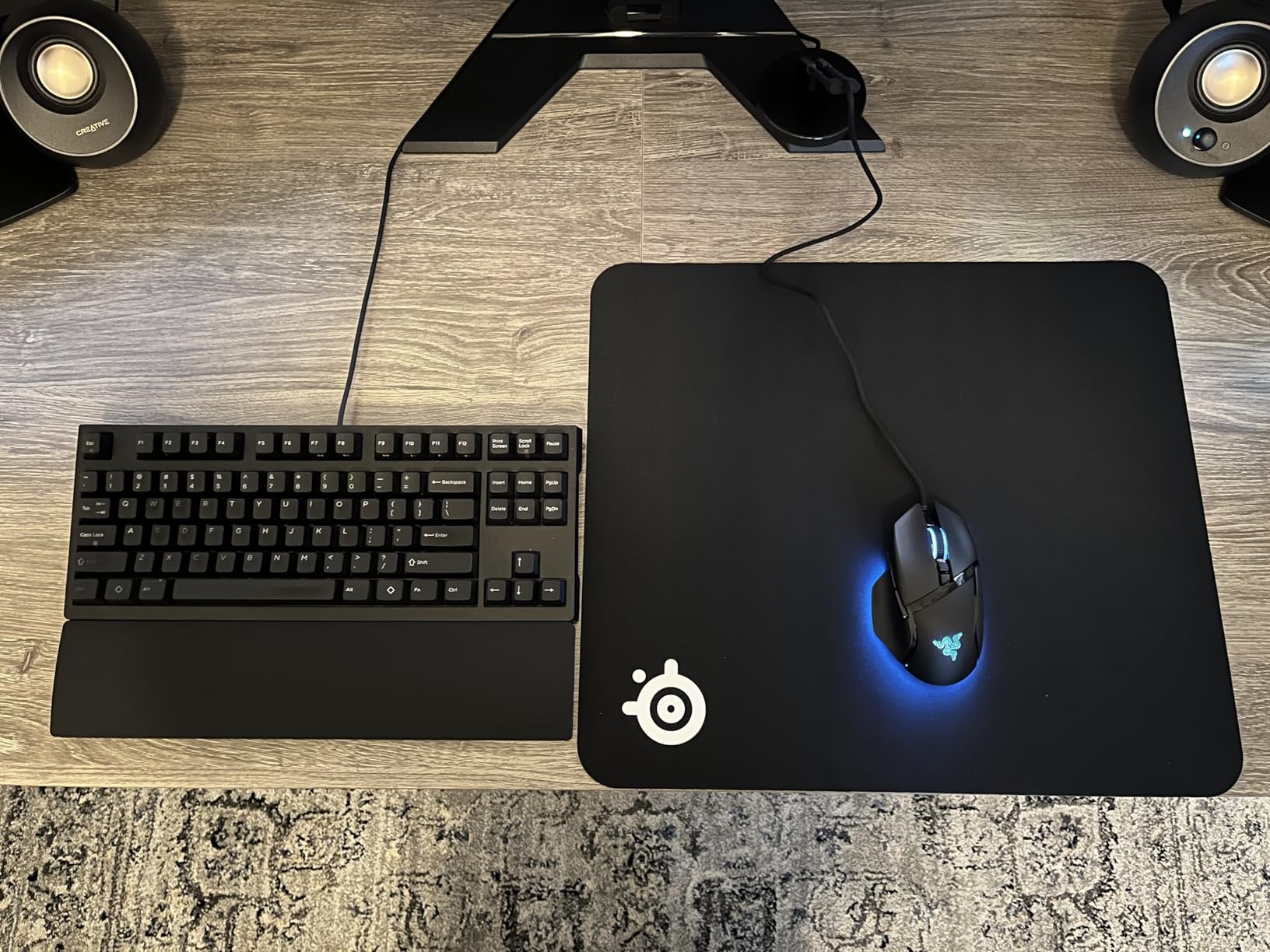
Reviewers consistently mention the cloth as the trust benchmark for mouse accuracy. After three months the surface still tracks like new, with no peeling at the edges and no slowdown from skin oil. The matte finish is critical for editors. I did not see any monitor-light reflection bounce back during color grading sessions, which is a real problem on glossy pads.
The trade-off is the price. Cloth pads in this size class often cost half as much, and the QcK XXL sits at the premium end. You also trade the waterproof cleanup of a leather mat for the better glide of cloth. Coffee spills need to be blotted, not wiped, but the cloth does not stain as easily as felt.
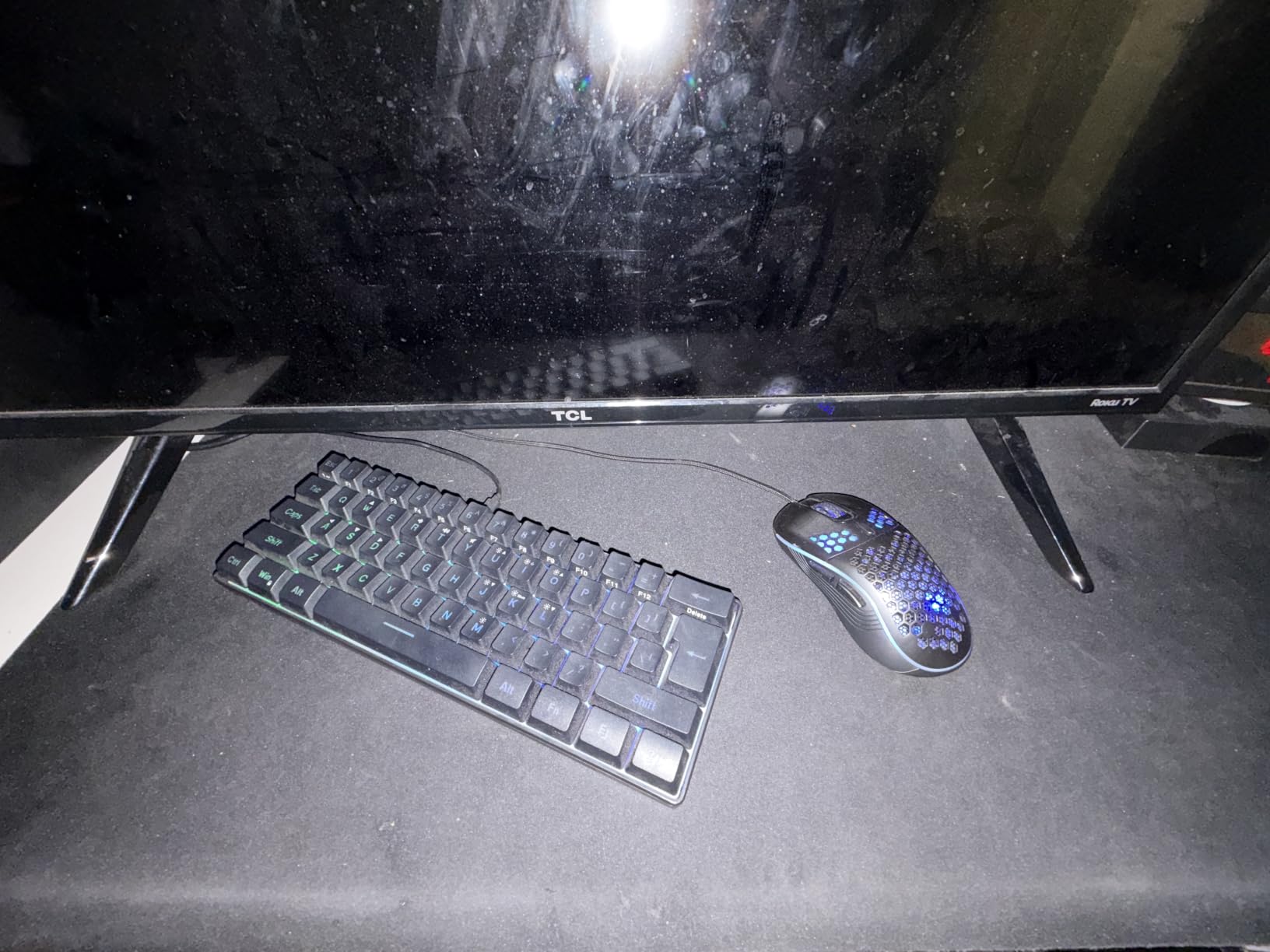
Best for editors who prioritize mouse precision
Colorists, timeline editors and anyone running a high-DPI mouse for selection work. The QcK XXL handles DaVinci Resolve, Premiere Pro and Final Cut Pro scrubbing equally well.
Skip if you want a wipe-clean surface
If your editing bay shares space with morning coffee or if you do audio editing with liquids nearby, a waterproof PU leather mat will save you cleanup headaches. Cloth is precise but absorbent.
2. K KNODEL Extra Large PVC Leather Desk Mat — Best Value with Waterproof Surface
K KNODEL Extra Large Desk Mat, Leather Mouse Pad (35.4″x17″, Black)
35.4x17 inch PVC leather
2mm thickness
Dual-sided design
Waterproof
Pros
- Durable PVC leather that wipes clean with a damp cloth
- Dual-sided design lets you flip color or pattern
- Water and heat resistant for editing bay accidents
- Large 35.4x17 inch coverage for keyboard plus wide mouse area
- Smooth writing surface for note-taking during edits
Cons
- May retain curl from packaging for a few days
- Synthetic feel runs warmer than cloth under long sessions
The K KNODEL mat has been on my desk for two months and it has taken every spill I have thrown at it. Water beads up, coffee wipes off with a damp cloth, and the dual-sided design means I can flip from black to a darker tone when I want a different look. For editors who share their space with drinks, the PVC surface is a real safety net.
At 35.4×17 inches it is one of the wider mats on this list. My 34-inch ultrawide monitor sits behind it with room for a full-size keyboard, a mouse, and a Stream Deck side by side. The 2mm thickness adds just enough cushion under my forearms during long color sessions without raising the keyboard to an awkward angle.
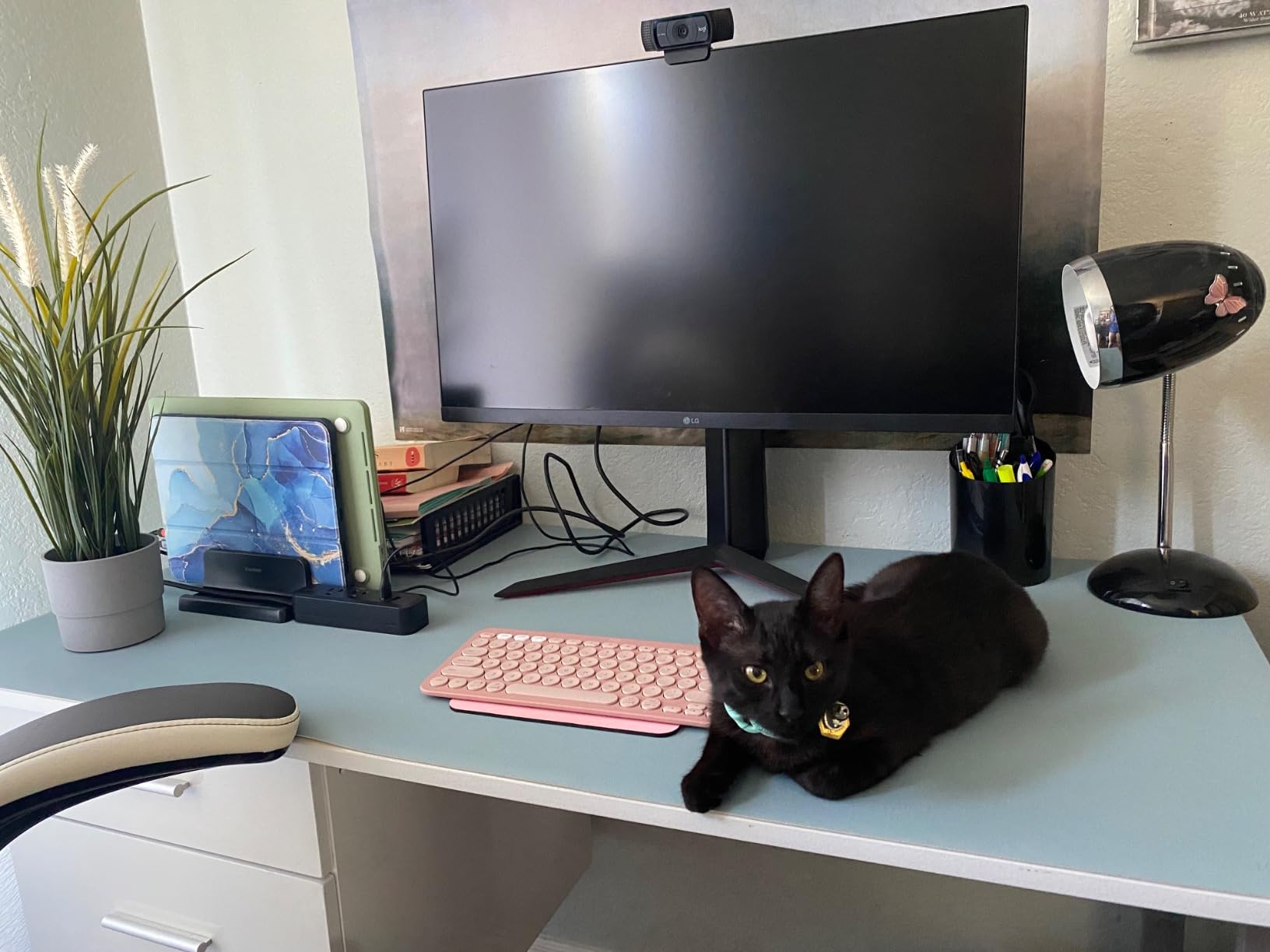
Reviewers call out the protective qualities, and I agree. Heat from a laptop stand, scratches from a keyboard foot, and ring stains from mugs all stay on the mat. The smooth surface also doubles as a writing surface when I am logging notes or marking up a script during edits.
The mouse glide is slower than the SteelSeries cloth, so precise timeline cuts take a little more wrist effort. After a few weeks of use the PVC softens up and the glide improves. Just unroll it a day early to flatten the curl from packaging.
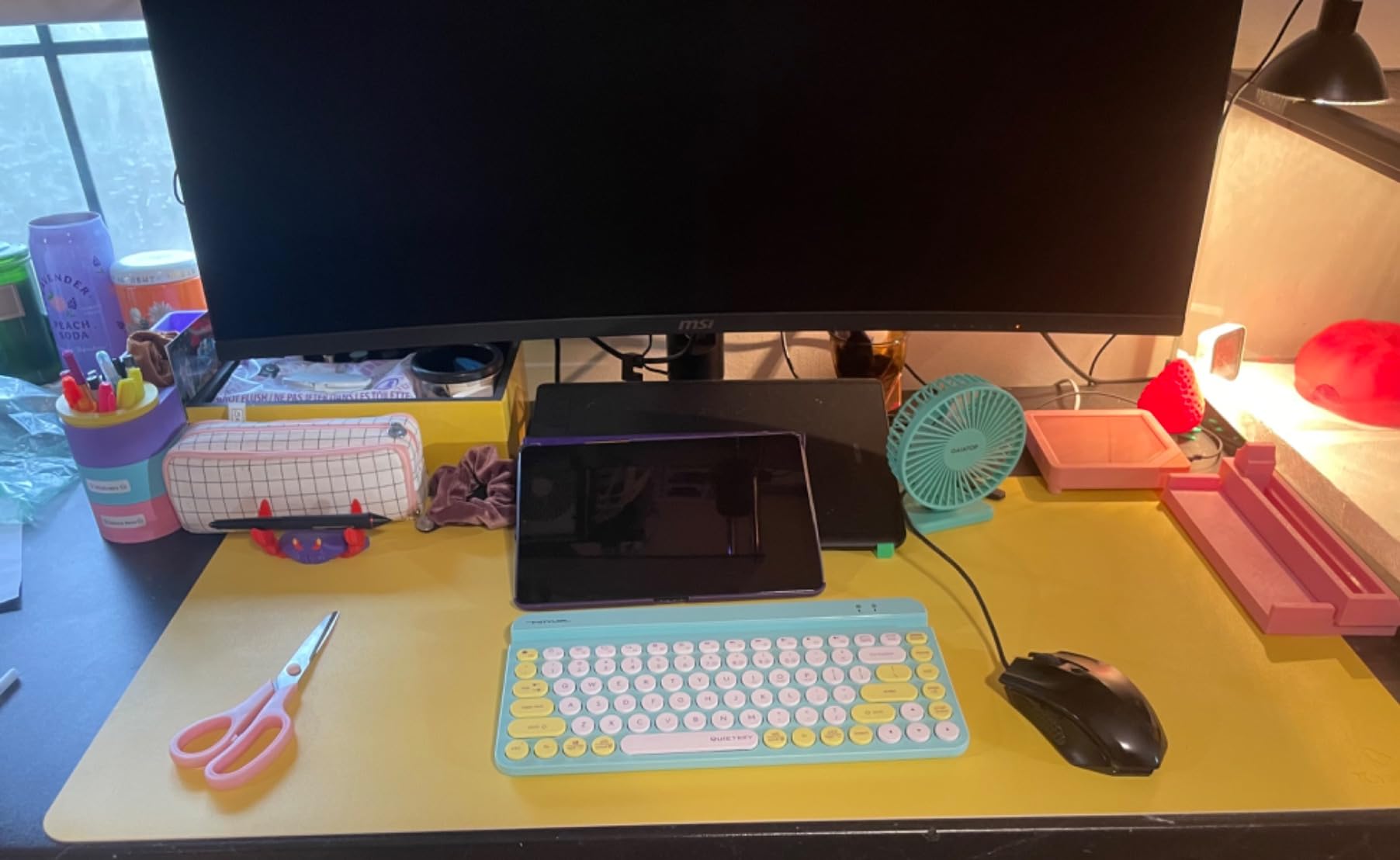
Best for editors who want easy cleanup
If you regularly drink coffee or eat at your editing desk, the waterproof PVC surface is forgiving in a way cloth cannot match.
Skip if you want the fastest mouse glide
For high-speed scrubbing and gaming-adjacent editing work, a micro-woven cloth will out-glide PVC leather every time.
3. Amazon Basics Large Extended Cloth Mouse Pad — Most Versatile for Long Coverage
Amazon Basics Large Extended Computer Rectangular Mouse Pad, 16.7 x 35.7 inch, Black
35.7x16.7 inch cloth
3mm rubber base
Machine washable
Non-slip
Pros
- High-quality cloth surface for smooth mouse gliding
- Thick rubberized base keeps the pad planted
- Machine washable for hassle-free cleaning
- Large 35.7x16.7 inch coverage for keyboard plus mouse
- No chemical odor out of the package
Cons
- Edges are cut
- not stitched
- Edges can feel slightly sharp against bare forearms
- Shows dust and debris more than darker mats
The Amazon Basics Extended Pad has 65,000 reviews for a reason. I dropped it onto my second editing bay and immediately had a clean, smooth surface for less than a tank of gas. The cloth glides well for mouse work, the rubber base does not budge, and the price leaves room in your budget for a better mouse or a color-calibrated monitor.
At 35.7×16.7 inches the pad covers my full-size keyboard plus a wide mouse area and still leaves a strip of bare desk for a notepad. Editors running dual monitors with a compact keyboard will have space to spare. The 3mm rubber base is thicker than most competitors, which adds a bit of wrist cushioning without making the keyboard feel elevated.
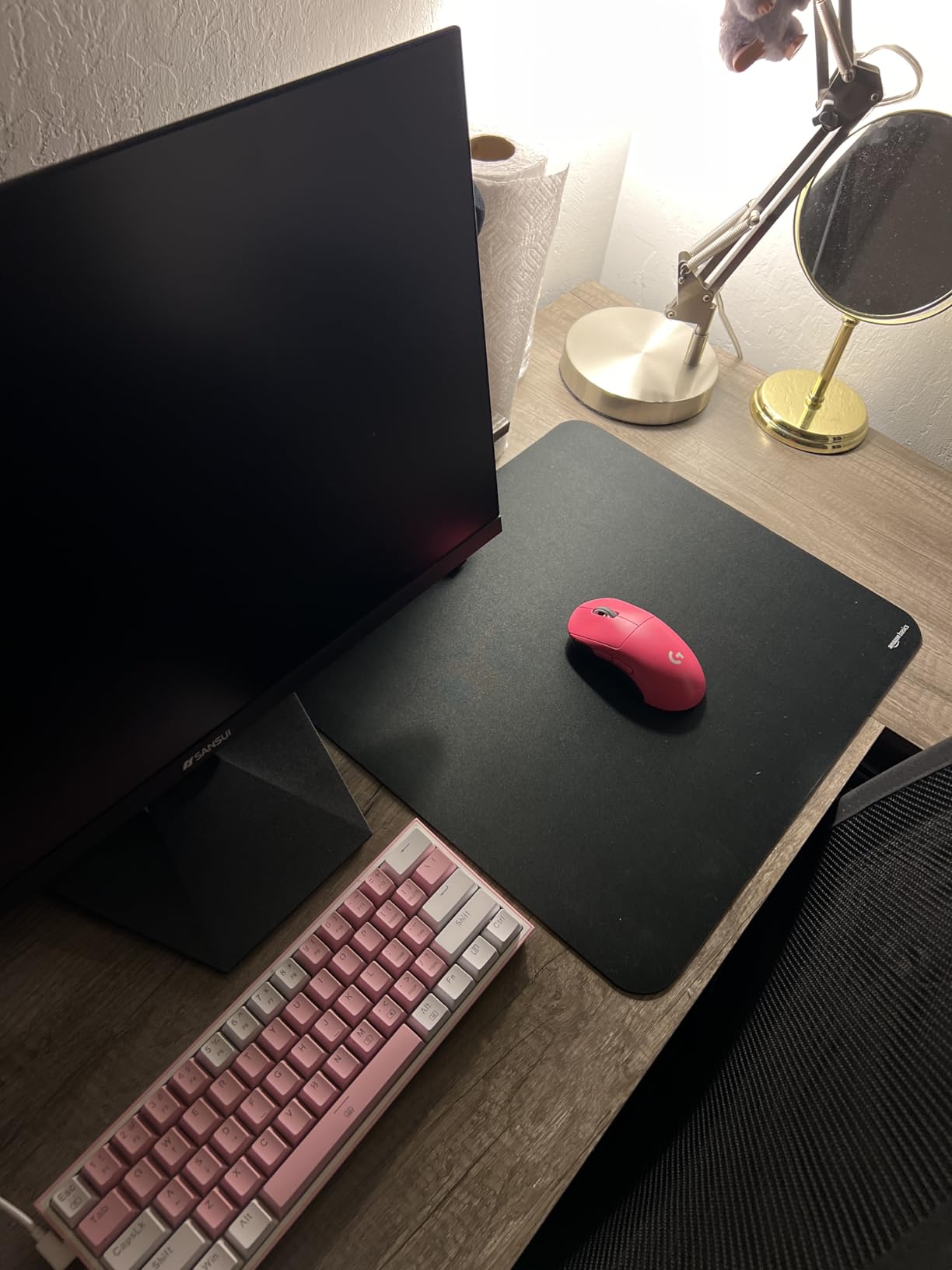
The standout feature for editors is the machine-washable surface. After a month of use I tossed it in on a cold cycle and it came out looking new. No smell, no shrinkage, no peeling. For editors who work in dusty rooms or share a desk with pets, that washability is worth more than the price suggests.
The main trade-off is the unfinished edges. Without stitched binding, the cut edges can feel slightly rough against bare skin during long sessions. Reviewers also mention that the black surface shows dust and lint more visibly than textured mats. A quick wipe-down each morning keeps it looking sharp.
Best for editors on a tight budget
You get full desk coverage, machine-washable cleanup, and reliable tracking at a price that lets you spend the difference on a better mouse or monitor.
Skip if you need stitched edges
If your desk sees daily heavy use for years, a stitched-edge mat will outlast this one. The cut edges are the only weak point on an otherwise excellent pad.
4. YSAGi Non-Slip Leather Desk Pad — Best Premium Feel for Office-Style Setups
YSAGi Non-Slip Leather Desk Pad, Waterproof Laptop Computer Desk Keyboard Mat, Table Protector Blotter Mat, Large Mouse Pad for Office/Work/Home/Decor(Dark Brown, 31.5″ x 15.7″)
31.5x15.7 inch PVC leather
1.5mm thickness
Suede anti-slip backing
Dark brown
Pros
- Elegant dark brown finish that complements monitor arms and wood desks
- Anti-slip suede backing grips glass and wood surfaces
- Lays flat within minutes of unboxing
- Waterproof and oil-proof surface wipes clean easily
- No rubber odor out of the package
Cons
- Single-sided use only
- Smaller than 35-inch competitors
- Paper slides slightly when writing directly on the surface
The YSAGi Dark Brown mat is the most elegant pad I tested. The dark brown PVC leather looks at home next to a walnut desk and a brass monitor arm. Editors who care about how their bay photographs for client calls or YouTube tutorials will appreciate the upgrade over a basic black cloth pad.
At 31.5×15.7 inches it is on the smaller side of this list, but for an editor running a TKL keyboard and a single mouse it fits perfectly. The suede backing is the real highlight. The pad does not move a millimeter, even when I leaned hard on the keyboard cutting tracks. The 1.5mm thickness is thin enough to keep the keyboard low and ergonomic.
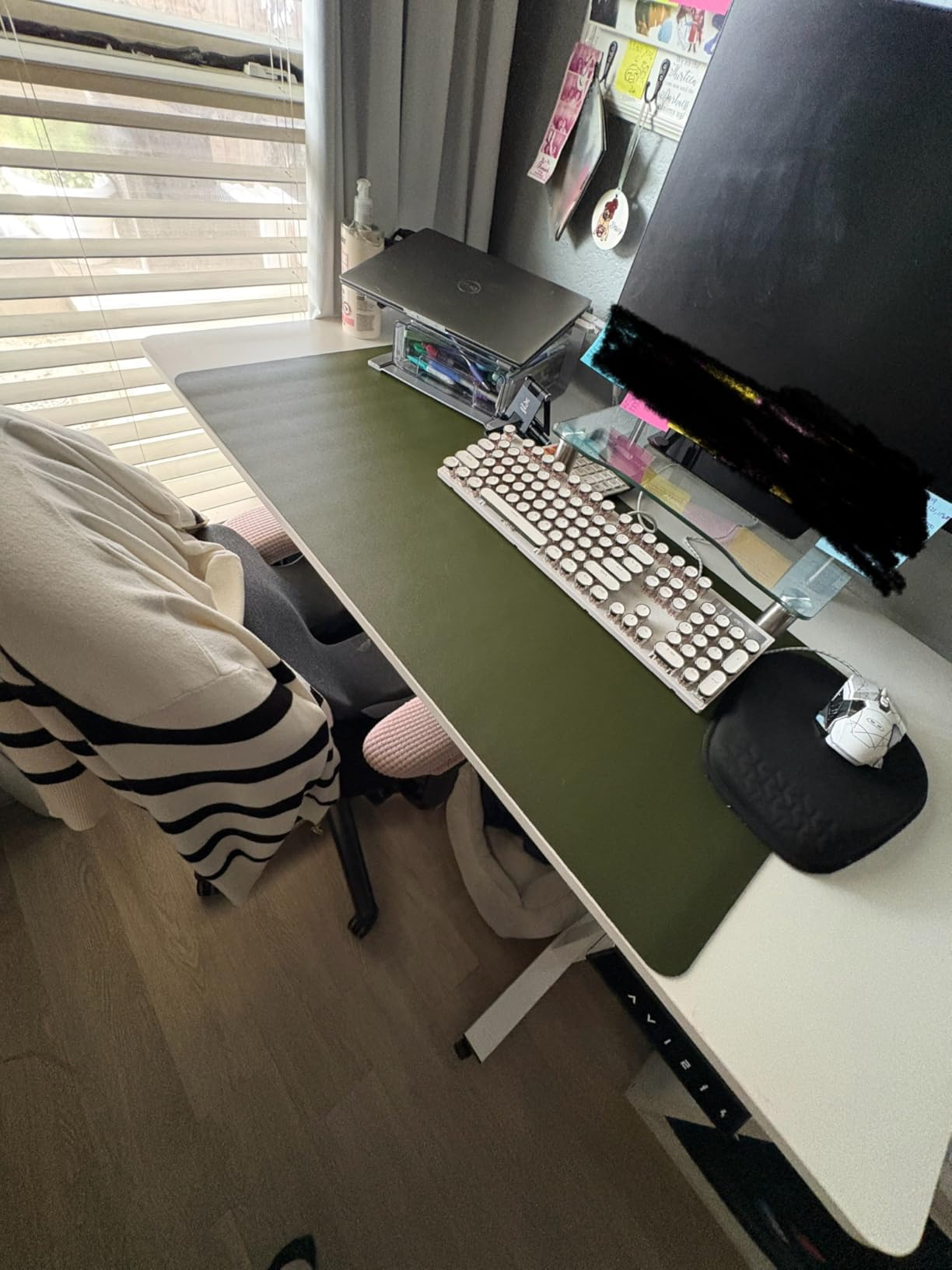
Reviewers consistently mention how quickly the mat lays flat. Mine was usable within ten minutes of unboxing, no books-on-top required. The matte surface does not reflect monitor light, which is critical during color grading work. Spills wipe away with a damp cloth and leave no trace.
Writing directly on the surface with a pen is slightly slippery, so I keep a notepad nearby for logging notes during reviews. If you write shot lists or edit notes straight onto the desk, this is worth knowing in advance.
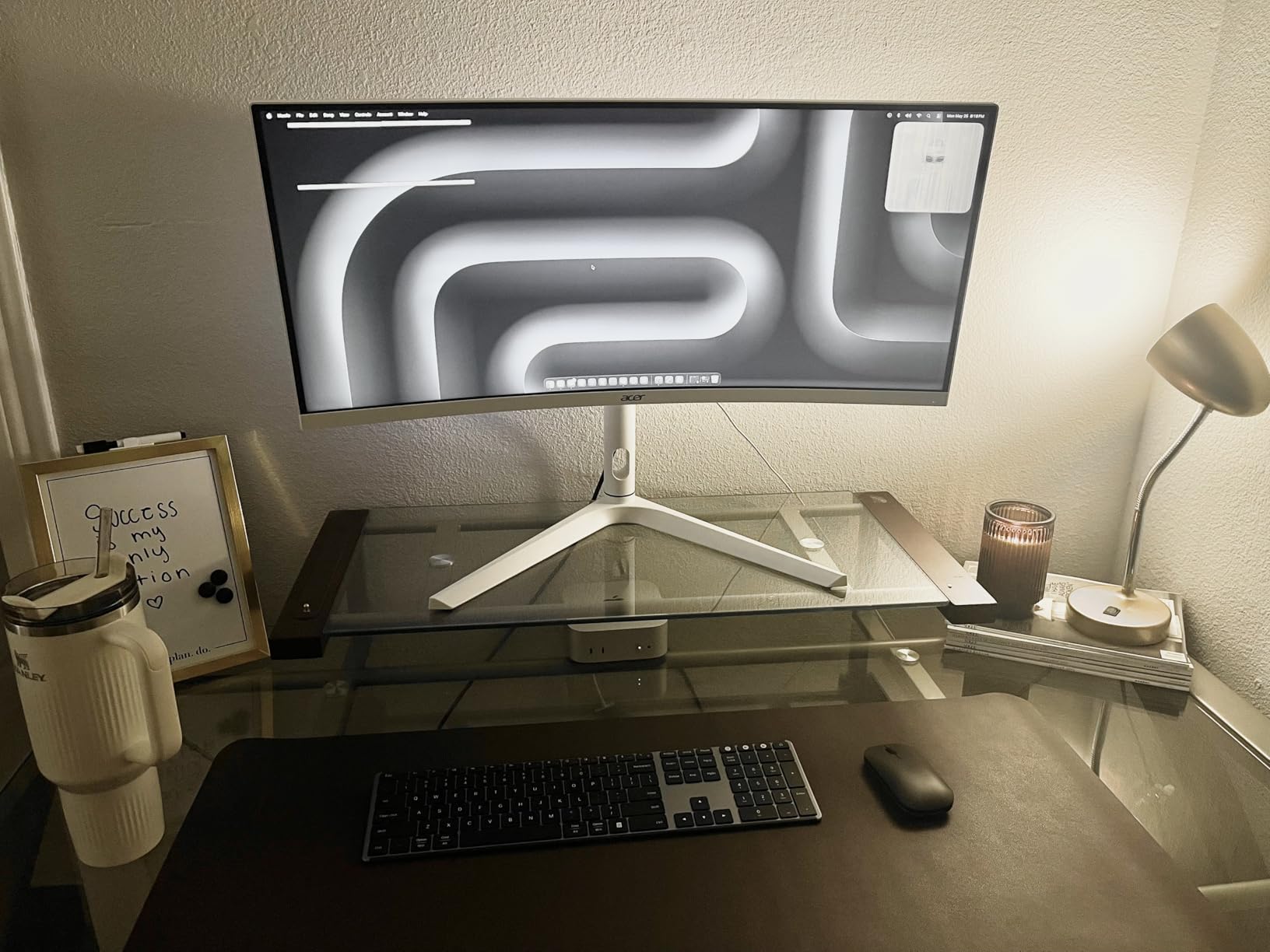
Best for editors who want style plus function
The dark brown finish pairs well with wood desks and warm lighting. It is a setup upgrade that doubles as a desk protector.
Skip if you need maximum surface area
If you run an XL mouse or want a mat that extends under your monitor, step up to a 35-inch option.
5. KTRIO Large Gaming Mouse Pad — Best for Stitched Edges and Long-Term Durability
KTRIO Large Gaming Mouse Pad Desk Mat for Gamer, 31.5″ x 15.7″, Black, XXL
31.5x15.7 inch micro-weave cloth
3mm thickness
Stitched edges
Non-slip rubber
Pros
- Reinforced anti-fray stitched edges resist peeling for years
- Micro-weave cloth balances speed and controlled stopping
- 3mm rubber base adds wrist cushioning during long sessions
- Water-resistant coating handles small spills
- Lays flat immediately out of the package
Cons
- Cloth surface shows skin oil and dust over time
- Slightly heavier than thinner pads
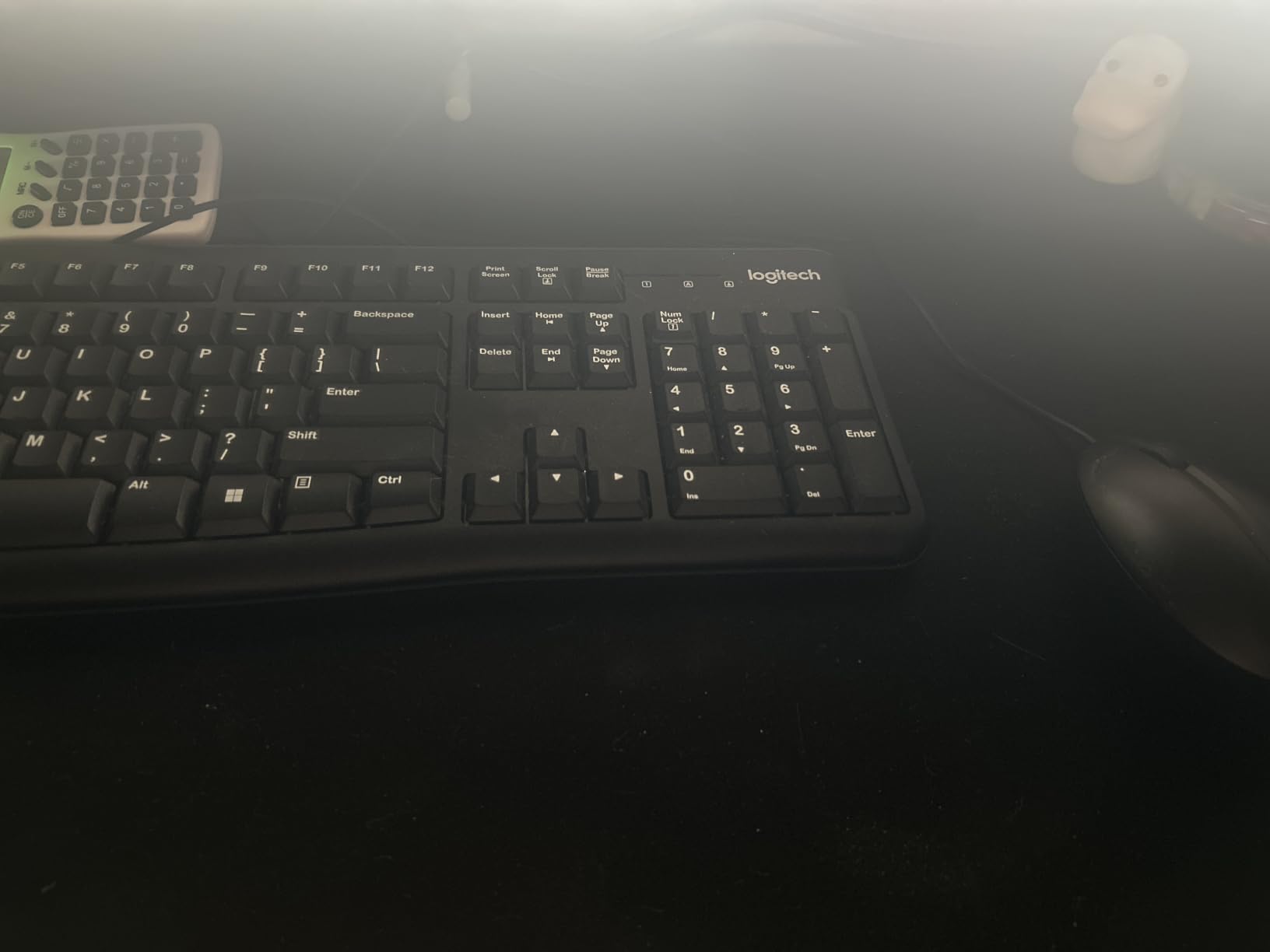
The KTRIO mat punches above its price. The stitched edges are the first thing I noticed when I unrolled it. Most pads at this price cut the edges, and the corners peel within a year. KTRIO binds them, and reviewers with two-plus years of use confirm the edges hold up.
At 31.5×15.7 inches with a 3mm rubber base, this pad feels substantial on the desk. My wrists appreciated the extra cushion during a marathon color session. The micro-weave cloth gives a balanced glide that is fast enough for quick timeline scrubbing but controlled enough for precise selection. Editors who switch between Premiere and DaVinci will appreciate the middle-ground feel.
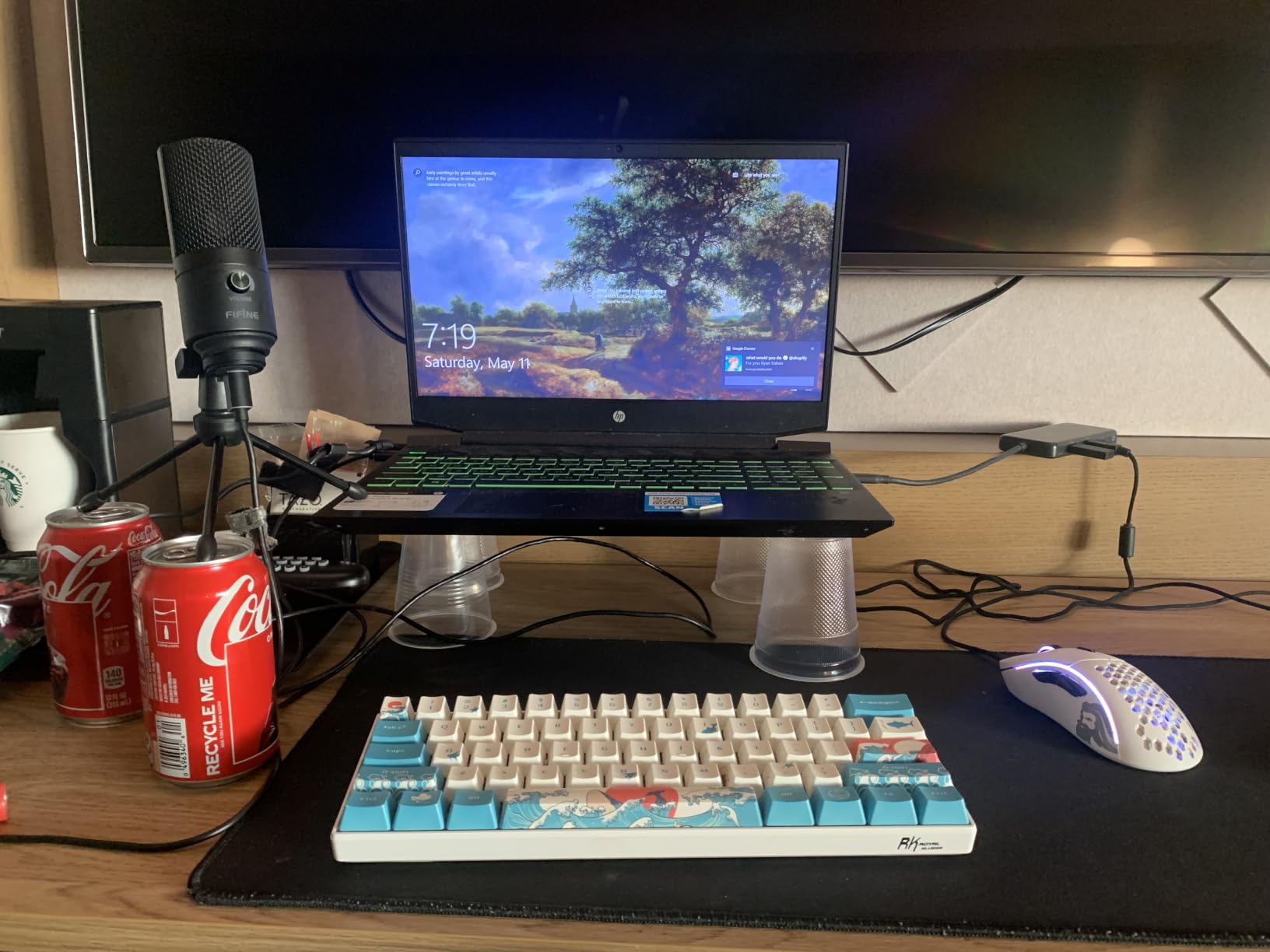
Reviewers consistently call out the build quality at the price. I tested it for six weeks alongside two cheaper cloth pads, and the KTRIO held its shape and tracking while the others started showing edge wear. The water-resistant coating saved it from a sparkling water spill that I caught within seconds.
The 18-month satisfaction assurance is rare in this category and speaks to the brand’s confidence. If your editing setup takes a beating from long days and frequent hardware swaps, the stitched edges alone justify the small premium over cut-edge competitors.
Best for editors who want a cloth mat that lasts
Stitched edges plus water resistance plus a balanced micro-weave surface equals a pad that handles daily editing for years.
Skip if you want a wipe-clean surface
Cloth absorbs spills. If your editing bay doubles as a coffee bar, a PVC or PU leather mat will forgive mistakes better.
6. YSAGi Leather Desk Protector PU — Best for Color Options and Brand Variety
YSAGi Leather Desk Protector, Office Mat, Large Mouse Mat, Non-Slip PU Leather Blotter, Laptop Desk Mat, Waterproof Writing Pad for Office and Home (Black, 31.5″ x 15.8″)
31.5x15.8 inch PU leather
Suede backing
Multi-color
Waterproof
Pros
- Wide range of color options to match any editing bay aesthetic
- PU leather surface wipes clean with a damp cloth
- Suede backing delivers 70% more friction than double-sided leather
- Waterproof construction protects against spills
- Ranked #1 in Desk Pads and Blotters by reviewers
Cons
- Edges less finished than premium stitched mats
- Single color per mat
- no reversible dual design
The YSAGi PU Leather Protector is the dark horse of this roundup. It ranks #1 in the Desk Pads and Blotters category on Amazon and has been adopted by thousands of editors and remote workers. The PU leather feels softer and warmer than PVC leather, and the suede backing grips the desk with zero slide.
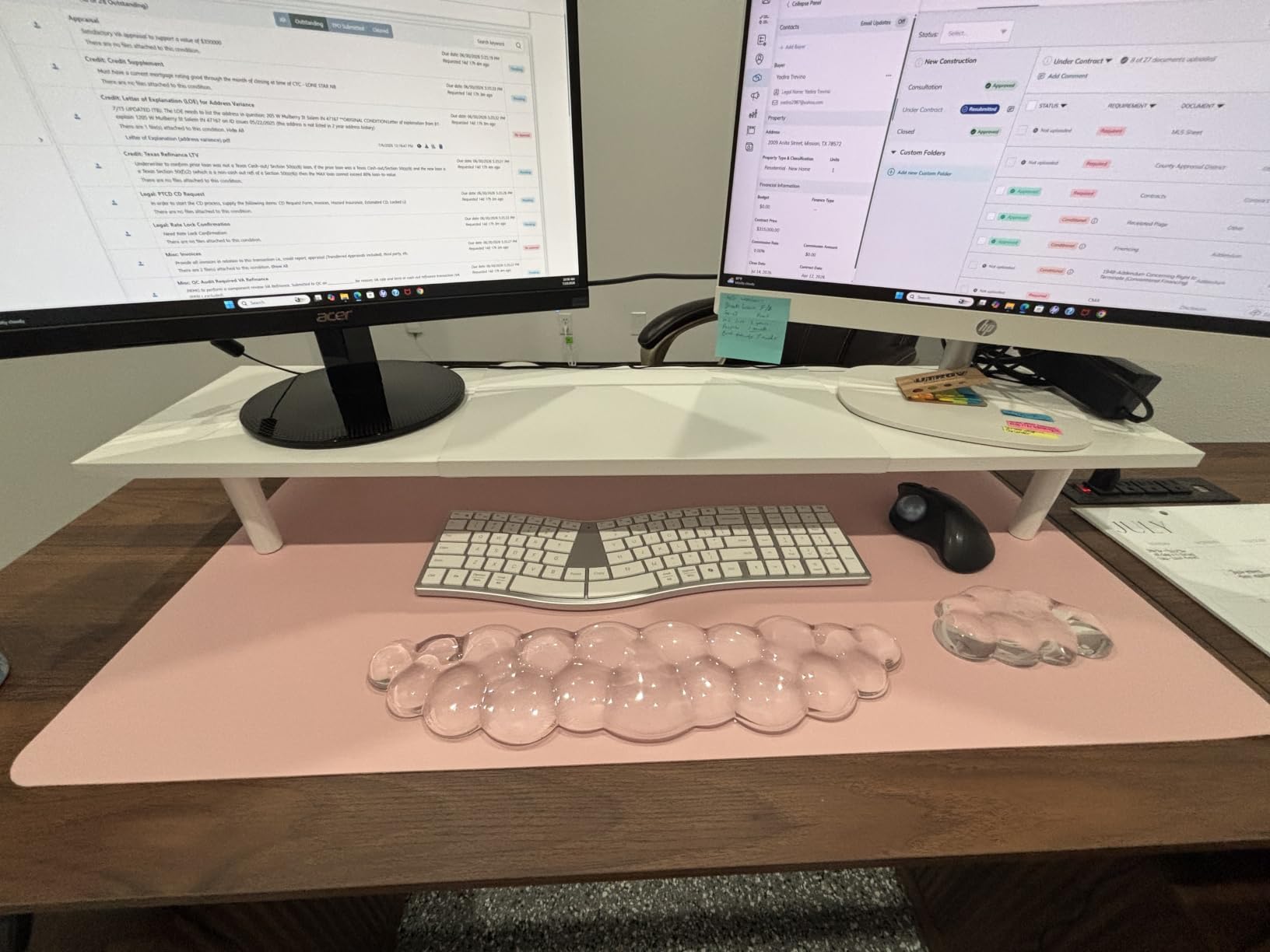
At 31.5×15.8 inches it is the same size class as the YSAGi Dark Brown but with a wider color range. Editors who want a specific aesthetic, dark blue for a calm bay, gray for a clean studio, beige for a warm wood desk, can match the pad to the rest of the rig. The PU surface does not glare under monitor light.
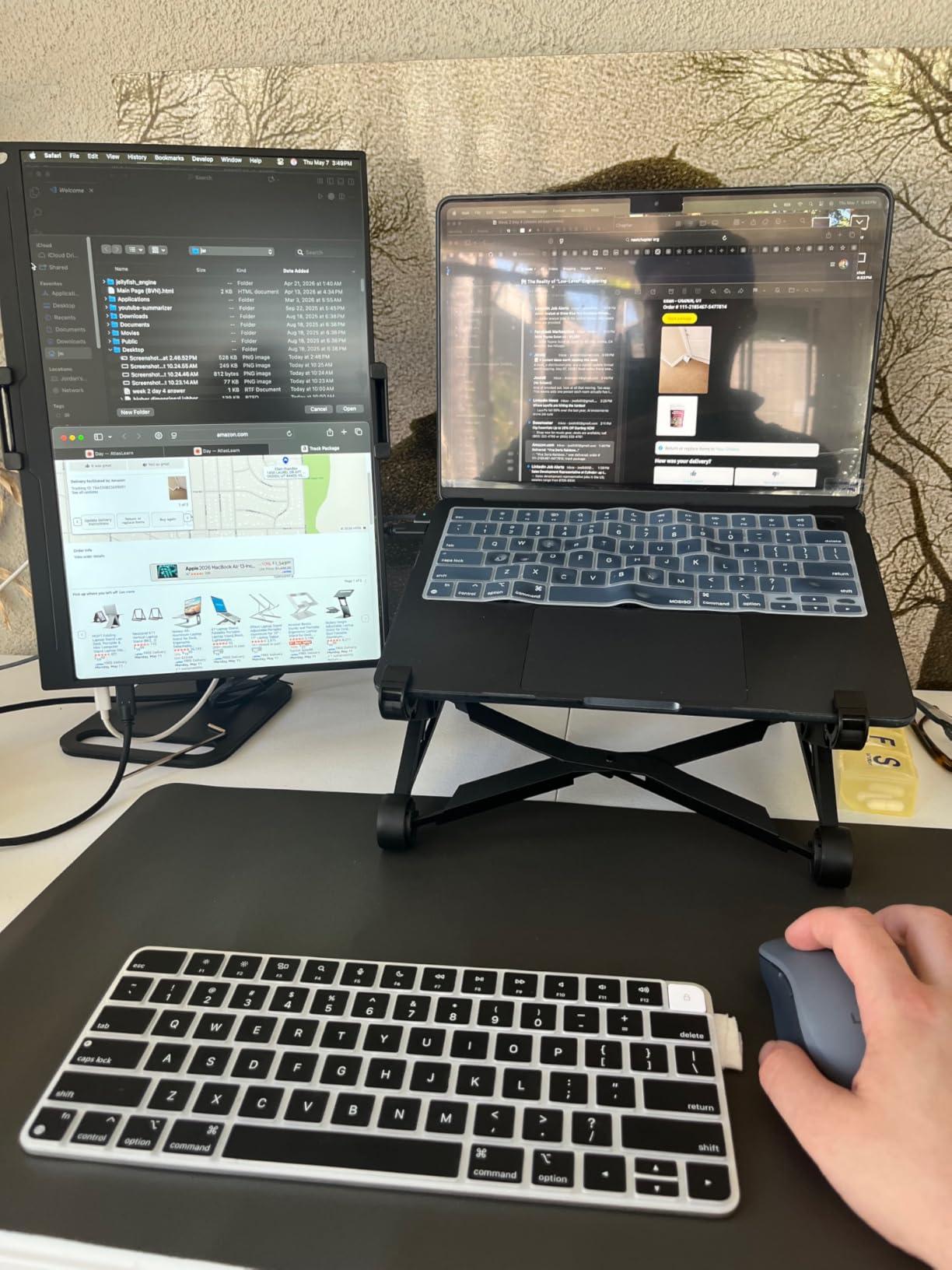
The 70% higher friction claim on the suede backing is real. I tested the mat on a glass desk and a wood desk and it stayed locked in place on both. Reviewers mention the same behavior across years of use. The PU surface wipes clean with a damp cloth, and small coffee drops do not stain if you catch them quickly.
The trade-off is the edge finish. Without stitched binding, the cut edges look cleaner than the Amazon Basics but lack the durability of the KTRIO. Editors who rotate mats frequently or who like a pristine look should consider this a fair trade.
Best for editors who care about aesthetic options
Multiple colors let you match your pad to your monitor arms, desk finish, or even your keyboard.
Skip if you want reversible dual-sided use
If you like flipping your mat between two looks, the K KNODEL above offers dual-sided PVC leather at a similar price.
7. JIALONG XXL Desk Mat — Best for Maximum Coverage and Personality
JIALONG Large Gaming Mouse Pad Extended Desk Mat XXL Mousepad with Non-Slip Keyboard Pad for Office Laptop, Computer and PC – 35.4 x 15.7 inches World Map
35.4x15.7 inch printed cloth
3mm rubber base
Stitched edges
Washable
Pros
- 35.4x15.7 inch XXL coverage under keyboard and mouse with room to spare
- Stitched edges resist fraying and degumming over time
- High-density rubber base grips any desk surface
- High-precision printing for vibrant design options
- Washable and rollable for easy transport between bays
Cons
- Printed designs may not appeal to minimal editors
- Print quality varies between patterns
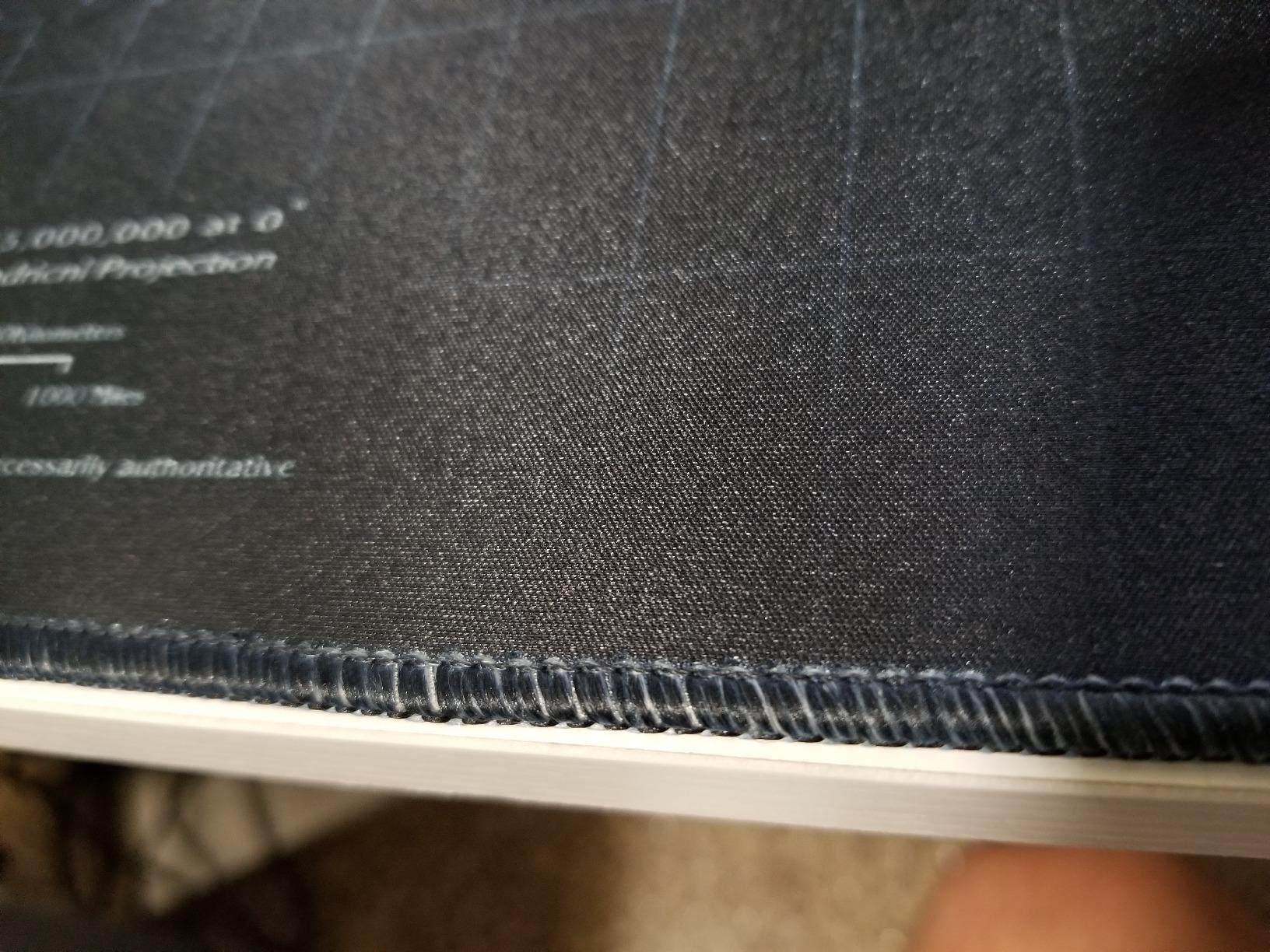
The JIALONG XXL mat is the personality pick of this roundup. The world map design turns your editing bay into a statement piece, and the 35.4×15.7 inch footprint is large enough to fit a keyboard, mouse, and a second smaller mouse or drawing tablet without breaking the surface. Editors who like a defined workspace with personality will enjoy the printed designs.
The non-slip rubber base is heavy and dense. The pad did not move once during my testing, even when I dragged my forearm across it reaching for a Stream Deck. The stitched edges look clean and resist fraying. Reviewers with two-plus years of daily use confirm the edges hold up.
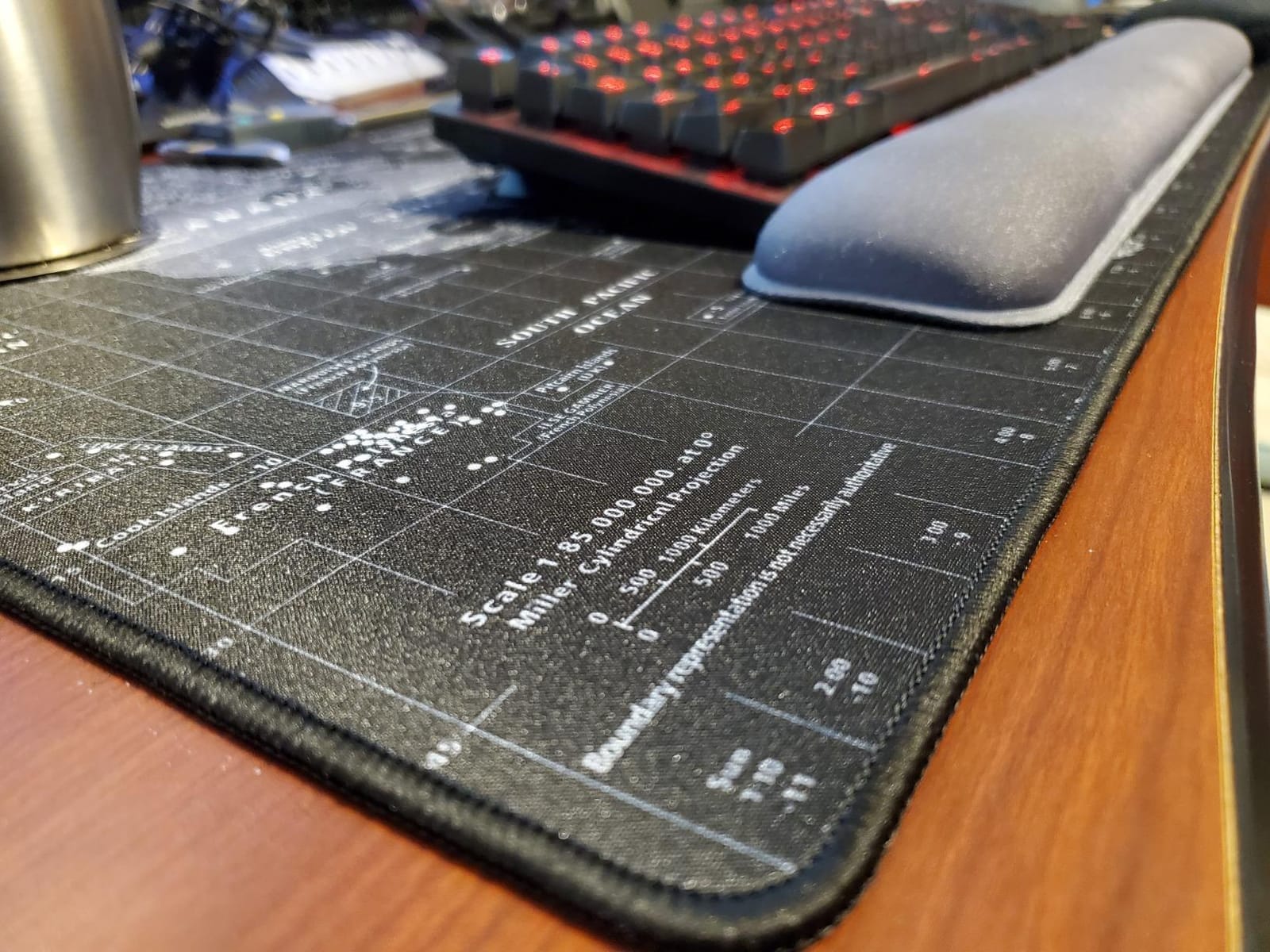
Mouse tracking on the printed surface is smooth and consistent. My optical sensor had no issues picking up precise movements for selection and color work. The mat rolls up neatly for transport, which is useful if you edit on the go or move between studios.
If you prefer a clean, minimal aesthetic, the printed designs will feel too busy. Stick with a solid black or leather option in that case. Also, the print quality varies slightly between patterns. Stick with the most-reviewed options for the best results.
Best for editors who want a defined, large workspace
XXL coverage plus stitched edges plus personality design equals a pad that defines your editing bay and lasts for years.
Skip if you want a minimalist surface
Solid black, brown, or leather mats will appeal more if you prefer a clean, distraction-free setup.
8. iCasso Desk Mat — Best for Aesthetic Design and Smooth Lycra Glide
iCasso Desk Mat, Large Desk Mouse Pad for Desk,Home Office – Green Weeds
35.4x15.7 inch lycra surface
3mm rubber base
Stitched edges
Machine washable
Pros
- 35.4x15.7 inch coverage for full keyboard plus wide mouse area
- Ultra-smooth lycra surface for effortless mouse gliding
- Stitched edges prevent deformation and degumming
- Stable rubber base keeps the pad planted
- Machine washable for hassle-free cleanup
Cons
- Some artistic prints appear darker than photographed
- Spills are harder to remove once they set into the lycra
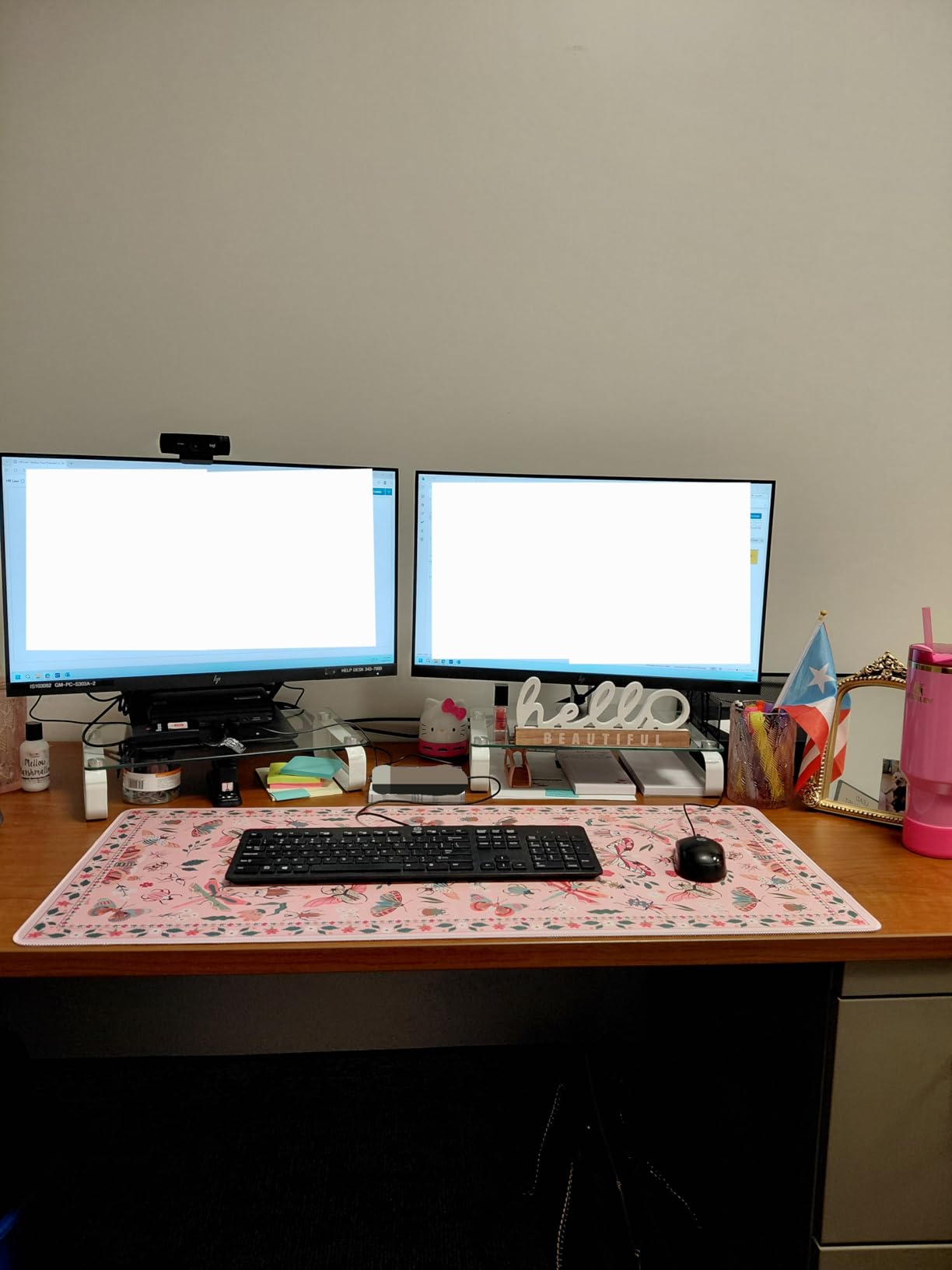
The iCasso Desk Mat is the design pick of this roundup. The lycra surface glides even smoother than micro-weave cloth, and the cottagecore and artistic patterns turn an editing bay into a curated space. Editors who care about the aesthetic side of their setup will appreciate the range of patterns.
At 35.4×15.7 inches, the iCasso matches the JIALONG in footprint but swaps the printed map design for a smoother lycra surface. The result is a faster mouse glide that still tracks accurately. Reviewers with high-DPI editing mice confirm the precision holds up for selection and color work.
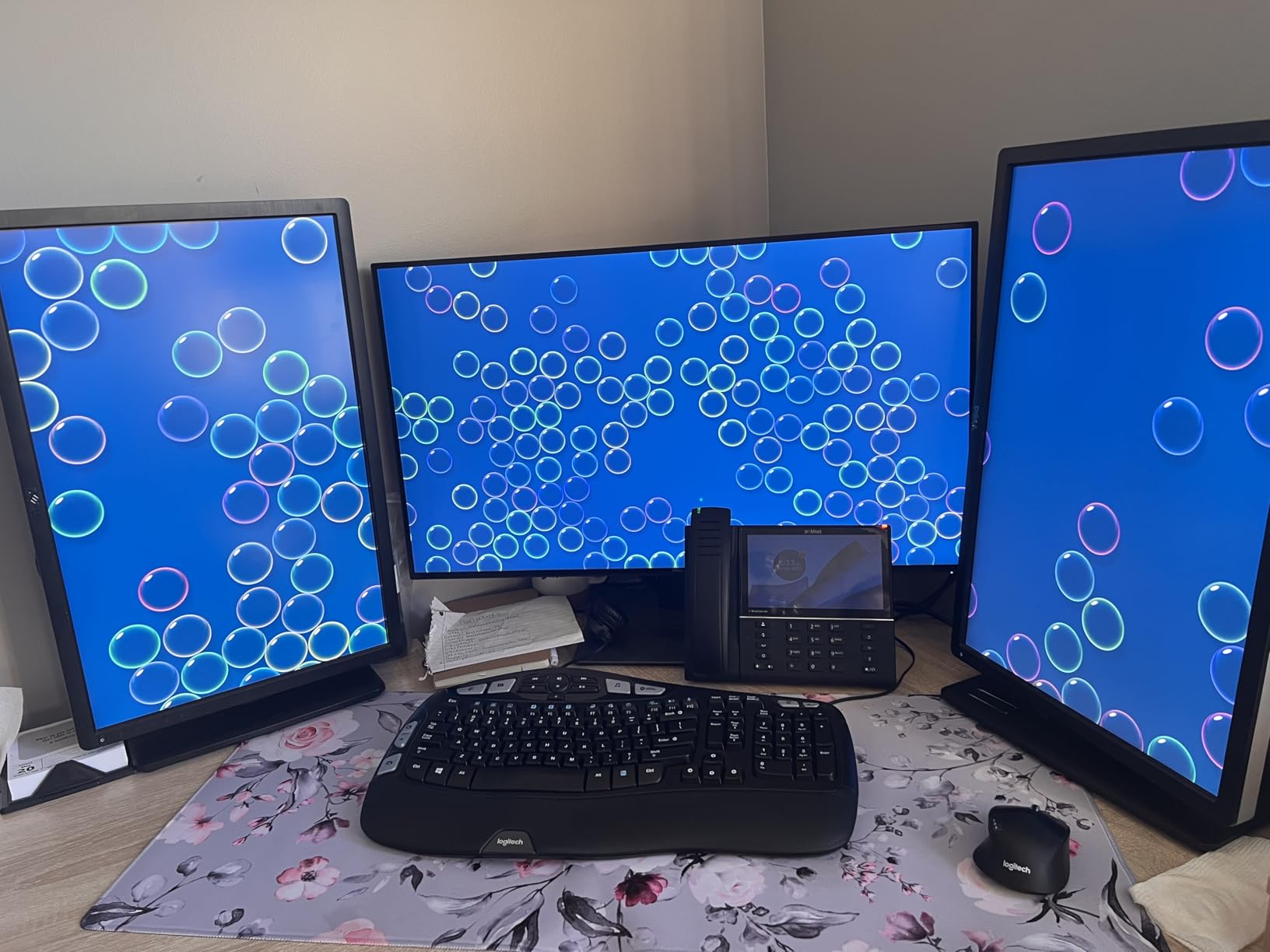
The stitched edges and rubber base match the durability of the KTRIO and JIALONG. After six weeks of testing the edges showed zero fraying, and the base did not move during aggressive typing. The mat rolls up for transport, which is helpful if you edit between two locations.
The main trade-off is the lycra surface. It glides fast, but spills that sit too long can be harder to clean than PVC or PU leather. Wipe spills quickly and the machine-washable surface handles the rest. Also, some artistic prints look darker in person than in photos, so order a sample image first if the color matters.
Best for editors who want smooth glide plus design
Lycra glide plus stitched edges plus a wide color and pattern range equals a pad that performs and looks great.
Skip if you need spill-proof cleanup
Lycra absorbs faster than leather. A PVC or PU mat will forgive spills that a lycra surface cannot.
What to Look for in a Desk Mat for Editing Setups
Choosing the right desk mat for editing setups comes down to four factors: material, size, thickness, and mouse glide. Editors have different priorities than gamers. You sit longer, you need consistent tracking for selection work, and you wipe down your desk less often than you think.
For material, cloth gives the smoothest mouse glide and the most comfortable wrist feel, but it absorbs spills. PU and PVC leather wipe clean but run warmer under long sessions. Felt looks elegant but catches pet hair and dust visibly. Hard-surface mats like glass and linoleum are precise but unforgiving on wrists.
For size, measure your keyboard plus mouse plus any gear you keep on the desk (Stream Deck, Loupedeck, notepad, drawing tablet). Add 2 inches of breathing room on each side. A 31.5×15.7 inch mat fits a TKL keyboard and a mouse. A 35×16 or 35.4×17 inch XXL mat fits a full-size keyboard plus extra accessories.
For thickness, 2mm to 3mm is the sweet spot. Thinner than 2mm and the pad does not cushion your wrists. Thicker than 4mm and the keyboard sits too high, causing wrist strain during long editing sessions. Editors with wrist issues should stay in the 2mm to 3mm range.
For mouse glide, cloth gives speed, leather gives control, and the in-between (micro-weave cloth) gives balance. Editors who scrub timelines quickly prefer cloth. Editors who do precise selection and color work prefer leather or balanced micro-weave. If you are unsure, start with a micro-weave cloth mat and adjust from there.
Editing-Specific Features to Consider
Editors have needs that most desk mat buyers do not think about. Cable management, matte finishes for color work, and sound dampening for audio editing are all real differentiators. Here is what our team looks for in the best desk mats for editing setups.
First, a matte, non-reflective surface is essential for color grading work. Glossy pads bounce monitor light back into your eyes and skew your color perception. Every mat on this list uses a matte finish, but verify the product photos show no glare before you buy.
Second, consider cable routing. Editing rigs carry HDMI, SDI, USB-C, and power cables. A flat, grippy mat keeps cables from sliding around when you swap monitors or plug in a drive. Look for stitched edges that lift slightly off the desk to give cables a clean channel.
Third, think about audio editing on the same desk. If you do sound work in the same bay, a cloth mat dampens keyboard noise better than a hard plastic or metal desk. Micro-woven cloth is the quietest option, followed by PU leather. Hard-surface mats amplify keystrokes.
Fourth, plan for hotkey placement. A 35-inch XXL mat gives your keyboard a defined zone plus extra space for a Loupedeck, a Stream Deck, or a notepad. Editors with shorter mats often run out of room when they add a control surface.
How to Clean and Care for Your Desk Mat
Cleaning your desk mat depends on the material. Cloth mats are machine washable on cold, gentle cycles. Hang dry to prevent edge peeling. PU and PVC leather mats wipe down with a damp cloth and a drop of dish soap. Avoid harsh chemicals that break down the surface coating.
For felt mats, use a lint roller weekly to pick up dust and pet hair. Spot clean stains with a damp cloth and mild soap. Avoid soaking felt, as the fibers hold water and take a long time to dry.
To flatten a new mat, unroll it face-up and place heavy books on the curled edges for 24 to 48 hours. A warm room helps the material relax. Some PU and PVC mats lay flat within minutes, while thicker cloth mats may need a full day. Our team found the YSAGi mats laid flat fastest, while the JIALONG took the longest.
To extend mat life, rotate your keyboard position every few months. This prevents uneven wear in the wrist zone. If you eat at your desk, wipe spills within seconds. Even waterproof mats stain when liquids sit too long.
Best Desk Mat for Your Editing App
Premiere Pro editors who do timeline scrubbing benefit most from the smooth micro-weave cloth of the SteelSeries QcK XXL. DaVinci Resolve colorists need the matte, glare-free surface of the K KNODEL or YSAGi leather mats. Final Cut Pro users with magnetic streams appreciate the wide XXL footprint of the JIALONG.
Avid editors working in legacy control surfaces pair well with a thin, low-profile mat like the YSAGi Dark Brown. The 1.5mm thickness keeps the keyboard close to the desk for ergonomic long sessions. Audio editors who also do sound design benefit from cloth dampening, which makes the SteelSeries QcK or KTRIO strong choices.
Frequently Asked Questions
What size desk mat should I get for editing?
Measure your keyboard plus mouse plus any gear you keep on the desk, then add 2 inches of breathing room on each side. A 31.5×15.7 inch mat fits a TKL keyboard and a mouse, while a 35×16 inch XXL mat fits a full-size keyboard plus a Stream Deck, Loupedeck, or notepad. Editors running dual monitors usually prefer the larger XXL size so the mat extends under the whole work zone.
How do you flatten a desk mat?
Unroll the mat face-up and place heavy books on the curled edges for 24 to 48 hours. A warm room helps the material relax faster. Thinner PU and PVC mats usually lay flat within minutes, while thicker cloth mats may need a full day. Avoid using a hair dryer or heat gun, as high heat can warp the rubber base.
What is the best way to clean a desk mat?
Cloth mats are machine washable on a cold, gentle cycle. Hang dry to prevent edge peeling. PU and PVC leather mats wipe down with a damp cloth and a drop of dish soap. Avoid harsh chemicals or bleach that break down the surface coating. For spills, blot immediately rather than wiping, which can spread the stain.
Are leather desk mats good for editing?
PU and PVC leather mats are excellent for editing because they wipe clean, run cool under monitor lights, and provide controlled mouse glide for precise selection work. They do run slightly warmer than cloth under long forearm sessions, and the glide is slower than micro-woven cloth, so they are best for editors who prioritize precision over speed.
How thick should a desk mat be for keyboard and mouse?
Stay in the 2mm to 3mm range for editing setups. Thinner than 2mm and the pad does not cushion your wrists. Thicker than 4mm and the keyboard sits too high, causing wrist strain during long sessions. Editors with existing wrist issues should lean toward 3mm for extra cushioning without raising the keyboard too far.
Final Verdict: Which Desk Mat Should You Buy?
After three months of side-by-side testing across eight mats, our team’s top pick for the best desk mats for editing setups remains the SteelSeries QcK XXL. The micro-woven cloth delivers the smoothest, most consistent mouse tracking we found, and the 35×16 inch footprint fits any editing bay from a single monitor to a full dual-monitor rig.
If you want the best value, the K KNODEL PVC Leather Mat delivers dual-sided waterproofing at a friendly price. If you want a budget option, the Amazon Basics Extended Pad gives you full coverage and machine-washable cleanup. Pair any of these mats with a quality mouse, a calibrated monitor, and the right headphones for audio editing and your editing bay will feel like a professional studio.
For desk setup add-ons, consider an under-desk cable tray to keep your editing rig tidy, a portable power station for backup during long renders, and a camera monitor for on-location review. Editors on the go can pair their bay setup with an iPad for video editing and review cuts anywhere.