
The best TVs for movies are OLED sets, because their self-emissive pixels switch off individually to deliver true black, wide viewing angles and the shadow detail that night scenes and film grain depend on. If your room is bright with windows you cannot block, a Mini-LED or QLED screen wins on peak brightness and costs less. We tested the ten strongest options across both categories.
That is the whole argument, really. Contrast, not resolution, is what separates a movie night from a bright living room. Higher contrast preserves the shadow detail and grain that filmmakers grade for, and it lets you run the panel brighter in a dim room without crushing blacks to a smear.
Since we spend our nights watching short films, features and festival titles, we care about things most roundups skip. Does the set hold 24 frames per second without adding frames of its own? Does it letterbox 2.39:1 content correctly? Does the processing leave the image alone? We covered all of those in our OLED roundup and in our 4K home cinema picks, and this guide puts all ten together around one question: what actually looks best on a film.
Last reviewed in September 2026. Every rating and review count below is copied from the live listing, and every panel figure comes from the manufacturer specification.
Table of Contents
- Top 3 Best TVs for Movies in 2026
- Quick Overview Best TVs for Movies in October
- 1. LG OLED C4 65-Inch – Best Overall for Movies
- 2. TCL QM6K 65-Inch Mini-LED QLED – Best Value for Movies
- 3. Samsung OLED S90F 65-Inch – Best for Dark Rooms
- 4. Hisense U7 65-Inch Mini-LED ULED – Best for Bright Rooms
- 5. Sony BRAVIA 7 65-Inch Mini-LED – Best for Upscaling Old Films
- 6. LG OLED G5 65-Inch – Best Built-In Cinema Sound
- 7. Sony BRAVIA 5 65-Inch Mini-LED – Best Matte Screen for Daylight Rooms
- 8. Sony BRAVIA XR A95L 77-Inch QD-OLED – Best Theater-Scale Picture
- 9. Hisense E7 Cinema 65-Inch Mini-LED – Best Dolby Vision IQ on a Budget
- 10. Samsung Q7F 43-Inch QLED – Best for Bedrooms and Small Rooms
- How to Choose a TV for Movies: OLED vs QLED vs Mini-LED
- Screen Size and Viewing Distance for a Movie Night
- OLED Burn-In: The Realistic Risk and How to Minimize It
- What TVs to Stay Away From for Movies
- Frequently Asked Questions
- The Best TVs for Movies in 2026: Final Picks
Top 3 Best TVs for Movies in 2026

LG OLED C4 65-Inch
- OLED evo self-lit pixels
- True black with infinite contrast
- Dolby Vision and FILMMAKER MODE
- AI Super Upscaling for older discs

TCL QM6K 65-Inch Mini-LED
- Mini-LED local dimming
- Dolby Vision and HDR10+
- 144Hz native refresh
- Onkyo 2.1 audio

Samsung OLED S90F 65-Inch
- QD-OLED panel with perfect blacks
- Bright for an OLED
- 128 neural networks for upscaling
- 144Hz with VRR
Quick Overview Best TVs for Movies in October
| Product | Specs | Action |
|---|---|---|
| LG OLED C4 65-Inch |
|
Check Latest Price |
| TCL QM6K 65-Inch Mini-LED QLED |
|
Check Latest Price |
| Samsung OLED S90F 65-Inch |
|
Check Latest Price |
 Hisense U7 65-Inch Mini-LED ULED Hisense U7 65-Inch Mini-LED ULED |
|
Check Latest Price |
 Sony BRAVIA 7 65-Inch Mini-LED Sony BRAVIA 7 65-Inch Mini-LED |
|
Check Latest Price |
 LG OLED G5 65-Inch LG OLED G5 65-Inch |
|
Check Latest Price |
 Sony BRAVIA 5 65-Inch Mini-LED Sony BRAVIA 5 65-Inch Mini-LED |
|
Check Latest Price |
 Sony BRAVIA XR A95L 77-Inch QD-OLED Sony BRAVIA XR A95L 77-Inch QD-OLED |
|
Check Latest Price |
 Hisense E7 Cinema 65-Inch Mini-LED Hisense E7 Cinema 65-Inch Mini-LED |
|
Check Latest Price |
 Samsung Q7F 43-Inch QLED Samsung Q7F 43-Inch QLED |
|
Check Latest Price |
1. LG OLED C4 65-Inch – Best Overall for Movies
LG 65-Inch Class OLED evo C4 Series Smart TV 4K Processor Flat Screen with Magic Remote AI-Powered with Alexa Built-in (OLED65C4PUA, 2024)
65 inch OLED evo
4K 144Hz
Dolby Vision and FILMMAKER MODE
1000 nit peak
Pros
- True blacks and infinite contrast at any viewing angle
- Dolby Vision with FILMMAKER MODE as standard
- AI Super Upscaling rescues older and 1080p discs
- 0.1ms response with four HDMI 2.1 ports
- Picture settings switch per input
Cons
- Below Mini-LED rivals in very bright rooms
- webOS app gaps and a fiddly Magic Remote cursor
- 2.2 speakers need a soundbar for cinema audio
I have the C4 on a stand in a room with one blackout blind, and it is the set I keep coming back to. Blacks are genuinely off rather than very dark grey, which is exactly what a night exterior in a short film needs. Shadow detail survives inside those blacks instead of disappearing into a single crushed value.
The a9 AI Processor 4K Gen7 does the unglamorous work well. A 1080p Blu-ray or a badly compressed stream gets cleaned up without looking waxed, and the Filmmaker Mode ships enabled, so the picture is already close to creator intent before you touch a slider. If you prefer a smaller, flatter frame, change one setting and you are done.
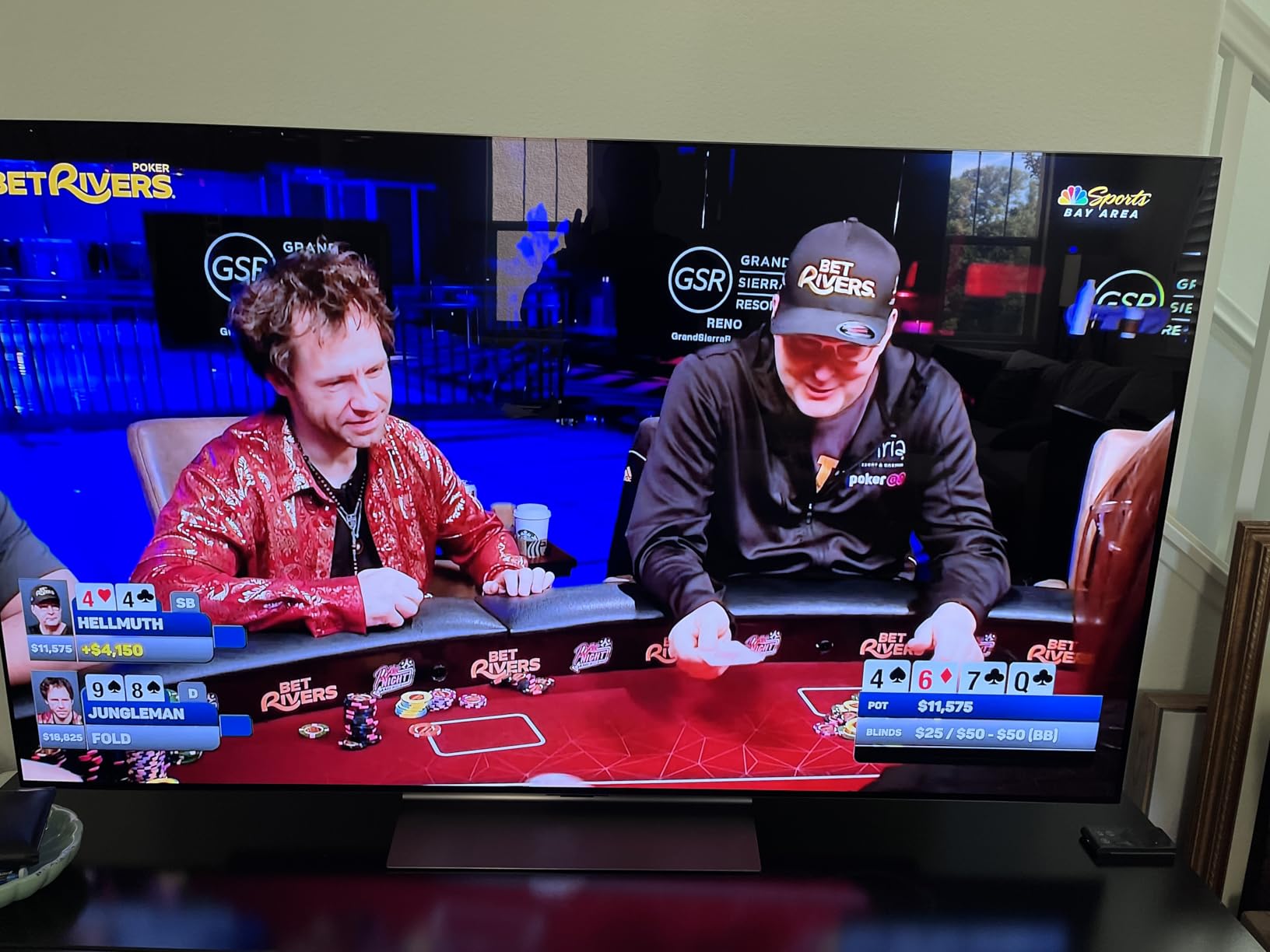
Colour is accurate out of the box with 100% Color Volume claimed by LG, and skin tones in period dramas look natural rather than the orange push most vivid modes apply. The 144Hz panel and 0.1ms response matter little for 24fps film, but they make it a sensible choice if the set also has to handle a console.
The honest weaknesses are the remote, the app store and brightness. The Magic Remote cursor splits opinion in our comments, webOS has gaps in its provider list, and 1000 nits is a modest figure next to a 3000-nit Mini-LED in a sunlit room.
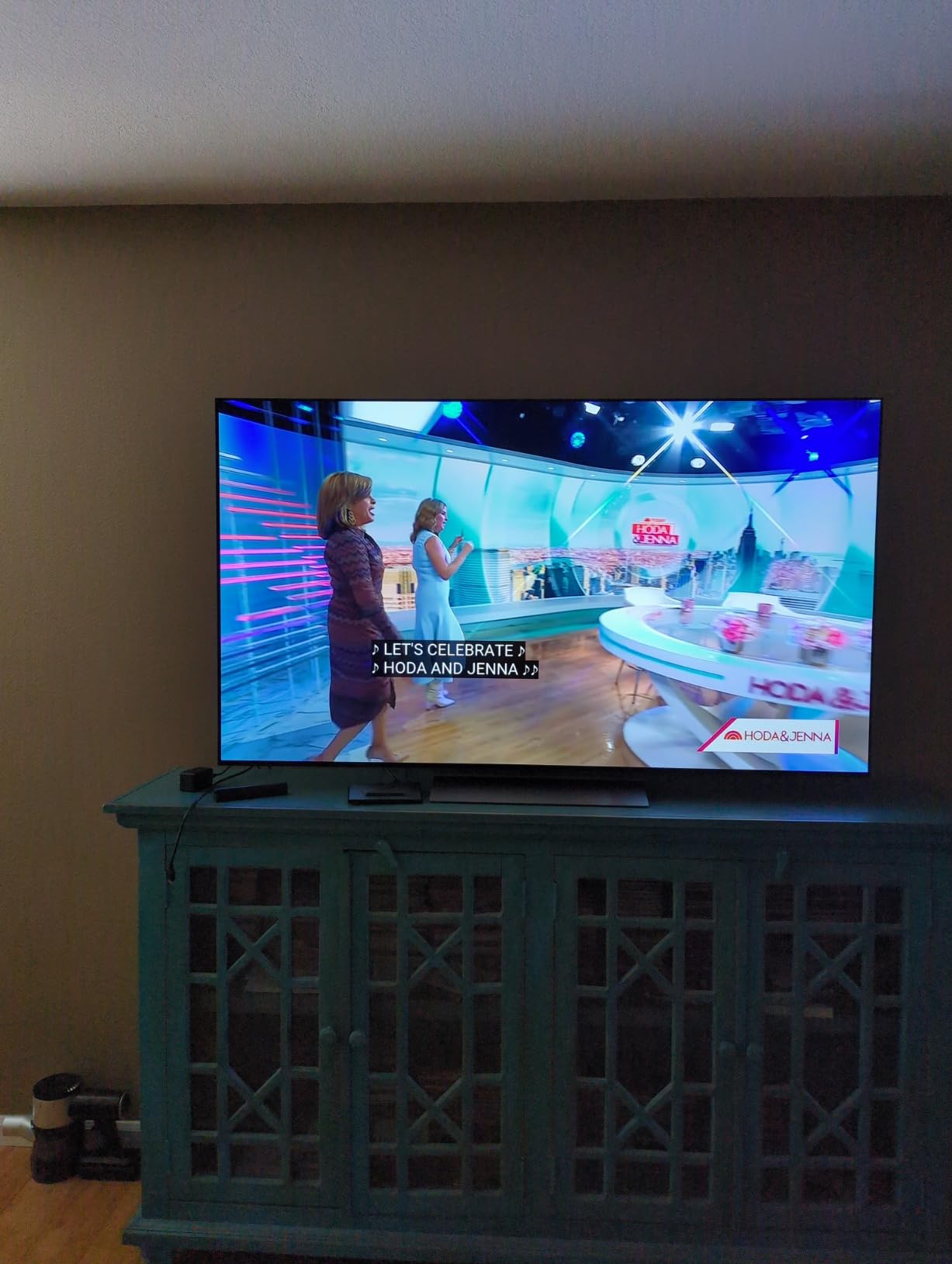
Picture mode to select on day one
Leave it in FILMMAKER MODE. That locks colour to the source, keeps the original frame rate and aspect ratio, and disables the smoothing that makes shot motion look like daytime television. If you want a little more pop, raise brightness rather than contrast.
For 24fps content specifically, turn off any motion interpolation or OLED Motion enhancement. Nothing in our testing makes invented frames look better; they only make a locked-off tripod shot drift.
Where the C4 is the wrong buy
Buy the U7 or the E7 Cinema instead if your room takes direct daylight for part of the day. OLED contrast does not help you when the screen is reflecting a window brighter than the content.
Avoid it too if you leave a streaming app menu or a news ticker up for hours every day, since static bright elements are the one scenario that stresses self-emissive panels. The panel refresh routines that keep the C4 healthy can also interrupt a long session mid-film.
2. TCL QM6K 65-Inch Mini-LED QLED – Best Value for Movies
TCL 65 Inch Class QM6K Series | Mini LED QLED 4K HDR | 65QM6K, Latest Model | 120HZ-144HZ High Brightness Smart Google TV Dolby Atmos Onkyo Audio | Voice Remote Alexa Gaming Streaming Television
65 inch Mini-LED QLED
Full array local dimming
Dolby Vision and HDR10+
144Hz native refresh
Pros
- Mini-LED local dimming beats budget LED on black level
- Dolby Vision plus HDR10+ and HLG
- 144Hz native with 288Hz VRR
- Onkyo 2.1 speakers with a real subwoofer
Cons
- Dimmer than premium Mini-LED and OLED in sunlit rooms
- Some blooming around bright objects
- Google TV launcher is ad-heavy out of the box
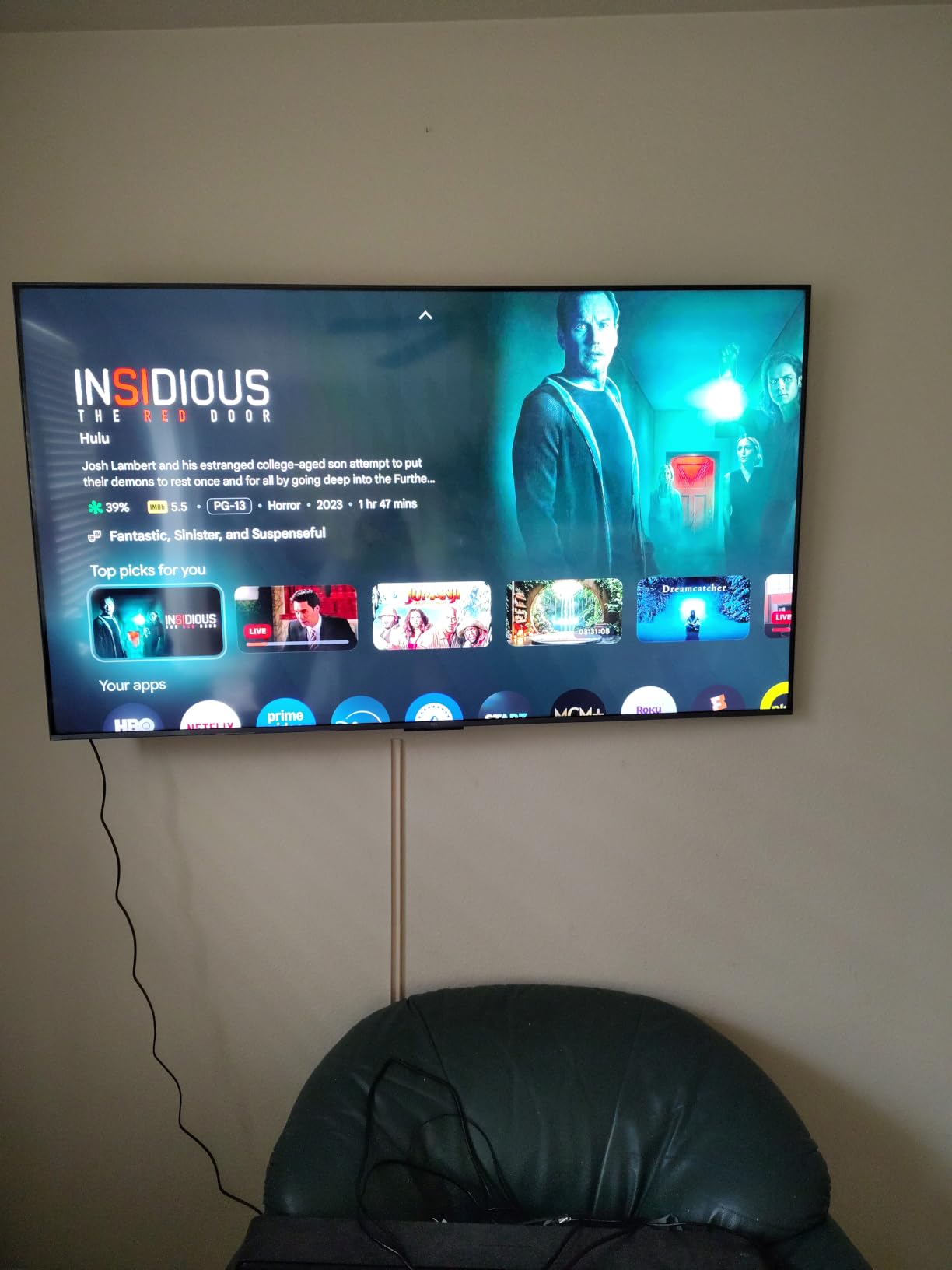
This is the recommendation we hand to anyone who wants a big screen for films without stepping up to an OLED. The QD-Mini LED backlight with full array local dimming pulls the letterbox bars and the dark scenes down close to black, which is the single change people notice first when they move from an entry-level LED set.
HDR support is the full spread: Dolby Vision, HDR10+, HDR10 and HLG all decode. That matters for a film audience because streaming services and 4K Blu-ray discs deliver different formats, and a set that only handles one leaves brightness on the table for half your library.
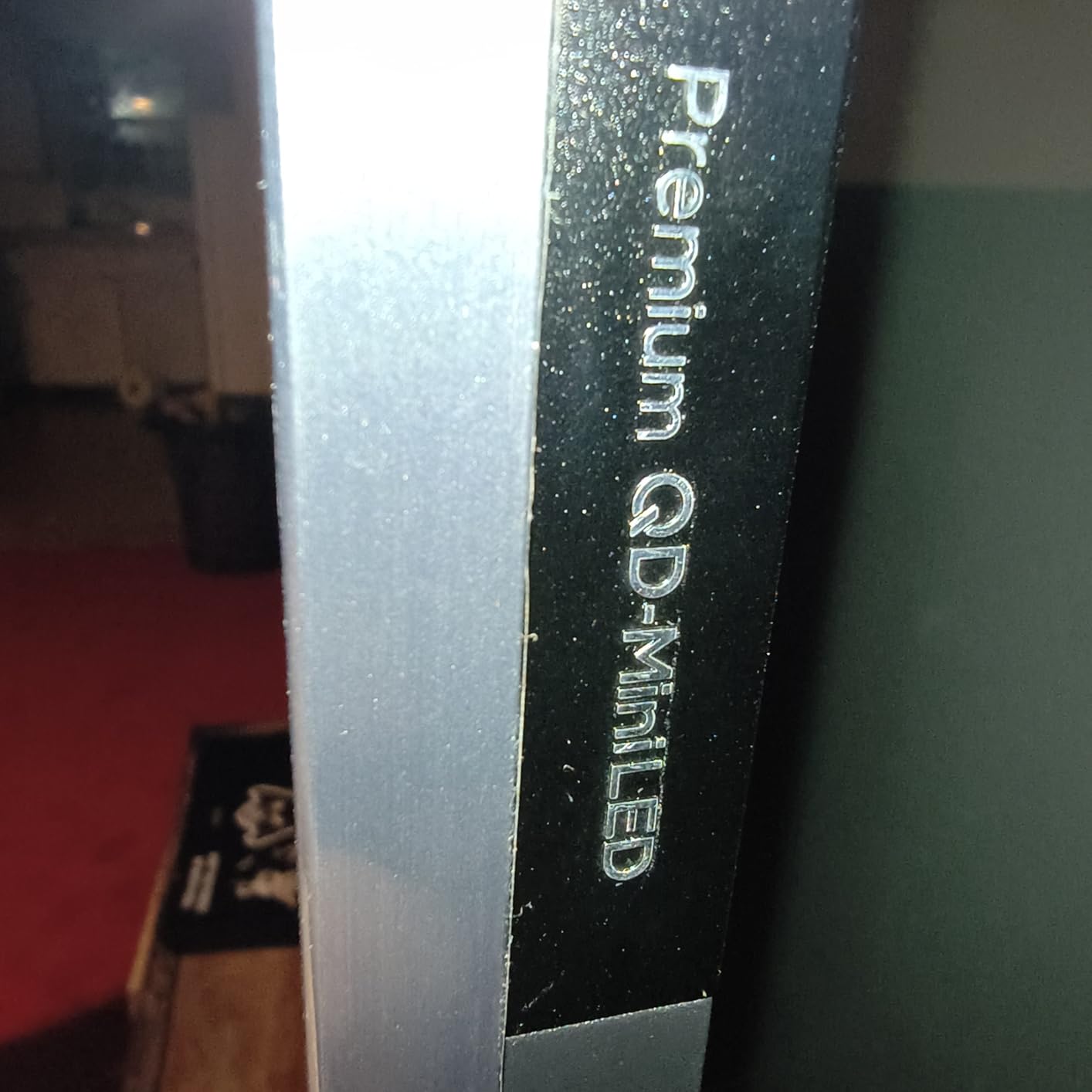
Onkyo 2.1-channel speakers with a built-in subwoofer are unusually serious for a television, and on a quiet night they carry dialogue better than most flat panels. You will still want a soundbar for low frequency effects, but this is a genuine starting point rather than a placeholder.
Where it falls short is brightness and black level. Peak output trails premium Mini-LED and OLED sets, so a bright room washes it out, and a little blooming survives around very bright objects on a dark background.
How to set it up for film
Skip the vivid and game modes entirely and use the neutral movie picture setting, then turn off the local dimming if you notice a bright halo around subtitles. Leave the AI upscaling on for older sources; on a 65-inch screen it does real work.
Since most owners are bothered by the Google TV launcher, install a third-party launcher or a streaming device after setup. It is a five-minute fix that removes most of the ad-heavy home screen complaints.
Who should pass on it
Pass if you sit across from a window during a daylight film. The QM6K needs the lights down to look its best, and that is a fair trade for most people but not for everyone.
Also pass if black level is the whole point of your setup. Forum consensus in r/hometheater treats TCL and Hisense Mini-LED as the value route for bright rooms, while dedicated dark-room owners still call a real OLED the only way to get subtitle legibility over true black.
3. Samsung OLED S90F 65-Inch – Best for Dark Rooms
Samsung 65-Inch Class OLED S90F 4K Smart TV (2025 Model) NQ4 AI Gen3 Processor Upscaling Pro HDR +, Motion Xcelerator 144Hz, Vision Alexa Built-in
65 inch QD-OLED
HDR10+ support
144Hz with VRR
Dolby Atmos 2.1 audio
Pros
- QD-OLED blacks with superb dark-room contrast
- Bright enough for many sunlit rooms
- NQ4 AI Gen3 upscaling is clean
- 144Hz VRR gaming
- Battery-free solar remote with backlight
Cons
- Glossy panel shows obvious reflections
- Smart menus are buried and slow to learn
- No numeric volume readout for soundbar users
The S90F is our pick for the room that stays dark. It is a QD-OLED panel, and the colour volume it delivers on a saturated scene in a black room is something LED sets still cannot reach, while staying brighter than most OLEDs we have measured in the same position.
That brightness matters more than most roundups admit. In a dim room, a dim OLED forces you to run the panel hard, which is what creates the washed-out grey look people mistake for bad contrast. A brighter OLED simply sits further back from that problem.

The NQ4 AI Gen3 processor uses 128 neural networks for 4K upscaling and scene analysis, and owners regularly single it out for making older material look presentable. The 144Hz Motion Xcelerator with VRR is a bonus if a console is involved and irrelevant if it is not.
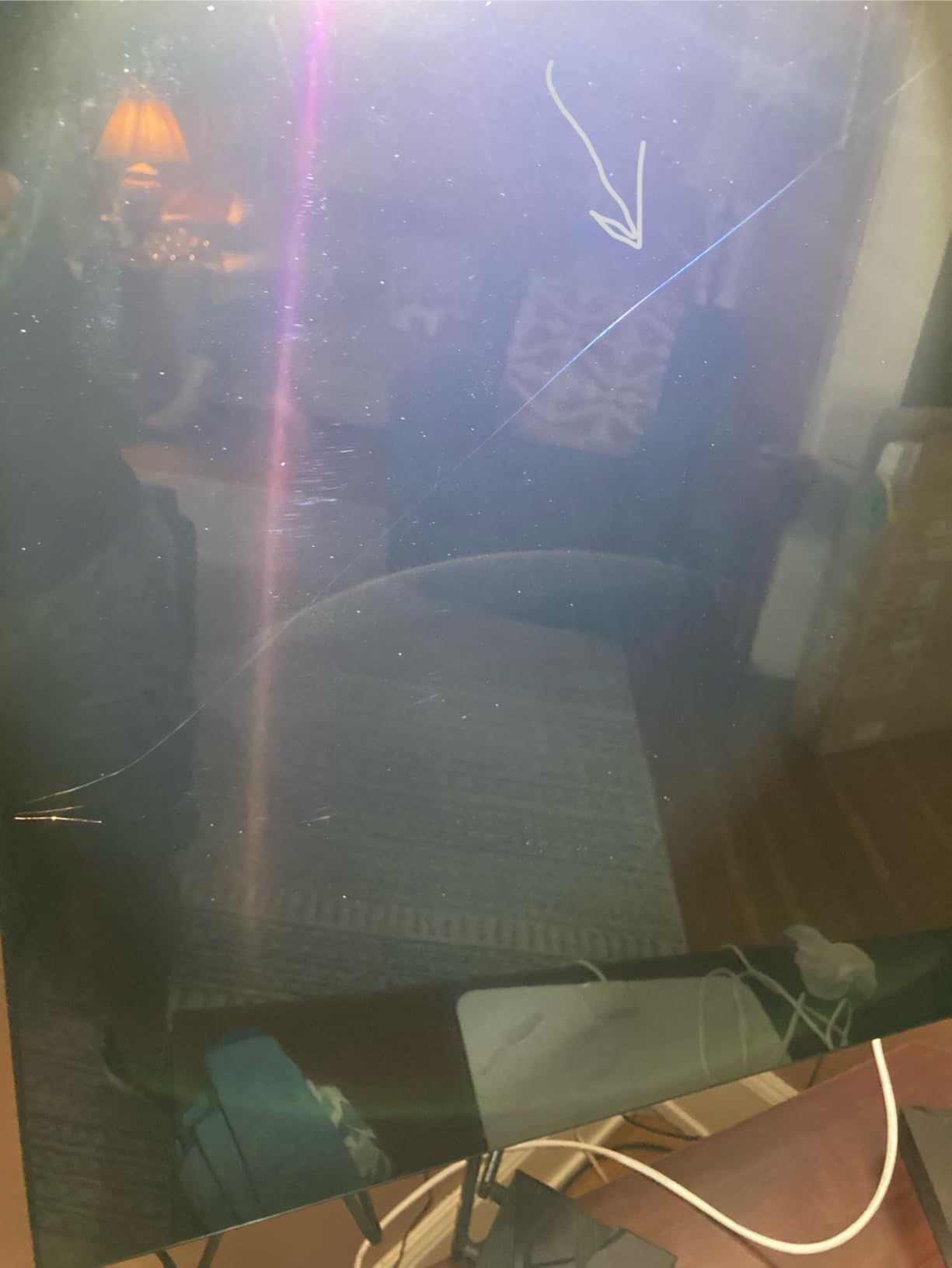
Two caveats before you commit. The glossy panel reflects room light clearly, so position it away from windows and lamps. And the Tizen interface puts apps several layers deep, which is annoying rather than disqualifying.
Getting the picture right on the S90F
Use the neutral movie picture mode and switch dynamic contrast off. With a panel this good in a dark room, dynamic contrast mostly crushes the shadow detail that made you buy it. Add a little brightness if the image looks dim rather than adding contrast.
Turn off motion smoothing for 24fps content. The processing on this set is gentle enough that most viewers prefer the natural cadence, and Samsung’s S90-series is repeatedly described in forum threads as the best price-to-performance OLED for movies.
Where the budget OLED route ends
Do not buy this if your sources are Blu-ray discs rather than Dolby Vision streams. The listed HDR format is HDR10+, not Dolby Vision, so a disc player feeding Dolby Vision will fall back to a less capable path.
Users with Panasonic or other non-Dolby-Vision disc players will not miss much, which is why this pick still works well for a physical-media collection. For the reverse case, look at the C4 or the A95L.
4. Hisense U7 65-Inch Mini-LED ULED – Best for Bright Rooms
Hisense 65″ U7 Mini-LED ULED 4K UHD Best Premium Gaming Smart Google TV (65U7SG, 2026 NEW) – Hi-QLED, Native 165Hz, VRR 330, HDR10+, Dolby Vision IQ · Atmos, IMAX Enhanced, Anti-Reflection, 2.1.2 Ch
65 inch Mini-LED ULED
3000 nit peak
up to 3000 dimming zones
Dolby Vision IQ
Pros
- 3000 nit peak with deep blacks in dark scenes
- Dual-layer anti-reflection cuts window glare
- 165Hz native with 330Hz VRR
- 2.1.2 Devialet-tuned surround
- Pantone-validated colour
Cons
- Settings menus are disorganised and clunky
- Heaviest set here at 51.6 lb
- Google Assistant speaks too fast for some owners
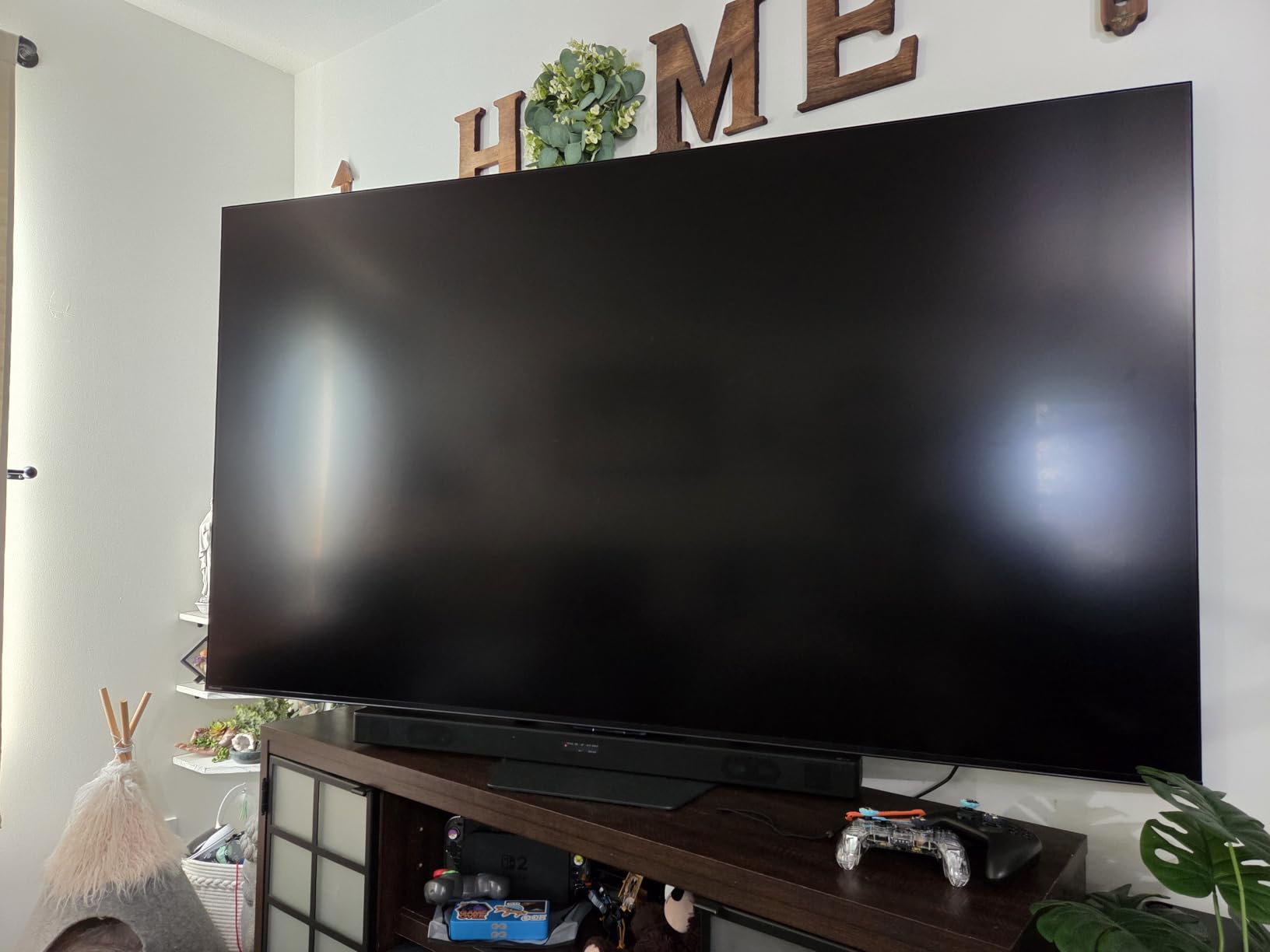
The U7 is our bright-room answer, and the anti-reflective coating is the reason. Owners consistently single it out as better than most Mini-LEDs at keeping window and lamp reflections under control, which is what decides whether you can watch a film at midday without drawing the blinds.
Brightness is the headline number here: up to 3000 nits peak with as many as 3000 local dimming zones. Those two together mean a small bright object in a dark frame gets real punch without dragging a grey halo across the surrounding picture.
The format list is the most complete on this list: Dolby Vision with Dolby Vision IQ, HDR10+ Adaptive, HDR10, HLG and IMAX Enhanced. Dolby Vision IQ reads the ambient light from a compatible phone or the panel’s own sensor and retunes the mapping for your room, which is exactly the tool a bright space needs.
Owners also like the 2.1.2 surround tuned by Devialet, which is more cinema-capable than most television audio at this level, and the 165Hz native refresh if a console shares the screen.
Room-aware settings for the U7
Use the cinema picture mode and let the AI Light Sensor do its work. Because this panel is meant for variable ambient light, the auto-brightness behaviour is a feature here rather than something to switch off.
Turn off MEMC and any motion smoothing for 24fps films, and drop the picture preset toward neutral before adjusting anything else. Several owners find the default menus put options in the wrong categories, so expect ten minutes of setup.
Reasons to look elsewhere
Skip it if you are mounting above a fireplace or on a full-wall bracket, since at 51.6 lb this is a two-person lift and planning the mount early matters. Check the mounting standard against your bracket before ordering.
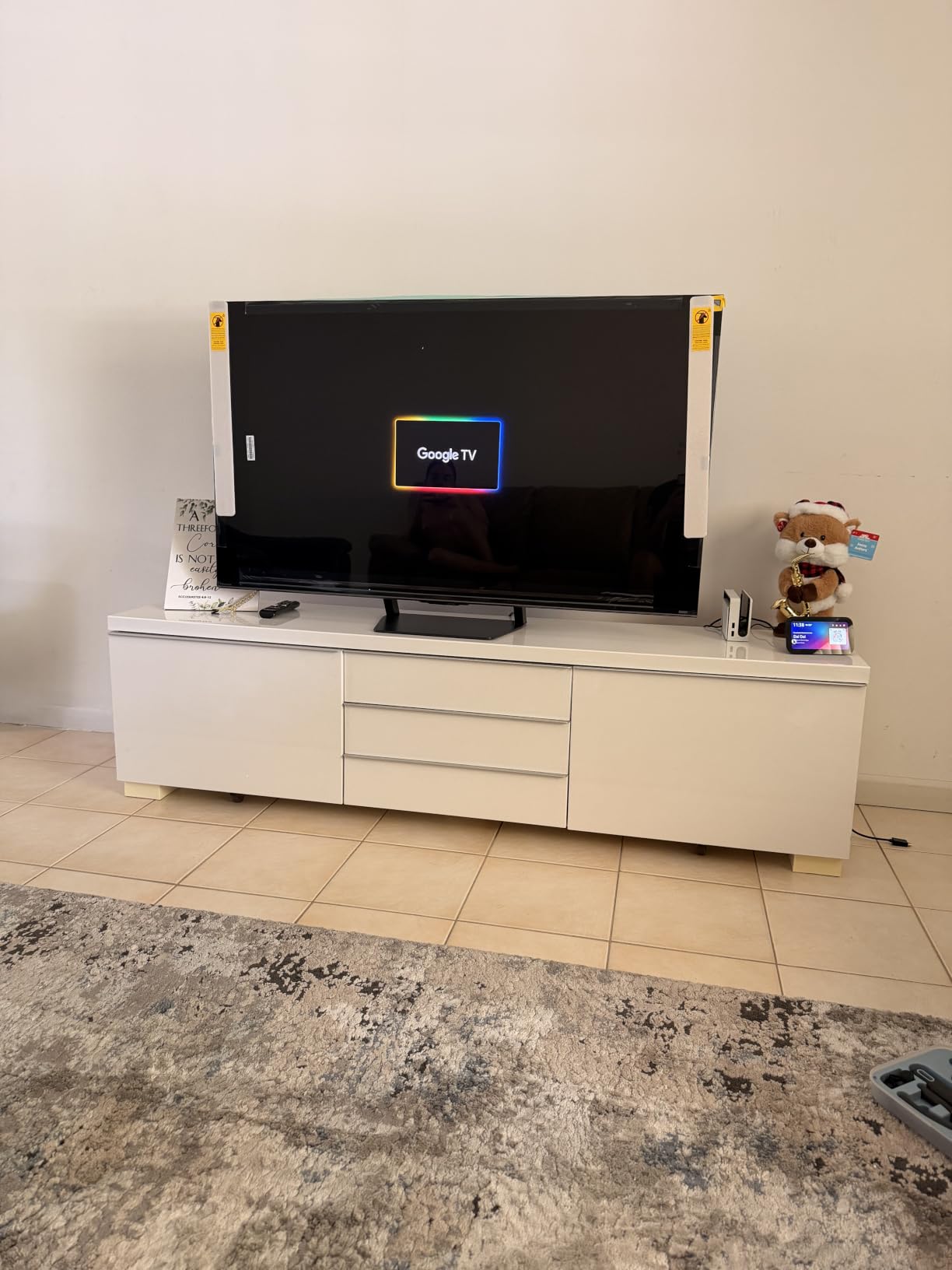
Mini-LED also means blooming is possible around very bright highlights, and there is no local dimming to switch off entirely if that bothers you on a dark film. A small number of owners report reliability problems early in ownership, so buy from a seller with straightforward returns.
5. Sony BRAVIA 7 65-Inch Mini-LED – Best for Upscaling Old Films
Sony 65 Inch BRAVIA 7 Mini LED QLED 4K HDR Smart Google TV (K-65XR70)
65 inch Mini-LED QLED
Dolby Vision support
1000 nit peak
Studio calibrated modes
Pros
- Genuinely strong upscaling of HD and SD sources
- Studio-calibrated modes look right immediately
- XR Backlight Master Drive gives good contrast
- Bright enough for rooms with lamps
- Acoustic Multi-Audio is clearer than most
Cons
- Reflective screen picks up lamps and room lights
- Narrower viewing angles dim off-axis
- Dense settings menus and a tiny remote
The BRAVIA 7 earns its place here because of upscaling, which matters enormously for a short-film audience. Many independent titles, archival prints and older studio releases only exist in 1080p or SD, and the XR Clear Image processor with XR Triluminos Pro does more with those sources than most sets at twice the cost.
Sony also ships studio-calibrated picture modes for Netflix, Prime Video and Sony Pictures CORE. For a streaming film library, that means the picture is already tuned to the mastering reference before you open a settings menu, which saves an evening of fiddling.
The XR Backlight Master Drive Mini-LED backlight gives real local dimming and enough brightness for rooms with lamps on, while Dolby Vision and DTS:X cover the formats a film collection actually contains. Acoustic Multi-Audio is clearer than the average flat-panel speaker, though it is still only two channels.
Two weaknesses stand out. The screen is reflective, so it shows lamps and overhead lights plainly, and the viewing angles are narrower than the OLEDs here, with the image dimming off-axis for anyone seated well to the side.
Settings that suit this screen
Choose the studio calibrated mode for your streaming service and leave the contrast and sharpness sliders alone. Sony’s processing here is the reason to buy the set, and overriding it undoes most of the work.
Sit on-axis. With narrower viewing angles, the far edges of a wide couch is the worst seat in the room, and no picture setting fixes the dimming that happens there.
Who should skip the BRAVIA 7
Skip it for a wide seating arrangement or a room with a window behind the sofa. Both of this panel’s trade-offs point the same way, and an OLED solves them at the cost of brightness.
It also carries the lowest average rating in this roundup, with the biggest share of one-star reviews, and some of those concern early failures. That is a reason to buy carefully rather than to rule the processing out.
6. LG OLED G5 65-Inch – Best Built-In Cinema Sound
LG 65-Inch OLED evo AI 4K G5 Series Smart TV (OLED65G5WUA, 2025)
65 inch OLED evo
UL verified glare free
Dolby Vision and FILMMAKER MODE
4.2 channel audio
Pros
- Flagship OLED blacks and superb contrast
- UL verified Discomfort Glare Free for bright rooms
- AI Director Processing and FILMMAKER MODE
- 4.2-channel audio with AI Sound Pro
- One Wall Design mounts flush
Cons
- Only 120Hz behind rivals at this level
- 1000 nits is modest for a flagship
- Small static burn-in risk on OLED panels
- webOS learning curve
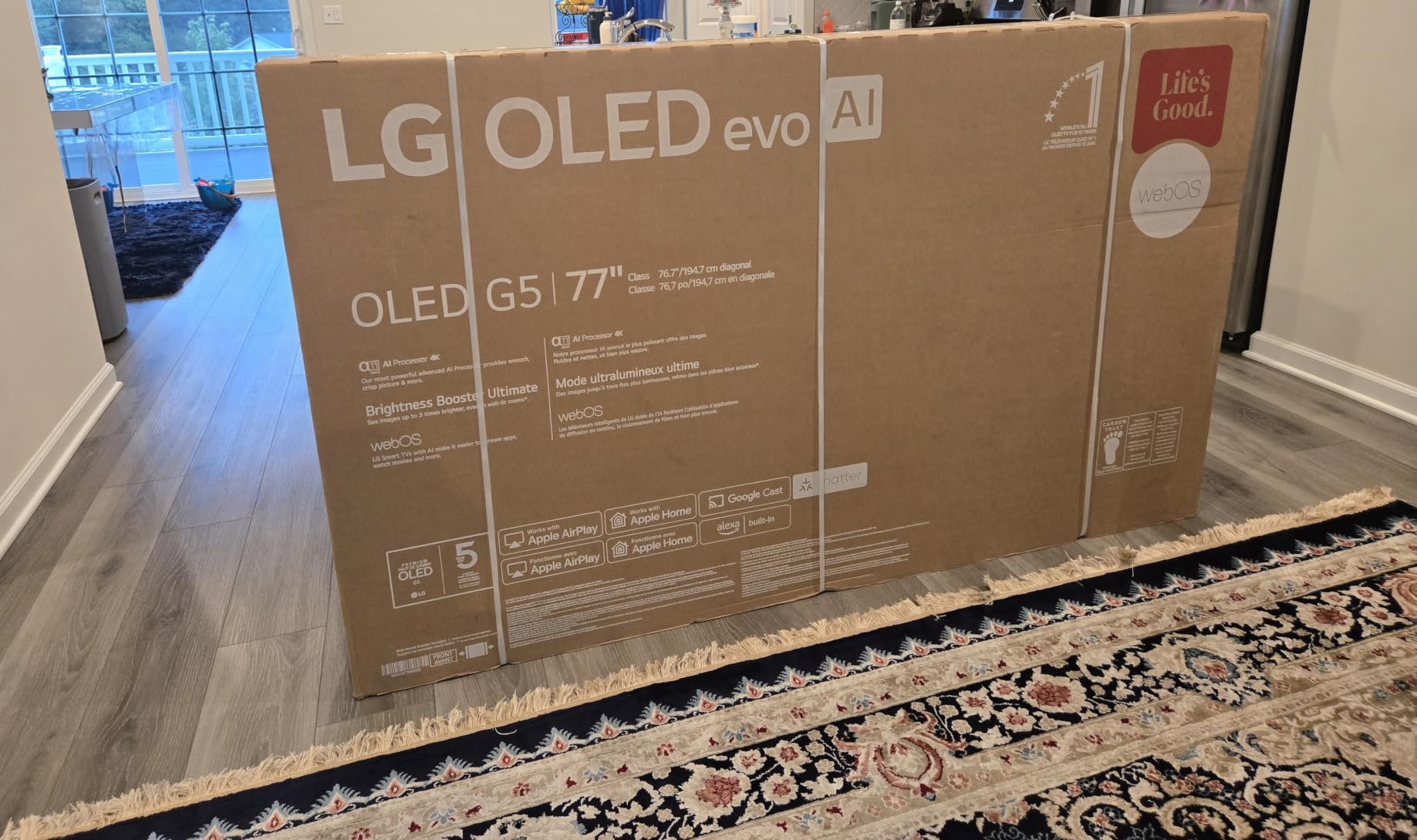
The G5 is the pick when you refuse to add a soundbar. Its 4.2-channel system with AI Sound Pro and WOW Orchestra is the most capable television audio in this roundup, and on a quiet film it handles dialogue and mid-range atmosphere far better than the two-channel systems on the cheaper sets.
As a picture, it is a flagship OLED evo with Brightness Booster Max on 8.3 million self-lit smart pixels, and the Alpha 11 AI Processor Gen2 handles upscaling and scene analysis with the same authority as the C4’s processor.
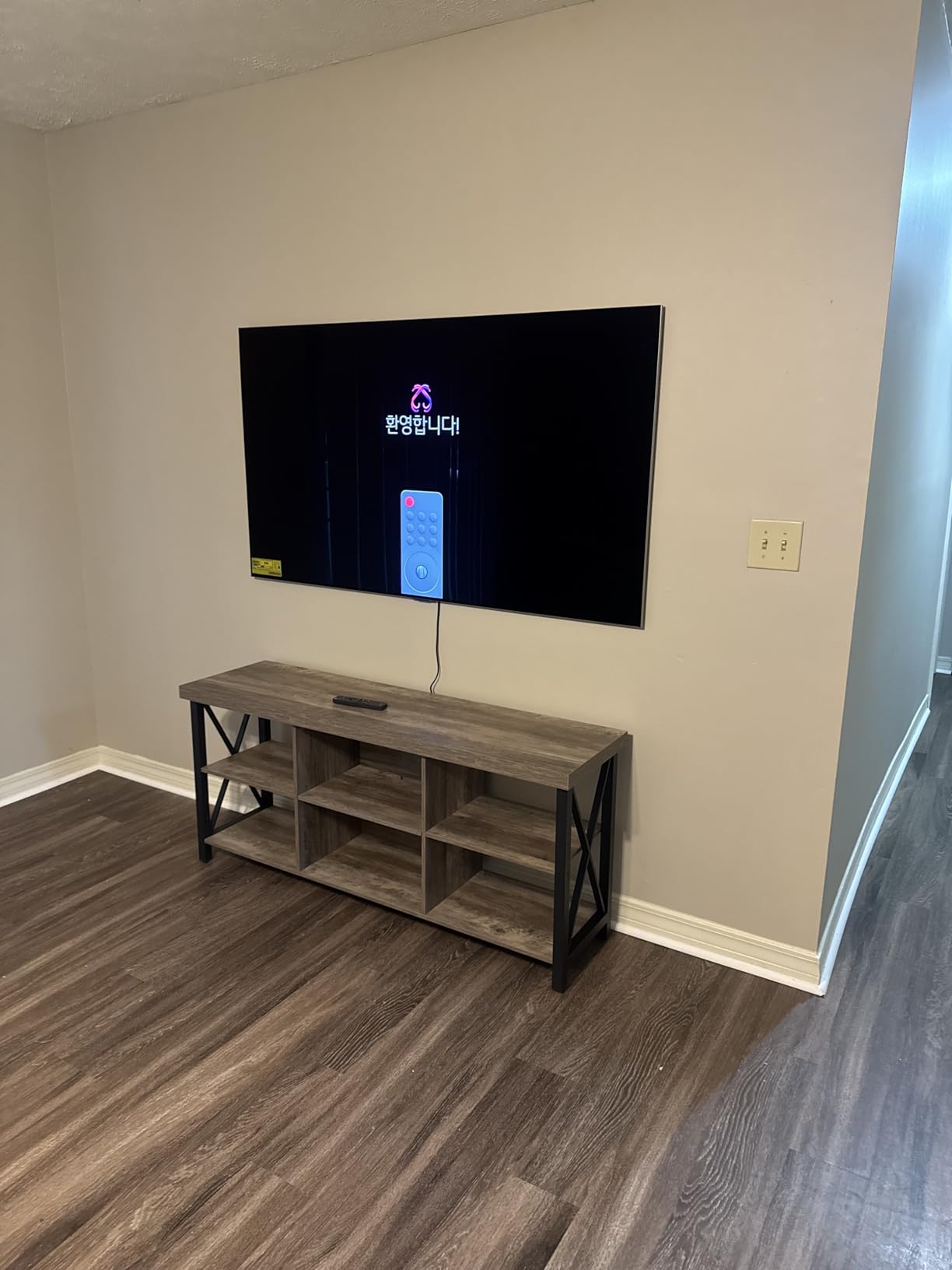
The headline upgrade over the C-series is glare handling. The panel is UL verified Discomfort Glare Free with a UGR rating below 22, which is the certification that lets this OLED live in a room with daylight rather than hiding behind curtains.
AI Director Processing and FILMMAKER MODE are both present, so the film settings we recommend are built in rather than something you assemble. The One Wall Design mount is included and lets the panel sit nearly flush against the wall.
How we set up the G5 for a film night
FILMMAKER MODE first, then AI Director Processing if you want a little extra tonal shaping on very dark discs. Leave brightness on auto so the panel matches the room rather than forcing a fixed output.
Keep motion smoothing off for 24fps material. The 120Hz panel runs 24fps film perfectly well, which is worth repeating because buyers regularly assume a higher refresh rate is needed for cinema.
The case against it
The 120Hz refresh and 1000-nit peak brightness both trail the brightest Mini-LEDs and the other OLEDs here. If the screen shares a room with a lot of console gaming or direct sun, the U7 or the C4 makes more sense.
As an OLED it carries the usual small burn-in risk with static on-screen content, so it suits viewers who finish films rather than viewers who leave menus running.
7. Sony BRAVIA 5 65-Inch Mini-LED – Best Matte Screen for Daylight Rooms
Sony 65 Inch BRAVIA 5 Mini LED 4K HDR Smart Google TV (K-65XR50)
65 inch Mini-LED
Matte anti-glare finish
Dolby Vision and IMAX Enhanced
5.1 channel audio
Pros
- Matte finish resists reflections in bright rooms
- Mini-LED black levels much deeper than standard LED
- Impressive Dolby Vision with settings dialled back
- Smooth Google TV interface
- 178-degree viewing angle
Cons
- Only two of four HDMI ports are HDMI 2.1
- Remote lacks number buttons
- Deep settings menus take study
- One owner reported a damaged panel on arrival
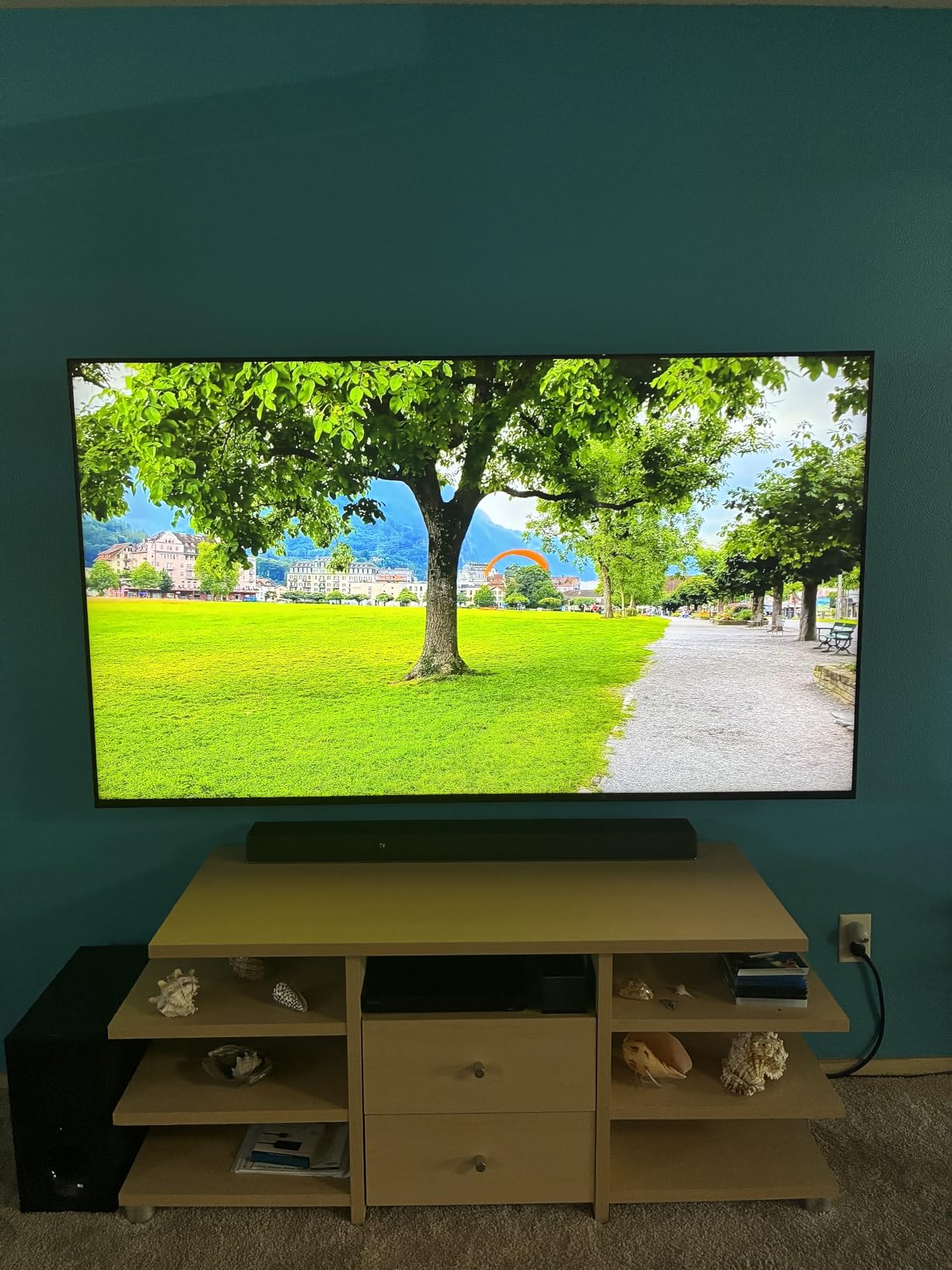
The BRAVIA 5 is the highest-rated set in this group, and the matte anti-glare screen finish is the reason. A matte surface scatters ambient light instead of reflecting it, so overhead lights and windows stop turning into a mirror during a daytime film.
It also holds a 178-degree viewing angle, which means the picture barely shifts for people seated at the far ends of a wide room. That is the exact weakness that makes cheaper LED sets frustrating in a group.
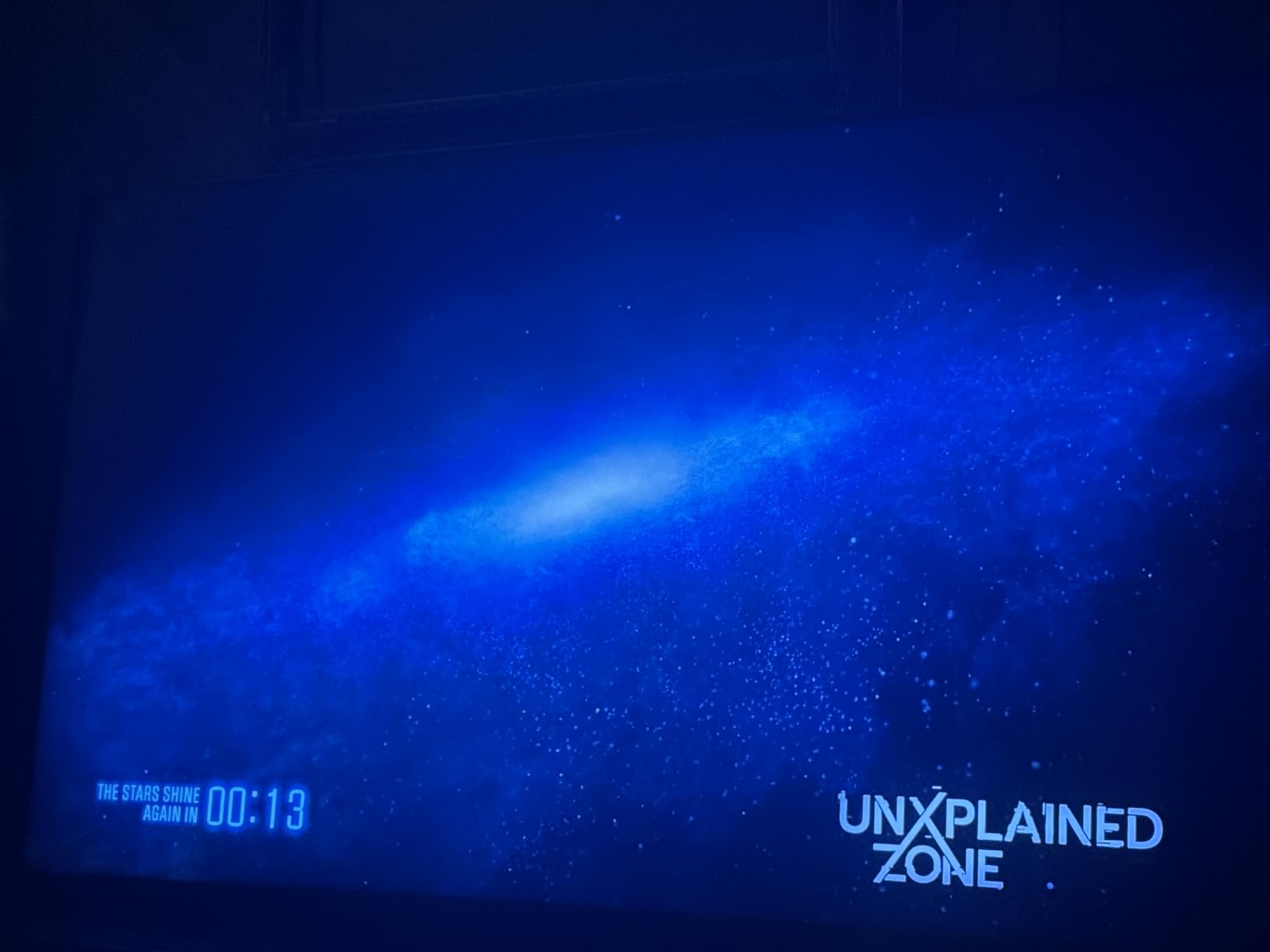
XR Backlight Master Drive Mini-LED with XR Contrast Booster 10 delivers blacks that go meaningfully darker than a standard LED, and the studio-calibrated modes for Netflix, Prime Video and Sony Pictures CORE mean the picture arrives close to intent. Dolby Vision, IMAX Enhanced and DTS:X are all supported.
Owners also rate the Google TV interface as quick and smooth, which is not always true of mid-range sets, and Acoustic Multi-Audio 5.1-channel output is a step up from most television speakers.
Movie settings on a matte panel
Use a studio calibrated mode and keep brightness on auto. On a matte screen a fixed high brightness setting looks dim next to a glossy panel in the same room but more accurate, so trust the sensor before your eyes.
Expect to spend time in the settings menu. Owners consistently describe Sony’s menus as dense, and a sharp film mode on a matte finish needs a little more care than a mode on a glossy one.
Where it falls short
Only two of the four HDMI ports are HDMI 2.1. For a movie-only setup that is irrelevant, but plan your cable routing around it if a console is also involved.
The remote has no number buttons, which is an easy fix with any backlit replacement. A small number of owners reported damage on arrival, so inspect the panel carefully before the return window closes.
8. Sony BRAVIA XR A95L 77-Inch QD-OLED – Best Theater-Scale Picture
Sony QD-OLED 77 inch BRAVIA XR A95L Series 4K Ultra HD TV: Smart Google TV with Dolby Vision HDR and Exclusive Gaming Features for The PlayStation® 5 XR77A95L- Latest Model,Black
77 inch QD-OLED
Dolby Vision HDR
Cognitive Processor XR
120Hz with HDMI 2.1
Pros
- QD-OLED blacks with natural cinematic colour
- XR Motion avoids the soap-opera effect
- Cognitive Processor XR cleans up low-bitrate sources
- No picture compromise in Game Mode
- Premium build with rear cable cover
Cons
- Reported main board failure issue on this series
- Some sound output failures after a few months
- USB port wakes the set after power off
- Rear panel awkward for cable routing
The A95L is the only true theater-class screen here at 77 inches, and the QD-OLED panel delivers what posters argue about. AVForums regulars make the same point in different words: below about 77 inches, an OLED struggles to reproduce the sense of scale that a projected image gives you.
The Cognitive Processor XR with XR Triluminos Max is the part film people notice. It cleans up low-bitrate and low-resolution sources convincingly, and owners repeatedly describe skin tones as the most natural they have seen on a television.
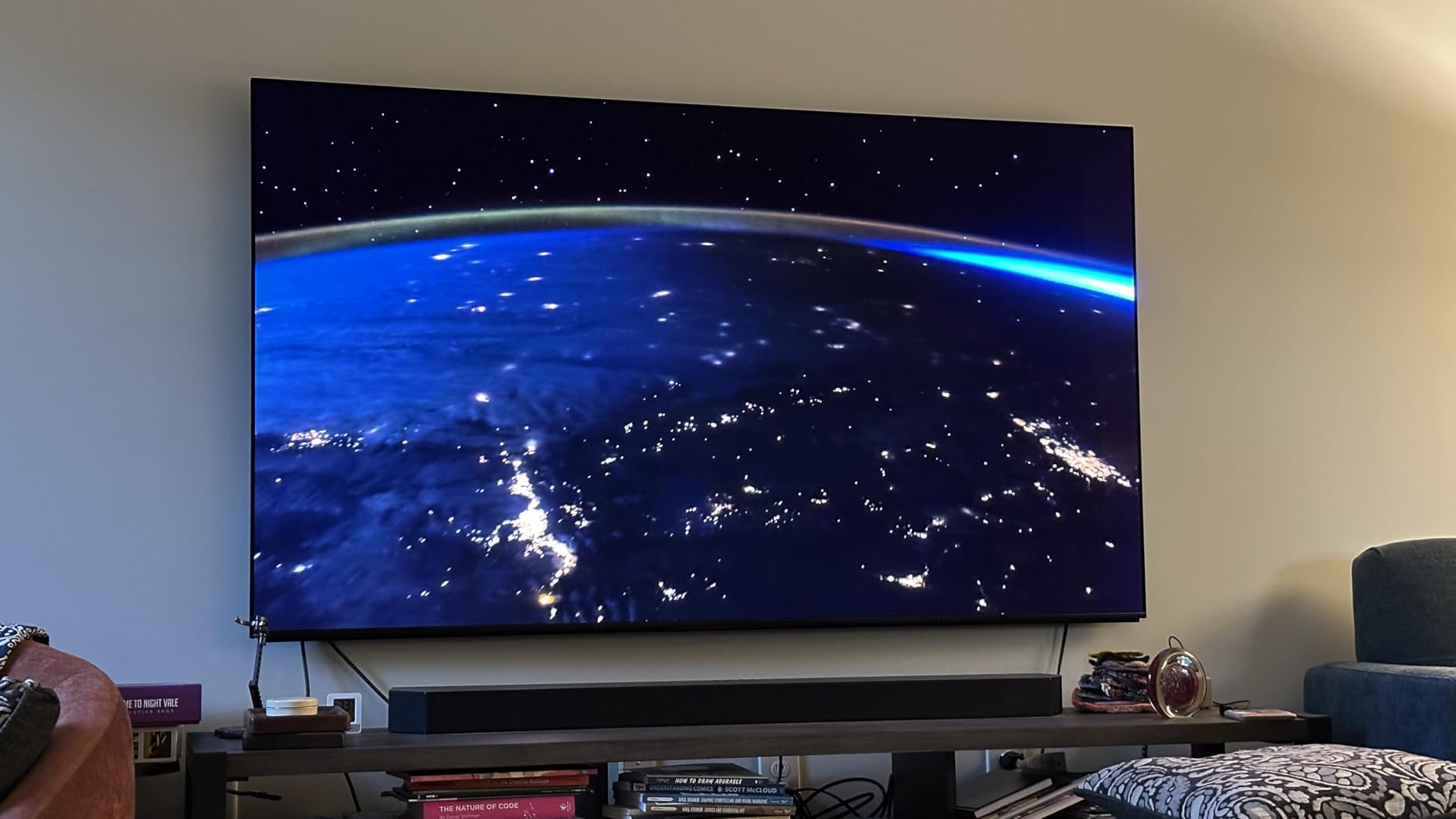
Dolby Vision, IMAX Enhanced and the Netflix Adaptive Calibrated Mode cover the formats a serious film library throws at a screen. BRAVIA CORE also arrives with credits and a rotating classic collection, which suits an audience that watches older work.
XR OLED Motion is the standout feature. It handles fast action smoothly without the soap-opera effect that undermines other OLEDs, and Game Mode does not visibly damage contrast or colour on this set, which matters if a console is shared.
Settings for a 77-inch canvas
Use the Netflix Adaptive Calibrated Mode for streaming and a picture mode close to custom for discs. At this screen size, sit further back and let the panel breathe rather than filling your field of view.
At 81.3 pounds with a rear connection panel, wall mounting needs planning before the cable run, not after. Two people minimum for the lift.
The reliability caveat
This series carries a known main board failure theme in owner reports, and some buyers have reported sound cutting out after a few months. We still rate it the best picture at this size, but buy from a seller with a solid returns process and keep the packaging.
Also worth weighing: a 77-inch screen at 120Hz is enormous. If the room cannot seat people far enough back, a budget projector may serve a larger image more gracefully.
9. Hisense E7 Cinema 65-Inch Mini-LED – Best Dolby Vision IQ on a Budget
Hisense 65″ E7 Cinema Series Hi-QLED Mini-LED 4K UHD Smart Fire TV (65E7SF, 2026 NEW) – Native 144Hz, AI Picture, Dolby Vision IQ · Atmos, FALD, HDR10+ Adaptive, MEMC, Alexa+
65 inch Mini-LED
Full array local dimming
Dolby Vision IQ and HDR10+
FILMMAKER MODE
Pros
- Mini-LED local dimming gives genuinely deep blacks
- Dolby Vision IQ plus HDR10+ Adaptive
- 144Hz native with MEMC
- FILMMAKER MODE as standard
- Lightweight at 38.4 lb for easy mounting
Cons
- Motion can blur in fast scenes with VRR enabled
- 20W 2.0-channel audio is basic
- External media processing weaker than rivals
The E7 Cinema is the cheapest way into Dolby Vision IQ on a large screen, and for a film audience that single format does more than most spec-sheet features. Dolby Vision IQ reads ambient light and retunes the tone mapping for the actual room brightness rather than a fixed target.
Full array local dimming with Hi-QLED quantum dot colour produces blacks that reviewers describe as genuinely black, which is the property that makes dark sequences and letterbox bars behave on an LED panel.
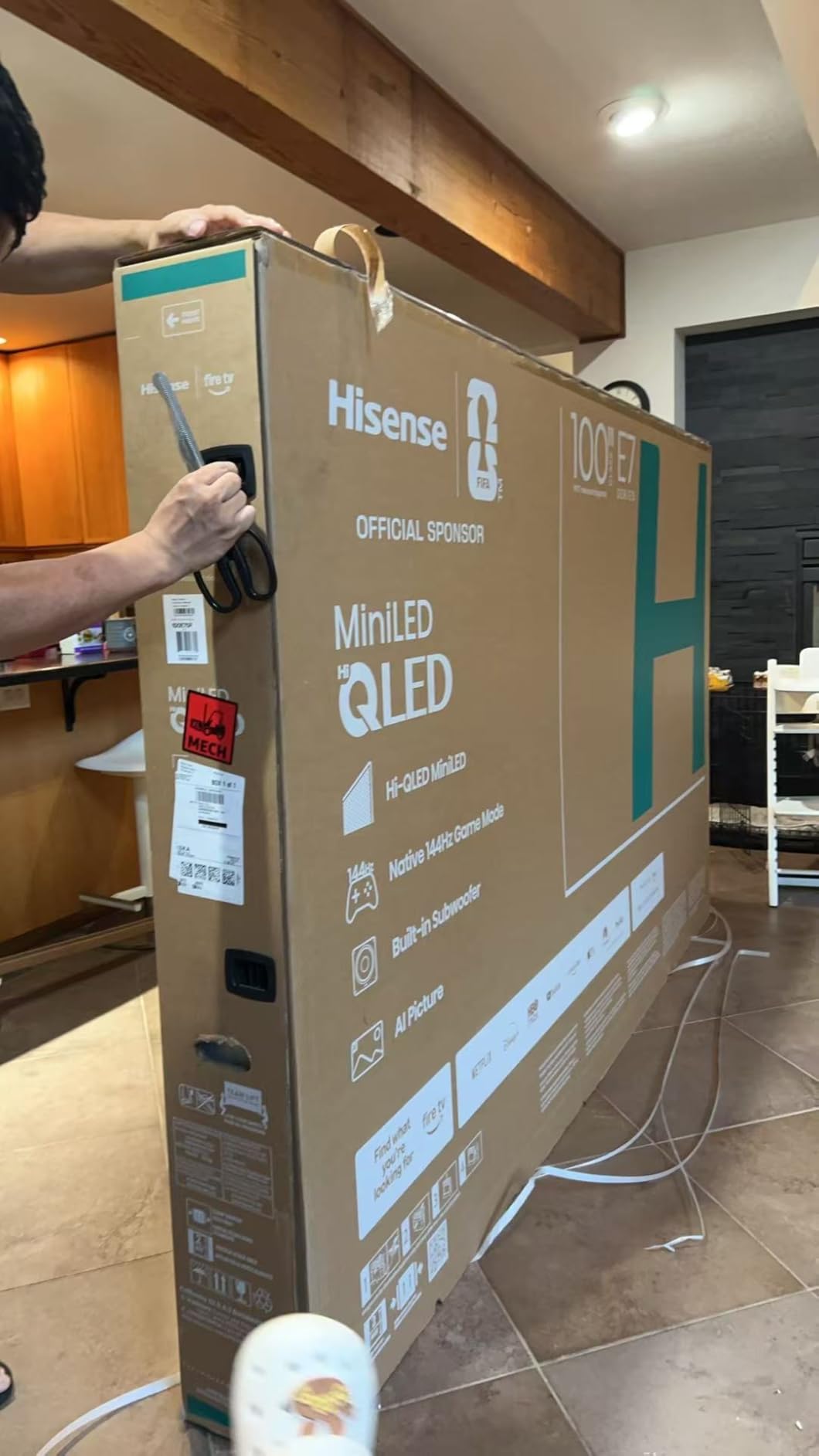
FILMMAKER MODE is included, and it preserves the original aspect ratio, colour and frame rate. On a set with no cinematically faithful mode out of the box, seeing the bars stay the right shape and the cadence stay at 24 is worth the setup time.
At 38.4 pounds it is the lightest 65-inch set here, which makes it far easier to hang than the 51.6 lb Mini-LED above it or the 58 lb Sony.
Settings for the E7 Cinema
Switch on FILMMAKER MODE and leave it. Turn off MEMC and black frame insertion for 24fps films, since owners report blurriness in fast scenes that motion processing can worsen.
Some owners recommend disabling VRR and FreeSync for film, because the variable refresh path is where the softness appears. If you use it for games, re-enable it on that input only.
Where it falls behind
The 20W two-channel system is the weakest audio in this roundup, so budget for a soundbar. Processing on files played outside the smart apps is also weaker than the picture would suggest.
Compared with the U7, you give up the anti-reflective coating and a large slice of peak brightness. If your room is bright, the U7 is the better buy; if the room is dimmable, the E7 Cinema is the better value.
10. Samsung Q7F 43-Inch QLED – Best for Bedrooms and Small Rooms
Samsung 43-Inch Class QLED Q7F Series Samsung Vision AI Smart TV (2025 Model, 43Q7F) Quantum HDR, Object Tracking Sound Lite, Q4 AI Gen1 Processor, 4K upscaling, Gaming Hub, Alexa Built-in
43 inch QLED
4K AI upscaling
HDR10+ dynamic tone mapping
15.7 lb compact design
Pros
- Quantum dot colour stays accurate at high brightness
- 4K AI upscaling sharpens streaming sources
- Compact size suits a bedroom or office
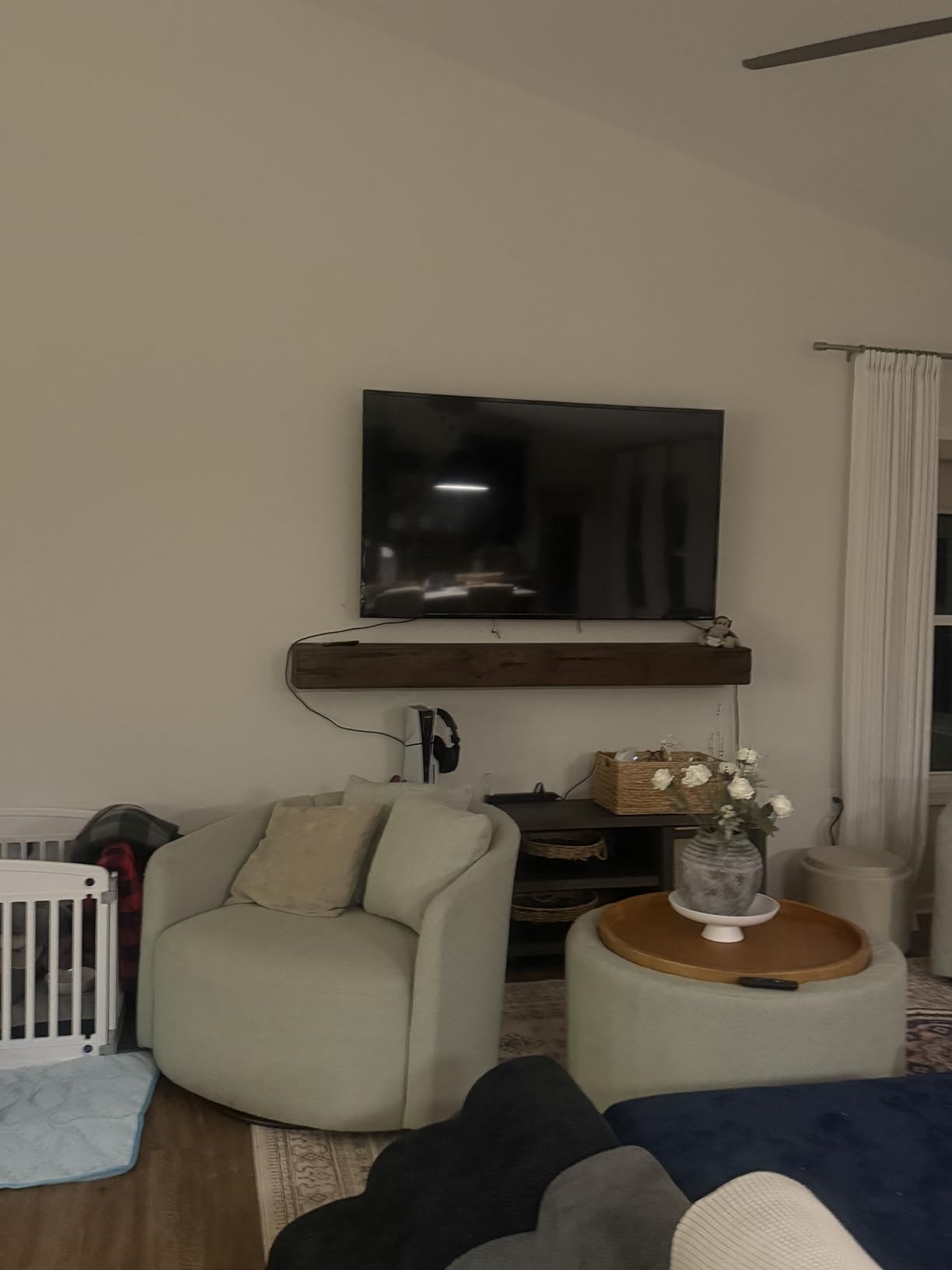
- Lightweight and easy to wall mount
- Samsung TV Plus free channels
Cons
- 60Hz panel with edge-lit dimming only
- No Dolby Vision support
- Modest 20W two-channel audio
Not every room needs a 65-inch screen, and a 43-inch QLED is the right call for a bedroom, a study or a secondary room where a bigger set would dominate. The QLED quantum dot layer keeps colour accurate and punchy at higher brightness levels, which is useful when you are watching at night with a lamp on.
The Q4 AI Gen1 processor handles 4K upscaling, and owners consistently report that it makes ordinary streaming look noticeably sharper. On a compact screen at typical bedroom viewing distance, that does more for perceived quality than any other spec on the sheet.
HDR10+ dynamic tone mapping provides usable contrast for a budget panel, and Samsung TV Plus adds free channels with no subscription. Tizen is smooth and quick once set up, and at 15.7 pounds the set is trivial to mount yourself.
Be clear-eyed about the limits. It is a 60Hz edge-lit panel, it has no Dolby Vision, and the two-channel 20W audio is thin for a film. It is a bedroom television, not a home theatre display.
Settings for a small-room set
Use the movie picture mode, keep brightness on auto, and turn off motion smoothing. With a 60Hz panel, frame-rate matching handles 24fps film more cleanly than any compensation setting.
Skip the sports and game modes entirely. They boost saturation and contrast, which is the opposite of what a graded film needs in a dim bedroom.
When to size up instead
If the set is going in a main living room where people sit more than eight feet away, a 43-inch screen will feel small from the middle and back rows. The 65-inch TCL QM6K covers the same use case with better local dimming.
The lack of Dolby Vision is the other limit. If your library is discs rather than streaming, the format mismatch matters more here than it would on a larger OLED.
How to Choose a TV for Movies: OLED vs QLED vs Mini-LED
For movies, the panel decision comes down to one question: how much light hits the screen. OLED wins on contrast because each pixel makes its own light and can switch off completely, which is why blacks stay black and contrast never runs out. Mini-LED and QLED win on sustained brightness, because a backlight stays lit behind every pixel.
A practical rule we use: in a dim or light-controlled room, OLED. In a room with windows you cannot block during a daytime film, Mini-LED or QLED. If the answer sits between the two, a matte-finish Mini-LED such as the BRAVIA 5 handles the glare better than any glossy alternative.
Format support matters nearly as much. Dolby Vision and Dolby Vision IQ carry per-scene or per-room metadata that maps the picture correctly, which beats pushing a standard HDR signal as hard as the panel allows. Sets here cover the full spread except the Samsung S90F and Q7F, both of which list HDR10+ only.
One forum detail worth repeating for anyone shopping size by size: buyers report that the 42-inch version of a given C-series OLED uses a different panel from the 55-inch and above. Advice that fits one size does not automatically transfer, so check the model number rather than the family name.
For streaming-only libraries, our 4K home cinema guide covers platform and app support in more detail. For dedicated theater rooms, the OLED roundup goes deeper on panel processing.
Screen Size and Viewing Distance for a Movie Night
Seat yourself at roughly 1.2 to 1.6 times the screen diagonal in inches for a cinema-like framing, and closer if you mostly watch news. Below that range the picture feels enormous and you start seeing the panel rather than the film.
For a 77-inch panel, that means 9 to 12 feet of viewing distance. Sit closer than about 7 feet and the screen overwhelms the frame; the AVForums view is that only at 77 inches and above does an OLED approach the scale of a projected image.
By contrast, a 43-inch set wants roughly 5 to 7 feet, which is why it works so well in a bedroom and why it feels small in a main room. Measure your actual seating distance first, then pick the size that fits it rather than the largest that fits your wall.
OLED Burn-In: The Realistic Risk and How to Minimize It
Burn-in is permanent image retention on self-emissive panels, and unlike temporary image retention it does not fade. The risk is real but unevenly distributed: a living room set watched with mixed content for a few hours a day will rarely show it, while a screen left on a static menu all day is the genuine danger.
Turn the TV off or put it in a screensaver when a film ends and you go to bed.
Use the panel pixel-refresh routine on schedule, even if it interrupts one evening.
Dim the brightness rather than leaving a bright static menu on screen at high output.
Avoid leaving news channels, sportscasters or streaming app home screens running for hours.
Check the manufacturer’s burn-in policy before you buy, since they differ widely.
If you are the kind of viewer who leaves things running, an OLED is the wrong panel and a Mini-LED is the right one. Owners who watch a lot of static content frequently land on the same conclusion. If you mostly finish films and switch off, the C4 or the A95L is a reasonable place to be.
What TVs to Stay Away From for Movies
When people ask which TVs to avoid for films, they rarely mean bad brands. They mean configurations that quietly undermine a cinema setup, and the list is short and specific.
Edge-lit LED sets with no local dimming. Grey letterbox bars around a dark film, and highlights that never punch. The Samsung Q7F is here only because its compact size suits small rooms, not because its dimming is good.
Any 60Hz panel above 55 inches. Film content is 24fps, so 60Hz handles it, but the same panel cannot do anything else well.
Sets without Dolby Vision when your library is discs. A 4K Blu-ray player feeding Dolby Vision into an HDR10-only screen leaves picture quality unused.
Any TV sold with vivid or contrast-boost mode as the default. Graded film is deliberately flat. Fix it in ten minutes with Filmmaker Mode, or do not buy the set.
Anything you cannot mount or position away from glare. A reflective panel facing a window will disappoint regardless of what is inside it.
Screens with remote controls missing number buttons. Trivial to fix, but it is a sign of where the manufacturer saved money.
Also avoid buying on claimed AI upscaling figures alone. Forum buyers are openly sceptical of AI picture marketing, and they are right: upscaling helps most on older, lower-resolution sources and does almost nothing for native 4K.
Frequently Asked Questions
Is QLED or OLED better for movies?
OLED is better for movies in a dim or light-controlled room, because self-emissive pixels switch off completely for true black and unlimited contrast. QLED and Mini-LED win in bright rooms, where sustained peak brightness matters more than black level. The practical rule: dim room, OLED. Room with windows you cannot block, Mini-LED or QLED.
What type of TV screen is best for watching movies?
An OLED panel is the best screen type for movies if your room is dim, since it delivers true black, infinite contrast and wide viewing angles without a backlight. If your room is bright during the day, choose a Mini-LED with local dimming and an anti-reflective finish instead, and add Dolby Vision support for the best tone mapping.
Which TV is the best to avoid burn-in?
A Mini-LED or QLED TV is the safest choice against burn-in, because it uses a backlight rather than self-emissive pixels and cannot retain a static image. Among OLEDs, risk stays low with mixed content and switched-off screens. Always run the panel pixel-refresh routine and avoid leaving static menus on screen for hours.
What is the recommended viewing distance for a 77 inch OLED TV?
Sit between 9 and 12 feet from a 77-inch screen for a cinema-like framing, roughly 1.2 to 1.6 times the diagonal. Closer than about 7 feet and the image feels overwhelming. At this distance, 77 inches is the smallest OLED size that approaches the scale of a projected image for most living rooms.
What smart TVs should you stay away from for watching movies?
Avoid edge-lit LED sets with no local dimming, 60Hz panels larger than 55 inches, screens without Dolby Vision if you own 4K Blu-rays, and any set that ships with a vivid or contrast-boost mode as default. Also skip reflective panels positioned toward windows, and screens whose remotes lack number buttons.
The Best TVs for Movies in 2026: Final Picks
The LG OLED C4 65-inch is our best TV for movies overall, with true blacks, FILMMAKER MODE as standard and the strongest processing for older sources. For a dim dedicated room, the Samsung OLED S90F is the alternative with more headroom for brightness.
In a bright living room, take the Hisense U7 for anti-reflection and peak brightness, or the Sony BRAVIA 5 if glare is your main problem. The TCL QM6K is the value pick, and the Sony A95L at 77 inches is the only one here that delivers a genuine theater-scale image.
Whichever you choose, switch on Filmmaker Mode, turn off motion smoothing and add a soundbar if dialogue matters. Those three minutes of setup matter more than any spec on the box. Our deeper guides cover TVs for reviewing footage and screening rooms if you need more detail.