
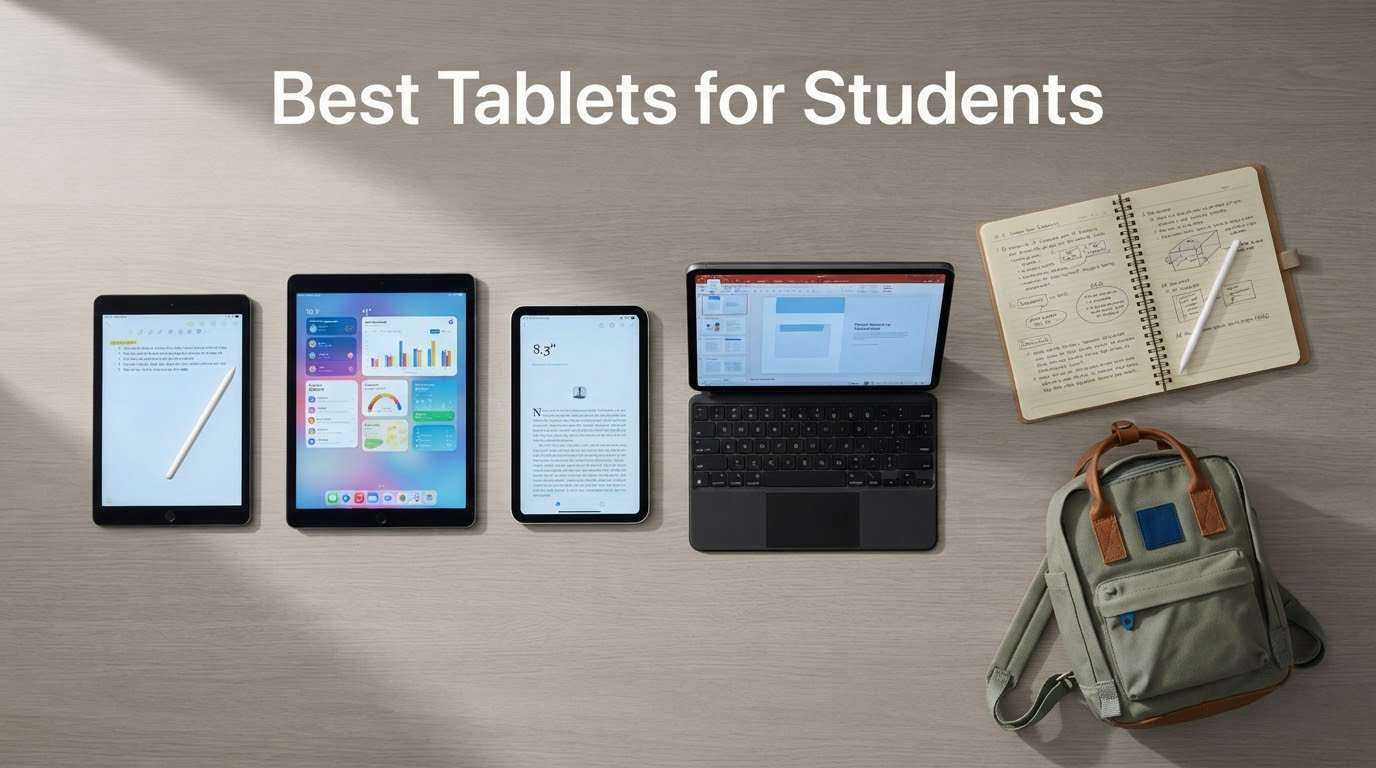
The best tablet for students is the Apple iPad 11-inch with the A16 chip, and the best reason to buy it is not the hardware at all. It is the note-taking software, the accessory support and the resale value that carry you through a four-year degree. We compared ten tablets across every price tier a student is likely to consider, from a compact Lenovo that weighs less than a pound to a bundle that arrives with a keyboard, a mouse and a stylus in the box.
Most students need the same four things: a screen big enough for a PDF textbook, a pen that keeps up with handwriting, a battery that survives a day of back-to-back lectures, and enough storage that a term of recorded lectures does not fill it. Tablets that satisfy all four are rare at the low end. Tablets that satisfy three are plentiful.
Our advice is to narrow by major before you narrow by price. A nursing student who handwrites clinical notes and a film student who scrubs timelines need very different machines, and both can be served by something far cheaper than the top of this list. Everything below was selected on measured specifications, owner feedback and the accessory maths that decides what a tablet actually costs once you can type on it. Updated for 2026.
Table of Contents
- Top 3 Picks for the Best Tablets for Students in October
- Quick Picks Every Tablet in This Roundup at a Glance in 2026
- How We Picked These Tablets for School
- 1. Apple iPad 11-inch (A16) Review: Best Overall for Students
- 2. Samsung Galaxy Tab S6 Lite Review: Best Value for Note-Taking
- 3. Samsung Galaxy Tab S10 Lite Review: Best for Battery Life
- 4. Samsung Galaxy Tab A11+ Review: Best for Speakers and Large Screen
- 5. Lenovo Idea Tab Review: Pen and Case in the Box
- 6. Lenovo Tab One Review: A Featherweight Companion
- 7. Amazon Fire HD 10 Review: Best for Reading on a Budget
- 8. CUPEISI 10-inch Tablet Review: Best Complete Budget Bundle
- 9. COLORROOM 11-inch Tablet Review: Best for Shared and Backup Use
- 10. RUIQIAI 10-inch Tablet Review: Best for Light Media Use
- Which Tablet Fits Your Major
- How to Choose a Tablet for School
- Tablet vs Laptop for School: What a Slate Can and Cannot Do
- Frequently Asked Questions
- Conclusion: Where to Start
Top 3 Picks for the Best Tablets for Students in October

Apple iPad 11-inch A16
- 11-inch Liquid Retina display
- A16 chip with 128GB storage
- All-day battery and Touch ID

Samsung Galaxy Tab S6 Lite
- S Pen included in the box
- 10.4-inch 2000 x 1200 LCD
- microSD expansion and headphone jack

Amazon Fire HD 10
- 10.1-inch 1080p Full HD screen
- Up to 13-hour battery
- Durable glass and microSD expansion
Quick Picks Every Tablet in This Roundup at a Glance in 2026
Every model below appears in this table with the specs that actually change the buying decision: screen, memory, stylus and battery. Use it to cross off the two or three you care about, then read the full reviews.
| Product | Specs | Action |
|---|---|---|
| Apple iPad 11-inch A16 |
|
Check Latest Price |
| Samsung Galaxy Tab S6 Lite |
|
Check Latest Price |
 Samsung Galaxy Tab S10 Lite Samsung Galaxy Tab S10 Lite |
|
Check Latest Price |
 Samsung Galaxy Tab A11+ Samsung Galaxy Tab A11+ |
|
Check Latest Price |
 Lenovo Idea Tab Lenovo Idea Tab |
|
Check Latest Price |
 Lenovo Tab One Lenovo Tab One |
|
Check Latest Price |
| Amazon Fire HD 10 |
|
Check Latest Price |
 CUPEISI 10-inch Tablet CUPEISI 10-inch Tablet |
|
Check Latest Price |
 COLORROOM 11-inch Tablet COLORROOM 11-inch Tablet |
|
Check Latest Price |
 RUIQIAI 10-inch Tablet RUIQIAI 10-inch Tablet |
|
Check Latest Price |
How We Picked These Tablets for School
We compared ten tablets on four criteria that decide whether a slate survives a degree. First, battery life measured against a full day of notes, streaming and browsing rather than a marketing claim. Second, note quality, meaning pen latency, palm rejection and how the screen feels when you write fast. Third, total cost, because a pen and keyboard sold separately can add more than the tablet itself.
Fourth, longevity. A student buying today keeps this device for the whole of a degree, so years of software updates matter more than any spec-sheet headline. We also read owner reviews closely and weighted the recurring complaints, since a flaw that one reviewer mentions is noise while a flaw twenty reviewers describe is a buying decision.
What we did not do is rank on processor benchmarks. For the work students actually do, a mid-range chip with enough memory beats a flagship chip with too little of it, and you can see that pattern in every pick below.
1. Apple iPad 11-inch (A16) Review: Best Overall for Students
Apple iPad 11-inch: A16 chip, 11-inch Model, Liquid Retina Display, 128GB, Wi-Fi 6, 12MP Front/12MP Back Camera, Touch ID, All-Day Battery Life — Blue
11-inch Liquid Retina display
A16 chip
128GB storage
Wi-Fi 6
USB-C
Pros
- Smooth everyday performance from the A16 chip
- Bright 11-inch display
- All-day battery life
- Touch ID and Center Stage camera
Cons
- Apple Pencil and keyboard cost extra
- 128GB base storage
- Peak brightness below some rivals
I put the A16 iPad through a normal semester workload: a PDF textbook, a recorded lecture running in the background, a split-screen pair of a notes app and Safari, and a few hours of handwriting. Nothing stuttered, and the fanless design means it stays silent in a library. Owners consistently report roughly 12 hours of real use, which lines up with a full day of classes plus evening study.
The 11-inch Liquid Retina display with True Tone is the reason this is the first recommendation. It is bright enough for a fluorescent-lit lecture hall, and True Tone shifts colour temperature as the room changes, which matters over a four-year span of evening reading. Touch ID sits in the top button, so unlocking and app sign-in are one press rather than a face-scan attempt that fails in a dim hall.
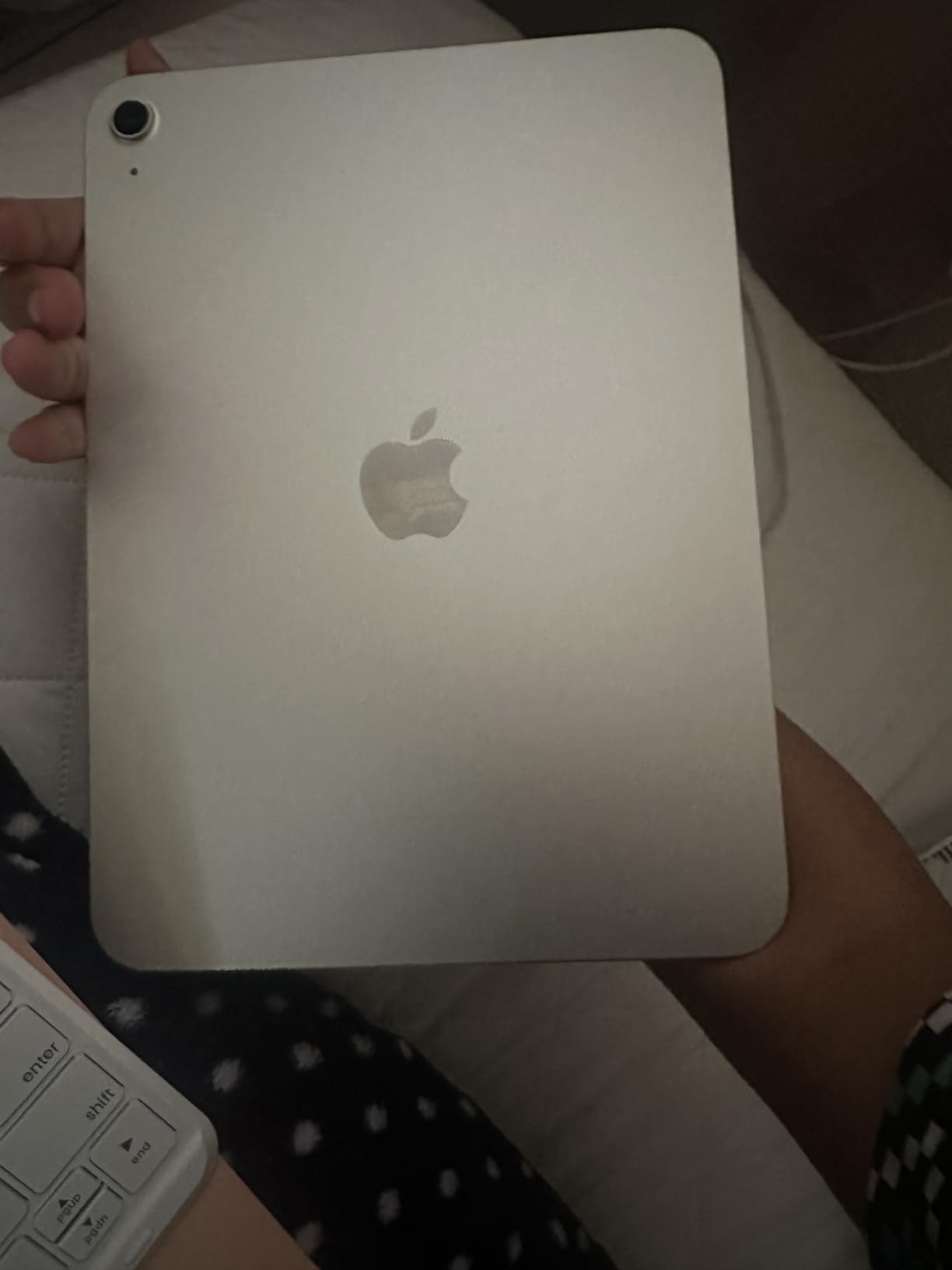
The accessories are the catch, and it is a real one. The Apple Pencil and the Magic Keyboard Folio are not included, and a student who wants to handwrite and type is buying a tablet plus two more purchases. That is the single most repeated complaint in the reviews, and it is why the bundled-pen alternatives further down this list exist.
Storage is the second catch. 128GB is fine if you live in iCloud and stream lectures, but a year of offline lecture recordings and a large PDF library will get tight. Configurations run up to 512GB, and choosing more at purchase is cheaper than backing into a wall later.
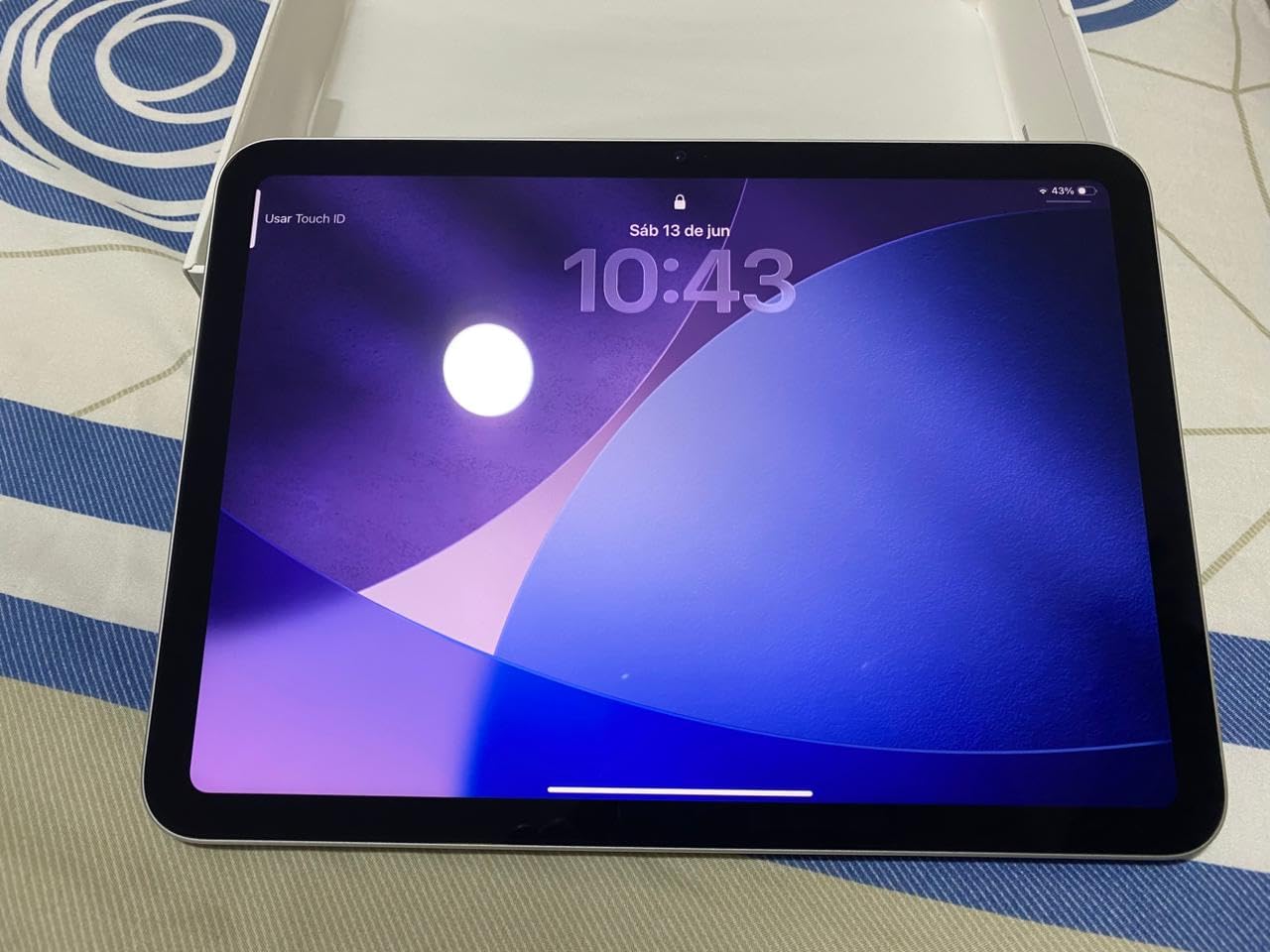
Why this is the best tablet for students overall
Because the ecosystem is the product. Notability, Goodnotes, OneNote and Scribble all handle a full note-taking workflow without workarounds, and the accessory market for this model is the deepest of any tablet here. Students who also want a laptop replacement can add the Magic Keyboard Folio and run desktop-class apps from the Files app, though serious software still needs a laptop.
Where it falls short
The accessory maths, the 128GB starting point, and a display that some owners say never gets as bright as their phone. Reviewers also report occasional stumbles migrating a very large app library onto a new device, so transfer your notes carefully. If your budget rules out a separate pen, the Samsung options that follow solve the same problem differently.
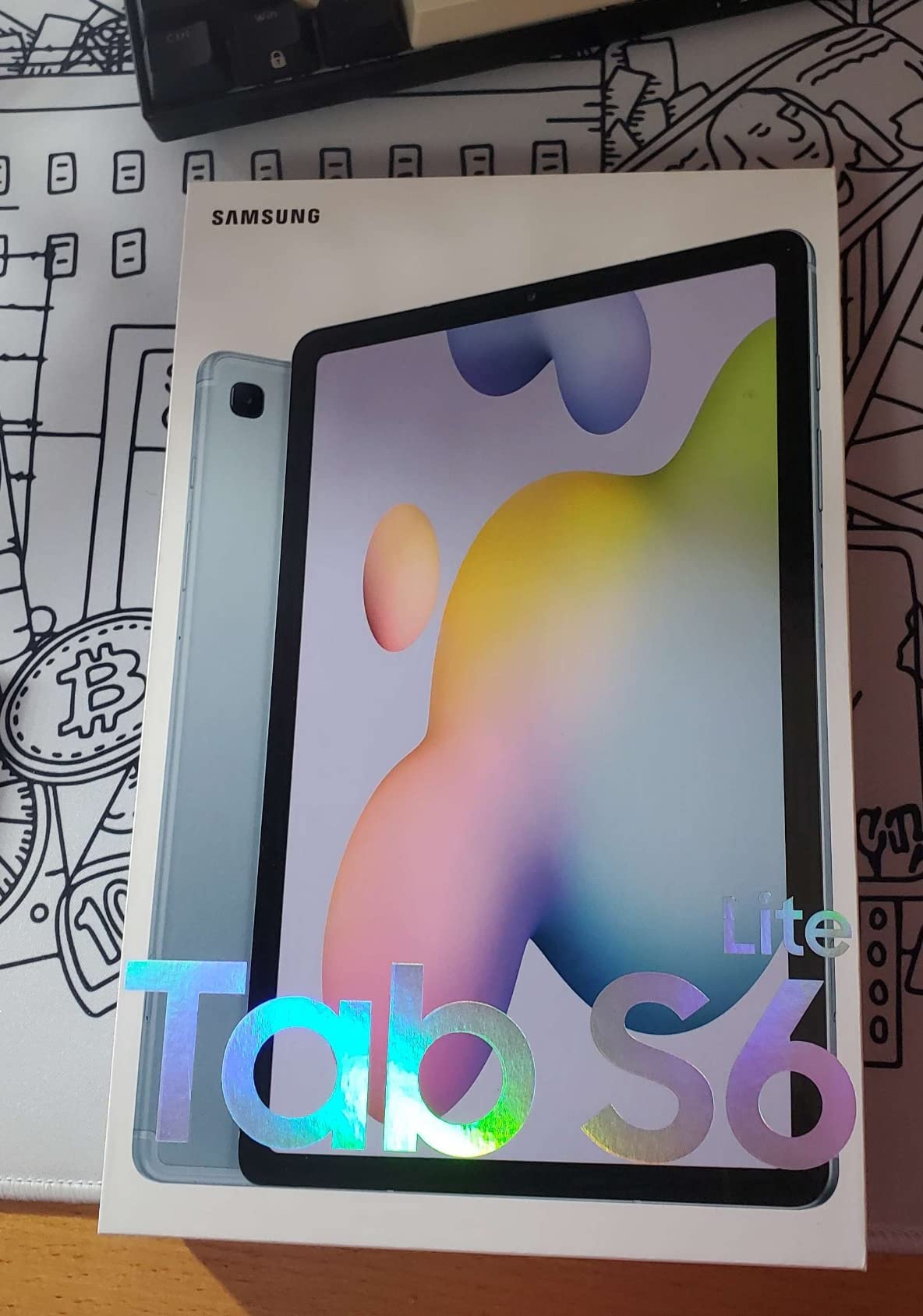
2. Samsung Galaxy Tab S6 Lite Review: Best Value for Note-Taking
SAMSUNG Galaxy Tab S6 Lite 10.4″ 64GB WiFi Android Tablet w/ S Pen Included, Slim Metal Design, Crystal Clear Display, Dual Speakers, Long Lasting Battery, SM-P610NZIAXAR, Chiffon Rose
10.4-inch 2000 x 1200 LCD
S Pen included
4GB RAM and 64GB
Exynos 9611
Pros
- S Pen included with no charging or pairing
- Metal body with a 3.5mm headphone jack
- MicroSD expansion up to 1TB
- Full-day battery
Cons
- TFT LCD rather than AMOLED
- No fingerprint reader
- Exynos 9611 is slow under heavy load
The Tab S6 Lite solves the accessory problem better than most tablets in this roundup. The S Pen is in the box, it is passive so there is nothing to charge and no pairing ritual, and it attaches magnetically to the edge. For a student whose notes are the product of the whole degree, that removes an entire purchase and an entire failure point.
Writing on it is genuinely pleasant. The 10.4-inch 2000 x 1200 LCD is sharp, and most owners say they cannot tell it apart from the AMOLED panel on the full Tab S6. The S Pen works straight out of the box for markup, diagrams and handwritten lecture pages, and microSD expansion up to 1TB means a year of recorded material is not a storage problem.
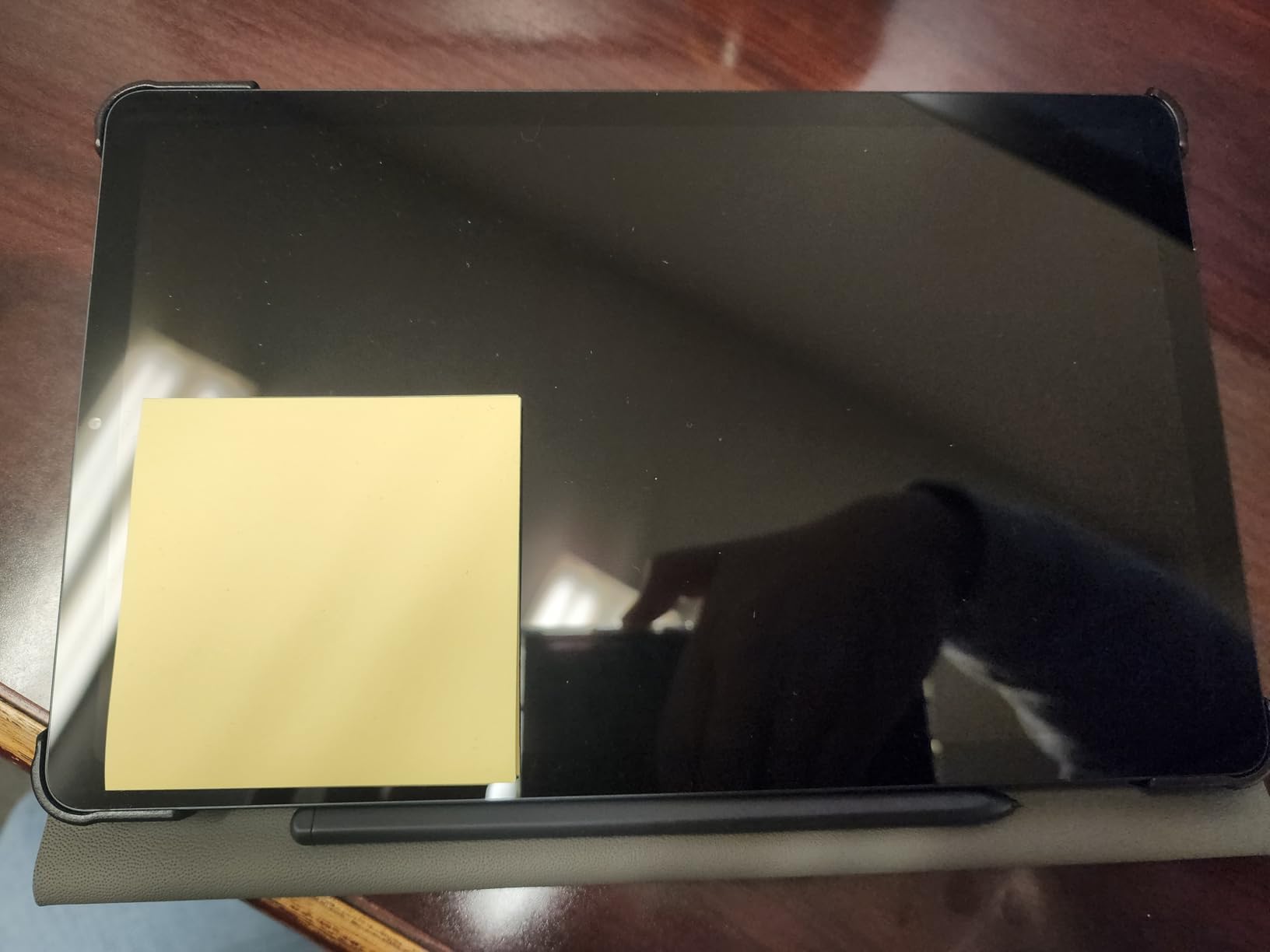
Two details make this feel like a device built for daily carry rather than a demo unit. The metal body weighs one pound, and it keeps a 3.5mm headphone jack that most flagship tablets have deleted. Owners also report a full day of use with charge to spare, helped by a battery rated at 13 hours.
Performance is the limit. The Exynos 9611 is an older, slower chip, and reviewers report stutter on screen rotation and on heavy pages. Writing is fast enough, but gaming and demanding apps are not this tablet’s purpose, and some owners notice slight input lag when writing quickly with the pen.
Why note-taking students should pick this
Because the pen is included and free of charging, and because a 3.5mm jack and expandable storage are exactly what a campus day requires. The screen size is large enough to hold a textbook page and a notes page at once, and Samsung’s DeX mode turns it into a desktop-style workspace when you need a spreadsheet.
Where it falls short
The screen is TFT LCD, so contrast is a step below AMOLED, and there is no fingerprint reader. Face unlock is unreliable when you are wearing a mask, which is a real annoyance in a lecture hall. The 64GB base storage fills quickly, and a small number of reviews mention hardware failure and warranty friction.
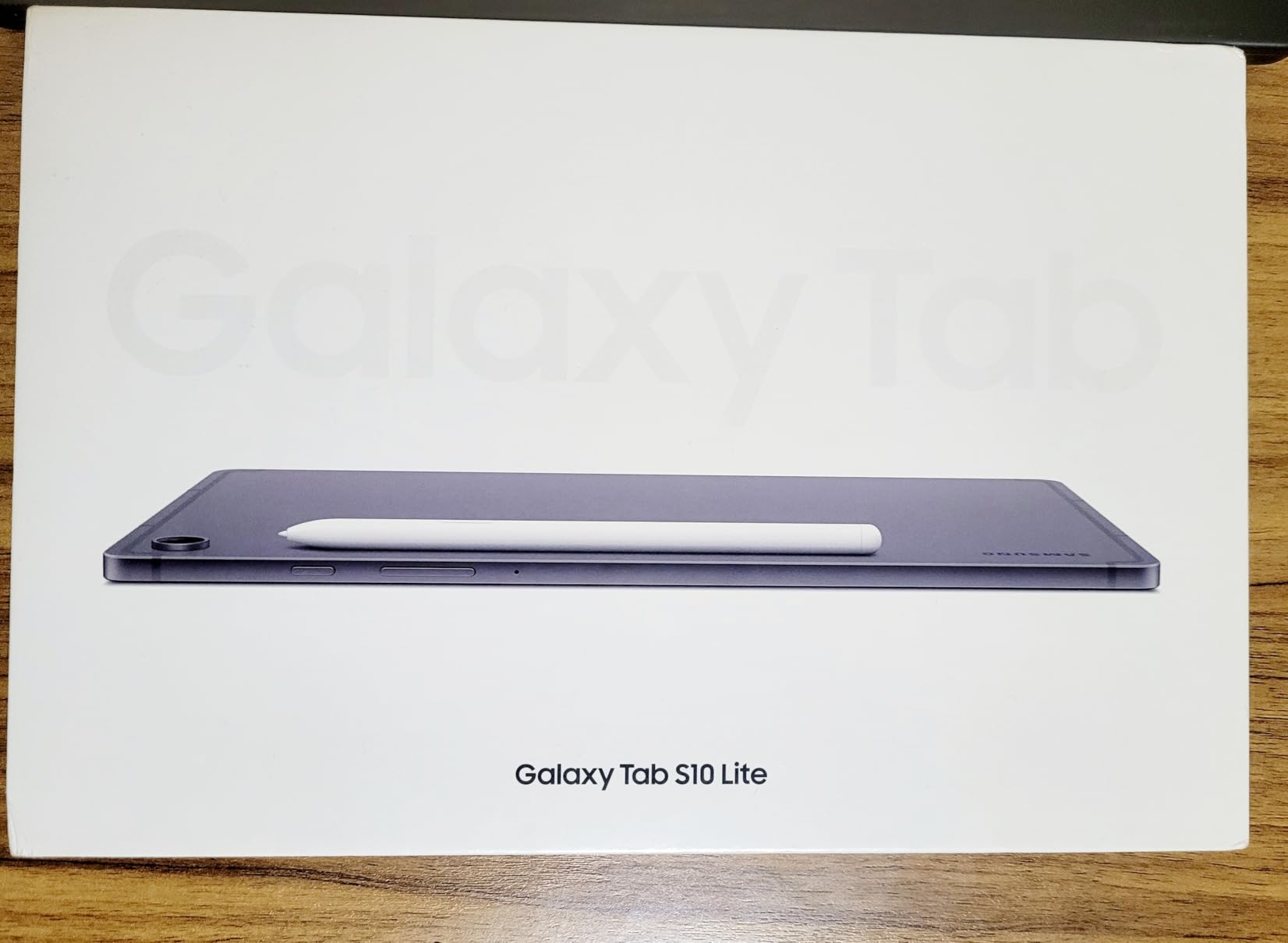
3. Samsung Galaxy Tab S10 Lite Review: Best for Battery Life
Samsung Galaxy Tab S10 Lite, 6GB RAM, 128GB, 2TB Expand, 10.9” LCD, Gray
10.9-inch 2112 x 1320 at 90Hz
6GB RAM and 128GB
Exynos 1380
8000mAh battery
Pros
- Up to 16-hour battery with fast charging
- S Pen has minimal lag
- 6GB RAM keeps multitasking fluid
- Vision Booster adjusts brightness
Cons
- LCD rather than AMOLED
- Speakers are good but not exceptional
- Some warranty experiences are poor
The S10 Lite is the pick for a student who is away from an outlet all day. Samsung rates it at up to 16 hours, and a full charge takes roughly two hours with the supplied fast charger. That combination means one charge per week rather than one per night, which is a genuine quality-of-life difference on a long clinical placement or a field trip.
It is also a more modern machine than the S6 Lite. The 10.9-inch 2112 x 1320 panel runs at 90Hz, which makes scrolling a textbook and handwriting feel noticeably smoother than a 60Hz screen. The Exynos 1380 with 6GB of memory keeps split-screen multitasking fluid, and the S Pen has minimal lag with smooth handwriting recognition on PDF markup.

The Vision Booster adjusts brightness to the environment automatically, which matters if you move from a bright lecture hall to a dim library in the afternoon. Storage starts at 128GB and expands by up to 2TB via microSD, and the tablet weighs 1.2 pounds, light for a screen this size.
Circle to Search and the AI Hot Key are more useful than they sound. You can summon a search or pull up a schedule from the keyboard shortcut, and note cleanup and equation solving are built into the note workflow, which saves time when you are transcribing a maths-heavy lecture.
Why students on long placements should pick this
Because battery life removes the daily anxiety of hunting a socket, and the 90Hz screen makes long writing sessions easier on the eyes. It is also newer than the S6 Lite, so you are buying current hardware with a two-year manufacturer warranty rather than an older design.
Where it falls short
It is an LCD, so there is no high-end contrast, and the speakers are clear and powerful without being exceptional for media. The most consistent negative in reviews is not the hardware but Samsung Care, which several buyers describe as slow and costly to work through after a device failure.
4. Samsung Galaxy Tab A11+ Review: Best for Speakers and Large Screen
Samsung Galaxy Tab A11+ 6GB RAM, 128GB Storage, Expandable Storage, Gray
11-inch 1920 x 1200 at 90Hz
6GB RAM and 128GB
MediaTek octa-core
Android 16
Pros
- Large 11-inch 90Hz display
- Quad Dolby Atmos speakers
- 6GB RAM and 128GB storage
- Light at 1.1 pounds
Cons
- No stylus included
- 1920 x 1200 resolution is modest
- MediaTek chip trails the S-series
The Tab A11+ is the value pick when you want a big screen and good audio without paying for a stylus bundle. The 11-inch 1920 x 1200 panel runs at 90Hz, which is unusual at this tier and makes scrolling and split-screen feel much more modern than the 60Hz screens most competitors offer.
Audio is the sleeper feature. Quad speakers tuned with Dolby Atmos are a step above what most rivals in this price bracket offer, and they matter more than specs suggest if you watch recorded lectures in a dorm room or study in a shared space. Six gigabytes of memory and 128GB of storage handle coursework and multitasking without complaint.
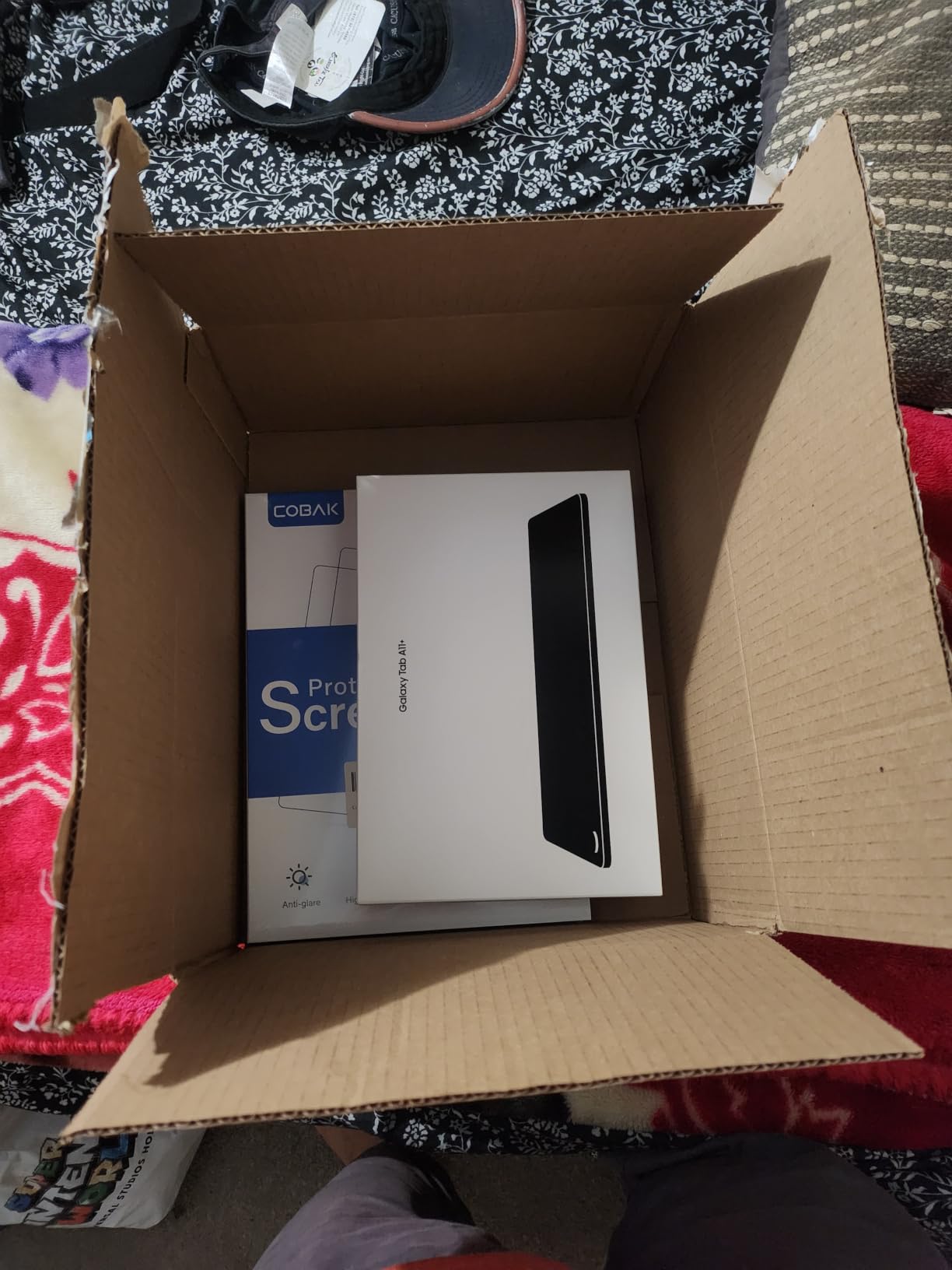
It weighs 1.1 pounds and runs Android 16, with fast charging and a two-year manufacturer warranty. The 5MP front camera is adequate for a tutor session on a video call, and Google Gemini and Circle to Search are built in for quick factual lookups while reading.
Storage expands by microSD, which keeps a growing lecture archive from crowding out your notes. Buyers who want a bundled stylus step up to the Galaxy Tab S-series instead, which is the main trade-off you are making here.
Who should buy the Tab A11+
Students who read more than they write, and who watch recorded lectures with the sound on. An 11-inch 90Hz screen paired with quad speakers is a rare combination at this level, and the memory headroom keeps split-screen research with a textbook working properly.
Where it falls short
No stylus is included, which is the deal-breaker for anyone who wants to handwrite. The MediaTek chipset is a step down from the S-series silicon under sustained load, and 1920 x 1200 is a lower resolution than the 2.5K panel on the Lenovo Idea Tab below.
5. Lenovo Idea Tab Review: Pen and Case in the Box
Lenovo Idea Tab – College Tablet – 11″ 2.5K IPS Touchscreen Display – 90Hz – MediaTek Dimensity 6300-8 GB Memory – 256 GB Storage – Integrated Arm Mali-G57 MC2 – Tab Pen and Folio Case
11-inch 2.5K IPS at 90Hz
Dimensity 6300
8GB and 256GB
Tab Pen and folio case
Pros
- Sharp 2560 x 1600 display at 90Hz
- Tab Pen and folio case included
- Low Blue Light hardware
- Four study apps preinstalled
Cons
- 72% NTSC colour coverage is modest
- Update commitment not clearly stated
- Bundled apps need pruning
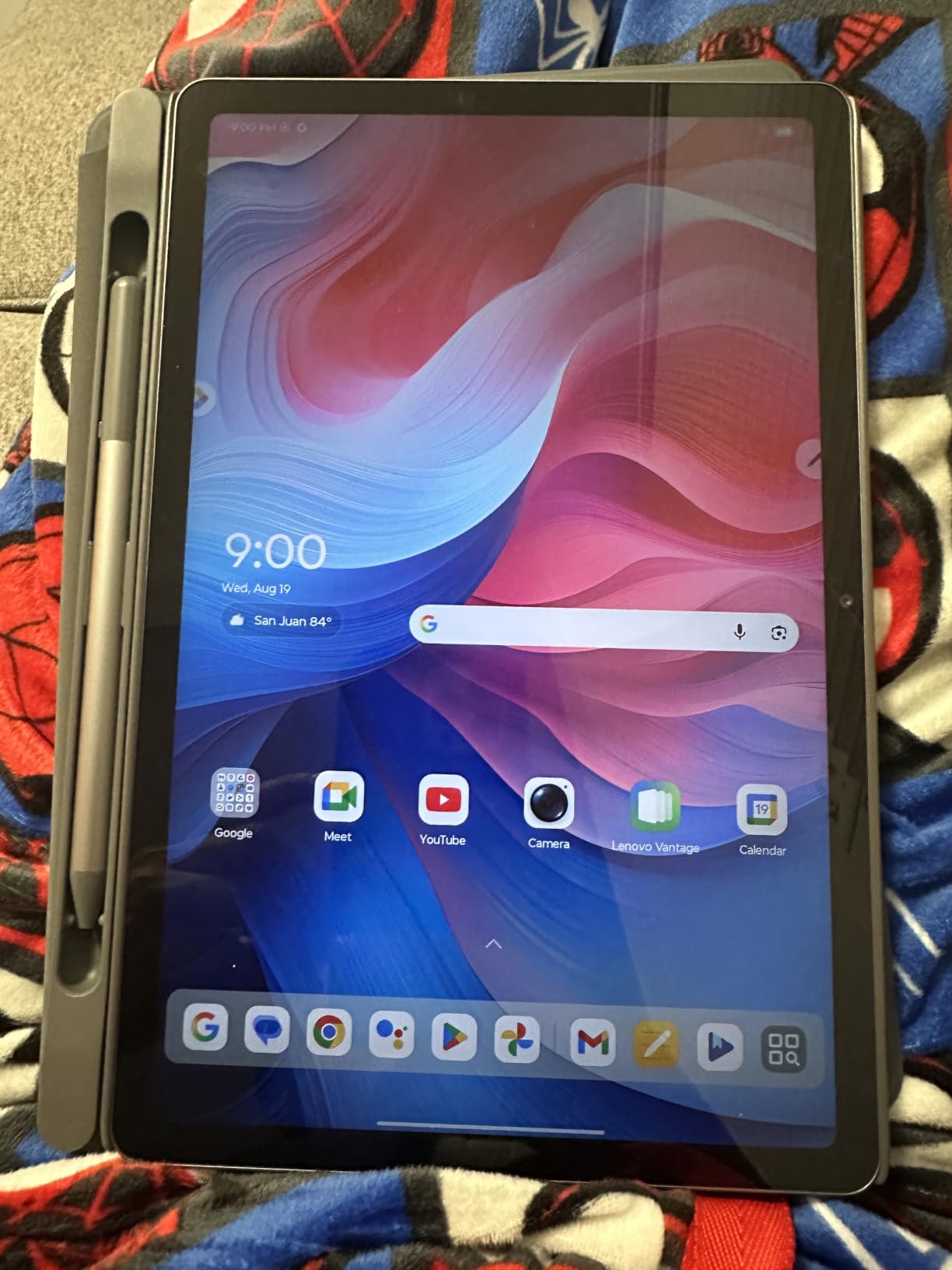
This is the tablet that makes the accessory maths work. The Lenovo Idea Tab arrives as a college bundle with the Tab Pen and a folio case in the box, so the two accessories a student actually needs are already paid for. Nobody is adding a pen to the shopping list at checkout.
The display is the standout here. An 11-inch 2.5K IPS panel at 2560 x 1600 and 90Hz is a higher resolution than the other 11-inch models in this list, and the TUeV Rheinland low blue light hardware is a real feature when you are staring at a textbook for four hours. A 500-nit maximum brightness is workable in daylight.
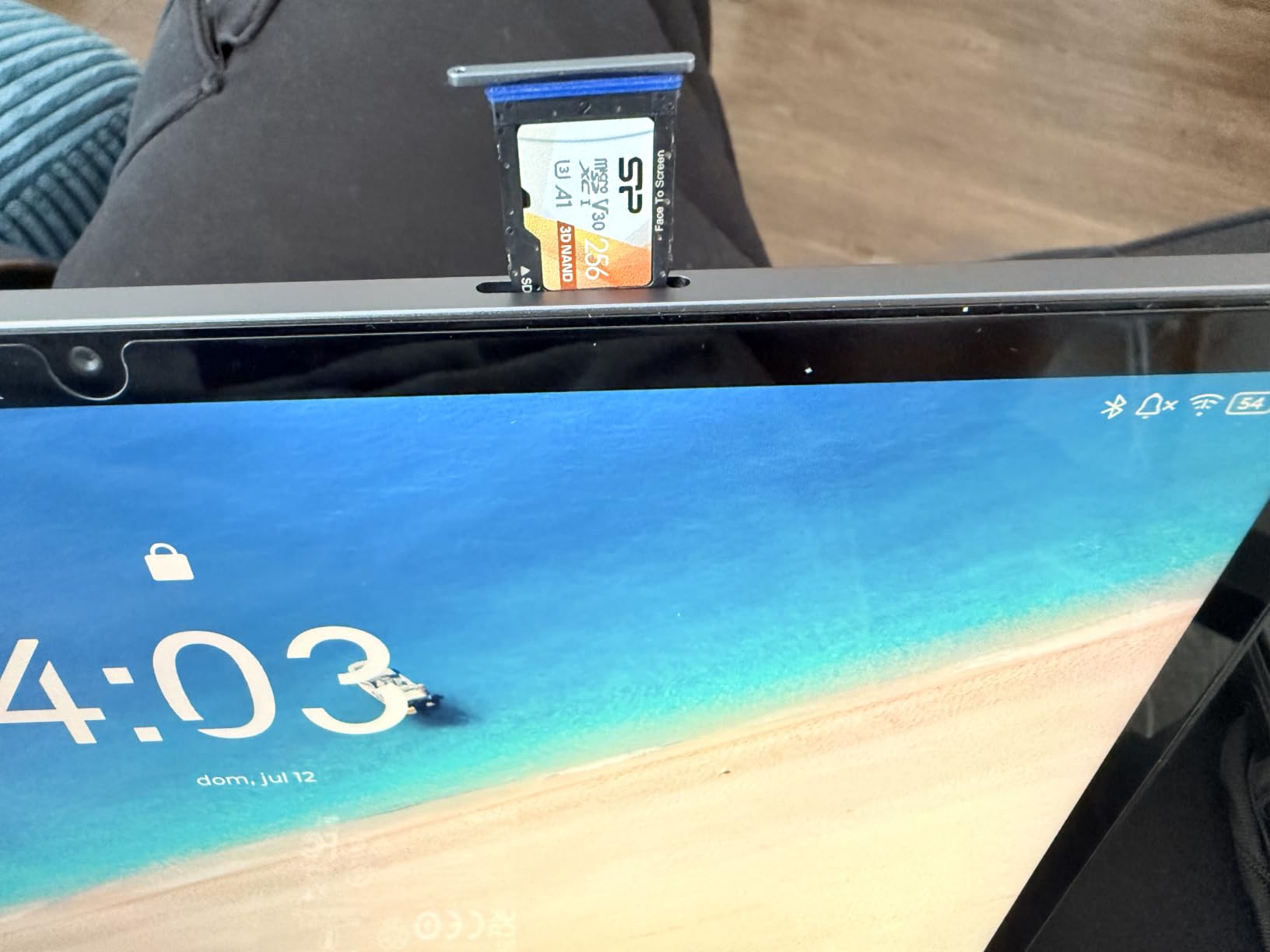
Under the hood, the Dimensity 6300 runs Android 15 with 8GB of memory and 256GB of storage, plus microSD expansion. Quad Dolby Atmos-tuned speakers round out the media experience, and battery life is rated up to 12 hours of video with a 20W charger for fast top-ups between classes.
Lenovo has also preinstalled four learning apps that genuinely matter: Lenovo AI Note, Squid for reading organisation, Nebo for handwriting, and MyScript Calculator. The Circle to Search integration works from the Tab Pen, so you can circle a term in a PDF and search it without leaving the page.
Why note-taking students should consider this
Pen, case and a 2.5K screen at once, with 8GB of memory so the pen experience does not stutter. For a student who writes notes, annotates PDFs and wants a folio to stand the screen up during a lecture, nothing else in this list arrives as complete.
Where it falls short
Colour coverage is 72% NTSC, so images and video look flatter than on a wide-gamut panel, which matters for art students. Lenovo’s software update commitment for this model is not clearly stated, and the preinstalled apps need pruning to reclaim space.
6. Lenovo Tab One Review: A Featherweight Companion
Lenovo Tab One – Lightweight Tablet – up to 12.5 Hours of YouTube Streaming – 8.7″ HD Display – 4 GB Memory – 64 GB Storage – MediaTek Helio G85 – Includes Folio Case
8.7-inch HD LCD at 60Hz
Helio G85
4GB and 64GB
11.2 ounces
Pros
- Weighs 11.2 ounces
- Up to 12.5 hours of streaming
- Headphone jack and microSD at this price
- Included folio case with stand
Cons
- 4GB memory struggles with heavy use
- Dim 480-nit panel
- No fingerprint reader
- Drops 60fps video
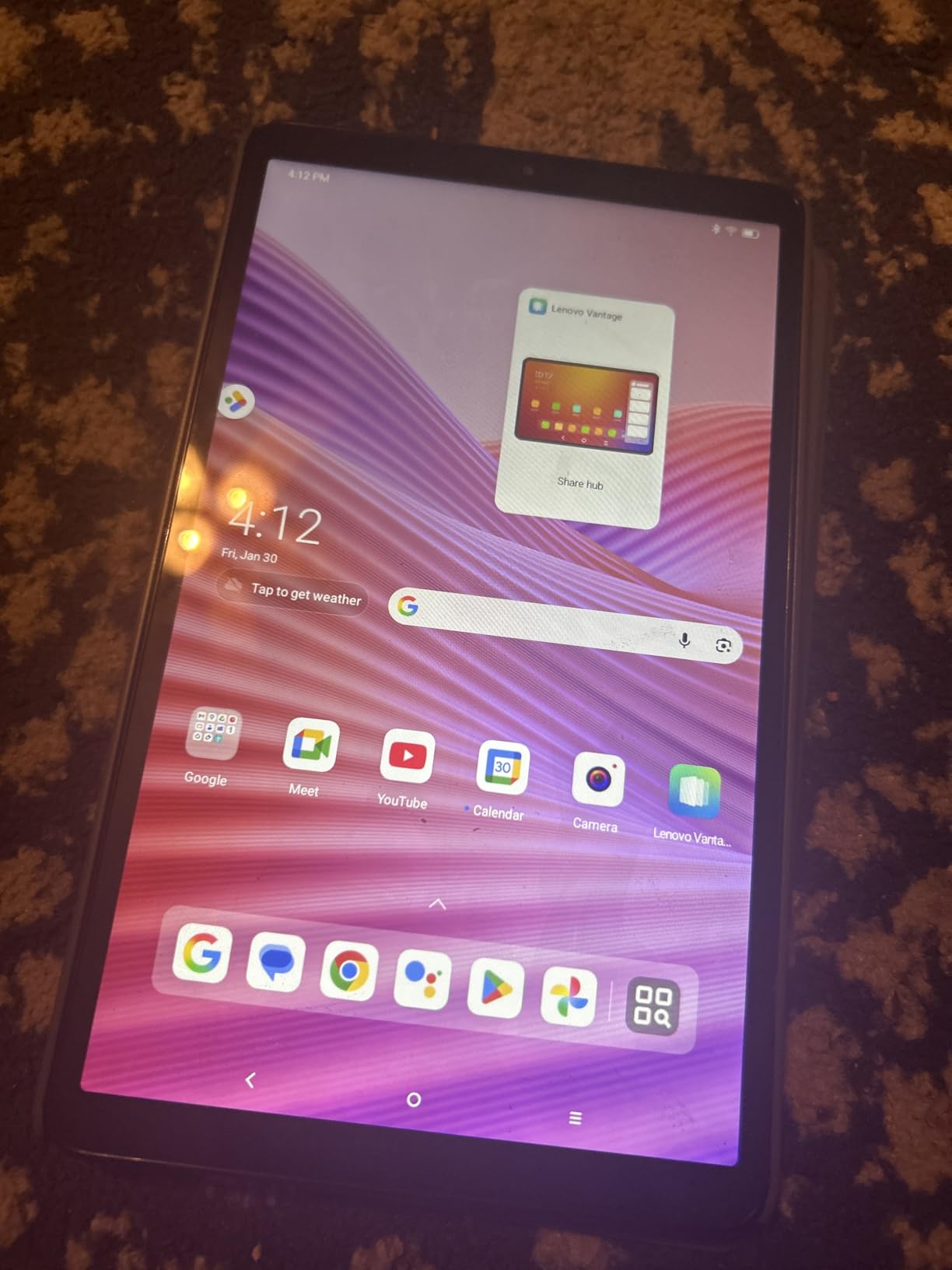
The Tab One is the one to carry to every class. At 11.2 ounces and 8.7 inches, it disappears into a backpack in a way an 11-inch slate never does, and the included folio case has a built-in stand for watching a lecture without holding the device. It is the second device most owners describe it as, and for a lot of students that is exactly the right role.
Battery is a genuine strength. Lenovo quotes up to 12.5 hours of unplugged video, and owners report comfortably exceeding a full day at moderate drain. You also get a 3.5mm headphone jack, dual-band Wi-Fi and microSD expansion, a combination that is rare this cheap.
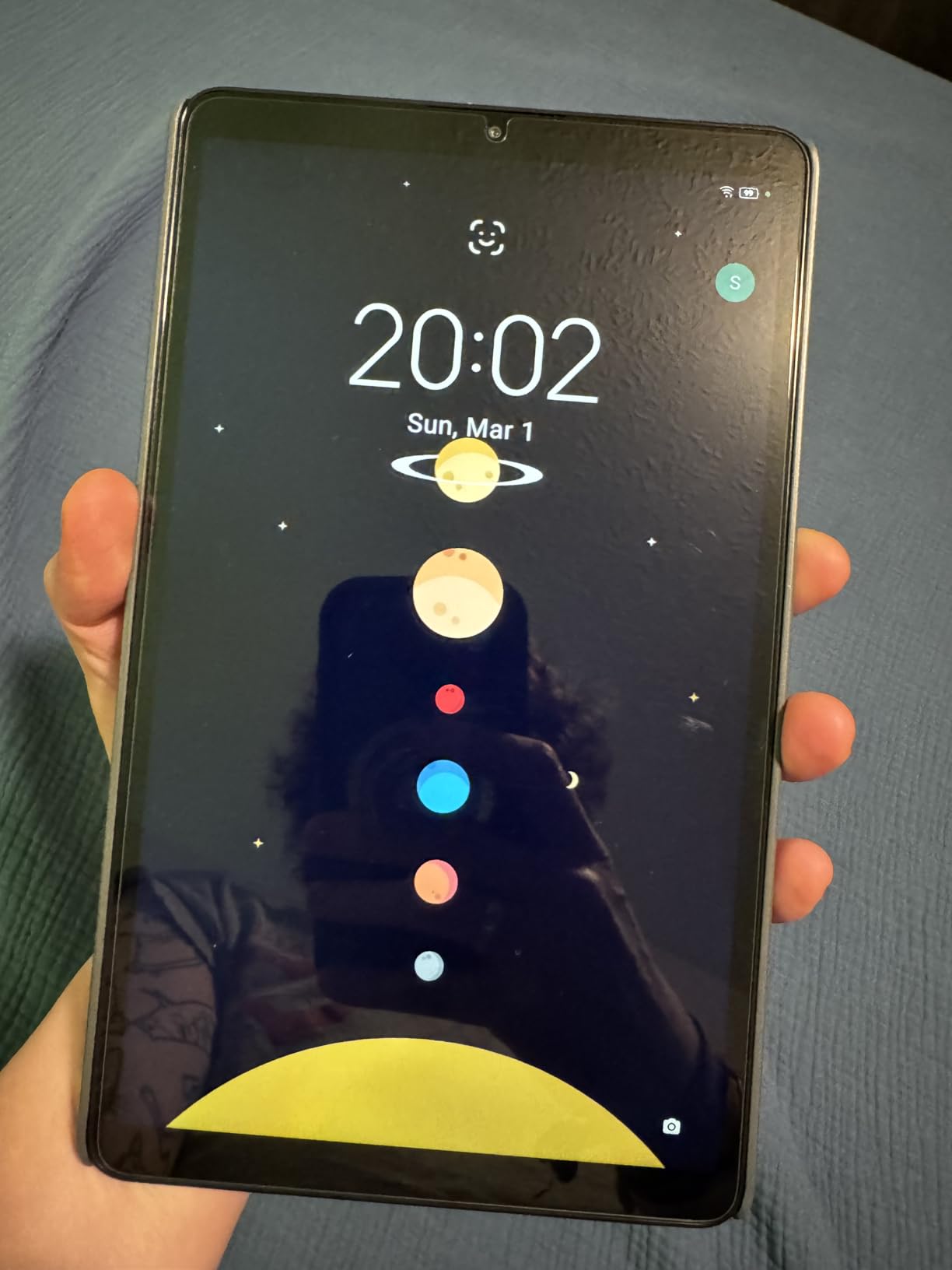
The 1340 x 800 panel looks better than the resolution suggests, and touch response is good. It responds faster than expected once the bundled bloatware is removed, which is the first thing you should do after setup. Google Kids Space with teacher-approved content is also included for younger students.
Be realistic about performance. The 4GB of memory struggles with large games and heavy multitasking, and the device cannot play 60fps video, so high-frame-rate content drops to 24 or 30fps. The front camera is weak, so this is not the tablet for a video-heavy course.
Who this tablet suits
Anyone who wants a lightweight reading and revision device for the commute and the library, and who already has a laptop for coursework. A 4.2 average reflects exactly that: enthusiastic owners for light use, and owners expecting a computer who find it wanting.
Where it falls short
There is no fingerprint reader, so unlocking is limited to a password, pattern or PIN, and the 480-nit display is dim outdoors. Some Google apps are hard-loaded and cannot be fully removed. Android 14 with two years of security patches is a short runway, so factor that into a four-year plan.
7. Amazon Fire HD 10 Review: Best for Reading on a Budget
Amazon Fire HD 10 tablet, built for relaxation, 10.1″ vibrant Full HD screen, octa-core processor, 4 GB RAM, 32 GB, Black
10.1-inch 1080p Full HD
Octa-core processor
4GB RAM and 32GB
Up to 13-hour battery
Pros
- Bright 1080p screen
- 25% faster than the previous generation
- Durable strengthened glass
- Split-screen works well
Cons
- No Google Play Store access
- Lockscreen ads
- Short included charging cable
With more than 44,000 reviews, the Fire HD 10 has the longest track record of owner feedback in this roundup, and for reading and elementary coursework it is hard to argue with. The 10.1-inch 1080p Full HD screen is bright and clear, and several owners compare it favourably to their own laptop or television. The octa-core processor is 25% faster than the previous generation, and setup and touch response feel snappy.
It also holds up physically. The strengthened aluminosilicate glass is rated at 2.7 times the durability of a previous-generation Galaxy Tab A8 in tumble testing, which is the sort of number that matters when a four-year-old or a four-year degree is involved. Older Fire HD 10 keyboard cases still fit, so if you already own accessories you can skip that cost.
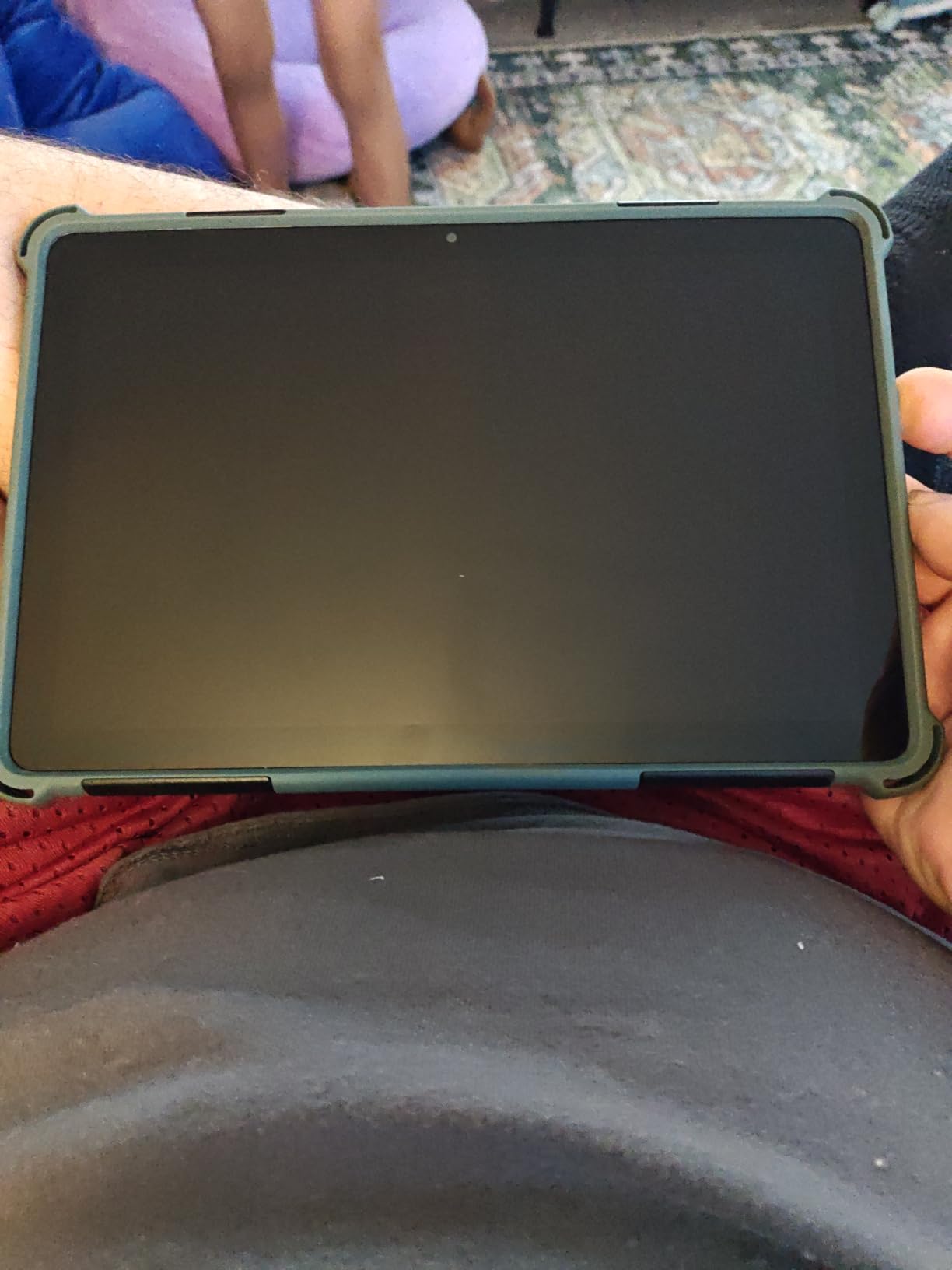
Battery is rated at up to 13 hours, and while some owners report real-world figures below that claim, it still comfortably covers a school day of reading and streaming. Split-screen with two windows works well for coursework, and a 5MP front-facing camera is serviceable for a tutor call.
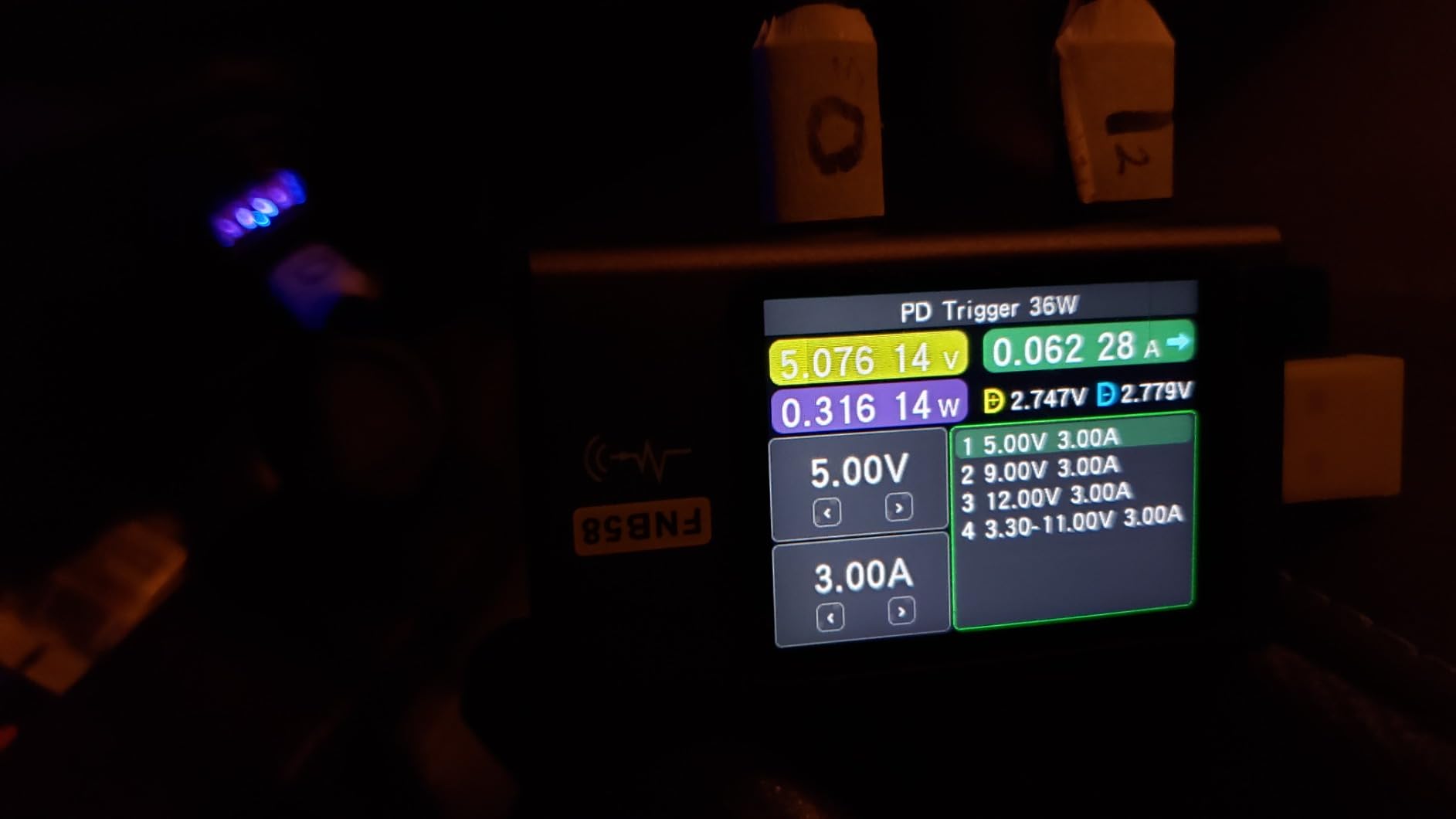
The Fire OS restriction is the whole argument. There is no Google Play Store, so coursework apps you expect may be missing or unavailable on this generation, and lockscreen ads persist unless you pay to remove them. The included charging cable is also short, which annoys anyone on a long study session.
Who should buy the Fire HD 10
A student on a tight budget whose coursework lives in the browser, in Kindle books, or in Amazon’s own Kids and Alexa ecosystem. If your major does not demand specialist apps, this is the most straightforward way to read a digital textbook and hand in a form for the least outlay.
Where it falls short
Software, not hardware. Fire OS locks you to Amazon’s app store, several expected apps are absent, and the lockscreen ads are a standing irritation. If your course uses Google Classroom alongside a specific third-party app, choose a full Android tablet instead.
8. CUPEISI 10-inch Tablet Review: Best Complete Budget Bundle
CUPEISI Android 16 Tablet 10 Inch, 20GB RAM+128GB ROM/ 2TB Expandable, 2.0GHz Octa-core Processor, 1280*800 HD Screen, 5G WiFi6 BT 5.0, 2 in 1 Tablets with Keyboard Case Mouse Stylus, Widevine L1 Pink
10.1-inch 1280x800 IPS
Android 16 with Google Play
20GB RAM and 128GB
Keyboard and stylus included
Pros
- Keyboard mouse stylus and case all included
- Full Google Play Store access
- Widevine L1 for HD lecture streaming
- Dual-band Wi-Fi 6
Cons
- 1280x800 is low resolution
- Short quoted battery runtime
- Entry-level T606 chip
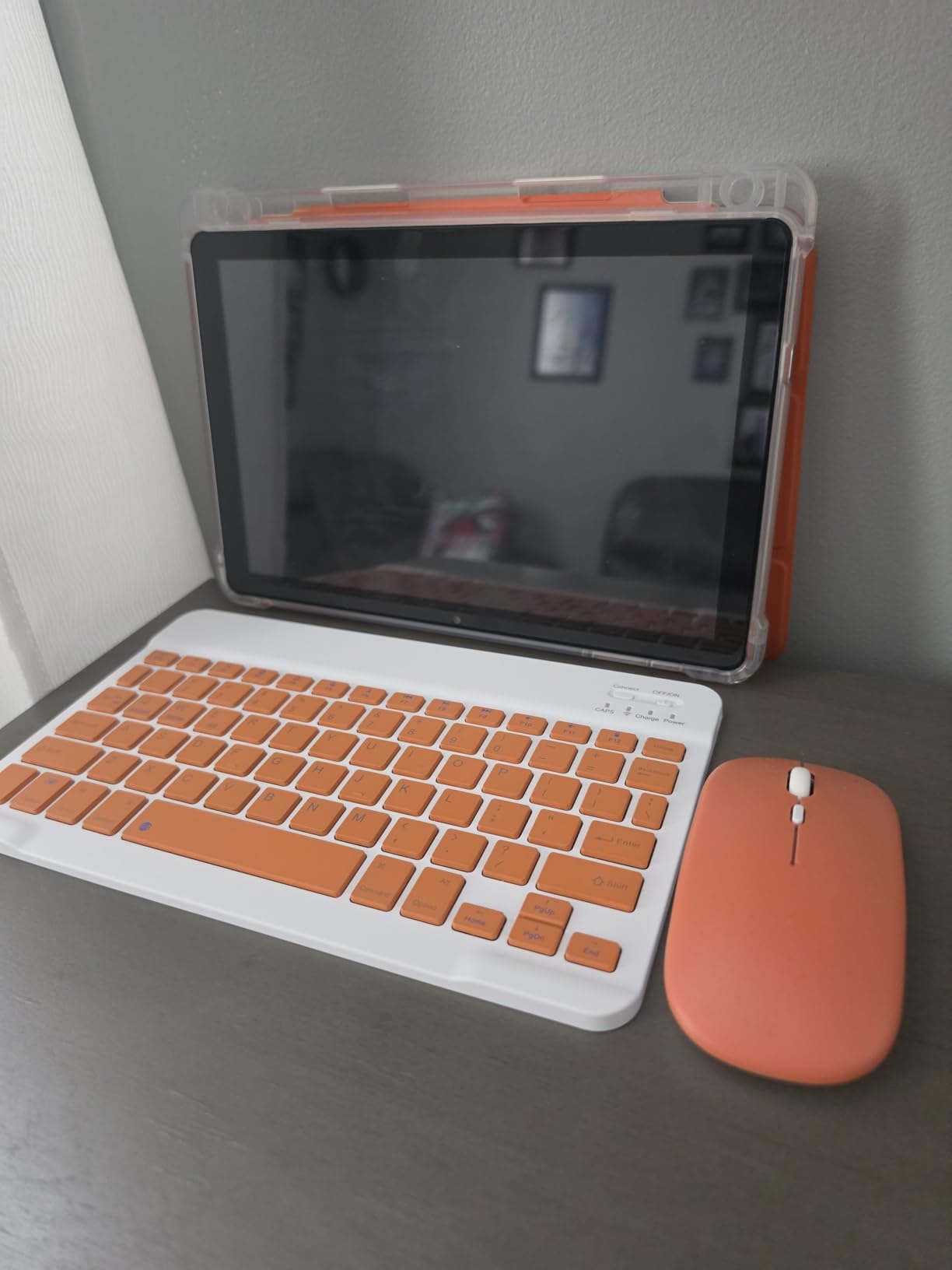
The accessory bundle is unusually complete. The CUPEISI arrives with a Bluetooth keyboard, a wireless mouse, a stylus and a foldable case, which turns a slate into a small laptop for the price of a slate. It runs Android 16 with Google GMS certification, so the Play Store and Google Classroom are both there, something the Fire HD 10 cannot offer.
Widevine L1 is an underrated detail. It means HD streaming of recorded lectures and coursework video works properly, where many cheaper tablets drop to lower resolutions or refuse protected content. Dual-band Wi-Fi 6 and Bluetooth 5.0 are also unusual at this price, and microSD expansion to 2TB offsets the modest internal storage.
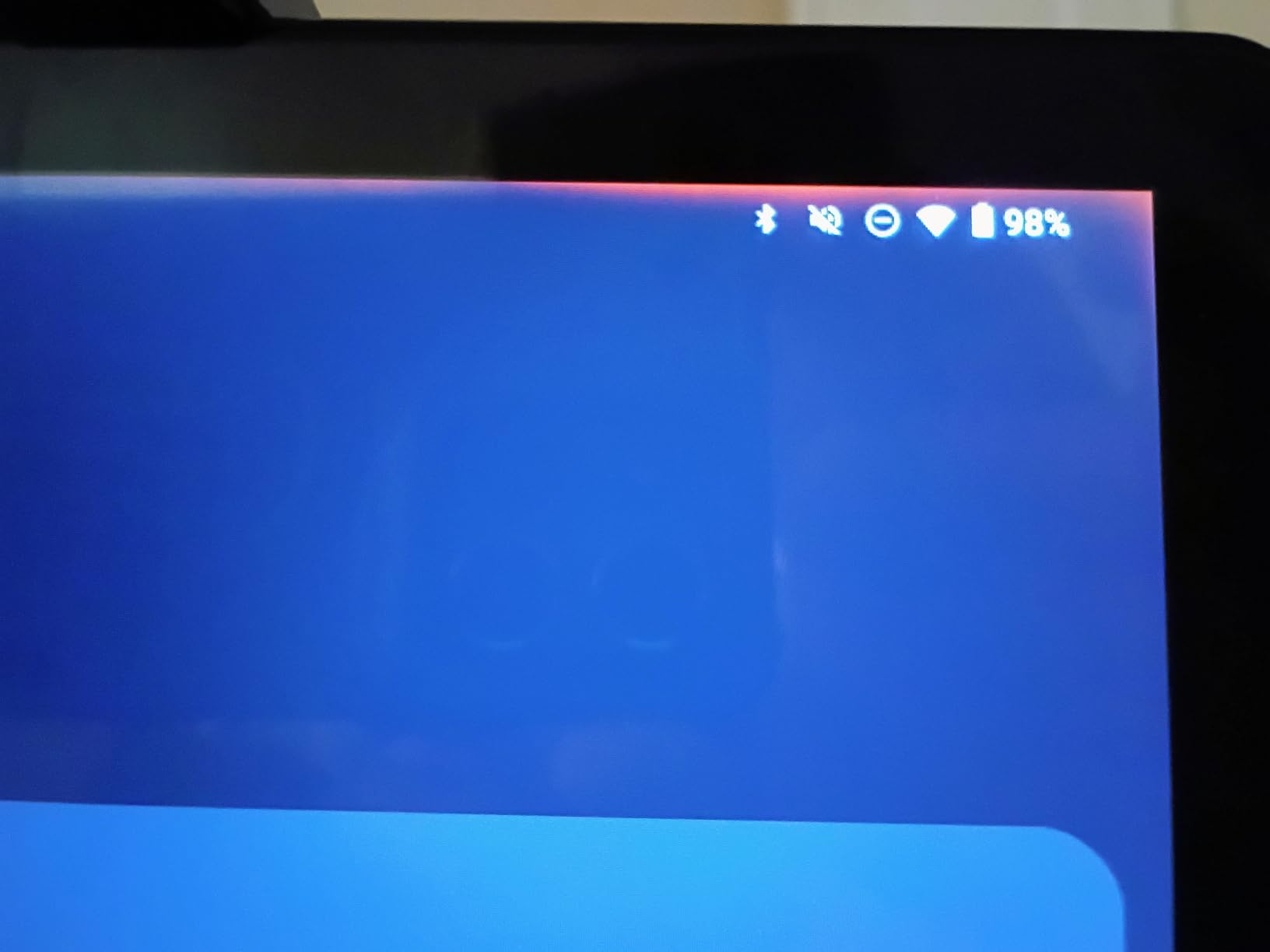
The catch is specification honesty. The advertised 20GB of memory is 4GB of physical RAM plus 16GB delivered through expansion technology, and the T606 octa-core at 2.0GHz is an entry-level chip. The 1280×800 panel is low resolution next to the 1080p and 2.5K alternatives here.
Battery is among the shortest here, at a stated 6 to 8 hours, which is roughly half a full school day of demanding use. The 2MP front camera is poor for video calling, so if your course has daily remote lectures, look elsewhere.
Who this bundle suits
A student at home or in a shared flat who wants something that types, points and runs the full Google app suite without a second purchase. The accessory bundle is what you are buying, and a keyboard and a mouse at this level is rare.
Where it falls short
The memory figure is inflated, the screen is HD, and the battery will not survive a demanding full day. It is a media and light-homework device that happens to come with a keyboard, not a machine for annotation-heavy study.
9. COLORROOM 11-inch Tablet Review: Best for Shared and Backup Use
COLORROOM 2026 Android16 Tablet 11inch, Face Unlock, 18W Fast Charge,Blue
11-inch HD 1280x800
Android 16
8000mAh battery
Face unlock
Pros
- 11-inch screen in a very light chassis
- 8000mAh battery with 18W fast charging
- Shock-proof case included
- Face unlock and headphone jack
Cons
- HD resolution is low for 11 inches
- Unisoc T606 is entry-level
- RAM figure is mostly virtual
The COLORROOM C5 is a family and backup tablet, and it does two things well. The 8000mAh battery with 18W fast charging gives 8 to 10 hours of reading or video, and the shock-proof case is in the box, which matters if the tablet is going into a child’s hands. Face unlock at this price is a genuine rarity.
The 11-inch panel has wide viewing angles, an anti-blue light design and automatic brightness adjustment, so it is usable for reading in a dim room. A 3.5mm headphone jack and USB OTG support are both included, and microSD expansion reaches 1TB.
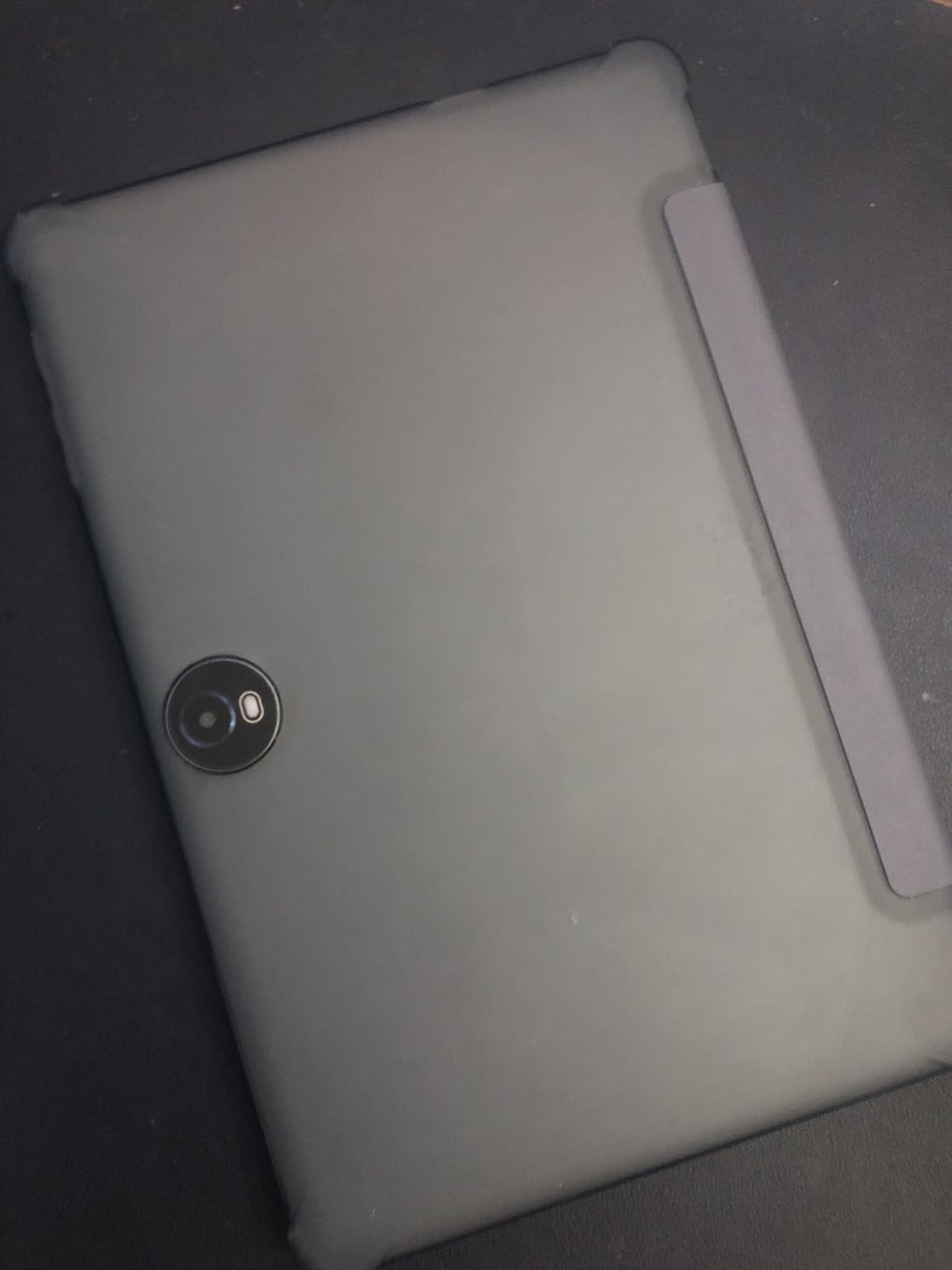
Where the specifications need scepticism: the 32GB memory figure is 4GB of physical RAM plus 28GB of virtual expansion, and the Unisoc T606 is entry-level. Reviewers also flag that the listed battery energy content and item weight do not match the headline claims, which is worth knowing before you rely on either number.
This is a device for reading, streaming and light homework. It is not a machine for annotating a medical textbook, and the hardware is aimed at family use rather than serious coursework.
Who should buy the COLORROOM C5
Parents buying a shared or backup tablet for a younger student, or anyone who wants a large second screen for reading and video. The included case and the two-year warranty reduce the usual first-day accessories spend.
Where it falls short
An 11-inch HD 1280×800 panel is low resolution for its size, and text-heavy work looks soft compared with the 1080p and 2.5K screens elsewhere in this list. The chipset is modest, and the specification inconsistencies deserve caution.
10. RUIQIAI 10-inch Tablet Review: Best for Light Media Use
RUIQIAI Android 15 | Tabalet with Keyboard | Tablet 10 inch | 2 in 1 Tablet
10.1-inch 1280x800 IPS
Android 15
Quad-core MediaTek
8GB combined RAM
Pros
- Keyboard mouse case stylus and screen protector included
- Lowest-cost complete 2-in-1 package
- Wi-Fi 6 with Widevine L1
- Clean Android 15 interface
Cons
- Battery drains quickly on a full charge
- Limited memory causes restarts and lag
- Case stand is flimsy
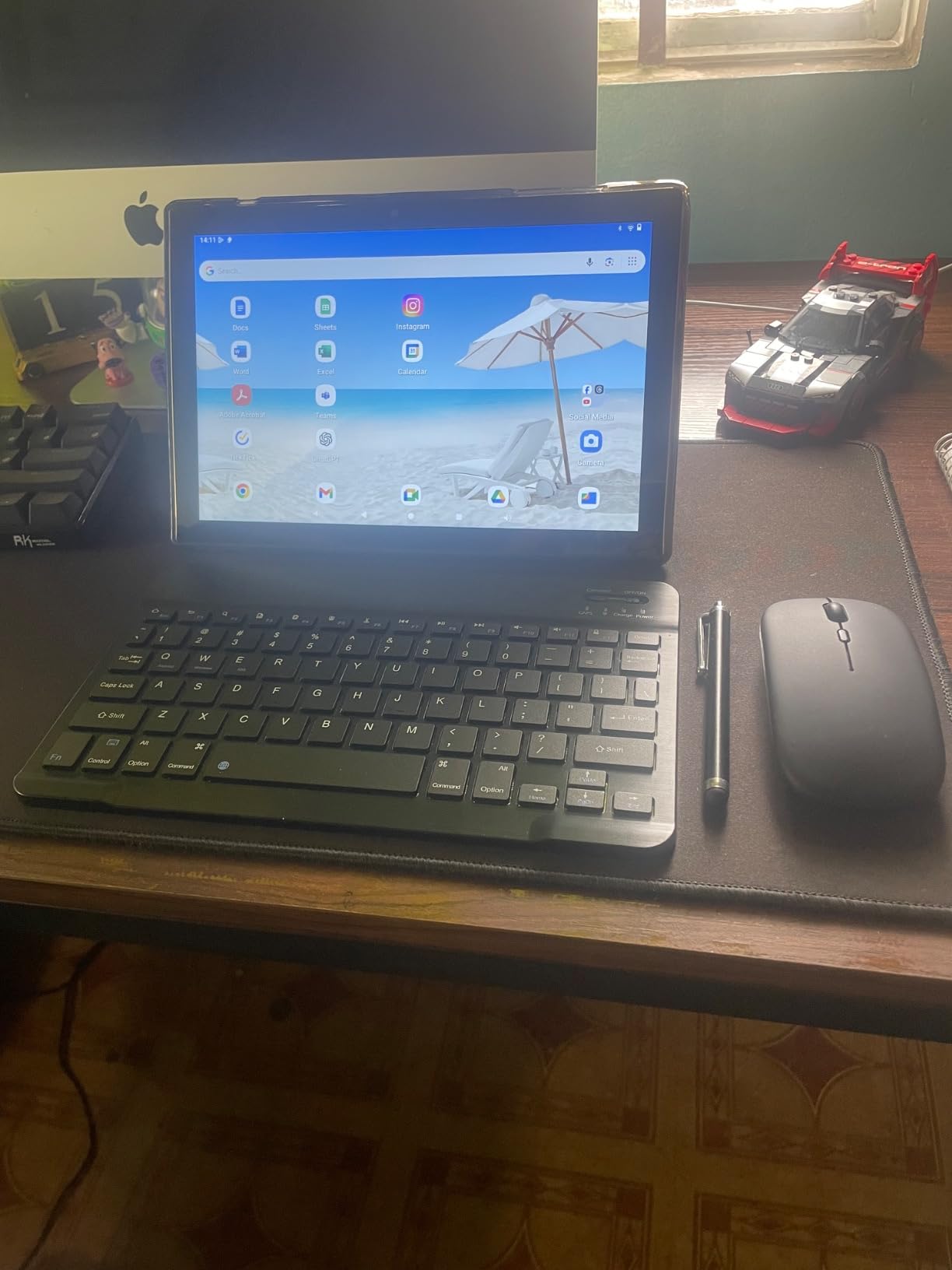
The RUIQIAI is a budget complete 2-in-1, and the bundle includes a Bluetooth keyboard, a wireless mouse, a protective case, a flexible stylus and a screen protector. That is an unusually complete package, and the keyboard and mouse pair easily enough for light typing.
It runs Android 15 with 5G Wi-Fi 6 and Widevine L1, so HD streaming of coursework video works. Storage expands to 2TB, and the screen is clear with colours that reviewers say match the product photos. The one-year warranty carries a 12-hour support response commitment.
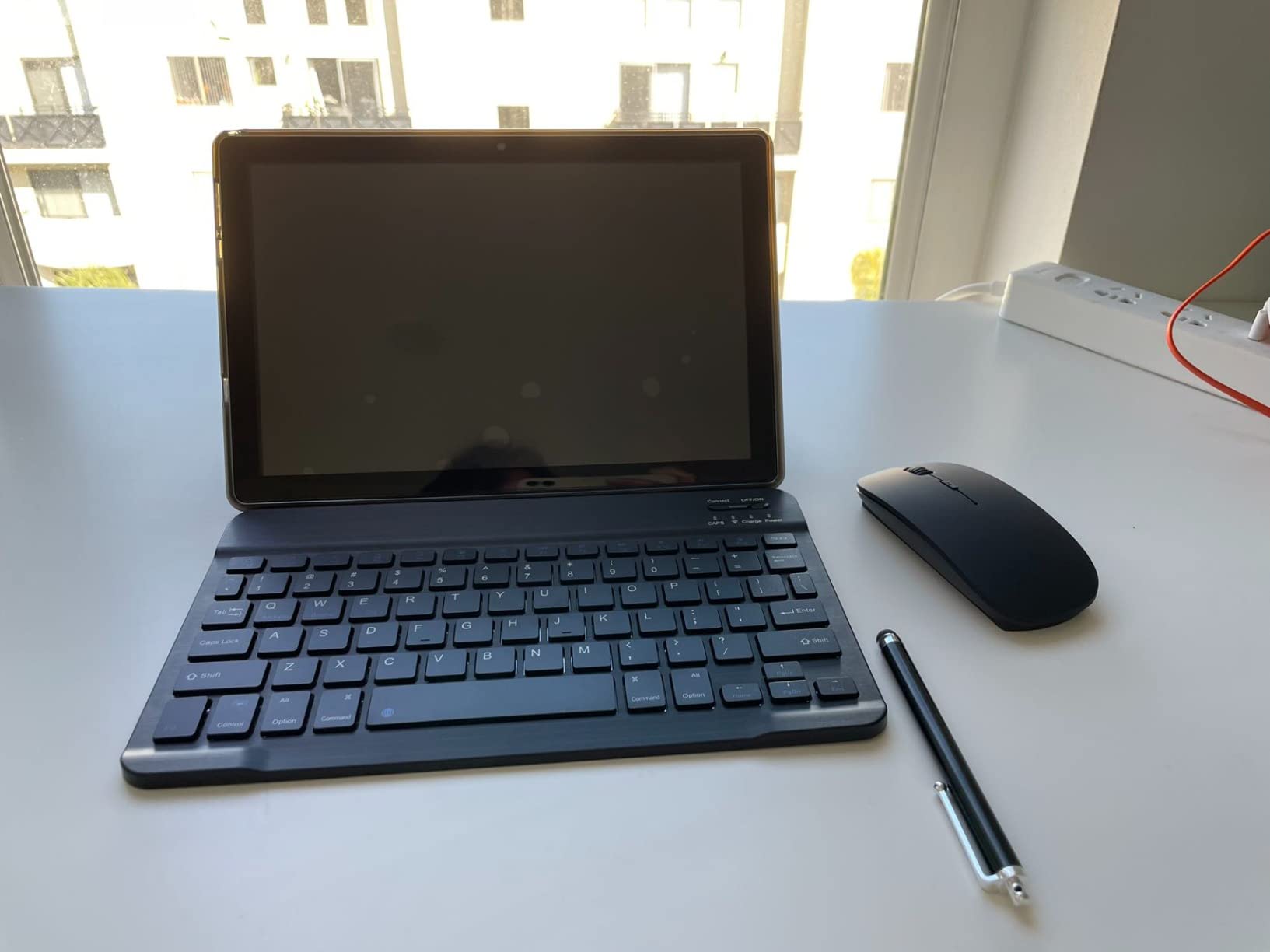
The performance ceiling is low. The quad-core MediaTek processor with 3GB of physical memory plus 5GB of expansion causes the tablet to restart or lag when several apps are open, and owners used to faster devices describe it as slow. Battery is the other repeat complaint: several reviewers report only a couple of hours on a full charge, well below the 6 to 8 hours claimed.
Build details let you down too. The included case stand is too flimsy to prop the tablet up reliably, and the mouse needs two AA batteries that are not included. A small number of buyers received an incomplete stylus.
Who this tablet suits
Children’s home instruction, media consumption on a budget, or a shared household tablet for browsing and video. Owners using it that way are satisfied, and the accessory set is the reason to consider it at all.
Where it falls short
Everything demanding. Limited memory and storage trigger restarts and lag, battery life drains quickly, and the stand is not stable enough for a lecture recording. A 13% one-star share reflects exactly this split.
Which Tablet Fits Your Major
Nursing students should prioritise the pen over the processor. Clinical notes are handwritten, and a tablet that bundles a stylus saves you both money and friction. The Galaxy Tab S6 Lite or the Lenovo Idea Tab cover this well, and if you also need a keyboard for care plans, pair with a folio case. If your course is heavy on anatomy software or electronic patient records, check the specific apps first, and read our guide to laptops for nursing students before deciding the slate is enough.
Engineering and technical majors are the group most likely to need a real computer. A tablet handles lecture notes and datasheets beautifully, but simulation packages, CAD and lab software are desktop-first. Our engineering student laptop picks cover that side of the equation, and the best tablets for students in this list make an excellent companion to one.
Art, design and animation students care about display quality and pen pressure, which changes the ranking. The Lenovo Idea Tab has the highest-resolution 11-inch panel here, but a wider colour gamut matters more for this group, so read our budget drawing tablet guide before settling on a general-purpose slate.
Business, law and humanities students have the easiest time. Reading, annotation and research are the whole job, and the general student laptop advice in our college student laptop guide applies: a slate covers most of the term, and a laptop covers the rest.
How to Choose a Tablet for School
Start with the pen decision, because it is the most expensive mistake. If you will handwrite, a bundled stylus should be the deciding factor, since a separate pen can cost more than the difference between two tablets. A 90Hz or higher refresh rate makes writing feel smoother, and palm rejection lets you rest your hand on the screen. If you will type everything, skip the pen entirely and spend the difference on memory and storage.
Next, size. An 8.7-inch screen is comfortable to carry all day but cramped for a textbook page, while 10.9 to 11 inches handles split-screen with a PDF and a notes app side by side. Under a pound versus 1.2 pounds is the difference between a tablet you carry to every class and one you leave at home.
Storage is the quiet one. Set your notes and recordings to sync to the cloud, and 128GB is workable. If you want everything stored locally, move to 256GB or plan on a microSD card, which eight of these tablets support. Users on student forums report storage anxiety as one of the most common regrets, usually from hoarding recorded lectures offline.
Connectivity is a smaller decision. Wi-Fi only is fine on campus, and a cellular model is worth it only if you regularly use a tablet away from a network. Save your money for a case and a screen protector instead, which protects a four-year investment far better than a modem you rarely switch on.
Finally, count the full cost. A tablet plus a pen plus a keyboard plus a case can run well past the headline figure, and that gap decides which model is genuinely cheaper. Budget bundles such as the Lenovo Idea Tab and the CUPEISI remove that maths entirely.
Tablet vs Laptop for School: What a Slate Can and Cannot Do
A tablet can replace a laptop for note-taking, reading, research and most browser-based coursework, and it does those things on a battery that lasts all day in a body smaller than a textbook. Most students on student forums reach the same conclusion: treat the slate as a companion device, not a replacement.
What it cannot do is run specialist software. Engineering simulation, video editing timelines, statistical packages and most of the desktop applications taught in professional programs simply do not exist on a tablet operating system. If your course names specific software, buy the laptop and treat the tablet as a second device. If your program is built around lectures, readings and essays, a tablet plus a keyboard can carry a full term.
Our general student laptop guide covers the laptop side if you decide you need both.
Frequently Asked Questions
What type of tablet is best for students?
An 11-inch iPadOS or Android tablet with at least 6GB of memory and 128GB of storage covers almost all student work. If you handwrite notes, prioritise a bundled stylus, which is why the Samsung Galaxy Tab S6 Lite and the Lenovo Idea Tab stand out.
Can a tablet replace a laptop for college?
For most students, a tablet handles note-taking, reading, research and browser-based coursework better than a laptop because the battery lasts all day. It cannot run specialist desktop software common in engineering, design and media programs, so most students are best served by a tablet as a companion to a laptop.
What is the best tablet to take notes on for college students?
The Samsung Galaxy Tab S6 Lite and the Lenovo Idea Tab both include a stylus in the box, which removes the largest extra cost. The Lenovo adds a 2.5K 90Hz display and a folio case, while the Samsung adds microSD expansion and a headphone jack. The Apple iPad 11-inch writes best of all but sells the pencil separately.
How much storage do I need on a tablet for school?
128GB is enough if notes and recordings sync to the cloud. If you keep lecture recordings and large PDF textbooks offline, choose 256GB or add a microSD card, since several of these tablets support expansion up to 1TB or 2TB.
Is an iPad better than an Android tablet for students?
An iPad wins on note-taking software, app quality on a large screen and long software support. Android wins on bundled styluses, expandable storage and headphone jacks at lower prices. Fire OS is the weakest option for coursework because it has no Google Play Store access.
Should I buy a Wi-Fi only or cellular tablet?
Wi-Fi only is fine for most students because campus and home networks cover the day. Buy a cellular model only if you regularly study somewhere without reliable Wi-Fi, and spend the difference on a case and screen protector instead.
Conclusion: Where to Start
If you want one answer to the question of what are the best tablets for students, take the Apple iPad 11-inch with the A16 chip. It is the strongest all-round device here, with the deepest accessory market and the longest useful life. If the pen matters more than the brand, the Samsung Galaxy Tab S6 Lite or the Lenovo Idea Tab saves you a separate purchase. If budget is the binding constraint, the Amazon Fire HD 10 handles reading and browser coursework, provided your apps do not need Google Play.
Whichever you choose, buy a case alongside it, and check that your course does not require software that only runs on a computer. That one check prevents the most common and most expensive regret.