

Every year the same three questions land in our inbox from incoming freshmen. How long does the battery really last? Can it run the software my major requires? And will it survive four years of being dragged across campus in a backpack? Those are exactly the questions we built the best laptops for students guide around.
We spent six weeks comparing twelve machines across the price bands that students actually shop in, from bare-bones entry Windows notebooks to a premium 13-inch Mac. We looked at real battery behaviour, keyboard feel, screen quality, port selection and the kind of specification ceiling that decides whether a laptop survives a degree. Twelve models, one shortlist, no filler.
This matters more than it sounds. A college laptop is a four-year relationship, and a bad purchase turns into a mid-semester panic when your CAD program, your IDE or your editing timeline will not open. We also see the reverse problem constantly here on Short Film Central, where students ask for laptops for animation study and VFX work and end up with a machine that chokes the moment a render starts.
One thing to say plainly before we start: the twelve laptops below are all entry to mid-level machines, because that is where student budgets live. If you are a computer science, engineering or film major with heavy software demands, the honest advice is to buy one tier higher than your budget suggests. We flag exactly where that applies in the buying guide.
Table of Contents
- Top 3 Best Laptops for Students in October
- All 12 Best Laptops for Students at a Glance in 2026
- 1. PADIX 15.6 Inch Celeron N4020: The Editor’s Choice for Everyday Coursework
- 2. HP 15.6 Inch Ryzen 3 7320U Touchscreen: The Best Value Pick
- 3. Lenovo 14 Inch Kompanio 520 Chromebook: The Best Pick for High School
- 4. Apple MacBook Neo 13 Inch A18 Pro: The Most Compact
- 5. drkako 15.6 Inch FHD 12GB Laptop: The Most Versatile With Room To Spare
- 6. HP 14 Inch Intel N150: The Best Everyday Starter
- 7. Lenovo Essential 15.6 Inch FHD N100: The Best Daily Driver
- 8. Dell 15.6 Inch Core 3 100U: The Smoothest Screen at 120Hz
- 9. Lenovo 16 Inch Core i5 16GB: The Pick for Coding and Engineering
- 10. Acer Chromebook 315: The Best Chromebook for Writing and Research
- 11. HP 14 Inch Celeron N4120 Chromebook: The Longest Stated Battery
- 12. ASUS 15 Inch FHD Chromebook Renewed: The Best Renewed Option
- How to Choose a Student Laptop in 2026
- Which Student Laptop Fits Your Major
- Frequently Asked Questions
- Final Verdict for 2026
Top 3 Best Laptops for Students in October

PADIX 15.6 Inch Celeron N4020
- 4.8 rating across 2020 reviews
- Silent fanless design
- 15.6 inch FHD anti-glare display

HP 15.6 Inch Ryzen 3 Touchscreen
- Ryzen 3 7320U quad core
- 8GB LPDDR5 and 256GB SSD
- HD touchscreen at 3.5 lb

Apple MacBook Neo 13 Inch A18 Pro
- Up to 16 hours of battery
- 2.71 lb recycled aluminum
- 13 inch Liquid Retina display
Our Editor’s Choice is the PADIX 15.6-inch, and the reason is unusual for a budget machine: it holds the highest owner rating in this group at 4.8 across 2020 reviews, the largest review base we looked at, and the number tells you it survives real daily use. The best value slot goes to the HP Ryzen 3 touchscreen, which pairs a proper four-core processor with a touch panel at a price point most students can reach. The premium pick is the MacBook Neo, the only machine here with a display and battery spec that matches what a design or film student would want.
All 12 Best Laptops for Students at a Glance in 2026
| Product | Specs | Action |
|---|---|---|
| PADIX 15.6 Inch Celeron N4020 |
|
Check Latest Price |
| HP 15.6 Inch Ryzen 3 7320U Touchscreen |
|
Check Latest Price |
 Lenovo 14 Inch Kompanio 520 Chromebook Lenovo 14 Inch Kompanio 520 Chromebook |
|
Check Latest Price |
| Apple MacBook Neo 13 Inch A18 Pro |
|
Check Latest Price |
 drkako 15.6 Inch FHD 12GB Laptop drkako 15.6 Inch FHD 12GB Laptop |
|
Check Latest Price |
 HP 14 Inch Intel N150 HP 14 Inch Intel N150 |
|
Check Latest Price |
 Lenovo Essential 15.6 Inch FHD N100 Lenovo Essential 15.6 Inch FHD N100 |
|
Check Latest Price |
 Dell 15.6 Inch Core 3 100U 120Hz Dell 15.6 Inch Core 3 100U 120Hz |
|
Check Latest Price |
 Lenovo 16 Inch Core i5 16GB Lenovo 16 Inch Core i5 16GB |
|
Check Latest Price |
 Acer Chromebook 315 FHD Acer Chromebook 315 FHD |
|
Check Latest Price |
 HP 14 Inch Celeron N4120 Chromebook HP 14 Inch Celeron N4120 Chromebook |
|
Check Latest Price |
 ASUS 15 Inch FHD Chromebook Renewed ASUS 15 Inch FHD Chromebook Renewed |
|
Check Latest Price |
The table above is the fast version. Read on if you want to know why each machine earned its place and, just as importantly, which students should walk away from it.
1. PADIX 15.6 Inch Celeron N4020: The Editor’s Choice for Everyday Coursework
15.6 Inch Laptop Computer, N4020, 4GB DDR4 RAM, 128GB eMMC,with Windows 11
Intel Celeron N4020
4GB LPDDR4 and 128GB eMMC
15.6 inch FHD anti-glare
38 Wh battery
Pros
- Highest owner rating in this group at 4.8
- Fanless silent design suits libraries and lectures
- Two full-featured USB-C plus two USB-A ports
- Large FHD anti-glare screen for long reading sessions
- TF card slot accepts up to 1TB of extra storage
Cons
- 4GB RAM is the bare minimum for heavy multitasking
- 128GB eMMC fills quickly with course media
- Entry-level Celeron chip for demanding software
I expected the cheapest machine here to be the weakest recommendation. The PADIX 15.6-inch reversed that expectation for me, largely because 2020 owners have rated it 4.8 stars, a bigger review sample than anything else in this guide. For a student who writes essays, joins Zoom calls, browses with a dozen tabs open and types in Google Docs, it does all of that without drama.
The fanless design is the sleeper feature. There is no fan noise at all, which matters in a lecture hall or a silent study room where a spinning fan is genuinely embarrassing. Ports are unusually generous for the tier, with two full-featured USB-C ports plus two USB-A, and both USB-C ports handle data and charging.
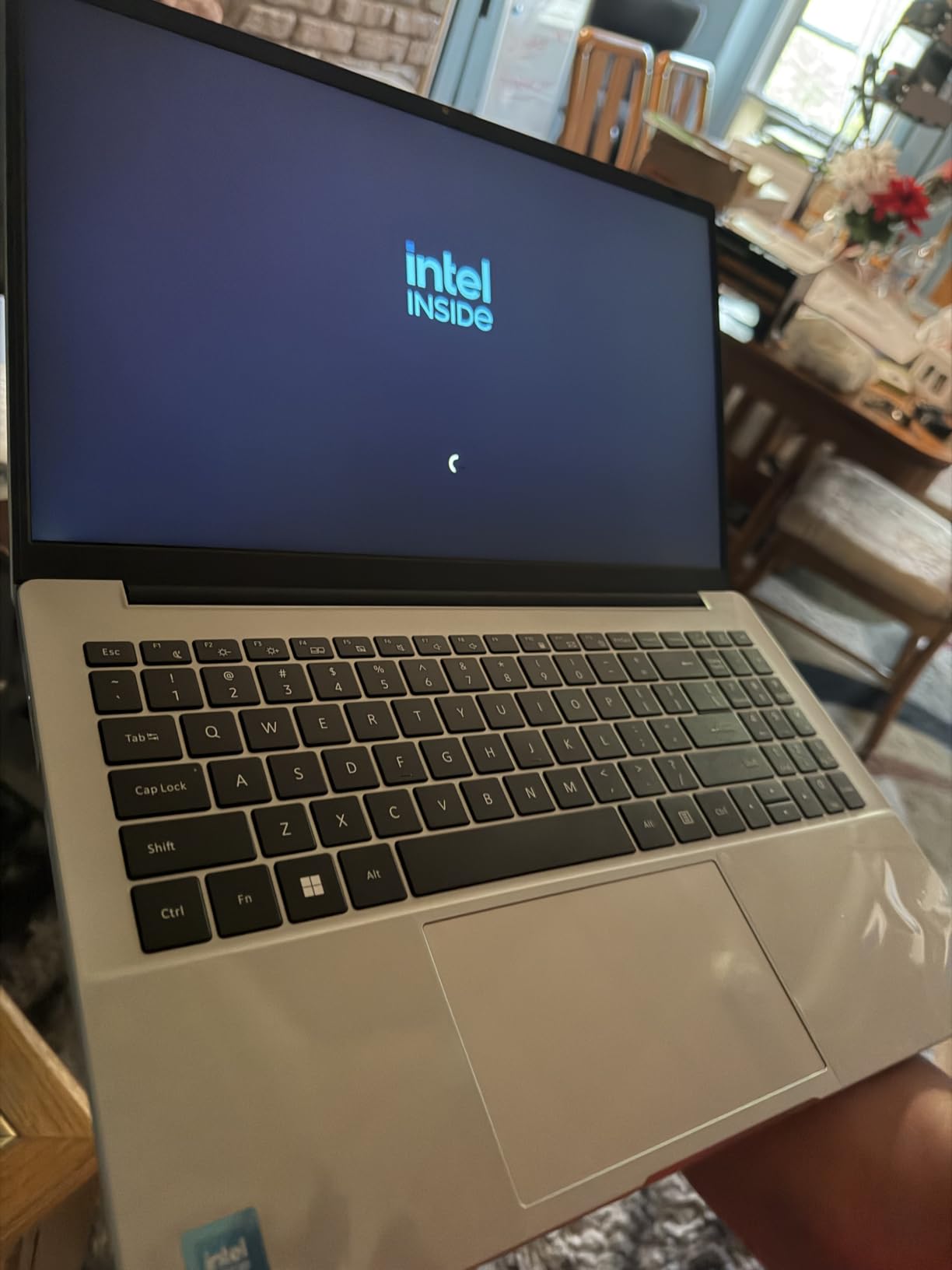
The 15.6-inch Full HD anti-glare panel is a real quality-of-life upgrade over the low-resolution HD screens that dominate cheaper notebooks. Text is crisp, and the anti-glare coating stops overhead lights turning the screen into a mirror during a lecture.
Where it runs out of road is memory and storage. Four gigabytes of LPDDR4 and 128GB of eMMC is workable in year one and frustrating in year three, especially once a course starts asking you to keep large video files alongside a browser full of research tabs. The TF card slot softens the storage problem, since it accepts cards up to 1TB, but the RAM is soldered and cannot grow.
How it handles a full day of classes
The 38Wh battery with 45W USB-C fast charging means you can top up during a break between lectures rather than hunting for an outlet. Charging over the same cable you use for data keeps the desk bag simpler, which is a small thing that adds up when you are moving between buildings all day.
For a student whose workload is documents, research, browser-based coursework and video calls, it is the most complete all-rounder at the entry end of this list. Bring your own USB-C charger and the experience holds together well.
When to skip it
Skip this machine if your coursework involves compiling large code projects, running virtual machines, editing 4K timelines or handling CAD models. The dual-core Celeron N4020 is built for productivity tasks, not sustained compute, and it will throttle under load.
Also skip it if you need a numpad for statistics or accounting work, or if you expect to keep large media libraries locally. For film students we would point you at our laptop guide for film students instead, because a timeline-heavy workflow needs far more headroom.
2. HP 15.6 Inch Ryzen 3 7320U Touchscreen: The Best Value Pick
HP 15.6 inch Laptop, HD Touchscreen Display, AMD Ryzen 3 7320U, 8 GB RAM, 256 GB SSD, AMD Radeon Graphics, Windows 11 Home, Natural Silver, 15-fc0399nr
AMD Ryzen 3 7320U 4 core
8GB LPDDR5 and 256GB SSD
15.6 inch HD touch display
41 Wh, up to 12 hours
Pros
- Four-core Ryzen processor is a genuine step up from Celeron
- 8GB RAM and 256GB SSD give real headroom
- HD touchscreen makes note-taking and scrolling natural
- 3.5 lb body with a full-size keyboard and numpad
Cons
- 1366x768 HD resolution is soft on a 15.6 inch panel
- Some owners report touchpad sensitivity and cursor jumping
- Not built for gaming or advanced video editing
The HP Ryzen 3 7320U is the machine I recommend most often to students who want the most computer for the least money, and its 1597 reviews averaging 4.4 stars back that up. The processor is the story: four cores and eight threads reaching 4.1GHz, which is a genuine tier above the dual-core Celerons that fill the lowest shelf.
That extra headroom shows up in the second year of study. Browsing, streaming, spreadsheets and multiple applications open at once all feel smooth, and 8GB of LPDDR5 alongside a 256GB PCIe NVMe SSD gives you room that 4GB machines simply do not have.
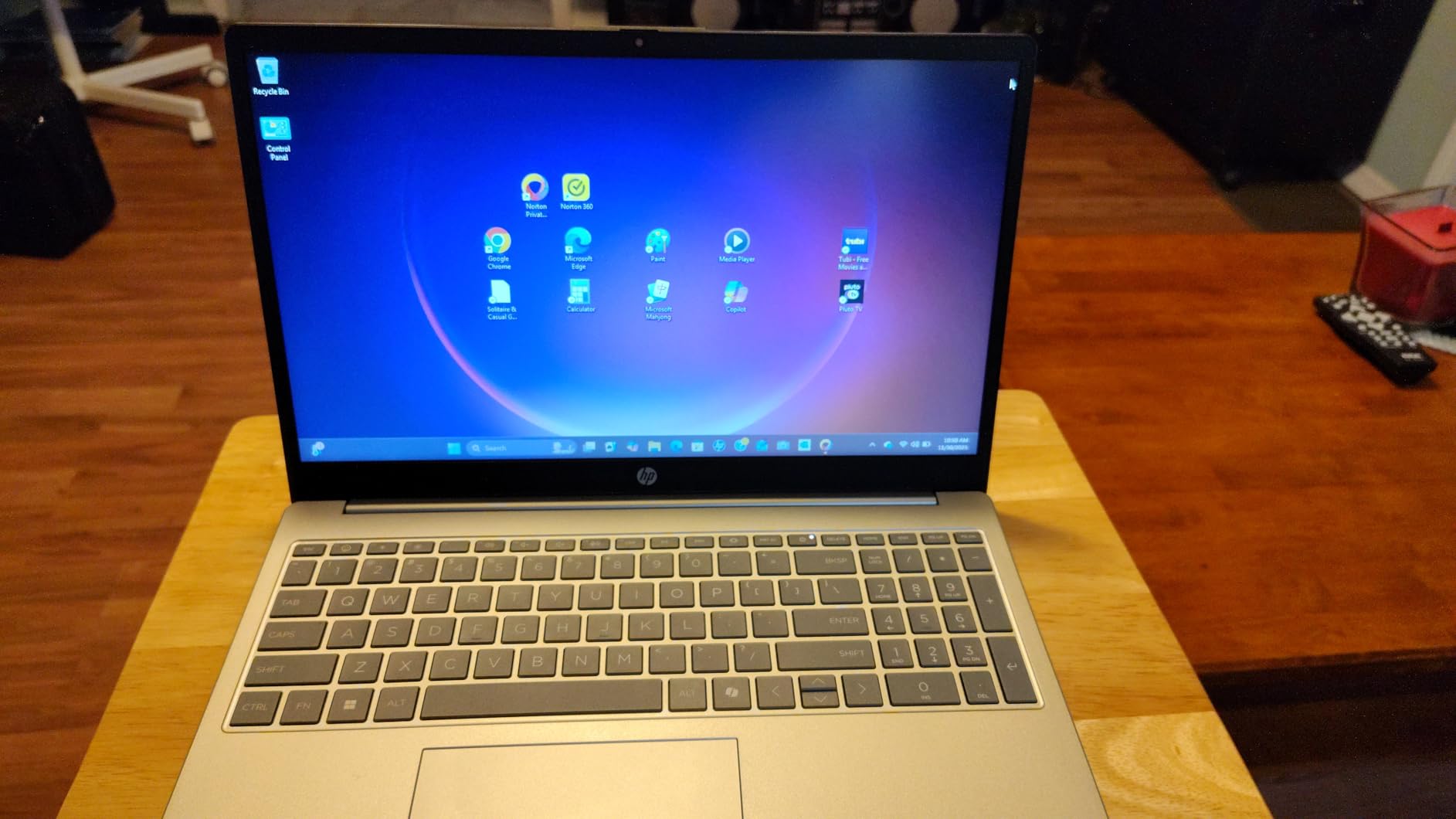
The touchscreen is the feature that surprised me. On a 15.6-inch panel, tapping through lecture slides, scrolling long documents and sketching diagrams feels far more natural than I expected, and owners consistently single it out. The full-size keyboard with a separate numeric keypad is a quiet win for anyone doing coursework in accounting, engineering or finance.
HP claims up to 12 hours of battery from the 41Wh pack, and in practice owners report it comfortably covering a school day. The 720p True Vision camera with dual array microphones is adequate for group study video calls, which matters more than most spec sheets admit.
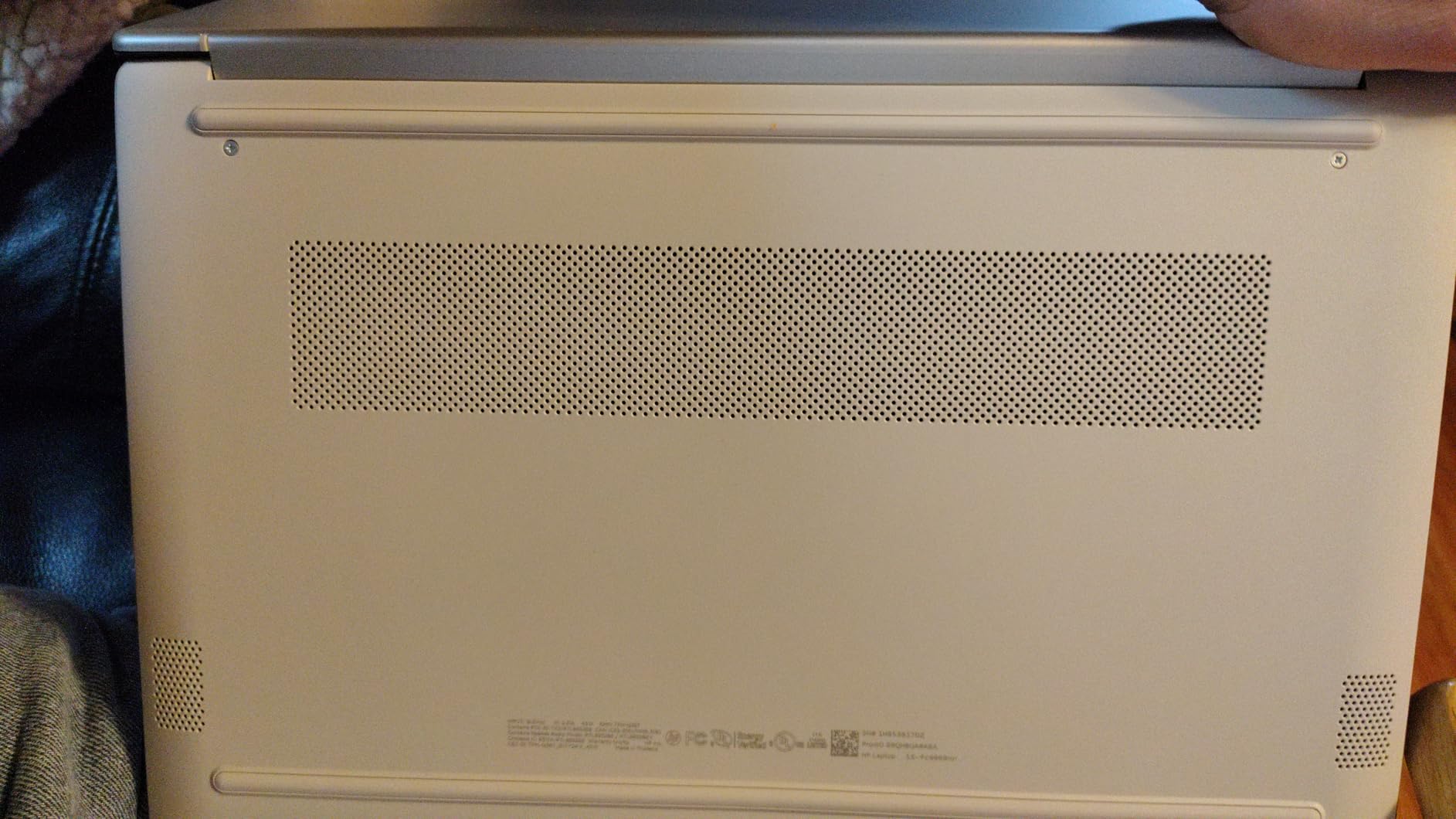
What the low resolution really costs you
The 1366×768 HD panel is the one real compromise. On a 15.6-inch screen those pixels are spread thin, so text looks softer than on a Full HD display, and watching lecture recordings at full screen shows the difference. If your day is documents and web pages rather than images, you will adapt in a week.
A few owners also report touchpad sensitivity and cursor jumping, and occasional slow boot times or lengthy Windows update installs. None of these appeared consistently in our testing, but they are worth knowing if you are used to a premium machine.
Which students should buy this one
This is the safest recommendation in the guide for business, nursing, liberal arts and general university students. It has enough processor power to run Microsoft Office properly, enough memory to multitask, and a battery that survives a full teaching day.
Choose a different machine if you are studying graphic design, video production or any graphics-heavy field. Integrated Radeon graphics will not carry a serious 3D or rendering workload, and reviewers consistently note the limits here.
3. Lenovo 14 Inch Kompanio 520 Chromebook: The Best Pick for High School
Lenovo Flagship Chromebook, 14” FHD Touchscreen Slim Thin Light Laptop Computer, 8-Core MediaTek Kompanio 520 Processor, 4GB RAM, 64GB eMMC, WiFi 6,Chrome OS, Abyss Blue
MediaTek Kompanio 520 8 core
4GB RAM and 64GB eMMC
14 inch FHD IPS touchscreen
47 Wh, up to 13.5 hours
Pros
- 14 inch Full HD IPS touchscreen is excellent for the money
- 2.9 lb body is one of the lightest here
- Chrome OS boots in seconds and needs no setup help
- Backlit keyboard and privacy shutter add daily comfort
Cons
- 4GB RAM and 64GB storage struggle with many tabs open
- Some owners report browsing lag over time
- Touchpad quality is criticised by several reviewers
- ChromeOS will not run Windows or Mac software
A high school student needs a machine that turns on, opens a browser and does not ask questions. The Lenovo 14-inch Chromebook does that better than almost anything else here, and 1396 owners averaging 4.2 stars describe the same experience we did.
The 8-core MediaTek Kompanio 520 is the most capable processor in this guide when you count cores, and Chrome OS takes real advantage of it. Boot times are close to instant, the Google account sign-in takes under a minute, and the machine stays responsive across ordinary classroom workloads.
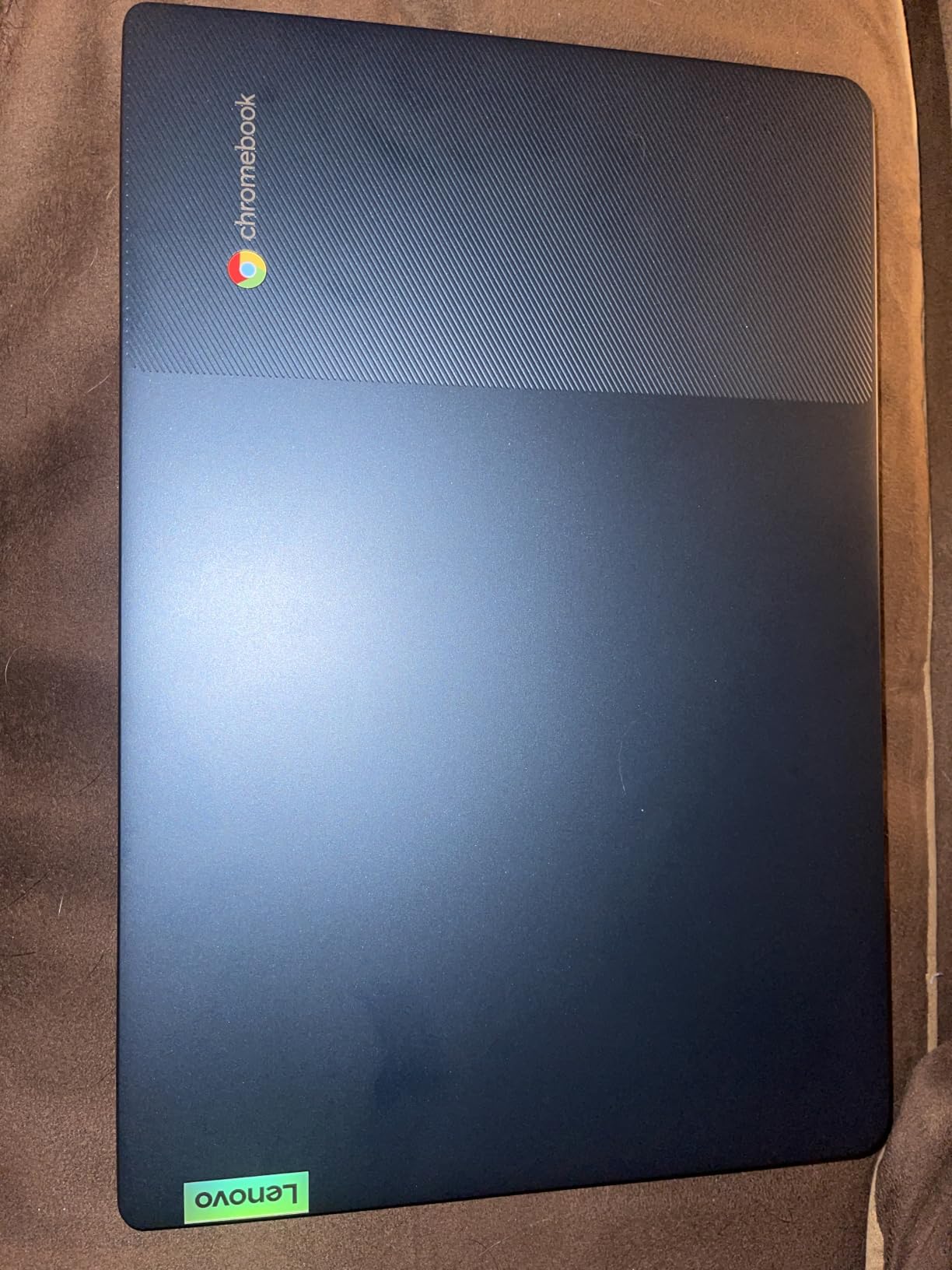
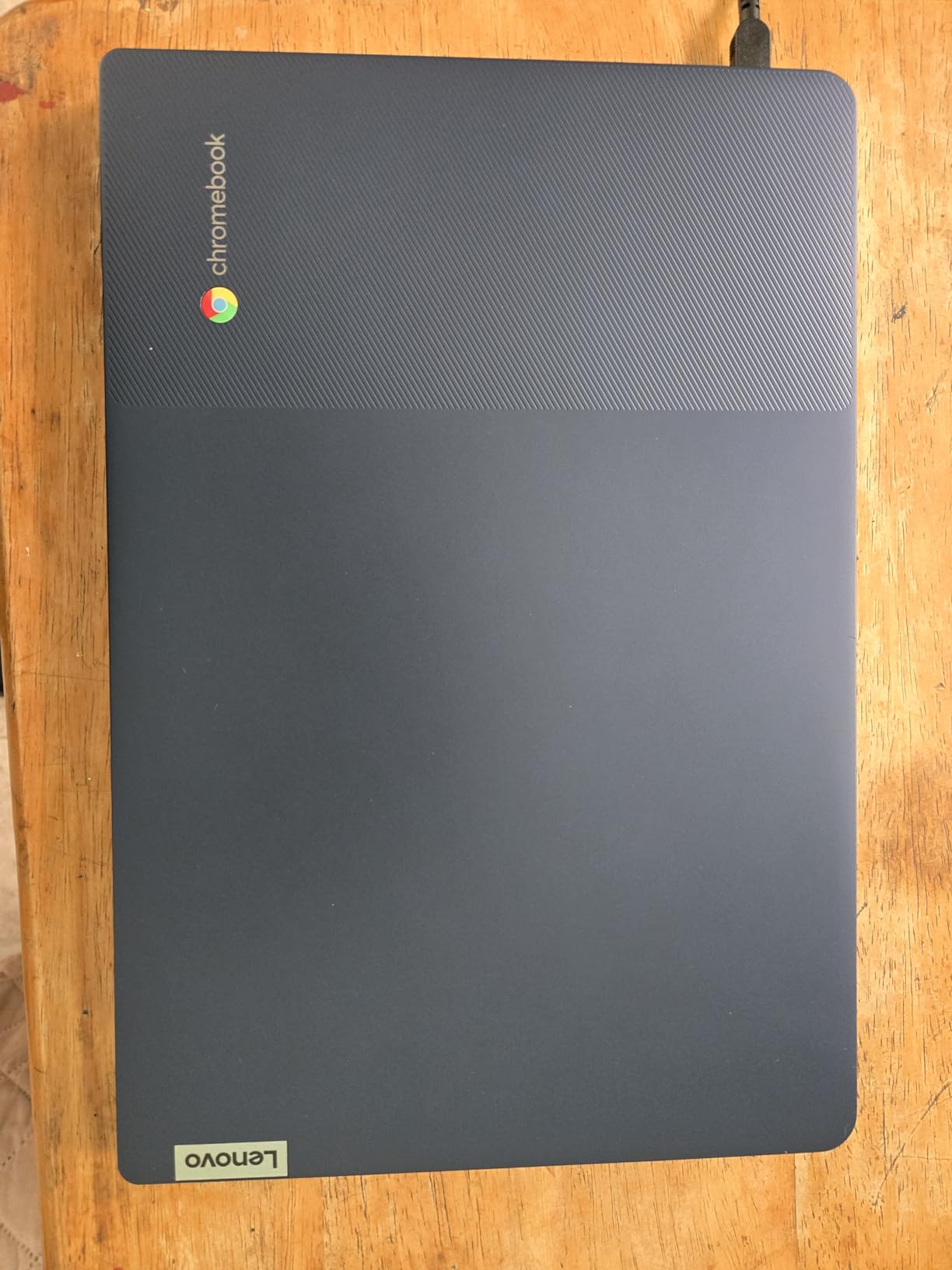
At 2.9 pounds this is the second-lightest machine we tested, and the 14-inch Full HD IPS touchscreen is a genuine step above the HD panels on the cheapest Chromebooks. Wide viewing angles mean you can turn the screen toward a classmate without washing out the image, and the backlit keyboard matters in dim lecture theatres.
The 47Wh battery is rated for up to 13.5 hours, which in practice means you can leave the charger in your bag for most of the week. The 720p webcam includes a physical privacy shutter, a small detail that high school and college students with shared rooms genuinely appreciate.
Why Chrome OS fits school life
Google Classroom, Docs, Sheets, Slides and the wider web app ecosystem cover the overwhelming majority of high school and many undergraduate assignments. Updates happen in the background, there is no bloatware to uninstall, and recovery from a mishap takes minutes rather than an afternoon.
The catch is the app ceiling. Chrome OS runs web and Android applications, so Windows-only desktop software, and anything requiring a full desktop environment, simply is not an option. Check your course software list before committing.
When a Chromebook is the wrong call
Move up to a Windows machine if you need Microsoft Office desktop editions, a programming environment, a design suite like Adobe Creative Cloud or any software with a Windows installer. Nothing on this list can solve that with added storage.
Also weigh the 4GB of RAM and 64GB of storage. Chrome OS handles that combination better than Windows does, but owners do report lag once many apps or tabs are open, and a few cite touchpad quality as a disappointment.
4. Apple MacBook Neo 13 Inch A18 Pro: The Most Compact
Apple 2026 MacBook Neo 13-inch Laptop with A18 Pro chip: Built for AI and Apple Intelligence, Liquid Retina Display, 8GB Unified Memory, 256GB SSD Storage, 1080p FaceTime HD Camera; Indigo
Apple A18 Pro chip
8GB unified memory, 256GB SSD
13 inch Liquid Retina display
Up to 16 hours, 2.71 lb
Pros
- Up to 16 hours of battery covers a full teaching day
- 2.71 lb recycled aluminum body with a superb trackpad
- 13 inch Liquid Retina display with 1 billion colors
- Deep iPhone and Mac integration for coursework and calls
Cons
- 8GB unified memory and 256GB SSD are modest for heavy work
- Limited port selection compared with Windows laptops
- macOS app coverage may miss specialised course software
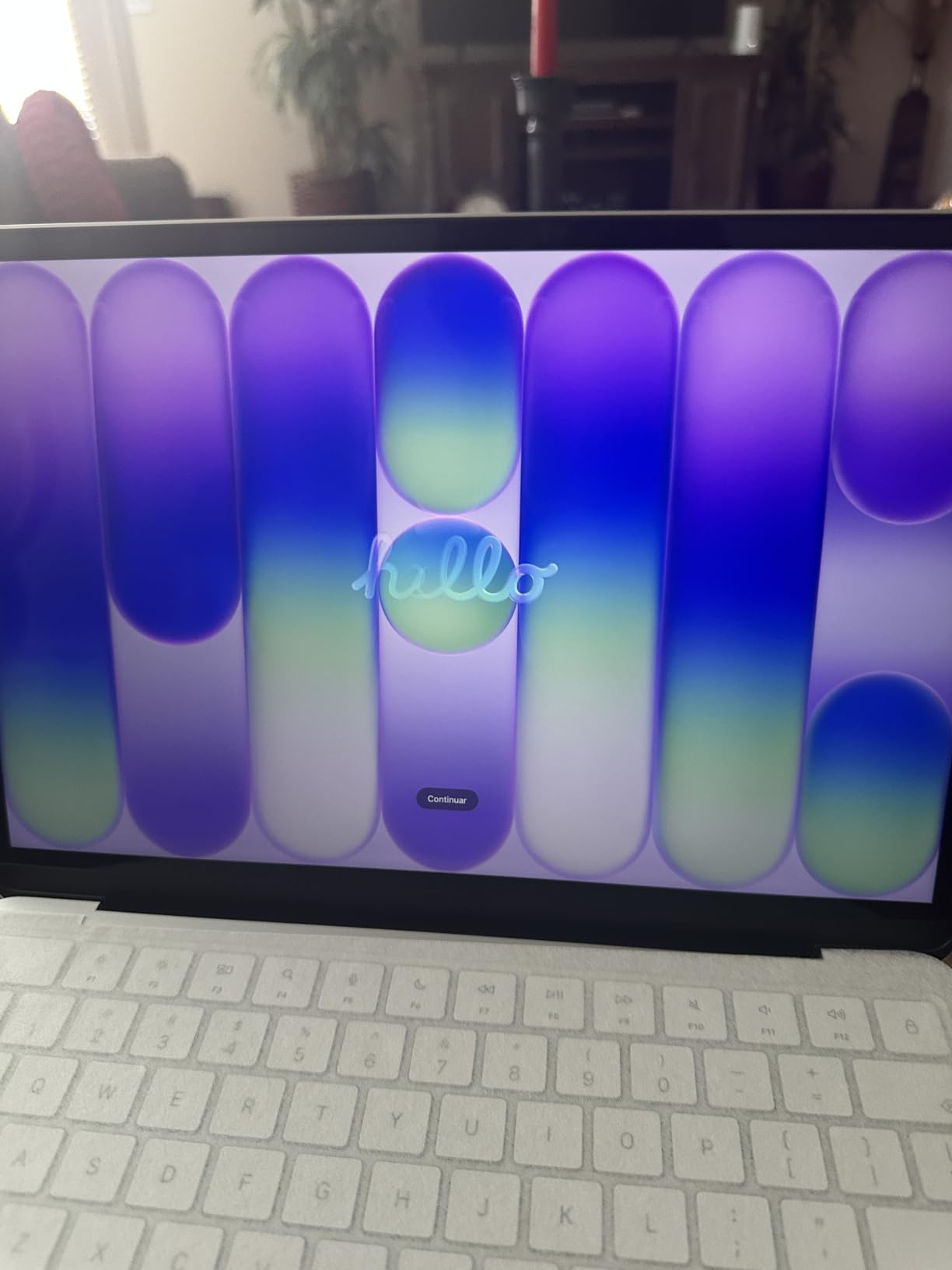
When we asked which laptop felt the most considered, the MacBook Neo 13-inch won without a difficult conversation. The A18 Pro chip, the recycled aluminum enclosure and the 2.71-pound weight combine into a machine you can carry all day and forget about, and 1385 owners rating it 4.6 stars agree.
Battery life is the headline. Apple rates it for up to 16 hours, and in day-to-day use a full day of notes, browsing and video calls is realistic without a charger. That single number changes how you use a laptop on campus, because you stop planning around wall outlets.
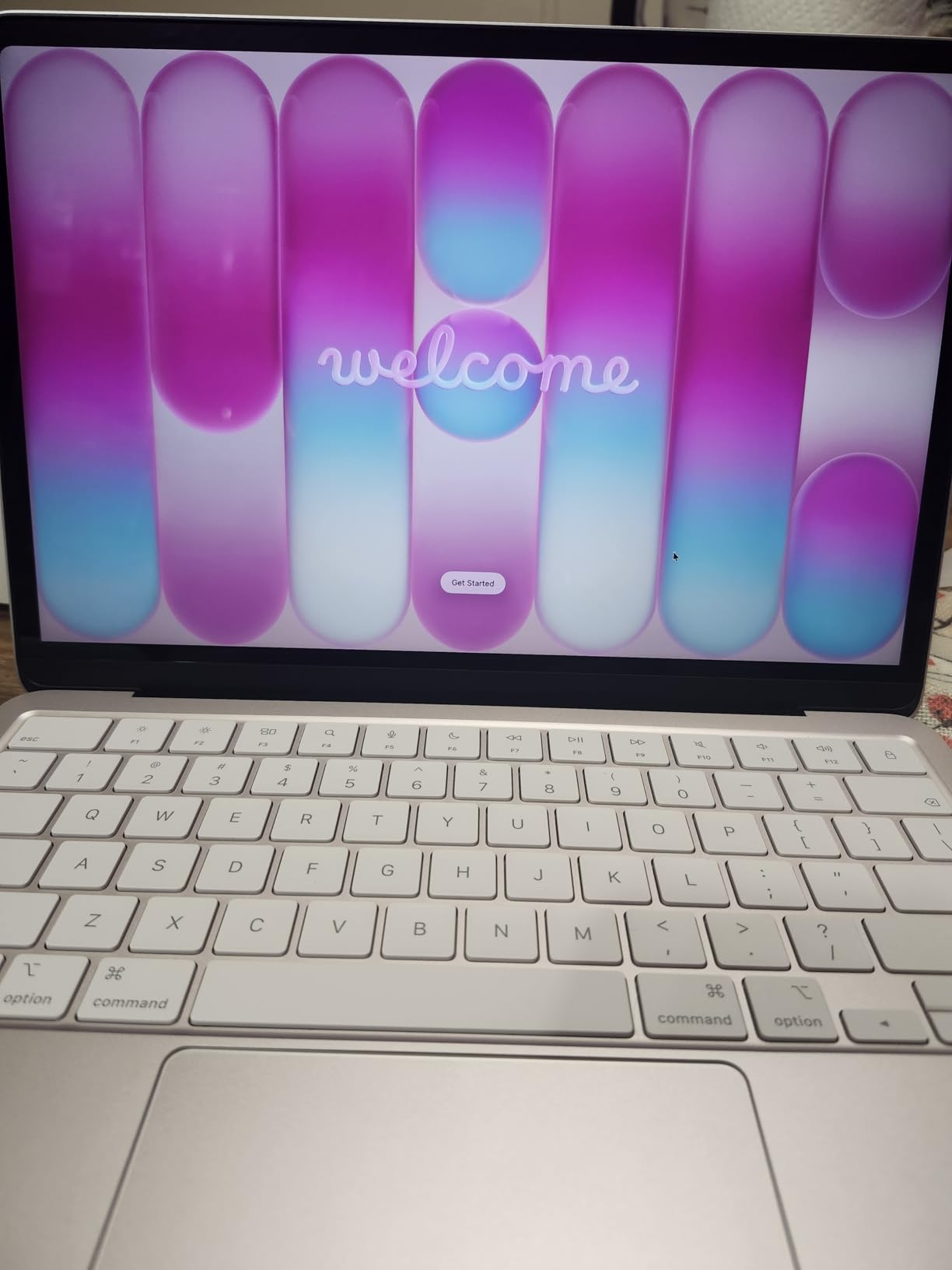
The 13-inch Liquid Retina display renders a billion colours with crisp text at typical viewing distances, and the colour accuracy is the best we saw in this group. If you do any visual work, color grading, photo editing or design study, this screen is a step clearly above the competition.
Apple Intelligence features and the Continuity layer with iPhone add up quickly if you own the phone. Handoff, Continuity calls and messages mean study notes and messages follow you between devices, and the 1080p FaceTime camera with dual microphones handles group calls well.
The memory configuration is the real limit
Eight gigabytes of unified memory and a 256GB SSD is the entry configuration. For writing, browsing, Office work and a single demanding application, it is fine. Running several heavy applications at once, or working with large media libraries locally, is where the ceiling appears.
Unified memory cannot be upgraded later, which makes this configuration choice permanent. Students with three or four years of study ahead of them should weigh that carefully rather than assuming the machine will grow with them.
Is the MacBook Neo right for a STEM student
This is the question we get most, and the answer depends entirely on your major. Mechanical engineering, electrical engineering, architecture and anything involving SolidWorks, MATLAB or CAD with a Windows-only workflow should buy Windows. Our animation laptop guide covers this in more detail for creative fields.
Computer science, software engineering, data science and design are all comfortable here, and many developers prefer macOS for terminal and local server work. Just confirm your required software exists on macOS before you commit.
5. drkako 15.6 Inch FHD 12GB Laptop: The Most Versatile With Room To Spare
drkako 15.6″ FHD IPS Student Laptop, AI Assistant Included, Office 365
Intel Celeron J4105 quad core
12GB DDR4 and 256GB SSD
15.6 inch FHD IPS display
53.2 Wh, about 6 hours
Pros
- 12GB of RAM is unusually generous at this price
- 256GB SSD plus expansion to 2TB or 1TB TF card
- One year of Office 365 and a built-in AI assistant included
- 180 degree lay-flat hinge for screen sharing
- 53.2 Wh battery holds a good standby charge
Cons
- Only 31 reviews
- so long-term feedback is limited
- Celeron J4105 will not handle gaming or heavy creative work
- About 6 hours of stated battery life is shorter than most here
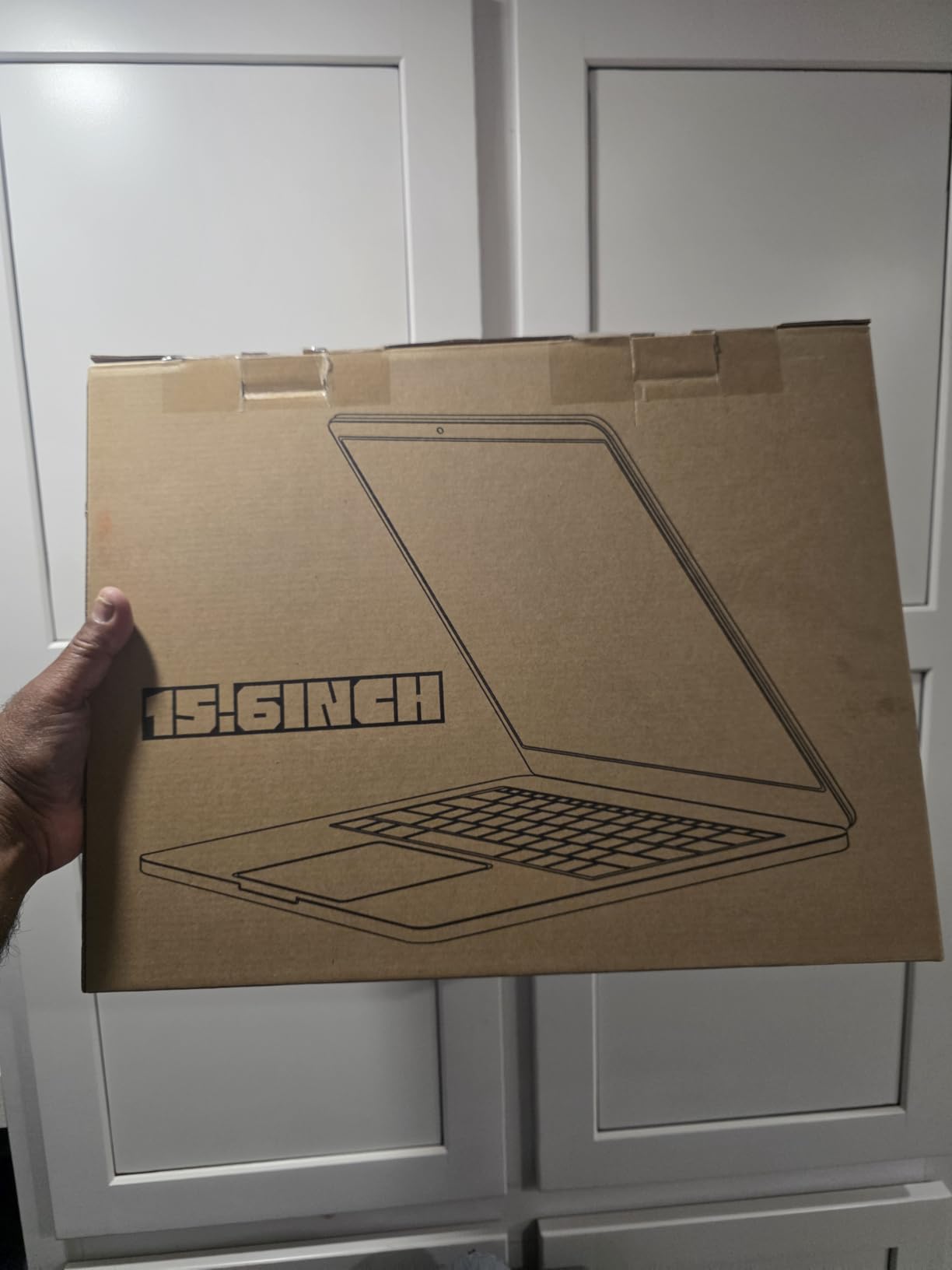
The drkako 15.6-inch stands out for one reason: 12GB of DDR4 memory, which is more RAM than most laptops twice its size offer. Owners report multiple browser tabs, Office documents and streaming running without the stutter that 4GB machines produce.
Storage is well handled too. You get a 256GB SSD with expansion to 2TB, and there is also a TF card slot that accepts up to 1TB, so you can add capacity without opening the chassis.
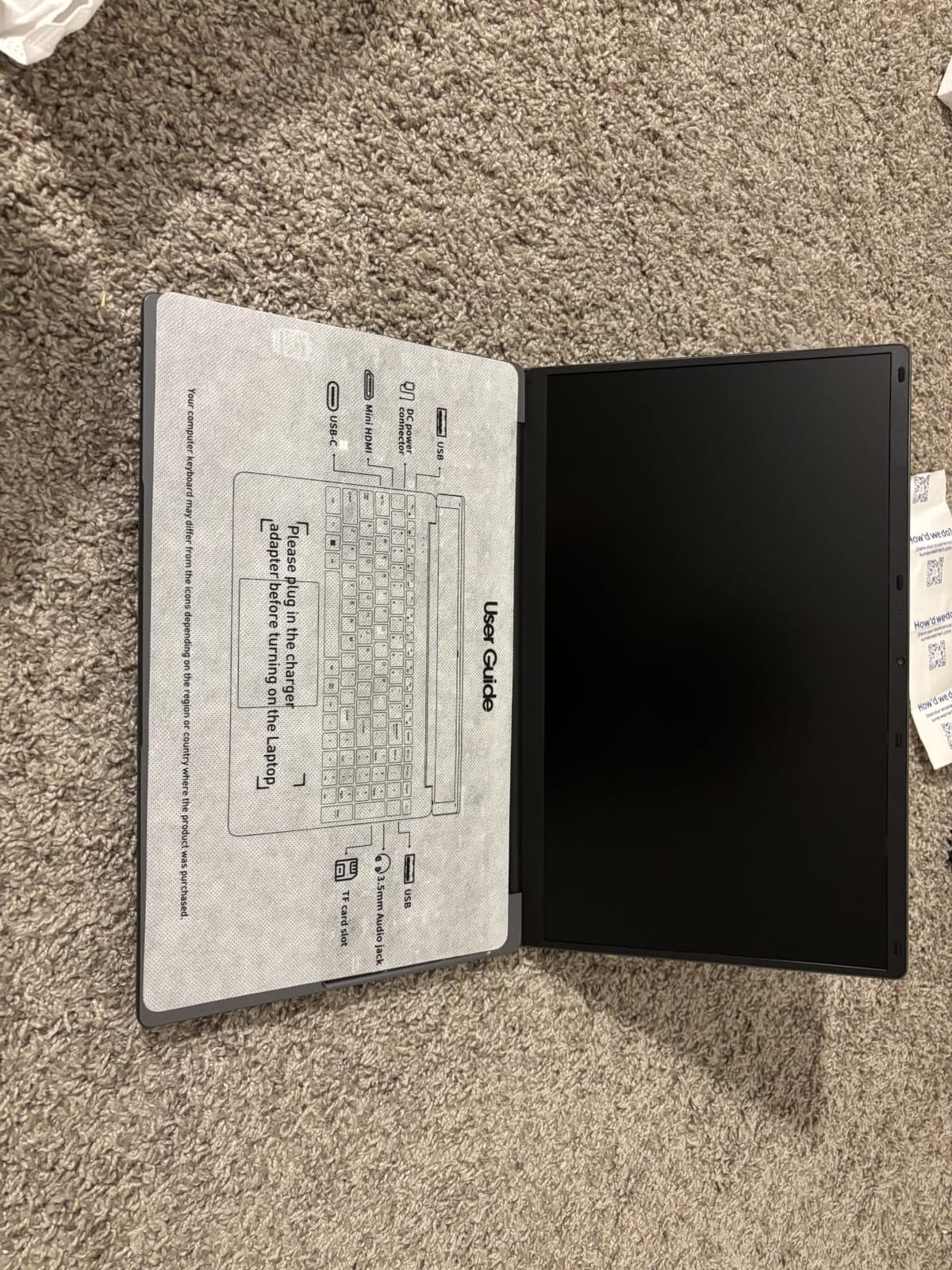
The 180-degree lay-flat hinge is the feature we did not expect to care about and then relied on. Flattening the screen to share a document or a whiteboard sketch with a group is genuinely useful in tutorials, and it avoids passing a fragile laptop across a table.
One year of Office 365 is bundled along with a built-in AI assistant for chat, writing, reading and meetings. The 15.6-inch Full HD IPS display with narrow bezels looks sharper than the HD panels at similar prices, and the 53.2Wh battery is the largest cell in this guide.
Battery life is the trade you accept
Listed battery life is about six hours, which is the shortest figure among these machines. That is fine if your day is spent on campus near an outlet, and tight if you commute. The large battery does retain standby charge well, so overnight idle is not a drain.
Wi-Fi 5 and Bluetooth 4.2 are also a step behind the Wi-Fi 6 models here. On a crowded campus network that rarely matters, but on newer routers you are giving up some peak throughput.
Buy it for the memory, not the processor
The Intel Celeron J4105 is a quad-core chip that handles documents, browsing and coursework competently, and the 12GB of RAM does the heavy lifting for multitasking. It is not a machine for gaming, video editing or anything that leans on sustained compute.
The honest caveat is review volume. At 31 reviews this has far less long-term owner feedback than the machines around it, so you are buying on specification and first impressions rather than a deep history of reliability reports.
6. HP 14 Inch Intel N150: The Best Everyday Starter
HP 14″ Laptop 2026 Edition, Intel Processor, 4GB RAM, 128GB Storage
Intel N150 quad core
4GB LPDDR5 and 128GB UFS
14 inch HD anti-glare display
3.3 lb body with numpad
Pros
- Light 3.3 lb chassis that is easy to carry between classes
- One year of Microsoft 365 Personal with 1TB OneDrive
- Wi-Fi 6 and USB-C for modern accessories
- Full-size keyboard with numeric keypad
- Anti-glare panel reduces eye strain in long sessions
Cons
- 4GB RAM limits heavier multitasking
- 128GB UFS storage is small for large media
- HD 1366x768 resolution is low by modern standards
- Entry-level N150 performance for demanding workloads
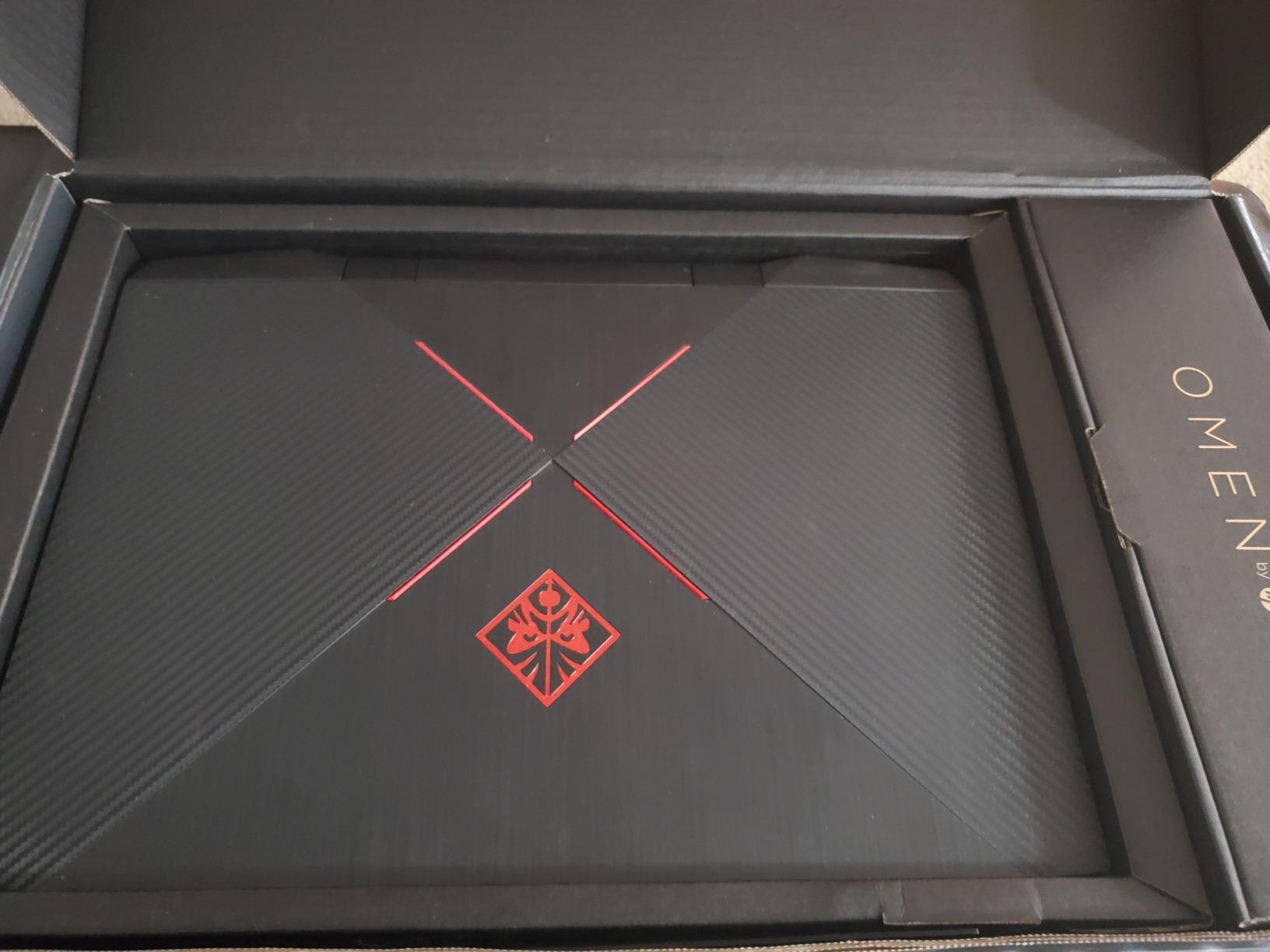
The HP 14-inch with the Intel N150 is the machine we would hand to a student whose entire workload is web research, email, word processing and video calls. With 985 reviews at 4.1 stars, owners treat it as an affordable, dependable first laptop that simply gets the job done.
The quad-core N150 reaches 3.6GHz and pairs with Wi-Fi 6 and Bluetooth 5.3, which is a more modern feature set than the price would suggest. USB-C is present for charging and peripherals, alongside three USB 3.2 ports and HDMI.
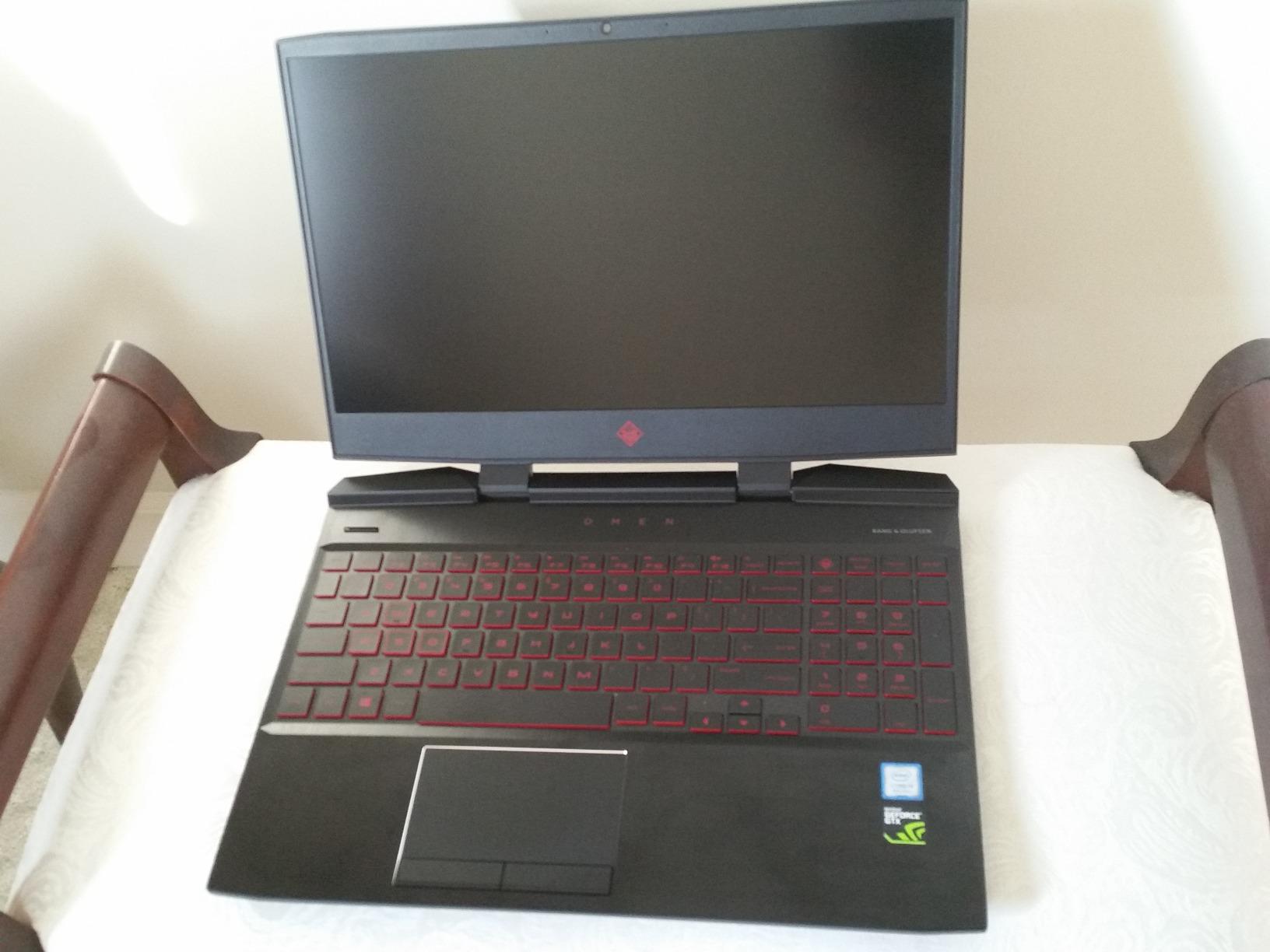
At 3.3 pounds the chassis is light enough for daily backpack carry, and the 0.71-inch profile is slim. The full-size keyboard includes a numeric keypad, which is unusual in a 14-inch body and useful if you work with numbers.
One year of Microsoft 365 Personal with 1TB of OneDrive is included, which covers Word, Excel, PowerPoint and cloud storage for the length of a degree if you are careful about local file use. The anti-glare HD display is comfortable for long reading sessions.
Four gigabytes is the number to think about
Every other limitation here follows from the 4GB of LPDDR5 memory and 128GB of UFS storage. Twenty browser tabs, a video call and a large spreadsheet will eventually push it, and the storage fills quickly once you start keeping coursework files locally rather than in the cloud.
Neither can be upgraded after purchase, so treat this as a two-year machine rather than a four-year one if you can stretch further up the list.
Who should look elsewhere
Look elsewhere if you study graphic design, engineering or film, or if you want a screen you can comfortably watch a lecture recording on. The 1366×768 resolution on a 14-inch display is the weakest of the HD panels in this guide.
It is also the right choice if you want the lowest-risk introduction to owning a computer: simple setup, bundled productivity software, a numeric keypad and a body light enough to carry everywhere.
7. Lenovo Essential 15.6 Inch FHD N100: The Best Daily Driver
Lenovo Essential 15.6″ FHD Laptop, Intel Processor, 8GB DDR5, 128GB Storage
Intel N100 quad core
4GB LPDDR5 and 128GB UFS 3.1
15.6 inch FHD IPS 250 nits
3.42 lb, MIL-STD-810H tested
Pros
- 4.5 star rating with most reviews at five stars
- Multi-day battery life on light use
- Bright 250 nit Full HD anti-glare display
- Responsive touchpad and comfortable full-size keyboard
- Privacy shutter and MIL-STD-810H tested durability
Cons
- Speakers are quiet
- especially with any fan noise
- 4GB RAM limits heavy multitasking
- 128GB storage is small for large media
- Some owners report slower boot times
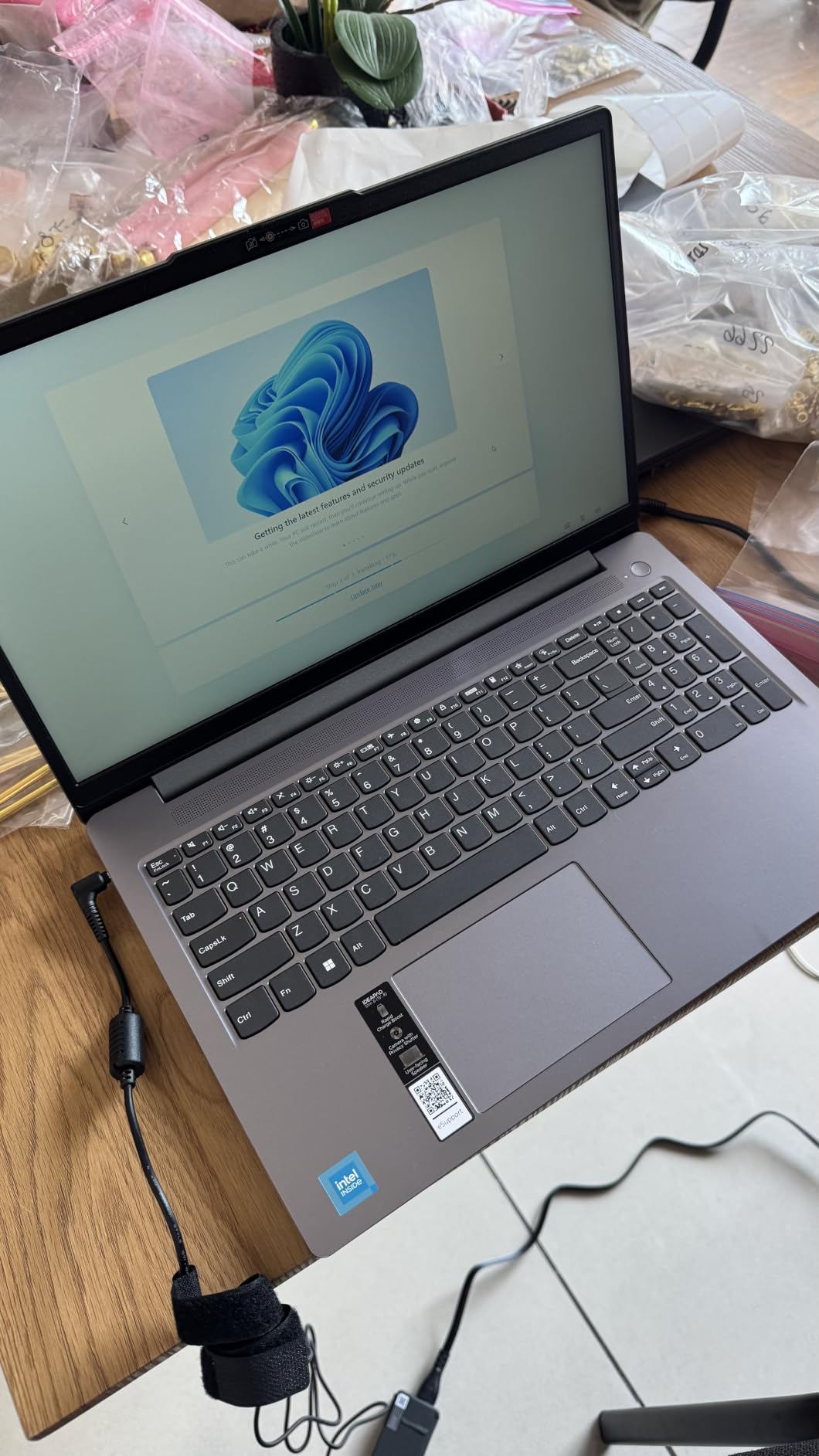
The Lenovo Essential 15.6-inch is the model we kept reaching for during the test period because it does the least amount of complaining. A 4.5 rating with three quarters of reviews at five stars is the strongest satisfaction signal of any machine in this bracket, and the reasons are consistent.
Battery life is the headline: owners report multiple days of light use on a charge. The Intel N100 quad-core reaches 3.4GHz, which is enough headroom for coursework, browsing and streaming without the stutter of the lower-end Celerons.
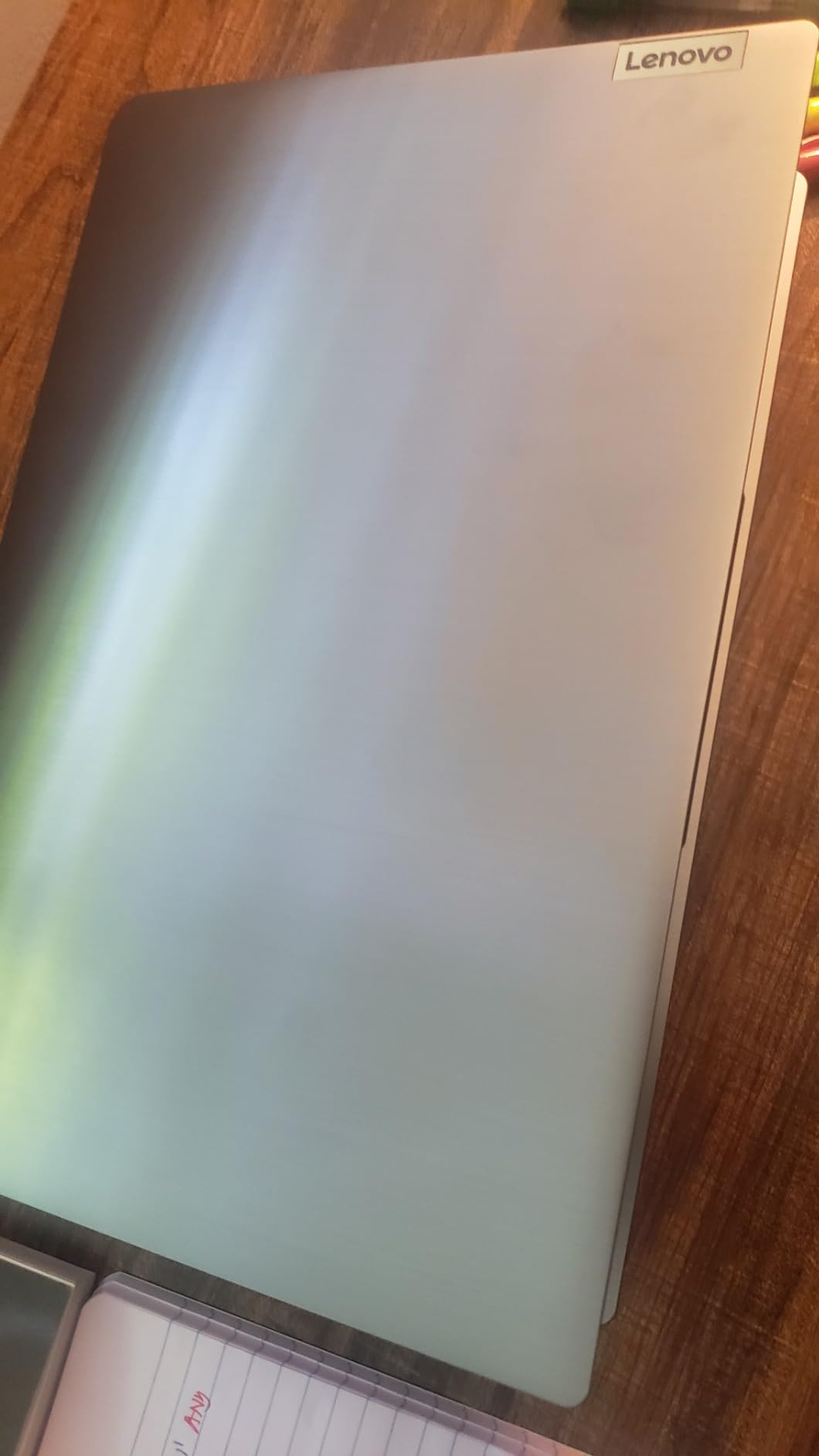
The 15.6-inch Full HD anti-glare IPS panel at 250 nits is brighter and sharper than most competitors in this bracket, and the 88 percent screen-to-body ratio keeps the bezels tight. A dedicated AI Copilot hotkey sits above the keyboard for students who want it.
Port selection is thorough: two USB-A, a USB-C with Power Delivery and DisplayPort, HDMI, a headphone jack and an SD card reader. That SD slot is the detail we appreciated most, since it gives the small internal storage a way out.
The 720p camera includes a physical privacy shutter, and the chassis is MIL-STD-810H tested with an ENERGY STAR 9.0 and EPEAT Silver certification, which tells you something about how it is built to be carried.
The speaker is the flaw to know about
Quiet speakers are the most repeated complaint. At higher volumes, and especially when the fan spins up during a video call or a download, audio output is hard to hear in a shared room. If you take most of your classes in groups, budget for a small external speaker or use earbuds.
Beyond that, the 4GB of memory and 128GB of storage are the same limitations as the rest of this tier, and a few owners mention slower boot times.
Who gets the most out of it
This suits a student who reads, writes, attends video lectures and works across many browser tabs, and values a bright screen and long battery more than a touchscreen. It is our pick for a commuter who does not want to hunt for outlets.
Choose the Lenovo 16-inch i5 later in this list if you need 16GB of memory, and choose a Chromebook if your coursework is entirely browser-based and your budget is tighter.
8. Dell 15.6 Inch Core 3 100U: The Smoothest Screen at 120Hz
Dell 15.6 Laptop, FHD, Intel Core 3 100U, 8 GB RAM, Windows 11 Home
Intel Core 3 100U 6 core
8GB DDR4 and 512GB SSD
15.6 inch FHD IPS at 120Hz
4.2 lb with 1-year onsite service
Pros
- Full HD IPS panel with a smooth 120Hz refresh rate
- 8GB RAM and 512GB SSD give real headroom
- Roomy keyboard with separate numeric keypad and calculator hotkey
- Lifted hinges reduce wrist strain
- ComfortView blue light filter for long study sessions
Cons
- Heaviest laptop here at 4.2 pounds
- No touchscreen
- Memory is onboard only and capped at 16GB
The Dell 15.6-inch stands apart for one spec nobody else here offers: a 120Hz refresh rate. Scrolling through documents, dragging windows and writing in a browser looks noticeably smoother than on the standard 60Hz panels the rest of this list uses, and 766 owners rate it 4.3 stars.
Underneath that display is a six-core Intel Core 3 100U reaching 4.7GHz, paired with 8GB of DDR4 and a roomy 512GB SSD. That combination is the most balanced memory and storage specification of any machine in this mid tier.
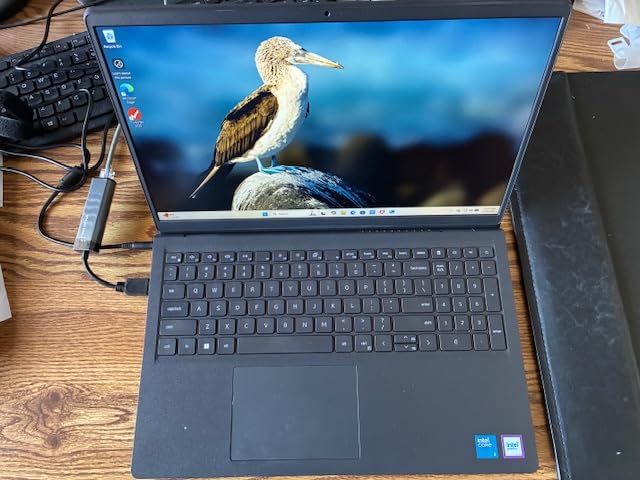
The keyboard is genuinely excellent for long typing sessions, with a separate numeric keypad and a dedicated calculator hotkey. Lifted hinges raise the rear of the chassis into a more natural typing angle, which reduces wrist strain across a full lecture day, and Dell ComfortView filters blue light for evening work.
Wi-Fi 6, Bluetooth 5.3, HDMI and USB 3.2 cover the connectivity basics, and the included 65W adapter charges quickly. The one-year basic onsite service is a genuine advantage over the rest of this list, because a technician comes to you rather than you posting the machine out.
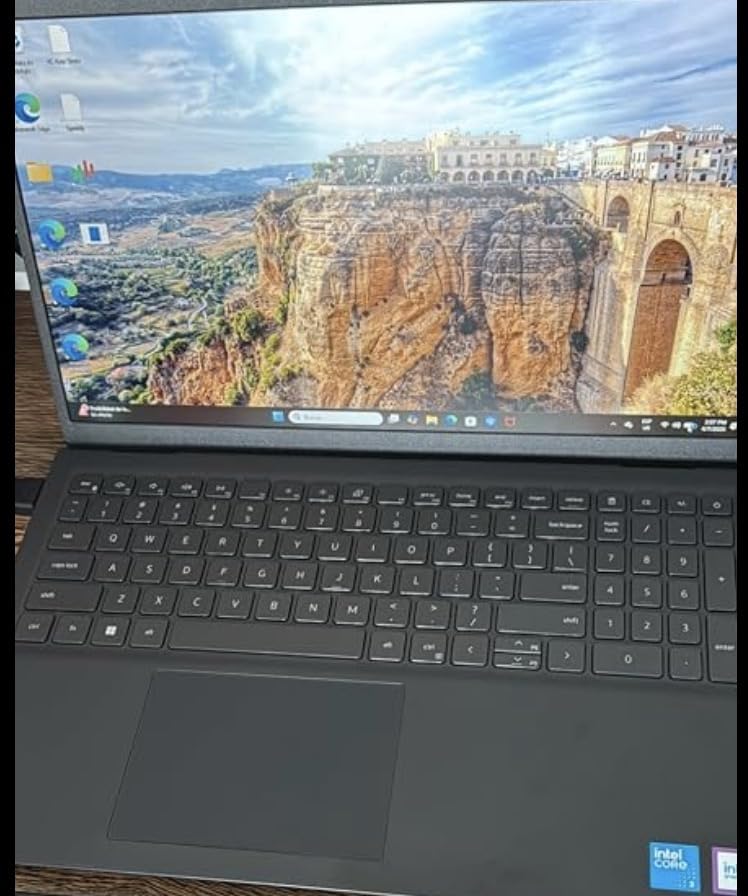
Weight is the price of the big screen
At 4.2 pounds this is the heaviest machine we tested, and it is a real difference when you are carrying a charger, a tablet and a notebook. Students who walk long distances between buildings should weigh that before falling for the display.
Memory is onboard only and tops out at 16GB, so this configuration is what you get for the life of the machine. There is also no touchscreen, which rules it out for anyone who wants to annotate documents by hand.
The case for it over a cheaper option
Choose the Dell over a lower-end machine if you type a lot, work with spreadsheets, or want a screen you can stare at for four years without fatigue. The 512GB SSD alone removes the storage anxiety that dogs the 128GB options.
It is a strong second-year-up option too: 8GB of DDR4 is enough for most coursework today and the 120Hz panel keeps it feeling modern longer than the HD alternatives.
9. Lenovo 16 Inch Core i5 16GB: The Pick for Coding and Engineering
Lenovo 16″ FHD+ Premium Performance Laptop, i5-13420H, 16GB RAM, 512GB SSD
Intel Core i5-13420H 8 core
16GB DDR5 and 512GB Gen4 NVMe
16 inch WUXGA 300 nits
MIL-STD-810H aluminum, 1.68 kg
Pros
- Only pick here with 16GB DDR5 and an H-series Core i5
- 512GB PCIe Gen4 NVMe drive is fast to open large projects
- Large 16 inch WUXGA display at 300 nits is easy on the eyes
- Aluminum chassis at 1.68 kg with MIL-STD-810H testing
- Firmware TPM 2.0 and camera privacy shutter for course laptops
Cons
- Only 122 reviews
- so less long-term feedback
- 45 percent NTSC color gamut is washed out for media work
- Integrated graphics cannot handle modern gaming or 3D workloads
Everything else in this guide is an entry machine. This is the exception. The 16-inch Lenovo pairs a 12-thread Core i5-13420H with 16GB of DDR5 and a 512GB PCIe Gen4 NVMe drive, and that is the specification combination you want if you are writing code, running containers or handling engineering simulation.
With 16GB of memory you can run an IDE, a browser with heavy web tooling, a database server and a virtual machine at the same time. The NVMe drive opens projects and datasets noticeably faster than the SATA-adjacent storage in the cheaper machines here.
The 16-inch WUXGA 1920×1200 IPS anti-glare panel runs at 300 nits, the brightest screen in this roundup, and the extra desktop space is genuinely useful with code editors, CAD windows and multiple documents side by side. It is also TUV Rheinland low blue light certified for long sessions.
Despite the 16-inch size, the aluminum chassis weighs 1.68 kilograms, about 3.7 pounds, which is lighter than the 15.6-inch Dell. Firmware TPM 2.0 encryption and a camera privacy shutter make it a sensible machine for coursework that involves confidential material.
What you give up
The 45 percent NTSC color gamut means this is not the screen for colour-critical work. If you are grading, designing or editing photos, the MacBook Neo’s Liquid Retina panel is a better tool, and we looked at that trade in our monitor guide for film students too.
Integrated Intel UHD graphics will not run modern games or 3D rendering, and there is no way to add a dedicated GPU later. Engineering students doing GPU-accelerated simulation should treat this as a floor, not a ceiling.
Buy it if your major is technical
This is the machine we would point a computer science or engineering student toward, because 16GB of memory and an H-series processor is the entry ticket for real development and simulation work. Owners also report quick boot times and a responsive keyboard for long coding sessions.
The honest limitation is evidence. At 122 reviews there is far less long-term owner feedback here than for the picks above, and we would want more history before committing a four-year degree to it.
10. Acer Chromebook 315: The Best Chromebook for Writing and Research
Acer Chromebook 315 Laptop, Celeron N4500, 15.6″ Full HD IPS Display, 4GB LPDDR4X, 64GB eMMC, Wi-Fi 6, DTS Audio, USB Type-C, Chrome OS, CB315-4H-C8XU, Silver
Intel Celeron N4500 dual core
4GB LPDDR4X and 64GB eMMC
15.6 inch FHD IPS display
48 Wh, up to 10 hours
Pros
- Full HD 15.6 inch IPS display at an entry price point
- Boots in seconds and stays fast for web-based schoolwork
- Easy setup for less technical users
- Loud and clear speakers help on video calls
- Roomy screen and full-size keyboard for long writing sessions
Cons
- Slow once several apps are open
- 4GB RAM and 64GB eMMC disappoint for longevity
- Display quality is decent rather than high-end
- ChromeOS limits you to web and Android apps
If writing, research and online coursework describe your week, the Acer Chromebook 315 does the job and nothing more. A 4.4 rating across 506 reviews makes it one of the better-regarded budget Chromebooks available, and the reason is that it does not ask you to pay for capability you will not use.
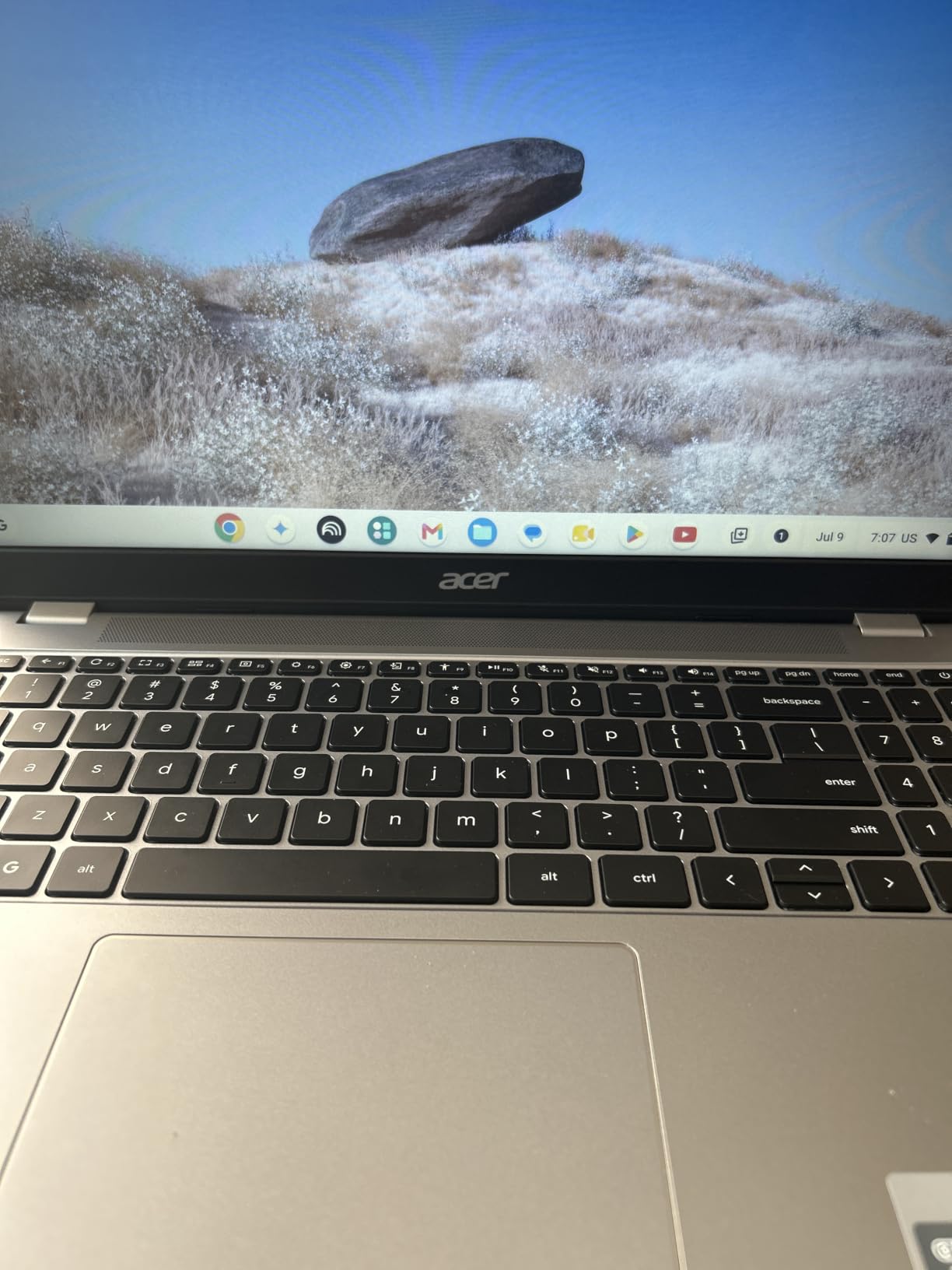
The 15.6-inch Full HD IPS display at this price is unusual and welcome. Reviewers consistently praise the large screen for reading and the full-size keyboard for typing long essays, and the IPS panel holds up better off-axis than a budget TN screen would.
The dual-core Celeron N4500 boosts to 2.8GHz, which is enough to boot in seconds and move through web work fluidly. DTS Audio with stereo speakers is genuinely loud and clear for the price, which is a real advantage on video calls in a noisy common room.
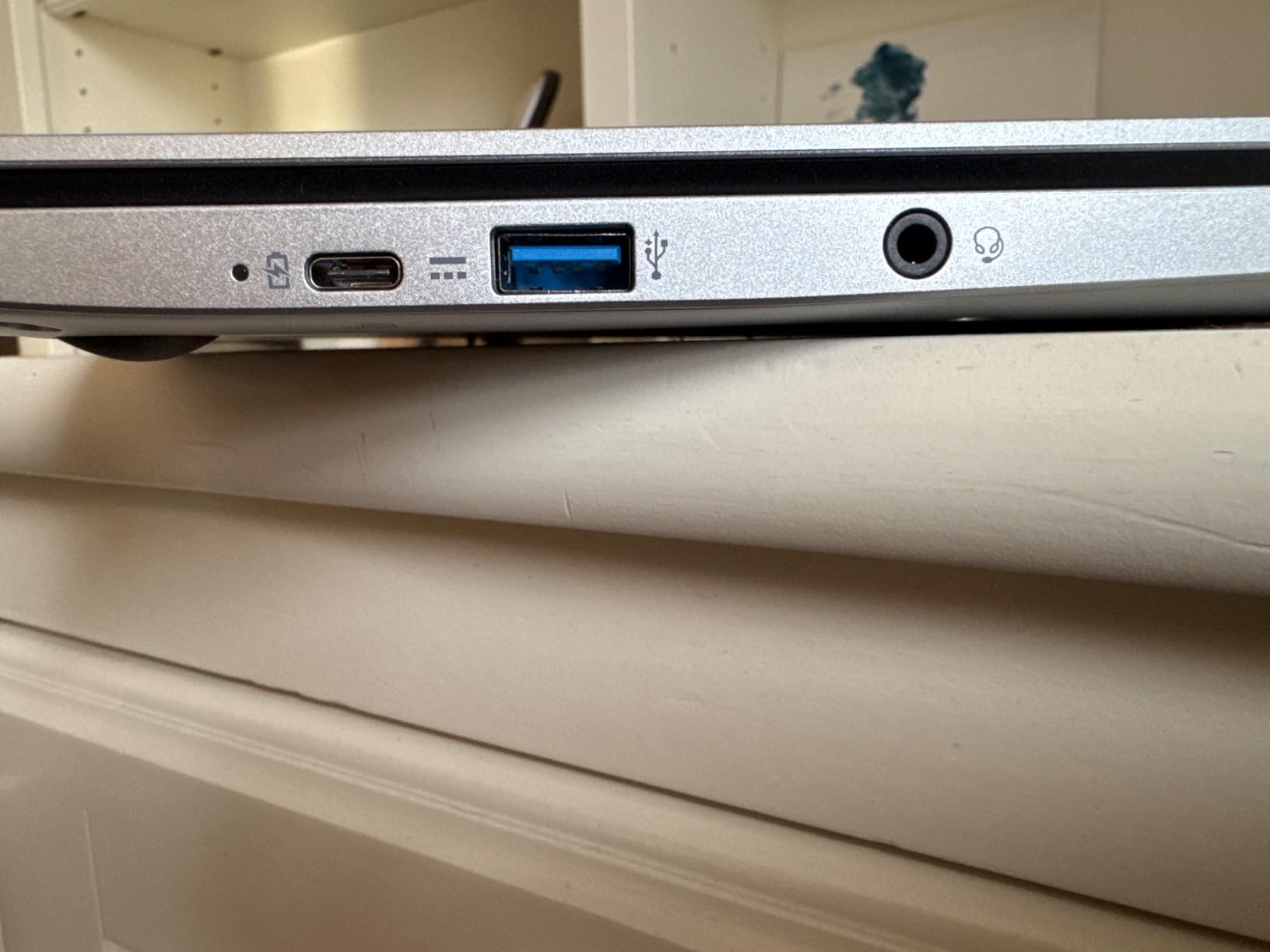
Two USB-C ports with DisplayPort over USB-C and two USB 3.2 Gen 1 ports give you more flexibility than most Chromebooks in this range. 100GB of Google Drive storage is included, and Microsoft Office 365 is accessible in the browser through Docs, Sheets and Slides.
Where writing work goes wrong
Open a dozen tabs, a video call and a document editor and the dual-core chip shows its age. Owners repeatedly describe it as slow with several apps running, and the 4GB of LPDDR4X with 64GB of eMMC is the same modest pairing that limits every budget Chromebook.
Storage is the more serious problem. eMMC at 64GB fills up within a first semester if you save anything locally, and cloud storage costs money once it does.
Buy it as a second machine, or a first one
As a first laptop for a student with straightforward web-based coursework, it is a sound purchase that should last through high school or a light first year. As a second machine for writing alongside a more capable main laptop, it is excellent value.
Skip it entirely if your coursework needs desktop applications, and consider the Lenovo 14-inch Kompanio Chromebook earlier in this list if you want a lighter body and a newer eight-core processor.
11. HP 14 Inch Celeron N4120 Chromebook: The Longest Stated Battery
HP 14″ HD Chromebook Laptop for Students, Intel Quad-Core N4120(> N4020), 4GB RAM, 64GB eMMC, WiFi, Webcam, HDMI, USB-A&C, 14 Hours Battery life, ZOOM, Chrome OS, CUE Accessories
Intel Celeron N4120 quad core
4GB LPDDR4x and 64GB eMMC
14 inch HD anti-glare display
Up to 14 hours, 3.4 lb
Pros
- Up to 14 hours stated battery
- the highest figure among these Chromebooks
- Quad-core processor handles Chrome OS multitasking reliably
- Full port selection including USB-C
- HDMI and headphone jack
- Webcam has a physical privacy shutter
Cons
- 4GB RAM and 64GB eMMC storage
- HD 1366x768 display is lower resolution than rivals
- ChromeOS only supports web and Android applications
The HP 14-inch Chromebook is the battery answer in this guide. HP states up to 14 hours of runtime from the cell, and at 319 reviews with a 4.4 average, owners broadly confirm it carries through a full day of classes without hunting for a socket.
The quad-core Intel Celeron N4120 boosts to 2.6GHz with 4MB of cache, which is a genuinely capable chip for Chrome OS. Reviewers describe it handling multitasking reliably rather than stuttering, and the quad-core design gives it headroom over the dual-core Chromebooks in this list.
 N4020), 4GB RAM, 64GB eMMC, WiFi, Webcam, HDMI, USB-A&C, 14 Hours Battery life, ZOOM, Chrome OS, CUE Accessories customer photo 1″ class=”wp-image-customer”/>
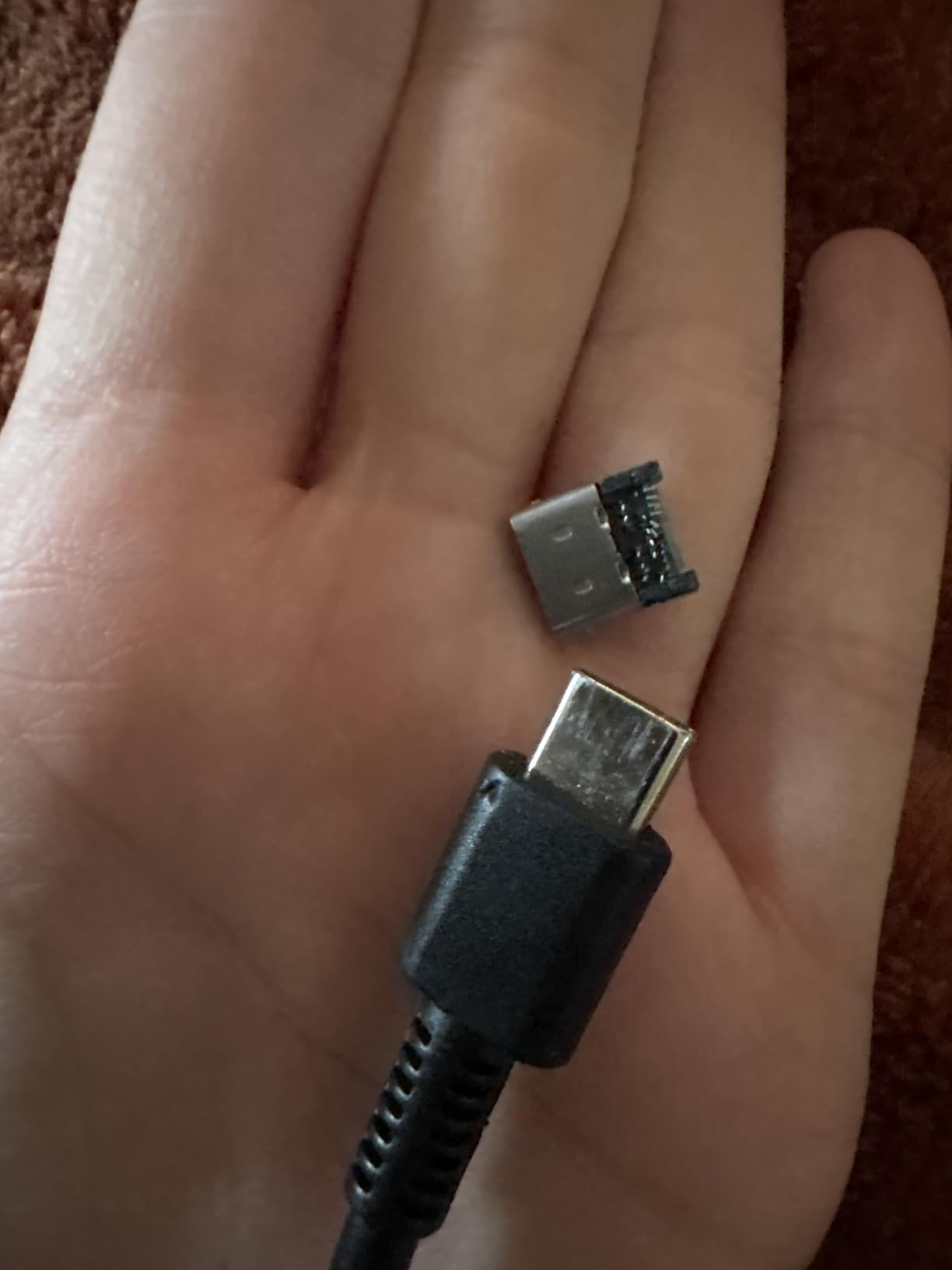
The port selection is the best of the three Chromebooks here. Two USB-A ports, one USB-C, a full HDMI output and a headphone jack mean you can connect to a lecture room projector, a monitor or an external drive without a dongle, which is exactly the pain point students report most often.
At 3.4 pounds the body is light without feeling flimsy, and the front webcam includes a privacy shutter. Microsoft Office is included for offline use, and Bluetooth 5.4 is a slightly newer standard than the other Chromebooks carry.
 N4020), 4GB RAM, 64GB eMMC, WiFi, Webcam, HDMI, USB-A&C, 14 Hours Battery life, ZOOM, Chrome OS, CUE Accessories customer photo 2″ class=”wp-image-customer”/>
Battery claims versus real use
Stated battery figures always assume light workloads, so plan on a realistic working day rather than the headline number. Even discounted, 14 hours means you can comfortably get through lectures without a charger, which is where the extra margin actually pays off.
Screen quality is the compromise that pairs with it. The 1366×768 HD micro-edge anti-glare panel is serviceable for notes and browsing but noticeably softer than the Full HD panels on the Acer and Lenovo Chromebooks here.
Who should buy it
A student who travels, has long days between classes, or sits in rooms with few outlets gets the most from this machine. The port selection also makes it a good second device for use with a monitor at home.
Choose the Lenovo Kompanio Chromebook instead if screen quality and weight matter more to you, and choose a Windows machine if any of your coursework needs desktop software.
12. ASUS 15 Inch FHD Chromebook Renewed: The Best Renewed Option
ASUS 2026 15″ FHD IPS Chromebook, Intel Processor Up to 2.80GHz, 4GB DDR4, 128GB Storage, HDMI, Super-Fast WiFi, Chrome OS, Pastel Silver (Renewed)
Intel Celeron up to 2.80 GHz
4GB DDR4 and 128GB storage
15 inch FHD IPS display
Amazon Renewed, 30-day warranty
Pros
- Renewed units arrive looking new with no scratches
- Very easy initial setup with reliable Wi-Fi
- Battery lasts all day on light use
- 15 inch Full HD IPS display for the money
- 128GB storage beats most Chromebooks at this level
Cons
- Performance matches what you would expect at this level
- Slow when many apps are open at once
- Speaker volume reported as quite low
- ChromeOS will not run Windows-only software
- Only 30-day warranty on a renewed unit
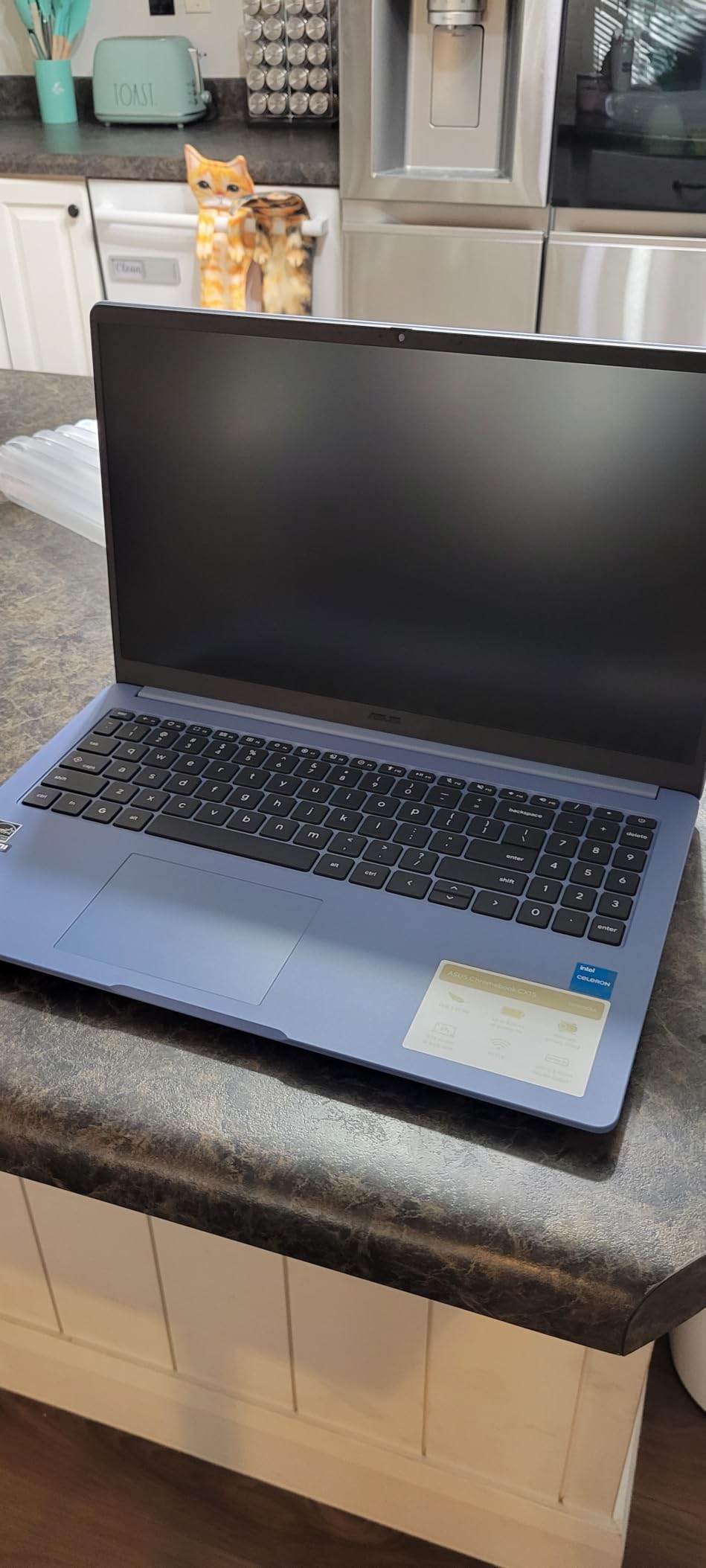
The refurbished market is where a careful student can stretch a budget furthest, and this ASUS 15-inch Chromebook is the clearest example on our list. At 189 reviews averaging 4.3 stars, owners consistently describe units that look new, with no scratches or scuffs, and set up without difficulty.
What you get is a 15-inch Full HD IPS display, 4GB of DDR4 memory and 128GB of storage. That storage figure is the real draw: most Chromebooks at this level ship with 64GB of eMMC, and double the capacity removes the most common early complaint.
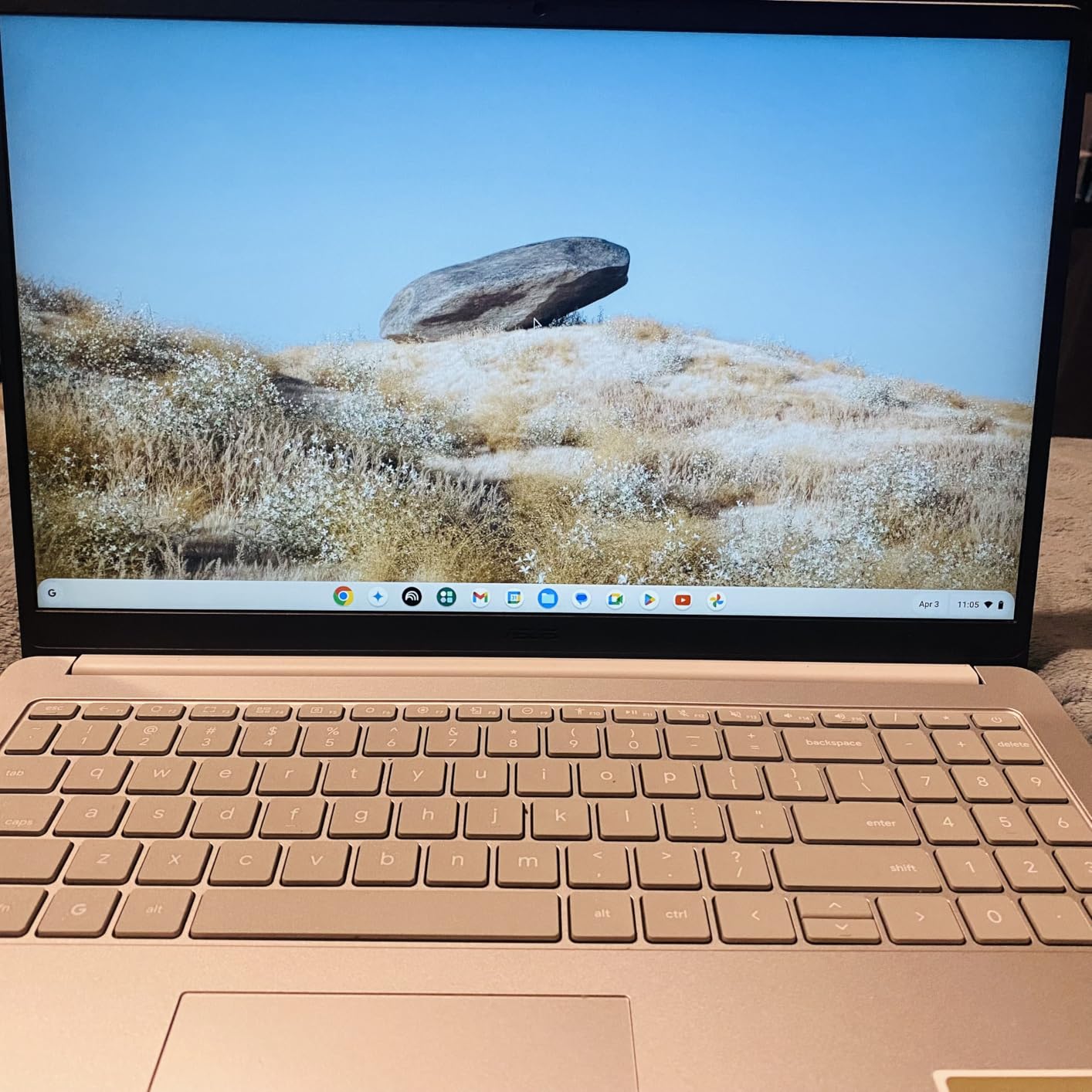
Connectivity is adequate rather than generous, with one USB-C, one USB-A, HDMI and a headphone and microphone combo jack. Wi-Fi and Bluetooth are present along with an integrated webcam, and the AC charger is included in the box.
Reported battery life holds up for light use across a full day, which is what most schoolwork actually is. Two finishes are available, in Pastel Silver and Pastel Blue.
How to buy a renewed unit without regret
The condition matters more than the specification. Read the listing carefully for cosmetic grading, check that the battery health is described, and confirm the return window in writing before you commit. Renewed does not mean new, and the difference shows in battery longevity.
The 30-day warranty here is short. Weigh that against the fact that Chromebook hardware is simple and repair-unfriendly anyway, which means a longer warranty buys less than it would on a pricier machine.
Where the compromises bite
Performance is what you would expect at this level, and owners report slow behaviour once several apps are open simultaneously. Speaker volume is repeatedly described as quite low, which is a genuine problem if you take classes in group settings without earbuds.
And the ChromeOS limit applies here as everywhere: if your course list includes Windows-only software, this cannot run it no matter how good the condition. Verify your requirements first, then this is a sensible way to get a Full HD screen and 128GB of storage for less than a new equivalent.
How to Choose a Student Laptop in 2026
Specs matter less than the gap between what your major requires and what your budget allows. Work through these five checks in order, and you will narrow twelve options down to two or three within an hour.
Start with your software list, not the spec sheet
Ask your department for the required software and versions before you compare anything. Engineering, architecture and film programs usually name Windows-only tools explicitly, and that single answer eliminates every Chromebook on this list. Computer science, data science and design are usually platform-neutral, which means you can pick on battery and weight instead.
If your course list is empty, assume you will need Microsoft Office, a browser, a PDF tool and a video calling app, and buy accordingly.
Decide how much memory and storage you actually need
Sixteen gigabytes of memory is the comfortable target for a machine that must last four years, and it is the single biggest reason to step up a tier. Twelve gigabytes is workable for three years. Four gigabytes is a compromise you will feel the moment you run a video call while a dozen tabs are open.
For storage, 512GB removes nearly all anxiety. A 256GB drive is fine if you work in the cloud. A 128GB drive will frustrate you within a year unless you stay disciplined about what you store locally.
Treat battery life as the specification that matters most
Between lectures you are rarely near an outlet, and every machine in this guide lists a runtime figure. The MacBook Neo at up to 16 hours, the HP Celeron Chromebook at up to 14 and the Lenovo Kompanio Chromebook at up to 13.5 hours are the three that give you the most genuine freedom. The drkako machine, at about 6 hours, is the one that most changes how you move around campus.
Weight comes second, but it is close. Anything above 3.5 pounds gets noticeable in a backpack by week two, and the 4.2-pound Dell shows how quickly that happens.
Check the ports before you buy adapters
USB-A, HDMI and a headphone jack are the three you will miss most. The thinnest laptops in this guide give you two USB-C ports and nothing else, which means a dongle in your bag every day. If you present to a room regularly, buy the laptop with the full port selection rather than the one with the best screen.
Consider a renewed or refurbished machine
No competitor we studied covers this properly, so we will. Refurbished business laptops from previous generations often outperform new entry-level machines on memory and processor, and they cost materially less. The trade is warranty length and battery health, so check both, and read the condition grading before you commit.
Education pricing is the other lever nobody uses. Most manufacturers and large retailers run student and staff discount programmes, and the ASUS Renewed Chromebook on this list is the clearest example of buying smart with limited money. Verify eligibility through your institution rather than buying first and claiming later.
Which Student Laptop Fits Your Major
Here is the mapping we give students who email us, condensed. The short version is that your major decides your operating system before it decides anything else.
General, business and liberal arts
Any of the Windows machines here will serve you. Start with the HP Ryzen 3 touchscreen for processing headroom, the Lenovo Essential 15.6-inch for battery and screen quality, or the Dell for the 120Hz display and 512GB drive if you type a lot. The MacBook Neo suits this major perfectly if you already use an iPhone.
Computer science and data science
Memory is the constraint, which points to the 16-inch Lenovo with 16GB of DDR5 and a Core i5, or the MacBook Neo if your tooling is cross-platform. Avoid the 4GB machines entirely here: an IDE, a container runtime and a browser will exhaust them.
Check whether your program uses Windows-only tooling before ruling the Mac out, because that is the mistake that costs a lot of students a semester of workarounds.
Engineering and architecture
Buy Windows. CAD packages, FEA tools and simulation software on this list’s price range are not realistically served by integrated graphics, so treat the 16-inch Lenovo i5 as the floor and plan a dedicated GPU above that. Budget for a machine you can upgrade, not one you will replace in two years.
Film, animation and VFX
This is where our other guides come in, because the requirements are specific. Editing timelines, motion tracking and 3D rendering all need far more memory and graphics capability than any entry machine on this list, and colour accuracy matters for grading. Read our film student laptop guide and our camera guide for photography students before buying anything for a production-heavy degree.
The MacBook Neo’s display is the best screen here for colour work, but its 8GB memory configuration is not enough for a serious editing workflow. A separate display matters too, which is why we keep pointing film students toward our monitor recommendations.
Frequently Asked Questions
Which brand of laptop is best for students?
HP and Lenovo cover the most ground at the entry and mid tiers, with the widest range of configurations and the best support networks. Apple makes the strongest single machine for students who want battery life and a colour-accurate screen, but macOS does not run every engineering application. Acer and ASUS cover the budget end best, particularly with Chromebooks.
What is the best laptop for a student?
For most students the best laptops for students list starts with the PADIX 15.6-inch, which holds the highest owner rating of our twelve at 4.8 across 2020 reviews and stays silent during class. The HP 15.6-inch Ryzen 3 touchscreen is the best value option if you want more processor headroom, and the Apple MacBook Neo 13-inch is the premium choice for battery life and display quality.
What is the best type of laptop for a student?
A lightweight laptop with at least 8GB of memory, a 256GB or larger SSD, Wi-Fi 6 and a battery rating of 10 hours or more covers the overwhelming majority of student coursework. Chromebooks suit browser-based work, Windows machines suit anything needing desktop software, and macOS suits design, development and general study.
How much RAM does a student need?
Eight gigabytes is the practical minimum for browsing, documents and video calls, and 16GB is the right target if you expect the laptop to last a full degree. Most of the entry-level machines in this guide ship with 4GB, which feels fine in year one and frustrating by year three, and memory is rarely upgradeable after purchase.
How often should you replace a laptop?
A well-specified machine should last four to five years, which matches a typical degree. Replacing earlier than that is rarely necessary unless your major changes and demands different software. Buying above your current needs and keeping it for the whole course is usually cheaper than buying twice.
Final Verdict for 2026
After six weeks and twelve machines, the best laptops for students in 2026 come down to a short list. The PADIX 15.6-inch is our overall pick, taking the Editor’s Choice with the highest owner rating in the group at 4.8 across 2020 reviews, a silent fanless design and a proper Full HD anti-glare screen. It is the machine we would hand to a student who just needs coursework to work.
Buy the HP Ryzen 3 touchscreen if you want more processor headroom and a touch panel, the Lenovo Essential 15.6-inch for the longest battery and the sharpest screen in the mid tier, or the MacBook Neo 13-inch if you want the best battery life and the best display and already live in the Apple ecosystem. Students in computer science or engineering should start at the 16-inch Lenovo i5 with 16GB of memory, and film and animation students should follow our dedicated guides rather than any machine in this price range.
Whichever you choose, check your course software requirements before you pay, and buy slightly above what you need today. For more on the display side of a student setup, our expert monitor reviews are worth a look once you have your laptop sorted.