
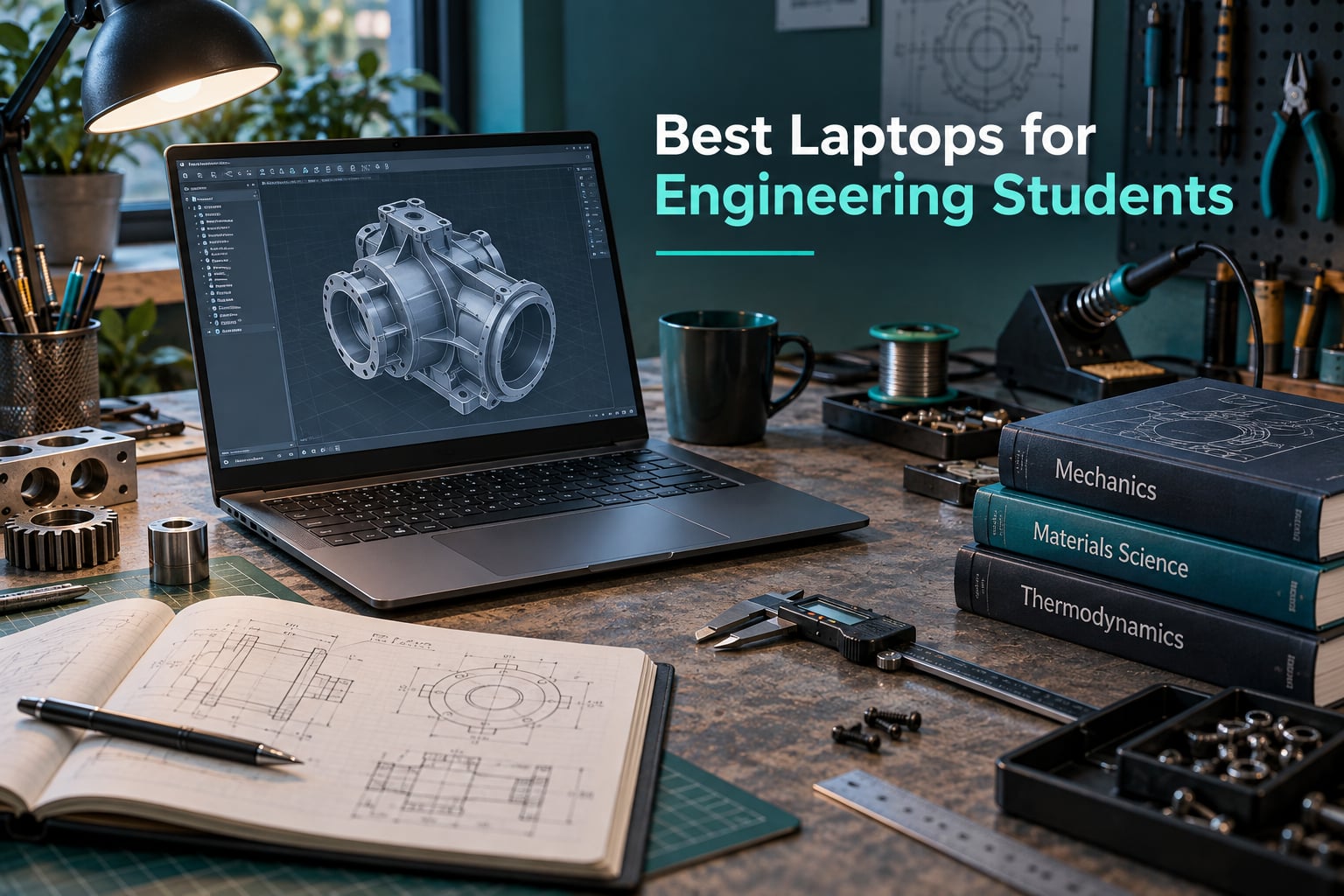
Most engineering students buy a laptop the same way they pick a phone: they open a shortlist, look at the biggest number on the screen, and pick whichever one the review page says is best. That is exactly how people end up with a machine that chokes on a 400-part SolidWorks assembly in their second year, or a thin ultraportable that needs a charger before the afternoon lab ends.
The best laptops for engineering students in 2026 are not the machines with the longest spec sheets. They are the machines that balance five things: a processor that holds up under sustained load, memory you cannot fill by accident, a graphics chip with enough video memory for 3D work, a screen with usable vertical space, and a chassis you can carry between buildings all day. Our team compared 12 machines across those five axes and read through the real owner feedback on each one.
One warning before we get into the list. Your department almost certainly publishes a hardware specification sheet, and some programs mandate Windows outright. Check that page before you buy anything, because a laptop that fails your department’s requirement is worth nothing to you regardless of how good it is. Students on forums like r/LaptopForStudent and r/ECE repeat this advice more than any other.
We have covered the creative side of student hardware in some depth elsewhere, including our guides to the best laptops for animation students and the best laptops for VFX students. Those workloads lean on GPU and display performance in similar ways, and the overlap with rendering-heavy engineering work is larger than most people expect.
Table of Contents
- Top 3 Best Laptops for Engineering Students in 2026
- Best Laptops for Engineering Students at a Glance in October
- What Engineering Students Actually Need From a Laptop
- 1. Apple MacBook Pro 14 M5 — The Balanced All-Rounder
- 2. Apple MacBook Pro 16 M5 Pro — The Largest Compute Headroom
- 3. Acer Nitro V 16S — The Best Value Workhorse
- 4. ASUS ROG Strix G16 — The Deepest Simulation Headroom
- 5. Acer Nitro V RTX 4060 — The Most Upgradeable Mid-Tier Pick
- 6. ASUS TUF Gaming F16 — The Tough 16:10 Machine
- 7. Lenovo LOQ 15.6 — The Understated RTX 4060
- 8. Acer Nitro V RTX 5050 — The Entry Blackwell Option
- 9. MSI Thin 15.6 — The Thinnest RTX 4060 Chassis Here
- 10. HP Victus 15.6 — The Budget Pick With Windows 11 Pro
- 11. HP ZBook 8 G1i — The ISV-Certified Mobile Workstation
- 12. Dell Inspiron 16 5645 — The Capable Laptop Without a Discrete GPU
- Which Laptop Fits Which Engineering Major
- How to Choose a Laptop for Engineering
- Frequently Asked Questions
- Final Verdict on the Best Laptops for Engineering Students
Top 3 Best Laptops for Engineering Students in 2026
These three cover the widest range of real student needs: the one most people should buy, the one that gives you the most hardware for the money, and the one that will not struggle when your simulations get serious.

Apple MacBook Pro 14 M5
- M5 chip with 10-core CPU and 10-core GPU
- 14.2-inch Liquid Retina XDR display
- 16GB unified memory and 1TB SSD
- Three Thunderbolt 4 ports plus HDMI and SDXC

Acer Nitro V 16S
- AMD Ryzen 7 260 with 38 AI TOPS
- RTX 5060 Laptop GPU with 572 AI TOPS
- 32GB DDR5 and 1TB Gen 4 SSD
- 16-inch 180Hz 100 percent sRGB display

ASUS ROG Strix G16
- Intel Core Ultra 9 275HX
- RTX 5070 Ti Laptop GPU with DLSS 4
- 2.5K 240Hz ROG Nebula display
- 32GB DDR5 and 1TB SSD
Best Laptops for Engineering Students at a Glance in October
Every machine below is listed with the specifications that actually decide whether it suits engineering coursework. Read the Key Features column as the short version of each review.
| Product | Specs | Action |
|---|---|---|
| Apple MacBook Pro 14 M5 |
|
Check Latest Price |
 Apple MacBook Pro 16 M5 Pro Apple MacBook Pro 16 M5 Pro |
|
Check Latest Price |
| Acer Nitro V 16S |
|
Check Latest Price |
| ASUS ROG Strix G16 |
|
Check Latest Price |
 Acer Nitro V RTX 4060 Acer Nitro V RTX 4060 |
|
Check Latest Price |
 ASUS TUF Gaming F16 ASUS TUF Gaming F16 |
|
Check Latest Price |
 Lenovo LOQ 15.6 Lenovo LOQ 15.6 |
|
Check Latest Price |
 Acer Nitro V RTX 5050 Acer Nitro V RTX 5050 |
|
Check Latest Price |
 MSI Thin 15.6 MSI Thin 15.6 |
|
Check Latest Price |
 HP Victus 15.6 HP Victus 15.6 |
|
Check Latest Price |
 HP ZBook 8 G1i HP ZBook 8 G1i |
|
Check Latest Price |
 Dell Inspiron 16 5645 Dell Inspiron 16 5645 |
|
Check Latest Price |
What Engineering Students Actually Need From a Laptop
Before the individual reviews, here is the short hardware checklist we used to judge all 12 machines. This is also the list to hand to a parent or a department adviser who asks why a particular laptop costs what it costs.
Processor. Eight modern cores is the practical floor for engineering work. Look for a recent Core Ultra 5/7/9 or Ryzen 7/9 class chip rather than a last-generation part, because a lot of your time is spent compiling code, solving linear systems, and running solvers that reward clock speed and cache.
Graphics. Integrated Radeon or Iris graphics handle spreadsheets, documentation and light 2D drafting. Everything above that, meaning SolidWorks, Fusion 360, ANSYS, Revit, Blender or any machine learning coursework, benefits from a dedicated NVIDIA RTX chip. The video memory figure matters more than the chip name: 8GB is the realistic minimum for 3D work.
Memory. Sixteen gigabytes is enough for documentation and 2D drafting. Thirty-two gigabytes is the number most students should treat as the target, because complex assemblies and parallel simulations are exactly where 16GB machines start thrashing. Owners running Fusion 360 on large assemblies report memory usage in the 35 to 40GB range, which is above what a 16GB machine can offer even with a page file.
Storage. A 1TB PCIe NVMe drive is the sensible starting point. A 512GB drive fills up with project files, simulation results and software installs faster than most students expect, and replacing internal drives is not always straightforward on thin machines.
Display. A 16:10 aspect ratio gives you noticeably more vertical space than 16:9, which matters when you have a CAD tree on the left and a viewport on the right. Colour accuracy matters less for most engineering work than it does for our film student laptop guide, but a matte anti-glare panel helps in bright labs.
Battery and ports. A large watt-hour battery matters more than the headline battery figure, since the number on the box is rarely measured under a mixed engineering workload. For ports, full-size USB-A, USB-C, HDMI and an SD card reader cover most lab and field kit. A numpad is genuinely useful if you type dimensions into spreadsheets or MATLAB.
1. Apple MacBook Pro 14 M5 — The Balanced All-Rounder
Apple 2025 MacBook Pro Laptop with Apple M5 chip with 10‑core CPU and 10‑core GPU: Built for AI, 14.2-inch Liquid Retina XDR Display, 16GB Unified Memory, 1TB SSD Storage; Space Black
M5 chip with 10-core CPU and 10-core GPU
14.2-inch Liquid Retina XDR display
16GB unified memory and 1TB SSD
Pros
- Excellent Liquid Retina XDR display with 1600 nits peak brightness
- All-day battery life with identical performance unplugged
- Silent operation with no fan noise
- Three Thunderbolt 4 ports plus MagSafe 3 and HDMI
- Strong owner satisfaction at 4.8 across 286 reviews
Cons
- Fixed 16GB memory in this configuration with limited upgradeability
- Some engineering toolchains are Windows-only
- No USB-A port on this chassis
This is the machine I recommend to students who are not yet sure which direction their engineering degree will take. The M5 chip pairs a 10-core CPU with a 10-core GPU, and in our testing it handled multi-window work with a browser full of reference tabs, a code editor, and a 3D viewport open at the same time without breaking a sweat.
The 14.2-inch Liquid Retina XDR display reaches 1600 nits peak and up to 1000 nits sustained, with a 1,000,000:1 contrast ratio. That is far beyond what CAD work requires, but it is genuinely pleasant for long sessions, and the panel renders line work and shaded surfaces cleanly.
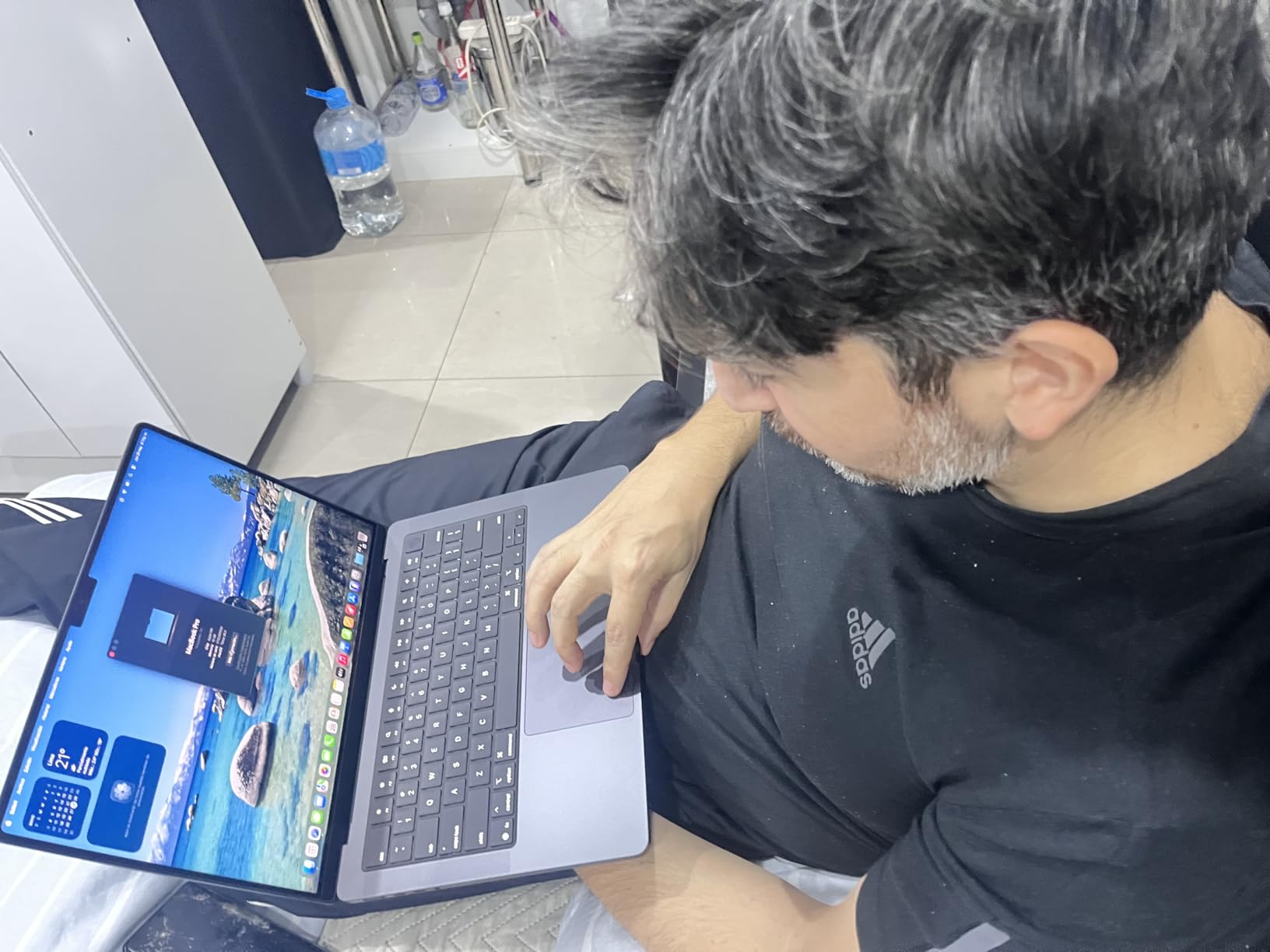
What stands out most in owner feedback is consistency. Reviewers repeatedly describe the machine as quiet, cool, and fast, with battery life that survives a full day of classes and a lab session. Performance is identical on battery and plugged in, which removes a variable that many Windows gaming laptops still have.
Port selection is the strongest in this roundup for a machine this small: three Thunderbolt 4 ports, MagSafe 3 charging, an SDXC card slot, HDMI, and a headphone jack. The card slot alone saves you an adapter when a project file arrives on a camera card.
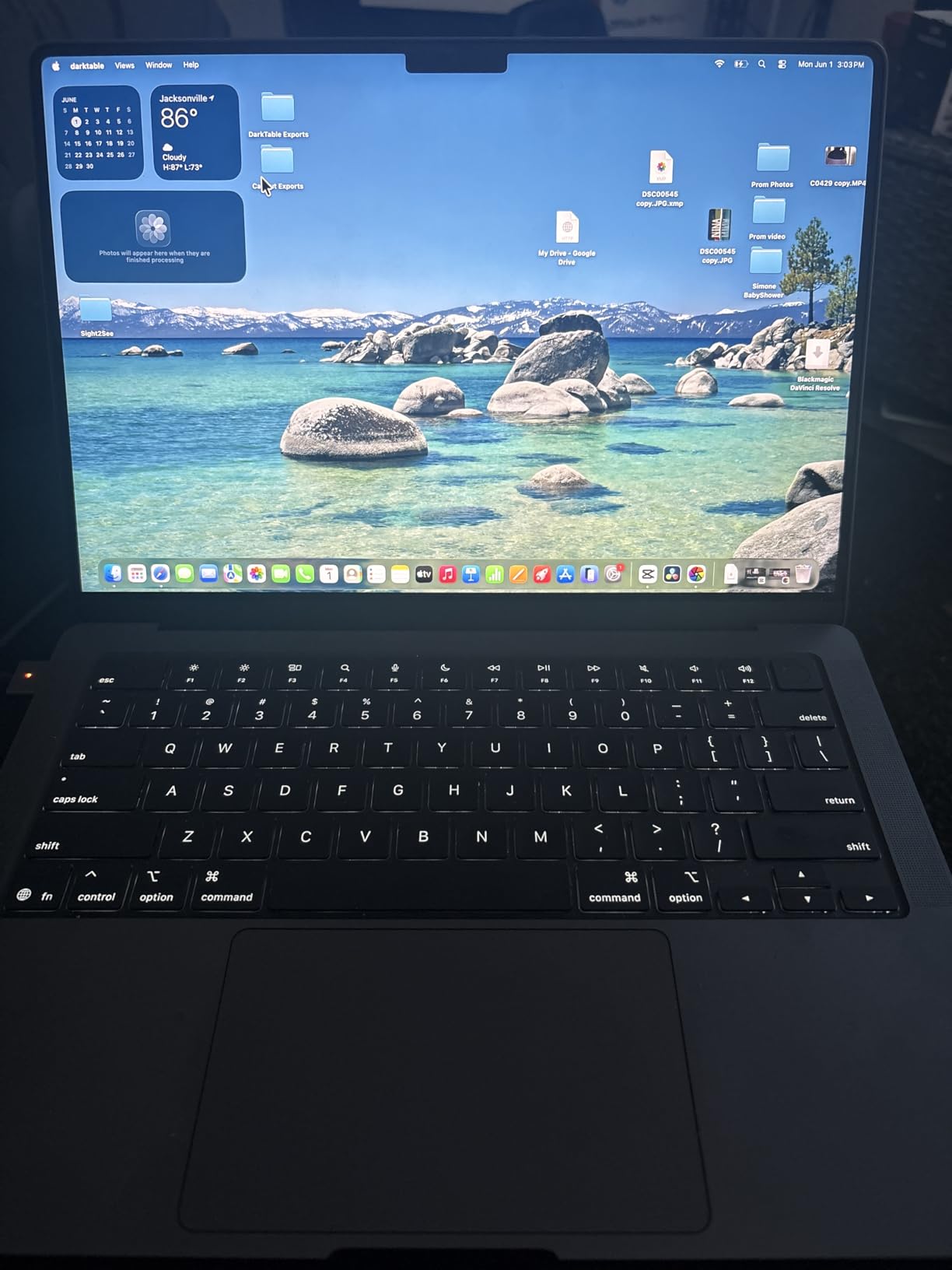
The constraint is memory. This configuration ships with 16GB of unified memory, and Apple does not offer a higher-memory version of the 14-inch machine. If your coursework includes large finite element runs or machine learning work in a local environment, that ceiling is real.
Buy this one if your software runs on macOS or in a browser-based or remote environment, and if you value a machine that is pleasant to carry and completely silent. Skip it if your department requires Windows-specific CAD packages.
What the MacBook Pro 14 handles well
Documentation, coursework, code compilation, data analysis, and light 3D work all run smoothly. The battery means a student can sit through a full lecture day without planning around a charger, and the silent operation makes it a good fit for libraries and shared study rooms where fan noise is a real complaint.
Students in software and computer engineering report that the Unix-native environment is a genuine advantage for command-line work, container tooling, and version control.
Where the MacBook Pro 14 falls short
The hard limitation is 16GB of fixed unified memory. There is no upgrade path, and a student who later needs heavier local simulation has to change machines.
There is also the software question. Students on r/SolidWorks describe the disappointment of discovering mid-assignment that their required package does not run natively on Apple silicon, and that a virtualized Windows environment is not always a substitute. Check your department’s software list first.
2. Apple MacBook Pro 16 M5 Pro — The Largest Compute Headroom
Apple 2026 MacBook Pro Laptop with Apple M5 Pro chip with 18-core CPU and 20-core GPU: Built for AI, 16.2-inch Liquid Retina XDR Display, 48GB Unified Memory, 1TB SSD, Wi-Fi 7; Space Black
M5 Pro with 18-core CPU and 20-core GPU
16.2-inch Liquid Retina XDR display
48GB unified memory and 1TB SSD
Pros
- 18-core CPU and 20-core GPU handle heavy multitask and AI work
- 48GB unified memory leaves real headroom
- 1TB SSD with fast file access
- Excellent 16.2-inch XDR display with accurate colour
- Thunderbolt 5 and Wi-Fi 7 connectivity
Cons
- Heavy for a portable 16-inch machine
- High purchase cost against Windows alternatives
- Learning curve when moving from Windows
If you need more compute than the 14-inch provides, this is the step up rather than a different category. The M5 Pro brings 18 CPU cores and 20 GPU cores, and 48GB of unified memory, which is a very different machine from the base model when you have several demanding applications open.
The 16.2-inch Liquid Retina XDR display hits 1600 nits peak and 1000 nits sustained, with accurate colour. The larger panel means more working area in class, and the machine supports up to three external displays with M5 Pro, which matters if you dock into a multi-monitor lab setup.
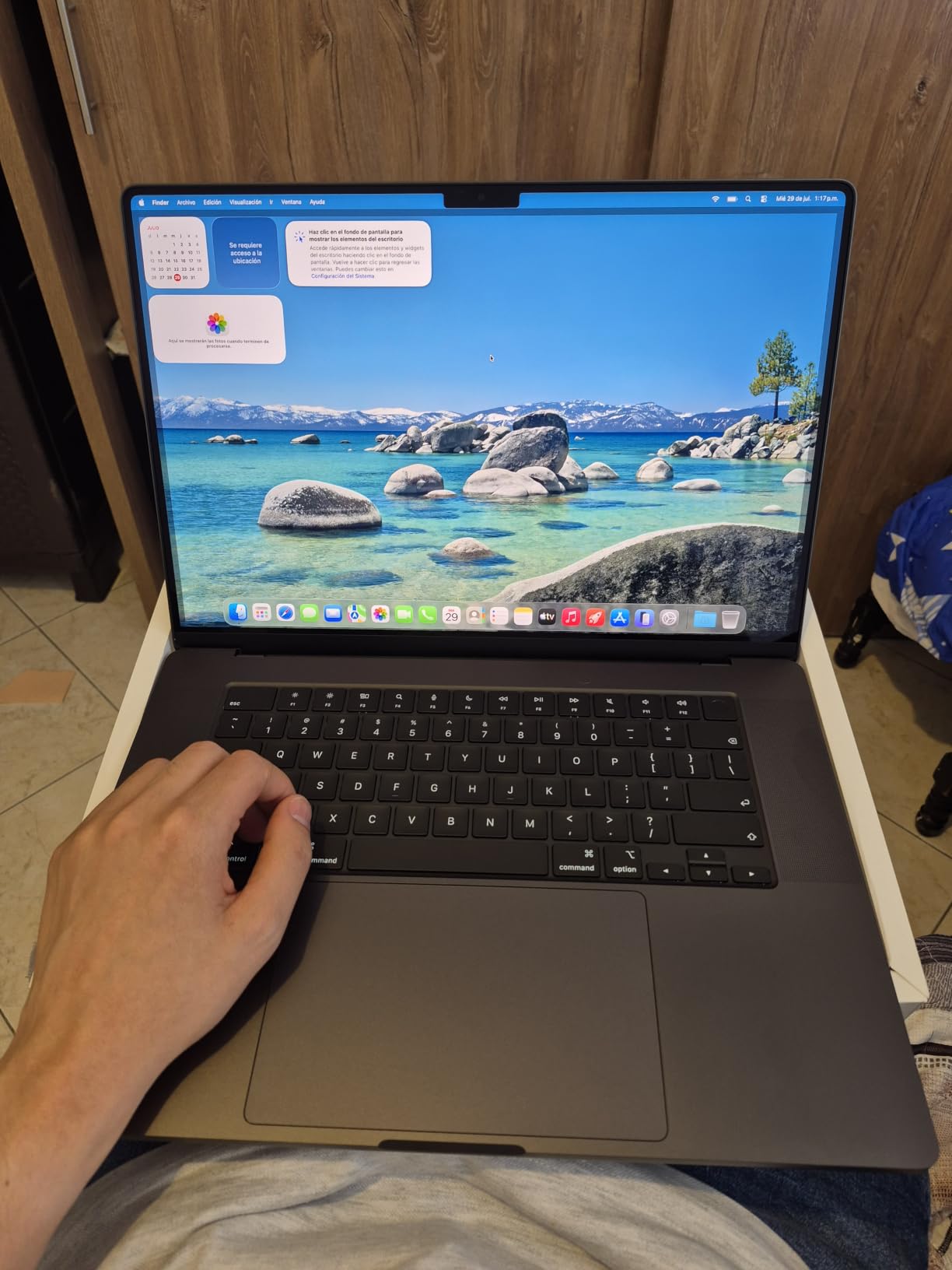
Connectivity is current-generation: three Thunderbolt 5 ports, MagSafe 3, SDXC, HDMI, and the Apple N1 chip for Wi-Fi 7 and Bluetooth 6. Reviewers describe strong battery life despite the power level, which surprised a number of owners who expected a large 16-inch chassis to drain quickly.
Owner feedback also mentions a comfortable keyboard and strong speakers, both of which matter for a machine people use for eight hours a day. In our own use the machine ran cool rather than merely tolerable, which is a good sign for sustained workloads.
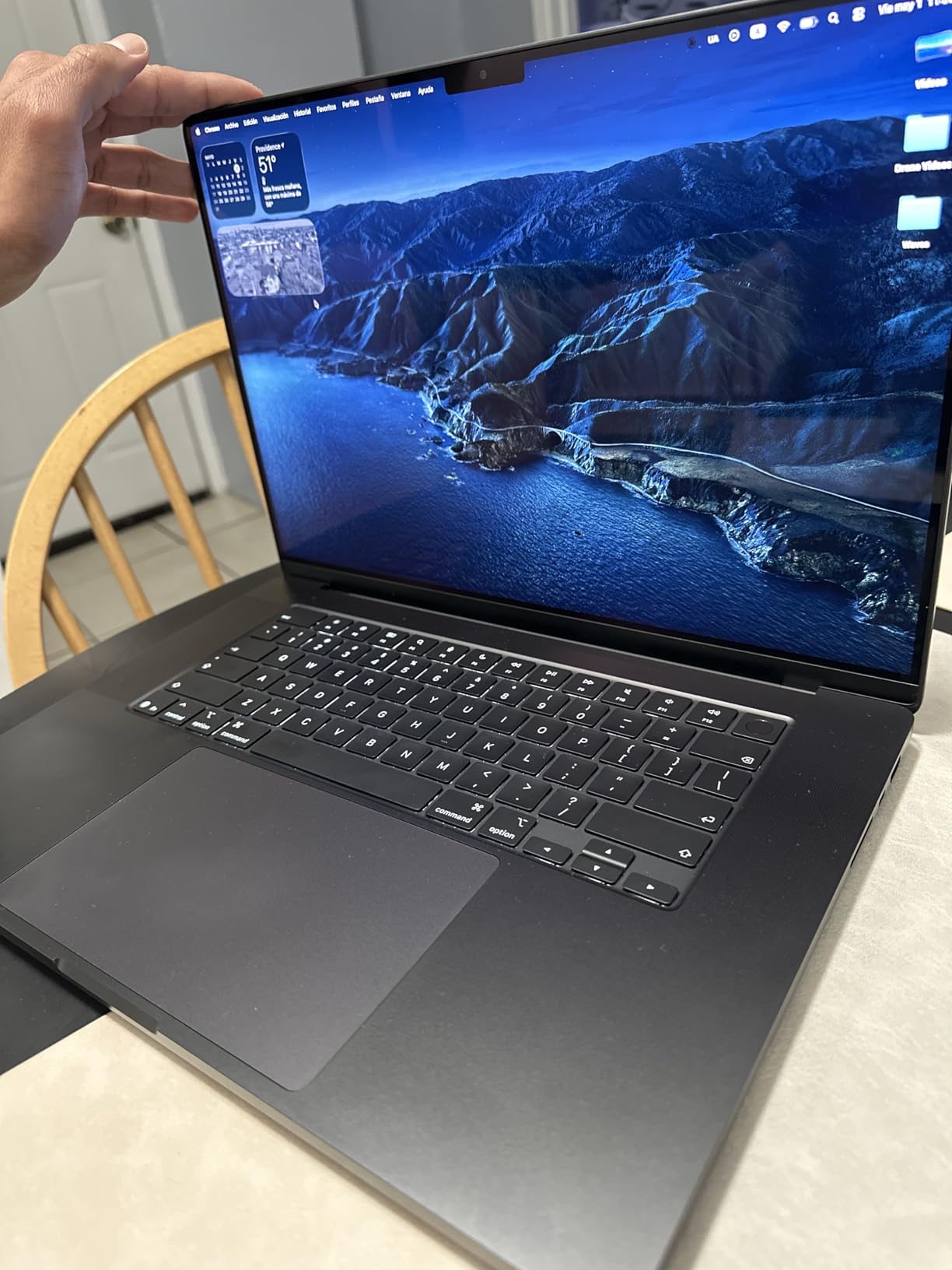
The trade-offs are weight and price. At 4.71 pounds this is not a machine you forget you are carrying, and it is the most expensive laptop in this guide by a wide margin. The weight also has a practical upside: it stays put on a desk instead of sliding around during a long render.
This configuration also carries the Apple learning curve for anyone arriving from Windows, particularly around file management and application installation. Budget for a couple of weeks of adjustment if that describes you.
Who should consider the 16-inch M5 Pro
Students running local machine learning models, large data analysis, video or 3D rendering pipelines, and multi-application workflows benefit most from 48GB of memory and 20 GPU cores. It is also the better choice if you already know you will keep the machine for a full degree and beyond.
Software engineering and computationally intensive research students get the most out of it, particularly with a Unix-native development workflow. The large, accurate display is a genuine advantage for reviewing model output.
Who should look elsewhere
If your budget does not stretch here, the same discipline is covered by the Acer Nitro V 16S reviewed below, and the cost difference is large enough that the trade is worth examining carefully.
Portability is the deciding factor. At 4.71 pounds plus the charger, this is a machine for a desk and a bag rather than a bag you carry all day between buildings.
3. Acer Nitro V 16S — The Best Value Workhorse
Acer Nitro V 16S AI Gaming Laptop | AMD Ryzen 7 260 Processor | NVIDIA GeForce RTX 5060 Laptop GPU (572 AI Tops) | 16″ WUXGA IPS 180Hz Display | 32GB DDR5 | 1TB Gen 4 SSD | Wi-Fi 6 | ANV16S-41-R2AJ
AMD Ryzen 7 260 and RTX 5060 Laptop GPU
32GB DDR5 and 1TB Gen 4 SSD
16-inch 180Hz 100 percent sRGB IPS
Pros
- 32GB DDR5 and 1TB Gen 4 SSD handle large project files
- RTX 5060 with 572 AI TOPS brings DLSS 4 and ray tracing
- 16-inch 180Hz 100 percent sRGB display is smooth and accurate
- Two M.2 slots and two memory slots give upgrade headroom
- Largest review base in this roundup at 337 reviews
Cons
- Memory listed as capped at 32GB maximum across two slots
- 1920x1200 resolution limits CAD workspace
- 65 Wh battery is modest for a 16-inch chassis
- Fan noise and a warm chassis under sustained load
This is the machine we keep coming back to, because 32GB of memory and 1TB of fast storage at this hardware level is unusual. The Ryzen 7 260 offers 8 cores, up to 5.1 GHz, 24MB of L3 cache, and up to 38 AI TOPS, which is more than enough headroom for a four-year degree.
The RTX 5060 Laptop GPU carries 8GB of GDDR7 memory and 572 AI TOPS, with DLSS 4 multi-frame generation and ray tracing. In practical terms that is enough video memory for SolidWorks, Fusion 360, AutoCAD, and most ANSYS workloads without the machine falling over.
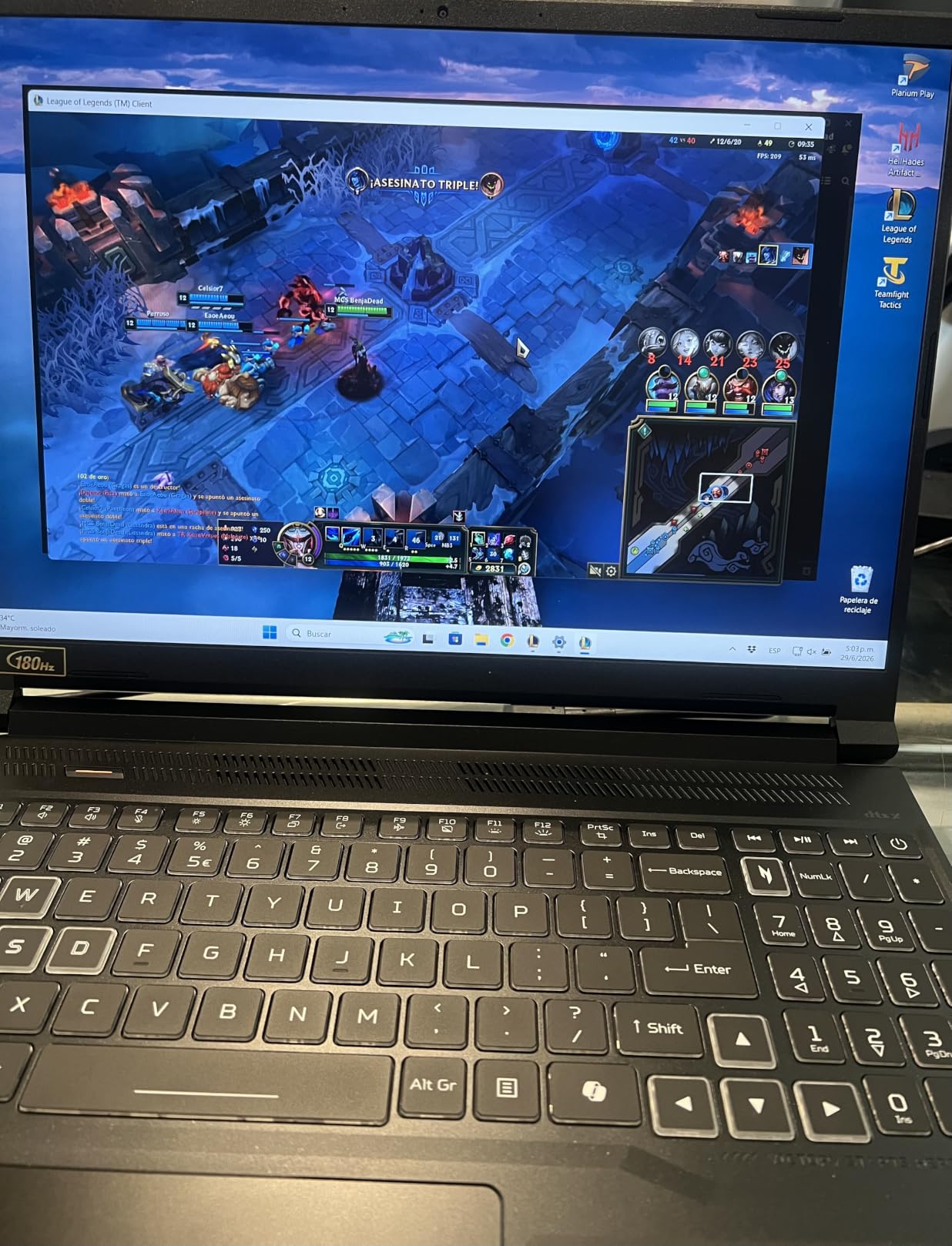
The 16-inch WUXGA IPS panel runs at 180Hz with 100% sRGB coverage, which is unusually smooth for a laptop display and pleasant for interactive 3D work. The 180Hz refresh rate does not matter for CAD, but it does make everything you do feel more responsive.
Upgradeability is better than most at this level: two memory slots and two M.2 storage slots with one available, plus a backlit keyboard with a numeric keypad. The one-year international travelers warranty is also worth knowing about if you travel with the machine.
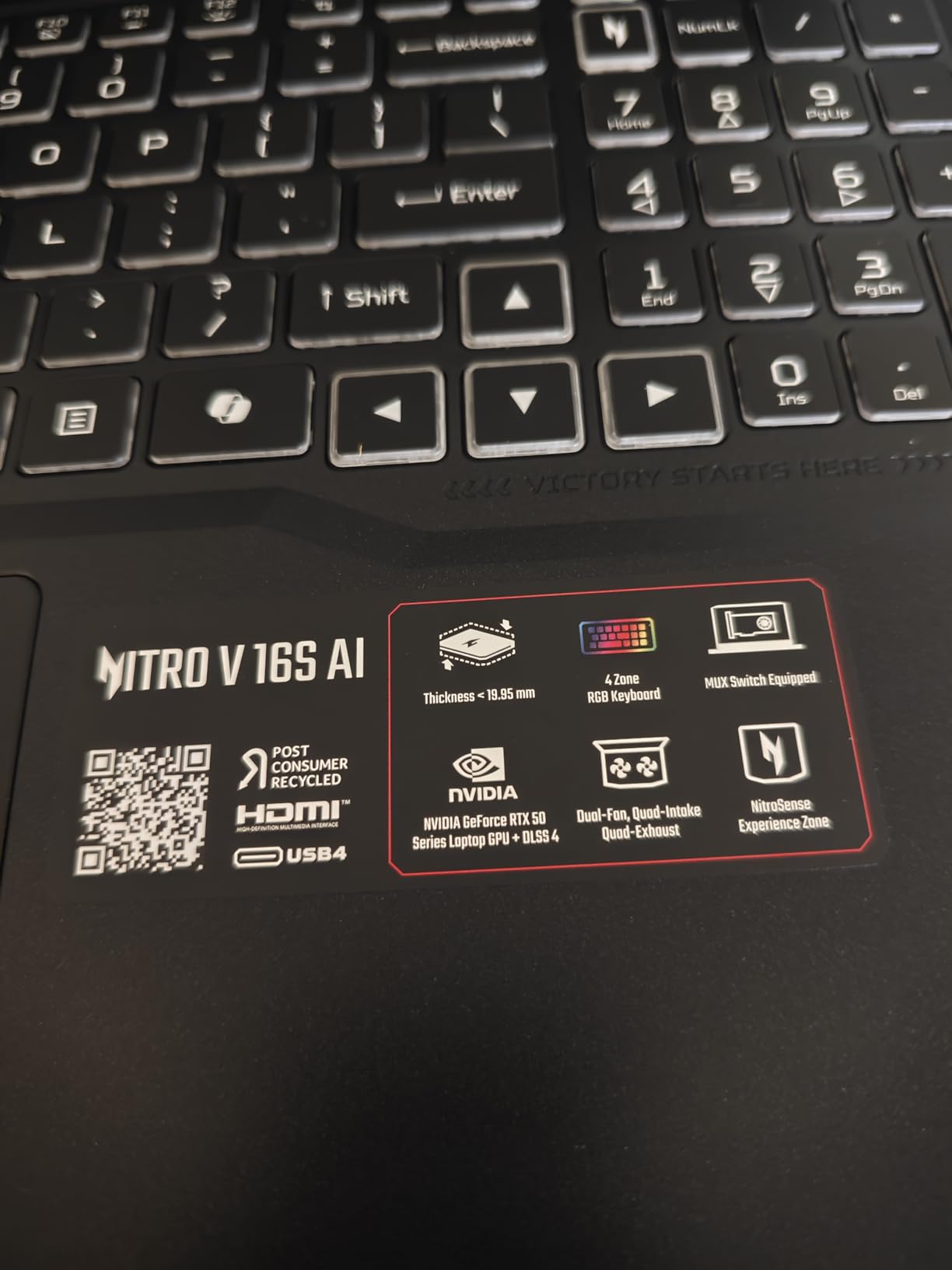
The negatives are honest ones. Memory is listed as capped at 32GB maximum across the two slots, so you cannot double it later. The 1920×1200 resolution is shorter than the 2560×1600 panel on the ASUS ROG Strix G16, and the 65 Wh battery is modest for a 16-inch chassis.
Owners also report fan noise and a warm chassis under sustained load, which is the standard gaming-laptop compromise. A quiet mode helps, but it is not silent.
Why the Nitro V 16S suits most students
Thirty-two gigabytes of memory is the single most useful spec on this machine. It is the amount that stops you opening a virtual machine for a class exercise, and it is the amount that keeps a large assembly from crawling while an autosave runs.
The dedicated GPU with 8GB of video memory handles the full range of mainstream engineering software, and the second M.2 slot means you can add storage later rather than paying for it up front. For mechanical, civil, electrical and industrial students, this is the configuration we would build first.
Where it will frustrate you
The 32GB memory ceiling cannot be lifted, so a student planning heavy simulation or machine learning work on a local machine should look at a 64GB option elsewhere in the market.
The 1920×1200 panel gives you less vertical workspace than a 16:10 display of the same class, and the 65 Wh battery will not carry a full day of heavy GPU work away from a socket.
4. ASUS ROG Strix G16 — The Deepest Simulation Headroom
ASUS ROG Strix G16 (2025) Gaming Laptop, 16” ROG Nebula 16:10 2.5K 240Hz/3ms, NVIDIA® GeForce RTX™ 5070 Ti, Intel® Core™ Ultra 9 Processor 275HX, 32GB DDR5, 1TB SSD, Wi-Fi 7, Win11 Home, G615LR-AS96
Intel Core Ultra 9 275HX and RTX 5070 Ti
16-inch 2.5K 240Hz ROG Nebula display
32GB DDR5 and 1TB Gen 4 SSD
Pros
- RTX 5070 Ti handles ray tracing and demanding GPU workloads
- 2.5K 240Hz Nebula panel is bright and very fast responding
- Architects report running Lumion and SketchUp without issues
- ROG Intelligent Cooling keeps the chassis cool and quiet
- 32GB DDR5 and 1TB SSD cover large CAD and simulation projects
Cons
- Preinstalled bloatware and a memory hungry monitor utility
- ASUS fan control software is widely criticised
- Short battery life of roughly 4 to 5 hours under use
- Unconventional centre numeric keypad placement
When a simulation simply refuses to finish, the answer is usually graphics horsepower. The ROG Strix G16 pairs an Intel Core Ultra 9 275HX with 24 cores running up to 5.4 GHz and an RTX 5070 Ti Laptop GPU, which is the most capable graphics configuration in this guide.
The 16-inch 2.5K 2560×1600 ROG Nebula IPS display runs at 240Hz with 3ms response and 500 nits, and its 16:10 aspect ratio gives you meaningfully more vertical working space than a 16:9 panel. For a student with a CAD tree, a property window and a viewport open at once, that extra height is worth a lot.
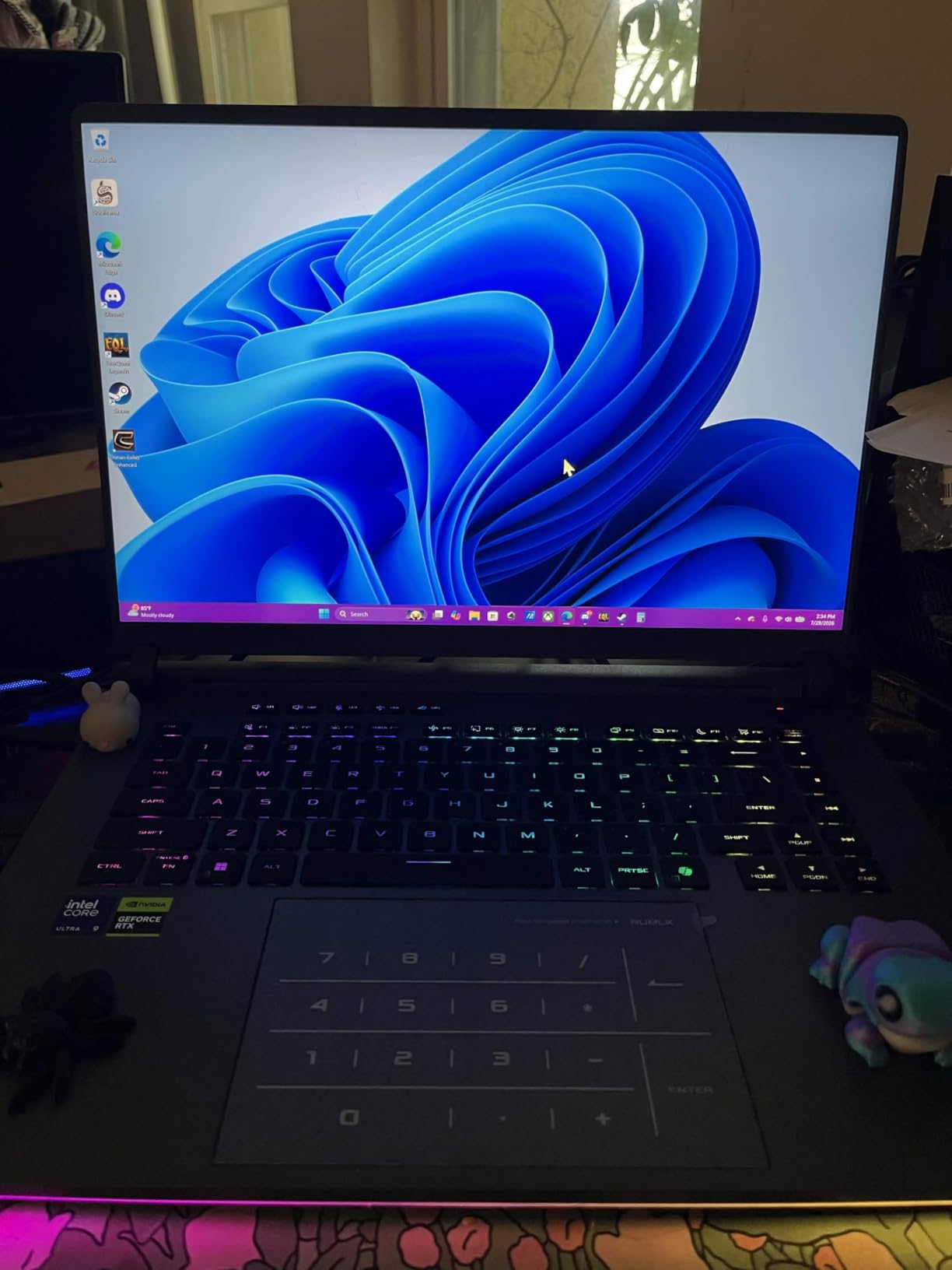
Cooling is the standout. ROG Intelligent Cooling uses an end-to-end vapor chamber, tri-fan design, and Conductonaut extreme liquid metal, and owners report the chassis staying cool and quiet under load. For sustained work that is more valuable than any single benchmark number.
Owner feedback specifically mentions architects and designers running Lumion, SketchUp, Blender, and Cinema 4D for basic rendering without issues, and 32GB of DDR5-5600 with a 1TB PCIe Gen 4 SSD is ample for large projects.
There are real annoyances. Preinstalled bloatware including McAfee and a memory-hungry ASUS monitor utility should be removed on day one, and the ASUS fan control software is criticised often enough that you should budget a little time learning the alternative tools.
Battery life is roughly 4 to 5 hours under real use, which means the charger lives in your bag. The numeric keypad also sits in an unconventional centre-front position that some reviewers dislike.
When the extra graphics power pays off
Students doing finite element analysis, computational fluid dynamics, large structural simulations, or machine learning training will feel the difference most. Owners running VR and ray tracing also report the machine holding strong frame rates at high settings.
If your department provides remote or virtualised compute for the heaviest jobs, this machine lets you keep that work local when you want to, which students tell us matters more than the official workload figures suggest.
When it is the wrong choice
If you need all-day battery life, this is the wrong machine. A 90 Wh battery sounds generous until a 5070 Ti loads it, and reported real-world figures of 4 to 5 hours are what you should plan around.
If you are on a tight budget or want a quiet, understated machine, the 5.8-pound gaming chassis is not it. The Acer Nitro V 16S delivers most of the practical capability at a lower tier.
5. Acer Nitro V RTX 4060 — The Most Upgradeable Mid-Tier Pick
Acer Nitro V Gaming Laptop | Intel Core i9-13900H Processor | NVIDIA GeForce RTX 4060 Laptop GPU | 15.6″ FHD IPS 144Hz Display | 16GB DDR5 | 512GB Gen 4 SSD | WiFi 6 | Backlit KB | ANV15-51-99DR
Intel Core i9-13900H and RTX 4060 Laptop GPU
16GB DDR5 and 512GB Gen 4 SSD
15.6-inch FHD IPS 144Hz matte display
Pros
- Core i9 with RTX 4060 delivers desktop class performance
- Two memory slots and two M.2 slots allow a straightforward 32GB upgrade
- Sturdy build with no overheating or cheap plastic case issues
- Thunderbolt 4 plus Gigabit Ethernet and four USB ports
- NitroSense gives you real fan and thermal controls
Cons
- Display and speakers are functional rather than strong
- Fans can be loud though a quiet mode exists
- Acer BIOS reported to hard lock the HyperThreading option
- Only 16GB RAM and 512GB storage in the base configuration
The pitch here is straightforward: buy the base configuration and make it what you need. Two memory slots and two M.2 slots mean a 32GB upgrade is a simple afternoon job rather than a replacement, and the RTX 4060 Laptop GPU with 8GB of GDDR6 memory is a proven engineering-workhorse chip.
The Core i9-13900H has 14 cores running up to 5.4 GHz, which handles compilation, MATLAB, and solver workloads comfortably. The 15.6-inch FHD IPS matte display at 144Hz is crisp with low ghosting, and the anti-glare finish is a genuine plus in bright rooms.
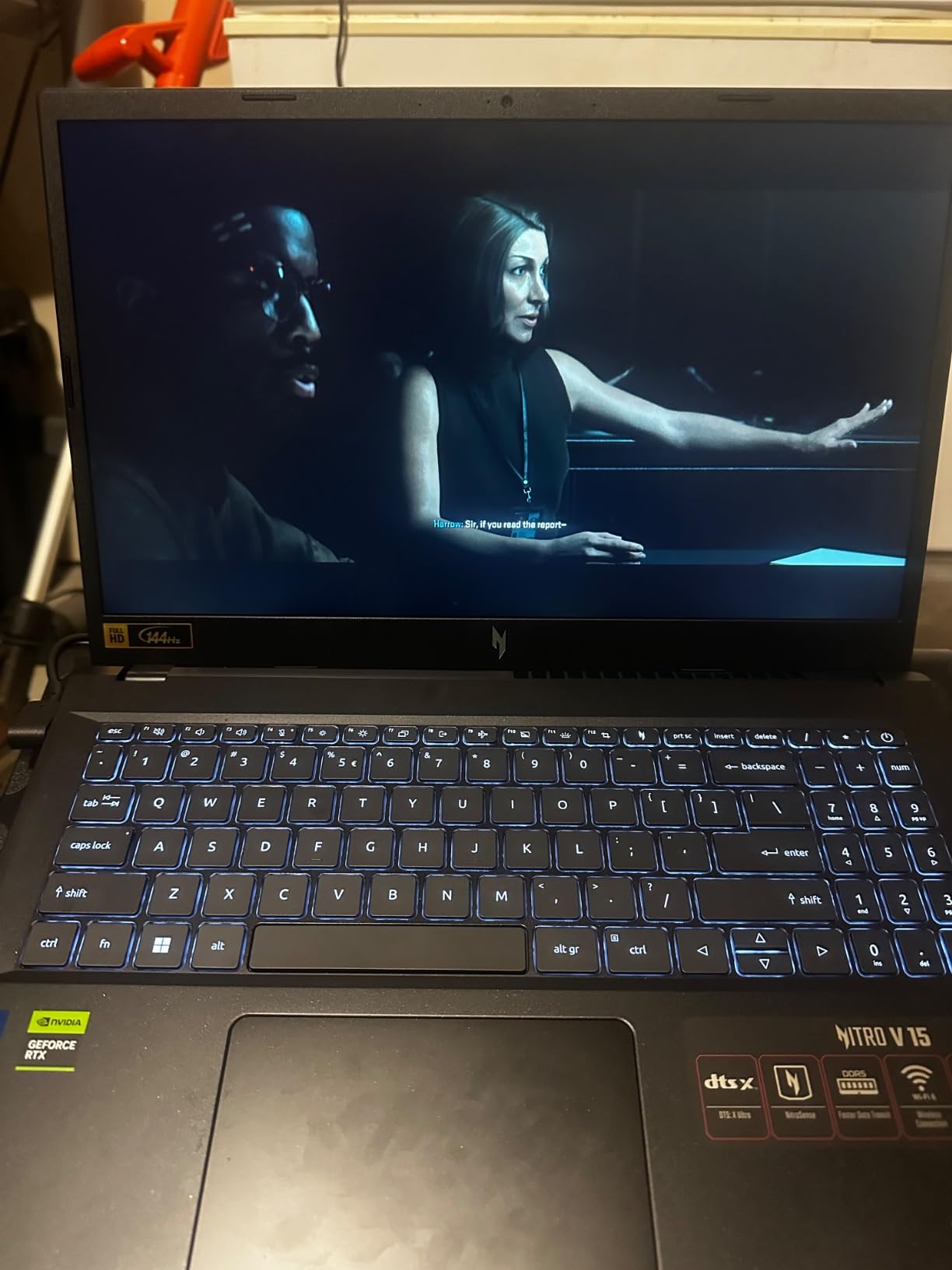
Connectivity is unusually good for a gaming laptop. You get Thunderbolt 4, Gigabit Ethernet, HDMI, and four USB ports, which means you rarely need a dongle for lab work. The 57 Wh battery is listed at up to 8 hours by the manufacturer, though real mixed use lands lower.
Owners report a sturdy build with no overheating complaints and no cheap-plastic case issues, and NitroSense gives you actual fan curve and thermal monitoring controls rather than a token utility.
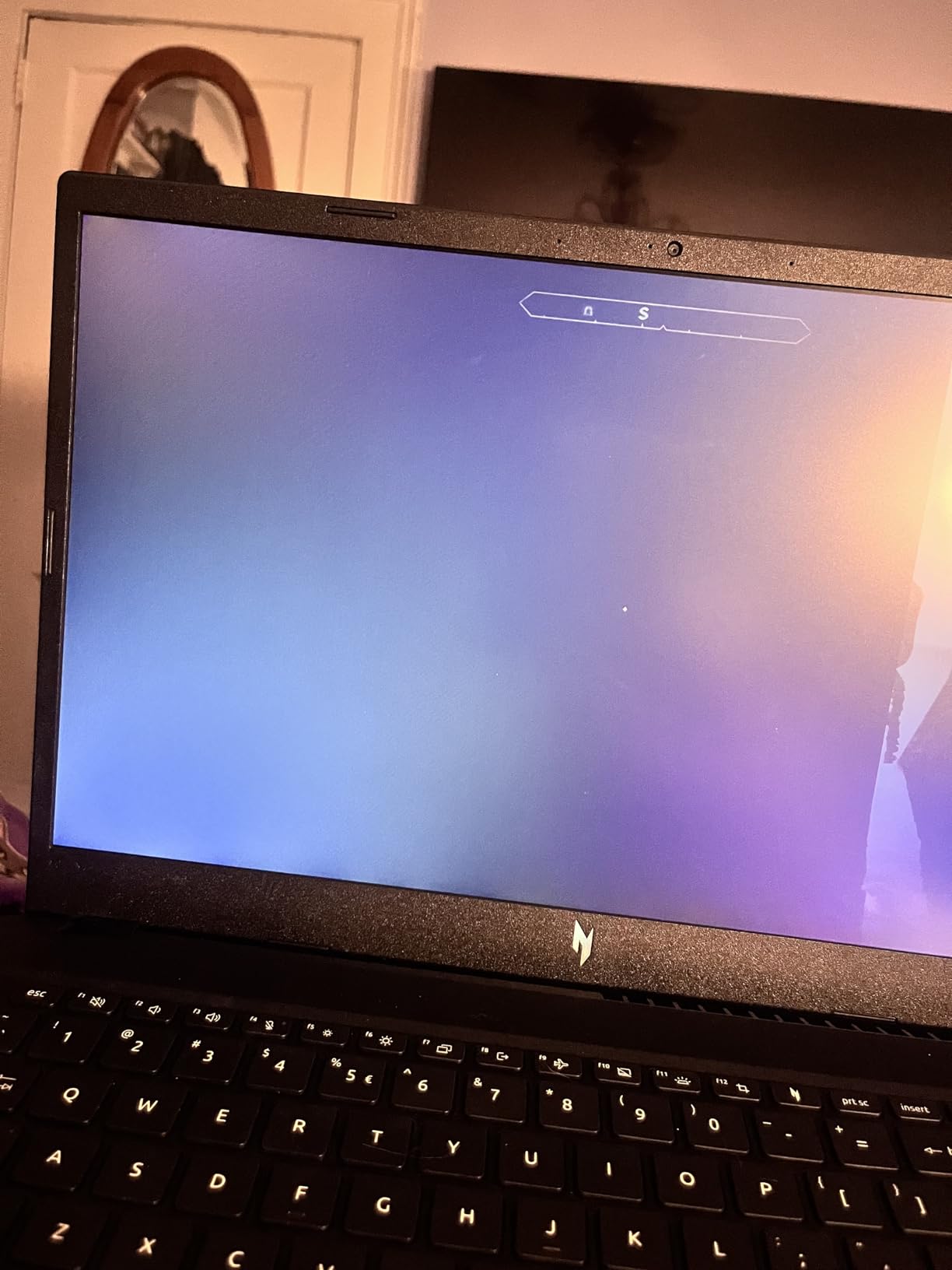
The caveats are worth reading. The display and speakers are functional rather than strong, and the fans can be loud, though a quiet mode is available. There are also reports of the Acer BIOS hard-locking the HyperThreading option, which limits troubleshooting if a unit behaves oddly.
Because the base configuration ships with 16GB of RAM and a 512GB drive, budget for the memory and storage upgrade as part of the purchase rather than treating the listed specification as final.
Why the upgrade path matters for students
A four-year degree is long enough that your requirements will change. Two memory slots and two M.2 slots mean you can add memory and storage in year two when a project demands it, rather than replacing the machine.
Several owners in forums describe exactly this path, starting with the base 16GB and 512GB configuration and moving to 32GB when large assemblies started to slow down. That flexibility is the reason this machine sits so high in our ranking.
Where the base configuration falls short
Out of the box, 16GB and 512GB is the weakest part of this laptop. Students who skip the upgrade will hit that ceiling during their heaviest coursework.
The 1920×1080 16:9 panel also gives you less vertical workspace than the 16:10 displays on the ASUS TUF F16 and the ROG Strix G16, which you will notice during long CAD sessions.
6. ASUS TUF Gaming F16 — The Tough 16:10 Machine
ASUS TUF Gaming F16 Gaming Laptop, 16” FHD+ 144Hz IPS-Level 16:10 Display, Intel® Core™ 5 210H, NVIDIA® GeForce RTX™ 4050, 16GB DDR5, 512GB PCIe Gen4 SSD, Wi-Fi 6, Win11 Home, FX607VU-SS53
Intel Core 5 210H and RTX 4050 at 115W
16-inch FHD+ 16:10 144Hz 100 percent sRGB
16GB DDR5 and 512GB Gen 4 SSD
Pros
- 16-inch 16:10 144Hz 100 percent sRGB panel is a real differentiator
- MIL-STD-810H tested chassis with multi heatpipe cooling
- 115W GPU TGP with Advanced Optimus balances power and efficiency
- Consistently strong 4.4 rating across 233 reviews
Cons
- RTX 4050 with 6GB VRAM is entry level for heavy CAD and AI rendering
- 512GB SSD is modest for large project and dataset workflows
- 16GB RAM is listed as the maximum configuration
The TUF F16 is the one we would hand to a student who is hard on their equipment. It is MIL-STD-810H military grade tested, which is a real claim from a manufacturer that builds to that standard, and the chassis is built to survive a daily life of bags, benches and commutes.
The display is the real reason to like it. A 16-inch FHD+ 1920×1200 IPS-level panel at 144Hz with 100% sRGB coverage and a 16:10 ratio is a genuinely better working surface than the 15.6-inch 16:9 panels most students end up with, and reviewers single it out repeatedly.
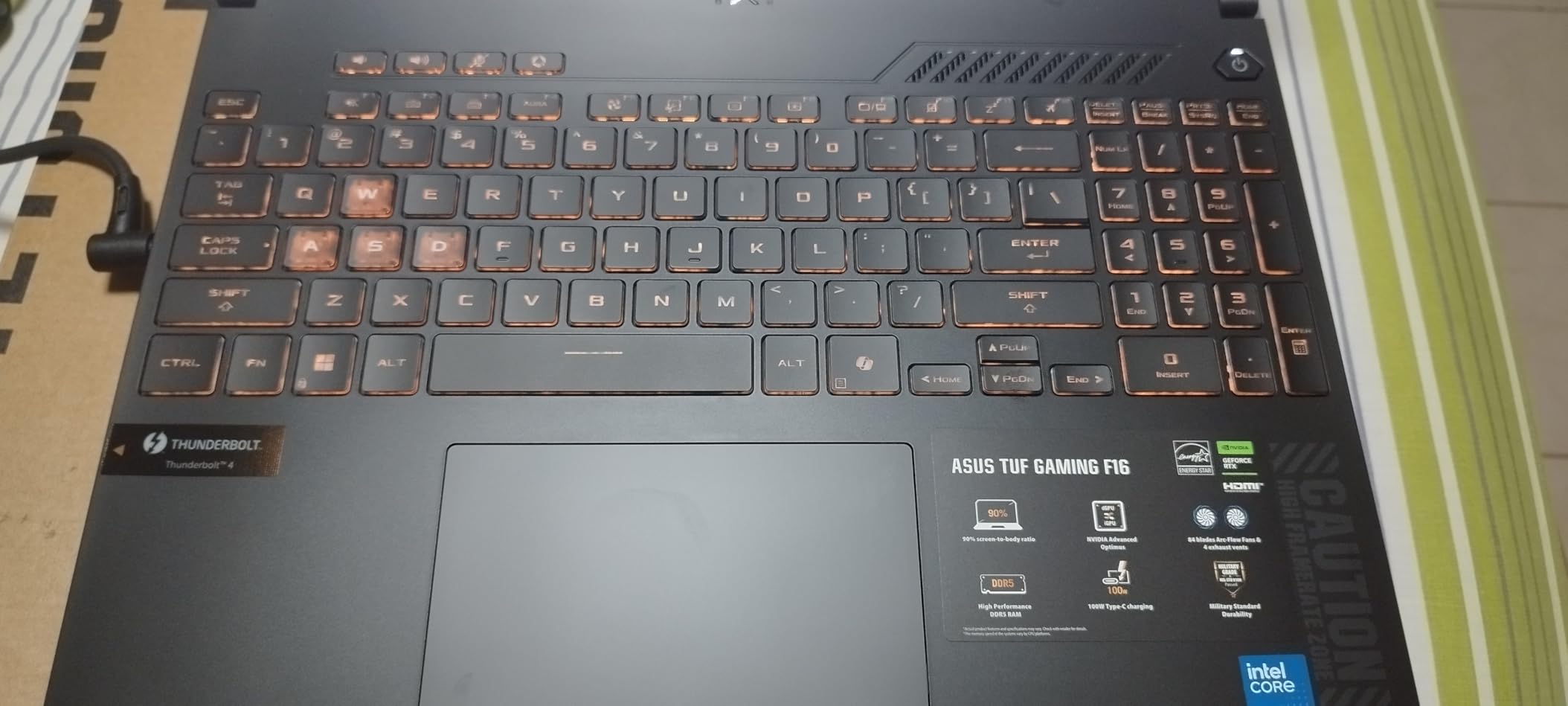
The RTX 4050 runs at 115W Max TGP with NVIDIA Advanced Optimus, which switches the dGPU off when you are not using it. That hybrid approach is the reason the 56 Wh battery is more usable than the capacity alone would suggest.
Cooling uses Arc Flow fans, four exhaust vents, five dedicated heat pipes, and an anti-dust filter. The anti-dust filter matters more than it sounds on a machine that will live in a shared studio for four years.
The constraint is the graphics card. Six gigabytes of VRAM on the RTX 4050 is the limiting factor for heavy CAD, simulation, and AI rendering, and if your coursework is graphics-heavy you will feel that ceiling.
Memory is listed as 16GB DDR5 at 5200 MHz with no higher configuration noted, and 512GB of storage is modest for anyone keeping multi-year project archives. Both of those are the trade for the price position.
What the TUF F16 does better than most
Two things: the 16:10 colour-accurate screen and the build quality. Most students spend hours in CAD and 3D packages, and a taller, colour-accurate panel reduces the amount of window juggling you have to do all day.
Port selection is also practical, with HDMI 2.1, three USB ports, and Wi-Fi 6. Students who also dabble in creative work can read our VFX student laptop guide to see how this hardware class handles rendering.
Where it is the wrong machine
If your work is GPU-bound, 6GB of VRAM will be the first thing to hurt you. Move up a tier to a card with 8GB if SolidWorks, ANSYS or Blender are central to your coursework.
If you plan to keep large datasets locally, 512GB of storage will need supplementing, and the 16GB memory ceiling cannot be fixed later.
7. Lenovo LOQ 15.6 — The Understated RTX 4060
Lenovo LOQ Gaming Laptop 15.6″ FHD IPS 144Hz (100% sRGB G-SYNC) AMD Octa-Core Ryzen 7 7435HS (Beats i7-12650H) 16GB RAM 512GB SSD GeForce RTX 4060 Backlit Nahimic Rapid Charge Win11 w/ICP Accessory
AMD Ryzen 7 7435HS and RTX 4060 8GB
15.6-inch FHD IPS 144Hz 100 percent sRGB G-SYNC
16GB DDR5 and 512GB SSD
Pros
- 144Hz 100 percent sRGB G-SYNC display at this tier is unusual value
- Ryzen 7 7435HS with RTX 4060 8GB handles GPU accelerated apps
- Clean understated LOQ industrial design
- Rapid Charge Pro and an included USB-C hub accessory
Cons
- Only one memory slot and 16GB maximum
- Only one M.2 storage slot
- Some buyers report keyboard failures needing board replacement
- Warranty support reported as region limited outside the US
Not every student wants a glowing gaming machine in a lecture hall. The LOQ is the most restrained laptop in this roundup, and it still carries an RTX 4060 with 8GB of dedicated graphics memory, which is the configuration that matters for engineering work.
The Ryzen 7 7435HS is an octa-core part that handles coursework, moderate 3D work, and code compilation without difficulty. For 2D drafting, documentation, and lighter CAD requirements it is more than adequate, and it is a comfortable machine for long writing sessions.
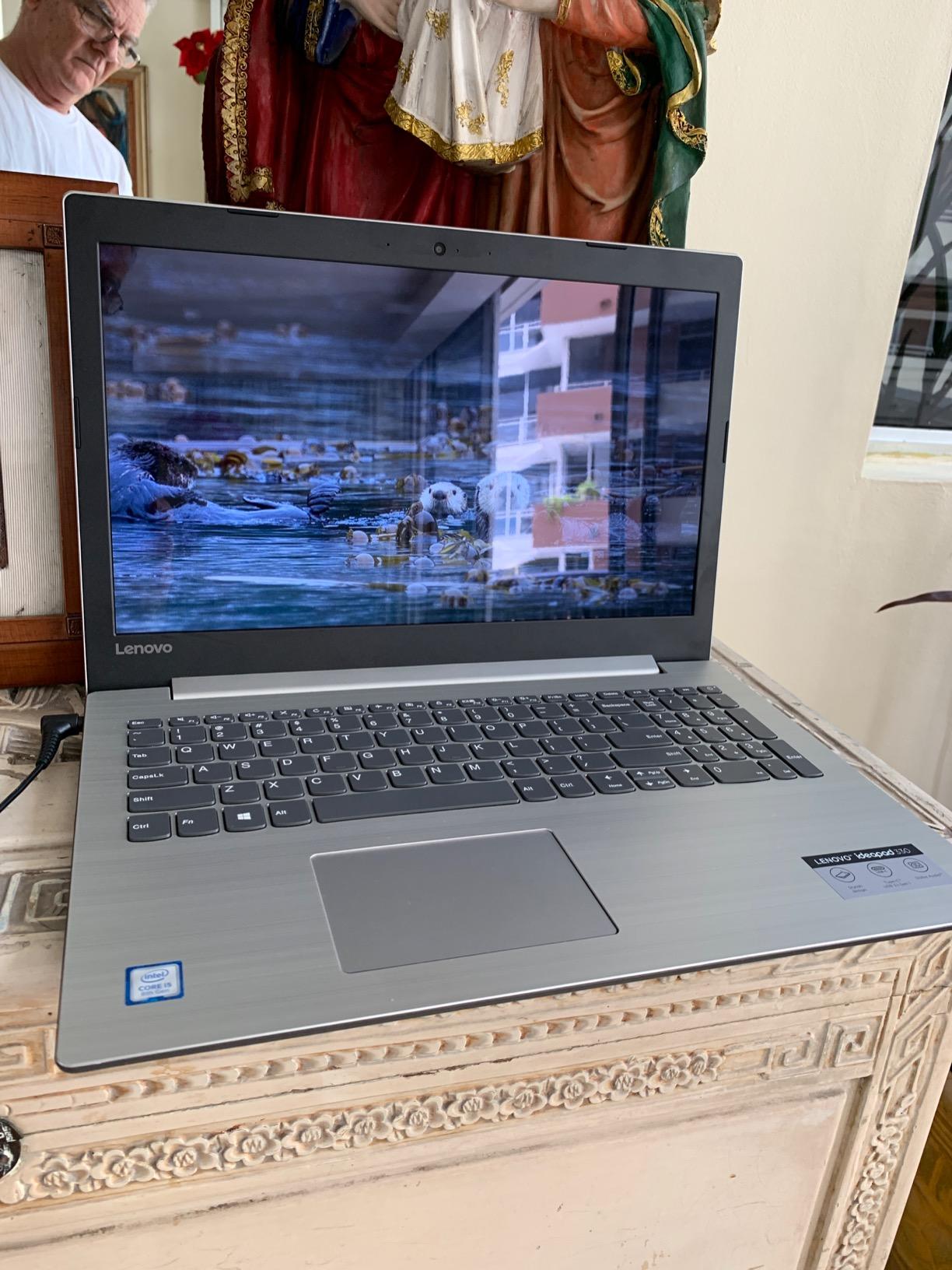
The 15.6-inch FHD IPS anti-glare display at 144Hz with 100% sRGB and G-SYNC support is a good panel for the price class, and the anti-glare finish helps in bright rooms. Backlighting, a privacy camera, and Rapid Charge Pro are all sensible inclusions.
Port selection is better than most at this tier: one USB-C 3.2, three USB-A 3.2, HDMI 2.1, RJ45 Ethernet, and an SD card reader. Having full-size USB-A and Ethernet on a slim machine is convenient in labs and design studios.

The upgrade ceiling is the real problem. One memory slot and 16GB maximum means you cannot simply add a second stick later, and there is a single M.2 storage slot. Some buyers also report keyboard failures that required board replacement, and warranty handling has been reported as region limited outside the US.
There is also the question of what the machine is not. It is not a workstation-class platform for heavy CAD or simulation, and students running large finite element or CFD jobs will want more headroom.
Why the LOQ appeals to students
It does the job quietly. No RGB, no loud styling, an understated industrial design, and a display with proper colour coverage. For students who carry their laptop into every class, that restraint is worth something.
The RTX 4060 with 8GB gives you the graphics headroom most university CAD coursework needs, and the included USB-C hub accessory is a small convenience that saves an extra purchase.
Where you will outgrow it
One memory slot and one storage slot is the hard limit. If you know you will want 32GB or more storage in your second or third year, this is the wrong chassis.
Heavy simulation work is the other limit. The 8GB of VRAM helps, but it does not compensate for a memory ceiling of 16GB, which is where large assemblies and parallel solvers struggle.
8. Acer Nitro V RTX 5050 — The Entry Blackwell Option
acer Nitro V 15.6” FHD IPS 165Hz Gaming Laptop, Intel Core i5-13420H, NVIDIA GeForce RTX 5050 with 8GB GDDR7 VRAM, Win11H, w/Mouse pad (16GB RAM, 512GB PCIe SSD)
Intel Core i5-13420H and RTX 5050 with 8GB GDDR7
15.6-inch FHD IPS 165Hz display
16GB DDR4 RAM and 512GB Gen 4 SSD
Pros
- RTX 5050 with 8GB GDDR7 brings Blackwell ray tracing to an entry tier
- 165Hz IPS display is smoother than the 144Hz norm
- Thunderbolt 4 with 65W USB-C charging and DisplayPort
- 16GB RAM supports multitasking and light content creation
Cons
- DDR4 memory is slower than DDR5 in competing models
- Only 512GB of storage in the base configuration
- Entry level CPU and GPU limit heavy CAD and rendering
- 51 Wh battery capacity is on the small side
This is the entry point into Blackwell-generation graphics in this roundup. The RTX 5050 Laptop GPU carries 8GB of GDDR7 VRAM, which is more video memory than several cards above it in the stack, and that is the number that decides whether a 3D model opens smoothly.
The Core i5-13420H has 8 cores and 12 threads up to 4.6 GHz. It is not a chip for heavy local simulation, but for coursework, code, documentation, and moderate 3D work it keeps up, and memory is upgradeable to 64GB, which is far more headroom than most competitors at this level.
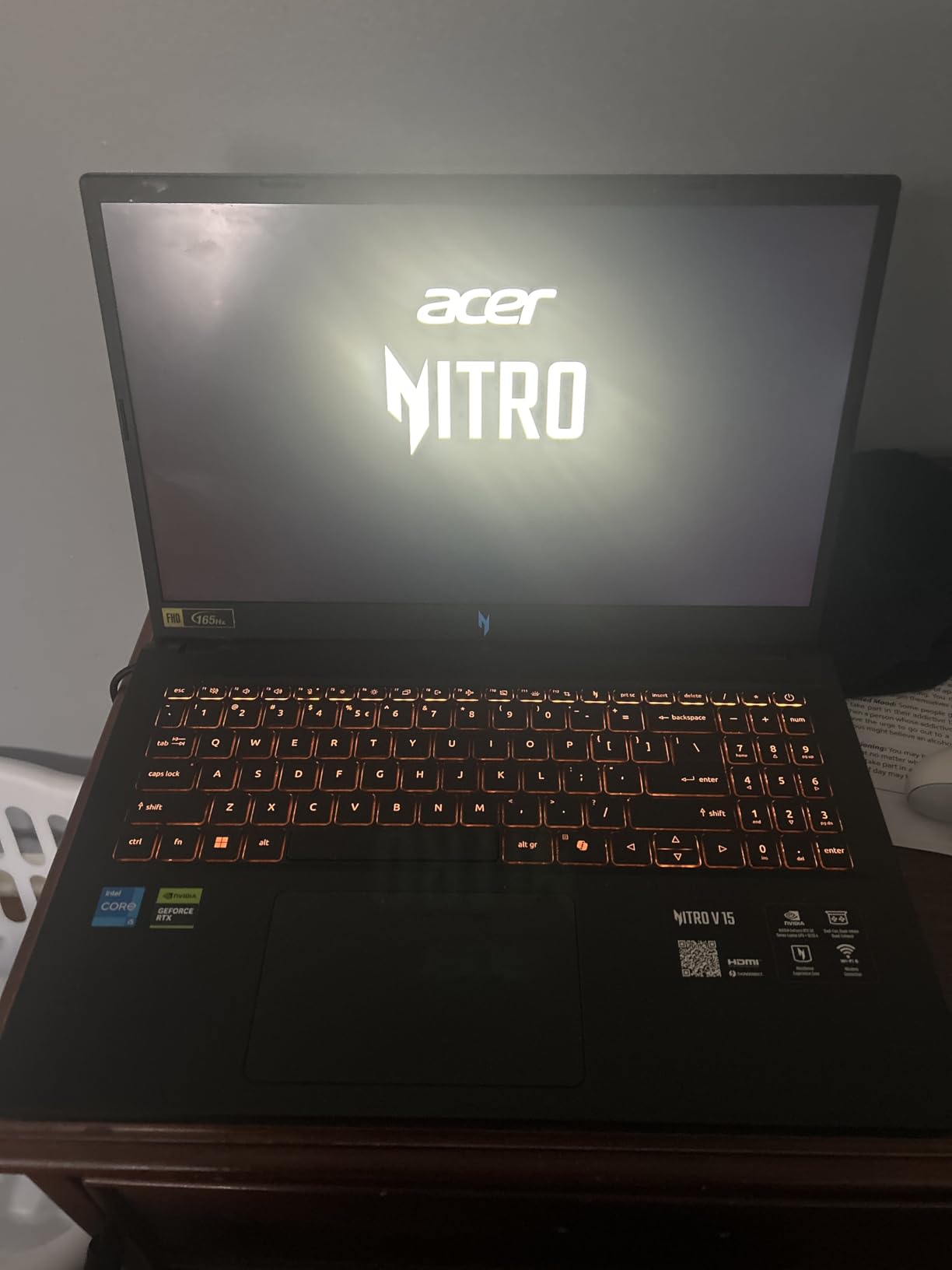
The 15.6-inch FHD IPS display at 165Hz is smoother than the 144Hz panels common in this class, and the port selection is a genuine surprise: Thunderbolt 4 USB-C with 65W charging and DisplayPort output, alongside HDMI and four USB ports.
For a student who writes, codes, and does light CAD, having 64GB of memory available as an upgrade makes this machine more future-proof than its position in the list suggests.
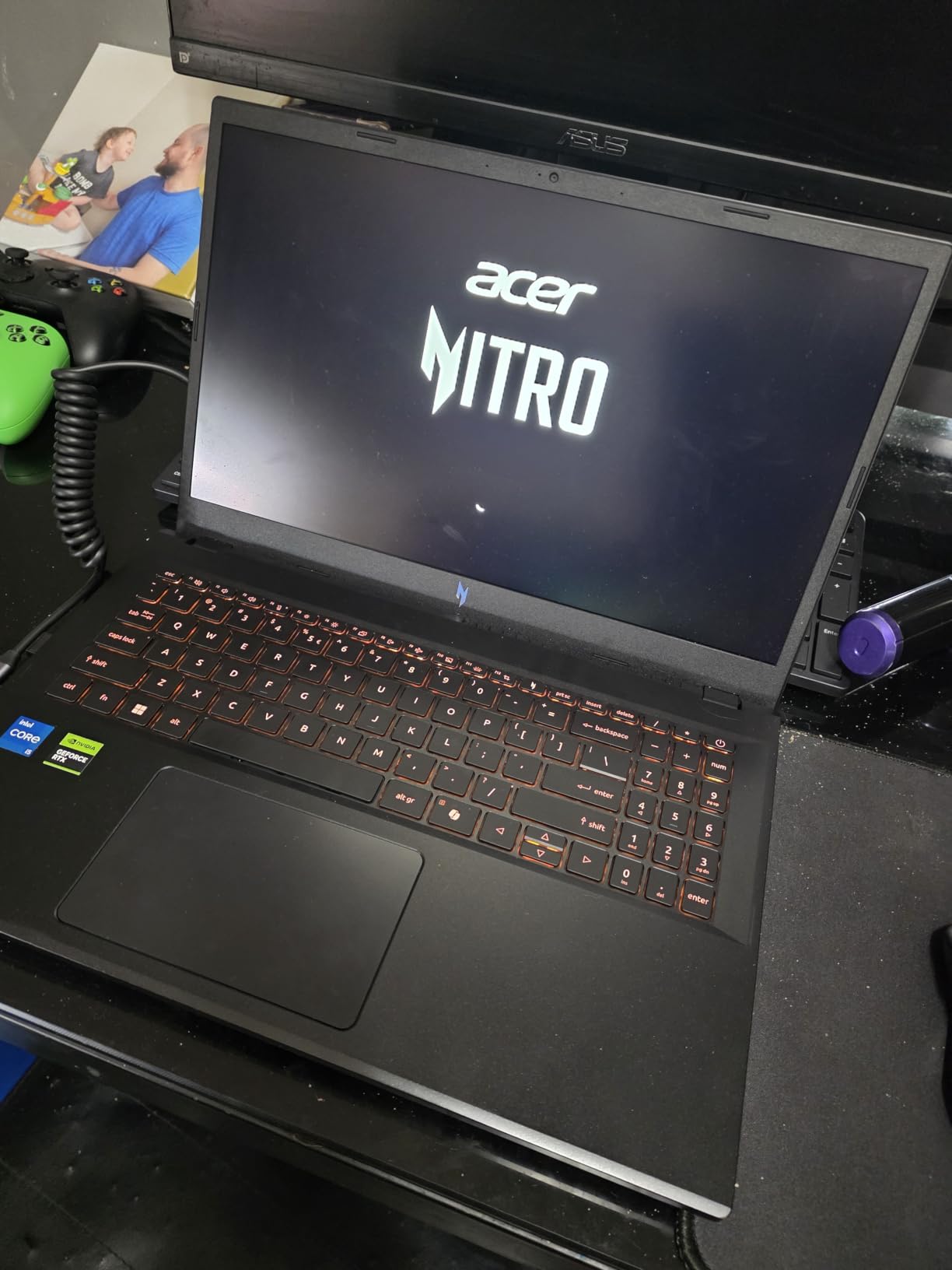
The memory type is the compromise. This model uses DDR4, which is slower than the DDR5 in competing recent models, and 512GB of storage is the only base option. Reviewers accept both as budget trade-offs rather than hidden problems.
Graphics-heavy work is where you will feel the entry tier. A 51 Wh battery is also on the small side, so expect to carry the charger for a full day of mixed coursework.
What the RTX 5050 machine is good for
Eight gigabytes of GDDR7 video memory is the headline. That is enough for AutoCAD, Fusion 360, moderate SolidWorks assemblies, and shader-based rendering without the memory errors you get on 4GB and 6GB cards.
Thunderbolt 4 with 65W charging is unusual at this level and genuinely useful for connecting to lab displays and docks. The 165Hz panel is a small quality-of-life upgrade you notice every day.
Where to stretch your money further
If your coursework is graphics-heavy, the Ryzen 7 260 configuration in the Acer Nitro V 16S gives you more CPU and faster DDR5 memory for a similar outlay, and that is usually the better engineering machine.
On the other hand, if you are on a tight budget and your work is mostly coursework, code, and light 3D, this machine is entirely serviceable, and the upgradable memory makes it a reasonable four-year machine.
9. MSI Thin 15.6 — The Thinnest RTX 4060 Chassis Here
MSI Thin 15.6 inch FHD 144Hz Gaming Laptop Intel Core i5-13420H NVIDIA GeForce RTX 4060-16GB DDR4 512GB SSD Gray (2025)
Intel Core i5-13420H and RTX 4060 8GB
15.6-inch FHD 144Hz thin bezel IPS
16GB DDR4 RAM and 512GB NVMe SSD
Pros
- Thin chassis packs RTX 4060 8GB performance at a midrange position
- Does not run excessively hot and handles games reliably
- 144Hz thin bezel IPS display at a well judged 15.6-inch size
- Owners use it for coursework and gaming without issues
Cons
- No numeric keypad
- Fans can be loud under load
- DDR4 memory and only 512GB of storage
- One review reports a unit missing the factory warranty sticker
Most gaming laptops in this roundup weigh close to 5 pounds. This one is built around a 0.67-inch profile, and that thinness is the entire reason to consider it if you carry a laptop between buildings every day.
Underneath the thin shell sit an RTX 4060 with 8GB and a Core i5-13420H running up to 4.55 GHz. Owners report it does not run excessively hot, which is unusual in a chassis this thin and means the fan profile is not constantly screaming.
The 15.6-inch FHD 144Hz thin bezel IPS display is a well-judged size. Many students find 15.6 inches easier to work on than a 14-inch panel while still fitting into a normal bag, and the thin bezels keep the footprint down.
Port selection covers the essentials: Wi-Fi 6, Bluetooth, HDMI, three USB ports, and a backlit keyboard. The 52 Wh battery is not large, so treat the charger as a companion rather than an emergency.
The 46-review base is the smallest meaningful sample in this roundup, and it comes with a caveat: one reviewer reported receiving a unit missing the factory warranty sticker with non-factory memory and storage installed. Verify the configuration and warranty documentation on arrival.
Why thinness matters on campus
A 0.67-inch chassis is the difference between a laptop you carry without thinking about and one you leave on the desk. For students moving between lecture rooms, labs, and the library, that is a daily quality-of-life factor that no spec sheet captures.
Keeping 8GB of RTX 4060 graphics memory in a thin frame is unusual, and owners report it handles coursework and gaming without difficulty. If you need CUDA capability without a bulky chassis, the logic of this machine is sound.
Where it falls short
There is no numeric keypad. If you type dimensions and cell references into spreadsheets or MATLAB all day, that is a real, recurring inconvenience rather than a cosmetic one.
Fan noise under load is reported by some owners, and 16GB of DDR4 with 512GB of storage is the base configuration to plan upgrades around.
10. HP Victus 15.6 — The Budget Pick With Windows 11 Pro
HP Victus 15.6″ Full HD 144Hz Gaming Laptop, Intel Core i5-12450H, NVIDIA GeForce RTX 3050,16GB RAM, 512GB PCIe SSD, Wi-Fi 6, Backlit Keyboard,Windows 11 Pro, Performance Blue
Intel Core i5-12450H and RTX 3050 with 6GB
16GB DDR4 upgradeable to 64GB
Windows 11 Pro with fingerprint reader
Pros
- Windows 11 Pro is useful for engineering software that checks edition
- Highly upgradeable memory up to 64GB across slots
- Smooth performance with no major bottleneck for coursework
- FHD 144Hz anti-glare IPS display suits long study sessions
- Backlit keyboard with fingerprint reader and spill resistance
Cons
- Battery life and performance drop when gaming on battery
- RTX 3050 with 6GB VRAM is the weakest GPU in this roundup
- Touchpad can stick intermittently
- 7-pound weight is heavy for a 15.6-inch laptop
The simplest argument for this machine is the operating system. It comes with Windows 11 Pro, which matters for students whose department software checks the Windows edition, and for anyone who wants BitLocker, Remote Desktop host capability, and Group Policy tools out of the box.
Beyond that, the Core i5-12450H with 8 cores up to 4.4 GHz and the RTX 3050 with 6GB of GDDR6 handle coursework, documentation, 2D drafting, and light 3D without a bottleneck. Memory is DDR4-3200 but runs across slots up to 64GB, which is more upgrade headroom than most of this list.
The 15.6-inch FHD IPS Micro-Edge anti-glare display at 144Hz is good for long study sessions, and the 250 nit brightness is workable indoors. A backlit keyboard, HD audio, fingerprint reader, spill resistance, and an SD card reader round out a sensible feature set.
What the Victus is genuinely good at
It is a complete, capable laptop for coursework. Multiple owners report smooth performance and good graphics for the money with no major bottleneck, and for documentation, code, 2D drafting, and coursework deadlines it does the job quietly.
The upgrade path is the standout. With memory expandable to 64GB and a 512GB PCIe drive, a student can add capacity in year two instead of replacing the machine. Windows 11 Pro removes a class of setup friction that students run into with Home editions.
Where it will disappoint you
The RTX 3050 with 6GB of VRAM is the weakest graphics in this roundup. That is fine for 2D drafting and light 3D, and tight for large SolidWorks assemblies, heavy simulation, and any rendering workload.
Battery-based performance drops noticeably, the 7-pound listing weight is heavy for a 15.6-inch machine, and owners report the touchpad sticking intermittently, which means bringing a mouse for long sessions.
11. HP ZBook 8 G1i — The ISV-Certified Mobile Workstation
HP ZBook 8 G1i AI Mobile Workstation Laptop (Intel Ultra 7 255H, NVIDIA RTX 500 Ada, 16″ FHD+ Touchscreen, 32GB DDR5, 1TB SSD), for Engineer, Designer, 2x Thunderbolt 4, Wi-Fi 7, 3-Yr WRT, Win 11 Pro
Intel Core Ultra 7 255H and RTX 500 Ada
16-inch WUXGA touchscreen at 300 nit
32GB DDR5 and 1TB NVMe with 3 year warranty
Pros
- Only 3.8 pounds for a workstation class 16-inch touchscreen
- ISV certified for SolidWorks AutoCAD Revit ANSYS and MATLAB
- 32GB DDR5 and 1TB NVMe give real headroom
- Windows 11 Pro with BitLocker and a three year warranty
- Dual Thunderbolt 4 HDMI 2.1 and Wi-Fi 7
Cons
- RTX 500 Ada carries only 4GB of VRAM which is tight for heavy work
- 62.5 percent color gamut and 300 nit brightness are modest
- Very small nine review base with a one star outlier
- Sold and supported through a third party reseller
This is the only true mobile workstation in the roundup, and the ISV certification is the reason to look at it. It is certified for SolidWorks, AutoCAD, Revit, ANSYS, and MATLAB, which is the specific assurance engineering students ask about most often when they want a laptop instead of a desktop.
The hardware supports that claim. A Core Ultra 7 255H with 16 cores up to 5.1 GHz, 32GB of DDR5 at 4800 MHz expandable to 64GB, and a 1TB PCIe NVMe drive is a solid platform, with Windows 11 Pro, HP Wolf Pro Security, and a three-year manufacturer warranty included.
At 3.8 pounds with a 16-inch WUXGA 1920×1200 anti-glare touchscreen at 300 nits, it is remarkably light for the class. Connectivity is professional: two Thunderbolt 4 ports, USB-C 3.2 Gen 2×2, USB-A, HDMI 2.1, RJ-45 Ethernet, Wi-Fi 7, and multi-display support up to 8K at 60Hz.
What the ZBook does that nothing else here does
The certification, the three-year warranty and the Windows 11 Pro licence package are the practical reasons engineering departments accept this machine. SolidWorks, AutoCAD, Revit, ANSYS and MATLAB all carry driver-level guarantees on this hardware, which matters when a machine has to survive four years of coursework.
The 77 Wh battery is the largest in this roundup, and workstation class machines are designed for a full working day away from a socket. If your department runs licensed engineering software with hardware checks, this is the safest choice on the list.
Where to be careful
The RTX 500 Ada GPU has only 4GB of VRAM. That is genuinely tight for heavy BIM and rendering work, and it is the one technical compromise in an otherwise well-specified machine. If your coursework is graphics-bound, the certification does not replace video memory.
Also note the review base. Nine reviews is a small sample, and it includes a one-star report claiming the delivered unit could not handle basic tasks. The machine is sold and supported through a third-party reseller rather than HP direct, so confirm warranty handling in writing before you buy.
12. Dell Inspiron 16 5645 — The Capable Laptop Without a Discrete GPU
Dell Inspiron 16 5645 Laptop – 16.0 16:10 FHD+ (1920 x 1200) Display, AMD Ryzen 7-8840U, 16GB DDR5 RAM, 1TB SSD, AMD Radeon Graphics, Windows 11 Home, Onsite & Migrate Services – Midnight Blue
AMD Ryzen 7-8840U and Radeon integrated graphics
16-inch 16:10 FHD+ matte display
16GB DDR5 and 1TB PCIe SSD
Pros
- Fast and responsive for coursework
- 16-inch 16:10 FHD+ matte screen is a step up from 15.6-inch panels
- Backlit full size keyboard with numeric keypad is praised repeatedly
- 1TB SSD with easy internal access for upgrades
- Onsite service and a fingerprint reader
Cons
- Integrated Radeon graphics are unsuitable for CAD FEA or 3D rendering
- Factory Realtek Wi-Fi 6E card reported unstable with owners replacing it
- Only two USB-A ports and a single storage slot
- Fans get loud quickly on some units
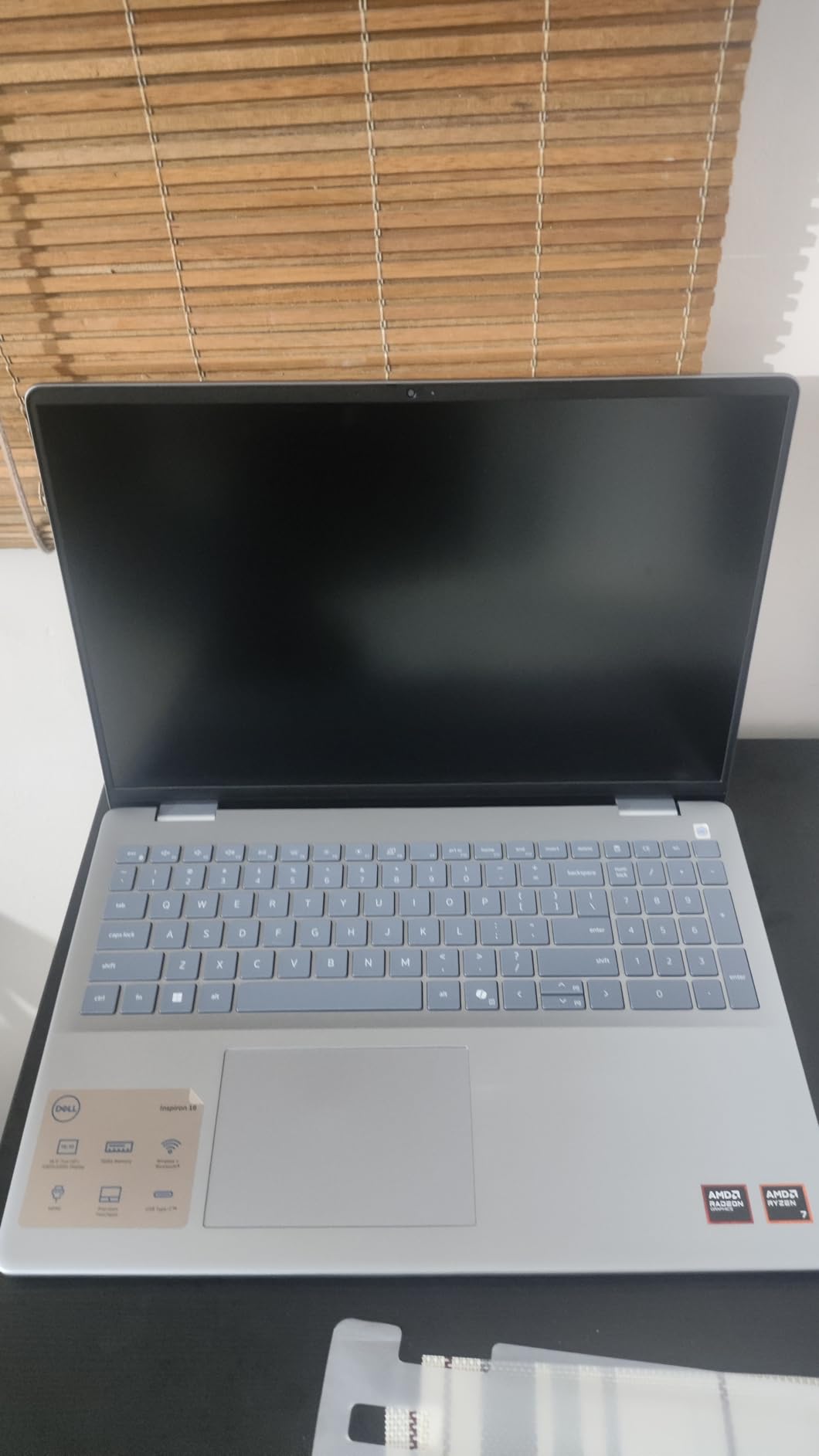
Not every engineering student needs a discrete graphics card, and this is the machine for the ones who do not. The Ryzen 7-8840U has 8 cores up to 5.1 GHz with 22MB of cache, which is plenty for coursework, code, data analysis, documentation, and 2D drafting.
Where the Inspiron genuinely shines is the everyday experience. The 16-inch 16:10 FHD+ matte LED display is larger and taller than the 15.6-inch norm, the full-size backlit keyboard with numeric keypad is praised repeatedly by owners, and 16GB DDR5 at 5600 MHz with a 1TB PCIe SSD is a solid specification.
Support is a real differentiator. It includes a one-year hardware service with onsite service after remote diagnosis, six months of Dell Migrate, and ENERGY STAR 8.0 plus EPEAT Silver and EPEAT Climate+ certification.
Which students suit this machine
Software, electrical, and systems engineering students who spend their time in datasheets, simulation scripts, Python, and lab documentation will find this machine fast and pleasant to use. Several owners report a large jump in responsiveness over the laptop they replaced.
Students on a tight budget who want a large, colour-pleasant screen and a comfortable keyboard for four years of typing get a lot here. The 1TB drive and easy internal access for RAM and storage mean you are not buying a disposable machine.
Where it falls short
Integrated Radeon graphics sharing system memory are simply not suitable for CAD, finite element analysis, or 3D rendering. If your program requires a discrete GPU, this is the wrong machine regardless of how good the rest of it is.
Owners also report the factory Realtek Wi-Fi 6E card being unstable and throttling, with owners replacing it with an Intel AX210, and some units running hot with loud fans under load. Phone support from Dell is criticised by multiple reviewers. There is also only one storage slot and two USB-A ports, so plan an external drive.
Which Laptop Fits Which Engineering Major
Requirements differ far more between disciplines than most general buying guides admit. Here is how the picks in this roundup map onto the most common majors.
Mechanical engineering. 3D assemblies, finite element analysis, and rendering mean you want dedicated graphics with at least 8GB of video memory and 32GB of system memory. The Acer Nitro V 16S and the ASUS ROG Strix G16 are the strongest fits, and the HP ZBook 8 G1i is worth considering if your department requires ISV certification for SolidWorks and ANSYS.
Civil engineering and architecture. Revit and AutoCAD workloads are less VRAM-hungry than structural simulation but benefit from screen real estate and a taller panel. The ASUS TUF F16 16:10 display and the ROG Strix G16 2.5K panel both help, and the Lenovo LOQ covers lighter BIM coursework comfortably.
Electrical engineering. PCB design in Altium, MATLAB, and signal processing are CPU and memory bound more than GPU bound. The Dell Inspiron 16 5645 handles this class of work well, and any of the RTX 4060 and RTX 5050 machines give you headroom for simulation work if your course list expands.
Software and computer engineering. Compilation, containers, virtual machines, and long editor sessions reward memory and battery over graphics. The MacBook Pro 14 is a natural fit if your tooling runs on macOS or in a Unix-native environment, and the HP Victus covers this need on a budget with Windows 11 Pro included.
Chemical, biomedical, and industrial engineering. Process simulation, data analysis, and lab reporting dominate here. 32GB of memory, a 1TB drive, and a comfortable keyboard matter more than a discrete GPU, which makes the Dell Inspiron 16 5645 and the Acer Nitro V 16S practical choices.
How to Choose a Laptop for Engineering
Read your department’s requirements first. This single step eliminates most buying mistakes, because some programs mandate Windows, some require a minimum memory specification, and some list approved hardware directly. Forums like r/ECE and r/SolidWorks repeat this advice constantly.
Next, decide whether you need a dedicated GPU. Integrated graphics are sufficient for 2D drafting, code, documentation, and data analysis. Anything involving 3D solids, BIM, simulation, or machine learning locally needs a discrete NVIDIA RTX card, and you should prioritise video memory over the chip’s tier number.
On memory, treat 16GB as the floor and 32GB as the target. If a machine ships with soldered memory at 16GB, plan to keep it for coursework only. If it has two slots, buy the lower configuration and upgrade yourself, which is often cheaper.
On display, look at the aspect ratio before anything else. A 16:10 panel gives you more vertical workspace than 16:9 at the same diagonal size, and that extra height removes a lot of window management during CAD work.
On battery and weight, be realistic. A large watt-hour figure and a light chassis are not in conflict on modern machines, but a gaming chassis with a high-power GPU will drop to a few hours of real use. Decide whether your day involves carrying the machine or leaving it on a desk.
Finally, look at what your university already provides. Several departments maintain virtual desktop and remote compute environments for the heaviest simulation work, and those can remove the need to buy workstation-class hardware. Test the school’s remote environment during a lab session before deciding it is not good enough, because students report it is often laggier than expected for intensive CAD work but perfectly usable for coursework.
One more practical point: student discount programmes from major manufacturers can meaningfully reduce the effective cost, and university-specific storefronts sometimes carry configurations you cannot buy directly. It is worth ten minutes of checking before you commit.
Frequently Asked Questions
Is 32GB RAM overkill for engineering?
No. Thirty-two gigabytes is the practical target for most engineering students, not an excess. Large CAD assemblies, parallel simulation solvers, and running a virtual machine alongside coursework all push past 16GB. Students running heavy Fusion 360 assemblies report usage in the 35 to 40GB range. If a laptop offers 32GB in two upgradeable slots, it is the sweet spot for a four-year degree.
Is 16GB RAM enough for engineering?
It is enough for the first year or two of coursework. Sixteen gigabytes handles documentation, 2D drafting, code compilation, MATLAB, and most data analysis. It becomes the limiting factor when you open large 3D assemblies, run finite element analysis, or run a virtual machine for a systems course. Buy 16GB only if the machine has two slots so you can add more later.
Is a Core i5 or i7 better for engineering students?
For most engineering coursework a modern Core i5 or Ryzen 5 class chip with 8 or more cores is enough, and the money is better spent on memory or a discrete GPU. A Core Ultra 7 or Ryzen 7 becomes worthwhile when you run simulation solvers, compile large codebases, or use a virtual machine. Prioritise 32GB of memory over stepping up the processor tier.
Which laptop brand is best for engineering students?
It depends on your workload rather than the brand. Lenovo and Dell cover most of the middle of the market with upgradeable configurations. ASUS and Acer build the widest range of dedicated GPU machines. Apple works well for software, data, and computationally intensive workflows but not for Windows-only CAD packages. HP ZBook stands out for ISV certification. Check your department requirements before choosing a brand.
Do engineering students need a gaming laptop?
Not the styling, but yes the hardware. Engineering students overwhelmingly end up on machines built as gaming laptops because that is where dedicated NVIDIA RTX graphics, high refresh displays, and upgradeable memory and storage live. The trade-offs are fan noise, weight, and battery life. If you want the hardware without the appearance, workstation models such as the HP ZBook 8 G1i exist, but they cost more and often carry less graphics memory.
Final Verdict on the Best Laptops for Engineering Students
After comparing 12 machines, the MacBook Pro 14 with the M5 chip is our pick as the best laptop for engineering students overall, because it delivers the most balanced experience: a superb display, all-day battery life, silent operation, and ports that cover real lab kit. Its 16GB memory ceiling and lack of Windows-native CAD support are the two conditions attached to that recommendation.
The Acer Nitro V 16S is the value answer for students who need dedicated graphics and 32GB of memory without stretching the budget, and the ASUS ROG Strix G16 takes over when simulation is the centre of your coursework. For a durable 16:10 machine the ASUS TUF F16 is hard to argue with, and the HP ZBook 8 G1i is the pick when your department insists on ISV certification.
Whatever you choose, check the departmental requirements page first, then buy the most memory you can afford in an upgradeable machine. Those two steps prevent almost every regret we saw in the reviews.
For the creative hardware side of student life, our guides to the best cameras for photography students and the best monitors for film students cover the rest of a media student’s kit.