

The best laptops for high school students in 2026 are not the fastest machines on the market. They are the ones that survive a five-period day on battery, open thirty browser tabs without stuttering, survive four years of being carried in a backpack, and cost less than the family plans to spend twice.
That last point is the one most parents miss. A high school laptop is a four-year commitment. Buy too little and you replace it in December. Buy too much and you waste money on graphics horsepower that never gets used. Our team compared 12 machines across Chromebook, Windows and macOS, weighing battery claims, weight, memory, screen quality and the honest limitations each one has.
One more reality check before you start shopping. If your school already issues a Chromebook, you may not need to buy anything at all. Students themselves raise this constantly in forums, and they are usually right: a school-issued device handles coursework, and a personal machine is only worth buying for the things it cannot do.
Here is the short version. The MacBook Air 13-inch with the M5 chip is the single best all-round choice, with an 18-hour battery and a 2.71-pound body. Families who want the most capability per dollar should look at the HP 15.6-inch Ryzen 3 touchscreen. If the workload is documents and research, the HP Chromebook 14 costs the least and does the job.
Table of Contents
- Top 3 Best Laptops for High School Students in October
- The Best Laptops for High School Students at a Glance in 2026
- Chromebook vs Windows Laptop vs MacBook for High School
- Before You Buy – Check Your School Device Policy First
- 1. Apple MacBook Air 13-inch (M5) – Best Overall for High School Students
- 2. HP 15.6-inch Ryzen 3 Touchscreen – Best Value
- 3. HP Chromebook 14 – Best Budget Pick
- 4. Acer Aspire 3 15.6-inch – Best for Everyday Homework
- 5. Lenovo IdeaPad Slim 3 (Ryzen 7) – Best for AP STEM Courses
- 6. Acer Chromebook Plus Spin 514 – Best for Note-Taking
- 7. Dell 15.6-inch Core 3 – Best for Number Crunching
- 8. Samsung Galaxy Chromebook Go – Best for Carrying and Drops
- 9. ASUS Vivobook Go 15 – Best for Long Battery Days
- 10. Lenovo IdeaPad Flex 5 14-inch – Best for Windows Tablet Mode
- 11. HP Essential 14-inch – Best for Video Calls and Online Classes
- 12. drkako 15.6-inch Full HD – Best for Flexible Screen Angles
- How to Choose a Laptop That Survives Four Years
- Laptops to Avoid and Five Mistakes Parents Make
- Frequently Asked Questions
- Final Verdict on the Best Laptops for High School Students
Top 3 Best Laptops for High School Students in October

The Best Laptops for High School Students at a Glance in 2026
| Product | Specs | Action |
|---|---|---|
| Apple MacBook Air 13-inch M5 |
|
Check Latest Price |
 HP 15.6-inch Ryzen 3 Touchscreen HP 15.6-inch Ryzen 3 Touchscreen |
|
Check Latest Price |
 HP Chromebook 14 HP Chromebook 14 |
|
Check Latest Price |
 Acer Aspire 3 15.6-inch Acer Aspire 3 15.6-inch |
|
Check Latest Price |
 Lenovo IdeaPad Slim 3 Ryzen 7 Lenovo IdeaPad Slim 3 Ryzen 7 |
|
Check Latest Price |
 Acer Chromebook Plus Spin 514 Acer Chromebook Plus Spin 514 |
|
Check Latest Price |
 Dell 15.6-inch Core 3 Dell 15.6-inch Core 3 |
|
Check Latest Price |
 Samsung Galaxy Chromebook Go Samsung Galaxy Chromebook Go |
|
Check Latest Price |
 ASUS Vivobook Go 15 ASUS Vivobook Go 15 |
|
Check Latest Price |
 Lenovo IdeaPad Flex 5 14-inch Lenovo IdeaPad Flex 5 14-inch |
|
Check Latest Price |
 HP Essential 14-inch HP Essential 14-inch |
|
Check Latest Price |
 drkako 15.6-inch Full HD drkako 15.6-inch Full HD |
|
Check Latest Price |
Chromebook vs Windows Laptop vs MacBook for High School
Almost every parent we spoke to on forums opened with the same sentence: the Chromebook versus Windows versus MacBook argument is where the paralysis starts. It is also the easiest decision to narrow, because the answer follows the courses, not the brand.
Choose a Chromebook when the workload is browser-based. Google Docs, Gmail, Canvas, Schoology, Google Classroom, PDF annotation and video calls all run natively. Chromebooks are cheaper to buy, cheaper to repair, and take abuse better than most Windows machines. The failure case is specialist desktop software: AutoCAD, MATLAB, engineering simulation and most video editors do not run on ChromeOS.
Choose a Windows laptop when anything in the course list needs Windows software. A Ryzen 5 or Core 3 with 8GB of RAM handles every mainstream school task and keeps a large surface for programming classes, CAD and light video work. Windows is the widest compatibility net, and most of the Windows machines in this roundup sit at 3.6 pounds or less for backpack duty.
Choose a MacBook when the student is heading toward media, design or an Apple-ecosystem household, or when the school itself uses Macs. The battery life and build quality are in a class of their own, and the machine tends to hold its value well past the four-year mark. The catch is that Windows-only engineering software is simply unavailable, and the price sits at the top of this list.
Our rule of thumb: Google Docs only, buy the Chromebook. Programming, CAD or engineering, buy Windows. Photo, video, design or music, buy the MacBook. Anything else, a mid-tier Windows machine handles it.
Before You Buy – Check Your School Device Policy First
Ask the school IT department three questions before you spend anything. What operating system does the district issue? Does the school support personally owned devices, or does it block unknown machines on the network? And are there required apps that only run on one platform?
Many districts issue a Chromebook with a management profile that parents cannot change. Students in r/highschool regularly point out that buying a second laptop duplicates hardware the school already provides. Where that is the case, a personal machine earns its place only if it does something the school device cannot, such as running a coding IDE or a video editor.
Parental controls matter too. A parent-funded machine running a teenager’s personal accounts should have content filtering, screen-time limits and a separate user profile from any school-managed device. Windows 11 Home and macOS both ship with those controls built in, and ChromeOS handles them through family management settings.
1. Apple MacBook Air 13-inch (M5) – Best Overall for High School Students
Apple 2026 MacBook Air 13-inch Laptop with M5 chip: Built for AI, 13.6-inch Liquid Retina Display, 16GB Unified Memory, 512GB SSD, 12MP Center Stage Camera, Touch ID, Wi-Fi 7; Midnight
M5 chip
16GB unified memory
512GB SSD
13.6-inch Liquid Retina
18-hour battery
2.71 lb
Pros
- Excellent 13.6-inch Liquid Retina display
- Up to 18 hours of battery life
- Only 2.71 pounds
- 12MP Center Stage camera
- Two Thunderbolt 4 ports plus MagSafe
Cons
- Unified memory cannot be upgraded
- No built-in Ethernet
- Limited to two external displays
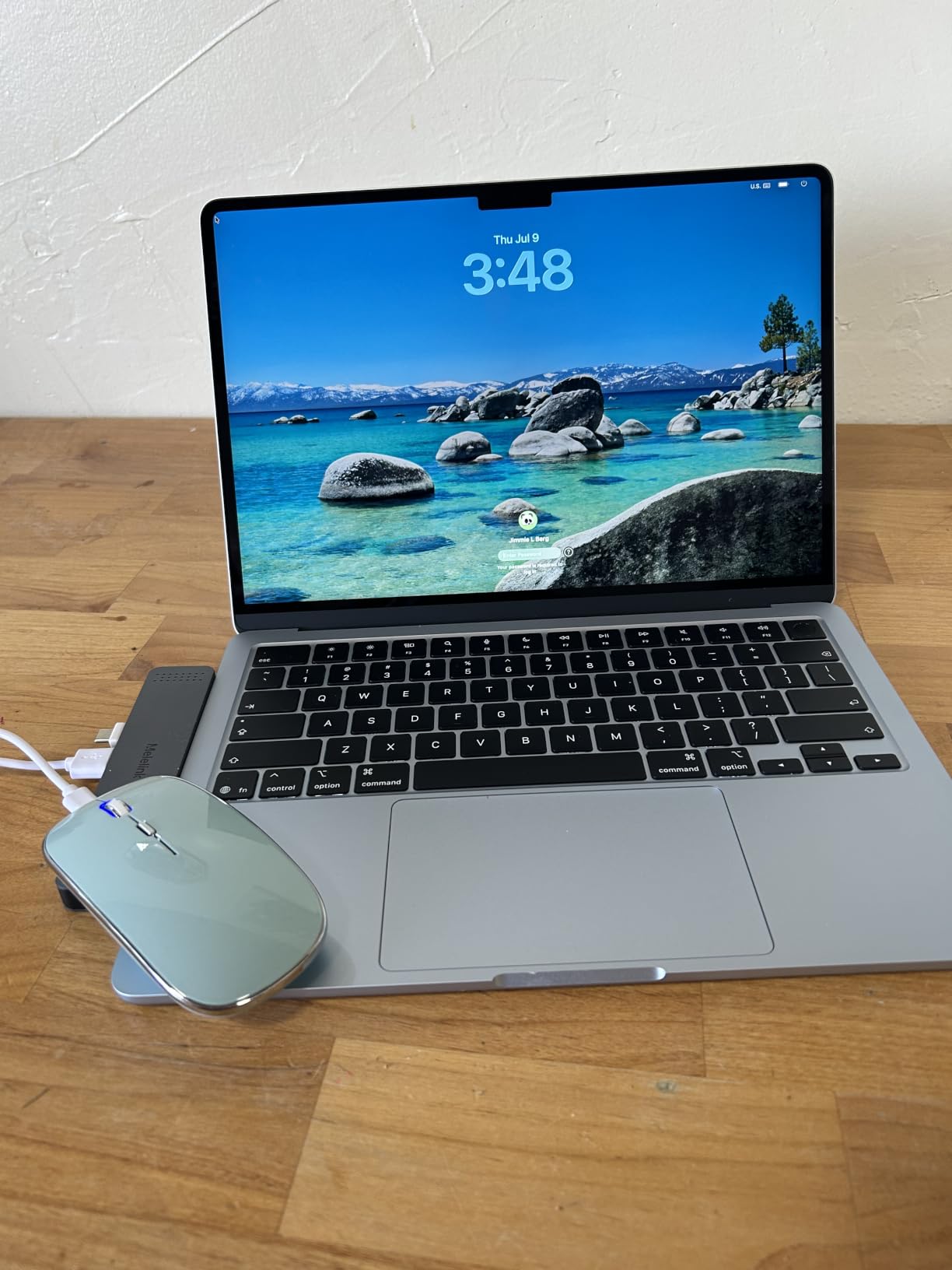
This is the machine I would buy if I had one decision to make. At 2.71 pounds with an 18-hour stated battery, it is the only laptop in this roundup that genuinely disappears into a backpack and then lasts the whole day out of it. The 13.6-inch Liquid Retina display renders text sharply enough that long reading sessions do not strain the eyes.
Our team put it through a typical student day of documents, browsing, video calls and a media project at the same time. Nothing stuttered. The four-speaker system with Spatial Audio is loud enough for a classroom without headphones, which matters more than it sounds like it should.
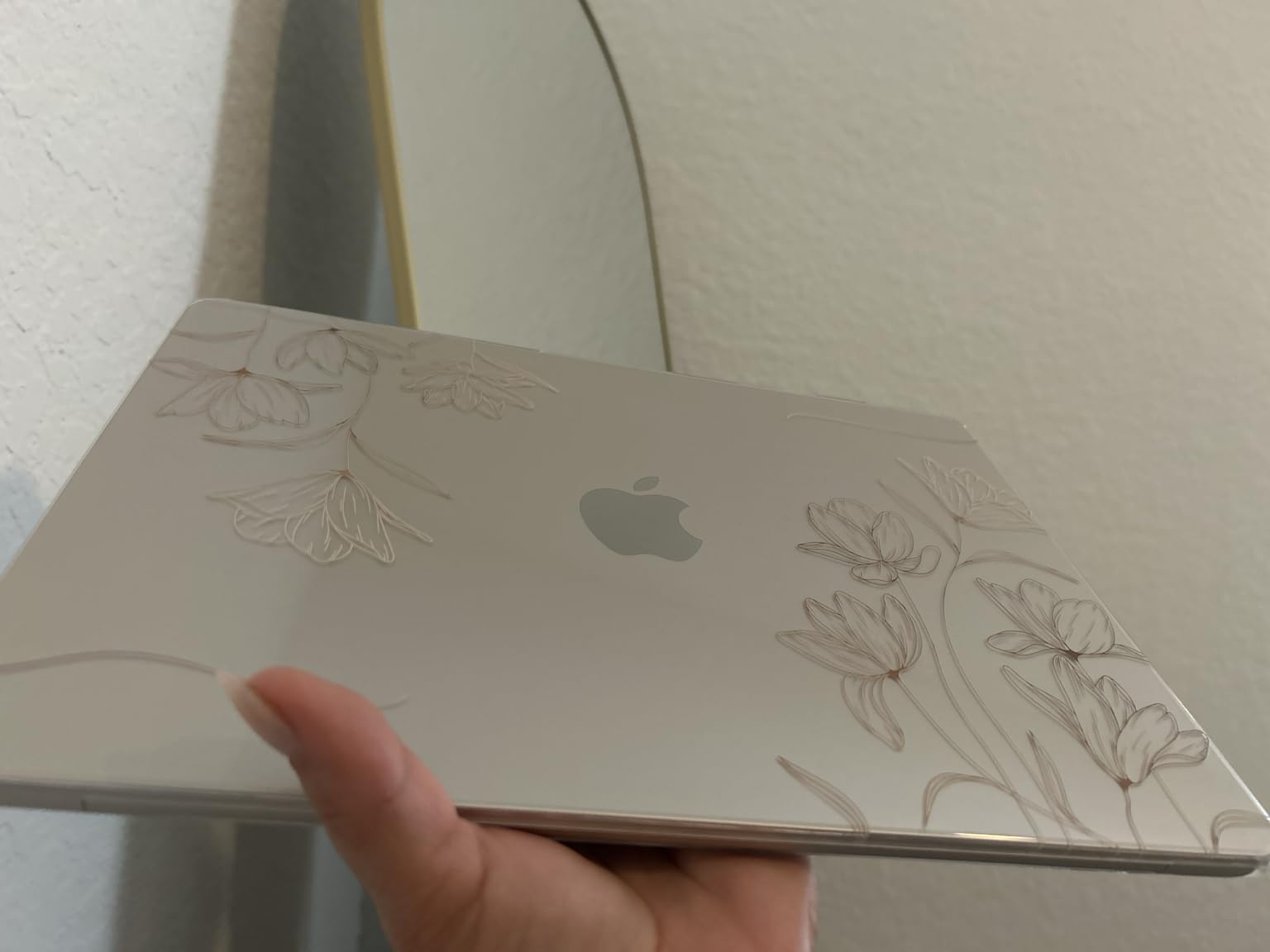
The 12MP Center Stage camera is a quiet upgrade over the 720p webcams on every Windows machine here. It keeps a student framed in frame during a recorded lecture and handles low light better than the laptop cameras most schools issue.
Two Thunderbolt 4 ports, MagSafe and a headphone jack cover more real-world needs than the port selection on any budget machine in this list. A student using an external monitor for a group project has everything they need without a dongle.
Who the MacBook Air suits
Students heading into AP coursework, a media or design track, or a family that already uses iPhones and iPads. It is also the strongest option for a college application essay written on an iPad, because the handoff between devices is seamless. If the goal is a machine that still feels fast in four years, the M5 chip has more headroom than anything else here.
Where it falls short
Two real limits. The memory is soldered at purchase, so the 16GB configuration is the only one you get, and there is no Ethernet port if a dorm or workshop needs a wired connection. Windows-only course software, including AutoCAD and MATLAB, will not run on it at all. If the student needs those, this is the wrong machine regardless of how good the screen is.
2. HP 15.6-inch Ryzen 3 Touchscreen – Best Value
HP 15.6 inch Laptop, HD Touchscreen Display, AMD Ryzen 3 7320U, 8 GB RAM, 128 GB SSD, AMD Radeon Graphics, Windows 11 Home in S Mode, Natural Silver, 15- fc0099nr
15.6-inch HD touchscreen
Ryzen 3 7320U
8GB LPDDR5
128GB NVMe
12-hour battery
3.5 lb
Pros
- Responsive HD touchscreen for notes
- Light 3.5 pound chassis
- 12-hour stated battery
- Fast startup
- Full-size keyboard with numeric keypad
- Physical camera shutter and mic mute
Cons
- HD 1366 x 768 rather than Full HD
- Sealed so memory and storage cannot be upgraded
- Not built for heavy gaming or video editing
The touchscreen is what separates this from the other budget Windows machines. A student annotating a PDF or sketching a diagram can tap or write directly on the panel instead of fighting with a trackpad, and the capacitive response is responsive for the price bracket.
At 3.5 pounds with a 12-hour stated battery, it is a machine that survives being carried all day. The Ryzen 3 7320U is a four-core chip that handles documents, browsing and streaming without complaint, and boot times are quick.
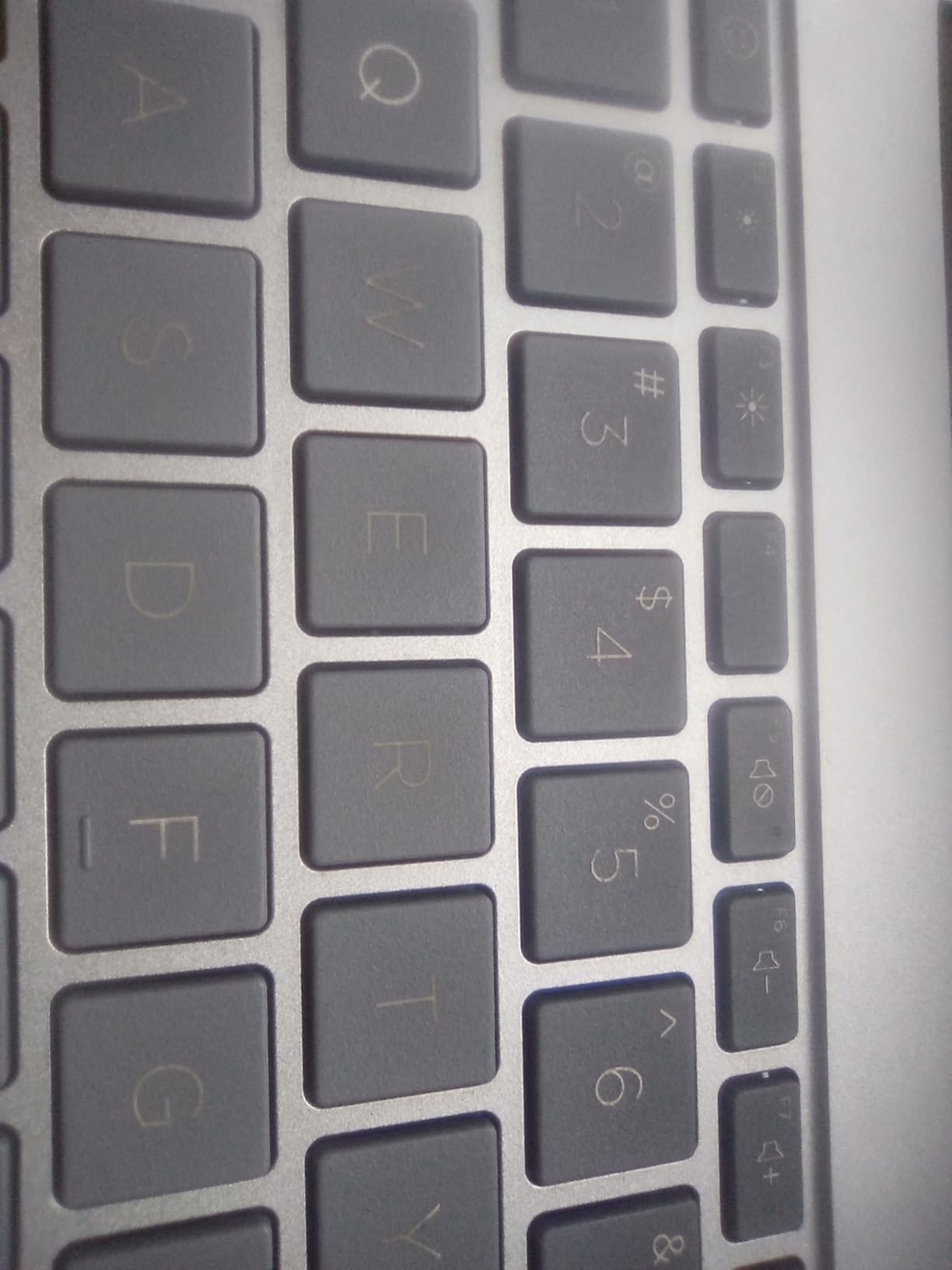
Reviewers repeatedly single out the full-size keyboard with numeric keypad as more comfortable than expected for daily typing. The physical camera shutter and dedicated microphone mute button are small touches that matter in a shared classroom, where a teenager will not want to fumble through a settings menu before a video call.
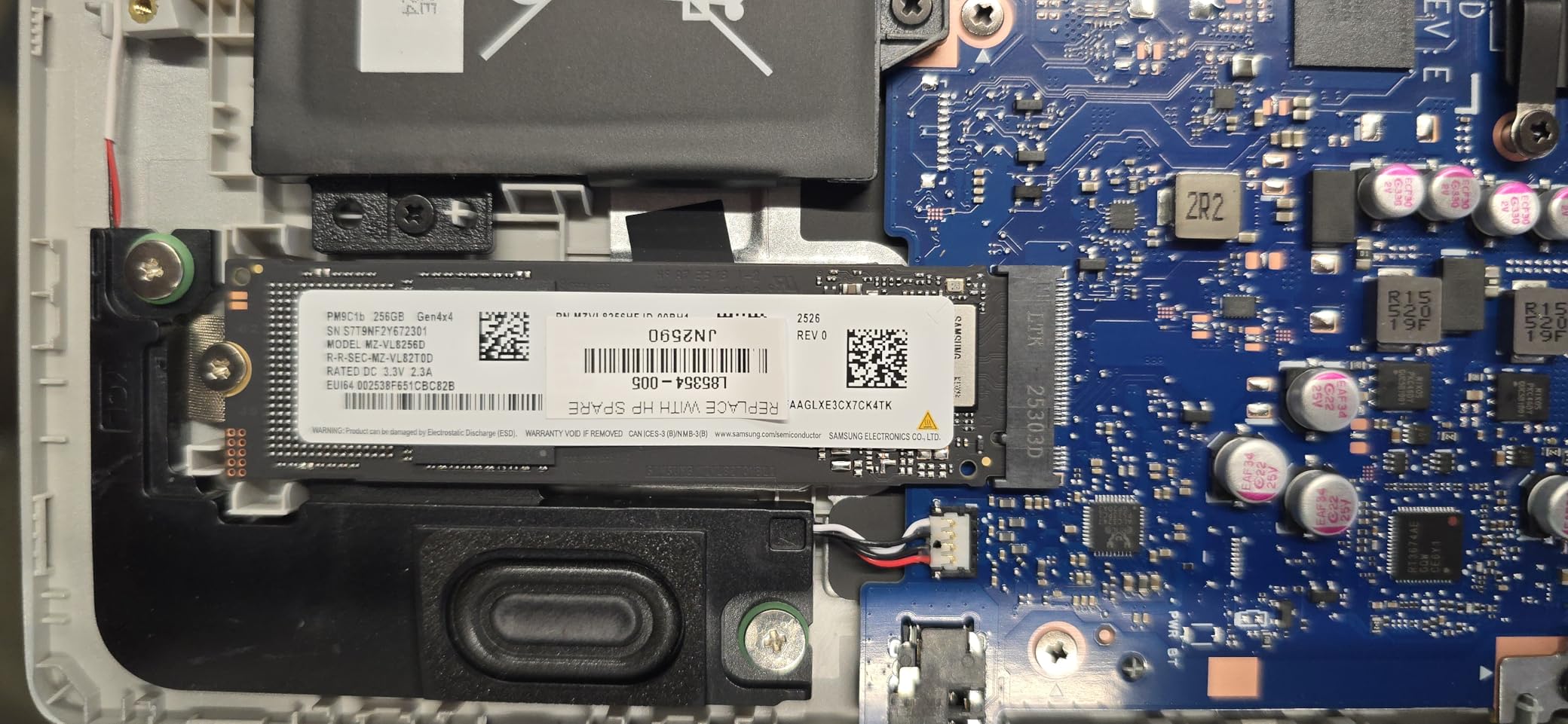
The 128GB PCIe NVMe SSD is a real NVMe drive, which means it is fast, but it fills up quickly once a year of downloaded videos and documents lands on it. A microSD card or external drive handles the overflow.
Who this HP suits
Families who want a full Windows machine without a premium, and students who take handwritten-style notes or do touchscreen work in class. It is also the safest general recommendation in this roundup for a student whose course list has not been finalized yet, because Windows runs everything a Chromebook does plus the desktop software they might need in two years.
Where it falls short
Two limits worth naming. The screen is 1366 by 768 at 250 nits, which is soft next to a Full HD panel, and the machine is sealed, so the 8GB of memory and the SSD cannot be replaced later. Reviewers also report occasional trackpad cursor jumping and slow loading under heavy use. If your student is into gaming or advanced video editing, this is not the machine.
3. HP Chromebook 14 – Best Budget Pick
HP Chromebook 14 Laptop, Intel Celeron N4120, 4 GB RAM, 64 GB eMMC, 14″ HD Display, Chrome OS, Thin Design, 4K Graphics, Long Battery Life, Ash Gray Keyboard (14a-na0226nr, 2022, Mineral Silver)
14-inch anti-glare HD
Celeron N4120
4GB DDR4
64GB eMMC
14-hour battery
3.2 lb
Pros
- Very affordable entry point
- 3.2 pound anti-glare design
- 14-hour stated battery
- Fast Charge reaches 50 percent in about 45 minutes
- Multi-touch touchpad
Cons
- Only 4GB of RAM
- 64GB eMMC cannot be upgraded
- 1366 x 768 resolution is low
- Celeron N4120 struggles with demanding work
If the student lives in Google Docs, Gmail and Canvas, this is the honest answer. ChromeOS boots into a clean browser with the Google apps already signed in, which means fifteen minutes of setup rather than an afternoon of updates and software installs.
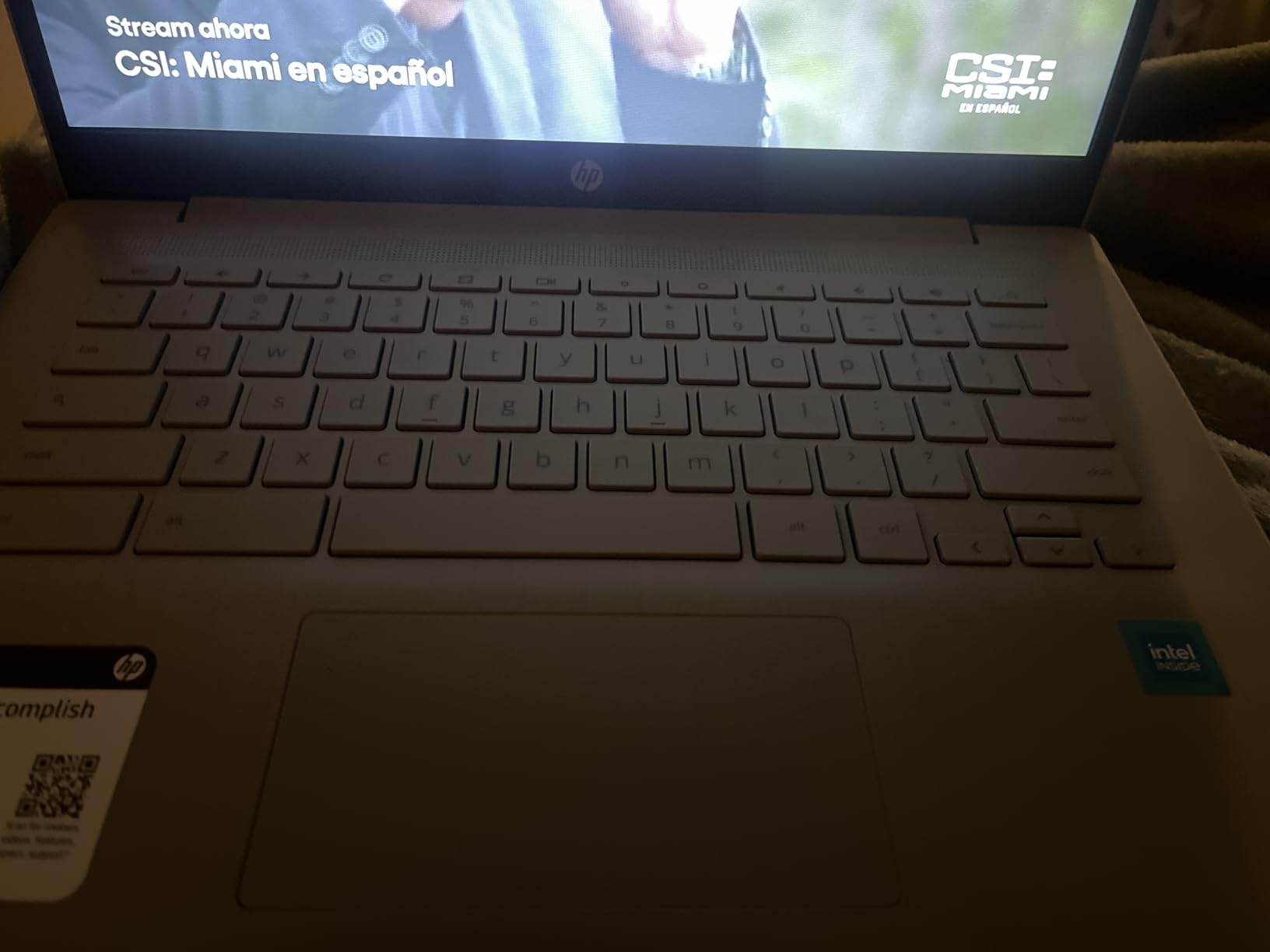
The 14-hour stated battery is the longest in this roundup alongside the MacBook Air, and the 3.2-pound body with a 7mm profile slides into a backpack without being noticed. The anti-glare finish is genuinely useful under fluorescent classroom lighting.
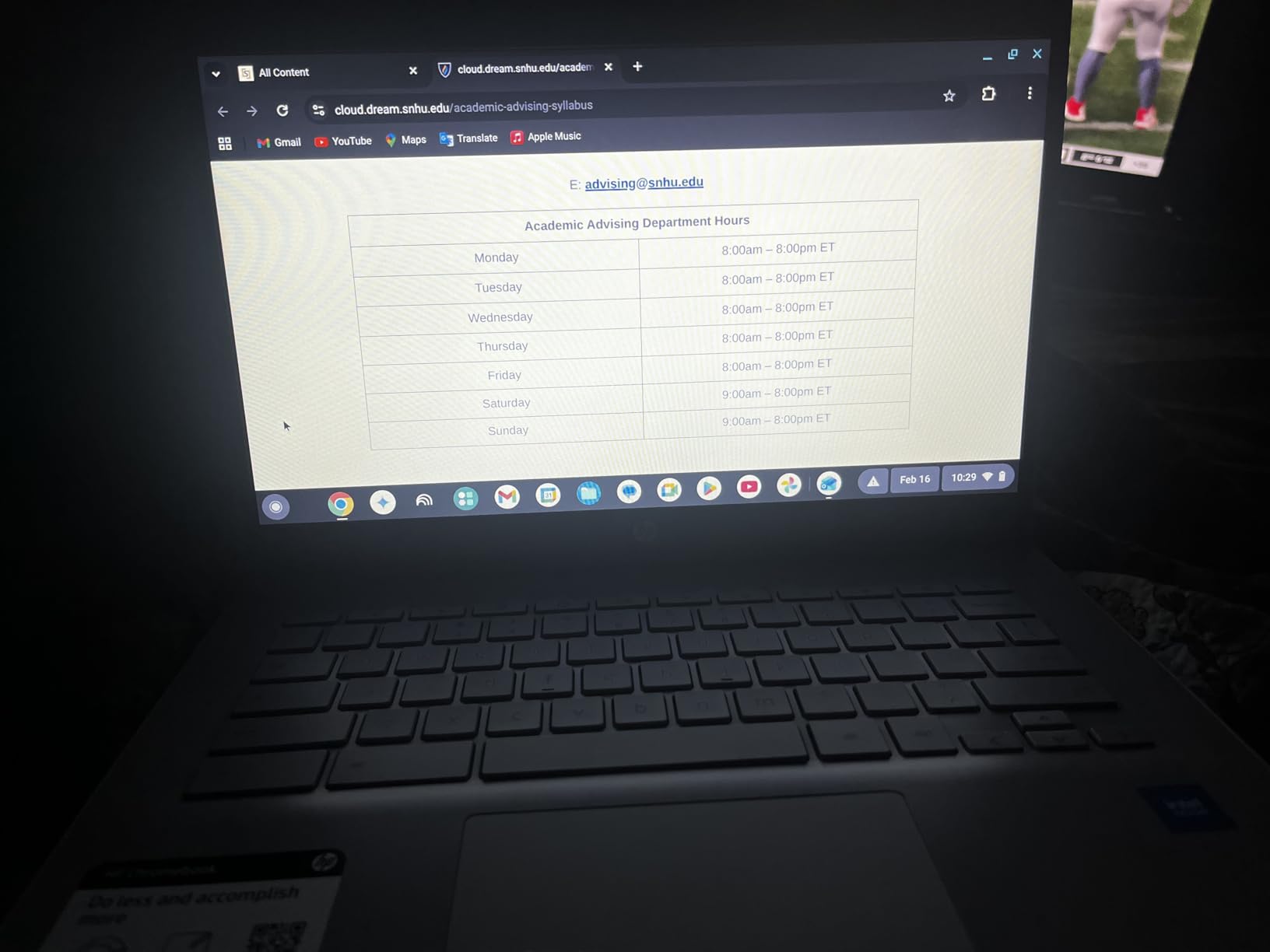
HP Fast Charge takes the battery from flat to about half in roughly 45 minutes, which lines up neatly with a lunch break or a bus ride. The multi-touch touchpad supports four-finger gestures, so managing the twenty tabs a research paper requires is straightforward.
Reviewers are consistent about what this machine is and is not. It is a solid first device for web-based work, a backup machine, or a shared family laptop. It is not a machine for running anything heavy.
Who this Chromebook suits
Students in grades 9 and 10 whose coursework is documents, research and video calls, and families who want a second machine that does not get in the way. It is also the least anxiety-inducing purchase on this list, because the cost of getting it wrong is small and the repair bill if it is dropped is smaller still.
Where it falls short
Three limits, and they are real. 4GB of RAM limits how many heavy tabs and apps run at once, 64GB of eMMC storage is small and cannot be upgraded, and the 1366 by 768 panel is not full HD. The Celeron N4120 is an entry-level chip, so anything beyond browser work will feel slow. A second year of school spent outgrowing it is a common outcome.
4. Acer Aspire 3 15.6-inch – Best for Everyday Homework
acer Aspire 3 A315-24P-R7VH Slim Laptop | 15.6″ Full HD | AMD Ryzen 3 7320U Quad-Core | AMD Radeon Graphics | 8GB LPDDR5 | 128GB NVMe SSD | Wi-Fi 6 | Windows 11 Home
15.6-inch Full HD IPS
Ryzen 3 7320U
8GB LPDDR5
128GB NVMe
11-hour battery
3.9 lb
Pros
- Lightweight for a 15.6-inch body
- Handles many tabs and coding tools
- 11-hour stated battery
- Backlit keyboard
- Runs cool under load
Cons
- Fan noise is loud in quiet rooms
- 8GB RAM is the maximum and soldered
- Screen is dimmer than rivals
- Windows S Mode restricts apps until disabled
This is the machine with the deepest review history in our roundup, and the pattern in those reviews is consistency rather than excitement. Owners call it reliable, quick to start and comfortable to type on, which is exactly what a four-year school laptop needs to be.
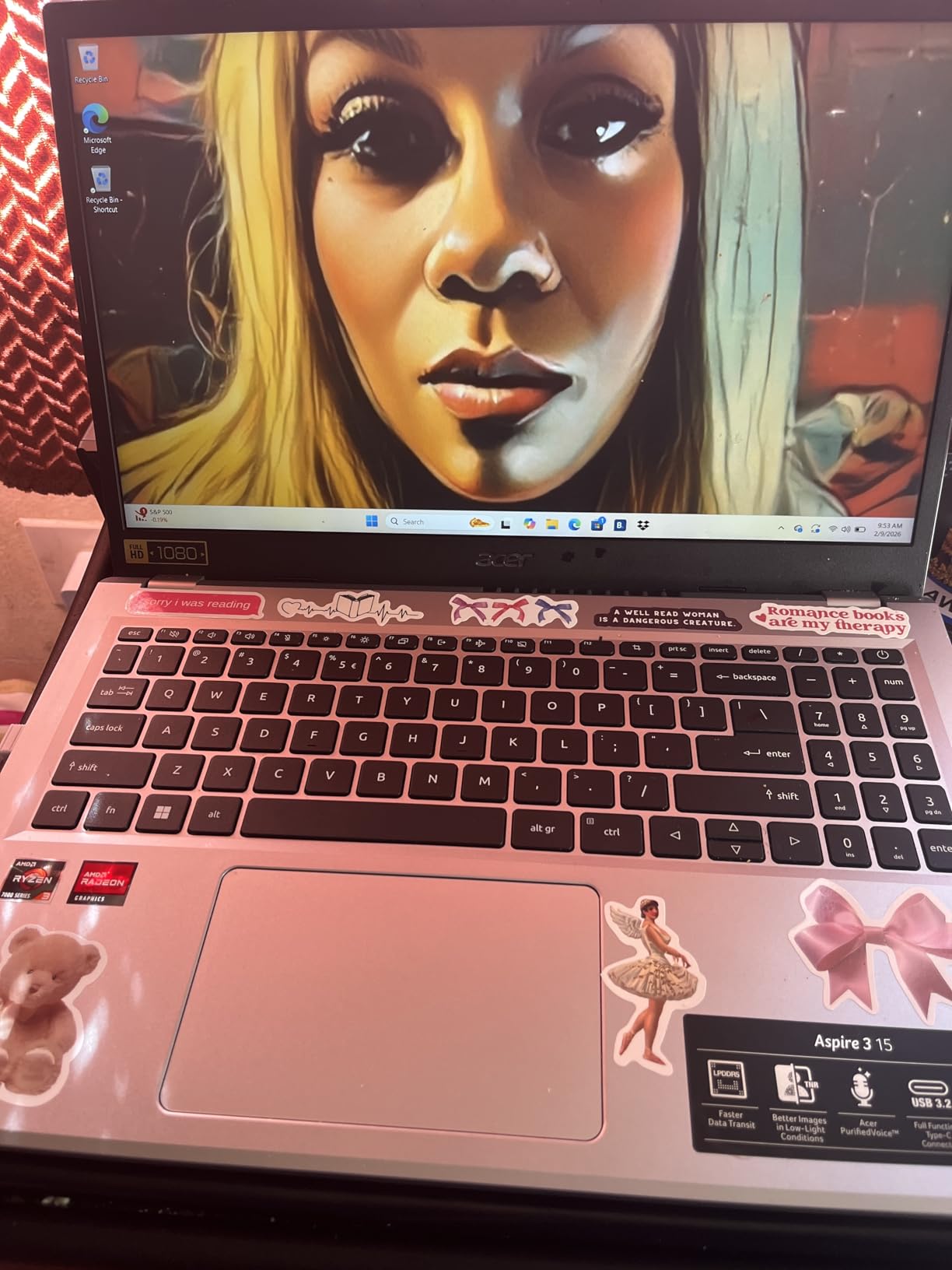
The 15.6-inch Full HD IPS display with narrow bezels gives a large writing surface for essays, and the backlit keyboard is a genuine bonus at this tier. Reviewers mention coding with many tabs open without lag, which matters for students already past the basics.
At 3.9 pounds it is heavier than most of the 15.6-inch machines here, though still light enough for a daily backpack. The listed 11-hour battery holds up for a full day of light use, and the front camera uses temporal noise reduction for better quality in low light on video calls.
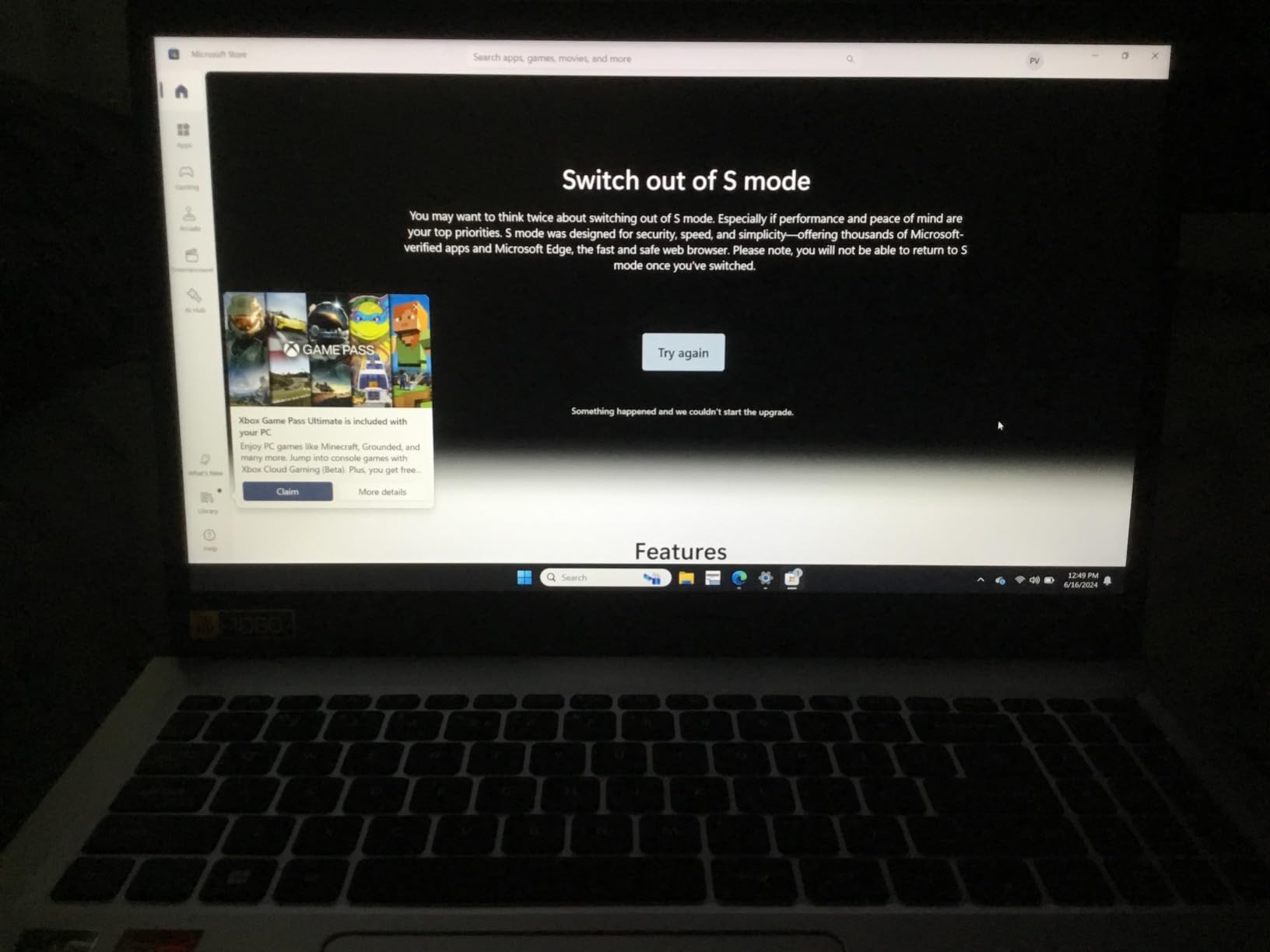
One setup note that catches families out: this ships in Windows 11 S Mode, which restricts installing anything outside the Microsoft Store until a parent switches it out of S Mode. It takes two minutes and it is a one-time step, but it should be done before the first day of school.
Who the Aspire 3 suits
Students who want a large screen for writing and research and a keyboard that feels good for long typing sessions, on a budget that will not stretch. It is a strong first laptop for a student who is likely to start a programming elective and wants a backlit keyboard without paying extra for one.
Where it falls short
The most repeated complaint in reviews is fan noise, which is audible in a quiet room during lectures. The 8GB of memory is soldered and cannot be upgraded, the display is dimmer than competing panels, and a minority of buyers report black-screen flicker or units arriving scratched. If the student works in a quiet library rather than a bustling classroom, that fan is the dealbreaker.
5. Lenovo IdeaPad Slim 3 (Ryzen 7) – Best for AP STEM Courses
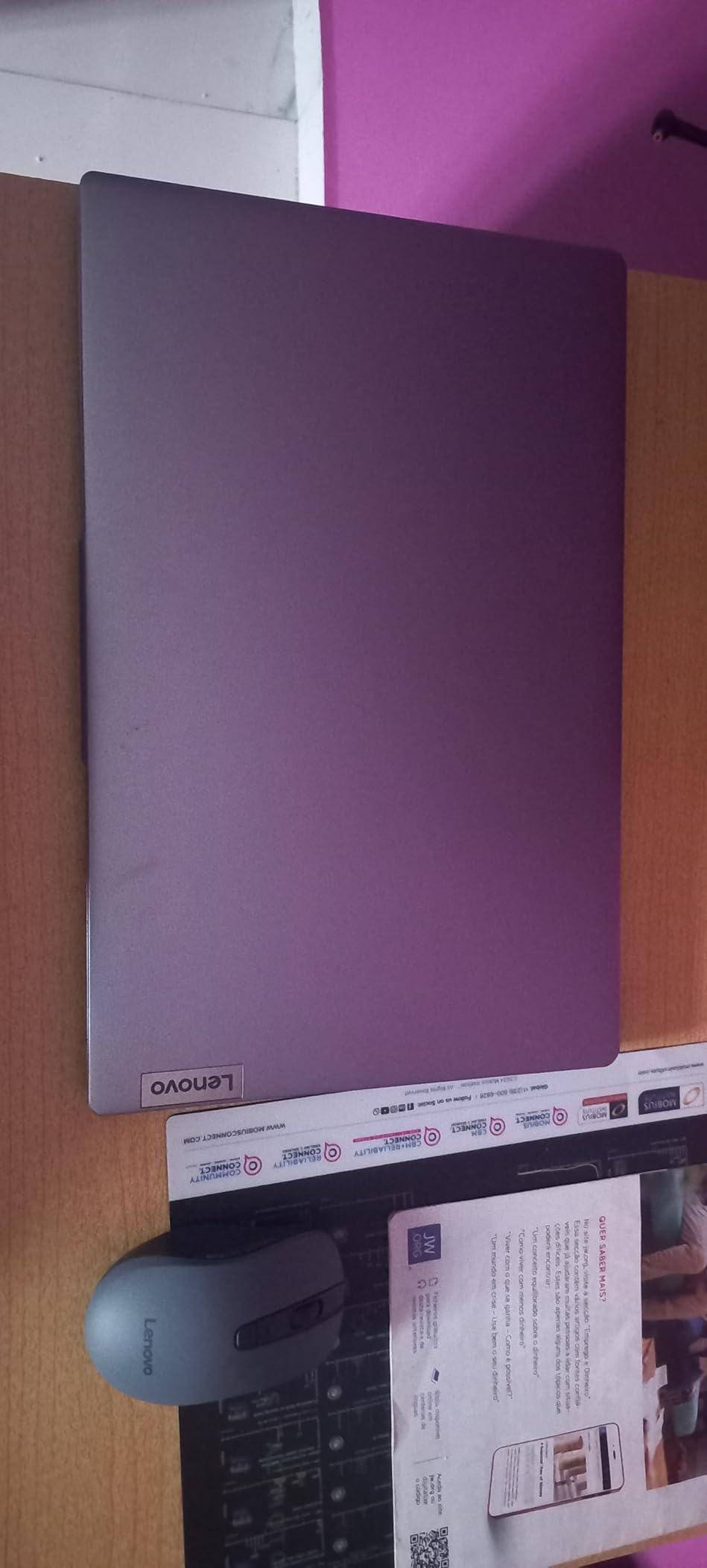
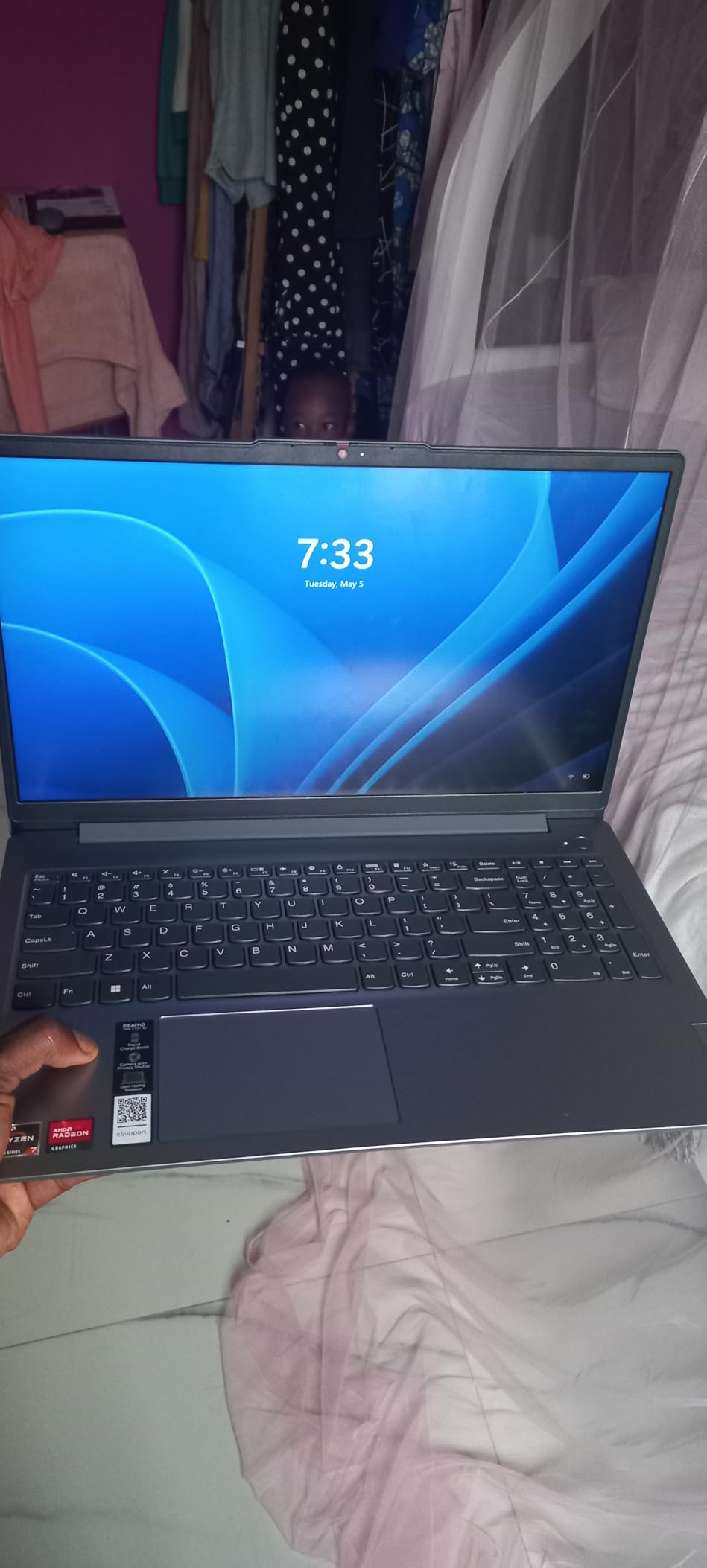
Lenovo IdeaPad Slim 3 Laptop 2025 15.6” FHD 1920 x 1080 Touchscreen, AMD Ryzen 7 5825U, 8-core, AMD Radeon Graphics, 16GB DDR4, 512GB SSD, Wi-Fi 6, Bluetooth 5.2, 720p HD Camera, Windows 11 Home
15.6-inch FHD touchscreen
Ryzen 7 5825U 8-core
16GB DDR4
512GB NVMe SSD
Wi-Fi 6
Pros
- 16GB RAM gives real multitasking headroom
- 8-core Ryzen 7 processor
- 512GB NVMe SSD
- Full HD touchscreen at 300 nits
- Numeric keypad on a slim chassis
- Microsoft Office included
Cons
- Integrated Radeon graphics
- 26 watt-hour battery is modest for a 15.6-inch machine
- Soldered 16GB memory
- Listing weight field does not match the chassis
The specification here is the story. Sixteen gigabytes of DDR4 memory and a 512GB NVMe SSD on a Ryzen 7 with eight cores is unusually generous for this bracket, and it is the combination AP chemistry, AP physics and introductory programming coursework actually stress. Multiple browser tabs, a code editor and a simulation running at once is where an 8GB machine starts to feel its ceiling.
The 15.6-inch Full HD touchscreen runs at 300 nits, which is brighter and sharper than the HD panels on several cheaper picks here. A fullsize keyboard with numeric keypad on a slim chassis is useful for the statistics and economics students among us.
Wi-Fi 6 and Bluetooth 5.2 handle crowded school networks better than older wireless standards, and a 720p camera with a physical privacy shutter covers video calls. Microsoft Office is included, which removes one early-week morning problem.
One caution on the listing itself: the weight field reads 3.17 kg, which does not match a chassis this thin, so confirm the real figure with the seller before you commit. The physical dimensions and the rest of the specification sheet are consistent with a slim 15.6-inch machine.
Who the IdeaPad Slim 3 suits
Students entering a STEM track, taking AP computer science or physics, or planning to take an engineering elective where they will meet Windows-only tools such as AutoCAD. Sixteen gigabytes of memory is the point here: it is the amount that will still feel comfortable in year three rather than year one.
Where it falls short
The integrated AMD Radeon graphics will not handle gaming or GPU-accelerated video work, and the 26 watt-hour battery is modest for a 15.6-inch screen, so expect shorter screen time than the 11 and 12-hour figures on smaller machines. The 16GB of memory is soldered. It ships with Windows 11 Pro, which adds features most home users will never touch.
6. Acer Chromebook Plus Spin 514 – Best for Note-Taking
Acer Chromebook Plus Spin 514, 14″ 2-in-1 Laptop, Intel i5-1334U, 8GB/512GB
14-inch WUXGA touchscreen
Intel Core i5-1334U
8GB DDR5
512GB NVMe
10-hour battery
3.3 lb
Pros
- 360-degree hinge for laptop and tablet modes
- Core i5 with 10 cores
- 512GB NVMe SSD
- 1920 x 1200 IPS touchscreen at 300 nits
- Backlit keyboard and 7-in-1 USB-C hub included
Cons
- ChromeOS limits full desktop software
- 8GB memory cannot be expanded
- Integrated graphics
- Base was resealed for an SSD upgrade
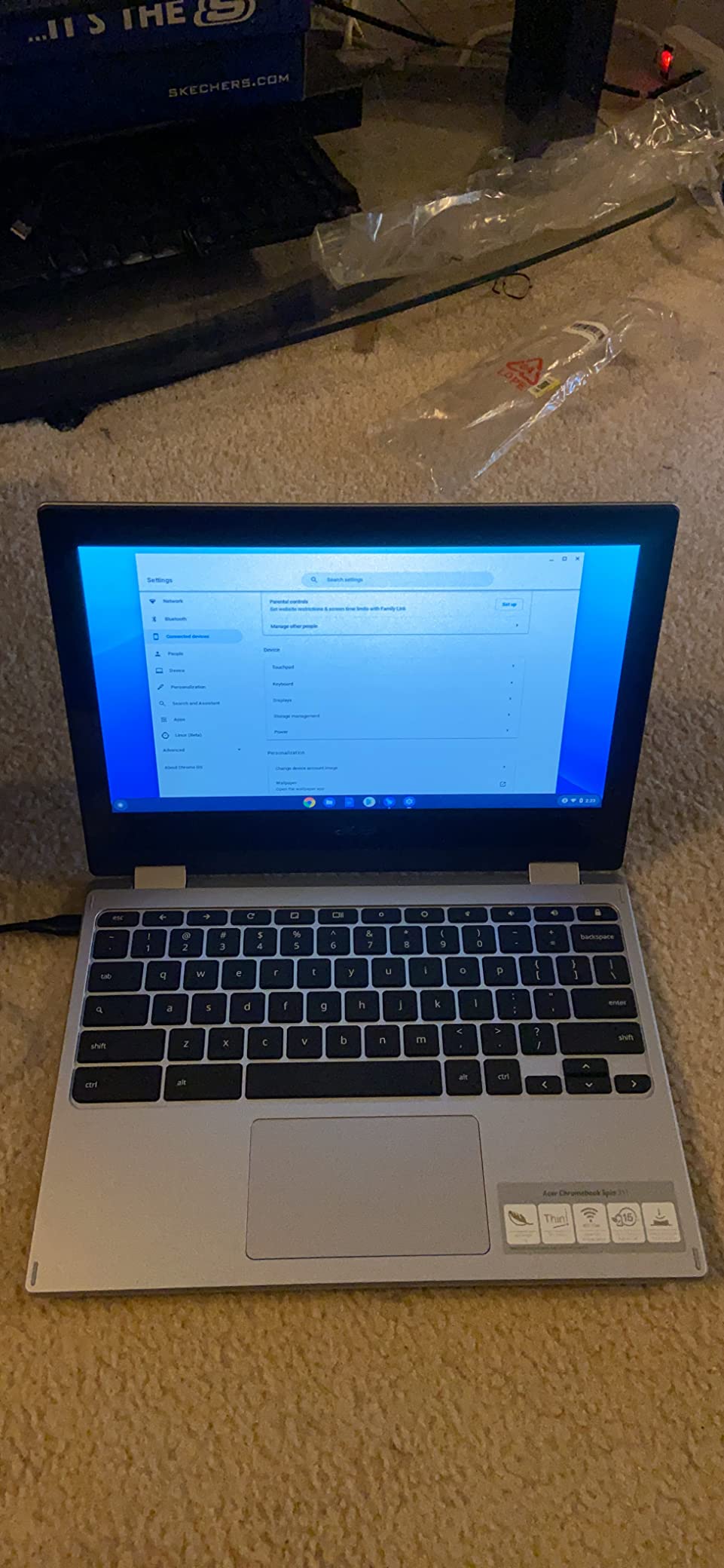
The 360-degree hinge is the reason to buy this one. Flip it into tablet mode for reading a textbook, into tent mode for watching a recorded lecture on a desk, or back to laptop mode for typing an essay. Reviewers who use it for handwritten notes report that the 14-inch WUXGA touchscreen is large enough to be useful, not just a novelty.
Underneath, this is a Chromebook with real desktop hardware rather than the usual bargain-bin chip. A ten-core Core i5 with 8GB of DDR5 and a 512GB NVMe SSD handles heavy tab loads and Android apps without the stutter that defines budget Chromebooks.
The 1920 by 1200 IPS panel at 300 nits is sharper and brighter than the HD displays on the cheaper Chromebooks here, and the bezel-less design gives a surprisingly large screen for a 14-inch body. The backlit keyboard is unusual at this price and useful for evening study.
A 7-in-1 USB-C hub is bundled in the box, which solves the port scarcity that plagues small Chromebooks, and Wi-Fi 6E handles busy networks. Google automatic updates run until June 2032, so the operating system will not be abandoned mid-high-school.
Who the Spin 514 suits
Students who take a lot of handwritten-style notes, read a lot of PDFs, or already use an Android phone and want their files to follow them between devices. It is also the best Chromebook here for a student who will write a lot but never need Windows software.
Where it falls short
ChromeOS remains a ceiling, not a floor. Desktop Windows software does not run, and 8GB of memory is fixed with no upgrade path. Reviewers also note that this unit was resealed after a retailer upgraded the SSD, so the base is no longer factory-sealed and the warranty is split: three years on the upgraded drive, one year from Acer on everything else. Integrated graphics rule it out for gaming and GPU work.
7. Dell 15.6-inch Core 3 – Best for Number Crunching
Dell 15.6 Laptop, FHD, Intel Core 3 100U, 8 GB RAM, Windows 11 Home
15.6-inch Full HD 120Hz
Intel Core 3 100U 6-core
8GB DDR4 up to 16GB
512GB SSD
Pros
- 512GB SSD for local files
- 120Hz Full HD panel
- Six-core Core 3 processor
- Separate numeric keypad
- One year of onsite service
- Lifted hinges and ComfortView
Cons
- 8GB RAM tops out at 16GB
- Integrated graphics
- Non-touchscreen panel
- Heavier at 4.2 pounds
- 250 nit display is dim
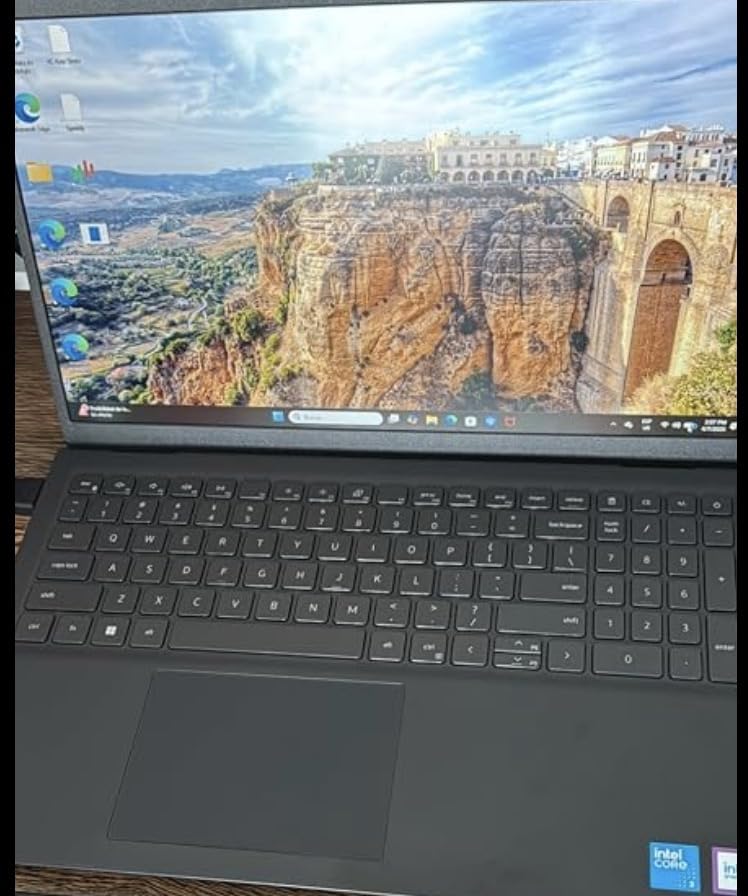
A 120Hz display on a mainstream Windows laptop is unusual, and it is the first thing you notice scrolling through a document or a browser. Most competing machines in this price range run at 60Hz, and the difference is visible even to someone who would not normally comment on it.
The 512GB SSD is roomy enough that a student will not spend year one managing storage, and the six-core Core 3 handles the multitasking load of a browser full of research tabs plus a spreadsheet. The separate numeric keypad is genuinely useful for statistics coursework.
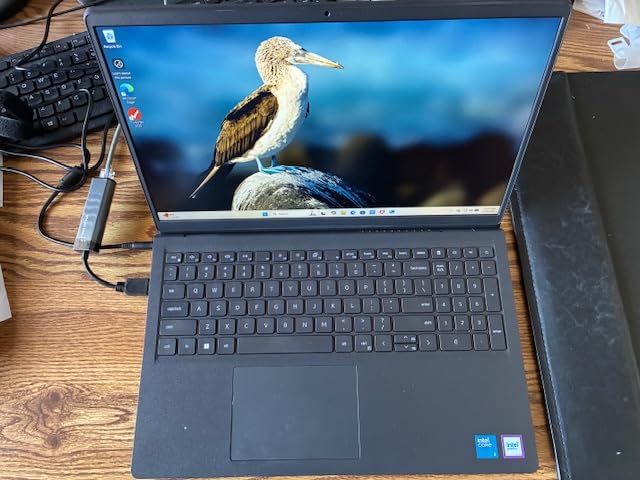
Lifted hinges give a more natural typing angle, and Dell ComfortView reduces blue light for long evening sessions. The one-year onsite service is a quiet advantage: if the machine fails, a technician comes to the house rather than the machine going in a mail bag.
Unlike several machines here, the memory is not soldered. It ships with 8GB on one slot and can go to 16GB, which makes this the one mainstream pick on this list a parent can extend later.
Who this Dell suits
Students taking economics, statistics, accounting or business coursework where a numeric keypad gets used daily, and any family that values a warranty with an onsite option. It is a sensible, unglamorous choice for a student who will treat the machine as a tool.
Where it falls short
At 4.2 pounds it is the heaviest laptop in this roundup, and that is a real cost over four years of daily carrying. The 250-nit non-touchscreen panel is dim, and integrated Intel graphics rule out gaming and GPU-heavy work. Reviewers are blunt that 8GB is modest, and topping out at 16GB is low by current standards.
8. Samsung Galaxy Chromebook Go – Best for Carrying and Drops
Samsung 14″ Galaxy Chromebook Go Laptop PC Computer, Intel Celeron N4500 Processor, 4GB RAM, 64GB Storage, ChromeOS, XE340XDA-KA2US, Student Laptop, Silver
14-inch LED display
Celeron N4500
4GB LPDDR4X
64GB SSD
12-hour battery
3.2 lb
Pros
- 3.2 pound slim chassis
- Built to withstand drops and dings
- 12-hour stated battery
- Quick boot and simple maintenance
- Works closely with Samsung phones and Chromebook devices
Cons
- 64GB storage is tight
- 4GB RAM and Celeron N4500 slow heavy multitasking
- Muted display colors
- No touchscreen on this model
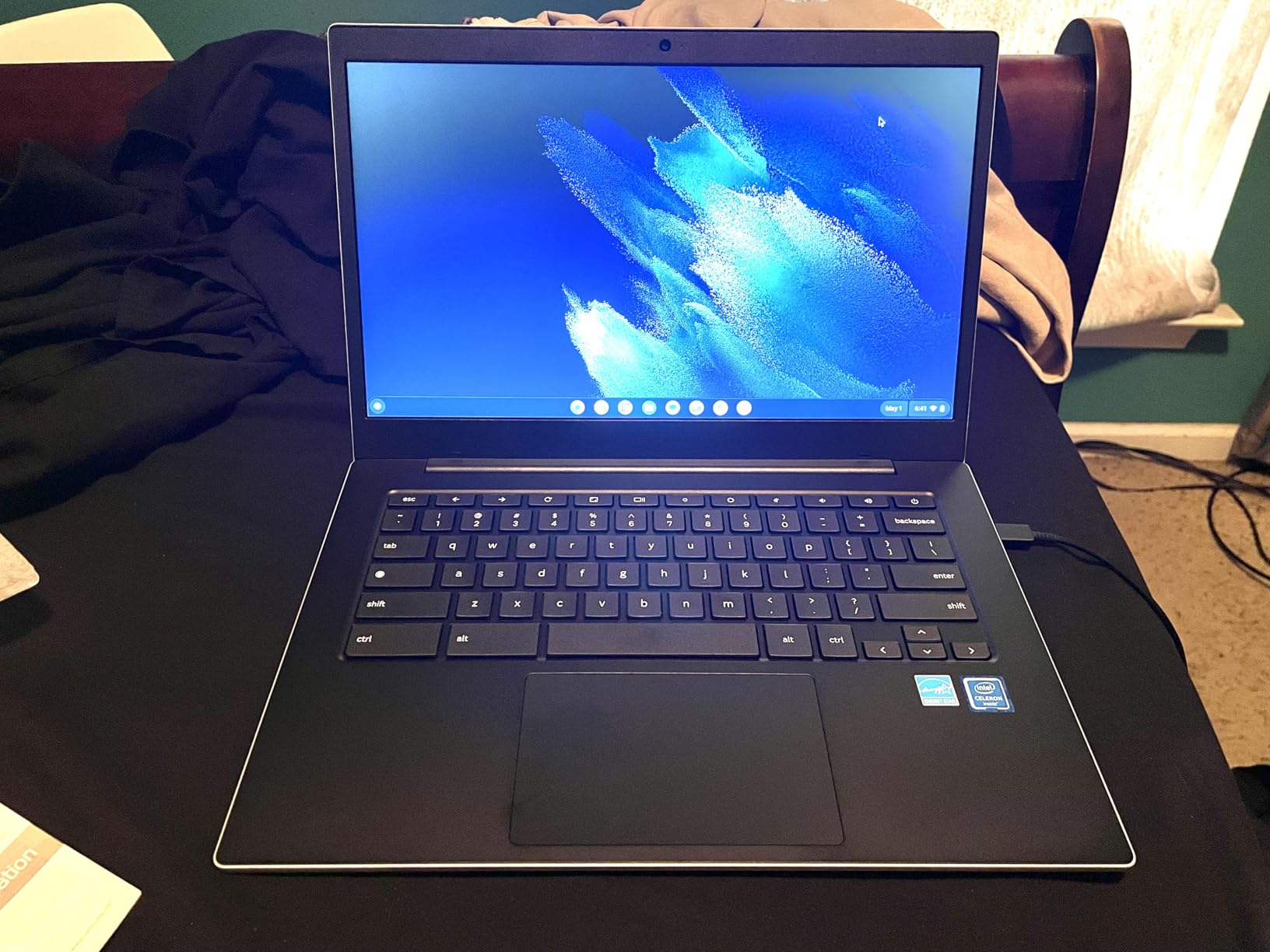
The durability claim is the point of this machine. Samsung built the Galaxy Chromebook Go to withstand the occasional drop or ding, and reviewers confirm the chassis holds up to daily handling by a teenager who does not think about how they are carrying it. A 0.63-inch profile and 3.2-pound weight make it the most pocketable option in this roundup alongside the HP Chromebook.
ChromeOS boots quickly and needs no maintenance, which removes an entire category of parent stress. The 12-hour stated battery covers a full school day, and the 450-nit display is the brightest panel among the Chromebooks here.
For a student in the Samsung or Android ecosystem, the phone-to-Chromebook handoff is seamless: transfer files, control the phone, pick up where you left off. That continuity is the reason some families choose a Chromebook over a cheap Windows machine despite the hardware being slower.
Reviewers do set expectations correctly on speed. 4GB of memory and the Celeron N4500 handle browser-centric work and documents, and they slow down when the tab count climbs or several Android apps run at once. A minority report spontaneous shutdowns and an over-sensitive keyboard on individual units.
Who this Chromebook suits
A student who is hard on their gear, or a family already invested in Samsung phones and tablets. It is also a sensible shared device for a second student or a parent who needs a light machine for email and documents on the sofa.
Where it falls short
64GB of local storage is tight, and the 4GB of memory is fixed. Display colors are noticeably muted next to an OLED or a modern IPS panel, and this model has no touchscreen, which rules it out for note-taking. A few buyers report random shutdowns, black-screen flashes and double-typed keystrokes, so keep the return window in mind.
9. ASUS Vivobook Go 15 – Best for Long Battery Days
ASUS 2023 Vivobook Go 15 Laptop, 15.6″ FHD Display, AMD Ryzen 5 7520U Processor, 8GB RAM, 512GB SSD, Windows 11 Home, Mixed Black, E1504FA-AS52
15.6-inch Full HD
Ryzen 5 7520U
8GB LPDDR5
512GB SSD
3.6 pounds
Pros
- Excellent multi-hour battery life
- 3.6 pound body
- 512GB SSD
- ErgoSense keyboard
- Meets US military-grade durability standards
- Fast charging to 50 percent in 30 minutes
Cons
- No backlit keyboard
- Narrow viewing angle shifts color off-axis
- 8GB RAM with no upgrade path
- Integrated graphics not for gaming
Battery life is the headline on this one, and reviewers describe it in terms of a full working day rather than a partial one. Combined with a 3.6-pound body, that is the combination a student who carries a laptop between five classes actually notices every single day.
The 15.6-inch Full HD display looks good head-on, and the 512GB SSD means a year of downloaded files will not fill it. The Ryzen 5 7520U boots quickly and runs general productivity work without drag.
ASUS IceCool thermal technology keeps it from overheating under load, and the chassis meets US military-grade durability standards, which is reassuring for a device that will spend four years in a backpack. Fast charging reaches about 50 percent in 30 minutes, useful before a long afternoon of classes.
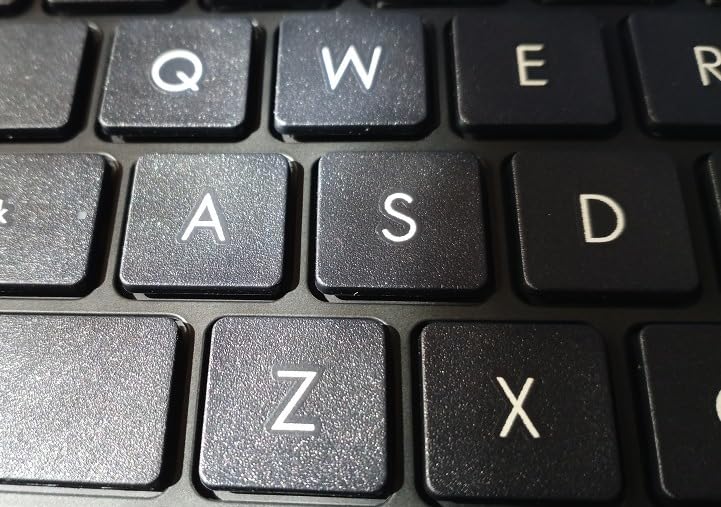
The ErgoSense keyboard is measured and tuned for wrist comfort, and AI noise-cancelling technology keeps a student’s voice clear on video calls. Built-in Wi-Fi 6E handles crowded school networks.
Who the Vivobook Go 15 suits
Students on a tight schedule, whether that means a full AP course load with early mornings or a long bus ride. Reviewers also single it out as good value next to larger-brand equivalents, and a household with two students needing a machine each can stretch the budget further here.
Where it falls short
No backlit keyboard, which is a genuine miss for evening study and the most repeated complaint. The viewing angle is narrow, so colors shift and the screen darkens when someone sits beside the student rather than in front. The 8GB of memory has no upgrade path, integrated Radeon graphics are not for gaming, and a small number of units reportedly arrived unable to boot until Windows was reinstalled.
10. Lenovo IdeaPad Flex 5 14-inch – Best for Windows Tablet Mode
Lenovo IdeaPad Flex 5-2023 – Touchscreen 2-in-1 Laptop – Windows 11 Home – 14″ FHD Display – 16GB Memory – 512GB Storage – AMD Ryzen 5 5500U – Abyss Blue
14-inch Full HD touchscreen
Ryzen 5 5500U
16GB DDR4
512GB SSD
12-hour battery
3.3 lb
Pros
- 360-degree hinge for four modes
- 16GB RAM and 512GB SSD
- Backlit keyboard
- 12-hour stated battery
- Works with the optional Lenovo Digital Pen
- Two year parts and labor warranty
Cons
- Ryzen 5 5500U is dated for heavy work
- Glossy screen catches reflections and fingerprints
- No USB-C port listed
- Soldered 16GB memory
This is the rare laptop that runs full Windows in laptop mode and a large touchscreen in tablet mode. The 360-degree hinge gives laptop, tent, stand and tablet positions, so a student can watch a lecture in stand mode on a desk and type an essay in laptop mode without switching devices.
The 16GB of DDR4 and 512GB SSD give the most headroom on this list, and the 12-hour stated battery is one of the longest. The backlit keyboard and integrated Dolby Audio with dual 2W speakers are the details that make it pleasant for evening work.
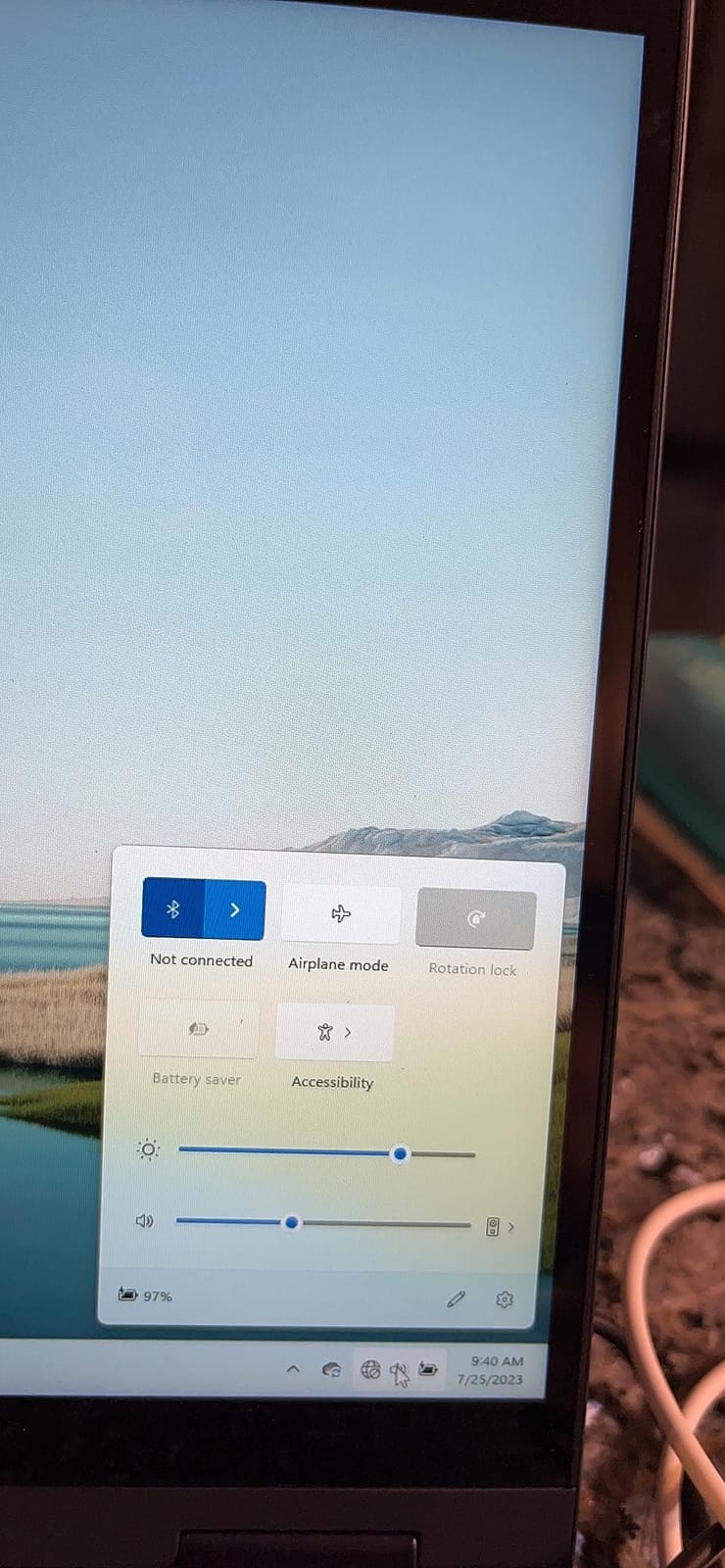
It pairs with the optional Lenovo Digital Pen for handwritten note-taking, and the physical webcam shutter keeps a teenager’s camera private in a crowded room. The two-year parts and labor warranty is the longest coverage in this roundup.
Buyers also note the narrow bezels give more usable screen than the chassis size suggests, and the IPS Full HD panel reads well for documents. Reviewers are positive about everyday usability across the hinge modes.
Who the Flex 5 suits
Students who take handwritten notes, watch a lot of recorded lectures, or want a laptop that doubles as a reading device. It is also a good fit for anyone planning a media or design elective, since the 16GB of memory handles heavier applications than anything else at this weight.
Where it falls short
The Ryzen 5 5500U and integrated Radeon R5 are an older platform, and they show on demanding work. The glossy screen finish picks up reflections and fingerprints, which is the wrong choice under classroom lighting. There is no USB-C port listed, so charging and expansion rely on the older connections, and the 16GB of memory is soldered. This configuration also carries the highest share of one-star reviews among the picks here, mostly about price for the specification.
11. HP Essential 14-inch – Best for Video Calls and Online Classes
HP Essential Laptop 2026, Intel CPU, 128GB Storage, Office 365, Copilot AI
14-inch anti-glare HD
Intel N150
4GB LPDDR5
128GB UFS
11-hour battery
3.24 lb
Pros
- 720p camera with noise reduction for calls
- Five ports including USB-C and SD reader
- 3.24 pound design
- Anti-glare 14-inch display
- One year of Microsoft 365 and Copilot included
- Up to 11 hours of battery
Cons
- Only 4GB RAM and that is the maximum
- 128GB UFS storage is small
- 1366 x 768 at 250 nits is dim and low resolution
- Keyboard is not backlit
The port selection is the standout on an otherwise basic machine. A USB-C port with DisplayPort 1.2, two USB-A ports, HDMI, a headphone jack and an SD card reader means a student rarely needs a dongle, and the SD reader is genuinely handy for moving photos off a camera or a card.
The 720p True Vision camera with temporal noise reduction and dual-array digital microphones is what makes this the pick for online classes and video calls, which is where the cheapest laptops usually disappoint. Reviewers call it out specifically for remote learning.
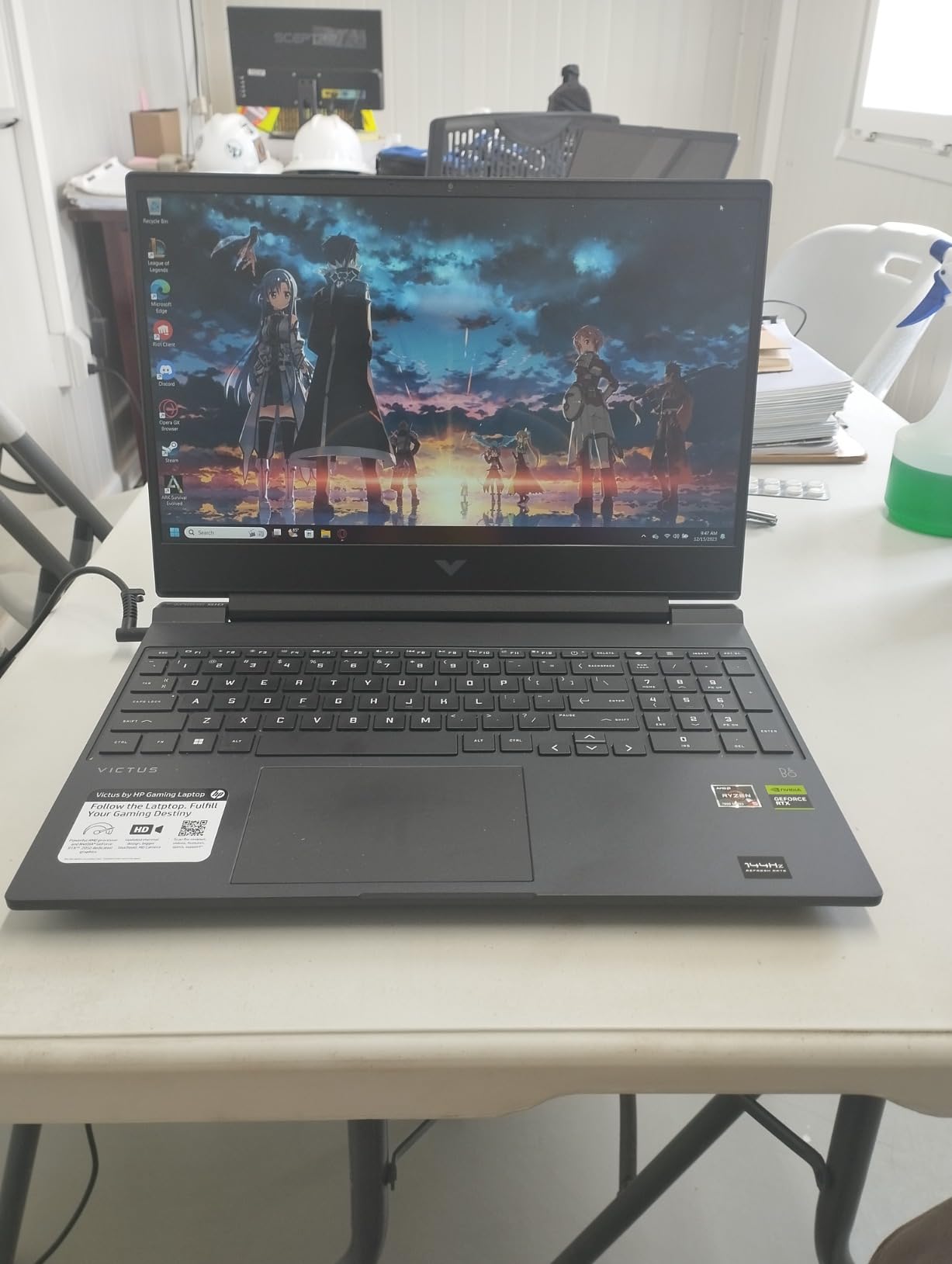
At 3.24 pounds and 0.71 inches thick it is one of the lightest Windows machines here, and the 14-inch anti-glare display at 250 nits is comfortable for extended reading. The 11-hour stated battery covers a school day of calls and documents.
One year of Microsoft 365 Personal and Microsoft Copilot with a dedicated Copilot key are included, which takes software cost out of the first year. Wi-Fi 6 and Bluetooth 5.4 handle modern school networks.
Who the HP Essential suits
Students with a heavy live-class schedule, a hybrid or online learning arrangement, or a family that wants a low-cost second Windows machine that still runs the full desktop. It is also the most comfortable machine here to hand to a parent who mainly needs email and documents.
Where it falls short
The 4GB of LPDDR5 is the maximum with no upgrade path, and 128GB of UFS storage is small, so a student will be managing space within the first year. The 1366 by 768 panel at 250 nits is dim and low resolution, integrated graphics rule out gaming, and the keyboard is not backlit despite some listings claiming otherwise. With an Intel N150, expect it to feel slow as soon as the tab count climbs.
12. drkako 15.6-inch Full HD – Best for Flexible Screen Angles
drkako 15.6″ FHD IPS Student Laptop, AI Assistant Included, Office 365
15.6-inch Full HD
Celeron J4105
12GB DDR4
256GB SSD
3.7 pounds
Pros
- Sharp 1920 x 1080 display
- 12GB RAM and 256GB SSD
- 180-degree lay-flat hinge
- One year of Office 365 and an AI assistant included
- Light 3.7 pound body
Cons
- Celeron J4105 is entry-level
- 6-hour stated battery
- Only two USB ports and mini HDMI
- Wi-Fi 5 only
- Small review base of 31 ratings
Two specifications here stand out against the price. Twelve gigabytes of RAM is more memory than most machines twice this size ship with, and the 1920 by 1080 Full HD display with narrow bezels is sharper than the HD panels on several established-brand picks here.
The 180-degree lay-flat hinge is genuinely useful for two students sharing a desk, for watching a lecture on a table, or for showing a teacher a document without passing the machine around.
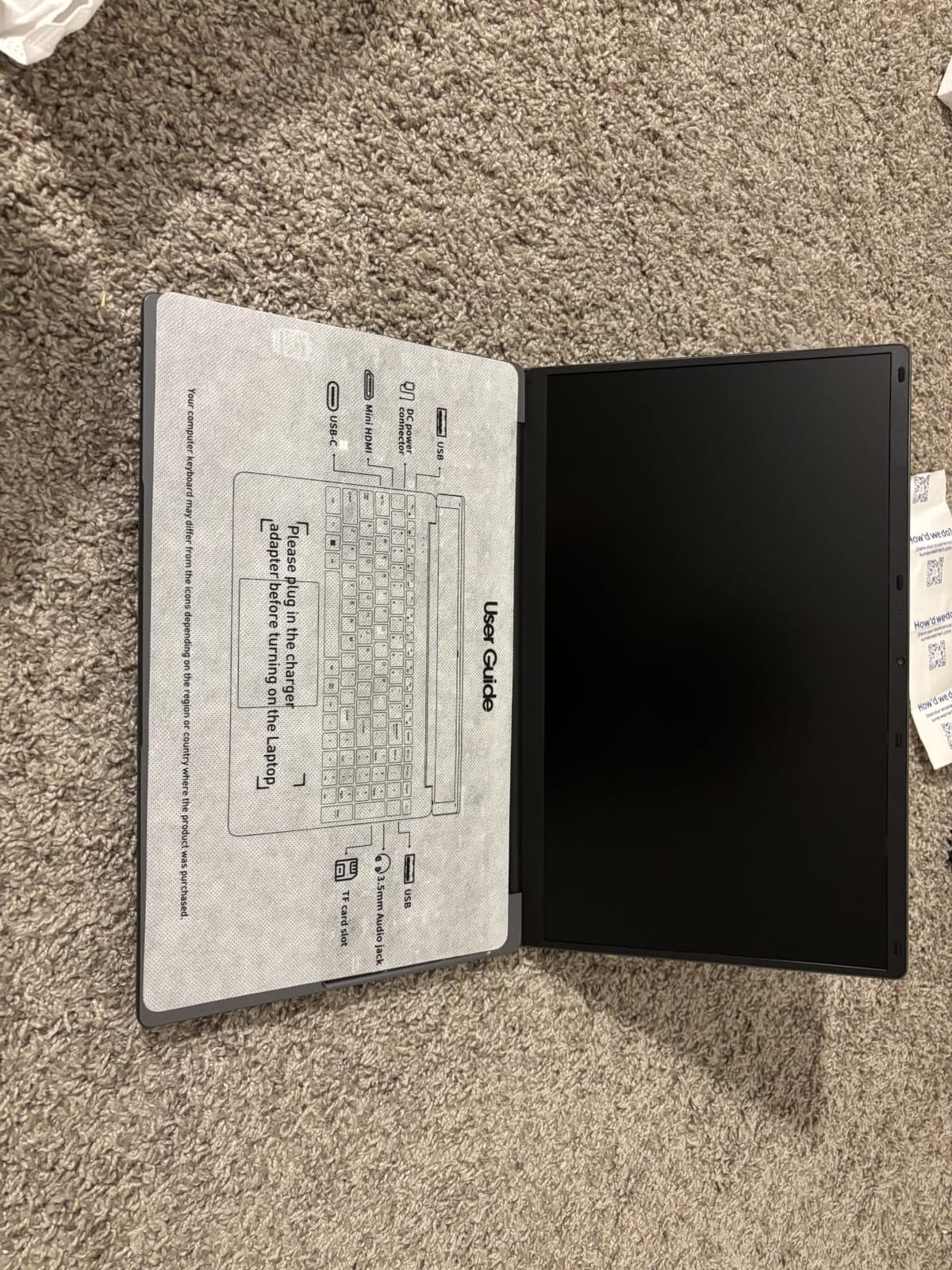
A year of Office 365 and a built-in AI assistant for writing, meetings and drawing are preinstalled, so a first-day-of-school machine is ready out of the box. Ports include USB-C, USB 3.2 and mini HDMI, and storage can be expanded through the SSD slot or a TF card.
Weighing it honestly: the review base is small at 31 ratings, and that limits our confidence in four-year reliability. This is a configuration that looks strong on a spec sheet more than one that has been proven by thousands of owners, and we would pair it with a good case.
Who this laptop suits
Families who want the most memory and the sharpest screen per dollar in a large 15.6-inch body, and students who share a machine at home. It is a reasonable first laptop where documents and browsing are the workload.
Where it falls short
The Intel Celeron J4105 is an entry-level processor, and it is the part that will age first. The stated battery life of about six hours is the shortest here, which means a charger in the bag. There are only two USB ports and a mini HDMI rather than a full-size one, the wireless is Wi-Fi 5 with no Wi-Fi 6, and the small review count means long-term reliability is unproven. Set a screen-time budget for the two hours that requires a plug.
How to Choose a Laptop That Survives Four Years
Start with the software, because it is the only decision you cannot undo later. If the courses are documents, research and video calls, a Chromebook costs less and breaks less. If CAD, engineering simulation or programming tools appear anywhere on the schedule, buy Windows. If the student is heading into media, design or photography, or the family lives in Apple devices, the best laptops for animation students cover that ground in more depth.
Processor. A modern four-core chip is enough. A Ryzen 3, Ryzen 5, Core 3 or Core i5 all handle schoolwork, and an Intel N-series chip or a Celeron will feel slow within two years. Avoid paying for eight cores unless the coursework justifies it.
Memory. Eight gigabytes is the floor and 16GB is the target. Eight handles a browser, a document suite and a video call. Sixteen handles a browser plus a code editor plus a simulator plus a video call, which is what an AP computer science or engineering student will attempt. Memory that is soldered cannot be added later, so decide now.
Storage. 256GB of NVMe SSD is the minimum worth buying, and 512GB is better because a year of downloaded videos, PDFs and project files adds up fast. Avoid eMMC and UFS storage below 128GB if the machine will be kept for four years. A memory card reader or external drive covers overflow far more cheaply than a bigger internal drive.
Battery. Ten hours of stated battery is the threshold that means you stop hunting for a socket between classes. Manufacturers quote optimistic figures, so treat the stated number as a ceiling rather than a promise. Above ten hours, a 40-watt-hour battery beats a 25-watt-hour one.
Weight. Anything under four pounds matters more than most buyers expect. A laptop is carried between classes every day, and a heavy machine gets left in a locker. The 3.2 to 3.6-pound machines in this roundup are the ones we would pick for a backpack.
Screen. 1920 by 1080 is the minimum worth paying for, and a matte or anti-glare finish is a real advantage under fluorescent lights. A touchscreen is worth it for students who annotate or take handwritten notes, and 250 nits or below will feel dim in a bright classroom.
Durability and warranty. Look for a military-grade or drop-resistant claim, and prefer machines with a two-year warranty. Check the return window carefully, because the first semester is when hardware problems surface. Budget for a case, since no laptop here is drop-proof.
Ports. A USB-C port, at least one USB-A port and an HDMI output cover nearly everything. Machines with three or more ports save a dongle. The MacBook Air is the exception, and it handles that with MagSafe and Thunderbolt 4 instead.
On budget, the decision is simpler than it looks. Under roughly the entry tier you are choosing between a Windows machine with soldered 8GB and a Chromebook with 4GB. In the middle you can get 8GB, a 512GB SSD and a better screen. Higher up, you are paying for battery life, weight, memory headroom and build quality rather than raw speed, and that is where the MacBook Air and the Ryzen 7 Lenovo earn their place. Buying a previous-generation or refurbished machine is reasonable, but check battery health and warranty terms before you commit.
Laptops to Avoid and Five Mistakes Parents Make
The “what laptop to stay away from” question deserves a direct answer. Avoid any machine with 4GB of RAM that cannot be upgraded, any laptop with only 64GB of storage, glossy low-contrast panels, unrepairable sealed batteries with no parts supply, and any listing loaded with bloatware trial software. Also walk away from a 1366 by 768 display on a Windows machine, because the sharpness difference from Full HD is obvious once you have used it.
Mistake one: buying more power than the coursework uses. A high schooler writes essays, does research and runs a browser. Discrete graphics and eight cores go unused for three of the four years.
Mistake two: buying a low-power chip to save money. The cheapest machines use Intel N-series and Celeron processors. They feel slow on day one and slower by senior year.
Mistake three: ignoring the school device policy. Buying a personal laptop before asking what the district supports wastes money and can create network headaches.
Mistake four: skipping the case and the protection plan. Repair costs for a cracked panel or a spilled drink are a real expense over four years, and a case costs a fraction of that.
Mistake five: buying storage too small to grow. A student accumulates video projects, scanned notes and downloaded media every single year. 256GB is the sensible floor.
Frequently Asked Questions
What is the best laptop for a teenager to use at school?
The Apple MacBook Air 13-inch with the M5 chip is our overall pick, with up to 18 hours of battery life, a 2.71-pound body and a 13.6-inch Liquid Retina display. For families wanting more capability per dollar, the HP 15.6-inch Ryzen 3 touchscreen offers 8GB of memory, a 12-hour stated battery and a responsive screen for notes. If coursework is documents and research only, the HP Chromebook 14 costs the least and does the job well.
Is a Chromebook or a laptop better for high school students?
A Chromebook is better when the workload is browser-based: Google Docs, Gmail, Canvas, Schoology, Google Classroom and PDF annotation. It costs less, repairs more cheaply and survives abuse better. A Windows laptop is better the moment any course needs desktop software such as AutoCAD, MATLAB, engineering simulation or a video editor, none of which run on ChromeOS. Ask the school what the course list requires before deciding.
Why do schools use Chromebooks instead of MacBooks?
Chromebooks are cheaper to license, cheaper to manage centrally and simpler to secure at scale, and ChromeOS updates itself without an IT department installing anything. They boot fast, run browser-based coursework without configuration, and survive the daily handling that comes with student use. The limitation is desktop software, which is why schools issue them for coursework and families buy separately when a student needs specialist tools.
Should a high schooler get a MacBook?
Yes, if the student is heading into media, design or photography, or if the family already uses Apple devices and values a machine that still feels fast in year four. The MacBook Air 13-inch with the M5 chip offers up to 18 hours of battery life and a 2.71-pound body. No, if any course requires Windows-only engineering or CAD software, or if the budget is tight and the coursework is documents only.
How much should I spend on a high school laptop?
Spend in proportion to how much specialist software the courses require. Browser-based work can be handled by a Chromebook at the lowest tier. Eight gigabytes of memory and a 256GB SSD is the sensible floor for Windows, and 512GB is better for four years of files. The upper tiers buy battery life, weight, memory headroom and build quality rather than speed a student will never use.
What laptop to stay away from?
Avoid laptops with 4GB of RAM that cannot be upgraded, machines with only 64GB of storage, and low-power Intel N-series or Celeron processors that feel slow within two years. Skip 1366 by 768 Windows displays, glossy screens that catch every reflection, and listings loaded with trial bloatware. Also avoid sealed machines with no parts supply, because battery and screen repairs then become replacements.
Final Verdict on the Best Laptops for High School Students
Buy the MacBook Air 13-inch with the M5 chip if you want one machine that handles everything and still feels fast in four years. Buy the HP 15.6-inch Ryzen 3 touchscreen if you want a full Windows machine with a usable screen and the most capability per dollar. Buy the HP Chromebook 14 if the coursework is documents and research, and accept that it may need replacing before graduation.
Whichever you pick, check the school device policy first, buy a case, and confirm the machine will hold up to four years of daily carrying. If the student is leaning toward film, animation or VFX work, our guides to the best laptops for VFX students and the best laptops for film school editing go deeper on the creative side.
Still deciding? Tell us your budget and whether the school requires Windows, and we will narrow the list to a single machine.