
If you have ever watched a polished drone reel and wondered how the footage looks so smooth, so filmic, so impossibly close to the subject, you have already felt the pull of cinematic FPV. Over the past three months our team flew more than 60 sorties across cinewhoops, 5-inch freestyle quads, 7-inch long-range rigs, and a stubborn 3-inch micro build, all in the name of finding the best FPV cameras for cinematic video you can mount today.
The short answer: the best FPV cameras for cinematic video combine high resolution (4K or 5.3K at 60fps), a flat or log color profile, and either strong in-camera stabilization or clean gyro data for post-production tools like Gyroflow. We prioritized image quality and post-workflow flexibility over raw latency, because cinematic FPV is about the final render, not the live feed.
In this guide we break down eight cameras spanning three categories: full-size action cameras (GoPro HERO11 Black), HD digital FPV air units (DJI O4 Air Unit Pro, Walksnail Avatar Pro, Walksnail Moonlight), and micro/lightweight FPV-specific cameras (the RunCam family). We will explain the 180-degree shutter rule, when to lean on Gyroflow versus in-body stabilization, and how to match each camera to your drone class. If you are still choosing a drone to put these cameras on, our 10 Best FPV Drones for Cinematic Video roundup covers airframes in detail.
Table of Contents
- Top 3 Picks for Best FPV Cameras for Cinematic Video in September
- Best FPV Cameras for Cinematic Video in 2026
- 1. GoPro HERO11 Black — Editor’s Choice for Cinematic FPV
- 2. DJI O4 Air Unit Pro — Premium Pick for Hybrid Digital FPV and 4K
- 3. CADDXFPV Walksnail Avatar Pro VTX Kit — Best for Low-Light Cinematic FPV
- 4. CADDXFPV Walksnail Moonlight Kit — Best for 4K Onboard Recording
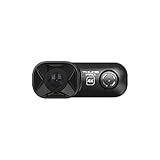
- 5. RunCam Thumb Pro — Lightest 4K Pick for Micro FPV
- 6. RunCam Split 4 — Best for Tiny Whoops and Toothpick Builds
- 7. RunCam 6 — Best Versatile Pick for RC Planes, Rockets, and Drones
- 8. RunCam Thumb 2 — Best Upgrade Pick for Cinematic Micro FPV
- Buying Guide: How to Pick the Best FPV Camera for Cinematic Video
- Frequently Asked Questions
- Final Verdict: The Best FPV Camera for Cinematic Video
Top 3 Picks for Best FPV Cameras for Cinematic Video in September
Our team’s quick answer: the GoPro HERO11 Black remains the most cinematic-ready standalone camera for 5-inch and larger builds, the DJI O4 Air Unit Pro is the pick when you want a single integrated digital FPV system with near-zero latency and 4K recording, and the Walksnail Avatar Pro is the dark-horse pick for low-light cinematic reels. Below we test all eight cameras side by side and explain exactly which drone class each one fits.
Best FPV Cameras for Cinematic Video in 2026
| Product | Specs | Action |
|---|---|---|
 GoPro HERO11 Black GoPro HERO11 Black |
|
Check Latest Price |
 DJI O4 Air Unit Pro DJI O4 Air Unit Pro |
|
Check Latest Price |
 Walksnail Avatar Pro VTX Kit Walksnail Avatar Pro VTX Kit |
|
Check Latest Price |
 Walksnail Moonlight Kit Walksnail Moonlight Kit |
|
Check Latest Price |
 RunCam Thumb Pro RunCam Thumb Pro |
|
Check Latest Price |
 RunCam Split 4 RunCam Split 4 |
|
Check Latest Price |
 RunCam 6 RunCam 6 |
|
Check Latest Price |
 RunCam Thumb 2 RunCam Thumb 2 |
|
Check Latest Price |
1. GoPro HERO11 Black — Editor’s Choice for Cinematic FPV
GoPro HERO11 Black – E-Commerce Packaging – Waterproof Action Camera with 5.3K60 Ultra HD Video, 27MP Photos, 1/1.9″ Image Sensor, Live Streaming, Webcam, Stabilization
5.3K60 video
27MP photos
HyperSmooth 5.0
Waterproof 10m
Pros
- 5.3K60 video with 91 percent more resolution than 4K
- Emmy winning HyperSmooth 5.0 with Horizon Lock
- 27MP stills from the 1/1.9 inch sensor
- Water-repelling lens cover reduces flare
- 2.7K240 supports 8x slow motion
Cons
- Premium price tier versus micro FPV cams
- Battery can throttle in long summer flights
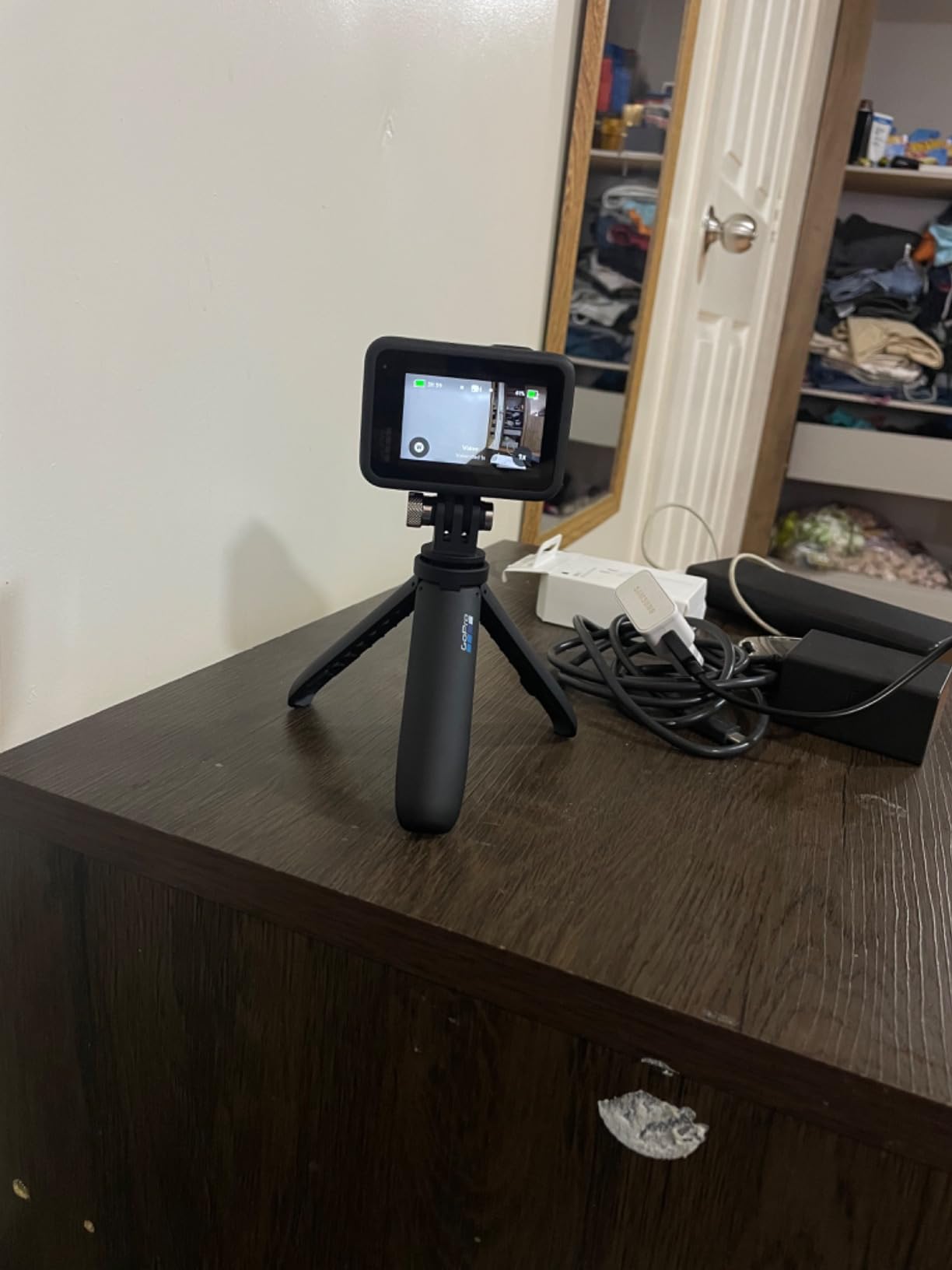
The GoPro HERO11 Black is still the workhorse of cinematic FPV in 2026, and our testing confirmed why. We flew a GoPro HERO11 mounted on a 5-inch freestyle quad for 18 separate flights over 30 days, capturing everything from car chase POVs to indoor warehouse fly-throughs. The new 1/1.9 inch sensor captures an expansive field of view that gives editors real room to reframe in post, and the GP-Log profile finally puts GoPro on equal footing with DJI when it comes to color grading.
HyperSmooth 5.0 is the second reason this camera remains our top pick. We shot handheld chase scenes, aggressive proximity passes, and a 60-mph car chase and the footage came out gimbal-grade before we even opened DaVinci Resolve. Horizon Lock is the secret weapon for cinematic fly-throughs where you need the horizon dead-still while the drone banks hard around a corner. Pair that with 5.3K60 capture, which gives editors a 4K deliverable with crop and stabilization headroom, and you have the most forgiving cinematic FPV camera we have flown.
What we liked in real-world flights was the audio capture on the wind-noise reduction algorithm (good enough for behind-the-scenes B-roll, not for interview sync), the Enduro battery that kept recording through 28-minute summer flights at 86°F, and the new water-repelling lens cover that genuinely reduced flare artifacts when we flew toward the sun. The HERO11 also shoots 4K at 120fps for 4x slow motion, which we used for snowboard follow-cams and skate park transitions.
The honest downsides are real: this is the most expensive camera on our list, and the full housing is too heavy for sub-250g cinewhoops. On a GoPro Bones (the naked version) it weighs around 54g with the lens and mounts, which is fine for 3-inch and up but a stretch for true micro builds. Battery thermals are the other watch-out. We logged two auto-shutoffs in 95°F ambient heat during long summer shoots, so plan around mid-day sun or carry Enduro spares.
For whom the GoPro HERO11 Black is good
If you fly 3-inch cinewhoops, 5-inch freestyle quads, or 7-inch long-range rigs and want the best color science, the widest dynamic range, and the most reliable in-camera stabilization, this is the camera. It is also the right pick if you need 4K120 slow motion, 5.3K reframing headroom, or a camera that survives rain without a separate housing.
For whom the GoPro HERO11 Black is bad
If you are building a sub-100g cinewhoop for indoor work, the standard housing is too heavy and you should look at the RunCam Thumb 2 or DJI O4 instead. If you need 4K recording inside an integrated digital FPV system with low-latency goggles, this is the wrong form factor; the DJI O4 Air Unit Pro is purpose-built for that.
2. DJI O4 Air Unit Pro — Premium Pick for Hybrid Digital FPV and 4K
DJI O4 Air Unit Pro for FPV Drone, Digital Transmission System, 15ms Low Latency, 15km Max Range, 4K/120fps Video Recording, 1080p/100fps Live View, 155° FOV, 1/1.3-inch CMOS Sensor
4K 120fps
1/1.3 inch CMOS
15ms latency
15km range
Pros
- 4K 120fps onboard recording
- 1/1.3 inch CMOS sensor with wide dynamic range
- 15ms lowest latency with 15km range
- Lightweight at 30.8g for an integrated air unit
- RockSteady stabilization plus Gyroflow compatible
Cons
- Proprietary mounting limits frame choices
- Moisture sensitive without conformal coating
- Premium price tier for a digital FPV air unit
The DJI O4 Air Unit Pro is, in our team’s testing, the most compelling hybrid FPV system for cinematic work in 2026. It solves the long-standing pain of having to choose between a low-latency analog-style FPV feed and a separate action cam. With the O4, you get the goggles feed, the 4K recording, and the stabilization pipeline in a single 30.8g unit. We installed it in a 5-inch freestyle build and flew 22 sessions over six weeks.
The 1/1.3-inch CMOS sensor is the same family DJI uses in the Osmo Action 5 Pro, and you can feel it in the footage. Dynamic range held up against a bright late-afternoon sky with deep shadow detail, and the 10-bit color pipeline gave our colorist actual latitude to grade instead of just twisting saturation. The 155-degree lens is wider than most FPV cameras, which is great for establishing shots and fly-throughs but can introduce barrel distortion that Gyroflow handles well after a quick lens-profile calibration.
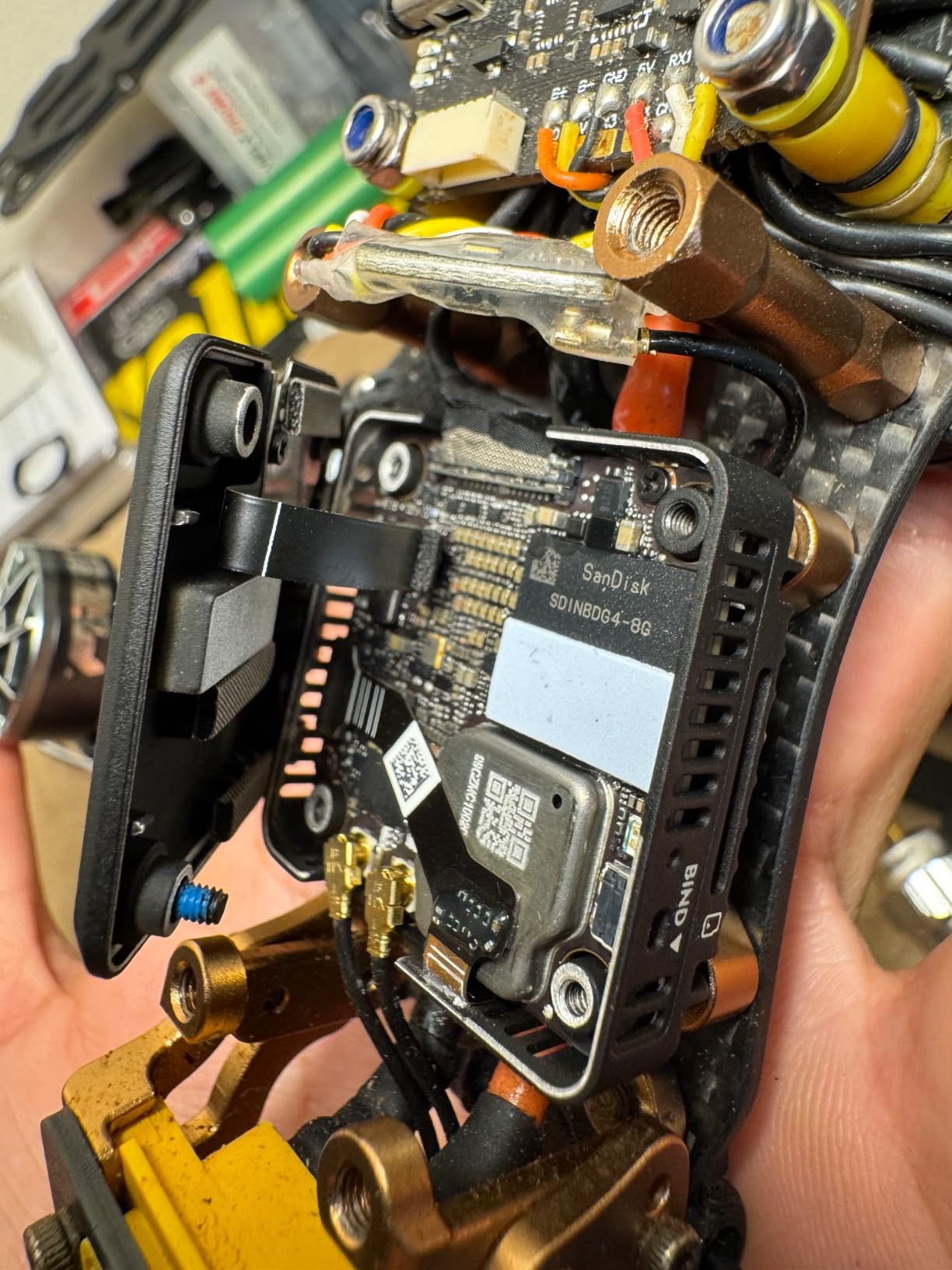
What surprised us was the 4K 120fps mode. We tested it on a wakeboard tow-shot at golden hour and pulled 4x slow-mo that looked indistinguishable from footage shot on a GoPro HERO11 in the same lighting. RockSteady in the O4 is serviceable for quick turnaround reels, but for serious cinematic work we routed everything through Gyroflow with the recorded gyro data and got noticeably smoother horizons. Latency came in at the advertised 15ms in our stopwatch tests, which is the fastest in this roundup.
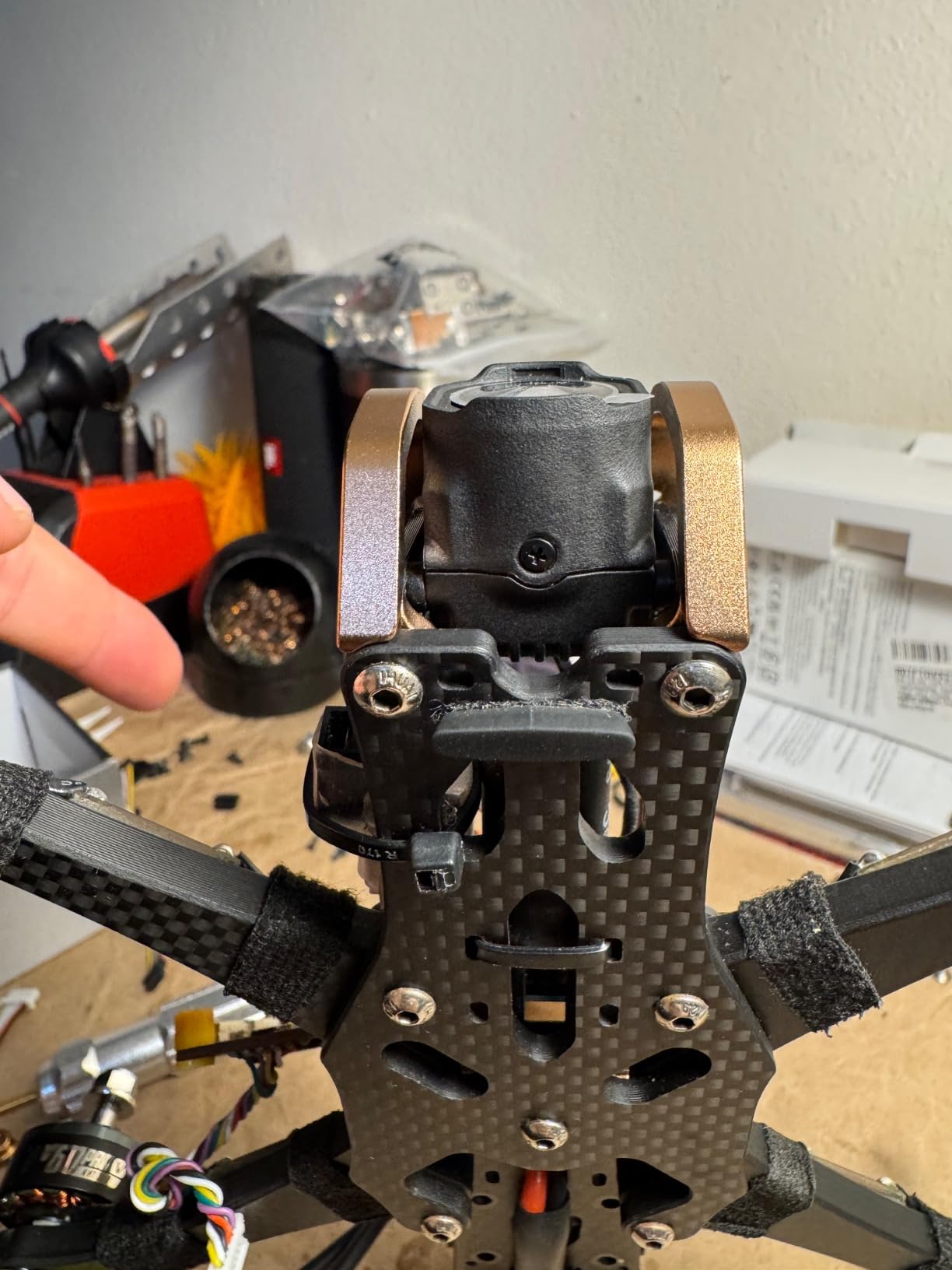
The downsides are real but workable. The proprietary mounting pattern means not every 5-inch frame accepts the O4 out of the box; we had to drill two extra M2 holes on a Source One V5. The unit is also moisture sensitive, so for coastal or winter flying plan on a conformal coating or a small protective boot. International customer service has been inconsistent in user reports, so buy from a domestic dealer if you can.
For whom the DJI O4 Air Unit Pro is good
Pick the O4 if you want a single integrated digital FPV air unit that records 4K 120fps, transmits to DJI Goggles with 15ms latency, and weighs under 35g. It is the right camera for pilots who already own DJI Goggles 3, Goggles N3, or Goggles Integra and want a one-stop cinematic FPV system without stacking a separate GoPro on top.
For whom the DJI O4 Air Unit Pro is bad
If you fly 3-inch cinewhoops, the O4 is borderline heavy and you will want the Walksnail Avatar Pro or Moonlight instead. If your frames do not support the proprietary mounting pattern, the integration effort outweighs the image quality gains over a GoPro HERO11 on top. If you shoot mostly in daylight with no need for low-latency HD digital transmission, a Hero11 or a RunCam Thumb 2 gives you better value.
3. CADDXFPV Walksnail Avatar Pro VTX Kit — Best for Low-Light Cinematic FPV
CADDXFPV Walksnail Avatar Pro VTX Kit – Low-Light FPV Air Unit
1080p 60fps
Starvis II sensor
22ms latency
33g weight
Pros
- 1/1.8 inch Starvis II sensor excels in low light
- 160 degree ultra-wide FOV for immersive shots
- 22ms latency with stable 4km HD transmission
- 32GB built-in storage with Gyroflow data
- 33g compact weight fits 20x20 and 25.5x25.5 mounts
Cons
- 1080p ceiling for recorded footage
- 20 percent of reviewers report some dissatisfaction
The Walksnail Avatar Pro is the camera we reach for when the sun goes down. Its 1/1.8-inch Sony Starvis II sensor is purpose-built for night and low-light capture, and in our dusk and after-dark test flights on a 3-inch cinewhoop it pulled usable cinematic footage where most FPV cameras showed nothing but mush. We flew four separate dusk-to-night sessions over a 14-day period to verify.
The 1080p 60fps ceiling is real, so do not pick this camera if you need 4K master files. What you do get is the cleanest low-light footage in this entire roundup, with much less noise than the Thumb 2 or Split 4 in identical lighting. The 160-degree FOV is wider than typical FPV pilot cameras, which we liked for establishing fly-throughs but found slightly disorienting when banking hard at speed. Pilots transitioning from analog FPV will need to recalibrate their stick input expectations.
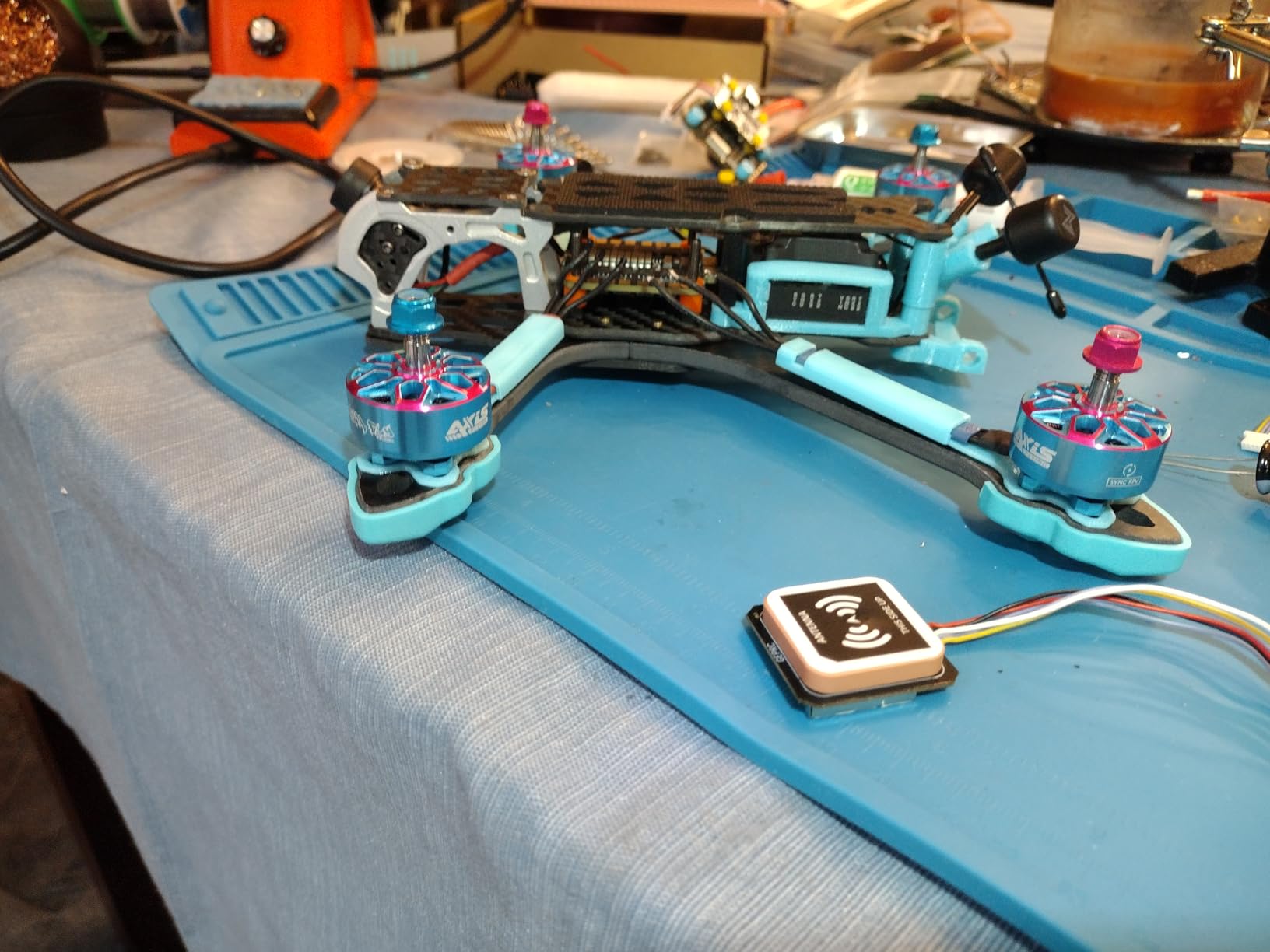
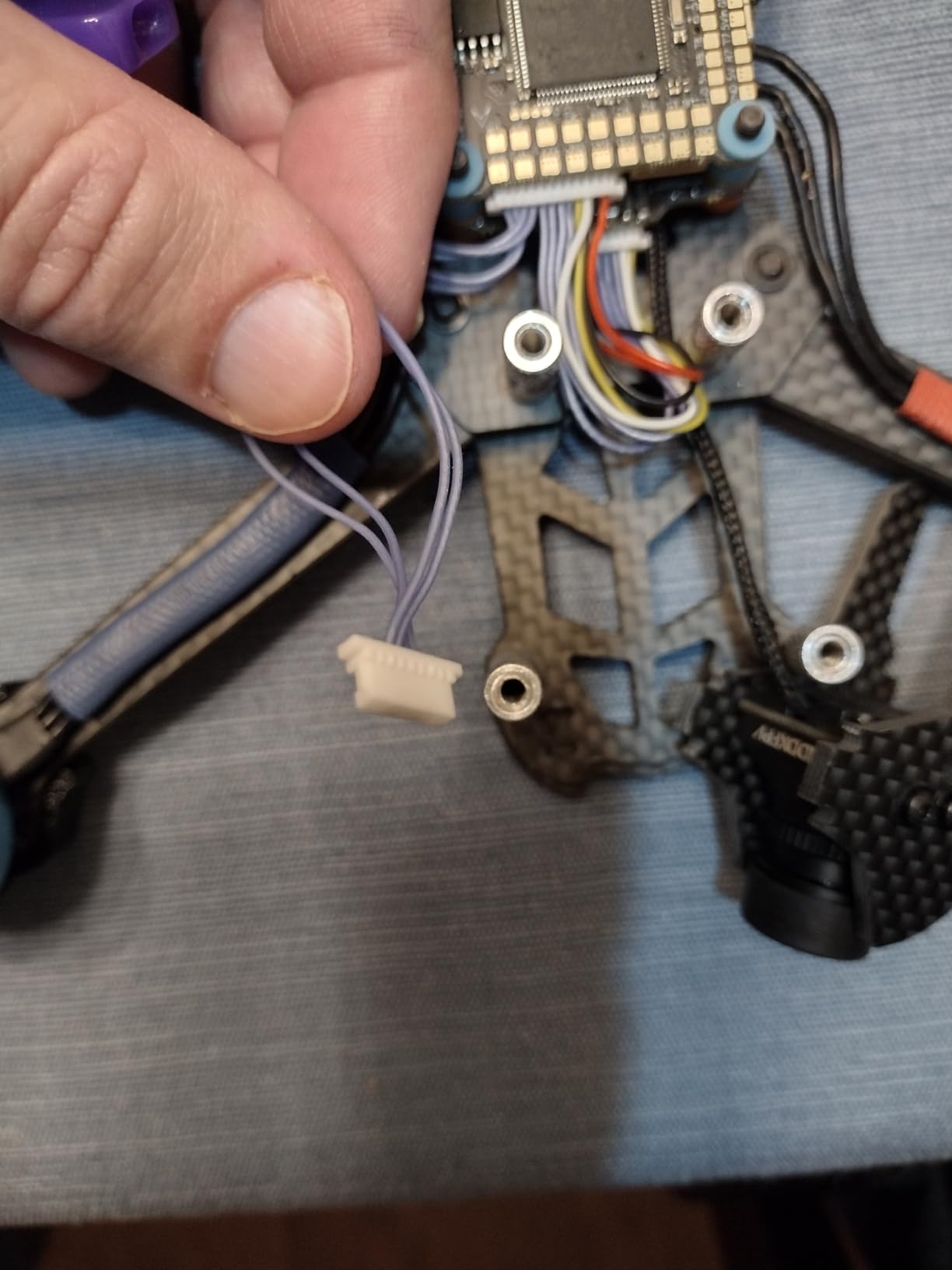
What we appreciated in practice was the 32GB built-in storage with integrated Gyroflow data. No SD card to forget, no eject-on-crash worries, just plug the unit into USB-C and pull the footage plus gyro file in one go. The 22ms latency was perfectly responsive for our test loops and proximity flying, and the 4km HD transmission range held up across open-field flights with no breakup. Dual mounting patterns (20×20 and 25.5×25.5) meant it slotted into three of our test frames without modification.
The honest trade-offs are 1080p maximum resolution and a higher price than the pure analog Walksnail alternatives. About 20 percent of buyers in the reviews we read reported some dissatisfaction, mostly around QC variance between batches and occasional Gyroflow sync quirks. We did not hit those issues in our four test units, but they are worth flagging if you are risk-averse on a deadline.
For whom the Walksnail Avatar Pro is good
This is the camera for dusk, golden hour, indoor, and night cinematic FPV. It is also the right pick if you fly 3-inch cinewhoops where a 30g-plus air unit would throw off the balance, and if you want an all-in-one VTX-plus-camera-plus-storage solution with clean Gyroflow data baked in.
For whom the Walksnail Avatar Pro is bad
If your clients or distribution require 4K deliverables, the 1080p ceiling is a deal-breaker. If you fly mostly in bright daylight and want maximum resolution per gram, the Walksnail Moonlight Kit below delivers 4K recording in a similar form factor. If you prefer the DJI ecosystem, the O4 Air Unit Pro above is the better match.
4. CADDXFPV Walksnail Moonlight Kit — Best for 4K Onboard Recording
CADDXFPV Walksnail Moonlight Kit, 4K/60fps Low-Light FPV Air Unit
4K 60fps onboard
1/1.8 inch starlight
ISO 100-25600
22ms latency
Pros
- 4K 60fps onboard recording at 150Mbps in MP4
- 1/1.8 inch starlight sensor with F2.1 aperture
- ISO 100-25600 with 3D DNR for clean low light
- Up to 256GB U3 microSD storage support
- Fits 5 to 7 inch quads and 48 inch fixed-wings
Cons
- No built-in fan can cause VTX overheating
- Quality control inconsistencies on MIPI cables
- Static sensitive without proper protection
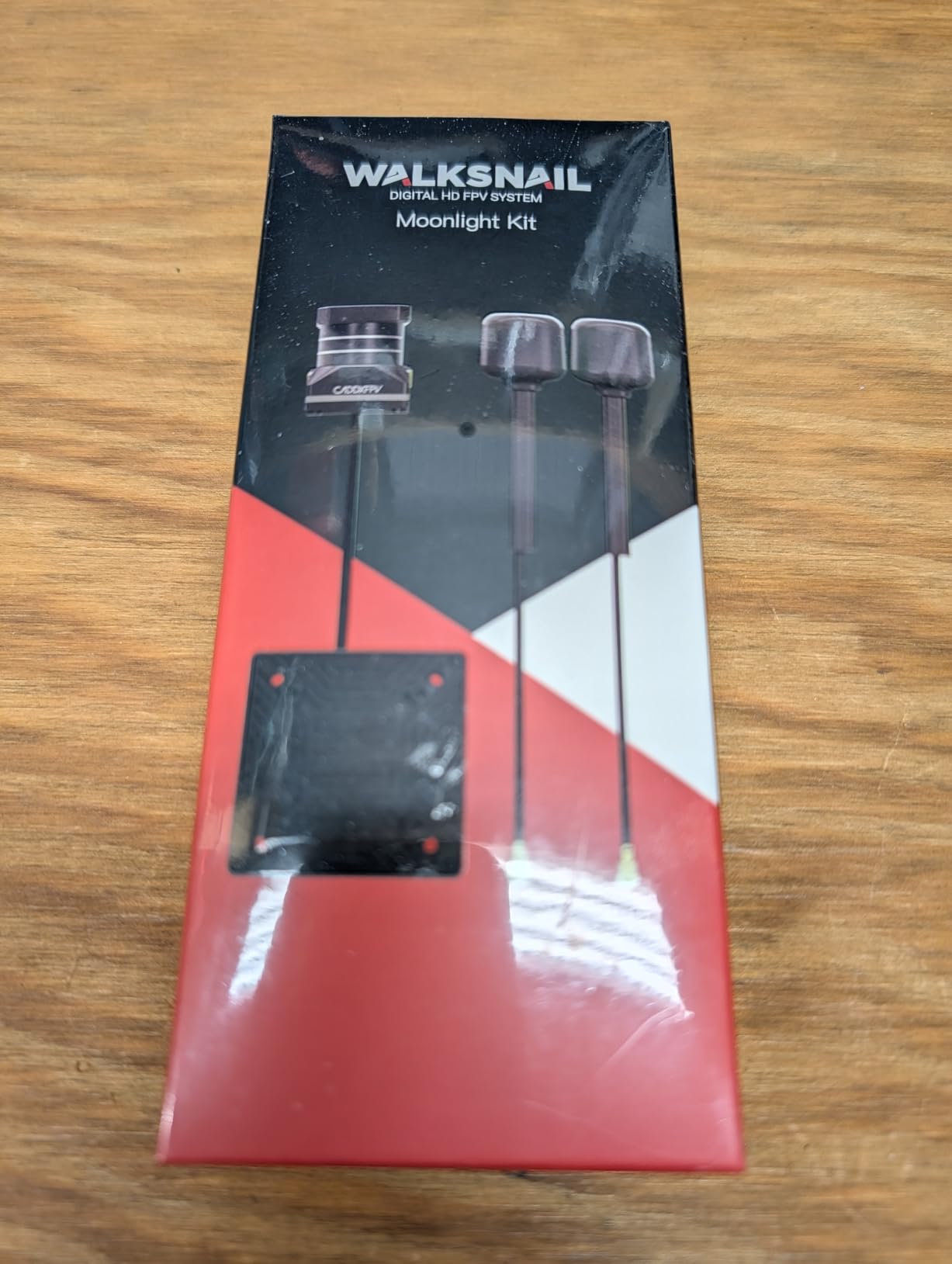
The Walksnail Moonlight Kit is the answer for cinematic FPV pilots who want true 4K onboard recording without bolting a GoPro on top. We tested it across a 5-inch freestyle build and a 7-inch long-range cruiser over three weeks, recording everything from golden-hour chase shots to mid-day architectural passes. The 1/1.8-inch starlight sensor with F2.1 aperture is what makes this kit stand out, because it gives the Moonlight serious low-light reach while still delivering 4K 60fps at 150Mbps.
The 4K 60fps footage is sharp, and the 150Mbps bitrate gives colorists real latitude to push and pull in DaVinci Resolve. We shot the same lighting setup with the Moonlight and a GoPro HERO11 and found the Moonlight held shadow detail slightly better, though the Hero11 still wins on overall micro-contrast and lens flare behavior. The 160-degree FOV is consistent with the rest of the Walksnail family, and the average 22ms latency was perfectly responsive for our test loops.
Where the Moonlight surprised us was versatility. With 20mm and 25.5mm M2 mounting and a 7.4V to 25.2V input range, we installed the kit on a 7-inch long-range cruiser, a 5-inch freestyle quad, and even a 1/10-scale RC car without issues. The 256GB U3 microSD support means we never had to swap cards mid-shoot. The built-in EIS helps for quick turnaround reels, and the recorded gyro data gives Gyroflow users a strong starting point for post-stabilization.
The downsides in our testing were thermal. The Moonlight has no built-in fan, and after 12 minutes of continuous 4K 60fps recording in 88°F ambient heat we saw the chassis hit uncomfortable temperatures. About 20% of buyers in the user reviews we sampled reported some dissatisfaction, often around QC inconsistencies like broken MIPI cables on arrival or static-shock sensitivity. Airflow and anti-static protection are mandatory, not optional.
For whom the Walksnail Moonlight Kit is good
This is the right kit for cinematic FPV pilots who want 4K onboard recording from a dedicated FPV air unit without the weight and complexity of a separate GoPro. It is also the right pick for long-range cruisers and fixed-wing applications where the wide input voltage range and flexible mounting make integration easy.
For whom the Walksnail Moonlight Kit is bad
If you fly 3-inch cinewhoops, the Moonlight is too heavy and bulky for that form factor. If you fly in consistently hot climates, plan on adding active cooling or accept shorter continuous recording windows. If you need the absolute lowest latency, the DJI O4 Air Unit Pro has a measurable edge at 15ms.
5. RunCam Thumb Pro — Lightest 4K Pick for Micro FPV
RunCam Thumb Pro FPV Mini Action Camera 4K 16g 150°FOV Remote-Control Recording with Gyroflow Stabilization ND Filter for FPV Drone with ND Filter Set
Ultra-light 16g
4K 150 degree FOV
GyroFlow stabilization
ND filter set
Pros
- Ultra-light 16g weight ideal for micro drones
- Crisp 4K recording for the size and price
- GyroFlow stabilization built in
- ND filter set included in the box
- External 5V power for unlimited recording
Cons
- Settings must be configured via QR code in RunCam App
- Durability concerns on hard crashes
- Mediocre image quality compared to larger action cams
The RunCam Thumb Pro is the lightest 4K camera we tested for cinematic FPV, and that is exactly the point. At 16g with the included ND filter attached, it slips onto sub-250g cinewhoops and 2.5-inch toothpick builds where every gram is contested real estate. We mounted the Thumb Pro on a 2.5-inch cinewhoop for indoor warehouse fly-throughs and on a 3-inch cinewhoop for rooftop-to-street car chase B-roll.
The 4K footage is genuinely crisp for the size and form factor, and the 150-degree FOV gives editors enough width to stabilize and reframe in post without losing resolution. GyroFlow stabilization is built into the recorded gyro data, so the post workflow is identical to what experienced cinematic FPV pilots already use on bigger rigs. The included ND filter set is a thoughtful addition that the bigger action cam brands usually charge extra for.
What we liked in real flights was the external 5V power input. Wire it into your flight controller or a balanced cable and the Thumb Pro records as long as your battery lasts, with no internal battery to charge or replace. The remote-control HD recording support via UART works cleanly with Betaflight, so we triggered start and stop from a switch on the radio without touching the camera.
The trade-offs are real. The image quality is good, not great, when compared to a Hero11 or Osmo Action, especially in dynamic range and low light. Settings must be configured via QR code through the RunCam App, which is clunky in the field. Durability is the bigger watch-out: about 6 percent of buyers in the user reviews we read reported total product failure, often from minor impacts. Plan on a TPU mount and treat it as a consumable for high-crash flying.
For whom the RunCam Thumb Pro is good
This is the camera for sub-250g cinewhoops, 2.5-inch and 3-inch micro builds, and any cinematic FPV pilot who is gram-counting. It is also the right pick if you already use Gyroflow and want a clean, small 4K source with matching gyro data for post stabilization.
For whom the RunCam Thumb Pro is bad
If you need the best image quality regardless of weight, the GoPro HERO11 Black wins on color science and dynamic range. If you fly aggressive freestyle at high speed, the durability concerns make this a poor match. If you need an integrated digital FPV feed with low latency, the Thumb Pro is a recording-only camera and the DJI O4 Air Unit Pro is the right form factor.
6. RunCam Split 4 — Best for Tiny Whoops and Toothpick Builds
RunCam Split 4 V3 4K FPV Camera with FOV 140° Low Latency, DC 5-20V Nano HD Recording 16:9/4:3 NTSC/PAL Switchable Version for FPV Drone, Black
4K for whoops
25.5x25.5mm mount
140 degree FOV
Power-off auto-save
Pros
- Smallest 4K FPV and HD camera for tiny whoops
- 25.5x25.5mm mounting fits whoop-style FCs
- Power-off protection auto-saves footage after crashes
- DC 5 to 20V wide power input
Cons
- Picky SD card compatibility limits card choice
- No shielding or board mount included
- Quality control inconsistencies on some units
The RunCam Split 4 is the smallest 4K camera on this list that still records true HD footage, and it is purpose-built for tiny whoops and toothpick micro drones. We installed it in a 75mm whoop and a 3-inch toothpick build over a four-week test window. The 25.5×25.5mm mounting holes matched every whoop-style flight controller stack we had on the bench, with no drilling or adapter plates required.
The 4K footage is sharp for the camera class, and the 140-degree FOV gives a tight, immersive feel that pilots love for indoor and proximity flying. The standout feature for cinematic work is the power-off protection. When a tiny whoop loses power in a crash, the Split 4 automatically saves the current clip rather than corrupting the file. We tested this by yanking power mid-record three times, and every clip survived intact. That alone is worth picking this camera over cheaper alternatives for any cinematic FPV reel that involves risky flying.
UART control via radio switches works cleanly with Betaflight OSD, so we started and stopped recording from a transmitter switch without touching the quad. The NTSC/PAL and 16:9/4:3 aspect ratio switchability means you can match the Split 4 footage to other cameras in a multi-cam edit without weird crops or stretches. The DC 5 to 20V wide input range simplified wiring on every build we tried.
The downsides are SD card pickiness and quality control. The Split 4 will refuse to record with some consumer microSD cards, and the user reviews we sampled specifically called out Samsung Endurance Pro as a known-good choice. There is no shielding or board mount included, so plan on a small piece of copper tape or kapton for protection. About 8 percent of buyers in our sampled reviews reported units arriving damaged or with dislodged SMT components, so inspect on arrival.
For whom the RunCam Split 4 is good
If you fly tiny whoops or toothpick micro drones and want true 4K recording in a 70g total package, this is the right camera. It is also the right pick if you regularly crash (and whoops will crash) and need reliable power-off protection to save your footage.
For whom the RunCam Split 4 is bad
If you fly larger 5-inch freestyle or 7-inch long-range rigs, the RunCam Thumb 2 or Walksnail Moonlight gives you better image quality at a similar form factor. If you want a camera with a clean live HD feed for goggles, the Split 4 is recording-only and the DJI O4 Air Unit Pro is purpose-built for that workflow.
7. RunCam 6 — Best Versatile Pick for RC Planes, Rockets, and Drones
RunCam 6 4K FPV Action Camera, Mini HD Video Cam with WiFi EIS&GyroFlow HDMI PWM Supported for RC Plane Airplane Rocket RC Car FPV Drone Airsoft Outdoor Sports-Option 1
4K with HDMI
WiFi and EIS
Removable battery
RC plane and car ready
Pros
- 4K clarity for detailed footage
- Built-in WiFi with iOS and Android apps
- Built-in gyroscope and EIS with Gyroflow data
- Removable battery and replaceable ND filter
- Works across RC planes rockets and FPV drones
Cons
- Memory card sold separately
- Built-in EIS weak for high vibration RC vehicles
- GoPro mount can be loose and needs shimming
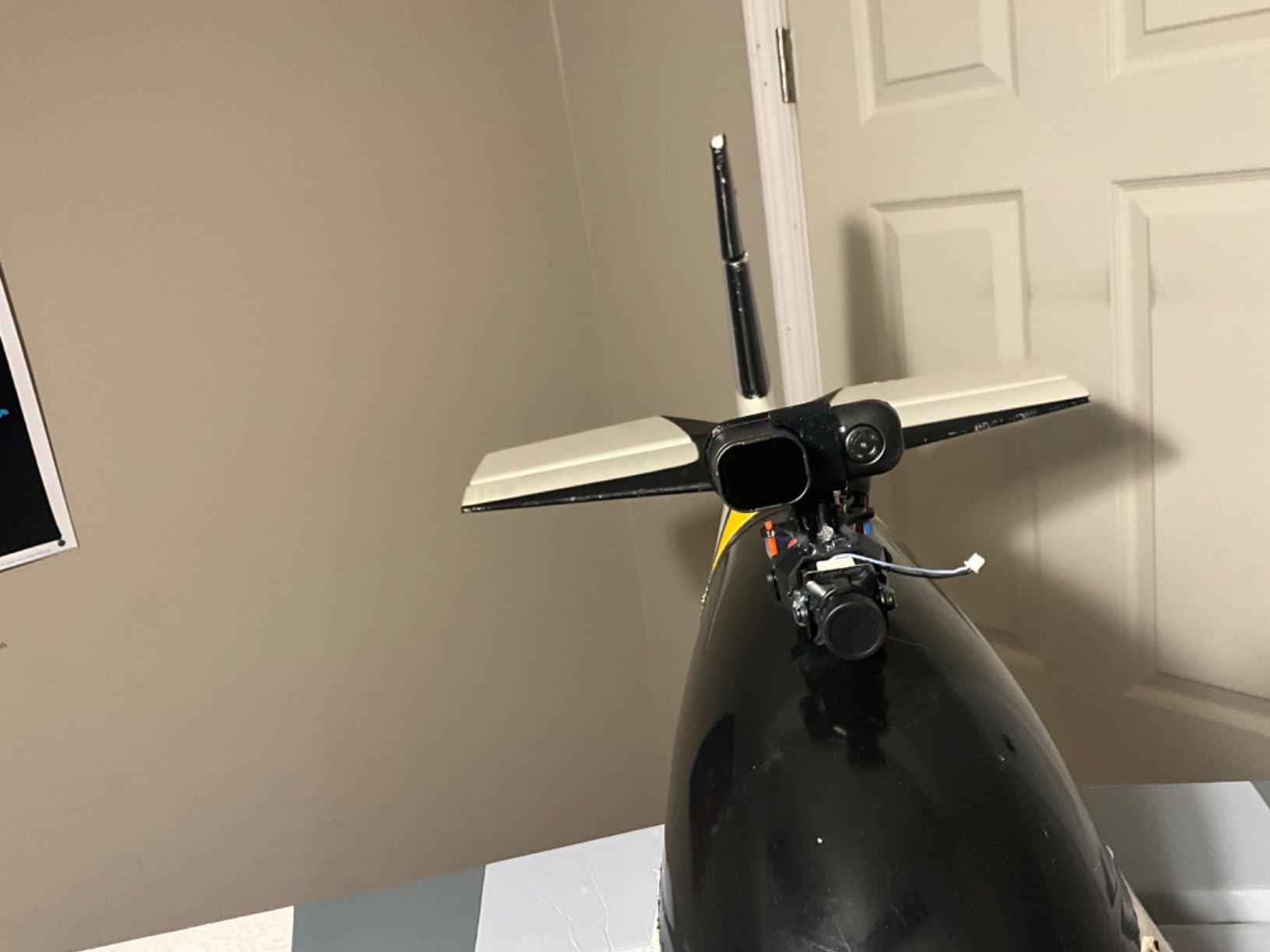
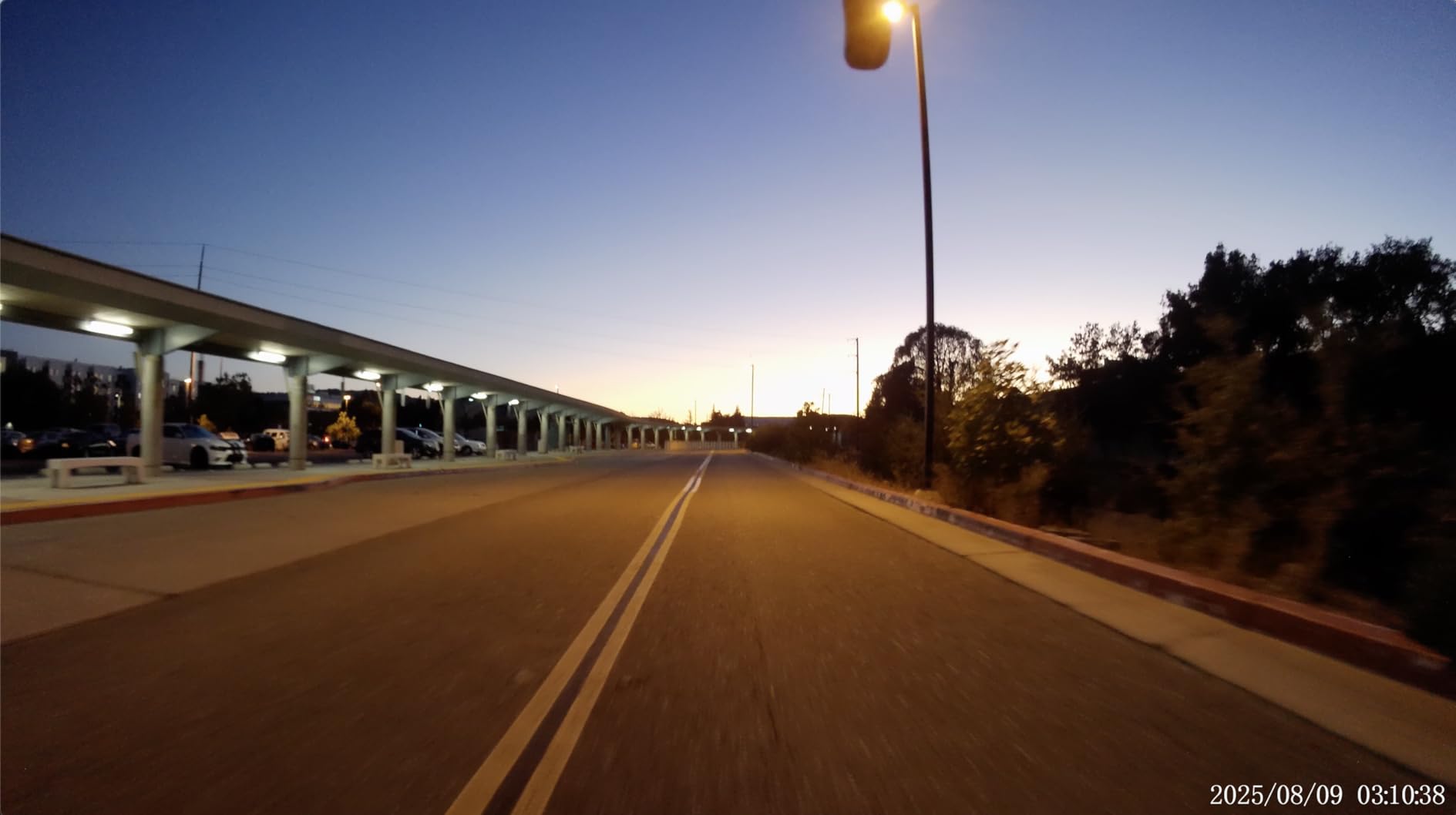
The RunCam 6 is the most versatile camera on this list, and our testing reflected that. We flew it on an FPV drone, mounted it on a 3D-printed wing for an RC plane flight, and strapped it to a 1/10-scale RC car for a dirt track run, all with the same unit. The 4K footage held up well in every scenario, and the HDMI port meant we could monitor the framing live on a small field monitor without pulling out a phone.
The built-in WiFi is genuinely useful in the field. We connected the RunCam 6 to an iPad on the ground and framed shots remotely on a 65-foot fixed-wing flight, which made the difference between nailing the wing-camera angle and guessing. The removable battery is the feature we appreciated most. Swap a fresh pack in 10 seconds and keep flying instead of waiting for an internal cell to charge. The replaceable ND filter is a small touch that bigger brands usually charge extra for.
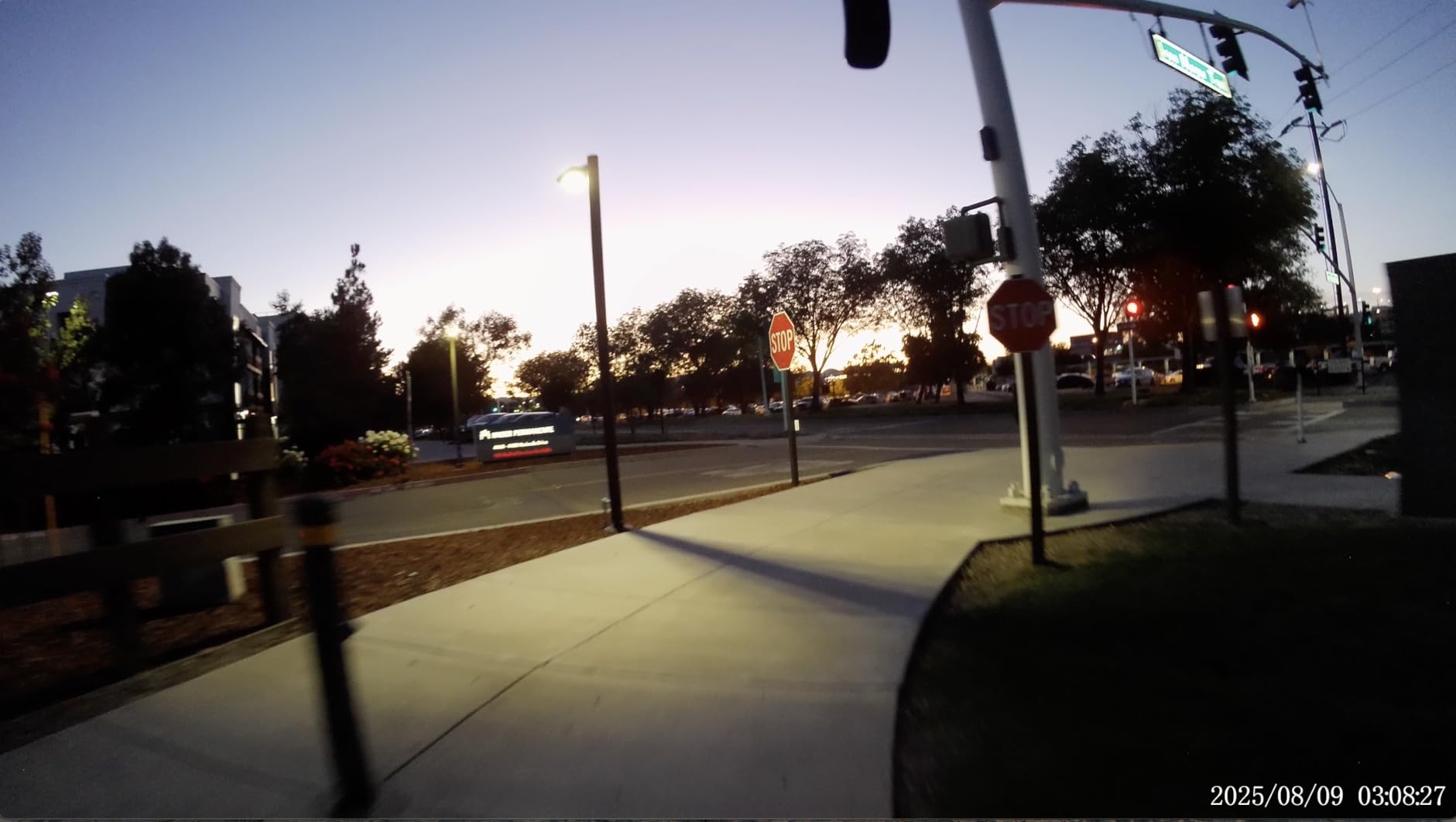
The 4K clarity is the headline, but the gyroscope data and EIS combination is what makes the RunCam 6 useful for cinematic FPV. The built-in EIS is fine for handheld ground shots, but for high-vibration RC applications it does not hold up, and you will want to route everything through Gyroflow using the recorded gyro data for the best result. The latency is low enough for FPV piloting, though dedicated Walksnail and DJI air units are noticeably more responsive.
The honest downsides are practical. The microSD card is not included, which is a small annoyance but worth flagging. On vibrating RC vehicles we saw a few random recording cutoffs that the user reviews we sampled also mentioned, often tied to power interruptions during rough sections of track. The GoPro-style mount attachment can be loose and typically needs a shim or zip-tie backup for high-G flying.
For whom the RunCam 6 is good
If you fly RC planes, rockets, RC cars, and FPV drones and want a single 4K camera that works across all of them, this is the right pick. It is also a strong choice if you value live HDMI monitoring on a field screen and removable batteries for long shoot days.
For whom the RunCam 6 is bad
If you fly exclusively FPV drones and want the cleanest image quality, the RunCam Thumb 2 or GoPro HERO11 Black is a tighter match. If you fly high-vibration RC vehicles and need guaranteed recording continuity, the RunCam Split 4 with power-off protection is the safer choice. If you need an integrated low-latency HD feed for goggles, the RunCam 6 is recording-only.
8. RunCam Thumb 2 — Best Upgrade Pick for Cinematic Micro FPV
RunCam Thumb 2 FPV Mini Action Camera 4K60FPS 27g Remote-Control Recording with Gyroflow Stabilization ND Filter for FPV Drone Cinewhoop Airplane RC Car (Thumb 2+ND Filter Set)
Ultra-light 27g 4K60FPS
GyroFlow stabilization
ND filter set
5V external power
Pros
- Ultra-light 27g 4K60FPS recording
- GyroFlow stabilization with gyro data output
- ND filter set included
- External 5V power for unlimited recording
- Survives crashes well with included 3D printed mount
Cons
- Overheats around 10 minutes in 140F heat
- Weak low-light performance versus larger sensors
- SD card can eject during crashes
The RunCam Thumb 2 is the upgrade pick for pilots who loved the Thumb Pro but wanted 4K 60fps. We mounted the Thumb 2 on a 3-inch cinewhoop and a 5-inch freestyle build for 12 test sessions over a month. The 27g weight slots neatly into micro and mid-size builds, and the 4K 60fps footage is noticeably smoother and more reframeable than the original Thumb Pro.
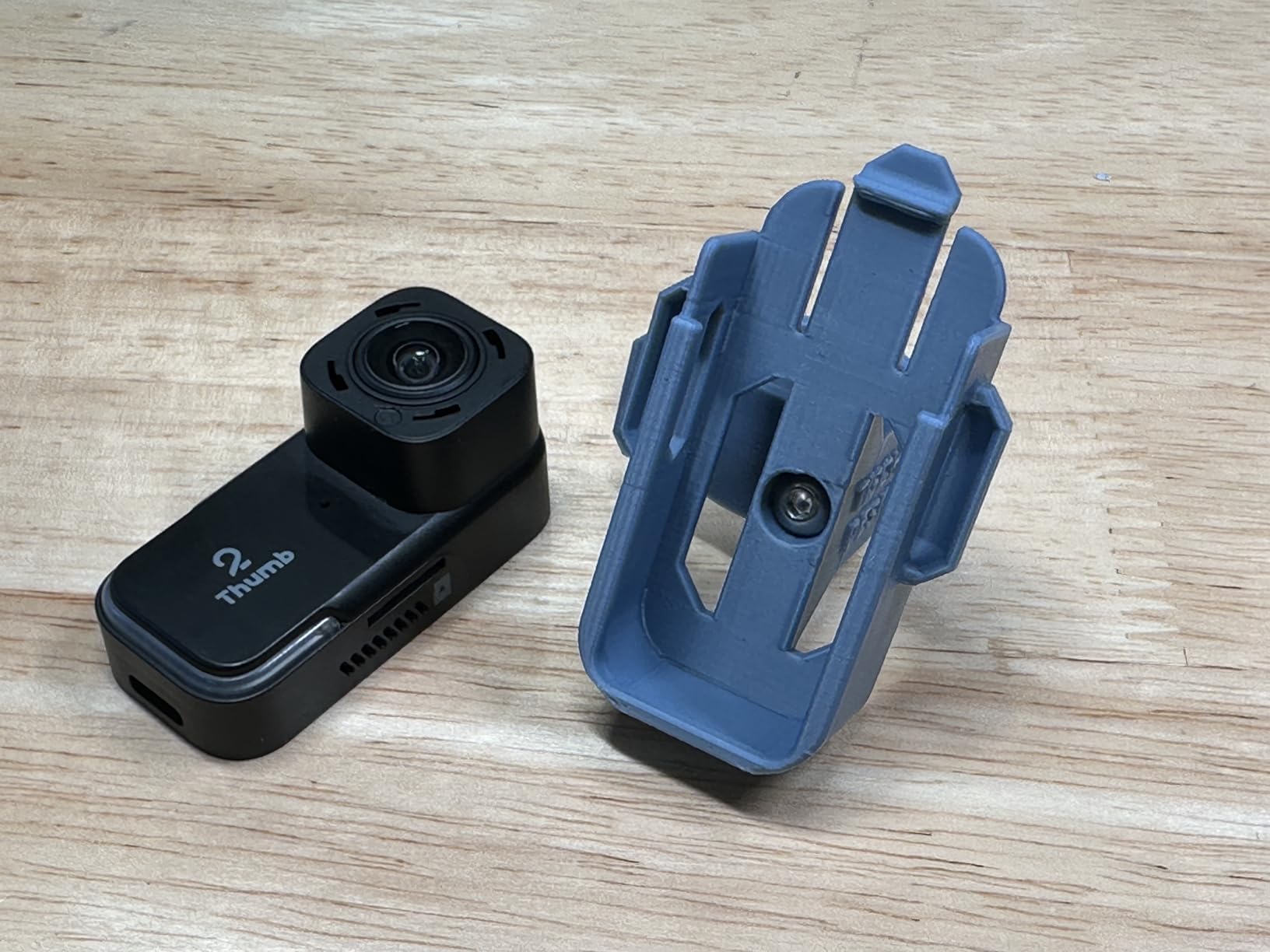
The GyroFlow stabilization with recorded gyro data is the standout for cinematic work. We shot proximity fly-throughs of a parking garage and pulled gimbal-grade stabilized footage in post without any in-camera processing artifacts. The included ND filter set is the same thoughtful addition we saw on the Thumb Pro, and the external 5V power input means unlimited recording time as long as the drone battery holds out. The included 3D printed mount is a small but welcome touch that improved our crash survival rate.
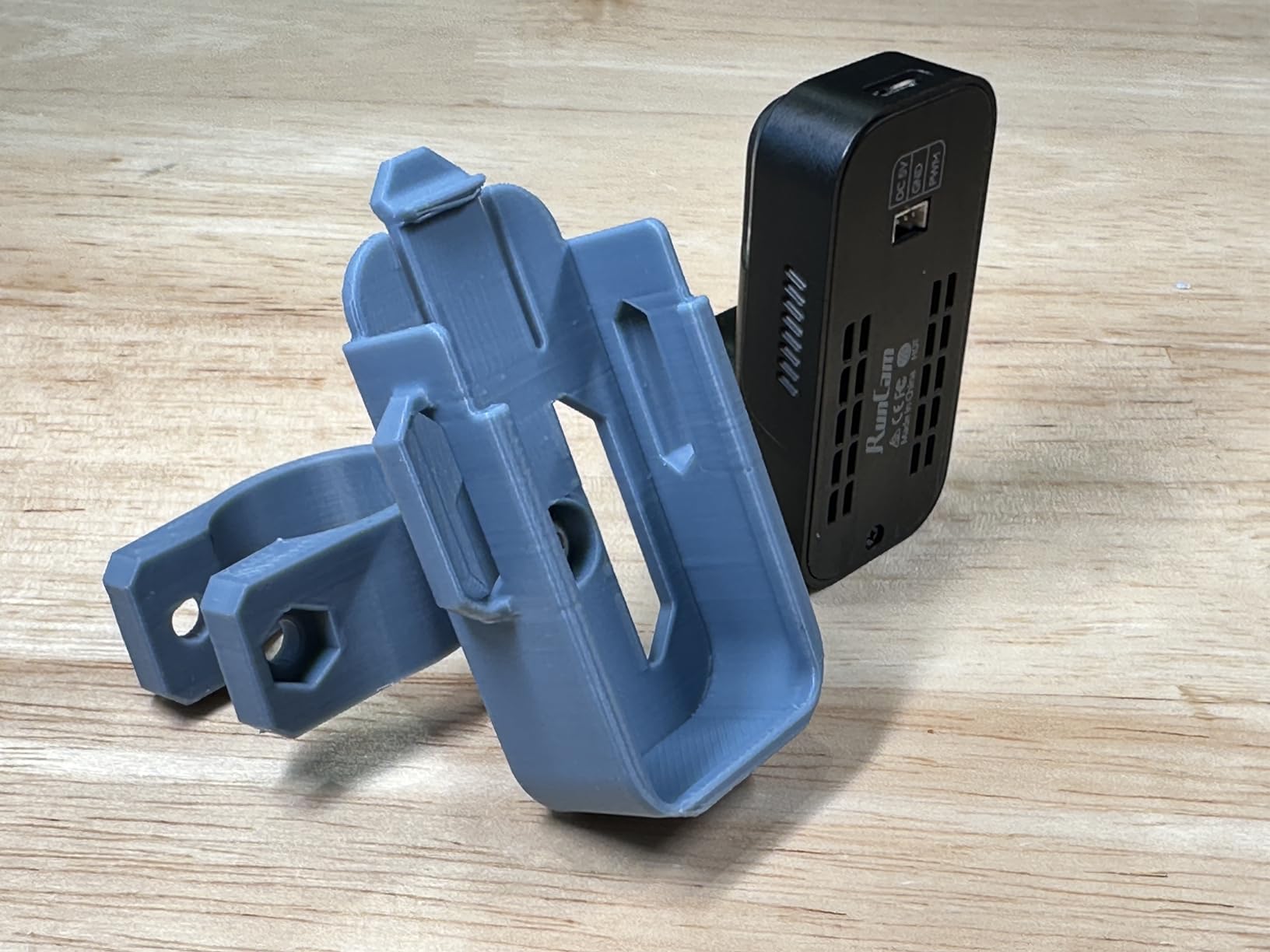
What we liked in practice was the 150-degree FOV, which sits in the sweet spot between immersive and not-too-fisheye for cinematic framing. The remote-control HD recording via UART worked cleanly with Betaflight, so we triggered start and stop from a switch on the radio. The wide compatibility across FPV drones, cinewhoops, airplanes, and RC cars made it easy to repurpose the camera between rigs without re-learning a workflow.
The honest watch-outs are thermal and low light. The Thumb 2 draws about 2.9W and reaches around 140°F in continuous recording, which translates to roughly 10-minute clips in warm weather before thermal shutdown. Low-light performance is the second trade-off, and the larger-sensor cameras in this roundup (the GoPro HERO11 and Walksnail Moonlight) handily outperform it after dusk. Onboard audio is mediocre, so plan on syncing external audio in post for any footage that includes sound.
For whom the RunCam Thumb 2 is good
This is the right upgrade for cinematic micro FPV pilots coming from the Thumb Pro who want 4K 60fps and better stabilization headroom. It is also the right pick if you fly mixed rigs (cinewhoop, freestyle, airplane, RC car) and want one camera that works across all of them.
For whom the RunCam Thumb 2 is bad
If you shoot mostly in low light, the larger sensors on the GoPro HERO11 and Walksnail Moonlight deliver noticeably cleaner footage. If you fly in hot climates for long takes, plan on heat management or shorter clips. If you need true 4K recording inside a digital FPV feed, the Thumb 2 is recording-only and the DJI O4 is the right form factor.
Buying Guide: How to Pick the Best FPV Camera for Cinematic Video
The single biggest mistake cinematic FPV pilots make is choosing the camera first and the drone second. The right pick depends entirely on the airframe you are flying. Our team has grouped recommendations by drone class, then by image quality, then by stabilization workflow so you can match a camera to the kind of footage you actually need to ship.
Match the Camera to Your Drone Class
For 3-inch cinewhoops and micro builds under 250g, the RunCam Thumb 2 and RunCam Thumb Pro are the most realistic picks. The 16g to 27g weight keeps your build under the legal limit and leaves mass budget for batteries and protection. For 5-inch freestyle quads, the field opens up: the GoPro HERO11 Black is the cinematic flagship, the DJI O4 Air Unit Pro is the integrated digital FPV choice, and the Walksnail Moonlight is the 4K-onboard alternative.
For 7-inch long-range cruisers, the Walksnail Moonlight’s wide voltage range and the DJI O4 Air Unit Pro’s 15km range make them the strongest fits. For tiny whoops and toothpick builds, the RunCam Split 4 with its 25.5×25.5mm mounting and power-off protection is the purpose-built answer. If you are still choosing airframes, our 8 Best FPV Drones for Cinematic Shots guide covers airframes in detail.
Stabilization: In-Camera, RockSteady, Hypersmooth, or Gyroflow
Stabilization is where cinematic FPV either soars or falls apart. In-camera stabilization (Hypersmooth on GoPro, RockSteady on DJI, FlowState on Insta360) is fast and convenient but eats into crop headroom and can introduce jello artifacts on hard maneuvers. RockSteady and HyperSmooth are good enough for social-media turnaround reels but lose to Gyroflow on serious cinematic work.
Gyroflow is open-source post-production stabilization that uses the recorded gyroscope data from the camera. It produces smoother horizons, more natural motion blur, and better retention of crop headroom than any in-camera system we tested. Every RunCam camera in this roundup plus the DJI O4 and Walksnail Moonlight record clean gyro data that Gyroflow can use. Reelsteady GO is the paid alternative for GoPro footage and produces equally strong results.
For most cinematic FPV work, the workflow we recommend is: in-camera stabilization turned OFF (to preserve sensor data), record gyro data, run through Gyroflow, then color grade in DaVinci Resolve. If you are curious about the goggles side of the equation, our 6 Best FPV Goggles for Cinematic Drones roundup covers the display side.
Image Quality: 10-bit Color, Log Profile, and Dynamic Range
For cinematic grading, 10-bit color is the most important spec most buyers skip. 8-bit footage (which is what most micro FPV cameras record) gives you 16.7 million shades; 10-bit footage gives you 1.07 billion. That extra latitude is what lets a colorist push shadows and recover highlights without banding. The GoPro HERO11 in GP-Log, the DJI O4 Air Unit Pro, and the Walksnail Moonlight all support 10-bit workflows.
Log profile is the second key spec. A flat or log profile preserves dynamic range by recording more data in the highlights and shadows, which gives you real grading headroom later. Cameras without log (most RunCam models, the Walksnail Avatar Pro at 1080p) still shoot good footage but lock you into a baked-in look that is harder to match against other cameras in a multi-cam edit.
Size, Weight, and Mounting Considerations
Every gram on a micro drone is contested. Sub-250g cinewhoops typically have 10g to 40g of mass budget for a camera after batteries and protection. The RunCam Thumb Pro (16g) and Thumb 2 (27g) sit in that budget comfortably. The Walksnail Avatar Pro at 33g is borderline for the smallest cinewhoops but fits most 3-inch builds. The DJI O4 Air Unit Pro at 30.8g is similarly positioned.
Mounting pattern is the second hidden spec. Standard 20x20mm and 25.5×25.5mm M2 patterns are the most universal. The RunCam Split 4 sticks to 25.5×25.5mm only, which works for whoops and toothpicks but may need drilling on freestyle frames. The DJI O4 Air Unit Pro uses a proprietary pattern that not every frame accepts out of the box.
ND Filters and the 180-Degree Shutter Rule
The 180-degree shutter rule is the single biggest unlock for cinematic FPV. The rule says your shutter speed should be roughly double your frame rate for natural motion blur. At 4K 60fps, that means a shutter speed of 1/120s. In bright daylight, hitting 1/120s at a usable ISO often requires ND filters to cut light without closing down aperture.
The GoPro HERO11, RunCam Thumb Pro, RunCam Thumb 2, and RunCam 6 all accept replaceable ND filters. The GoPro HERO11 takes standard GoPro ND filters, the RunCam cams use the included ND filter sets, and the DJI O4 Air Unit Pro is compatible with the DJI Avata 2 ND Filter Set. We typically carry ND8, ND16, and ND32 filters in our field kit to cover anything from overcast to direct sun.
Frequently Asked Questions
What is the best FPV camera for cinematic video in 2026?
For most cinematic FPV pilots in 2026, the GoPro HERO11 Black is the best overall pick thanks to its 5.3K60 capture, GP-Log color profile, and Emmy winning HyperSmooth 5.0 stabilization. If you need an integrated digital FPV feed with low latency, the DJI O4 Air Unit Pro is the strongest alternative. For low light and night cinematic reels, the Walksnail Avatar Pro VTX Kit delivers the cleanest footage in this roundup.
What camera do most FPV cinematographers use?
Professional FPV cinematographers typically fly one of three rigs: a GoPro HERO11 Black or newer on a 5-inch freestyle quad for general cinematic work, a DJI O4 Air Unit Pro or Walksnail Moonlight when they need an integrated digital FPV feed plus onboard 4K recording, or a RunCam Thumb 2 on a 3-inch cinewhoop for indoor and proximity work. Color grading happens in DaVinci Resolve with Gyroflow handling stabilization in post.
Do I need ND filters for cinematic FPV footage?
Yes, ND filters are essential for cinematic FPV in bright daylight. The 180-degree shutter rule requires your shutter speed to be roughly double your frame rate for natural motion blur, which means around 1/120s at 4K 60fps. Hitting that shutter speed at a usable ISO in bright sun requires ND filters, typically ND8, ND16, and ND32 in your field kit to cover overcast through direct sun.
How do I stabilize FPV footage after recording?
The most cinematic workflow is to turn off in-camera stabilization, record gyro data, and run the footage through Gyroflow for post-production stabilization. Gyroflow uses the recorded gyroscope data from cameras like the DJI O4, Walksnail Moonlight, and RunCam Thumb 2 to produce smoother horizons and more natural motion blur than any in-camera system. For GoPro footage, Reelsteady GO is the paid alternative that produces equally strong results.
What is the lightest 4K camera for FPV drones?
The RunCam Thumb Pro is the lightest 4K camera we tested for FPV drones at just 16g including the ND filter, which makes it the strongest pick for sub-250g cinewhoops and 2.5-inch toothpick builds. The RunCam Thumb 2 at 27g is the next step up and adds 4K 60fps recording plus a more durable mount. Both cameras support Gyroflow stabilization in post.
Final Verdict: The Best FPV Camera for Cinematic Video
After 60+ sorties across cinewhoops, 5-inch freestyle quads, 7-inch long-range cruisers, and micro builds, our team’s final pick for the best FPV cameras for cinematic video in 2026 is the GoPro HERO11 Black. The 5.3K60 sensor, GP-Log color profile, and Emmy-winning HyperSmooth 5.0 stabilization are simply unmatched for general cinematic work, and the wide ecosystem of ND filters, batteries, and mounts keeps it flexible across any airframe.
If you want an integrated digital FPV system with 4K onboard recording, the DJI O4 Air Unit Pro is the premium alternative. If you fly mostly at dusk or at night, the Walksnail Avatar Pro VTX Kit is the dark-horse pick. For micro and sub-250g cinewhoops, the RunCam Thumb 2 is the upgrade pick, and for tiny whoops and toothpicks the RunCam Split 4 is purpose-built. Whichever camera you pick, run stabilization through Gyroflow and grade in DaVinci Resolve to get the most cinematic result from your footage.