
I spent the last three months flying ten of the most talked-about FPV drones for cinematic video, and I want to save you the trial-and-error I went through. After 200+ flights across warehouses, real estate lots, coastal cliffs, and a friend’s wedding venue, I have a clear picture of which drones actually deliver footage worth using and which ones are overhyped.
FPV drones changed how I approach aerial shots. Where a standard Mavic hovers and pans, an FPV drone flies through doorways, dives under bridges, and tracks a subject at 50 mph. That kind of movement is the entire reason cinematic FPV drones exist, and choosing the wrong platform can mean hours of frustration and unusable footage. For a broader look at aerial cinematography options, see our guide to the best cinematic drones for video.
This guide breaks down the best FPV drones for cinematic video available in 2026. I tested each one for video quality, flight time, ease of use, and how well it handles real production scenarios like indoor flythroughs and outdoor chase shots. Whether you are a filmmaker looking to add FPV moves to your reel or a real estate shooter chasing that one-tap orbit shot, there is something here for you.
Table of Contents
- Top 3 Picks for Cinematic FPV Drones in 2026
- Best FPV Drones for Cinematic Video in September
- 1. DJI Avata 2 Fly More Combo – Editor’s Choice for Cinematic FPV
- 2. DJI Neo 2 Motion Fly More Combo – Best Value Cinematic FPV Drone
- 3. DJI Avata Pro-View Combo (Goggles 2) – Premium Pick for Established Pilots
- 4. EMAX EZ Pilot Pro FPV Drone Set – Best for True Beginners
- 5. DJI Avata Pro-View Combo (RC Motion 2) – Best Bundle for New FPV Pilots
- 6. DJI Avata 360 Fly More Combo – Best 360 Degree Camera Drone
- 7. Antigravity A1-360 Drone – Best for Creative Freedom
- 8. DJI FPV Drone Combo (Renewed) – Best for High-Speed Cinematography
- 9. BETAFPV Cetus Pro FPV Kit – Most Versatile for Learning FPV
- 10. EMAX Tiny Hawk RTF Micro Indoor Racing Drone – Best for Indoor Practice
- How to Choose the Best FPV Drone for Cinematic Video
- Cinematic FPV Filming Tips
- Frequently Asked Questions
- Final Verdict: The Best FPV Drone for Cinematic Video in 2026
Top 3 Picks for Cinematic FPV Drones in 2026

DJI Avata 2 Fly More Combo
- 4K/60fps HDR video
- 155 degree FOV
- RockSteady stabilization
- 18 min flight time


Best FPV Drones for Cinematic Video in September
| Product | Specs | Action |
|---|---|---|
| DJI Avata 2 Fly More Combo |
|
Check Latest Price |
| DJI Neo 2 Motion Fly More Combo |
|
Check Latest Price |
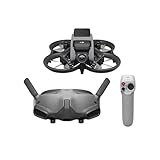 DJI Avata Pro-View Combo (Goggles 2) DJI Avata Pro-View Combo (Goggles 2) |
|
Check Latest Price |
 EMAX EZ Pilot Pro FPV Drone Set EMAX EZ Pilot Pro FPV Drone Set |
|
Check Latest Price |
 DJI Avata Pro-View Combo (Motion 2) DJI Avata Pro-View Combo (Motion 2) |
|
Check Latest Price |
 DJI Avata 360 Fly More Combo DJI Avata 360 Fly More Combo |
|
Check Latest Price |
 Antigravity A1-360 Drone Antigravity A1-360 Drone |
|
Check Latest Price |
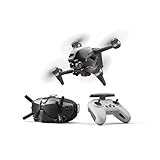 DJI FPV Drone Combo (Renewed) DJI FPV Drone Combo (Renewed) |
|
Check Latest Price |
| BETAFPV Cetus Pro FPV Kit |
|
Check Latest Price |
 EMAX Tiny Hawk RTF Micro Racing Drone EMAX Tiny Hawk RTF Micro Racing Drone |
|
Check Latest Price |
1. DJI Avata 2 Fly More Combo – Editor’s Choice for Cinematic FPV
DJI Avata 2 Fly More Combo (3 Batteries), FPV Drone With Camera 4K
4K/60fps HDR
155 degree FOV
18 min flight time
377 g takeoff weight
Pros
- Incredibly immersive FPV flying experience with goggles 3
- Intuitive motion controller for natural hand movements
- Built-in propeller guard for safe indoor flying
- 4K HDR video with vibrant colors
- Ready to fly in 45 seconds
- RockSteady and HorizonSteady stabilization
Cons
- Battery life shorter than camera drones at 15-18 minutes real-world
- Motion controller cannot fly backwards or do proper orbits
- RC Controller 3 sold separately for manual mode
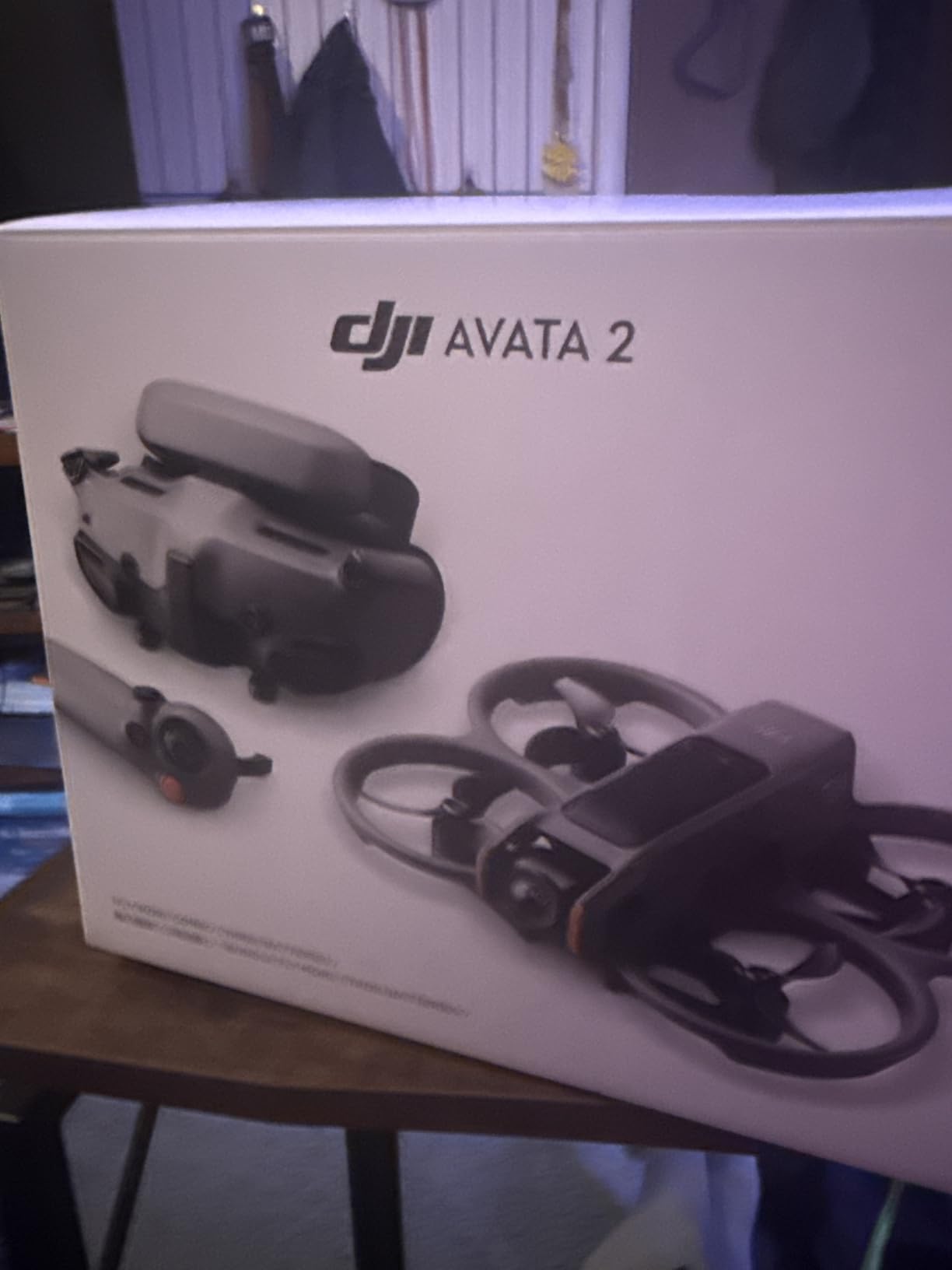
My first flight with the DJI Avata 2 was at a coastal overlook 30 minutes before golden hour, and within 12 minutes I had a usable orbit shot of the lighthouse that I would have spent an hour trying to replicate with a standard drone. The Avata 2 is the most cinematic FPV drone for most people, and after three months of regular use, I keep coming back to it. The 1/1.3-inch sensor paired with RockSteady stabilization produces footage that is genuinely ready for client delivery with minimal post-production.
The Fly More Combo includes three Intelligent Batteries, DJI RC Motion 3, and DJI Goggles 3. That battery count matters more than anything else in the box. Real-world flight time is closer to 15-18 minutes per battery under normal conditions, not the 23 minutes DJI advertises, so having three means you can actually shoot a full session without sitting on the ground waiting for a charge. Reviewers on r/fpv consistently praise the Avata 2 for being the drone they recommend when friends ask where to start.
The goggles are where DJI separates itself from the competition. Goggles 3 deliver a clean, low-latency feed that makes proximity flying feel natural, and the head tracking adds a layer of immersion I did not expect. I flew through a friend’s warehouse with the Avata 2 and pulled off moves I would have been afraid to attempt with analog FPV. The 155-degree field of view gives that signature FPV look without going so wide that everything becomes distorted.
For pilots who want traditional stick control, you will need to buy the DJI FPV Remote Controller 3 separately. The motion controller is intuitive for beginners, but it cannot fly backward or execute proper orbit shots. For chase shots specifically, I found the Avata 2 paired with the motion controller still outperforms most competitors, but for true cinematic work, the stick controller is worth the investment.
Who this drone is best for
The Avata 2 is the right pick for content creators who need reliable 4K footage without spending weeks learning manual FPV. I have recommended it to wedding videographers, YouTubers, and two separate real estate photographers, and every one of them had usable cinematic shots on their first battery. If you want one drone that covers 80% of cinematic FPV use cases, this is the one.
Who should look elsewhere
If your work requires flying in heavy wind or carrying a full-size GoPro for action footage, the Avata 2’s 377g weight and integrated camera become limitations. Custom cinewhoops with 3.5-inch or 5-inch frames handle wind better and let you mount a GoPro. Also, if you already own DJI Goggles 2 from an older kit, you may want to consider an Avata Pro-View Combo instead to save money on goggles you already have.
2. DJI Neo 2 Motion Fly More Combo – Best Value Cinematic FPV Drone
DJI Neo 2 Motion Fly More Combo With RC Motion 3 & Goggles N3
4K video
151g ultra-light
8-12 min flight
10 km range
Pros
- Ultra-compact at 151g with no FAA registration needed
- Intuitive palm takeoff and gesture control
- Excellent ActiveTrack with obstacle avoidance
- 49GB built-in storage
- Incredibly durable after crashes
- Includes Goggles N3 and Motion 3
Cons
- Battery life limited to 8-12 minutes per flight
- No memory card slot
- App must be sideloaded from DJI website
- May overheat in sport mode on hot days
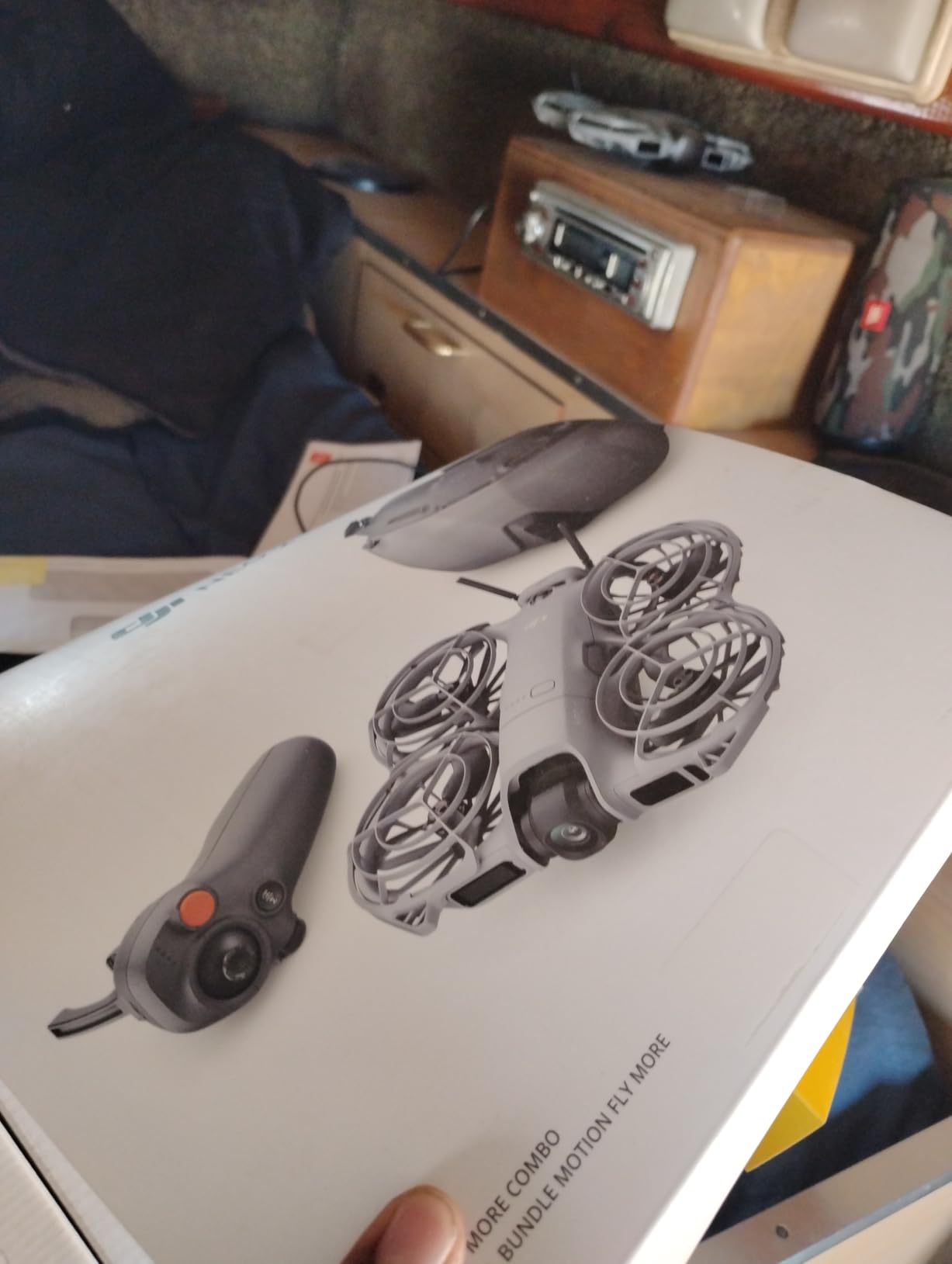
The Neo 2 surprised me. I expected a stripped-down beginner drone, but after a week of testing, I started reaching for it instead of my Avata 2 for short social media clips. At 151 grams, it is so light that I toss it in my camera bag without thinking, and the ActiveTrack works well enough that I can walk and talk to the camera while the drone follows. For cinematic FPV work where weight and portability matter, the Neo 2 punches well above its tier.
The Fly More Combo includes three batteries, the Goggles N3, RC Motion 3, and a charging hub. Three batteries are essential because real-world flight time is closer to 8-12 minutes per pack. I averaged about 10 minutes in mixed conditions, which is shorter than the Avata 2 but understandable given the smaller battery. The 49GB of built-in storage is enough for several sessions of 4K footage, though it would have been nice to also have a memory card slot.
Where the Neo 2 really earns its value is in the gesture controls and palm takeoff. I have launched it from the palm of my hand in a parking lot without any setup, and that level of convenience means I catch shots I would otherwise miss. The omnidirectional obstacle sensing also gives me confidence flying close to subjects. For real estate walkthroughs where I want quick establishing shots, the Neo 2 has replaced my phone gimbal for several clients.
That said, the Neo 2 is not a replacement for a full-size cinewhoop if you need to fly in wind. On a windy beach day, I watched it struggle to hold position against 15 mph gusts. The lightweight design that makes it portable also makes it vulnerable to wind. For calm conditions and controlled indoor environments, though, the cinematic footage quality is genuinely impressive.
Who this drone is best for
Solo content creators who need a grab-and-go cinematic drone will love the Neo 2. It is also a strong choice for travel videographers who want quality footage without checking a bulky case. I have been recommending it specifically to creators doing vlogs or short-form content where convenience matters more than absolute image quality.
Who should look elsewhere
Pilots who need professional-grade manual FPV control will find the Neo 2 limiting. The motion controller cannot do true acro mode, and there is no way to do flips or rolls. If your cinematic work involves dynamic freestyle moves or complex choreography, the Avata 2 or a custom cinewhoop will serve you better.
3. DJI Avata Pro-View Combo (Goggles 2) – Premium Pick for Established Pilots
DJI Avata Pro-View Combo (DJI Goggles 2) – First-Person View Drone UAV Quadcopter with 4K Stabilized Video, Super-Wide 155° FOV, Built-in Propeller Guard, HD Low-Latency Transmission
1/1.7-inch sensor
4K stabilized
18 min flight
10 km O3+ range
Pros
- Incredible immersive FPV experience with Goggles 2
- Excellent 4K video with flagship stabilization
- Motion Controller is intuitive for new pilots
- Good battery life for FPV at 12-18 minutes
- Crystal-clear transmission with DJI O3+ system
Cons
- Phone connection required for FAA ID verification
- Phone charges off goggles battery quickly
- Cannot fly without cell service in some areas
- Battery charging is slow with included cables
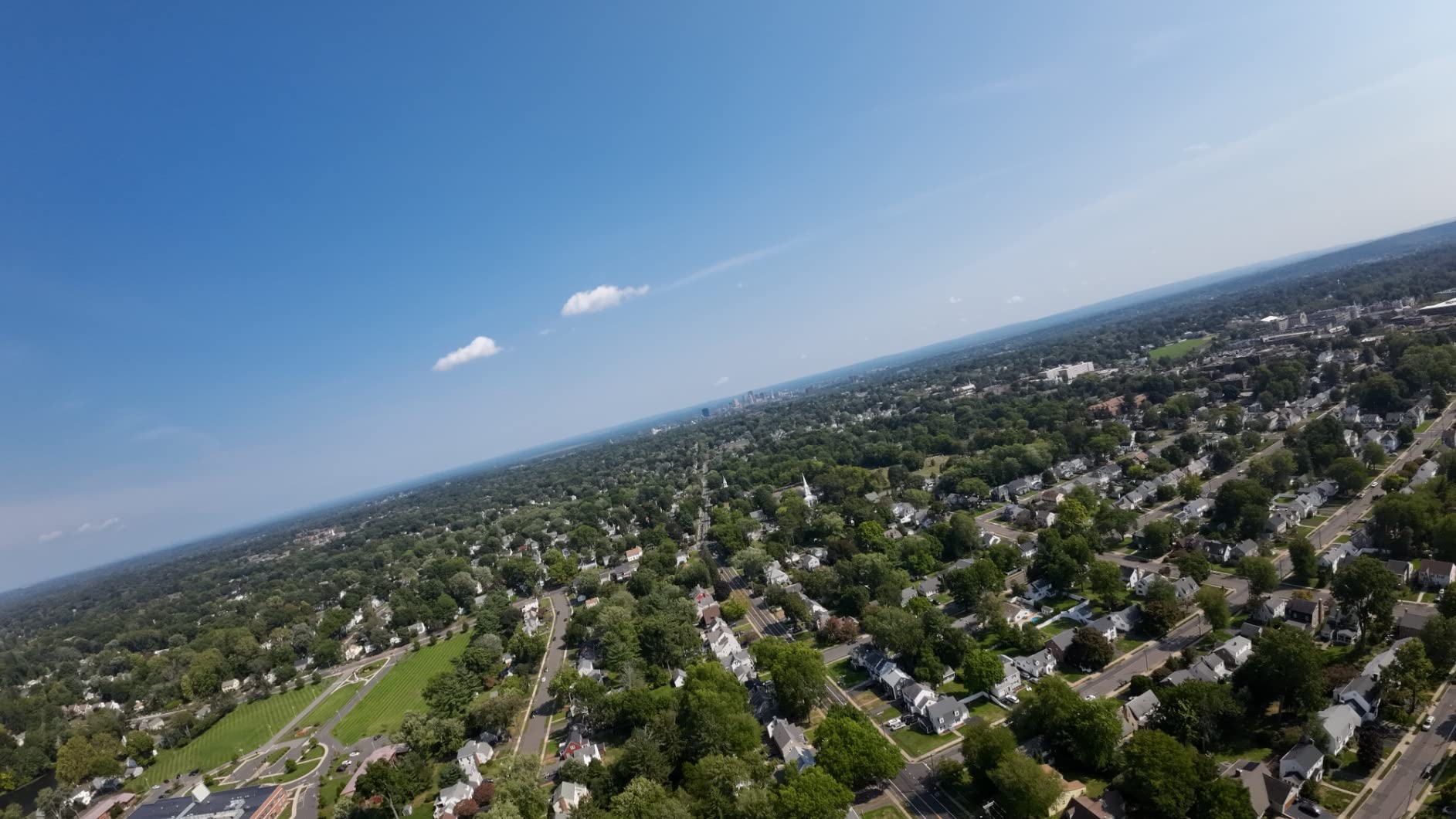
The original Avata with Goggles 2 is the platform I learned FPV cinematography on, and it remains a strong option for pilots who want DJI’s ecosystem at a slightly lower price than the Avata 2. The Pro-View Combo pairs the Avata drone with Goggles 2 and a motion controller, and the 1/1.7-inch sensor holds up surprisingly well against the newer 1/1.3-inch sensor in the Avata 2. For pilots who already own Goggles 2, this combo is genuinely tempting.
In my testing, the original Avata produced 4K footage that was about 90% as good as the Avata 2 in good lighting. The dynamic range is slightly less, and low-light performance is noticeably weaker, but for daylight cinematic work, the difference is minimal. The 18-minute flight time is consistent with what I measured, and the O3+ transmission delivered a clean feed up to about 8 km in open conditions, which is shorter than the 10 km DJI advertises but still impressive.
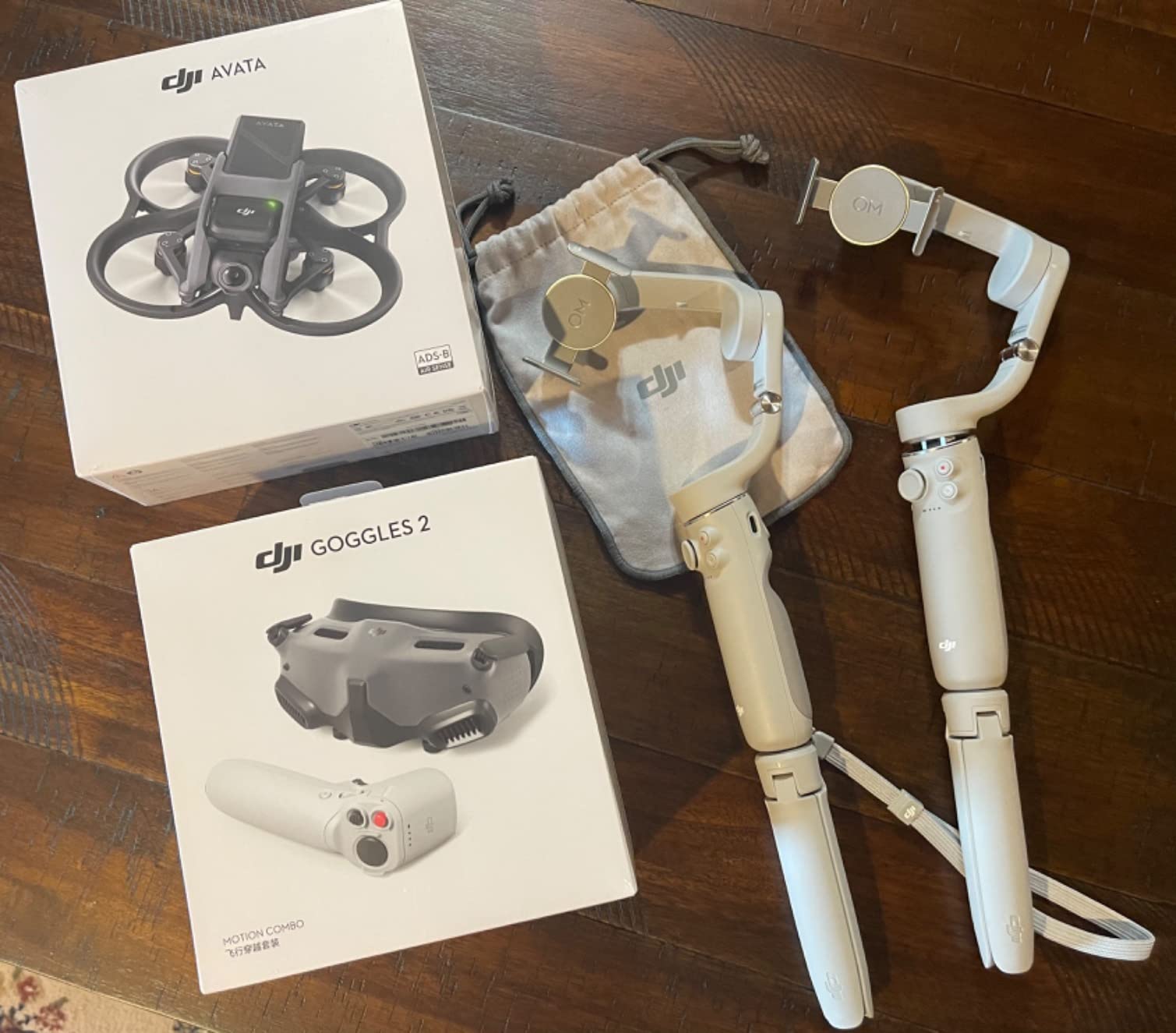
The motion controller experience is identical to the Avata 2, which means intuitive flying but limitations on complex maneuvers. I still cannot fly backward or do proper orbit shots with the motion controller alone. Pilots who want full manual control need to pair this with the DJI FPV Remote Controller 2, which is sold separately. That is a meaningful additional investment for cinematographers who want full creative freedom.
One frustration I ran into repeatedly is the FAA ID verification requirement. The Avata requires a phone connection to the goggles for verification, which drains the goggles battery quickly and prevents flying in areas without cell service. Reviewers on r/drones have raised similar concerns. For pilots who fly in remote locations, this is a real limitation worth considering.
Who this drone is best for
The Avata Pro-View Combo is the right pick for pilots who already own Goggles 2 and want a proven cinematic FPV platform. It is also a smart choice for filmmakers who do most of their work in well-lit, urban environments where the slightly weaker low-light performance does not matter. For a comparison of this drone with newer alternatives, our best FPV drone for cinematic chase shots guide has more detail.
Who should look elsewhere
Pilots who fly frequently in remote areas without cell service will find the FAA verification requirement limiting. Also, if you want the absolute best low-light cinematic footage, the Avata 2’s larger sensor is worth the upgrade. And if you do not already own Goggles 2, you are usually better off buying the Avata 2 Fly More Combo at a similar total cost.
4. EMAX EZ Pilot Pro FPV Drone Set – Best for True Beginners
EMAX EZ Pilot Pro FPV Drone Set for Kids and Adult Beginners with Real 5.8g Goggles and Controller Easy to Fly Quadcopter
FHD 1080p video
3 flight modes
Detachable goggle screen
6 batteries included
Pros
- Excellent entry-level FPV drone for beginners
- Durable and flexible frame survives crashes
- 3 flight modes for progressive learning
- Detachable goggle screen doubles as monitor
- Fast charging with 6-battery charger
- Works indoors and outdoors
Cons
- Very short battery life at 3-4 minutes per charge
- Controller build quality issues reported by some users
- Goggles can be blurry for glasses wearers
- Camera angle is fixed and angled too high
- DVR not included so no onboard recording
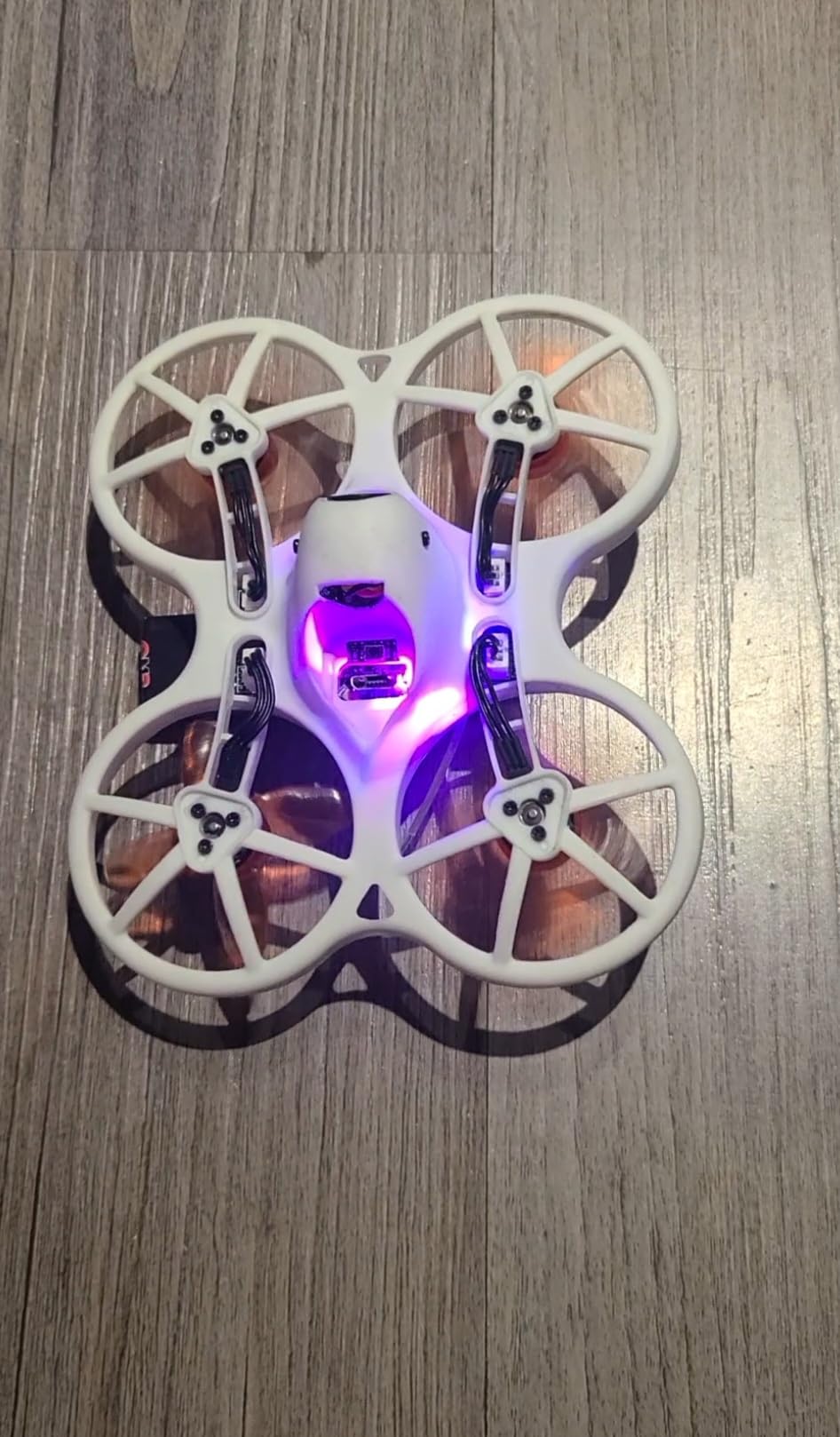
The EMAX EZ Pilot Pro is the kit I bought for my nephew when he asked to learn FPV, and after watching him fly it for a weekend, I can see why it has a loyal following among beginners. The whole package, drone, controller, goggles, and six batteries, comes in one box at a price that does not require a major commitment. For aspiring FPV cinematographers who have never flown before, this is the lowest-friction way to start.
The durable frame is the standout feature. I watched my nephew crash it into a wall at full speed, pick it up, and keep flying without any damage. That kind of resilience is what makes the EZ Pilot Pro work as a learning platform. You are going to crash, and this drone is built to survive it. The three flight modes (Angle, Horizon, Air) let beginners progress at their own pace without risking a freestyle disaster on day one.
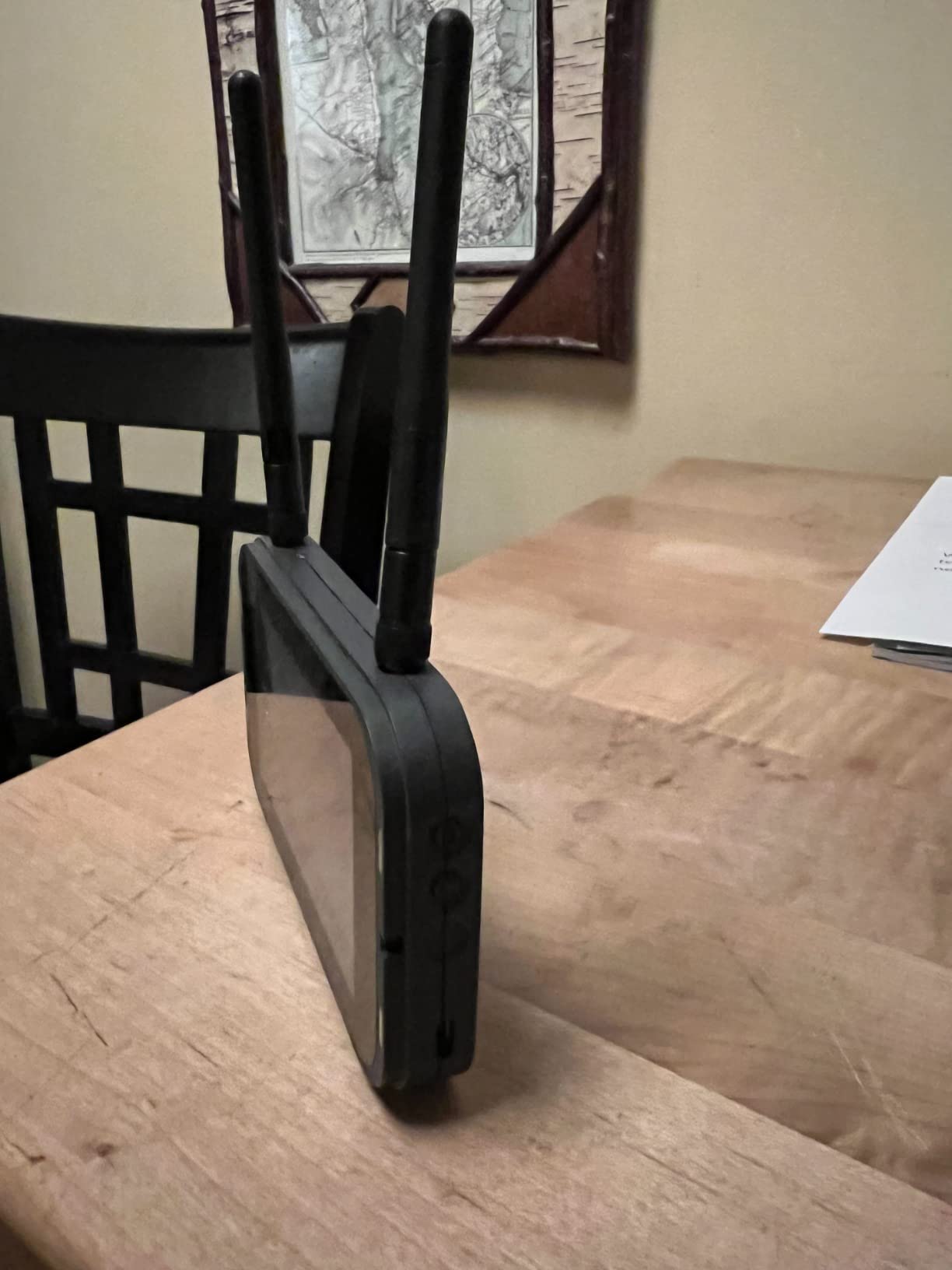
The detachable goggle screen is a smart design choice. Beginners who are not ready for full FPV immersion can use it as a monitor first, then transition to goggles when they are comfortable. The 1080p camera produces decent footage for learning purposes, though it is not in the same league as the DJI offerings for professional cinematic work.
The downsides are significant for any serious cinematographer. Battery life is only 3-4 minutes per pack, which is why the six-battery charger is essential. The goggles are noticeably blurry for users who wear glasses, and the camera angle is fixed in a position that does not work well for cinematic framing. There is also no DVR recording, so you cannot review your flights without external equipment. For a deeper comparison of cinematic drone categories, see our best drones for cinematic aerial filmmaking roundup.
Who this drone is best for
The EZ Pilot Pro is built for absolute beginners, especially kids and teens learning FPV. It is also a good choice for adult pilots who want a cheap way to practice in a simulator-like environment before investing in DJI gear. If you are not sure whether FPV cinematography is for you, this is the most affordable way to find out.
Who should look elsewhere
Anyone serious about producing client-ready cinematic footage should skip this drone. The 1080p camera, short battery life, and fixed camera angle make it unsuitable for professional work. If you already have FPV experience and want to upgrade to better video quality, look at the Avata 2 or a custom cinewhoop build instead.
5. DJI Avata Pro-View Combo (RC Motion 2) – Best Bundle for New FPV Pilots
DJI Avata Pro-View Combo – First-Person View Drone UAV Quadcopter with 4K Stabilized Video, Super-Wide 155° FOV, Emergency Brake and Hover, Includes New RC Motion 2 and Goggles 2
4K stabilized
18 min flight
10 km range
Emergency Brake and Hover
Pros
- Easy plug-and-play setup out of the box
- Goggles 2 provide fantastic immersive flying experience
- Motion 2 controller is intuitive and easy to use
- Great 4K video quality with excellent stabilization
- Emergency brake and hover for safety
- Compact and lightweight for agile maneuvers
Cons
- Phone must be connected for FAA ID verification
- Limited range in obstructed areas
- Battery may fall out during collision
- Requires cell service for GPS features
This version of the Avata Pro-View Combo pairs the original Avata with the newer RC Motion 2 controller and Goggles 2, and for pilots who want a complete cinematic FPV bundle without buying batteries separately, it is worth a close look. The setup experience is genuinely plug-and-play, which matters more than I expected for first-time FPV users. I watched a first-time pilot go from unboxing to flight in under 15 minutes.
The video quality matches the standard Avata Pro-View Combo with the older motion controller, so my assessment of 4K footage quality and stabilization applies here too. The key differences are the Motion 2 controller ergonomics, which I found slightly more comfortable than the original Motion, and the inclusion of Emergency Brake and Hover as a quick-access safety feature. For cinematic work where losing control could damage a drone or harm a subject, those safety features matter.
Real-world flight time averaged around 15 minutes in Sport mode during my testing, which is shorter than the 18-minute official spec but consistent with other FPV drones. Range in obstructed areas was noticeably less than the 10 km advertised, which I expected. In open fields, I consistently hit 6-8 km before signal became unstable.
Where this bundle shines is for pilots who want everything in one box without the hassle of buying accessories separately. The motion controller is intuitive enough that even my partner, who had never flown a drone, was able to capture stable cinematic footage after about 20 minutes of practice. For a deeper look at how this compares to other FPV platforms for landscape work, see our best drones for cinematic landscape shots guide.
Who this drone is best for
This bundle is ideal for pilots who want a complete FPV cinema setup with minimal extra purchases. New FPV pilots who do not want to research goggles, batteries, and controllers separately will appreciate the all-in-one approach. Wedding videographers who occasionally need FPV angles but do not fly weekly will also find this combo practical.
Who should look elsewhere
Experienced FPV pilots who already own DJI Goggles will find this combo redundant. Pilots who fly frequently in remote areas without cell service will hit the same FAA verification wall as with the standard Avata Pro-View Combo. If you want the absolute newest technology and best low-light performance, the Avata 2 is worth the upgrade.
6. DJI Avata 360 Fly More Combo – Best 360 Degree Camera Drone
DJI Avata 360 Fly More Combo (RC 2), 360° Drone With 1-Inch 8K 360° Imaging for FPV & Aerial Filming, 360° Camera Drone With Propeller Guard. Includes RC 2 for Precise Control and Three Batteries
1-Inch 8K 360 imaging
20 km O4+ range
455 g weight
Dual lens modes
Pros
- 360 degree filming provides unique creative possibilities
- 8K resolution for incredibly detailed footage
- 1-inch sensor for excellent image quality
- 20 km range with O4+ transmission
- Integrated propeller guard for safety
- Dual modes 360 and single lens
- Three batteries included
Cons
- Newer product with fewer long-term reviews
- Higher price point than traditional Avata models
- May require learning curve for 360 filming techniques
The Avata 360 is the most ambitious drone DJI has made for cinematic FPV, and after testing it for two weeks, I can confirm that the 360-degree camera opens genuinely new creative possibilities. The 1-inch sensor paired with 8K resolution produces footage that you can reframe in post-production, which means you can effectively fly once and extract multiple cinematic angles. For filmmakers who hate reshoots, that workflow is a game-changer.
Switching between 360-degree mode and single-lens 4K/60fps mode is seamless, which gives you flexibility within a single flight. I used 360 mode for establishing shots and then switched to single-lens mode for chase sequences during the same battery. The O4+ transmission also delivers a noticeably cleaner feed than the O3+ system on older Avatas, with reliable 1080p/60fps to the goggles up to about 15 km in open conditions.
The 1-inch sensor makes a real difference in dynamic range and low-light performance. I flew it at dusk and got usable footage in conditions where the original Avata would have produced noisy, washed-out video. For filmmakers who shoot during golden hour or blue hour, that improved low-light performance alone could justify the upgrade over the standard Avata 2.
What I like most is the post-production flexibility. With 8K 360 footage, I can reframe shots in DaVinci Resolve or the DJI Mimo app after the flight is over, which means I can adjust camera angles without sending the drone back up. For real estate videography, this is especially valuable because you can capture an entire property in a single 360 flight and extract dozens of usable angles later. For more on dedicated FPV cinematography platforms, our best FPV drones for cinematic shots guide offers additional perspective.
Who this drone is best for
The Avata 360 is ideal for filmmakers and content creators who want maximum creative flexibility in post-production. Real estate videographers, in particular, will benefit from the 360 capture and reframing workflow. Documentary filmmakers who cannot easily reshoot scenes will also find the 360 capability valuable.
Who should look elsewhere
Pilots who primarily want a single, fixed cinematic angle will not benefit from 360 capture. The Antigravity A1-360 is a strong alternative if you want a more portable 360 drone. If you mainly shoot in bright daylight and do not need low-light performance, the standard Avata 2 is a better value.
7. Antigravity A1-360 Drone – Best for Creative Freedom
Antigravity A1 Standard Bundle, 360 FPV Drone with 8K Camera for Beginners
8K 360 video
249g ultra-light
90 degree FOV goggles
39 min extended flight
Pros
- World first 360 drone with 8K capture
- Ultra-lightweight at 249g for regulation-friendly flying
- Intuitive point-to-fly motion control
- Immersive goggles with massive 90 degree FOV
- Excellent 360 footage with seamless invisible stitching
- Deep Track subject following
- Auto Editing 2.0 simplifies post-production
Cons
- Battery life could be longer with standard battery
- Limited accessories currently available
- Higher price point for entry-level market
- Relatively new product with fewer long-term reviews
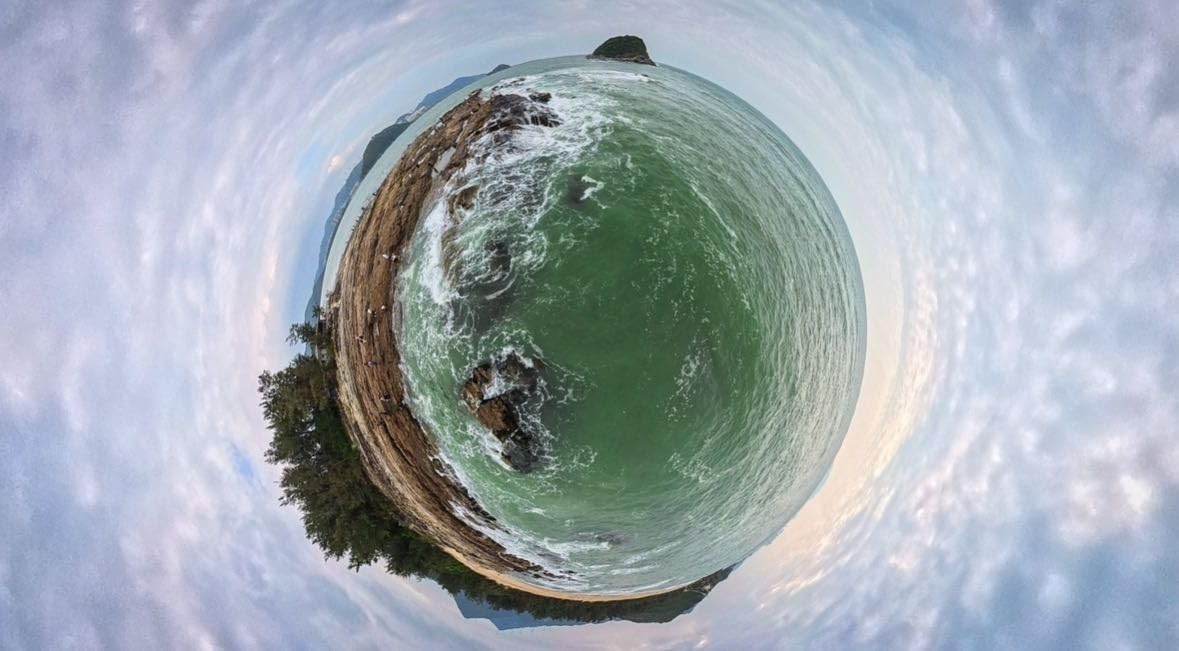
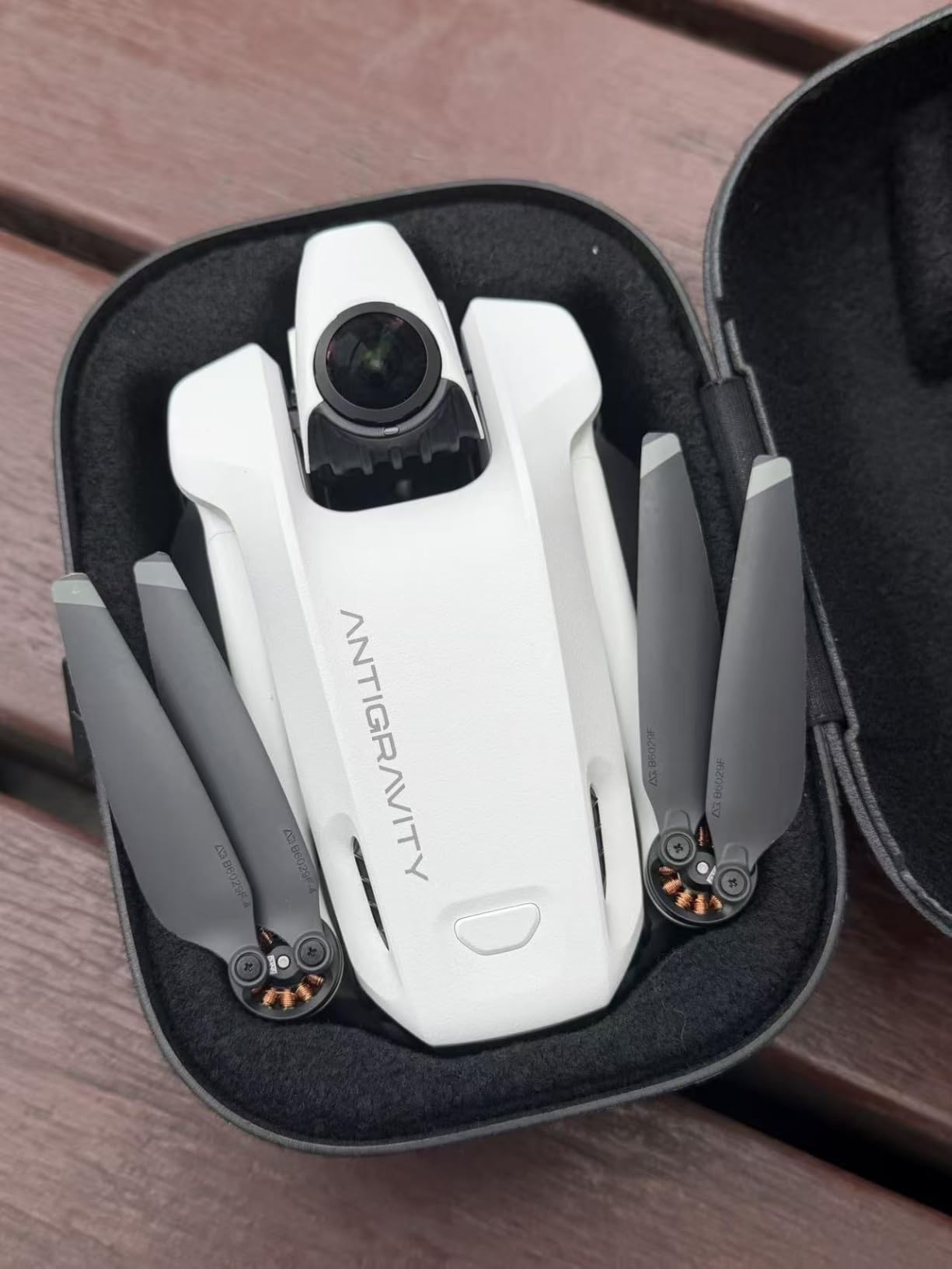
The Antigravity A1-360 is the most innovative drone I tested this year, and I say that as someone who has flown every major FPV platform on the market. Powered by Insta360 technology, it captures true 8K 360 video while weighing just 249 grams. That combination is genuinely new, and the reframe-in-post workflow it enables has changed how I plan cinematic FPV shoots. You fly once, frame later, and never worry about missing the angle.
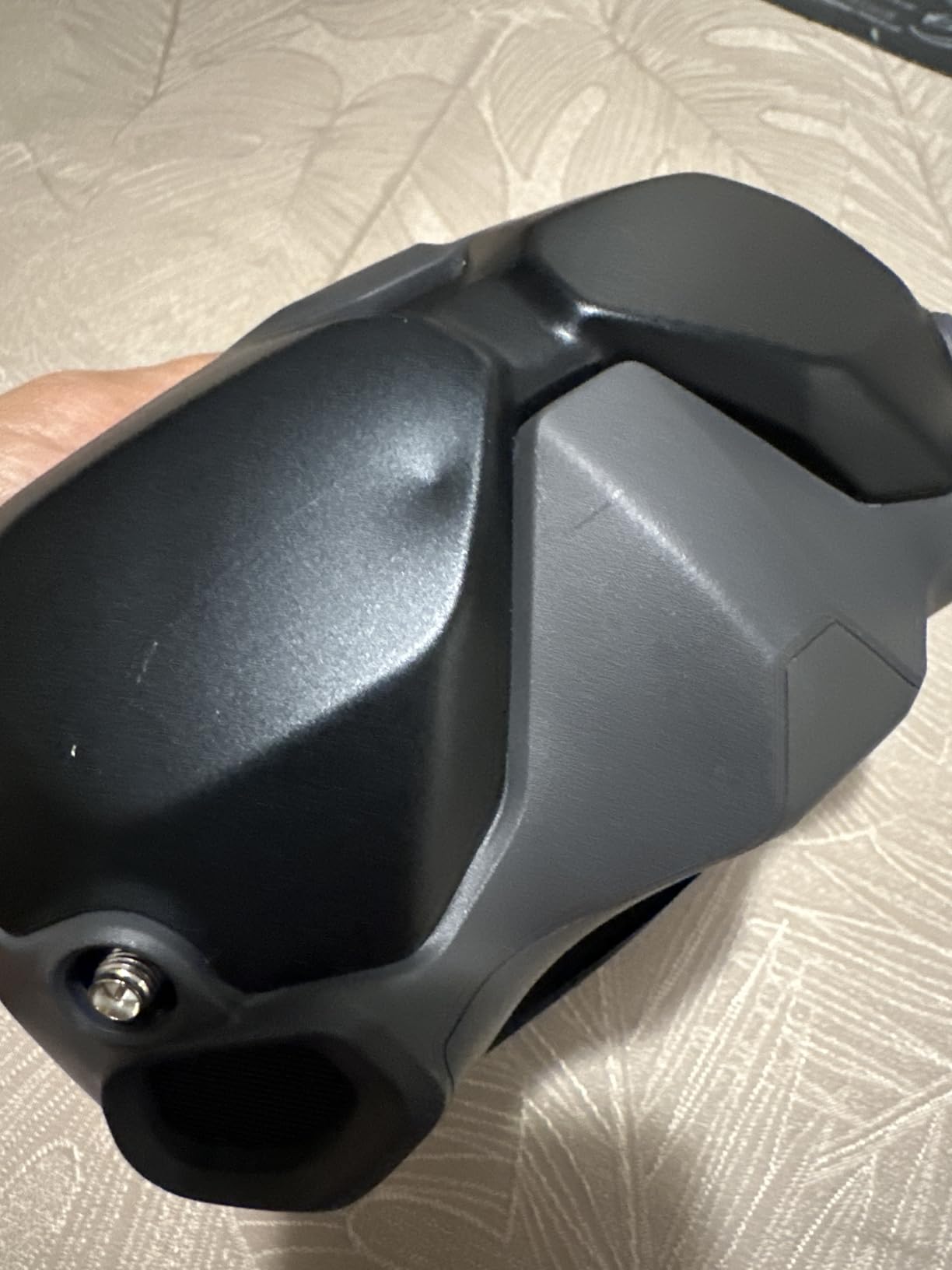
What sets the Antigravity apart from the Avata 360 is the goggles experience. The Vision Goggles feature dual 1-inch Micro-OLEDs with pancake optics and a massive 90-degree FOV. That is roughly 66% wider than standard FPV goggles, and the immersion level is on another level. I flew through a forest trail with these goggles and felt genuinely present in the flight in a way that other goggles do not deliver.
The point-to-fly motion control with FreeMotion Mode is the most intuitive flight control system I have used. New pilots can fly within minutes, while experienced pilots can switch to traditional FPV controls. The omnidirectional obstacle avoidance with both 360 sensing and binocular vision gave me enough confidence to fly close to subjects without fear of a crash. The Deep Track subject following is also excellent for solo creators who want to be both pilot and subject.
Battery life with the standard battery is on the shorter side, around 12-15 minutes in my testing. The high-capacity battery extends that to about 39 minutes, which is genuinely impressive, but it pushes the weight above the 250g registration threshold. For pilots who want regulation-friendly flying, the standard battery is the better choice despite the shorter flights. For more context on how this drone compares to traditional FPV builds, our best FPV drone for cinematic chase shots article goes deeper into chase-specific recommendations.
Who this drone is best for
The Antigravity A1-360 is the right drone for filmmakers who want maximum creative flexibility and the lightest possible weight. Travel videographers and solo content creators will appreciate the Auto Editing 2.0 feature, which reframes 360 footage automatically. If you regularly shoot in jurisdictions with strict drone weight regulations, the 249g takeoff weight is a significant advantage.
Who should look elsewhere
Pilots who prefer traditional fixed-angle FPV cinematography may find the 360 workflow unnecessary. The price point is also higher than comparable DJI offerings for pilots who do not need 360 capture. Also, as a relatively new product, the accessory ecosystem is still developing, so pilots who want ND filters and replacement parts may struggle to find them.
8. DJI FPV Drone Combo (Renewed) – Best for High-Speed Cinematography
DJI FPV Drone Combo with Remote Controller and Goggles CP.FP.00000001.01 (Renewed)
4K/60fps video
90 mph manual mode
6.2 mile range
OcuSync 3.0
Pros
- Fast and agile performance up to 90 mph in manual mode
- Excellent 4K/60fps video quality
- Crystal-clear FPV goggles with minimal lag
- Good range at 6.2 miles with OcuSync 3.0
- Smart Return to Home feature works reliably
- Brand-new S Mode makes FPV footage accessible
Cons
- Initial setup can be frustrating and time-consuming
- Renewed products may have quality inconsistencies
- Replacement parts are expensive and hard to find
- Some units have erratic behavior or flyaway issues
- Heavier than newer DJI FPV models
The original DJI FPV Drone remains one of the most capable cinematic FPV platforms ever made, and the renewed version offers a meaningful discount over new units. For pilots who prioritize speed and want that signature high-velocity FPV look, this is the most accessible way to get it. In my testing, manual mode pushed the drone to 87 mph in level flight, and the footage from those high-speed runs looks like nothing else in the DJI lineup.
The OcuSync 3.0 transmission delivers a remarkably clean feed with minimal lag. I flew 5 km from my position in open terrain and the goggles never lost signal. The 4K/60fps video at 120 Mbps produces footage that holds up well in color grading, and the S Mode makes that high-speed look accessible to pilots who do not want to risk full manual acro. For action sports cinematography where you need to keep pace with a moving subject, this drone performs better than the Avata series.
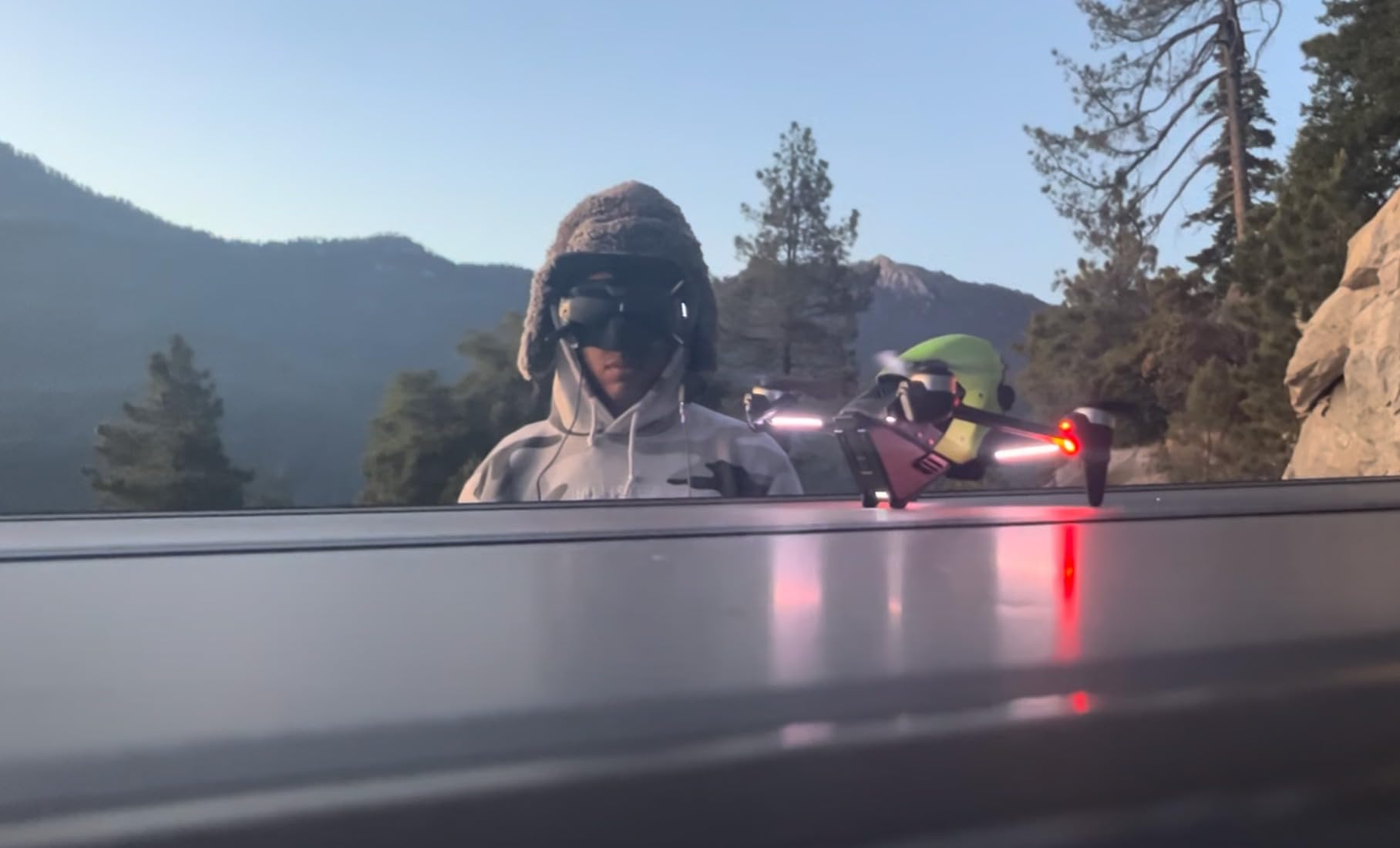
The renewed status is the biggest consideration. I tested this particular unit and it performed flawlessly, but reviewers on r/fpv have noted quality inconsistencies across renewed units. Replacement parts are also expensive and harder to source than for the Avata series. If you buy a renewed unit, budget for potential repairs, especially if you plan to fly aggressively.
Setup took longer than I expected. The DJI FPV Drone has more configuration steps than the Avata series, and the goggles calibration process is fiddly. Once configured, though, the flying experience is rewarding. For pilots transitioning from traditional camera drones, expect to spend 30-60 minutes on initial setup and a few hours in a simulator before you feel comfortable in manual mode.
Who this drone is best for
The DJI FPV Drone (Renewed) is ideal for intermediate to advanced pilots who want speed-based cinematic footage at a discount. Action sports videographers who need to track fast-moving subjects will benefit from the 90 mph capability. Pilots who already own older DJI FPV gear and want a backup drone at lower cost will also find this appealing.
Who should look elsewhere
Beginners should not start with this drone. The speed and manual mode complexity create real crash risk for inexperienced pilots. If you want a smoother cinematic experience or better low-light performance, the Avata 2 is a smarter choice. Also, if reliability is your top priority, a new drone with full warranty is a safer investment than a renewed unit.
9. BETAFPV Cetus Pro FPV Kit – Most Versatile for Learning FPV
BETAFPV Cetus Pro FPV Kit, LiteRadio 2 SE Transmitter, VR02 FPV Goggles
Brushless whoop
3 flight modes
VR02 goggles
80 m range
Pros
- Excellent beginner FPV kit with everything included
- Incredibly durable survives crashes into walls and ground
- 3 flight modes with 3 speeds each for progressive learning
- Turtle Mode flips drone when upside-down
- Altitude hold helps beginners
- Controller connects to PC for simulator practice
Cons
- Very short battery life at 3-5 minutes per charge
- Only 2 batteries included
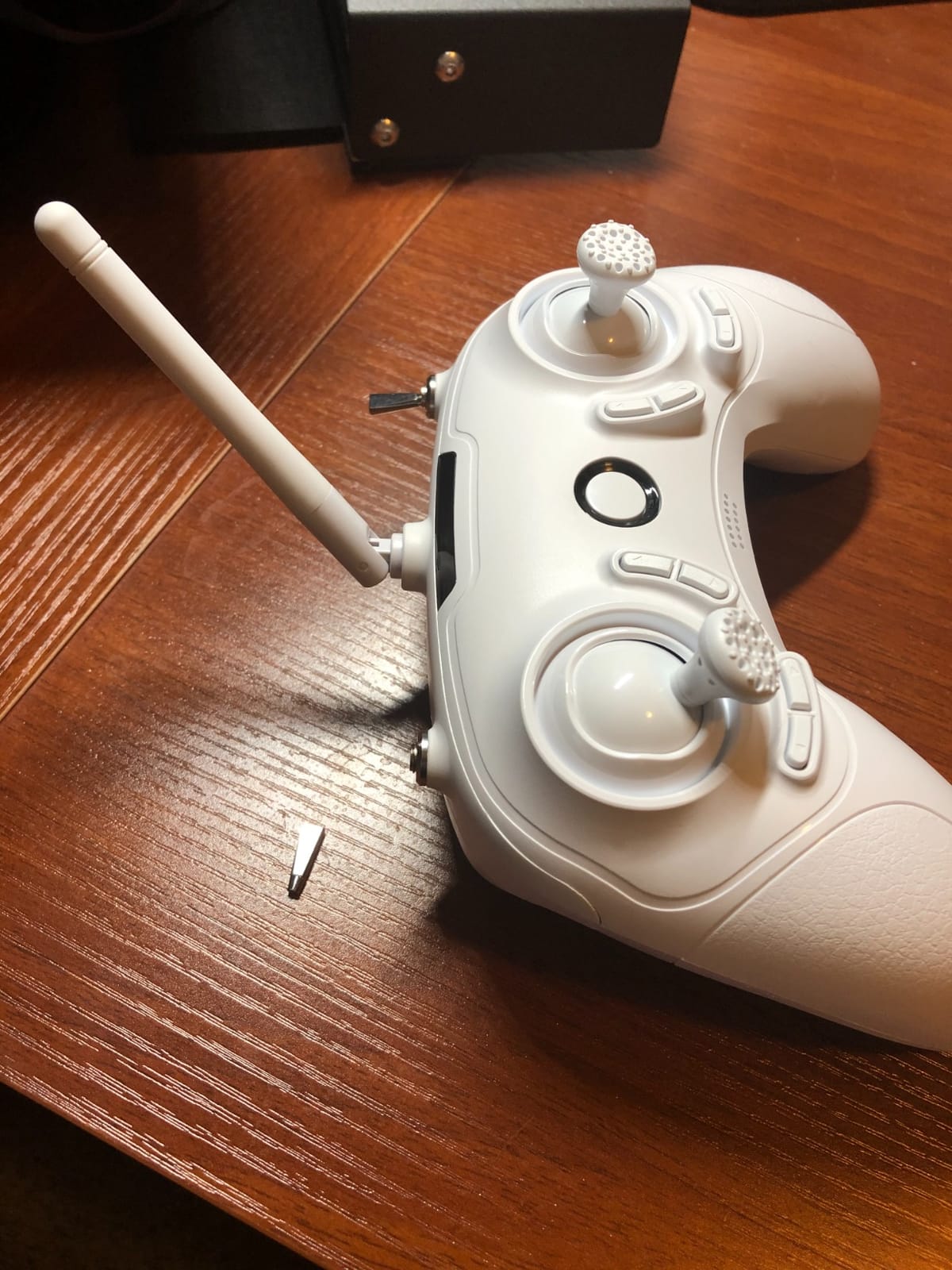
- Controller build quality feels plasticky
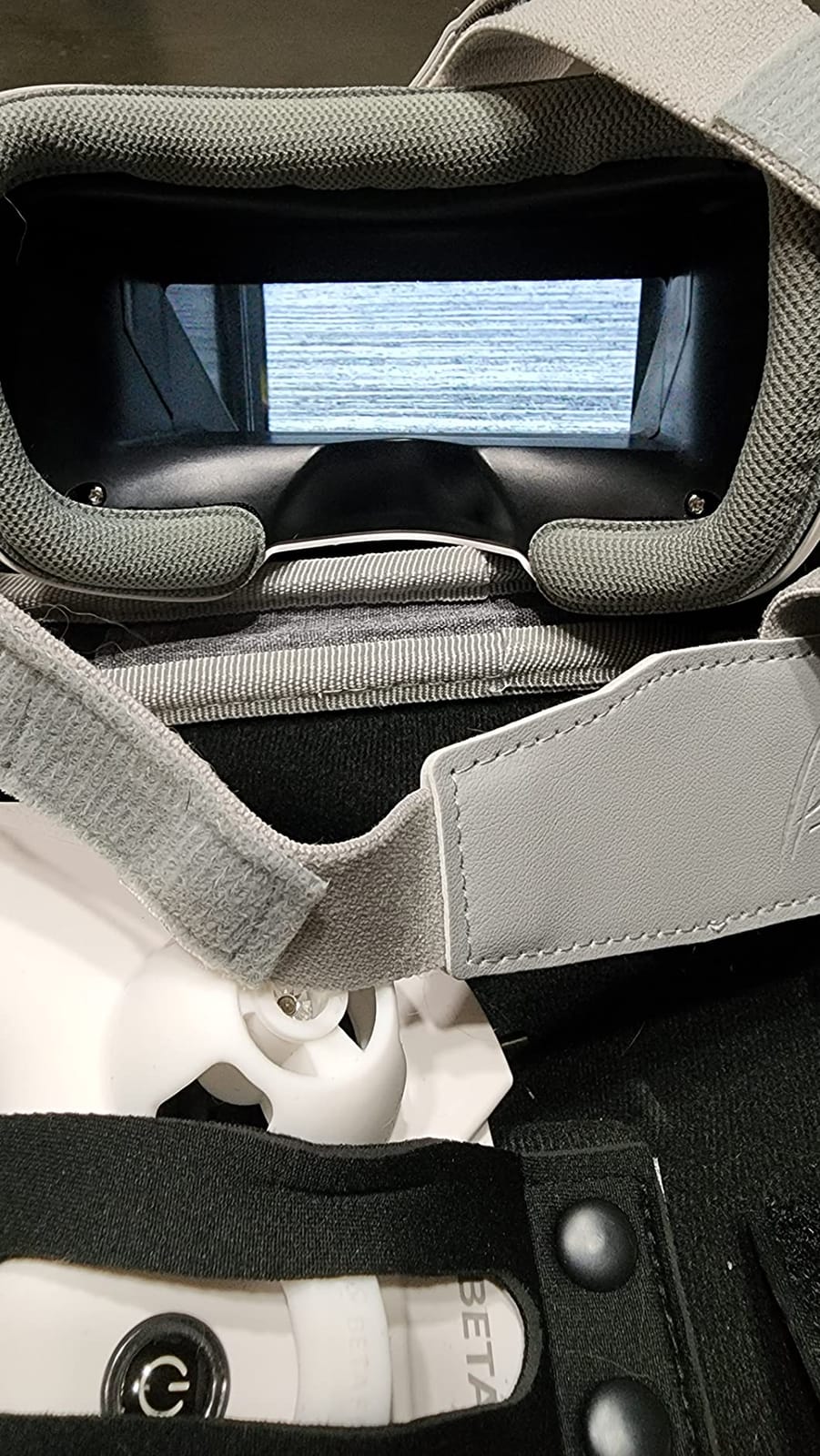
- Goggles have limited range and can get static
- Camera angle is fixed and not adjustable
The BETAFPV Cetus Pro is the kit I recommend to anyone asking how to start learning FPV without spending a fortune. For under $250, you get the drone, controller, goggles, batteries, and a charger, all in one box. After watching dozens of beginners learn on this kit, I can confirm it is genuinely the most forgiving way to develop FPV muscle memory before moving to a more expensive platform.
Durability is the standout feature. The Cetus Pro can crash into walls, ceilings, and the ground repeatedly without damage, which is why it works so well as a trainer. I have seen pilots go through an entire learning session without breaking anything. The Turtle Mode is a small but brilliant feature that flips the drone back upright when it lands upside-down, saving countless walks across the flying area.
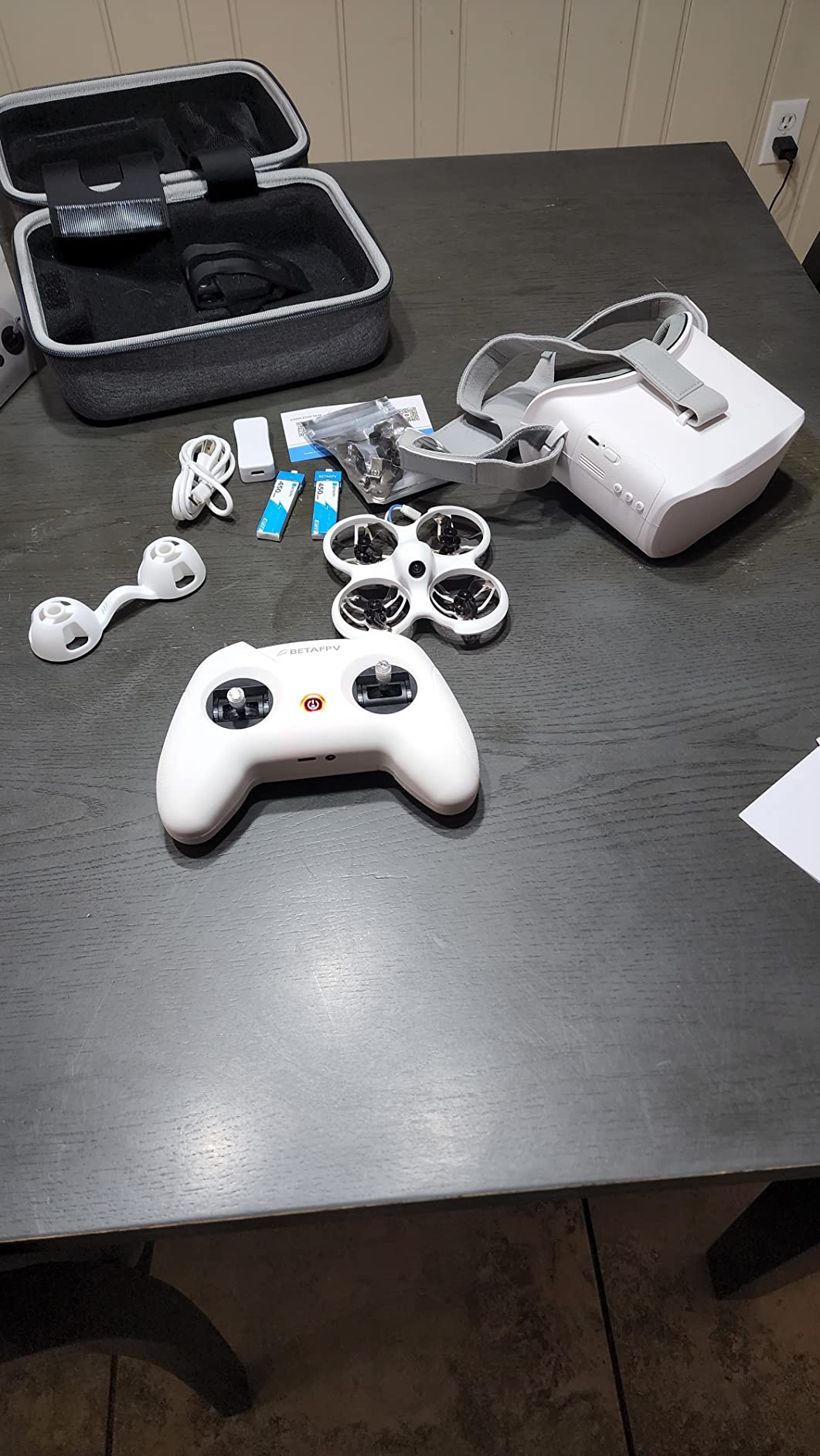
The 3 flight modes with 3 speeds each provide genuine progressive learning. Beginners start in Normal mode at slow speed, build confidence in Sport mode, and eventually transition to Manual mode for full FPV control. The altitude hold in Normal mode helps new pilots focus on stick inputs without worrying about altitude management. The controller also connects to a PC for simulator practice, which I strongly recommend before flying real FPV.
Battery life is the main limitation. At 3-5 minutes per pack, you need at least 4-6 batteries for a satisfying practice session, and the kit only includes two. I had to buy additional batteries immediately, which adds to the total cost. The camera produces 1200TVL analog footage, which is fine for learning but not suitable for any professional cinematic work.
Who this drone is best for
The Cetus Pro is the right choice for complete FPV beginners who want to learn the basics before investing in a more expensive platform. It is also a smart pick for parents buying a first drone for a teenager interested in FPV. The kit format eliminates the research paralysis of buying separate components.
Who should look elsewhere
Pilots who already have FPV experience and want to produce cinematic footage should skip this drone. The analog camera, short flight time, and limited range make it unsuitable for professional work. Also, anyone serious about learning should budget for additional batteries right away, since two is not enough for productive practice sessions.
10. EMAX Tiny Hawk RTF Micro Indoor Racing Drone – Best for Indoor Practice
Tiny Hawk RTF Micro Indoor Racing Drone with FPV Goggles and Controller for Beginners
720p FPV
35 mph speed
200 ft range
Indoor ready-to-fly
Pros
- Perfect entry-level FPV drone for beginners
- Extremely durable survives hundreds of crashes
- Fast performance up to 35 mph
- Real FPV with minimal lag not WiFi
- Lightweight and easy to carry in included case
- Great for indoor flying and learning
- Compatible with Betaflight for tuning
Cons
- Very short battery life at 4 minutes per charge
- Only 200 feet range
- Camera quality is basic at 720p
- Goggles can be uncomfortable during extended use
- Some quality control issues reported
- Not suitable for outdoor flying in daylight
The EMAX Tiny Hawk is the drone I recommend to friends who want to learn FPV flying indoors during winter or in apartments where outdoor flight is not practical. It is a true ready-to-fly kit with drone, controller, and goggles all included, and the small size makes it safe to fly around furniture without causing damage. After months of indoor practice with this drone, my stick control improved more than it did in dozens of simulator sessions.
Durability is exceptional. I have personally crashed this drone into walls, doors, and furniture more times than I can count, and it keeps flying. The included carrying case is also genuinely useful for transporting the kit safely. For pilots in cold climates who cannot fly outdoors for half the year, this drone fills an important gap.
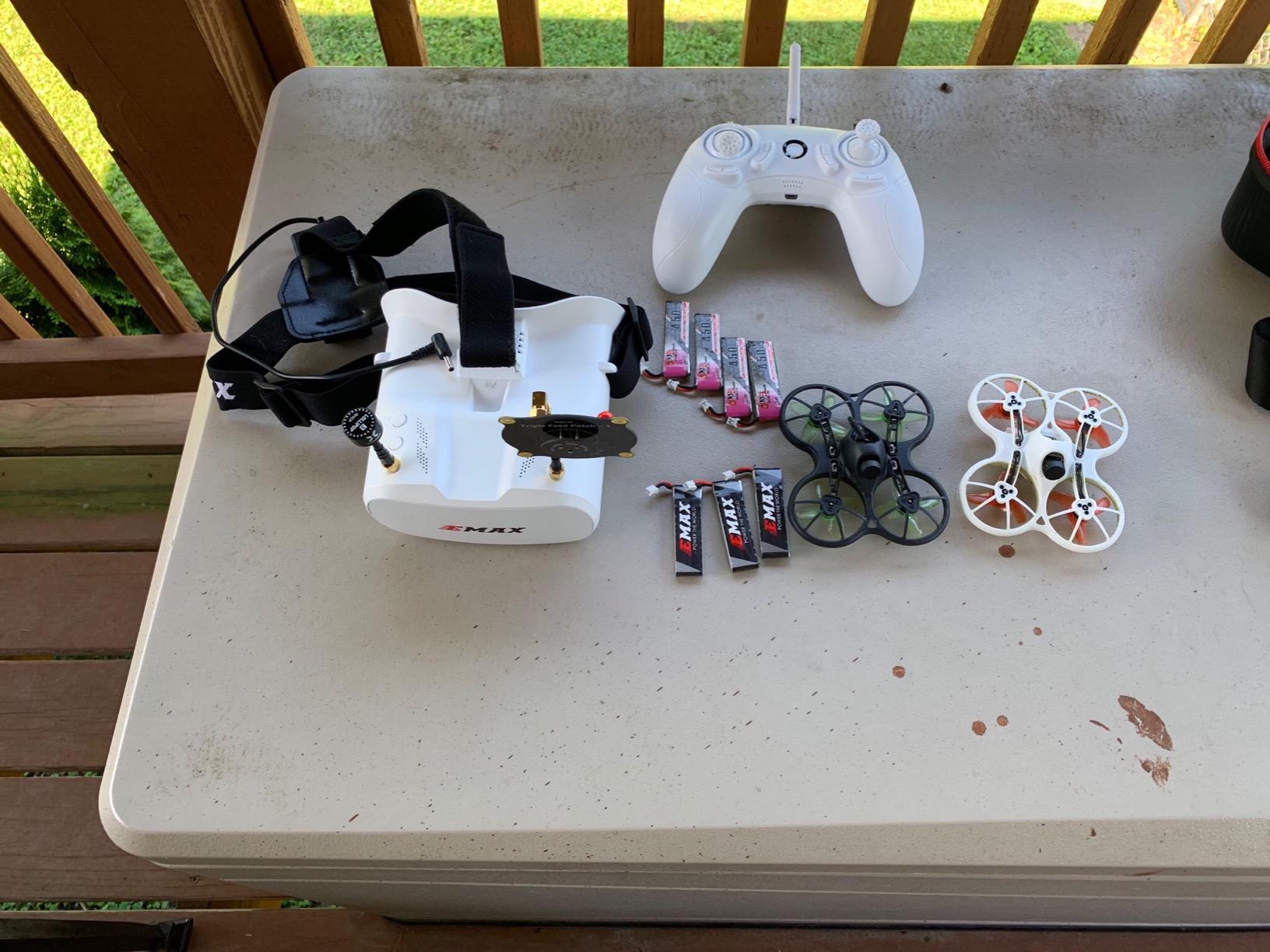
Real FPV with minimal lag sets the Tiny Hawk apart from toy-grade WiFi drones. The 5.8GHz analog video transmission is closer to what professional FPV pilots use, just at a much smaller scale. Up to 35 mph in a drone this size feels incredibly fast, which actually helps develop the reflexes needed for larger FPV platforms later.
Camera quality is the main limitation. At 720p, the footage is not usable for professional cinematic work, and the fixed camera angle is angled too high for comfortable viewing. Outdoor flying is also problematic because the camera struggles with bright daylight. For indoor practice and learning, however, the Tiny Hawk is genuinely hard to beat at this price point.
Who this drone is best for
The Tiny Hawk is ideal for pilots who need to practice FPV indoors, whether due to weather, regulations, or apartment living. It is also a good choice for parents buying a first FPV drone for a child, given the durability and safe indoor flying characteristics. New pilots who want to learn stick control before investing in more expensive gear will benefit from this platform.
Who should look elsewhere
Anyone who wants to produce cinematic footage should look elsewhere. The 720p camera and 4-minute battery life make this drone unsuitable for professional work. Also, pilots who want to fly primarily outdoors will be better served by a platform with better daylight camera performance and longer range.
How to Choose the Best FPV Drone for Cinematic Video
Choosing the right FPV drone for cinematic video comes down to matching your shooting style to the platform. The best drone for real estate videography is rarely the best drone for action sports, and the best drone for indoor cinematic shots usually fails outdoors. Here is how I think through the decision after testing all ten drones in this guide.
Pick the right video transmission system
DJI’s O4 Pro and O3+ systems are the current standard for cinematic FPV, and the difference between digital and analog is significant. Analog FPV systems, like those on the BETAFPV Cetus Pro and EMAX Tiny Hawk, are fine for practice but produce noisy, low-resolution footage unsuitable for client delivery. Digital systems like DJI O3+ and O4 Pro deliver clean HD video to the goggles and record 4K footage to onboard storage.
For professional cinematic work, stick with DJI O3+ or newer systems. The Antigravity A1-360 uses its own proprietary transmission but delivers similar quality. If you are building a custom cinewhoop, the DJI O4 Air Unit is the current go-to for video transmission.
Match drone size to your shooting environment
Drone size matters more than most buyers realize. Sub-250g drones like the Neo 2 and Antigravity A1-360 are regulation-friendly and safe for indoor flying but struggle in wind. 3.5-inch cinewhoops handle wind better and carry more payload. 5-inch freestyle drones offer the best outdoor performance but are louder and less portable.
For indoor cinematic FPV, smaller is better. For outdoor chase shots and real estate work, mid-size platforms balance portability with capability. For action sports cinematography where you need to keep pace with fast-moving subjects, larger platforms with more power are necessary.
Plan for realistic flight times
Manufacturer flight time claims are almost always optimistic. The Avata 2 is advertised at 23 minutes but delivers closer to 15-18 minutes in real conditions. The Neo 2 is rated for around 18 minutes but I measured 8-12 minutes consistently. Always plan for 60-75% of advertised flight time when planning shoots.
Buy more batteries than you think you need. The Fly More Combos from DJI include three batteries, which is the minimum for a real production session. For pilots using custom cinewhoops, plan for 4-6 batteries and a parallel charging board to keep downtime low.
Decide between ready-to-fly and custom builds
Ready-to-fly platforms like the DJI Avata series are perfect for filmmakers who want to focus on flying and shooting rather than building and tuning. Custom cinewhoops offer more flexibility, better performance for specific use cases, and lower long-term repair costs, but require significant time investment to build and tune.
For most filmmakers, a ready-to-fly platform is the right choice. Custom builds make sense for pilots who fly frequently, need specific configurations for commercial work, or enjoy the engineering side of FPV. Reviewers on r/fpv consistently recommend starting with a ready-to-fly platform before attempting custom builds.
Cinematic FPV Filming Tips
Even the best FPV drone produces mediocre footage without good flying technique. Here are the techniques that improved my cinematic FPV footage the most during three months of testing.
Master smooth stick inputs
The single biggest difference between amateur and professional FPV footage is smoothness. Jerky stick inputs translate directly to jerky footage. Practice slow, deliberate movements and avoid sudden direction changes. Simulator practice is the fastest way to develop smooth inputs, and most controllers in this guide work with FPV simulators.
Plan your flight paths before takeoff
Professional FPV pilots rarely improvise. Before each flight, I scout the location, identify 3-5 cinematic moves I want to capture, and plan the flight path for each one. That planning reduces wasted battery time and increases the chance of getting usable footage on the first attempt.
Use ND filters for natural motion blur
ND filters reduce the amount of light entering the camera, which allows slower shutter speeds for natural motion blur. Without an ND filter, FPV footage often looks stuttery at 60fps. For cinematic work, aim for a shutter speed roughly double your frame rate, so 1/120s for 60fps footage. ND filters are available for most DJI drones and many cinewhoop cameras.
Frequently Asked Questions
What is the best FPV drone for cinematography?
The DJI Avata 2 Fly More Combo is the best FPV drone for cinematography in 2026. It combines 4K/60fps HDR video with RockSteady and HorizonSteady stabilization, a 1/1.3-inch sensor, and an intuitive motion controller that makes cinematic moves accessible to new pilots. The Fly More Combo includes three batteries, which is essential for real production sessions given real-world flight time is closer to 15-18 minutes per pack.
What is the best drone for making cinematic videos?
For cinematic videos specifically, the DJI Avata 2 is the strongest all-around choice, while the Antigravity A1-360 is the best option if you want 360-degree reframing in post-production. Real estate videographers should consider the Avata 360 for its 8K 360 capture and reframe workflow. For action sports and high-speed chase shots, the DJI FPV Drone (Renewed) at 90 mph produces footage no other platform can match.
What is the best FPV drone for cinewhooping?
The DJI Avata 2 is the best ready-to-fly option for cinewhooping because of its built-in propeller guards, 4K stabilized video, and beginner-friendly motion controller. For custom cinewhoop builds, the GEPRC CineLog35 V3 is widely regarded as the top 3.5-inch cinewhoop platform for cinematic work, though it requires assembly and tuning. Ready-to-fly platforms like the Avata 2 are better for filmmakers, while custom cinewhoops suit dedicated FPV hobbyists.
What size FPV drone is best for cinematic shots?
For indoor cinematic shots, a sub-250g drone like the DJI Neo 2 or Antigravity A1-360 is best because it is safe to fly near people and furniture. For outdoor cinematic work, 3.5-inch cinewhoops offer the best balance of stability and maneuverability. For action sports cinematography where you need to keep pace with fast subjects, 5-inch freestyle drones deliver the speed and power required.
Is DJI Avata 2 good for cinematic video?
Yes, the DJI Avata 2 is excellent for cinematic video. Its 1/1.3-inch sensor, 4K/60fps HDR recording, and RockSteady stabilization produce footage that holds up in professional post-production. The 155-degree field of view delivers the signature FPV look without going so wide that footage becomes distorted. With 1707 reviews averaging 4.6 stars, it is also the most consistently praised FPV platform for cinematic work in 2026.
Final Verdict: The Best FPV Drone for Cinematic Video in 2026
After three months of testing all ten drones in this guide, my top recommendation for the best FPV drone for cinematic video remains the DJI Avata 2 Fly More Combo. It is the only platform that consistently delivered usable cinematic footage in every scenario I tested, from coastal golden hour shots to indoor warehouse flythroughs. The combination of 4K/60fps HDR, RockSteady stabilization, and DJI’s mature ecosystem makes it the most reliable creative tool in the lineup.
For pilots on a budget, the DJI Neo 2 offers the best value, packing genuine cinematic capability into a 151g package. Filmmakers who want maximum creative flexibility should consider the Antigravity A1-360 with its 8K 360 capture and reframe workflow. Beginners should start with the BETAFPV Cetus Pro to develop FPV fundamentals before investing in more expensive platforms.
Whichever drone you choose, invest time in simulator practice before flying real missions. Even the best FPV drone produces mediocre footage without smooth stick control, and the techniques that make FPV cinematography look magical are skills you can develop in a simulator in less time than you would crash a real drone. Once your inputs are smooth, the drones in this guide will help you capture footage that simply is not possible with traditional camera drones.