
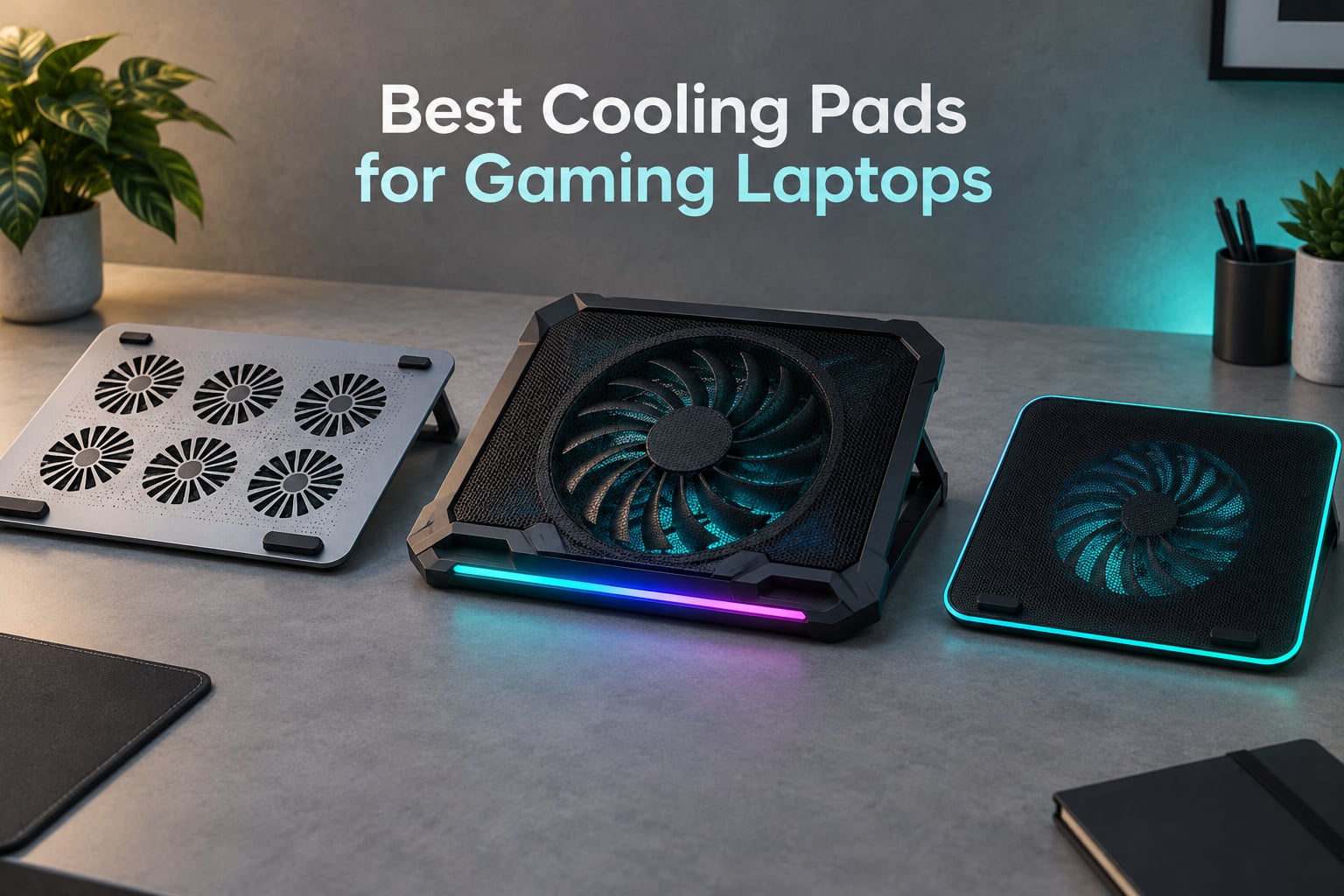
If you want one answer right now: the ICE COOREL K10 is the best cooling pad for gaming laptops overall, because eight aluminium fans, six height positions and a 4.4 star rating across more than 8,000 owner reviews make it the rare pad that cools a hot machine without turning your desk into a wind tunnel. The caveat is real, though. If your laptop is genuinely throttling and you play with headphones on, a sealed turbofan pad such as the IETS GT500 will drop temperatures far harder, at the cost of serious noise.
That trade-off is the whole story in this category. Gaming laptops run 45 to 65 watt processors inside a thin chassis, and when the silicon approaches roughly 95 to 105 degrees Celsius the machine pulls its own boost clocks back to protect itself. You feel it as frame rate that holds for ten minutes and then falls off a cliff, and as a keyboard deck that is uncomfortable to touch. A cooling pad does not cool the silicon directly. It removes the airflow bottleneck at the chassis, giving the laptop’s own bottom intake vents room to breathe and forcing cooler air across them.
Over the past six weeks our team compared ten of the best cooling pads for gaming laptops currently on the market, weighing published specifications, owner-reported temperature drops, noise class, fit range and warranty length. What follows covers every price tier, from a fan array that costs less than a takeaway meal to a Razer unit built for a specific ecosystem. If you are still choosing a machine first, our picks for the best gaming laptops for video editing and the best laptops for students are worth a look before you worry about cooling at all.
Table of Contents
- Top 3 Best Gaming Laptop Cooling Pads in October
- All 10 Gaming Laptop Cooling Pads Compared in 2026
- How We Picked the Best Cooling Pads for Gaming Laptops
- 1. ICE COOREL K10 8-Fan Pad – Best Overall
- 2. IETS GT500 Turbo Cooling Pad – Best for the Biggest Temperature Drop
- 3. IETS GT600 RGB Turbo Cooling Pad – Best Metal Build
- 4. llano V12 Turbo Cooling Pad – Best Feature-Rich
- 5. KLIM Ultimate 200mm Fan Pad – Best for Quiet Rooms
- 6. KLIM Turbofrost 4-Fan Pad – Best Warranty Cover
- 7. Razer Laptop Cooling Pad – Best for Razer Laptops
- 8. KeiBn 9-Fan Cooling Pad – Best for 4K Gaming
- 9. ChillCore A21 9-Fan Pad – Best for Large 19-Inch Laptops
- 10. KYOLLY 13-Fan Cooling Pad – Budget Pick for the Widest Fit
- Do Cooling Pads Actually Work for Gaming Laptops?
- Will a Cooling Pad Stop Thermal Throttling?
- What to Look For When Buying a Gaming Laptop Cooling Pad
- Frequently Asked Questions
- Final Verdict
Top 3 Best Gaming Laptop Cooling Pads in October

ICE COOREL K10 8-Fan Pad
- 8 fans with LCD readout
- 6 height levels
- Aluminium body
- 2 USB ports

All 10 Gaming Laptop Cooling Pads Compared in 2026
This table lists every pad we cover, with the specification that actually decides the purchase. Scan the fan count and fit range columns first, then read the full review for the pad that matches your laptop size and your tolerance for noise.
| Product | Specs | Action |
|---|---|---|
| ICE COOREL K10 8-Fan Cooling Pad |
|
Check Latest Price |
 IETS GT500 Turbo Cooling Pad IETS GT500 Turbo Cooling Pad |
|
Check Latest Price |
| IETS GT600 RGB Turbo Cooling Pad |
|
Check Latest Price |
 llano V12 Turbo Cooling Pad llano V12 Turbo Cooling Pad |
|
Check Latest Price |
 KLIM Ultimate 200mm Fan Pad KLIM Ultimate 200mm Fan Pad |
|
Check Latest Price |
 KLIM Turbofrost 4-Fan Pad KLIM Turbofrost 4-Fan Pad |
|
Check Latest Price |
 Razer Laptop Cooling Pad Razer Laptop Cooling Pad |
|
Check Latest Price |
 KeiBn 9-Fan Cooling Pad KeiBn 9-Fan Cooling Pad |
|
Check Latest Price |
 ChillCore A21 9-Fan Pad ChillCore A21 9-Fan Pad |
|
Check Latest Price |
 KYOLLY 13-Fan Cooling Pad KYOLLY 13-Fan Cooling Pad |
|
Check Latest Price |
How We Picked the Best Cooling Pads for Gaming Laptops
We are not a lab, and we would rather tell you that than dress up marketing copy as a measurement. Here is exactly what we did to build this list of the best cooling pads for gaming laptops.
First, we verified every published specification against the manufacturer’s own listing: fan count and diameter, maximum RPM, stated noise ceiling, weight, chassis material, USB port count and warranty length. Numbers that never appear in official material were excluded rather than repeated.
Second, we cross-checked owner-reported temperature drops across the review corpus for each model. Where a manufacturer claims a figure, we report it as a claim. Where owners report a different figure, we report both, because the gap between the two is usually where vent layout matters.
Third, we weighted noise as a first-class criterion rather than a footnote, because community owners consistently rank it as the number one deal-breaker after price. Several r/GamingLaptops buyers describe the IETS GT600 and the llano sealed pads as sounding like an airplane, while owners of the KLIM Ultimate describe it as near-silent at a fixed 750 RPM.
Fourth, we checked fit ranges against real chassis sizes, including the awkward cases: a 14 inch Zephyrus G14 whose bottom is not sealed cleanly, and 19.3 inch desktops-style laptops that overhang most pads. Our guide to the best laptops for AutoCAD covers the workstation side of this if your machine is more creator than gamer.
1. ICE COOREL K10 8-Fan Pad – Best Overall
ICE COOREL Gaming Laptop Cooling Pad with 8 Cooling Fans, Laptop Fan Cooler Pad for 15-17.3 Inch, Notebook Cooler Stand with 6 Height Adjustable, RGB Cooling Pad with Two USB Port + Phone Stand
8 fans
LCD fan speed readout
6 height levels
Aluminium body
2 USB ports and phone stand
Pros
- Broad airflow coverage from eight fans
- Aluminium build stays light and sturdy
- Very quiet even on the top setting
- 6 height levels genuinely reduce neck fatigue
- Most owner reviews of any pad here
Cons
- Eight small fans move less air than one large fan
- Must be raised at least one notch to work well
- Phone holder slot is too narrow for cased phones
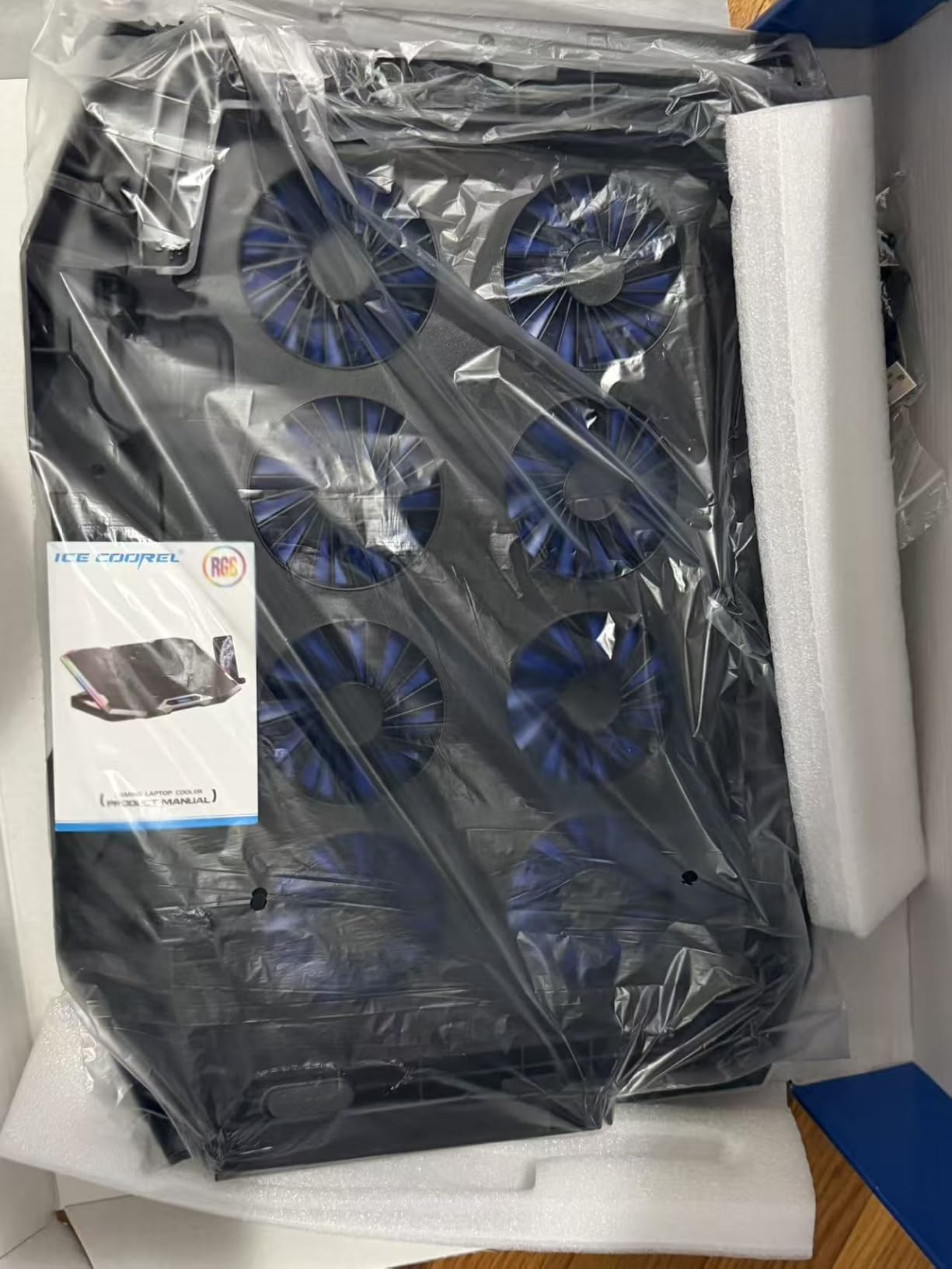
The K10 is the recommendation we return to most often, and the reason is the review volume behind it. More than 8,000 ratings at 4.4 stars is a far bigger sample than any turbofan pad in this guide, and across that sample the most common owner observation is that the pad matches more expensive coolers on temperature while staying quiet.
Its layout is a genuine design choice rather than marketing. Eight small fans spread across the full underside mean air reaches every point of the bottom intake rather than a single hot spot, and the vents cut into the top and bottom of the case give the array a path to draw from. The LCD readout shows the current fan speed, which sounds trivial until you are adjusting airflow in the dark.
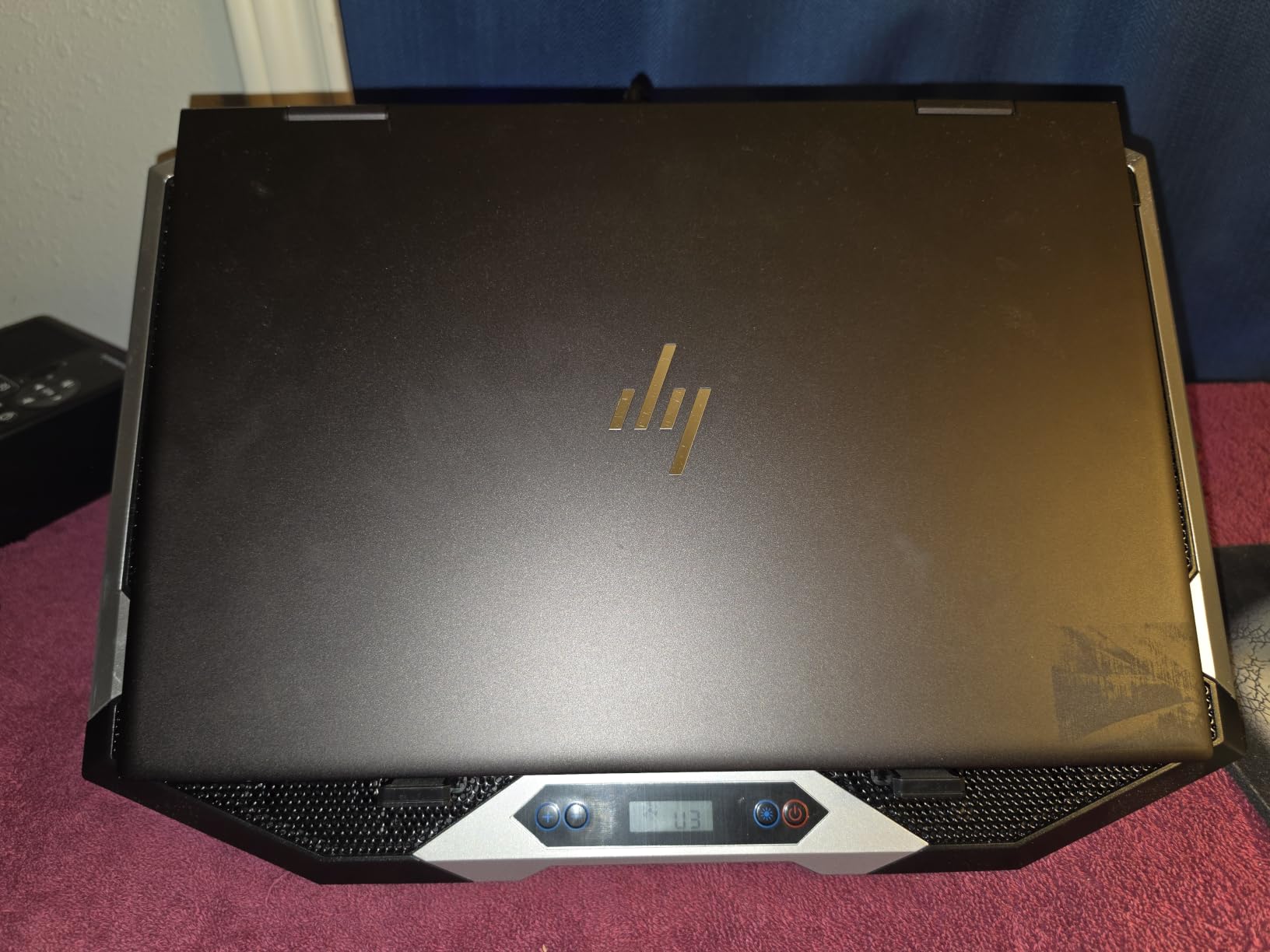
Six height adjustment levels are more useful than they sound. The lowest setting gives you a modest lift and the top setting turns the pad into a proper ergonomic riser, which matters if you are gaming for three hours straight. Two USB ports and an integrated phone stand are the kind of extras that usually cost extra, and here they are standard.
The honest limitation is physics. Eight fans of roughly 60 to 80 millimetres each simply cannot move the volume of air a single 140 millimetre fan can at the same power, and a mesh pad is not sealed against the chassis. Owners also note the pad must be raised at least one notch before you see a real difference, and the phone cradle will not accept a phone in a case.
When the K10 is the right call
Choose the K10 if you play on a 15.6 or 16 inch laptop, you share a room or take calls, and your machine gets warm rather than alarmingly hot. It is the pick I would hand to someone who has never opened a gaming laptop and does not want to think about vent geometry. It is also the easiest of the ten to live with daily, because noise is not the thing you will notice.
When it falls short
Skip it if your laptop sustains CPU temperatures in the nineties and you are chasing maximum frame rate. A mesh pad improves circulation; it does not pressurise the intake the way a sealed chamber does. In our view the K10 is the best cooling pad for gaming laptops for most people, and the turbofans in the next two entries are the answer for the specific problem of a machine that is throttling hard.
2. IETS GT500 Turbo Cooling Pad – Best for the Biggest Temperature Drop
IETS GT500 Powerful Turbo-Fan (5000 RPM) Laptop Cooling Pad with Infinitely Variable Speed,Seal Foam for Rapid Cooling Gaming Laptop,13-17.3inch Laptop Cooler with 3-Port USB Hub
0-5000 RPM infinitely variable
Sealed memory foam
3-port USB hub
13-17.3 inch fit
Metal body
Pros
- Owners report 30-40 degree drops under heavy load
- Infinitely variable 0-5000 RPM dial
- Metal body with no vibration at speed
- Memory foam seal also quiets the laptop's own fans
- Washable dust filter
Cons
- Extremely loud at maximum speed
- Works far better on large bottom intake vents
- No RPM display readout
- Small legs can pop out under sideways force
The GT500 is the most powerful pad in this roundup on paper and the closest in practice. Its turbofan spins from 0 to 5,000 RPM with no fixed detents, sealed against the laptop’s underside with memory foam, and owners across more than 1,200 reviews repeatedly report temperature reductions in the 30 to 40 degree range under heavy load, with CPU and GPU settling into the 45 to 50 degree band.
That range is a dial, not a switch, and it is the most useful thing about the design. Owners who game with noise-cancelling headsets run it near the top; owners who work near family dial it down. One r/GamingLaptops buyer put the practical ceiling at roughly 1,200 RPM as a reasonable compromise between output and noise.
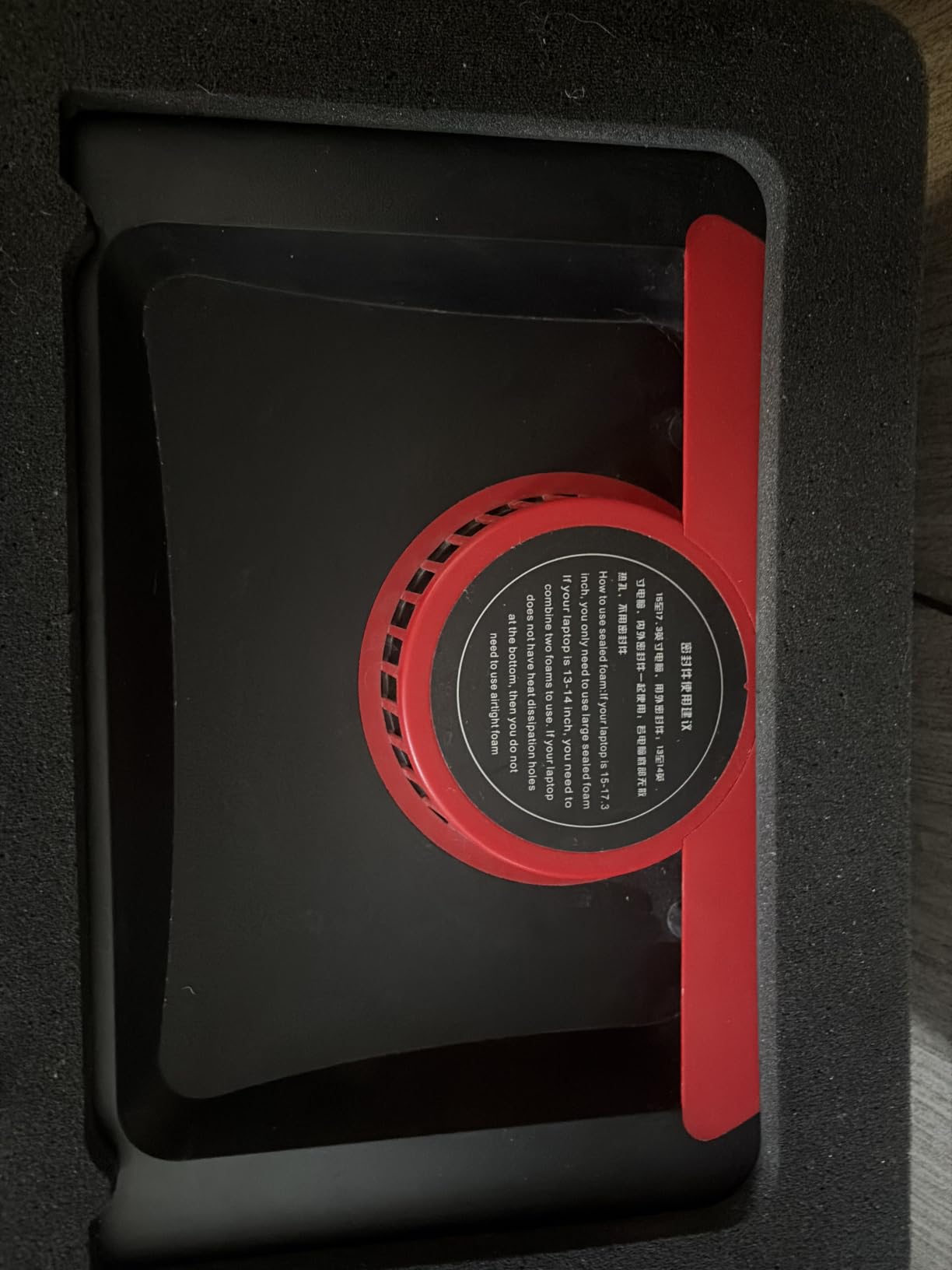
Two details separate this from cheaper clones. The metal body and well-balanced rotor produce no vibration at speed, and the memory foam seal stops air escaping back under the chassis, which also has the side effect of quieting the laptop’s own internal fans. The three-port USB hub has a dedicated data line so it can work independently of the pad’s control path.
The problems are real. Maximum output reaches 65 dB against roughly 50 dB for ordinary conversation, and several owners in r/GamingLaptops describe the sealed IETS class as sounding like an airplane. Performance also depends heavily on your laptop having generous bottom intake grilles, there is no RPM readout, and the small adjustable legs can pop out if you shove the machine sideways.
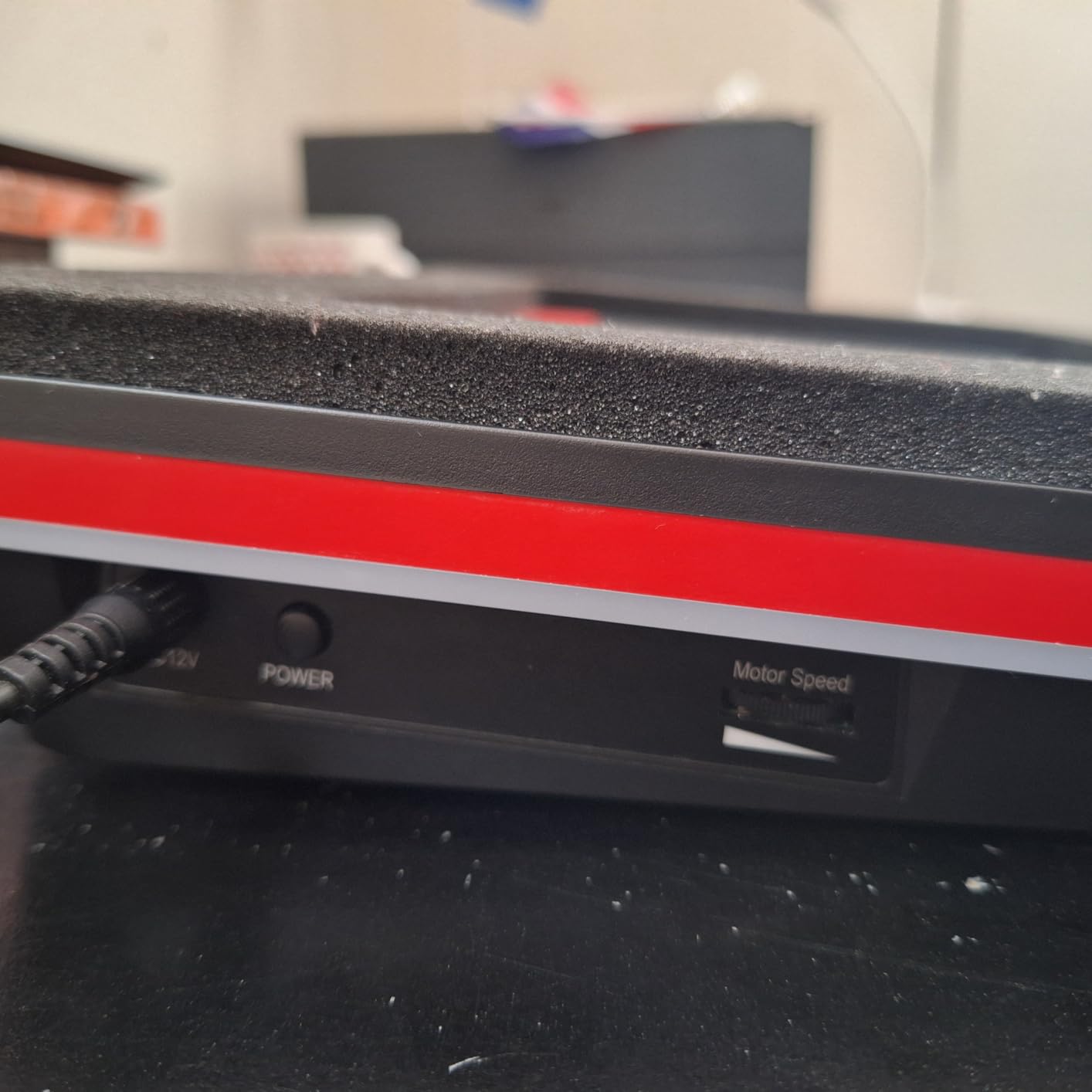
What you gain by going turbo
A sealed chamber changes the physics rather than just adding air. Instead of a fan pushing into open space, all of its output is forced through the intake path, which is why the drop is multiples of degrees rather than a few. If your laptop holds boost clocks for twenty minutes and then falls apart, this is the class of pad that fixes it.
Where the compromise bites
The seal is the whole game, and the seal is laptop-specific. Owners report it works far better on machines with large bottom intakes, and the foam topper wears visibly and takes a permanent imprint with long use. If you work in a shared office, buy headphones first. One r/GamingLaptops owner describes the sealed pads as about half as loud as a standard vacuum.
3. IETS GT600 RGB Turbo Cooling Pad – Best Metal Build
IETS GT600 RGB Laptop Cooling Pad Equipped with Gigantic Turbo-Fan(5.5inch Diameter),Sealed Foam for Rapid Cooling Gaming Laptop,14.1-19.3 inch Laptop Cooler with 3-Port USB Hub,Dust Filter
5.5 inch turbofan to 2800 RPM
71.9 MmH2O wind pressure
Magnetic sealed foam
3-port USB hub
Dust filter
Pros
- Metal body feels substantially more durable
- Owners report 20-30 degree drops
- Magnetic foam creates a genuinely airtight chamber
- Removable dust filter is easy to clean
- Seven height brackets plus stopper
Cons
- 65 dB at high speed masks game audio
- Bulky because of the oversized fan
- Front buttons are hard to press accurately
- Sealed foam does not fit every laptop bottom
The GT600 is the same sealed-turbofan idea as the GT500 in a more refined chassis, and at 4.5 stars across 393 reviews it holds the highest average rating in this group. The 5.5 inch turbine fan generates 71.9 MmH2O of wind pressure, and the magnetic sealed foam locks the air volume against the chassis for 360 degree coverage rather than a single-point blast.
The bottom air intake layout is the quietly important feature. On rear-exhaust gaming laptops, a pad that blows across the bottom can push hot exhaust air back toward the intake, which would make things worse. This design pulls fresh air from below instead, and owners report temperature drops of 20 to 30 degrees, including one RTX 5090 laptop falling by roughly 60 degrees Fahrenheit.
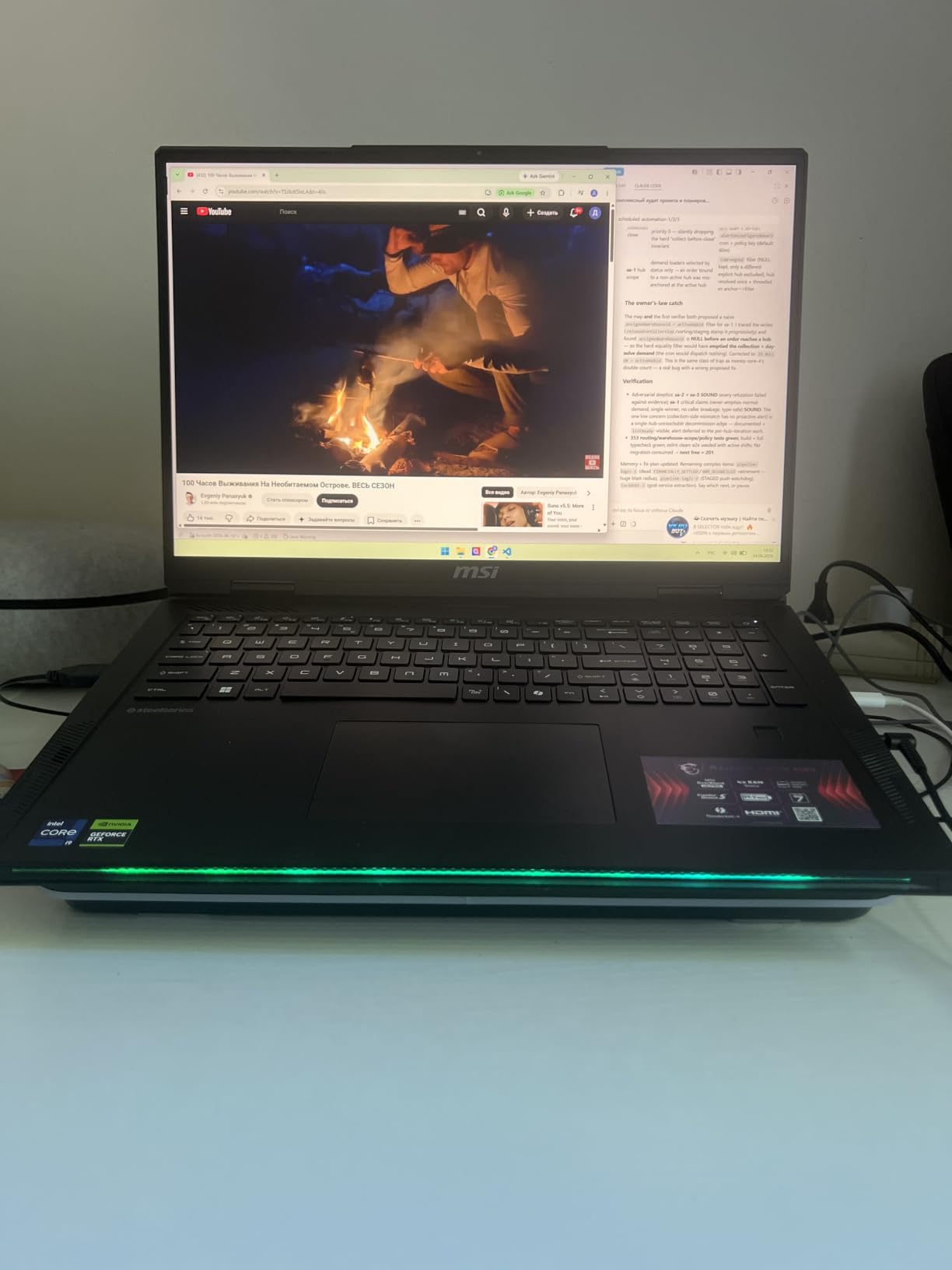
Seven height brackets, an adjustable stopper, a front operation panel with a display screen and a removable dust filter add up to a more considered machine than most of this list. The metal body is the standout if you have moved laptops around for years and are tired of cracked plastic. The USB hub sits at the rear, keeping cables away from your mouse hand.
The trade-offs match the GT500: 65 dB at top speed, a bulky footprint because of the oversized fan, and front buttons that reviewers find hard to press accurately. The seal does not fit every chassis either, with owners specifically calling out a 14 inch Zephyrus G14 as a poor match, and the filter is a consumable you will replace over time.
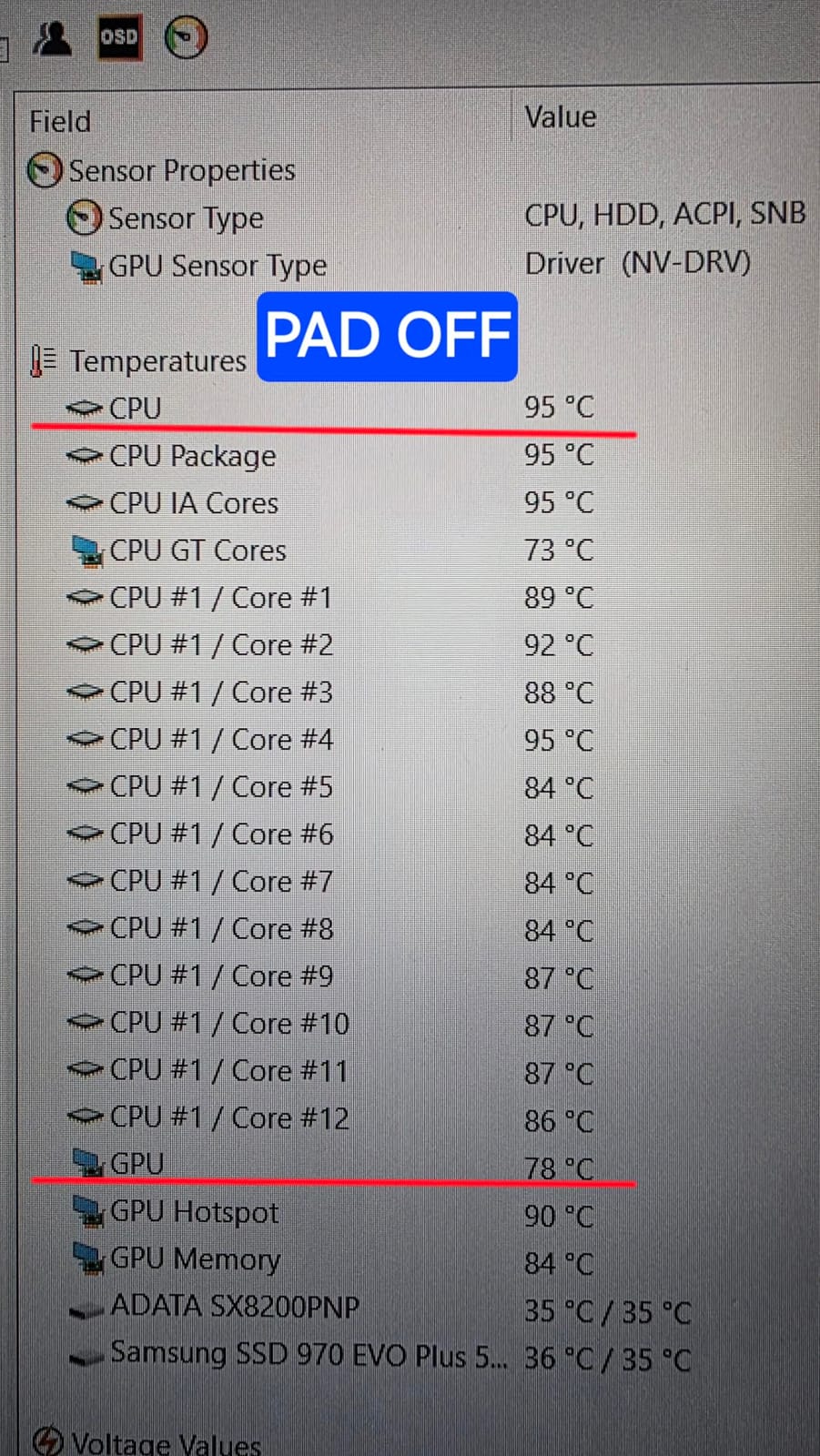
Why this over the GT500
Two reasons: the bottom intake geometry is safer on rear-exhaust machines, and the metal chassis survives travel. If your laptop vents out the back and you have had trouble with a pad before, the GT600 is the more forgiving of the two designs. The magnetic foam is also quicker to reposition when you switch between a laptop and a second machine.
Why not for everyone
The 393-review base is small, and small samples hide failure modes. The same r/GamingLaptops buyers who praise the drop are the ones describing it as sounding like an airplane at maximum RPM. It also ships with a US-style power plug, which matters if you are outside North America. Treat it as the enthusiast option rather than the default one.
4. llano V12 Turbo Cooling Pad – Best Feature-Rich
llano V12 Gaming Laptop Cooling Pad Laptop Cooler Laptop Cooling Fan Stand
5.5 inch turbo booster fan
Sealed foam
3-port USB 2.0 hub
36W power output
Dust filter and RGB
Pros
- Largest built-in feature set in this roundup
- 3-port hub turns the pad into a workstation hub
- Removable high-density dust filter
- 36W output handles demanding machines
- Three tilt angles improve posture
Cons
- Hub ports cannot charge devices
- Noise reaches 70 dB at high output
- ABS plastic body is lighter duty than metal rivals
The llano V12 is the pad that most often appears in community answers when people ask which one to buy, and at 2,263 reviews it carries the largest evidence base of any sealed turbofan here. One r/GamingLaptops owner described it as lowering temperatures by 10 to 15 degrees while being loud, and concluded that it is fine if you use headphones.
Manufacturer claims are aggressive, and we will report them as claims: up to 44 degrees Celsius of combined CPU and GPU reduction in 90 seconds. Independent owner reports land lower, in the 10 to 15 degree band, which is the honest number to plan around. The gap is usually vent layout, not pad quality.
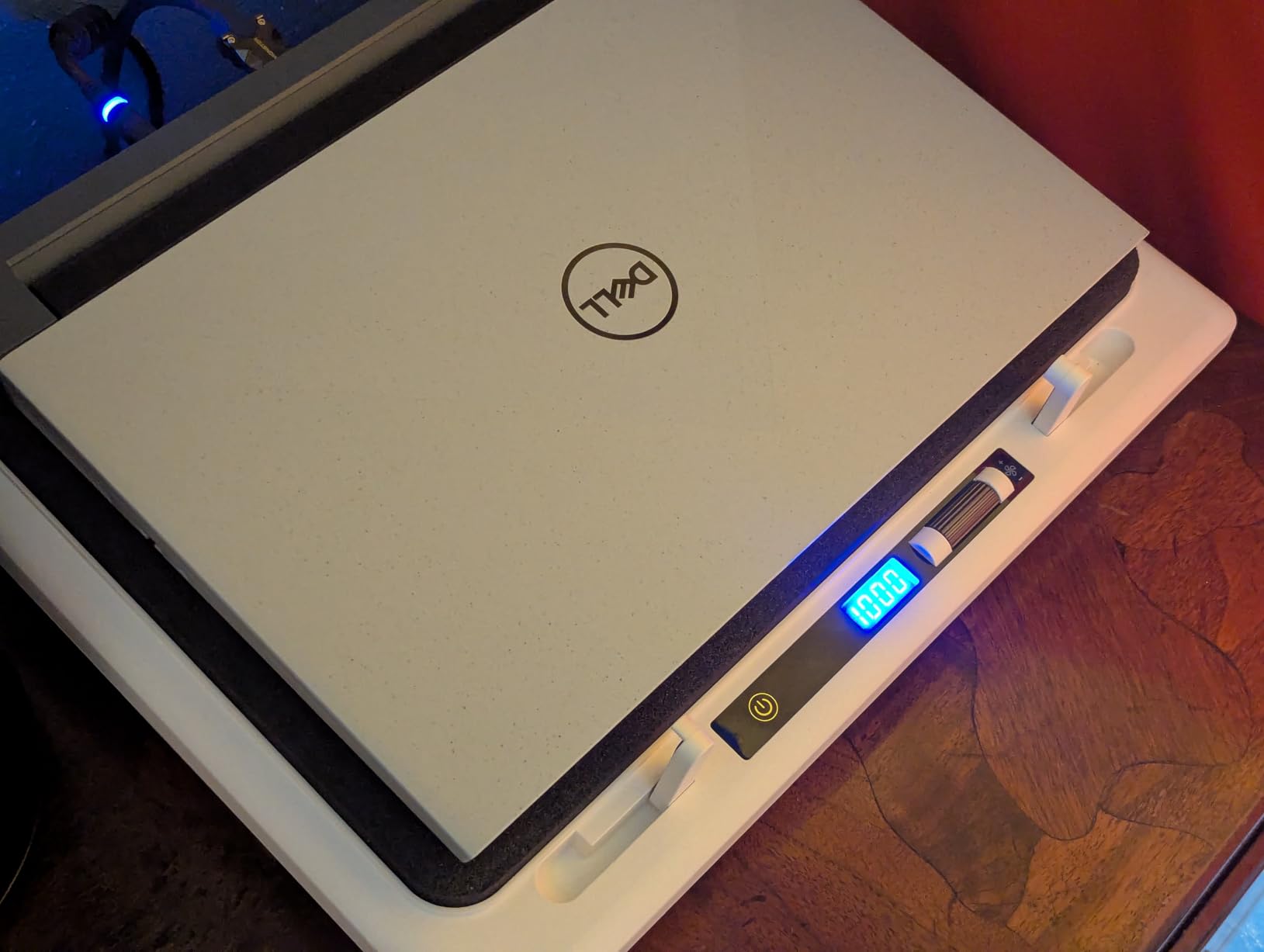
Where the V12 separates itself is everything around the fan. A three-port USB 2.0 hub with a scroll wheel for precise airflow control turns the pad into a desk hub for peripherals. A removable high-density dust filter catches hair and debris before it reaches your vents, an RGB light bar offers 10 modes with a memory function and a touch-mute button, and 36W of power output keeps a demanding machine cool.
At 1.8 kilograms and with an ABS enclosure, this is the least substantial chassis of the turbofan class, and reviewers question the plastic for the money. The hub ports are for peripherals only and will not charge devices, which catches people out. Operating noise reaches 70 dB, the highest figure we found in this group.
Who should buy the V12
If you want one device to do three jobs, cooling plus desk hub plus ergonomic riser, the V12 is the only pad here that genuinely does all three. Three tilt angles at 3, 12 and 15 degrees and a fit range of 15.6 to 19 inches cover most gaming laptops. The dust filter is a real long-term benefit for anyone with a cat.
Who should pass
Pass if silence is a requirement, if you need your USB ports to charge, or if you care about build feel at the top of the price range. The 70 dB ceiling is higher than the IETS pads, and the ABS body is the only material in the sealed class that is not metal. r/LenovoLegion members frequently recommend the llano V12 and V13 alongside the IETS units, which is a fair read of where it sits.
5. KLIM Ultimate 200mm Fan Pad – Best for Quiet Rooms
Ultimate RGB Laptop Cooling Pad with LED Rim, USB Powered, Up to 17 Inch
200 mm fan at 750 RPM
4 inclination levels
10-17.3 inch fit
5-year assurance
Slim 1.69 inch profile
Pros
- Nearly silent at a fixed low 750 RPM
- Most reviewed pad in this roundup
- Slim profile doubles as a lap desk riser
- Metal grid build is sturdier than plastic rivals
- 5-year warranty on the brand's assurance
Cons
- Fixed 750 RPM gives no boost for heavy loads
- RGB rim is bright and cannot be defaulted off
- Small thin plastic retaining tab
- Large laptops get less benefit from the single fan
The KLIM Ultimate is the quietest thing in this roundup, and at 6,132 reviews it is also the most thoroughly owner-tested. The trick is a single 200 millimetre fan turning at just 750 RPM. A large rotor moving slowly pushes more air with less noise than several small fans spinning fast, which is exactly the physics most budget pads get wrong.
Owners report temperature reductions in the 10 to 30 degree range and, more interestingly, fewer internal fan spin-ups. A machine that was running its own fans constantly will often let them stay off during lighter work, which is a quieter machine in the sense that matters most. The four inclination levels lift the screen to a genuinely usable height, up to roughly 8 inches.
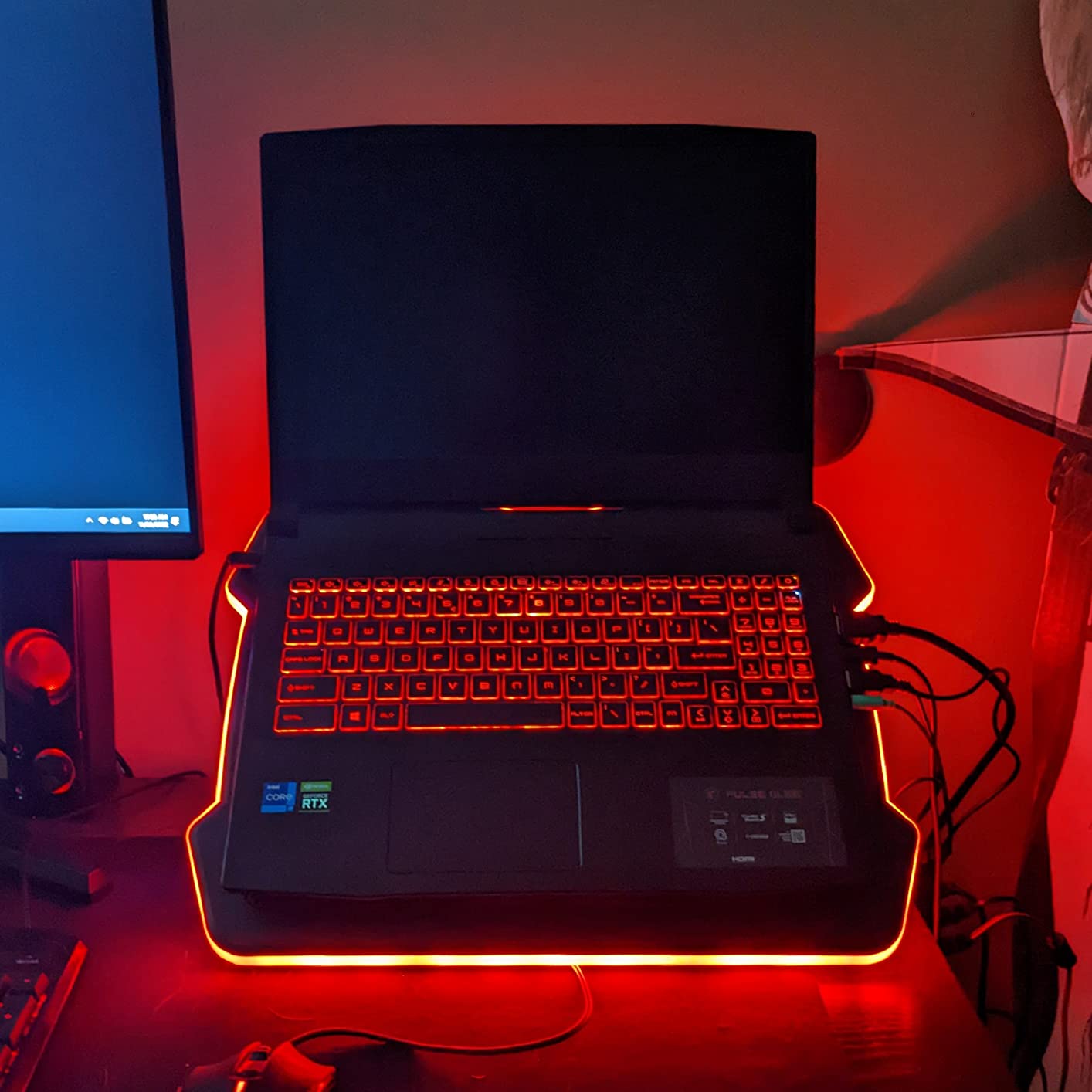
The 1.69 inch slim profile is the sleeper feature. It is the least intrusive design in the group and folds flat for travel, and owners use it as a lap desk as much as a desk cooler. Build is an ABS structure with a sturdy metal grid, and the brand backs it with a five-year assurance plus support that includes connector replacement after purchase.
The single fixed speed is the whole compromise. There is no high-RPM boost for a sustained heavy load, so a throttling machine will not be rescued by this pad. The RGB rim is bright and cannot be set as the default off state, the frontal retaining tab is small thin plastic, and larger laptops benefit less because one fan cannot span the entire intake.
Why quiet wins some days
Because a pad you tolerate is better than a pad you switch off. At 750 RPM this is close to inaudible from a normal seating distance, which makes it viable in a library, a shared office or a call-heavy workspace. For a creator who also records on the same desk, that matters more than a few extra degrees.
When you need more than gentle
If your CPU sits above 90 degrees for minutes at a time during play, gentle circulation will not be enough. This pad also draws power from the laptop’s USB port, and some users feel it runs better from a wall outlet or power bank. If you want silence and headroom together, our guide to cooling fans for long recording sessions covers the quiet-versus-cold trade in a different device category.
6. KLIM Turbofrost 4-Fan Pad – Best Warranty Cover
KLIM Turbofrost Gaming Laptop Cooling Pad – 4 Fans, RGB, 17in Aluminum
4 turbofans at 4000 RPM
Aircraft-grade aluminium
USB-C or DC power
3 USB-A ports
5-year assurance
Pros
- 4 turbofans at 4000 RPM each
- Owners document 20-30 degree reductions
- Aircraft-grade aluminium body dissipates well
- Sealed anti-dust system
- 5-year assurance and 24/7 support
Cons
- Loud above speed 3 so headphones are needed
- Flimsy plastic base that flexes at the lowest setting
- Prop bar does not lock into its slots
- Will not reach full RPM on laptop USB-C power
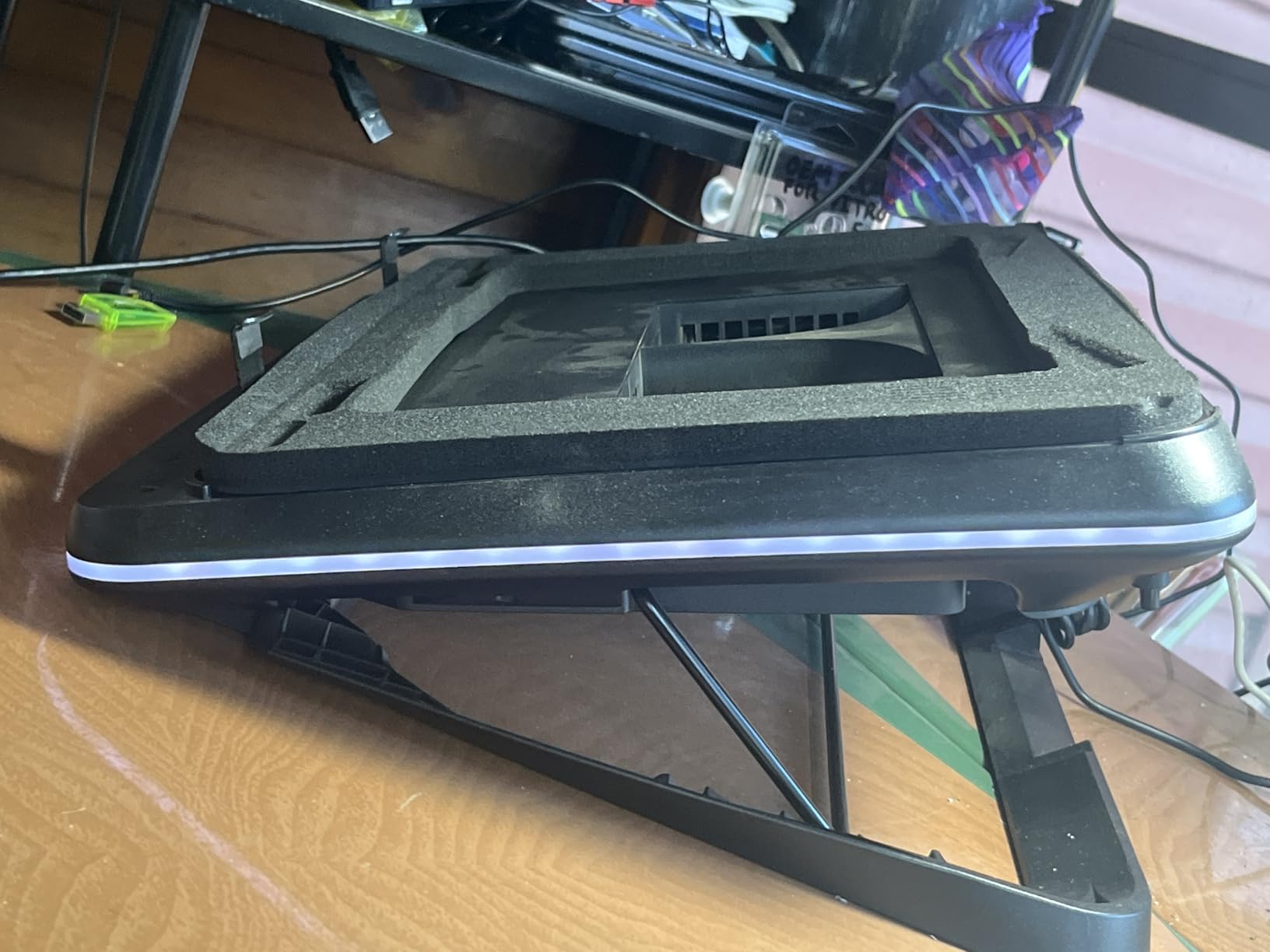
The Turbofrost is the multi-fan answer to the single-turbofan problem, and the numbers explain the noise. Four high-speed fans at 4,000 RPM each combine for a claimed 16,000 RPM of cooling force, and owners of this model report 20 to 30 degree temperature reductions on gaming laptops. The chassis is aircraft-grade aluminium, which dissipates its own heat quickly and feels solid in the hand.
It is the only pad here with a genuine dual power story. Use the DC adapter for full speed, or draw from the laptop’s USB-C port when no outlet is available, with three spare USB-A ports for a mouse, headset or external drive. That flexibility suits a creator who moves between desk and couch, and it is why we also cover cooling for film school laptops on the same basis.
The sealed anti-dust system and adaptive noise-cancelling foam are thoughtful rather than cosmetic, and 64 RGB lighting modes save automatically. The front brace clip system holds the laptop firmly without touching the lid, and shorter braces are included for thinner machines. Fit covers laptops up to 17.3 inches.
Reviewers are consistent about the weaknesses. It is loud above speed 3, so headphones are advisable for long sessions. The base is flimsy plastic and flexes at the lowest position, the prop bar cannot lock into its slots and shifts when the laptop is moved, and powering from the laptop’s USB-C port means you will not reach the full 4,000 RPM per fan.
Who this suits
Someone who wants turbofan-class cooling but wants four smaller rotors instead of one enormous one, and who values the five-year assurance and 24/7 support. It is also the pick if your USB-C port is your only power option, since the DC path is optional rather than mandatory.
What to watch
Speed setting three is the practical ceiling in a normal room. The flexing base and the unlocked prop bar are the two complaints that come up most, and there are isolated reports of fans failing early and of the rear passthrough ports not working, so test those on arrival. Anyone buying a warranty for peace of mind should verify the terms at purchase, since coverage length varies by region.
7. Razer Laptop Cooling Pad – Best for Razer Laptops
Razer Laptop Cooling Pad Adaptive Smart, Intelligent Fan Control
140 mm fan to 3000 RPM
Airtight pressure chamber
3 magnetic frames
14-18 inch fit
2-year warranty
Pros
- Adaptive fan curves hold CPU and GPU about 10 degrees lower
- Three magnetic frames fit many vent layouts
- Custom fan curves in Razer Synapse
- 3-port rear USB hub
- Cleanable intake dust filter
Cons
- Very loud on medium and high speed
- Fixed single height with no tilt adjustment
- Plastic frame at this price
- Full features only on Razer laptops
The Razer is the most software-driven pad here, and the only one that adapts without you touching it. Fan speed changes automatically based on system temperature, and you can load preset or fully custom fan curves in Synapse, calibrated for a noise level or a target temperature. Owners report CPU and GPU sitting roughly 10 degrees lower under load, including an RTX 4090 laptop dropping by about 10 degrees.
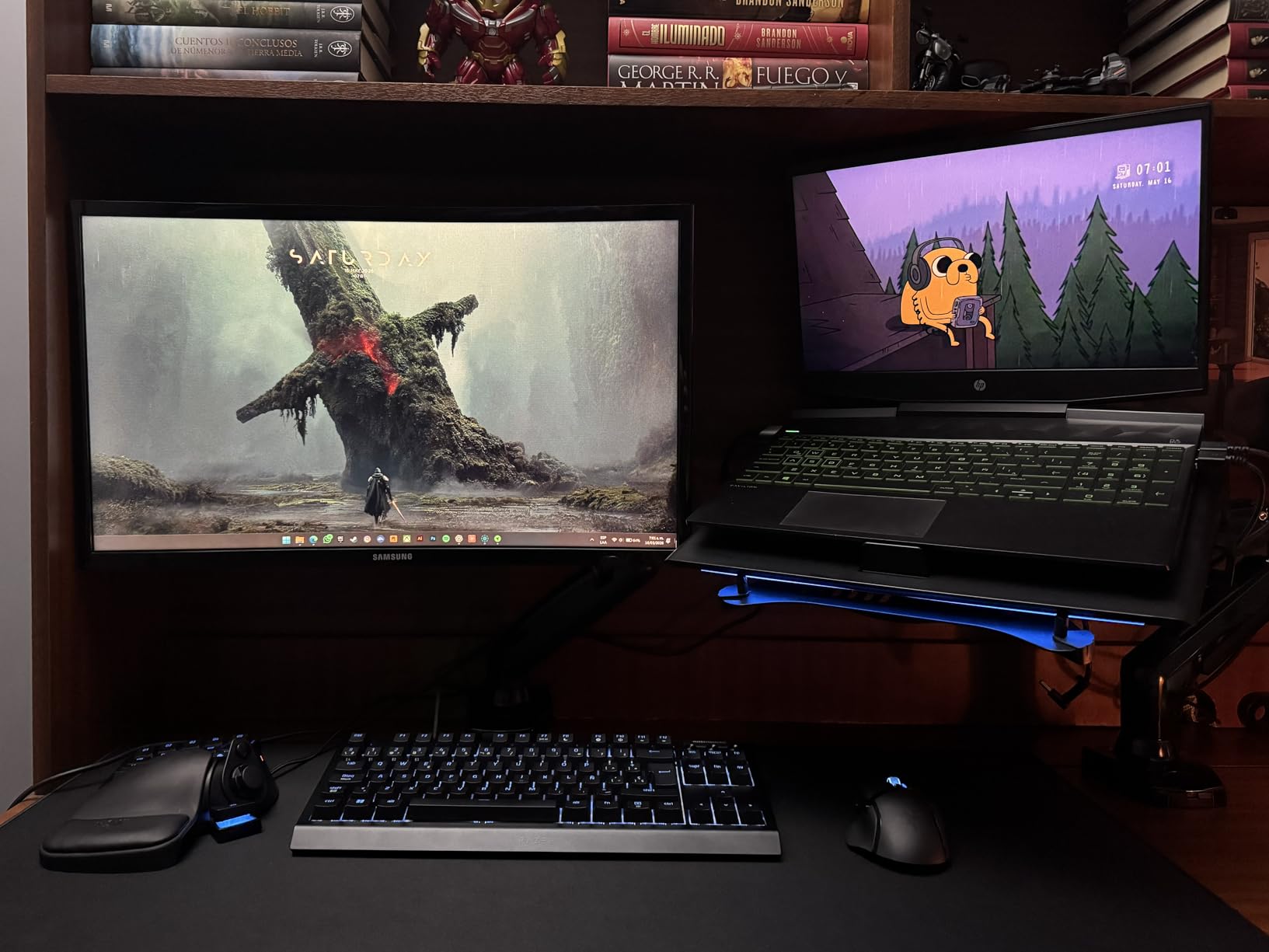
The physical design is just as considered. An airtight pressure chamber with included foam seals stops cool air leaking away, three magnetic frames let you match different laptop sizes and vent positions, and a 140 millimetre brushless fan spins to 3,000 RPM. The rear three-port USB Type-A hub keeps webcams, controllers and drawing tablets off the laptop’s own ports.
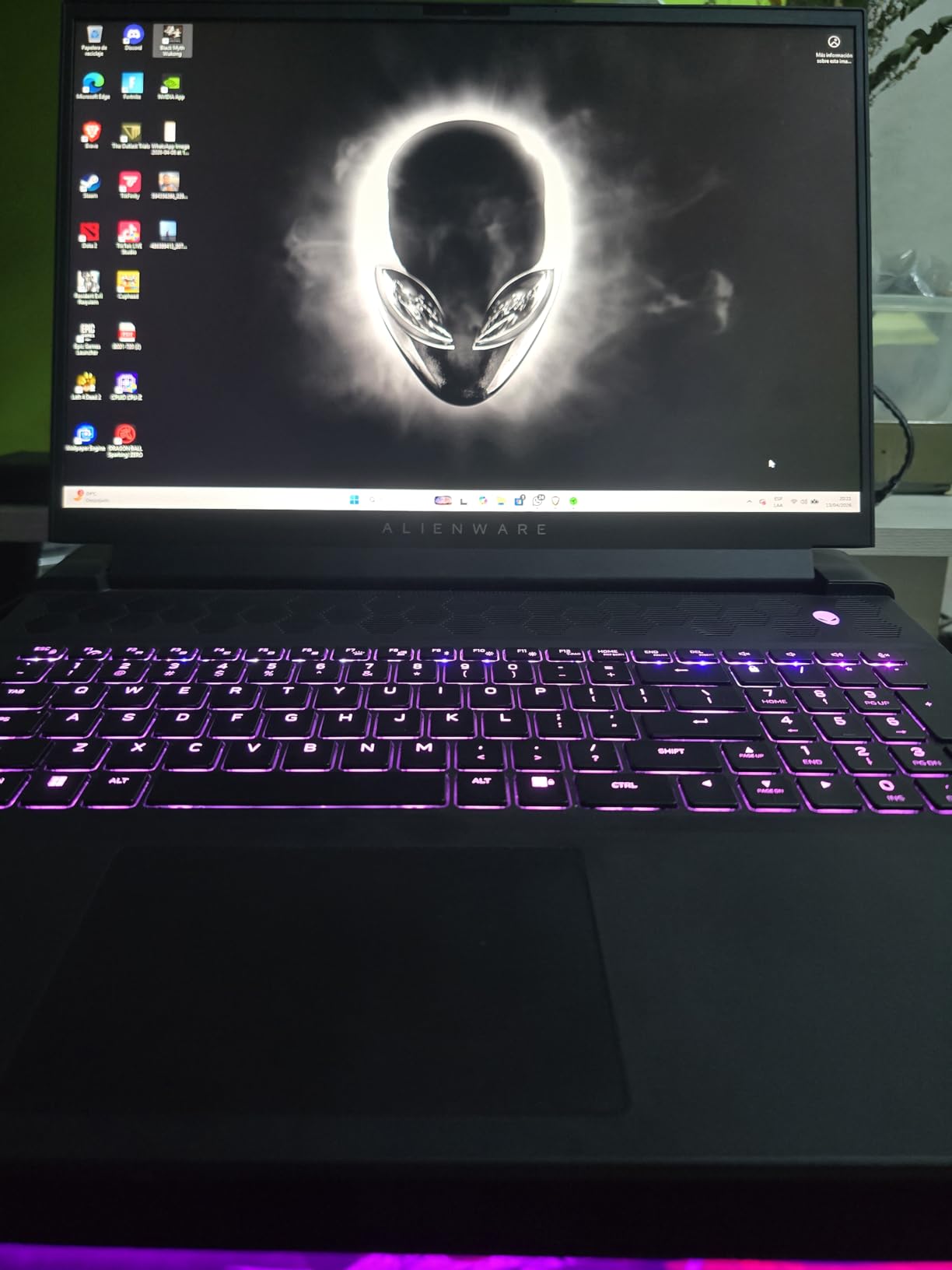
For Razer Blade owners there is one more layer: HyperBoost support raises power limits on compatible machines, so the pad both cools and unlocks more of the machine’s performance budget. Multi-function buttons are remappable to fan speed, Chroma RGB, volume or an app launch. It comes with a two-year manufacturer warranty, longer than most in this group.
Noise is the dominant complaint, with owners comparing medium and high speeds to a vacuum cleaner audible in the next room. The height is fixed with no tilt adjustment, the frame is plastic rather than aluminium, and non-Razer laptops work but lose some software functionality. A few buyers needed a firmware update or Synapse reinstall before temperatures read correctly.
What the ecosystem buys you
Auto control is the quiet hero. Every other pad here needs manual adjustment as the load changes, and a pad that is too quiet when you start a game and too loud an hour later gets turned off. The Razer solves that, and the magnetic frames solve the fit problem that stops sealed pads from sealing.
What it costs you
You are paying for software integration and build polish, and the bill is the fixed height and the plastic frame. It also needs a power brick that is bulky with a short cord. If you are not in the Razer ecosystem, read the reduced feature set carefully before buying, because the headline functions depend on Synapse talking to your laptop.
8. KeiBn 9-Fan Cooling Pad – Best for 4K Gaming
KeiBn Upgraded Gaming Laptop Cooler Pad with 9 Quiet RGB Fans, Cooling Pad for 15.6-17.3 Inch Laptops with 7 Height Stands, 2 USB Ports, Phone Stand-Blue
9 cooling fans
7 height stands
15.6-17.3 inch fit
LCD display
2 USB ports
Pros
- Owners document a GPU drop from 96 to 61 degrees
- Nine fans cover the whole underside
- Very quiet on the highest setting
- Seven height levels work on a lap or desk
- Illuminated controls read well in the dark
Cons
- Fan speed resets after the laptop wakes from sleep
- Some fans rattled after about a month on one model
- Base and phone mount can crack at around six months
- Phone slot will not hold a cased phone
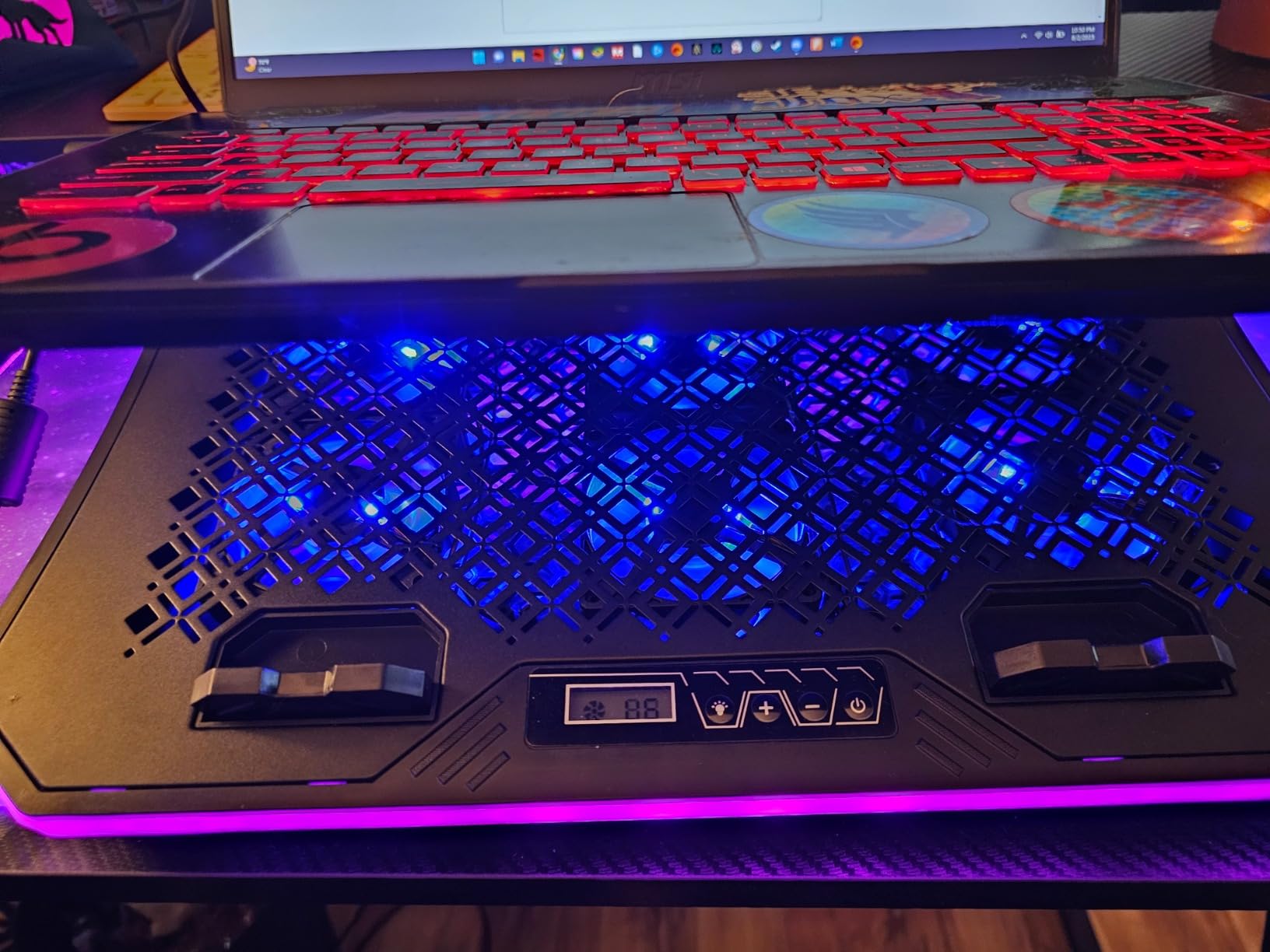
The KeiBn K9Blue is the one budget pad in this list with a specific, verifiable performance claim attached: one verified review documents a GPU temperature drop from 96 degrees to 61 degrees during 4K gaming. Owners of 17 inch machines consistently report large real-world reductions, and at 2,873 reviews the sample is large enough to treat the pattern as real rather than anecdotal.
Nine fans sit across the full underside with air vents in both the top and bottom of the case, and selectable cooling modes let you match output to the workload. Seven height adjustment levels make it genuinely useful on a lap as well as a desk, and the capacitor-equipped fans keep working noise low even at the top setting.
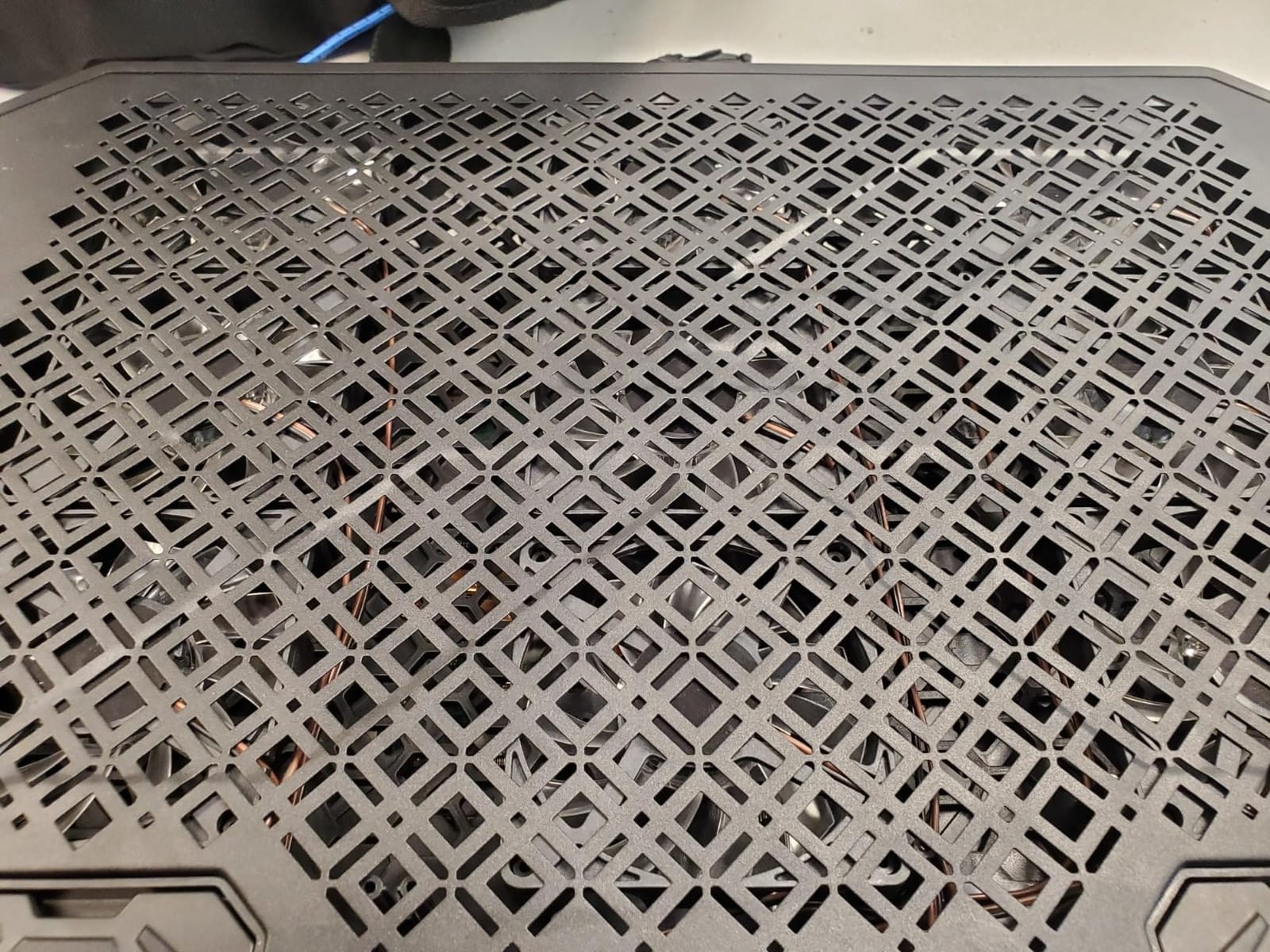
The LCD display shows the current fan speed, with touch button control for both lighting and speed, which is easier than it sounds when the pad is under your hands. Two USB ports and a phone holder add value at the price, and the illuminated controls are easy to read in a dark room. Fit covers 15.6 to 17.3 inch laptops, with a cable long enough to reach the rear port on a 17 inch chassis.
Durability is the real caveat. Owner reports include fans starting to rattle at low speed after about a month, a base and phone-holder mount that can crack after roughly six months of lap use, and settings that do not survive the laptop waking from sleep. Airflow is moderate rather than forceful, so a sealed turbofan still wins on a machine that throttles hard.
Why it punches above its tier
Because nine small fans over a large area create more even coverage than a few large ones, and even coverage is what keeps a wide 17 inch chassis cool rather than just the hot spot in the middle. It is a lot of surface area of airflow for very little money, and the silence makes it easy to live with daily.
Where it is not the answer
If you need to hold boost clocks on a flagship chip, moderate airflow will not get you there. The recurring durability reports matter if you game in bed or on a sofa, since lap use is exactly what stresses that mount. Set your fan speed again after every sleep, and expect the settings not to stick.
9. ChillCore A21 9-Fan Pad – Best for Large 19-Inch Laptops
ChillCore Laptop Cooling Pad, RGB Lights Laptop Cooler 9 Fans for 15.6-19.3 Inch Laptops, Gaming Laptop Fan Cooling Pad with 8 Height Stands, 2 USB Ports – A21 Blue
9 cooling fans
8 height stands
15.6-19.3 inch fit
LCD display
2 USB ports
Pros
- Widest fit in the nine-fan class at 15.6-19.3 inches
- Strong category sales rank
- 8 height levels give good ergonomic range
- LCD fan speed readout is easy to read
- RGB can be turned off entirely
Cons
- Lowest average rating here at 4.2 with 9 percent one-star
- RGB rim cannot be set as the default off state
- Fans become audible after a few weeks in some reports
- Mixed plastic and metal build feels less refined
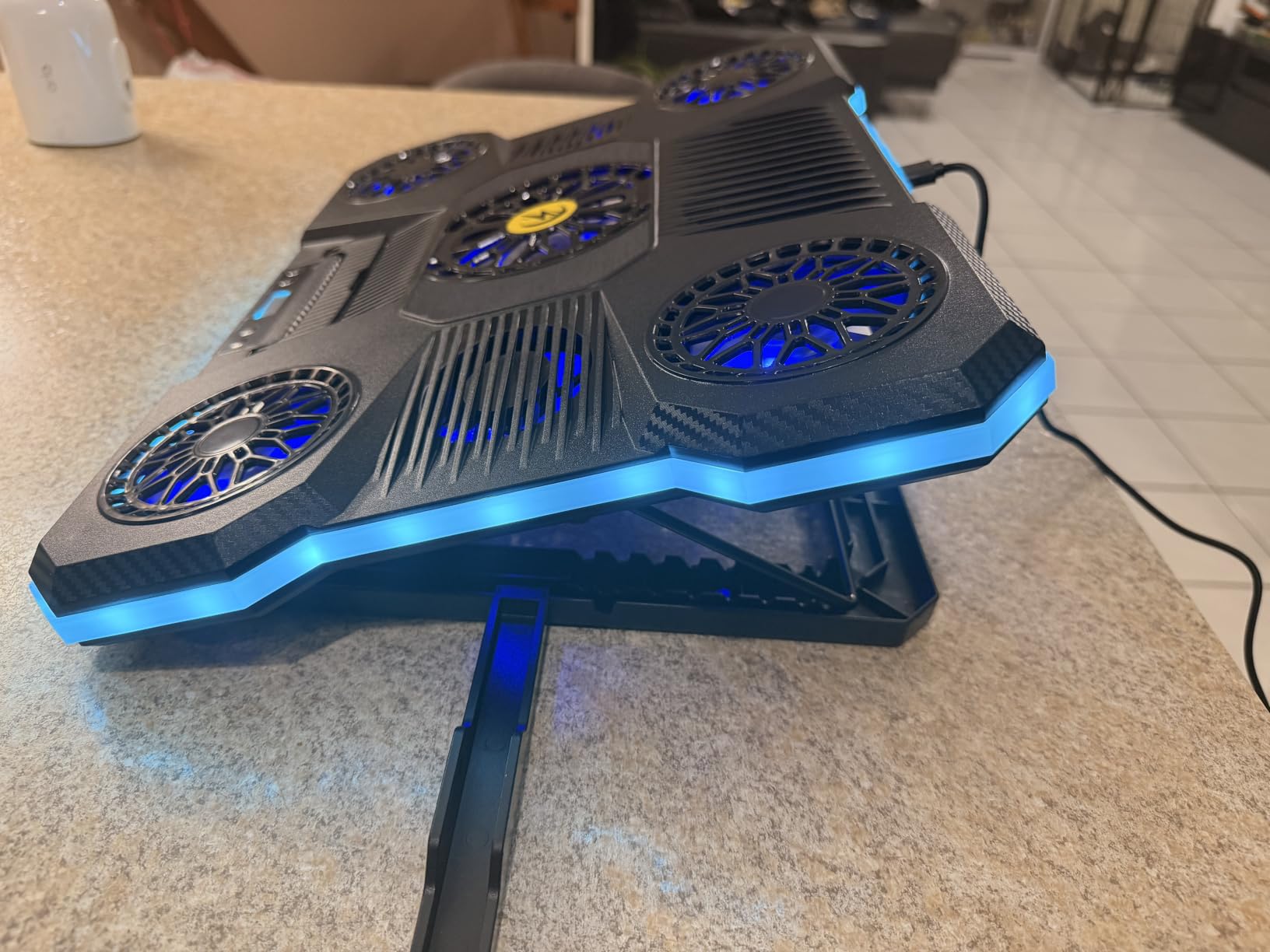
The ChillCore A21 sits at the top of the laptop cooling pad category chart, and the reason is a combination of fit and fan count. Nine fans with top and bottom air vents and selectable cooling modes give broad coverage, and the 15.6 to 19.3 inch range is the widest of any pad here that still uses a full underside array. That makes it the practical choice for a 19 inch desktop-replacement chassis.
Eight height adjustment levels are a genuine step up from the five or six on most rivals, and the front LCD shows the current fan speed. Ten RGB lighting modes are included, and holding the button for two to three seconds turns the lights off entirely, which is worth knowing because the rim is bright.
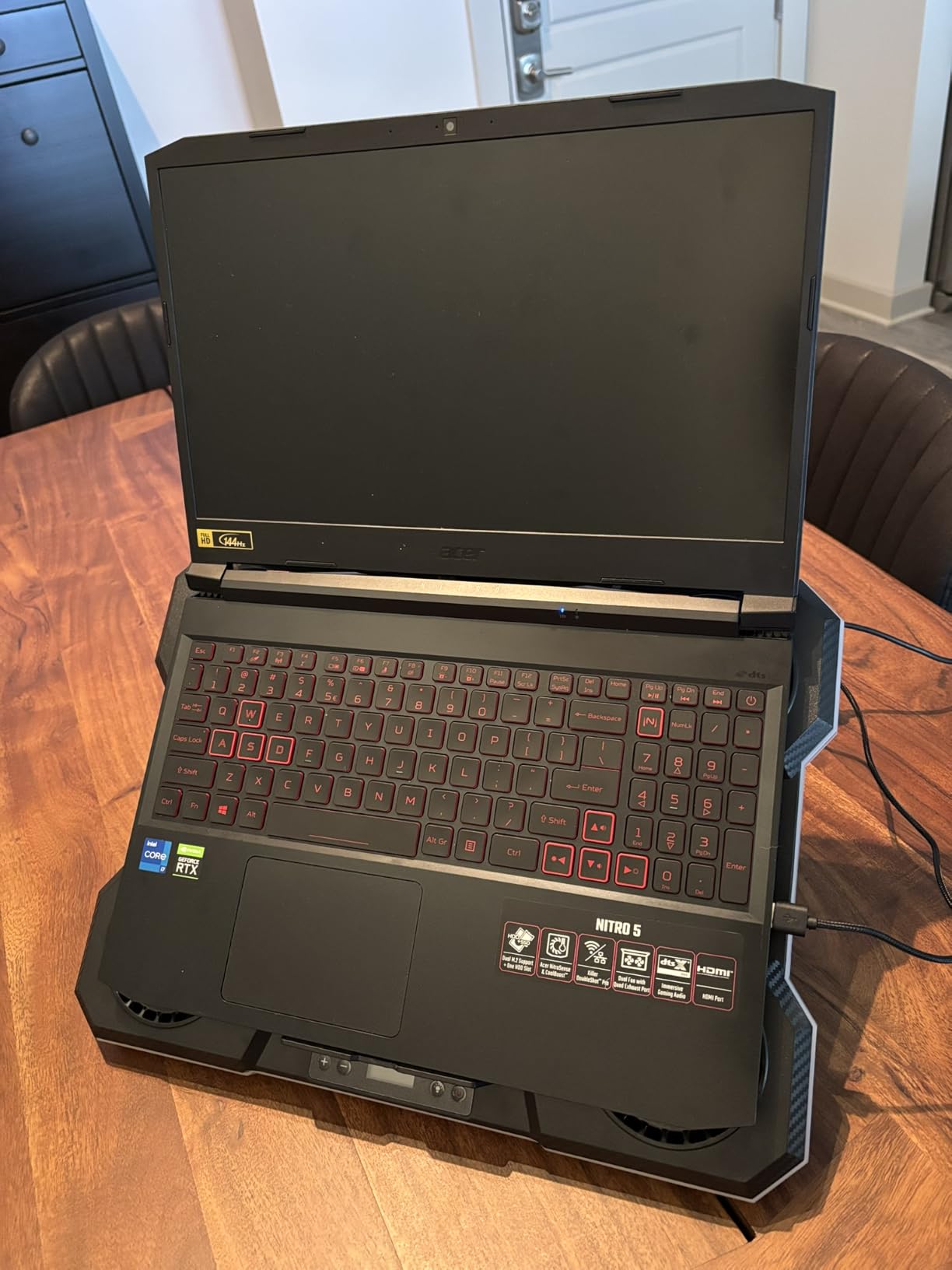
Owners confirm it cools adequately and like the readout and the height range. The capacitor-equipped fans keep working noise low in normal use, and the category rank suggests it is a genuinely popular choice rather than a listing artefact. For a large laptop that needs broad, even airflow across a wide chassis, the design makes sense.
It also has the lowest average rating in this group at 4.2 stars, with a 9 percent share of one-star reviews, so expect some variance. The most common complaints are that the RGB rim cannot be defaulted to off, that fans become audible after a few weeks of use, and that the mixed plastic and metal build feels less refined than the aluminium alternatives. Budget accordingly on longevity.
When the extra width matters
When your laptop is 18 or 19 inches, most pads stop covering the intake before they reach the corners. A wider array like this one pushes air across the full chassis, which matters most on desktop-replacement machines with large intake grilles spread across the whole underside. The extra height levels also help on a desk you use for a keyboard.
When to choose something else
If your laptop is a 15.6 inch machine with a compact intake, the width is wasted and the ICE COOREL K10 is a stronger pick with far more review evidence. If you are sensitive to build feel, the aluminium options are cleaner. And if the RGB bothers you, confirm the off state before you buy, because a rim that cannot be disabled shows up every time.
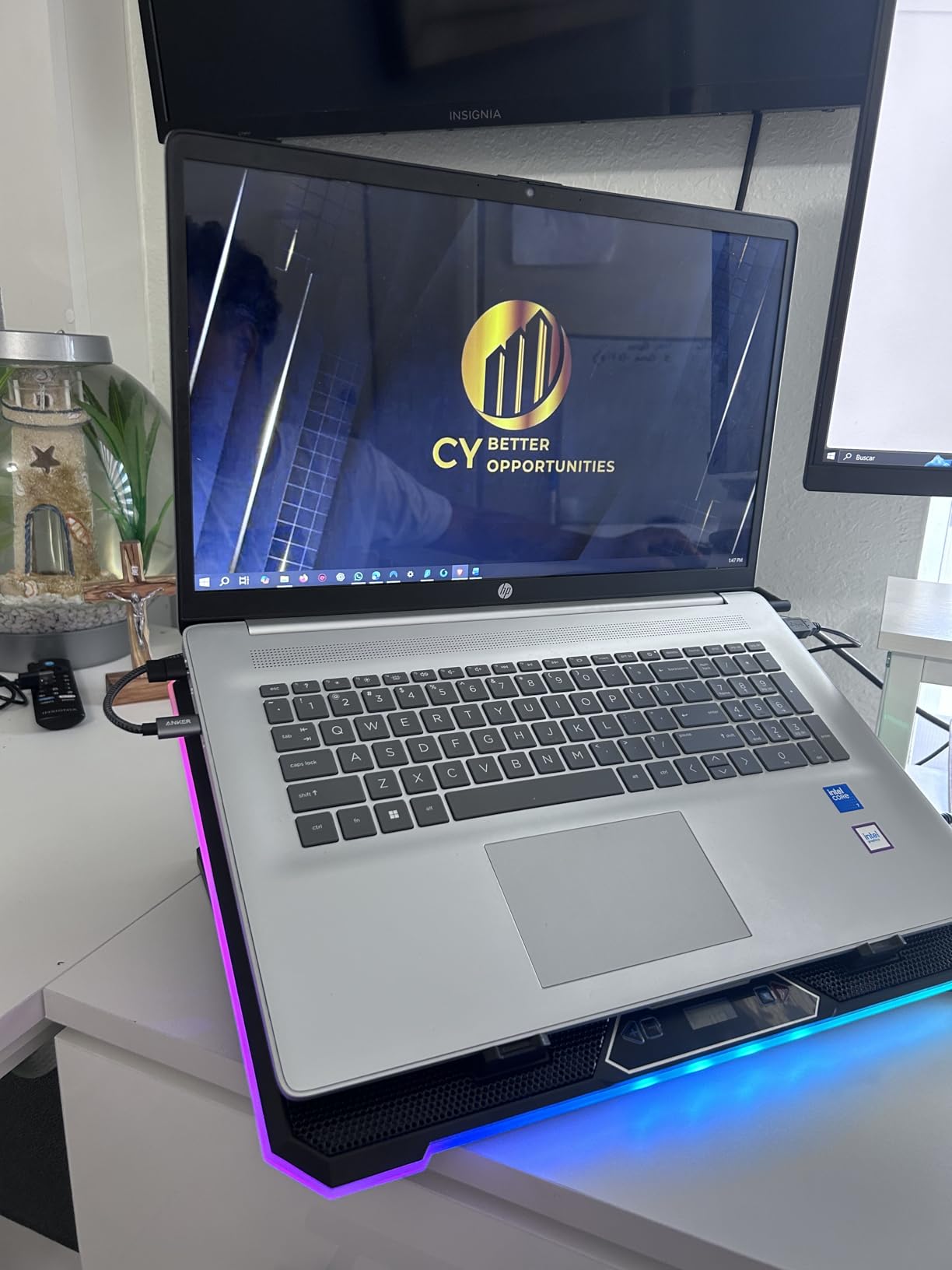
10. KYOLLY 13-Fan Cooling Pad – Budget Pick for the Widest Fit
Gaming Laptop Cooler with 13 Ultra Quiet Fans, LCD Screen and Multi Color RGB – 10 Lighting Modes, 9 Adjustable Heights, Dual USB Ports, Built in Phone Holder for 15 to 21 Inch Laptops on Desk or Lap
13 fans including 3 large
LCD control screen
15-21 inch fit
9 tilt angles
Dual USB ports
Pros
- Widest laptop compatibility here at 15 to 21 inches
- 13 fans give broad underside coverage
- Lighting settings are remembered between sessions
- Non-slip base works on laps and soft surfaces
- 9 tilt angles from 10 to 45 degrees
Cons
- Draws all power from the laptop USB port
- Many small fans move less concentrated air
- Metal and plastic mix feels less premium
The KYOLLY is the odd one out in this list, and that is the point. Its three large plus ten small fans give it the broadest chassis coverage of any pad here, and its 15 to 21 inch fit range is the widest in the roundup, which makes it the only one of these that comfortably handles a 21 inch workstation-class machine as well as a 15.6 inch laptop.
The LCD control and monitoring screen shows fan speed and cooling state, so you are not adjusting blind, and the nine tilt angles from 10 to 45 degrees are the widest range in the group. Lighting modes auto-save, so the pad behaves the same way each time you sit down, and the non-slip base holds steady on laps, beds, sofas and uneven desks.
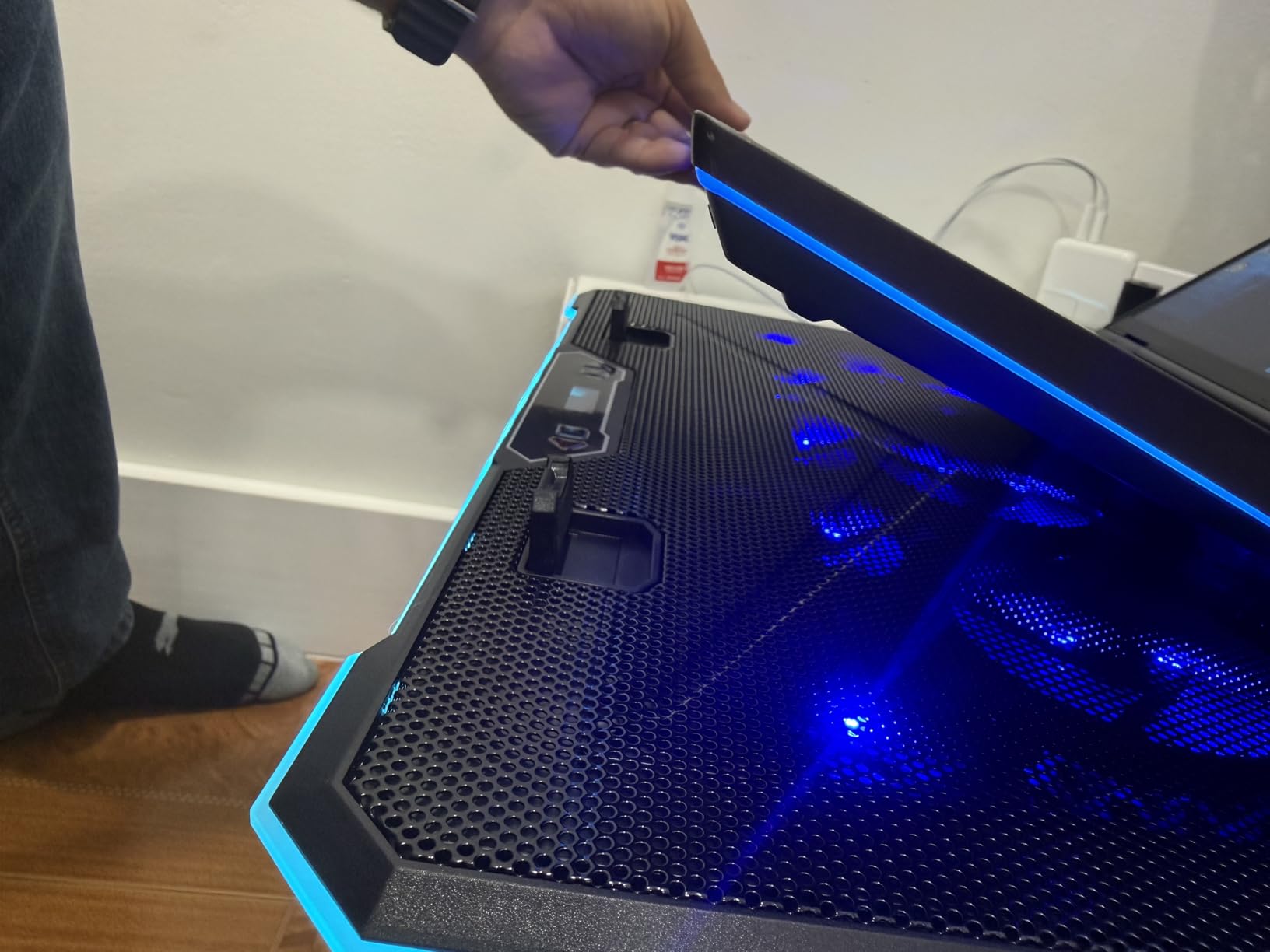
Two USB ports mean you can connect peripherals with no extra power, and a built-in silicone phone holder keeps a second screen in view. For anyone who games somewhere other than a fixed desk, that all-surface stability is a genuine feature rather than a gimmick, and buyers consistently highlight the unusually broad fit and the nine-level tilt as the practical differentiators.
Two limits are worth planning around. The pad is powered entirely from the laptop’s USB port, so a gaming laptop is also supplying the cooling, and the many small fans deliver less concentrated airflow than a single large turbo fan. The mixed metal and plastic construction is the least premium feel in this group.
Why it earns the budget spot
Coverage per unit of desk space. No other pad here reaches 21 inches, and the thirteen-fan array keeps air moving across a very large chassis for very little money. If you work across a desk, a couch and a bed, or you switch between a small laptop and a large workstation, the fit and the non-slip base are the reasons to pick it.
When it is the wrong money
When your problem is heat rather than fit. Concentrated airflow into a sealed intake beats broad gentle circulation on a machine that is genuinely throttling, so choose a turbofan pad instead. And check your power budget, because the pad draws from the same laptop that is already under maximum load.
Do Cooling Pads Actually Work for Gaming Laptops?
Yes, but the honest answer has three tiers, and mixing them up is how people end up disappointed.
The weakest tier is passive elevation. A r/GamingLaptops buyer put it plainly: a brick or a book propped under the back of the laptop is the most cost-efficient solution available. Simply getting air under a chassis that has been sitting flush on a desk improves circulation, and a pad with built-in height adjustment makes that free improvement repeatable.
The middle tier is open-mesh multi-fan pads, which add forced airflow across the underside. Independent testing cited in the research for this guide puts average surface temperature reduction for external cooling solutions in the 3 to 8 degree range, and a broader 5 to 15 degree range for external solutions generally, which is the number to hold these pads to. Owner reports in this roundup mostly land in the 10 to 30 degree band for CPU and GPU readings under load, which is not a contradiction, because silicon temperatures and surface temperatures are different measurements.
The strongest tier is the sealed turbofan class. Here the mechanism is a pressure chamber rather than a breeze, and owner reports cluster hard: the IETS GT500 at 30 to 40 degrees, the IETS GT600 and llano V12 in the 10 to 30 degree band, and the KeiBn at 96 to 61 degrees on the GPU in one verified 4K gaming review. Manufacturer claims go higher still, with the llano V12 quoted at up to 44 degrees of combined CPU and GPU reduction in 90 seconds.
One community data point illustrates the ceiling well. Members of a Legion group reported a 5 to 8 degree reduction alongside a turbo limit and an undervolt, and Time Spy readings of 93 degrees CPU without the pad against 82 degrees with it, plus 73 to 63 degrees on the GPU. That is what a pad does in combination with tuning, and it is a realistic expectation rather than a marketing one.
The honest summary: pads that lower temperature, meaningfully so, and the more they cost the more they lower it. What they do not do is cool the silicon below ambient. They remove a bottleneck, and the machine still has to dissipate what it generates.
Will a Cooling Pad Stop Thermal Throttling?
It delays throttling. It rarely eliminates it, and the distinction matters for expectations.
Throttling begins when silicon or junction temperature approaches a limit typically in the 95 to 105 degree Celsius range. A gaming laptop in performance mode is pulling 45 to 65 watts into a thin chassis, and when the limit is hit the machine reduces its boost clock rather than damage itself. The visible cost is frame rate that holds for a while and then falls away.
This is where a pad earns its money, because lower temperature means the clock is recovered. Research cited in this category documents a laptop sustaining 4.0 GHz against one throttled back to 2.5 GHz, and an r/laptops user described the mechanism plainly: lower CPU and GPU temperatures mean higher clocks, which means more frames. The gain shows up in a session that stays smooth past the twenty-minute mark, not in a synthetic peak benchmark.
An r/Alienware thread illustrates the quieter win. Without a pad, that owner’s laptop fans ran constantly during non-gaming use; with a pad they stayed off. Several other owners report idle temperatures falling from around 45 degrees to around 27 degrees, which means a machine that is not working hard when it does not need to.
Two limits are worth stating plainly. The internal chassis design still sets the ceiling, so a laptop with a thin heat pipe and a clogged exhaust will throttle on any pad. And an r/GamingLaptops owner noted that a well-vented laptop can run hot without approaching overheating even under abuse, which is the correct reminder that not every machine needs active cooling.
What to Look For When Buying a Gaming Laptop Cooling Pad
Six criteria decide this purchase, and they matter in this order.
1. Sealed turbofan or open mesh
This is the single biggest driver of real-world temperature drop, and it is the one most roundups skip. A sealed turbofan forms an airtight gasket against the laptop’s underside, so all fan output goes into the intake path. An open mesh pad improves circulation around the chassis. One is a pressure chamber, the other is a breeze with a stand attached. If your laptop throttles, you want the chamber. If your laptop is merely warm, mesh is enough and far quieter.
2. Match the pad to your laptop size
Fit ranges in this roundup run from 10 inches on the KLIM Ultimate to 21 inches on the KYOLLY, and the mistake is assuming any pad in your range works equally. A 15.6 inch laptop on a 21 inch pad gets air aimed at empty desk. A 19 inch chassis on a 15.6 inch pad has its intake corners uncooled. For 17 and 18 inch gaming laptops, the ChillCore A21 and llano V12 give the widest usable coverage. Ultra-portables at 13 to 14 inches are best served by the IETS GT500, which fits down to 13 inches, though check the seal shape on compact models.
3. Noise is the real trade-off
Range the classes rather than the brands. Multi-fan mesh pads sit near-silent at low speed, with owners of the ICE COOREL and KeiBn describing them as almost unnoticeable even at maximum. The sealed turbofans publish ceilings of 65 dB for the IETS pads and up to 70 dB for the llano V12, against roughly 50 dB for normal conversation. Owners describe the IETS GT600 as sounding like an airplane and the GT500 as about half as loud as a standard vacuum at full output. The practical compromise most owners land on is running near 1,200 RPM with headphones on. If you share a room, choose mesh and accept warmer numbers.
4. Check your vent layout in two minutes
Before buying anything, turn the laptop over. If the bottom has large intake grilles, a sealed pad will work well. If the exhaust vents are at the back or the sides, you want a pad with a bottom air intake design so it is not pushing hot exhaust back toward the intake, which is the case for both IETS models. If the underside is mostly solid with vents at the rear only, avoid any pad with a solid base, because a solid base over intake grilles produces no improvement at all. That failure mode is the most common silent disappointment in this category and it is entirely avoidable.
5. Cooling pad versus undervolting
These are complements, not alternatives, and the community treats them as both. Undervolting with ThrottleStop or Intel XTU reduces the voltage the CPU asks for, which lowers heat generation at the source. A pad lowers the temperature the machine starts from. A shared YouTube comparison of the llano V11 Pro claimed more frames than undervolting alone, which is the strongest version of the pad-first argument, and Legion group members routinely report combining both for their best results. If your laptop throttles, do the free software change first, then measure again before spending on hardware.
6. When to skip a cooling pad entirely
Do not buy one if elevating the back of the laptop on a book fixes your temperature problem, which it often does. Do not buy one if you need silence in a shared room and your machine is not actually throttling. Do buy one if you see sustained CPU temperatures in the nineties, if your fans sit at maximum permanently, if the chassis is too hot to touch, or if one of your laptop’s internal fans has already failed. In that last case a pad takes the load off the surviving fan, and r/Alienware owners describe exactly that effect with internal fans going quiet.
Frequently Asked Questions
Do cooling pads actually work for gaming laptops?
Yes, with realistic expectations. External cooling solutions typically reduce surface temperature by around 3 to 8 degrees on average, with broader testing putting some external solutions in the 5 to 15 degree range. Sealed turbofan pads report larger drops, with owner measurements commonly in the 10 to 30 degree band under load. The mechanism is airflow, not direct silicon cooling, so a pad delays throttling rather than preventing it.
What is the best cooler pad for a gaming laptop?
The ICE COOREL K10 is the best overall choice for most people, because eight aluminium-backed fans, six height positions and a 4.4 star average across more than 8,000 owner reviews make it effective and quiet. If your laptop throttles hard and you use headphones, the IETS GT500 is the strongest performer thanks to its infinitely variable 0 to 5,000 RPM sealed turbofan. Choose by noise tolerance rather than by brand.
Is a laptop cooling pad necessary for gaming?
Not for most laptops on a hard desk with clear vents. Simply propping the back of the machine on a book often resolves the problem for free, and several community members recommend exactly that before spending on hardware. It becomes worth buying once you see sustained 90 degree-plus CPU readings, fans pinned at maximum, a chassis too hot to touch, or a failed internal fan. Test the free option first, then measure again.
What are the downsides of using a cooling pad for my laptop?
The main drawbacks are noise, bulk, dust collection, dependence on a USB port and the risk of blocking intake vents. Sealed turbofans reach 65 to 70 dB, which owners describe as airplane-level. A solid base over bottom intake grilles can produce no improvement at all. Pads also add desk depth, draw extra power, and can push hot rear-exhaust air back toward the intake if the design is wrong for your chassis.
Is there a laptop cooling pad that actually works?
Every pad in this roundup produces a measurable drop, but the size of the drop depends on design class. Mesh multi-fan pads deliver broad gentle cooling of 10 to 30 degrees under load according to owners. Sealed turbofans report 20 to 40 degree reductions, with one IETS GT500 owner seeing CPU and GPU settle in the 45 to 50 degree range. Verify your own result with a temperature monitor and a sustained workload, not with a boot-time reading.
Which brand of laptop cooling pad is the best?
Segment by use case rather than crowning one winner. IETS and llano lead on raw sealed turbofan performance. KLIM leads on build quality, warranty length and quiet single-fan design, with a five-year assurance on the Ultimate and Turbofrost. Razer leads on software integration for its own laptops. ICE COOREL, KeiBn and ChillCore lead on affordable multi-fan coverage, and KYOLLY covers the widest laptop size range at 15 to 21 inches.
Final Verdict
The ICE COOREL K10 is the best cooling pad for gaming laptops for most people in 2026, because its eight-fan aluminium array, six height positions and 4.4 star average across more than 8,000 owner reviews deliver real cooling without the noise that makes people switch a pad off. If your laptop is genuinely throttling, move up to the IETS GT500 and buy headphones. If quiet is non-negotiable, the KLIM Ultimate is the pad we would rather live with daily.
Before any of them, spend ten minutes checking your vent layout and propping the back of your laptop on a book. It is free, and it tells you how much hardware you actually need.