
Choosing a 3D printer used to mean picking a brand and hoping for the best. Today a single brand ships machines that look like laboratory equipment and a starter printer that fits under a desk, and the gap between them is measured in years of workflow change rather than dollars on a spec sheet. That is why the best 3D printers in 2026 are not one machine but a set of very different answers to very different questions.
Our team ran twelve machines through the same routine: unbox, level the bed, print a first layer, run a multi-part job, and push the frame through materials that punish bad calibration. We logged what worked, what failed and how much maintenance each one demanded in the first month. The 12 machines below cover the whole ladder, from a bare-frame bed slinger to a 500 mm cube large-format CoreXY and two resin systems, so you can find your fit whether you are printing PLA brackets or cosplay armor.
If your end goal is finished rendered frames rather than finished plastic parts, the software side matters just as much, and our picks for 3D animation software for short films cover the modelling and lighting half of that pipeline. The printers here cover the fabrication half.
Table of Contents
- Top 3 Picks for the Best 3D Printers in 2026
- All 12 Picks at a Glance in October
- How We Picked the Best 3D Printers
- 1. Bambu Lab A1 — Best 3D Printer Overall for First-Time Owners
- 2. Bambu Lab P1S — Best for Enclosed, High-Speed Everyday Printing
- 3. Bambu Lab P2S Combo — Best for Integrated Filament Drying
- 4. Creality Ender 3 V3 SE — Budget Pick for a No-Frills First Machine
- 5. Flashforge Adventurer 5M — Best Value for Speed on a Small Footprint
- 6. Creality SPARKX i7 — Best for Beginners Who Want a Camera and a Big Build Volume
- 7. Anycubic Kobra X Combo — Best for Quiet Spaces and Native Multi-Color
- 8. Snapmaker U1 — Best for Multi-Material Work Without Purge Waste
- 9. Sovol SV08 MAX — Best for Large-Format Props and Cosplay
- 10. Creality K2 Plus Combo — Best for ASA, PPA and Heated-Chamber Printing
- 11. Anycubic Photon Mono 4 Ultra — Best Resin Printer for Miniatures and Jewelry
- 12. Elegoo Mars 5 Ultra — Best for Resin Printers That Hate Manual Leveling
- 3D Printer Buying Guide: How to Choose the Right Machine in 2026
- Filament or resin: the first decision, and the hardest to reverse
- Build volume: measure your largest part first
- Frame type: open, enclosed and actively heated
- Multicolor systems: feeder, MMU or tool changer
- Bed leveling, motion and what they actually do for you
- Resolution, noise and the small print that matters
- Openness, lock-in and what your printer demands afterwards
- Which brand should you buy?
- Frequently Asked Questions
- The Verdict: Our Best 3D Printer Recommendation in 2026
Top 3 Picks for the Best 3D Printers in 2026



Anycubic Photon Mono 4 Ultra
- 7 inch 10K mono screen
- 17 x 17 micron XY pixels
- 120 mm/h print speed
All 12 Picks at a Glance in October
| Product | Specs | Action |
|---|---|---|
| Bambu Lab A1 |
|
Check Latest Price |
| Bambu Lab P1S |
|
Check Latest Price |
 Bambu Lab P2S Combo Bambu Lab P2S Combo |
|
Check Latest Price |
 Creality Ender 3 V3 SE Creality Ender 3 V3 SE |
|
Check Latest Price |
 Flashforge Adventurer 5M Flashforge Adventurer 5M |
|
Check Latest Price |
 Creality SPARKX i7 Creality SPARKX i7 |
|
Check Latest Price |
 Anycubic Kobra X Combo Anycubic Kobra X Combo |
|
Check Latest Price |
 Snapmaker U1 Snapmaker U1 |
|
Check Latest Price |
 Sovol SV08 MAX Sovol SV08 MAX |
|
Check Latest Price |
 Creality K2 Plus Combo Creality K2 Plus Combo |
|
Check Latest Price |
| Anycubic Photon Mono 4 Ultra |
|
Check Latest Price |
 Elegoo Mars 5 Ultra Elegoo Mars 5 Ultra |
|
Check Latest Price |
How We Picked the Best 3D Printers
Every machine here was put through the same first-month routine so the ranking reflects behaviour rather than marketing. We started each printer cold, timed unboxing to first completed layer, and noted every tool or adjustment required along the way. Machines that needed a second attempt at bed leveling were marked down heavily, because first-layer failures are what end a beginner’s interest fastest.
After that we ran a mid-size multi-part job in PLA, then repeated with PETG to test how each frame coped with a tougher, stickier material and a longer duty cycle. On enclosed machines we pushed ABS and ASA to check whether the chamber actually delivered on its temperature claim. On multicolor machines we measured the swap overhead qualitatively: how long a color change takes and how much purge waste ends up in the bin.
Finally we read the user reviews closely, weighting the recurring failure modes over isolated complaints, and cross-checked owner reports about noise, support responsiveness and consumable durability. Where a machine has a known weak part, we name it in the cons below rather than hiding it.
1. Bambu Lab A1 — Best 3D Printer Overall for First-Time Owners
Bambu Lab A1 3D Printer, Ready-to-Use FDM 3D Printer for Beginners and Kids
10000 mm/s² acceleration
Full-auto bed leveling
22 lb, 21.76 x 20.83 x 12.87 in
AMS lite multi-color option
Pros
- Easiest calibration of any machine tested
- Strong print quality for the class
- Quiet operation with active motor noise cancelling
- Filament run-out detection pauses and resumes prints
Cons
- AMS lite needed for automatic multi-color and sold separately
- Closed software stack
- Some first-power-up calibration error codes
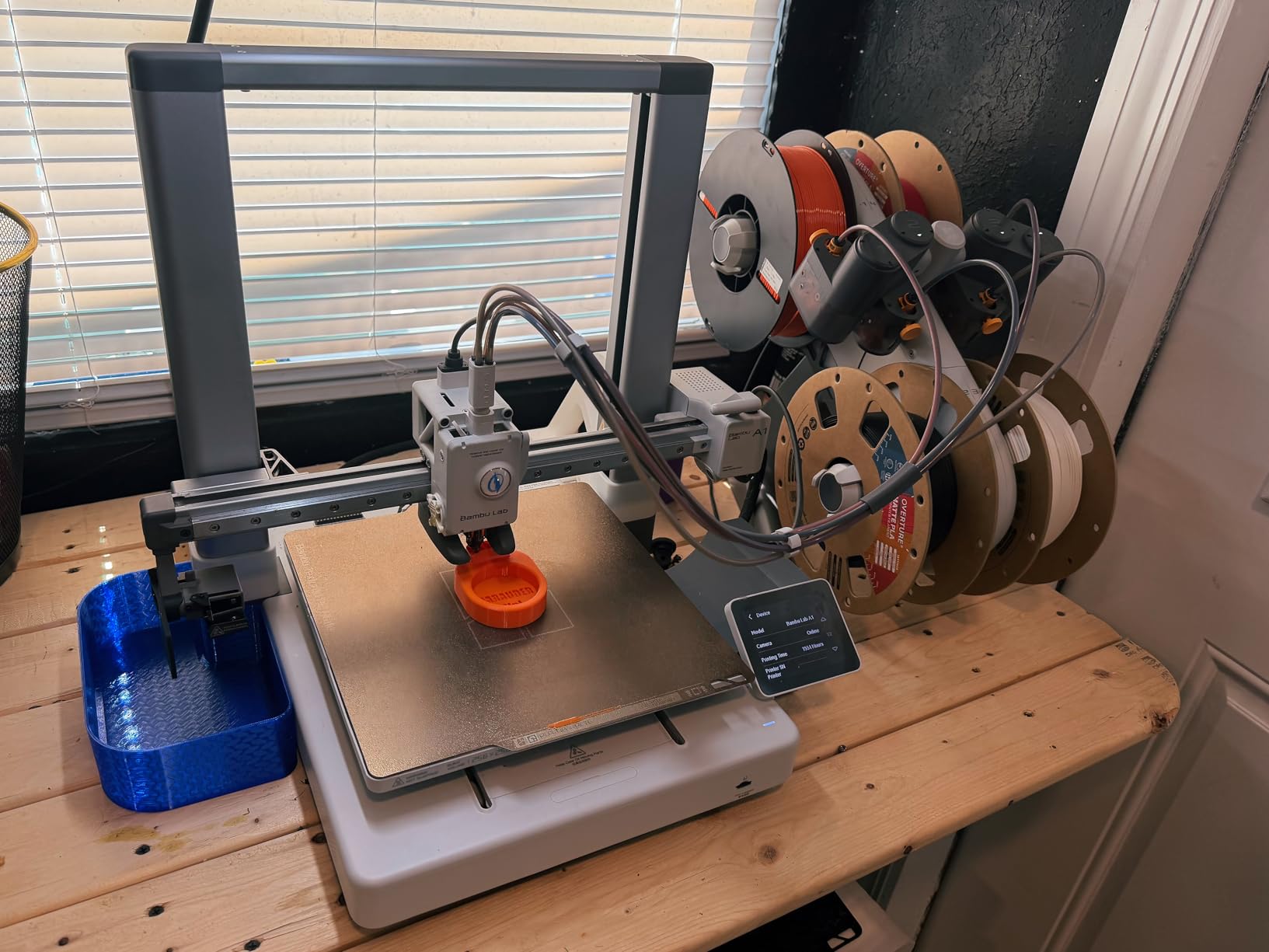
The A1 is the machine we recommend to somebody buying their first printer, and the reason is boring in the best possible way. It calibrates itself. Z-offset, bed leveling and first-layer checks all run without you touching a knob, and in our hands the first layer landed on the first attempt on a cold start every time.
Speed is the second surprise. The listed 10000 mm/s² acceleration sounds like marketing until you watch a small part finish while a slower frame is still accreting its outline. Active Flow Rate Compensation keeps extrusion consistent when the machine moves that fast, which is the difference between fast and sloppy.
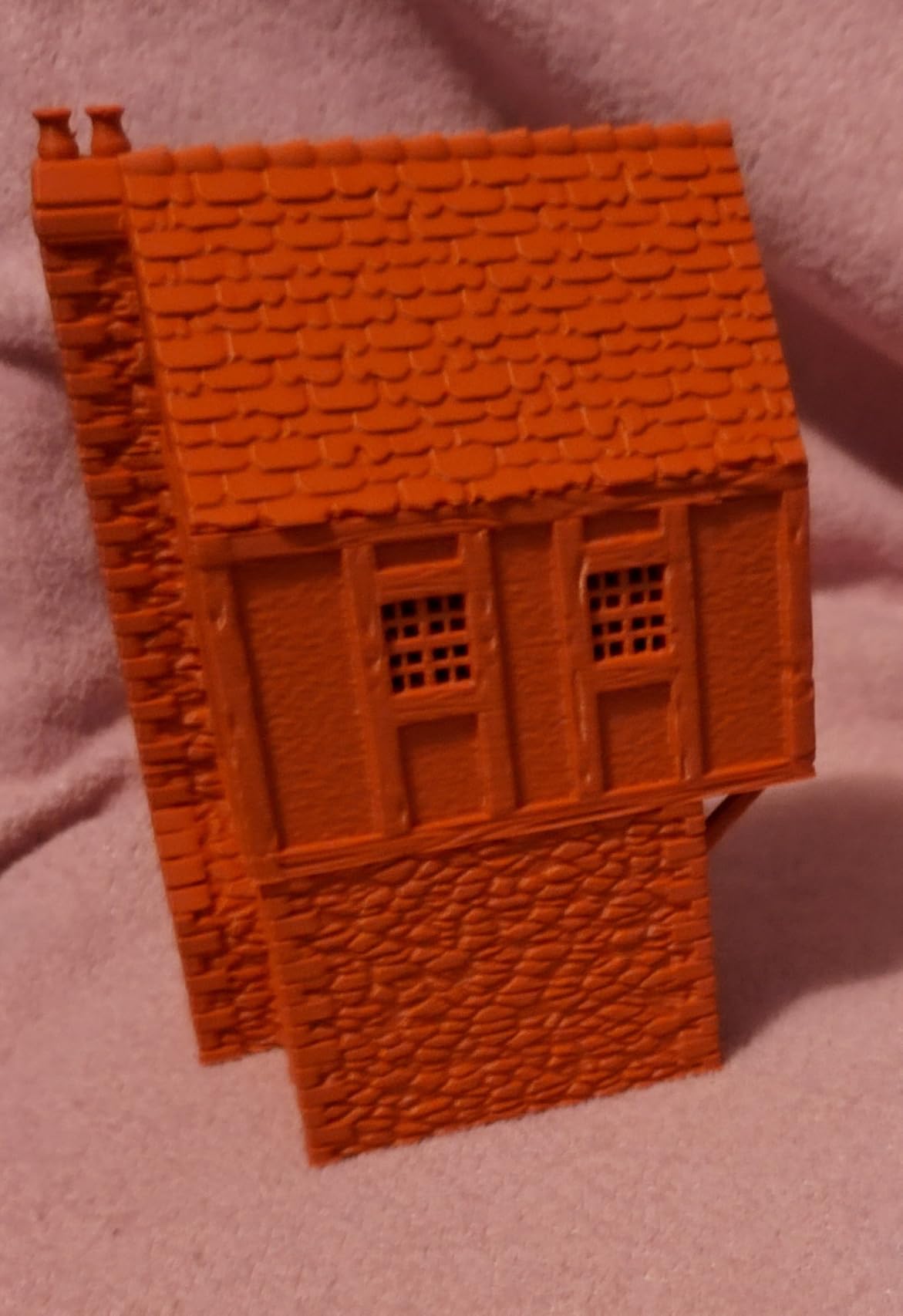
Owners consistently describe it as the most reliable entry-level machine they have used, and plenty of them already own Prusa and Creality hardware. They rate it as the best printer in its class rather than the best printer full stop, and the recurring regret is not having bought the Combo variant with the AMS lite attached.
Who this printer suits and who it will frustrate
It suits a household printer that lives in a living room and prints while you work. At 22 pounds and under 22 inches wide it is one of the more portable machines here, and the active motor noise cancelling keeps it civil in a shared space.
It will frustrate you if you need ABS, ASA or nylon on day one, because the frame is open and there is no chamber. It will also frustrate a tinkerer who wants Klipper, custom firmware and open slicer choices; the stack is closed, and that limitation is the single most common complaint from advanced users.
The decision that matters before you buy
Decide now whether you want color. The base machine is single-color and the AMS lite is a separate purchase, so a buyer who plans decorative or multi-material prints should take the Combo. Buyers who only need functional parts can skip it and save the money and the counter space, because the feeder is a large box beside the printer.
2. Bambu Lab P1S — Best for Enclosed, High-Speed Everyday Printing
Bambu Lab P1S 3D Printer, Ready-to-Use FDM 3D Printer
Fully enclosed frame
500 mm/s and 20000 mm/s²
38.9 lb, 15.31 x 18.03 x 15.31 in
Up to 16 colors via AMS
Pros
- Enclosure makes ABS and ASA practical
- 500 mm/s with 20000 mm/s² shortens iteration cycles
- Excellent bed adhesion and near-perfect print success
- Premium glass panels and build quality
Cons
- AMS costs extra on the non-combo variant
- Low frame rate on the monitoring camera
- Closed software stack
The P1S is the first machine in this roundup that behaves like a workshop tool rather than a hobby appliance. The enclosure is the headline, and it is a genuine one: ABS and ASA stop being theoretical and become materials you can actually print, which matters the moment you make a part that lives in a hot car or outdoors.
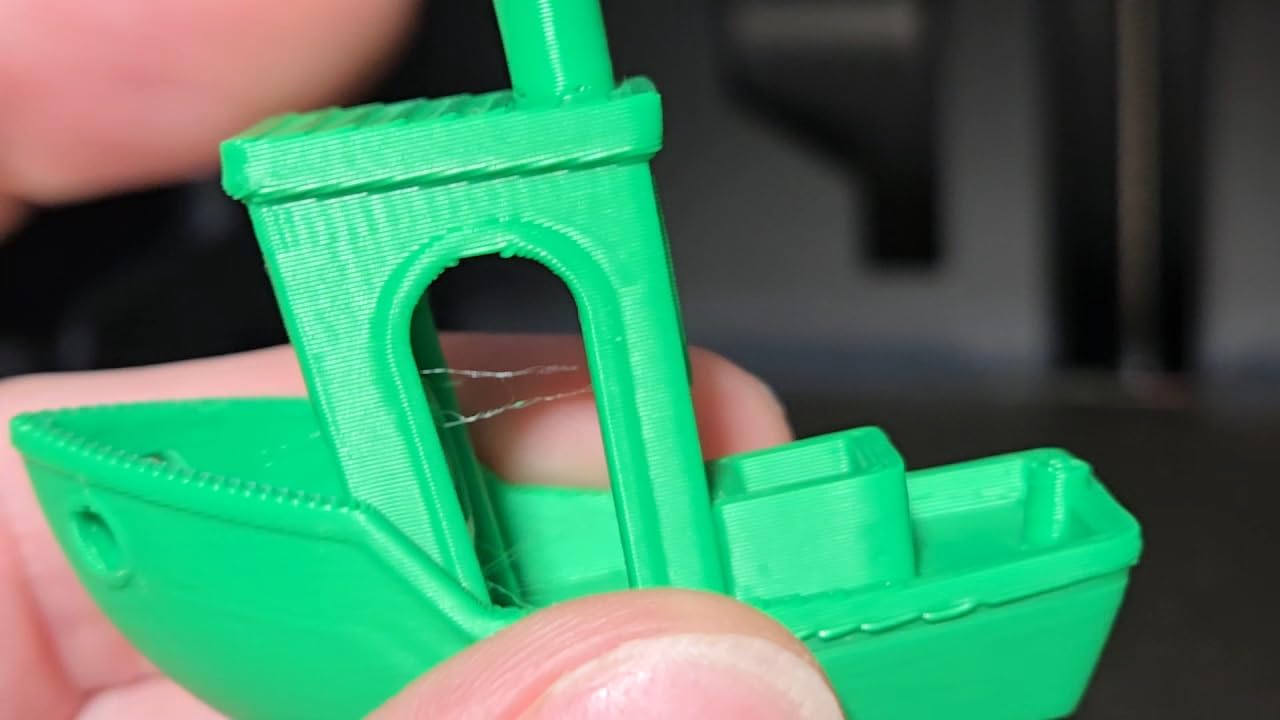
The 500 mm/s headline speed with 20000 mm/s² acceleration is real, and the combination of the enclosure and that speed is what makes long jobs bearable. We ran a full multi-part PLA job without a single failure, and bed adhesion held across a PETG run that would have popped corners on an open frame.
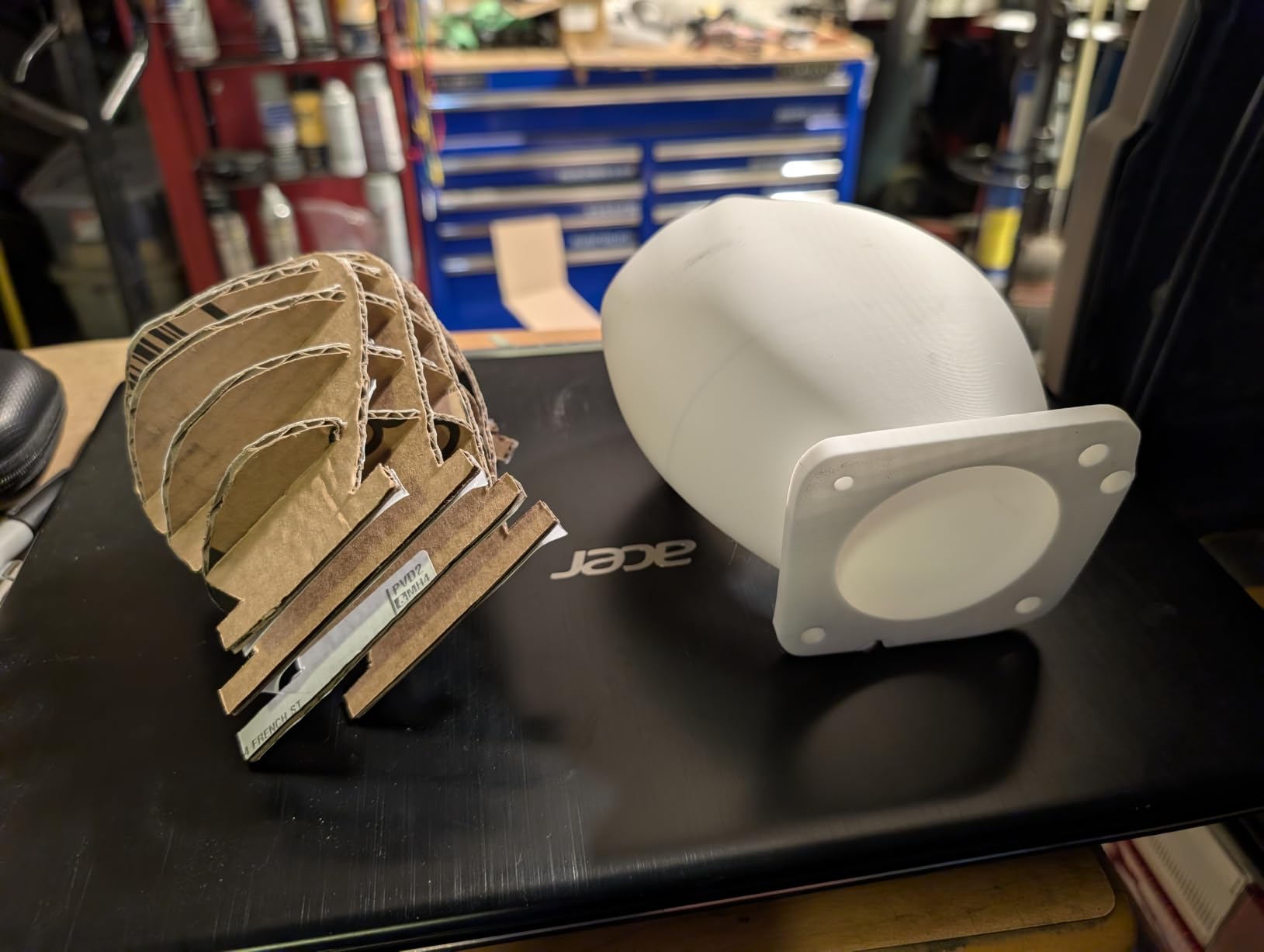
Long-term hobbyists who upgraded to the P1S report it outperforming machines that cost several times more, mostly because the slicer changed their whole workflow. The Bambu Studio package and the MakerWorld model library are regularly called best in class, and the software works on Linux, which is rarer than it should be in this category.
Who this printer suits and who it will frustrate
It suits a maker who has outgrown open frames and now wants engineering materials, plus anyone who cares how a machine looks in a studio. Owners upgrading from Prusa and Creality machines frequently describe the switch as an immediate step up in speed, reliability and finish quality.
It will frustrate you if you need a second extruder for rigid and flexible material in one job, because multi-color still runs through a single nozzle. The monitoring camera is also disappointing: the frame rate is low enough that remote watching is more of a check-in than a live feed.
The decision that matters before you buy
The P1S versus P2S decision is about drying, not speed. If your filament arrives damp or you print hygroscopic materials, the AMS 2 Pro in the P2S Combo dries filament at up to 65 °C and the P1S does not. If you buy PLA from a dry box and print in a climate-controlled room, the P1S is the better-value machine.
3. Bambu Lab P2S Combo — Best for Integrated Filament Drying
Bambu Lab P2S Combo, P2S 3D Printer & AMS 2 Pro, Multi-Color 3D Printing
600 mm/s with PMSM servo extruder
AMS 2 Pro dries filament to 65 °C
46.3 lb, 18 x 22 x 18 in
50 °C chamber with carbon filter
Pros
- Active filament drying inside the AMS 2 Pro
- 600 mm/s with clean corners and smooth layers
- Printing within 15 to 20 minutes of unboxing
- AI failure detection plus quick-swap nozzles
Cons
- AMS 2 Pro door and filament sensor have early-life failures
- Bare P2S variant has no multi-color
- Higher one-star share than sibling Bambu models
The P2S Combo exists because damp filament is the number one cause of stringy, weak, ugly prints, and this is the first desktop machine in our test group that treats drying as a core feature rather than an accessory. The AMS 2 Pro heats filament up to 65 °C as it feeds, so wet spools stop being a problem you solve with a separate dryer box on your desk.
The 600 mm/s ceiling comes from a PMSM servo extruder, and the difference shows in corners and short segments where cheap extruders stutter. Users with two decades of printing experience say the machine removes most of the learning curve, and the AI failure detection catches a failed print before you come back to a ruined spool.
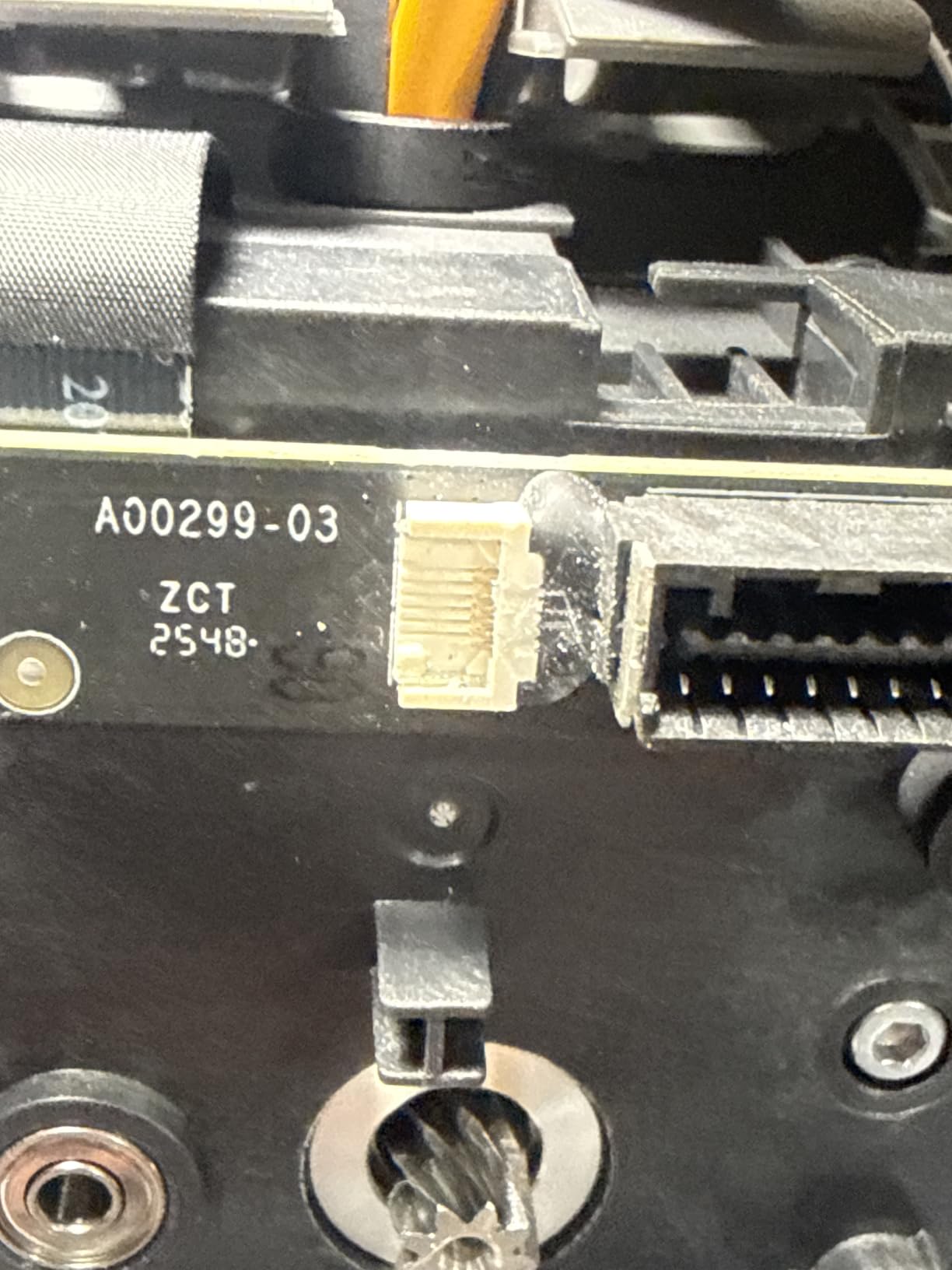
This is a new listing with a small review base, so treat the sentiment as early rather than settled. It is overwhelmingly positive, and the exceptions are specific: the AMS 2 Pro ribbon-cassette door and filament sensor have failed on early machines, and one owner received a factory-defective unit that the manufacturer replaced quickly and without argument.
Who this printer suits and who it will frustrate
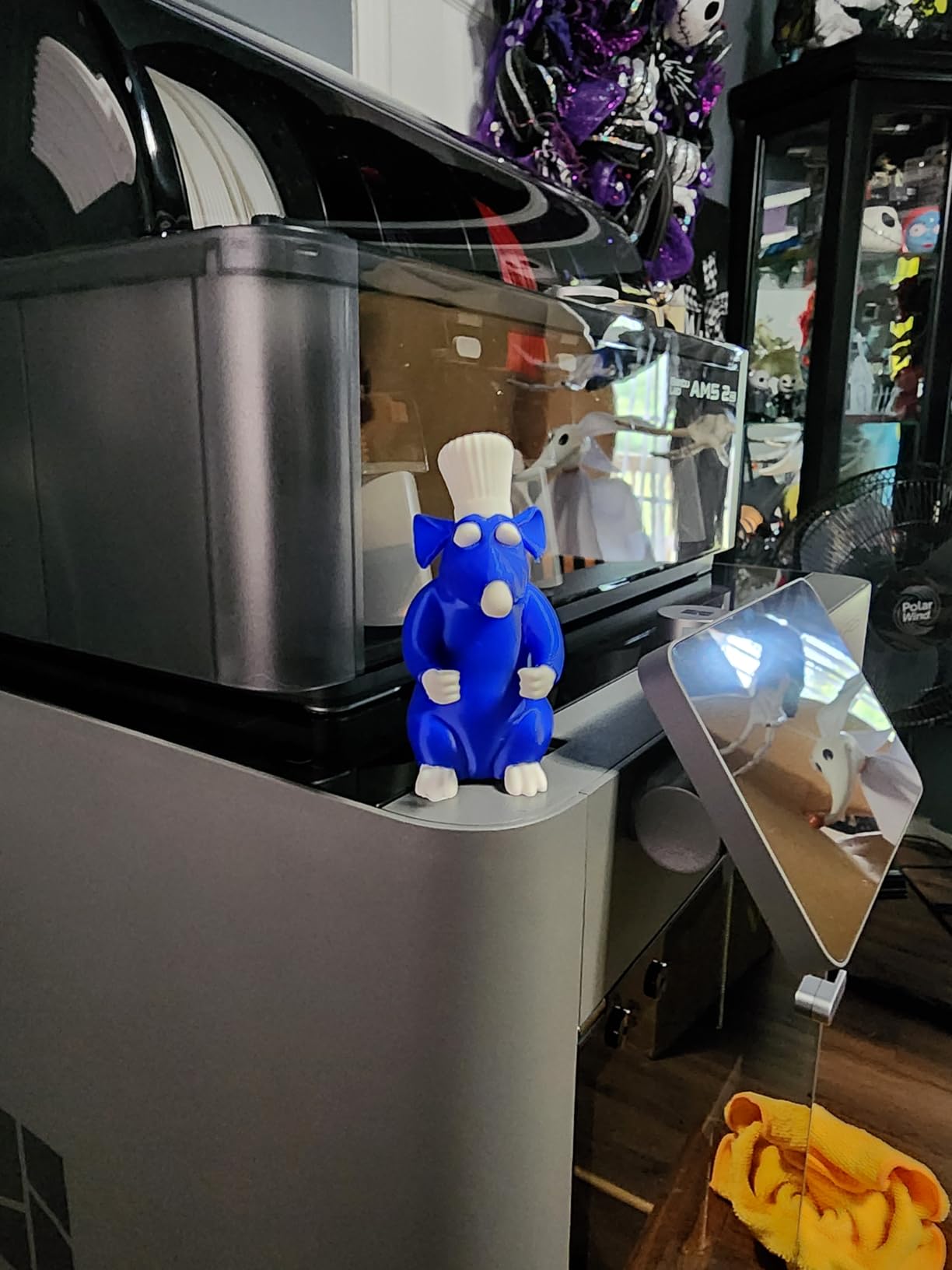
It suits anyone printing hygroscopic filaments, particularly nylon, PC blends and PETG stored in a humid house. The Adaptive Airflow System balances cooling against heat retention, and the 50 °C chamber capability plus the carbon filter keep the fumes and particles down in a small room.
It will frustrate you if you want something other than the AMS multi-color path, because this generation has no tool changer. It will also frustrate buyers who are uneasy about early hardware revisions, and the higher one-star share is worth reading through before you commit.
The decision that matters before you buy
Choose between the Combo and the bare P2S with one question: do you print in color? The bare printer has no multi-color path at all, so the Combo is not an upgrade for most people, it is the only version that does the job. Everything else, including the drying, lives in the AMS unit.
4. Creality Ender 3 V3 SE — Budget Pick for a No-Frills First Machine
Creality Ender 3 V3 SE Beginner-Friendly 3D Printer with Auto Leveling
250 mm/s with 2500 mm/s²
CR Touch auto leveling and auto Z-offset
19.8 lb, 15 x 19.6 x 15 in
Sprite direct drive extruder
Pros
- Genuinely simple setup needing only an Allen key
- Low maintenance for basic PLA work
- Handles wood-filled TPU and nylon-infused filament
- Magnetic spring steel plate makes removal easy
Cons
- Open frame with no enclosure for warp-prone materials
- Some noise from the cooling fan and Y-axis bearing
- Rear power selector can leave the screen dead
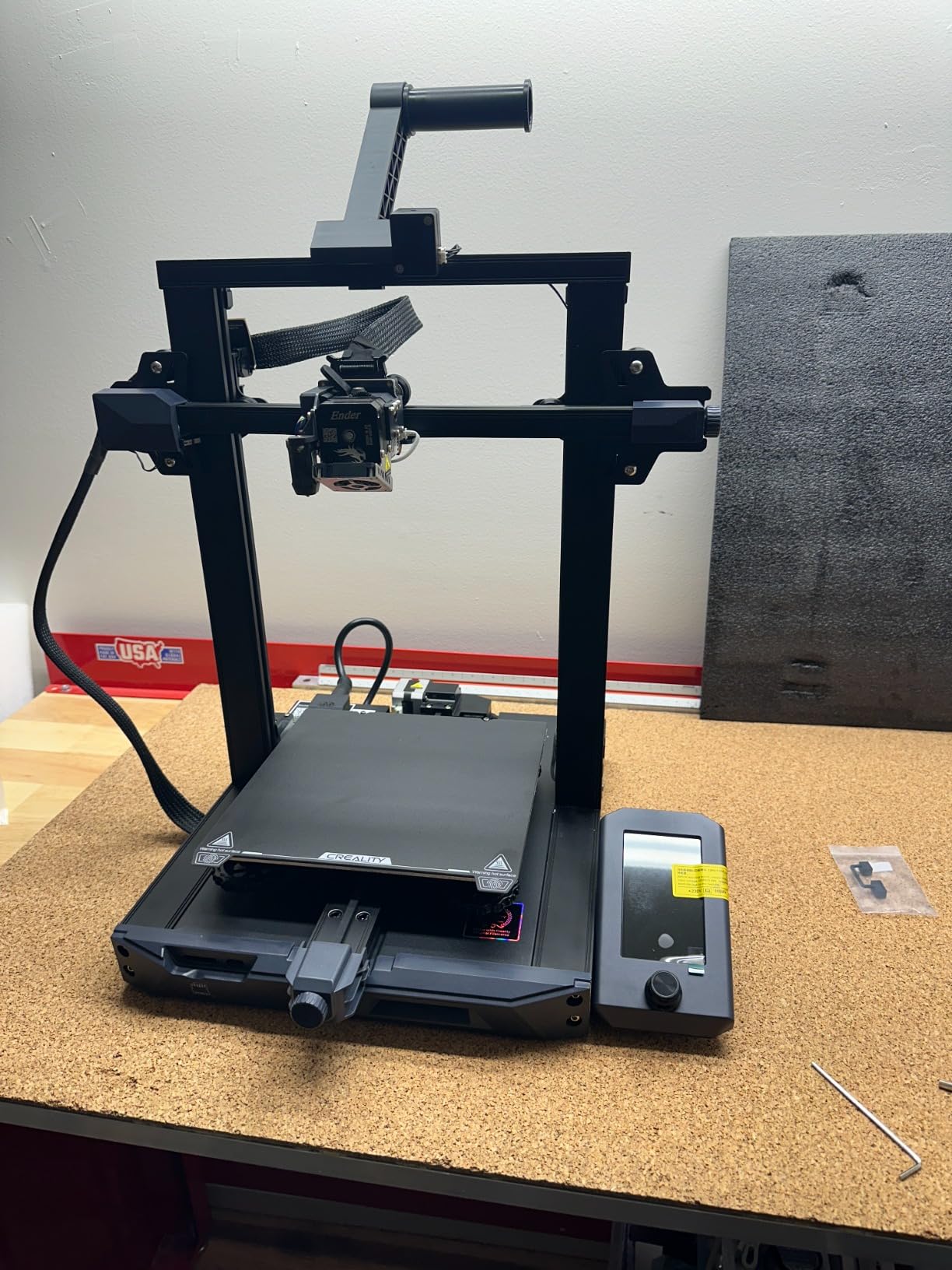
The Ender 3 V3 SE is the machine in this roundup with the least to explain, and for a lot of first-time buyers that is the entire selling point. Setup took about twenty minutes with an Allen key, CR Touch handled the bed leveling, and the automatic Z-offset calibration meant the first layer was a single attempt.
The 250 mm/s speed with 2500 mm/s² acceleration is modest next to the CoreXY machines here, and on the bed-slinger frame you feel the difference on small parts. The dual synchronized Z-axis lead screws and precision Y-axis shafts keep the motion steady enough that it is not the limiting factor in most prints.
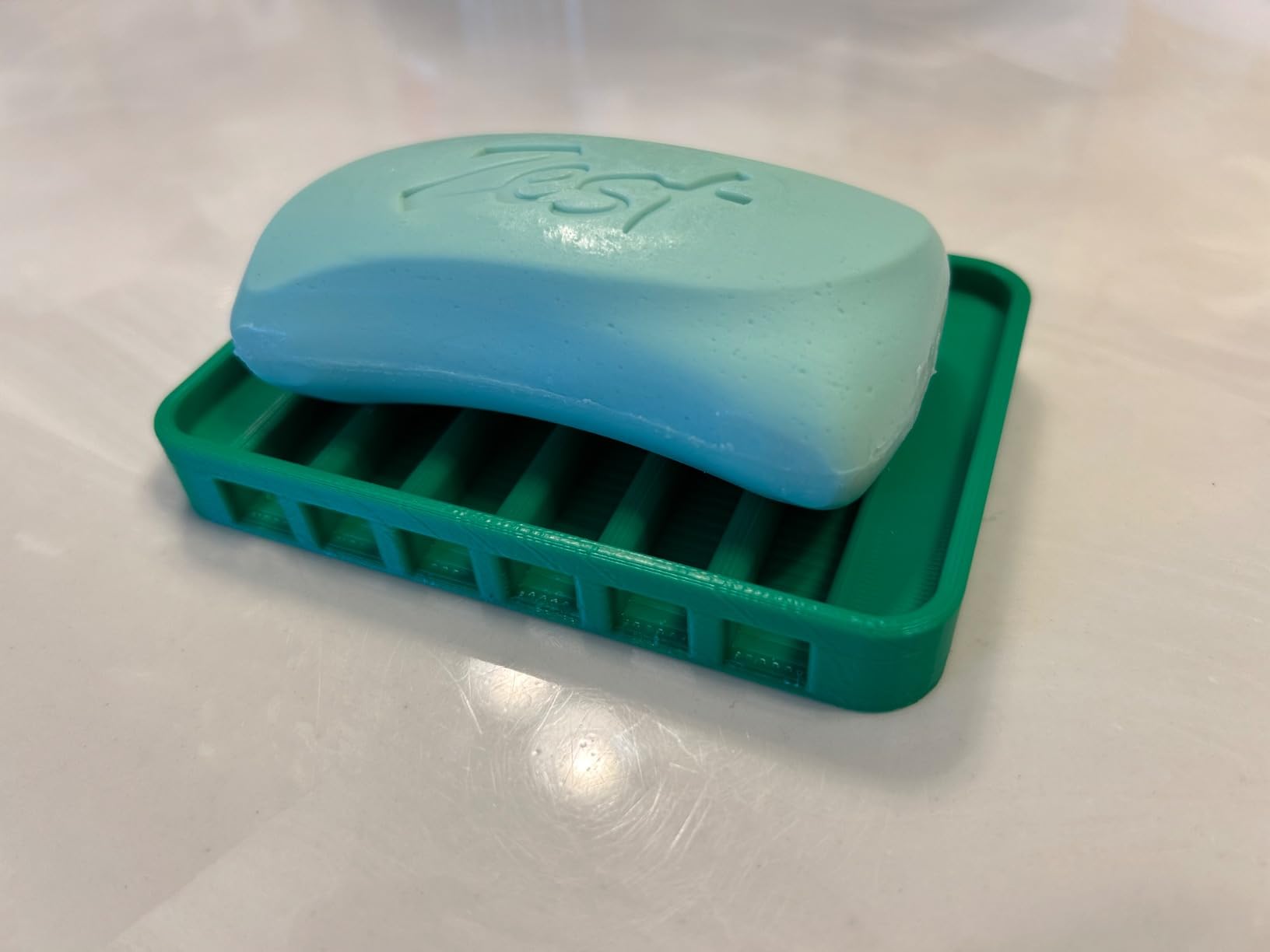
Owner reviews divide into two camps, and both are worth hearing. Buyers who treat it as a reliable no-frills machine prefer its simplicity to feature-rich rivals and get on with printing, while a smaller group report the cooling fan or the Y-axis developing bearing noise within weeks or months, and a few describe total hardware failure not long after delivery.
Who this printer suits and who it will frustrate
It suits a patient beginner who wants to learn the craft on real hardware rather than an appliance, and it suits anyone with a large community library of Creality knowledge and mods. The magnetic spring steel plate holds PLA and PETG well and makes part removal painless.
It will frustrate you the moment you want ABS, ASA or nylon, because the open frame has no chamber and those materials will warp off the bed. It will also frustrate a small shop that needs uptime, given the reports of early component noise and failure.
The decision that matters before you buy
Check the rear power selector before you plug it in. Several owners reported a dead screen because the voltage switch was set to 220V in a 110V house, and that is a two-minute fix that feels like a dead machine if you do not know it exists. Second, decide whether you will ever need an enclosure, because adding one later is a bigger job than buying an enclosed machine.
5. Flashforge Adventurer 5M — Best Value for Speed on a Small Footprint
FLASHFORGE Adventurer 5M 3D Printer, 600mm/s High-Speed, 1 Click Fully Auto Leveling, Upgraded Direct extruder Quick Detachable 280°C Nozzle, Dual-Sided PEI Coating Plate, Print Size 220x220x220mm
CoreXY at 600 mm/s
20000 mm/s² acceleration
23.8 lb, 14.29 x 15.83 x 17.64 in
Dual-sided PEI build plate
Pros
- CoreXY motion holds accuracy at high speed
- Printing within about 10 minutes of unboxing
- Small sturdy all-metal footprint
- Responsive support that sends replacement parts
Cons
- Open frame needs an enclosure for ABS
- Early hardware faults on some machines
- Networking and app connectivity described as hit-and-miss
CoreXY kinematics used to be a premium feature, and the Adventurer 5M puts one in a compact all-metal body that reaches 600 mm/s with 20000 mm/s² acceleration. In our testing that combination produced clean overhangs and consistent layer height where bed-slingers at the same speed would have shown ringing on every surface.
One-click full auto leveling and vibration compensation handled setup with no manual tuning, and the machine went from box to first layer in about ten minutes. The 32 mm³/s flow hotend reaches 200 °C in 35 seconds, and the 280 °C quick-detach nozzle means you can swap a worn nozzle without tools.
Owners who put a few kilometres of filament through it describe a dependable single-color workhorse that competes with machines costing considerably more, with excellent bed adhesion and near-zero failed prints. A recurring minority report early hardware faults such as a failed home sensor, a screen cable, a bowed bed or buzzing motion, and several of those were resolved quickly by customer service.
Who this printer suits and who it will frustrate
It suits a home office or small studio where desk space is the constraint. At under 24 pounds and 15.83 inches on its longest axis it is one of the smallest machines here that still has a CoreXY core, and the metal frame means it does not rattle as prints finish.
It will frustrate you if you need color, since the machine is single-color by design. The dual-sided flexible PEI plate is a clever compromise: it handles PLA, PETG and TPU at 0.4 mm, but carbon-fiber variants need a 0.6 mm nozzle, which is a deliberate swap rather than a one-click change.
The decision that matters before you buy
Decide on networking before anything else. The app and Wi-Fi are described as hit-and-miss, and a proprietary interface limits your slicer choices, so a buyer who plans to slice locally and never touch the app will be happy while a buyer who wants remote monitoring will not. Everything else on this machine is straightforward.
6. Creality SPARKX i7 — Best for Beginners Who Want a Camera and a Big Build Volume
Creality SPARKX i7 3D Printer with AI Camera Monitoring, Auto Leveling, Quiet High-Speed Desktop Printing, Easy Setup, Direct Drive Extruder, WiFi Connectivity, 260×260×255mm Build Volume
260 x 260 x 255 mm build volume
Built-in AI camera
29.7 lb, 16.6 x 17.9 x 18.5 in
Tool-free 5-second hotend swap
Pros
- Automatic leveling and streamlined calibration
- Built-in camera for time-lapse and status detection
- Quiet low-vibration motion system
- Build volume larger than most in this tier
Cons
- Lowest average rating in the lineup
- Multi-color requires the separately sold CFS Lite
- Print consistency less refined than established rivals
The SPARKX i7 is built around one idea: give a beginner a machine that reports on itself. The built-in smart camera handles remote viewing, time-lapse recording and print status detection, which means a failed print can be spotted from your phone instead of after a full night of extruded plastic.
The 260 x 260 x 255 mm build volume is unusually generous for the money, and it covers a 10-inch plate plus height, so most hobby models and a good share of cosplay parts fit without splitting. The tool-free five-second hotend swap is a small feature that pays off repeatedly when you change from a 0.4 mm to a 0.6 mm nozzle.
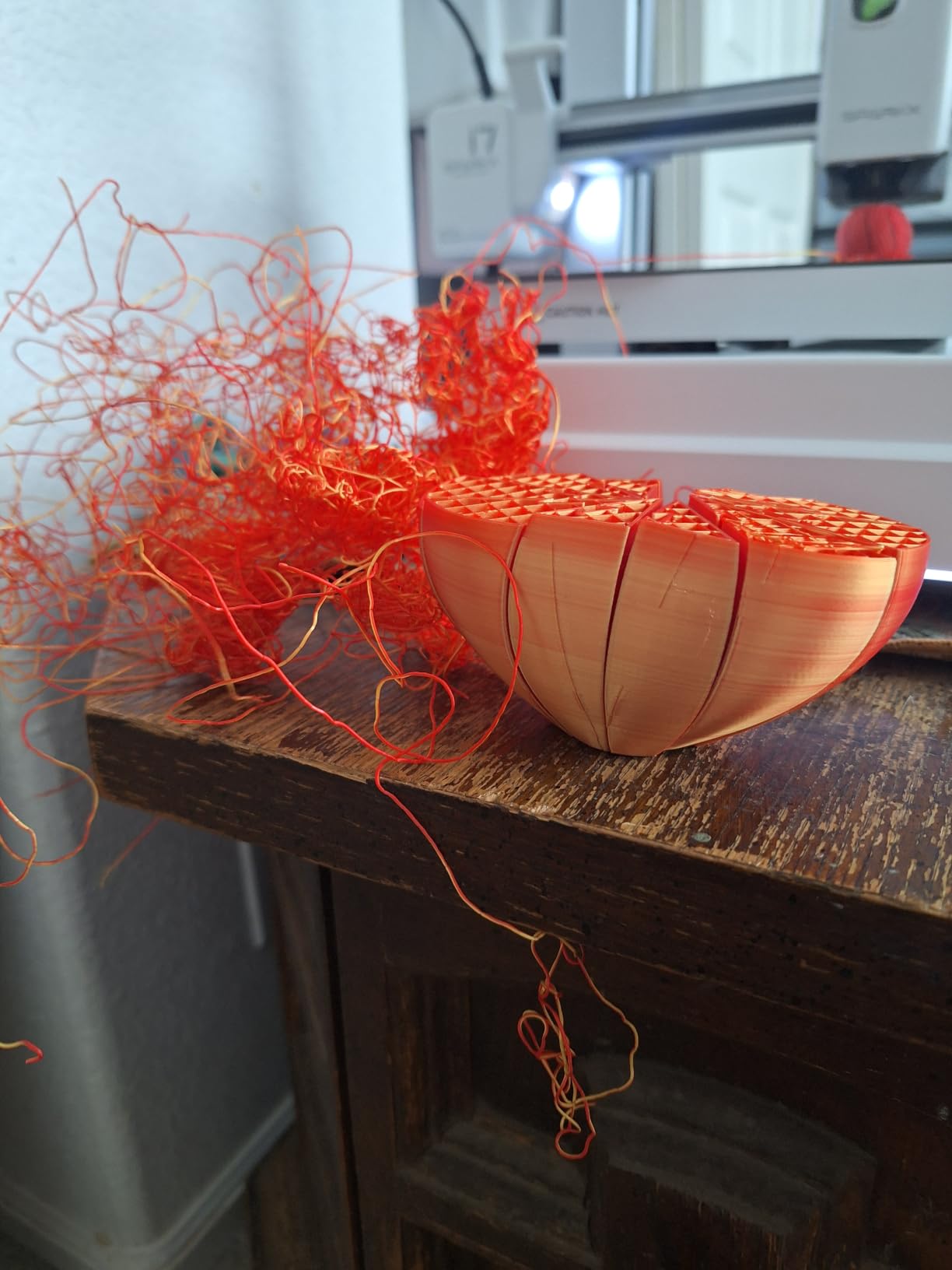
Because the machine is relatively new, ratings cluster around the 4.0 mark, and roughly fifteen percent of reviews are one-star. Those complaints read as early reliability and consistency issues rather than feature dissatisfaction, which is the pattern you expect from a recent design revision still finding its feet.
Who this printer suits and who it will frustrate
It suits a beginner who values guidance over tuning. The streamlined calibration does most of the setup work, the quiet low-vibration motion system suits long desktop sessions, and the camera gives a new owner something to look at other than a progress bar.
It will frustrate an experienced user chasing fine surface quality, because the direct drive extruder and general print consistency are reported as less refined than the established alternatives. The multi-color path is also gated behind the separately sold CFS Lite, so treat the camera and volume as the real selling points.
The decision that matters before you buy
Ask yourself how you will judge a finished print. If you judge it by whether it finished, the camera and status detection are a genuine advantage. If you judge it by surface finish and dimensional accuracy, the more established mid-range machines in this list will serve you better despite their higher ratings not being dramatically higher.
7. Anycubic Kobra X Combo — Best for Quiet Spaces and Native Multi-Color
Anycubic Kobra X Combo 3D Printer with ACE 2 Pro, Native 7-Color Printing
Native 7-color printing, expandable to 19
Under 48 dB operation
29 lb, 18.11 x 17.72 x 18.11 in
LeviQ 3.0 leveling with AI camera
Pros
- Multi-color out of the box with fast clean changes
- 50 percent less filament waste than single-nozzle systems
- Quiet enough for a shared office
- Open non-restrictive software ecosystem
Cons
- Some machines stopped printing within one to two months
- ACE spool spindles loosen with vibration
- TPU prints string heavily
- No detection for a fully blocked nozzle
The Kobra X Combo is the quietest machine we ran, and the 48 dB figure is a real differentiator for a home office or a shared apartment wall. The 600 mm/s speed is competitive with the far more expensive enclosed machines, and the layers stayed smooth at that pace in our testing.
Multi-color is the headline, and here it genuinely works out of the box. Seven colors are native and the ACE 2 Pro takes it to nineteen, while the system claims double the multi-color print speed and roughly half the filament waste of a single-nozzle purge design. LeviQ 3.0 auto leveling plus the AI camera handles the first layer and guards the run.
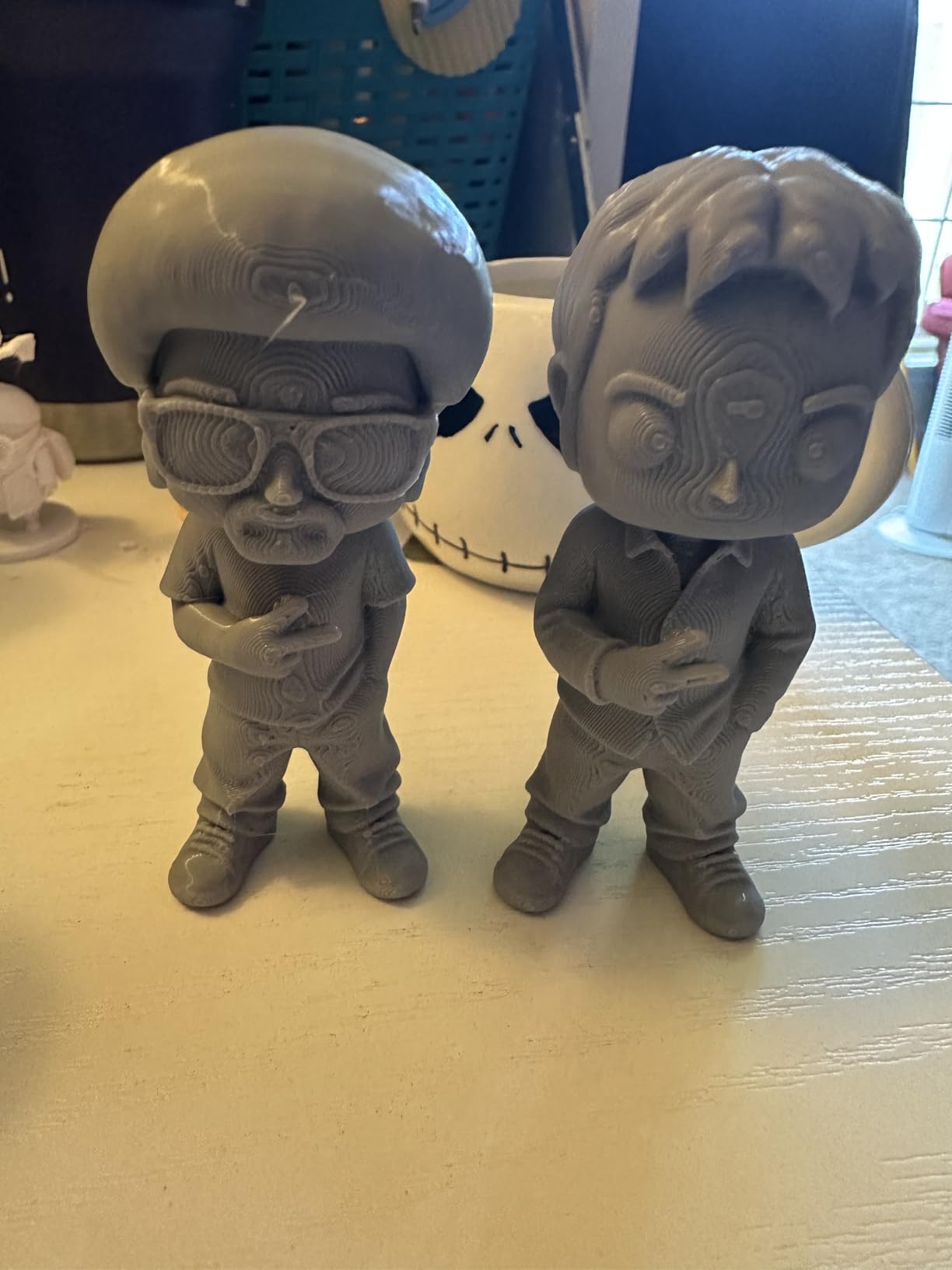
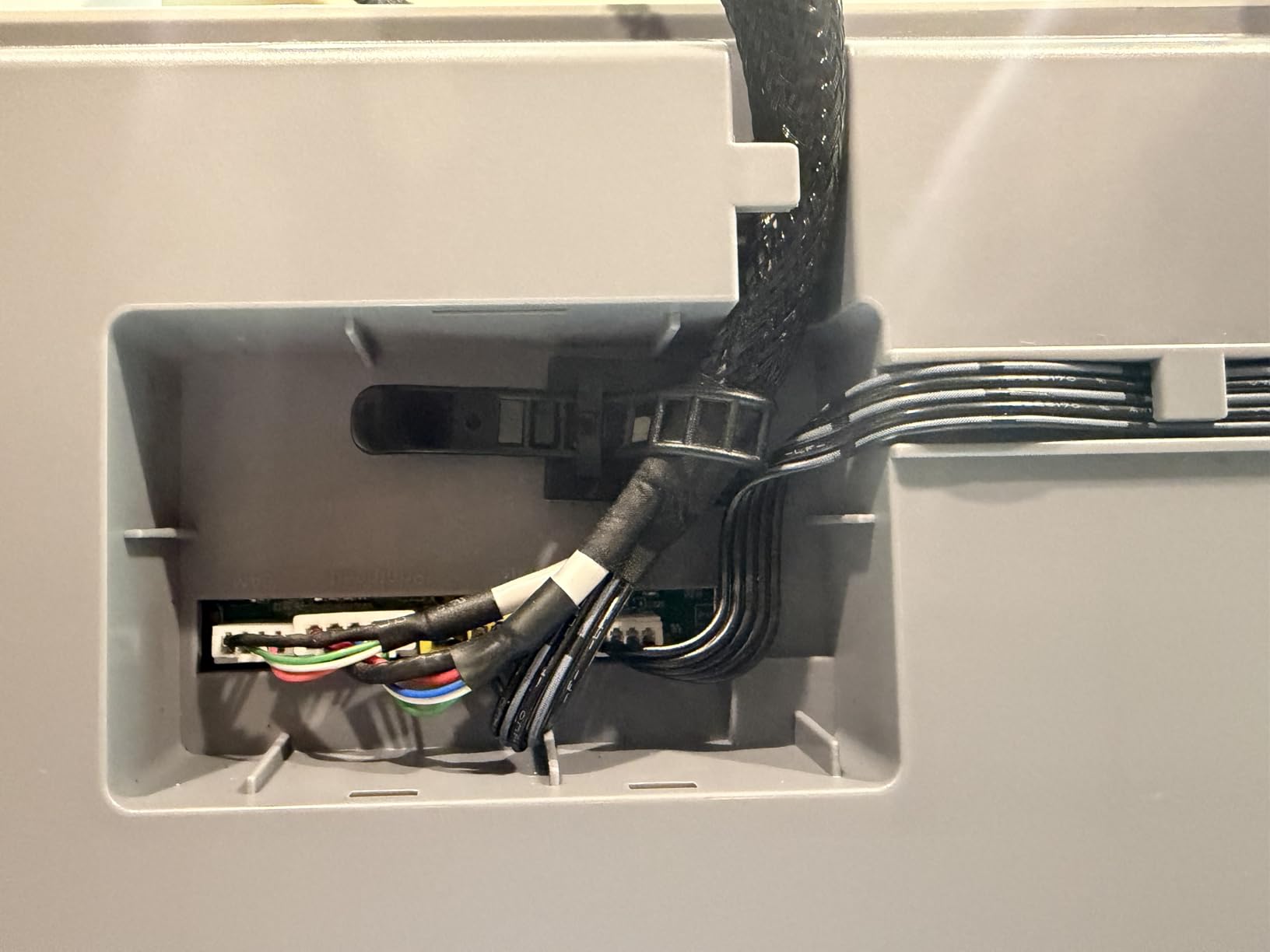
The heavy-use reports are encouraging: one owner logged roughly 265 print hours in under a month with a single failure and no adhesion, clogging or spaghetti problems, and several beginners described it as the easiest printer they have used. Against that, several buyers report the machine failing to extrude after a couple of months, and one long-term user had a print head replaced by customer service in about two weeks.
Who this printer suits and who it will frustrate
It suits a maker who decorates: cosplay accents, game pieces, multi-material signage, anything where color changes are the point rather than an occasional event. The touchscreen interface and the app are among the better ones in this category, and the software is not locked to a single model library.
It will frustrate you if flexible filament is a requirement, because TPU prints with heavy stringing and webs. The ACE spool spindles also loosen with vibration over time, and the print head cannot detect a fully blocked nozzle, so it will happily keep printing thin air.
The decision that matters before you buy
Decide whether multi-color is a weekly habit or a once-a-year project. The ACE 2 Pro adds a large feeder box and a purge cycle to every color change, and for occasional use the cost in filament is poor value. If you print color regularly, the waste reduction and the speed of change are what make this machine worth the footprint.
8. Snapmaker U1 — Best for Multi-Material Work Without Purge Waste
Snapmaker U1 3D Printer,4-Toolhead with 5s Toolchanger,Multi-Color Printing
Four toolheads with 5-second swaps
500 mm/s CoreXY, 270 mm cube
59 lb, 22.6 x 13 x 14.2 in
One-year warranty
Pros
- Near-zero purge waste with four dedicated toolheads
- 5-second tool changes cut multi-color print times
- True rigid plus flexible in a single job
- Open-source slicer and Linux-friendly ecosystem
Cons
- Top of the enclosure is open and needs an add-on cover
- Less phone-first model library than Bambu
- Day-one motherboard fault reported on one machine
The Snapmaker U1 answers the problem that haunts every multi-color filament printer. Instead of one nozzle and a purge tower, it carries four independent, preloaded and preheated toolheads, so changing material is a five-second mechanical swap with nothing to purge. The SnapSwap tool changer is validated over 1000000 swaps, and the result is up to five times faster multi-color printing with up to five times less waste.
That architecture also unlocks genuine multi-material work that single-nozzle systems cannot do cleanly: a rigid body with a flexible grip, or a part with water-soluble PVA supports alongside engineering filament. The 500 mm/s CoreXY core with carbon fiber X-axis rails and the 270 mm cube build volume make it a capable general machine on its own.
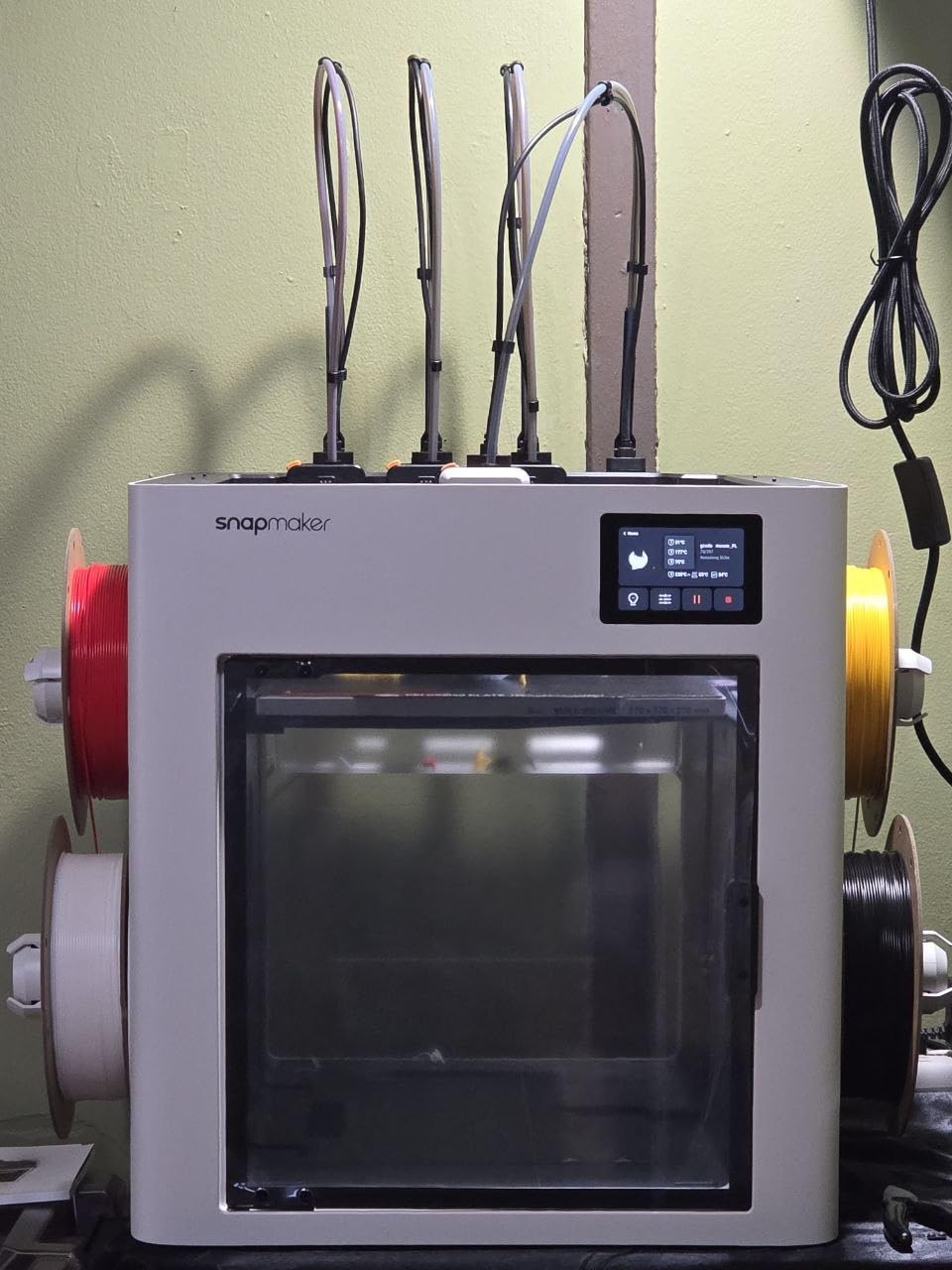
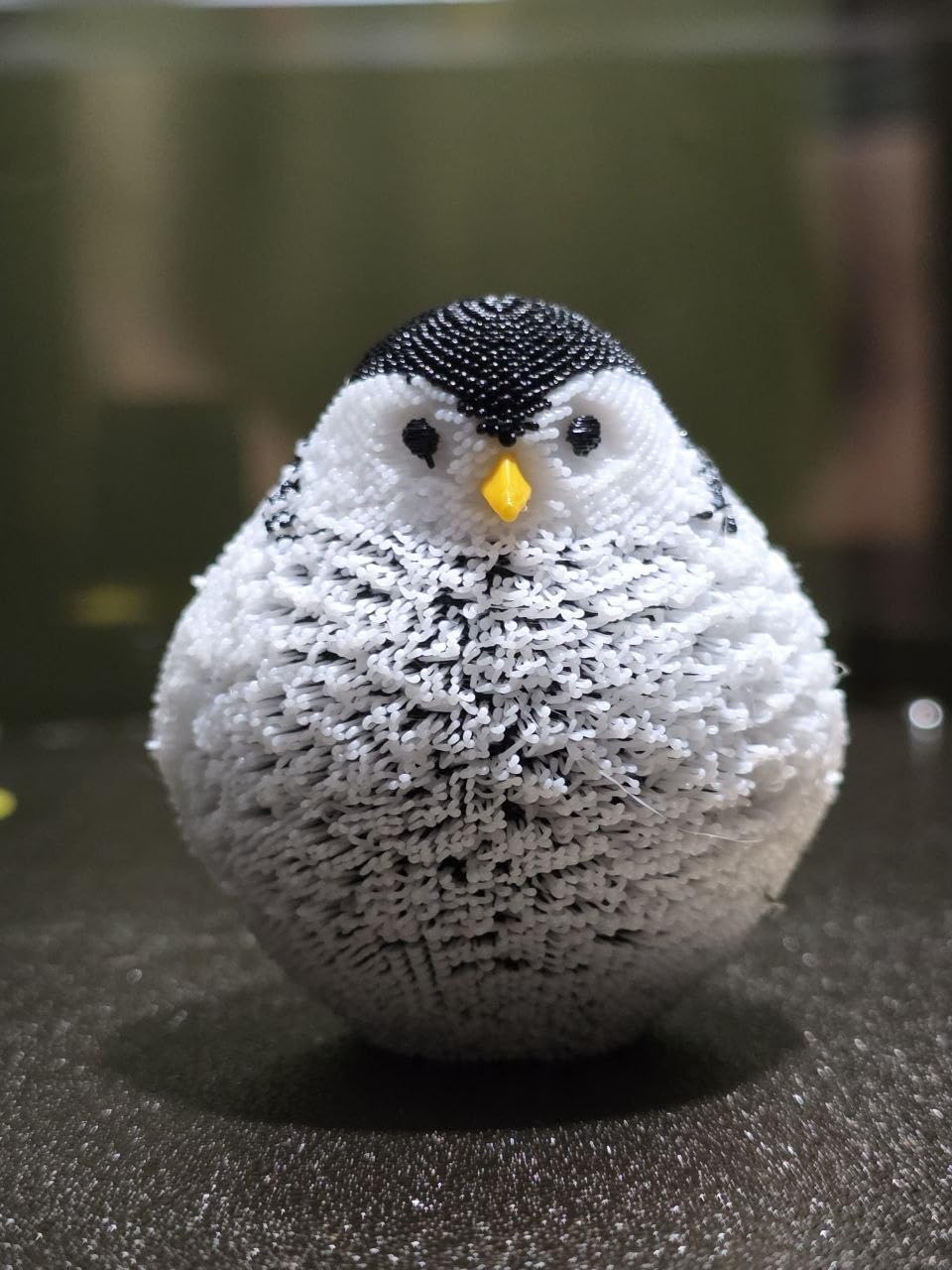
Owners call the four-toolhead design a step change rather than an increment, and the build quality with thick glass front and rear panels gets mentioned as often as the printing. Automatic toolhead offset calibration and vibration compensation meant setup took about twenty minutes with the guided touchscreen, and auto bed leveling worked as advertised.
Who this printer suits and who it will frustrate
It suits a technical user who prints multiple material types and measures cost per part, because purge waste is the line item that decides whether multi-color is affordable. It also suits anyone who refuses proprietary software, since the Snapmaker Orca slicer is open source and the ecosystem works well on Linux.
It will frustrate you if you want a phone-first model library, because files have to be imported into the slicer rather than opened on demand. The open top of the enclosure also means a fully enclosed build volume needs an add-on cover, and the instructions for converting STL files to printable G-code are weaker than the rest of the documentation.
The decision that matters before you buy
At 59 pounds this is a machine that needs a real bench, so the decision is about space before it is about printing. Measure your shelf clearance against 22.6 inches wide and add room at the top for the optional cover. If it fits, the toolhead architecture is the most forward-looking multi-color approach available at this size.
9. Sovol SV08 MAX — Best for Large-Format Props and Cosplay
Sovol SV08 MAX CoreXY 3D Printer, Voron 2.4 700mm/s High Speed 3D Printers
500 x 500 x 500 mm build volume
700 mm/s and 40000 mm/s²
86.8 lb, 28 x 27.6 x 29.5 in
300 °C hotend with 50 mm³/s nozzle
Pros
- Huge 500 mm cube handles oversized parts in one job
- CoreXY precision holds up at high speed
- Eddy current bed leveling needs no manual intervention
- Wide filament support including carbon-fiber blends
Cons
- 86.8 lb machine needs a sturdy dedicated bench
- Heated chamber is a separate module
- Advanced setup aimed at experienced users
If you have ever split a model because your printer could not hold it, the SV08 MAX ends that conversation. The 500 mm cube build volume is large enough for a full torso piece, a helmet, or a set of terrain tiles printed together, and the 700 mm/s with 40000 mm/s² acceleration is what makes a print that size tolerable rather than a weekend.
Eddy current scanning bed leveling uses contactless sensors with pressure-sensing touch points, so calibration is fully automatic and accurate across a plate that size. The 50 mm³/s high-flow nozzle claims up to a 50 percent reduction in print times, and the 300 °C hotend covers PLA, PETG, ABS, ASA, PA, PC and carbon-fiber blends.
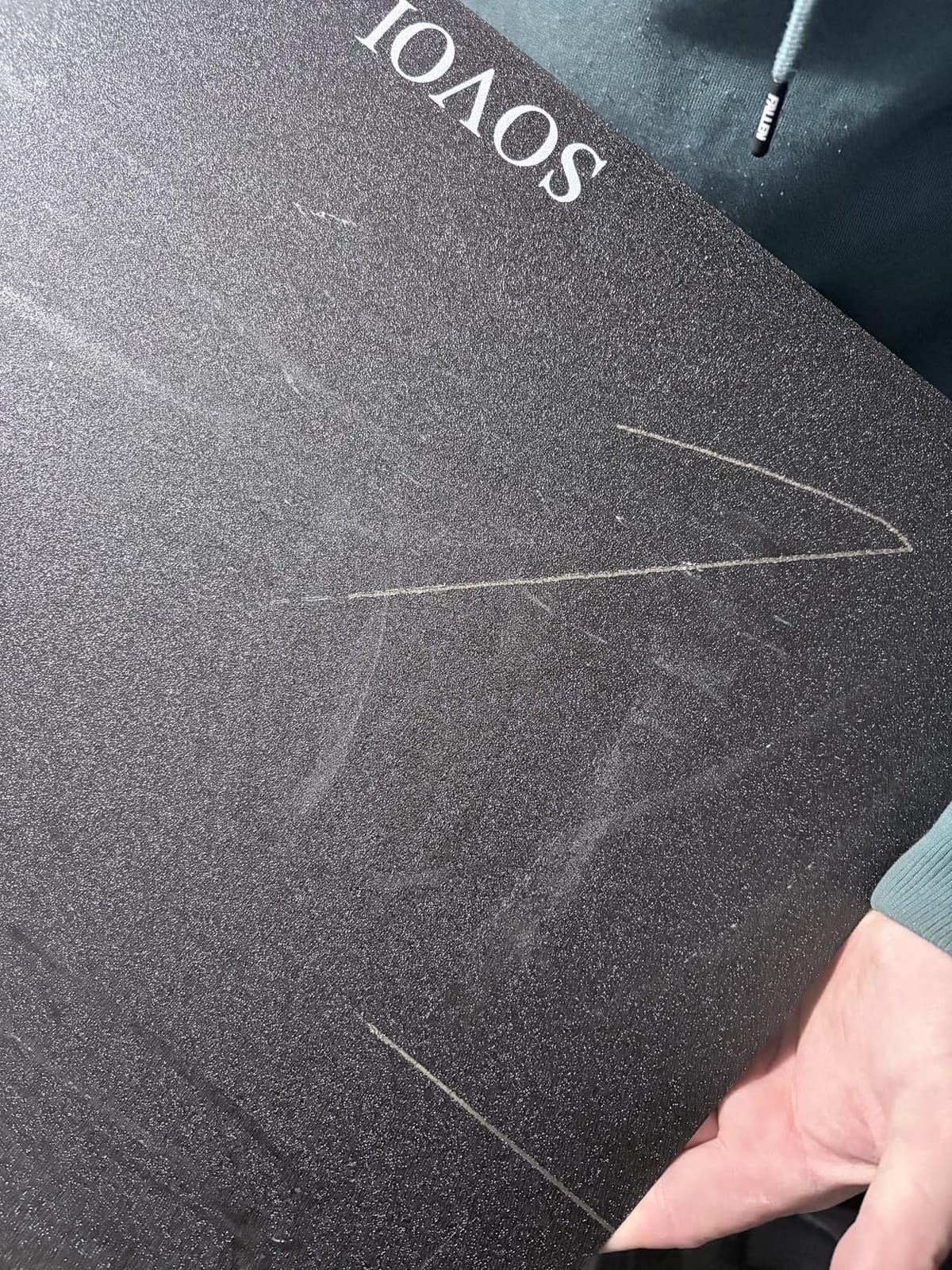
This is the most-reviewed machine in the roundup by a wide margin, and owners consistently single out the build volume, CoreXY precision and automatic leveling as the reason large jobs finish faster. It carries a one-year warranty, and the built-in 1280 x 720 camera with Obico integration gives remote monitoring and failure detection on a machine you probably cannot see from your desk. If the prop is only one half of the project and the other half is a rigged character, our guide to what rigging in 3D animation involves covers that side.
Who this printer suits and who it will frustrate
It suits cosplay builders, prop makers and small workshops where the bottleneck is the size of the object, not the quality of the surface. The CoreXY layout keeps moving mass low, which is why accuracy holds at speed on a machine this heavy.
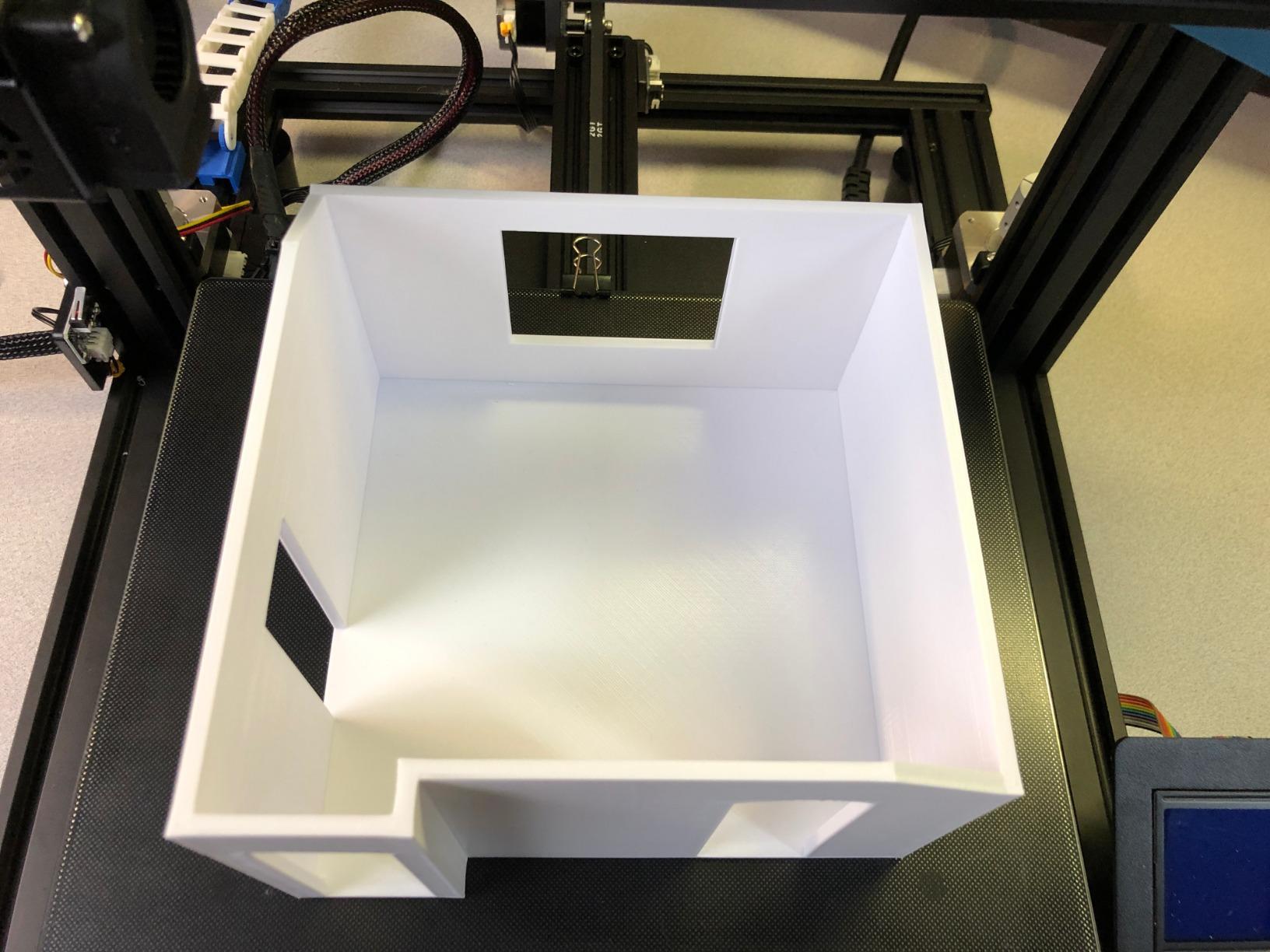
It will frustrate anyone without a dedicated bench. At 86.8 pounds and 28 x 27.6 x 29.5 inches it needs floor-level support, and a top-shelf desk is not a candidate. The enclosure does not ship with a heated chamber, so high-temperature warping materials need the optional module.
The decision that matters before you buy
Decide whether large-format printing is a hobby you will use monthly or a one-project burst. A 500 mm cube volume is transformative and also enormous, and it is the reason this machine reaches this list rather than a smaller high-speed alternative. If your largest part fits in a 350 mm cube, the Creality K2 Plus does the same job on a lighter frame.
10. Creality K2 Plus Combo — Best for ASA, PPA and Heated-Chamber Printing
Creality K2 Plus Combo 3D Printer, Multi Color Printing with New CFS 600mm/s High-Speed Full Auto-Leveling Dual Al Camera Next-Gen Direct Drive Extruder Large Build Volume 13.78×13.78×13.78inch
Active 60 °C chamber
350 x 350 x 350 mm volume
70.4 lb, 16.1 x 15.4 x 18.7 in
Dual AI cameras and 18 sensors
Pros
- Heated 60 °C chamber makes ASA and PPA genuinely printable
- 350 mm cube volume suits large models and batch runs
- 600 mm/s with 30000 mm/s² acceleration
- RFID filament auto-detection with automatic relay
Cons
- Highest one-star share in the lineup
- Heavy 70.4 lb chassis takes bench space
- CFS units and chamber add cost and complexity
- Firmware less refined than the leading ecosystem
The K2 Plus Combo is the most technically ambitious machine in this roundup, and the 60 °C active chamber is the feature that changes what you can print. ASA and PPA are warp-prone and need a hot, stable environment, and a constant 60 °C chamber with a hardened steel nozzle rated to 350 °C turns them from aspirational to routine.
Multi-color runs through the new CFS system, up to sixteen colors with four units linked. RFID filament auto-detection identifies color and type, selects the right spool, and relays to another when one runs out mid-print, which removes the most common cause of a ruined multicolor job.
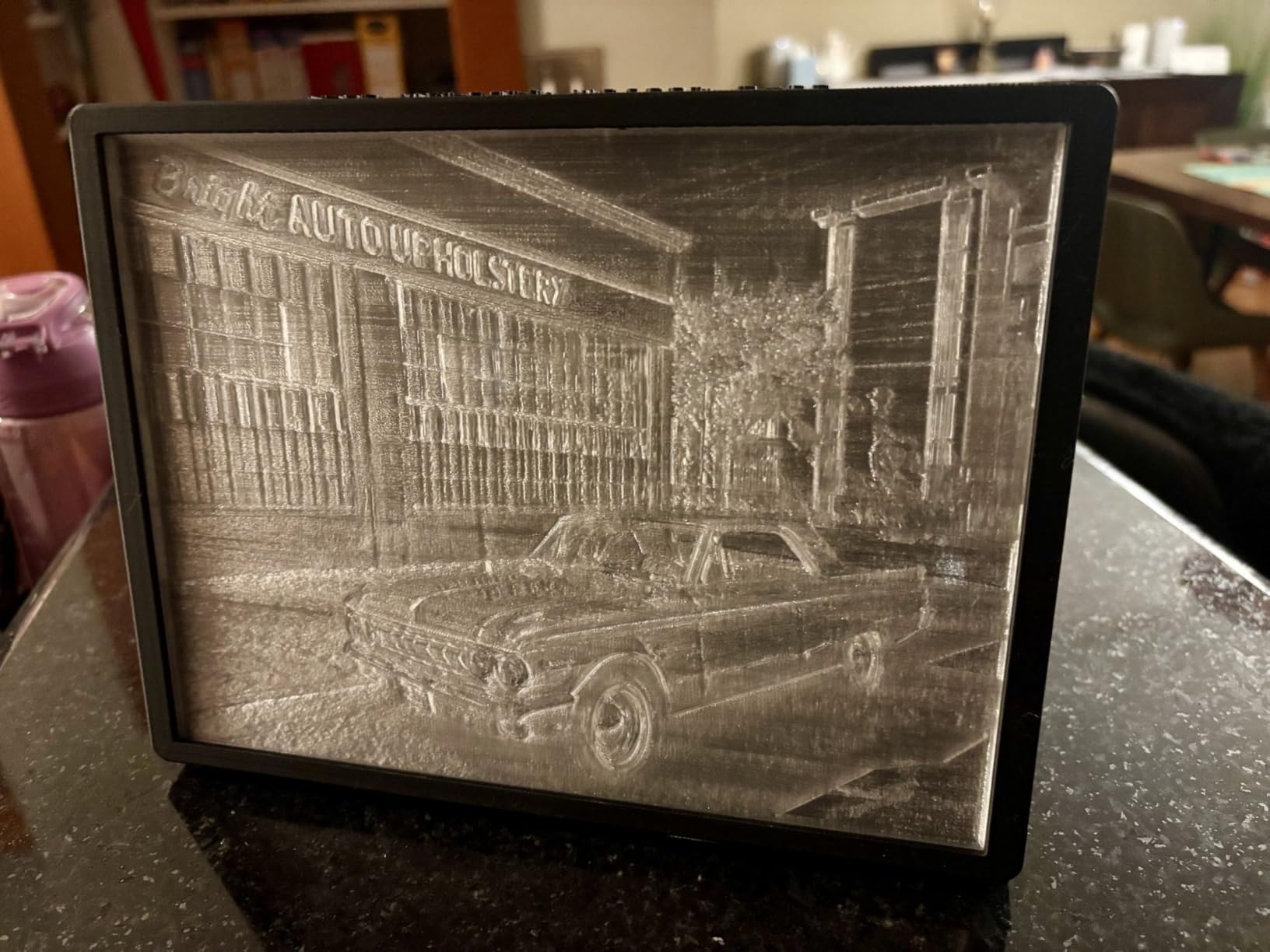
Buyers buy it for scale and get scale: the 350 mm cube, the 600 mm/s with 30000 mm/s² from the FOC step-servo motors and 40 mm³/s flow, the die-cast Matrix frame on four linear rods, and the independently motorized dual Z-axes that auto-tilt the bed before leveling. The 4.0 average reflects a wide spread, and seventeen percent one-star reviews point to early hardware and firmware problems on a complex machine.
Who this printer suits and who it will frustrate
It suits an engineer or small production run who needs to print ASA, PPA and other rigid engineering polymers in a room without an improvised tent around the printer. The dual AI cameras are genuinely functional: one watches the chamber for spaghetti and idle failures, the other watches the toolhead to optimize flow rate.
It will frustrate a beginner, because seventeen percent one-star reviews is a real signal on a machine this complex, and the firmware and software ecosystem is perceived as less refined than the leading alternative. At 70.4 pounds it also needs a serious bench, and the CFS units plus chamber hardware add cost and complexity to ownership.
The decision that matters before you buy
Buy this for the chamber or not at all. If your materials are PLA, PETG and TPU, the enclosed mid-range machines in this list deliver cleaner prints for far less money and far less headache. If you genuinely need a heated chamber and a 350 mm cube, this is the machine that does both in one package.
11. Anycubic Photon Mono 4 Ultra — Best Resin Printer for Miniatures and Jewelry
ANYCUBIC Photon Mono 4 Ultra 10K Resin 3D Printer, 7” HD Mono Screen
7 inch 10K mono screen at 9024 x 5120
17 x 17 micron XY pixels
8.8 lb, 15 x 10 x 20 in
Up to 120 mm/h with ACF film
Pros
- Layer lines virtually invisible and edges razor sharp
- Printing within about 30 minutes of unboxing
- Compact and very quiet for a home office
- ACF film reduces release and adhesion problems
Cons
- Small build volume forces model resizing
- Resin vats crack and can take the screen with them
- Needs a computer slicer plus ventilation and protective gear
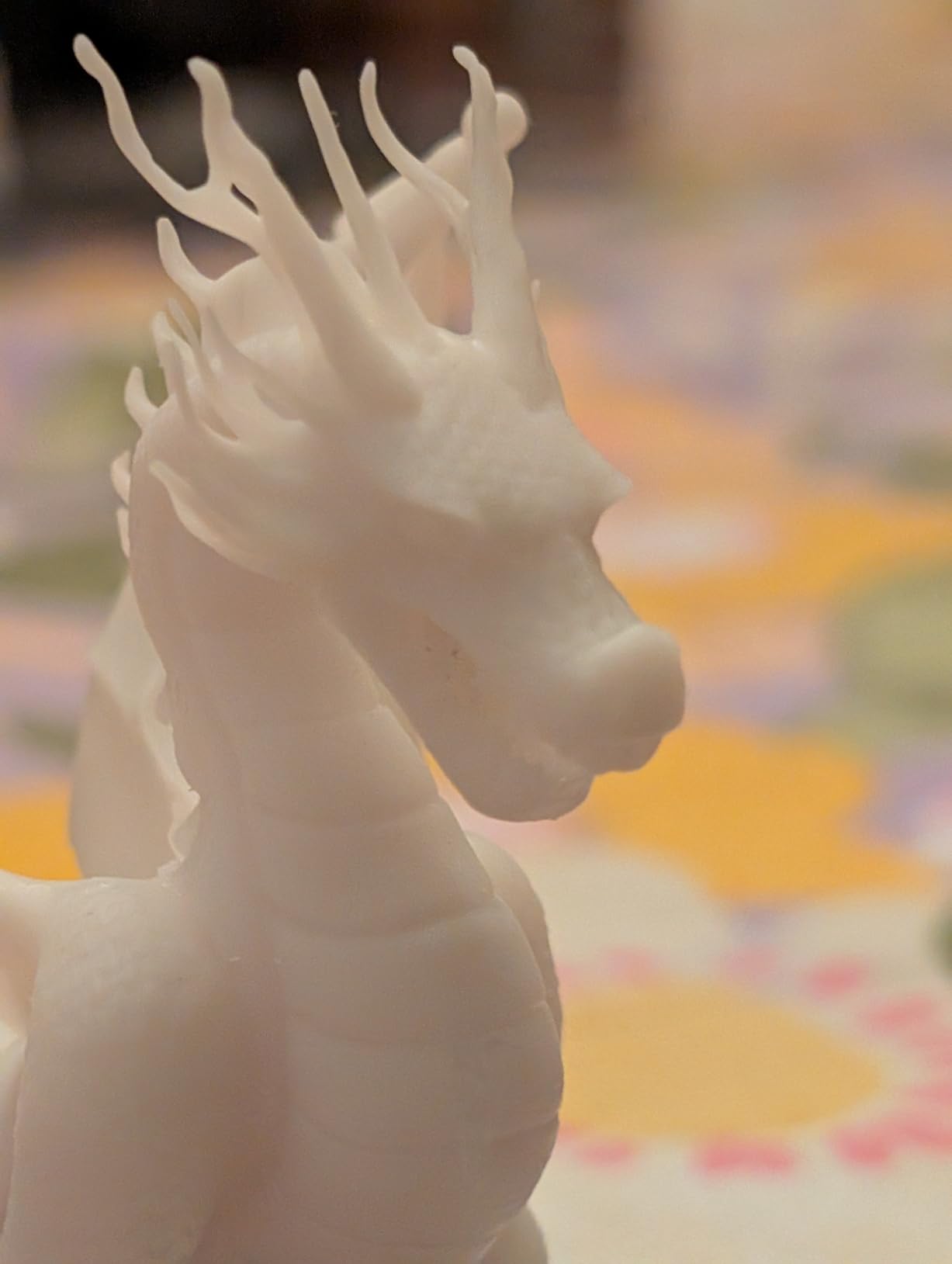
Resin exists because filament cannot hold this level of detail, and the Mono 4 Ultra makes the case with a 7-inch 10K monochrome screen at 9024 x 5120 with 17 x 17 micron XY pixels. That is a 105 percent precision gain over the Mono 2, and on miniatures and jewelry the layer lines are effectively invisible while the edges stay sharp.
The new-generation ACF film with an intelligent release algorithm drives print speeds up to 120 mm/h and produces smoother releases and fewer build plate adhesion issues than earlier generations. Five intelligent inspections cover auto-inspection, residual resin detection, leftover resin monitoring and failed print detection, which is a lot of guardrails for a machine aimed at first-time resin buyers. Once the printed figure is scanned and textured, the render stage is a separate craft, and our picks for 3D rendering software for animated shorts cover that.
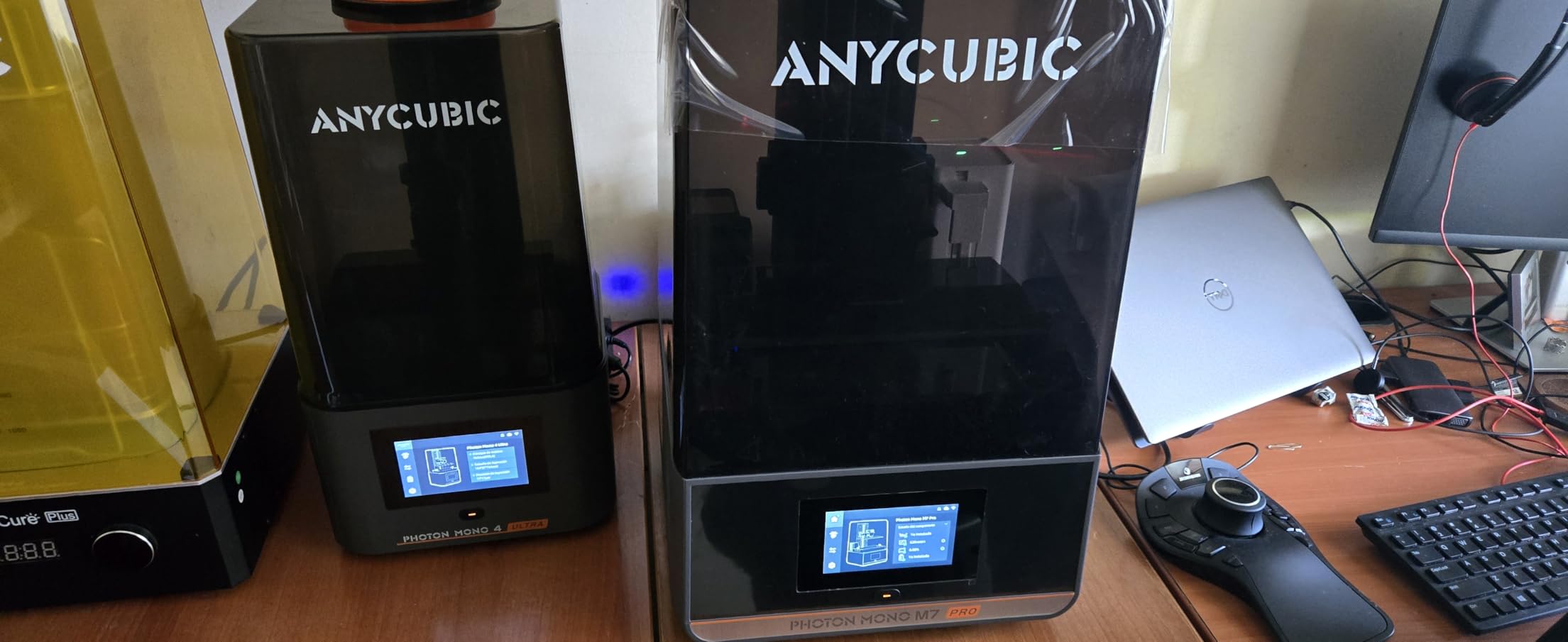
Owners call it an excellent entry-level resin machine that undercuts filament alternatives for small precision work, with quick setup and a footprint small and quiet enough for a home office. The recurring complaints are consumable durability: cracked resin vats, sometimes taking the LCD screen with them, and touchscreen failures inside the first few weeks, with support sometimes shipping parts without instructions.
Who this printer suits and who it will frustrate
It suits tabletop gamers, jewellery makers and anyone printing under a size limit. At 8.8 pounds and 15 x 10 x 20 inches it is by far the smallest machine here, and the movable lid lets you check a print mid-run without dismantling anything.
It will frustrate you if you do not already understand the resin workflow. You need a computer running the slicer, ventilation, nitrile gloves and a wash and cure step after every print, and working with liquid resin and isopropyl alcohol is genuinely messy and odiferous. Buyers should also know that larger prints can warp and that default exposure settings need tuning.
The decision that matters before you buy
Decide on your largest part before anything else, because the build volume is the hard limit and resizing a model is work. If your parts fit, the other decision is whether you want the Mono 4 Ultra for speed or the Elegoo Mars 5 Ultra for self-leveling convenience, covered next. Neither answer is wrong; they optimize for different frustrations.
12. Elegoo Mars 5 Ultra — Best for Resin Printers That Hate Manual Leveling
ELEGOO Mars 5 Ultra Resin 3D Printer
7 inch 9K mono LCD at 18 micron
Up to 150 mm/h with tilt release
19.36 lb, 15.75 x 18.5 x 9.06 in
Wi-Fi cluster printing
Pros
- Self-leveling and self-zeroing plate removes resin maintenance
- Tilt release roughly halves print times versus the original Mars
- Works out of the box for complete beginners
- Camera with time-lapse and remote monitoring
Cons
- Small build volume will not take a standard cup
- Lid has no hinges and lifts off entirely
- Rounded resin spout makes pouring awkward
The Mars 5 Ultra is the resin machine to buy if the idea of leveling a vat puts you off. The build plate self-levels and self-zeroes, which removes the single most hated task in resin printing, and the 7-inch 9K mono LCD at 18 micron XY resolution delivers detail well beyond anything a filament machine can hold.
Tilt release technology means the plate tilts rather than lifting to separate the print, and that single change runs prints at up to 150 mm/h and roughly halves print times against the original Mars. A mechanical residue sensor, resin shortage and leveling failure alarms protect the screen, and Wi-Fi cluster printing lets one device run several machines for a small production run.
Who this printer suits and who it will frustrate
It suits a first-time resin buyer who wants a machine that works out of the box with no exposure tuning, and small businesses that value predictable print times. The bundled three-month slicer subscription includes auto-orientation and support generation tools, which saves a beginner a real learning session.
It will frustrate you if your parts are large, because the plate cannot accommodate something as ordinary as a cup. The lid has no hinges and lifts off entirely, which is awkward in a tight space, and the rounded resin spout makes neat pouring harder than a sharp-edged one would.
The decision that matters before you buy
Compare the camera honestly. It is useful for time-lapse and remote monitoring, but large prints can block it entirely and its resolution limits troubleshooting detail. If you mostly print small miniatures you will watch from across the room it is a genuine asset; if you run overnight jobs you mostly want the residue sensor and the cluster printing.
3D Printer Buying Guide: How to Choose the Right Machine in 2026
Filament or resin: the first decision, and the hardest to reverse
Fused filament fabrication machines melt plastic and deposit it layer by layer. They are forgiving, cheap to run, safe on a desk with ventilation, and the filament is sold by the kilogram with dozens of brands and colors to choose from. Resin printers cure liquid plastic with UV light through an LCD mask, and they produce finer detail, smoother surfaces and far less post-processing mess than filament for small parts.
The trade is workflow, not quality. Resin needs protective gear, ventilation, a wash and cure station, and a computer to slice. Filament needs a heated bed and a steady hand with the nozzle. If you print tabletop miniatures, jewelry or display models, resin wins on finish. If you print functional parts, enclosures, brackets or anything oversized, filament wins on scale, safety and cost per part.
Build volume: measure your largest part first
Build volume is the number people regret getting wrong, because a printer that is too small means splitting models, which means visible seams and longer assembly time. The picks here range from a resin plate that will not take a cup through a 500 mm cube. Write down the dimensions of your largest intended part, add clearance for the frame and the skirt, and buy at the next size up rather than the exact one.
Remember that usable Z height is less than the headline figure, because the gantry or gantry clearance takes a few millimeters at the top. And remember that a large machine is a large object: the Sovol SV08 MAX weighs 86.8 pounds, and the Bambu P1S at 38.9 pounds is already a two-person lift for some people.
Frame type: open, enclosed and actively heated
An open frame is lighter, cheaper and quieter, and it is correct for PLA and PETG in a climate-controlled room. It is wrong for ABS, ASA, PA and PC, which warp when the air cools the layer faster than it sets. The fix is an enclosure, and the second fix is a heated chamber.
The Creality K2 Plus Combo holds a constant 60 °C chamber and the Bambu P2S Combo reaches 50 °C with a carbon filter, which is the difference between warping prints and repeatable ones on demanding polymers. Community reviewers also note that machines can eat nylon readily, so check the hotend ceiling: 300 °C on the Sovol and 350 °C on the K2 Plus open up engineering blends that a 280 °C nozzle cannot touch.
Multicolor systems: feeder, MMU or tool changer
Three approaches exist and they are not equivalent. An AMS-style feeder loads four spools and swaps them through a single nozzle, which is cheap and compact but purges a tower of filament on every change. That is the Bamba P1S path and the Creality K2 Plus path, where the CFS units scale to sixteen colors and use RFID detection to relay between spools automatically.
A tool changer swaps the entire hotend instead, so there is nothing to purge. The Snapmaker U1 uses four preheated toolheads with five-second swaps, which is why its owners report near-zero waste and dramatically shorter multi-color prints. If you print color weekly, purge waste is a real running cost, and the tool changer design is the one that reduces it.
Bed leveling, motion and what they actually do for you
Load cell and eddy current leveling both remove the manual mesh-and-level ritual. Load cell systems measure the nozzle’s resistance as it probes the bed; eddy current sensors scan the surface with a probe and never touch it. Both are automatic, and both are a large quality-of-life gain for a first-time owner who otherwise spends a weekend learning to level a bed.
Motion system matters more than buyers expect. A bed slinger moves the bed in Y, so mass moves at speed and small parts ring. Core XY moves only the toolhead, keeps moving mass low and stays accurate at 600 mm/s, which is why the Flashforge Adventurer 5M, the Snapmaker U1 and the Sovol SV08 MAX all use it.
Resolution, noise and the small print that matters
Layer height is typically set between 0.1 and 0.3 mm, with 0.2 mm a sensible default. On resin, the number that matters is the LCD mask resolution expressed in microns: the Anycubic Photon Mono 4 Ultra uses 17 x 17 micron XY pixels and the Elegoo Mars 5 Ultra uses 18 micron. Those two are in a different detail class from any filament machine.
Noise is the most under-reported spec in this category. Fans, stepper motors and the pump on enclosed machines decide whether a printer can live in a bedroom or a study. If that matters, the Anycubic Kobra X Combo operates under 48 dB, the Creality SPARKX i7 is built around a low-vibration motion system, and the Bambu A1 uses active motor noise cancelling. Open-frame machines with no enclosure tend to be louder and rattle more as the frame flexes.
Openness, lock-in and what your printer demands afterwards
Every printer in this roundup asks for consumables, and the vendors differ in how much they control. Bambu Lab has a well-regarded slicer and a large model library, but the ecosystem is closed and advanced users consistently criticise that. Flashforge and Snapmaker push open-source slicers and local control, which matters to anyone who wants to run their own firmware or work without a cloud account.
Your first add-on should match your printer. A filament dryer pays for itself the moment you print nylon or store PETG in a humid climate, and the AMS 2 Pro in the P2S Combo integrates that function. A resin printer needs a wash and cure station and proper ventilation before anything else. An open-frame machine that will see ABS needs an enclosure, not a spool of the same filament.
Which brand should you buy?
Brand reliability is the question the community asks most, and the honest answer is that all four major names ship good machines with at least one weak component. Bambu Lab has the strongest first-time-user experience and the most complete software, with the strongest retention toward its ecosystem. Creality has the broadest range and the deepest community, with a wider spread between models. Anycubic covers both filament and resin and is competitive in both. Snapmaker is the most open of the four and the most willing to publish a Linux-friendly, open-source slicer.
A recurring theme in owner reviews across every brand is the same: a small number of machines arrive with a failed part, and what separates brands is how quickly support replaces it. In our tests, responsive replacement parts from Flashforge and Anycubic turned several negative experiences into non-events.
Frequently Asked Questions
Is Bambu or Prusa better?
It depends on what you value. Bambu Lab machines calibrate themselves, print faster out of the box and come with a large model library, which is why we rate the A1 and P1S as the best starting points. Prusa is the stronger choice if you want open firmware, repairable hardware and long-term parts availability, and community deal threads regularly name the MK4S as the best overall filament printer for owners who prioritise longevity over automation. Most first-time buyers are better served by Bambu; most experienced builders who already own a reliable machine usually stay with Prusa.
What is the average lifespan of a 3D printer?
Expect three to five years for a well-maintained filament machine, and considerably less for a resin machine if you ignore the vat, screen and the FEP film. What shortens a life is a neglected extruder, a misaligned gantry, a cracked resin vat and a build plate that has been scraped with a metal tool. What extends it is cleaning the nozzle, checking belt tension every year, keeping filament dry and replacing wear parts on schedule rather than after failure.
Which type of 3D printer is best for home use?
A filament machine with automatic bed leveling and an enclosed frame is the best all-round choice for home use, because it is safe on a desk, runs with basic ventilation and handles every common material. An open-frame bed slinger is fine if PLA is all you will print. A resin printer is worth it only for small, highly detailed parts such as miniatures and jewelry, and it demands gloves, ventilation and a wash and cure step after every job.
Which brand of 3D printer is the most reliable?
Reliability is closer between the major brands than most buyers expect, and it tracks model more closely than brand. The highest average rating in our roundup belongs to the Bambu Lab A1 at 4.7 across 671 reviews, followed closely by the Snapmaker U1 and Bambu Lab P1S at 4.5. Newer machines with complex automation, such as the Creality SPARKX i7 and K2 Plus Combo, carry noticeably higher one-star shares. Judge the specific model and its review history rather than the badge on the box.
What is currently the best 3D printer for home use?
For most people buying this year, the Bambu Lab A1 is the best 3D printer for home use because it calibrates itself, prints reliably on the first attempt and stays quiet enough for a living room. If you need ABS or ASA, move up to the enclosed Bambu Lab P1S. If your parts are larger than 260 mm in any direction, look at the Creality K2 Plus Combo for its 350 mm cube, or the Sovol SV08 MAX if you need 500 mm.
The Verdict: Our Best 3D Printer Recommendation in 2026
The Bambu Lab A1 takes our Editor’s Choice because it removes the one thing that stops most beginners: calibration. Full-auto bed leveling, automatic Z-offset and run-out detection meant we went from box to finished part without touching a knob, and its 4.7 rating across 671 reviews is the strongest combination on this list. Choose the Combo variant if you want multi-color, and skip it if you do not.
Buy the Bambu Lab P1S when you need ABS or ASA and want a machine that looks and feels like workshop equipment. Buy the Flashforge Adventurer 5M if you want CoreXY speed in a small footprint, the Snapmaker U1 if purge waste is ruining your multi-color budget, and the Creality K2 Plus Combo if a heated chamber is non-negotiable. For resin detail on small parts, the Anycubic Photon Mono 4 Ultra and the Elegoo Mars 5 Ultra cover the two different frustrations: raw resolution versus manual leveling.
Whichever you choose, buy the filament or resin and a spare build plate on day one. That is the difference between a machine you keep printing on and one that sits in a corner after the first failed layer.