
Yes, a 4K webcam is worth it for a home office, but not for the reason most buyers expect. Zoom, Microsoft Teams and Google Meet transmit at 1080p by default, so on a standard call you will not see 4K detail. What you do get is a far better sensor, a lens at eye level instead of under your chin, a clean 4K frame to crop and record from, and a camera that still works when a docked laptop is closed. That is the honest answer behind our list of the best 4K webcams for home offices, and it shapes every pick below.
We spent weeks moving these twelve cameras between a dim spare room, a north-facing desk and a bright window-lit setup, running them through daily standups, teaching sessions and screen recordings. The pattern was consistent: sensor size and room lighting decide the image far more often than the resolution number printed on the box.
One more check before you read on. If you own an M4-or-later Mac or a Windows Copilot+ PC, your operating system already does auto-framing, background blur and eye-contact effects for free. Read our webcam guide for content creators first if you also record, because the needs differ from a seated call.
Table of Contents
- Top 3 Picks for Best 4K Webcams for Home Offices in October
- All 12 Best 4K Webcams Compared in 2026
- 1. Logitech Brio 4K Webcam – The Best 4K Webcam for Home Offices Overall
- 2. Angetube 4K Webcam with Ring Light – Best 4K Value for a Dark Office
- 3. UGREEN 4K Webcam 65381 – Best 4K Webcam for Clear Call Audio
- 4. EMEET C960 4K Webcam – Best for Tight, Distraction-Free Framing
- 5. OBSBOT Meet 2 4K Webcam – Best 4K Webcam With AI Framing Built In
- 6. EMEET S600 4K Webcam – Best 4K Webcam for Streaming and Teaching
- 7. PHILIPS 4K Webcam SPL6418 – Best for a No-Fuss Desk Setup
- 8. Insta360 Link 2 PTZ 4K Webcam – Best 4K Webcam for Tracking and Hybrid Work
- 9. Logitech MX Brio 4K Webcam – Best for Manual Image Control
- 10. EMEET PIXY Dual-Camera PTZ 4K – Best 4K Webcam for Teaching and Demos
- 11. AOC AC310 4K Webcam – Best Budget 4K Webcam
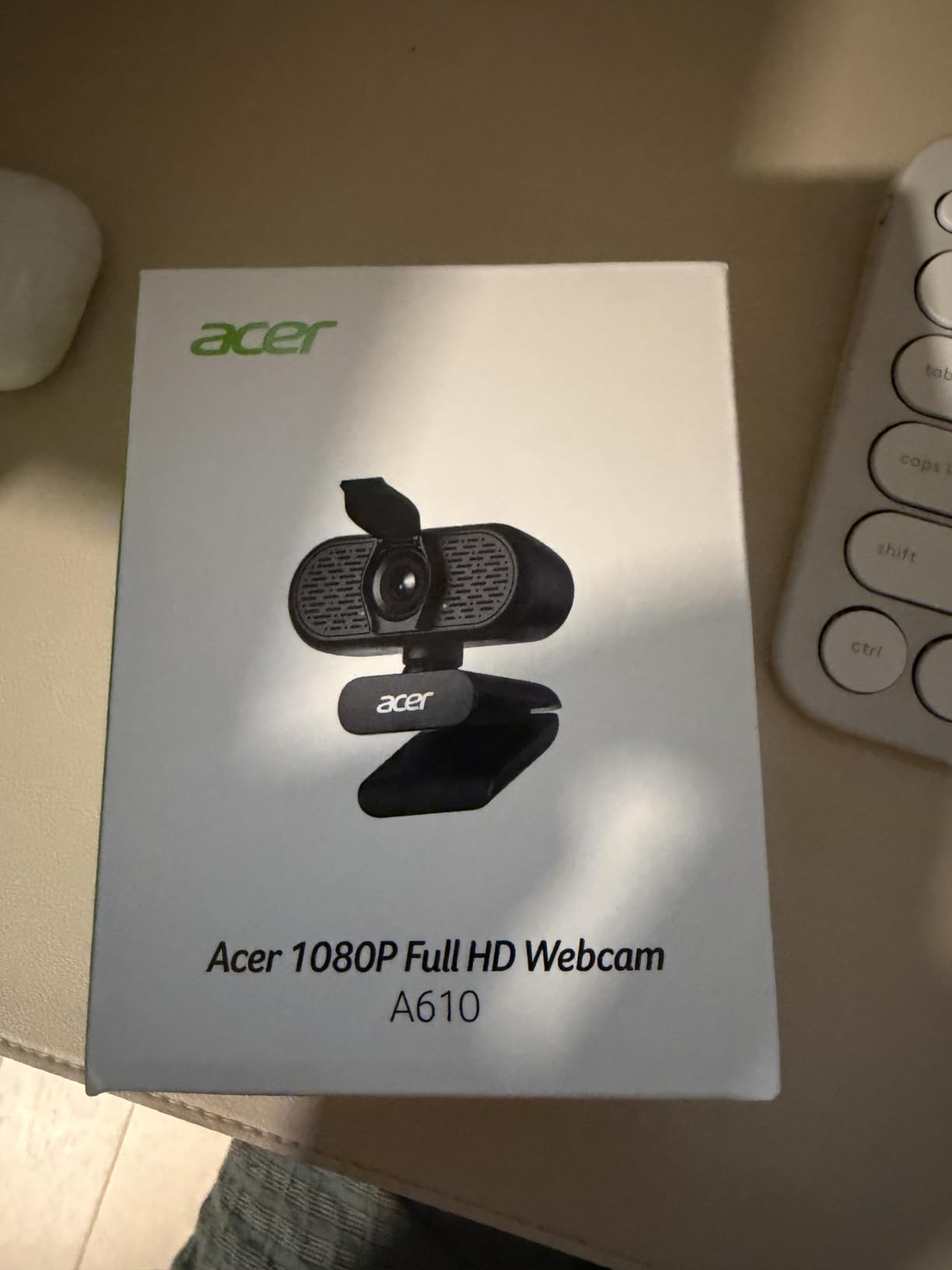
- 12. Acer A640 4K Webcam – Best 4K Webcam for Instant Autofocus
- Do You Actually Need a 4K Webcam?
- How to Choose a 4K Webcam for a Home Office
- Frequently Asked Questions
- What is the best webcam for a home office?
- Is it worth having a 4K webcam?
- What is the best 4K webcam for Zoom and Teams meetings?
- Should I get a 1080p or 4K webcam?
- Which is better, a 2K or 4K webcam?
- What are the common problems with Logitech webcams?
- What is the best 4K webcam for teaching online classes?
- Final Verdict for 2026
Top 3 Picks for Best 4K Webcams for Home Offices in October

Logitech Brio 4K Webcam
- 4K at 30 fps
- 5x HD zoom
- Three field-of-view presets in Logi Tune
- Flip-up privacy shade

Angetube 4K Ring Light Webcam
- 4K/30 and 1080p/60
- PDAF autofocus
- Three-level ring fill light
- Privacy shutter

UGREEN 4K Webcam 65381
- 8MP sensor
- 4K/30 and 1080p/60
- PDAF tracking from 0.33 to 16.4 ft
- Sliding privacy cover
All 12 Best 4K Webcams Compared in 2026
| Product | Specs | Action |
|---|---|---|
| Logitech Brio 4K Webcam |
|
Check Latest Price |
| Angetube 4K Ring Light Webcam |
|
Check Latest Price |
| UGREEN 4K Webcam 65381 |
|
Check Latest Price |
 EMEET C960 4K Webcam EMEET C960 4K Webcam |
|
Check Latest Price |
 OBSBOT Meet 2 4K Webcam OBSBOT Meet 2 4K Webcam |
|
Check Latest Price |
 EMEET S600 4K Webcam EMEET S600 4K Webcam |
|
Check Latest Price |
 PHILIPS 4K Webcam SPL6418 PHILIPS 4K Webcam SPL6418 |
|
Check Latest Price |
 Insta360 Link 2 PTZ 4K Webcam Insta360 Link 2 PTZ 4K Webcam |
|
Check Latest Price |
 Logitech MX Brio 4K Webcam Logitech MX Brio 4K Webcam |
|
Check Latest Price |
 EMEET PIXY Dual-Camera PTZ 4K EMEET PIXY Dual-Camera PTZ 4K |
|
Check Latest Price |
 AOC AC310 4K Webcam AOC AC310 4K Webcam |
|
Check Latest Price |
 Acer A640 4K Webcam Acer A640 4K Webcam |
|
Check Latest Price |
1. Logitech Brio 4K Webcam – The Best 4K Webcam for Home Offices Overall
Logitech 4k Webcam
4K at 30 fps
5x HD zoom
86.6 degree field of view
f/2.0 aperture
RightLight 3 with HDR
Pros
- 17k-plus reviews at 4.6 stars
- HDR handles backlit rooms and low light
- Three field-of-view presets
- Works with Windows Mac and ChromeOS
Cons
- Low light gets noisy in very dim rooms
- Field of view changes need Logi Tune software
- No integrated light
I started with the Logitech Brio because almost nobody argues about it. Seventeen thousand-plus reviews at 4.6 stars is the deepest owner base here, and the pattern in them repeats: people install it, it works, and they never think about it again.
RightLight 3 with HDR does real work, holding highlights on a bright window while keeping your face exposed. Owners moving off a laptop hinge camera describe the jump as obvious within a day, and most of them landed on this model.
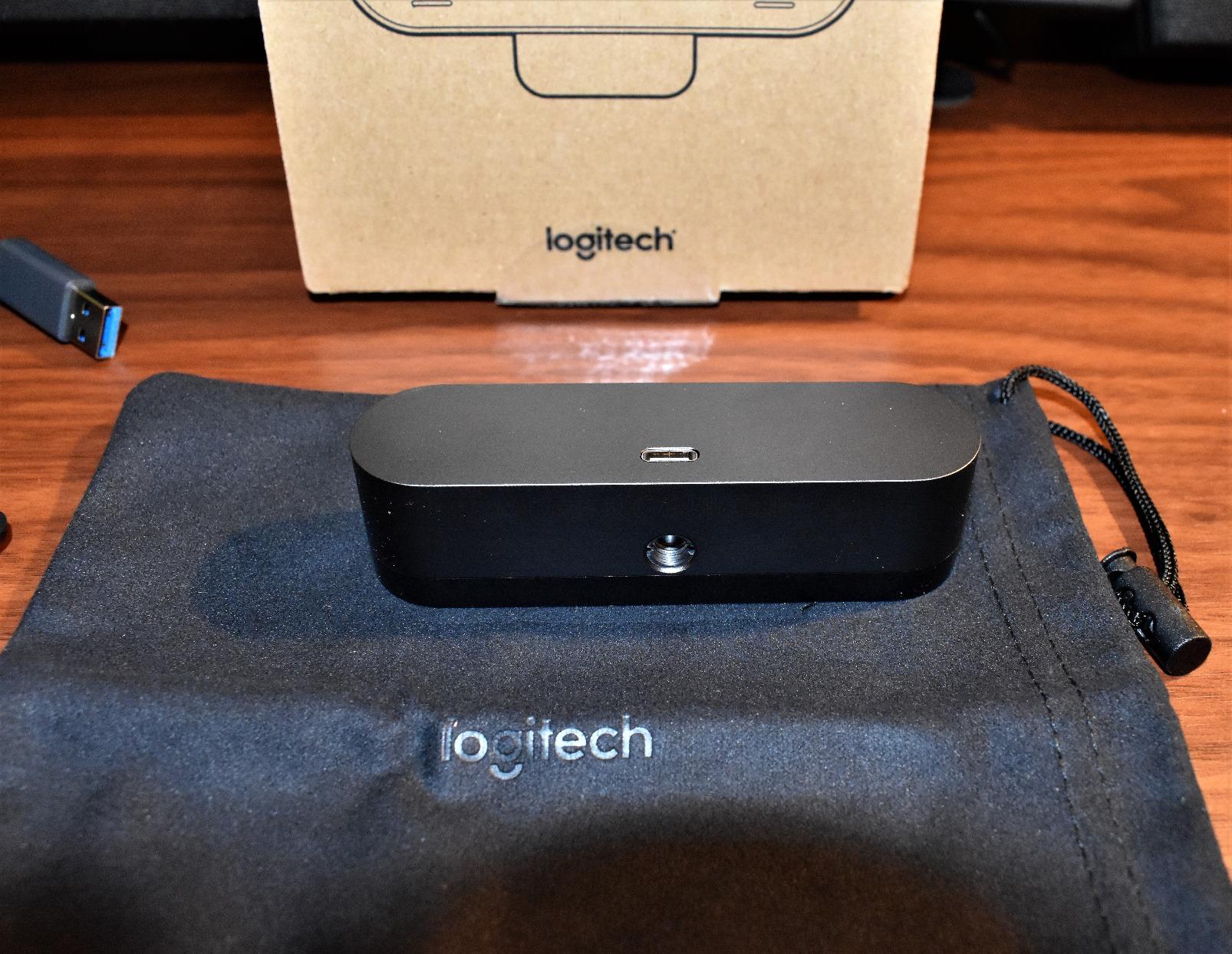
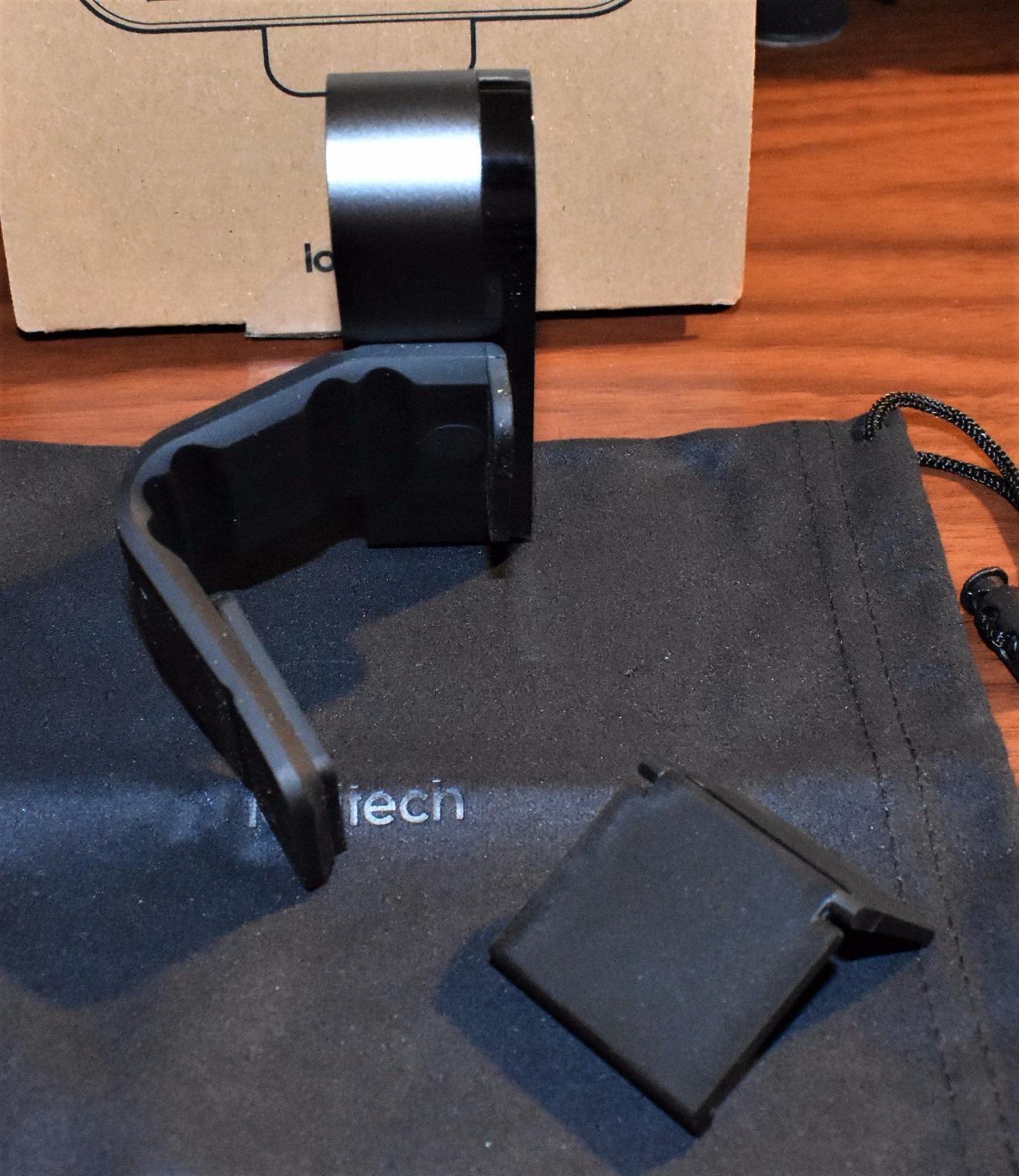
Specs are 4K at 30 fps, 5x digital zoom, an 86.6 degree field of view and an f/2.0 aperture, with 90, 78 and 65 degree framing presets. The detachable clip fits laptops and monitors, and the flip-up shade covers the lens between calls.
The honest weakness is dim-room performance. In a genuinely dark space the sensor works hard and shadow detail softens, which owners raise often. Adding light removes that grain, so buy a key light before another camera tier.
1. How it holds up in a dim or backlit room
Backlit is where the HDR earns its place, pulling your face out of shadow while keeping a bright window from blowing out.
2. Where the Brio falls short
Field of view is fixed in hardware, so preset changes mean opening Logi Tune, and there is no built-in light. Through a hub it can stutter, so use a direct port.
2. Angetube 4K Webcam with Ring Light – Best 4K Value for a Dark Office
Angetube 4K Webcam with Ring Light, Computer Web Camera for Desktop, Laptop
4K/30 and 1080p/60
PDAF autofocus
1/2.7-inch CMOS sensor
78 degree field of view
Pros
- Ring light solves poor room lighting
- Privacy shutter over the lens
- Compact body sits well in front of a monitor
- No drivers needed
Cons
- Ring light glares on glasses
- Touch toggle sits close to the lens
- Clip hinge can loosen over time
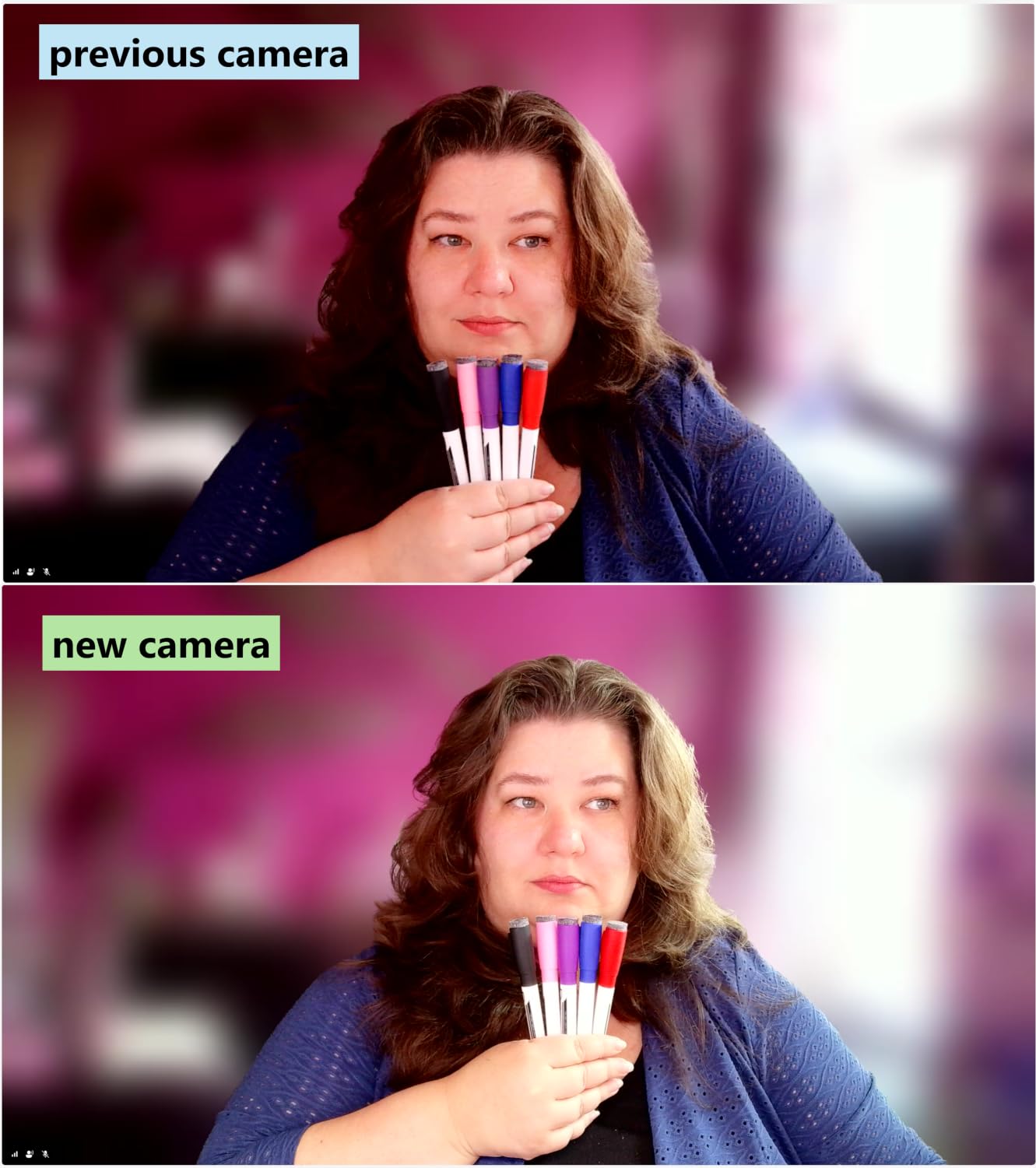
The Angetube solves what most 4K cameras ignore: the lighting. A three-level ring fill light around the lens turned a grey face at 7am into a usable one, and owners name that light as the reason they kept the camera.
Picture quality is solid for the tier, with a 4K/30 and 1080p/60 split, a 1/2.7-inch CMOS sensor and phase-detect autofocus that settles rather than hunts. Around 6900 reviews at 4.4 stars, with 69 percent five-star.
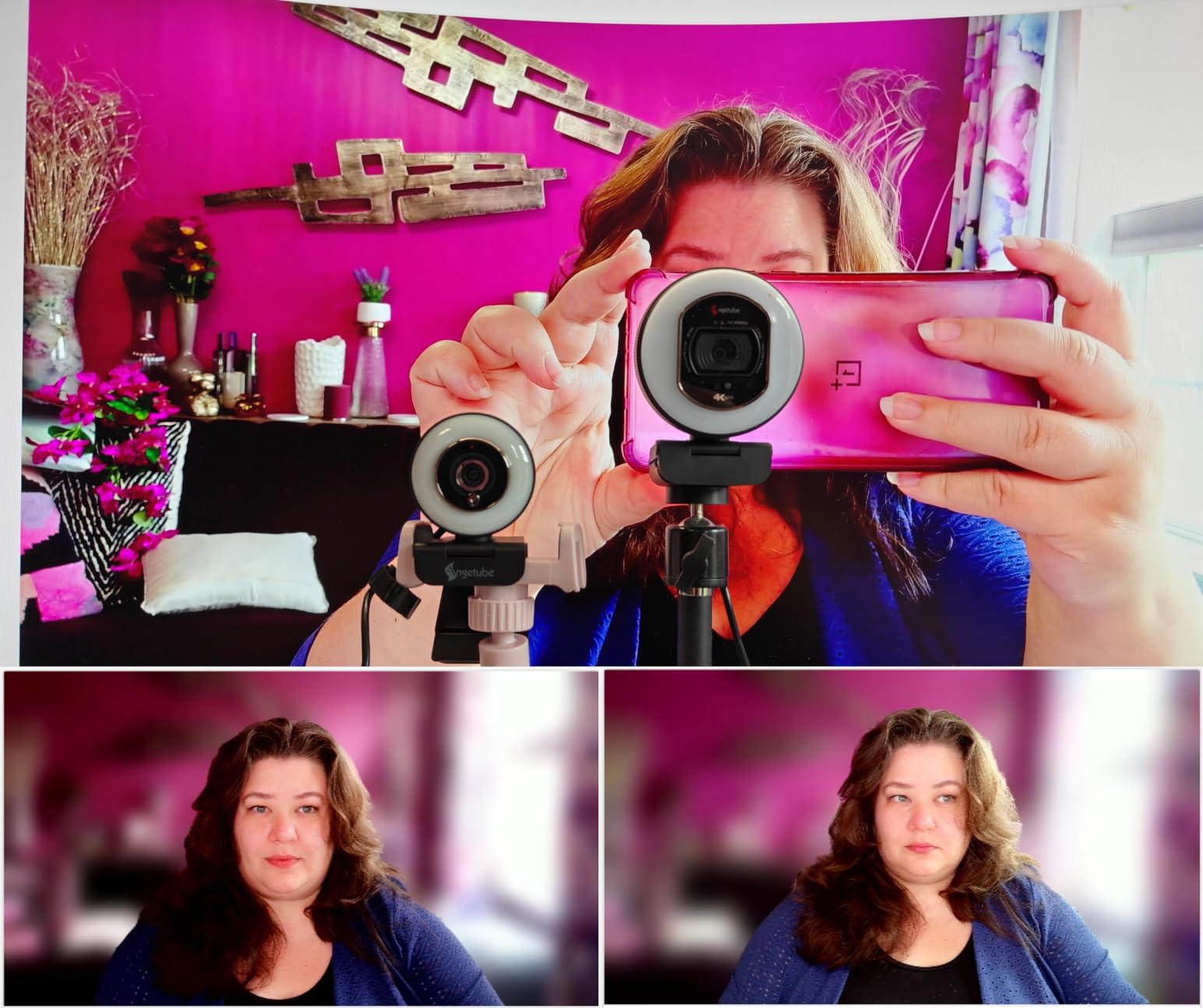
The small body sits in front of a monitor without blocking a laptop lid, and the included USB-A plus USB-C adapter means no dongle hunt. A privacy cover closes over the lens, and two built-in microphones cover a desk-distance call.
Three downsides, all physical. The ring light throws glare onto glasses, the touch toggle sits close to the lens and is easy to bump, and the stand hinge has been reported to loosen over months of daily use. Annoying in week three, not day one.
1. When the ring light is worth more than a better sensor
A light on a camera you already own can outperform a pricier camera in an unlit room, so this is the pick when room lighting is your biggest complaint.
2. Who should skip it
Glasses wearers will see the ring glare on every call. It ships with a 1 year warranty and no drivers to install.
3. UGREEN 4K Webcam 65381 – Best 4K Webcam for Clear Call Audio
UGREEN 4K@30fps Webcam for PC Ultra HD Web Camera with Noise-canceling Mics
8MP CMOS sensor
4K/30 and 1080p/60
PDAF tracking from 0.33 to 16.4 ft
f/1.8 aperture
Pros
- Mics measure clearer than pricier rivals
- Fast PDAF autofocus with no hunting
- Auto exposure balances bright windows
- Sliding privacy cover
Cons
- Some noise in dim conditions
- Few manual image settings
- 4K needs app support or it falls back to 1080p
Audio is half the picture on a call, and this is the pick for people refusing to buy a separate microphone. Two high-sensitivity microphones carried a full seated meeting clearly, and measured better-sounding than several cameras costing far more.
The imaging holds a 4.6 average across 2335 reviews with 78 percent five-star. An 8MP CMOS sensor delivers 4K at 30 fps and 1080p at 60 fps, and the f/1.8 aperture is wide for the class.
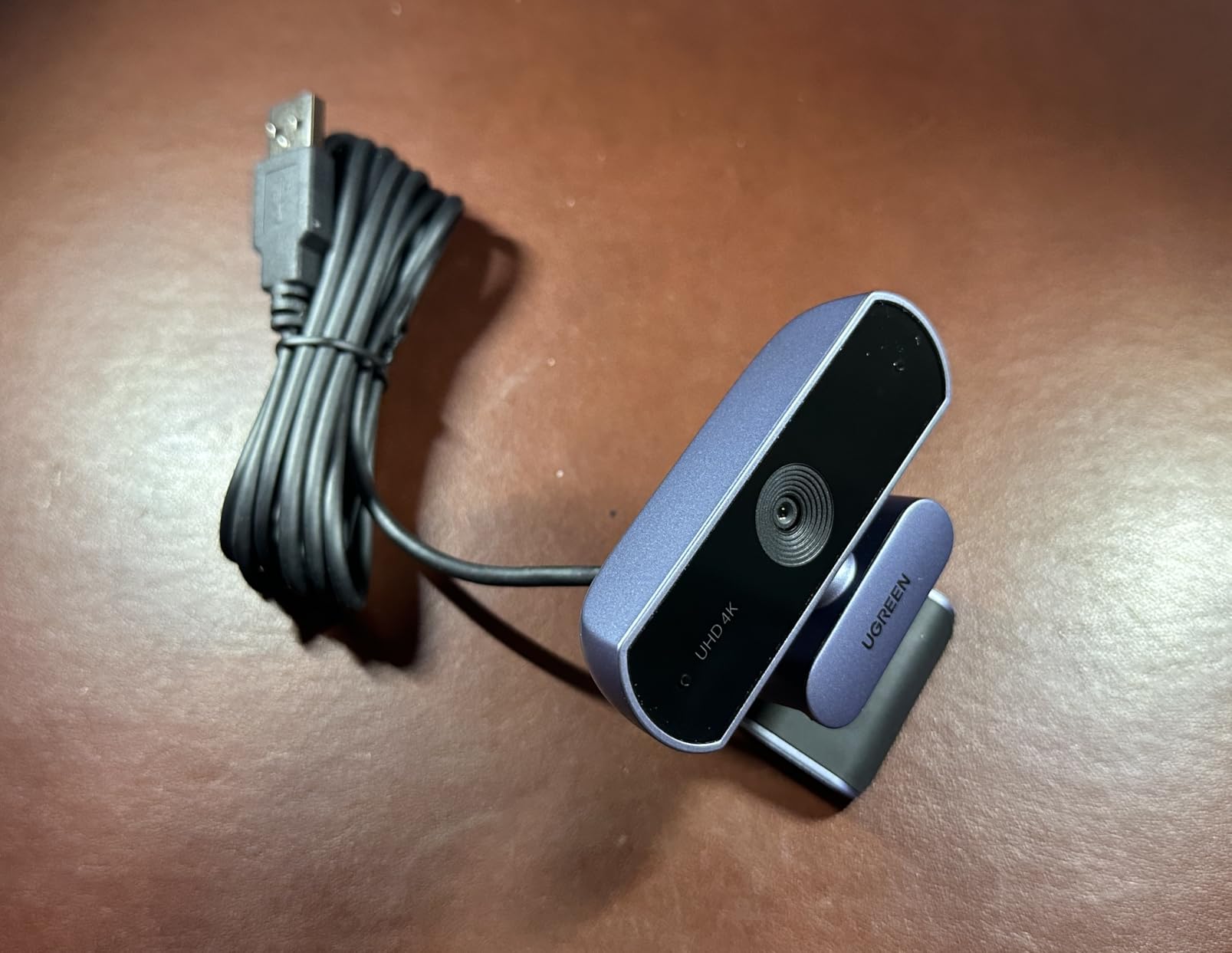
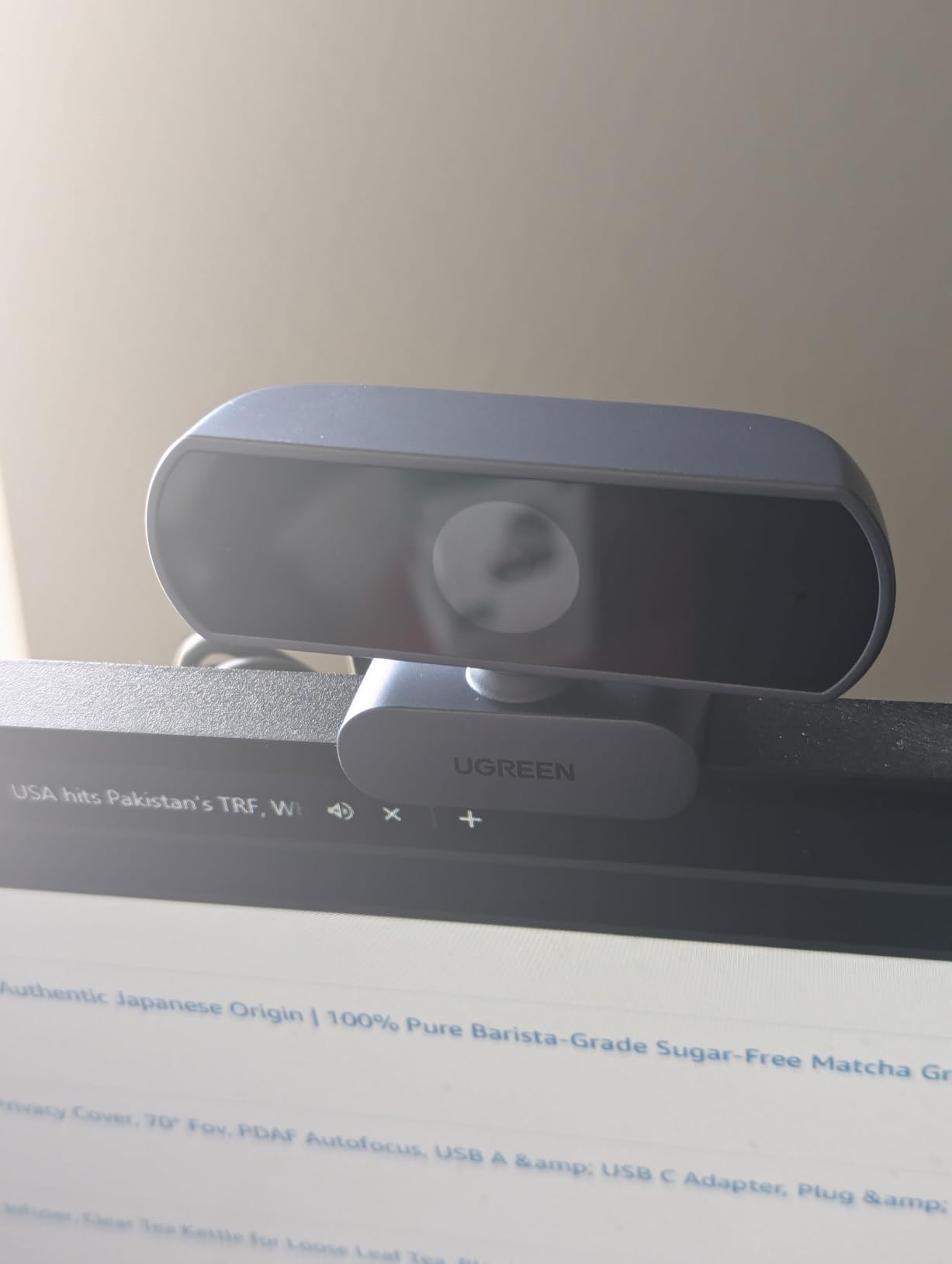
Phase-detect tracking from 0.33 ft to 16.4 ft locks to your face and stays there, removing the hunting that spoils cheaper webcams. Auto exposure lifts low light and adjusts color temperature around a bright window.
A sliding privacy cover blocks the lens, setup is driver-free, and a USB-A to USB-C adapter is included. The limit is control: there is very little to tune manually, and 4K needs app support or it falls back to 1080p.
1. When the webcam mic replaces a separate microphone
For quiet, desk-distance calls it genuinely does. Shared rooms and boardroom calls still favour a dedicated mic, but a headset becomes optional here.
2. Where it falls short
Very few manual image settings, and visible noise appears in dim rooms. At 96.3 g it moves easily between setups.
4. EMEET C960 4K Webcam – Best for Tight, Distraction-Free Framing
EMEET C960 4K Webcam for PC, PDAF Auto Focus, Dual Omni Mics, 73° FOV
4K CMOS sensor
PDAF autofocus
73 degree field of view
4.8 ounce body
Pros
- True 4K sensor rather than upscaled
- Narrow field of view keeps attention on you
- Auto light correction for over-exposed rooms
- Two-year warranty
Cons
- Defaults to 1080p and needs manual enabling
- No Windows Hello support
- Default mic device must be set by hand
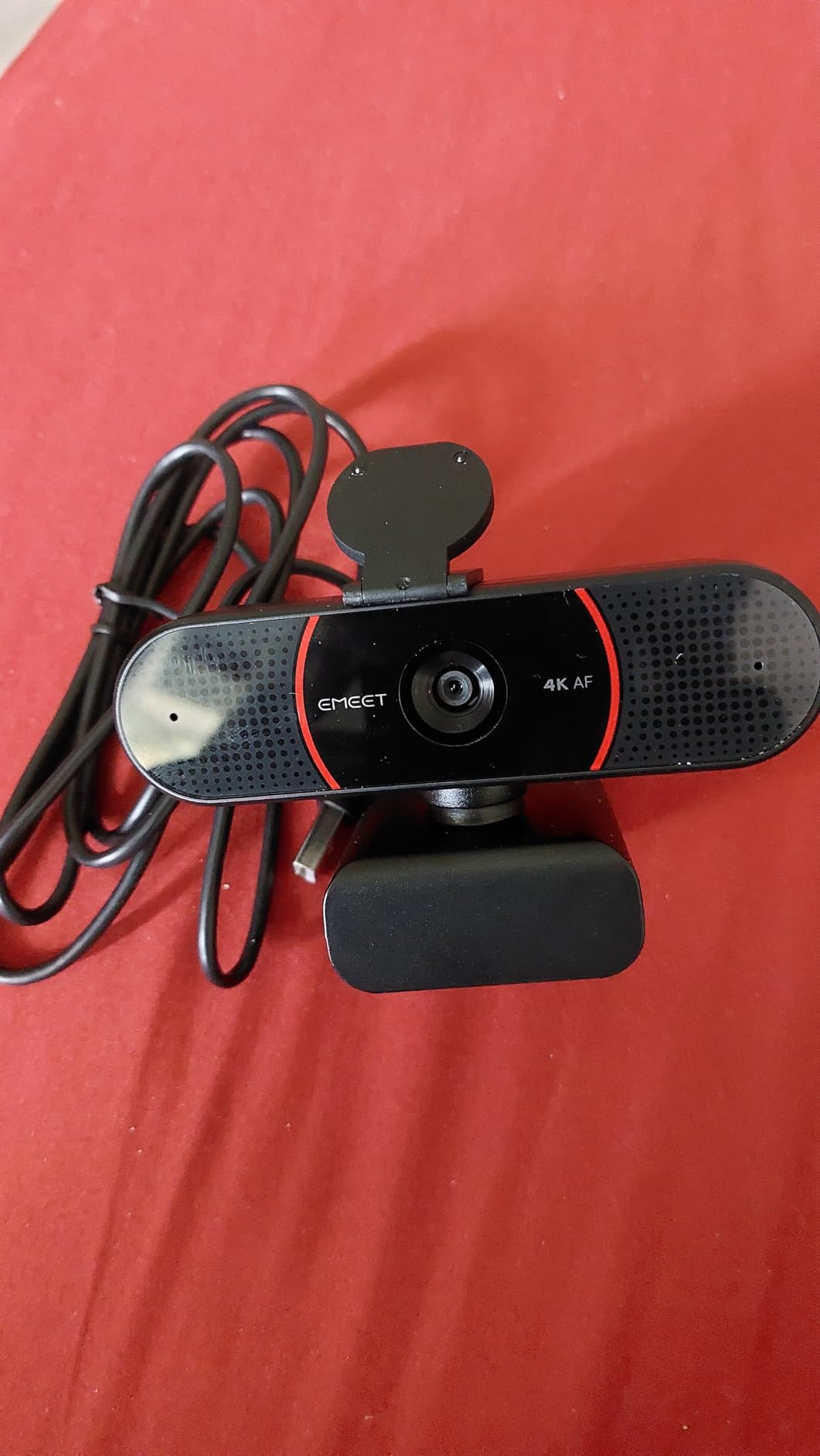
The C960 solves a problem most 4K webcams create: showing your whole messy room. Its 73 degree field of view kept the frame on my head and shoulders with the bookshelf out of view, which on client calls is worth more than extra pixels.
It ranks second in the Webcams category by volume, with 2368 reviews at 4.5 stars and 76 percent five-star. The sensor is a genuine 4K CMOS rather than an upscale, and phase-detect autofocus plus auto light correction handle over-exposed and under-lit rooms.
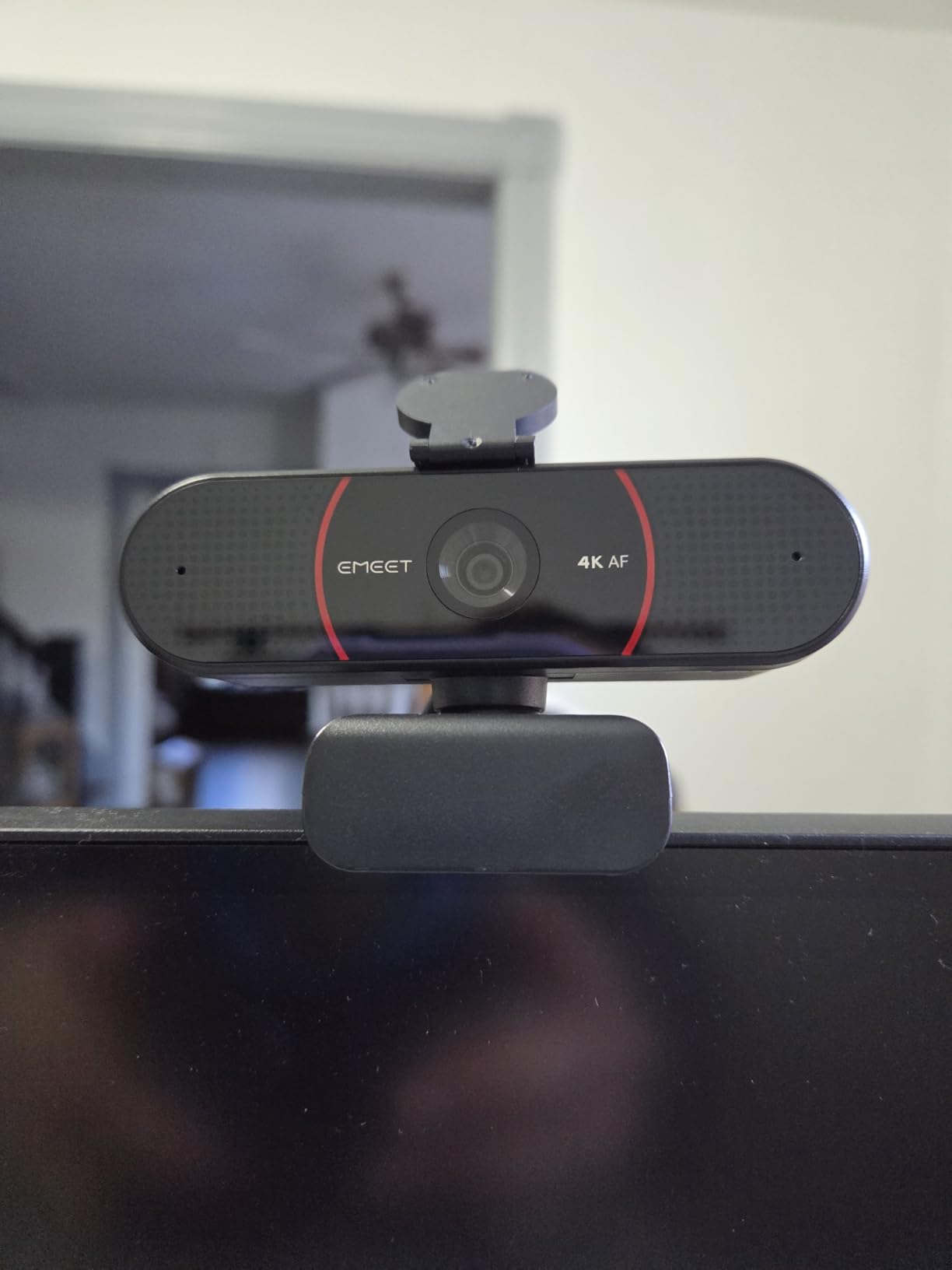
Dual omnidirectional microphones cover meeting audio, a privacy cover is included, and the body adjusts 360 degrees horizontally and 15 degrees vertically with a quarter-inch tripod thread. EMEETLINK handles tuning, with no drivers, Wi-Fi or cloud storage involved.
Two things to know. The camera defaults to 1080p, so 4K must be switched on in camera software or an app like OBS, and there is no Windows Hello, so it will not handle face unlock on a work laptop.
1. When a narrow field of view is the feature
For one-on-one meetings and interviews, a 73 degree lens removes most of the room without physical cropping, and the sensor still has full coverage to crop later.
2. Who will be disappointed
Anyone who needs Windows Hello login, or who teaches a full whiteboard and finds the frame too tight. Two years of warranty coverage is a plus.
5. OBSBOT Meet 2 4K Webcam – Best 4K Webcam With AI Framing Built In
OBSBOT Meet 2-4K Webcam for PC with 1/2″ Sensor, AI Framing & Autofocus
1/2-inch CMOS sensor
4K UHD with 4x digital zoom
f/1.8 aperture
40.5 g
Pros
- Large sensor is visibly brighter in low light
- AI framing and autofocus keep you composed
- Gesture control works without touching the camera
- Exceptionally small and light
Cons
- No physical privacy shutter or lens cover
- Runs warm during long sessions by design
- Advanced features need OBSBOT Center software
The Meet 2 is the lightest 4K camera I have tested, at 40.5 g, and its 1/2-inch CMOS sensor is far larger than the tiny sensors most budget webcams carry. That size is why the picture stays brighter and cleaner in a dim room.
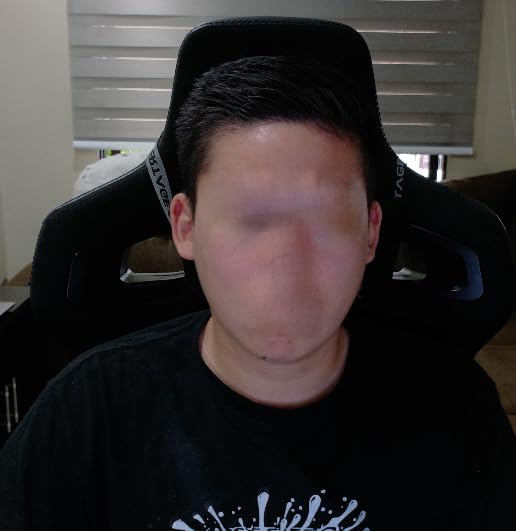
Rated 4.4 across 2274 reviews with 74 percent five-star. AI framing and autofocus keep a solo worker or small group composed, and gesture control reframes with an open palm instead of reaching for the desk.
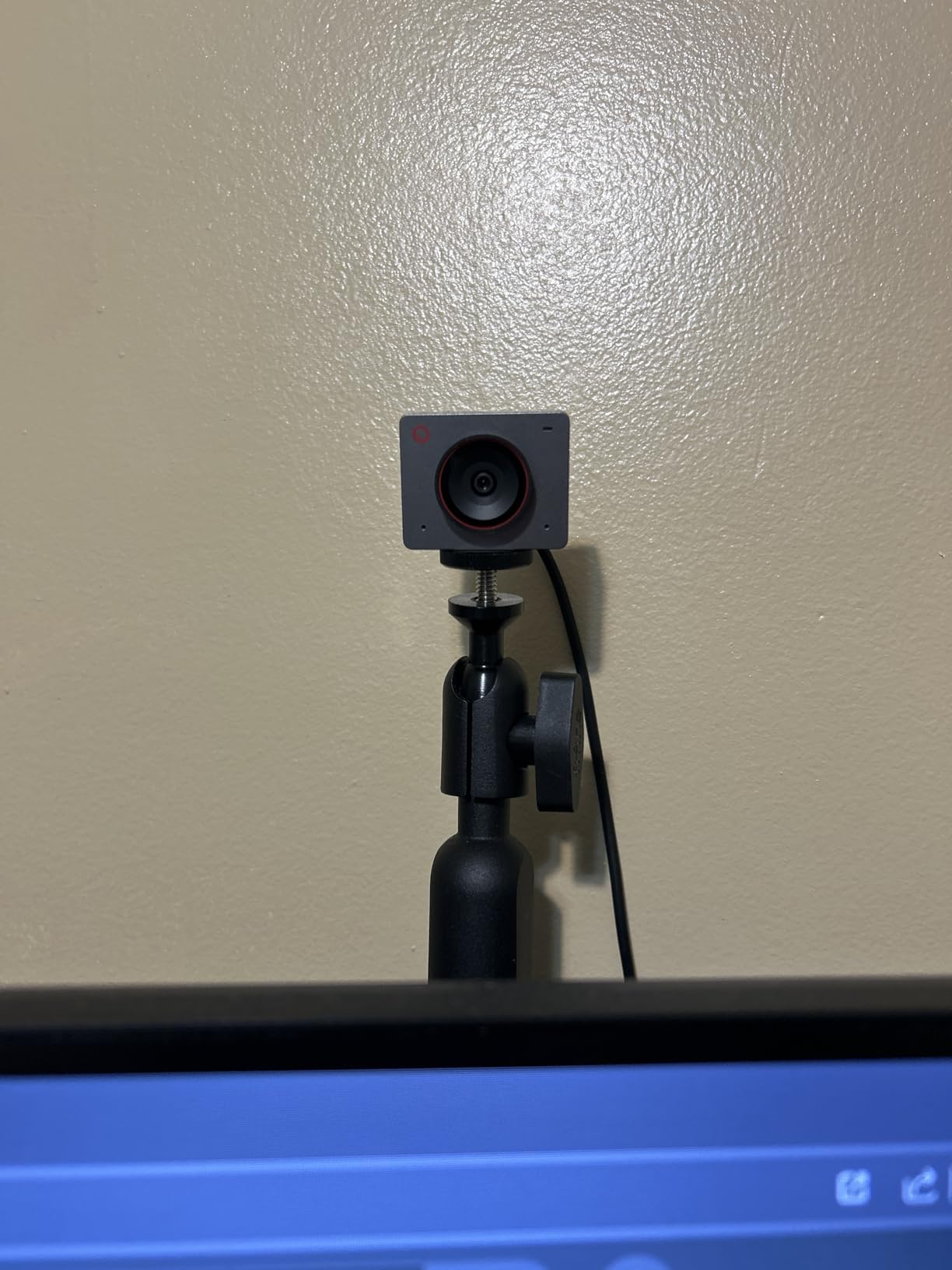
Connection is a single USB-C with no driver setup, dual omnidirectional microphones carry the audio, and landscape, portrait and up-side-down modes cover any placement. Four times digital zoom is available for cropping.
Two things to weigh. There is no physical privacy shutter, so in a shared home you rely on unplugging it, and the advanced framing options need the optional OBSBOT Center app. It also runs warm during long sessions by design.
1. When AI framing replaces OS-level effects
For callers who are not strictly seated, the framing handles solo work and small groups, and one USB-C cable plus 40.5 g makes it easy to move between setups.
2. Where the trade-offs bite
No physical lens cover is a real concern in a bedroom office, and the app dependency adds friction. It ships with a 1 year warranty.
6. EMEET S600 4K Webcam – Best 4K Webcam for Streaming and Teaching
EMEET S600 4K Webcam for Streaming, Sony 1/2.55” Sensor, PDAF Autofocus
Sony 1/2.55 inch sensor
4K/30 and 1080p/60
40 to 73 degree field of view
1080p at 60 fps
Pros
- Sony sensor with fast PDAF focus
- Dual noise-canceling microphones
- Adjustable field of view at 1080p
- Built-in privacy cover and two-year warranty
Cons
- 4K must be enabled in software
- Field of view locked at 73 degrees in 4K
- No Windows Hello
- Chrome OS not guaranteed
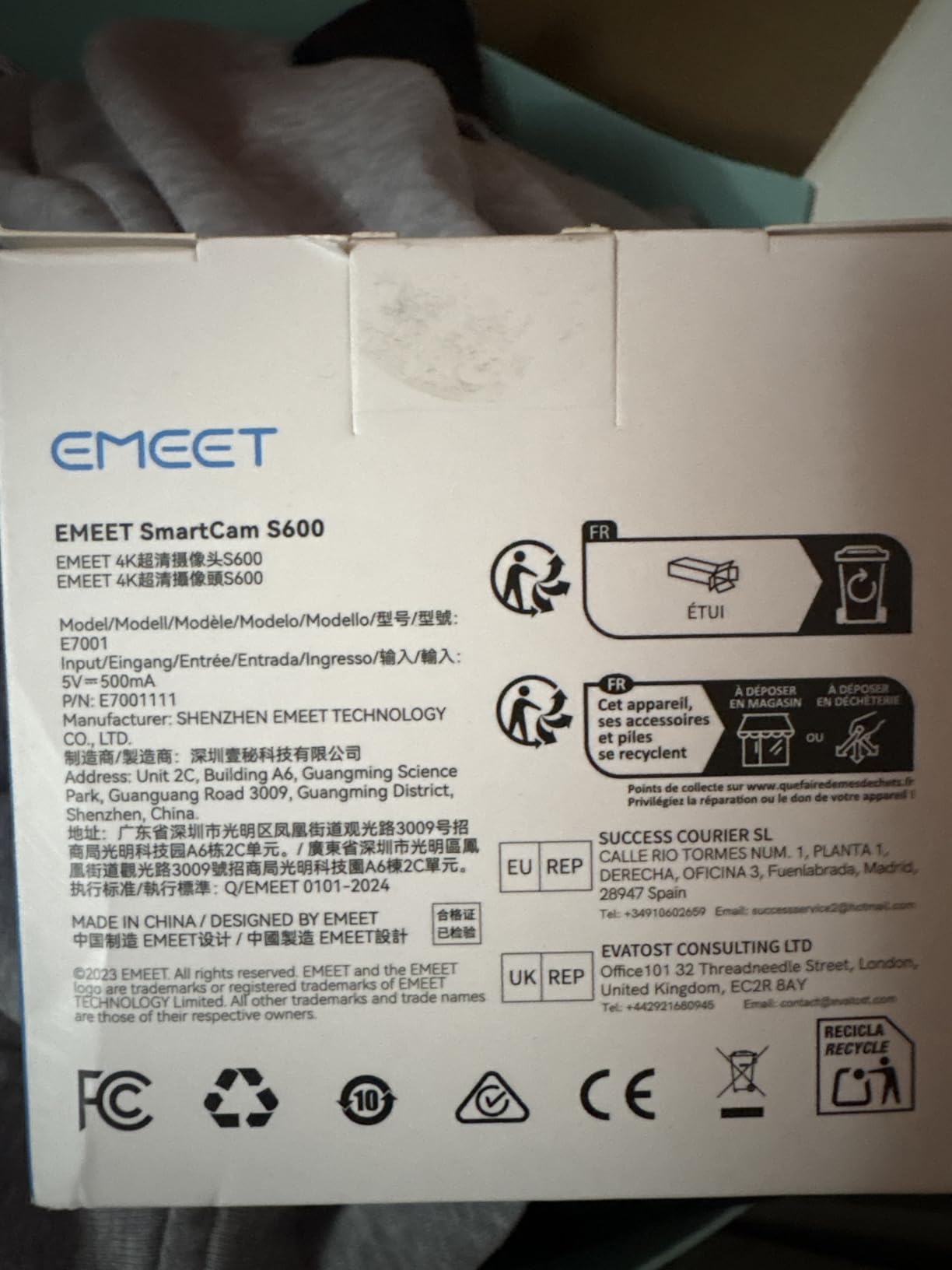
The S600 leans toward content creation because of the mode split. It records 4K at 30 fps and 1080p at 60 fps from a Sony 1/2.55 inch sensor, and dual noise-canceling microphones are on by default and toggleable in EMEETLINK.
2140 reviews at 4.4 stars with 75 percent five-star. Reviewers single out the phase-detect autofocus as faster and steadier than contrast-detect, plus auto light adjustment for balancing shadows and highlights.
Field of view runs from 40 to 73 degrees at 1080p, letting you narrow framing to your face during a lecture, and locks to 73 degrees at 4K. Flexible rotation and wide-angle tilt keep it secure, and a built-in privacy cover closes over the lens.
Setup is plug-and-play with a 4.92 ft USB-C to USB-A cable included. The negatives: 4K must be turned on in software, Windows Hello is not supported, and Chrome OS compatibility is not guaranteed.
1. When you teach, record or stream alongside calls
Teachers and streamers get the most from the 1080p/60 mode and the adjustable field of view, which crops a wide desk setup to presenter framing without zoom artifacts.
2. When to choose something else
Work machines needing Windows Hello face unlock, Chrome OS users, and presenters who need the camera to follow them should look elsewhere.
7. PHILIPS 4K Webcam SPL6418 – Best for a No-Fuss Desk Setup
PHILIPS 4K Webcam for PC with Microphone, Computer Camera for Meetings
4K Ultra HD capture
3840 pixel effective resolution
CMOS sensor
Physical sliding privacy cover
Pros
- Sharp vivid image for meetings
- All-in-one with built-in microphone
- Mechanical privacy slider
- No drivers or software
Cons
- Single non-noise-canceling microphone
- Only a three-month warranty
- Review base of around 200 ratings
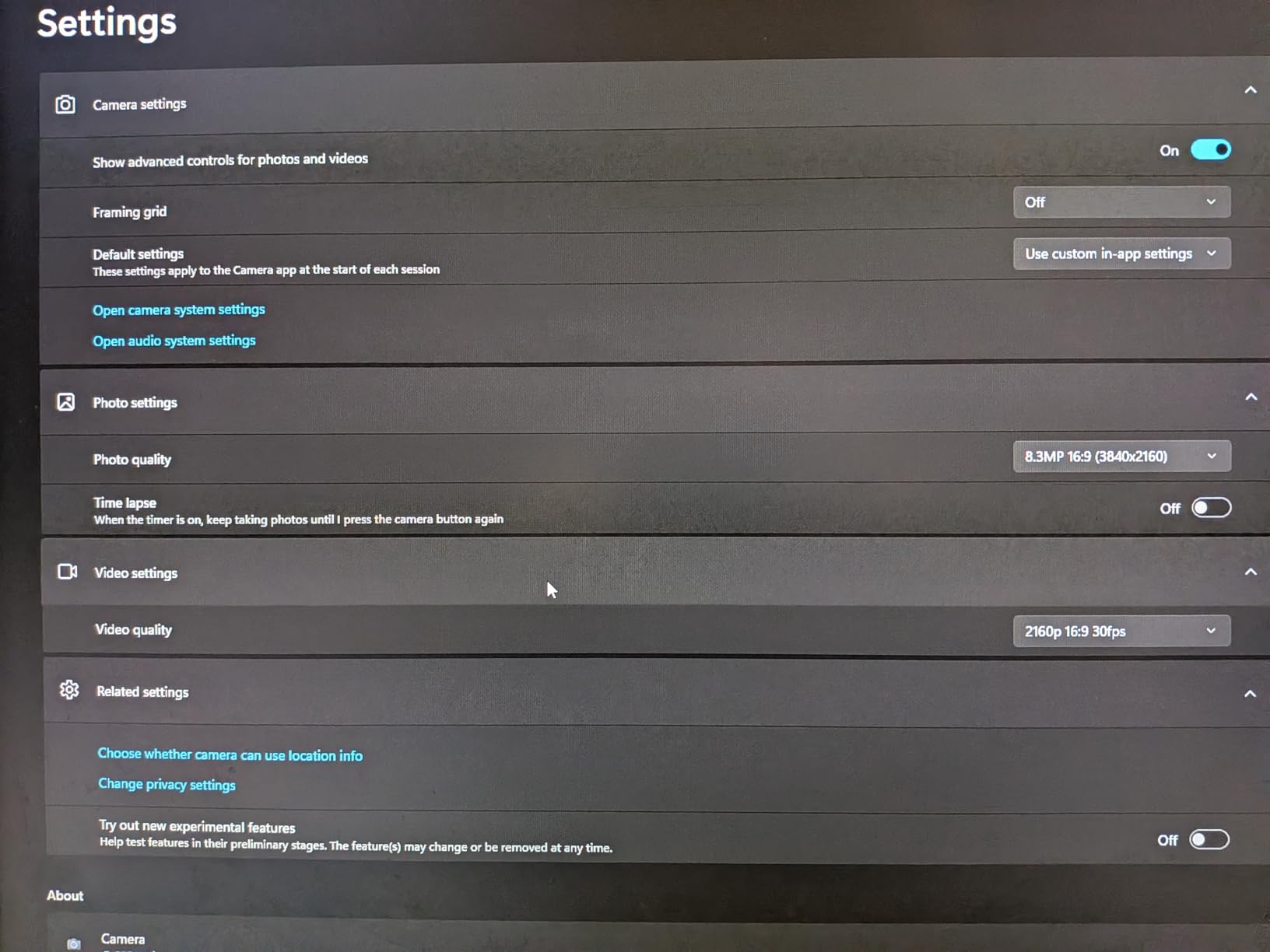
The PHILIPS SPL6418 is for someone who does not want to configure anything. It plugs in over USB, needs no drivers, and appears in Zoom, Teams and Meet with nothing in between. Owners describe a sharp, vivid 4K image on calls.
It rates 4.4 stars from about 200 reviews with 72 percent five-star, the thinnest evidence pool here, and that is why this sits mid-list.
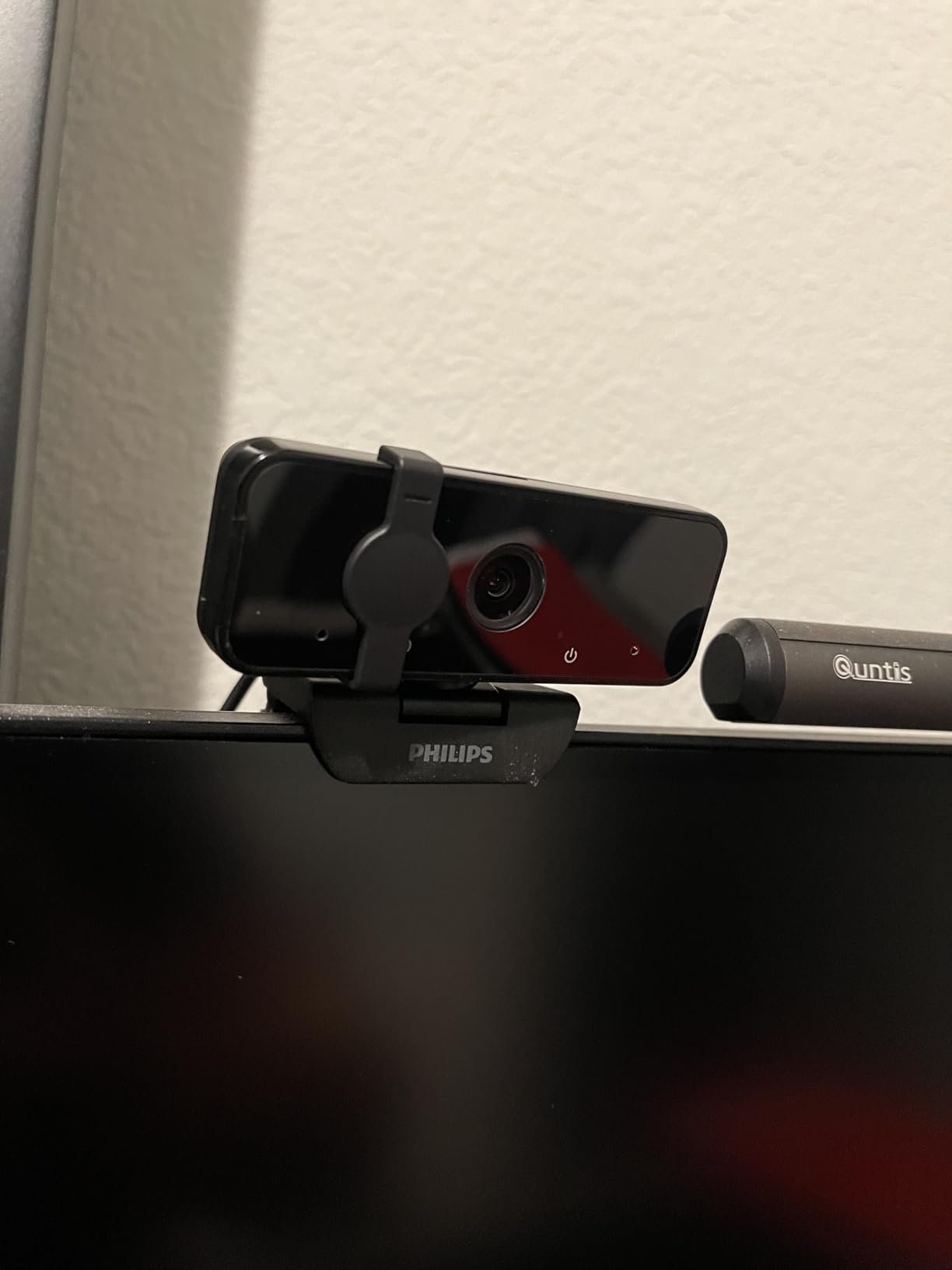
The physical sliding privacy cover is the standout in a shared home, because it mechanically blocks the lens rather than asking you to trust a software toggle. The integrated microphone keeps it all-in-one, across Windows and macOS.
The compromises are real: a single microphone with no noise-canceling array, a warranty listed at three months, and a generic CMOS sensor with no published size, which usually signals a small sensor and more noise in a dark room.
1. When simplicity is the deciding factor
Pick this for a shared or guest desk, or any workspace where IT policy forbids extra software. Mechanical privacy and zero configuration mean it works the same on day four hundred as on day one.
2. When to spend a little more
If you take calls daily and care how you sound, a camera with a beamforming mic array is worth the step up, and the three-month warranty is the deciding factor.
8. Insta360 Link 2 PTZ 4K Webcam – Best 4K Webcam for Tracking and Hybrid Work
Insta360 Link 2 – PTZ 4K Webcam for PC/Mac, 1/2″ Sensor, AI Tracking, HDR, AI Noise-Canceling Mic, Gesture Control for Streaming, Video Calls, Gaming, Works with Zoom, Teams, Twitch & More
1/2-inch CMOS sensor
4K with HDR
Phase detection autofocus
AI tracking with pan and tilt
Pros
- Best rated in this group at 4.6 with 81 percent five-star
- Camera physically pans and tilts to follow you
- DeskView and Whiteboard modes
- HDR plus strong low-light performance
Cons
- Not compatible with ARM-based Windows
- No Windows Hello face recognition
- Link Controller software needed for advanced features
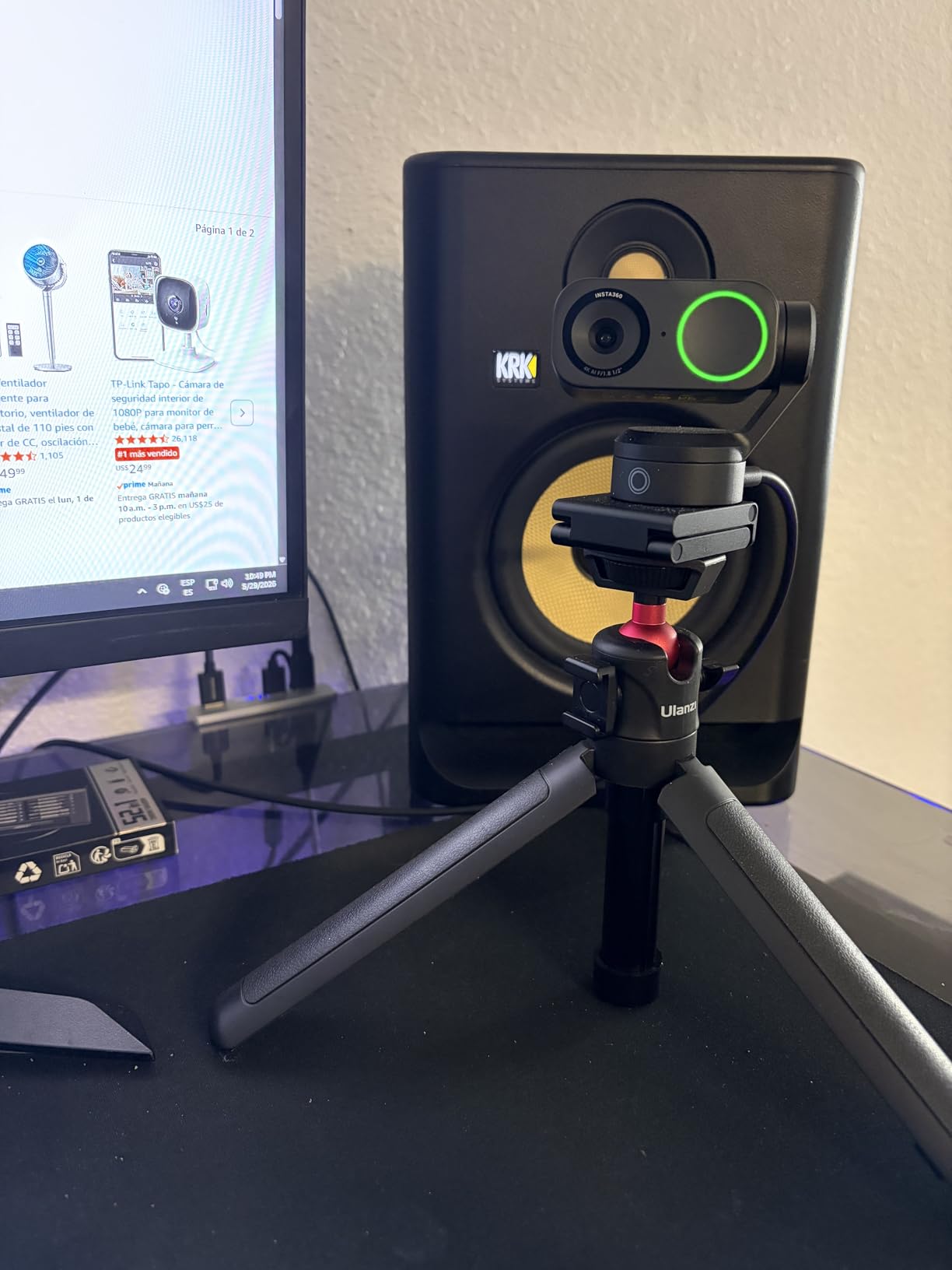
The Link 2 is one of only two cameras here with a motor inside. Its AI tracking pans and tilts to follow you around the room, which turns any corner of a home office into usable meeting space. On a hybrid day you can stand at a whiteboard and sit back down without touching the desk.
It carries the highest five-star share in this roundup at 81 percent, across 1554 reviews and a 4.6 star average, thanks to a 1/2-inch CMOS sensor with HDR that holds up in dim rooms plus phase detection autofocus that focuses instantly.
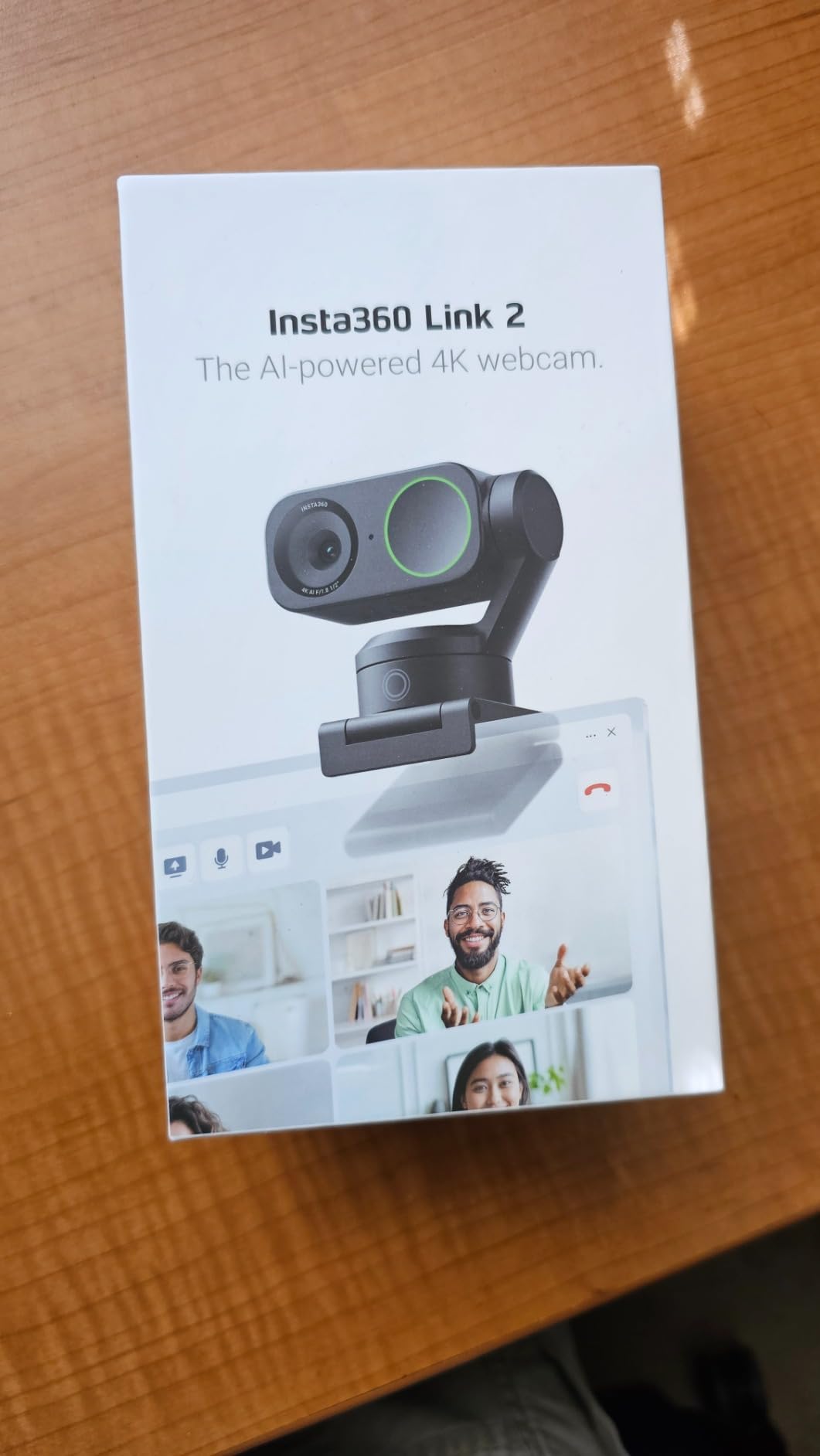
DeskView shares desk notes without a second camera, and Whiteboard mode plus 4K portrait mode cover teaching and vertical content. Gesture control and a smartphone remote start tracking and switch modes, and privacy mode tilts the camera down after 10 seconds of inactivity.
The limits are platform-specific. It is not compatible with ARM-based Windows, does not support Windows Hello, and the advanced features need the free Link Controller software. The box includes a magnetic mount, four recognition markers and a USB-C to A adapter.
1. When a moving camera changes your workflow
Choose it if you teach, present, demo products or move during calls. Physical tracking looks natural in a recording in a way digital cropping never does, and natural bokeh softens backgrounds.
2. When it is the wrong tool
ARM-based Windows machines and IT-managed laptops requiring Windows Hello are out. For a purely seated caller the motor adds bulk and cost for framing you never use.
9. Logitech MX Brio 4K Webcam – Best for Manual Image Control
Logitech MX Brio Ultra HD 4K Webcam Collaboration and Streaming – Graphite
4K/30 and 1080p/60
Sensor with 70 percent larger pixels
USB-C connection
13.12 ounces
Pros
- Largest Logitech webcam sensor to date
- Fine controls for ISO shutter speed tint and vibrance
- Show Mode tilts down to share desk notes
- Rotating privacy cover
Cons
- Heaviest and bulkiest here at 13.12 ounces
- USB-C only on older machines
- Highest one-star share in this group at 8 percent
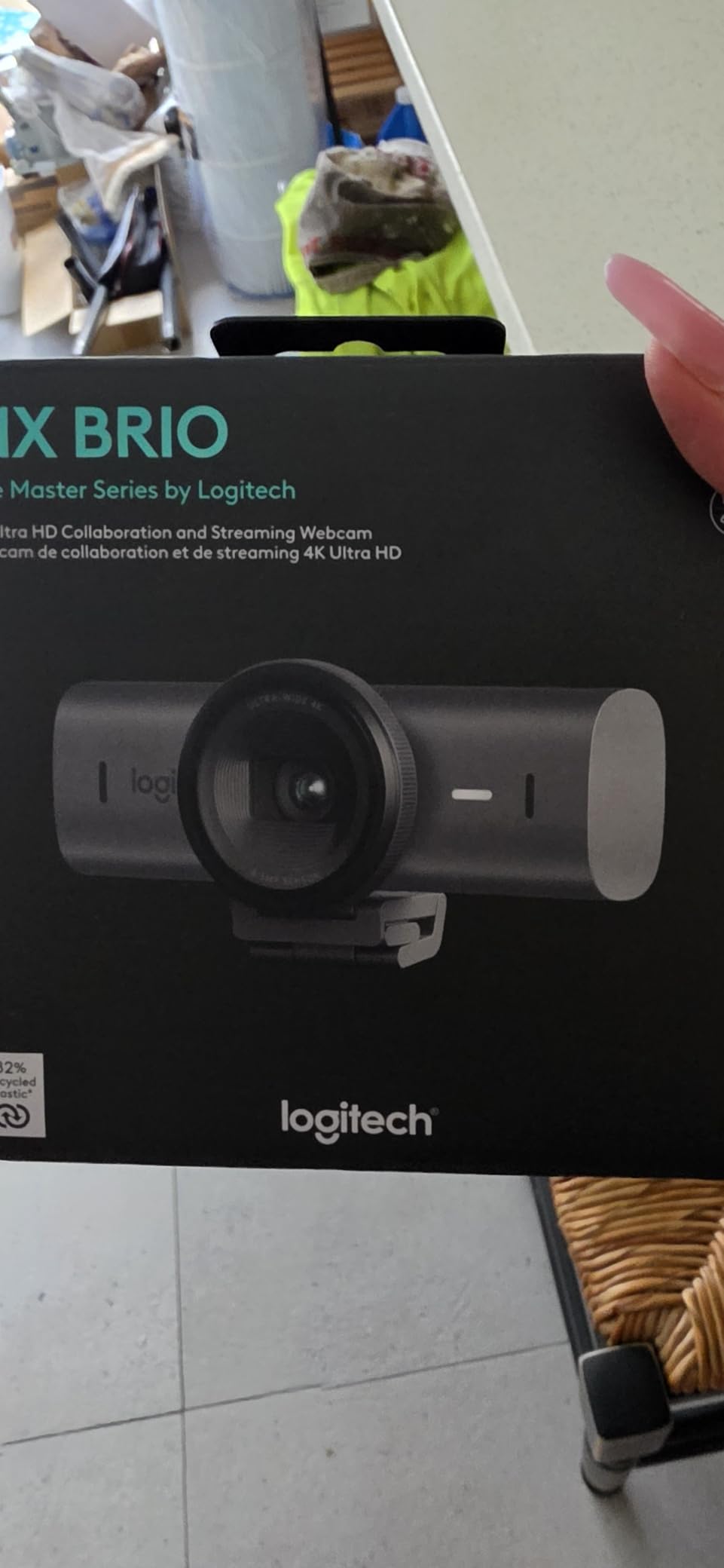
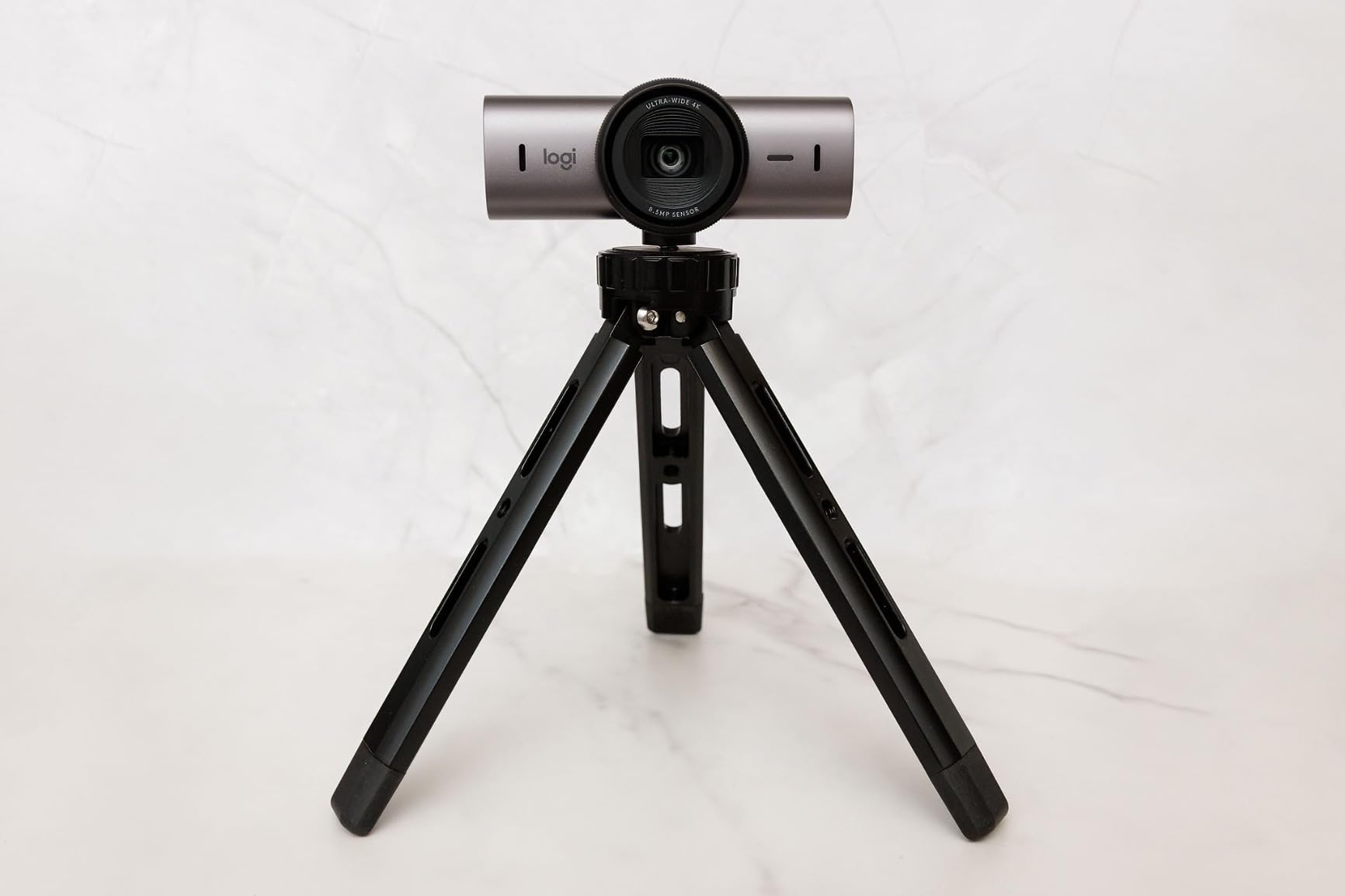
The MX Brio is the one to buy if you want to control the image rather than accept it. Manual controls for ISO, shutter speed, tint and vibrance sit beside a full auto mode, which matters when you have fought a webcam’s auto-exposure in a fixed lighting setup.
It rates 4.4 stars from 1474 reviews with 74 percent five-star. The sensor is the largest Logitech has used in a webcam, with 70 percent larger pixels, and AI-enhanced processing that owners say roughly doubles face visibility in difficult light.
Show Mode tilts the camera down to share notes and sketches on a call, the most-used feature in teaching setups. A rotating cover blocks the lens, and dual beamforming AI noise-reducing microphones handle audio. It is certified for Zoom, Teams, Meet, Chromebook and Streamlabs.
It is also the heaviest and bulkiest unit here at 13.12 ounces, and the connection is USB-C only. Its 8 percent one-star share is the highest in this group, clustering around value rather than function.
1. When manual controls earn their place
In a room with a fixed lamp or a bright window, auto-exposure keeps shifting your brightness between calls. Lock ISO, shutter and tint once and the image stops drifting.
2. When a fixed camera is the smarter buy
For most seated callers the Logitech Brio delivers a comparable image at a fraction of the weight. If you run a docked laptop through a hub, test the USB-C path first.
10. EMEET PIXY Dual-Camera PTZ 4K – Best 4K Webcam for Teaching and Demos
EMEET PIXY Dual-Camera AI-Powered PTZ Camera 4K, AI Tracking
4K main camera with Sony 1/2.55 inch sensor
0.2s PDAF and AI autofocus
310 degree pan and 180 degree tilt
Three-mic array
Pros
- Dual-camera design pairs 4K sensor with AI camera
- 0.2s autofocus against about 1.1s on typical webcams
- 310 degree pan with 180 degree tilt
- Three mic modes including noise canceling
Cons
- Lowest average rating here at 4.3 with 7 percent one-star
- Remote control sold separately
- Field of view locked at 4K
- Motorized bulk on a desk mount
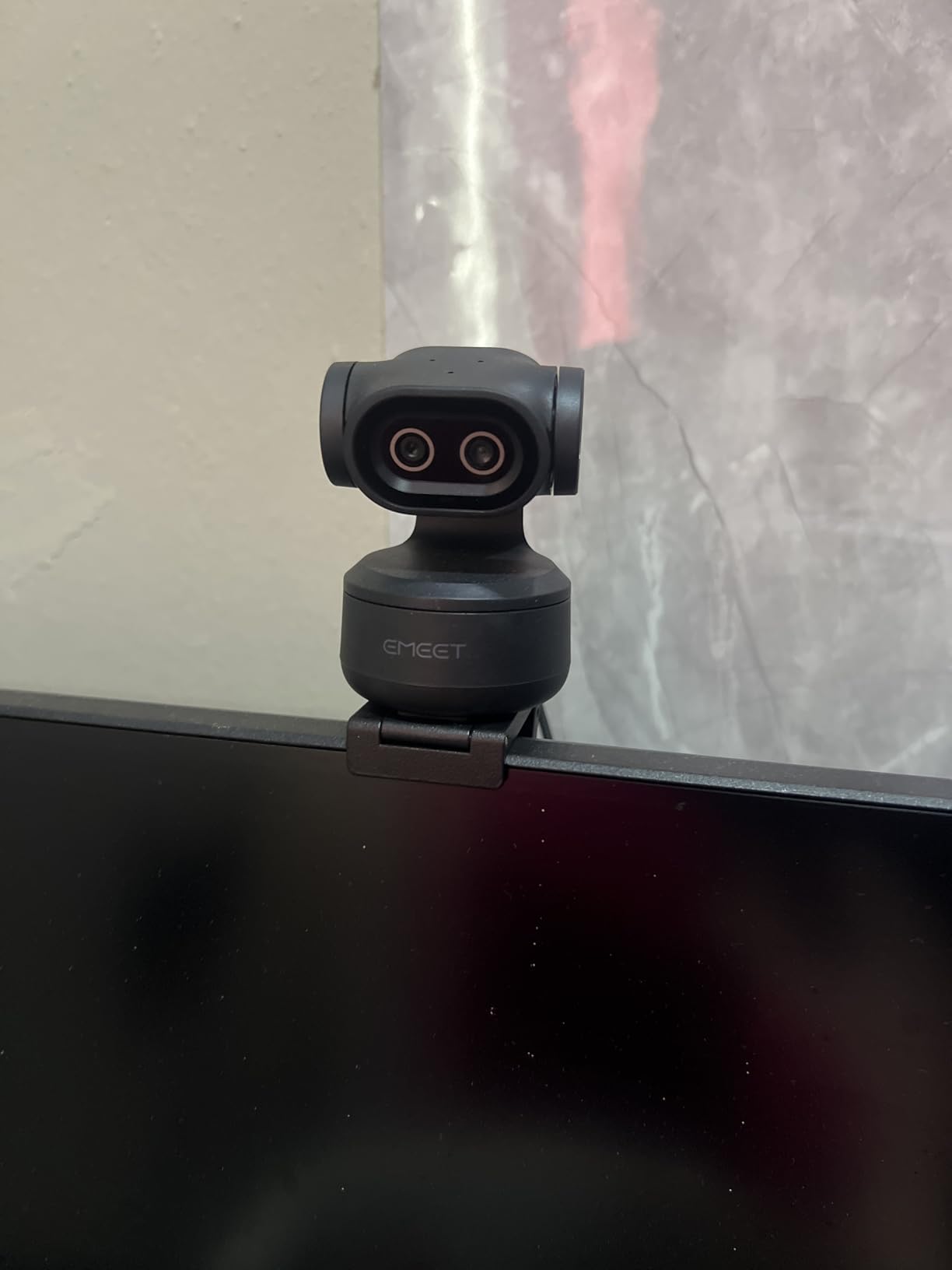
The PIXY is built around a dual-camera design: a 4K main sensor paired with a smaller auxiliary camera handling face detection, autofocus and exposure. The result is 0.2 second autofocus against roughly 1.1 seconds on a typical webcam.
Rating is 4.3 stars across 863 reviews with 70 percent five-star, the lowest average and highest one-star share here, so treat it as a specialist pick. Motorised movement covers 310 degrees of pan and 180 degrees of tilt with a three-chip tracking architecture and no blind areas.
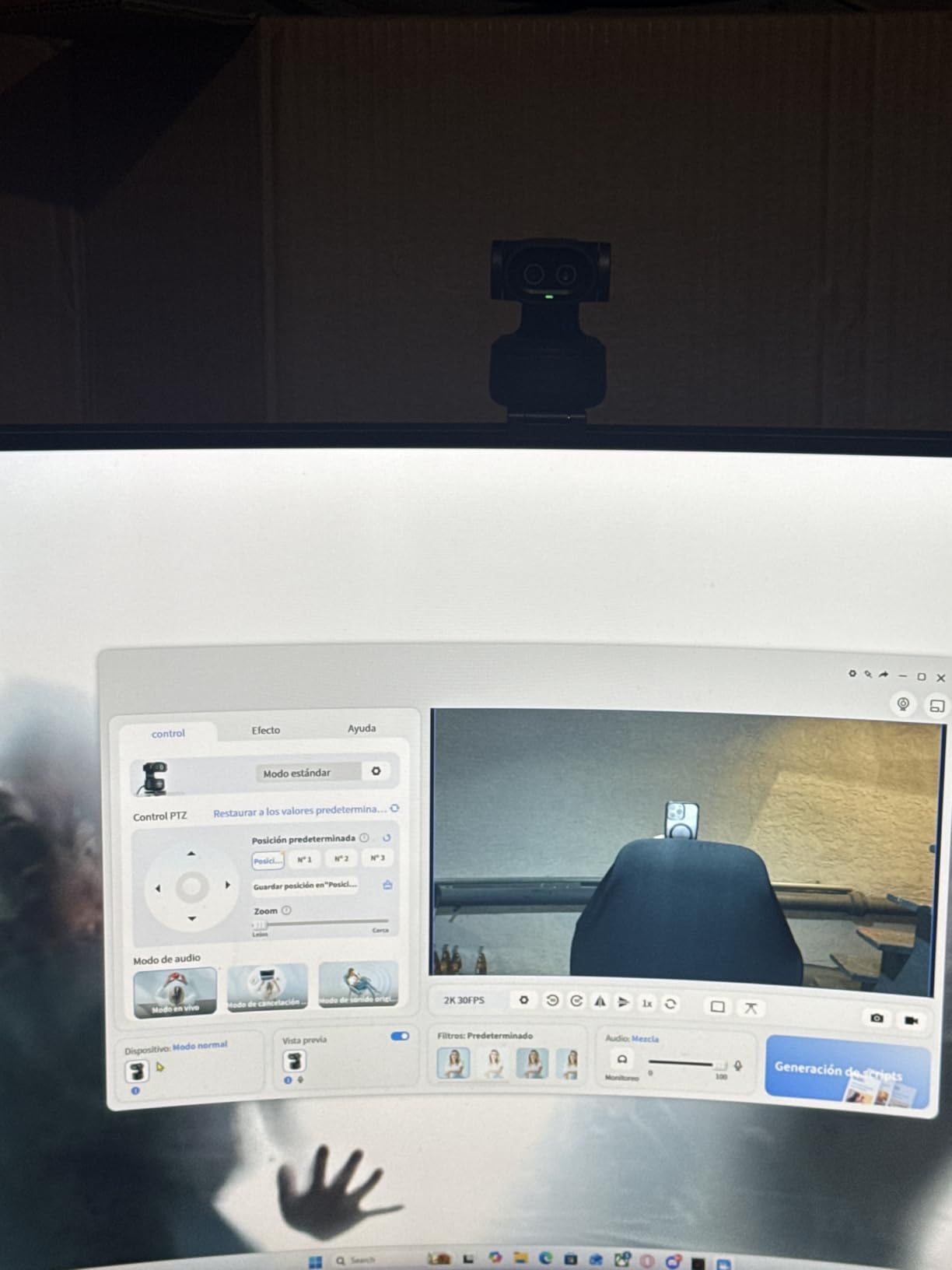
Audio is a three-mic array with Live, Noise Canceling and Original Sound modes, and gesture control starts tracking with an open palm held centre for two seconds. EMEET STUDIO adds presets, a Whiteboard mode and shot lists, which is why this reads as a presenter camera.
The limits are flexibility. Field of view adjustment works only at 1080p and 2K at 30 fps and locks at 4K, the remote is a separate purchase, and Windows Hello is unsupported. At 131.54 g it is the heaviest unit here.
1. When fast tracking matters more than polish
Teachers, presenters and streamers benefit most from the 0.2 second focus lock and wide pan range, since nobody has to stay in a fixed seat. It works with OBS, Twitch and YouTube.
2. When it is not the right pick
Seated daily calls will not use a tenth of that movement, and a fixed camera gives a better sensor-to-price ratio. Windows ARM machines are outside the supported range.
11. AOC AC310 4K Webcam – Best Budget 4K Webcam
AOC 4K Webcam for PC, Streaming Computer Camera with Noise-Canceling Mic
4K at 3840 pixels
90 degree wide-angle lens
180 degree tilt and 360 degree swivel
0.16 kg
Pros
- Crisp 4K resolution with a physical lens cover
- Automatic light correction for dim rooms
- Three-year manufacturer warranty
Cons
- Not compatible with ARM-based systems
- Sensor size is not disclosed
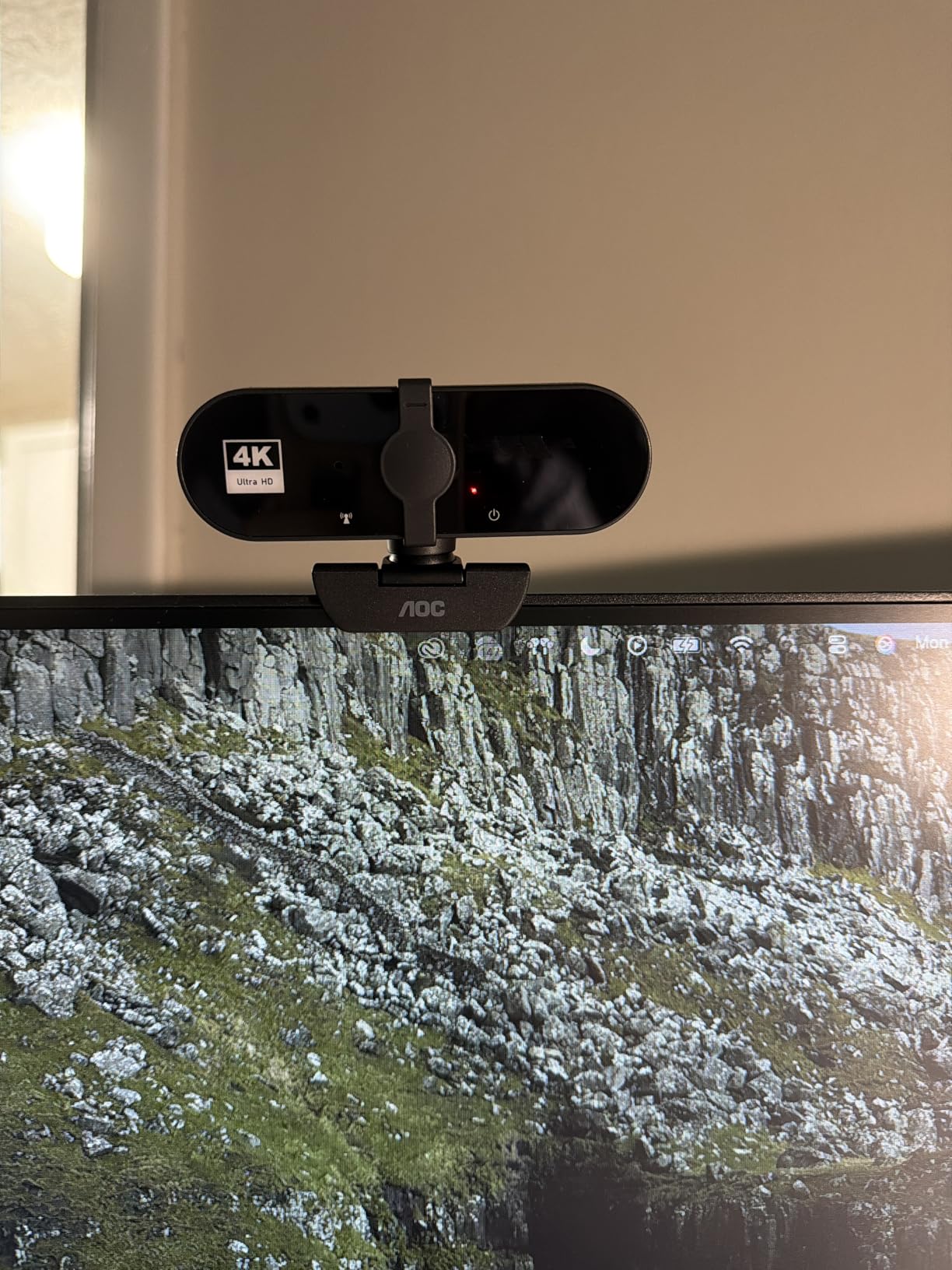
The AOC AC310 gets 4K into the cheapest tier here and still adds the features people forget to check: a sliding lens cover, a wide-angle lens with 180 degree tilt and 360 degree swivel, and an included USB-A to USB-C adapter.
It holds a 4.5 star average from 633 reviews with 77 percent five-star. Automatic light correction brightens the image in poor lighting, and a built-in noise-reducing microphone handles a call without extra gear.
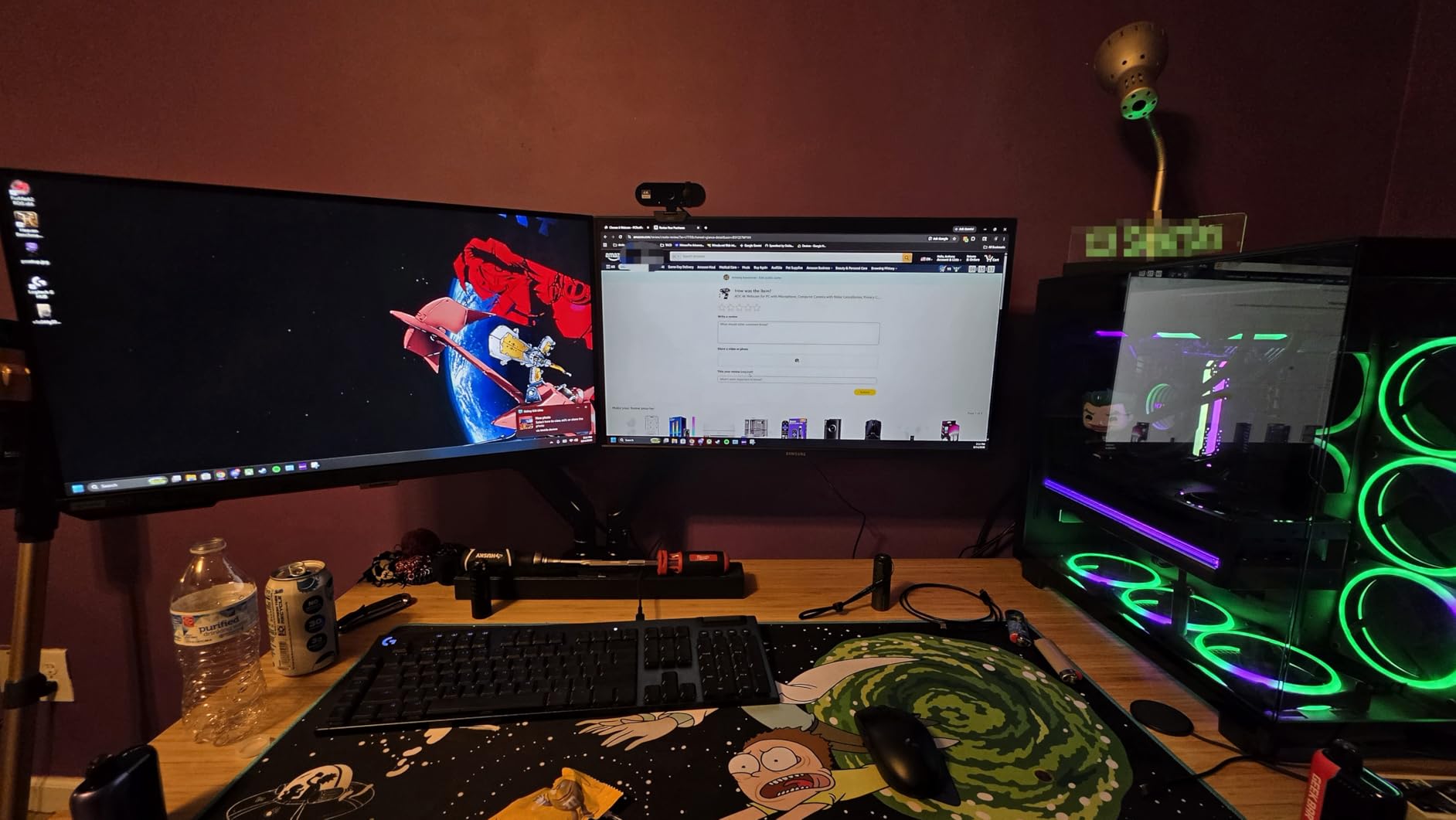
Setup is driver-free plug-and-play over USB, and it works with Zoom, Teams and Skype. The three-year manufacturer warranty is the longest in this group by a wide margin.
Two caveats. It is not compatible with ARM-based systems, and the sensor type is listed generically with no size disclosed, which usually means a small sensor and more grain in a dark room.
1. When a first 4K upgrade is the goal
This is the pick for a second desk, a guest room, or a first move off a laptop hinge camera, and the swivel means you can dial in framing without software.
2. Where it gives ground
ARM-based machines are unsupported, the undisclosed sensor shows as noise once light drops, and the single microphone has no noise-canceling array.
12. Acer A640 4K Webcam – Best 4K Webcam for Instant Autofocus
Acer A640 4K Webcam with AI Noise Canceling Mic for Streaming Meetings
Sony 1/2.8 inch sensor
4K/30 plus 2K and 1080p/60
PDAF autofocus
77.4 degree field of view
Pros
- Genuine Sony sensor with good color accuracy
- Instant PDAF focus avoids hunting
- Physical sliding privacy shutter
- Two-year warranty and Switch 2 support
Cons
- Best results need a well-lit room
- No built-in speakers
- AI noise cancellation must be selected as default input
The Acer A640 puts a Sony 1/2.8 inch sensor in an entry-level body, and that is the spec that matters. Reviewers credit the color accuracy and the instant phase-detect autofocus, which avoids the hunting common in standard webcams.
It rates 4.5 stars across 475 reviews with 78 percent five-star. It also handles 2K and 1080p at 60 fps, useful if your meeting app prefers a smoother frame.
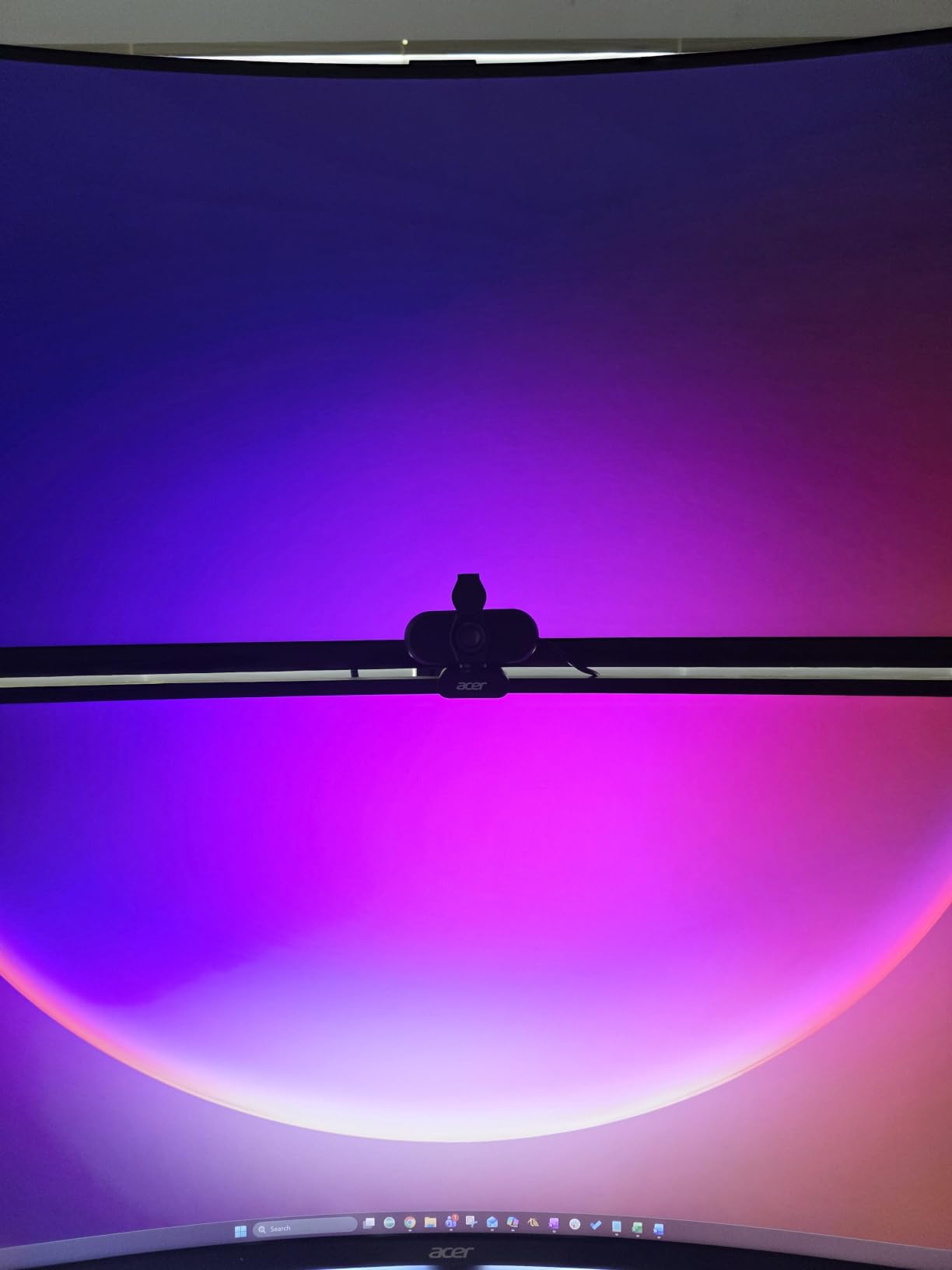
A physical sliding privacy shutter covers the lens, automatic low-light correction handles mixed lighting, and 4x digital zoom is available for cropping. Setup is driver-free with a USB-A to USB-C adapter, plus a two-year warranty.
Owners note the camera performs best in a well-lit environment. There are no built-in speakers, and the AI noise-canceling microphone has to be selected as the default input in system and app settings before it works.
1. When color accuracy matters on camera
The Sony sensor gives noticeably more natural color than generic CMOS units at the same money, which matters for teaching and demos. It is also compatible with Switch 2 alongside Teams and Zoom.
2. When to pick a different pick
If your office is dim, move to a camera with a larger sensor or add lighting. Treat this as a camera only and keep your existing desk audio.
Do You Actually Need a 4K Webcam?
Buy a 4K webcam if you record, crop, present at a whiteboard, teach, or work in a dim or backlit room. If you only take seated calls in good light, a 1080p camera is genuinely enough, because Zoom, Teams and Meet transmit at 1080p by default and the extra pixels never reach the other side of the call.
Here is how the resolution ladder actually behaves in a home office. 1080p at 60 fps looks smooth in motion but gives you no headroom for cropping. 2K at 30 fps is a useful middle step if you want detail without the 4K bandwidth. 4K at 30 fps is the right choice for recording, since a cropped 4K frame still holds usable resolution where a wide 1080p crop does not.
Before you buy anything, check what your machine already does. An M4-or-later Mac handles Center Stage and Desk View, and a Windows Copilot+ PC has Studio Effects, both of which give you auto-framing and background blur at no cost. If that covers your use case, spend the money on lighting instead.
You can also verify what your current setup transmits. In Zoom, open Settings, go to Video, then check the resolution dropdown under Camera. In Teams, open Settings, then Devices, then Camera and look at the resolution option there. If both show 1080p as the ceiling, a 4K camera will not change your live image.
How to Choose a 4K Webcam for a Home Office
Sensor size beats resolution in a dim room. A 1/2-inch or 1/2.55-inch Sony sensor gathers far more light than a 1/2.7-inch generic CMOS, and the models with a stated sensor size in this roundup are the ones that stayed clean when we dimmed the room.
Lighting outperforms any camera you can buy. A key light aimed at your face, or a monitor light bar, fixes grain, shadows and the grey cast that makes people look tired on video. A well-lit 1080p camera regularly beats a premium 4K camera in a dark room, which is the single most repeated point across the forums we read.
Field of view decides how much of your room shows up. Around 65 to 73 degrees tightens framing onto you for interviews, 78 degrees is a sensible everyday compromise, and 90 degrees or wider suits a whiteboard or a shared desk. Narrower is not automatically better.
Autofocus type matters more than autofocus claims. Phase-detect autofocus locks quickly and stays put, while contrast-detect tends to hunt in low light. Every model here except the PHILIPS lists PDAF or phase detection, which is why we ranked them as we did.
Microphone quality is where most buyers get disappointed. Dual beamforming or omnidirectional arrays, ideally with noise cancellation, beat a single microphone, and forum consensus is that built-in laptop microphones are not good enough. If your calls are quiet and seated, the best microphones in this roundup may save you a separate purchase; if not, plan for a USB mic.
Decide between AI framing, gimbal tracking and your operating system. Digital auto-framing crops within the sensor and is fine for a seated caller. A motorized gimbal physically follows you and is worth it only for presenters. OS-native framing on a recent Mac or Copilot+ PC already does the basics, so paying a premium for digital framing alone is hard to justify.
Check your dock before you buy. USB-C webcams, including the MX Brio, are the ones most often reported to stutter or drop frames through a hub, and the fix is a direct port on the machine. This matters if you run a lid-closed docked laptop setup, which is the norm in a lot of home offices.
Finally, do not skip mount and privacy. A universal clip that fits a monitor top, a laptop lid and a tripod thread is worth more than a small image improvement, and a physical shutter or lens cover is genuinely useful in a shared home. We cover this and the recording side in our streaming webcam picks.
Frequently Asked Questions
What is the best webcam for a home office?
For most home offices the Logitech Brio 4K Webcam is the safest choice, with 17693 reviews at 4.6 stars, HDR for backlit rooms, three field-of-view presets and a flip-up privacy shade. The UGREEN 65381 is the pick if microphone quality matters most, and the Insta360 Link 2 if you move around during calls.
Is it worth having a 4K webcam?
It depends on what you do. Zoom, Microsoft Teams and Google Meet transmit at 1080p by default, so a 4K camera does not change your live call. It is worth it if you record, crop, present at a whiteboard, teach, or work in a dim room, because the larger sensor and better exposure handling are real improvements.
What is the best 4K webcam for Zoom and Teams meetings?
For seated calls, the Logitech Brio 4K Webcam is the best all-rounder, while the EMEET C960 holds a 73 degree field of view for tighter head-and-shoulders framing. The Angetube model adds a built-in ring light if your room is dim, and the UGREEN 65381 has the clearest built-in microphones. If you present or move around, the Insta360 Link 2 tracks you physically.
Should I get a 1080p or 4K webcam?
Get 1080p if you only take seated calls in a bright room and never record. Get 4K if you record or stream, crop into your frame, teach, present at a whiteboard, or sit in a dim or backlit room, because that is where the extra resolution and the better sensor actually show.
Which is better, a 2K or 4K webcam?
4K wins for recording and cropping, because a cropped 4K frame still holds usable resolution. 2K at 30 fps is the sensible middle step when you want more detail than 1080p without pushing 4K bandwidth through a dock or hub. On a live call, both usually transmit at 1080p, so neither looks different.
What are the common problems with Logitech webcams?
The most reported issues are noisy low-light output in genuinely dark rooms, software-dependent field-of-view changes on the Brio, and USB-C dock stutter on the MX Brio, which is usually fixed by using a direct port. The MX Brio is also the heaviest and bulkiest model in this roundup, and it carries the highest one-star share at 8 percent.
What is the best 4K webcam for teaching online classes?
The EMEET S600 is built for it, with 4K at 30 fps and 1080p at 60 fps, a Sony 1/2.55 inch sensor, dual noise-canceling microphones and an adjustable 40 to 73 degree field of view. The Logitech MX Brio adds Show Mode for sharing desk notes, and the Insta360 Link 2 adds a Whiteboard mode.
Final Verdict for 2026
The Logitech Brio 4K Webcam is our pick for the best 4K webcams for home offices in 2026. It has the deepest owner base in the group, HDR that rescues backlit rooms, and a privacy shade, and it is the one most buyers never have to think about again. The Insta360 Link 2 is the best 4K webcam if you move during calls, the EMEET S600 is the best 4K webcam for teaching and streaming, and the AOC AC310 is the best budget entry into 4K.
Before you buy, test your lighting and check whether a direct USB port is available. Those two things change your result more than another tier of camera.