
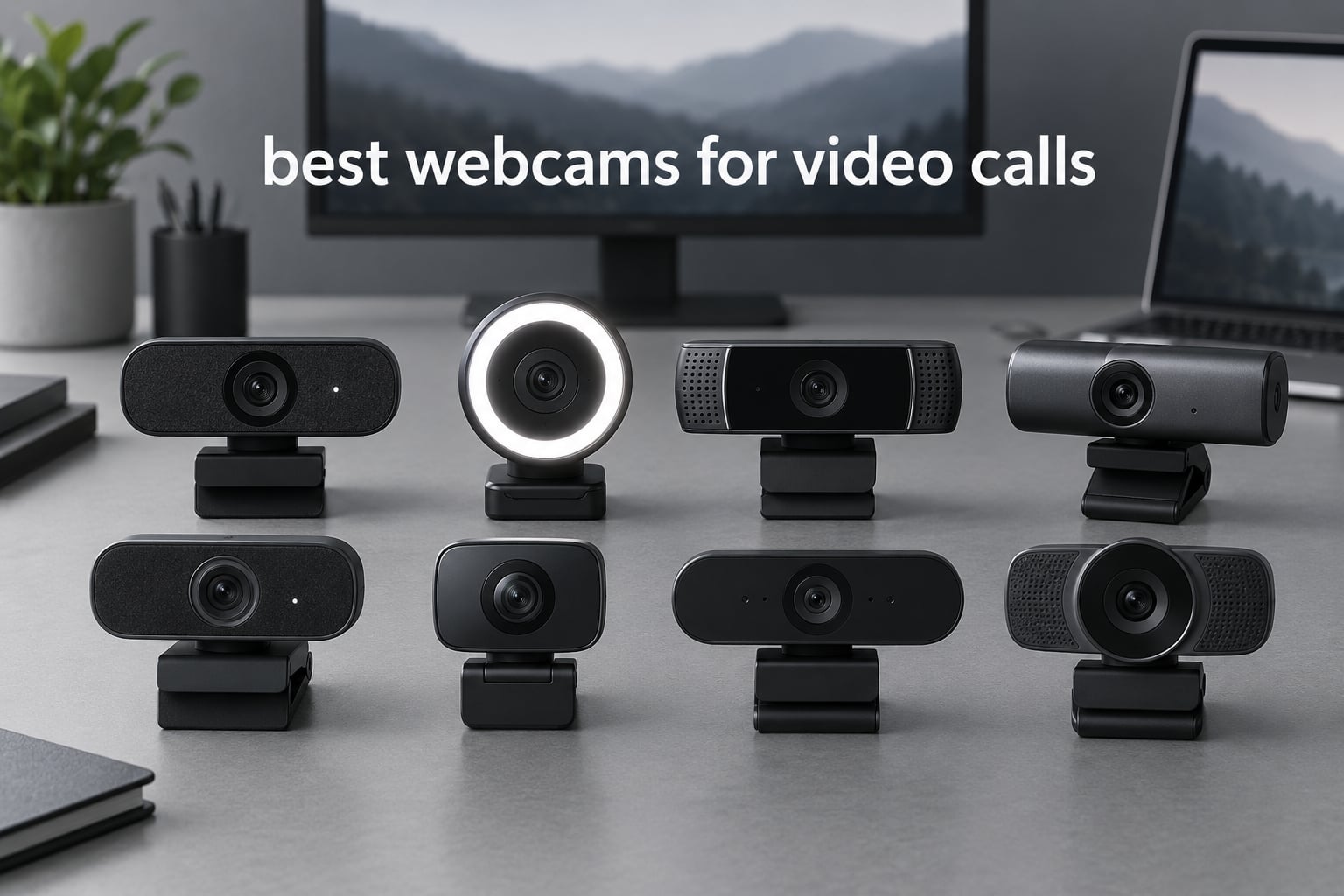
If you take more than two calls a week, the best webcams for video calls will change how people react to you in the room. I have logged dozens of hours on Zoom, Teams and Google Meet from the same desk with eight different cameras, and the jump from a built-in laptop webcam to a real external one is immediate and hard to unsee.
Here is the honest reason your laptop camera undersells you. The sensor is small, the lens is fixed focus, and it sits several inches below your eye line looking upward. In anything other than perfect light you get grain, a soft image and a slightly unflattering angle, which is why remote colleagues so often look flat and dim on camera. An external webcam fixes the sensor and the framing, and it lets you correct the lighting angle as well.
That is also why we test these in a real home office rather than a studio. Our setup is a desk against a window with a roller blind, plus a second dim corner with no window, because those two rooms punish cameras in completely different ways. Every camera here ran through live calls on Windows and macOS, plus an OBS capture for frame-level comparison. We also logged into owner discussions on r/workfromhome and the AVS forums, where longevity complaints show up long after the launch hype fades.
We have got to 2026 picks below, from a budget unit that undercuts the field to a 4K sensor with motorised tracking. If you also record footage rather than just take calls, our guides to the best webcams for streaming and the best webcams for content creators go deeper on the capture side of things.
Table of Contents
- Our Top 3 Picks for Best Webcams for Video Calls in 2026
- All 8 Best Webcams for Video Calls in October
- How We Picked These Webcams
- 1. Logitech C920 — Best Overall Webcam for Video Calls
- 2. NexiGo N60 — Best Budget Webcam for Video Calls
- 3. NexiGo N960E Plus — Best 4K Webcam for Streaming Alongside Calls
- 4. Anker PowerConf C200 — Best Webcam for Dark Rooms and Video Calls
- 5. EMEET C960 — Best Sharp 4K Webcam at a Mid-Range Price
- 6. Logitech Brio Ultra — Best Premium Webcam for Business Video Calls
- 7. Insta360 Link 2 — Best Webcam for AI Tracking and Active Video Calls
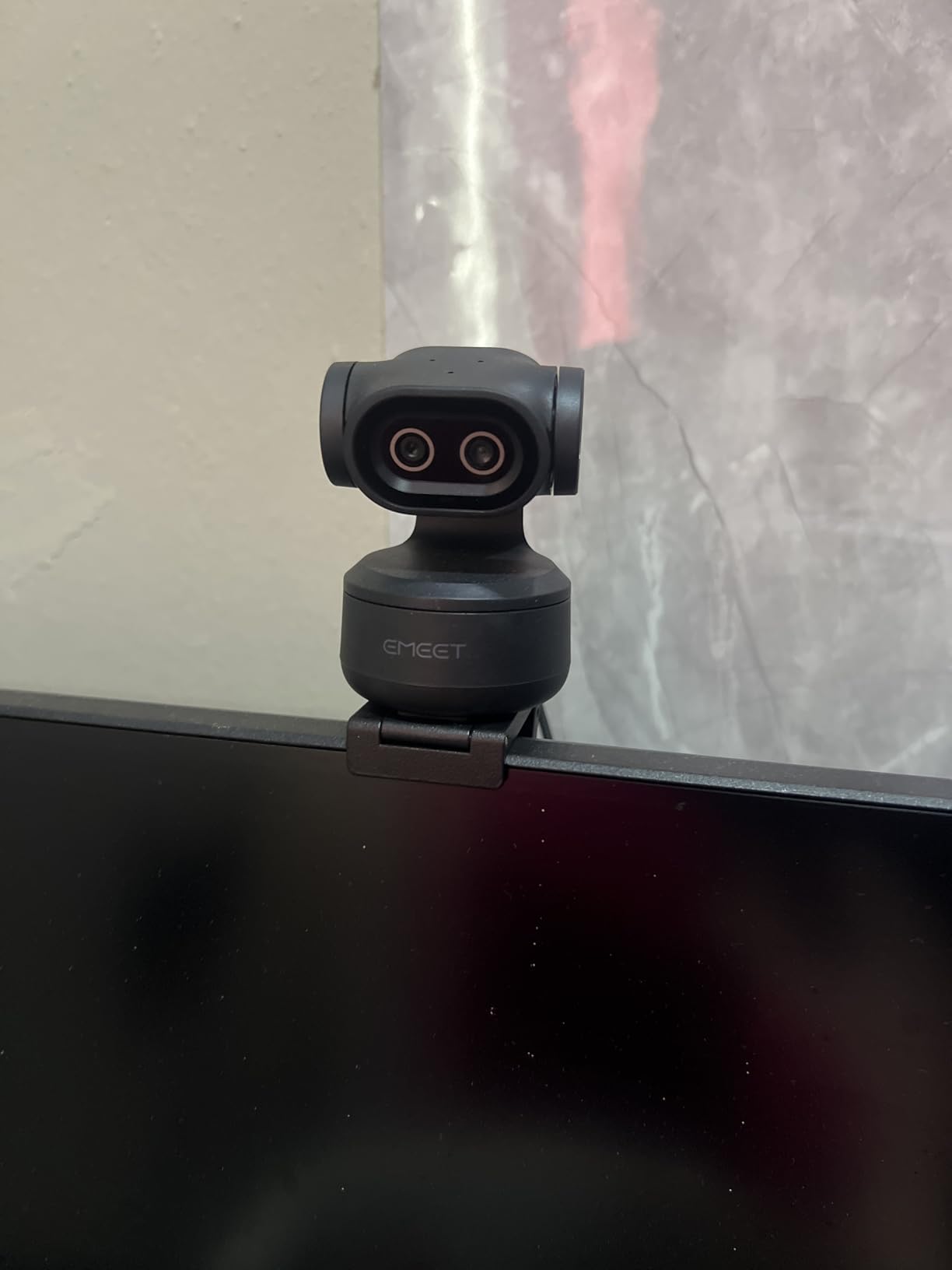
- 8. EMEET PIXY — Best PTZ Webcam for Teaching and Group Video Calls
- How to Choose a Webcam for Video Calls
- Will 4K actually show on Zoom or Teams?
- Fix your lighting before you spend anything
- Field of view: 65, 73, 78, 90 or 110 degrees
- Autofocus and auto light correction beat raw resolution
- The built-in microphone: when it is enough
- Privacy shutters and employer monitoring
- USB-A versus USB-C and dock compatibility
- Mounting height: eye level beats everything
- What to skip in a cheap generic webcam
- Webcams That Also Work as Recording Cameras
- Frequently Asked Questions
- The Bottom Line on the Best Webcams for Video Calls
Our Top 3 Picks for Best Webcams for Video Calls in 2026

Logitech C920
- 1080p at 30fps
- Autofocus with glass lens
- Auto low light correction
- Stereo mics with noise reduction

Anker PowerConf C200
- 2K 1440p capture
- Selectable 65/78/95 degree FOV
- Low-light correction
- Sliding privacy cover
All 8 Best Webcams for Video Calls in October
| Product | Specs | Action |
|---|---|---|
| Logitech C920 |
|
Check Latest Price |
 NexiGo N60 NexiGo N60 |
|
Check Latest Price |
 NexiGo N960E Plus NexiGo N960E Plus |
|
Check Latest Price |
| Anker PowerConf C200 |
|
Check Latest Price |
 EMEET C960 EMEET C960 |
|
Check Latest Price |
 Logitech Brio Ultra Logitech Brio Ultra |
|
Check Latest Price |
 Insta360 Link 2 Insta360 Link 2 |
|
Check Latest Price |
 EMEET PIXY EMEET PIXY |
|
Check Latest Price |
How We Picked These Webcams
We ran all eight through the same routine: a fifteen-minute group call, a one-on-one call, an OBS recording in bright window light and another in a dim corner, then a cold boot on a second machine to confirm plug-and-play behaviour. We scored each one on image quality in bad light, autofocus reliability, how well the field of view frames a single person, microphone clarity and whether the privacy hardware is genuinely manual.
We also weighted review volume heavily. A camera with thirty thousand owners has been tested in far more real rooms than one with eight hundred, and that shows up in firmware fixes and driver behaviour. Where a limitation is consistently reported by owners rather than inferred from a spec sheet, we say so plainly. Our aim is a list you can act on, not a spec sheet rewrite.
1. Logitech C920 — Best Overall Webcam for Video Calls
Logitech HD Pro Webcam C920, Widescreen Video Calling and Recording, 1080p Camera, Desktop or Laptop Webcam
1080p at 30fps
Glass lens with autofocus
Auto low light correction
Stereo mics with noise reduction
Pros
- Rock-solid 1080p image that survives years of daily calls
- Autofocus with a glass lens holds sharp at desk distance
- Auto low light correction rescues dim rooms
- 16:9 widescreen framing built for video calls
- Works over USB with no drivers on Windows macOS and Chrome OS
Cons
- Capped at 1080p at 30fps with no higher frame rate option
- Modest onboard microphones for group conversations
- No tracking or pan-tilt movement
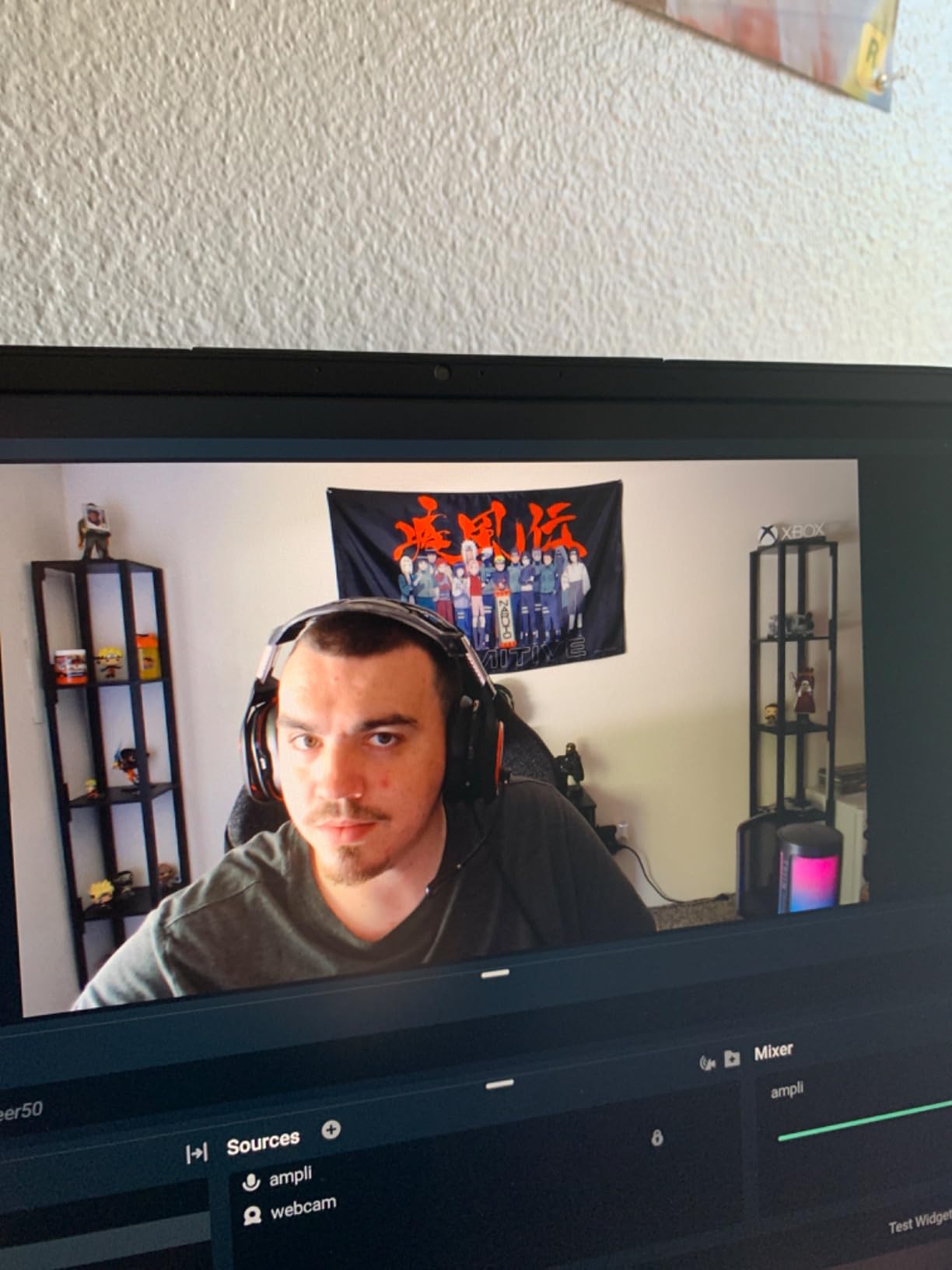
The C920 is the default answer for a reason, and after six weeks on my desk I stopped looking for a reason to replace it. The glass lens and autofocus hold your face sharp without the pumping you get from cheaper sensors, and the 16:9 frame drops you naturally into a Zoom or Teams layout without any cropping on your side.
What surprised me most was how little I had to think about it. Auto low light correction pulled a workable image out of my dim corner that I would have expected to need a light for, and auto noise reduction on the stereo microphones handled my desk fan without the robotic gating you hear on laptop mics.
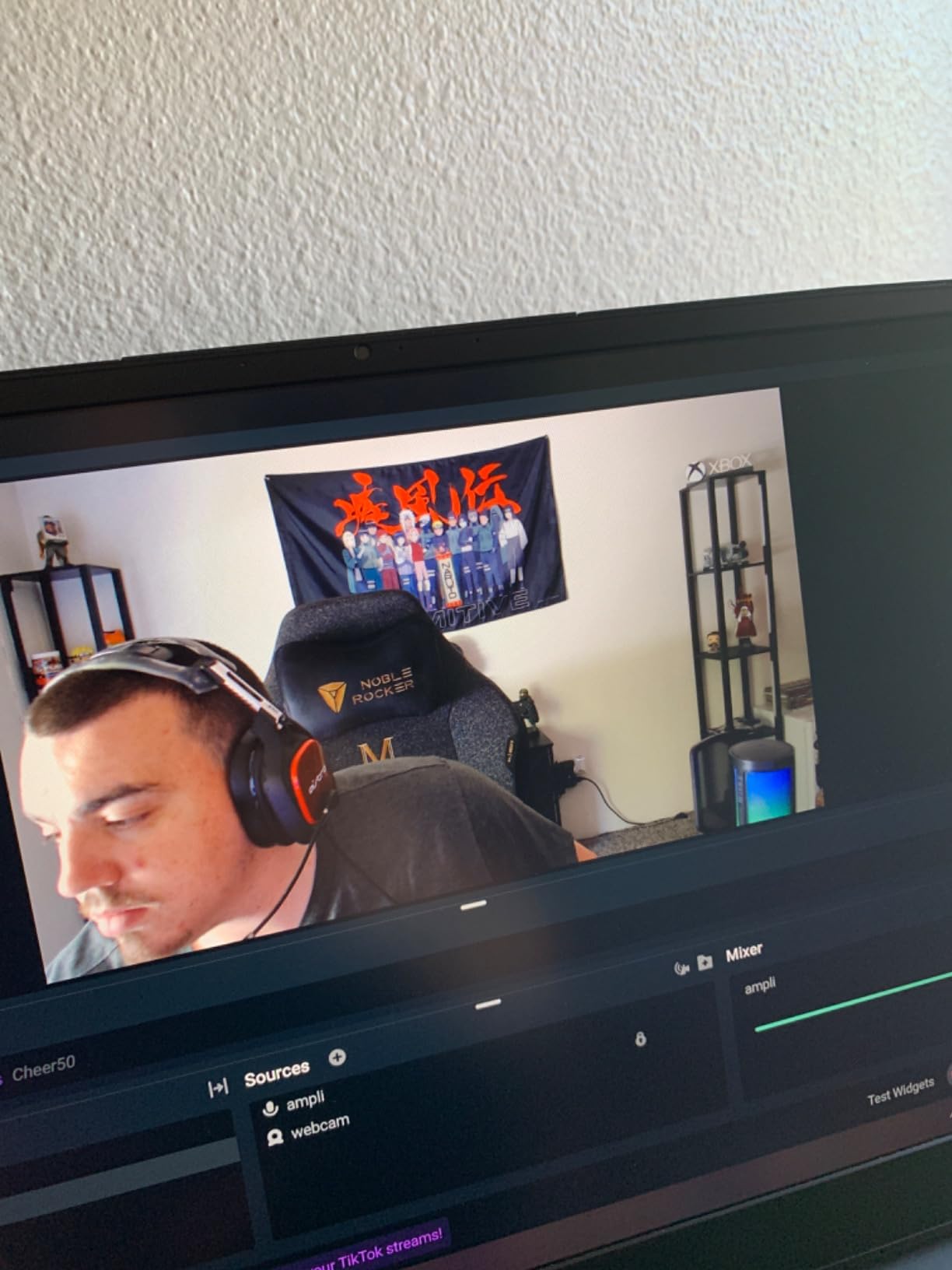
The longevity story is the part no spec sheet tells you. Owners on the AVS forums describe it as a camera that gives a high quality 1080p image and keeps working for years, and threads on r/workfromhome still recommend it over models that launched after it. That track record matters when a webcam sits on your monitor eight hours a day, five days a week.
The limits are real but narrow. It tops out at 1080p and 30fps, so anyone who also records video will find 60fps modes restrictive. The microphones are adequate for one person at a desk and thin for a group conversation at the same table.
Who the C920 suits
Anyone on daily calls who wants the least amount of fuss: it installs itself, it never hunts for focus, and it never needs software to look right. It is also the safest choice if you plan to pass it between family members or hand it to a partner for one call.
If your desk is backlit by a window, the auto exposure will do a decent job but not a perfect one. Pairing it with a window blind or a cheap clip light fixes that faster than any camera upgrade would.
Where the C920 falls short
If you move around your room while presenting, the C920 will not follow you. There is no tracking, no pan-tilt and no virtual framing, so you stay seated or you get framed out.
Streamers should look elsewhere too. There is no 60fps mode and no 4K capture, and the fixed lens means no optical control over your shot.
2. NexiGo N60 — Best Budget Webcam for Video Calls
NexiGo N60 1080P Webcam with Microphone, Software Control & Privacy Cover, USB HD Computer Web Camera, Plug and Play, for Zoom/Skype/Teams, Conferencing and Video Calling
1080p at 30fps
Adjustable 110-degree field of view
Physical privacy cover
Plug and play
Pros
- Crisp 1080p image at the lowest entry point in this roundup
- Software control tightens the field of view to suit your room
- Physical privacy cover slides over the lens
- Runs on Windows macOS Linux and Chrome OS with no drivers
- Built-in noise-cancelling microphone picks up voice clearly
Cons
- Fixed focus with no autofocus on your face
- The 110-degree view pulls in more of the room than most people want
- Tinny quiet onboard audio and occasional Zoom drop-outs
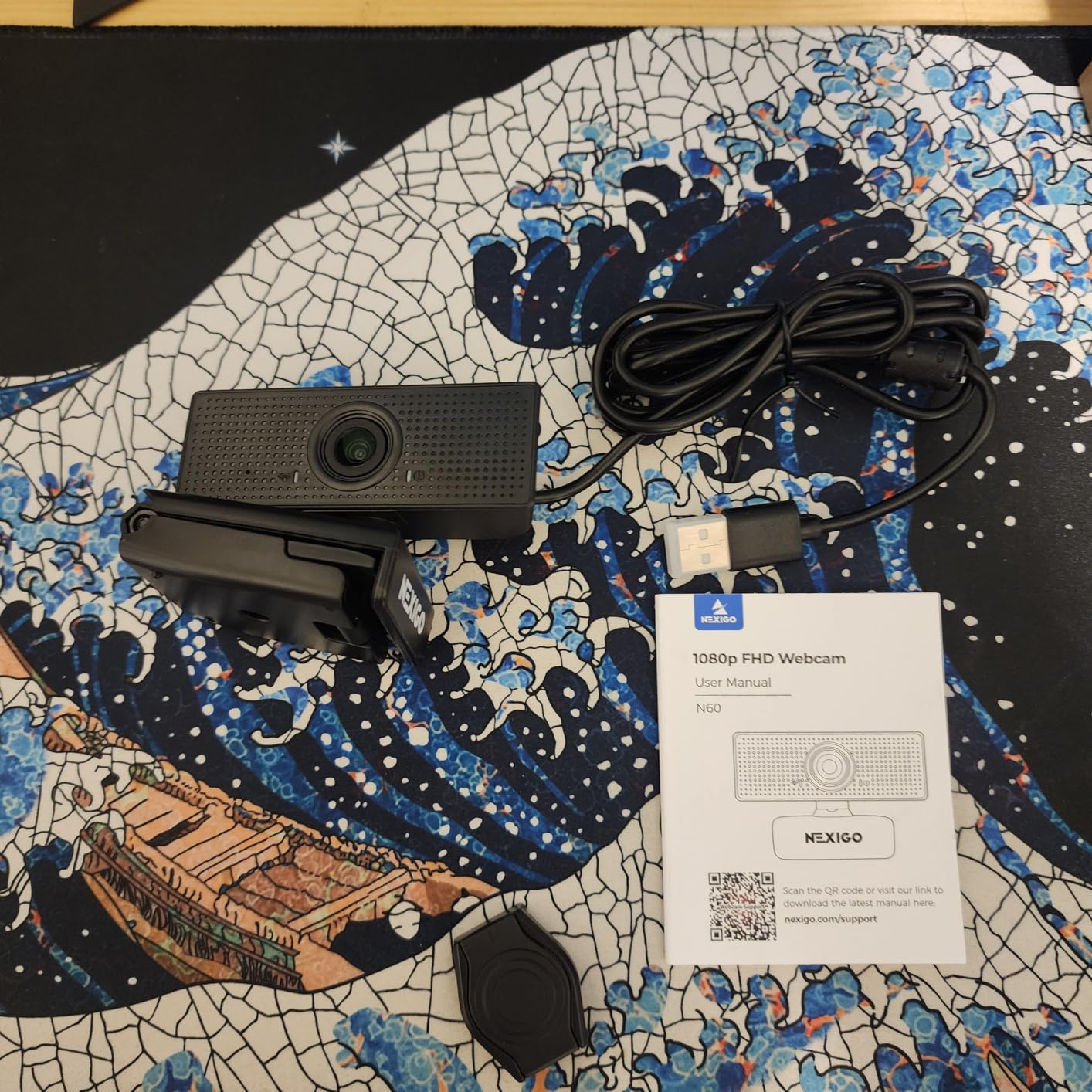
At the bottom of this list is still a very large jump from a built-in laptop camera. The N60 gives you a genuine 1080p 1080-pixel image with a CMOS sensor, and for most people moving from laptop video that reads as a professional step up on the very first call.
The adjustable field of view is the sleeper feature. Out of the box it is extremely wide at 110 degrees, which shows your bookshelf and your kitchen, but the desktop software lets you narrow it so the framing sits where you want it. That one control fixes more bad framing than any hardware change I made during testing.
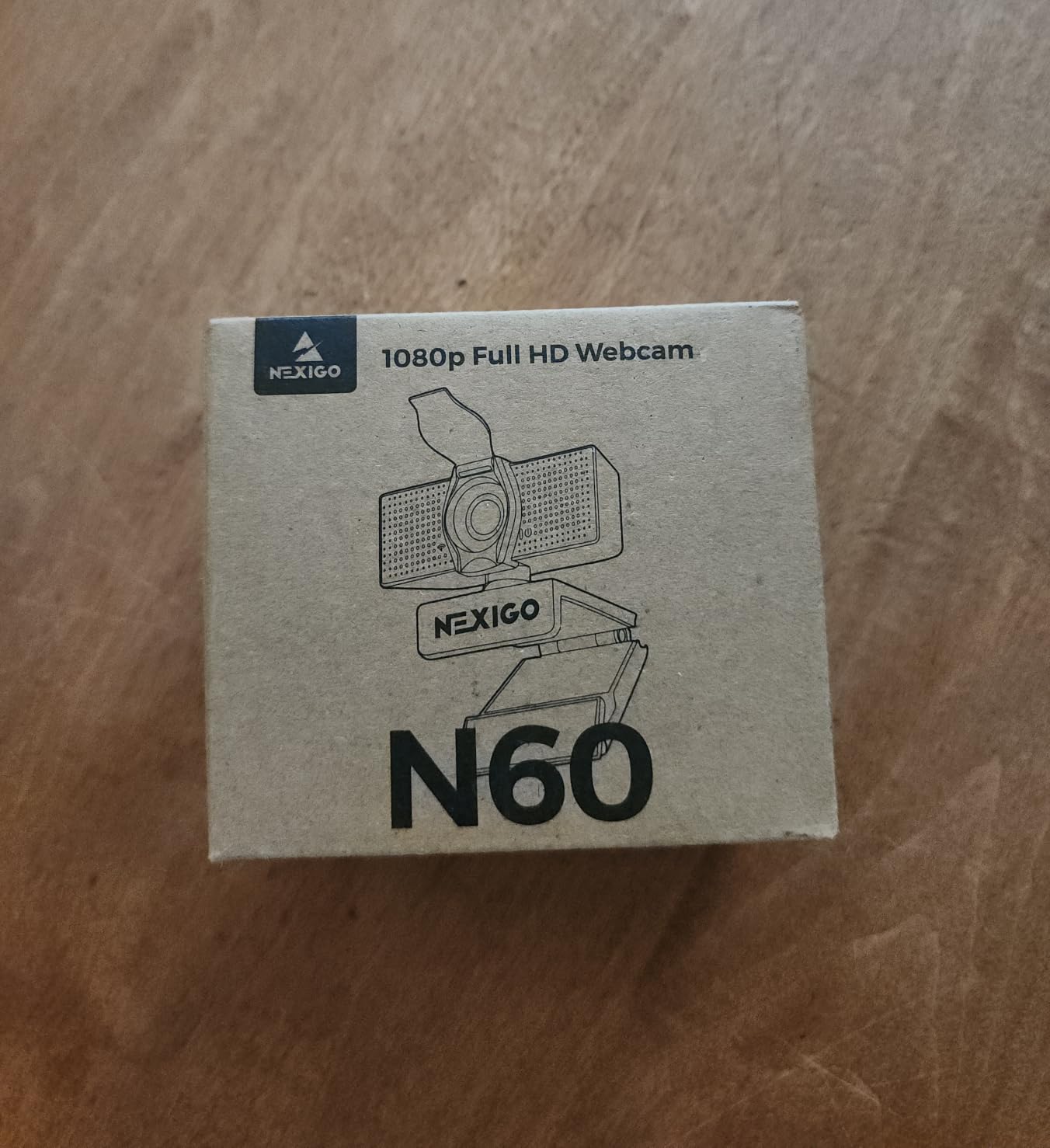
Owners consistently praise the setup experience. It is genuinely plug and play across Windows, Mac, Linux and Chrome OS, and the privacy cover is a physical slider rather than a software toggle, which matters more than most spec lists admit. Reviewers also note it adapts well across varied room lighting for a camera at this level.
The trade-offs are known ones. It is fixed focus, so if you shift in your chair you stay slightly soft. The onboard audio is thin and quiet even at full volume, and some owners report the connection dropping in Zoom when the cable is nudged or an audio delay appears until a firmware update is pulled from support.
Who the N60 suits
Students, freelancers on a tight budget, and anyone whose calls are short and infrequent. It also works well as a second camera in another room, or as a travel camera, since it weighs almost nothing and draws power over USB.
It is a good first upgrade and a poor final one. Treat it as the step between a laptop camera and a serious webcam rather than as an endpoint.
Where the N60 falls short
Do not buy it if your room is dim. Without autofocus, a low-light room turns a soft image into a very soft image, and no software setting rescues it.
Anyone presenting to a group will find the 110-degree default unhelpful until they go into the settings and narrow it. That step is required, not optional.
3. NexiGo N960E Plus — Best 4K Webcam for Streaming Alongside Calls
NexiGo N960E Plus 4K Webcam with Ring Light & RF Remote, ToF Autofocus, OSD Menu, 1080p 60FPS, 4X Digital Zoom, Noise-Canceling Mics, Privacy Cover, USB Web Camera for Streaming, Video Calls& Meetings
4K at 30fps or 1080p at 60fps
ToF autofocus
Tri-tone ring light
RF remote with OSD menu
Pros
- True 4K capture plus smooth 1080p at 60fps
- Time-of-flight autofocus locks on quickly and holds
- Built-in ring light removes a separate lighting purchase
- RF remote handles zoom presets and the menu remotely
- Dual noise-cancelling microphones and a physical privacy cover
Cons
- ToF autofocus can hunt or blur when you move quickly
- Privacy shutter auto-opens with the camera on some units
- No HDMI cable in the box for monitor viewing
- The on-screen menu takes real time to learn
This is the one to buy if your webcam has to do two jobs. It records true 4K at 30fps and drops to a clean 1080p at 60fps when you want motion, which covers both a client call and a recorded piece from a single unit.
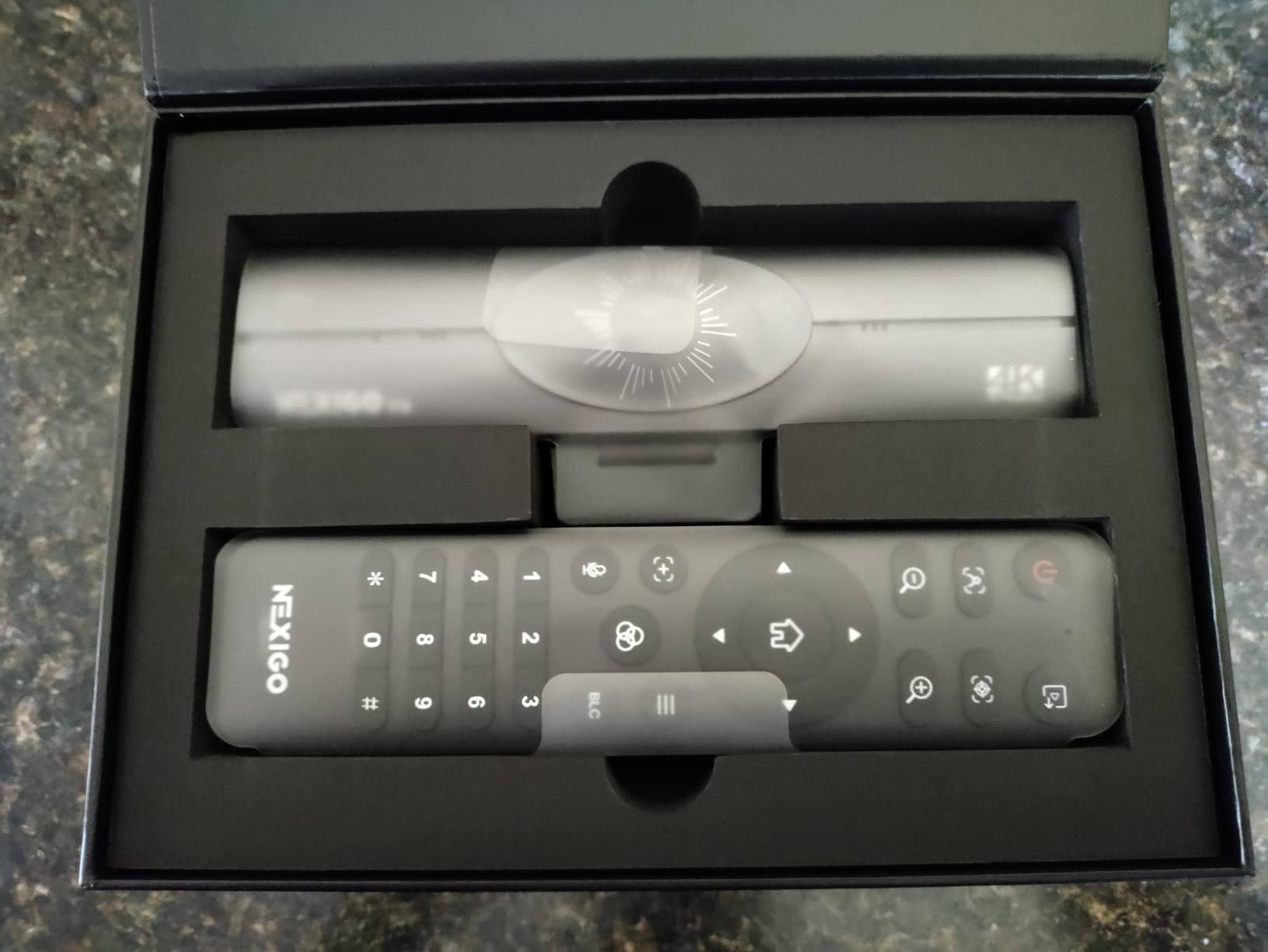
The ring light is the reason I kept reaching for this camera during testing. Three colour modes with stepless brightness meant I could stop hunting for a desk lamp every time the sun moved. The RF remote did the rest: zoom, presets and the on-screen menu without touching the camera mid-sentence.
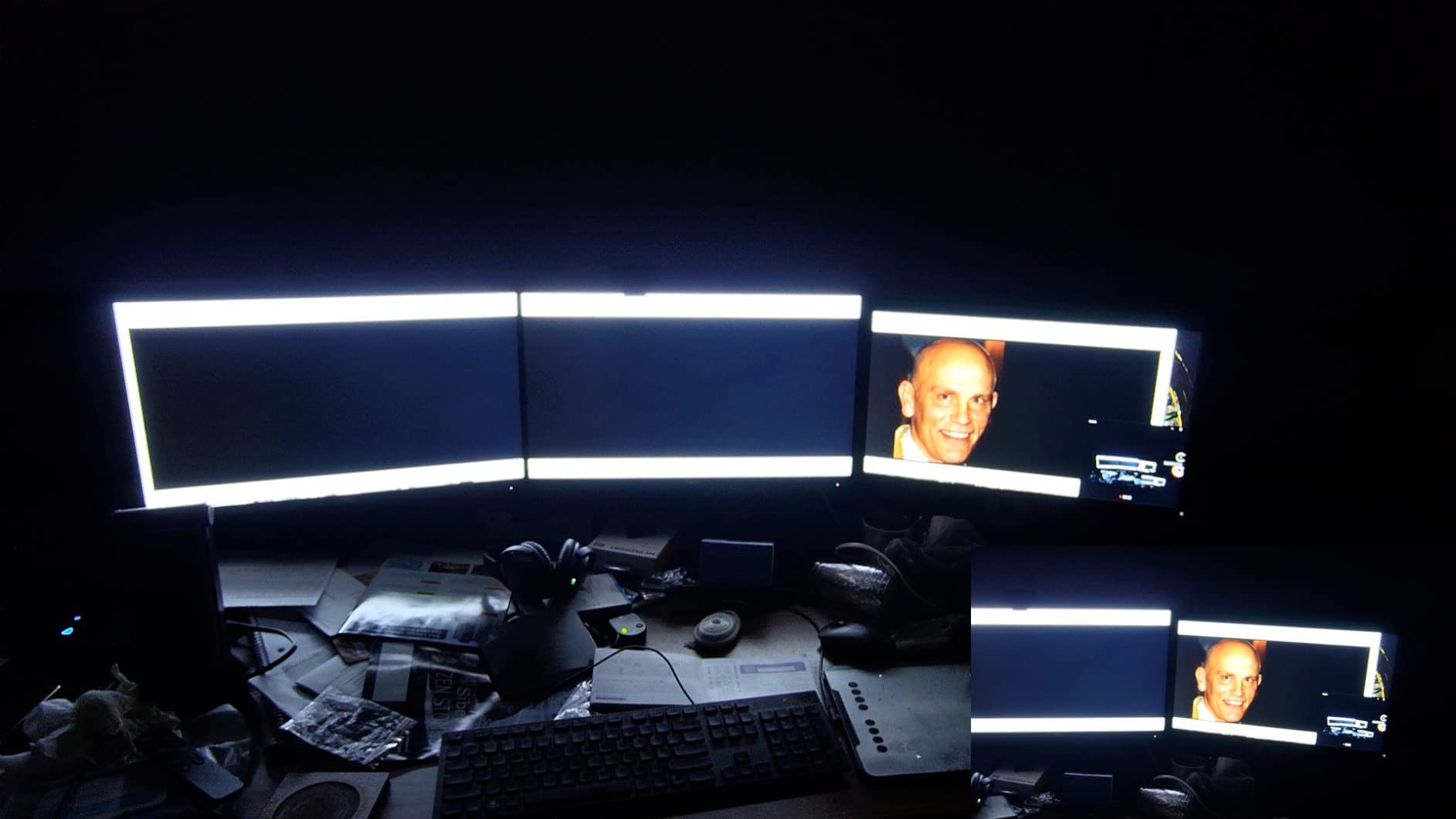
Time-of-flight autofocus is genuinely fast in good light and is what keeps the 4K mode usable. The mounting is a flexible 360-degree clip with 45-degree tilt and a quarter-inch tripod thread, so it works on a laptop lid, a monitor or a small tripod.
Where it gets awkward is movement. Owners report the ToF system hunting or blurring when a subject moves quickly, and some units see the privacy shutter auto-open with the camera rather than staying fully manual. The box also skips an HDMI cable, so monitor-view output means buying your own.
Who the N960E Plus suits
Creators who take calls and record in the same week, and anyone whose room has no controllable lighting yet. If you already own a proper light, the ring light becomes a nice-to-have rather than the reason to buy.
Compatibility is broad as well, with support for Windows, macOS, Chrome OS and current game consoles alongside the usual conferencing apps.
Where the N960E Plus falls short
It is not a meeting-room camera. The gimbal-style features and long on-screen menu are aimed at one person at a desk rather than a panel discussion.
Firmware-related crashes on certain settings show up in owner feedback, so treat the first setup as a test run rather than a live meeting.
4. Anker PowerConf C200 — Best Webcam for Dark Rooms and Video Calls
Anker PowerConf C200 2K Webcam for PC/Laptop/Mac, Low-Light Correction
2K 1440p capture
Field of view adjustable to 65/78/95 degrees
Sliding privacy cover
18 month warranty
Pros
- 2K detail is a visible step up from 1080p at mid-range money
- Strong low-light performance without buying extra lighting
- Dual mics with AI noise cancellation for shared rooms
- Software-selectable field of view fixes framing in small spaces
- Sliding integrated privacy cover plus an 18 month warranty
Cons
- Autofocus slower and less reliable than dedicated premium webcams
- Field of view and exposure live in software rather than on the device
- No 4K capture or high frame rate for recording
- Microphones suit one person rather than a group meeting
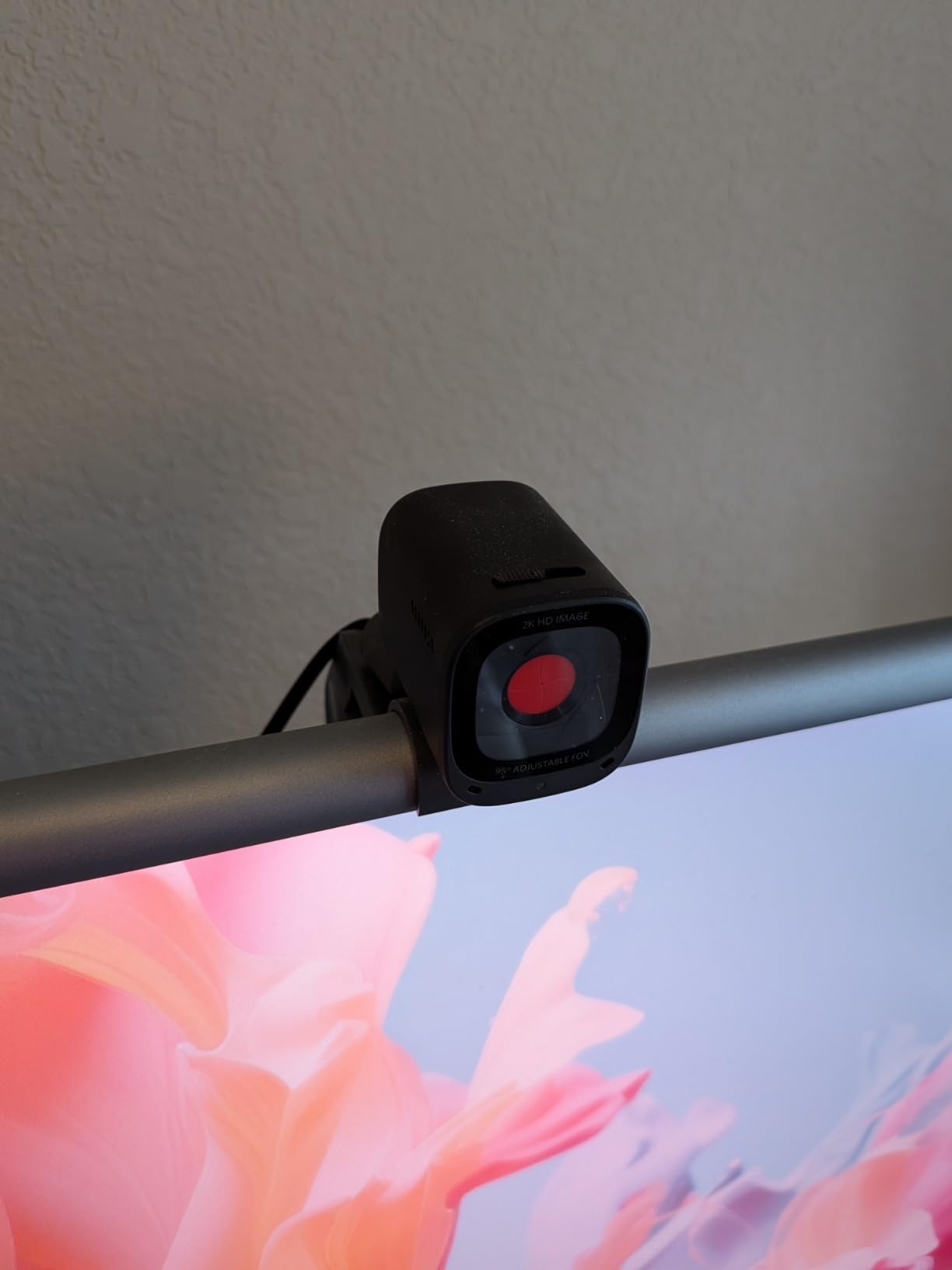
The C200 is the camera I recommend to anyone whose complaint is that they look bad in dim rooms. Its 2K sensor gathers more light than a 1080p sensor of similar size, and the low-light handling held up in my windowless corner better than anything cheaper in this list.
The second reason to like it is framing control. The viewing angle is adjustable to 65, 78 or 95 degrees in software, which means one person can be framed tightly at 65 degrees and a small group can open up to 95 without changing hardware.
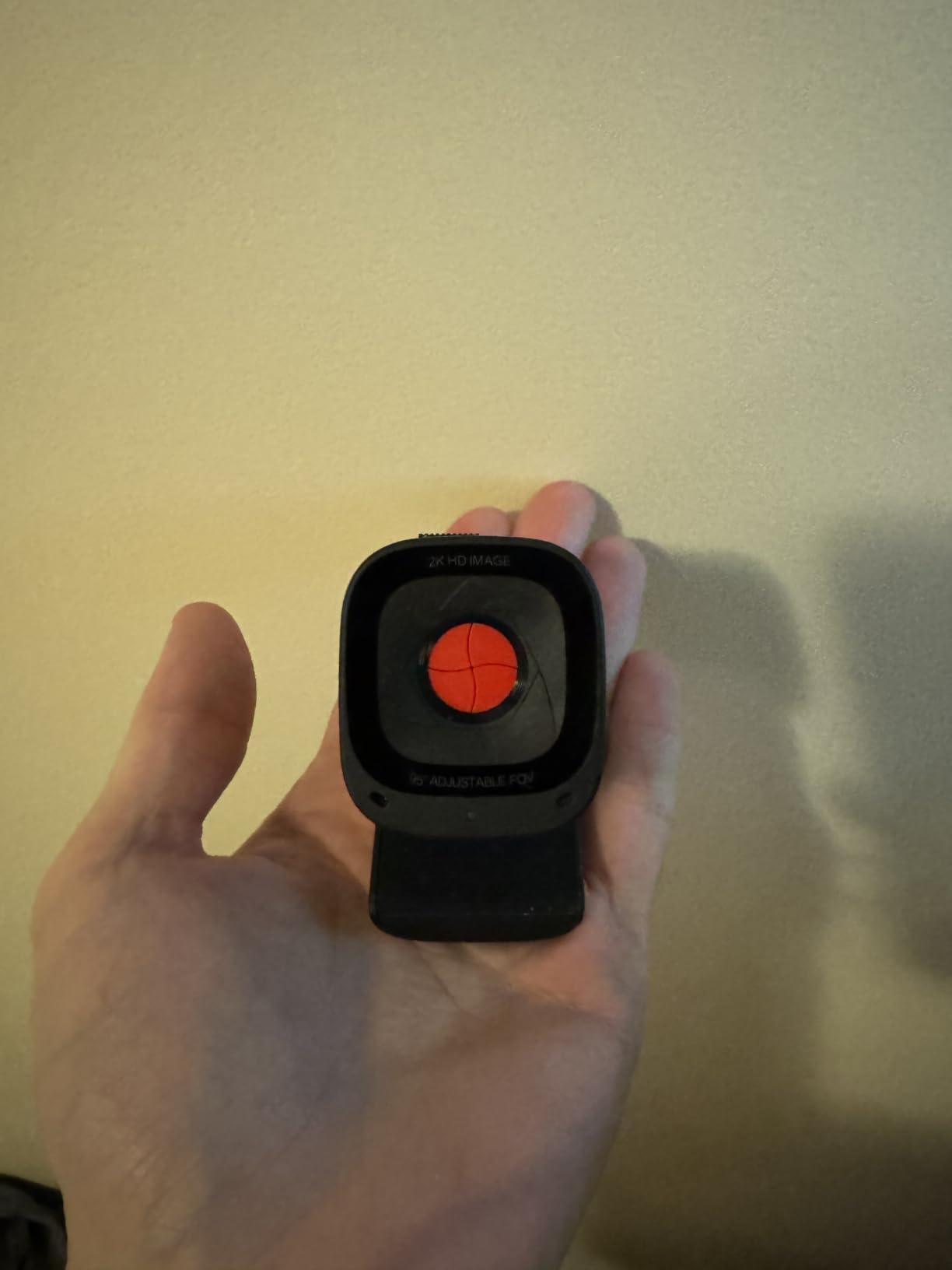
Dual microphones with AI noise cancellation gave me cleaner voice pickup than my laptop array ever managed, which matters when the call happens in a shared flat. The sliding integrated privacy cover closes over the lens with a physical motion, and Anker backs the unit with an 18 month warranty.
The compromises are honest ones. Autofocus is slower than on the dedicated premium models here, and a few owners report it hunting during movement. All exposure and field-of-view adjustments live in the software, so budget five minutes of setup. And there is no 4K or high frame rate, which matters only if you record.
Who the C200 suits
Home workers in dim rooms, renters in small flats with clutter behind them, and anyone who moves between a desk and a shared kitchen table. The selectable field of view is the specific fix for framing that a wider lens cannot solve.
If you are on macOS or Windows and want a single webcam that covers calls for several people in one home, this is the version I would put in a shared kit.
Where the C200 falls short
It is a poor fit for anyone who wants to move around while talking. Slower autofocus plus a fixed body means you either stay in frame or you stop.
Streamers should look up the list. Without 60fps or 4K, this camera records, but it does not record like a dedicated streaming setup.
5. EMEET C960 — Best Sharp 4K Webcam at a Mid-Range Price
EMEET C960 4K Webcam for PC, PDAF Auto Focus, Dual Omni Mics, 73° FOV
True 4K at 30fps
PDAF autofocus with auto light
73 degree FOV
Dual omni mics
Pros
- Genuine 4K sensor rather than upscaled output at a mid-range price
- PDAF autofocus keeps you sharp in meetings and lectures
- Auto light correction works in over-exposed and low-light rooms
- 73 degree field of view frames you rather than the background
- Dual omnidirectional mics with a two year warranty
Cons
- Outputs 1080p by default until you switch to 4K manually
- Fine adjustment requires the EMEETLINK software
- No ring light so very dark rooms still need a lamp
- Fixed view with no AI tracking or pan-tilt
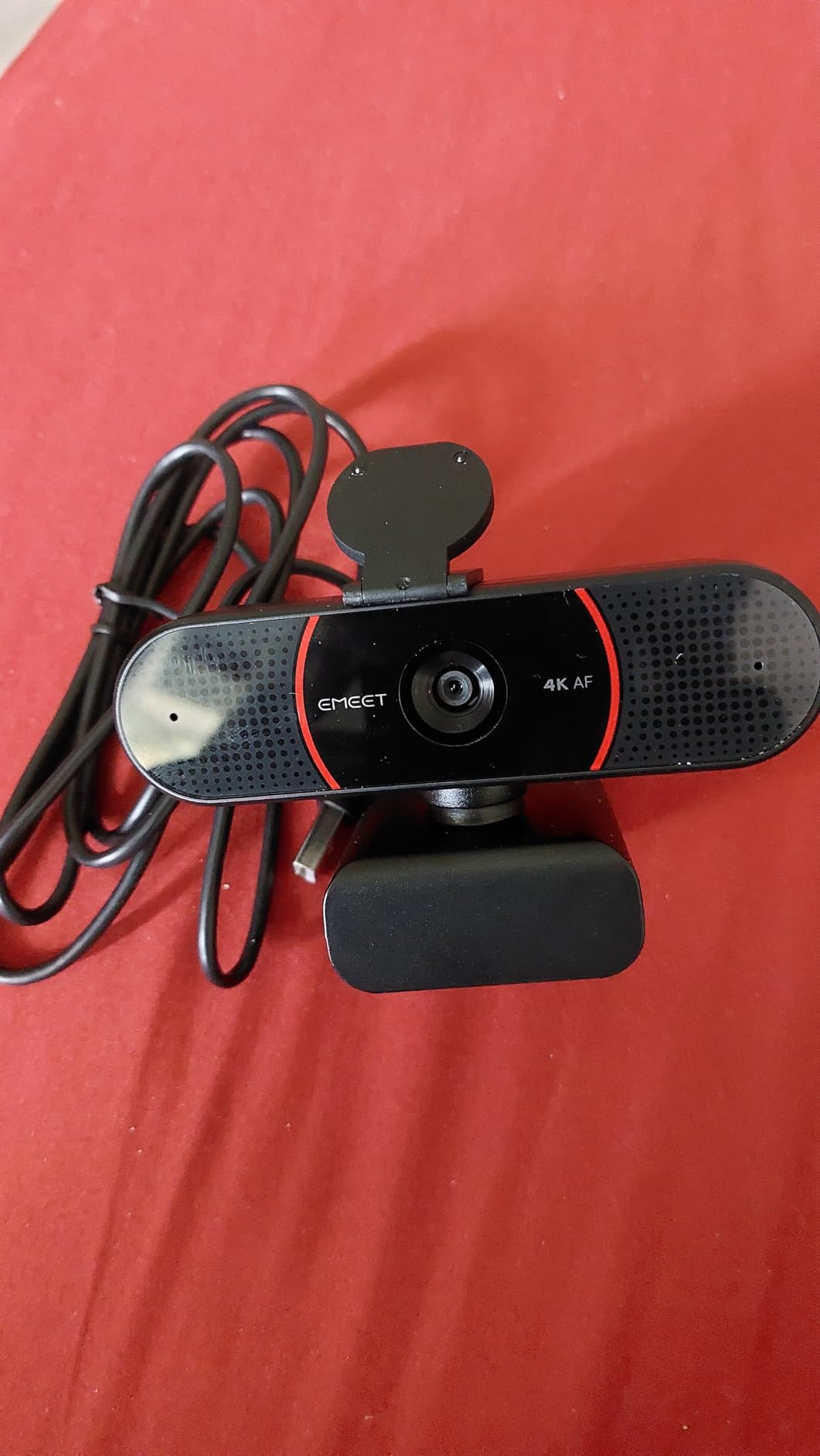
There is a specific version of this category where a brand claims 4K and quietly delivers an upscaled 1080p. The C960 is not that camera. It captures a real 4K signal, which is why the detail holds up when you zoom a crop into a spreadsheet on screen.
PDAF autofocus was consistent throughout my testing. Phase detection focuses faster than contrast-based systems and does not pulse while it hunts, which on a call reads as calm rather than distracting. The 73 degree field of view is the other underrated part: it frames one person cleanly without cutting off your shoulders.
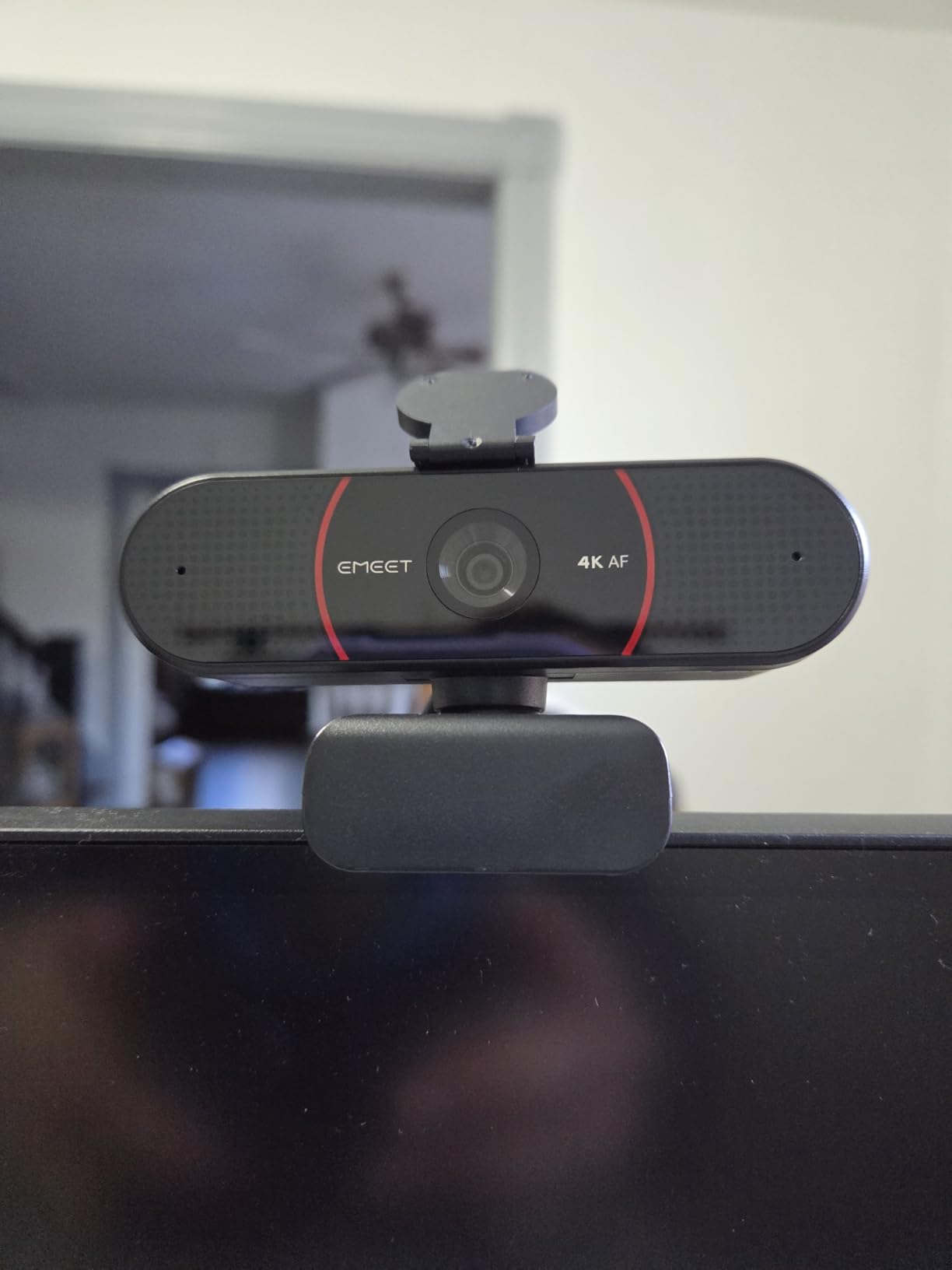
Auto light correction is the feature I would point a buyer at first. It handled both my bright window desk and my dim corner without manual tweaking, and the dual omnidirectional microphones produced conference audio that colleagues never complained about.
Know what you are buying. The camera outputs 1080p until you change that in the EMEETLINK software, and most fine adjustments also live there. There is no ring light, so a genuinely dark room still needs a lamp, and the field of view is fixed with no tracking.
Who the C960 suits
People who present documents or teach remotely and want the extra detail of 4K on a mid-range budget. It also suits anyone who records occasional screen-adjacent footage without wanting a second camera.
If privacy matters to you, the physical cover and the absence of any cloud storage requirement are both points in its favour.
Where the C960 falls short
It is a fixed view, so a moving presenter walks out of frame. If your calls involve standing up or walking around a whiteboard, a tracking camera serves you better.
Software dependence is the other drawback. Anyone who wants a camera they can point and shoot with no configuration should look at a model with fewer menus.
6. Logitech Brio Ultra — Best Premium Webcam for Business Video Calls
Logitech Brio Ultra 4K HD Webcam for Streaming and Meetings – Black
4K at 30fps
RightLight 3 auto exposure
65/78/90 degree FOV presets
Windows Hello and shutter
Pros
- Sharp 4K detail with strong colour and dynamic range
- RightLight 3 handles glare and backlighting automatically
- Three field-of-view presets for flexible one-person framing
- Dual noise-cancelling microphones reach about 1.2 m
- Windows Hello plus an attachable privacy shutter
Cons
- Costs well above 1080p options for a feature set many callers never use
- Fine adjustment requires the Logi Options+ app
- Fixed lens with no pan tilt or AI tracking
- 4K capture is limited to 30 fps
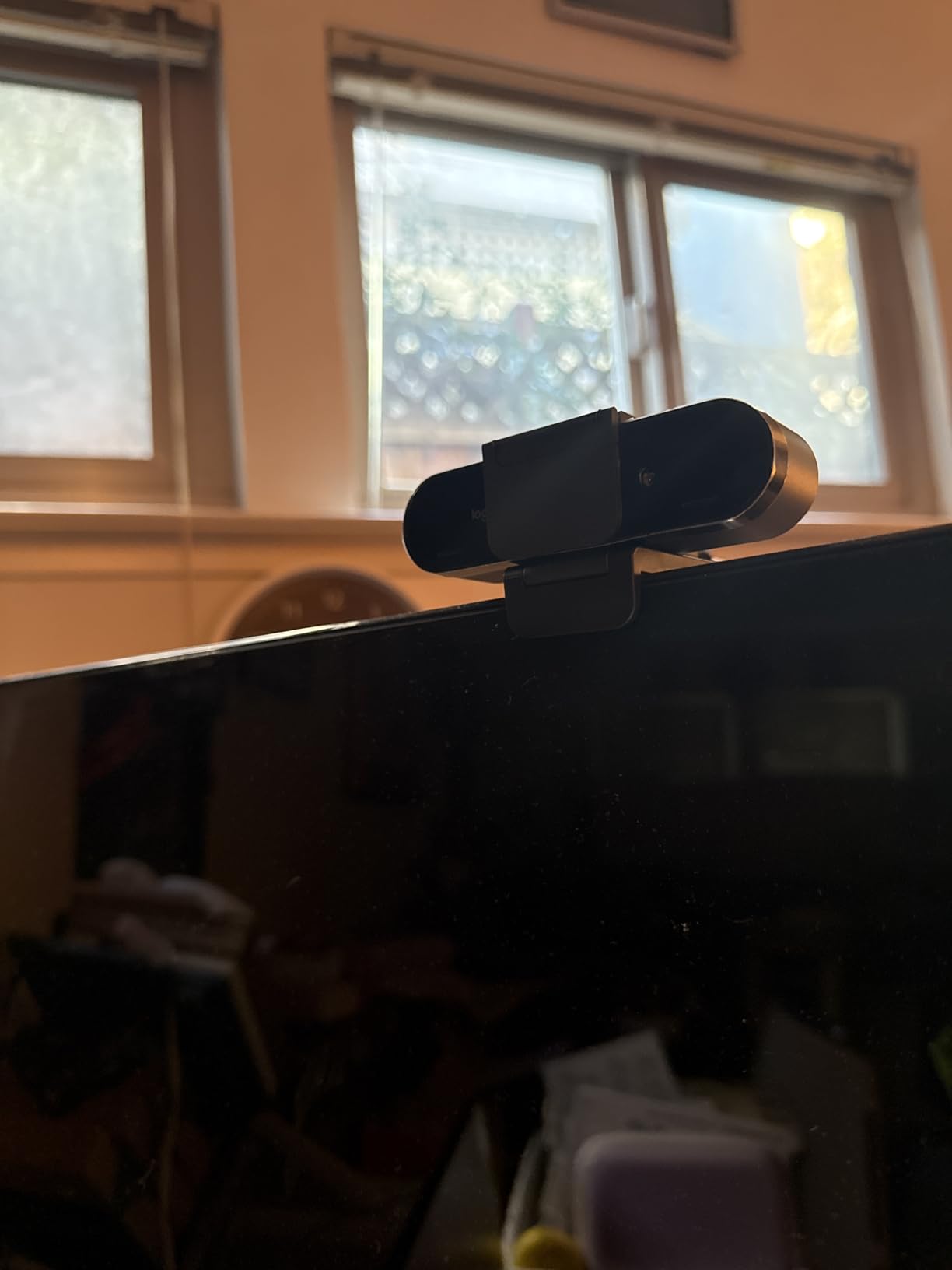
The Brio Ultra is the one I recommend when the call matters: interviews with clients, board meetings, anything where your image is part of your professional credibility. RightLight 3 auto exposure was the standout in my testing, sorting out a window behind me better than anything cheaper managed.
Three field-of-view presets at 65, 78 and 90 degrees diagonal mean you are not locked into one framing. I set mine to 65 for standups and moved to 90 when two colleagues joined, without touching the camera itself.
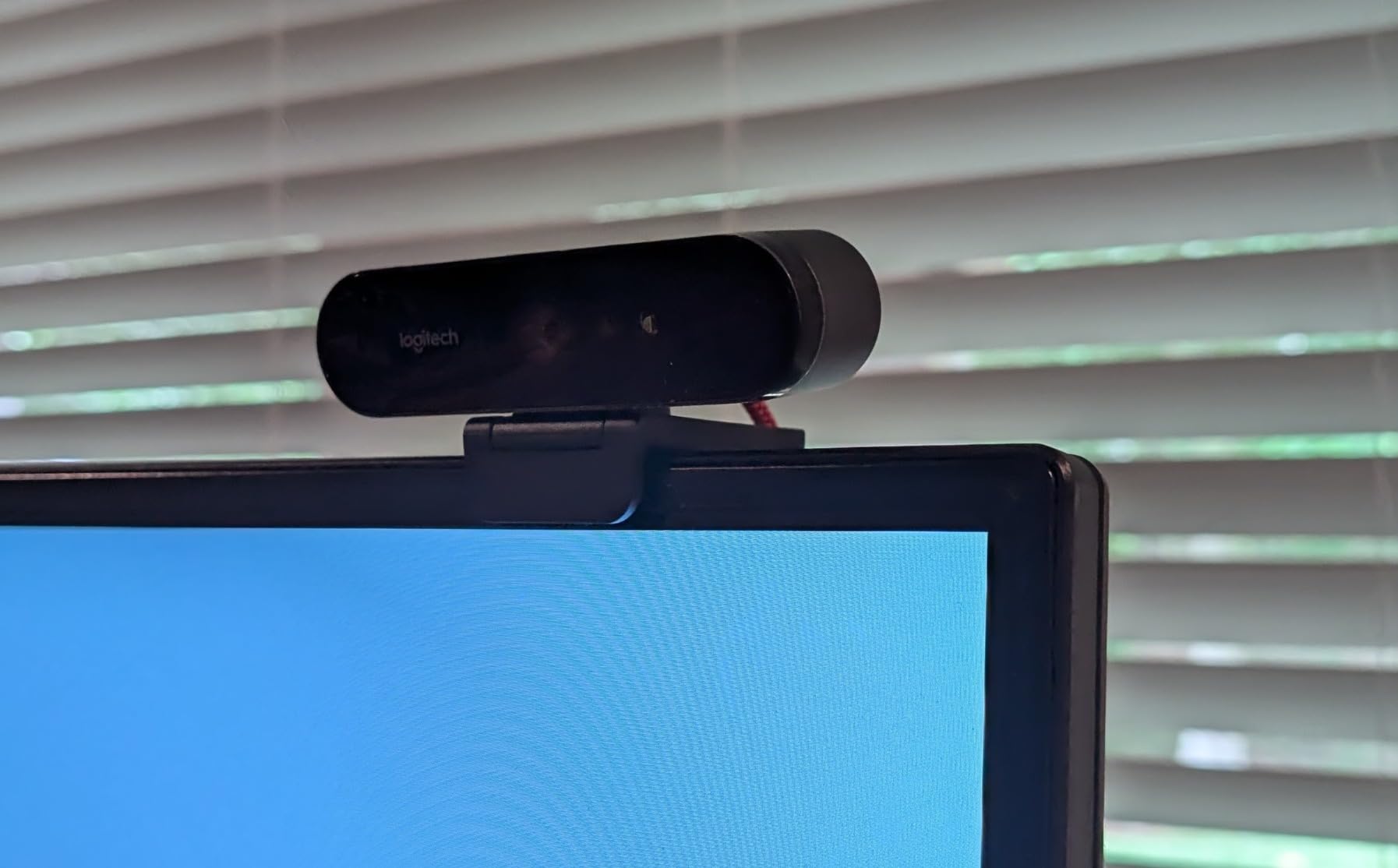
Audio is handled by dual omnidirectional microphones with noise-cancelling technology and pickup to roughly 1.2 m, which covers a desk and the edge of the table beyond it. Windows Hello facial recognition works through the optical and infrared sensors, and a one year limited hardware warranty backs it.
Owners rate it 4.5 from more than 1.3k reviews and repeatedly single out image quality and exposure handling. The main reservation, repeated in those same reviews, is that the price sits far above mid-range models for a feature set many callers never touch. Fine adjustment also means opening Logi Options+.
Who the Brio Ultra suits
Professionals who appear on camera regularly, plus anyone working hybrid from an office where Windows Hello login is part of the daily routine. It is also a sensible shared-device camera for a company that buys once and keeps it for years.
If you also record, the 4K detail and dynamic range transfer directly to footage, though the 30 fps cap limits slow-motion work.
Where the Brio Ultra falls short
It is not a streaming camera in the way the models above it are, and it has no tracking or motorised movement. Presenters who move around will be framed out.
If your calls are internal standups on a good laptop with decent light, the spend does not pay for itself. A mid-range model covers that case.
7. Insta360 Link 2 — Best Webcam for AI Tracking and Active Video Calls
Insta360 Link 2 – PTZ 4K Webcam for PC/Mac, 1/2″ Sensor, AI Tracking, HDR, AI Noise-Canceling Mic, Gesture Control for Streaming, Video Calls, Gaming, Works with Zoom, Teams, Twitch & More
4K HDR on 1/2-inch sensor
Pan and tilt AI tracking
PDAF autofocus
DeskView mode
Pros
- Large 1/2-inch sensor delivers true-to-life 4K with HDR
- Physical pan and tilt keeps you or your group framed
- AI noise-cancelling microphone handles busy rooms
- Phase detection autofocus prevents blurry frames
- Auto privacy tilt after ten idle seconds
Cons
- Highest price point in this roundup
- Not compatible with ARM-based Windows or Windows Hello
- Advanced settings need the Link Controller software
- Bulkier to mount than a fixed-lens clip webcam
Sensor size is the story here. A half-inch sensor is several times larger than the sensors in the cameras above it, and that physical light-gathering area is why the 4K output holds up in a dim room and why HDR detail in a bright window scene does not turn to mush.
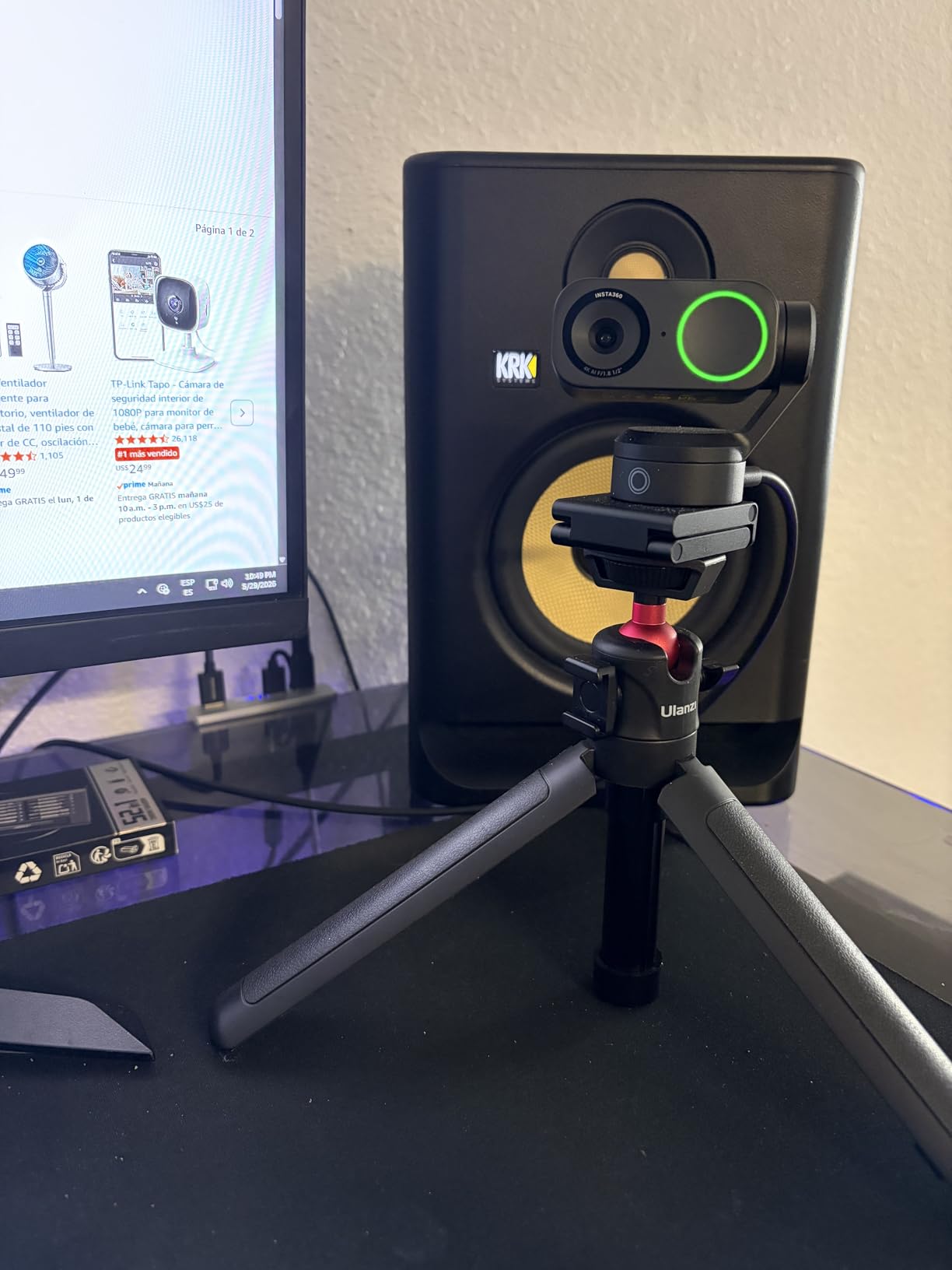
The tracking is the reason to buy it. This camera physically pans and tilts to follow you, and there is also a natural bokeh mode and DeskView for overhead document work plus Whiteboard mode for teaching. Gesture control and a phone app let you reposition it without walking to the desk.
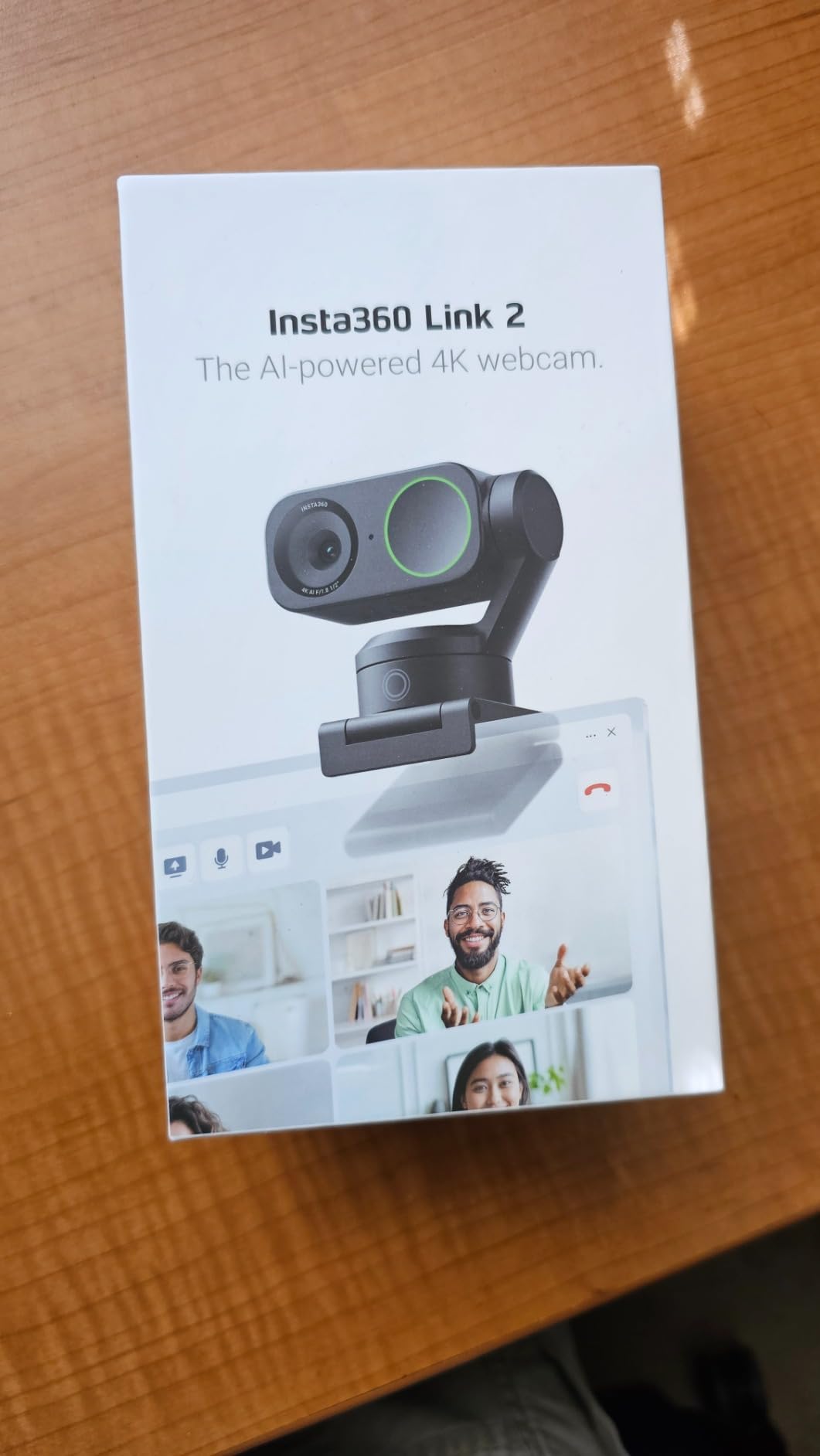
Phase detection autofocus prevents the soft frames you get with contrast-based systems, and the AI noise-cancelling microphone did a good job of keeping a busy household out of my call audio. After ten idle seconds the camera tilts down on its own, which is a privacy feature rather than a gimmick.
Two constraints deserve a clear mention. It will not work on ARM-based Windows systems and does not support Windows Hello face recognition, which rules it out for some modern laptops. Advanced settings need the Link Controller desktop software, and the gimbal body is more involved to mount than a fixed clip.
Who the Link 2 suits
People who stand up, move around or teach from a whiteboard, and hybrid workers who share a room with a family in the background. The tracking turns a bad frame into a good one without anyone touching the keyboard.
It is also a strong choice for anyone who records alongside calls, since the DeskView and bokeh modes carry over to captured footage.
Where the Link 2 falls short
It is the priciest option here, and on a seated desk setup the tracking adds little you would notice day to day.
If your machine is ARM-based Windows, or you rely on Windows Hello to log in, check compatibility before anything else. Both are documented exclusions.
8. EMEET PIXY — Best PTZ Webcam for Teaching and Group Video Calls
EMEET PIXY Dual-Camera AI-Powered PTZ Camera 4K, AI Tracking
Dual-camera 4K with 1/2.55-inch Sony sensor
0.2s autofocus
310 degree pan
Triple-mic array
Pros
- Dual-camera design pairs a 4K main sensor with an AI camera
- Very fast 0.2 second autofocus for moving subjects
- 310 degree pan and 180 degree tilt cover a whole room
- Triple-mic array with three recording sound modes
- Open-palm gesture control starts tracking hands-free
Cons
- Framing locked to 4K at 30fps or 1080p at 60fps
- Remote control is sold separately
- Not compatible with Windows Hello facial recognition
- Gimbal body is bulkier than a fixed-lens webcam
The PIXY approaches the tracking question differently from the Link 2. It pairs a 4K main sensor with a second AI camera dedicated to face detection and exposure, which means the framing can react to a face before the main image finishes adjusting.
That shows up in the autofocus figure. A 0.2 second lock using PDAF and AI is fast enough that movement rarely smears, and the three-chip tracking system sweeps 310 degrees of pan and 180 degrees of tilt, which is enough to cover a small room rather than just a desk.
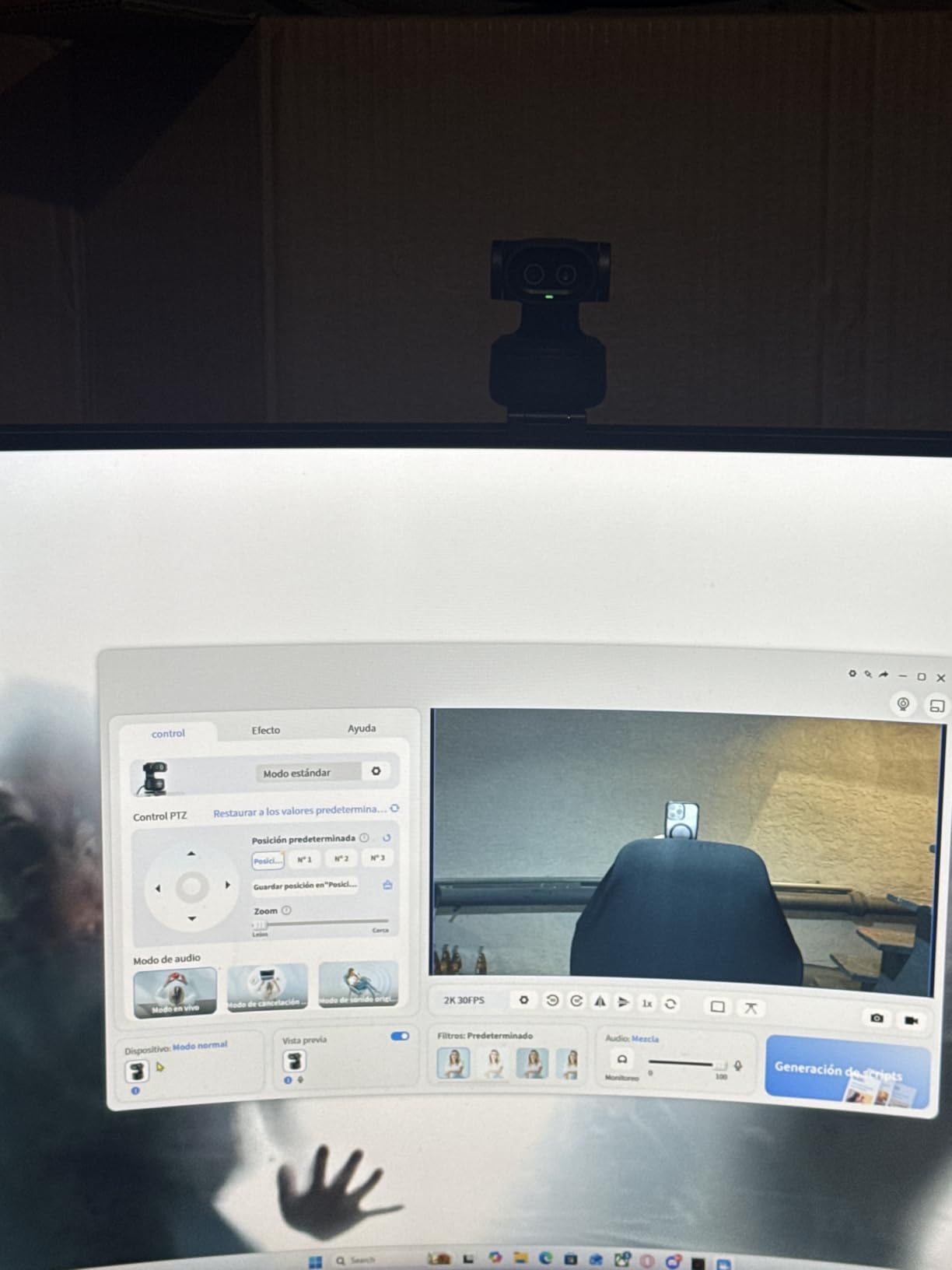
Audio is handled by a triple-mic array with three selectable modes, including a noise-cancelling setting for teaching rooms and a Live mode for conversations. Gesture control works by holding an open palm centre-frame for two seconds, and a clip mount is included with a quarter-inch thread for a tripod.
The trade-offs are documented and consistent across owner feedback. Framing options are locked to 4K at 30fps or 1080p at 60fps, the remote control is a separate purchase, and Windows Hello is unsupported. The gimbal body is also bulkier than any fixed-lens camera here.
Who the PIXY suits
Tutors, teachers and workshop hosts who move around a room, and small teams meeting around a table wider than a desk. The wide pan range is the specific advantage over a fixed camera.
Anyone who wants one device to act as a small studio camera will find that the EMEET STUDIO software, presets and whiteboard mode cover it without extra gear.
Where the PIXY falls short
For a single person at a fixed desk it is overkill. A fixed camera with a tighter field of view produces a cleaner frame at a lower price.
Windows Hello users and anyone who needs 4K at 60fps should rule it out before buying.
How to Choose a Webcam for Video Calls
Five things decide how you look on a call: light correction, autofocus, field of view, microphone behaviour and mounting. Resolution matters least. Here is how each one works in practice.
Will 4K actually show on Zoom or Teams?
Usually no. Zoom, Microsoft Teams and Google Meet compress and downsample what they receive, and standard calls transmit roughly 1080p. A 4K camera captures at 4K and is then reduced, so the extra pixels mainly help when you record locally, stream, or sit at a large monitor.
That is why the 1080p picks here beat most 4K models on calls alone. Buy 4K when you record, when your colleagues watch you on a big display, or when you crop into shared documents.
Fix your lighting before you spend anything
Owners across every forum we read say the same thing: turning to face a window improved their appearance more than upgrading the camera did. A window in front of you beats a window behind you by a wide margin, and backlighting is the single most common reason people look washed out.
A roller blind on the window behind you costs almost nothing and fixes most backlighting instantly. If your room has no window at all, a ring light or a clip lamp aimed at your face does more than any sensor upgrade.
Field of view: 65, 73, 78, 90 or 110 degrees
Field of view is how much of the room the camera sees, and it decides whether you are framed alone or framed with your bookshelf. Around 65 to 78 degrees frames one person cleanly, which is what most calls need. Around 90 to 95 degrees suits two or three people.
Above 100 degrees you are looking through a fisheye, and the edges of the frame warp noticeably. If your camera offers software-selectable angles, use it to match your room rather than buying a different unit.
Autofocus and auto light correction beat raw resolution
In a dim room, a 4K sensor with no autofocus will look worse than a 1080p sensor that locks focus instantly. Focus hunting and grain are what viewers actually notice, so prioritise cameras with phase detection or time-of-flight autofocus and strong automatic exposure.
RightLight 3 on the Logitech Brio Ultra and the auto light correction on the EMEET models are the clearest examples of this category of software doing real work. Windows users have three good cameras in this roundup with genuinely capable exposure logic.
The built-in microphone: when it is enough
A webcam microphone is designed for one person at desk distance, which covers most standups and one-on-ones. The dual and triple arrays in this roundup add noise cancellation that helps in shared rooms.
Once you move to a group meeting, an open-plan office or a call where you are the only person in a quiet room, a separate USB microphone wins. That is the pattern we see repeatedly: people keep the webcam for the picture and add a dedicated mic for the sound.
Privacy shutters and employer monitoring
Can your employer watch you through your webcam outside a meeting? Short answer: not silently. Standard platforms transmit video when a camera is active, and the indicator light and in-call indicator show it. Your organisation can also manage permissions and, on managed devices, enforce recording policies. What it cannot do is watch you with the camera off.
A physical shutter is the strongest protection because it does not rely on software. Several picks here include one as a manual cover or slider. If your laptop has no shutter, a sticky note over the lens works, and indicator lights you can see are worth checking before you buy. Owners discussing this on r/workfromhome treat a visible shutter as a genuine purchase factor, not a gimmick.
USB-A versus USB-C and dock compatibility
Most webcams ship with a USB-A connector because that is still the universal desktop standard. Several boxes include a USB-C cable and a USB-A adapter, which covers a modern laptop directly and a dock through the adapter.
The point to check is the dock, not the laptop. Thunderbolt and USB-C docks pass webcam data through reliably, but a hub with limited power or an unusual driver layer can fail to see the camera. If you plug into a dock, test the webcam on the laptop port first so you know which side is the problem. The Brio Ultra ships with both connector types.
Mounting height: eye level beats everything
Your laptop camera points up at you from below the screen, which produces the unflattering low angle viewers associate with bad video calls. Clipping an external webcam to the top of the monitor puts the lens near your eye line, and adding a laptop stand lifts the screen to match.
If you already own a laptop stand, mounting the webcam on the monitor rather than the lid is the single best framing upgrade available for no money at all. Our guides to shutter speed for video and gimbals for video cover the wider setup question if you are building a small shooting space.
What to skip in a cheap generic webcam
Very low-cost listings advertise 1080p with resolution figures that do not survive inspection, ship with dated sensors, and turn up unstable drivers on platforms they claim to support. A camera that works on Windows but fails on an older Chromebook is worse than no upgrade at all.
Look for a stated sensor size, a real focus type, a written compatibility list including Chrome OS, and a manufacturer with a support page. The two budget picks in this roundup publish all four.
Webcams That Also Work as Recording Cameras
Three of these double as capture devices if you record alongside your calls. The NexiGo N960E Plus gives you 4K at 30fps and a clean 1080p at 60fps, plus a ring light, which covers a recorded segment without extra lighting. The EMEET C960 captures genuine 4K with a fixed 73 degree frame that suits talking-head footage.
The Insta360 Link 2 is the strongest of the three for captured video, with HDR on a large sensor and DeskView mode for overhead shots of a desk or document. For framing rather than capture, remember that exposure decisions carry into recorded footage too, which is why our gimbals guide covers stabilisation separately.
What none of them replace is a dedicated camera body. If your priority is recorded image quality over call quality, read our content creator webcam roundup first.
Frequently Asked Questions
What is the best webcam for video calls?
The Logitech C920 is the best webcam for video calls for most people. It captures 1080p at 30fps with autofocus and a glass lens, corrects dim rooms automatically, installs over USB with no drivers, and has the longest track record of any camera in this roundup. Pick a different one only if your room has a specific problem: choose the Anker PowerConf C200 for a dim room, or a tracking model such as the Insta360 Link 2 if you move around while speaking.
Is a webcam better than a laptop camera?
Yes, noticeably. Built-in laptop cameras use small fixed-focus sensors mounted below your eye line, so they produce grain, soft images and an unflattering upward angle in anything but perfect light. An external webcam with a larger sensor, real autofocus and auto exposure improves the picture on your very first call, and mounting it at the top of a monitor fixes the angle at the same time.
Will 4K actually show on Zoom or Teams?
Usually no. Zoom, Microsoft Teams and Google Meet compress and downsample incoming video, and standard calls transmit roughly 1080p. A 4K camera is captured at 4K and then reduced, so the benefit shows up in local recording, streaming and large-monitor viewing rather than in the call itself. For calls only, a good 1080p camera is the sensible purchase.
Can my employer watch me through my webcam?
Not silently. Standard platforms transmit video only while a camera is active, and both the camera indicator light and the in-call indicator show it. Employers can manage permissions and recording policy on managed devices, but they cannot watch you with the camera switched off. A physical privacy shutter, which several picks here include, gives you a guarantee that no software setting can override.
Do I need a separate microphone for video calls?
Only once you leave the desk. Webcam microphones are tuned for one person at desk distance, which covers most standups, and dual or triple arrays with noise cancellation handle a shared room reasonably well. For group meetings, an open-plan office, or a call where you are the only person in a quiet room, a dedicated USB microphone gives a clear improvement in voice clarity.
The Bottom Line on the Best Webcams for Video Calls
The Logitech C920 is the best webcam for video calls for the widest range of people, and its rating across more than 32k owner reviews is the strongest evidence in this roundup that it will still be working years from now. Everything else here wins a specific fight with it rather than the general one.
Buy the NexiGo N60 if cost is the deciding factor and you sit still at a desk. Buy the Anker PowerConf C200 if your room is dim. Buy the EMEET C960 if you want genuine 4K detail at a mid-range budget, and the Logitech Brio Ultra if you appear on camera for work and want the best exposure handling available.
Buy the Insta360 Link 2 or the EMEET PIXY if you move around while you talk. Before any of them, spend ten minutes turning your chair to face a window, because that change is free and it fixes more of your on-camera problems than any camera on this page. Our picks for 2026 are ranked above, with current pricing on each listing.