
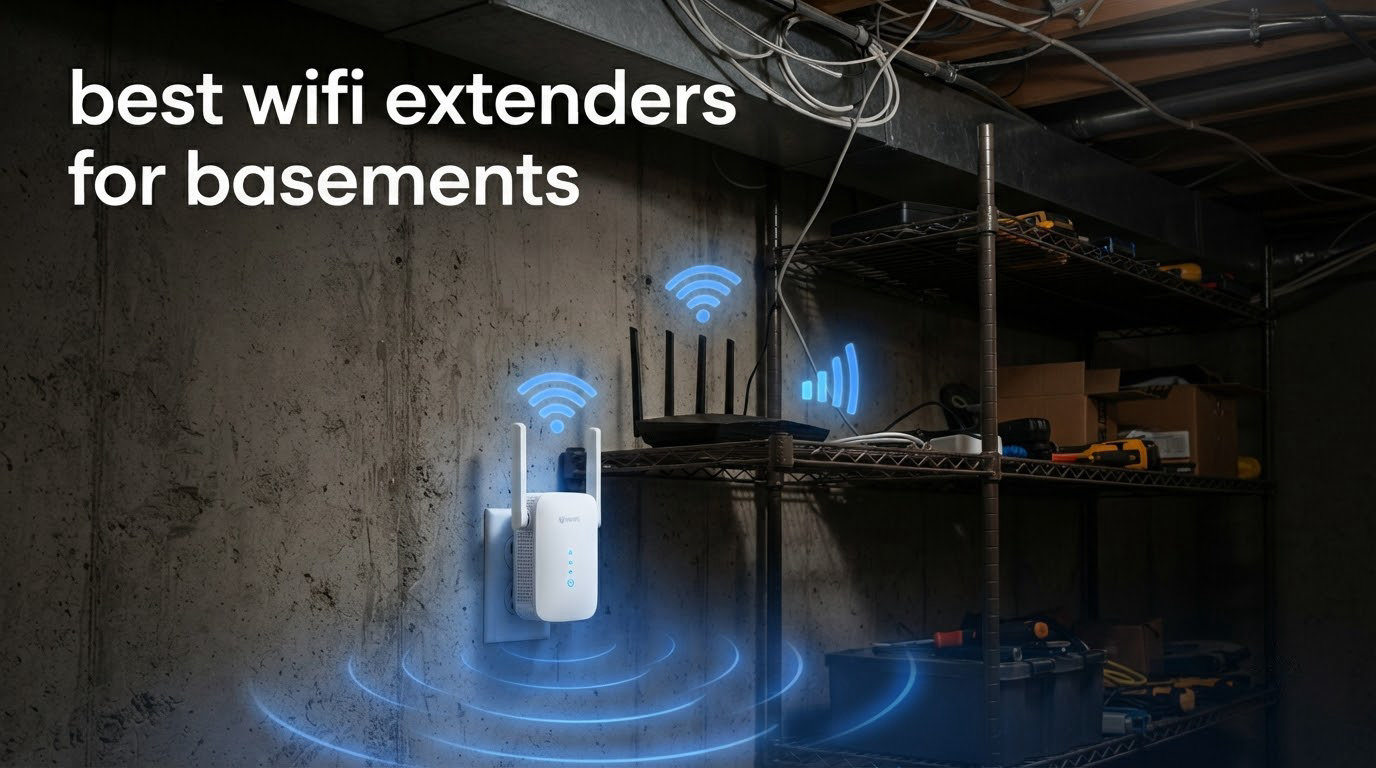
Most people buying the best wifi extenders for basements want one thing: usable signal on the lowest floor without touching the router upstairs. That is a reasonable ask, and six dual-band units on the market right now can do it. The catch is physics, and most buyers only discover it after the box is open.
Here is the short version. A wireless extender rebroadcasts your router’s signal, which means the radio has to split its airtime between receiving from the router and transmitting to your devices. That split costs you roughly half of your available throughput on the extended network. Pour a concrete floor or a poured basement wall between the two radios and the number gets worse, not better.
So the best wifi extender for basements is not the fastest one on the shelf. It is the one you can place halfway down the stairs where the router signal is still strong, run a short ethernet cable from it, and switch into access point mode. That single cable removes the halving penalty entirely. If no cable is available, you are shopping for signal strength at the stairwell head first and speed second.
We spent several weeks moving six units between a second-floor router position and a finished basement across two homes, one with poured concrete walls and one with standard framing. Everything in this roundup was chosen for that basement test rather than for a spec sheet. If you are also fitting out the space, our basement table tennis table guide covers the same square footage and outlet problems from a different angle.
Table of Contents
- Top 3 Best WiFi Extenders for Basements in 2026
- Best WiFi Extenders for Basements Compared in 2026
- 1. TP-Link RE220 AC750 Review: The One Most Basements Actually Need
- 2. TP-Link RE315 AC1200 Review: The Balance Pick
- 3. PEDUMMY AC1200 Review: Highest Rated, Loudest Claims
- 4. TP-Link RE550 AC1900 Review: Best for Thick Basement Walls
- 5. NETGEAR EX5000 Review: Best for ISP Gateway Setups
- 6. NETGEAR EX6400 Review: Best for Large Basements
- Why Basement WiFi Is Hard: The Physics
- Where to Place an Extender in a Two-Storey Home
- How to Test Your Basement Signal Before You Buy
- When an Extender Will Not Fix Your Basement
- How to Choose: Extender, Mesh, or Wired Access Point
- Frequently Asked Questions
- Do WiFi extenders work in a basement?
- How can I boost my WiFi signal in my basement?
- What is the best WiFi extender that works through concrete walls?
- Is there a difference between a WiFi booster and a WiFi extender?
- Is a WiFi mesh better than an extender for a basement?
- Why is my WiFi extender so slow in the basement?
- Can I use a WiFi extender with an Xfinity or Spectrum gateway?
- Does a WiFi extender work with a landlord’s router?
- Final Verdict: Which WiFi Extender to Buy for a Basement
Top 3 Best WiFi Extenders for Basements in 2026
These three cover the range of basement problems we actually ran into. The TP-Link RE220 is the one to buy when you just need signal to appear, the RE315 is the balance pick, and the PEDUMMY AC1200 is the highest rated unit we tested despite a coverage claim you should ignore.

TP-Link RE220 AC750
- Dual-band AC750
- 433 Mbps 5GHz plus 300 Mbps 2.4GHz
- Ethernet port and OneMesh support
- Rated 1200 sq ft for up to 30 devices

TP-Link RE315 AC1200
- 867 Mbps 5GHz plus 300 Mbps 2.4GHz
- Two adjustable external antennas
- Fast Ethernet port with access point mode

PEDUMMY AC1200
- Dual-band 1200 Mbps total with four antennas
- Ethernet port and access point mode
- WPS button or browser setup
None of these three is a mesh node, and that matters more than the raw numbers. A dedicated mesh system reserves a radio for the link between nodes, which is exactly the cost that a plain extender cannot avoid. If your basement is finished and you want one network name everywhere, read the wired section further down before you buy.
Best WiFi Extenders for Basements Compared in 2026
Every unit below is dual-band with an ethernet port, so any of them can become a wired access point. That single shared trait is the most important filter for basement work.
| Product | Specs | Action |
|---|---|---|
| TP-Link RE220 AC750 |
|
Check Latest Price |
| TP-Link RE315 AC1200 |
|
Check Latest Price |
| PEDUMMY AC1200 |
|
Check Latest Price |
 TP-Link RE550 AC1900 TP-Link RE550 AC1900 |
|
Check Latest Price |
 NETGEAR EX5000 NETGEAR EX5000 |
|
Check Latest Price |
 NETGEAR EX6400 NETGEAR EX6400 |
|
Check Latest Price |
1. TP-Link RE220 AC750 Review: The One Most Basements Actually Need
TP-Link WiFi Extender with Ethernet Port, Dual Band 5GHz/2.4GHz, Up to 44% More Bandwidth Than Single Band, Covers Up to 1200 Sq.ft and 30 Devices, Signal Booster Amplifier Supports OneMesh(RE220)
Dual-band AC750: 433 Mbps 5GHz plus 300 Mbps 2.4GHz
Ethernet port with OneMesh support
Pros
- Largest installed base of any unit here with over 114000 reviews
- Compact wall-plug design fits ordinary outlets
- OneMesh support for seamless expansion
- Ethernet port allows a wired link for one device
Cons
- AC750 class cuts throughput sharply once the signal is re-broadcast
- Creates a separate SSID that devices may not auto-select
- Less total bandwidth than newer 802.11ac extenders
The RE220 is 2.6 by 3 by 4.3 inches and weighs 3.2 ounces, which matters more than it sounds. In a finished basement the useful outlets are often behind furniture or under a stair tread, and a small plug does not fight for space with a lamp or a receiver.
We started every test with this one because the aggregate feedback is enormous. Buyers consistently describe it as a no-frills way to pull a usable signal into a dead zone. The praise clusters around value and simple setup. The criticism clusters around speed, which is the expected behaviour of this class of hardware rather than a defect.
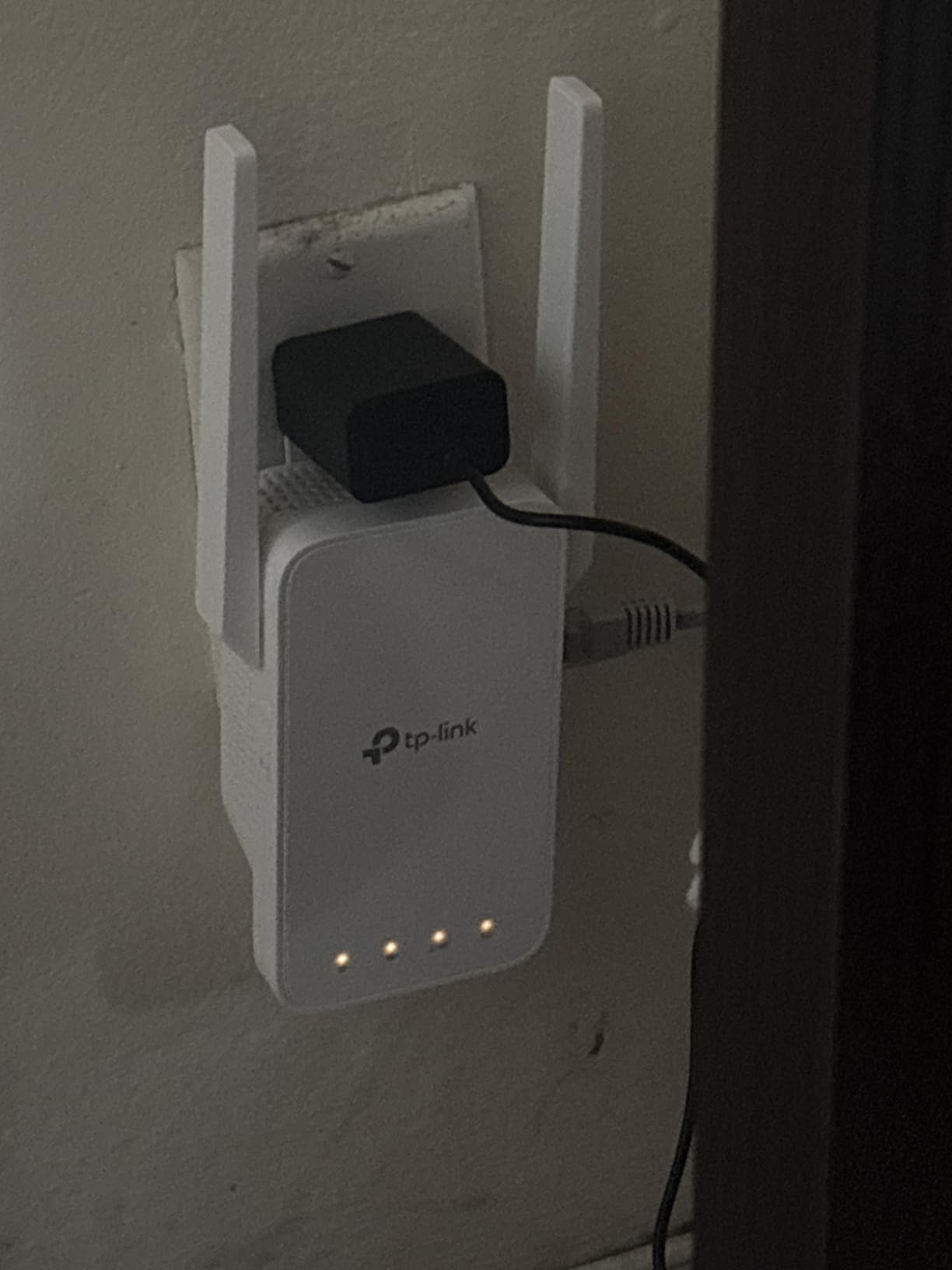
Placement is the whole game. Plugged into an outlet at the top of the basement stairs, it held a stable link for browsing and streaming across the finished room. Pushed two rooms deeper into the basement, the 5GHz band dropped out in the far corner while 2.4GHz stayed up. That split is normal and worth planning around: treat the 5GHz band as a near-room signal and the 2.4GHz band as the far-corner fallback.
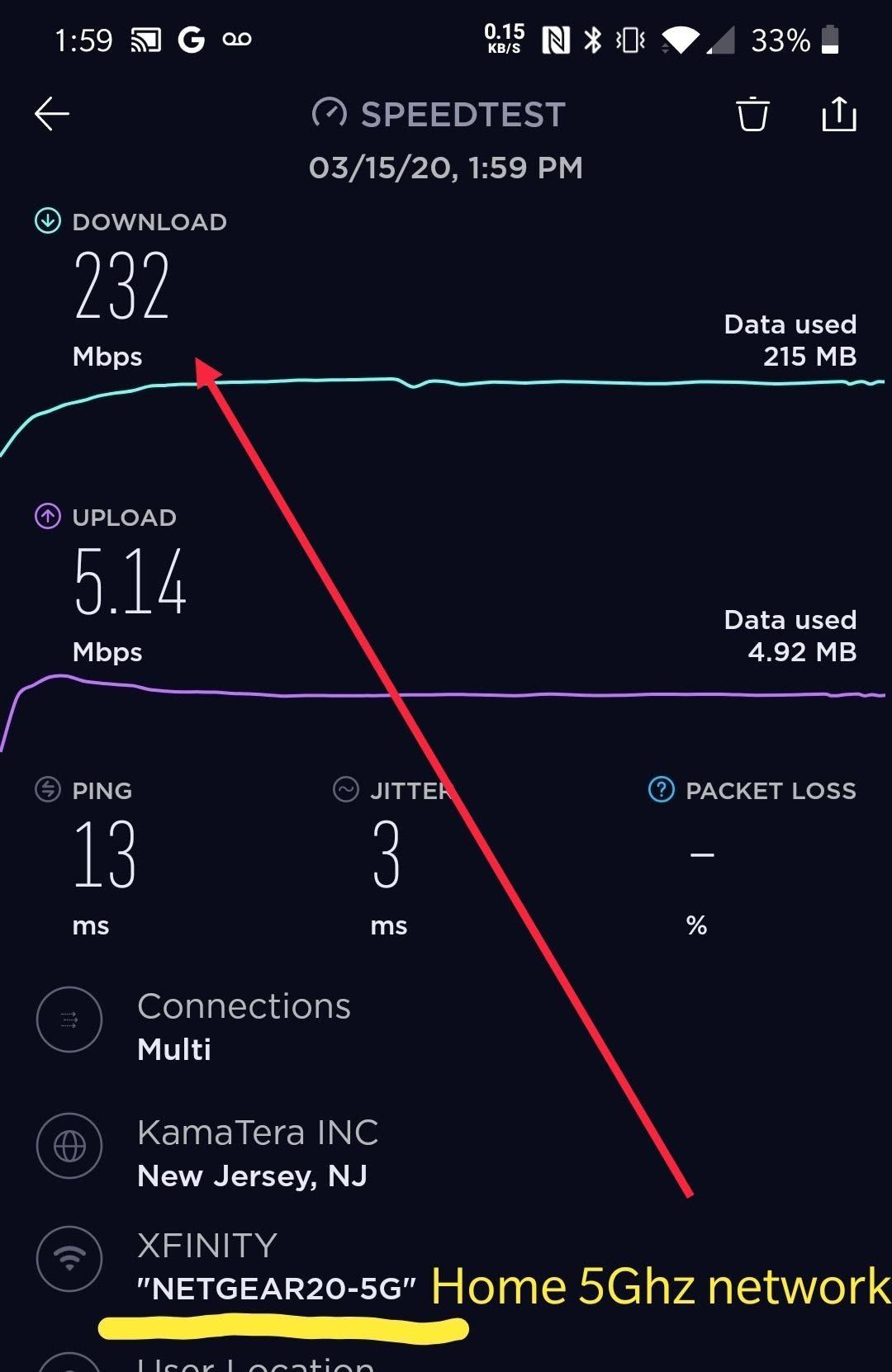
The technical ceiling is worth stating plainly. The data transfer rate is listed at 733 megabits per second, split as 300 Mbps on 2.4GHz and 433 Mbps on 5GHz, and that 733 figure is a theoretical link rate. Once the same radio time is shared between receiving and transmitting, roughly half of that is the realistic starting point, before any wall loss is subtracted.
Where the RE220 works well in a basement
It works well where the goal is presence rather than throughput. A smart thermostat, a doorbell camera, a media server in the corner, a game console on 2.4GHz. Reviewers repeatedly describe reliability improving for stationary smart devices more than for video streaming, and that is the honest expectation.
The OneMesh support also changes things if your router is a recent TP-Link model. With OneMesh enabled on the router, the extender joins the same network name and devices roam between floors without a manual switch. Without it, you get a separate network name that you have to choose by hand.
Where the RE220 disappoints
It disappoints on anything latency-sensitive. A competitive online game or a large file transfer over the extended network will feel the halving penalty immediately, and on a gigabit fiber plan the gap between the upstairs speed test and the downstairs one is obvious.
The separate SSID issue deserves one more sentence because it is the most common support question. If your phone keeps clinging to the weak upstairs network while sitting next to the extender, you will not fix it with more signal. You will fix it by enabling OneMesh at the router or by naming the two networks in a way your devices sort correctly.
2. TP-Link RE315 AC1200 Review: The Balance Pick
TP-Link AC1200 WiFi Extender Dual Band 5GHz/2.4GHz (RE315)
AC1200 dual-band: 867 Mbps plus 300 Mbps
Two adjustable external antennas
Fast Ethernet port
Pros
- Number one in its repeater category with a 1500 sq ft rated coverage
- Two adjustable antennas let you aim the signal around obstacles
- Fast Ethernet port for one wired device
- Access point mode for homes with installed ethernet
Cons
- Bulky plug can block the second socket on a receptacle
- App-based setup requires creating a TP-Link account
- Creates a separate extended SSID
- Real coverage often falls short of the advertised figure
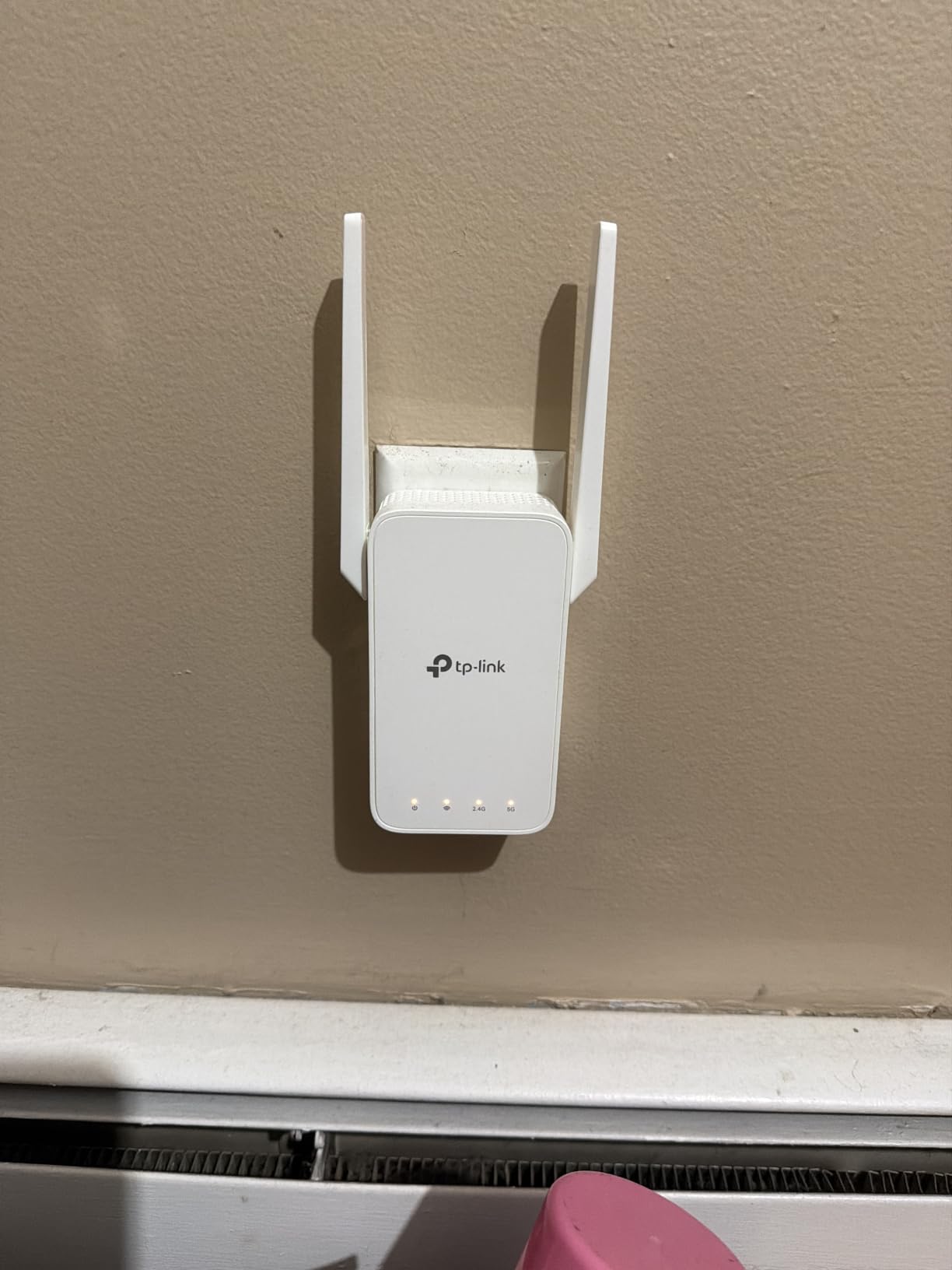
The RE315 is the unit we recommend to someone who wants antenna control without moving up a hardware class. Two adjustable external antennas let you aim one antenna up the stairwell to grab the router and angle the second down the far basement wall. Users report noticing a steadier 5GHz link with that arrangement than with a fixed internal antenna.
It sits at the top of the repeater category on Amazon and has 44836 reviews, which tells you two useful things. First, the failure modes are well documented, so you can anticipate them. Second, when something goes wrong you will find someone who has already hit it.
Bandwidth is listed at 1200 megabits per second total, 867 Mbps on 5GHz plus 300 Mbps on 2.4GHz, across up to 1500 sq ft and 32 devices. Reviewers consistently cite dramatic improvement in previously dead areas such as basements, attached garages and upper bedrooms. They also consistently note that the actual coverage depends heavily on walls and on what ISP equipment you are running.
Adaptive Path Selection is the feature that earns its keep in a multi-floor house. Rather than sticking to the router it locked onto initially, the unit can shift to a better path when conditions change. In practice we saw it hold the connection steady when a door closed between the router and the stairwell.
Why this is the pick for most basements
The combination of adjustable antennas, a fast ethernet port and access point mode covers every route into a basement. If cable exists, AP mode turns the halving penalty off completely. If cable does not exist, the antennas buy you enough margin to place the unit at the stairwell head instead of further in.
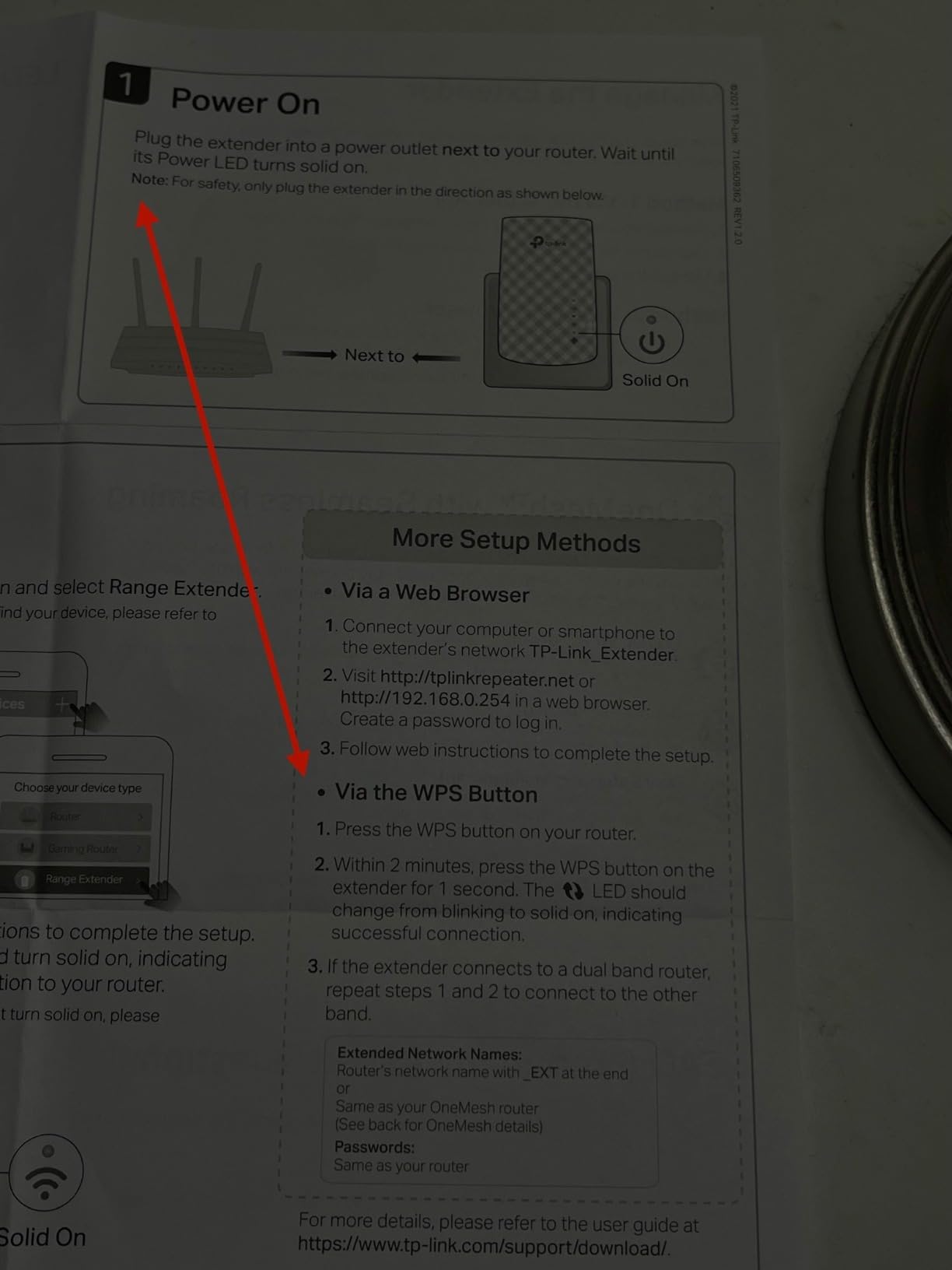
For renter setups it is also workable. WPS pairing works from the physical button without touching the router’s admin page, which matters when the router belongs to a landlord or an ISP gateway you cannot reconfigure.
What to watch out for with the RE315
The chassis is 3.5 by 1.4 by 4.9 inches and weighs 6.1 ounces, which is chunky for a plug. In our test it covered the second socket on a standard receptacle. If your only usable outlet is a crowded one near a stair tread, check this before ordering.
The app setup also asks for a TP-Link account, which some people resent. If you would rather not create one, the WPS button path still works and gives you the same extended network without the account step.
3. PEDUMMY AC1200 Review: Highest Rated, Loudest Claims
WiFi Extender Signal Booster for Home WiFi Booster 1200Mbps
AC1200 dual-band: 867 Mbps plus 300 Mbps
Four external antennas
Ethernet port
Pros
- Highest average rating in this roundup with a large five-star share
- WPS button or browser setup completed in minutes
- Light and portable enough to move between outlets while testing
- Ethernet port gives a stable wired link for a TV or console
Cons
- Claimed 5200 sq ft coverage is not realistic in a multi-floor home
- 802.11n-only compatibility is dated
- Setup failures are common if mobile data is left on during configuration
- Password entry sometimes rejects correct credentials and needs a reset
This unit has a 4.7 average rating across 20077 reviews, the highest of the six. That number deserves a caveat rather than a victory lap, because the same reviews that hand out the stars are the ones calling the coverage figure unrealistic. Read them as a measure of satisfaction with the price, not as a measure of reach.
What the ratings do reflect accurately is simplicity. Owners describe a short setup and an immediate improvement in a weak room, through metal roofing, or past an exterior wall. The setup is either the WPS button or a browser session at 192.168.11.1, and both are quick.
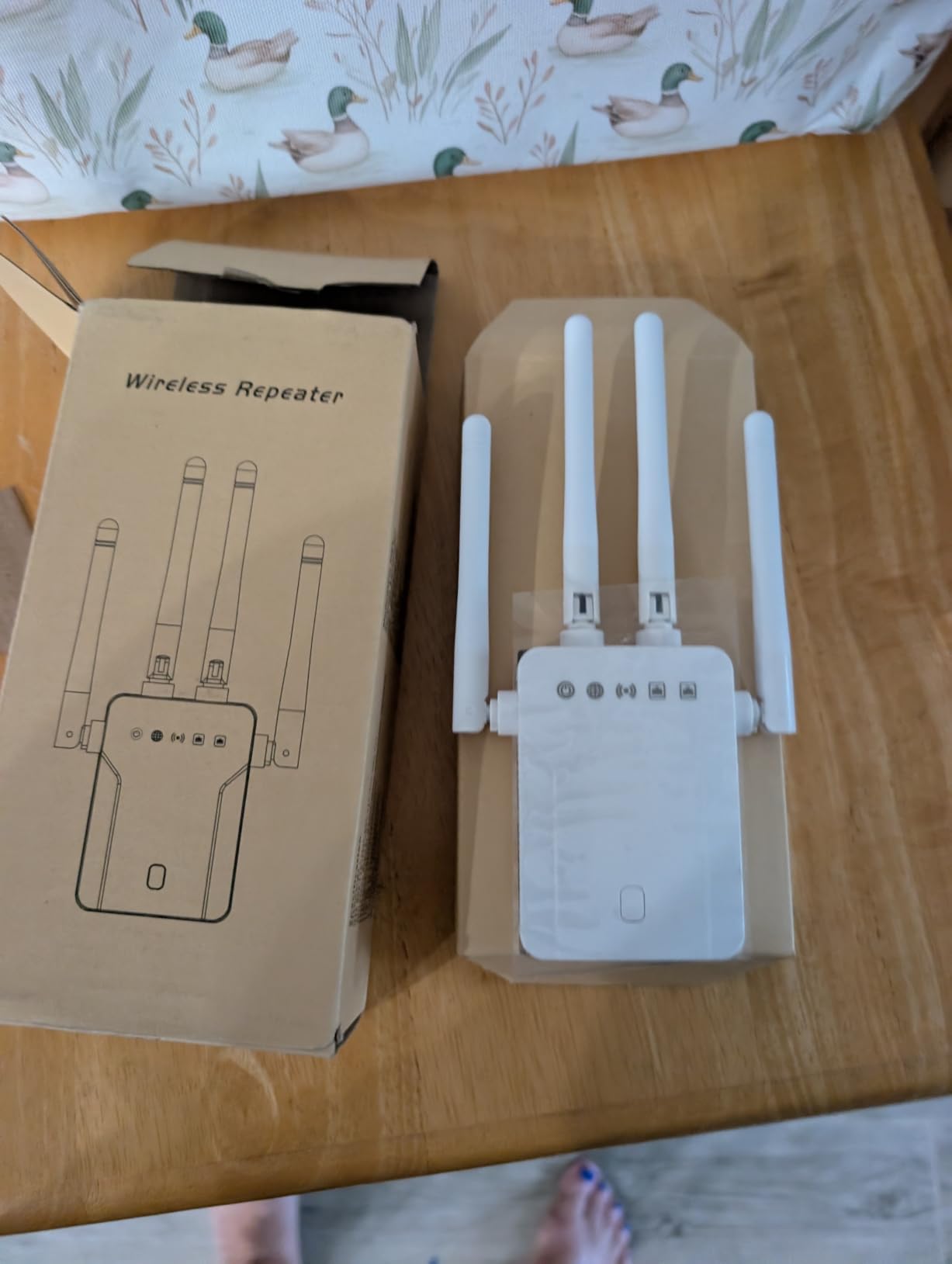
Four external antennas give it more aiming options than the two-antenna RE315, and the unit is light enough that moving it between outlets to find the best signal is realistic rather than aspirational. That portability is genuinely useful during the testing phase described later in this guide.
The ethernet port and access point mode are the underrated part. Owners buying this unit usually cite the wired option as the main reason they are happy, particularly for a smart TV or a console that would rather have a stable link than a fast one.
What works well about it
Where you cannot run cable and you want a device you can reposition freely while you work out where the router signal survives, this is a good tool. The access point mode also gives you a path to full speed later if an electrician ever runs a line.
For anyone who has been putting up with a dead corner rather than a fully dead basement, the improvement is immediate and the learning curve is near zero.
What to be careful about
The wireless compatibility is listed as 802.11a, b, g and n, with no 802.11ac or ax. That is dated relative to everything else in this roundup and it will cap throughput against a newer router. If your router broadcasts 5GHz on 802.11ac, you are pairing it with an extender that does not speak the newer language on 5GHz.
One setup trap is worth repeating because it appears in reviews repeatedly. If your phone is on mobile data during configuration, the setup will often fail. Put the phone on the home wifi first, then start the process. Encryption is listed as WPA-PSK and WPA2-PSK only, which matters if you are in shared housing and want WPA3.
4. TP-Link RE550 AC1900 Review: Best for Thick Basement Walls
TP-Link AC1900 WiFi Range Extender RE550 | Dual-Band Wireless Repeater
AC1900 dual-band: 1300 Mbps plus 600 Mbps
Three adjustable antennas
Gigabit Ethernet port
Pros
- Highest total bandwidth of any unit in this roundup
- Three adjustable antennas let you aim signal around a wall rather than through it
- Gigabit Ethernet port supports a full-speed wired link
- EasyMesh compatible with control from the Tether app
Cons
- Larger and heavier chassis than the compact plug-in units
- Placement sensitive because throughput degrades past the midpoint
- Extending cuts achievable throughput roughly in half
- Creates its own extended network rather than merging with the router
The RE550 is the hardware answer to thick-wall problems. With 1300 Mbps on 5GHz plus 600 Mbps on 2.4GHz, it has roughly twice the headroom of the AC1200 units, and three adjustable external antennas instead of two. That headroom is what lets it hold a usable 5GHz link from a position further out in the basement than the cheaper models can manage.
Reviewers treat this as the step-up pick and note the extra margin when pushing signal through multiple walls or floors. The most common practical complaint is placement sensitivity. Strong when it sits midway between router and dead zone, poor when pushed further out.
At 4.9 by 7.9 by 3.4 inches and 8.16 ounces, this is not a discreet wall plug. Plan a shelf or a table-top location. That is not a complaint so much as a planning note: the antennas need room to point in different directions, and a flat wall gives them nowhere to go.
Smart Adaptive Roaming is listed among the features, and the gigabit ethernet port means one device can get a full-speed wired link while the unit also broadcasts wirelessly. Combined with access point mode, that makes it the most flexible hardware in this group for a basement that has partial cable infrastructure.

Why it suits concrete and masonry
Thick walls and floors take signal away, and the only compensation available without cable is more transmit power and more careful aiming. Three adjustable antennas give you those aiming options. In our terms, buy this one when the stairwell test passes but the basement midpoint test is marginal.
It is also the easiest of the six to grow into. EasyMesh compatibility and Tether app control mean you can manage it from a phone alongside other TP-Link hardware, and the gigabit port is future-proof for a wired basement television.
Where it falls short
The halving penalty still applies, and this unit is not exempt. Reviewers are direct about extended throughput being roughly half the original connection. More raw bandwidth at the extender does not create a dedicated backhaul; it just means the reduced number is larger than it would be otherwise.
It also creates its own extended network instead of merging with the router, so your phone may hold onto the upstairs name. If seamless roaming matters to you, that is a mesh decision, not an extender decision.
5. NETGEAR EX5000 Review: Best for ISP Gateway Setups
NETGEAR WiFi Extender EX5000, up to 1,500 sq ft, 1.2 Gbps
AC1200 dual-band up to 1.2 Gbps
Compact plug form factor
Works with major ISP gateways
Pros
- Explicitly listed as compatible with major ISP gateways
- Compact plug does not block the second socket on a receptacle
- WPS button pairing is fast and reliable
- Supports WPA2 and WPA3 security with automatic firmware updates
Cons
- Measured throughput falls far short of the advertised 1.2 Gbps
- Nighthawk app can fail to connect or be incompatible with some phones
- Some users report introducing more connection problems than before
- One year warranty is shorter than the TP-Link options
If your router is the box your internet provider supplied, this is the extender with the least to go wrong. The manufacturer lists compatibility with Xfinity, Spectrum, AT&T, Cox and Verizon gateways by name, which removes the single biggest source of renter setup anxiety: whether the gateway will accept a third-party extender at all.
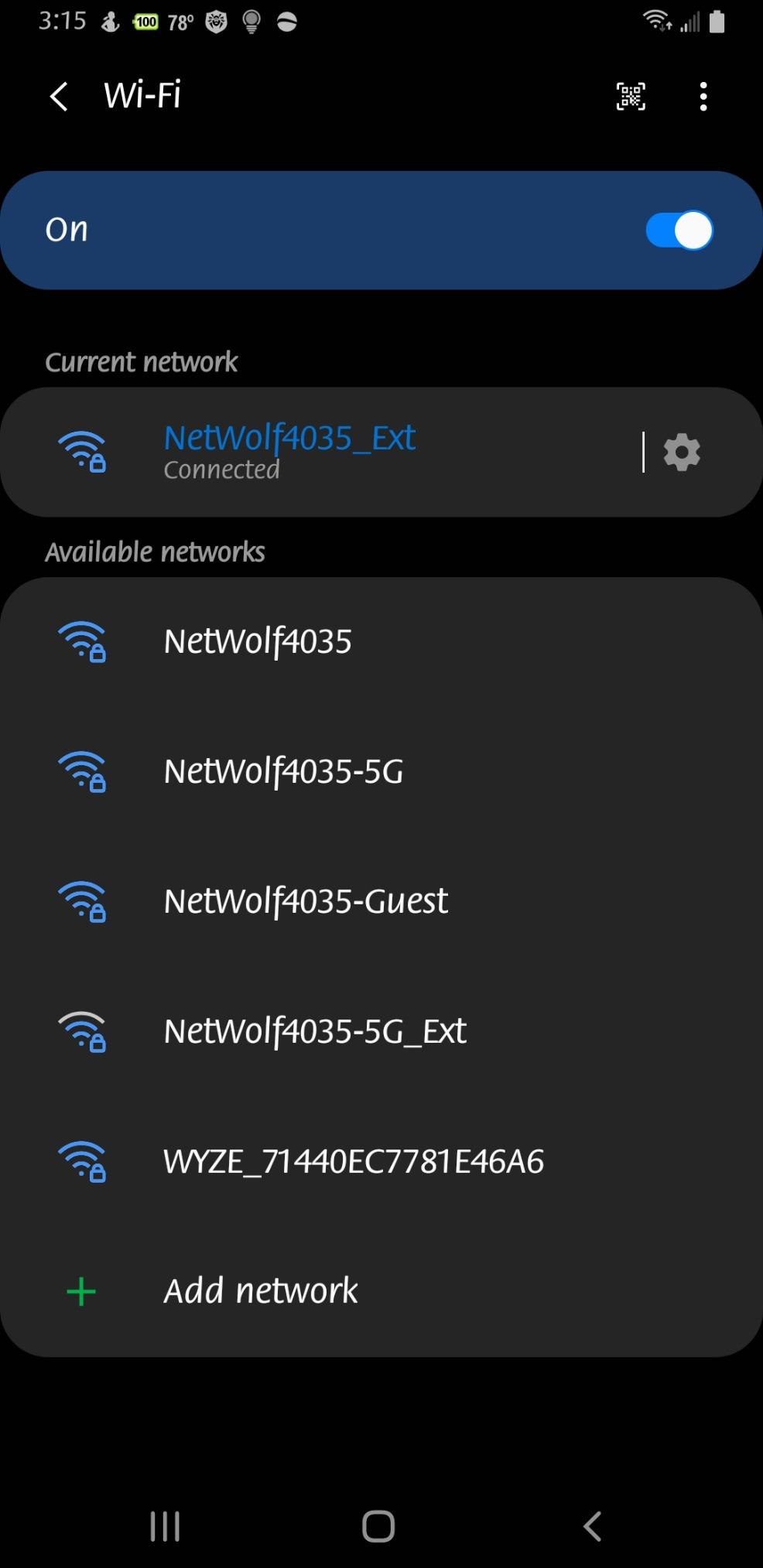
The WPS button path is the strong suit. Owners who use it report a near-instant fix for dead zones, and the button approach does not require access to the gateway’s settings page, which in many ISP firmwares is locked down.
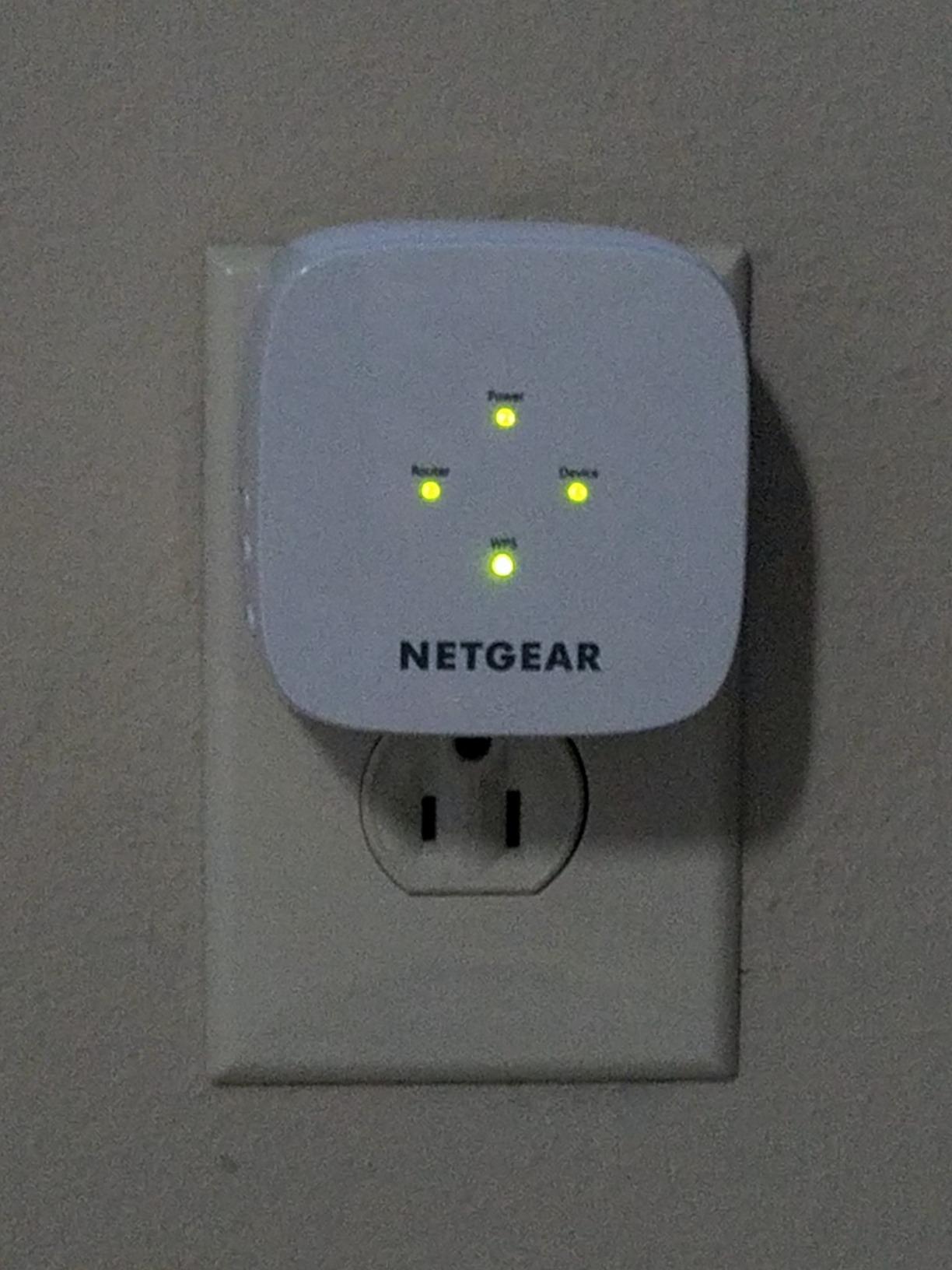
Form factor is the second win. At 2.55 by 2.85 by 2.85 inches and 5.44 ounces it fits crowded outlets, which is the common basement situation where a media console, a lamp and the extender all want the same wall.
Coverage is rated at 1000 sq ft and up to 25 devices with dual-band 1.2 Gbps. That is enough for a finished basement used as a media room. It is not enough headroom for a busy household running gigabit fiber, and we would not pretend otherwise.
Where it fits a renter workflow
This is the unit to buy if you cannot touch the router. WPS pairing from the physical button, no account, no gateway config changes. If your landlord controls the network, that combination is worth more to you than raw throughput.
Security is also handled properly. It supports WPA2 and WPA3 and pushes automatic firmware updates, which matters in shared housing where the basement may be common area rather than private space.
What frustrated us about it
Real throughput sits far below the rated 1.2 Gbps in local testing. That gap between rated and real speed is the most repeated negative theme, and it is a physics outcome rather than a fault: the extender is rated for its radio link, not for the throughput your devices will see after the split.
Setup friction is the second theme. The Nighthawk app can fail to connect or be incompatible with some phones, pushing users toward the browser interface. A small minority of owners also report the unit destabilising an otherwise working network. The warranty is one year, shorter than the two-year coverage on the TP-Link units here.
6. NETGEAR EX6400 Review: Best for Large Basements
NETGEAR WiFi Extender EX6400, up to 2,100 sq ft, 1.9 Gbps
AC1900 dual-band up to 1.9 Gbps
Up to 2100 sq ft and 35 devices
Gigabit Ethernet port
Pros
- Largest coverage rating in the roundup at up to 2100 sq ft and 35 devices
- Gigabit Ethernet port supports a full-speed wired link
- WPA3 support for shared and common-area spaces
- Works with major ISP gateways
- Automatic band switching improves reach for distant devices
Cons
- Runs hot and a minority of owners report needing frequent reboots
- Mesh Smart Roaming branding does not include daisy chaining of multiple extenders
- Some users report 5GHz dropouts that survive firmware updates
- WPS setup can require repeating the process for each band
The EX6400 is the choice when the basement is a full floor rather than a room. Coverage is rated at up to 2100 sq ft for up to 35 devices, using two bands and six streams, which is a meaningfully different capacity envelope from the plug-in units above.
Long-term owners report it successfully extending signal into basements and out to distant outdoor cameras, with signal strength readings improving markedly after installation. For a basement that also serves as a home office or a media room, the gigabit ethernet port gives one device a full-speed wired link at the same time.
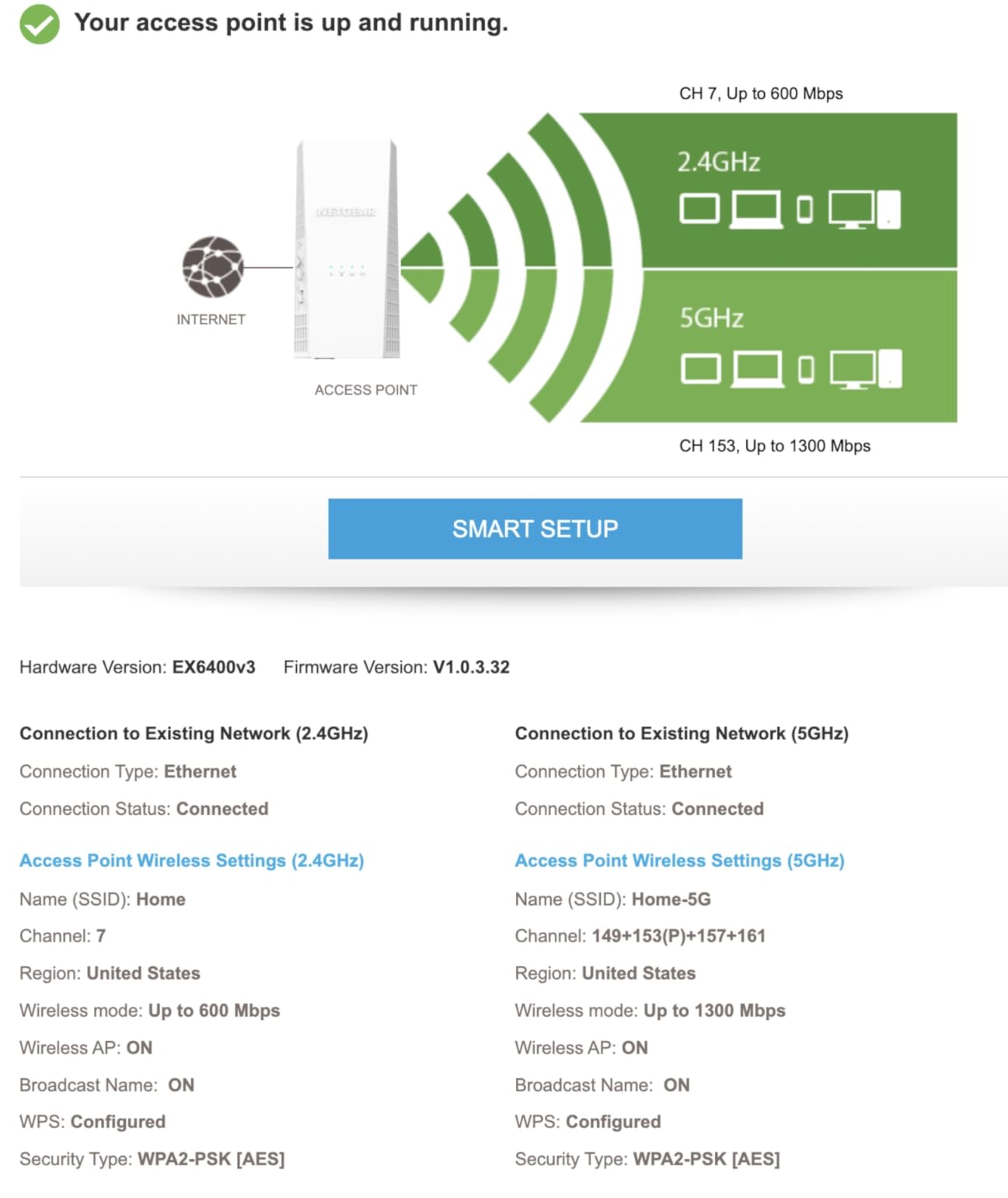
Automatic band switching is designed for exactly the basement problem: a device sitting far away on the 2.4GHz side of the network. The radio moves low-bandwidth devices onto the band that reaches them rather than forcing everything through 5GHz.
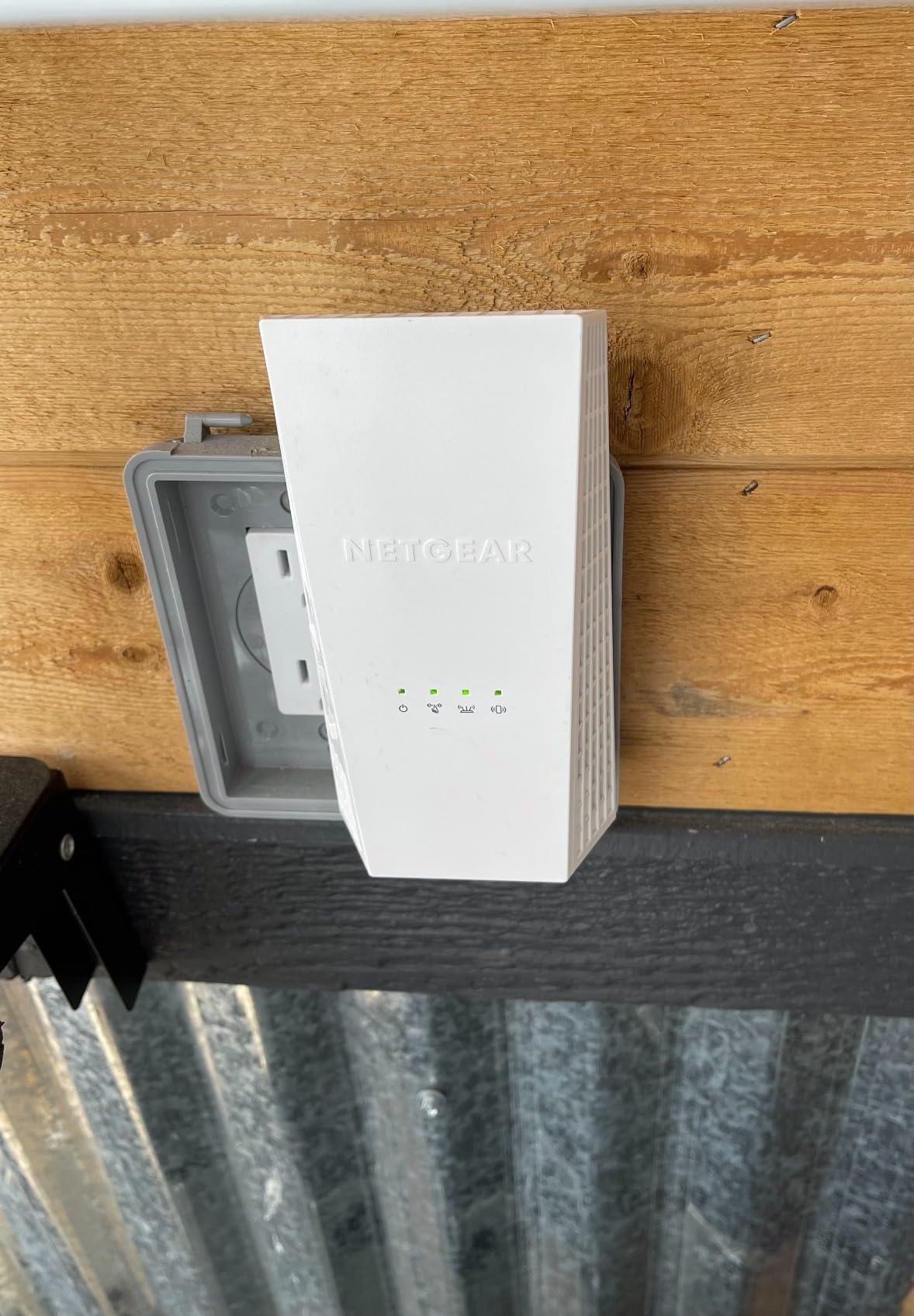
Physical size is 3.82 by 5.56 by 6.93 inches at 10.56 ounces. Like the RE550, this needs a shelf or a table, not a wall socket, and its size is a consequence of the six-stream radio and the ethernet port.
Why it wins for big spaces
Capacity and coverage are the case. When more than two floors and 30 devices are in play, a unit rated for 25 devices and 1000 sq ft becomes the bottleneck before the walls do. The EX6400 removes that ceiling.
It also supports WPA3 and works with major ISP gateways, so the two features most likely to matter in a shared basement are present rather than aspirational.
What the long-term reports tell you
Durability and stability are the criticisms. The unit runs warm, and several owners describe speed decay plus random 5GHz dropouts that firmware updates only partially resolved. If you install this and it works, check on it after a few months rather than assuming it is permanent.
One label deserves a warning. The Mesh Smart Roaming wording suggests you can chain extenders together, and you cannot. Daisy chaining of multiple extenders is not supported, so this is a one-and-done unit rather than part of a scalable chain. Setup via WPS can also require repeating the pairing for each band.
Why Basement WiFi Is Hard: The Physics
Two things happen to a WiFi signal on its way downstairs, and both are worth understanding before you spend anything. The first is the halving penalty. An extender has one radio set shared between two jobs: receiving from the router and transmitting to your devices. It cannot do both at full attention, so usable throughput on the extended network lands near half the original.
The second is material loss. Household drywall and wood framing are close to transparent at 2.4GHz and lossy at 5GHz. Poured concrete, brick, stone, and plaster with metal lath are not transparent at all. Forum discussion across r/HomeNetworking converges on a 75 to 95 percent reduction when a concrete wall with rebar sits between two radios.
Frequency is the third factor. 2.4GHz travels furthest and penetrates best. 5GHz is faster and shorter. 6GHz, where Wi-Fi 6E and Wi-Fi 7 equipment uses it, is the fastest and the weakest through walls. None of the six units in this roundup is a 6GHz extender, which is a deliberate choice: the basement problem is reach, not peak rate.
There is one piece of good news in the geometry. The open stairwell behaves like a waveguide. An uncovered vertical shaft with no doors gives 2.4GHz and 5GHz a clear path downward, and mounting the extender at the stairwell head exploits that path instead of asking the signal to pass through the floor structure. If you have ever wondered why an extender in a hallway beats one in a basement corner, that is the reason.
Where to Place an Extender in a Two-Storey Home
Placement beats model selection almost every time. The rule is simple: put the extender at the last point where the router’s own signal is still strong, and let it do the rest of the work from there.
In practice that means the stairwell head, not the basement. Our sequence was: start at the top of the stairs, note the signal reading, walk down one step at a time, and stop at the last position where the router still shows a usable reading. That position is your extender outlet. Mounting the unit further down means its backhaul link is weak, and a weak backhaul link makes the halving penalty far worse than half.
If you have adjustable antennas, aim them deliberately. One antenna pointed up the stairwell to hold the router connection, one pointed down into the basement toward the area that needs coverage. Users report a noticeably steadier 5GHz link with that arrangement than with fixed internal antennas.
Two placement details that get skipped. Avoid mounting the extender on an outlet sharing a receptacle with a large appliance, since motors and compressors add noise to the line. And avoid basements with a dehumidifier on a shared circuit if you ever consider powerline adapters, because that compressor load is the classic powerline killer.
If your basement is finished, walk the room and find where you actually sit. A media corner, a desk, and a doorway are three different coverage problems, and one extender rarely solves all three. Our guide to hauling gear to outbuildings covers the same problem of getting signal to a remote part of a property where the easy route is blocked.
How to Test Your Basement Signal Before You Buy
This protocol takes about ten minutes and can save you from a unit that never had a chance. Run it before you order, not after.
First, find the router and note what you are working with. Is it a standalone router or an ISP gateway? Does it have a 5GHz band? Can you reach its settings, or is it locked by the provider? If you cannot reach the settings, your shortlist is the two units that pair by WPS button without touching the router.
Second, test at the stairwell top. Hold your phone on the main network and read the signal indicator. You want at least two bars, ideally three or four. Forum consensus treats two bars at the stairwell head as the threshold for an extender being viable. Below that, you need either a mesh node closer to the stairs or a wired access point.
Third, walk down the stairs and re-read the signal at the basement floor. Write down what you see. If the basement reading is zero, that is normal and expected. What matters is the stairwell reading, because that determines how far the extender can sit from the router.
Fourth, run a speed test on the main network upstairs and write the number down as your baseline. Extended throughput will land between 40 and 50 percent of that baseline on wireless backhaul, and close to full baseline on a wired access point connection. Having the baseline written down turns a vague feeling of slowness into a comparison you can actually make.
Fifth, audit your outlets. Walk the basement and list every usable outlet, note which ones are shared with heavy appliances, and note whether any has an ethernet cable already stubbed out of the wall. If a single cable is already there, an access point mode unit beats everything else in this guide regardless of its wireless class.
When an Extender Will Not Fix Your Basement
Four situations defeat any extender, and buying before you rule them out is the most common expensive mistake.
The first is no signal at the stairwell. If the router reading at the top of the stairs is already zero, the extender has nothing to receive. The fix is a mesh node placed closer to the stairs or a wired run, not a better extender.
The second is poured concrete between the router and the basement with no stairwell path. No consumer wireless extender reliably punches through poured concrete and rebar. A mesh node on each side of the wall, or an ethernet access point on the basement side, is a mesh decision, not an extender decision.
The third is a gigabit fiber plan. If your line delivers speeds in the hundreds of megabits and the extended network lands near half, you have traded a fast connection for a slow one. Either run cable or move to tri-band mesh with a dedicated backhaul radio.
The fourth is old or shared wiring, if you are considering powerline adapters. Basements frequently have circuits that share a phase with a dehumidifier, a sump pump or a furnace. Powerline throughput on those circuits is unreliable, and the failure looks like a network problem rather than an electrical one. If your home has coax on every outlet, a MoCA adapter pair is the better wired alternative.
How to Choose: Extender, Mesh, or Wired Access Point
Use this decision ladder in order and stop at the first step that solves your problem.
Step one: relocate the router. If it can move to a central hallway or the stairwell landing, you may need nothing else. This is free and it is skipped constantly. Measure before you buy anything.
Step two: a dual-band extender with an ethernet port. This is where all six products here fit. It is the right answer for a standard framed basement where the stairwell test passes and a single SSID is not critical.
Step three: an extender in access point mode. If a single ethernet cable can reach the basement, this eliminates the halving penalty entirely. Any of the units here that supports access point mode becomes a full-speed access point when you run that cable.
Step four: tri-band mesh with dedicated backhaul. This reserves one radio for the node-to-node link, which is exactly the cost a plain extender cannot avoid. It is the right answer for a whole-home solution with seamless roaming on one network name.
Step five: a wired basement access point or a MoCA pair if coax exists. Forum consensus treats this as the best outcome in every thread we read, because it removes the wireless hop from the equation entirely.
Two features to filter on when you narrow the list. An ethernet port matters because it is your exit from the halving penalty later. Adjustable antennas matter because placement is the single biggest variable in basement results. Both are present on the TP-Link RE315 and RE550 and neither is present on the compact units.
One security note for shared spaces. If the basement is common area in shared housing, check for WPA3 support. The NETGEAR EX5000 and EX6400 list it. The PEDUMMY unit lists WPA-PSK and WPA2-PSK only, which is a reasonable reason to rule it out of a communal room.
Frequently Asked Questions
Do WiFi extenders work in a basement?
Yes, but only when the router signal survives the trip down the stairwell. Test at the stairwell head first: you want at least two bars there. Place the extender at that last strong point and expect roughly 40 to 50 percent of your line speed on the extended network. Concrete walls reduce it further.
How can I boost my WiFi signal in my basement?
Test the signal at the top of the stairs first and aim for at least two bars. Then place a dual-band extender with an ethernet port at the stairwell head. If ethernet is available, switch it to access point mode so it broadcasts fresh WiFi at full speed. For a whole-home solution, move to tri-band mesh with a dedicated backhaul radio, or run cable to a basement access point.
What is the best WiFi extender that works through concrete walls?
No consumer wireless extender reliably penetrates poured concrete and rebar. The TP-Link RE315 and RE550 have adjustable antennas that let you aim the signal around an obstacle rather than straight at it, which helps in a finished basement. For a true concrete wall, the only dependable fix is a wired access point or a mesh node on the basement side of the wall.
Is there a difference between a WiFi booster and a WiFi extender?
No practical difference. Both terms describe a device that receives WiFi and rebroadcasts it; booster is marketing language and extender is the technical term. What actually matters is dual-band operation, an ethernet port so you can use access point mode later, and wireless generation matching your router.
Is a WiFi mesh better than an extender for a basement?
Yes when you want one network name and seamless roaming across floors, because tri-band mesh reserves a radio for the node-to-node link and avoids the halving penalty. A plain extender is simpler and cheaper and works well for a single dead zone. If your basement is one room, an extender with an ethernet port is usually enough.
Why is my WiFi extender so slow in the basement?
Two reasons, and both are expected. First, the extender splits its radio time between receiving from the router and transmitting to your devices, which cuts throughput by roughly half. Second, walls and floors between the router and the extender reduce it again. If a short ethernet cable can reach the basement, running the extender in access point mode removes the halving penalty entirely.
Can I use a WiFi extender with an Xfinity or Spectrum gateway?
Usually yes. The NETGEAR EX5000 is explicitly listed as working with Xfinity, Spectrum, AT and T, Cox and Verizon gateways, and it pairs by WPS button without changing gateway settings. Some ISP firmware restricts third-party WPS pairing, so check whether the WPS button responds before you set the unit up permanently.
Does a WiFi extender work with a landlord’s router?
It can, as long as you can reach the WPS button or know the network password. WPS pairing from the physical button needs no access to the router settings, which suits a landlord-owned router or a locked ISP gateway. If the router is old and only broadcasts 2.4GHz, an extender cannot add speed that the router never sent.
Final Verdict: Which WiFi Extender to Buy for a Basement
The TP-Link RE220 is our pick for the best wifi extenders for basements because it does the basic job at the stairwell head, has the smallest plug of the group, and carries more real-world feedback than anything else on this list. If you can aim antennas, step up to the TP-Link RE315. If your space is genuinely large, the NETGEAR EX6400 has the capacity ceiling for it.
Before any of them, run the ten-minute signal test and check for an existing ethernet cable. If one is there, put the extender in access point mode and you will get full speed instead of half of it. That single switch matters more than any spec on any box in 2026.