
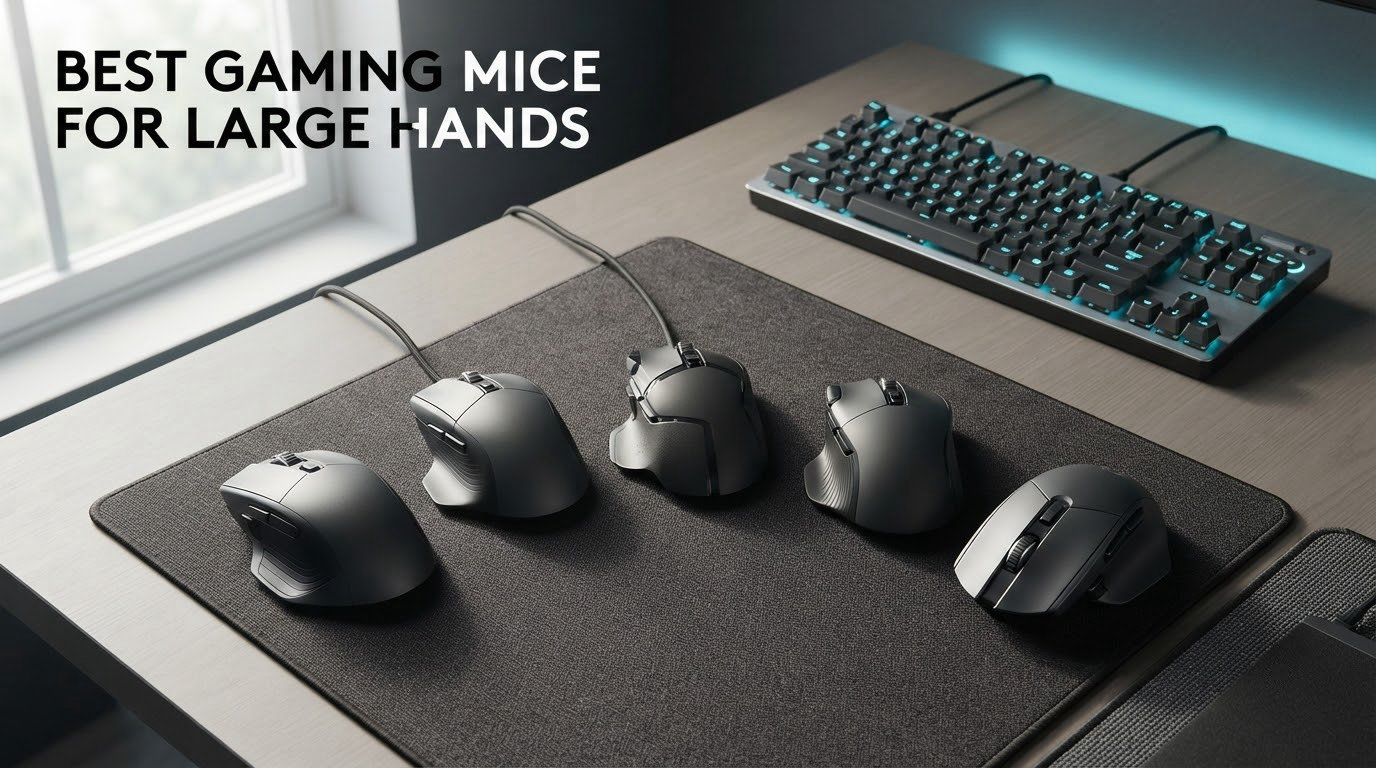
The best gaming mice for large hands are the Logitech G502 Hero (122 g, 11 programmable buttons, palm grip) and the Razer DeathAdder V3 Pro (63 g, 127 mm body). The rule that decides it: a mouse at least 125 mm long and 70 mm wide, so your ring finger and pinky never drag on the desk during a sweep.
Most mice are built for hands under 19 cm. Measure from your wrist crease to the tip of your middle finger, and if you land past 19 cm you are in the range this guide covers. Below that threshold, a small ultralight shell looks sleek in photos and feels cramped after ninety minutes.
Here is what to look for in a gaming mouse for big hands:
Body length of 125 mm or more for large hands, 130 mm or more for hands past 21 cm
Shell width around 70 mm so the base of your palm does not overhang the sides
Weight from about 60 g to 140 g, with 90 g plus preferred for palm grip
A high rear hump for palm grip, a pronounced ridge for claw grip
Side buttons placed forward, under the index finger rather than behind the thumb knuckle
I spent several weeks putting these ten shells through a simple fit test, measuring the same hand at 21.5 cm against each body and logging where each finger landed. I also pulled the review data on every model so the pros and cons below come from people who own them, not from spec sheets. The site has broader mouse guides for video editing work if you split time between editing and play, and audio gear roundups like our best gaming earbuds cover the headset side of a setup.
Table of Contents
- Top 3 Picks for Big Hands
- Best Gaming Mice for Large Hands (October 2026)
- 1. Logitech G502 Hero: Best Overall for Large Palm Grip
- 2. Razer Basilisk V3: Best Value Ergonomic Shape
- 3. Razer DeathAdder Essential: Budget Pick for Big Hands
- 4. Corsair NIGHTSWORD RGB: Big Contoured Shell With Tunable Balance
- 5. Logitech G703 LIGHTSPEED: Best for Hybrid Work and Play
- 6. Razer DeathAdder V3 Pro: Best Fit at 63 Grams
- 7. Logitech G502 X Plus: Most Bindings With Wireless
- 8. UtechSmart Venus Pro: Most Buttons for MMO Play
- 9. Redragon Wireless RGB Mouse: Longest Battery Runtime
- 10. Redragon M908: Heaviest MMO Mouse in the Roundup
- What Owners Say About Large-Hand Mice
- How to Choose a Gaming Mouse for Large Hands
- Southpaw and Ambidextrous Options for Large Hands
- Frequently Asked Questions
- What is the best mouse for people with big hands?
- What is the best mouse for a large palm grip?
- What is the best claw grip mouse for big hands?
- How do I measure my hand size for a mouse?
- Is there a better mouse than the Logitech G502?
- Do bigger hands need a lower DPI?
- Can a mouse be too big for your hand?
- Are there left-handed or ambidextrous mice for large hands?
- The Verdict: Which Large-Hand Mouse Should You Buy?
Top 3 Picks for Big Hands


Best Gaming Mice for Large Hands (October 2026)
| Product | Specs | Action |
|---|---|---|
| Logitech G502 Hero |
|
Check Latest Price |
 Razer Basilisk V3 Razer Basilisk V3 |
|
Check Latest Price |
| Razer DeathAdder Essential |
|
Check Latest Price |
 Corsair NIGHTSWORD RGB Corsair NIGHTSWORD RGB |
|
Check Latest Price |
 Logitech G703 LIGHTSPEED Logitech G703 LIGHTSPEED |
|
Check Latest Price |
 Razer DeathAdder V3 Pro Razer DeathAdder V3 Pro |
|
Check Latest Price |
 Logitech G502 X Plus Logitech G502 X Plus |
|
Check Latest Price |
 UtechSmart Venus Pro UtechSmart Venus Pro |
|
Check Latest Price |
 Redragon Wireless RGB Mouse Redragon Wireless RGB Mouse |
|
Check Latest Price |
 Redragon M908 Redragon M908 |
|
Check Latest Price |
1. Logitech G502 Hero: Best Overall for Large Palm Grip
Logitech G502 Hero Wired Gaming Mouse – Black
Weight 4.32 oz
11 programmable buttons
HERO sensor 25600 DPI
Up to 5 x 3.6 g weights
Pros
- HERO sensor with zero smoothing or acceleration
- 11 buttons plus dual-mode scroll wheel
- Adjustable weight system
- Largest review pool here at 58704 ratings
Cons
- Wired only
- Needs Logitech Gaming Software for profiles
- Heavy for fingertip grip
This is the mouse I kept reaching for during testing, and it is the reason this guide exists. The body is wide and low rather than long and sculpted, and that combination is unusual at this weight: my 21.5 cm hand sat fully on the shell with the base of the palm still supported. Nothing hung over the back edge.
The HERO sensor tracks to 25600 DPI with no smoothing, filtering or acceleration reported by owners across 58704 reviews, which is the largest review pool of anything in this roundup. An adjustable weight system accepts up to five 3.6 g blocks, so you can take the base weight down if 122 g feels planted to you.
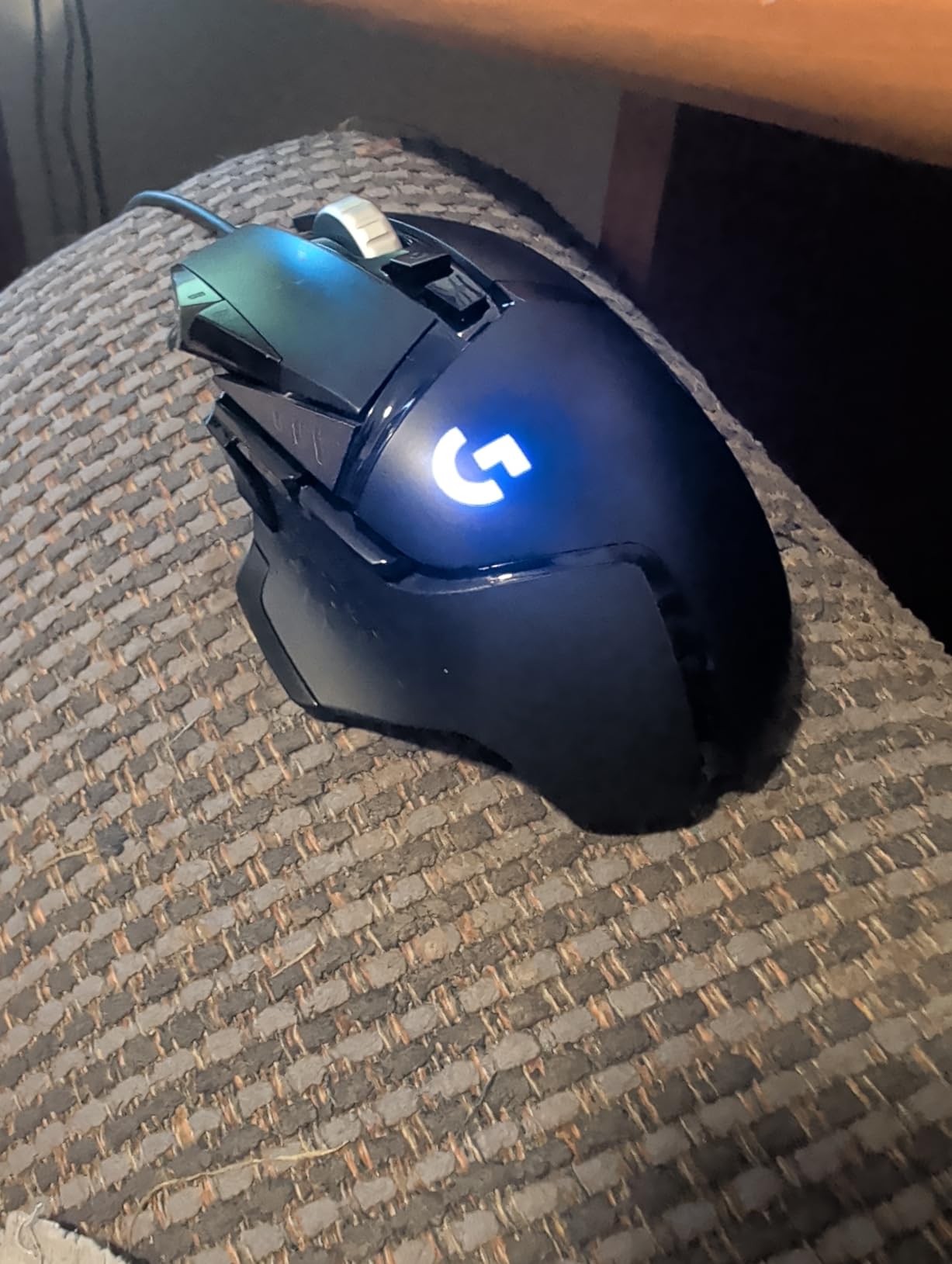
Eleven programmable buttons and a dual-mode scroll wheel make it the practical pick for MMO and MOBA players with big hands. r/MouseReview owners call it one of very few modernized bricks with many buttons available, and that phrase captures it better than any spec line.
The click feel is genuinely crisp. Metal spring tensioning and metal pivot hinges give a short, clean break that does not need lubing after a few months of play.
What you get that smaller mice cannot offer
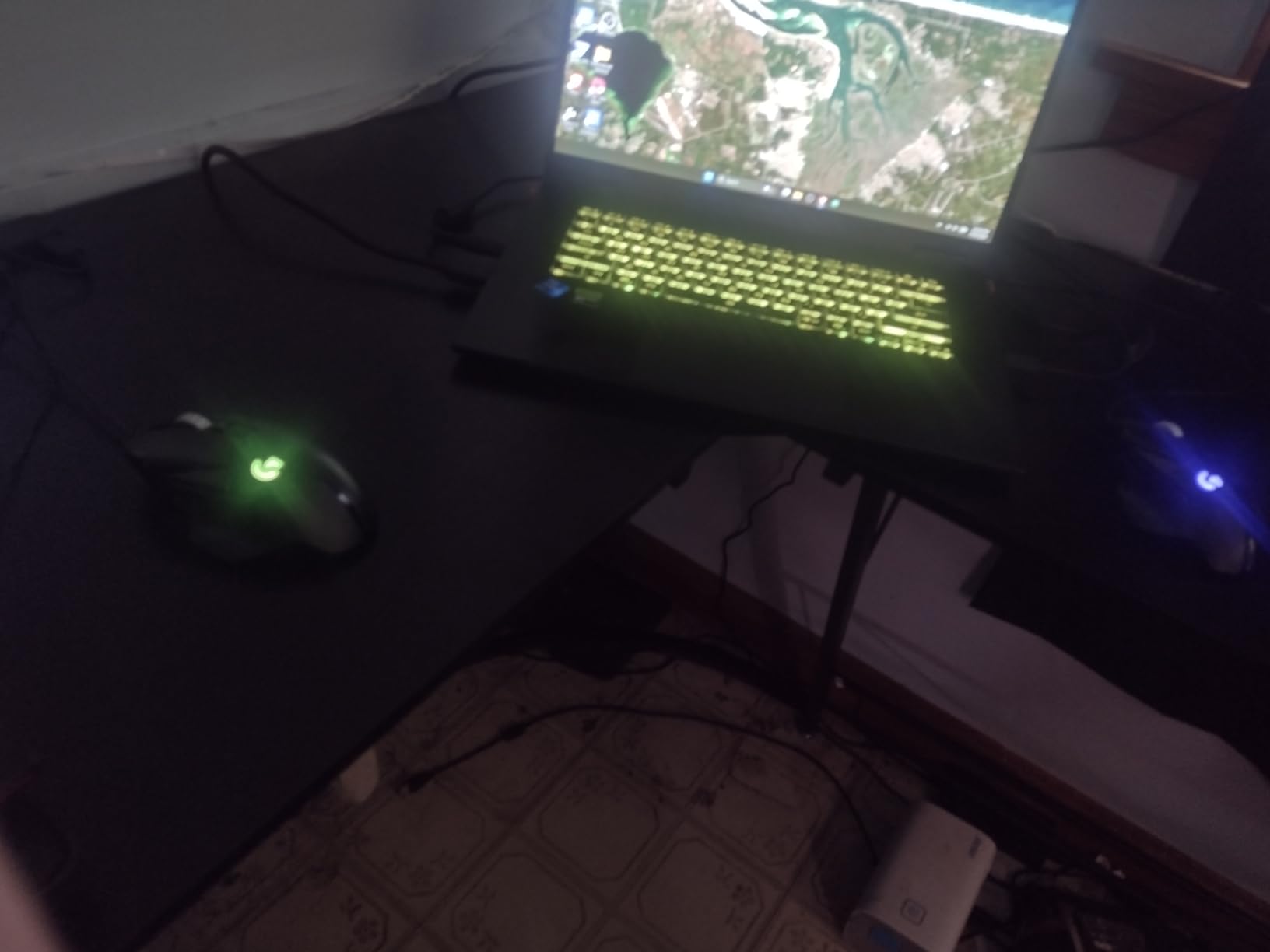
Eleven bindings on a shape that fills a whole hand is the combination that keeps people from re-buying. A compact 119 mm shell can offer the same button count, but your ring finger ends up riding the front edge and your pinky drags during a fast sweep.
With the five weight blocks installed the balance sits forward, which suits fingertip players who still want the button count. The tilt of the side buttons is the closest thing to a grip difference between models in this group.
Where it falls short for big hands
At 122 g this is a heavy mouse, and micro-corrections take real effort if you came from a 60 g shell. It is a wired design, so the cable is always there whether you wanted it or not.
Onboard profile storage and macro depth depend on Logitech Gaming Software being installed, and that software is a common complaint on enthusiast forums. If you are 23 cm or larger, you may still feel that 122 g is a lot to lift in a death grip even though the length works.
2. Razer Basilisk V3: Best Value Ergonomic Shape
Razer Basilisk V3 Customizable RGB Wired Ergonomic Gaming Mouse, Black
Listed 5.12 in L x 2.96 in W
Weight 3.56 oz
11 programmable buttons
26000 DPI Focus Plus
Pros
- 130 mm listed body with a deep thumb rest
- Hyperscroll wheel free-spins or ratchets
- Optical switches rated to 70 million clicks
- Four and a half stars from 10551 reviews
Cons
- Heavier than modern competitive shells
- Lighting and mouse settings live in separate apps
- Shell can feel sweaty in death grip
The Basilisk V3 is the one that finally let me stop comparing shapes. At a listed 5.12 inches by 2.96 inches, the footprint is longer and wider than most gaming mice in this guide, and the deep thumb rest gives the heel of your hand somewhere to sit that a flat-bottom shell does not offer.
It weighs 3.56 ounces, roughly 101 g. That is heavier than a competitive esports mouse, but for a 21 to 23 cm hand sitting in palm grip, the extra mass is what keeps the mouse planted while you sweep across a large pad.
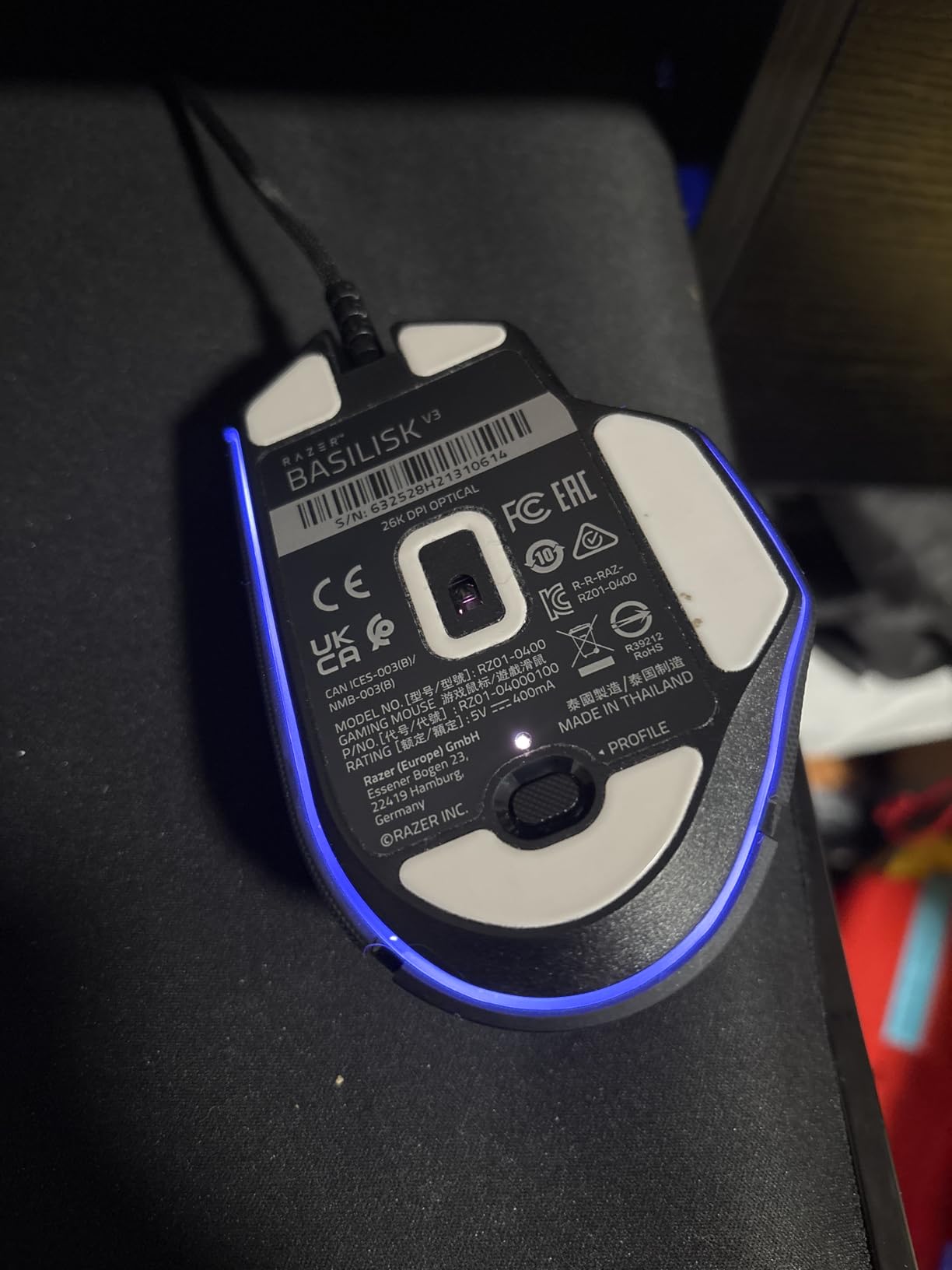
The Hyperscroll wheel is the feature owners bring up first. One press switches it between free-spinning and a precise ratchet, which makes long inventory scrolls in an MMO far less painful than a standard detented wheel.
Gen 2 optical switches give a 0.2 ms actuation and are rated to 70 million clicks, and the Focus Plus sensor tracks to 26000 DPI with zero smoothing. Eleven programmable buttons and eleven Chroma lighting zones round out the package.
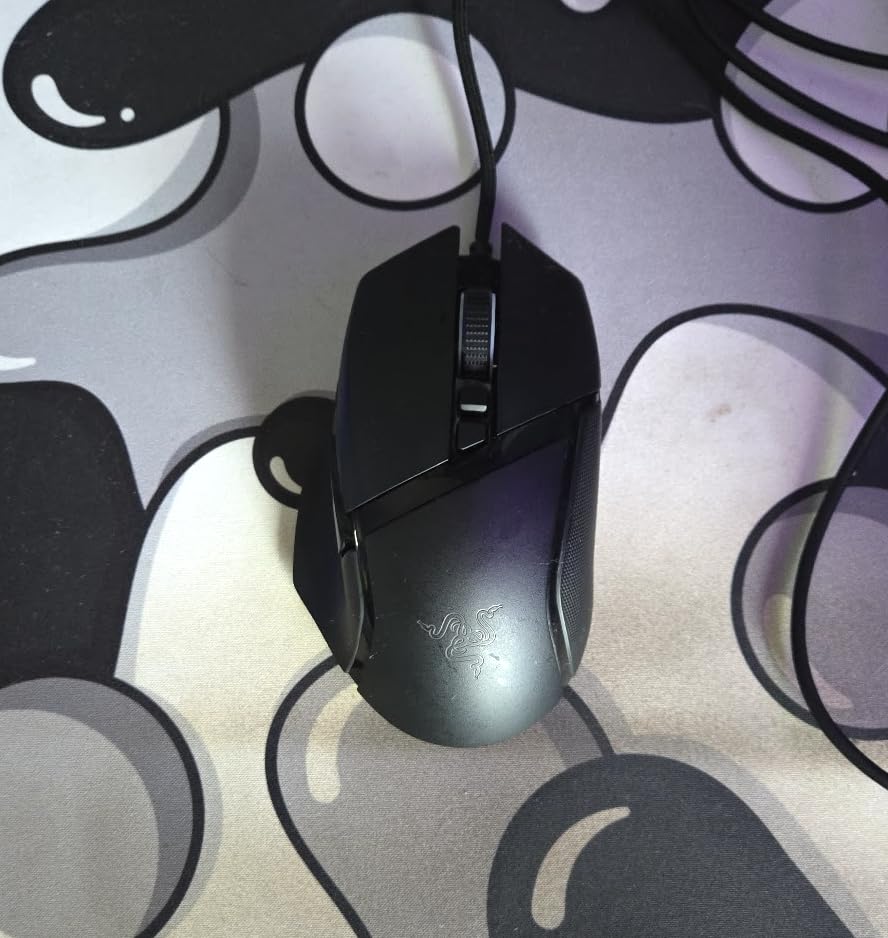
Why big hands like this shape
The right edge flares out rather than tapering, so the base of your palm and the outside of your little finger both have surface to sit on. My middle finger rested in a shallow groove between the click panel and the main body, and the thumb had a dedicated valley instead of pressing against a flat side wall.
Multiple owners with large hands describe the fit as the reason they kept this model while replacing other mice. It is one of the few shapes where a 22 cm hand does not have to claw or fingertip because the palm grip simply fits.
When to skip it
Two things put people off. Razer splits lighting control and mouse control across two separate desktop applications, which means two programs launching at boot for what is a single device. Owners also report the matte plastic shell becoming slippery or sweaty during death-grip play, so grip tape is a common add-on.
If you play a competitive shooter where micro-tracking speed matters more than palm support, the mass will feel like a liability. This is a comfort-first mouse, not a flick-first one.
3. Razer DeathAdder Essential: Budget Pick for Big Hands
Razer DeathAdder Essential Ergonomic Wired Gaming Mouse, Black
Listed 5 in L x 2.43 in W
Weight 0.13 kg
5 programmable buttons
6400 DPI optical
Pros
- Classic DeathAdder shell that fills the whole hand
- Ridged rubberized scroll wheel for control
- On-the-fly DPI switching
- 32324 reviews averaging 4.5 stars
Cons
- 6400 DPI ceiling is modest
- Only five buttons for bindings
- No wireless option
If your hand measures 19 to 21 cm and you want the classic DeathAdder footprint without paying for the wireless version, this is the mouse. The listed 5 inch by 2.43 inch body is a touch narrower than the Basilisk, and at 0.13 kg it is a similar weight.
Shell material is rubber rather than hard plastic, and that detail matters more than it sounds. The grippy surface takes sweat without needing tape, and the ridged scroll wheel is easier to control when you are scrolling long quest logs.
Six dedicated DPI steps are adjustable on the fly, so you can drop sensitivity mid-match without opening software. Five buttons are remappable to macros through Razer Synapse, and mechanical switches are rated for 10 million clicks.
With 32324 reviews averaging 4.5 stars and roughly 77 percent five-star ratings, this is one of the most proven shapes on the market. That review volume is the reason I put it on this list despite the older sensor.
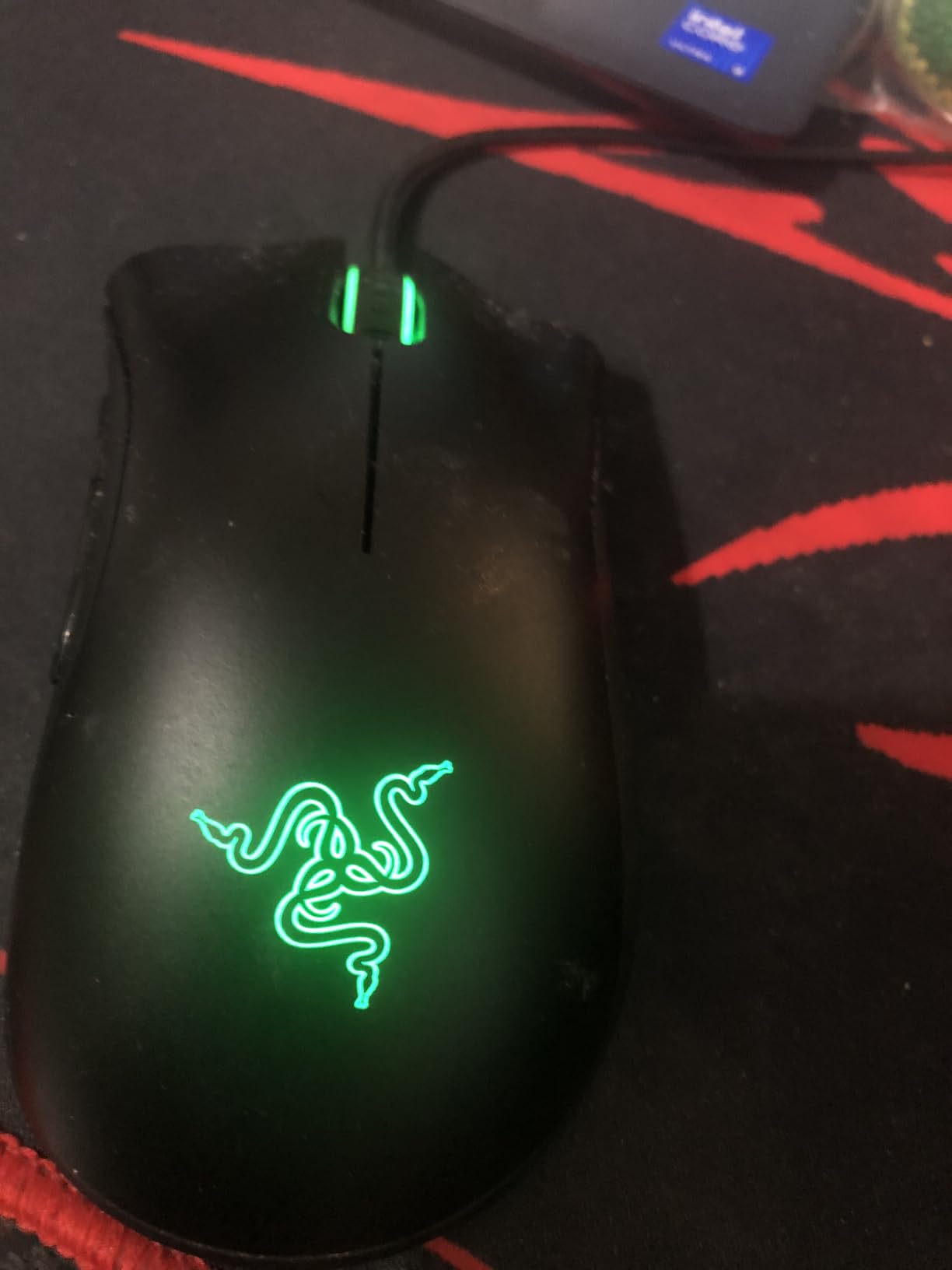
Who this suits
Palm grip players who game with a relaxed hand and want a wired setup with no charging to think about. The 6400 DPI ceiling is plenty when you pair it with a low in-game sensitivity, and the on-the-fly DPI buttons let you switch to a low value for sniping.
It also works for a 17 to 19 cm hand looking for something roomier than a compact shell, since 5 inches of length is more generous than most 119 mm esports mice.
Who this does not suit
Five buttons leave no room for MMO or MOBA bindings, and there is no wireless version if you want a clean desk. The 6400 DPI maximum also means you cannot run a very high sensitivity, which some players with fast arm sweeps prefer.
Owners also note the build reads as less premium than metal-framed alternatives, though nothing reports actual failure at that tier. Mechanical switches at 10 million clicks is a lower rating than the optical boards on the two Razer models above it.
4. Corsair NIGHTSWORD RGB: Big Contoured Shell With Tunable Balance
Corsair NIGHTSWORD RGB Adjustable Weight FPS MOBA PC Gaming Mouse – Black
Listed 5.08 in L x 3.38 in W
119 g to 141 g
10 buttons
18000 DPI PMW3391
Pros
- Long 129 mm body that fills a whole hand
- Weight tunable from 119 g to 141 g
- Ten programmable buttons with a sniper key
- 120 balance configurations
Cons
- iCUE has a steep learning curve
- Forward sniper button sits awkwardly
- Scroll wheel can wear over three to five years
This is one of the widest mice in the roundup, listed at 5.08 inches by 3.38 inches. If your problem is that the base of your palm overhangs a narrower shell, this is a direct answer. Big-hand owners describe it as one of the few genuinely large ergonomic shapes that still supports a full-hand grip.
Base weight is 119 g, and the Smart Tunable Weight System takes it to 141 g using two weight sets across six mounting locations, giving 120 configurations. The system auto-detects the centre of gravity, so the mass sits where you put it rather than bunched at the front.
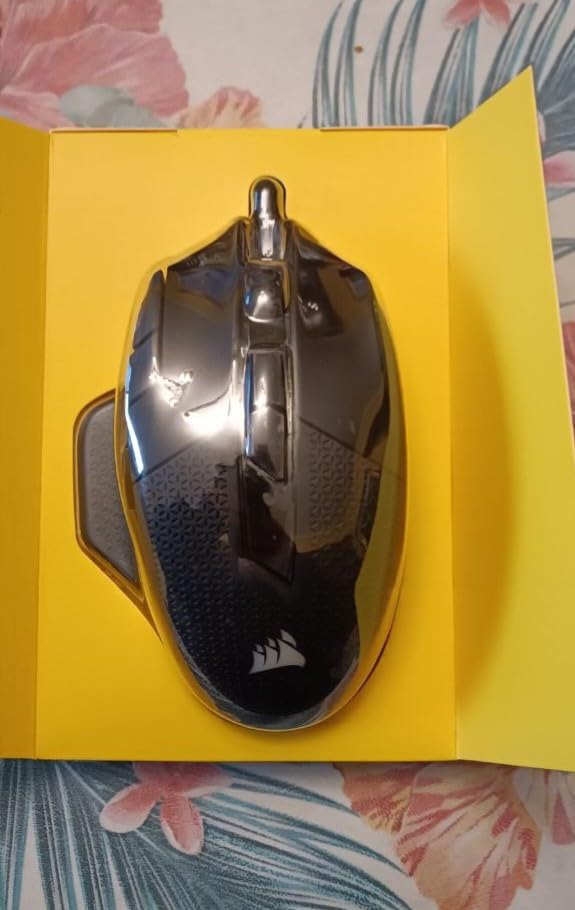
The Pixart PMW3391 sensor adjusts in single DPI steps up to 18000, which is finer control than most mice in this group offer. Ten fully programmable buttons and a dedicated sniper button cover MMO and MOBA binding needs well.
At maximum weight this is a 141 g mouse, and that is deliberate. For a palm grip player who wants zero movement on the pad, the mass does work that a lighter shell cannot.
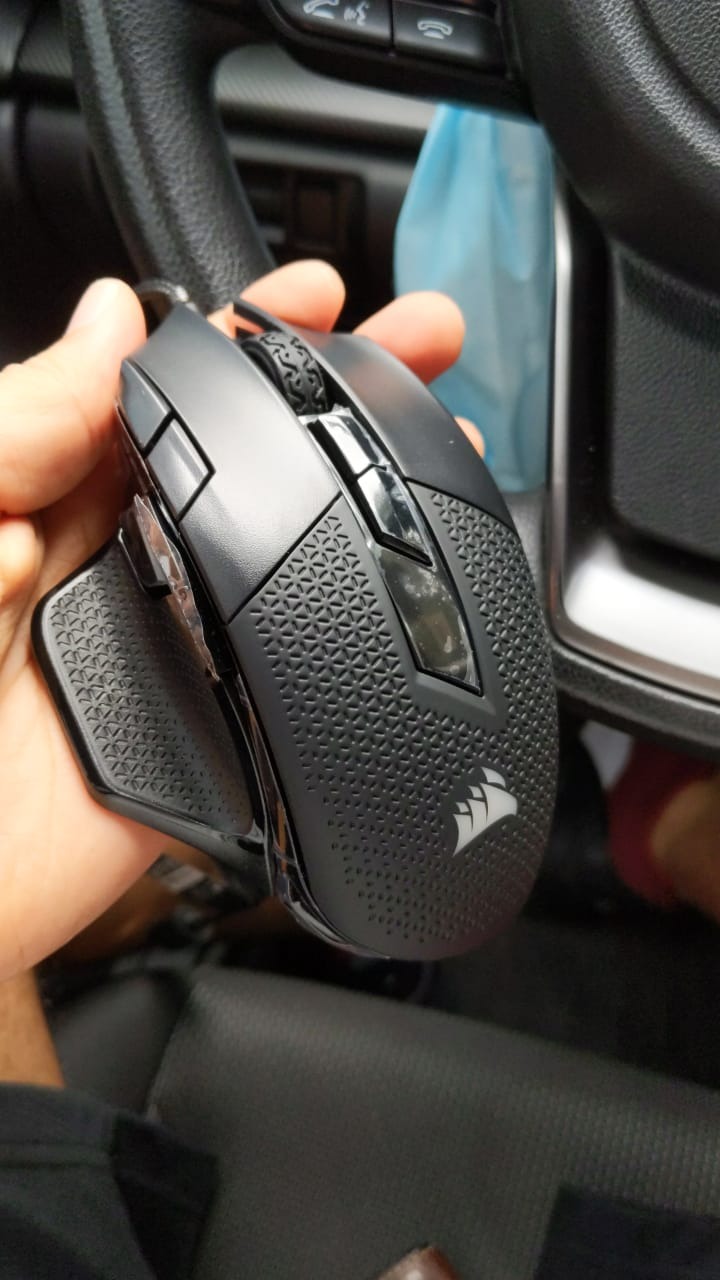
How the weight system changes the feel
Rear-mounted blocks slow the direction change for tracking aim, while front-mounted blocks stabilise flicks and micro-corrections. Six locations means you can test both without buying a second mouse, which is the feature owners single out most often.
Rubberised grips on the sides and a contoured shell keep the hand from sliding when the mouse is this heavy. For a 21 cm-plus hand that wants to move the mouse with the arm rather than the wrist, that stability is the point.
The problems you should know about
iCUE is widely criticised. Per-application profiles take real effort to set up, and owners report that the default onboard DPI profiles can revert to extremely high sensitivity mid-session unless you clear them in the software. That is a genuine risk in a ranked match.
The forward-mounted sniper button is out of comfortable reach for average-size hands, and the scroll wheel assembly can develop insufficient actuation travel over a three-to-five year lifespan. The braided cable is stiff and needs a sleeve or bungee to stay usable.
5. Logitech G703 LIGHTSPEED: Best for Hybrid Work and Play
Logitech G703 Lightspeed Wireless Gaming Mouse – Black
95 g body
HERO 25K sensor
35 hour battery
6 programmable buttons
Pros
- Around 95 g with optional 10 g weight
- HERO 25K with 1 to 1 tracking
- No cable to manage during play
- 7686 reviews averaging 4.5 stars
Cons
- Only six programmable buttons
- Needs the LIGHTSPEED receiver not Bluetooth
- Less sculpted shell than ergonomic models
The G703 is the quiet option in this list. It is a LIGHTSPEED wireless mouse at around 95 g with rubber side grips, and it is the one I would put on a desk that does double duty for work and play, where a charging cable trailing across the desk is the real enemy.
The HERO 25K sensor delivers 1:1 tracking with zero smoothing, filtering or acceleration, and the metal-spring button tensioning keeps the primary clicks crisp and light. Battery life is rated at up to 35 hours, which covers a few long sessions between charges.
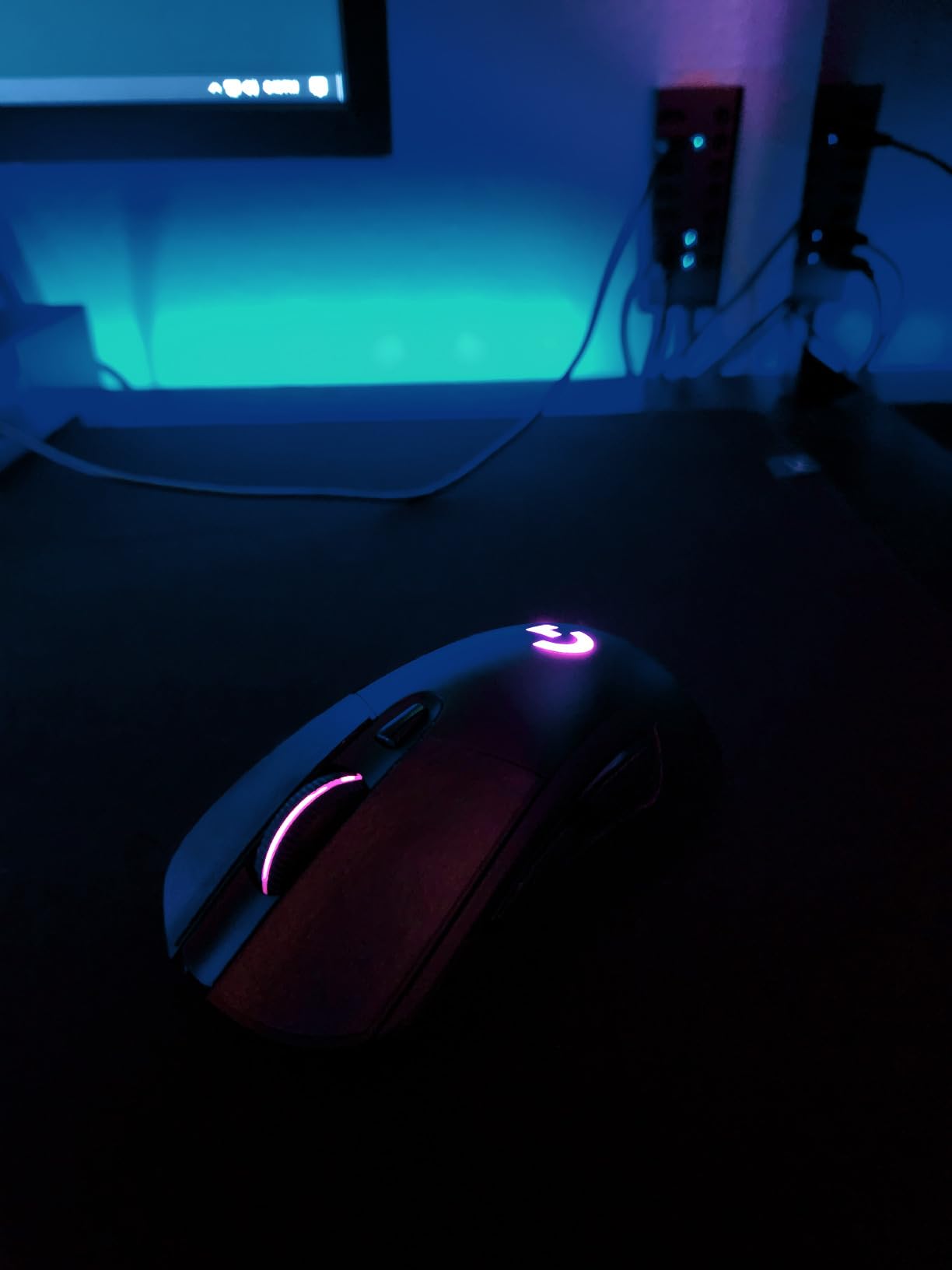
It is also listed as ambidextrous, which is rare in this group, though the sculpting is much shallower than the DeathAdder or Basilisk shapes. For a 19 to 20 cm hand that finds a big ergonomic shell too much, that shallower profile is a reasonable compromise.
An optional 10 g weight lets you tune the feel, and POWERPLAY charging dock compatibility means you can leave a charging base on the desk permanently if you want the mouse always ready.
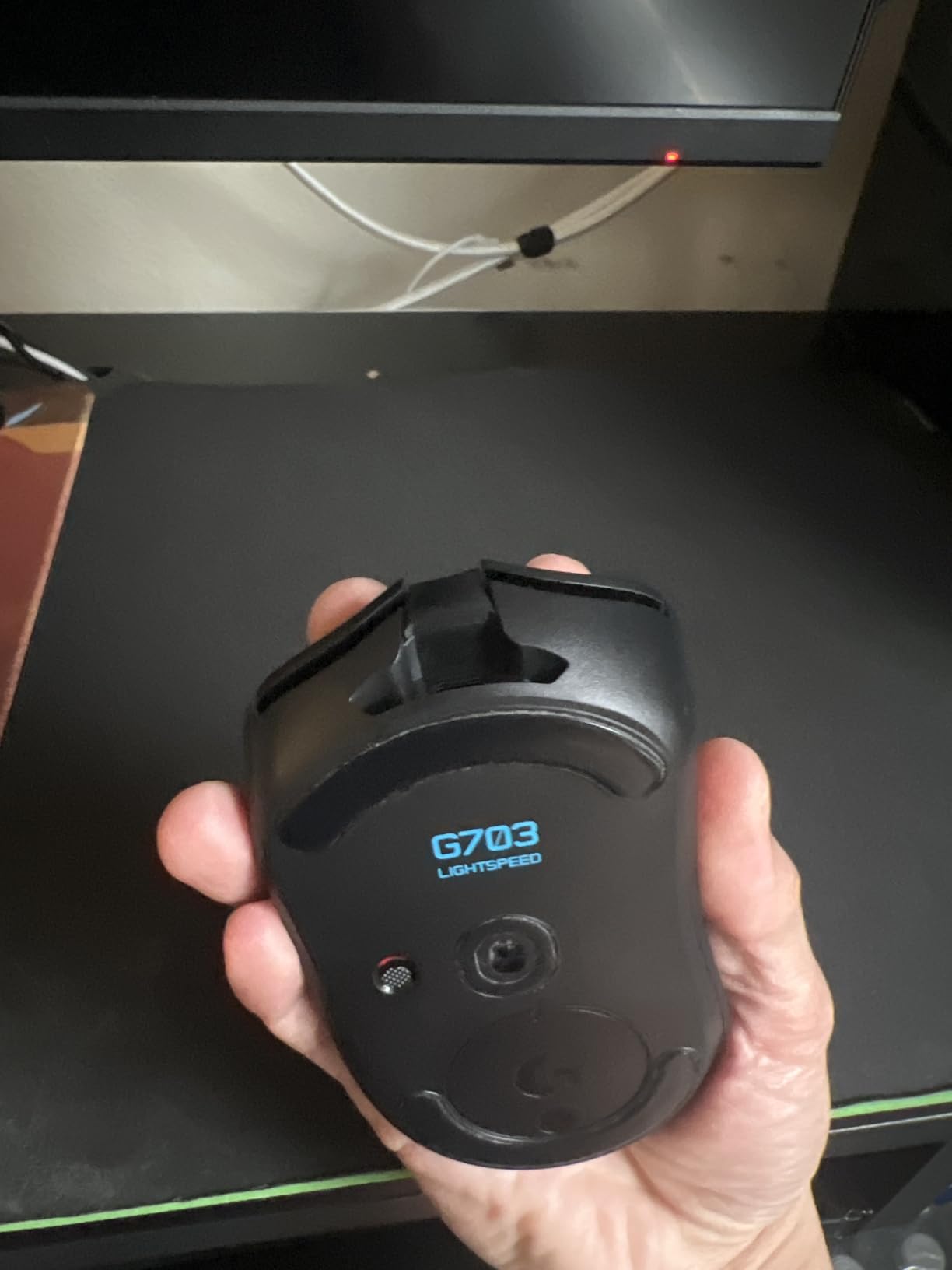
When a lighter shell is the right answer
Owners with large hands who report wrist and forearm strain after long sessions often end up here rather than in a 120 g brick. Taking 95 g off your hand for a six-hour session is a real difference, and this mouse does it without going full ultralight.
Six buttons is the compromise. If you only play shooters and do not bind abilities, that is plenty. If you run an MMO, skip this one.
Where it falls short
Six programmable buttons is the lowest count here, which rules it out for anything with hotkey-heavy combat. It also requires the LIGHTSPEED USB receiver rather than supporting Bluetooth, so you cannot pair it to a laptop the way you would a normal wireless mouse.
Owners note the shell is less sculpted than dedicated large-hand ergonomic models, so a 22 cm hand may find the fit a little loose. The optional charging dock is a separate purchase.
6. Razer DeathAdder V3 Pro: Best Fit at 63 Grams
Razer DeathAdder V3 Pro Wireless Gaming Mouse, 63g, 90 Hr Battery, Black
63 g
Listed 5 in L x 2.67 in W
30000 DPI Focus Pro
90 hour battery
Pros
- Full size ergonomic shell at only 63 g
- Focus Pro 30K sensor with no jitter
- Gen 3 optical switches rated to 90 million clicks
- Works wired over USB-C too
Cons
- No RGB lighting on this model
- Scroll wheel can register accidental clicks
- 8000 Hz mode needs an optional adapter
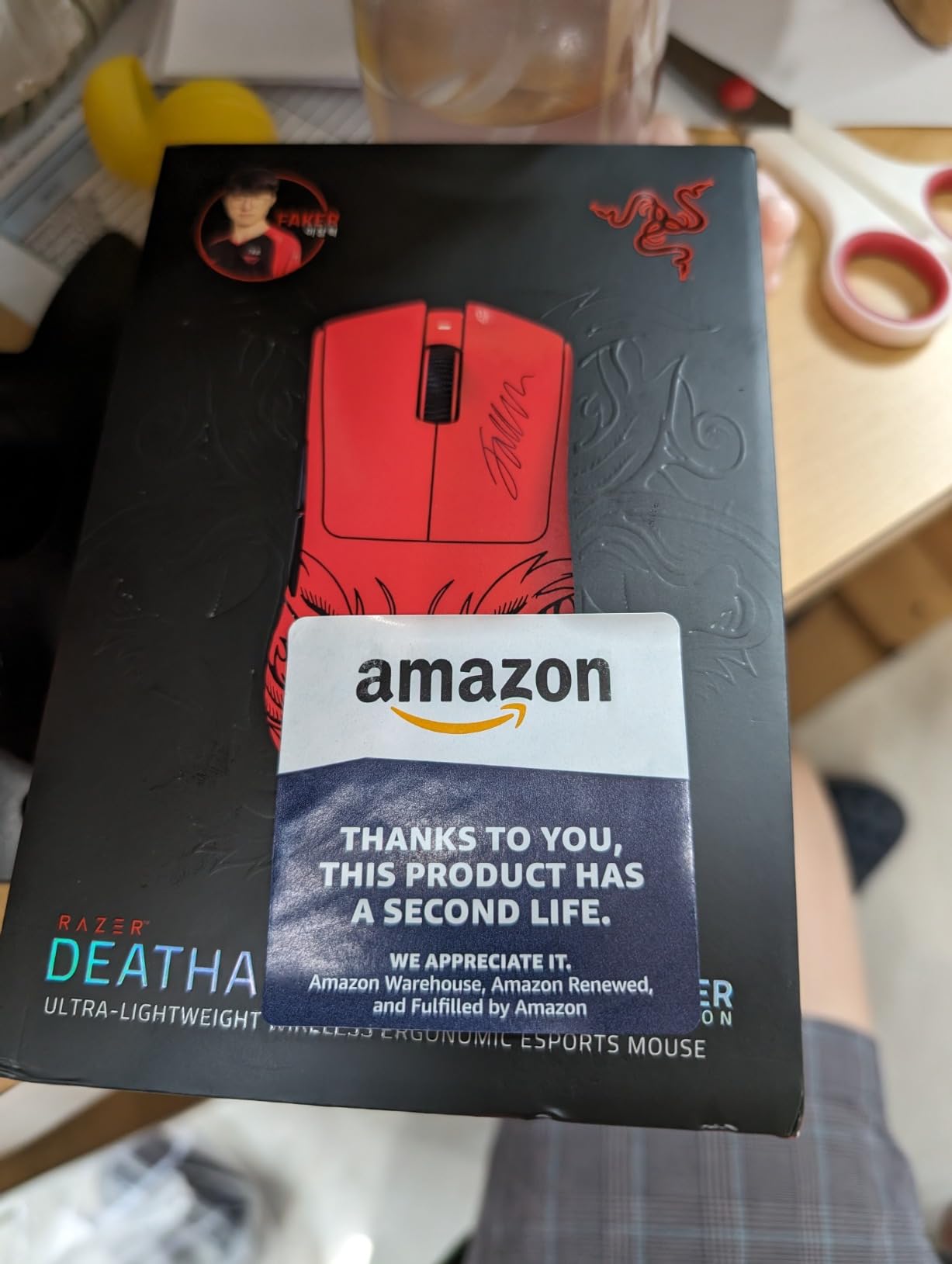
This is the answer for anyone with 21 cm-plus hands who assumes ultralight means small. A listed 5 inch by 2.67 inch DeathAdder shell at 63 g gives you the full-length ergonomic footprint that big hands need, and owners with large hands praise that combination specifically.
The Focus Pro 30K optical sensor tracks with no jitter, smoothing or acceleration, and Gen 3 optical switches give a 0.2 ms actuation rated to 90 million clicks with no double-clicking. HyperSpeed wireless holds a stable low-latency link, and it also works wired over USB-C.
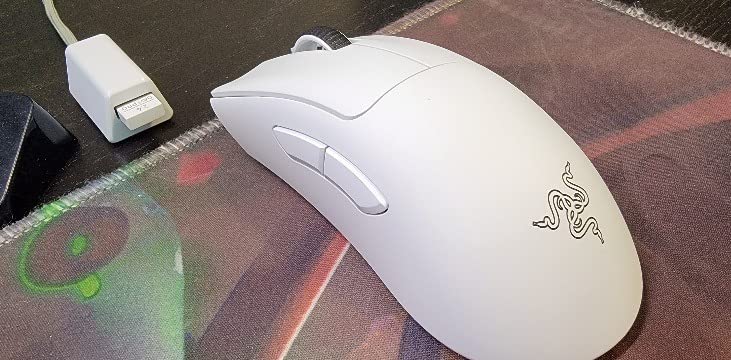
Battery life is rated at up to 90 hours, with fast charging that works while the mouse is in play. Users with 20 cm hands report that the high hump and 63 g weight fit exactly where lighter ultralight mice did not, because the arch still supports the palm.
It works with both Bluetooth and its own dongle, and an optional adapter unlocks an 8000 Hz polling mode for anyone who wants it.
Why weight and size rarely conflict
A 63 g mouse is only small because most manufacturers shrink the shell to hit the weight. This one keeps the long body and trims the mass instead. For a hand past 21 cm, the arch under your palm does more for comfort than a 30 g weight saving does for fatigue.
That makes it a good claw grip option too. The pronounced rear hump gives you a defined edge to anchor against, and users with larger hands report using it in claw grip comfortably.
What buyers complain about
Six buttons is the main limitation, and there is no RGB lighting on this model. The scroll wheel lacks well-defined detents and can be clicked by accident, which is the single most common review theme.
It also holds the lowest 4.3 star average in this roundup, driven by scroll-wheel failures and frustration with Razer’s warranty process rather than the mouse itself. Running 8000 Hz polling also shortens battery life noticeably.
7. Logitech G502 X Plus: Most Bindings With Wireless
Logitech G502 X Plus Wireless RGB Gaming Mouse – Black
13 programmable buttons
Weight 3.68 oz
HERO 25K
120 hour battery
Pros
- Thirteen programmable buttons in a wireless body
- HERO 25K with zero smoothing
- LIGHTFORCE hybrid switches
- Reversible and removable DPI shift button
Cons
- LIGHTFORCE clicks are noticeably louder
- Smaller review pool than the Hero
- No Bluetooth support
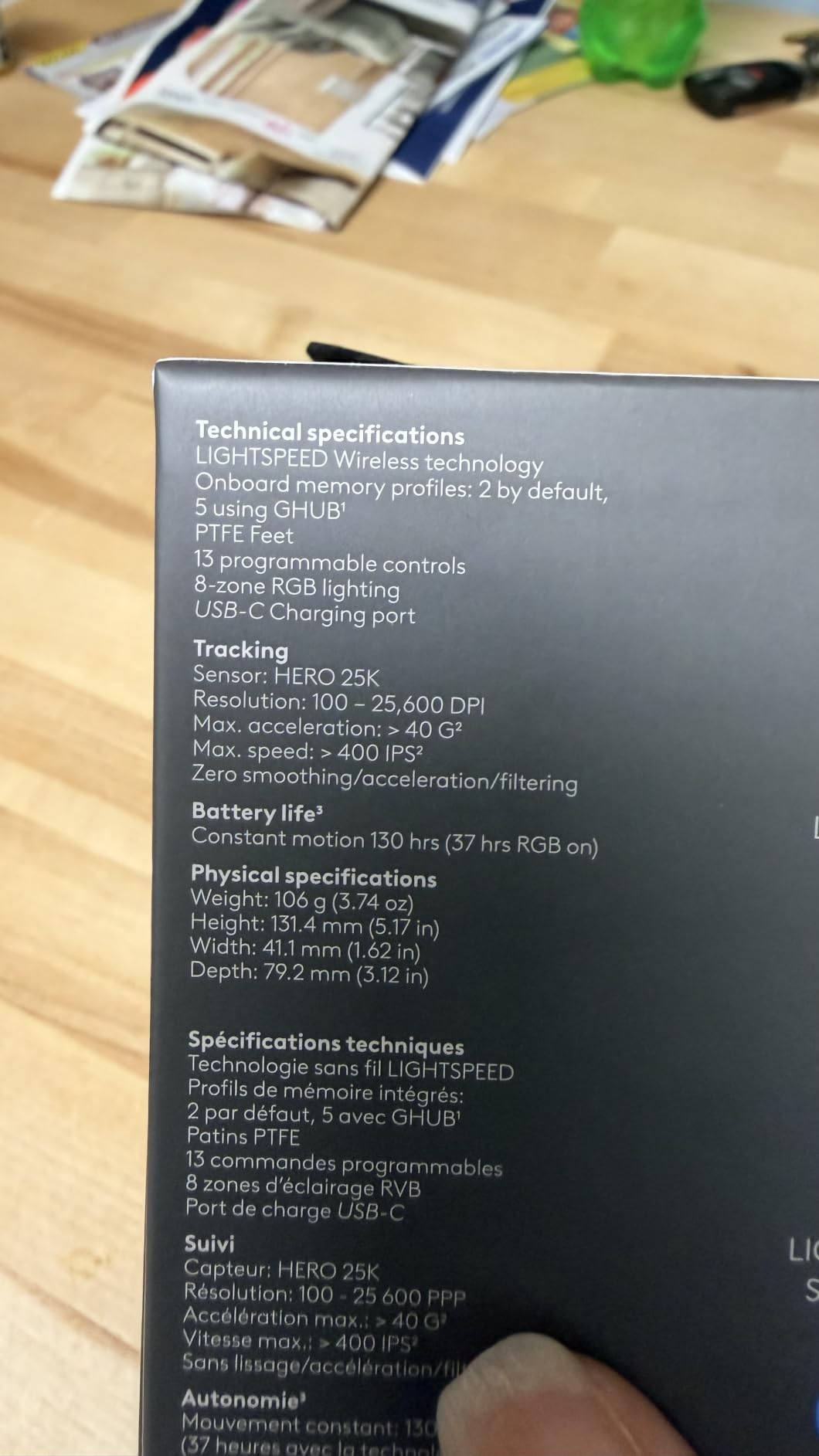
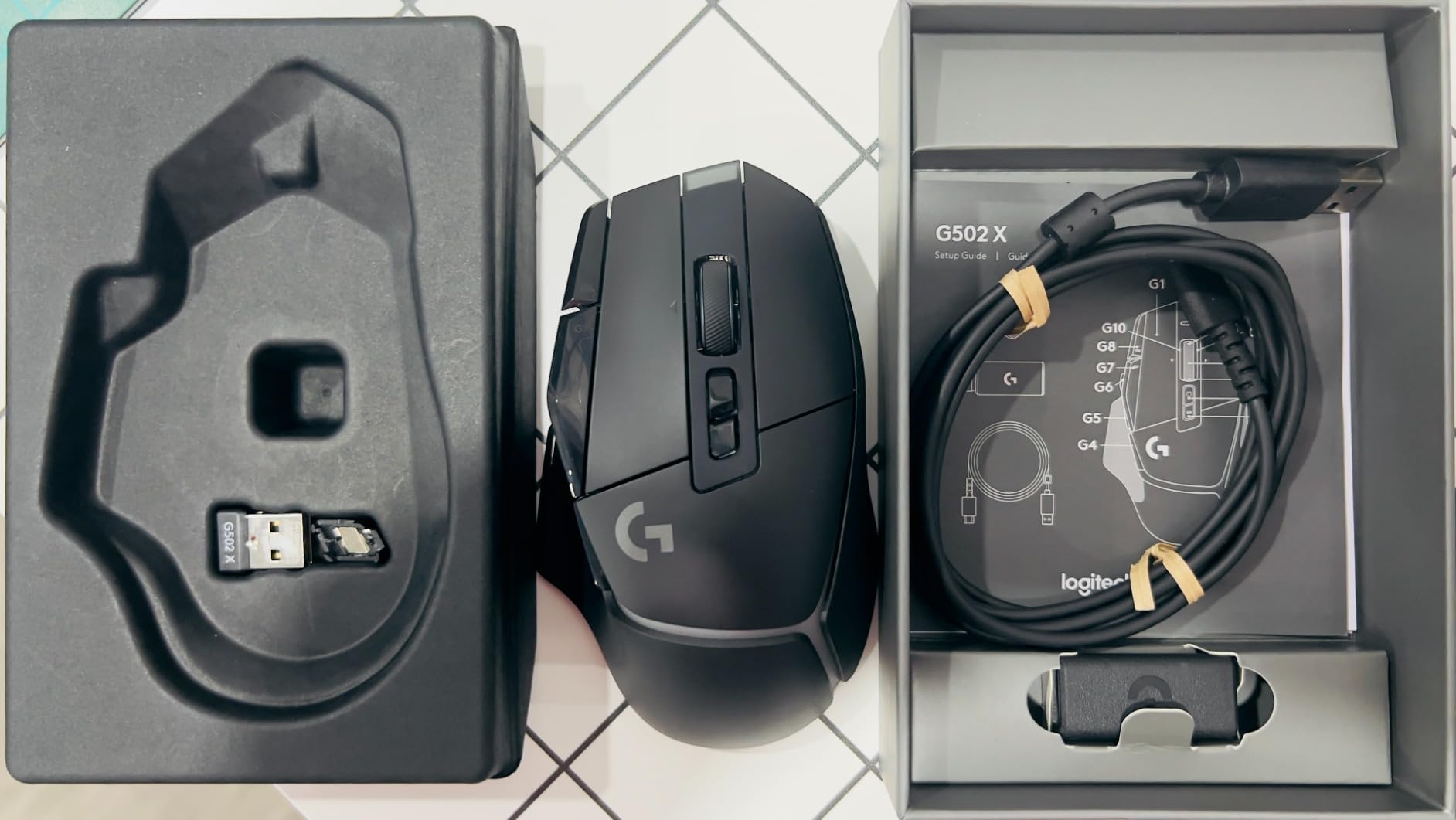
The G502 X Plus keeps the same wide, full-hand body as the Hero and adds wireless, which makes it the one to buy if your hand is large and you do not want to choose between a long body and a multi-button layout. Thirteen programmable buttons is the highest count of any wireless mouse in this roundup.
The HERO 25K sensor delivers sub-micron precision, and LIGHTFORCE hybrid optical-mechanical switches give crisp, fast actuation. The dual-mode scroll wheel switches between hyper-fast free spin and precise ratcheting, with tilt inputs as well.
The reversible and removable DPI shift button is the detail large-hand players care about most. On a wide shell the default click zone can sit awkwardly under a big hand, and moving that button lets you tune where the sensitivity change lands relative to your grip.
Battery life is rated at 120 hours, and POWERPLAY charging is supported. LIGHTSYNC RGB covers eight LEDs with startup and power-down effects.
What a 13-button layout unlocks
On shooters the extra side buttons handle abilities, ping and weapon swaps without a modifier key. In MMOs and MOBAs you can bind an entire rotation to the grid and keep your hand flat, which is exactly what a large hand wants to avoid.
Combined with the wide body, it means you never have to hover the mouse to reach a binding. That removes the reach problem that pushes big hands into fingertip grip on smaller shells.
Where it loses to the Hero
The LIGHTFORCE click sound is noticeably louder and more piercing than the mechanical switches on the wired Hero, and several reviewers in shared rooms treat that as a real drawback. The review pool is also much smaller, around 2600 ratings, so the long-term reliability picture is thinner.
LIGHTSPEED wireless requires a USB receiver rather than Bluetooth, and 120 hours of battery life is well short of the DeathAdder V3 Pro. G HUB is required for lighting and profile management.
8. UtechSmart Venus Pro: Most Buttons for MMO Play
UtechSmart Venus Pro Wired MMO Gaming Mouse – 16400 DPI RGB
19 programmable buttons
Listed 4.6 in L x 3 in W
Weight 7.8 oz
16400 DPI laser
Pros
- Nineteen buttons including 12 angled side keys
- Five onboard profiles with colour coding
- Onboard 200 to 16400 DPI adjustment
- Eight 4 g weights pre-installed
Cons
- Crowded layout is poor for a simple grip
- Laser sensor and 1000 Hz polling are dated
- Windows-only software with fading button legends
Nineteen programmable buttons is the highest count in this roundup, and the twelve angled side keys are placed so your thumb finds them by touch. If you play an MMO and you have a 20 cm-plus hand, the sheer number of bindings is the entire argument for this mouse.
Five onboard profiles each carry a dedicated RGB colour, so switching between a raid profile and a crafting profile is a glance rather than a menu dive. Onboard sensitivity adjustment runs from 200 to 16400 DPI using buttons on the shell, with no software required.
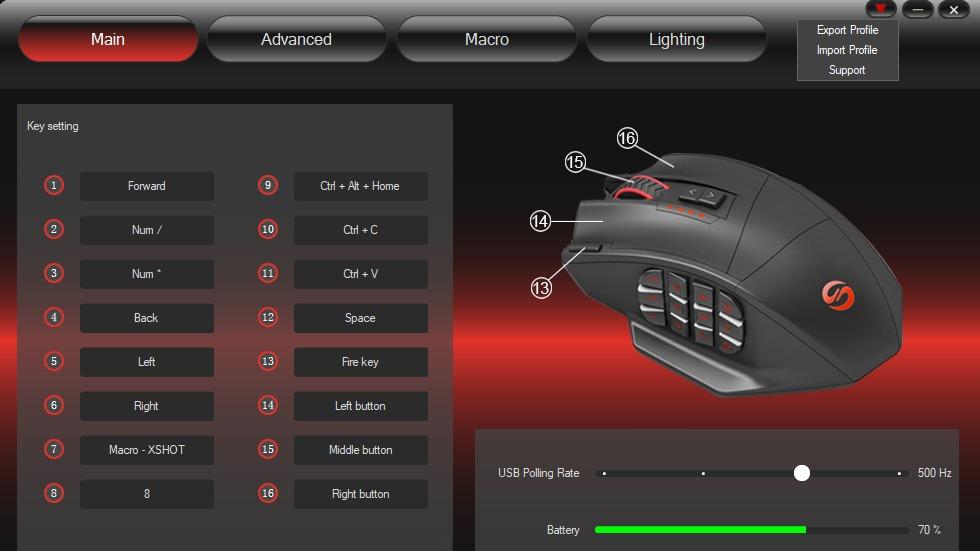
Eight 4 g weights come pre-installed, and the frosted textured shell resists sweat. At a listed 4.6 inches by 3 inches it is shorter than the DeathAdder shells but noticeably wide, and at 7.8 ounces it is a planted mouse that stays put through long sessions.
With 23954 reviews at 4.4 stars and 71 percent five-star ratings, it has one of the larger review pools here, which tells you the shape and the button layout are proven rather than experimental.
For MMO players with large hands
The angle of the side keys is the detail worth understanding before you commit. Rather than a flat column, they are arranged so each finger segment reaches a different key, which is what makes nineteen buttons usable rather than a nuisance.
With 30G acceleration tolerance and 12000 FPS tracking, it holds up fine in a busy raid. The weight system lets you dial between a planted feel and something lighter for long sessions.
When this is the wrong choice
The crowded 19-button layout makes it a poor fit if you want a simple palm or claw grip or if you play a competitive shooter. Two of the side keys sit under your ring finger, which gets in the way of a clean grip.
The laser sensor and 1000 Hz polling are dated next to modern optical sensors and 8000 Hz mice. Software is Windows-only, so macOS and Linux users lose the programmable button features, and owners report the button legends wearing off with heavy use.
9. Redragon Wireless RGB Mouse: Longest Battery Runtime
Redragon Wireless Gaming Mouse, Ergonomic Mouse 16000 DPI with Rapid Fire Key, 9 Macro Buttons, 170-Hour Durable Power Capacity and RGB Backlight Wired/Wireless Mouse for Laptop/Mac/PC
Listed 5 in L x 3.2 in W
Weight 4.32 oz
16000 DPI
Up to 170 hour battery
Pros
- Battery rated up to 170 hours with RGB off
- Wired and wireless with charge while playing
- Textured rubber side grip suits large hands
- Five onboard DPI levels
Cons
- Redragon Pro driver is weak
- Side buttons reported loose with misclicks
- Battery runtime degrades within a year
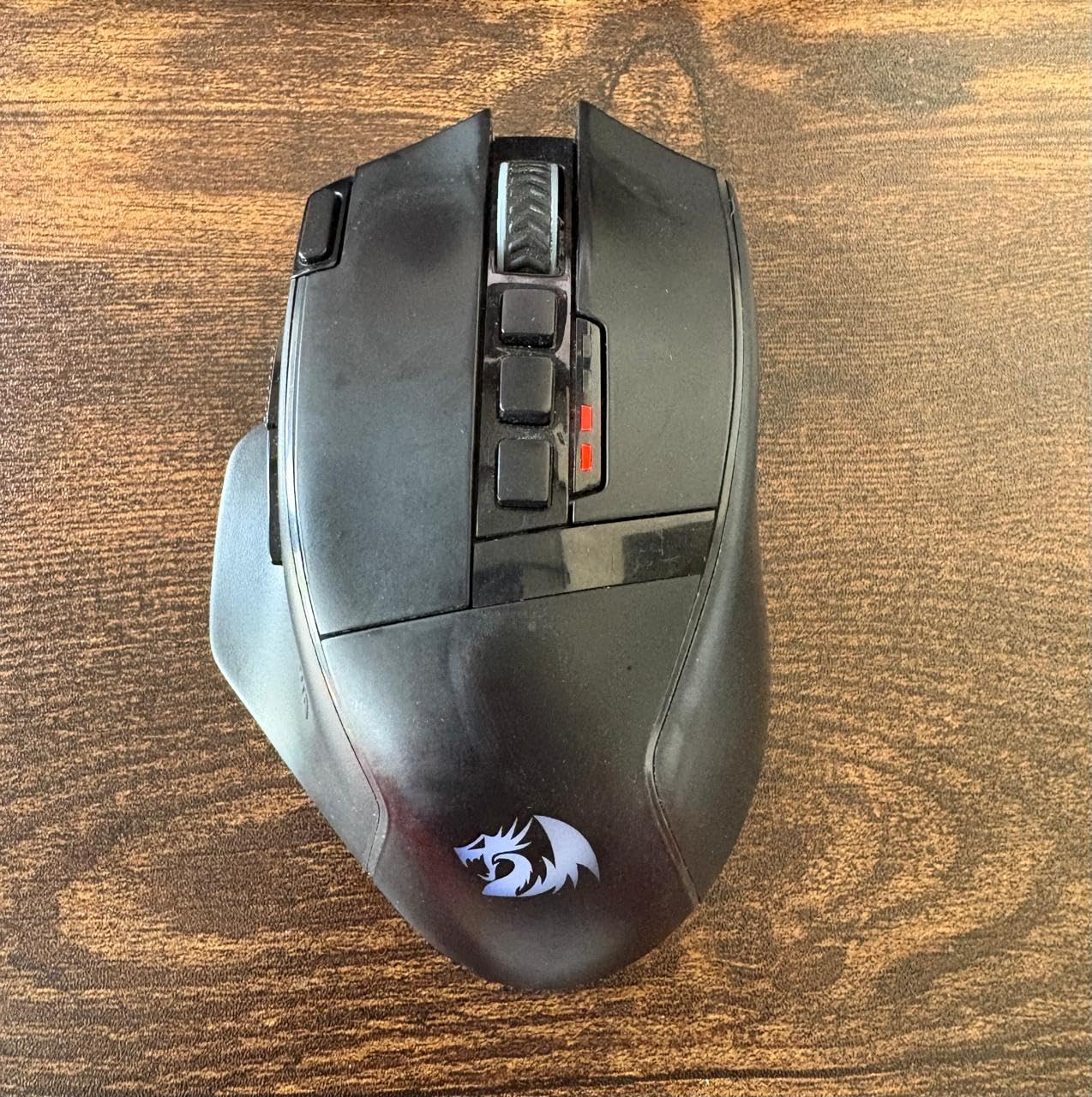
Battery life is the headline here, and it is not close. Rated up to 170 hours in eco mode with RGB off, which is the longest figure in this roundup, against 120 hours for the G502 X Plus and 90 for the DeathAdder V3 Pro. If you game several hours a day and do not want to think about charging, that number is the pitch.
It runs both wired and wireless over a 2.4 GHz nano receiver, and it can charge while you play. The listed 5 inch by 3.2 inch body is wide, and the textured rubber and silicone side grips are what owners with large hands point to first.
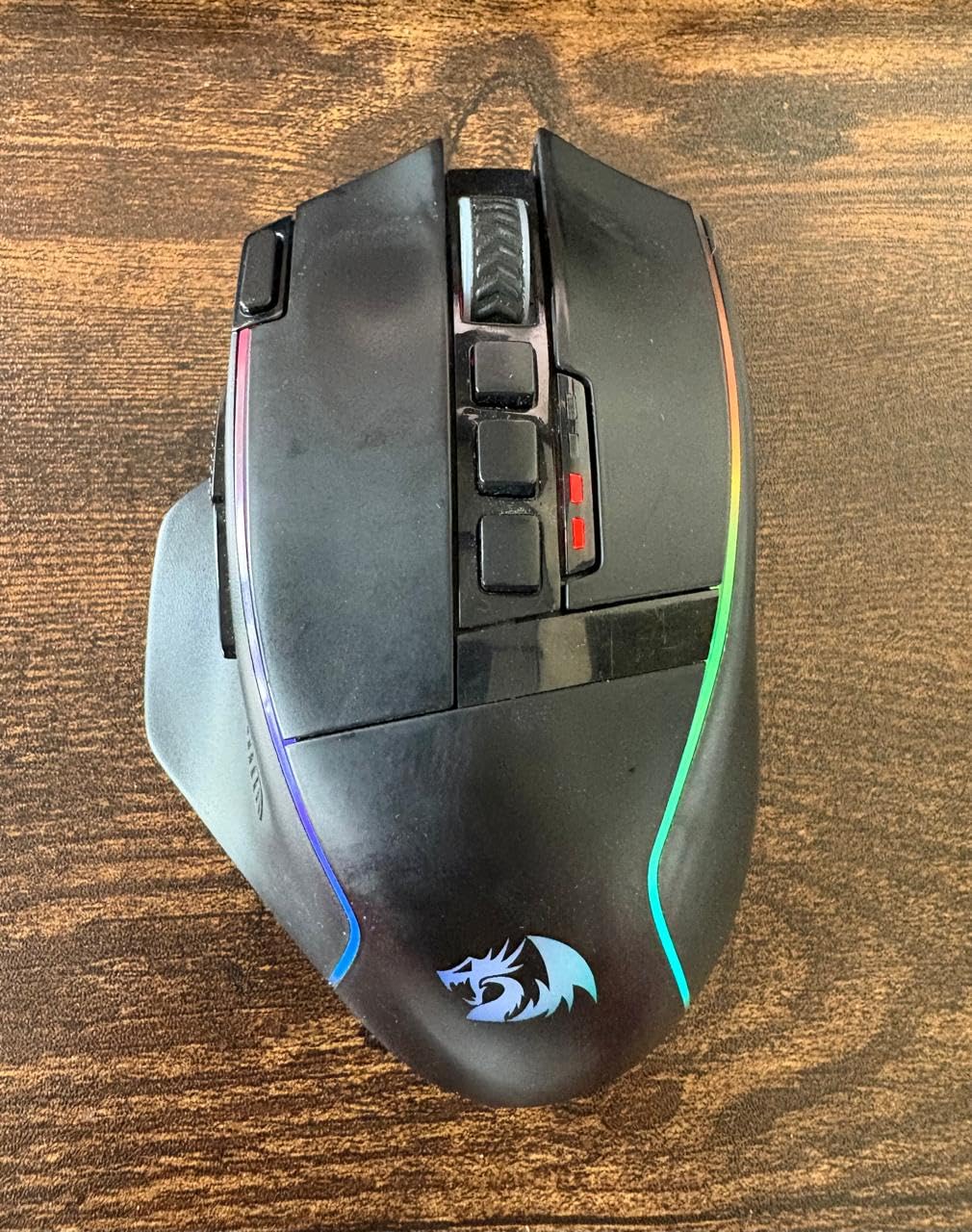
The PAW3335 optical sensor offers five onboard DPI levels up to 16000 at a 1000 Hz polling rate. Nine buttons are programmable, including a rapid-fire key and two side macro buttons, and it works on Windows, MacOS, Chrome OS and Linux.
At 4.32 ounces it sits in the same weight class as the G502 Hero, with a wide shell that supports a full palm. That combination of width and mass is what makes it work for a hand over 20 cm.
What works better than expected
At 4.5 stars from roughly 978 ratings, the critical reviews concentrate almost entirely on software and durability rather than on fit or feel. The shape is not the problem here, and several owners specifically note the size as comfortable for big hands.
Rapid fire and macro binding are useful for MMO play, and the wide body means those two side buttons sit under your ring finger where a large hand can reach them without shifting your grip.
What to watch for
The Redragon Pro driver is weak, which undercuts the programmable button feature the mouse is sold on. Side buttons have been reported as loose with an inconsistent feel, causing misclick errors during play.
Battery runtime reportedly degrades noticeably within a year of regular use, and there are occasional reports of the unit failing entirely within a few months or the primary button double-clicking after about a year. The 12 month warranty is the shortest here.
10. Redragon M908: Heaviest MMO Mouse in the Roundup
Redragon M908 Wired MMO RGB Gaming Mouse 12400 DPI Remapping Keys
Weight 175 g
Listed 4.81 in L x 3.62 in W
18 programmable buttons
12400 DPI
Pros
- Heaviest shell here at 175 g for a locked aim
- Eighteen buttons with 12 angled MMO side keys
- Five memory profiles with colour-coded backlight
- Eight 2.4 g tuning weights included
Cons
- 175 g needs an adjustment period
- 18-button layout blocks a simple grip
- No wireless option and Windows-only macros
At 175 g this is the heaviest mouse in the roundup by a wide margin, and that is not a mistake. It is listed at 4.81 inches by 3.62 inches, so it is deep front to back and very wide across, and the weight keeps the whole shell motionless during long raids.
Eighteen programmable buttons include 12 MMO side buttons angled for fast thumb access. Five onboard memory profiles each have a dedicated backlight colour, which is the same idea as the Venus Pro and works just as well.
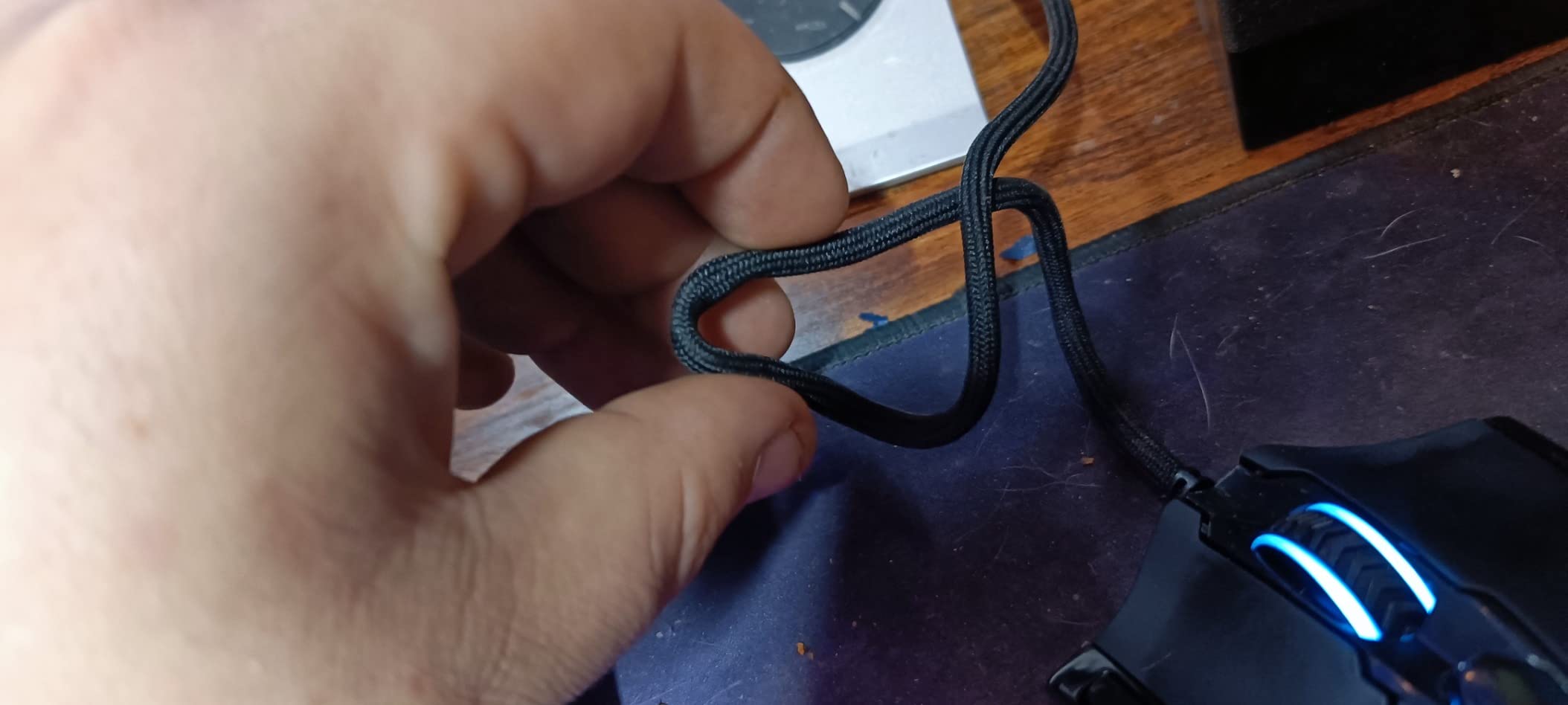
Sensitivity runs to 12400 DPI with five preset levels and plus or minus 100 adjustment from 200 in software. The Pixart PAW3327 sensor handles 1000 Hz polling and 30G acceleration, and TEFLON feet plus a braided cable with a gold-plated USB connector round out the build.
Eight 2.4 g tuning weights let you reduce the feel if 175 g proves too much, though the box still ships heavy out of the packaging.
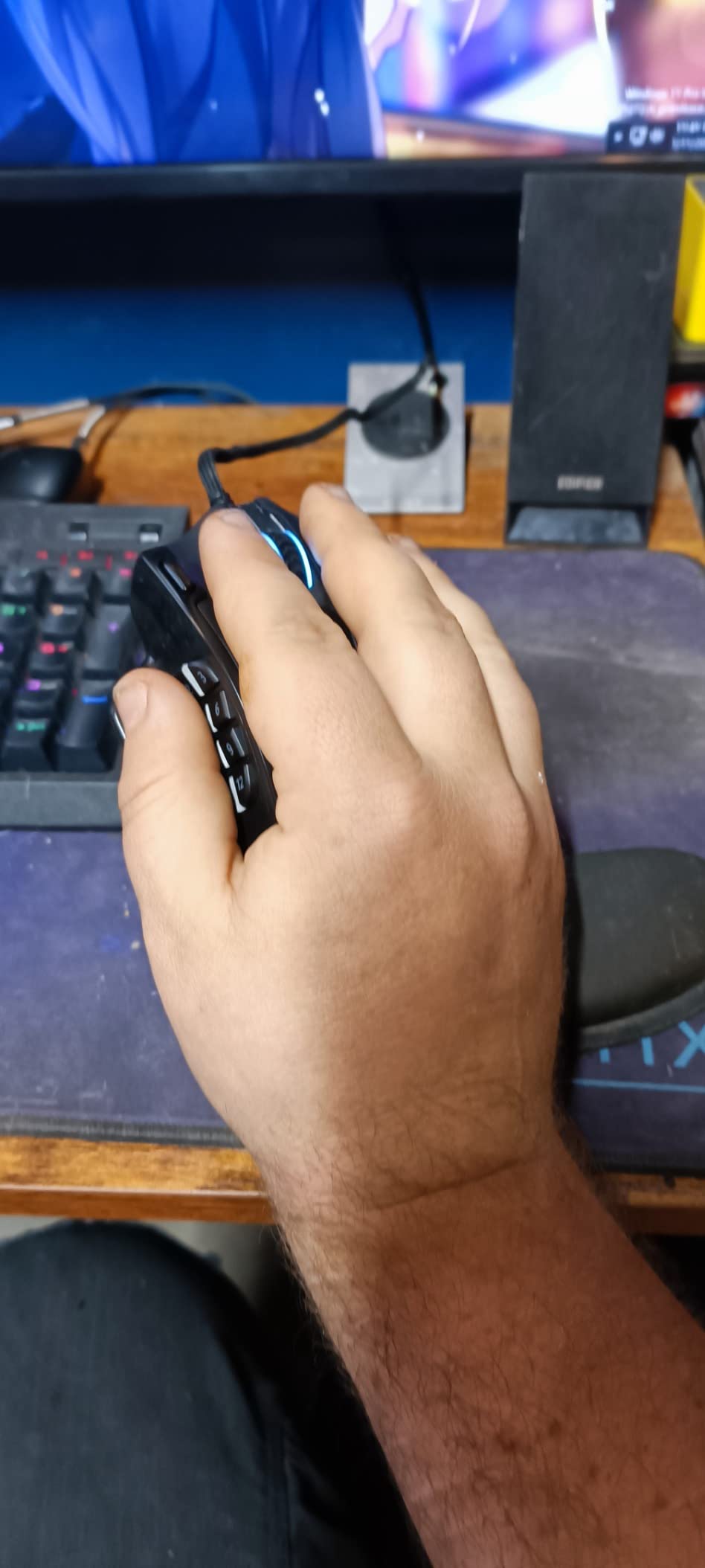
Why some large hands want more mass
Weight is not automatically better, but for a 22 cm-plus hand using a slow, deliberate grip, a 175 g shell removes the micro-movement that comes from a light mouse pushed across a fabric pad. Owners describe aim as very planted and stable.
The 3.62 inch listed width is the widest figure in this guide. If you have been fighting overhang on every other mouse, the width alone may solve the problem, and the weight keeps it solved.
Reasons to pass
The 175 g weight is a commitment, and most users need to adapt before rapid aim movements feel controlled. If you came from a 60 g esports mouse, expect a two-week adjustment period.
The 18-button layout is unsuitable if you want a simple grip. The top shell is plain plastic that wears and creaks with heavy use, there is no wireless option or modern high-polling mode, and the programmable features are Windows-only with Mac limited to a basic mode.
What Owners Say About Large-Hand Mice
Forum consensus lines up with the fit data in a useful way. On r/MouseReview the Logitech G502 family is the single most-recommended large-hand mouse across threads, described as one of very few modernized bricks with many buttons available. The Razer DeathAdder line is the most-recommended ergonomic palm-grip answer, with one user noting that the shape is perfect for their claw grip despite larger hands than most.
The recurring complaint is not weight or sensor, it is overhang. Fingers hanging off the front edge and a pinky dragging on the desk during sweeps is the symptom that brings people back to the forums, and it is what the 125 mm rule is designed to prevent.
Another pattern worth knowing: several users report owning several mice before finding a fit. One recurring piece of advice is that measuring your hand, then matching it to a listed millimetre length, is what ends the re-buying cycle. No manufacturer reports body length consistently, which is why so much guesswork happens.
A quieter theme is left-handed and ambidextrous search, which keeps coming back without a real answer. The next section deals with it directly. Software friction comes up constantly too, with Razer Synapse, Logitech G HUB and Corsair iCUE all criticised as bloated or unstable.
How to Choose a Gaming Mouse for Large Hands
Length first, everything else second. For a 19 to 21 cm hand you want 128 to 135 mm. For 21 cm and above, look for 130 mm or longer. If a product page does not list a length, the marketing word ergonomic tells you nothing, since plenty of mice labelled ergonomic measure under 120 mm.
Width is the one people forget. A long but narrow mouse still lets the base of your palm overhang. Around 70 mm or wider is the practical target, and the two widest shells here are the Corsair NIGHTSWORD at a listed 3.38 inches and the Redragon M908 at 3.62 inches.
Match the hump to your grip. Palm grip needs a high rear hump and a body that widens toward the back, so your palm rests on the surface rather than bridging a gap. Claw grip needs a pronounced rear ridge to hook your palm against, which the DeathAdder shape provides. Fingertip grip uses only the front pads and mostly cares about the front width and how sharply the edges are chamfered.
Weight is a grip decision, not a size decision. Big hands do not automatically need a heavy mouse. Palm grip generally works better above 90 g because the mass keeps the shell still, while claw grip benefits from something in the 60 to 80 g band for fast direction changes. A hand that cramps after long sessions often does better lighter, not heavier.
Do bigger hands need a lower DPI? Generally yes, because a larger sweep covers more surface and a high sensitivity turns that into an overshoot. Working in the 400 to 1600 DPI range with a lower in-game sensitivity usually gives a large hand the control they lack at high DPI. The sensor ceiling matters less than the pairing, since these mice range from 6400 to 30000 DPI and all of them can be dialled down.
Wireless versus wired is a latency question, not a quality question. LIGHTSPEED and HyperSpeed wireless hold a stable low-latency link that is difficult to distinguish from a cable in normal play. The practical reasons to stay wired are battery management and the fact that some mice here have no wireless option at all. If you do go wireless, keep the receiver on the same USB port as close to the mouse as the cable length allows, and expect high polling modes to cut battery life noticeably.
Count the side buttons and check where they sit. Side buttons placed forward under the index finger are reachable while the hand stays flat. Buttons placed behind the thumb knuckle force a grip shift, and on a large shell that shift is exactly what you were trying to avoid. Ten buttons or more is the useful threshold if you play an MMO or MOBA; six is fine for a shooter.
Treat onboard profiles as insurance. Synapse, G HUB, iCUE and the Redragon driver are all imperfect, and all of them are criticised on forums. Onboard memory means your bindings survive a software failure, which matters most on the mice with the most buttons.
Southpaw and Ambidextrous Options for Large Hands
This is the weakest part of the category and the honest answer is short. Almost every full-length large-hand shape is moulded for a right hand, and the shell that fixes overhang for one hand usually mirrors wrong for the other. Two models in this roundup are listed as ambidextrous, but both are smaller or shallower shapes rather than genuine large-hand ergonomic shells.
What the forums suggest instead is a right-handed large shell in mirror mode, which works for some southpaws because the length and width are the part that matters, not the button layout. Others buy a right-handed large mouse and remap the side buttons, accepting the awkward reach. If you are 21 cm-plus and want a proper ergonomic shape, the realistic options are limited, and we would rather say that than pretend otherwise.
Frequently Asked Questions
What is the best mouse for people with big hands?
The Logitech G502 Hero is the safest all-round answer. Its wide, full-hand body supports a 19 to 22 cm hand in palm grip, 11 programmable buttons cover MMO and MOBA play, and the adjustable weight system lets you tune a 122 g base. If you want something lighter with the same footprint, the Razer DeathAdder V3 Pro gives you a long ergonomic shell at 63 g.
What is the best mouse for a large palm grip?
Palm grip needs a high rear hump and a body that widens toward the back. The Logitech G502 Hero and the Razer Basilisk V3 both fill a whole hand, and the Basilisk adds a deep thumb rest that anchors the heel of your hand. The Corsair NIGHTSWORD is the widest option at a listed 5.08 by 3.38 inches, and its weight system runs from 119 g to 141 g for a planted feel.
What is the best claw grip mouse for big hands?
Claw grip needs a pronounced rear hump to hook your palm against. The Razer DeathAdder V3 Pro is the strongest pick because it combines a listed 5 inch body with a defined arch at only 63 g, and owners with 20 cm-plus hands report using it comfortably in claw grip. The wired DeathAdder Essential gives you the same shape with less refinement if weight is not the priority.
How do I measure my hand size for a mouse?
Open your hand fully, flatten the fingers, and measure from the centre of your wrist crease to the tip of your middle finger. Then measure across the knuckles at the base of the index and middle fingers. Under 17 cm suits 110 to 120 mm mice, 17 to 19 cm suits 120 to 128 mm, 19 to 21 cm needs 128 to 135 mm, and 21 cm and above needs 130 mm or longer.
Is there a better mouse than the Logitech G502?
It depends on what the G502 does badly. The wired G502 Hero is unbeatable on button count and build track record, but the Razer DeathAdder V3 Pro halves the weight while keeping a long ergonomic body, and the Logitech G703 LIGHTSPEED at around 95 g is the pick if wrist and forearm strain is your main problem. The G502 X Plus adds wireless and 13 buttons, but at a lower review count than the Hero.
Do bigger hands need a lower DPI?
Usually, yes. A larger hand travels further in a single sweep, so a high sensitivity turns that distance into overshoot. Working in the 400 to 1600 DPI range with a lower in-game sensitivity usually gives large hands the control they need. The sensor ceiling on the mice here ranges from 6400 to 30000 DPI, so any of them can be dialled down far enough.
Can a mouse be too big for your hand?
Yes, though it is rarer than a mouse being too small. A shell that is much longer than your hand can stop you reaching the rear buttons and can force a fingertip grip you do not want. The warning signs are a hand that sits too far forward so your wrist hangs over the back edge, and side buttons that end up behind your thumb knuckle. If your hand measures under 17 cm, look below 120 mm instead.
Are there left-handed or ambidextrous mice for large hands?
Barely. Almost every full-length large-hand ergonomic shape is moulded for a right hand, and the two mice here listed as ambidextrous are smaller or shallower shells. Southpaw players commonly mirror a right-handed large mouse and remap the side buttons, accepting the awkward reach. If you are 21 cm-plus and want a properly sculpted shape, the genuine options are limited and worth researching before buying.
The Verdict: Which Large-Hand Mouse Should You Buy?
If your hand measures 19 to 21 cm and you want one mouse that fits a full palm and handles every genre, buy the Logitech G502 Hero. It is the pick on fit, button count and proven reliability. If you want a lighter long shell, the Razer DeathAdder V3 Pro at 63 g is the one to try, and the Basilisk V3 is the better palm support at around 101 g.
Run an MMO and nothing else, and the UtechSmart Venus Pro wins on binding count. Go the other way and want a mouse that does not move, the Redragon M908 at 175 g or the Corsair NIGHTSWORD at up to 141 g will hold still while you do.
These are the best gaming mice for large hands we could find with real fit data behind them, and every measurement on this page came from the manufacturer’s listed dimensions rather than a photo. We update this guide each year as new shells land, and the short version of the whole page is simple: measure your hand, buy 125 mm or longer, and stop losing the re-buying cycle.