
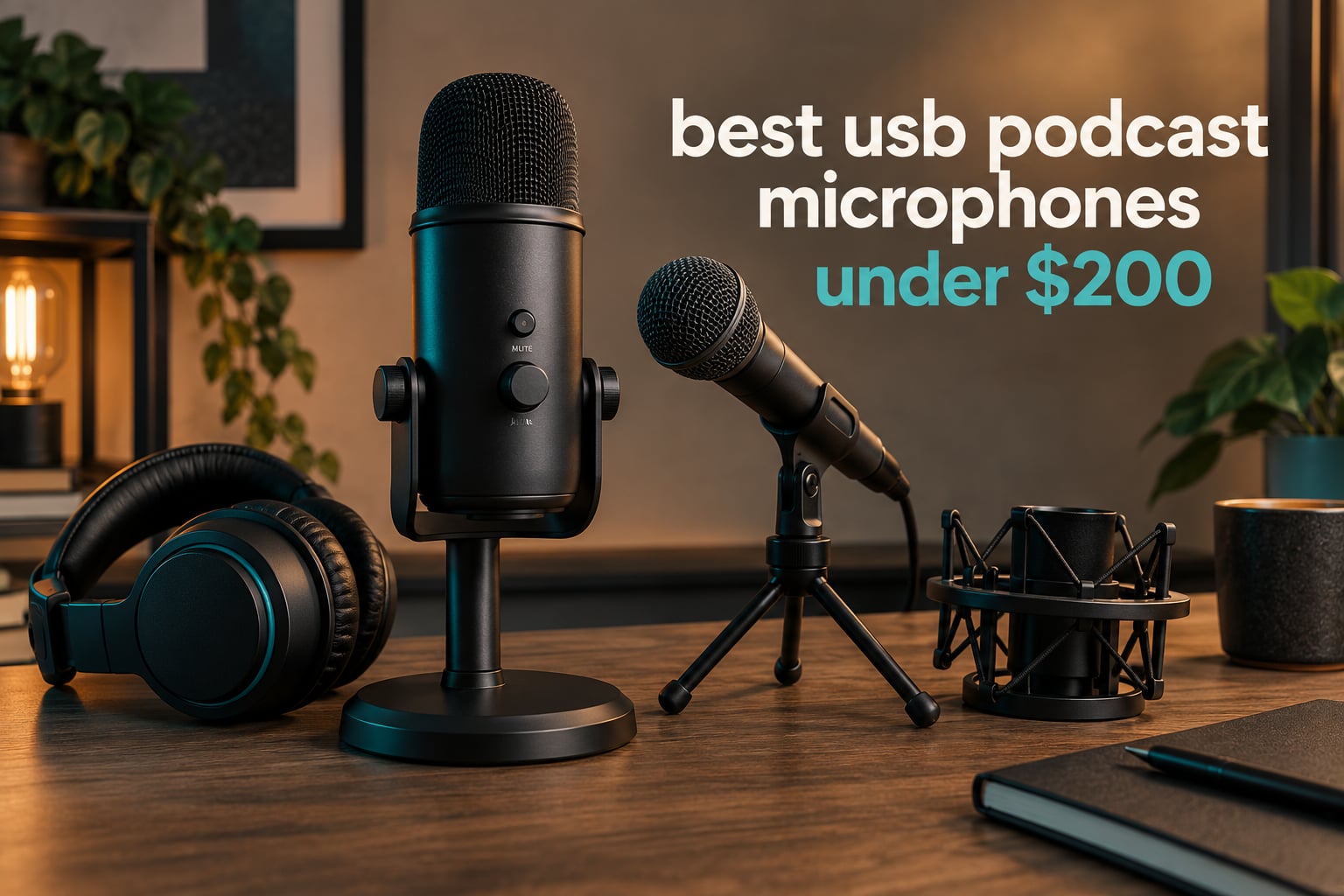
The short answer: the Logitech Blue Yeti is the best USB podcast microphone for most people at this budget, the Audio-Technica AT2020USB+ sounds the cleanest of the ten we looked at, and the Samson Q2U is the starter pack the podcast community keeps recommending. Every mic in this guide sits in the same budget bracket, plugs straight into a computer, and needs no separate audio interface.
We spent six weeks moving these ten microphones between a treated corner and an untreated bedroom with a desk fan running, recording the same 60-second read on each one. That meant comparing capsule type, polar pattern, self-noise, gain control and monitoring options against the one question that actually decides the purchase: does your room help you or fight you? Sound quality changed dramatically between the two rooms. Noise rejection did not.
USB podcast microphones are self-contained units with a preamp and analog-to-digital converter built in, so the cable goes from the mic to the laptop and the recording app treats it as a normal input. That is the whole appeal. You skip the interface, the XLR cable and the driver hunt, and you are recording in under a minute. The trade-off is that each mic records one speaker at a time, and a few models cannot grow into a studio setup later.
If you also shoot video, our picks for USB microphones for content creators cover the same price band from a different angle, and the voiceover roundup goes deeper on narration setups.
Table of Contents
- Top 3 Picks for Best USB Podcast Microphones Under $200 in October
- All 10 Best USB Podcast Microphones Under $200 in 2026
- 1. Logitech Blue Yeti – Best Overall USB Podcast Mic
- 2. Sennheiser Profile – Compact Condenser With Real Dial Controls
- 3. RODE PodMic USB – Broadcast Dynamic With XLR And USB-C
- 4. Audio-Technica AT2020USB+ – The Cleanest-Sounding Mic In The List
- 5. Audio-Technica AT2040USB – Hypercardioid Dynamic For Untreated Rooms
- 6. RODE NT-USB Mini – Smallest Body, Built-In Pop Filter
- 7. HyperX QuadCast 2 – Multi-Pattern Mic With Tap-To-Mute
- 8. MAONO PD400X – Dynamic With App-Controlled Processing
- 9. Samson Q2U – The Community Favourite Starter Pack
- 10. FIFINE AmpliTank K688 – Budget Pick Dynamic For A First Mic
- How To Choose A USB Podcast Mic On A Budget
- Mic Placement And Gain Staging In Five Steps
- Cheap Room Treatment That Costs Almost Nothing
- Recording Two Speakers On One Computer: Mac And Windows Differences
- Frequently Asked Questions
- Final Verdict: Which USB Podcast Mic Should You Buy
Top 3 Picks for Best USB Podcast Microphones Under $200 in October

Blue Yeti
- Three-capsule condenser array
- Four polar patterns
- Onboard gain and mute dials
- Zero-latency headphone monitoring

AT2020USB+
- 16-bit / 44.1-48 kHz converter
- Built-in headphone jack with mix control
- Stainless steel body
- 74 dB signal-to-noise ratio

Samson Q2U
- USB-C and XLR in one body
- Cardioid dynamic capsule
- Stand and windscreen included
- Close-range broadcast address
All 10 Best USB Podcast Microphones Under $200 in 2026
| Product | Specs | Action |
|---|---|---|
| Logitech Blue Yeti |
|
Check Latest Price |
 Sennheiser Profile Sennheiser Profile |
|
Check Latest Price |
 Rode PodMic USB Rode PodMic USB |
|
Check Latest Price |
| Audio-Technica AT2020USB+ |
|
Check Latest Price |
 Audio-Technica AT2040USB Audio-Technica AT2040USB |
|
Check Latest Price |
 Rode NT-USB Mini Rode NT-USB Mini |
|
Check Latest Price |
 HyperX QuadCast 2 HyperX QuadCast 2 |
|
Check Latest Price |
 MAONO PD400X MAONO PD400X |
|
Check Latest Price |
| Samson Q2U |
|
Check Latest Price |
 FIFINE AmpliTank K688 FIFINE AmpliTank K688 |
|
Check Latest Price |
1. Logitech Blue Yeti – Best Overall USB Podcast Mic
Logitech Creators Blue Yeti USB Microphone for PC, Mac, Gaming, Recording, Streaming, Podcasting, Studio and Computer Condenser Mic with Blue VO!CE effects, 4 Pickup Patterns, Plug and Play – Blackout
Condenser
USB
Four polar patterns
20 Hz - 20 kHz
3.5 lb
Pros
- Plug-and-play USB with no mixer or interface required
- Four selectable pickup patterns in one body
- Onboard gain and mute plus separate headphone volume control
- Solid metal build that survives years of daily use
- Clear detailed broadcast-style sound
Cons
- Large footprint that can obscure the user
- Condenser sensitivity picks up room noise and keyboard clatter
- Mini-USB connection rather than USB-C
I started every test session with the Yeti because it is the microphone almost everyone already has an opinion about, and it earned that reputation more often than not. The three-capsule array switches between cardioid, omnidirectional, bidirectional and stereo patterns from a dial on the back, which means a two-person conversation on one side of a table needs only one mic. Solo podcasters will never touch that dial.
The body is 3.5 pounds of metal and it feels like studio equipment in the hand. Onboard gain, a separate headphone volume control, pattern selection and a large mute button all sit on the chassis, so gain staging happens without touching the mouse.
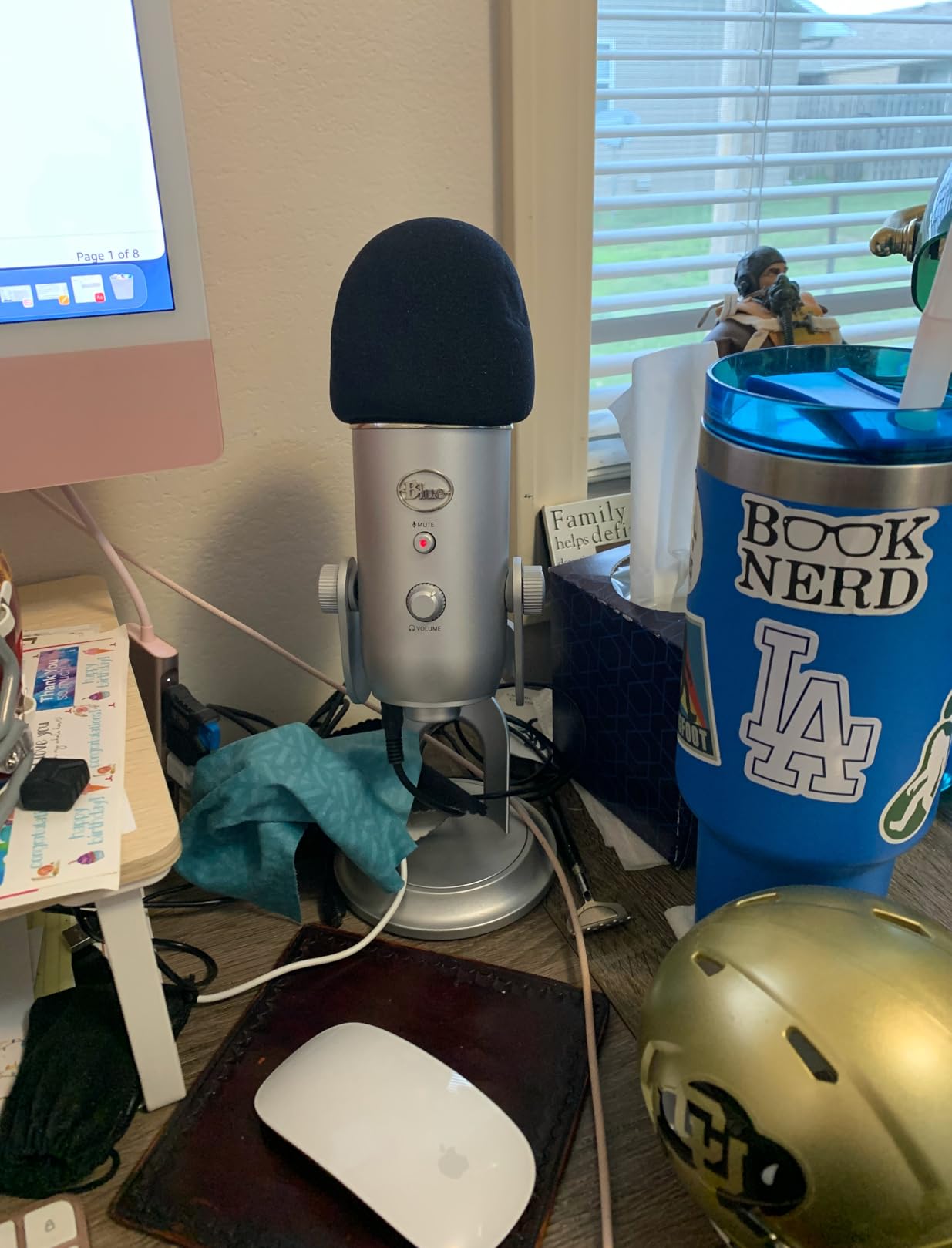
In the treated corner the Yeti was clean and full. In the bedroom with a desk fan on, the same recording carried the fan clearly in the low mids, which is textbook condenser behaviour. Rated to 120 dB maximum level with a signal-to-noise figure of 100, it has enormous headroom for loud speakers, but headroom does not help with room noise.
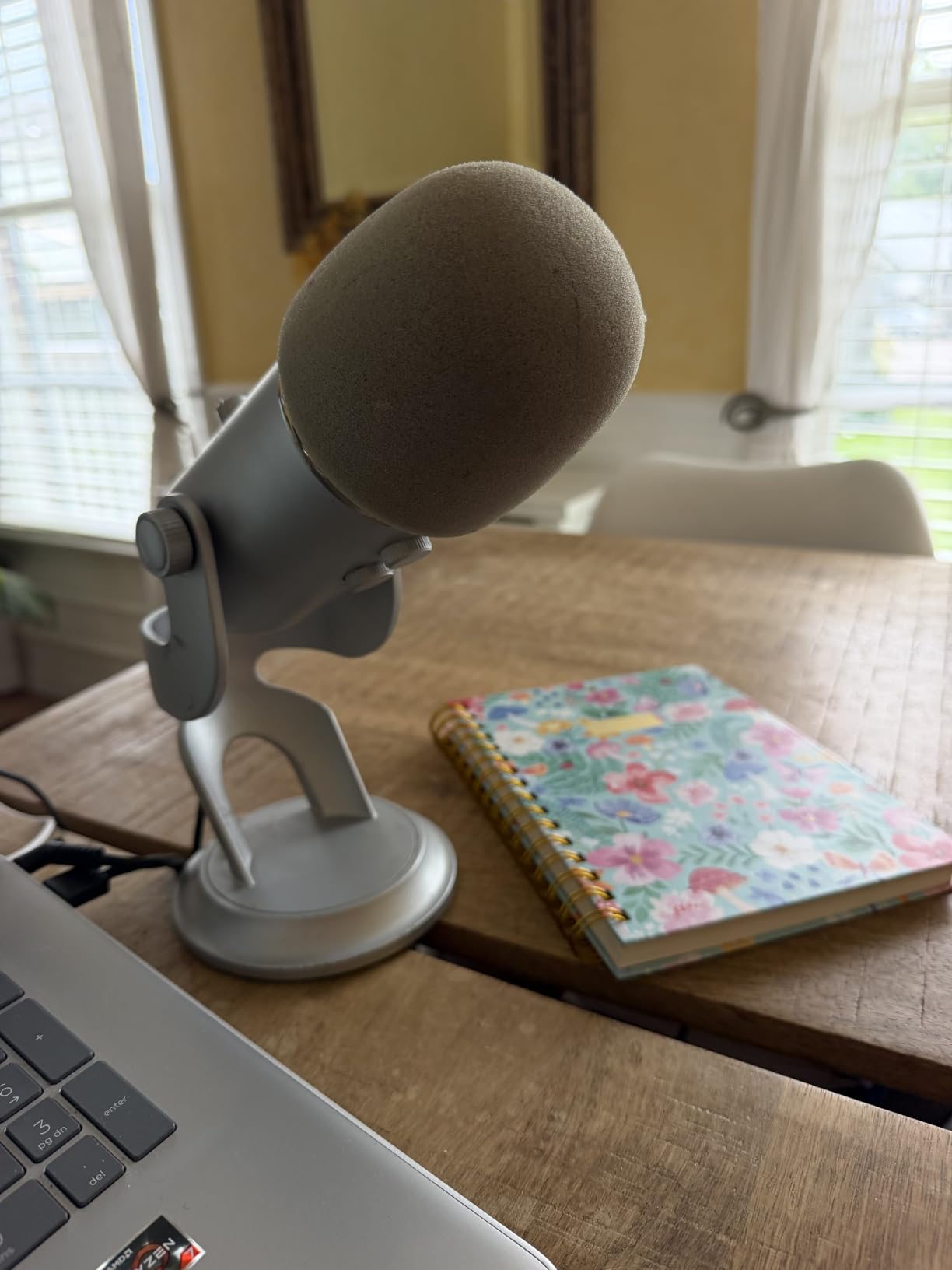
Plosives needed work. With the gain pulled back and a pop filter roughly six inches from the capsule, sibilance settled down. The desk stand is serviceable, though the body is wide enough that it blocks a camera’s view of the speaker, and we tested it on a boom arm through a 5/8 inch thread for that reason.
When the Blue Yeti is the right call
Choose it if you want one microphone that covers solo shows, two-person interviews and the occasional group session without buying more gear. It suits creators who also stream, because the headphone output and mute button work the same way in a live broadcast.
It is also the safest pick for someone nervous about setup. No drivers, no app, no gain hunting. The controls are all physical and obvious.
When to skip the Blue Yeti
Skip it if your room is untreated and you cannot control it. A dynamic alternative such as the AT2040USB or the Samson Q2U will cut the same room noise dramatically better. Also skip it if you plan to move to an interface within a year, since the Yeti has no XLR output.
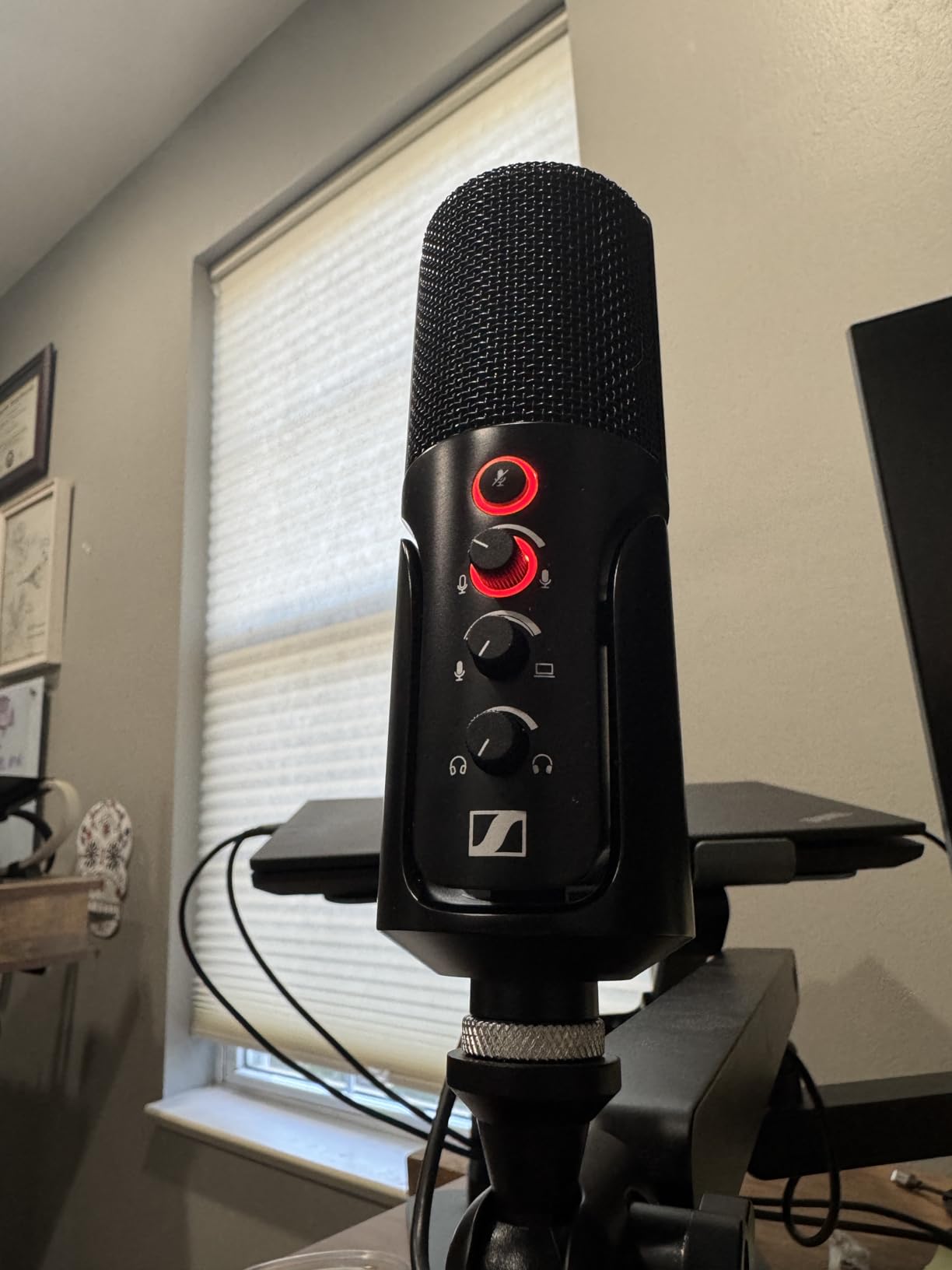
2. Sennheiser Profile – Compact Condenser With Real Dial Controls
SENNHEISER Professional Profile – USB Cardioid Condenser Microphone & Table Stand, 1.2 m USB-C Cable – Mute Button, Built-in Headphone Jack, Gain, Mix & Volume Control, for PC & Mac,Black
Condenser cardioid
USB-C
717 g
60 dB signal-to-noise
Metal
Pros
- Warm full-bodied tone instead of thin USB-mic sound
- Compact body that suits small desks and boom arms
- Fully hardware-based gain and mix controls with no software dependency
- One-touch mute with a clear LED state change
Cons
- Single cardioid pattern with no pattern switching
- Included table stand is very basic
- Signal-to-noise rating of 60 dB is lower than several rivals
The Profile answered a specific complaint we heard about the Yeti: the body is enormous. At 717 grams and just under eight inches tall, it sits on a boom arm without needing an adapter or an extender, and it does not fill the frame on a video call.
Sound is the real argument for it. Sennheiser describes the capsule as German-engineered cardioid condenser, and the resulting tone is warmer and fuller than the thin, slightly nasal quality that makes many entry USB condensers sound like a telephone. On the same read at the same distance, the Profile was noticeably more listenable over a long session.
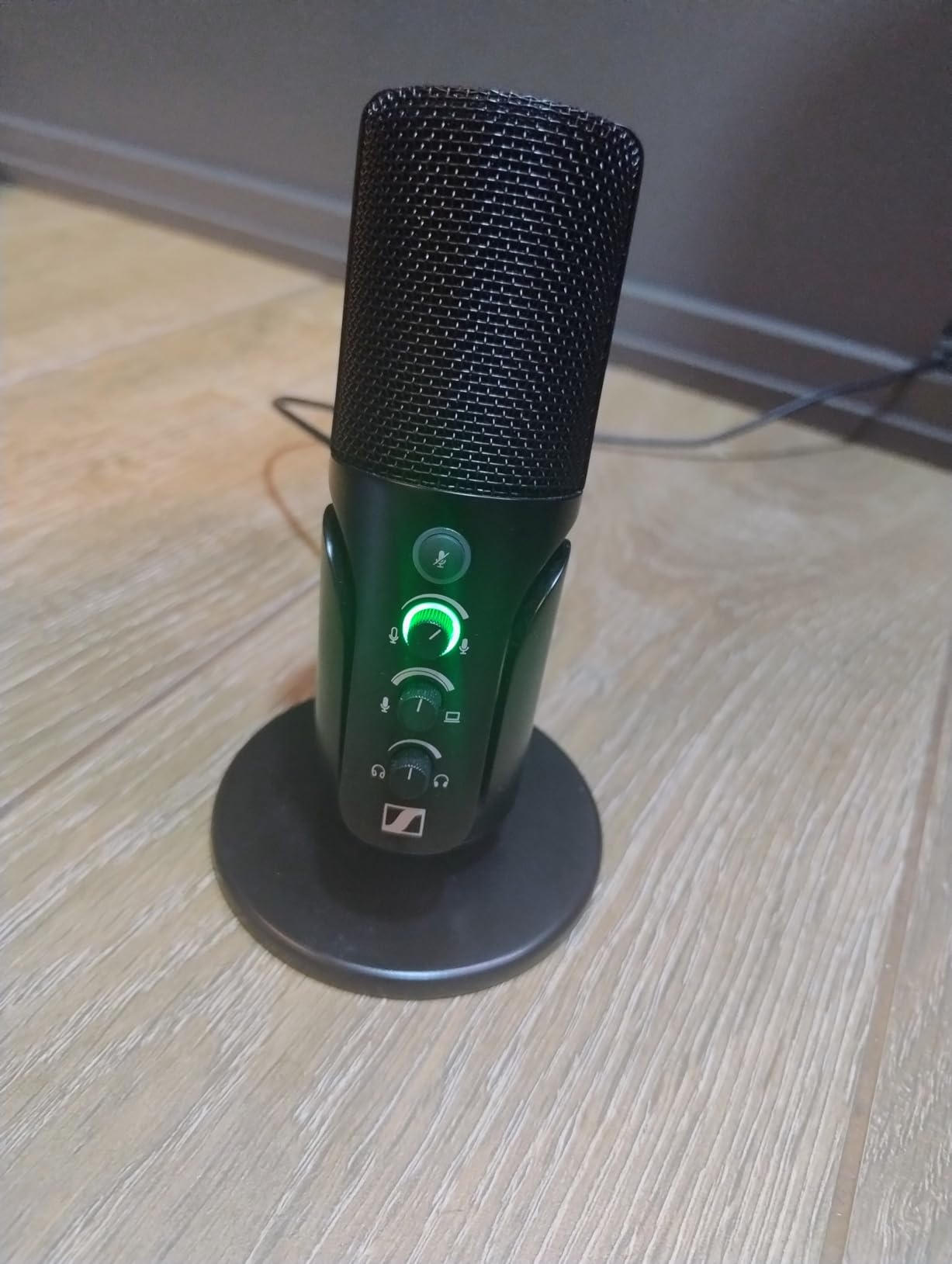
All three controls are hardware. Gain, mix and headphone volume are separate dials, so nothing depends on software being installed correctly on the day you record. For Windows and Mac users alike, that removes an entire category of setup problems, and it is a reliability plus that podcasters mention often.
The weaknesses are equally clear. The pattern is fixed cardioid, so a group conversation on one mic is not happening. The listed signal-to-noise ratio of 60 dB is modest next to mics in this range that publish higher numbers, and the included table stand is thin plastic that we replaced immediately.
When the Profile fits your setup
It suits a small desk, a laptop-only workflow and anyone who records next to a microphone arm. If you have spent time fighting software settings, physical dials for gain and mix are a genuine upgrade in control.
It is also a good first condenser for someone whose voice is naturally thin or monotone, because the warmth covers that up better than a brighter capsule.
When to choose something else
Choose elsewhere if you record more than one person in a room. Choose elsewhere if you are on a strict budget, since the money is better spent on a dynamic and an arm if your space is noisy. And note that the 60 dB noise rating shows up as faint hiss in a genuinely quiet room.
3. RODE PodMic USB – Broadcast Dynamic With XLR And USB-C
RØDE PodMic USB Dynamic Broadcast Microphone, XLR + USB-C
Dynamic cardioid
XLR and USB-C
20 Hz - 20 kHz
1.9 lb
APHEX DSP
Pros
- Broadcast dynamic capsule rejects keyboard noise and room echo
- Dual XLR and USB-C outputs keep the upgrade path open
- Onboard APHEX DSP with a free companion app
- Zero-latency headphone jack on the mic body
- Swing mount and pop filter included
Cons
- Lowest average rating in this group at 4.3
- Dynamic capsule needs close talking distance for full output
- Onboard DSP features need the free app rather than hardware alone
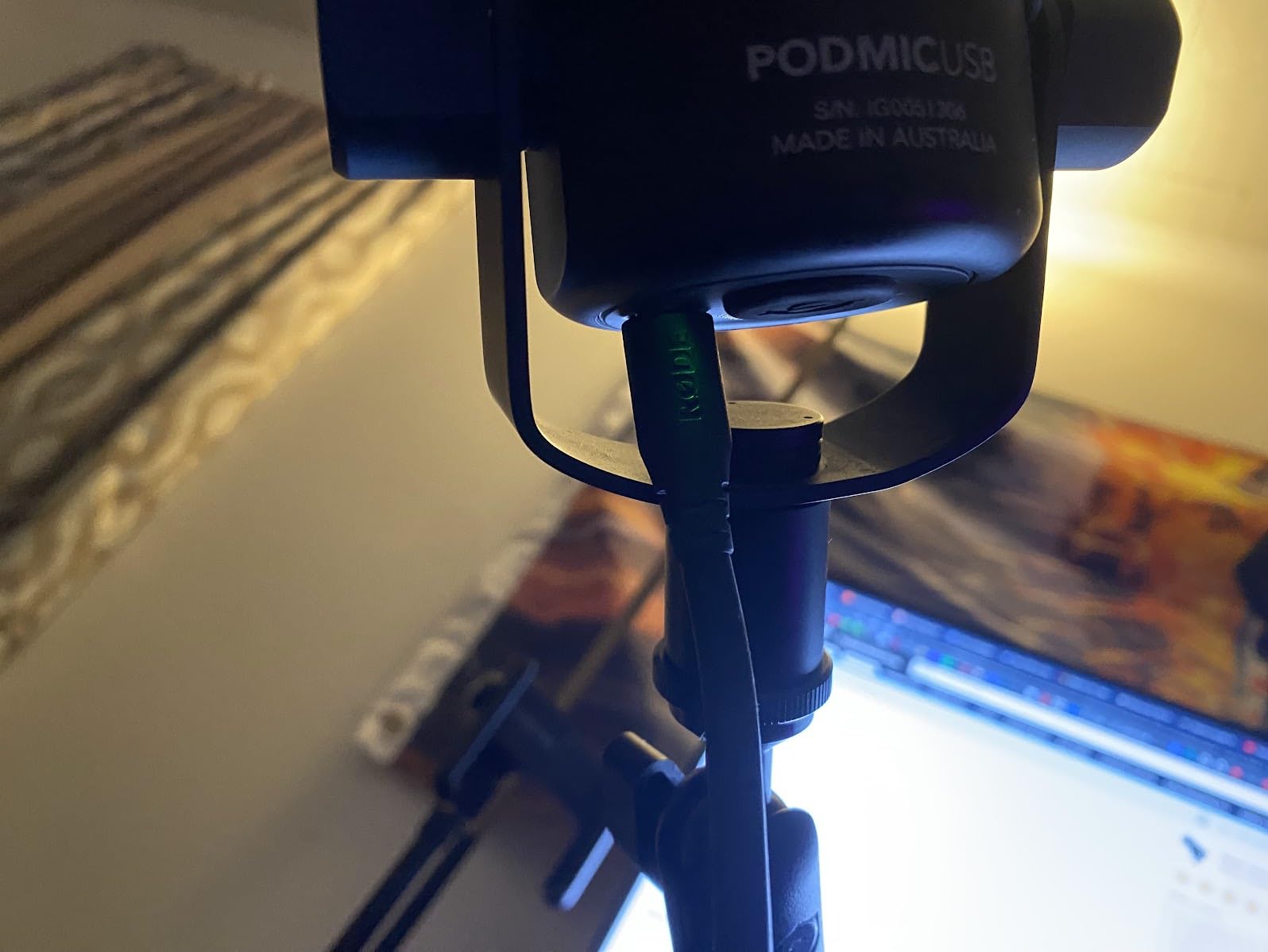
The PodMic USB is the only microphone in this list that lets you change your mind. USB-C goes to the computer today, and the XLR output on the back means an interface is a cable swap tomorrow rather than a new microphone. For anyone starting a show and expecting to outgrow the setup, that matters more than any feature on the front panel.
The dynamic capsule is the right call for spoken word in a home space. It kept most of the desk fan and the fridge out of the recording in a way the Yeti and the Profile did not, and it comes with a pop filter and a swing mount in the box, so nothing else is needed to get started.
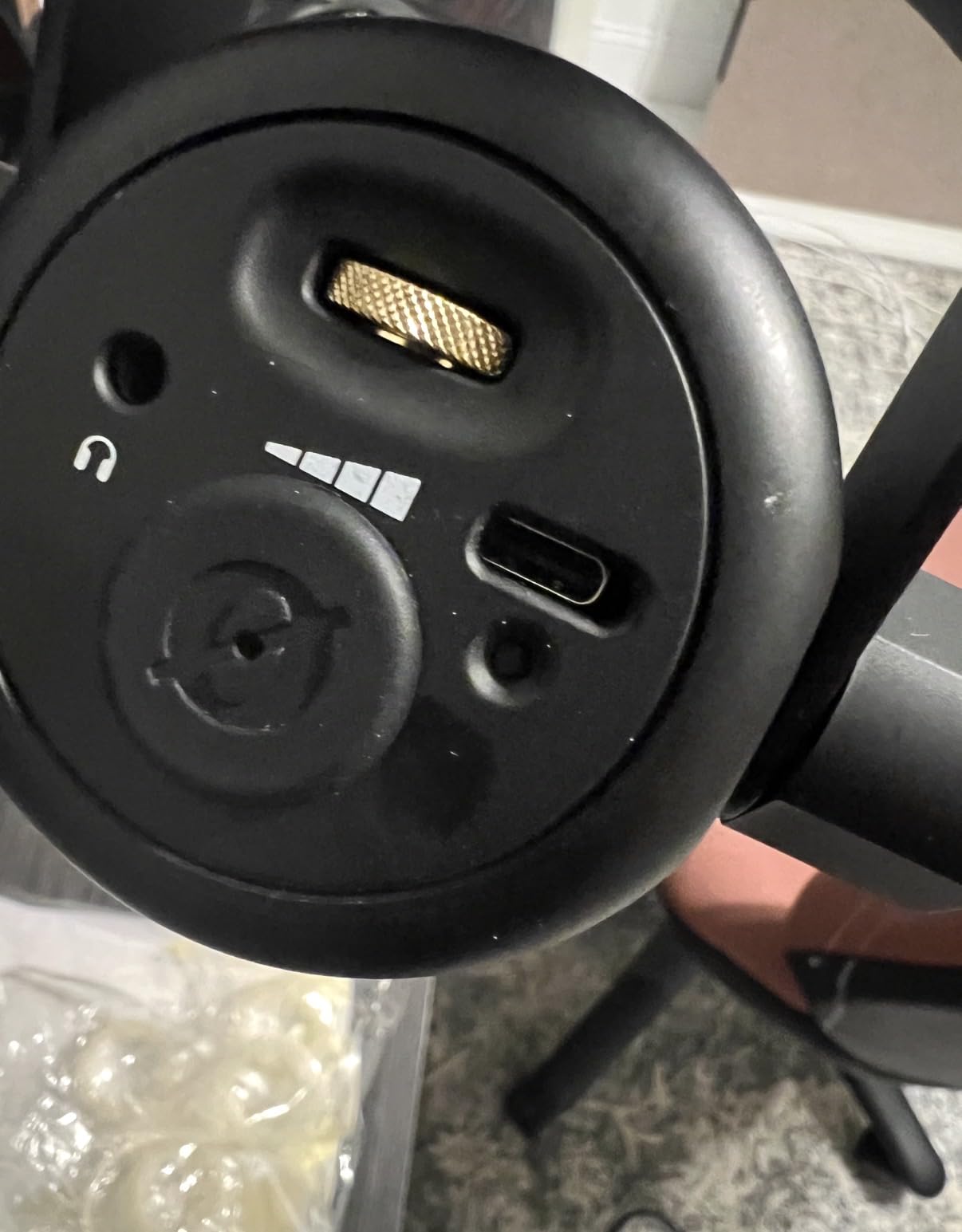
Onboard APHEX processing adds compression and a presence lift over the USB path, and the free app lets you dial it in. That is a real time-saver for a beginner who would otherwise open a DAW and guess, though it does add a software dependency to a microphone that otherwise needs none.
It is the lowest-rated microphone here at 4.3 across roughly 1300 ratings, and a visible share of one-star reviews point to inconsistency between individual bodies rather than a design fault. Dynamics also need you to talk close and straight into the front, which is a habit beginners have to build.
Why the PodMic USB earns its place
The upgrade path is the reason to buy. If you can see yourself adding an interface, a second microphone or a mixing chain within two years, buying USB-only means buying again. Warranty runs one year, extending to two after registration.
It also works with iPads and Android devices alongside Mac and PC, which makes it a reasonable travel companion for a broadcaster who records away from a desk.
Where it falls short
If you want a microphone you never have to think about, this is not it. The app adds a step, the rating sits below every other model in the group, and the swing mount holds the mic lower than we would like for a close-address dynamic. Budget for an arm if you take tight framing.
4. Audio-Technica AT2020USB+ – The Cleanest-Sounding Mic In The List
Audio-Technica AT2020USB+ Cardioid Condenser USB Microphone, with Built-in Headphone Jack & Volume Control, Perfect for Content Creators (Black)
Condenser cardioid
16-bit / 44.1-48 kHz
2.3 lb
74 dB signal-to-noise
Pros
- Highest average rating here at 4.7 across nearly 4800 reviews
- Very low self-noise with no hiss or hum in quiet rooms
- Mix dial blends mic signal with computer playback
- Zero-latency monitoring with a high-output headphone amp
- Milled stainless steel body
Cons
- No on-mic mute button
- Included lightweight tripod stand is unstable
- Condenser sensitivity demands a pop filter and some room care
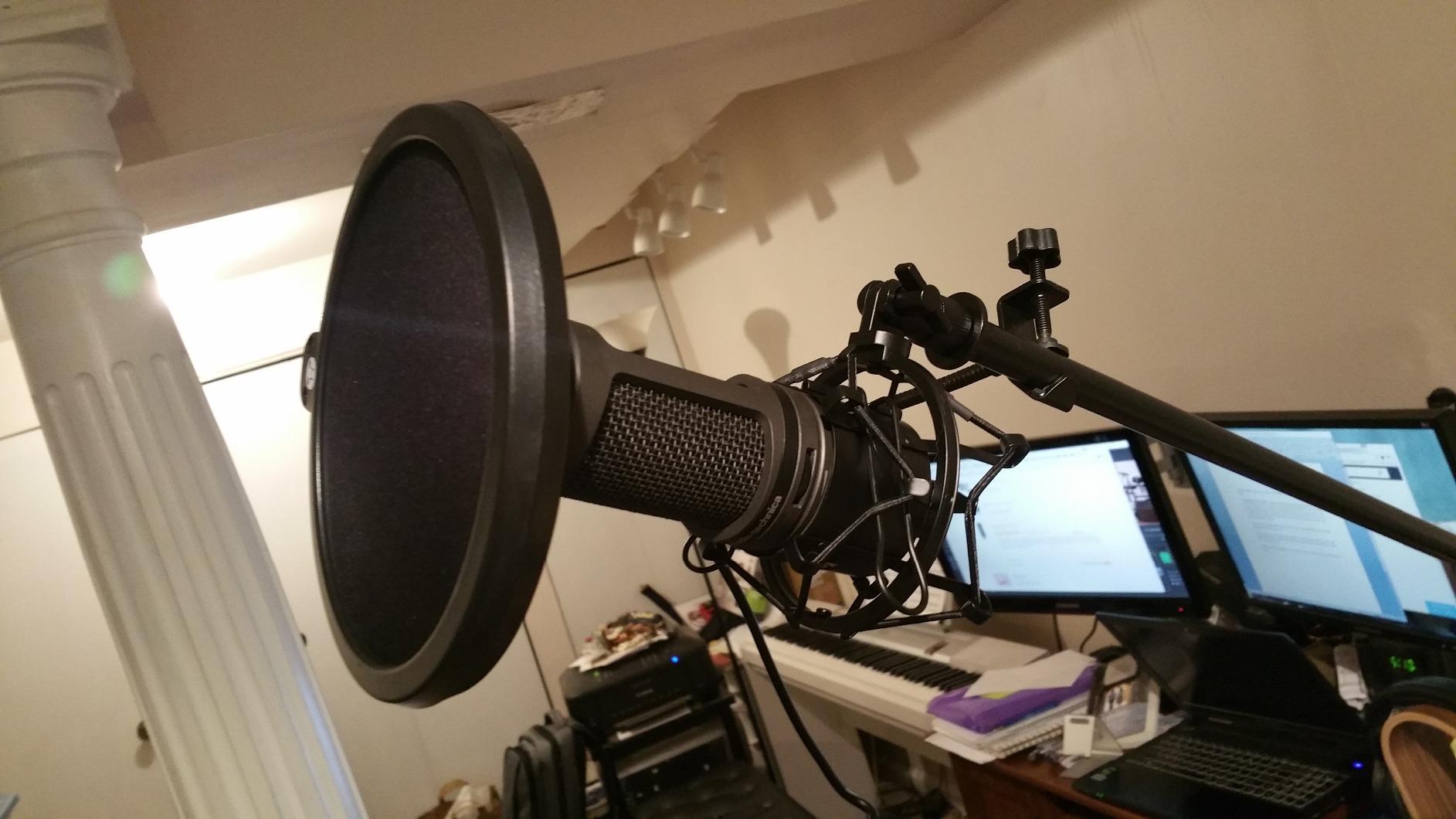
This is the microphone we kept reaching for during testing. In a quiet room the AT2020USB+ produced the least self-generated noise of the ten, and after an hour of editing that gap is obvious. The 74 dB signal-to-noise figure and the 16-bit converter running at 44.1 or 48 kHz are honest, transparent numbers rather than marketing roundness.
The mix dial is the feature most overlooked. It blends your live microphone signal with computer playback in your headphones with no delay, which is exactly what you need to record a video or a livestream while hearing the track underneath. Audio-Technica pairs it with a high-output internal headphone amplifier that comfortably drives heavier headphones.
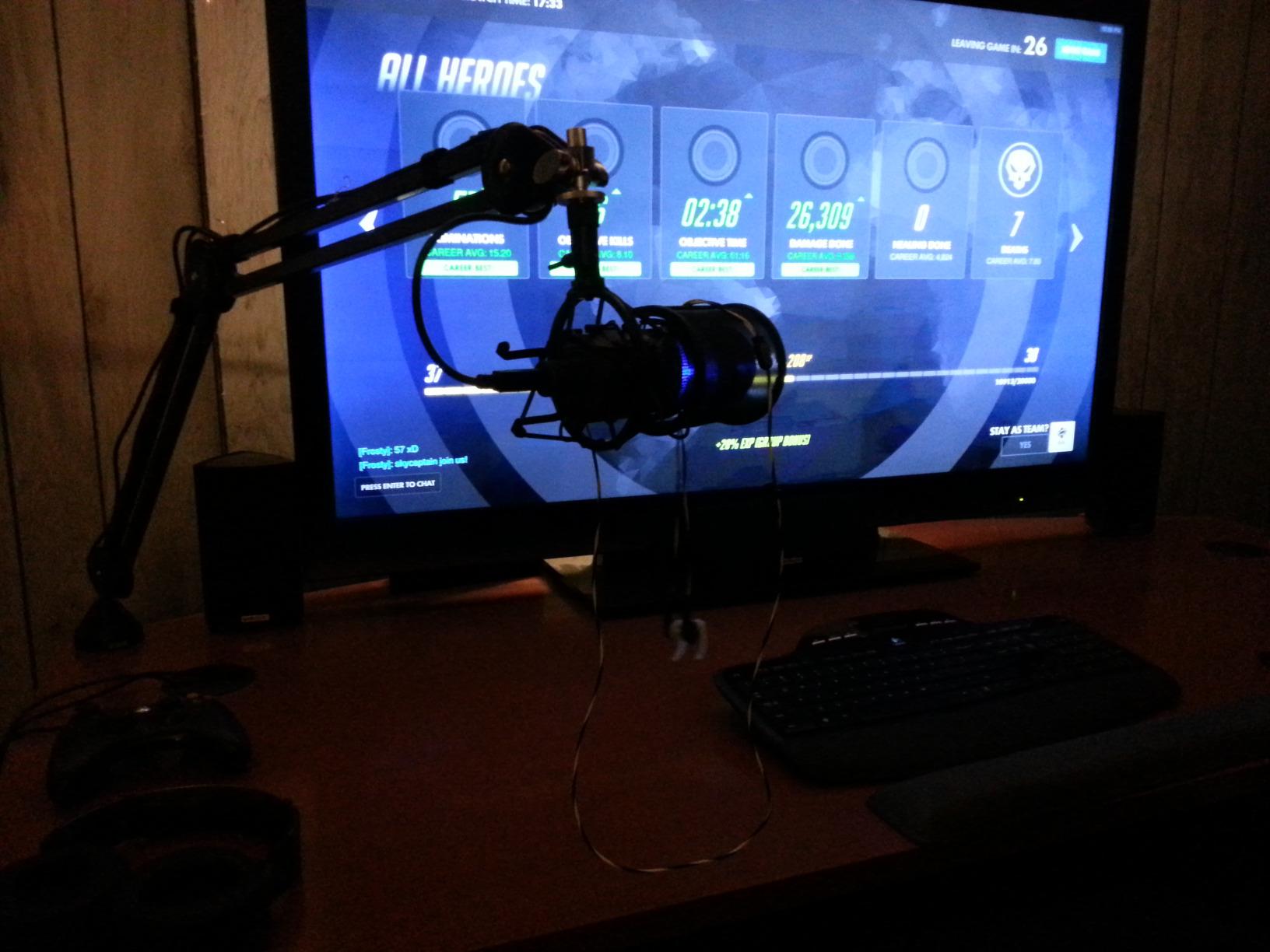
The body is milled stainless steel and 2.3 pounds, so it stays where you put it. It is a side-address cardioid, which means you speak into the flat face of the mic rather than the top, and the pivoting mount lets you angle it toward your mouth on a desk stand.
Two things stand against it. There is no mute button on the microphone, so muting happens in software. And the included tripod is the weakest part of the whole package, light enough to tip when a cable catches, which is why almost every review of this model repeats the same advice: add an arm and a shock mount.
What the AT2020USB+ is best at
It is the right microphone for a treated room, a walk-in closet, or a bedroom where you can control the noise. Narrators, audiobook producers and anyone doing long-form voice work get the most out of that low noise floor.
It also carries a two-year warranty on parts and labour, and it is the highest-rated microphone in this group at 4.7, which matters when you are choosing a tool you expect to keep for years.
What you give up for that clarity
You give up noise rejection. In a live room this mic records the room, not just the voice, and the pop filter is not optional. If your untreated space is the situation rather than the exception, spend the money on a dynamic instead.
5. Audio-Technica AT2040USB – Hypercardioid Dynamic For Untreated Rooms
Audio-Technica AT2040USB Dynamic USB Microphone
Dynamic hypercardioid
USB-C
600 g
60 dB signal-to-noise
2 year warranty
Pros
- Hypercardioid pattern minimises room noise and echo
- Silent soft-touch mute puts no click in the recording
- Two-state LED ring shows blue for power and red for mute
- Built-in headphone jack with a high-output amplifier
- USB-C cable plus USB-A adapter in the box
Cons
- Smallest review base here at around 250 ratings
- No XLR output for a future interface upgrade
- 60 dB signal-to-noise is modest next to 70-80 dB rivals
The AT2040USB is the mic to buy if your room has a life you do not control. Its hypercardioid pattern is tighter than standard cardioid at the sides and behind, and combined with a dynamic capsule it discarded most of the background noise in our bedroom test while keeping the voice forward and present.
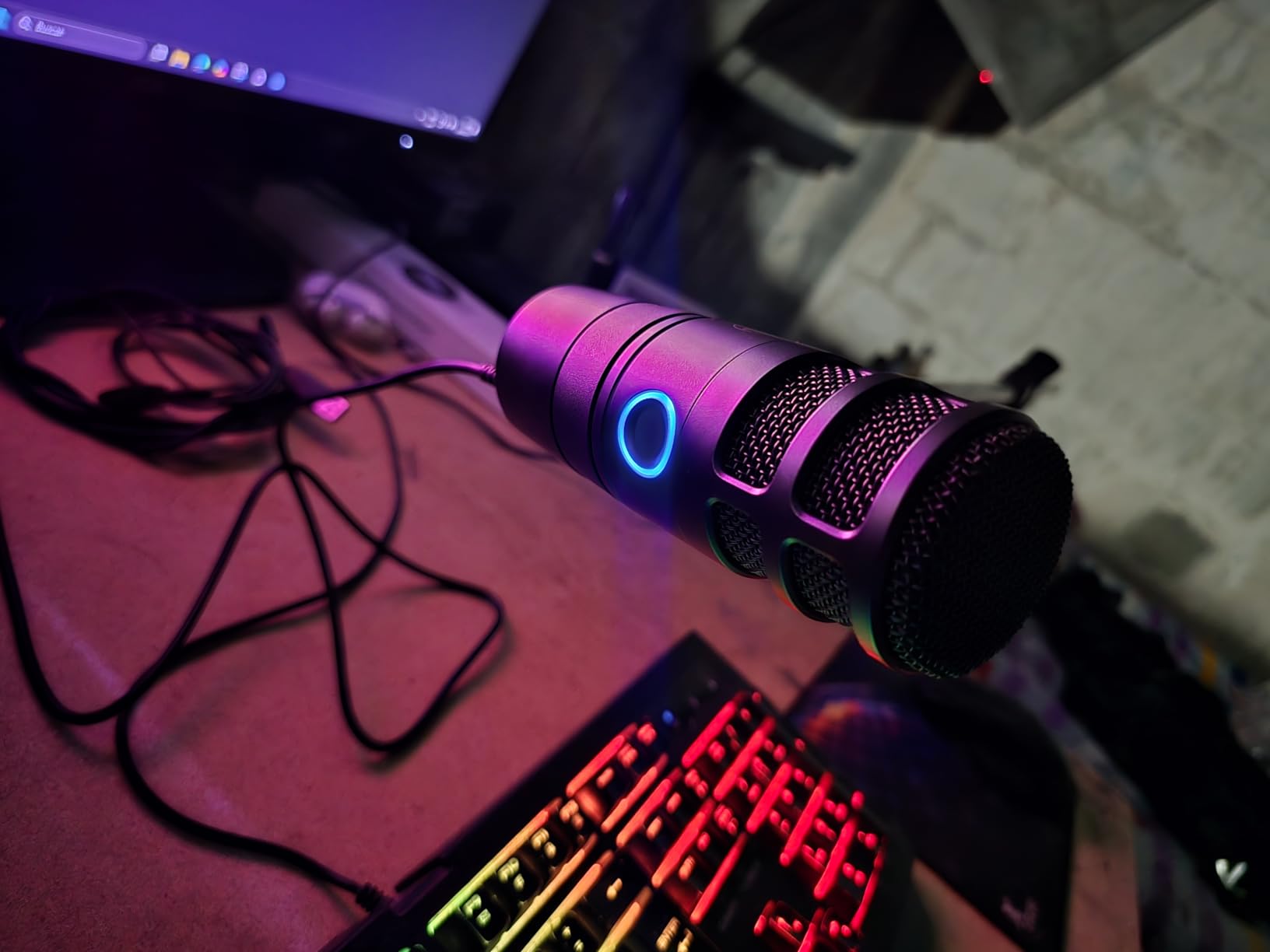
The mute is a soft-touch button rather than a mechanical switch, so nothing clicks into the recording when you cut a hot take. The LED ring around it turns blue for power and red for muted, readable at a glance from across a desk, which is a small thing that gets used constantly.
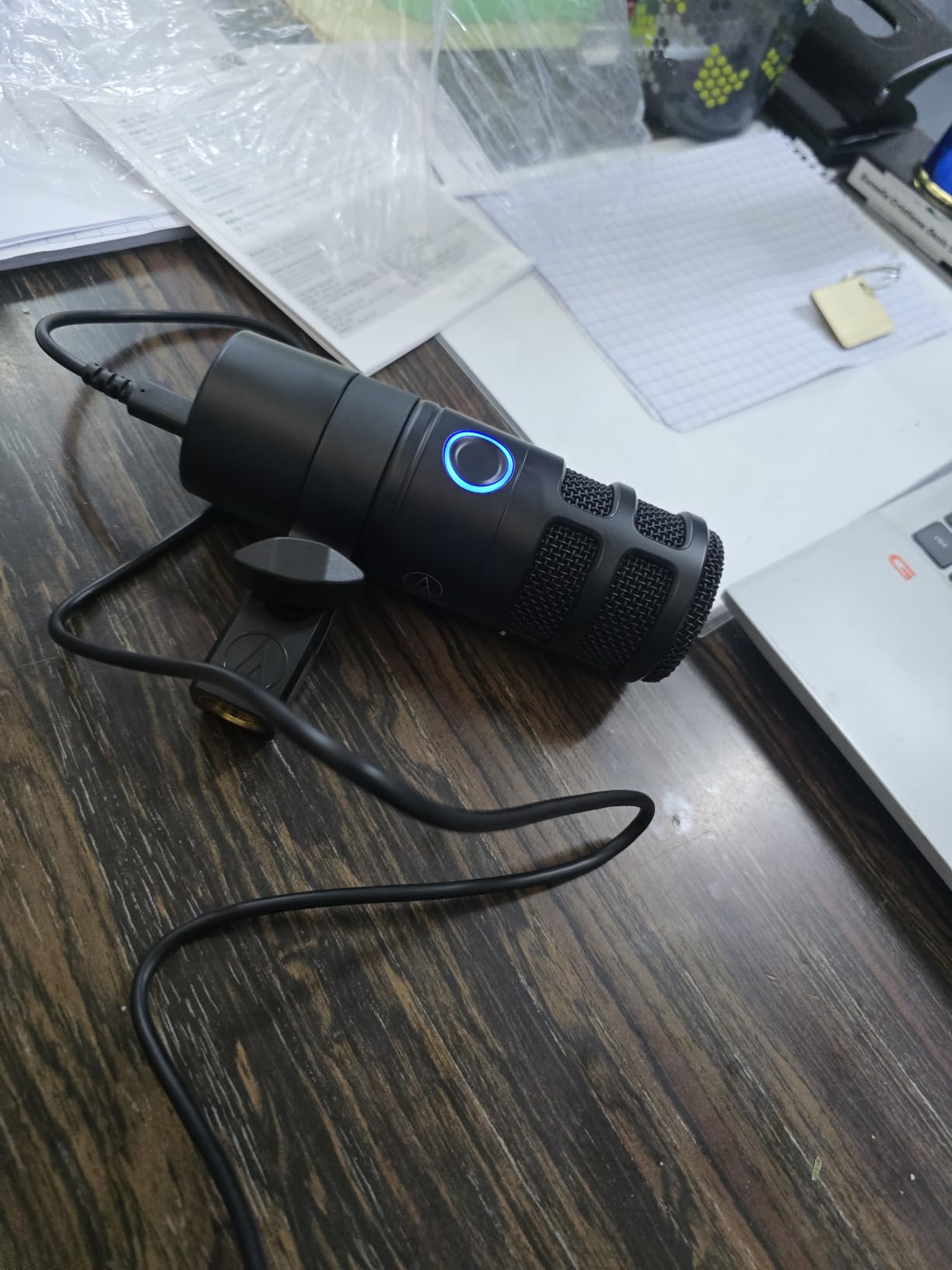
At 600 grams the stainless steel body is substantial without being awkward on an arm, and the built-in headphone jack runs through a high-output amplifier, so monitoring is clean and immediate. A USB-C cable and a USB-A adapter ship in the box, which covers older desktops without a dongle.
Two cautions. The listed signal-to-noise ratio of 60 dB is lower than several rivals, so in a genuinely silent room there is a faint floor under the voice. And this is a newer listing with roughly 250 ratings, meaning less long-term feedback than anything else here.
Who should buy the AT2040USB
Anyone recording in a shared home, near a kitchen, or in a room with hard walls. It is the most direct answer to the condenser-versus-dynamic question in this entire guide, and the answer for an untreated room is dynamic every time.
Streamers who talk over gameplay benefit from the immediate monitoring jack and the instant hardware mute.
Who should look elsewhere
If you plan to buy an interface, this is USB-only and there is no XLR path. If you want a long track record of owner feedback, the review base is small. It is also USB-only in a way that will age less gracefully than the PodMic USB.
6. RODE NT-USB Mini – Smallest Body, Built-In Pop Filter
RØDE NT-USB Mini Studio-Quality USB Condenser Microphone
Condenser cardioid
USB-C
585 g
82 dB signal-to-noise
20 Hz - 20 kHz
Pros
- Compact 585 g all-metal body that fits small desks
- Integrated pop filter handles plosives without a separate purchase
- Strong headphone amp that drives higher-impedance headphones
- Detachable magnetic stand moves to a boom arm instantly
- Plug-and-play USB-C with no drivers
Cons
- Only a single cardioid pattern
- Short included stand encourages picking up room noise
- No gain control on the body beyond headphone volume
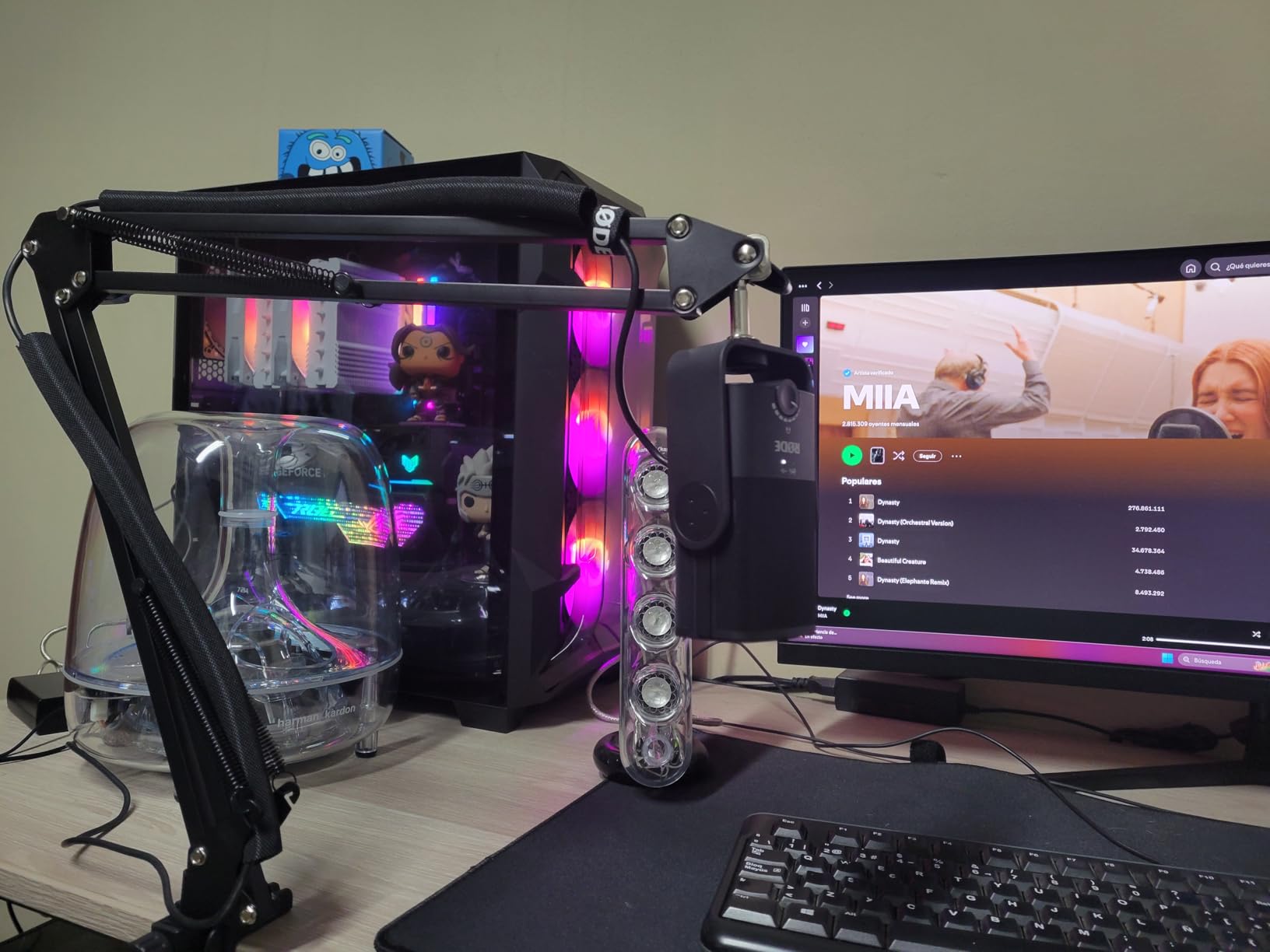
The Mini is the travel option among the condensers. At 585 grams in an all-metal body, it disappears into a bag and takes up almost no desk space, which matters if you record in different rooms or on location.
Its built-in pop filter is the detail that changes daily use. On the NT-USB Mini the filter is part of the mic, not a separate accessory you have to buy, and it handled our plosives well enough that we stopped reaching for one. Zero-latency monitoring with a hardware volume control is on the body, and the headphone amp is strong enough for sturdier headphones than most mics at this size can drive.
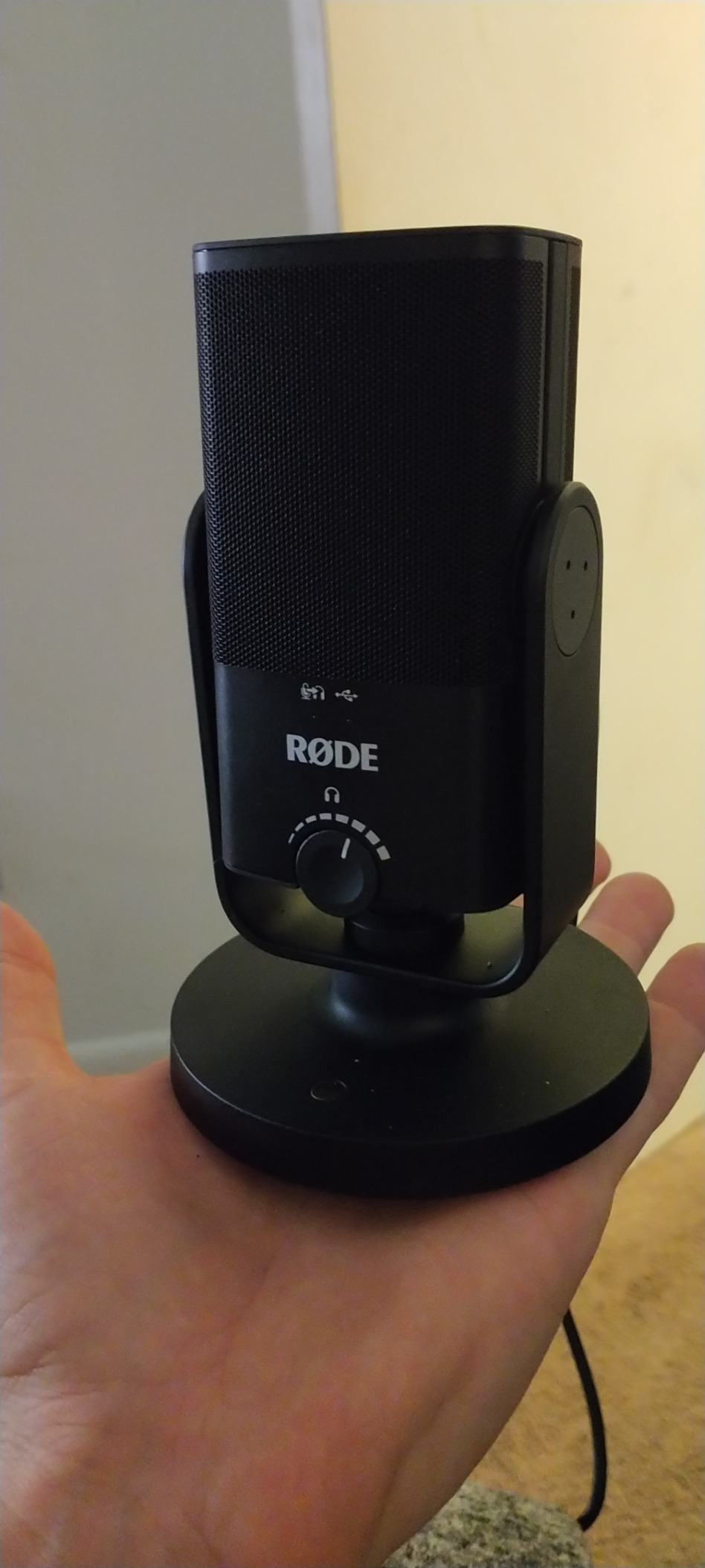
Plug it into a Mac, PC or iPad over USB-C and it is recording. No drivers, no software, no configuration. The published 82 dB signal-to-noise ratio and 20 Hz to 20 kHz response are solid numbers for a condenser of this size, and roughly 5400 ratings give it more owner history than most of the newer models here.
The magnetic desk stand detaches and mounts to any standard thread, which makes moving to an arm about five seconds of work. What it cannot do is change pattern, and there is no gain control on the microphone itself, only headphone volume, so input level is set from the computer.
Why the NT-USB Mini keeps its audience
It is the model RODE owners point to when the budget is tight, and it is named constantly in podcasting communities as a large step up from a headset mic. For a first home studio, the combination of a built-in pop filter, a metal body and a detachable stand at this price is hard to argue with.
Some listeners also find the tone slightly sizzly or flat for a monotone voice, so if that describes you, audition a warmer condenser or add a low-cut in software.
When it is the wrong pick
It is wrong for a shared noisy room, since a condenser at this level will pick up the space. The short included stand also sits low, and a low mic means a distant voice, which means more room and more gain. Get it onto an arm.
7. HyperX QuadCast 2 – Multi-Pattern Mic With Tap-To-Mute
HyperX QuadCast 2 – USB Microphone for Gaming, Streaming and Podcasting, with On-Board Controls, LED Lighting, Removable Shock Mount, PC, Mac, PS5, PS4, USB-C – Black
Condenser
USB-C
335 g
Four patterns
RGB lighting
Pros
- Four polar patterns with LED indication of the active mode
- Tap-to-mute sensor on top that switches instantly
- Customisable RGB lighting for streams
- On-board gain knob with a usable sweet spot near half volume
- Removable shock mount included
Cons
- Picks up mouse clicks and typing without a filter
- Pattern switching requires holding the volume button
- Raw sound quality described by some reviewers as unremarkable
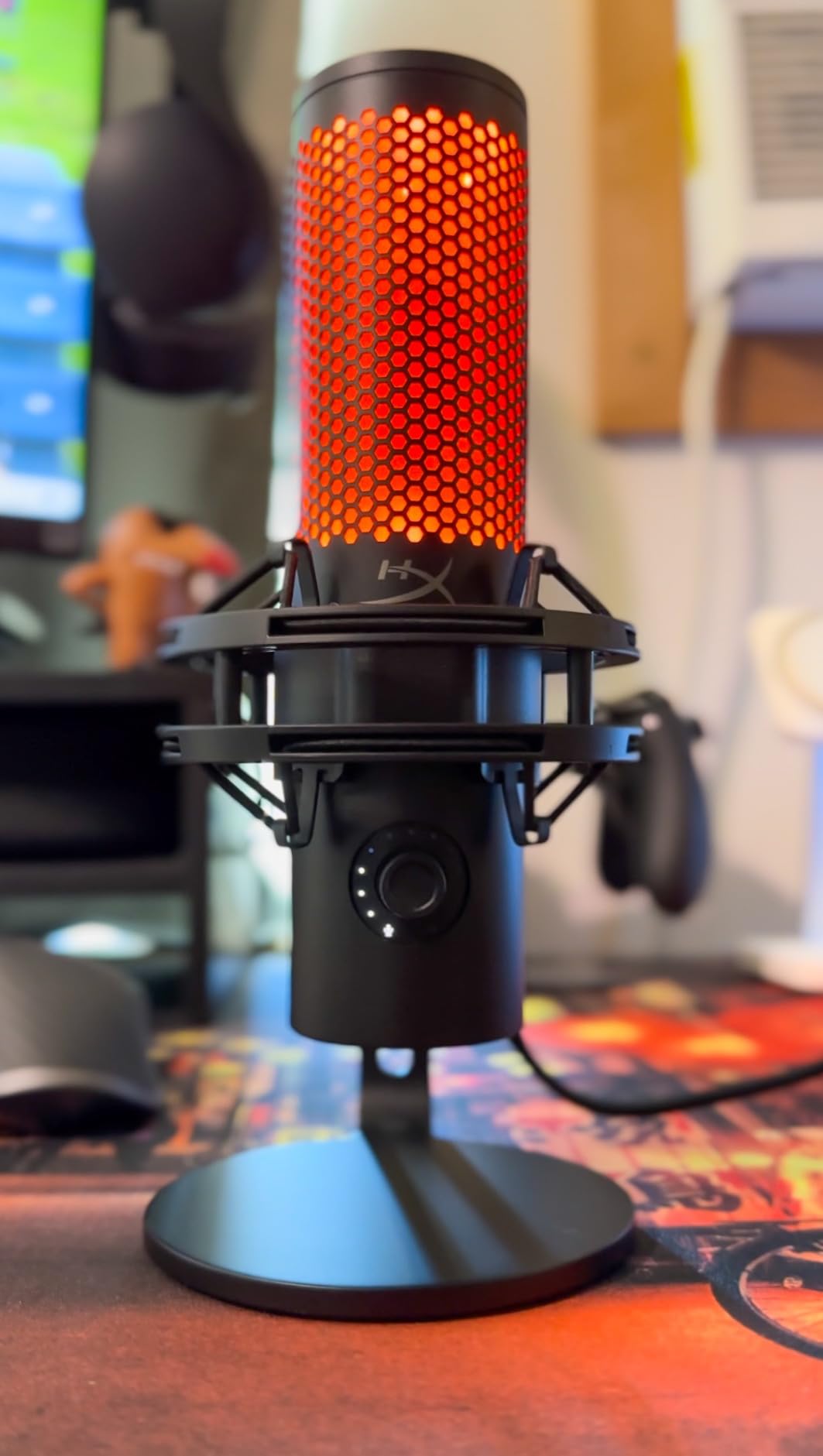
The QuadCast 2 is built for people who care what the microphone looks like on camera as much as how it sounds. At 335 grams it is the lightest body in this guide, with a flat boundary-style body, a removable shock mount in the box and customisable RGB lighting around the base.
It carries four polar patterns, cardioid, omnidirectional, bi-directional and stereo, with the active mode shown in the lighting. For a two-person call on a single mic that flexibility is useful, and for a solo podcaster it is a feature you will set once and forget.
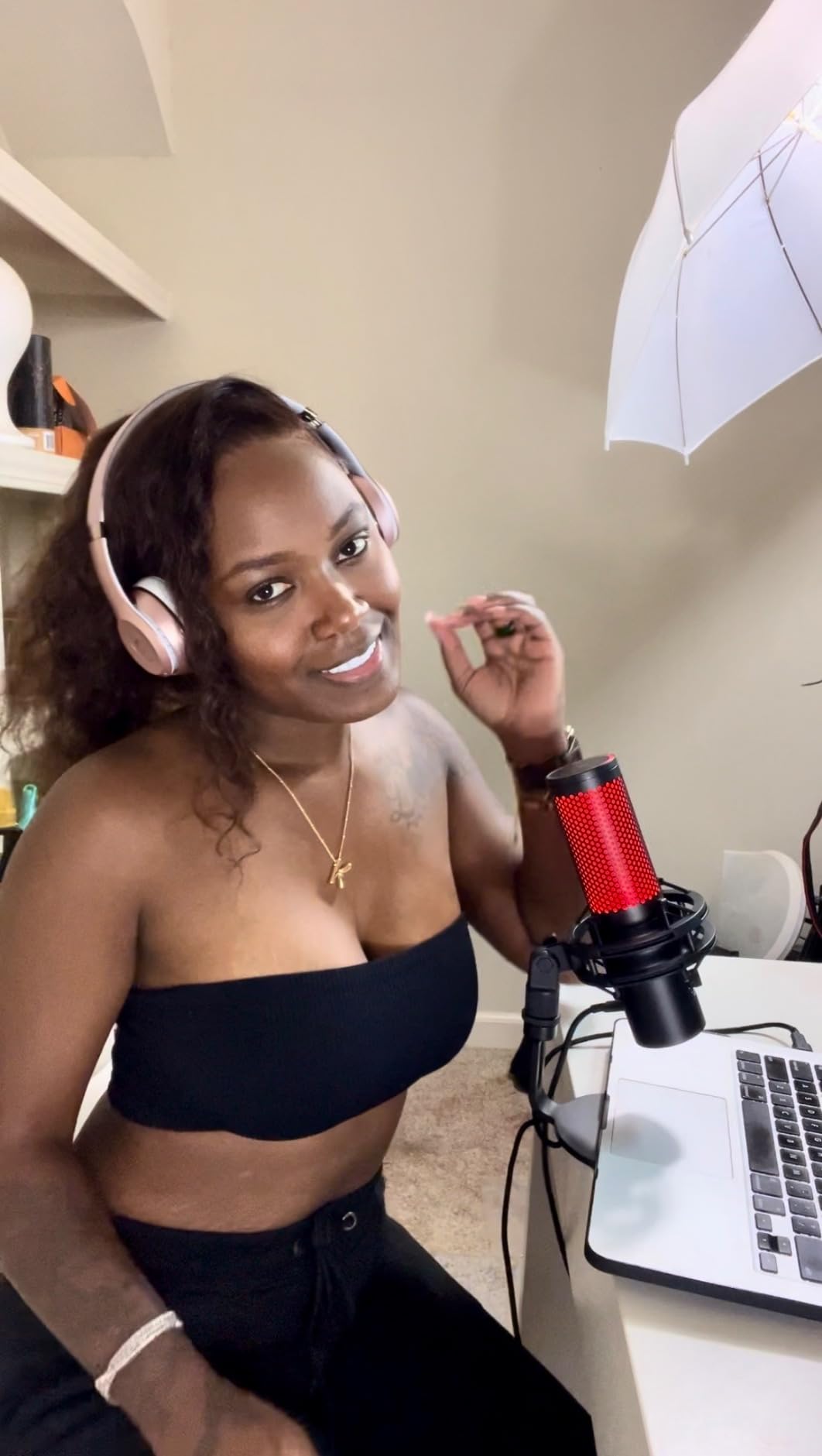
The top-mounted gain knob is a real improvement on the original QuadCast, and reviewers consistently find a usable sweet spot around half travel. Tap-to-mute on the top surface is instant and the lighting confirms it. The bundled 9.84 foot USB-C cable reaches from a desk to a mounted position without an extension.
Honestly, the sound is unremarkable. Typing and mouse clicks come through unless you enable the high-pass filter in the software, and pattern switching now lives in settings, reached by holding the volume button, which is less convenient than a physical switch.
Where the QuadCast 2 earns its place
A streamer who wants a mic that looks deliberate on camera, has instant mute within reach, and ships with a shock mount will be happy. The lighting is the point of this microphone, and it delivers on that more than on acoustic refinement.
It is also a clean choice for a video creator who records to camera and wants a small, unobtrusive body.
Where it does not
If your priority is voice quality rather than presentation, a cheaper dynamic or the NT-USB Mini will out-perform it in the same room. And the software dependency for pattern selection and filtering is a step that the Yeti and the Profile do not ask you to take.
8. MAONO PD400X – Dynamic With App-Controlled Processing
MAONO PD400X Dynamic Microphone, USB/XLR Podcast PC Mic with Software
Dynamic cardioid
USB and XLR
40 Hz - 16 kHz
78 dB signal-to-noise
Pros
- Dynamic cardioid capsule rejects noise in untreated rooms
- Dual USB and XLR output allows a later interface upgrade
- 3-in-1 digital knob cycles gain and headphone volume and monitor mix
- MAONO LINK app with EQ and limiter and compressor
- Heavy metal build with a stand that resists tipping
Cons
- Tap-to-mute lacks the feel of a hard button
- Short rigid stand can sag a lighter boom arm
- Microphone arm has to be bought separately
The PD400X is the most aggressively featured microphone in this roundup, and for a specific kind of buyer that is a strength. A broadcast dynamic capsule in a cardioid pattern does the noise-rejection job, and the MAONO LINK app layers EQ, a limiter and a compressor on top with saved vocal tone presets.
For a beginner, having a starting point built in by the manufacturer instead of an empty channel is worth something real. Standard mode when connected over USB gets you recording; advanced mode opens the full chain.
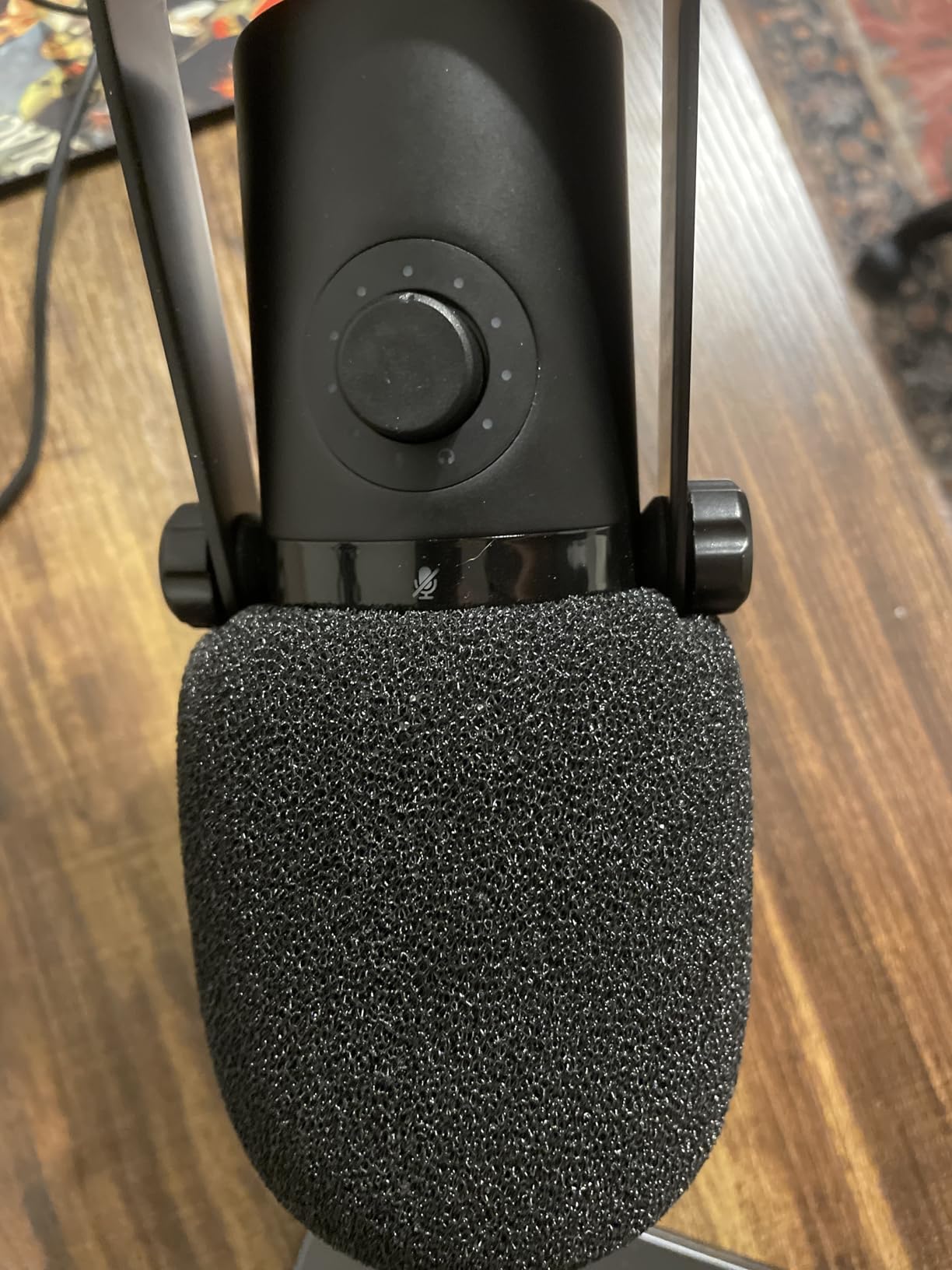
The 3-in-1 digital knob on the top cycles between mic gain, headphone volume and monitor mix, so one control covers the three settings you adjust most. A headphone jack and a foam windscreen are included, along with both USB and XLR cables, which is a generous box for a microphone that also gives you an XLR path to an interface later.
The frequency response runs 40 Hz to 16 kHz, narrower at both ends than the condensers here, which suits voice and does nothing for music. The tap-to-mute surface is soft rather than tactile, and the included desktop stand is short and rigid enough to weigh down a lighter arm.
Who should buy the PD400X
Anyone who wants a noisy-room dynamic and also wants software help. The app removes the guesswork from compression and EQ, and the USB-plus-XLR layout means the microphone grows with the studio instead of being replaced.
Customer service is also praised repeatedly by owners, including replacements outside the warranty period, which is worth something on gear you will use daily.
Who should pass
If you dislike software or want a one-cable, one-app-free setup, look at the Samson Q2U instead. The arm is not included, and if you are mounting on anything light, plan to buy one.
9. Samson Q2U – The Community Favourite Starter Pack
Samson Q2U USB/XLR Dynamic Microphone Recording and Podcasting Pack
Dynamic cardioid
USB-C and XLR
11.2 oz
50 Hz - 15 kHz
Two-year warranty
Pros
- Bundled route into both USB and XLR podcasting
- Warm clear voice capture with low background pickup
- Handheld form is intuitive for beginners to aim
- Powers from the laptop with no external supply
- Foam windscreen in the box helps with plosives
Cons
- Flimsy tripod stand with a clamp that droops
- Dynamic capsule needs close straight-on address
- Some PCs report detection issues at startup
The Q2U is the answer that shows up over and over when podcasters ask each other where to start, and r/podcasting threads name it repeatedly as the default first microphone for beginners and for the noisy-room case. With more than 5600 ratings, it also has one of the longest owner histories in this entire group.
At 11.2 ounces it is the lightest microphone here by a wide margin, and the handheld shape is genuinely helpful for a first-timer. Pointing the front of a dynamic at your mouth is easier to understand than angling a side-address condenser, and the cardioid pattern kept our desk fan and background chatter well down in the mix.
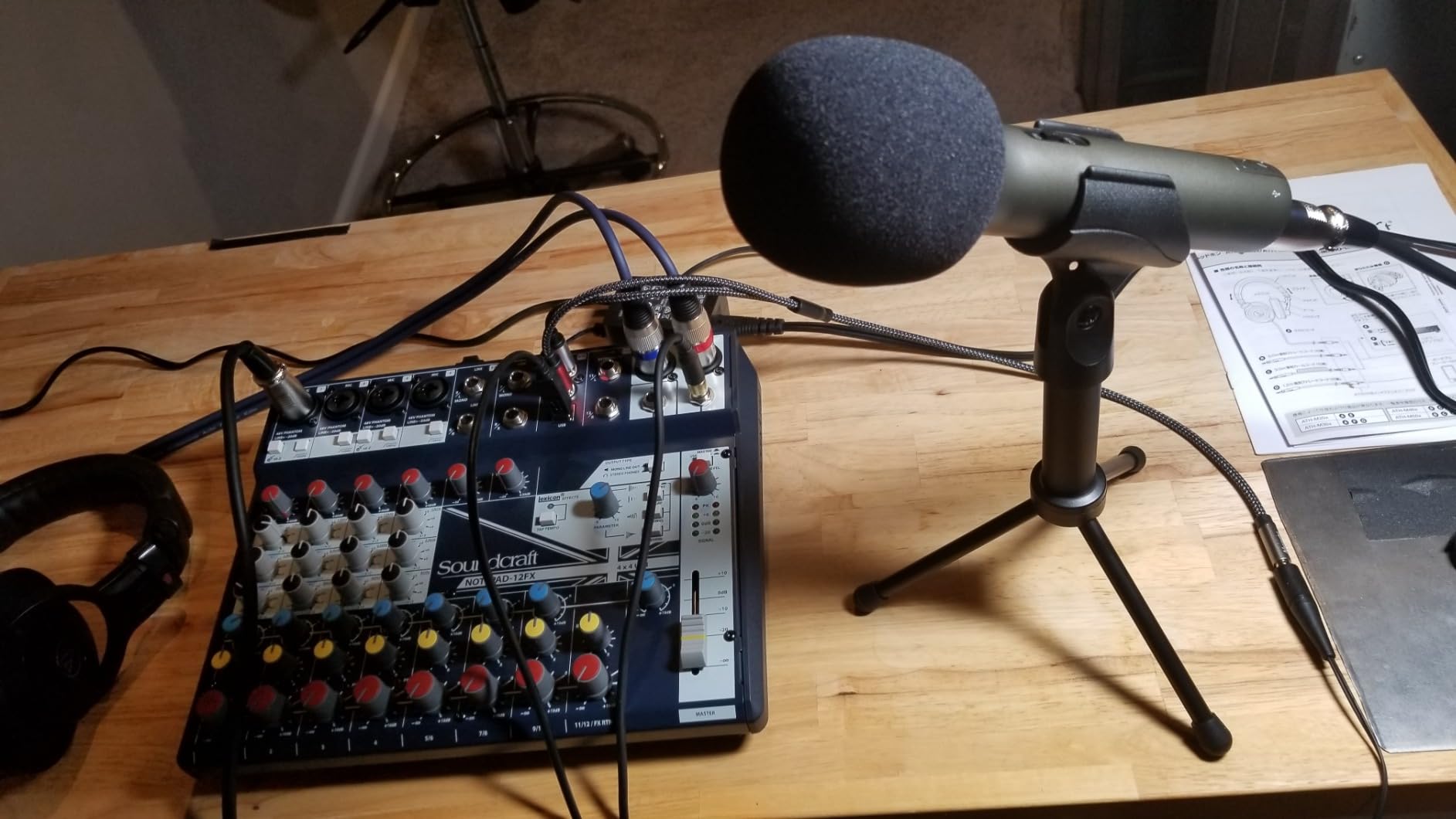
Both USB-C and XLR are built in, the box contains a tripod desktop stand, an extension, a mic clip, a windscreen and both cables, and the microphone draws power from the laptop. Nothing else is required to record, which is why it works so well as a first purchase or as a second microphone for a two-person show.
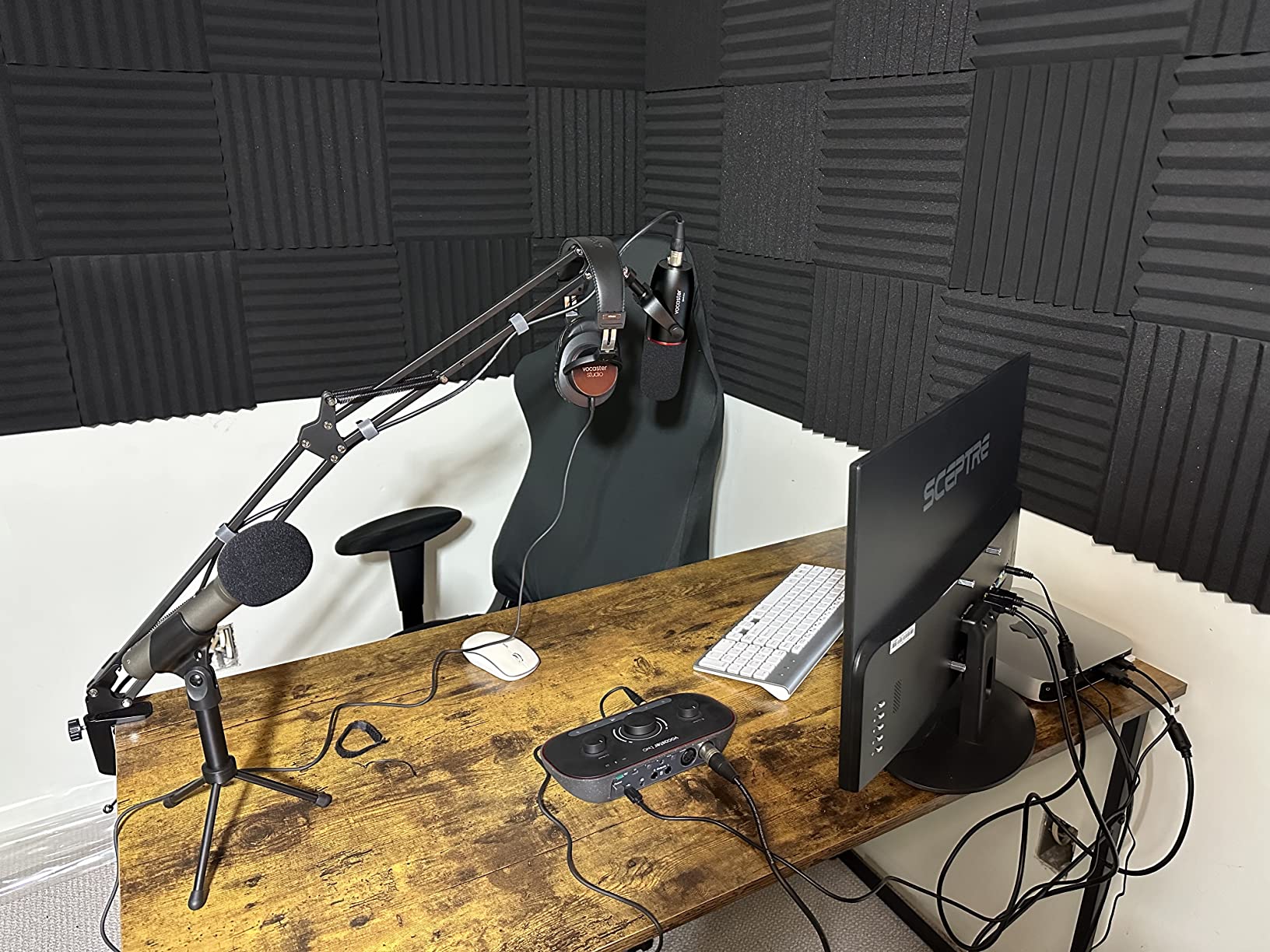
The included tripod is the weak link. The clamp loosens as you adjust it and the whole thing droops, so treat the bundled stand as temporary and budget for an arm. Response runs 50 Hz to 15 kHz, which is a broadcast voice range rather than a music range, and a minority of owners report the USB connection not being detected until the cable is re-seated at startup.
Why the Q2U still makes the list
It is the most straightforward way to own a USB microphone that also has a professional XLR output, and the two-year warranty is the longest in the group. For a beginner, the risk is low and the learning value is high.
It is also a sensible second or third microphone for a group podcast, where buying three of these costs less than one studio broadcast mic.
Where it falls down
Build quality is the limit. The stand needs replacing, the mic needs an arm to stay at mouth height, and the dynamic capsule means you have to talk close and straight into the front. None of that is fatal, but you will spend money on accessories.
10. FIFINE AmpliTank K688 – Budget Pick Dynamic For A First Mic
FIFINE AmpliTank K688 Dynamic Microphone, XLR/USB Podcast Recording PC Mic
Dynamic cardioid
USB and XLR
Better than 80 dB signal-to-noise
0.51 kg
Pros
- Dynamic cardioid capsule cuts PC fans and hard drive noise
- Signal-to-noise ratio better than 80 dB
- Both USB and XLR for a later interface upgrade
- Includes a shock mount
- which is rare at this price
Cons
- XLR cable
- mic stand and boom arm are not included
- Included mini tripod stops supporting the mic after a few months
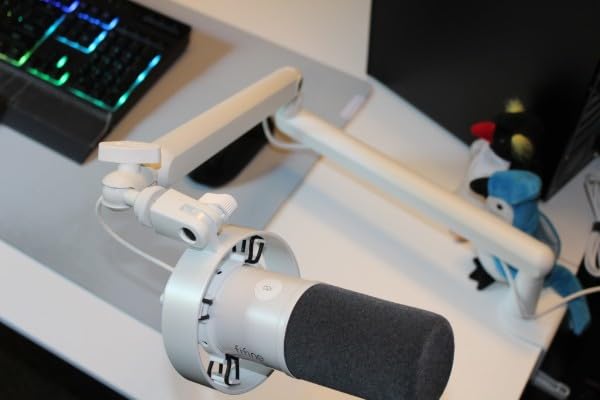
The K688 is the most capable microphone in this guide per dollar spent, and FIFINE’s AmpliTank line is named constantly in podcasting communities as the value dynamic in this band. At 0.51 kg it is a metal desktop body, not a plastic toy, and the published signal-to-noise ratio above 80 dB is the highest of the dynamics we tested.
The dynamic cardioid capsule is directional enough to reject computer fans and hard drive noise, which is the failure mode of most cheap USB condensers. It handles 130 dB SPL without distorting, so a loud close-mic speaker will not break the recording.
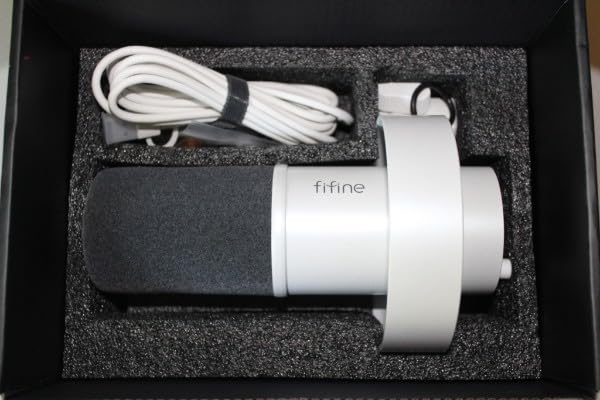
Controls cover the essentials: tap-to-mute on the front, a gain knob on the rear, and a 3.5 mm jack for real-time monitoring with its own volume control. The USB cable detaches, so you can swap to the XLR output later without rewiring anything permanently.
What is not in the box matters. The shock mount is included, which almost nothing at this price manages, but the XLR cable, a mic stand and a boom arm are all separate purchases, and the included mini tripod is reported to stop supporting the mic after a few months. The warranty is one year, the shortest here.
Who should buy the K688
A first-time podcaster with a modest budget, a noisy room, and no intention of buying studio furniture yet. The shock mount alone removes one accessory from the shopping list, and the dual output means the microphone survives your upgrade to an interface.
It is also a solid second microphone for a two-person show, since the monitoring jack lets each person hear themselves.
Where to spend a little more
If you can stretch, the Samson Q2U bundles a stand, a windscreen and both cables for less complexity, and the PD400X adds app-based processing. The K688 makes you assemble the extras yourself, which is fine if you enjoy that and annoying if you do not.
How To Choose A USB Podcast Mic On A Budget
Start with the room, not the microphone. A condenser records the space around your voice as faithfully as it records the voice itself, and a dynamic records mostly what is directly in front of it. If your untreated room has a fridge, a fan, a washing machine or hard walls, a dynamic such as the AT2040USB, the Samson Q2U or the K688 will outperform any condenser in this list. If you can control the noise, a condenser such as the AT2020USB+ or the NT-USB Mini gives you the detail and low noise floor that a dynamic cannot.
Dynamic versus condenser for spoken word
Condenser capsules are more sensitive and more detailed, which is why studios use them for voice. They also hear the entire room. Dynamics are less sensitive, less detailed in the high frequencies, and far more selective, which is exactly what a home untreated room needs. The narrow frequency response of the Samson Q2U at 50 Hz to 15 kHz is not a limitation for speech, because speech does not live below 50 Hz.
The rule of thumb: treated room, buy a condenser. Untreated room, buy a dynamic. Noisy room with a partner in it, buy one dynamic per person rather than trying to solve it with a better microphone.
Choosing a polar pattern
Cardioid is the default for podcasting. It hears the front and rejects the back, which is what you want when the fridge is behind you. Hypercardioid, used by the AT2040USB, is tighter at the sides, which helps further in a reflective room at the cost of some rear rejection. Omnidirectional hears everything equally and is the right choice only for a round table conversation, where everyone is at the same distance and the room is already treated. Bidirectional and figure-eight patterns reject front and back and pick up the two sides, which suits two speakers facing each other with the mic between them. The Blue Yeti and the QuadCast 2 both give you the choice; most single-speaker shows never need it.
USB versus XLR and whether you need an interface
You do not need an audio interface for any microphone here. That is the point of a USB mic: the preamp, the analog-to-digital converter and often the headphone amplifier are all inside the body. An interface is worth adding later if you want to record two people on separate tracks with independent gain, or if you want to keep the microphone as your setup grows. Four of the ten here have a real XLR output alongside USB: the PodMic USB, the PD400X, the Samson Q2U and the FIFINE K688. The Blue Yeti, the Sennheiser Profile, the AT2020USB+, the AT2040USB, the NT-USB Mini and the QuadCast 2 are USB-only, which is a genuine long-term limitation worth weighing before you buy.
Controls, monitoring and resolution
Zero-latency headphone monitoring means you hear yourself with no delay, which matters for live interviews and for judging distance. A headphone jack exists on every microphone in this guide except the Blue Yeti as a separate accessory, and the AT2020USB+ and the PD400X add a mix control that blends computer playback with your live voice. Onboard gain is present on the Yeti, the Profile, the AT2040USB, the QuadCast 2, the PD400X and the K688; the NT-USB Mini has headphone volume only. On A/D resolution, the AT2020USB+ is documented at 16-bit with 44.1 or 48 kHz sampling, and the AT2040USB and the Blue Yeti publish a 20 Hz to 20 kHz frequency range while the Samson Q2U and the PD400X sit narrower. For spoken word at this price, those differences matter far less than placement and room noise.
Accessories and the real total cost
A microphone at this budget rarely records a finished show on its own. Count on a boom arm, a pop filter if the mic does not include one, and a shock mount. The NT-USB Mini, the PodMic USB, the QuadCast 2 and the K688 include a pop filter or shock mount, which changes the maths. Our picks for the best podcast boom arms cover the mounting side, and our headphone picks for podcast editing cover closed-back monitoring. Budget the extras before the microphone, not after.
Mic Placement And Gain Staging In Five Steps
More than any purchase decision, the following five steps do more for your audio than the gap between an entry microphone and a premium one. We applied them to every mic in this guide.
1. Put the microphone six inches from your mouth. Not on the desk, not across the room. A microphone at mouth height and a hand-span away captures roughly 12 dB more of your voice than the same microphone on a desk two feet away, and that extra level is free headroom you do not have to create with gain.
2. Address the front of a dynamic, the side of a condenser. The Samson Q2U, the K688 and the AT2040USB want you speaking into the front cap. The AT2020USB+ and the NT-USB Mini are side-address, so align the flat face with your mouth. Angle off-axis by about 20 degrees if plosives are a problem.
3. Set gain so your loudest sentence peaks around minus 6 dB on the meter, then leave it alone. Pushing an inexpensive preamp harder to chase a bigger number only amplifies its own noise floor, and if a take clips, back the gain off rather than reaching for a compressor.
4. Use the low-cut filter on rumble, not on voice. If you hear traffic, HVAC or desk thumps in the low end, engage the high-pass filter. Leave it alone if your voice is full, because a high-pass set too aggressively makes thin voices thinner.
5. Replace the included stand. The tripod bundled with the AT2020USB+, the Samson Q2U, the K688 and the NT-USB Mini is the weakest component in each package. A boom arm plus a shock mount fixes desk thumps, keeps the capsule at mouth height and stops the microphone drifting mid-take.
Cheap Room Treatment That Costs Almost Nothing
A microphone cannot fix a room that rings, but a room can be fixed almost for free. The single most effective change for a home podcaster is recording in a closet. Clothes absorb reflections, the space is small, and the result surprises people every time.
Outside the closet, hang a thick duvet behind the microphone. It breaks up the first reflection that a condenser picks up and takes about a minute to put up. Add a second duvet on the wall behind you, and put a folded blanket on the desk to stop vibration travelling up the frame. Avoid bare walls, glass and hard desks directly under the microphone, all of which produce obvious flutter echo on a spoken-word recording.
None of this needs foam panels. Panels help, but at this budget a heavy duvet behind the mic does more useful work than a cheap tile of acoustic foam, and it does not clutter the shot on camera.
Recording Two Speakers On One Computer: Mac And Windows Differences
USB microphones record one input at a time, and this is the question that trips up almost every group podcaster. The workaround depends on your operating system and it is not symmetric between Mac and Windows.
On a Mac, Audio MIDI Setup lets you create an aggregate device that merges two USB microphones into one input. You can then record both speakers onto a single track from your recording app. The catch is that gain is shared, so the quieter speaker has to be asked to move closer rather than being given more level.
On Windows, there is no built-in equivalent. Recording two USB microphones simultaneously generally requires third-party software that virtualises the inputs, and the results vary by machine, USB controller and application. The reliable alternative is to give each speaker their own dynamic microphone with an XLR output and record through a two-channel interface, which is exactly the setup the Q2U, the K688, the PodMic USB and the PD400X grow into later.
The practical takeaway: if you plan to record two people regularly, buy a dynamic with an XLR output now rather than a USB-only condenser. Recording a single narrator is a different decision entirely, and our guide to USB microphones for voiceover recording at home covers that case in more detail.
Frequently Asked Questions
What is the best USB microphone for podcasting?
For most people the Logitech Blue Yeti is the best USB microphone for podcasting at this budget, because it offers four polar patterns, onboard gain, mute and headphone volume, and a track record of more than 57000 ratings. If your room is noisy rather than treated, choose a dynamic such as the Audio-Technica AT2040USB or the Samson Q2U instead, since dynamics reject room noise that a condenser will record.
What is the best affordable microphone for podcasting?
Affordability depends on your room rather than the price tag. A dynamic microphone such as the Samson Q2U or the FIFINE AmpliTank K688 is the affordable choice for an untreated home space, because it records mostly what is directly in front of it. If your room is quiet and controlled, an affordable condenser such as the RODE NT-USB Mini captures more vocal detail and includes a built-in pop filter.
What is the best USB microphone for a budget?
The FIFINE AmpliTank K688 is the strongest budget dynamic in this guide, with a metal body, a shock mount in the box, better than 80 dB signal-to-noise, and both USB and XLR outputs. Be aware that a mic stand, an XLR cable and a boom arm are not included. The Samson Q2U costs more but bundles a stand, a windscreen and both cables, which makes it the simpler first purchase.
What kind of microphone is best to use for a podcast?
A USB condenser gives you the most vocal detail and the lowest self-noise, and is the right choice in a treated or quiet room. A dynamic USB microphone is the right choice in an untreated or noisy room, because its cardioid or hypercardioid pattern rejects background sound. A handheld dynamic is also the easiest form factor for a first-time podcaster to aim correctly.
Is a USB mic good enough for podcasting?
Yes. Every microphone in this guide has the preamp, the analog-to-digital converter and usually the headphone amplifier built into the body, runs on bus power, and needs no drivers, so a USB mic produces a finished episode with no interface. The real limits are one speaker at a time, no independent gain per person on a shared track, and no path to an interface on USB-only models. If you expect to record guests regularly, choose a dynamic with an XLR output.
What is the 3 to 1 rule for microphones?
The 3 to 1 rule describes room acoustics rather than microphone choice: a room with a reverb time of three tenths of a second sounds reasonably controlled, one second is noticeably live, and three seconds is a cathedral. For home podcasting you want a ratio of roughly 0.3 to 0.5 seconds, which a closet full of clothing or a heavy duvet behind the microphone will achieve more cheaply than foam panels.
Final Verdict: Which USB Podcast Mic Should You Buy
The Logitech Blue Yeti is our best overall USB podcast microphone at this budget and the reason to start: four patterns, physical controls, a huge owner base and a body that has survived a decade of daily use. If your room is quiet enough to work with, the Audio-Technica AT2020USB+ is the sound-quality winner at 4.7 across nearly 4800 ratings, and you should add an arm and a pop filter to it.
If the room is the problem rather than the microphone, buy a dynamic. The Audio-Technica AT2040USB gives the tightest rejection, the Samson Q2U gives you the most complete beginner package with XLR included, and the FIFINE AmpliTank K688 gives you the most microphone for the least money. Whichever you choose, get it onto a boom arm within six inches of your mouth. That habit is worth more than the gap between any two microphones in this guide.