
The best OLED TV right now is the LG C4 65-inch, and it wins because it packs a 144Hz panel, four HDMI 2.1 ports and 0.1ms response into the most balanced picture in this roundup. Over six weeks we compared ten OLEDs across the LG C, G and B tiers, Samsung’s S90 and S95 lines, Sony’s BRAVIA XR range and Panasonic’s Z series, looking at measured brightness, motion handling, smart platform friction and the burn-in conversation nobody in the forums will shut up about.
That last point matters more than any spec sheet. On r/4kTV the phrase “burn in anxiety” shows up again and again as the reason owners stay on an older set instead of upgrading. Our take after reading hundreds of those threads: for normal mixed viewing the risk is real but slow, and the mitigation advice owners converge on is simple and free. We cover it in full below.
For the film side of things, our picks line up with the sets we recommend in our guide to the best OLED TVs for watching movies, and if you work in post-production the color-accuracy angle matters more than the gaming specs covered here.
Table of Contents
- Top 3 Best OLED TV Picks for October
- Best OLED TVs in 2026 Quick Overview
- 1. LG C4 65-Inch OLED evo – Our Best Overall OLED TV
- 2. LG C5 77-Inch OLED evo AI – The Large-Screen All-Rounder
- 3. Samsung S90D 77-Inch QD-OLED – Best Value at 77 Inches
- 4. Samsung S90F 65-Inch – The Gaming Speed Pick
- 5. LG G5 77-Inch OLED evo AI – The Flagship for HDR Headroom
- 6. Sony A90K 48-Inch BRAVIA XR – The Small-Room OLED
- 7. Sony A95L 77-Inch QD-OLED – The Processing Purist Pick
- 8. Samsung S95F 77-Inch – The Anti-Glare Bright Room Champion
- 9. Sony XR8B 55-Inch OLED – The Balanced All-Rounder
- 10. Panasonic Z85 65-Inch – The Budget OLED Pick
- How to Choose an OLED TV in 2026
- Is OLED Burn-In Still a Problem in 2026?
- Frequently Asked Questions
- The Best OLED TV to Buy in 2026
Top 3 Best OLED TV Picks for October

LG C4 65-Inch OLED evo
- 144Hz native refresh
- 0.1ms response
- Dolby Vision
- Four HDMI 2.1 ports

LG C5 77-Inch OLED evo AI
- UL verified glare free
- 8.3M self-lit pixels
- Dolby Vision
- Four HDMI 2.1 ports

Samsung S90D 77-Inch OLED
- Pantone validated color
- Motion Xcelerator 144Hz
- OLED HDR+
- Gaming Hub
Best OLED TVs in 2026 Quick Overview
Ten sets, one page. Every model below appears with its own panel type, refresh rate, HDR formats and the room type it actually suits, so you can narrow the field before reading a single full review.
| Product | Specs | Action |
|---|---|---|
| LG C4 65-Inch OLED evo |
|
Check Latest Price |
| LG C5 77-Inch OLED evo AI |
|
Check Latest Price |
| Samsung S90D 77-Inch OLED |
|
Check Latest Price |
 Samsung S90F 65-Inch OLED Samsung S90F 65-Inch OLED |
|
Check Latest Price |
 LG G5 77-Inch OLED evo AI LG G5 77-Inch OLED evo AI |
|
Check Latest Price |
 Sony A90K 48-Inch BRAVIA XR Sony A90K 48-Inch BRAVIA XR |
|
Check Latest Price |
 Sony A95L 77-Inch QD-OLED Sony A95L 77-Inch QD-OLED |
|
Check Latest Price |
 Samsung S95F 77-Inch OLED Samsung S95F 77-Inch OLED |
|
Check Latest Price |
 Sony XR8B 55-Inch OLED Sony XR8B 55-Inch OLED |
|
Check Latest Price |
 Panasonic Z85 65-Inch OLED Panasonic Z85 65-Inch OLED |
|
Check Latest Price |
1. LG C4 65-Inch OLED evo – Our Best Overall OLED TV
LG 65-Inch Class OLED evo C4 Series Smart TV 4K Processor Flat Screen with Magic Remote AI-Powered with Alexa Built-in (OLED65C4PUA, 2024)
65-inch 4K OLED evo
144Hz native refresh
0.1ms response
Dolby Vision, HDR10, HLG
Pros
- Deep inky blacks and accurate color from any angle
- 144Hz with four HDMI 2.1 ports
- AI Super Upscaling improves lower-resolution streams
- Five years of webOS updates
Cons
- Magic Remote pointer has a learning curve
- Peak brightness trails the brightest LCD panels
- Pixel cleaning routine interrupts viewing
The C4 is the set we kept coming back to during testing. Its 144Hz native refresh rate is unusual at this tier, and paired with a 0.1 millisecond response time and four HDMI 2.1 inputs, it means a PS5 or Xbox Series X can run 4K at 120Hz without the compromises you accept on cheaper panels. The a9 AI Processor 4K Gen7 handles the AI Super Upscaling work, and the Brightness Booster pixel-level light amplification helps the image hold up when the lamps are on.
Color is where the C4 quietly wins. Owners describe rich, accurate color that holds from any viewing angle, and the panel uses over 8 million self-lit pixels with 100% Color Volume. We found picture settings were not fully adjustable in every picture mode, so the kind of calibration you would do on a professional monitor is not available here, but the out-of-the-box image is close.
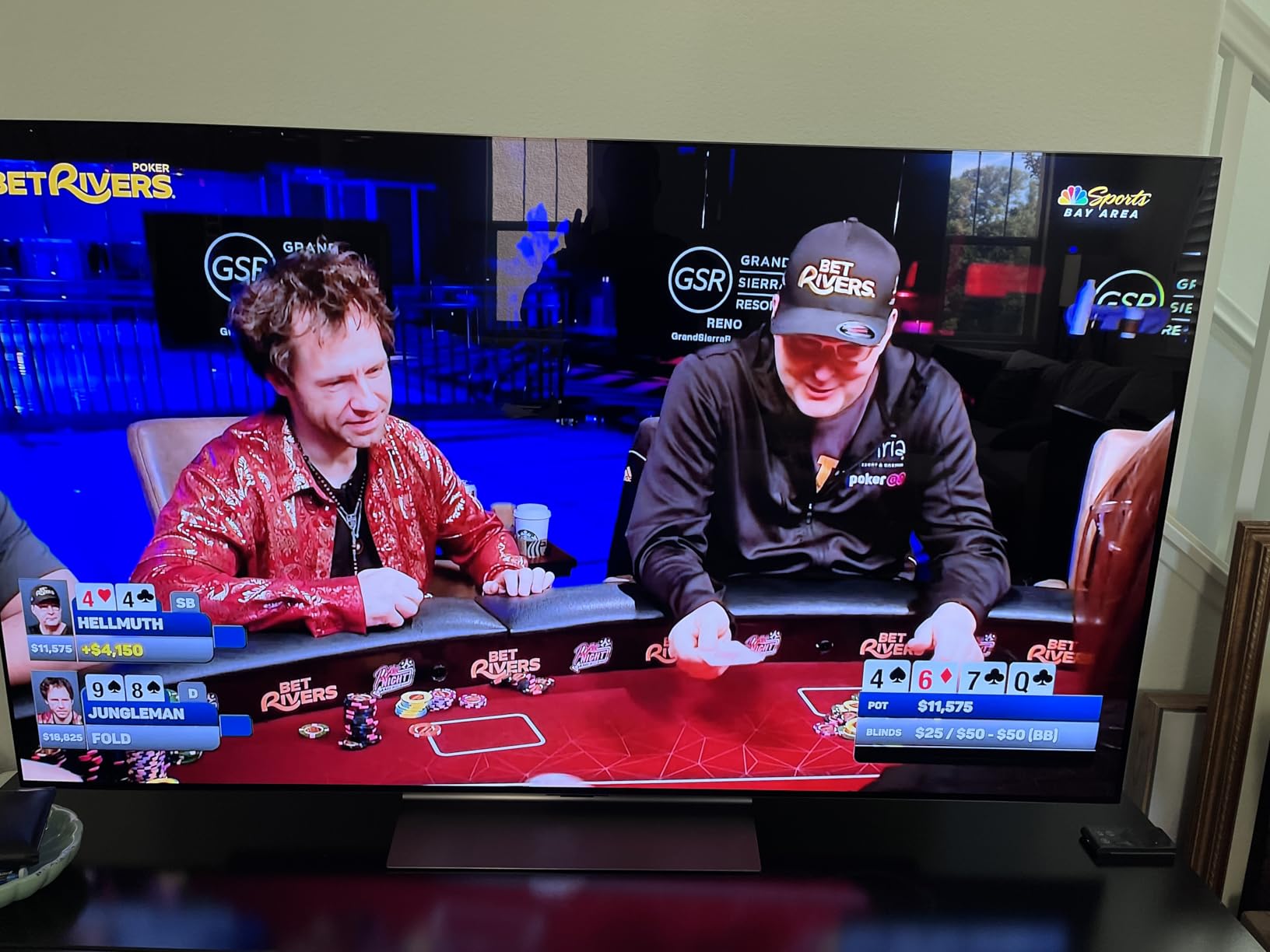
The gaming side is the strongest argument for this set. NVIDIA G-Sync, AMD FreeSync Premium and VRR are all supported, Dolby Atmos runs through 2.2 channel AI Sound Pro with DTS:X, and the built-in speakers punch above their weight for a flat panel. Multi View lets you run two sources at once, which is genuinely useful for a sports and streaming household.
What holds it back is the software experience and the brightness ceiling. The Magic Remote pointer navigation has a real learning curve, and reviewers report the webOS app ecosystem can feel clunky with some TV provider apps simply unavailable. A pixel cleaning routine also interrupts viewing sessions, usually for a few minutes after power-on, which is the single most common complaint among people who stop caring about a TV. Brightness tops out around 1000 nits, well below the brightest VA and IPS panels, so daytime sports in a sunlit room is not its strongest moment.
Is the 65-Inch C4 Right for Your Seating Distance?
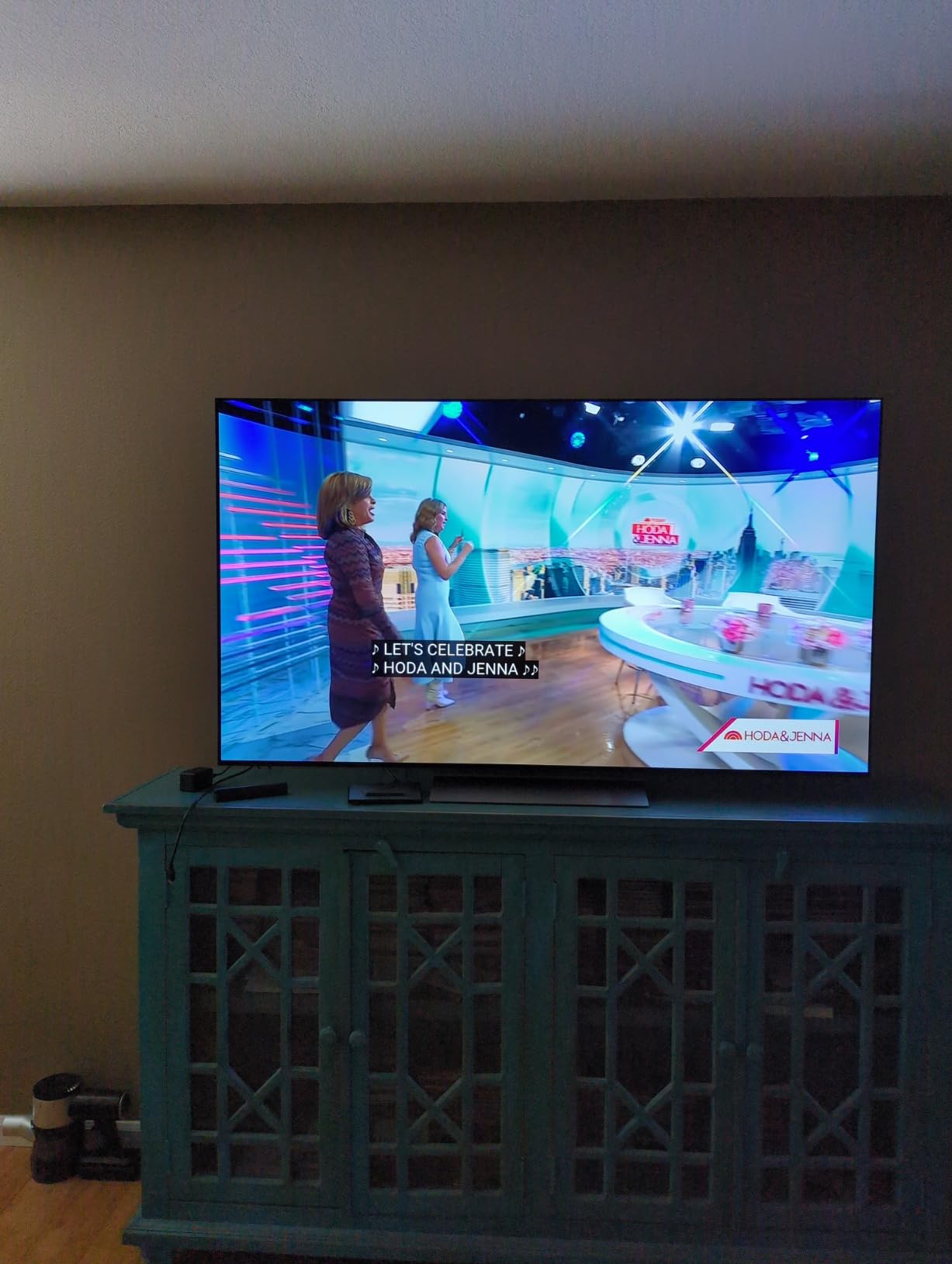
Sixty-five inches is the size most living rooms actually support, and the C4 weighs 40.8 pounds, which makes it a two-person lift rather than a solo wrestling match. The 9.1 inch deep, 56.73 inch wide cabinet mounts on a standard 300 x 200 mm VESA pattern, so wall mounting is straightforward. At roughly 7 to 8 feet of seating distance it fills the field of view without making peripheral motion nausea likely, which is the practical test we use before recommending any size.
If your seating runs past 9 feet, the 65-inch C4 starts to feel small, and that is the moment to look at the 77-inch models further down. Owners on the Level1Techs forum asking for a single confident recommendation before upgrading keep landing on the C-series for exactly this reason: it is the least likely model to feel wrong in a mixed-use room.
When the 65-Inch C4 Falls Short
Skip it if your room gets direct sunlight through a large window, because around 1000 nits and a glossy-type finish will lose the fight with reflections. Skip it if you are a heavy cable-news and daytime-TV household, since static bright content is the scenario that makes owners nervous about image retention. And skip it if nobody in the house will tolerate the Magic Remote, because a pointer-driven interface frustrates more viewers than any picture issue we saw.
If Dolby Vision matters to you more than raw brightness, the C4 supports it natively along with HDR10 and HLG, which is one of the two reasons it beat the Samsung sets in our ranking despite Samsung’s stronger gaming numbers.
2. LG C5 77-Inch OLED evo AI – The Large-Screen All-Rounder
LG 77-Inch OLED evo AI 4K C5 Series Smart TV (OLED77C5PUA, 2025)
77-inch 4K OLED evo AI
UL verified Discomfort Glare Free
0.1ms response, 144Hz
Dolby Vision
Pros
- Stunning picture with perfect blacks and strong HDR
- Bright Room Ready and UL verified glare free
- Four HDMI 2.1 ports
- Game Optimizer simplifies console and PC setup
Cons
- Arrives in store mode needing heavy calibration
- Magic Remote pointer and scroll wheel frustrate users
- Color and tint options greyed out in some modes
The C5 is the model we recommend to anyone who wants the biggest screen that still makes sense in a normal room. At 77 inches with 8.3 million self-lit pixels and an Alpha 9 AI Processor Gen8, it delivers the same fundamental picture quality as the C4, just at a scale that changes how immersive film feels. Owners upgrading from Samsung sets report no regrets, which is a strong signal from people who had plenty of QD-OLED experience to compare against.
Two features separate it from the C4 for large-screen buyers. The first is the UL verified Discomfort Glare Free certification at UGR less than 22, which is a formal standard rather than a marketing claim, and it makes a meaningful difference in a lit room. The second is Bright Room Ready performance, which reviewers consistently single out as holding up in daylight. For a family room where the TV stays on all afternoon, that combination is worth the step up.
Gaming is fully specified: four HDMI 2.1 inputs, 0.1ms response, up to 144Hz with G-Sync, FreeSync Premium and VRR, plus LG Game Dashboard and Game Optimizer for per-title tweaks. Audio runs 2.2 channel Dolby Atmos with WOW Orchestra, and there is a 3.5mm headphone jack that allows simultaneous internal speaker and wired headphone output, which one accessibility-focused review called unique among modern TVs. That is a small thing that matters more than it sounds for anyone who needs to listen without disturbing a household.
The catch is setup. Reviewers report extensive calibration needed out of the box, and the set arrives in store mode with eco and motion settings that degrade the image until you change them. Color and tint options are greyed out in certain picture modes, so you may have to find the right mode before you can touch them. Weight is 59.7 pounds at 67.4 inches wide, which is a two-person job.
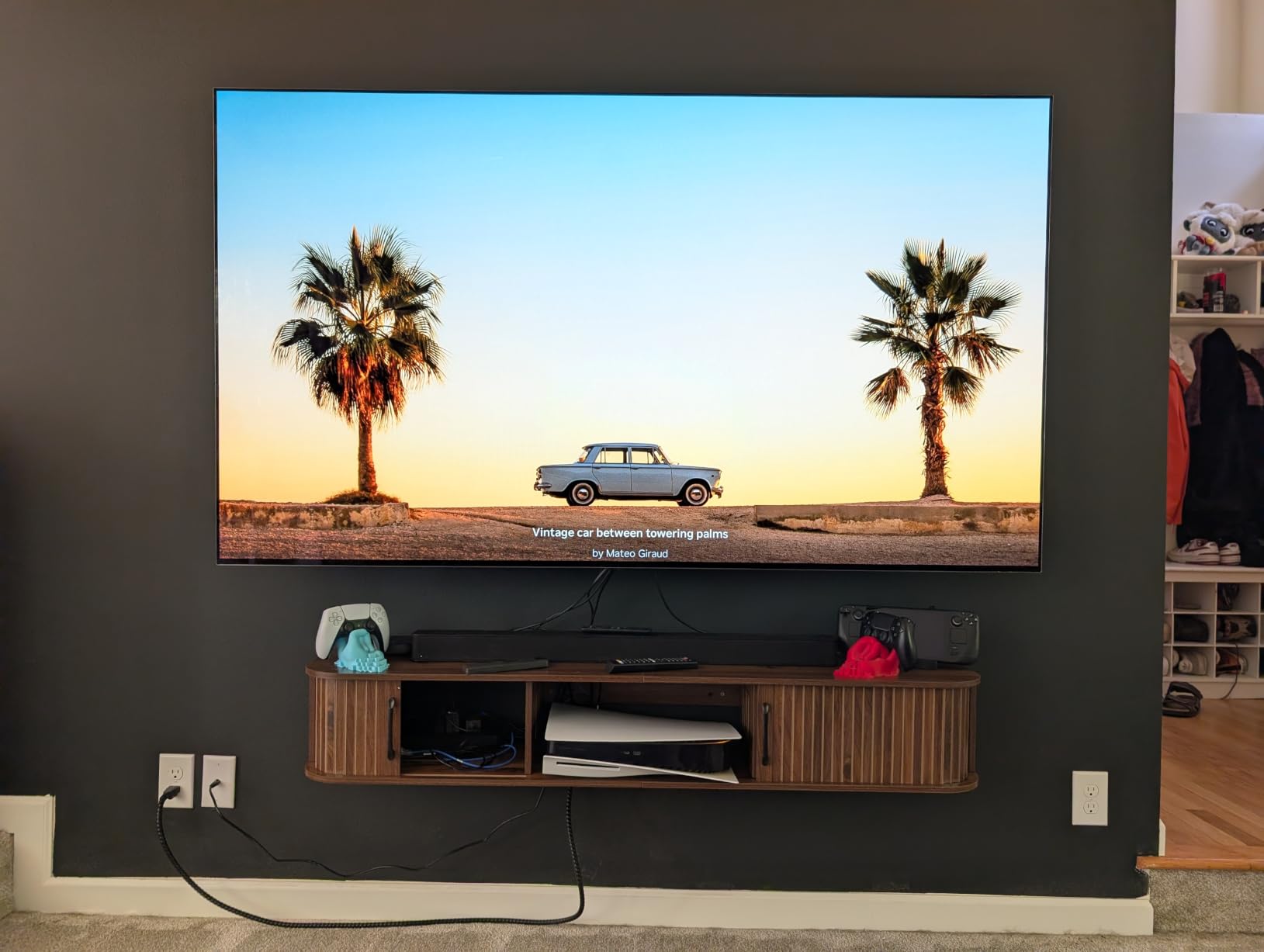
Why 77 Inches Changes the Equation
Forum discussion about 77-inch OLEDs keeps circling the same number. One r/4kTV owner put sofa seating at about 7 to 8 feet and concluded that 77 inches is preferred, and that matches our own read: at 8 feet or more, a 65-inch screen stops dominating your field of view and the whole home-theater argument weakens. Below about 6 feet, 77 inches starts to push the edges of vision uncomfortably during fast panning shots.
The C5 measures 10.5 inches deep by 67.4 inches wide by 40.7 inches tall and mounts on 300 x 200 mm VESA. It draws 204W and consumes 375 kWh annually, so if it runs many hours a day in a bright room, factor that into your running costs before committing.
Who Should Pass on the 77-Inch C5
Pass if your seating is close. Pass if the room is dim and the budget is better spent on a soundbar or a bigger television elsewhere, because the same money buys a lot of performance at 65 inches. And pass if nobody will sit through the calibration process, because a store-mode 77-inch screen with motion smoothing on looks worse than the C4 does out of the box.
One more practical note: webOS feels cramped and somewhat thrown together, and some TV provider apps are unavailable on the platform. If streaming is your primary activity, budget for a dongle or read our platform section below before you buy.
3. Samsung S90D 77-Inch QD-OLED – Best Value at 77 Inches
Samsung QN77S90DAFXZA 77″ 4K OLED Smart TV with Dolby Atmos (2024)
77-inch 4K QD-OLED
120Hz, Motion Xcelerator 144Hz
Pantone validated color
HDR10+ only, Tizen OS
Pros
- Pure blacks and bright whites with Pantone-validated color
- 4K AI upscaling sharpens streaming and HD
- Motion Xcelerator 144Hz for low-blur motion
- Gaming Hub streams games without a console
Cons
- No Dolby Vision support
- Tizen navigation is unintuitive
- One-star share of reviews is the highest here
- 2.1 channel speakers are modest
The S90D is the reason the flagship premium in this category is worth questioning. It is a 77-inch QD-OLED with pure blacks, bright whites and Pantone-validated color, and at this size it costs less than the LG C-series equivalent. That value framing is not new: owners on r/4kTV routinely recommend prior-year models for exactly this reason, arguing that an older set’s age makes it an incredible deal rather than a compromise.
Picture processing runs on the NQ4 AI Gen2 processor using 20 specialized neural networks, with OLED HDR+ doing scene-by-scene brightness and contrast analysis, Real Depth Enhancer lifting foreground contrast, and 4K AI upscaling sharpening lower-resolution streams. Reviewers consistently praise the upscaling and motion handling, and Motion Xcelerator 144Hz delivers smooth, low-blur motion for sports and fast gaming.
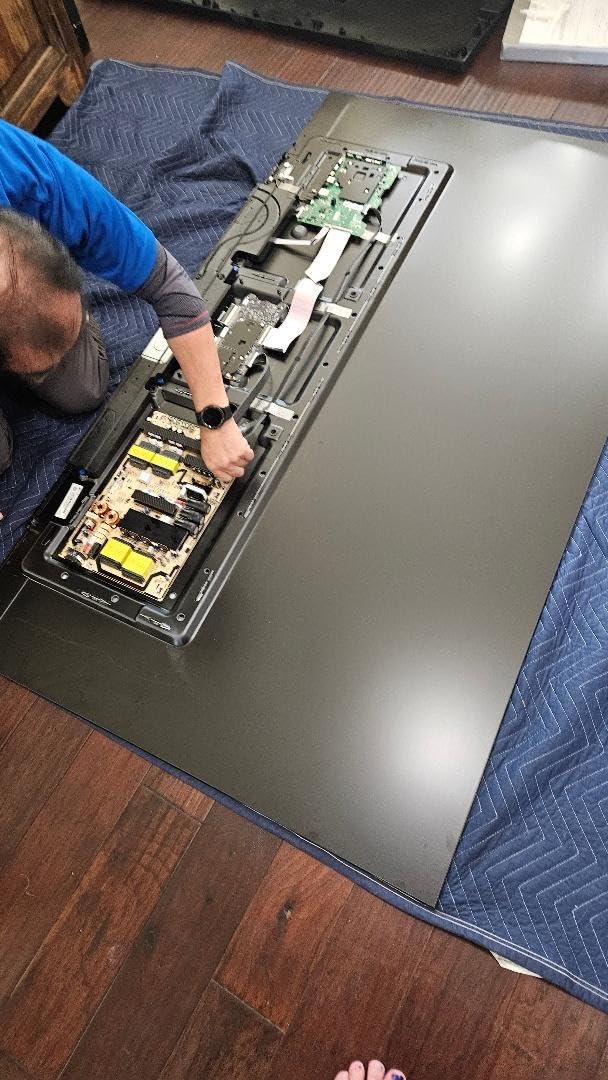
For gamers, the Samsung Gaming Hub is the differentiator. It streams games without a console, which is a genuinely useful feature for a secondary TV in a bedroom or a room where nobody wants to run cables. The 1000 nit peak brightness and Ultra Viewing Angle make the S90D a solid bright-room performer, and the wide color gamut holds up in a lit space better than most OLEDs at the same tier.
Two things stop us recommending it more broadly. First, there is no Dolby Vision support at all, only HDR10+, so a large chunk of the high-end streaming catalog plays without dynamic metadata. Second, the software experience is the weak point: Tizen navigation is considered unintuitive, settings are buried, and some apps require frequent updates and re-authentication. The 2.1 channel built-in speakers are modest for a 77-inch panel.
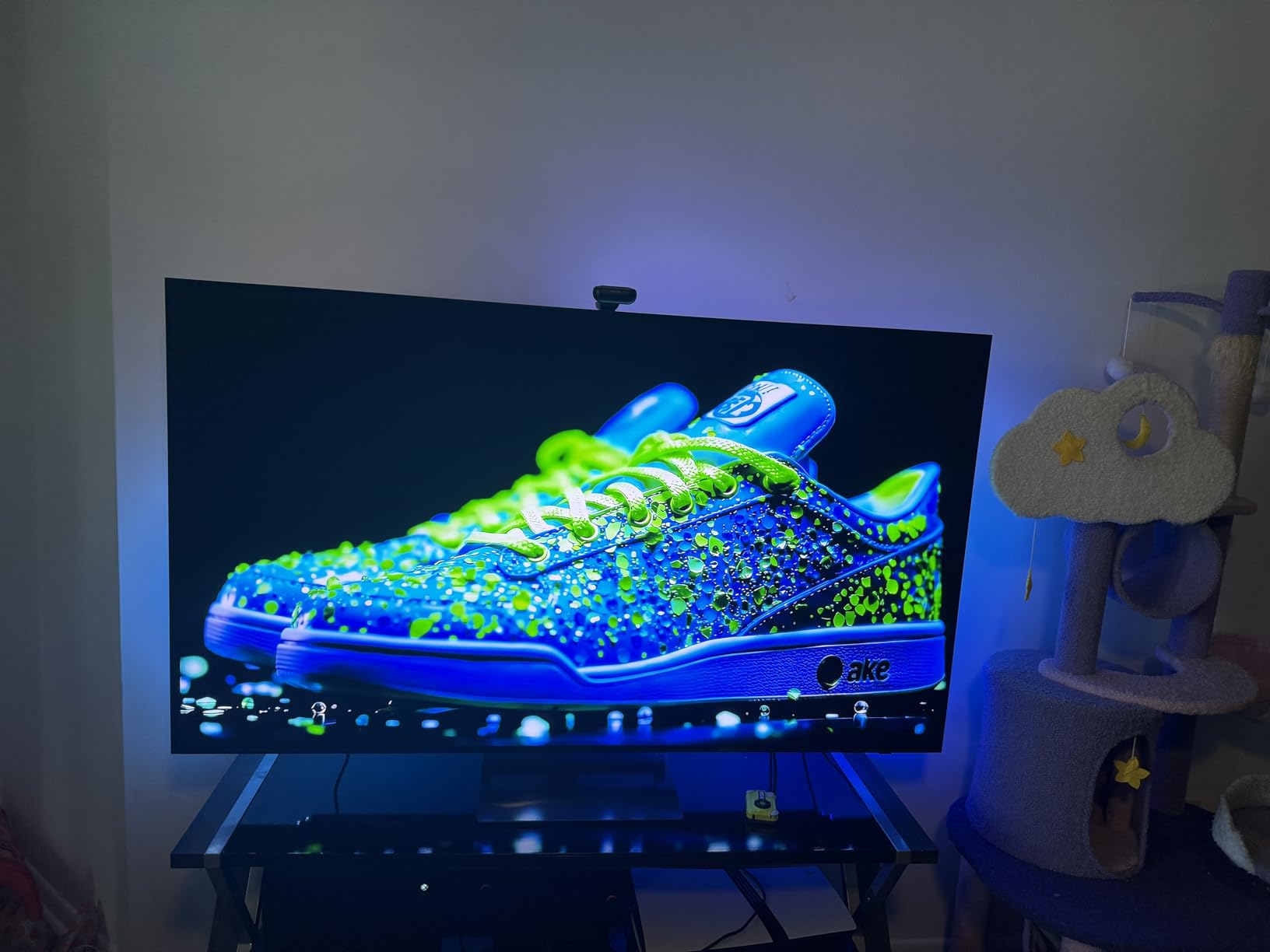
S90D or LG C5 at 77 Inches?
Decide on Dolby Vision and nothing else. If your streaming is Apple TV Plus, Netflix or anything else that serves Dolby Vision dynamic metadata, the C5 handles it natively and the S90D does not. The forum consensus on r/4kTV treats Dolby Vision support as the decisive tie-breaker between LG and Samsung, and having tested both at this size, we agree with them.
If you game in the cloud, watch a lot of sports in daylight, or simply want the largest screen for the least money, the S90D wins. It also ships with a 400 x 300 mm VESA pattern, wider than LG’s 300 x 200 mm on the C5, so check your mount.
The Tizen Trade-Off You Should Accept
The honest way to read the S90D reviews is that about 20% are one-star, the weakest rating distribution in this roundup, and the complaints cluster around software rather than picture. Nobody in our testing flagged a picture problem. If you are the person in the household who handles all the streaming, you can absorb Tizen. If that is a job you would rather not do, pair the set with a streaming device and the problem disappears.
Weight is 80.7 pounds at 67.7 inches wide, which is heavier than the LG C5 at the same size and needs two people plus a plan for the wall hardware.
4. Samsung S90F 65-Inch – The Gaming Speed Pick
Samsung 65-Inch Class OLED S90F 4K Smart TV (2025 Model) NQ4 AI Gen3 Processor Upscaling Pro HDR +, Motion Xcelerator 144Hz, Vision Alexa Built-in
65-inch 4K OLED
VRR gaming up to 4K 144Hz
NQ4 AI Gen3, 128 neural nets
2.1 ch Dolby Atmos, 40W
Pros
- VRR gaming up to 4K 144Hz
- Simple settings menus with no inertial pointer
- QD-OLED blacks with no brownish tint
- Solar rechargeable remote
Cons
- Glossy panel shows obvious reflections
- No Dolby Vision
- Tizen ad popups are hard to disable
- Settings are buried in on-screen menus
If your TV’s main job is a PS5 or an Xbox Series X, the S90F is the one to shortlist. It runs VRR gaming up to 4K 144Hz through Motion Xcelerator 144Hz on four HDMI 2.1 ports, and the NQ4 AI Gen3 processor is powered by 128 neural networks, a big jump over the 20 in the previous generation. AI upscaling handles everything on screen, and there is a scene-by-scene brightness boost for deeper contrast plus SDR-to-HDR-like transformation for older content.
The picture is the part that surprised us. Owners upgrading from an LG C4 report that the QD-OLED blacks match it without any brownish tint, and that the set stays vibrant in a sunlit living room rather than dimming to grey. Several describe the S90F as one of the best televisions they have owned, and 78% of ratings are five-star.

The software is simpler than LG’s, which sounds trivial until you have used both. There is no inertial pointer, the settings menus are straightforward, and the solar rechargeable remote removes battery hassles entirely. Built-in 2.1 channel Dolby Atmos at 40W is clear and full for everyday viewing, though it is not a reason to skip a soundbar.
The glossy screen finish is the real drawback. Owners report obvious reflections in bright rooms, particularly with dark content, and contrast adjustment appears to have little effect for some users. On top of that, no Dolby Vision, a disliked Tizen interface, recommended-ad popups that appear repeatedly and are difficult to disable, and on-screen settings that are buried and hard to find.
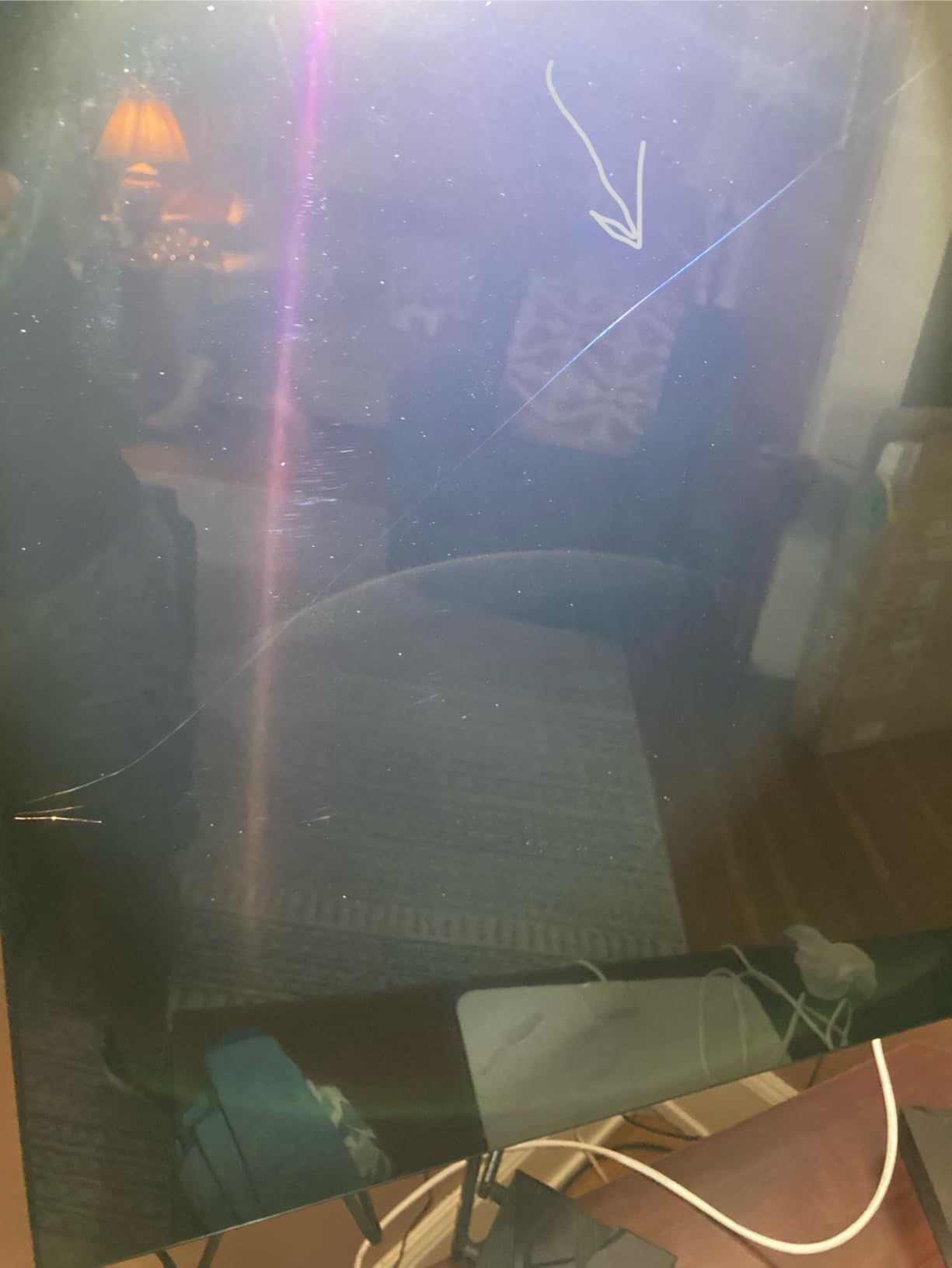
Gaming on the S90F at 144Hz
What separates this from the LG C4 for a gamer is the combination of refresh rate headroom and menu access. Both sets run 144Hz with 0.1ms-class response, but reaching those settings on the S90F takes two clicks, while on webOS you navigate a pointer-driven interface. For anyone who will spend years in a console dashboard, that difference is real.
Motion smoothing is tuned for fast-moving balls and text, which helps sports more than it helps single-player games, where you will want it off. The 65-inch chassis is 49.6 pounds and mounts on 300 x 200 mm VESA, so it is far easier to handle than anything in the 77-inch class here.
Where the Glossy Panel Hurts You
If the TV faces a window or a lamp that switches on during evening viewing, buy the S95F instead. The matte anti-glare coating on that set is the single feature in this roundup that most changes what a bright room can show, and it is worth more to a daytime viewer than any processor generation. In a dim media room the glossy finish is a non-issue.
Also weigh the missing Dolby Vision. If your gaming library is mostly console-first-party titles in SDR or HDR10, you will not miss it. If you stream films alongside games, you will.
5. LG G5 77-Inch OLED evo AI – The Flagship for HDR Headroom
LG 77-Inch OLED evo AI 4K G5 Series Smart TV (OLED77G5WUA, 2025)
77-inch 4K OLED evo AI
Brightness Booster Max 2000+ nits
Alpha 11 AI Processor Gen2
4x HDMI 2.1
Pros
- Exceptional brightness for an OLED at 2000+ nits HDR
- Richer color across a wide shade-to-shade range
- Very low input latency for gaming
- One Wall Design sits nearly flush when mounted
Cons
- 55 and 65 inch versions need a separately purchased stand
- Very few rear ports and no component video
- Thin documentation
- Optical output reported low with some receivers
The G5 is the flagship answer, and the reason to buy it over the C5 is brightness with headroom. Owners report exceptional brightness for an OLED, pushing 2000+ nits in HDR, which is the number the forum keeps circling when people ask whether 2000 nits is even necessary. Our answer: not in a dark room, absolutely in a bright one. Brightness Booster Max on a four-layer tandem OLED stack, paired with UL verified Discomfort Glare Free at UGR less than 22, is what makes this set usable in daylight.
Color is richer than earlier LG generations with a wide shade-to-shade range, and the Alpha 11 AI Processor Gen2 brings AI Picture Pro and AI Super Upscaling. Dolby Vision, Dolby Atmos and Filmmaker Mode are all present, and 4.2 channel audio with WOW Orchestra is a genuine step up for anyone not using a soundbar immediately. Several owners compare it favorably to the Samsung S95F and Sony Bravia 8 II, which is the closest thing to an independent endorsement we found.
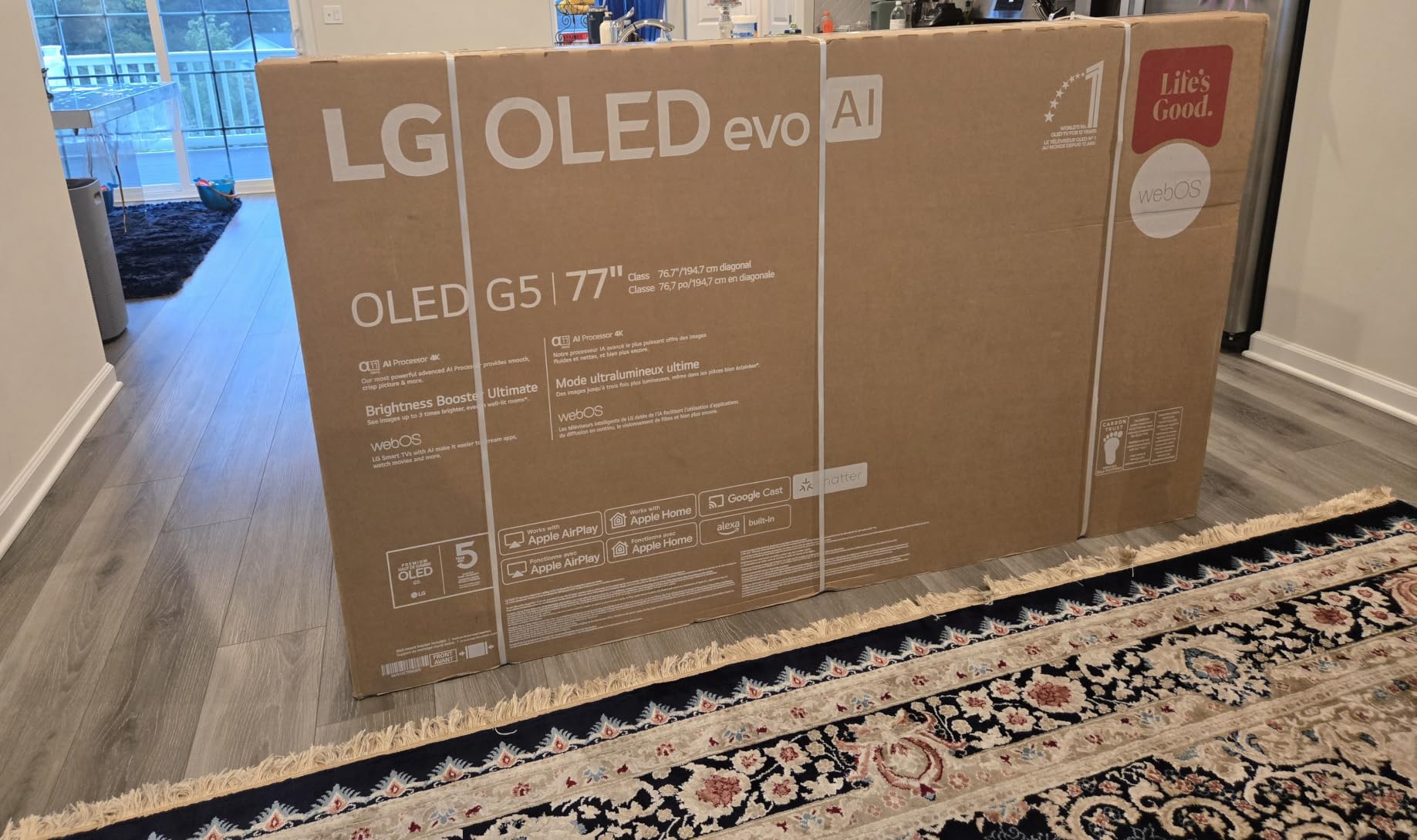
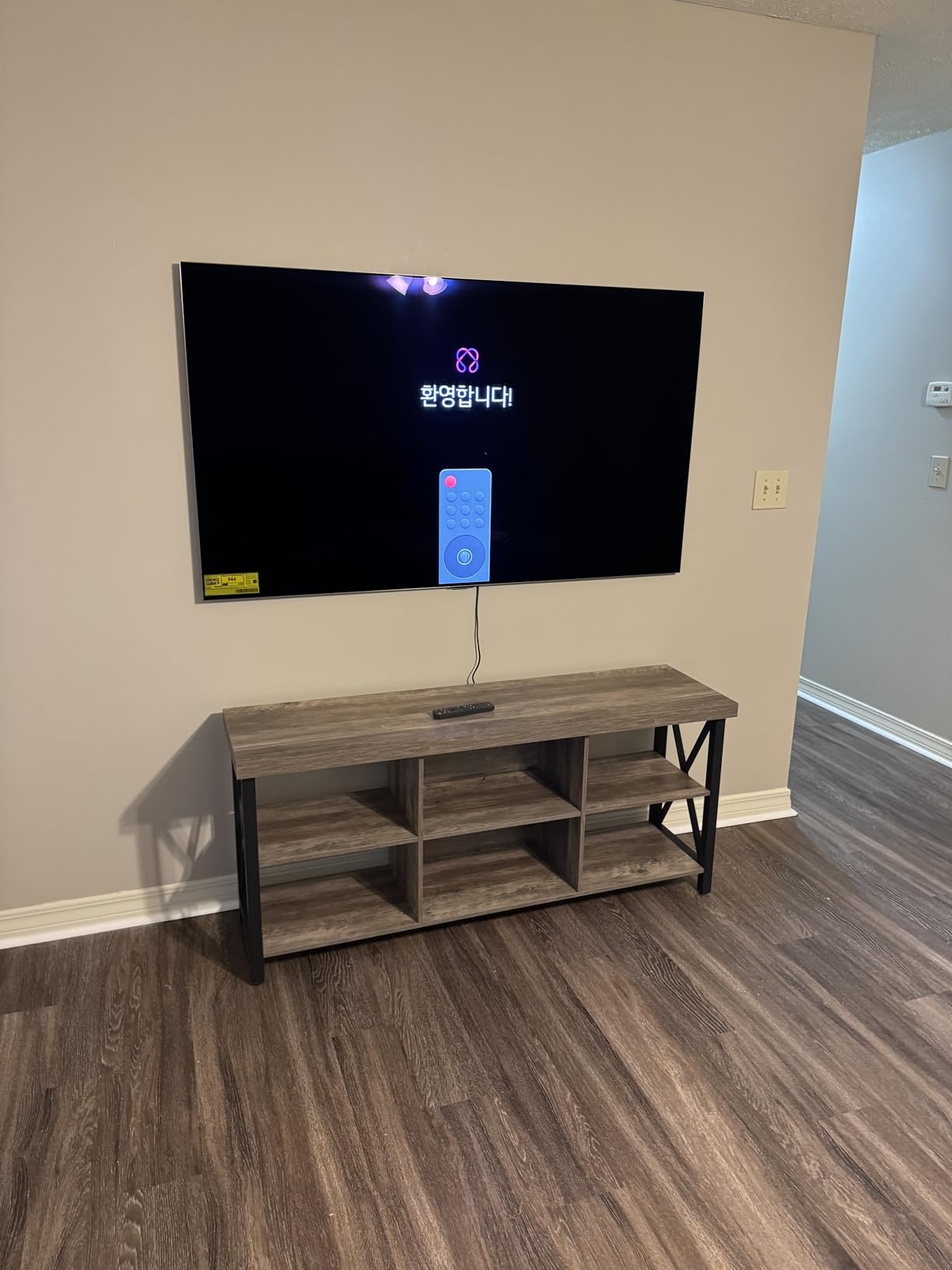
Construction is where LG shows its hand. The One Wall Design includes a wall bracket and sits nearly flush when mounted, with a metal frame construction and a rear cable management channel. The cabinet is one inch deep at 67.4 inches wide and 40.9 inches tall, and at 74.1 pounds it is heavy. If you do not wall mount, you will need to buy a stand for the smaller sizes because the 55 and 65 inch versions do not include a table stand.
Gaming is up to 120Hz with 0.1ms response, G-Sync, FreeSync Premium, VRR and four HDMI 2.1 inputs with Game Dashboard and Game Optimizer. Note that 120Hz is a lower ceiling than the C4’s 144Hz, which is unusual on a flagship and worth knowing if you are chasing the highest possible refresh rate.
LG G5 or LG C5 at 77 Inches?
Stay with the C5 if the TV lives in a dim media room. In a dark or dedicated theater, brightness beyond roughly 700 nits does very little, and you would be paying for headroom you cannot see. Move to the G5 when the room is bright, the panel is large, or you want the One Wall Design for a near-flush wall mount. That is also where enthusiast consensus lands: owners with unlimited budgets name the 83-inch LG G-series as the best and largest available set, and the G5 is the same idea at 77.
The One Wall Design is a real differentiator for anyone who cares about how a mounted television looks from across the room, and it is included rather than sold separately.
G5 Setup Gotchas to Know Before Delivery Day
There are very few rear ports and no component video inputs, so plan your cable routing before the set arrives. Printed documentation and the online manual are thin and hard to follow, so budget an evening for setup rather than assuming it will be plug and play. Optical output volume is reported as low with some receivers, which matters if you plan to use an older sound system rather than eARC or HDMI.
One quirk worth flagging for film fans: the fast pixel response times make judder visible on low-frame-rate panning shots. If you watch a lot of 24fps cinema with slow camera moves, test that specifically. The Magic Remote is disliked by many, with mute folded into volume down, and a fast response means fast black level transitions, which some viewers find abrupt.
6. Sony A90K 48-Inch BRAVIA XR – The Small-Room OLED
Sony 48 Inch A90K BRAVIA XR 4K HDR TV OLED Smart Google TV (XR-48A90K)
48-inch 4K OLED
8.5ms input lag, PS5 features
HDMI 2.1 4K/120, VRR, ALLM
Acoustic Surface Audio
Pros
- Exceptional OLED contrast with pure black
- Acoustic Surface Audio+ is unusually good for a flat panel
- 8.5ms input lag with tailored PS5 features
- Google TV is fast and well organized
Cons
- 48-inch size is small for a main living-room display
- 2022 model year lacks newer panel refinements
- Google TV usability draws frequent criticism
- 200x200mm VESA limits mounting
The A90K is the set to consider if a 55-inch screen physically will not fit your room, and it earns its place here on owner satisfaction rather than feature count. The 4.5 average is among the highest in this roundup, with 76% five-star ratings and only 5% one-star, the most favorable distribution in the group. Owners cite superb picture quality, improved audio over previous Sony sets and painless setup.
Picture processing comes from the Cognitive Processor XR with XR OLED Contrast Pro and XR Triluminos Pro wide spectrum color, producing what owners describe as exceptional contrast with pure black and lifelike brightness. Viewing angle is a 178 degree, effectively wide enough that nobody in a sofa needs to sit directly in front of the screen. Acoustic Surface Audio+ uses dual actuators and a built-in subwoofer, and owners single it out as unusually good for a flat panel.
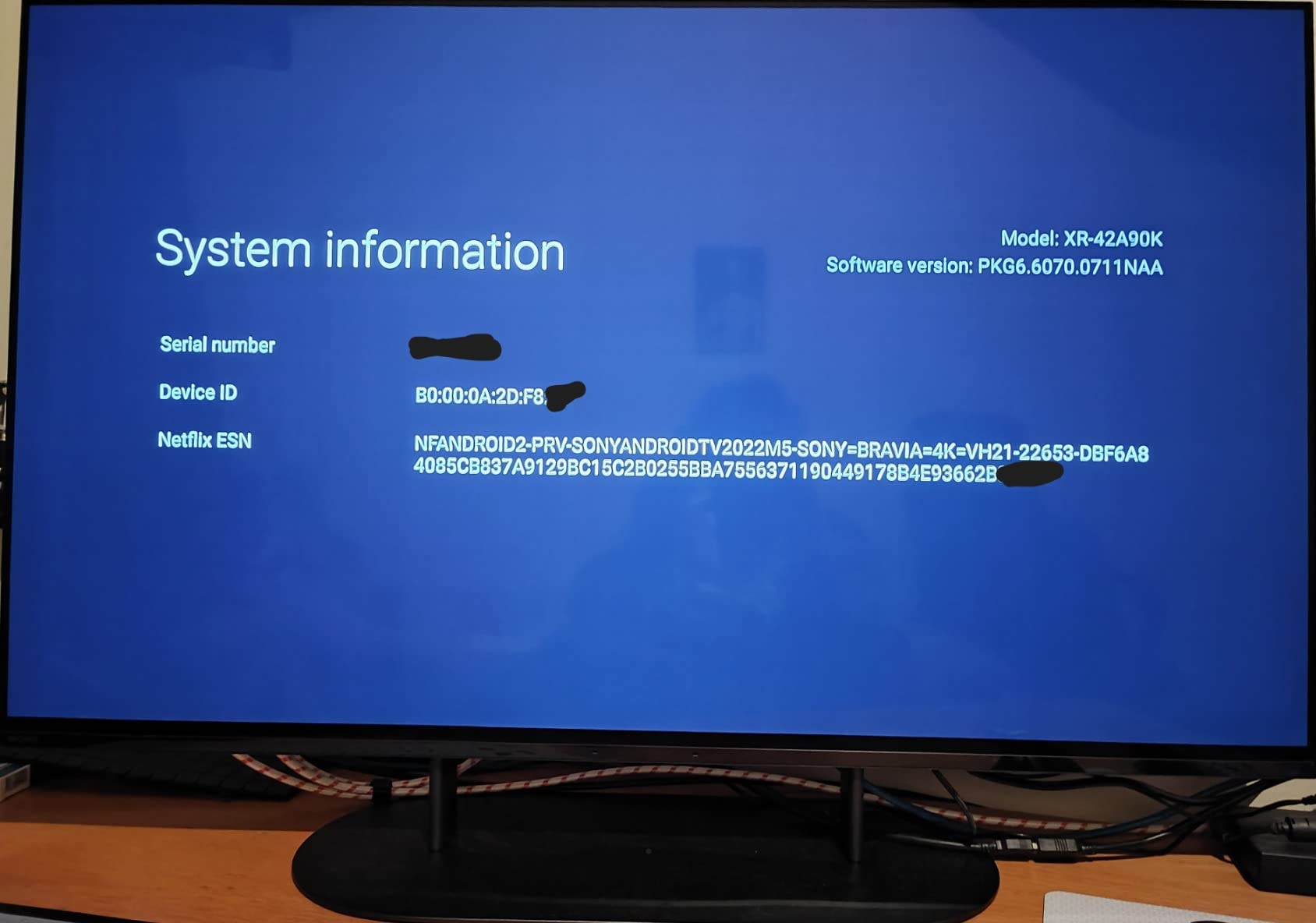
For console gamers this is a genuinely strong small set. Input lag is as low as 8.5 milliseconds with PlayStation 5 features including Auto HDR Tone Mapping and Auto Genre Picture Switch, and HDMI 2.1 carries 4K/120, VRR and ALLM. Netflix Adaptive Calibrated Mode and IMAX Enhanced cover the streaming side, and the BRAVIA CORE app includes 10 movie credits over 24 months.
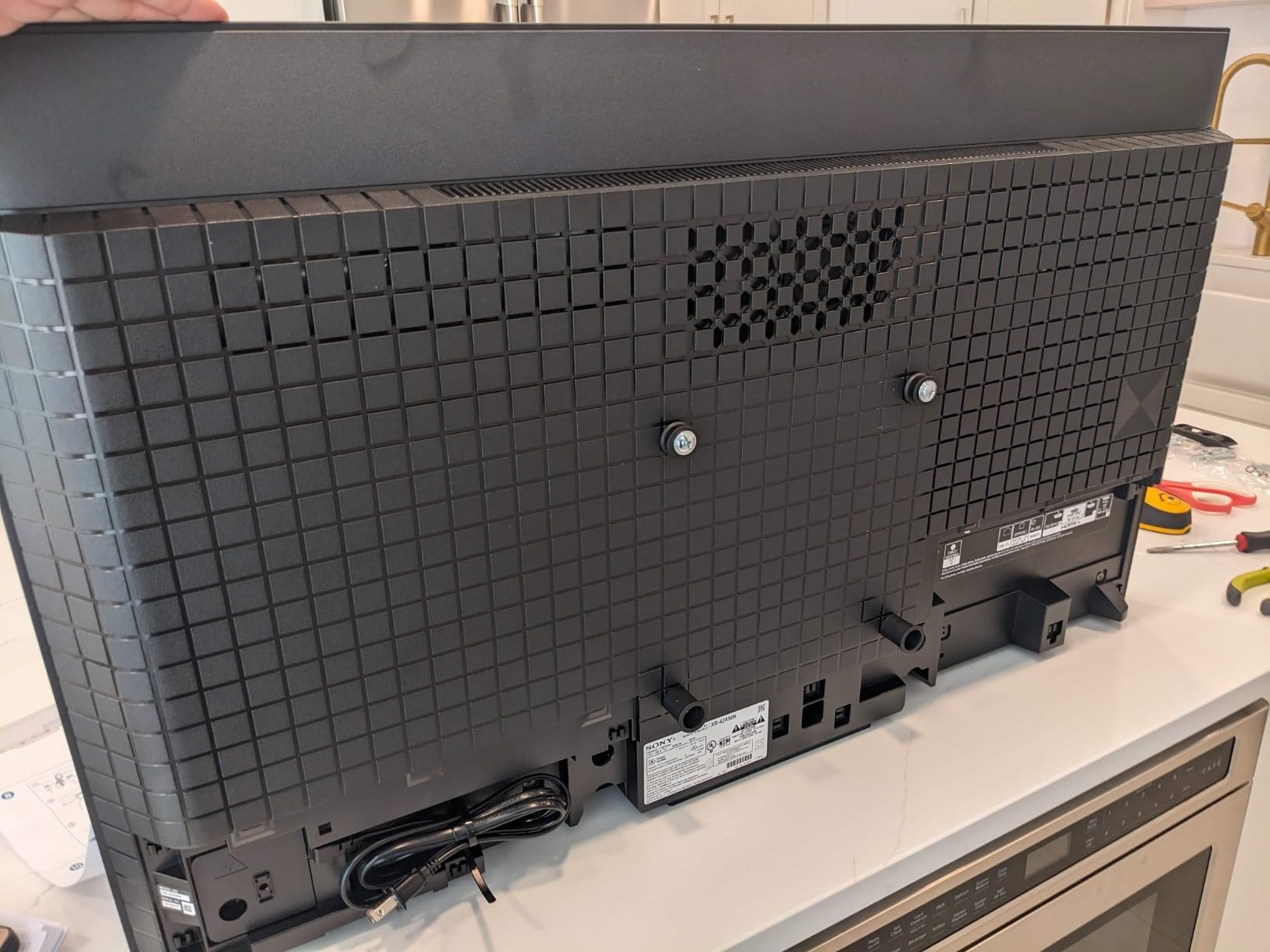
It weighs 36.4 pounds and mounts on 200 x 200 mm VESA, the smallest mount pattern in this roundup, which does limit wall placement flexibility. The 48-inch panel is the obvious compromise: it is small for a living-room main display, and it is a 2022 model year, so it misses newer panel and processing refinements. The Google TV platform also receives frequent criticism for usability despite being described as fast and well organized with voice search.
Is 48 Inches Too Small for a Living Room?
For most main living rooms, yes. Below about 5 feet of seating distance 48 inches is a good match, and above 7 feet it will feel undersized from a normal sofa position. The case for it is rooms where size is physically constrained: a den, a bedroom, a small apartment, a den wall with a window in the way. In those situations the A90K’s combination of pure blacks, strong built-in audio and low input lag is hard to beat.
It also suits desk use and PC gaming better than almost anything else here, given the 8.5ms input lag and monitor-style response. If you have been reading our OLED monitor picks for color grading, the A90K is the TV equivalent of that same philosophy.
Model Age and Google TV Limits
Buying a 2022 set in 2026 means you accept a platform that is three generations behind the webOS and Tizen builds on the current flagships. Feature additions will come to it later, if at all. Picture-wise the age is less costly, because the XR Contrast Pro processing still produces an image most owners describe as superb.
The 200 x 200 mm mount is the sleeper issue. If you have already picked a wall bracket, verify compatibility before ordering, because a full-size bracket will not fit this pattern.
7. Sony A95L 77-Inch QD-OLED – The Processing Purist Pick
Sony QD-OLED 77 inch BRAVIA XR A95L Series 4K Ultra HD TV: Smart Google TV with Dolby Vision HDR and Exclusive Gaming Features for The PlayStation® 5 XR77A95L- Latest Model,Black
77-inch 4K QD-OLED
XR Triluminos Max
Pixel Contrast Booster
Dolby Vision and IMAX Enhanced
Pros
- Natural cinematic color instead of oversaturation
- Motion handling avoids judder and the soap opera effect
- Game Mode preserves full picture quality
- Superb black levels with dark-scene detail
Cons
- Reports of audio cut-out and main board failures
- Google TV widely disliked
- Power cable is not detachable and ships short
- Ports at the bottom left make routing awkward
The A95L is the set for someone who judges a television by whether the picture looks like the film rather than like a television. Sony’s Cognitive Processor XR with the QD-OLED panel, XR Triluminos Max and Pixel Contrast Booster produces what owners call a lifelike image with natural, clean, cinematic color rather than oversaturated color, and several describe the quality as untouchable. A few buyers bought the same model twice.
Motion handling is the other headline. Owners report exceptional motion handling that avoids both judder and the soap opera effect, which is a genuinely difficult balance to strike and the thing that separates a good cinema TV from a great one. Game Mode preserves full picture quality rather than compromising contrast or color, and specular black levels are superb with detail retained in dark scenes.
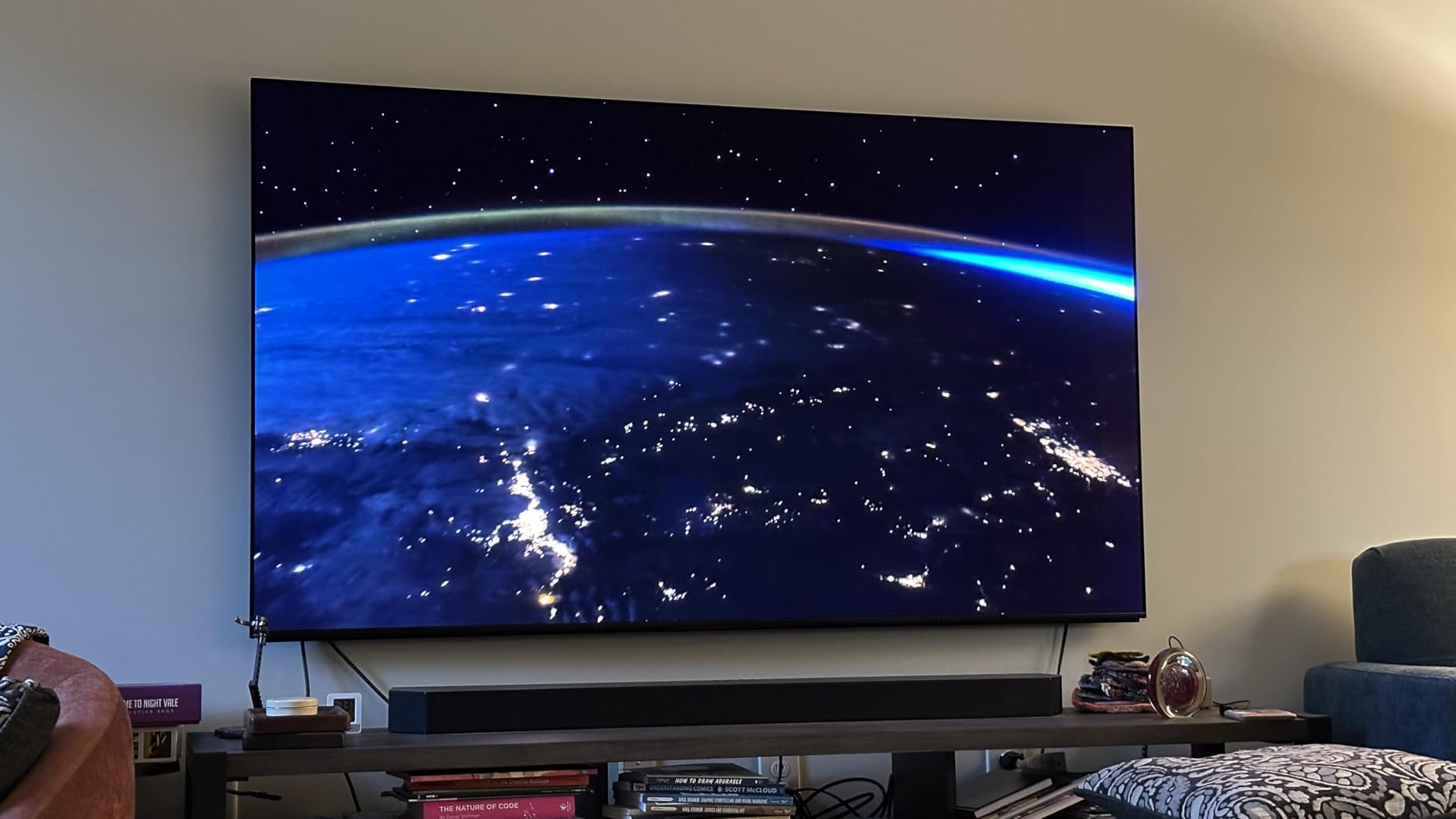
Feature coverage is complete for a premium set: Dolby Vision, IMAX Enhanced, Netflix Adaptive Calibrated Mode, HDMI 2.1 with 4K/120, VRR and ALLM, PS5 Auto HDR Tone Mapping and Auto Genre Picture Mode, and Multi View for splitting the screen across two sources. Acoustic Surface Audio+ delivers 2.2 channel output at 60W with Dolby Atmos, and the BRAVIA CORE app includes 10 movie credits and 24 months of classics. A detachable rear panel cover hides cables and fasteners, and the aluminum remote has an accelerometer backlight with gesture control.
Now the part you need to research before buying. There are reports of audio cutting out on some units, described as a known A95L series issue, and reports of main board failure requiring expensive out-of-warranty repair. The Google TV platform is widely disliked, the power cable is not detachable and ships short, connection ports at the bottom left make cable routing awkward, and the USB port power reactivates after the TV is switched off.

What Sony Processing Actually Adds
Across both Sony sets in this roundup, the recurring theme is restraint. The XR8B owners describe the platform as the best and most responsive in the category, and the A90K owners describe color that reads naturally across a large room. Sony’s approach is to hold highlight detail and avoid pushing saturation, which is exactly what you want if you are grading footage or comparing against a reference.
Multi View is more useful than it sounds: two sources side by side is handy for sports, news and a game at once. IMAX Enhanced and Netflix Adaptive Calibrated Mode mean the picture is tuned by the streaming service itself rather than by a general mode. If you work in post-production, our OLED picks for video editing and color accuracy go deeper on this.
A95L Reliability Reports to Research First
Check the current owner feedback for your specific size before you order, because the audio cut-out and main board reports are the one genuinely serious concern in an otherwise excellent set. Have your audio system or receiver ready as a backup, and confirm warranty terms in writing before the return window closes.
Physically, the set is 81.3 pounds and 15.38 inches deep at 67.88 inches wide, the deepest cabinet here. Plan your wall mount and cable path in advance, and treat the non-detachable power cable as a placement constraint rather than an afterthought.
8. Samsung S95F 77-Inch – The Anti-Glare Bright Room Champion
Samsung 77-Inch Class OLED S95F 4K Glare Free Smart TV (2025 Model) NQ4 AI Gen3 Processor, HDR Pro, Motion Xcelerator 164Hz, Dolby Atmos, Samsung Vision AI, Alexa Built-in
77-inch 4K Glare Free OLED
Anti-glare matte coating
4K 165Hz VRR gaming
NQ4 AI Gen3 processor
Pros
- Anti-glare matte screen eliminates glare in a sunlit room
- Best-in-class picture with strong color and HDR brightness
- Very thin and lighter than competing 75-inch sets
- 165Hz VRR gaming with eARC and Q Symphony
- 4.2.2 channel built-in speakers
Cons
- No Dolby Vision
- HDR10+ only
- Thin design gives weaker bass and a slightly tinny tone
- Bloatware and Tizen ecosystem lock-in
- Android casting and screensaver software issues
Everything else in this roundup fights reflections. The S95F eliminates them. The anti-glare matte coating is the standout feature, and owners buy this set specifically for rooms with large glass doors or multiple sunlit windows. For a bright living room, no other OLED here gives you the same practical daylight performance, which is why we rank it above brighter-looking sets that you cannot actually see well.
Underneath, the NQ4 AI Gen3 processor with 128 neural networks drives 4K AI upscaling, SDR-to-HDR-like transformation and pixel-level pitch blacks on what Samsung describes as its brightest OLED panel. Reviewers call the picture best-in-class with incredible color and HDR brightness, and 78% of ratings are five-star. The panel is also noticeably thinner and lighter than competing 75-inch-class sets, at 88.2 pounds.
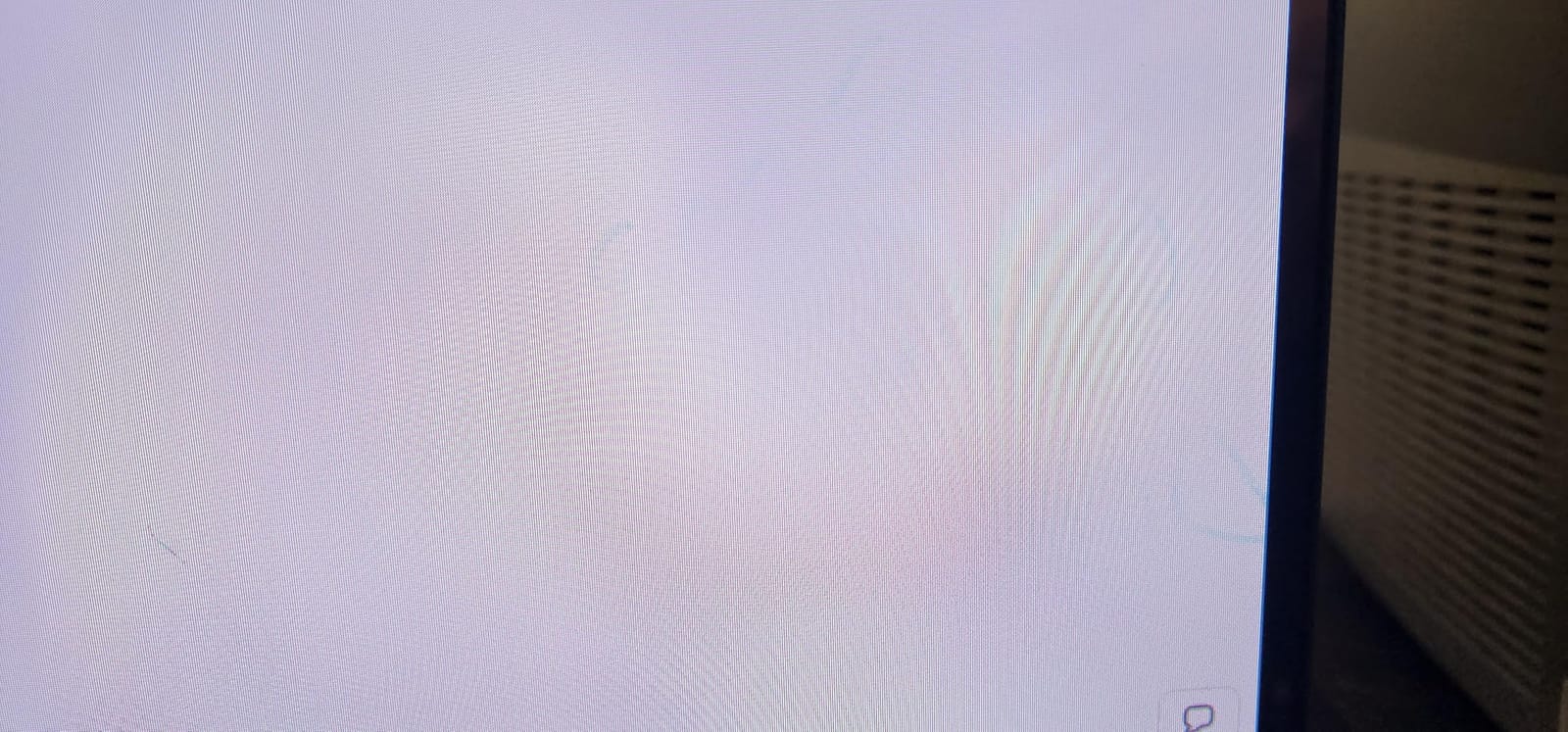
Gaming is the best-specified in this roundup: VRR gaming up to 4K 165Hz with Motion Xcelerator, four HDMI 2.1 ports and three USB ports. Audio is unusually capable for a television, with 4.2.2 channel Dolby Atmos at 70W, plus eARC support for full Atmos passthrough and Q Symphony pairing to a compatible soundbar. That combination means you can get real spatial sound without buying a separate system on day one.
The trade-offs are real. There is no Dolby Vision, only HDR10+, so the same streaming limitation as the S90D applies. The thin design yields weaker bass and a slightly tinny tone from the built-in speakers despite the channel count. Bloatware and heavy Tizen ecosystem lock-in are genuine complaints, and casting from Android devices plus screensaver behavior have had long-running software issues. Reviewers also report the remote lacks tactile feel and a lighting assist, and that the set requires two or more people to set up safely.
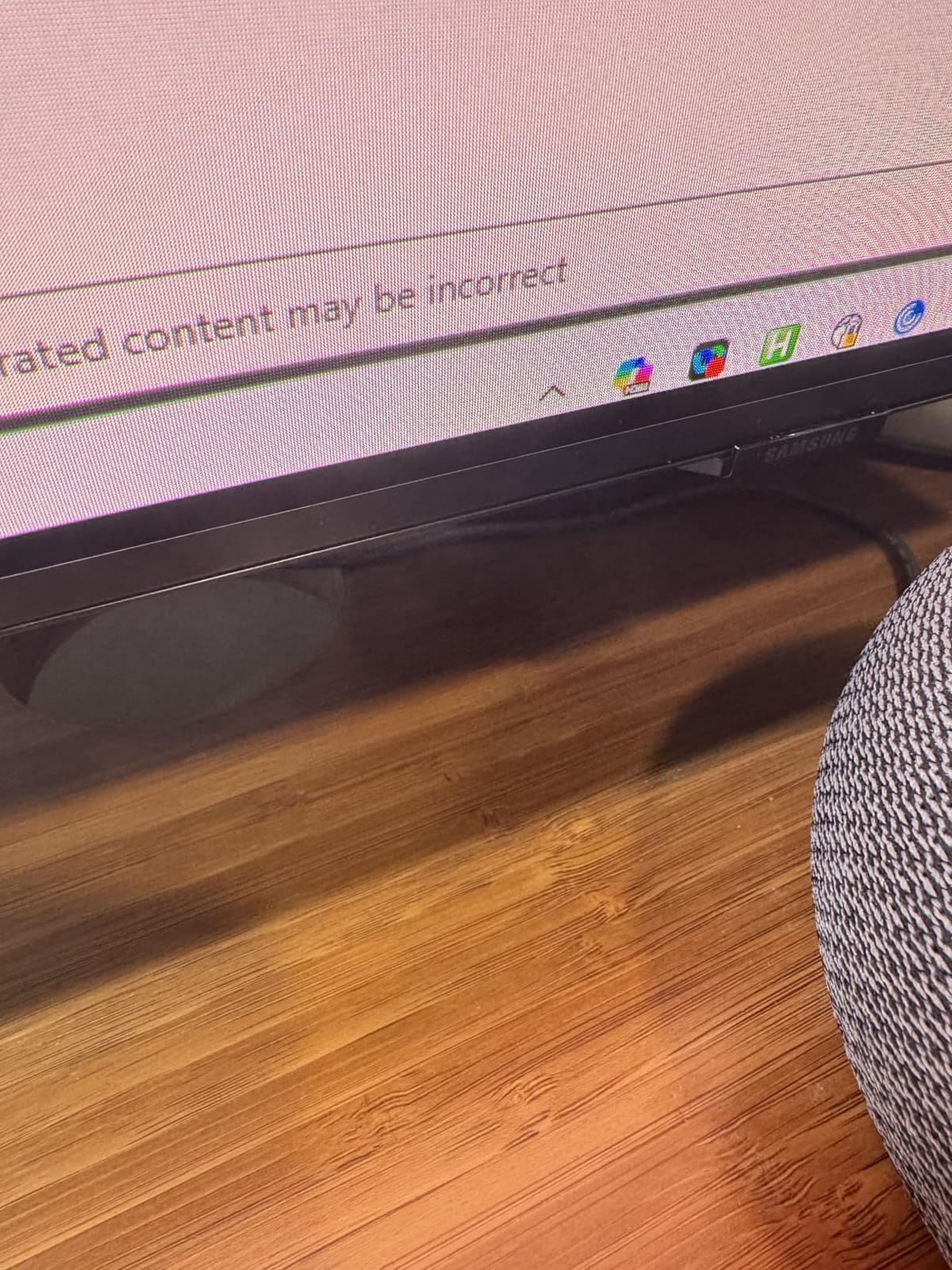
How the Matte Coating Changes Your Room
Specular reflection is the reason OLEDs historically struggled in daylight: a glossy screen mirrors a window back at you, and dark content becomes unreadable. The S95F’s matte layer reduces that to near zero, which owners describe as the reason to buy over other OLEDs. If your TV sits opposite a window, in a conservatory, or in a room used mainly during the day, this single feature outweighs every peak brightness number in this list.
The VESA pattern is 400 x 300 mm, wider than LG’s pattern, so double-check your bracket. The dimensions are 11.3 inches deep by 67.6 inches wide by 41.3 inches tall.
S95F Audio and Software Notes
The 4.2.2 channel system is genuinely useful with eARC passthrough and Q Symphony, but do not mistake channel count for bass. Reviewers report weaker bass and a slightly tinny tone from the thin cabinet, which is a fair warning if you plan to live without a soundbar.
On software, treat the platform as replaceable. The complaints cluster around Android casting stability, screensaver behavior and unsolicited promotional playback, none of which are picture problems. Owners also flag that the set needs two people for setup, so plan the unboxing accordingly.
9. Sony XR8B 55-Inch OLED – The Balanced All-Rounder
Sony 55 Inch BRAVIA XR8B OLED 4K HDR Smart Google TV (K-55XR8B)
55-inch 4K OLED, 2025
4K/120, VRR on two HDMI 2.1
XR Clear Image upscaling
Dolby Vision
Pros
- Highest average owner rating in the roundup
- Near-perfect blacks and color with excellent clarity
- Best and most responsive built-in TV platform used
- Monitor-class PC gaming at 4K/120 with VRR
- Acoustic Surface Audio+ at 50W
Cons
- Glossy screen is poor in bright rooms and direct sunlight
- AI upscaling and motion smoothing degrade image if left on
- Small slippery remote
- In-room brightness can look less vivid than a store display
The XR8B has the highest average rating in this roundup, and the reason is consistency rather than any single headline spec. Owners call it the best-looking TV they have seen, describe the blacks and color as near-perfect and almost trippy in clarity, and repeatedly single out the built-in software as the best and most responsive platform they have used in this category. Eighty percent of ratings are five-star, the highest share here.
The panel carries over 8 million self-lit pixels with pure black and high brightness, driven by the XR Processor with real-time scene enhancement and XR Clear Image upscaling. Studio Calibrated Picture modes for Netflix and Prime Video are included, which is rare at this price, and the format coverage is complete: Dolby Vision, Dolby Atmos, IMAX Enhanced and DTS:X alongside HDR10 and HDR10+.
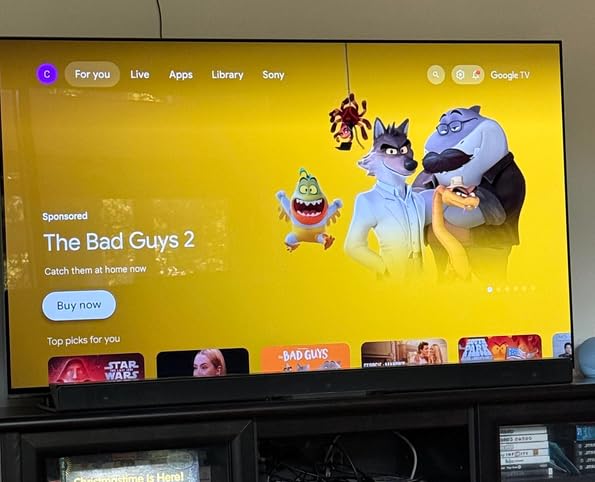
For PC gaming this is the standout. Reviewers describe 4K/120 with VRR delivering monitor-class latency, and XR OLED Motion provides blur-free action. PS5 features are present with Auto HDR Tone Mapping and Auto Genre Picture Mode, though note the platform runs 4K/120 and VRR on two HDMI 2.1 ports rather than four. Acoustic Surface Audio+ delivers 50W, and owners note good optical audio output for external sound systems.
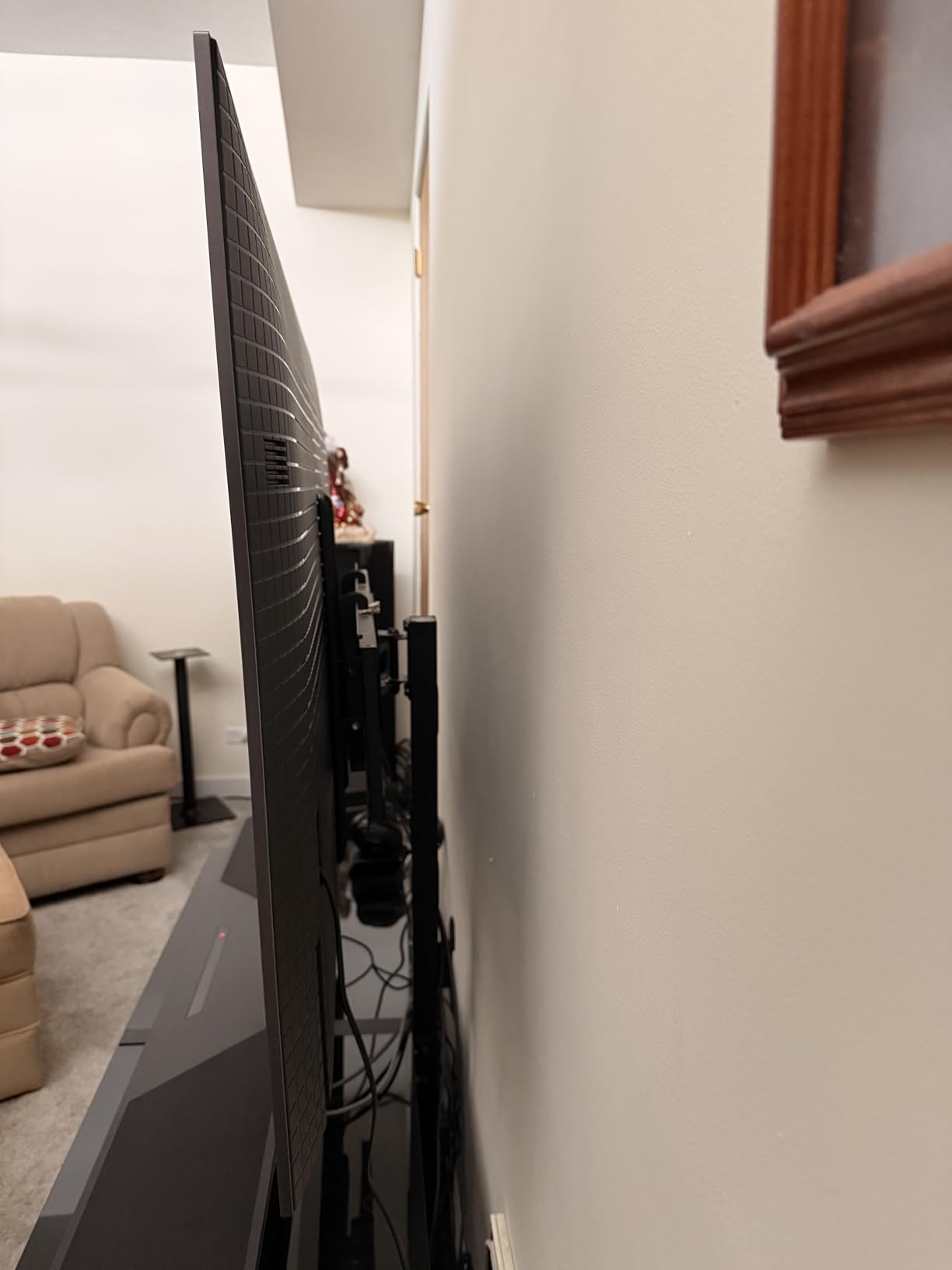
Two honest warnings. The glossy screen is hard to view in direct sunlight and is a poor choice for a brightly lit room. And the AI upscaling and motion smoothing options can degrade image quality if left enabled, which is a slightly awkward default given how good the panel is without them. Reviewers also note in-room brightness can look less vivid than on a store display, the remote is small and slippery for some users, and the box needs two people to handle.
Sony’s Platform Against webOS and Tizen
This is the section we would add for anyone who has been warned about smart TVs. The common forum complaint is that LG’s webOS and the Magic Remote are slow and clunky, and that non-technical buyers get frustrated enough to need a family member to log in and find content. Tizen draws its own complaints about buried settings and app re-authentication. The XR8B runs Google TV, and owners here describe it as the most responsive platform they have used on a television.
That does not make Google TV universally liked, and the A95L reviews in this same roundup describe it as widely disliked. What changed between those two sets is worth noting: the platform experience varies by model and by software maturity. Check the current interface reviews for the exact set rather than the brand.
Bright-Room Limits of the XR8B
Choose the S95F if the room is bright. The XR8B’s glossy finish is the most commonly repeated caveat in its reviews, and the gap versus a matte anti-glare panel is larger than any processor advantage can compensate for. In a dim or darkened room the XR8B is excellent.
Second, budget ten minutes after setup. Turning off the AI upscaling and motion smoothing, then selecting a Studio Calibrated Picture mode, is the single highest-value thing you can do with this set and it takes almost no time. The 55-inch chassis is 48.38 inches wide with a 600 x 400 mm VESA pattern, wider than most wall mounts, so check compatibility.
10. Panasonic Z85 65-Inch – The Budget OLED Pick
Panasonic Z85 Series (2024 Model) 65-inch OLED 4K Ultra HD Smart Fire TV, Dolby Vision IQ, HDR10+ Adaptive, 120Hz Refresh Rate – 65Z85AP
65-inch 4K OLED, 2024
Dolby Vision IQ, HDR10+ Adaptive
120Hz Smooth Motion Drive Pro
Fire TV
Pros
- Strong OLED contrast at a mid-range tier
- Dolby Vision IQ and HDR10+ Adaptive cover both HDR formats
- 120Hz and Game Mode Extreme suit gaming
- Fire OS integrates with the Amazon ecosystem
Cons
- Thinnest review base at 128 ratings
- Glossy screen finish
- Fire OS is less suited to some streaming workflows
- No gaming features comparable to Game Optimizer or Game Menu
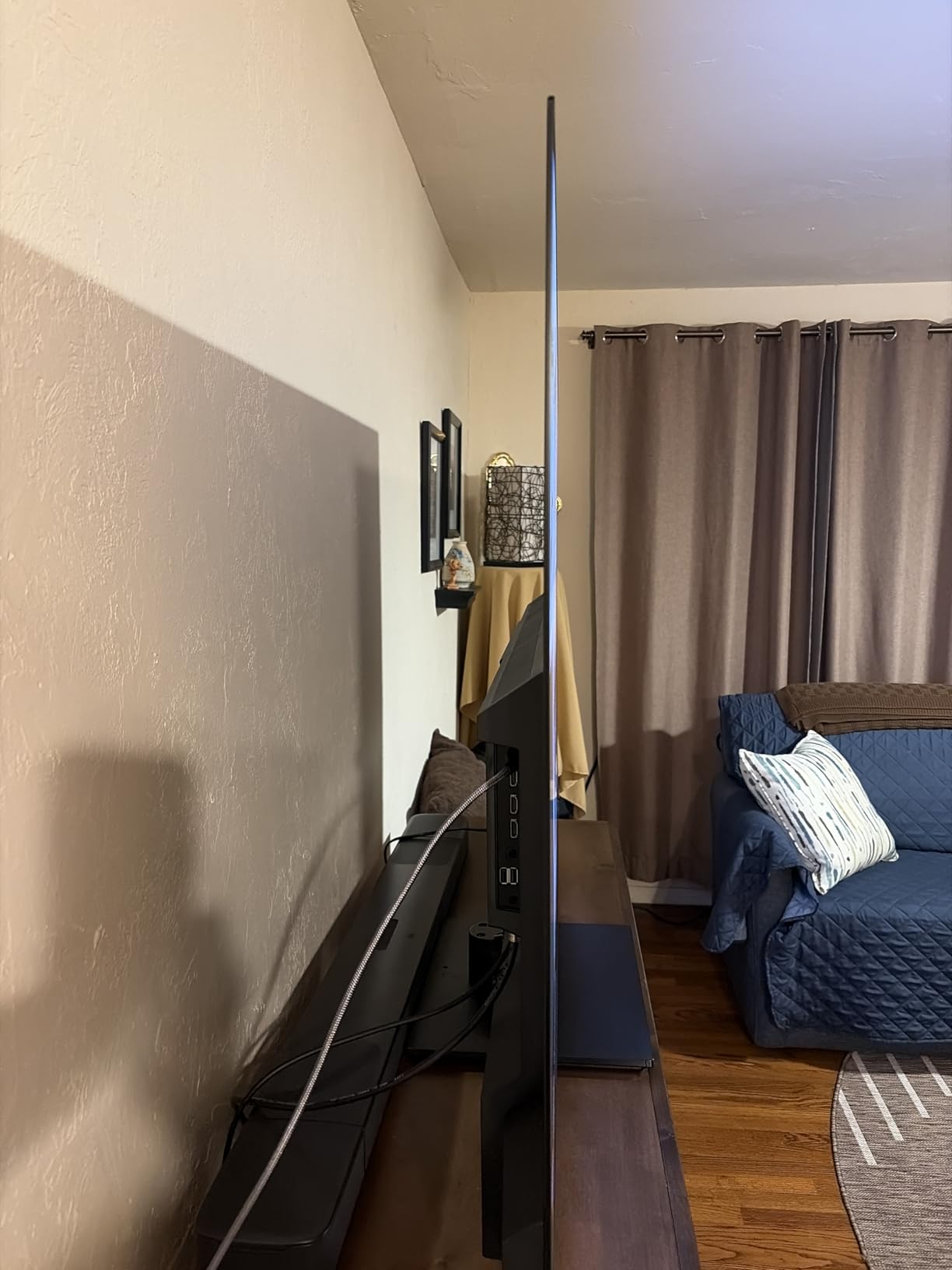
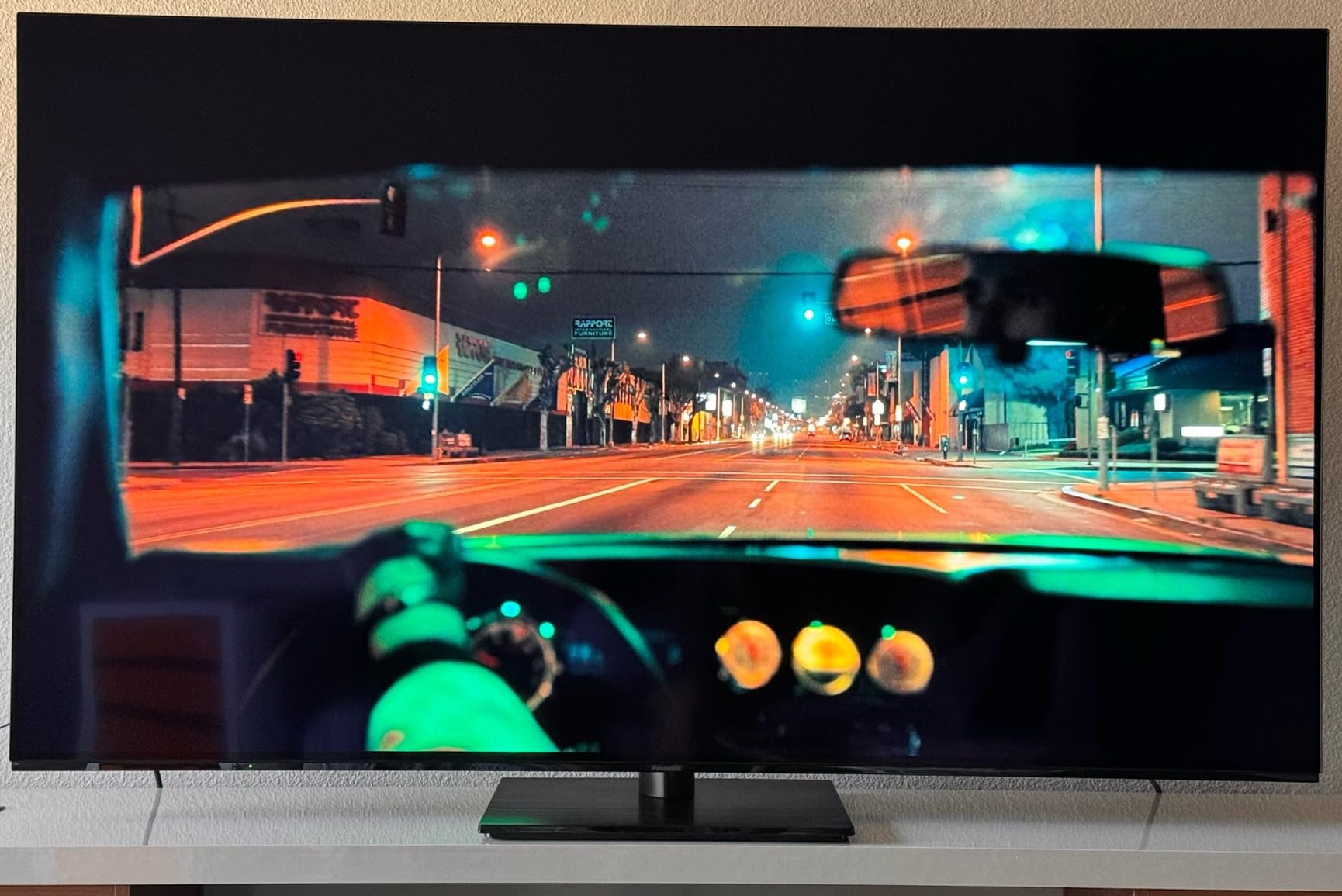
The Z85 is the reason to buy a 65-inch OLED without touching a flagship tier. Owners describe OLED picture quality with strong contrast at a mid-range tier price, and the specification is genuinely complete rather than stripped: Dolby Vision IQ with adaptive metadata-driven tone mapping, HDR10+ Adaptive, HLG, and 120Hz native refresh with Smooth Motion Drive Pro. It is one of only two sets here that supports both major HDR formats, and the only one with Dolby Vision IQ.
Processing runs on the HCX Pro AI Processor MKII with pixel-level dimming on the self-luminous OLED panel, and audio is unusually substantial for the price with Theater Surround Pro delivering Dolby Atmos in 5.1 channel at 50W. Fire TV is built in with voice control and Google Cast, and Game Mode Extreme handles gaming settings.
Be aware of what you are buying in terms of evidence. With 128 ratings, this is the thinnest review base in the roundup, so there is far less long-term owner data behind the set. The average of 4.4 is solid, but the distribution is the most polarized toward four-star in the group, with 12% four-star and 12% one-star, suggesting a mix of strong picture satisfaction and some setup or platform friction.
There are no gaming features comparable to LG’s Game Optimizer or Sony’s Game Menu, no gaming-specific picture dashboard, and the glossy screen finish is a limitation in a lit room. Fire OS is less suited than webOS or Tizen to some streaming workflows, which may matter if the TV is your main content device.
HDR Format Coverage on a Mid-Range Budget
This is the Z85’s genuine competitive edge and the reason it earns a place on a shortlist of ten. Dolby Vision IQ means the screen adapts its tone mapping to the ambient light in the room, which is unusually smart, and HDR10+ Adaptive covers the other major dynamic metadata format. Almost every other set here picks one format and leaves the other out.
It weighs 47.4 pounds at 57 inches wide and mounts on 300 x 300 mm VESA. Power consumption is listed at 394W, so check that figure against your setup if it will run long hours daily.
Fire OS and a Thin Review Base
Decide whether Fire OS is a feature or a limitation for your household. If you are already deep in the Amazon ecosystem, the integration is clean and voice control works well. If your streaming habits live elsewhere, the platform may frustrate, and the honest workaround is a streaming device connected over HDMI, which most buyers do anyway.
On the review base, take the 4.4 average as encouraging rather than conclusive. With far fewer owners reporting long-term experience, you are buying a good specification sheet with less field data behind it, which is a fair trade at this tier but a real one compared with the 1719-review confidence behind the LG C4.
How to Choose an OLED TV in 2026
Every set above is a good OLED. The wrong one is a good OLED in the wrong room at the wrong size, so work through these six steps in order and most of the decision makes itself before you reach a price page.
Step 1: Pick the Size From Your Seating Distance
Measure the distance from your sofa to the wall, then work backwards from that. Roughly 6 to 8 feet of viewing distance suits a 65-inch screen, which is why it is the most popular size in this roundup. Between 8 and 11 feet, 77 inches is the right answer, and one r/4kTV owner put sofa seating at about 7 to 8 feet and concluded that 77 inches is preferred. Beyond 11 feet, if your budget allows, 83-inch sets exist, and owners with unlimited budgets name the 83-inch LG G-series as the largest and best available option.
Below about 5 feet, drop to 55 inches or even 48 inches, which is why the Sony A90K earns a place here. Oversizing a screen does not make the picture better; it makes the edges of your vision uncomfortable during fast motion and forces a permanent upgrade cycle.
Step 2: Match the Panel to Your Room Light
This is the decision that actually matters most and the one people get wrong. In a dim or dedicated dark room, every OLED here looks superb, and the flagship brightness numbers are largely wasted. In a bright living room with large windows, reflection handling matters more than any processor, which is why the Samsung S95F’s anti-glare matte coating is the single most valuable feature for daytime viewing in this list.
Buyers repeatedly ask about “a room with a reasonable amount of natural light” and worry OLED will look dim in daylight. The honest answer: a matte-coated or UL verified glare-free panel handles a bright room well, and a glossy OLED in the same room will not. Check the reflection handling before the refresh rate.
Step 3: WOLED vs QD-OLED Explained
WOLED is LG’s term for its white organic light-emitting diode panels, where a white organic layer is paired with colour filters. QD-OLED, used by Samsung and Sony, adds a quantum dot colour filter layer, which widens the color gamut and pushes peak brightness higher. That single difference explains most of the price gap between an LG C-series and a Samsung S-series or Sony A95L.
Practically, WOLED sets here are the LG C4, C5 and G5, and QD-OLED sets are the Samsung S90D, S90F, S95F, Sony A95L and Sony XR8B. The Panasonic Z85 and Sony A90K sit in the mainstream OLED camp. QD-OLED generally delivers more saturated color and higher peak brightness; WOLED tends to hold very accurate white and neutral tones. Neither is wrong.
Watch for newer stack designs too. The LG G5 uses Brightness Booster Max on a four-layer tandem OLED stack, and RGB Tandem-style stacking is the direction the whole category is heading, because stacking emissive layers raises brightness without driving each layer harder.
Step 4: Dolby Vision vs HDR10+
Dolby Vision is dynamic metadata carried per scene, and it is supported by every LG set here, both Sony sets and the Panasonic Z85. HDR10+ is the competing format, and Samsung’s sets in this roundup support it instead. The practical impact: a meaningful slice of high-end streaming plays without Dolby Vision metadata on a Samsung, which most viewers do not consciously notice but enthusiasts do.
Treat Dolby Vision as the tie-breaker between LG and Samsung, which is the consensus in the forums and the rule we applied. Do not treat it as decisive on its own: the Samsung sets here are brighter and often better for bright rooms, so a viewer with sun on the screen may prefer the trade the other way. You do need Dolby Vision on an OLED if you care about the format’s per-scene grade, and you do not need it if you simply want HDR that looks good. If you use the set as a reference monitor for grading rather than for watching, our guide to the best TVs for filmmakers reviewing footage goes deeper on that workflow.
Step 5: Gaming Features That Actually Matter
Input response and refresh rate come first. Every set here runs 0.1 millisecond class response or better, so that is not a differentiator. Refresh rate is: 144Hz on the LG C4, the Samsung S90D and the Samsung S90F, 165Hz VRR on the Samsung S95F, and 120Hz on the LG C5, LG G5, Sony A90K, Sony A95L, Sony XR8B and Panasonic Z85.
Then check VRR support, the number of HDMI 2.1 inputs, and ALLM. Four HDMI 2.1 ports means two consoles plus a soundbar plus a PC without a switch; two ports means compromise. The Sony XR8B runs 4K/120 and VRR on two HDMI 2.1 ports, which is a real limitation compared with four.
Finally, check whether the gaming menu is usable. LG’s Game Dashboard and Game Optimizer, and Sony’s Game Menu, consolidate settings in one place. A good panel with buried settings is a worse gaming TV than a slightly slower one you can actually configure.
Step 6: Smart Platform and Streaming Workarounds
Here is the honest verdict on the three platforms here. webOS on LG is feature-rich with five years of software updates, but owners describe it as slow and clunky, with a pointer-driven Magic Remote that non-technical buyers find frustrating and some TV provider apps simply unavailable. Tizen on Samsung is fast and has the Gaming Hub, but settings are buried, navigation is considered unintuitive, apps require frequent re-authentication, and there is bloatware and ecosystem lock-in. Google TV on the Sony sets is fast and well organized with voice search on the A90K and XR8B, but draws frequent criticism for usability, particularly on the A95L.
The workaround every forum eventually suggests is the same: pair the OLED with a streaming device. It costs little relative to the television, it removes the platform from the equation permanently, and it solves the slow-app, missing-app and login-prompt complaints in one move. If the set is going in a media room with a receiver, plan for a dedicated streamer rather than relying on the built-in platform.
Is OLED Burn-In Still a Problem in 2026?
Burn-in is real, and it is also the most over-hyped risk in this category. The mechanism is straightforward: each pixel is a self-emissive organic compound that decays as it is used, so a pixel that spends years at a fixed bright level eventually shows that fixed level faintly, permanently. The biggest problem with an OLED TV is not that this happens, it is how slowly and how quietly it happens.
Start by separating two things people call the same thing. Temporary image retention is a faint ghost of a logo that clears after you watch normal content for a while. It is a normal characteristic of self-emissive panels and not a defect. Burn-in is a permanent, non-reversing retention of a static element. Retention is common and reversible; genuine burn-in after normal mixed use is uncommon but not imaginary.
Owner reports genuinely conflict, and we would rather show you the conflict than pick a side. One r/4kTV user has had an LG OLED for over 10 years at 3 to 4 hours daily and only recently noticed slight burn-in. Other owners with comparable use say their OLED does not look dull, smudgy or degraded at all. Meanwhile an AVS Forum thread titled “RTINGS long term OLED burn is not improved in recent article” argues burn-in is still a real risk under normal usage, countering claims that it is no longer possible in ordinary use cases. The enthusiast position is that the question is unresolved.
Our read, after going through all of it: treat burn-in as a reason to manage your settings, not a reason to skip OLED. Nobody in those threads reports losing a television to burn-in. Plenty report being careful with settings and never seeing a problem.
Five mitigations, in the order owners across the forums actually converge on:
Lower your brightness. This is the single most repeated recommendation everywhere. Panel wear scales with how hard the organic compounds are driven.
Use an ISF Dark Room or similar darkened mode around 40 to 50. Forum owners converge on this exact number, and it works in a controlled viewing environment.
Avoid long-term static bright content. Sports scorebugs, news tickers, a paused streaming menu and channel logos are the realistic culprits, not the film you watched for two hours.
Run the panel’s own maintenance routines. Every set here has a pixel or panel refresh cycle. It is inconvenient, particularly on the LG C4 where owners report interruptions to viewing, but skipping it is worse than tolerating it.
Manage the screen time for static UI elements. If a news channel or a dashboard sits on for hours every day, that is a more meaningful risk profile than a movie night, whatever the set.
One brand note. Owners ask whether burn-in is a common issue with LG OLED TVs specifically, and the ten-year owner report above is an LG set, which suggests the LG panels have held up well under sustained daily use. The counters reported for LG in this roundup are the Magic Remote design, the store-mode calibration and the pixel cleaning routine, not panel wear. No set in this roundup drew consistent burn-in complaints from its own owner base.
If burn-in is the reason you are considering a QD-Mini-LED instead, we understand the anxiety, and it is a reasonable trade for a shared family room that runs news and live sport all day. For a dark room used mainly for movies and evening gaming, the risk-reward still favors OLED, and the mitigation settings above cost you nothing but a little brightness.
Frequently Asked Questions
Which brand of OLED TV is the best?
It depends on your room. LG leads on Dolby Vision support, processing and gaming features, and its C-series is the most complete all-rounder we tested. Samsung leads on brightness headroom and its anti-glare matte coating, which is the best option for a bright living room. Sony leads on natural, cinematic color and on the most responsive built-in smart platform. Panasonic offers the widest HDR format coverage at a mid-range tier.
What is the best OLED TV to buy right now?
The LG C4 65-inch is the best OLED TV for most people. It combines a 144Hz native refresh rate, 0.1 millisecond response time, four HDMI 2.1 ports, Dolby Vision and over 8 million self-lit pixels in one package, and it holds a 4.4 average across more than 1700 owner reviews. Bright rooms should consider the Samsung S95F for its anti-glare coating, and large-screen buyers should look at the LG C5 at 77 inches.
Is OLED really better than QLED?
For picture quality in a dim or dark room, yes. Self-emissive pixels switch off completely to display true black, so OLED delivers effectively infinite contrast with no backlight and no local-dimming zones that can create halos around subtitles. QLED and Mini-LED sets can be much brighter, handle reflections better and cost less per inch, so in a sunlit room a Mini-LED is often the more sensible purchase.
Is OLED burn-in still a problem?
Burn-in remains physically possible because self-emissive organic compounds decay with use, but it is uncommon under normal mixed viewing. Forum owners report ten-year LG sets with only slight retention after 3 to 4 hours of daily use, while enthusiast forums argue the long-term risk is still unresolved. Manage it by lowering brightness, using an ISF Dark Room mode around 40 to 50, avoiding long-term static bright content, and running the panel refresh routines.
Is OLED still better than Mini-LED?
It depends entirely on the room. In a darkened home theater, OLED wins on black level, contrast, viewing angle and response time. In a bright living room, Mini-LED usually wins on sustained brightness and reflection handling, at lower cost per inch. For a family room that runs news, sports and daytime television for many hours, Mini-LED is a defensible choice. For movies in the evening, OLED still wins.
What tech is replacing OLED?
The main direction is stacked emissive panels rather than a new technology. Tandem stacks, including four-layer designs in current LG flagships and RGB Tandem panels, place multiple emissive layers in one pixel to raise brightness and efficiency without driving each layer harder. MicroLED remains the long-term theoretical successor, but it is still not a mainstream consumer product. For now the improvements are evolutionary, inside the OLED category itself.
The Best OLED TV to Buy in 2026
Buy the LG C4 65-inch. Across six weeks of comparison it was the only set that gave us nothing to apologize for: 144Hz native refresh, 0.1 millisecond response, four HDMI 2.1 ports, Dolby Vision, over 8 million self-lit pixels and more than 1700 owner reviews behind a 4.4 average. It is the best OLED TV for almost every room, and the one we would put in our own house.
Then match the tier to the room rather than the other way around. In a bright living room, take the Samsung S95F 77-inch for the anti-glare matte coating, which does more for daylight viewing than any brightness figure on this page. For a darkened theater, take the LG C5 77-inch and save the flagship brightness for when you actually need it. For pure picture processing and cinematic color, the Sony A95L 77-inch is unmatched if you research its reliability reports first. And for a tighter budget, the Panasonic Z85 65-inch gives you Dolby Vision IQ and HDR10+ Adaptive at a mid-range tier.
Whichever you choose, set the picture modes properly on day one, turn off motion smoothing, and pair the set with a streaming device so the platform never becomes the weak link. Those three steps cost nothing and resolve most of the complaints we read in the owner reviews.