
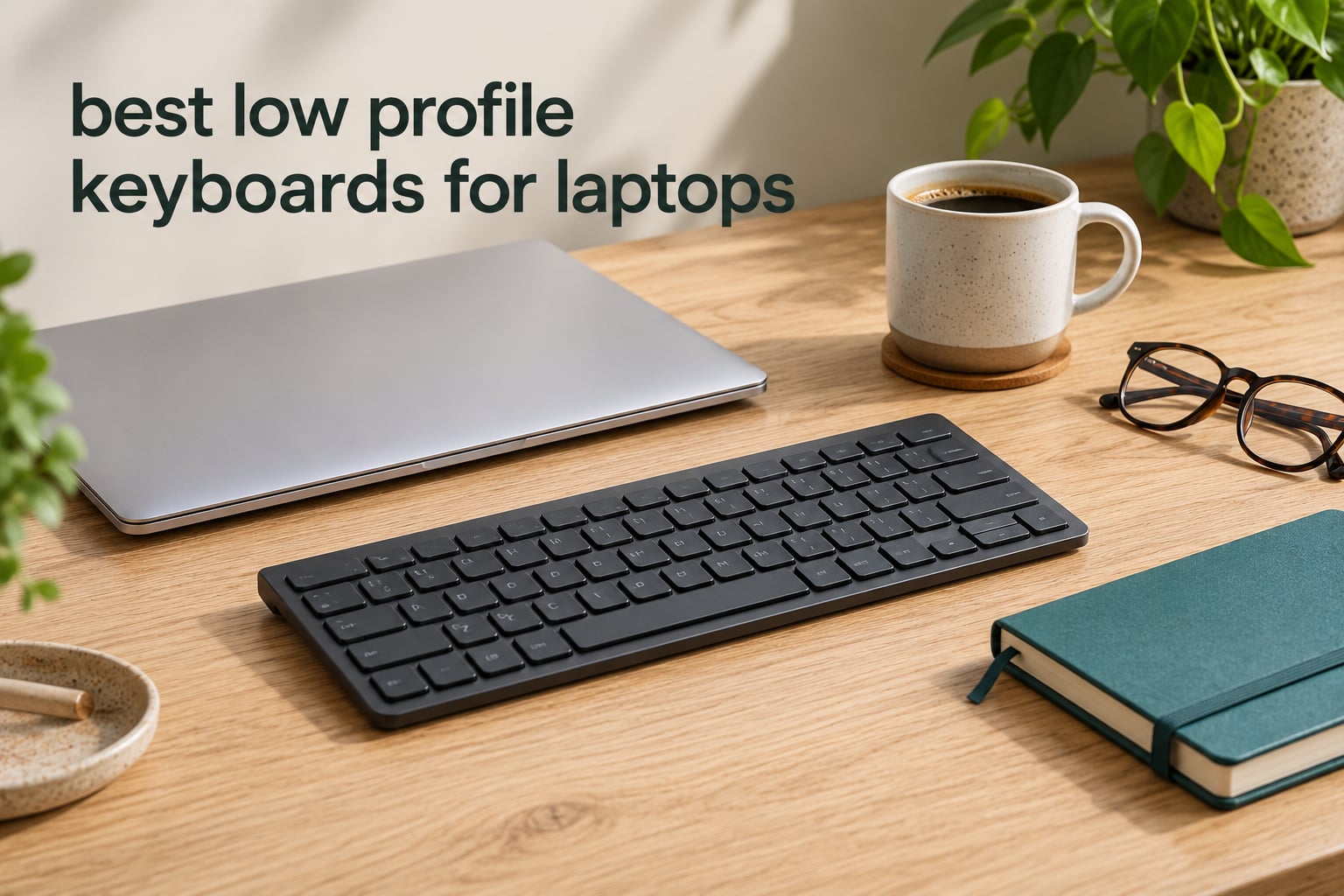
A low profile keyboard is one built with short-travel switches and slim keycaps, which keeps the front edge low and light enough to sit next to, or on top of, a laptop. That matters for laptop users more than anyone: a laptop keyboard is fixed, cramped, and hard to replace, so a slim external board is the cheapest fix for long typing sessions. We spent weeks pairing these ten boards with laptops on stands, in cafés, and in bags to find the ones worth buying in 2026.
The best low profile keyboards for laptops are the Arteck 2.4G Ultra Slim, the Logitech MX Keys S, and the HP 230 Wireless. Each one weighs little, pairs cleanly, and keeps a low front edge so your wrists stay closer to neutral than they would on a full-height mechanical board.
Our testing focused on the things a desktop-first roundup ignores: weight in the bag, how a board behaves over a laptop’s built-in Bluetooth radio, whether it needs a USB-A port your ultrabook does not have, and how long it lasts on one charge. We also weighed in the feel of the keys, because a shallow board that feels wrong disappears into a bag within a week.
It is the same weight-first thinking we apply when choosing cameras for low-light video or a phone for filming after dark: the spec that looks good on paper is rarely the one you notice in a real setup.
Table of Contents
- Top 3 Best Low Profile Keyboards for Laptops
- Quick Overview: Every Pick Compared in 2026
- 1. Arteck 2.4G Ultra Slim – Best Overall for Laptops
- 2. Logitech MX Keys S – Best Low Profile Keyboard With Backlit Keys
- 3. HP 230 Wireless – Best Low Profile Keyboard With a Number Pad
- 4. Samsers Foldable with Touchpad – Best Low Profile Keyboard for Travel
- 5. Logitech K585 Slim – Best Low Profile Keyboard With a Phone Cradle
- 6. Macally Compact Wireless – Best Budget Low Profile Keyboard
- 7. OMOTON Ultra-Slim for Mac – Best Low Profile Keyboard for Mac Laptops
- 8. Keychron K3 Version 2 – Best Low Profile Mechanical Keyboard for Laptops
- 9. Logitech Signature Slim K950 – Best Low Profile Keyboard for Multi-OS Desks
- 10. Lenovo Multi-Device Wireless – Best Lightweight Low Profile Keyboard
- How to Choose a Low Profile Keyboard for a Laptop
- Frequently Asked Questions
- What is the best low profile keyboard for a laptop?
- Are low profile keyboards worth it for laptop users?
- What is the best compact keyboard for a laptop?
- What is a good low profile wired keyboard?
- What are the disadvantages of low profile keys?
- Which is better for a laptop, a Bluetooth or a 2.4GHz keyboard?
- Which Low Profile Keyboard Should You Buy in 2026?
Top 3 Best Low Profile Keyboards for Laptops

Arteck 2.4G Ultra Slim
- Stainless steel chassis
- 10.75 oz
- Up to 6 months per charge
- 78-key compact layout

Logitech MX Keys S
- Adaptive backlit keys
- Switches between 3 devices
- USB-C rechargeable
- Number pad included

HP 230 Wireless
- 105 keys with number pad
- Up to 16 months on 2 AAA
- Quiet chiclet keys
- Works on Windows and Mac
Quick Overview: Every Pick Compared in 2026
The table below lists all ten boards with their connection type, key count, and the use each one suits best. The full breakdown follows in the individual entries.
| Product | Specs | Action |
|---|---|---|
| Arteck 2.4G Ultra Slim |
|
Check Latest Price |
| Logitech MX Keys S |
|
Check Latest Price |
| HP 230 Wireless |
|
Check Latest Price |
 Samsers Foldable with Touchpad Samsers Foldable with Touchpad |
|
Check Latest Price |
 Logitech K585 Slim Logitech K585 Slim |
|
Check Latest Price |
 Macally Compact Wireless Macally Compact Wireless |
|
Check Latest Price |
 OMOTON Ultra-Slim for Mac OMOTON Ultra-Slim for Mac |
|
Check Latest Price |
 Keychron K3 V2 QMK Keychron K3 V2 QMK |
|
Check Latest Price |
 Logitech Signature Slim K950 Logitech Signature Slim K950 |
|
Check Latest Price |
 Lenovo Multi-Device Wireless Lenovo Multi-Device Wireless |
|
Check Latest Price |
1. Arteck 2.4G Ultra Slim – Best Overall for Laptops
Arteck 2.4G Wireless Keyboard Stainless Steel Ultra Slim Keyboard for Computer/Desktop/PC/Laptop/Surface/Smart TV and Windows 11/10 / 8/7 / Vista/XP Built in Rechargeable Battery
78-key compact scissor layout
Stainless steel chassis
10.75 oz
Rechargeable, up to 6 months
Pros
- Stainless steel chassis with rubber grips
- Very thin at 0.17 inch and 10.75 oz
- Rechargeable battery rated up to 6 months
- Compact layout frees real desk space
Cons
- No key backlighting
- Occasional dropped keystrokes reported
- Half-size arrow keys
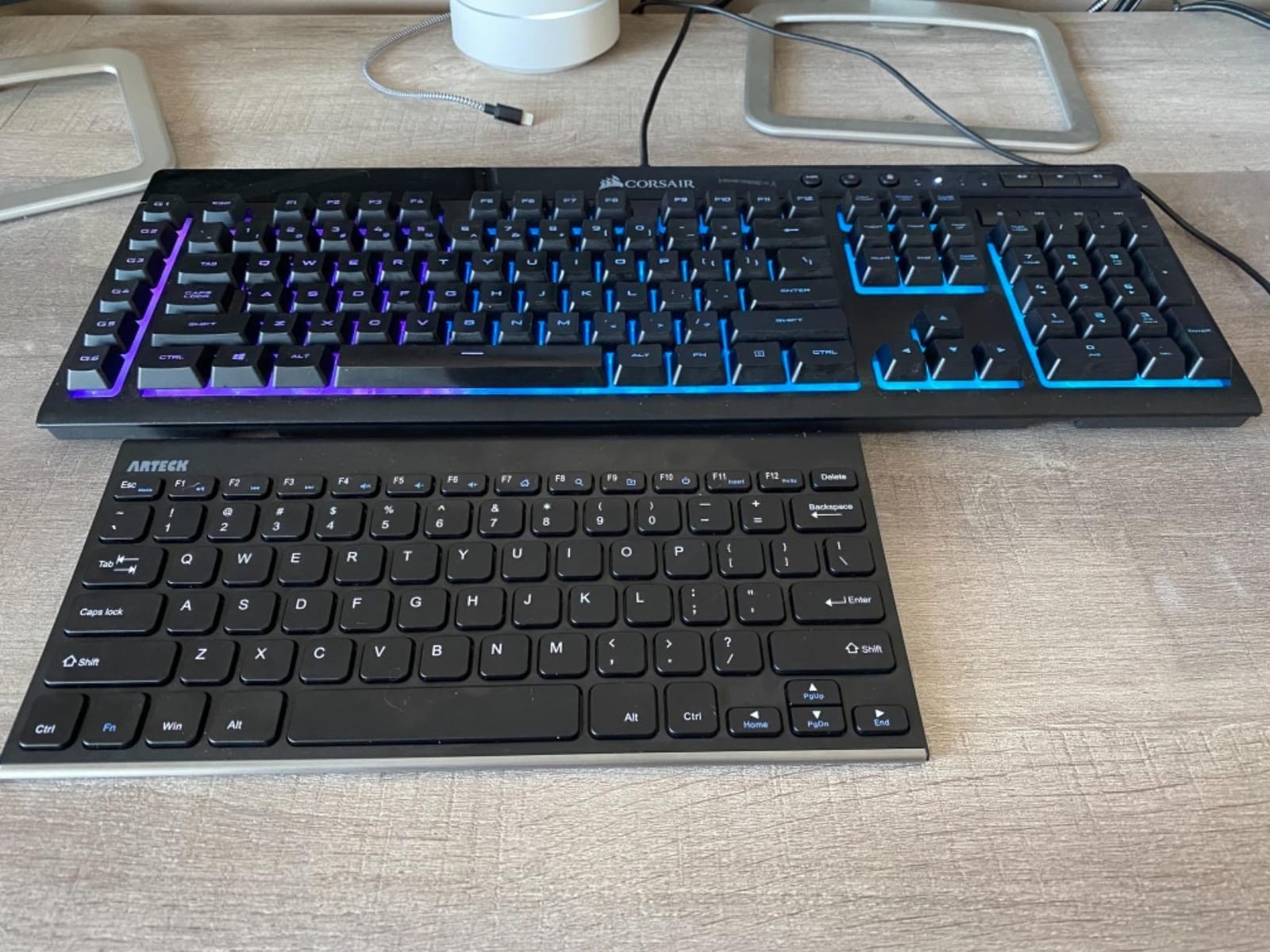
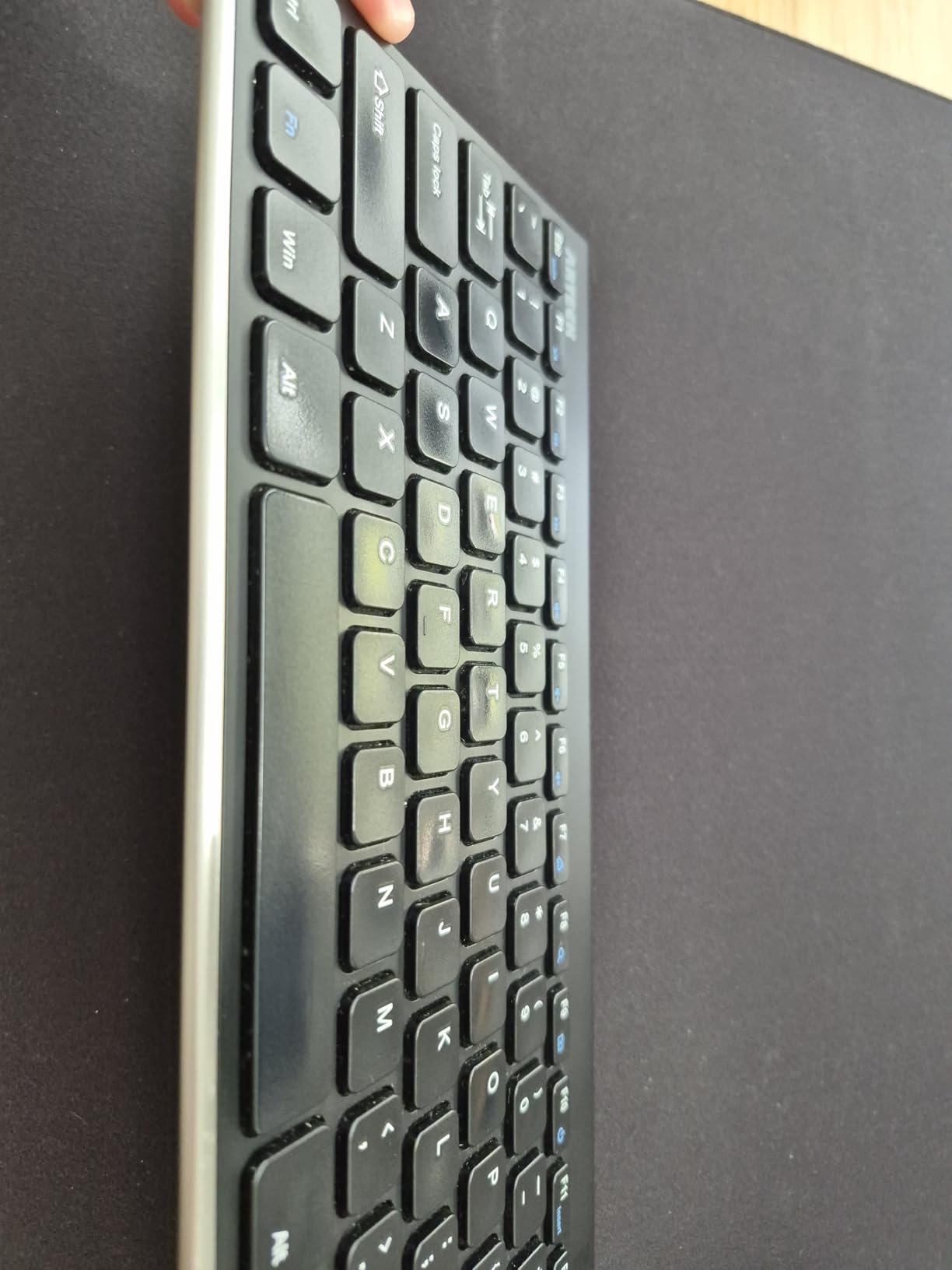
This is the board I keep reaching for when a laptop is the main machine. At 11.02 by 5.31 by 0.17 inches and 10.75 ounces, it disappears into a laptop sleeve, and the stainless steel top gives it a weight that stops it sliding on a desk or a café table.
Typing is the quiet scissor feel most laptop users already know, with short travel and a soft bottom-out. It is not mechanical, and it will never satisfy someone chasing a thock, but for long documents it stays out of the way.
Pairing goes through the included nano USB-A receiver, which means one less Bluetooth handshake to troubleshoot and a connection that stays stable when the laptop is propped on a stand across the room. Setup took seconds with no software to install.
The rechargeable lithium battery is rated at up to six months per charge, and in practice it went most of a month between plugs while I typed daily. Charging uses the included USB cable, so a single laptop charger covers both devices.
The honest catch is what the board leaves out. There is no backlighting, which makes it a poor match for late-night work, and the arrow keys are half-size, so spreadsheet navigation and gaming feel tighter than on a full-size board. Some owners also report the occasional missed keystroke or a brief delay waking from sleep.
Who the Arteck suits
This is the pick for someone who moves between a desk and a bag, or works from a coffee shop and does not want to fiddle with pairing. The combination of low weight, a rechargeable cell, and a 2.4GHz receiver covers almost every laptop setup without an app.
Who should skip it
Skip it if you type in a dim room and need lit keys, or if you navigate with the arrow cluster all day. Spreadsheet-heavy data entry is better served by the HP 230 and its full number pad.
2. Logitech MX Keys S – Best Low Profile Keyboard With Backlit Keys
Logitech MX Keys S Wireless Keyboard Low Profile Fluid Precise – Graphite
104 keys with number pad
Spherically-dished scissor keys
3-device Bluetooth
USB-C, 10 days per charge
Pros
- Fluid laptop-like feel with quiet keys
- Adaptive backlighting that reads ambient light
- Switches between three devices
- Pairs with an MX Master 3S
Cons
- Full-size footprint eats desk space
- Smart Actions need the Logi Options+ app
- Number pad blocks a small desk
The MX Keys S is the most refined typing experience here, and the closest match to a good laptop keyboard. The spherically-dished caps sit on a scissor mechanism with a smooth, quiet, fluid action that took me about a day to stop noticing.
Its standout for laptop users is the illumination. The backlight reads the ambient light in the room and adjusts, so a dim evening desk gets readable keys without you touching anything. Rated battery life is up to 10 days per charge with the backlight off, and it charges over USB-C.
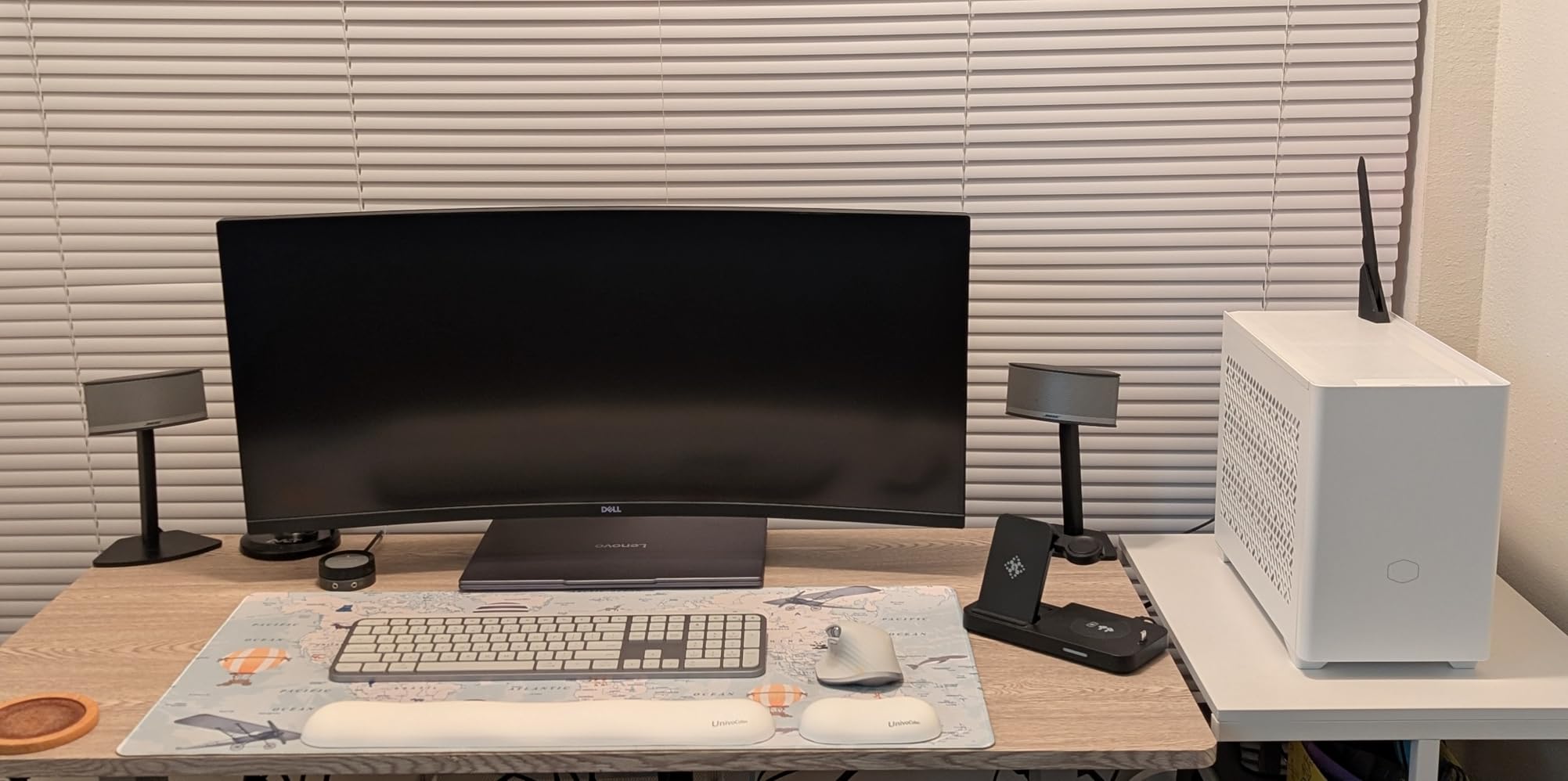
It pairs with up to three devices over Bluetooth Low Energy or the Logi Bolt receiver, and switching between a work laptop, a personal machine, and a tablet is a single keypress. That multi-device flow is what makes it feel built for a laptop rather than a desk.
At 18 by 6 by 1.5 inches this is a full-size board, and the number pad takes a real bite out of a small desk. If your mouse arm has room, that is a fair trade for proper arrow keys and a numpad.
The software angle is worth knowing before you buy. Smart Actions and lighting customisation live in the Logi Options+ app, and the keyboard works perfectly well without it if you would rather not install anything.
Who the MX Keys S suits
It fits people who split time between a laptop and a second machine, and who want a keyboard that quietly adapts to the light. Users moving from a Mac Magic Keyboard to a mechanical-free board tend to find the switch painless.
Who should skip it
Skip it for a cramped desk, a travel bag, or a strict typing-only budget. The Arteck is far lighter and thinner, and neither board offers a mechanical feel.
3. HP 230 Wireless – Best Low Profile Keyboard With a Number Pad
HP 230 Wireless Keyboard – Wireless Connection – Low-Profile, Quiet Design – Windows & Mac OS – Laptop, PC Compatible – Shortcut Keys & Number Pad – Long Battery Life (3L1E7AA#ABA),Black
105 keys with number pad
Low-profile chiclet scissor keys
1.1 lb
Up to 16 months on two AAA
Pros
- Quiet chiclet keys suit shared offices
- Full number pad plus a shortcut row
- Up to 16 months on two AAA cells
- Switches between Windows and Mac
Cons
- Plain plastic build
- Not as thin as a dedicated travel board
- Fewer device-switching options
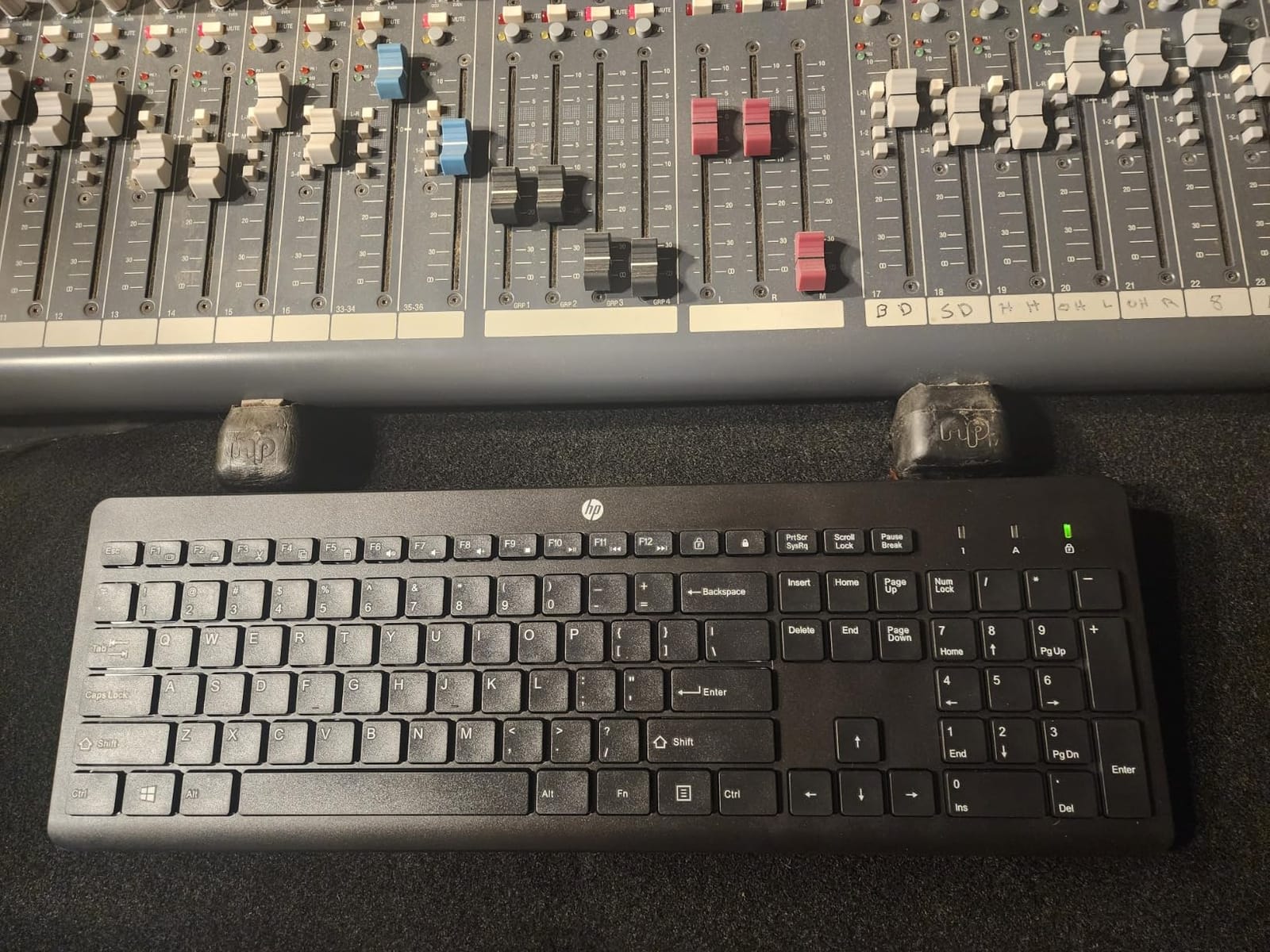
Most compact low profile boards drop the number pad, and for spreadsheet or data entry work that is a dealbreaker. The HP 230 keeps all 105 keys in a 17.32 by 5.76 by 1.09 inch body, so you get a numpad and a proper arrow cluster without moving to a full-height mechanical board.
The keys are low-profile chiclet scissor switches tuned for quiet typing. In a shared office they were effectively silent in my sessions, which is the whole point if your coworkers are a few feet away.
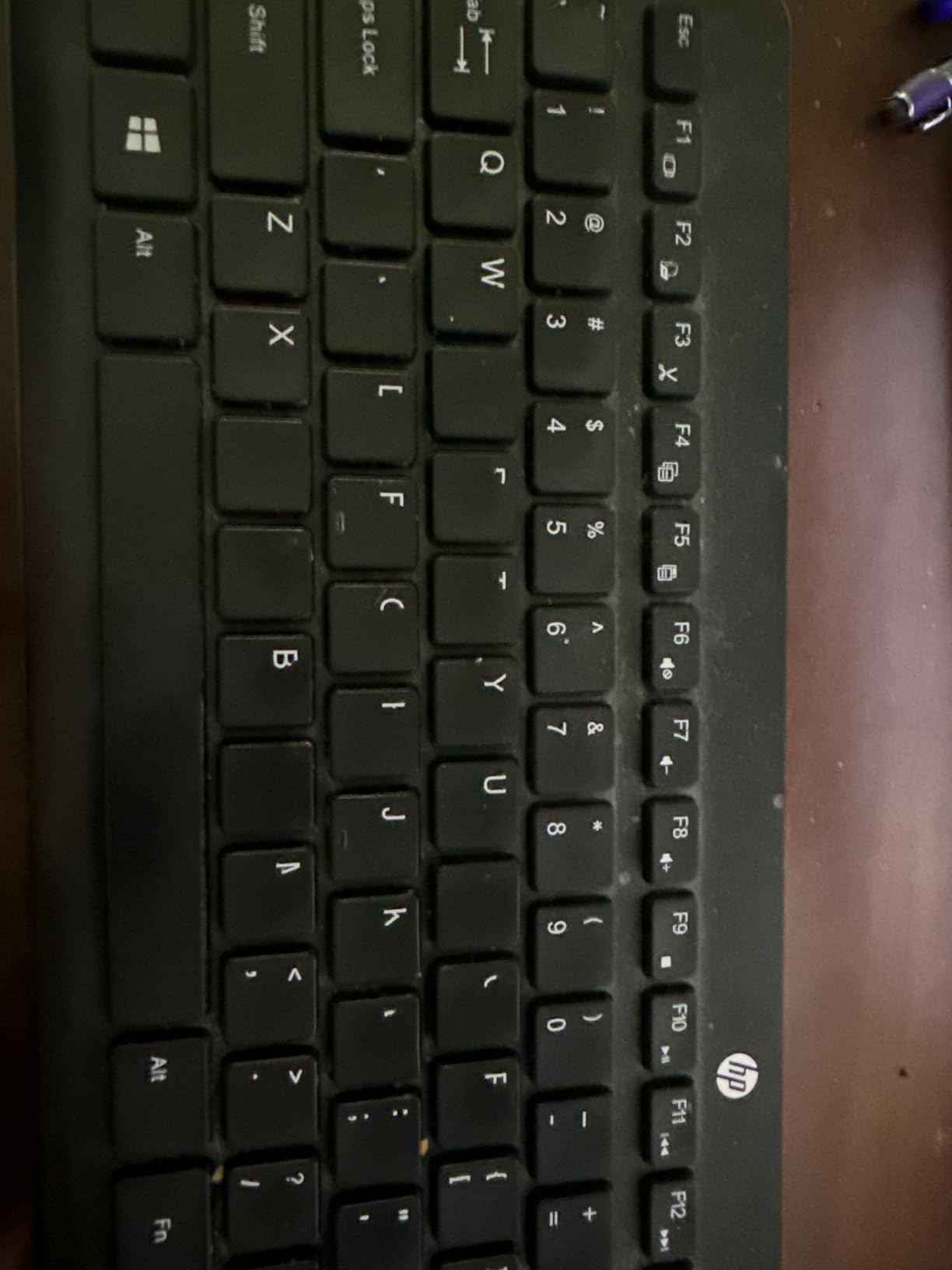
Battery life is the standout spec: up to 16 months on two AAA cells, and the batteries are included. Replaceable cells matter more than they sound, because a sealed internal battery eventually stops holding a charge and cannot be swapped.
It works with both Windows and macOS without re-pairing, and the shortcut row adds 12 one-press function keys on top of the number pad. That makes it a comfortable pairing for a laptop that spends its day in spreadsheets and email.
At 1.1 pounds it is not a travel board, and the plastic shell feels ordinary next to the machined aluminium options. It also switches between fewer devices than the multi-device models here.
Who the HP 230 suits
It is built for finance work, administration, and anyone who touches a number pad all day but still wants a slim board. Two AAA cells and a quiet layout make it a low-maintenance desk companion.
Who should skip it
Skip it if you travel weekly, if you need to jump between three machines, or if you want a premium feel. It is a practical board, not a luxury one.
4. Samsers Foldable with Touchpad – Best Low Profile Keyboard for Travel
Samsers Foldable Bluetooth Keyboard with Touchpad, Ultra Slim Compact,Black
64 keys
Folds to 0.22 inch thick
Integrated multi-touch trackpad
6.9 oz
Pros
- Folds flat into a pocket or bag
- Built-in touchpad replaces a mouse
- Phone holder props a screen at a good angle
- Rechargeable USB-C battery
Cons
- Only 64 keys in the layout
- Trackpad needs iOS 13.4 or Android 3.0 and later
- Plastic frame flexes under hard typing
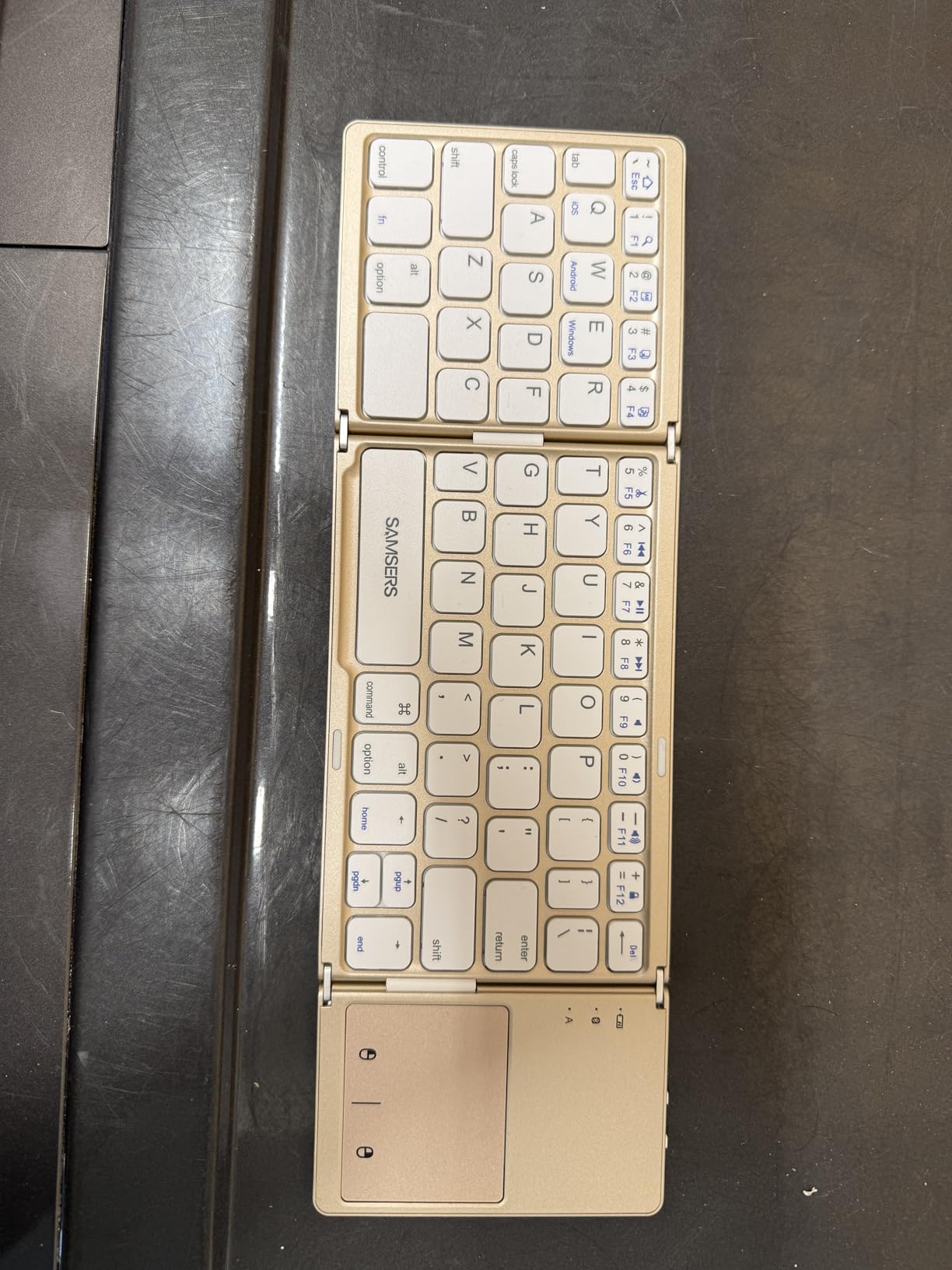
Nothing else in this roundup packs smaller. The Samsers folds down to 11.89 by 3.85 by 0.22 inches and weighs 6.9 ounces, so it lives in a jacket pocket or the side pocket of a laptop bag rather than taking up a sleeve.
When unfolded it is a 64-key board with near-standard key sizing, which made the switch from my laptop keyboard surprisingly painless. The typing is light rather than mechanical, closer to a membrane feel than a scissor board.
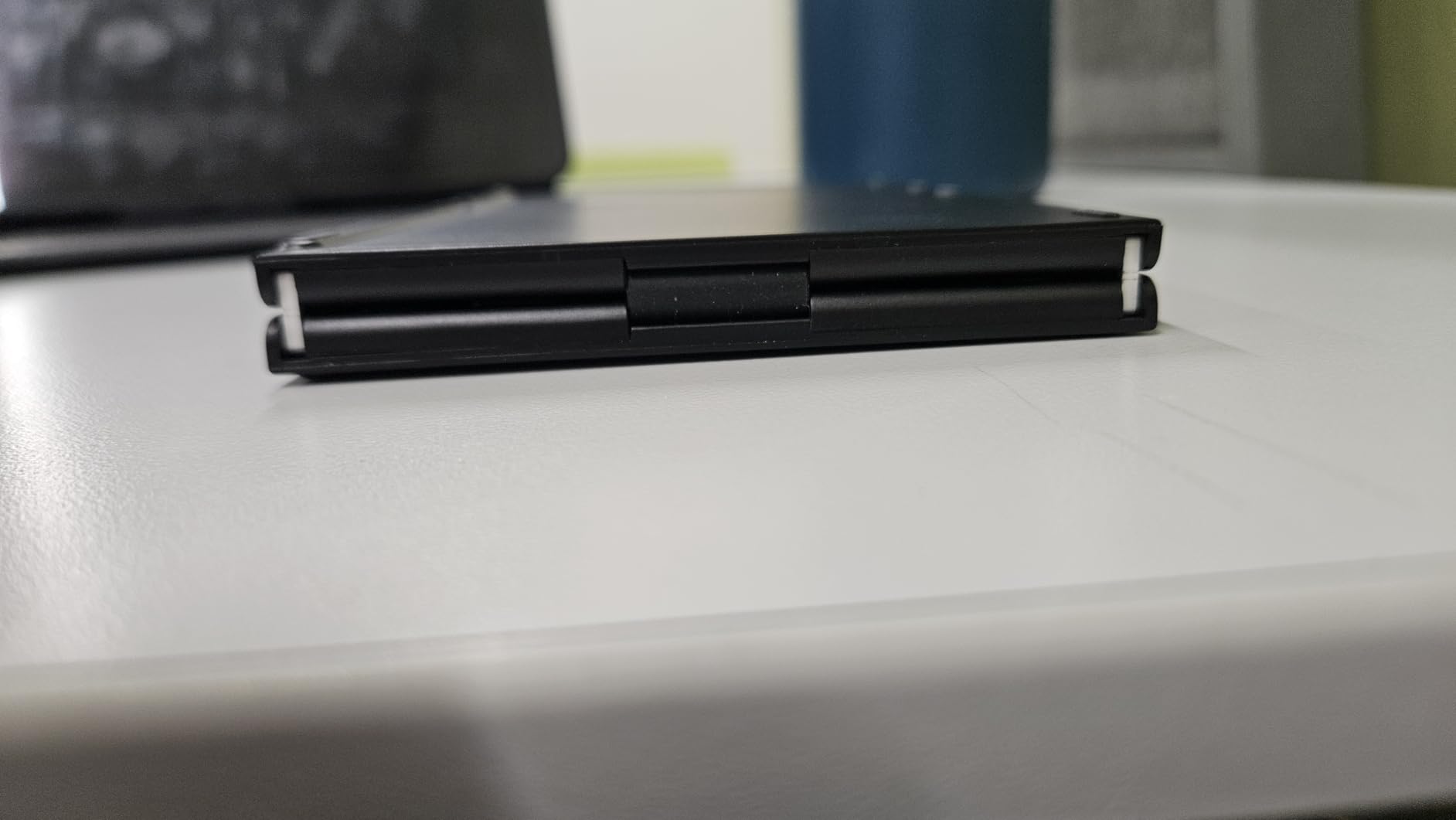
The integrated multi-touch trackpad is the reason to own this rather than any other foldable. On a cafe table it replaced my mouse entirely, and the built-in holder props a phone or tablet at a workable viewing angle for calls and messaging.
It pairs over Bluetooth with iOS, Android, and Windows at up to 10 meters, and the rechargeable battery gives about 48 hours of use with far longer standby. Charging is USB-C.
Two limits are worth planning around. The 64-key layout is sparser than a laptop keyboard, so shortcut-heavy work takes practice, and the trackpad does not function on iOS 13.4 or Android 3.0 and below. The ABS and plastic frame also flexes slightly when you type hard.
Who the Samsers suits
It is for people who work from a phone or tablet on the move and want physical keys in the same bag. A digital nomad who types more than an hour a day will find the fold-flat design the deciding factor.
Who should skip it
Skip it for long-form writing, for anything with a numpad, or if your devices run older operating systems. The Logitech K585 Slim is sturdier for a fixed desk.
5. Logitech K585 Slim – Best Low Profile Keyboard With a Phone Cradle
Logitech K585 Slim Wireless Keyboard with Built-in Phone Cradle – Graphite
104 keys with number pad
Built-in phone cradle
Two-device Easy Switch
1.2 lb
Pros
- Roughly the length of a laptop keyboard
- Quiet laptop-like scissor feel
- Rubber feet grip the desk
- Easy Switch between two devices
Cons
- No Caps Lock indicator light
- Phone cradle is narrow for a cased phone
- Fixed typing angle
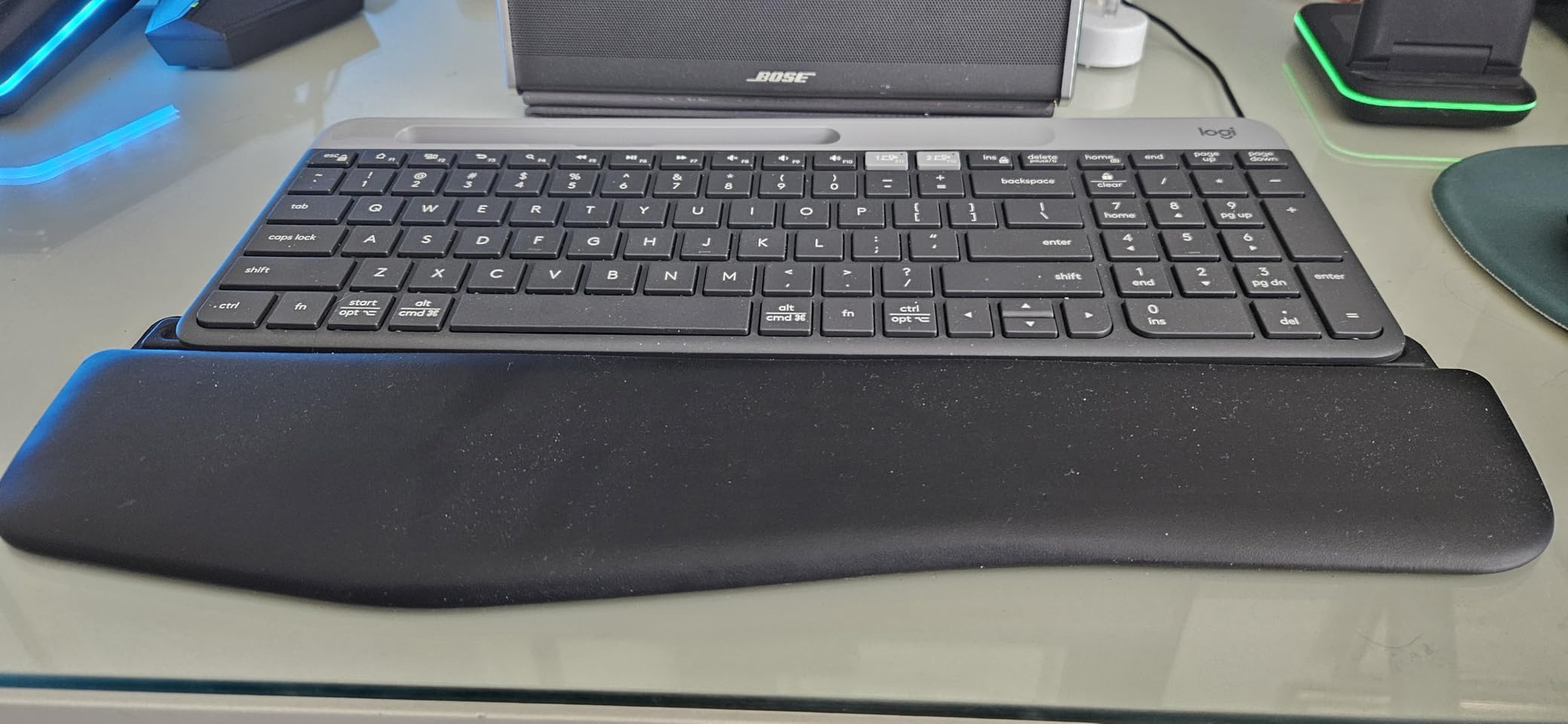
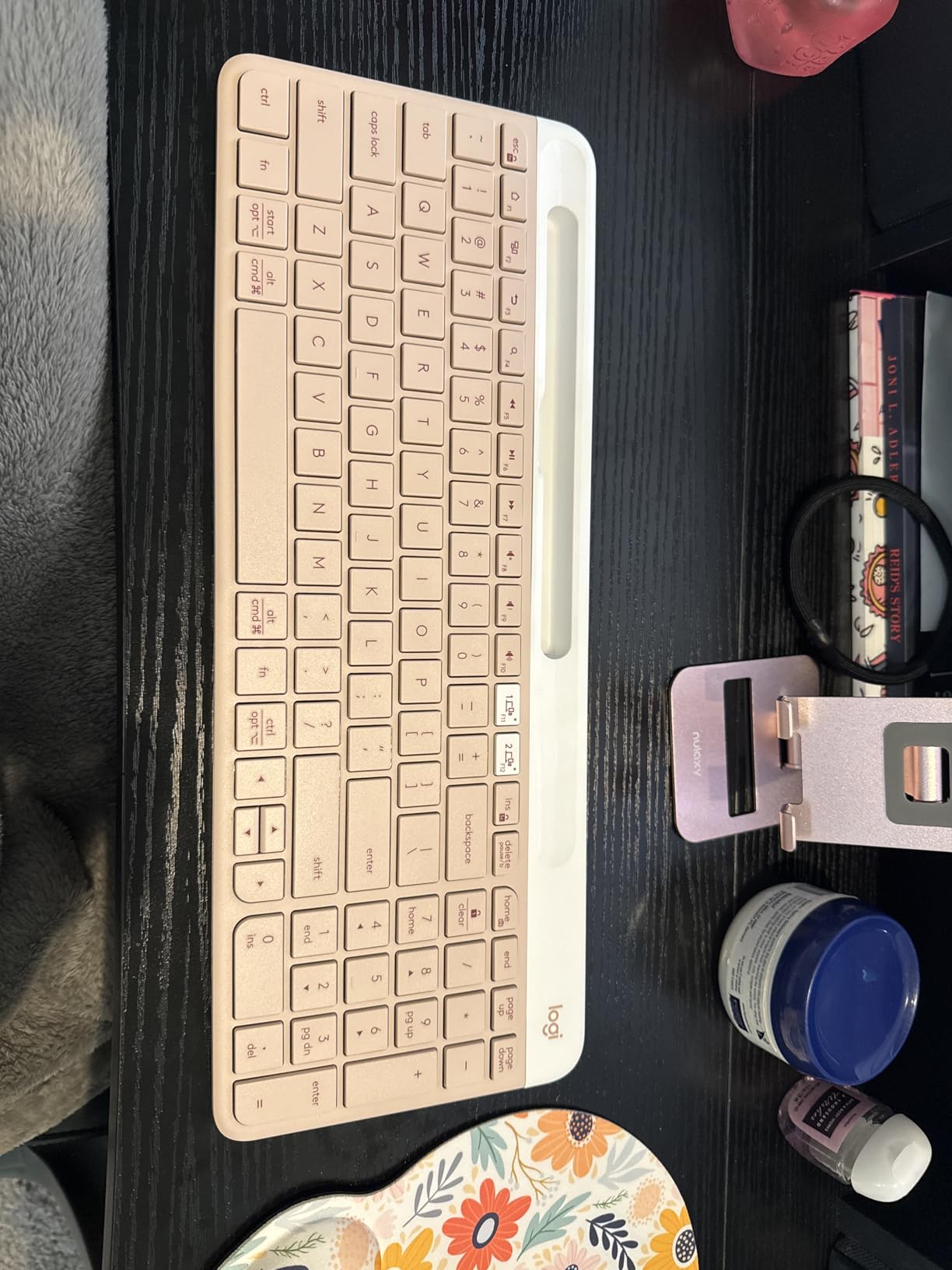
The K585 Slim is the rare board that is both compact and fully functional. At 14.7 by 5.7 by 0.8 inches and 1.2 pounds it is about the length of a laptop keyboard, yet it still carries a full 104-key layout with a number pad and 12 FN shortcuts.
Typing is a quiet scissor action that feels close to a good laptop deck, and the rubber feet hold the board steady on a glass desk. That grip mattered more than expected for a board this light.
Easy Switch jumps between two paired devices with one key, over Bluetooth or the included 2.4GHz receiver, with wireless range up to 10 meters. That makes it a natural two-machine setup: one laptop at work, one personal machine at home.
The cradle along the top edge holds a smartphone or a 10-inch tablet, which turns the board into a portable workstation for calls and chat. Logi Options+ handles the FN key remapping if you want to change the shortcut row.
Two small annoyances: there is no Caps Lock indicator light, and turning Num Lock on takes an undocumented Fn and CLEAR combination. The cradle is also too narrow for a phone in a thick case, and the typing angle is fixed.
Who the K585 Slim suits
It suits a desk where you move between a laptop and a tablet, and where a full number pad still matters. The 4.5 average rating across owners reflects a board that simply works.
Who should skip it
Skip it if you need more than two paired devices, or if the missing Caps Lock light would bother you. Heavy travellers should look at the folding Samsers instead.
6. Macally Compact Wireless – Best Budget Low Profile Keyboard
Macally Compact Wireless Keyboard – 2.4 Small Keyboard for Laptop, Desktop PC, Surface, Chromebook, Notebook, Slim Mini Key board with 2.4G Wireless USB – Portable, Ready for Travel without Number Pad
78 keys without number pad
2.4GHz USB-A dongle
Single AAA battery
No drivers required
Pros
- Small enough for a keyboard tray or laptop bag
- Lightweight without feeling flimsy
- Correct standard layout with a proper Enter key
- Plug and play on any PC or Chromebook
Cons
- Keys feel loose and noisier than a laptop deck
- Plastic build reads as inexpensive
- Not a scissor-feel typing experience
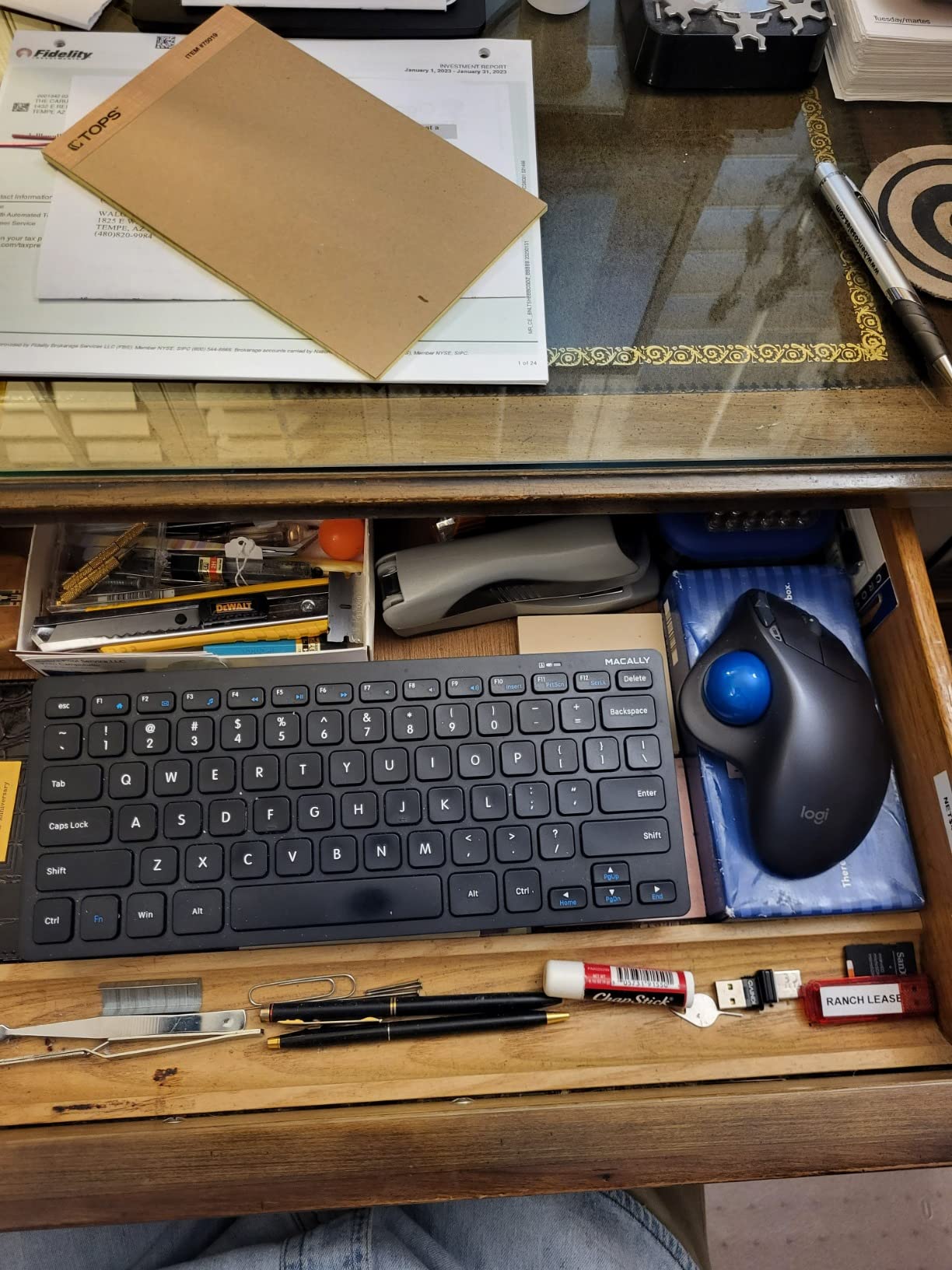
When you need a low profile keyboard for a laptop and nothing more, this is the one I buy for spare desks and guest setups. The 78-key layout drops the number pad and lands almost exactly where a laptop keyboard starts and ends.
It connects through a 2.4GHz USB-A nano dongle, so there is no pairing step at all. It worked immediately on a Windows laptop and a Chromebook, and the AAA battery is included in the box along with an on and off switch.

Several owners point out that the key legends wear better than those on their laptops, which is a real benefit on a board that gets moved around. Twelve shortcut keys sit above the number row for everyday commands.
Where it stops is typing feel. The keys are looser and noisier than a built-in laptop deck, and the plastic body reads as inexpensive next to the machined options. It is a functional low profile board, not a typing-first one.
Because it uses a USB-A dongle, note that some modern ultrabooks only ship USB-C ports. A USB-C to USB-A adapter solves it, but keep one in your bag.
Who the Macally suits
It suits a student, a shared office, or anyone setting up a second keyboard for a laptop in a small space. If the priority is price and a footprint that fits a tray, the compromises are acceptable.
Who should skip it
Skip it if you type for long hours or want a quiet board for calls. Long-term heavy users report occasional dropped characters, and the feel will not satisfy anyone who likes laptop scissor keys.
7. OMOTON Ultra-Slim for Mac – Best Low Profile Keyboard for Mac Laptops
OMOTON Ultra-Slim Wireless Keyboard for Mac (MacOS 10.10+), Compact Size
78 keys built for macOS 10.10 and later
Up to 400 hours on two AAA
8-degree tilt
11.22 x 4.72 inch body
Pros
- Feel and size close to the Apple Magic Keyboard
- Fits in a laptop backpack
- Instant Bluetooth pairing with a Mac
- 8-degree tilt suits long sessions
Cons
- Keys are not fully functional on Windows or Linux
- Two AAA batteries not included and not rechargeable
- Two to three second delay on the first keypress after sleep
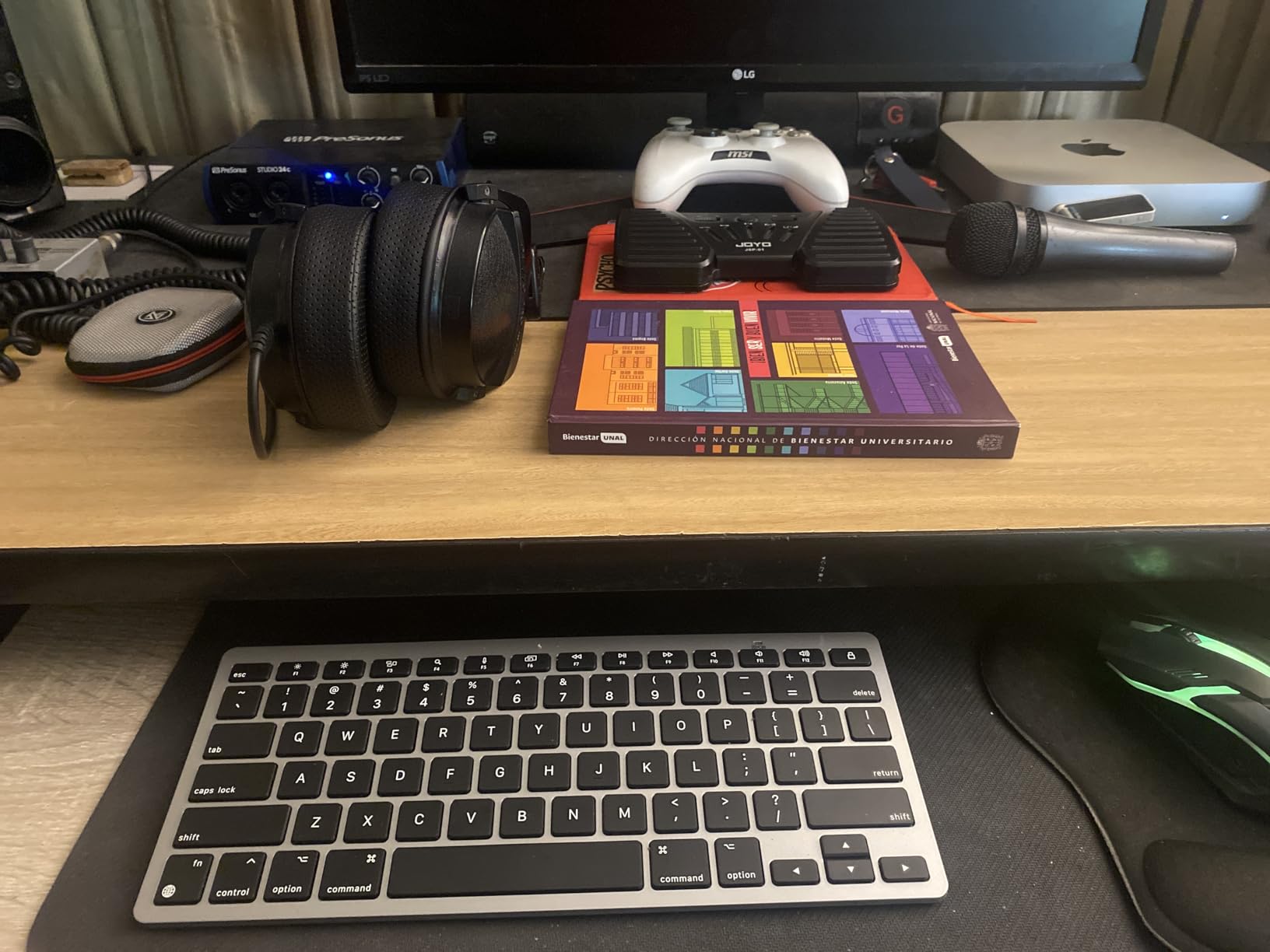
MacBook owners usually end up comparing every compact board to the Magic Keyboard, and this one holds up on size and quietness. At 11.22 by 4.72 inches it is fractionally smaller than Apple’s, which is a genuine advantage in a laptop bag.
The keys are quiet with a defined tactile response, and the 8-degree built-in tilt gives a comfortable wrist angle without a rest. Bluetooth range is rated at 33 feet, and pairing to a Mac is immediate.
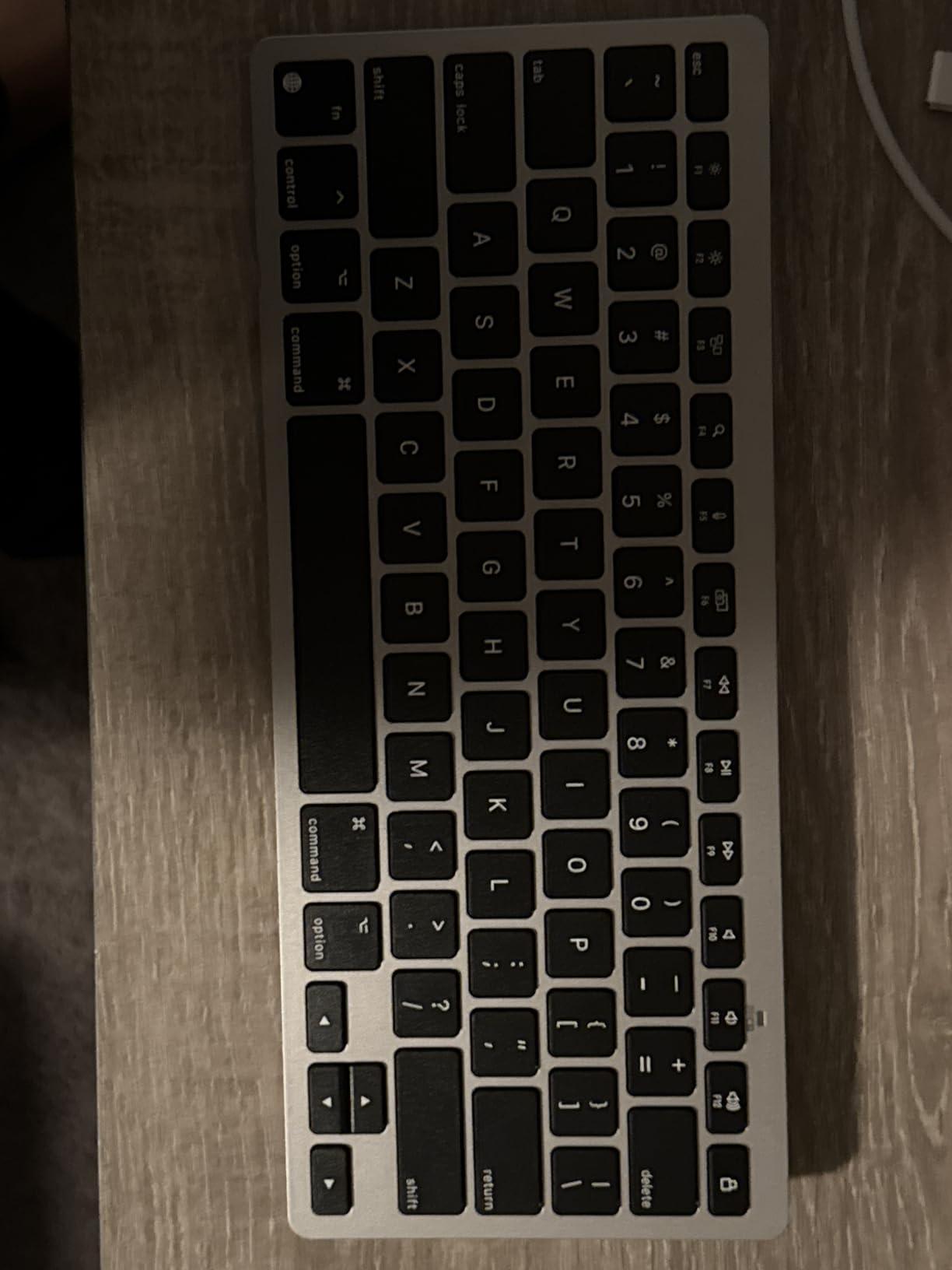
Battery life is the standout number: up to 400 hours on two AAA cells, and Bluetooth means no dongle to lose. A lock switch at the top and auto-sleep handle the rest.
Plan around two things. The layout is built for macOS 10.10 and later, so the keys are not fully functional on Windows or Linux, and the AAA cells are not included with no rechargeable option. The auto-sleep also adds a two to three second wait on the first keypress after a break.
Several owners report multi-year reliability, though others have hit stiff arrow keys and cheap-feeling plastic. If you switch between operating systems, the Logitech K585 Slim or MX Keys S handles both without friction.
Who the OMOTON suits
It suits a MacBook user who wants the Magic Keyboard feel at a lower outlay and travels with the machine. The small footprint and long battery life are what win here.
Who should skip it
Skip it if you move between macOS and Windows, or if you dislike waiting on a sleeping keyboard. It is a single-OS board, and it is honest about that.
8. Keychron K3 Version 2 – Best Low Profile Mechanical Keyboard for Laptops
Keychron K3 Version 2 QMK 75% Wireless Low-Profile Mechanical Keyboard
84-key 75% low-profile mechanical
Bluetooth 5.1 for 3 devices
USB-C wired
QMK remapping
Pros
- Only true mechanical low-profile option here
- Thin and light at 500 g
- Three Bluetooth devices plus USB-C wired
- Full remapping with QMK
Cons
- Costs more than slim scissor boards
- White LED only with no RGB
- 75% layout has no separate function row
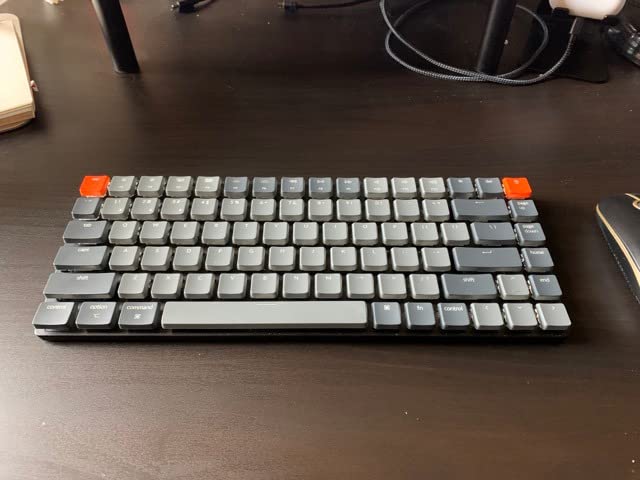
Everything else in this roundup is a scissor or membrane board, which means the Keychron K3 is the only genuine mechanical option. Its low-profile mechanical switches give a real keypress with a tactile bump, and at 12.05 by 4.57 by 0.87 inches it stays thin enough for a laptop setup.
It weighs 500 grams, which is light for a board with a reinforced aluminium body and a plastic bottom frame. That is the number most buyers care about, and it travels well in a small bag.
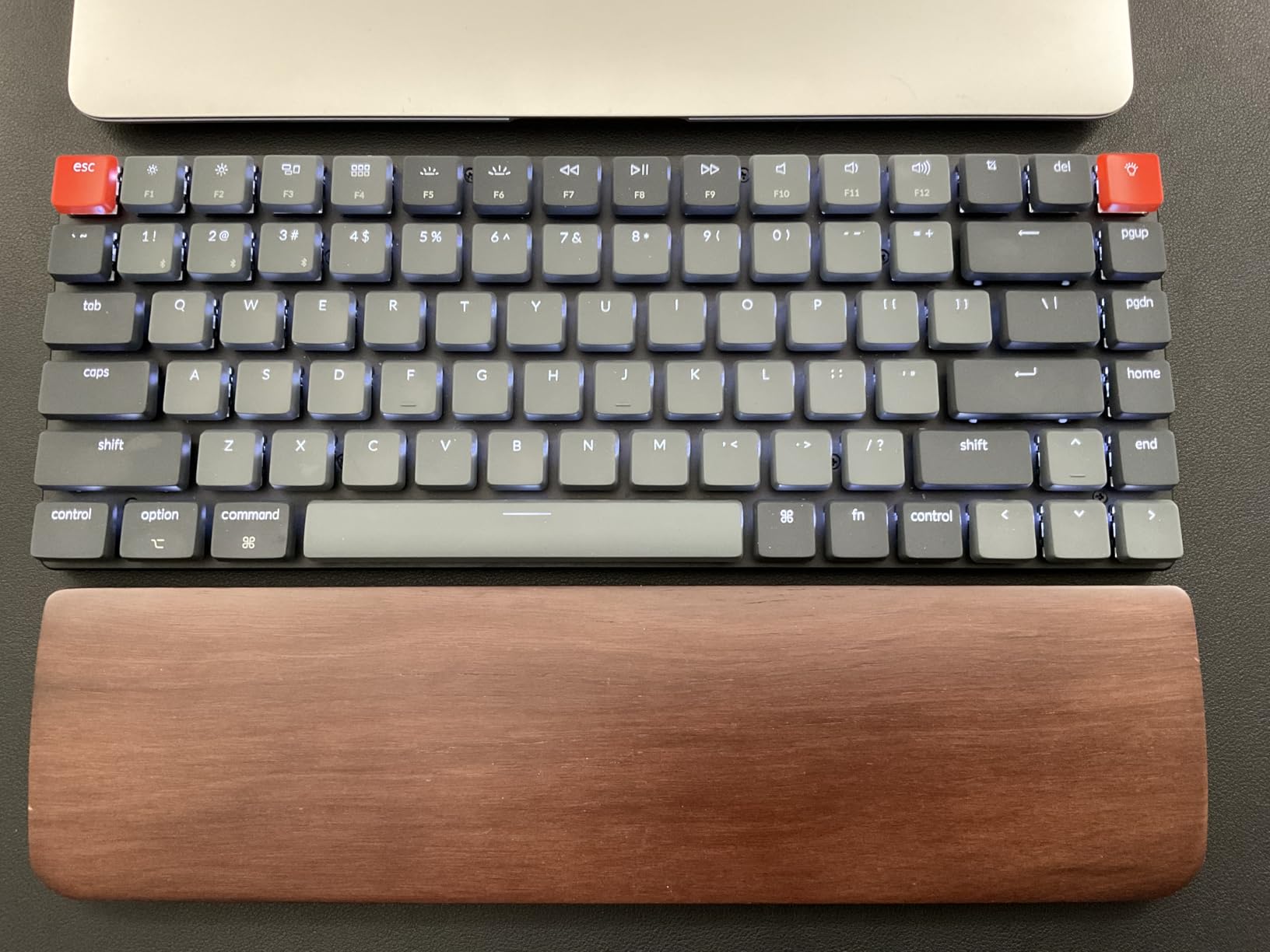
Connectivity covers all three modes: Bluetooth 5.1 for up to three devices plus USB-C wired. Open-source QMK firmware runs through the Keychron Launcher web app, so every key can be remapped for layer workflows or Vim style bindings without installing anything.
Mac and Windows keycaps are included, and the floating keycap design with a white LED backlight is the only lighting option. There is no RGB on this model.
The tradeoffs are honest ones. The 75% layout drops a dedicated function row, so F-keys live behind a Fn layer. Bluetooth signal quality drops at longer distances from the device, and the price sits well above slim scissor alternatives.
Who the K3 suits
It suits someone who wants mechanical feedback in a laptop-sized footprint and plans to remap layers. Users moving from a full-size mechanical board will feel right at home on the 75% layout.
Who should skip it
Skip it if you want quiet, if you need RGB, or if you would rather not touch firmware at all. The scissor boards here are cheaper, quieter, and simpler.
9. Logitech Signature Slim K950 – Best Low Profile Keyboard for Multi-OS Desks
Logitech Signature Slim K950 Wireless Keyboard with Quiet Typing – Graphite
108 keys with number pad
Switches between 3 devices
685 g
Logi Options+ remapping
Pros
- Number pad in a slim
- clean body
- Quiet typing for shared offices
- One-tap switching across three devices
- Solid build with a minimal look
Cons
- Heaviest board here at 685 g
- Membrane feel is softer than scissor or mechanical
- Shortcut row cannot be fully reassigned everywhere
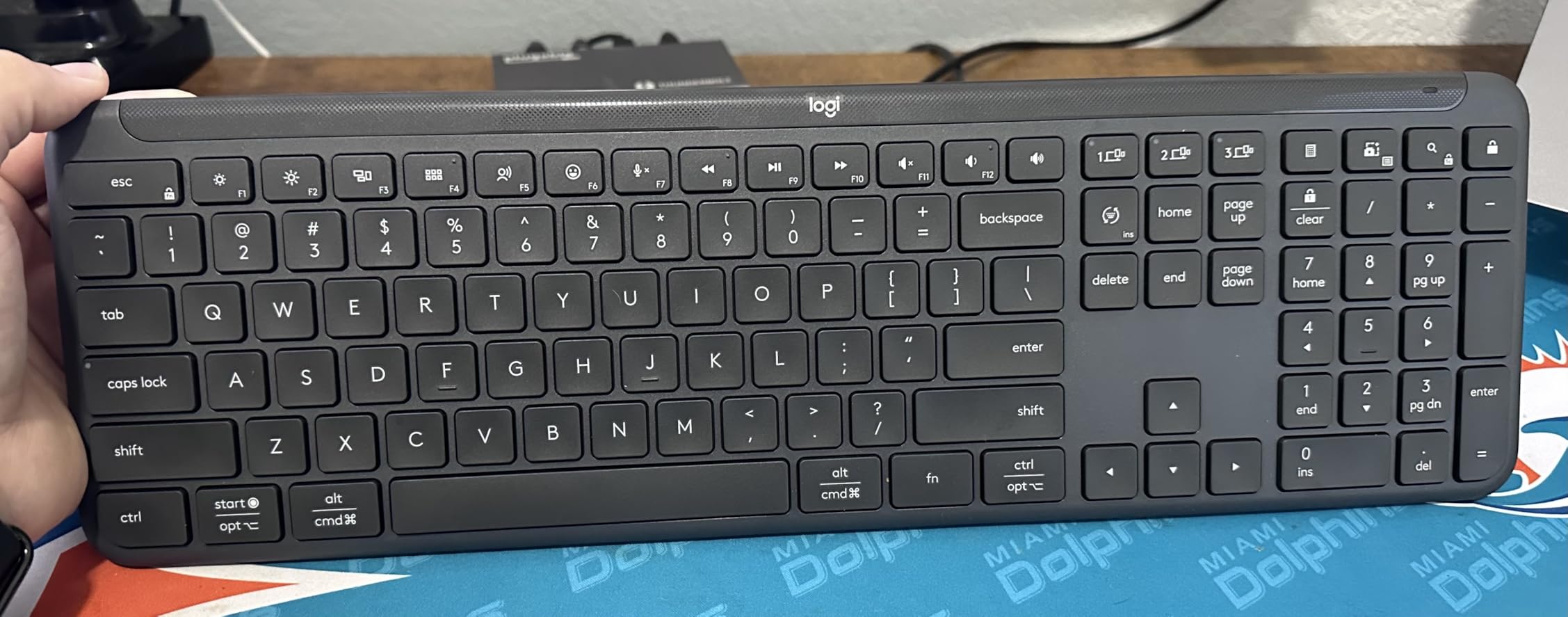
The Signature Slim K950 is the quiet full-size option. It carries 108 keys including a number pad in a body thin enough to look at home beside a laptop on a stand, and the typing is deliberately quiet for open workspaces.
Its strongest feature for a laptop user is one-tap switching between three devices. I moved between a Windows laptop, a tablet, and a phone without touching menus, and it works across Windows, macOS, Chrome OS, Linux, iPadOS, iOS, and Android.
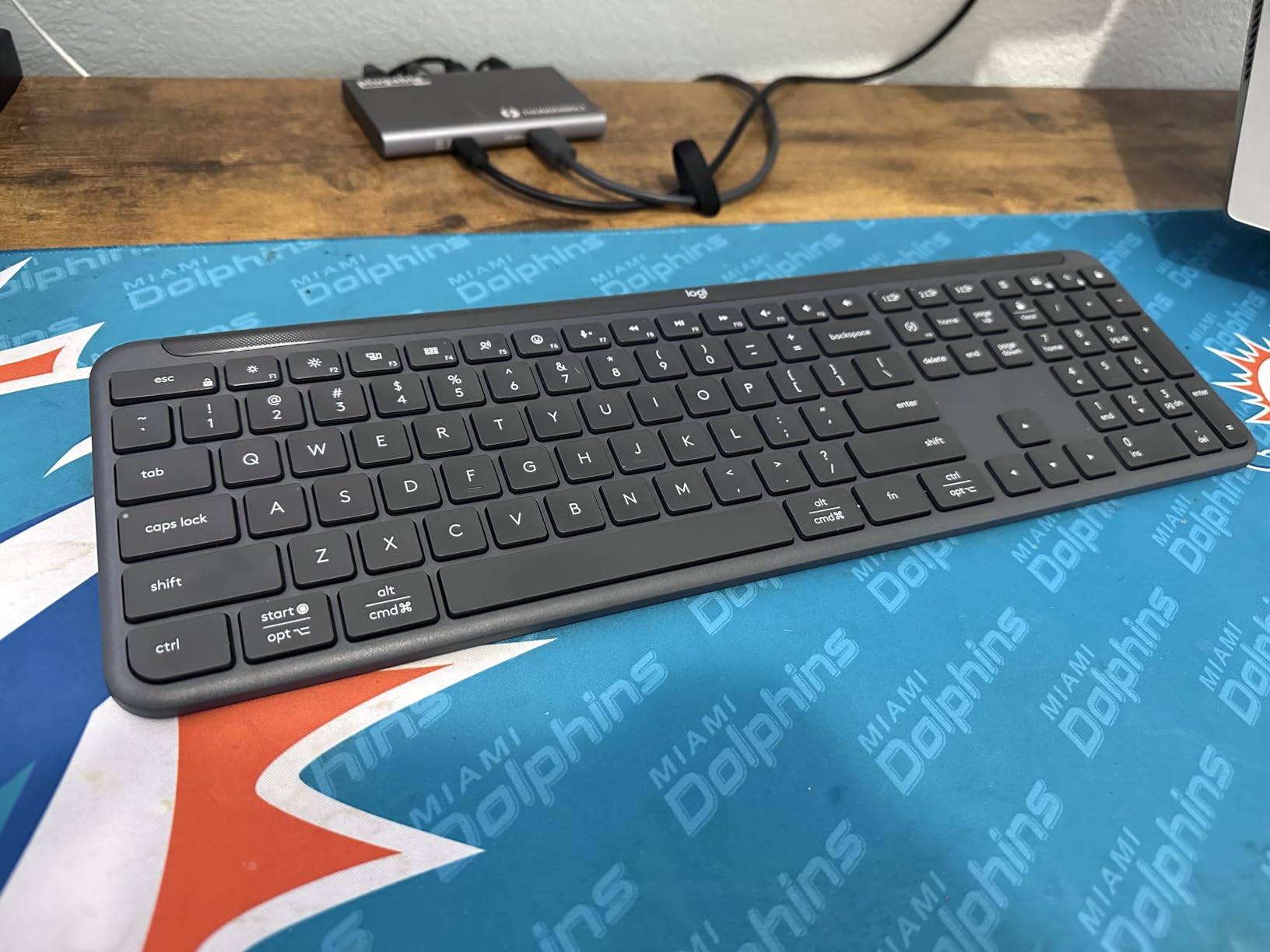
The Logi Options+ app handles key customisation on Windows and macOS, and at least 48 percent certified post-consumer recycled plastic is used in the body. It is a considered desk board rather than a travel one.
Weight is the reason it stays at home. At 685 grams it is the heaviest board in this roundup, which is fine next to a monitor and wrong for a carry-on. The membrane typing is also softer than the scissor boards listed earlier, and the shortcut row cannot be fully reassigned on every platform.
Review volume is lower than the budget picks, so treat the owner feedback here as thinner than the 4.4 average suggests.
Who the K950 suits
It suits a fixed desk that runs several operating systems and needs a number pad without a tall board. Shared offices and video call setups both benefit from the quiet keys.
Who should skip it
Skip it if you travel with your keyboard, or if the typing feel is your top priority. A slim scissor board gives a crisper response for less.
10. Lenovo Multi-Device Wireless – Best Lightweight Low Profile Keyboard
Lenovo Multi-Device Wireless Bluetooth Keyboard, Iron Grey
75 keys
1.3mm scissor travel
177 g
USB-C rechargeable, 60 hours
Pros
- Lightest board here at 177 g
- Silent smooth scissor keys
- Switching between three devices with no lag
- USB-C charging with no disposable cells
Cons
- No dedicated F1 to F12 function row
- Two keys locked to System Lock and Collaboration
- Faint grey legends are hard to read
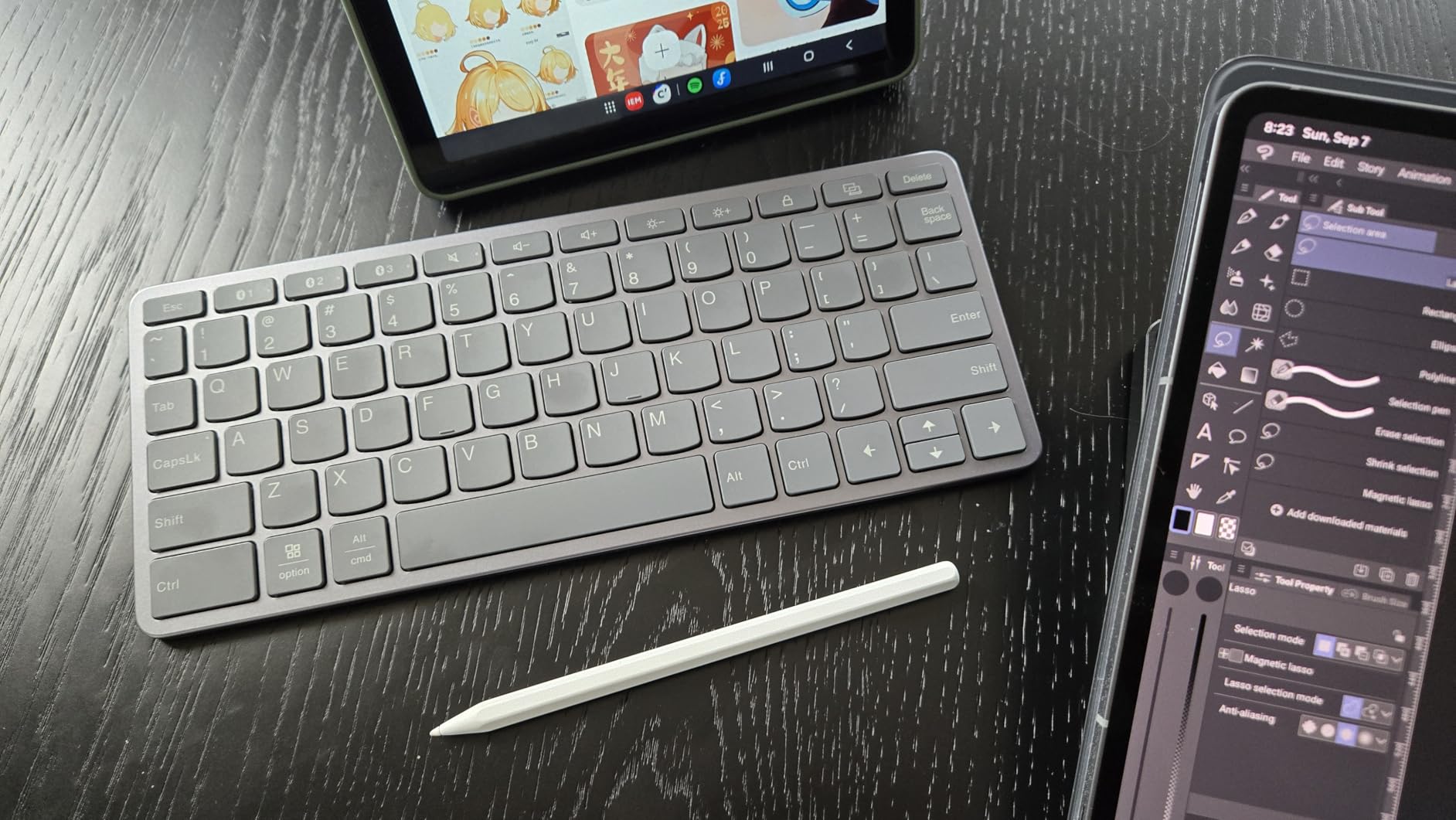
At 177 grams and 10.1 by 4.2 by 0.22 inches, this is the lightest board here and the one I would choose for a laptop bag. Nothing else in the roundup gets close to that figure.
The keys are low-travel scissor switches with 1.3mm of movement, and owners who type heavily call them genuinely silent with a solid feel. Twelve shortcut keys sit above the number row, and dedicated volume, mute, and brightness buttons are on the body.
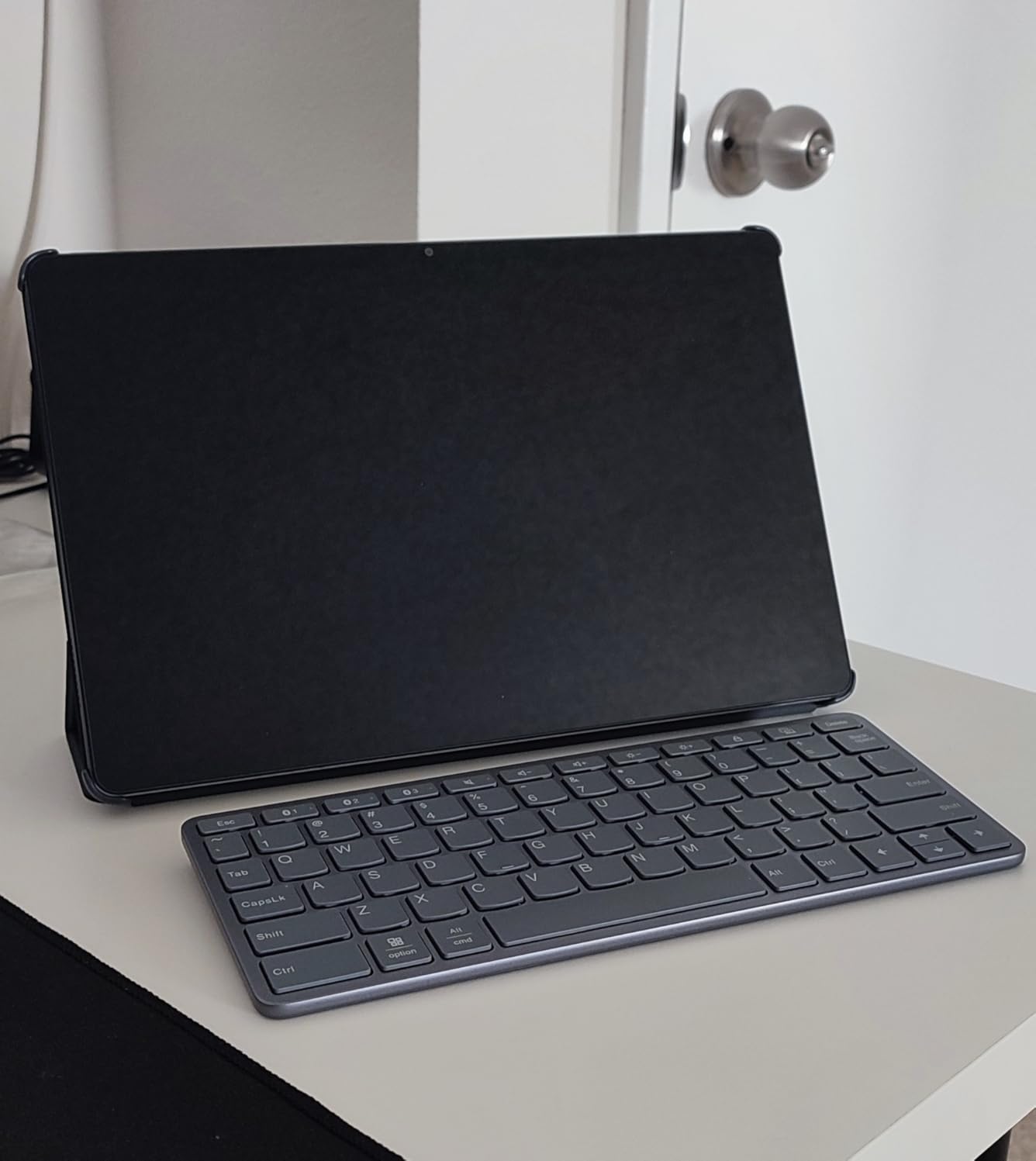
It connects and switches between up to three devices across Android, iOS, and Windows, and it also works over USB-C, which matters on a laptop with no USB-A port. The rechargeable battery gives up to 60 hours of continuous use.
Working across Windows, macOS, Linux, Android, and iOS is a real strength, and the switching between three paired devices was instant in my testing.
The catch is the layout. There is no dedicated F1 to F12 row, and two keys are locked to System Lock and Device Collaboration with no remap option. The pale grey legends are also faint in low light, and the keys sit slightly smaller than a ThinkPad laptop deck.
Who the Lenovo suits
It suits someone who carries a keyboard everywhere and alternates between a laptop, a tablet, and a phone. The USB-C charging and 177 gram weight remove the two usual travel problems.
Who should skip it
Skip it if you rely on a top function row, or if you remap keys constantly. Anyone typing long documents may prefer the fuller layout of the Arteck or the K585 Slim.
How to Choose a Low Profile Keyboard for a Laptop
Low profile is not one category. Scissor and membrane boards, low-profile mechanical switches, and folding travel boards are all sold under the same label, and they suit very different laptop users. Start by asking how long you type each day and how far the board travels.
Scissor board or low-profile mechanical
Scissor and membrane boards behave like the laptop keyboard you are replacing, with roughly 1 to 2mm of travel, quiet keys, and no learning curve. Low-profile mechanical boards use 2.5 to 3.5mm of travel and give you a real keypress you can feel.
Mechanical wins if you want feedback and remapping, and costs more in money, weight, and noise. One caution worth knowing: low-profile stems do not accept standard MX keycaps, so the keycap sets you already own will not fit.
Layout size and the number pad question
Everything under about 16 inches wide drops the number pad, which is the single most common reason people regret a compact board. Spreadsheet and data entry users should stay with the HP 230 or the Logitech K585 Slim.
The 75% layout, used by the Keychron K3, is the most-accepted compromise: it keeps arrow keys and a function layer in a footprint that still travels well.
Connectivity and USB-C-only laptops
Bluetooth suits a laptop with a decent internal radio and keeps ports free, but it takes a moment to pair and can drop when the machine sleeps. A 2.4GHz receiver, included with the Arteck and Macally, connects instantly and holds steady, at the cost of a USB-A port.
Check your laptop before buying. Many modern ultrabooks have only USB-C, and a dongle keyboard needs a USB-C to USB-A adapter unless the board also offers a wired USB-C mode, as the Keychron K3 does.
Battery life and replaceable cells
Rated figures vary wildly here, from about 48 hours of use on the Samsers to 400 hours on the OMOTON. Read the number with care: backlighting, RGB, and heavy typing all shorten it.
Prefer replaceable AAA cells when you can. The HP 230 runs for months on two batteries, and a swapped cell always beats a sealed battery that will eventually refuse to hold a charge.
Weight, front height, and what you give up
For laptop use, weight is the number to check first, and it is the one most roundups skip. The Lenovo at 177 grams and the Samsers at 6.9 ounces are the true travel options; the Logitech K950 at 685 grams is a desk board.
What you give up on a low profile board is real. Shallower travel means less room for typos, the flexing membrane feel on some models, fewer switch choices, and no standard keycap compatibility. If you are used to a laptop keyboard, the Arteck and the K585 Slim are the least disruptive places to start.
One last practical note: if Bluetooth misbehaves on a laptop, remove the device from your keyboard’s paired list, power the keyboard off for a few seconds, and pair again before blaming the board. For machines with older internal radios, a 2.4GHz receiver is the more reliable choice. We cover the same reliability-first thinking in our guide to the best lenses for low-light video, where a card that promises more than it delivers shows up fast in the footage.
Frequently Asked Questions
What is the best low profile keyboard for a laptop?
The Arteck 2.4G Ultra Slim is the best low profile keyboard for a laptop overall. It weighs 10.75 ounces, measures 0.17 inches thick, and runs up to six months on a recharge, so it suits both a fixed desk and a laptop bag. The Logitech MX Keys S is the alternative when backlit keys and three-device switching matter more than weight.
Are low profile keyboards worth it for laptop users?
Yes, mostly because of height and weight. A low profile board has a lower front edge, which reduces wrist extension compared with a full-height mechanical board, and it is light enough to travel with. The tradeoffs are shallower key travel, less room to correct typos, fewer switch options, and keycaps that are not compatible with standard MX sets.
What is the best compact keyboard for a laptop?
For travel, the Lenovo Multi-Device Wireless at 177 grams and the foldable Samsers are the lightest options here. The Samsers folds to 0.22 inches and includes a touchpad, while the Lenovo keeps near-standard key sizing and switches between three devices. Both drop the number pad, so spreadsheet users should stay with a full-size slim board.
What is a good low profile wired keyboard?
Most slim boards in this category are wireless, so the closest wired option is the Keychron K3 Version 2, which supports USB-C wired mode alongside Bluetooth 5.1. For a purely wired slim board, the Arteck also works as a 2.4GHz keyboard with its included nano receiver. Neither category offers a permanently cabled low-profile mechanical board at a typical price.
What are the disadvantages of low profile keys?
The main drawbacks are shallower travel, a firmer bottom-out, less finger feedback, and fewer switch choices than a standard mechanical board. Low-profile keycaps also will not fit standard MX stems, so custom keycap sets are limited. Some cheaper models add plastic flex, a softer membrane feel, or half-size arrow keys, and battery-powered boards can lag briefly after sleep.
Which is better for a laptop, a Bluetooth or a 2.4GHz keyboard?
A 2.4GHz receiver connects instantly and holds a stable link, which suits a laptop on a stand and avoids repeated Bluetooth pairing after sleep. Bluetooth keeps your ports free and works across devices, but takes a few seconds to connect and can drop on older internal radios. Boards such as the Arteck and Macally use a 2.4GHz dongle, while the K585 Slim, K950, and Lenovo offer Bluetooth.
Which Low Profile Keyboard Should You Buy in 2026?
Buy the Arteck 2.4G Ultra Slim if you want one board for a desk, a café, and a bag: it is the best low profile keyboard for laptops overall. Choose the HP 230 for spreadsheet work, the Samsers or Lenovo when weight is the deciding factor, the Keychron K3 for real mechanical feel, and the MX Keys S if you type at night.
Whichever you pick, check the port situation on your laptop before you order, and weigh it in your bag rather than trusting the size on the box.
Our other buying guides cover the rest of a mobile production kit, including our picks for the best phones for low-light video and the best LED lights for low-light video to pair with a compact editing setup.