
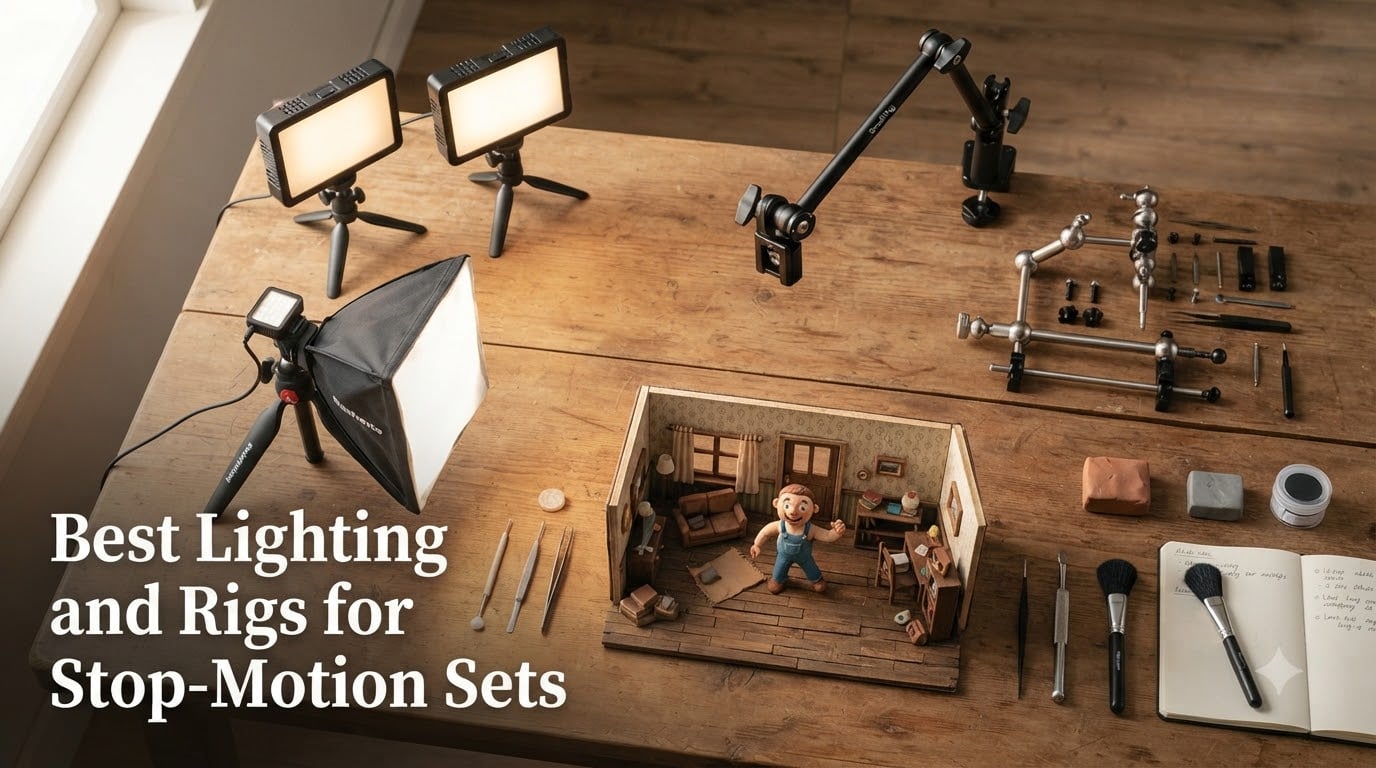
Stop motion lives and dies by consistency. When you are shooting 1,440 individual frames for a single minute of finished animation, even a tiny shift in light output between exposures shows up as distracting flicker on screen. That is why picking the best lighting and rigs for stop-motion sets matters more than almost any other gear decision you will make.
I have spent the last few years animating clay characters and miniature sets in a spare-room studio, and I have burned entire shooting days to lights that flickered, rigs that sagged, and stands that crept between frames. This guide is built from those mistakes. Every product here was chosen for one reason above all: it holds steady, frame after frame.
Below you will find 12 products split across three groups — continuous LED and softbox lighting, camera and rig support, and animation armatures. There are options for a bedroom Lego brickfilm setup and for a small production studio. And no, stop motion is not dying; the gear keeps getting better and cheaper every year, which is exactly why a guide like this is worth your time in 2026.
Table of Contents
- Top 3 Picks for Best Lighting and Rigs for Stop-Motion Sets for October 2026
- Best Lighting and Rigs for Stop-Motion Sets in October 2026
- 1. Ci-Fotto LED Video Light 2-Pack — Cheapest Way to Light a Miniature Set
- 2. UBeesize LED Video Light Kit — Budget Kit with Real Stands
- 3. Torjim Softbox Photography Lighting Kit — Soft Light That Flatters Miniatures
- 4. NEEWER 9 inch LED Video Light Panel — Pocket Pro Panel
- 5. NiceVeedi 2-Pack Photography Lighting Kit — Barndoors and Big Stands
- 6. NEEWER 2 Pack Bi-Color 660 LED Light and Stand Kit — The Studio Standard
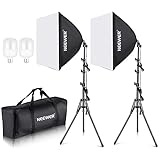
- 7. NEEWER 13 inch LED Video Light Panel Kit — Thin Panels, Serious Color
- 8. NEEWER 90 inch Tripod Monopod — Overhead Camera Rig for Top-Down Shots
- 9. NEEWER 22 inch Magic Arm with Desk Clamp — The Animator’s Third Hand
- 10. Kihomi Studio Stop Motion Armature Kit — Stainless Skeletons for Custom Puppets
- 11. Kihomi Stop Motion Rig Arm — Support for Jumps, Flights, and Leans
- 12. NEEWER 700W Softbox Lighting Kit — Big Soft Light for Big Sets
- How to Choose the Right Lighting and Rigs for Stop-Motion?
- Frequently Asked Questions
- Final Thoughts
Top 3 Picks for Best Lighting and Rigs for Stop-Motion Sets for October 2026

NEEWER 660 LED Light Kit
- CRI 96+ color accuracy
- 3200-5600K bi-color
- 0-100% dimming with LCD readout

Torjim Softbox Lighting Kit
- 16 inch softbox diffusion
- 3000-7500K adjustable
- remote controlled

If you want the short version: the NEEWER 660 kit is the lighting package I recommend most often, because its CRI 96+ panels, exact 0-100% dimming, and LCD readout let you re-set a scene to the same numbers days later. The Torjim softbox delivers the soft, wrapped look that flatters clay and felt characters at a bargain price. And the Kihomi rig arm solves the problem every animator eventually hits — making a character jump, fly, or lean without visible support.
Best Lighting and Rigs for Stop-Motion Sets in October 2026
Here is the full lineup at a glance. Every product below gets a complete hands-on review in the next section, covering how it performs over long animation shoots and where it falls short.
| Product | Specs | Action |
|---|---|---|
| NEEWER 660 LED Kit |
|
Check Latest Price |
| Torjim Softbox Kit |
|
Check Latest Price |
| Kihomi Rig Arm |
|
Check Latest Price |
 Ci-Fotto LED 2-Pack Ci-Fotto LED 2-Pack |
|
Check Latest Price |
 UBeesize LED Kit UBeesize LED Kit |
|
Check Latest Price |
 NEEWER 9 inch LED Panel NEEWER 9 inch LED Panel |
|
Check Latest Price |
 NiceVeedi 36W 2-Pack NiceVeedi 36W 2-Pack |
|
Check Latest Price |
 NEEWER 13 inch Panel Kit NEEWER 13 inch Panel Kit |
|
Check Latest Price |
 NEEWER 90 inch Tripod NEEWER 90 inch Tripod |
|
Check Latest Price |
 NEEWER 22 inch Magic Arm NEEWER 22 inch Magic Arm |
|
Check Latest Price |
 Kihomi Armature Kit Kihomi Armature Kit |
|
Check Latest Price |
 NEEWER 700W Softbox Kit NEEWER 700W Softbox Kit |
|
Check Latest Price |
1. Ci-Fotto LED Video Light 2-Pack — Cheapest Way to Light a Miniature Set
Ci-Fotto LED Video Light 2-Pack, 5600K Dimmable USB Camera Lighting Kit
2-pack 5600K LED panels
USB powered
10%-100% dimming
4 color filters
Mini tripods
Pros
- Impressive brightness for the price
- Includes color filters for creative effects
- Compact and portable design
- USB powered for convenience
Cons
- No power supply included
- Some reports of flicker with cable movement
- Mini tripods are short but functional
My first stop motion setup cost almost nothing, and lights like these were the reason it worked. The Ci-Fotto 2-pack gives you two daylight-balanced 5600K LED panels, mini tripods, and four colored filters for less than a takeout dinner for two. For a desktop Lego set or a shoebox claymation stage, they produce genuinely usable light.
The panels dim from 10% to 100% and tilt 180 degrees, which is enough range to build a simple three-point setup: one as key, one as fill, and if you buy a second kit, one as a backlight. The colored filters are a fun bonus for mood lighting — the blue filter over a dimmed panel makes a convincing moonlight window gag.
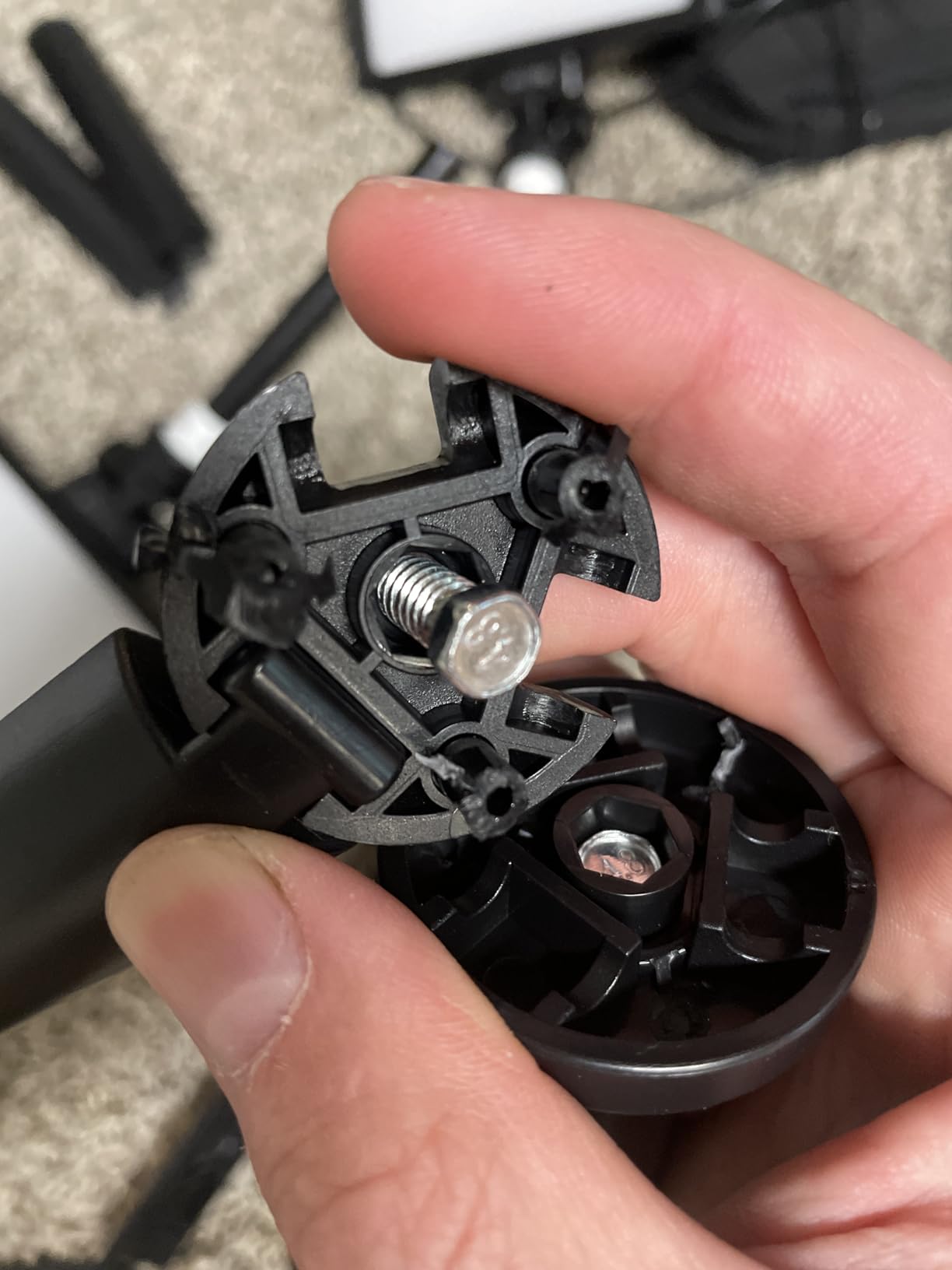
Here is the catch, and it is the same one Reddit animators bring up constantly with cheap LEDs: flicker. These are USB-powered panels, and if the cable gets bumped or the power source is weak, output can wobble between frames. Tape down every cable, use a quality USB wall adapter (not included, so budget for one), and test your exposure across 20 frames before committing to a shot.
The mini tripods are better than I expected but short, so plan on clamping the panels to higher points or setting them on books. At 1,879 reviews and a 4.3 rating, plenty of people have made these work — just go in knowing they demand careful cable discipline.
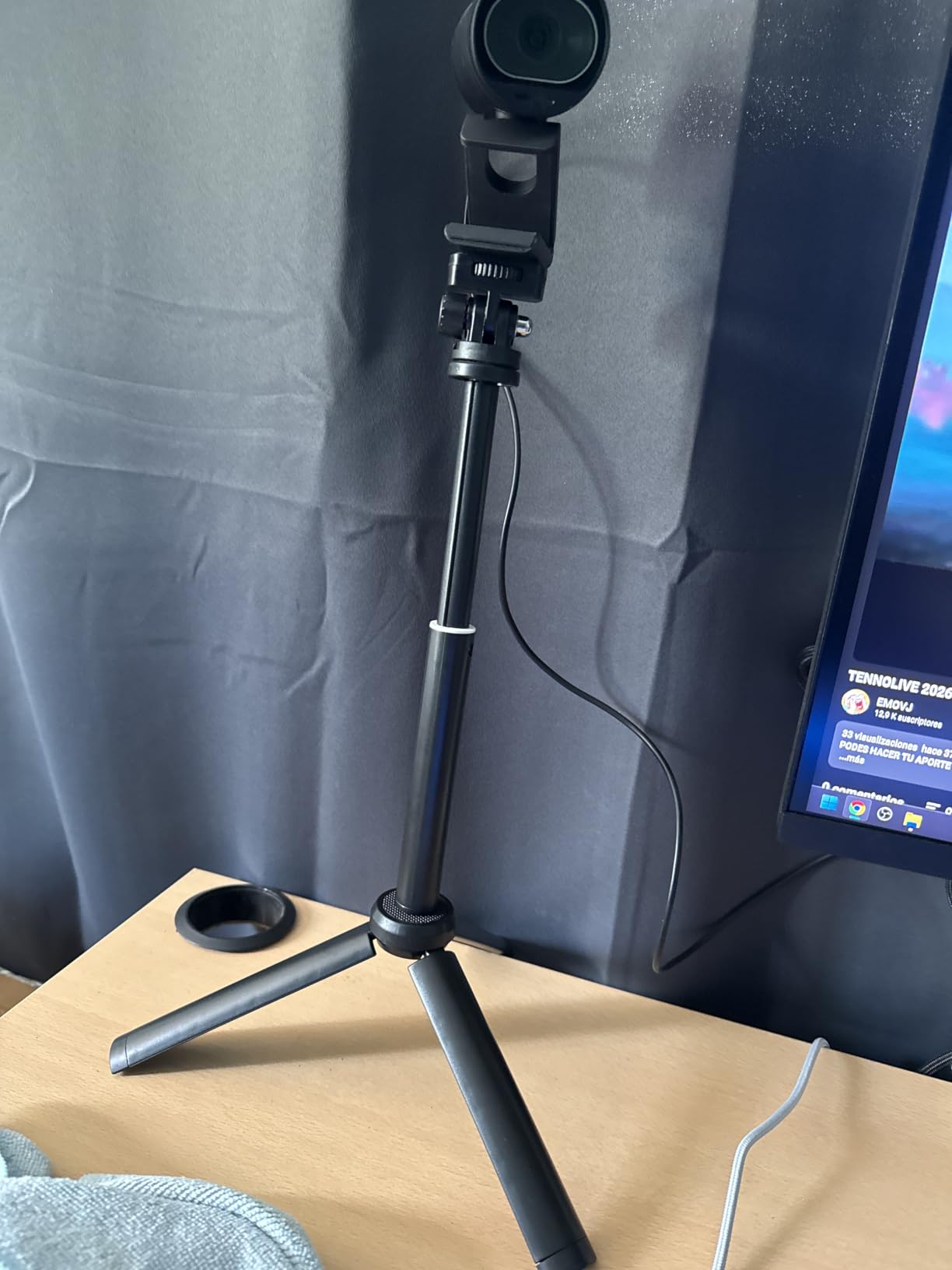
Set size this handles best
These panels suit sets under about 18 inches wide — a single miniature diorama, a brickfilm street corner, or a clay character on a tabletop. Anything larger and you will see hard, uneven falloff at the edges.
Because they run from any USB power bank, they are also the easiest lights to take to a classroom or workshop where outlets are scarce.
Flicker testing before a shoot
Shoot 30 frames of a blank white card with nothing moving, then scrub through them at full zoom. If the histogram shifts, add a different power adapter or return the unit — a flickering panel will ruin hours of animation.
Once you find a stable adapter, label it and use it only for these lights. Consistency in power means consistency in frames.
2. UBeesize LED Video Light Kit — Budget Kit with Real Stands
UBeesize LED Video Light Kit, 2Pcs Dimmable Continuous Portable Photography Lighting with Adjustable Tripod Stand & 5 Color Filters for Tabletop/Low-Angle Shooting, for Zoom, Game Streaming, YouTube
2 dimmable LED panels
Tripods 23.6-57.7 inch
4 color filters
USB powered
Ball head mounts
Pros
- Bright and adjustable LED panels
- Portable and lightweight design
- Color filters for creative effects
- Good value for beginners
Cons
- Tripod stands can be unstable at max height
- Color filters made of cheap plastic
- Button membranes may not last forever
The UBeesize kit is the step up from clip-on panels, and with nearly 7,000 reviews it is one of the most purchased beginner lighting kits on Amazon. What you are really paying for here is the stands: they extend from about 24 to 58 inches, which means you can finally position a key light above and behind your set instead of propping panels on cereal boxes.
I used a set like this for a felt-puppet short and the two-panel arrangement covered a 2-foot set nicely. Brightness adjusts on the cable controller, and the panels tilt 180 degrees so you can rake light across a floor for long shadows.
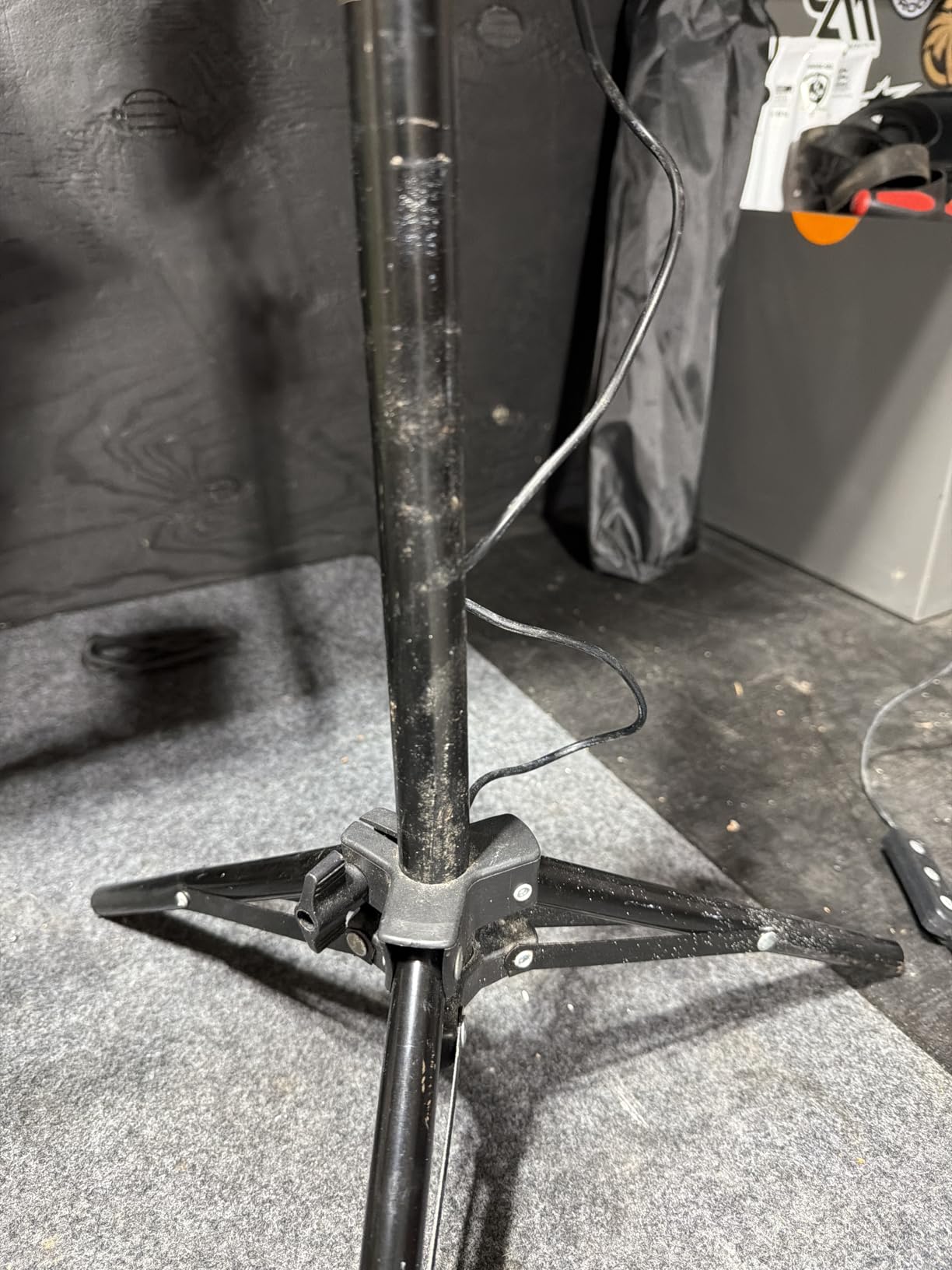
The honest downsides: fully extended, the stands get wobbly, and in stop motion a wobbly stand is a hazard because one accidental knock mid-scene changes your lighting forever. My fix was to only extend them to about 45 inches and hang a sandbag (a sock of rice works) from the center column. The color filters are thin plastic and warp quickly if left clipped to a hot panel.
Like all USB lights, treat the power source as part of the fixture. A good 2A adapter keeps output stable through a full day of frame-by-frame shooting.
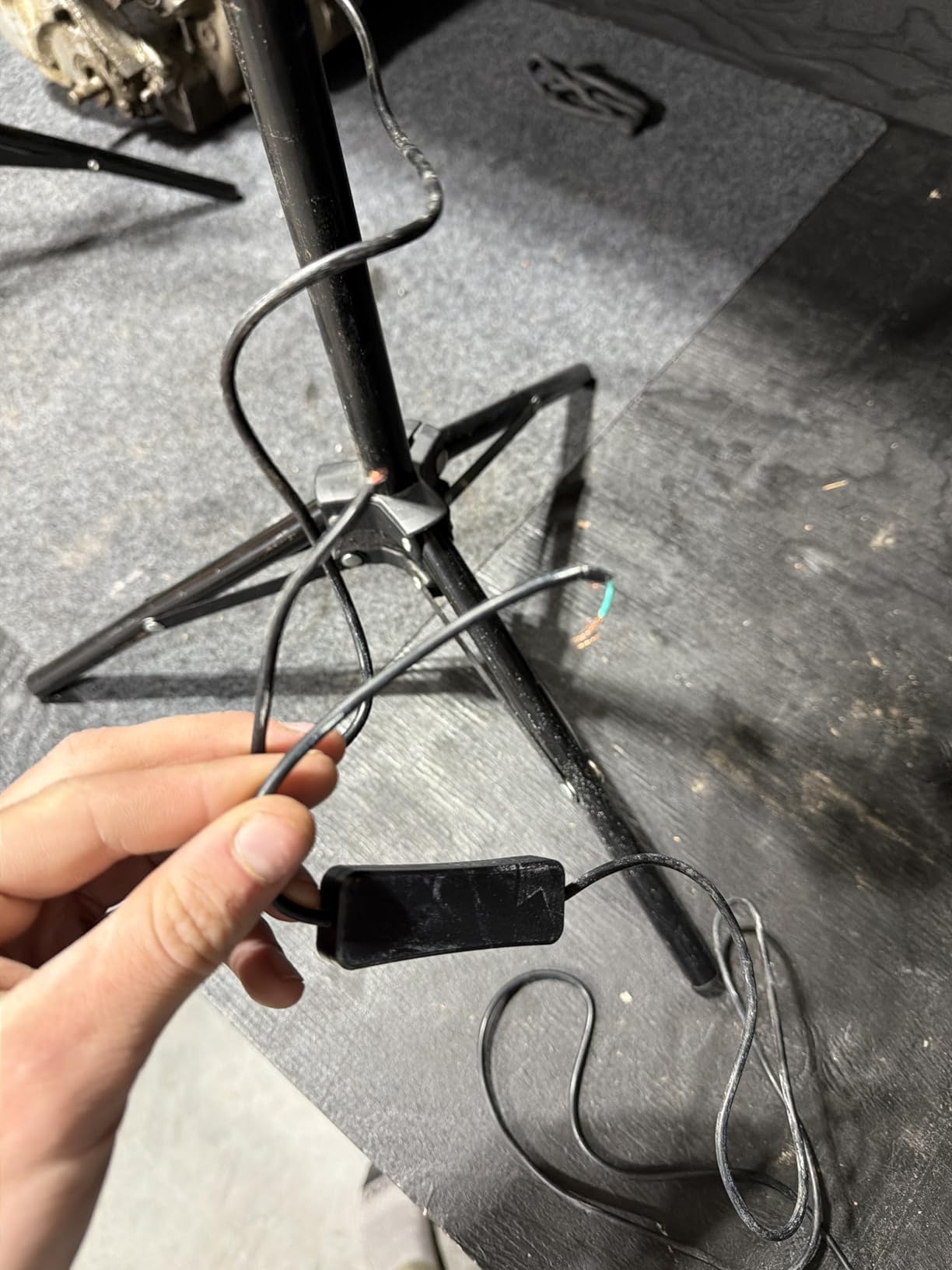
Stand stability over long shoots
Stop motion shoots run for hours, and any stand that drifts a millimeter will shift your shadows. Keep these at 75% extension and weight the legs, and they behave like gear costing twice as much.
Mark the floor with tape where each leg sits, so if anything gets bumped you can reposition exactly.
Who this kit fits best
This is the sweet-spot first kit for teenagers, classrooms, and adults testing whether stop motion is a hobby that will stick. It is bright enough, flexible enough, and cheap enough that upgrading later stings nothing.
If you already know you will animate weekly, skip straight to a CRI 95+ kit — your future self editing color will thank you.
3. Torjim Softbox Photography Lighting Kit — Soft Light That Flatters Miniatures
Torjim Softbox Photography Lighting Kit | 16″ X 16″ & 85W LED Studio Light
16x16 inch softbox
85W LED 3000-7500K
CRI 90
60 inch stand
Remote control
Pros
- Excellent soft even light diffusion
- Adjustable color temperature 3000-7500K
- Sturdy tripod and construction
- Easy to set up and use
Cons
- Not suitable for full body shots
- Requires remote for color and brightness adjustment
- Light duty stands for production work
- Short power cord
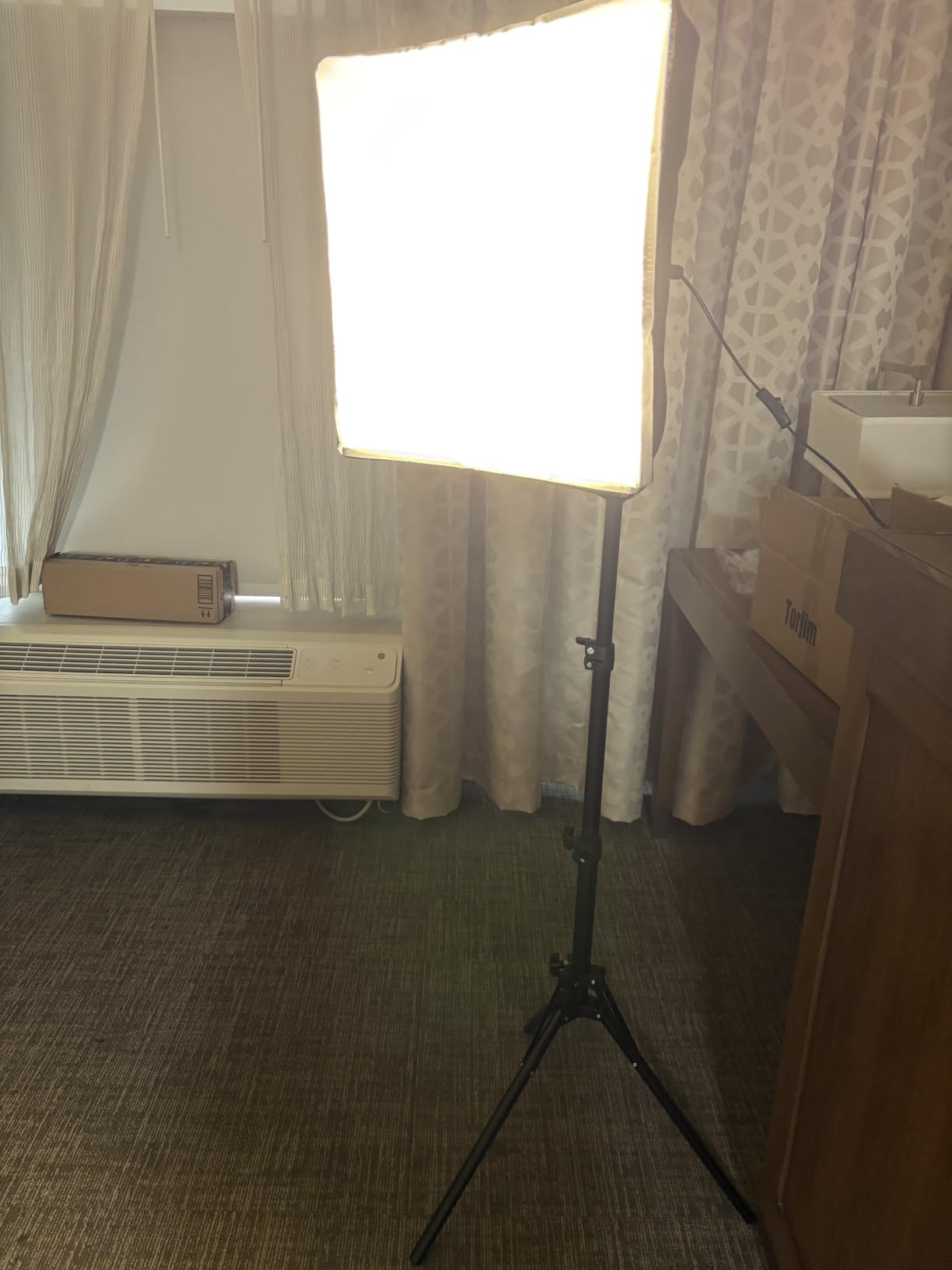
Softboxes are the secret weapon of stop motion lighting. A bare LED panel produces crisp shadows with hard edges that look harsh on clay skin and fabric costumes; a 16×16 inch softbox wraps light around curves and makes everything look like it was shot on a film set. The Torjim is the number one seller in its category, and after using one over a puppet close-up scene, I understand why.
The 85W LED bulb inside is adjustable from a warm 3000K to a crisp 7500K via remote, with CRI 90 color rendering. That warm-to-cool range covers most day-to-night transitions you will ever animate, and the soft diffuser front does the flattering.
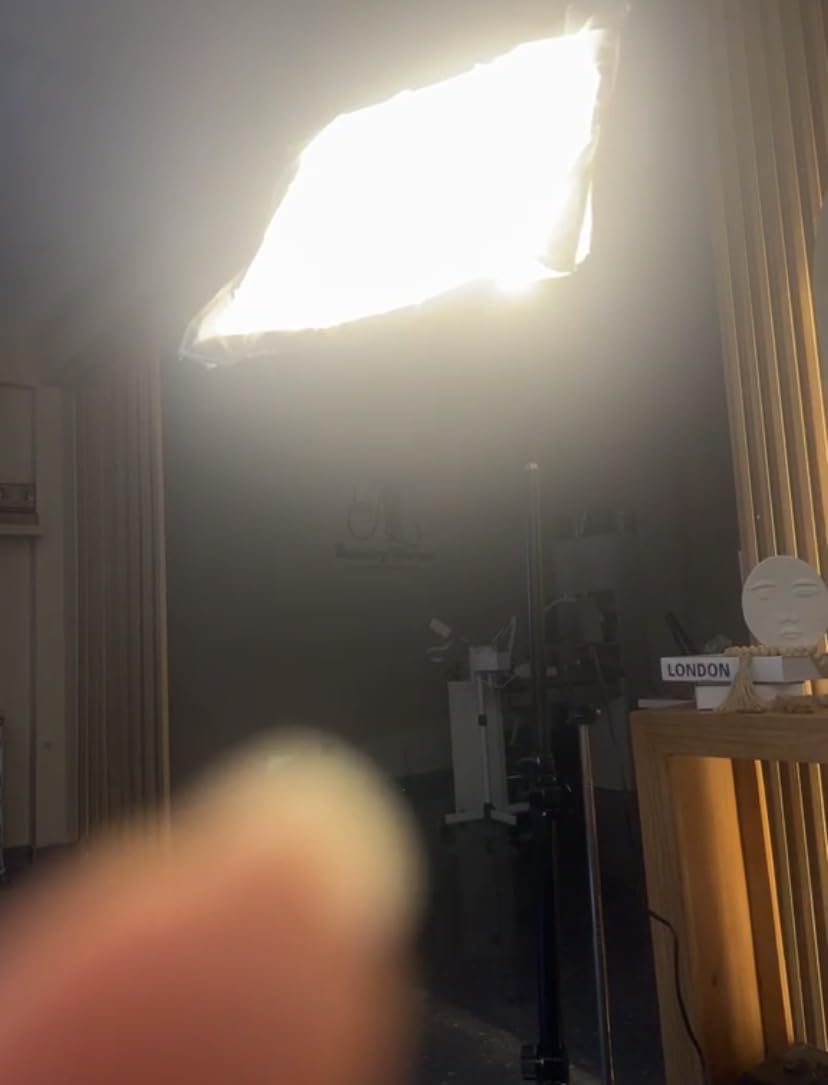
Two quirks matter for animation work. First, all adjustments happen through the remote — if you lose it or its battery dies mid-shoot, you cannot change settings, so buy spare button cells on day one. Second, the power cord is short, so an extension lead is basically mandatory on a set.
The 60 inch stand is sturdier than the kit’s price suggests, though it is light-duty compared to pro softbox stands. For a tabletop set that no one is going to walk past, that is fine.
Softbox vs LED panel for animation
Choose a softbox when your characters have curved surfaces — clay faces, fabric bodies, plastic figures — and you want gentle shadow transitions. Choose a bare LED panel when you want dramatic, defined shadows for noir or horror moods.
Many animators run one softbox as key and one LED panel as back light, which gives soft faces but crisp rim separation.
Color temperature discipline
Write down the Kelvin value you used for each scene in your shot log. Because this kit adjusts from 3000K to 7500K, it is tempting to tweak mid-project — do not, unless you plan to match the new setting for every remaining frame.
Also block any daylight leaking into the room, since mixed color temperatures cannot be balanced in post without grading every frame.
4. NEEWER 9 inch LED Video Light Panel — Pocket Pro Panel
NEEWER NL-116AI 9″ LED Video Light Panel, Camera Lighting with Desk Tripod
9 inch panel CRI 95+
3200-5600K bi-color
1% dimming steps
4000mAh battery
USB-C charging
Pros
- Excellent color accuracy CRI 95+
- Precise brightness and color temp control
- Built-in battery with good runtime
- Premium quality mini tripod included
Cons
- Battery life limited to 1.5 hours
- Some reports of flicker at high output
- Carry bag not included
This is the light I recommend to animators who have outgrown budget kits but are not ready for a full studio package. The NEEWER NL-116AI is a 9 inch panel with 58 warm and 58 cool LEDs, and the difference versus cheap panels is visible the first time you load your frames: CRI 95+ means colors render accurately instead of that slightly green cast budget LEDs leave on skin tones and paint.
Brightness adjusts in 1% increments, which sounds like a spec-sheet detail but is genuinely useful in stop motion — you can dial a fill light to exactly 43% and return it to exactly 43% after a bump, something coarse 10-step lights cannot do.
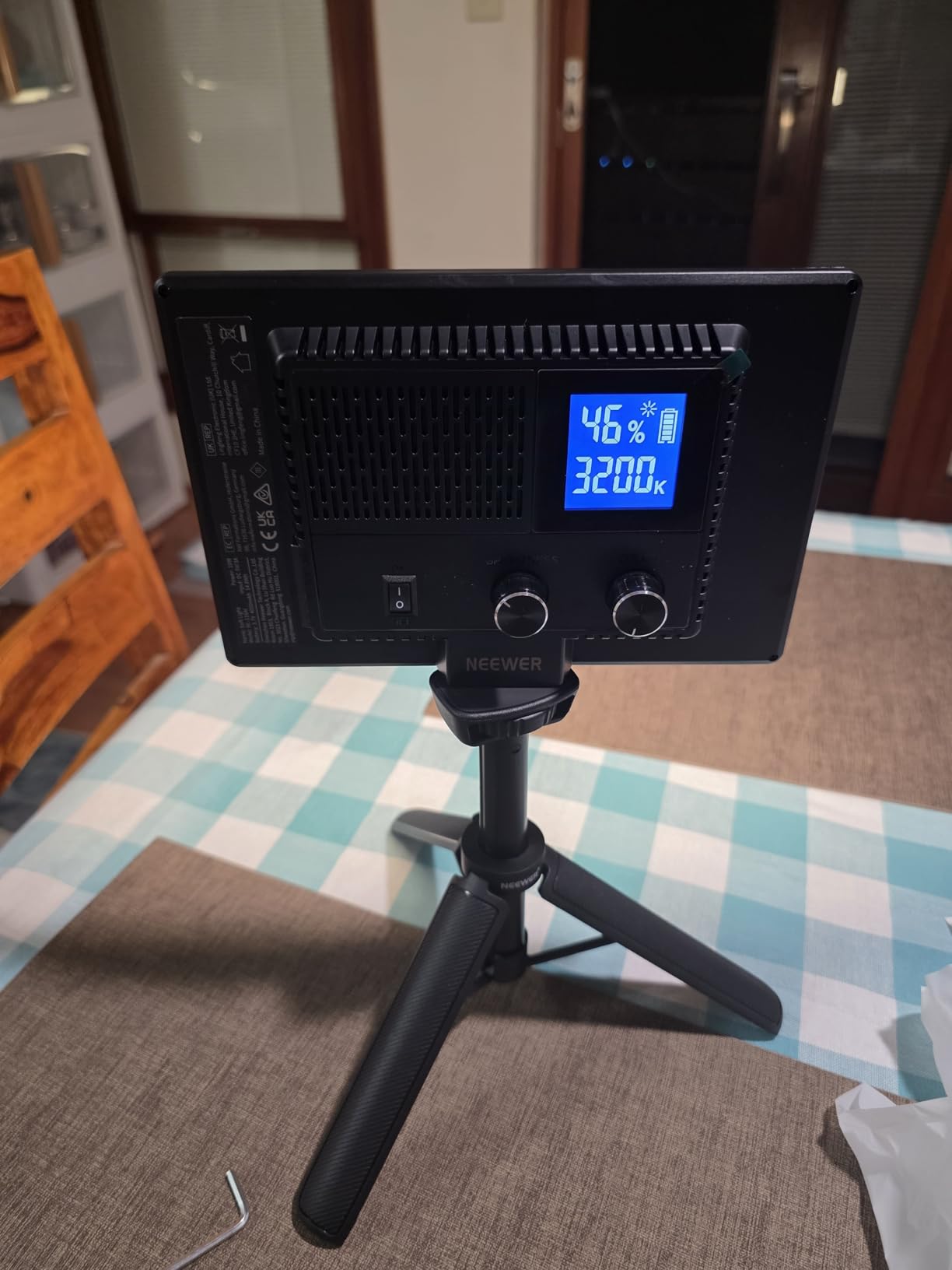
The built-in 4000mAh battery runs about 1.5 to 2 hours, which covers most shooting sessions but not a marathon day. I keep mine plugged into USB-C power while shooting and treat the battery as a bonus for location work. A few users report flicker at maximum output, so if you shoot at 100% brightness, run your 30-frame test first.
The included mini desk tripod is a pleasant surprise — genuinely rigid, which matters when a knocked light means reshooting a scene.
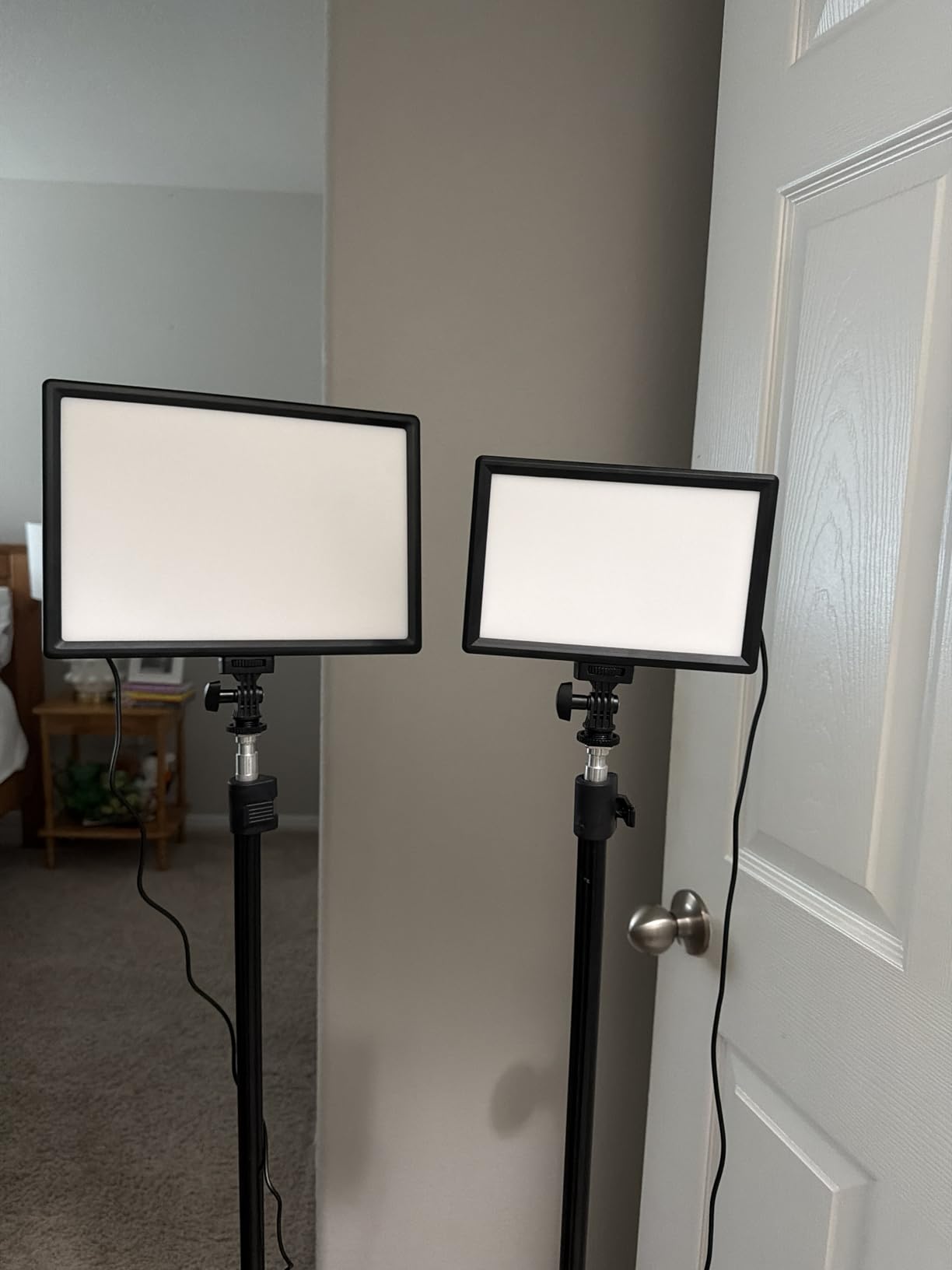
Single light vs multi-light strategies
One of these panels plus a white foam board bounce makes a clean single-light setup for close-ups. For full scenes, two panels as key and fill with a practical lamp in set gives you depth.
Because it mounts via cold shoe or quarter-inch thread, it also slots onto magic arms — more on those below.
Battery and power planning
For shoots longer than 90 minutes, run the panel from a USB-C wall adapter. Cycling between battery and wall power can shift output slightly, so pick one method per scene.
If you do shoot on battery, top up between scenes rather than mid-scene, and note the charge level in your shot log.
5. NiceVeedi 2-Pack Photography Lighting Kit — Barndoors and Big Stands
NiceVeedi 2-Pack Photography Lighting Kit, 36W Bi-Color Studio Lights 2700-6500K CRI 95+, Dimmable LED Video Light Kit with Remote Control & 72” Tripod Stand, Lighting for Video Recording/Photography
2x 36W bi-color panels
2700-6500K CRI 95+
4-leaf barndoors
72 inch stands
Remote and bag
Pros
- Powerful 36W output per panel
- Excellent color accuracy CRI 95+
- Convenient infrared remote control
- Built-in barndoor design
- Sturdy 72 inch tripod stands
Cons
- Brightness adjustment in 25% increments only
- Large power brick adapters
- Some flickering issues reported
- Batteries not included for remote
The NiceVeedi kit earns its place with one feature animators undervalue until they need it: built-in four-leaf barndoors. Those metal flaps let you shape light exactly — flagging it off your background so a night interior reads as night, or cutting a slash of window light across a miniature floor without touching gels.
Each 36W panel adjusts from 2700K to 6500K with CRI 95+ accuracy, and the LED display shows your exact settings so you can reproduce a look days apart. The 72 inch aluminum stands are proper gear, tall enough to backlight a standing puppet or light a set from above at an angle.
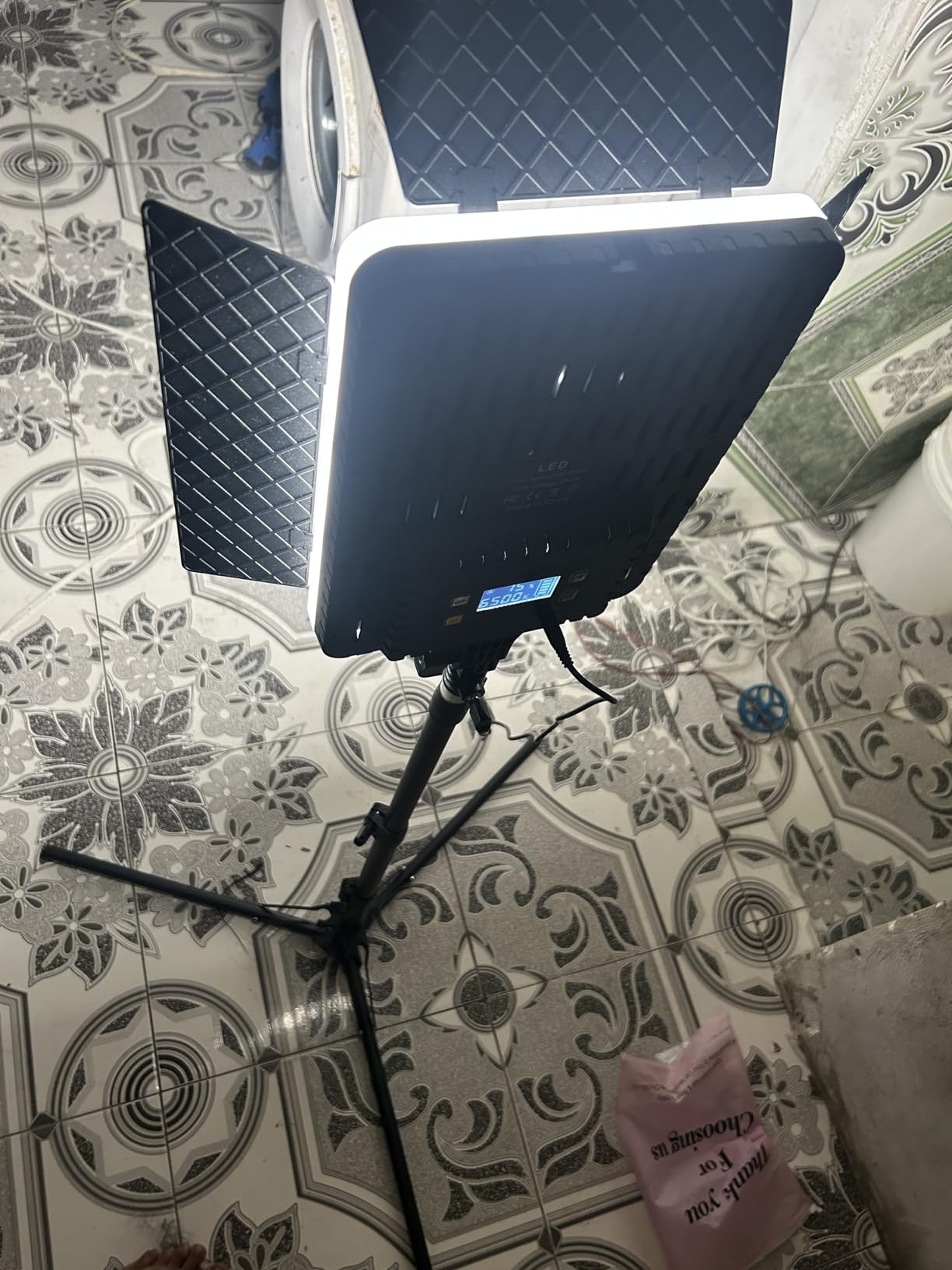
Two complaints are worth weighing. Brightness steps in 25% jumps, which limits fine exposure trimming — compensate with camera settings or distance rather than panel brightness when you need subtlety. And some users report flickering, which again means running your blank-frame test before every scene.
The infrared remote works from 26 feet, and a storage bag is included, which is more than most kits at this level offer.
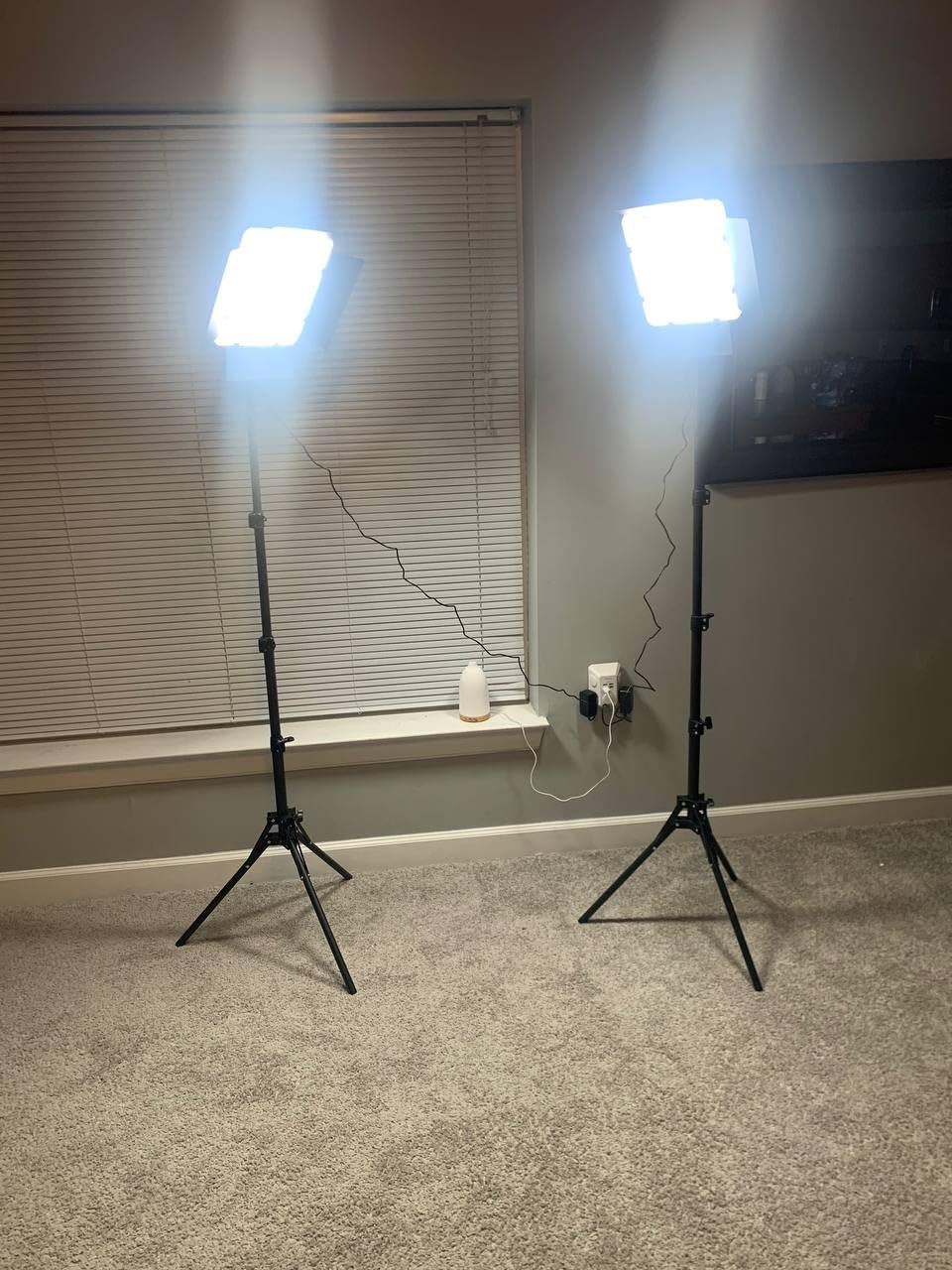
Using barndoors to control spill
Barndoors are how you keep light off parts of the frame that should stay dark. Close them halfway to create a tighter beam for a flashlight effect, or feather the edge across a wall to fake a passing car’s headlights.
Pair the doors with the 2700K warm end for convincing candlelight and tungsten practicals inside your set.
Setup footprint and space needs
The 72 inch stands plus power bricks mean this kit wants a dedicated corner, not a shared desk. Measure your space before buying — you need roughly a 6×6 foot shooting area to position both lights properly.
For tight rooms, the 13 inch NEEWER panels in the next review are the smarter pick.
6. NEEWER 2 Pack Bi-Color 660 LED Light and Stand Kit — The Studio Standard
NEEWER 2 Pack Bi Color 660 LED Video Light and Stand Kit, 3200-5600K
660 LEDs per light
3200-5600K CRI 96+
0-100% dimming 3300 lux
75 inch stands
AC or battery
Pros
- Bright adjustable lighting with 0-100% brightness control
- CRI 96+ for true color reproduction
- Sturdy metal barn doors and U-shaped mounting bracket
- Dual power options AC adapter or battery
- LCD screen for real-time parameter display
Cons
- Small control panel screens
- Barn doors can collide with light bracket when tilted
This is the kit I would buy if I were building a stop motion studio today, and it is my editor’s choice for the best lighting and rigs for stop-motion sets overall. Each light packs 330 warm and 330 cool LEDs behind a metal U-bracket, delivering up to 3,300 lux at one meter — enough power to light a large miniature set at low ISO and small aperture for deep focus.
CRI 96+ is professional-grade color accuracy, and the front LCD shows brightness percentage and Kelvin value. That readout is the killer feature for animators: when your key light gets bumped on frame 210, you dial it back to the exact numbers in your log. Over a 4,000-review history at 4.7 stars, this consistency is what buyers keep praising.
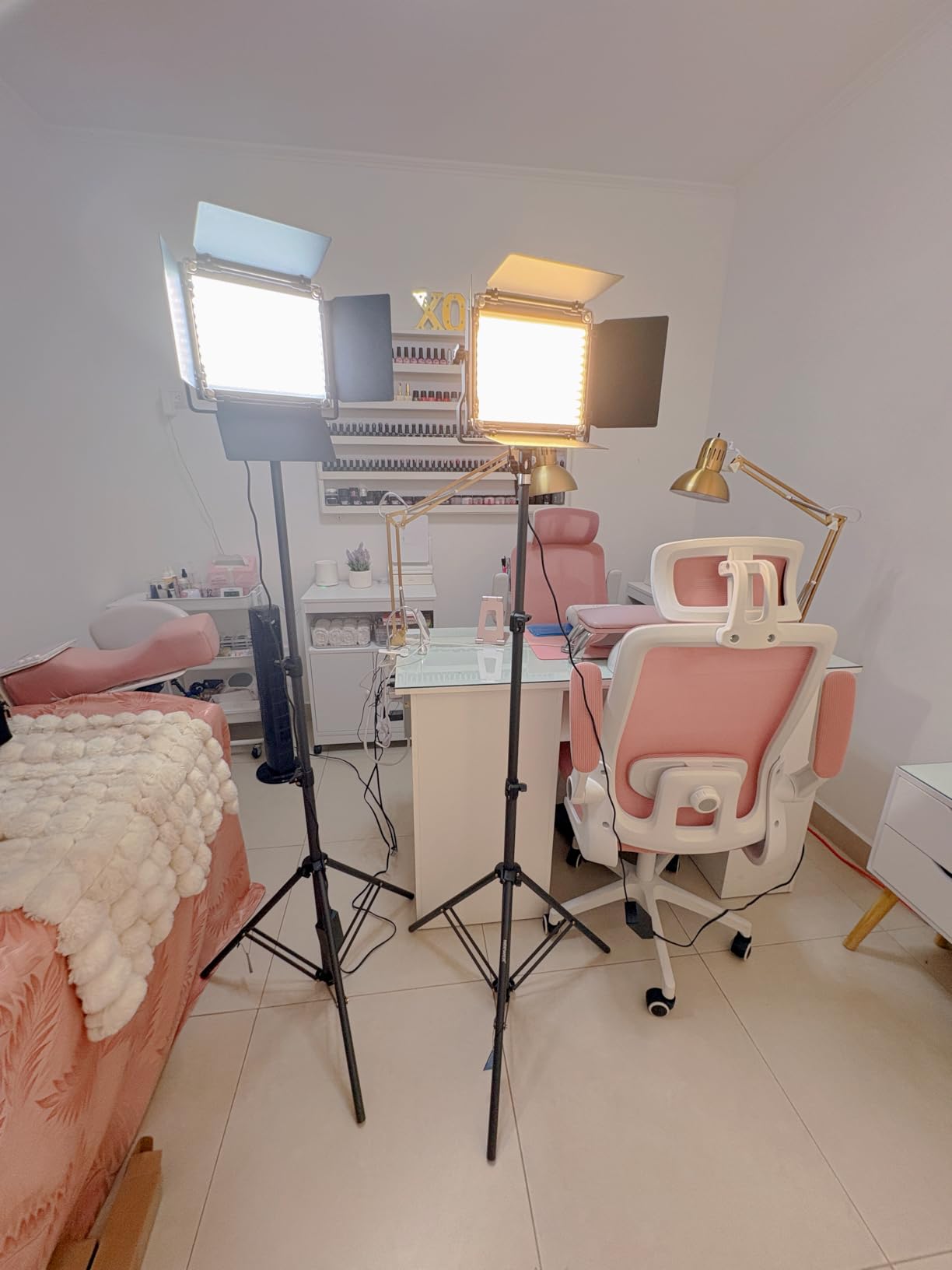
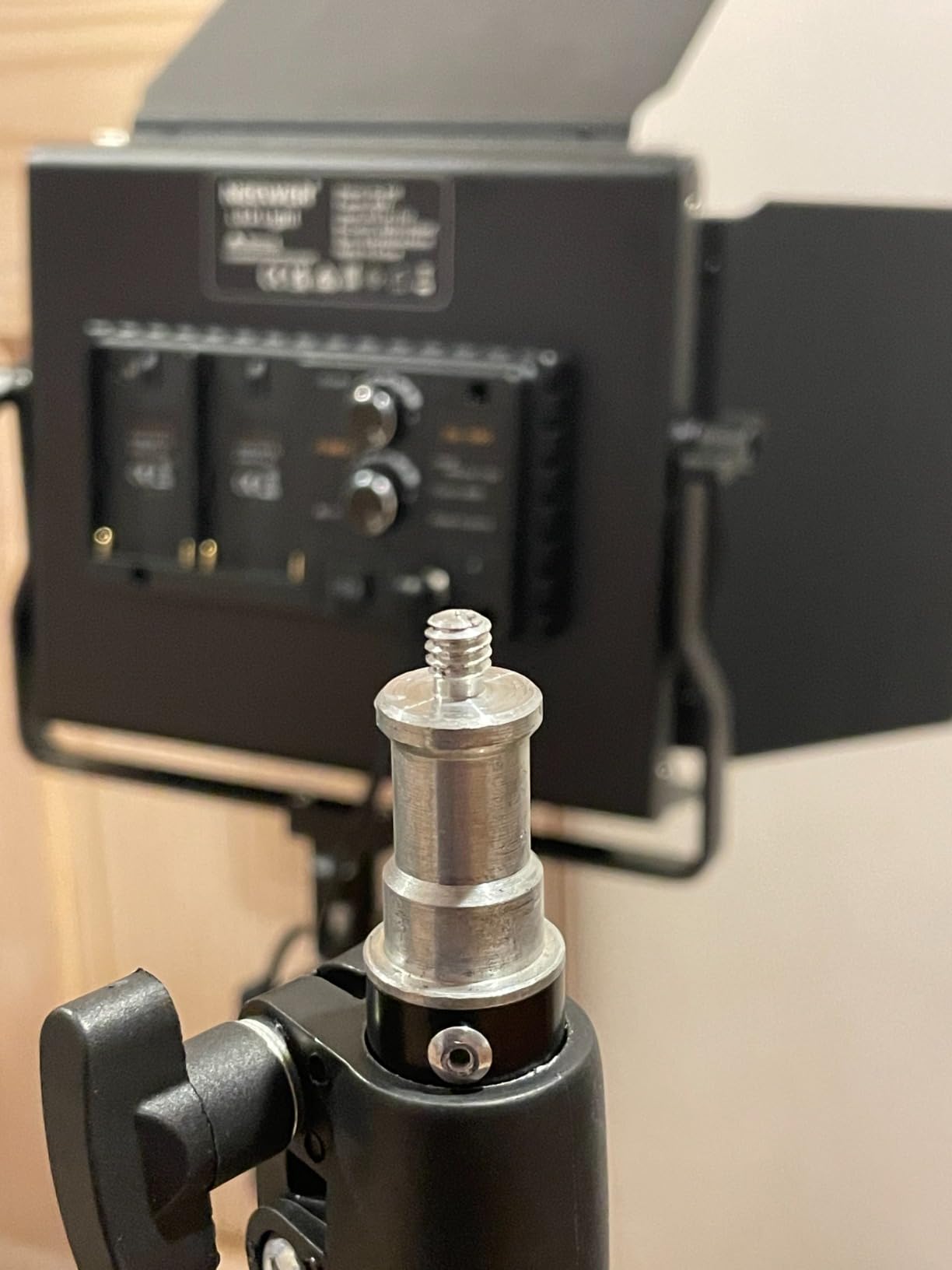
Both lights ship with metal barndoors, diffusers, 75 inch stands, and carrying bags, and they run from AC adapters or NP-F camera batteries. The battery option is handy if your set location lacks convenient outlets.
The flaws are small: the control screens are tiny, and the barndoors can clip the U-bracket when you tilt the light steeply — you learn the angles quickly. In every way that affects frame-to-frame consistency, this kit behaves like gear costing far more.
Lighting a full three-point setup
Two of these lights cover key and fill; add a small battery panel as your back light and you have the classic three-point arrangement. Set the key at 5500K, 70% power, 45 degrees off camera; fill opposite at 30%; rim from behind and above at full power for separation.
Write every number down. Months later, for pickup shots, you can rebuild the exact lighting from your notes.
Dragonframe and exposure control
These are manual lights, so integration with Dragonframe is simple and reliable: set your values, verify with Dragonframe’s exposure timeline that no frame drifts, and shoot. Animators who want automated light moves through software step up to DMX/CRMX fixtures, but for locked setups this kit is all most productions need.
Shooting tethered with a fixed manual exposure eliminates most flicker at the source.
7. NEEWER 13 inch LED Video Light Panel Kit — Thin Panels, Serious Color
NEEWER 13″ LED Video Light Panel Kit with Tripod Stand, 2 Pack, NL-192AI
2x 13 inch panels
192 LEDs CRI 97+
3200-5600K
4000mAh battery each
70 inch stands
Pros
- Ultra thin and lightweight design
- Built-in 4000mAh battery for portable use
- CRI 97+ rating for true-to-life colors
- Includes 70 inch light stands and carrying case
Cons
- Leg width could be wider for stability
- Control knobs could have more resistance
- Battery indicators not perfectly accurate
CRI 97+ is about as good as color rendering gets in LED panels at any price, and this NEEWER two-pack delivers it in panels barely thicker than a phone. For stop motion, that color fidelity means the paint on your miniature walls and the clay on your characters looks on screen the way it looks in your hand.
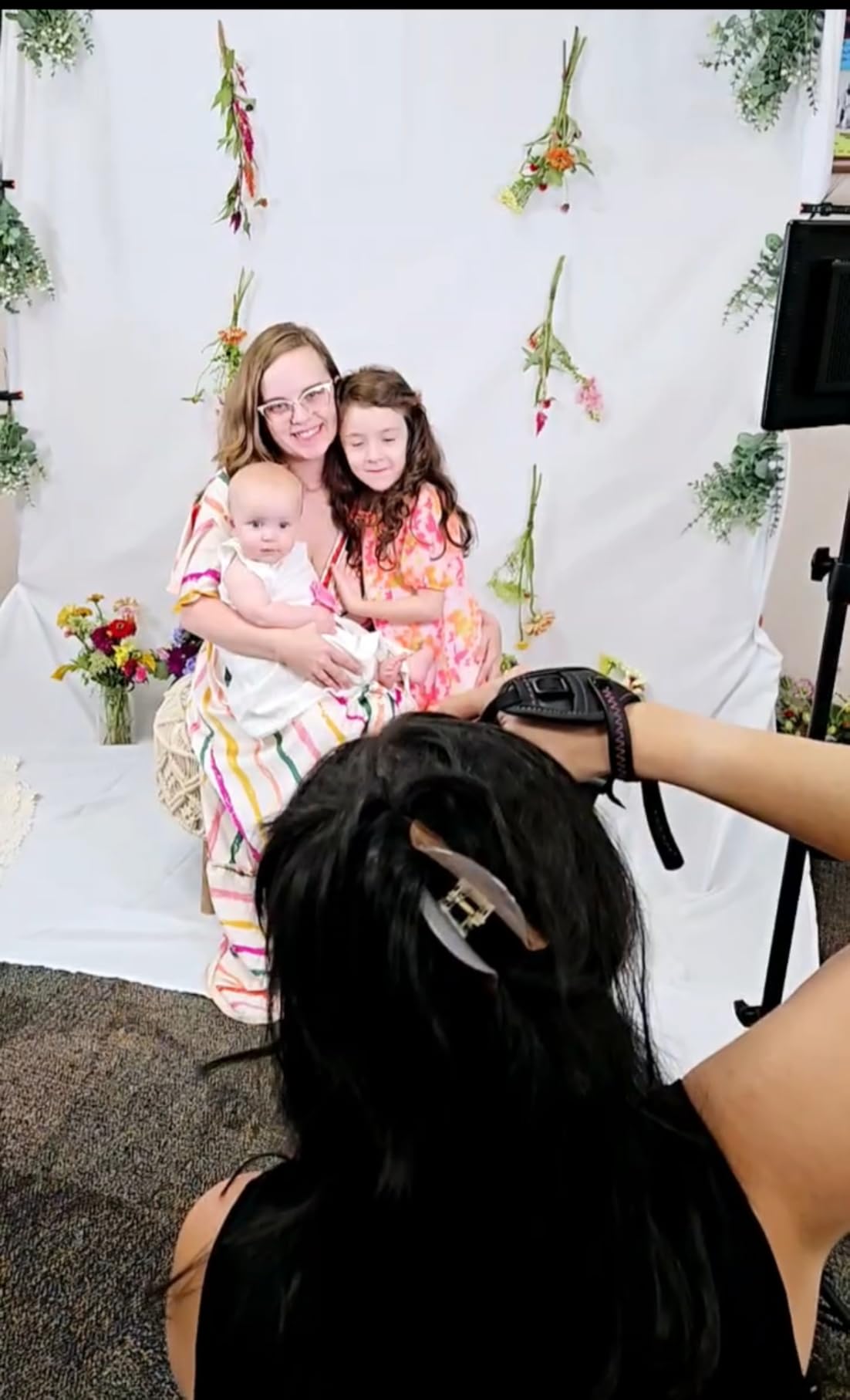
Each panel runs 96 warm plus 96 cool LEDs across 3200K to 5600K, with 2,400 lux output and stepless 0-100% dimming. Built-in 4,000mAh batteries give 60 to 90 minutes untethered, and the included 70 inch stands plus a carrying case round out a genuinely complete kit.
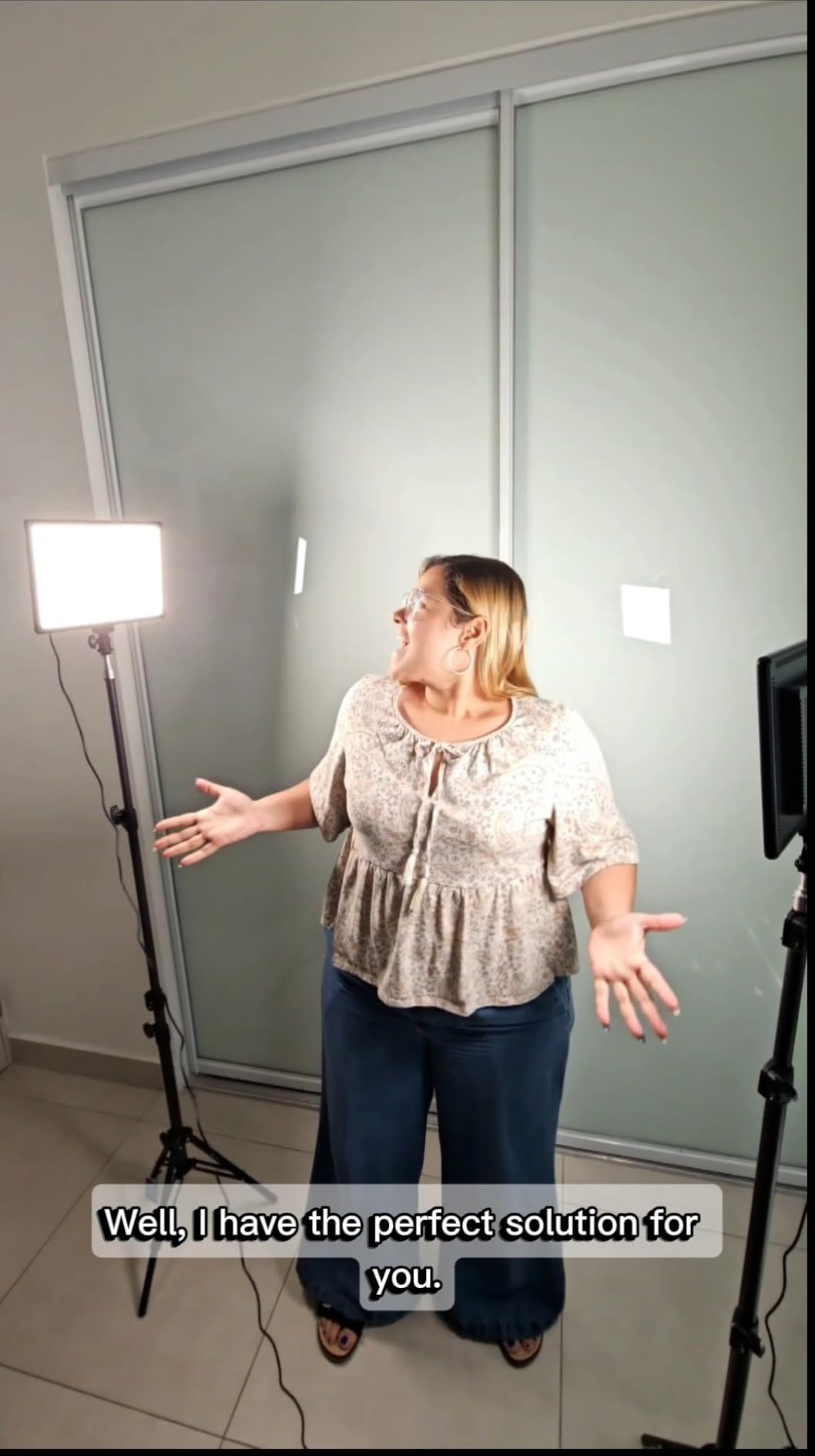
The thin panels also slip into tight spots where a softbox cannot — behind a miniature window as a fake sky, or low on the floor as an under-light for horror scenes. That flexibility is why thin panels have largely replaced bulky fixtures on small animation stages.
Gripes are minor: stand leg spread could be wider for rock-solid stability (weight them anyway), the control knobs feel light, and the battery gauge is optimistic. None of these affect light quality, which is excellent.
Panel size vs set size
A 13 inch panel placed close to a small set behaves like a large soft source, giving soft shadows without any diffusion. Pull it back for harder light and longer throws across bigger sets.
Two of them key and fill a 3-foot set comfortably — this is the right kit if your sets are growing beyond tabletop dioramas.
Battery vs mains for frame consistency
Battery power removes one flicker variable (adapter ripple) but adds another (voltage sag as charge drops). For critical scenes, run mains; for quick shots and locations, batteries are brilliant.
Whichever you choose, stick with it for the entire scene.
8. NEEWER 90 inch Tripod Monopod — Overhead Camera Rig for Top-Down Shots
NEEWER 90 Inch Tall Overhead Horizontal Camera Tripod Monopod, TP63
90 inch max height
Flexible center column
Converts to monopod
22 lbs load
Arca QR plate
Pros
- Versatile overhead tripod for content creation
- Sturdy metal build 22 lbs weight capacity
- Flexible center column for height adjustment
- 360 degree ball head with Arca type QR plate
Cons
- Not Prime eligible
- Some components feel less sturdy than premium tripods
- Heavy for travel use
- May not be stable on uneven outdoor surfaces
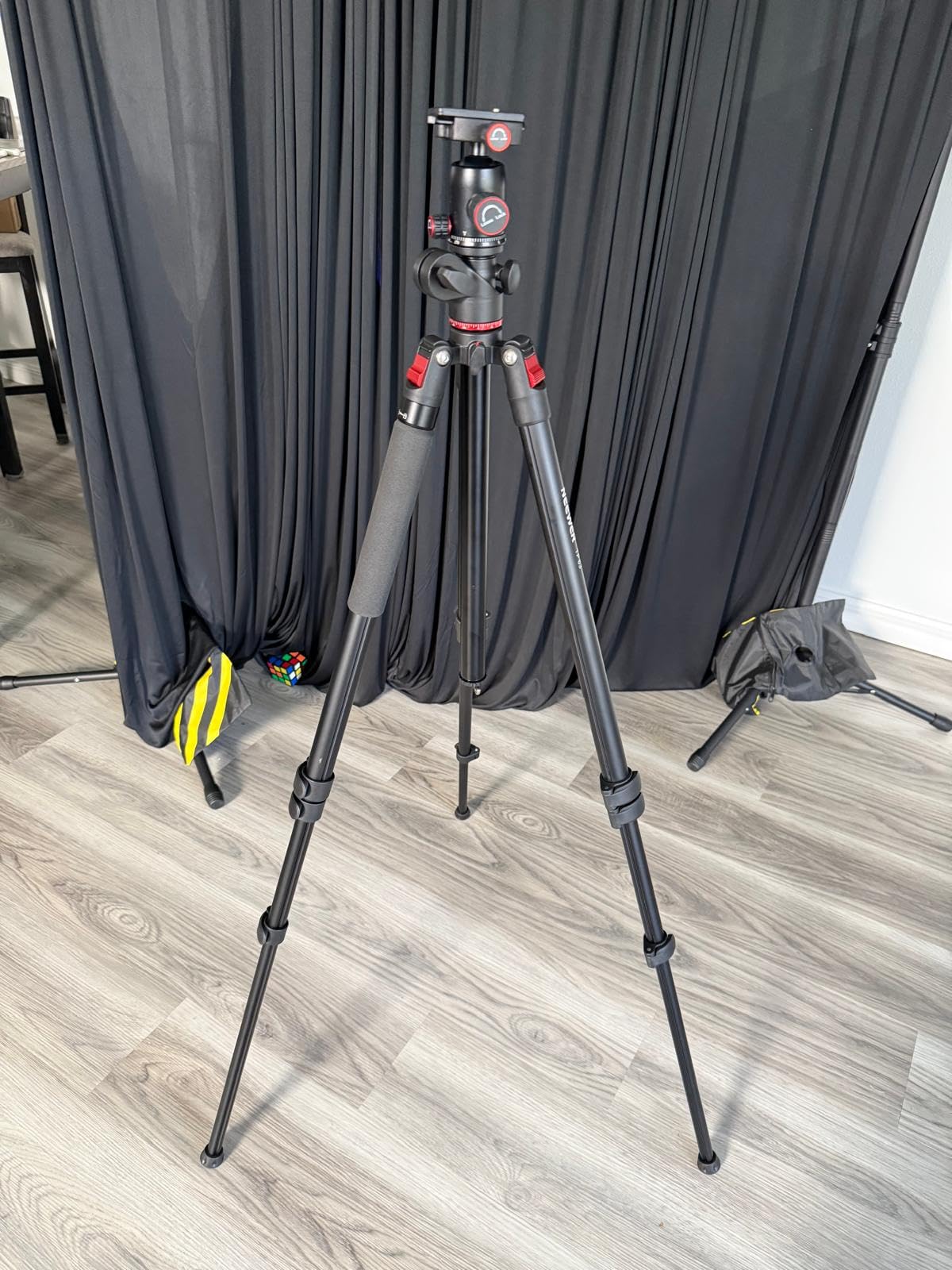
Half of stop motion is lighting; the other half is keeping your camera absolutely still. If you animate flat sets — paper cutout, sand, or clay on a tabletop — you need the camera looking straight down, and a normal tripod cannot do that. The NEEWER TP63 solves it with a flexible center column that swings horizontal, turning the whole thing into an overhead rig.
It extends from 25 inches up to 90 inches via that column, converts into a monopod up to 94 inches, and carries 22 pounds — far more than any animation camera plus lens weighs. The ball head with Arca-style quick release plate lets you fine-tune the shooting angle a hair at a time, which is exactly the adjustment granularity animators need.
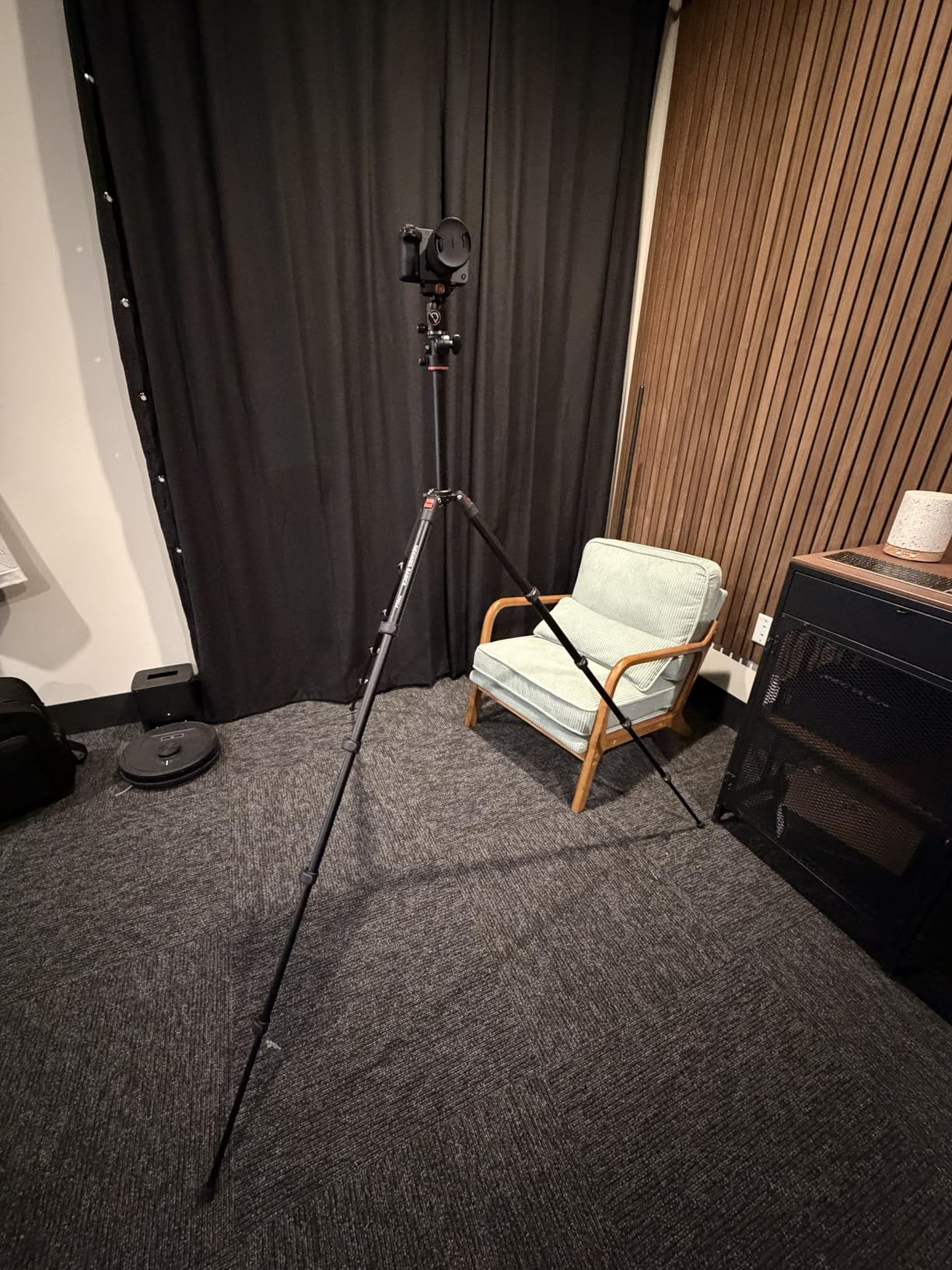
My favorite trick with a column like this: point the camera down at the set and hang a small weight from the column hook to damp any micro-vibration from the floor. Between frames, I trigger the camera remotely and never touch the rig.
Know its limits: this is value-tier metal, not cinema gear, and reviewers note the quick release threading has loose tolerances for phone mounts. For a DSLR or mirrorless with a proper plate, it holds steady. It is also not Prime eligible, so shipping may take longer.
Camera stability techniques
Lock every knob, then lock the column’s drag. Drape your shutter-release hand on the table, not the tripod, and use a remote or the camera’s app to fire frames.
If your floor is wooden and bouncy, set the tripod legs on foam pads and step back before each exposure — footsteps travel further than you think.
Overhead vs angled setups
Use the column horizontal for flat-work sets, paper cutouts, and replacement animation on a plane. For dimensional puppet sets, keep the camera angled and reserve overhead shots for inserts.
Because it converts to a monopod, it also doubles as a boom for mounting a light high over a set with a ball head adapter.
9. NEEWER 22 inch Magic Arm with Desk Clamp — The Animator’s Third Hand
NEEWER 22″ Magic Arm with Desk C Clamp, Overhead Camera Mount, UA057
22 inch articulating arm
Desk C clamp mount
3 dual ball heads
1/4 and 3/8 threads
500g load
Pros
- Sturdy desk C clamp with secure grip
- 3 dual ball head adapters for versatile angles
- 1/4 and 3/8 threads for broad compatibility
- Anti-twist pins prevent device rotation
- Space-saving alternative to additional stands
Cons
- 500g weight limit is relatively low
- Adhesive grip pads on phone holder may peel over time
- May fall over if extended fully with heavier items
- All joints require trial and error to adjust
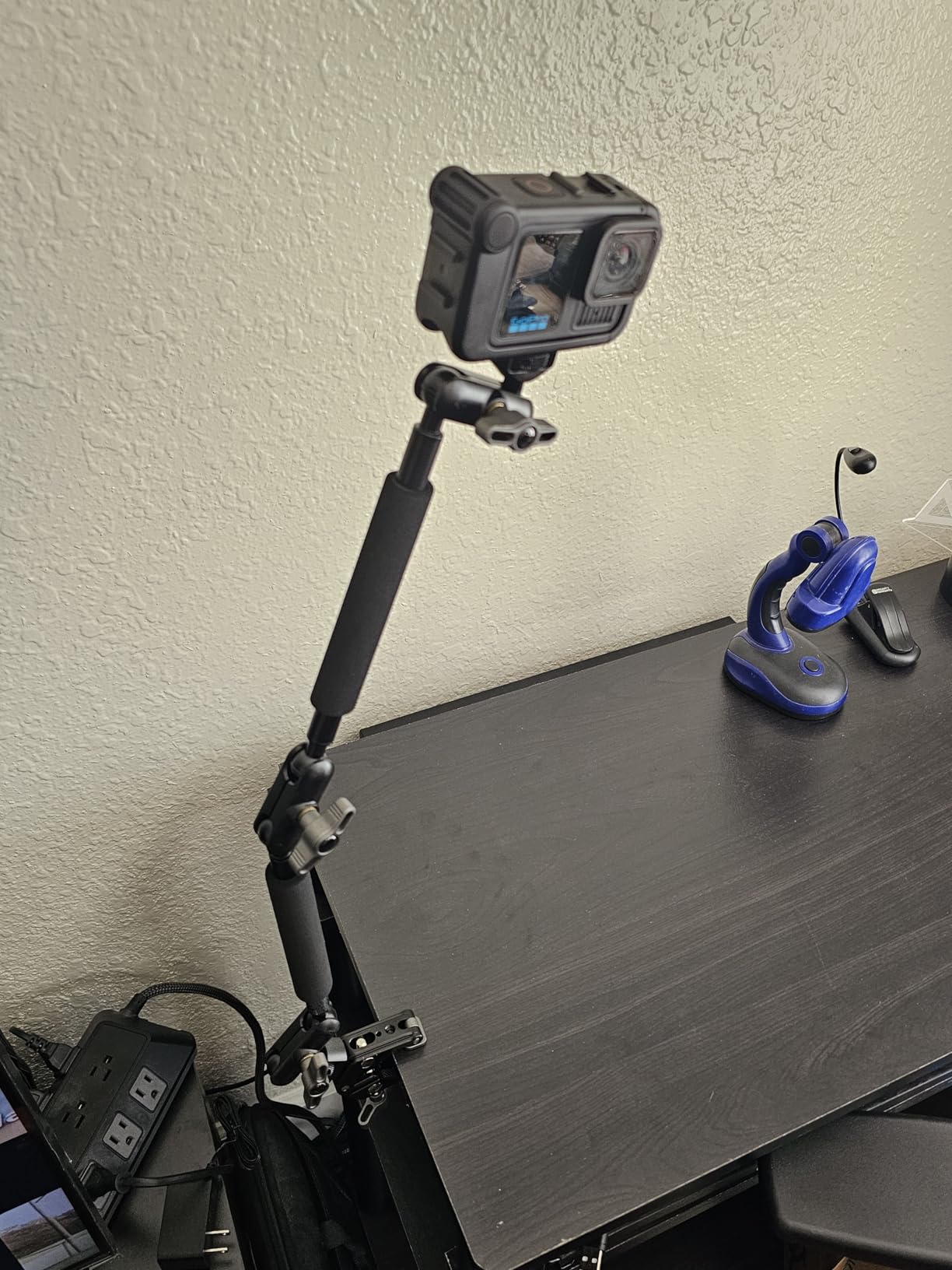
A magic arm is the most underrated tool in stop motion. Clamp it to your table, and it will hold a small LED panel, a phone shooting reference video, a mic, or a lightweight camera exactly where you want it — floating over the set with no stand legs cluttering your working space.
This NEEWER version gives you 22 inches of reach across three dual ball-head joints, with quarter-inch and three-eighths threads at both ends plus anti-twist pins. At 4.5 stars across more than 1,000 reviews, it has earned its reputation as a go-to desktop mount.
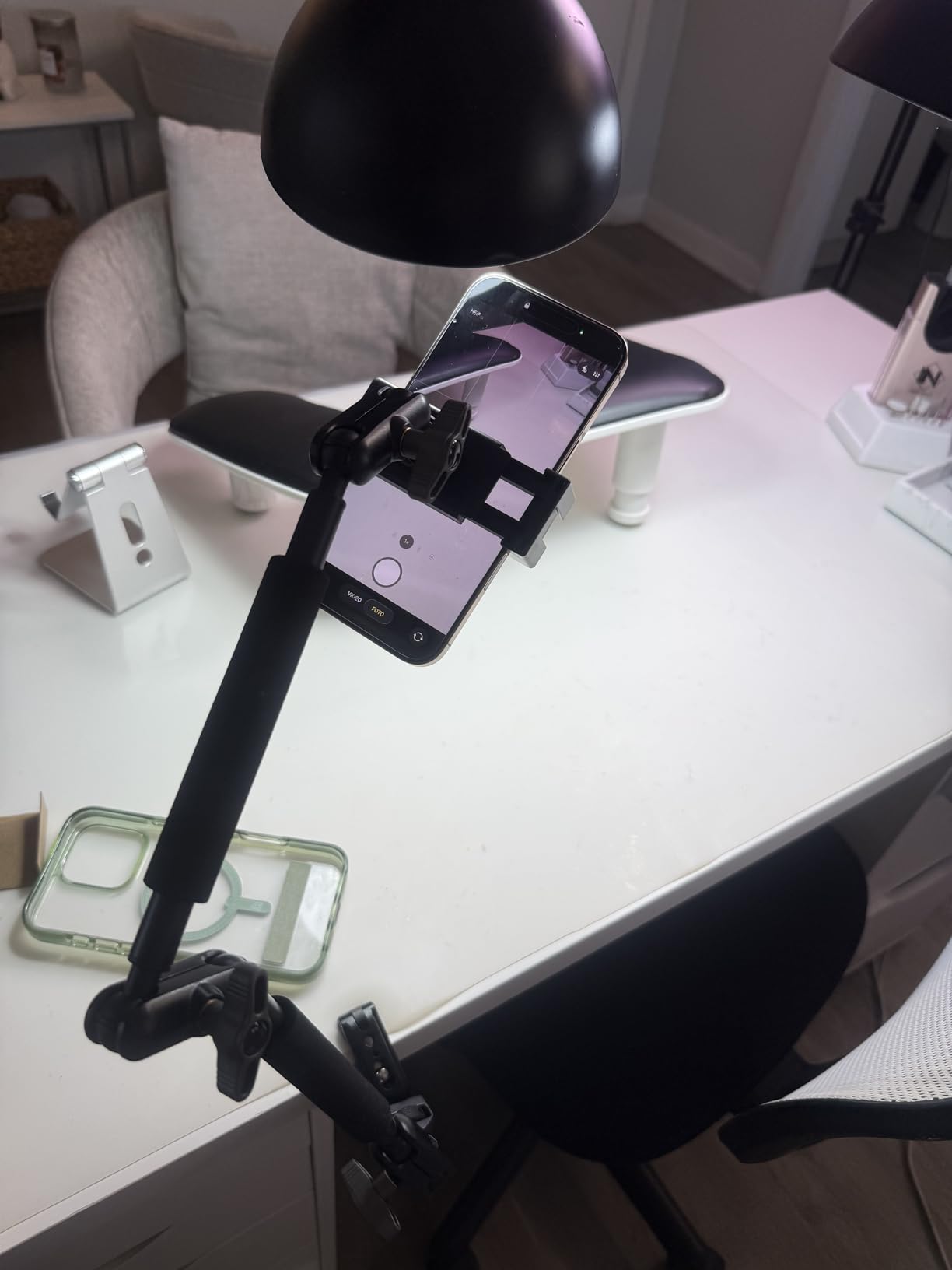
In animation specifically, I use one to hold a small panel as an eyelight inches from a puppet’s face, and another to keep a phone above the set for a live reference angle. Because the clamp grips tables up to 2 inches thick, it attaches to most animation stage edges and shelf boards.
Respect the 500-gram load limit — this is for lights, phones, and action cameras, not a DSLR. Fully extended with a heavy item, the leverage works against you, so keep heavier gear closer to the clamp and adjust joints one at a time until the positions feel natural.
Mounting lights vs mounting cameras
For lights, this arm is superb: a 9 inch LED panel plus a magic arm gives you a floating key light you can reposition in seconds. For cameras, stick to phones and action cams — anything heavier belongs on the TP63 above.
Once positioned, tighten every joint firmly; a slowly drooping arm mid-scene is as damaging as a bumped stand.
Desk setup and workspace layout
Clamp arms at the back edge of your animation table so the reach comes over the set, leaving the front clear for your animating hands. Two arms plus one stand covers most lighting configurations a small set needs.
The included phone holder is fine for reference duty, though its grip pads can peel with heavy use.
10. Kihomi Studio Stop Motion Armature Kit — Stainless Skeletons for Custom Puppets
Kihomi Studio Stop Motion Armature Kit – Feet Tie Down DIY Metal Puppet Figure Skeletons Easy Assembly for Animation Character Design & Creative Fun, Perfect for Stop Motion Animation (Silver, 7.4in)
7.4 inch steel armature
Ball and socket joints
Double-jointed design
Feet tie-downs
Spare parts
Pros
- Professional-grade stainless steel construction
- Smooth double-jointed balls and socket joints
- Includes spare parts for repairs and modifications
- Feet have screw holes for base attachment
- Easy assembly with included wrench
Cons
- Plates may be confusing two types packaged together
- Joint tightness inconsistency
- Wrists have no joints wire needed for hands
- May be advanced for complete beginners
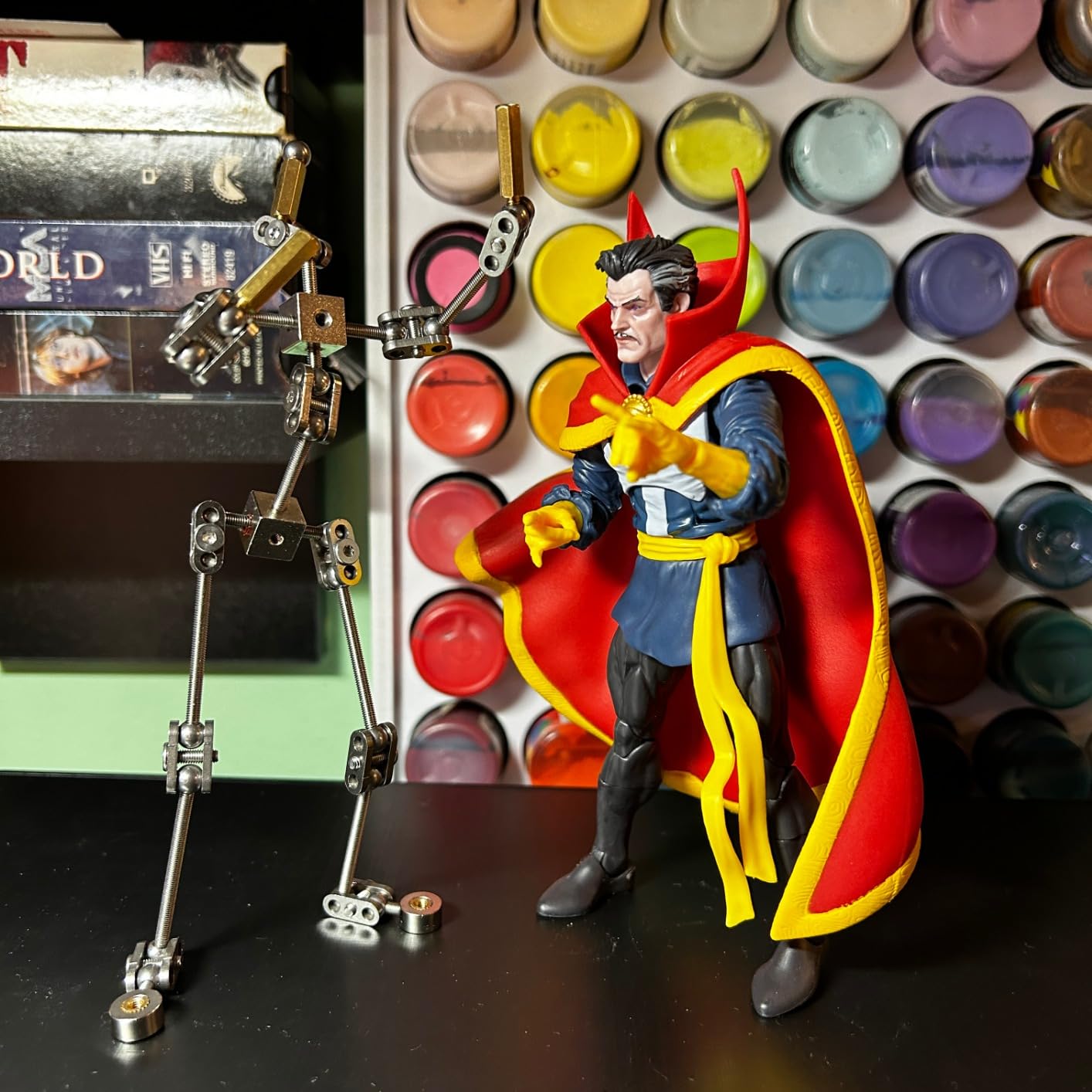
Lighting and support rigs get your set ready — an armature is what lets your puppet actually perform. This Kihomi kit is a 7.4 inch stainless steel skeleton with CNC-machined ball and socket joints, the same architecture professional puppet shops use, priced for hobbyists.
The double-jointed design means elbows and knees bend in natural arcs rather than the stiff single pivots of wire armatures. The feet include tie-down holes, so you can screw the puppet to a threaded base through your set floor and animate a walk cycle without the character toppling between frames.
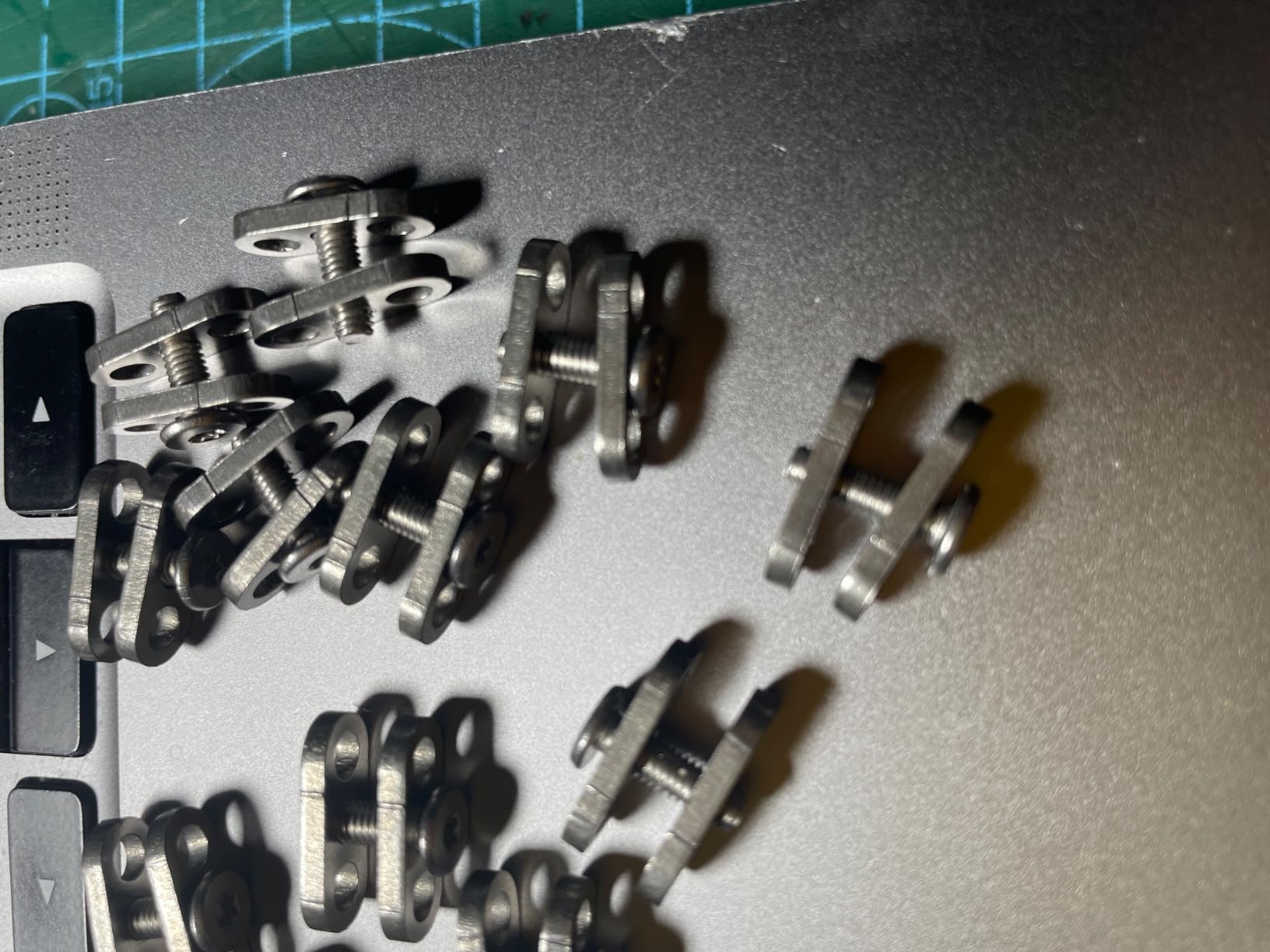
Building around it is straightforward: sculpt clay or foam bodies over the skeleton, leaving access to the tie-down points. Spare plates, balls, and rods come in the box, which matters because tiny parts vanish into carpet at an alarming rate.
Be aware of the learning curve. The two plate types ship mixed together and the assembly guide is brief, joint tension varies a little between units, and the wrists have no joints — plan on wire hands, which many puppet makers prefer anyway for expressive gestures. The 30-review count reflects a niche product, not a poor one.
Armature size vs your set scale
At 7.4 inches, this skeleton suits puppets around 8 to 10 inches tall — the classic quarter-scale claymation size. Your doorways, furniture, and props all need to match that scale before you build.
For Lego-scale animation you do not need an armature at all; sticky tack under the feet does the job.
Tie-down systems explained
Drill small holes through your set floor where the puppet will stand, and bolt the feet down from underneath with machine screws. The puppet cannot fall, and you get crisp, planted poses frame after frame.
The alternative is hidden magnet rigs under a steel floor, but threaded tie-downs are cheaper and stronger for a first build.
11. Kihomi Stop Motion Rig Arm — Support for Jumps, Flights, and Leans
Kihomi Stop Motion Rig – Stainless Steel Rig Arm for Stop Motion Animation, 5 Flexible Joints for Articulated Movement, Armature Support Tool for Hobbyists & Studios, Hold up to 280g
5 flexible joints
Holds up to 280g
600g steel base plate
CNC stainless steel
Allen keys included
Pros
- Premium stainless steel construction with smooth precise movements
- Heavy base provides excellent stability without counterweights
- Easy assembly with included Allen keys
- Versatile with 5 different end attachments
Cons
- May tilt with uneven weight distribution at upper limits
- Small size not suitable for larger figures like Barbie scale
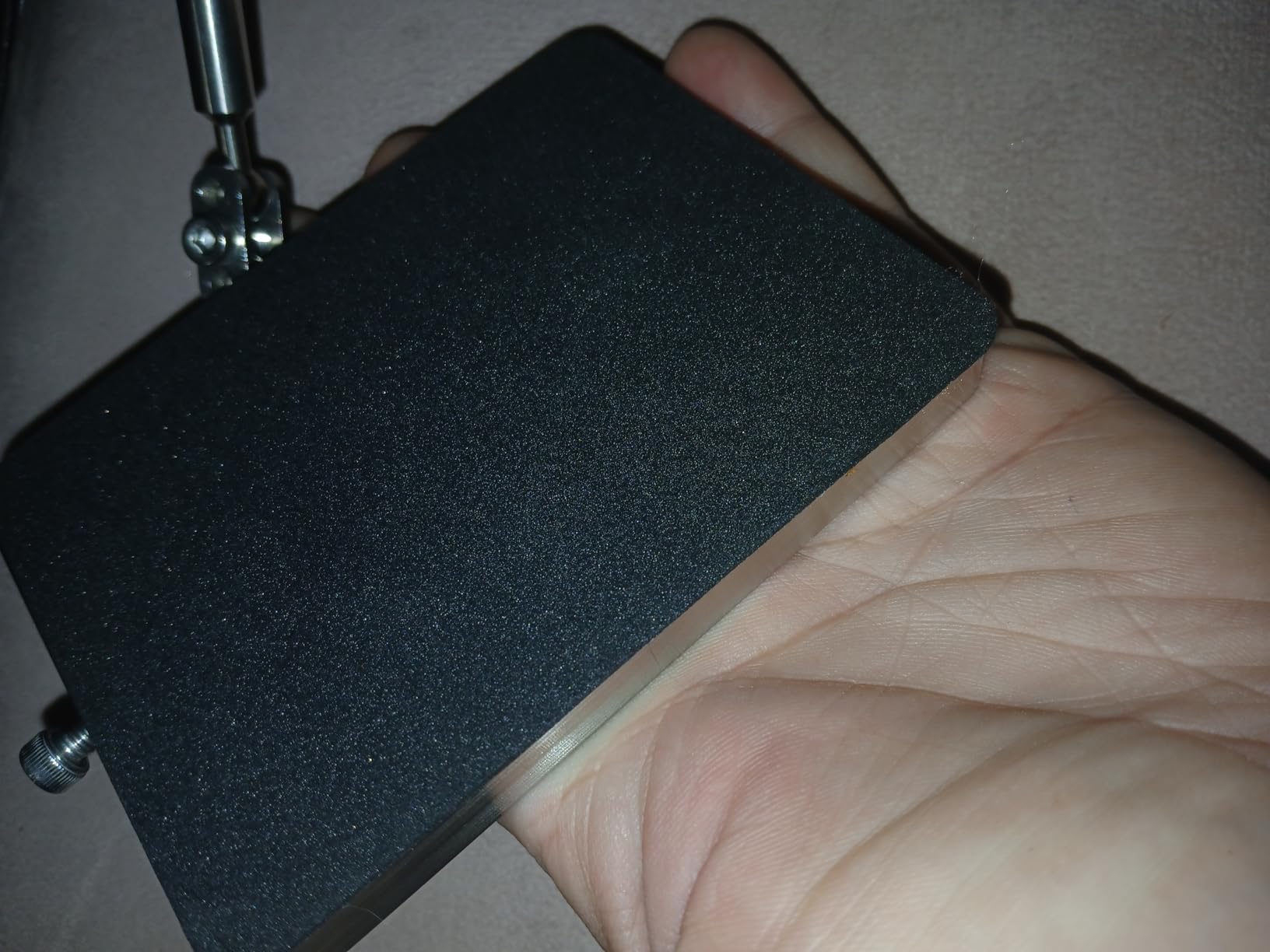
This is the piece of gear most guides forget, and it is the one that unlocks real animation. Any time a character needs both feet off the ground — a jump, a fall, a flight, an elaborate lean — you need a rig arm holding the puppet from above or behind, which you then erase in post. The Kihomi rig arm is a CNC-machined stainless steel support with five flexible joints and a 600-gram base plate that keeps everything anchored without bolting to your table.
Rated capacity is 100 grams fully extended and 280 grams retracted, which covers typical quarter-scale clay puppets comfortably. The five end attachments let you grip a puppet by the armature, the waist, or a hidden point that will be easy to paint out later.
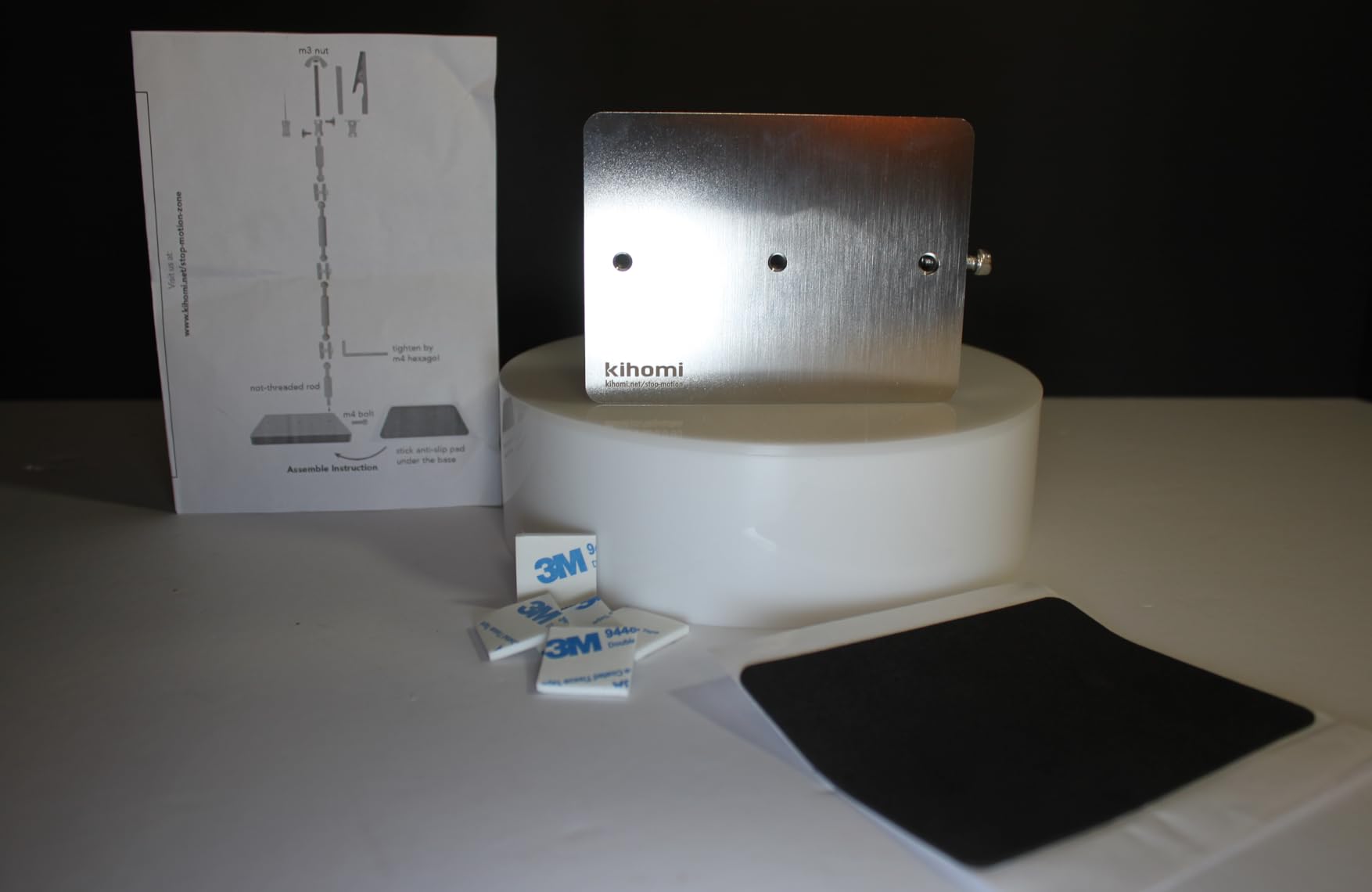
Working method: position the puppet on the rig, shoot your frames, keep the lighting unchanged, then shoot a second pass of the empty set and composite the two in your editing software. Because your lights stay locked on stands like the ones reviewed above, the background plates match perfectly.
Watch the physics: with a top-heavy puppet at full extension, the whole rig can tilt, so keep heavy characters closer to the base and use the counterweight loop if needed. It is also small — not for Barbie-scale figures — so match it to your puppet scale before ordering.
Rig removal in post
The standard workflow is a clean plate: photograph the set empty with identical lighting, then mask the rig out in After Effects, Dragonframe’s built-in tools, or any compositor. Locked lights and camera are non-negotiable or the plates will not match.
Design your rig contact points where the background is simple — sky, flat walls — and removal takes minutes instead of hours.
Alternatives for small puppets
For lightweight clay characters, music wire pushed into the puppet and clamped off-frame works on a budget, and it bends precisely. The steel rig arm is simply the durable, repeatable, tool-free version of that idea.
Sticky tack and hidden supports still solve most grounded poses; save the rig for genuine airborne moments.
12. NEEWER 700W Softbox Lighting Kit — Big Soft Light for Big Sets
NEEWER 700W Equivalent Softbox Lighting Kit, 2Pack UL Certified 5700K LED Lighting Bulbs, 24×24 inches Softboxes with E26 Socket, Photography Continuous Lighting Kit Photo Studio Equipment
2x 24x24 inch softboxes
35W 5700K LED bulbs
3150 lumens each
83 inch stands
Flicker-free
Pros
- Excellent value for the price
- Easy umbrella-style assembly
- Professional quality bright even lighting
- Good color rendition and flicker-free performance
- Suitable for home studio or professional use
Cons
- Stands can be top-heavy above 5 feet
- Cable length could be longer
- Quality feels slightly cheap but still good value
When your sets graduate from shoebox to table-sized, you need light sources big enough to stay soft at a distance — and that is exactly what 24×24 inch softboxes do. This NEEWER pair puts out 3,150 lumens per head (NEEWER rates the pair as 700W equivalent) at a daylight 5700K, with flicker-free operation called out in the spec, which is the phrase stop motion animators want to see first.
The umbrella-style assembly means the softboxes open in seconds rather than the rod-wrestling of traditional boxes. Stands extend to 83 inches, and everything packs into the included carrying bag — a genuine studio kit that travels to whatever room your set lives in.
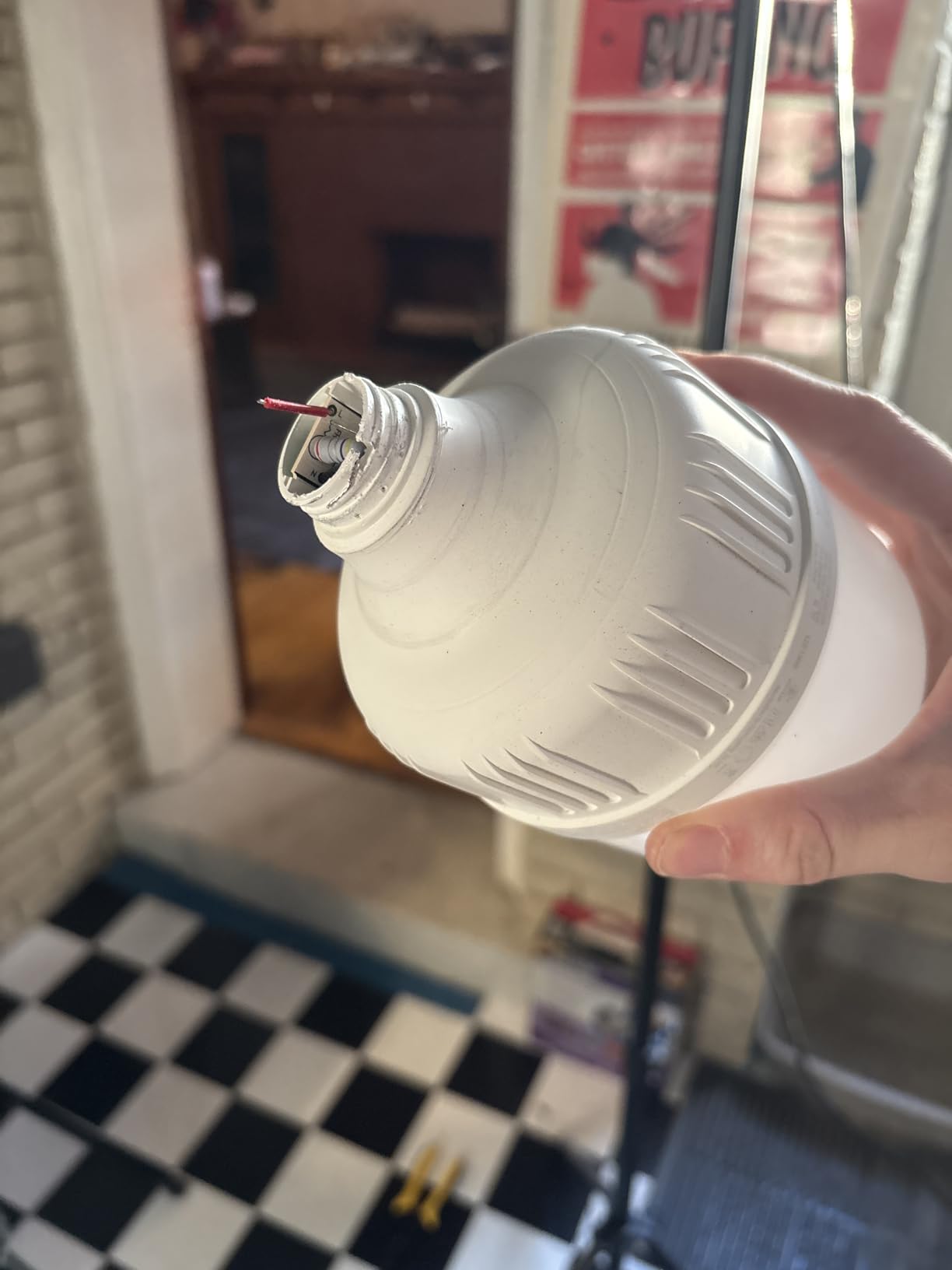
For stop motion, big soft sources at low intensity are the safest recipe for even, flattering miniature lighting. I would run these at half power for most scenes: less heat, longer LED life, and gentler shadows that fall off gradually across your set.
The repeated complaints are top-heaviness above 5 feet of stand extension and short cords. Sandbag the stands, add an extension lead, and both problems vanish. After 3,360 reviews at 4.6 stars, the value case is well proven.
Diffusion layering for miniature sets
A 24 inch softbox close to a set is already soft; add a sheet of diffusion fabric or baking paper on a frame for an even gentler quality, or bounce the softbox into a white card for maximum wrap.
For day-interior scenes, one softbox as your window source at 5700K does most of the work in a single light.
Heat and safety over long shoots
LED bulbs run far cooler than tungsten, but enclosed softbox heads still warm up over an eight-hour shoot. Keep fabric and set dressing from touching the heads, and give the bulbs a break between scenes.
Cool-running LEDs also mean your clay puppets will not soften under the lights mid-performance — a real problem with old tungsten kits.
How to Choose the Right Lighting and Rigs for Stop-Motion?
Choosing stop motion gear comes down to four questions: how big are your sets, how long are your shoots, what scale are your puppets, and how repeatable does your lighting need to be. Here is how I would think through each decision.
Flicker-free is non-negotiable
Flicker is the number one complaint in every animator forum, and it deserves the first check. Any light you buy must deliver identical output on every frame, because stop motion captures hundreds to thousands of individual photos and any variation between them reads as pulsing on screen.
LED lights are the modern answer: they stay cool, draw little power, and produce continuous stable light — which is why they have replaced tungsten, fluorescent, and halogen on animation stages. Test any new light by shooting 30 frames of a plain card and checking that exposure does not drift.
Cheap panels can flicker from weak power adapters or cable movement, so budget for a quality USB adapter and tape cables down. Running your camera fully manual — fixed shutter, ISO, and aperture — removes the camera as a flicker source too.
Color temperature and CRI
Color temperature, measured in Kelvin, sets the mood of your scene: around 2700-3200K reads as warm indoor light, 5000-5600K as neutral daylight. Bi-color lights that adjust across a range give you day and night scenes from one fixture, but once a scene starts, that value must not change.
CRI (Color Rendering Index) measures how accurately a light reveals color, and anything above 90 is worth paying for. Low-CRI lights give paint and clay a green or magenta cast that is miserable to correct across a thousand frames.
Block window daylight with blackout curtains, because mixed daylight and LED temperatures cannot be balanced without grading every single frame.
Three-point lighting for miniature sets
The standard arrangement is three-point lighting: a key light (your main source, 45 degrees off camera), a fill light (opposite the key, dimmer, to soften shadows), and a back light (behind and above, to separate the character from the background).
On a miniature set you can build this with two panels and a bounce card, or two softboxes and a small accent light. What matters is that each source sits on a stand you can reposition to the exact same spot — which is why stands, tape marks on the floor, and written settings are as important as the lights themselves.
Softbox vs LED panel
Softboxes give soft, wrapped shadows that flatter curved clay faces and fabric bodies; panels give crisper, more directional shadows and are thinner for tight placements behind set walls. Many animators run both: softbox key, panel back light.
Panels with 1% dimming steps and LCD readouts win for repeatability. Softboxes win for the softest look per dollar. Neither wins outright — it depends on your style.
Choosing rig and support gear
Support gear splits into camera support and puppet support. For the camera, you need total stillness: a solid tripod with an overhead column for top-down shots, a remote release, and foam padding under the legs on bouncy floors.
For puppets, wire armatures are cheap and expressive for small characters, while ball-and-socket armatures like the Kihomi kit hold precise poses for years. Add a rig arm for airborne shots and feet tie-downs for walk cycles, and your character can do nearly anything.
Budget tiers
Under $100: a two-panel USB LED kit, a magic arm, and sticky tack will animate a Lego or clay set tonight. Around $200: a bi-color CRI 95+ two-light kit with real stands plus a rig arm covers serious hobby work.
Beyond that, softbox kits and 660-LED panels are studio-grade tools that will outlast several projects. Buy the best lights you can afford and the cheapest stands you can weight down safely — that is where the money goes furthest.
Frequently Asked Questions
Is stop motion animation dying?
No. Stop motion is alive and well, with studios like Laika continuing to release features and a constant stream of independent animators sharing work online. The barriers keep falling too: flicker-free LED lights, affordable armature kits, and software like Dragonframe have made professional-quality stop motion achievable on a hobby budget.
What are the four C’s of lighting?
The four C’s are color (the Kelvin temperature of the light), contrast (the ratio between your key and fill lights), consistency (identical output on every frame, which stop motion depends on), and control (shaping light with barndoors, diffusion, and flags). All four matter for stop motion, but consistency is the one that makes or breaks an animation.
How much does a 30 second stop motion animation cost?
A hobbyist can produce 30 seconds of stop motion for well under $500 in equipment using budget LED kits and a smartphone. Professional commercial stop motion typically costs thousands of dollars per finished second once studio time, puppet fabrication, and crew are included, which is why client work is quoted per project rather than per second.
How many pictures for a 1 minute stop motion?
At the standard cinematic rate of 24 frames per second, one minute of finished stop motion requires 1,440 individual photographs. Shooting on twos (holding each pose for two frames) halves that to 720 photos, which is common for beginners and still looks smooth for most movement.
How many lights do I need for stop motion?
Two lights plus a bounce card will cover most small sets: a key light for your main illumination and a dimmer fill to soften shadows. Add a third small light as a back light or set practical when you want more depth, but one carefully placed light can absolutely carry a close-up scene.
Final Thoughts
The best lighting and rigs for stop-motion sets come down to stability in every sense: lights that do not flicker, stands that do not drift, and rigs that hold your puppets exactly where you pose them. The NEEWER 660 kit is the upgrade I recommend most, the Torjim softbox and Ci-Fotto panels cover the budget end beautifully, and the Kihomi rig arm and armature kit round out a system that lets characters jump, fly, and walk without visible support.
Start with two consistent lights and one rig solution, test for flicker before every scene, and write your settings down. Do that, and every frame you shoot in 2026 will cut together into something that looks genuinely professional.