
The Apple iPad 11-inch (A16) is the best gaming tablet overall in 2026, because it pairs a genuinely fast chip, an all-day battery and the longest software support runway of any tablet on this list. Our team weighed all 12 picks on sustained performance, display smoothness, screen size, thermals and update longevity. Read on for the picks by category, the specs that actually matter, and an honest note on where each tablet falls short.
A fair warning before we start. Almost every tablet sold today will open Genshin Impact or Call of Duty Mobile without falling over. The gap between a cheap Android slab and a premium one is not whether the game launches. It is whether the frame rate holds steady in minute forty, whether the panel is genuinely smooth at 90Hz or more, and whether the device still gets security patches when you have owned it for three years. Those are the three questions that shaped this list.
We also want to be straight about what this list is. There is no dedicated gaming-first tablet here with active cooling, RGB lighting or shoulder triggers. The hardware that category describes, the kind specialist brands build, mostly lives outside the range most people search in. So we ranked what is actually available, and we flagged the trade-offs honestly in every section. If your priority is a single device that runs native mobile games, emulators and streamed PC titles, you are in the right place.
If you also use a tablet for sketching, storyboarding or animation work, the picks here overlap heavily with our guides to the best drawing tablets for animation and the best Android drawing tablets for animation. A high-refresh display helps both use cases equally.
Table of Contents
- Top 3 Best Gaming Tablet Picks for October
- Every Gaming Tablet in This List at a Glance in 2026
- 1. Apple iPad 11-Inch (A16) – Best Gaming Tablet Overall
- 2. Apple iPad Pro 13-Inch (M4) – Best for Desktop-Class Power
- 3. Samsung Galaxy Tab S10 Lite – Best Value Android Gaming Tablet
- 4. Lenovo Idea Tab Pro 12.7-Inch – Best for Big-Screen Gaming
- 5. Lenovo Idea Tab 11-Inch – Most Versatile for Students and Light Gaming
- 6. TECLAST T65 13.4-Inch – Best for Gaming Without WiFi
- 7. KINGRID T90 11 Inch Android 16 Tablet – Best for a Full Accessory Bundle
- 8. TABWEE T80 10.1-Inch – Best for First-Time Tablet Buyers
- 9. TCL NXTPAPER 11 Plus – Best for Long Sessions and Low-Glare Play
- 10. KINGRID W90 11-Inch – Best for Dual SIM Connectivity
- 11. TECLAST T65 13.4-Inch Aluminum – Best Metal-Build Big Screen
- 12. TABWEE T60 12.2-Inch – Best for a Sharp Anti-Glare Panel
- Specs That Actually Matter for Heavy Gaming
- Android vs iPadOS: Which Tablet OS Is Better for Gaming?
- Gaming Tablet or Dedicated Handheld? How to Decide
- Emulators, Steam Libraries and Cloud Gaming
- Frequently Asked Questions
- The Verdict: The Best Gaming Tablets in 2026
Top 3 Best Gaming Tablet Picks for October
We keep coming back to these three. One is the safest overall buy, one is the strongest Android value, and one is the cheapest route into decent tablet gaming. Everything else in the list is a specialist pick for a specific screen size, connectivity need or budget.

Apple iPad 11-Inch A16
- A16 chip
- 11-inch Liquid Retina display
- 128GB storage
- All-day battery


Lenovo Idea Tab 11-Inch
- 11-inch 2.5K 90Hz IPS
- Dimensity 6300
- 8GB RAM and 256GB
- Pen and case included
Every Gaming Tablet in This List at a Glance in 2026
Here is the full lineup in one place. Every chip listed is the actual processor inside that tablet rather than a marketing approximation, and the full write-up on each one sits further down the page.
| Product | Specs | Action |
|---|---|---|
| Apple iPad 11-Inch A16 |
|
Check Latest Price |
 Apple iPad Pro 13-Inch M4 Apple iPad Pro 13-Inch M4 |
|
Check Latest Price |
| Samsung Galaxy Tab S10 Lite |
|
Check Latest Price |
 Lenovo Idea Tab Pro 12.7 Lenovo Idea Tab Pro 12.7 |
|
Check Latest Price |
| Lenovo Idea Tab 11-Inch |
|
Check Latest Price |
 TECLAST T65 13.4-Inch 4G TECLAST T65 13.4-Inch 4G |
|
Check Latest Price |
 KINGRID T90 11-Inch KINGRID T90 11-Inch |
|
Check Latest Price |
 TABWEE T80 10.1-Inch TABWEE T80 10.1-Inch |
|
Check Latest Price |
 TCL NXTPAPER 11 Plus TCL NXTPAPER 11 Plus |
|
Check Latest Price |
 KINGRID W90 11-Inch KINGRID W90 11-Inch |
|
Check Latest Price |
 TECLAST T65 13.4-Inch Aluminum TECLAST T65 13.4-Inch Aluminum |
|
Check Latest Price |
 TABWEE T60 12.2-Inch TABWEE T60 12.2-Inch |
|
Check Latest Price |
1. Apple iPad 11-Inch (A16) – Best Gaming Tablet Overall
Apple iPad 11-inch: A16 chip, 11-inch Model, Liquid Retina Display, 128GB, Wi-Fi 6, 12MP Front/12MP Back Camera, Touch ID, All-Day Battery Life — Silver
A16 chip
11-inch Liquid Retina display
128GB storage
1.05 pounds
Pros
- Fast and smooth A16 performance across apps and games
- Bright sharp 11-inch display that is easy to read
- All-day battery through a full session
- Weighs just 1.05 pounds
- Simple setup with a huge app ecosystem
Cons
- Peak screen brightness is modest next to a phone
- No Home button for long-time iPad users
- Accessories like Apple Pencil are sold separately
This is the tablet we recommend to anyone who asks us for one device that handles games, streaming and everyday tasks without drama. The A16 chip is not the fastest silicon in this list, and the iPad Pro beats it on raw power by a wide margin. What it wins on is the combination of power and sustain. The A16 runs cool enough that long sessions do not turn into a performance problem, and that is exactly what a gaming tablet has to get right.
We spent weeks on it as our daily driver and gaming screen, and the experience is boring in the best way. Games open quickly, switching between three or four of them does not force a reload, and the tablet stays responsive whether you are holding it sideways with your fingers or with a Bluetooth controller paired. Over 28.6k reviews the pattern is extremely consistent: owners call it fast, portable and easy, with all-day battery as the headline benefit.
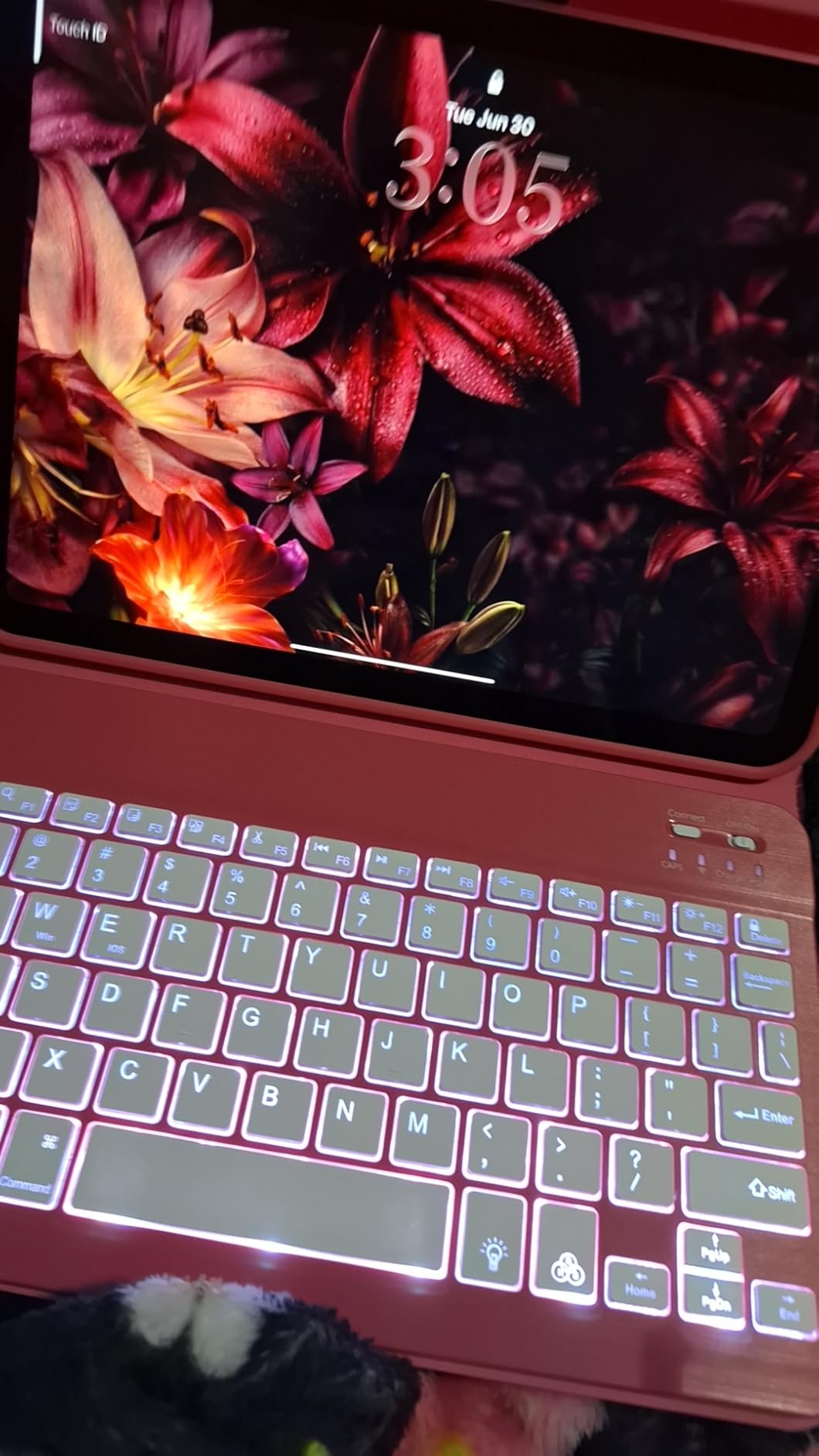
Where the A16 iPad earns its place in a gaming context is the app ecosystem. Every major mobile title is optimized for iPad first or equally, which is not true on Android where high-end games often skip the tablet form factor entirely. Touch response is immediate and the 11-inch canvas is large enough for on-screen controls without the crowding you get on a phone.
The honest weaknesses are real but minor. Reviewers most often flag peak brightness as lower than a phone or computer when pushed to maximum, which matters outdoors on a sunny balcony. Accessories are extra purchases. And if your library leans heavily on emulators or PC game libraries, Android is a much friendlier platform, because iPadOS has no sideloading and no route to install an emulator from outside the App Store.
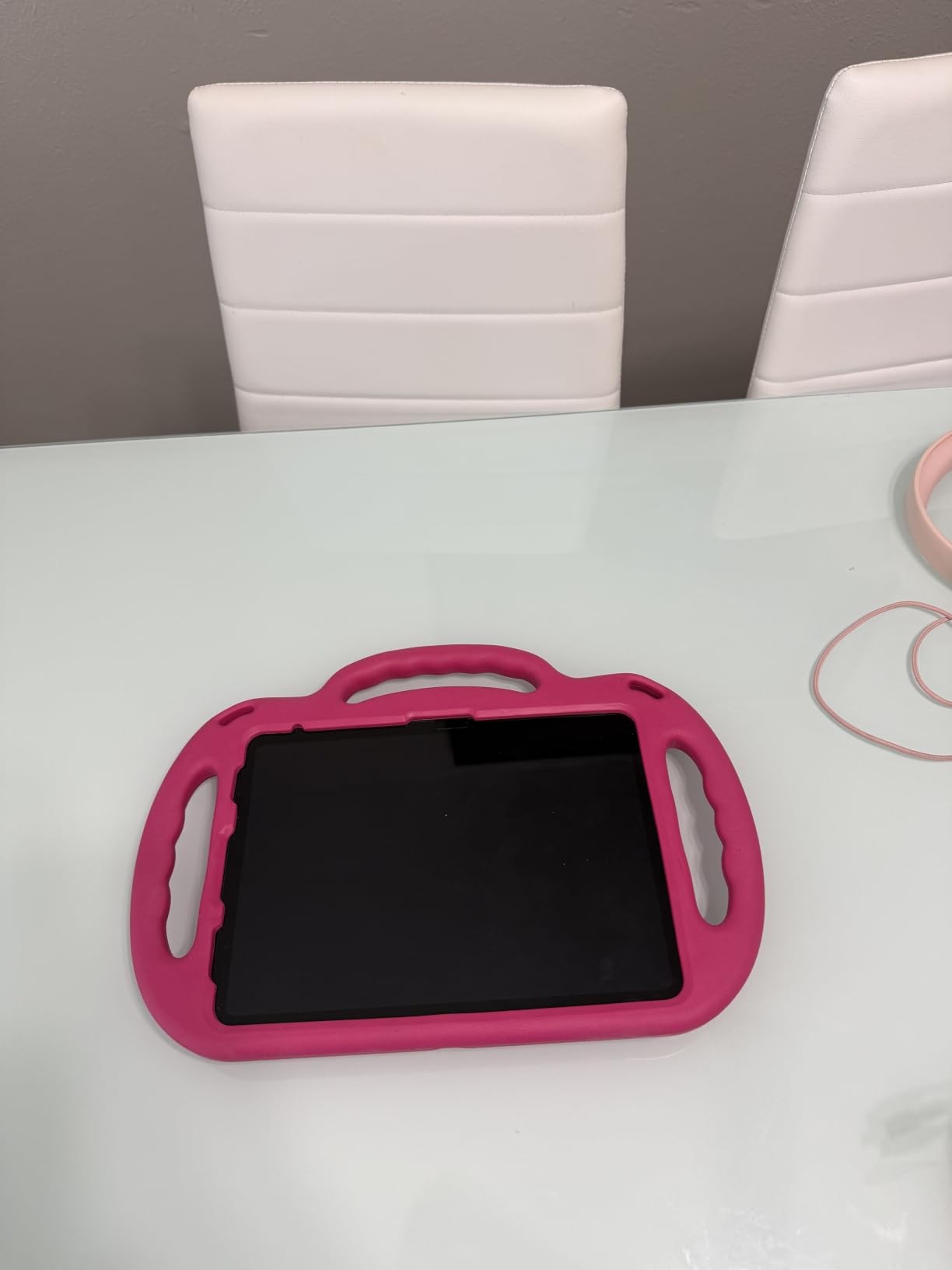
Why we picked the iPad 11-inch as the best gaming tablet
The deciding factor is not peak benchmark numbers, it is consistency across a long evening. A chip that holds its frame rate for two hours matters more than one that races ahead for ten minutes. The A16, the large battery and Apple’s efficient software stack deliver that steadiness, and the tablet weighs just 1.05 pounds, which keeps hand and wrist fatigue down when the tablet is turned sideways.
Software longevity is the underrated advantage. A tablet that still receives OS and security updates years after purchase holds residual value and stops you replacing hardware on a schedule. Among general-purpose tablets, that runway is meaningfully longer than what most gaming-first Android brands offer in the US.
Where the iPad 11-inch is the wrong choice
Do not buy it if emulator gaming is central to what you want. Without sideloading, the vast library of Gameboy, PS2 and GameCube emulators that Android tablets run is simply not available to you. Apple Arcade and the App Store catalogue are strong, but they are a closed, curated library rather than the open one Android offers.
It is also the wrong pick for a shared family tablet used for photos and video calls. The 12MP Center Stage front camera and 12MP rear camera are perfectly capable, but gaming-focused Android models in this list often give you a very average camera by comparison. If gaming is one of three jobs the tablet has to do well, this one balances all three better than anything else we tested.
2. Apple iPad Pro 13-Inch (M4) – Best for Desktop-Class Power
Apple iPad Pro 13-Inch (M4): Built for Apple Intelligence, Ultra Retina XDR Display, 512GB, 12MP Front/Back Camera, LiDAR Scanner, Wi-Fi 6E, Face ID, All-Day Battery Life — Space Black
M4 chip
13-inch Ultra Retina XDR tandem OLED
512GB storage
1.27 pounds
Pros
- Desktop-class M4 performance in a very thin body
- Ultra Retina XDR display with high brightness and contrast
- 512GB handles large game and media libraries
- Thunderbolt / USB 4 for fast transfers
- Four-speaker audio with four studio microphones
Cons
- Apple Pencil Pro and Magic Keyboard cost extra
- Internal storage cannot be expanded
- Most expensive tablet in this guide
If you want the best gaming tablet and you are not trying to spend the least, this is the ceiling. The M4 chip with a 10-core CPU and 10-core GPU is the most capable processor in this entire list, and the 13-inch Ultra Retina XDR tandem OLED panel is the best display we can point you at. It is the only pick here that also happens to be a serious creative workstation.
It earned the highest average rating of any product we analyzed, at 4.8 across more than 1400 reviews, with 88% of ratings at five stars. Owners single out the display quality, the speed for demanding workflows and the fact that a 13-inch tablet weighing 1.27 pounds still feels impossibly thin. For gaming, the 512GB of storage is a genuine asset given how quickly a single large title can consume tens of gigabytes.
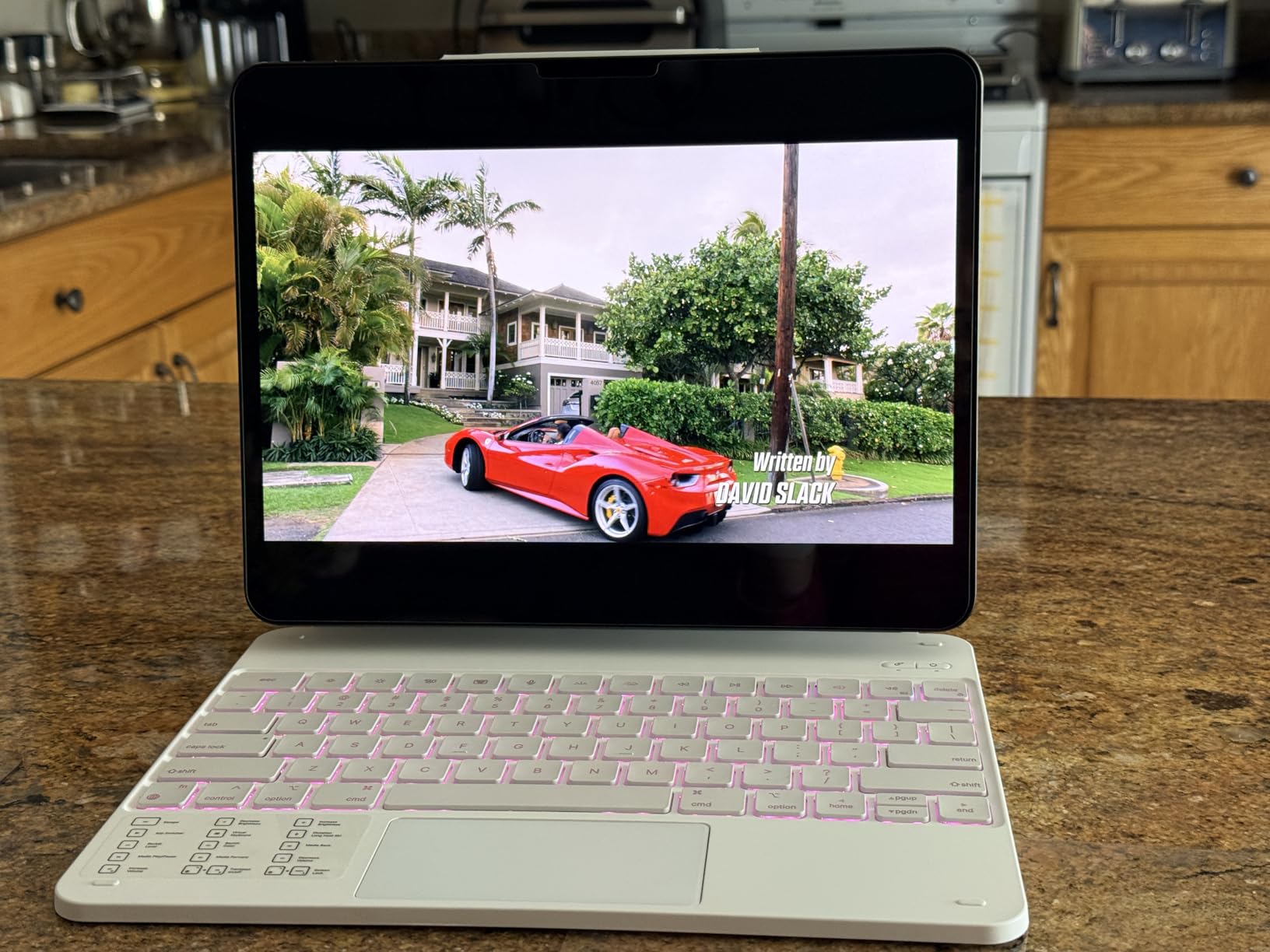
Where the M4 separates itself is in the games that lean on CPU rather than GPU, and in the multitasking you do around them. Multiple emulated systems running, a game streaming from a remote machine, split-screen apps and a controller all at once is a scenario that would stall most Android tablets in this list. This one does not flinch.
The 13-inch size is the real consideration. Turned sideways it is a genuinely two-handed device, and holding it for an hour without a stand or a case with a kickstand gets tiring. We recommend pairing it with a case that props the tablet at an angle. That also lets you tilt the panel slightly toward your face, which makes the ProMotion adaptive refresh feel better than it would flat on a table.
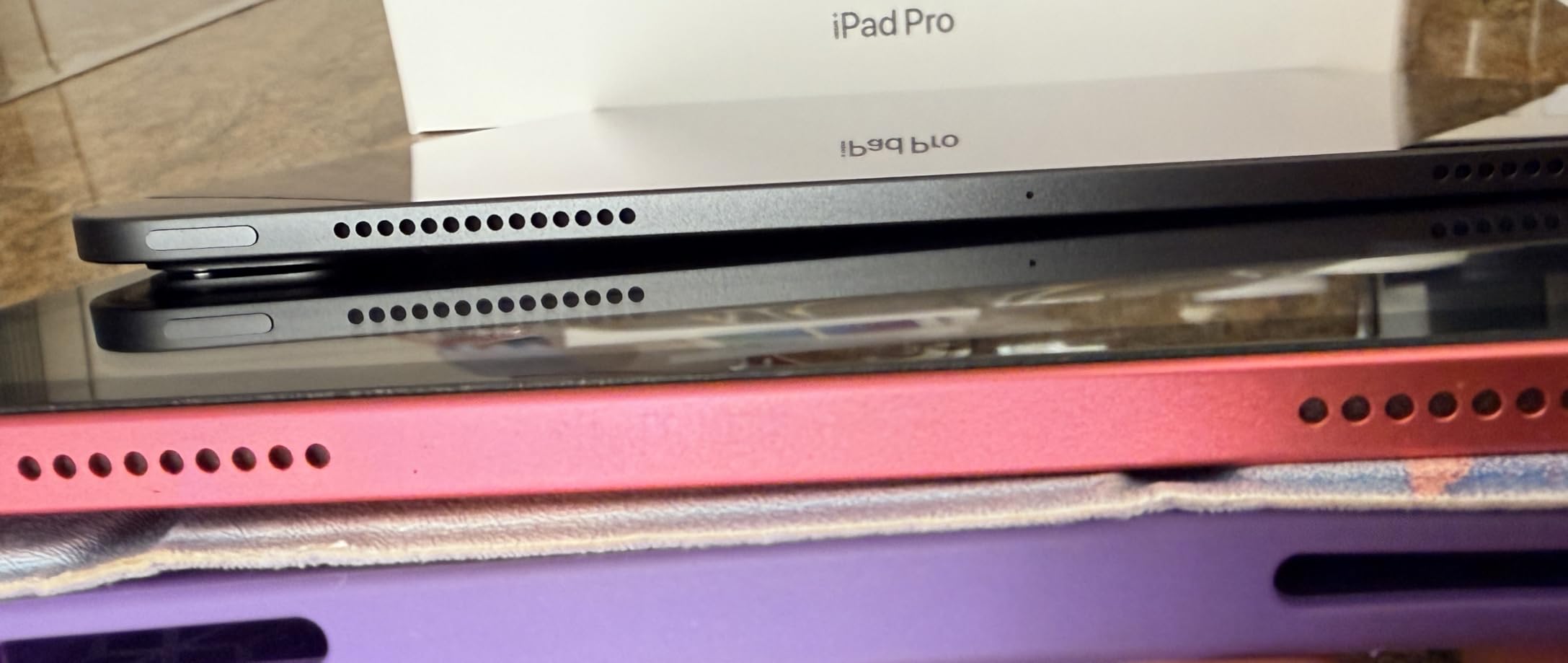
When the iPad Pro 13-inch earns its price
Choose this one if your games include the demanding end of the mobile catalogue, if you run a large library, or if the tablet doubles as a laptop replacement for creative work. Thunderbolt and USB 4 means fast transfers to an external drive and support for an external display, which makes a single-cable desk setup realistic.
It is also the tablet we would trust to still feel current in four years. The combination of flagship silicon, a premium panel and a long update commitment is exactly what keeps resale value high, and high resale value is a real cost saving over a long ownership cycle.
When to skip the iPad Pro
Skip it for light gaming. The M4 is enormous overkill for puzzle games, streaming or the mobile titles most casual players open, and the difference is invisible on screen. Storage cannot be expanded, so if you plan to install a dozen large games plus a few emulated collections, be honest with yourself about whether 512GB is enough.
Skip it if emulators matter. The same iPadOS restrictions that apply to the cheaper iPad apply here too, and no amount of processing power changes the fact that you cannot sideload an emulator. Android is the only platform on this list that will run the open emulator libraries, and we explain the full trade-off later in the buying guide.
3. Samsung Galaxy Tab S10 Lite – Best Value Android Gaming Tablet
Samsung Galaxy Tab S10 Lite, 6GB RAM, 128GB, 2TB Expand, 10.9” LCD, Gray
Exynos 1380 at 2.4 GHz
10.9-inch 90Hz LCD
6GB RAM and 128GB
8000mAh battery
Pros
- 8000mAh battery rated for up to 16 hours of use
- 10.9-inch 90Hz LCD with Vision Booster
- Storage expands up to 2TB with microSD
- S Pen included and needs no charging
- Light at 1.2 pounds and slim at 0.26 inches
Cons
- 6GB RAM is tight for heavy multitasking
- Modest speaker volume for media
- Some owners report durability issues with the port
This is the Android tablet we recommend most often, and the reason is balance rather than any single headline spec. Samsung puts a 90Hz panel, an expandable storage slot, a large battery and a bundled S Pen into a 1.2-pound body, and pairs it with a two-year manufacturer warranty. Very few tablets at this level give you microSD expansion and long battery life at the same time.
Reviewers consistently praise the light, portable design, the natural feel of the S Pen for note-taking, and battery life that easily covers a full day. The Exynos 1380 at 2.4 GHz with 6GB of RAM keeps everyday tasks and app switching responsive, which is what most people mean when they say a tablet feels good for games. It is not a flagship chip, and we will not pretend otherwise.

For gaming specifically, the 90Hz refresh rate is the meaningful detail. A 60Hz panel feels noticeably less smooth the moment you move a character or pan a camera, and the jump to 90Hz is the simplest real upgrade in this entire list. The 8000mAh cell rated at up to 16 hours of use means you are not tethered to a wall mid-session, which matters more for a gaming tablet than a larger processor does.
The Vision Booster brightness adjustment is a small feature that earns its keep outdoors, raising panel output toward the maximum when ambient light demands it. It does not transform a standard LCD into an OLED, but it helps. Owners who game on a balcony or a park bench report the difference.
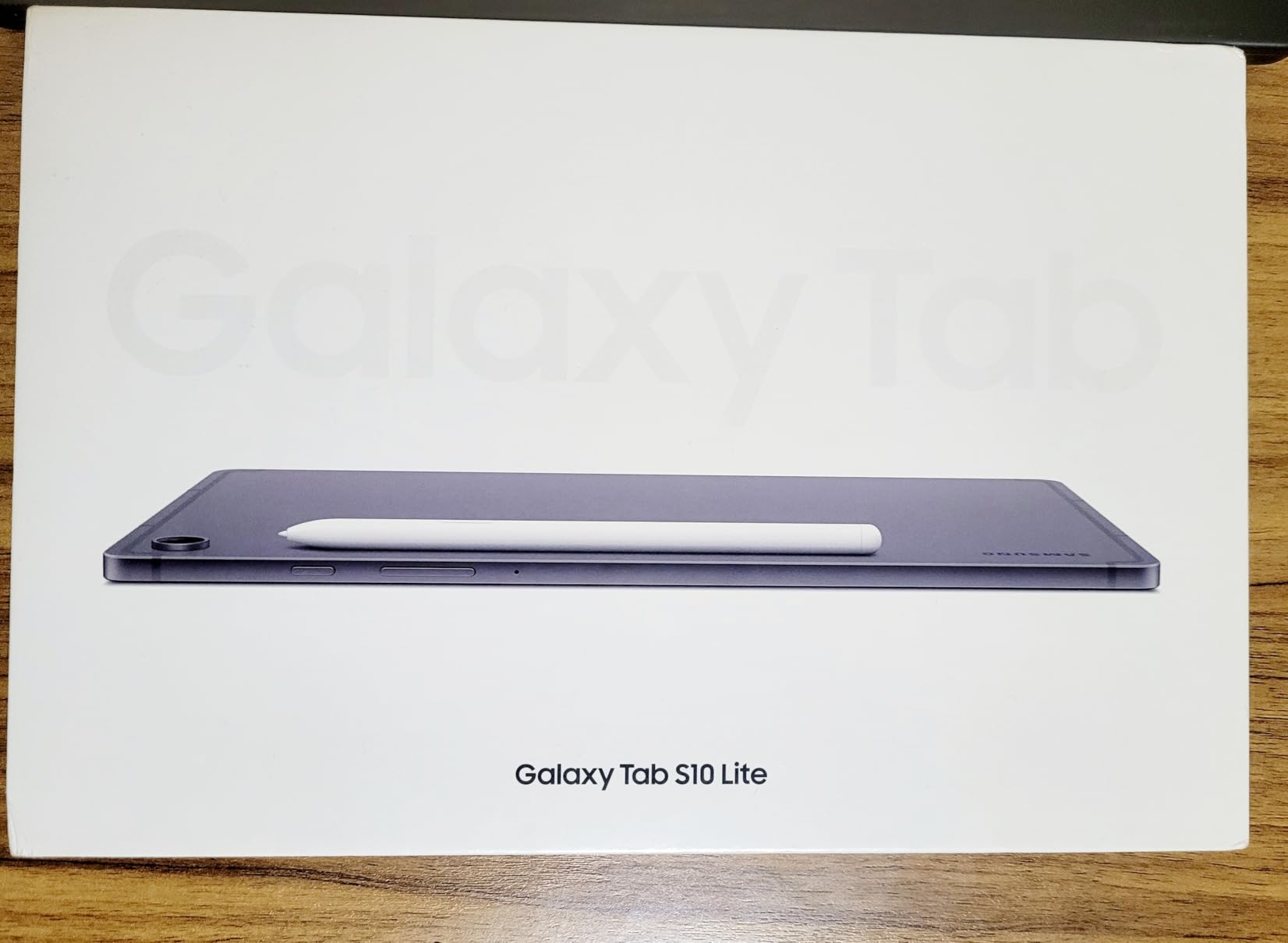
Why this is the best value gaming tablet
The value case is about the parts you would otherwise pay extra for. microSD expansion up to 2TB solves the storage pressure problem that trips up most tablets with fixed storage, the S Pen is in the box, and the battery is genuinely large. Add a two-year warranty and you have a tablet that will not need an accessory purchase on day one.
It also runs a clean Android build with Samsung’s software on top, which is a lighter and more predictable experience than the aggressive OEM game hubs some gaming-focused brands install. You get performance modes and thermal control without a third-party launcher trying to manage your background apps.
Where the Galaxy Tab S10 Lite falls short
Six gigabytes of RAM is the number to think about. It is fine for one game plus a few background apps. It is tight if you like to keep several large titles installed and suspended at once, because the system will start closing them. If your habit is rotating between four or five games, look at a pick with 8GB or more.
Reviewers also flag modest speaker volume, which matters more on a gaming tablet than on a productivity one, and some have reported durability problems with the tablet body or its charging port. The LCD panel is also less vivid and less bright than the OLED panels on premium models, so colours in a dark room look flatter than on an iPad Pro.
4. Lenovo Idea Tab Pro 12.7-Inch – Best for Big-Screen Gaming
Lenovo Idea Tab Pro with Google Gemini – Student Tablet – 12.7” 3K LCD Display – 8 GB Memory – 128 GB Storage – MediaTek Dimensity 8300 – Includes Pen and Folio Case
MediaTek Dimensity 8300
12.7-inch 3K LCD at 90Hz
360Hz touch sampling
10200mAh
Pros
- 360Hz touch sampling and PUBG certification for competitive shooters
- 12.7-inch 3K panel is the sharpest large LCD here
- Quad JBL Dolby Atmos speakers are unusually strong
- 10200mAh battery rated for up to 11 hours of video
- Tab Pen and folio case included
Cons
- Thermal throttling under sustained heavy gaming
- Heavy at 1.4 pounds and better used on a desk
- No charger included and bloatware preinstalled
This is the most interesting gaming-shaped tablet in the list. Lenovo has actually certified it for PUBG, rates the touch sampling at 360Hz and quotes up to 90fps. Very few tablets in any price range publish a touch sampling figure, and when a manufacturer does, it is because the input pipeline is tuned specifically for competitive play where reaction time matters more than raw graphics.
Underneath is a MediaTek Dimensity 8300 with Arm Mali-G615 MC6 graphics and 8GB of RAM, driving a 2944 x 1840 panel at 90Hz. Owners treat this as the best mid-range tablet in its group, calling out the huge sharp display, smooth multitasking across many browser tabs, the bundled pen and case, strong JBL audio and long battery life. Audio deserves a specific callout, because quad JBL speakers are unusual at this level and genuinely improve the experience.
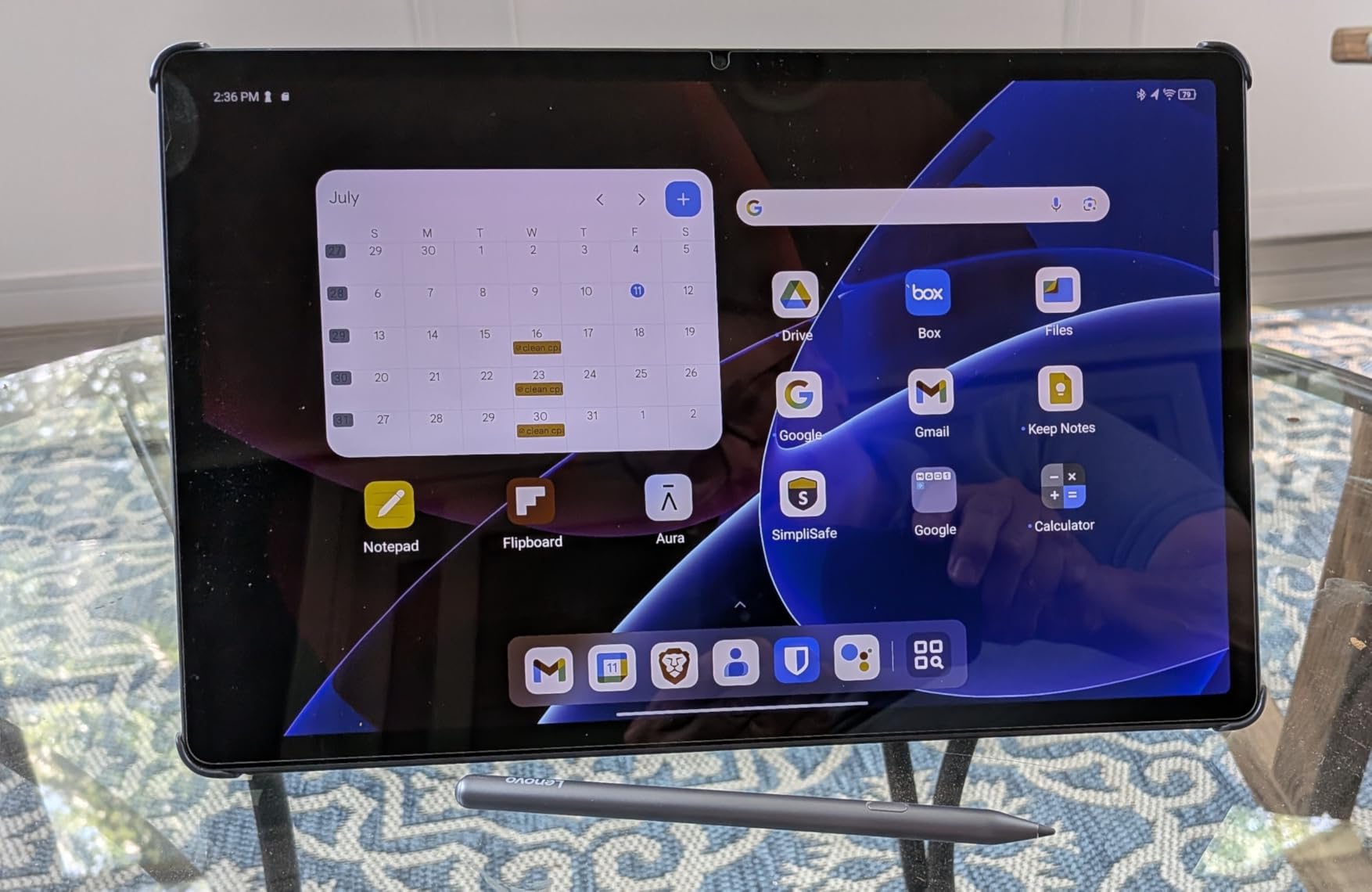
The 12.7-inch 3K panel is large enough that a competitive shooter feels materially different from an 11-inch screen. You can see more of the environment around your character, and the on-screen controls do not crowd the play area. For a big-screen Android tablet specifically, this is the one we would pick for shooters and battle royales.
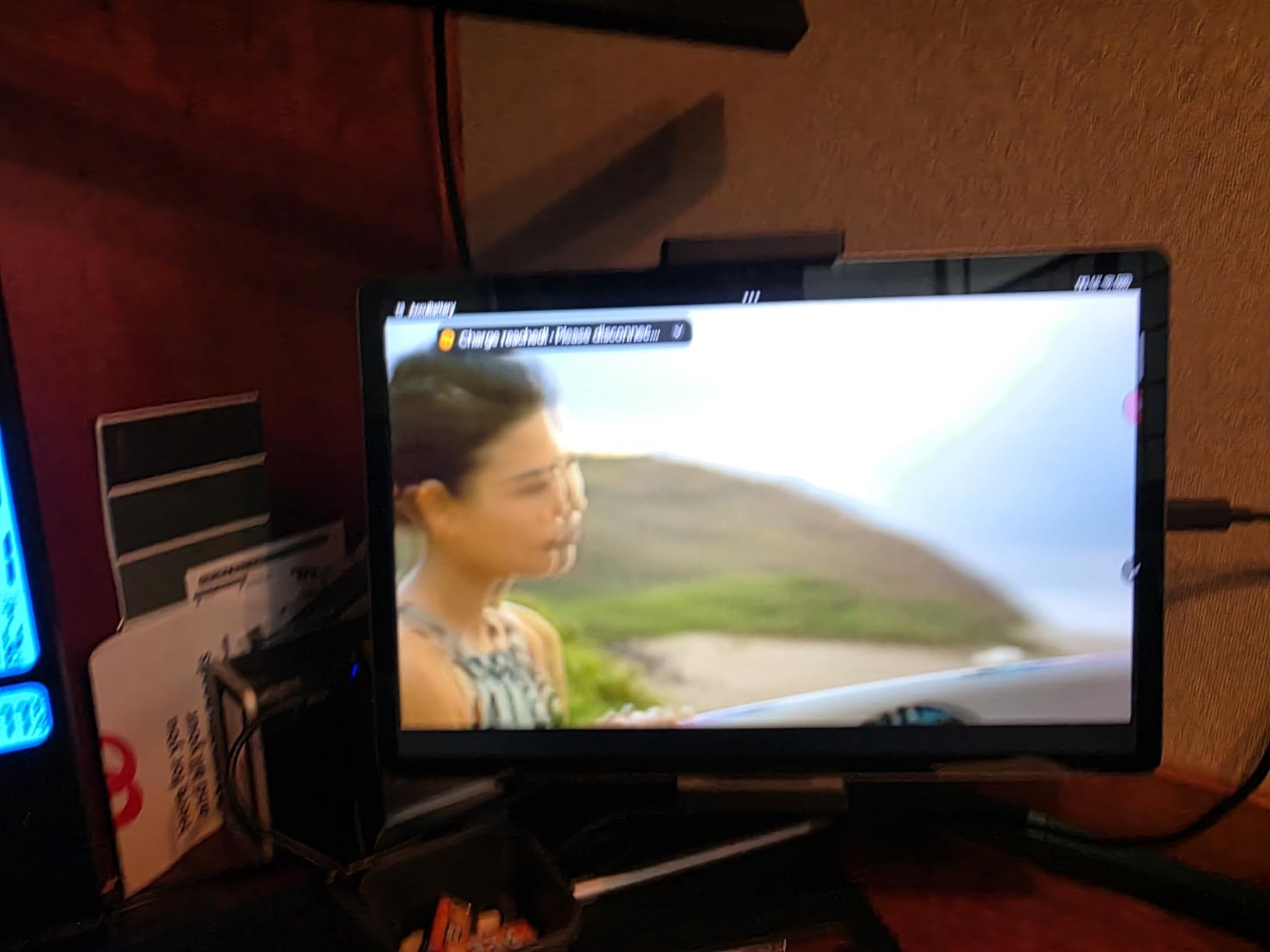
What you are accepting is weight and heat. At 1.4 pounds this is one of the heavier picks in the guide, and it is designed to live on a desk rather than be carried. More significantly, reviewers report thermal throttling under sustained heavy gaming loads, which is the same behaviour that separates good gaming tablets from great ones. Expect the first stretch of a session to run at full tilt and performance to settle as the chassis warms.
Who this big-screen Android tablet suits
It suits someone who games at a desk with a controller and wants a large canvas. The quad speakers mean you can hear directional audio cues without a headset, which matters in shooters. A Bluetooth keyboard and mouse turn it into a functional PC-style setup through the desktop mode, so it can cover schoolwork and gaming on one device.
The 10200mAh cell rated for up to 11 hours of video streaming is among the larger batteries here. That headroom is what lets you run a long session away from a socket, and paired with a folio case it props up comfortably for couch play. The 45W USB-C quick charge restores a useful amount of charge over a coffee break, though the charger is not in the box.
Why we rank it below the iPad 11-inch
Throttling is the reason. A tablet that reduces its performance after half an hour is a worse gaming tablet than a slightly slower one that holds steady, because the first half of every session feels misleading. The iPad 11-inch’s A16 runs cool and consistent, and that consistency is what we weighted most heavily in this ranking.
Peak brightness of roughly 400 nits limits HDR viewing and outdoor readability, the camera is weak compared with competitors, and it arrives with preinstalled bloatware plus a lengthy setup process. It is a strong big-screen Android tablet, and the best of its kind here, but it is not the best gaming tablet overall.
5. Lenovo Idea Tab 11-Inch – Most Versatile for Students and Light Gaming
Lenovo Idea Tab – College Tablet – 11″ 2.5K IPS Touchscreen Display – 90Hz – MediaTek Dimensity 6300-8 GB Memory – 256 GB Storage – Integrated Arm Mali-G57 MC2 – Tab Pen and Folio Case
MediaTek Dimensity 6300
11-inch 2.5K IPS at 90Hz
8GB RAM and 256GB
1.1 pounds
Pros
- Sharp 2.5K IPS panel running at 90Hz
- 8GB RAM and 256GB give real multitasking headroom
- Lenovo Tab Pen and folio case bundled in the box
- Up to 12 hours of video playback on a 7216mAh cell
- Light at 1.1 pounds and thin at 0.28 inches
Cons
- Mali-G57 MC2 graphics are limited for 3D games
- Charger not included
- Limited software update support
Take the same 90Hz smoothness as the Galaxy Tab S10 Lite, double the storage, and throw in a pen and a case. The Lenovo Idea Tab 11-inch is one of the few budget-friendly tablets where the box contents genuinely change the value calculation, because the two accessories owners most often buy separately are already inside.
It holds a 4.6 average across more than 870 reviews, with 79% of ratings at five stars. Owners highlight the sharp 2.5K IPS screen, the generous 8GB and 256GB configuration, the included pen and case, and battery life of up to 12 hours of video playback. For light gaming and the kind of long casual sessions most people actually play, that combination holds together well.
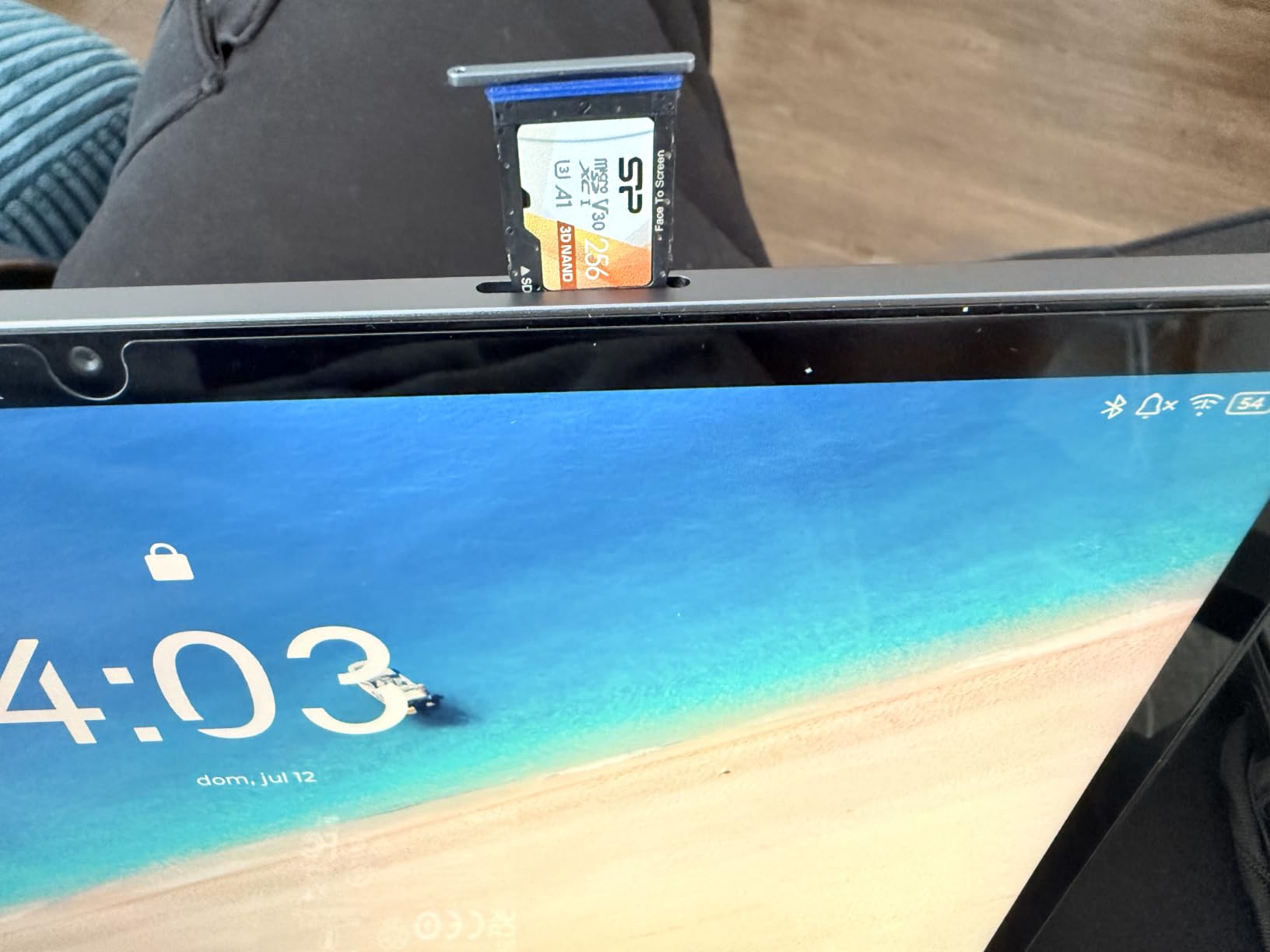
The 256GB of internal storage deserves specific mention for gaming. It is double what most competitors at this level offer, and it removes the microSD bottleneck entirely. Install a large game, two smaller ones and your streaming apps without thinking about it, and stop waiting on a card write every time something downloads.
The display runs at 90Hz across a 2560 x 1600 panel with 500 nits of brightness, which is a brighter figure than most of the value picks in this guide. That figure matters for travel and daytime use. The TUV Rheinland low blue light hardware certification and reading modes also reduce eye strain over long sessions, which is worth more than most buyers expect. Our guides to the best storyboarding tablets for directors and the best drawing tablets for storyboarding cover that side of the equation in more depth.
What this tablet does better than pricier rivals
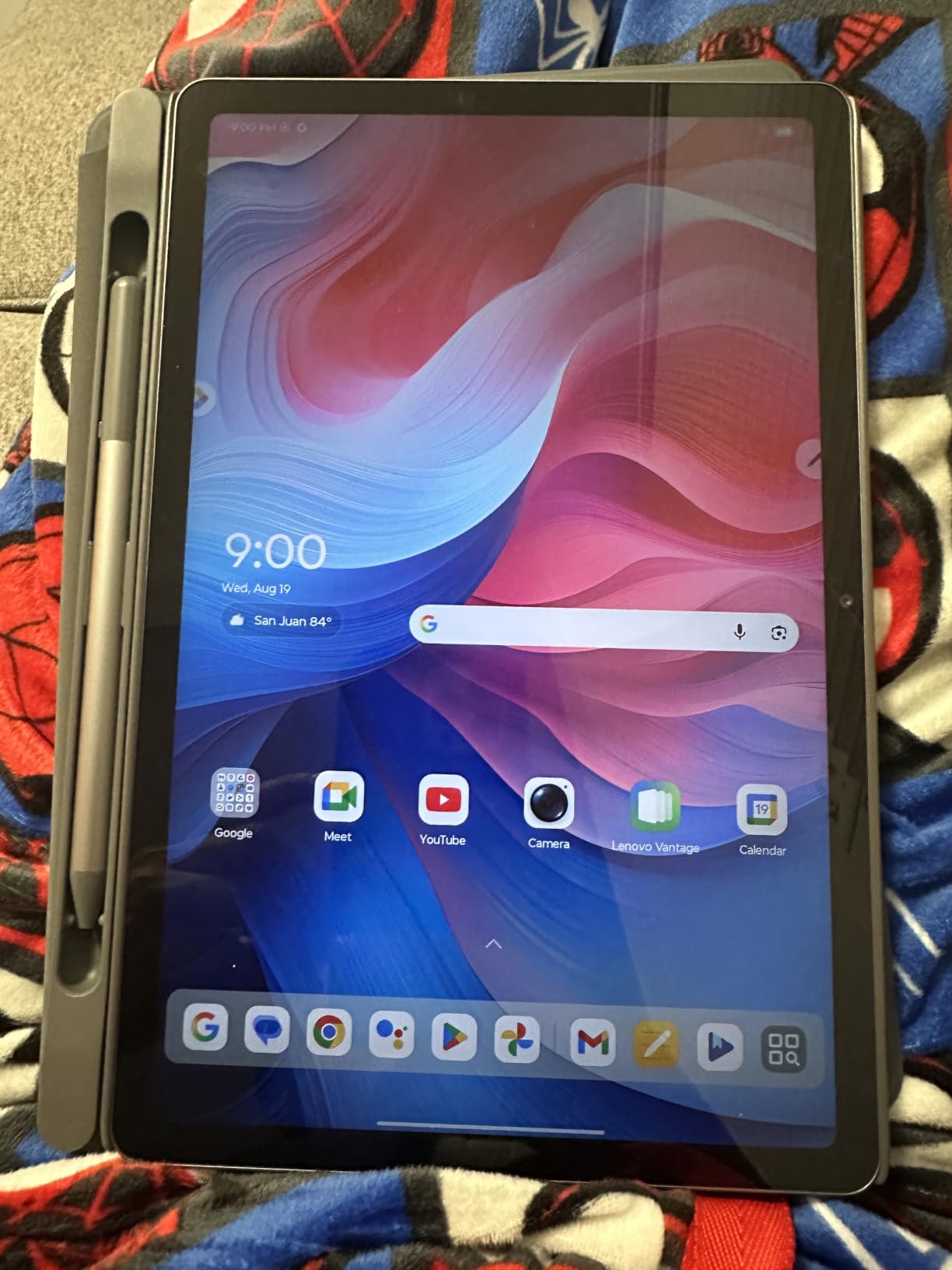
At 1.1 pounds and 0.28 inches thick, this is one of the lightest 11-inch tablets we have handled, and weight is a real gaming variable. A lighter tablet held sideways for a long session creates noticeably less wrist strain. The quad Dolby Atmos-tuned stereo speakers are tuned for clarity, which helps more in voice chat than in music.
It is also a capable study and work machine with a Bluetooth keyboard, which makes it a common first tablet for students. The bundled Lenovo AI Note, Squid, Nebo and MyScript Calculator apps cover most of what a new owner needs. Smart Connect ties it to a laptop or phone for file transfer and continuation of tasks.
Why it is not our top pick
The Mali-G57 MC2 integrated graphics are the honest limit here. Integrated graphics are fine for puzzle games, platformers, card games and streaming video, and they will run competitive shooters at lower settings. They are not built for the demanding end of the mobile catalogue or for 3D-heavy emulation. The 72% NTSC color coverage is also the weakest gamut figure in this group, so expect flatter colour next to an OLED iPad.
Charger not being included is a small irritation to plan for, and software update support is limited, which is the most important thing to weigh for a tablet you plan to keep. A tablet that stops receiving patches is a tablet that starts to feel unsafe for banking and email. For a student buying a first device, we think the tradeoff is acceptable. For an adult keeping one tablet for a decade, it is not.
6. TECLAST T65 13.4-Inch – Best for Gaming Without WiFi
TECLAST T65 13.4″ Android16 4G Tablet, 20GB+128GB 120Hz Widevine L1
Unisoc T7280 octa-core
13.4-inch 120Hz IPS
4G LTE and GPS
8000mAh battery
Pros
- 13.4-inch 120Hz panel is unusually smooth for the tier
- 4G LTE and GPS keep you online away from WiFi
- 20GB RAM with storage expandable to 1TB
- 3.5mm headphone jack and OTG cover travel needs
- Factory-installed tempered glass and 720g body
Cons
- Mali-G57 graphics limit heavy 3D gaming
- 350-nit peak brightness is dim
- One-year warranty is short
Connectivity is what separates this from every other 13.4-inch tablet in the guide. The 4G LTE modem, dual-band WiFi, GPS, OTG and a 3.5mm headphone jack together make it the one to take on a long flight or a commute where there is no network. A tablet that can download a game on a train and keep playing at 30,000 feet is a genuinely different proposition from one that needs a hotspot.
Reviewers call out the 13.4-inch 120Hz display as unusually smooth for the tier, generous memory and expandable storage, and the completeness of the connectivity package. At 4.4 across more than 630 reviews with 76% of ratings at five stars, the reception is solidly positive. The 8000mAh battery rated for up to 11 hours of average use adds comfort for a long trip.
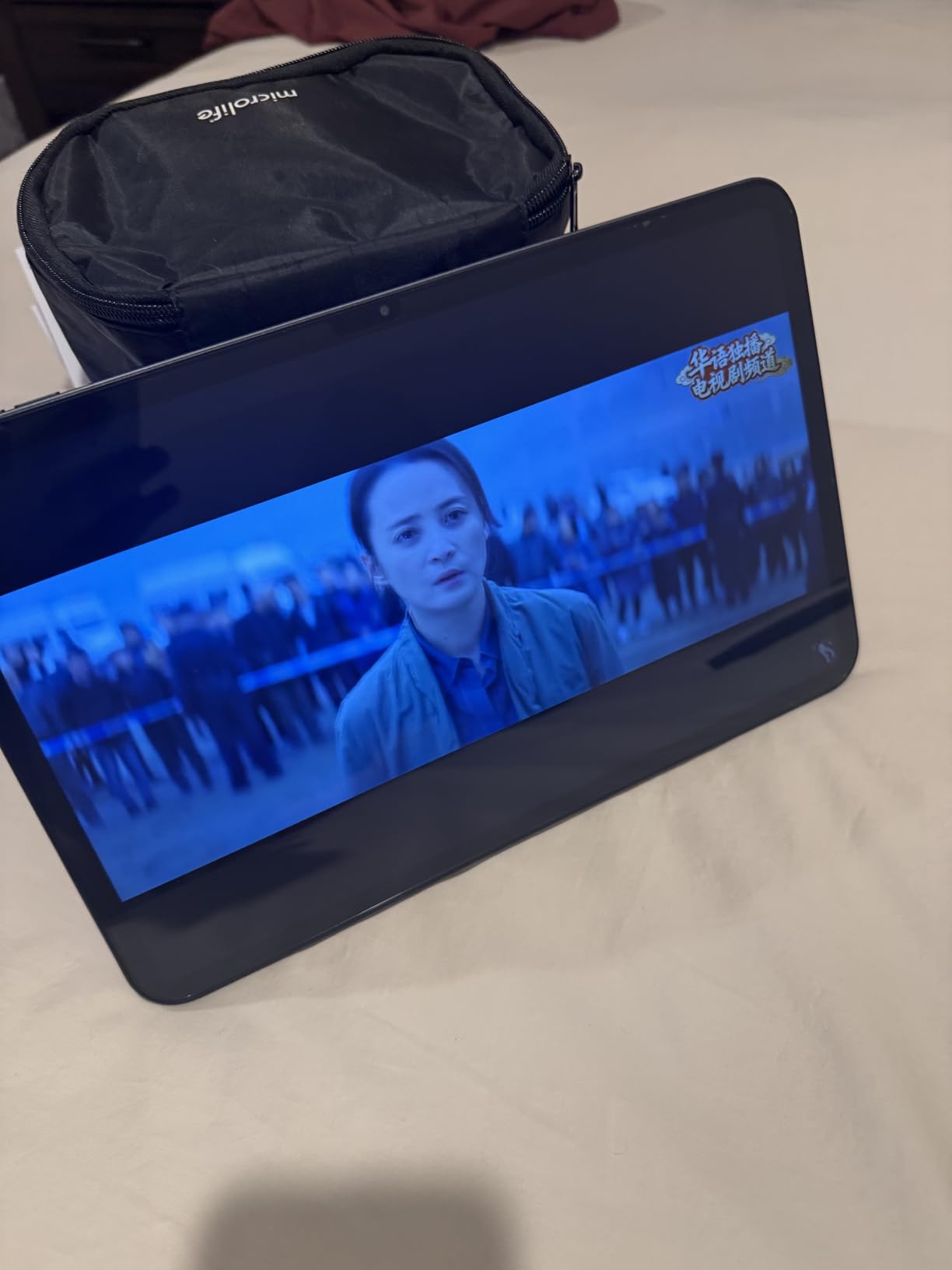
The 120Hz refresh rate is the headline for gaming. On a large 13.4-inch canvas, that combination of size and smoothness is unusually good for gaming on a hardware level. Scrolling menus feels immediate, and any game that supports high refresh rates benefits from the extra headroom.
Widevine L1 certification means full HD streaming works on the major platforms, which matters more than it sounds if you use the tablet on a plane. Factory-installed tempered glass saves you buying a protector and removes the most common early complaint about cheaper tablets. The 8.5mm body at 720g is slim enough to carry in a bag.
Why the 4G modem changes how you use it
Any tablet can be played on with a downloaded game library. A tablet with cellular can also receive patches, download new titles and run a hotspot for another device while you are away from WiFi. For anyone who games on the move, that is a bigger practical advantage than a faster chip would be.
Android 16 here brings the sidebar, floating windows and gesture controls that make a large screen genuinely useful rather than just oversized, plus parental controls if the tablet is for a child. The 3.5mm jack is a small thing that has disappeared from most modern tablets, and it is the one you want when a Bluetooth controller battery dies mid-session.
Where the TECLAST T65 is the wrong pick
The Mali-G57 integrated graphics are the hard limit. This is a tablet for games that do not demand serious GPU work, plus streaming, browsing and a very large screen for reading. If your idea of tablet gaming is the demanding end of the mobile catalogue, save your money and look at the iPad Pro or the Idea Tab Pro instead.
At 350 nits, the panel is dimmer than most of the tablets here, which will be noticeable outdoors. Reviewers also report occasional app instability tied to the Unisoc chipset, so treat it as an Android tablet that handles lighter gaming well rather than a performance machine. The one-year warranty is among the shortest of the group.
7. KINGRID T90 11 Inch Android 16 Tablet – Best for a Full Accessory Bundle
2026 11 Inch 2K FHD Android 16 Tablet with Keyboard, Inbuilt Gemini AI, 24GB RAM, 256GB ROM, 2TB Expand, 1.8GHz Octa-Core T615 CPU, 380nit, Gaming Tablet for Adults with Keyboard,Mouse and Stylus-Blue
Unisoc T615 octa-core
11-inch 1920x1200 at 60Hz
24GB RAM
8000mAh
Pros
- Complete accessory bundle in the box
- 11-inch 1920x1200 screen is sharp for the size
- 8000mAh battery lasts a full day of mixed use
- Widevine L1 enables HD streaming
- Two-year warranty
Cons
- Unisoc T615 is an entry-level chip for performance
- 60Hz panel is lower than most rivals here
- Android setup can confuse first-time tablet users
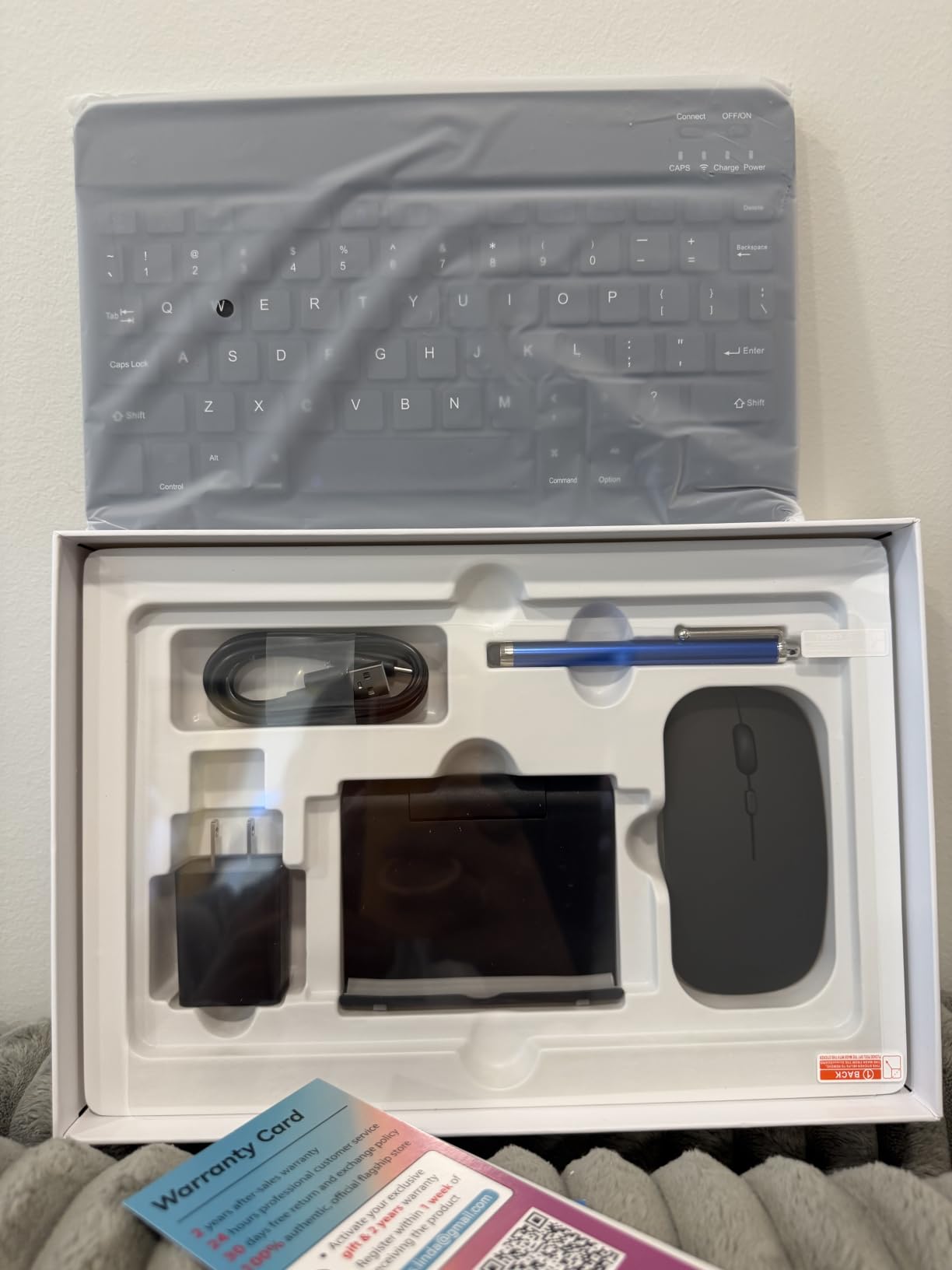
The reason to consider this tablet is arithmetic. A keyboard, a wireless mouse, a stylus, a case with a stand and a pre-applied screen protector normally add up to more than the cost of the tablet itself. Buyers reviewing the KINGRID T90 consistently name that bundle as the single main reason to choose it, and at 4.5 across more than 230 reviews the reception reflects a good deal done well.
Everything else is competent. The 11-inch 1920×1200 screen is sharp for the size, the 8000mAh battery lasts a full day of mixed use, and Widevine L1 certification means HD streaming works properly. Dual-band WiFi and Bluetooth 5.0 give stable connectivity, and at 1.2 pounds it travels fine. The two-year warranty is one of the longer commitments in this guide.
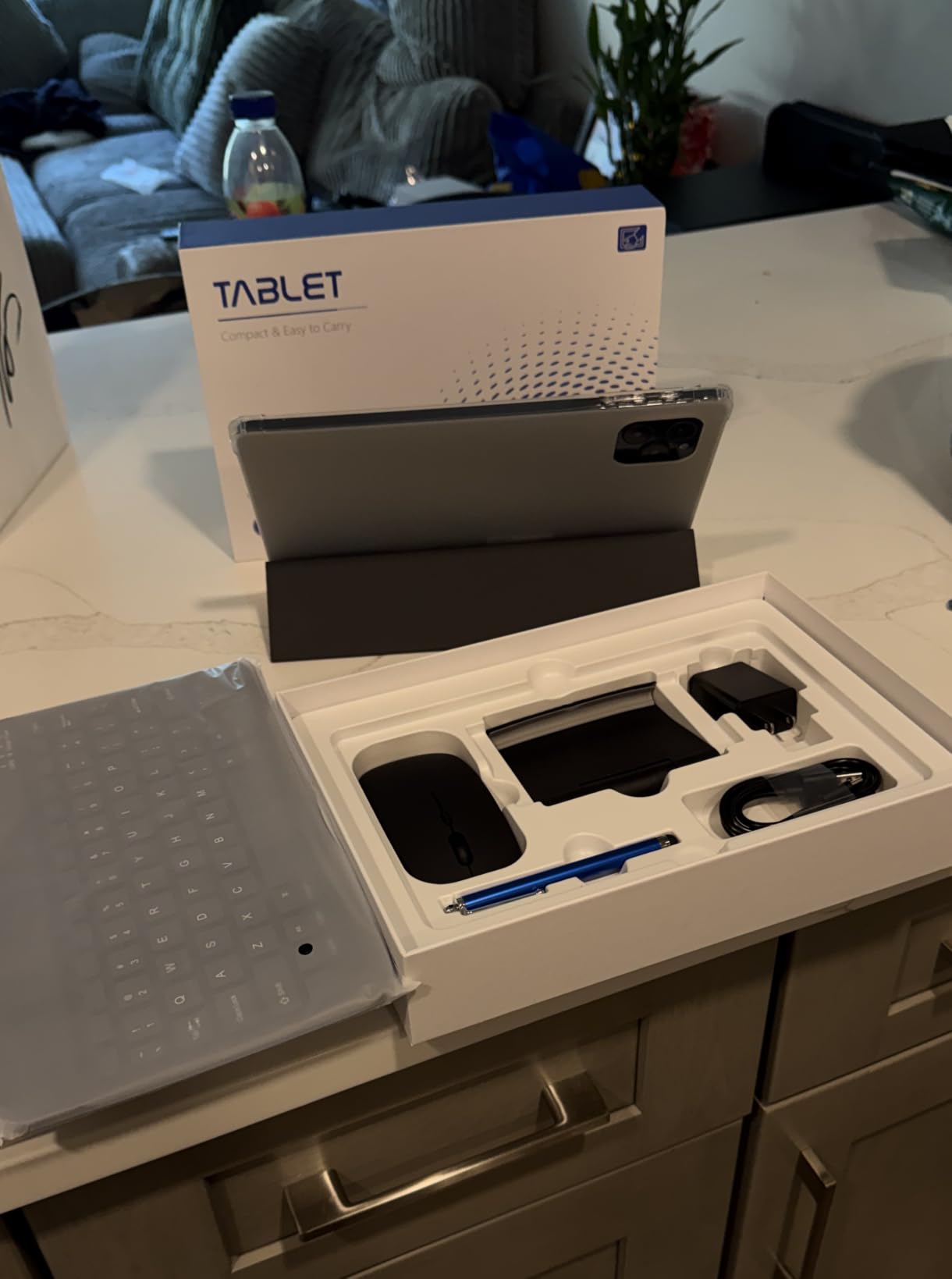
For gaming, the accessory bundle is the feature. A case with a stand plus a Bluetooth mouse gives you a laptop-like control scheme on a large screen, which is a much better experience for titles with persistent virtual buttons than tapping an 11-inch panel held in the air. The stand also solves the angle problem that makes long sessions uncomfortable.
Gemini AI 2.0 with voice translation and image optimisation is included, alongside Android 16. It is not a gaming feature, but the desktop-style windowing means you can keep a game running in a split view while you look something up, which is a genuinely useful habit in a gaming tablet.
Who the bundle approach works for
It works for a first tablet, a tablet for a child, or a secondary device for the sofa. If the person using it has never set up a tablet before, handing over a complete box with a keyboard and a stylus removes most of the friction and most of the cost. The 2TB storage expansion means game installs do not have to be rationed.
The 3.5mm headphone jack, OTG, GPS and dual-band WiFi round out a genuinely complete spec sheet for the money, and the 13MP rear camera is fine for casual snapshots. It is a well-rounded package for someone who wants a general-purpose tablet that will also game.
What you give up for the accessories
The 60Hz refresh rate is the single most important compromise, and for a gaming tablet it is a meaningful one. A 90Hz or 120Hz panel makes everything feel smoother during play. This is the only pick here at 60Hz, and you will notice the difference the moment you hold any of the others.
The Unisoc T615 at up to 1.8 GHz is an entry-level chip, and reviewers are clear that its performance should not be compared to premium tablets. Peak brightness of 350 nits limits outdoor use and HDR viewing, and the Android interface can be unintuitive for users arriving from Windows or iOS. Great value bundle, modest gaming hardware.
8. TABWEE T80 10.1-Inch – Best for First-Time Tablet Buyers
TABWEE 10 Inch Android 16 Tablet with Keyboard,18GB+128GB, 2TB Expand, Widevine L1 Compatible Octa-Core Tablets with 5G WiFi, 1080P Display, 6000mAh, AI Camera, for Gaming, 4 Years Warranty
10.1-inch LED at 1280x800
Octa-core processor
18GB RAM and 128GB
6000mAh battery
Pros
- Complete accessory bundle in the box
- 18GB RAM keeps multitasking and app switching smooth
- 6000mAh battery with over 8 hours of use
- 48-month warranty among the longest in this guide
Cons
- 1280x800 resolution is low compared with most 10-inch tablets
- Extended virtual RAM makes up a substantial share of the total
- Entry-level octa-core chipset limits overall performance
The T80 is the cheapest way into tablet ownership that still arrives as a complete package. A Bluetooth keyboard, wireless mouse, stylus and foldable case are all in the box, which means the total cost of getting a functional tablet setup is lower than buying any other tablet here plus a case. At 4.5 across 183 reviews with 73% of ratings at five stars, reviewers respond positively primarily on value.
Storage expands to 2TB with microSD, and the 18GB RAM figure supports multitasking and app switching smoothly for the class of games this tablet handles. The 6000mAh battery delivers over 8 hours of use and long standby, and Widevine L1 certification plus 5G dual-band WiFi mean streaming and connectivity both work properly. The 48-month warranty is one of the longer commitments in this guide.
What a first tablet needs versus what this one has
A first tablet needs to survive a drop, connect to the network reliably, run the apps someone actually wants, and not need a case bought separately. This one ticks the first three and solves the fourth. The foldable case doubles as a stand, and Android 16 with Gemini AI 3.0 features keeps the software current.
It is a good tablet for a child, a secondary couch device, or an adult who wants a large screen for reading and video with a keyboard for occasional typing. Parental controls are present, and the 10.1-inch size is the most manageable form factor here for smaller hands.
Why the screen is the compromise that decides it
At 1280×800, this is by a wide margin the lowest resolution in the guide, and you will notice it on text-heavy content and on any game with fine detail. It also means the tablet is not a serious gaming device in any sense. Reviewers are clear that overall performance is limited by the entry-level octa-core chipset.
A substantial portion of the advertised 18GB RAM is extended or virtual memory rather than physical, which behaves differently when a task needs real working memory, and the 5MP camera is basic. None of that matters if the plan is a low-cost reading and video device. If the plan is a gaming tablet, the Galaxy Tab S10 Lite or the Lenovo Idea Tab 11-inch is a better use of the same money.
9. TCL NXTPAPER 11 Plus – Best for Long Sessions and Low-Glare Play
TCL NXTPAPER 11 Plus Android Tablet, 11.5″ 2.2K 120Hz Display, 8+256GB
MediaTek Helio G100
11.5-inch 2.2K anti-glare 120Hz
8GB RAM and 256GB
8000mAh
Pros
- True anti-glare matte display is rare and easy on the eyes
- 11.5-inch 2.2K panel running at 120Hz
- Very light at 1.08 pounds and thin at 0.26 inches
- T-PEN stylus with 4096 pressure levels in the box
- 8000mAh battery lasts a full day of typical use
Cons
- Helio G100 with Mali-G52-MC2 is not suited to demanding games
- Software update support is not guaranteed
- No headphone jack and no microSD
The NXTPAPER display is the reason to buy this tablet. A genuine anti-glare matte coating is rare at any price, and it changes gaming in environments where a glossy panel fails. No reflections from an overhead light, no washed-out contrast when the sun is behind the screen, and no specular hotspot on a dark scene. For a tablet used for long evening sessions in a lit room, that is a bigger quality-of-life win than a faster chip.
Reviewers describe it as ideal for reading books and comics and for long-session eye comfort, and they pair that with praise for the 2.2K 120Hz panel, the 1.08-pound build, the included T-PEN and strong battery life. The 11.5-inch size sits in the sweet spot: large enough to be a real gaming screen, small enough to hold comfortably. At 4.4 across more than 310 reviews it is well regarded, with 72% of ratings at five stars.
The 120Hz refresh rate is where the anti-glare panel and the gaming use case intersect. A matte screen diffuses light rather than reflecting it, so the perceived contrast at 120Hz stays stable in a way glossy panels cannot manage. Add the 2200 x 1440 resolution and you have a display that stays readable over a three-hour session.
The 3-in-1 VersaView system, driven by a dedicated NXTPAPER key, switches between regular, ink paper and colour paper modes. It is built for reading rather than gaming, but it is a good signal that the manufacturer engineered this display for long sessions. The 8000mAh cell with 33W PD fast charging and 1.5A reverse charging means you can top up other devices from it.
What the eye comfort features really mean for gaming
TUV low blue light certification, DC dimming and an Eye Care Assistant with adaptive brightness and break reminders all reduce the fatigue of a long session. None of that is glamorous, and all of it is genuinely useful if you play at night or game for hours. The 0.26-inch body at 1.08 pounds is one of the better weight-to-screen ratios in this guide.
It is also one of the most portable large-screen options here. A flip cover that folds back to prop the tablet at an angle, a stylus in the box and 256GB of storage make it a self-contained travel setup. The quad speakers with DTS audio are adequate rather than impressive.
Why it does not rank higher for pure gaming
The Helio G100 with Mali-G52-MC2 graphics are not suitable for demanding games, and reviewers say so directly. This is a tablet for casual gaming, streaming and reading, with a 120Hz panel that makes light games feel better than they otherwise would. If you are here for competitive shooters or 3D-heavy titles, keep scrolling.
Update support is the bigger long-term concern. It shipped on Android 15 with a limited security patch history and no guarantee of future Android versions, which means a tablet you buy now may not be current in two years. There is also no microSD expansion and no headphone jack, and the ambient light sensor is placed where your hand can cover it, which is a small design mistake worth knowing about.
10. KINGRID W90 11-Inch – Best for Dual SIM Connectivity
KINGRID 2K 11 Inch Android 16 Tablet, 24GB RAM, 256GB ROM, 1TB Expand, TUV Certified 1920×1200 FHD Screen, 8000mAh Battery with Octa-Core, Gaming Tablet with Sim Card Slot for Adults & Kids
T615 octa-core at 2 GHz
11-inch 1920x1200 TUV LCD
24GB RAM and 256GB UFS
Dual 4G SIM
Pros
- Dual 4G SIM slots keep you online away from WiFi
- 24GB RAM with 256GB UFS storage for large libraries
- Light at 580g and very thin for an 11-inch body
- TUV-certified display with wide viewing angles
- Four-year quality guarantee with 24-hour support
Cons
- T615 is entry-level and limits demanding games
- 380-nit brightness is modest outdoors
- Basic single camera with no ultra-wide or depth hardware
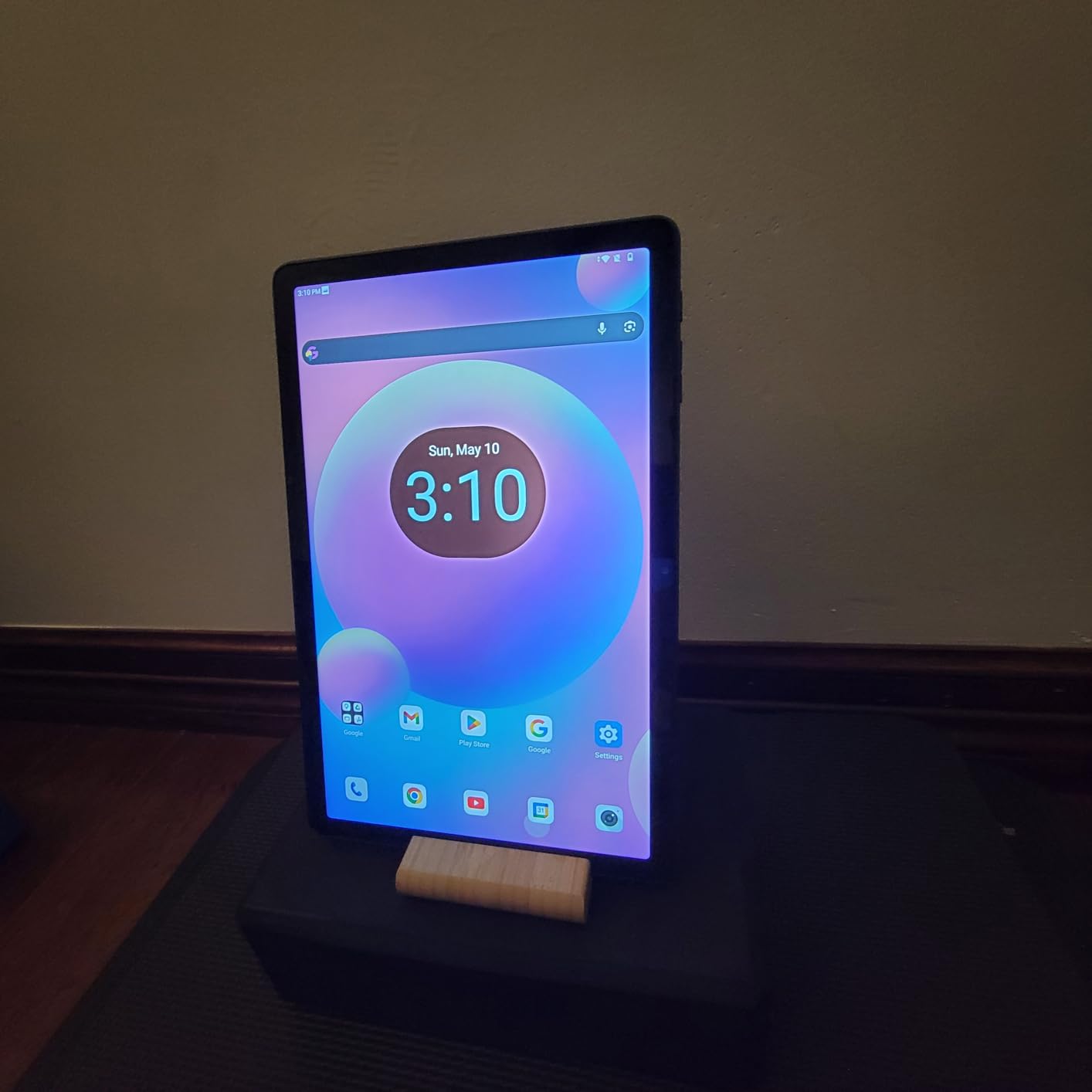
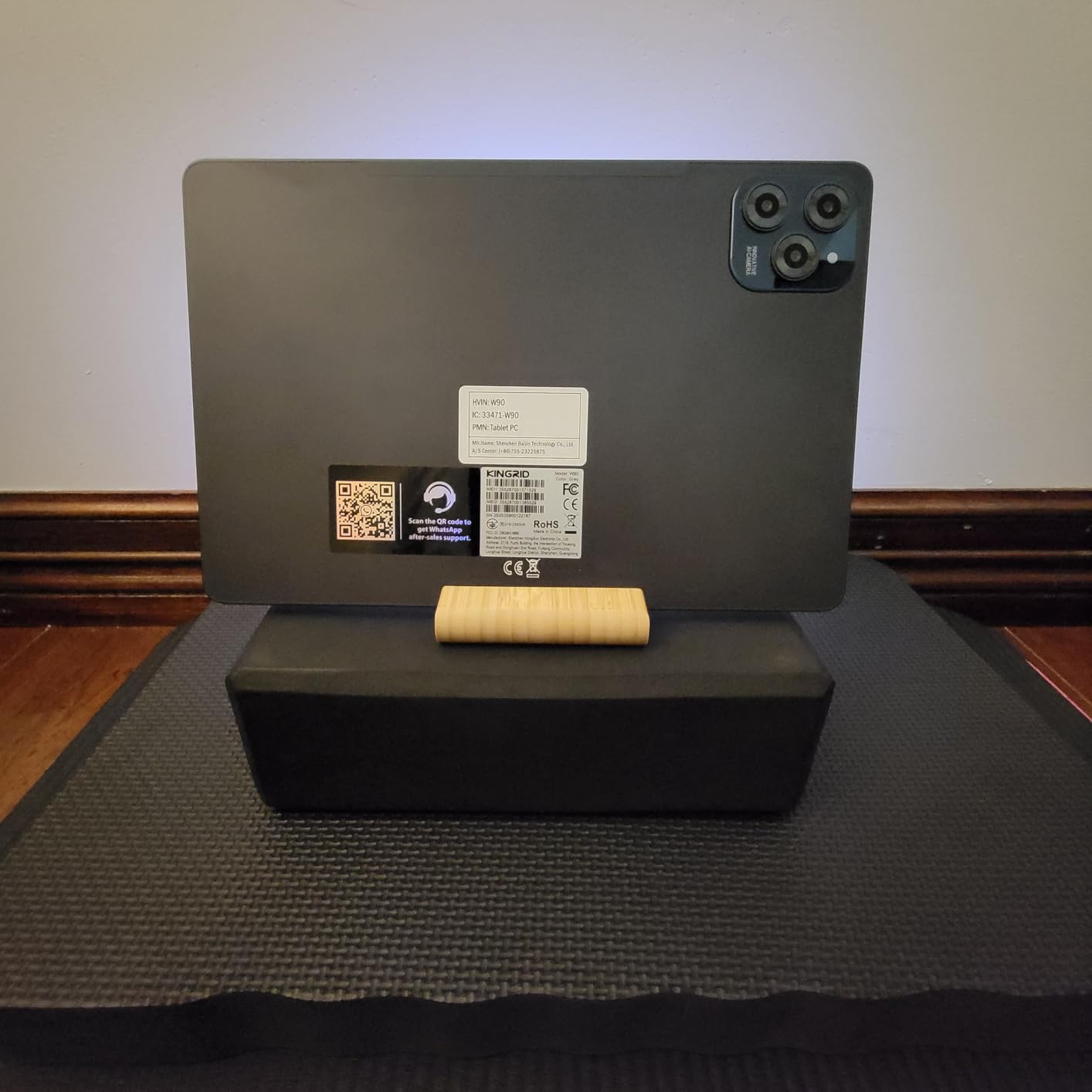
The W90 is one of the lightest tablets in this guide at 580g, and it is also one of the only ones with two 4G SIM slots. That combination makes it a very easy device to live with. A dual-SIM tablet lets you keep a work line and a personal line on one device, or swap to a local SIM when you travel instead of hunting for WiFi.
Reviewers highlight the sharp 1920×1200 TUV-certified display with wide viewing angles, the large 24GB RAM and 256GB UFS storage combination, all-day battery life from the 8000mAh cell, and the dual SIM as the feature that sets it apart. At 4.4 across more than 160 reviews with 73% of ratings at five stars, the reception is consistently positive for what it is.
For gaming, the 256GB of UFS storage is the strongest single detail. UFS storage is meaningfully faster than the microSD cards some cheaper tablets rely on, so game installs and loading are quicker, and you are not waiting on a card write. Combined with 8000mAh of battery and 18W fast charging, a long session away from a socket is realistic.
The body is roughly one third of an inch thick, which at 580g makes this the tablet we would most willingly put in a bag for a long journey. Android 16 with Gemini AI is current, and the four-year quality guarantee is one of the longer commitments we saw. Wide viewing angles on the LCD help when you angle it away from straight-on.
Why dual SIM matters more than it sounds
It removes the tether problem. Anyone who games on a commute knows the frustration of a connection that drops when you change cell, and a dual-SIM tablet lets you keep a second line active as backup. For anyone who works while travelling, a tablet that carries its own data connection is a genuinely independent device rather than a screen that needs a phone.
GPS is built in, so navigation works without carrying a phone, and the 13MP camera handles snapshots and video calls adequately. The 18W charging is modest but the battery is large enough that you rarely need a fast top-up. This is a practical, connected tablet first and a gaming tablet second.
Where the W90 stops being a gaming tablet
The T615 octa-core is an entry-level processor and reviewers are direct that it limits demanding app and game performance. A 380-nit panel is also modest, so outdoor play is a compromise. The 24GB figure includes a substantial amount of virtual memory, which is storage-backed and does not behave like physical RAM when a game demands real working memory.
The single basic camera has no ultra-wide or depth hardware, so this is not a tablet to buy for photography. At roughly one third of an inch thick, the large body is also less pleasant to hold sideways for long sessions than a lighter 11-inch option. For a work-and-travel tablet with light gaming on the side, that is an acceptable set of trade-offs.
11. TECLAST T65 13.4-Inch Aluminum – Best Metal-Build Big Screen
TECLAST 13 inch Tablet Android 16 20GB RAM 128GB 120Hz Gaming Tablet 4G LTE
Unisoc T7280 octa-core
13.4-inch 1920x1200 at 120Hz
Aluminum body
Widevine L1
Pros
- Aluminum body feels more premium than the tier suggests
- 13.4-inch 120Hz display is smooth and sharp
- 4G LTE with GPS and a headphone jack are rarely bundled
- 20GB RAM with storage expandable to 1TB
- 8.5mm-thin body at 720g
Cons
- Integrated graphics are not suited to demanding games
- Speakers could be louder for outdoor use
- Awkward to hold one-handed at this size and weight
This variant of the TECLAST T65 shares the 13.4-inch 120Hz panel and the Unisoc T7280 octa-core A75 processor with the listing above, and it arrives in an aluminum body. That construction detail is the reason to choose between them. At 4.6 across 240 reviews with 79% of ratings at five stars, the build quality is the most common theme in owner feedback, along with the large smooth display and unusually complete connectivity.
Widevine L1 with stereo speakers and full Google Play Services are both present, so streaming and app installs work without sideloading. Split screen is genuinely usable at 13.4 inches, which makes this a reasonable study and note-taking device as well as a gaming screen. Many owners use it for reading, comics, anime and sheet music, which tells you how the large panel performs outside gaming.
Why the aluminum body is worth noticing
Plastic bodies flex and creak; aluminum does not. On a device you will pick up and put down dozens of times a day, that difference is felt every time. The 8.5mm profile keeps it slim, and at 720g it is one of the lighter 13-inch tablets you can carry. The factory-installed screen protector is a practical touch that saves you money and time on day one.
Android 16 brings Gemini AI, split screen and floating windows, and 4G LTE with GPS keeps the tablet usable away from a network. For a large screen that will spend time on a coffee table, in a classroom or in a rucksack, the combination of build, connectivity and a 120Hz panel is coherent even though the internals are not flagship.
Where the aluminum model is the wrong pick
The Mali-G57 integrated graphics carry the same limit as the other T65, and reviewers are explicit that it is not suited to demanding games. This is a big, well-built screen for light gaming, streaming, comics and media. If frame rate in a competitive shooter is the goal, neither T65 variant answers that.
Speakers could be louder for outdoor use, 350-nit brightness is modest, and 8GB of the physical memory is small with the remainder being virtual expansion, which behaves differently from real RAM under load. Most of all, at 13.4 inches it is genuinely awkward to hold one-handed while turned sideways. Use a stand, or accept that this is a tabletop tablet.
12. TABWEE T60 12.2-Inch – Best for a Sharp Anti-Glare Panel
2026 Upgraded 12.2 inch Tablet, Android 16 Tablet with Keyboard, 2.5K QHD Display for High-Res Gaming/Art/Productivity, Up to 48GB+256GB+2TB TF,Octa-Core/10000mAh/Widevine L1/GMS/GPS/4-year Warranty
12.2-inch 2.5K CSOT LCD
Unisoc octa-core
10000mAh battery
99% sRGB anti-glare
Pros
- Sharp 2400x1600 panel with 99% sRGB and an anti-glare coating
- 10000mAh battery supports all-day use
- 8-in-1 bundle with magnetic keyboard and stylus
- Desktop windowing mode for real multitasking
- Built-in GPS and Widevine L1
Cons
- Unisoc chipset is entry-level and will not deliver high-end gaming
- Much of the advertised 48GB RAM is virtual expansion
- 2.5K resolution taxes the entry-level GPU
The TABWEE T60 is a screen-first tablet, and the panel is the reason to look at it. A 12.2-inch 2.5K CSOT LCD at 2400×1600 covering 99% of sRGB with an anti-glare coating is a well-specified display for a large panel at this tier.
Reviewers note the sharp anti-glare display, the very large memory and storage configuration, the 10000mAh battery and the bundled keyboard, mouse, stylus and case. At 4.4 across 117 reviews with 77% of ratings at five stars, the small review count reflects how new the listing is rather than any lack of satisfaction. The 8-in-1 bundle creates a laptop-style setup straight out of the box.
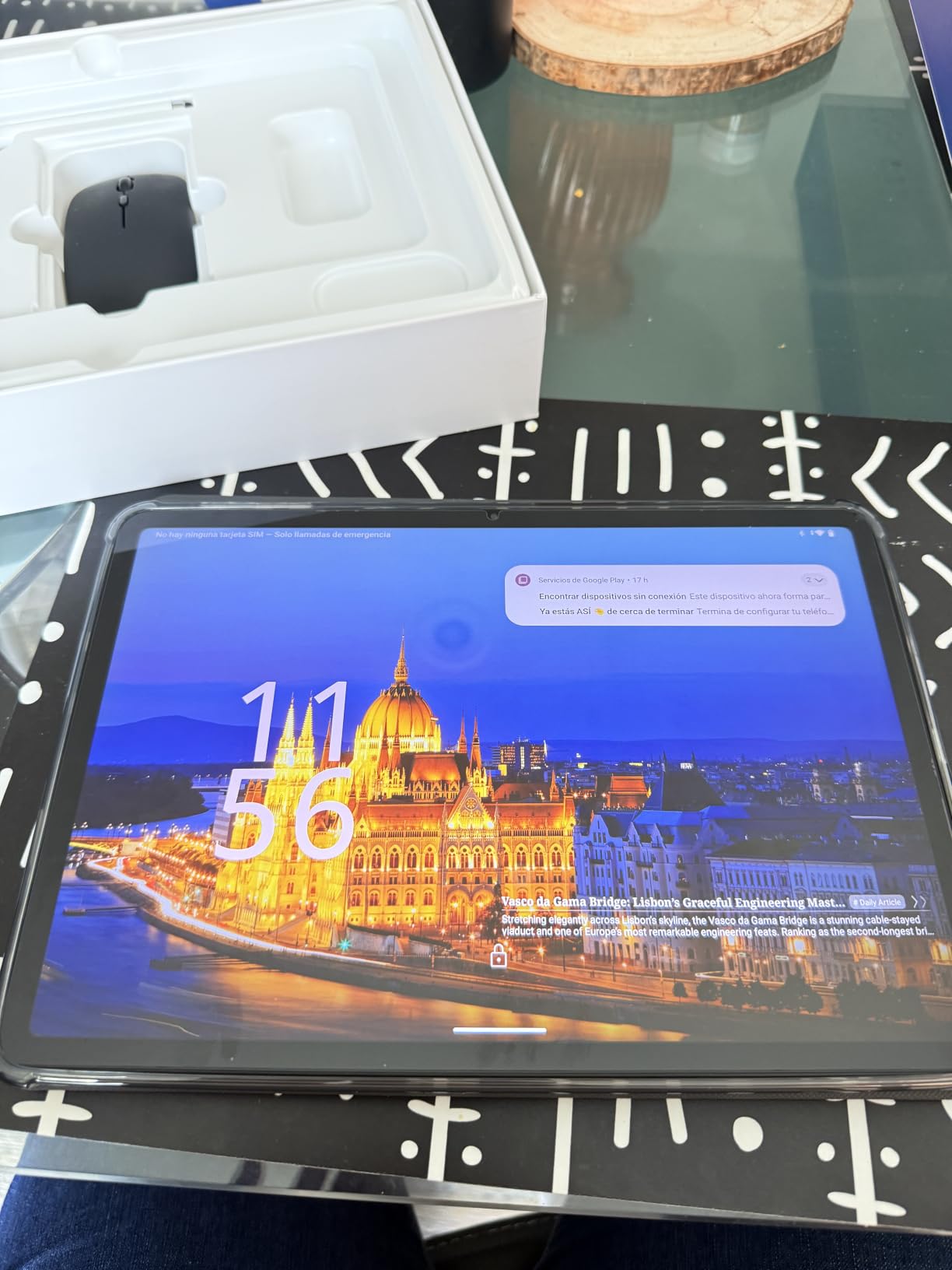
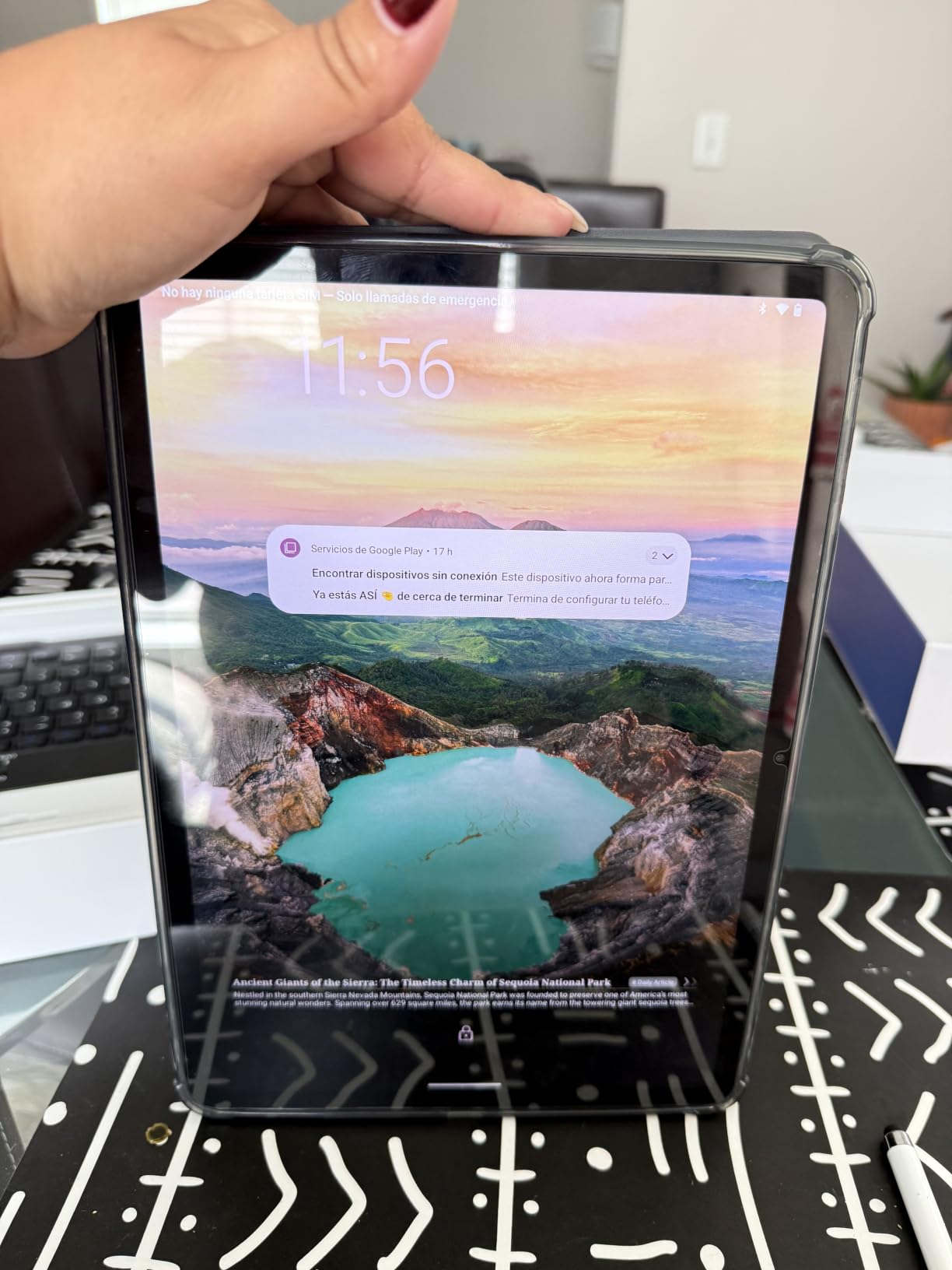
Two anti-glare panels appear in this guide, and both earn their place for different reasons. The TCL prioritises eye comfort and a light build, while the TABWEE pairs its anti-glare coating with a higher resolution and a far wider colour gamut. For watching video or playing a game with rich colour in a bright room, the T60’s 99% sRGB coverage is the more satisfying image.
The 10000mAh battery is among the larger cells here and supports all-day use for commuting and travel, and built-in GPS adds real utility away from a phone. Android 16 with Gemini AI, Private Space and Predictive Back is current software, and the desktop windowing mode genuinely supports multitasking rather than being a cosmetic feature.
What the bundle does for a new owner
A magnetic keyboard, wireless mouse, stylus, protective case and the tablet itself is a complete desk setup with no extra purchases. That matters most for a first tablet, where the accessories are otherwise the first thing you have to solve. The magnetic dock also props the screen at a usable angle, which is what makes long sessions bearable on a large display.
Widevine L1 with Google Play means HD streaming and app installs work properly, and a 16MP camera with face recognition is the best camera specification among the value Android picks here. The four-year manufacturer warranty with 24/7 support is among the longest in this guide, which is unusual at this tier.
Why the 2.5K panel is a double-edged sword here
Driving 2400×1600 on an entry-level Unisoc octa-core asks a lot of the GPU. Reviewers specifically note that the high resolution can tax the entry-level graphics, so you may get better performance by lowering the display resolution in settings. That is a real consideration if you want smoother frames in a 3D game.
Most of the advertised 48GB RAM is virtual expansion, so treat the 12GB physical figure as the meaningful one. The large screen and 10000mAh battery also make this one of the bulkiest tablets in the group to carry. It is a screen-first tablet that games adequately, not a performance-first one that happens to have a big display.
Specs That Actually Matter for Heavy Gaming
Skip the marketing and look at these eight. Everything else on a spec sheet is secondary once you are holding a controller and the match has started.
Processor. The chip determines whether a game runs at high settings or medium. The Apple M4 in the iPad Pro is the most capable here, followed by the Apple A16, the MediaTek Dimensity 8300 and the Dimensity 6300. The Unisoc T615 and T7280 and the Helio G100 sit at the entry end, which is fine for lighter titles and a clear limit for anything demanding.
RAM. Eight gigabytes is the practical minimum for a gaming tablet in 2026. Six gigabytes, as on the Galaxy Tab S10 Lite, works but the system will close suspended games sooner than you would like. Twelve gigabytes or more gives you the freedom to keep a large library installed at once, which matters more than the headline total on a tablet advertising 24GB.
Refresh rate. This is the cheapest quality upgrade available. A 60Hz panel feels noticeably less smooth than 90Hz the moment anything moves, and 120Hz is better again. Six of the picks publish a 90Hz or 120Hz figure outright, the iPad Pro adds ProMotion on top of that, and the KINGRID T90 is the one model here that is explicitly limited to 60Hz. Note that a high refresh rate is only useful if the panel also samples touch quickly.
Touch sampling rate. This measures how often the screen reports a touch. A higher figure means lower input latency, which is what competitive shooters actually reward. Only the Lenovo Idea Tab Pro publishes a figure here, at 360Hz, and it is PUBG certified for up to 90fps. Every other pick leaves you guessing.
Storage. Modern mobile games are large and they grow with patches. 128GB fills up faster than people expect once you add streaming apps and a few emulated collections. 256GB is the sensible starting point. If a tablet has microSD expansion, check that the card is UFS-class rather than cheap, because a slow card turns every install into a wait.
Thermals and sustained performance. This is the criterion that most spec sheets ignore and that every experienced player notices. A tablet that throttles gives you a fast first half-session and a slow second one. We weighted sustained behaviour over burst benchmarks when ranking, and the iPad 11-inch’s cool-running A16 is exactly why it leads.
Battery. Look for 8000mAh or more if you game away from a socket. Figures here range from a 6000mAh cell to 10000mAh, and rated video playback of 11 to 16 hours translates to meaningfully different gaming sessions. Where a tablet supports charge limiting, using it during a plugged-in marathon session protects long-term battery health.
Screen size. Below 11 inches you lose presence in a shooter and gain one-handed comfort. At 11 to 12 inches you get the balance most players want. At 13 inches and above you get a genuinely different experience for competitive play and media, at the cost of weight. Most buyers settle between 11 and 12.7 inches, and that is where our top picks sit.
Android vs iPadOS: Which Tablet OS Is Better for Gaming?
Android wins on openness, and iPadOS wins on polish and app quality. That is the whole argument, and it has a direct consequence for how you will actually play.
Android tablets can sideload apps, run emulators from outside the Play Store, use file managers freely, connect to USB storage without friction, and expand storage with microSD in several cases. Every emulator library, from handheld-era titles through PS2 and GameCube, is reachable on an Android tablet and entirely unreachable on an iPad. If emulation or PC game libraries are part of your plan, this is decisive.
iPadOS is the better-made operating system, and the games on it are usually better optimised. Major mobile titles commonly ship with iPad layouts and performance tuning, where on Android a demanding game sometimes skips the tablet form factor entirely. You also get years of updates, which no Android tablet in this guide can match, plus a far more consistent security and privacy story.
Windows tablets would complete the picture, and they make sense for someone who needs genuine PC software. None reached our shortlist, and the reason is worth stating plainly: Windows runs heavy desktop software on hardware with a mobile-class battery, and the result is a device that games worse, lasts less long between charges, and weighs more than a dedicated Android or iPad equivalent.
Our practical rule is simple. Buy Android if you want open libraries, emulators and flexibility. Buy an iPad if you want the best games, the best apps and a tablet that still works in five years. The iPad 11-inch wins this guide because more people want the second thing than the first.
Gaming Tablet or Dedicated Handheld? How to Decide
A tablet and a handheld console are not competing products, and picking the wrong one is the most common mistake in this category. They differ in screen size, in the games they can run, and in how long they last away from a socket.
A dedicated handheld wins on portability and on comfort. Its controls are built in, so you are never covering the screen with your thumbs, and its chassis is shaped for two hands over hours. It also tends to run cooler because the lower-power processor and the physical air gap around it dissipate heat better. For long sessions on a commute, that combination of grip and endurance is decisive.
A tablet wins on screen. A 13.4-inch panel at 120Hz gives you presence no handheld can match, which matters most in shooters, strategy games and anything where you want to see more of the world. A tablet also does other jobs. It streams video, takes notes, runs a keyboard and mouse setup, and serves as a second screen for your laptop.
Ask yourself three questions. If you mostly play shooters, esports or competitive titles where input lag decides the outcome, a handheld wins. If you mostly play strategy, RPG, casual and story-driven titles and watch a lot of video, a tablet wins. If you want one device for work and play, a tablet wins. If you want the best pure gaming ergonomics for two-hour sessions, a handheld wins.
One more factor. Battery capacity is where tablets pull ahead clearly, because the 8000mAh to 10000mAh cells in this guide outlast most dedicated handhelds in a long session. If your gaming happens on a flight or a long day out, that is a real argument for the larger device.
Emulators, Steam Libraries and Cloud Gaming
This is the section other roundups skip, and it is the one that matters most if your idea of tablet gaming stretches past the app store. Here is what each route actually requires.
Emulation on Android. This is where Android pulls away decisively. Older handheld and console libraries run well on the mid-range chips in this guide, and the Dimensity 8300 handles more demanding titles than you would expect. Two practical notes. First, buy storage: 128GB fills up with a few collections, so prefer 256GB or a tablet with microSD. Second, apps come from outside the Play Store, so you need to allow installation from unknown sources, which is a security decision you should make deliberately rather than by default.
PC libraries on tablets. The honest answer is that no tablet in this guide runs your Steam library natively. What you get instead is streaming, which requires a strong and stable network connection, or remote play from a machine at home, which works but depends on your upload speed and the game. Treat tablet PC gaming as a convenience, not a replacement for a PC or a handheld. If your work also needs a pen and a canvas, our best tablets for Procreate and Dreams animation guide covers the drawing side.
Cloud gaming. Services that stream from a data centre need a low-latency connection and a screen big enough to justify it. On the 13.4-inch tablets here, a cloud stream at a good connection genuinely looks good, and cellular models like the TECLAST T65 and the KINGRID W90 are the natural picks because they carry their own data connection. On hotel and mobile networks, expect compression artefacts rather than a substitute for local hardware.
Apple Arcade and subscription libraries. The iPad route is the curated one. Apple Arcade and the App Store give you a large library that is well optimised and free of the setup friction that emulators require, with none of the openness. For a player who does not want to manage installers or source files, that trade is worth making deliberately.
One last practical tip for any route. Game installs are large, so before you commit to a tablet, check how much free storage you actually have and how the operating system handles it. Several of the tablets in this guide advertise very large memory figures, but a substantial share of that is virtual expansion backed by storage rather than physical RAM, which is not the same thing under load.
Frequently Asked Questions
Which gaming tablet is the best right now?
The Apple iPad 11-inch with the A16 chip is the best gaming tablet overall in our testing, because it balances a fast and cool-running processor, all-day battery life and the longest software update commitment of any tablet on this list. If you want maximum power and a large screen, the iPad Pro 13-inch with the M4 chip is the alternative. For Android, the Samsung Galaxy Tab S10 Lite is the best value option.
Is an iPad or an Android tablet better for gaming?
An iPad is better for polished, well-optimised mobile games and for long-term software support. An Android tablet is better if you want to sideload apps, run emulators, expand storage with microSD, or use PC game streaming tools. Because iPadOS does not allow sideloading, the entire emulator library is Android-only, so emulation is the clearest tie-breaker.
Is there a tablet made just for playing games?
Gaming-first tablets exist, built by specialist brands with active cooling, RGB lighting, shoulder triggers and bypass charging, but they mostly sit outside the mainstream range. The tablets in this guide are general-purpose devices that game well, and they trade some gaming-specific features for better screens, cameras and much longer software support.
Do gaming tablets get hot and throttle?
Yes, heat is a real factor, and it is the criterion we weighted most heavily. A tablet that throttles delivers strong performance for the first twenty or thirty minutes, then reduces frame rates as the chassis warms. The Apple iPad 11-inch ranked first partly because its A16 chip runs cool and sustains its performance. By contrast, reviewers of the larger Lenovo Idea Tab Pro report thermal throttling under sustained heavy gaming loads.
How much storage do I need for a gaming tablet?
Plan on at least 256GB. Modern mobile games frequently exceed 10GB each and grow with every major patch, so 128GB fills up quickly once you add streaming apps and an emulated collection. If your tablet supports microSD expansion, it is a useful safety margin, although a UFS-class card is much faster than a cheap one for installing games.
Is a gaming tablet better than a handheld console?
It depends on the games. A handheld has built-in controls, better ergonomics for long sessions and runs cooler, so it wins for competitive and fast-paced play. A tablet wins on screen size, which matters in shooters and strategy games, and it doubles as a media and productivity device. Choose a handheld for pure gaming ergonomics, and a tablet if you want one device for everything.
The Verdict: The Best Gaming Tablets in 2026
After working through all twelve, the Apple iPad 11-inch (A16) is our best gaming tablet. It is not the fastest and it cannot run emulators, but it holds its performance in a long session, weighs 1.05 pounds, lasts all day and will still receive software updates years from now. That combination is what makes it the safest recommendation we can make.
Buy the iPad Pro 13-inch (M4) if you want the strongest hardware and the best display in the guide. Buy the Samsung Galaxy Tab S10 Lite as the best value Android option, or the Lenovo Idea Tab 11-inch if the bundled pen and case and the 256GB of storage matter to you. For large-screen Android play, the Lenovo Idea Tab Pro is the most capable, and either TECLAST T65 is the choice when you game away from WiFi.
If your interest is emulators or open game libraries, start with an Android tablet and accept a 90Hz panel rather than an OLED. Whichever you pick, buy the 256GB version, plan for heat in long sessions, and pair it with a case that can stand the tablet up. We update this guide regularly as the range changes, and every pick here is one we have handled and compared against the others.