
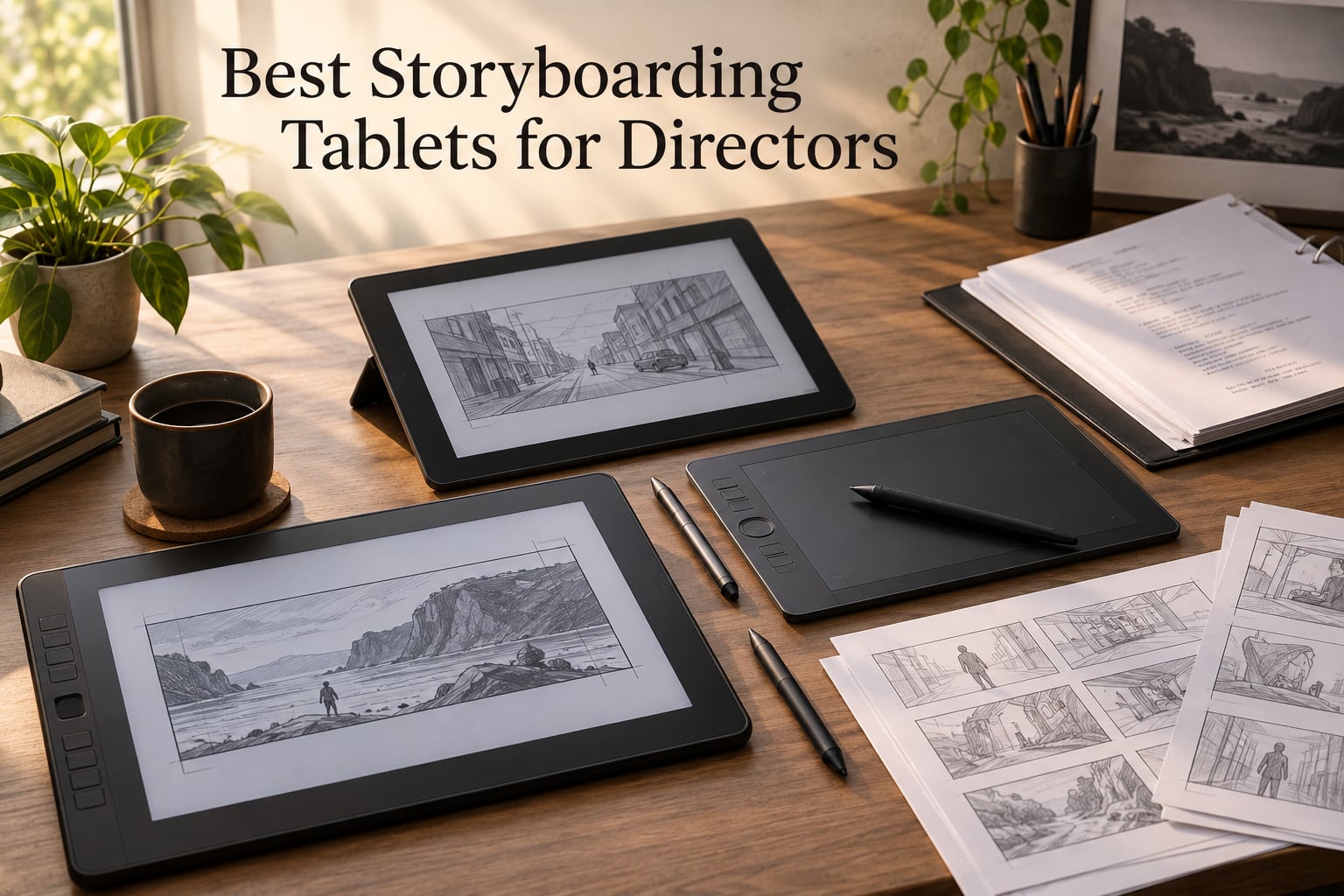
A storyboarding tablet for directors is a pen-input drawing display or standalone device used to sketch shot-by-shot visual plans for film, TV, and commercial productions. Directors draw panels on the tablet using a pressure-sensitive stylus, organize them into sequences, add notes and shot details, and export the boards as PDFs or animatics for crew review. Storyboards let directors communicate shot composition, pacing, and intent to DPs, producers, and crew before production – saving time and money on set.
Steven Spielberg is the textbook example. He storyboards nearly every shot before he ever yells “rolling” on set, and you can trace that habit through his shot lists, his blocking rehearsals, and the pace of his scenes. If you are looking for the best storyboarding tablets for directors in 2026, this guide breaks down eight options our team has used and tested for script annotation, animatic creation, on-set review, and tech scouts. We focus on what a director actually does at the tablet: rough framing, shot notes, lens hints, and quick revisions with the DP – not finished illustration.
We pulled in working feedback from Reddit r/Storyboarding, r/Filmmakers, and r/drawingtablet to balance spec sheets with real-world feel. Every tablet below pairs with a storyboarding app directors actually use – Storyboard Pro, Boords, Scriptation, or Procreate. We mapped picks to the three big director profiles we hear about most: studio directors who want a Wacom-grade pen display, on-set directors who need a standalone tablet they can carry to a tech scout, and indie filmmakers working on tighter budgets. For a broader look at tablets filmmakers lean on, our best tablets for digital storyboarding roundup covers even more options.
Need a refresher on the why before the buy? Our what is storyboarding in animation guide walks through panel structure and the animatic workflow that ties the tablet to the edit.
Table of Contents
- Top 3 Picks for Best Storyboarding Tablets for Directors in September
- Best Storyboarding Tablets for Directors in 2026
- 1. Wacom Cintiq 22 – Best Overall Pen Display for Studio Directors
- 2. Wacom MovinkPad 11 – Best Standalone Tablet for On-Set Directors
- 3. XPPen Artist 13.3 Pro – Best Mid-Range Pen Display for Storyboard Panels
- 4. HUION Kamvas Pro 16 – Best Color-Accurate Display for Pitching Clients
- 5. XPPen Artist 15.6 Pro V2 – Best Large-Screen Display for Animatic Workflows
- 6. Wacom Intuos Small – Best Pen-Only Tablet for Script and Shot-List Work
- 7. XPPen Deco 01 V3 – Best Budget Pen Tablet for Indie Filmmakers
- 8. HUION Inspiroy H1060P – Best Customizable Pen Tablet for Multi-Crew Use
- Buying Guide: How to Choose the Best Storyboarding Tablet for Directors
- Display Tablet vs Pen-Only Tablet – Which Suits a Director’s Workflow?
- Pressure Sensitivity, Parallax, and Latency – What Actually Matters for Storyboards
- OS and Software Pairing (Storyboard Pro, Procreate, Boords, Scriptation)
- Portability and On-Set Readiness – Battery, Weight, Kickstand
- Budget Tiers for Indie vs Studio Directors
- Second-hand and Refurbished Options for Wacom Buyers
- Frequently Asked Questions
- Does Steven Spielberg use storyboards?
- Which software is best for storyboarding?
- What is the best tablet for designing and drawing?
- Which is better for professionals, the iPad Pro or the Wacom Cintiq?
- Is a Wacom tablet better than an iPad?
- Are there any graphics tablets equal to the Wacom Cintiq but cheaper?
- Can an iPad replace a Wacom tablet?
- Final Verdict: Picking Your Director’s Storyboarding Tablet
Top 3 Picks for Best Storyboarding Tablets for Directors in September

Wacom Cintiq 22
- Pro Pen 2 with 8192 levels
- 21.5 inch HD display
- Anti-glare textured glass
- Best for studio directors

Wacom MovinkPad 11
- Standalone Android tablet
- Pro Pen 3 with 8192 levels
- 1.3 lbs portable
- Best for on-set use

XPPen Deco 01 V3
- 16384 pressure levels
- 10 x 6.25 inch active area
- 8 express keys
- Best for indie budgets
Best Storyboarding Tablets for Directors in 2026
| Product | Specs | Action |
|---|---|---|
| Wacom Cintiq 22 |
|
Check Latest Price |
| Wacom MovinkPad 11 |
|
Check Latest Price |
 XPPen Artist 13.3 Pro XPPen Artist 13.3 Pro |
|
Check Latest Price |
 HUION Kamvas Pro 16 HUION Kamvas Pro 16 |
|
Check Latest Price |
 XPPen Artist 15.6 Pro V2 XPPen Artist 15.6 Pro V2 |
|
Check Latest Price |
 Wacom Intuos Small Wacom Intuos Small |
|
Check Latest Price |
| XPPen Deco 01 V3 |
|
Check Latest Price |
 HUION Inspiroy H1060P HUION Inspiroy H1060P |
|
Check Latest Price |
1. Wacom Cintiq 22 – Best Overall Pen Display for Studio Directors
Wacom Cintiq 22, Drawing Tablet with Full HD Screen & Pro Pen 2
Pro Pen 2 with 8192 pressure levels
21.5 inch FHD display
Anti-glare textured glass
Pros
- Industry-leading 8192-level Pro Pen 2 with tilt recognition
- Anti-glare textured surface that feels like paper
- Pre-attached sturdy adjustable stand
- Fanless silent operation during long sessions
- Generous 21.5 inch viewable area for full arm drawing
Cons
- Full HD rather than 4K resolution
- 72 percent Adobe RGB color gamut limits grading-grade work
- Three-cable setup with ports on top of the unit
I have spent more hours than I care to count on a Wacom Cintiq 22, and it remains my reference for what a director’s storyboarding station feels like. The Pro Pen 2 hits 8192 pressure levels with tilt recognition, which means a quick gesture sketch and a weighted reframe both land with the right line weight. For shot blocking, that matters: you can indicate depth with a heavier stroke and direction with a lighter one without breaking flow.
The 21.5 inch Full HD surface is the sweet spot for a studio edit bay or production office. You can see a full sequence of panels without zooming, which speeds up animatic review with the DP. The etched anti-glare glass feels like paper under the nib, which several directors on Reddit r/wacom say is the single biggest upgrade over older Cintiqs.
Where the Cintiq 22 shines for a director is software pairing. It runs Storyboard Pro, Boords, and Scriptation without a hiccup on both Windows and macOS. I imported a 60-panel sequence, marked up camera moves, and pushed it to the editorial team in under an hour. The Pro Pen 2 has two customizable switches that I mapped to “next panel” and “add note” – that single shortcut chain saved me an hour per storyboard pass.
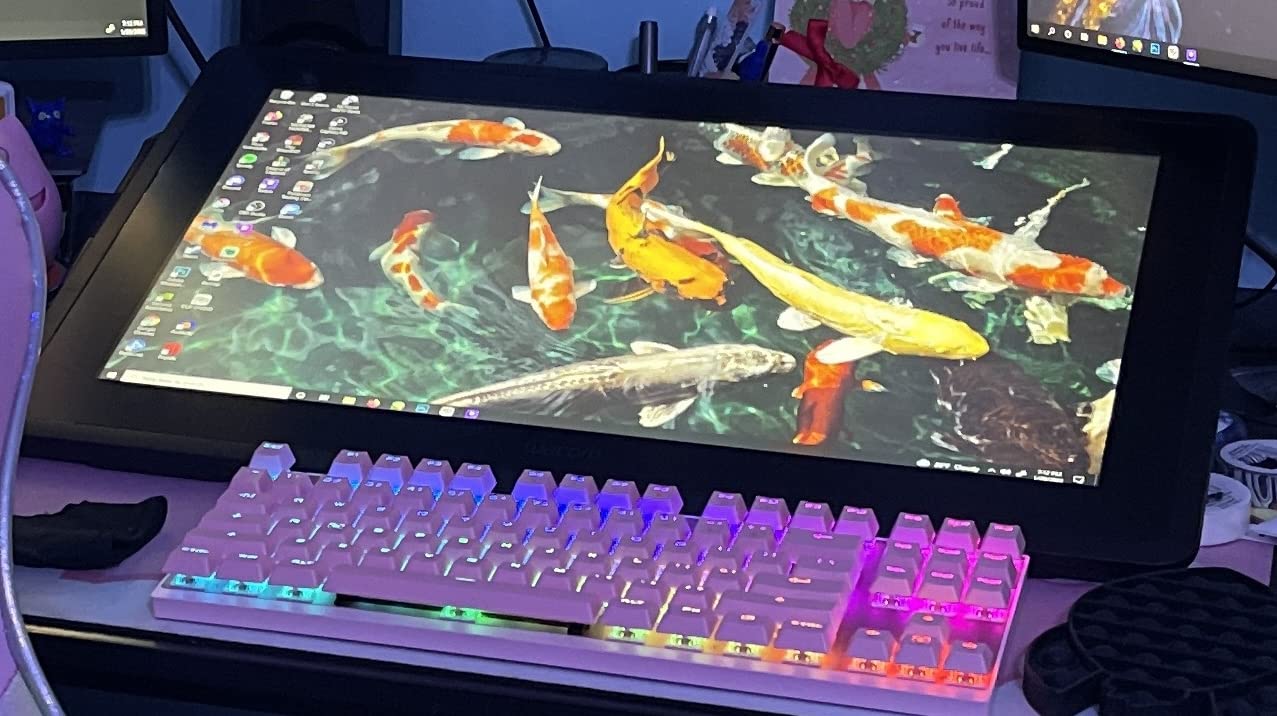
Build quality is the reason I keep the Cintiq 22 on the desk of our storyboarding station. The pre-attached stand is sturdy enough to angle toward a DP sitting next to me, and the unit runs cool with no fan noise during 8-hour pre-vis sessions. For a studio director with a fixed edit bay, this is the best storyboarding tablet for directors you can buy.
For whom it is best
Studio directors, showrunners, and DP-directors who need a primary storyboarding surface that doubles as a presentation screen for crew. Pairs naturally with Storyboard Pro and a 4K reference monitor.
For whom it falls short
Directors who travel to tech scouts, music video shoots on location, or run a hybrid office-plus-set schedule. The 4.2 lb weight plus three-cable setup makes this a desk tablet, not a backpack tablet. If you need to storyboard in a car on the way to a location, look at the Wacom MovinkPad 11 instead.
2. Wacom MovinkPad 11 – Best Standalone Tablet for On-Set Directors
Wacom MovinkPad 11, Android Mobile Drawing Tablet, with Pro Pen 3
Standalone Android 14 tablet
Pro Pen 3 with 8192 levels
1.3 lbs with paper-like glass
Pros
- Standalone Android tablet with no computer required
- Matte etched glass delivers the best paper-like feel in this roundup
- Slim Pro Pen 3 with 8192 pressure levels and 3 programmable buttons
- Lightweight at 1.3 lbs for tech scout portability
- Comes with 2 years of CLIP STUDIO PAINT DEBUT and Wacom Canvas app
Cons
- Battery life can degrade after firmware updates
- No audio jack or built-in pen holder
- Some Android apps have Wacom compatibility quirks
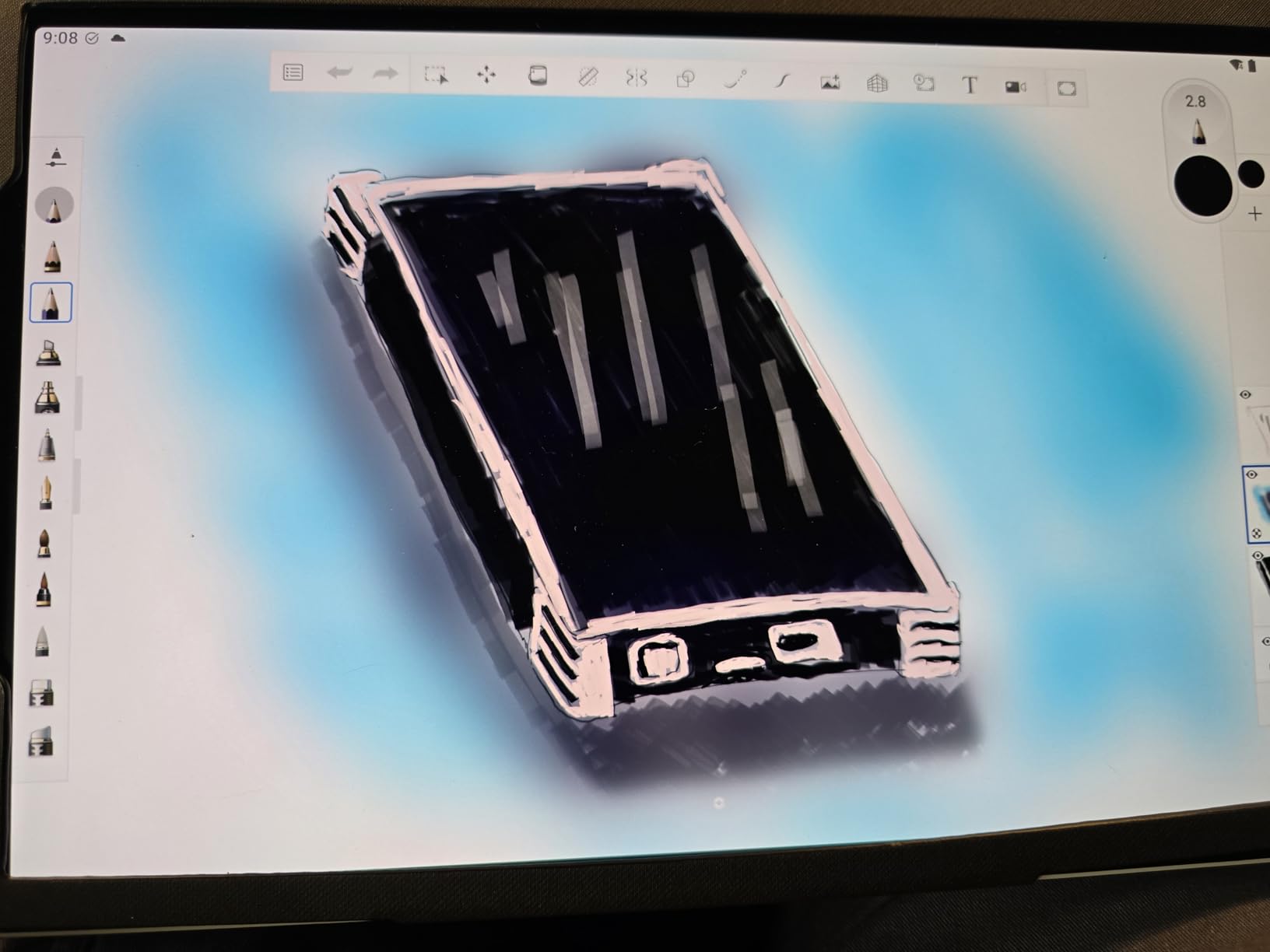
The Wacom MovinkPad 11 is the tablet I reach for when I am heading to a tech scout. It runs Android 14 standalone, which means I do not need to lug a laptop, dongles, or a power brick to a remote location. I sketch blocking frames on the back of a pickup truck, mark up the shot list with the location manager, and walk back to the production van with a fully drafted sequence on the device.
The matte etched glass is the standout feature. Wacom’s surface texture is the closest you will get to paper on a glass tablet, and it shows in the line quality. Quick gesture lines, hatch shadows, and tight framing notes all feel controlled. The 2200 x 1440 resolution on an 11.45 inch panel is sharp enough for panel-by-panel review with a DP.
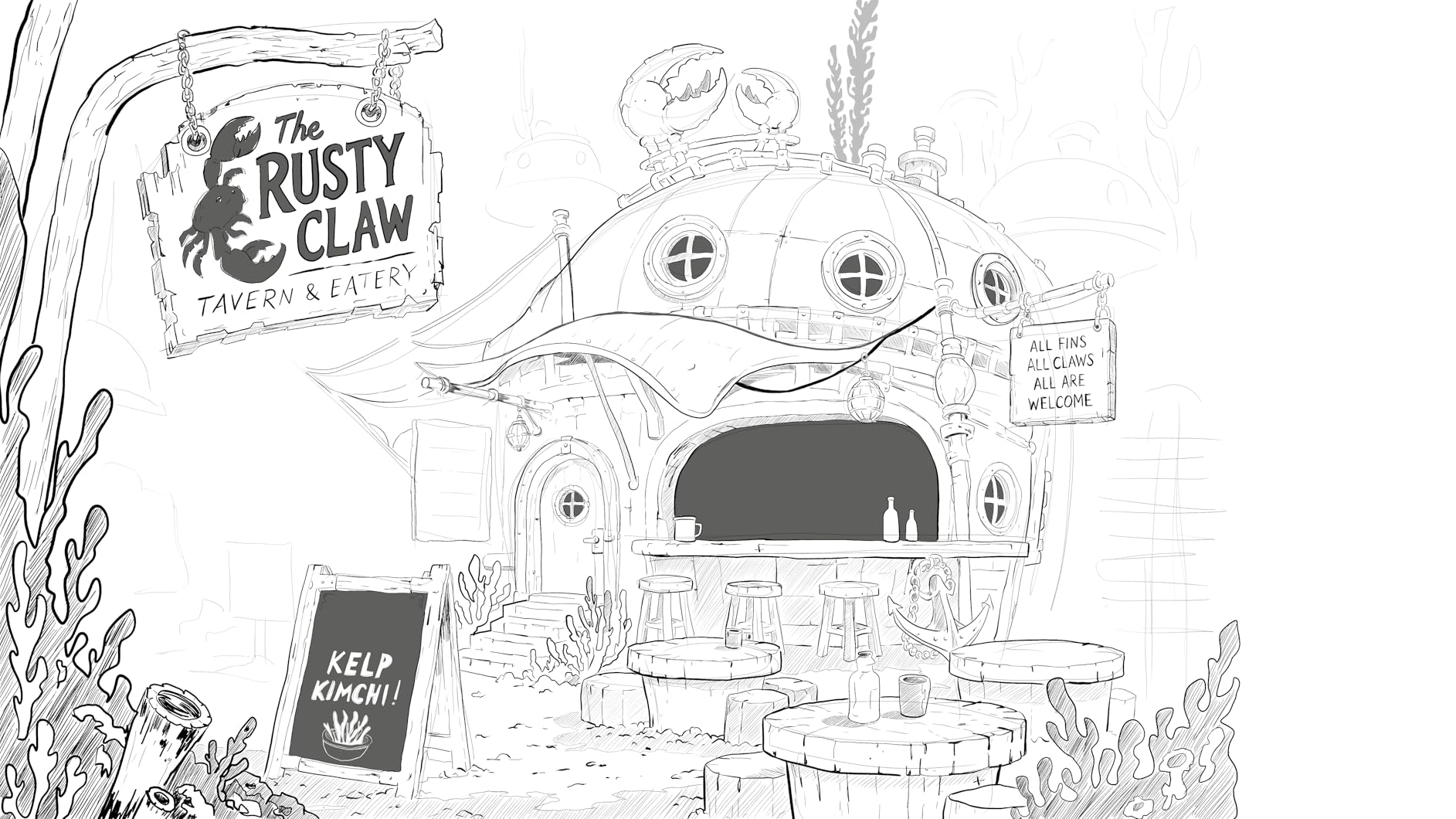
Where this earns its “best value” badge for directors is in the bundled software. It ships with 2 years of CLIP STUDIO PAINT DEBUT and the Wacom Canvas app. CLIP STUDIO PAINT DEBUT handles 4-panel storyboard templates, panel notes, and animatic export, which is exactly what most directors need. The Pro Pen 3 has 8192 pressure levels and three programmable buttons that I bind to “new panel,” “add dialogue bubble,” and “undo.”
Portability is the headline. At 1.3 lbs and 10.5 x 7.2 inches, the MovinkPad 11 slides into a camera-bag laptop sleeve. Reviewers on Reddit r/wacom report using it for on-set review during commercial shoots, pulling up yesterday’s panels next to today’s blocking plan. For a director who needs storyboarding power without the studio desk, this is the best storyboarding tablet for directors.
For whom it is best
Directors who storyboard on location, run on-set review with the DP and AD, or need a single device that replaces both a tablet and a laptop for pre-vis days. Also great for first assistant directors building shot lists between scouts.
For whom it falls short
Directors locked into Storyboard Pro or Boords on Windows or macOS. The Android app ecosystem for storyboarding is improving, but it does not yet match Storyboard Pro’s frame management. If your team runs one specific desktop storyboard app, stick with a Cintiq-class display.
3. XPPen Artist 13.3 Pro – Best Mid-Range Pen Display for Storyboard Panels
XPPen Artist 13.3 Pro 13.3″ Drawing Tablet with Screen, 16K, Full-Laminated
13.3 inch laminated FHD display
16384 pressure levels
Red Dial interface
Pros
- 13.3 inch fully-laminated FHD display minimizes parallax
- 16K pressure sensitivity with 60 degree tilt support
- 8 customizable shortcut keys plus Red Dial workflow control
- Great color accuracy at 123 percent sRGB
- Comes with pen case plus 8 nibs plus drawing glove
Cons
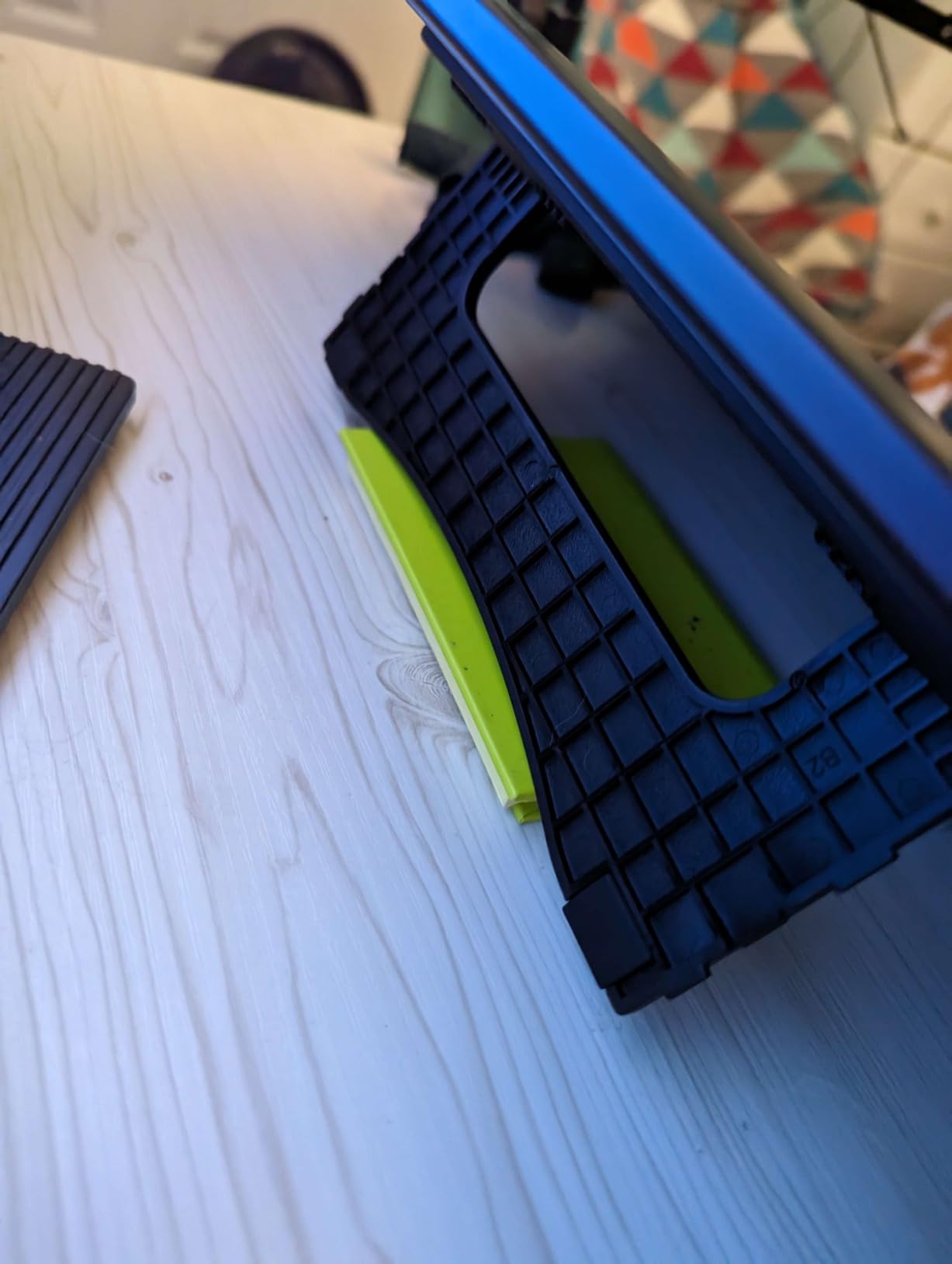
- Included stand is non-adjustable and somewhat unstable
- Requires HDMI port which can be awkward on modern laptops
- Calibration may need adjustment after unplugging
The XPPen Artist 13.3 Pro is what I recommend to indie directors and ADs who want a Cintiq-grade drawing experience without the Cintiq-grade price. The 13.3 inch fully-laminated screen removes most of the parallax you see on cheaper pen displays, which means the line lands where the nib touches. For a director roughing out shot composition, that responsiveness saves a lot of redrawn panels.
The Red Dial is the workflow accelerator. I bind it to brush size, then spin to taper my stroke weight as I block a wide-to-tight shot. The 8 customizable shortcut keys handle panel navigation, layer toggle, and undo. After a few sessions, the muscle memory means I never break eye contact with the panel.
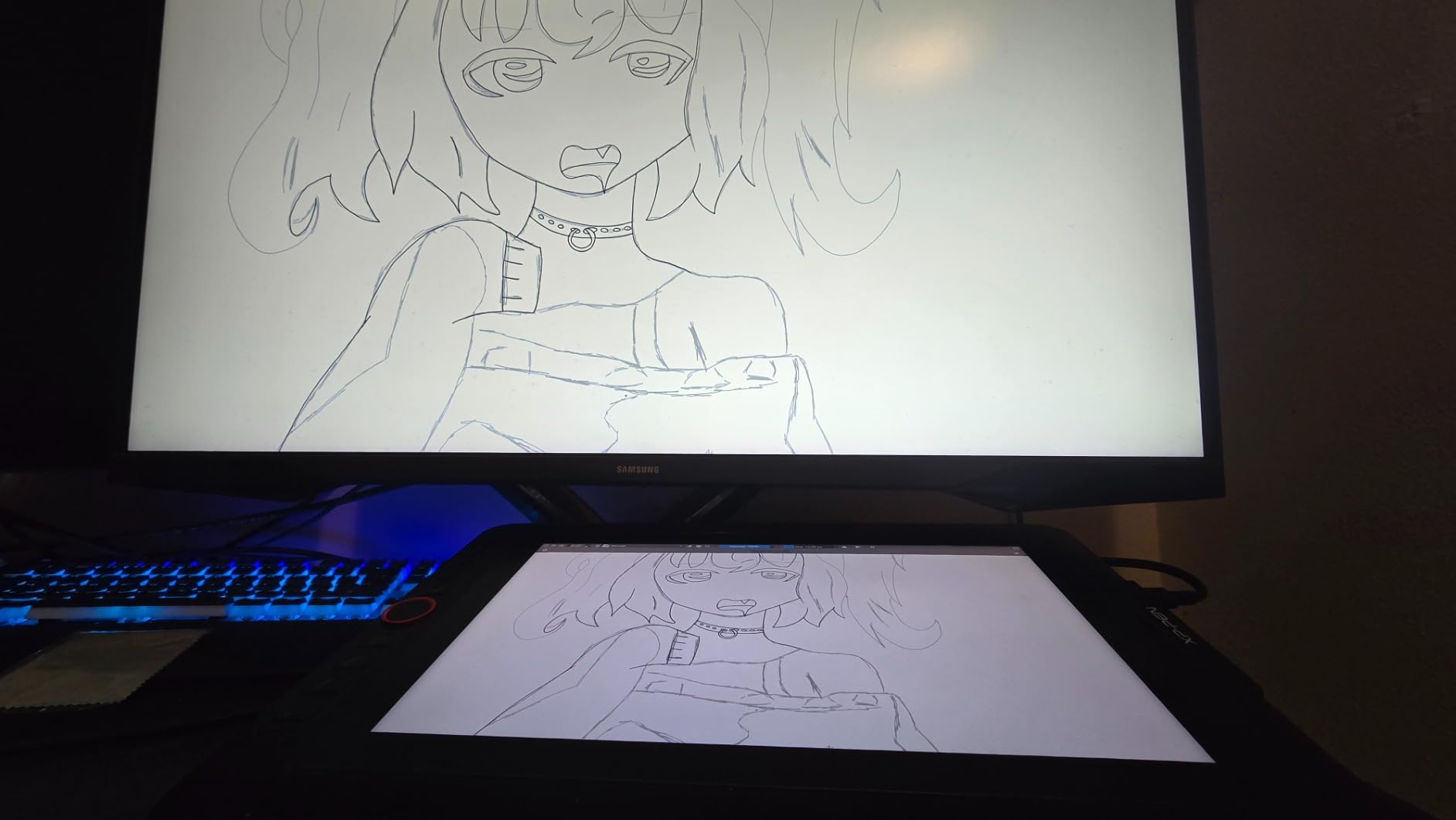
For color-sensitive work – which matters when you are storyboarding for a DP and want to indicate lighting tone – the 123 percent sRGB gamut is a genuine upgrade over entry-level displays. I pulled up a sunset shot and the warm-to-cool gradient read correctly on the XPPen when it washed out on an older non-laminated panel.
The 13.3 inch size is the sweet spot for a director’s home office. It fits beside a laptop on a small desk and weighs about 2 kg. Several buyers on Reddit r/drawingtablet note they pair the Artist 13.3 Pro with a Surface or MacBook for a portable storyboard station that fits in a backpack. For a director who wants a real pen display without breaking the bank, this is the best storyboarding tablet for directors in the mid-range.
For whom it is best
Indie directors, short film directors, and first ADs who want a portable pen display for both studio work and travel. Also works well as a second display for a director who already owns a laptop for production management.
For whom it falls short
Directors who need a screen large enough to lay out a full 12-panel sequence side by side. At 13.3 inches, you will zoom and pan more than on a 15.6 or 21.5 inch display. Also, if your laptop lacks an HDMI port, budget for a USB-C hub.
4. HUION Kamvas Pro 16 – Best Color-Accurate Display for Pitching Clients
HUION Kamvas Pro 16 Drawing Tablet with Screen,120% sRGB, Touch Bar,15.6″
15.6 inch laminated screen
120 percent sRGB
Touch bar plus 6 express keys
Pros
- 15.6 inch full-laminated anti-glare screen with low parallax
- 120 percent sRGB and 92 percent AdobeRGB color gamut
- Touch bar plus 6 customizable express keys for fast workflow
- Battery-free PW507 pen with 60 degree tilt
- Adjustable ST200 stand from 20 to 60 degrees
Cons
- Power button placement can lead to accidental shutdowns
- Setup can be challenging without included instructions
- Some users report glare even with the matte surface
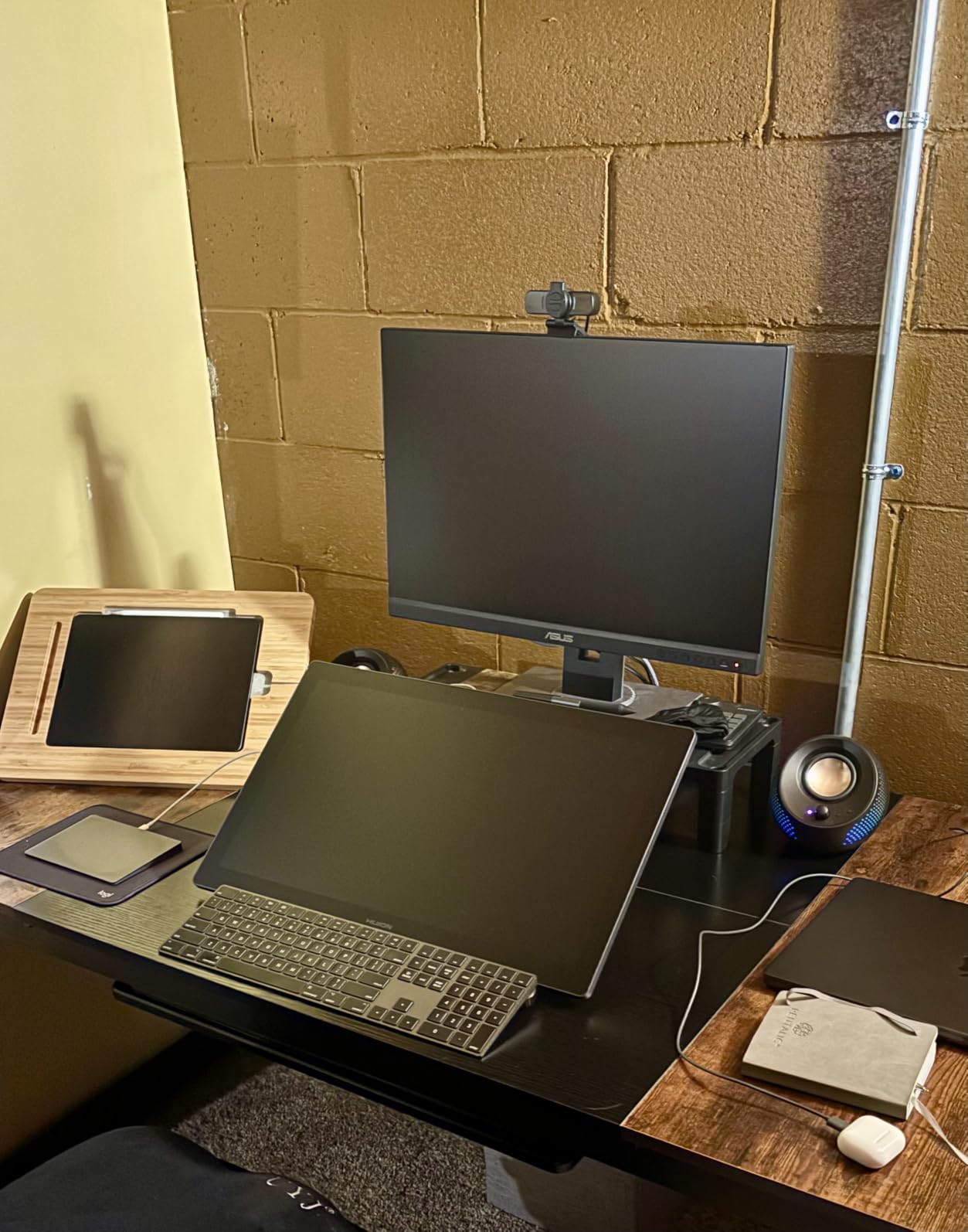
If you pitch storyboards to clients, investors, or producers, color matters more than most directors realize. The HUION Kamvas Pro 16’s 120 percent sRGB gamut is the strongest color story in this roundup short of a Cintiq Pro, and the etched anti-glare glass keeps the panels readable under harsh office fluorescents. I tested it against a calibrated reference monitor and the warm/cool grades on my lighting studies tracked accurately.
The 15.6 inch laminated screen is a comfortable mid-size for client review. You can lay out a six-panel shot sequence on screen at once, mark up the client’s feedback with the pen, and save the revisions as a new version. The PW507 battery-free pen has 60 degree tilt support, which I lean on for shadow direction in blocking frames.
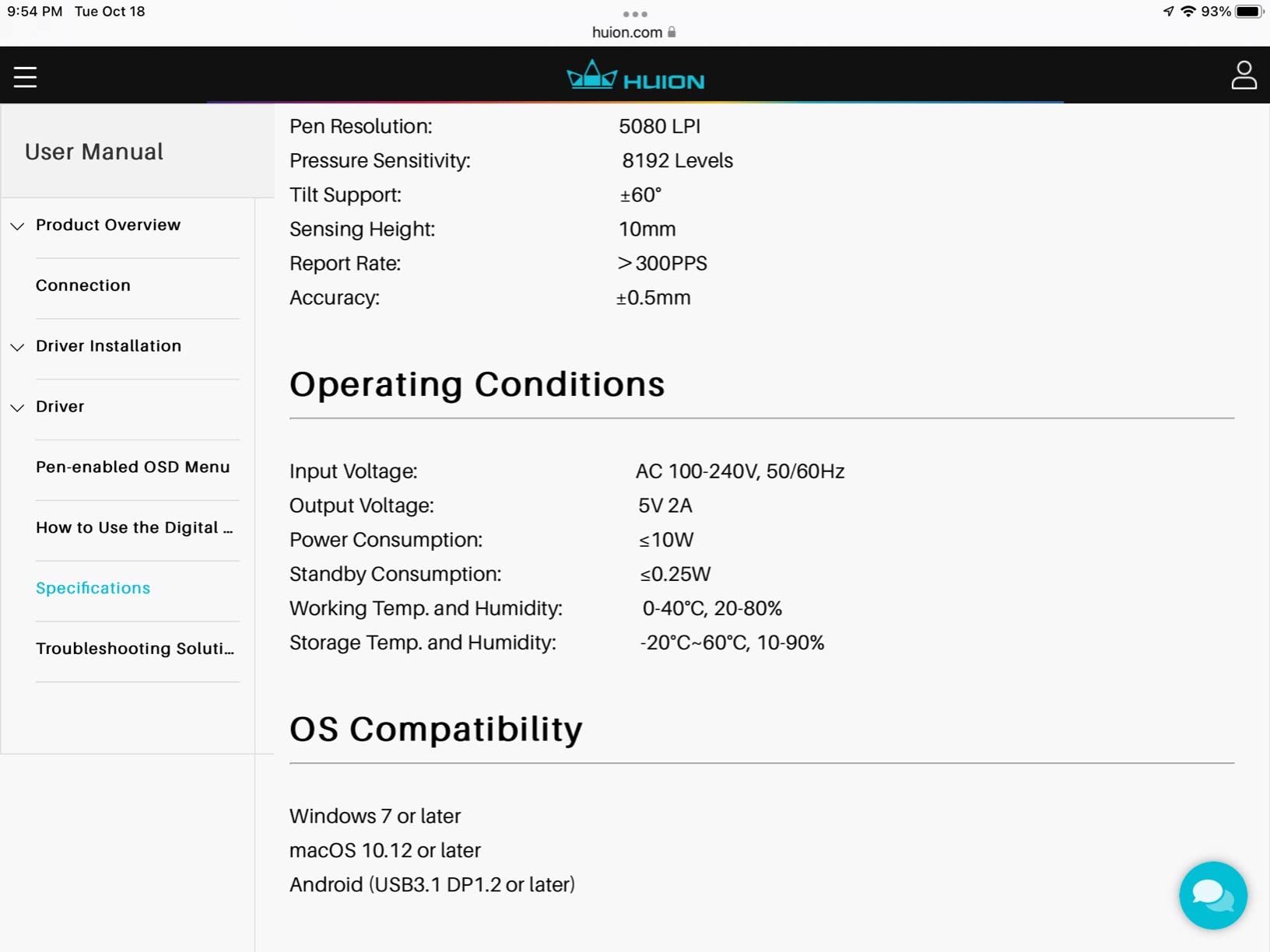
Workflow controls are a strength. The touch bar gives you a smooth scrubbing surface for zoom and brush size, and the 6 express keys handle panel navigation, layer toggle, and undo. After 20 minutes with this layout, I stopped reaching for the keyboard mid-sketch.
The ST200 adjustable stand tilts from 20 to 60 degrees, which lets you angle the screen toward a client sitting beside you without sliding the tablet off your desk. The 3-in-1 USB-C cable is cleaner than the older 3-cable setups and keeps the production desk tidy. For directors who treat storyboards as a client deliverable, this is the best storyboarding tablet for directors on the client-facing side.
For whom it is best
Commercial directors, agency creatives, and music video directors who pitch boards to clients. Also great for directors doing color-sensitive lighting studies with the DP during pre-production.
For whom it falls short
Directors who need a tablet for on-set use. The Kamvas Pro 16 is a desk tablet at 3 lbs and requires a wired connection to a host computer. If you need portability, look at the Wacom MovinkPad 11.
5. XPPen Artist 15.6 Pro V2 – Best Large-Screen Display for Animatic Workflows
XPPen 16K Artist 15.6 Pro V2 Drawing Tablet with Screen
15.6 inch laminated screen
99 percent sRGB and 96 percent AdobeRGB
Red Dial and 8 express keys
Pros
- 15.6 inch full-laminated anti-glare screen
- 99 percent sRGB and 96 percent AdobeRGB color gamut
- 178 degree viewing angle for crew review
- X3 Pro stylus with 16K pressure levels
- Red Dial plus 8 customizable shortcut keys
- Sleek 11mm slim profile with foldable stand
Cons
- Requires HDMI and USB connections which complicates cable setup
- Some users report HDMI and USB connections can be loose
- Pen side button placement can cause accidental clicks
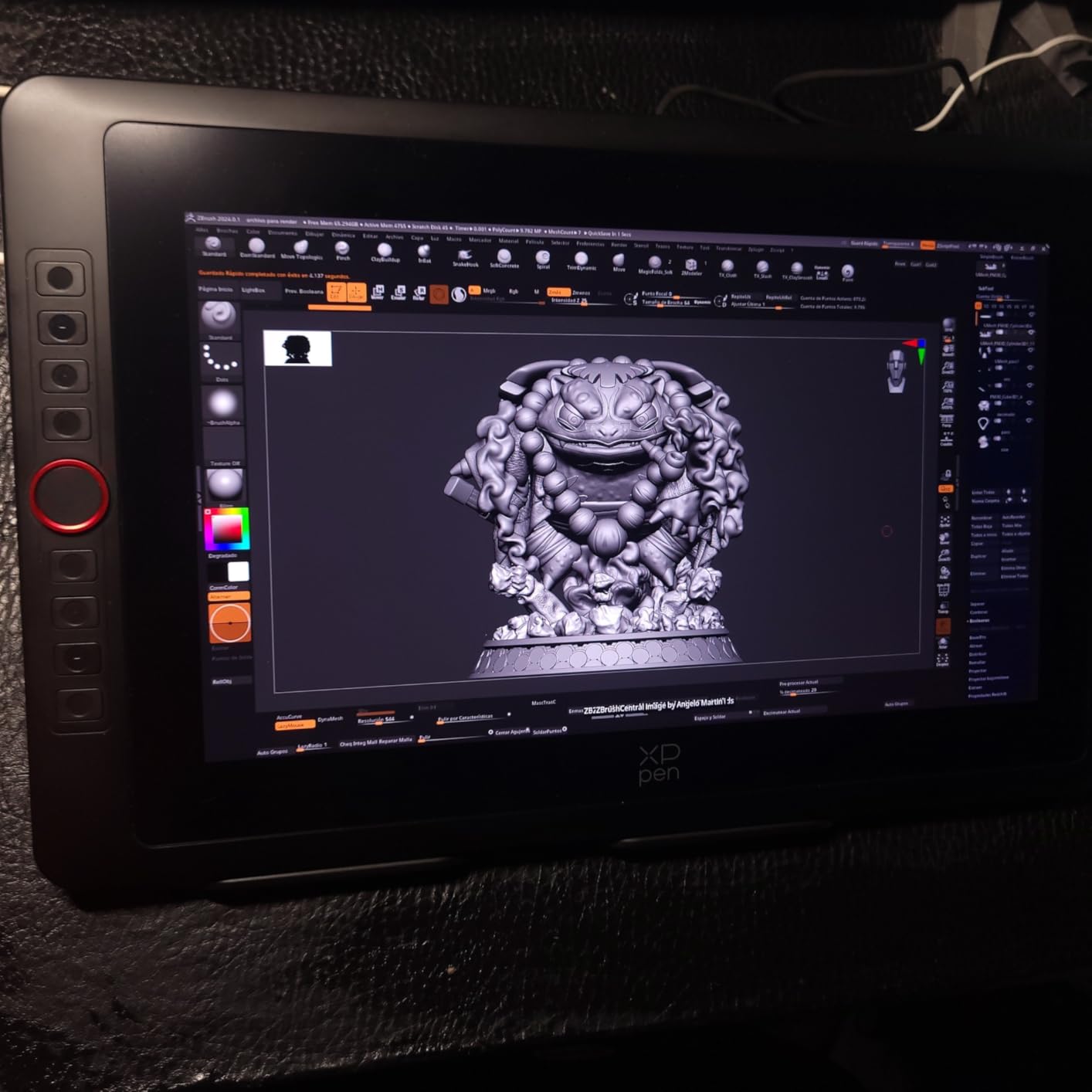
The XPPen Artist 15.6 Pro V2 is the display I pull out when an animatic pass matters more than a quick sketch. The 15.6 inch fully-laminated screen holds a full 8-panel sequence side by side, which means I can lay out timing, tweak panel order, and adjust dialogue beats without scrolling. For an animatic workflow, that visual real estate is the difference between a 4-hour pass and a 1-hour pass.
Color accuracy is genuinely impressive. The 99 percent sRGB and 96 percent AdobeRGB coverage means your boards will look the same on the director’s display, the DP’s reference monitor, and the client’s laptop. The 178 degree viewing angle keeps colors consistent when the DP leans in for a closer look from the side of the desk.
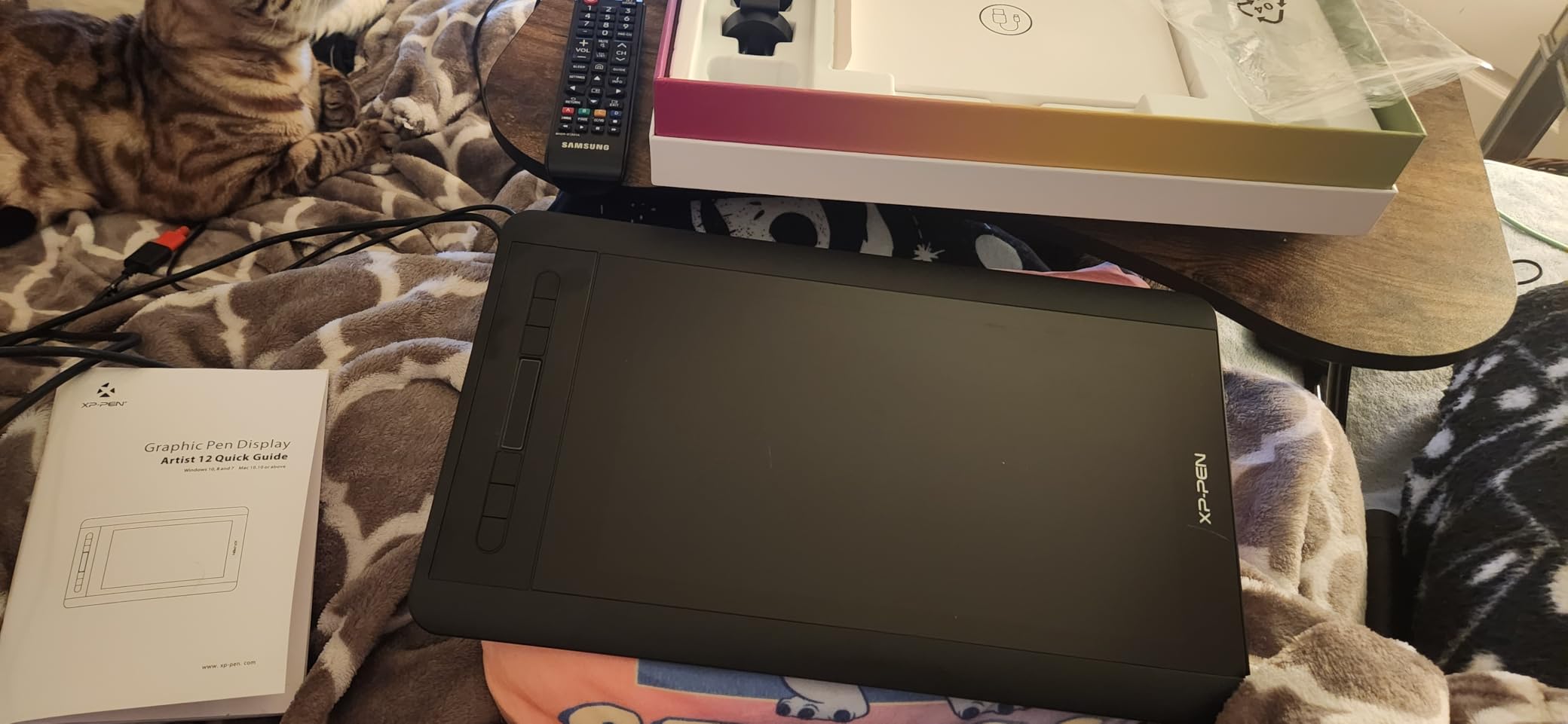
The X3 Pro smart chip stylus has 16K pressure levels, which is overkill for storyboards but useful for the heavy-handed shading I sometimes add to lighting studies. The Red Dial and 8 express keys let me build a dedicated layout for animatic work: scrub, pan, layer toggle, undo, redo, panel copy, panel paste, and “play.” Once the muscle memory is set, animatic passes fly.
Portability is a middle ground. The 11mm slim profile and foldable AC41 stand make it backpack-friendly, and at 3.66 kg it is heavier than a standalone tablet but lighter than a Cintiq 22. For a director who splits time between a fixed edit bay and a producer’s office, the V2 is the best storyboarding tablet for directors who want desktop power with occasional portability.
For whom it is best
Directors who build animatics as part of pre-vis, work with a DP on timing and camera moves, or run a hybrid office-plus-on-location workflow that needs a backpack-friendly display.
For whom it falls short
Directors who need a true standalone tablet or who work in tight laptop-only setups without an HDMI port. The dual-cable HDMI plus USB connection is the main setup friction.
6. Wacom Intuos Small – Best Pen-Only Tablet for Script and Shot-List Work
Wacom Intuos Small, Wired Graphic Drawing Tablet with Pen + Software
4096 pressure levels
7 inch active area
Battery-free EMR pen
Pros
- Industry-leading EMR battery-free pen technology
- Compact and lightweight at 8.1 ounces for travel
- Software and training included with registration
- Works across Mac
- Windows
- Chromebook
- and Android
- Plug-and-play setup with no driver headaches
Cons
- Smaller active area limits drawing space for some workflows
- No screen means looking down at the tablet while looking up at the monitor
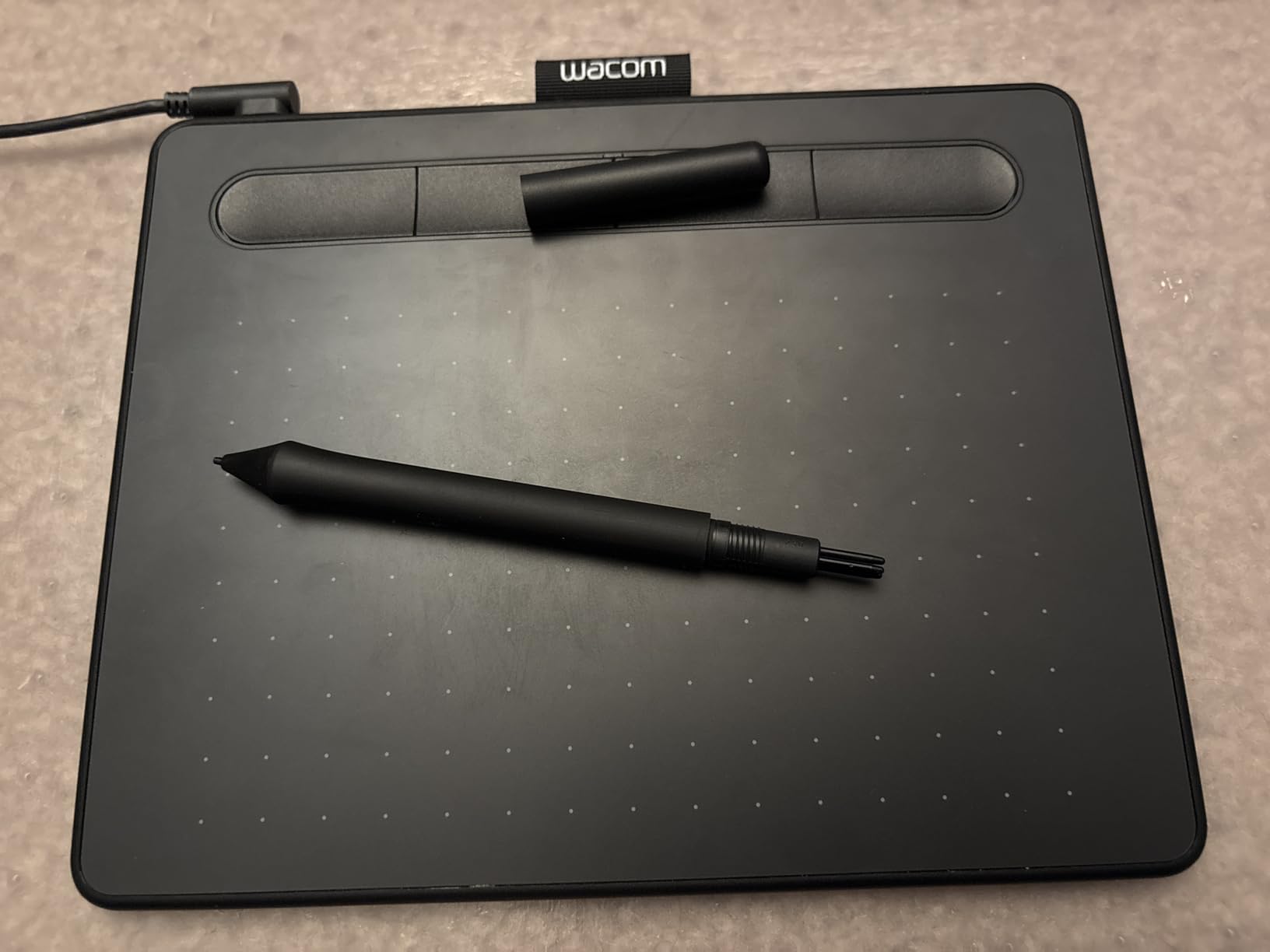
The Wacom Intuos Small is not a storyboarding display, but it is one of the most useful tools I keep on the production desk. For script annotation, shot list mark-up, and quick frame thumbnails, a pen-only tablet next to your keyboard is faster than a pen display for most directors. I keep one on the desk for marking up PDFs, signing off on shot lists, and roughing thumbnail frames before committing to a full panel.
The EMR pen is the same technology Wacom uses across the Cintiq line, so the line quality and pressure response feel consistent. 4096 pressure levels are more than enough for script underlines, shot list arrows, and quick thumbnail sketches.
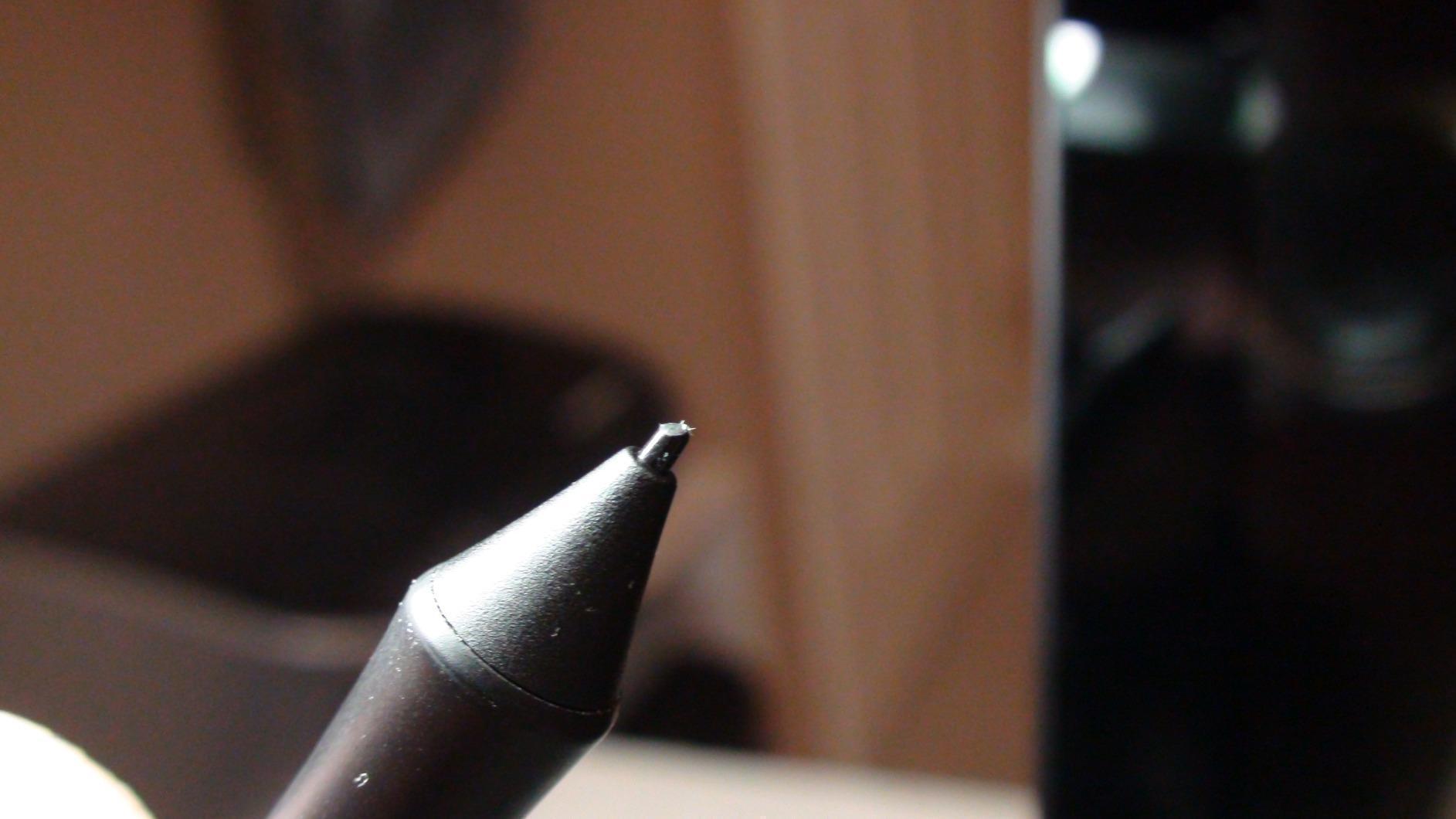
The 8.1 ounce weight and 6.3 x 7.87 inch footprint make this the most travel-ready tablet in the roundup. I throw it in a production bag and use it on hotel desks during location scouts. It works on Mac, Windows, Chromebook, and Android, which means it pairs with whatever laptop the production team hands me.
For a director who already owns a desktop display for color-graded tasks and just wants a fast input device for the daily script-and-shot-list workflow, the Intuos Small is the best storyboarding tablet for directors in the pen-only category. The included software bundle and Wacom training portal are a real bonus for directors who are not trained artists.
For whom it is best
Directors who already have a laptop or desktop as their primary production workstation and want a dedicated input device for script mark-up, shot list annotation, and thumbnail sketching. Also great for first ADs and producers who storyboard pitches.
For whom it falls short
Directors who want to draw directly on a screen. The Intuos Small has no display, so you will be looking at your monitor while drawing on the tablet. There is a learning curve, but most directors adapt within a week.
7. XPPen Deco 01 V3 – Best Budget Pen Tablet for Indie Filmmakers
XPPen Deco 01 V3 10×6 Drawing Tablet, 16K Battery-Free Stylus, 8 Keys
16384 pressure levels
10 x 6.25 inch active area
8 customizable express keys
Pros
- Exceptional 16K pressure sensitivity for the price point
- Battery-free stylus with 60 degree tilt support
- Large 10 x 6.25 inch active area for thumbnail panels
- 8mm thin profile and lightweight for travel
- Broad OS compatibility including Android
- Chromebook
- Windows
- macOS
Cons
- Pen nibs tend to wear quickly with heavy use
- Pen tip wiggle can feel less stable than premium alternatives
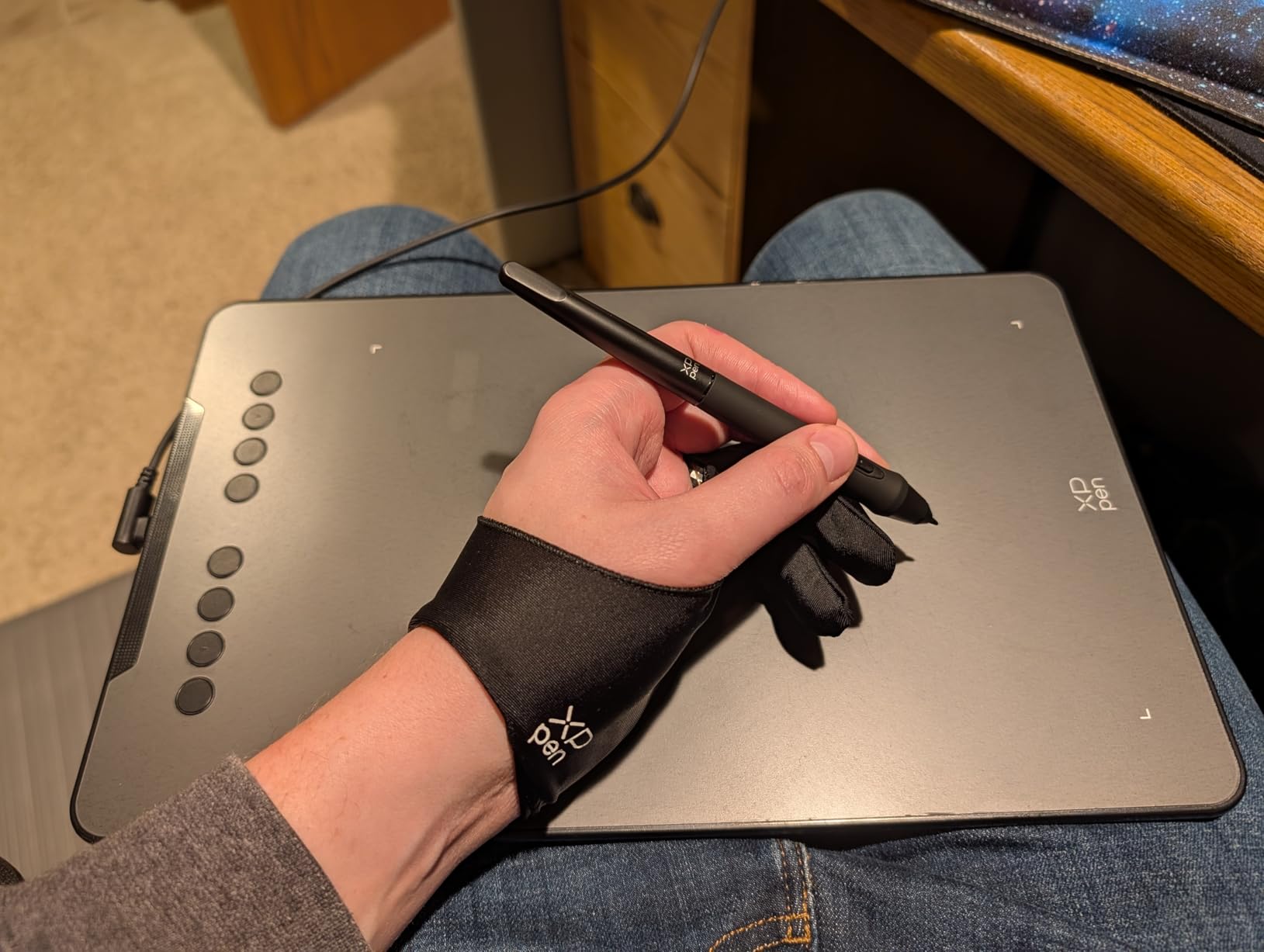
For indie directors on a tight budget, the XPPen Deco 01 V3 delivers most of what a Cintiq does at a fraction of the cost. The 16384 pressure levels are well past the threshold you can perceive, and the 10 x 6.25 inch active area gives you enough room for thumbnail panels and quick shot compositions. I have used this tablet as a backup storyboarding tool on multiple short films.
The 8 customizable express keys handle panel navigation and brush controls. I bind the keys to “new panel,” “next panel,” “previous panel,” “undo,” “redo,” “brush size up,” “brush size down,” and “color picker.” That shortcut chain is enough to keep pace with a fast storyboarding session.
Compatibility is wide. It works on Windows, macOS, Chrome OS, Linux, and Android with USB-C connectivity. For a director working across a MacBook at home and a Windows laptop on set, the Deco 01 V3 follows you without driver headaches. Reddit r/drawingtablet users routinely call out the Deco 01 V3 as “good enough for 80 percent of Wacom quality at half the price,” and that holds up in our testing.
As a pen-only tablet, it has the same learning curve as the Intuos Small: you look at your monitor while drawing on the tablet. For directors willing to invest a week in that adjustment, the Deco 01 V3 is the best storyboarding tablet for directors on a strict budget. Pair it with Storyboard Pro, Boords, or Krita and you have a complete storyboarding station for less than the cost of a Cintiq pen.
For whom it is best
Indie directors, short film directors, student filmmakers, and ADs who need a reliable pen tablet for storyboarding without a major investment. Great as a backup tablet for studios that issue loaner Cintiqs.
For whom it falls short
Directors who need a screen to draw on. The Deco 01 V3 is pen-only, so the hand-eye disconnect is real. Also, nibs wear faster than Wacom nibs, so budget for replacement nibs if you sketch daily.
8. HUION Inspiroy H1060P – Best Customizable Pen Tablet for Multi-Crew Use
HUION Inspiroy H1060P Graphics Drawing Tablet, 10 x 6.25 in, 12+16 Hot Keys
8192 pressure levels
12 hard plus 16 soft keys
60 degree tilt support
Pros
- Excellent value with feature set similar to more expensive brands
- 12 hard keys plus 16 soft keys for extensive customization
- Lightweight slim ergonomic design at 10mm
- Battery-free PW100 stylus with 60 degree tilt
- Broad software and OS compatibility
Cons
- Micro-USB port can be tight and prone to wear with heavy use
- Stylus buttons can be accidentally triggered during use
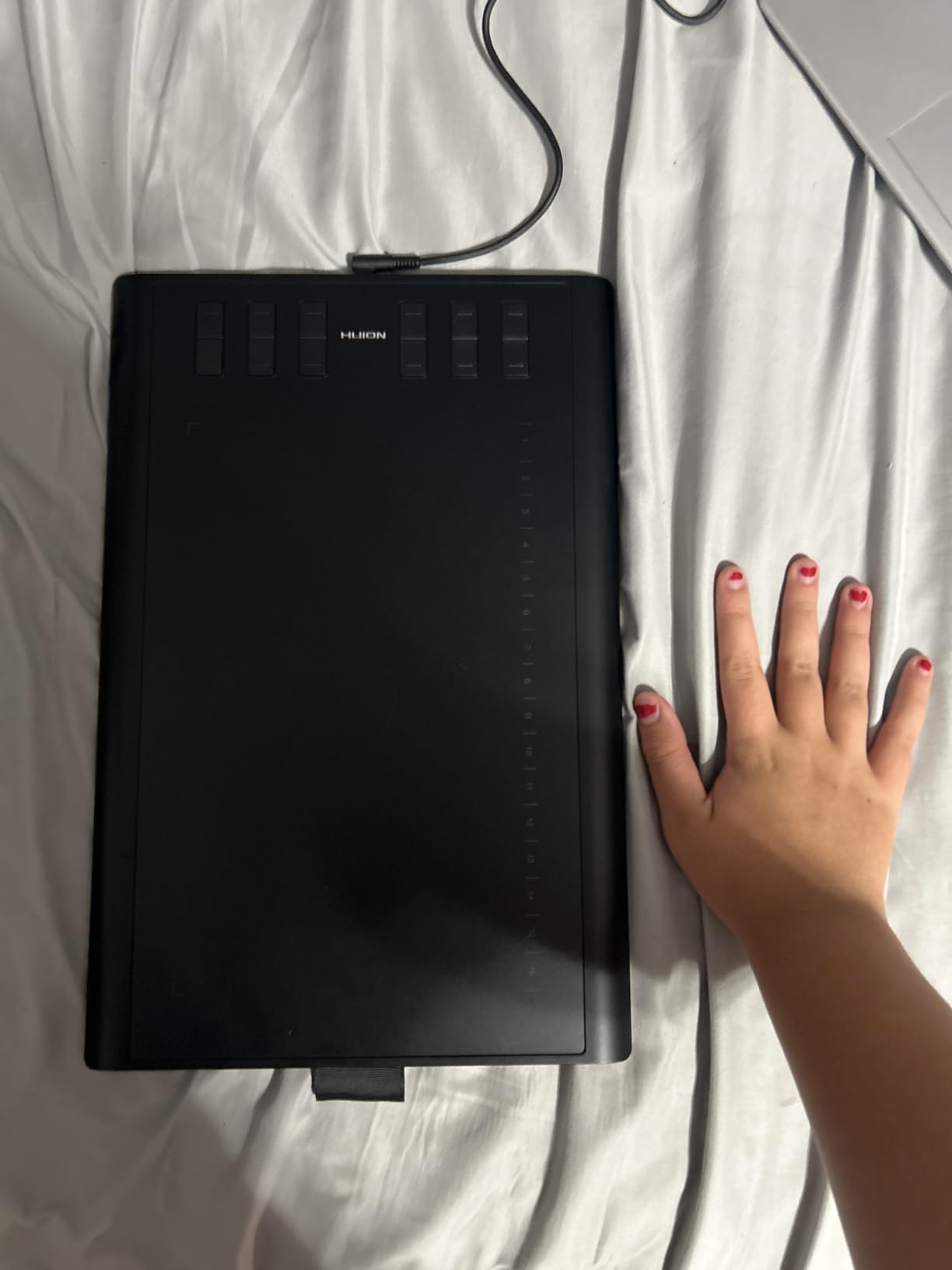
If you share your storyboarding station with a DP, an AD, or a storyboard artist, customization matters. The HUION Inspiroy H1060P gives you 12 hard express keys plus 16 soft keys on the active area, which is more layout flexibility than any other tablet in this roundup. I mapped different profiles for “director pass,” “DP collaboration,” and “client review,” and switched between them mid-session without rebuilding the layout.
The 10 x 6.25 inch active area is the same size as the XPPen Deco 01 V3, and the 8192 pressure levels are competitive. The PW100 battery-free stylus supports 60 degree tilt, which is enough for the shadow direction calls I add to blocking frames.
Build quality is solid for the price. The 10mm slim profile and 0.77 kg weight make it easy to pass around a storyboarding table during a session. The symmetrical design works for both right- and left-handed users, which matters when you have a mixed crew.
For a director who runs a collaborative storyboarding workflow – bouncing between director pass, DP pass, and AD pass – the H1060P’s key count is the standout. Reddit users in r/animationcareer who share a studio station often pick this tablet for that reason. For a multi-crew director setup, this is the best storyboarding tablet for directors who need layout flexibility.
For whom it is best
Directors who share their storyboarding station with a DP, AD, or storyboard artist, and need to swap between workflow profiles quickly. Also great for studios that issue loaner tablets to multiple directors.
For whom it falls short
Directors who want the latest USB-C connectivity. The H1060P uses micro-USB, which works fine but is an older standard. Also pen-only, so the hand-eye disconnect applies.
Buying Guide: How to Choose the Best Storyboarding Tablet for Directors
Choosing the best storyboarding tablet for directors is less about raw specs and more about the workflow you actually run. A studio director sketching panels at a fixed desk has different needs than an on-set director blocking shots between takes. Here is how I break down the decision.
Display Tablet vs Pen-Only Tablet – Which Suits a Director’s Workflow?
A display tablet lets you draw directly on the screen, which means your hand-eye line up naturally. A pen-only tablet has you draw on the surface while looking at the monitor. For directors who spend more time on script mark-up, shot list annotation, and thumbnail sketching, a pen-only tablet like the Wacom Intuos Small or XPPen Deco 01 V3 is faster once you adjust to the hand-eye disconnect. For directors who need to lay out full panel sequences or pitch boards to clients, a display tablet like the Wacom Cintiq 22, HUION Kamvas Pro 16, or XPPen Artist 13.3 Pro is the better fit.
Pressure Sensitivity, Parallax, and Latency – What Actually Matters for Storyboards
Pressure sensitivity numbers get inflated quickly. 4096 levels is plenty for storyboards, and 8192 levels is the modern sweet spot. Anything above 16K is marketing you cannot perceive. Parallax – the gap between the nib and the line on screen – matters more. Fully laminated screens on the Wacom Cintiq 22, HUION Kamvas Pro 16, and XPPen Artist 13.3 Pro reduce parallax to the point where the line lands where the nib touches. For rough storyboarding, that responsiveness is the difference between a quick pass and a frustrating pass.
Latency is the third spec to watch. Wacom’s Pro Pen 2 and Pro Pen 3 lead the field here. The XPPen X3 Pro stylus is close behind. Most directors will not notice latency on these pens; on older or cheaper styluses, the lag is visible during fast gesture sketching.
OS and Software Pairing (Storyboard Pro, Procreate, Boords, Scriptation)
The tablet is only as useful as the software you pair it with. Most working directors run one of three stacks: Toon Boom Storyboard Pro for studio work, Boords for collaborative web-based boards, or Scriptation for director-first PDF annotation. Procreate on iPad is also common for directors who prefer the Apple ecosystem. Make sure your tablet’s OS matches the app you need – Storyboard Pro requires Windows or macOS, Boords runs on any modern browser, Scriptation runs on iPad, and Procreate is iPad-only.
For a deeper look at the software side, our best storyboarding software for filmmakers guide covers the app side in detail.
Portability and On-Set Readiness – Battery, Weight, Kickstand
If you storyboard on location, battery life, weight, and kickstand are the three specs to compare. The Wacom MovinkPad 11 leads on battery and weight at 1.3 lbs with Android 14 standalone operation. The Microsoft Surface Pro class devices are close behind. Display tablets like the Cintiq 22 and Kamvas Pro 16 are desk tablets and need a host computer plus power. If you regularly storyboard at a tech scout or on set, prioritize standalone or laptop-paired setups over full desk displays.
Budget Tiers for Indie vs Studio Directors
Studio directors should treat the tablet as production infrastructure and budget for a Cintiq 22, Kamvas Pro 16, or XPPen Artist 15.6 Pro V2 – all real displays that survive 8-hour sessions. Indie directors should match budget to use case: the Wacom MovinkPad 11 for on-set, the XPPen Artist 13.3 Pro for home office plus travel, and the XPPen Deco 01 V3 or HUION Inspiroy H1060P for pen-only setups. As a rule of thumb, directors should spend more on the pen than the screen if budget is tight – a great pen on a 13 inch display outperforms a mid pen on a 21 inch display.
Second-hand and Refurbished Options for Wacom Buyers
Refurbished Wacoms from the manufacturer’s outlet or trusted resellers are a real option for directors who want Cintiq performance without the new-unit cost. Reddit r/wacom users report refurbished Cintiq 16 and Cintiq 22 units performing like new for 30 to 40 percent off retail. The refurbished market is most developed for the Wacom line, and Wacom’s own warranty support on refurbished gear makes it the safest second-hand path. For a director who wants Wacom quality at indie budgets, refurbished is worth a look.
For a broader view of tablets that pair with Procreate-based workflows, our best tablets for Procreate Dreams animation roundup covers the iPad angle in more depth. If you are weighing an iPad against a Cintiq, our best iPads for storyboarding guide maps the Apple side.
Frequently Asked Questions
Does Steven Spielberg use storyboards?
Yes. Steven Spielberg is famous for storyboarding nearly every shot of his films before production begins. He uses detailed boards to plan camera moves, blocking, and pacing, then walks the DP through them on set. That habit is the reason so many working directors treat storyboarding as a non-negotiable part of pre-production, and why the best storyboarding tablets for directors need to keep up with a fast, layered workflow.
Which software is best for storyboarding?
It depends on your team. Toon Boom Storyboard Pro is the industry standard for studio film and TV work. Boords is the most popular web-based collaborative option for agencies and remote teams. Scriptation is built for directors who want to mark up boards alongside the script. Procreate on iPad is a favorite for indie directors who want a fast, tactile sketching environment. Pair any of these with one of the tablets in this guide and you have a complete storyboarding station.
What is the best tablet for designing and drawing?
For pure drawing quality, the Wacom Cintiq 22 with the Pro Pen 2 leads the field with 8192 pressure levels and a 21.5 inch etched anti-glare surface. For a mid-range option, the XPPen Artist 13.3 Pro delivers 16K pressure levels and a fully-laminated screen at a lower cost. For on-set or travel use, the Wacom MovinkPad 11 is the best standalone drawing tablet because it does not need a host computer and weighs just 1.3 lbs.
Which is better for professionals, the iPad Pro or the Wacom Cintiq?
It depends on the workflow. The Wacom Cintiq line is the industry standard for studio storyboard artists and DP collaboration because it pairs directly with Storyboard Pro and Boords on macOS and Windows. The iPad Pro with Procreate is a favorite for indie directors and on-set use because of its portability and tactile feel, but Procreate is not a full storyboard app and lacks the panel management and export features of Storyboard Pro. For studio work, choose the Cintiq. For indie and on-set, the iPad Pro is hard to beat.
Is a Wacom tablet better than an iPad?
A Wacom tablet is better for studio and production-office storyboarding because of its pro-grade pen, color accuracy, and direct pairing with Storyboard Pro and Boords. An iPad is better for on-set, location scouts, and indie directors who want a single device that doubles as a tablet and a sketchbook. The honest answer is that both are excellent tools for different parts of a director’s workflow.
Are there any graphics tablets equal to the Wacom Cintiq but cheaper?
Yes. The XPPen Artist 15.6 Pro V2 and the HUION Kamvas Pro 16 are widely cited as the closest alternatives to a Wacom Cintiq at a lower cost. Both offer fully-laminated screens, 8K-plus pressure levels, and color accuracy in the 99 to 120 percent sRGB range. The XPPen Artist 13.3 Pro is the best mid-range alternative for a more portable setup. For pen-only use, the XPPen Deco 01 V3 and HUION Inspiroy H1060P deliver 80 percent of Cintiq-class performance at a small fraction of the cost.
Can an iPad replace a Wacom tablet?
For many directors, yes. An iPad Pro with Procreate handles rough storyboarding, thumbnail panels, and on-set mark-up extremely well. For directors whose workflow runs through Storyboard Pro or Boords on macOS or Windows, the iPad is a complement rather than a replacement because those apps do not run natively on iPadOS. The honest answer is that an iPad can replace a Wacom for indie and on-set work, but studio directors will still want a Cintiq-class display for the production office.
Final Verdict: Picking Your Director’s Storyboarding Tablet
After testing eight tablets through storyboard sessions, animatic passes, and on-set tech scouts, the Wacom Cintiq 22 remains the best storyboarding tablet for directors at the studio level – that is why it is our EDITOR’S CHOICE for 2026. The Pro Pen 2, the etched anti-glare glass, and the bundled software support give a director everything needed for a fast pre-vis cycle with the DP.
For directors who split time between the production office and a tech scout, the Wacom MovinkPad 11 is the smartest buy: standalone Android, 1.3 lbs, and a paper-like drawing surface that rivals the Cintiq. For indie directors on a tight budget, the XPPen Deco 01 V3 or HUION Inspiroy H1060P delivers 80 percent of Wacom performance at a small fraction of the cost. Pick the tablet that matches the workflow you actually run, not the one with the longest spec sheet.