

If you spend most of the day at a desk and your wrist or forearm aches by mid-afternoon, the best ergonomic vertical mice for wrist pain are the ones that hold your hand in a handshake position instead of palm-down. After testing and reading through thousands of owner reviews, the Logitech Lift Vertical comes out on top for most people. It uses a 57-degree vertical angle, whisper-quiet clicks, and a battery rated at up to 24 months, and it fits small to medium hands comfortably.
The reason a flat mouse hurts is simple. Laying your hand palm-down rotates the forearm into pronation, crossing the radius and ulna bones and squeezing the median nerve through the carpal tunnel. A vertical mouse rolls the hand back into supination, so the forearm bones uncross and the wrist stops working against you. For a fuller look at the mechanism and what it can and cannot fix, see our section on why a vertical mouse helps wrist pain below.
We compared ten vertical mice across tilt angle, hand fit, connectivity, battery, silence, and sensor range. Every model here is right-handed except the MEETION, which also sells a left-handed shell, because that is genuinely the only left-handed option in this group. Prices change constantly, so use the check buttons rather than the numbers you may have seen elsewhere.
One note before we start. No mouse treats carpal tunnel syndrome, tendonitis, or repetitive strain injury. If your symptoms include numbness, tingling, weakness, or pain that is getting worse, see a clinician rather than shopping your way through the problem.
Table of Contents
- Top 3 Picks for Vertical Mice for Wrist Pain
- Best Ergonomic Vertical Mice for Wrist Pain (October 2026)
- 1. Logitech Lift Vertical: The Best Overall Pick for Wrist Pain
- 2. Logitech MX Vertical: Best for Large Hands
- 3. Anker 2.4G Wireless Vertical: Best Budget Starting Point
- 4. TECKNET 3-Device Vertical: Best for Multi-Device Work
- 5. Lekvey Rechargeable Vertical: Best for Long Battery Life
- 6. Anker Wired Vertical: Best Wired Option
- 7. ProtoArc EM11 NL: Best Value Rechargeable Pick
- 8. Redragon Vertical Mouse: Best for High-DPI Precision
- 9. TECKNET Silent Vertical: Best for Small Hands and Quiet Rooms
- 10. MEETION Rechargeable Vertical: Best for Left-Handed Users
- How to Measure Your Hand Size
- The 7-Day Vertical Mouse Adaptation Plan
- Desk Setup Checklist for Wrist Pain
- Frequently Asked Questions
- What is the best vertical mouse for wrist pain?
- Do ergonomic mice help wrist pain?
- Are vertical mice better for your wrist?
- Are vertical mice better for carpal tunnel?
- What is the best ergonomic mouse for wrist strain?
- Can carpal tunnel be caused by using a mouse?
- How long does it take to adjust to a vertical mouse?
- What angle should a vertical mouse be?
- Conclusion: The Best Ergonomic Vertical Mice for Wrist Pain in 2026
Top 3 Picks for Vertical Mice for Wrist Pain

Logitech Lift Vertical
- 57-degree vertical angle
- whisper-quiet clicks
- SmartWheel scrolling
- up to 24 months battery

Logitech MX Vertical
- 57-degree angle
- 4000 DPI sensor
- pairs with three devices
- USB-C rechargeable

Anker 2.4G Wireless Vertical
- Vertical handshake shape
- 800/1200/1600 DPI
- next and previous buttons
- 2.4 GHz receiver
One quick word on the ordering. Products two and three are not competing with the Lift on features, they are competing with it on fit. The MX Vertical carries the same 57-degree posture in a full-size body that large hands need, and the Anker is the cheapest honest entry point in the category with the largest review base of anything we looked at.
Best Ergonomic Vertical Mice for Wrist Pain (October 2026)
| Product | Specs | Action |
|---|---|---|
| Logitech Lift Vertical |
|
Check Latest Price |
| Logitech MX Vertical |
|
Check Latest Price |
| Anker 2.4G Wireless Vertical |
|
Check Latest Price |
 TECKNET 3-Device Vertical TECKNET 3-Device Vertical |
|
Check Latest Price |
 Lekvey Rechargeable Vertical Lekvey Rechargeable Vertical |
|
Check Latest Price |
 Anker Wired Vertical Anker Wired Vertical |
|
Check Latest Price |
 ProtoArc EM11 NL ProtoArc EM11 NL |
|
Check Latest Price |
 Redragon Vertical Mouse Redragon Vertical Mouse |
|
Check Latest Price |
 TECKNET Silent Vertical TECKNET Silent Vertical |
|
Check Latest Price |
 MEETION Rechargeable Vertical MEETION Rechargeable Vertical |
|
Check Latest Price |
1. Logitech Lift Vertical: The Best Overall Pick for Wrist Pain
Logitech Lift Vertical Ergonomic Wireless Mouse – Graphite
57-degree vertical angle
Sized for small to medium hands
Up to 24 months battery
Whisper-quiet clicks
Pros
- Compact 57-degree shape fits small to medium hands
- Whisper-quiet clicks suit shared offices
- SmartWheel switches between smooth and ratcheting scroll
- Up to two years of battery on one charge
- Six customizable buttons with per-application profiles
Cons
- Large hands may find it cramped
- Costs more than the budget verticals in this group
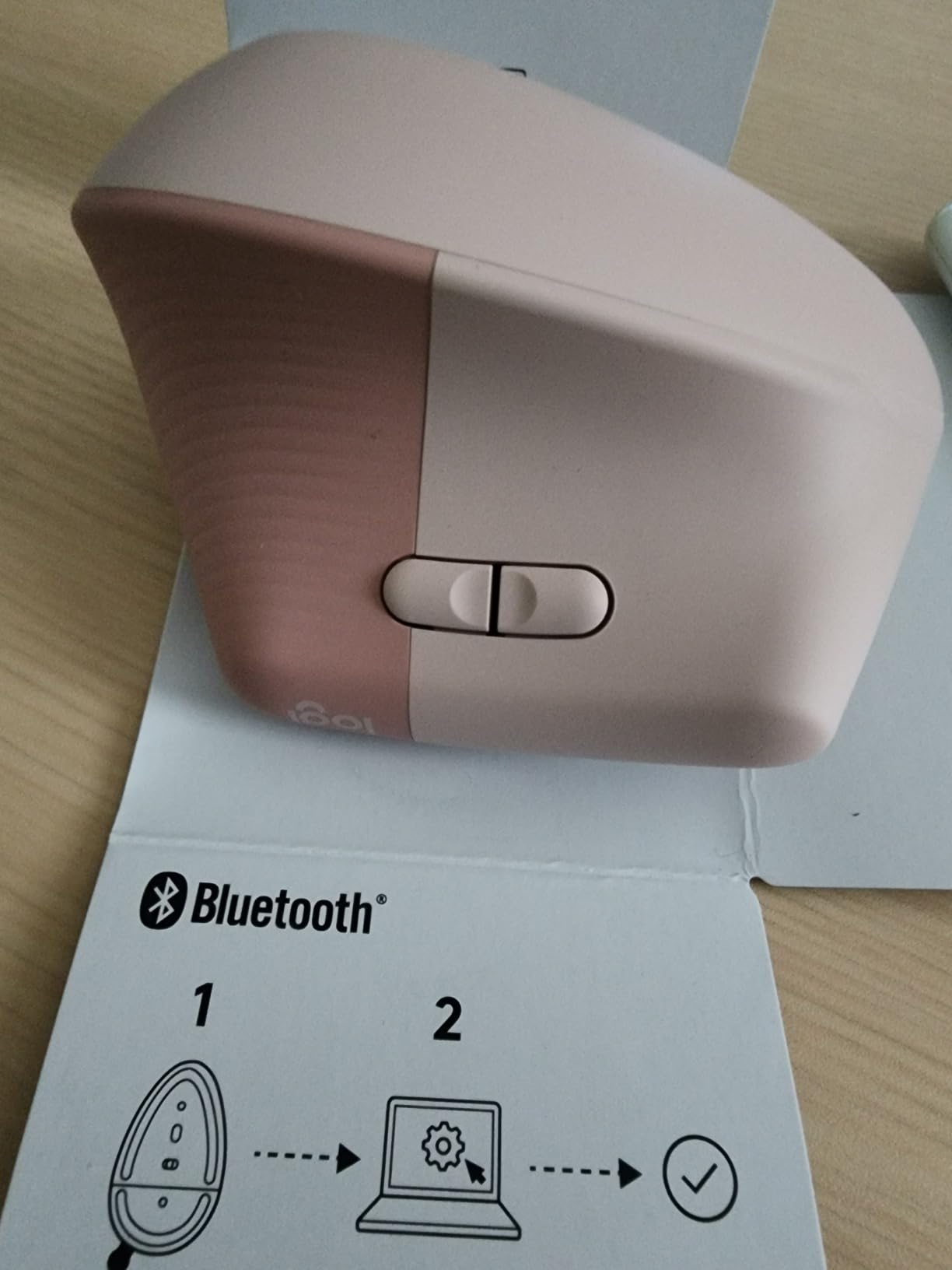
The Lift is the one we hand to someone who says their wrist hurts and has never used a vertical mouse before. It measures 4.3 by 2.7 inches, so it is genuinely compact, and the 57-degree shape is the same angle the MX Vertical uses without the full-size footprint. That combination is rare. Most verticals at this angle are big, and most small ones are barely angled at all.
Battery life is the detail that wins people over in week two. Logitech rates it at up to 24 months per charge, so it is the mouse you stop thinking about. Six customizable buttons plus the Logitech software means you can put back, forward, and DPI on the thumb where they belong instead of reaching for a separate device.
SmartWheel is the other quiet win. It scrolls smoothly for long documents and ratchets for lists without you touching a toggle, which matters if you spend time in spreadsheets or editing timelines. The clicks are genuinely whisper-quiet, and the graphite plastic parts contain 70 percent certified post-consumer recycled plastic, which is a small thing but a real one.
Community consensus matches our own read. The most-repeated recommendation in the MouseReview forum is to get the Logitech Lift, specifically by owners who had pinky-side numbness that eased after the switch. In our group, the Lift sits at 4.4 stars across 13911 reviews, which is a lot of long-term evidence rather than a launch-week spike.
What you should know before buying
This is a small to medium hand mouse. If your palm spans nearly the full length of the body, the fingertips will crowd the wheel. Owners with large hands consistently tell us to size up instead of squeezing in, and forcing it is exactly how a vertical mouse ends up back in the drawer.
The angle is the one available in this form. Logitech also makes a left-handed version, so if you are left-handed this is one of the few ergonomic options that genuinely fits your handedness.
Expect a week of adjustment. Most of our team stopped noticing the Lift inside seven days, with day two being the worst. Keep the old mouse nearby rather than throwing it out on day one.
Where it falls short
It costs more than every other pick except the MX Vertical, and that premium buys you the battery, the software, and the quiet clicks rather than a steeper angle. If your budget is fixed and your hands are medium or large, the Lekvey or the ProtoArc deliver the same handshake posture for a fraction of the spend.
There is no freewheel scroll mode and fewer programmable buttons than the wider Logitech productivity line. If you rely heavily on horizontal scroll or per-app button maps, note that before you commit.
2. Logitech MX Vertical: Best for Large Hands
Logitech MX Vertical Wireless Mouse Ergonomic Design – Graphite
57-degree vertical angle
Fits large hands
4000 DPI sensor
Pairs with up to three devices
Pros
- Full-size body gives large palms real room
- Thumb rest supports the thumb tendon
- Ergonomist-tested design reduces muscular activity
- Pairs with three devices and can drive a second screen
- USB-C rechargeable and usable while charging
Cons
- Highest cost in this group
- Scroll wheel has no freewheel mode
- Fewer programmable buttons than the wider Logitech productivity line
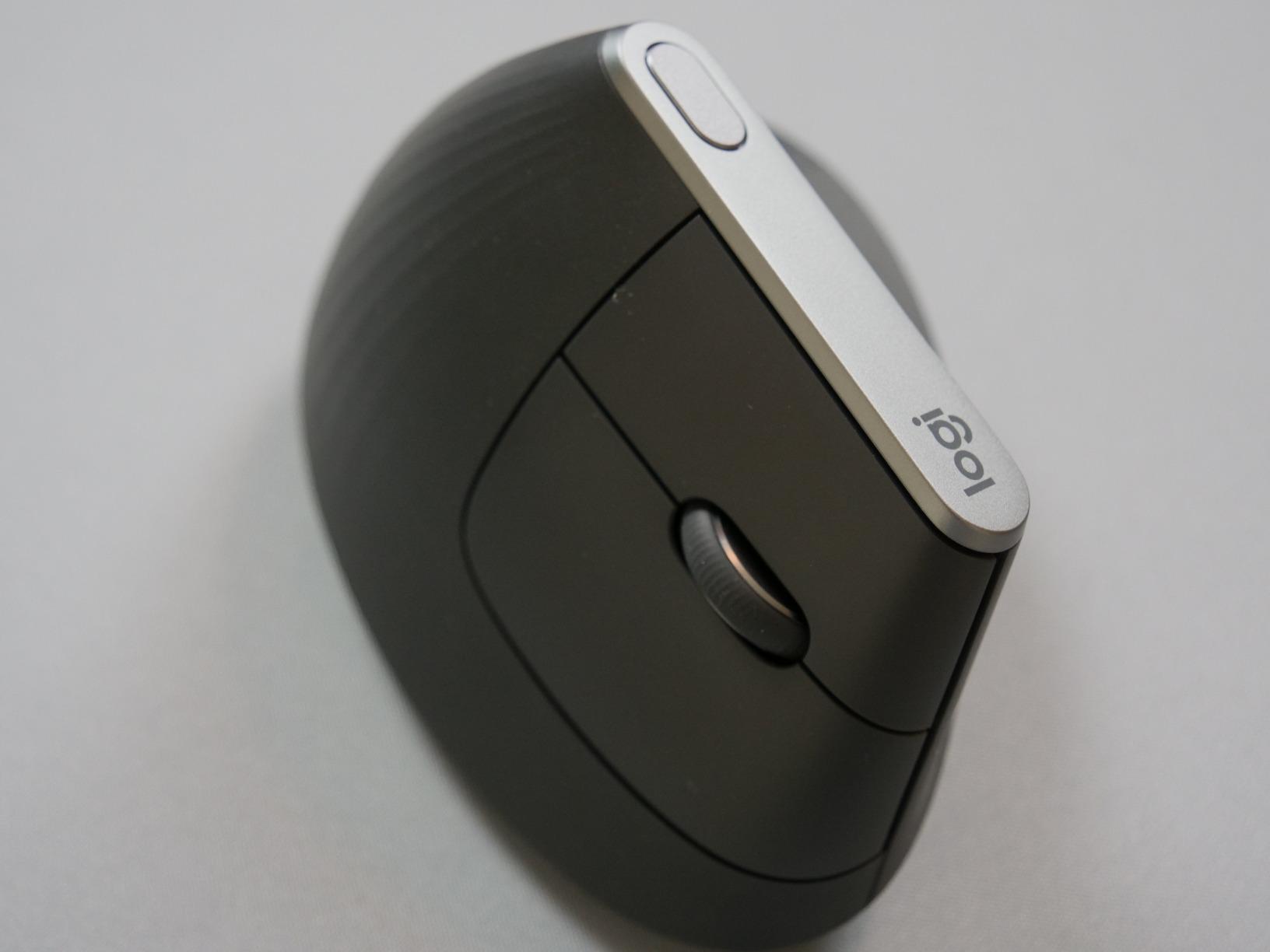
The MX Vertical is the reference point the whole category is measured against, and for large hands it remains the one to beat. It keeps the same 57-degree angle as the Lift but stretches the body out, so the palm, fingers, and thumb all land where a bigger hand expects them. Owners with large hands often describe it as the only vertical mouse that stopped their symptoms entirely.
The 4000 DPI sensor with the on-body cursor speed switch is the spec that separates it from the budget tier. The switch claims four times less hand movement than a 1000 DPI setting, which matters for anyone whose pain worsens after large wrist flicks. That claim comes straight from the manufacturer, and it aligns with what MouseReview users recommend independently: lower DPI, more shoulder travel.
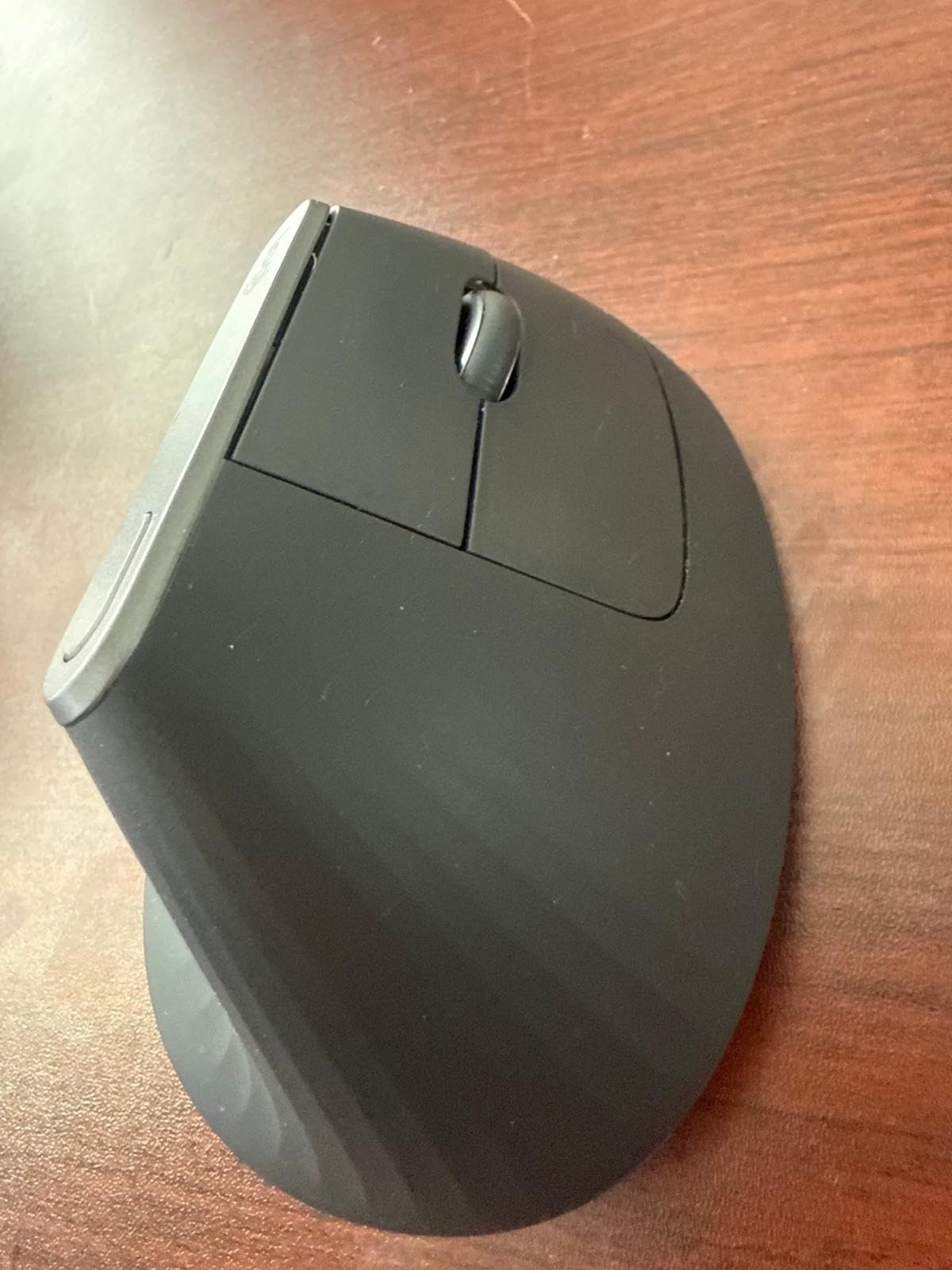
Multi-device pairing is genuinely useful. It holds three connections and can move the cursor onto a second computer, which is handy for anyone jumping between a laptop and a desktop or an edit bay. The rechargeable cell runs weeks to months between charges and you can keep using it while it charges.
The textured rubber surface adds grip, though some owners report it turning gummy after a few years. That is cosmetic rather than functional, and it is the single most common long-term durability note in the reviews.
Fit, angle, and long sessions
The body is 7.5 by 6 inches, which is large in the hand and generous in the palm. If the Lift feels cramped anywhere, this is the step up rather than a lateral move.
Because it holds three devices, it works well for the multi-machine setups described in our wrist and shoulder support for long shoots guide, where switching machines is part of the day.
Set the DPI one step lower than you think you need for the first fortnight. Less wrist flick is the point of this mouse, and the sensor has the range to keep up.
Where it falls short
It carries the steepest cost in the group, and reviewers say so constantly. You are paying for the sensor, the multi-device switching, the software integration, and the build quality, not for a better angle than the Lift.
The scroll wheel stops dead with no freewheel or ratchet option, a step down from the wider Logitech master line. There is also no horizontal scroll, and the adjustment period runs one to two weeks with a real risk of knocking it off the desk early on.
It is also not a gaming mouse. Small corrections are harder at this angle, which is why we do not recommend it for competitive shooters.
3. Anker 2.4G Wireless Vertical: Best Budget Starting Point
Anker 2.4G Wireless Ergonomic Mouse, Right Hand Vertical Mouse USB Receiver
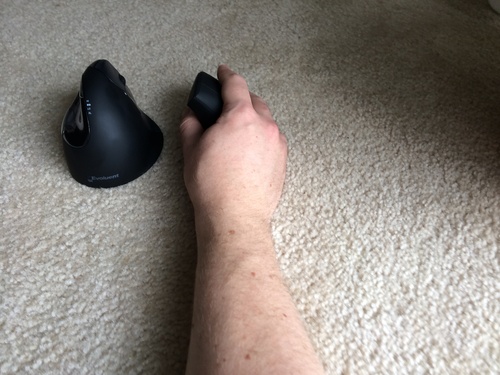
Vertical handshake design
800/1200/1600 DPI
2.4 GHz with stored receiver
Runs on two AAA batteries
Pros
- Vertical handshake shape reduces wrist and arm strain
- Three switchable DPI levels
- Next and previous buttons for browsing
- Auto power-saving after 8 minutes of inactivity
- 18-month warranty
Cons
- Clicks are audible with no silent option
- Two AAA batteries rather than a rechargeable cell
- 2.4 GHz receiver only with no Bluetooth
With 53464 reviews at 4.2 stars, the Anker 2.4G Wireless Vertical has more owner history than anything else in this roundup by a wide margin. That matters in a category flooded with look-alike white-label shells. When a body of reviews this deep consistently describes the same benefit, you can trust the benefit more than a spec sheet from a newer brand.
The pattern in those reviews is a neutral wrist position and reduced forearm strain during long sessions. The angle is a moderate vertical rather than an extreme one, which is why the awkward phase is shorter here than on the steeper shells. At 4.48 ounces it is also light, and one of the MouseReview regulars makes the point that weight and profile matter as much as angle.
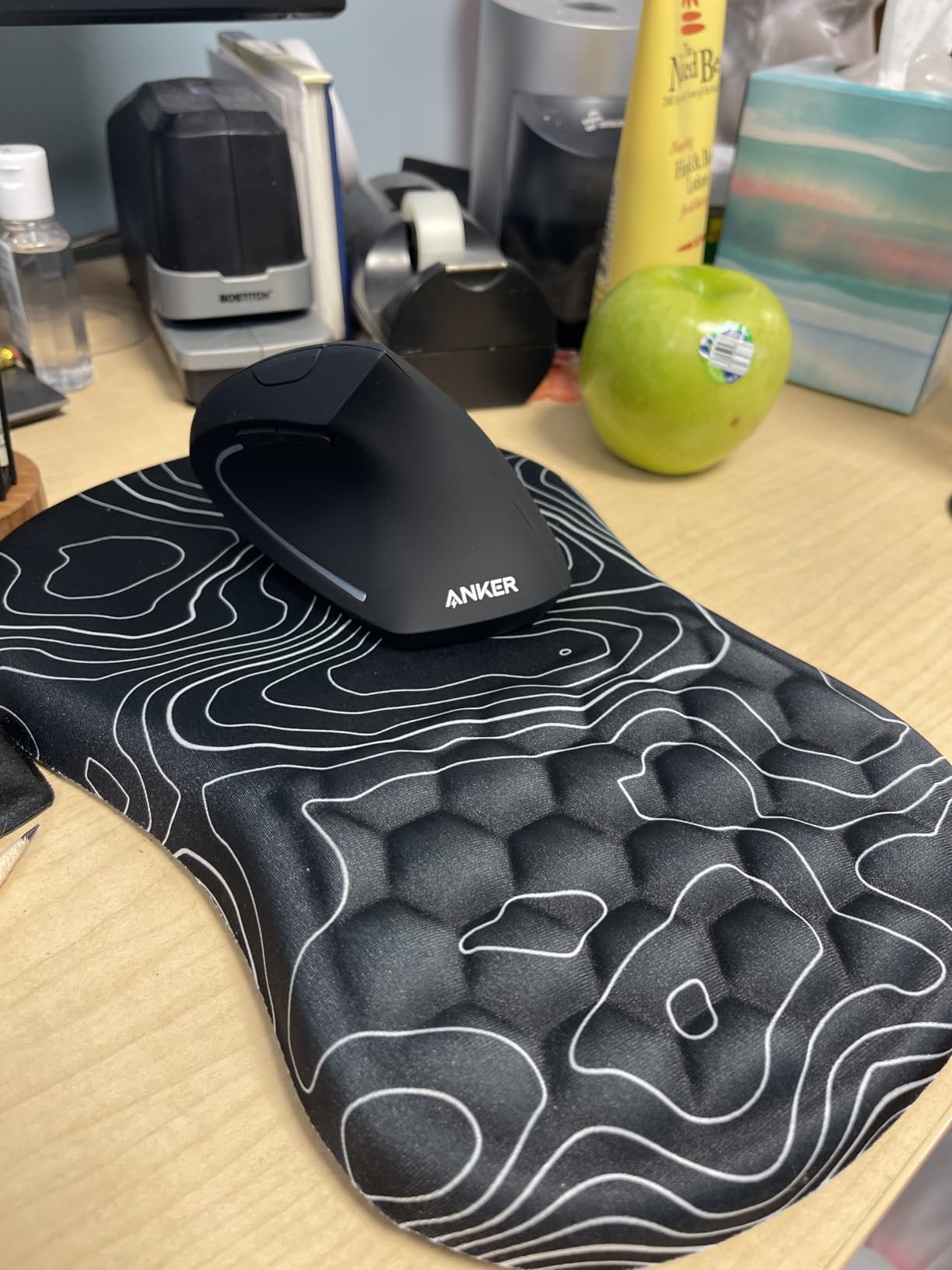
DPI switches between 800, 1200, and 1600 with a button on the top, and the next and previous buttons handle browser navigation without a modifier key. Auto power-saving kicks in after eight minutes of inactivity and wakes on the first click, so you will not lose work when you stop for a coffee.
The USB receiver stores inside the mouse, which is the small quality-of-life detail that stops it being lost forever in a laptop bag. The 18-month warranty is the shortest of the group, but the shape is right regardless.
What the low cost does and does not buy
You get the ergonomic shape, which is the part that addresses wrist pain. You do not get silence, Bluetooth, or a rechargeable cell, and those three omissions are where the money goes in the models above it.
The 1600 DPI ceiling is fine for office work and light editing. For colour grading or timeline scrubbing with wide drags, the ProtoArc or the Redragon give you more sensor range and fewer corrective flicks.
Works on Windows and Linux with the listed requirements, and pairs over 2.4 GHz rather than Bluetooth, so plan around the dongle rather than a multi-device workflow.
Where it falls short
The clicks are audible. If you share a room or record voiceover nearby, this is the wrong tool for that environment and the TECKNET silent model or the Logitech Lift will serve you better.
Two AAA batteries mean a routine, and a mouse dying mid-task is a specific kind of annoying that a rechargeable cell removes entirely. Some owners also find the 1200 DPI setting too slow for large screens, which pushes them toward the three-device TECKNET below.
4. TECKNET 3-Device Vertical: Best for Multi-Device Work
TECKNET Ergonomic Mouse, 4800 DPI Wireless Bluetooth Vertical, 3-Device
Dual Bluetooth plus 2.4GHz
Six DPI levels to 4800
Near-silent clicks
36-month warranty
Pros
- Switches between three devices reliably
- Six DPI levels with a flash-count indicator
- Near-silent left and right clicks
- Lightweight and smooth-scrolling setup
- Longest warranty in the group at 36 months
Cons
- Click split sits too far forward for larger hands
- Scroll wheel is angled and awkward to press
- Some reports of flaky wireless range
- No software for remapping side buttons
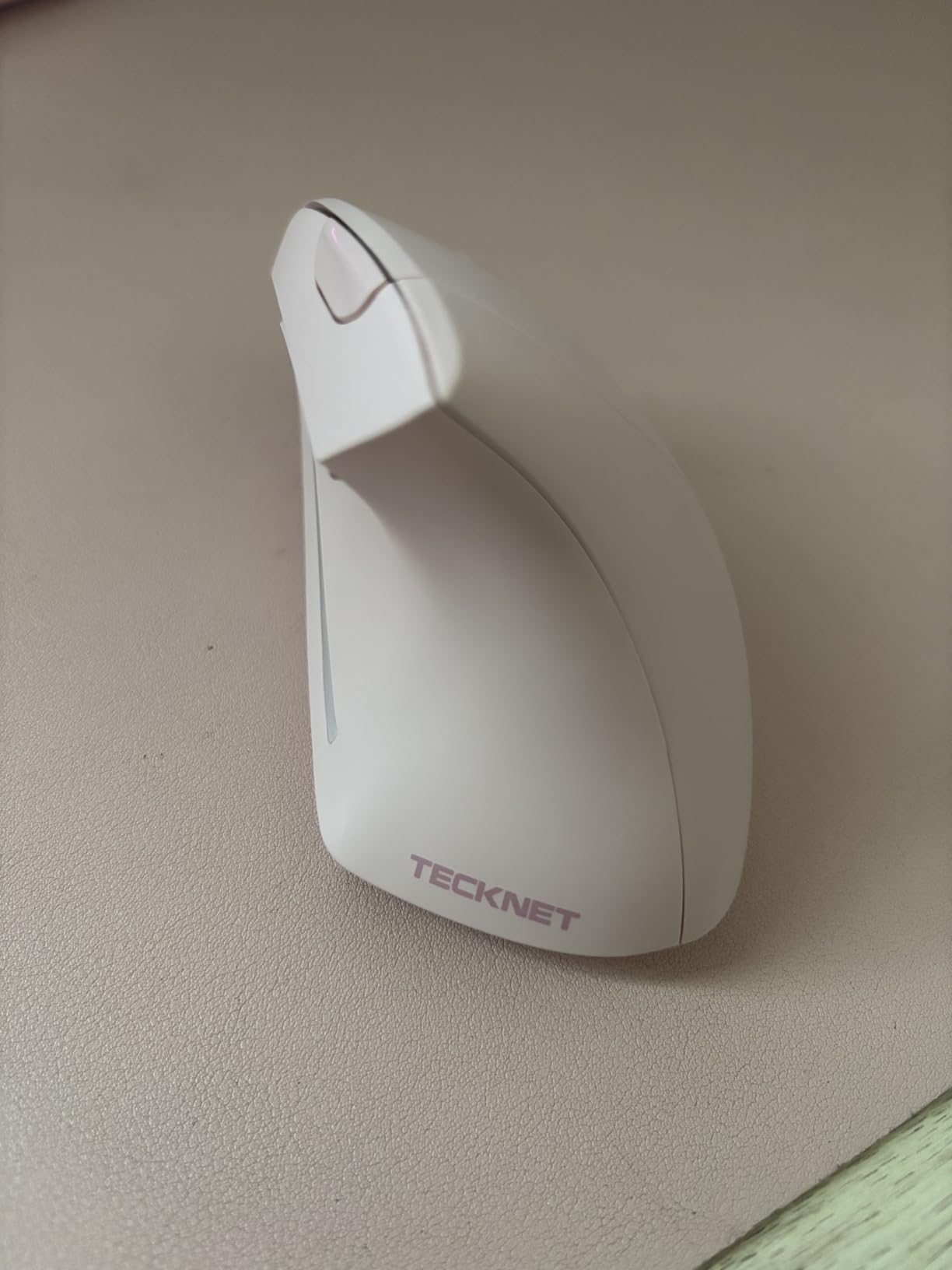
The TECKNET 3-Device is the pick if you live across a laptop, a tablet, and a desktop. It holds two Bluetooth connections plus one over the 2.4 GHz USB-A receiver, and owners report that the switching works reliably, including with Apple hardware. Hold the bottom button for three seconds to pair, short press to switch.
Owners overwhelmingly bought it for pain, not features, and report relief in the wrist, fingers, and shoulders. That suggests the upright palm angle is doing its job even at this moderate angle, and the silent left and right clicks make it a shared-desk option at a price that is usually below the Logitech tier.
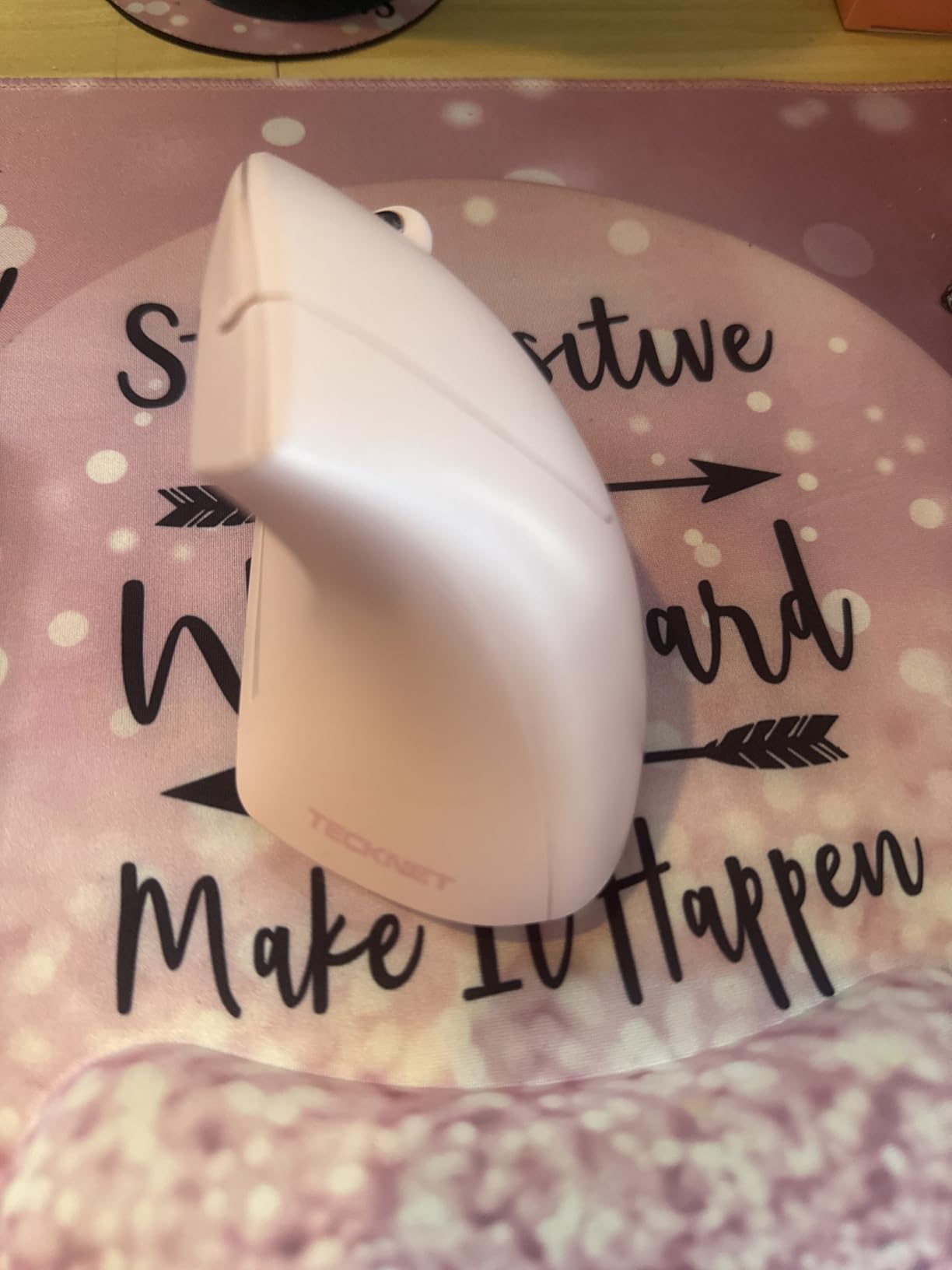
Six DPI levels reach 4800, which is unusually high for a budget vertical, and the indicator flashes once per level so you can confirm the setting without guessing. The 36-month warranty is the longest here, and the brand’s after-sales support gets specific praise in reviews, including one case where a full refund was offered without a return.
It works across Windows, Mac, Chrome, and Linux. One caveat: the side buttons do not function on macOS, which matters if your back and forward buttons are your primary navigation.
Device switching and daily setup
Pairing takes a few seconds the first time and seconds after that. The switching itself is what makes it valuable, since the alternative is a drawer full of mice and one Bluetooth device list nobody can read.
At 4.32 ounces it stays light through a long session, and the deep palm angle means less wrist lift than a flat mouse of the same size.
If your pain is click-related, the silent primary clicks remove both the noise and the feedback you need to squeeze hard. That reduces the death-grip habit we see in the first week with every steeper model.
Where it falls short
The click split sits too far forward for larger hands, forcing an unnatural finger position, and that is the single most-reported complaint in the reviews. The angled scroll wheel is also awkward to press straight down.
There is no manufacturer software, so the side buttons cannot be remapped. A small number of owners report the connection dropping at short distances, and the plastic battery cover can crack if the mouse is dropped.
It is right-handed only, and the two AAA batteries add noticeable weight compared with the rechargeable models.
5. Lekvey Rechargeable Vertical: Best for Long Battery Life
Lekvey Ergonomic Mouse, Rechargeable Vertical Wireless Mouse, Comfort Grip
Rechargeable, 150+ hours per charge
Three DPI levels
Plug-and-play 2.4 GHz
Medium to large hands
Pros
- 150+ hours of use per charge removes disposable batteries
- Plug-and-play receiver needs no drivers or pairing
- Works across Windows Linux and Mac OS
- Large-hand friendly 5-inch body
- Backed by a 36-month warranty
Cons
- Only three DPI levels topping out at 1600
- No Bluetooth so the receiver is required
- Small hands may find the 5-inch body too large
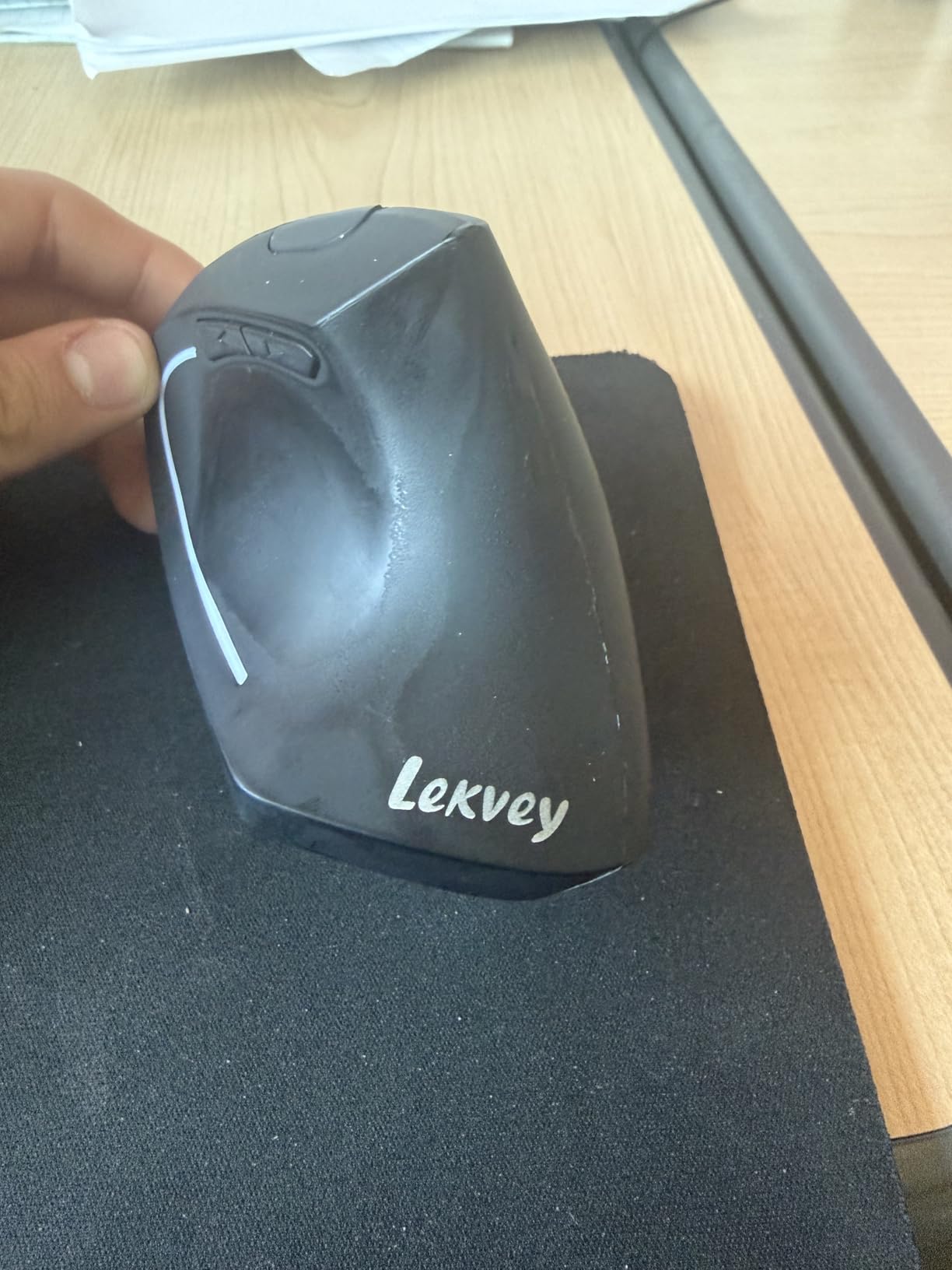
The Lekvey solves one problem better than anything else in this list: battery anxiety. A built-in rechargeable cell gives 150-plus hours of continuous use per charge, so you are charging roughly once a month rather than swapping cells or hunting a cable. There is a USB-C cable in the box and the receiver stores in the mouse.
Owners report the vertical angle producing noticeable wrist and forearm relief after a three-to-five-day adjustment, and 15480 reviews at 4.3 stars back that up consistently. The shape is a genuine handshake posture rather than a token tilt, and the body is 5.0 by 3.0 inches, which reviewers with bigger hands consistently rate as comfortable.
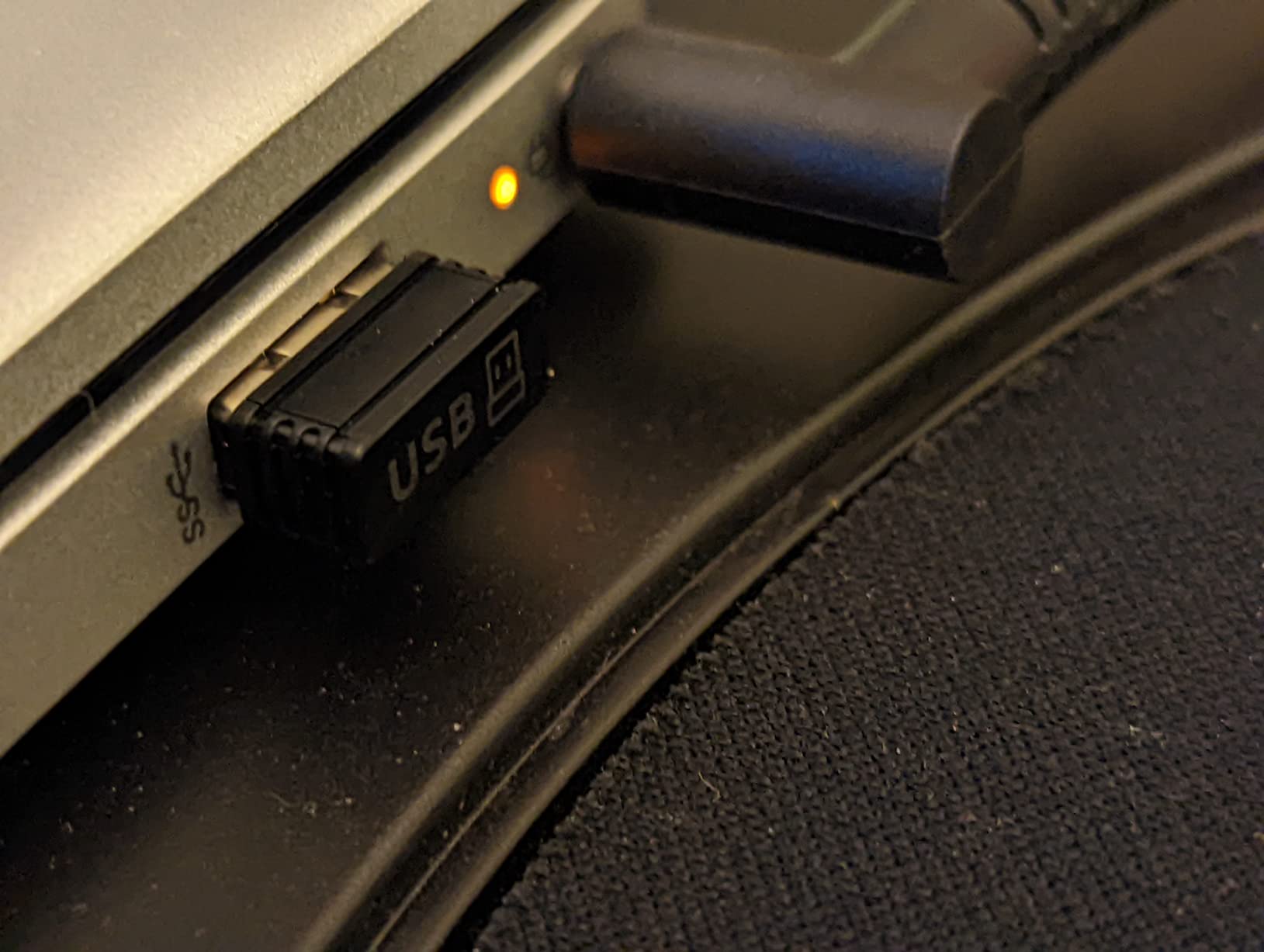
Setup is genuinely plug and play. No drivers, no Bluetooth pairing, no software. It runs on Windows across two decades of releases, on Linux, and on Mac OS, which is a wider compatibility claim than most of the wireless models here manage.
Three DPI levels at 800, 1200, and 1600 sit under the wheel, and page back and forward buttons sit under the thumb. That is the whole feature set, and there is nothing missing that you would notice day to day.
When this is the right call
Pick the Lekvey if you dislike both disposable batteries and the charging routine. The 36-month warranty is also the strongest in this group, which matters for an entry point you might keep for years.
If your hands are medium or large, the sizing is a genuine advantage. Several owners describe it as one of the more comfortable verticals for bigger palms.
It pairs with our broader desk setup advice: a lightweight mouse you barely notice is easier to keep at the correct distance from your keyboard than a heavy one.
Where it falls short
1600 DPI is the ceiling, so wide drags on a large display need more arm travel. If your work involves long horizontal timeline moves, the ProtoArc or Redragon give you more range.
No Bluetooth means no device switching and no tablet pairing. The 2.4 GHz receiver has to be plugged in, which is fine at one desk and frustrating if you move between machines.
Small hands should look elsewhere. At 5 inches the body is a stretch if your palm is compact, and the compact TECKNET models below are built for that.
6. Anker Wired Vertical: Best Wired Option
Anker USB Wired Vertical Mouse, Ergonomic Mouse for Computer and Laptops
Corded USB power
1000 and 1600 DPI
Next and previous buttons
18-month warranty
Pros
- No batteries charging or wireless latency
- Wired tracking is dependable with no pairing step
- Light at roughly 3.4 ounces
- Vertical angle supports a neutral wrist
- Next and previous buttons for browsing
Cons
- Cable restricts movement compared with wireless models
- Only two DPI levels
- No Bluetooth or multi-device capability
- Side buttons are not described as silent
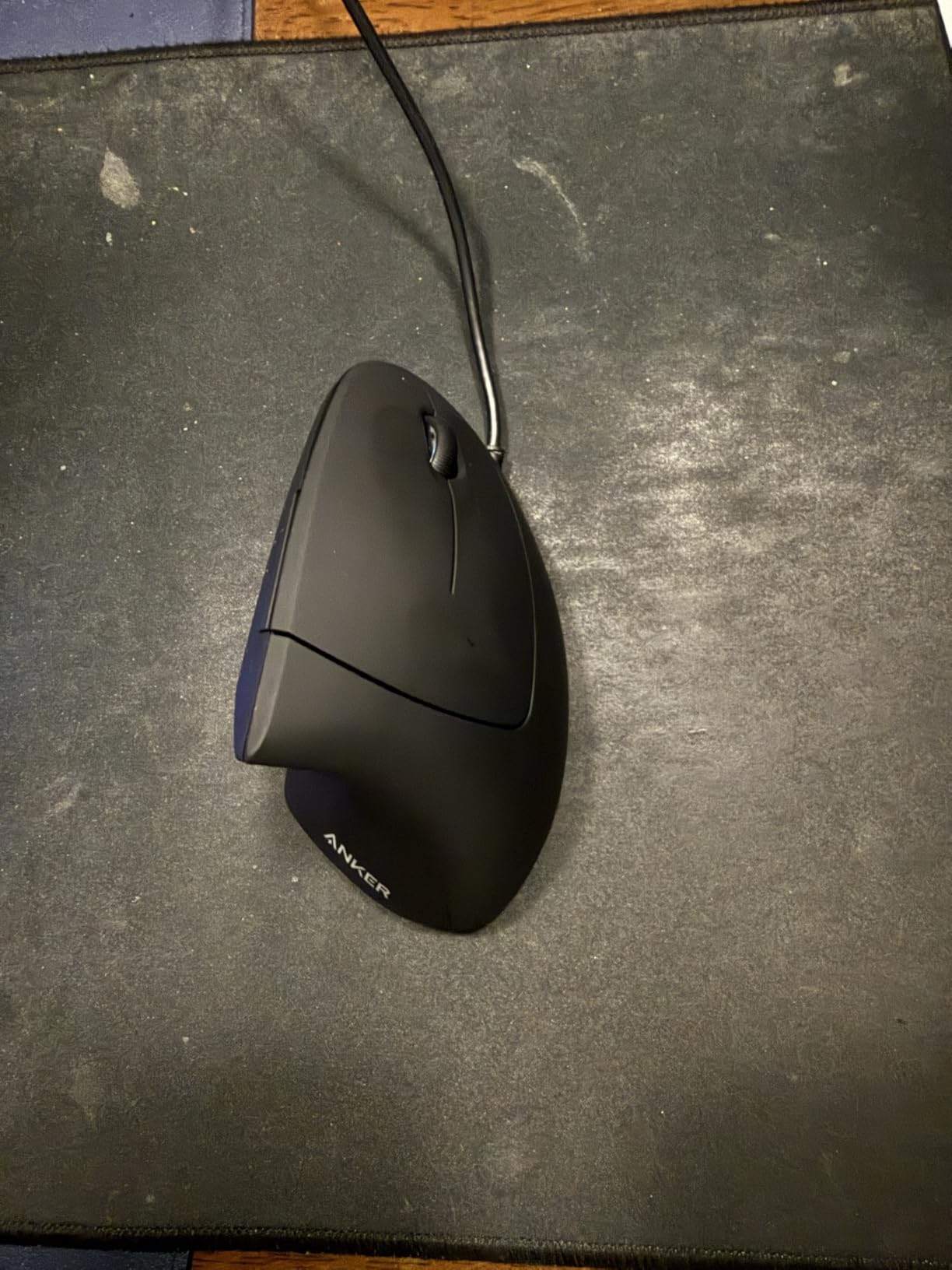
The simplest way to get a neutral wrist position is to plug something in and stop thinking about power management. That is what this Anker wired vertical does. It runs off a 1.5-metre USB cable, so there is no charging, no battery anxiety, and no wireless dropouts at all.
At 4.4 stars across 9077 reviews, it is one of the highest-rated budget models in the category, and the reviews describe a product that does one thing reliably. Owners value the low cost, the light weight, and the fact that the tracking simply works on whatever surface they happen to be using.
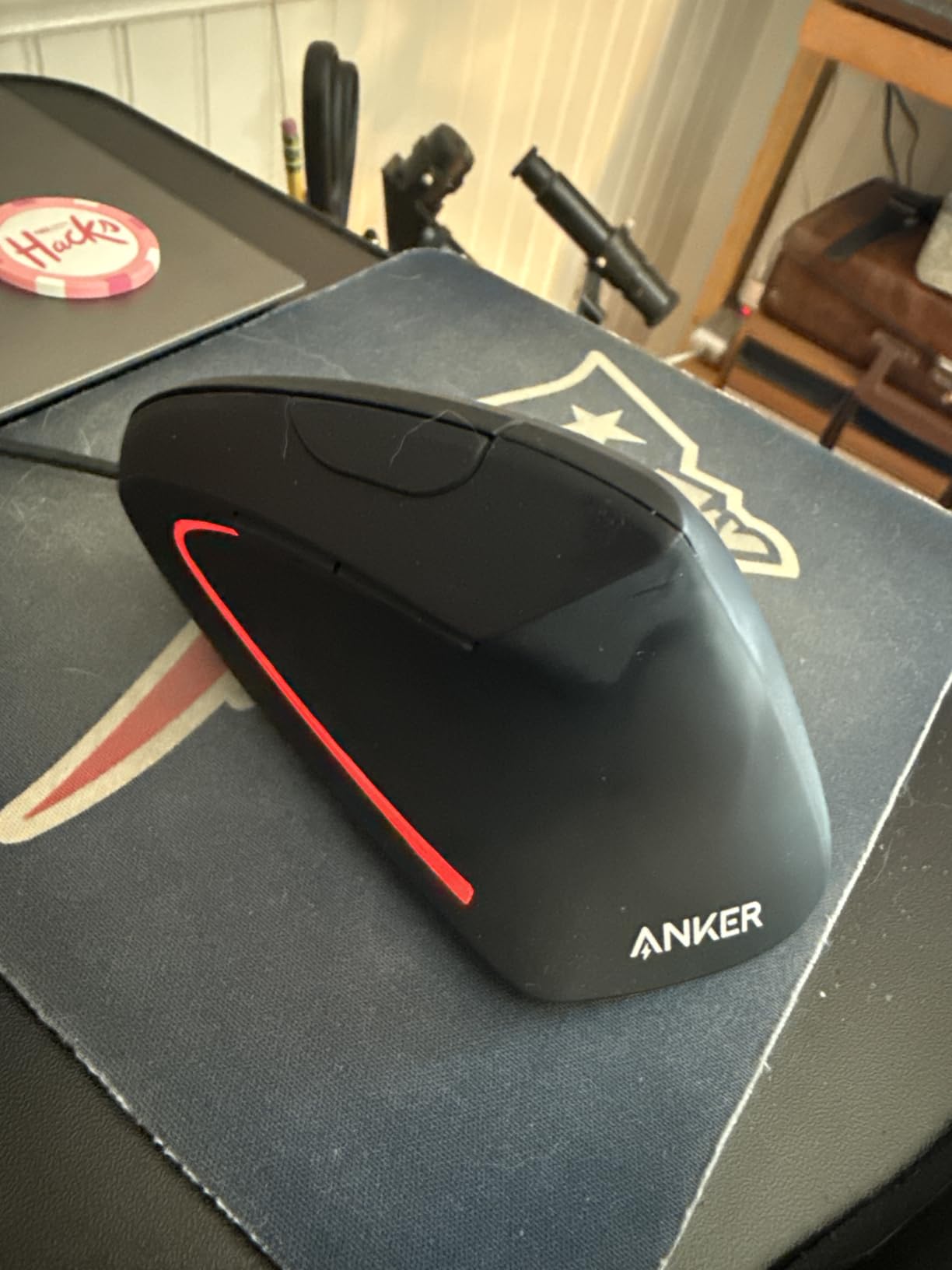
DPI switches between 1000 and 1600, and next and previous buttons handle web navigation. The vertical angle supports the same neutral wrist and arm position as the wireless Anker, so nothing about the ergonomic benefit is reduced by removing the radio.
One specification note worth knowing: the listing gives dimensions of 120 by 62.8 by 74.8 millimetres and lists weight at 5.3 ounces in one place and 3.36 ounces in the spec table. Either way it is a light mouse, which is the figure that matters for comfort.
Desk setup and cable management
A wired mouse is a better fit than most people expect for long editing or spreadsheet sessions. There is no low-battery interruption at the worst moment, which is a real reliability argument rather than a minor preference.
Use a cable that runs along the edge of the desk rather than straight out from the tower, so the cable pulls toward you and not across your forearm. This matters more with a vertical mouse because the shell is taller and catches more tension.
The 18-month warranty is the shortest here, which is the main reason to consider a wireless equivalent.
Where it falls short
The cable restricts your working area. If you switch between a laptop and a desktop, you are unplugging and replugging rather than tapping a device button.
Only two DPI levels, with no Bluetooth, no multi-device switching, and no silent click option. In a quiet room the click noise will be audible to the people around you.
It suits a single fixed workstation best. If you move around, the wireless Anker above is the same idea without the tether.
7. ProtoArc EM11 NL: Best Value Rechargeable Pick
ProtoArc EM11 NL Wireless Ergonomic Vertical Mouse, Rechargeable, Black
Silent primary clicks
500mAh rechargeable cell
Three devices
Hands under 7.5 inches
Pros
- Silent primary clicks still feel positive and register clearly
- Months of daily eight-hour use on a single charge
- DPI button reachable between index and middle finger
- Instant three-device pairing over Bluetooth
- Durable build that has survived falls
Cons
- Scroll wheel misses and slows on long pages
- Glossy surface can feel slippery
- No software or button remapping
- Side buttons do not work on Mac OS
The ProtoArc EM11 NL is the pick that most often gets compared to a Logitech, and owners do it themselves. The fit and the silent clicks come up again and again in reviews as being better than expected for the money, and several people say they adjusted to the vertical angle within a single day.
Battery is the headline. A 500mAh lithium-ion cell charged over the included Type-C cable runs for months of eight-hour days, which puts it ahead of anything in this group that still takes disposable cells. Note that the Type-C port is charging only, and the receiver included is the 2.4 GHz USB-A one, not a USB-C dongle.
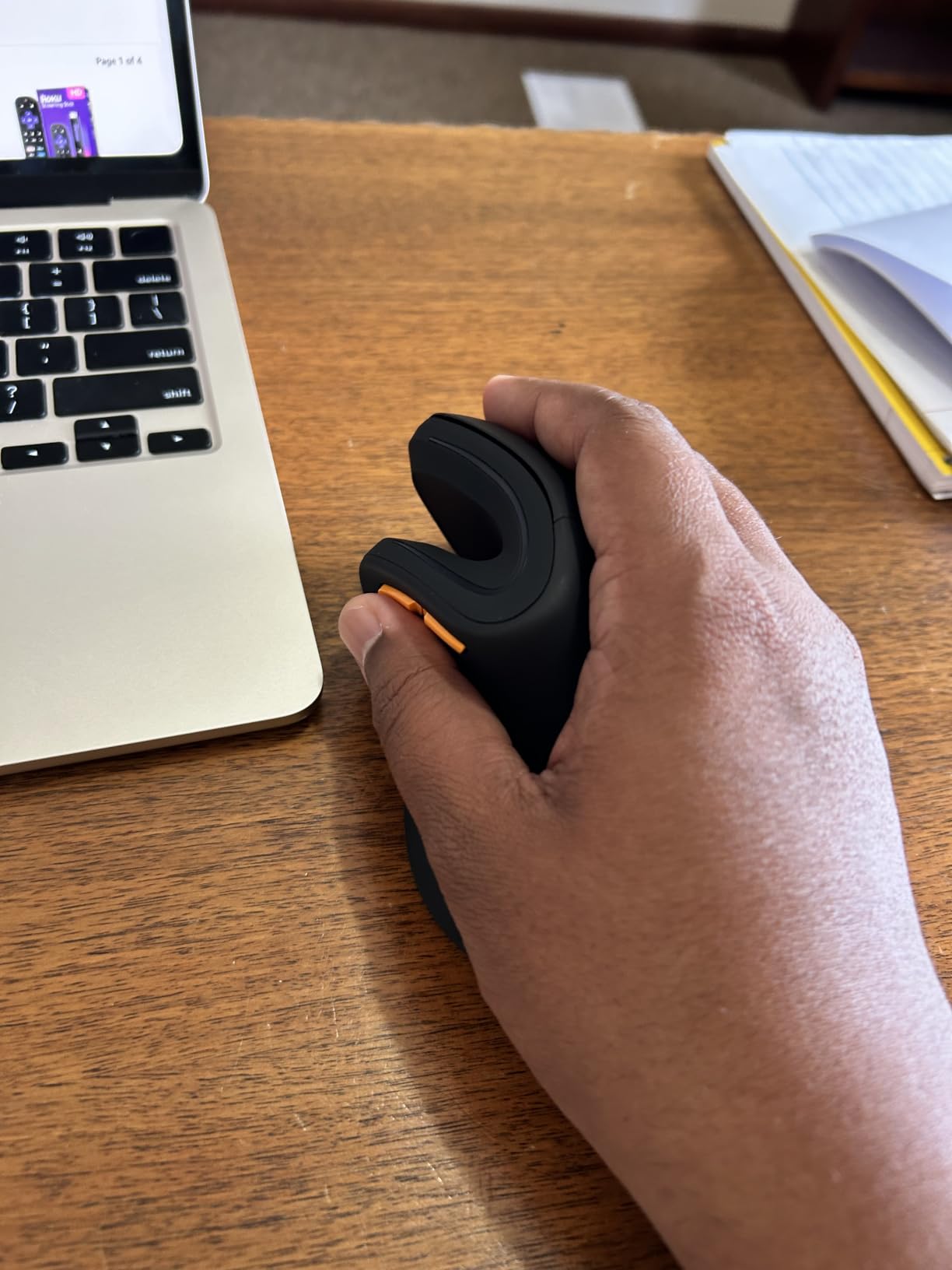
The silent left and right clicks register clearly, which is the difficult balance to hit. The DPI button sits between the index and middle fingers, which owners consistently praise as a small ergonomic win, and three DPI levels reach 2400.
It connects to three devices at once through dual Bluetooth and 2.4 GHz, and pairing is described as instant. The design is aimed at hands under 7.5 inches, so it sits between the compact TECKNET and the larger Lekvey in sizing.
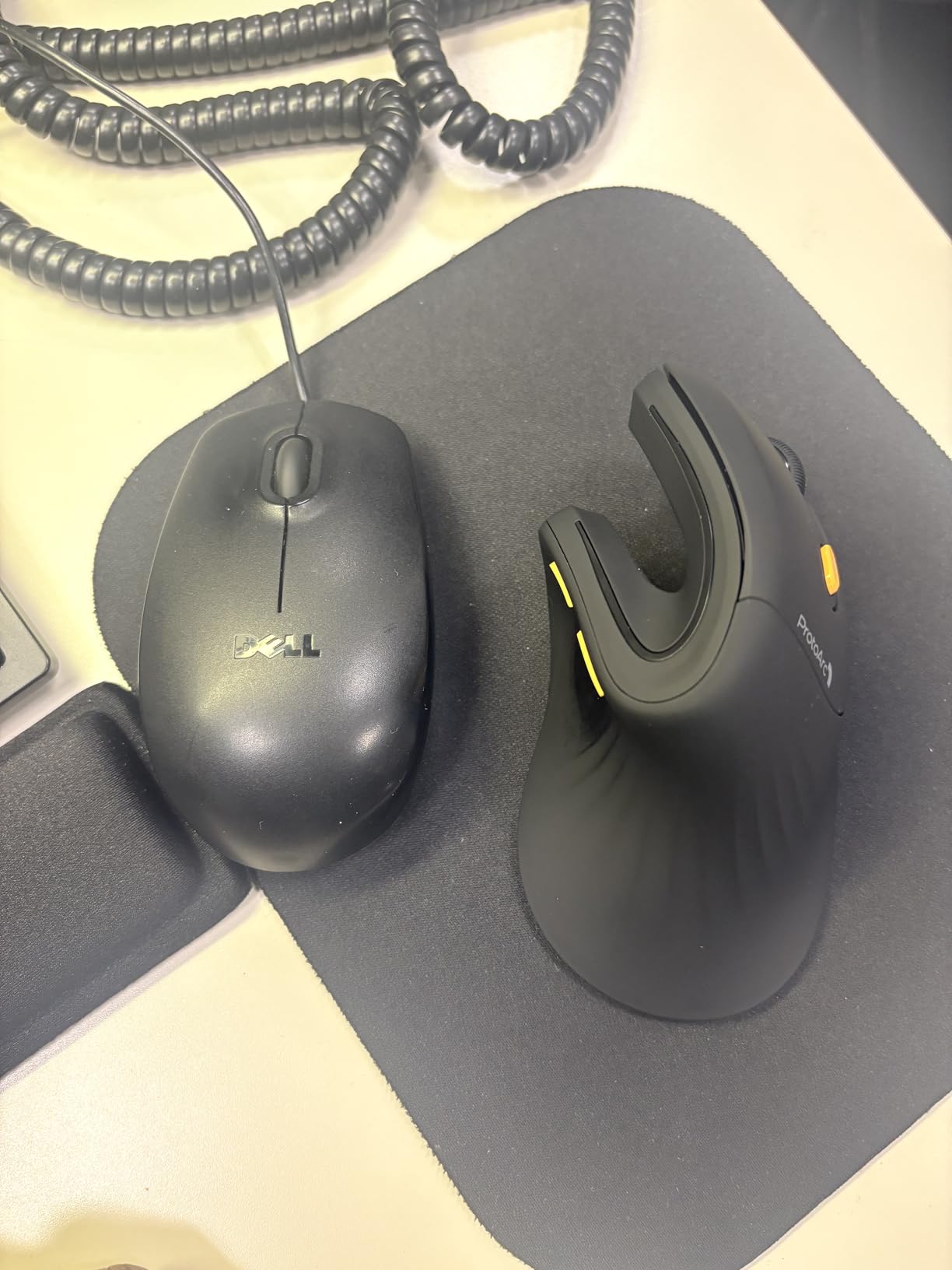
Button placement and multi-device pairing
Back and forward buttons sit under the thumb where you would expect them on a vertical shell, which is where the awkwardness usually shows up on budget models. Here they land in a natural spot.
If you switch between a laptop and a desktop, this hits the same three-device flexibility as the TECKNET above with a rechargeable cell instead of AAAs, and at 2400 DPI it gives you more travel range for wide drags.
MouseReview owners using ProtoArc devices report using one for work and another for gaming, which is a pattern worth considering if you split your day between editing and play.
Where it falls short
The scroll wheel is the most common complaint. It misses and slows when scrolling quickly through long pages, and it can trigger auto-scroll when pressed. For timeline-heavy editing that is a real irritation, so test it on your actual work.
The glossy finish feels slippery to some users, causing the mouse to slide forward and adding fatigue, and the PTFE skates add drag on fabric surfaces. Small hands may also find the body cramped.
There is no software or remapping, and the back and forward buttons do not work on Mac OS, which rules it out for anyone relying on browser navigation from a Mac.
8. Redragon Vertical Mouse: Best for High-DPI Precision
Redragon Ergonomic Mouse, Bluetooth Rechargeable Wireless Vertical Mouse, 3 Multi-Device Connectivity for Computer/PC/Laptop, 500mAh Battery, 2.4GHz USB-A Optical Mice for Windows, Mac OS, Black
Five DPI levels to 4800
Rechargeable 500mAh
Silent clicking
Three-device connectivity
Pros
- Highest average rating in this group at 4.6 stars
- Five DPI levels reaching 4800
- Silent clicking suits libraries and shared rooms
- Three devices over Bluetooth and 2.4 GHz
- Rechargeable cell avoids disposable batteries
Cons
- Sized for hands up to 7.5 inches so very large hands may want more room
- One to two weeks of adaptation before it feels natural
- No USB-C receiver included
The Redragon is the highest-rated product in this roundup at 4.6 stars, with 78 percent of reviews at five stars and only 3 percent at one. At 3724 reviews it is not the deepest well of feedback here, but the consistency of the rating is notable for a product without a decade of history behind it.
What earns that rating is the feature set: five DPI levels from 800 up to 4800, silent clicking, three-device connectivity across dual Bluetooth and 2.4 GHz, and a rechargeable 500mAh cell charged over the included Type-C cable. That combination usually costs considerably more, and reviewers repeatedly frame it as outperforming mice several times its price.
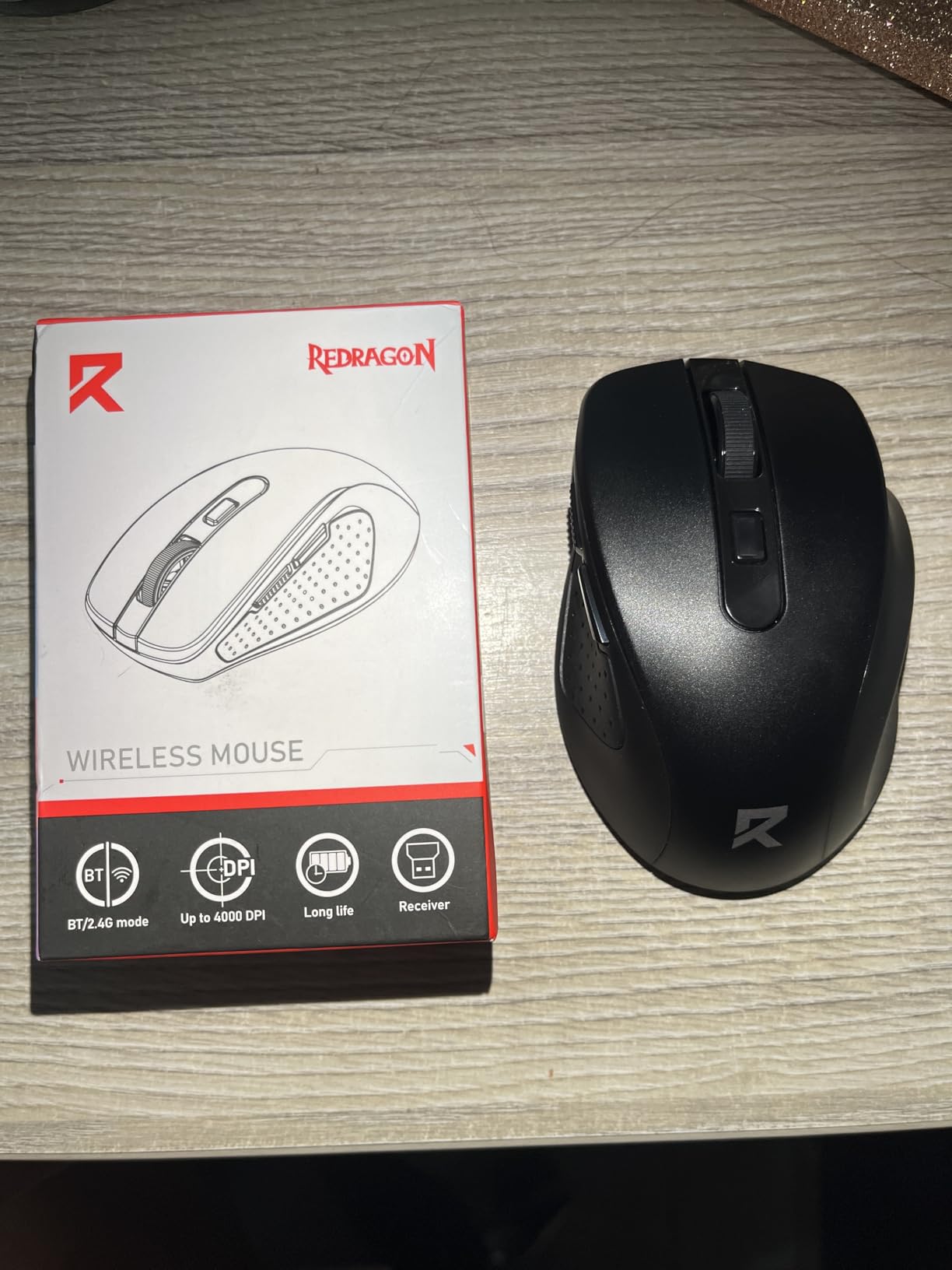
The consensus on fit is a neutral vertical grip that relieves wrist pressure once the adaptation period passes. The design targets hand lengths up to 7.5 inches, the same ceiling as the ProtoArc, which puts it in small to medium territory rather than large.
Adaptation is the one thing to plan around. The documentation states one to two weeks, and the reviews agree that the first stretch is the hardest. That is longer than the ProtoArc’s single-day adjustment, so it suits someone willing to be patient.
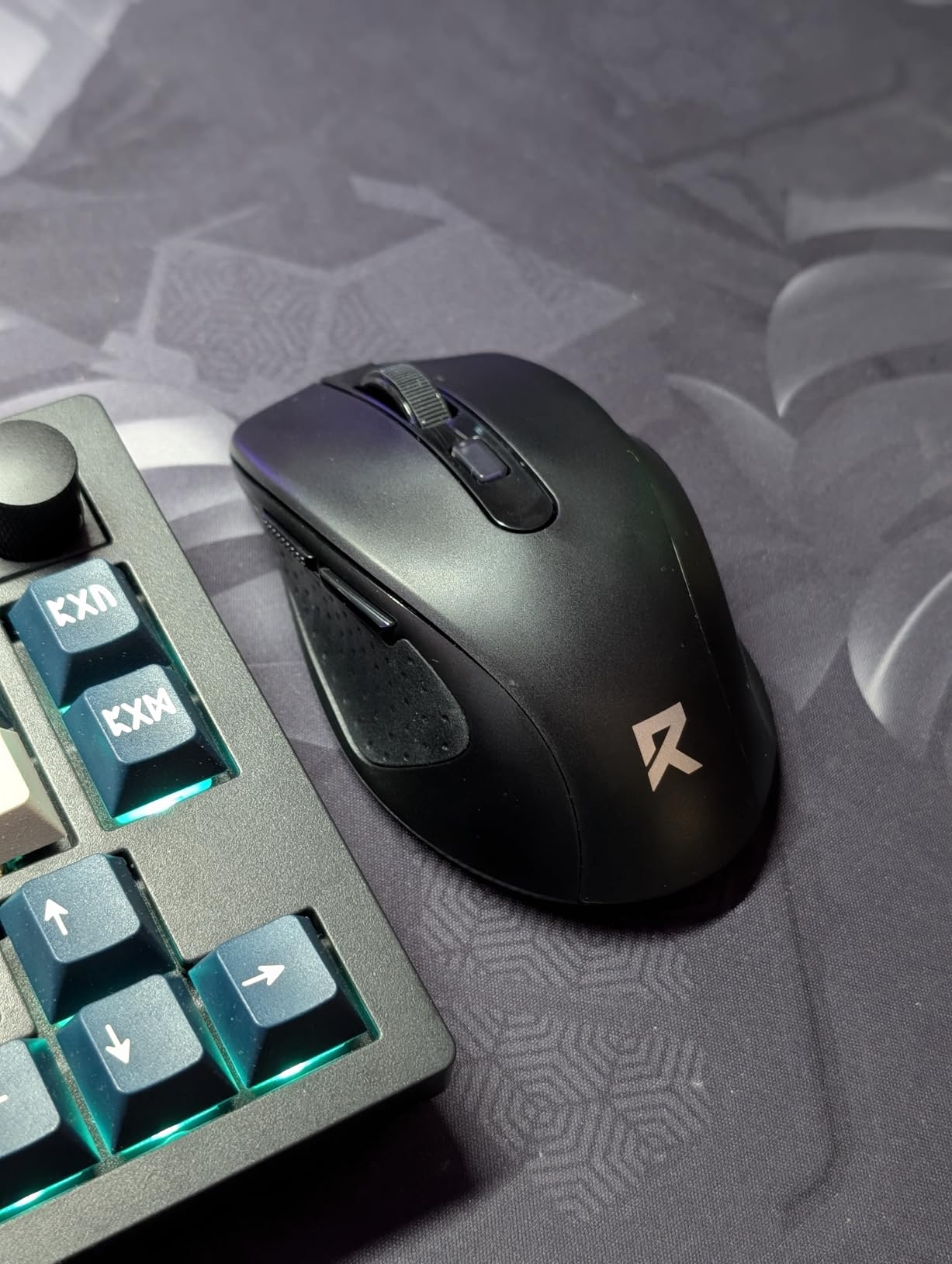
Precision, DPI, and gaming
The 4800 DPI ceiling is the highest in this group and matters for wide drags, large displays, and anyone who prefers moving from the shoulder rather than flicking the wrist. That shoulder-travel approach is the workaround MouseReview users recommend most often for wrist pain.
It is listed in both Computer Mice and Gaming Mice, and the combination of a high sensor range and silent clicks is workable for long play sessions. It is not a competitive shooter mouse, and the vertical shape still makes small corrections harder.
The 2-year warranty is a solid middle ground, and the silent clicks make it a good fit for shared rooms and libraries.
Where it falls short
Sizing stops at 7.5 inches, so very large hands should look at the MX Vertical or the Lekvey instead. Buying a small mouse for a large hand is the fastest route to new pain.
The one to two week adaptation period is the longest in this group. If you have a heavy deadline, start this one over a quiet week.
Only the 2.4 GHz USB-A receiver is included, not a USB-C version, and weight and full dimensions are not published in the listing, so judge it on the hand-length guidance instead.
9. TECKNET Silent Vertical: Best for Small Hands and Quiet Rooms
TECKNET Ergonomic Wireless Mouse 2.4G Vertical Mouse Silent 4800 DPI
52-degree ergonomic angle
Silent clicks over 99 percent quieter
Five DPI levels to 4800
4.13 inch body
Pros
- Compact rounded body suits small to medium hands
- Silent clicks keep shared rooms quiet
- Five DPI levels up to 4800
- Rounded shape has no sharp corners
- Driver-free 2.4GHz with a 32 foot range
Cons
- 2.4GHz only with no Bluetooth or device switching
- Side buttons do not work on Mac OS and are not silent
- Right-handed design only
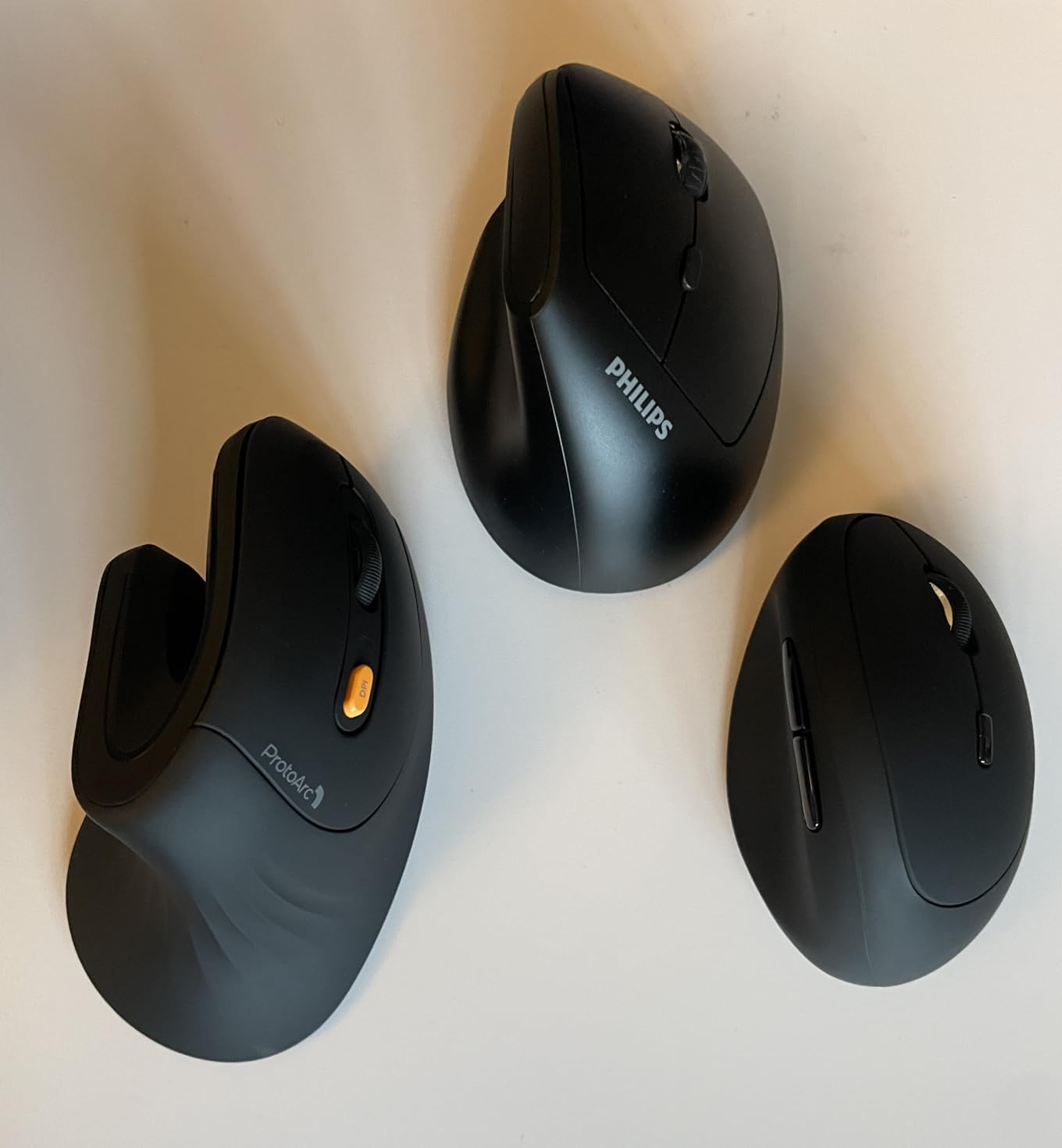
The TECKNET silent vertical is the small-hand answer in this group. At 4.13 by 2.55 inches it is the most compact shell here, and the 52-degree angle is deliberately more modest than the 57-degree and 60-degree models. That combination is why owners with smaller hands tend to find it comfortable rather than cramped.
The silent click design reduces noise by more than 99 percent while keeping tactile feedback, which is the exact balance that makes a silent switch pleasant rather than mushy. In a shared office or a recording session, that difference is the whole reason to pick this model.
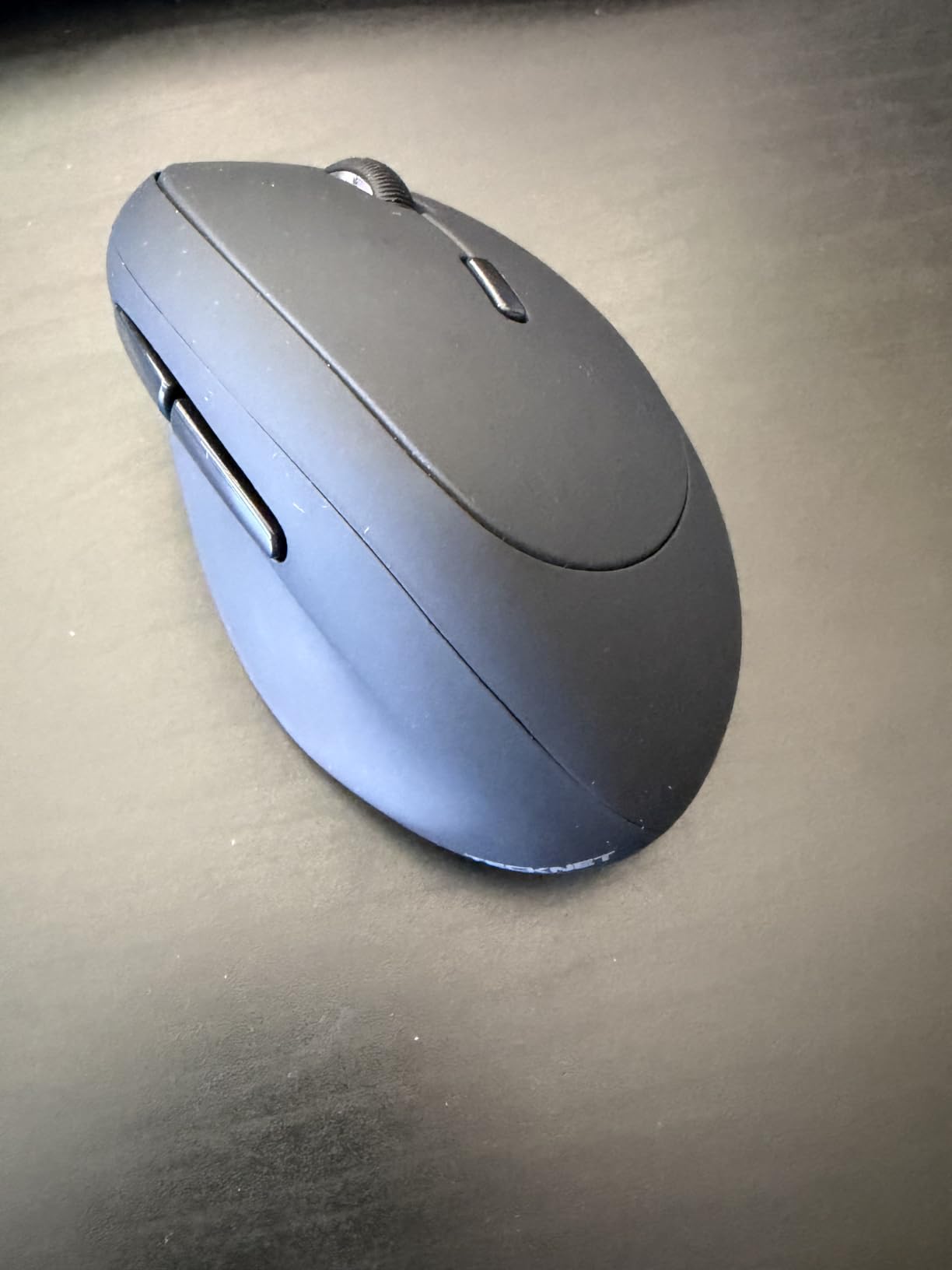
Five DPI levels run from 800 to 4800, so despite the compact body you are not short on sensor range. Connection is driver-free 2.4 GHz with a stated 32-foot range, and the rounded shell has no sharp corners to press against your palm.
At 4.5 stars across 3396 reviews, the rating sits second-highest in this roundup, and the recurring praise is aimed squarely at the angle, the quiet clicking, and the sizing.
Hand size and shared-space fit
Measure your hand before you commit. If your wrist crease to middle fingertip measurement is on the shorter side, this 4.13-inch body will sit under your palm rather than forcing you to stretch toward the buttons.
The forward and back buttons are not silent, so if your issue is noise rather than force, the primary clicks are what you will notice, and they are the part that carries the noise reduction claim.
The 18-month warranty is the shortest in this group, which is worth weighing against the comfort gain for small hands.
Where it falls short
There is no Bluetooth and no multi-device switching, so this is a single-machine mouse. That is a limitation if you move between a laptop and a desktop regularly.
The side buttons do not function on Mac OS and are not silent, which is a small problem for Mac users who rely on browser navigation.
The shell is right-handed only, and the 52-degree angle is shallower than the 57 and 60-degree models. If your pain is severe pronation strain, a steeper angle may serve you better over the long term.
10. MEETION Rechargeable Vertical: Best for Left-Handed Users
MEETION Ergonomic Wireless Vertical Mouse, Rechargeable, Black
60-degree neutral posture
Left- and right-handed shells
Dual Bluetooth and 2.4G
RGB lighting
Pros
- Left-handed variants widely available and praised as comfortable
- 60-degree neutral posture reduced wrist pain for owners
- Rechargeable and usable while charging
- Deep thumb scoop keeps the hand stable
- RGB lighting with multiple colours and effects
Cons
- Rechargeable battery loses capacity after six months to a year
- Some units had left-click failures after about a year
- Skates ship with plastic film that reduces glide
- Forward and back buttons do not work in Safari
If you are left-handed, this is the section you have been looking for. Left-handed users are close to excluded from the ergonomic vertical category, and the MEETION is the only model in this group that ships a genuine left-handed shell. Left-handed owners describe it as one of the few comfortable ergonomic options available to them.
The posture is a 60-degree neutral handshake angle, measured by owners as a real reduction in wrist pain. The body is 4.3 by 3.1 inches and leans toward medium to large hands, with a deep thumb scoop and textured surfaces intended to keep the hand stable without pinching.
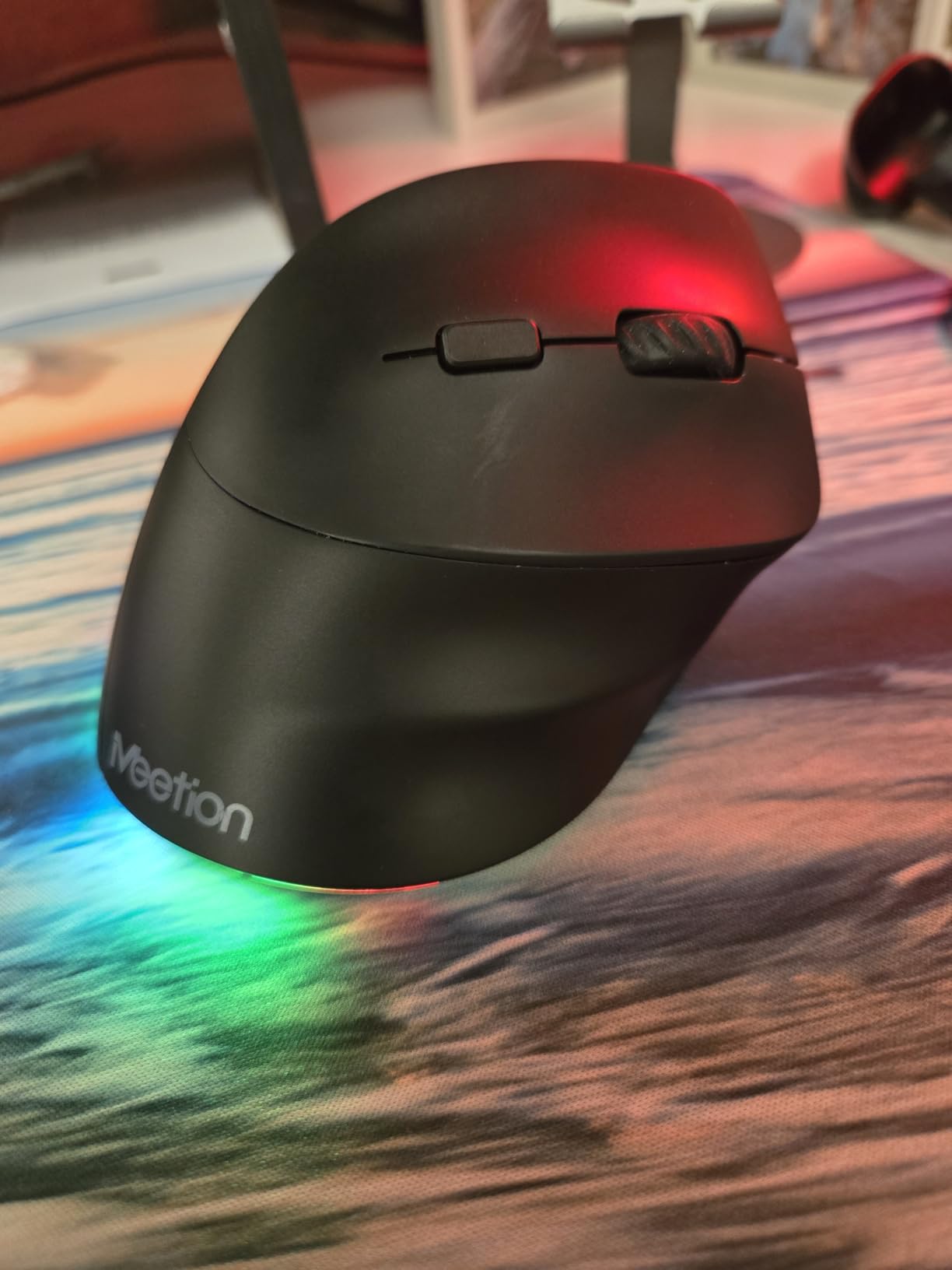
Connectivity covers dual Bluetooth 5.0 and 3.0 alongside 2.4 GHz, and it works across Windows, Mac OS, and Linux. Four DPI settings reach 3200, and the RGB lighting with selectable colours and effects is something buyers describe as fun rather than a gimmick, particularly for a desk you look at all day.
Battery life is roughly two months with the lighting off and about one month with it on, and the mouse is usable while charging. One useful detail: the smooth, streamlined surface is optimised for gliding rather than grip-heavy lifting, which suits users who tend to clamp down.
Left-handed fit and platform notes
The left-handed shell mirrors the thumb scoop and button placement, which is the whole point. Do not attempt to mirror the right-handed version by hand, because the angle stops working and you lose the benefit.
Expect the familiar adaptation period on the 60-degree angle. Grip gently through the first week, because squeezing hard out of frustration is the fastest way to undo the ergonomic gain.
Warranty and customer service are reported as responsive, which matters given the battery issue below.
Where it falls short
Longevity is the real concern. Multiple reviews describe the rechargeable battery losing capacity after roughly six months to a year, along with isolated connection failures and left-click failures after about the same period. If you dislike owning peripherals, this is not the one.
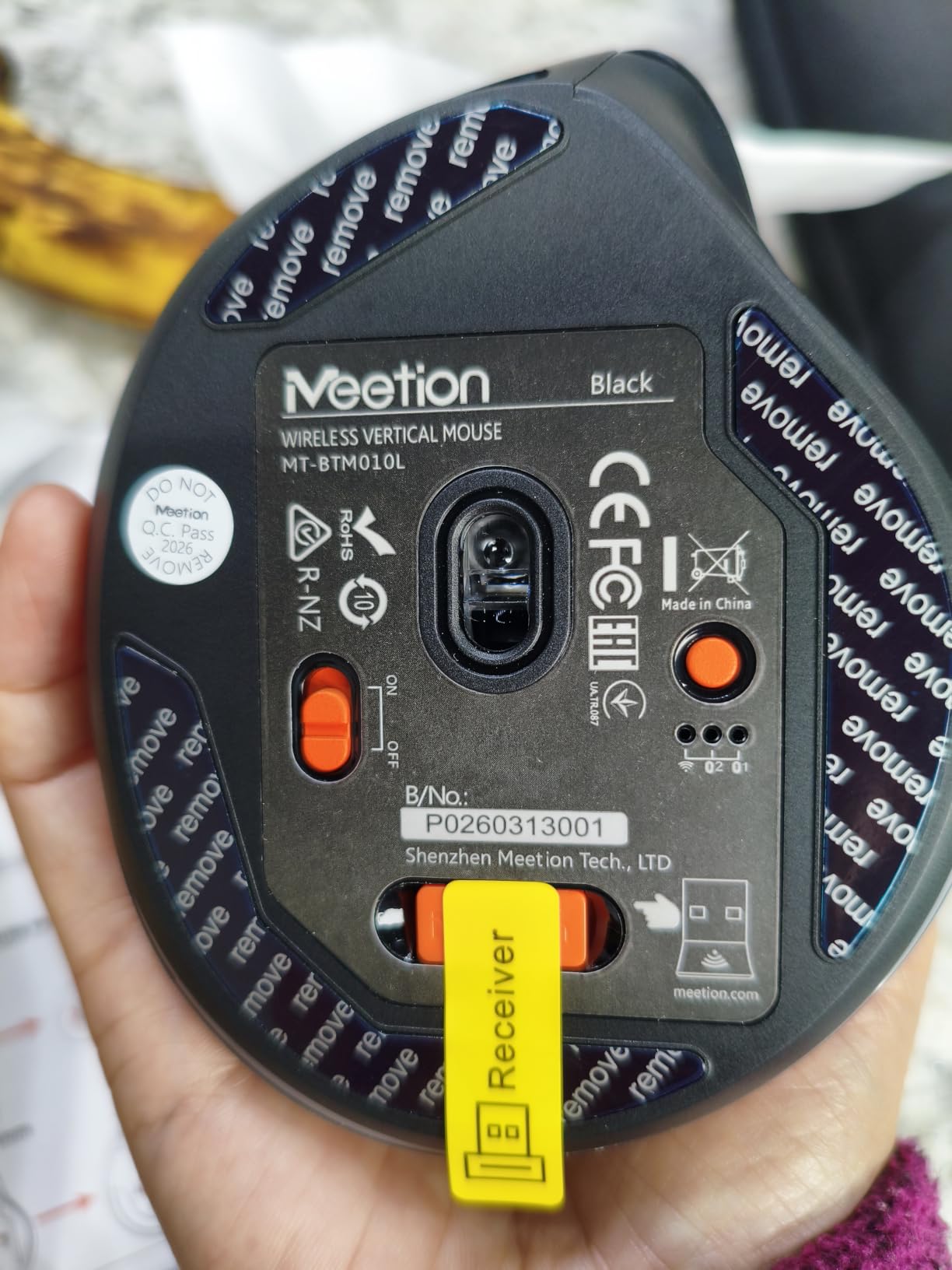
The skates ship with a plastic film that reduces glide until you remove or tape over it, and the right-click placement sits low with a body that can feel small for larger hands.
Forward and back buttons do not work in Safari, and the angle is less pronounced than the deepest verticals, so it may not relieve strain for everyone.
How to Measure Your Hand Size
Hand size is the variable that decides whether a vertical mouse helps or hurts. Measure from the crease where your wrist bends to the tip of your middle finger, with the hand open and relaxed.
Open your hand fully and lay it flat, palm down, fingers straight.
Find the crease at the base of your palm where the wrist bends.
Measure straight from that crease to the tip of your middle finger in centimetres.
Under about 17 centimetres is small, roughly 17 to 20 centimetres is medium, and over 20 centimetres is large.
Map that to this roundup directly. Small hands suit the 4.13-inch TECKNET and the 4.3-inch Logitech Lift. Medium hands fit the Logitech Lift, the TECKNET 3-Device, and the Redragon, all of which sit under the 7.5-inch limit. Large hands want the 5-inch Lekvey or the full-size Logitech MX Vertical.
Grip style matters just as much. A palm grip keeps the whole hand resting on the body, which suits the taller shells like the MX Vertical and the MEETION. A claw grip arches the fingers and works better on a lower, lighter shell such as the Anker models. A fingertip grip uses only the finger tips and wants a small, low-profile body like the compact TECKNET.
The 7-Day Vertical Mouse Adaptation Plan
Almost everyone dislikes a vertical mouse in the first three days. That clumsy phase is not a sign you chose wrong, and knowing it is coming makes it much easier to get through.
Days one and two, the worst part: you will overshoot links and miss small close buttons on spreadsheet cells. This is normal motor relearning, not a defect. Keep your old mouse within reach for anything urgent.
Days three and four: click accuracy comes back first. Add a forward and back button remap if your mouse supports software, so navigation stops costing you a thumb stretch.
Day five: lower your DPI one notch. Less wrist flick is the entire mechanism, and most people under-correct here. Moving more from the shoulder is the single most recommended change on the forum side of this topic.
Day six: check your posture. Elbow near 90 degrees, mouse close to the keyboard, shoulders dropped. A new mouse in a bad position still hurts.
Day seven: notice whether your forearm aching has dropped. Most owners report a clear difference here, which is when the mouse has earned its place.
Weeks two and three: add micro-breaks every half hour and, if your pain is movement-driven rather than angle-driven, consider whether a trackball belongs in your setup as well.
Give up at day ten and reconsider the fit, not the category. Wrong hand size is the most common reason a vertical mouse stays in a drawer.
Desk Setup Checklist for Wrist Pain
A vertical mouse is one component of a workstation, and it fails quietly if the rest of the setup is wrong. Work through this list.
Set your elbow at roughly 90 degrees with shoulders relaxed and dropped, not shrugged toward your ears.
Place the mouse beside your keyboard, not out to the side where you reach for it.
Keep your forearm roughly parallel to the desk so the wrist is not bent upward.
Start at a DPI that needs moderate movement, then reduce it so you travel from the shoulder instead of flicking the wrist.
Set a micro-break reminder every 30 to 45 minutes and actually stand up when it fires.
Use a wrist rest only to keep the hand parked while you pause. Pressing your wrist into a rest while you type can make pain worse, not better.
If your desk, chair, or shoulders are the actual problem, no mouse fixes it. Our guides to ergonomic chairs for content creators and wrist rests for long editing sessions cover the rest of the chain.
Frequently Asked Questions
What is the best vertical mouse for wrist pain?
The Logitech Lift Vertical is our top pick overall. Its 57-degree angle puts the hand in a handshake position, its body suits small to medium hands, the clicks are whisper-quiet, and the battery is rated at up to 24 months per charge. Large hands should size up to the Logitech MX Vertical, which uses the same angle in a bigger body. A trackball is worth considering if your pain is caused by desk travel rather than wrist angle.
Do ergonomic mice help wrist pain?
They help with the component of pain caused by posture, which is usually the largest one. A vertical mouse rotates your forearm out of pronation into a neutral handshake position so the radius and ulna stop crossing and the median nerve is under less compression. Logitech states its MX Vertical reduces muscular activity by approximately 10 percent versus a standard mouse. Expect a real difference after about a week, not on day one.
Are vertical mice better for your wrist?
For sustained desk work, usually yes, because they hold the wrist in a neutral handshake position instead of palm-down. They are not better for everything. Fast competitive gaming, which rewards a flat mouse for precise small corrections, is the main case where a flat shell wins. Trackballs go further still by removing desk travel entirely, which matters when your pain appears only after reaching across the desk.
Are vertical mice better for carpal tunnel?
A vertical mouse can reduce the postural load that aggravates symptoms, because it decompresses the wrist by uncrossing the forearm bones. It does not treat carpal tunnel syndrome, and no mouse does. Nerve compression with numbness, tingling, or weakness needs a clinician. See a doctor if your symptoms persist beyond a few weeks, worsen, or spread into your fingers.
What is the best ergonomic mouse for wrist strain?
It depends on where the strain sits. Forearm aching from pronation calls for a true vertical shape at 52 to 60 degrees. Thumb-side wrist pain needs a model with a real thumb rest, such as the Logitech Lift or MX Vertical. Pain that only appears after reaching across the desk points to desk travel, so a trackball may serve you better than any mouse. Match the shell to the symptom rather than buying on brand.
Can carpal tunnel be caused by using a mouse?
A mouse can contribute, but it is rarely the only cause. Hours of palm-down mouse use force forearm pronation and sustained wrist extension, which compresses the median nerve in the carpal tunnel over time. Genetics, pregnancy, wrist anatomy, and repetitive hand use all play a part too. Fixing your workstation and reducing DPI may ease symptoms, but this is not medical advice and persistent numbness should be assessed by a clinician.
How long does it take to adjust to a vertical mouse?
Most people need three to seven days before the awkwardness fades, with day two being the worst. The longest adjustment in this roundup is listed at one to two weeks, while a few owners of shallower angles report adapting within a single day. If you are still uncomfortable after ten days, the problem is usually hand size fit rather than the concept. Measuring your hand takes under a minute and prevents most returns.
What angle should a vertical mouse be?
For wrist pain, somewhere between 52 and 60 degrees is the useful range. The Logitech Lift and MX Vertical use 57 degrees, the MEETION uses 60, and the compact TECKNET uses 52. Shallower angles adapt faster but relieve less, and steeper angles relieve more but take longer to learn. Angles beyond about 70 degrees feel vertical but trade away precision, so they suit comfort work rather than fine pointer tasks.
Conclusion: The Best Ergonomic Vertical Mice for Wrist Pain in 2026
After ten comparisons, the Logitech Lift Vertical is the best ergonomic vertical mouse for wrist pain for most people. Its 57-degree angle, compact body, silent clicks, and 24-month battery cover the four things that actually decide whether a vertical mouse gets used past the first week.
Match the shell to your symptom and your hand. Large hands take the MX Vertical, small hands take the compact TECKNET, left-handed users take the MEETION, and anyone switching between machines should look at the TECKNET 3-Device or the ProtoArc. Give any of them a full seven days before you judge, and see a clinician if your symptoms include numbness or weakness.