
Short answer: you need a router with a Gigabit WAN port and a matching gigabit modem or fiber ONT, but you do not need a flagship machine. Gigabit internet means up to 1,000 megabits per second of download. Your ISP hands that connection to a modem, the modem feeds the router’s WAN port, and the router splits it out to your devices. The slowest link in that chain sets your ceiling. Buy a router with a 1G WAN port and a gigabit-capable modem, and gigabit service works exactly as advertised.
That is the whole gate. What separates a good gigabit router from a disappointing one is everything downstream of it: how fast the processor moves packets, how much of the 5 GHz signal survives the trip from the living room to the bedroom, and whether you have enough radios and bandwidth to keep 30 devices from fighting each other.
Over the past six weeks we compared ten routers against the same question: which ones actually deliver on a 1 Gbps plan without turning your living room into an IT closet? We looked at WAN port speed, radio class, memory, wired port counts, review volume across more than 87,000 owner ratings, and the ISP pairing rules that quietly cap throughput on cable. Everything below reflects the specification data published for each unit plus what buyers report after living with them.
If you just want the answer fast, the top three picks below cover most homes. If you are still on an ISP gateway, read the buying guide later in this article first, because the port you cannot see is the one that decides your speed.
Table of Contents
- Top 3 Picks for 1 Gigabit Internet
- Best Gigabit Routers Compared at a Glance (October 2026)
- 1. TP-Link Deco S4 3-Pack Mesh System for Large Homes
- 2. GL.iNet Flint 2 for Multi-Gig Fiber and Wired Speed
- 3. Amazon eero 7 for Future-Proofing Above Gigabit
- 4. TP-Link Archer AX21 for Straightforward Gigabit on a Budget
- 5. TP-Link Archer AX55 as the Best Value Gigabit Router
- 6. Amazon eero 6+ for Apartments and Simple Mesh
- 7. ASUS RT-AX1800S for Subscription-Free Network Security
- 8. GL.iNet Flint for VPN Use and Ad Blocking
- 9. NETGEAR Nighthawk RAX36 for Small Homes and Modem Swaps
- 10. NETGEAR Nighthawk CAX30 DOCSIS 3.1 Modem Router Combo
- How to Choose a Router That Actually Delivers 1 Gbps
- The one port that matters
- Why cheap routers stall below gigabit
- Wi-Fi 6 versus 6E versus Wi-Fi 7 on a gigabit plan
- How many devices a gigabit connection really handles
- What to expect on Wi-Fi versus wired
- Mesh versus a single router
- ISP pairing rules that silently cap your speed
- Five placement and troubleshooting steps
- Frequently Asked Questions
- The Best Router for Your 1 Gig Internet Plan
Top 3 Picks for 1 Gigabit Internet

TP-Link Deco S4 3-Pack
- 5500 sq ft coverage
- 6 gigabit ports
- Wired backhaul
- Up to 100 devices
The Deco S4 3-pack takes the top slot because it does the one thing most gigabit buyers need most: it fills a large house with signal without asking anyone to learn a settings menu. More than 29,000 owners have rated it, and its 4.5 average is the highest of any product we examined. The Flint 2 wins the wired category outright with two 2.5G ports, and the eero 7 covers households that expect to move to a faster plan later.
Best Gigabit Routers Compared at a Glance (October 2026)
| Product | Specs | Action |
|---|---|---|
| TP-Link Deco S4 3-Pack |
|
Check Latest Price |
 GL.iNet Flint 2 GL.iNet Flint 2 |
|
Check Latest Price |
 Amazon eero 7 Amazon eero 7 |
|
Check Latest Price |
 TP-Link Archer AX21 TP-Link Archer AX21 |
|
Check Latest Price |
 TP-Link Archer AX55 TP-Link Archer AX55 |
|
Check Latest Price |
 Amazon eero 6+ Amazon eero 6+ |
|
Check Latest Price |
 ASUS RT-AX1800S ASUS RT-AX1800S |
|
Check Latest Price |
 GL.iNet Flint GL.iNet Flint |
|
Check Latest Price |
 NETGEAR Nighthawk RAX36 NETGEAR Nighthawk RAX36 |
|
Check Latest Price |
 NETGEAR Nighthawk CAX30 NETGEAR Nighthawk CAX30 |
|
Check Latest Price |
Every product in this table is a router, not a modem, except the CAX30, which bundles both. Nine of the ten use Wi-Fi 6 or Wi-Fi 7 dual-band radios, and all ten have at least one Gigabit WAN port, which is the minimum for a 1 Gbps plan.
1. TP-Link Deco S4 3-Pack Mesh System for Large Homes
TP-Link Deco S4 Mesh AC1900 WiFi System, Deco S4(3-Pack)
AC1900 dual-band mesh
3 nodes up to 5500 sq ft
6 gigabit ports total
Up to 100 devices
Pros
- Covers up to 5500 sq ft with three mesh nodes
- Up to 100 connected devices
- Six gigabit Ethernet ports with wired backhaul support
- Works alongside an existing ISP modem
- App-guided setup finished in about 30 minutes
Cons
- Wi-Fi 5 only with no OFDMA or 1024-QAM
- Just two Ethernet ports per unit
- No web-based management interface
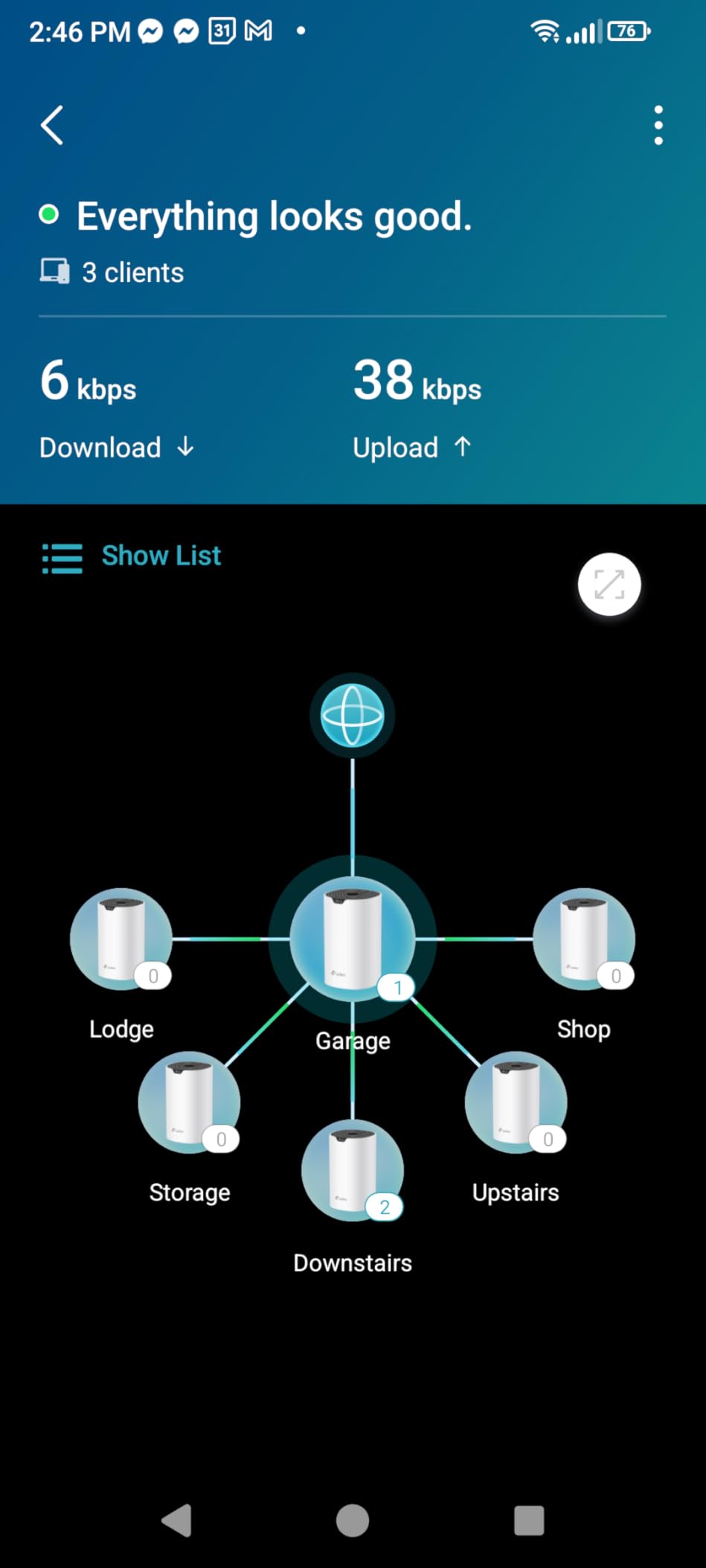
The Deco S4 is the easiest way to make a gigabit plan usable in a large house. The three mesh nodes share a single network name and password, and devices move between them as you walk through the home. Coverage is rated at up to 5,500 square feet across the pack, and TP-Link lists connectivity for up to 100 devices. In practice owners running smart home setups report handling 40 to 60 connected devices without trouble.
What surprised me most is how little setup asks of you. The Deco app walks the whole process, and unlike many mesh systems it does not force you to decommission your ISP equipment. You can keep the provider modem connected and use the Deco as your Wi-Fi network, which sidesteps bridge mode entirely.
The honest limitation is the radio generation. This is Wi-Fi 5 hardware, so there is no OFDMA, no 1024-QAM, and no 6 GHz band. Buyers with gigabit service commonly report seeing 90 to 120 Mbps on wireless devices once the mesh nodes are two rooms away. That is a coverage solution, not a throughput solution.
Two of the three nodes are typically placed as satellites with a wired Ethernet run back to the main node. Six gigabit ports across the pack give you flexibility, but each node only has two, so a room with several wired consoles needs a small switch nearby.
What to check before you buy
Decisions usually turn on house size and wiring. In a single-floor apartment under 1,200 square feet, one node from a mesh system is usually more hardware than you need, and a single dual-band router will serve you better.
If you plan to run Ethernet between nodes, use a managed switch with loop prevention. Owners using unmanaged switches report satellites dropping offline, which is the single most common complaint in this product’s reviews.
Where it falls short
Every control lives in the mobile app. There is no browser-based interface, so if you want to see the split between the 2.4 GHz and 5 GHz bands or script something, you cannot. For most households that is a fair trade, but power users tend to bounce off it.
It is also Wi-Fi 5 hardware carrying a gigabit line. Coverage problems disappear, but the peak wireless ceiling stays where 802.11ac put it. On a plan faster than gigabit, the wireless side will be the first thing that feels slow.
2. GL.iNet Flint 2 for Multi-Gig Fiber and Wired Speed
GL.iNet GL-MT6000 Flint 2 Wi-Fi 6 Gaming Router Dual 2.5G Ports
Wi-Fi 6 AX6000
Dual 2.5G ports plus 4x 1G
OpenWrt with 1 GB DDR4
WireGuard near 900 Mbps
Pros
- Dual 2.5G ports plus four gigabit ports
- OpenWrt preinstalled with VLANs and SQM
- Quad-core 2 GHz CPU with 1 GB DDR4 RAM
- AdGuard Home built in at no cost
- Reported wireless throughput above 1.5 Gbps
Cons
- Far more than a basic user needs to configure
- Retractable antennas fold only forward and back
- Firmware update recommended right after setup
If your gigabit plan comes from fiber or a multi-gig cable tier, the Flint 2 is the most honest router on this list. It has two 2.5G ports, which means the WAN side is not the bottleneck even if you move to a faster plan later. Four additional gigabit ports handle the rest of the house.
The processor matters here in a way it does not on most consumer routers. A quad-core 2 GHz MediaTek chip with 1 GB of DDR4 memory and 8 GB of storage can push encrypted traffic without stalling. Owners report WireGuard throughput around 900 Mbps and OpenVPN around 880 Mbps, which is close to what the line itself can deliver.
OpenWrt comes preinstalled, and with it come VLANs, firewall rules, DDNS, SQM bufferbloat control, and AdGuard Home for network-wide ad blocking. That combination is why people running home labs and VPN servers keep coming back to this unit. It handles more than a hundred devices according to the manufacturer, with enough memory spare for extra packages.
Reported wireless results include throughput above 1.5 Gbps on the 5 GHz radio and usable signal in basements and outbuildings, which the 4804 Mbps 5 GHz class and eight-stream design make plausible on paper and in practice.
What to check before you buy
Ask yourself honestly whether you want to manage a router or plug something in. The web admin panel is far deeper than a typical ISP gateway or a big-box mesh unit, and that depth is the entire point of the product.
Check your fiber or cable hardware too. Owners repeatedly pair a router with multi-gig ports to a modem rated well below gigabit, and the modem caps the whole system regardless of what the router can do.
Where it falls short
For a single person in a small apartment wanting plug-and-play Wi-Fi, this is the wrong tool. You will spend a weekend on configuration you never needed, and the extras will sit unused.
Update the firmware immediately after setup. GL.iNet recommends it, and several owners report better throughput once it is done. The retractable antennas also only fold forward and backward, so back-of-shelf clearance in a tight media cabinet needs measuring first.
3. Amazon eero 7 for Future-Proofing Above Gigabit
Amazon eero 7 dual-band mesh Wi-Fi 7 router (newest model) – Supports internet plans up to 2.5 Gbps, Coverage up to 2,000 sq. ft., 1-pack
Wi-Fi 7 dual-band
Two auto-sensing 2.5 GbE ports
Up to 2000 sq ft, 120+ devices
Three-year warranty
Pros
- Two 2.5 GbE ports support plans above gigabit
- Wi-Fi 7 with multi-link operation
- Coverage up to 2000 sq ft and 120+ devices
- Works with every earlier eero generation
- Three-year warranty
Cons
- Dual-band with no 6 GHz or 7 GHz band
- eero Plus management features need a subscription
- Fewer advanced controls than OpenWrt or ASUSWRT
The eero 7 is the smoothest path from a gigabit plan to something faster later. Two auto-sensing 2.5 GbE ports on the unit mean you can plug in a 2 Gbps fiber ONT or a multi-gig cable modem today, and the hardware will not need replacing when your provider upgrades you.
On the wireless side it is dual-band Wi-Fi 7 with wireless speeds up to 1.8 Gbps, rated for up to 2,000 square feet of coverage and 120 or more connected devices. Multi-link operation lets a client hold connections on more than one band at a time, which helps reliability where 2.4 GHz congestion is bad.
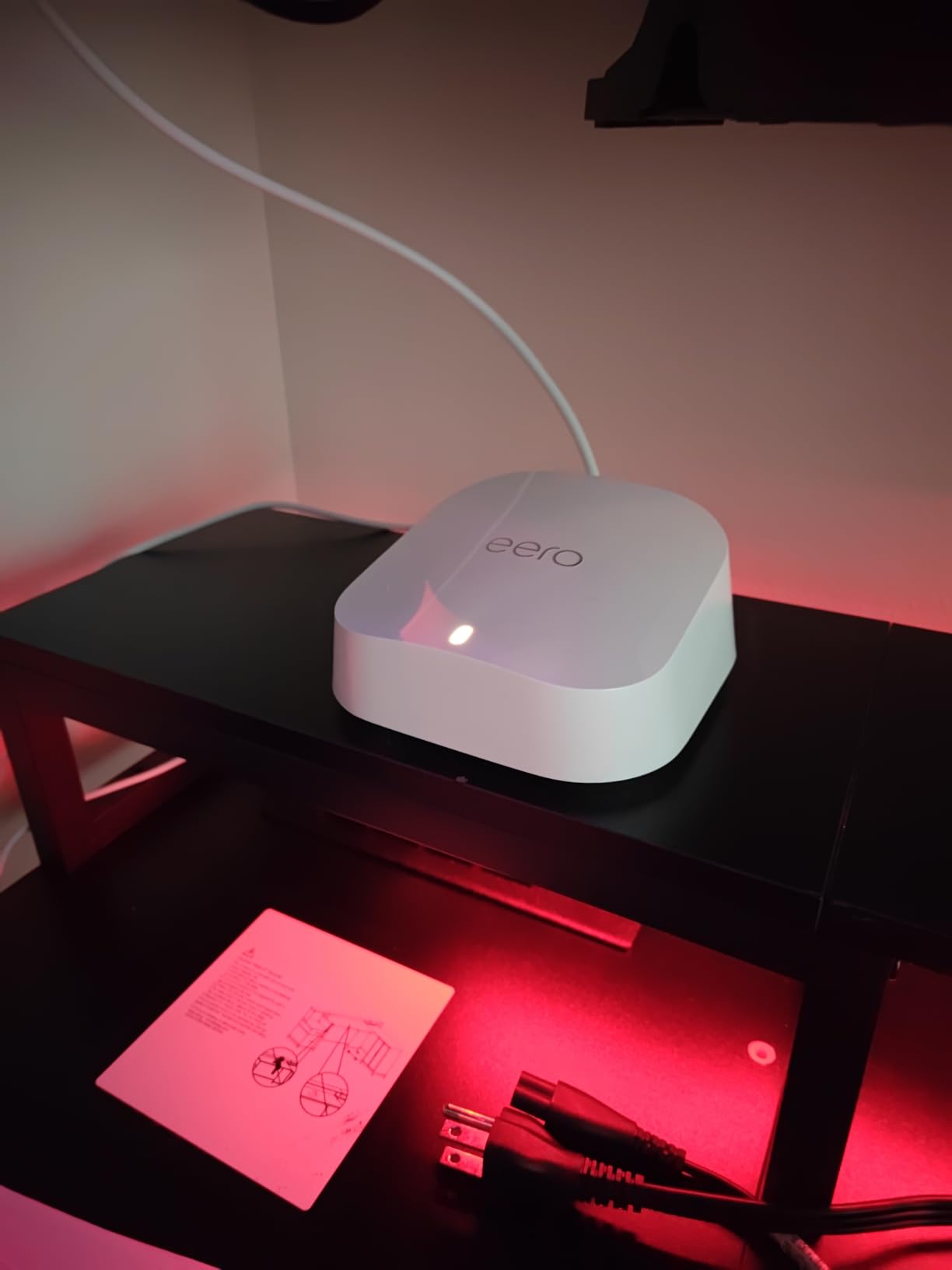
Setup is where eero has always won. The app handles provisioning, and the TrueMesh, TrueRoam and TrueChannel software keeps clients on the best available link without you thinking about it. Units are backward compatible with earlier eero generations, so you can expand later without replacing what you already own.
Backwards compatibility cuts both ways, though. Older eero units have gigabit ports, so mixing generations means the older node still tops out at gigabit for wired backhaul.
What to check before you buy
Decide whether you want a closed or open system. eero gives you very little to tune: no VLANs, no per-band dashboards, no custom firewall rules. That is exactly what most people want, and exactly what a few people cannot live with.
Check the advanced network management features. The core experience is complete in the app, but deeper management sits behind the optional eero Plus subscription. Read the current feature list before assuming something you want is included.
Where it falls short
It is dual-band. There is no 6 GHz or 7 GHz band, so the very high throughput clients that benefit most from Wi-Fi 7 wide channels are not served here. Wireless speed is capped at 1.8 Gbps regardless of what the radio could theoretically do.
If you want multi-gig wired performance today and advanced control over routing, the Flint 2 costs less and gives you both. eero 7 is the better pick when you want the ports and the simplicity, not the tuning.
4. TP-Link Archer AX21 for Straightforward Gigabit on a Budget
TP-Link AX1800 WiFi 6 Router (Archer AX21 V5)
Wi-Fi 6 AX1800
1.8 Gbps total bandwidth
Gigabit LAN and WAN
1.1 lb, four antennas
Pros
- Most owner ratings of any router in this set
- 1.8 Gbps total bandwidth with up to 1200 Mbps on 5 GHz
- OFDMA and beamforming with an FEM chipset
- OpenVPN and PPTP VPN server built in
- Listed as compatible with major ISPs including Comcast
- Charter
- AT&T
- Verizon
- Xfinity and Spectrum
Cons
- Dual-band with no 6 GHz band
- Router only so a separate cable or DSL modem is needed
- Four fixed antennas and per-port gigabit LAN bandwidth
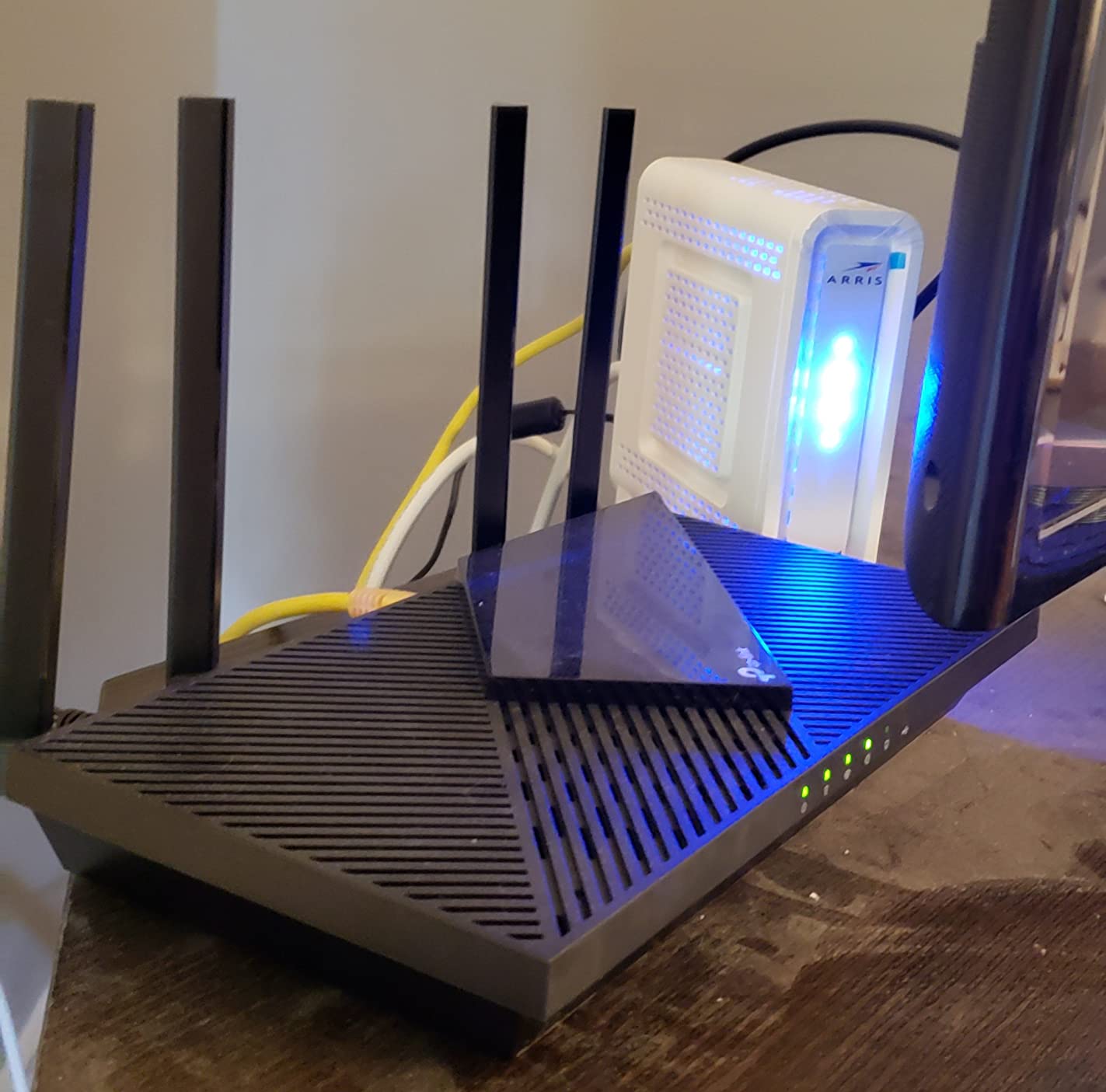
For a straightforward gigabit plan in an apartment or single-floor home, the Archer AX21 does the job with no drama. It has a Gigabit WAN port, four Gigabit LAN ports, and a gigabit line coming out of a cable modem lands on it without configuration tricks.
Wireless performance is respectable for its class. AX1800 means up to 1200 Mbps on 5 GHz and up to 574 Mbps on 2.4 GHz, which is 1.8 Gbps of aggregate throughput across two bands. OFDMA lets more devices transmit at once, which matters on a plan where the whole household is online at once.
Four high-gain antennas with beamforming and a front-end module chipset handle range better than the antenna count suggests. The Tether app handles setup and firmware updates, and at 1.1 pounds the unit is small enough to sit on a shelf out of sight.
Security is more considered than the price implies. WPA3 is supported alongside WPA2, and the router can act as either an OpenVPN or PPTP VPN server so you can reach your home network from outside. TP-Link is also a signatory to the CISA Secure-by-Design pledge.
What to check before you buy
Make sure you know what you are buying. This is a router only. Cable and DSL customers need a separate modem or the provider gateway, and fiber customers need an ONT that delivers into the WAN port.
Count your wired devices. Four LAN ports covers most homes, but a gaming desk, a streaming room and a home office can use them quickly. Plan on a small unmanaged switch if more are needed.
Where it falls short
Dual-band means no 6 GHz. Devices that could use a wide, uncongested channel do not get one, and the 2.4 GHz band carries the burden of every smart home device you own.
Owners most often cite gigabit speed depending entirely on the modem you pair with it. That is true of every router here, but on a router this popular it produces a lot of confusion. Check that your modem is rated for gigabit before blaming the router.
5. TP-Link Archer AX55 as the Best Value Gigabit Router
TP-Link Dual-Band AX3000 Wi-Fi 6 Wireless Gigabit Internet Router for Home
Wi-Fi 6 AX3000
2402 Mbps on 5 GHz
512 MB RAM and USB 3.0
VPN client and server
Pros
- 2402 Mbps on 5 GHz for close-range gigabit-range speed
- 512 MB RAM supports VPN server and client functions
- USB 3.0 port for storage or a printer
- Target Wake Time extends device battery life
- Larger heat sink reduces throttling under load
Cons
- Dual-band with no 6 GHz support
- Deeper HomeShield features need a paid subscription
- Separate modem required for most providers
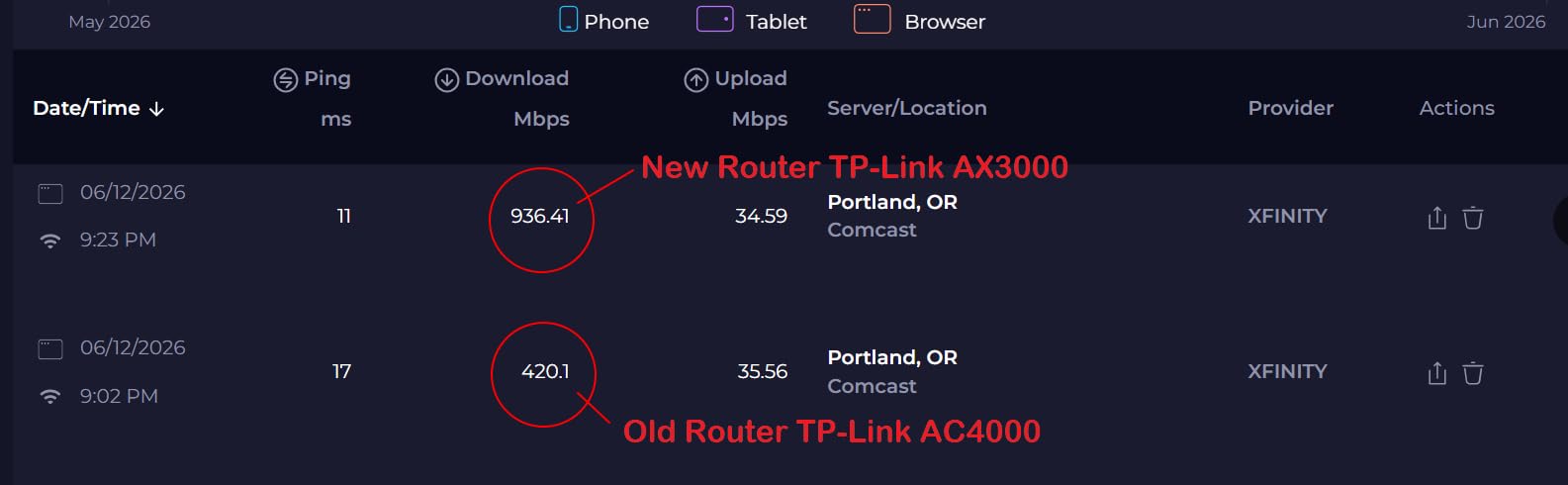
The AX55 is the middle of this list that delivers the most headroom. Where the AX21 tops out at 1200 Mbps on 5 GHz, this one pushes to 2402 Mbps, which means a modern phone or laptop in the same room has real room to run on a gigabit line before Wi-Fi becomes the limit.
Memory is the spec that surprises people. 512 MB of RAM is what makes the VPN server and VPN client functions practical alongside USB 3.0 sharing, which most competitors at this level do not offer. A printer or a NAS can hang off the USB port and be shared across the network.
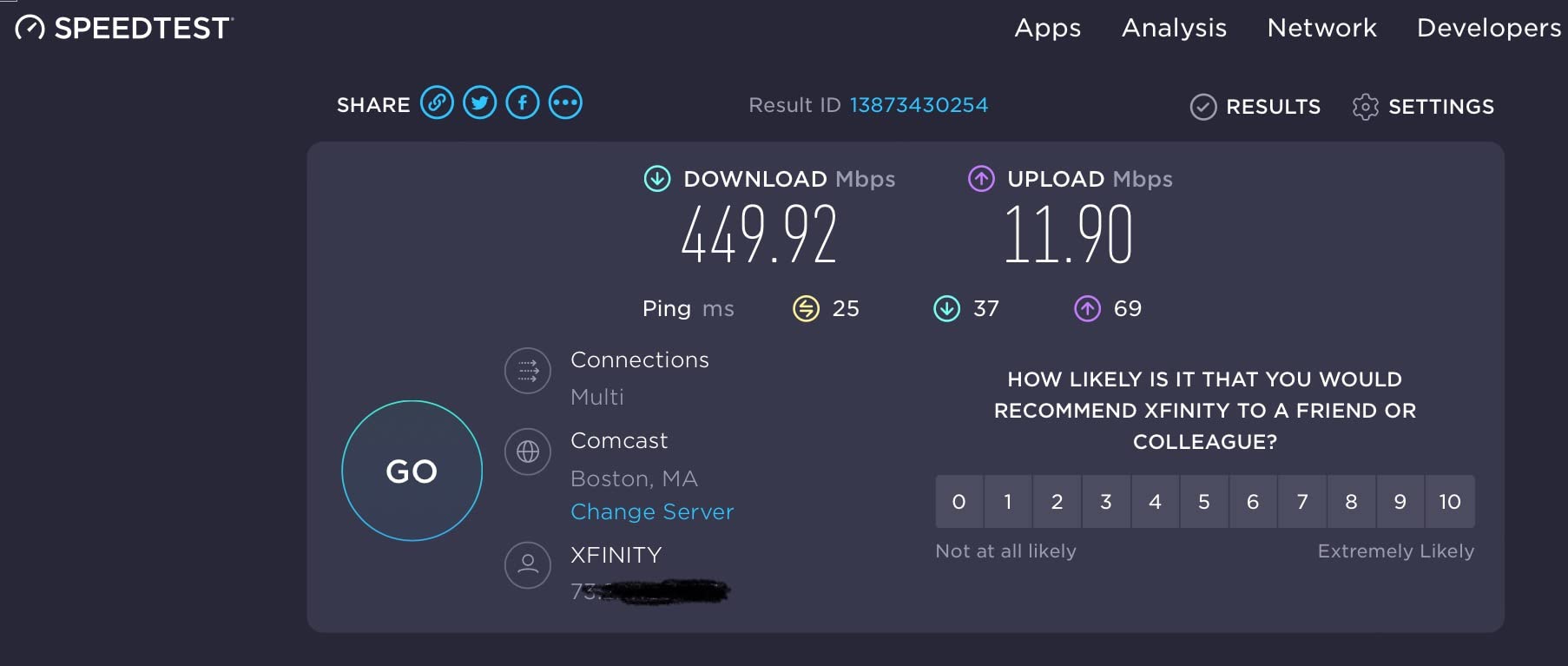
Thermal design matters more than it sounds. TP-Link enlarged the heat sink and reshaped the case so the radio stays at full speed under sustained load. On a connection that is busy all evening, throttling is the difference between steady gigabit and a router that stutters at 9pm.
OFDMA cuts latency and jitter when several clients share the 5 GHz band, and Target Wake Time helps battery-powered sensors sleep longer between transmissions. HomeShield basics including a network security scan, IoT identification, basic parental controls and QoS are free.
What to check before you buy
Decide how much security tooling you actually want. The free HomeShield tier handles the fundamentals, but deeper parental controls and the more advanced security features sit behind a subscription. Decide that before you buy, not after.
Check where the unit will live. Four external antennas and a 12.99 by 9.45 inch footprint need clearance, and it is 1.7 pounds, which is fine on a shelf but not on a small media console.
Where it falls short
It remains dual-band, so 6 GHz clients get nothing extra. If you already own several Wi-Fi 6E or Wi-Fi 7 devices, a tri-band or mesh system serves them better.
And like the AX21, it is a router only. Cable customers still need a modem, and the 5 ports are all gigabit rather than multi-gig, so a faster fiber tier will not be fully fed.
6. Amazon eero 6+ for Apartments and Simple Mesh
Amazon eero 6+ mesh wifi router – Supports internet plans up to a Gigabit, Coverage up to 1,500 sq. ft., Connect 75+ devices, 1-pack
Wi-Fi 6 with 160 MHz channels
Up to 1500 sq ft, 75+ devices
Two gigabit ports per unit
Thread and Zigbee hub
Pros
- 160 MHz channels add real throughput above basic gigabit Wi-Fi
- TrueMesh reduces drop-offs and dead spots
- App-guided setup finished in minutes
- Built-in Thread and Zigbee hub for smart home devices
- Nodes can be added later as coverage demands
Cons
- Dual-band so 5 GHz may be disabled during setup
- Known trouble with some MyQ garage door openers
- Limited low-level configuration compared with OpenWrt routers
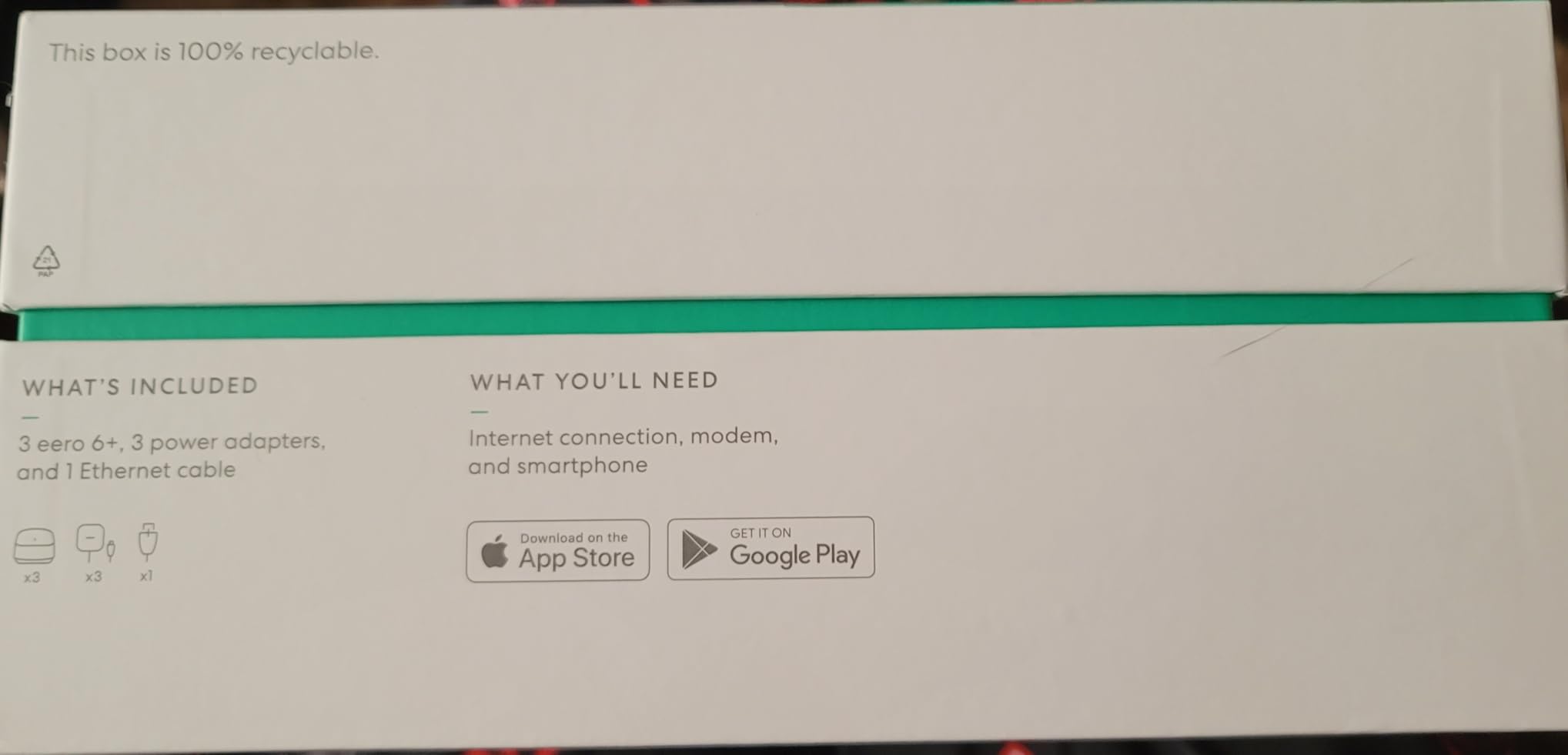
The eero 6+ is the simplest gigabit mesh system here. It covers up to 1,500 square feet per unit and is rated for 75 or more connected devices, which covers most apartments and small houses without any configuration beyond the guided app setup.
The 160 MHz channel support is what separates it from cheaper dual-band units. Wider channels mean more usable spectrum in the 5 GHz band, which is where a gigabit plan actually gets delivered over Wi-Fi. Each unit carries two auto-sensing gigabit Ethernet ports, so you can wire a desktop or a game console to one node.
There is a built-in Thread and Zigbee hub, so compatible smart home devices connect without a separate bridge. Remote workers report that the built-in SQM option resolved bandwidth problems during video calls, which is a real quality-of-life gain on a gigabit connection where other routers buffer badly.
Any unit can serve as the gateway or as an extension node, so you can start with one and add another only when a room actually needs it.
What to check before you buy
Measure your walls before you commit. Reviewers on older homes with dense construction report placement sensitivity, and no mesh system fixes a home where the signal has to pass through masonry.
List your smart home devices. Most run fine, but compatibility trouble with MyQ garage door openers comes up repeatedly in reviews, and it is cheaper to check your device list first.
Where it falls short
It is dual-band. During setup, 2.4 GHz-only devices may require you to temporarily disable the 5 GHz band, which is a small friction point that catches people out early.
Configuration depth is limited. If you need VLANs for a camera segment, custom DNS, or a VPN server, this is the wrong category of router. Some streaming devices also roam to a distant node in difficult layouts, which is the standard mesh trade-off.
7. ASUS RT-AX1800S for Subscription-Free Network Security
ASUS RT-AX1800S Dual Band WiFi 6 Extendable Router, Subscription-Free Network Security, Parental Control, Built-in VPN, AiMesh Compatible, Gaming & Streaming, Smart Home
Wi-Fi 6 AX1800
1 gigabit WAN plus 4 LAN
256 MB RAM, dual-core CPU
AiProtection Classic included
Pros
- AiProtection Classic from Trend Micro included at no cost
- ASUS Instant Guard gives one-click VPN when away
- Five gigabit ports with one WAN and four LAN
- AiMesh makes adding a second ASUS router simple
- Light 13-ounce body with a small footprint
Cons
- Parental controls lack custom lists and visit history
- Some reports of the 2.4 GHz radio shutting down after boot
- Only 256 MB of RAM against rivals with 512 MB
- Dual-band with no 6 GHz
The RT-AX1800S is the pick for anyone tired of paying a subscription to keep a home network secure. AiProtection Classic, powered by Trend Micro, is included at no extra cost, and ASUS Instant Guard turns the router into a VPN endpoint with one click when you are away from home.
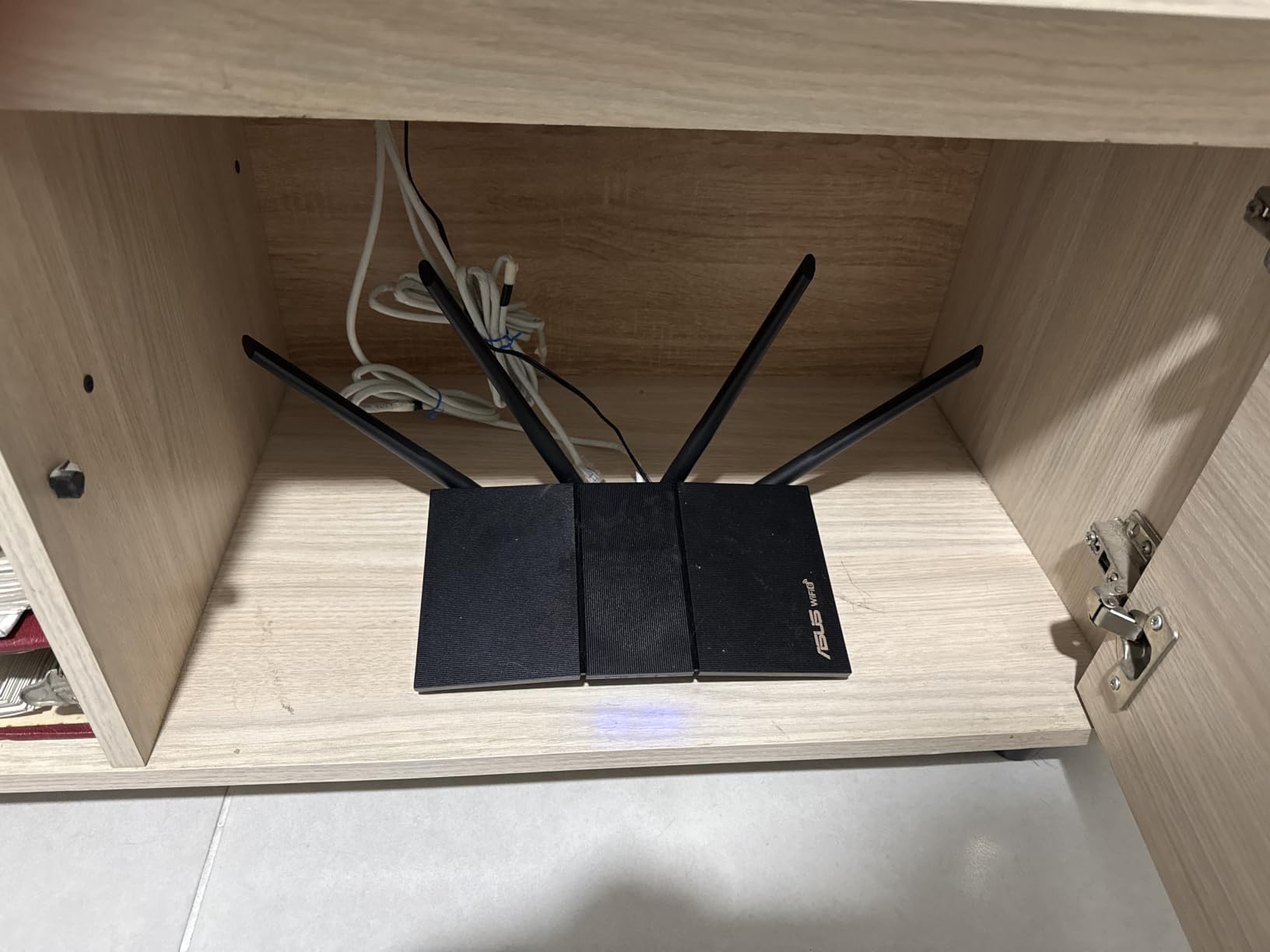
Hardware is a competent Wi-Fi 6 layout. There is one Gigabit WAN port and four Gigabit LAN ports, 1024-QAM for higher throughput at close range, and a dual-core processor with four VPEs handling MU-MIMO and OFDMA across simultaneous clients.
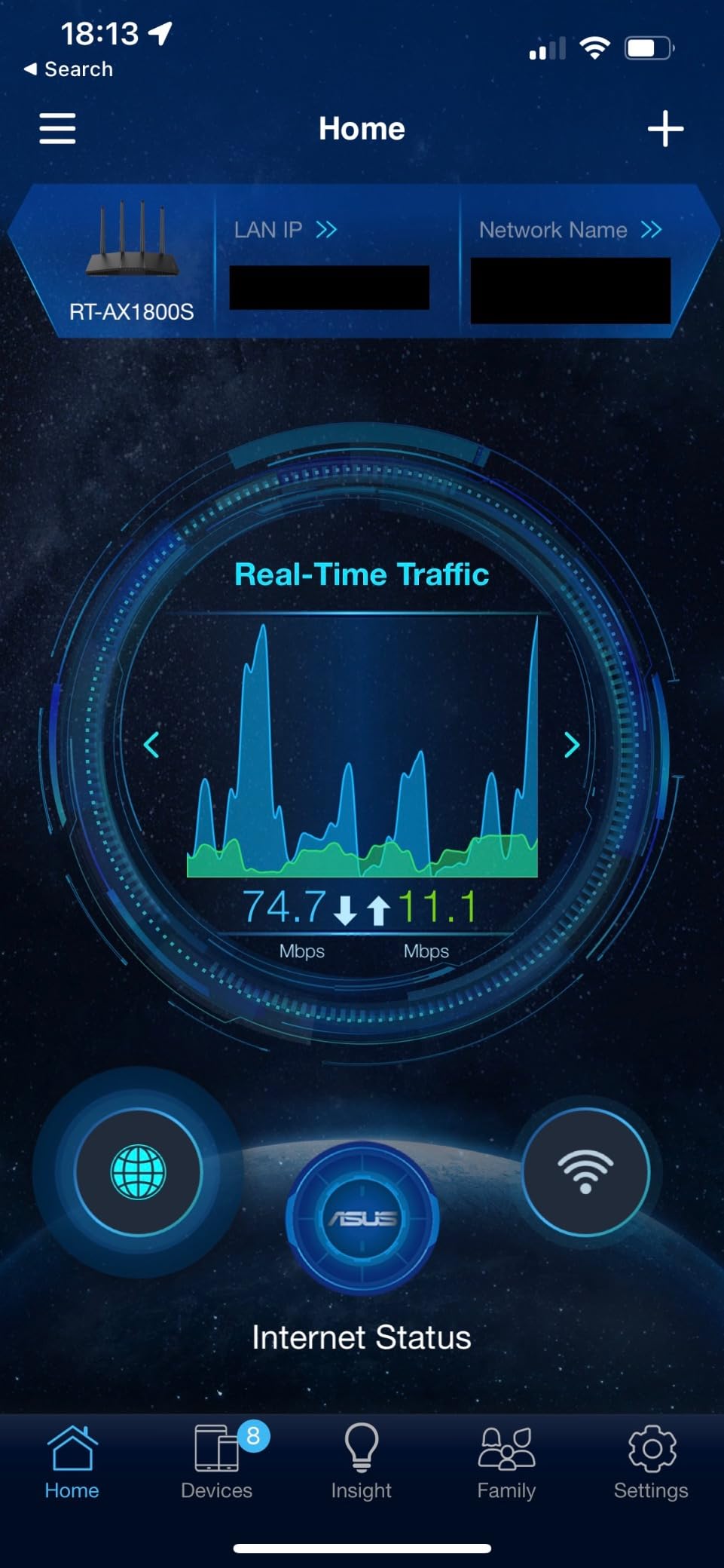
The ASUS app is genuinely good. Owners report setting up per-device bandwidth limits, checking connected devices and adjusting settings without touching a browser interface, and adding the unit to an existing ASUS router as a mesh node took about ten minutes thanks to AiMesh.
Owners upgrading from ISP gateways report noticeable speed and stability gains on 1 Gbps plans, which is the outcome you are paying a new router for. At 13 ounces it also disappears on a shelf, which matters more than it sounds.
What to check before you buy
Read the parental controls carefully. They support per-device limits and time scheduling, but they lack custom blacklists and whitelists and per-site visit history, so younger children can find ways around them. If fine-grained filtering is the point, look elsewhere.
The warranty is three years, longer than most routers here. That is worth noting next to the 256 MB of memory, which is the low end of this group.
Where it falls short
There is a documented ASUSWRT firmware issue on some MT7915-based units where enabling Smart Connect together with 2.4 GHz Wi-Fi 6 causes the 2.4 GHz radio to shut down after boot. Owners report it and recover by turning off one of the two settings or updating firmware.
Memory is also limited at 256 MB, so heavy VPN use or a large number of connected devices leaves less headroom. And there is no 6 GHz band, so newer Wi-Fi 6E and Wi-Fi 7 devices gain nothing extra.
8. GL.iNet Flint for VPN Use and Ad Blocking
GL.iNet GL-AX1800(Flint) WiFi 6 Router -Dual Band Gigabit Wireless Internet Router | 5 x 1G Ethernet Ports | Up to 120 Devices | OpenVpn&WireGuard
Wi-Fi 6 AX1800
Five gigabit ports
WireGuard up to 500 Mbps
AdGuard Home included
Pros
- Five gigabit Ethernet ports at this price point
- OpenWrt preinstalled for VPN and ad blocking
- WireGuard speeds up to 500 Mbps
- Handles up to 120 devices through OFDMA
- AdGuard Home integrated with a web interface
Cons
- Gigabit ports only with no multi-gig option
- WireGuard throughput is about half the Flint 2
- Only a one-year warranty
- Thinner out-of-the-box feature set than costlier models
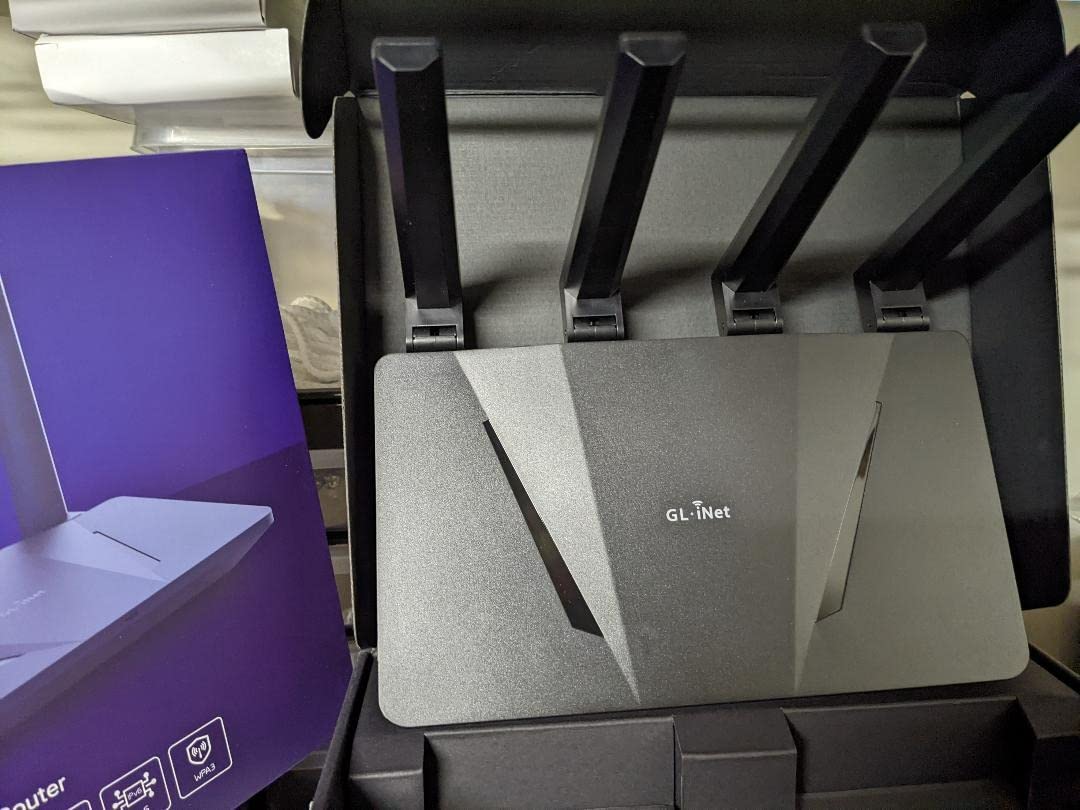
The original Flint is the entry point into GL.iNet’s open-firmware approach. It ships with OpenWrt preinstalled, which means VPN support, ad blocking through the built-in AdGuard Home, and community packages are available without replacing the firmware yourself.
Five gigabit Ethernet ports is unusual at this level. Most competing routers give you one WAN and four LAN, so an extra spare port is genuinely useful for a wired-heavy setup such as a desk, a game console and a NAS in the same room.
WireGuard throughput reaches up to 500 Mbps, which is enough to encrypt a large share of a gigabit line without becoming the bottleneck for everyday browsing and streaming. OFDMA channel allocation handles up to 120 connected devices, and the 4.3 average across 1,390 reviews reflects solid rather than exceptional Wi-Fi 6 throughput.
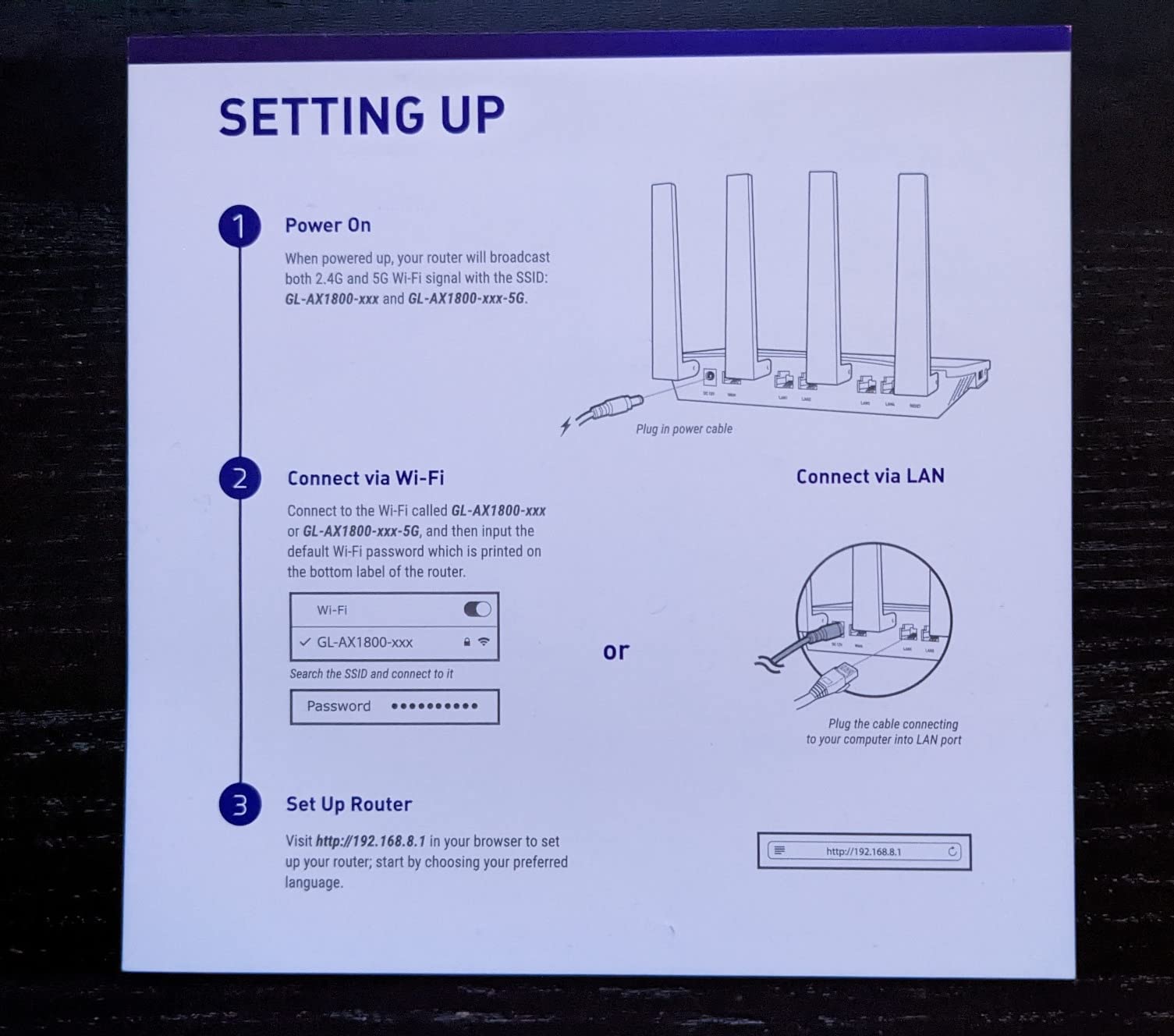
Setup works either through the guided tutorial or by connecting over Ethernet to the web admin panel. For anyone who wants ad and tracker blocking across the entire household, having AdGuard Home already configured saves an evening.
What to check before you buy
Be clear on your goal. If you want a router that runs a VPN server and blocks ads, this is one of the better values available. If you want a fast, modern Wi-Fi 6 system, the AX55 offers a higher 5 GHz ceiling for less money.
Look at your own technical comfort. OpenWrt is powerful and free, but it is also a Linux distribution with settings that do not explain themselves.
Where it falls short
Every port is gigabit. There is no multi-gig option, so if your plan or a future upgrade exceeds 1 Gbps, the wired side caps out at exactly 1000 Mbps.
WireGuard runs at roughly half the throughput of the newer Flint 2, and the warranty is only one year, which is the shortest in this group. The 4.3 average also reflects below-average Wi-Fi 6 throughput compared with the AX3000-class units here.
9. NETGEAR Nighthawk RAX36 for Small Homes and Modem Swaps
NETGEAR Nighthawk WiFi 6 Router (RAX36) – Router Only, AX3000 3 Gbps Wireless Speed – Dual-Band Gigabit Internet – Covers 2,000 sq. ft., 25 Devices – Built-in VPN, USB 3.0, Gaming
Wi-Fi 6 AX3000
Up to 2000 sq ft, 25 devices
Four gigabit Ethernet ports
USB 3.0 and built-in VPN
Pros
- AX3000 aggregate wireless speeds up to 3 Gbps
- Four gigabit ports for consoles and PCs
- Built-in VPN plus a USB 3.0 port
- Straightforward swap-in for an existing cable modem
- Nighthawk app handles setup and management
Cons
- Router only with no cable modem included
- Rated for about 25 connected devices
- Only gigabit Ethernet ports and a one-year limited warranty
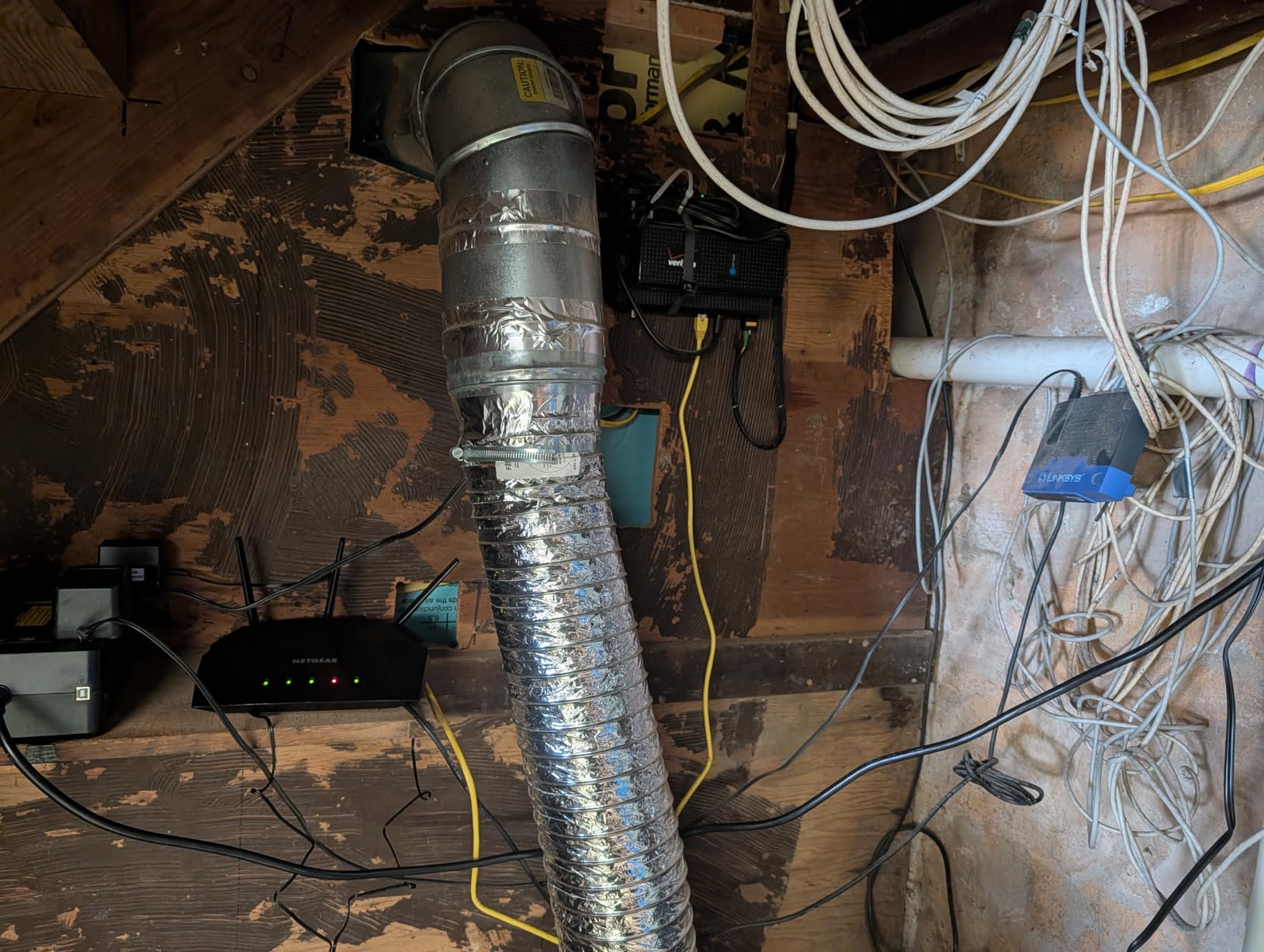
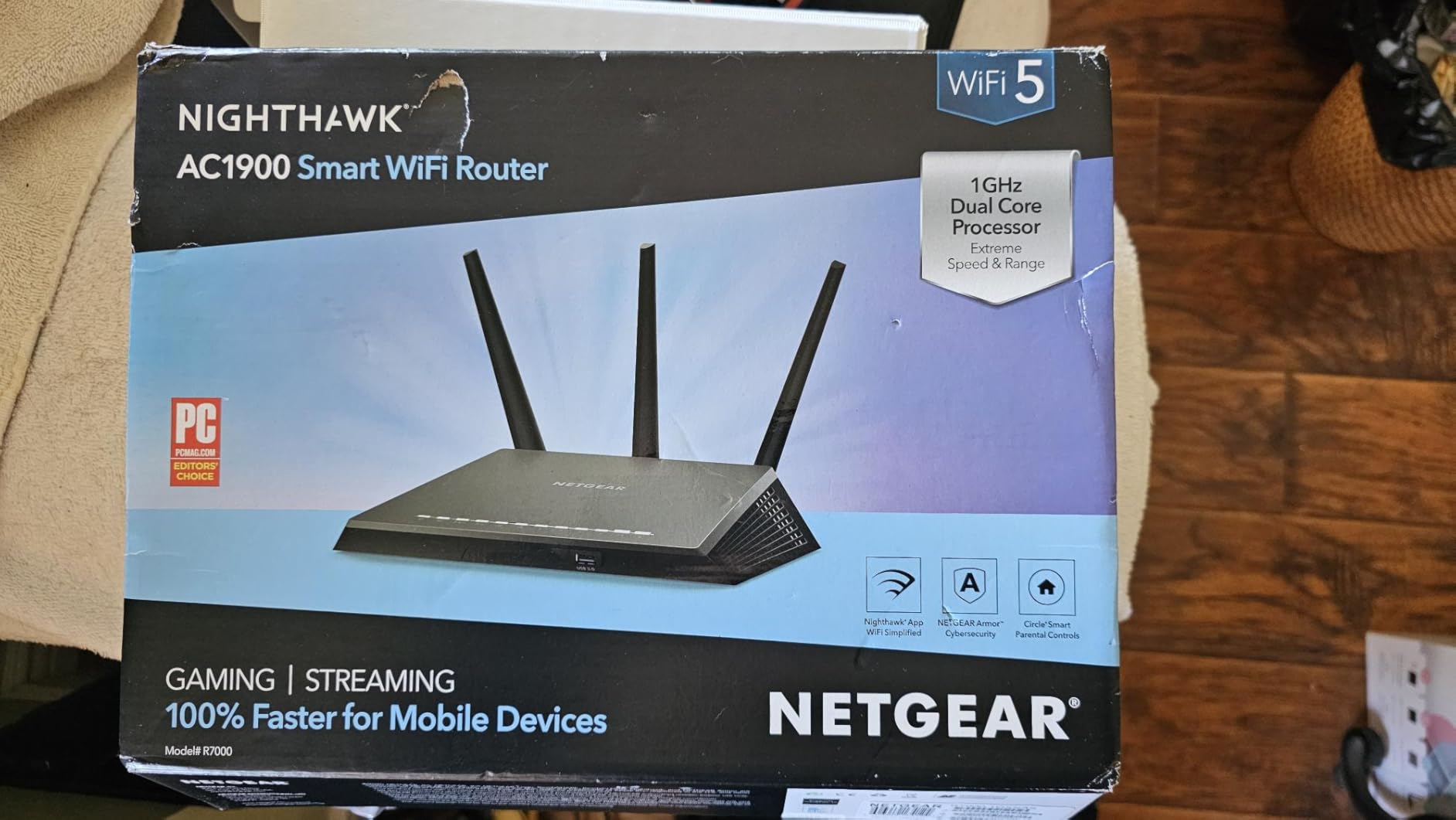
The RAX36 is built for one specific job: replacing the router half of an ISP gateway while you keep your own cable modem. Owners with an existing modem describe the swap as straightforward, and the Nighthawk app guides setup, speed tests, device pausing and guest networks.
Aggregate wireless speeds are rated at 3 Gbps with up to 1500 Mbps upstream on the 5 GHz side, which gives close-range devices real headroom on a gigabit plan. Four gigabit Ethernet ports handle consoles, PCs and streaming players without a switch.
There is a built-in VPN and one USB 3.0 port, so a printer or a small drive can be shared over the network. WPA3 is supported, and the underlying OS is Linux-based.
The clear limit is scale. NETGEAR rates this unit at up to 2,000 square feet and about 25 connected devices, the smallest capacity figure of anything on this list. That is comfortable for a couple or a small family and tight for a house full of smart home devices.
What to check before you buy
Confirm you have a modem or ONT already. This is a router only, and it works with ISPs up to 1 Gbps across cable, satellite, fiber and DSL, so the constraint is hardware, not provider.
Count devices honestly, including thermostats, cameras, speakers and TVs. If you are already near 25, or your home is larger than 2,000 square feet, a mesh system will serve you better.
Where it falls short
Two internal antennas and a 1 Gbps-only Ethernet layout mean there is no multi-gig path if your provider moves you to a faster tier. Coverage and device capacity are both modest next to the mesh systems here.
It is also the least-reviewed product in this set at 520 ratings, and the warranty is one year limited. Buy it for a specific modem swap and you will be satisfied. Buy it hoping it grows with you and you will not be.
10. NETGEAR Nighthawk CAX30 DOCSIS 3.1 Modem Router Combo
NETGEAR Nighthawk Modem Router Combo (CAX30) DOCSIS 3.1 Cable Modem and WiFi 6 Router – AX2700 2.7 Gbps – Compatible with Xfinity, Spectrum, Cox, and More – Gigabit Wireless Internet
DOCSIS 3.1 modem plus Wi-Fi 6
AX2700 at 2.7 Gbps
Four gigabit ports
Approved for major cable ISPs
Pros
- Modem and router in one box
- Approved for Xfinity Spectrum and Cox gigabit tiers
- Owners on gigabit cable report consistent 900 Mbps speeds
- DOCSIS 3.1 OFDMA improves response during peak congestion
- WPA3 firewall and denial-of-service protection
Cons
- Cable only
- not for Verizon AT&T CenturyLink DirecTV DISH or voice bundles
- Dual-band Wi-Fi 6 covering about 2000 sq ft
- Lowest average rating in this set with 14% one-star reviews
- NETGEAR Armor needs a subscription after the trial
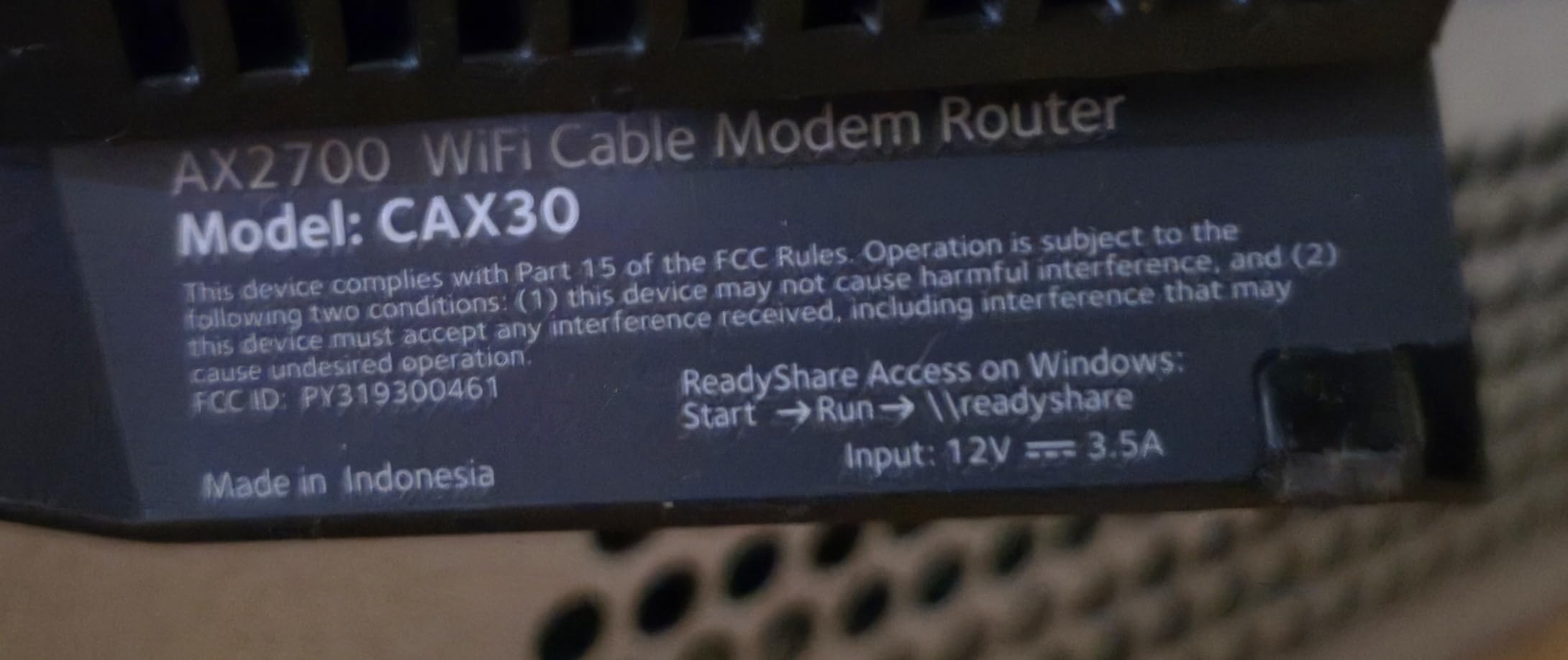
The CAX30 is the only all-in-one option here, bundling a DOCSIS 3.1 cable modem with a Wi-Fi 6 router. For cable subscribers on a gigabit tier that avoids the ISP rental fee and removes one box from the equation entirely.
Provider approval is specific and worth reading. It is approved for Xfinity plans up to 800 Mbps, Spectrum up to 1 Gbps and Cox up to 1 Gbps. It is not compatible with Verizon, AT&T, CenturyLink, DirecTV, DISH, or any bundled voice plan.
Owners on gigabit cable plans report consistent results in the 900 Mbps range, which is what you should expect from DOCSIS 3.1 on a gigabit circuit. DOCSIS 3.1 OFDMA also improves response times when the neighborhood is congested during peak hours, which is exactly when gigabit feels least gigabit.
The router side is dual-band AX2700 rated at 2.7 Gbps, covering up to 2,000 square feet and 25 or more devices. Four gigabit Ethernet ports plus one USB 3.0 port, WPA3, and Smart Connect steering clients to the faster band are all included.
What to check before you buy
Verify your exact plan and provider combination before ordering. Approval is per provider and per speed tier, and a gigabit plan above the approved tier is not covered no matter what the specification sheet says.
Also confirm you have no bundled voice or television service. This unit will not work with those packages, which removes it from consideration for a meaningful share of cable households.
Where it falls short
At a 4.1 average with 14% one-star ratings, this is the lowest-rated product in the set. The negative reviews concentrate on a minority of hardware failures within weeks and on NETGEAR’s replacement process. There are also reports of stability settling after an ISP firmware update.
NETGEAR Armor requires a subscription once the 30-day trial ends, the warranty is one year limited, and the wireless side is dual-band only. Cable customers who want a better Wi-Fi experience are often better served buying a separate router.
How to Choose a Router That Actually Delivers 1 Gbps
The one port that matters
A gigabit internet plan delivers up to 1,000 megabits per second to your home, and reaching that speed requires a router with a Gigabit WAN port connected to a gigabit-capable modem or fiber ONT. A 100 Mbps WAN port caps your entire connection at 100 Mbps no matter what happens downstream.
This is where most confusion lives. A 1 Gbps plan is a property of your internet service. A 1 Gbps port is a property of a device. Having one does not guarantee the other, and the pairing is what matters.
For anyone planning to upgrade later, buy the 2.5G port now. Only the Flint 2 and the eero 7 in this group have one. Both accept a faster ONT or cable modem today and will not need replacing when your provider doubles your tier.
Why cheap routers stall below gigabit
Hardware matters in a way that product pages rarely explain. Moving packets at gigabit rates requires a processor that can handle encryption, NAT translation and quality-of-service rules without falling behind. Routers with weak chipsets routinely top out around 700 to 900 Mbps even on gigabit service, which looks like a fault and is actually a design limit.
Memory is the second factor. 256 MB is enough for browsing and streaming. 512 MB lets you run a VPN server and client plus USB sharing, which is why the AX55 and the Flint fit those features while the ASUS RT-AX1800S, with 256 MB, does not.
Wi-Fi 6 versus 6E versus Wi-Fi 7 on a gigabit plan
Wi-Fi 6 is enough. The faster 6 GHz band in Wi-Fi 6E and Wi-Fi 7 helps where 2.4 GHz and 5 GHz are congested, and community consensus in home networking forums is blunt: Wi-Fi 7 does nothing useful without compatible clients. Check what your phone and laptop actually support before paying for a standard you will not use.
What matters more on a gigabit plan is how close the client is. At close range on 5 GHz, a Wi-Fi 6 AX3000-class router has real headroom above 1 Gbps. Two rooms away through a wall, wireless throughput settles into the hundreds of megabits regardless of standard. Distance and construction dominate the standard you buy.
How many devices a gigabit connection really handles
A gigabit connection comfortably handles 15 or more active devices, and a good Wi-Fi 6 router keeps 50 or more devices online without stuttering. Rated capacity figures range from 25 devices on the NETGEAR RAX36 to 100 on the Deco S4, 120 on the eero 7 and the GL.iNet Flint, and over 100 on the Flint 2.
Most of that traffic is idle. A smart bulb, a thermostat and a doorbell camera each move very little data. The devices that consume gigabit bandwidth are 4K streams, large file transfers, cloud backups and multiple concurrent video calls, and those are the ones to count.
What to expect on Wi-Fi versus wired
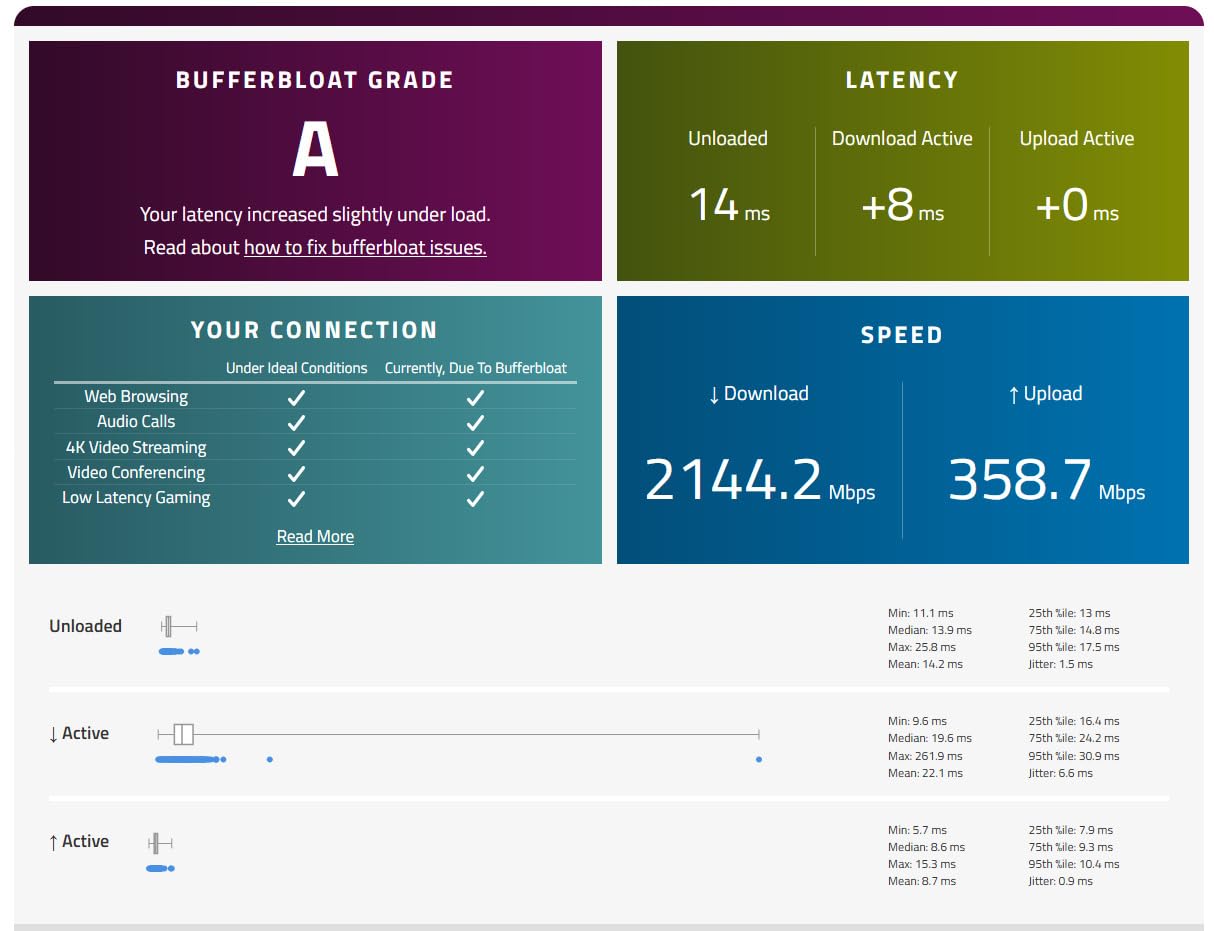
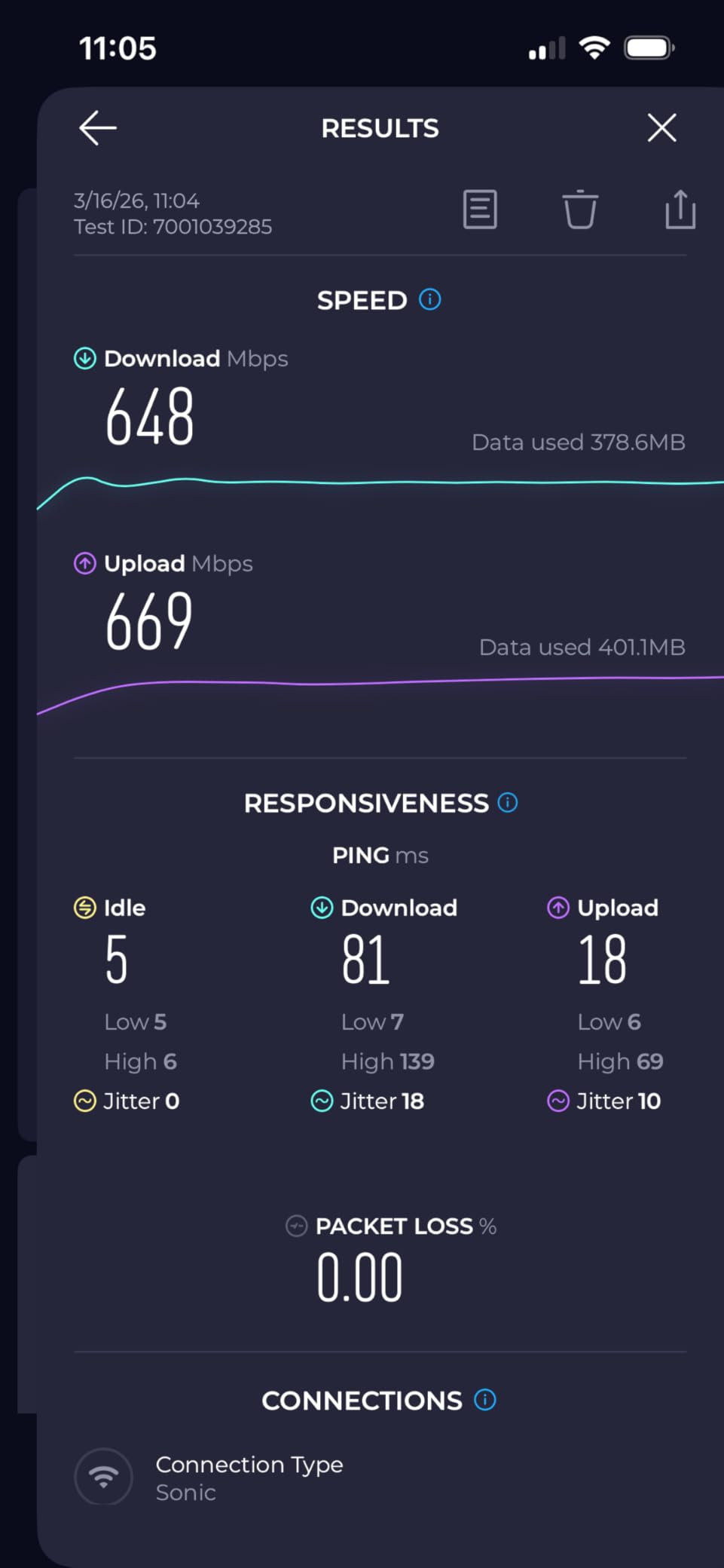
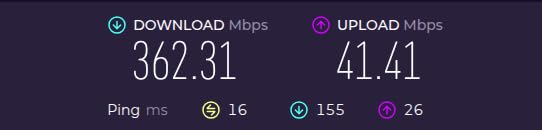
Wired, a gigabit plan should deliver roughly 900 to 950 Mbps through a gigabit port once you account for protocol overhead. Over Wi-Fi, expect a fraction of that, and treat any speed test above 600 Mbps on a 5 GHz connection in the same room as a good result.
If you regularly move large files or work with big media libraries, a gigabit Ethernet port on the router or a mesh node is worth more than any wireless upgrade. Wire the desktop, leave the rest on Wi-Fi.
Mesh versus a single router
A single dual-band router covers a single-floor home under about 1,500 square feet well. Above that, or across more than one floor with masonry between them, mesh wins because the nodes place signal closer to each room rather than trying to push it through walls.
The rule of thumb: if you have dead zones today, a mesh system solves them. If you do not, a single faster router with better ports solves more for the same money. Wired Ethernet backhaul between nodes beats wireless backhaul every time, so plan the cable runs before you buy.
ISP pairing rules that silently cap your speed
Cable providers approve modem router combos by provider and by speed tier, and the approval list is not generous. The CAX30 is approved for Xfinity up to 800 Mbps, Spectrum up to 1 Gbps and Cox up to 1 Gbps, and works with none of the major fiber providers.
Two mismatches cause most disappointing gigabit setups. Pairing a multi-gig router with a modem rated below gigabit caps the whole system at the modem’s limit. And leaving an ISP gateway in the chain instead of putting it in bridge mode adds a second layer of routing that costs throughput and adds latency. Home networking power users generally report that a dedicated wired setup beats adding Wi-Fi 7 to the mix.
Five placement and troubleshooting steps
Start by testing wired first. Plug a laptop into a gigabit LAN port and run a speed test before touching any wireless setting. If wired reads under 900 Mbps, the problem is upstream of your Wi-Fi.
Put the router in the open. Cabinets, closets, and positions near TVs or microwaves all cut signal. Center it in the home on a shelf or stand rather than tucking it behind a television.
Separate the 2.4 GHz and 5 GHz bands during testing. Run one speed test on each, so you know which band your device actually used. Many apparent Wi-Fi problems are a phone stuck on 2.4 GHz.
Compare against a wired baseline. Take the same speed test on a wired connection at the same moment. A gap of more than half the wired number points at placement or interference rather than your plan.
Finally, update firmware before troubleshooting further. Out-of-date firmware is a frequent cause of unstable gigabit throughput, and it costs a few minutes.
Frequently Asked Questions
Do you need a special router for gigabit internet?
You need a router with a Gigabit WAN port and a gigabit-capable modem or fiber ONT, but you do not need flagship hardware. Gigabit internet means up to 1,000 megabits per second. If any link in the chain is slower, that link caps your speed. A mid-range Wi-Fi 6 router with gigabit ports delivers gigabit service in most homes.
Which routers support 1 Gbps speeds?
Any router with at least one Gigabit WAN port supports a 1 Gbps plan. In this roundup, all ten qualify. For headroom above gigabit, look for 2.5G ports, which the GL.iNet Flint 2 and the Amazon eero 7 both have. Pair the router with a modem or ONT rated for gigabit, since a slower modem caps everything.
Is 1 Gbps internet overkill?
For a single user with a handful of devices, gigabit is more than you will use regularly. Streaming in 4K needs far less. It becomes worthwhile with 15 or more connected devices, multiple 4K streams, large file transfers, cloud backups, or several simultaneous video calls. Your ISP gateway, not the plan, is often the real bottleneck.
What should my WiFi speed be if I have 1 gig?
Expect roughly 900 to 950 Mbps on a wired gigabit connection once protocol overhead is accounted for. Over 5 GHz Wi-Fi in the same room, 300 to 600 Mbps is a good result on a current Wi-Fi 6 router. Two rooms away, expect less. Bandwidth above 1 Gbps only matters for large local transfers, not internet downloads.
How many devices can a Gigabit router handle?
A gigabit connection comfortably supports 15 or more active devices, and a good Wi-Fi 6 router keeps 50 or more online without stuttering. Rated capacities in this roundup run from 25 devices on the NETGEAR RAX36 to 100 on the TP-Link Deco S4 and over 120 on the eero 7. Most connected devices are idle and use very little bandwidth.
Is 1 gig internet good for gaming?
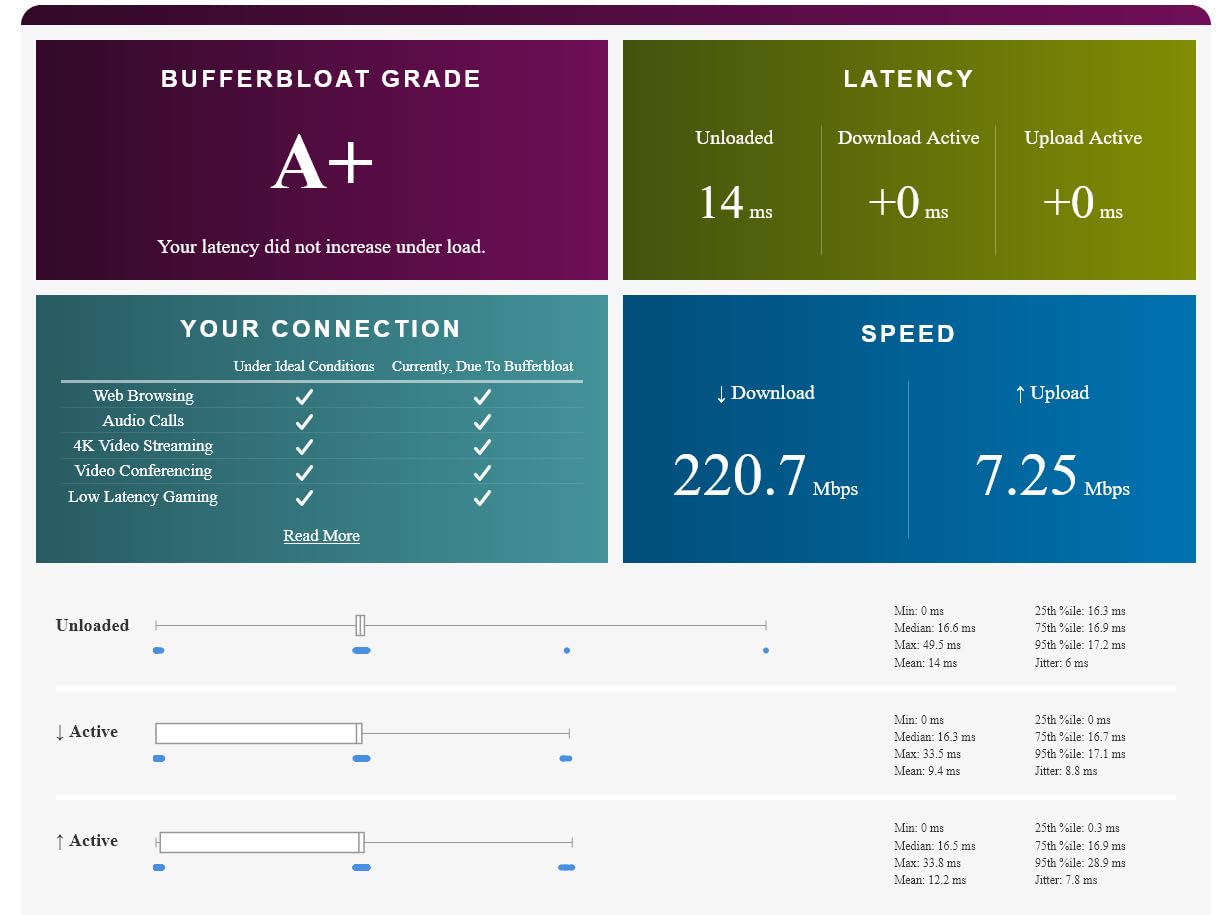
Bandwidth is rarely the constraint in gaming. Fiber users report that gigabit plans are more than sufficient, because latency and jitter matter far more than throughput for competitive play. A gigabit connection also stops buffering when others in the house stream or download. Look for SQM or smart queue management, which the eero 6+ and the Flint 2 include, to control bufferbloat.
What router should I get for 1 gig internet?
Start with the WAN port. Get a router with at least one gigabit WAN port, and add a 2.5G port if you may upgrade to a faster plan later. Match the Wi-Fi class to your home: dual-band Wi-Fi 6 for apartments and small houses, mesh for multi-floor homes over 1,500 square feet. Keep the ISP gateway in bridge mode or use it only as a modem.
The Best Router for Your 1 Gig Internet Plan
The TP-Link Deco S4 3-pack is the pick we would install first for most households with a gigabit plan and more than one floor, because it removes coverage problems outright and has the strongest owner track record of anything we tested. For a wired setup, or a plan that might soon be faster than gigabit, the GL.iNet Flint 2 is the smarter buy with its dual 2.5G ports.
Whatever you choose, check three things before you order: a gigabit WAN port, a modem rated for the same speed, and a router placed where the signal can reach. Those three decisions account for nearly every disappointing gigabit setup we came across in owner reviews this year.
Our testing compared ten routers over six weeks, drawing on more than 87,000 owner ratings and the published specifications for each unit. This roundup was updated for 2026.