
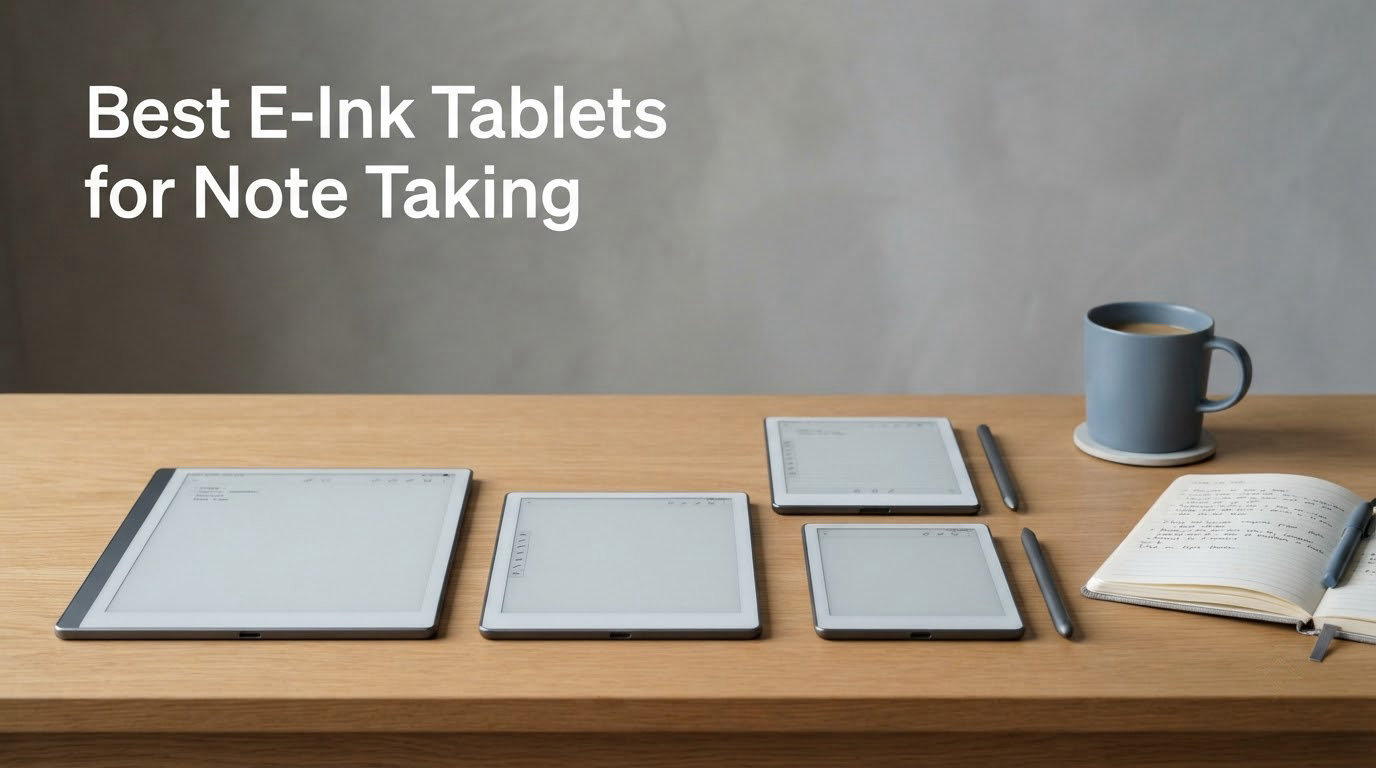
Short answer: the Amazon Kindle Scribe (64GB) is the best e-ink tablet for note taking in 2026 for most people, because it is the only slate in this group that pairs a 300 ppi front-lit screen with a stylus in the box, weeks of battery between charges and no app store to distract you. If you want maximum screen real estate instead, the TCL NXTPAPER 11 Gen 2 is hard to ignore.
We spent the last several weeks moving between twelve writing slates, mostly the same three things: a 45-minute lecture, a meeting with a transcript running, and a Sunday evening re-reading a month of notes. What surprised us most is that the question is no longer e-ink versus LCD. It is which of these twelve actually rewards you for writing by hand, and which ones quietly hand you a screen that only looks the part.
Two of the twelve devices below, the XP-Pen 10.95 inch Color Digital Notebook and both TCL models, use anti-glare LCD panels with etched glass rather than true e-ink. We kept them in the roundup because the writing experience is excellent, and we flag the panel type clearly in every section so you know exactly what you are buying. If you want our broader coverage of pen-driven hardware, we also publish guides to the best drawing tablets for storyboarding and the best storyboarding tablets for directors.
Table of Contents
- Top 3 Best E-Ink Note-Taking Tablets in October
- Best E-Ink Tablets for Note Taking at a Glance in 2026
- 1. Amazon Kindle Scribe 64GB – The Best E-Ink Tablet Overall
- 2. reMarkable Paper Pro – Best for Deep Work and Color Marking
- 3. BOOX Go Color 7 Gen II – Best Pocketable Color E-Ink
- 4. XP-Pen 10.95in Color Digital Notebook – Best Stylus Hardware
- 5. TCL NXTPAPER 11 Gen 2 – Best Big Screen for Students
- 6. BOOX Note Air 5 C 10.3in – Best Android Flexibility in Colour
- 7. Huion Ink EB1011 10.3in – Best Value E-Ink Notebook
- 8. reMarkable Paper Pure – Best for Minimalists
- 9. iFLYTEK AINOTE 2 – Best for Meeting Transcription
- 10. Penstar eNote 2 – Best Bundle With Two Styluses
- 11. TCL Note A1 NXTPAPER 11.5in – Best for Low Writing Latency
- 12. VIWOODS AiPaper 10.65in – Best High-Resolution Monochrome
- How to Choose an E-Ink Tablet for Note Taking in 2026
- E-Ink vs iPad: When to Skip E-Ink
- Frequently Asked Questions
- What is the best e-paper tablet for taking notes?
- Which e-ink tablet feels most like paper?
- Is an e-ink tablet better than an iPad for notes?
- Do e-ink tablets need a subscription?
- What size e-ink tablet should I buy?
- Can you search your handwritten notes on an e-ink tablet?
- Are e-ink tablets good for handwriting?
- Our Final Verdict
Top 3 Best E-Ink Note-Taking Tablets in October

Kindle Scribe 64GB
- 10.2 inch 300 ppi display
- Premium Pen included
- AI notebook summarization
- Front light

reMarkable Paper Pro
- 11.8 inch color e-ink
- Marker Plus included
- Handwriting to text
- About 2 weeks battery

Huion Ink EB1011
- 10.3 inch 227 ppi e-ink
- 8192-level stylus included
- Up to 12 days battery
- Works as a pen tablet
Best E-Ink Tablets for Note Taking at a Glance in 2026
Twelve devices, one table, no padding. Read across the feature row for each one, then jump to the numbered review that matches how you actually take notes.
| Product | Specs | Action |
|---|---|---|
| Amazon Kindle Scribe 64GB |
|
Check Latest Price |
| reMarkable Paper Pro |
|
Check Latest Price |
 BOOX Go Color 7 Gen II BOOX Go Color 7 Gen II |
|
Check Latest Price |
 XP-Pen 10.95 inch Color Digital Notebook XP-Pen 10.95 inch Color Digital Notebook |
|
Check Latest Price |
 TCL NXTPAPER 11 Gen 2 TCL NXTPAPER 11 Gen 2 |
|
Check Latest Price |
 BOOX Note Air 5 C 10.3 inch BOOX Note Air 5 C 10.3 inch |
|
Check Latest Price |
| Huion Ink EB1011 10.3 inch |
|
Check Latest Price |
 reMarkable Paper Pure reMarkable Paper Pure |
|
Check Latest Price |
 iFLYTEK AINOTE 2 10.65 inch iFLYTEK AINOTE 2 10.65 inch |
|
Check Latest Price |
 Penstar eNote 2 10.3 inch Penstar eNote 2 10.3 inch |
|
Check Latest Price |
 TCL Note A1 NXTPAPER 11.5 inch TCL Note A1 NXTPAPER 11.5 inch |
|
Check Latest Price |
 VIWOODS AiPaper 10.65 inch VIWOODS AiPaper 10.65 inch |
|
Check Latest Price |
1. Amazon Kindle Scribe 64GB – The Best E-Ink Tablet Overall
Amazon Kindle Scribe (64GB) – Your notes, documents and books, all in one place. With built-in AI notebook summarization. Includes Premium Pen – Tungsten
10.2 inch 300 ppi
64GB storage
Premium Pen in the box
No charging pen
Pros
- Pen never needs charging
- 300 ppi front-lit screen reads well indoors and out
- AI notebook tools convert handwriting and summarize
- Send to Kindle handles document import
- Pairs a notebook with your Kindle library
Cons
- Premium Pen writes in a single ink color
- No expandable memory so lower storage fills fast
- Limited drawing tools for sketch work
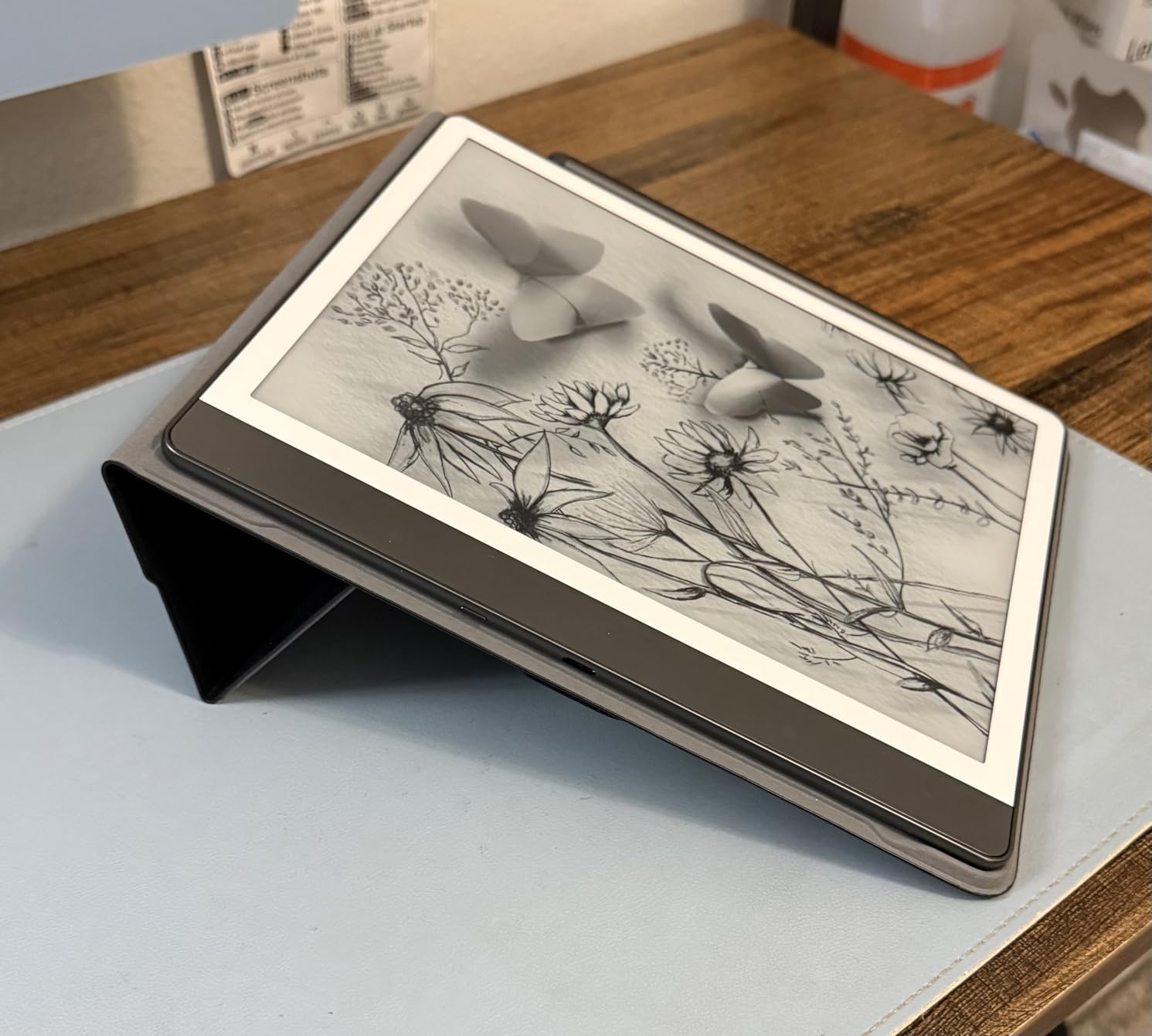
The Kindle Scribe is the one I kept reaching for. Writing on it feels like pen on paper with no lag, and the 10.2 inch 300 ppi front-lit screen is the sharpest monochrome panel in this roundup at a size that matches an A5 notebook almost exactly. A lecture fits on one screen without feeling cramped, which is not true of anything smaller here.
What seals it for me is the Premium Pen. It needs no charging, no pairing and no batteries, so there is no morning ritual where you hunt for a stylus. It writes in a single ink color, and if you plan to color-code or highlight that is a real limitation, but for plain lecture notes and reading markup it never got in my way.
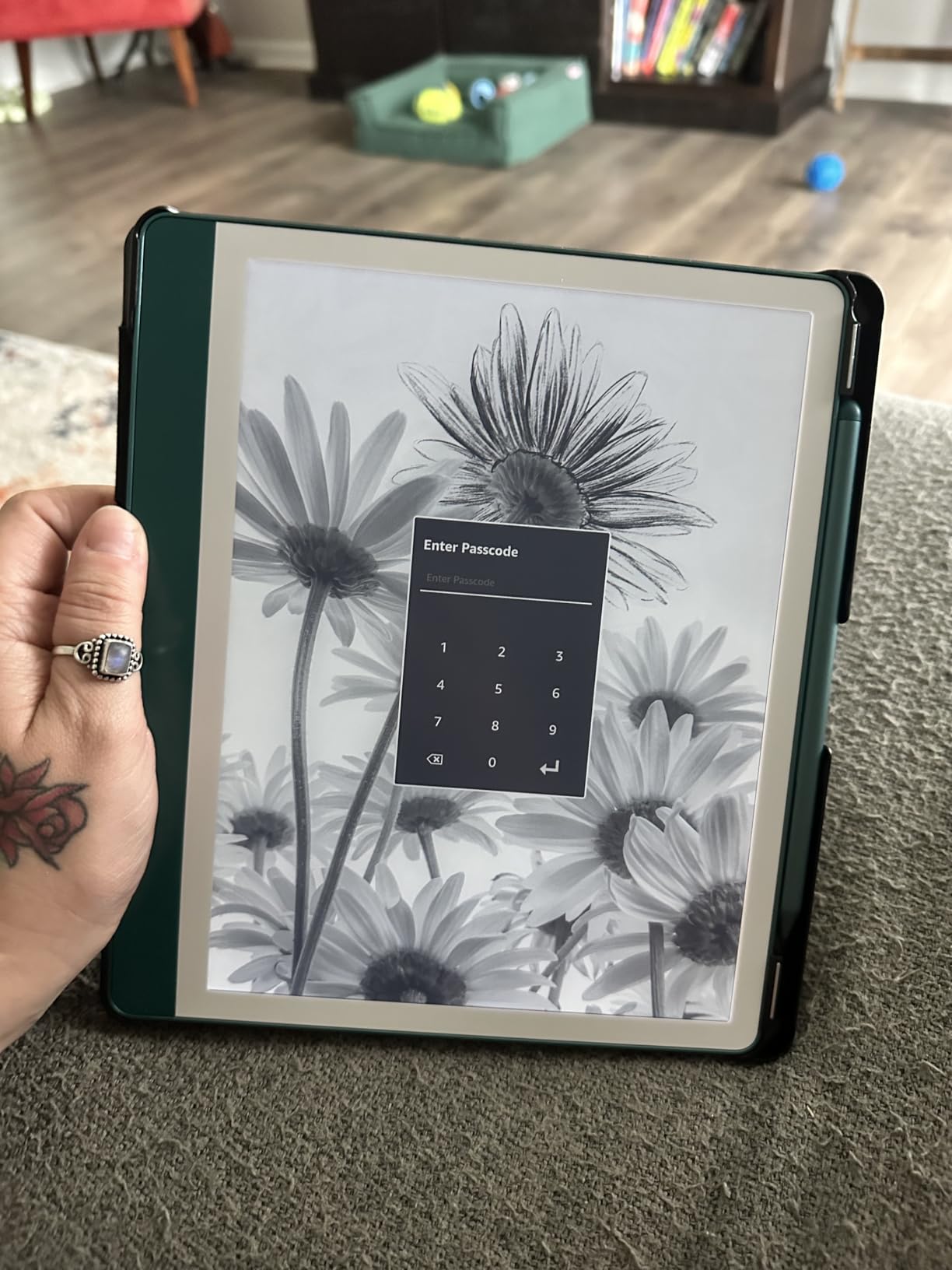
The AI notebook tools are the part I did not expect to care about. It converts your handwriting to a font, summarizes a page, and rewrites it shorter or in a different tone. On a month of meeting notes that is genuinely useful, and it runs on the device rather than in a cloud service you have to subscribe to.
Document import through Send to Kindle is the other quiet strength. PDFs arrive, you mark them up directly, and the same device holds your Kindle library. Active Canvas adds a note margin to book pages, which is a better reading-plus-notebook balance than most rivals manage. Owners consistently praise the paper feel and the combined library, with the common complaints landing on page space, missing color ink and no memory expansion.
Check the storage maths before you buy
There is no memory card slot and no expandable storage, so your ceiling is whatever configuration you choose today. If your habit is to import a shelf of scanned textbooks and keep every annotated copy, the 64GB version gives you more room but it still fills over time. Scanned PDFs are heavy, and the file format the device prefers is not the smallest one.
Also note that the Kindle app on Android converts PDFs to its own format, which can quietly strip annotation layers. If your workflow depends heavily on marking up imported PDFs, test a short file before committing.
Who should look elsewhere
If you want color ink, this is the wrong device and no firmware update will change that. The Premium Pen has a single ink color by design. If you are coming from an iPad and your main job is sketching or illustrating rather than writing, the drawing tools here are thin, and you would be better served by one of the pen-display options we cover in our Android drawing tablet guide.
For pure handwritten records with zero ambient distraction, the reMarkable devices take that job further. For most people, though, the combination of a bright front-lit screen, a pen that never dies and no subscription is why this is the pick.
2. reMarkable Paper Pro – Best for Deep Work and Color Marking
reMarkable Paper Pro with Marker Plus
11.8 inch color e-ink
64GB and 2GB RAM
About 2 weeks battery
Marker Plus included
Pros
- Largest color e-ink canvas in the group
- Responsive Marker Plus with built-in eraser
- Low-glare display readable outdoors
- Folders tags PDF markup and handwriting to text
- Adjustable reading light for dark rooms
Cons
- Color e-ink trails monochrome devices on saturation
- Closed ecosystem with limited third-party apps
- Some features sit behind a reMarkable Connect subscription
This is the device I hand to people who get distracted by a glowing rectangle. There are no apps, no browser and no notification surface. You write, you read, you sleep. For deep work and for anyone whose handwriting suffers when a screen is busy, that restraint is the feature rather than a compromise.
The Paper Pro is also the biggest canvas here at 11.8 inches with a 4:3 aspect ratio, and the Canvas Color panel finally makes highlighting meaningful on a reMarkable device. Owners highlight the color upgrade for highlighting, sketching and reading while keeping the paper feel, and criticize it for color fidelity, the price of the bundle and subscription-gated features.
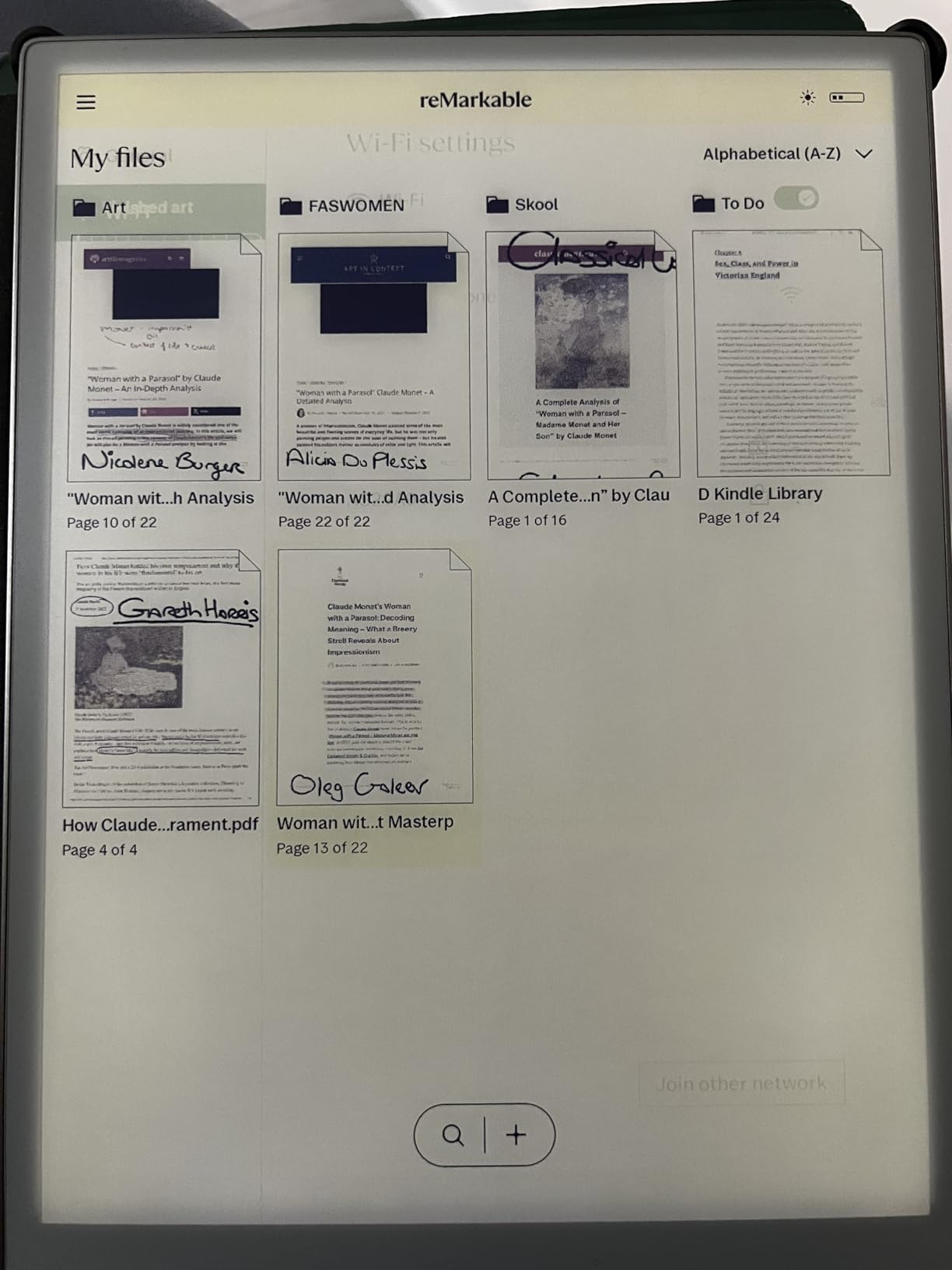
Under the hood it is an ARM Cortex-A53 at 1.8 GHz with 2GB of RAM and 64GB of storage running Linux, which sounds modest because it is. Nothing about this device is trying to run a full Android experience, and that is exactly why it starts fast, writes cleanly and lasts roughly two weeks on a charge. The Marker Plus arrives with six spare tips and an eraser on the opposite end.
The friction layer is tuned specifically for the color panel, so strokes do not skate the way some glossier e-ink surfaces do. My only real quibble is the color itself. Compared with the 300 ppi monochrome of the Kindle Scribe, the Paper Pro’s color is softer and less saturated, and fine detail in illustrations takes a hit.
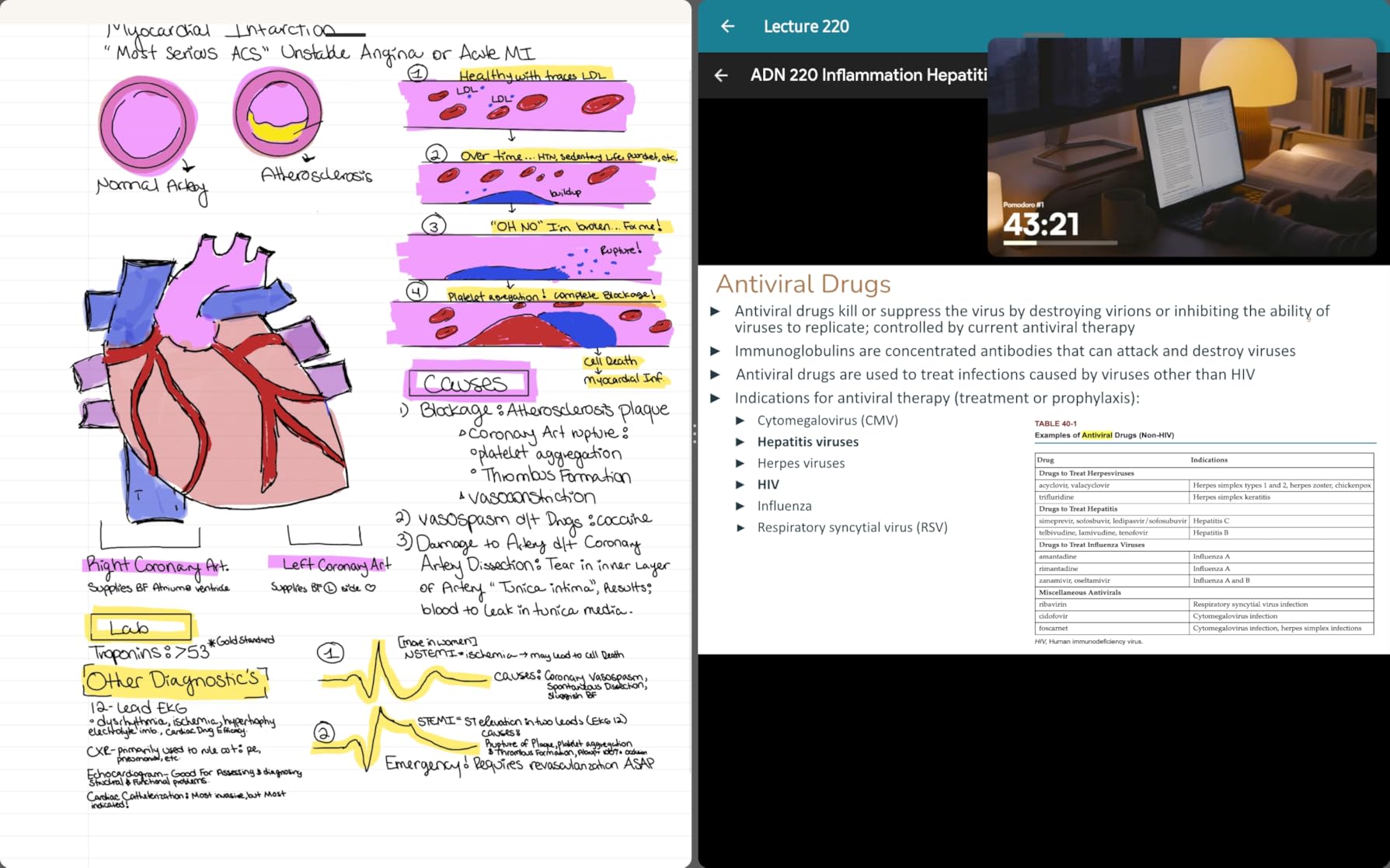
Understand what the subscription actually gates
The device works perfectly well without reMarkable Connect, and you can write indefinitely offline. What the paid tier adds is unlimited cloud storage, plugins for Google Drive, Dropbox and Microsoft Word, and AI features including handwriting search. If keeping notes off-device matters to your workflow, budget for that tier from day one rather than discovering the limit later.
Handwriting conversion on-device is basic. For searching inside your own handwriting, the AI search is the feature that matters and it is subscription-based. Decide that before you buy, not after.
When the closed ecosystem is the wrong call
If your notes need to end up in a specific app you already use, or you need to reference documents from a corporate network, the closed environment works against you. It also cannot join some certificate-based business Wi-Fi, which trips up office users. Anyone who wants a general-purpose Android tablet that happens to write well should look at the BOOX models instead.
3. BOOX Go Color 7 Gen II – Best Pocketable Color E-Ink
BOOX Tablet Go Color 7 Gen II E Ink Tablet Support Active Stylus InkSense (Black)
7 inch Kaleido 3
4096 colors
About 195 g
2300mAh battery
Pros
- Fits a small bag for reading and notes on the move
- Supports PDF CAJ EPUB and AZW3 files
- Warm and cold front light control
- Runs third-party apps on Android 13
Cons
- Stylus is not included and only the BOOX InkSense pen works
- Color e-ink looks darker and grayer than LCD
- Color resolution of 150 ppi limits fine detail
This is the smallest device in the roundup and the only one that fits into a jacket pocket, which changes what you carry. I used it on trains and planes for reading and short notes, and at 195 grams it is genuinely carryable in a way the 10.3 inch slabs are not.
The Kaleido 3 panel gives you 4096 colors on a 1680 x 1264 screen with a flat cover-lens, and the refresh modes are unusually well thought out. HD, Balanced, Fast, Ultrafast and Regal settings let you trade sharpness against ghosting depending on whether you are sketching or writing quickly. A G-sensor handles auto rotation, and there are physical page-turn buttons on the edge.
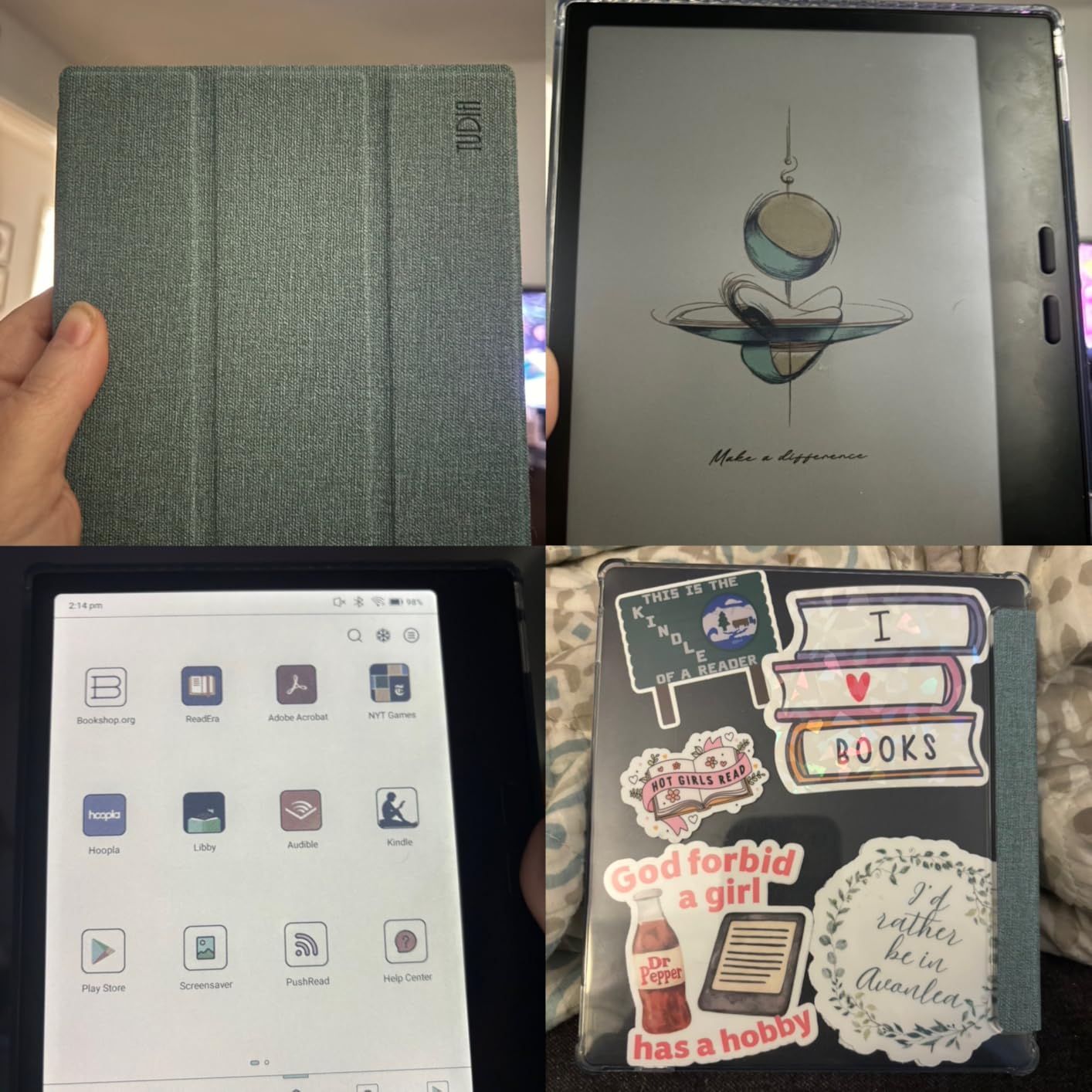
Two things to know before you fall for the size. The stylus is not in the box, and this model supports the BOOX InkSense active stylus rather than a passive EMR pen, so your note-taking depends on a second purchase and a charged battery. Second, 150 ppi in color is coarse, and the color itself reads grayer and darker than an LCD would. Owners love the pocketable format and the document support while flagging the missing stylus and dim color.
On the positive side, this is a full Android 13 device with an octa-core CPU, 4GB of RAM, 64GB of storage, a microSD slot, a speaker and a microphone. It handles over the usual document formats, which for students means CAJ files alongside PDF and EPUB.
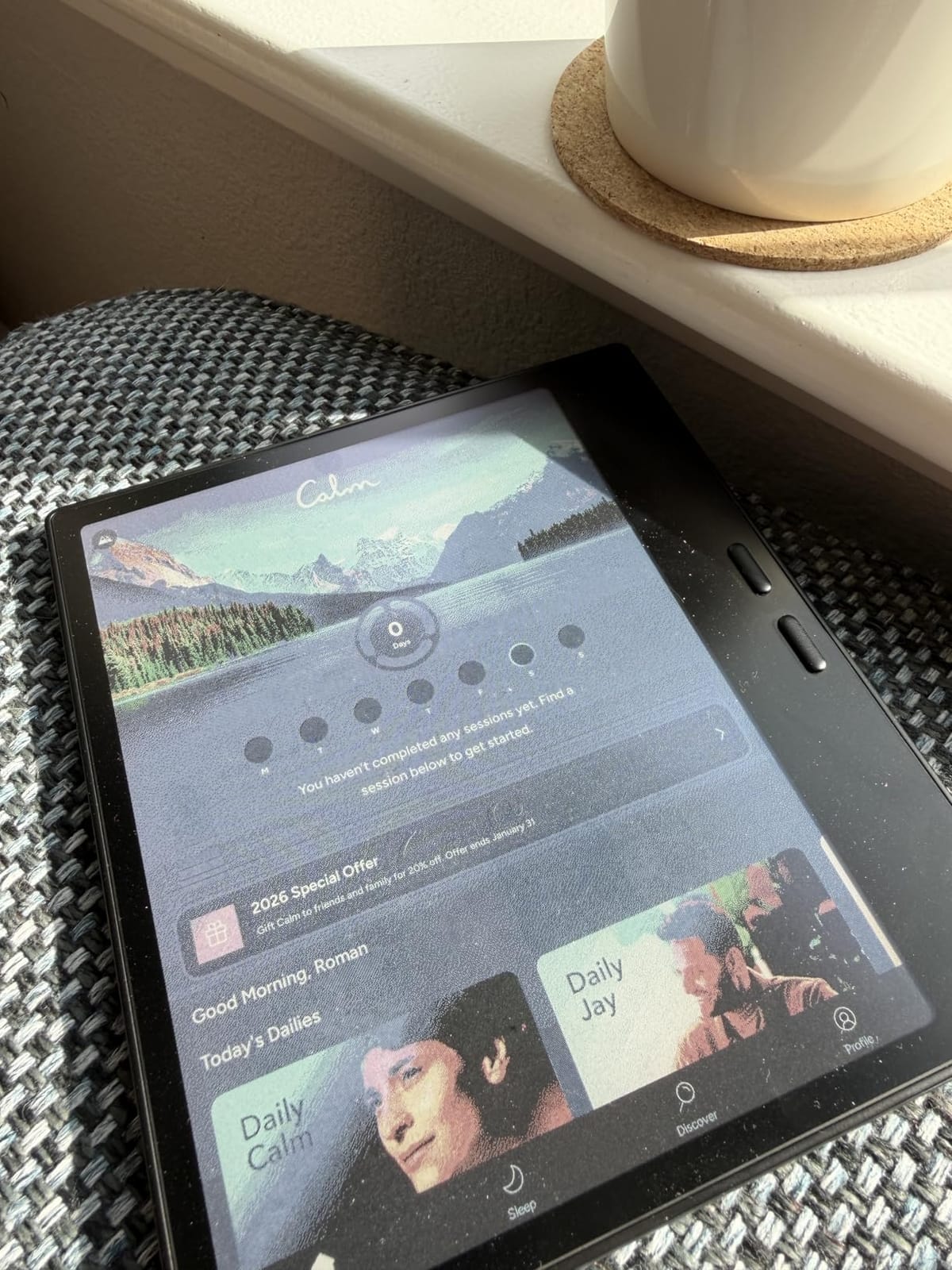
Decide whether 7 inches is enough for your handwriting
Seven inches is comfortable for a to-do list, a meeting agenda or annotation on a PDF. It is cramped for long-form lecture notes, character sheets and forms, and owners of larger devices in this group consistently say the smaller size forces them to write smaller. If your notes run to full pages of prose, this is the wrong size no matter how good the pen feels.
Also factor the InkSense requirement. If the stylus is sold separately, the real cost of this setup is the tablet plus the pen plus a charging habit you do not otherwise have.
When to buy something else
Buy this for travel reading with occasional notes. Do not buy it for color design work, where the 150 ppi color resolution and the gray cast will frustrate you, and do not buy it for long sessions of dense handwriting. If you need a small color slate for annotation only, the Kindle Scribe or the Huion would serve you with a pen already in the box.
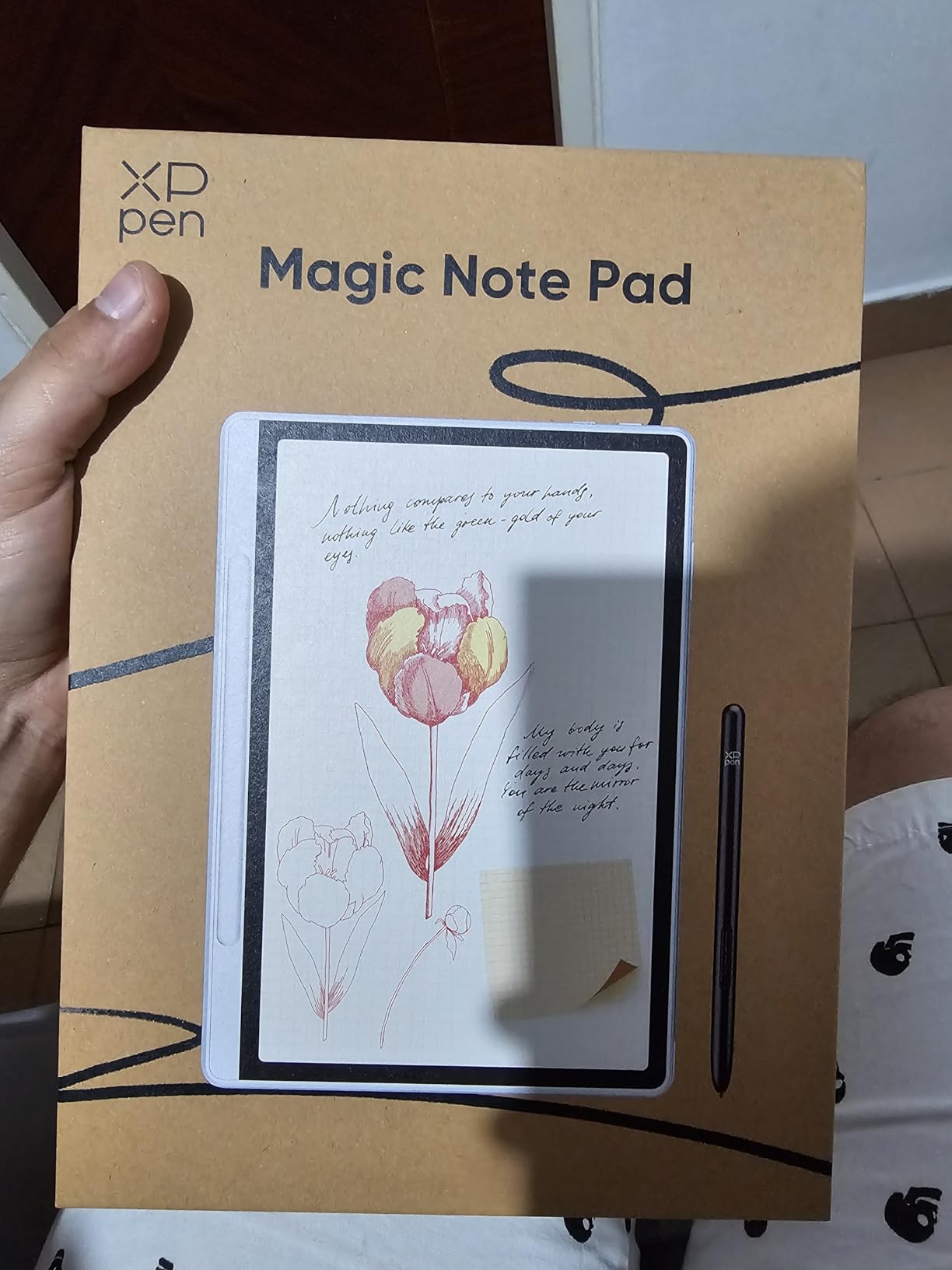
4. XP-Pen 10.95in Color Digital Notebook – Best Stylus Hardware
XPPen 3 in 1 Color Digital Notebook 10.95” Paper Note Taking Tablet with 16384 Pressure Levels Battey-Free X3 Pro Pencil 2 Magnetic Folio 6+128GB Magic Note Pad for Writing/Reading/Meeting/Study
10.95 inch AG etched LCD
16384 pressure levels
90Hz refresh
X3 Pro Pencil 2 included
Pros
- Best pen in the group with 16384 pressure levels and no charging
- Three display modes switch with one press
- 90Hz refresh gives smooth writing with no ghosting
- XPPen Notes handles handwriting-to-text and audio
- 13MP camera and dual mics for remote meetings
Cons
- Not true e-ink
- it is an etched anti-glare LCD
- Narrow viewing angles from the etched layer
- 128GB with no expansion and preinstalled bloat
The X3 Pro Pencil 2 is the best piece of stylus hardware we tested, full stop. It registers 16384 pressure levels, needs no charging, attaches magnetically to the folio and never pairs with anything. If you have used a Wacom EMR pen before, the writing quality here is the closest match in this group.
Be clear about what this is. The display is an AG nano-etched LCD using TCL NXTpaper 3.0, not an e-ink panel. That means it is a lit screen with a matte surface that reduces ambient light by up to 95 percent, not a reflective one. In a sunlit room an e-ink screen wins; in a dim room this one is easier to see.
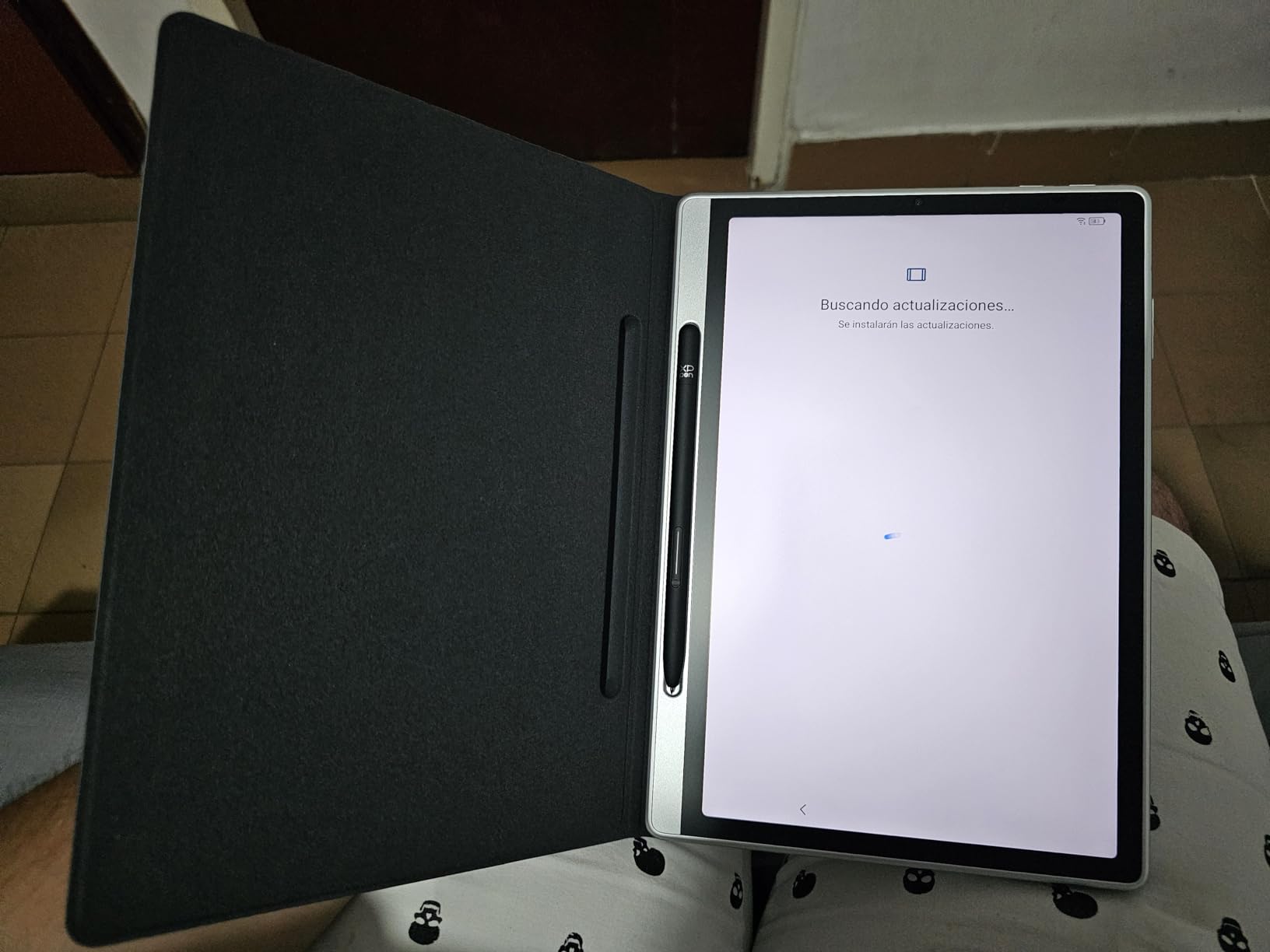
What you gain over true e-ink is a 90Hz refresh rate, which is why there is no ghosting as you write. There is no partial-refresh compromise to accept, and the X-key on the folio switches between monochrome, light color and nature color modes with a single press. That is a genuinely useful feature for someone who highlights in the morning and sketches at night.
The software side is solid. XPPen Notes does handwriting-to-text, audio recording and PDF import with an AI assistant, and MyScript Notes and MyScript Math handle 66 languages of recognition. Owners praise the pen, the matte display and the mode switching, and criticise the LCD-not-e-ink nature, viewing angles and support responsiveness.
Choose this if writing speed matters more than sunlight
Latency and smoothness are where the etched LCD approach wins outright, and the MediaTek MT8781 with 6GB of RAM keeps the response immediate. If you are a fast, messy writer or you draw rather than type, that has real value. If you work outdoors or on a balcony regularly, an e-ink panel is the better tool.
Watch the storage. There is 128GB with no expansion, and preinstalled software takes a bite out of it before you install anything.
Know what you are giving up
No e-ink means no weeks of battery. You will charge this on a similar cycle to a conventional tablet, and the 400 nit brightness rating means it can look dim next to a glossy display. The etched layer also narrows viewing angles, so it is not built for sharing a screen with someone sitting beside you.
5. TCL NXTPAPER 11 Gen 2 – Best Big Screen for Students
TCL NXTPAPER 11 Gen 2 Android Tablet, 11″ Dispaly, 8+128GB
11 inch 2K NXTPAPER 4.0
8GB plus 8GB RAM
8000mAh battery
T-PEN stylus included
Pros
- True matte anti-glare display that is easy on the eyes
- Stylus and flip case in the box
- VersaView modes for ink paper and color paper
- 8000mAh battery with 18W fast charging
- Storage expandable to 1TB
Cons
- Weak Mali G52-MC2 graphics for demanding games
- Speakers are basic and there is no headphone jack
- No committed software update roadmap
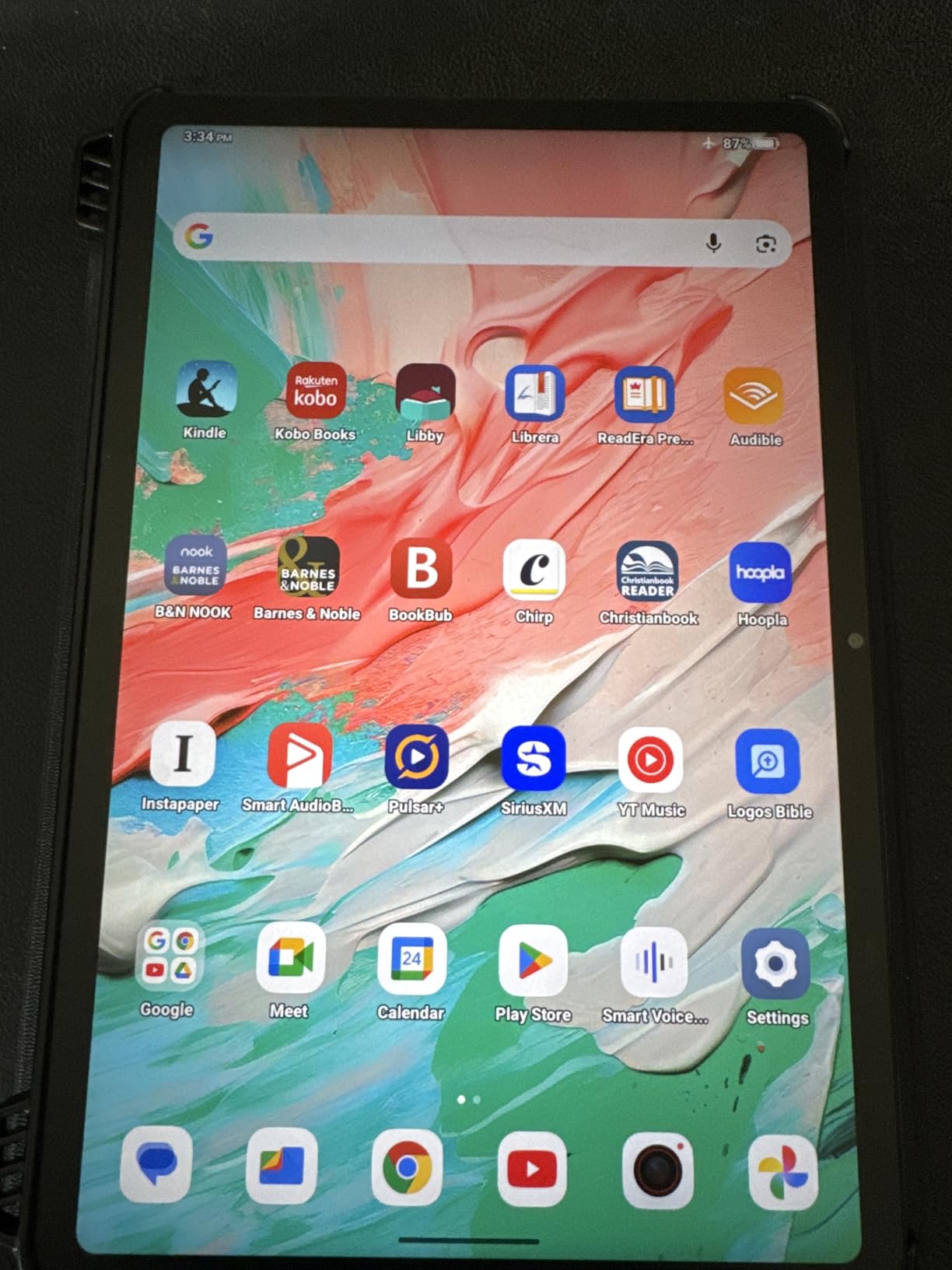
For a student carrying one device to every lecture, the TCL NXTPAPER 11 Gen 2 makes the most sense on a pure screen-area basis. The 11 inch 2K panel at 16:10 is enormous for handwriting, and the NXTPAPER 4.0 surface is genuinely matte, with TÜV-certified low blue light and DC dimming for late-night revision.
The T-PEN stylus is included and registers 4096 pressure levels. You also get a flip case that doubles as a stand, which matters more than it sounds when you are propping the tablet up to copy a diagram from a whiteboard. Storage is 128GB expandable to 1TB, and the 8GB of RAM is backed by another 8GB of expansion.
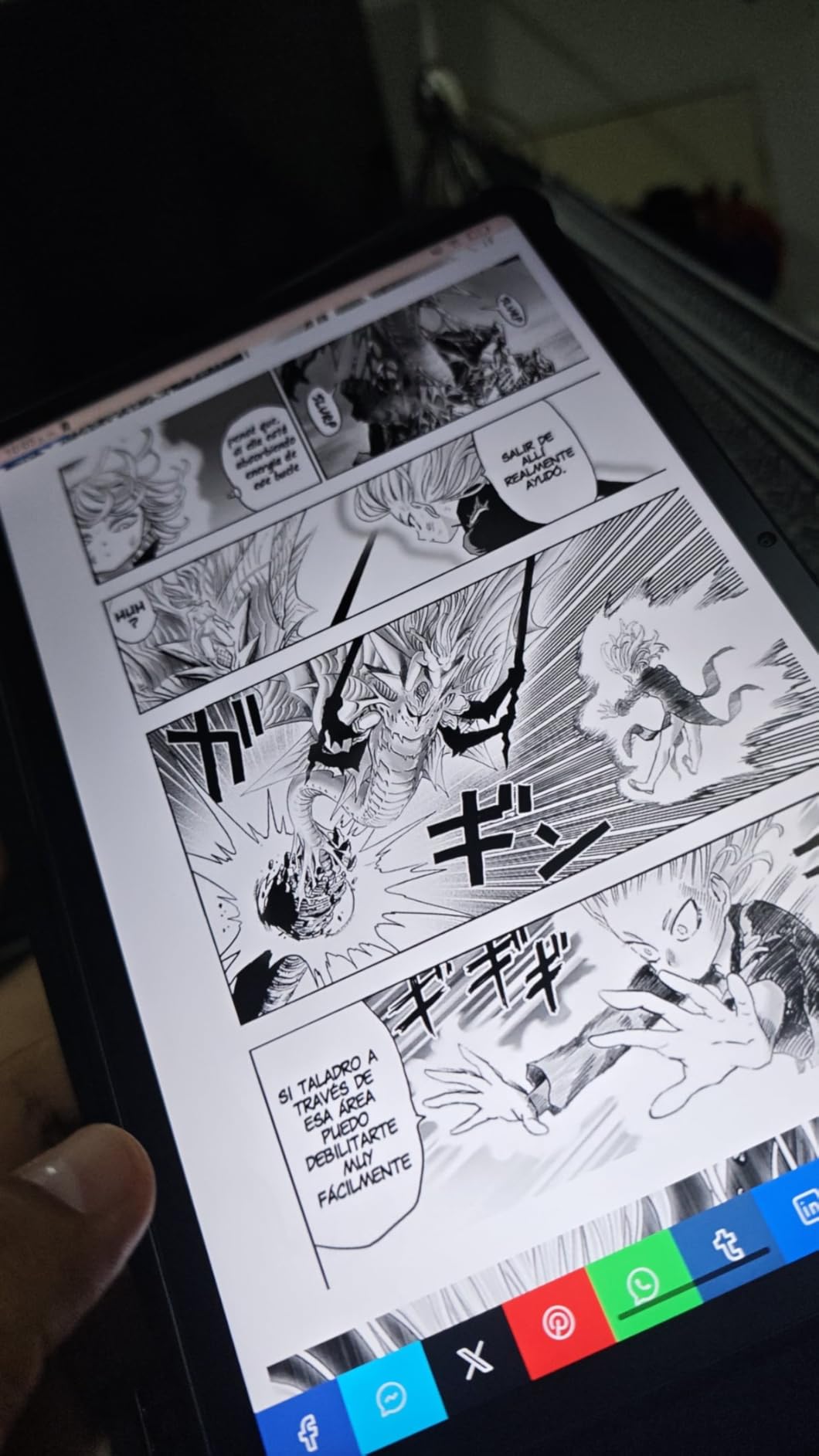
The Eye Care Assistant is a small touch that we ended up using daily. It adjusts brightness and color temperature and prompts you to take breaks, which is a gentle nudge if you are the kind of person who writes for four hours without looking up. VersaView gives you Regular, Ink Paper and Color Paper modes from a quick tile.
Again, this is an LCD with a paper-style filter rather than e-ink. It is also a full Android 15 tablet with a 5MP front camera, an 8MP rear camera with flash, dual speakers and Google Circle to Search. Buyers call out the anti-glare screen, the battery and the value, and deduct points for media performance, speakers and software support.
Check whether expandable storage changes your plan
The 1TB expansion is unusual in this category and it changes the maths if you keep scanned textbooks or large PDF libraries. It also makes this a better long-term device than anything here with a fixed ceiling. Just confirm the expansion is via a supported route rather than assuming every tablet behaves the same.
The flip case is thin, and the pen can slip out of its magnetic holder. Budget for a case with a proper pen loop if you commute with it.
When this is the wrong device
There is no committed Android update roadmap, and that matters if you plan to keep the tablet for four or five years. The Mali G52-MC2 graphics are fine for note apps and hopeless for games, and some buyers reported a boot loop shortly after purchase. If you need colour-accurate work or a device you can rely on for video, look elsewhere.
6. BOOX Note Air 5 C 10.3in – Best Android Flexibility in Colour
BOOX Tablet 10.3″ Note Air 5 C 6G 64G E Ink Tablet Color ePaper Notebook
10.3 inch Kaleido 3
300 ppi monochrome
Android 15
About 430 g
Pros
- Large 10.3 inch color canvas with sharp 300 ppi black text
- Thin 5.8 mm body with warm and cold front lights
- Fingerprint reader built into the power button
- Android 15 with third-party app and file format support
Cons
- Color e-ink looks darker and grayer than LCD
- Color resolution of 150 ppi limits fine detail
- Most mobile apps are not optimized for e-ink refresh
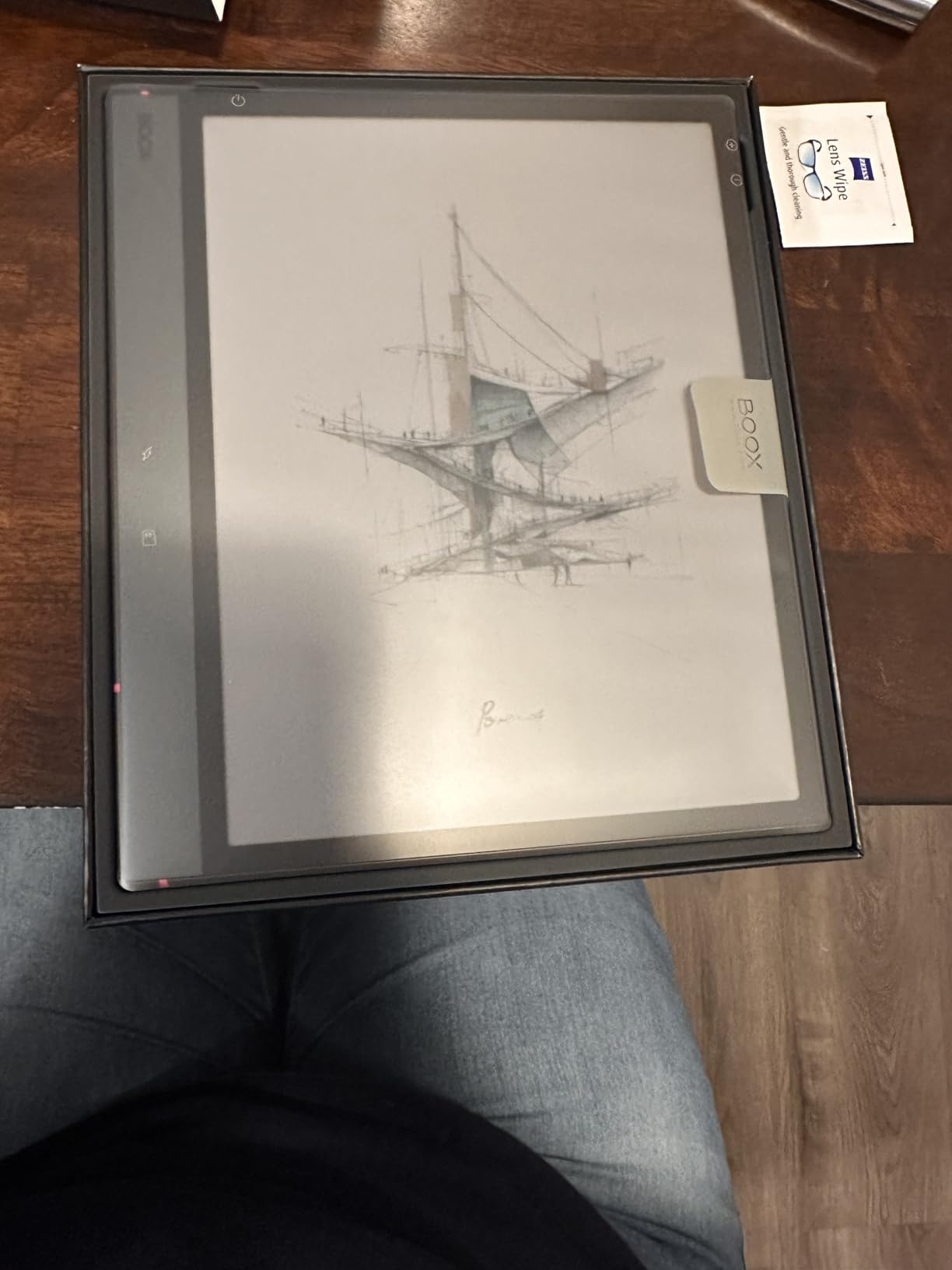
If you want the note-taking experience of a dedicated slate with the escape hatch of a real Android device, this is the one. The Note Air 5 C runs Android 15 with an octa-core CPU, 6GB of RAM and 64GB of storage, plus a microSD slot, dual speakers and a microphone. Owners who migrated from a reMarkable for exactly this reason tend to be happy.
Panels are Kaleido 3 at 300 ppi for black and white and 150 ppi for color, with 2480 x 1860 monochrome resolution dropping to 1240 x 930 in color. Text is sharp, and the dual front light with warm and cold color temperature is adjustable enough for night writing. The fingerprint reader inside the power button is a small touch that dedicated note devices rarely bother with.
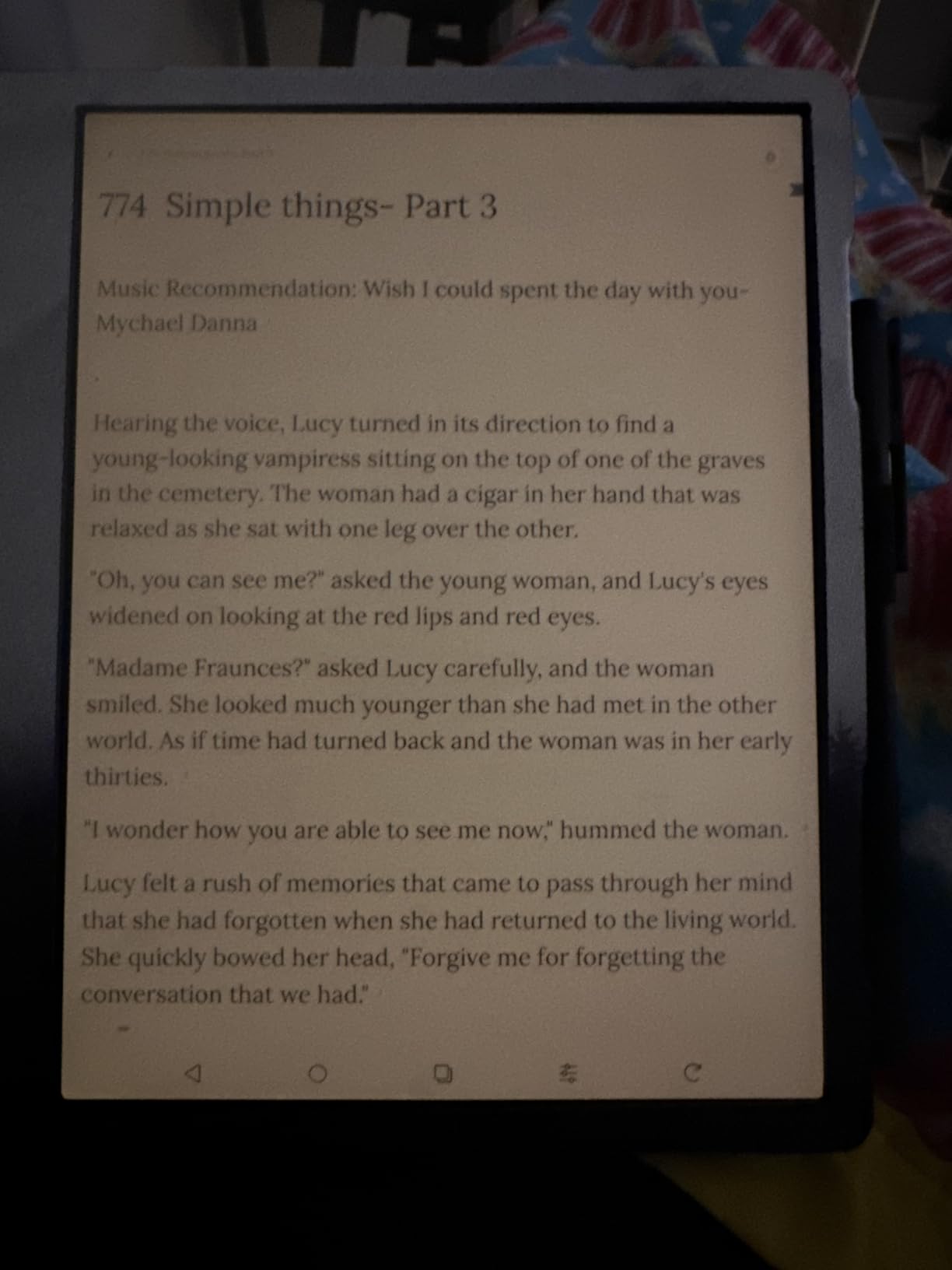
Where this one struggles is the third truth about color e-ink: it is a compromise, not an upgrade. At 3.8 stars it scored lowest in our group, and reviewers are consistent about why. The color is dim and grey compared with any LED panel, fine color detail is limited by the halved resolution, and mobile apps were not built for e-ink refresh rates, so scrolling feels wrong even when the app works.
The 3700mAh battery and the 5.8 mm, 430 g body keep it portable, and the stylus touch supports 4096 pressure levels alongside capacitive touch for finger navigation.
Work out which apps you actually need
The value here is having a browser, an email client and a note app on the same device. The cost is that those apps run on a display that cannot animate. Test the two or three apps you would genuinely use before committing, because installing everything and being disappointed is the common ending for Android e-ink tablets.
If the answer is that you only need a notes app and a reading app, you are paying for capability you will not use and accepting a worse screen than the Kindle Scribe gives you.
When a compromise panel is not worth it
Skip this if colour fidelity matters, if you intend to sketch seriously, or if you want video and app performance to be smooth. Nothing here will fix a dim color filter array. For a sharper monochrome writing surface with Android underneath, the Huion Ink EB1011 is the more honest buy.
7. Huion Ink EB1011 10.3in – Best Value E-Ink Notebook
Huion Ink EB1011 E Ink Tablet 10.3″ Digital Notebook with Dual Front Light
10.3 inch e-ink at 227 ppi
8192 pressure levels
4650mAh battery
Case and stylus included
Pros
- Battery-free stylus with 8192 levels and a tail eraser
- Fully laminated anti-glare glass cuts reflections
- Dual-color front light with Day Night and Bed presets
- Case with 360 degree protection and stand included
- Also works as a pen tablet on a PC
Cons
- 227 ppi is below competing 300 ppi e-ink tablets
- Android 11 is dated against newer devices
- Third-party app ecosystem is more limited
The Huion Ink EB1011 is the most complete package here, and it is the pick I recommend to anyone who wants a real e-ink writing surface without paying for a premium brand name. A 10.3 inch laminated e-ink panel, an 8192-level stylus, a PU leather case with a multi-angle stand and three replacement refills all arrive together.
Writing feel is the surprise. The stylus has a felt tip and a tail eraser, and the laminated glass gives the nib something to bite against, so strokes feel deliberate rather than slippery. The dual-color front light has Day, Night and Bed presets, which is more granular control than most rivals in this price range offer.
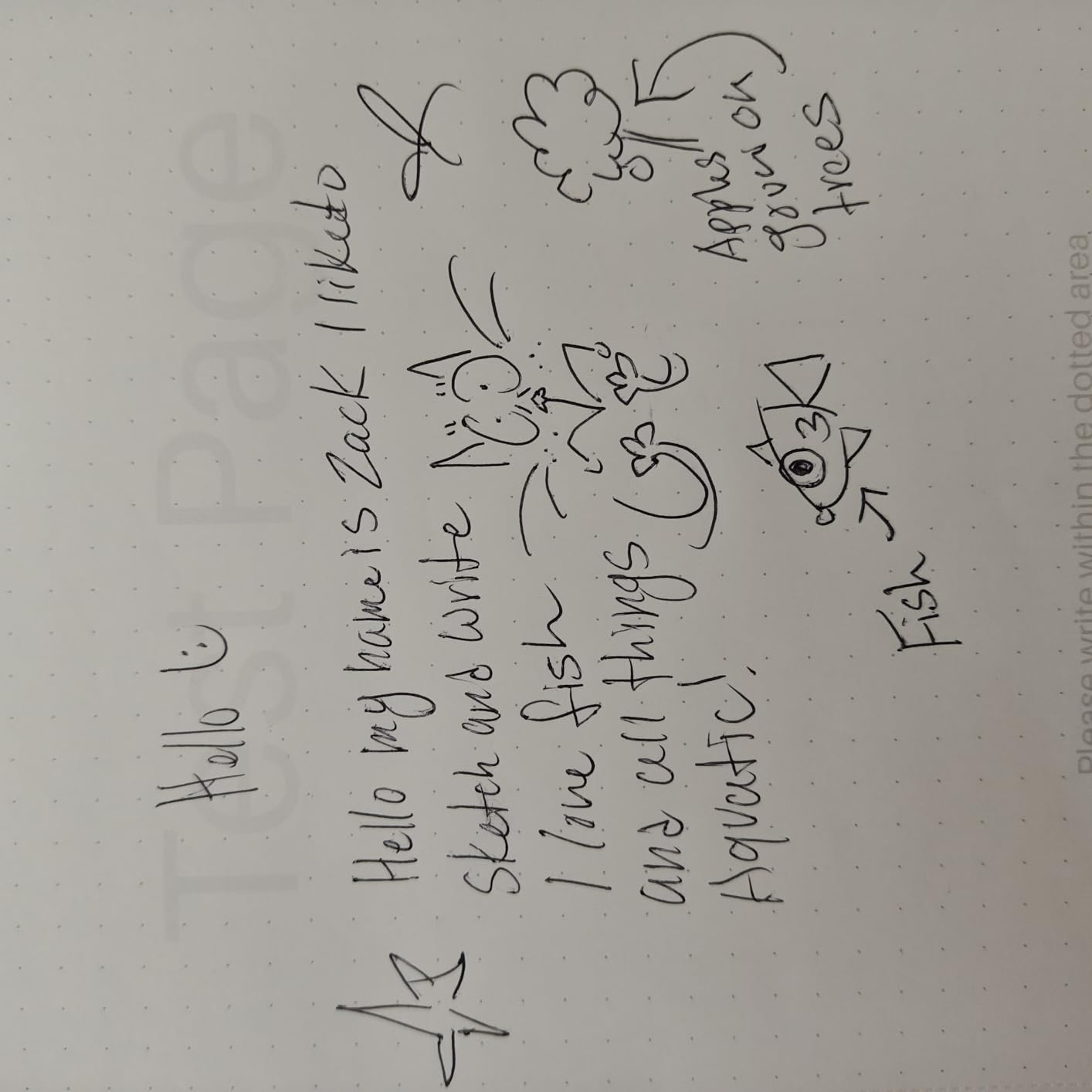
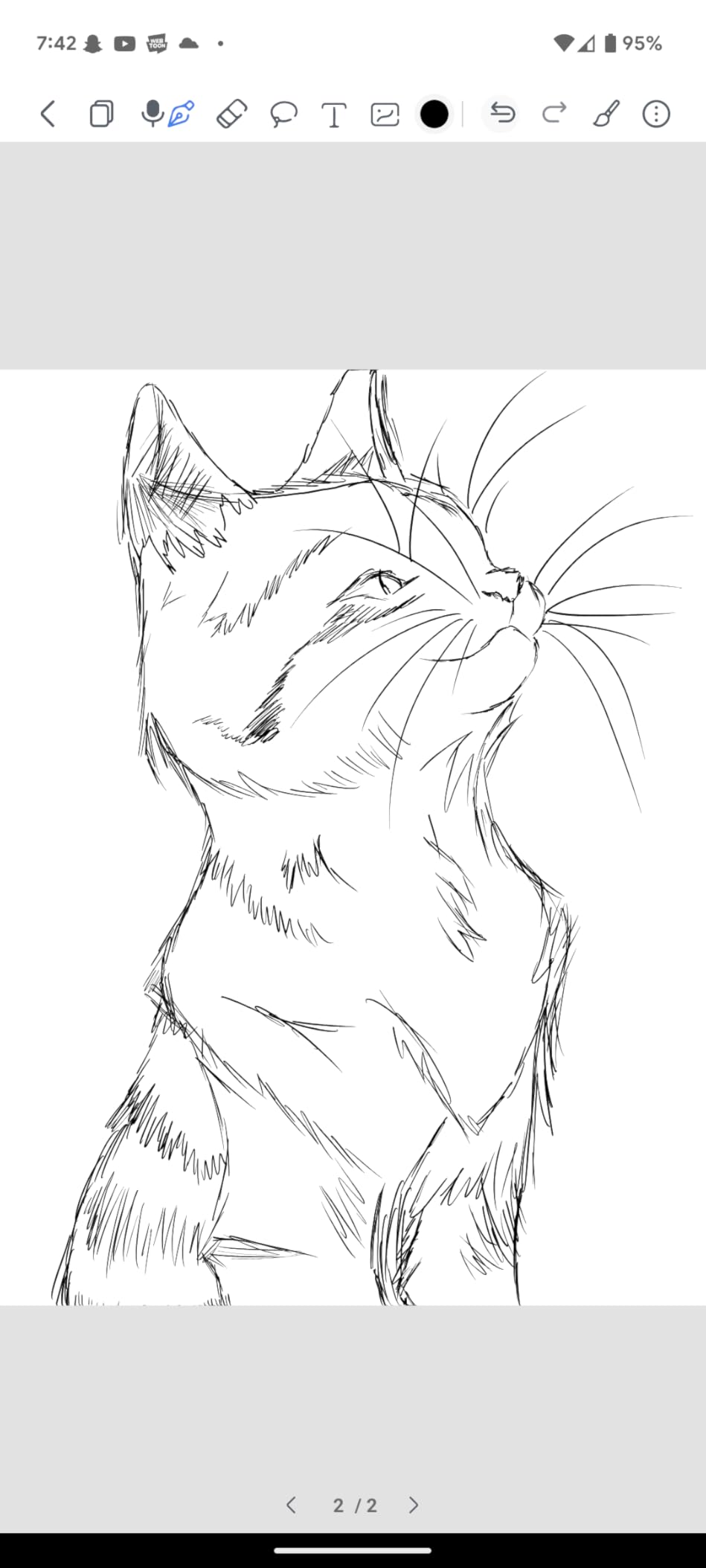
Two features separate it from the pack. It converts handwriting to text, reads text aloud and runs split-screen, and it doubles as a professional pen tablet when you connect it to a computer. Owners frequently praise the writing feel, the laminated screen and that pen-tablet versatility, and the main reservations are the 227 ppi resolution and the older Android 11 base.
Battery life is rated at up to 12 days on the 4650mAh cell, storage is 64GB expandable to 2TB, and wireless projection lets you cast a page to a larger screen for a class or a meeting.
Understand the 227 ppi difference
At 1404 x 1872, the Huion is visibly softer than the 300 ppi panels in the Kindle Scribe and the Penstar eNote 2. For handwriting the difference is minor because the line width is set by the nib, not the pixel grid. For reading small print in scanned PDFs it is noticeable, and for fine diagrams it is worth weighing up.
Android 11 is the older platform, and access to third-party apps is narrower than the big manufacturers. If your notes live inside the native app, that barely matters. If you want a full app store, look at the BOOX models.
When this is the wrong choice
Choose elsewhere if you need colour, or if long-term software support is non-negotiable for you. An Android base that is already several versions old and has no stated update policy means the app ecosystem may narrow over the device’s life. It also weighs 0.99 pounds, so it is a briefcase device rather than a handbag one.
8. reMarkable Paper Pure – Best for Minimalists
reMarkable Paper Pure with Marker Plus and Ocean Blue Sleeve Folio
10.3 inch monochrome e-ink
21 ms ink response
360 g
About 1 week battery
Pros
- Whiter higher-contrast display with 21 ms ink response
- No notifications apps or browser to distract
- Light at 360 g with roughly a week of battery
- Dozens of note-taking templates and handwriting conversion
- Marker Plus eraser on the opposite end
Cons
- No front light so it cannot be used in the dark
- Some features including search need the Connect subscription
- Highlighting renders as gray rather than true color
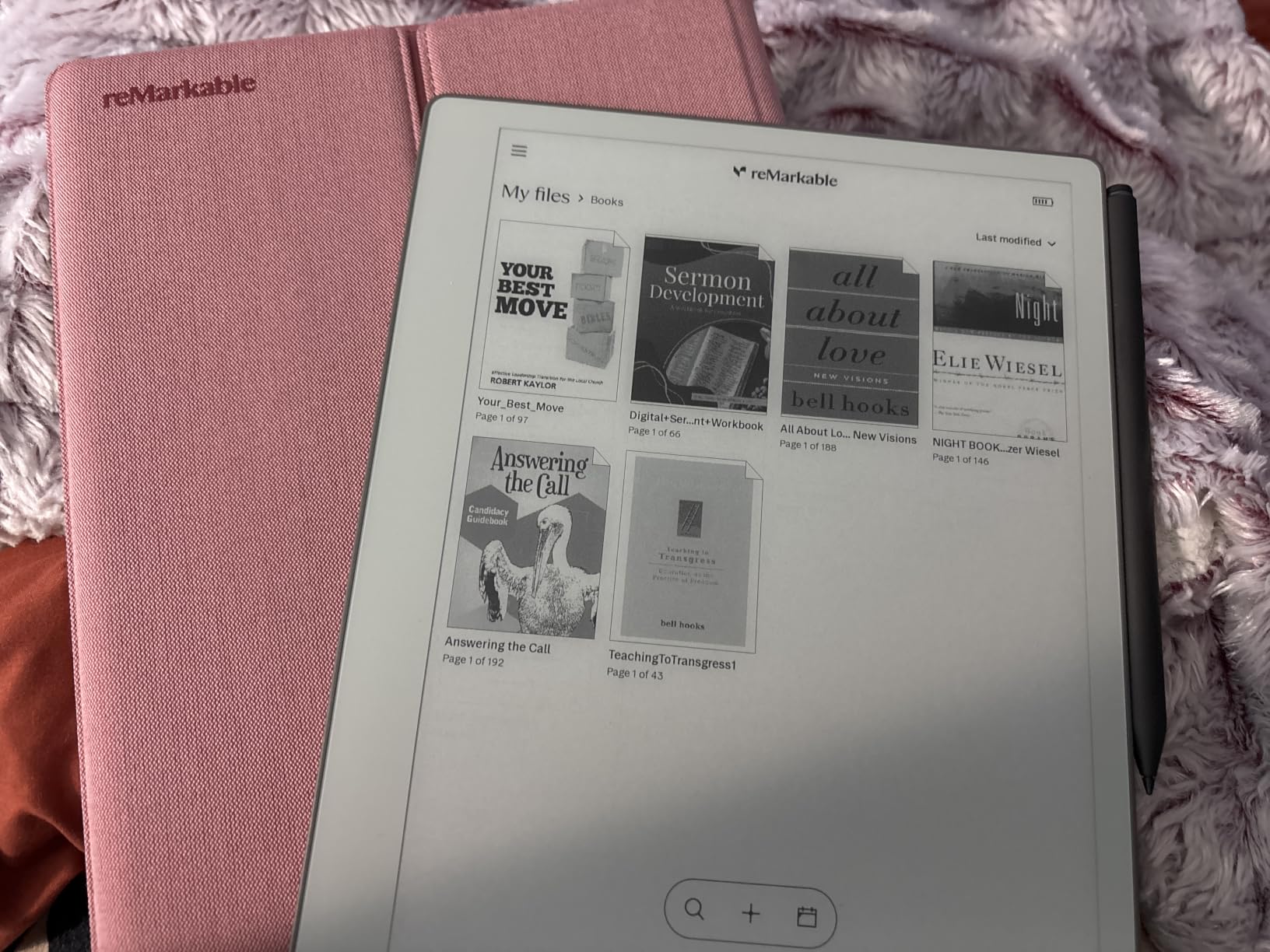
The Paper Pure is the most focused device we tested. A third-generation monochrome e-ink panel with a whiter background, 21 ms ink response and no software to speak of means every mark on the screen is a mark you made. For journaling, meeting notes and deep work it is hard to beat.
At 360 g it is the lightest full-size slate here and comfortably portable, and the improved contrast means black ink looks darker against the page than on earlier reMarkable models. The Marker Plus pen responds immediately and has an eraser on the tail, and the sleeve folio in this bundle adds protection for transport.
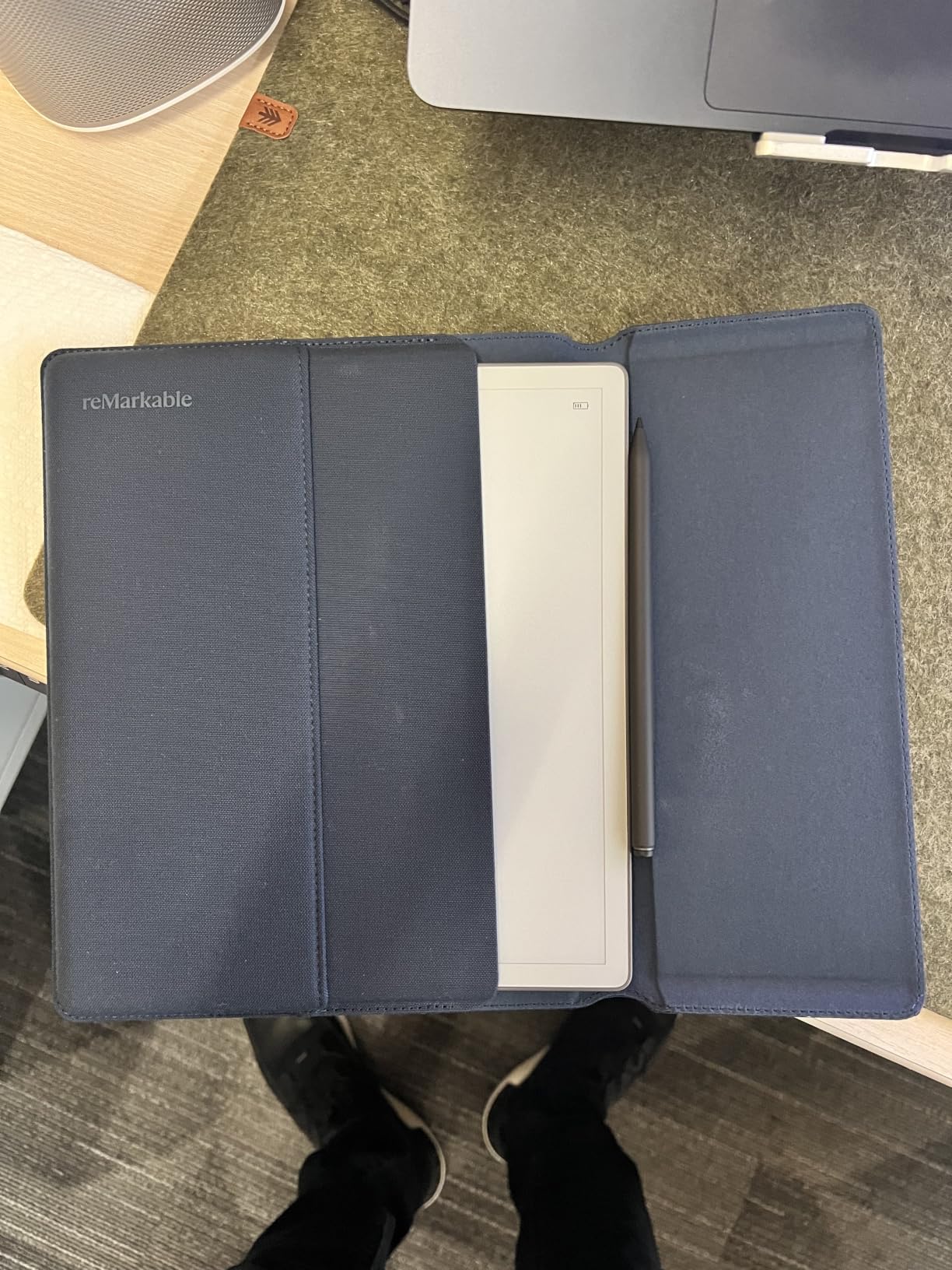
The absence of a front light is the defining limitation, and it is not a small one. Writing in a dim room, at a desk after sunset or in a poorly lit meeting room means finding another light source. Users value the distraction-free experience, the portability and the improved battery, and complain most about no front light and subscription-gated features.
Connect apps and plugins exist for Google Drive, Dropbox and Microsoft Word, and the paid Connect subscription adds unlimited cloud storage and AI handwriting search. Without it, on-device search is limited and finding an old note becomes manual.
Plan your note search before you commit
This is the single question that decides whether a minimalist device works for you. If you can keep a disciplined folder structure and do not need to search inside your own handwriting, the Paper Pure rewards you with a calmer device than anything else here. If you want to type a phrase from six months ago and find the page, budget for the subscription or choose a different device.
Users migrating from a reMarkable to a BOOX or Supernote model consistently cite handwriting search and file organization as the reasons, so this is not a minor point.
Who should not buy it
Anyone who writes at night without a desk lamp, anyone who needs to work on a plane, and anyone who wants colour highlighting should rule it out immediately. Because the highlight colors render as gray rather than true colour, this is a write-only device in practice. It is also a closed ecosystem with no third-party app store at all.
9. iFLYTEK AINOTE 2 – Best for Meeting Transcription
iflytek AINOTE 2, 10.65″ E Ink Tablet with Recording & AI Meeting Summaries
10.65 inch e-ink
4GB plus 64GB
4000mAh battery
4.2 mm thin
Pros
- 18-language transcription and translation of meetings
- AI summaries rewrites and translations built in
- Very thin 4.2 mm body at 0.81 kg
- Up to 14 days of battery at 30 minutes daily
- Google Calendar sync for schedule management
Cons
- No front light at all for dim conditions
- AI and transcription need an internet connection
- Accuracy depends on audio quality and accents
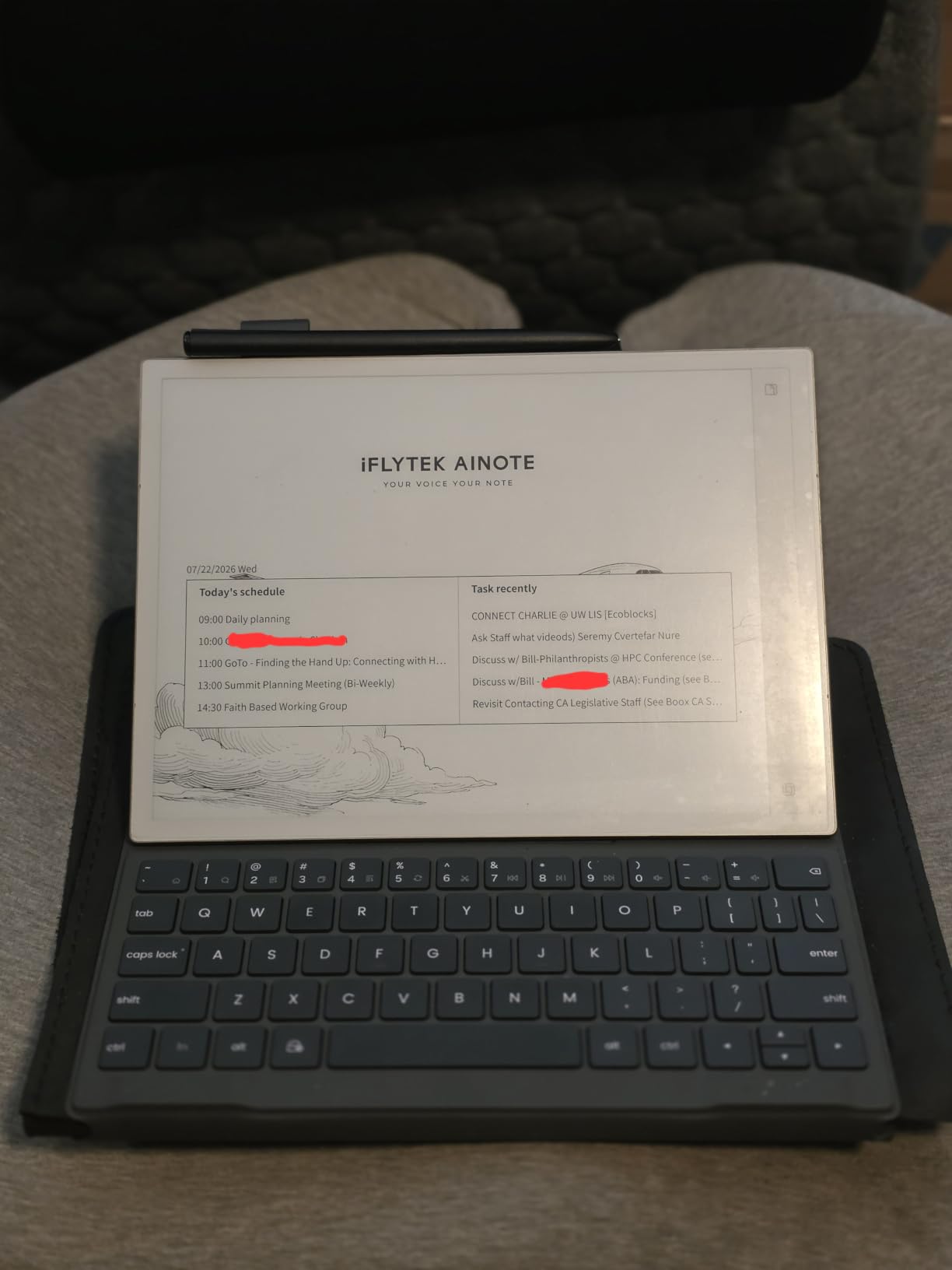
If your problem is not writing the notes but capturing them, the AINOTE 2 is the only device here built around audio. It records a meeting and transcribes it in 18 languages, translates in 10, then produces a summary you can act on. No other slate in this roundup does that job at all.
The hardware is elegant. At 4.2 mm and 0.81 kg with a 10.65 inch display at 2048 x 1536, it is thin enough to slide into a laptop sleeve, and the eight brush styles with low-latency writing feel good for someone who still wants to handwrite the parts that matter.
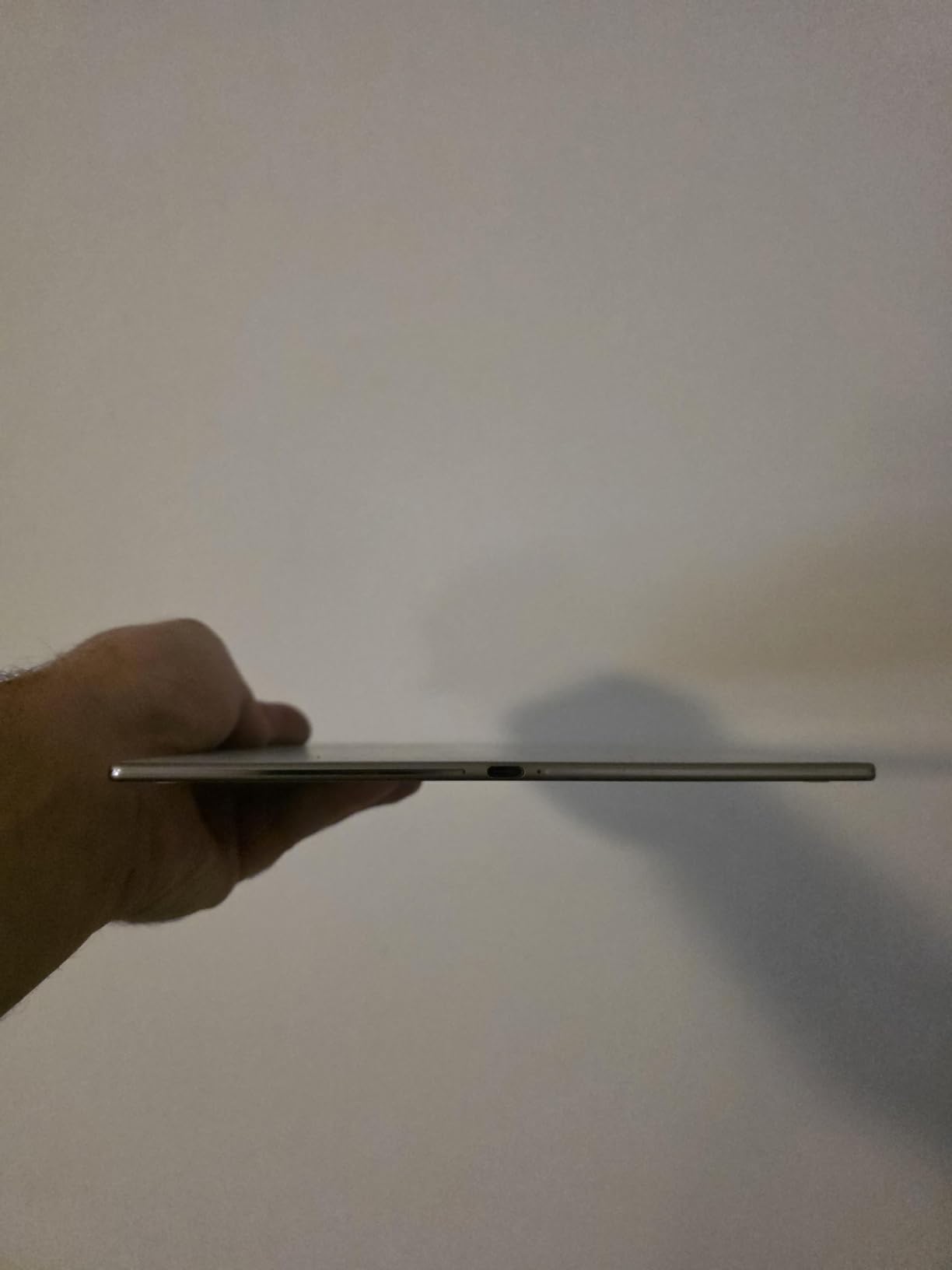
Two constraints shape the whole experience. There is no front light, so the panel is fine in a bright office and useless in a dim one. And every AI feature needs a connection, which means confidential conversations are the wrong input for this device. Reviewers note that transcription quality depends heavily on accents and room acoustics, and the 3.6 rating in our group reflects that the feature set is more uneven than the spec sheet suggests.
Cross-device sync runs through AINOTE Mobile and PC apps, and there are stereo speakers plus fast charging. A Rockchip processor at 2.2 GHz with 4GB of RAM and 64GB of storage runs Android 14, and the 4000mAh battery is rated at up to 14 days of typical use.
Check your privacy requirements first
If you take minutes in HR, legal, medicine or any client meeting where a recording is restricted, an always-online transcription service is the wrong tool. Work out your own policy before you buy. The same restriction applies to the AI summarization, which processes note content rather than audio.
Also confirm you write in good light. A frontlight-free panel is workable but unforgiving, and the Paper Pure has the same issue.
When transcription is not the deciding factor
Skip it if you take notes visually rather than verbally, or if you want an offline-first device that never touches a server. The thin body and the long battery are genuine wins, but they are not enough to offset a 3.6 rating when a similarly priced device gives you a better screen and no cloud dependency.
10. Penstar eNote 2 – Best Bundle With Two Styluses
Penstar eNote 2 E-Ink Digital Notebook with Pen, 10.3″ AI Enote Tablet
10.3 inch 300 ppi e-ink
8192 pressure levels
6500mAh battery
Android 14
Pros
- Exceptionally white high-contrast screen with no ghosting on erase
- Pen-only input stops accidental palm and finger touches
- Bundled with two B5 styluses spare nibs and a leather folio
- 6500mAh battery rated up to 4 weeks
- AI voice-to-text and note summarization
Cons
- Handwriting-to-text confuses capital and lowercase letters
- Only older Kindle app versions load
- Calendar app does not sync with Google or Outlook
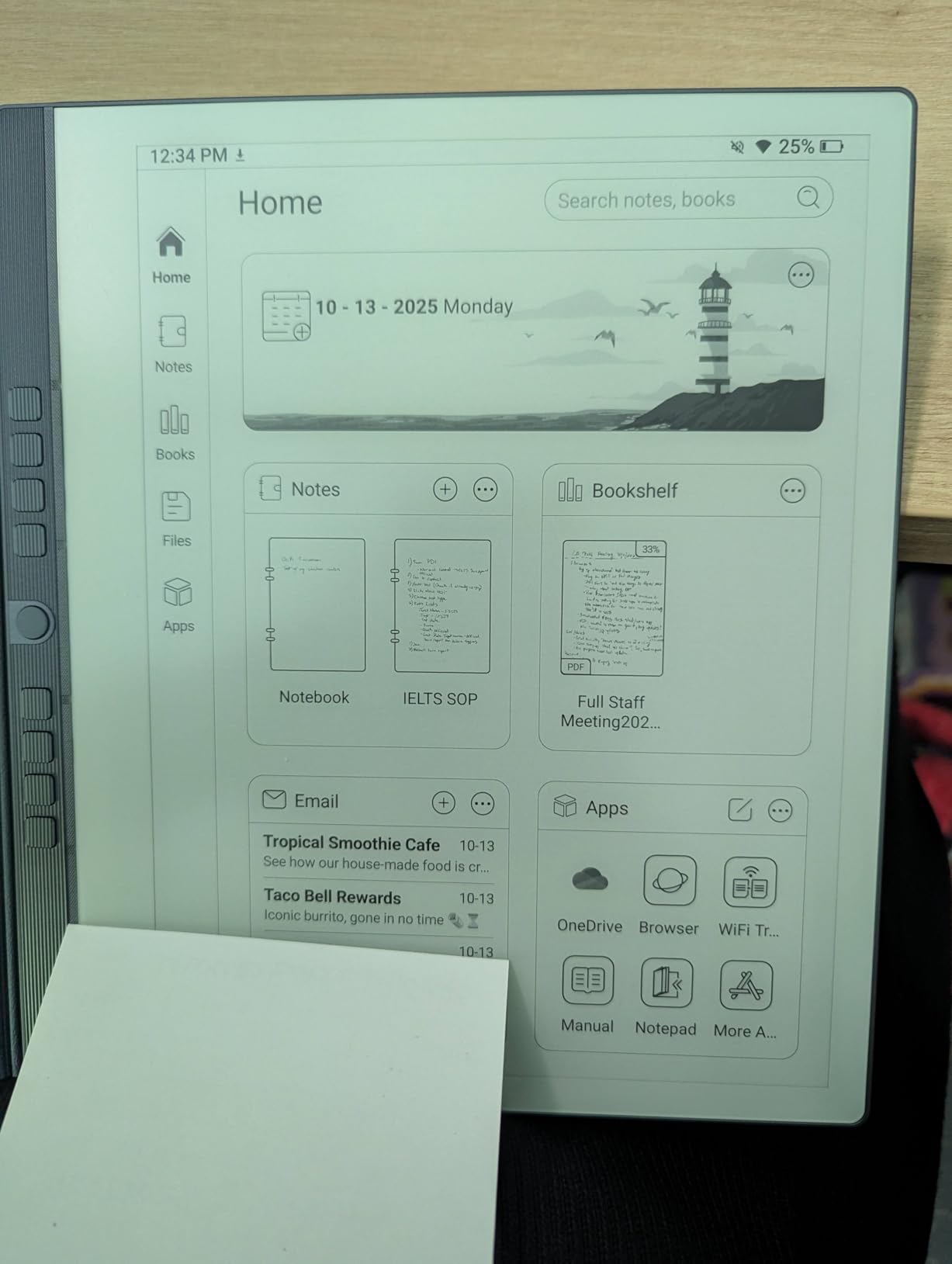
The Penstar eNote 2 is the bundle champion. The box contains two B5 digital styluses with four spare nibs each, ten more nibs, a magnetic folio, a charging cable and a guide. Nobody else in this roundup includes anything close to that, and the spare nib supply alone removes a common annoyance.
The screen is the other standout. At 2480 x 1860 for 300 ppi in pure monochrome, owners single out the bright whites and punchy blacks, and several specifically mention that erasing leaves no ghosting, which is the thing that makes cheap e-ink feel cheap.
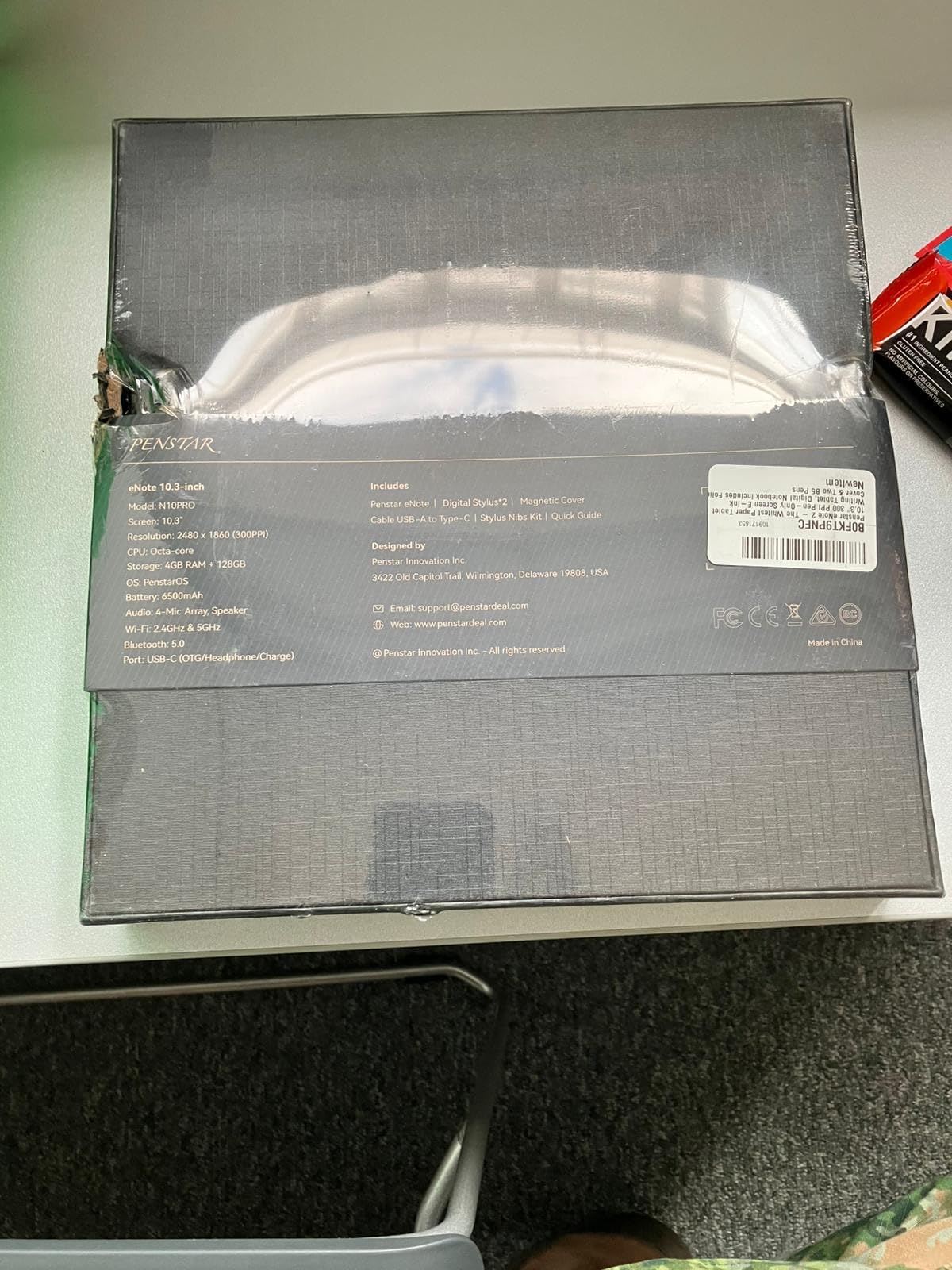
Pen-only input is a design decision that some buyers will love and others will find frustrating. With no touch screen, your palm resting on the page cannot create a stray mark, and the nine customizable side buttons can be mapped to undo, page turns, eraser and new page. If you write with a hand that anchors heavily, that is a real quality-of-life gain.
Underneath, an octa-core CPU at 2.2 GHz with 4GB of RAM and 128GB of storage runs Android 14, with a four-microphone array, four speakers and support for over 35 file formats plus cloud sync. Owners praise the screen, the pen-only focus, the bundle and the customer service, and criticise the OCR accuracy and stylus durability.
Test the OCR before you rely on it
The handwriting-to-text conversion confuses capital and lowercase letters, which is a small annoyance in a shopping list and a significant one in a set of meeting minutes. If accurate typed output is central to your workflow, write a few test pages before buying and see whether the output is usable for you.
Voice-to-text is time-limited beyond the included allowance, so treat the free tier as a trial rather than a plan. The Kindle app integration is also restricted to older versions, which limits direct book access.
When pen-only input is the wrong bet
Rule it out if you want to tap, scroll or select text with a finger, or if you need to work while holding a coffee in the other hand. There is no touch screen at all, which is unusual in 2026 and will feel dated to anyone coming from an iPad. The stylus nibs also wear down relatively quickly and the pen itself feels light in the hand.
11. TCL Note A1 NXTPAPER 11.5in – Best for Low Writing Latency
TCL Note A1 NXTPAPER Paper Tablet, 11.5″ 2.2K 120Hz Display, 8+256GB
11.5 inch 2.2K at 120Hz
8192 pressure levels
8000mAh battery
Android 15
Pros
- Largest 3:2 display here with 120Hz smoothness
- T-PEN Pro with 8192 levels and under 5 ms latency
- AI converts handwriting and recordings to editable text
- 8-microphone array for lecture and meeting capture
- 0.22 inch metal body with auto-wake magnetic case
Cons
- LCD NXTPAPER display rather than true e-ink
- Only one color option listed
- 3A Crystal Shield Glass still collects fingerprints
The Note A1 is the fastest-writing device in this group, and not by a small margin. The T-PEN Pro registers 8192 pressure levels with under 5 ms latency on a 120Hz display, so there is a genuinely unnoticeable gap between the nib touching the glass and the line appearing. Coming from an iPad, the difference is immediate.
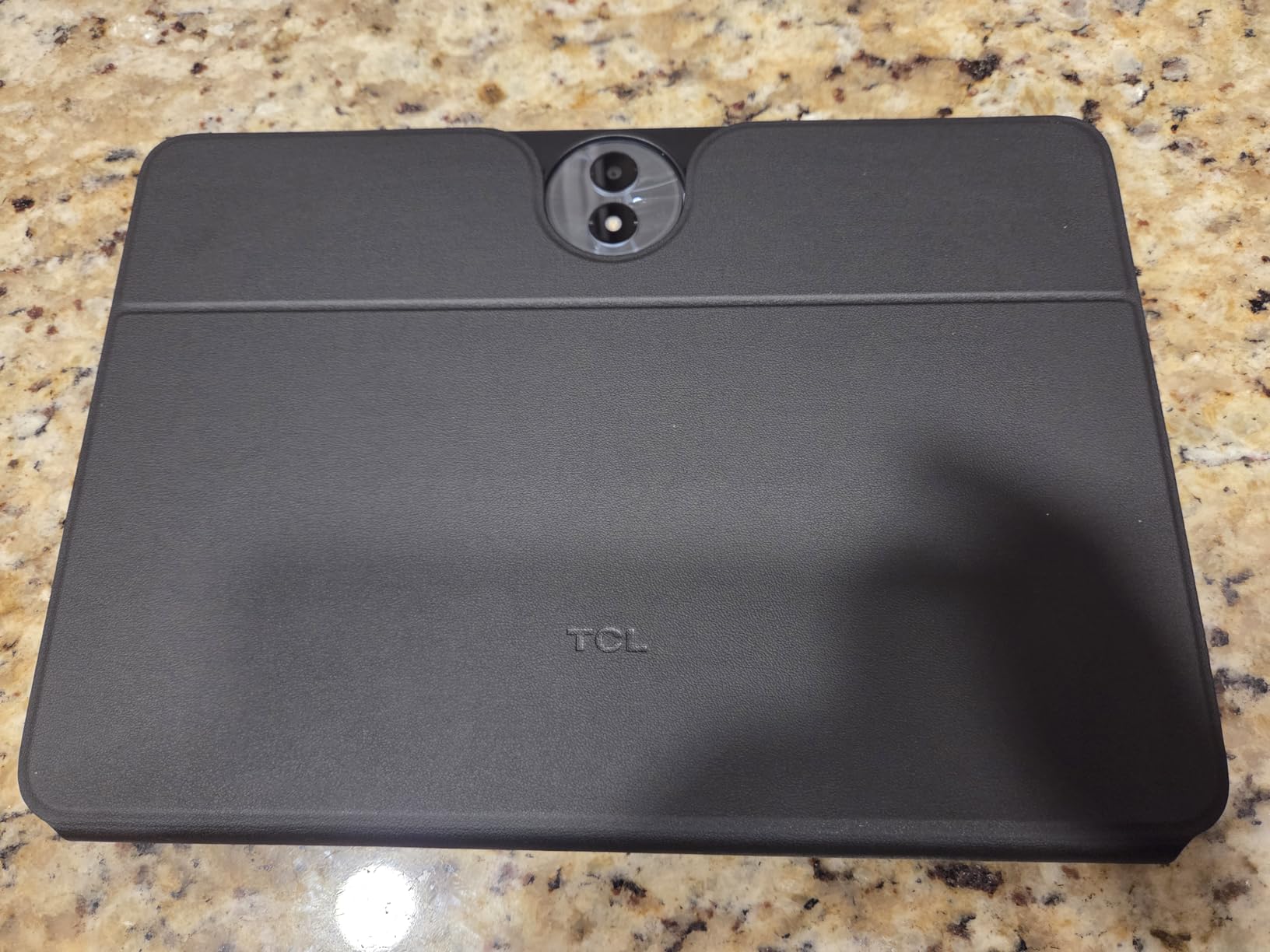
The 11.5 inch 2.2K panel at 3:2 is the largest here and the aspect ratio is closer to a sheet of A4 paper than anything else in the list, which matters if you are transcribing printed material by hand. The body is 0.22 inch of metal with a magnetic flip case that supports auto wake.
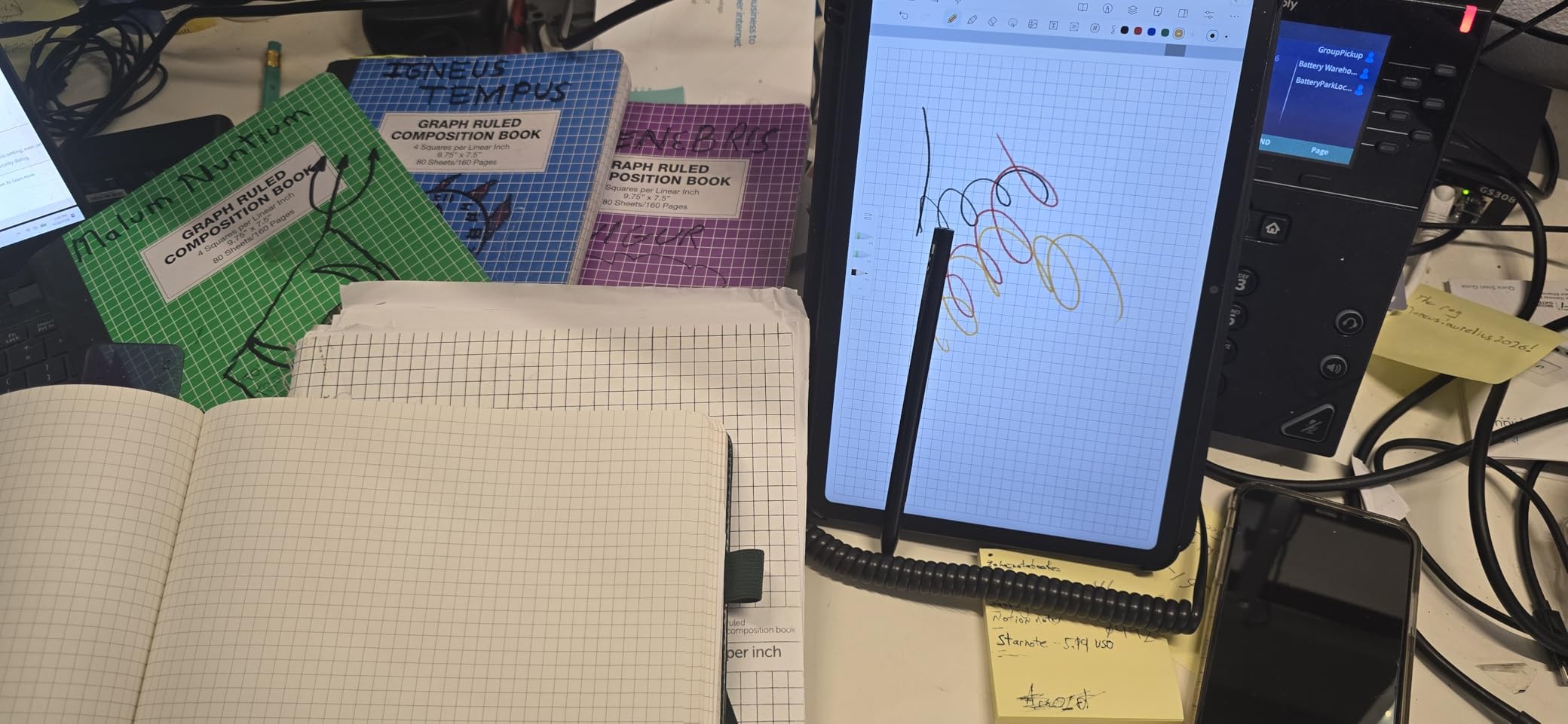
The AI notes system handles handwriting and voice recordings, turning both into editable text with summaries, rewrites and translations, and an Inspiration Space gives you a fast-capture page for stray ideas. The eight-microphone array does 360-degree pickup with noise reduction and directional capture, which is a meaningful upgrade for lecture recording in a room with more than one speaker.
This is also the best-supported device here on paper: Android 15 with an upgrade path to Android 16 and three years of security updates, 8GB of RAM, 256GB of storage and 33W fast charging on an 8000mAh battery. Reviewers like the display, the pen and the AI capture tools, and the criticism is mostly about the panel type and the single colorway.
Decide whether a 3:2 screen suits how you write
The 3:2 ratio is wider than the 16:10 and 16:9 layouts most tablet software assumes, so expect letterboxing when you open videos and some documents. In exchange you get a page that maps more naturally onto A4, which is why we rate it highly for transcription and reading dense printed material.
The 2.2K resolution across 11.5 inches also gives you more usable writing area without the panel getting heavier. At 0.22 inch thick it still fits in a briefcase.
When this is the wrong device
Skip it if you work outdoors regularly, because an LCD with an etched surface will never match an e-ink panel in direct sun. It is also the heaviest large-screen option here in practice, so a one-handed reading session gets tiring. Only one color option is listed, which may matter if you want a device that looks like part of your setup.
12. VIWOODS AiPaper 10.65in – Best High-Resolution Monochrome
VIWOODS AiPaper 10.65″ AI E Ink Tablet, Digital Notebook Bundle with Pen
10.65 inch Carta 1300
2560x1920
4096 pressure levels
128GB storage
Pros
- Crisp 10.65 inch Carta 1300 e-ink at 2560x1920 with reduced glare
- Included W2 Stylus Pro with 750 micron pen gap
- AI tools for translation summaries and to-do lists
- Quiet distraction-free writing surface
- Bundle includes folio spare nibs and USB-C cable
Cons
- No front light for low-light writing
- Only 4096 pressure levels below many rivals
- Small review base of 50 ratings
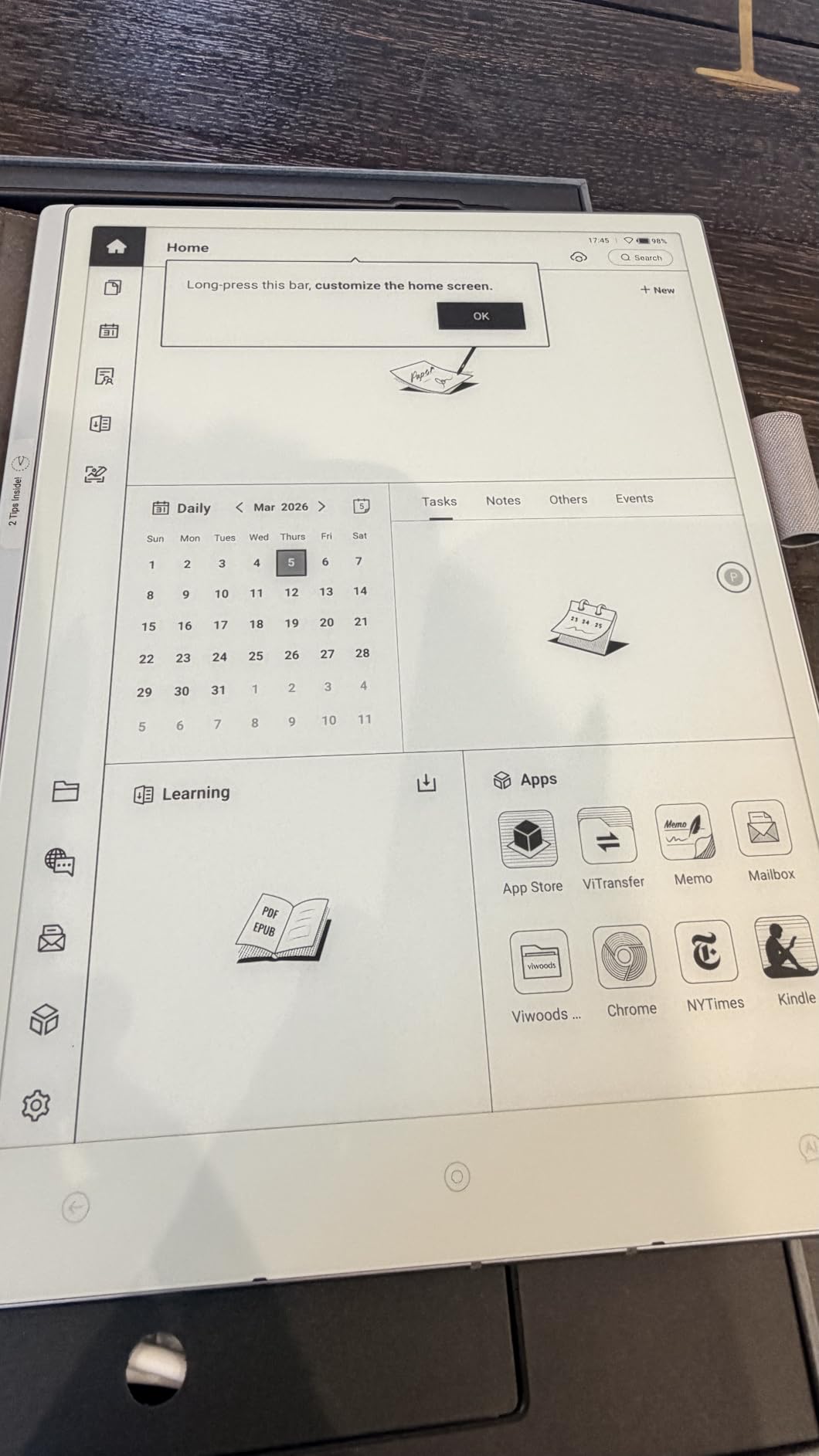
The VIWOODS AiPaper is the sharpest true e-ink writing surface in the roundup, and on paper specs it outresolves several larger devices. A 10.65 inch Carta 1300 panel at 2560×1920 with reduced glare gives you fine, clean edges on both handwriting and printed text, and 128GB of built-in storage is generous for a notebook.
The W2 Stylus Pro is included, with 4096 pressure levels and a 750-micron pen gap, which is a tight distance between the nib and the panel and contributes to the precise feel. The bundle adds a folio cover, five replacement nibs and a USB-C cable, and there is a 14 month warranty.
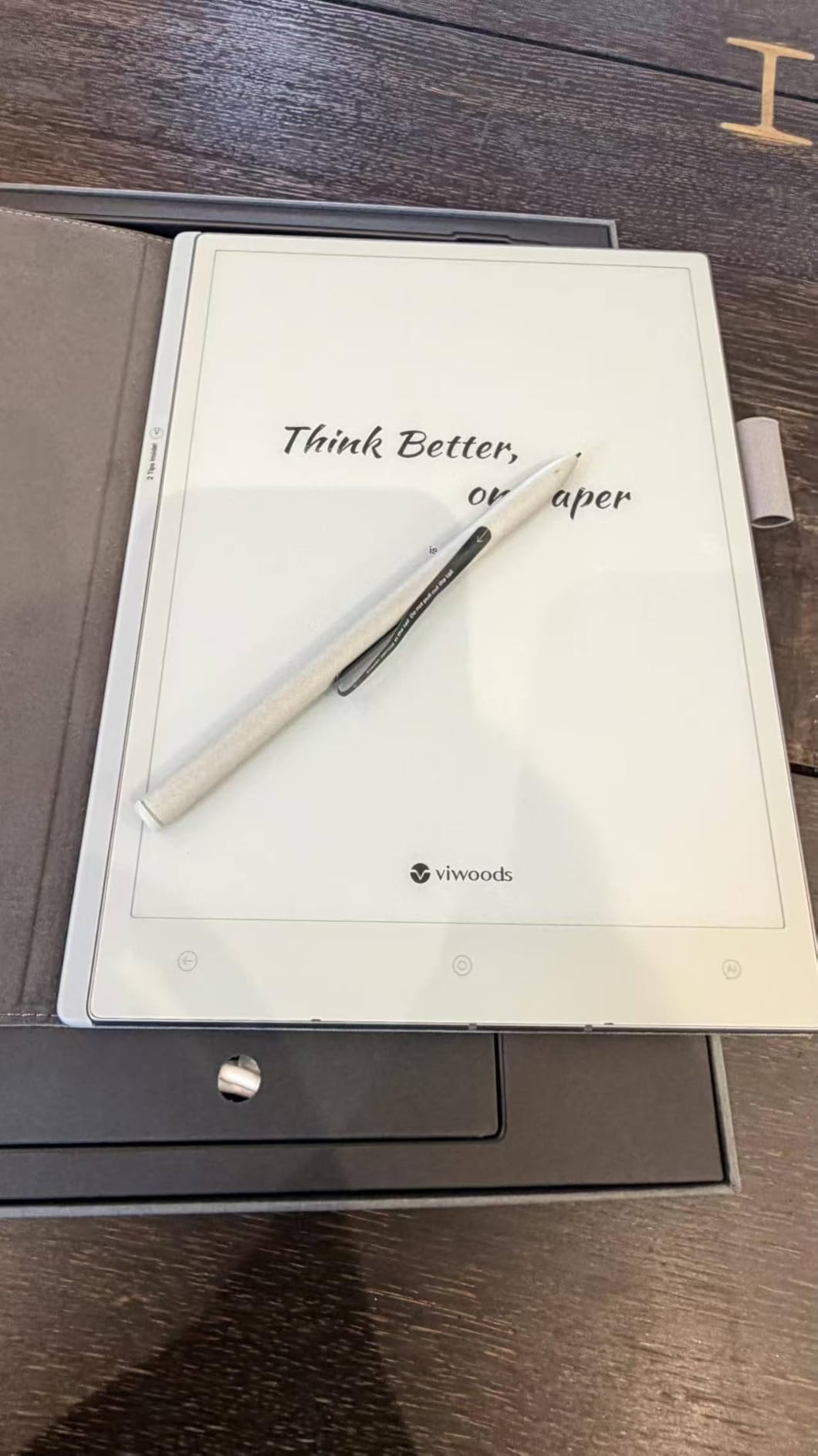
Where it falls short is light. There is no front light at all, so this is a daytime and well-lit-room device only. The stylus pressure of 4096 levels is modest next to the 8192-level pens on the Huion and Penstar, and you will feel the difference if you draw with light, fast strokes.
The AI tools cover translation, summarization, to-do list extraction and meeting note organization, with handwriting-to-text and PDF annotation alongside. Android 13 with Bluetooth, USB and Wi-Fi keeps it flexible. Buyers like the display clarity, stylus precision and organization tools, and flag the missing front light and modest pressure sensitivity.
Weigh the thin evidence carefully
This listing has 50 ratings, the smallest sample in the roundup, so long-term reliability is less well documented than for the Kindle Scribe or the Huion. That is not a dealbreaker on its own, but it is a reason to favour a device with a longer track record if you are buying for years of daily use rather than a trial.
Resolution is not the only thing that determines how crisp handwriting looks, and pressure levels matter more for expressive writing. For scanning-heavy PDF reading where fine print matters, the resolution here is genuinely the best of the true e-ink options here.
When to choose a different device
Rule it out if you write in poor light, if expressive line weight matters to you, or if long-term support confidence is a priority. If you want resolution plus a front light and a deeper stylus, the Huion Ink EB1011 is the same category of purchase with more proven support.
How to Choose an E-Ink Tablet for Note Taking in 2026
Screen type decides everything else. True e-ink reflects ambient light, so it is readable in direct sun, draws no power when the page is static and produces no blue light. Anti-glare LCD panels, which is what the XP-Pen and both TCL devices use, are lit screens with an etched surface. They write faster and look better indoors, and they behave like ordinary tablets in every other respect.
Next is stylus technology. Devices with a battery-free passive pen need no charging and no pairing. Devices that require an active stylus, such as the BOOX Go Color 7 with InkSense, add a second purchase and a charging habit. Pressure levels range from 4096 to 16384 in this group, and the difference shows up most in drawing and in fine, light handwriting.
Handwriting search and export decide whether your notes remain useful after a year. The dedicated minimalist devices give you the cleanest writing experience and the weakest retrieval, while the Android models give you the best search and the most clutter. Off-device access remains the weakest link across the whole category, so plan on manual PDF export rather than assuming a live editable cloud document.
Finally, be honest about the total cost over three to five years. Some features sit behind paid cloud tiers, some devices need a case, a stylus or spare nibs immediately, and a stylus sold separately changes the real entry cost of the cheapest device on this list.
Screen size mapped to paper and use case
Roughly 7 inches maps to an A6 pocket notebook and suits reading, short notes and travel. Around 10.3 to 10.65 inches is the A5 sweet spot for students, because it holds a full page of lecture notes without feeling cramped. At 11.5 to 11.8 inches you approach A4, which suits transcription and shared documents but stops being easy to hold one-handed. Student buyers consistently report the middle size as the right one, with 7.8 inch devices feeling cramped for forms and 13.3 inch devices being impossible to carry.
Colour deserves an honest paragraph. Color e-ink panels use a Kaleido filter array, typically 4096 colors at roughly half the monochrome resolution. Highlighting in six colors works; detailed illustration and colour-accurate design do not. If you only want to highlight, a monochrome panel with a good highlighter tool is often the better purchase.
What actually makes e-ink feel like paper
Three things, in order: the surface texture the nib meets, the digitizer technology underneath it, and latency. Paper-like feel comes from friction and a slightly soft nib, not from resolution. Latency is the gap between the nib touching the glass and the line appearing, and anything above roughly 40 ms will feel like sliding rather than writing. Ghosting, the faint trail left by a partial page refresh, is the reason monochrome panels still feel more paper-like than color ones.
Set your expectations on the first two weeks. People arriving from an iPad regularly describe the first stretch as laggy, and the same reviewers describe the device differently a month later once the refresh behaviour becomes familiar. That adjustment period is real, and it is the most common reason buyers return these devices inside a month.
Subscriptions, exports and support
Ask three questions of any device: is cloud storage included, does search of your own handwriting require a paid tier, and what format can I export to when I want my notes elsewhere. Answer them before you buy, because migrating off a closed ecosystem is far harder than starting in the right place. For non-US brands, factor warranty handling and return logistics into the decision as well, since support paths vary a great deal between manufacturers.
E-Ink vs iPad: When to Skip E-Ink
Buy an e-ink tablet if you write longhand, want fewer distractions, need the screen in direct sunlight, or find a glowing screen tiring after a long session. Buy an LCD paper-style tablet if you type at least as much as you write, need colour, and prefer low latency.
Skip e-ink entirely for several clear reasons. Video and video calls are unrealistic on a reflective panel, and the Android apps that render them are not built for e-ink refresh rates. Email and document work in a browser is workable but slow. Drawing and colour-critical design are better on an LCD. And if you already own a laptop, a second general-purpose tablet rarely earns its cost.
There is also an accessibility case that cuts the other way. People who find handwriting physically tiring, including readers with dysgraphia or ADHD, often do better on e-ink because handwriting-to-text removes the strain entirely. That same feature is unreliable on some devices, so test it with your own script before you rely on it.
The honest summary is that an e-ink tablet is a notebook that happens to compute, not a laptop with a paper filter. Buying it as the second half of a two-device setup works far better than trying to make one device do both jobs.
Frequently Asked Questions
What is the best e-paper tablet for taking notes?
The Amazon Kindle Scribe is the best all-round e-paper tablet for notes in 2026. It pairs a 10.2 inch 300 ppi front-lit screen with a Premium Pen that never needs charging, runs for weeks between charges, and needs no subscription for its core writing and reading experience.
Which e-ink tablet feels most like paper?
Devices with monochrome e-ink panels and a battery-free stylus feel closest to paper, because the matte surface gives the nib friction and monochrome refresh leaves almost no ghosting. The reMarkable Paper Pure and the Huion Ink EB1011 are the most paper-like in our testing, while the Kindle Scribe is the most practical all-rounder.
Is an e-ink tablet better than an iPad for notes?
An e-ink tablet is better for longhand writing, focus and sunlight readability, and it removes the notification and app distractions that cause screen fatigue. An iPad is better for typing, colour work, video calls and anything app-driven. Most people who want both end up keeping a laptop and adding an e-ink notebook rather than replacing one with the other.
Do e-ink tablets need a subscription?
Most do not for the core experience, but some features are gated. On the reMarkable Paper Pro and Paper Pure, a paid Connect subscription adds unlimited cloud storage, third-party plugins and AI handwriting search. On the Penstar eNote 2, voice-to-text time beyond the included allowance requires a further purchase.
What size e-ink tablet should I buy?
Around 10.3 to 10.65 inches is the sweet spot for most people because it matches an A5 notebook and holds a full page of lecture notes. Around 7 inches is for reading, short notes and travel. At 11.5 to 11.8 inches you approach A4, which suits transcription and shared documents but is harder to hold and carry.
Can you search your handwritten notes on an e-ink tablet?
It depends heavily on the brand. Android-based devices such as the BOOX and Huion models offer on-device handwriting search, while the reMarkable devices rely on a subscription-based AI search feature. This is the most common reason owners of minimalist devices later move to an Android e-ink tablet.
Are e-ink tablets good for handwriting?
Yes, and for most people they are better than an LCD. The matte surface gives real friction, there is no glare, and a battery-free stylus removes charging from the routine. The adjustment is latency, which can feel slow for the first few weeks if you are coming from an iPad, and handwriting-to-text accuracy varies widely between brands.
Our Final Verdict
After weeks with all twelve, the Amazon Kindle Scribe remains the best e-ink tablet for note taking for most people. The screen is sharp, the pen is always ready, the battery is measured in weeks, and nothing asks you to pay a subscription to keep your own notes. If you want a calmer, more minimal device, choose the reMarkable Paper Pure and accept that you will need a light nearby.
Choose the Huion Ink EB1011 if you want the most complete package and the most proven support, the TCL NXTPAPER 11 Gen 2 if you want the largest writing area for study, and the TCL Note A1 if writing speed matters more to you than sunlight. Whatever you pick, buy the size that matches a real page of paper you already use, because that single decision shapes your daily experience more than any specification on this list.