
There was a time when the phrase budget 4K TV meant a compromise you had to explain to friends. That era is over. Ask anyone browsing r/4kTV today and the consensus is blunt: 4K resolution at the low end is a commodity, and the money you save on pixels is money you can spend on a bigger panel or a better backlight. The sets in this roundup all resolve 3840 x 2160. What separates them is everything the spec sheet buries: quantum-dot color, real local dimming, native versus simulated refresh rate, how much light the backlight throws in a sunlit room, and whether the built-in platform feels fast or feels like an advert.
That is the entire argument of this guide. We compared ten budget 4K TVs sold in the US market for this roundup, spanning 43-inch and 50-inch and 55-inch panels and four different smart TV platforms, and the honest truth is that the best budget 4K TVs in 2026 are not one television. They are four different answers to four different rooms. Our job was to work out which model answers which question, and to name the deal-breaker on every single one.
Before we get into the list, one grounding note. Prices in this category move constantly and MSRP tells you very little, so we are not printing prices here. Every listing below carries a live price button instead. What we can tell you is what the money buys: at the entry point you are paying for resolution and screen size and nothing else, at the middle you start buying for color and HDR format support, and at the top of the budget range you are finally buying contrast, refresh rate and speakers. We tell you where each of these ten sets sits on that ladder, and where it falls short.
If your interest is the higher end of the market rather than the value end, our guide to the best 4K TVs for home cinema covers sets built for a dedicated dark viewing space. This roundup is deliberately capped at the affordable end, where most people are actually shopping.
Two more ground rules before the picks. First, we are not treating the manufacturer refresh number at face value anywhere in this article; several of these sets advertise a 120 figure that is picture processing rather than a faster panel, and we call that out every time it appears. Second, every one of these televisions comes with a pair of 10-watt to 20-watt speakers, which is not enough. Plan on adding a soundbar unless you are buying for a bedroom or a dorm, and we say so in every single section rather than burying it.
Table of Contents
- Top 3 Best Budget 4K TV Picks in October
- Best Budget 4K TVs in 2026 Quick Overview
- 1. Insignia F50 Series 50-Inch: The Best Overall Budget 4K TV
- 2. Hisense R6 Series 50-Inch: The Best Value Budget 4K TV
- 3. Toshiba C350 Series 43-Inch: The Best Entry-Level Budget Pick
- 4. Hisense E6 Cinema Series 43-Inch: Best for QLED Color on a Budget
- 5. Samsung Q7F Series 43-Inch: Best for Picture Processing and Free Content
- 6. TCL QM6K Series 50-Inch: The Best Budget 4K TV for Gaming
- 7. Amazon Ember 50-Inch: Best for the Fastest Smart TV Platform
- 8. Roku Select Series 50-Inch: Best for Simple Setup and the Least Friction
- 9. Insignia QF Series 55-Inch: Best 55-Inch Budget 4K TV for Size
- 10. Samsung U8000H Series 50-Inch: Best for the Largest Free Content Library
- How to Choose a Budget 4K TV in 2026
- LED, QLED, Mini-LED: what the panel name actually changes
- Native 60Hz vs advertised 120Hz: how to tell
- Smart TV platforms compared: Roku TV, Fire TV, Google TV and Tizen
- Screen size and viewing distance on a budget
- HDR formats, HDMI 2.1 and what gaming features are worth paying for
- Five picture settings that fix a dim budget TV
- Budget TVs to avoid and why
- Frequently Asked Questions
- Is 4K TV better than OLED?
- Which brand of 4K TV is the cheapest?
- Why are 4K TVs so cheap now?
- What is a good budget smart TV with good quality?
- What is the best budget TV for dark room viewing?
- My 4K TV is too dark. What can I do to fix it?
- What TV to stay away from?
- Do I need HDMI 2.1 for gaming?
- How much should I spend on a 4K TV?
- How long do budget smart TVs get software updates?
- The Verdict: Which Budget 4K TV Should You Buy?
Top 3 Best Budget 4K TV Picks in October
Our three headline picks reflect the three genuinely different decisions in this category: which set to buy with no further thought, which set gives you the most television for the money, and which set to buy if a console is the main event.

Insignia F50 Series 50-inch
- 50-inch 4K LED panel
- HDR10 with 4K upscaling
- Fire TV with Alexa remote

Hisense R6 Series 50-inch
- Full array LED backlight
- Dolby Vision and HDR10
- Roku TV with virtual remote

TCL QM6K Mini-LED 50-inch
- 144Hz native refresh
- Mini LED local dimming
- Onkyo audio with subwoofer
The Insignia F50 wins on the sheer weight of owner feedback, which is the closest thing to a reliability record a budget television can offer. The Hisense R6 is the set we would buy with our own money for a mixed-use living room, because a full array backlight and Dolby Vision at this tier is unusual. The TCL QM6K is the only television in this entire roundup with a genuine high-refresh panel, and that changes what a console can do with it.
Best Budget 4K TVs in 2026 Quick Overview
All ten sets, in one place. The features column is drawn from the manufacturer data for each model; use it to narrow the field, then read the full section for the part that actually matters, which is what each set does badly.
| Product | Specs | Action |
|---|---|---|
| Insignia F50 Series 50-inch 4K Fire TV |
|
Check Latest Price |
| Hisense R6 Series 50-inch 4K Roku TV |
|
Check Latest Price |
 Toshiba C350 Series 43-inch 4K Fire TV Toshiba C350 Series 43-inch 4K Fire TV |
|
Check Latest Price |
 Hisense E6 Cinema Series 43-inch QLED Hisense E6 Cinema Series 43-inch QLED |
|
Check Latest Price |
 Samsung Q7F Series 43-inch QLED 4K Samsung Q7F Series 43-inch QLED 4K |
|
Check Latest Price |
| TCL QM6K Series 50-inch Mini-LED QLED |
|
Check Latest Price |
 Amazon Ember 50-inch 4-Series Fire TV Amazon Ember 50-inch 4-Series Fire TV |
|
Check Latest Price |
 Roku Select Series 50-inch 4K QLED Roku Select Series 50-inch 4K QLED |
|
Check Latest Price |
 Insignia QF Series 55-inch QLED Fire TV Insignia QF Series 55-inch QLED Fire TV |
|
Check Latest Price |
 Samsung U8000H Series 50-inch Crystal UHD Samsung U8000H Series 50-inch Crystal UHD |
|
Check Latest Price |
1. Insignia F50 Series 50-Inch: The Best Overall Budget 4K TV
INSIGNIA 50″ Class F50 Series LED 4K UHD Smart Fire TV, Voice Remote with Alexa, Stream Live TV Without Cable
50 inch 4K LED panel
HDR10 with 4K upscaling
Fire TV with Alexa
300 nit max brightness
Pros
- Largest review base in this roundup at 12346 reviews
- 4K upscaling handles older HD sources well
- Alexa remote works reliably
- Simple setup and Fire TV interface
Cons
- Fire TV menus and app switching lag noticeably
- Picture adjustment options are limited
- 300 nit brightness struggles in a sunlit room
I put the F50 first because of one number and one number only: 12346 reviews. Owner feedback at that scale is the closest thing this category has to a long-term reliability record, and the pattern across it is remarkably consistent. Buyers describe a television that turns on, finds the network, and then quietly does its job every evening for years without asking for attention.
The panel is a 50-inch 4K LED with HDR10 support and 4K upscaling, and that upscaler does more work here than on most sets at this level. If your content is a mix of native 4K streaming and older HD broadcast, the picture holds together far better than the resolution gap would suggest. The Fire TV build handles app discovery quickly enough, and the Alexa voice remote pairs without drama.
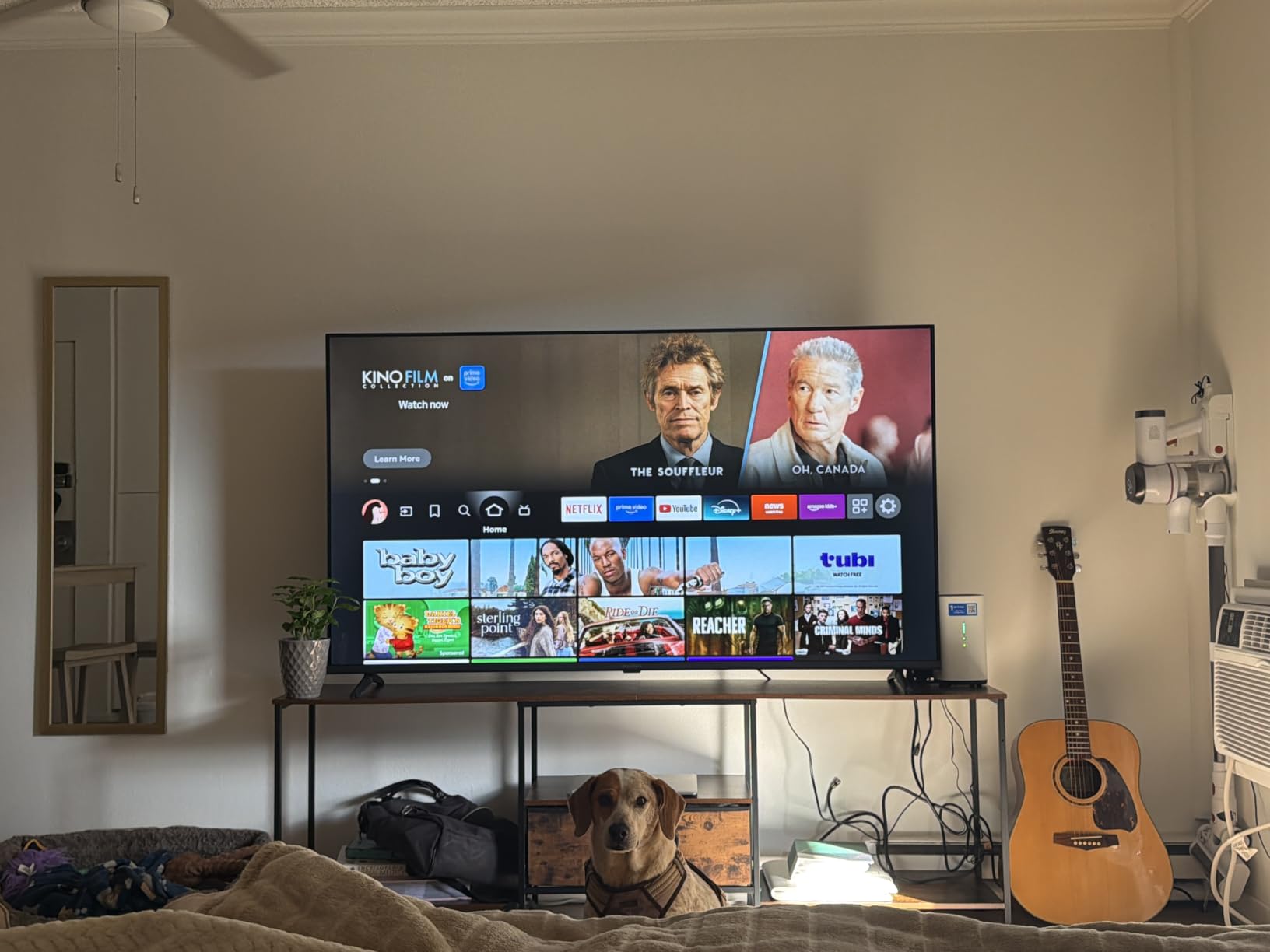
Now the part I want to be straight about. This is a direct LED backlight panel rated at 300 nits maximum brightness with a 178-degree viewing angle. Three hundred nits is fine in a room with a lamp on and genuinely dim in a room with afternoon sun streaming through a window. If your living room is bright, this is not the set to fight that room with.
The refresh rate specification is also worth decoding. The product data lists the panel refresh as 60 hertz and a separate display refresh figure of 120, which is the motion processing figure rather than a faster panel. Every 60Hz set in this roundup, including this one, shows you that second number in a way that is easy to misread. We break down how to spot it further down.
Audio is DTS Virtual-X driving 10-watt built-in speakers. Owners frequently call the sound better than expected for the price, and we agree it is adequate for news and talk, but it has no bass and no dynamics for films. Audio is the most common reason buyers in this price band add a second purchase, so budget for a soundbar from the start.
Connectivity is the useful surprise here. Three HDMI ports, two USB ports, an optical output, Ethernet, a headphone jack and a coaxial input, plus eARC on the HDMI set for full-resolution audio to a soundbar. That is a generous port count for an entry television, and eARC in particular is not a given at this price.
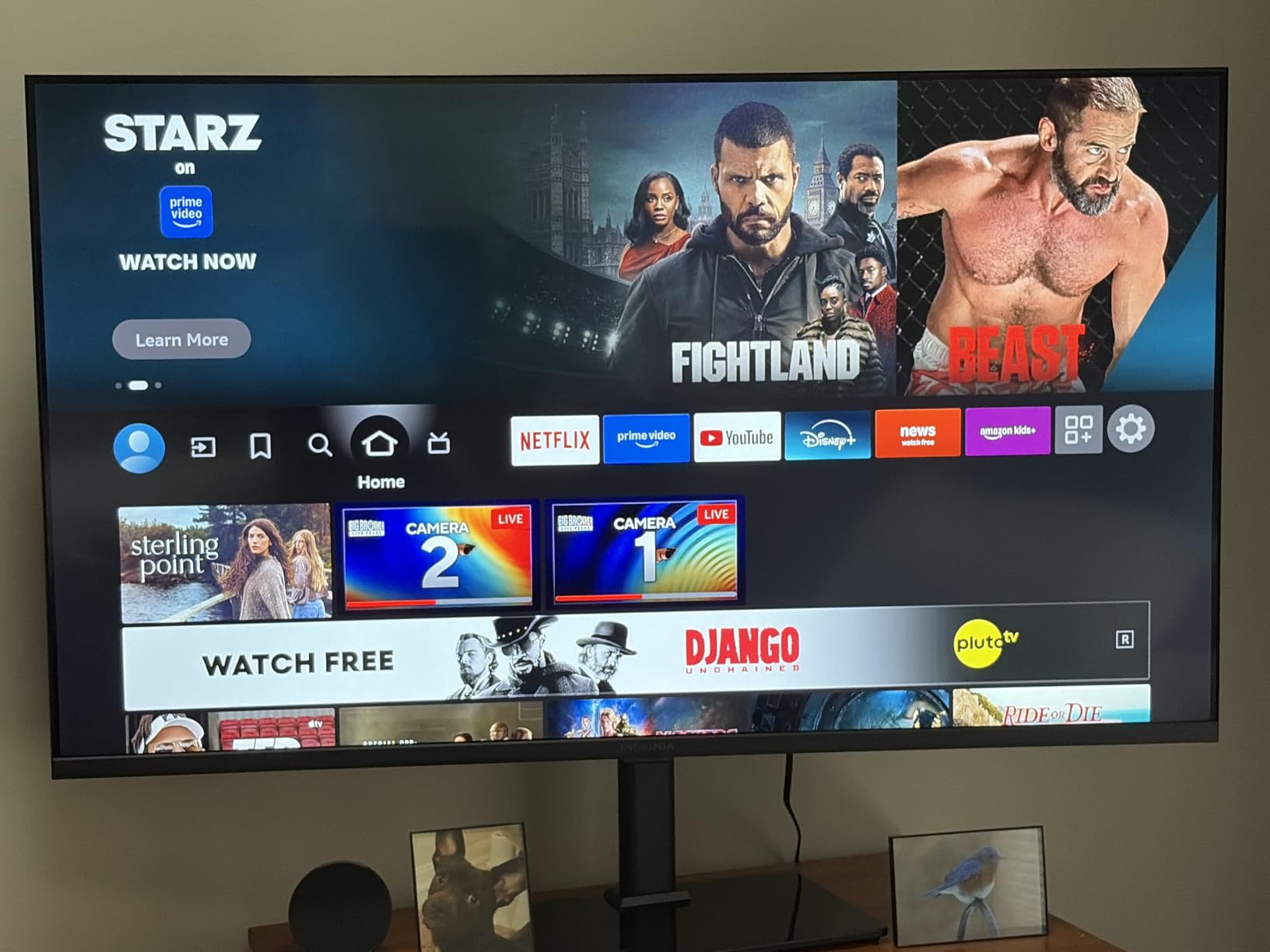
Who the Insignia F50 suits
This is the right set for a first television, a bedroom, a rental or a dorm, and for anyone who wants a large 4K panel without thinking hard about it. The 19.9-pound chassis without the stand mounts to a VESA 200 x 200 pattern, which makes a wall install easy and the panel simple to handle.
If most of your viewing is evening streaming in a lamp-lit or curtained room, the 300-nit panel is not a compromise you will notice. The one-year manufacturer warranty is standard for the category.
Who should skip the Insignia F50
Skip it for a bright, sunlit living room, where 300 nits is the wrong tool. Skip it if you own a current-generation console and care about frame rate, because a 60Hz panel with no VRR means you are leaving console performance unused.
And skip it if you are sensitive to interface speed. The most repeated complaint across that large review base is lag when switching apps or opening menus, and a smaller group reports audio dropouts and frustration with deep menu navigation. Several of those reviewers note that actually reading the user manual resolved most of their complaints, which is worth doing in any case.
2. Hisense R6 Series 50-Inch: The Best Value Budget 4K TV
Hisense 50-Inch Class R6 Series 4K UHD Smart Roku TV with Alexa Compatibility, Dolby Vision HDR, DTS Studio Sound, Game Mode (50R6G),Black
50 inch 4K full array LED
Dolby Vision and HDR10
Roku TV
Motion Rate 120 processing
Pros
- Dolby Vision at a budget price point
- Full array backlight improves contrast
- Roku OS is smooth and familiar
- Picture settings allow real calibration
Cons
- 60Hz native panel with no VRR
- Thin built-in audio with no real bass
- No Bluetooth audio output for wireless speakers
- 2022 model year
The R6 is the set we would buy with our own money for a mixed-use living room. Full array LED backlight plus Dolby Vision in a television at this price point is a combination that was genuinely rare even a couple of years ago, and it is the reason this model shares the highest average rating in our group with the Roku Select and the Insignia QF.
Owners consistently describe the picture as clear, sharp and bright for the money, and they repeatedly make the same recommendation we would: adjust the picture settings out of the box rather than judging the defaults. The picture controls are deeper than most at this level, and calibration makes a visible difference. Roku OS itself is smooth, with an interface most people already recognise and no learning curve.

Where the specification needs decoding is the refresh rate. Motion Rate 120 here is image processing, not a 120Hz panel. The native rate is 60 hertz, and for a console buyer that distinction is the whole story. There is no VRR and no high-bandwidth gaming feature set listed, so a PS5 or Xbox Series X will run at 4K 60 with the frame-rate boost rather than 4K at high refresh.
The audio is the weak point. DTS Studio Sound with 5.1 channel processing is driving a small internal speaker set, and owners describe the result as thin, with no real bass. There is also no Bluetooth audio output, which means wireless headphones and wireless speakers are off the table. Wired optical or the HDMI path to a soundbar is the route, and a soundbar is close to mandatory here.
Ports are sensible: three HDMI, one USB, Ethernet and WiFi, on a VESA 300 x 200 mount. The set weighs 22 pounds with the stand and 21.6 without. Note that this is a 2022 model year, which is part of why the technology underneath it feels dated next to the 2025 and 2026 sets in this list, even though Dolby Vision is the right feature to have.
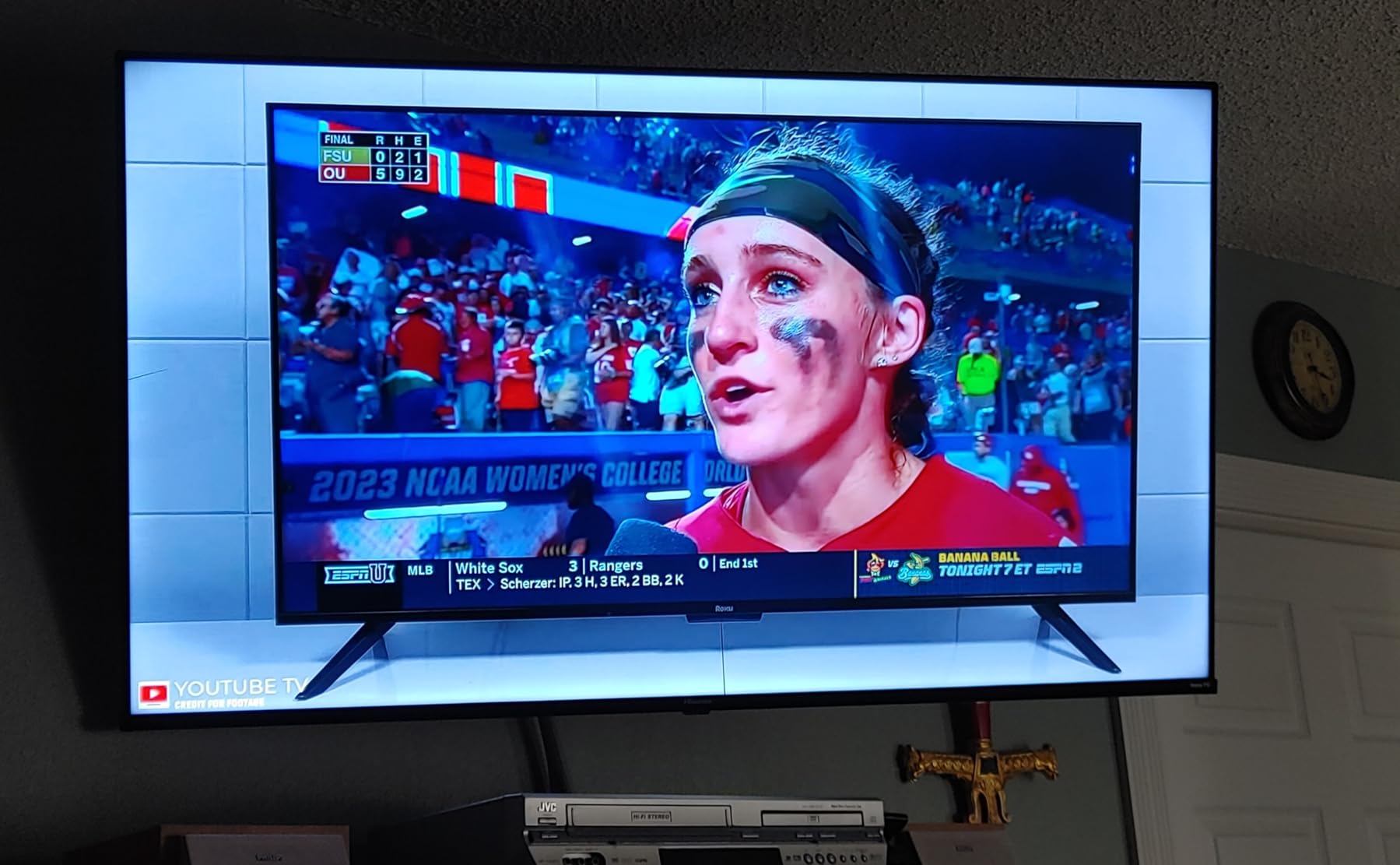
Who the Hisense R6 suits
Pick this for a main living room television where you watch a lot of movies and series in a moderately lit space, and where Dolby Vision support matters to you. It is also a strong first smart TV for someone who wants a simple, familiar interface with a large free channel catalog rather than a subscription requirement.
Voice control works with Alexa and Google Assistant, and the Roku mobile app handles casting and control. AirPlay screen mirroring is supported for Apple devices.
Who should skip the Hisense R6
Skip it for serious console gaming. A 60Hz panel with no VRR and no listed high-bandwidth HDMI features means a current console is not being served properly, and the TCL QM6K further down this list exists precisely for that buyer.
Skip it if you want wireless audio, since there is no Bluetooth output at all. One smaller group of owners has also documented sudden panel failures within a year and a half and frustration with warranty support, which is a reason to buy from a retailer with a straightforward return policy rather than a marketplace-only listing.
3. Toshiba C350 Series 43-Inch: The Best Entry-Level Budget Pick
TOSHIBA 43″ Class C350 Series LED 4K UHD Smart Fire TV, Voice Remote with Alexa, Free & Live TV
43 inch 4K LED
Dolby Vision HDR10+ and HLG
Dolby Atmos 14-watt
Game Mode with ALLM and VRR
Pros
- Very low entry cost for a 4K Fire TV
- Dolby Vision and Atmos at the bottom tier
- AI 4K upscaler visibly improves HD sources
- Lightweight chassis that is easy to wall mount
Cons
- Narrow viewing angles distort off-axis
- Default backlight washes out color slightly
- Sound is only adequate without a soundbar
- Remote and menu response can be slow
The C350 is the cheapest route into this list that still gets you Dolby Vision, and that format support alone puts it ahead of several sets here. It is also the only budget set in this roundup that lists Game Mode with ALLM, VRR and eARC together, which is a specification oddity worth understanding before you assume it changes your console experience.
At 43 inches with a REGZA Engine ZR picture processor and an AI 4K upscaler that analyses neighbouring pixels, the set does a genuinely good job with Full HD material. The upscaling difference is visible on older content, which is the practical test that matters for anyone who still watches broadcast television alongside streaming.
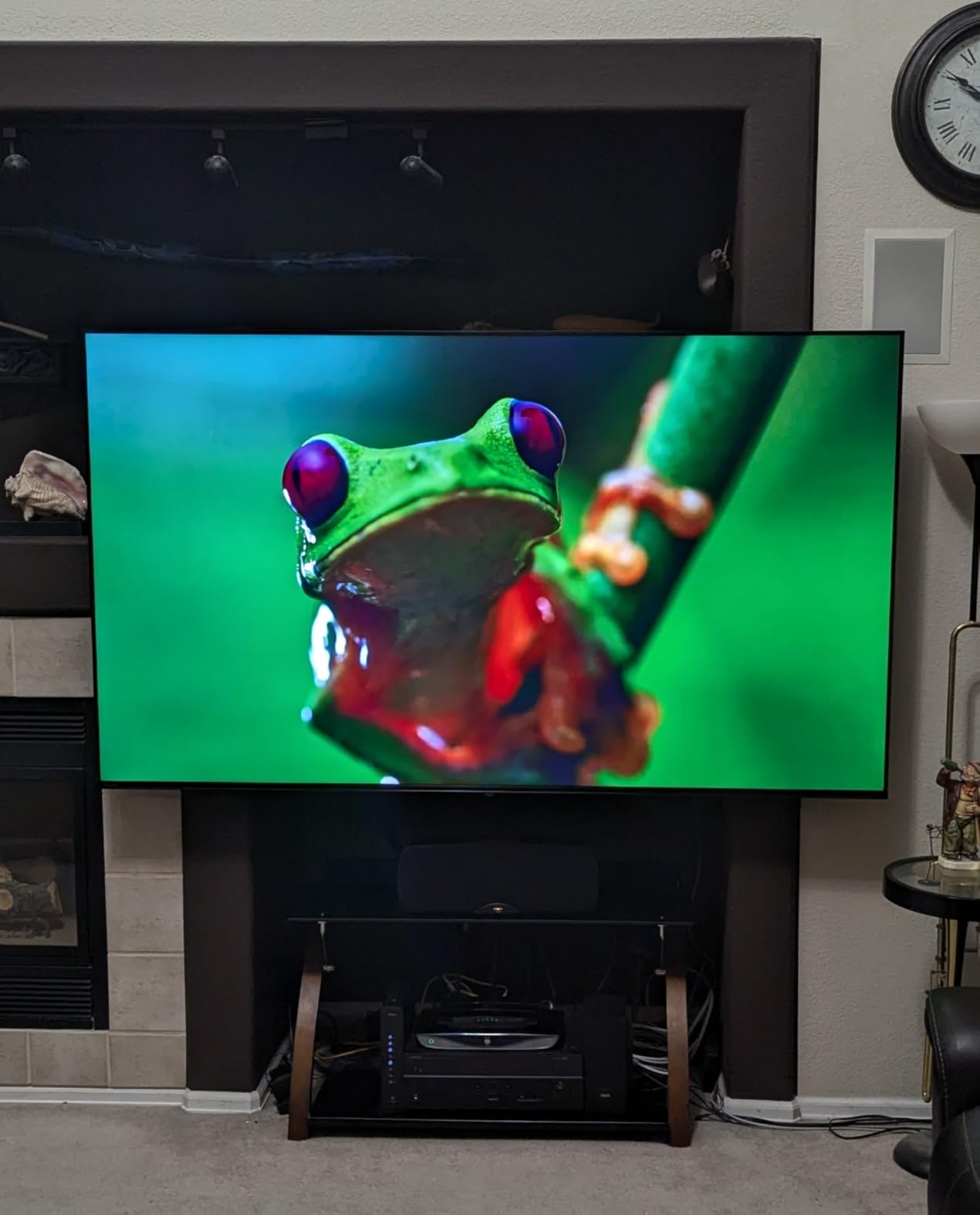
The 43-inch size is not a limitation here so much as the correct match for the panel. Reviewers converge on this: the viewing angle weakness and the panel’s other limits become more obvious if you stretch the screen to 50 inches, so this is a set to buy at the size it was designed for. The narrow viewing angle causes visible distortion when you sit off-axis, which matters in a wide sofa arrangement.
Two picture notes. The default backlight setting washes out color slightly, and the Super Contrast Booster mode helps compensate. Sound runs through 14-watt Dolby Atmos, which is adequate rather than good, and the optical output is the way to connect an older soundbar. Owners also note that remote and menu response can be slow, which is the same Fire TV characteristic that appears elsewhere in this roundup.
Connectivity is three HDMI ports, one USB 3.0 port and one further USB port, with a VESA 400 x 400 mount. The chassis is light at roughly 13 pounds by owner reports, which makes this one of the easiest sets here to hang on a wall yourself.
Who the Toshiba C350 suits
This is the set for a bedroom, a guest room, a dorm or a first apartment where the priority is a large 4K screen for very little and nobody is going to sit dead-centre. The full triple of Dolby Vision, HDR10+ and HLG means it will take advantage of the content that streaming services are actually serving.
It also suits anyone upgrading from a very old set. Buyers replacing 15 to 20-year-old panels describe the move to 4K as night and day, and at this price that jump is where the money is best spent.
Who should skip the Toshiba C350
Skip it for a wide seating arrangement. Off-axis viewing distortion is a real, documented weakness and it is not fixable in settings. Skip it for sports, where the 60Hz native panel shows, and treat the listed VRR and ALLM support as a bonus for a casual console rather than a reason to buy it for competitive play.
And skip it if you are replacing a set in a room with side windows. The viewing angle issue and the modest brightness combine badly when ambient light comes from the side, which is exactly the configuration where you would be hoping for more headroom.
4. Hisense E6 Cinema Series 43-Inch: Best for QLED Color on a Budget
Hisense 43″ E6 Cinema Series Hi-QLED 4K UHD Smart Fire TV (43E6QF) – AI Light Sensor, Dolby Vision · Atmos, Voice Remote with Alexa, Motion Rate 120, HDR 10+ Adaptive, Game Mode Plus
43 inch Hi-QLED panel
Dolby Vision HDR10+ Adaptive and HLG
Filmmaker Mode
AI Light Sensor
Pros
- Widest HDR format support in this roundup
- Filmmaker Mode at this price is unusual
- AI Light Sensor adapts to room brightness
- WiFi 6 and Bluetooth 5.0 for stable streaming
Cons
- Lowest average rating in the group at 4.0
- 60Hz panel limits motion performance
- 14-watt 2-channel audio is thin
- Hisense support is widely viewed as difficult
The E6 Cinema is the specification outlier in this roundup, and that cuts both ways. It is the only set here listing Dolby Vision, HDR10, HDR10+, HDR10+ Adaptive and HLG simultaneously, which means it will render in the correct format whatever the streaming service decides to send. Very few budget sets bother with adaptive HDR metadata at all.
The Hi-QLED panel with a wide color gamut delivers richer color and deeper blacks than a standard LED at this price, and Filmmaker Mode preserves the original aspect ratio, frame rate, color and audio rather than applying the manufacturer’s picture processing. For people who care about matching what the director intended, having a mode that actually does that is a genuine find at this money.
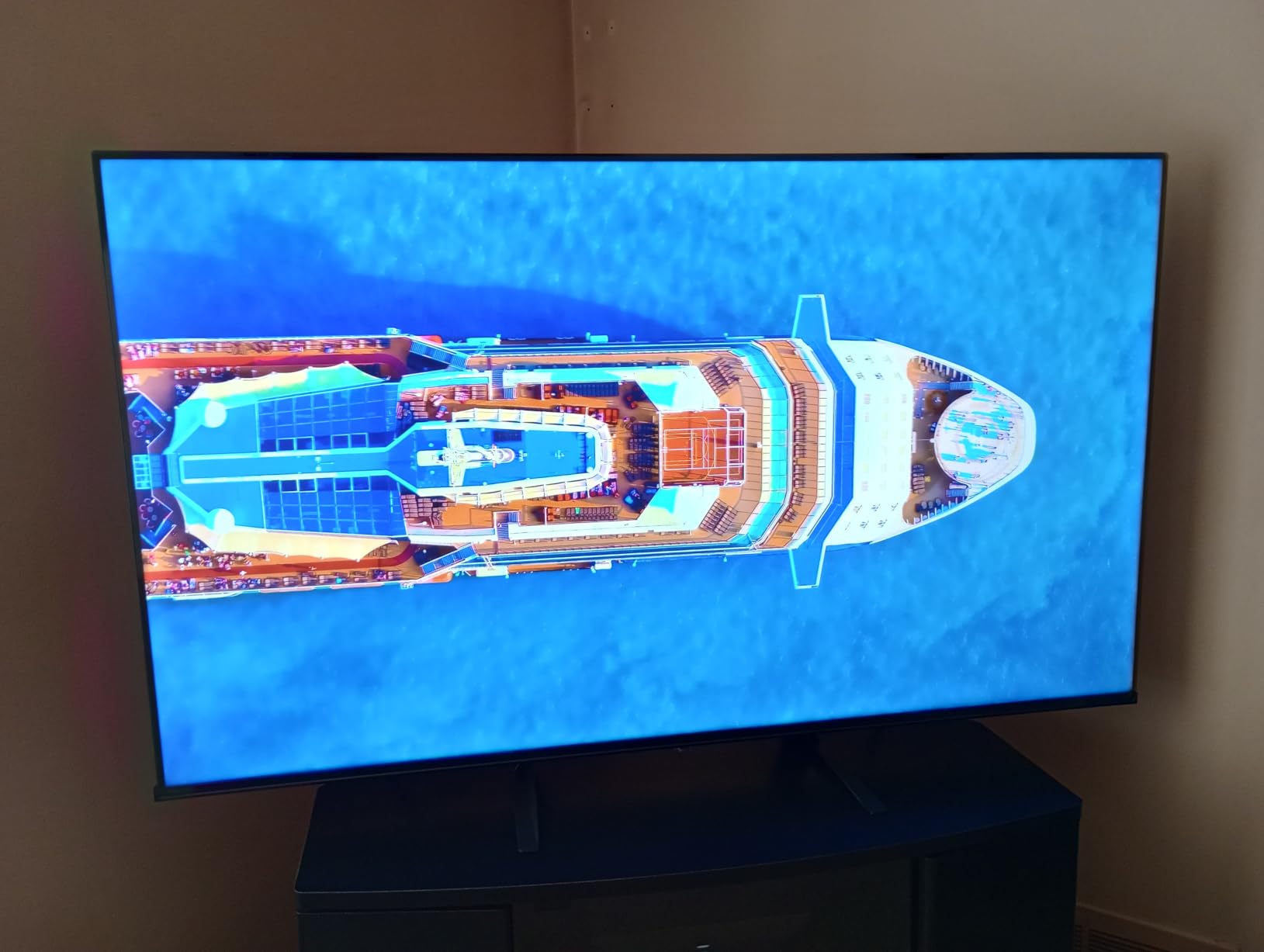
The AI Light Sensor is the feature we would underline for anyone in a variable-light room. It adjusts screen brightness automatically from ambient conditions, which is a real answer to the problem of a set that looks fine at night and invisible at 3pm. Combined with the AI 4K upscaler and AI Smooth Motion with MEMC, this is one of the most feature-dense televisions in the roundup.
Now the honest part. This set carries the lowest average rating of the ten at 4.0 stars, and the reasons owners give are consistent: the 60Hz panel limits motion performance for sports and gaming, and the 14-watt two-channel audio is thin. It also draws the largest volume of complaints about Hisense support, which matters if something goes wrong inside the one-year warranty period.
Connectivity is good: WiFi 6 and Bluetooth 5.0, three HDMI ports, two USB ports and Ethernet, on a VESA 200 x 300 pattern, at 14.9 pounds. Bluetooth audio support being present here is worth noting, because several dearer sets in this roundup lack it entirely.
Who the Hisense E6 Cinema suits
Choose this if color accuracy and format support matter more to you than motion handling. Someone who watches a lot of cinema in a room with changing light levels, and who has opinions about picture modes, will get more from this set than from a cheaper LED television with fewer formats.
The AI Light Sensor also makes it a good bedroom option, where a set that dims itself is genuinely pleasant rather than a gimmick.
Who should skip the Hisense E6 Cinema
Skip it for sports and for console gaming. MEMC motion compensation is not a substitute for a faster native panel, and 60Hz is the hard ceiling. Skip it if you cannot live with a 4.0-star average, because the lower rating here reflects real, repeated complaints rather than a statistical quirk.
And skip it if you are the kind of buyer who wants painless support when a panel fails. Hisense customer service is described as difficult often enough that we would not recommend this set as a first purchase for someone who is not comfortable troubleshooting a warranty claim.
5. Samsung Q7F Series 43-Inch: Best for Picture Processing and Free Content
Samsung 43-Inch Class QLED Q7F Series Samsung Vision AI Smart TV (2025 Model, 43Q7F) Quantum HDR, Object Tracking Sound Lite, Q4 AI Gen1 Processor, 4K upscaling, Gaming Hub, Alexa Built-in
43 inch QLED panel
Q4 AI Gen1 processor
Object Tracking Sound Lite
Samsung TV Plus free channels
Pros
- Quantum Dot color stays accurate in bright scenes
- AI processor visibly sharpens low-resolution content
- Very large free ad-supported content library
- Gaming Hub and Motion Xcelerator included
- Alexa built in
Cons
- 60Hz panel with no HDMI 2.1 gaming features listed
- Audio is modest against the panel quality
- Tizen interface carries promoted app placement
- Edge-lit backlight dims less deeply
The Q7F is the pick if your content is mixed quality. The Q4 AI Gen1 processor is the most advanced upscaler listed in this roundup, and owners specifically call out how visibly it sharpens lower-resolution sources. If you watch a lot of cable, broadcast or older streaming, that processing does more for your daily experience than a brighter panel would.
The Quantum Dot layer is the real reason to look here rather than at the cheaper Samsung further down this list. Owners report color staying accurate even in bright scenes, which is a color volume advantage rather than a peak brightness one, and it survives daylight better than a standard LED panel would.
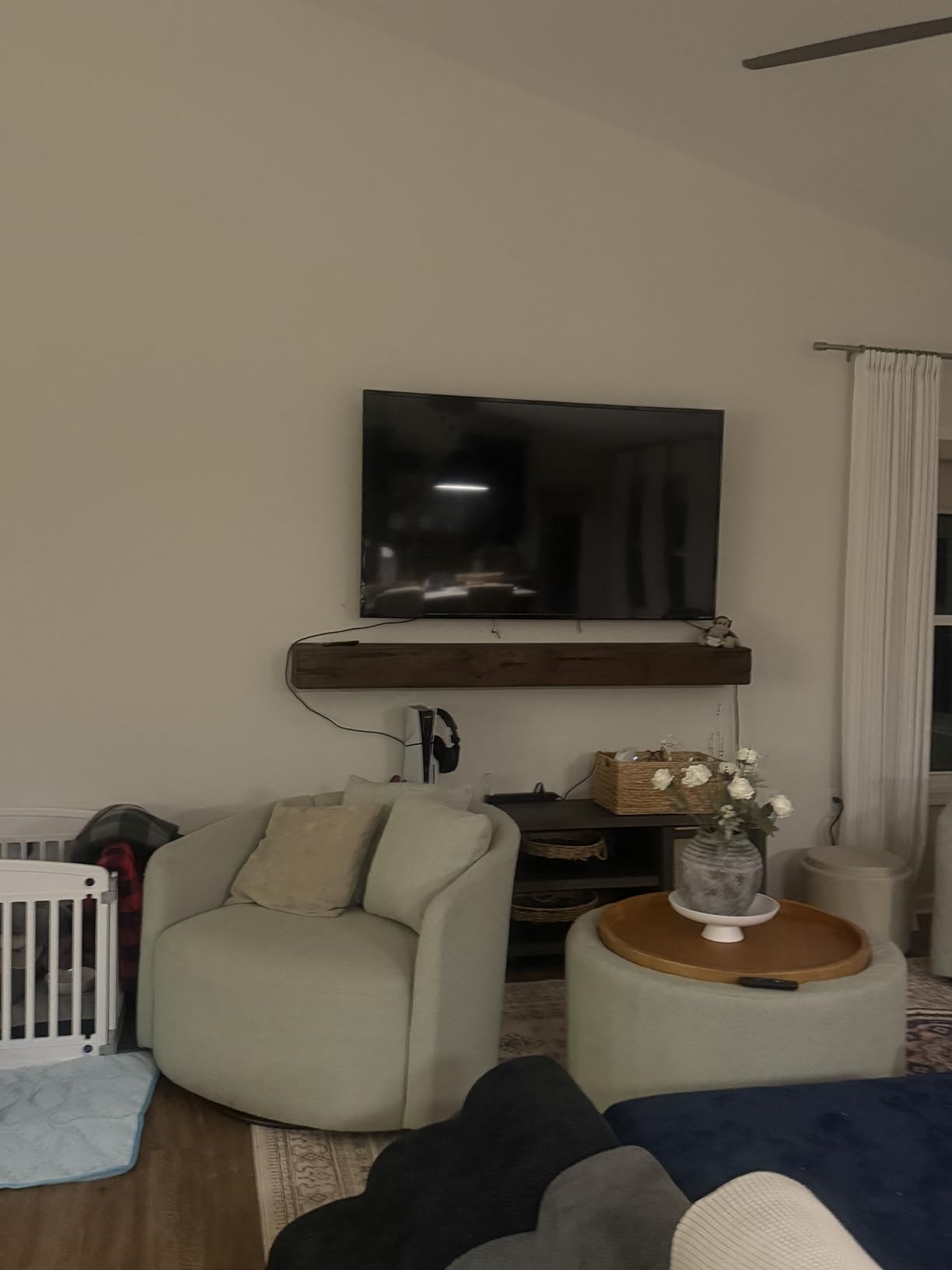
The free content library is a genuine differentiator and one of the strongest reasons to own a Samsung at this price. Samsung TV Plus carries more than 2700 free channels, of which more than 400 are premium, with no subscription attached. For a second television in a guest room or a gym, that is a lot of programming that costs nothing to watch.
Audio is Object Tracking Sound Lite with 5.1 channel processing and 20 watts of output, which is the most capable onboard system among the 43-inch sets here, but owners still describe it as modest against the quality of the panel. The backlight is edge LED with Supreme UHD Dimming rather than a full array or Mini LED arrangement, so it does not dim as deeply as the TCL QM6K.
On connectivity, expect Bluetooth 5.3, Ethernet, three HDMI ports and one USB 3.0 port on a VESA 200 x 200 mount, weighing 15.7 pounds with the stand. Note that only HDR10+ is listed here, not Dolby Vision, which is a real difference from the Hisense and Insignia sets at comparable money.

Who the Samsung Q7F suits
This is the television for someone whose sources are mostly below 4K, and for anyone who wants a premium brand name with a large free content catalog at a mid-range price. The Gaming Hub and Motion Xcelerator make it a fine casual gaming screen even without high-refresh hardware.
It also suits a second-room television, where the free channel library does the work and the Quantum Dot panel looks better than the price suggests in daylight.
Who should skip the Samsung Q7F
Skip it for a PS5 or Xbox Series X owner. A 60Hz panel with no HDMI 2.1 gaming features listed is the wrong hardware for anyone who wants console frame rates above 60, and the picture processing will not compensate for a missing refresh rate.
Skip it if you dislike promoted app placements. The Tizen interface carries app promotions, which owners list among the main reservations, and no picture complaint appears in the feedback so this is a software preference rather than a quality issue. If you want Dolby Vision specifically, look at the Hisense R6 or the Insignia QF instead.
6. TCL QM6K Series 50-Inch: The Best Budget 4K TV for Gaming
TCL 50 Inch Class QM6K Series | Mini LED QLED 4K HDR | 50QM6K, Latest Model | 120HZ-144HZ High Brightness Smart Google TV Dolby Atmos Onkyo Audio | Voice Remote Alexa Gaming Streaming Television
50 inch QD-Mini LED panel
144Hz native refresh
Onkyo audio with subwoofer
Google TV
Pros
- Genuinely deep blacks from Mini LED local dimming
- 144Hz is the only true high-refresh panel here
- Onkyo system with built-in subwoofer is unusually capable
- Setup is quick and Google TV is responsive
- Four HDMI inputs
Cons
- Google TV home screen is heavily promoted with ads
- Requires a Google account to install apps
- Black levels still trail OLED and viewing angles are narrow
- Some app stutter before a software update
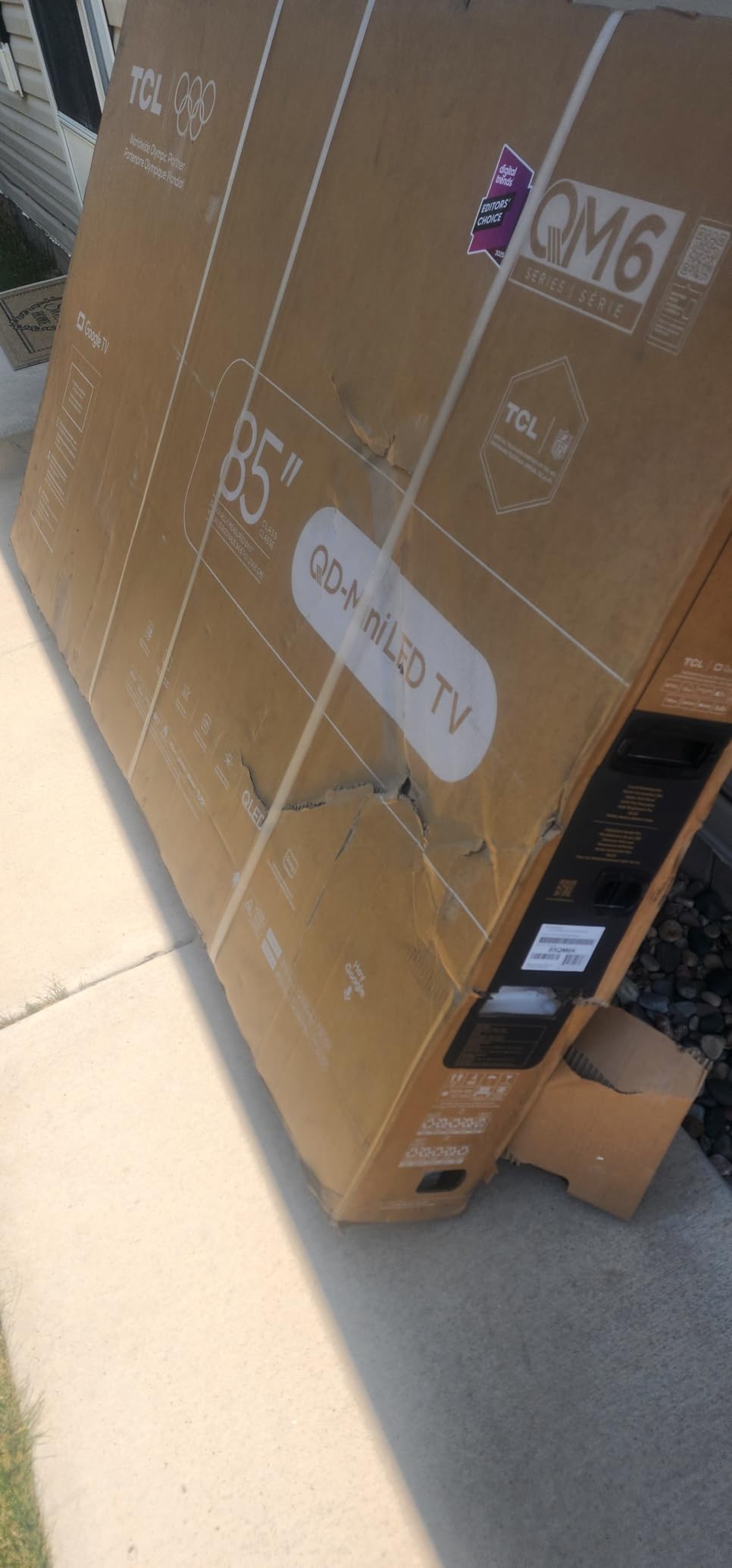
This is the only television in this roundup with a real high-refresh panel. A native 144Hz display on a 50-inch Mini LED at budget-money pricing is not a small thing, and it is the entire reason this set exists. Everything else about budget 4K television is a series of compromises; here you get one genuine upgrade that a current console can actually use.
The backlight is the second reason. QD-Mini LED with the TCL Halo Control System gives you real local dimming, which produces blacks that are dramatically better than the direct LED and edge-lit sets elsewhere in this list. Owners describe the result as deep blacks and bright HDR at once, which is the combination budget buyers are usually told they have to choose between.
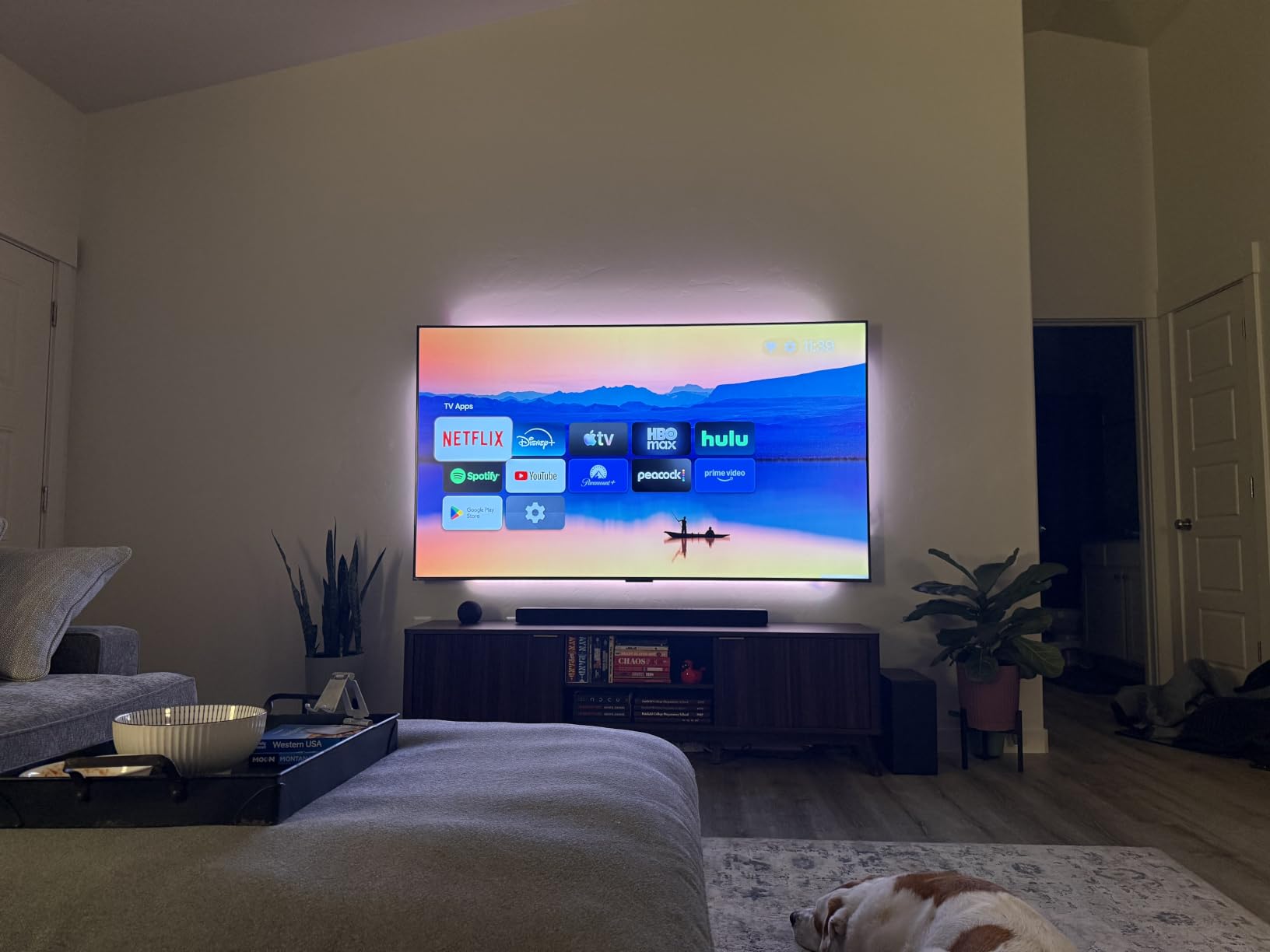
Audio deserves a separate mention. The Onkyo speaker system includes a built-in subwoofer and supports Dolby Atmos, and it is the only onboard audio in this roundup that we would describe as genuinely capable. This is the one set where the common soundbar advice is optional rather than mandatory, though you will still get more from a dedicated bar on films.
There are four HDMI inputs, one USB 2.0 and one USB 3.0, WiFi, wall mount capability and a motion-activated backlit remote. The set weighs 20 pounds and runs Google TV, which is fast and responsive after setup.
The Google TV home screen is the dominant complaint, and it deserves honesty. Owners describe it as heavily promoted with ads unless a third-party launcher is installed, and note that a Google account is required to install apps. A smaller group reported initial app stutter that resolved after a software update. Neither of those is a picture problem, but both are daily friction, and buyers who dislike advertising in their living room should read this before buying.
For a complete picture, viewing angles are narrower than premium panels and black levels still trail what an OLED produces. Neither issue matters much at normal seated distance in a normal room, but both show if you sit well off-axis.
Who the TCL QM6K suits
Buy this if you own a PS5 or an Xbox Series X and want to use the console properly. At 144Hz with local dimming, it is the only set here that will make a modern console feel like a modern console, and the Onkyo audio means you can get through a first weekend without buying anything else.
It is also the strongest dark-room pick in this roundup. Local dimming is exactly the feature that makes a bright HDR panel behave in a dim space, and that combination is what people are looking for when they ask for the best budget TV for movie nights.
Who should skip the TCL QM6K
Skip it if you hate advertising in your interface, or if you would rather not create and sign into a Google account to use the television. There are alternatives here with cleaner or ad-light platforms, at the cost of the panel.
Skip it for off-axis viewing in a wide room, and understand that Mini LED still does not reach OLED black levels. If your priority is a massive screen rather than frame rate, the Insignia QF at 55 inches is a different and cheaper conversation.
7. Amazon Ember 50-Inch: Best for the Fastest Smart TV Platform
Amazon Ember 50″ 4-Series with Fire TV (newest model), 4K Ultra HD smart TV with Alexa Remote, HDR10+, fast processor, Dolby Audio, Ambient Experience, free and live TV, find shows faster with Alexa+
50 inch 4K LED
HDR10+ with enhanced brightness
New quad-core processor
WiFi 6
Pros
- New 2026 Fire TV interface is faster than older builds
- Quad-core processor and WiFi 6 speed up app launches
- Omnisense ambient display doubles as an art mode
- Lightweight chassis that is easy to wall mount
- Alexa+ voice search finds content well
Cons
- Quiet speakers that need a soundbar
- Alexa sometimes reports the TV as offline and adjusts its own volume
- Voice power commands are unreliable
- Some sets received with weaker picture quality than expected
The Ember is the set to buy if the single thing that has put you off budget televisions is speed. This is the newest Fire TV build in our group, and owners consistently describe it as cleaner and faster than older Fire TV versions. The new quad-core processor with WiFi 6 support is the reason: app launches are quick and the interface responds.
The second feature worth knowing is Omnisense. Those sensors wake the display and show ambient artwork when the set is idle, which turns the screen into a piece of furniture art display rather than a black rectangle in a lit room. Owners like it, and it is a real differentiator against every other set in this list.
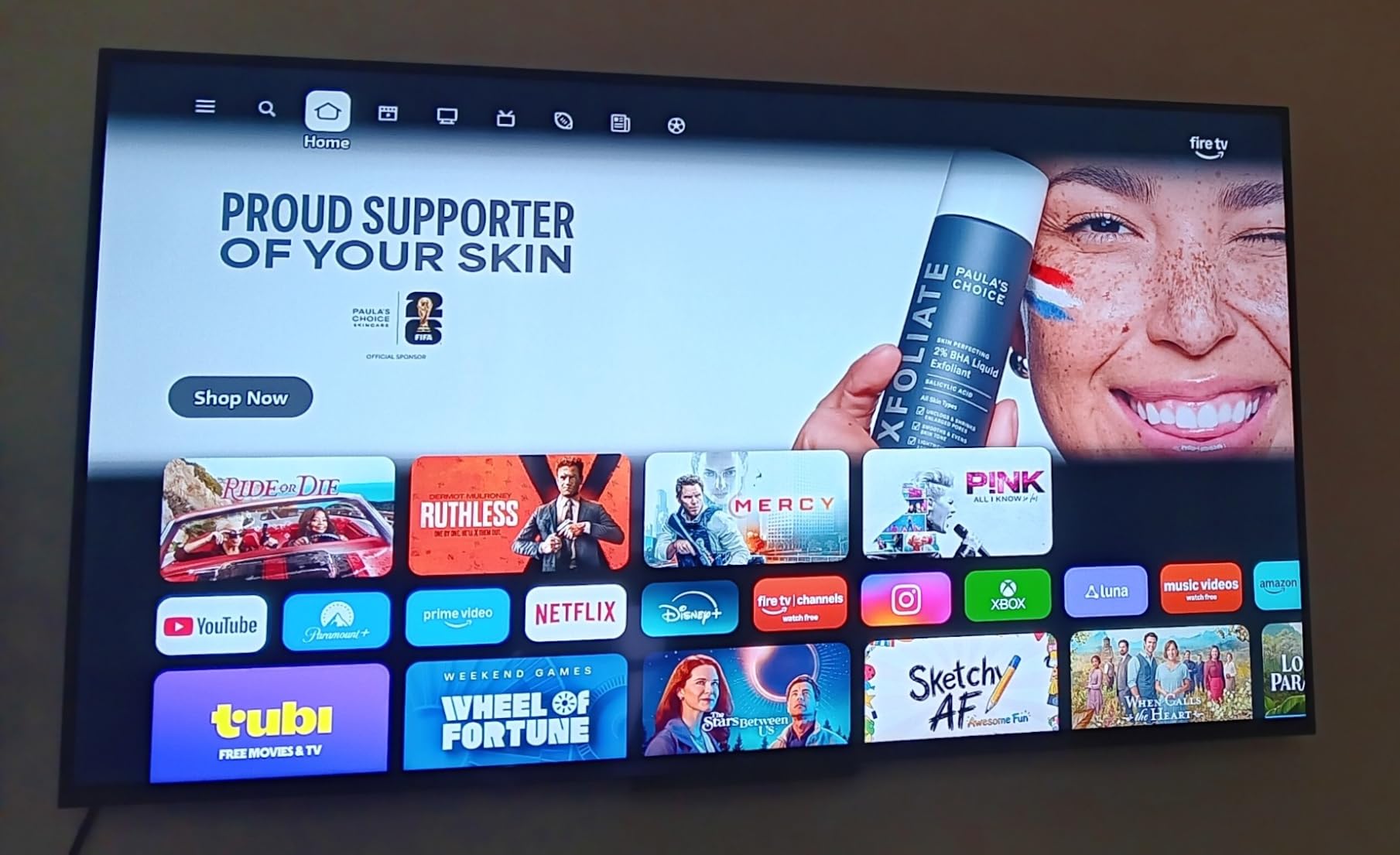
Cloud gaming is bundled, with Amazon Luna and Xbox Game Pass streaming available without a console. That is not a substitute for a real console, but it does mean a second screen in a bedroom can carry games without any hardware at all.
Connectivity is four HDMI inputs, Dolby Audio and AirPlay, and an Alexa voice remote with preset app buttons. The set is available in 43, 50 and 55 inch sizes, and owners report a chassis of around 10 pounds for the 55-inch, which is remarkably light and very easy to mount. Picture is 4K UHD with HDR10+ and enhanced brightness, with no local dimming to speak of.
The recurring negatives are worth listing plainly. The built-in speakers are quiet and need a soundbar for normal listening levels.
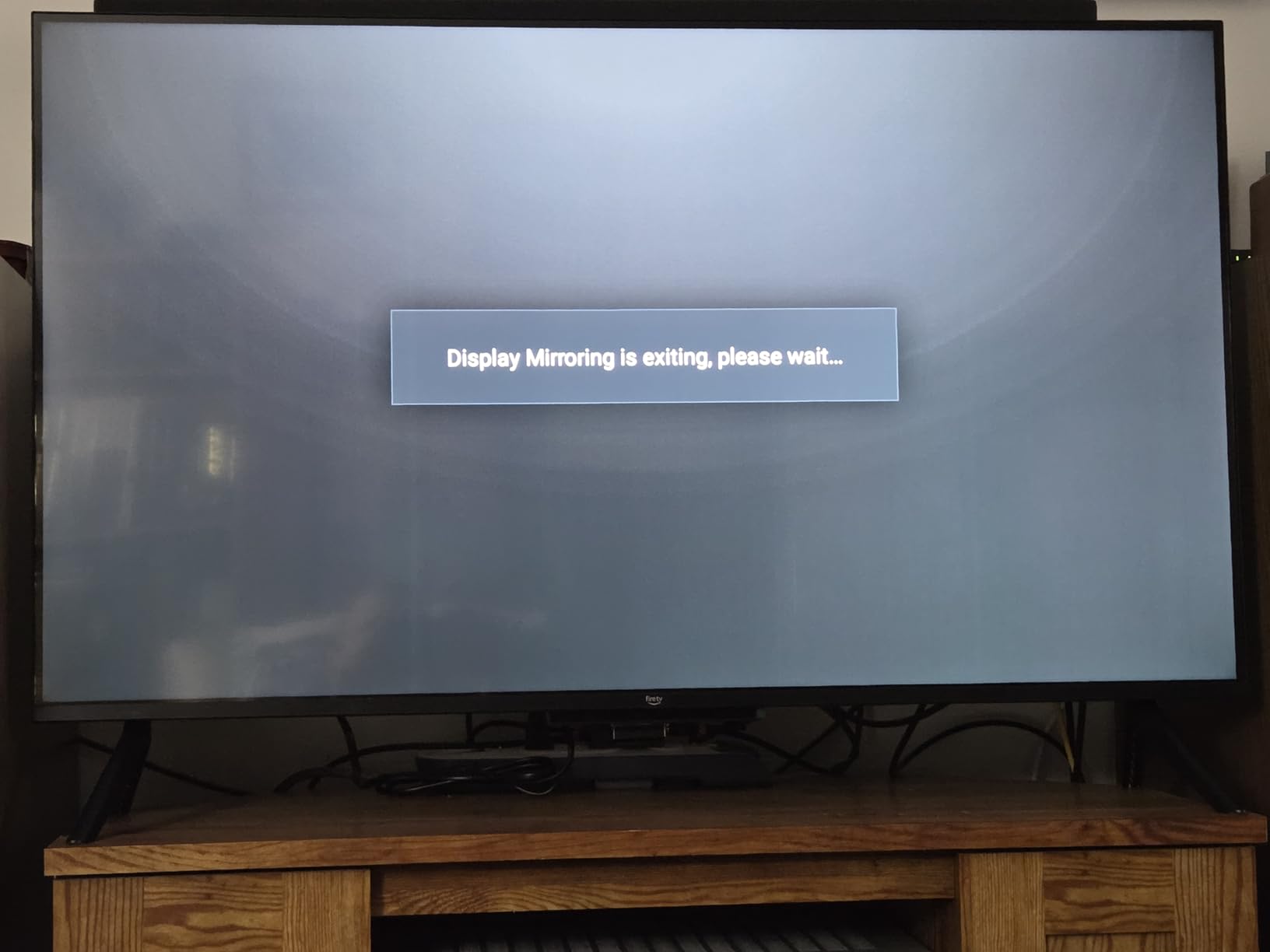
Alexa is the other issue. It sometimes reports the television as offline and then adjusts its own volume rather than the set’s, which is a genuinely annoying bug, and voice commands to turn the set on and off are unreliable. A small number of buyers also reported picture quality below their expectations for what they paid.
The last point is the one to weigh. On paper this set is a standard LED panel, and paying near the top of the budget range for a platform upgrade rather than a panel upgrade is a choice only some people should make.
Who the Amazon Ember suits
Choose it if you already live inside the Amazon ecosystem, use Alexa daily, and want the fastest navigation in the budget category. The ambient display also makes it a good choice for a bedroom or a living room where the set is on screen most of the day.
Buyers who want a large screen cheaply should note the 55-inch version exists in the same family, which widens the value case considerably.
Who should skip the Amazon Ember
Skip it if picture quality is your primary reason to buy. Nothing in the panel specification here justifies the top of this price range, and you are paying for software. The TCL QM6K at a similar tier gives you local dimming and a 144Hz panel instead.
Skip it if you are sensitive to boot advertising, because it runs Fire TV, and skip it if Alexa voice control frustrates you, since the reliability of power and volume commands is the most common reported problem. The audio is quiet enough that a soundbar is effectively required.
8. Roku Select Series 50-Inch: Best for Simple Setup and the Least Friction
Roku 50-Inch Select Series Smart TV 2026-4K (2160p) QLED TV TV
50 inch 4K QLED panel
HDR10 HDR10+ and HLG
Roku OS
20-watt Dolby Audio
Pros
- QLED color and contrast hold up well at this price
- Setup takes minutes with apps ready almost immediately
- Roku OS is fast and uncluttered
- Remotes are interchangeable with other Roku TVs
- Bluetooth Headphone Mode for late-night viewing
Cons
- 60Hz native refresh rate
- Sound is adequate rather than impressive
- Home screen quick-access rows cannot be fully reordered
- Some glare in bright rooms depending on placement
The Roku Select is the least complicated recommendation in this roundup, and that is exactly why it is here. A QLED panel in a 50-inch set with Roku OS, no account gymnastics, no promoted app rows, and a setup that owners describe as taking minutes with apps ready almost immediately. If you want a television that works and does not require a support article, this is the one.
Roku OS is consistently rated the cleanest budget platform. There is no advertising wall between you and an app, no Google account requirement to install anything, and the interface is the same on every Roku television you will ever own. Owners regularly mention that remotes are interchangeable across Roku sets, which is a small thing that adds up in a house with more than one television.
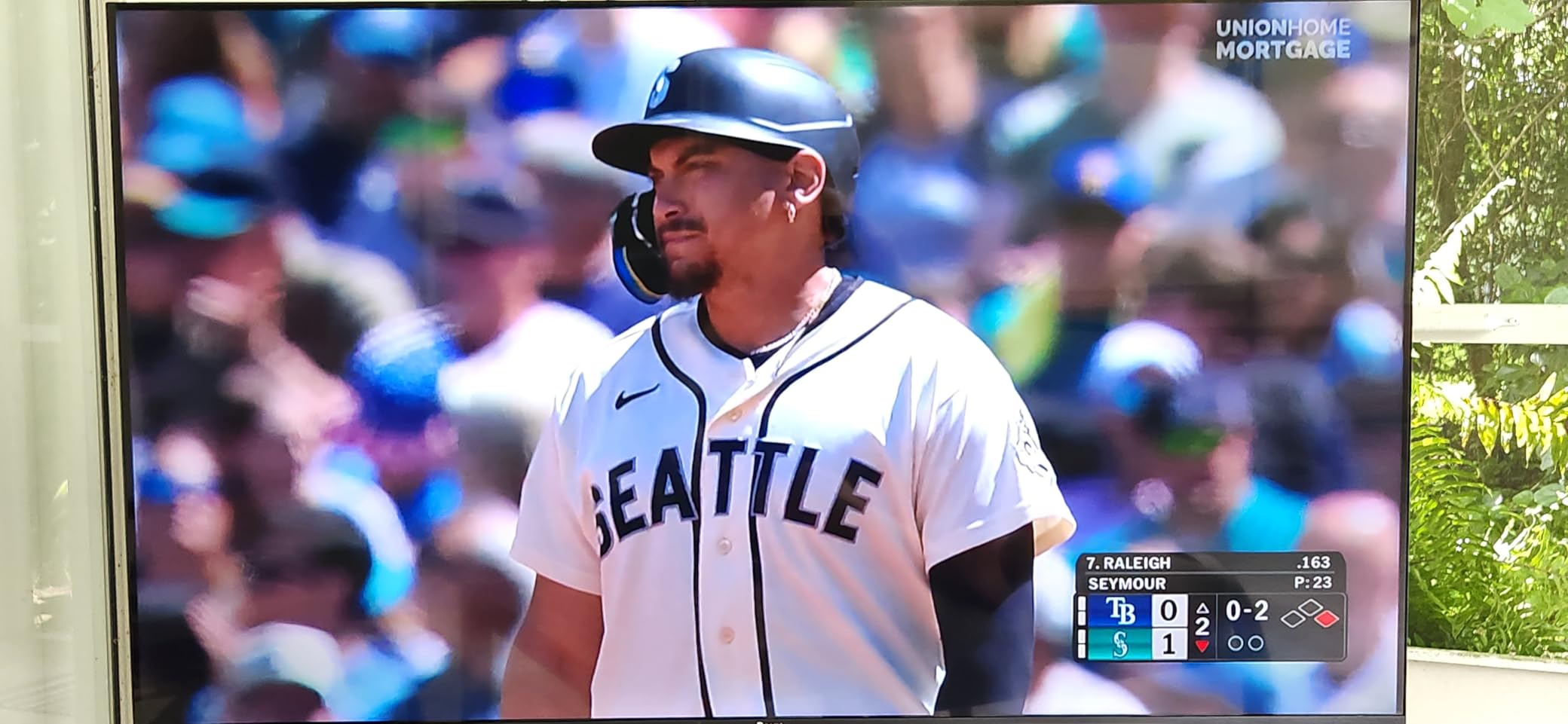
Picture-wise, a QLED panel with HDR10, HDR10+ and HLG support and direct LED backlighting with dimming is a solid foundation. It is not a local dimming array and it does not have quantum-level brightness, but reviewers put the color and contrast above what the price suggests, which is the relevant test.
Two practical features stand out. Bluetooth Headphone Mode lets you pair headphones for private late-night viewing without an app, which is a genuinely useful bedroom feature. Apple AirPlay 2 and Miracast are both supported for mirroring, and there is Bluetooth, Ethernet, S-PDIF optical and a USB-A port, so audio routing is flexible. Audio out of the box is 20 watts across two channels with Dolby Audio, adequate but not a selling point.
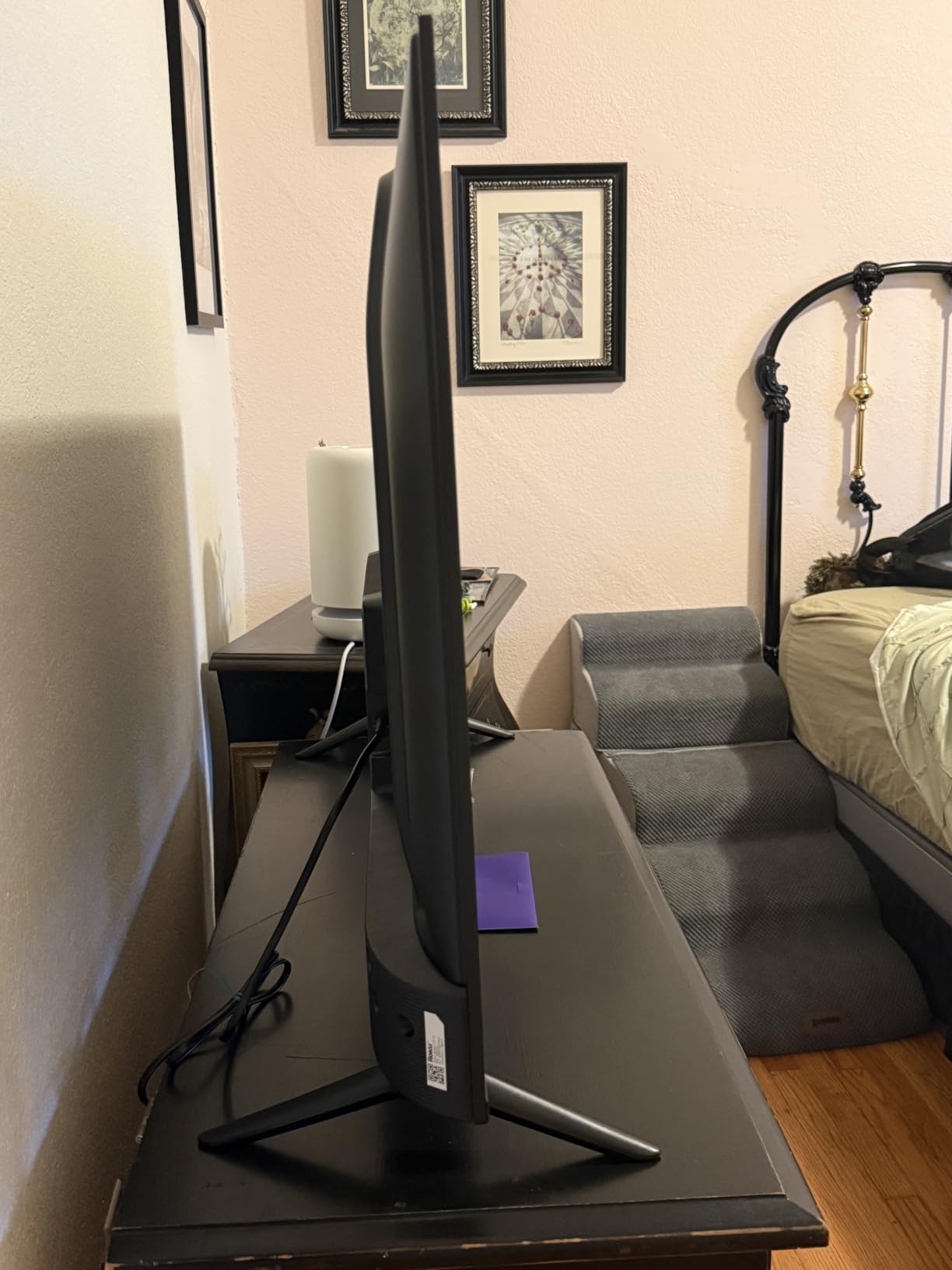
The refresh rate is a flat 60 hertz, with no high-refresh gaming mode to speak of. This is a 2026 model on a VESA 200 x 100 mount, weighing 16.8 pounds with the stand and 16.3 without, which makes it one of the lighter and easier sets here to wall mount. Some owners report glare in bright rooms depending on placement, which is worth remembering before you pick a position.
Who the Roku Select suits
Buy this for a first smart television, a rental, a guest room or anywhere a non-technical person will be using the set. It is also a strong choice for a bedroom, where Bluetooth Headphone Mode and the 16-pound weight are both advantages.
For anyone who hates advertising in their interface, this is the platform answer. Roku is the least cluttered of the four platforms represented in this roundup, and that is the main reason it is our simplest recommendation.
Who should skip the Roku Select
Skip it for console gaming at high frame rates, since a 60Hz panel gives you nothing here. Skip it for Dolby Vision, which is not on the feature list. And skip it if you are sensitive to glare in a bright room, because owners do report it and it is a placement problem rather than a settings problem.
The one non-picture frustration worth naming is that Roku’s home screen quick-access rows cannot be fully reordered, which owners mention as inflexible. If a tidy, fully customisable launcher matters to you, this is not the set.
9. Insignia QF Series 55-Inch: Best 55-Inch Budget 4K TV for Size
INSIGNIA 55-inch Class QF Series LED 4K UHD QLED Smart Fire TV with Alexa Voice Remote (NS55-UQFL26)
55 inch QLED panel
Dolby Vision and HDR10
Dolby Atmos 5.1
Fire TV with Alexa remote
Pros
- QLED color and brightness at 55 inches for a midrange price
- Dolby Vision and Dolby Atmos at this price is unusual
- Metal bezel-less design looks more premium than the cost suggests
- eARC HDMI input included
Cons
- 60Hz refresh rate
- Sound is adequate at best
- No Bluetooth audio output for wireless headphones or speakers
Screen size is the one upgrade a budget buyer can reliably make that everyone notices, and this is where you should spend your money if you have the wall space. A 55-inch QLED panel with Dolby Vision and Dolby Atmos is a specification combination that would have been expensive two years ago, which is the largest screen listed in this roundup.
The picture fundamentals are sound: Quantum Dot color technology with a direct LED backlight for uniform brightness and contrast, plus HDR in both Dolby Vision and HDR10 form. The metal bezel-less edge-to-edge design also does more work than it should at this price, because a large screen with thick plastic bezels looks cheap and this one does not.
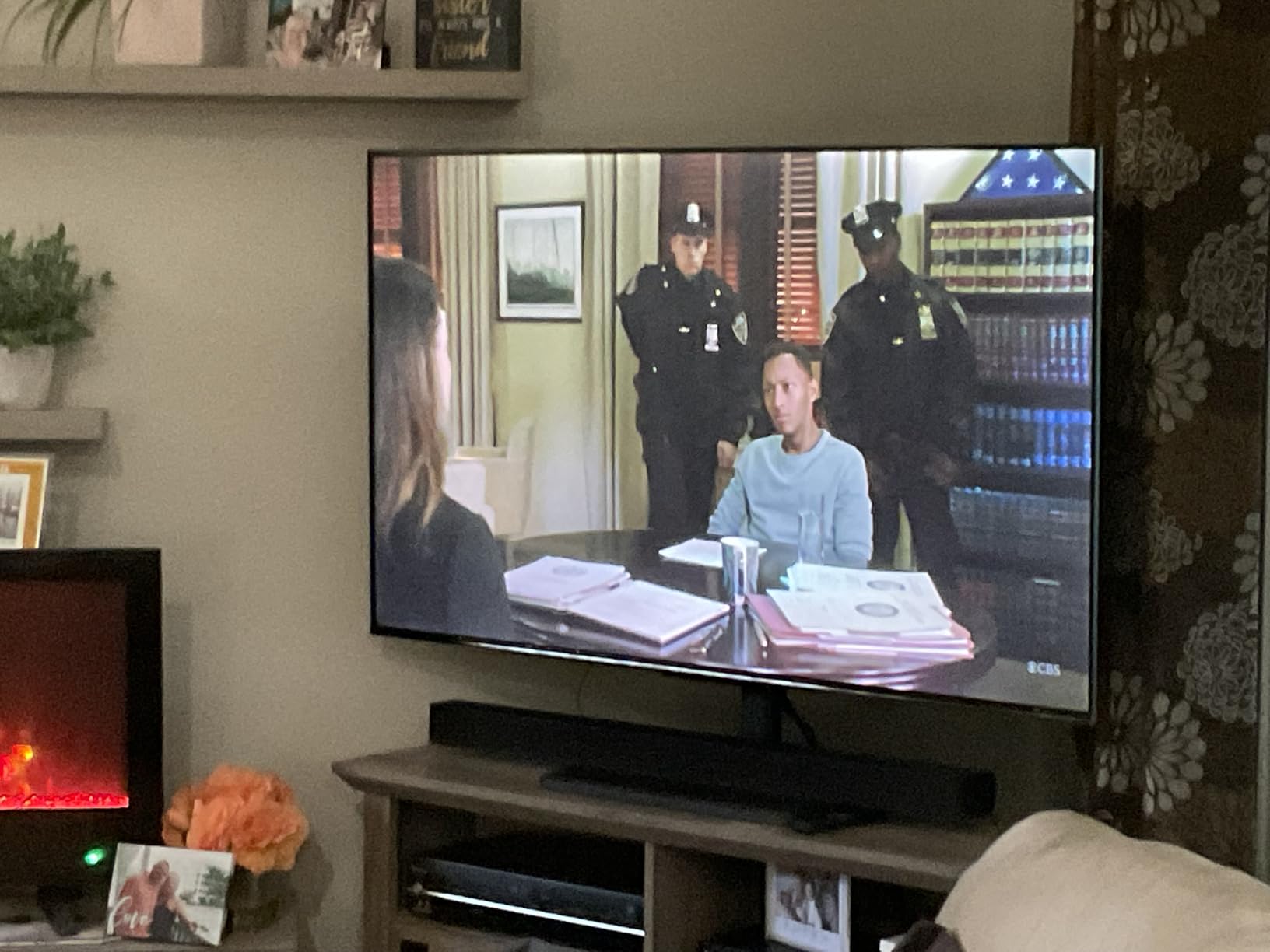
Fire TV with an Alexa voice remote handles the smart side, with access to a very large app catalog including Apple TV+, Disney+, Hulu, Netflix and Prime Video. Three HDMI inputs, one of which carries eARC for full-resolution audio to a soundbar, plus Bluetooth and WiFi with Apple AirPlay support.
There is a real tradeoff here and you should make it consciously. At 55 inches, the 60Hz refresh rate is more visible than it would be at 43 inches, and the panel’s limits are magnified along with the image. Owners reviewing 55-inch sets in this category repeatedly note that the picture holds up well but the sound does not, and that is the reservation here: audio is adequate at best and often ends up turned up high.
There is also no Bluetooth audio output, so wireless headphones and wireless speakers are not an option. Plan on a wired soundbar over optical or eARC. The set is a 2025 model with a one-year warranty and a VESA 400 x 400 mount, measuring 2.8 inches deep by 48.3 wide by 29.5 high with the stand.
Who the Insignia QF suits
This is the pick for a main living room where you sit a fair distance back and want the biggest screen you can justify. Dolby Vision plus Dolby Atmos at 55 inches is a real upgrade over the 43-inch sets at similar money, particularly if you are upgrading from a much smaller television.
It also suits a family room or a rental where the set will be watched by people who are not going to fiddle with settings, because the picture is good out of the box and Fire TV is a familiar platform.
Who should skip the Insignia QF
Skip it for a bedroom or a small room, where 55 inches will be overwhelming. The viewing distance rule we cover below applies here more than anywhere: at 55 inches you want to be seated close to 7 feet away, and closer than that the 60Hz panel and the edge-to-edge design both work against you.
Skip it if you want wireless audio, since there is no Bluetooth output, and skip it for gaming. As with every 60Hz set in this roundup, a current console will not be served properly, and the TCL QM6K is the answer to that requirement.
10. Samsung U8000H Series 50-Inch: Best for the Largest Free Content Library
Samsung 50-Inch Class U8000H Series Crystal UHD, 4K, Smart TV, 2026 Model
50 inch Crystal UHD 4K LED
Crystal Processor 4K upscaling
Color Booster
Samsung TV Plus
Pros
- Crystal Processor 4K upscaling improves lower-resolution sources
- Samsung TV Plus includes 750+ subscription-free channels
- Color Booster makes standard content more vivid
- Tizen platform with Bluetooth 5.3
Cons
- LED panel without quantum dot or local dimming
- 60Hz refresh rate only
- HDR10+ support but no Dolby Vision
- Manufacturer does not detail the audio specification
The U8000H is Samsung’s entry Crystal UHD line, and it is positioned deliberately on processing and free content rather than panel technology. If that trade appeals to you, it is a reasonable one. If you want the best picture per dollar, the Samsung Q7F at a higher tier is the same brand with quantum dot color added.
The Crystal Processor 4K with 4K upscaling is the reason owner feedback reads the way it does. Lower-resolution sources come through noticeably sharper, and the Color Booster intensifies on-screen color in a way that owners describe as making ordinary content look more vivid. Whether that boost flatters a source or exaggerates it is a matter of taste, and it is easy to reduce in settings.
The free content is the headline. Samsung TV Plus carries more than 2700 channels, with more than 750 of them subscription-free, which is the largest subscription-free catalog on any set listed here. For a television that will live in a guest room, a gym or a second bedroom, that is a genuine ongoing saving with no strings attached.
Connectivity is Bluetooth 5.3, Ethernet, three HDMI ports and one USB 3.0 port, on a VESA 200 x 200 mount, weighing 19.2 pounds with the stand. The Tizen platform here also includes the Samsung Vision AI Companion.
The honest limitations are on the panel. This is an LED set with no quantum dot layer and no local dimming, which puts it below the QLED models in this roundup for color volume and contrast. The refresh rate is 60 hertz, and HDR support is HDR10+ without Dolby Vision. The manufacturer does not detail the audio specification at all, which in our experience is a fair signal that the speakers are the ones you get and nothing more.
Motion Xcelerator handles up to 4K at 60 hertz, which is another way of saying the panel will not go faster. The set is a 2026 model with a one-year manufacturer warranty.
Who the Samsung U8000H suits
Choose it for a secondary television where free programming matters more than picture quality, and where you want a current model year from a major brand. A guest room, a basement, a gym or a rental all suit it well.
It is also a sensible family-room choice for anyone who watches mixed sources, because the processor does good work on the SD and HD channels that make up a lot of daytime viewing.
Who should skip the Samsung U8000H
Skip it if picture quality is why you are shopping. Without quantum dot or local dimming you are giving up the two things that separate the good budget sets from the basic ones, and the Hisense E6 or the Insignia QF both deliver more color for similar money.
Skip it for Dolby Vision, for dark-room movie watching, and for any form of console gaming. Choosing a set that is positioned on processing means accepting the ceiling that processing cannot break through.
How to Choose a Budget 4K TV in 2026
Everything above is a specific set. This section is the framework that will still be valid when these exact models are replaced, because the way budget televisions are built and sold changes far more slowly than the model numbers do. If you read only one part of this guide, read this part.
LED, QLED, Mini-LED: what the panel name actually changes
Every set in this roundup resolves 3840 x 2160. None of them is OLED. That matters because the difference between the tiers is not resolution, it is how precisely each one controls the light coming through the panel, and that is entirely down to the backlight and the color layer.
A standard LED television lights the whole panel with a direct LED array and has no independent control over zones. A QLED set adds a layer of nano-sized quantum dots that filter the backlight into a narrower, more saturated color range, which is why the QLED models in this list hold color better in bright scenes. A Mini-LED set goes further, using hundreds of much smaller backlight zones that can be dimmed independently, which is the feature that produces genuinely deep blacks while bright parts of the frame stay bright. Only the TCL QM6K has it here.
The practical takeaway: if dark-room movie watching or HDR is a priority, Mini LED local dimming is the single feature to pay for. If you just want better color for a modest step up, QLED is enough. If you are on the tightest budget, resolution and screen size are the correct things to spend on instead.
Native 60Hz vs advertised 120Hz: how to tell
This is the most common confusion in this category and it appears in most of our ten sets. Hisense R6, Toshiba C350, Hisense E6, Samsung Q7F, Roku Select and Insignia QF all advertise a 120 figure somewhere in their specifications. In every one of those cases, the panel itself is 60 hertz and the 120 refers to motion processing, marketed variously as Motion Rate 120 or Motion Xcelerator. The Insignia F50 is listed with a 60 hertz panel refresh and a separate 120 display figure, which is the same situation stated differently.
Only the TCL QM6K has a genuinely faster panel, at 144 hertz. The Insignia F50 spec also mentions Game Mode Plus, which is a picture setting rather than a hardware capability.
So how do you tell? Look for the word native, look for a figure written as a panel refresh rate rather than a motion rate, and check the number of HDMI inputs that support high bandwidth. If a listing says 120Hz and never says native, assume 60Hz. What a 60Hz panel actually costs you is visible in two places: fast horizontal pans in sports, which judder slightly, and console games, where you are leaving frame rate unused no matter how good the picture processing is.
Smart TV platforms compared: Roku TV, Fire TV, Google TV and Tizen
Four platforms appear across these ten sets, and they differ more in daily friction than in picture quality. No competitor roundup we looked at compares them on the things buyers actually complain about, so here is the honest version.
Roku TV, on the Roku Select and the Hisense R6, is the least cluttered of the four we compared, and owners describe setup as taking minutes. There is no account required to start using apps, the interface has no promoted rows you cannot dismiss, and remotes are interchangeable across models. The limitation is that the home screen layout cannot be fully reordered, which owners find inflexible.
Fire TV, on the Insignia F50, the Toshiba C350, the Hisense E6, the Insignia QF and the Amazon Ember, has the widest hardware range in the category and the newest build, on the Ember, is the fastest. The trade is advertising. Owners on r/4kTV report boot and in-app adverts as a top annoyance, and a number have moved from Fire TV sets to Roku or Google TV for exactly that reason. The Ember also has the most inconsistent Alexa behaviour of any platform here, with power and volume commands frequently unreliable.
Google TV, on the TCL QM6K, is fast, with wide app selection and the smoothest casting integration of the four. It is also the most heavily promoted, and installing apps requires a Google account. Owners here generally resolve the advertising with a third-party launcher, which works but adds a step.
Tizen, on the Samsung Q7F and U8000H, sits in the middle: familiar, well supported, with a very large free channel library, but carrying promoted app placement. On update lifespan, all four are the weak point of budget television, and none of the manufacturers publishes a firm end-of-support date. Assume five years of platform updates at the outside and plan for the possibility that an app stops being updated before the panel does.
Screen size and viewing distance on a budget
Use the 1.5 times rule. Multiply the screen diagonal in inches by 1.5 and you get the minimum comfortable viewing distance in inches for a 4K panel. A 43-inch set wants about 65 inches, roughly 5 and a half feet. A 50-inch set wants 75 inches, about 6 feet. A 55-inch set wants 82 inches, close to 7 feet.
Sitting closer than that on a 4K panel means you see the structure of the pixels, which is fine on a lower-resolution set and unsatisfying on a 4K one. Sitting further away wastes the resolution you paid for. This is the single most useful calculation in the whole guide, and it costs nothing to do.
Applied to this roundup: the 43-inch Toshiba C350 and Samsung Q7F work well in bedrooms and small rooms, the 50-inch sets in this list suit a typical living room, and the 55-inch Insignia QF wants a room you can sit back in. Given that all of these are 60Hz except one, buy the largest size your room distance genuinely supports rather than the largest size that fits on the wall.
HDR formats, HDMI 2.1 and what gaming features are worth paying for
HDR format support is more varied in this roundup than most buyers expect. Dolby Vision is the format with the best ecosystem support and it appears on the Hisense R6, the Toshiba C350, the Hisense E6 and the Insignia QF. HDR10+ appears on the Toshiba C350, the Hisense E6, the Samsung Q7F, the Roku Select, the Amazon Ember and the Samsung U8000H. Dolby Vision plus adaptive HDR metadata is exclusive here to the Hisense E6.
For gaming, the honest ranking of features by value is: input lag, then ALLM for automatic low-latency switching, then refresh rate, then VRR, then full HDMI 2.1 bandwidth. Budget sets in this roundup give you ALLM on the Toshiba C350 and VRR listed on the same set, but the only one with a panel fast enough to make either matter is the TCL QM6K at 144Hz with four HDMI inputs.
So do you need HDMI 2.1? For a casual PlayStation or Xbox player running at 4K 60, no, and none of the sets here except the TCL make a strong case for it. If you play competitive shooters or want 120Hz, you need a native high-refresh panel, which in this price range means one television. Buying a 60Hz set for its HDMI port specification is paying for a cable capability, not a picture capability.
Five picture settings that fix a dim budget TV
owners on home theater forums almost always frame the problem as my television is too dark rather than my television is dim, and it is usually a settings issue rather than a panel issue. Work through these in order before you conclude that you bought the wrong set.
First, turn off or reduce any dynamic contrast or intelligent backlight mode, because these are the setting that most often makes a budget panel look muddy. Second, switch the picture mode out of the vivid or dynamic default to standard, game or the manufacturer’s movie mode, and turn up backlight or brightness to maximum since budget panels rarely ship with enough. Third, if the set has an ambient light sensor, the Hisense E6 and the Amazon Ember both do, use it, and let the set manage the room rather than fighting a fixed setting.
Fourth, in a dark room, reduce backlight slightly rather than raising it, and switch the TV into a movie or Filmmaker mode so it stops trying to push brightness. The Hisense E6 has a genuine Filmmaker Mode, and the Toshiba C350 has a Super Contrast Booster, both of which help. Fifth, check the ambient picture setting or the screensaver, because a set still sitting in an ambient or art mode during a film is dimmer for no good reason.
Budget TVs to avoid and why
None of the ten sets in this roundup is one to avoid, so this section is about categories rather than models. The first is any set sold as a gaming television where the 120 figure is a processing number and not a panel rate, because the marketing is designed to hide exactly the thing you need to check. The second is any television whose price is anchored entirely to a platform, with no panel differentiation from the model below it, which is what happens when a manufacturer sells a fast operating system rather than a fast screen.
The third is 50-inch and larger panels with narrow viewing angles in wide rooms, where off-axis distortion ruins the picture for everyone but the person sitting dead centre. The fourth is any set with no optical or eARC audio output and no Bluetooth audio output, which locks you into poor sound with no route out. The fifth is marketplace-only listings from sellers with weak return terms, because a large television turned out with a cracked panel or a dead backlight is a far bigger loss at this price than it would be on an expensive set with easy returns.
The final one is buying a 60Hz panel when you actually play games at high frame rates, which is the most common and most avoidable mistake in this category.
One more buying tip that costs nothing. If you also shoot or edit video, or you are planning to capture anything at 4K, our guides to the best budget desktops for 4K video editing and the best drones for 4K video cover the other half of a 4K workflow, and a fast storage card matters more than most people expect. The best budget SD cards for 4K recording guide is the piece people forget until their footage stops writing.
Frequently Asked Questions
Is 4K TV better than OLED?
Not inherently. A 4K television describes resolution, 3840 x 2160 pixels, while OLED describes how the panel makes light. Every set in this roundup is 4K, and none is OLED. What you give up without OLED is perfect black and perfect contrast, because budget LCD panels light their pixels somewhat. What you keep is far more screen for the money.
Which brand of 4K TV is the cheapest?
Among the brands here, Insignia and Toshiba sit at the cheapest end, while Hisense, Roku, Samsung, TCL and Amazon spread across the middle. The cheapest brand is rarely the best value though. The Toshiba C350 and Insignia F50 give you Dolby Vision at entry level, which is what actually matters for how a budget set looks.
Why are 4K TVs so cheap now?
Because panel manufacturing has commoditized 4K resolution. Once every major factory can produce 3840 x 2160 LCD panels at volume, the resolution stops being a premium feature and becomes a baseline specification. Manufacturers recover their margin from brightness, contrast, backlight zones, processors and the smart platform instead, which is why budget sets cut corners in those areas rather than in pixels.
What is a good budget smart TV with good quality?
A budget smart TV with good quality needs three things: 4K resolution, a wide color gamut panel such as QLED or Mini-LED, and a fast platform. In this roundup the Hisense E6 covers HDR formats and picture modes best, the Insignia F50 has the largest body of owner feedback, and the Roku Select has the least frustrating interface. No single specification matters more than the panel.
What is the best budget TV for dark room viewing?
The TCL QM6K is the best choice here, because Mini-LED local dimming lets it keep bright HDR highlights while darkening everything around them. That feature is what separates it from every other set in this roundup. For a second option, turn on Filmmaker Mode or Movie mode and reduce backlight rather than raising it, which fixes most of the problem on any LED set.
My 4K TV is too dark. What can I do to fix it?
Switch off dynamic contrast and intelligent backlight modes first, then change the picture mode away from vivid to standard, movie or game mode, and raise backlight to maximum since budget panels rarely ship with enough. In a dark room reduce backlight slightly instead of raising it. If your set has an ambient light sensor, the Hisense E6 and Amazon Ember both do, let it manage the level automatically.
What TV to stay away from?
Avoid any set whose 120Hz figure is a motion processing number rather than a native panel rate, and avoid 50-inch panels with narrow viewing angles in wide seating layouts. Also avoid sets with no optical, eARC or Bluetooth audio output, and marketplace-only listings with weak return terms on large screens. Finally, avoid buying a 60Hz panel if you play games at high frame rates.
Do I need HDMI 2.1 for gaming?
Only if you own a current-generation console and want frame rates above 60. For 4K 60 gaming, HDMI 2.0 handles it fine and most budget sets are perfectly adequate. The more important question is whether the panel is natively 120Hz or faster, because a fast port on a 60Hz panel does nothing for your picture. In this roundup only the TCL QM6K pairs a fast port with a fast panel.
How much should I spend on a 4K TV?
Spend on size and panel type rather than on the resolution, which is now a given. The entry level is right for a bedroom, dorm or rental where you want a large 4K screen. The middle is where quantum-dot color and Dolby Vision become available. The top of the budget range is where local dimming, a real high refresh rate and usable built-in audio appear, and that is the only tier where you get a materially better picture.
How long do budget smart TVs get software updates?
No manufacturer in this category publishes a firm end-of-support date, so treat five years as a reasonable upper expectation and shorter if you buy at the very bottom of the range. The practical risk is not the television failing but an app stopping being updated while the panel still works. Roku and Google TV tend to be the most consistent, and owners on forums report app abandonment more often on Fire TV than elsewhere.
The Verdict: Which Budget 4K TV Should You Buy?
If you want one answer, buy the Insignia F50 Series 50-inch. It carries the largest body of owner feedback of any set we compared, the picture is good for the money, the port count is generous with eARC included, and it is the set we would put in a bedroom, a rental or a first apartment without hesitation. Accept that the 300-nit panel is dim in daylight, that Fire TV menus lag, and that you will want a soundbar.
For a main living room with mixed content, take the Hisense R6. A full array backlight and Dolby Vision is the combination that sold us, and the Roku platform is the least annoying to live with. For movie nights in a dark room or for a current console, the TCL QM6K is the only set that solves either problem properly, with Mini-LED local dimming and a native 144Hz panel.
The rest have clear jobs. The Toshiba C350 is the cheapest route to Dolby Vision. The Hisense E6 has the widest format support and the only real Filmmaker Mode. The Samsung Q7F is the processing and free-content pick. The Amazon Ember is the fastest Fire TV. The Roku Select is the least complicated. The Insignia QF is the biggest screen. The Samsung U8000H is the biggest free catalog. Pick the one whose job matches your room, and check the viewing distance rule before you commit.