
Mini-LED is the best 75-inch TV technology for almost everyone in 2026, and the TCL 75QM6K is the set most people should buy. It pairs a full array local dimming backlight with a native 144Hz panel, four HDMI ports and a real subwoofer, and it does all of that for well under what the premium Neo QLED sets cost.
That is the short answer. The longer one is that a 75-inch TV is a different purchase from a 55-inch or 65-inch set, and the differences that matter are not the ones on the box. A 75-inch panel is big enough that the weakness of the backlight is visible from across a room, bright enough that a dim screen looks genuinely dim rather than merely average, and wide enough that everyone in the room can see it without off-axis colour shift. Spend your money on the panel and the ports; ignore most of the AI picture features.
We compared ten 75-inch sets across every price tier currently on the market, from a direct-lit entry QLED to a Neo QLED flagship with an anti-reflection coating. For this guide we read every owner review we could find on each model, cross-checked the specification sheets against the manufacturer listings, and grouped them by what they are genuinely good at. This roundup was last updated in October 2026.
Table of Contents
- Top 3 Picks The Best 75-Inch TVs in October
- The Best 75-Inch TVs in 2026 Quick Overview
- 1. TCL 75QM6K Mini LED QLED: Best 75-Inch TV Overall
- 2. Samsung 75QN90F Neo QLED: Best 75-Inch TV for Bright Rooms
- 3. TCL 75T7 4K QLED: Best 75-Inch TV for Value
- 4. Hisense 75E7SF Mini-LED: Best 75-Inch TV for Natural Colour
- 5. Roku 75-Inch Pro Series: Best 75-Inch TV for Setup and Apps
- 6. Samsung 75M70H Mini LED: Best Budget 75-Inch Mini-LED
- 7. Samsung 75U8000H Crystal UHD: Best 75-Inch TV for Free Channels
- 8. Toshiba 75Z670R Mini-LED: Best 75-Inch TV for Dark-Room Films
- Toshiba 75″ Z670 Series Mini-LED 4K UHD Smart Fire TV (75Z670R, 2026 New) – QLED, Native 144Hz, HDR10+, Dolby Vision IQ, REGZA Engine Zri, Dolby Atmos, Game Mode Pro, Alexa Built-in, Japan Quality
- What you should check before buying the Toshiba 75Z670R
- Who the Toshiba 75Z670R suits, and who it does not
- 9. Toshiba 75M450 QLED: Best Budget 75-Inch QLED
- 10. Insignia 75F50 LED 4K UHD: The Lowest-Cost Way Into 75 Inches
- How to Choose the Best 75-Inch TV
- How far should you sit from a 75-inch TV?
- OLED vs QLED vs Mini-LED at 75 inches
- What refresh rate and HDMI 2.1 count do you need?
- Google TV, Fire TV, Roku OS and Tizen: which platform to pick
- Bright rooms, anti-glare coatings and reflection handling
- What to check in the first 30 days after delivery
- When 75 inches is the wrong size, and when to stretch to 85
- Frequently Asked Questions
- The Best 75-Inch TV for Your Room
Top 3 Picks The Best 75-Inch TVs in October

TCL 75 Inch QM6K Mini LED QLED
- Full array local dimming
- 144Hz native panel
- Onkyo 2.1 audio
- Four HDMI ports

Samsung 75 Inch QN90F Neo QLED
- Glare Free anti-reflection coating
- 2000 nit peak brightness
- 4K 165Hz VRR
- Object Tracking Sound Plus

TCL 75 Inch T7 4K QLED
- 144Hz native with 288Hz VRR
- Dolby Vision and HDR10+
- Four HDMI inputs
- FullView 360 bezel-less design
The Best 75-Inch TVs in 2026 Quick Overview
All ten sets below are 75-inch class panels, which is the same class as 77-inch models, so LG, Samsung and Sony 77-inch sets sit in the same bracket. Prices move constantly in this category, so each pick carries a price band rather than a figure. The full comparison across every model is right here.
| Product | Specs | Action |
|---|---|---|
| TCL 75QM6K Mini LED QLED |
|
Check Latest Price |
| Samsung QN90F Neo QLED |
|
Check Latest Price |
| TCL 75T7 4K QLED |
|
Check Latest Price |
 Hisense 75E7SF Mini LED Hisense 75E7SF Mini LED |
|
Check Latest Price |
 Roku 75 Inch Pro Series Roku 75 Inch Pro Series |
|
Check Latest Price |
 Samsung 75M70H Mini LED Samsung 75M70H Mini LED |
|
Check Latest Price |
 Samsung 75U8000H Crystal UHD Samsung 75U8000H Crystal UHD |
|
Check Latest Price |
 Toshiba 75Z670R Mini LED Toshiba 75Z670R Mini LED |
|
Check Latest Price |
 Toshiba 75M450 QLED Toshiba 75M450 QLED |
|
Check Latest Price |
 Insignia 75F50 LED 4K UHD Insignia 75F50 LED 4K UHD |
|
Check Latest Price |
1. TCL 75QM6K Mini LED QLED: Best 75-Inch TV Overall
TCL 75 Inch Class QM6K Series | Mini LED QLED 4K HDR | 75QM6K, Latest Model | 120HZ-144HZ High Brightness Smart Google TV Dolby Atmos Onkyo Audio | Voice Remote Alexa Gaming Streaming Television
Full array Mini LED backlight
Native 144Hz with 288Hz VRR
1000 nit peak brightness
Onkyo 2.1 audio with subwoofer
Four HDMI ports
Pros
- Brightness and contrast well above the mid-range price band
- Halo Control local dimming keeps blacks clean
- 144Hz native refresh with 288Hz VRR
- Onkyo 2.1 audio with a real subwoofer
- Full Dolby Vision and HDR10+ support
Cons
- Glossy screen finish picks up reflections in bright rooms
- Needs picture adjustment out of the box to look its best
We spent the most time on this one, because it is the model we kept coming back to. The 75QM6K is a QD-Mini LED set with full array local dimming driven by TCL’s Halo Control system, and the result at this price band is unusually good. The 1000 nit peak brightness figure sounds modest next to a flagship, but in a normal living room at 144Hz it is more than enough headroom for daylight and for HDR.
What sold us was the combination rather than any single spec. A 144Hz panel is easy to find at this size; a Mini-LED backlight is easy to find; a 144Hz Mini-LED with proper local dimming, a subwoofer in the chassis and four HDMI ports is not. Owners consistently single out the Onkyo 2.1 system as unusually capable, and at 1,900-odd reviews this is the most thoroughly owner-tested set in the roundup.
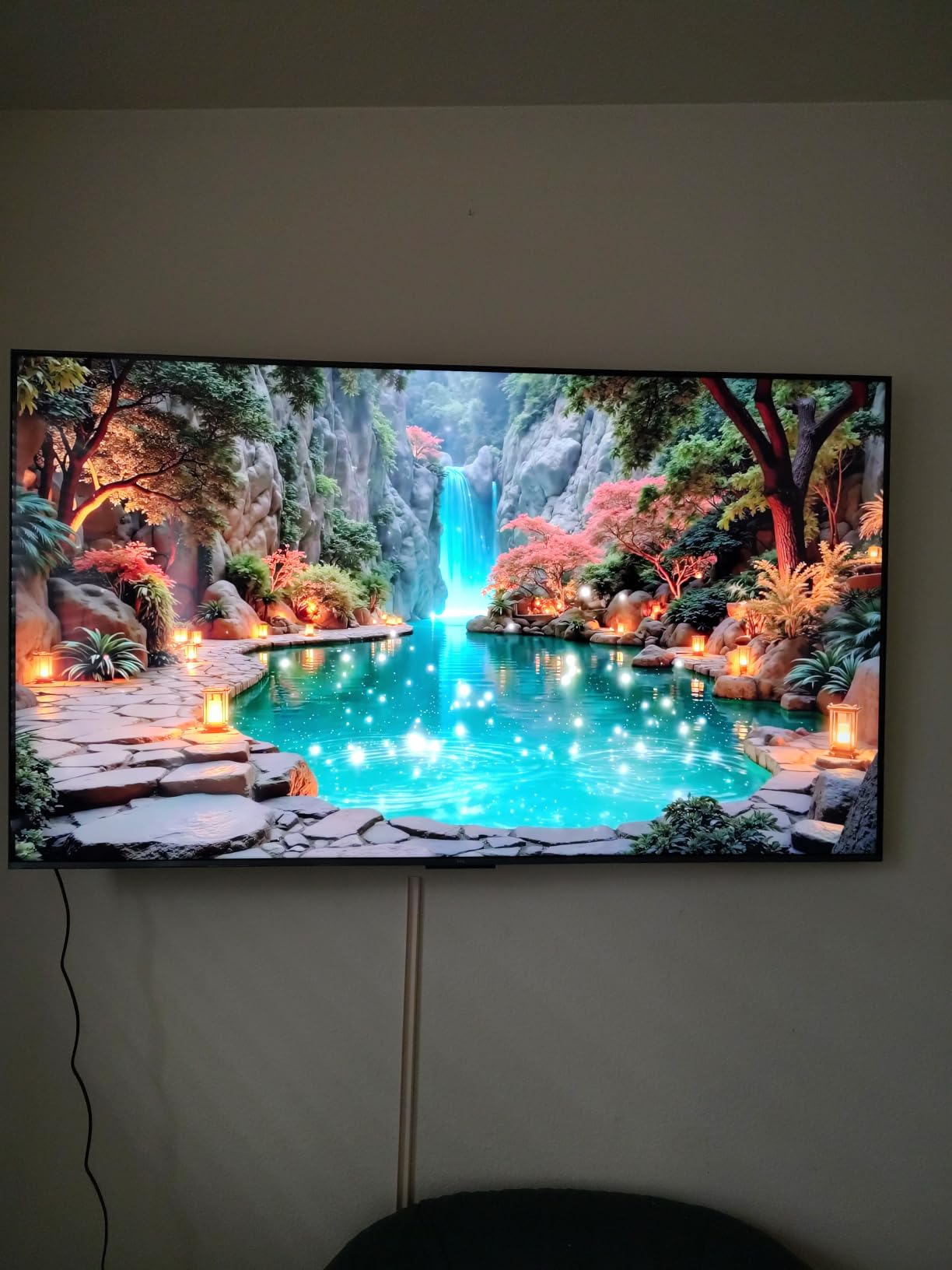
The gaming numbers are the strongest argument. Native 144Hz refresh with 288Hz variable refresh rate support means a PS5 or Xbox Series X has headroom without forcing the picture processor to fake frames. Motion Rate 480 frame insertion is there if you want it, though we would leave it off for most content.
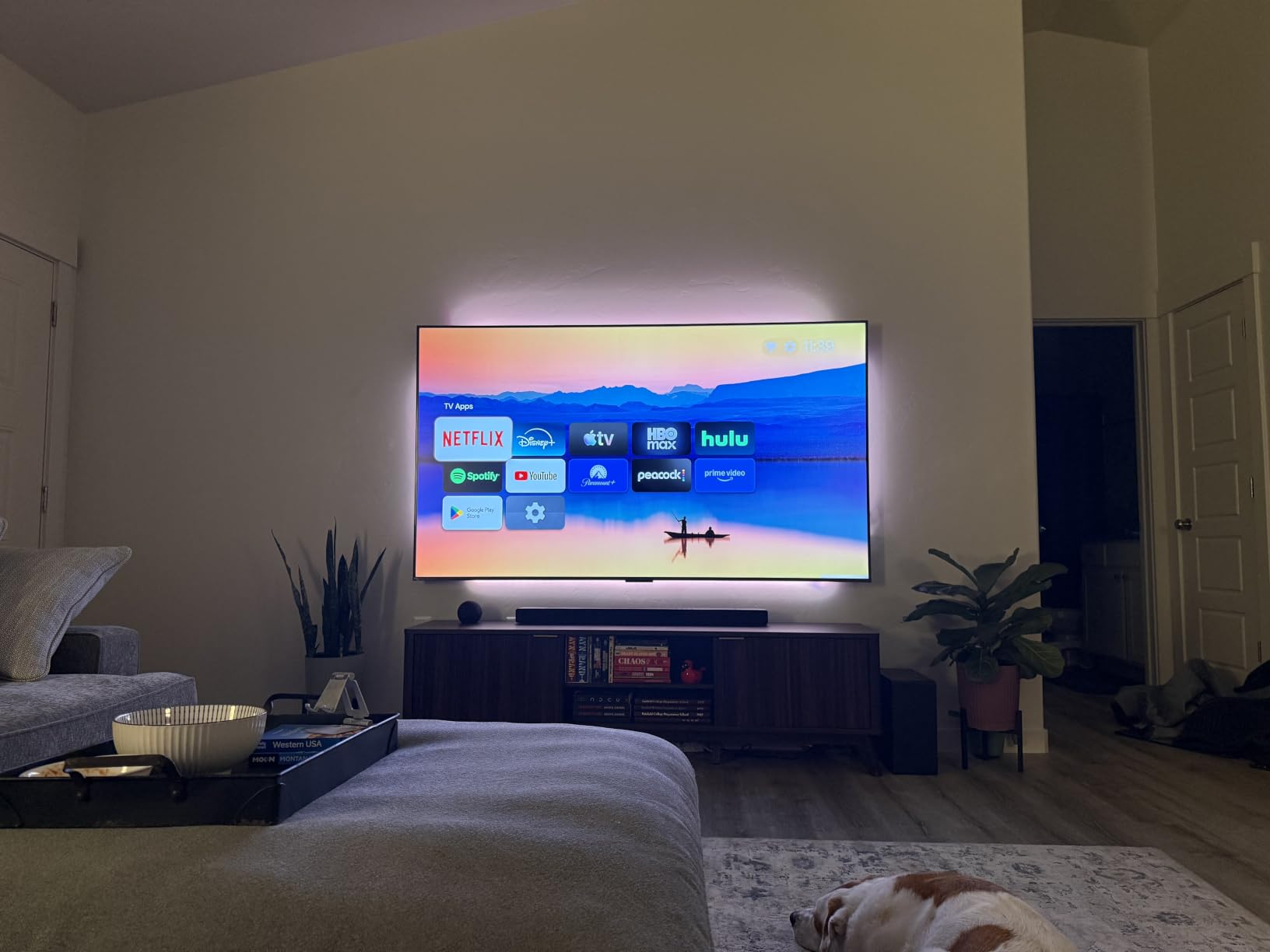
Full HDR support is another plus. Dolby Vision, HDR10+, HDR10 and HLG all decode on this set, which is more than most of the field manages. Google TV is the platform, and owners report it as fast and app-rich, with Chromecast and AirPlay 2 built in.
What you should check before buying the TCL 75QM6K
Check the screen finish in a room with daylight. The panel is glossy, and reviewers regularly note that it picks up window reflections. If your set faces a window, either add a curtain or accept a compromise here and move up to a set with an anti-reflection coating.
Check that you are comfortable with 178-degree viewing angles in a wide room. That rating is good, but the picture is still an LCD, so extreme off-axis viewing in a very bright room will lose some punch.
Also check the physical size. At 51.8 pounds with a wall mount pattern of 300 by 300 mm, it is one of the lighter large panels here, which makes installation an easy two-person job rather than a three-person one.
Who the TCL 75QM6K suits, and who it does not
This is the right set for a mixed household that games, watches sport and streams in the evening. It handles a console, a disc player and a soundbar at the same time thanks to the port count, and it is the pick we would make without asking further questions.
It is the wrong choice if your room is genuinely sunlit all day, or if you are a film-only buyer who wants true blacks and does not mind losing the gaming refresh rate. In that situation an OLED is the better buy, and this money goes further there.
2. Samsung 75QN90F Neo QLED: Best 75-Inch TV for Bright Rooms
Samsung 75-Inch Class Neo QLED 4K QN90F Series, Vision AI, Mini LED Smart TV (2025 Model, 75QN90F) Neo Quantum HDR+, Object Tracking Sound+ w/Dolby Atmos, Glare Free, Gaming Hub, Alexa Built-in
Neo QLED Mini LED backlight
2000 nit peak brightness
Glare Free anti-reflection coating
Up to 4K 165Hz VRR
Object Tracking Sound Plus 60W
Pros
- Glare Free coating solves window reflection for most owners
- Very bright and sharp even in a sunlit room
- AI upscaling rescues older low-resolution video
- Smooth high frame rate gaming
- Good built-in Dolby Atmos sound
Cons
- Very heavy at 87.5 pounds so mounting needs two people
- Home screen customisation is thinner than Roku or Google TV
The QN90F is the best-rated set in this roundup, and the reason is not the picture alone. It is the coating. Owners with floor-to-ceiling windows describe the Glare Free anti-reflection treatment as solving a problem they had lived with for years on previous sets, and that single feature is worth more in a bright room than any amount of extra brightness.
Underneath, this is a serious Neo QLED Mini LED with Ultimate UHD dimming and a 2000 nit peak brightness figure. The NQ4 AI Gen3 processor runs 128 neural networks for upscaling and motion processing, and there is Neo Quantum HDR Plus on the HDR side rather than Dolby Vision. That last point matters if most of your content comes from streaming services that lean on Dolby Vision.
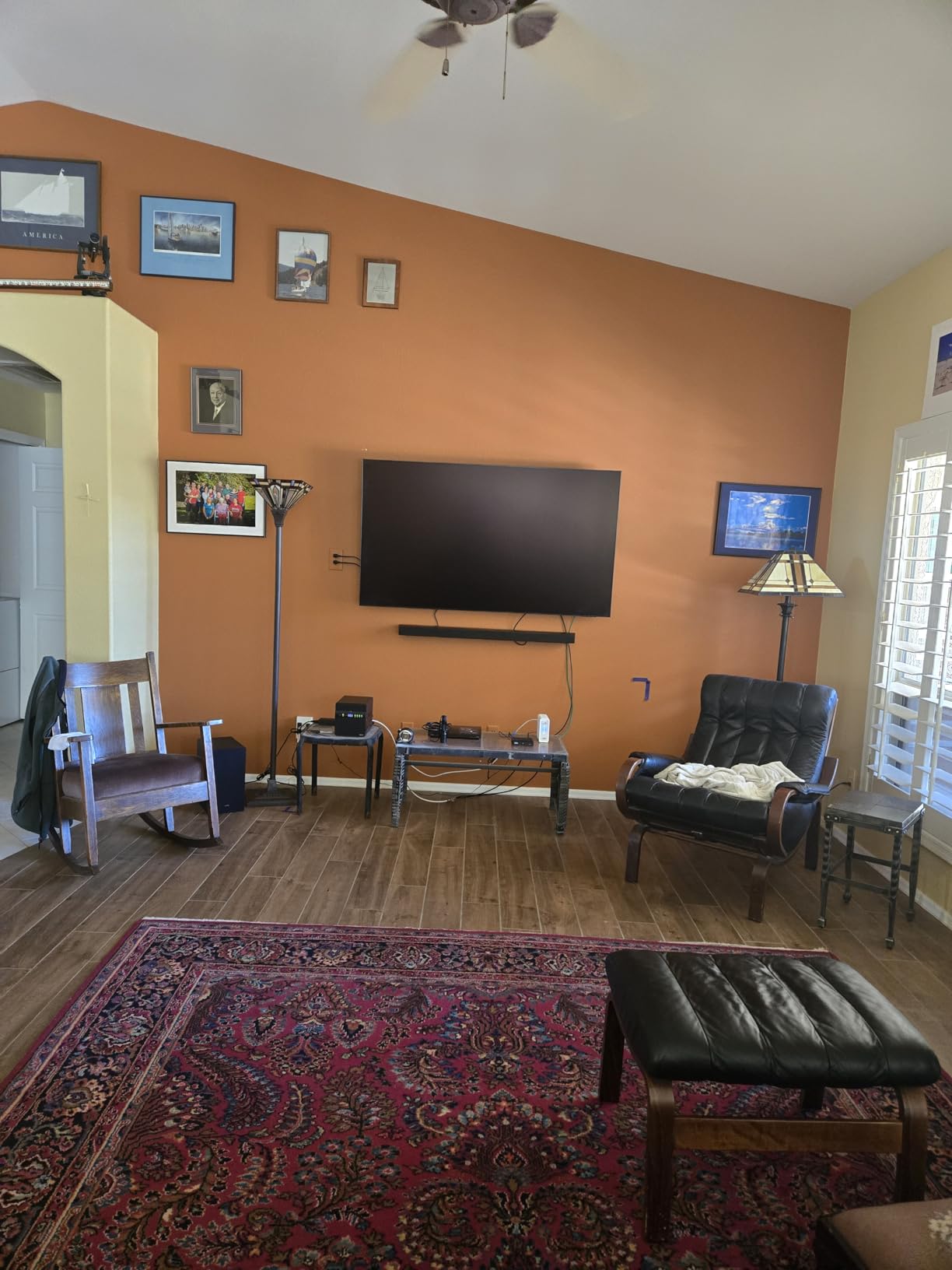
Gaming is excellent. Support for up to 4K at 165Hz variable refresh rate, four HDMI ports and a Gaming Hub that aggregates console, cloud and app games. Owners report running a PS5 at full resolution with no visible lag, and the AI ball and text de-blurring is aimed squarely at fast sport.
Audio is unusually good for a television. Object Tracking Sound Plus with Dolby Atmos runs a 4.2.2 channel 60W configuration, and several owners say they never added a soundbar at all.
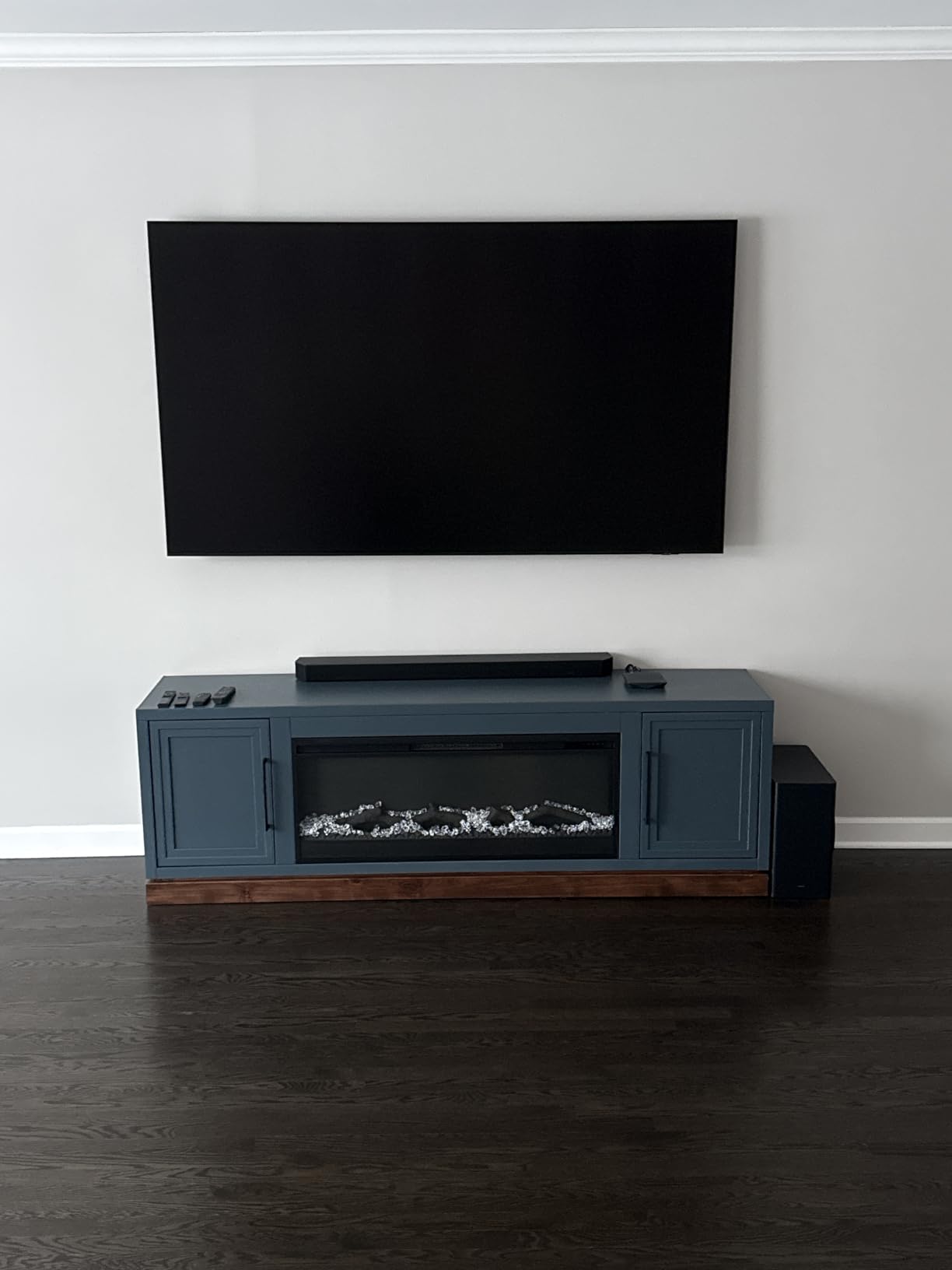
What you should check before buying the Samsung QN90F
Check the weight. At 87.5 pounds this is by a wide margin the heaviest panel here, and most owners needed two people to lift and mount it. If you are wall mounting, budget for a mount rated well above the panel weight and for a helper on the day.
Check the HDR formats. If Dolby Vision is a priority for your streaming, this set is not the right pick, because it uses Samsung’s own Neo Quantum HDR Plus instead. The AI upscaling is also less reliable on genuinely old low-resolution video, where owners report sudden pixelation between scenes.
Check your stand. The included stand leaves the panel a little wobbly, and the single slim remote is small. Many buyers replace the stand with a wall mount and the remote with a phone app.
Who the Samsung QN90F suits, and who it does not
This suits anyone whose room fights back. North-facing windows, a glass wall, a conservatory, a living room that stays bright until midnight. If your main complaint about your current TV is that it looks washed out, this is the direct answer.
It does not suit a dark, dedicated media room, where the extra brightness buys you nothing and an OLED would look far better. Nor does it suit a buyer who wants the simplest possible software, because the Tizen home screen offers fewer customisation options than Roku OS or Google TV.
3. TCL 75T7 4K QLED: Best 75-Inch TV for Value
TCL 75″ T7 4K QLED Google TV with 144Hz Gaming (75T7)
QLED quantum dot colour
144Hz native panel with 288Hz VRR
Motion Rate 480 with MEMC
TCL AIPQ Pro processor
Four HDMI inputs with eARC
Pros
- Sharp bright picture that visibly upgrades an older set
- 144Hz panel delivers lag-free console and PC gaming
- Google TV is quick with instant app launches
- Dolby Vision and Dolby Atmos
- TCL customer service is repeatedly praised
Cons
- Glossy finish causes some glare in very bright rooms
- Motion smoothing does not fully resolve fast sport
- Speakers are fine in a small room but not a large one
The 75T7 is the set we would recommend to someone who wants a high refresh rate and a big screen without stepping up to Mini-LED. It is a direct-lit QLED with quantum dot colour close to full DCI-P3, and at 75 inches the visual upgrade over a smaller set is dramatic enough that the difference in backlight technology matters less than the sheer panel area.
It carries the highest average rating of any mid-range set we looked at, and the review pattern is consistent. Owners talk about a sharp, bright picture, a 144Hz panel that keeps console and PC gaming smooth, and a Google TV interface that launches apps immediately. The FullView 360 bezel-less metal design and a 52.9 pound weight make it look and feel more expensive than it is.
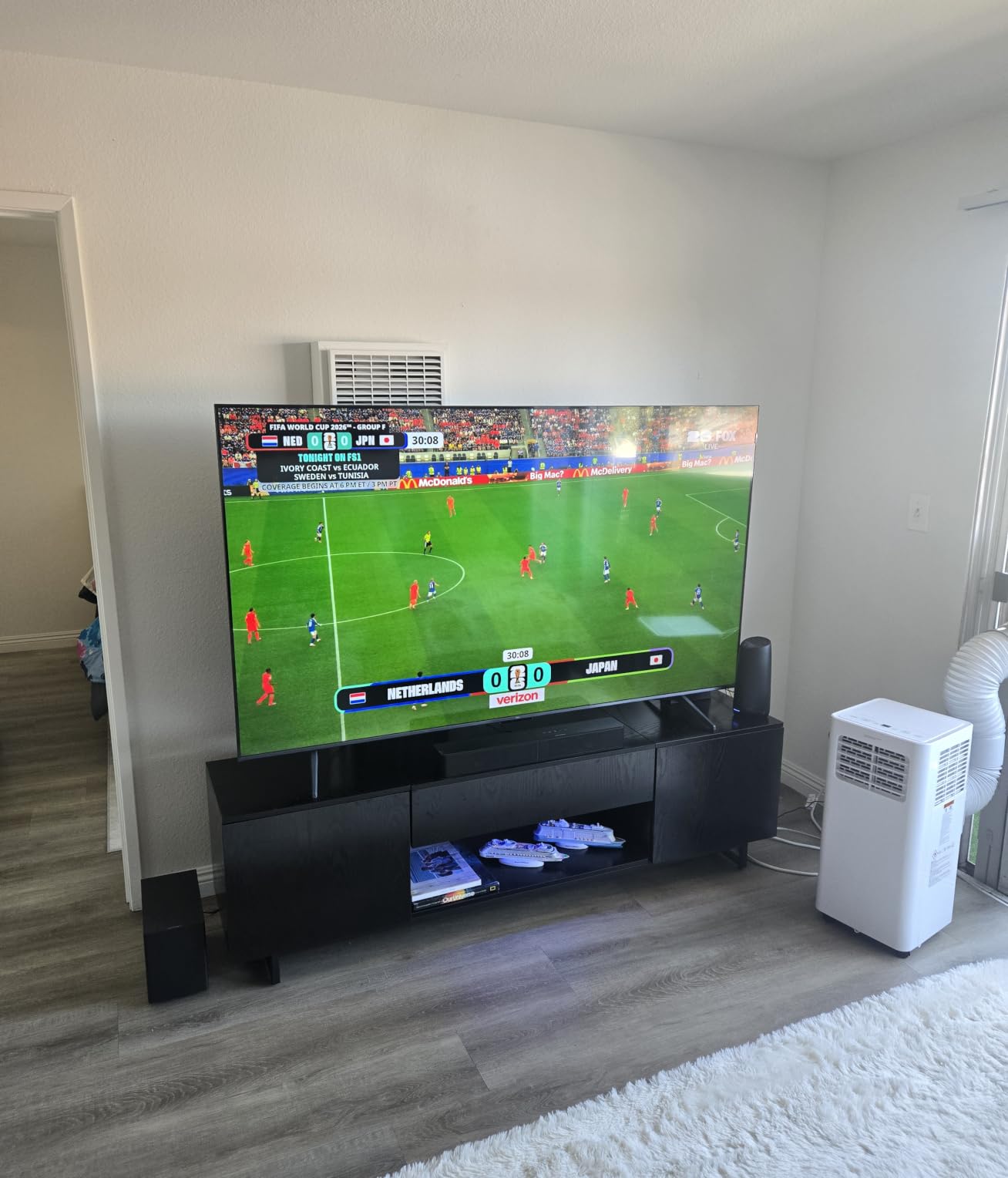
Feature-wise it is hard to argue with. Four HDMI inputs including one with eARC means no constant cable swapping, and the HDR list covers Dolby Vision, HDR10+, HDR10, HLG and Open HDR. AirPlay 2 and Google Cast are both built in.
Audio is Dolby Atmos and rated as solid, which is enough for everyday television. For a room of this size we would still plan on a soundbar eventually, though that is true of every set at 75 inches.
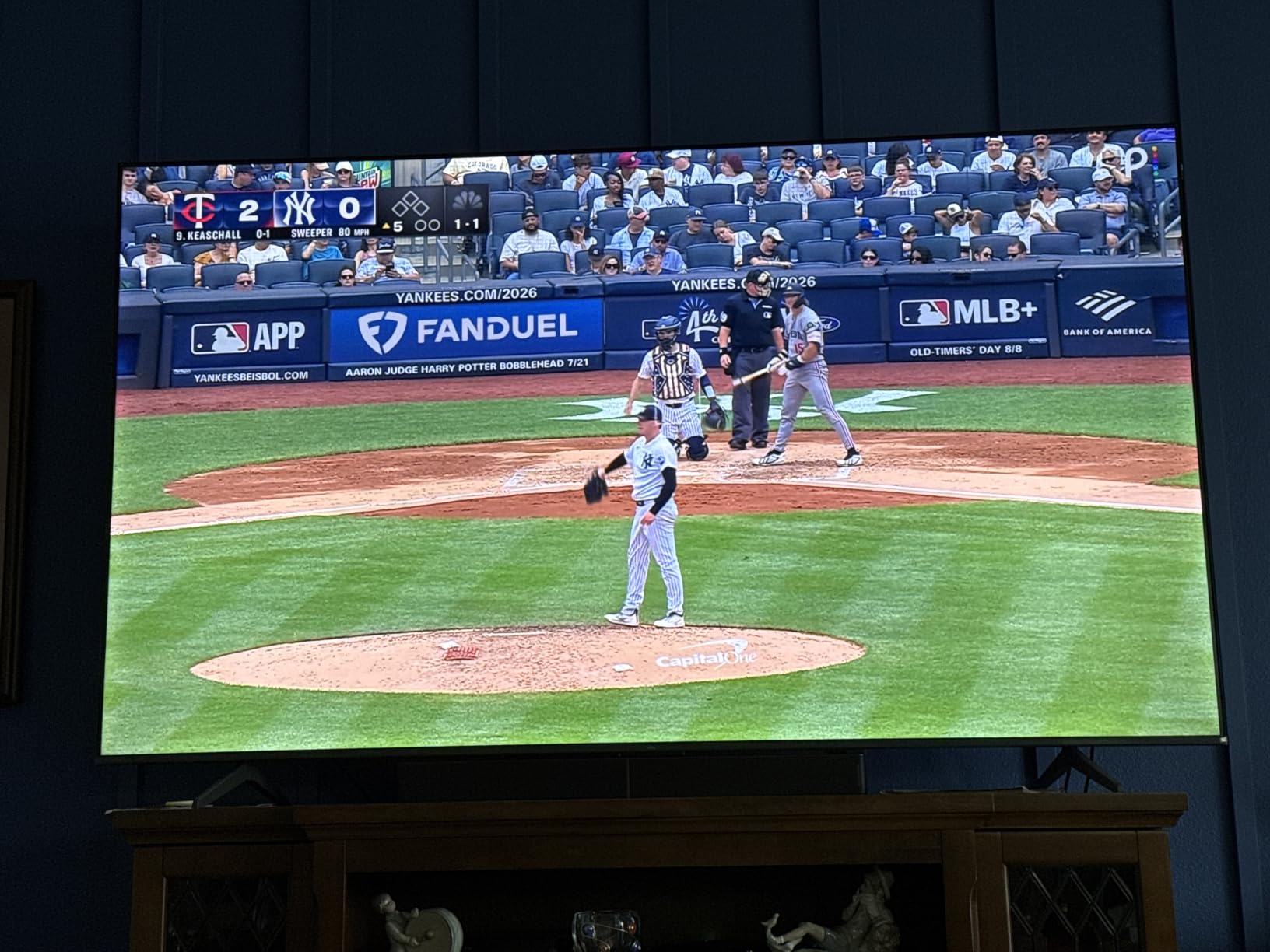
What you should check before buying the TCL 75T7
Check motion handling if sport is a priority. The MEMC frame insertion on this set does not fully resolve fast movement, so a football or cricket match on a windy afternoon is where you will notice the difference against a Mini-LED set. The glossy finish also produces some glare in a very bright room.
Check the remote. It is backlit, which is genuinely useful at night, but the backlight drains batteries quickly, so keep spares or switch it off.
Check where the picture settings live. The Google TV home screen favours promoted apps and content rather than a simple last-watched view, and picture controls sit a few menus deep.
Who the TCL 75T7 suits, and who it does not
It suits a first big TV, or an upgrade from a 50-inch set or a projector where the jump in size is the main event. Gamers get a 144Hz panel at a price where that is unusual, and the app selection on Google TV is the broadest in this roundup.
It does not suit someone who watches in a bright, reflective room, or a film-first buyer who wants deep blacks from an off panel. If either applies, step up to the QM6K above, which is the natural next rung and adds real local dimming.
4. Hisense 75E7SF Mini-LED: Best 75-Inch TV for Natural Colour
Hisense 75″ E7 Cinema Series Hi-QLED Mini-LED 4K UHD Smart Fire TV (75E7SF, 2026 NEW) – Native 144Hz, AI Picture, Dolby Vision IQ · Atmos, FALD, HDR10+ Adaptive, MEMC, Alexa+
Hi-QLED Mini LED with full array local dimming
Native 144Hz with MEMC
Dolby Vision IQ and HDR10 Plus Adaptive
Filmmaker Mode
AI Light Sensor for ambient adjustment
Pros
- Mini LED contrast well above the price band
- Native 144Hz makes sport and console gaming noticeably smoother
- Dolby Vision IQ and Dolby Atmos
- Fire TV loads apps quickly and setup is guided
- AI light sensor does most of the calibration automatically
Cons
- A small number of sets report Wi-Fi dropouts and black-screen crashes
- Enabling VRR produced blur for some owners
- Plastic stand pieces feel cheap
The E7SF is the value Mini-LED. It combines a full array local dimming Mini-LED backlight with a native 144Hz panel and Dolby Vision IQ, which is a spec sheet that would have been exceptional two generations ago. At this price band, the contrast it delivers in a dark scene is closer to an OLED than to a standard LED.
What we like most is the tone of the picture. Hisense tunes these with an AI Picture engine that works scene by scene on brightness, contrast and colour, and owners consistently describe the result as natural rather than oversaturated. Filmmaker Mode is present and preserves the original aspect ratio, colour and frame rate for anyone who wants to stop the processor interfering.
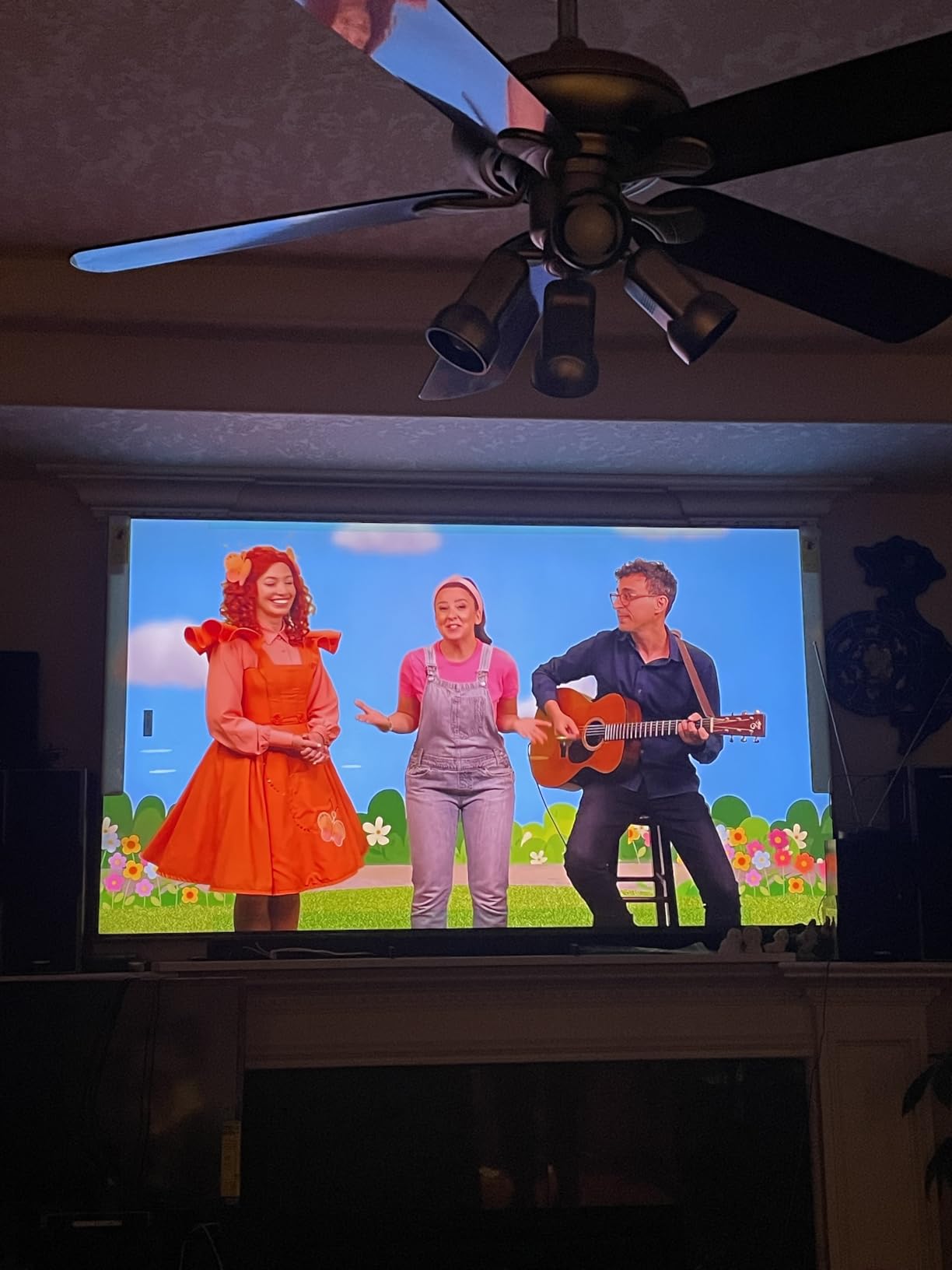
The gaming story is strong on paper and mostly strong in practice. Native 144Hz, MEMC with black frame insertion and a 4K-capable port count of four. There is an AI Sports Mode too, which is worth leaving on for live football.
Fire OS is the platform, and the Alexa remote is included. Owners like the guided setup that walks through account linking and parental controls. It is a simpler, less data-hungry interface than some rivals, which some buyers prefer.
What you should check before buying the Hisense 75E7SF
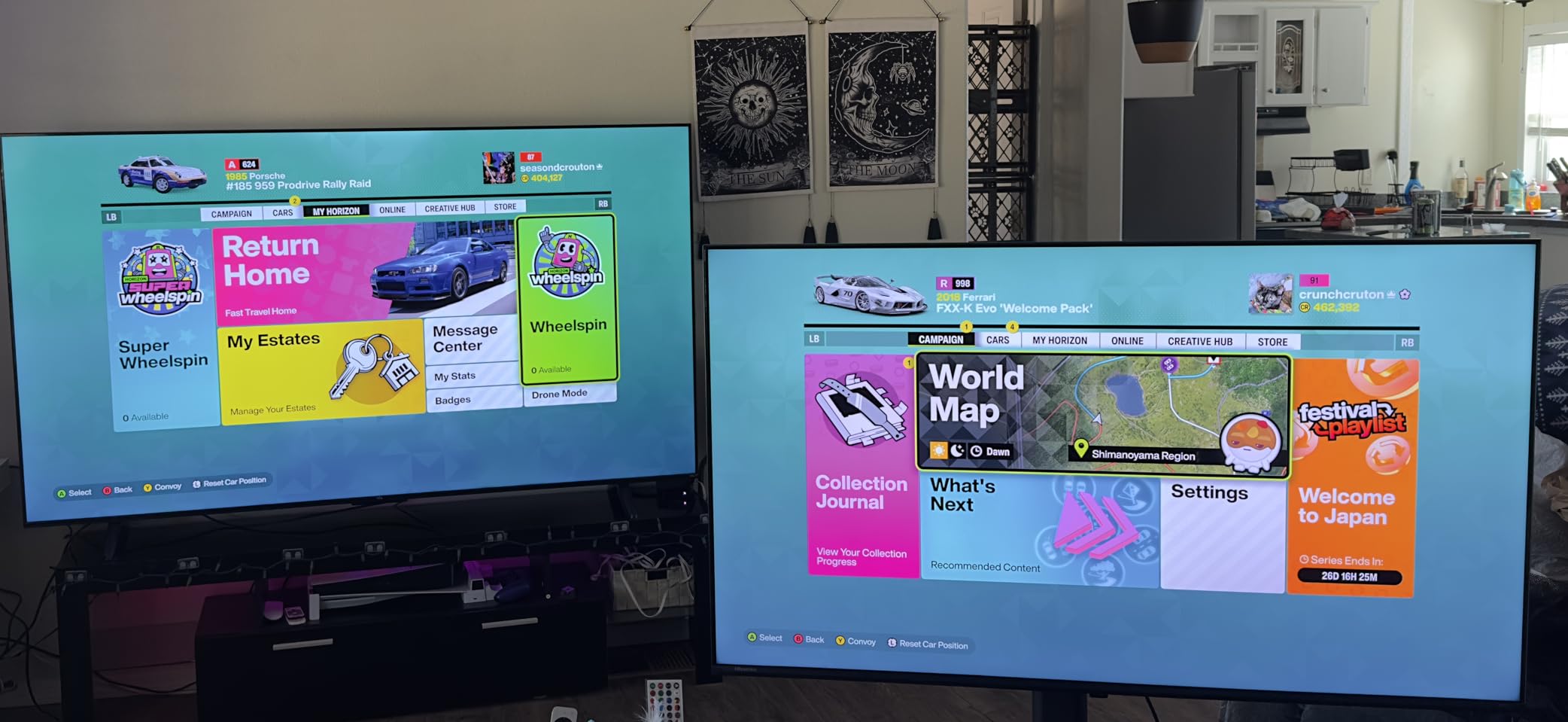
Check the VRR setting before you commit to it. A number of owners report that enabling VRR or FreeSync produced blur and soft motion rather than the improvement they expected. Test it with your own console, because it is a software behaviour rather than a panel limitation.
Check reliability reports. There are a small number of reviews describing repeated Wi-Fi dropouts and black-screen crashes that needed a factory reset, and the packaging is described as less secure than competing brands. If you are buying this, keep the box until you have run it for a week.
Check picture depth against a Samsung in the same broad range. Owners note it can look flatter, and that is a real difference in how the backlight handles specular highlights.
Who the Hisense 75E7SF suits, and who it does not
It suits buyers who want OLED-like contrast and a high refresh rate without leaving the mid-range bracket, and it suits anyone who prefers natural skin tones over punchy marketing colour. The Dolby Vision IQ support makes it a strong streaming set as well.
It does not suit someone who wants a polished interface or a speaker system. Fire TV is functional rather than refined, the 20W 2.0 audio is unremarkable, and the plastic stand is the first thing you will notice on a big panel.
5. Roku 75-Inch Pro Series: Best 75-Inch TV for Setup and Apps
Roku 75-Inch Pro Series Smart TV – 4K QLED Mini-LED TV – RokuTV
4K QLED panel with Mini LED backlight
120Hz with VRR, ALLM and FreeSync Premium Pro
Dolby Vision IQ HDR
Roku Soundstage Audio 4.1 at 50W
Roku OS with Backdrops art mode
Pros
- Roku OS is the most user-friendly interface in the roundup
- Setup takes minutes and the home screen is uncluttered
- Mini LED blacks with natural QLED colour
- 120Hz with VRR and ALLM suits console gaming
- Side-firing Soundstage audio is better than expected
Cons
- Motion handling shows visible stutter on fast sport
- Deep stand barely fits a narrower console
- Some sets reported shutdowns and picture distortion needing factory resets
Buy this set if the interface matters to you more than the panel. Roku OS is consistently the most recommended smart TV software in owner reviews: setup takes minutes, the home screen has no promoted clutter, and every app sits exactly where you expect it. On a 75-inch screen you will be navigating that interface far more than you would on a smaller set, so the difference is more valuable here than it is anywhere else.
The hardware underneath is solid. A Mini-LED backlight with thousands of local zones gives good blacks and contrast, Dolby Vision IQ is supported, and 120Hz refresh with VRR, ALLM and FreeSync Premium Pro makes it a capable console gaming screen. Roku Smart Picture Max handles signal cleanup and auto-tuning.
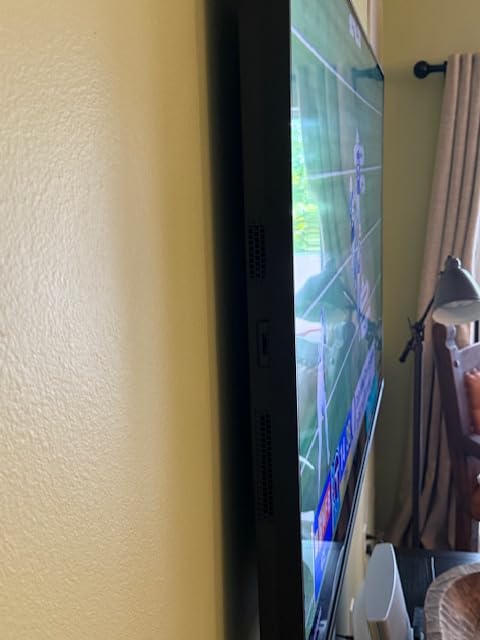
Audio surprised us. The side-firing Soundstage 4.1 system with Dolby Atmos at 50W is better than expected, and some owners skipped a soundbar entirely. There is also a rechargeable backlit voice remote with a remote-finder button on the TV itself, which sounds trivial until you have lost one behind a cushion.
There are nice touches for a set this size. Backdrops art screensaver and Art Mode keep the screen from looking dead when it is off, tool-less dual-height stands let you adjust the height, and there is cable management. The thin profile sits nearly flush on a wall mount.
What you should check before buying the Roku 75 Pro
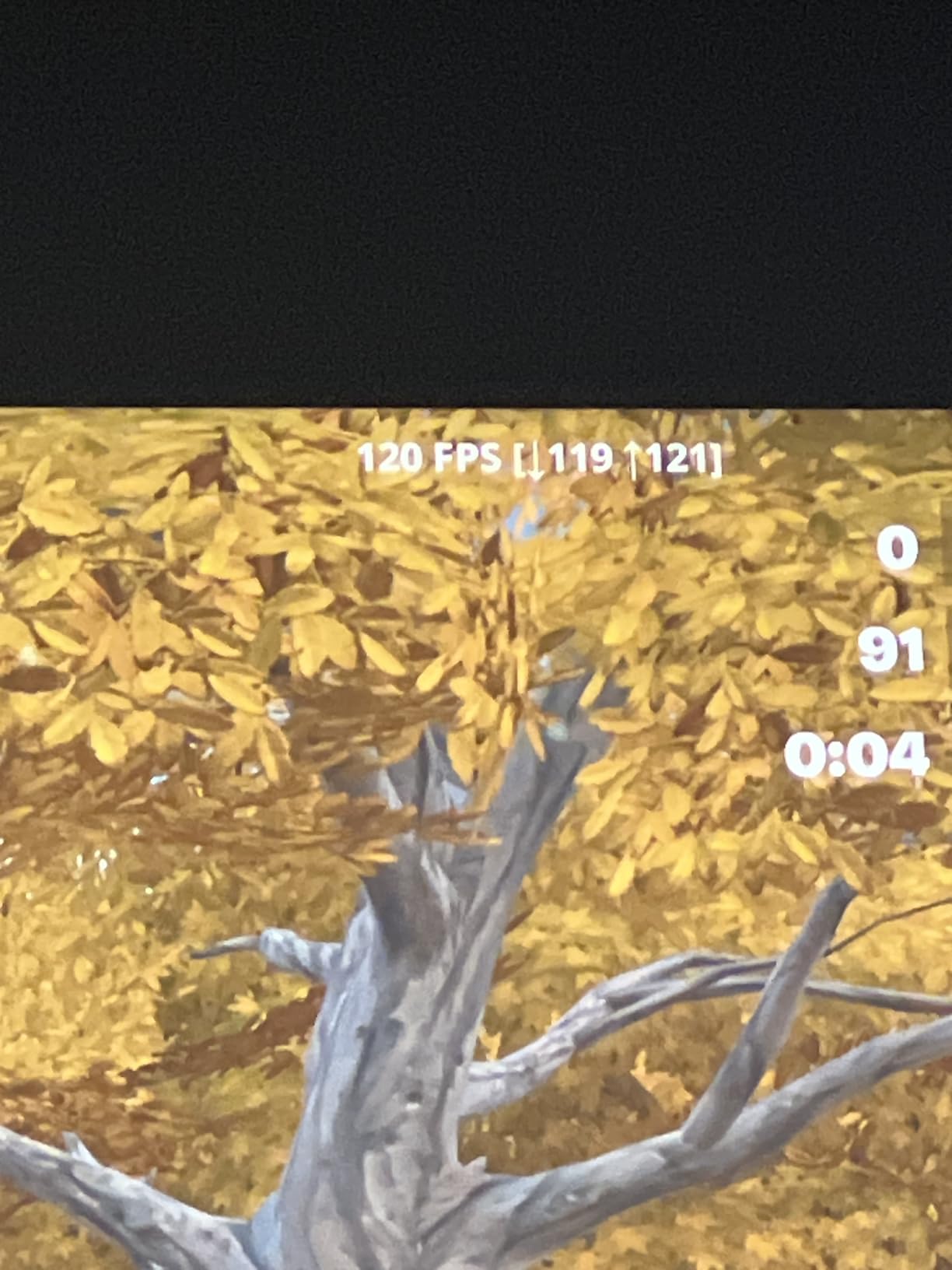
Check motion handling, which is the main technical complaint. Even with motion settings adjusted, owners report visible stutter and jitter on fast sport, and the picture is good rather than exceptional next to OLED. If you watch a lot of live football, weigh this against the TCL above.
Check your furniture. At 15.4 inches deep with an 82.1 pound weight, the stand barely fits on a narrower console, and the panel is heavy enough that wall mounting is often the better plan.
Check warranty service. There are reports of shutdowns and green-tinted picture distortion that needed factory resets, and of extended warranty support being unhelpful for large-panel repairs. That is a small number of reviews, but it is worth knowing on a set this size.
Who the Roku 75 Pro suits, and who it does not
It suits anyone who wants a large screen for family use and does not want to fiddle. The combination of a big clean interface, strong port count, Dolby Vision IQ and a usable speaker system makes it the most complete package for everyday household television.
It does not suit a dedicated film room or a serious sports viewer, and it is not the right choice if you plan to use the set as a desktop monitor. For those, spend the difference on a Mini-LED set with stronger motion processing or on an OLED.
6. Samsung 75M70H Mini LED: Best Budget 75-Inch Mini-LED
Samsung 75-Inch Class M70H Series, Mini LED, 4K, Smart TV, 2026 Model
Mini LED backlight with 1000 nit peak brightness
120Hz refresh with Motion Xcelerator Turbo Plus
HDR10 Plus support
Soccer Mode and Gaming Hub
Dolby Atmos
Pros
- Mini LED backlight and 1000 nits at a budget price band
- Dark blacks and strong contrast beat standard LED sets
- Interface is quick compared with older Samsung models
- Samsung TV Plus channels add value with no subscription
- Sound carries further at low volume than most rivals
Cons
- Simplified remote cannot switch HDMI inputs directly
- TV often fails to remember the last input used
- App store has no search box
- Some picture settings are buried deep in menus
The M70H exists because Samsung put a Mini-LED backlight into the budget bracket, and that alone makes it remarkable. A 1000 nit peak brightness figure with Supreme Mini LED dimming is a step change from a standard direct-lit LED at the same money, and owners describe the blacks and contrast as clearly better than what they replaced.
Refresh rate is 120Hz through Motion Xcelerator Turbo Plus with Dual LED, which is a sensible compromise when the money will not stretch to 144Hz. There is a Soccer Mode that tunes motion clarity and the turf green, and a Gaming Hub that pulls console, cloud and app games into one place.
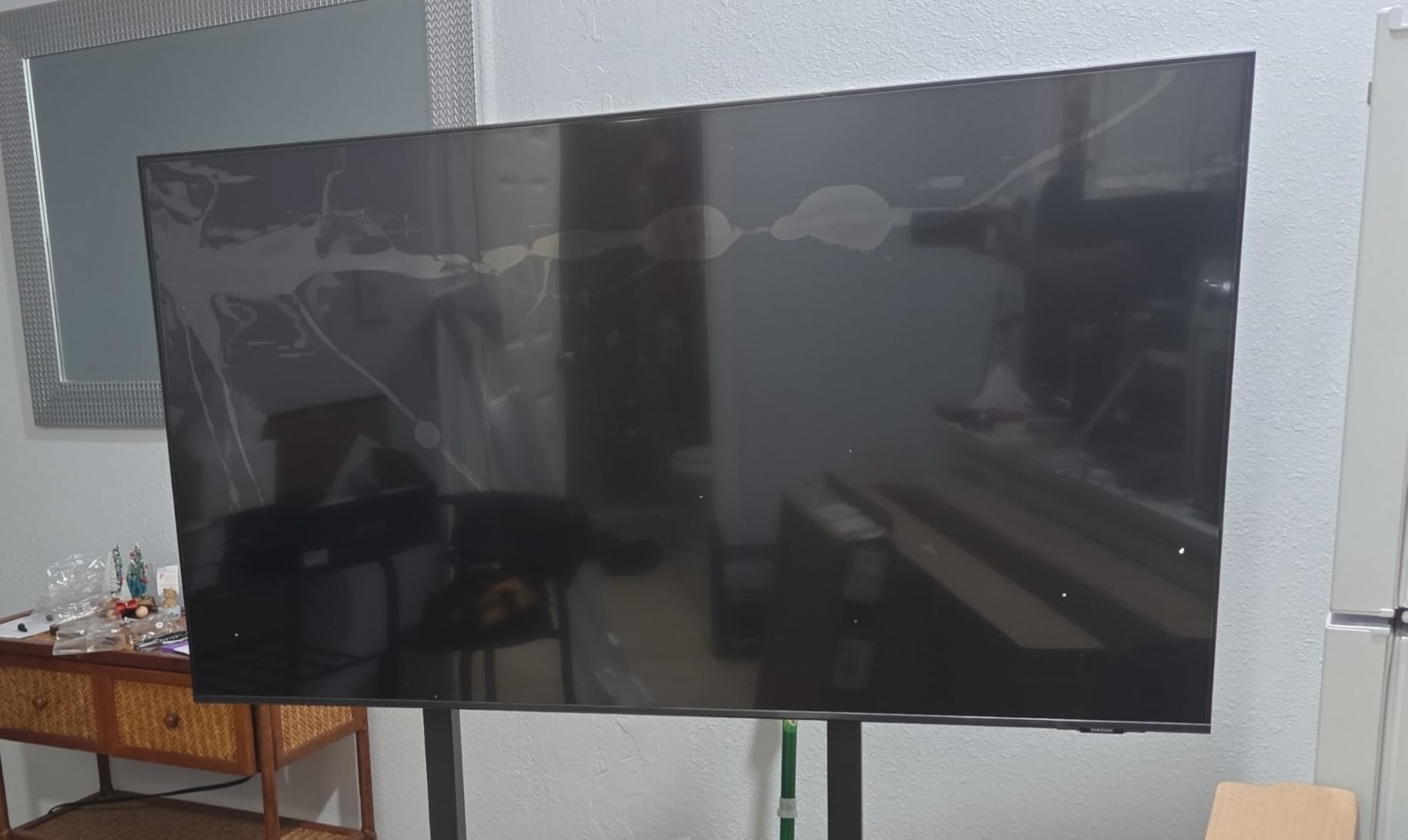
Samsung TV Plus with more than 750 free channels is a genuine, underrated benefit on a value set, because it means the television is useful before you have signed up for anything. The interface is reported as quick compared with older Samsung models, and the thin Titan Black frame looks tidier than the price suggests.
Audio is Dolby Atmos from a 2.0 speaker set, and owners note it is louder at lower volume settings than most sets in this class, which is exactly what you want in a big room.
What you should check before buying the Samsung 75M70H
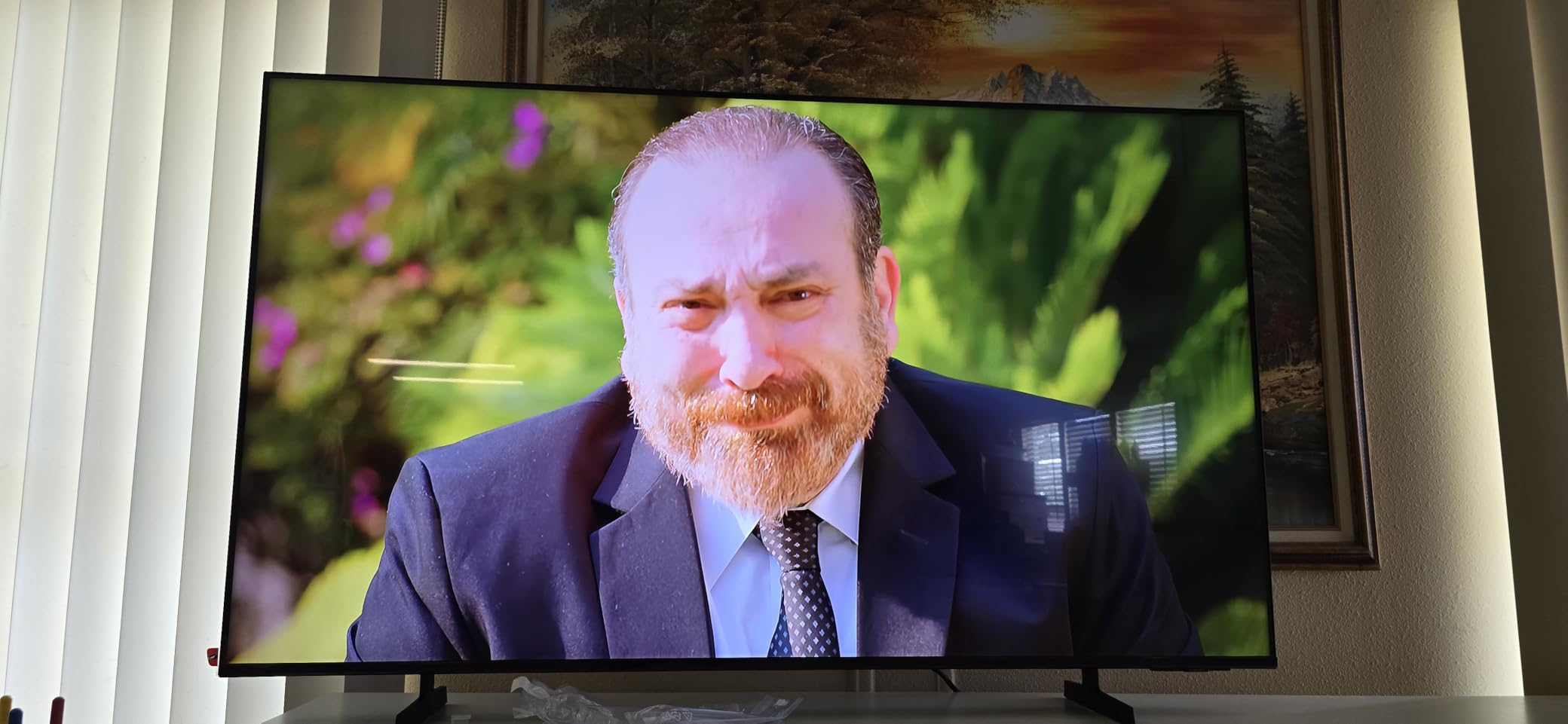
Check the remote, because it is the single most-criticised component. It cannot switch HDMI inputs directly and uses a small toggle for volume. On a set that is likely to have a console and a disc player attached, that is an irritation you will feel every day.
Check input memory. Owners report the TV often fails to remember the last input used and defaults to a sub-box on power-up, which is annoying if you use live TV at all.
Check the app store. There is no search box, and some major streaming apps have to be installed through the voice assistant rather than by typing. Picture controls also sit several menus deep.
Who the Samsung 75M70H suits, and who it does not
It suits a first 75-inch TV bought on a modest budget, or a second TV for a bedroom or games room. You get real Mini-LED contrast and a high refresh rate where a straightforward LED set would give you neither.
It does not suit anyone with an eye for interface polish, or a buyer who needs Dolby Vision. Samsung uses HDR10 Plus rather than Dolby Vision on this set, and the app store limitations are the kind of thing that frustrate quickly.
7. Samsung 75U8000H Crystal UHD: Best 75-Inch TV for Free Channels
Samsung 75-Inch Class U8000H Series Crystal UHD, 4K, Smart TV, 2026 Model
Direct LED 4K UHD with Crystal Processor
60Hz refresh with Motion Xcelerator
300 nit peak brightness
Samsung TV Plus with 750+ free channels
HDR10 Plus and OTS Lite audio
Pros
- Crisp 4K upscaling and rich colour for a budget Samsung
- Samsung TV Plus gives hundreds of free channels with no subscription
- Very deep blacks for a dim room
- HDMI CEC means one remote runs the TV and a soundbar
- Slim bezel with simple feet
Cons
- The rocker-button remote is the most criticised component
- Only two HDMI inputs in practice
- Washes out in bright daylight
- 300 nits is dim for a bright living room
The U8000H is the set to buy if your household actually watches broadcast television. Samsung TV Plus gives you more than 750 free channels with no subscription, and combined with 2,700-odd free streaming options it means the set does something useful the moment you switch it on. At 75 inches that is a lot of screen to leave unused.
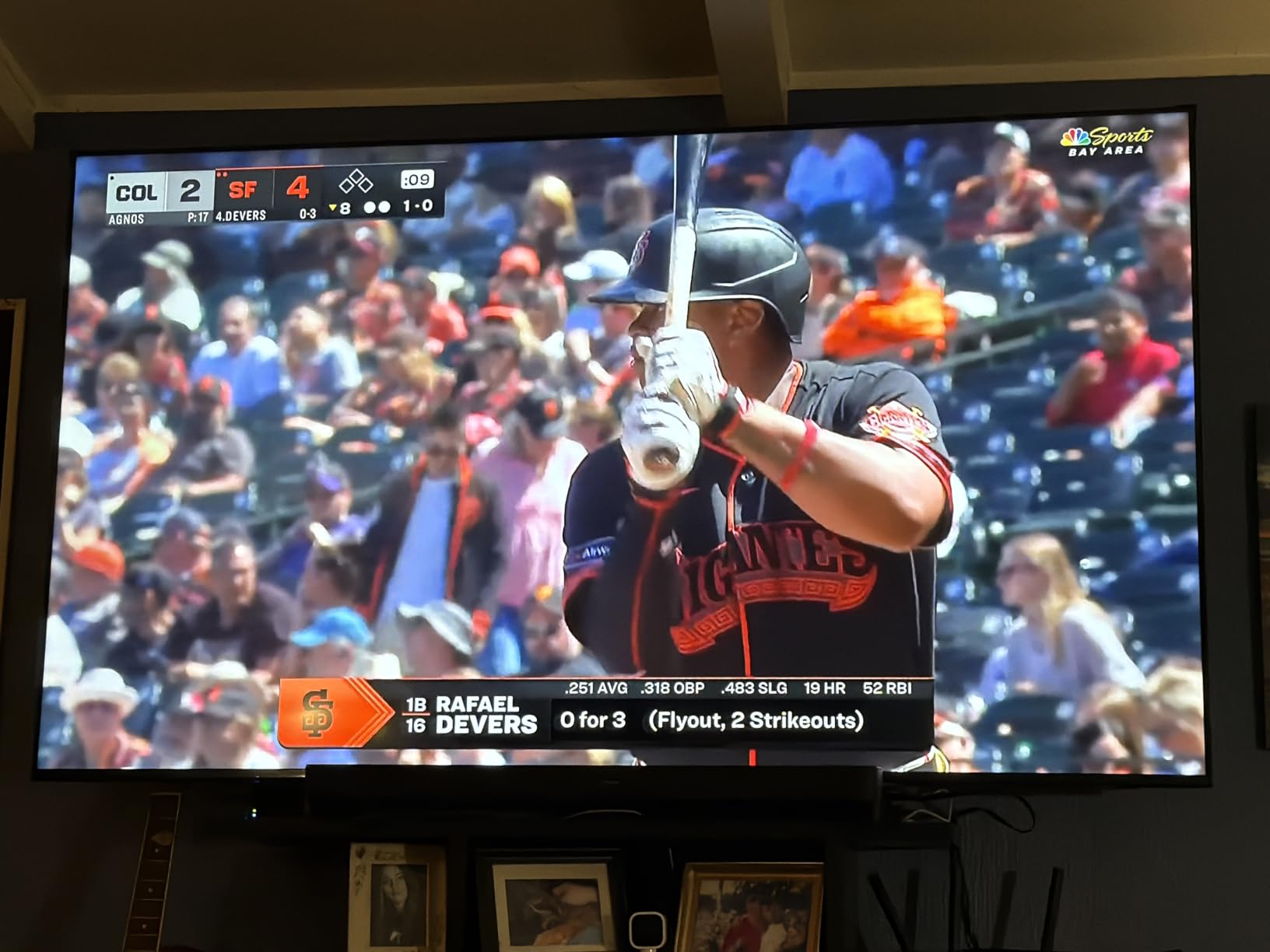
Picture performance is a mixed but honest proposition. The Crystal Processor 4K does genuinely good 4K upscaling and Color Booster, and owners praise very deep blacks in a dim room. Against that, the 300 nit peak brightness figure is the lowest of the brighter sets here, and it washes out in daylight with primaries-heavy colour.
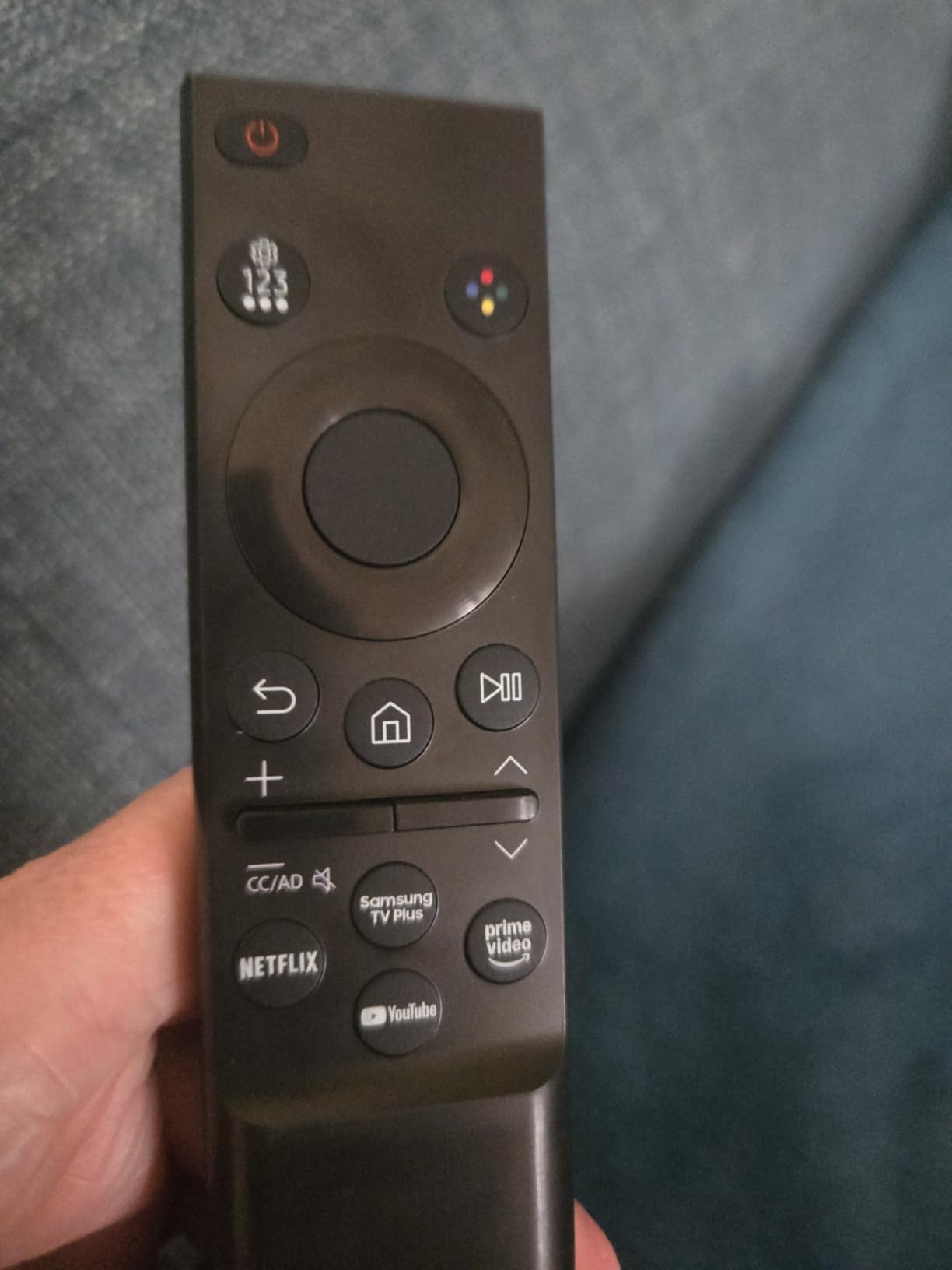
The slim bezel and simple feet rather than wide spider legs are a nice touch at this size, and HDMI CEC means the TV remote controls an attached Apple TV or soundbar. The ambient-light brightness adjustment works reliably, which helps compensate for the low peak figure.
Motion is handled by Motion Xcelerator up to 4K at 60Hz. That is fine for drama and news, and you will feel it during fast sport.
What you should check before buying the Samsung 75U8000H
Check your port needs. There are three HDMI ports, but owners report only two being usable for source switching in practice, which is a real constraint for a console plus disc player plus soundbar. There is one USB port, Wi-Fi 5 and Bluetooth 5.2.
Check the remote and prepare for it. The included rocker-button unit is the most-criticised component across hundreds of reviews, with volume and input switching described as unintuitive. Budget ten minutes with it or replace it.
Check the app list. The inventory is thinner than Roku or Google TV sets, with owners specifically noting the absence of major streaming apps.
Who the Samsung 75U8000H suits, and who it does not
It suits an older buyer or a family that wants free content without another subscription, in a dim room, on a modest budget. The deep blacks and quick setup are repeatedly praised.
It does not suit a gaming household, given the 60Hz panel, and it is the wrong set for a bright living room where 300 nits simply will not hold up. For either, the M70H above costs a similar amount and transforms the picture.
8. Toshiba 75Z670R Mini-LED: Best 75-Inch TV for Dark-Room Films
Toshiba 75″ Z670 Series Mini-LED 4K UHD Smart Fire TV (75Z670R, 2026 New) – QLED, Native 144Hz, HDR10+, Dolby Vision IQ, REGZA Engine Zri, Dolby Atmos, Game Mode Pro, Alexa Built-in, Japan Quality
Mini LED QLED with full array local dimming
Native 144Hz with VRR and ALLM
3000:1 contrast ratio
REGZA Power Audio Pro 40W 2.1
Dolby Vision IQ and HDR10 Plus
Pros
- Mini LED zone backlighting gives deep blacks and clean night scenes
- Natural soft QLED tuning rather than oversaturation
- 144Hz with VRR and ALLM keeps PS5 and PC gaming smooth
- Four full-spec HDMI ports
- Dedicated bass woofer in a 40W 2.1 system
Cons
- Fire TV home screen is cluttered and heavily promotional
- A small number of sets reported a persistent smoky look
- Audio and video can fall out of sync during voice channel tuning
- Thin online documentation
The Z670R is the most confident film choice in this roundup for a dark room. The 3000:1 contrast ratio with full array local dimming gives genuinely deep blacks without the haloing you get from aggressive zone control, and owners describe night scenes as clean in a way that budget Mini-LEDs usually are not.
Colour is the quiet strength. The QLED layer is tuned by the REGZA Engine ZRi Gen3, which was developed in Japan, and the recurring description from owners is natural, soft colour with pleasing skin tones rather than the pushed saturation most brands default to. For a room where you watch films after dark, that is worth more than raw brightness.
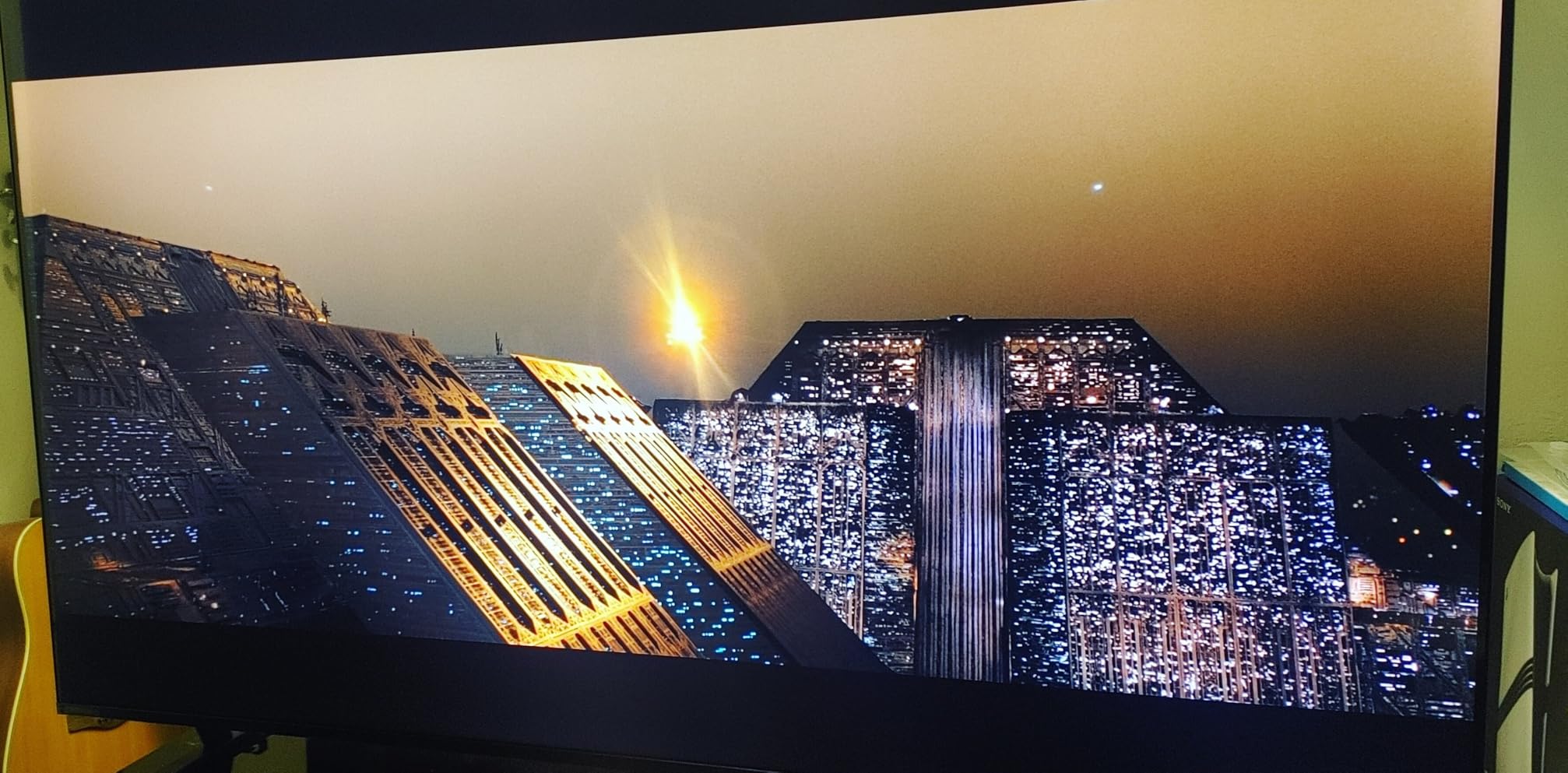
Gaming is handled properly. Native 144Hz with AMD FreeSync Premium, VRR at 144Hz and ALLM, plus a Game Mode Pro for next-generation consoles. Four full-spec HDMI ports means you never have to swap cables, and the VESA pattern of 600 by 400 mm is generous for mounting.
Audio is unusually serious for a television. REGZA Power Audio Pro runs 40W in a 2.1 configuration with a dedicated bass woofer, and Dolby Vision IQ, HDR10, HDR10 Plus, HDR10 Plus Adaptive and HLG are all supported.
What you should check before buying the Toshiba 75Z670R
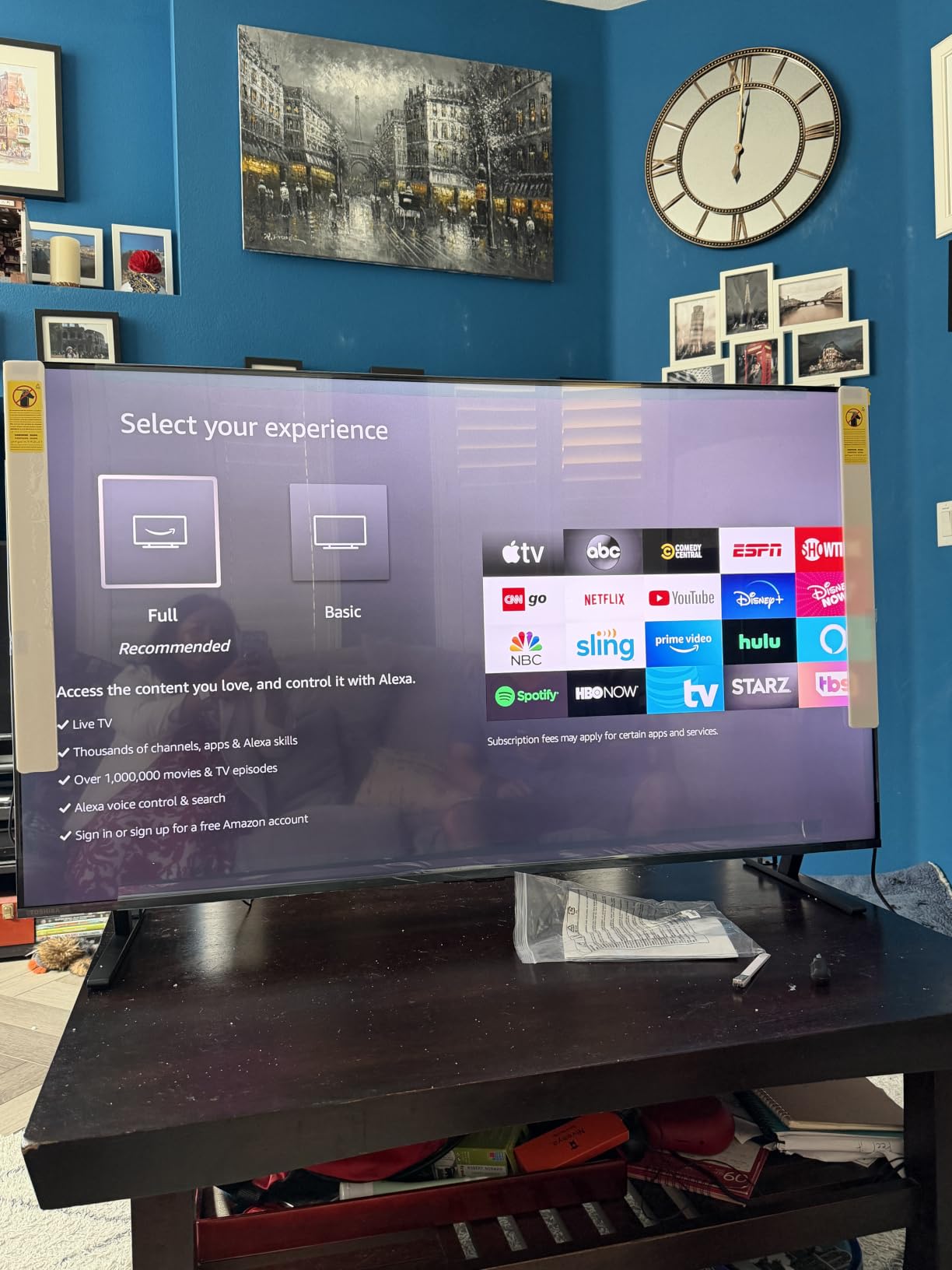
Check the platform, because that is the real compromise. Fire TV’s home screen is described as cluttered and heavily promotional, and on a 75-inch display you spend more time looking at that screen than you would on a smaller set. If you already run a streaming box, this matters less.
Check channel tuning behaviour. Owners report audio and video falling out of sync during voice-based channel tuning, and channel scrolling that can pull audio from unintended stations or duplicate channels.
Check panel consistency. A small number of sets reported a persistent smoky or foggy look that no adjustment resolved. Keep the packaging and test a full day of varied content in the first week.
Who the Toshiba 75Z670R suits, and who it does not
It suits a film-first buyer in a dim room who wants natural colour and real blacks without stepping up to an OLED, and a gamer who wants four full-bandwidth ports and a 144Hz panel.
It does not suit someone who wants a polished interface, or a buyer in a very bright room where 144Hz and local dimming matter less than raw brightness. Our general reading is that this set has the smallest owner review base in the roundup, so buy it with a retailer that makes returns painless.
9. Toshiba 75M450 QLED: Best Budget 75-Inch QLED
TOSHIBA 75″ Class M450 Series QLED 4K UHD Smart Fire TV, Voice Remote with Alexa, Stream Live TV Without Cable
QLED 4K UHD LED panel
60Hz refresh
REGZA AI Engine ZRi Gen3
Dolby Vision and Dolby Atmos
Game Mode with ALLM, VRR and eARC
Pros
- QLED colour and 4K clarity at an entry-level price band
- REGZA AI Engine gives clean natural tuning for the class
- Dual clear-direct speakers handle dialogue without a soundbar
- Game Mode brings ALLM
- VRR and eARC to a budget set
- Minimalist design suits a living room
Cons
- 60Hz is the lowest refresh rate in this roundup
- No local dimming zones so contrast trails Mini-LED rivals
- Smaller owner review base than the Samsung and TCL sets
The M450 is here because the budget tier deserves honest coverage rather than a polite mention. It is a QLED set with Dolby Vision, Dolby Atmos and a Game Mode that includes ALLM, VRR and eARC, which is a feature list that would have been unusual at this price a few years ago. Owners rate the REGZA AI Engine ZRi Gen3 tuning as clean and natural for the class.
The dual clear-direct speakers are worth calling out. Dialogue is intelligible without a soundbar, which matters more than it sounds on a set you will mostly watch in the evening. The minimalist, Japanese-inspired design also sits quietly in a living room.
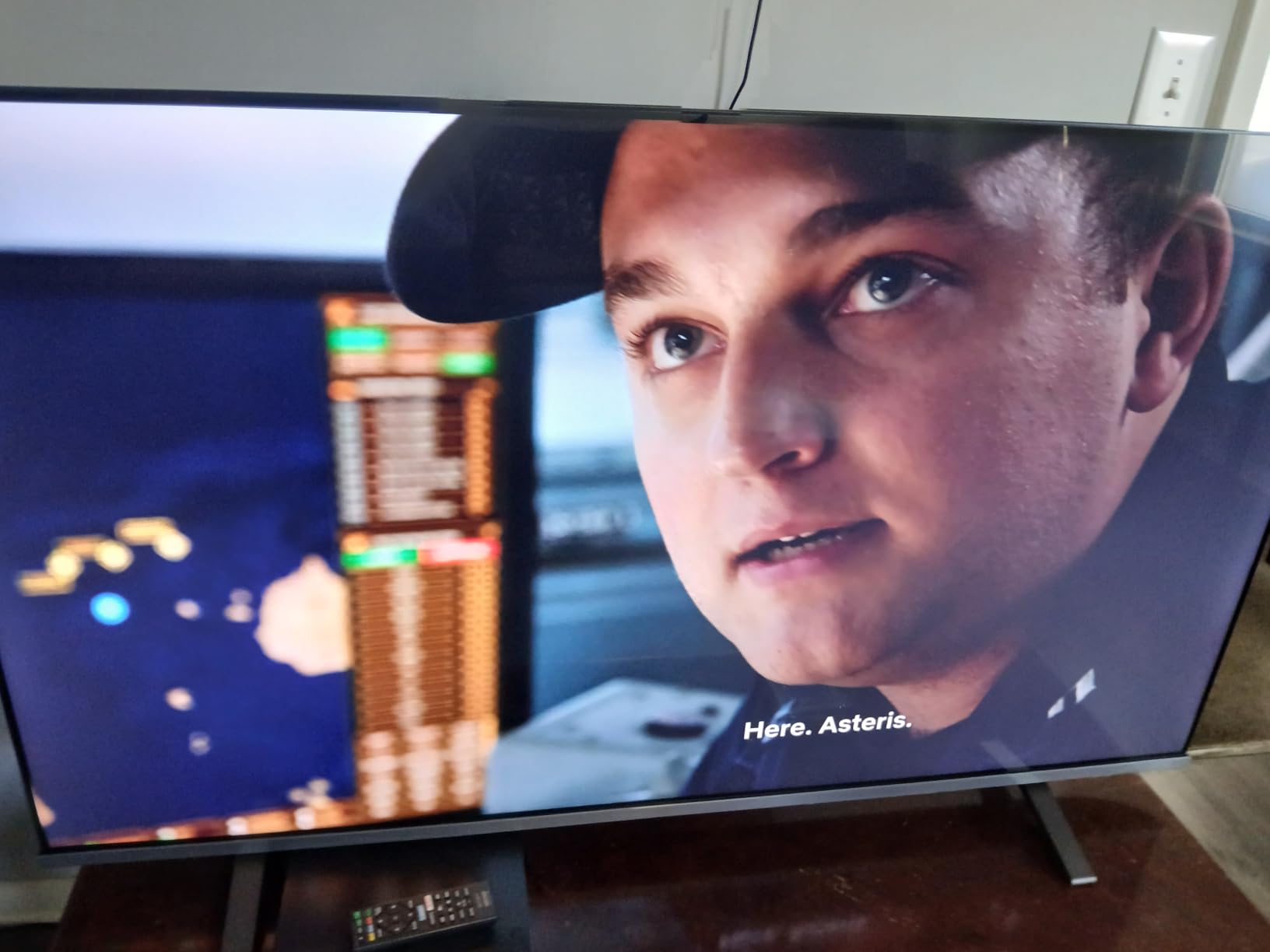
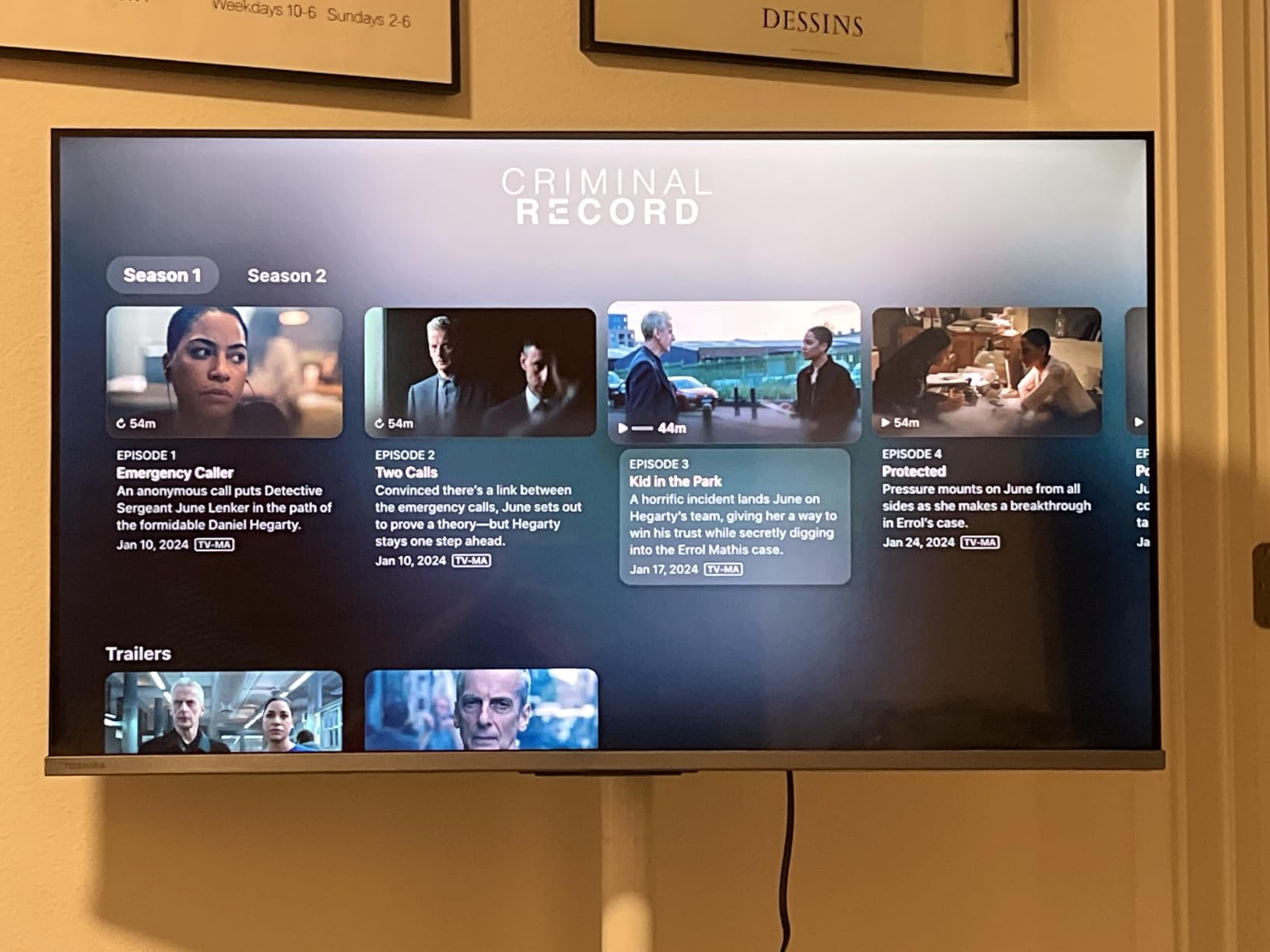
There are four HDMI ports and Apple AirPlay support, plus AI 4K Clarity upscaling and noise reduction for older content. HDR10 Plus Adaptive handles scene-by-scene brightness on the streaming side, and Dolby Vision is present alongside it.
What you give up is clear. There are no local dimming zones at all, so black levels in a dark room are grey rather than truly dark, and a 60Hz panel shows on sport.
What you should check before buying the Toshiba 75M450
Check your sport habit. The 60Hz panel is the lowest refresh rate here, and owners accept it as the trade-off rather than pretending otherwise. If you watch live football or racing regularly, this is the wrong set.
Check your room. With no local dimming, contrast is limited, and in a dim room dark scenes will look flat compared with any Mini-LED. The picture is watchable rather than impressive at 75 inches.
Check the evidence base. This set has a considerably smaller base of owner reviews than the Samsung and TCL models in this roundup, so treat the general impression as less well tested.
Who the Toshiba 75M450 suits, and who it does not
It suits a first 75-inch TV bought carefully, in a rented flat or a bright apartment, where the priority is screen size and having Dolby Vision at all. The four HDMI ports and AirPlay make it flexible for a modest setup.
It does not suit a dark media room, a serious gamer, or anyone who watches sport daily. In all three cases, spending a little more on the M70H or the QM6K removes every one of those compromises.
10. Insignia 75F50 LED 4K UHD: The Lowest-Cost Way Into 75 Inches
INSIGNIA 75″ Class F50 Series LED 4K UHD Smart Fire TV, Voice Remote with Alexa, Stream Live TV Without Cable
75-inch direct LED backlit 4K UHD
HDR10 support
Fire TV with Alexa voice remote
DTS Virtual-X audio
Three HDMI ports with eARC
Pros
- 4K HDR10 picture at the very bottom of the price range
- Alexa voice remote included
- Three HDMI ports plus optical output and Ethernet
- Direct LED backlighting is more even than edge-lit budget panels
Cons
- Basic Fire TV hardware with modest picture processing
- Entry-level brightness and no local dimming for dark scenes
The F50 is the simplest possible answer to the question, and it belongs in this roundup because the cheapest 75 inches is a real purchase. It is a direct LED backlit 4K panel with HDR10, Fire TV, and a full complement of connections for a set this size: three HDMI ports including eARC, composite AV, optical output, USB, headphone jack, coaxial and Ethernet.
Direct LED backlighting rather than edge lighting is the right choice at 75 inches, because it gives more even brightness across a large panel and helps contrast. Owners describe the set as straightforward and affordable, doing the basics well, with the Alexa remote and the connection count as the most-praised points.
What you should check before buying the Insignia 75F50
Check the picture processing, which is the honest limit here. The Fire TV hardware is basic and there is no local dimming, so bright scenes in a dark room and dark scenes in a bright room are both compromised. This is a screen-size purchase, not a picture-quality one.
Check brightness. Owners describe entry-level brightness, so daytime viewing through a window will be dim and colours will not pop. Curtains make a real difference here.
Check the review base. This set has the smallest number of owner ratings in the roundup, so real-world experience is thinner than for the picks above. Buy it only from somewhere with an easy return process.
Who the Insignia 75F50 suits, and who it does not
It suits a first large TV bought on the tightest possible budget, or a bedroom or holiday-room screen where size matters and picture quality does not. The connection list means you can attach a console, a soundbar and a disc player without hunting for adaptors.
It does not suit anyone who watches films, games or sport seriously, and it is the wrong set for a bright living room. If you can stretch to the M450 or the M70H, the picture difference is immediate and permanent.
How to Choose the Best 75-Inch TV
Panel technology decides more than any other single spec, and at 75 inches the differences are far more visible than they are on a 55-inch set. Brightness, contrast and viewing cone all scale with area, so a compromise that looks minor in a showroom looks obvious in a dark room. Our advice is to fix the panel type and the refresh rate first, then choose the platform, and only then look at features.
How far should you sit from a 75-inch TV?
Sit between 2.5 and 3.5 metres away, with roughly 3.3 metres the sweet spot for a normal living room. A 75-inch diagonal is about 189 cm, and at that distance the screen fills a comfortable share of your field of view without requiring eye movement to follow the action.
For a 16:9 panel, a seated distance of about 1.5 times the screen diagonal in inches is a reasonable minimum for cinema-style viewing, which puts 75 inches at roughly 2.8 metres. Viewers who sit closer than 2 metres usually find a 75-inch screen imposing, and that is a real signal to buy 65 inches instead.
Watch sport or game at a distance, and brightness matters more than contrast. Players are usually further away and often have daylight in the room, so push toward a brighter Mini-LED with an anti-reflection coating rather than an OLED.
OLED vs QLED vs Mini-LED at 75 inches
OLED is for dark rooms and film. Each pixel makes its own light, so blacks are true blacks and there is no blooming around bright objects on a dark background. The trade-off is that organic panels are not as bright, so daylight washes them out, and they carry a burn-in risk if you display static content for years.
QLED is a quantum dot colour filter over a backlit LCD. It is brighter and cheaper than OLED, with no burn-in risk, but contrast depends entirely on how good the local dimming is. Entry QLED sets with no dimming zones have grey blacks, which is the single most common complaint about budget 75-inch TVs.
Mini-LED is a backlight made of thousands of tiny LEDs, which allows fine local dimming and much higher brightness than a standard LED while keeping the burn-in safety of an LCD. It is the sweet spot at this size. The rule of thumb: OLED for a dark room and movies, Mini-LED for bright rooms, sport and gaming, and plain QLED only when the budget stops you.
One warning worth repeating from owner forums. The 75-inch version of a series is not always the same television as the 65-inch version. Refresh rate, port count and panel type can all change between sizes, so never rely on a review written for a different size.
What refresh rate and HDMI 2.1 count do you need?
Match refresh rate to what you actually do. Cinema and streamed drama look fine on 60Hz, which is why several budget sets in this roundup stop there. Live sport and console gaming are where the jump is obvious, and 120Hz is the practical floor for a 75-inch set in 2026.
Go to 144Hz if you own a PS5 or an Xbox Series X and play competitive shooters or sports games, where the extra headroom pairs with variable refresh rate to reduce tearing. 165Hz sets exist but the visible gain over 144Hz is small outside those specific cases.
Count HDMI ports before you choose. Two is not enough if you have a console, a disc player and a soundbar, because one port will always be taken by the soundbar or the soundbar return. Three is workable, four is comfortable, and you should check that the eARC port is one you can reach.
Google TV, Fire TV, Roku OS and Tizen: which platform to pick
Roku OS has the least user-friendly problems. No promoted clutter, quick setup, and a predictable interface that owners consistently rate as the best. Google TV has the best app selection and Chromecast and AirPlay 2 built in, and it is fast on good hardware.
Fire TV is simple and works with Alexa, which some households prefer, but the home screen is promotional and the platform collects more data than most buyers expect. Tizen is capable and pairs closely with Samsung phones and TVs, though owners of the budget Samsung sets here report a thin app store and a weak remote.
Whatever you choose, check whether it collects a lot of data and whether you are comfortable signing every streaming service into it. On a TV you may keep for eight years, that is worth ten minutes of thought.
Bright rooms, anti-glare coatings and reflection handling
Brightness on a spec sheet is a peak figure measured in a dark room, and it is not what you see at three metres during the day. What matters is whether the panel has an anti-reflection coating. A matte coating scatters reflections and slightly softens the image; a true anti-reflection treatment on the Samsung QN90F eliminates most of them.
If your set faces a window, the coating is worth more than extra nits. If it does not, brightness headroom is the thing to buy. Either way, colour accuracy and a light sensor for automatic ambient adjustment help more than most people expect.
What to check in the first 30 days after delivery
Keep the packaging until you are certain. Large panels are damaged in transit far more often than they fail on the bench, and a box that fits through your door is proof of condition. Photograph the screen on arrival with your phone, on a dark scene and a bright one, before you remove the stickers.
Look for dead pixels and uniformity defects. On a dark grey screen, look for bright patches from local dimming zones and dark clouds from panel tint. On a bright white screen, look for a yellow or green cast in the corners. All of these are return-window issues, not things to live with.
Then spend an hour on the picture. Most of these sets look poor out of the box because the picture mode is set to a bright retail default. Switch to Filmmaker Mode or the closest cinema equivalent, turn off motion smoothing for anything other than sport, and check that the AI picture features are not overriding your settings.
Finally, test the interface and the ports while you can still return the set. Check that your streaming apps load, that input switching works, that the remote does everything you need, and that the soundbar you own pairs correctly over eARC.
When 75 inches is the wrong size, and when to stretch to 85
Buy 65 inches if your main seat is closer than about 2 metres, or if the set is going in a bedroom or a small study. A 75-inch panel viewed from a bed is uncomfortable, and no amount of picture quality fixes that. If your budget is fixed and you cannot sit at the right distance, a better 65-inch set beats a worse 75-inch one.
Stretch to 85 inches if your seating distance is beyond 3.5 metres or if your room is genuinely large, because 85 inches fills that space and 75 inches starts to look small. The trade-offs are weight, mounting complexity and a step up in price, and the mount needs to be rated well beyond the panel weight.
One last buying tactic. Model lineups refresh annually, so last year’s flagship at a reduced price is often the better purchase than this year’s equivalent, and the same applies to a previous-generation Mini-LED. Check that the older model still has the port count and refresh rate you need before you commit.
Frequently Asked Questions
Which is better for a 75-inch TV, OLED or QLED?
OLED is better in a dark room because each pixel produces its own light, so blacks are true blacks and there is no blooming around bright objects. QLED and Mini-LED are brighter and carry no burn-in risk, so they win in a sunlit living room or for sport. Mini-LED sits between the two and is the best all-round 75-inch technology. The rule of thumb: OLED for movies after dark, Mini-LED for daylight and gaming.
Which brand is best for a 75 inch TV?
There is no single best brand, so it depends on the category. TCL and Hisense are strongest on picture quality for money, with Mini-LED local dimming well below the price of rivals. Samsung leads on anti-reflection coatings and bright-room performance, and its budget sets offer the most free channels. Roku is the simplest platform, with the most user-friendly interface. Toshiba undercuts for natural colour tuning and clear dialogue.
What is the best 75 inch TV for value for money?
The TCL 75T7 is the best value at the mid-range, giving you a native 144Hz panel, 288Hz variable refresh rate, Dolby Vision and four HDMI inputs. The compromise you accept is a direct-lit QLED backlight with no local dimming, so black levels in a dark room are grey rather than deep. If your budget is at the very bottom, the Toshiba 75M450 adds Dolby Vision but drops to 60Hz.
What brand of TV has the least problems?
Reliability at 75 inches is mostly about the panel, not the brand, and most early failures are transit damage or dead pixels caught during the return window. What varies more is support. In owner reviews, TCL customer service is repeatedly praised, while extended warranty service on large-panel repairs is reported as unhelpful on some Roku sets. Keep the packaging, photograph the screen on arrival, and check your retailer return window before delivery.
Do 75 inch OLED TVs get burn-in?
Modern OLED panels have strong mitigation built in, including pixel shifting, logo luminance adjustment and screen move, so a normal television watching pattern rarely causes visible retention. A 75-inch panel changes the calculus in one specific way: it is large enough to double as a desktop monitor, and a desktop is static content for hours at a time. If you plan to work on the screen, use a screensaver and keep the brightness moderate.
How far away should I sit from a 75 inch TV?
Between 2.5 and 3.5 metres, with roughly 3.3 metres the sweet spot for a typical living room. A 75-inch diagonal is about 189 centimetres, and at that distance the screen fills a comfortable share of your field of view. If your main seat is closer than about 2 metres, a 75-inch screen will feel imposing and 65 inches is the better buy.
The Best 75-Inch TV for Your Room
The best 75 inch TV for most people in 2026 is the TCL 75QM6K, because full array Mini-LED dimming, a 144Hz panel, four HDMI ports and a genuine subwoofer in a set that costs far less than the premium tier is very hard to argue with. If your room is bright, buy the Samsung QN90F for the anti-reflection coating alone. If you want 144Hz gaming on the smallest outlay, take the TCL 75T7.
Whichever you choose, buy the panel rather than the features. Local dimming, brightness and refresh rate are what you will still notice in five years, and most of the AI picture processing on these sets is doing nothing you would miss if you turned it off. Check your viewing distance before you order, because it is the one decision you cannot change afterwards.
Readers who want a smaller screen with the same reasoning behind it can start with our guide to the [best OLED TVs for watching movies](https://www.shortfilmcentral.com/best-oled-tvs-for-watching-movies/) or our picks for [4K TVs for home cinema](https://www.shortfilmcentral.com/best-4k-tvs-for-home-cinema/). If your interest is picture accuracy for critical work, we also cover the [best TVs for reviewing footage](https://www.shortfilmcentral.com/best-tvs-for-filmmakers-to-review-footage/) and the [best TVs for film screening](https://www.shortfilmcentral.com/best-tvs-for-film-screening-and-review/), plus dedicated [7-inch field monitors](https://www.shortfilmcentral.com/best-7-inch-field-monitors-for-filmmakers/) for on-set work.