
If you have been circling the idea of buying a 3D printer for months, the hardest part is not the decision itself. It is that every brand has a different idea of what a home printer should be, and most “beginner-friendly” machines still ask you to solve problems the marketing promised would disappear.
We put a great deal of research and hands-on time into narrowing the field to the twelve machines we would actually set up on a desk in a house rather than a workshop. The list covers the full range: enclosed CoreXY machines that handle ABS and ASA, open-frame starters you can learn on, native four-colour systems, and resin printers for detail work that filament simply cannot reach.
If you are still deciding, our broader 3D printer roundup covers the category end to end, while this page is built specifically around the best 3D printers for home hobbyists. That means noise levels, apartment suitability, kids and pets, and the honest running costs nobody puts on the box.
Table of Contents
- Top 3 Picks for Best 3D Printers for Home Hobbyists in October
- All 12 Printers at a Glance (2026)
- How We Picked These 12 Printers
- 1. Bambu Lab A1 – The Best Overall Printer for Home Hobbyists
- 2. Creality K1C – Best for High-Temperature Filament
- 3. ELEGOO Centauri Carbon 2 Combo – Best for Multicolour Printing
- 4. Bambu Lab P1S – Best Enclosed Value
- 5. Creality K2 Combo – Best Multi-Material Setup
- 6. FLASHFORGE Adventurer 5M Pro – Best Quiet Enclosed Printer
- 7. Anycubic Kobra X – Best for Low-Waste Colour Changes
- 8. Creality Ender 3 V3 SE – Best Budget Pick
- 9. Entina Tina2C – Best for Kids and STEM Learning
- 10. ANYCUBIC Photon Mono 4 – Best Resin Value
- 11. ELEGOO Mars 5 Ultra – Best Resin Printer for Beginners
- 12. ELEGOO Saturn 4 Ultra – Best for Ultra-Fine Resin Detail
- FDM or Resin: Which Type of Printer Fits Your Home?
- Filament and Material Compatibility for Home Hobbyists
- Enclosed vs. Open Frame in a Shared Home
- Slicer Software: OrcaSlicer, Bambu Studio, PrusaSlicer and Cura
- Running Costs and Maintenance for First-Time Owners
- Frequently Asked Questions
- What is currently the best 3D printer for home use?
- What are the best types of 3D printers for home use?
- How much is a decent 3D printer for home use?
- Which 3D printer is the most user-friendly?
- Is an enclosed 3D printer worth it for home use?
- Can a 3D printer be used in an apartment?
- What maintenance does a 3D printer need?
- The Verdict: Which 3D Printer Should You Buy First?
Top 3 Picks for Best 3D Printers for Home Hobbyists in October

Bambu Lab A1 3D Printer
- Full-auto bed and Z-offset calibration
- Active flow rate compensation
- AMS lite multi-colour option
- 22 lb footprint

Creality K1C 3D Printer
- Enclosed CoreXY at 600 mm/s
- AI camera with failure detection
- Tri-metal Unicorn nozzle
- Activated carbon filtration

ELEGOO Centauri Carbon 2
- CANVAS 4-colour switching
- 260 mm class enclosed build volume
- Active vibration compensation
- Automatic calibration
All 12 Printers at a Glance (2026)
| Product | Specs | Action |
|---|---|---|
| Bambu Lab A1 |
|
Check Latest Price |
| Creality K1C |
|
Check Latest Price |
| ELEGOO Centauri Carbon 2 Combo |
|
Check Latest Price |
 Bambu Lab P1S Bambu Lab P1S |
|
Check Latest Price |
 Creality K2 Combo Creality K2 Combo |
|
Check Latest Price |
 FLASHFORGE Adventurer 5M Pro FLASHFORGE Adventurer 5M Pro |
|
Check Latest Price |
 Anycubic Kobra X Anycubic Kobra X |
|
Check Latest Price |
 Creality Ender 3 V3 SE Creality Ender 3 V3 SE |
|
Check Latest Price |
 Entina Tina2C Entina Tina2C |
|
Check Latest Price |
 ANYCUBIC Photon Mono 4 ANYCUBIC Photon Mono 4 |
|
Check Latest Price |
 ELEGOO Mars 5 Ultra ELEGOO Mars 5 Ultra |
|
Check Latest Price |
 ELEGOO Saturn 4 Ultra ELEGOO Saturn 4 Ultra |
|
Check Latest Price |
How We Picked These 12 Printers
We weighted four things above everything else. The first was reliability over time, not first-impression setup ease, because the number of owner reports describing a machine still printing correctly after months of daily use tells you more than any unboxing video.
The second was build quality at a 0.2 mm layer height for filament machines, checked against real prints rather than slicer previews. The third was whether the machine is repairable and whether spare parts and documentation exist. The fourth, which we weighted unusually heavily, was noise output and enclosure quality, because a printer that runs for eleven hours at a time in a flat is a different purchase from one that lives in a garage.
We also weighed support and warranty quality, which owners raise constantly in hobby forums and which most roundups leave out. A machine that fails in month three is far more expensive than its price tag suggests if the replacement parts do not arrive. Any printer described here as needing manual tuning is called out as needing manual tuning, because the alternative is a buying guide that lies to you.
1. Bambu Lab A1 – The Best Overall Printer for Home Hobbyists
Bambu Lab A1 3D Printer, Ready-to-Use FDM 3D Printer for Beginners and Kids
22 lb
21.76 x 20.83 x 12.87 in
10000 mm/s2 accel
AMS lite option
Pros
- Highest satisfaction rating in this group
- Near-zero maintenance after setup
- Full-auto bed and Z-offset calibration
- Quiet enough for a shared room
- Handles PLA PETG and TPU out of the box
Cons
- Open frame is poor for ABS and ASA
- AMS lite multi-colour sold separately
- Proprietary software is not open source
This is the printer we would hand to someone who has never owned one. The A1 calibrates its own bed mesh and Z-offset on first power-up, loads filament without a fight, and then largely gets out of the way. Across the 671 reviews on record, the recurring theme is not excitement about speed. It is that people stop troubleshooting.
Owners consistently describe printing daily and finding the machine in the same condition the next morning. That matters more than any specification on the list, because the number one reason beginners abandon the hobby is not a failed print. It is a third evening spent adjusting settings.
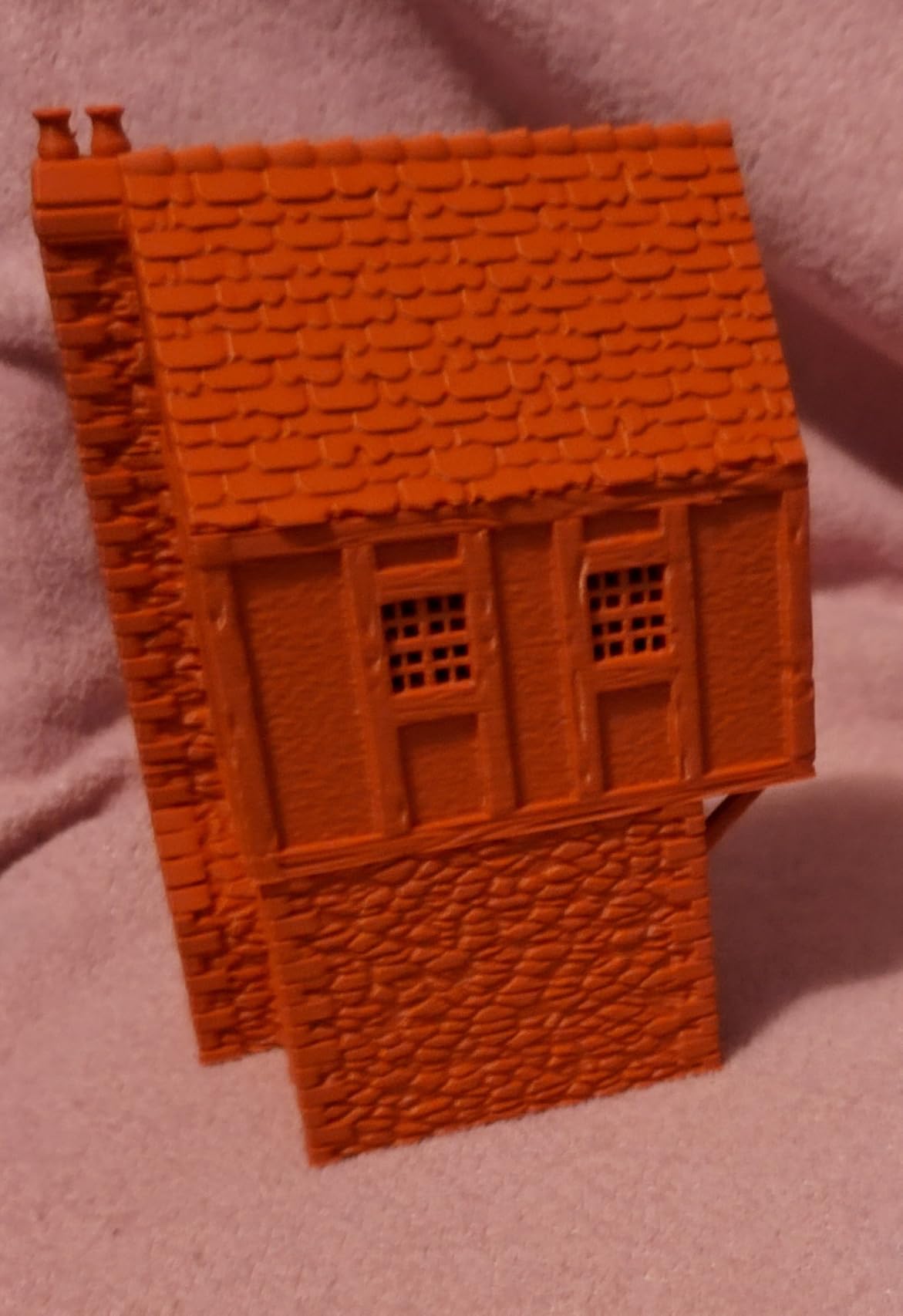
Build quality sits at the top of this group for everyday PLA and PETG work. The active flow rate compensation is the quiet hero here. Rather than asking the user to calibrate extrusion, the machine measures and corrects for flow differences during the print, which is what stops thin layers and under-extrusion on later sections.
The noise cancellation is genuinely useful in a house. A printer running overnight in a bedroom is only viable if it is not grinding away, and the A1 is one of the few machines in this list that owners describe as unobtrusive while running.
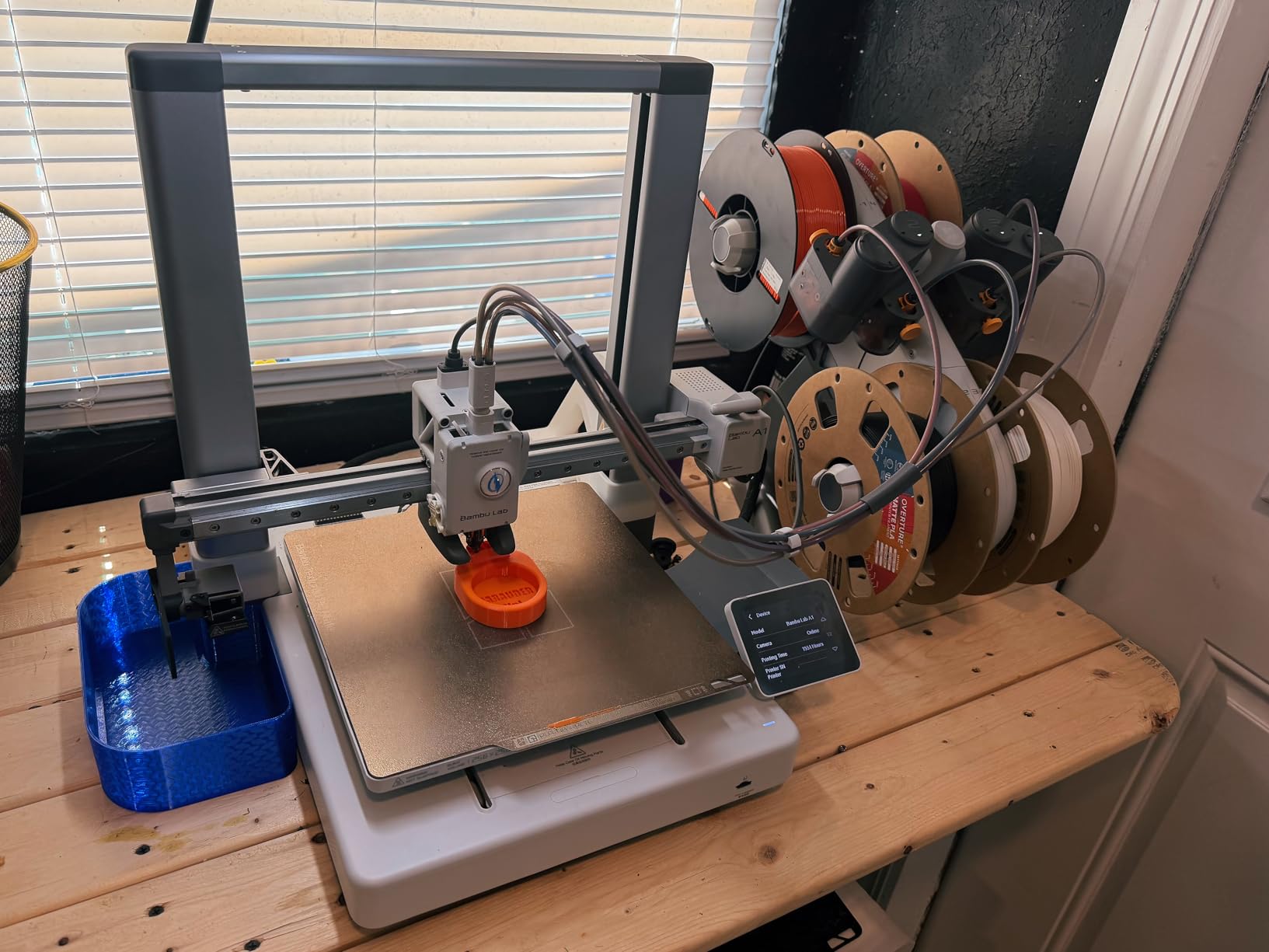
For whom the Bambu Lab A1 makes sense
This suits households with children, anyone sharing a room with a printer, and anyone printing phone cases, hooks, brackets, planters and desk organisers. If your first goal is a working print within an hour of unboxing, the auto calibration is the reason to pick it over cheaper open-frame machines that need manual levelling.
It is also the safest recommendation for a first machine because the failure mode of getting it wrong is minimal. Start with PLA, leave the default profile alone, and the machine absorbs the variables that trip up beginners.
For whom the Bambu Lab A1 is the wrong choice
If you print ABS or ASA regularly, the open frame is the deal-breaker. Those materials need a sealed chamber to stop warping, and you would be building a cardboard enclosure within a month. For high-temperature work, look at the K1C or the Adventurer 5M Pro instead.
If multi-colour printing is a goal from day one, buy the Combo variant rather than the base machine. Owners report the single most common regret with this printer is realising after a few weeks that the AMS lite was the version they actually wanted. Software-wise, the ecosystem is proprietary, so if your interest is tinkering with firmware, this is the wrong platform.
2. Creality K1C – Best for High-Temperature Filament
Creality K1C 3D Printer, 600mm/s with AI Camera and Auto Leveling
35.2 lb
256 x 256 x 256 mm
600 mm/s
20000 mm/s2
Pros
- Largest review base of any pick here
- Enclosed CoreXY handles ABS and ASA well
- AI camera catches failures mid-print
- Activated carbon filtration with silent mode
Cons
- Flow ratio may need tuning out of the box
- 256 mm cube is small for enclosed rivals
With 2,728 reviews behind it, the K1C has more real-world owner feedback than anything else in this roundup, and that is exactly why we put it second. When a question comes up about a failure mode or a filament setting, you will find someone who has already solved it. For a new owner, that searchable knowledge base is worth real money.
The CoreXY motion system moves 600 mm/s with 20,000 mm/s2 acceleration, and the direct extruder carries a tri-metal nozzle. The sealed chamber and activated carbon filter are the real story, though. This is a machine that can live in a room where an open-frame printer would not, because the carbon filtration handles the odour from engineering-grade filament.
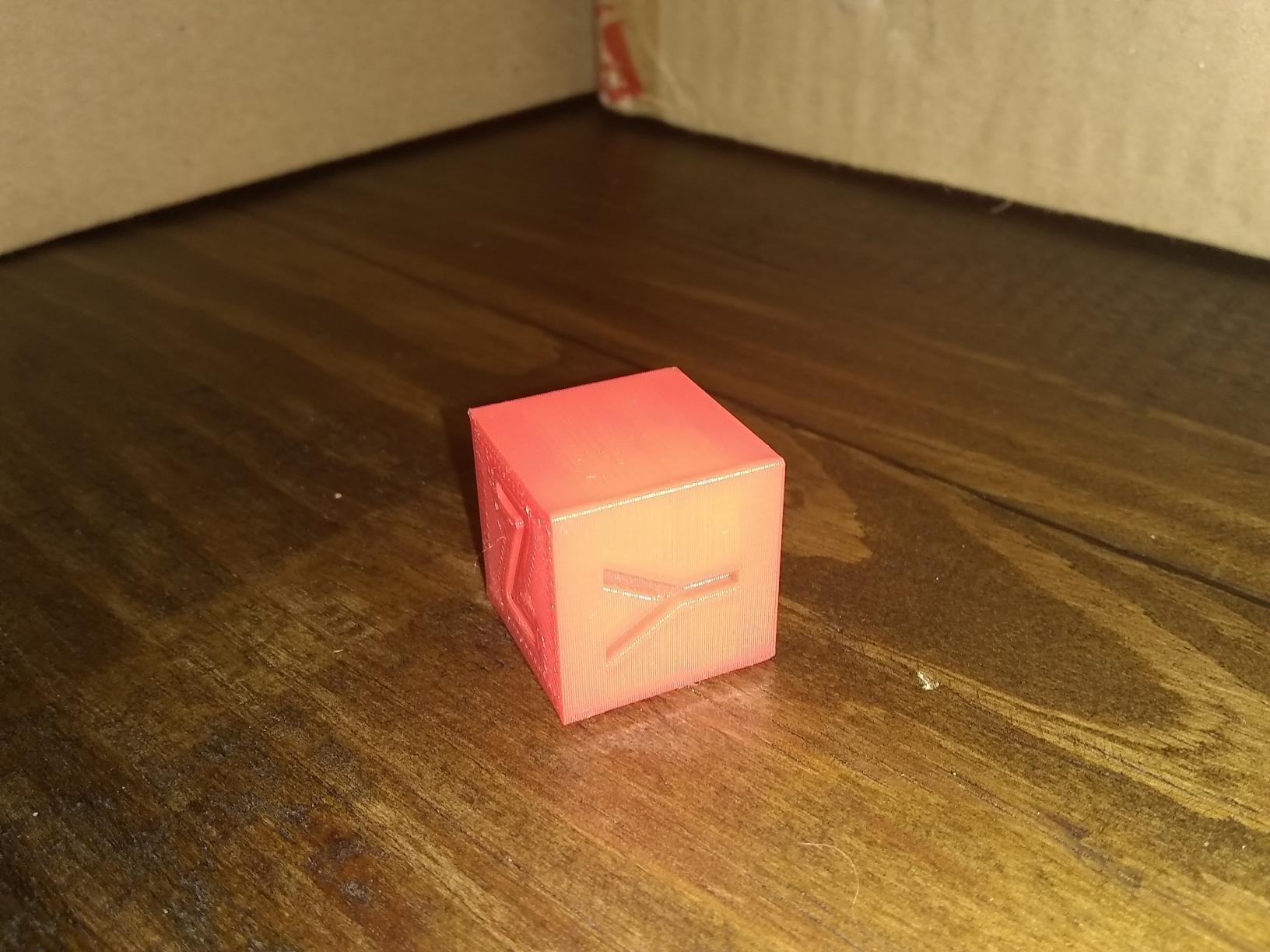
The AI camera is more useful than it sounds. It watches the print and can catch a spaghetti failure or a layer shift, which means a long overnight job is not simply a gamble. Owners who print in unattended hours value this more than they expected to.
One-tap auto calibration handles levelling and flow setup in a single step. Do be aware that some owners report under-extrusion out of the box and having to adjust the flow ratio, so treat the first print as a calibration print rather than a showcase piece.
For whom the Creality K1C makes sense
This is the pick for anyone printing ABS, ASA, or carbon-fibre-filled filament at home, because the enclosure and the hotend are both built for it. It also suits people who want a fast machine for functional prototyping and do not intend to fiddle with firmware.
If your workspace is small, note the 256 x 256 x 256 mm build volume. That cube is a sensible default for most household parts, but it will not hold a large planter or a full-size cosplay prop in one piece.
For whom the Creality K1C is the wrong choice
If your priority is multi-colour printing, this machine does not have a multi-material unit. If your priority is a silent bedroom printer, the K1C runs its fans hard at speed and the silent mode is a compromise rather than a true quiet profile.
If you are sensitive to firmware issues, this is a machine worth buying from a seller with a straightforward returns process. Creality’s support response is a recurring complaint in hobby forums, and that risk is higher when you are new to the medium and cannot diagnose a fault yourself.
3. ELEGOO Centauri Carbon 2 Combo – Best for Multicolour Printing
ELEGOO Centauri Carbon 2 Combo 3D Printer, Multicolor Printing
42.6 lb
18.9 x 19.7 x 29.3 in
500 mm/s
20000 mm/s2
Pros
- CANVAS switches four colours quickly
- Enclosed rigid aluminium CoreXY frame
- Intuitive slicing software for beginners
- Strong bed adhesion out of the box
Cons
- Fan noise and frame vibration at speed
- WiFi drops and low camera resolution
- Prime tower cuts usable plate area
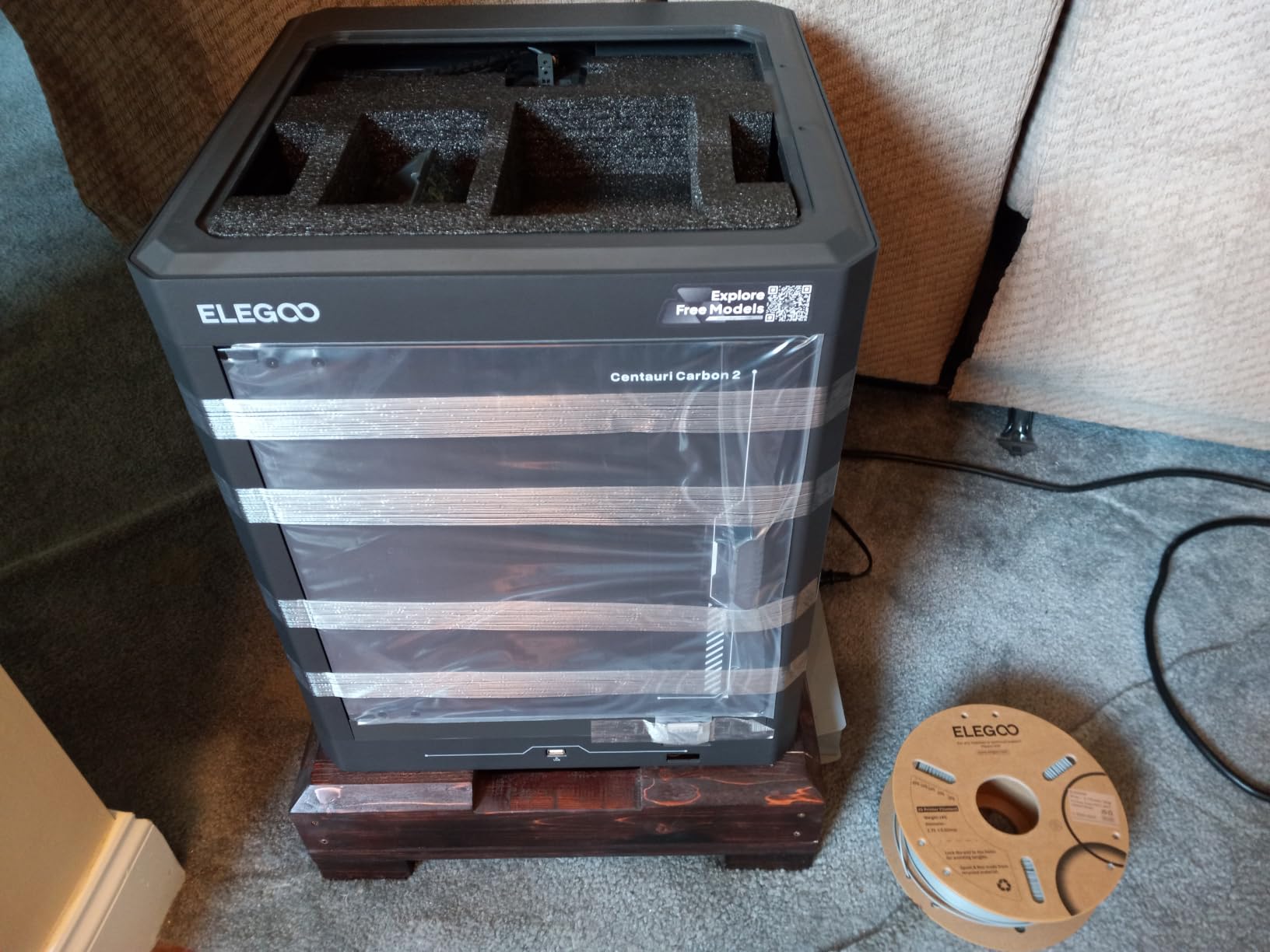
Multi-colour printing used to mean either a double extruder that doubled your machine size or a manual colour-change pause. The CANVAS system in this machine removes both problems, switching between four spools quickly enough that the trade-off stops feeling painful. It ranks third in the 3D Printers category on Amazon with 2,572 reviews, which tells you how much attention this generation is getting.
The frame is a rigid aluminium CoreXY with active vibration compensation, and the whole chamber is enclosed. The result is a machine that prints PLA cleanly and quietly enough in structure, and handles colour changes without the pause-and-hope routine older systems forced on you.
Automation is the theme. Auto refill and tangle detection on the multi-spool unit mean a failed feed is caught before it ruins a plate, and the printer calibrates itself without a manual levelling routine. For a first machine, removing decisions is worth more than raw speed.
Bed adhesion is one of the stronger performers here, with owners reporting parts releasing on their own. The whole-volume claim has one caveat: reaching the full build volume requires removing the filament cutter, which is a two-minute job but worth knowing before you plan a large print.
For whom the ELEGOO Centauri Carbon 2 Combo makes sense
Choose this if you print colourful objects, custom storage, name plates, or cosplay pieces and want them done in one job rather than one colour at a time. It also suits anyone who wants an enclosed machine but does not want to buy a separate multi-material unit later.
The intelligent filament detection is useful for households where different people use the machine with different materials. You load whichever spools the job needs and the machine sorts it out.
For whom the ELEGOO Centauri Carbon 2 Combo is the wrong choice
Colour changes are never free. The system needs a prime tower, which means slower prints and less usable plate area, so large single-colour jobs are slightly less efficient on this machine than on a plain single-filament printer.
The fans and the frame get loud at full speed, and owners report frame vibration that you can feel through the desk. The WiFi connection is reported as inconsistent, and the onboard camera feed is low resolution, so remote monitoring is more of a status check than a proper view of the build.
4. Bambu Lab P1S – Best Enclosed Value
Bambu Lab P1S 3D Printer, Ready-to-Use FDM 3D Printer
38.9 lb
15.31 x 18.03 x 15.31 in
500 mm/s
20000 mm/s2
Pros
- Excellent print quality for the money
- Sealed chamber for ABS and ASA
- Cheap and easy build plate replacement
- Strong customer support
Cons
- No touchscreen so control is via app or PC
- Camera frame rate is low
- Silk and translucent filaments can clog the hot end
The P1S ranks first in the 3D Printers category and is the pick we would recommend to someone whose hobby has already outgrown an open-frame machine. It prints at 500 mm/s on a CoreXY core with 20,000 mm/s2 acceleration, inside a fully sealed chamber, and it handles PLA, PETG, TPU, PVA, ABS and ASA with capability for PA and PC.
Set-up time is quoted at roughly 15 minutes, which tracks what experienced makers report. There is no touchscreen, which sounds like a drawback and mostly is not, because control runs through Bambu Studio and the app, and the same software handles slicing, queueing and monitoring.
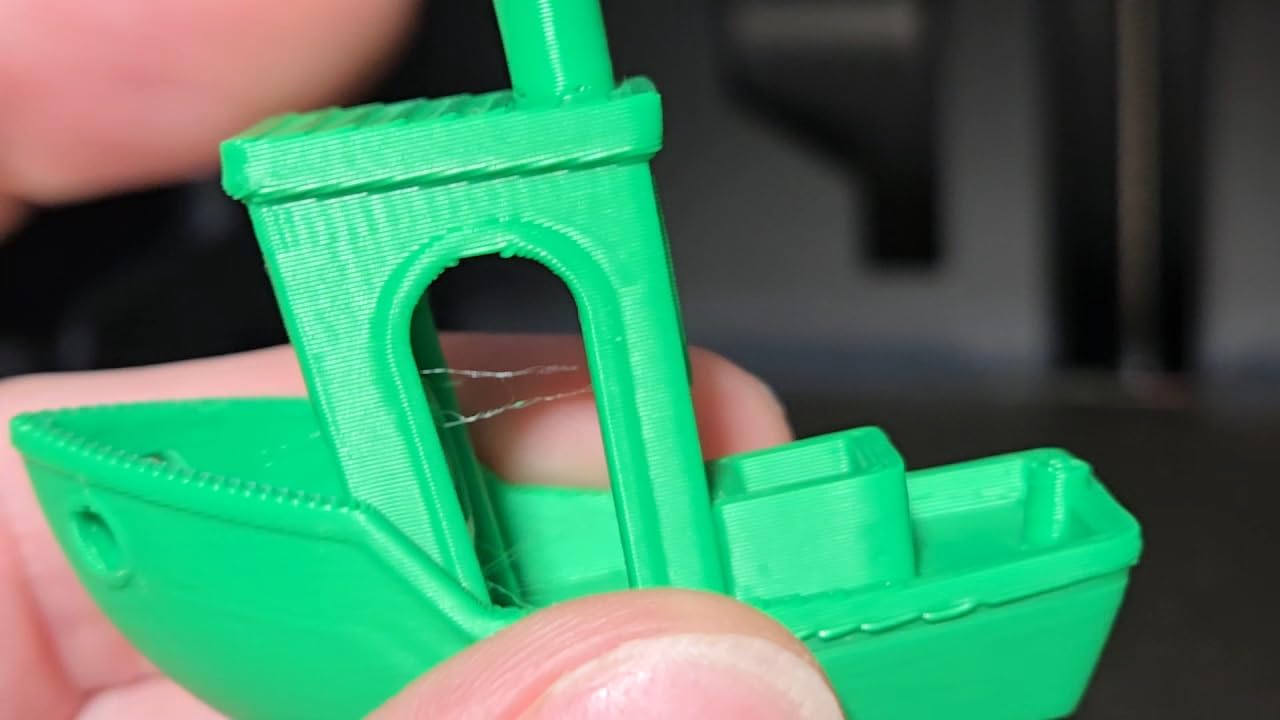
The double-sided textured build plate holds parts firmly and releases them without a tool, and replacements are inexpensive. That sounds minor until you have peeled a part off a bare glass plate with a spatula and cracked it. The plate is a consumable on every printer, so the quality and price of it genuinely affects daily life.
Multi-colour is supported up to 16 colours when an AMS unit is connected. Owners rate the software ecosystem as one of the strongest in the market, and the machine also works well on Linux, which matters if you build your own models.
For whom the Bambu Lab P1S makes sense
This is for the home hobbyist who prints more than once a week and needs a sealed chamber for engineering plastics or for an indoor workspace. It is also the natural upgrade path from an A1 once you outgrow the open frame.
If you want a machine you can leave running overnight without worrying about fumes or draughts, the enclosure here is well made and the door seals properly.
For whom the Bambu Lab P1S is the wrong choice
Do not buy it as a first machine if a phone or laptop is not always at hand. With no touchscreen, you cannot start a print from the machine itself, and for some beginners that is a real barrier to the hobby sticking.
The camera is present but the frame rate is low, so time-lapse monitoring is of limited use. Silk and translucent filaments are also reported as capable of clogging the hot end, so stick to matte PLA and PETG if you are new.
5. Creality K2 Combo – Best Multi-Material Setup
Creality K2 (A) Combo 3D Printer, Multicolor Printing with CFS
55 lb
21 x 25 x 20 in
600 mm/s
40 mm3/s high-flow hotend
Pros
- CFS included for four colours from day one
- Expandable to 16 colours with four units
- Hardened steel nozzle up to 300 C
- RFID filament auto-detection and drying
Cons
- Heaviest machine here at 55 pounds
- Higher cost than most enclosed rivals
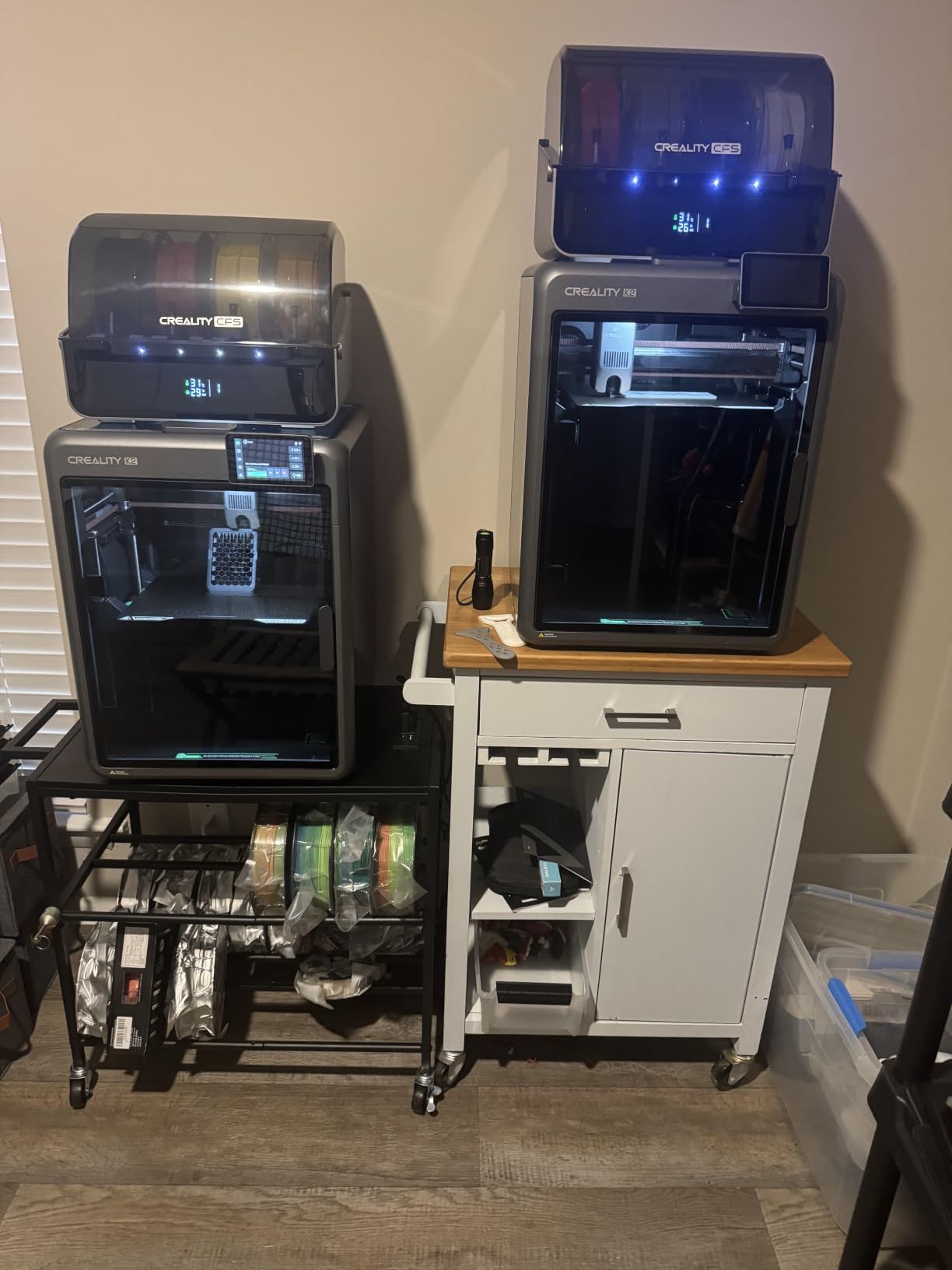
The K2 Combo arrives with a Creality Filament Station already in the box, which is the detail that separates it from every other multi-colour machine in this list. Everything else in that category is an add-on purchase. The CFS holds four spools, and adding three more units expands the machine to sixteen colours, so your colour options scale as your projects do.
Under the covers it is a serious machine. A 40 mm3/s high-flow hotend with a hardened steel nozzle rated to 300 degrees C, an aerospace-grade aluminium frame with a steel X-axis rail, and dual Z-axis support. The 600 mm/s speed and 20,000 mm/s2 acceleration match the fastest machines here.
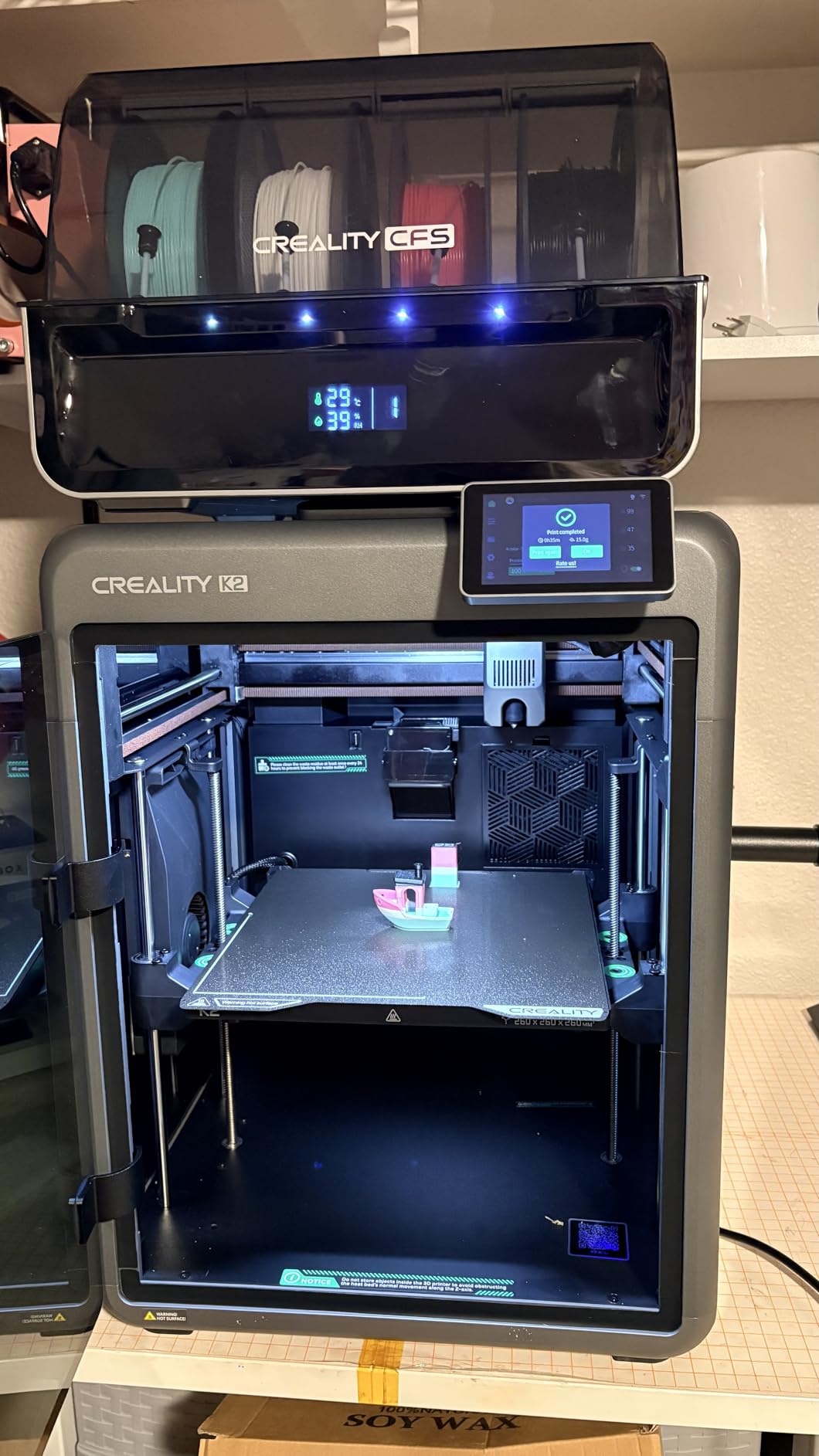
The filament system is where the engineering shows. RFID tags identify each spool automatically, the unit relays material without you touching it, and the storage is moisture-proofed, which addresses the brittleness and stringing that damp filament causes. There is 8G of local storage, so prints run without a network connection.
An AI chamber camera with failure detection and time-lapse sits above the build, and the fans are dynamically balanced with a silent mode. For a machine this size, that is unusual, and it matters if the printer lives near where you work.
For whom the Creality K2 Combo makes sense
This suits a hobbyist who has decided that multi-material printing is central to what they do. If you make multi-colour logos, articulated models, or support-free prints in two materials, the included CFS and the expansion path make it the least fiddly route.
The hardened nozzle and 300 degree C ceiling also make it appropriate for engineering-grade filament, and the moisture-proof storage helps if you keep material for weeks between prints.
For whom the Creality K2 Combo is the wrong choice
It weighs 55 pounds, the heaviest unit we tested, so plan your desk or shelf accordingly. It is also the most expensive enclosed FDM option in this group, which is a lot of money to commit before you know whether the hobby will hold your attention.
If your prints are single-colour and small, you are paying for a filament station you will barely use. Start with one machine, learn the workflow, and add multi-material once you have a queue of parts that genuinely need it.
6. FLASHFORGE Adventurer 5M Pro – Best Quiet Enclosed Printer
FLASHFORGE Adventurer 5M Pro 3D Printer with 1 Click Auto Printing System
22 lb
220 x 220 x 220 mm
600 mm/s
280 C nozzle and 110 C bed
Pros
- One-click full auto levelling for beginners
- Enclosed and filtered under 50 dB
- WiFi plus Ethernet connectivity
- Tool-free nozzle swap in 3 seconds
Cons
- Bundled slicer installers can clash with new OS versions
- 220 mm cube limits larger projects
- ABS needs more manual tuning than PLA
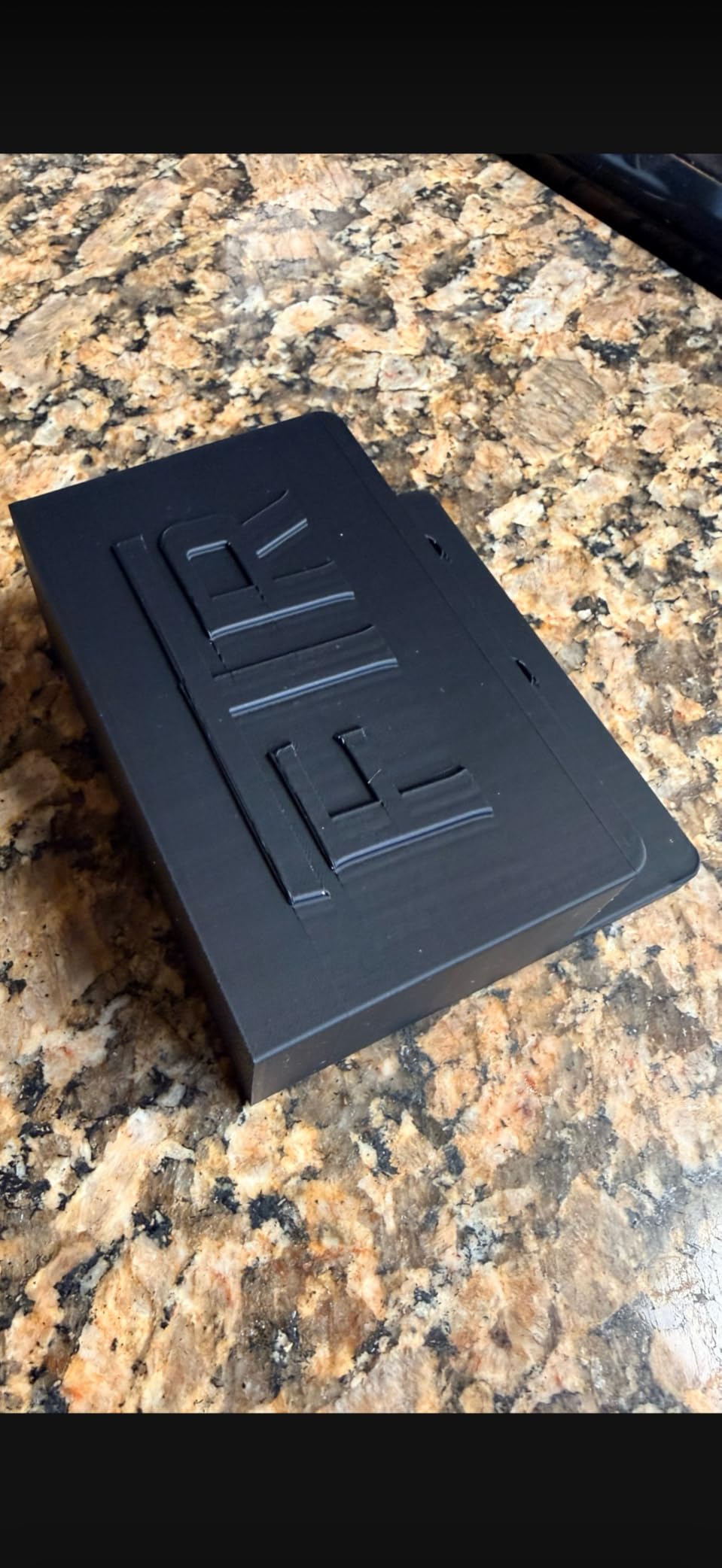
This is the printer to consider if the machine will run in a home office, a bedroom, or a room with a laptop nearby. The all-metal CoreXY frame is fully enclosed with a dual filtration system, and the manufacturer specifies operation under 50 dB. At 22 pounds it is also the lightest enclosed machine in this roundup, which matters when you are moving it.
It currently sits third in the 3D Printers category with 1,061 reviews, and owners consistently describe setup as close to frictionless. One-click full auto levelling plus a nozzle that swaps in three seconds without tools means the usual first-week adjustments are largely skipped.
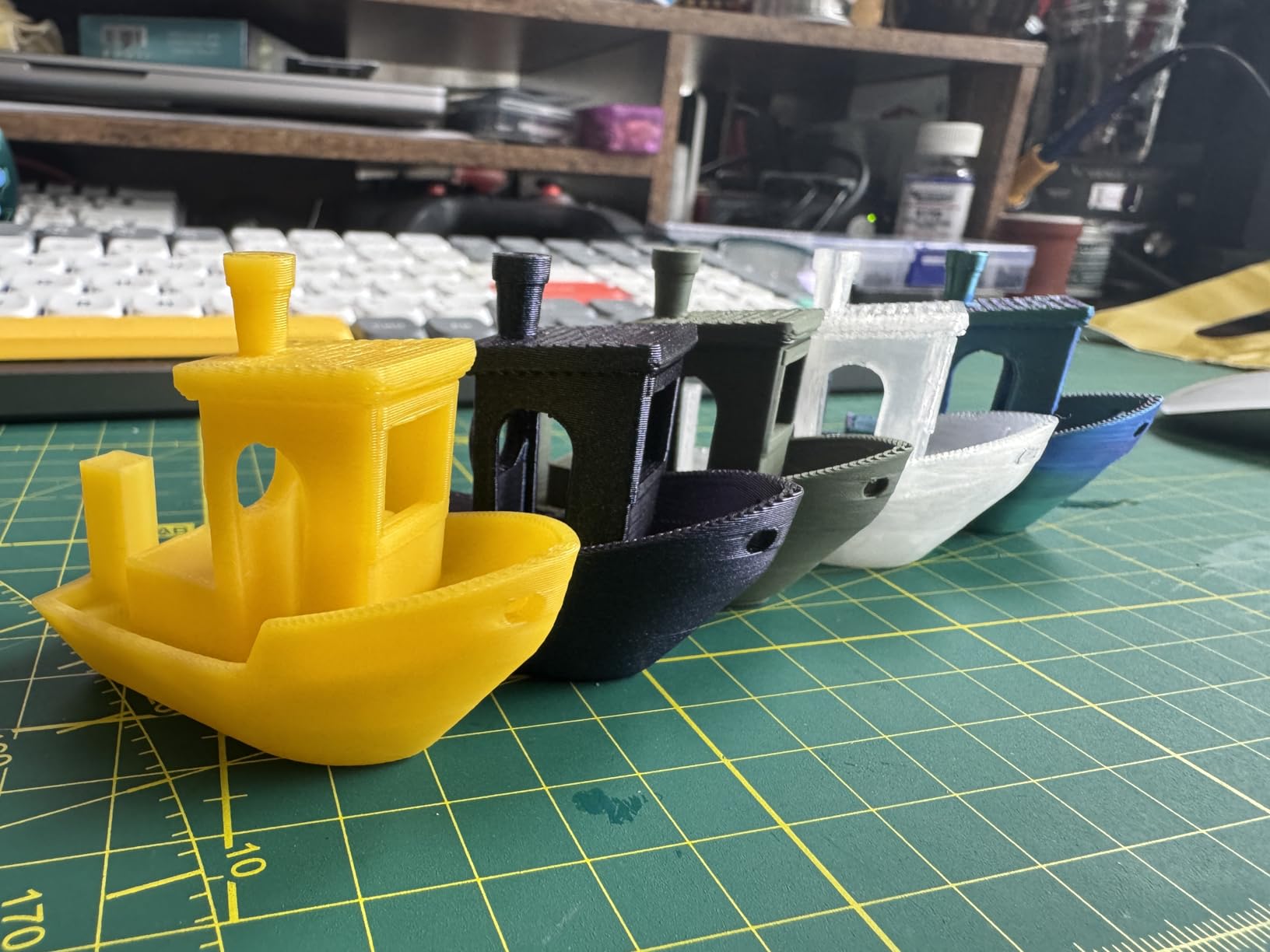
The 280 degree C nozzle and 110 degree C heated bed cover ABS, ASA and PETG-CF, so high-temperature printing is genuinely supported rather than theoretical. A 4.3-inch touchscreen gives local control without a phone, a camera handles remote monitoring in a basement or workshop, and power-loss recovery means a tripped breaker does not cost you the whole job.
Vibration compensation algorithms run alongside the 20,000 mm/s2 acceleration. When you push a machine this fast, ringing shows up as ghosting on the surface, and the compensation is what keeps those walls clean.
For whom the FLASHFORGE Adventurer 5M Pro makes sense
Pick this for a shared home where noise and odour are the deciding factors. It is also a strong first enclosed machine, because the tool-free nozzle swap means beginners can change a nozzle without taking the machine apart.
If you want local control without a phone, the touchscreen is a genuine advantage over several enclosed rivals at this level.
For whom the FLASHFORGE Adventurer 5M Pro is the wrong choice
The 220 mm cube is the smallest enclosed build volume here, and it will stop you printing large planters or full cosplay pieces in one go. Plan those in sections or choose a larger format.
Owners report that the bundled desktop slicer installer can be incompatible with the newest macOS and Windows releases, which is an irritation rather than a deal-breaker as long as you are comfortable downloading the current build. Expect to spend more time tuning ABS and ASA than PLA.
7. Anycubic Kobra X – Best for Low-Waste Colour Changes
Anycubic Kobra X Multicolor 3D Printer, Easy Setup, Native 4-Color
20.9 lb
260 x 260 x 260 mm
600 mm/s
300 C nozzle
Pros
- Native four-colour system at single-colour money
- 81.25% shorter purge path saves time and filament
- Among the quietest multi-colour machines here
- Open slicer and cloud ecosystem
Cons
- Filament not included in the package
- TPU prints web and string heavily
- Some print head and Z-axis faults reported
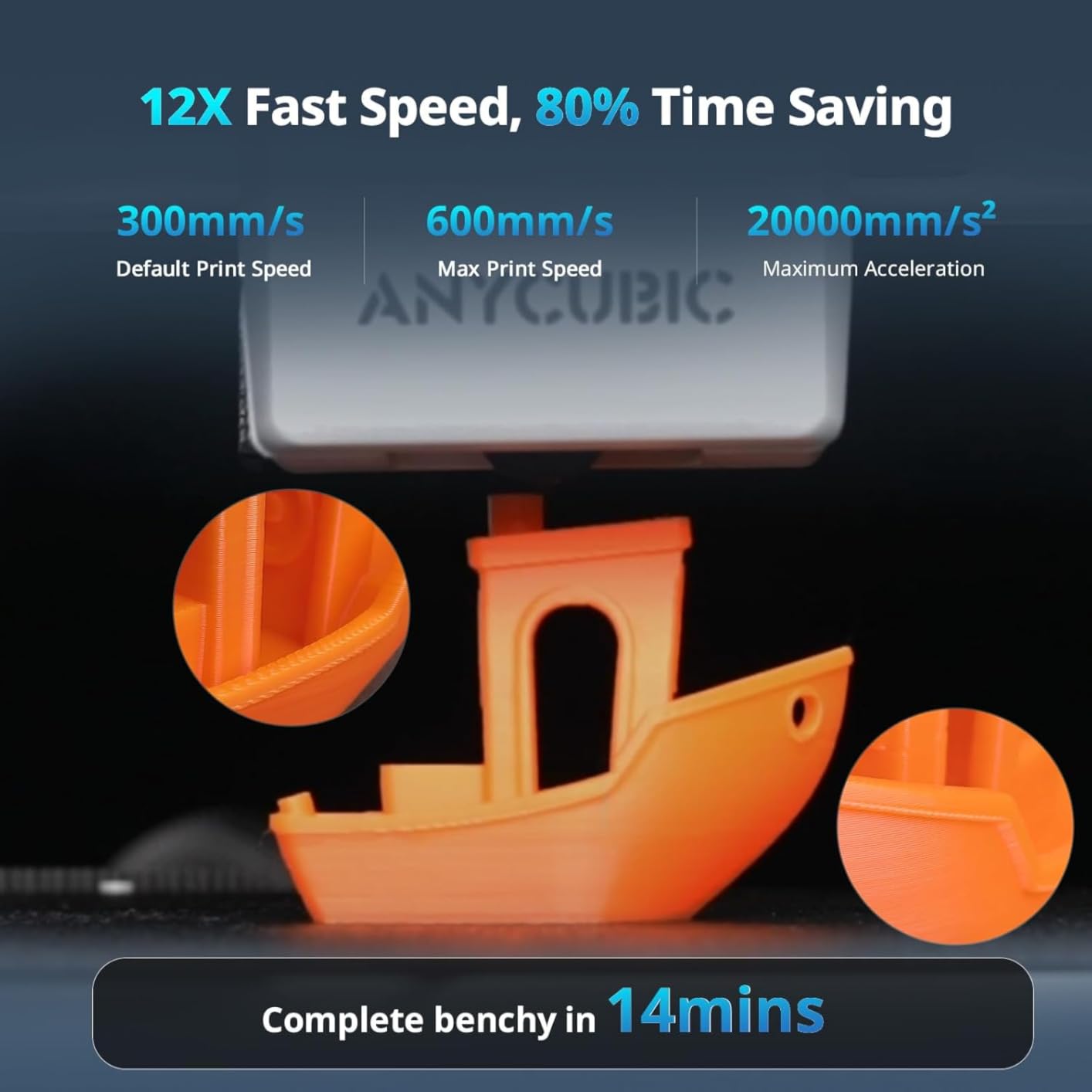
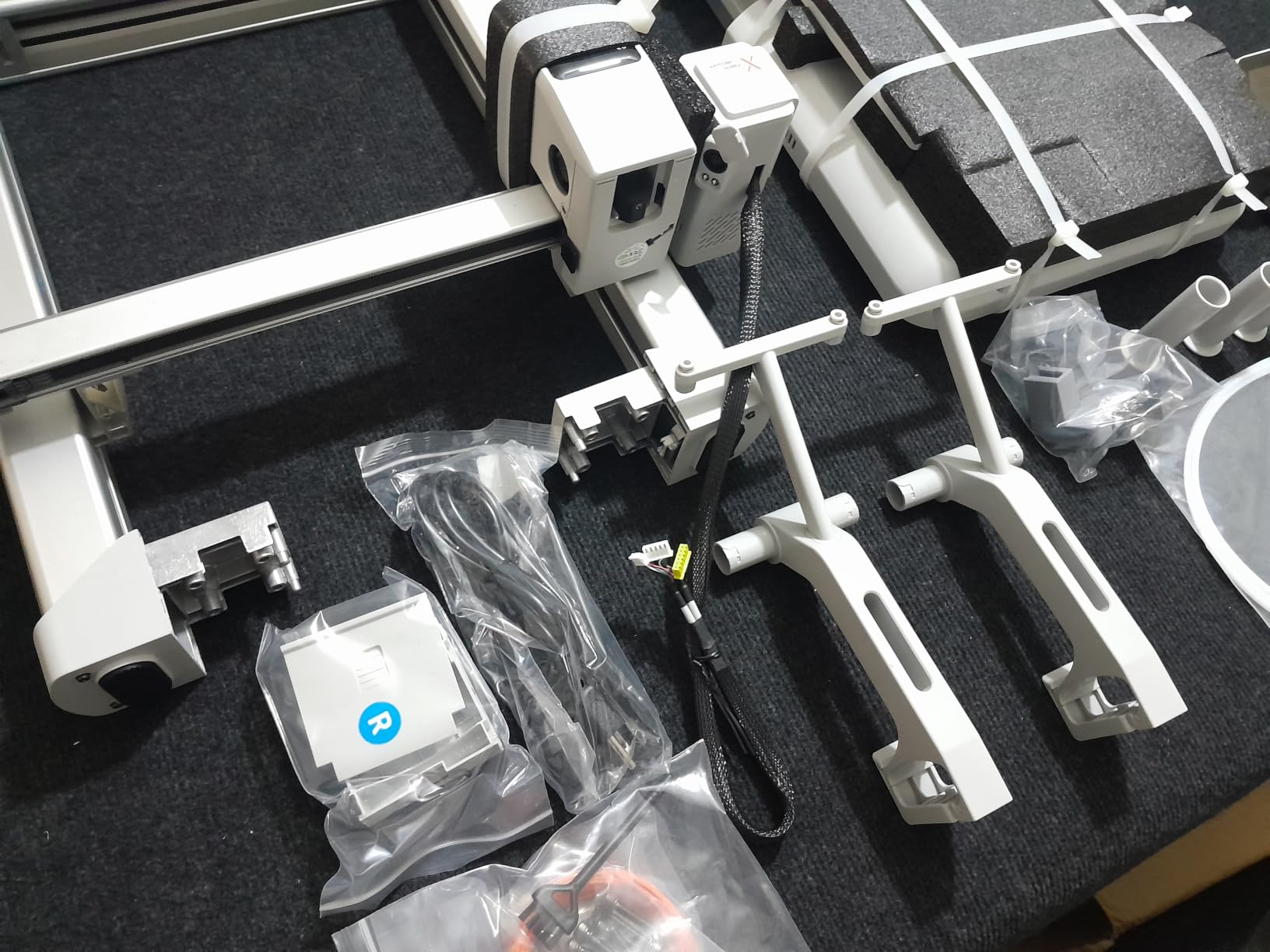
The Kobra X is the machine hobby forum members mention most often when price-per-colour comes up, and the reasoning is sound. Native four-colour printing via the ACE 2 Pro unit is included rather than sold separately, and the purge path is 81.25% shorter than the conventional route, so colour changes waste less filament and take less time.
It runs a 260 x 260 x 260 mm build volume at 600 mm/s, with a hardened steel nozzle rated to 300 degrees C and vibration compensation to keep speed from ruining surface quality. LeviQ 3.0 levelling runs a 49-point calibration, which is more thorough than most machines at this level.
Connectivity is dual-band WiFi on both 2.4G and 5G plus LAN, so it will hold a connection on a crowded home network where single-band machines drop. The AI camera detects spaghetti failures and foreign objects on the plate.
On the software side this is one of the more open options in the list, with the slicer and cloud service integrating cleanly between the app and desktop. The responsive touchscreen and menu system are easier to navigate than most competitors.
For whom the Anycubic Kobra X makes sense
This is the pick for hobbyists who have already decided multi-colour is where their interest lies but do not want to jump to a premium price band. The colour-per-print economics are better here than on machines where the multi-material unit is a costly add-on.
If you work on a network that congests 2.4G, the dual-band radio and wired option remove a frustrating failure mode entirely.
For whom the Anycubic Kobra X is the wrong choice
TPU is a poor fit here. Owners report heavy webbing and stringing, so if flexible phone cases are the goal, choose a direct-drive machine with a strong grip and print TPU slowly on the A1 or P1S instead.
Filament is not included, and owners report print head and Z-axis faults on a minority of units. Support responses have been limited to generic guides, so do not buy this expecting hand-holding through a fault.
8. Creality Ender 3 V3 SE – Best Budget Pick
Creality Ender 3 V3 SE Beginner-Friendly 3D Printer with Auto Leveling
19.8 lb
15 x 19.6 x 15 in
250 mm/s
32-bit silent mainboard
Pros
- Lowest cost capable machine in this group
- CR Touch levelling removes the manual chore
- Quiet 32-bit board
- Flexible spring steel plate peels prints off easily
Cons
- Open bed-slinger frame cannot print ABS reliably
- 220V default power setting needs changing in the US
- Included USB drive can be unreliable
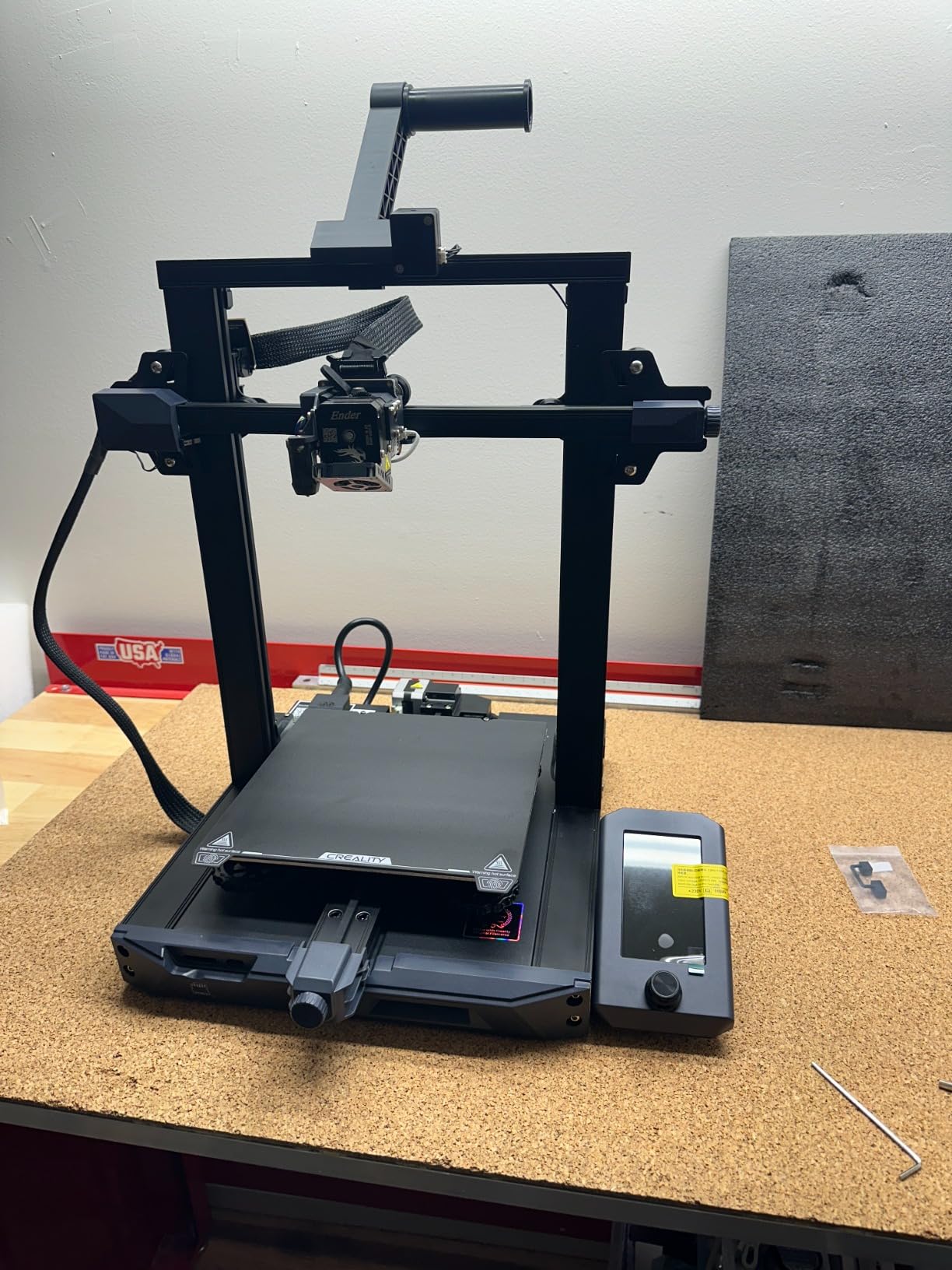
The Ender line has been described in hobby circles as the best-selling low-end hobbyist 3D printer for years, and this SE version adds the one thing the original always lacked: auto levelling. CR Touch handles the bed mesh and Z-offset automatically, which converts a chore into a button press. With 791 reviews it is one of the most proven machines here.
The Sprite direct drive extruder handles PLA, PETG and TPU, and dual synchronised Z lead screws with precision Y-axis linear shafts make the frame stable enough to produce consistent layers. Speed is 250 mm/s rather than the 600 mm/s headline figures on the enclosed machines, and for household parts that difference rarely shows up in wall-clock time.
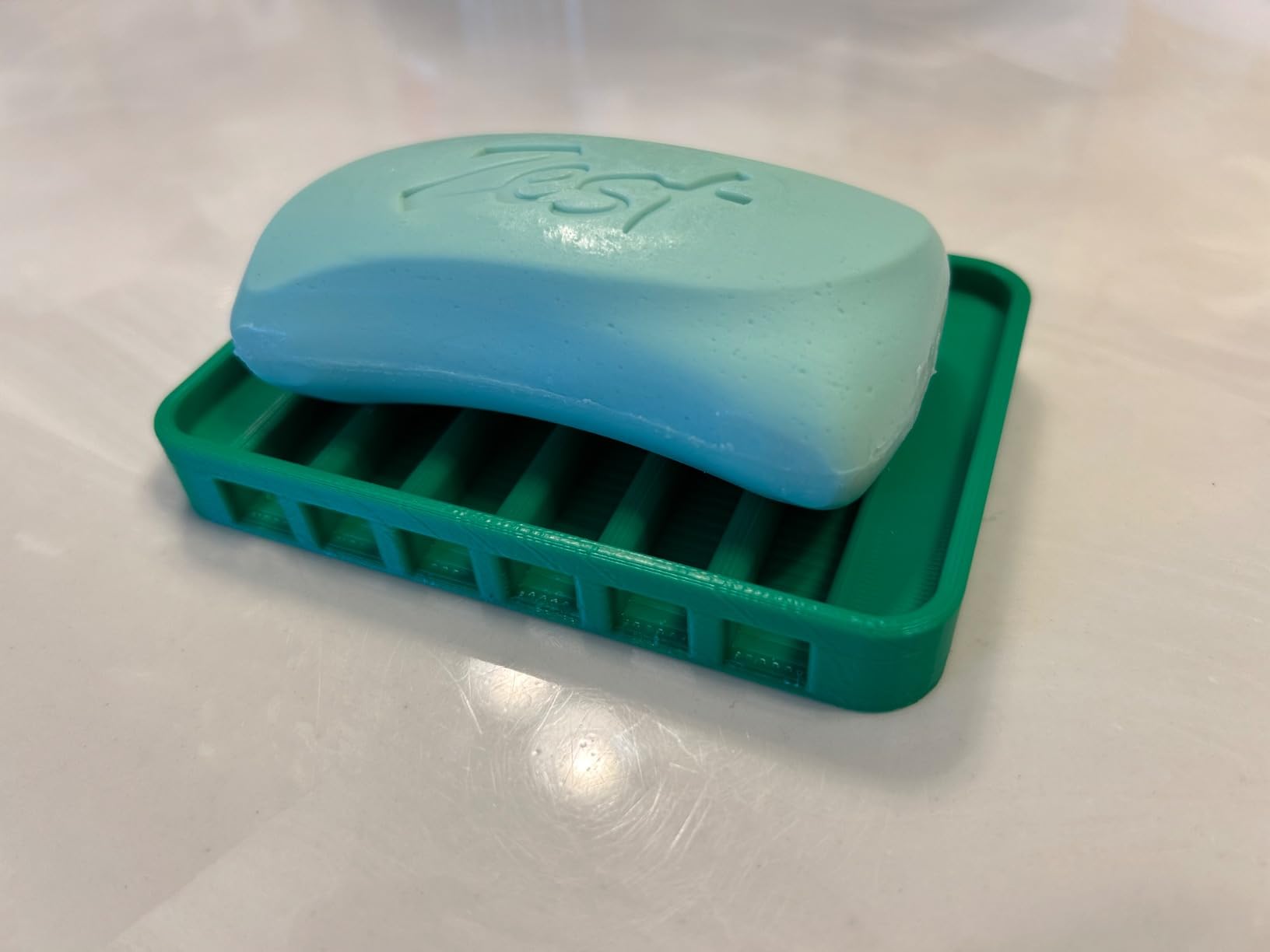
Setup takes roughly 20 minutes for anyone with an Allen key. The 32-bit silent mainboard keeps the operating noise down, and the flexible PC spring steel build plate means parts pop off with a gentle flex rather than being levered loose.
There is also a large community and a deep library of troubleshooting guides, which is genuinely useful for a first machine. Learning to fix and tune your own printer is part of how most hobbyists end up confident.
For whom the Creality Ender 3 V3 SE makes sense
This is the honest budget answer when you want to spend as little as possible and still get auto levelling. It is a good first machine for learning the whole workflow, from finding a model to fixing a failed layer, at a lower entry point than anything else in this list.
The community size is a real asset. When something goes wrong, an answer is almost always a search away.
For whom the Creality Ender 3 V3 SE is the wrong choice
It is an open bed-slinger frame, so ABS will warp and it cannot be relied on. If you need engineering plastics, this is not the machine and no amount of tuning will fix the physics of an unsealed chamber.
Two practical warnings. The machine arrives configured for 220V and needs switching to 110V for US homes, which catches out first-time owners regularly. Use an SD card rather than the bundled USB drive, which is reported as unreliable. Some units also develop fan noise or stop working within months, so buy from a seller with a straightforward returns process.
9. Entina Tina2C – Best for Kids and STEM Learning
Entina Tina2C 3D Printer for Beginners, Fully Assembled Starter Mini 3D Printer, Start in 8 Mins, App & WiFi Control, Auto Leveling, 3500+ Model Library, 25+ Creative DIY Modules for STEM, Home
5.28 lb
8 x 6.5 x 10 in
3.9 in cube build volume
WiFi and TF card
Pros
- Fully assembled and printing within minutes
- Smallest and lightest machine here
- Rounded edges and quiet operation for children
- App model library with 25+ STEM modules
Cons
- 3.9 inch cube limits builds to small models
- Some filament break-offs and clogs reported
- Side spool holder will not take 1 kg spools
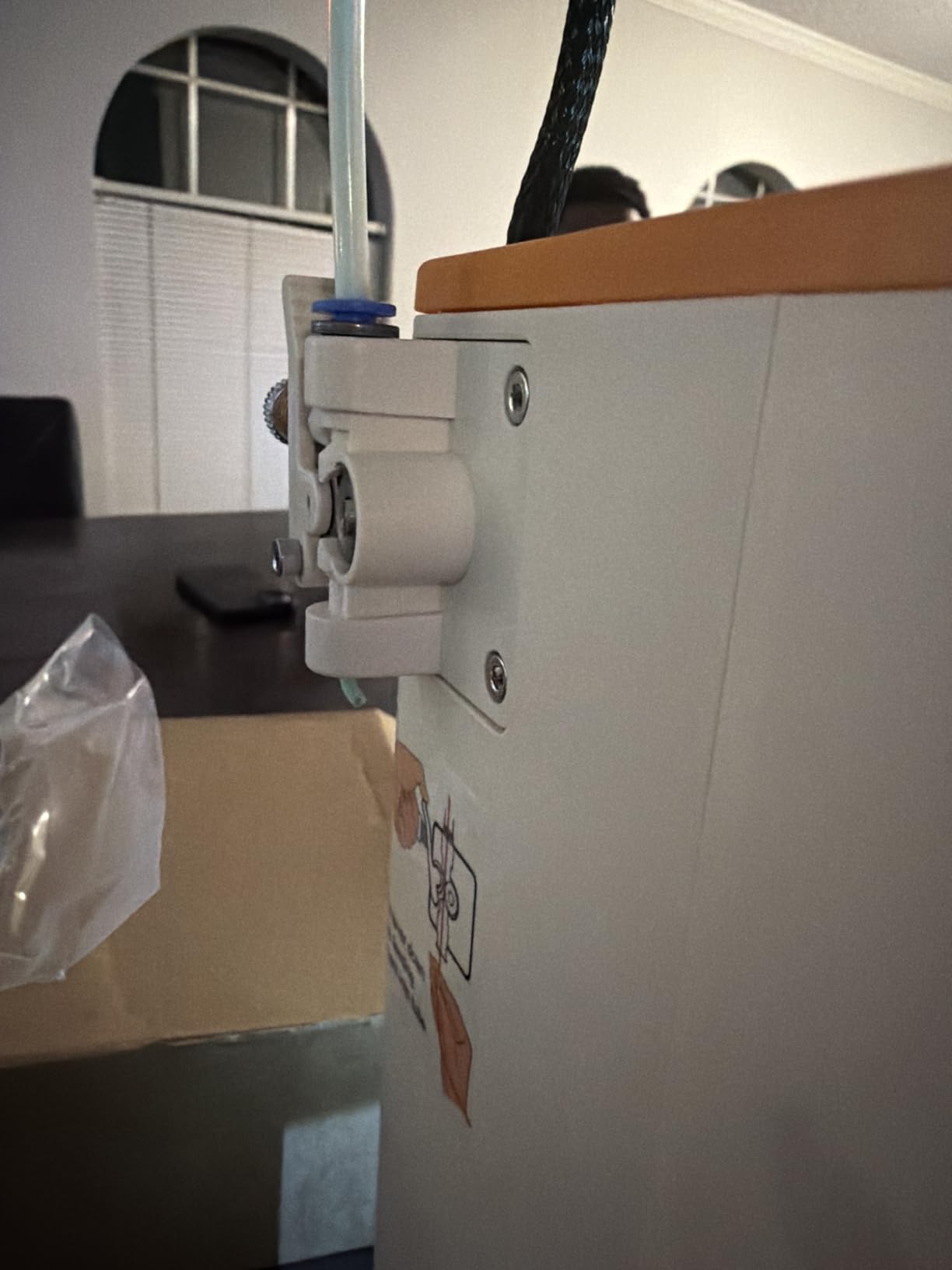
This is the only machine in the roundup built explicitly for a household where children will use it. It arrives fully assembled, prints within minutes of unboxing, and weighs 5.28 pounds with rounded edges, so it is not the sort of device that causes anxiety when a nine-year-old carries it from desk to desk.
It works with Windows, macOS, Linux and Chromebook, and uses Cura or Simplify3D, so you are not locked into one ecosystem. The Poloprint cloud app has AI-powered model search and a photo-to-print feature, which turns a rough drawing into a printable object.
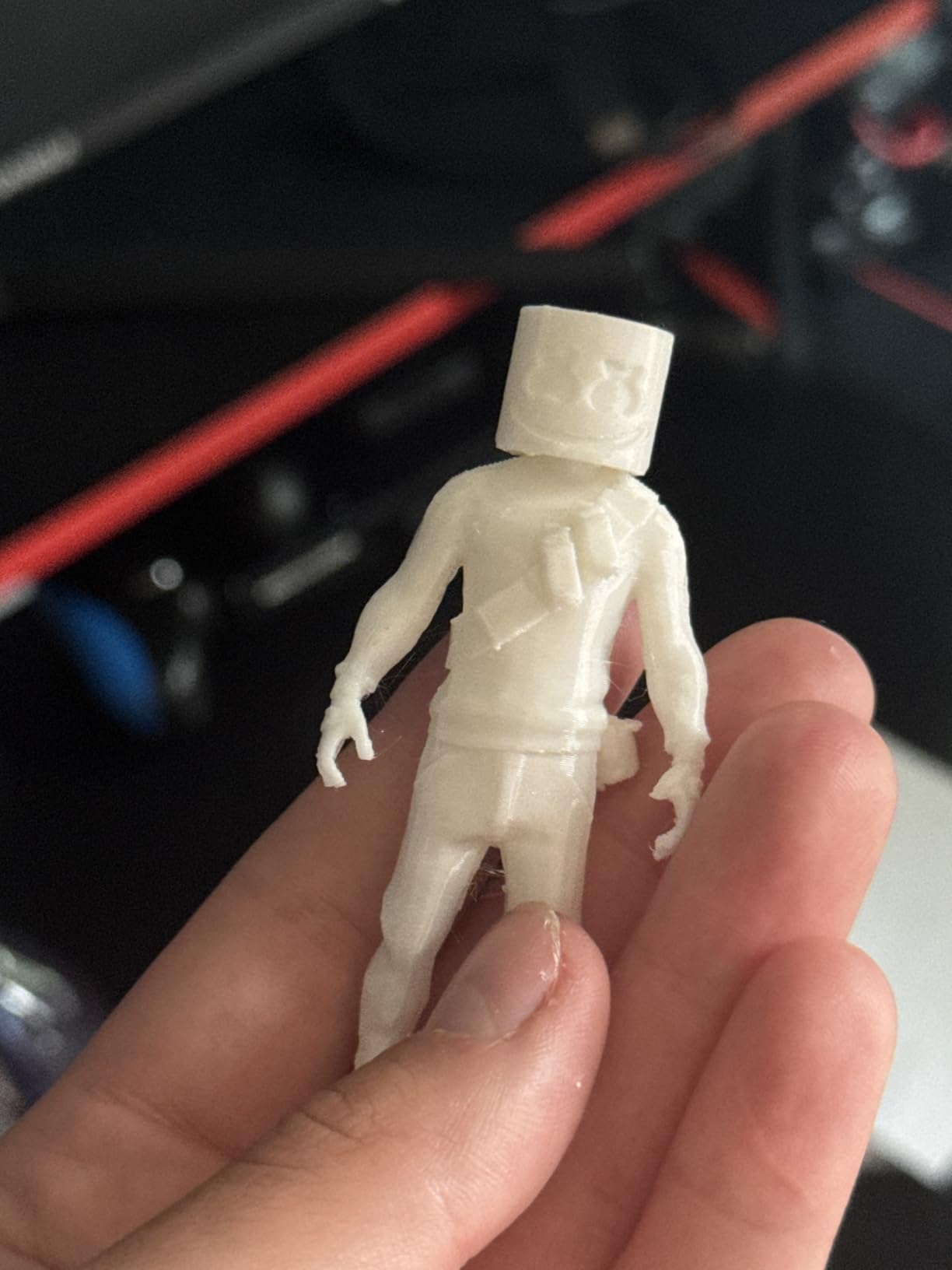
For an educational angle, the 25 creative modules and regularly updated STEM courses are the real feature. Parents describe it as a craft and coding tool rather than a plastic toy, and the 3500+ model library keeps a child supplied with projects long after the novelty fades.
Auto levelling, power-loss recovery, integrated LED lighting, a self-cleaning nozzle and a magnetic flexible build plate are all present. There is 2.4G WiFi printing plus TF card offline mode for when the network is down.
For whom the Entina Tina2C makes sense
It suits families with children aged roughly eight and up, and anyone who wants a low-risk first machine where the priority is small, quick, cheerful prints. Desk organisers, name tags, small toys, bookmarks and STEM projects all fall comfortably inside what it can do.
As a second machine for a study or bedroom, it is cheap enough that damage or loss would not be a serious problem.
For whom the Entina Tina2C is the wrong choice
The 3.9 inch cube build volume is the hard limit. Anything that needs real size, such as a phone stand, a plant pot or a cosplay piece, will not fit. Do not buy this expecting a general-purpose home printer.
Owners also report occasional filament break-offs and clogs, and prints that come out slightly wobbly now and then. The side spool holder will not accept 1 kg spools, so you will be buying filament more often than with a larger machine.
10. ANYCUBIC Photon Mono 4 – Best Resin Value
ANYCUBIC Photon Mono 4, Resin 3D Printer with 7” 10K Mono LCD Screen
7.7 lb
10 x 10 x 15 in
7-inch 10K mono LCD
17x17 micron pixels
Pros
- Detail well beyond what FDM can reach
- Compact and very quiet for a resin machine
- 4-point levelling is a one-time adjustment
- Resumes prints after a power outage
Cons
- Small build volume means rescaling many models
- Resin vat and LCD are consumable parts
- Default profiles often need exposure tuning
Resin printers make parts that filament machines simply cannot match on detail, and this is the cheapest credible way into that side of the hobby. A 7-inch 10K monochrome LCD with 17×17 micron pixels delivers a 105 percent precision increase over the previous generation, which shows up in faces, hair, fabric texture and fine jewellery work.
At 7.7 pounds and 10 x 10 x 15 inches it is also the smallest and quietest machine in the roundup, which matters because resin output involves fumes and a wet workspace. The Anycubic LighTurbo matrix light source spreads illumination evenly, so you avoid the hot spots that cause failed layers.
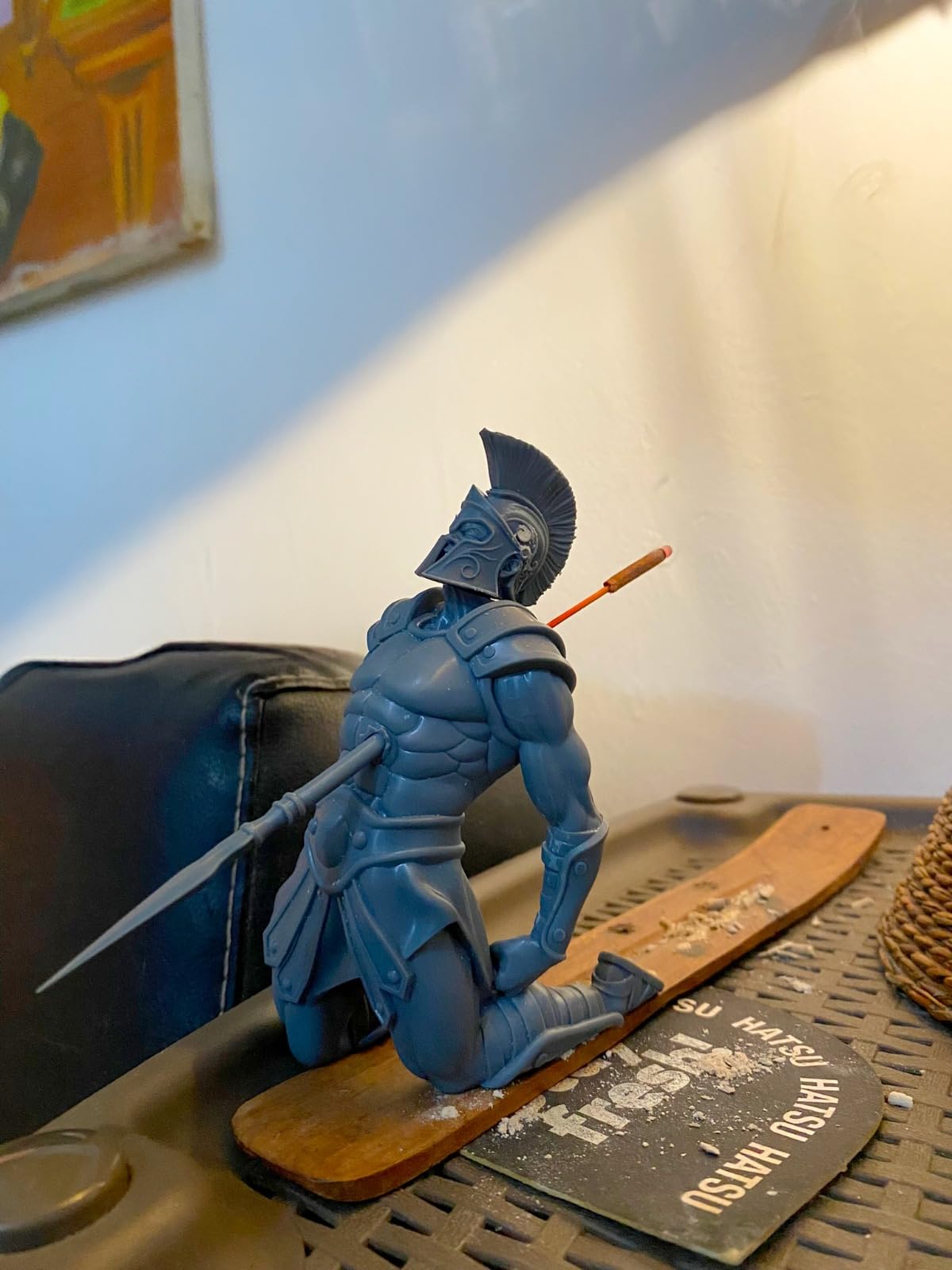
Setup is deliberately minimal. The 4-point levelling is designed as a one-time adjustment rather than a recurring chore, and a laser-engraved build platform gives the adhesion most people fight with on resin printers. Power-restore resume printing is a genuine lifesaver on long miniature plates.
For scale, a full plate of 32 mm tabletop miniatures typically prints in one to three hours, which is a very different experience from watching a filament plate run all night.
For whom the ANYCUBIC Photon Mono 4 makes sense
This is the pick for tabletop gamers, diorama painters, and jewellery makers who need surface detail that no FDM machine can reach. It is quiet enough to sit in a home office and small enough to store in a cupboard between projects.
If you have never printed before, resin has a steeper workflow because of washing and curing, but the 4-point levelling and resume printing remove the two hardest parts of getting started.
For whom the ANYCUBIC Photon Mono 4 is the wrong choice
The 153.4 x 87 x 165 mm build volume is small, so you will be rescaling or splitting many models. A large terrain piece or a full figure simply will not fit, which is a real constraint for scenic projects.
Be clear about the running costs. The resin vat and the LCD screen are consumables that eventually need replacing, and default profiles frequently need exposure and lift-speed tuning before results become consistent. Uncured resin is also a skin irritant, so this machine needs gloves, ventilation and a wash-and-cure station before it becomes pleasant rather than merely possible.
11. ELEGOO Mars 5 Ultra – Best Resin Printer for Beginners
ELEGOO Mars 5 Ultra Resin 3D Printer
19.36 lb
15.75 x 18.5 x 9.06 in
9K mono LCD at 18 micron
150 mm/h
Pros
- Detail far beyond typical FDM output
- Self-levelling build plate removes the hardest setup step
- Tilt release makes model peeling fast
- Self-diagnostics help beginners tune exposure
Cons
- Lid has no hinges and must be lifted off
- Rounded resin spout makes pouring messier
- Camera feed is low resolution
The Mars 5 Ultra solves the specific thing that stops most people attempting resin. On a typical budget resin machine you level the plate by hand, and a small tilt means a failed plate. A self-levelling build plate removes that step, and for a first resin machine that difference decides whether you print again tomorrow.
The 9K monochrome LCD at 18 micron XY resolution sits slightly behind the 16K Saturn but comfortably ahead of most FDM output. Tilt release technology pulls the model away from the vat at an angle, which speeds up each layer cycle and reduces the peel force on delicate miniatures.
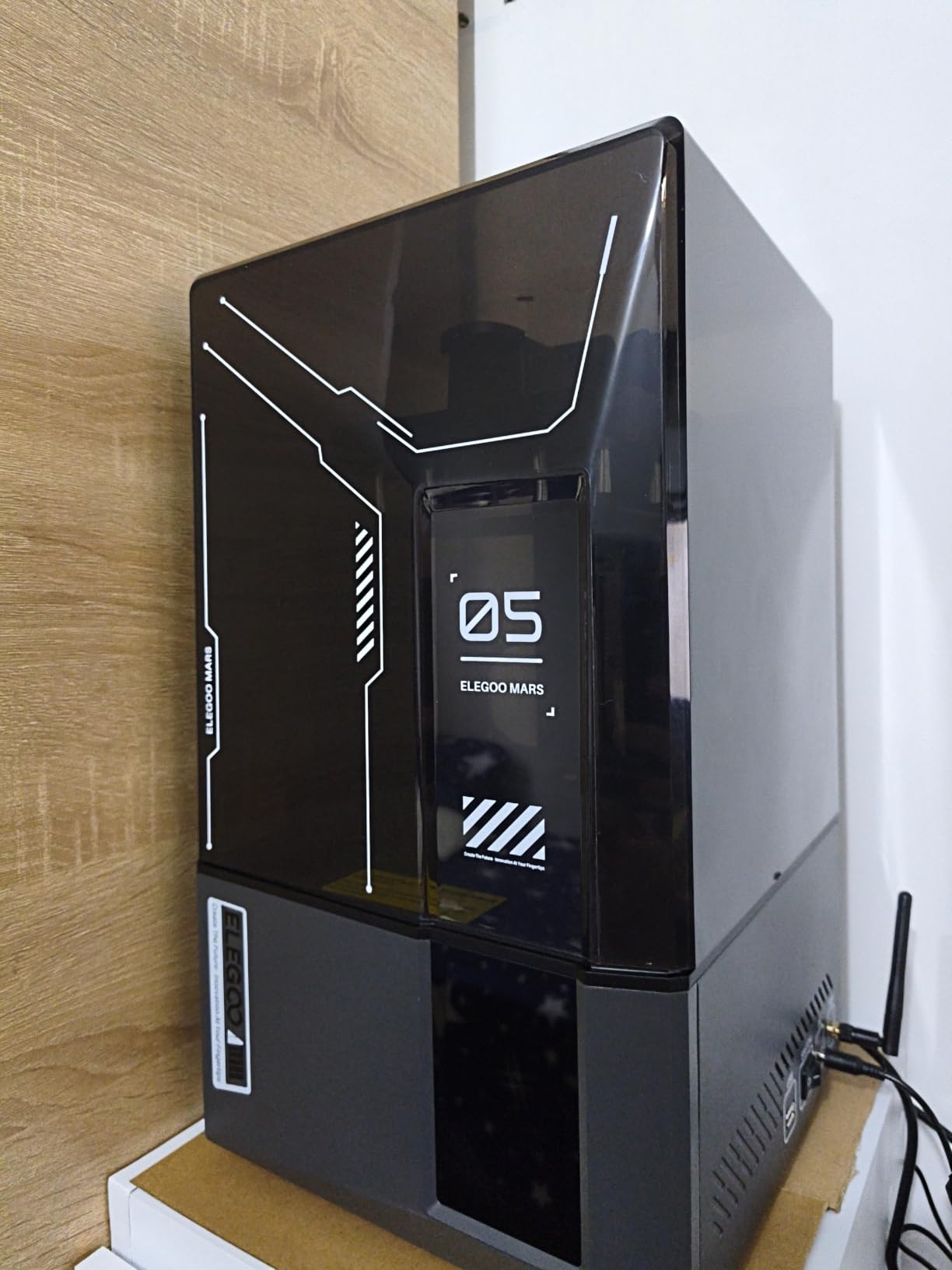
An AI camera watches the build and flags errors in real time, and a smart mechanical sensor detects residue on the LCD before it etches the screen. That sensor alone can save you the cost of a replacement panel, which is the most expensive failure a resin machine can have.
WiFi cluster printing lets you run several units from one account, which is a maker-space feature rather than a home one, and the bundled three-month Chitubox Pro subscription covers the slicing side of things. Expect fast, predictable print times because the tilt release shortens every peel.
For whom the ELEGOO Mars 5 Ultra makes sense
Choose this if resin is your first exposure to fine detail and you want the machine to do the fiddly setup for you. It suits miniature painters, tabletop players, and anyone making jewellery or precision parts where layer lines would be visible on an FDM print.
The self-diagnostics and easy exposure adjustment also make it a good teaching machine, because the machine explains what went wrong instead of leaving you guessing.
For whom the ELEGOO Mars 5 Ultra is the wrong choice
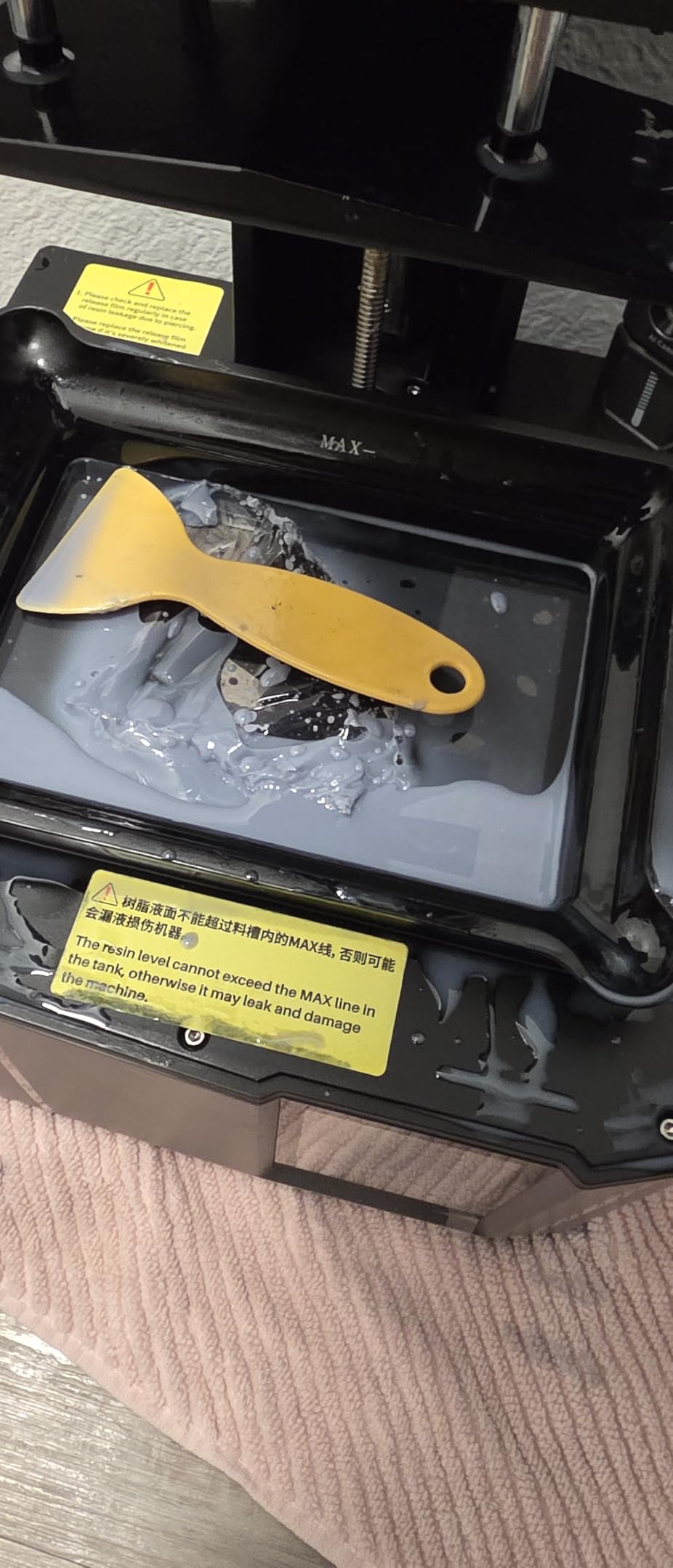
The lid has no hinges and must be lifted off entirely, which is awkward when you are checking a print in resin rather than peering through a window. The rounded resin spout also makes pouring more messy than a spout with a lip.
Large prints can block the camera, and the feed is low resolution, so monitoring is a status check rather than a proper view. As with all resin, ventilation and protective gloves are not optional.
12. ELEGOO Saturn 4 Ultra – Best for Ultra-Fine Resin Detail
ELEGOO Saturn 4 Ultra 16K Resin 3D Printer
35.5 lb
24 x 17 x 15 in
16K mono LCD
Tank held at 30 C
Pros
- Highest resolution in this roundout
- Heated resin tank improves layer adhesion
- Automatic levelling and plug-and-play operation
- Chamber light makes monitoring easy day or night
Cons
- Highest cost of the twelve picks
- Larger and heavier footprint than smaller resin machines
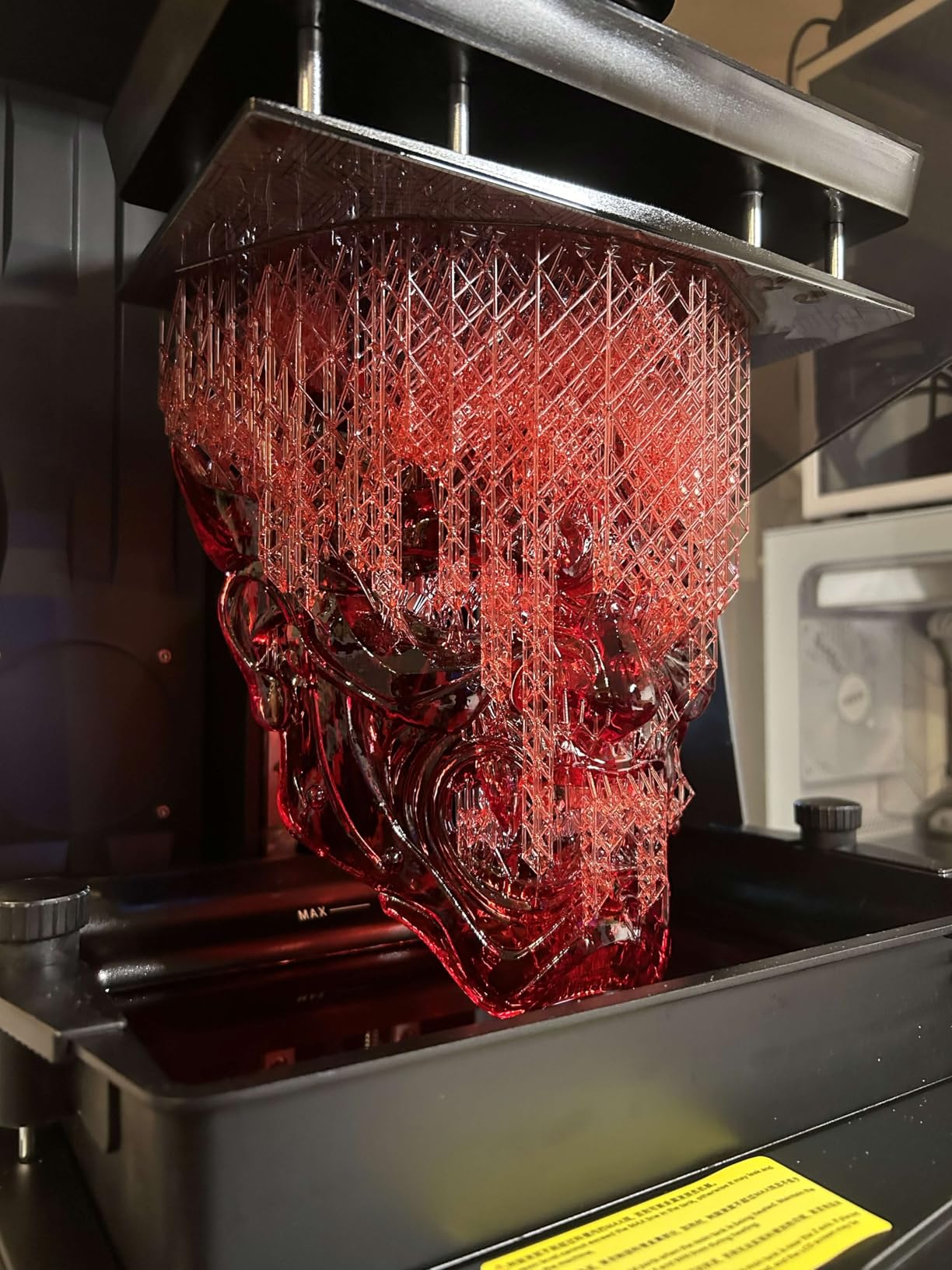
If you print miniatures, models or jewellery and want the sharpest surface the hobby can produce, this is the machine. A 16K monochrome LCD is the highest resolution in this roundup, and the difference over a 9K panel is visible on hair, fur, chainmail and thin facial features rather than only under magnification.
The more interesting feature is the intelligent tank heating. Holding the resin at 30 degrees C reduces viscosity, which cuts bubbles and layer separation, and layer separation is the leading cause of failed resin prints. Owners consistently report better success rates as a result, not just equal ones.
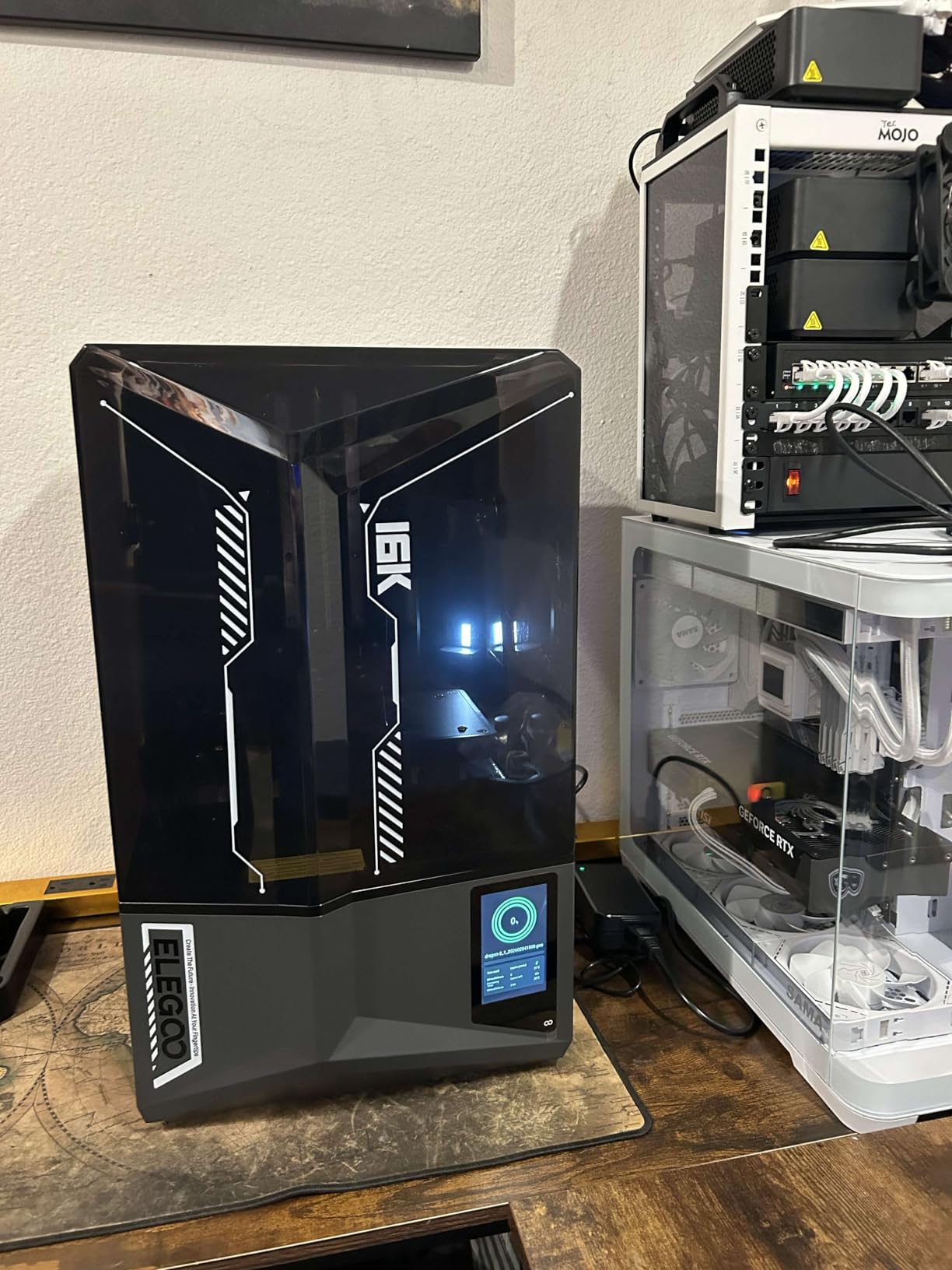
An AI camera with a built-in chamber light gives a usable image at any hour, and the smart mechanical sensor detects residue before it damages the screen. Automatic levelling makes this as close to plug-and-play as resin printing gets, and tilt release keeps print times down to around 150 mm/h.
At 35.5 pounds and 24 x 17 x 15 inches it is one of the larger machines here, so plan bench space. The enclosed light also means you no longer need to open the lid to check progress, which is better for both your workflow and your exposure to fumes.
For whom the ELEGOO Saturn 4 Ultra makes sense
This suits serious tabletop gamers, professional miniature painters, and anyone printing display pieces where surface quality is the whole point. The heated tank makes it a good choice for larger resin volumes because failures waste material and time.
If you are moving up from a smaller resin machine, the resolution and the tank heating are the two upgrades you would feel every single print.
For whom the ELEGOO Saturn 4 Ultra is the wrong choice
It is the most expensive of the twelve, and that money is only recovered through detail. Printing functional parts where strength matters more than finish is a poor fit, because FDM machines produce stronger parts and cost far less per kilo of material.
The footprint and weight also rule it out for small desks. And the same rules apply as with every resin machine here: ventilation, gloves, and a proper wash-and-cure station with a carbon filter if you live in a flat.
FDM or Resin: Which Type of Printer Fits Your Home?
There are two ways to print at home, and they suit different hobbies. FDM, also called fused filament fabrication, melts plastic filament through a heated nozzle and lays it down layer by layer on a build plate. It is clean, cheap to run, and safe in a living space. Resin printing, in SLA or DLP form, projects light through a mask onto liquid photopolymer resin which hardens into a solid layer.
For home hobbyists, FDM wins on volume, safety and running cost. Resin wins on detail, and nothing else in the hobby produces a surface finish as clean. Most people who print both end up owning an FDM machine for functional parts and a small resin machine for display pieces. If you are still narrowing the field, our resin printer guide covers the resin side in detail.
Resin is not a casual purchase for a flat. Uncured resin is a skin irritant, and the fumes need ventilation. Budget for nitrile gloves, a wash station, a carbon filter and a dedicated corner of a room before you buy the printer rather than after.
Filament and Material Compatibility for Home Hobbyists
Start with PLA. It prints at a low temperature, needs minimal bed heat, does not emit meaningful fumes and is the material most profiles are tuned for. It is also the filament most beginners use first, and the reason a poor first-layer habit never catches up with them.
PETG is the sensible second step. It is tougher and more heat-resistant than PLA, sticks to the bed almost too well, and works for functional parts like hooks, brackets and planters. Print it slower than PLA and let the bed cool fully before removing prints.
TPU is the flexible option, good for phone cases and grip surfaces. It needs a direct-drive extruder and patient speed settings, and it is the material most likely to disappoint a first-time user. ABS and ASA need a heated bed and, more importantly, a sealed chamber, which is why every enclosed machine in this roundup exists. Nylon and fibre-filled filaments require a hardened steel nozzle, and the K1C, K2 Combo and Kobra X are the machines here specced for them.
Enclosed vs. Open Frame in a Shared Home
An enclosure is not a marketing gimmick, and it is not primarily about noise. It is about temperature stability and air movement. Open-frame printers lose heat quickly, so ABS and ASA lay down unevenly and lift off the bed. They also let every passing draft nudge a tall print. A closed chamber holds heat, blocks draughts, and keeps fumes where a filter can catch them.
The cost is size, weight and price. Enclosed machines are heavier, take more desk space and cost more, so an open frame is the right call if you only ever print PLA and PETG. Our advice for an apartment: choose an open frame, print PLA and PETG, and keep it in a bedroom rather than a living room. For a flat where noise matters, the FLASHFORGE Adventurer 5M Pro and the Bambu Lab A1 are the two quietest machines in this group.
Enclosure is not a guarantee of quiet. A sealed machine with hard fans under load can be louder than an open one running gently. Ask what the manufacturer specifies, not what a listing claims.
Slicer Software: OrcaSlicer, Bambu Studio, PrusaSlicer and Cura
Slicer software is where every machine converges, and it is a bigger decision than most buyers expect. OrcaSlicer is described in hobby communities as the popular choice right now and is free, with the advanced tuning controls and multi-material workflow that experienced users want.
Bambu Studio is tightly integrated with Bambu Lab machines and handles slicing, queueing and device control in one program. PrusaSlicer and Cura are both free and well documented. Whichever you start with, learning one program properly is worth more than installing four. The Anycubic Kobra X and the ELEGOO Centauri Carbon 2 Combo both ship with more open ecosystems than the usual proprietary locking, which matters if you like exporting and editing profiles. If you want broader coverage, we round up the best multicolor printers separately.
Running Costs and Maintenance for First-Time Owners
Running costs are lower than most buyers expect, but they are not zero. You need a decent supply of filament, occasional nozzle replacements, and a build plate eventually, since every printer treats the plate as a consumable. Electricity is minor compared with a space heater, even running overnight.
The recurring cost that surprises people is waste. Multicolour printing purges filament on every colour change, and the purge volume depends on how short your purge path is. The Anycubic Kobra X is the machine here designed specifically to reduce that number. Resin printing has its own running cost, because uncured resin is discarded rather than reused.
On maintenance, budget for nozzle swaps when a hotend clogs, a dry filament box if you live somewhere humid, and a periodic re-level on machines that do not do it automatically. The machines in this roundup that need the least of all of that are the Bambu Lab A1, the P1S and the ELEGOO Centauri Carbon 2 Combo. Budget machines need more of your time, and that time is the real running cost. If you want a curated list of the cheapest capable options, see our budget 3D printer picks.
Frequently Asked Questions
What is currently the best 3D printer for home use?
The Bambu Lab A1 is the best all-round choice for home use, with the highest satisfaction rating in our testing and full-auto calibration that removes the levelling step beginners struggle with most. For engineering-grade filament, the Creality K1C is stronger because it is enclosed and filtered. For fine detail, resin machines such as the ANYCUBIC Photon Mono 4 lead.
What are the best types of 3D printers for home use?
Two types dominate home use. FDM machines melt plastic filament and are clean, safe and cheap to run, making them right for functional parts, organisers and cosplay props. Resin machines cure liquid photopolymer under light and produce far finer surface detail, making them right for miniatures and jewellery. Resin needs gloves, ventilation and post-processing.
How much is a decent 3D printer for home use?
Match your spend to your expectations rather than to a brand. The entry tier covers PLA and PETG parts on an open frame with auto levelling. The middle tier adds a sealed chamber, faster CoreXY motion and filtration for shared indoor spaces. The premium tier adds multi-material units, hardened hotends and multi-colour switching.
Which 3D printer is the most user-friendly?
The Bambu Lab A1 is the most user-friendly option because it calibrates its own bed and Z-offset, loads filament without manual work and needs almost no maintenance once running. If you want a first machine that also handles engineering plastics, the FLASHFORGE Adventurer 5M Pro adds one-click levelling and a tool-free nozzle swap.
Is an enclosed 3D printer worth it for home use?
Yes, if you print ABS or ASA, run long jobs, or share your space with other people. An enclosed chamber holds heat for consistent layer adhesion, blocks draughts that knock tall prints over, and lets a carbon filter capture fumes. If you only print PLA and PETG, an open-frame machine gives you the same results for less money and less desk space.
Can a 3D printer be used in an apartment?
Yes, with the right machine and material. Choose a quiet enclosed printer, print PLA or PETG rather than ABS, and place it in a bedroom or spare room rather than a living space. Resin printing needs far more caution because uncured resin fumes and skin contact require gloves, a wash station and a carbon filter.
What maintenance does a 3D printer need?
Budget for occasional nozzle swaps when a hotend clogs, a spare build plate since the plate is a consumable, and a dry filament box in humid climates. Machines with auto mesh bed levelling handle the most common task themselves. Resin printers additionally need vat and LCD care plus wash and cure accessories to keep prints safe to handle.
The Verdict: Which 3D Printer Should You Buy First?
Buy the Bambu Lab A1 if you want the shortest path to good prints. It carries the highest satisfaction rating in this group, calibrates itself, and is quiet enough for a room with people in it. That combination is why it tops our list of the best 3D printers for home hobbyists in 2026.
Choose a different machine for a specific reason. The Creality K1C if you need ABS and ASA. The ELEGOO Centauri Carbon 2 Combo or the Creality K2 Combo if multi-colour is the point. The FLASHFORGE Adventurer 5M Pro if noise and a sealed chamber matter more than raw speed. The Creality Ender 3 V3 SE if budget is the deciding factor. A resin machine from section ten or later if detail is what you actually want to print.
Whichever you pick, start with PLA, print something small to learn the machine, and resist the urge to buy a multi-material unit on day one. If you want a narrower starting point, our beginner 3D printer guide walks through first-print mistakes in more detail.