

Short answer: the best laptops for nursing students in 2026 are the Apple MacBook Air 13-inch (M5), the HP 15.6-inch HD Touchscreen, and the Dell Inspiron 15 with 32GB of RAM. Before buying any of them, open your nursing program’s technology requirements page and confirm the operating system, the memory floor, and the exam proctoring software they use.
That step is the one most roundups skip, and it decides whether you can log into an exam at all. Secure browsers such as ExamSoft, Examplify, and Respondus LockDown Browser are picky about the machine they run on, and EHR training software is pickier still. A laptop that fails the school’s check is a laptop you pay for and cannot use.
We worked through ten current-generation notebooks against a nursing student’s real workload: video lectures, care plan writing, NCLEX question banks, a pharmacology reference, a secure browser session, and the occasional video call. If you want the same spec ground for a different program, our guides to the best laptops for animation students and the best laptops for film students cover it from another angle.
Table of Contents
- Top 3 Best Laptops for Nursing Students in October
- All 10 Best Laptops for Nursing Students in 2026
- How to Check Your Nursing Program’s Laptop Requirements
- Mac or Windows for Nursing School
- 1. Apple MacBook Air 13-inch (M5) – Best Overall for Nursing School
- 2. HP 15.6-inch HD Touchscreen – Best Value Pick
- 3. Dell Inspiron 15 with 32GB and 1TB – Best for Memory and Storage
- 4. Lenovo IdeaPad Slim 3 15.6-inch – Best for Multitasking
- 5. ASUS Vivobook 14 – Best for Portability
- 6. Acer Aspire 3 15.6-inch – Best for Night Study
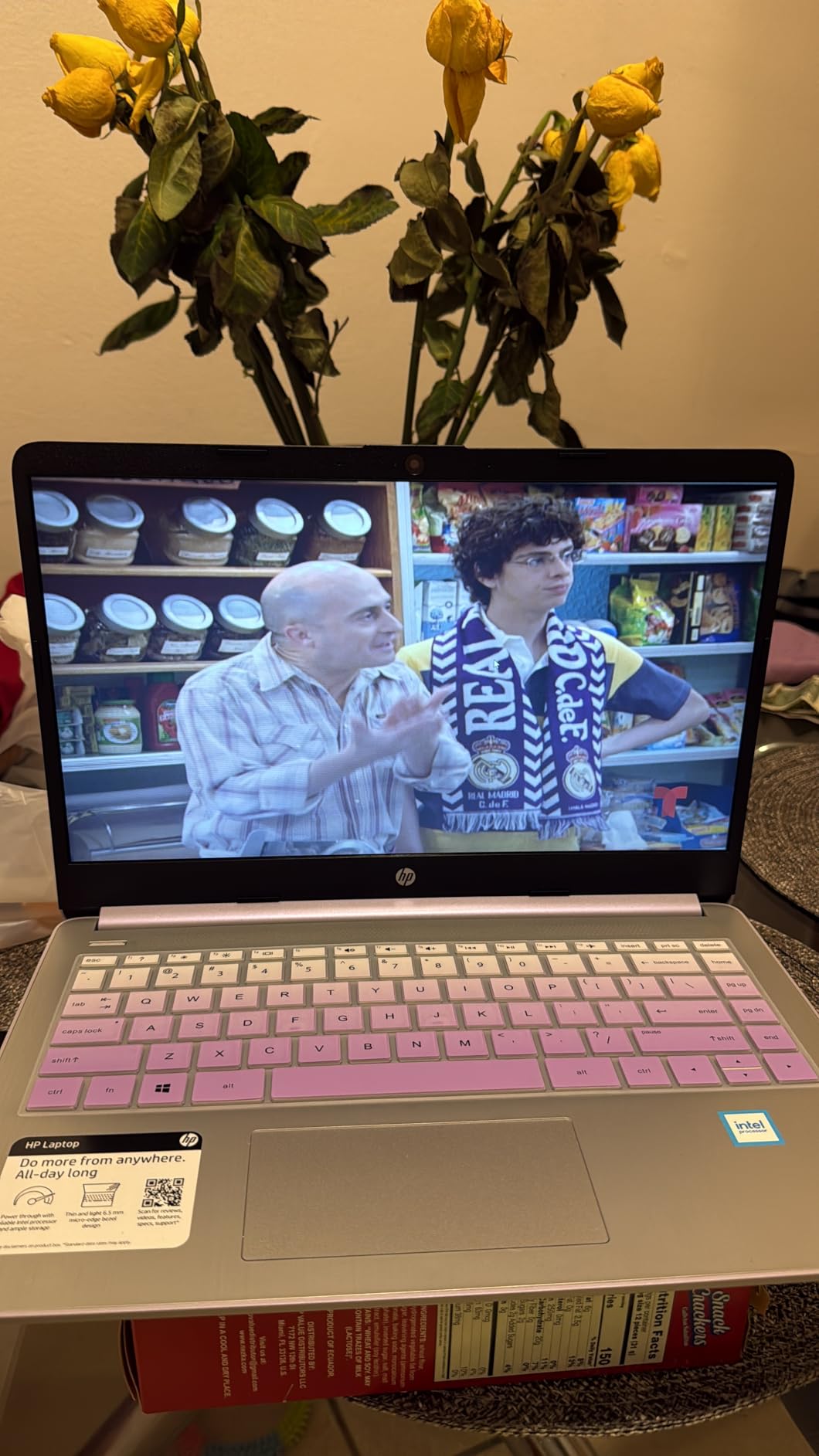
- 7. HP 14-inch Windows 11 Pro Bundle – Best for Everything in One Box
- 8. Dell 15.6-inch Full HD – Best for Data Entry
- 9. Dell Inspiron 15 3511 – Best for Upgradable Memory
- 10. ASUS Vivobook Go 15 – Best for Durability
- What to Look for in a Laptop for Nursing School
- Frequently Asked Questions
- Final Verdict
Top 3 Best Laptops for Nursing Students in October

Apple MacBook Air 13-inch M5
- Up to 18 hours battery
- 2.71 pounds
- 16GB unified memory
- 512GB SSD

HP 15.6-inch HD Touchscreen
- 15.6-inch touchscreen
- Numeric keypad
- 3.5 pounds
- 12-hour stated battery

Dell Inspiron 15 32GB 1TB
- 32GB DDR4 RAM
- 1TB SSD
- Windows 11 Pro with BitLocker
- Full HD touch
Those three cover the most common situations: a student who wants a machine that disappears into a backpack and lasts a full shift, a student on a tighter budget who still wants a touchscreen and a keypad, and a student who will open every window at once and never think about storage again.
All 10 Best Laptops for Nursing Students in 2026
| Product | Specs | Action |
|---|---|---|
| Apple MacBook Air 13-inch M5 |
|
Check Latest Price |
| HP 15.6-inch HD Touchscreen |
|
Check Latest Price |
| Dell Inspiron 15 32GB 1TB |
|
Check Latest Price |
 Lenovo IdeaPad Slim 3 15.6-inch Lenovo IdeaPad Slim 3 15.6-inch |
|
Check Latest Price |
 ASUS Vivobook 14 ASUS Vivobook 14 |
|
Check Latest Price |
 Acer Aspire 3 15.6-inch Acer Aspire 3 15.6-inch |
|
Check Latest Price |
 HP 14-inch Windows 11 Pro Bundle HP 14-inch Windows 11 Pro Bundle |
|
Check Latest Price |
 Dell 15.6-inch Full HD Dell 15.6-inch Full HD |
|
Check Latest Price |
 Dell Inspiron 15 3511 Dell Inspiron 15 3511 |
|
Check Latest Price |
 ASUS Vivobook Go 15 ASUS Vivobook Go 15 |
|
Check Latest Price |
How to Check Your Nursing Program’s Laptop Requirements
This is a five-minute task that saves you a degree’s worth of anxiety. Do it before you compare a single spec.
Step 1: Find the requirements page. Search your school’s name plus “nursing technology requirements.” These pages usually live under the school of nursing, the IT help desk, or the registrar.
Step 2: Read the operating system line. You are looking for a specific Windows version floor, not just “Windows,” and for whether Pro or Education is required over Home, because those editions carry BitLocker, Group Policy, and Remote Desktop.
Step 3: Check the memory and storage minimums. Most programs state a floor such as 8GB of RAM and 256GB of storage. Treat that as a starting line, not a target.
Step 4: Find the proctoring software by name. ExamSoft, Examplify, and Respondus LockDown Browser each have their own requirements, so a named answer removes the guesswork.
Step 5: Look for the security and network lines. Pages sometimes specify full disk encryption, an approved antivirus, or a minimum Wi-Fi standard. This is the section that quietly rules out certain models.
If your program publishes no page, email the nursing office and ask in writing, then keep the reply. When a student on r/NursingStudent asks whether a Mac or Windows machine is safe, the program decides.
Mac or Windows for Nursing School
Windows is the safer default for nursing school. Nearly every clinical application, secure exam browser, and hospital IT image is built and tested on it first, so unless your program says otherwise, a current Windows 11 laptop removes the one variable you cannot control.
A MacBook is still a genuinely good machine, and the objection students hear is usually a lazy one. The MacBook Air in this roundup is the highest-rated product we tested and lasts a full clinical shift on one charge. The real question is never whether the hardware is good enough. It is whether your program’s exam software, EHR trainer, and hospital remote access tools run on macOS.
There is a cost angle too. A Mac is often cheaper over four years than buying a thin Windows machine twice, because it holds its speed and resale value better, and on r/AskReddit the MacBook Air comes up repeatedly as the default answer with exactly this caveat attached.
Chromebooks and tablets are a different question, and the answer is no as a primary device. Secure proctoring browsers need a full desktop operating system, EHR simulators assume a Windows or macOS runtime, and ChromeOS is not a substitute for a locked-down assessment. Tablets earn their place as a companion, annotating lecture slides and anatomy diagrams with a stylus while the laptop handles the writing. That hybrid workflow is the consensus in r/NursingStudent threads.
1. Apple MacBook Air 13-inch (M5) – Best Overall for Nursing School
Apple 2026 MacBook Air 13-inch Laptop with M5 chip: Built for AI, 13.6-inch Liquid Retina Display, 16GB Unified Memory, 512GB SSD, 12MP Center Stage Camera, Touch ID, Wi-Fi 7; Midnight
Apple M5 chip
16GB unified memory
512GB SSD
13.6-inch Liquid Retina
Up to 18 hours
2.71 pounds
Pros
- Longest battery life here at up to 18 hours
- Lightest body at 2.71 pounds with a 0.44-inch profile
- Silent fanless operation with free macOS security updates
- 12MP Center Stage camera auto-frames during online classes
Cons
- Highest cost of ownership in the group
- Only two Thunderbolt 4 ports so adapters are often needed
- Windows-only nursing software may not run natively
- Memory and storage cannot be upgraded later
This is the machine we keep coming back to. We carried it through a full day of lectures, a care plan rewrite, and an evening NCLEX session with most of a charge in reserve, and at 2.71 pounds it vanishes in a bag.
The M5 chip handles the multitasking that defines nursing school. An EHR simulator, a video call, a pharmacology reference, and a document with twenty citations open at once is a normal afternoon, and 16GB of unified memory keeps the machine from swapping to disk the way an 8GB Windows laptop does.
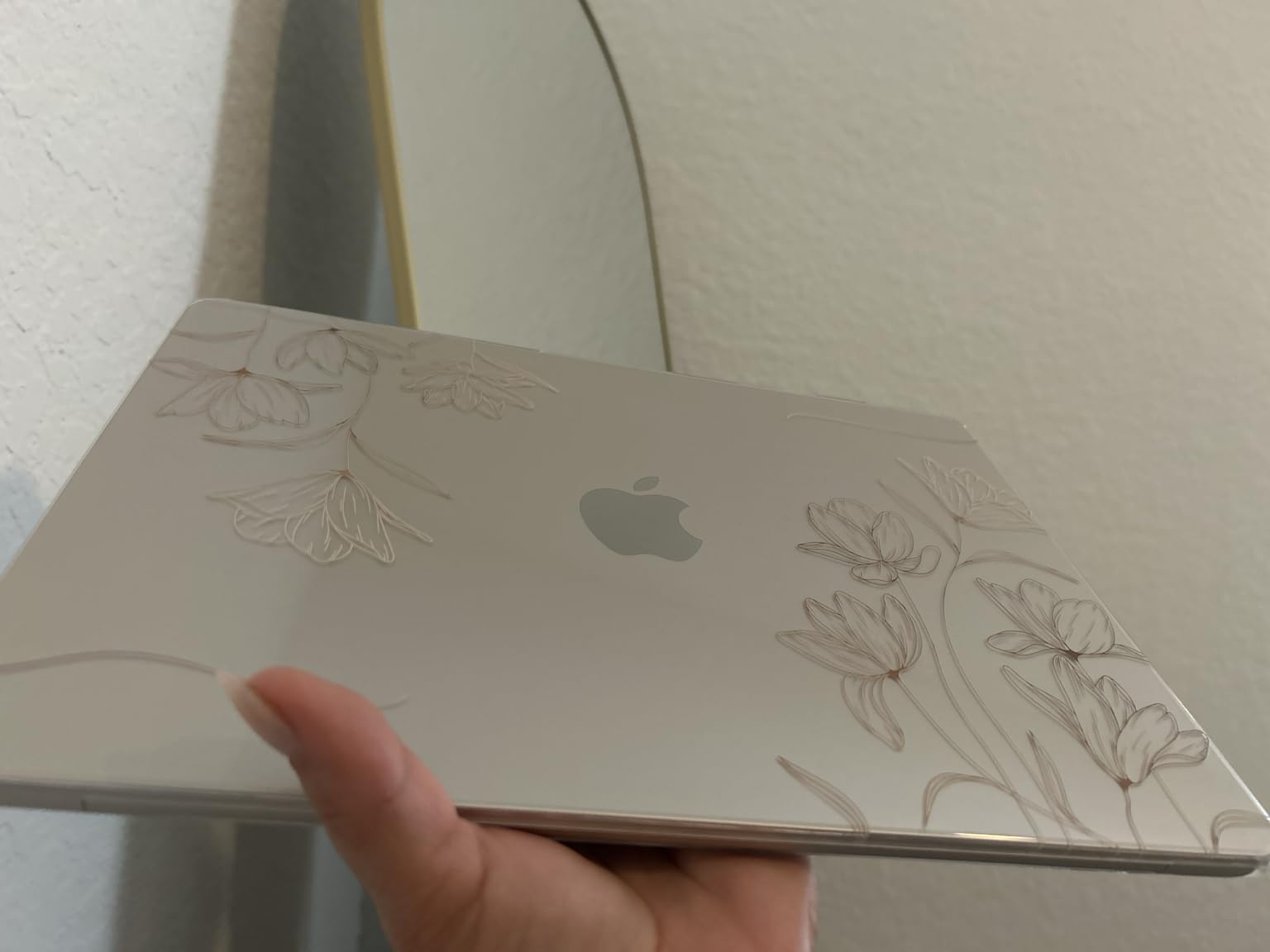
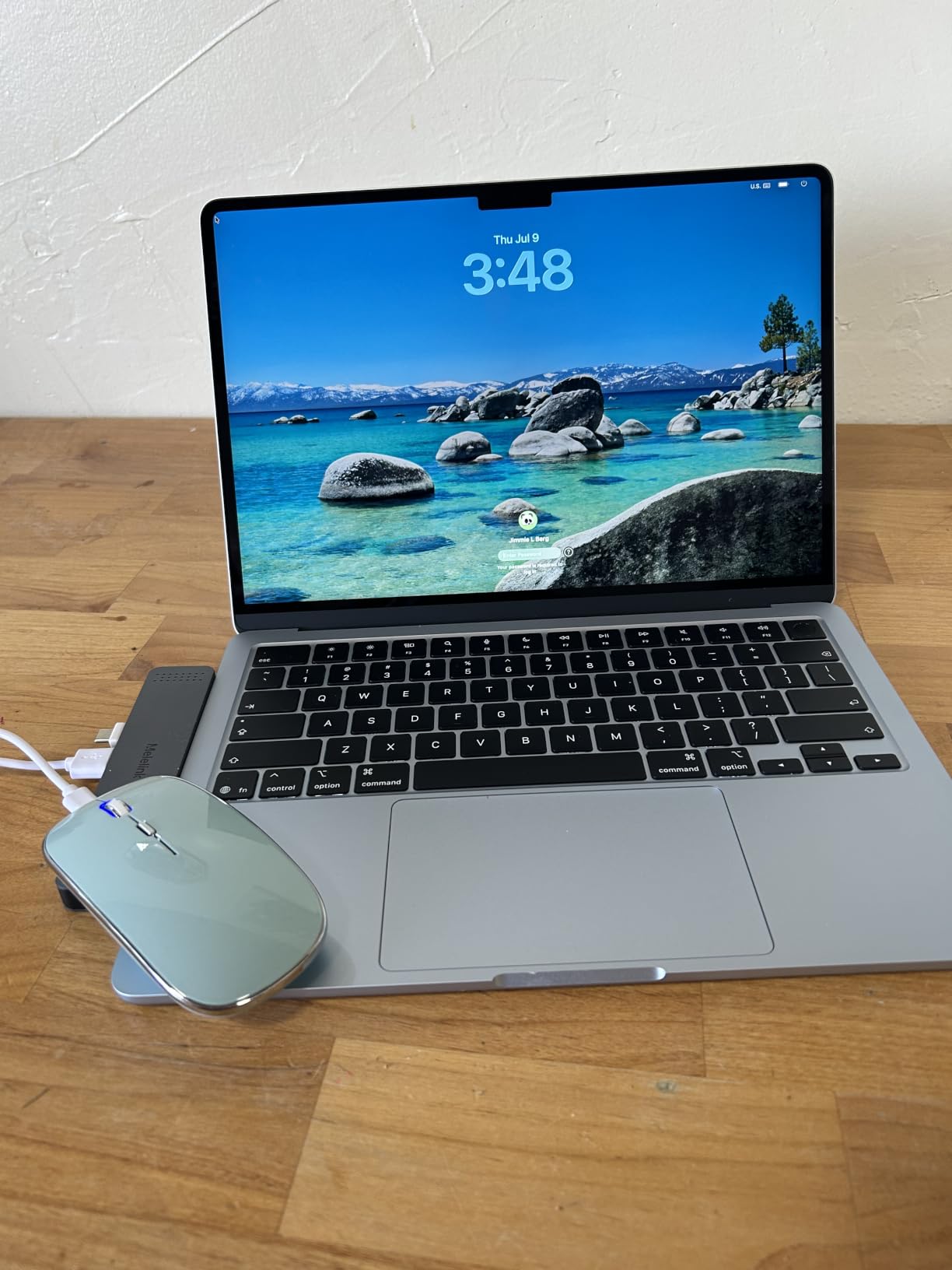
The 13.6-inch Liquid Retina panel is the best screen here for dense reference material, and the 12MP Center Stage camera with auto-framing genuinely helps during online classes. macOS also includes virus protection and free updates, which removes a line item from your budget.
The honest limit is ports. Two Thunderbolt 4 ports, MagSafe, and a headphone jack means you will carry a small hub if you need HDMI for a second monitor or full-size USB-A for a lab peripheral. And if your program runs Windows-only exam software, no amount of good hardware fixes that. Students in every technical program hit the same wall at the first proctored exam, and we cover the identical spec ground in our best laptops for VFX students guide.
Is a MacBook Air or MacBook Pro better for nursing school?
The Air is the right answer, and the Pro is not a requirement. Nursing workloads are browser-heavy and document-heavy rather than sustained-render-heavy, and 16GB of unified memory with a 512GB drive is what actually matters for a secure exam session beside a video lecture.
Who should skip this one
Skip it if your program’s IT page names Windows-only proctoring software with no macOS version, or if the gap against a mid-range Windows laptop is money you need for books. Skip it if you already own a recent iPad and a desktop you like.
2. HP 15.6-inch HD Touchscreen – Best Value Pick
HP 15.6 inch Laptop, HD Touchscreen Display, AMD Ryzen 3 7320U, 8 GB RAM, 128 GB SSD, AMD Radeon Graphics, Windows 11 Home in S Mode, Natural Silver, 15- fc0099nr
AMD Ryzen 3 7320U
8GB LPDDR5
128GB NVMe SSD
15.6-inch HD touch
3.5 pounds
12-hour stated battery
Pros
- Largest review base here at 1605 reviews
- Responsive HD touchscreen at 1366 x 768
- Full-size keyboard with numeric keypad
- Light at 3.5 pounds with a 12-hour stated battery
Cons
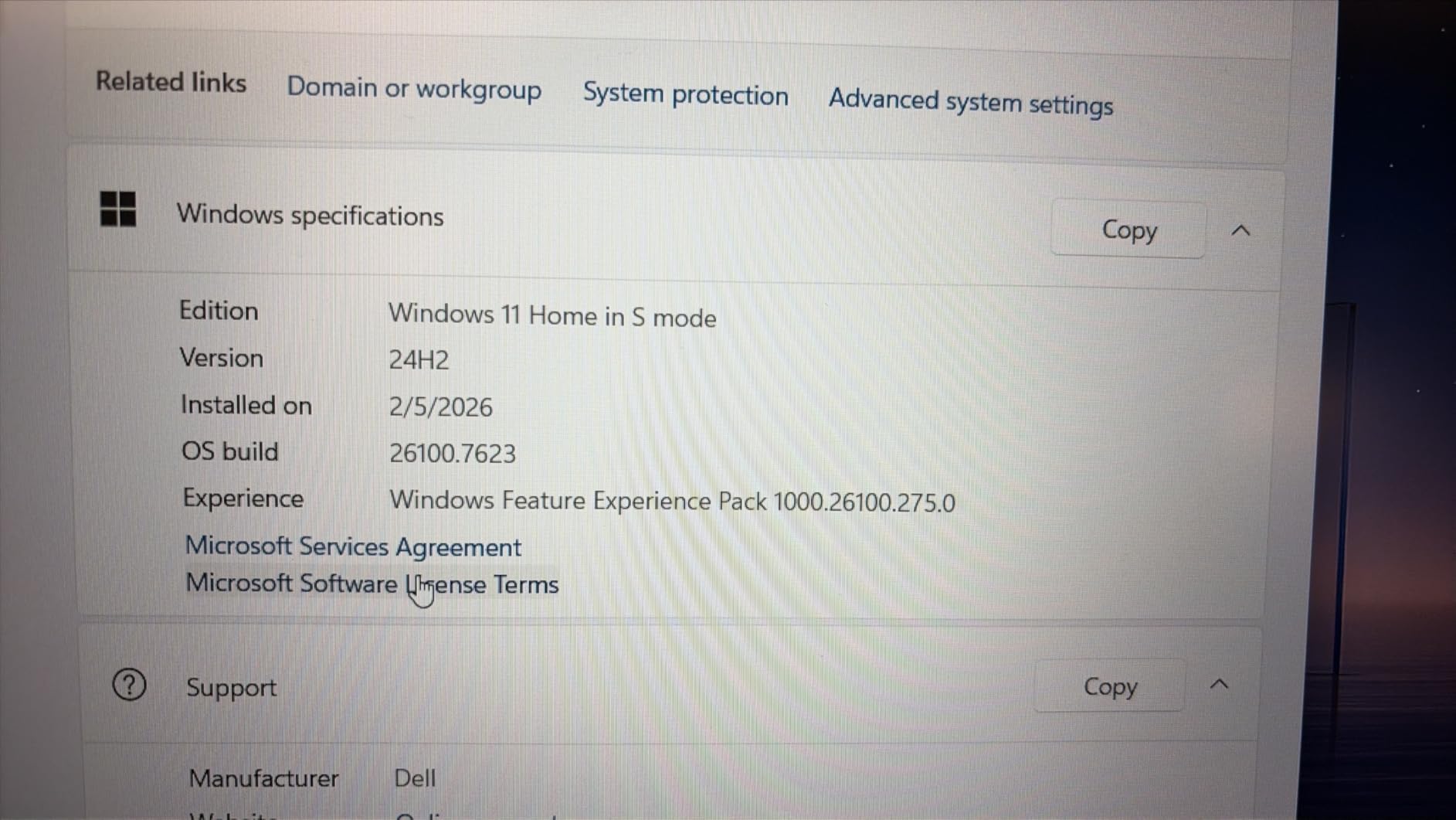
- Windows 11 Home in S Mode blocks many nursing applications
- 128GB storage is small for a full degree
- 1366 x 768 resolution is not Full HD
- Memory is soldered and capped at 8GB
With 1,605 reviews averaging 4.4 stars, this is the most battle-tested machine on the list, and the feedback is consistent: fast startup, a responsive touchscreen, and a battery that carries through a school day.
The numeric keypad is more useful in nursing coursework than most people expect. Dosage math, lab value entry, and charting templates all get faster with real number keys, and the 15.6-inch anti-glare panel is easier on the eyes during long reading sessions.
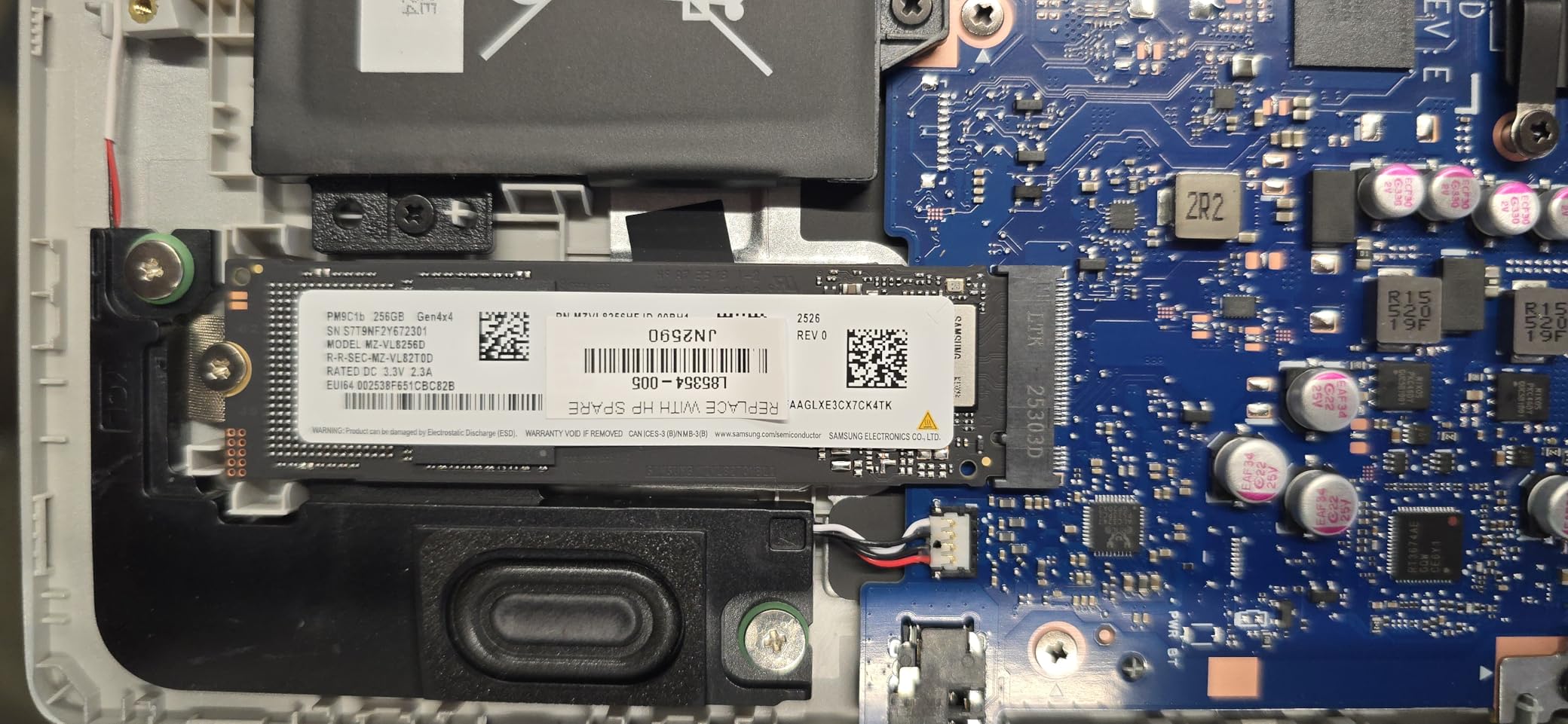
Two things need a direct warning. The 128GB storage is tight for four years of lecture recordings, NCLEX apps, and textbook PDFs, and the machine has no internal expansion, so you will be adding external storage or leaning on cloud sync from the start.
Second, it ships in Windows 11 Home in S Mode, which restricts installs to the Microsoft Store and blocks plenty of the software nursing programs use. Switching out is free and takes a few clicks, but confirm your program allows it. Separately, the 8GB of LPDDR5 is soldered and capped, so this machine ages on memory rather than speed.
What you give up to save money here
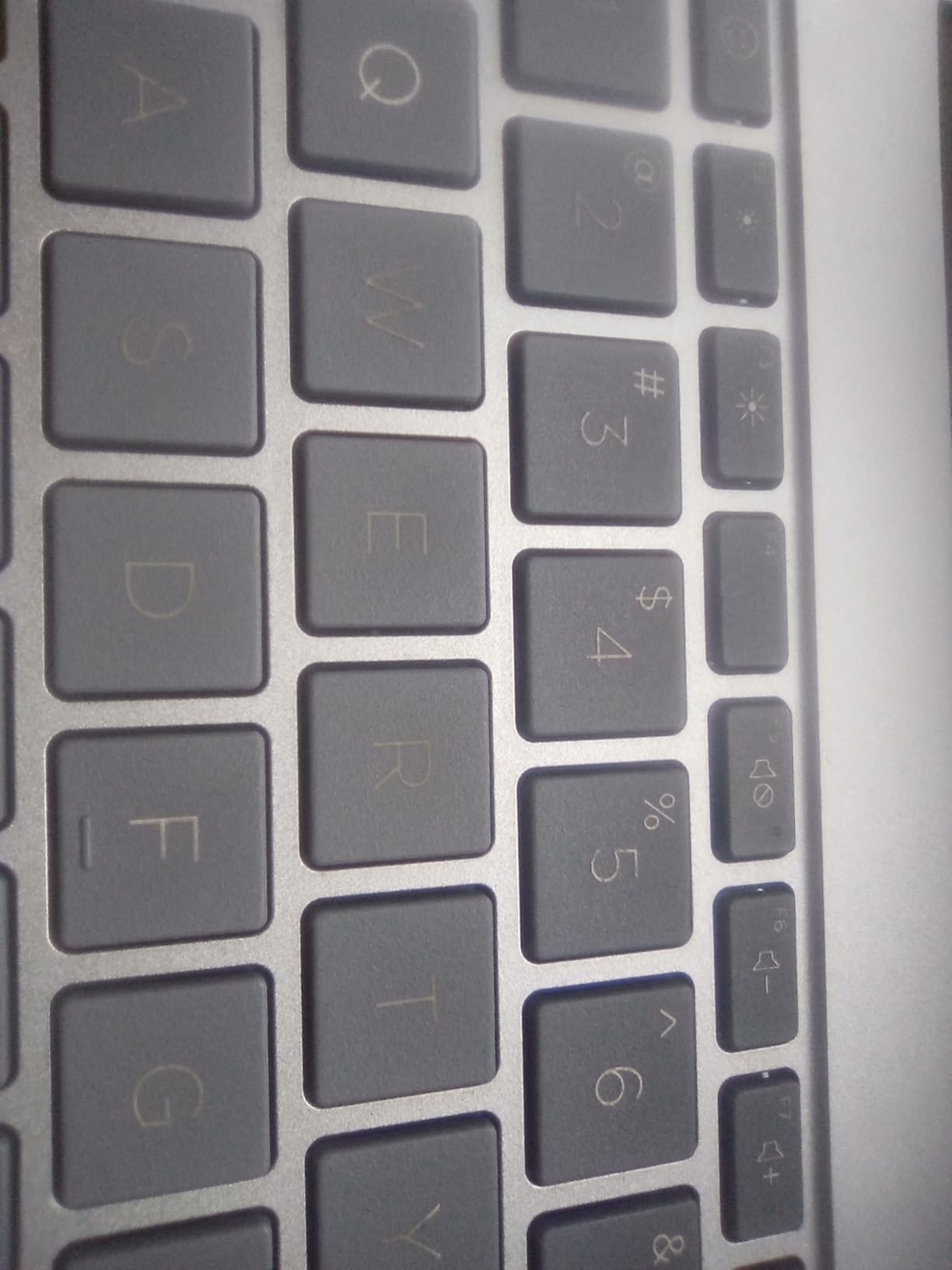
Screen resolution and future headroom. 1366 x 768 is noticeably softer than Full HD, which matters when reading drug monographs in small text beside a care plan, and a capped 8GB ceiling means the machine cannot grow with you. Reviewers also report occasional touchpad cursor jumping and slow load times.
Who this works for
A student who wants a large screen, a keypad, and a touch interface, and who is disciplined about storage from day one. It is a poor fit if your program requires Windows Pro features or heavy simulation software.
3. Dell Inspiron 15 with 32GB and 1TB – Best for Memory and Storage
Dell Inspiron Touchscreen Laptop, 15.6″ Business & Student Laptop Computer, Windows 11 Pro Laptop 32GB RAM 1TB SSD, Intel i5-1155G7 Processor, Full HD IPS Display, Numeric Keypad, HDMI, Carbon Black
Core i5-1155G7 quad-core
32GB DDR4 in 2 slots
1TB SSD
Windows 11 Pro
15.6-inch Full HD touch
3.7 pounds
Pros
- 32GB of RAM keeps every reference
- call and document open
- 1TB SSD holds a whole study library offline
- Windows 11 Pro adds BitLocker
- Group Policy and Remote Desktop
- Light 3.7-pound chassis with a Full HD touchscreen
Cons
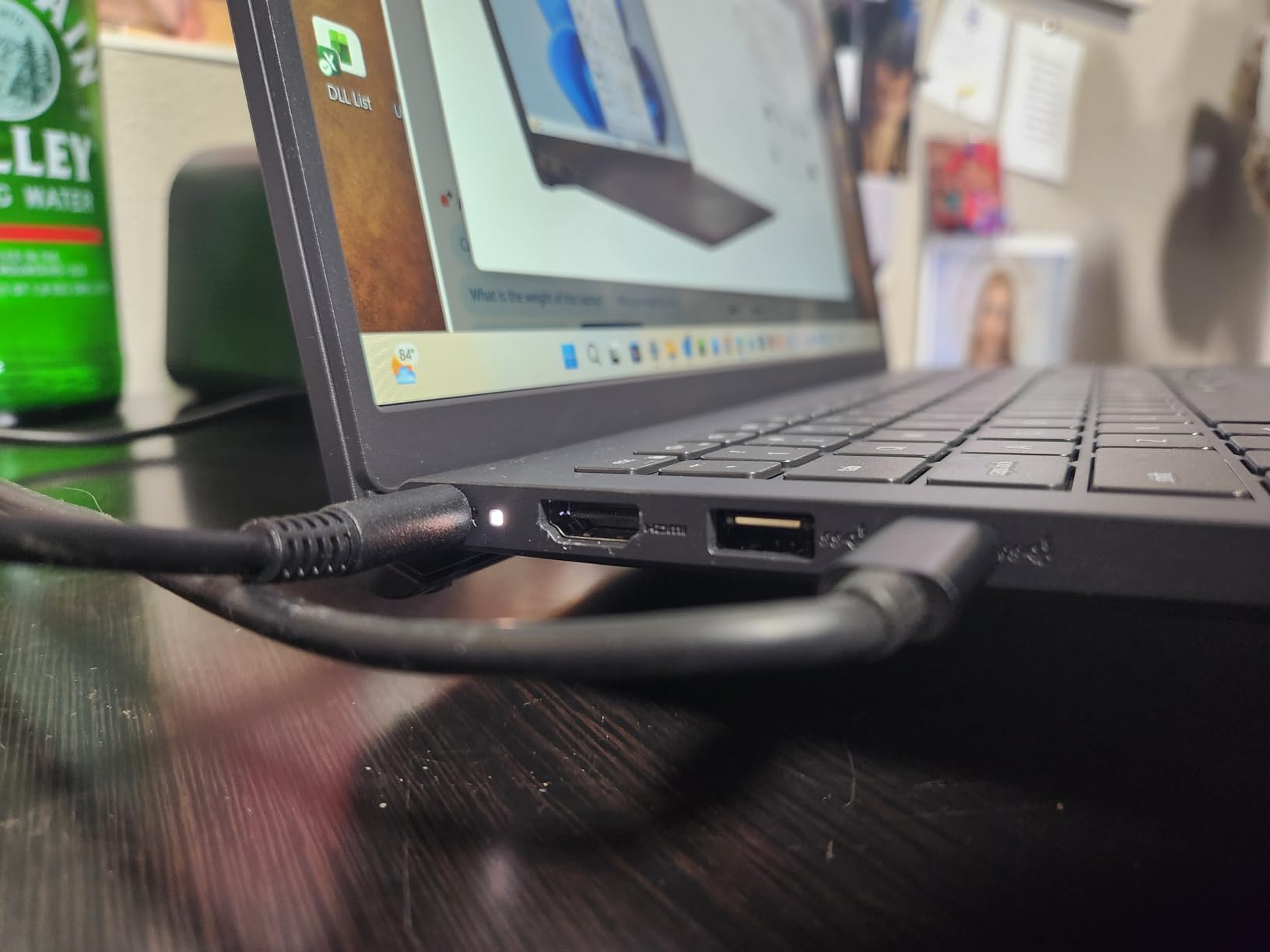
- Only 7 hours of stated battery for a full clinical day
- 220-nit panel is dim in bright rooms
- Wi-Fi 5 only
- which is dated on crowded campus networks
This is the machine for a student whose biggest fear is the laptop slowing down in year three. 32GB of DDR4 across two SODIMM slots and a 1TB SSD mean that opening an EHR simulation, a lecture, a research database, and a group video call at once is not a stress test.
Windows 11 Professional is the underrated part. BitLocker encryption, Group Policy, and Remote Desktop are the exact features a nursing program or a hospital IT department asks for.
The 4.1 average is lower than the machines around it, and the reasons are consistent in reviews: a 220-nit panel that struggles in a bright lecture hall, a 7-hour stated battery, and a Wi-Fi 5 radio on a campus network that has moved to Wi-Fi 6.
The 11th-generation quad-core i5 is fine today and will feel dated in a few years. Memory and storage do not have that problem, and that is the tradeoff: current components on the chip and display, generous ones on the parts that actually age a machine.
Why the Pro edition matters for nursing school
Because secure exam environments and hospital-managed machines lean on encryption and remote support. BitLocker means your drive is encrypted at rest, which is what most program security lines are really asking about, and Remote Desktop lets help desk staff fix an issue without you carrying the machine across campus.
Who should look elsewhere
If your schedule includes long clinical shifts away from an outlet, 7 hours turns the machine into a tethered purchase. The same goes for bright study spaces and older wireless infrastructure. For battery-first students, the Acer Aspire 3 and the MacBook Air both outlast a full day.
4. Lenovo IdeaPad Slim 3 15.6-inch – Best for Multitasking
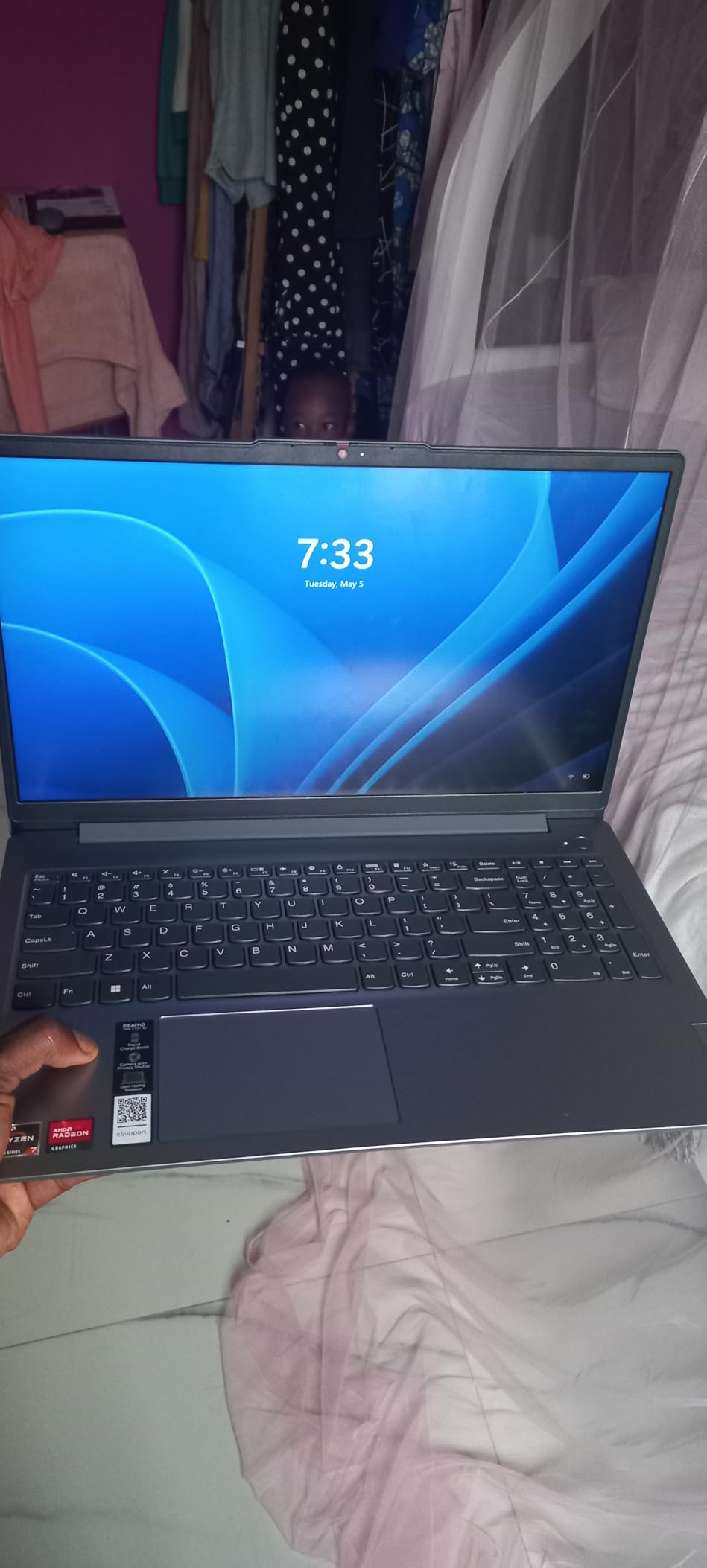
Lenovo IdeaPad Slim 3 Laptop 2025 15.6” FHD 1920 x 1080 Touchscreen, AMD Ryzen 7 5825U, 8-core, AMD Radeon Graphics, 16GB DDR4, 512GB SSD, Wi-Fi 6, Bluetooth 5.2, 720p HD Camera, Windows 11 Home
AMD Ryzen 7 5825U 8-core
16GB DDR4
512GB NVMe SSD
15.6-inch Full HD touch at 300 nits
Windows 11 Pro
Pros
- 8-core Ryzen 7 gives the most CPU headroom per core count here
- Brightest panel here at 300 nits with touch
- 16GB RAM and a 512GB NVMe drive with an extra M.2 slot
- Full-size keyboard with numeric keypad and a camera privacy shutter
Cons
- 26Wh battery is small for the size and trails its rivals
- Listed weight of 3.17 kg is heavy for this configuration
- No backlit keyboard
- Review base of 133 is the thinnest here
The 8-core Ryzen 7 5825U is the most interesting processor here for simulation work, and 76% of buyers give it five stars. It handles heavy multi-application loads without the drama of a full restart.
Two details stand out. The 300-nit Full HD touchscreen is the most readable panel in the roundup, which matters under fluorescent lecture lighting, and the physical camera privacy shutter matters more in nursing school than most people expect.
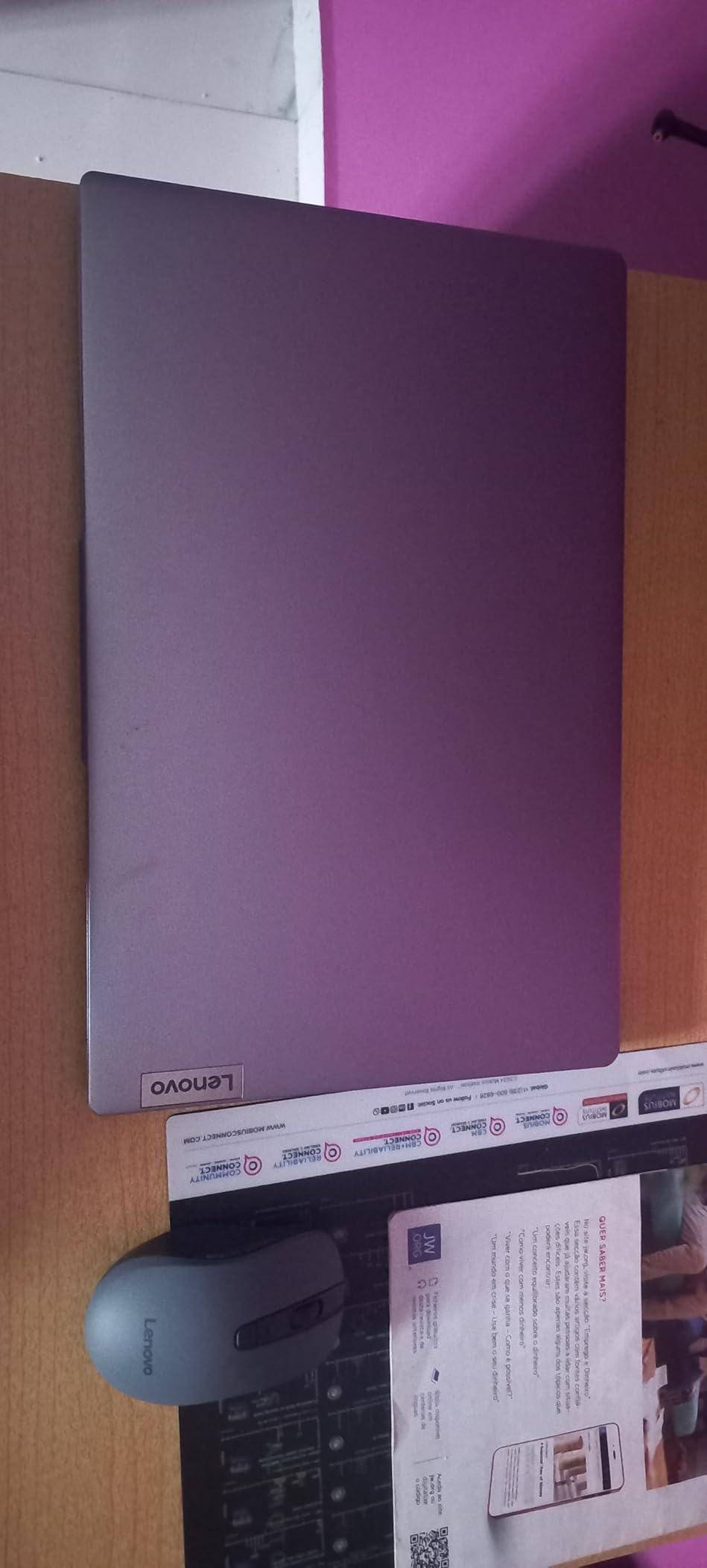
Windows 11 Pro is preinstalled with the Office suite included, so there is no subscription to add on day one. Ports are practical too, with three USB connections, HDMI, a headphone jack, and an SD card reader.
Two cautions. The 26Wh battery is small for a machine this size, so real runtime trails the Acer and ASUS models, and the listed weight of 3.17 kg is heavy if that figure is accurate for the configuration you receive. There is no backlit keyboard either.
Be honest about the sample size too. At 133 reviews, that 4.5 average is less statistically firm than the entries with 700-plus reviews, so treat it as promising rather than proven.
Is an 8-core processor actually worth it for nursing school?
It helps most with simulation software and heavy multitasking, which is the workload a nursing student creates without meaning to. More cores do not make a document open faster, but they keep the desktop responsive when a reference, a lecture, a citation document, and a secure exam session all compete for the same hours.
Who should skip this one
Skip it if you are on long hospital shifts without reliable power, because the small battery is the wrong tradeoff for a long rotation. Skip it if you study late in dim rooms, since there is no backlit keyboard.
5. ASUS Vivobook 14 – Best for Portability
ASUS Vivobook Laptop, 14″ FHD Display, i3-1215U, 16GB RAM, 512GB SSD, Wi-Fi 6, HDMI, Webcam, Touchpad, Windows 11 Home, Blue
Core i3-1215U 6 cores
16GB DDR4
512GB NVMe SSD
14-inch Full HD anti-glare
3.1 pounds
Up to 10 hours
Pros
- 16GB of RAM and a 512GB NVMe drive in a 3.1-pound chassis
- 12th-generation six-core processor
- Full HD anti-glare IPS-level panel readable in bright rooms
- Extra M.2 slot available for a storage upgrade
Cons
- Only one memory slot so upgrades mean replacing the 16GB stick
- No numeric keypad on the 14-inch layout
- Integrated graphics only
- 250-nit panel is average in sunlight
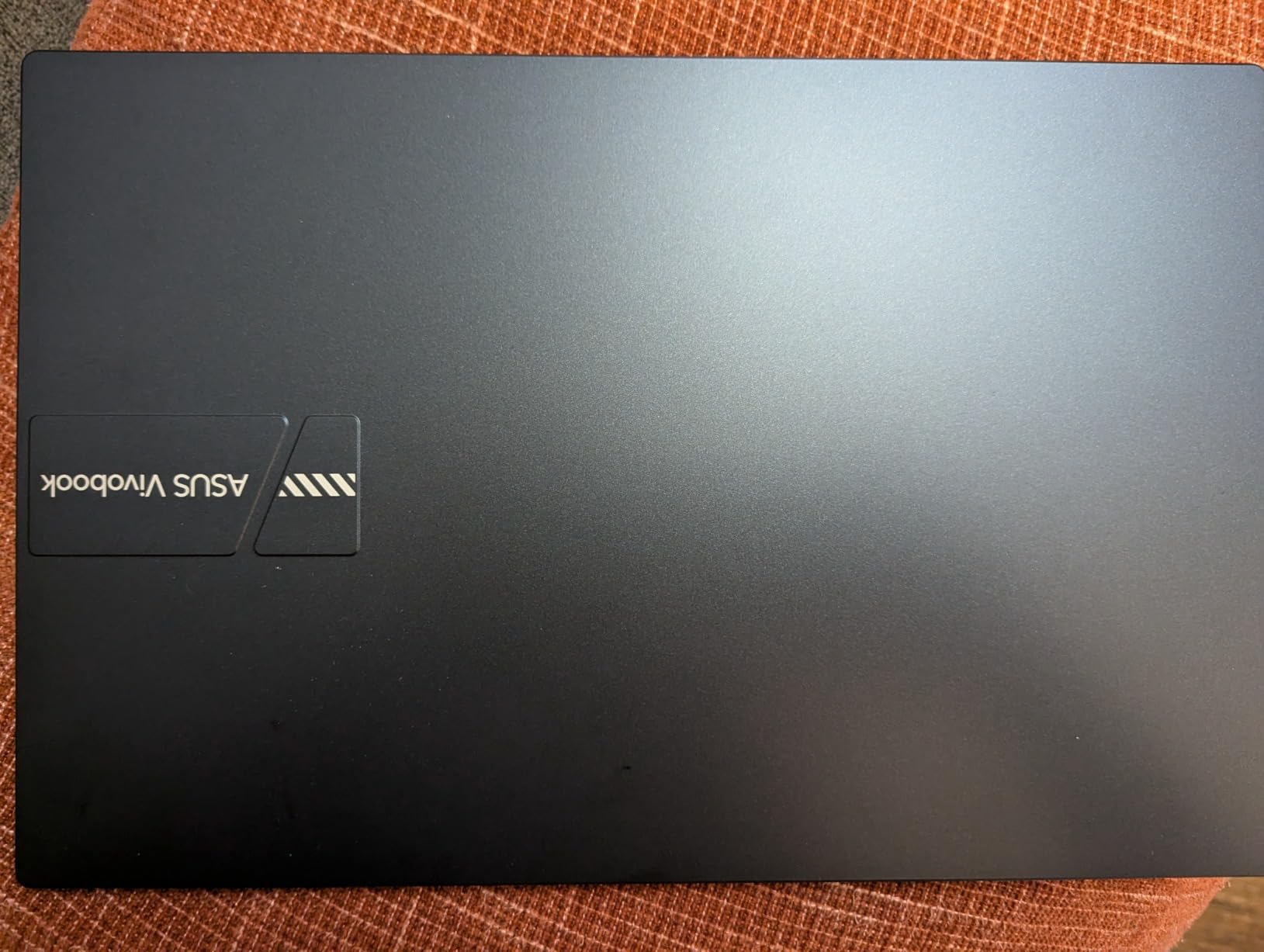
This is the sweet spot here for power-to-weight, and reviewers keep saying so. Sixteen gigabytes of RAM and a 512GB NVMe drive in a 3.1-pound body is a rare mix, and it disappears into a backpack without feeling like a brick.
The 12th-generation Core i3 has six cores and boosts to 4.4GHz, which is enough for a secure exam session, a lecture, and a research database at the same time. The 51Wh battery gives up to 10 hours of stated runtime, which covers a full teaching day.
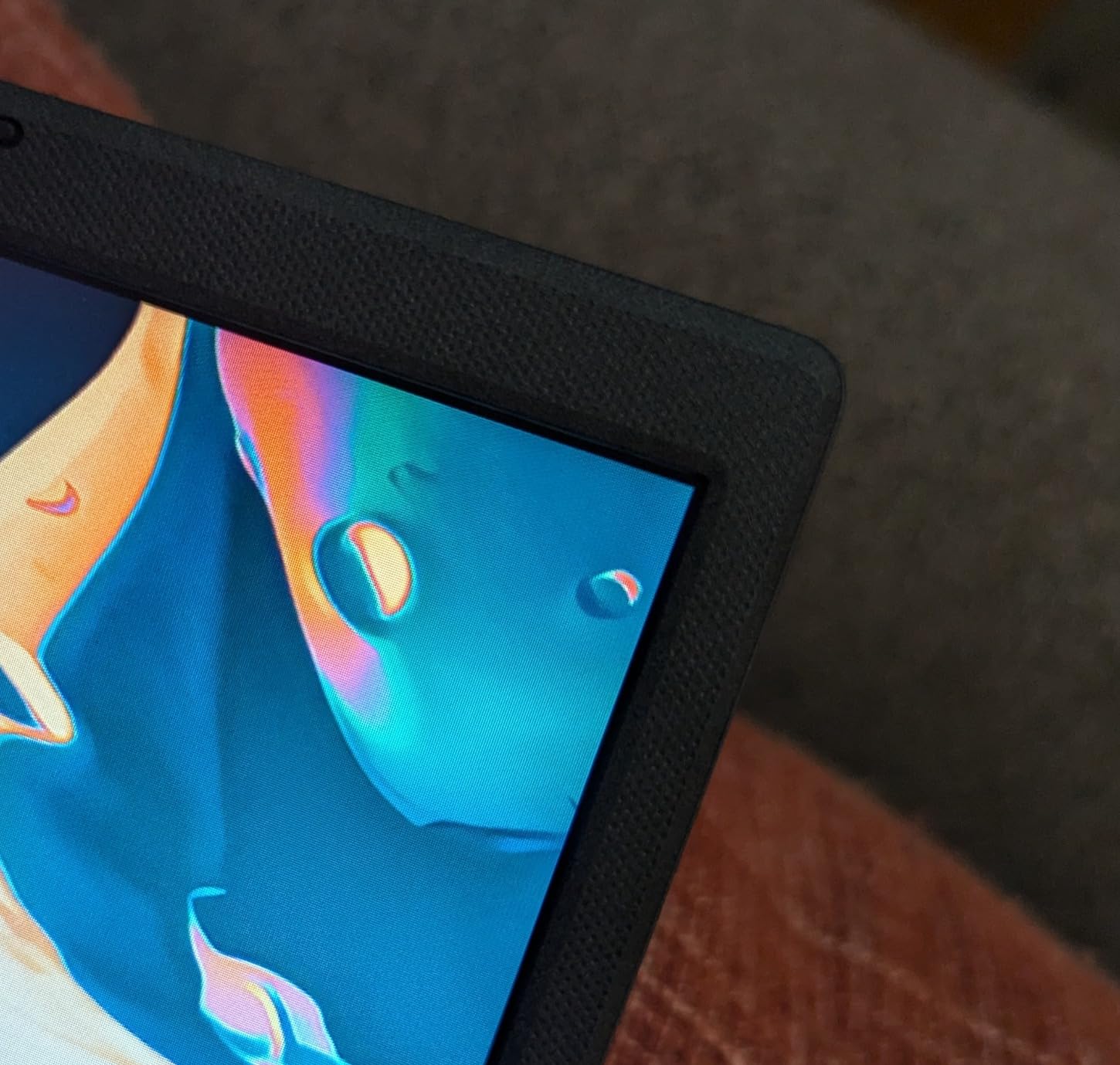
The full HD anti-glare panel is a real upgrade for reading, staying legible in a bright room in a way the 1366 x 768 models here do not, and USB Power Delivery means one compact charger handles the laptop and a phone.
There is one memory slot, so upgrading means replacing the 16GB stick rather than adding to it, and the 14-inch layout has no numeric keypad. An extra M.2 slot is available if you want to double your storage later.
Does a nursing student actually need a numeric keypad?
No, but plenty of them want one. Keypad use shows up in dosage calculation practice, lab value entry, and spreadsheet work, and 14-inch machines are where it usually disappears first. For everything else, a larger chassis with a smaller screen is a poor trade.
Who this is for
A student who carries a laptop every single day and wants enough memory that the machine will not need replacing in year three. It is also sensible as a primary machine if you already use a tablet for stylus annotation. Skip it if GPU-accelerated work matters to you.
6. Acer Aspire 3 15.6-inch – Best for Night Study
acer Aspire 3 A315-24PT-R0UX Slim Laptop, 15.6″ Full HD IPS Touch Display, AMD Ryzen 5 7520U Quad-Core Processor, AMD Radeon Graphics, 16GB LPDDR5, 512GB NVMe SSD, Wi-Fi 6, Windows 11 Home
AMD Ryzen 5 7520U quad-core
16GB LPDDR5
512GB NVMe SSD
15.6-inch Full HD IPS touch
Backlit keyboard
Up to 13 hours
Pros
- Up to 13 hours of stated battery with a backlit keyboard
- and a protective sleeve in the box
- 16GB of LPDDR5 memory with a 512GB NVMe drive
- USB-C supports DisplayPort and charging
- plus HDMI 2.1
Cons
- 16GB of memory is soldered and cannot be upgraded
- Ryzen 5 7520U is an older Zen 2 platform
- Glossy finish shows fingerprints and reflections
- 3.9 pounds with no numeric keypad
What makes this one unusual at its price is a backlit keyboard paired with up to 13 hours of stated battery. For a student writing care plans late at night or taking notes through a full day of clinicals, those two specs remove daily friction.
It also arrives with a protective sleeve, which sounds minor until you remember that clinical rotation means a daily commute with the machine in a bag.
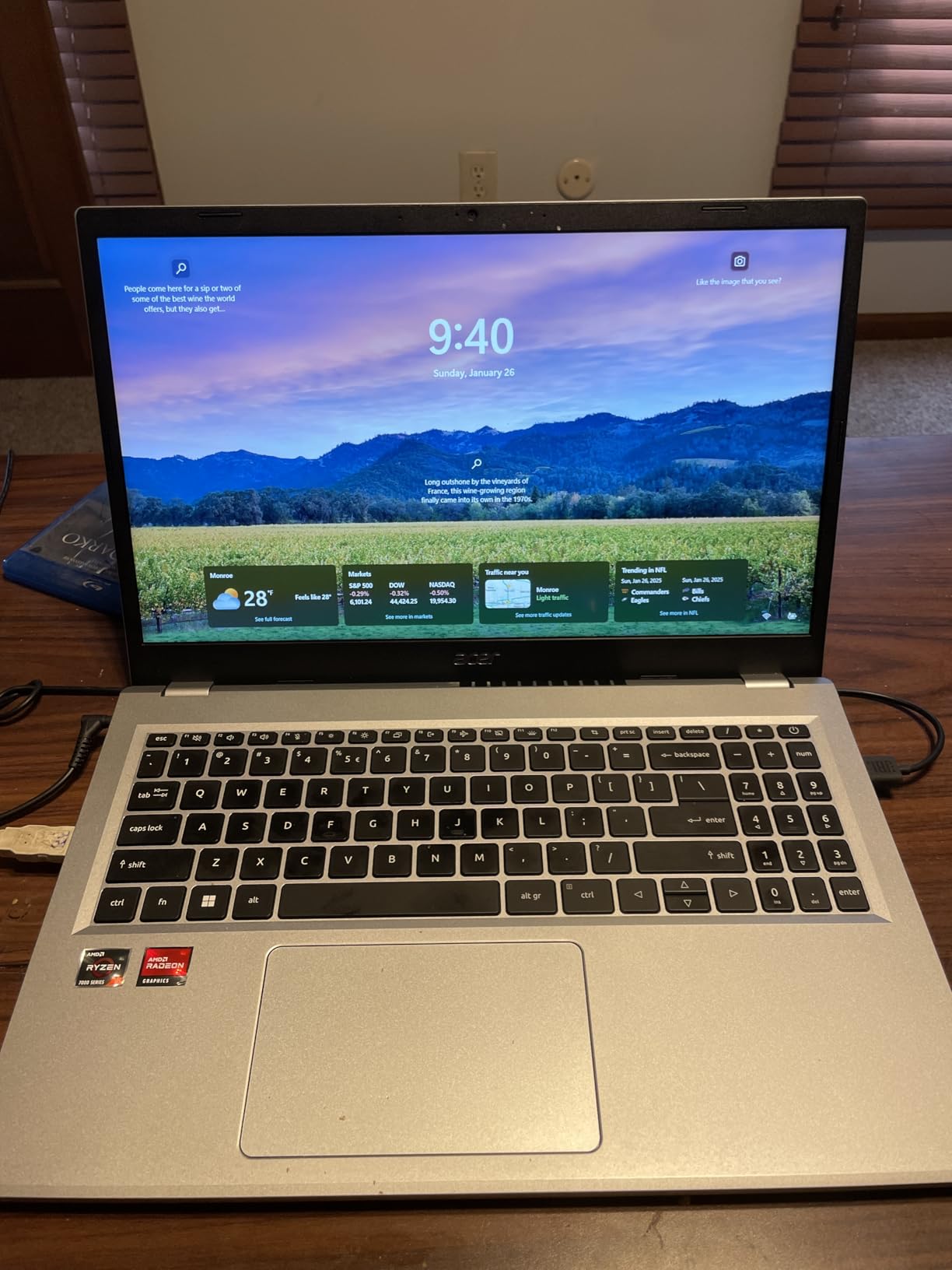
The port selection is unusually good for the bracket. The USB-C port handles DisplayPort and charging, two USB-A ports cover peripherals, and HDMI 2.1 supports a second monitor if you use the library or dorm desk as an office.
The Acer TNR camera and PurifiedVoice noise reduction make this a solid video-call machine, and Wi-Fi 6 handles crowded campus and hospital wireless better than older radios.
The limits are honest ones. The 16GB of LPDDR5 is soldered to the board, the Zen 2 processor is an older platform that trails 12th-generation Intel and Ryzen 7 options, and the glossy finish shows fingerprints and reflections in bright rooms.
Is a backlit keyboard worth paying extra for?
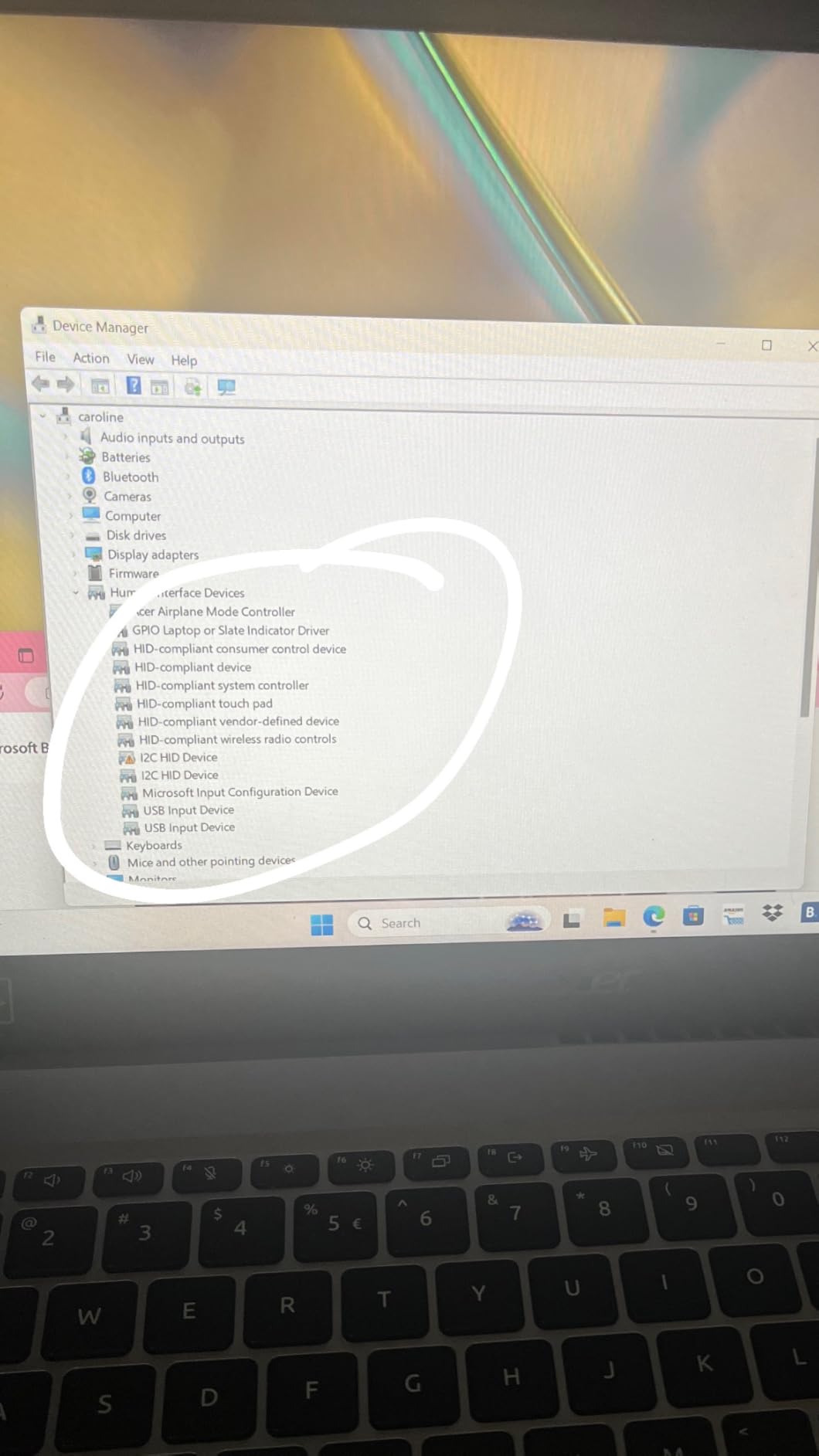
More students underrate this than overrate it. Nursing study stretches into late hours because the material is dense, and a lit keyboard means you are not working at half brightness to read notes, which is where eye strain actually starts. The same logic applies on early clinical starts.
Who should look elsewhere
Pass if you plan to upgrade memory later, because soldered LPDDR5 rules that out permanently. For a student on a long rotation with no reliable outlet, though, this is one of the better choices here because the battery genuinely outlasts a shift.
7. HP 14-inch Windows 11 Pro Bundle – Best for Everything in One Box
HP 14″ Laptop 2025 Business Student Slim Computer, Lifetime MS Office, Copilot AI, Quad-Core Intel CPU, 16GB RAM, 628GB Storage (128GB UFS+500GB Ext), MarxsolAccessory, Wi-Fi 6, Win 11 Pro, Rose Gold
Intel Processor N150 quad-core
16GB DDR4
628GB total storage
14-inch HD display
Windows 11 Pro
3.2 pounds
Pros
- Lifetime Office 2024
- a 6-in-1 docking station and a 500GB external drive included
- 16GB of RAM at this price point is unusual
- 3.2-pound 14-inch body with Wi-Fi 6
- Windows 11 Pro adds encryption and Group Policy
Cons
- 1366 x 768 is a low-resolution screen that limits side-by-side work
- Intel N150 is an entry-level chip that struggles with heavy multitasking
- 128GB UFS internal storage is small and depends on the bundled external drive
- UFS is slower than NVMe
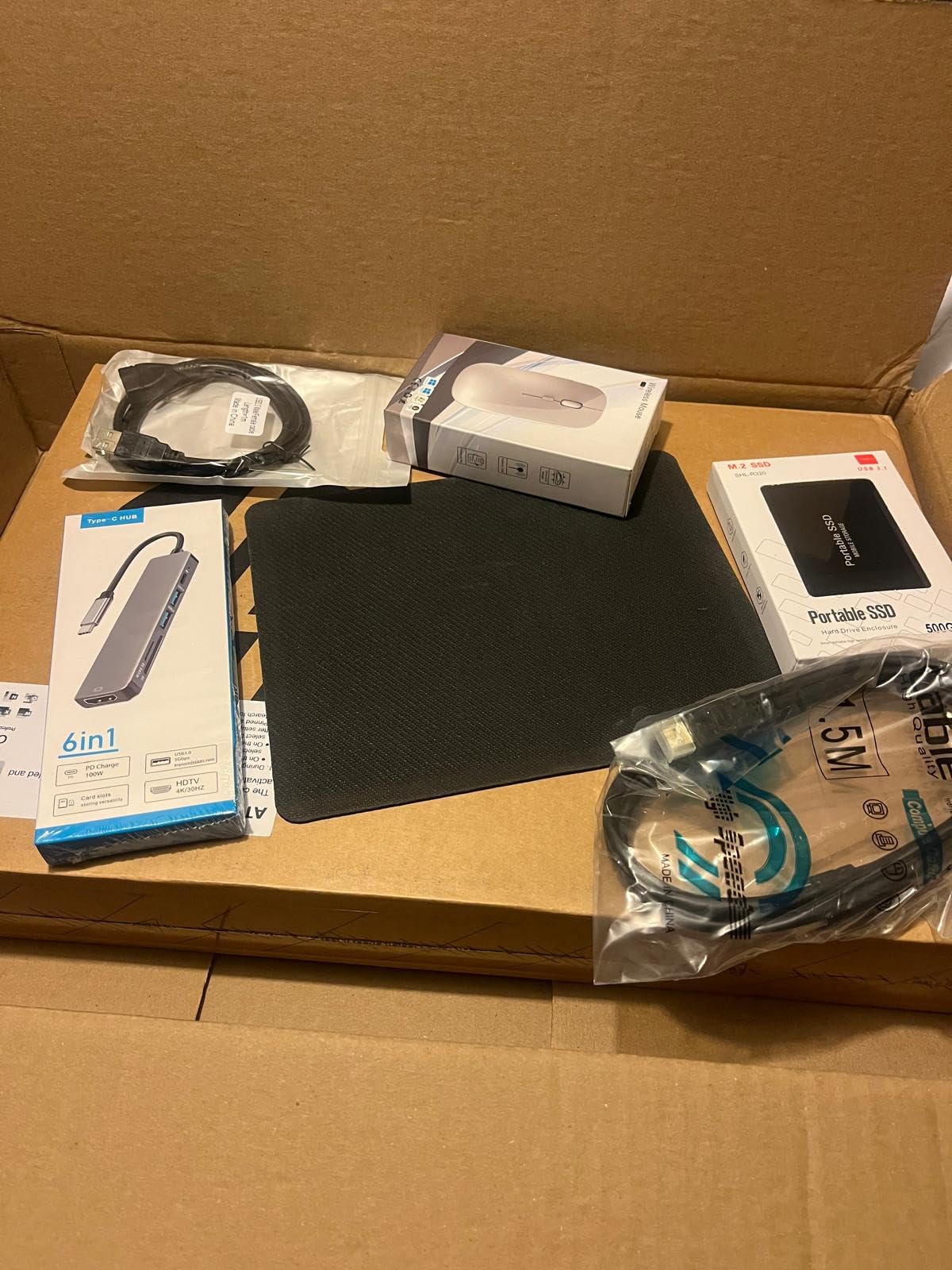
Buyers consistently point to the package rather than the silicon. You get a lifetime Office 2024 license, a 6-in-1 USB-C docking station with USB 3.0, 4K HDMI, USB-C and an SD reader, a 500GB external drive, and a wireless mouse, which removes several accessory line items at once.
Windows 11 Pro at this level is the real headline. Hardware-based isolation, encryption, and Group Policy are exactly the security features a program requirements page may ask for.
Sixteen gigabytes of RAM here is unusual and helps with browser tabs and reference apps. The 3.2-pound 14-inch chassis is easy to carry between rotations, and Wi-Fi 6 handles crowded networks better than older laptops.
Now the honesty. The 1366 x 768 display is the weakest screen in the roundup and the biggest problem for anyone comparing charts side by side, and the Intel N150 is an entry-level processor that will feel slow with many large apps open at once.
Storage is a clever solution rather than a good one. 128GB of UFS onboard plus 500GB external reaches 628GB total, but UFS is slower than NVMe and the internal capacity alone is small for a multi-year program. The included M.2 slot is your path to fixing that later.
What does 16GB of RAM actually buy you here?
Headroom for the multitasking pattern that defines nursing school: a secure exam browser, a lecture, a pharmacology reference, and a Word document, all open at once. With 8GB the machine pages to the SSD and everything stutters, and that is when students wrongly assume the laptop is broken. It also buys the peace of mind that the machine will not need replacing in year three, the anxiety that dominates r/SuggestALaptop threads about nursing purchases.
Who should skip it
Skip it if your study method depends on comparing a chart and a reference page at the same time, or if you plan to run simulation software heavily. For a student who wants Windows Pro, a docking station, an Office license, and extra storage in the box, it is the most complete package here.
8. Dell 15.6-inch Full HD – Best for Data Entry
Dell 15.6 Laptop, FHD, Intel Core 3 100U, 8 GB RAM, Windows 11 Home
Intel Core 3 100U 6 cores
8GB DDR4 expandable to 16GB
512GB SSD
15.6-inch Full HD 120 Hz
4.2 pounds
Pros
- Full HD 1920 x 1080 anti-glare display
- Separate numeric keypad with a calculator hotkey
- Memory expands to 16GB and onsite service resolves hardware issues
- 512GB SSD out of the box
Cons
- 8GB of RAM is modest for many reference tabs and EHR windows
- 4.2 pounds is heavy for a 15.6-inch notebook
- No touchscreen
- 250-nit panel can look dim in bright rooms
The full HD anti-glare display is sharper than most 15.6-inch budget laptops, and buyers single it out first. At 120Hz it also feels smoother for scrolling a chart than the 60Hz panels most machines in this bracket use.
The numeric keypad includes a dedicated calculator hotkey, a thoughtful detail for dosage and rate-of-infusion practice, and lifted hinges with ComfortView blue-light filtering reduce wrist and eye strain over long sessions.
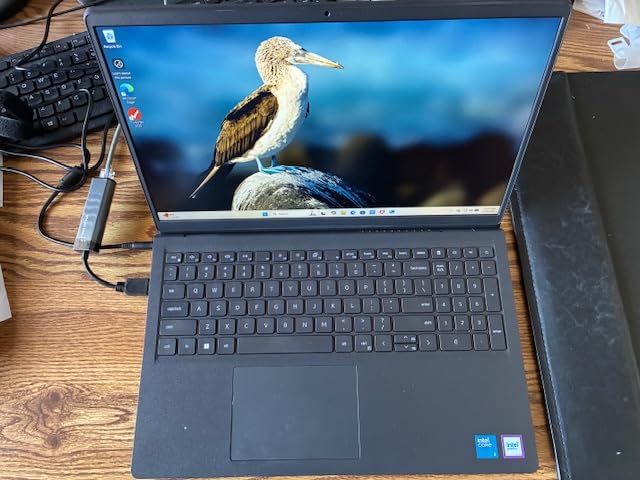
Two advantages that rarely get mentioned. The 8GB of DDR4 sits in an open slot and expands to 16GB, so you can add memory in year two rather than replacing the machine, and the included one-year onsite service resolves hardware issues without a trip to a service center.
The trade-offs are weight and memory. At 4.2 pounds it is among the heavier machines here, and 8GB is modest if you keep many clinical-reference tabs and an EHR practice window open at once. There is also no touchscreen, and the 250-nit panel can look dim in a bright room.
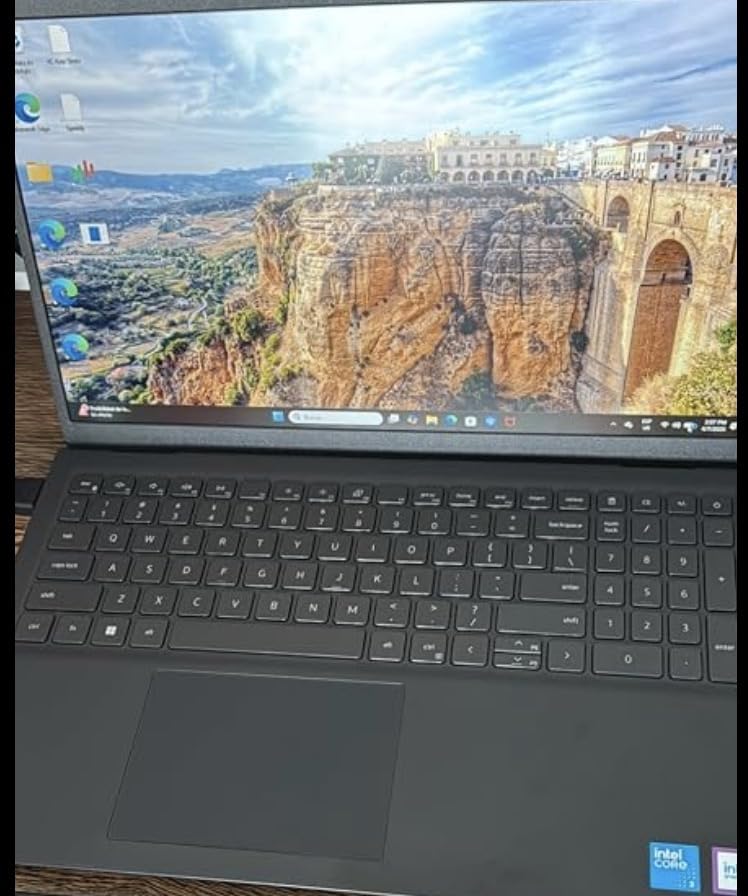
Is 8GB of RAM enough for nursing school?
Enough for writing, research, and video lectures. Not enough for the multitasking pattern most students hit by second semester, where an EHR trainer, a video call, and a secure browser all want memory at once. 16GB is the target and 8GB is the floor your program will state, and a machine with an open slot lets you fix it later for a fraction of replacing the laptop.
Who this fits
A student who does heavy numeric work, likes a large screen, and plans to keep the machine for several years with a memory upgrade along the way. It is also a good fit for anyone who wants onsite service rather than a mail-in repair process, and a poor fit for a student carrying a laptop between buildings all day.
9. Dell Inspiron 15 3511 – Best for Upgradable Memory
Dell Inspiron 15 3511 Laptop, 15.6″ FHD Touchscreen, Intel Core i5-1035G1, 12GB RAM, 256GB PCIe NVMe M.2 SSD, SD Card Reader, Webcam, HDMI, WiFi, Windows 11 Home, Black
Intel Core i5-1035G1 quad-core
12GB DDR4 in 2 SODIMM slots
256GB PCIe NVMe SSD
15.6-inch Full HD touch
3.7 pounds
Pros
- Two SODIMM slots give a straightforward upgrade path
- 12GB of RAM is unusual and smooths out tabs and video calls
- Full HD 1920 x 1080 anti-glare touchscreen for charts and documents
- 3.7-pound body with a numeric keypad
Cons
- 256GB storage is tight for a full nursing degree
- Wi-Fi 5 only can struggle on crowded modern campus networks
- 10th-generation i5 is an older platform with a shortening runway
- No backlit keyboard
This is the machine to buy if you plan to keep your laptop past graduation. Two SODIMM slots mean you can add memory yourself, which turns a 12GB configuration into 24GB or 32GB without replacing the machine.
The full HD anti-glare touchscreen is a rarity at this level and helps when reading a patient chart or a medication list, and the 3.7-pound body balances a large screen with a numeric keypad.
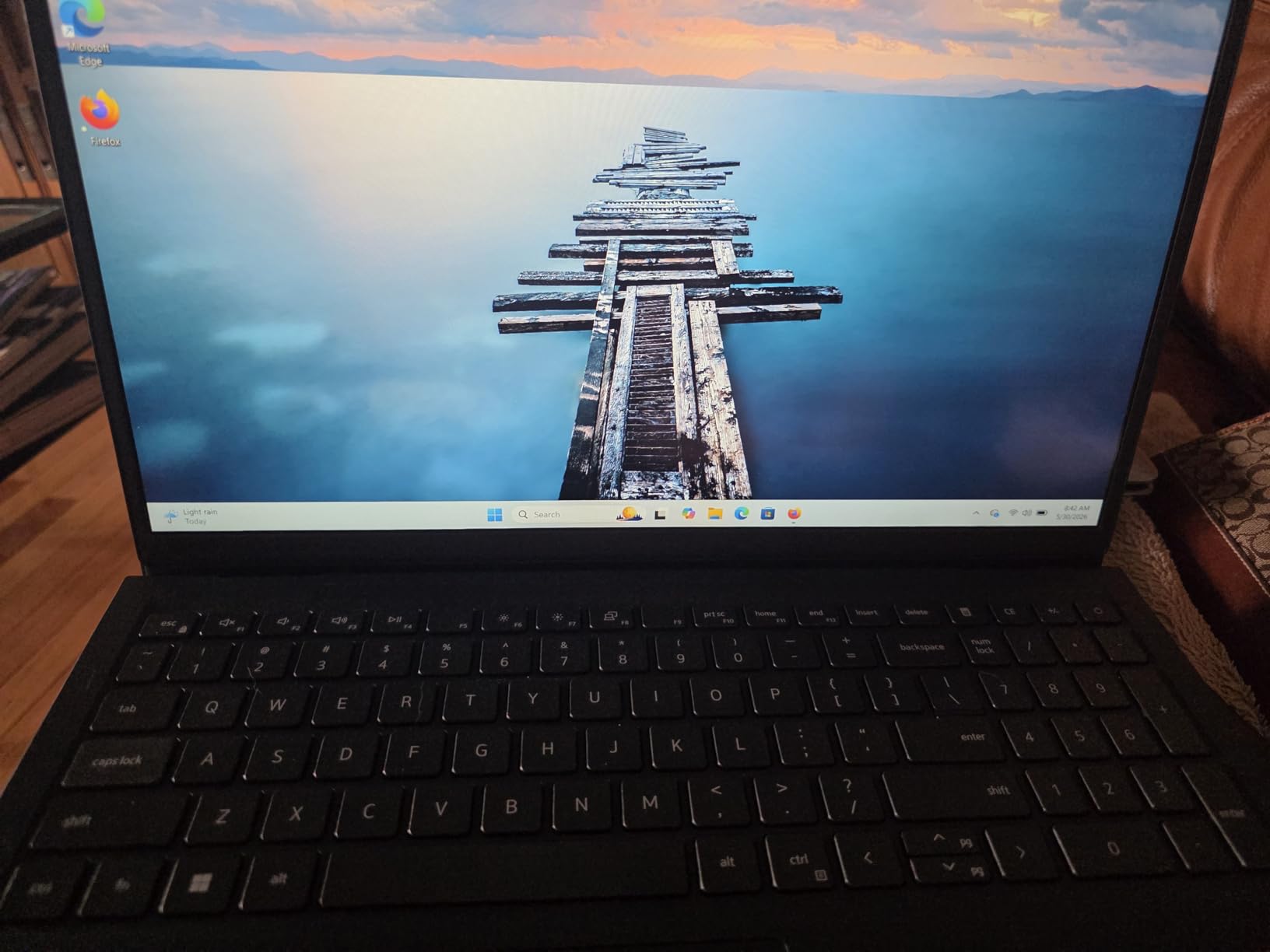
Storage is the honest limit. 256GB is tight across four years once you add lecture recordings, NCLEX apps, and textbook PDFs, and most owners end up adding an external drive.
Two other limits worth knowing. The Wi-Fi 5 radio can struggle on crowded modern campus networks, and the 10th-generation i5 is an older platform whose upgrade runway is shortening. There is no backlit keyboard despite the full-size layout.
How much storage do you actually need for a nursing degree?
Do the math. The operating system and updates take roughly 40GB. Lecture recordings run 60GB to 150GB per semester depending on format, NCLEX prep and clinical apps add 15GB to 30GB, and digital pharmacology and anatomy references add 10GB to 25GB. Across four semesters that lands between 200GB and 500GB before you save a document.
Who should pick a different one
Choose a 512GB machine if you record lectures or work offline, and a Wi-Fi 6 model if your campus has already upgraded its wireless network. Otherwise the upgrade path is the reason to pick this, and it is a good one.
10. ASUS Vivobook Go 15 – Best for Durability
ASUS 2023 Vivobook Go 15 Laptop, 15.6″ FHD Display, AMD Ryzen 5 7520U Processor, 8GB RAM, 512GB SSD, Windows 11 Home, Mixed Black, E1504FA-AS52
AMD Ryzen 5 7520U quad-core
8GB LPDDR5
512GB NVMe SSD
15.6-inch Full HD NanoEdge
3.6 pounds
50 percent charge in 30 minutes
Pros
- Meets US military-grade standards for longevity
- Fast charging adds about 50 percent capacity in 30 minutes
- Light 3.6-pound 15.6-inch body that is easy to carry
- Full HD NanoEdge display gives a large near-borderless workspace
Cons
- 8GB of onboard memory is the weakest spec here and cannot be upgraded
- No backlit keyboard
- Viewing angles are weak with visible shadowing and color shift off-axis
- One owner reported a laptop that would not boot and needed a full Windows reinstall
Buyers repeatedly single out battery life and light weight as the reasons to buy. The ASUS IceCool thermal design keeps the chassis cool under load, and fast charging is genuinely useful between classes.
The military-grade build rating is the part that matters most for a machine that will live in a bag through four years of clinical rotations, where it gets dropped, bumped, and wiped down regularly.
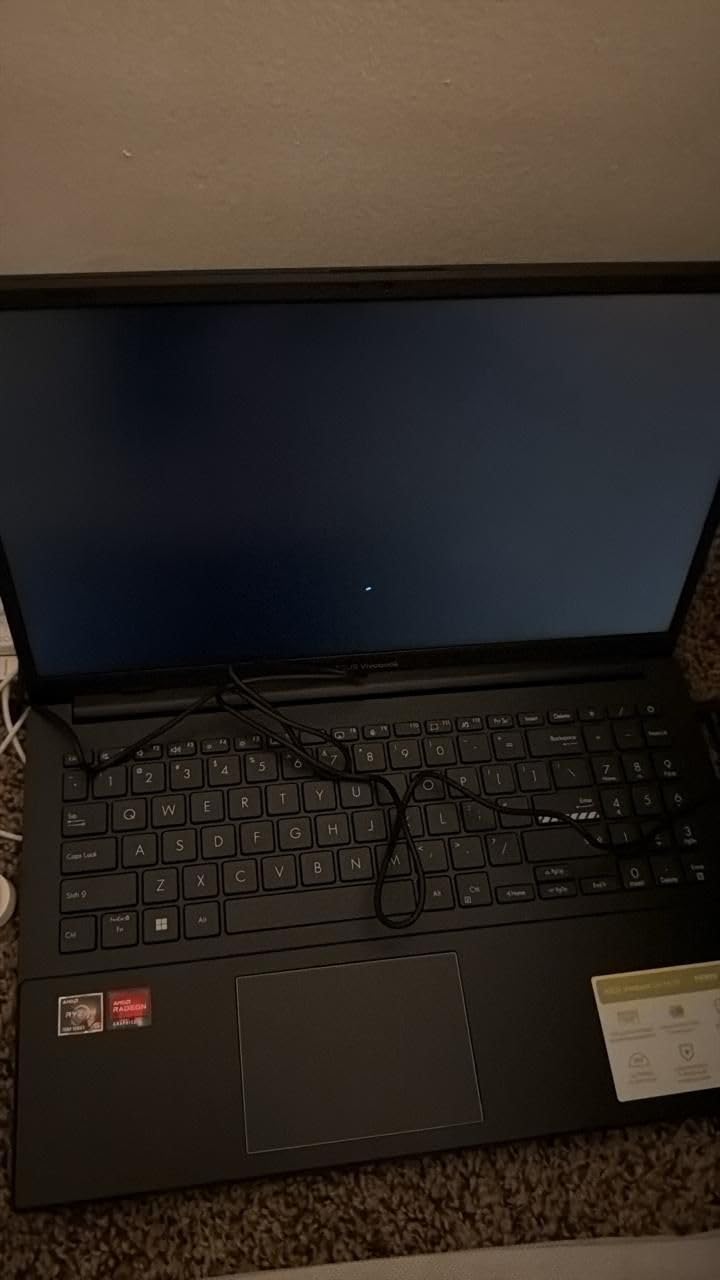
The full HD NanoEdge display gives a large, near-borderless screen for reference material, and the ErgoSense keyboard is tuned to reduce hand and wrist strain over long typing sessions. Wi-Fi 6E and Bluetooth 5 are current-generation radios.
The 8GB of onboard LPDDR5 is the weakest spec in the roundup and cannot be upgraded, which is a real constraint for a machine you hope to keep for a whole degree. There is no backlit keyboard.
One reviewer reported a laptop that would not boot and required a full Windows reinstall. That is isolated, but with a 153-review sample it is worth a mention, and it is a reminder to keep a backup of your coursework.

Does durability matter for a student laptop?
More than buyers expect. A nursing student’s laptop is not a desk machine. It goes in a backpack to a hospital site, sits in a car in summer heat, gets wiped down between rotations, and travels between buildings for three or four years. A military-grade build rating reduces the odds of a hinge or chassis failure mid-degree, and thirty minutes to roughly half capacity is the difference between a full day of notes and a lunchtime scramble for an outlet.
Who should look elsewhere
Skip it if you want to upgrade memory later, because onboard LPDDR5 rules that out permanently, or if you view documents at an angle, because the panel shows shadowing and color shift off-axis.
What to Look for in a Laptop for Nursing School
Check your program first, always. Everything below assumes your requirements page has told you the operating system, the memory floor, and the proctoring software. Without that, every other decision is a guess.
16GB of RAM is the target, 8GB is the floor. The multitasking pattern described earlier is what 16GB buys you. So check whether memory sits on a slot you can reach later. Two SODIMM slots are the ideal case, and a soldered 8GB stick that cannot be upgraded is the worst case.
Storage math beats storage marketing. A full degree lands between 200GB and 500GB before a single saved document, once you account for the operating system, four semesters of lecture recordings, clinical apps, and references. That is why 512GB is comfortable and 256GB only works with an offloading habit from week one. Look for NVMe over slower UFS, and check for an available M.2 slot.
Battery life is a clinical-rotation problem. Stated figures are optimistic across the board, so assume you will get less. Under about 7 hours will not carry a long shift, and anything above 12 gives real freedom. Fast charging matters more than most buyers think when a spare battery is not an option.
Weight decides your daily life. The machines here range from about 2.7 to 4.2 pounds, and that spread decides whether a laptop is something you carry without thinking or something you reschedule your day around. Moving between a classroom, a library, and a clinical site most days, anything over 3.5 pounds starts to register.
Screen: full HD, anti-glare, and touch if you care. 1366 x 768 panels are noticeably softer, and you will read dense pharmacology and anatomy references on this screen for four years. Anti-glare matters in fluorescent lecture halls. A touchscreen is not required by most programs, but it is a real advantage for annotating slides and diagrams.
Windows edition matters more than the model. Pro adds BitLocker, Group Policy, and Remote Desktop, and some programs name those features in their requirements. Also note that Windows 11 Home in S Mode restricts which applications you can install, and several nursing tools fall outside the Microsoft Store.
Ports, Wi-Fi, and camera for the clinical reality. Carry at least one USB-A port and HDMI, because hospital outlets and conference rooms rarely offer a spare USB-A socket, and a small hub in your bag solves that. Wi-Fi 6 and 6E handle congested networks far better than Wi-Fi 5. And check the camera, because simulation sessions and proctored exams may require a working camera and microphone without warning.
Have a failure plan before you need one. Know whether your program issues loaner laptops, keep a cloud copy of every assignment, and know the difference between a warranty repair and a retail return. A cheap machine that fails in October costs more than you saved in August. If you study with a second screen, our guide to the best monitors for students covers the panel qualities that matter for long reading.
Frequently Asked Questions
Is a Mac or Windows computer better for nursing school?
Windows is the safer default because nearly all nursing exam software, EHR trainers, and hospital IT tools are built and tested on it first. A Mac is a genuinely strong machine for the coursework, and the MacBook Air here is the highest-rated laptop we tested, but you should only choose it after confirming your program’s proctoring software and clinical applications run on macOS. If no requirements page exists, email the nursing office and ask in writing before you buy.
What laptop should I stay away from for nursing school?
Avoid four patterns. First, 4GB of RAM or 8GB that is soldered and cannot be upgraded. Second, 128GB of internal storage with no expansion slot. Third, Windows 11 Home in S Mode, which restricts installs to the Microsoft Store and blocks many nursing applications. Fourth, a Chromebook or tablet used as your only device, since secure exam browsers and EHR simulators need a full desktop operating system.
Is 256GB enough for nursing school?
It can be, but only with a habit of offloading from day one. Your operating system and updates take roughly 40GB, lecture recordings run 60GB to 150GB per semester, NCLEX and clinical apps add 15GB to 30GB, and digital references add 10GB to 25GB. Across four semesters that lands between 200GB and 500GB, so 512GB removes the problem and an available M.2 slot lets you fix a 256GB machine later.
Can I use a Chromebook or iPad for nursing school?
Not as your primary device. Secure proctoring browsers such as ExamSoft, Examplify, and Respondus LockDown Browser need a full desktop operating system, and EHR simulation software assumes a Windows or macOS runtime, so ChromeOS and iPadOS will not carry you through a proctored assessment. As a companion device, though, a tablet is excellent for annotating lecture slides and anatomy diagrams with a stylus while the laptop handles the writing.
Do I need 16GB of RAM for nursing school?
Treat 16GB as the target and 8GB as the floor your program will state. The difference shows up in multitasking: a secure exam browser, a lecture, a pharmacology reference, and a Word document open at once will make an 8GB machine stutter as it pages to the SSD, which students often mistake for a broken laptop. If you cannot get 16GB now, buy a machine with open memory slots and upgrade it in your first year.
How much should I spend on a laptop for nursing school?
Most students shop in the lower to middle range, and the machines that earn the highest ratings in our roundup sit there. Spend your budget on 16GB of RAM, a 512GB NVMe drive, a full HD anti-glare panel, and enough battery for a long day, rather than on a premium brand or a processor generation you will not notice. Certified refurbished models are worth considering, but verify the warranty length and battery health first.
Final Verdict
Our pick for the best laptops for nursing students in 2026 is the Apple MacBook Air 13-inch (M5) if your program allows macOS, because up to 18 hours of battery, a 2.71-pound body, and the highest rating in the roundup are hard to argue with. If it does not, take the HP 15.6-inch HD Touchscreen for value, the Dell Inspiron 15 with 32GB and 1TB for headroom and Windows 11 Pro, or the ASUS Vivobook 14 if you carry a laptop every day.
Whatever you choose, buy the storage, buy the memory, and confirm the operating system with your program in writing first. The machine is only useful if it can log you into the exam.