
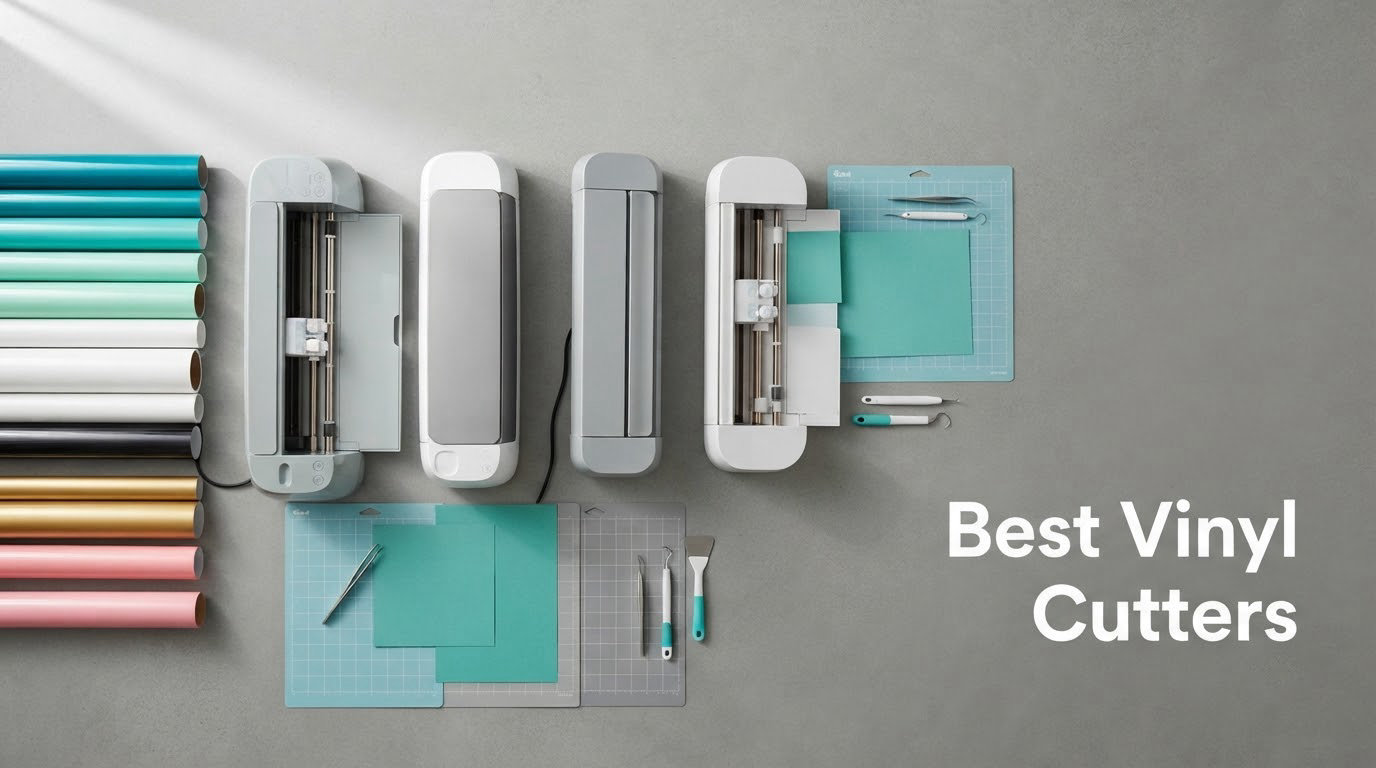
If you want one machine that handles decals, labels, HTV apparel and paper crafts without a monthly bill attached, the Silhouette Portrait 4 is the safest first buy. We spent weeks reading owner reviews, spec sheets and forum threads across r/VinylCutters, r/cricut, r/silhouettecameo and forum.uscutter.com before ranking these ten machines, and the picture that came back was clear: the best vinyl cutters are not all the same kind of machine.
There are two very different families here. Consumer electronic cutters use a small motor and a drag knife to move material across a sticky mat, and they are built for decals, stickers and heat transfer vinyl. Traditional plotters and desktop plotters press material against rollers and drag a blade through it, which is how you cut full-width signage, leather and long rolls. Buying a consumer machine when you need a plotter is the single most common expensive mistake in this category, and it is the mistake most first-time buyers make.
Our ranking covers both families, from a 9 inch desktop cutter to a 34 inch floor-standing plotter. We scored cutting width, cutting force, material range, software cost, matless capability, warranty terms and the volume of owner feedback behind each machine. Ratings and review counts come straight from the product listings, and every machine here carries at least a few hundred owner reviews so you are not buying on marketing alone.
Table of Contents
- Top 3 Picks for Best Vinyl Cutters in 2026
- Best Vinyl Cutters at a Glance in October
- 1. Silhouette Portrait 4 – the most proven first vinyl cutter
- 2. USCutter MH 871 – the 34 inch workhorse for signage
- 3. Silhouette Cameo 5 Alpha Plus – the fastest desktop cutter here
- 4. Cricut Joy Xtra – the lightest Cricut machine
- 5. Cricut Maker 4 – the widest material range here
- 6. Silhouette Cameo PRO – the widest desktop width available
- 7. Cricut Explore 5 – the compact 12 inch bundle
- 8. Siser Romeo – built for HTV production
- 9. VEVOR 28 Inch Vinyl Cutter – width on a shoestring
- 10. VEVOR 34 Inch Vinyl Cutter – the widest cut in the group
- Cricut vs Silhouette: which ecosystem should you buy into?
- Subscriptions, software and what a vinyl cutter really costs over three years
- Are VEVOR vinyl cutters any good?
- How to choose the right cutting width
- Buying guide: what to check before you buy a vinyl cutter
- Frequently Asked Questions
- Which vinyl cutter is right for you in 2026
Top 3 Picks for Best Vinyl Cutters in 2026

Silhouette Portrait 4
- 9 inch cutting width
- SNA belt-driven chassis
- Studio software with no subscription
Best Vinyl Cutters at a Glance in October
Every machine below is a real, currently listed model. Read the cutting width column first, because that single number rules more projects out than any other spec.
| Product | Specs | Action |
|---|---|---|
| Silhouette Portrait 4 |
|
Check Latest Price |
 USCutter MH 871 USCutter MH 871 |
|
Check Latest Price |
 Silhouette Cameo 5 Alpha Plus Silhouette Cameo 5 Alpha Plus |
|
Check Latest Price |
 Cricut Joy Xtra Cricut Joy Xtra |
|
Check Latest Price |
 Cricut Maker 4 Cricut Maker 4 |
|
Check Latest Price |
 Silhouette Cameo PRO Silhouette Cameo PRO |
|
Check Latest Price |
 Cricut Explore 5 Cricut Explore 5 |
|
Check Latest Price |
 Siser Romeo 24 inch Siser Romeo 24 inch |
|
Check Latest Price |
 VEVOR 28 inch Cutter VEVOR 28 inch Cutter |
|
Check Latest Price |
 VEVOR 34 inch Cutter VEVOR 34 inch Cutter |
|
Check Latest Price |
1. Silhouette Portrait 4 – the most proven first vinyl cutter
Silhouette Portrait 4-9 inch Vinyl Cutting Machine with Studio Software, PixScan, Electric Tool and ES Mat Compatible, SNA and IPT Enabled, 50 db
9 in cutting width
81 sq in mat area
SNA belt-driven chassis
1 year limited warranty
Pros
- 2891 owner reviews
- Uses fonts and graphics already on your computer
- Quiet 50 dB operation
- Print and cut works
- One year limited warranty
Cons
- Cutting mat wears out quickly
- Studio software has a learning curve
- Blade settings need trial and error
The Portrait 4 is a full redesign of the 9 inch Silhouette compact, and the owners who have already migrated report a machine that is quieter and more precise than the version it replaces. It runs on the SNA belt-driven chassis, and IPT technology reorders the cut sequence so multi-layered shapes and sharp corners travel without the material shifting underneath them.
What makes this the safest first vinyl cutter is not the hardware, it is the software. Silhouette Studio runs on your computer, pulls in any font or graphic file you already have, and includes a free design library with new free designs every week. There is no monthly charge attached to the basic version, which is the reason so many owners in r/VinylCutters have moved away from Cricut machines for exactly this reason.
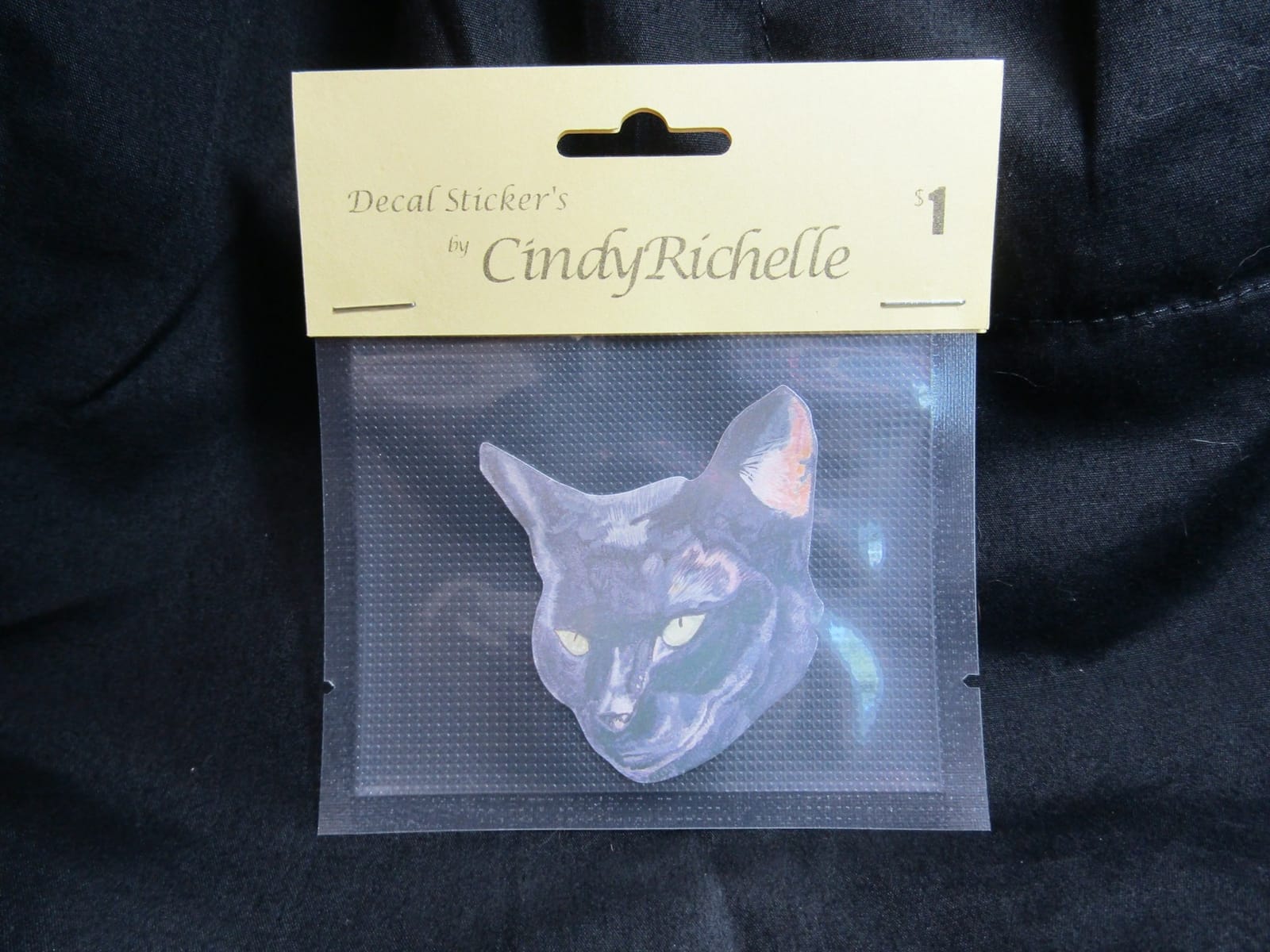
Electric tool options expand this beyond vinyl into drawing and sketching, and print and cut lets you turn a home inkjet print into a kiss-cut sticker sheet. The included software, PixScan and compatibility with electrostatic mats mean you are not locked into branded material, and generic Oracal and Siser vinyl cuts cleanly on it.
At 81 square inches of active mat area, this is a machine for decals, labels, HTV and paper projects rather than wide signage. Anything wider than 9 inches gets split into segments before cutting, which adds set-up time on large designs.
Who the Portrait 4 suits best
It suits beginners, apartment crafters and anyone who wants sticker or decal production without a recurring software bill. It is also a good second machine for a maker who needs a portable option for workshops and classes.
For anyone producing signage wider than a sheet of letter paper, keep reading. The 9 inch ceiling is the reason most regretful buyers in the forums end up buying a second machine within a year.
Where the Portrait 4 falls short
The recurring complaint is the mat itself, which is sticky enough to hold heavy material and sticky enough to wear out sooner than owners expect. Replacement mats also cost more than comparable third-party mats, so that cost quietly recurs across the life of the machine.
The second drawback is blade setup. Unlike machines with automatic depth adjustment, this one relies on test cuts and manual depth settings, which is exactly the trial-and-error routine that frustrates new owners.
2. USCutter MH 871 – the 34 inch workhorse for signage
USCutter 34 inch MH 871 Vinyl Cutter Kit with Software, Free Video Training Course, Starter Signmaking Kit
34 in cutting width
Two adjustable pinch rollers
Roland compatible blade holder
Pros
- Complete starter signmaking kit in the box
- Handles signage and vehicle graphics
- Fast accurate cuts on vinyl and HTV
- Video training course included
- Three blades supplied
Cons
- Stepper motor has no closed-loop position feedback
- Software licence tied to one computer
- 48 pound unit needs dedicated floor space
This is the traditional vinyl cutter end of the category, and it behaves nothing like a desktop craft machine. The MH 871 grips material between two fully adjustable pinch rollers and a ball-bearing dual roller system, then drags a blade across a 34 inch cutting width. Owners upgrading from older Roland hobby cutters consistently rate it well for cut speed and accuracy.
The box is unusually generous for a plotter. You get vinyl rolls, transfer tape, magnetic blanks, a knife, a squeegee and a starter signmaking kit, plus a video training course and lifetime phone support. Two blades ship with the machine, and the Roland compatible blade holder means economical third-party blades fit straight in.
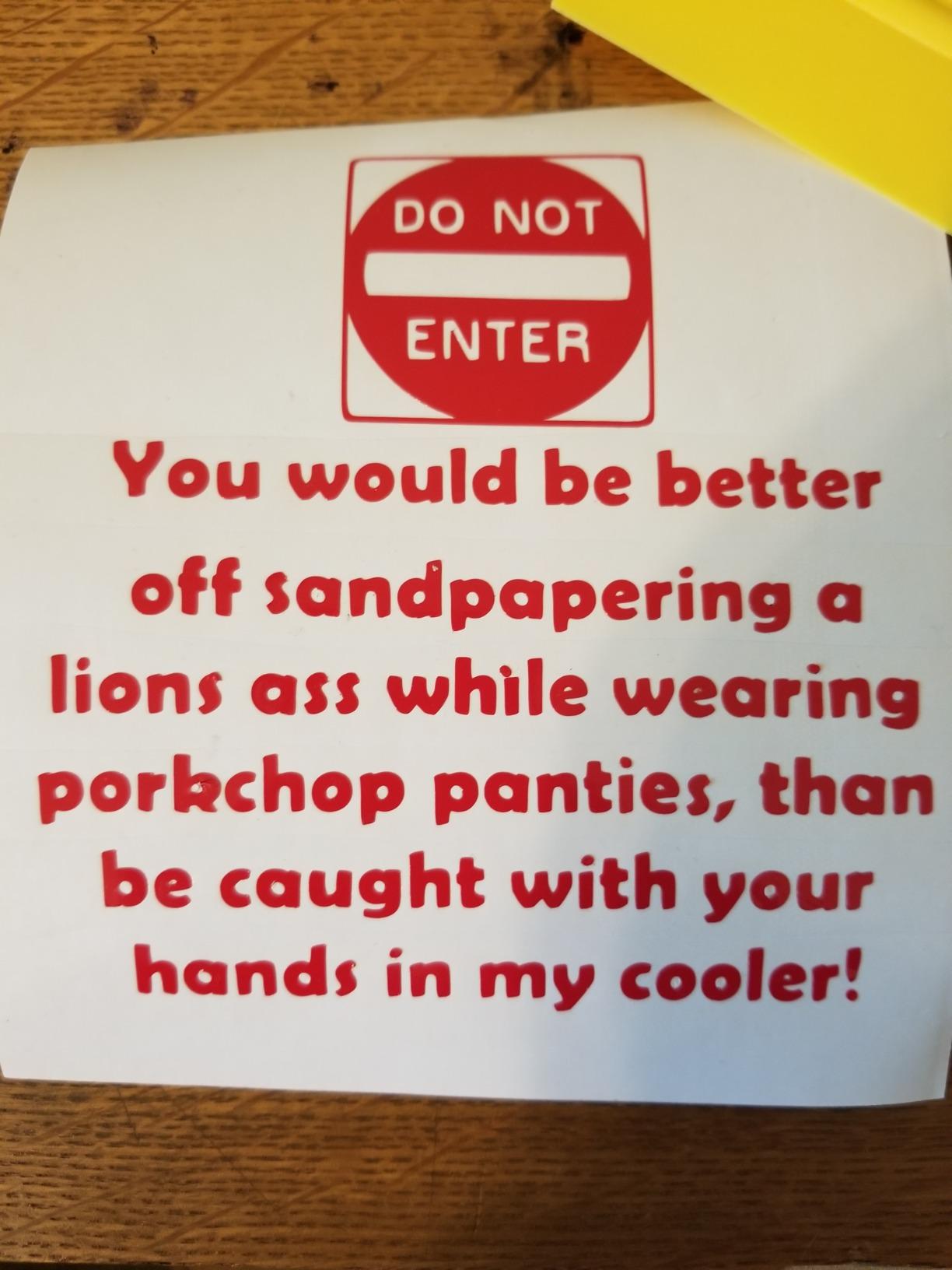
Forum regulars on forum.uscutter.com point to the MH line when sticker production volume climbs, which matches what we read in the reviews. Many owners are running it through full rolls of HTV and adhesive vinyl in a single session rather than feeding small sheets through a mat.
Design and Cut software includes an image trace tool and a test cut area, so you can dial in pressure and speed without wasting a full sheet. The controls are straightforward enough that most owners report productive cutting within an afternoon.
Who the MH 871 suits best
It suits small sign businesses, vehicle graphics installers, makerspaces and anyone cutting decals wider than 12 inches. The community recommendation for a university makerspace points at USCutter machines with VinylMaster for the same reason.
It also suits anyone who wants a Roland compatible blade holder and a Roland compatible roller system, because consumables for that platform are cheap and widely stocked.
Where the MH 871 falls short
The stepper motor has no closed-loop position feedback, which means a lost step on expensive material shows up as a ruined cut rather than a stopped machine. For long runs on costly vinyl, that is a real risk to price into your workflow.
The software licence is tied to a single computer and has to be deactivated before you move to another machine, which is friction if you ever work across two setups. At 48 pounds with a 34 by 13 by 16 inch footprint, it also needs permanent floor space rather than a desk.
3. Silhouette Cameo 5 Alpha Plus – the fastest desktop cutter here
Silhouette Cameo 5 Alpha Plus – 15″ Craft & Vinyl Cutter Machine with Automatic Blade, Fast Sketch Mode & 4-Point Registration – Includes Studio Software & 100 Designs, 1-Month Subscription – Black
15 in cutting width
Up to 400mm/s
AutoBlade
Electrostatic mat to 0.5mm
Pros
- Highest satisfaction score in this group
- 400mm/s cut speed with AutoBlade
- Handles material up to 0.5mm without curling
- Quiet operation with power slide lid
- Four-point registration for print and cut
Cons
- Full design library needs a paid subscription
- Studio software still has a learning curve
- Bundled subscription is only one month
The Cameo 5 Alpha Plus posts the strongest owner satisfaction score in this roundup, and the reasons are specific rather than vague. It cuts at up to 400mm/s, the electrostatic mat holds material up to 0.5mm thick without curling or tearing, and AutoBlade sets the blade depth for you instead of leaving you to guess and re-test.
Four-point registration is a genuine upgrade for print and cut work. Instead of two sensor marks, four give the machine a more reliable read on where the printed sheet sits, which matters if you are producing full-colour sticker sheets rather than single decals. Fast Sketch Mode and one-touch job repeat are small features that save real time on repeat production.
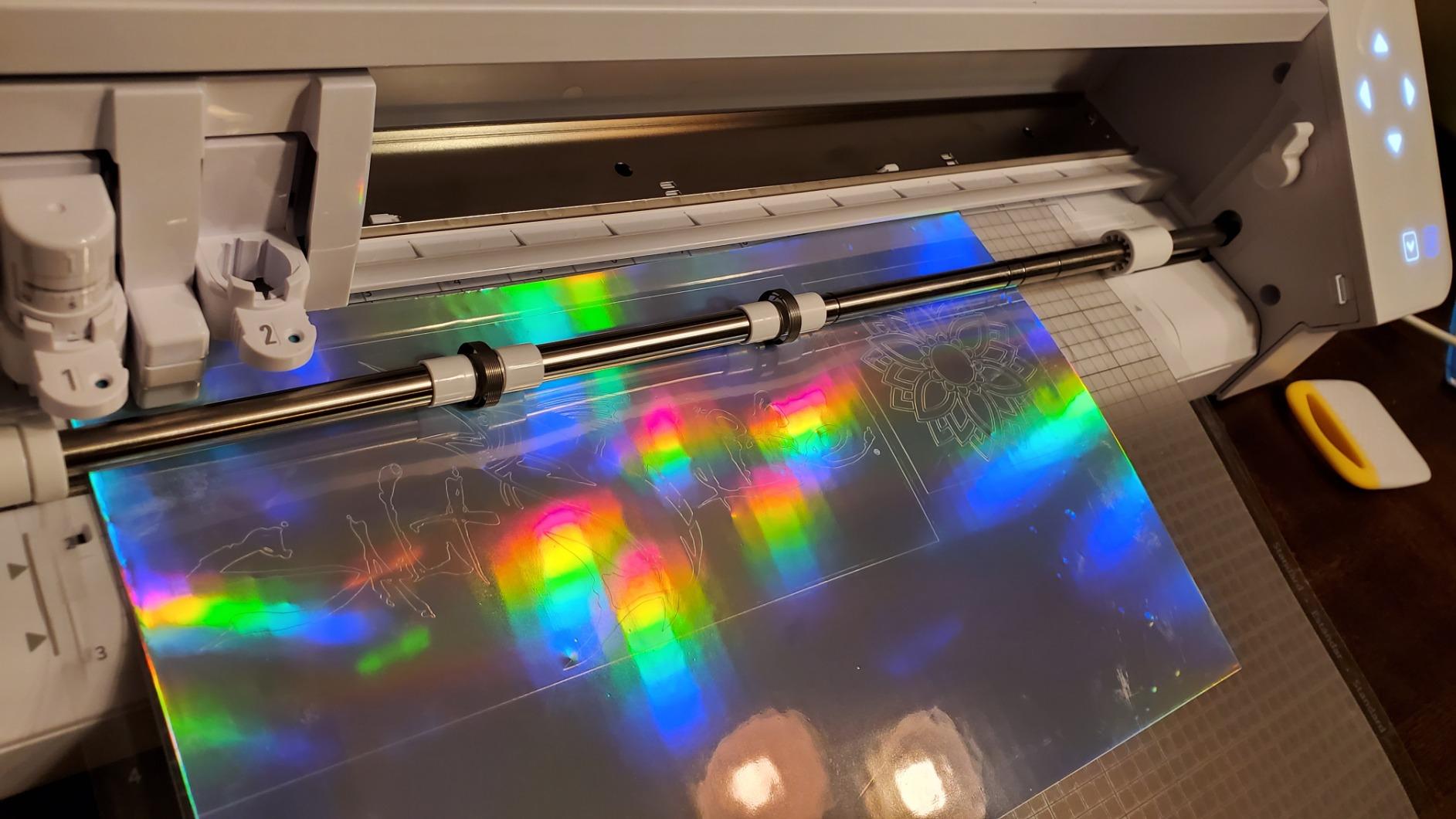
The Alpha revision matters when you buy. Owners on r/silhouettecameo documented pinch roller durability problems on the original Cameo 5, and the Alpha hardware revision is the response to that. One Cameo 4 owner in the same community also reported the older machine was loud without knowing the Cameo 5 generation was quieter.
This is the machine to choose if your work sits between hobby decals and small-business HTV batches. At 15 inches wide it handles a full sheet of HTV and most sign blanks without segmenting, which is where it earns its price over a 12 inch machine.
Who the Cameo 5 Alpha Plus suits best
It suits small apparel businesses, sticker sellers and serious crafters who want matless flexibility without giving up a cutting mat. It is also the natural pick for anyone moving up from a Cameo 4 or an Explore machine and wanting a big jump in speed.
Check the box for the Alpha marking before you commit. The revision change is not cosmetic, and the community has been specific about seeking it out.
Where the Cameo 5 Alpha Plus falls short
The bundled Studio subscription lasts one month, and the design store is a paid subscription if you want the full library. Basic cutting and design work does not require it, but owners who come from a free-forever expectation find the prompt persistent.
The Studio learning curve is the second drawback. It is genuinely powerful software that does more than most people need on day one, so expect a week of adjustment rather than an afternoon.
4. Cricut Joy Xtra – the lightest Cricut machine
Cricut Joy Xtra – Smart Cutting Machine | Digital Content Bundle
95.94 sq in area
50+ materials
Cuts draws and foils
1 year warranty
Pros
- Lightest and most portable machine in this group
- 50+ materials supported
- Print-Then-Cut with most inkjet printers
- Bundle includes blade pen weeder and cable
- One year manufacturer warranty
Cons
- Smallest mat area in this roundup
- Full image library needs Cricut Access
- Far fewer material capabilities than the Maker line
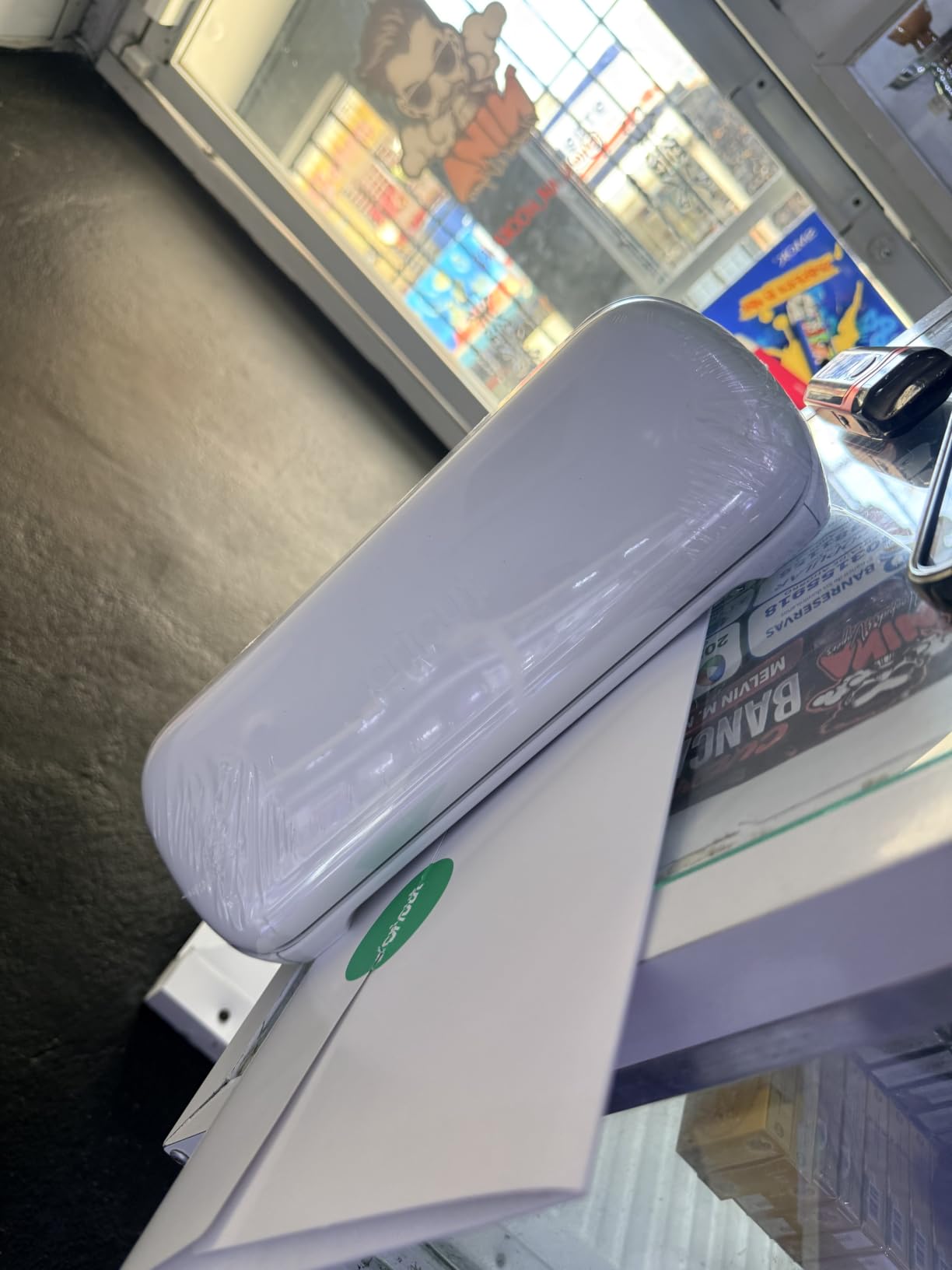
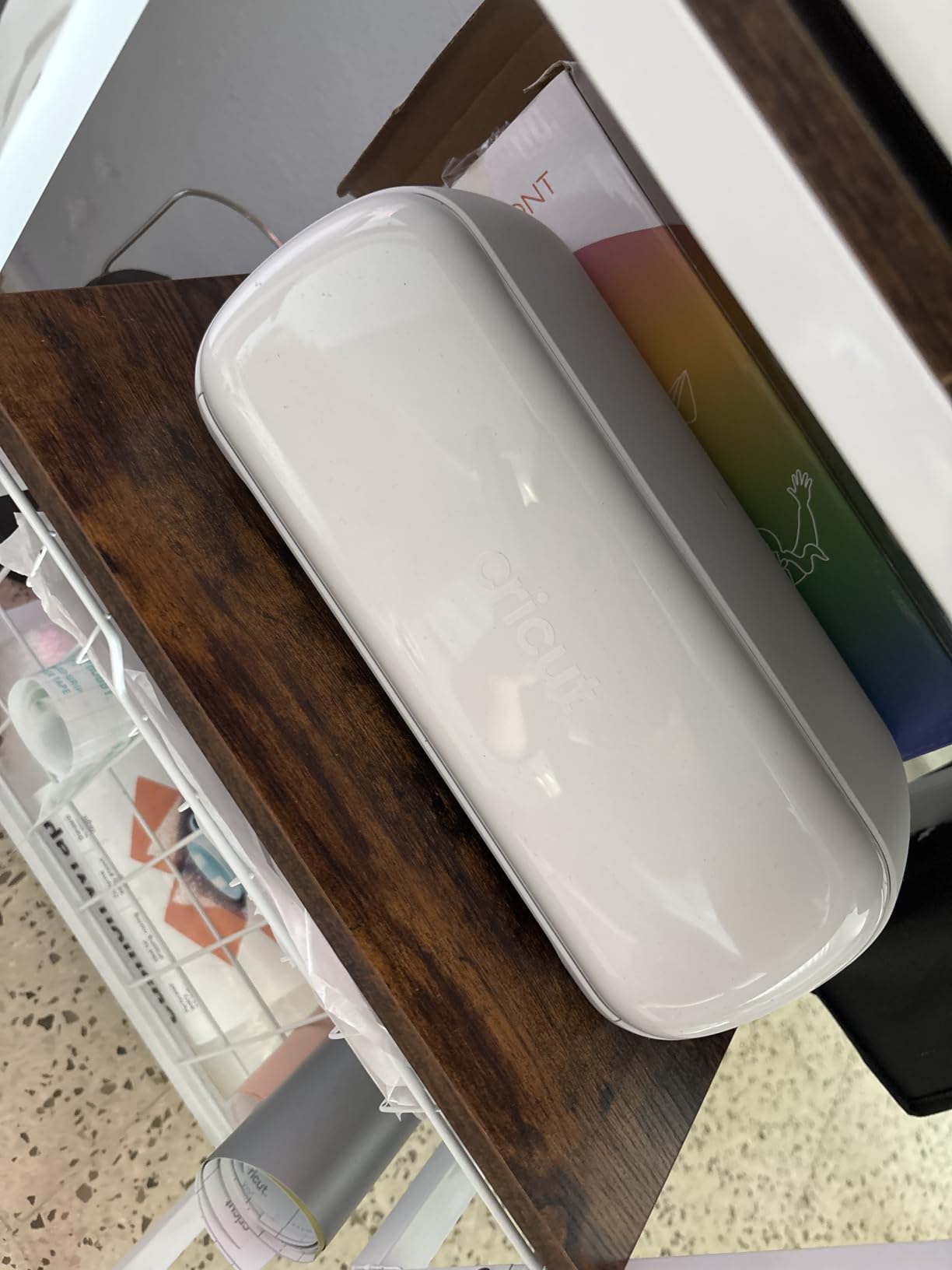
The Joy Xtra weighs 250 grams, which makes it the machine you can move between a craft table and a workbench without thinking about it. It works with 50+ materials, cuts, draws and foils, and handles print then cut with most home inkjet printers.
Cricut bundles the essentials rather than leaving you to assemble a starter kit. The box contains a fine-point blade, a fine point pen, a mini weeder, a welcome card, a USB cable, a power adapter and practice materials, plus 30 bonus images. That is a genuinely usable first setup out of the box.
Design Space opens without any design experience, and the free library carries 3,000+ images and 100+ fonts. The full library of more than 1.5 million images sits behind the optional Cricut Access subscription, which is the main ongoing cost consideration with any Cricut machine.
For decals, labels, stickers and card crafting, the Joy Xtra does everything a beginner asks of it. The constraint is area rather than capability.
Who the Joy Xtra suits best
It suits beginners, renters, students and anyone who wants sticker and decal production at the entry point of the Cricut range. It is also the best choice here for a shared craft space where the machine needs to be carried between users.
Pair it with a home inkjet printer and you have a complete print and cut sticker setup for a fraction of the cost of a larger machine.
Where the Joy Xtra falls short
At 95.94 square inches, the mat area is the smallest here, so anything wider than a small decal has to be split. Owners consistently describe it as a step below the Maker line rather than a substitute for it.
There is also a hard ceiling on materials. Deep cutting tools, leather and multi-layer work sit outside what this machine is built for, and reaching them means buying a different machine.
5. Cricut Maker 4 – the widest material range here
Cricut Maker 4 – Smart Cutting Machine (Seashell) | Digital Content Bundle
270.25 sq in area
300+ materials
Scores engraves and debosses
Print-Then-Cut
Pros
- 300+ materials including leather and wood
- Seven functions including scoring and engraving
- 270.25 sq in mat area
- Fast Bluetooth link to Design Space
- Generous material sampler in the box
Cons
- Some units arrive with a faulty cut pattern or bent mat
- Design Space library beyond the free tier needs a subscription
- Few accessories in the box compared with rivals
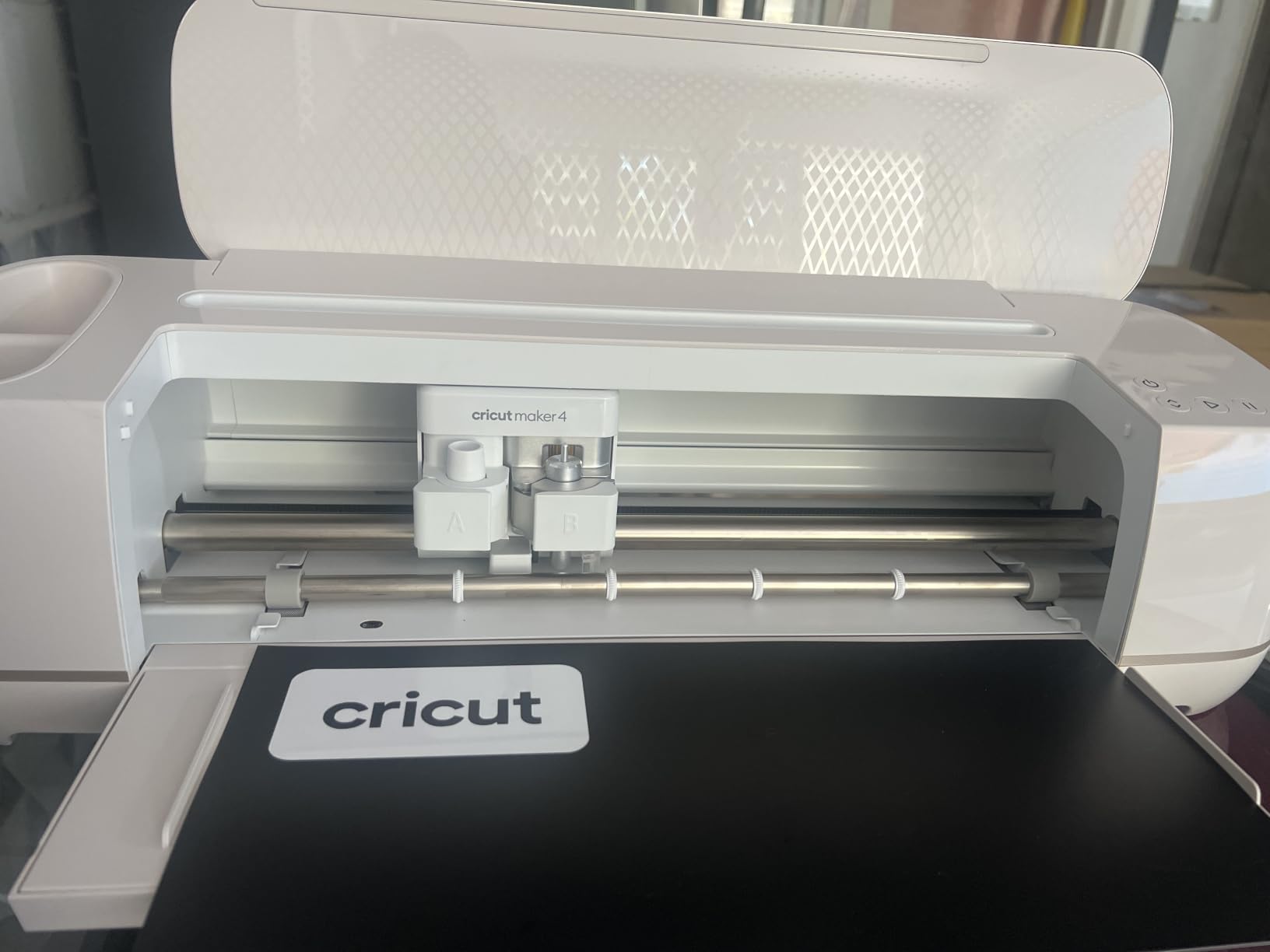
The Maker 4 works with 300+ materials, and that number is not marketing inflation. It cuts vinyl and HTV, but it also cuts leather and wood, and it scores, engraves, debosses, perforates, draws and foils from the same 270.25 square inch mat area. No other machine in this roundup does that many jobs with one tool head.
Cut speed is the other headline. Owners upgrading from earlier Makers describe it as the fastest machine they have owned, and the Bluetooth connection to Design Space removes the cable step entirely. Print then cut works with most home inkjet printers for full-colour sticker sheets.
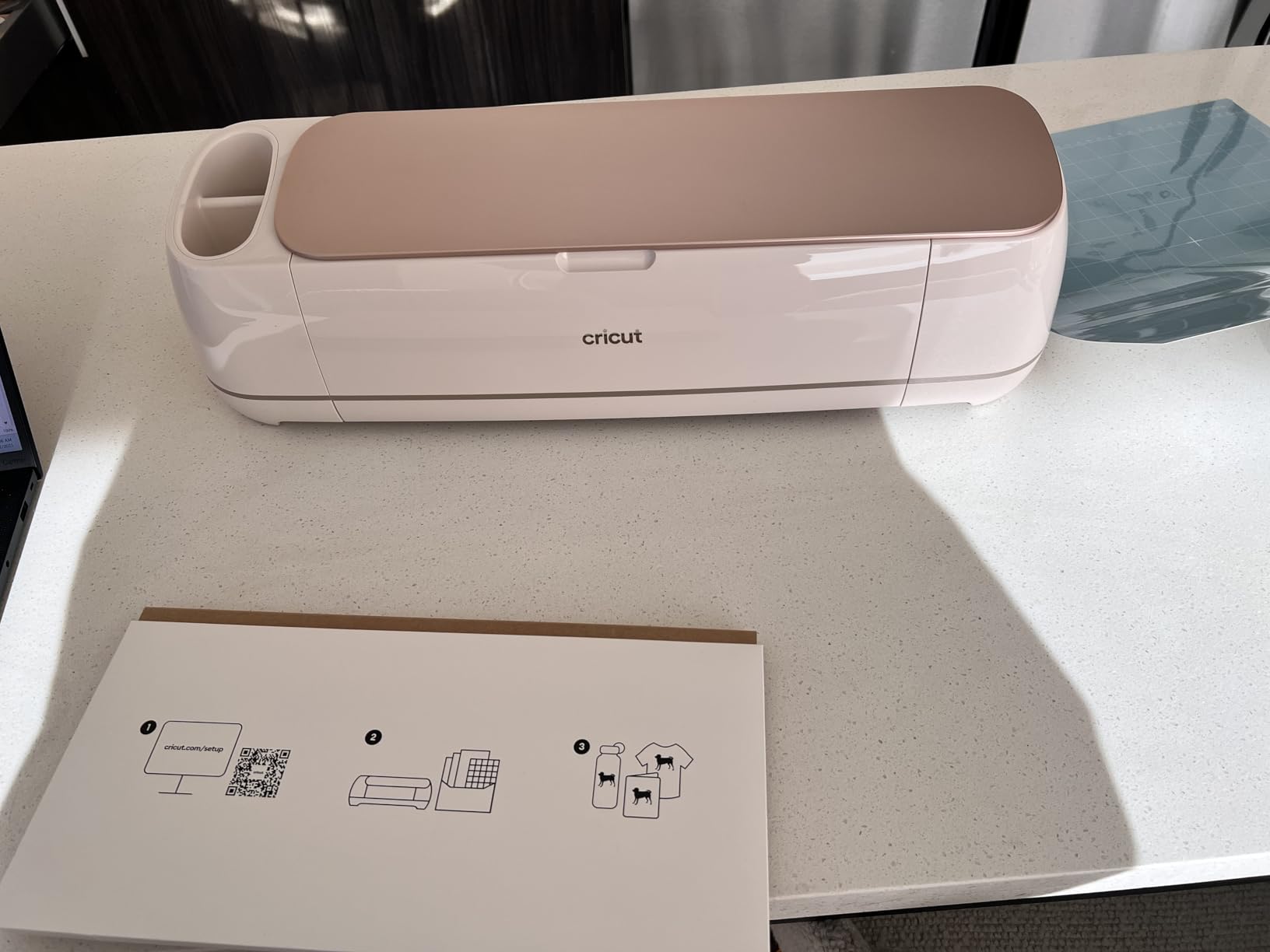
The Seashell bundle is well stocked: Smart Vinyl, matless vinyl, Smart Iron-On, matless HTV, cardstock, transfer tape, a light grip mat, a weeder, a pen and a blade. That is enough material to finish several projects before you buy anything else, which softens the ongoing material cost.
The trade-off is the Cricut ecosystem. Design Space is free to start and includes 3,000+ images and 100+ fonts, but the wider library sits behind Cricut Access, and matless cutting works best with branded Smart Materials. Owners who resent a recurring software charge cite that as their main reason to switch brands.
Who the Maker 4 suits best
It suits makers who cut more than vinyl, including leather, wood and multi-layer craft foam projects. It is also the strongest all-rounder here for someone who wants one machine rather than a growing collection of tools.
If you already use Design Space, the switching cost is zero. If you do not, learn the interface before you commit, because that is the part owners complain about most.
Where the Maker 4 falls short
A minority of owners report units arriving with a faulty cut pattern or with the light grip mat bent in the box, which is a packing problem rather than a design fault. Check the machine and the mat on arrival before you cut anything you care about.
The subscription question never goes away. Buying the machine does not buy the full design library, and matless performance is strongest on branded material, so the ongoing cost is higher than a Silhouette equivalent over three years.
6. Silhouette Cameo PRO – the widest desktop width available
Silhouette Cameo PRO
24 in cutting width
Dual-powered carriage
Cuts up to 60 ft
Heat pen and embossing tool
Pros
- 24 inch width is unusual in a desktop machine
- Dual-powered carriage cuts and sketches together
- Auxiliary rollers stabilise cuts up to 60 ft
- Handles vinyl leather and paper
- Quieter motor than earlier Silhouettes
Cons
- Homing faults reported on heavyweight material
- Roller pressure weak across the full width
- Studio cannot read SVG without a paid upgrade
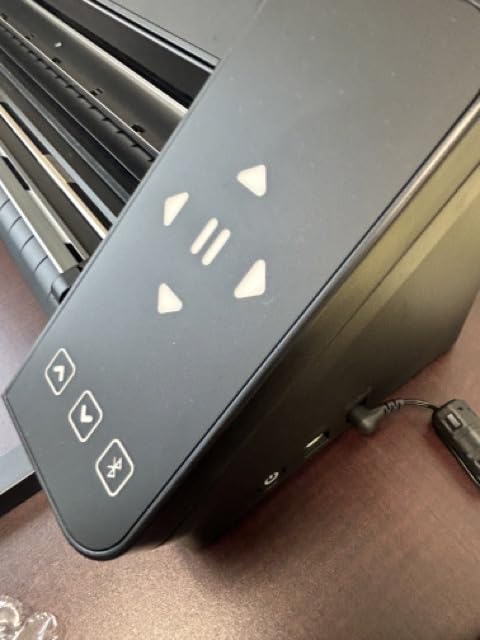
The Cameo PRO stretches desktop cutting to 24 inches, which is normally only found on floor plotters. The 590 by 610 millimetre active surface and the 34.49 inch machine width mean a full sheet of HTV or a long sign blank goes in without segmenting, and auxiliary rollers keep cuts stable out to 60 feet.
The dual-powered carriage is a genuine productivity feature rather than a spec-sheet line. It cuts and sketches with two tools at the same time, so an offset trace pattern and the final cut can run in a single pass. The included heat pen handles foil stamping and the embossing tool adds texture, both of which are unusual at this size.
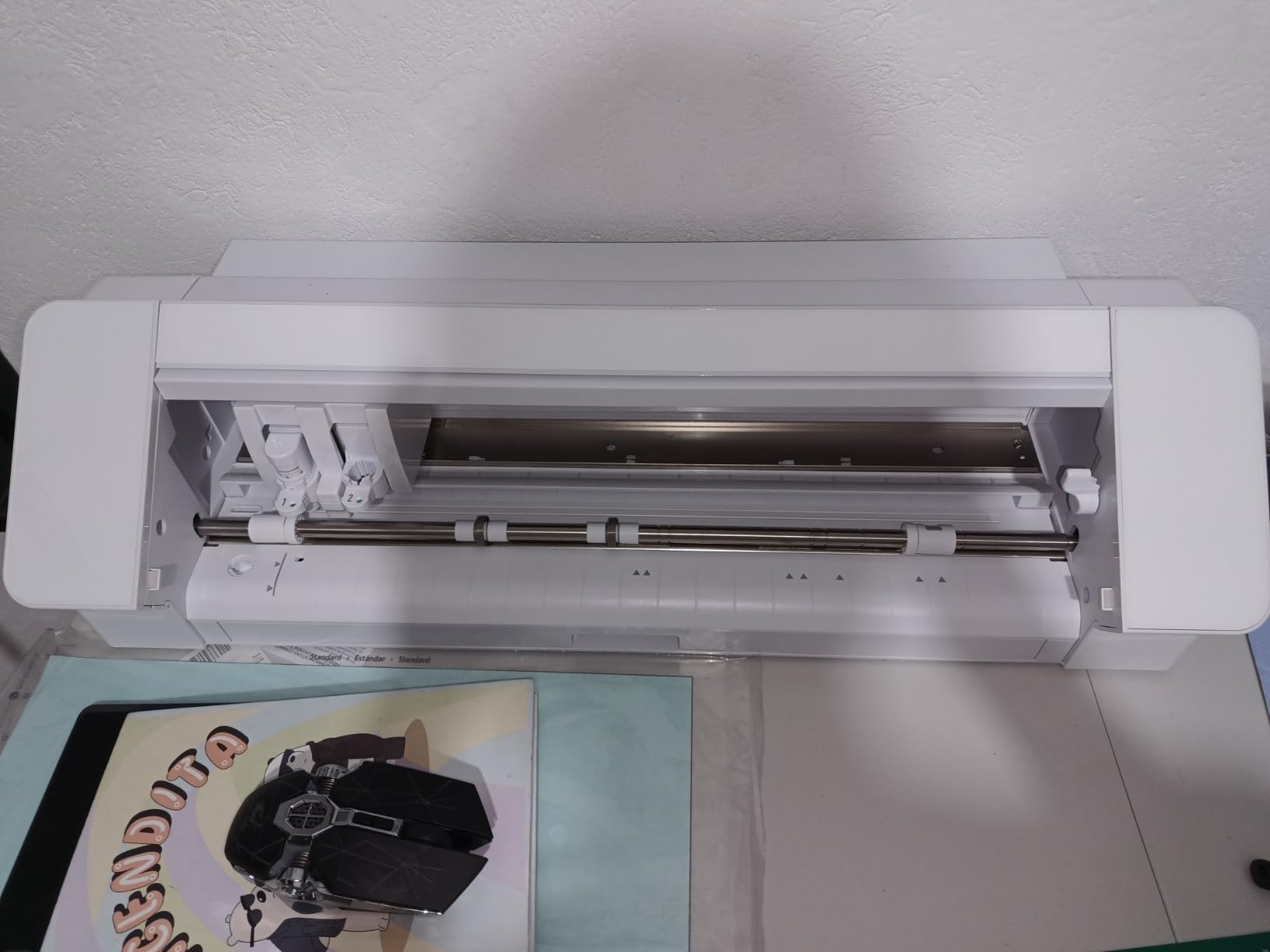
Owners moving up from a Cameo 4 generally like the width, the speed and the quieter motor. This is the desktop answer for anyone who needs near-plotter width but cannot give up a mat-based workflow.
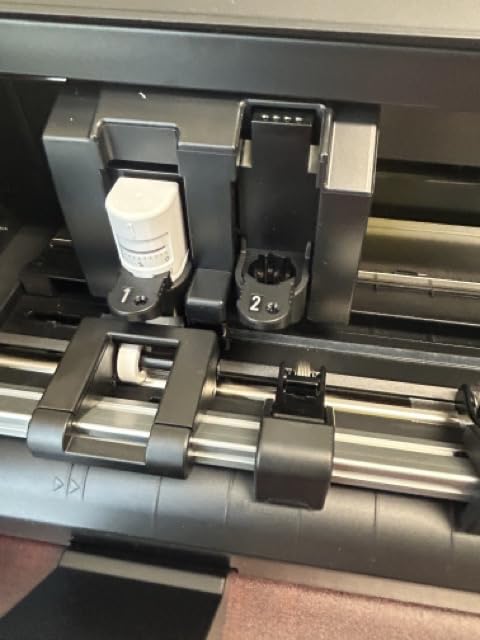
Its satisfaction score is the lowest among the Silhouette machines here, and the complaints cluster in a few specific places rather than being spread across the board.
Who the Cameo PRO suits best
It suits banner makers, small sign shops and craft businesses that need 24 inch work from a machine that still fits on a bench. The dual carriage and the 60 foot roller support suit repeat production rather than one-off crafts.
If your designs are 12 inches or narrower, this machine is more capacity than you will use, and the 19.8 pound body is a large footprint for a desk.
Where the Cameo PRO falls short
Position tracking failures during the home or plotter position move are the most serious reported fault, and they appear on heavier media. Roller pressure can also under-press across the wide span, which produces intermittent cut quality on the far side of the sheet.
Noise complaints appear regularly in the reviews, and some units arrive damaged or need service. Studio also cannot read SVG files without a paid upgrade, which matters if your design library is largely SVG.
7. Cricut Explore 5 – the compact 12 inch bundle
Cricut Explore® 5 Essential Bundle + Digital Content, Taupe
12 in width
100+ materials
Six tool slots
30 percent more compact
Pros
- 30 percent smaller footprint than earlier models
- Six tool slots for drawing scoring and foiling
- Essential Bundle covers up to 65 projects
- Fast clean cuts praised by upgraders
- Bluetooth link to Design Space
Cons
- Print-Then-Cut reported as unreliable by some owners
- Older Explorer accessories may not fit
- Repeated prompts to start a free trial
The Explore 5 keeps the 12 inch cutting width and cuts the footprint by 30 percent against earlier models, which is the whole point of the redesign. It precision-cuts 100+ materials, and six tool slots let it write, draw, foil and score without you swapping holders between jobs.
The Essential Bundle is the strongest argument for it. Smart Vinyl, Smart Iron-On, Value Cardstock, card sets and printable vinyl add up to supplies for 65 projects, so a complete first session needs nothing else. A snap-in pen holder removes the fiddliest part of tool changes, and Bluetooth links straight to Design Space.
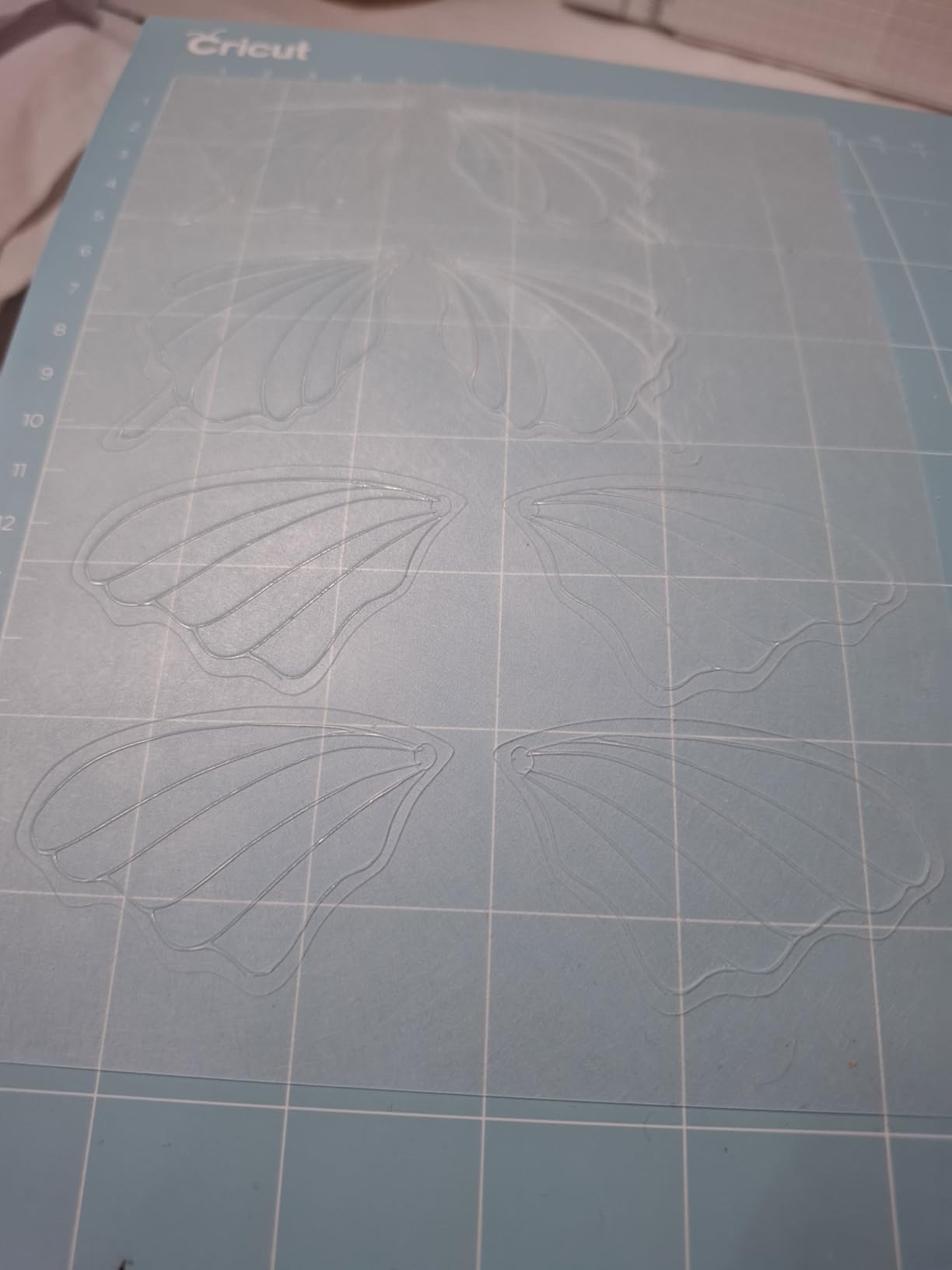
It ranks first in its category on Amazon right now, and owners upgrading from an Explore 4 or Air 2 describe the cuts as faster and cleaner with the same 12 inch capability. A deep cutting tool for foam and rubber is available separately if you need it.
This is the sensible 12 inch Cricut for decals, HTV and cardstock, and the most complete starter package in the roundup.
Who the Explore 5 suits best
It suits new Cricut owners who want a full 12 inch machine and a complete material supply in one purchase. It also suits apartment crafters where desk space is genuinely tight.
If you already own an Explore 4 or Air 2 with a full accessory set, the upgrade case is weaker, because several older accessories do not carry over.
Where the Explore 5 falls short
Print then cut is the weak point. Some owners report unreliable registration scanning on this generation, which is frustrating if full-colour sticker sheets are your main product.
There is no dust cover, earlier Explorer accessories such as markers and the debossing tool may not fit, and the app repeatedly prompts new users to start a free trial. The onboarding documentation is also thin for first-time cutting machine owners.
8. Siser Romeo – built for HTV production
Siser Romeo High-Definition Cutter – 24″ Professional Cutting Machine for Vinyl, Paper, and More – WiFi Compatible with Windows & Mac – Includes Leonardo Design Studio Software, Roll Holder Accessory
24 in cutting area
Go matless
Preinstalled Siser settings
WiFi on Mac and Windows
Pros
- 24 inch area doubles the Juliet working area
- Preinstalled cut settings for Siser HTV and EasyPSV
- Go matless frees the whole cutting area
- Up to 60 percent faster than traditional desktop cutters
- Adjustable pinch rollers and variable grit rollers
Cons
- Software works best with Siser materials
- Professional extras such as a stand cost extra
- Costs more than entry-level craft machines
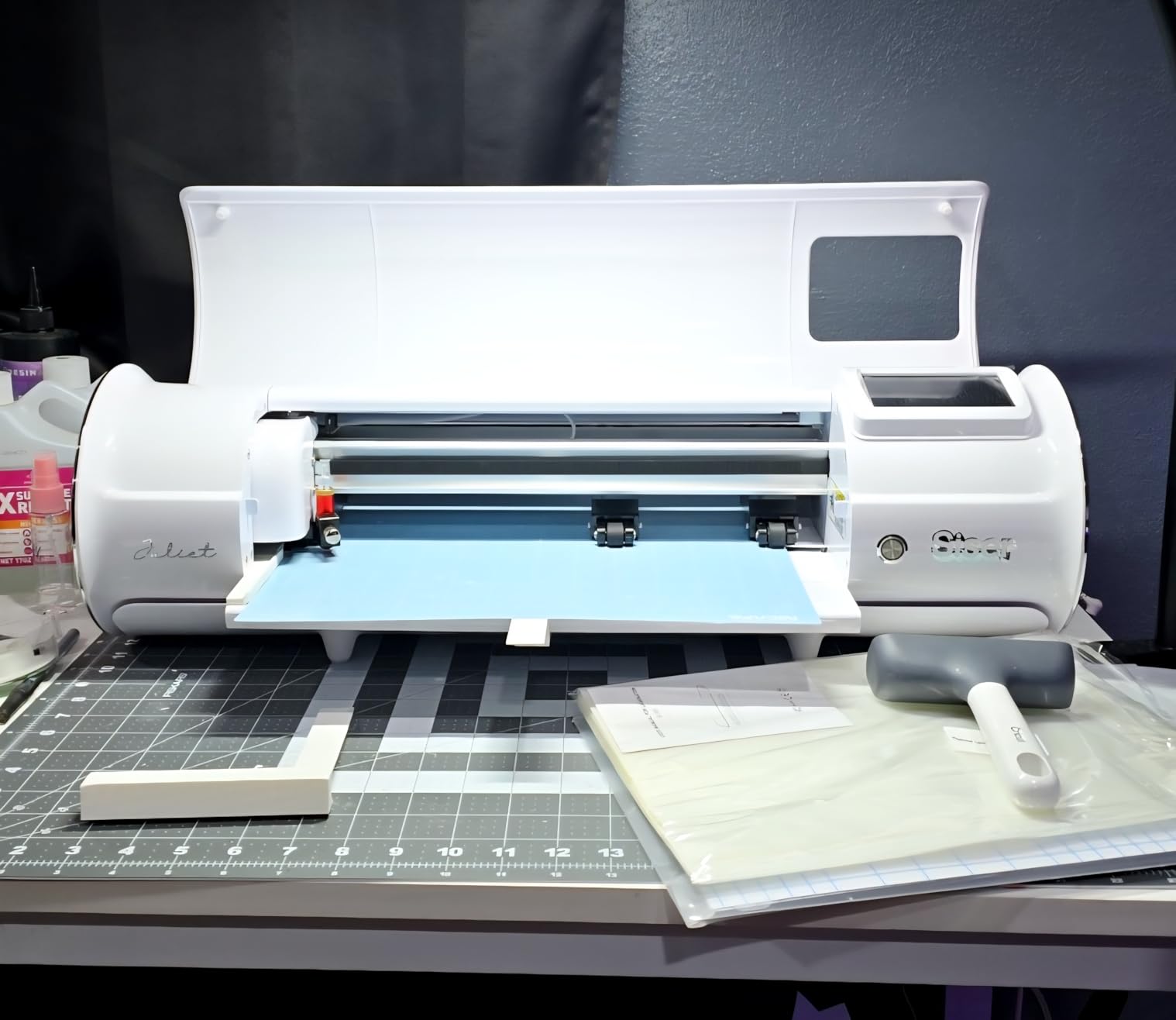
The Romeo is a 24 inch machine built around HTV production rather than general crafting. The open workspace design, adjustable pinch rollers and variable grit rollers are commercial details that keep long rolls of heat transfer vinyl flat and feeding consistently, which is exactly where desktop craft machines struggle.
Go matless capability uses the entire cutting area with no mat at all, and a 12 by 12 inch Light Tack mat is included for when you want one. The headline speed claim is up to 60 percent faster than traditional desktop cutters, and owners confirm the motor is fast and quiet.
Leonardo Design Studio ships preinstalled with cut settings for every Siser HTV and EasyPSV material, which removes the test-cut loop that costs hours on other machines. WiFi connectivity works with both Windows and Mac, and a roll holder accessory is included.
Small apparel businesses rate this highly for throughput. The width, the speed and the preloaded settings are the three reasons owners buy it.
Who the Siser Romeo suits best
It suits t-shirt and apparel businesses producing HTV in volume, and it suits anyone already buying Siser vinyl who wants the cut settings to match. The 24 inch area also handles sign blanks and large decals.
It is a strong choice for makerspaces too, because the commercial roller system and blade support take the punishment that hobby machines do not.
Where the Siser Romeo falls short
The software is at its best with Siser materials, so the efficiency advantage shrinks if you buy vinyl elsewhere. A 12 by 12 inch mat in the box is modest for a machine with a 24 inch area.
Professional extras such as a proper stand are sold separately, and the machine costs more than entry-level craft alternatives, so the maths only works if you are producing enough to use the width.
9. VEVOR 28 Inch Vinyl Cutter – width on a shoestring
VEVOR Vinyl Cutter 28 Inch Vinyl Cutter Machine with 20 Blades Maximum Paper Feed 720mm Vinyl Plotter Cutter Machine with Sturdy Floor Stand Adjustable Force and Speed for Sign Making
24.8 in cut width
10-500g pressure
10-800mm/s speed
20 blades and floor stand
Pros
- 24.8 inch cutting width at a low entry point
- Stated precision of +/-0.01mm
- Pressure and speed both adjustable across wide ranges
- Floor stand included in the box
- 20 blades cover varied materials
Cons
- Windows only with no Mac compatibility
- No manufacturer warranty
- Software delivered on media with an activation code
The VEVOR 28 inch plotter answers the most direct People Also Ask question in this category by existing at all. It gives you a 24.8 inch cutting width with a 28.3 inch maximum paper feed, on a floor stand, in a footprint normally reserved for desktop craft machines.
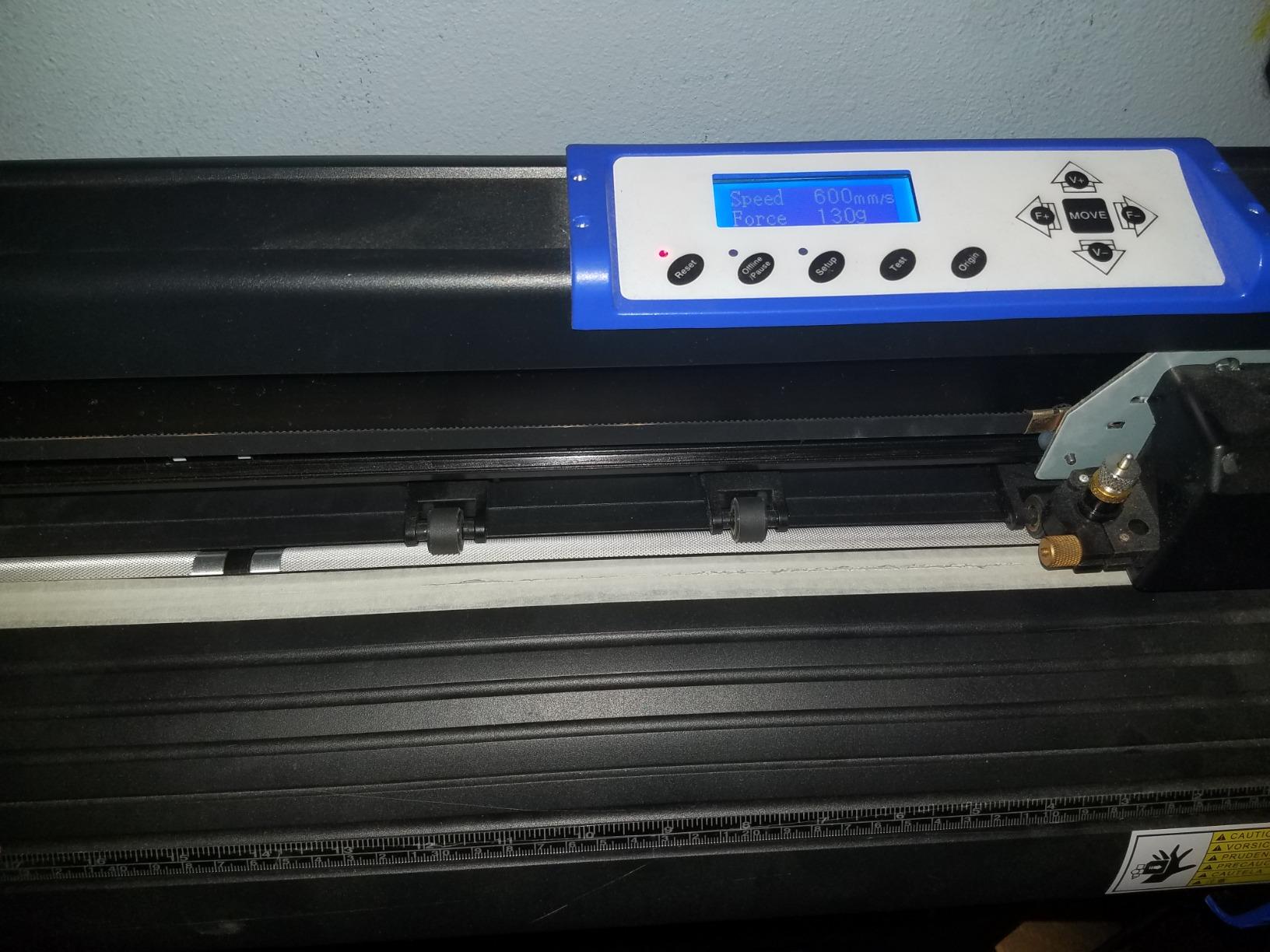
The specifications read well on paper. Cutting precision is stated at plus or minus 0.01mm with 3 metre paper feed precision, pressure adjusts from 10 to 500g, speed from 10 to 800mm/s, and the illuminated LCD control panel is large for a machine of this class. Twenty blades ship in the box, which covers everything from paper to chipboard.
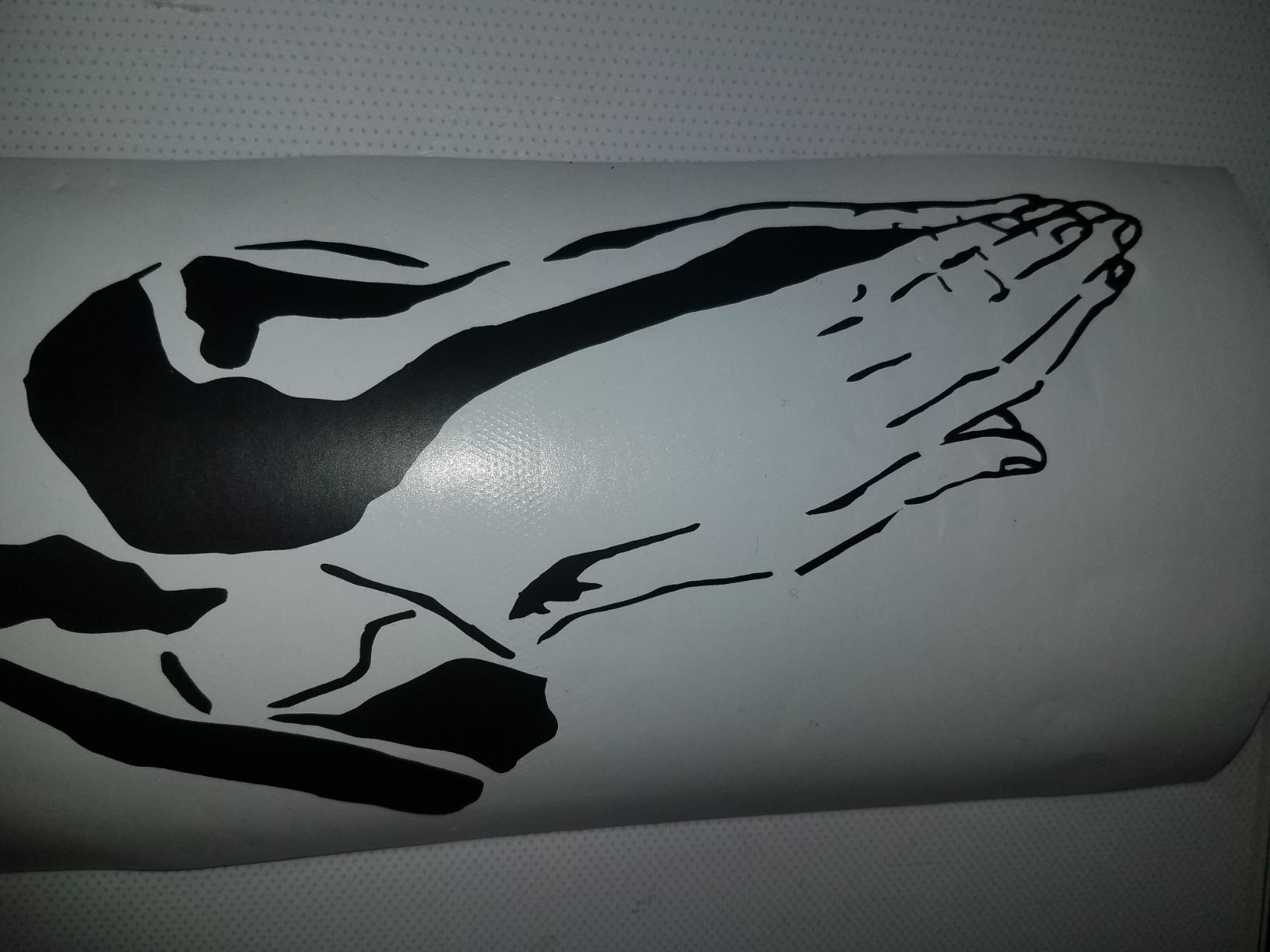
Two double-spring pinch rollers and an aluminum knurling stick handle the grip, and COMPIM plus USB interfaces with DM/PL and HP/GL language support cover most sign software workflows. The 703.15 square inch active surface area confirms this is a working machine rather than a novelty.
The catch is the platform. It is Windows only, the build is ABS plastic and aluminum alloy, and there is no manufacturer warranty listed.
Who the VEVOR 28 inch suits best
It suits Windows users who want wide-format signage capability and floor space to put it on, without committing to a branded plotter. Hobbyists making occasional large decals get more capability per unit of hardware than anywhere else in this roundup.
It is also a reasonable first machine for a sign-making course or a school workshop, where the width matters more than the warranty.
Where the VEVOR 28 inch falls short
Mac compatibility is simply absent, and the software arrives on media with an activation code rather than as a download, which is an old-fashioned setup that can frustrate newer computers.
With no manufacturer warranty, a failed carriage or control board is your problem. The build materials are basic, so treat it as a machine for occasional sign work rather than a production asset you depend on daily.
10. VEVOR 34 Inch Vinyl Cutter – the widest cut in the group
VEVOR Vinyl Cutter Machine 34 inches Bundle Manual Vinyl Plotter Cutter
30.7 in cut width
20-500g pressure
SVG and PDF import
Backlight LCD
Pros
- 30.7 inch cutting width is the widest here
- Stated precision of +/-0.01mm
- Imports SVG PDF and installed fonts directly
- Backlight LCD is easy to read
- Pressure 20-500g and speed 20-800mm/s
Cons
- Weakest satisfaction score in this roundup
- No manufacturer warranty
- Windows only with USB or COM connection
The VEVOR 34 inch model cuts 780 millimetres, or 30.7 inches, across a 34.3 inch maximum paper feed, which makes it the widest cutting area in this group. If your designs are vehicle-scale, this is the machine that takes them in one pass.
Software handling is better than the smaller VEVOR machine. It imports SVG and PDF files along with installed fonts directly, cutting a long design step, and the backlit LCD display is genuinely readable in a workshop. Pressure adjusts from 20 to 500g and speed from 20 to 800mm/s.
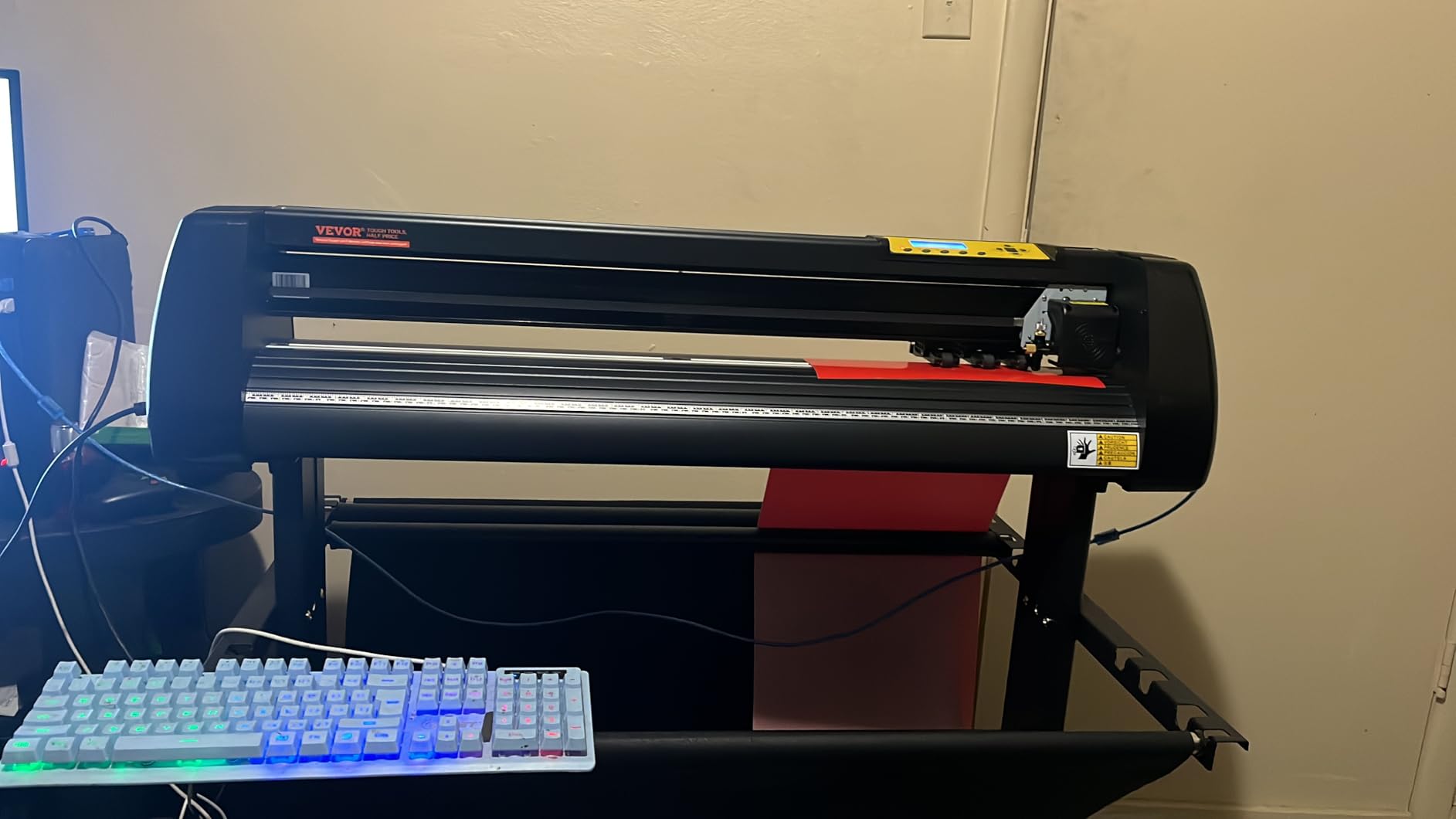
It draws 95 watts, connects over COMPIM or USB, and speaks DM/PL and HP/GL, so it drops into most sign shop software. A D-typed motherboard with 4M of cache and double spring pinch rollers with a roughened steel roller sit underneath.
It also carries the lowest satisfaction score in this roundup, with a 15 percent one-star share in the reviews, so the width is a real advantage against uneven execution.
Who the VEVOR 34 inch suits best
It suits Windows sign makers who work above 24 inches and need the maximum width available without moving to a commercial plotter. The SVG and PDF import is the practical reason to pick it over an older-style plotter.
It also suits anyone who wants a floor plotter for occasional large decals and can accept manual job handling rather than a full software workflow.
Where the VEVOR 34 inch falls short
It runs on manual operation with a remote hand control rather than software-driven job handling, so you set parameters on the panel instead of in an application. Windows only, over USB or COM, with no Mac path.
There is no manufacturer warranty, the documentation is thin, and the listed item weight of 1.1 pounds does not match a floor-standing plotter of this size, which is a fair signal of how little to trust the spec sheet. Experienced sign-shop operators also advise staying away from unbranded cutters with weak support when your work has to be reliable.
Cricut vs Silhouette: which ecosystem should you buy into?
The short version: Cricut wins on the number of things one machine can do, and Silhouette wins on not charging you monthly to keep doing them.
Cricut machines handle more material types, more functions per machine, and come with a beginner-friendly app that requires no design experience. The cost is Cricut Access for the full image library, and the strongest matless results come from branded Smart Materials. The Maker 4 handles 300+ materials, which no Silhouette machine here matches.
Silhouette machines run Silhouette Studio on your own computer, use any font or graphic file already installed on it, and cut generic Oracal 651 and Siser EasyWeed as happily as branded material. SVG import is where you hit a wall: the free Basic edition does not read SVG, which is the format most crafters buy, and getting it means a one-time paid upgrade rather than a subscription.
Owners migrating across describe about a week of adjustment and then describe the Silhouette workflow as transformative. The counter-story in the forums is a Cricut owner who sold a machine unused because of the software rather than the hardware. If software frustration is what would end your hobby, buy Silhouette. If variety of materials is what you care about, buy Cricut.
Subscriptions, software and what a vinyl cutter really costs over three years
No vinyl cutter requires a subscription to cut vinyl. That is the part most subscription complaints leave out. What you pay for is the design library, and the model differs by brand.
Silhouette Studio is free for basic work, with one-time paid tiers for SVG import and business features. Cricut Design Space is free for a set library of 3,000+ images and 100+ fonts, with the full library of more than 1.5 million images behind Cricut Access. Siser Romeo ships with Leonardo Design Studio, which works best with Siser materials. USCutter machines pair with Design and Cut or VinylMaster, licensed per computer. Brother and VEVOR machines use their own bundled or third-party software with no ongoing charge.
The bigger cost is material, and the forums are blunt about it: cheap vinyl is frustrating to weed and drags a blade depth down, which shortens blade life and ruins jobs. Buying mid-grade Oracal 651 or Siser EasyWeed costs more per sheet and wastes less material overall.
A third cost is blades. Blades are consumables, they dull rather than break, and a worn blade produces partial cuts that look like machine faults. Keep a spare on hand and change it when full cuts start failing, not on a fixed calendar.
Are VEVOR vinyl cutters any good?
They are capable, and they are the widest machines per unit of hardware in this roundup. The VEVOR 28 inch cuts 24.8 inches and the 34 inch model cuts 30.7 inches, both with stated precision of plus or minus 0.01mm and adjustable pressure and speed ranges that cover paper through chipboard.
The compromise is support and platform. Both are Windows only, both list no manufacturer warranty, and the 34 inch model has the weakest satisfaction score here with a 15 percent one-star share. The 28 inch machine also delivers its software on media with an activation code rather than as a download.
Our read: a VEVOR plotter is a reasonable tool for a Windows user producing occasional wide signage who accepts servicing risk. For daily production, a warranty and a support line matter more than a few extra inches of width.
How to choose the right cutting width
Cutting width is the one spec that cannot be upgraded later, so decide it first. Everything else on the machine can be worked around with a different blade, a different mat or a different software tier.
Measure your largest finished piece, then add the weeding margin you need on each side. A design that is 9.5 inches wide needs a 12 inch machine at minimum, because the material has to sit flat inside the carriage travel.
As a rough map: 9 inches covers decals, labels and small HTV designs. 12 inches covers a full sheet of HTV and most craft blanks. 15 inches handles a 12 by 12 sheet plus margins with room to spare. 24 inches covers banners, sign blanks and multi-design layouts. Anything above 30 inches belongs to signage and vehicle graphics work.
For continuous work, look at roll feed support as well as width. The Cameo PRO and the Siser Romeo both carry auxiliary roller support for long cuts, and the Romeo includes a roll holder. If you plan to run repeated long jobs rather than single sheets, that support matters more than a few inches of extra width.
Buying guide: what to check before you buy a vinyl cutter
Cutting width first, as covered above. Then cutting force, which is measured in grams-force and tells you how thick a material the machine can push a blade through. Light adhesive vinyl needs very little. HTV, leather, chipboard and craft foam need substantially more, and that is where a deep cutting tool or a plotter earns its place.
Matless cutting is the feature that changes your material costs. A mat-based machine consumes a sticky mat every few months. A matless machine holds material down with a brush roller or an electrostatic mat and cuts straight from the roll, which lowers consumable cost and removes a supply line. Every machine in this roundup except the two traditional plotters handles vinyl without a mat.
Software cost comes next, and the honest question is what you will do in year three rather than week one. Free basic cutting is enough for decals and HTV. Paid tiers matter when you import SVG files, run a business, or want a shared design library across machines.
Blade ecosystem is the quiet one. A machine that takes an open standard blade holder will always be cheaper to run than one with a proprietary blade. The USCutter MH 871 uses a Roland compatible blade holder, which is why so many owners of that platform keep coming back to it for consumable cost.
Warranty and support matter more for plotters than for craft machines, because a plotter is a business asset. A one year limited warranty on a desktop cutter is normal. A machine with no listed manufacturer warranty is a different proposition entirely, and the difference shows up the first time a carriage needs service.
Finally, check the community. r/VinylCutters, r/silhouettecameo, r/cricut and forum.uscutter.com all have deep archives for specific models, and the amount of searchable troubleshooting advice for a given machine is a reasonable proxy for how long you will be supported. Owner volume matters too: the machines in this roundup with thousands of reviews have a much better chance of someone having already solved the fault you are about to hit.
Frequently Asked Questions
What is the best vinyl cutting machine to buy?
The Silhouette Portrait 4 is the safest all-round buy, with a 9 inch cutting width, 81 square inch mat area and 2891 owner reviews at 4.4 stars. Buy the Cricut Maker 4 instead if material variety matters most, since it handles 300+ materials and scores, engraves and debosses. Buy the Silhouette Cameo 5 Alpha Plus for speed and a 15 inch width.
Which cutting machine is better, Silhouette or Cricut?
Silhouette is better for control and ongoing cost: Studio runs on your own computer, uses any font you already have, cuts generic Oracal 651 and Siser vinyl, and needs no subscription for basic work. Cricut is better for material variety and beginner guidance: the Maker 4 handles 300+ materials, but the full image library sits behind Cricut Access and matless results are strongest on branded Smart Materials.
What size vinyl cutter do I need?
Choose 9 inches for decals, labels and small HTV. Choose 12 inches to fit a full sheet of heat transfer vinyl or standard craft blanks. Choose 15 inches for a 12 by 12 sheet plus weeding margins, and 24 inches for banners and sign blanks. Measure your largest finished design and add weeding margin on each side before deciding.
Do I need a subscription to use a vinyl cutter?
No. Every machine in this roundup cuts vinyl without any subscription. What subscriptions buy is design library access: Cricut Access unlocks more than 1.5 million images beyond the free 3,000, and Silhouette sells a one-time paid tier for SVG import rather than a monthly charge. Your real ongoing costs are vinyl, cutting mats and replacement blades.
Are VEVOR vinyl cutters any good?
They are capable value machines, with 24.8 inch and 30.7 inch cutting widths, stated precision of plus or minus 0.01mm and adjustable cutting pressure and speed. The compromises are real: both are Windows only, neither lists a manufacturer warranty, and the 34 inch model carries the lowest satisfaction score in this roundup with a 15 percent one-star share.
Which vinyl cutter is right for you in 2026
Our Editor’s Choice, the Silhouette Portrait 4, is the machine we would hand someone starting out. It has the deepest owner feedback in this roundup, a free design library, open material support and a one year limited warranty, at a 9 inch width that fits most home projects.
Pick the Cricut Maker 4 if you cut leather, wood or multi-layer materials and want one machine to do everything. Pick the Silhouette Cameo 5 Alpha Plus for the highest satisfaction score, 400mm/s cutting speed and a 15 inch width, and confirm you are getting the Alpha revision. Pick the Cricut Explore 5 for a 12 inch machine with supplies for 65 projects in the box.
For production, the Siser Romeo is built for HTV volume at 24 inches, the Silhouette Cameo PRO gives you 24 inches with a mat-based desktop workflow, and the USCutter MH 871 covers 34 inch signage with a starter signmaking kit and lifetime phone support. The VEVOR 28 and 34 inch plotters maximise width per machine, and they suit Windows users who accept working without a warranty.
Whichever you choose, check the exact model and hardware revision before buying, and buy mid-grade vinyl rather than the cheapest rolls. That single habit removes more failed projects than any machine choice on this page.