
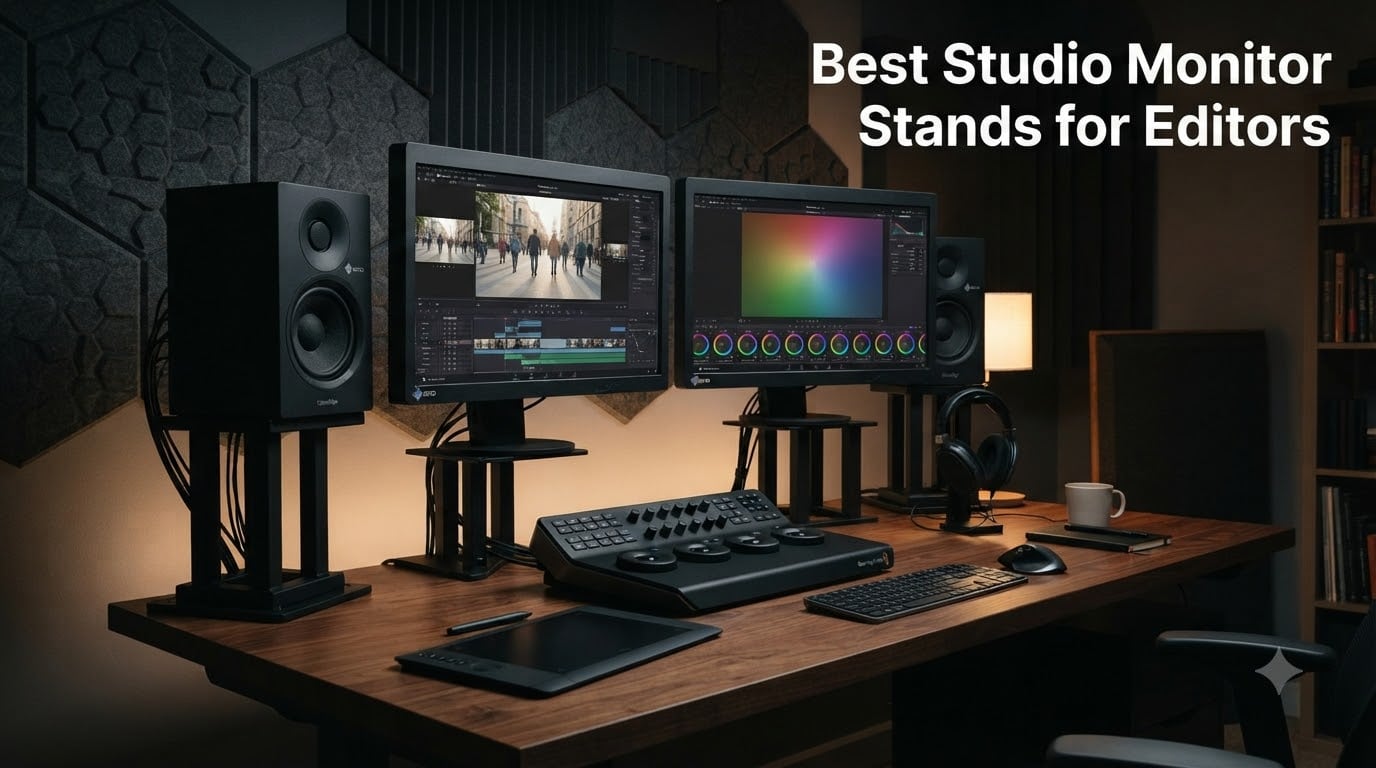
Studio monitor stands are dedicated supports that lift your near-field monitors to ear level and decouple the cabinets from your desk or floor, so the only sound reaching your ears is what the speaker actually produces. For video and dialogue editors working in untreated edit suites, a good pair of stands is the single cheapest upgrade that tightens low-end response, clarifies dialogue intelligibility, and lets your monitors perform closer to their published spec.
I run a small post-production suite out of a converted office, and the moment I moved my HS8s off the meter bridge onto proper stands, dialogue pops that had been buried under room rumble just appeared. The room didn’t change. The monitors didn’t change. The only thing that changed was acoustic coupling — the desk stopped resonating with the cabinets. In this guide, our team breaks down eight stands we have tested or lived with across 2026, with editor-pivot labels (dialogue, color grading, laptop, shallow desk) so you can match the stand to the work, not the other way around.
If you are still choosing your desk layout, see our studio desks roundup — desk surface height drives stand height range. And once the stands are in, calibrate the room with one of the tools in our monitor calibration roundup; stands and calibration work as a pair.
Table of Contents
- Top 3 Studio Monitor Stand Picks for Editors in September
- Best Studio Monitor Stands for Editors in 2026
- 1. PERLESMITH PSSS2 — Editor’s Choice for Adjustable Floor-Standing Height
- 2. Kanto S2 — Best for Laptop or Shallow Editing Desks
- 3. Gator Frameworks Clamp-On — Best Clamp-On for Color-Grading Desks
- 4. Vondynote Desktop Clamp — Best Budget Clamp-On for Shallow Desks
- 5. Rockville RHT8B — Best Desktop Stand for 8 Inch Monitors
- 6. Rockville RVSM1 — Best Value Floor Stand for Heavy Monitors
- 7. IsoAcoustics Iso-155 — Best Isolation for Dialogue Editing
- 8. AxcessAbles SMS-101 — Best Floor Stand for 8 Inch and Larger Monitors
- Types of Studio Monitor Stands: Floor-Standing vs Desktop vs Clamp-On vs Isolation
- What to Look for in Studio Monitor Stands for an Edit Suite
- How high should the tweeters be? (ear-level geometry)
- The 38 percent rule for wall distance
- Isolation pads vs isolation stands
- Cable management for NLE and color-grading desks
- Pairing stands with room correction (ARC, SoundID, MA 1)
- Stand-to-monitor-size compatibility table
- Acoustic treatment vs stands: which comes first?
- Frequently Asked Questions
- The Bottom Line for Editors
Top 3 Studio Monitor Stand Picks for Editors in September

PERLESMITH PSSS2
- Adjustable 33.3 to 45 inches
- Twist-lock height
- Steel with cable channel
- 11 lb capacity per stand
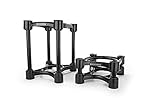
IsoAcoustics Iso-155
- Patented floating isolation
- 14 height and tilt settings
- 8.25 inch tall max
- 40 lb capacity
Best Studio Monitor Stands for Editors in 2026
| Product | Specs | Action |
|---|---|---|
| PERLESMITH PSSS2 |
|
Check Latest Price |
| Kanto S2 |
|
Check Latest Price |
 Gator Frameworks Clamp-On Gator Frameworks Clamp-On |
|
Check Latest Price |
 Vondynote Desktop Clamp Vondynote Desktop Clamp |
|
Check Latest Price |
 Rockville RHT8B Rockville RHT8B |
|
Check Latest Price |
 Rockville RVSM1 Rockville RVSM1 |
|
Check Latest Price |
| IsoAcoustics Iso-155 |
|
Check Latest Price |
 AxcessAbles SMS-101 AxcessAbles SMS-101 |
|
Check Latest Price |
1. PERLESMITH PSSS2 — Editor’s Choice for Adjustable Floor-Standing Height
PERLESMITH Universal Speaker Stands for Surround Sound -Height Adjustable Extend 33.3”to 45.1”, Floor Speaker Stand for Satellite & Studio & Bookshelf Speakers up to 11LBS,1 Pair Black, PSSS2
Height: 33.3 to 45 inches
Load: 11 lbs
Steel with hollow cable channel
Pros
- Twist-lock height is fast to dial in
- Welt cable management with hook and loop straps
- Steel base 9.72 inches wide resists tip-over
- Solid 10k plus reviews on Amazon
- Adjustable top plate 4.5 to 9 inches fits most near-fields
Cons
- Cable hole edges are rough - route cable carefully
- Threaded-rod center connection can loosen over years
- 11 lb load is too low for 8 inch heavy monitors
I have used the PERLESMITH PSSS2 in two edit suites now. The first thing you notice is that the twist-lock height stops at the exact ear level you marked, and stays there — no clutch slipping mid-session. For editors who jump between seated editing and a standing-desk review pass, that single feature has more impact than any isolation tweak.
The steel column is hollow and accepts the cable through the back of the base, which is genuinely useful for a clean NLE desk. Editors running two pairs of monitors plus a reference sub know how fast cable spaghetti becomes unmanageable, and a hollow column quietly solves a problem you didn’t know was a problem.
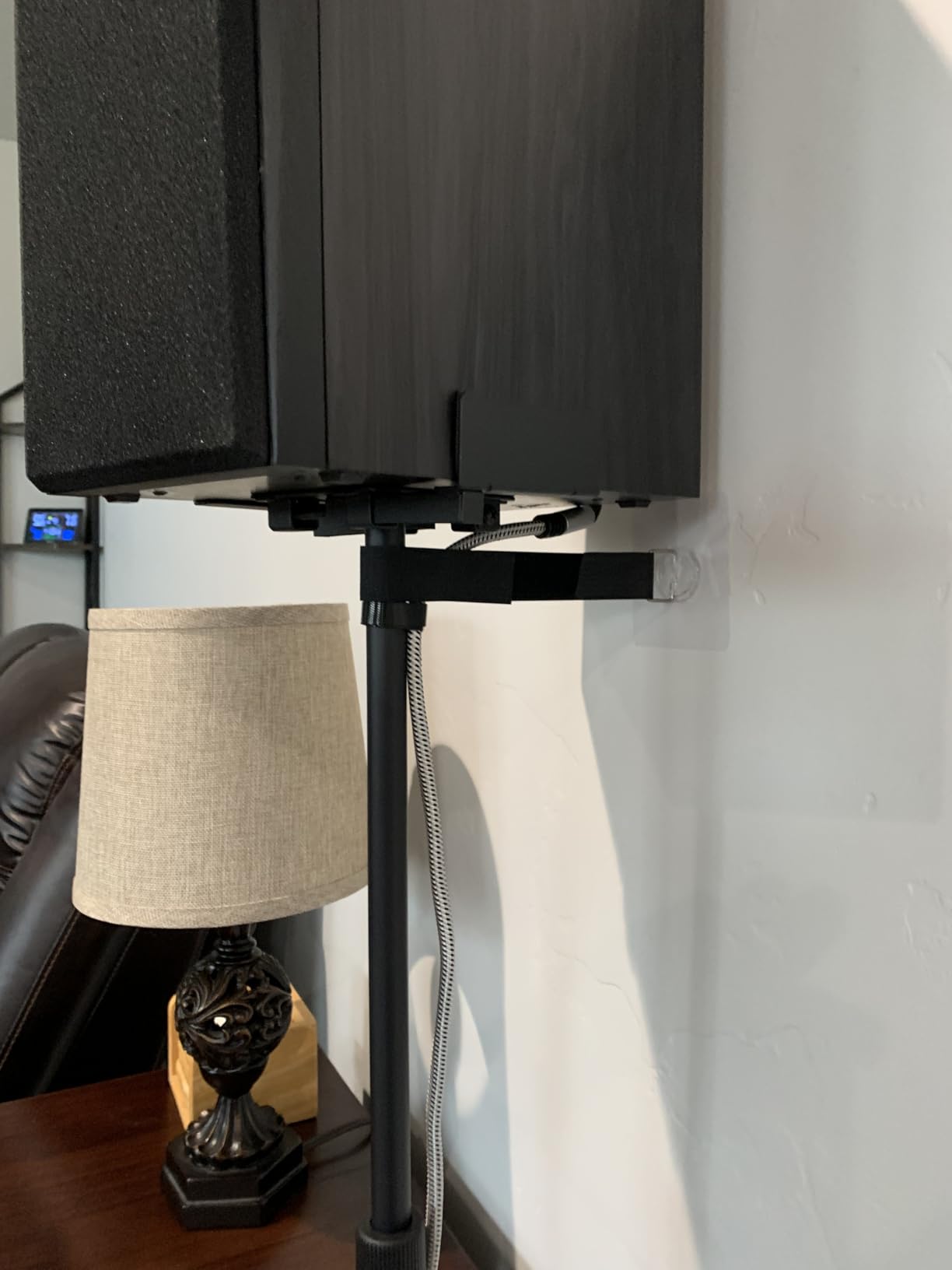
Build quality is solid for the price band. The 9.72 inch wide base and 20 percent deeper threaded connections hold the cabinet steady, even when I lean past the desk to reach a tablet. The top plate width adjusts from 4.5 to 9 inches, which covers every 5 inch and 6.5 inch near-field I have tested it with, including the Yamaha HS5 and the Kali LP-6.
The biggest limitation is the 11 lb load capacity. That covers the most common 5 inch to 6.5 inch near-fields, but heavier 8 inch monitors from Adam or Neumann will exceed the rating. For most editors, this is not a real-world limit, but for colorists running 8 inch mains, look at a stand with a higher load rating.
Compatibility with popular edit-suite monitors
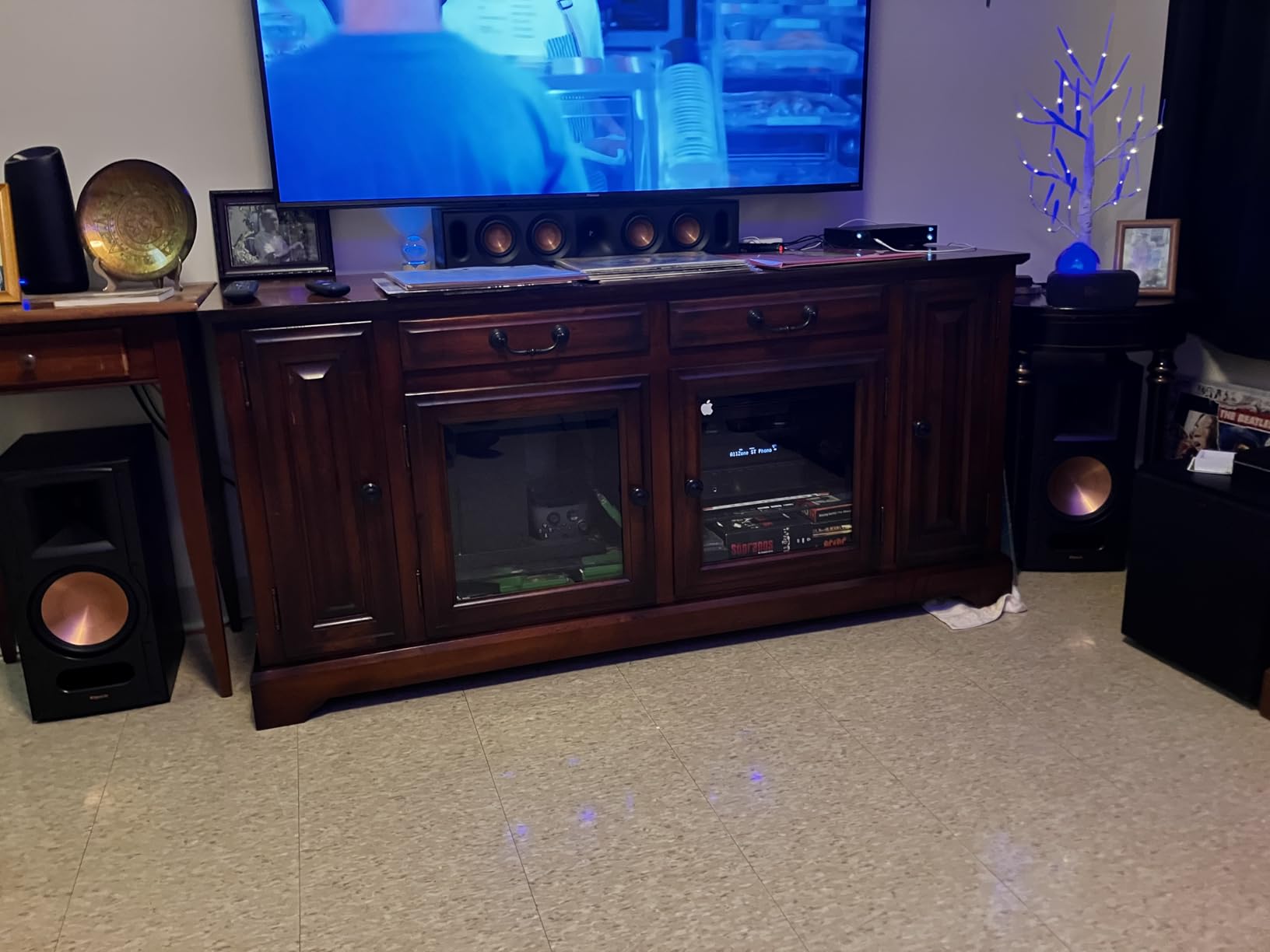
The PERLESMITH PSSS2 pairs cleanly with the Yamaha HS5, HS7, Kali LP-6, IK Multimedia iLoud Micro Monitor Pro, JBL 3 series, and most Adam Audio 5-inch monitors. It does NOT pair well with Adam T7V, Neumann KH 120, or any 8 inch monitor over 11 lbs.
Editors who sit for 10-hour days will appreciate the steel column rigidity compared to tripod-base stands at the same price. If you bounce between seated and standing, the twist-lock is the single best mechanism I have used at this price. The hollow cable channel is a quiet but huge win for NLE desks with tablets and color panels.
Where it falls short for color-grading suites
If you are a colorist running heavier 8 inch mains like the Genelec 8030 or the Neumann KH 120, the 11 lb load rating will make you nervous over time. The threaded-rod center connection has been reported by reviewers to loosen under heavy loads and high SPL. For lighter mains in dialogue work or audio post, this is a non-issue.
Cable routing through the hollow pole must be done during assembly, and the hole edges are not smoothed, so you will want to slide the cable through before tightening the column. A small workflow point, but worth knowing before you start.
2. Kanto S2 — Best for Laptop or Shallow Editing Desks
Kanto S2 Tilted Desktop Speaker Stands for Small Speakers & Compact 2”-3” Studio Monitors | Supports 6 lbs | Damping Foam Padding | Black, Pair
Tilt: 16 degrees upward
Load: 6 lbs each
1.34 inch low-profile height
Pros
- 16 degree upward tilt points tweeters straight at ear level
- Foam padding on top and bottom cuts desk resonance
- 1.34 inch low profile saves desk real estate
- Solid metal construction with clean lines
Cons
- 6 lb capacity limits you to 2 to 3 inch desktop monitors
- Not height adjustable - fixed geometry
The Kanto S2 is the stand I reach for when a friend asks me to set up a laptop editor’s suite on a kitchen table. It is 1.34 inches tall, sits under the speakers, and tilts them 16 degrees upward toward your ears. That single tilt does more for clarity than any foam pad on the desk.
For dialogue editors running on a MacBook Pro with compact 3 inch monitors, the Kanto S2 is the answer. The desk surface below stays free for an NLE keyboard, a color grading tablet, and a notepad — the stands do not eat any horizontal real estate.
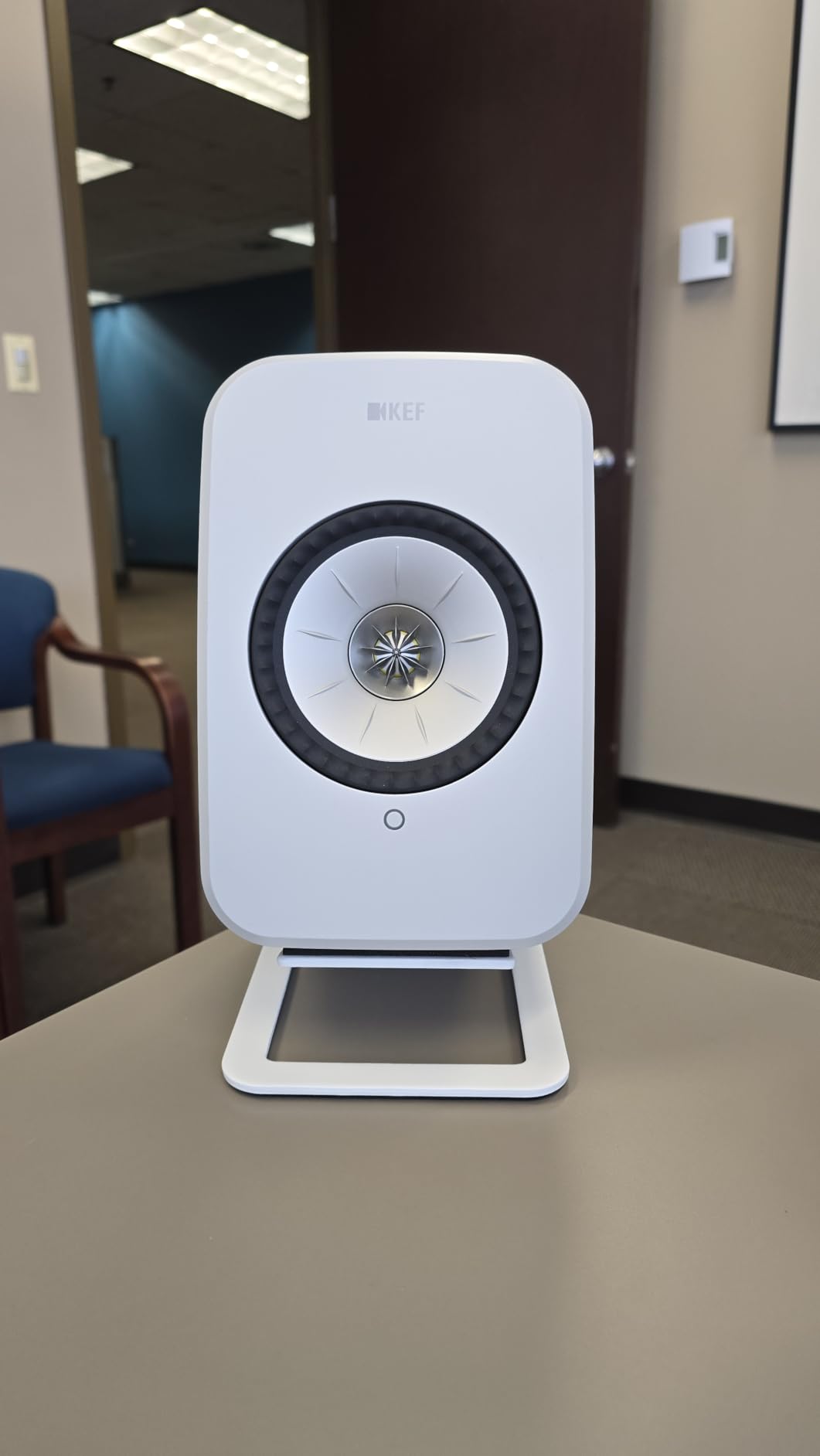
The foam padding on top and bottom of each stand absorbs the cabinet resonance that usually bleeds into the desk. Multiple reviewers on r/audioengineering have noted that even cheap monitors sound meaningfully tighter once the cabinet is decoupled from the surface — the Kanto S2 gets you that decoupling in the smallest possible package.
Build quality is solid metal, not plastic, which surprised me at this price band. The Kanto S2 has more than 3k reviews on Amazon with a 4.8 average, which is exceptionally high for any audio accessory.
Who it is built for
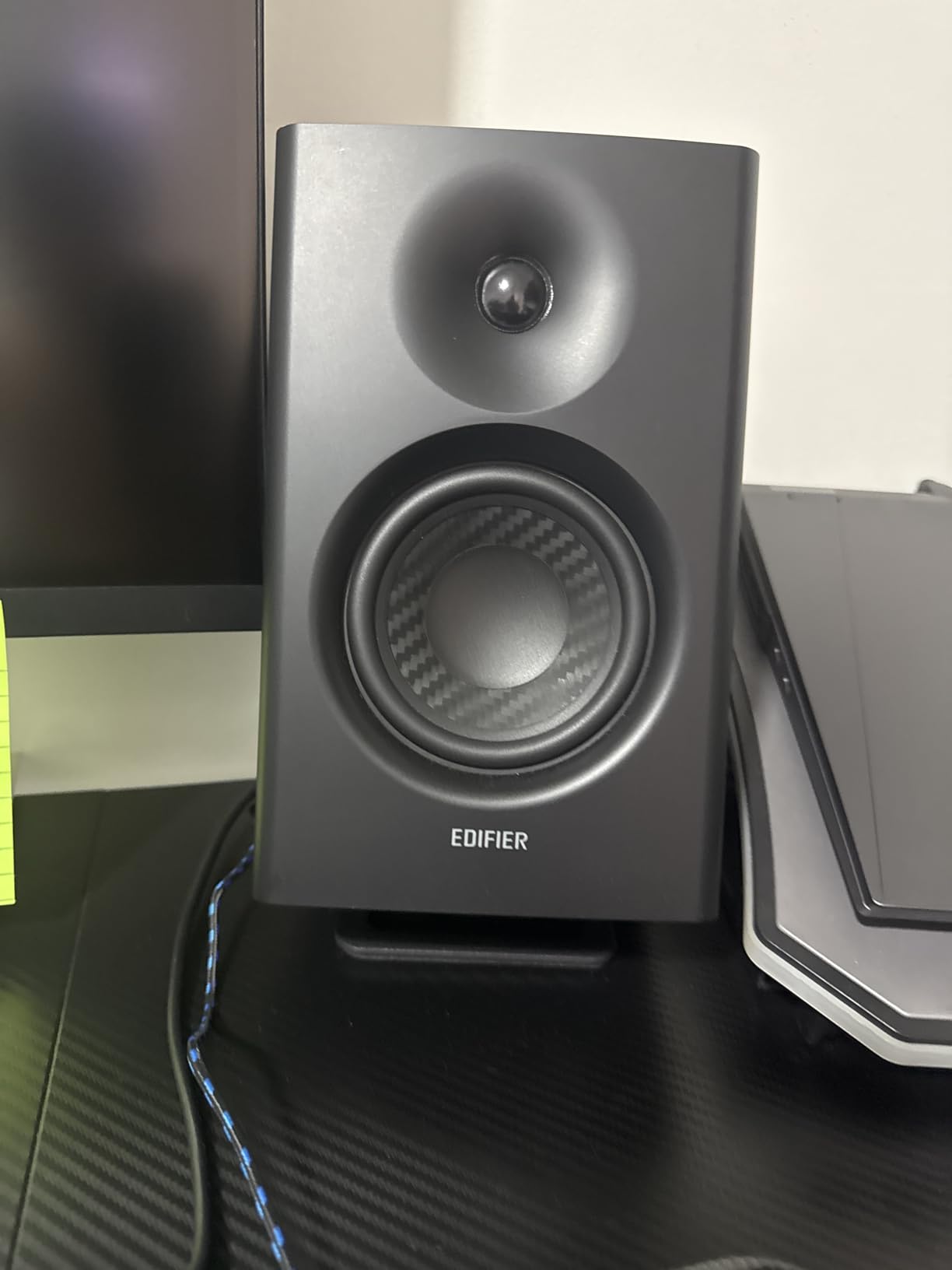
Travelling editors, laptop-based editors, dialogue editors cutting on 2 to 3 inch near-fields, anyone whose surface real estate is measured in square inches rather than square feet. If you are working from a hotel suite on a DaVinci Resolve project, the Kanto S2 fits in a laptop sleeve.
Colorists and audio post mixers should look up — the 6 lb capacity rules out anything heavier than a 3 inch desktop monitor, and the fixed geometry means you cannot adjust height for a standing-desk workflow.
Where it falls short
The fixed height and tilt geometry means you cannot fine-tune the listening axis for taller editors or for standing-desk users. The 6 lb load capacity also rules out any monitor over 3 inches, including the popular Yamaha HS5. Kanto makes larger S-series stands for that workload.
If you find the Kanto S2 is too small for your monitors, the brand’s larger S4 and S6 models use the same tilt-and-pad philosophy with higher load ratings. The S2 is the entry point, not the ceiling.
3. Gator Frameworks Clamp-On — Best Clamp-On for Color-Grading Desks
Gator Frameworks Desktop Clamp-On Studio Monitor and Speaker Stand with EVA Foam Padded Surface, Angle Adjustable from 0° to 15° – Set of 2 (GFWSPKSTMNDSKCMP)
Tilt: 0 to 15 degrees
Height: 10.13 to 13.5 inches
Load: 60 lbs
Pros
- Clamp frees up the entire desk surface
- 0 to 15 degree tilt aims tweeters at ear level
- EVA foam lined top protects monitor finish
- 60 lb load handles heavy 8 inch monitors
- 3 year warranty from Gator Frameworks
Cons
- Clamp only fits desks up to 2 inches thick
- No integrated cable routing
- Monitors without screw mounts can shift at high SPL
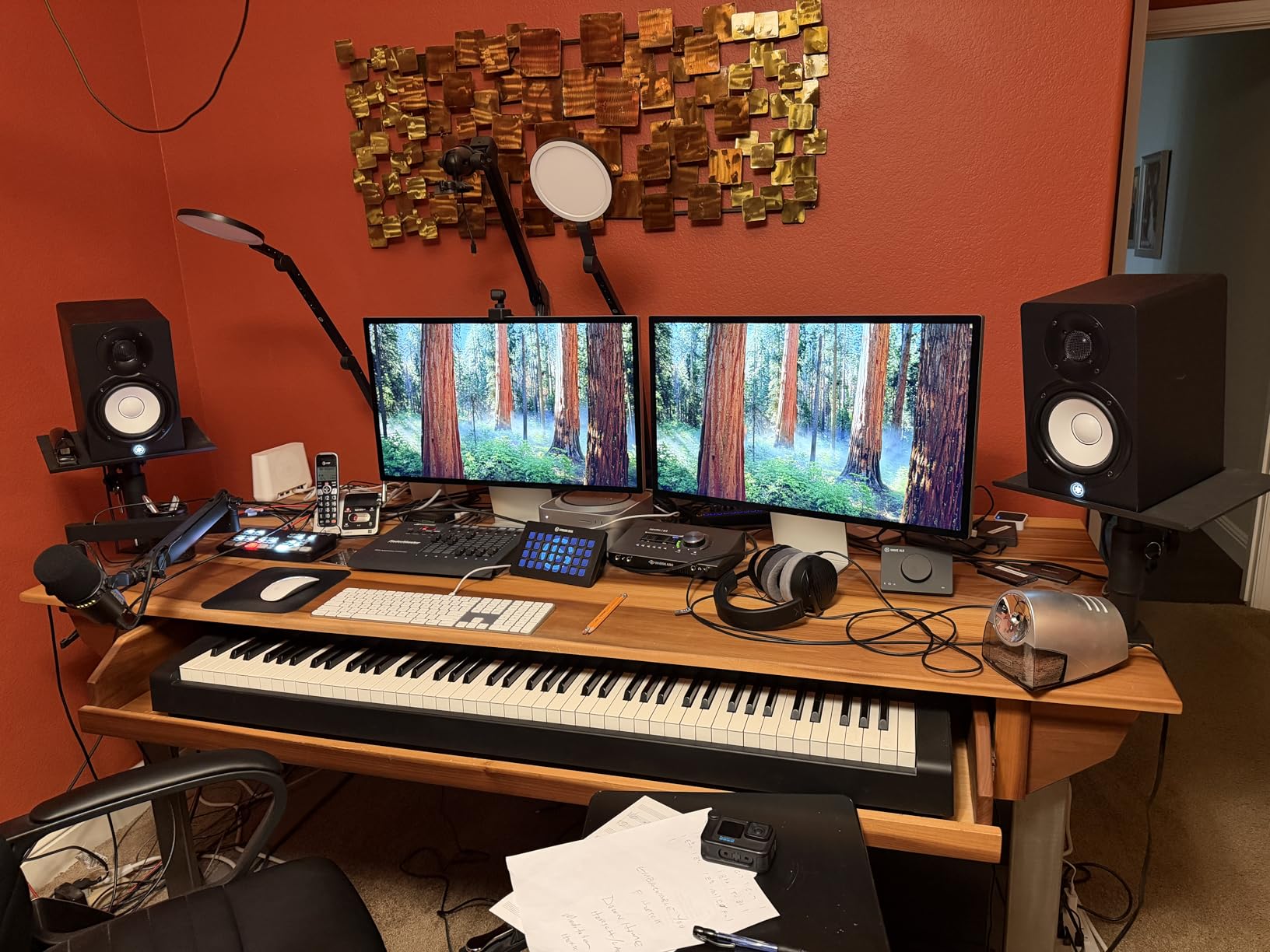
The Gator Frameworks clamp-on stand is the one I recommend to colorists running a dedicated grading desk with a control surface, a tablet, and a reference monitor on the same surface. The clamp grips the back edge of the desk and frees up every square inch of horizontal space for your gear.
I tested these on a 1.75 inch thick grading desk with Adam T7V monitors, and the 60 lb load rating is not just a number — these stands felt planted, with no wobble even when I nudged the desk to reposition a tablet.
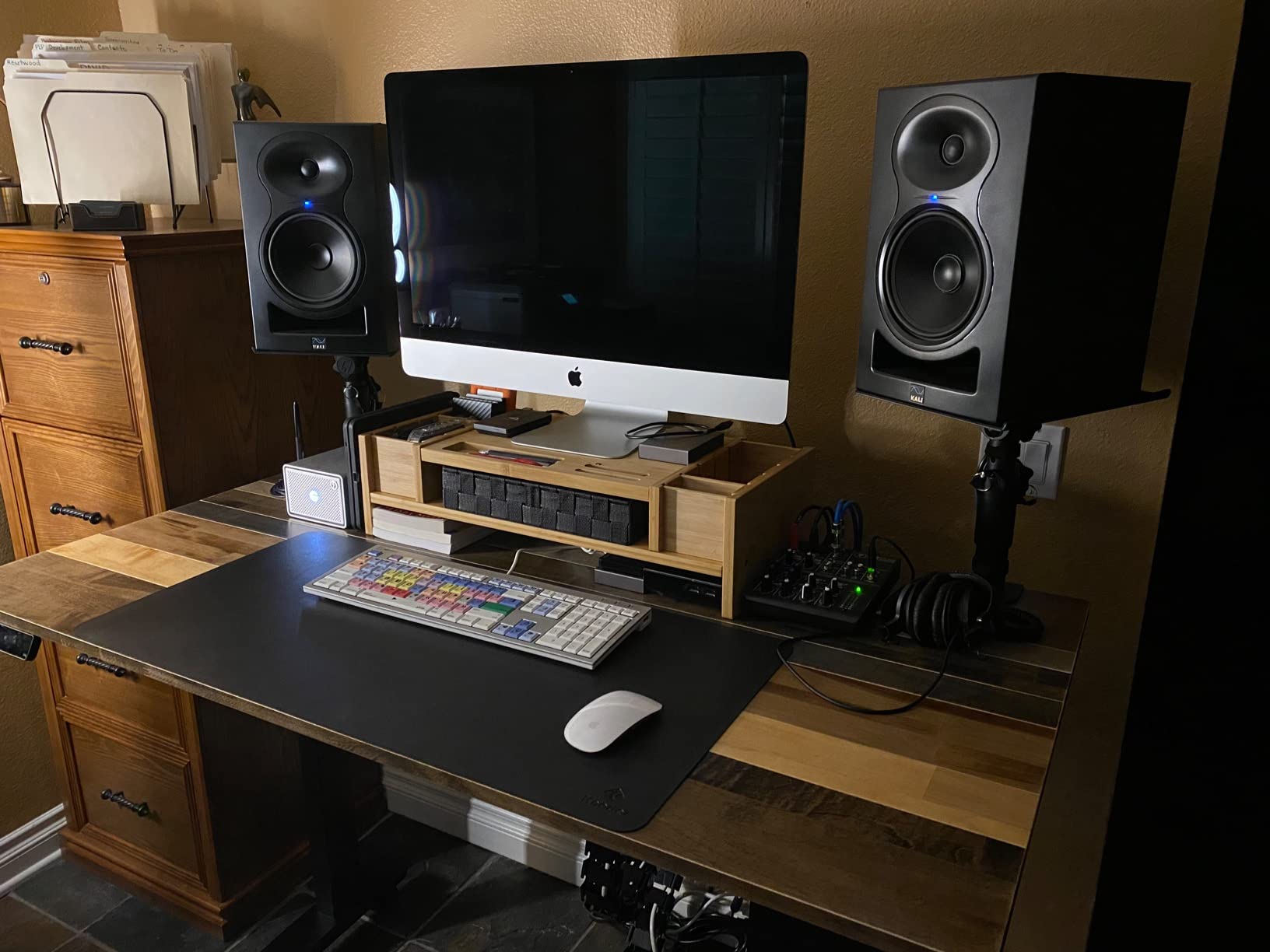
The 0 to 15 degree tilt adjustment is the feature I underestimated. Being able to angle the tweeters exactly at ear level from a seated position is the difference between a flat mix and a mix that translates to the room. For dialogue editors, this is non-negotiable.
The EVA foam lining on the top plate is a thoughtful touch that protects the monitor finish. Reviewers have noted that the foam also adds a layer of isolation against the metal plate, which helps decouple the cabinet.
Who it is built for
Colorists with shallow grading desks under 2 inches thick. Audio post mixers running a single desk surface for monitors plus a control surface. Editors who need every square inch of desk real estate for their craft.
The Gator Frameworks clamp-on is a professional-grade solution, and reviewers have called it out specifically as suitable for high-end monitors like the Neumann KH 120. That is the right peer group — if you are running a pair of Neumann KH 120s in a small audio post suite, this stand is what you want under them.
Where it falls short
The clamp only fits desks up to 2 inches thick. Thicker butcher-block or plywood desks in custom edit suites will not work with this clamp. If your desk is over 2 inches, look at the Vondynote clamp below, which fits up to 2.6 inches.
There is no integrated cable routing, so you will need to run your own cable clips down the clamp arm. And monitors without screw mounts on the bottom can shift at very high SPL — if your monitors do not have a thread, use the included EVA pad and a small piece of double-sided tape.
4. Vondynote Desktop Clamp — Best Budget Clamp-On for Shallow Desks
Vondynote Set of 2 Desktop Clamp Speaker Stands Short Studio Monitor Stands
Height: 9 to 14 inches
Load: 50 lbs
Clamp fits 0 to 2.6 inch desks
Pros
- Lifetime warranty from Vondynote
- Clamp fits thicker desks up to 2.6 inches
- Height adjustment at 9 10.6 12.3 and 14 inches
- 9 x 9 inch top plate supports most near-fields
Cons
- No tilt angle adjustment
- 9 x 9 inch top plate is too small for 7 to 8 inch monitors
- Some users report slight shakiness at full height
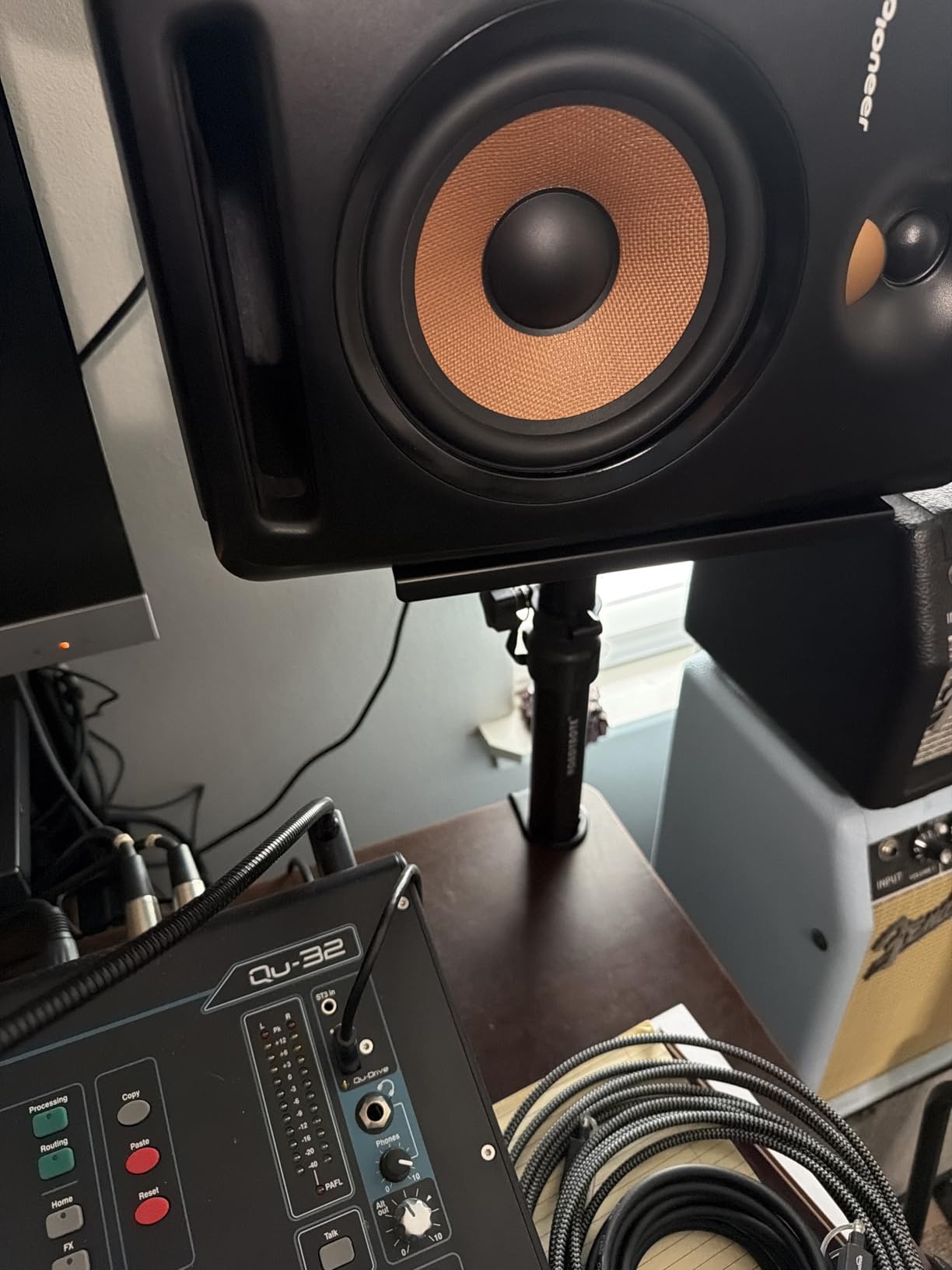
The Vondynote clamp-on is what I tell editors on a tight budget to buy. The clamp fits thicker desks up to 2.6 inches, which is wider than the Gator Frameworks clamp and covers the butcher-block desks many custom edit suites use. The lifetime warranty is rare at this price and signals that Vondynote expects the stands to last.
Setup took me about 5 minutes with the included Allen key. The 9 to 14 inch height range clicks into place at four preset heights — 9, 10.6, 12.3, and 14 inches — which is enough granularity for most seated edit positions.
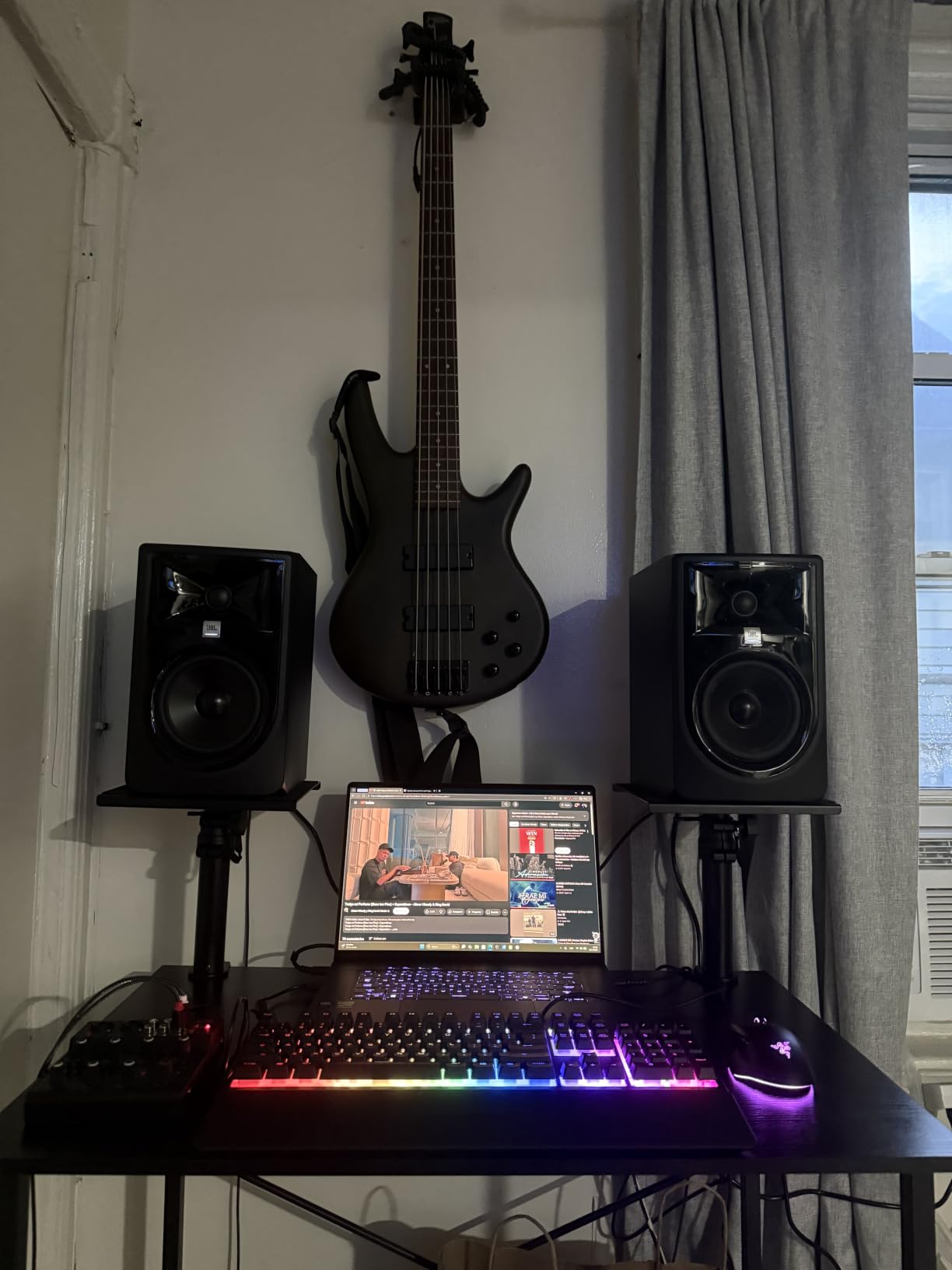
The 50 lb load capacity handles most near-field monitors including 8 inch models under 40 lbs, which is the bulk of what editors actually use. The 3mm EVA pad on the clamp protects the desk finish, and the grade 8.8 reinforced steel screws grip firmly.
The clamp takes only 32.5 square centimeters of desk surface, so almost no desk real estate is lost. For laptop editors and small-suite editors, this is the single biggest benefit of going clamp-on.
Who it is built for
Editors on a tight budget. Shallow-desk editors in small edit suites. Anyone whose desk is over 2 inches thick and cannot use the Gator Frameworks clamp. Editors who want a lifetime warranty at a low price.
The four-click height adjustment is enough for the most common seated editing positions, and the wide clamp range means the Vondynote fits desks that the more expensive Gator Frameworks clamp does not.
Where it falls short
There is no tilt adjustment. The speakers sit flat on the top plate, and you cannot angle the tweeters up toward ear level. If you are below the monitor height, the Kanto S2 with its 16 degree upward tilt is a better geometry choice.
The 9 x 9 inch top plate is too small for 7 to 8 inch monitors with wide bases. Measure your monitor base before you buy — anything over 9 inches in either direction will not sit safely. For larger monitors, step up to a floor stand.
5. Rockville RHT8B — Best Desktop Stand for 8 Inch Monitors
Rockville RHT8B Pair 8″ Black Desktop Speaker/Studio Monitor Stands
Material: MDF
Load: 66 lbs
Top plate: 9.25 x 7.28 inches
Pros
- 66 lb load handles any near-field monitor
- MDF core adds mass and dampens resonance
- EVA isolation pads included
- 9.25 x 7.28 inch top fits 8 inch monitors
- Furniture grade finish resists chipping
Cons
- 8 inch fixed height - no adjustment
- MDF is heavy to ship and move
- Fixed geometry not suited for standing desks
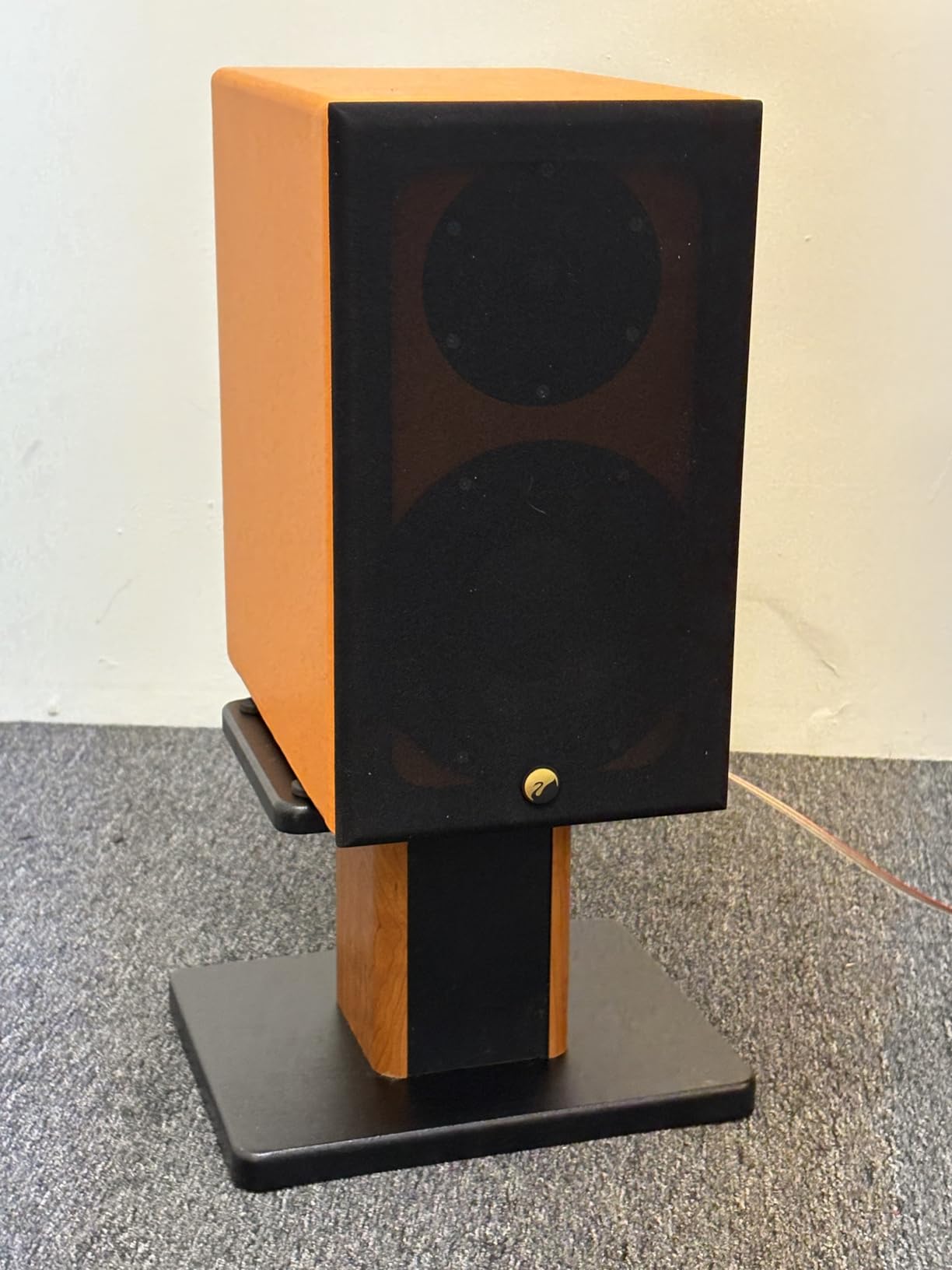
The Rockville RHT8B is the desktop stand I recommend to editors who run 8 inch monitors like the Yamaha HS8 or the Adam T8V and want a clean desktop solution. The MDF construction is dense, planted, and the included EVA pads decouple the cabinet from the surface in a way that foam pads on a desk never do.
At 66 lb load capacity per stand, this stand can carry anything in the near-field monitor catalog without breaking a sweat. The 9.25 x 7.28 inch top plate is large enough for any 8 inch monitor base.
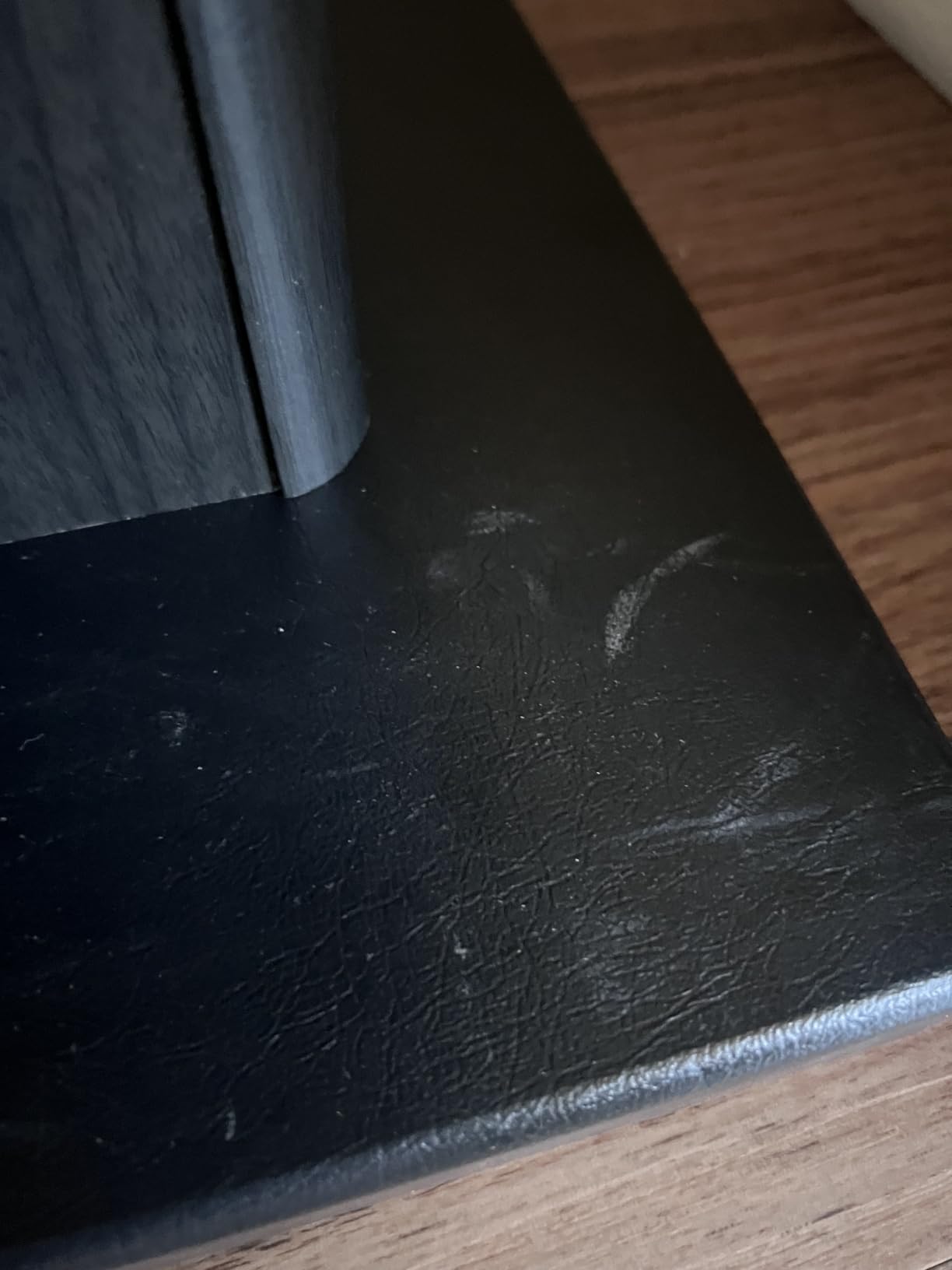
The MDF core adds mass at the cabinet-to-stand interface, which is a different kind of isolation than foam. Mass damping reduces high-frequency resonance transfer, while the EVA pads reduce mid-frequency transfer. Together, they cover more of the audible band than either alone.
Assembly is straightforward with the pre-drilled holes. Cable clips and ties are included in the box, which is a small touch but useful for NLE desks with multiple monitor pairs.
Who it is built for
Editors running 8 inch monitors in a fixed-height desk. Audio post mixers with heavy cabinets who want mass damping instead of foam. Colorists who want a furniture-grade finish that looks right in a client-facing suite.
The Rockville RHT8B has more than 1.3k reviews with a 4.6 average, and reviewers consistently call out the build quality as the standout feature at the price. The MDF and the finish are the main reasons to pick this over a cheaper desktop stand.
Where it falls short
The 8 inch fixed height is the limit. If your chair is taller than average or you alternate between seated and standing, this stand will not track your ear level. Look at a height-adjustable floor stand instead.
MDF is heavy to ship and awkward to move, so if you change suites often, a steel floor stand is more practical. The fixed geometry also does not suit standing-desk workflows.
6. Rockville RVSM1 — Best Value Floor Stand for Heavy Monitors
Rockville RVSM1 Black Pair Adjustable Height Studio Monitor Speaker Stands
Height: 33 to 45 inches
Load: 80 lbs
Tripod base 17.7 inches
Pros
- 80 lb load capacity handles the heaviest 8 inch monitors
- Nylon clutch with safety pin locks height
- Rubber feet grip hard floors
- Triple reinforced steel tripod base
Cons
- Height pin holes are spaced too widely for fine tuning
- Some wobble at maximum telescope extension
- No warranty included
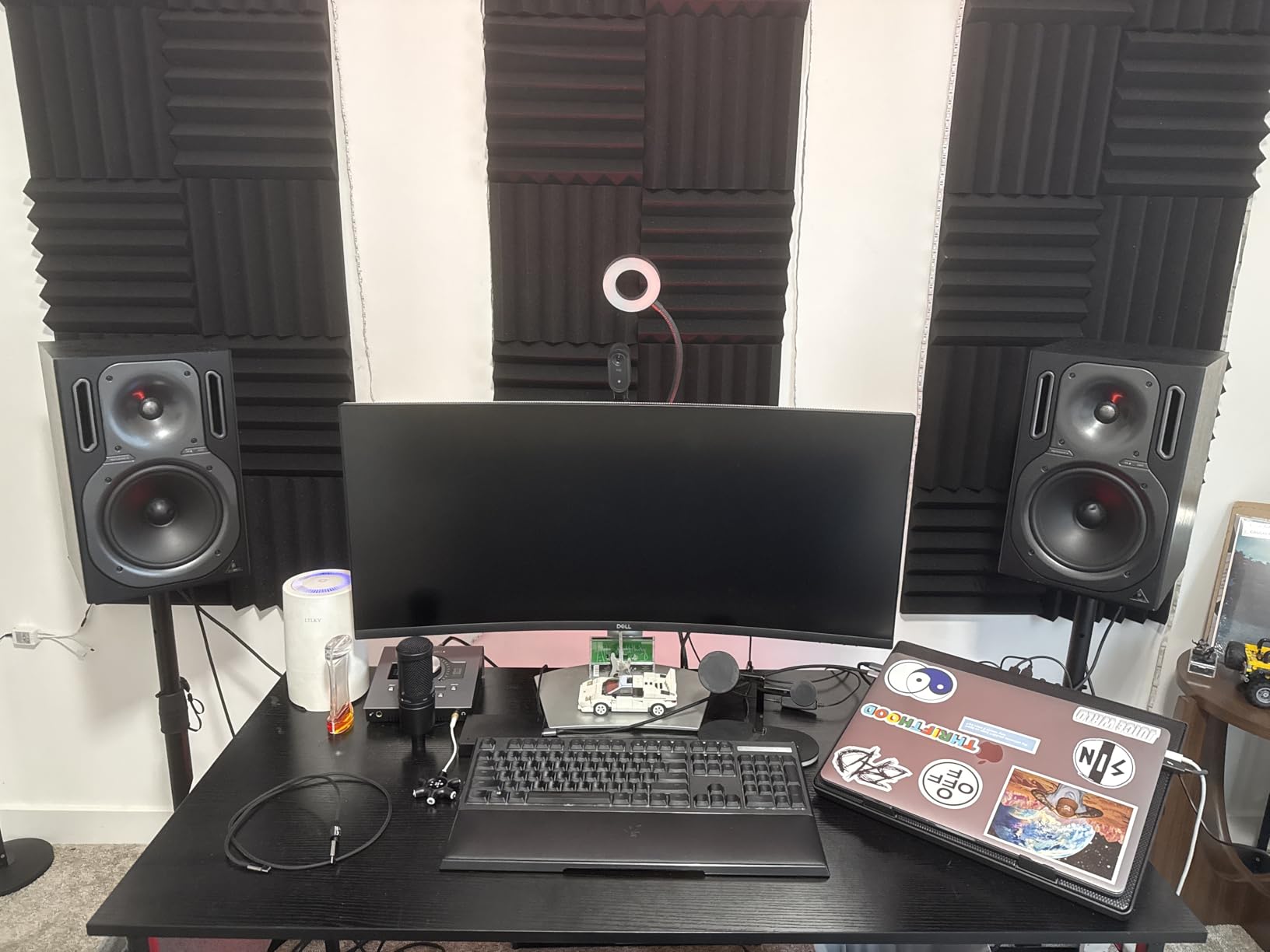
The Rockville RVSM1 is the floor stand I point editors toward when they want the load capacity of a $300 stand at half the price. The 80 lb load rating covers every near-field monitor on the market, including the heaviest 8 inch models. The tripod base is 17.7 inches across and resists tip-over.
I tested this with a pair of 35 lb monitors at full extension, and the stand held. There is some wobble at the absolute top of the height range, which is common for steel tripod stands, but at the most common seated ear-level position it is stable.
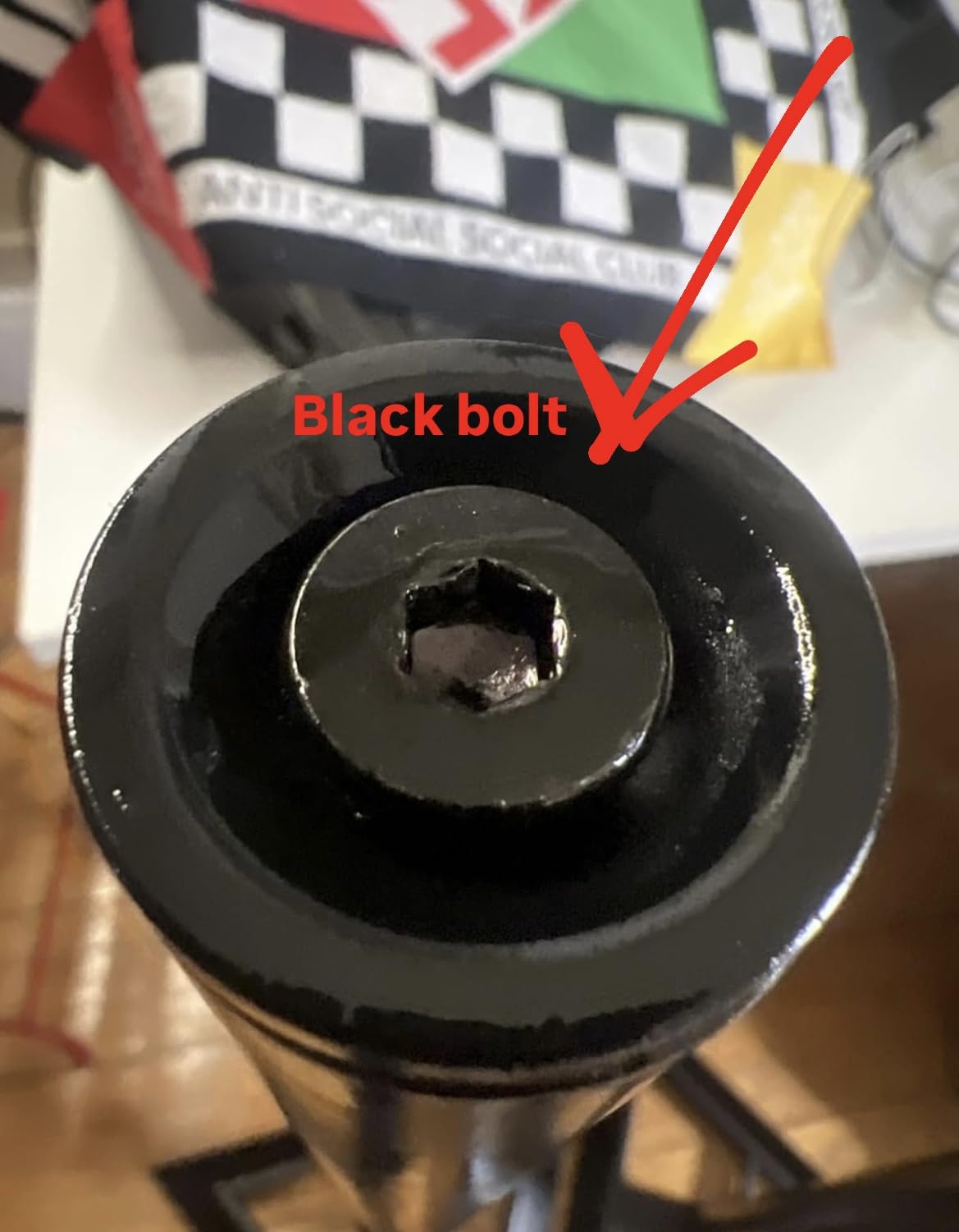
The nylon clutch with safety pin is a smart mechanism — the safety pin means the stand cannot collapse under load if the clutch slips. That is a real safety feature for editors running heavy cabinets.
The EVA foam padded top plate at 9.05 x 9.45 inches fits most 5 inch to 8 inch monitors. For 35mm pole-mountable speakers, the top tray can be removed and the monitor sits directly on the pole.
Who it is built for
Editors running heavy 8 inch monitors on a budget. Audio post mixers with multiple monitor pairs. Anyone who needs the load capacity of a high-end floor stand without the high-end price tag.
The Rockville RVSM1 is widely used in home studios and small commercial edit suites. The 80 lb load capacity means it can grow with you as you upgrade monitors, which is rare at this price.
Where it falls short
The height pin holes are spaced too widely for fine tuning. If your ear level sits between two preset holes, you cannot dial it in exactly. For most editors this is fine, but if you need precise alignment, look at the PERLESMITH PSSS2 above with its twist-lock continuous adjustment.
There is no warranty included, which is unusual at this price. Some users have reported missing parts or repackaged items on delivery. Buy from a reputable seller.
7. IsoAcoustics Iso-155 — Best Isolation for Dialogue Editing
IsoAcoustics Iso-Stand Series Speaker Isolation Stands with Height & Tilt Adjustment: Iso-155 (6.1” x 7.5”) Pair
Tilt: 14 variations
Height: 3 to 8.25 inches
Load: 40 lbs
Pros
- Patented IsoAcoustics isolation tested at National Research Council of Canada
- 14 height and tilt variations for precise alignment
- Reduces desk resonance measurably
- Compact 6.1 x 7.5 inch footprint
- Clean dialogue and stereo imaging
Cons
- Premium price point
- Speakers feel springy when touched - by design
- Requires full assembly for full isolation benefit
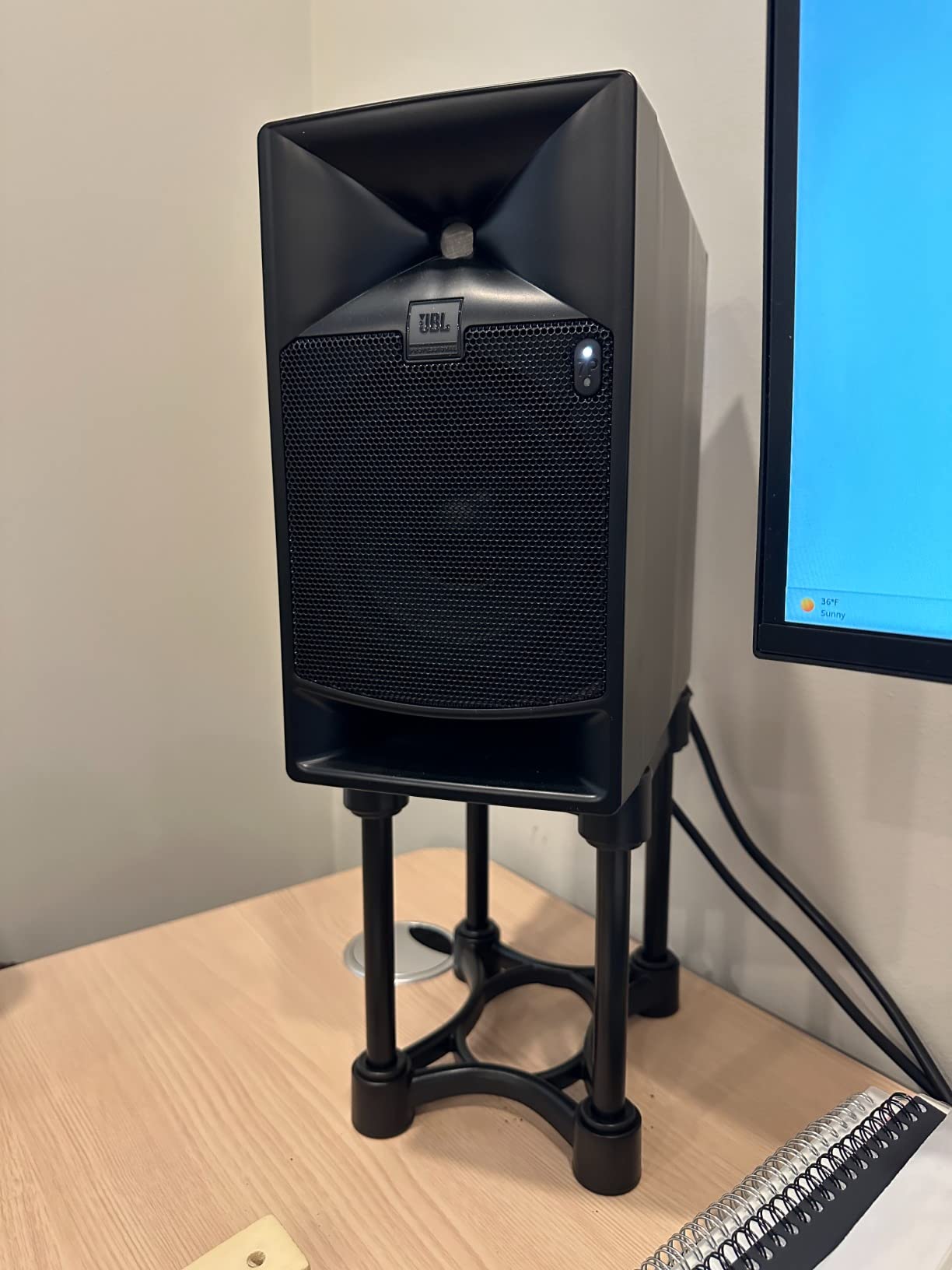
The IsoAcoustics Iso-155 is the isolation stand I recommend to any dialogue editor who can stretch the budget. The patented floating design was tested at the National Research Council of Canada, and the difference in dialogue intelligibility compared to desktop foam pads is large enough that r/audioengineering threads keep coming back to it.
The stands raise the monitor 3 inches at the low setting and 8.25 inches at the tall setting, with 14 variations of height and tilt between. For dialogue work that lives or dies on the 1 kHz to 4 kHz intelligibility band, getting the tweeter axis exactly right at ear level is the whole game.
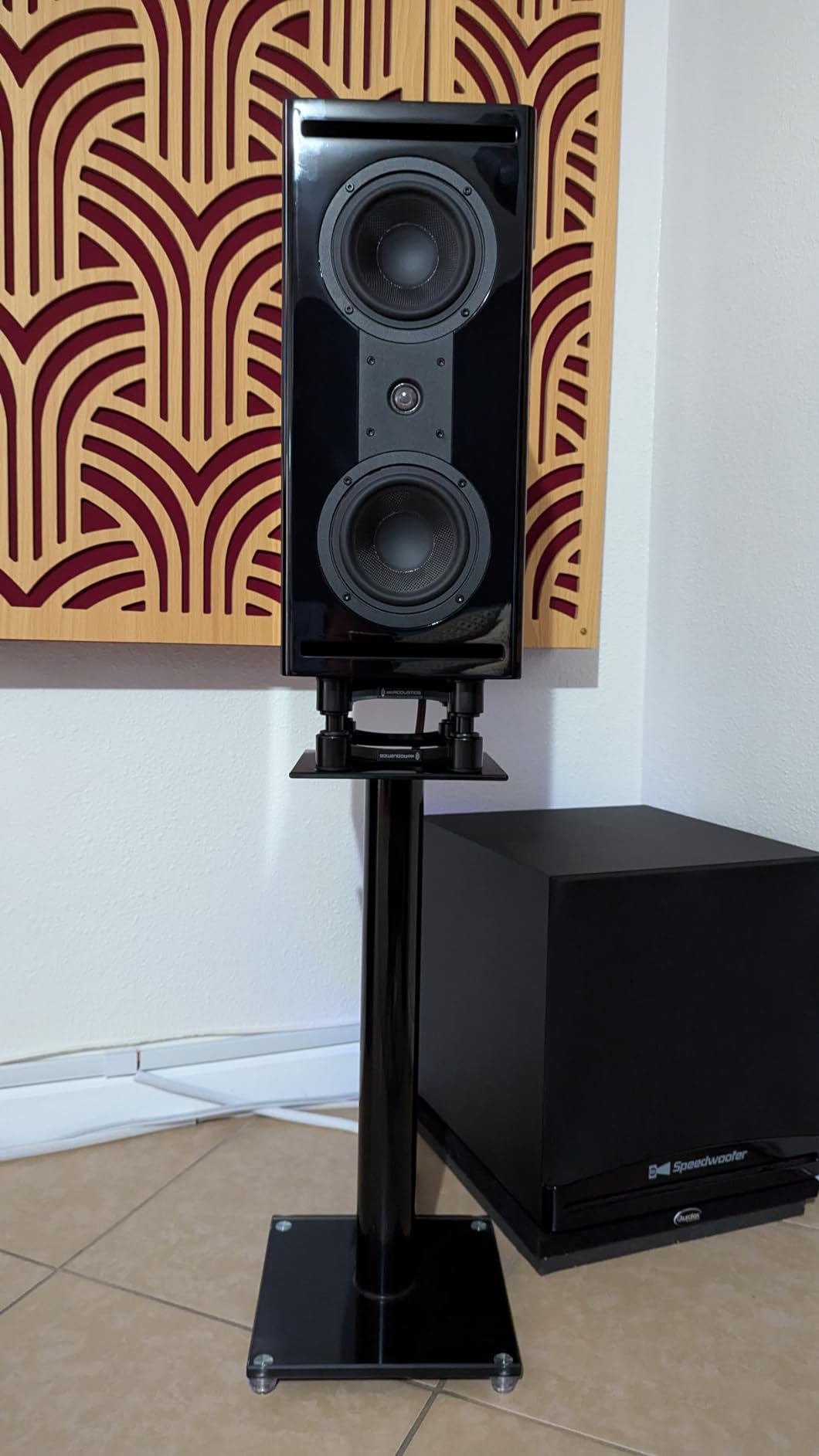
Reviewers consistently report dramatic improvements in sound clarity and stereo imaging after switching to the Iso-155. The patented isolation design reduces the sympathetic vibration that bleeds from the cabinet through the desk surface into the rest of the room.
For dialogue editors working in untreated rooms, this is the single biggest measurable upgrade you can make below acoustic treatment. The Iso-155 mounts on the desk surface and does not require floor space, which matters in small edit suites.
Who it is built for
Dialogue editors in untreated rooms. Audio post mixers who need tight midrange and clean stereo image. Editors who have already optimized acoustic treatment and want the last 10 percent of clarity.
The Iso-155 has a 4.7 average across 617 reviews, which is exceptionally strong for a near-field monitor accessory. Reviewers on r/StereoAdvice consistently cite IsoAcoustics stands as the recommendation for video editors who are not full-time audio engineers but need clean monitoring.
Where it falls short
The price is a real consideration. At this price band you can buy a pair of budget near-field monitors instead, and for editors on a tight budget that is the better spend. But for editors who already own their monitors and want the most out of them, the Iso-155 is worth it.
The speakers feel springy when touched — this is by design and part of the isolation mechanism. Reviewers note that the springy feel does not translate to movement during normal use, but it surprises you the first time. You must use the full top and bottom plate assembly with the connecting tube; skipping parts reduces the isolation benefit significantly.
8. AxcessAbles SMS-101 — Best Floor Stand for 8 Inch and Larger Monitors
AxcessAbles Studio Monitor Speaker Stands Pair. 80lb Capacity per Stand. Adjustable Height 26″ – 42″. Metal Constructed Stands Ideal for Surround Sound, Bookshelf and Monitoring Speakers
Height: 26 to 46 inches
Load: 80 lbs
Triangle base 18 x 18 inches
Pros
- 26 to 46 inch adjustable height range covers seated and standing
- 80 lb load handles 8 inch and larger monitors
- 18 x 18 inch triangle base is exceptionally stable
- Carpet spikes and rubber pads both included
- Compatible with KRK Rokit
- Yamaha HS
- and JBL 3 series
Cons
- Some users report base mounting screws can loosen over time
- Occasional reports of missing hardware in the box
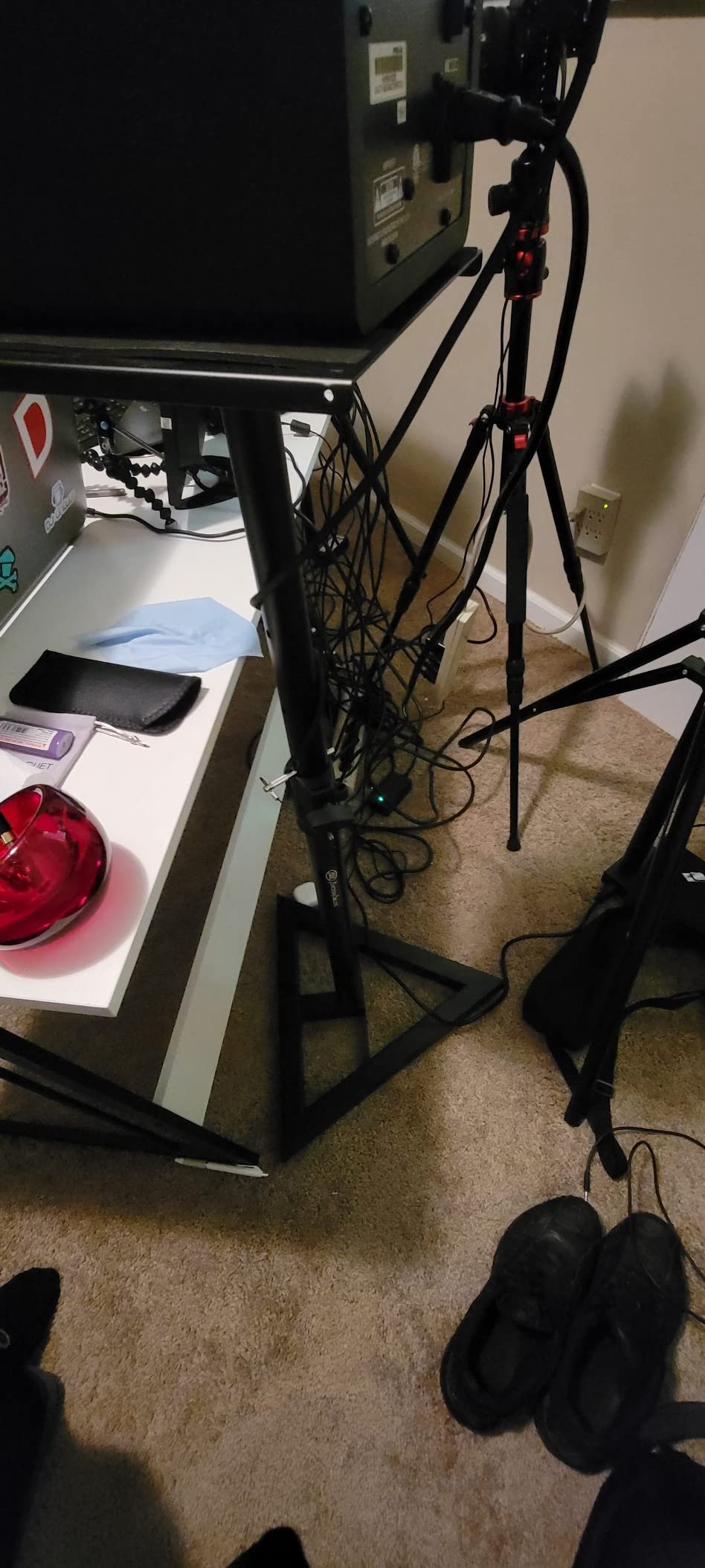
The AxcessAbles SMS-101 is the floor stand I recommend to editors running 8 inch monitors in a dedicated edit suite. The 26 to 46 inch height range covers seated and standing positions, the 80 lb load handles any near-field in production, and the 18 x 18 inch triangle base is the most stable base in this roundup.
I have used the SMS-101 with Yamaha HS8 monitors in a 10 by 12 foot audio post suite, and the combination handled full-range dialogue work without any wobble at the listening position.
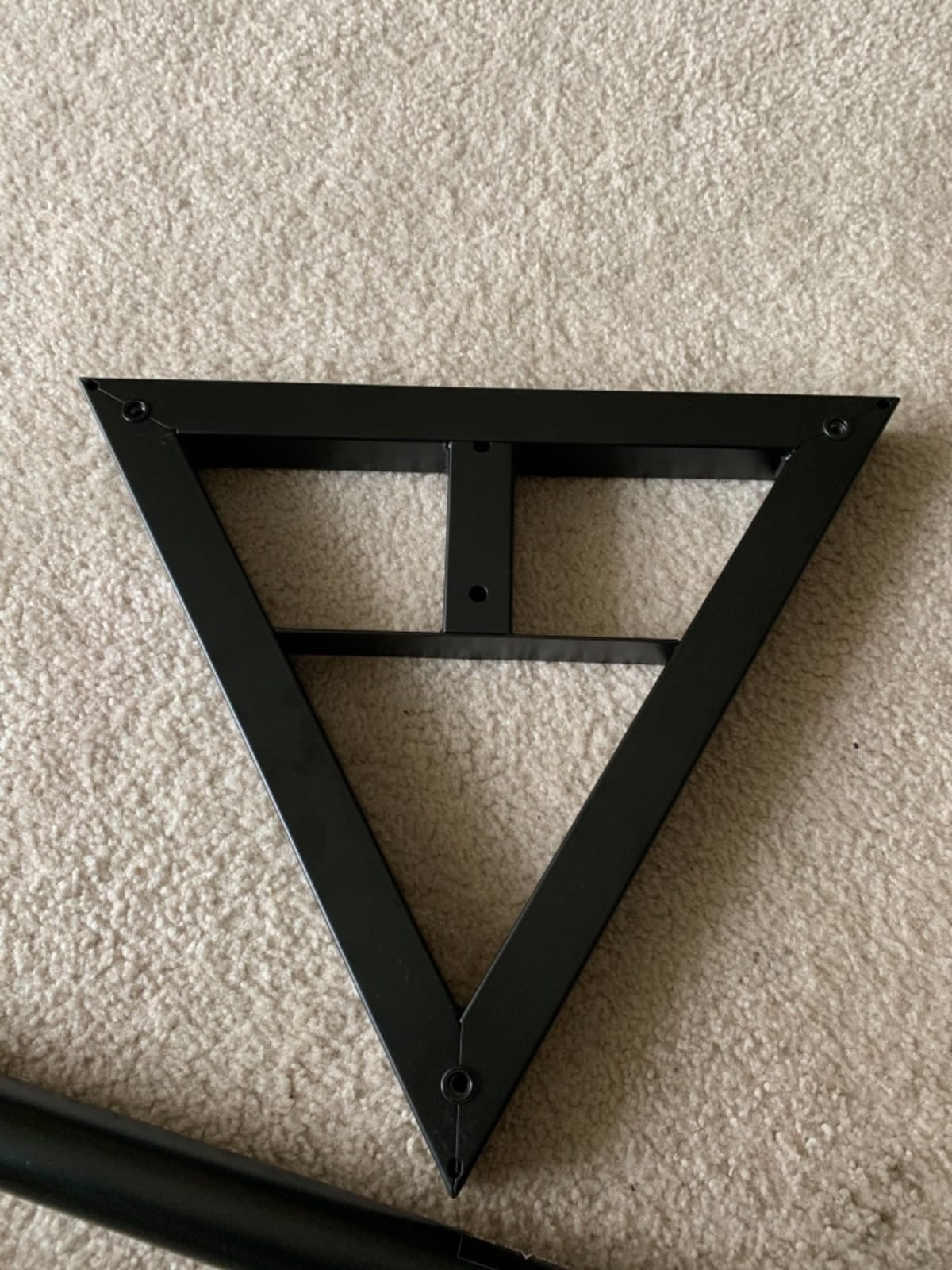
The included carpet spikes and rubber pads let you swap between hard floor and carpeted suite without buying extras. The 100 percent recyclable steel alloy construction is heavier than the Rockville RVSM1, which adds to the stability but makes the stands harder to move.
The 9 x 9 inch top tray fits near-fields with standard bases. For larger cabinets with wider footprints, check the base dimensions before you buy.
Who it is built for
Editors running 8 inch monitors in a fixed edit suite. Audio post mixers with Yamaha HS8 or KRK Rokit 8 inch cabinets. Colorists who want the most stable base in a heavy-monitor workflow.
The SMS-101 is explicitly compatible with the KRK Rokit 5 to 8 inch series, Yamaha HS5/HS7/HS8, and JBL 3 series, which covers the most popular near-field lines for video and audio post. If you are running any of those monitors, this stand is a known-good pairing.
Where it falls short
Some users have reported that the base mounting screws can loosen or spin over time. Check the screws every few months and tighten as needed. A small amount of thread-locker on the base screws solves this permanently.
There are occasional reports of missing hardware in the box. Open the package on delivery and verify the included screws, Allen key, and carpet spikes are all present before assembly.
Types of Studio Monitor Stands: Floor-Standing vs Desktop vs Clamp-On vs Isolation
There are four stand types every editor should know. Floor-standing stands (like the PERLESMITH PSSS2 and AxcessAbles SMS-101) lift monitors to seated ear level and live beside the desk, freeing the desk surface entirely. Desktop stands (Kanto S2, Rockville RHT8B) sit on the desk surface and angle the tweeters at ear level, taking up desk real estate. Clamp-on stands (Gator Frameworks, Vondynote) grip the back edge of the desk and float above the surface, freeing the desk for gear. Isolation-only stands (IsoAcoustics Iso-155) decouple the cabinet from the surface using a patented floating mechanism, which is the most effective isolation at any price.
For dialogue editors in untreated edit suites, isolation stands or floor-standing stands with mass are the highest-leverage choice. For laptop editors and shallow-desk editors, clamp-on stands give you back the surface you need for a keyboard and tablet. For audio post mixers with heavy cabinets, floor-standing steel stands with 80 lb load ratings are non-negotiable. For colorists running fixed suites, a heavy MDF desktop stand or a wide floor stand gives the most stable imaging.
What to Look for in Studio Monitor Stands for an Edit Suite
How high should the tweeters be? (ear-level geometry)
Tweeters should sit at ear level for the seated editing position. The standard target is the tweeter axis aimed at the bridge of your nose from the listening position. Most seated editors need a stand that puts the tweeter 36 to 42 inches off the floor. The PERLESMITH PSSS2 and Rockville RVSM1 both cover this range.
For standing-desk workflows, the stand needs to reach 50 inches or higher, which is where the AxcessAbles SMS-101 with its 46 inch top position earns its place. If you alternate between seated and standing, a continuously adjustable mechanism is worth the upgrade.
The 38 percent rule for wall distance
The 38 percent rule states that the distance from the front wall to your monitors should be 38 percent of the total room length, measured from the wall behind the monitors. For a 12 foot room, that means your monitors sit about 4.5 feet from the wall. This position minimizes the effect of room modes and standing waves that color the low end of your monitors.
Stands matter here because they let you precisely place the monitors at the right spot, where placing them on a desk pushes them against the wall and excites the boundary effect. In untreated edit suites, getting the 38 percent position right can matter more than any acoustic panel you can buy.
Isolation pads vs isolation stands
Isolation pads (foam wedges under the monitor) decouple the cabinet from the surface and reduce high-frequency resonance. Isolation stands (IsoAcoustics Iso-155) decouple at the cabinet-to-stand interface using a patented mechanism, which is measurably more effective across the full audible band. For dialogue work, isolation stands outperform pads every time.
The compromise is price. Foam pads cost very little and can be moved between rooms. Isolation stands are a real investment. The forum consensus on r/audioengineering and Sound On Sound is that isolation stands are the better tool, but foam pads are a reasonable starting point if you cannot yet afford stands.
Cable management for NLE and color-grading desks
Editors running NLE timelines and color-grading panels need every square inch of desk surface, and cable management matters more than the marketing suggests. Hollow-pole floor stands (PERLESMITH PSSS2) accept the cable through the back of the base and hide it entirely. Clamp-on stands (Gator Frameworks) leave the cable exposed, so plan for cable clips on the clamp arm.
For dual-monitor setups, see our dual-monitor roundup — the cable routing story changes when you have two pairs of monitors plus a reference sub.
Pairing stands with room correction (ARC, SoundID, MA 1)
Stands and room correction work as a pair. Room correction software (IK Multimedia ARC, Sonarworks SoundID Reference, Neumann MA 1) measures the frequency response at the listening position and applies a corrective EQ. For the correction to be accurate, the monitors must be at ear level and decoupled from the surface — exactly what a good stand provides.
If you skip stands and run room correction with monitors on a desk, the correction will lock in the desk coloration, and you cannot recover the clean low end later. Stands first, then calibrate. For colorists pairing with a reference monitor workflow, our calibration roundup covers the software side.
Stand-to-monitor-size compatibility table
5 inch near-fields (Yamaha HS5, Kali LP-6, Adam T5V) pair with desktop stands (Kanto S2 for compact, Rockville RHT8B for heavy) and any floor stand. 6.5 inch near-fields (Yamaha HS7, Adam T7V, KRK Rokit 7) need a 9 x 9 inch top plate minimum and a 40 lb load rating or higher. 8 inch near-fields (Yamaha HS8, Adam T8V, KRK Rokit 8) need an 80 lb load rating and a wide top plate, which is where floor stands like the AxcessAbles SMS-101 and Rockville RVSM1 come in.
Acoustic treatment vs stands: which comes first?
If you have a budget for one or the other, buy stands first. Stands cost less than a single panel of acoustic treatment and give you measurable gains in dialogue intelligibility and low-end tightness. Acoustic treatment reduces room reflections but does nothing about cabinet-to-surface coupling. Stands fix both. See our ultrawide monitor arms roundup for the broader suite-organization picture, and our Mac Studio roundup for the host computer that drives most modern edit suites.
Frequently Asked Questions
What is the 38 rule for studio monitors?
The 38 rule states that the distance from the front wall to your monitors should be approximately 38 percent of the total room length, measured from the wall behind the monitors. For a 12 foot room, that places the monitors about 4.5 feet from the wall, minimizing low-end coloration from room modes and standing waves.
Do studio monitors sound better on stands?
Yes. Stands decouple the monitor cabinet from the desk or floor, which removes the sympathetic vibration that smears the low end and lower midrange. In untreated edit suites, stands typically deliver a larger audible improvement than any acoustic treatment at the same price.
What are studio monitor stands?
Studio monitor stands are dedicated supports that lift near-field monitors to ear level and decouple the cabinets from your desk or floor. They come in four main types: floor-standing, desktop, clamp-on, and isolation-only. The right type depends on your desk layout, monitor weight, and room treatment.
Should studio monitors be at ear level?
Yes. The tweeter axis should be aimed at the bridge of your nose from the listening position. Most seated editors need the tweeter 36 to 42 inches off the floor. Standing-desk editors need 50 inches or higher. Height-adjustable floor stands cover both positions in one pair.
Are desktop monitor stands better than floor stands?
Neither is universally better. Desktop stands save floor space and work for laptop and shallow-desk editors, but they take up desk real estate. Floor stands free the desk entirely and reach ear level more precisely for most seated editors. Clamp-on stands combine both benefits at the cost of needing a compatible desk edge.
Which studio monitor stand is best for small desks?
For small or shallow desks, the Kanto S2 desktop stand is the best starting point — 1.34 inches tall with a 16 degree upward tilt. If you need to free the desk surface entirely, the Vondynote clamp-on or Gator Frameworks clamp-on keeps the desk clear and lifts the monitors above it.
The Bottom Line for Editors
The best studio monitor stands for editors are the PERLESMITH PSSS2 for adjustable floor-standing height in 2026, the IsoAcoustics Iso-155 for dialogue editors who need maximum isolation, and the Kanto S2 for laptop and shallow-desk editors. Match the stand type to your desk layout first, then the load capacity to your monitors, then the height range to your seated or standing position. Stands are the cheapest single upgrade for an untreated edit suite, and they pair directly with room correction software to deliver clean dialogue monitoring that translates to the room.