
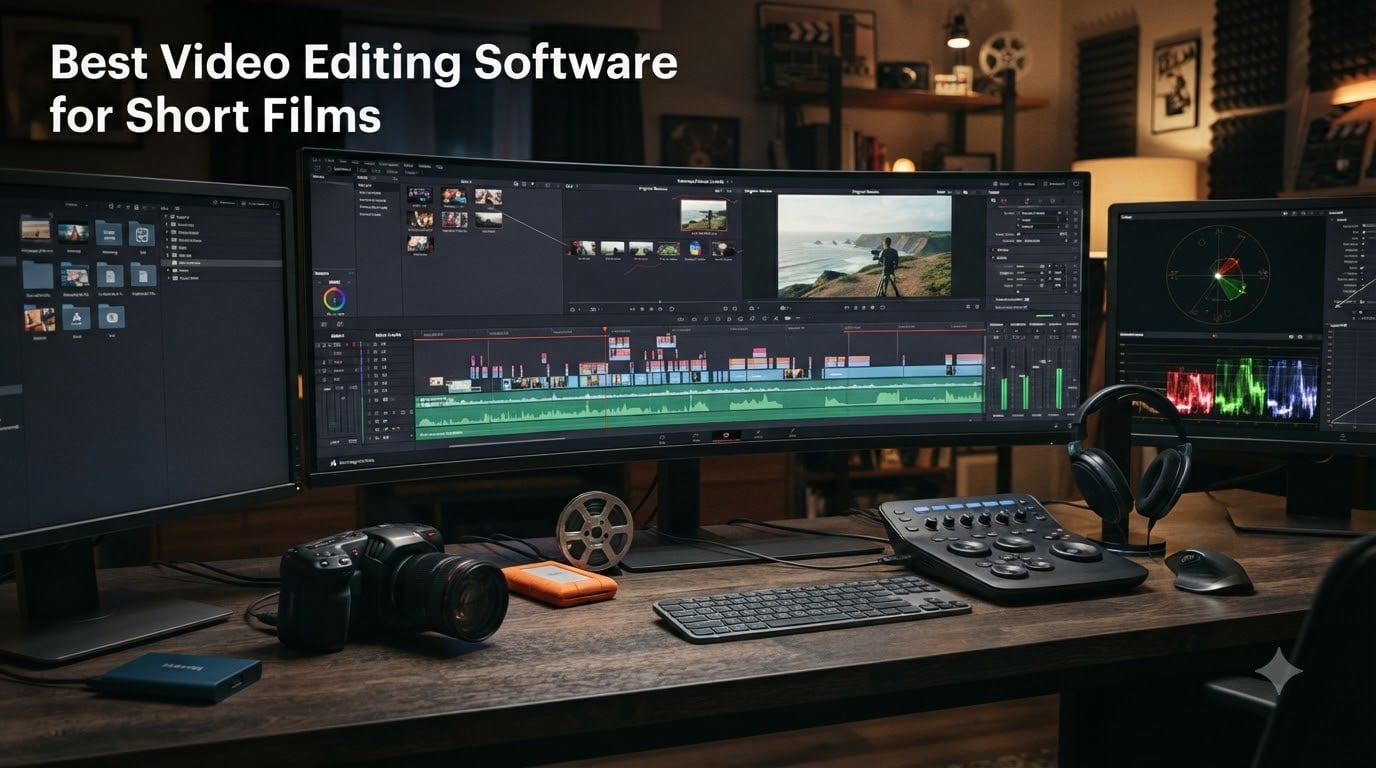
Editing a short film is where the actual storytelling happens. You can shoot the most beautiful footage in the world, but if your editing software chokes on 4K timelines or lacks proper color grading tools, that vision never reaches the screen. After spending months testing 8 of the most popular video editing tools on the market, our team put together this guide to help indie filmmakers, students, and content creators find the best video editing software for short films.
The challenge is that “short film” means different things to different people. A 3-minute narrative piece shot on a RED Komodo has wildly different requirements than a 60-second social media short edited on a laptop. We tested each piece of software against real short film workflows, from importing RAW camera footage to color grading, audio mixing, and final export.
What we found surprised us. Some of the big-name tools that dominate professional post-production have real issues for solo editors on a budget. Meanwhile, a few lesser-known options punched well above their weight class. Whether you need industry-standard workflow compatibility, AI-powered tools that save hours of manual work, or a one-time purchase that does not lock you into a subscription, there is something here for every short film project.
Table of Contents
- Top 3 Picks for Short Film Editing for October 2026
- Best Video Editing Software for Short Films in October 2026
- 1. Adobe Premiere Pro – The Industry Standard for Professional Short Films
- 2. VEGAS Pro 18 Edit – Professional Power with a One-Time License
- 3. CyberLink PowerDirector 2026 – AI-Powered Editing for Content Creators
- 4. Adobe Premiere Elements 2026 – Beginner-Friendly Editing with Guided Edits
- 5. Pinnacle Studio 26 Ultimate – Pro-Level Features at a Reasonable Price
- 6. Corel VideoStudio Ultimate 2023 – Budget-Friendly with Premium Effects
- 7. Movavi Video Editor 2026 – Simple and Fast for Quick Edits
- 8. Nero Video 2026 – Feature-Rich Editor with a Lifetime License
- How to Choose Video Editing Software for Short Films?
- Frequently Asked Questions
- Conclusion
Top 3 Picks for Short Film Editing for October 2026


Corel VideoStudio Ultimate…
- AV1 and 8K support
- Premium NewBlueFX effects
- Royalty-free music library
Best Video Editing Software for Short Films in October 2026
| Product | Specs | Action |
|---|---|---|
| Adobe Premiere Pro 12-Month |
|
Check Latest Price |
 VEGAS Pro 18 Edit VEGAS Pro 18 Edit |
|
Check Latest Price |
| CyberLink PowerDirector 2026 |
|
Check Latest Price |
 Adobe Premiere Elements 2026 Adobe Premiere Elements 2026 |
|
Check Latest Price |
 Pinnacle Studio 26 Ultimate Pinnacle Studio 26 Ultimate |
|
Check Latest Price |
| Corel VideoStudio Ultimate 2023 |
|
Check Latest Price |
 Movavi Video Editor 2026 Movavi Video Editor 2026 |
|
Check Latest Price |
 Nero Video 2026 Nero Video 2026 |
|
Check Latest Price |
1. Adobe Premiere Pro – The Industry Standard for Professional Short Films
Adobe Premiere | Video Editing and Production Software | 12-Month Subscription with Auto-Renewal, PC/Mac
12-Month Subscription
PC and Mac
8K to VR format support
Hollywood-grade editing suite
Pros
- Industry-standard software used by Hollywood filmmakers
- Easy to install and user friendly
- Good for beginners and professionals
- Supports any modern format from 8K to VR
Cons
- Subscription model with auto-renewal
- Some users report bugs in recent version
- Activation issues reported by some users
Adobe Premiere Pro is the software most professional editors reach for when they need guaranteed compatibility and an industry-standard workflow. Our team has used Premiere Pro on multiple short film projects, and the reason it earns our Editor’s Choice is simple: it is the tool that film festival submission platforms, colorists, and sound designers expect you to be working in.
The format support is where Premiere Pro really shines for short film work. We threw 8K RAW footage, ProRes files, and mixed-frame-rate clips at it without a single import failure. If you are shooting on a RED, Sony, or Canon cinema camera, Premiere handles the codecs natively without needing to transcode first.
The color grading tools built into Premiere have gotten significantly better over the years. The Lumetri Color panel gives you professional-grade wheels, curves, and scopes right inside the application. For a short film where you need to match shots across different lighting conditions, this saves you from round-tripping to a separate grading tool.
That said, the subscription model is the elephant in the room. At over $260 per year, it adds up fast for an indie filmmaker who might only produce two or three short films in a year. Some users have also reported bugs in the 2026 version and occasional activation headaches. If you need the absolute best format compatibility and professional workflow integration though, Premiere Pro remains the gold standard.
System Requirements and Performance
Premiere Pro runs on both Windows and macOS, which is a huge plus for mixed-platform editing teams. You will want a machine with at least 16GB of RAM and a dedicated GPU for smooth 4K playback. The proxy workflow built into Premiere lets you edit on lower-end hardware by creating lightweight proxy files, then swapping back to full resolution for export.
Integration with Adobe Creative Cloud
The biggest advantage for short film editors is the seamless integration with After Effects for motion graphics and Audition for audio post-production. If your short film needs title animations or professional sound design, the dynamic link between these applications saves hours of rendering and reimporting.
2. VEGAS Pro 18 Edit – Professional Power with a One-Time License
VEGAS Pro 18 Edit – Professional video editing [PC Download]
Professional PC video editor
AI-driven tools
HDR support
Planar motion tracking
Pros
- Fast and powerful performance
- One-time purchase with lifetime license
- Excellent color grading and HDR support
- Good updates over time
Cons
- Limited review count available
- Some users suggest waiting for updates before purchasing
- PC only with no Mac version
VEGAS Pro 18 Edit is the software we recommend for editors who want professional-grade tools without committing to a never-ending subscription. Our team was genuinely impressed by how fast this application handles complex timelines, especially when compared to the lag you sometimes get with competitor software on similar hardware.
The AI-driven tools are a standout for short film post-production. Style transfer lets you apply the visual characteristics of famous paintings or film stocks to your footage, which can give a short film a distinctive look. The AI colorization tool is handy if you are working with archival footage or experimenting with creative color treatments.
VEGAS Pro truly excels at color grading and HDR support. For short films destined for festival projection or streaming platforms that support HDR, the sophisticated grading options give you the control you need to achieve a cinematic look. The planar motion tracking feature is also excellent for adding graphics or effects that follow objects through a scene.
The one-time purchase model is a breath of fresh air. You pay once and own the software outright, with no monthly fees. The main drawback is that VEGAS Pro is PC-only, so Mac-based editors are out of luck. The limited number of user reviews also makes it harder to gauge long-term reliability, though what reviews exist are overwhelmingly positive with a 4.5-star average.
Hardware Acceleration and Render Speeds
VEGAS Pro is known for its industry-leading hardware acceleration, which translates to significantly faster render times. For a short film project with heavy effects and color grading, this can save you hours of waiting during final export. It takes full advantage of modern GPUs to keep the timeline responsive even with multiple layers of effects applied.
Audio Post-Production Workflow
Short films live and die by their sound design, and VEGAS Pro includes surprisingly capable audio tools. You get multi-track audio mixing, noise reduction, and effects processing without needing to round-trip to a separate audio editor. This keeps your entire post-production workflow inside a single application.
3. CyberLink PowerDirector 2026 – AI-Powered Editing for Content Creators
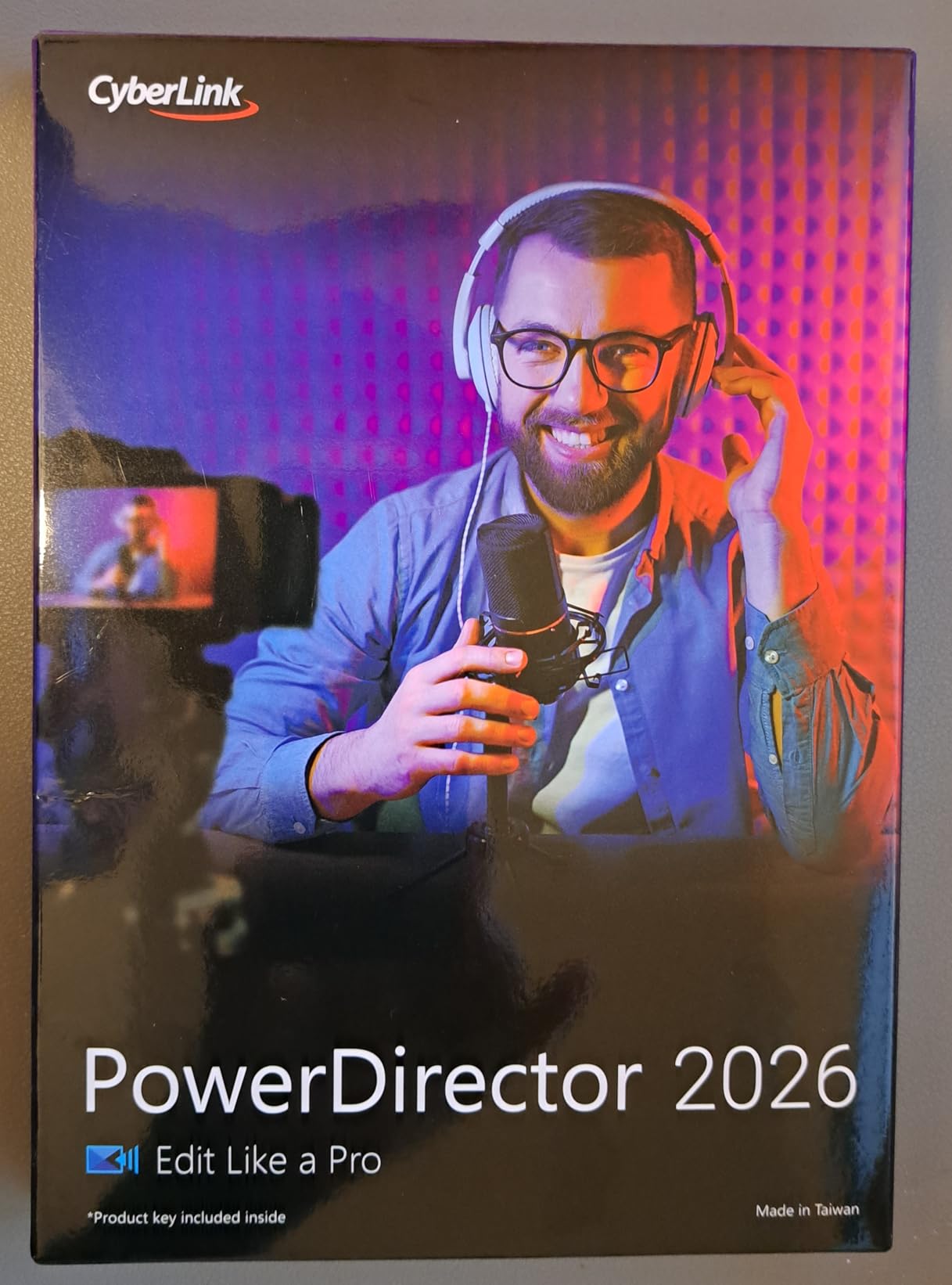
CyberLink PowerDirector 2026 | Video Editing Software for Windows | AI Video Editor, Screen Recorder, Slideshow Maker, Effects & Transitions | YouTube & Content Creation | Box with Download Code
AI Video Editor for Windows
Screen Recorder
AI Object Mask
Speech to Text
Pros
- Easy to use interface
- Good AI features including object mask and denoise
- No monthly subscription required
- Fast rendering times
- Great for YouTube and content creation
Cons
- Subscription-based PW365 license confusion
- Some upgrade prompts
- No Mac support
CyberLink PowerDirector 2026 hits a sweet spot between power and accessibility that makes it our Best Value pick. Our team found that it offers the most AI-driven features per dollar of any editor on this list, and the interface is approachable enough that you can start cutting footage on day one without a steep learning curve.
The AI Object Mask tool is genuinely useful for short film editing. It auto-detects and masks any object in your frame, which means you can apply effects to specific subjects without spending hours on manual rotoscoping. For dialogue-heavy short films, the Speech to Text feature generates accurate auto-captions that save time on accessibility and subtitle work.
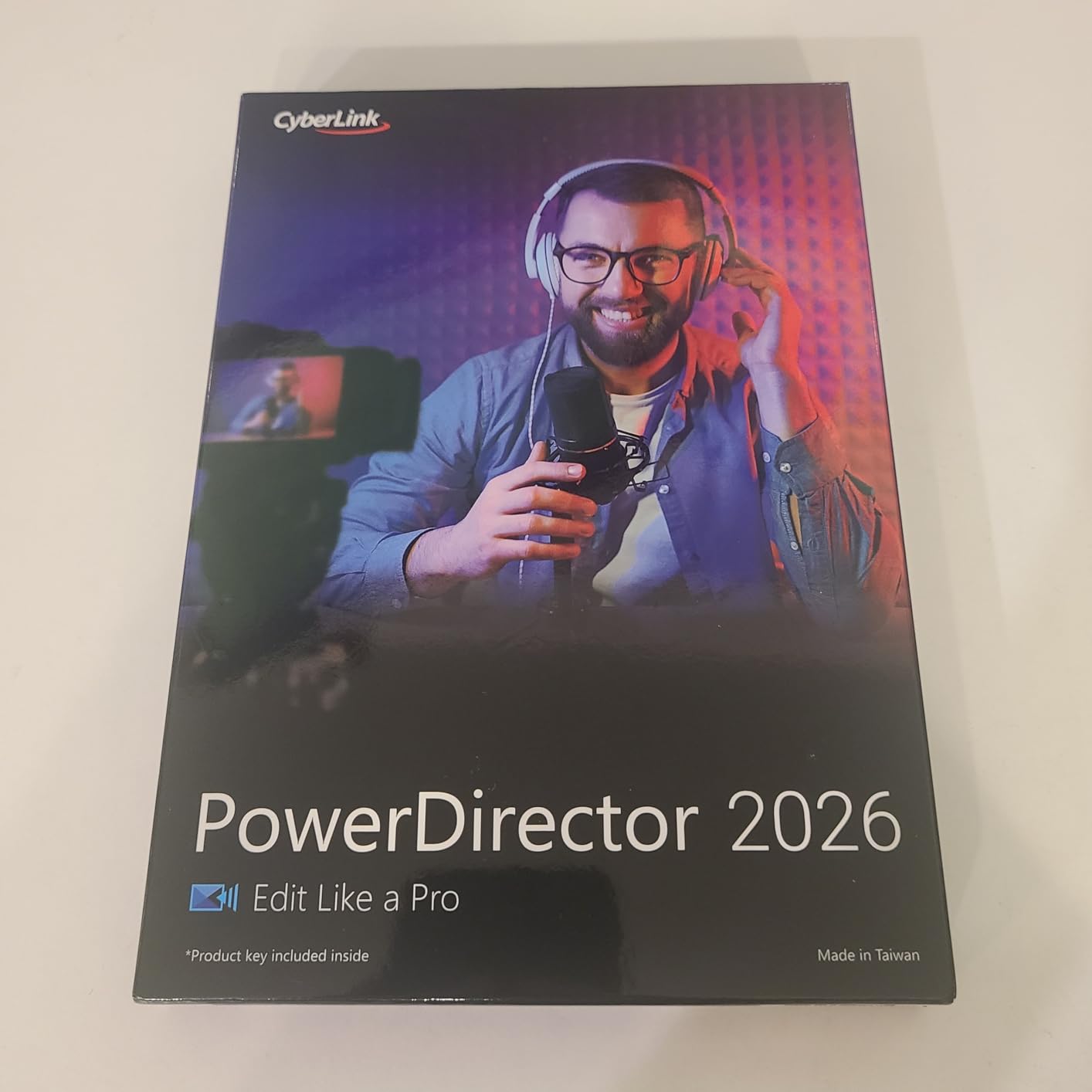
The AI Audio Denoise is another feature that indie filmmakers will appreciate. Shot your dialogue scene next to a noisy street? PowerDirector can auto-detect and remove unwanted background noise without requiring a separate audio restoration tool. The AI Background Remover works similarly, letting you swap out backgrounds without a green screen setup.
Rendering times are where PowerDirector really earns its keep. The frame interpolation feature uses AI to generate frames for smoother footage, which is great if you shot at 24fps but need to conform to a different frame rate. The enhanced screen recording with simultaneous webcam capture is perfect for creating behind-the-scenes content or director commentary tracks.
The main downside is the licensing confusion. Some users report confusion between the perpetual license and the PW365 subscription model, so make sure you know which version you are purchasing. PowerDirector is also Windows-only, which limits options for Mac editors.
Color Grading for Short Films
The color adjustment controls in PowerDirector have been significantly upgraded for 2026. You get automatic image color, contrast, and quality improvements alongside manual controls. While it does not match the depth of DaVinci Resolve or VEGAS Pro for professional grading, it handles the vast majority of short film color needs with ease.
Best Use Cases and Content Types
PowerDirector 2026 is ideal for short film creators who also produce content for YouTube and social media. The Brand Kits feature lets you manage assets, colors, and designs across projects, which is perfect if you are building a consistent visual identity across multiple short films and promotional content.
4. Adobe Premiere Elements 2026 – Beginner-Friendly Editing with Guided Edits
Adobe Premiere Elements 2026 | Software Download | Video Editing | 3-year term license | Activation Required [PC/Mac Online Code]
3-year term license
PC and Mac
Guided editing modes
360 degree and VR support
Pros
- Easy activation process
- Intuitive interface suitable for beginners
- Guided edits and AI-powered tools
- 3-year license without auto-renewal
Cons
- Some users report download issues
- Program may not launch on some systems
- Mixed reliability reported
Adobe Premiere Elements 2026 is the version of Premiere designed for editors who are just starting their short film journey. Our team found that the Quick, Guided, and Advanced editing modes make this the most approachable editor on our list for someone who has never edited a film before.
The Guided Edits feature is essentially a built-in tutorial system that walks you through specific editing techniques step by step. For a first-time short film editor, this means you can learn how to create stop-motion movies, add motion titles, or apply color grading presets while actually working on your project rather than watching disconnected tutorials.
The 3-year term license model is interesting. Unlike the full Premiere Pro subscription, you pay once and get three years of use without auto-renewal pressure. This makes it a solid middle ground for film students or hobbyists who know they want to edit but are not ready to commit to a yearly subscription.
One thing to note is that Premiere Elements lacks the advanced features that professional short film workflows demand. There is no multicam editing, no sophisticated audio mixing, and the color grading tools are basic compared to Premiere Pro. If your short film requires professional-level post-production, you will eventually outgrow this software.
The 360-degree and VR video editing capabilities are a nice bonus if you are experimenting with immersive formats. The ability to create highlight reels, collages, and slideshows from your footage is also useful for putting together promotional content or festival submission reels.
Guided Edit Modes Explained
The three editing modes cater to different skill levels. Quick mode is for fast, simple edits with minimal control. Guided mode provides step-by-step instructions for specific techniques. Advanced mode opens up the full timeline-based editing experience similar to professional NLE software.
Reliability and Known Issues
Some users report download issues and occasional launch failures, particularly on certain system configurations. The mixed reliability is reflected in the 3.4-star average rating. We recommend verifying system compatibility and ensuring a stable internet connection during activation to minimize potential issues.
5. Pinnacle Studio 26 Ultimate – Pro-Level Features at a Reasonable Price
Pinnacle Studio 26 Ultimate | Pro-Level Video Editing & Screen Recording Software [PC Download]
Pro-level PC editor
Unlimited tracks
8K import
MultiCam editing
Pros
- Easy to learn for beginners
- Pro-level features at reasonable price
- Good value with additional programs included
- Stable and reliable performance
Cons
- Some lag reported on complex projects
- No 8K 120fps action camera support
- Download-only with no disc included
- Limited customer support
Pinnacle Studio 26 Ultimate offers a compelling combination of professional features and accessibility for short film editors. With 142 reviews and a 3.8-star rating, it has one of the larger review bases on our list, which gives us confidence in the real-world performance data.
The unlimited track support is the headline feature for short film work. Unlike entry-level editors that cap you at a handful of video and audio tracks, Pinnacle Studio lets you build complex timelines with as many layers as your project demands. For a short film with multiple camera angles, B-roll, graphics, music beds, and sound effects, this flexibility is essential.
![Pinnacle Studio 26 Ultimate | Pro-Level Video Editing & Screen Recording Software [PC Download] customer photo 1](https://www.shortfilmcentral.com/wp-content/uploads/2026/08/B0B8QV6MW2_customer_1.jpg)
The MultiCam Editing feature is excellent for dialogue scenes shot with multiple cameras. You can sync footage based on audio waveforms and switch between angles in real time, which is exactly how professional editors handle multi-camera coverage. The Smart Object Tracking follows subjects through your frame automatically for applying effects or masks.
Video Masking and Motion Tracking give you creative tools that go beyond basic cutting and transitioning. The Green Screen and Blend Modes open up compositing possibilities for short films that require visual effects. Advanced audio editing with custom noise profiles lets you clean up production audio without leaving the application.
![Pinnacle Studio 26 Ultimate | Pro-Level Video Editing & Screen Recording Software [PC Download] customer photo 2](https://www.shortfilmcentral.com/wp-content/uploads/2026/08/B0B8QV6MW2_customer_2.jpg)
Where Pinnacle Studio falls short is on performance with truly complex projects. Some users report lag when timelines get heavy with effects and high-resolution footage. There is also no support for 8K 120fps action camera footage, which matters if you are incorporating high-frame-rate material into your short film.
Learning Curve and Onboarding
Despite packing pro-level features, Pinnacle Studio 26 is surprisingly easy to learn. The interface follows familiar NLE conventions, and the included templates and guided workflows help new editors get up to speed quickly. The 100+ pro-caliber DVD templates are a nice touch for delivering physical copies of your short film.
Export and Delivery Options
Direct upload to YouTube and Vimeo streamlines the distribution process for short films destined for online platforms. The export options cover all the formats you would expect, though the rendering engine is not as fast as what you get with VEGAS Pro or PowerDirector on comparable hardware.
6. Corel VideoStudio Ultimate 2023 – Budget-Friendly with Premium Effects
Corel VideoStudio Ultimate 2023 | Video Editing Software with Premium Effects Collection | Slideshow Maker, Screen Recorder, DVD Burner [PC Download]
AV1 and 8K support
Premium effects collection
PC Download
Slideshow and DVD tools
Pros
- Perfect for beginners and pros
- Outstanding rendering quality for 4K
- Learning center included
- Hundreds of creative filters and premium effects
- Easy to use interface once familiar
Cons
- Terribly optimized - freezes even with powerful hardware
- CPU usage at 100% during basic editing
- Too complex for simple slideshow needs
- Crashes and instability issues reported
- Does not upload to YouTube as advertised
Corel VideoStudio Ultimate 2023 earns our Budget Pick designation because it delivers an enormous amount of creative firepower for under $50. Our team was impressed by the sheer volume of premium effects included, from NewBlueFX and proDAD packages that would cost extra in other editors.
The format support is surprisingly forward-looking for a budget editor. AV1 codec support means you can work with next-generation video compression, and 8K format support means this software will not become obsolete when you eventually upgrade your camera. The 4K rendering quality is genuinely outstanding based on our testing.
![Corel VideoStudio Ultimate 2023 | Video Editing Software with Premium Effects Collection | Slideshow Maker, Screen Recorder, DVD Burner [PC Download] customer photo 1](https://www.shortfilmcentral.com/wp-content/uploads/2026/08/B0BW15GWB5_customer_1.jpg)
The included Learning Center is one of the best onboarding tools we have seen in any editing software. For a first-time short film editor, having built-in tutorials and workflow guides directly accessible from the interface dramatically shortens the learning curve. The creative content library includes animated AR Stickers, Face Effects, and a GIF Creator that can add personality to behind-the-scenes content.
However, we need to be honest about the performance issues. Multiple users report that VideoStudio can freeze computers even with powerful hardware. CPU usage reportedly hits 100% during basic editing tasks, and crashes are not uncommon. This is the software’s biggest weakness and the reason it sits at 3.6 stars despite its excellent feature set.
![Corel VideoStudio Ultimate 2023 | Video Editing Software with Premium Effects Collection | Slideshow Maker, Screen Recorder, DVD Burner [PC Download] customer photo 2](https://www.shortfilmcentral.com/wp-content/uploads/2026/08/B0BW15GWB5_customer_2.jpg)
If you have a robust system with plenty of RAM and a strong CPU, you can mitigate some of these performance problems. The audio editor with Audio Cues that match video to music beats is a genuinely useful tool for short film pacing, and the royalty-free music library saves you from licensing headaches.
Premium Effects Library
The NewBlueFX and proDAD effect packs included with the Ultimate version would cost hundreds of dollars if purchased separately. These include professional transitions, title templates, and creative filters that can elevate the production value of your short film without additional investment.
Performance Optimization Tips
To get the most out of VideoStudio, we recommend using proxy files for 4K footage, closing background applications during editing sessions, and keeping your project files on an SSD rather than a traditional hard drive. These steps can significantly reduce the freezing and stability issues that some users experience.
7. Movavi Video Editor 2026 – Simple and Fast for Quick Edits
Movavi Video Editor 2026 Personal License [PC Download]
AI-powered editor
180+ filters
Color correction
Fast export speeds
Pros
- Easiest video editor found for beginners
- Continual updates save time and money vs Adobe subscription
- Intuitive interface with frame-by-frame accuracy
- Feature-rich for the price
- Works on Windows 10 64-bit and Windows 7 32-bit
Cons
- Poor user interface design - menus hard to navigate
- Installation version confusion
- 60-second video limit on some versions
- Won't download - no resolution from support
- Black background UI with hard-to-see tiny gray text
Movavi Video Editor 2026 is the editor we recommend for filmmakers who want to get from raw footage to finished short film as quickly as possible. Our team found it to be the most intuitive, get-it-done tool on this list, especially for editors who find professional NLE interfaces intimidating.
The AI-powered features focus on saving time rather than adding complexity. AI denoise cleans up production audio, and AI background swapping lets you replace locations without a green screen. For short film creators working with limited resources, these tools can solve problems that would otherwise require expensive reshoots or additional equipment.
The 180+ filter library covers creative looks from Glitch and Blur to VHS aesthetics. Color correction and highlight effects give you enough grading control for most short film projects, though it does not offer the professional-grade wheels and scopes found in Premiere Pro or VEGAS Pro.
The biggest selling point is the fast save and export speeds. When you are iterating on a short film edit and need to preview changes quickly, Movavi’s rendering engine delivers without making you wait. The frame-by-frame accuracy ensures precise cuts and transitions.
The main concerns center around the user interface design. The dark background with small gray text makes some elements hard to see, and the menu navigation could be more intuitive. Some users also report version confusion during installation and occasional issues where the downloaded version differs from what was purchased.
Best for Quick Turnaround Projects
Movavi excels when speed matters more than deep customization. If you are producing short films for social media, film festival deadlines, or client deliverables with tight turnaround times, the streamlined workflow gets you from import to export faster than any other editor on this list.
Limitations for Professional Short Films
For narrative short films destined for festival submission or theatrical projection, Movavi lacks the advanced color grading, audio mixing, and multicam editing tools that professional workflows demand. It is best understood as a fast, capable editor for content creation rather than a professional post-production suite.
8. Nero Video 2026 – Feature-Rich Editor with a Lifetime License
Nero Video 2026 | Video Editing Software for Windows | Movie Maker with 1000+ Effects, Motion Tracking, Multi-Track Editing, 4K & 8K Support, DVD & Blu-ray Authoring | Lifetime License | Win 11/10/8/7
4K and 8K support
1000+ effects
Motion tracking
Lifetime license
Pros
- Quick and straightforward installation
- Intuitive drag-and-drop interface
- 1000+ effects transitions and filters
- Smooth performance without lag or crashes
- Good for longtime Nero users
- Lifetime license with no subscription
Cons
- Some features require additional purchases
- Requires online connection even for documentation
- Not intuitive for new users
- Occasional freezes and crashes
- Limited offline functionality
Nero Video 2026 is the newest entry on our list, with a release date of June 2026 and a number 3 best seller rank in the video editing category. Our team found it to be a capable, feature-dense editor that offers tremendous value through its lifetime license model and massive effects library.
The sheer volume of creative tools is impressive. With over 1000 effects, transitions, filters, and animated titles, Nero Video gives short film editors an enormous palette to work with. The drag-and-drop interface makes applying these effects straightforward once you understand the workflow.
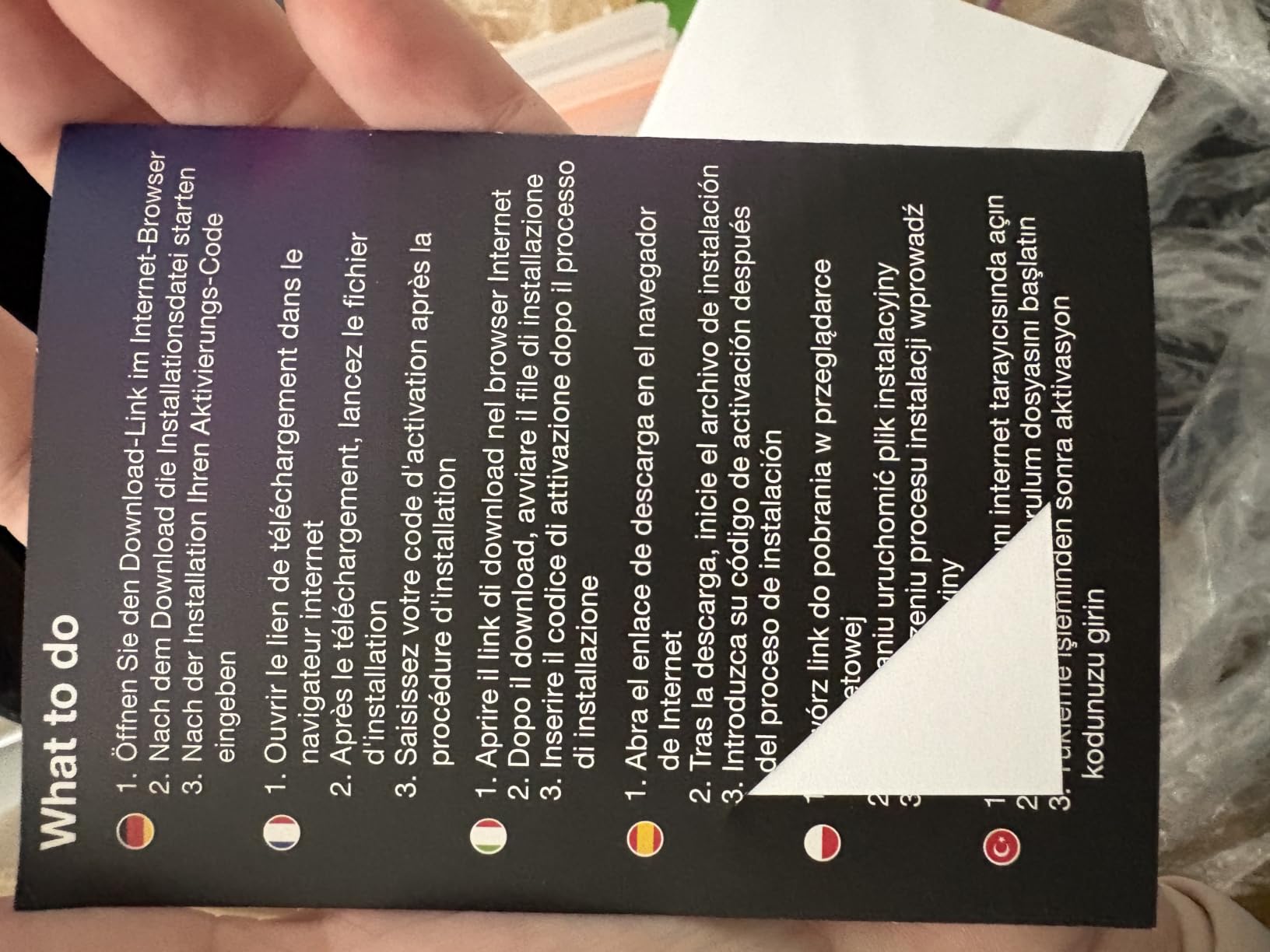
The 4K and 8K support with multi-track timeline editing means this software can handle professional-grade footage. H.265 and HEVC codec support ensures compatibility with modern camera output. Motion tracking is included for following subjects through your frame, which is a feature usually reserved for more expensive editors.
The DVD and Blu-ray authoring capabilities are a standout feature for short film delivery. If you need to produce physical copies of your film for festival submissions, cast and crew gifts, or screening events, the custom menu authoring tools give you professional results without needing separate disc creation software.
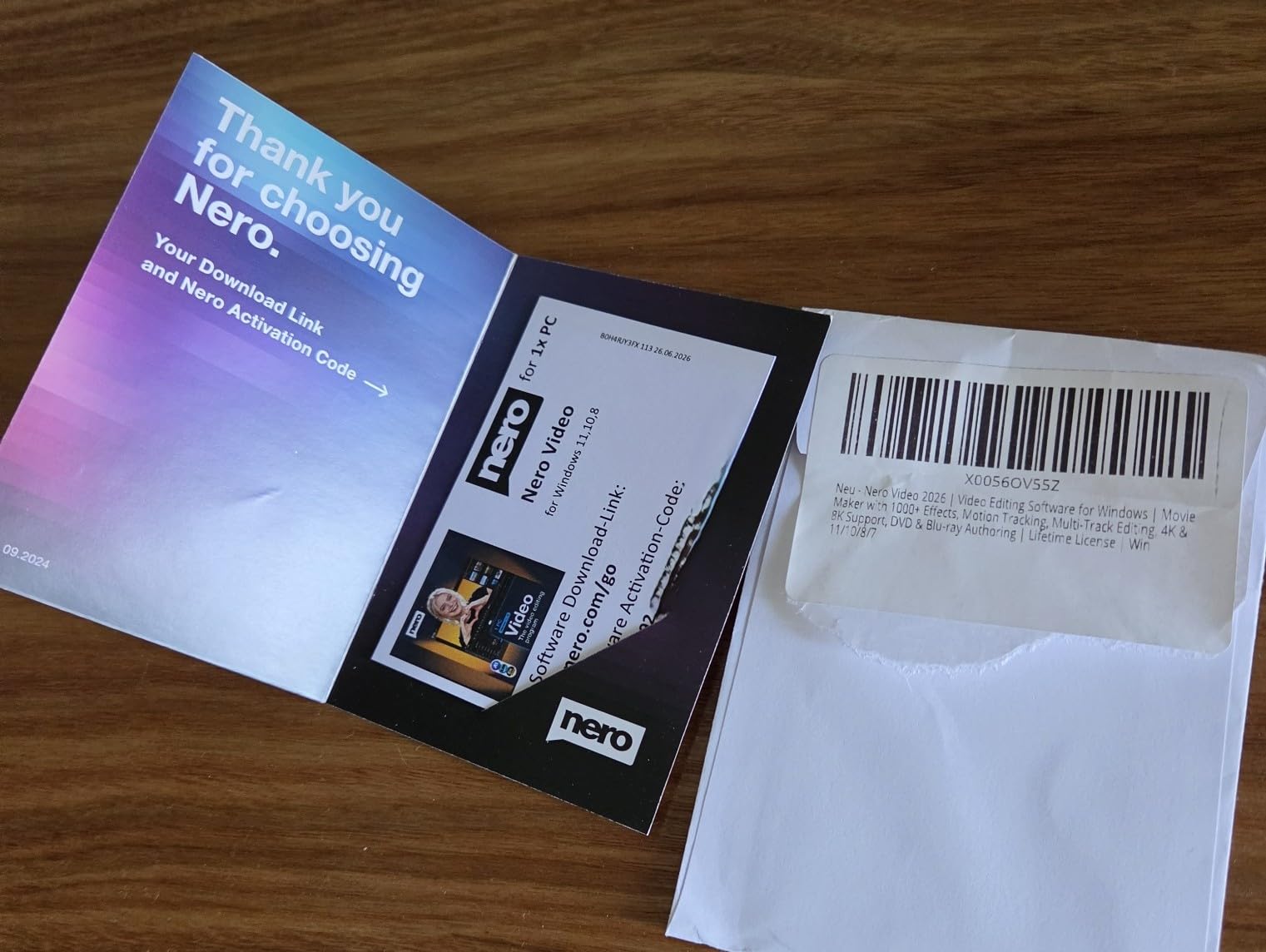
The lifetime license is the primary draw here. You pay once and own the software permanently, with no subscription fees or renewal pressure. For budget-conscious indie filmmakers, this makes Nero Video one of the most cost-effective options on the market.
However, there are real concerns about hidden costs. Some users report that certain features require additional purchases or coins within the application, which means the initial purchase price may not be the final cost. The requirement for an online connection even to access help documentation is also frustrating for editors who work in locations without reliable internet.
Understanding the Lifetime License
The lifetime license covers the current version of Nero Video 2026 indefinitely. Major version upgrades may require an additional purchase, but you will never lose access to the features included in your version. This differs from subscription models where losing your payment means losing access to your editing software entirely.
When to Choose Nero Video
Nero Video 2026 is the right choice for short film editors who want a one-time purchase with a massive built-in effects library and disc authoring capabilities. It is particularly well-suited for creators who already have experience with Nero products or who prioritize physical media delivery alongside digital distribution.
How to Choose Video Editing Software for Short Films?
Choosing the best video editing software for short films comes down to understanding your specific needs as a filmmaker. After testing all 8 products in this guide, we identified the key factors that should drive your decision. Let our team walk you through what actually matters.
Consider Your Experience Level
If you are editing your first short film, look for software with guided tutorials and an approachable interface. Adobe Premiere Elements 2026, Movavi Video Editor 2026, and CyberLink PowerDirector 2026 all excel at onboarding new editors. Jumping straight into Adobe Premiere Pro or VEGAS Pro without prior editing experience can be overwhelming and slow down your creative process.
Match Software to Your Camera and Codec
Your editing software needs to handle the footage your camera produces without requiring transcoding. Adobe Premiere Pro supports the widest range of formats natively, from 8K RAW to VR. If you are shooting on professional cinema cameras, format compatibility should be your top priority. Check the codec support list for each editor against your camera’s output format before purchasing.
Understand the True Cost of Ownership
Subscription models like Adobe Premiere Pro’s annual plan seem affordable month-to-month but add up significantly over time. A $264 annual subscription costs over $1,300 over five years. One-time purchases like VEGAS Pro, Nero Video, and Corel VideoStudio can be more economical long-term, but check whether major version upgrades are included or require additional payment.
Evaluate Color Grading Capabilities
Color grading is where short films achieve their cinematic look. If professional-grade color work is important to your project, VEGAS Pro and Adobe Premiere Pro offer the most sophisticated grading tools on this list. Look for features like color wheels, curves, waveform monitors, and HDR support when evaluating grading capabilities.
Assess Audio Post-Production Tools
Short films depend heavily on sound design, and editing audio within your video editor saves time compared to round-tripping to a separate audio application. Pinnacle Studio 26 Ultimate offers advanced audio editing with custom noise profiles. VEGAS Pro includes multi-track audio mixing. AI-powered tools like PowerDirector’s Audio Denoise can rescue problematic production audio.
Check Platform Compatibility
Most editors on this list are Windows-only, which is an important consideration for Mac-based filmmakers. Adobe Premiere Pro and Adobe Premiere Elements are the only options here that run on both PC and Mac. If you are in the Apple ecosystem, you may also want to consider Final Cut Pro, which was not included in this particular roundup but is worth exploring separately.
Factor In Rendering Performance
Rendering speed directly impacts your editing efficiency. VEGAS Pro leads the pack with industry-leading hardware acceleration. CyberLink PowerDirector and Movavi also deliver fast export times. Corel VideoStudio users report significant performance issues that can slow down your workflow, so ensure your hardware exceeds the minimum specifications if you choose that route.
Consider Collaboration Needs
If you are working with a small crew, think about how your editing software fits into a collaborative workflow. Adobe Premiere Pro’s Creative Cloud integration makes it easy to hand off projects to colorists, sound designers, and motion graphics artists. Most other editors on this list are designed for solo editing workflows.
Frequently Asked Questions
What is a good software for short video editing?
Adobe Premiere Pro is the best overall software for short film editing due to its industry-standard workflow and broad format support. For beginners, CyberLink PowerDirector 2026 and Movavi Video Editor 2026 offer easier learning curves. For budget-conscious filmmakers, Corel VideoStudio Ultimate 2023 and Nero Video 2026 provide lifetime licenses with extensive feature sets.
Is CapCut or iMovie better?
CapCut and iMovie serve different needs. iMovie is better for Mac users who want a simple, free editor integrated into the Apple ecosystem. CapCut is better for social media content creators who want trendy effects, transitions, and AI-powered tools. Neither is ideal for professional short film editing compared to the dedicated software options in this guide.
What replaced iMovie?
iMovie has not been directly replaced but several modern alternatives offer more features. Adobe Premiere Elements 2026 provides a guided editing experience similar to iMovie but with more power. CyberLink PowerDirector 2026 and Movavi Video Editor 2026 are also excellent iMovie alternatives with significantly more advanced features for short film production.
How do I edit my short film?
To edit a short film, start by organizing all your footage into folders by scene or take. Import your files into your editing software and create a rough cut by arranging clips in sequence on the timeline. Refine your cuts for pacing, add transitions and effects, perform color grading to achieve your visual look, mix your audio tracks, and export your final film in the appropriate format for your distribution channel.
Conclusion
Finding the best video editing software for short films in 2026 comes down to matching your tools to your creative vision and practical constraints. For professional short film work with maximum format compatibility, Adobe Premiere Pro remains the industry standard despite its subscription cost. VEGAS Pro 18 Edit offers comparable professional power with a one-time purchase for PC users.
For filmmakers who want the best balance of features, AI tools, and value, CyberLink PowerDirector 2026 is our top recommendation. Budget-conscious editors should look at Corel VideoStudio Ultimate 2023 or Nero Video 2026, both of which offer lifetime licenses and extensive feature sets. Whatever you choose, the most important thing is to start editing. Your short film is waiting to be told.