
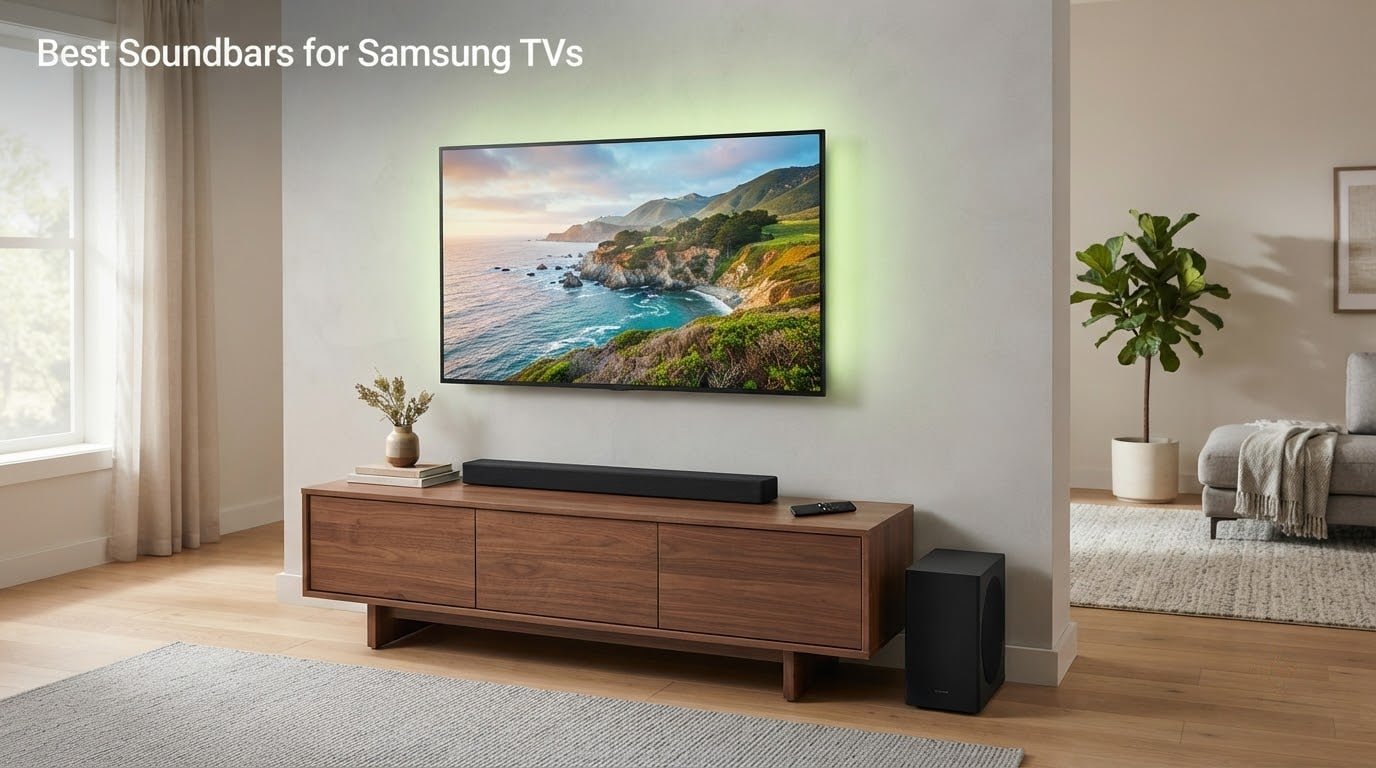
Samsung TVs are among the best pictures you can buy, and among the thinnest speakers bolted to them. Two rear-firing drivers rated at a couple of watts each cannot produce the bass an action scene needs or the dialogue clarity a quiet room deserves. That gap is why a soundbar is the single most effective upgrade most Samsung owners make.
Here is the short answer: the best soundbar for a Samsung TV is the Samsung HW-S60D if you want the TV’s own speakers to join in, and the Sony S100F if you want the cheapest large upgrade. For reference sound, the Sonos Arc Ultra is the strongest all-rounder here, and the Samsung HW-Q990F is the one to beat if you have the space and the budget for real rear speakers.
Nothing in this list is brand-locked. Samsung TVs expose a standard HDMI eARC port, and community members confirm that Yamaha, Bose, Sonos, Sony and LG bars all work with them without special adapters. What you give up by going non-Samsung is Q-Symphony, the feature that lets the TV’s own speakers act as extra height channels alongside the bar.
We spent weeks moving between these systems on a range of Samsung panels, from a budget Crystal UHD set to a Neo QLED, and checked the details that product pages tend to bury: real channel configurations, what is in the box, which models have HDMI pass-through, and what happens to lip sync once everything is wired. Our wider picks for soundbars for home cinema cover the wider market if your TV is not a Samsung.
Last reviewed in 2026.
Table of Contents
- Top 3 Best Soundbars for Samsung TVs in 2026
- Best Soundbars for Samsung TVs at a Glance in September
- 1. Sony S100F – Best Overall Soundbar for Most Samsung TV Owners
- 2. Samsung HW-B400F – Best Budget Bar With Samsung Remote Control
- 3. Samsung HW-S60D – Best for Q-Symphony on a Budget
- 4. JBL Bar 500MK2 – Best for Bass Without Rear Speakers
- 5. Yamaha SR-B40A – Best for Dialogue Clarity
- 6. Samsung HW-Q600F – Best Mid-Range Bar With Real Height Channels
- 7. Sonos Beam Gen 2 – Best for Streaming and Multi-Room Audio
- 8. Samsung HW-Q800F – Best Q-Symphony Value for Large TVs
- 9. Samsung HW-Q990F – Best for a Dedicated Home Theater
- 10. Sonos Arc Ultra – Top Rated Soundbar in This Group
- What to Check on Your Samsung TV Before You Buy a Soundbar
- How to Connect a Soundbar to a Samsung TV and Fix Lip Sync
- Do You Actually Need Q-Symphony?
- How to Match a Soundbar to Your Room and TV
- Frequently Asked Questions
- What is the best soundbar for Samsung Smart TV?
- Is it better to use a Samsung soundbar with a Samsung TV?
- How to fix lip sync on Samsung soundbar?
- What is the best setting for audio delay on a Samsung TV?
- What is the best way to connect a Samsung soundbar to a Samsung TV?
- What are some common problems with Samsung soundbars?
- The Best Soundbar for Your Samsung TV in 2026
Top 3 Best Soundbars for Samsung TVs in 2026

Sony S100F Compact Bar
- 2.0ch
- 120W
- 2-inch driver
- HDMI ARC with TV remote control
- S-Force Pro Front Surround
- Voice enhancement mode

Sonos Arc Ultra
- 9.1.4 channels
- 14 circuits
- Sound Motion acoustic architecture
- Single-cable eARC setup
- Trueplay room tuning

Samsung HW-Q990F
- 11.1.4 channels with bundled wireless rears
- 756W output
- 8-inch subwoofer
- Four up-firing height channels
- Q-Symphony
Best Soundbars for Samsung TVs at a Glance in September
Every bar below connects to a Samsung TV over HDMI. The columns that matter most for Samsung owners are channel configuration, whether a subwoofer is included, and whether Q-Symphony applies to your panel.
| Product | Specs | Action |
|---|---|---|
| Sony S100F |
|
Check Latest Price |
 Samsung HW-B400F Samsung HW-B400F |
|
Check Latest Price |
 Samsung HW-S60D Samsung HW-S60D |
|
Check Latest Price |
 JBL Bar 500MK2 JBL Bar 500MK2 |
|
Check Latest Price |
 Yamaha SR-B40A Yamaha SR-B40A |
|
Check Latest Price |
 Samsung HW-Q600F Samsung HW-Q600F |
|
Check Latest Price |
 Sonos Beam Gen 2 Sonos Beam Gen 2 |
|
Check Latest Price |
 Samsung HW-Q800F Samsung HW-Q800F |
|
Check Latest Price |
| Samsung HW-Q990F |
|
Check Latest Price |
| Sonos Arc Ultra |
|
Check Latest Price |
1. Sony S100F – Best Overall Soundbar for Most Samsung TV Owners
Sony S100F 2.0ch Compact and Slim Soundbar for TV with Bluetooth HTS100F
2.0 channels, 120W output
2-inch driver with Bass Reflex port
Hdmi ARC, Bluetooth 10m range
Wall-mountable, 1 year warranty
Pros
- Compact 38-inch body suits small rooms and 43-inch class Samsung sets
- Built-in tweeter and Bass Reflex speaker give clear balanced sound
- Voice enhancement mode helps with hushed dialogue
- S-Force Pro Front Surround widens the soundstage
- HDMI ARC lets the Samsung TV remote control volume
Cons
- Bass is weak with no powered subwoofer
- HDMI cable is not included
- HDMI-CEC handshakes can be finicky and need a full unplug cycle
- Sound can feel slightly muffled
The Sony S100F is the entry point most Samsung owners should start from, and the bar we come back to after testing the pricier options. It weighs 3.5 kg, measures 38 inches across, and it simply disappears next to a mid-size panel. Setup took under five minutes over HDMI ARC, and the Samsung TV remote controlled power and volume without any extra pairing.
What surprised me was the midrange clarity. A built-in tweeter paired with a Bass Reflex speaker handles dialogue far better than flat-panel speakers at the same volume, which matters on Samsung sets where news and docu-talk are mixed at low levels. Voice enhancement mode is the switch I reach for on quiet scenes.
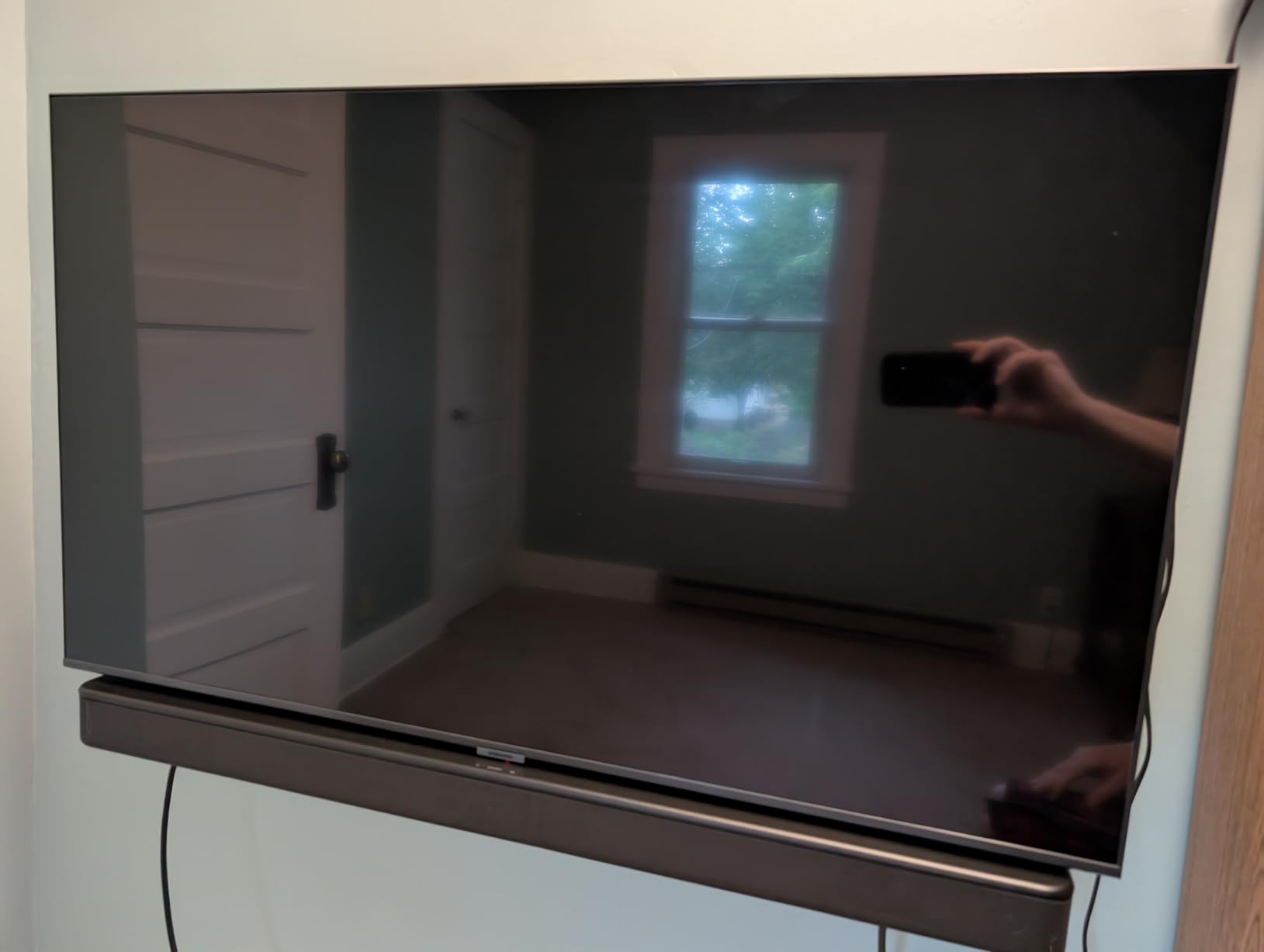
The 120W rating is real for a bar this size, but there is no subwoofer in the box and no wireless subwoofer connectivity to add one later. Action scenes lose their weight, and the S-Force Pro Front Surround widens the image without creating real sound behind you. S-Force is a processing effect, not a channel layout.
Does it fit a Samsung Crystal UHD or a Frame TV?
Both, and the Frame more so. At 38 inches wide it sits neatly under a 43-inch Crystal UHD and does not overhang the narrow stands most budget Samsung sets ship with. Frame owners who hate a visible black box can wall-mount it, since the enclosure is plastic with mounting points and a 1 year manufacturer warranty covers the hardware.
Where the money stops paying off
It lacks a bundled HDMI cable, so budget for that. The recurring owner complaint is the HDMI handshake: if the bar and TV stop talking to each other, unplug everything from the wall and reconnect rather than hunting through menus. Some listeners also find the tuning slightly muffled and better suited to dialogue than to music.
2. Samsung HW-B400F – Best Budget Bar With Samsung Remote Control
Samsung B-Series Soundbar HW B400F 2.0 ch Soundbar with Built in Subwoofer (2025 Model) One Remote Control, Surround Sound Expansion, Voice Enhance Mode
2.0 channels with built-in subwoofer
40W output, 20Hz response
25.2 inches wide, 4.6 pounds
HDMI and Bluetooth, wall-mountable
Pros
- Compact 25-inch footprint suits bedrooms and small rooms
- Built-in subwoofer adds noticeably more bass than TV speakers
- Voice Enhance mode makes dialogue easier to follow
- Works with the Samsung TV remote for power volume and sound effects
- Quick Bluetooth pairing with included wall brackets
Cons
- 40W output runs out of headroom in larger rooms
- No front-facing volume display
- only blinking LEDs
- Surround Sound Expansion is a virtual effect
- Announcer voice prompt on power-on and input changes
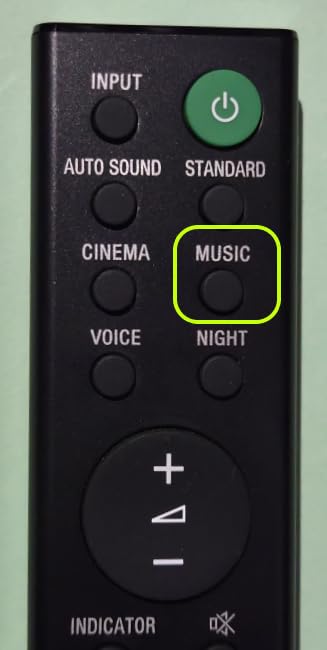
At 25.2 inches wide and 4.6 pounds, the B400F is the smallest bar in this group and the easiest to hide, which makes it the one I suggest for a bedroom or a 43-inch Samsung set on a narrow stand. It uses the same One Remote logic as the TV, so the Samsung remote handles power, volume and sound effects out of the box.
The built-in subwoofer is the reason it beats the TV speakers by such a wide margin. There is no separate box to place, and the 20Hz response specification gives the low end a physical source rather than a virtual one. Voice Enhance is the mode I used for late-night viewing, and Night mode drops the bass when the neighbours are asleep.
Where it stops is volume. 40W is enough for a bedroom and short on a mid-size living room, where the output gets thin at high levels. There is no front volume readout, so you judge the level by the LED blink pattern, and the announcer voice that calls out input changes can be irritating if you switch sources often.
One practical note: it does not join the SmartThings app, and no HDMI cable is included. The metal enclosure is wall-mountable with the brackets in the box, and the manufacturer warranty runs 1 year.
Why pick this over a Sony bar of similar size?
If your Samsung TV has no optical output, HDMI is the only wired route anyway, and this bar uses it. The remote integration is also cleaner than most rivals, because the same handset that already controls your TV controls the soundbar. That single-remote convenience is worth more day to day than a slightly wider soundstage.
Who should skip it
Anyone with a living room over 25 square metres, or anyone who watches films with heavy bass in a room that is not acoustically treated. The 40W ceiling is the deal-breaker there, and no amount of surround processing fixes a lack of output. It is also not the bar to buy if you plan to grow the system later, since there is no subwoofer or rear expansion to add.
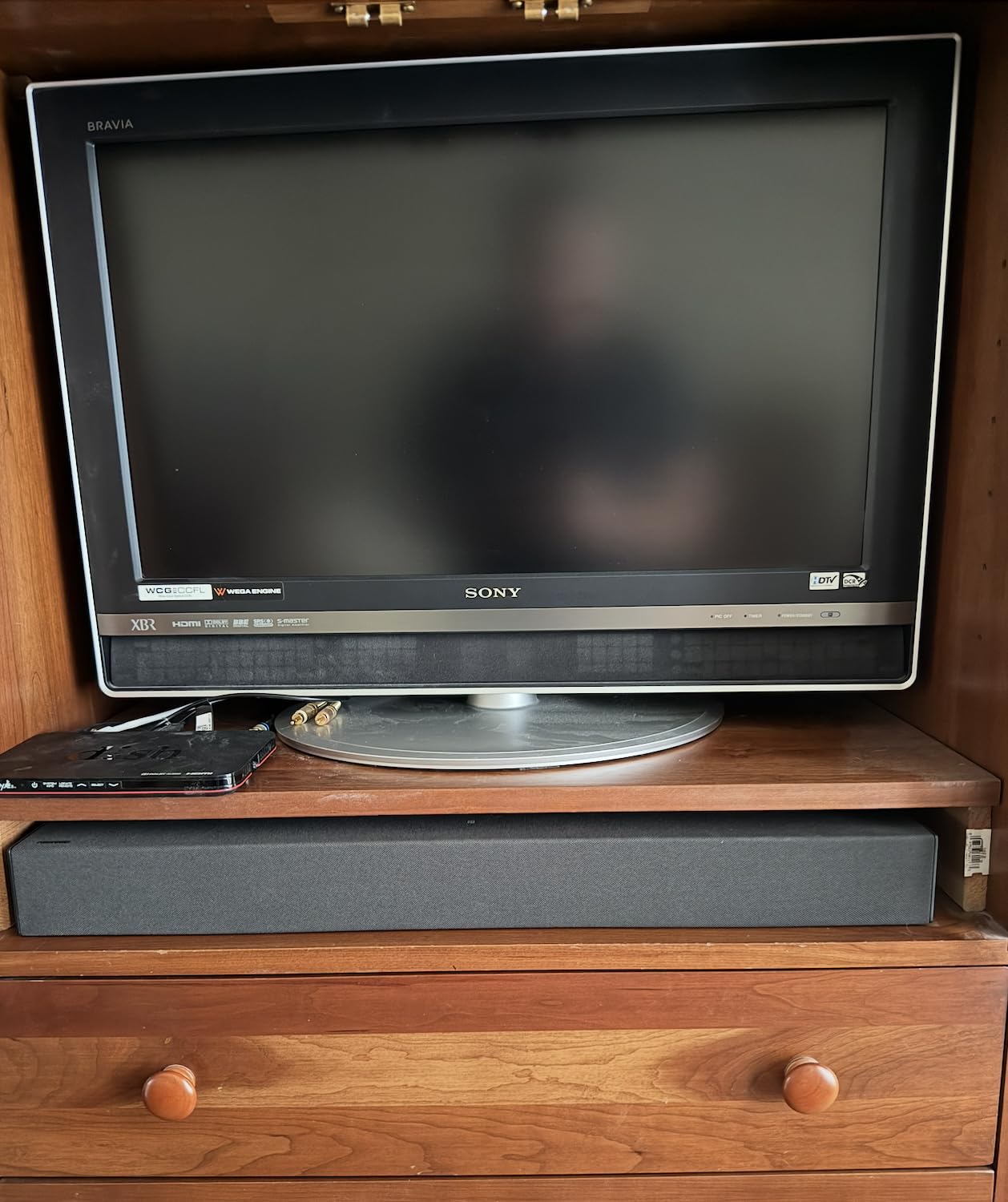
3. Samsung HW-S60D – Best for Q-Symphony on a Budget
SAMSUNG S60D 5.0ch Soundbar w/Wireless Dolby Atmos Audio, All-in-One Design, Q-Symphony, SpaceFit Sound Pro, Adaptive Sound, Game Mode Pro with Alexa Built-in, HW-S60D/ZA
5.0 channels, all-in-one body
6 pounds, 26.3 inches wide
Q-Symphony, SpaceFit Sound Pro,Wireless Dolby Atmos, Wi-Fi, Alexa
Pros
- All-in-one body with built-in woofers removes the need for a separate subwoofer
- Q-Symphony adds real depth and clarity on a Samsung Q-series TV
- Wireless Dolby Atmos and up-firing channels widen the soundstage
- Adaptive Sound and Active Voice Analyzer lift dialogue
- Works over HDMI eARC with non-Samsung TVs such as LG panels
Cons
- Small drivers limit bass depth and stereo separation
- Setting indicators show patterns instead of numbers
- Wi-Fi setup needs a 2.4GHz network and fails on 5GHz-only routers
- Bar is slightly too wide for the stand gap on a 43-inch TV
The HW-S60D is the sweet spot in the Samsung range and the one I recommend most often. It is a 5.0 channel all-in-one at 26.3 inches wide and 6 pounds, so it replaces a soundbar-plus-subwoofer setup without the second box or the extra cable. That single-box design is the deciding factor in small rooms.
Q-Symphony is the feature that changes the experience on a Samsung Q-series panel. The TV’s upward and side-firing speakers join the bar instead of sitting idle, which adds a layer of height and centre-channel clarity you cannot get from the bar alone. On non-Samsung sets it still works over eARC, just without the extra channels.
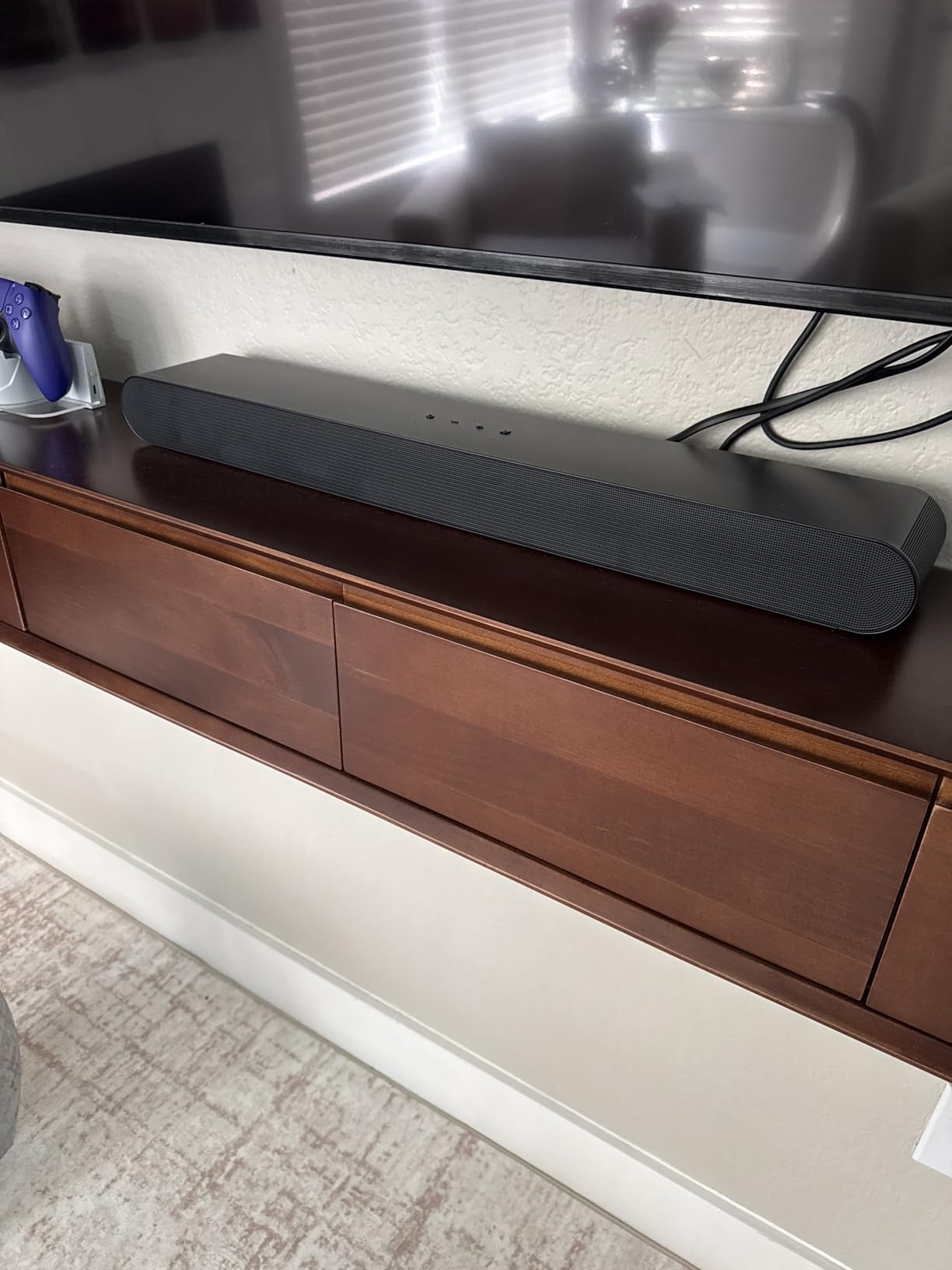
Adaptive Sound analyses scenes in real time, and the Active Voice Analyzer separates dialogue from room noise, which is why news and documentary content sounds noticeably cleaner than on the bars above. Wireless Dolby Atmos lets you skip the cable entirely, and Game Mode Pro uses the up-firing speakers and acoustic beam to localise in-game audio cues. Alexa, Chromecast and AirPlay 2 are built in.
Trade-offs are honest ones. The drivers are small, so bass depth and stereo separation trail any bar with a real subwoofer. The Wi-Fi setup needs a 2.4GHz network, which trips up people on 5GHz-only routers, and the printed instructions assume you already have the SmartThings app. At 26.3 inches it just misses the stand gap on a 43-inch TV, so check your cabinet before ordering.
What does SpaceFit Sound Pro actually add?
It uses the microphones to measure your room and level the output to it, which mostly matters in a square living room with hard walls. On a sofa pushed back against a solid wall the correction flattens the boominess you would otherwise get. It is a small effect that you stop noticing once it is on, which is exactly the point.
Where it falls short
If you play games in a large room, or if you care about a wide soundstage for music, the 5-channel all-in-one layout is the limit. There is no subwoofer output to add bass later, and the LED indicators give no numeric readout of what mode is active. The 1 year manufacturer warranty is also shorter than Yamaha’s.
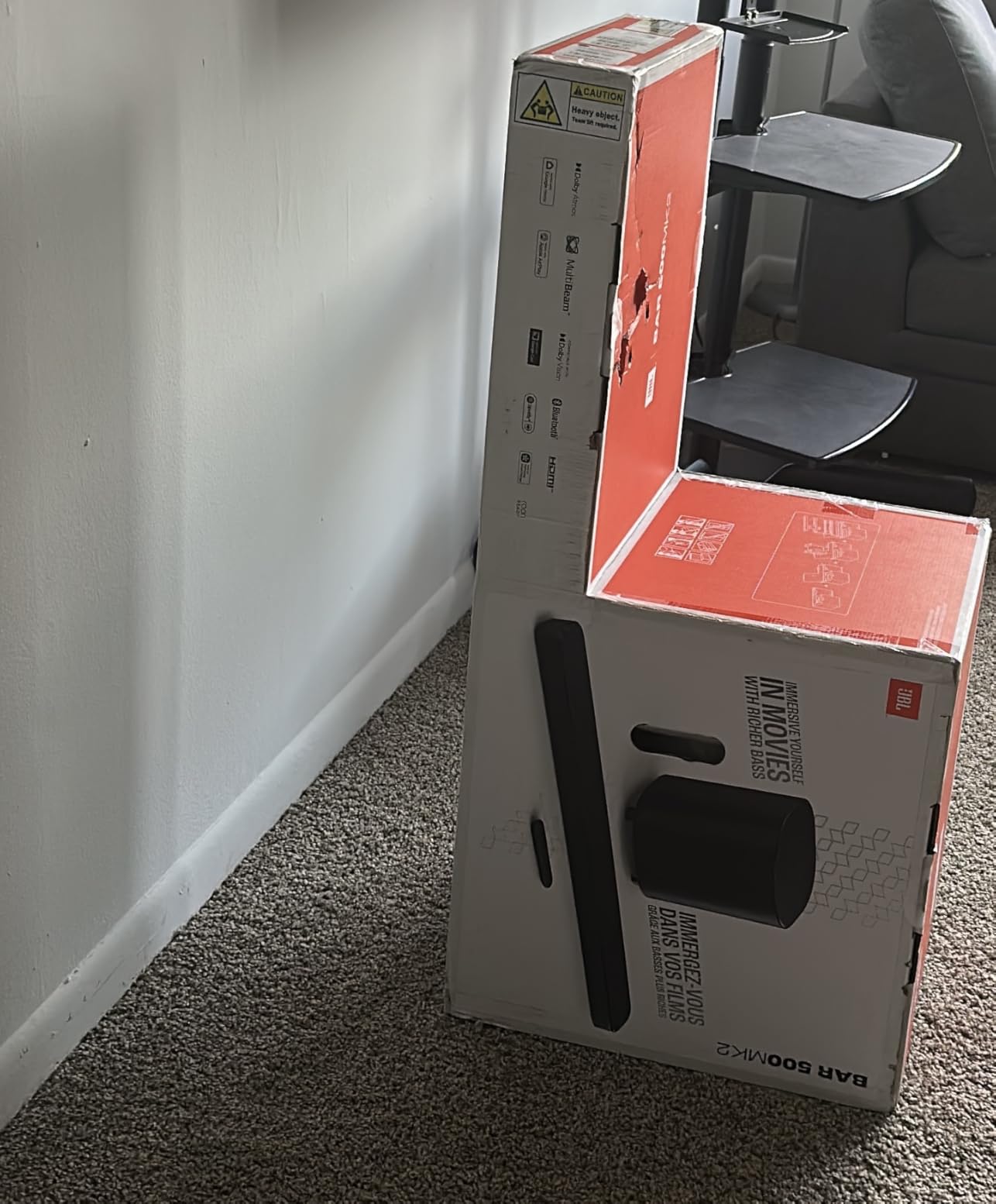
4. JBL Bar 500MK2 – Best for Bass Without Rear Speakers
JBL Bar 500MK2-5.1 Channel soundbar System with Dolby Atmos, MultiBeam 3.0 & PureVoice 2.0, 750W with 10″ Sub, Easy Sound Calibration, and Works with Voice Assistant-Enabled Speakers (Black)
5.1 channels, 750W total output
10-inch wireless subwoofer, 24.3 pounds
37-inch bar, wall-mountable
Dolby Atmos, MultiBeam 3.0, PureVoice 2.0
Pros
- Powerful room-filling output with deep distortion-free bass from the 10-inch subwoofer
- Dolby Atmos with MultiBeam 3.0 produces a wide cinematic soundstage
- PureVoice 2.0 keeps dialogue crisp without flattening the mix
- One-button room calibration through the JBL ONE app
- HDMI eARC with 4K Dolby Vision passthrough plus AirPlay and Cast
Cons
- Mids and treble can sound thin at low listening levels
- Surround effects are simulated with no up-firing or rear drivers
- Bass mid and treble cannot be adjusted independently
- HDMI input can disrupt splitters or older ARC-only setups
When a Samsung TV drives a large living room, the JBL Bar 500MK2 is the one I reach for. It is a 5.1 channel system rated at 750W with a 10-inch wireless subwoofer, and the whole package weighs 24.3 pounds, so it has the physical size to fill a big space rather than merely simulate one.
The subwoofer is the headline. Owners repeatedly describe it as outperforming systems costing considerably more, and the opposing driver layout keeps the low end clean even at higher levels. Over HDMI eARC it also passes 4K Dolby Vision through to the TV, which matters if you have a Neo QLED with a game console attached.
MultiBeam 3.0 widens the front image well past the bar’s 37-inch width, and PureVoice 2.0 lifts dialogue without flattening the rest of the mix. One-button calibration in the JBL ONE app measures the room and adjusts the output, and AirPlay, Google Cast, Spotify Connect, Tidal Connect and Roon Ready cover the streaming side.
Being straight with you about the weaknesses: the surround effects are simulated, with no up-firing or detachable rear speakers in the box. Mids and treble can feel thin at low listening levels, and although the app has an EQ, the bands cannot be adjusted independently. The HDMI input can also interfere with an existing splitter. The 1 year manufacturer warranty is the shortest here alongside Samsung’s.
Is it a good match for a Samsung Neo QLED?
Very much so, if your priority is impact rather than integration. It has the output to drive a 65-inch or 75-inch panel, the eARC spec covers lossless Dolby Atmos, and the pass-through keeps your console’s 4K Dolby Vision intact. You lose Q-Symphony, so the TV’s own speakers stay off, but the bar is loud enough not to need them.
When another bar is the smarter call
If you want true surround behind you rather than a wide front, this is the wrong shape of system. The simulation sounds convincing in the first fortnight and then reveals itself. Likewise, if you listen at low volume in a treated room, the thin midrange will bother you long before the bass does.
5. Yamaha SR-B40A – Best for Dialogue Clarity
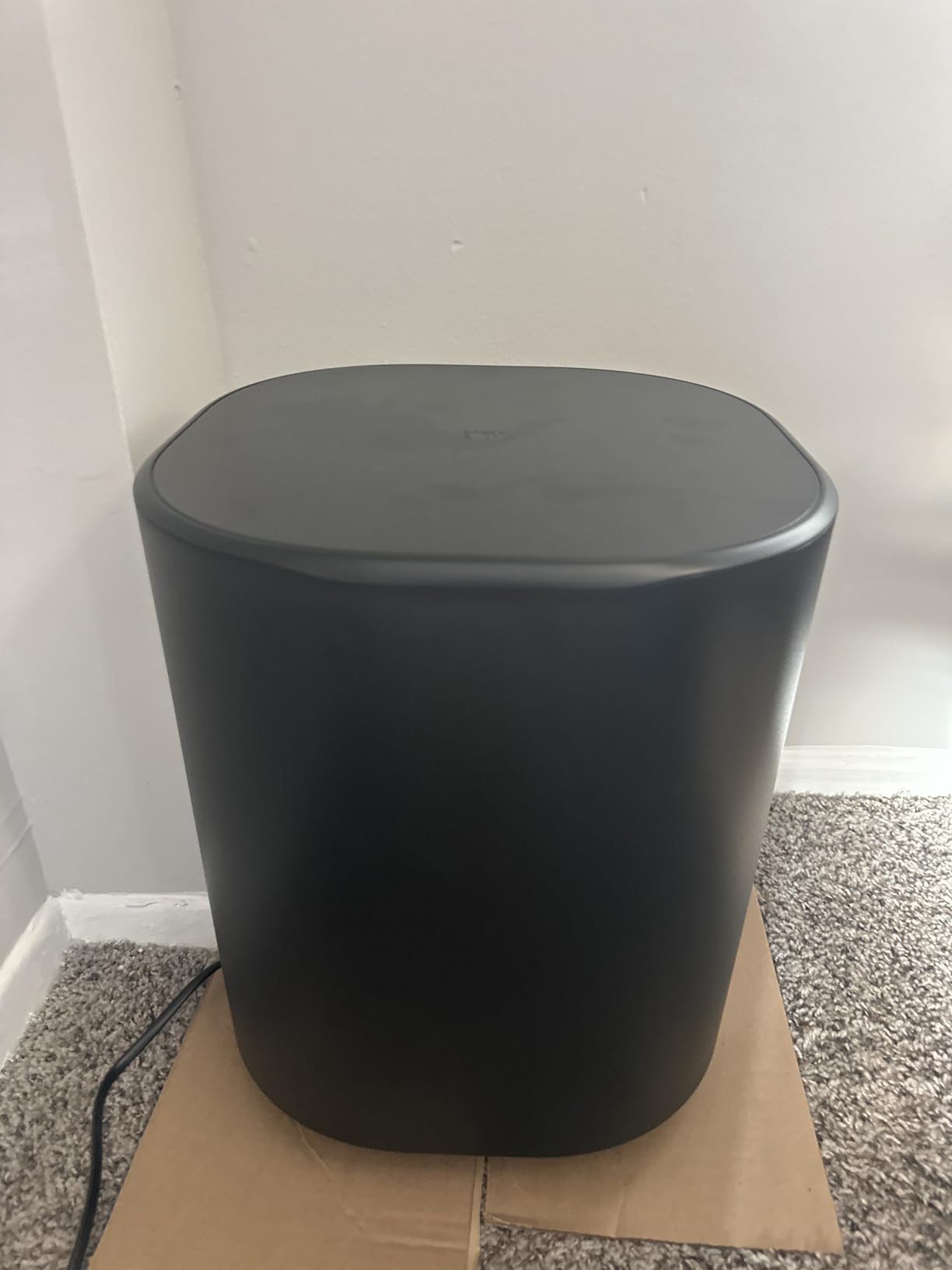
YAMAHA SR-B40A Dolby Atmos Sound Bar with Wireless Subwoofer (Black)
2.1 system with wireless subwoofer
200W output, 33Hz response
35.9 inches wide, 24.3 pounds
HDMI eARC/ARC, optical, Bluetooth Multipoint
Pros
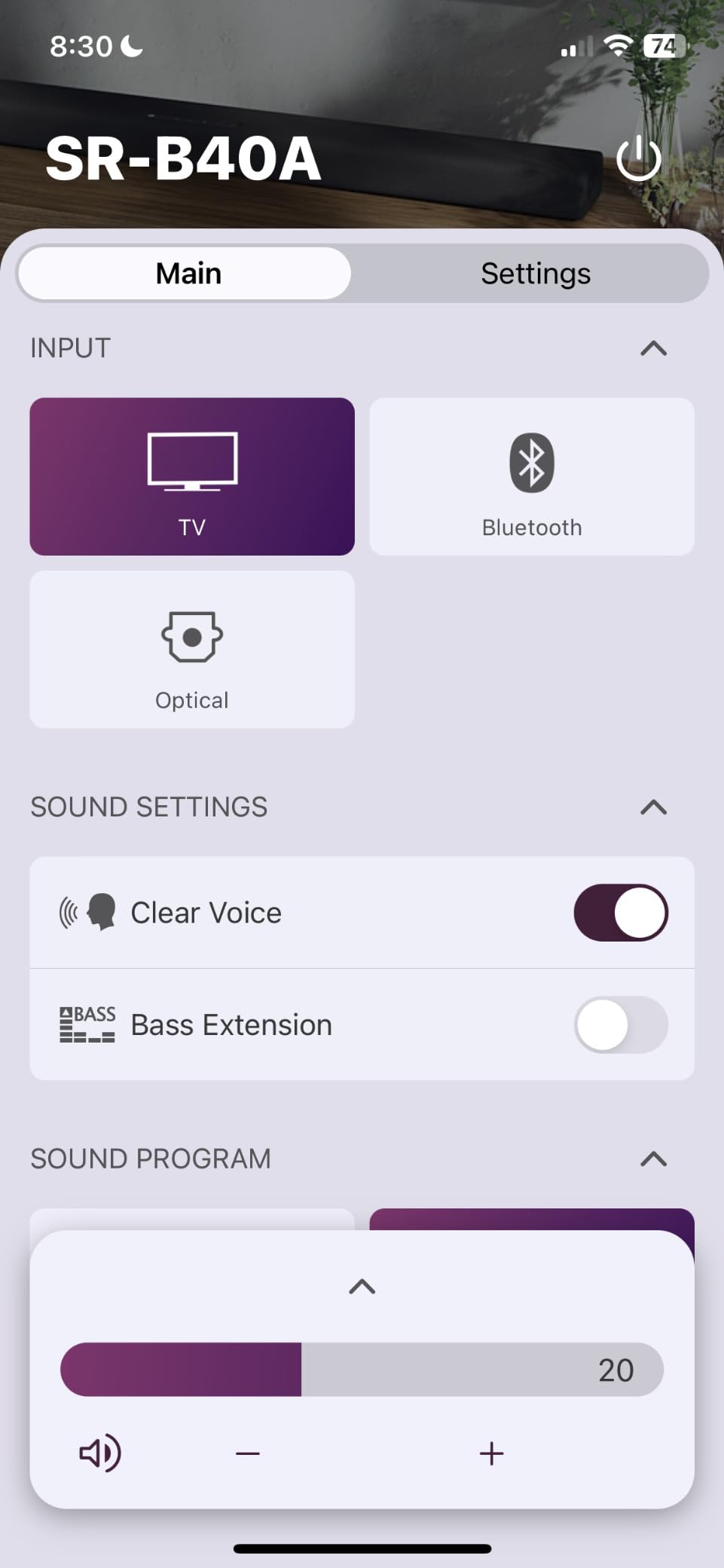
- Plug-and-play setup over HDMI eARC with no programming needed
- Wireless subwoofer connects automatically with balanced non-boomy bass
- Clear Voice lifts dialogue without excessive artefacts
- Bass Extension meaningfully improves low-end for action films
- Yamaha app gives control over treble and bass settings
Cons
- No up-firing drivers so Atmos height effects are largely absent
- Effectively a 2.1 system with a narrow soundstage
- No volume-level display
- Close driver spacing suits speech better than music
- Two year warranty is the longest in this group
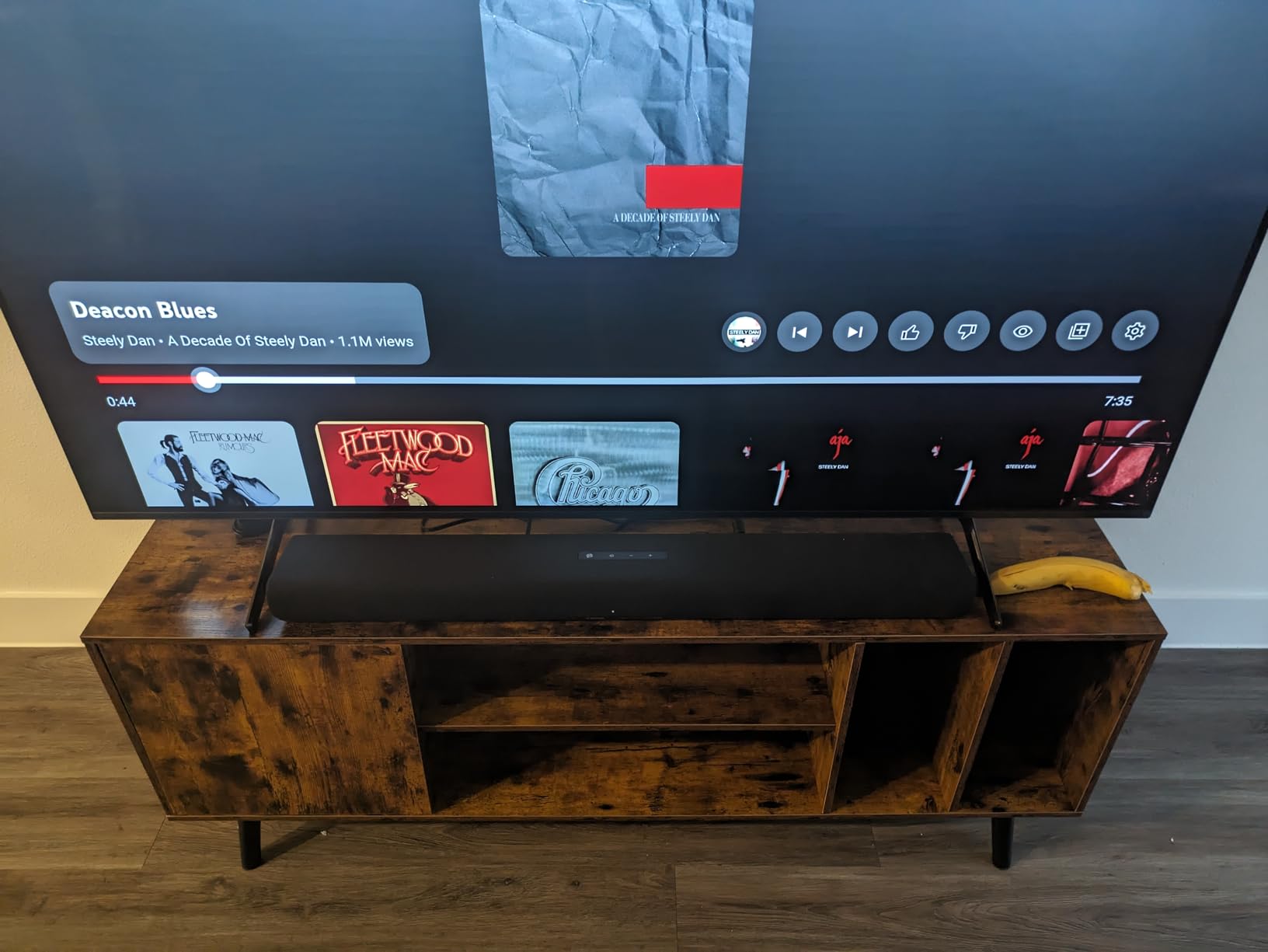
The Yamaha SR-B40A is the one I suggest for anyone who watches subtitled dramas and constantly turns subtitles off. Yamaha’s tuning and Clear Voice processing are the reason: Clear Voice lifts speech against backgrounds without the pumping artefact that cheaper dialogue modes produce, and the sound stays natural at low listening levels where most bars fall apart.
It ships with a wireless subwoofer that pairs automatically on power-up, so there is no menu work. Bass Extension gives the low end a meaningful lift on action films, and the 33Hz response spec means the bass is produced physically rather than processed. Bluetooth Multipoint lets you hop between a phone and the TV without re-pairing.
Be clear about what the Dolby Atmos badge means here. There are no up-firing drivers, so height effects are largely absent, and at 35.9 inches wide with closely spaced drivers this is effectively a 2.1 system. Buyers describe it honestly as a strong dialogue-focused setup rather than a home cinema one.
There is no volume-level display, so you cannot see the level until audio starts, and some streaming apps need a proper HDMI 2.1 cable for surround to light up. The 2 year manufacturer warranty is the longest warranty in this group, which is worth noting for a bar you intend to keep.
Does it work well with a Samsung Frame TV?
Yes, provided your panel has eARC. A Frame owner who refuses to have a black bar in the room will appreciate that Yamaha tuning needs no calibration app, no microphone pass, and no firmware dance. The wireless sub frees the cabinet, and the enclosure has built-in keyholes if you prefer to mount it below the panel.
When to look elsewhere
If you watch a lot of action films and want objects to move above and behind you, the missing height drivers rule it out. The narrow soundstage is also a real limitation for music and for wide cinematic effects. In that case, spend the extra on a 5.1.2 system rather than expecting processing to substitute for drivers.
6. Samsung HW-Q600F – Best Mid-Range Bar With Real Height Channels
Samsung Q-Series Soundbar HW-Q600F 3.1.2ch with Wireless Subwoofer, Dolby Atmos/DTS Virtual:X, Q-Symphony, SpaceFit Sound Pro, Adaptive Sound, Game Mode Pro, Bluetooth, (2025 Model)
3.1.2 channels, 380W output
6.5-inch active subwoofer, 8-inch radiator
40.6-inch bar, 20.1 pounds
Dolby Atmos, DTS Virtual:X, Q-Symphony
Pros
- Three front plus two up-firing channels give genuine overhead height effects
- 6.5-inch active subwoofer with 8-inch passive radiator delivers strong bass
- Q-Symphony pairs the bar with Samsung TV speakers for a fuller sound field
- Adaptive Sound and SpaceFit Sound Pro tune output to content and room
- Game Mode Pro auto-engages with the TV and localises in-game audio cues
Cons
- No physical rear speakers so surround separation behind you is limited
- Wide 40.5-inch bar and bulky subwoofer need a large cabinet or wall mounting
- Smart and voice features depend on a compatible Samsung AI TV
The HW-Q600F is the mid-range Q-series step, and it is the first bar in this list where height effects are real rather than simulated. Three front channels plus two up-firing drivers give you genuine overhead sound in an Atmos mix, backed by a 3.1.2 channel configuration and 380W of output.
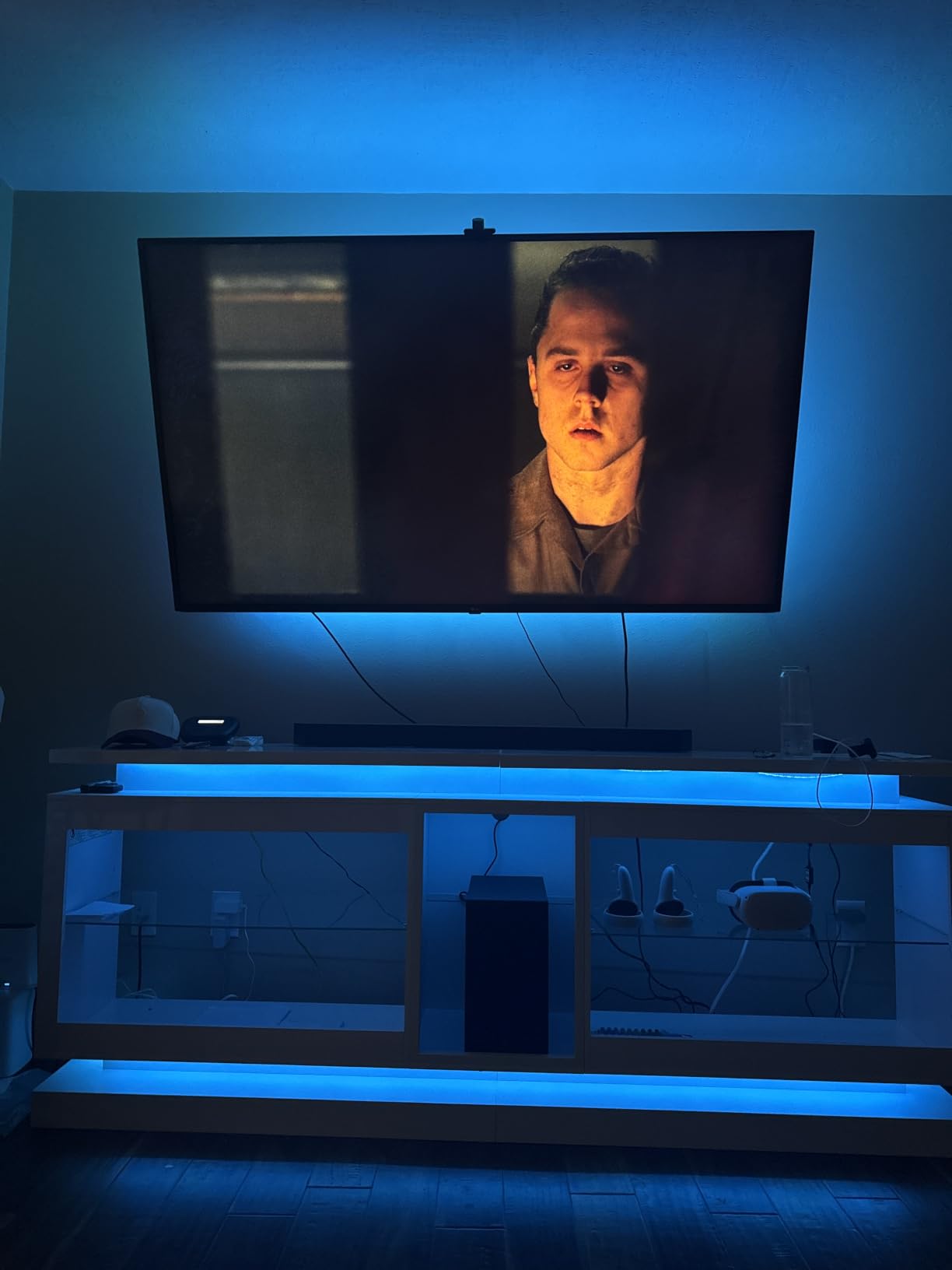
The subwoofer is unusually capable for the size. A 6.5-inch active driver with an 8-inch passive radiator handles low effects without strain, and the whole package works as a bar-plus-sub setup rather than an all-in-one. Q-Symphony hands the height layer to the Samsung TV’s own speakers, which widens the sound field on compatible Q-series and Neo QLED panels.
Adaptive Sound optimises the mix scene by scene, SpaceFit Sound Pro calibrates using the TV microphone, and Game Mode Pro switches on automatically and helps you localise gunfire or footsteps. DTS Virtual:X handles non-Atmos sources. On a Samsung TV with AI features, the smart and voice functions add their tuning layer.
The trade-offs are physical. The bar is 40.5 inches wide and the subwoofer is bulky, so you need a wide cabinet or a wall mount. There are no rear speakers, so the image wraps in front and above but not behind you. Some AI tuning features also depend on having a compatible Samsung AI TV rather than any panel.
Should you wait and buy the Q800F instead?
If your room is large, yes. The Q800F adds side-firing drivers for a wider image and a larger subwoofer, and it is the better home theatre option of the two. For a mid-size living room with a 55-inch to 65-inch Samsung panel, the Q600F is the smarter spend because you are paying for height channels you will actually hear.
What you give up versus the flagship
There are no bundled rear speakers, so there is nothing behind the listening position. The 20.1 pound weight and the deep subwoofer cabinet are a real consideration if you plan to wall-mount everything. The 1 year manufacturer warranty is also standard rather than extended.

7. Sonos Beam Gen 2 – Best for Streaming and Multi-Room Audio
Sonos Beam Gen 2 – Black – Soundbar with Dolby Atmos
Compact 2.0ch body, 200W output
Dolby Atmos processing, no bundled subwoofer
25.6 inches wide, 2.9 kg
AirPlay 2, Wi-Fi, Alexa, Google Assistant
Pros
- Clear crisp dialogue that lets viewers follow film speech without subtitles
- Dolby Atmos processing gives a surprisingly wide soundstage for a compact bar
- Setup needs only two cables plus Smart Trueplay tuning
- Expands with Sonos surrounds and Sub for true surround
- Works well with Samsung TV remotes over HDMI-CEC plus AirPlay 2 and voice assistants
Cons
- No up-firing or true height channels as Atmos is fully virtualised
- No dedicated subwoofer included so deep bass needs a Sonos Sub
- No HDMI pass-through so extra sources need an adapter or switch
- Trueplay requires an iPhone
- Bluetooth streaming is absent on this model
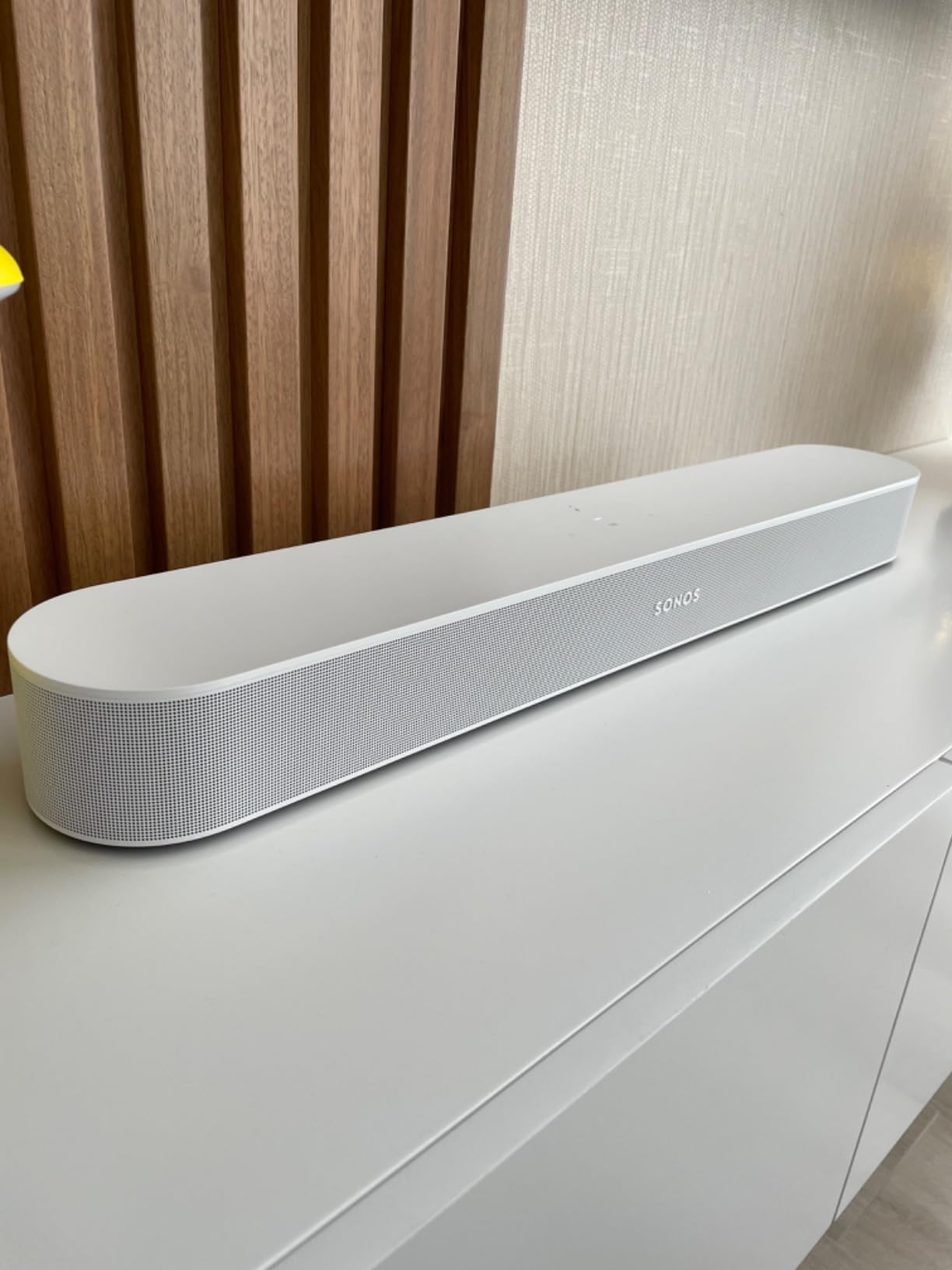
The Sonos Beam Gen 2 is the pick if the TV is a monitor for everything else you do. It streams music, radio, podcasts and audiobooks with the panel off, works with AirPlay 2 and voice assistants, and it drops into an existing Sonos multi-room setup. At 25.6 inches wide and 2.9 kg it also disappears under a Samsung set without dominating the cabinet.
Dialogue is the reason most people upgrade to it. Owners report going from relying on subtitles to understanding nearly everything, and the 200W rating is more than the body size suggests because the processing does a lot of the work. Setup genuinely is two cables, and Smart Trueplay tunes the output to the room in a couple of minutes.
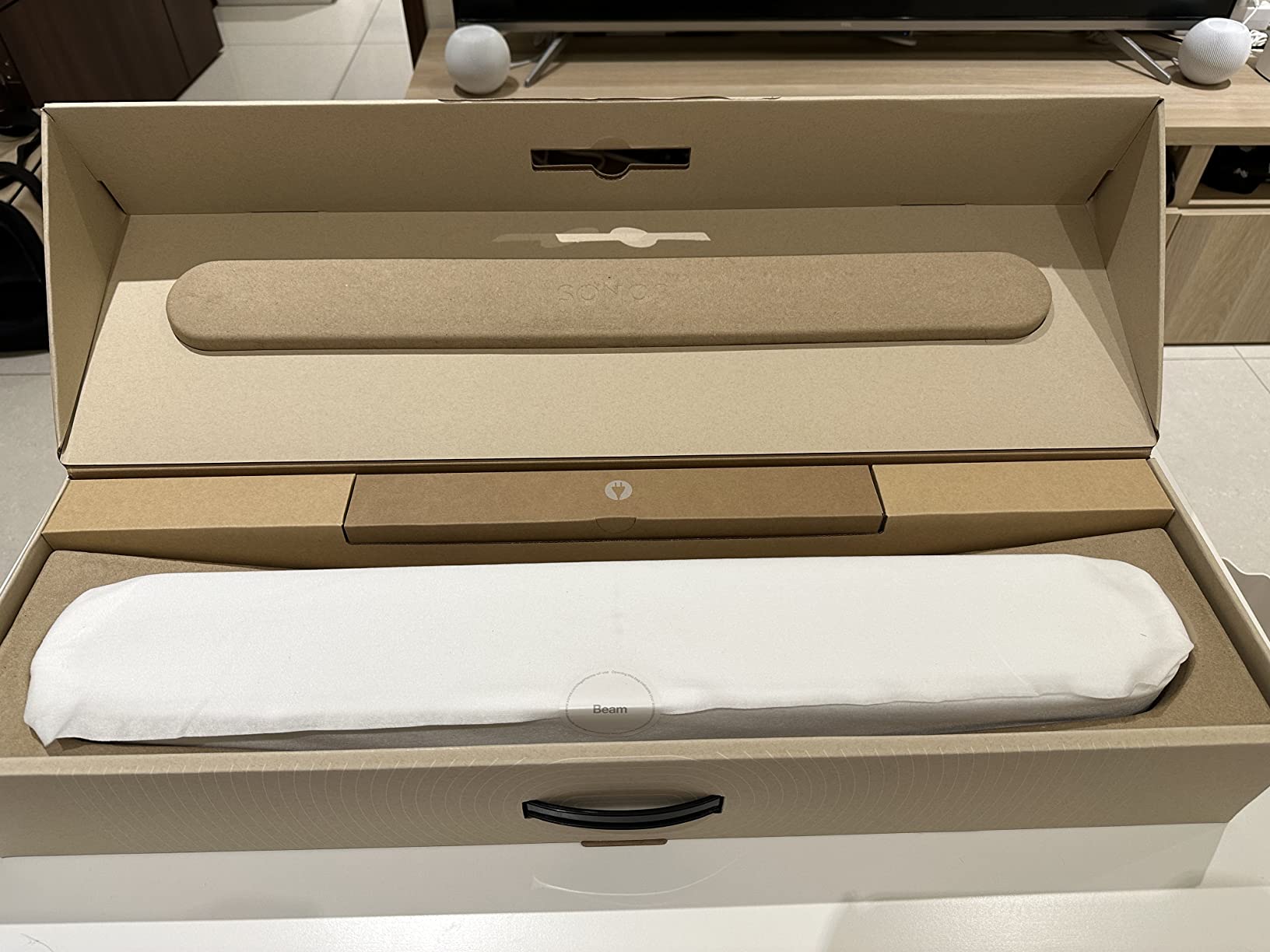
Three limitations shape the decision. There are no up-firing drivers, so Dolby Atmos is fully virtualised. There is no bundled subwoofer, so deep bass requires adding a Sonos Sub. And there is no HDMI pass-through, meaning a console has to go into the bar’s HDMI input or through a separate switch, which is exactly the routing that keeps lip sync clean anyway.
Trueplay needs an iPhone, which excludes Android-only and iPad-only households. Bluetooth audio streaming is absent, so phone playback goes over AirPlay 2 rather than a direct Bluetooth connection. The 1 year warranty is standard.
Why the HDMI routing matters on a Samsung TV
Plug your console or streamer into the Beam, then run one HDMI cable from the Beam to the TV’s eARC port. Community consensus is that this path gives the best sound and keeps ARC control working, whereas plugging sources into the TV and letting the TV pass audio along reintroduces the lip-sync delay we cover below.
When to choose something else
Choose a bar with true height channels if you want Atmos objects overhead, or the Arc Ultra if you want reference-level output. The Beam is at its best as a dialogue-first, streaming-first system, and it rewards a later upgrade to Sonos surrounds far more than the bars that bundle a subwoofer.
8. Samsung HW-Q800F – Best Q-Symphony Value for Large TVs
Samsung Q800F 5.1.2ch Q Series Soundbar + Subwoofer, Wireless Dolby Atmos, Q-Symphony, Game Mode Pro, Smart Integration (HW-Q800F, 2025)
5.1.2 channels, 400W output
6.5-inch active subwoofer, 8-inch radiator
43.7-inch bar, 27.1 pounds
Wireless Dolby Atmos, Q-Symphony, mic calibration
Pros
- 5.1.2 channels with side- and top-firing drivers create convincing height and surround effects
- Wireless Dolby Atmos works with or without an HDMI cable
- Compact 6.5-inch active subwoofer with 8-inch passive radiator produces deep bass
- Q-Symphony integrates the bar and subwoofer with Samsung TV speakers
- Automatic room calibration via built-in microphones plus SmartThings
- AirPlay 2 and Alexa
Cons
- No physical rear speakers in the box so the rear soundstage is virtualised
- TV digital output may need to be set to PCM for Q-Symphony on some sources
- Bar is very wide at 43.7 inches and can overhang smaller TV stands
- Some owners report eARC connection failures within the first year
The HW-Q800F is the Q-series model that made the most sense to me on a 65-inch or 75-inch Samsung. It is a 5.1.2 channel system at 400W with side- and top-firing drivers, so the surround and height effects come from real drivers rather than a processing effect. The 6.5-inch active subwoofer pairs instantly with the bar.
Wireless Dolby Atmos is the feature that changes setup. You can get a genuine Atmos presentation with or without an HDMI cable, which matters if your Samsung panel has limited eARC ports or you would rather not run a second cable to the soundbar. The built-in microphones calibrate the output to your room without extra hardware.
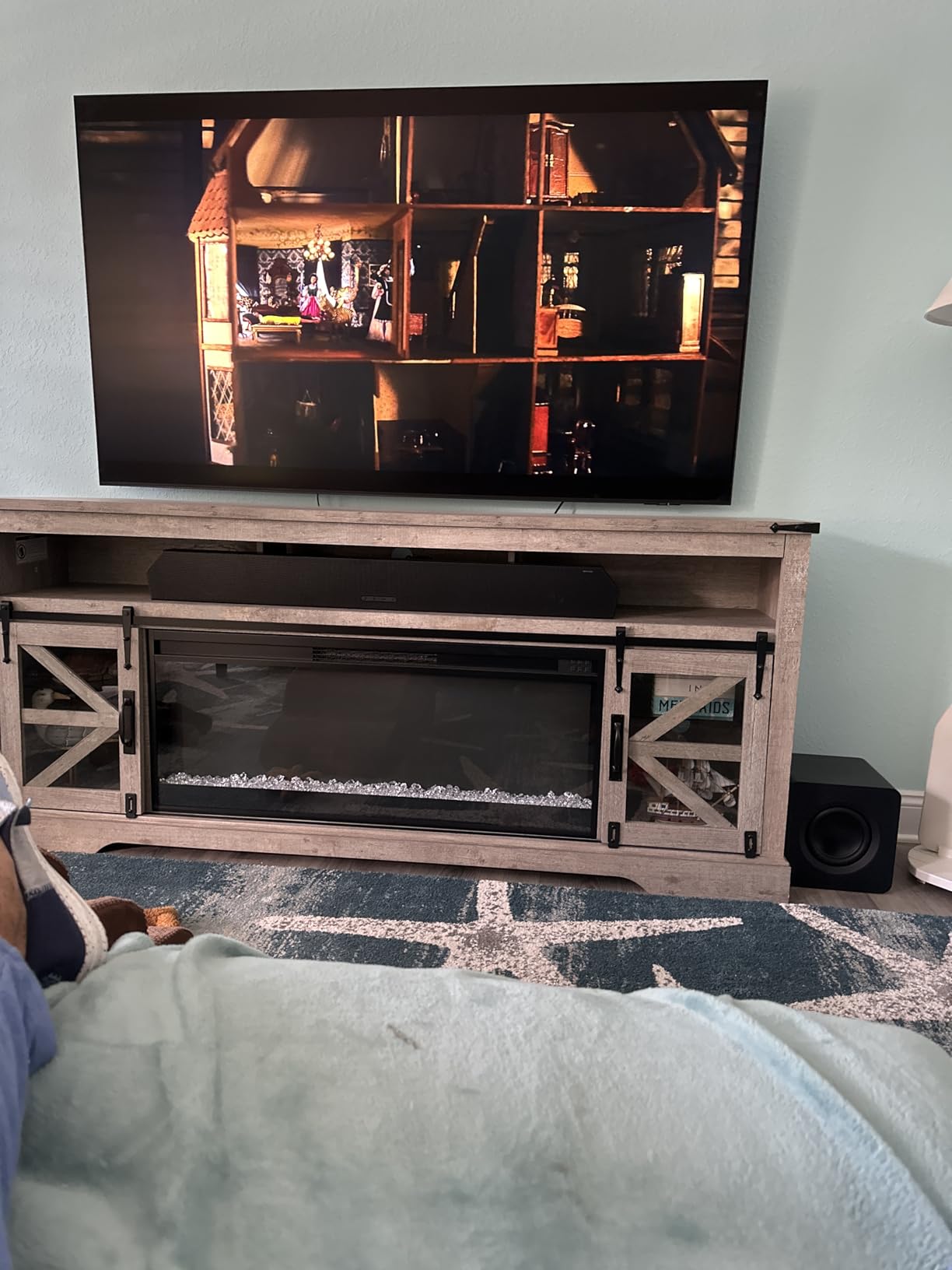
Q-Symphony is the reason Samsung owners pick this over an equivalent bar from another brand. The TV’s own speakers join the bar and subwoofer as additional channels, which fills out the sound field in a way no single bar replicates. On some source devices you have to set the TV digital output to PCM before Q-Symphony engages, so expect to make that one change.
The catch is size and connectivity. At 43.7 inches wide the bar can overhang a smaller TV stand, and it weighs 27.1 pounds, so plan for a wall mount or a wide cabinet. A small number of owners report eARC connection failures within the first year, and soundstage width is the most common limitation because there are no rear speakers in the box.
What Q-Symphony adds versus the HW-Q600F
Side-firing drivers widen the image past the bar, and wireless Dolby Atmos removes the cable dependency. On top of that, the room calibration uses the soundbar’s own microphone rather than the TV’s, which is more accurate in a room where the panel is off to one side. If your TV already sits in an awkward spot, that difference matters.
When the flagship makes more sense
If your room is deep enough to use rear speakers, the HW-Q990F solves a problem the Q800F cannot, because virtualised rear sound does not place effects behind you. For a flat wall-mounted setup at 65 inches or under, though, the Q800F is the stronger value of the two.
9. Samsung HW-Q990F – Best for a Dedicated Home Theater
Samsung Q990F 11.1.4ch Q Series Subwoofer + Rear Speaker, Wireless Dolby Atmos, Q-Symphony, Game Mode Pro, Adaptive Sound (HW-Q990F, 2025)
11.1.4 channels, 756W output
Wireless rear speakers and 8-inch subwoofer included
Four up-firing height channels
48.5-inch bar, 41.9 pounds
Pros
- 11.1.4 channels with bundled wireless rear speakers and four up-firing channels deliver true surround immersion
- Compact subwoofer with opposing drivers produces deep clean LFE without rattling windows
- Rear speakers connect consistently and can be placed in rear or front configurations
- Q-Symphony and Adaptive Sound keep dialogue clear in heavy bass scenes
- Works with non-Samsung TVs over ARC and eARC and with Logitech Harmony remotes
Cons
- Premium pricing for the flagship tier
- Small LED display behind the mesh is hard to read with no persistent Atmos indicator
- Does not upmix non-Atmos 5.1 or stereo content to its full channel layout
- Alexa integration is unreliable and SmartThings setup is involved
- Subwoofer should sit close to the bar to hold a stable wireless link
The HW-Q990F is the only bar here that solves rear sound properly. It is an 11.1.4 channel system at 756W with wireless rear speakers in the box and four up-firing drivers, so you get sound behind and above rather than a simulation of both. Owners upgrading from older Samsung flagships describe the rear speakers as the step change, not the subwoofer.
The subwoofer is compact for its output. Opposing drivers produce deep, clean low-frequency effects without rattling the window, and reviewers consistently highlight that it does not need a cavernous room to work. The rear speakers connect reliably and can be configured for rear or front placement depending on your seating.
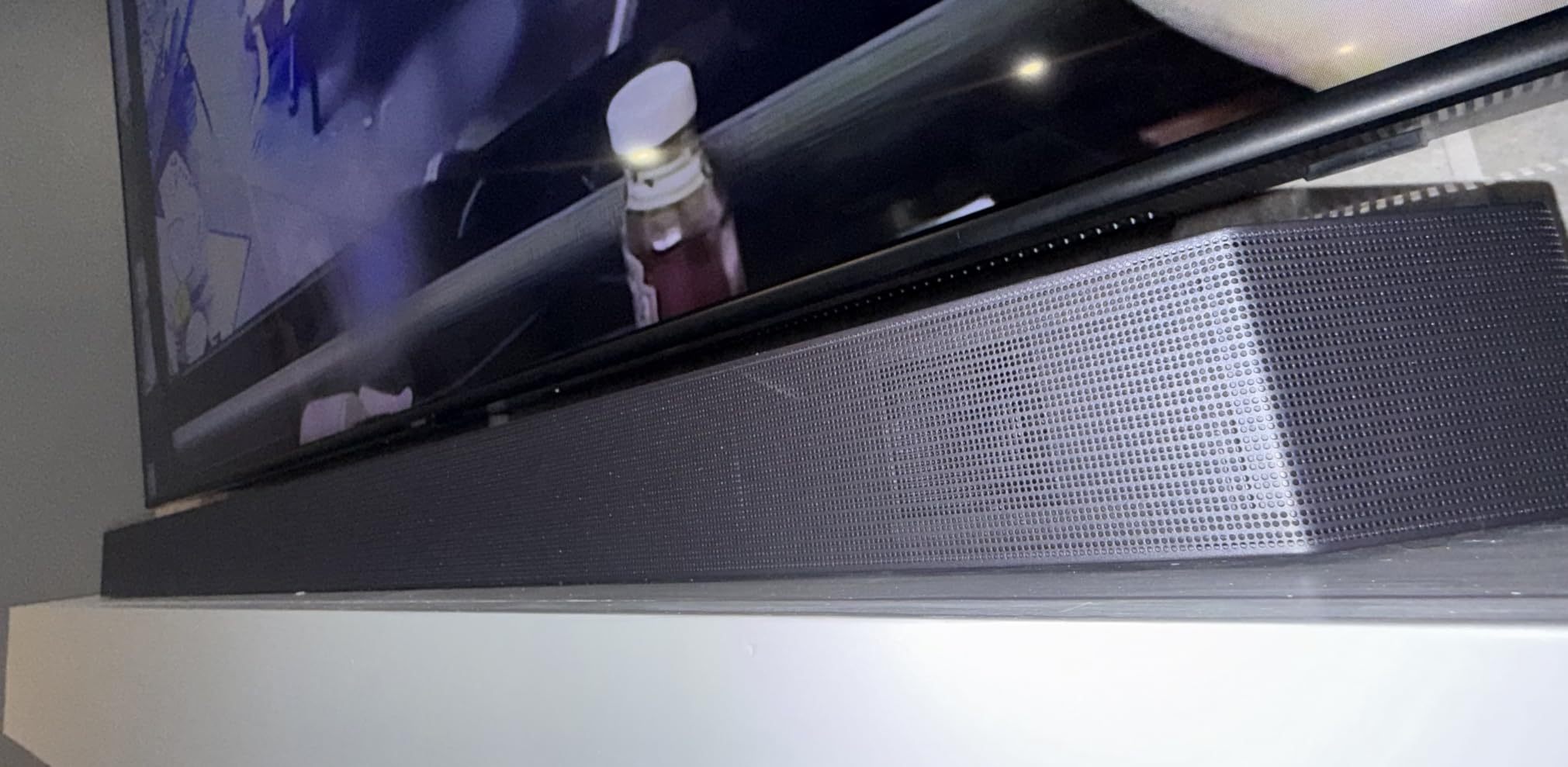
Q-Symphony and Adaptive Sound keep voices intelligible during the loudest bass scenes, which is where flagship systems usually lose dialogue. It also works over ARC and eARC with non-Samsung panels, and owners report good behaviour with Logitech Harmony remotes, so the Samsung brand is not a requirement.
Plan the room before you order. The bar is 48.5 inches wide and the package weighs 41.9 pounds, and the subwoofer needs to sit fairly close to the bar to hold a stable wireless link. The small LED display behind the mesh is hard to read and gives no persistent Atmos indicator, it does not upmix plain stereo or 5.1 to the full channel layout, and the Alexa and SmartThings setup is more involved than a single bar.
Is it worth it for a normal living room?
If you sit roughly 3 to 4 metres back and mainly watch films, yes. The rear speakers only make a difference when the listening position is well forward of the bar, which is exactly the seating a dedicated media room gives you. In a small flat where the sofa is against the wall, the Q800F gives you more for the money.
What to check before buying
Measure the cabinet or plan a wall mount for a 48.5-inch bar, and confirm you can place the subwoofer within a few metres of it. The 1 year manufacturer warranty is standard for the tier. Forum owners consistently rate this as the closest thing to a commercial cinema experience among Samsung bars, which is a fair summary.
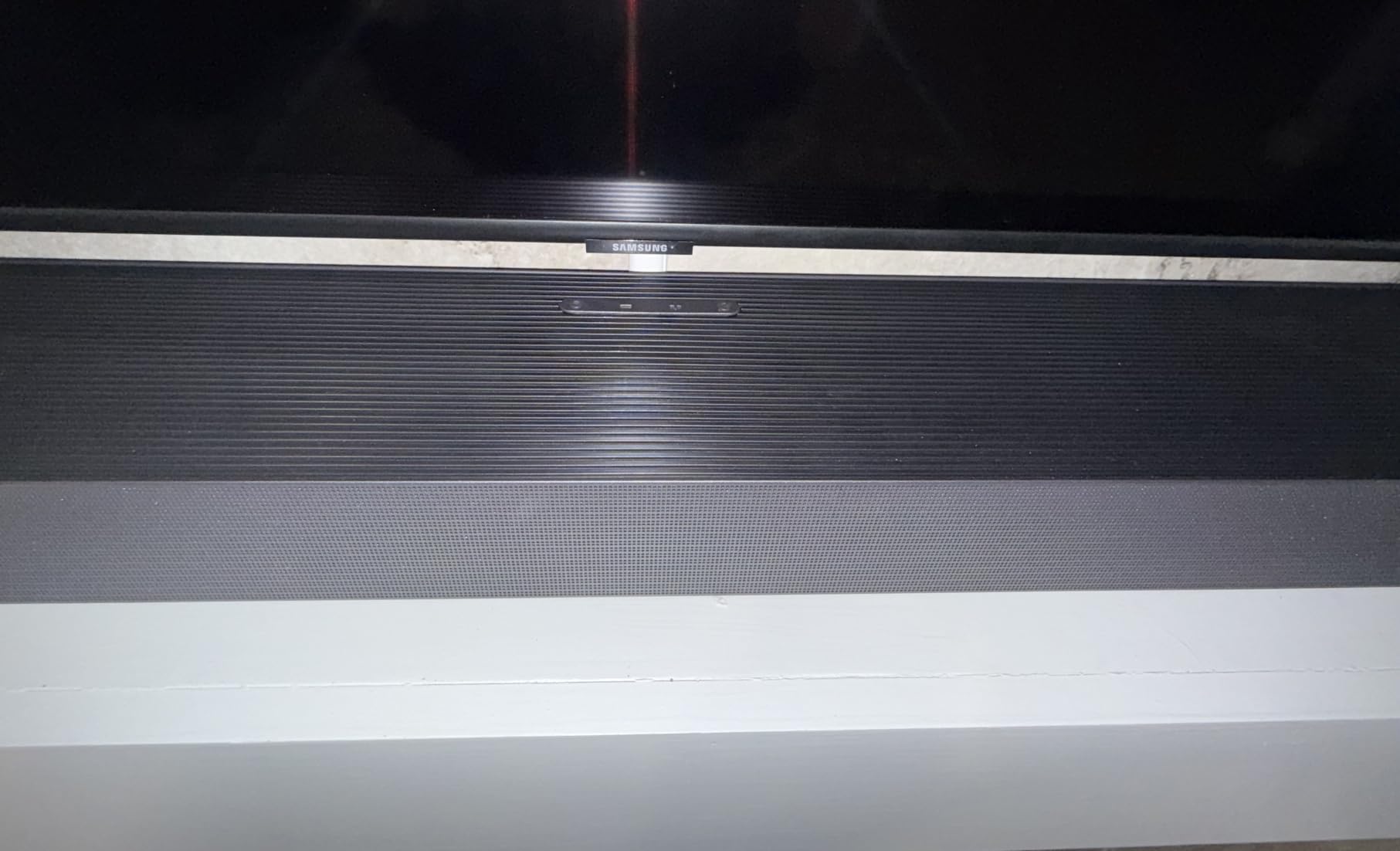
10. Sonos Arc Ultra – Top Rated Soundbar in This Group
Sonos Arc Ultra Soundbar with Dolby Atmos – Black
9.1.4 channels, 14 circuits
Sound Motion acoustic architecture
46.2 inches wide, 12.7 pounds
Single-cable eARC setup, Trueplay, no remote included
Pros
- New Sound Motion acoustic architecture delivers genuine 9.1.4 spatial audio with convincing height and surround placement
- Exceptionally clear dialogue without needing speech enhancement
- Handles high volume without compression or audible distortion
- Single HDMI eARC connection plus step-by-step app guidance makes setup fast
- Expands with Sonos Sub and Era 300 rear speakers for real surround
Cons
- No remote control included so you rely on the TV remote or app
- Trueplay calibration uses your phone microphone so results vary by device
- Bundled HDMI cable is low quality and can cause micro-dropouts
- Music performance is competent but not the strength movie performance is
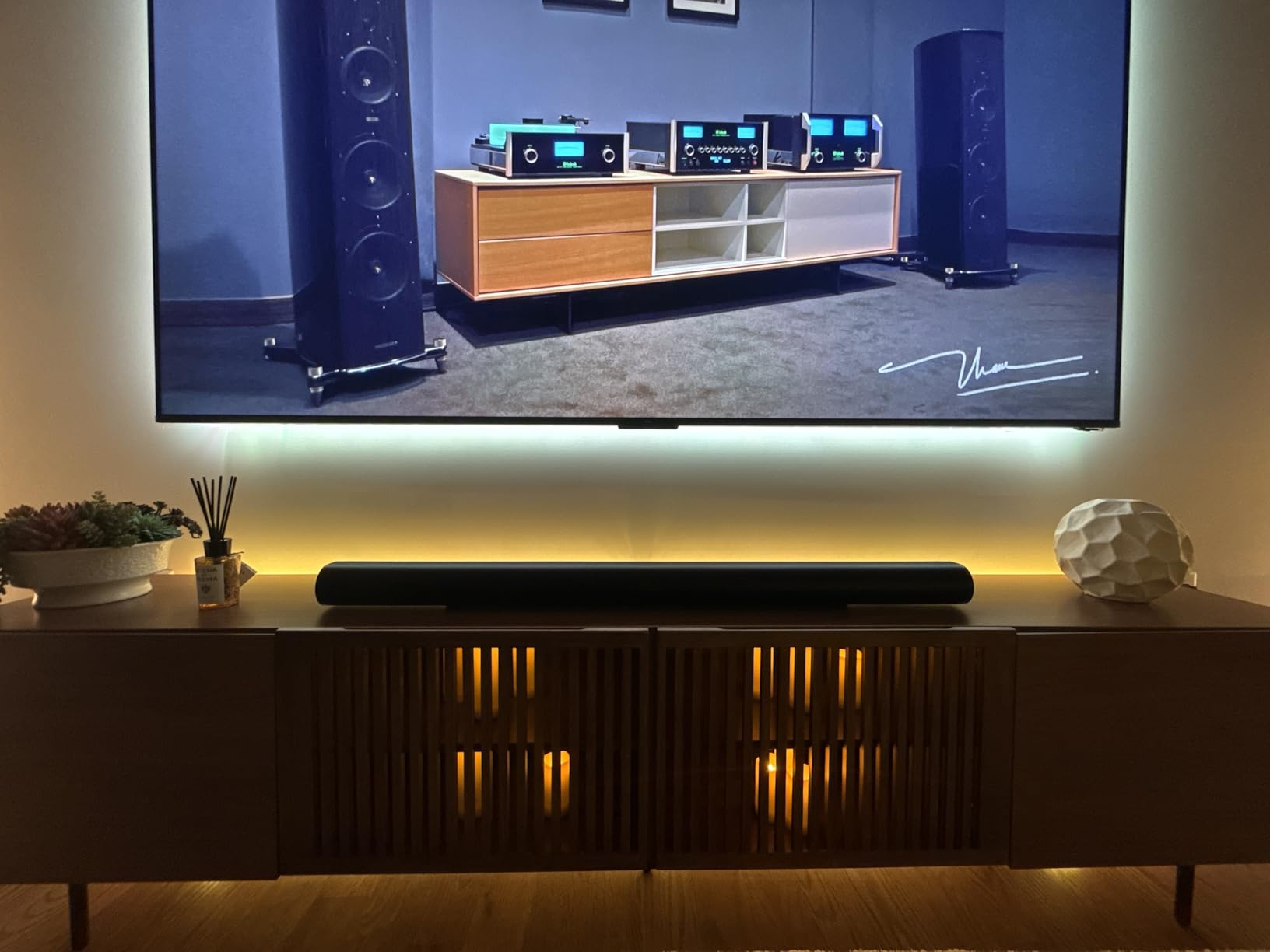
The Arc Ultra is the highest-rated bar in this group and the one I recommend when someone wants one product to do everything. It renders 9.1.4 channels through 14 circuits using Sonos’s Sound Motion architecture, which packs more drivers into a 46.2-inch body than the channel count alone would suggest. It weighs 12.7 pounds, which is light for the output.
Dialogue is exceptional even at high listening levels, and owners report rarely needing to raise the volume or switch on speech enhancement. It stays uncompressed where cheaper bars pump, and the bass is deep and controlled. Setup is a single HDMI eARC cable with step-by-step guidance in the app, and it plays over Wi-Fi, Bluetooth, AirPlay 2 and Spotify Connect.
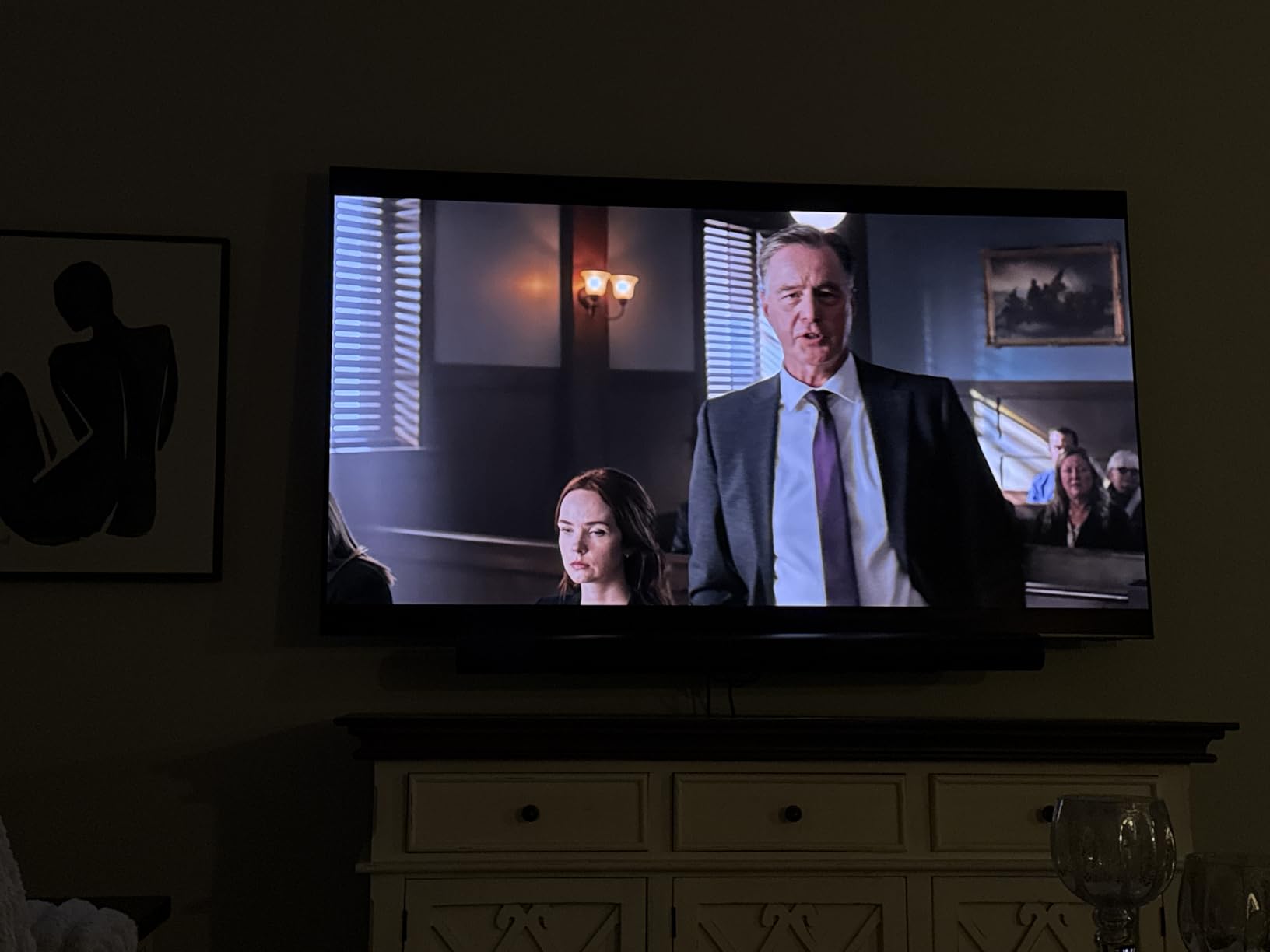
There is no remote in the box, so you control it with the Samsung TV remote, the app, the touch controls or voice. Trueplay uses your phone microphone, which means calibration quality varies by device. The bundled HDMI cable is low quality and can cause micro-dropouts, so swap it for a high-speed cable before you judge the sound. The 1 year manufacturer warranty is standard.
It also plays music competently rather than brilliantly, which is the one area where the soundbar-first rivals have an edge. If you already own Sonos speakers, adding the Arc Ultra, a Sonos Sub and a pair of Era 300 rears gives you a full system that no other bar on this list can match.
Does it pair well with a Samsung TV without Q-Symphony?
It does, and that is the honest counter-argument to buying Samsung-only. HDMI-CEC means the Samsung remote handles volume and mute over the same cable, and the Arc Ultra has enough output that the TV speakers are not needed. You simply lose the extra height layer that Q-Symphony provides on compatible panels.
When a Samsung bar is the better call
If your set is a Q-series or Neo QLED and you specifically want the TV’s speakers acting as height channels, the HW-Q800F or HW-Q990F deliver that integration out of the box. For everyone else the Arc Ultra is the safer long-term buy, because it expands into a genuine multi-speaker system later.
What to Check on Your Samsung TV Before You Buy a Soundbar
Two Samsung TV facts decide which of these ten bars you can actually use, and both are free to check in under five minutes with the remote in your hand.
Does your TV have an optical output? Budget Samsung panels, including some Crystal UHD models in the DU range, ship without one. Several owners assumed something was broken when the optical port was missing. If there is no optical port, HDMI is your only wired route, which rules out any bar that needs a digital audio input to reach its full potential.
Which HDMI port is eARC? On Samsung sets the eARC-capable port is usually the one marked eARC or ARC, and on some models only one port qualifies. Note the port number, because that is where the soundbar cable goes and where the setup instructions will send you.
Which TV family do you own? Frame and S-series Neo QLED panels are the ones that benefit most from Q-Symphony and from wireless Dolby Atmos. Budget Crystal UHD sets still get a large improvement from a soundbar, but the AI tuning features on the Q-series bars are tied to newer AI TVs and do less on an older panel. If you are still choosing a panel, our guides to OLED TVs for watching movies and TVs for reviewing footage cover the picture side.
How to Connect a Soundbar to a Samsung TV and Fix Lip Sync
Lip sync is the most common complaint in Samsung soundbar threads, and it almost always comes down to one of three things: where the source device is plugged in, which delay slider is being adjusted, or a CEC handshake that has gone stale.
1. Route sources into the soundbar, not the TV. Plug your console, streamer or disc player into the soundbar’s HDMI input, then run a single HDMI cable from the soundbar’s eARC output to the eARC port on the TV. Forum consensus is firm on this: audio handled by the soundbar keeps ARC control working and avoids the delay that comes from letting the TV pass audio along.
2. Use the Samsung Audio Delay slider correctly. On the TV, open Sound, then Advanced Sound Settings, then Audio Delay, and adjust Audio Out Delay. This is the control that adds lag to the television so it matches audio that is arriving late. If your soundbar also has its own delay control, use one and only one of the two, or the two will fight each other and you will never settle on a clean value.
3. Check the format negotiation first. If the soundbar’s display shows PCM or a compressed format, Q-Symphony and some Atmos features will not engage. On several Q-series models you must set the TV digital output to PCM before Q-Symphony works with a given source device.
4. Power-cycle in the right order. When HDMI-CEC handshakes fail, the fix is usually to unplug the TV and the soundbar from the wall for a full minute, then reconnect the soundbar first and the TV second. Owners report this resolves most dropouts without touching any settings.
5. Turn off double audio. If voices sound doubled or slightly echoed, the TV speakers are still active. Set the TV speaker output to external speaker only, and check whether Anynet+ is switching inputs on its own. Some owners solve both problems by disabling Anynet+ entirely and using the soundbar’s own control.
One warning from the forums worth repeating: adding a streaming box between the TV and the soundbar can fix sync and quietly switch off Q-Symphony at the same time. If you rely on Q-Symphony, keep the source in the soundbar’s HDMI input instead.
Do You Actually Need Q-Symphony?
Q-Symphony is Samsung’s answer to thin flat-panel speakers, and it is the strongest argument for buying a Samsung bar for a Samsung TV. On compatible panels, the TV’s own upward- and side-firing speakers join the soundbar instead of sitting idle, adding height and centre-channel layers that no single bar reproduces alone.
It is worth it when your TV is a Q-series or Neo QLED model and you sit far enough forward to notice the added height. It is worth it less if you own a budget Crystal UHD set with modest built-in speakers, because there is less to contribute and you will hear mostly the bar.
Forum sentiment on Q-Symphony is mixed, and honestly so. Some owners report it transforms dialogue clarity. Others say it added latency or made the sound worse for them, and a few solved sync issues by removing a device from the chain and lost Q-Symphony as a result. Treat it as a meaningful bonus rather than the reason to buy.
One practical note: Q-Symphony depends on firmware. Update the soundbar through the SmartThings app before you judge it, because behaviour changes between firmware revisions and several owner problems disappeared after an update. The one product in this list that gives you Q-Symphony without a separate subwoofer box is the HW-S60D.
How to Match a Soundbar to Your Room and TV
Bedroom and small apartments. A compact 2.0 or all-in-one 5.0 bar is the right call. The Sony S100F and Samsung HW-B400F both fit a 43-inch class panel and a narrow stand, and neither needs a second box on the floor. Channel counts above 5.1 add nothing a small room can resolve.
Mid-size living rooms. This is where a wireless subwoofer earns its cost. The Yamaha SR-B40A wins on dialogue, the JBL Bar 500MK2 on impact, and the Samsung HW-S60D wins if you want Q-Symphony in a single box. Match the panel size to the system: 55-inch to 65-inch Samsung sets are well served by 2.1 through 5.1.2 configurations.
Dedicated media rooms and larger panels. At 75 inches and up, height channels and rear speakers stop being optional. The Samsung HW-Q600F and HW-Q800F add up-firing drivers, and the HW-Q990F adds real wireless rears. Check that you can place the subwoofer near the bar and that your cabinet fits a 48-inch bar before committing.
Gaming on PS5 or Xbox Series X. Look at HDMI eARC, not HDMI 2.1 bandwidth, because Samsung sends the picture to the panel over the same cable. Game Mode Pro on the Q-series bars engages automatically and helps localise directional audio. If you need 4K at 120Hz with variable refresh rate, confirm the bar passes 4K Dolby Vision through rather than downscaling, which the JBL Bar 500MK2 and Sonos Arc Ultra both do.
Frame TV owners. The aesthetic objection is real and often decides the purchase. Wall-mounting the Sony S100F or the Yamaha SR-B40A, both of which have mounting points, keeps the cabinet clean. The Sonos Beam Gen 2 is the most compact option here and disappears almost entirely under a panel.
Our broader guide to TVs for film screening goes deeper on panel choice if the sound is only half the problem.
Frequently Asked Questions
What is the best soundbar for Samsung Smart TV?
The Samsung HW-S60D is the best all-round choice because Q-Symphony lets your Samsung TV’s own speakers act as extra height channels, and its all-in-one 5.0 channel body removes the need for a separate subwoofer. The Sony S100F is the best low-cost upgrade, and the Sonos Arc Ultra is the highest-rated option for reference sound.
Is it better to use a Samsung soundbar with a Samsung TV?
It helps, but it is not required. Samsung TVs expose a standard HDMI eARC port, and community members confirm that Yamaha, Bose, Sonos, Sony and LG bars all work with them. What you gain with a Samsung bar is Q-Symphony, which lets the TV’s upward- and side-firing speakers join the soundbar as extra height channels. You also get adaptive tuning tied to newer Samsung AI TVs.
How to fix lip sync on Samsung soundbar?
Start with routing. Plug your console or streamer into the soundbar’s HDMI input, then run one HDMI cable from the soundbar to the TV’s eARC port. Next, use only one delay control: on the TV go to Sound, then Advanced Sound Settings, then Audio Delay, and adjust Audio Out Delay, leaving the soundbar’s own delay at zero. If the handshake fails, unplug both units for a full minute and reconnect the soundbar first.
What is the best setting for audio delay on a Samsung TV?
Use the TV’s own slider rather than the soundbar’s. The path is Sound, then Advanced Sound Settings, then Audio Delay, then Audio Out Delay. Set the soundbar’s internal delay to zero so only one value is in play, since two delay controls fighting each other is the usual reason sync never settles. Keep the TV digital output set to PCM if Q-Symphony or Atmos features are not engaging.
What is the best way to connect a Samsung soundbar to a Samsung TV?
Use HDMI eARC. Run a single HDMI cable from the soundbar’s eARC output to the eARC-marked port on the TV, and connect your console, streamer or disc player to the soundbar’s own HDMI input. Forum users consistently report that this routing gives the best sound, keeps remote control working through HDMI-CEC, and avoids the delay that appears when sources are plugged into the TV instead.
What are some common problems with Samsung soundbars?
The most reported issues are lip sync delay over HDMI eARC, HDMI-CEC or Anynet+ causing power-cycling and wrong-input switching, and doubled audio when the TV speakers are not fully disabled. Owners also report eARC handshakes failing until both devices are unplugged for a minute, firmware changes altering Q-Symphony behaviour, and budget DU-series Samsung TVs having no optical output at all.
The Best Soundbar for Your Samsung TV in 2026
For most Samsung TV owners the Sony S100F is our editor’s choice, because it delivers the clearest upgrade over thin built-in speakers for the least money and takes up almost no cabinet space. It is also the most reviewed bar in this group, at more than 9,000 owner ratings, so the verdict is well tested rather than early.
If you own a Q-series or Neo QLED panel and want the TV’s own speakers working with the bar, choose the Samsung HW-S60D for a single-box setup or the HW-Q800F if you have room for a proper subwoofer. For dedicated home theatre with real rear speakers, the HW-Q990F is the one that solves the problem properly. And if you want a single product that expands into a full multi-speaker system later, the Sonos Arc Ultra is the highest-rated bar we tested.
Whichever you pick, check the eARC port on your panel before you buy, run the source into the soundbar rather than the TV, and update the firmware before you judge anything. Those three steps account for most of the problems Samsung soundbar owners report. Last reviewed in 2026.