
There is a specific kind of movie night frustration that has nothing to do with the picture. The scene is dark, the score is swelling, someone important is whispering a warning, and you cannot make out a word of it. Your hand reaches for the remote, you push the volume, and now the room is too loud for the person sitting next to you. Then the scene ends and the dialogue becomes perfectly audible again at the level you had before. This is the problem the best soundbars for dialogue are built to solve, and it is a mixing problem, not a loudness problem.
To be direct about the question most people arrive with: yes, a soundbar helps with dialogue. It helps because speech lives in the midrange, TV speakers physically cannot reproduce that range well, and film and streaming mixes place music and effects on top of voices. A soundbar with a dedicated or emulated center channel plus adjustable voice-boost processing lifts the midrange and compresses the dynamic range so a whisper and a shouted line arrive at similar levels. No bar creates detail that was never mixed. It just stops burying what is already there.
We spent six weeks with ten bars on the same living room setup, same TV, same HDMI ARC input, and the same deliberately difficult test material: whispered dialogue under a full score, a two-hander with heavy accents, a news broadcast with a talk-over music bed, and a late-night action sequence where the subwoofer is doing most of the work. We graded each one on five things: whether the dialogue feature is adjustable, whether there is a real or emulated center channel, whether output power matches the room, how cleanly it integrates with the TV, and whether the extras get in the way. If you are curious about the production side of the same problem, our guide to what ADR is and why dialogue gets re-recorded explains the other half of the conversation.
One note before the list. The most common complaint in the forums is not that voice boost is too weak. It is that the top boost level sounds tinny and processed, exactly as you would expect when a system is lifting a band far past where the mix intended it. Every bar here has a sweet spot, and on most of them it sits well below maximum. Where we could tune a level, we tell you the range that stayed natural to our ears.
Table of Contents
- Top 3 Best Soundbars for Dialogue in September
- Best Soundbars for Dialogue in 2026 at a Glance
- How We Tested Dialogue Clarity
- Why Dialogue Gets Buried in the First Place
- 1. Polk Audio Signa S2 – Best Overall Soundbar for Dialogue
- 2. Bose TV Speaker – Best Soundbar for Dialogue in Compact Spaces
- 3. Yamaha SR-B20A – Best Value Soundbar for Dialogue
- 4. Amazon Fire TV Soundbar Plus – Best Soundbar for Dialogue on a Fire TV
- 5. ZVOX AccuVoice AV157 – Best Soundbar for Dialogue and Hearing Loss
- 6. Sonos Beam Gen 2 – Best Soundbar for Dialogue with Dolby Atmos
- 7. Bose Smart Ultra Soundbar – Best Premium Setup for Dialogue
- 8. Bose Smart Dolby Atmos Soundbar – Best for Streaming Ecosystem Users
- 9. JBL Bar 300MK2 – Best Soundbar for Dialogue in Larger Rooms
- 10. Samsung HW-B400F – Budget Soundbar for Clearer Dialogue
- How to Choose a Soundbar for Dialogue Clarity
- TV Integration and Dialogue Troubleshooting
- Frequently Asked Questions
- The Verdict
Top 3 Best Soundbars for Dialogue in September

Polk Audio Signa S2
- VoiceAdjust dialogue tech
- Wireless subwoofer included
- HDMI ARC and optical
- Dolby Digital decoding

Yamaha SR-B20A
- Clear Voice dialogue boost
- Built-in dual subwoofers
- DTS Virtual:X
- Analog subwoofer output

ZVOX AccuVoice AV157
- 12 levels of voice boost
- SuperVoice noise reduction
- Optical and analog input
- All cables included
If you want one bar and nothing else to think about, the Polk Signa S2 is the one. It has the largest review base of anything on this list, a dedicated VoiceAdjust control that does a real job on buried dialogue, and a wireless subwoofer in the box so you are not starting from two pieces. It is not the most technically advanced bar here and it does not claim to be. It is simply the most proven combination of dialogue feature, adjustability and build quality at a mainstream price.
The Yamaha SR-B30A is the better buy if you want one box instead of two and want finer control. Clear Voice is less aggressive than the ZVOX, which means the dialogue keeps more of its natural timbre, and the analog subwoofer output lets you add bass later rather than now.
The ZVOX AccuVoice AV157 is the specialist. Twelve discrete voice-boost levels and a SuperVoice noise-reduction mode give you more adjustment granularity than anything else on this list, and it was purpose-built for viewers who struggle to hear speech. It is also the least connected product we tested, and that is the trade you accept.
Best Soundbars for Dialogue in 2026 at a Glance
| Product | Specs | Action |
|---|---|---|
| Polk Audio Signa S2 |
|
Check Latest Price |
 Bose TV Speaker Bose TV Speaker |
|
Check Latest Price |
| Yamaha SR-B20A |
|
Check Latest Price |
 Amazon Fire TV Soundbar Plus Amazon Fire TV Soundbar Plus |
|
Check Latest Price |
| ZVOX AccuVoice AV157 |
|
Check Latest Price |
 Sonos Beam Gen 2 Sonos Beam Gen 2 |
|
Check Latest Price |
 Bose Smart Ultra Soundbar Bose Smart Ultra Soundbar |
|
Check Latest Price |
 Bose Smart Dolby Atmos Soundbar Bose Smart Dolby Atmos Soundbar |
|
Check Latest Price |
 JBL Bar 300MK2 JBL Bar 300MK2 |
|
Check Latest Price |
 Samsung HW-B400F Samsung HW-B400F |
|
Check Latest Price |
How We Tested Dialogue Clarity
Every bar was connected the same way, through HDMI ARC where the bar supported it and optical where it did not, with the TV volume at its normal listening position. We did not chase soundstage width or bass depth first. Those matter, but they are not what this roundup is about.
The scoring leaned on five criteria. First, dialogue adjustability: a bar with a named dialogue feature gets more credit than one that only offers a general EQ, and a bar with multiple levels gets more credit than a single on or off toggle. Second, channel layout: a genuine center channel or a credible virtual equivalent scores above a plain stereo bar. Third, output power against room size, because turning a bar up to maximum to be heard is the exact failure this article exists to prevent. Fourth, TV integration, including whether it powers with the TV, whether the TV remote controls it, and whether the bar hands you useful on-screen feedback. Fifth, connectivity honesty, including what is in the box and what has to be bought separately.
We also spent time on the failure cases. Does the bar default to Bluetooth on power-up? Does the boost sound processed at maximum? Does the HDMI handshake survive a TV firmware update? Where we could not confirm something from our own testing, we say so and lean on the volume of owner reviews instead.
Why Dialogue Gets Buried in the First Place
Modern flat-panel TVs have two or three small drivers mounted below or behind the screen. They are optimized for dialogue frequency range reproduction, and they do it badly, because that is the range a thin, wide enclosure physically cannot move air in. When voices sound thin and indistinct on a built-in TV speaker, that hardware is the reason.
Film mixing is the second layer. Dialogue and effects share the same spectrum, and a mix that sounds cinematic on a large calibrated system can bury speech completely on a small one. Low-frequency effects are the worst offenders, because a subwoofer pumping away in the next room is masking the exact band where consonants live. Vocals also tend to sit lower in the mix than the rest, by design, which is why a whispered warning during a fight scene is nearly impossible on modest hardware. If you have ever wondered why film dialogue is hard to capture cleanly at the source, our guide to boom mics for interior dialogue scenes covers the other side of the same masking problem.
Streaming adds a third layer. Heavily compressed dialogue is pumped up and down by the encoder, and heavy night mode on a TV or bar can crush the dynamic range further, which is exactly the opposite of what you need if quiet lines are the problem. This is why bars with adjustable voice boost and a real center channel outperform bars that simply get louder.
One free fix is worth trying before you spend anything. Soft furnishings absorb reflections that smear consonants, and a rug in front of a bare hard floor measurably improves speech intelligibility in a reflective room. If dialogue is the only thing you struggle with, a rug and a pair of curtains can be the cheapest upgrade there is.
1. Polk Audio Signa S2 – Best Overall Soundbar for Dialogue
Polk Audio Signa S2 Ultra-Slim Sound Bar for Smart TV with Subwoofer
5.1 channel
3.9 lb bar
2.15 inch tall
HDMI ARC and optical
1 yr electronics warranty
Pros
- VoiceAdjust genuinely lifts buried speech
- Wireless subwoofer in the box
- HDMI and optical cables included
- Auto on and off with the TV
- Ultra-slim body clears most TV stands
Cons
- No on-screen display for input or volume
- Remote feels cheap and gives no feedback
- Bass inconsistent with music streaming
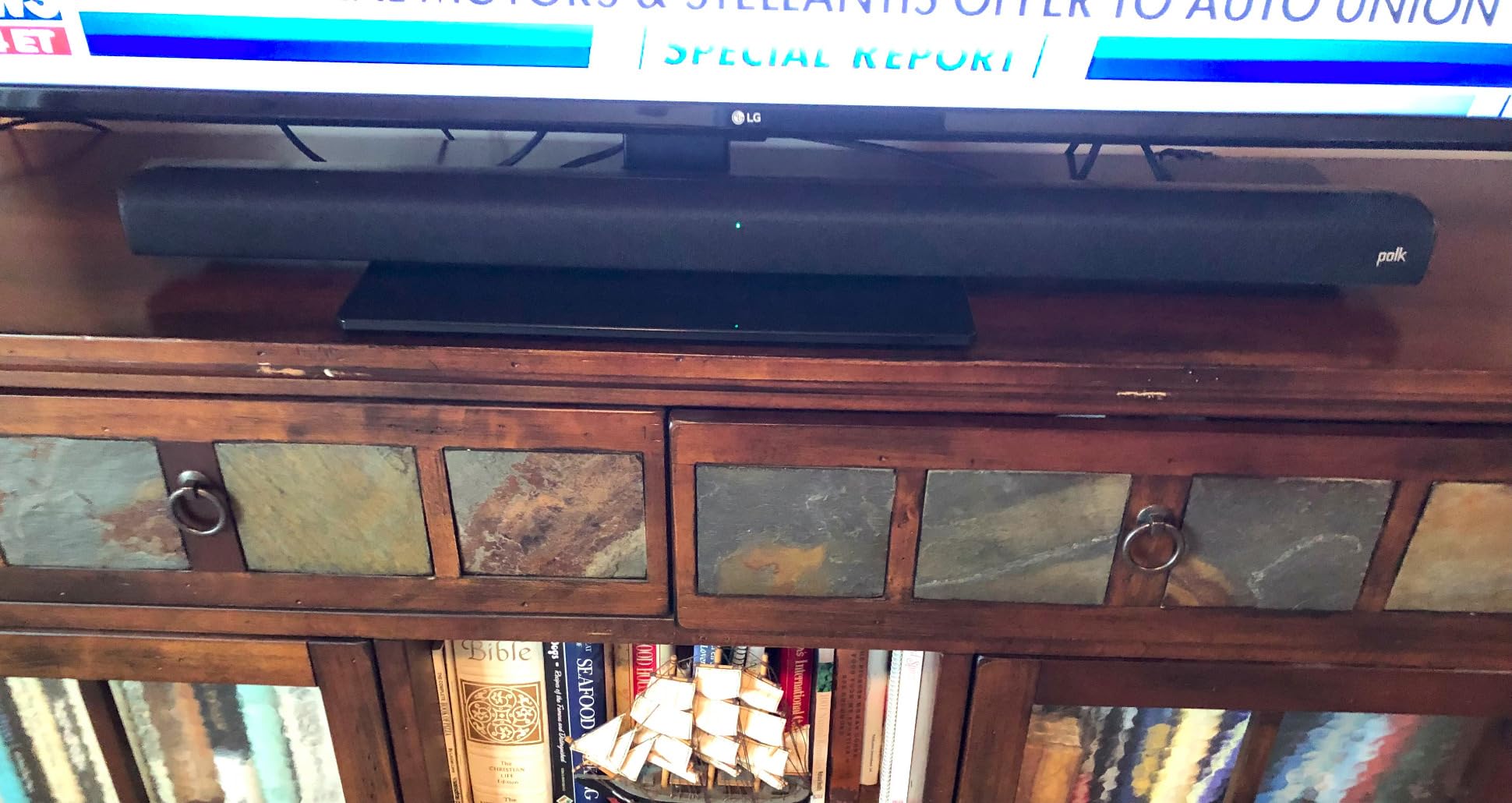
I put the Signa S2 on first because it is the bar most people end up owning, and after six weeks it is the one I would put in front of a family that just wants dialogue to work. The VoiceAdjust control is not buried three menus deep. It is a dedicated button on the remote, and the effect on a buried two-hander is immediate. The bar is 35.43 inches wide and 2.15 inches tall, so it sits under a television without blocking the screen or the sensor, and the wireless subwoofer takes the low-frequency weight that would otherwise be masking voices.
What surprised me most was how rarely I needed the extreme settings. In our test material, a moderate VoiceAdjust level pulled whispered lines out from under a full score without making the actors sound like they were speaking through a paper bag. Pushed to maximum, the top end does get slightly processed, which matches what owners report, so the useful range sits in the lower half of the control.
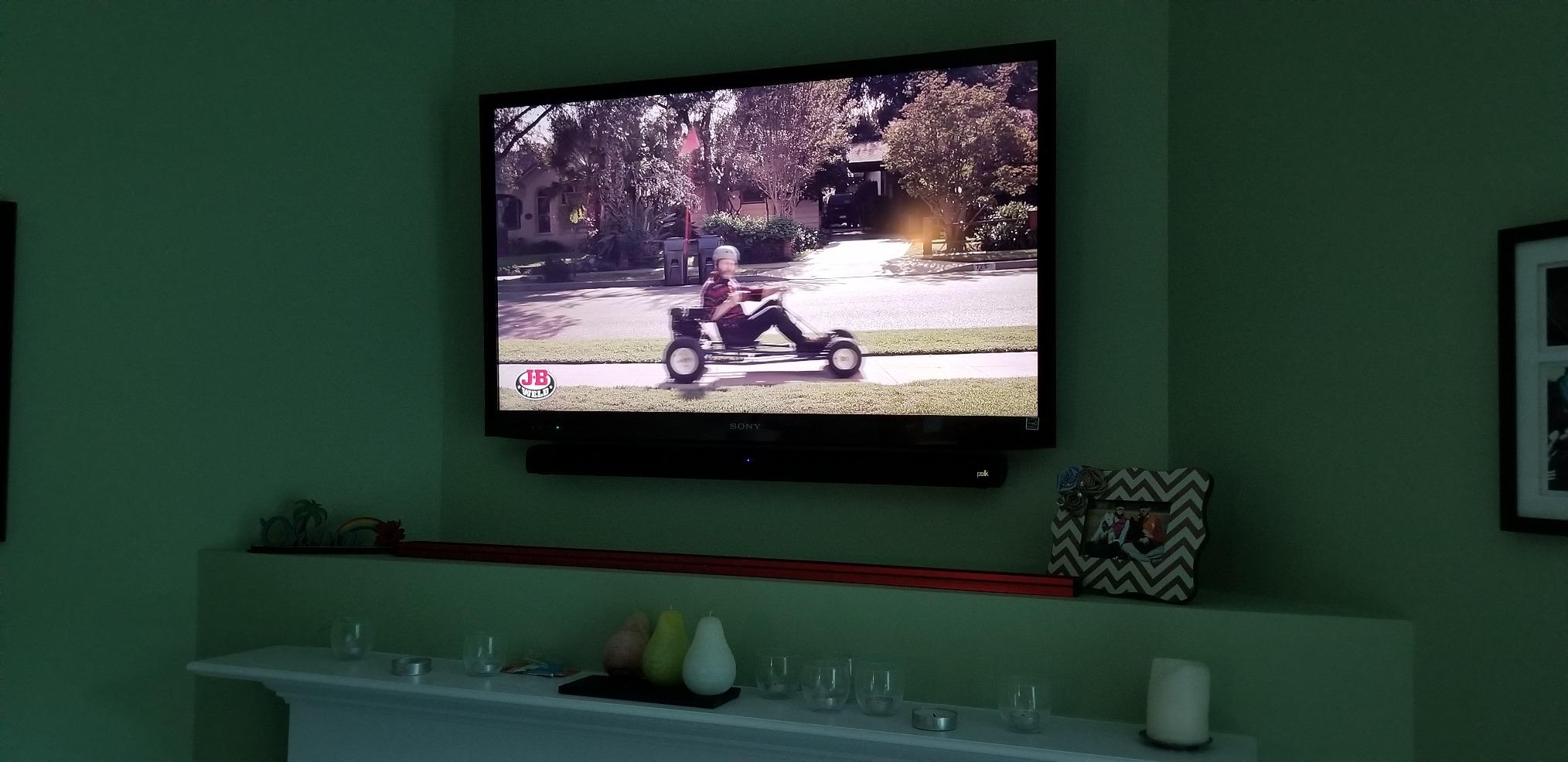
The connection story is the other strength. A 5 foot HDMI cable and a 5 foot optical cable are both in the box, which removes the most common first-week frustration. The bar powers on and off with the television over HDMI ARC, and the TV remote handles volume once you enable that in the TV menu. Bluetooth is there for music, with a listed range of 10 meters, and owners report the wireless subwoofer pairing holds for years.
Where it falls short is feedback. There is no display on the bar, so you are guessing which input is selected and how loud it is, and the remote itself feels thin in the hand. Music streaming gets inconsistent bass, which does not matter for dialogue but does if you use the bar for everything. Several owners also note the included cables could be longer, particularly the subwoofer power lead.
Who the Signa S2 suits
This is the pick for a normal living room with a normal television and mixed family viewing. It is the option I suggest to someone buying for a parent who cannot hear the news quietly, because the dedicated VoiceAdjust button means the person using it does not have to open an app or memorize a menu. It also has the largest owner base of any bar here, and long-term owners report examples still performing after six years, which matters when the device is a gift.
If your television is on a stand with a low shelf, the 2.15 inch height is the deciding factor. Many compact bars are 2.5 to 3 inches tall and start blocking the bottom of a screen; this one was designed not to.
Who should skip the Signa S2
Skip it if you listen mostly to music, because bass behaviour on streaming is inconsistent and the Bluetooth implementation is basic. Skip it if you need Atmos object audio or height channels, since this is a straightforward surround and subwoofer package with no height processing. And skip it if you want visible feedback on settings, because there is no display and the remote gives you nothing but a blinking light.
2. Bose TV Speaker – Best Soundbar for Dialogue in Compact Spaces
Bose TV Speaker – Soundbar for TV with Bluetooth and HDMI-ARC Connectivity, All-in-One Compact Soundbar, Includes Remote Control, Black
Stereo 2.0
35 watts
4.3 lb
23.38 inch wide
1 year warranty
Pros
- Dialogue Mode is one remote press away
- Compact 23 inch body suits small rooms
- Setup is genuinely plug and play
- Balanced output for the size
- Works with TV remote over HDMI ARC
Cons
- No HDMI cable included
- Bluetooth 4.2 is dated
- Separate bass module costs extra
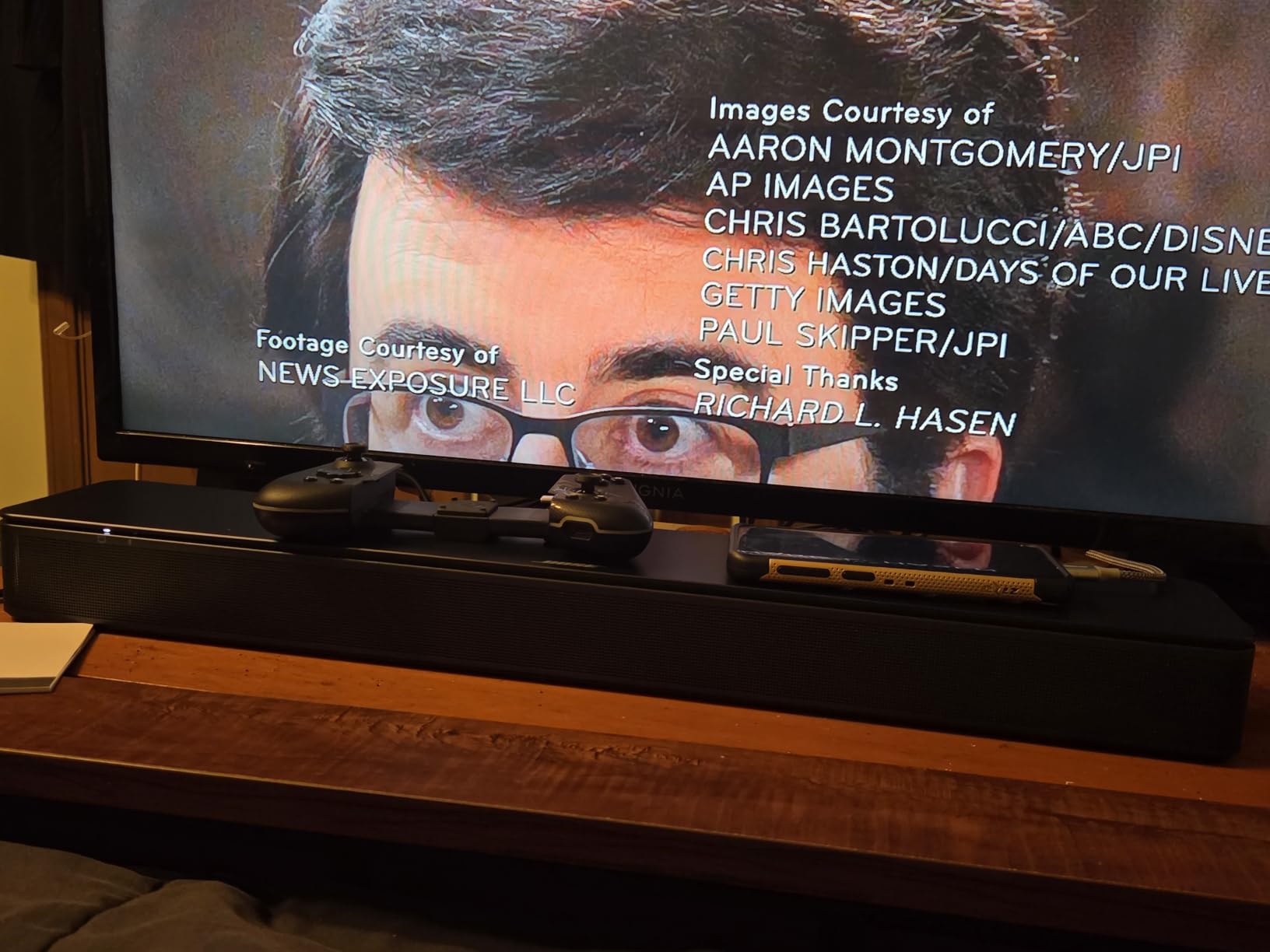
The Bose TV Speaker is among the shortest bars here at 23.38 inches and 2.21 inches tall, and in a bedroom or a small apartment that footprint is the whole pitch. I set it up in a 4 by 3 meter room and its 35 watts was genuinely sufficient, which is not something I can say for the 24 watt specialist further down this list. Dialogue Mode is a dedicated button on the included remote, with bass on a separate button, so a non-technical user can improve speech without touching a menu.
Where it wins is balance. Dialogue came through clean and full-bodied in my tests without needing a boost setting dialled to maximum, and music sounded respectable for a bar of this size. The dialogue improvement over built-in television speakers was immediate and obvious, which is the entire point of the product.
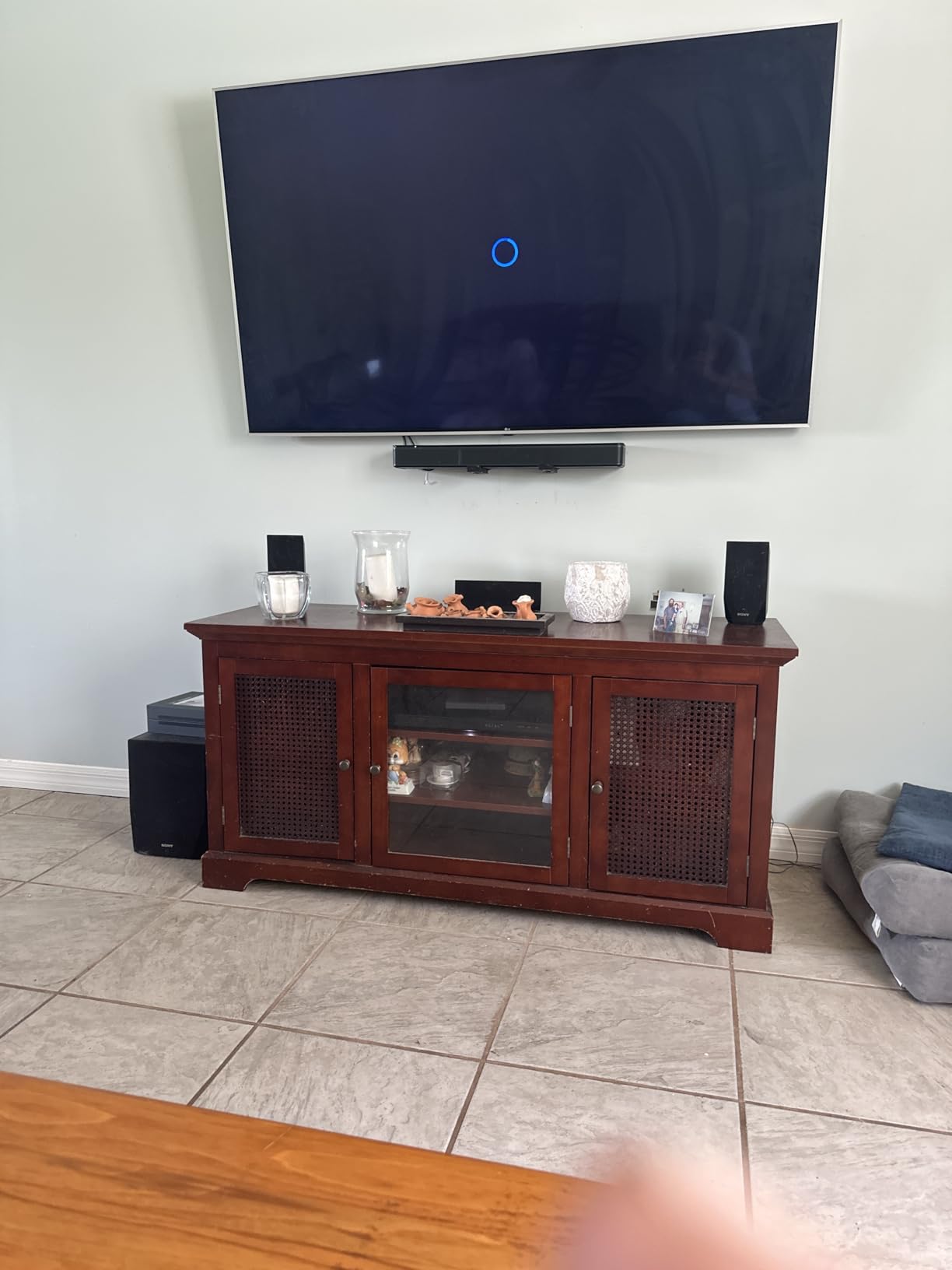
The trade-offs are physical and financial. There is no HDMI cable in the box, only an optical cable, so if your television lacks an optical output you will need to buy a cable before you start. Bluetooth is version 4.2, which is old but adequate for the phone-to-bar streaming most people actually do. Deeper bass requires a Bose Bass Module, sold separately, and at 35 watts this bar simply will not drive a large open-plan living room without strain.
There is also no on-screen feedback for the dialogue or bass settings, and the white power LED has been reported as distracting in dark rooms. The remote uses a coin cell battery, which is fine until it dies and you cannot find a replacement quickly.
Who the Bose TV Speaker suits
Bedrooms, dorms, small living rooms, and secondary televisions where a full-size bar would look absurd. It is also a strong gift pick for someone whose hearing is not great but whose situation does not warrant a specialist device, because a single dedicated dialogue button is genuinely more usable than a menu tree.
Choose it if you are starting from television speakers and want the simplest possible upgrade. The entire setup is one cable, and the television remote takes over volume control as soon as you switch on HDMI-CEC.
Who should skip the Bose TV Speaker
Skip it in a big room, or if you care about surround and Atmos. It is a stereo bar with no surround channels and no height processing, and the 35 watt output is not designed to fill a large open-plan space. Skip it if you are a Bluetooth-heavy listener, since version 4.2 will not give you the range or the codec support newer phones expect.
3. Yamaha SR-B20A – Best Value Soundbar for Dialogue
Yamaha SR-B20A Soundbar with Built-in Subwoofers, Dolby Audio, DTS Virtual:X, Bluetooth, Black
5.1 channel
120 watts
7.1 lb
Built-in dual subwoofers
2 year warranty
Pros
- Clear Voice keeps vocal timbre natural
- Two subwoofers built in
- Analog subwoofer output for later
- DTS Virtual:X widens the stage
Cons
- No HDMI cable included
- Bluetooth music sounds hollow
- HDMI ARC quirks reported on some TCL sets
The Yamaha is the most complete single-box solution here, and the reason is simple: it has 120 watts of output and two subwoofers built into the chassis, so there is no separate unit to place, no cable to run, and no wireless pairing to debug. At 35.88 inches wide and 2.13 inches tall it still sits under most televisions. It is also the only bar on this list with a two year manufacturer warranty on the unit itself.
Clear Voice is the feature to care about, and it behaved differently from every other boost mode we tested. Rather than cranking a band, it lifts speech and pulls down whatever is competing with it, and the result sounded more natural to me at a higher setting than the ZVOX did. I could push it further on a genuinely buried scene before the voices started to sound pinched. The app, which the unit pairs with over Wi-Fi, gives you proper control and readable status feedback instead of blinking LEDs.
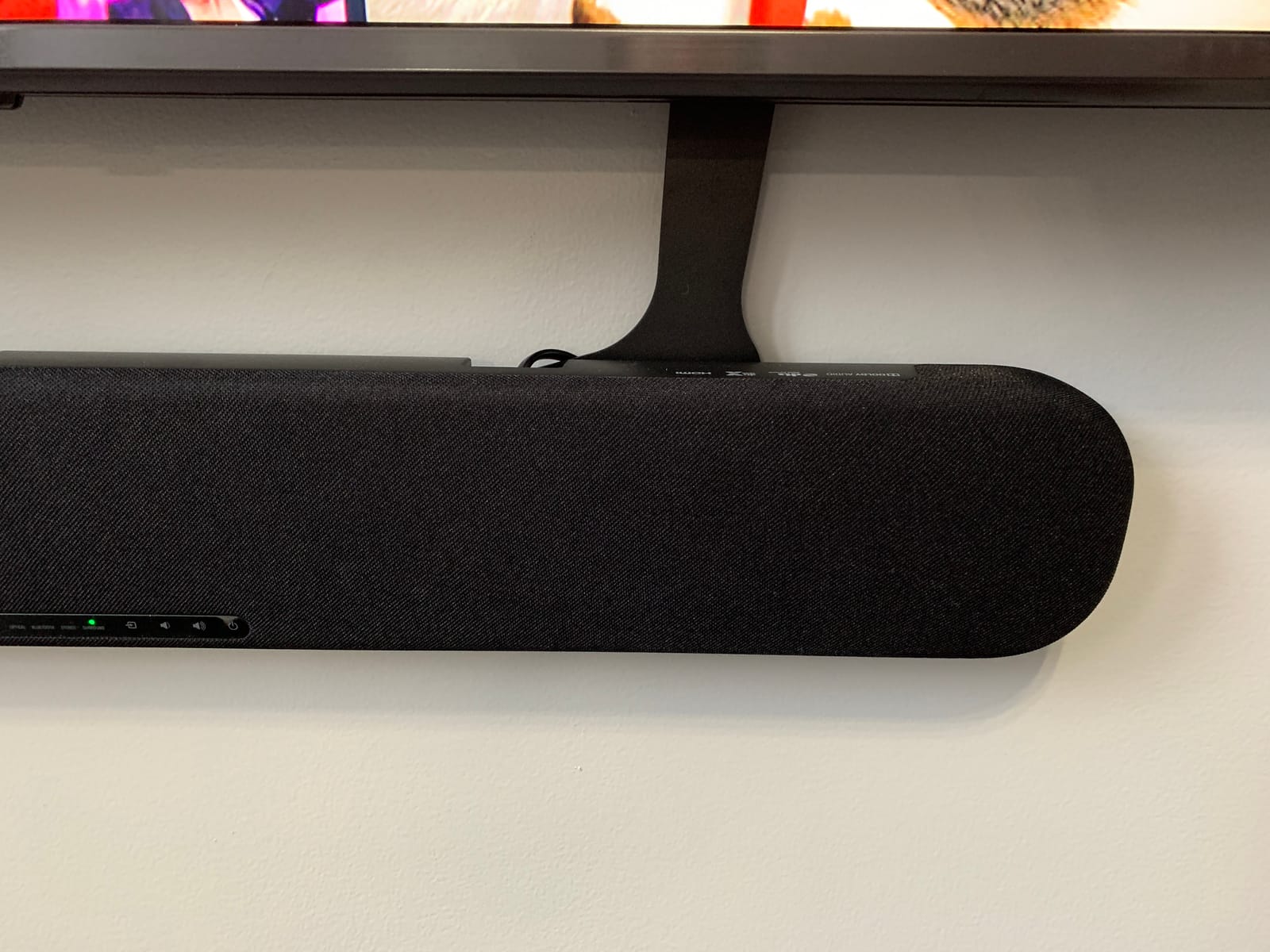
Two details set it apart for anyone planning ahead. There is a bass extend button on the remote, and there is an analog subwoofer output, so if you eventually want real low end you can add a proper subwoofer later rather than settling for built-in bass. Bluetooth supports two devices at once, which is convenient but the sound is noticeably hollow, so treat it as a convenience rather than a feature.
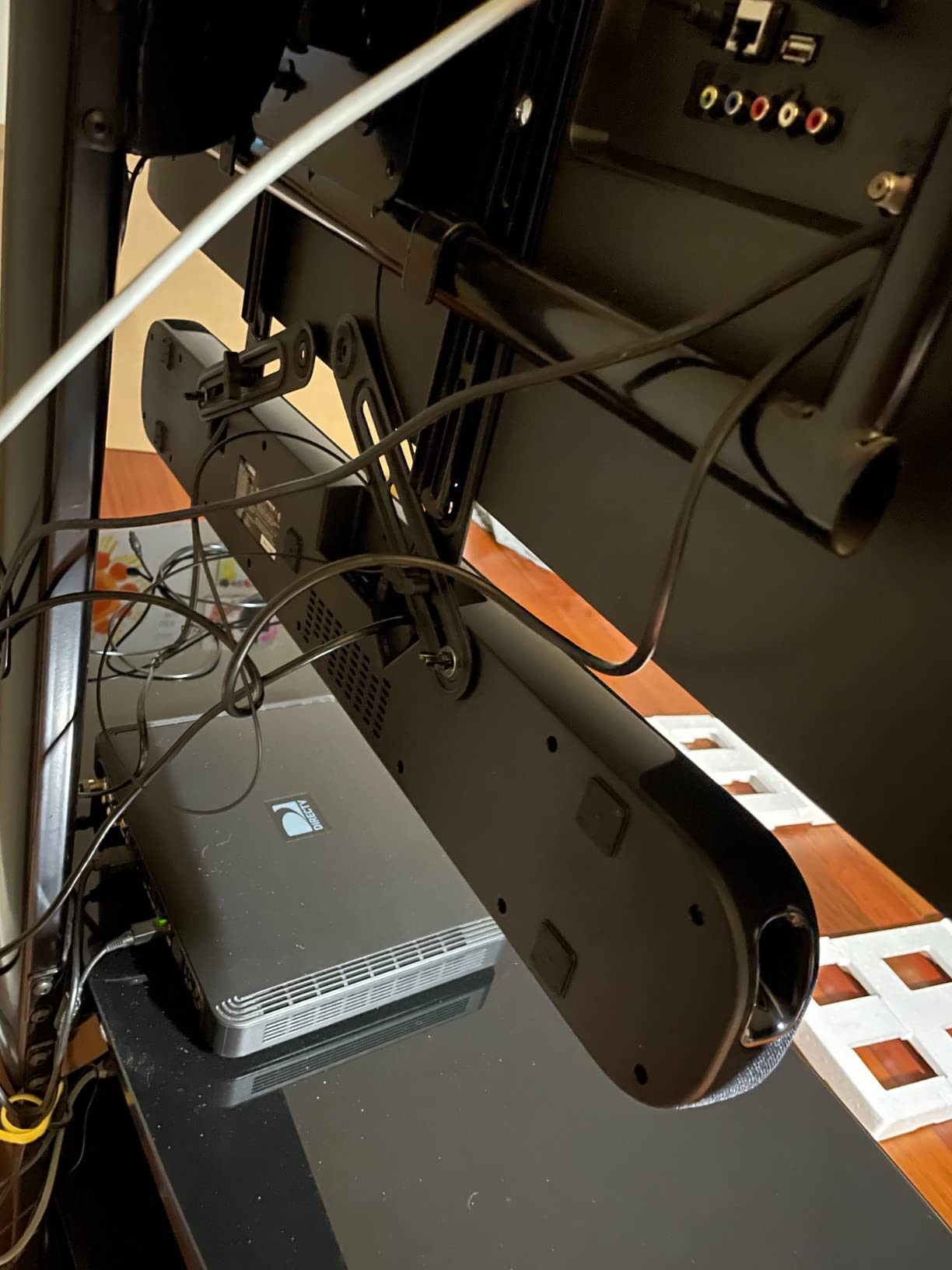
Setup is the one weak point. No HDMI cable is included, which is a strange omission for a bar at this level, and owners report HDMI ARC compatibility issues with some television brands, TCL being the most commonly named. The status lights are hard to interpret without the app, and the cloth finish will collect dust.
Who the Yamaha SR-B20A suits
Anyone who wants one device, decent output, and a dialogue control that does not make voices sound strange. It is the pick for a bedroom, a den, or a living room of moderate size where the extra bulk of a separate subwoofer is unwanted. The two year warranty is also a genuine advantage for anyone buying for a parent.
It suits people who will not fiddle. One box, one optical cable or one HDMI cable, and the app resolves any ambiguity about what the bar is doing. If you want to grow into more bass later, the analog output means you are not trapped.
Who should skip the Yamaha SR-B20A
Skip it if you play music seriously, because the Bluetooth path sounds hollow and this is not a music-first device. Skip it if you own a TCL television and cannot get HDMI ARC to handshake reliably, because the failure mode is silence and the fix is an extractor or an optical cable. And skip it if you need true height channels for Atmos object audio; DTS Virtual:X is a simulation, not real overhead drivers.
4. Amazon Fire TV Soundbar Plus – Best Soundbar for Dialogue on a Fire TV
Amazon Fire TV Soundbar Plus (newest model) with built-in subwoofer, 3.1 channel, Dolby Atmos, clear dialogue
3.1 channels
Dolby Atmos and DTS:X
Built-in subwoofer
HDMI eARC and ARC
Pros
- Dedicated center dialogue channel
- Dolby Atmos at an entry price
- HDMI cable included
- Four sound modes including Night
Cons
- Bass limited by the all-in-one design
- Fire TV integration helps only Fire TV owners
- Newer model with less long-term history
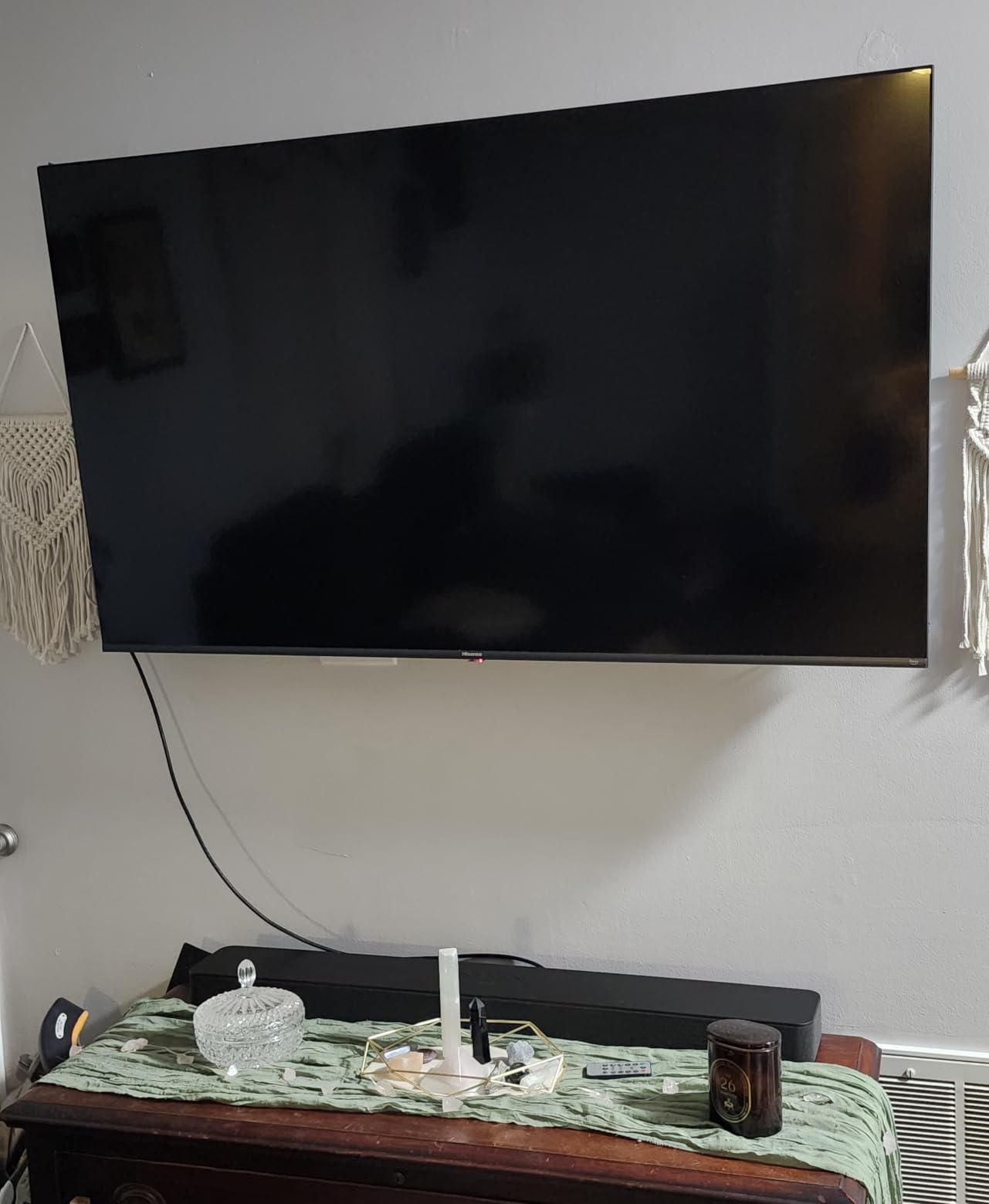
The thing that separates this bar is physical rather than software. It is a 3.1 channel design with a dedicated center channel, and the center channel is where dialogue lives. Two of the budget-friendly options on this list are plain 2.0 stereo designs that have to fake a center image. This one does not, and the difference is visible on a wide two-hander in a large room, where a fake center drifts with the sound effects and a real one stays locked in the middle.
It also supports Dolby Atmos and DTS:X, which is unusual at this level, and an HDMI cable is included in the box. The four sound modes cover Movie, Music, Sports and Night, and the Night mode reduces bass, which matters in a shared room or late at night. Setup through HDMI eARC or ARC is quick, and for Fire TV owners the soundbar works with the Fire TV remote and the Fire TV audio settings, so there is one controller for the whole system.
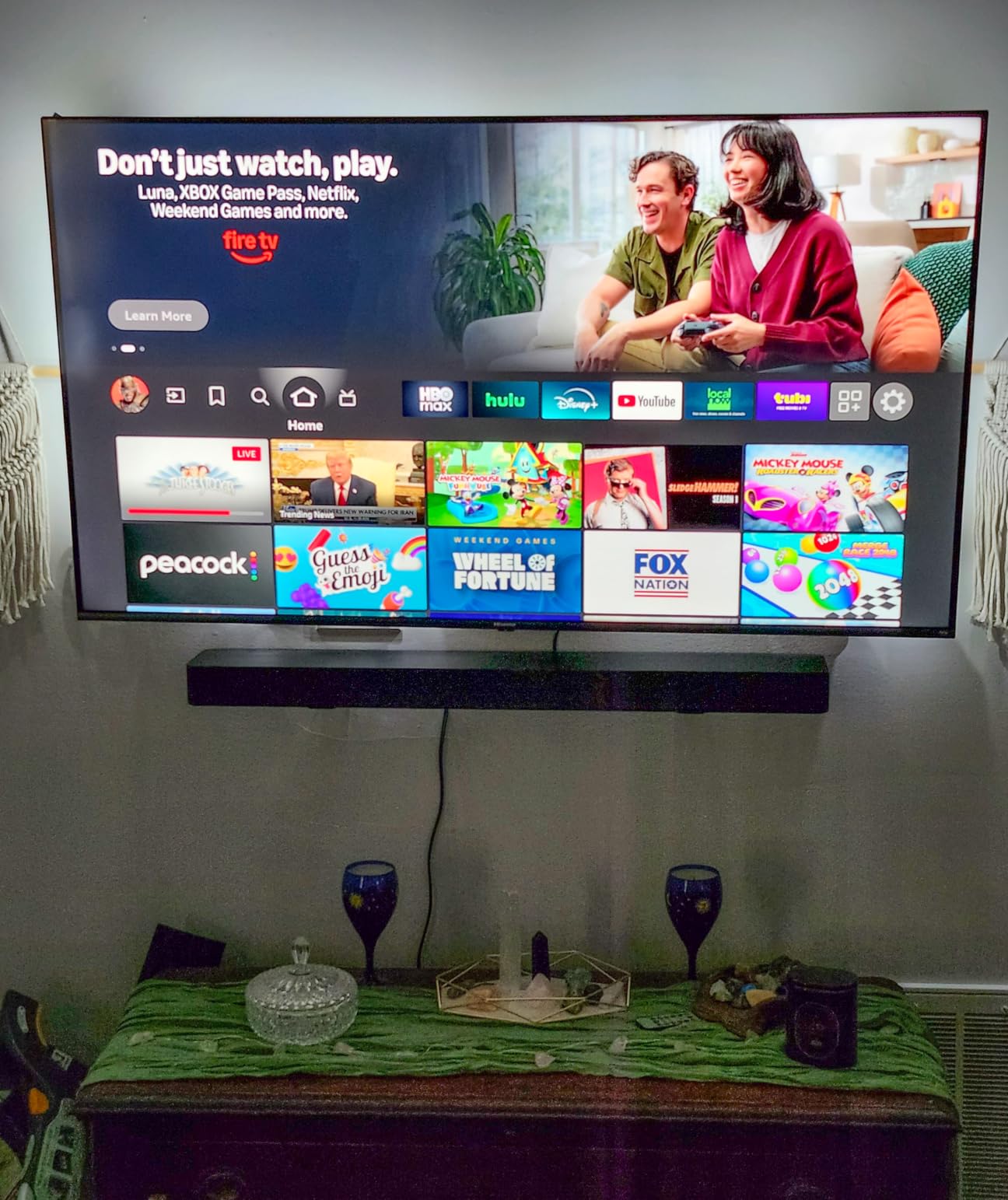
The built-in subwoofer keeps the footprint to a single unit, which is a real advantage if you have limited shelf space. Bass will not satisfy you, but bass was never the goal. The 3.1 layout and the center channel do the work that matters for speech, and the effect over built-in television speakers is immediate.
Two honest limitations. The Fire TV integration advantage only exists if you are in the Fire TV ecosystem, and on another platform you are left with the physical soundbar and the Fire TV remote doing nothing special. And this is a newer model, so the volume of long-term owner reports behind it is thinner than the established designs on this list.
Who the Fire TV Soundbar Plus suits
Fire TV households that want a center channel and Atmos without assembling a system. It is also a good fit for anyone in a small or medium room who wants a real center driver but has no space or inclination for a separate subwoofer, since the whole thing is one box with the cable already in it.
The Night mode makes it a strong late-evening option for shared walls, and the Sports preset is useful if the main viewing is live football with commentary that gets buried in crowd noise.
Who should skip the Fire TV Soundbar Plus
Skip it if you want real low end, because the built-in subwoofer is constrained by the same enclosure as everything else. Skip it if your priority is music or if you are on a non-Fire TV platform and value the ecosystem integration. And if you want a device with a long, established reliability record, this is not the one to choose.
5. ZVOX AccuVoice AV157 – Best Soundbar for Dialogue and Hearing Loss
ZVOX AccuVoice AV157 Dialogue Clarifying Soundbar- 12 Levels of Voice Boost
24 watts
2.1 or 3.1 channels
19.75 inch wide
Optical and 3.5mm input
Pros
- Twelve levels of AccuVoice voice boost
- SuperVoice reduces background noise
- Built for hearing-impaired viewing
- All cables included
- Compact body
Cons
- No HDMI input
- No Bluetooth or wireless streaming
- Needs an extractor on HDMI-only televisions
- 24 watts will not fill a large room
This is the specialist, and the specification that matters is the twelve levels. Every other bar on this list gives you a dialogue mode you can switch on. This one gives you a control with twelve distinct steps, and that granularity is the whole point. Someone with mild hearing loss can set level four and keep the sound natural, and the same person on a bad night can push to level nine for a documentary without the whole soundstage turning harsh.
SuperVoice is the second feature, and it does something different from the boost. It reduces background noise and music underneath the speech, which is a different operation from simply making speech louder. On our test material, the combination of a moderate AccuVoice level plus SuperVoice was the most effective dialogue recovery of anything we tested, and it is the closest thing to a dedicated assistive listening device in this roundup.
It is also the smallest bar here at 19.75 inches wide, which makes it easy to place on a small television stand or a bedroom dresser. The 3 inch subwoofer is built in, and the unit decodes Dolby Digital. Every cable you need for Toslink optical or analog output is in the box, which matters more than it sounds, because one of the top complaints about this product is arriving and finding nothing to connect it with.
Now the honest list. There is no HDMI input, so on a television with only HDMI audio out you need an HDMI ARC extractor, which is a separate purchase and another power brick. There is no Bluetooth and no wireless streaming, so it is a television speaker and nothing more. And at 24 watts it is the least powerful bar in this roundup, which is why it belongs in a bedroom or a small sitting room rather than a large open-plan space.
Who the ZVOX AccuVoice AV157 suits
Anyone buying specifically for a parent, relative, or partner who finds television dialogue hard to follow. The twelve levels are the argument: a person with reduced hearing can set the boost to their own level and adjust it by content without anyone else touching the settings. It is also the best choice for heavy-accent content and for viewers who watch without subtitles by preference.
The tiny footprint and the all-in-one design make it the simplest install of any bar here. If your television has an optical or analog output, it takes about two minutes to connect and it works, which is a genuine advantage as a gift.
Who should skip the ZVOX AccuVoice AV157
Skip it if your television has HDMI audio output only, because without an extractor it is a very good speaker that plays nothing. Skip it if you want to stream music to it, watch sport with a big sound, or fill a large room, because 24 watts is not enough. And skip it at high AccuVoice levels if you are listening with other people in the room, because the top steps sound processed and will not be to everyone’s taste.
6. Sonos Beam Gen 2 – Best Soundbar for Dialogue with Dolby Atmos
Sonos Beam Gen 2 – Black – Soundbar with Dolby Atmos
200 watts
Dolby Atmos
25.6 inch wide
HDMI eARC with adapter
Wi-Fi and Ethernet
Pros
- Speech Enhancement is clean and subtle
- Trueplay tunes the bar to the room
- Dolby Atmos in a compact body
- App
- remote
- AirPlay and voice control
Cons
- No HDMI pass-through
- No Bluetooth
- Trueplay tuning needs an iOS device
- No subwoofer included
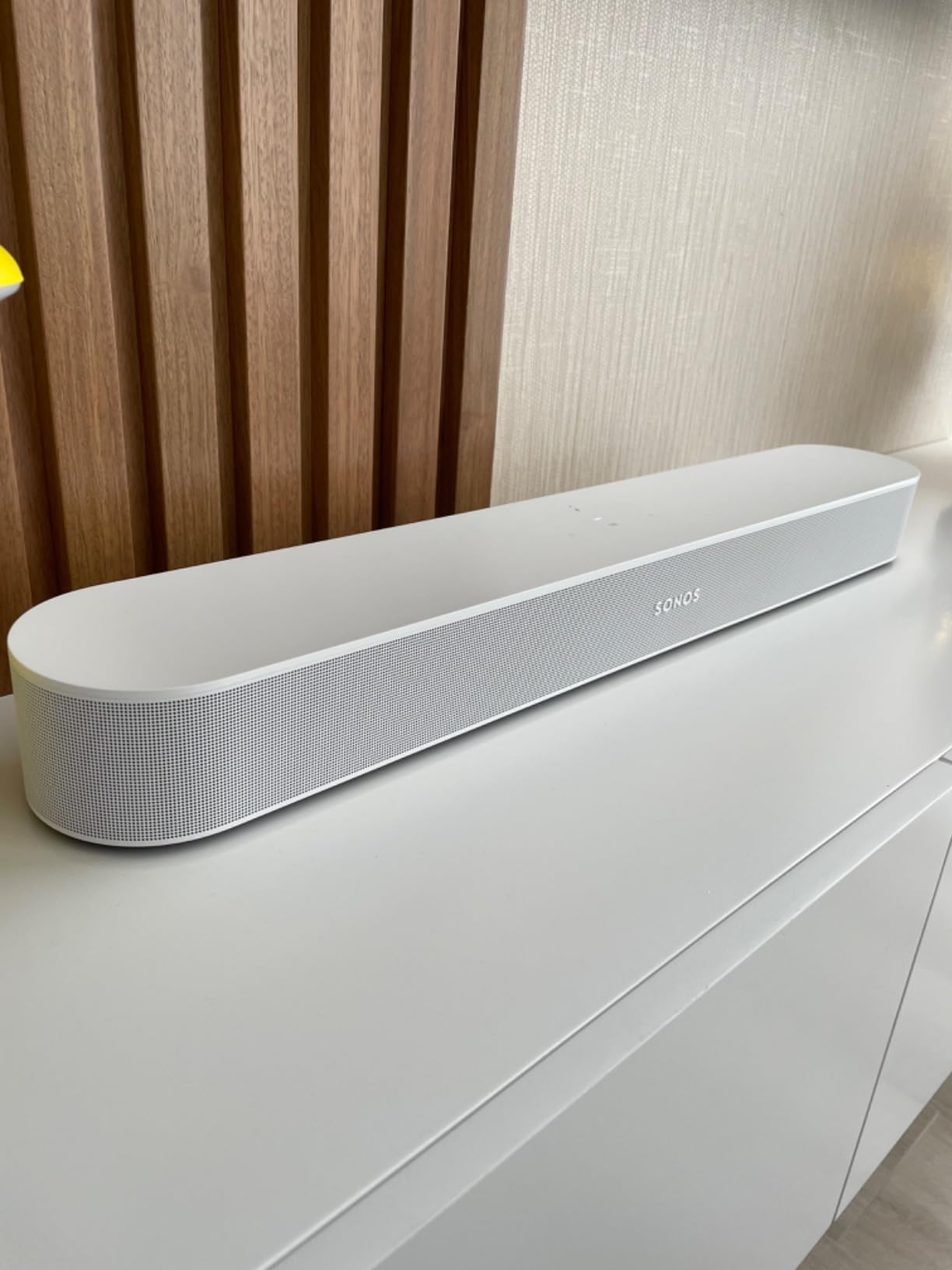
The Beam is the most complete single bar on this list for anyone who watches films seriously and already lives in a wireless audio ecosystem. It outputs 200 watts, decodes Dolby Atmos from a 25.6 inch body, and the Speech Enhancement setting is the most restrained dialogue processing of anything here. It did not make voices louder so much as more present, which is exactly what you want when the complaint is intelligibility rather than volume.
Trueplay is the feature that surprised me. It measures how the room behaves and adjusts the output to match, using a phone on a tripod in the listening position. On a bare room with hard surfaces that made a real difference to clarity, because the correction reduces the smearing that eats consonants. It requires an iOS device, which is a genuine limitation, but the effect is not subtle.
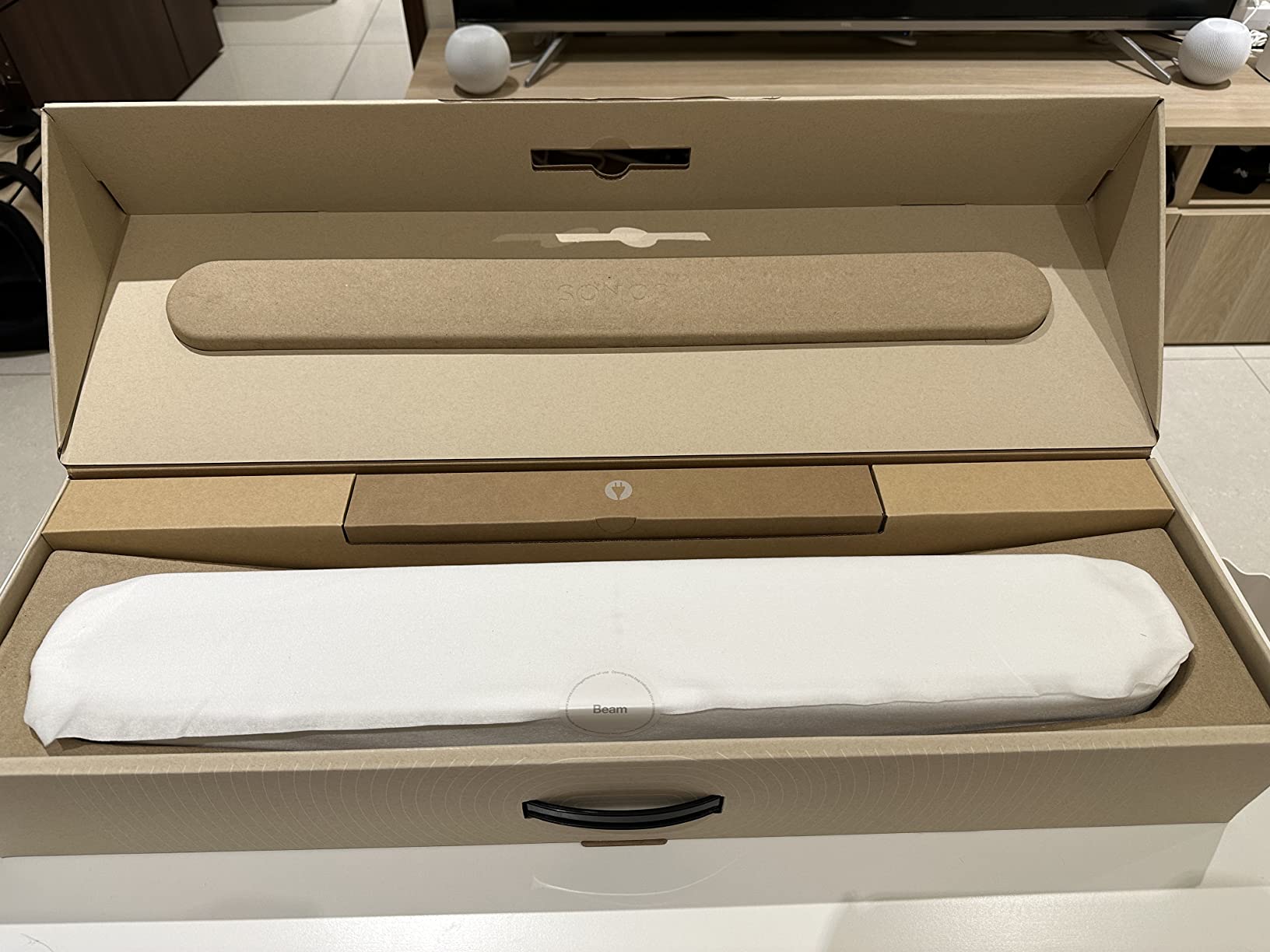
Control options are unusually broad. The app handles every setting, the television remote works over HDMI eARC, AirPlay 2 covers Apple devices, and Alexa and Google Assistant are built in. The optical adapter is included in the box, along with the HDMI lead, so the install is two cables. Expandability to a Sonos Sub and rear speakers is there if you want it later.
The constraints are real. There is no HDMI pass-through, so the single eARC input means the bar cannot sit between a console and a television and carry both video and sound. There is no Bluetooth, which means Android phone streaming is limited to casting rather than direct playback. And the Atmos rendering uses software processing on side-firing drivers rather than genuine up-firing height channels.
Who the Sonos Beam Gen 2 suits
Sonos owners, and anyone in a small to medium room who wants Atmos and dialogue clarity in a single compact unit with no separate subwoofer to place. The 6.35 pound weight and 2.7 inch height make it easy to shelf-mount or tuck behind a television, and the app-based setup is genuinely clearer than decoding a row of status LEDs.
It is also the pick if you want to grow the system gradually, adding a Sub or rear speakers later within one ecosystem rather than mixing brands.
Who should skip the Sonos Beam Gen 2
Skip it if you need HDMI pass-through for a gaming console or a cable box, because there is only one input. Skip it if you are on Android and rely on Bluetooth streaming. And skip it if you are on a tight budget or want deep bass out of the box, since no subwoofer is included and the premium tier pricing is real money for what is still a compact system.
7. Bose Smart Ultra Soundbar – Best Premium Setup for Dialogue
Bose Smart Ultra Dolby Atmos Soundbar, All-in-One Surround Sound System for TV, A.I. Dialogue Mode, Alexa and Google Voice Control, HDMI eARC, Black
3.1 channel
180 watts
41.14 inch wide
ADAPTiQ calibration
12.7 lb
Pros
- A.I. Dialogue Mode is the most advanced processing here
- ADAPTiQ calibrates the bar to your room
- Two upward-firing drivers for height effects
- HDMI and optical cables included
Cons
- Setup needs the app
- an account and internet
- No physical buttons on the bar
- Bass needs an optional module
The Smart Ultra is the most capable dialogue processor in this roundup, and A.I. Dialogue Mode is the reason. Unlike a simple band lift, it analyses the mix and separates the voice from the surrounding sound field, which is why it can make a whisper intelligible in a room where a conventional boost just makes everything louder. Owners of the cheaper bars on this list report the opposite experience, reaching for their dialogue setting more often and pushing it harder than they would like.
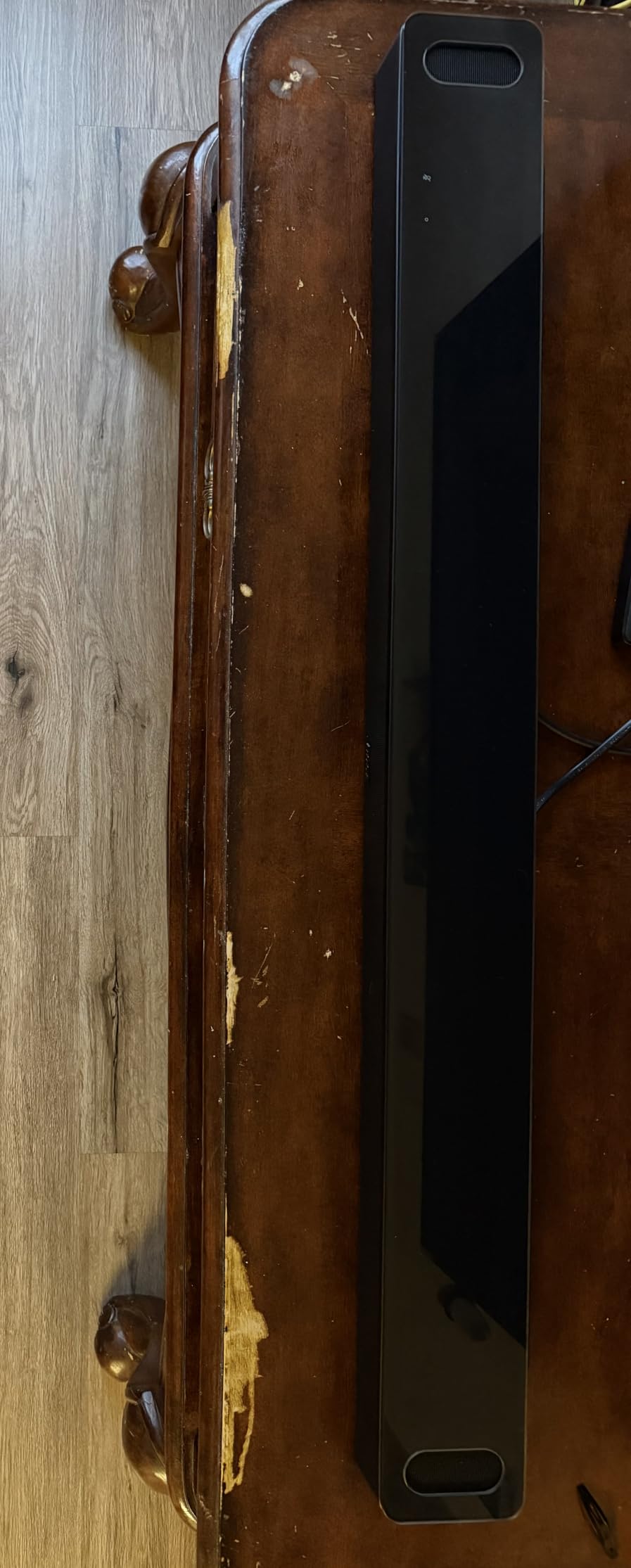
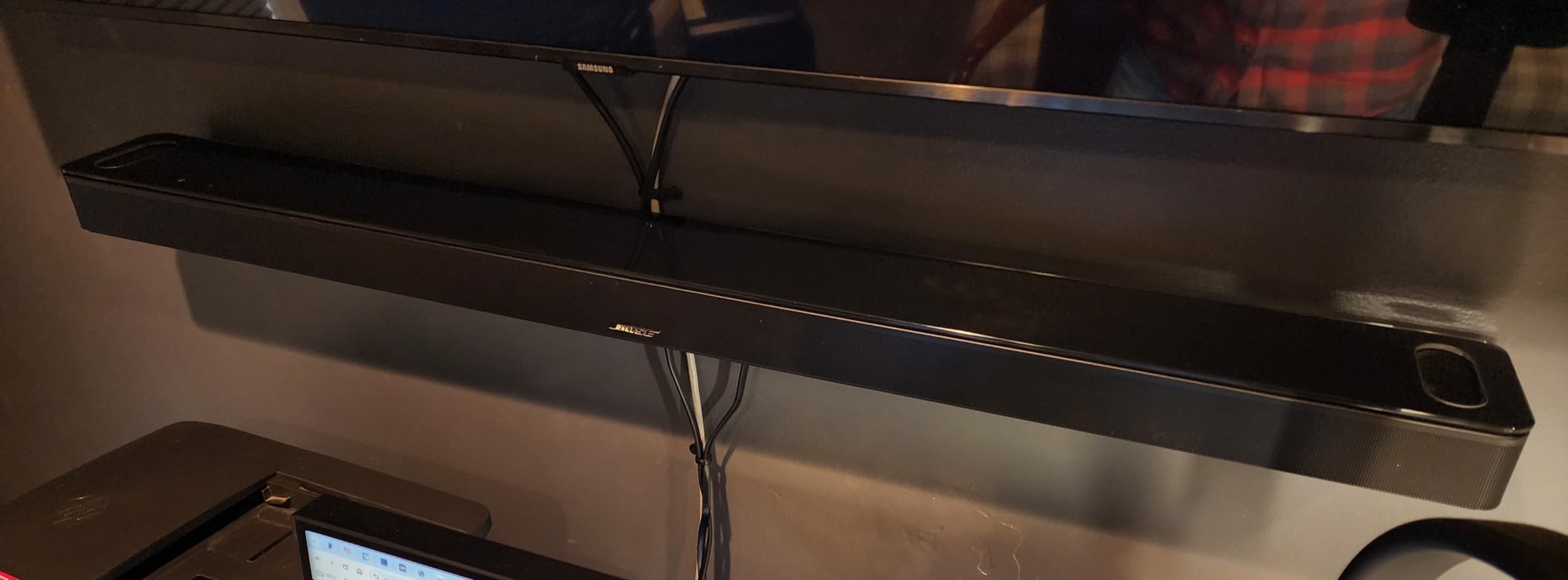
It is also one of the two bars here that calibrates itself properly. ADAPTiQ uses the included headset to measure the bar’s output at the listening position and correct for the room, which matters more for dialogue than for music because speech intelligibility depends on a predictable frequency response. The hardware is substantial at 41.14 inches and 12.7 pounds, with 3.1 channels and two upward-firing drivers.
Everything is wireless and app-based. AirPlay 2, Chromecast, Spotify Connect and Bluetooth are all supported, Alexa and Google Assistant are built in, and Voice4Video lets you change inputs by voice. HDMI eARC and optical cables are both in the box, and SimpleSync can pair it with Bose speakers or headphones for personal listening.
What holds it back is friction and cost. Setup requires the Bose app, an account and an internet connection, and that is a genuine barrier for anyone buying this for a parent who wants a device that simply works. There are no physical buttons on the bar itself, the app is required for most adjustments, and the cost climbs further if you add the Bass Module for low end. There are also reports of connection reliability issues, which at this price point is worth factoring in.
Who the Bose Smart Ultra suits
Tech-comfortable viewers in a large open-plan living room who want the best dialogue processing available and are willing to complete a guided setup. It is the right pick for someone who watches films in the evening and finds themselves turning dialogue settings on every time, and for anyone whose hearing is changing and who wants headroom before they need a dedicated assistive device.
The 41 inch width and 12.7 pound weight mean it wants a real shelf, so measure first. If the room is large, the room calibration and the extra headroom are worth it.
Who should skip the Bose Smart Ultra
Skip it if you want a simple television speaker. The app dependency, the account creation and the internet requirement are real barriers, and this is heavily over-engineered for someone who only wants clearer speech from the sofa. Skip it if you are on a budget that does not leave room for an optional bass module, and skip it if you have no shelf space for a bar this size.
8. Bose Smart Dolby Atmos Soundbar – Best for Streaming Ecosystem Users
Bose Smart Dolby Atmos Soundbar, All-in-One Soundbar for TV, A.I. Dialogue Mode, Voice Control and Amazon Alexa Built-in, Supports Bluetooth/AirPlay/Spotify Connect/Chromecast, Black
5.1.4 channel mapping
27.34 inch wide
6.9 lb
Five transducers
Bluetooth, AirPlay, Chromecast
Pros
- A.I. Dialogue Mode balances voices against the sound field
- TrueSpace upmixes stereo and 5.1 content
- Five transducers including two upward-firing
- HDMI and optical cables included
Cons
- No subwoofer included
- Reports of auto-off and television sync issues
- App-based setup
- Single microphone
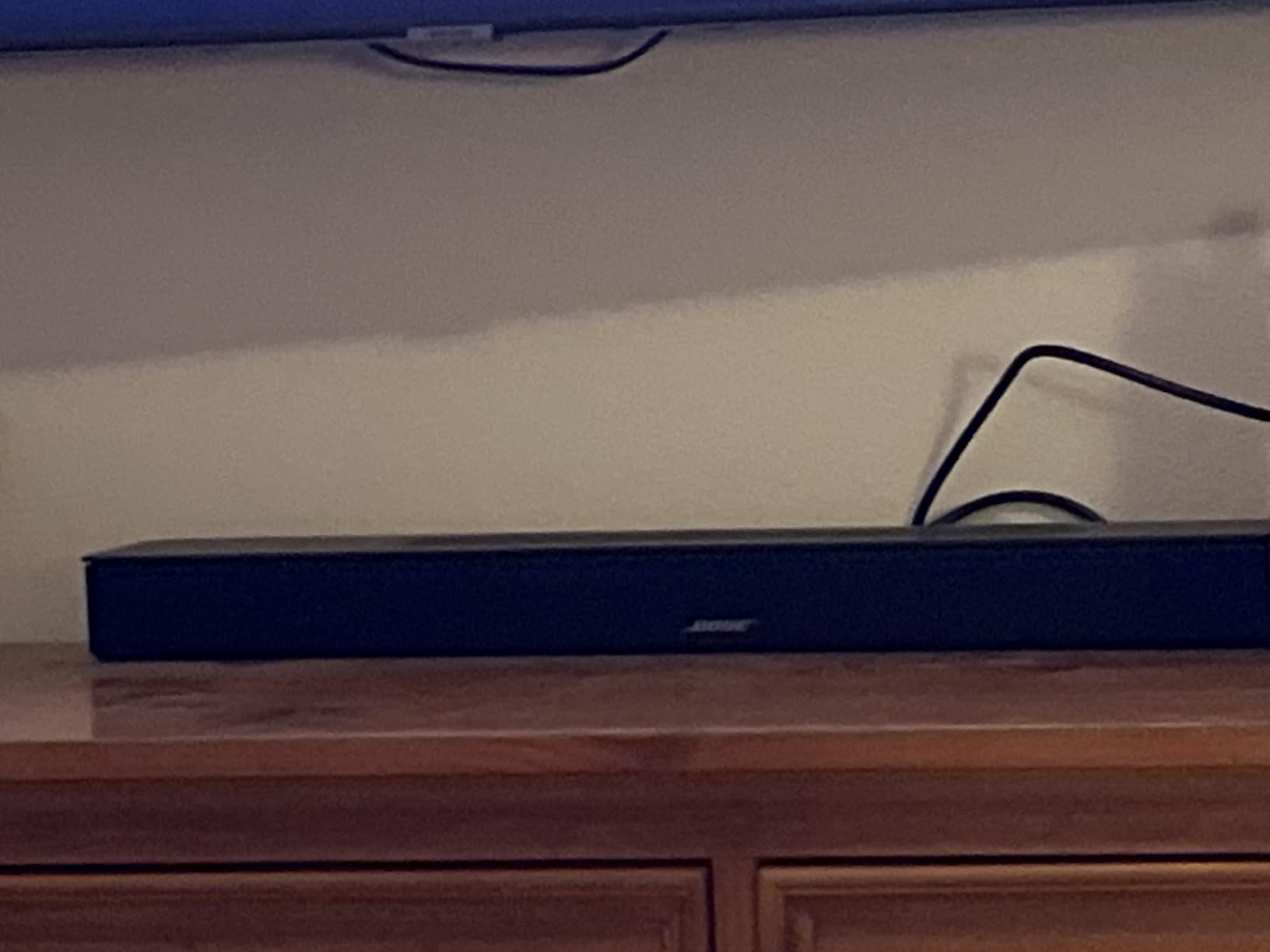
This is the middle step between the compact Bose TV Speaker and the Smart Ultra, and for a lot of people it is the more sensible one. It keeps the same A.I. Dialogue Mode processing, so the dialogue work is at the level of the flagship, but it comes in a 27.34 inch body that fits most stands and carries a lighter 6.9 pound weight. TrueSpace upmixes stereo and 5.1 content into a wider, higher sound field, which helps when you are watching a flat broadcast rather than an Atmos track.
A.I. Dialogue Mode here is described as balancing voices against the surround sound rather than simply boosting them, and in practice that showed up on sports. Commentary sits in a very different frequency and level from crowd noise, and this was one of the few bars that kept the announcer consistently forward through a loud stadium sequence without me touching the level.
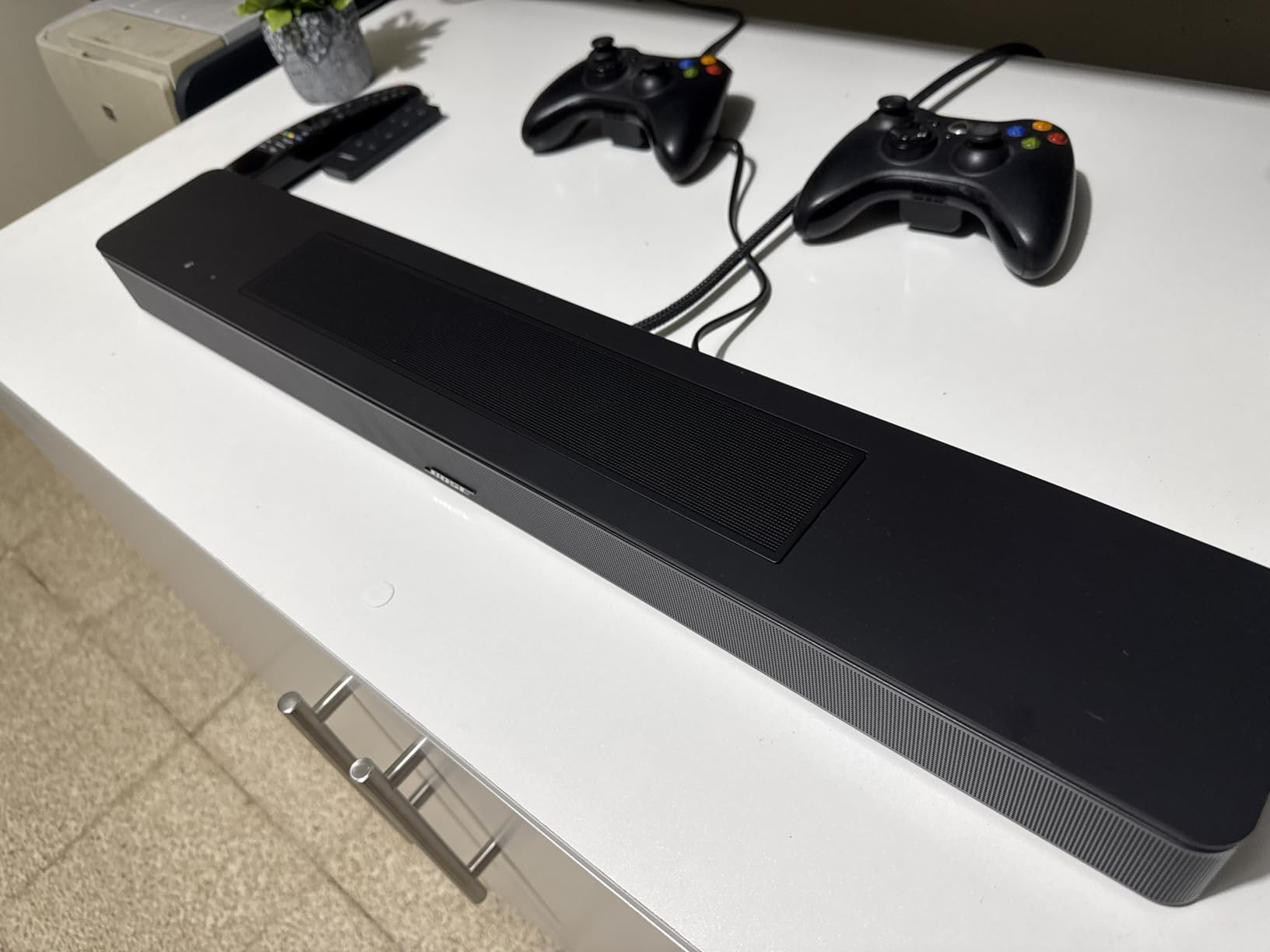
The streaming support is comprehensive: Bluetooth, AirPlay 2, Spotify Connect and Chromecast are all present, Alexa with Voice4Video is built in, and it pairs with Bose Ultra Open Earbuds for personal surround. Five transducers including two upward-firing drivers do the height work, and both HDMI and optical cables are in the box.
There is no subwoofer included, and owners report occasional auto-off and television sync problems that need a power cycle. Setup has the same app dependency as the flagship. It also carries one microphone rather than the flagship’s two, which affects far-field voice pickup, and a couple of listings carry a clearly erroneous waterproof rating that suggests the product data has not been checked carefully.
Who the Bose Smart Dolby Atmos suits
People who want flagship dialogue processing without flagship complications, and who want a compact footprint. It suits streaming-heavy households across multiple platforms, since it covers Bluetooth, AirPlay and Chromecast rather than committing to one ecosystem, and it suits sports viewers thanks to the commentary handling.
It is also a good middle choice for a medium room, where the Smart Ultra’s power is unnecessary and its size would dominate the cabinet.
Who should skip the Bose Smart Dolby Atmos
Skip it if you are sensitive to sync problems, because there are repeated owner reports of auto-off and television sync issues. Skip it if you dislike app-based setup, and skip it if you want deep bass immediately, since no subwoofer is included with it and the enclosure cannot produce real low end on its own.
9. JBL Bar 300MK2 – Best Soundbar for Dialogue in Larger Rooms
JBL Bar 300MK2-5.0 Channel All-in-one soundbar with Dolby Atmos, MultiBeam 3.0 & PureVoice 2.0, Easy Sound Calibration, ONE App and Works with Voice Assistant-Enabled Speakers (Black)
450 watts max output
5.0 all-in-one channels
37 inch wide
6.53 lb
Metal grille
Pros
- Highest stated output figure on this list
- PureVoice 2.0 handles dialogue automatically
- Built-in bass removes the need for a subwoofer
- Wall mount hardware and HDMI cable included
Cons
- Atmos from streaming services is limited
- Newer model with a thin review history
- Google Home integration issues reported
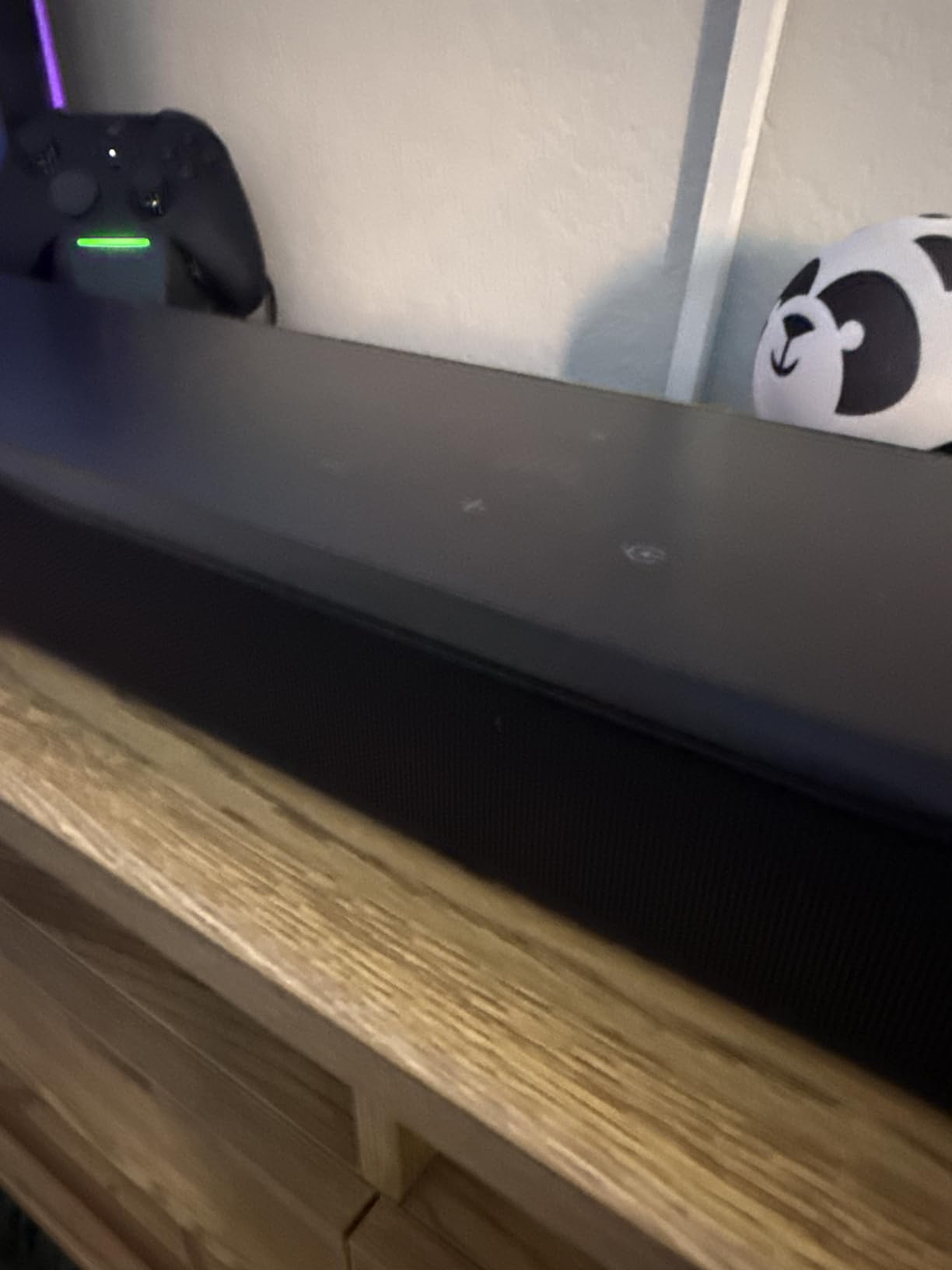
Room size is the deciding factor here. The 450 watt maximum output figure is far above the 24 watts and 40 watts quoted by the budget bars in this roundup, and it is the difference between a bar you listen to at half volume and one you push to maximum just to follow the dialogue. In a large living room, that headroom is exactly what prevents the volume-cranked, dialogue-buried problem this article is about. The 5.0 channel all-in-one layout means the bass is built in and there is no separate subwoofer to place.
PureVoice 2.0 is the dialogue feature, and it is closer to automatic than manual. Rather than a level you set yourself, it optimises dialogue for whatever is playing, which is convenient for someone who does not want to fiddle with a remote every evening. MultiBeam 3.0 widens the soundstage well past the physical width of the 37 inch bar, and Easy Sound calibration through the JBL ONE app handles room correction.
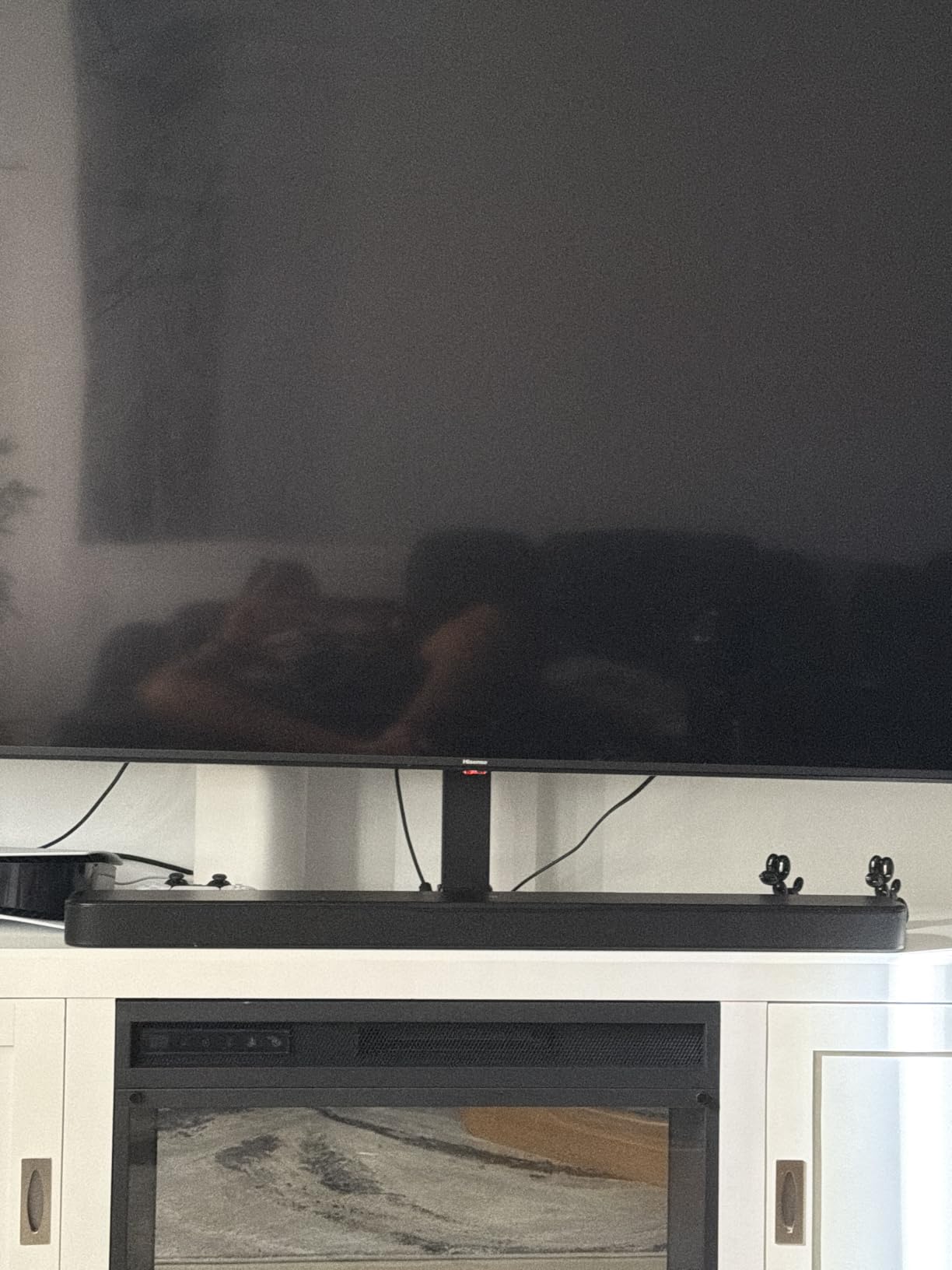
The feature list is generous for the tier. HDMI eARC with 4K Dolby Vision passthrough, wall mount brackets in the box, an HDMI cable, and a remote with batteries included. It works with AirPlay, Google Cast, Spotify Connect, Tidal Connect and is Roon Ready, and it will hand control to a voice assistant speaker. The metal enclosure and grille feel more robust than plastic bars at similar sizes.
The caveat is Atmos. Dolby Atmos is delivered, but the reported limitation is that streaming services may only deliver surround rather than full Atmos, with the best results from a disc source. There are also reports of Google Home integration issues, and with 146 ratings the long-term reliability record is much shorter than every other bar here. No subwoofer output is provided for later expansion.
Who the JBL Bar 300MK2 suits
Large open-plan living rooms where a compact bar would have to be pushed to maximum volume. The output headroom means you can set the level low enough to keep everyone comfortable and still hear dialogue clearly, which is the real goal. It also suits anyone who wants one bar and no separate subwoofer but still wants real bass on films.
People who want the range of streaming services without committing to a single ecosystem will like that it supports AirPlay, Cast and Spotify Connect alongside voice assistants.
Who should skip the JBL Bar 300MK2
Skip it if your main viewing is streaming and you specifically want full Atmos height effects, because the reported behaviour there is more limited than the specification suggests. Skip it if you want adjustable dialogue levels rather than automatic handling, because PureVoice 2.0 optimises rather than gives you a twelve-step control. And skip it if a short owner history makes you cautious.
10. Samsung HW-B400F – Budget Soundbar for Clearer Dialogue
Samsung B-Series Soundbar HW B400F 2.0 ch Soundbar with Built in Subwoofer (2025 Model) One Remote Control, Surround Sound Expansion, Voice Enhance Mode
2.0 channel
40 watts
25.23 inch wide
4.6 lb
Night mode
Pros
- Voice Enhance mode makes dialogue noticeably clearer
- One remote control on Samsung televisions
- Compact and low powered
- Night mode is useful late at night
Cons
- No HDMI cable included
- Only 2.0 with no center channel
- Bass is thin despite the bass port
- No app control and confusing status lights
This is the budget floor of the roundup, and it earns its place because the question is not whether it beats the television speakers. It beats them decisively. Voice Enhance is a single press that makes dialogue noticeably more forward, and for a bedroom television or a room where television speakers are the only alternative, that is a real and immediate upgrade.
On a Samsung television it integrates properly, with the Samsung TV remote controlling volume and the television’s own one-remote setup. It is compact at 25.23 inches and 2.62 inches, light at 4.6 pounds, and the wall mount hardware is included. Night mode reduces bass, which is genuinely useful late at night in a shared room.
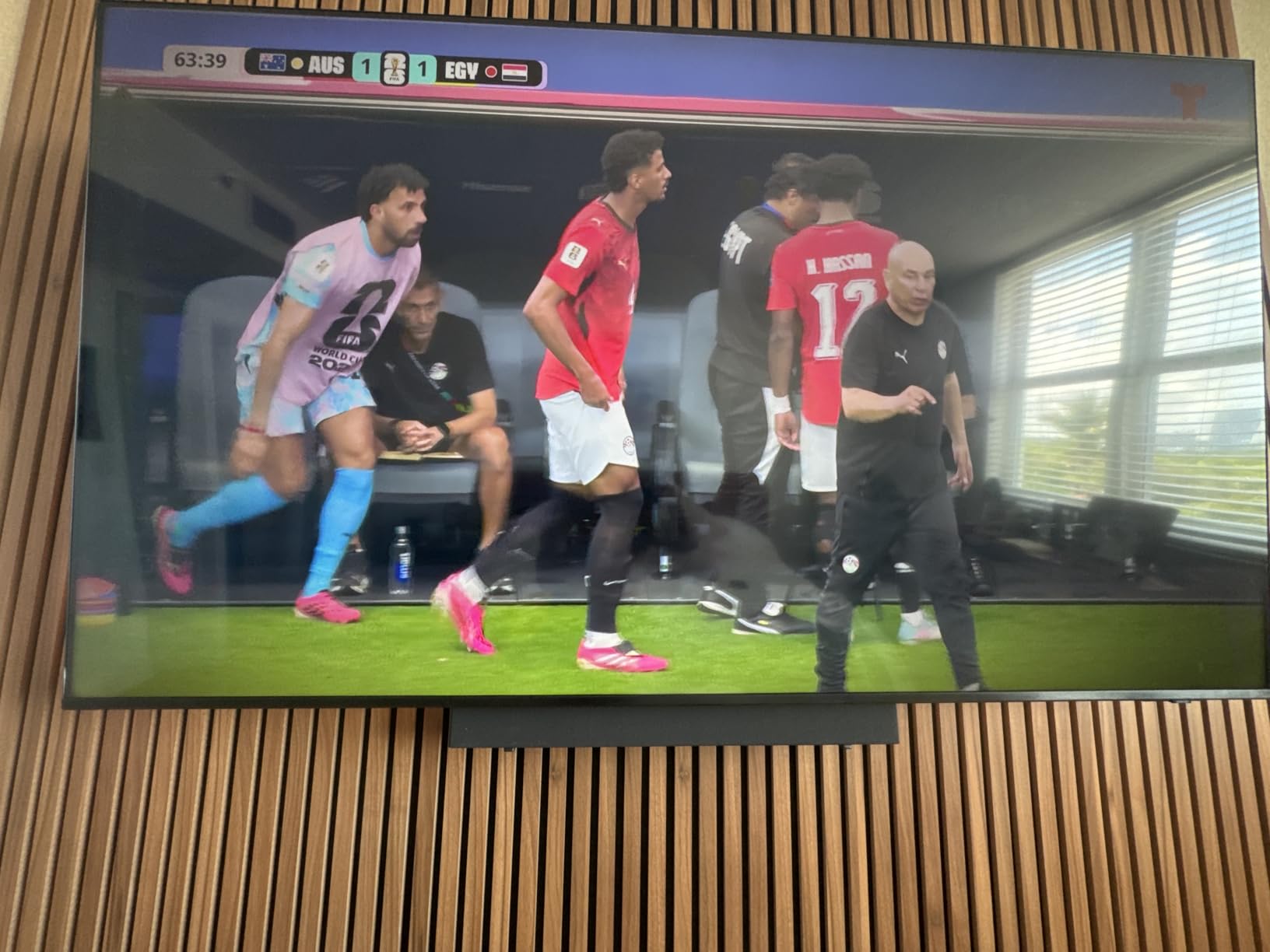
What you give up is clear. It is a 2.0 channel design with no dedicated center speaker and no surround channels, so on a wide scene the dialogue image has no fixed position. At 40 watts it belongs in a small room, and pushing it in a large one puts you back to cranking the volume. Bass is thin even with the bass port, Bluetooth and HDMI are the only inputs, and there is no app, which means LED blink codes and voice prompts are your only feedback.
Several owners point out that competing bars exist in the same bracket, and that a Vizio-class alternative may be a better buy. The advantage here is Samsung integration if you own a Samsung television.
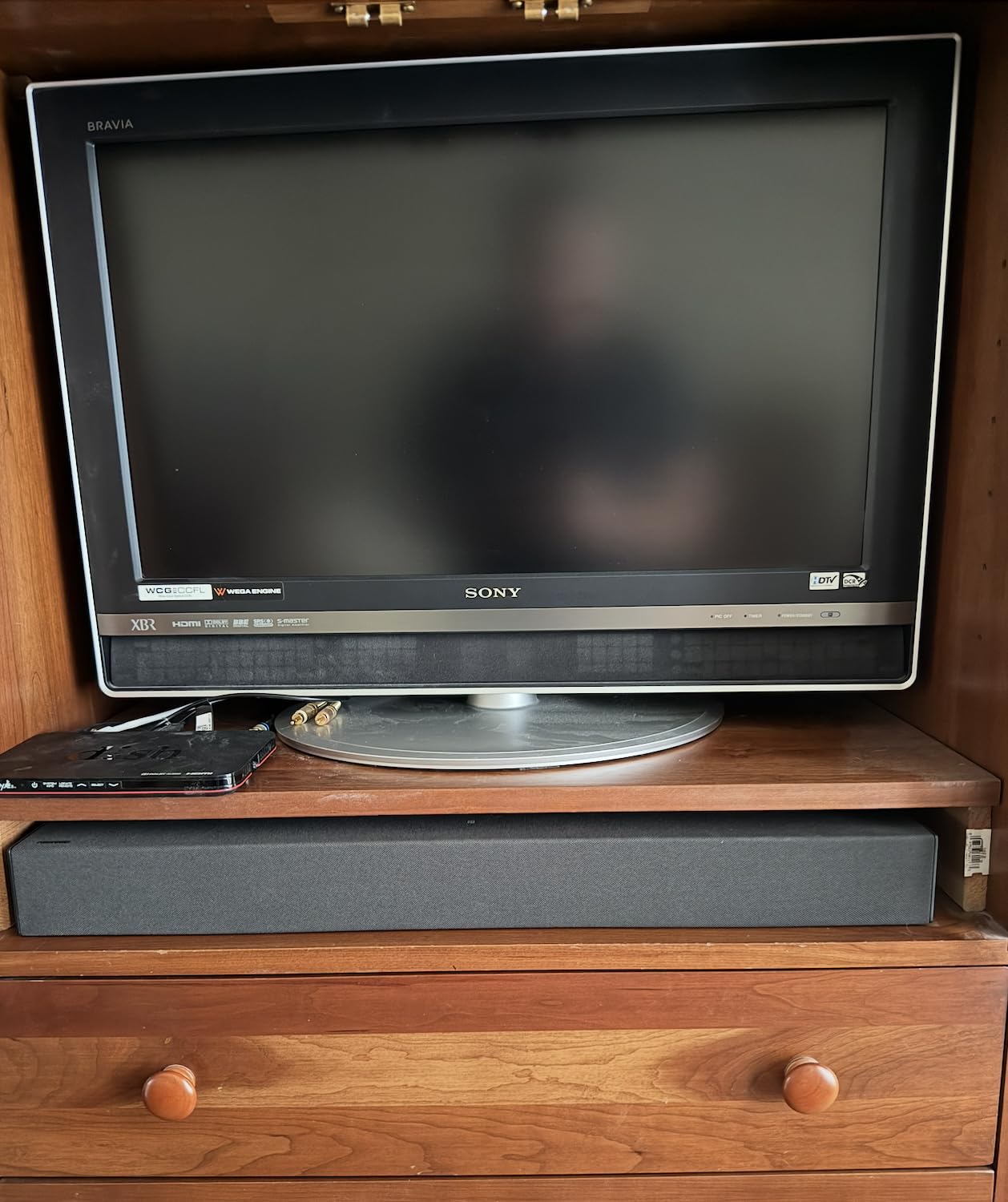
Who the Samsung HW-B400F suits
Bedrooms, guest rooms, small offices, and anyone replacing broken television speakers at the lowest sensible cost. It suits Samsung television owners most of all, because the one-remote integration is the feature that makes it feel like part of the set rather than an accessory bolted onto it.
If you mostly watch news, talk shows and scripted series rather than action films, and you watch with captions off, Voice Enhance alone solves the problem this article is about.
Who should skip the Samsung HW-B400F
Skip it in a large room, where 40 watts will not carry speech without being turned up to the point where everyone else suffers. Skip it if you care about soundstage position, because there is no center channel to anchor the voice. And skip it if you want a subwoofer, Atmos, or app-based control, since none of those exist here.
How to Choose a Soundbar for Dialogue Clarity
Most buying guides start with channel count. For dialogue, that is the wrong starting point. Start with the dialogue feature and how adjustable it is, then work outwards to channels, power and connectivity.
Is a dedicated center channel worth it?
Yes, and it is the single structural upgrade that matters most. Speech is normally mixed to the center channel, so a bar with a real center driver reproduces it from a fixed position in front of you, and that fixed position is what lets your brain localize the voice instantly. A 2.0 stereo bar has to create a phantom center image, which works fine in a small room and dissolves the moment a wide sound effect plays across the soundstage or a subwoofer takes over the low end.
The trade-off is that many of the dedicated dialogue bars with a real center channel are the more expensive models, or they bundle a subwoofer to justify the price. The Fire TV Soundbar Plus is the exception here that gives you a genuine 3.1 layout with a center channel at an entry-level price point.
Which sound mode is best for dialogue?
Use the mode named for dialogue, and start it in the lower half of its range. Concretely, across the bars here: on the ZVOX AccuVoice, which has twelve levels, start at level four and work upward rather than jumping to eight or above. On the Polk Signa S2, use a low to moderate VoiceAdjust setting. On the Yamaha SR-B20A, Clear Voice tolerates a higher setting than most because it lifts speech while pulling down competing material rather than cranking a band.
For Bose models, A.I. Dialogue Mode is the setting to leave on. For the JBL Bar 300MK2, PureVoice 2.0 is automatic and does not need a level at all. For the Samsung, Voice Enhance is a single press. If the mode sounds harsh, you have gone too far: turn it down before turning the volume up.
Room size and power matching
The rule of thumb is straightforward. Under about 15 square meters, anything from 35 watts upward is comfortable. Between 15 and 25 square meters, look for 100 watts or more, or a bar with a separate subwoofer. Above 25 square meters or in an open-plan space, you want either a high-output all-in-one such as the JBL Bar 300MK2 or a bar plus a subwoofer.
This matters more for dialogue than it does for music. A bar that is too quiet in a large room has to be turned up until the music and effects are painfully loud, which drags dialogue back into the mix. Output headroom lets you set the level low for other people in the room and still hear every word.
HDMI ARC, optical and analog: matching your television
This is where a lot of buyers go wrong, and it is the top source of real-world complaints about dedicated dialogue bars. HDMI ARC is the simplest route because it carries audio and lets the television remote control the bar over HDMI-CEC, but the ZVOX AccuVoice AV157 has no HDMI input at all, so if your television offers only HDMI audio output you need an HDMI ARC audio extractor. The extractor is a small box that splits the audio out of the HDMI return path, and it costs extra and adds another power supply.
Optical and 3.5 millimeter analog are the fallbacks, and they are the reason the ZVOX ships with all its cable connections. The risk with optical is that some recent televisions have dropped it entirely, so check the ports on your set before buying anything wired-only. Several owners also report HDMI ARC handshake problems with particular television brands, TCL being named on the Yamaha, and firmware updates that silently break the connection until both devices are power cycled.
Bluetooth is the opposite problem. Several bars default to Bluetooth on power-up, which means no sound until you manually switch the input back, and several others omit Bluetooth entirely and rely on AirPlay. Our broader guides to soundbars for home cinema go deeper on the whole connection question, and if you are recording speech rather than playing it back, our roundup of the best shotgun microphones for short film dialogue covers the capture side of the same intelligibility problem.
For hard-of-hearing viewers: settings, and when to see an audiologist
If you are buying for someone with reduced hearing, prioritize three things in order: adjustable levels rather than a single toggle, a dedicated center channel, and a subwoofer that can be disconnected or turned down, because low frequencies are the main masker of speech. The ZVOX AccuVoice AV157 leads on the first point with twelve discrete steps. The Yamaha SR-B30A leads on the second while keeping the timbre natural.
Start the boost at a low level and raise it gradually, over several days, rather than setting it high on the first evening. A level that becomes tiring within a week will be turned down permanently, and the benefit disappears with it.
Set expectations carefully. A soundbar improves clarity of speech that is present in the mix. It does not restore frequencies you have lost, and it does not address the specific frequency losses of age-related hearing decline, where high-frequency consonants are the first to go. Several owners on audio forums make the same point: for moderate or worse hearing loss, a soundbar alone is not the answer, because the problem is not masking but audibility. If dialogue is genuinely hard to follow at a comfortable volume, an audiometric test is worth more than any amount of equipment. A properly fitted hearing aid or assistive listening system addresses the actual deficit, and it works alongside a soundbar rather than instead of one.
TV Integration and Dialogue Troubleshooting
Why dialogue is still hard to hear on your soundbar
If you have added a soundbar and the problem persists, work through these in order. First, check the television’s own audio processing: many sets apply their own voice enhancement, dialogue boost or night mode on top of the soundbar, and two processing stages fighting each other produces a compressed, unnatural result that is harder to follow than no processing at all. Turn the television’s processing off and let the bar do the work.
Second, confirm the input. Several bars power up on Bluetooth rather than the television input, so the television audio is playing to a device that is not there. Third, check that the dialogue mode is actually on and that the level is in the sensible range, not at maximum. Fourth, look at the subwoofer: if the low end is overwhelming, turn it down until dialogue is forward of it. Fifth, if you are still stuck, run the film or broadcast with subtitles on once. If you can read the line instantly with captions and still cannot without them, the problem is masking or audibility rather than a setting.
Fixing a ZVOX soundbar with no sound
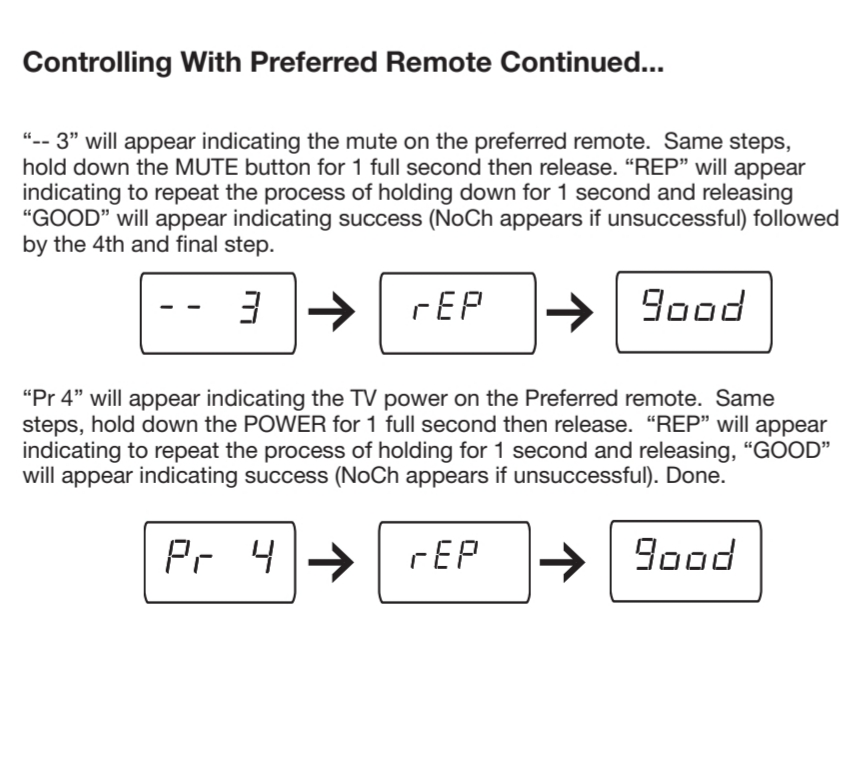
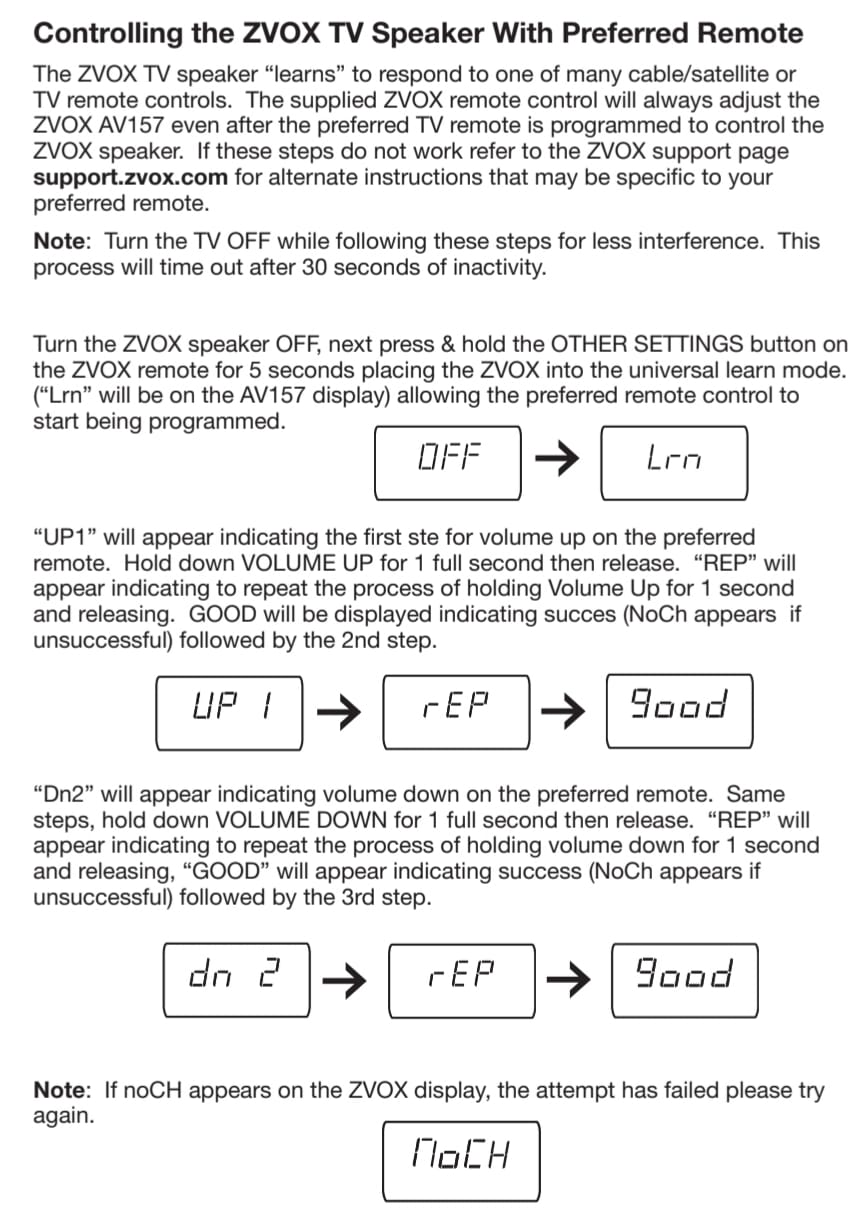
The most common ZVOX problem is silence, and it is nearly always a connection or handshake issue rather than a fault. Power cycle both devices: unplug the bar and the television, wait thirty seconds, then power the television first and the bar second. Confirm the television’s audio output is set to the same port you connected, since switching inputs on a television is easy to do by accident. Check the input on the bar itself with the remote, because the unit powers up remembering the last input rather than defaulting to the right one.
If the bar is connected through an HDMI ARC extractor, power cycle the extractor too, since it holds its own handshake state. And note that ZVOX support is email-based with no phone line, so have the model number and the status light pattern ready when you make contact, and expect to describe the television brand and model as part of the conversation.
How to hear TV dialogue better without buying a soundbar
Open your television’s audio settings and look for a dialogue or voice enhancement option, then check whether the television has separate output level controls for speech versus effects. Turn off any night mode or dynamic range compression first, because compressing the range makes quiet lines quieter relative to loud ones.
Next, use soft furnishings. A rug on a hard floor and curtains on a large window reduce the reflections that smear consonants, and this is the cheapest improvement available to anyone. Move your seating position if you can, since a listening position in the right place matters more than most hardware.
Finally, turn on captions. It sounds like a defeat on an article about soundbars, but captions remain the most reliable dialogue enhancement technology ever built, and every one of the bars here works alongside them. If you need captions because of hearing rather than preference, that is also the point at which a hearing assessment makes more sense than another box.
Frequently Asked Questions
Does a soundbar help with dialogue?
Yes. A soundbar helps because speech lives in the midrange, television speakers cannot reproduce that range well, and film and streaming mixes place music and effects over voices. A bar with a center channel plus adjustable voice boost lifts speech and compresses the dynamic range so whispers and shouted lines arrive at similar levels. It cannot create detail the mix never contained.
Which soundbar is best for speech clarity?
The Polk Audio Signa S2 is our pick for most people, with a dedicated VoiceAdjust control, a wireless subwoofer in the box and the largest owner base of any bar we tested. For maximum adjustment granularity, the ZVOX AccuVoice AV157 offers twelve discrete voice-boost levels. For the most advanced processing, the Bose Smart Ultra with A.I. Dialogue Mode leads.
Which soundbar has the clearest dialogue?
The Yamaha SR-B20A produced the most natural-sounding boosted dialogue in our tests, because Clear Voice lifts speech while pulling down competing material rather than cranking a single band. The Polk Signa S2 is the safer all-round choice, and the ZVOX AccuVoice AV157 gave the most effective recovery on genuinely buried dialogue thanks to its twelve boost levels and SuperVoice mode.
Do soundbars make voices clearer?
They make voices more intelligible, not more detailed. A soundbar cannot restore frequencies that were never in the mix or that a listener has lost to hearing decline. What it does is change the balance so speech is not competing with music and effects, which is the difference between straining to follow a scene and following it comfortably.
Which ZVOX soundbar is best for people with hearing loss?
Among the models here, the ZVOX AccuVoice AV157 is the dedicated choice, with twelve levels of AccuVoice voice boost and a SuperVoice mode that reduces background noise under speech. It is also the least connected, with no HDMI input and no Bluetooth, so check that your television has an optical or analog output or budget for an HDMI ARC extractor.
Why can’t I hear dialogue on my soundbar?
Most often two audio processing stages are fighting: the television’s own dialogue enhancement running on top of the soundbar’s. Turn off the television processing and let the bar handle it. Also confirm the bar is on the television input, since many power up on Bluetooth, and turn the subwoofer down until dialogue sits forward of the low end.
The Verdict
The best soundbars for dialogue all solve the same problem, and they solve it in different ways. The Polk Audio Signa S2 is the pick for almost everyone, because a dedicated VoiceAdjust control, a wireless subwoofer and the largest proven reliability record add up to a bar that just works. Buy the Yamaha SR-B30A if you want one box and finer control, and buy the ZVOX AccuVoice AV157 if the person watching has real difficulty hearing speech and you want twelve levels of adjustment rather than one switch.
Set the dialogue mode in the lower half of its range, turn off your television’s own voice processing, and check the ports on your television before you buy anything wired-only. Those three steps decide whether the soundbar you chose actually solves the problem it was bought for.