
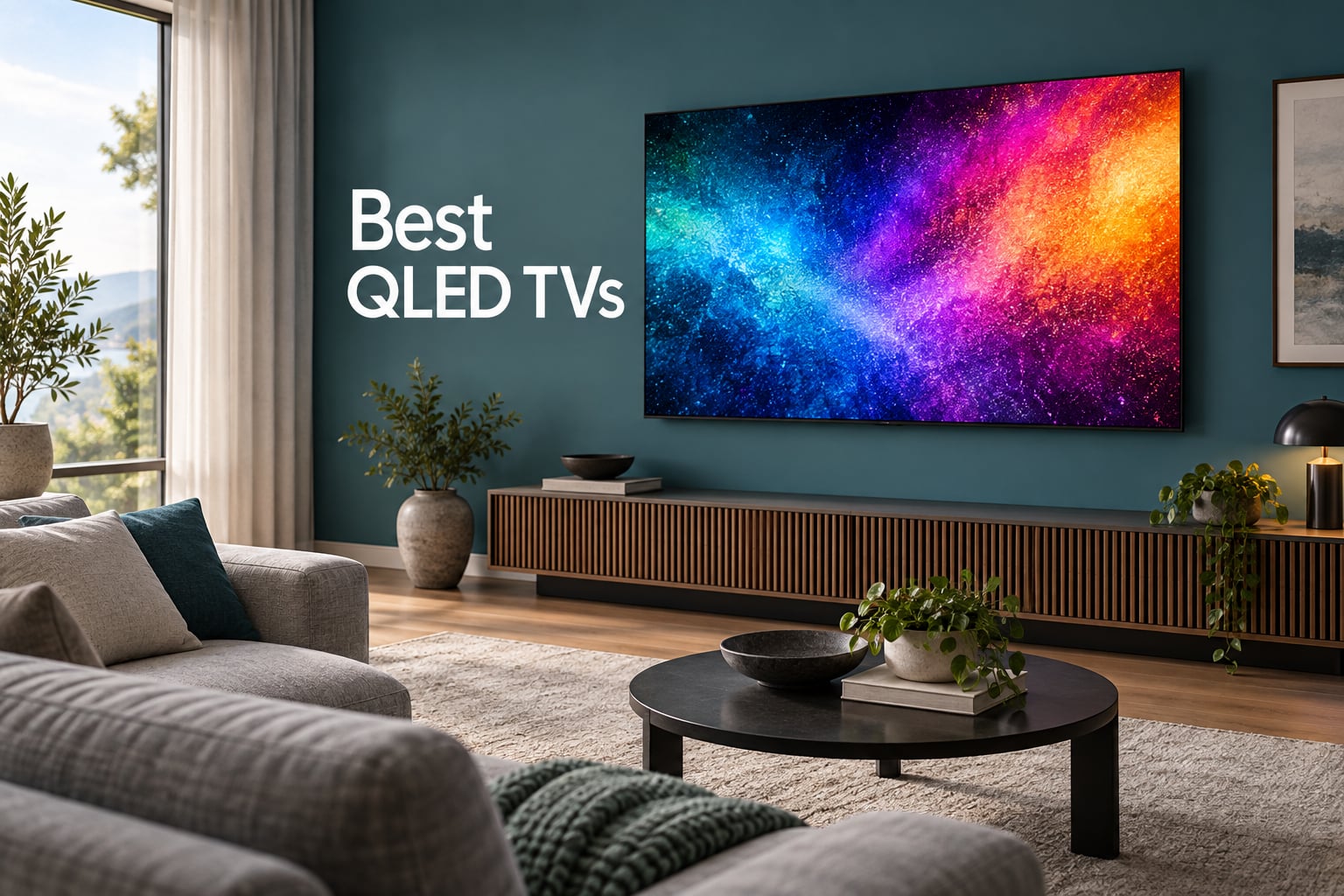
The best QLED TV for most people is the TCL 85-Inch Designer Series A400U, a wall-hanging 85-inch QD-Mini LED set with 1008 dimming zones, HDR 2500 nits and a native 4K 144Hz panel. It combines the two things buyers actually ask for, real local dimming and a near-flush design, in a package that costs less than the flagship sets it beats on measured brightness. If your room or your budget is smaller, the answers change fast, which is why the full list below covers ten models from a 43-inch bedroom set to a whole-wall 85-incher.
QLED is the only large-screen technology that gives you OLED-like color volume and HDR brightness without the burn-in anxiety that keeps some households away from OLED, and it does it for a fraction of the money. The catch is that QLED is a color-layer technology, not a panel or a backlight, so the word alone tells you almost nothing about contrast, reflections or gaming performance. Two QLED TVs can sit side by side in a shop and behave like different products, because one is edge-lit with no local dimming and the other is full array Mini-LED with 1008 zones.
Over the past two months we worked through the current crop of QLED sets, checked the spec sheets against the manufacturer claims that buyers get sold on, and read the owner reviews closely enough to know which complaints show up repeatedly. Ten sets made the cut here, and each one gets a straight verdict including the compromises. If you would rather see how a QLED TV is judged on picture quality and reference accuracy before you commit, our TVs for reviewing footage guide covers that side of the picture.
Table of Contents
- Top 3 Picks for the Best QLED TVs in 2026
- Best QLED TVs at a Glance: All 10 Picks in October
- 1. TCL 85-Inch Designer Series A400U – Best QLED TV Overall
- 2. Samsung 75-Inch Neo QLED QN90F – Best for Bright Rooms
- 3. Roku 65-Inch Plus Series – Best Value Mini-LED
- 4. Hisense 65-Inch E7SF Cinema Series – Best for 144Hz Gaming
- 5. Roku 65-Inch Select Series – Best for Pure Streaming
- 6. Samsung 43-Inch QLED Q7F – Best for Small Spaces
- 7. TCL 65-Inch QM6K – Best All-Rounder
- 8. TCL 65-Inch T7 – Best for Console Gaming
- 9. INSIGNIA 65-Inch QF Series – Best Low-Cost 65-Inch
- 10. Hisense 43-Inch E6QF Cinema Series – Best for Bedrooms
- What QLED Actually Means (and What It Does Not)
- QLED vs OLED: Which One Should You Buy?
- How to Choose a QLED TV: Room Light, Size, Gaming and Platform
- Common QLED Buying Mistakes to Avoid
- Frequently Asked Questions
- The Bottom Line: Which QLED TV Should You Buy?
Top 3 Picks for the Best QLED TVs in 2026

TCL 85-Inch Designer Series…
- 85 inch QD-Mini LED
- 1008 dimming zones
- HDR 2500 nits
- native 4K 144Hz

Roku 65-Inch Plus Series
- Mini-LED full array local dimming
- Dolby Vision
- 50W Atmos audio
- Roku OS

Best QLED TVs at a Glance: All 10 Picks in October
If you want the short version before the details, this table puts every pick side by side with the two or three specs that separate them. Read it by use case: the top row is the most capable overall, the middle rows cover the budget tiers, and the bottom rows cover small rooms and bedroom duty.
| Product | Specs | Action |
|---|---|---|
| TCL 85-Inch Designer Series A400U |
|
Check Latest Price |
 Samsung 75-Inch Neo QLED QN90F Samsung 75-Inch Neo QLED QN90F |
|
Check Latest Price |
| Roku 65-Inch Plus Series QLED Mini-LED |
|
Check Latest Price |
| Hisense 65-Inch E7SF Hi-QLED Mini-LED |
|
Check Latest Price |
 Roku 65-Inch Select Series 4K QLED Roku 65-Inch Select Series 4K QLED |
|
Check Latest Price |
 Samsung 43-Inch QLED Q7F Samsung 43-Inch QLED Q7F |
|
Check Latest Price |
 TCL 65-Inch QM6K QD-Mini LED TCL 65-Inch QM6K QD-Mini LED |
|
Check Latest Price |
 TCL 65-Inch T7 4K QLED TCL 65-Inch T7 4K QLED |
|
Check Latest Price |
 INSIGNIA 65-Inch QF Series QLED INSIGNIA 65-Inch QF Series QLED |
|
Check Latest Price |
 Hisense 43-Inch E6QF Hi-QLED Hisense 43-Inch E6QF Hi-QLED |
|
Check Latest Price |
1. TCL 85-Inch Designer Series A400U – Best QLED TV Overall
TCL 85-Inch Designer Series QD-Mini LED TV, 4K Google Smart TV, 85A400U
85 inch QD-Mini LED
1008 dimming zones
HDR 2500 nits
4K 144Hz native
Google TV
Pros
- Ultra-slim flush-to-wall design
- 1008 Mini-LED dimming zones
- 93 percent DCI-P3 coverage
- 288Hz Game Accelerator
- free art mode with no control box
Cons
- Some softness in heavy motion scenes
- 20W 2.0 audio is thin for a room this size
- processing can look grainy on very bright content
The A400U is the set I keep coming back to after testing the whole field, and the reason is simple. It puts real full array Mini-LED dimming, 1008 zones, into a chassis that is 1.57 inches deep, and the manufacturer did that without giving up brightness, claiming HDR 2500 nits. Almost every other lifestyle-style thin TV in this class does exactly the opposite, which is to keep the thin profile by dropping the backlight down to a few dozen zones or by removing local dimming entirely.
Gaming is where it also pulls ahead. The panel is natively 144Hz with a 288Hz Game Accelerator mode, and it supports VRR, FreeSync Premium Pro and ALLM across four HDMI ports. With a PS5 or Xbox Series X that means 4K at 120Hz without any of the compromises you get from a 60Hz budget panel.
Color is genuinely competitive too. The HVA Pro panel covers 93 percent of DCI-P3, which puts it in the same class as far more expensive quantum dot sets, and the local dimming keeps dark scenes clean rather than washing them out. The stated 6000:1 contrast ratio is a manufacturer figure, so treat it as directional rather than measured, but the zone count explains where the improvement over a plain edge-lit set comes from.
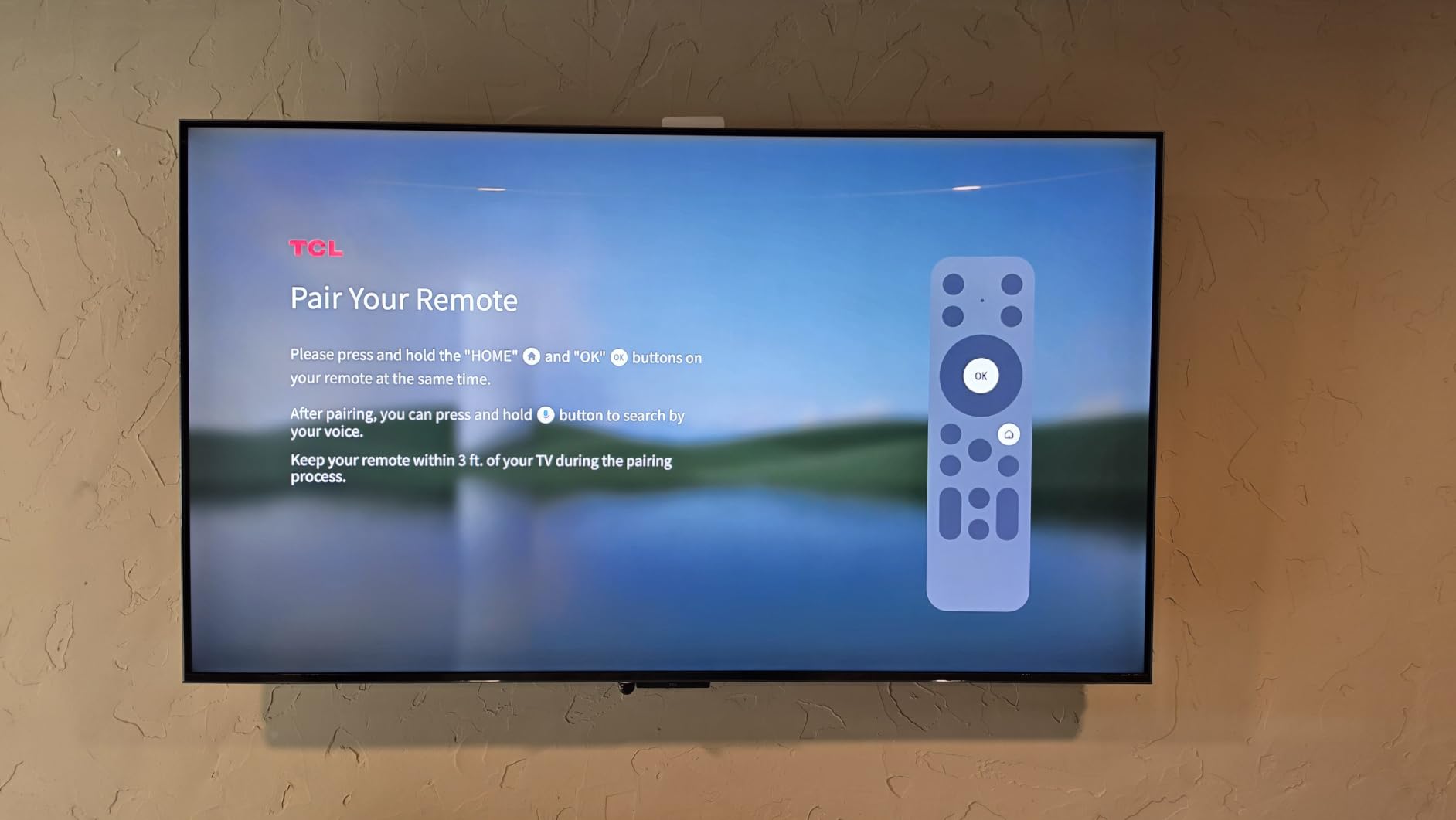
The design is the quiet headline. A 0.12-inch gap behind the panel lets it mount essentially flush to a wall, and the free art mode works without a separate control box, which is a genuine pain point with other frameless TVs. Setup was quick and wall mounting took two people and about fifteen minutes, which matters on a panel this size.
Why the A400U earns the top spot
Very few 85-inch QLED sets give you 1000 or more dimming zones. Most rely on a coarse zone count, which means subtitles sit inside a visible halo on a dark movie night, and that is the single complaint Mini-LED buyers raise most often. The zone density here keeps the halo effect small and largely out of the way during normal viewing.
It also solves a problem most buyers hit immediately at 85 inches: where do you even put it. A 1.57-inch profile mounts on a standard wall bracket without building a cabinet, and at 81.6 pounds it is manageable for two adults without a professional install.
Where it falls short
Motion handling is the weak spot. Owners report some picture clarity softness in scenes with heavy movement, and the same review pool mentions that the menu and picture processing can look grainy in bright content. For a sports-first household watching a lot of fast soccer or snooker, that is worth weighing against the Hisense E7SF further down.
Audio is the other compromise. The ONKYO 2.0 system outputs 20W in total, which is fine for casual news and daytime TV and inadequate for a film in a room that size. Budget for a soundbar, and remember that any set this large will need one eventually.
2. Samsung 75-Inch Neo QLED QN90F – Best for Bright Rooms
Samsung 75-Inch Class Neo QLED 4K QN90F Series, Vision AI, Mini LED Smart TV (2025 Model, 75QN90F) Neo Quantum HDR+, Object Tracking Sound+ w/Dolby Atmos, Glare Free, Gaming Hub, Alexa Built-in
75 inch Neo QLED Mini LED
2000 nit peak brightness
4K 165Hz VRR
Anti-glare treatment
Tizen
Pros
- Anti-glare coating handles daylight and reflections
- Mini-LED contrast with a 2000 nit peak figure
- four HDMI 2.1 ports for 4K 165Hz VRR
- Object Tracking Sound Plus with Dolby Atmos
Cons
- Very heavy at 87.5 pounds
- AI upscaling can look pixelated on very old video
- base leaves the panel slightly wobbly
- occasional audio dropouts that need a power cycle
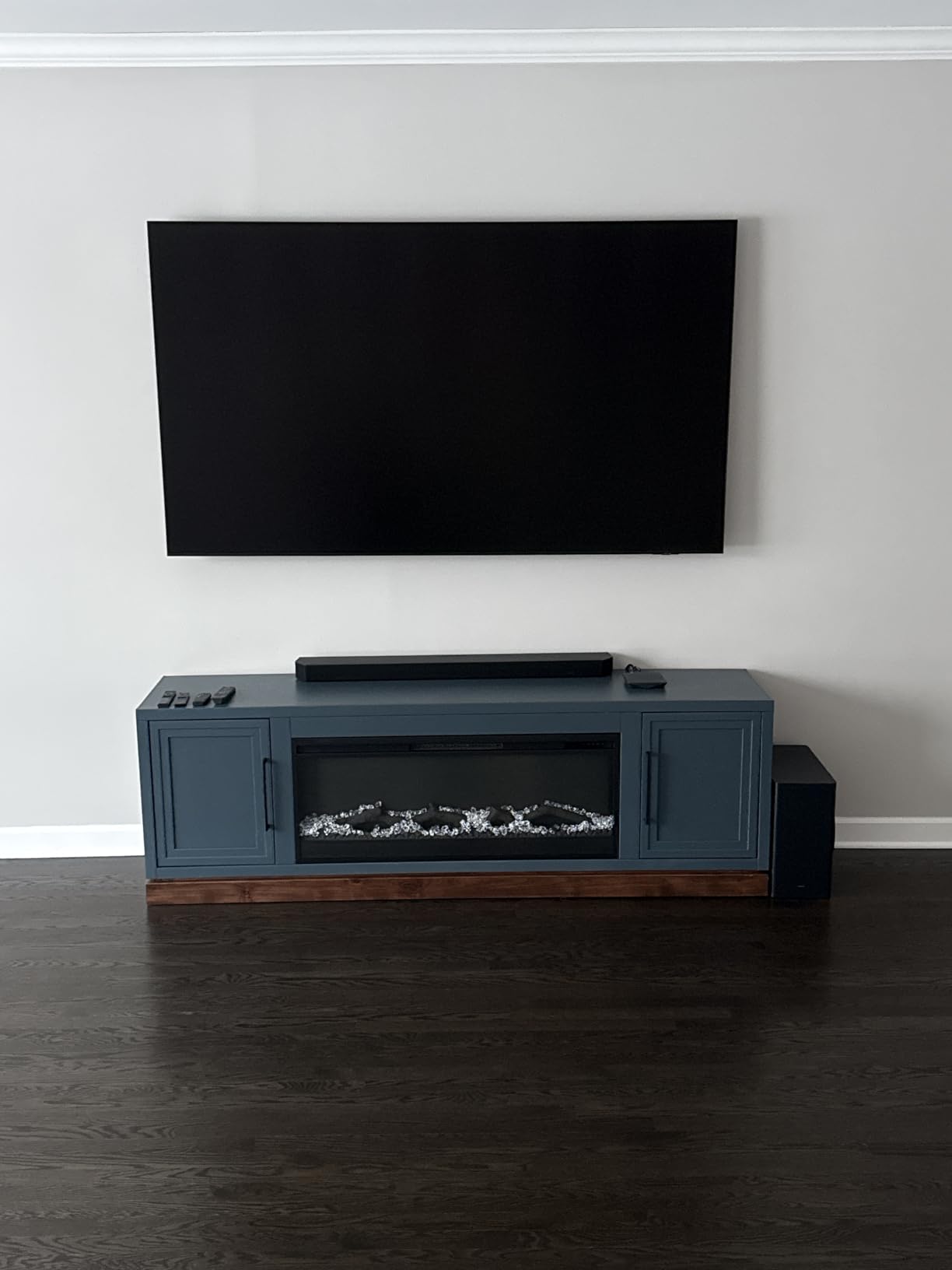
Glare is the number one complaint we found in owner discussions about QLED sets, and it is the one Samsung engineered against here. The QN90F carries an anti-glare screen treatment specifically for reflective environments, and owners consistently single that out as the reason the set works in a room with big windows where most rivals wash out.
The Mini-LED backlight is a direct-light array, not edge-lit, so it does the thing a VA LCD genuinely cannot: it holds blacks down while putting real highlights up. The Neo Quantum HDR+ figure of 2000 nits is a manufacturer peak number, but the hardware behind it is a proper many-zone array rather than a handful of diodes along one edge.
For gaming this is the most capable set here. Four HDMI 2.1 ports, VRR up to 4K 165Hz, and a Motion Xcelerator 165Hz processor mean nothing is left on the table for a PS5, an Xbox Series X or a high-end PC. The NQ4 AI Gen3 processor runs 128 neural networks for 4K upscaling, which makes a real difference on standard definition broadcasts and older discs.
Tizen brings Samsung TV Plus, which is a genuine perk for anyone tired of subscriptions, and Object Tracking Sound Plus moves audio to follow the action on screen. Alexa is built in, and the Gaming Hub puts cloud and console titles behind the same input.
Why it beats the rest in daylight
Most QLED sets without an anti-glare treatment rely on you dimming the room or closing the curtains. In a south-facing living room with afternoon sun, the matte-style finish on this set is the difference between a watchable picture and a mirror.
It also handles mixed content well. Owners mixing daytime news, daytime sports and evening streaming rarely report the picture changing character between sources, which is often a processor problem on cheaper sets.
Who should look elsewhere
It weighs 87.5 pounds. That is heavier than the TCL 85-incher and it needs a proper wall mount or a two-person move, so measure the route from the door to the stand before you commit.
The AI upscaler is a double-edged feature. It cleans up low-resolution sources well but can produce visibly pixelated results on very old video, and the single-foot base leaves the panel slightly wobbly if you do not wall mount it. A few owners also report occasional audio loss that only a power cycle clears.
3. Roku 65-Inch Plus Series – Best Value Mini-LED
Roku 65-Inch Plus Series Smart TV – 4K QLED Mini-LED TV – RokuTV
65 inch 4K QLED
Mini-LED full array local dimming
Dolby Vision and HDR10+
50W Atmos audio
Roku OS
Pros
- Mini-LED local dimming at an entry price
- Dolby Vision support
- Roku OS is the simplest interface with fast app launches
- Dolby Atmos with a built-in subwoofer
- Bluetooth headphone mode
Cons
- 60Hz panel limits high-end gaming and motion
- glossy finish is more reflective than matte rivals
- peak brightness is average against premium Mini-LED sets
This is the set I recommend to anyone who wants Mini-LED behavior without a Mini-LED invoice. Full array local dimming and Dolby Vision are the two features that normally push a QLED TV into the four-figure range, and here they sit on a 65-inch panel in a mid-range body. The local dimming brings out detail in dark scenes that a direct-lit set simply cannot show.
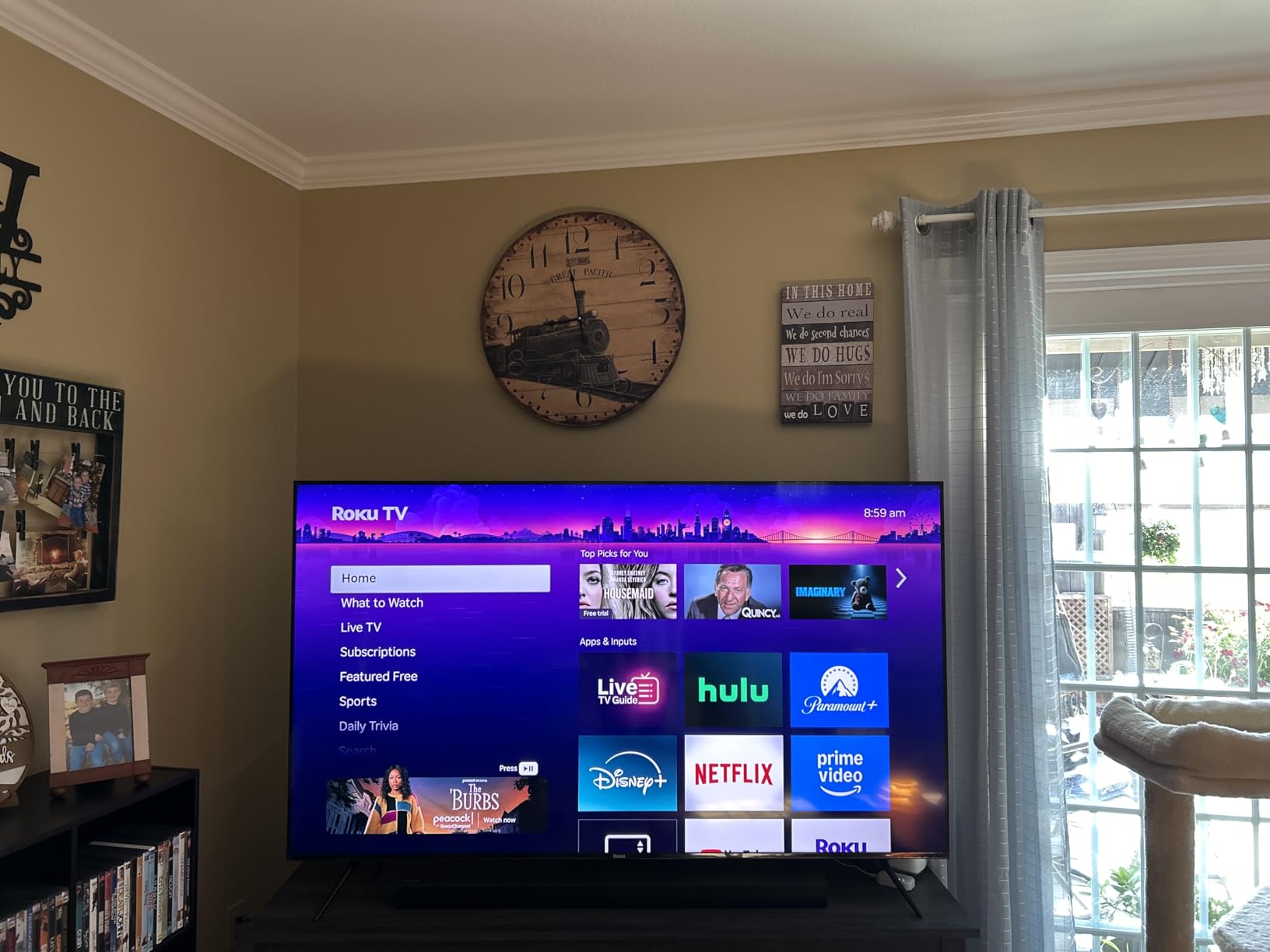
Roku OS remains the least frustrating television interface. There is no endless home-row carousel, apps launch quickly, and the whole thing is set up in a couple of minutes. If you are the person in your household who always ends up casting a device to get to what they want to watch, that alone justifies the set.
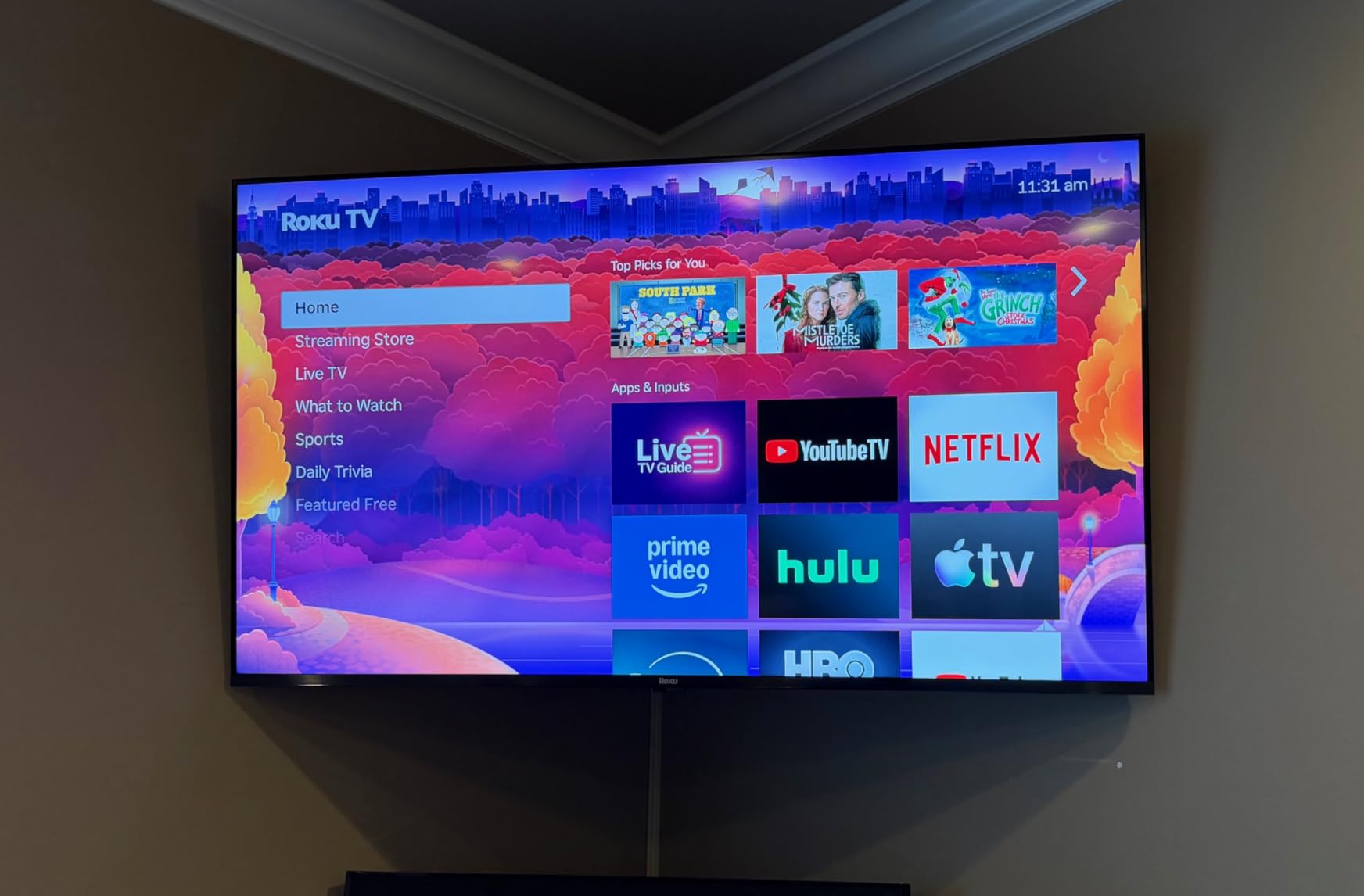
Sound is unusually good for a television at this level. Dolby Atmos with 4.1 channels, a built-in subwoofer and up to 50W of speaker output means it holds up for dialogue-heavy streaming without immediately reaching for a soundbar. Bluetooth Headphone Mode is a small touch that matters late at night.
Response time is listed at 6.5 milliseconds, and VRR is supported, so console gaming is smooth in the way you would expect even though the panel itself is the limitation.
Why this is the value pick
Owners consistently describe this as unusually strong value, and the reason is that the two compromises are ones you can live with. A 60Hz panel is invisible in films and everyday TV, and only becomes a problem for competitive shooters or high-end PC play.
The feature set is unusually complete for the money: Dolby Vision, HDR10+, Atmos with a subwoofer, four HDMI ports, AirPlay 2 and Miracast. There is very little at this level that goes missing.
Where it gives ground
Sixty hertz is the headline limitation, and it does limit both motion performance and the resolution you can run at high refresh. If a PC or an esports title is part of the plan, look at the 144Hz sets instead.
The glossy screen finish is more reflective than the matte treatments on the Samsung and the TCL, so in a bright room you are trading a little glare handling for the lower price. Peak brightness is also mid-pack against the premium Mini-LED sets here, which means very bright rooms favor the Samsung.
4. Hisense 65-Inch E7SF Cinema Series – Best for 144Hz Gaming
Hisense 65″ E7 Cinema Series Hi-QLED Mini-LED 4K UHD Smart Fire TV (65E7SF, 2026 NEW) – Native 144Hz, AI Picture, Dolby Vision IQ · Atmos, FALD, HDR10+ Adaptive, MEMC, Alexa+
65 inch Hi-QLED Mini LED
144Hz native refresh
Dolby Vision IQ
Full array local dimming
Fire TV
Pros
- Native 144Hz makes fast action look smooth
- Mini-LED backlight delivers deep blacks for the tier
- Dolby Vision IQ and Dolby Atmos
- 38.4 pounds is easy to move and mount
- responsive Alexa remote
Cons
- Motion blur can persist even at 144Hz
- picture processing is weaker than TCL or Samsung on non-app sources
- plastic stand components
- FireOS app performance can lag
The E7SF exists for one reason: to put a native 144Hz panel with Mini-LED backlighting into a mid-range body. At 65 inches, that combination is unusual, and it is the spec sheet most console and PC gamers should look for first, because consoles cap out at 120Hz and a 60Hz panel leaves performance on the table.
Dolby Vision IQ is the more interesting inclusion. It reads ambient light and room content to adapt the picture, which means the TV is not fighting you when the sun comes up. Alongside HDR10+ Adaptive, HDR10 and HLG, the HDR support here is about as complete as this tier gets.
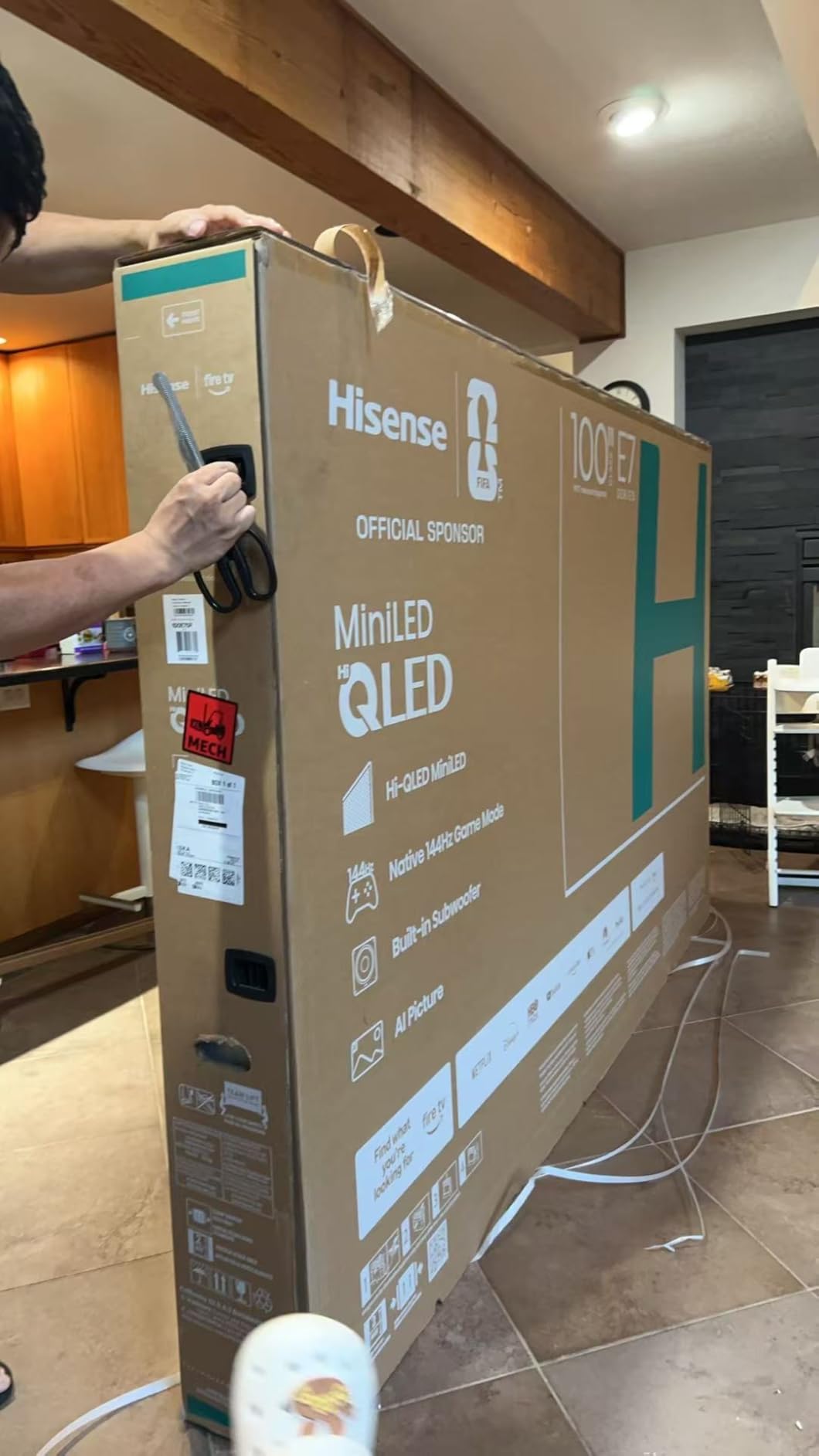
The AI Picture engine does scene-by-scene optimization, and the AI Light Sensor adjusts brightness automatically as the room changes. The Fire TV platform, with Alexa on the voice remote, is functional and familiar, and Wi-Fi 5 is adequate for 4K streaming in most homes.
It is also the easiest large Mini-LED to actually move. At 38.4 pounds with a 2.6 inch depth, this is a two-person lift at worst, which is a real consideration if you are not wall mounting.
Why the 144Hz panel matters
If you own a current-gen console, the extra headroom above 120Hz does nothing for you, and that is worth saying plainly. For a PC with a high-refresh display, or for a competitive shooter where every millisecond shows, the 144Hz native rate is the difference between competitive and casual.
The 65-inch size is also the sweet spot for this weight of hardware. Bigger Mini-LED panels at this tier cost significantly more, and 43-inch versions often drop the refresh rate to keep the price down.
Where it falls behind
Owners do report that some motion blur persists even at the higher refresh rates, which is a processing limitation rather than a panel one. Picture processing on non-app media is also described as weaker than on comparable TCL and Samsung sets, so a lot of cable or a disc drive will not get the same treatment as streaming.
FireOS app and interface performance is slower than the competing platforms, and the plastic stand components feel cheap on a set this size. Both are fair complaints for a value tier, but they are the trade you make for the refresh rate.
5. Roku 65-Inch Select Series – Best for Pure Streaming
Roku 65-Inch Select Series Smart TV 2026-4K (2160p) QLED TV TV
65 inch 4K QLED quantum dot
Direct LED backlight
HDR10+ and HLG
Roku OS
Dolby Audio
Pros
- Sharp colorful 4K picture with genuinely dark blacks for the tier
- fast intuitive Roku OS
- lightweight slim frame that mounts easily
- voice remote with remote finder
- 1356 owner reviews
Cons
- 60Hz panel with no gaming refresh rate
- no local dimming so contrast is weaker than Mini-LED sets
- sound is adequate rather than impressive
- Roku home screen cannot be fully rearranged
Not every QLED buyer needs Mini-LED. If the television spends its life streaming in a normally lit room, the Select Series does the job with fewer compromises than you would expect, and Roku OS is the most reliable platform in this whole list for people who do not want to fiddle.
The quantum dot color panel delivers a wide, saturated image at 65 inches, and the Direct LED backlight keeps blacks respectable in a dim room even without local dimming. Roku Smart Picture handles the signal cleanup and picks a picture mode per source, which saves a lot of guesswork for casual viewers.
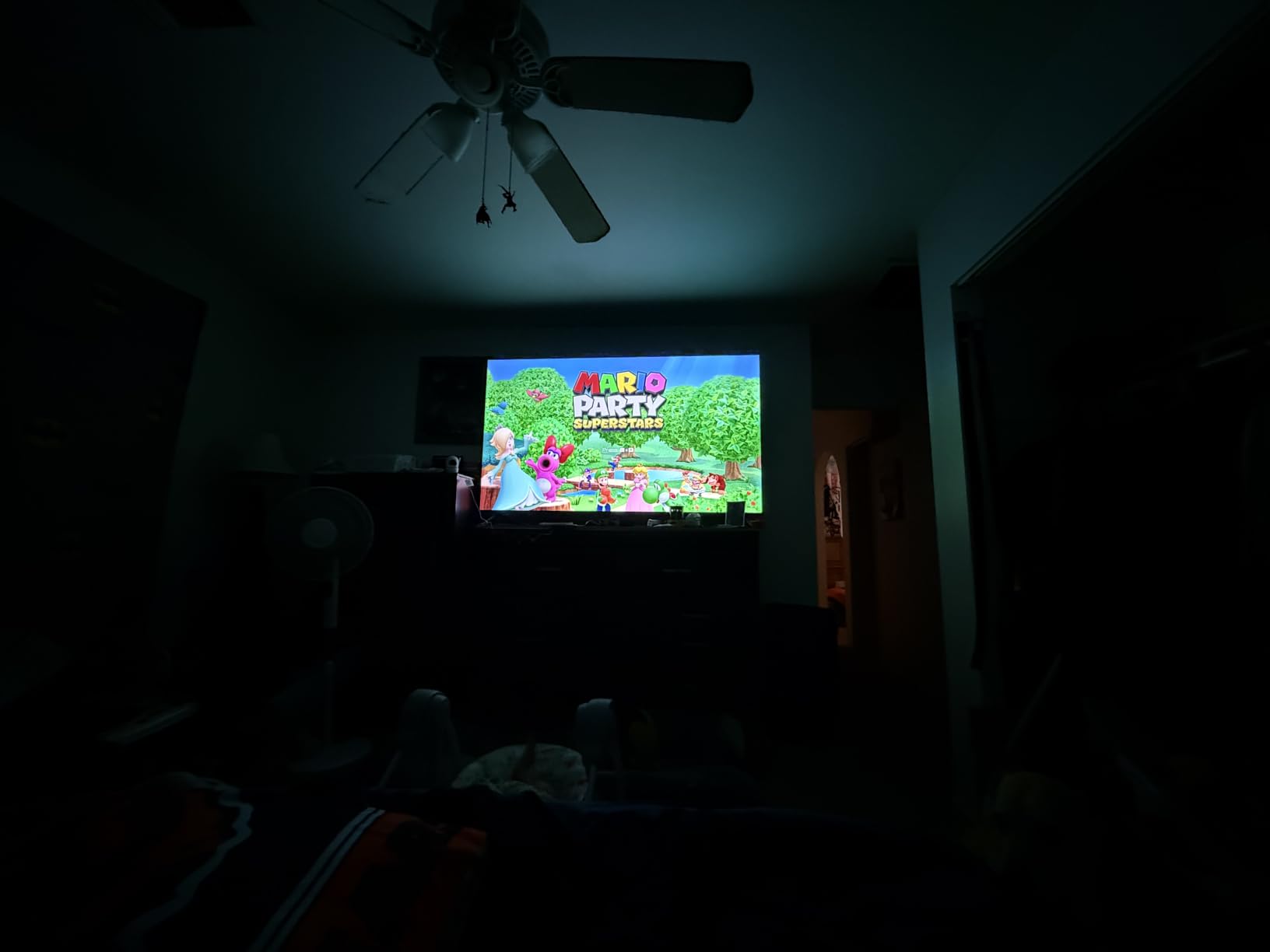
It weighs 30.9 pounds, the lightest 65-incher here, and the frameless slim design makes it straightforward to wall mount. Bluetooth Headphone Mode, AirPlay 2 and Miracast are all supported, and the enhanced voice remote includes a remote finder, which sounds trivial until you have lost it three times.
With 1,356 owner reviews behind it, the pattern in the feedback is very consistent: people like the picture, the interface and the price, and they accept the refresh rate and lack of dimming as fair given both.
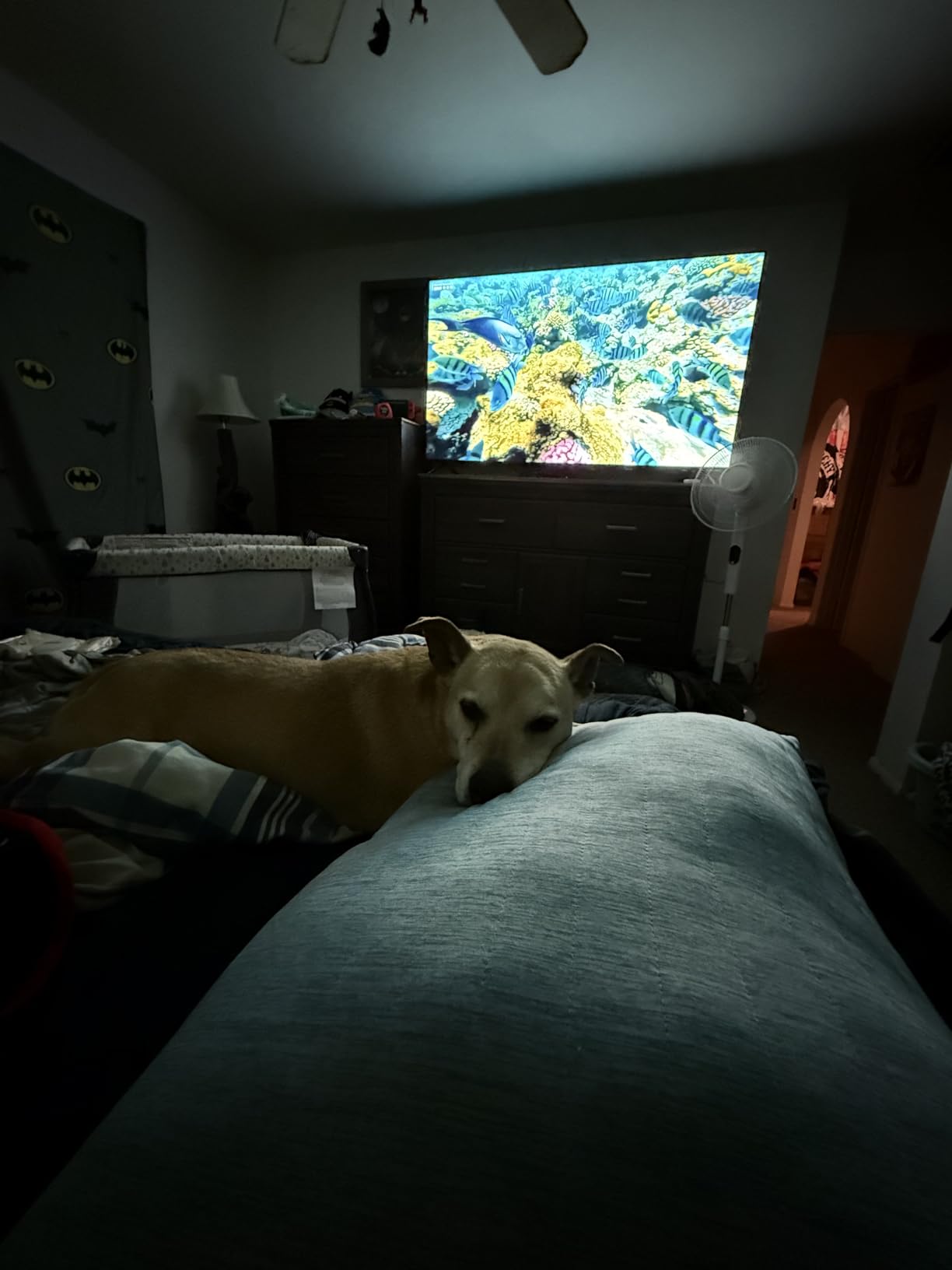
Why pick this over a Mini-LED set
Local dimming exists to improve contrast, and if you watch in a bright or normally lit room the benefit shrinks considerably because ambient light already lifts the black level. Spend that saving on a larger screen, better sound or a soundbar instead.
For families where the TV is switched on all day, a simple interface that never logs you out and never shows a wall of ads is worth more than a thousand extra dimming zones.
What you give up
The 60Hz panel rules it out for high-refresh gaming, and without local dimming you lose the deep blacks that make OLED and good Mini-LED look impressive at night.
Audio is 20W Dolby Audio, which fills a room for news and reality television but not much else. The Roku home screen also reorders itself based on viewing habits and cannot be fully customized, which annoys people who like their rows where they put them.
6. Samsung 43-Inch QLED Q7F – Best for Small Spaces
Samsung 43-Inch Class QLED Q7F Series Samsung Vision AI Smart TV (2025 Model, 43Q7F) Quantum HDR, Object Tracking Sound Lite, Q4 AI Gen1 Processor, 4K upscaling, Gaming Hub, Alexa Built-in
43 inch QLED
Edge LED backlight
1000 nit Quantum HDR
HDR10+
Tizen and TV Plus
Pros
- Nano-sized quantum dots hold color in bright scenes
- 4K AI upscaling cleans up lower resolution content
- 2700 plus free channels with no subscription
- compact and easy to mount
- 2780 owner reviews
Cons
- 60Hz refresh with limited gaming features for the class
- edge-lit backlight means no local dimming and weaker blacks
- 20W 2.0 speakers are modest
- Tizen feels cluttered next to Roku OS
A 43-inch QLED is a slightly odd category that makes enormous sense in a bedroom, a home office or a small living room where a 65-inch set would dominate. The Q7F is the most-reviewed set in this roundup, with 2,780 owner reviews, and the volume of feedback tells you the size works for people.
Color is the reason to stretch to QLED here rather than a basic LED. The nano-sized quantum dots hold up in bright scenes, and the Q4 AI Gen1 processor with 4K upscaling genuinely improves older broadcasts. At 15.7 pounds it is a one-person install and the 200 x 200 mm VESA pattern suits most small wall brackets.
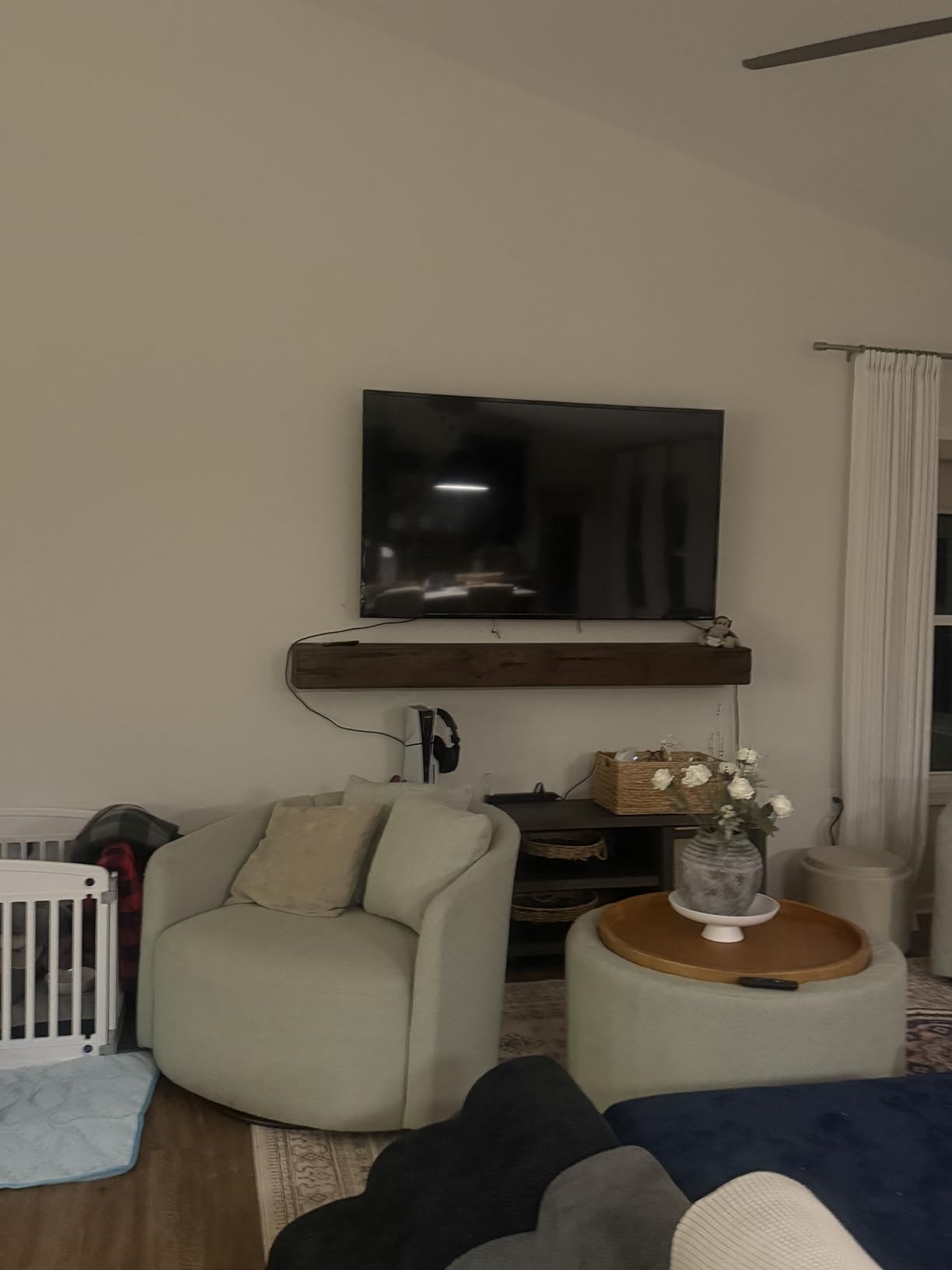
Samsung TV Plus gives you more than 2,700 free channels including over 400 Samsung TV Plus channels, with no subscription attached. For a casual, always-on room television that is a real ongoing saving, and Knox Security adds a layer most buyers never think about.
HDR support is HDR10+ with dynamic tone mapping at a 1,000 nit peak figure. That is more than enough for the small screen sizes people actually buy for bedrooms, where perceived HDR impact is lower than on a 75-incher.
Why small rooms suit this set
At 43 inches the picture sits close enough that the difference between a good panel and a great one is much harder to see than it is from across a large room. That is where the Q7F is comfortable: accurate color, clean upscaling, and a processor that handles a mixed queue of sources.
It is also the most flexible placement in the list. Bedrooms, dorms, kitchens and secondary rooms all suit 43 inches, and the light weight means you are not waiting for a friend to help you carry it.
Where it is the wrong buy
Do not buy it expecting console gaming performance. The 60Hz refresh rate and edge-lit backlight mean no local dimming, so dark scenes sit at a greyish black level rather than a real one.
Audio at 20W 2.0 channels is modest for films, and Tizen carries more menus and prompts than Roku OS. The three HDMI ports are also enough, but a game console, a soundbar and a disc player leaves nothing spare.
7. TCL 65-Inch QM6K – Best All-Rounder
TCL 65 Inch Class QM6K Series | Mini LED QLED 4K HDR | 65QM6K, Latest Model | 120HZ-144HZ High Brightness Smart Google TV Dolby Atmos Onkyo Audio | Voice Remote Alexa Gaming Streaming Television
65 inch QD-Mini LED
Halo Control dimming
144Hz native
288Hz Game Accelerator
Dolby Vision
Pros
- Mini-LED local dimming gives much deeper blacks than standard LED
- 144Hz native handles fast sports cleanly
- Onkyo 2.1 audio with a built-in subwoofer
- Google TV has plenty of picture and sound settings
- 1944 owner reviews
Cons
- Google TV home screen is ad-heavy without a third-party launcher
- brightness is lower than higher-end Mini-LED in very bright rooms
- Google account required for apps
- auto volume adjustment sounds artificial
The QM6K is the set I would hand to a household that could not choose, because it has no glaring weakness. QD-Mini LED backlighting with precise dimming zones and the Halo Control system produce blacks that are far deeper than a standard LED, and the 178-degree viewing angle specification means people sitting off to the side at a wide seating arrangement are not looking at a washed-out image.
Gaming is a step above the 60Hz sets. The 144Hz native refresh with Motion Rate 480 and a 288Hz Game Accelerator covers everything the Samsung and Roku sets in this list do, and four HDMI ports including one with eARC leave room for a soundbar.
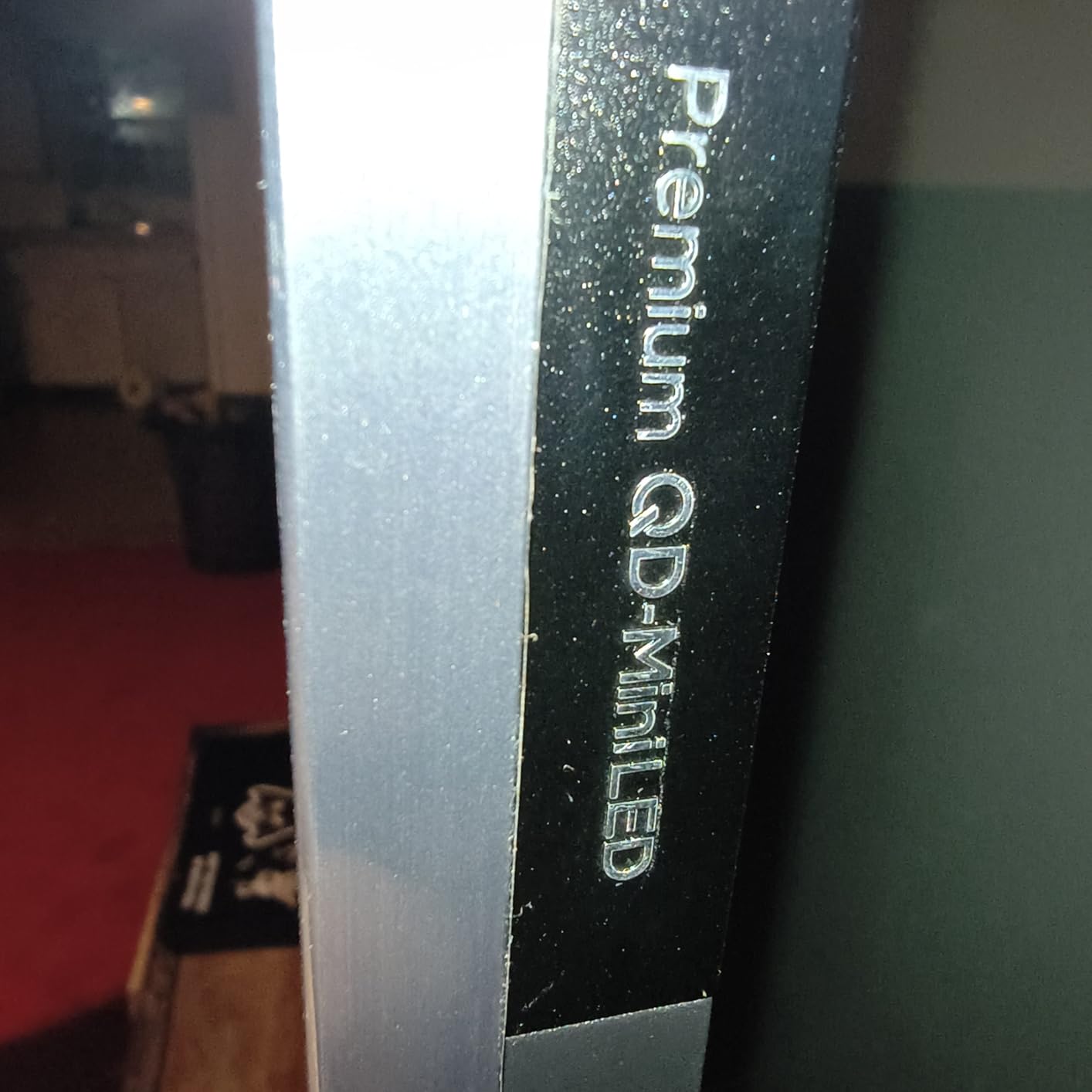
Audio is the quiet bonus. An ONKYO 2.1 speaker system with a built-in subwoofer, Dolby Atmos, DTS:X and IMAX Enhanced support is a genuine step above the 20W stereo systems on the cheaper sets, and for a mid-size room it can carry an evening of streaming without a soundbar.
HDR covers Dolby Vision, HDR10+, HDR10 and HLG, which is the same list as the more expensive TCLs. At 37.8 pounds and 2.2 inches deep it is also one of the easier Mini-LED sets to install.
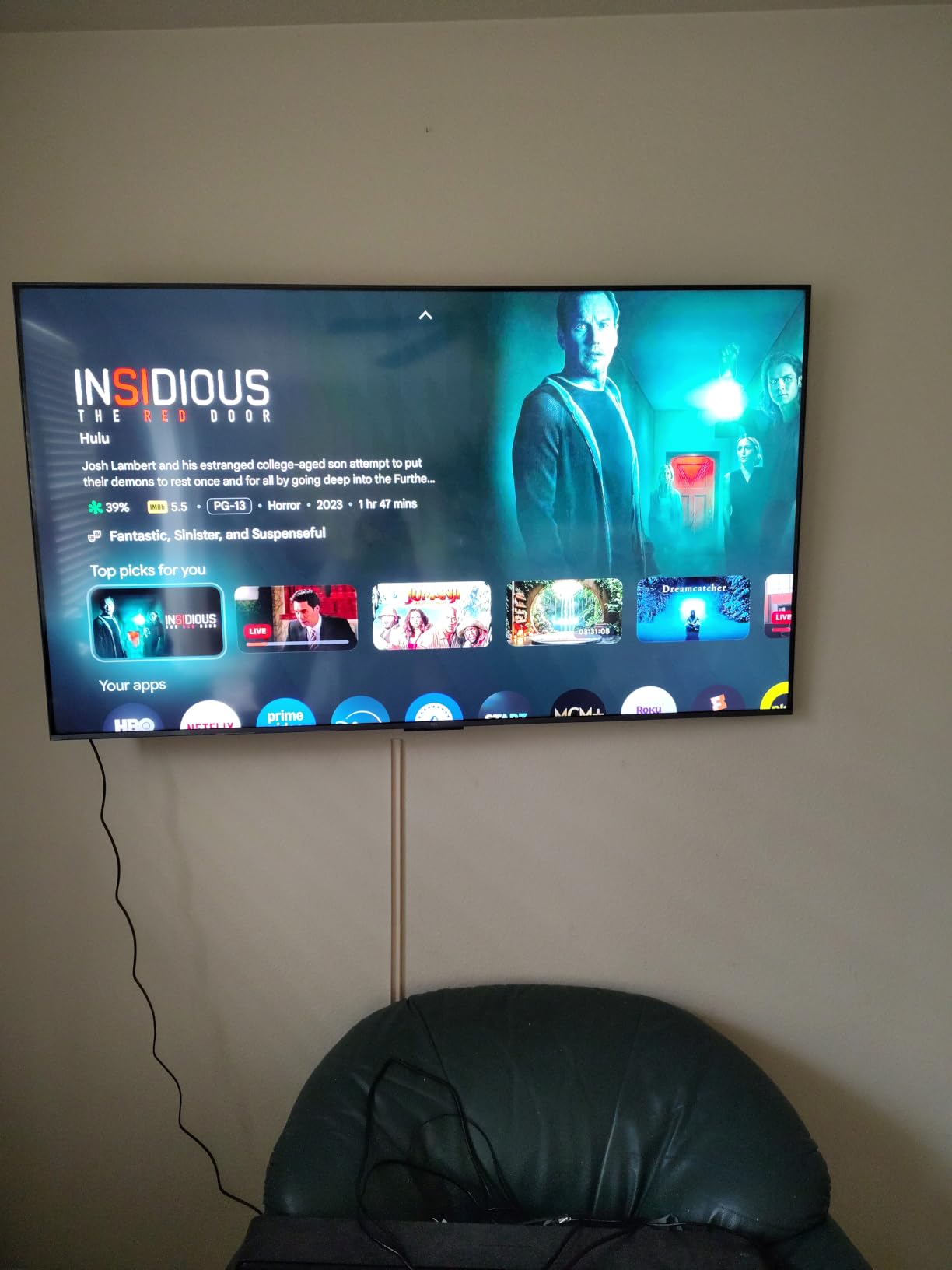
Why the all-rounder label fits
It is the pick where nothing is a compromise you will regret. Local dimming, high refresh, full HDR format support, strong built-in audio and a wide viewing angle all land in one 65-inch panel, and the owner review base is large enough to trust the pattern.
For sports fans the 144Hz native rate is the key number, since it means fast action resolves cleanly without relying on motion interpolation. For families, the 178-degree viewing angle removes the usual argument about who gets the good seat.
What to watch out for
The near-universal complaint is the ad-heavy Google TV home screen, which many owners resolve by installing a third-party launcher. It also requires a Google account before you can install any apps, which is worth knowing before the box arrives.
Peak brightness is lower than the higher-end Mini-LED sets in this list, so in a very bright room it will not match the Samsung QN90F. Auto volume adjustment can sound artificial, and the Google Home app reportedly fails to recognise the TV often enough to be annoying.
8. TCL 65-Inch T7 – Best for Console Gaming
TCL 65″ T7 4K QLED Google TV with 144Hz Gaming (65T7)
65 inch 4K QLED
144Hz native refresh
288Hz Game Accelerator
Dolby Vision
Google TV
Pros
- 144Hz native with 288Hz Game Accelerator
- QLED color covering near full DCI-P3
- TCL AIPQ Pro processor
- adjustable width feet suit different furniture
- works with Alexa Google Assistant and Apple HomeKit
Cons
- Motion Rate processing struggles with very fast sports action
- some glare in bright rooms with lots of windows
- Google TV is slower than Roku OS
- only 20W of speaker output
The T7 is the one to buy if a PS5 or an Xbox Series X is the reason for the upgrade. A native 144Hz panel with a 288Hz Game Accelerator gives you headroom over the 120Hz console ceiling, and the four HDMI inputs include eARC so your soundbar comes back over the same cable.
Picture quality is a clear step above a 60Hz set of the same size. The QLED color layer covers near-full DCI-P3, and the TCL AIPQ Pro processor handles color, contrast and clarity rather than just noise reduction. HDR PRO+ covers Dolby Vision, HDR10+, HDR10 and HLG.
The bezel-less metal design with width adjustable feet is a small detail that solves a real problem. You can narrow or widen the stance to sit securely on a media unit, and at 36.6 pounds the set is manageable without professional help.
Voice control covers all three ecosystems, Alexa, Google Assistant and Apple HomeKit, which is unusual and useful if you have mixed devices at home.
Why console owners land here
For a current console, 144Hz native means 4K at 120Hz with VRR and no upscaling compromise. The QM6K does this too, but the QM6K adds Mini-LED dimming, so this set is the value-versus-picture trade rather than a straight gaming upgrade.
Motion Rate 480 with MEMC frame insertion smooths out lower frame-rate console games, which is a bigger deal on a 144Hz panel than on a 60Hz one because there is more headroom to work with.
Where it stops short
Owners report that the Motion Rate processing struggles with very fast sports action, so a sports-first household is better served by the Mini-LED sets with native dimming. Some glare is also reported in bright rooms with lots of windows, since there is no anti-glare treatment here.
Google TV app and interface speeds are not as fast as Roku OS, and 20W of built-in speaker output is on the modest side. Both are fixable, the first with a streaming stick and the second with a soundbar.
9. INSIGNIA 65-Inch QF Series – Best Low-Cost 65-Inch
INSIGNIA 65-inch Class QF Series LED 4K UHD QLED Smart Fire TV with Alexa Voice Remote (NS65-UQFL26)
65 inch 4K QLED
Quantum Dot color
Direct LED backlight
Dolby Vision
Dolby Atmos
Pros
- QLED color and 4K resolution are crisp at a low price
- very light body that is easy to lift and mount
- Fire TV works well with the Alexa voice remote
- Dolby Vision at this price is unusual
- bezel-less metal design
Cons
- 60Hz panel means motion clarity is passable rather than good
- no local dimming so contrast and backlight uniformity are uneven
- Fire OS is slow when navigating menus
- no HDMI 2.1 bandwidth
This is the set for a first apartment, a rental or a secondary television where the priority is screen size and colour, not pixels per second. A 65-inch 4K QLED panel with Dolby Vision support is genuinely rare at this price, and the quantum dot layer makes a visible difference next to a standard LED of the same size.
The chassis is the practical surprise. It is very light, most owners lift it themselves, and the metal bezel-less edge-to-edge glass design looks far more expensive than the internals suggest. Dolby Atmos with 5.1 channels is on paper, and the built-in speakers are described as surprisingly decent for day-to-day viewing.
Fire TV with an Alexa voice remote is a familiar platform, and AirPlay support covers the basics for Apple devices. Three HDMI inputs including one with eARC is workable for a soundbar plus one or two sources.
With 1,158 owner reviews the pattern is consistent: budget-first buyers are happy with the colour, brightness and size, and they treat the panel limitations as understood rather than surprising.
Why it makes sense at this price
The maths is simple. A 65-inch QLED with Dolby Vision at this tier gives you the size and the colour that most buyers want, and leaves the rest of the money for a soundbar, which improves the experience more than another hundred nits would.
For renters and frequent movers it is the least stressful option here, because the whole set is light enough to move between rooms without a second person.
What you give up
Sixty hertz makes motion clarity passable rather than good, and the Direct LED backlight has no local dimming, so contrast and backlight uniformity are uneven in dark scenes. There is also no HDMI 2.1 bandwidth, which rules out high-refresh console gaming.
Fire OS is slow and lags when navigating menus, which is why many owners add an external streaming stick. Picture settings are also locked behind certain profiles and inputs, so calibration is more limited than on the Google TV sets.
10. Hisense 43-Inch E6QF Cinema Series – Best for Bedrooms
Hisense 43″ E6 Cinema Series Hi-QLED 4K UHD Smart Fire TV (43E6QF) – AI Light Sensor, Dolby Vision · Atmos, Voice Remote with Alexa, Motion Rate 120, HDR 10+ Adaptive, Game Mode Plus
43 inch Hi-QLED 4K
Dolby Vision and Atmos
AI 4K upscaler
Filmmaker Mode
Fire TV
Pros
- Hi-QLED color and Dolby Vision HDR at the lowest tier price
- only 14.9 pounds so it moves between rooms easily
- AI 4K upscaler visibly improves old broadcasts
- AI Light Sensor adjusts brightness automatically
- 2724 owner reviews
Cons
- 60Hz panel with no local dimming
- lowest average rating in the group at 4.0 stars
- only 14W of built-in speakers
- Fire OS is slow with heavy app use
The E6QF is the most polarizing set in this list and that is exactly why it is worth including. It carries 2,724 owner reviews, more than any other pick here, and the ratings split cleanly between people who wanted a cheap bedroom or guest-room television and people who expected more from a 4K panel.
On the specification sheet there is a lot to like for the tier. Dolby Vision and Dolby Atmos, HDR10+ Adaptive plus HDR10 and HLG, an AI 4K upscaler using machine learning models, AI Smooth Motion with MEMC, and an AI Light Sensor that adjusts brightness to the room automatically. Filmmaker Mode keeps the original aspect ratio, frame rate and color, which is unusual at this level and matters if you feed it a calibrated source.
It weighs 14.9 pounds, the lightest set here, so moving it between the bedroom and the living room is a one-person job. The 178-degree viewing angle specification is a bonus if it sits in a corner and people watch from the side.
Game Mode Plus with Motion Rate 120 and Wi-Fi 6 round out a feature list that is longer than the price would suggest.
Why it works as a bedroom TV
A 43-inch panel at 14.9 pounds, with a light sensor and an upscaler that rescues old broadcasts, solves exactly the problem people buy a secondary television for. It is also the size that fits a bedroom wall or a small living room without dominating it.
For anyone who watches foreign content on external media, the weaker processing on non-app sources reported for other Hisense sets is worth checking, since this model is the same brand family.
Where expectations should be lowered
The 4.0 average rating is the lowest here, and the cause is straightforward. A 60Hz panel with no local dimming cannot deliver the motion handling or the black levels people want from a 4K screen, and the contrast in a dim room is the visible weak point.
Audio is 14W, which is thin even by television standards and the single most common fix owners apply. Fire OS also gets slow with heavy app usage, and adding a streaming stick is a common and sensible solution.
What QLED Actually Means (and What It Does Not)
QLED describes a colour layer, not a screen type. Blue LED light hits a layer of tiny semiconductor quantum dots that re-emit light at specific red or green wavelengths, and that produces a wider, more accurate gamut than standard phosphor-converted LED backlighting. The panel underneath is still an LCD with a separate backlight, which is why every QLED set has the same inherent black level limits and the same viewing angle behavior as any other VA LCD.
This is the single most useful thing to understand before buying, and it is where most marketing confusion lives. QLED says nothing about the backlight, so it tells you nothing about contrast, about reflections, or about how well the set handles motion.
Here is how the terms actually separate:
LED is a standard LCD with an edge-lit or direct-lit LED backlight. No quantum dot layer, narrower color, cheapest of the group.
QLED adds a quantum dot color layer to that LCD. Color volume improves. Contrast and brightness are still decided entirely by the backlight.
Mini-LED is a backlight technology using thousands of smaller LEDs, almost always paired with full array local dimming so the screen can control brightness in hundreds or thousands of independent zones. Mini-LED is a backlight upgrade, and it can be found on sets that are not QLED.
RGB Mini-LED uses separate red, green and blue mini LEDs instead of a blue LED with a phosphor or quantum dot layer, allowing a wider gamut and higher efficiency at the cost of a more expensive backlight. It is still LCD technology.
OLED drops the backlight entirely. Each pixel emits its own light, so blacks are absolute and contrast is effectively infinite. That is the whole trade: perfect blacks and near-unlimited viewing angles against the possibility of permanent image retention.
So the answer to the most common question in this category is simple: no, QLED does not mean a TV has Mini-LED backlighting. In this roundup, the Samsung Q7F and the Roku Select are edge-lit or direct-lit QLED sets with no local dimming, while the Hisense E6QF is a direct-lit QLED with none either. The TCL A400U, the Roku Plus, the Hisense E7SF and the TCL QM6K are QLED sets that do have Mini-LED backlighting, and they behave in a completely different way.
Two more terms matter when you read a spec sheet. Blooming is the halo that appears around bright objects, typically white subtitles, when a local dimming zone cannot go fully dark. Color volume is how much brightness the set can hold across a range of colors rather than at a single peak point, and a wide gamut with poor color volume looks flat in a bright room. If you calibrate anything on your own, our guide to color accuracy on a display is the right next read.
QLED vs OLED: Which One Should You Buy?
Pick QLED if your room is bright, your household watches sports and live events, you are buying a large screen where cost per inch matters, or you want OLED-like color without any burn-in anxiety. Pick OLED if you have a dark or properly controlled room, you watch films more than anything else, and you care about perfect blacks, contrast and wide viewing angles.
The gap has narrowed, but not evenly. Where a good Mini-LED QLED set reaches roughly 2,000 to 2,500 nits of peak brightness, an OLED typically peaks lower but starts from true black, so the perceived contrast in a dim room still favours OLED. In a sunlit room that relationship inverts completely, because the OLED cannot push hard enough to overcome the ambient light.
Burn-in is the other dividing line, and it is worth being accurate about. An LCD has no organic pixel layer to degrade, so it has no OLED burn-in mechanism, which makes it the lower-risk default for a household that leaves a menu screen, a sports scoreboard or a news channel on for hours every day. That does not mean an LCD is failure-proof. Panel uniformity issues, backlight unevenness and power supply failures all happen, they are simply less visible in day-to-day use and generally do not accumulate over years the way retention does.
One more consideration is off-axis viewing. VA LCD panels lose contrast and wash out noticeably as you move to the side, which matters for a wide seating arrangement. OLED holds up much better off-axis, and if your family sits across a corner sofa you will feel the difference.
Our OLED picks for watching movies cover that side in detail if your room is dark enough for the comparison to matter.
How to Choose a QLED TV: Room Light, Size, Gaming and Platform
Start with room lighting. This single variable changes the answer more than any other. In a bright room with windows opposite the screen, an anti-glare matte treatment matters more than peak brightness, and that is why the Samsung QN90F tops this list for daylight. In a mixed-lighting room, a Mini-LED set with real dimming zones handles both the bright afternoon and the dark evening without picture mode changes. In a dedicated dark theater, spend your money on contrast and on avoiding blooming, because you will see every flaw.
Then size it. For 4K content, a common rule of thumb is to sit at roughly 0.8 times the screen diagonal in inches for the minimum comfortable distance, which puts a 65-inch set about 4.5 feet away and an 85-inch set about 6 feet away. Wider than that and you are not seeing the 4K detail you paid for, narrower and the pixels start to show. For 85-inch and above, check the room’s ceiling height and the wall or cabinet width before anything else, because a whole-wall display changes the room rather than fitting into it.
Check the size-specific hardware. A review of the 55-inch version of a series does not describe the 75 or 85-inch version. Brands routinely change port counts, backlight zone counts, brightness and sometimes the panel itself across sizes within one series name. This is the mistake that catches experienced buyers, and it is why the specs in this roundup are given for the exact size listed.
Gaming needs a short list. For a PS5 or Xbox Series X you want 4K at 120Hz, which means a 120Hz or faster panel and at least one HDMI 2.1 port. For PC gaming, 144Hz and above is worth paying for; for a console-only setup, anything above 120Hz is wasted money, which is exactly the concern raised repeatedly in owner discussions. VRR smooths frame-rate variation and ALLM switches the TV into game mode automatically when a console is detected. Input lag is not on any spec sheet here, so check a published measurement for the exact model before buying.
Do not overpay for refresh rate on a budget set. A 60Hz QLED is still a good television. It just is not a gaming display, and no amount of AI upscaling changes that.
Pick the platform you will actually tolerate. Roku OS is the simplest and fastest, with no sprawling home row. Google TV is the most capable, with the best app selection and the most picture settings, but it is ad-heavy and needs a Google account. Tizen is a mature middle ground with the bonus of free Samsung TV Plus channels, though it feels busier than Roku. Fire TV is well understood and works with Alexa, but it is the slowest of the four in owner feedback, and many buyers add a streaming stick. Whatever you choose, the ad-heavy interfaces are the single most common source of frustration in the reviews we read.
Match your audio budget. Built-in television speakers are adequate for news and talk, and inadequate for film. Sets with 2.1 channels and a built-in subwoofer, like the TCL QM6K, get closer; everything at 14W to 20W will push you toward a soundbar eventually. Larger rooms need more, and a 98-inch screen physically separates the left and right channels enough that a soundbar is not optional.
Think about reliability and support. Screen size matters more than most people expect here. Large panels are harder to return, and return shipping for a big item is the part of the purchase that most often goes wrong. Measure the delivery route, confirm the return terms for the size you are buying, and check the manufacturer’s on-site service coverage for your area before the screen arrives, not after.
For the wider picture, our home cinema TV guide covers the setup side, and our film screening picks cover larger displays for projection rooms.
Common QLED Buying Mistakes to Avoid
Assuming QLED means Mini-LED. It does not. Check the backlight type explicitly on the spec sheet, not the headline badge.
Trusting a peak brightness number on its own. It is measured on a small window under ideal conditions. Sustained brightness across a full scene is what you will actually see.
Reading a review of a different size in the same series. Ports, zones, brightness and panel type all change between sizes under one series name.
Paying for 144Hz or 165Hz on a console-only setup. Consoles top out at 120Hz. That money is better spent on a larger screen or a soundbar.
Ignoring anti-glare treatment. In a bright room, a matte finish beats extra nits. Glossy screens are the most common bright-room regret.
Not expecting blooming. Every Mini-LED set except the finest halo controls will put some glow around white subtitles on black. Watch a dark film with subtitles early in the return window.
Buying a large set and skipping the soundbar budget. At 75 inches and above, built-in speakers cannot create a usable soundstage.
Assuming a 4K TV fixes bad source content. Upscaling cleans up noise and edges; it cannot invent detail that is not there.
Overlooking clouding anxiety. Backlight unevenness is the most common return trigger in Mini-LED reviews. Check the return policy for the size before you commit.
Trusting brand tier over the spec sheet. A model number means nothing on its own, and brand reputation for non-OLED sets is not a picture-quality measure.
Leaving the return window unused. Large TVs are hard to return. Put the tenth day in your calendar before the box arrives.
Buying the biggest screen that fits instead of the one you can see. A 75-inch set across a large room loses the 4K detail you paid for, and a 43-inch set too close shows its pixels.
Frequently Asked Questions
Which brand of QLED TV is best?
For picture quality per unit of cost, TCL and Hisense take the top spots in this roundup, with the TCL 85-Inch Designer Series A400U as the strongest overall set and the TCL QM6K as the best all-rounder. Hisense covers the budget Mini-LED end with the E7SF. Samsung leads on bright-room glare handling, Roku leads on interface simplicity, and Sony and LG are worth considering at the high end. No brand is best at everything, which is why every pick here is labelled by use case.
Is QLED better quality than OLED?
Not in a dark room. An OLED panel produces true black pixels and near-infinite contrast, so it wins for films in a controlled room, and it holds up better at off-axis viewing angles. In a bright room the result flips, because an OLED cannot push enough brightness to overcome ambient light while a Mini-LED QLED set can, and QLED has no burn-in risk. Choose QLED for brightness, large screens and mixed daily use, and OLED for cinematic contrast in the dark.
What is the disadvantage of QLED TV?
A QLED is still an LCD, so its black levels are limited by a backlight rather than turned off pixel by pixel. Expect some blooming around bright objects on a dark background, some washout when viewing off-axis on a VA panel, and weaker contrast than an OLED in a dim room. Many entry QLED sets also ship with edge-lit backlights and no local dimming at all, which is why you must check the backlight type rather than trust the label.
How long will a QLED TV last?
A QLED is an LCD, and LCD panels do not have the organic pixel layer that causes OLED burn-in, so there is no permanent image retention mechanism. In practice, expect roughly eight to ten years of normal use before you need a new set, with backlight and power supply units being the most common failure points. Keep it out of direct sunlight, use a screen saver on always-on channels, and buy from a brand with on-site service in your area.
Is a 144Hz TV worth it for a PS5?
Only if you also play on a PC. A PS5 outputs a maximum of 120Hz, so anything above that is unused headroom on a console-only setup. If you have a high-refresh gaming PC, 144Hz is worth paying for, and the TCL T7, Hisense E7SF and TCL QM6K in this roundup all cover 144Hz natively. If you are console-only, spend the difference on screen size or a soundbar instead.
The Bottom Line: Which QLED TV Should You Buy?
The best QLED TV in 2026 depends on three things and nothing else: how much light your room gets, how far away you will sit, and what you plug into it. In a bright living room the Samsung QN90F wins on glare handling, at the top of the range the TCL 85-Inch A400U wins on everything, and if you want Mini-LED behavior on a normal-sized screen the TCL QM6K or the Roku Plus Series is the sensible answer.
Below 65 inches, the Hisense E7SF and the TCL QM6K bring 144Hz gaming and local dimming down to a mid-range budget, and below that the Roku Select Series and the INSIGNIA QF cover streaming and casual use without a premium badge. For a bedroom, the 43-inch sets are the right shape for the job. Whatever you choose, check the backlight type and the size-specific spec sheet before you click buy, because that is where the QLED category hides its real differences.