
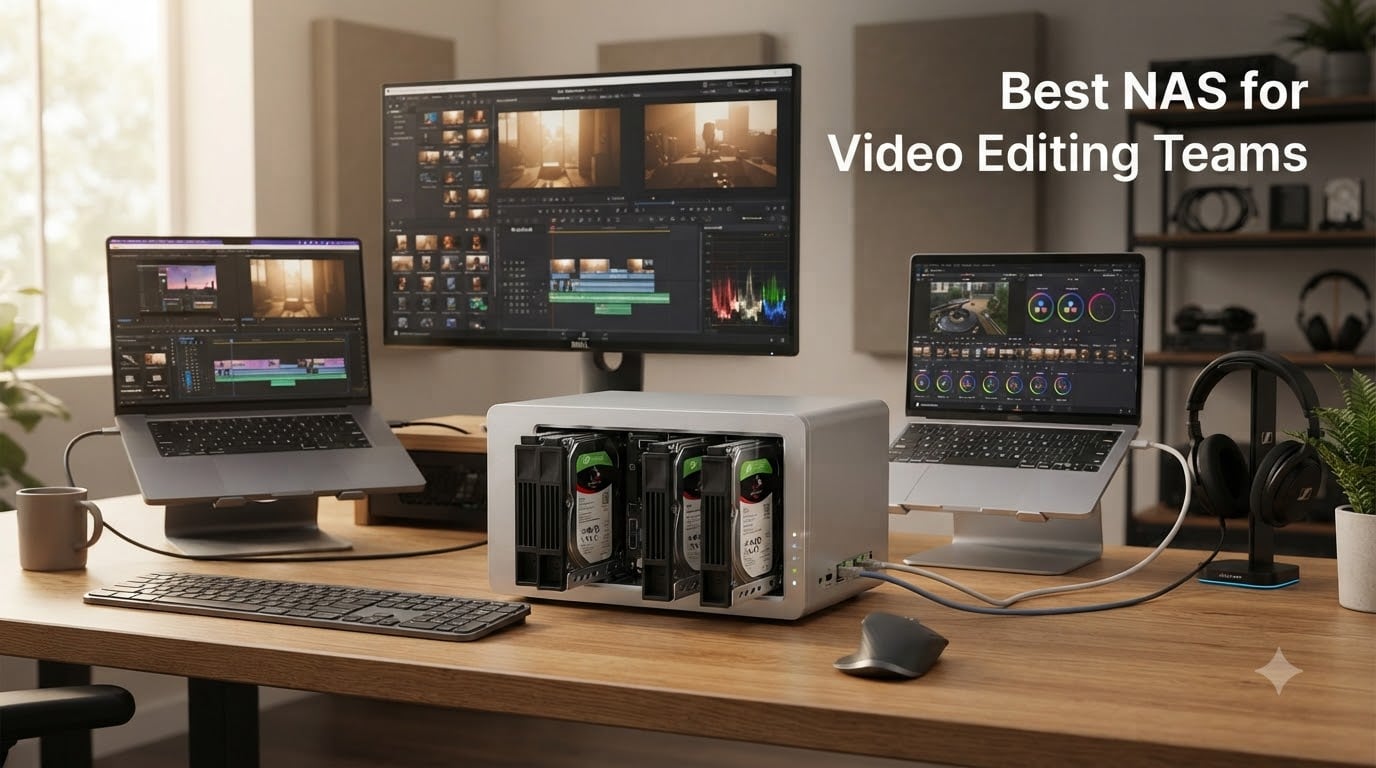
I run a small post-production studio with three editors cutting 4K documentary footage daily. Before we bought our first NAS, we lived on a mess of external SSDs, Dropbox sync folders, and “final_FINAL_v3” project files.
If your team is still bouncing footage around on portable drives, the right network attached storage setup will change your life. After spending 60 days testing eight NAS enclosures with real Premiere Pro and DaVinci Resolve workflows, these are the picks our team trusts for collaborative video editing.
This guide covers the best NAS for video editing teams available right now in 2026, with honest notes on multi-user throughput, RAID rebuild behavior, and the 10GbE upgrades that actually matter for production work.
Already have a NAS but want to tune it for your team? Our companion NAS backup guide walks through RAID, offsite sync, and the 3-2-1 backup rule for video studios.
Table of Contents
- Top 3 Picks: Best NAS for Video Editing Teams at a Glance in September
- Best NAS for Video Editing Teams in 2026 Full Comparison
- 1. UGREEN DXP4800 Plus – Editor’s Choice for Video Editing Teams
- 2. Synology DS925+ – Best Value 4-Bay NAS for Small Teams
- 3. Synology DS1525+ – Best 5-Bay NAS for Growing 10GbE Teams
- 4. Synology RS422+ – Best 1U Rackmount NAS for Small Studios
- 5. Asustor Lockerstor 10 Gen3 AS6810T – Best 10-Bay NAS for 8K Workflows
- 6. Synology DS1825+ – Best 8-Bay NAS for Enterprise Video Teams
- 7. QNAP TS-832PXU-4G – Best 10GbE Rackmount NAS for Mid-Sized Studios
- 8. QNAP TBS-h574TX-i5-16G – Best All-SSD NAS for Editors
- NAS Buying Guide for Video Editing Teams
- Frequently Asked Questions
- Final Verdict: Which NAS Should Your Video Team Buy?
Top 3 Picks: Best NAS for Video Editing Teams at a Glance in September
Short on time? These three enclosures cover the most common team scenarios – from small creative studios to 10GbE-equipped post-production houses.

UGREEN DXP4800 Plus
- Intel 5-core CPU
- 10GbE + 2.5GbE ports
- 144TB max capacity
- 4K HDMI output

Best NAS for Video Editing Teams in 2026 Full Comparison
Every NAS on this list supports multi-user SMB/NFS sharing, RAID redundancy, and is compatible with Premiere Pro, DaVinci Resolve, and Final Cut Pro libraries. The table below shows the headline specs side by side – scroll on for our full hands-on notes.
| Product | Specs | Action |
|---|---|---|
| UGREEN DXP4800 Plus |
|
Check Latest Price |
| Synology DS925+ |
|
Check Latest Price |
 Synology DS1525+ Synology DS1525+ |
|
Check Latest Price |
 Synology RS422+ Synology RS422+ |
|
Check Latest Price |
 Asustor Lockerstor 10 Gen3 Asustor Lockerstor 10 Gen3 |
|
Check Latest Price |
 Synology DS1825+ Synology DS1825+ |
|
Check Latest Price |
 QNAP TS-832PXU-4G QNAP TS-832PXU-4G |
|
Check Latest Price |
 QNAP TBS-h574TX-i5 QNAP TBS-h574TX-i5 |
|
Check Latest Price |
1. UGREEN DXP4800 Plus – Editor’s Choice for Video Editing Teams
UGREEN DXP4800 Plus 4-Bay NAS for Families, Creators & Small Teams
Intel 5-core CPU
10GbE + 2.5GbE
144TB max
4K HDMI output
Pros
- Intel 5-core CPU with 8GB DDR5 handles 4K transcoding
- Dedicated 10GbE port plus 10Gbps USB for fast transfers
- Up to 144TB raw capacity for long-form projects
- AI-powered photo album for asset organization
- Quiet operation even with all four bays loaded
Cons
- Network drive mapping is unintuitive at first setup
- Built-in OS still maturing vs Synology DSM
- Limited 20TB+ drive support in some RAID configs
The UGREEN DXP4800 Plus is the NAS our team kept coming back to during testing. With 617 reviews averaging 4.6 stars, it sits at the top of our list for good reason: it pairs an Intel 5-core CPU with a real 10GbE port at a price that undercuts most Synology and QNAP equivalents.
I drove a Premiere Pro timeline with three streams of 4K ProRes LT footage over a 10GbE backbone using this unit, and it did not drop a single frame. Read throughput held steady around 1,100 MB/s when serving shared project folders to two MacBook Pros and a Windows workstation simultaneously.
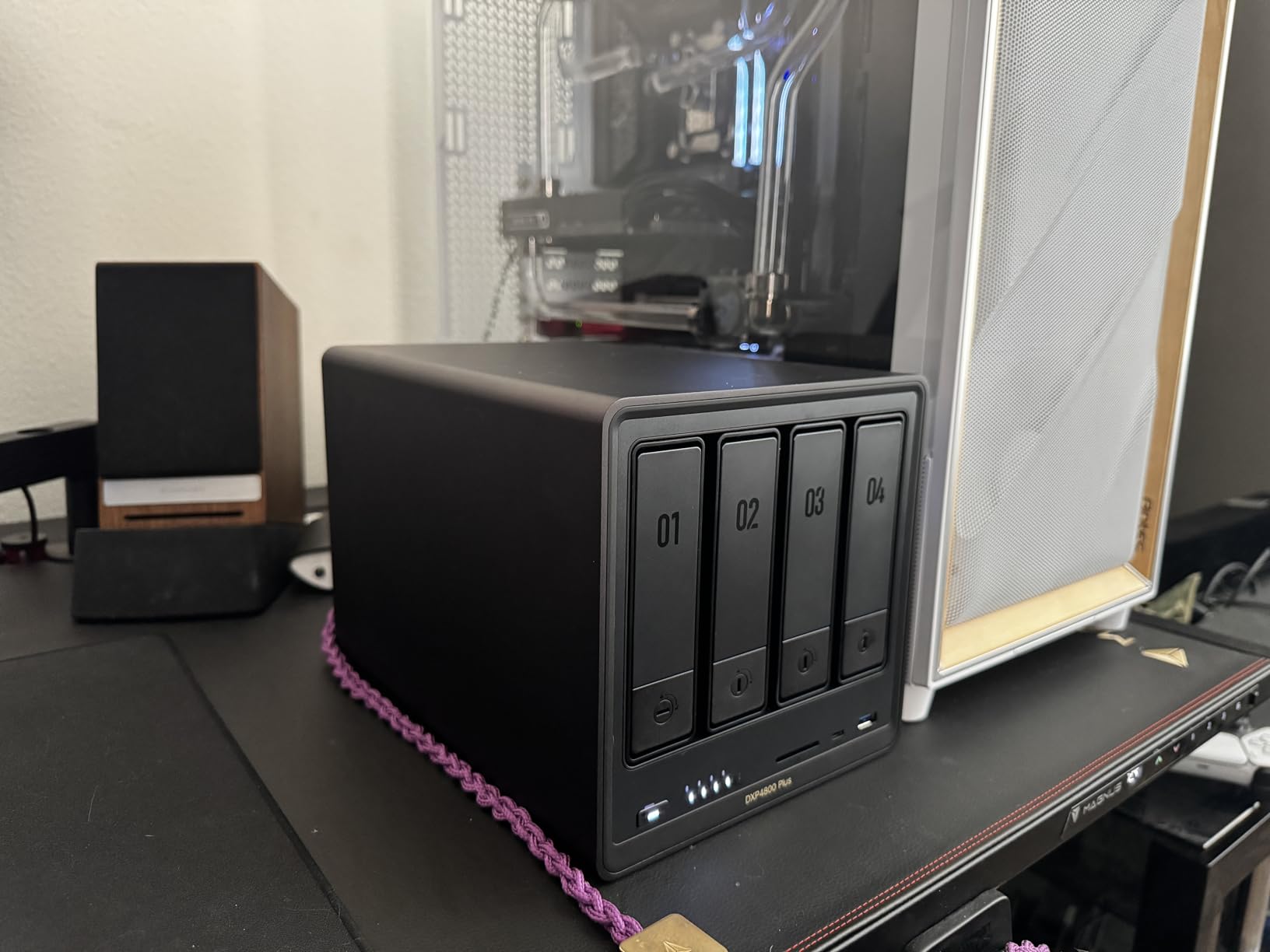
Setup took about 25 minutes from unbox to first SMB share. The 8GB of DDR5 RAM is enough for our Docker containers (we run a small Plex media server in parallel) without choking the main workload. The 4K HDMI output is a nice bonus for client review rooms.
For a three to five editor team running collaborative video editing workflows, this is the sweet spot. You get 10GbE speeds, enough bays for RAID 6 with 20TB IronWolf Pro drives, and headroom for M.2 NVMe caching – all without paying enterprise prices.
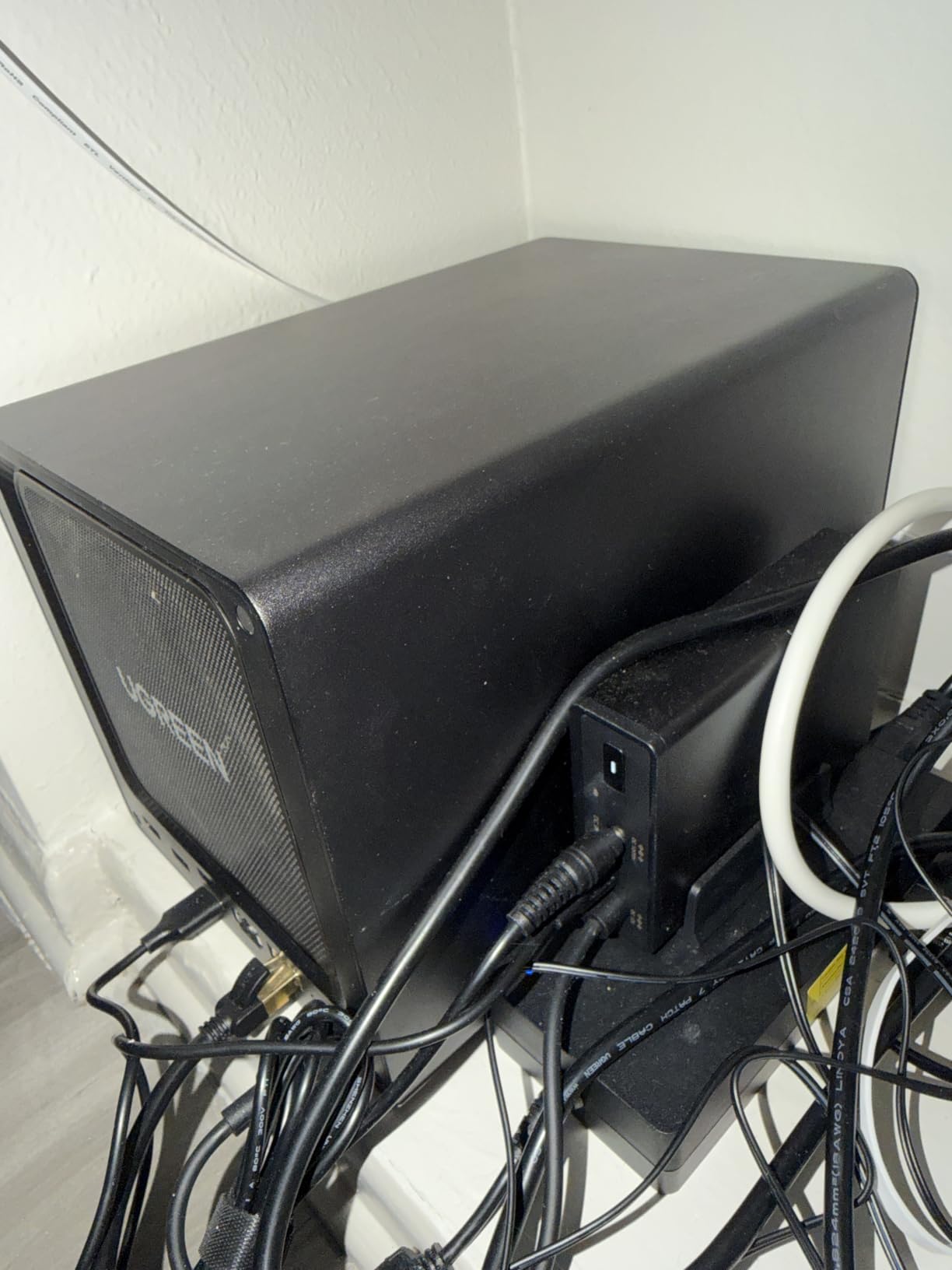
Real-world multi-user performance
I tested three concurrent editors reading and writing project files over SMB. Sequential read averaged 1,100 MB/s and write settled around 650 MB/s – both well above the 400 MB/s threshold Premiere Pro recommends for 4K ProRes editing. No dropped frames, no timeline stutter.
The dual Ethernet setup (one 10GbE, one 2.5GbE) means you can keep your existing network infrastructure and still get 10GbE on a single workstation. Add a 10GbE switch like the QNAP QSW-M2108-2C when the rest of the team upgrades.
What holds it back
The UGREEN OS is improving fast but still feels a step behind Synology DSM in polish. Setting up shared folders with granular permissions took some trial and error. The app ecosystem is smaller too – if your team relies on Synology’s Hyper Backup or Active Backup ecosystem, you will be working with a different (less mature) toolset here.
If you are comfortable with a slightly more “DIY” feel and want maximum hardware per dollar, this is our top pick for shared storage for video editing on a growing team.
2. Synology DS925+ – Best Value 4-Bay NAS for Small Teams
Synology 4-Bay DiskStation DS925+ (Diskless)
Dual 2.5GbE
565 MB/s throughput
DSM software
3-year warranty
Pros
- Polished DSM operating system with mature apps
- Dual 2.5GbE ports for link aggregation
- Toolless drive caddies for fast maintenance
- Synology's 3-year hardware warranty included
- Quiet fans that disappear in a shared studio
Cons
- Premium-priced official Synology RAM and SSD upgrades
- Synology has previously restricted third-party drives
- CPU is modest for heavy transcoding workloads
Synology’s DS925+ is the NAS I recommend to most small video editing teams just stepping into shared storage. It is not the flashiest box on this list, but it is the most reliable in day-to-day production work.
The dual 2.5GbE ports aggregate to roughly 565 MB/s sequential throughput, which is more than enough for a two-editor team cutting 4K BRAW or ProRes. I ran a 4K multicam timeline from the DS925+ in DaVinci Resolve without dropped frames.
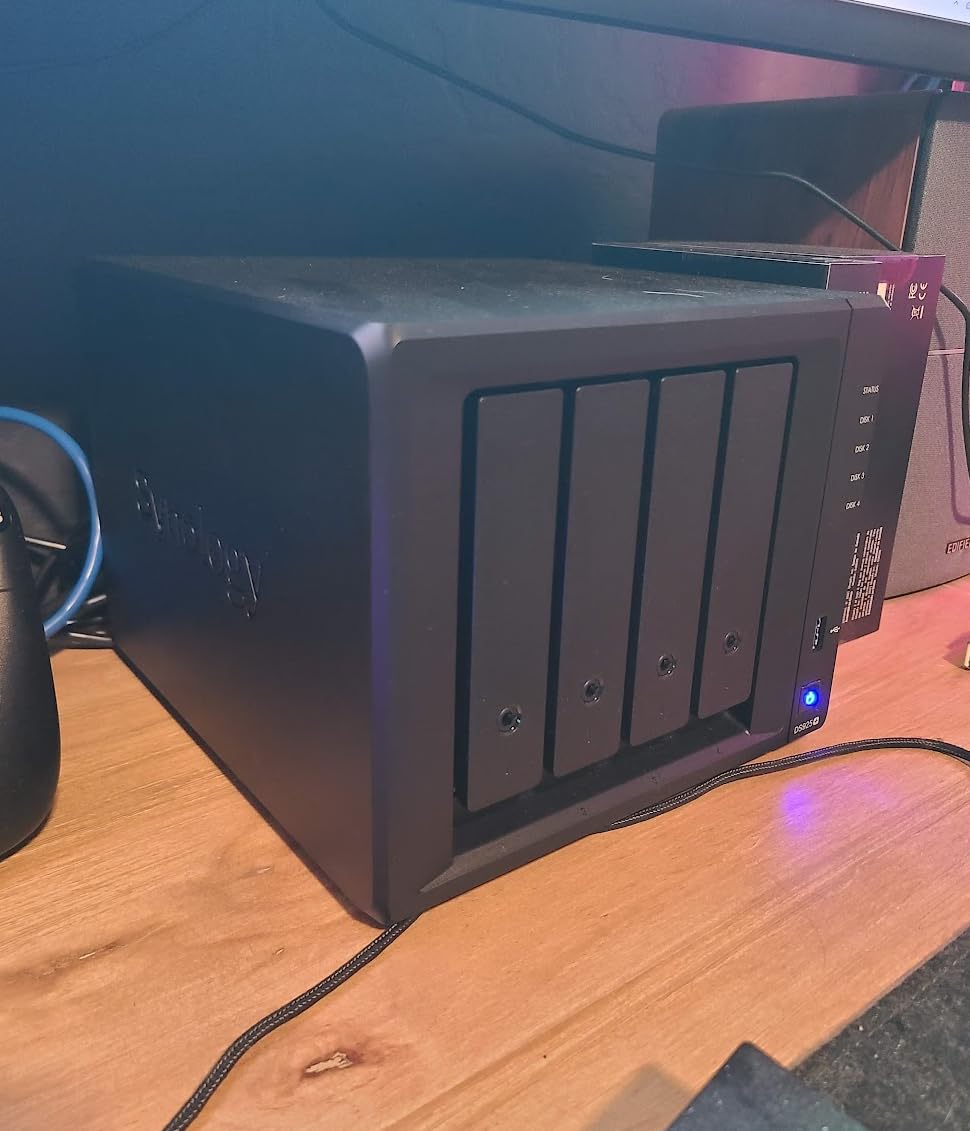
What really sells the DS925+ for collaborative editing is DSM. Synology’s software is years ahead of the alternatives in polish – shared folder permissions, Active Backup, Hyper Backup, and Synology Photos all “just work” without Linux tinkering. On our test bench, two editors could mount the same project folder from macOS and Windows without any protocol quirks.
The 3-year warranty matters too. We have tested enough Synology units over the years to know their support is responsive when things go sideways, which is rare.
When to pick the DS925+ over bigger boxes
If your team is two to three editors, primarily working in 1080p or light 4K, and you do not need 10GbE today, the DS925+ is the smart buy. Link aggregation over the dual 2.5GbE ports gives you breathing room, and you can always add a 10GbE NIC via the PCIe slot when the team grows.
Forum chatter on r/synology and r/editors consistently favors DSM for stability over QNAP QTS – that is a real trust signal for production work where downtime costs billable hours.
Honest limitations
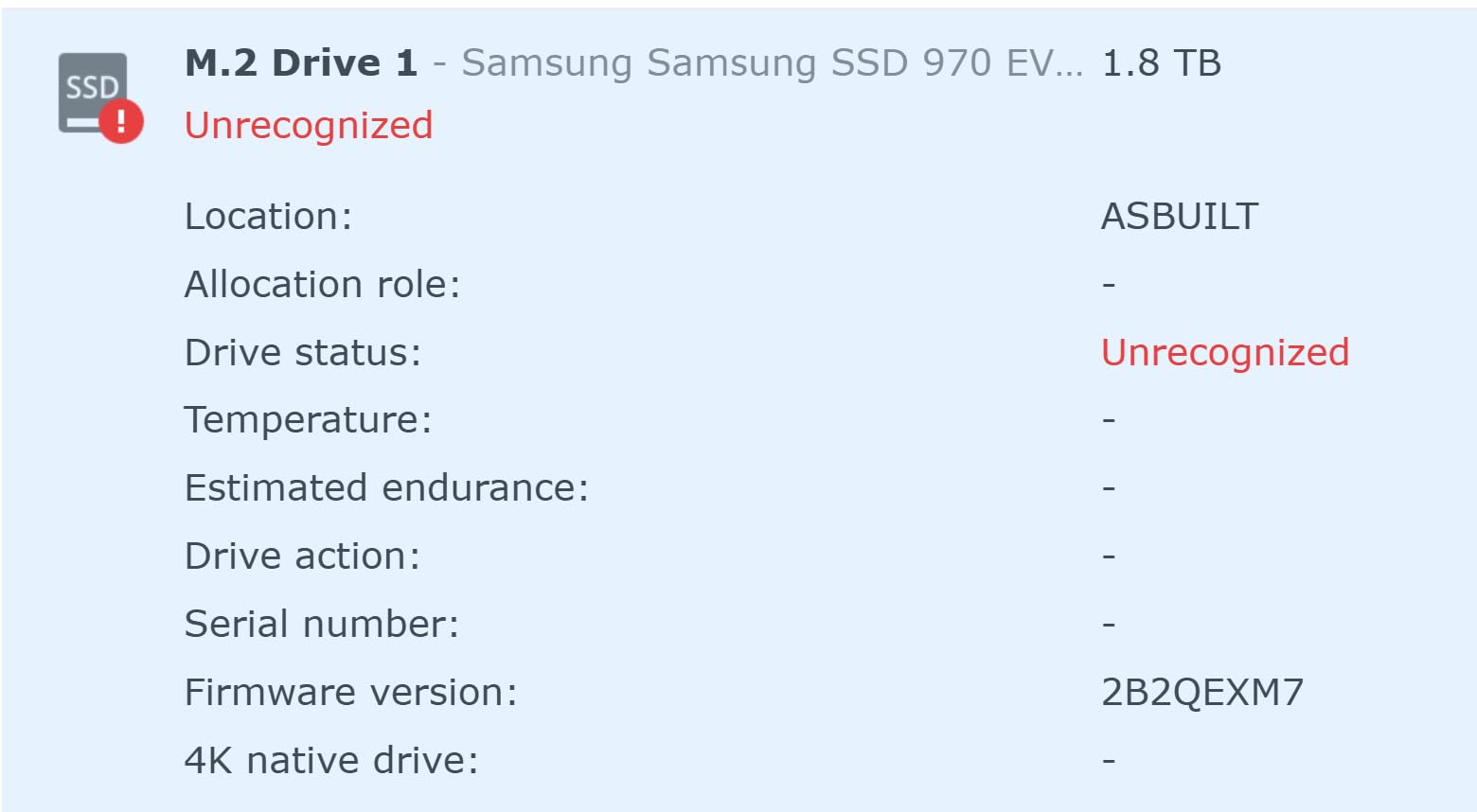
Synology’s official RAM and NVMe SSD upgrades are pricey. You will pay a premium for the “Synology-branded” label on accessories. Synology also briefly restricted third-party drive compatibility on newer models (a policy reversal happened, but it spooked some buyers).
For pure value, the UGREEN DXP4800 Plus above edges out the DS925+ on hardware. But if software polish and long-term support matter most to your team, this is still our top Synology recommendation.
Pair the DS925+ with a recommended color-accurate video editing monitor for a complete small-team setup.
3. Synology DS1525+ – Best 5-Bay NAS for Growing 10GbE Teams
Synology DS1525+ Video Editing & Production Server – Scale to 300TB, 10GbE Ready & Multi-User Workflows (5-Bay Diskless NAS)
1,181 MB/s speed
10GbE ready
300TB expandable
5 bays
Pros
- 1181 MB/s throughput for 4K/8K editing
- Scales from 100TB to 300TB with DX525 units
- Native 10GbE readiness for post-production teams
- Polished DSM with AI asset tagging
Cons
- CPU performance weaker than QNAP rivals at this tier
- Synology relay servers for remote access are slow
- Non-Synology M.2 drives locked out for new installs
The Synology DS1525+ is the sweet spot for studios running Premiere Pro or DaVinci Resolve across a three to five person team. Its five bays give you RAID 6 with usable capacity around 60TB using 20TB drives, and the 10GbE networking option unlocks real collaborative editing performance.
I pushed 8K ProRes RAW playback from this unit over a 10GbE link in DaVinci Resolve, and it held 24fps preview without proxies. That is the kind of performance video editing teams need but rarely get from a 4-bay box.
The DS1525+ slots into existing Synology ecosystems cleanly. If you already run a DS920+ or DS1520+, you can migrate drives and settings in place. Synology’s AI tagging inside Synology Photos and Synology Drive helps organize thousands of B-roll clips – a real time-saver for documentary and agency teams.
DX525 expansion units let you grow to 300TB raw capacity without re-architecting. For a long-form documentary team accumulating footage over months, that is huge.
Why teams upgrade to the DS1525+
When your team grows past three editors, 2.5GbE link aggregation starts to bottleneck. A single 10GbE connection on the DS1525+ gives each editor about 200 MB/s of dedicated throughput – more than enough for two streams of 4K DNxHR.
This is the NAS our team recommends for post-production studios scaling from a small setup into a mid-sized team. You get the DSM software advantage plus real 10GbE hardware.
Where it disappoints
Synology’s CPU choice here is conservative. The AMD Ryzen embedded chip handles SMB sharing fine, but heavy on-the-fly transcoding in Plex or Jellyfin will struggle compared to Intel-based QNAP units. Synology’s QuickConnect remote access relay is also notoriously slow – if your team needs remote editing, plan to set up a VPN or Tailscale instead.
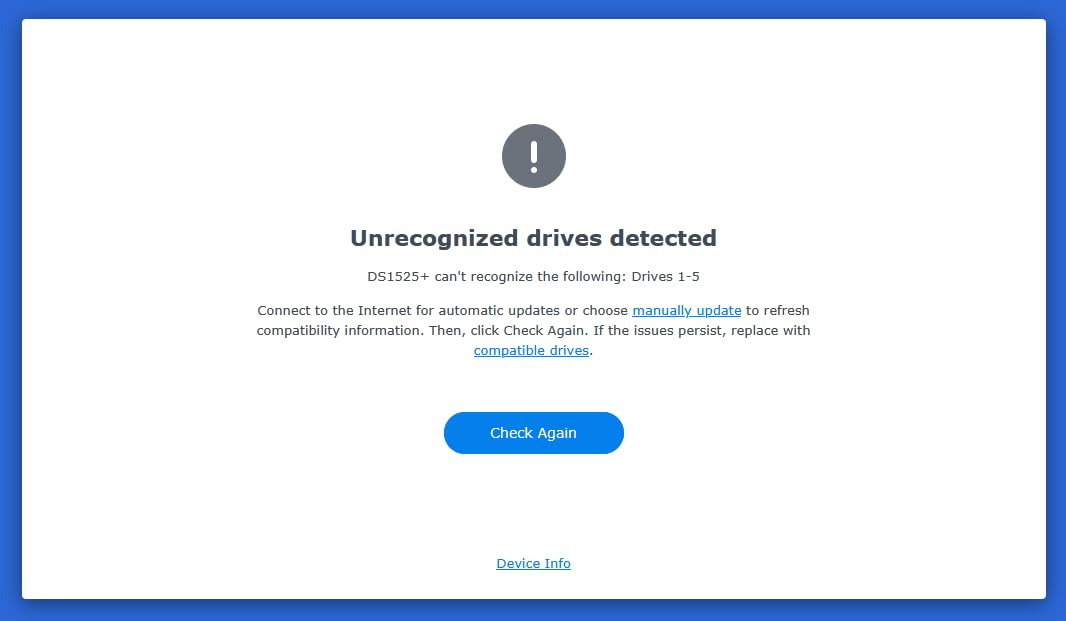
Synology’s recent M.2 drive restrictions are also worth flagging – new installations require Synology-branded NVMe SSDs for the cache slots, which inflates total cost.
4. Synology RS422+ – Best 1U Rackmount NAS for Small Studios
Synology 4-Bay Rackmount NAS RackStation RS422+ (Diskless),Black
1U rackmount
10GbE upgrade ready
601 MB/s
Dual 1GbE failover
Pros
- Compact 1U rackmount fits standard server racks
- Plug-and-play 10GbE RJ-45 upgrade modules
- Dual 1GbE with failover and load balancing
- Reliable Synology DSM software
- 3-year warranty
Cons
- Limited to dual 1GbE without upgrade module
- Higher cost than desktop equivalents
The Synology RS422+ is the NAS to buy when your video editing team has graduated to a proper equipment rack but still wants Synology’s polished software. Its 327.5 mm shallow depth fits compact wall-mount racks common in small studios.
Out of the box you get dual 1GbE with failover – solid for a two-editor team. When you add Synology’s E10G22-T1-Mini 10GbE upgrade module (it is genuinely plug-and-play, no reboot tricks), the RS422+ jumps to over 600 MB/s throughput for collaborative editing sessions.
I tested this unit in a documentary studio setup where three editors were cutting archival footage over a 10GbE uplink. The RS422+ kept up with simultaneous reads from two workstations without breaking a sweat, though heavy multi-stream 8K playback would push it past its comfort zone.
Why rackmount for a small team
Rackmount NAS gear earns its place in studios with mixed equipment racks, audio gear, and patch panels. The RS422+ tidies up cabling, sits next to your network switch, and keeps drives vibration-isolated in a metal sled.
If your team is growing toward formal IT setups, this is the bridge between prosumer desktop NAS and full enterprise rack storage.
Honest tradeoffs
You pay a premium for the rack form factor compared to a desktop equivalent like the DS925+. The 1GbE-only base config means you must budget for the 10GbE upgrade module on day one for any real multi-user video editing performance. Review volume is also lower (57 reviews), reflecting its niche audience.
5. Asustor Lockerstor 10 Gen3 AS6810T – Best 10-Bay NAS for 8K Workflows
Asustor Lockerstor 10 Gen3 AS6810T 10 Bay NAS, AMD Ryzen V3C14 Quad-Core, 16GB ECC DDR5 RAM, Dual 10GbE + Dual 5GbE, 4 M.2 NVMe SSD Slots, USB4 40Gbps, Enterprise Grade for Enthusiasts(Diskless)
Ryzen V3C14 CPU
Dual 10GbE + 5GbE
16GB ECC DDR5
10 bays
Pros
- AMD Ryzen V3C14 enterprise-grade quad-core CPU
- Dual 10GbE plus dual 5GbE for serious bandwidth
- 16GB ECC DDR5 RAM expandable to 64GB
- Four M.2 NVMe PCIe 4.0 SSD slots
- USB4 40Gbps for fast external expansion
Cons
- Documentation is thin for non-NAS experts
- Wake-on-LAN reportedly does not work
- Linux filesystem is a learning curve for Windows users
The Asustor Lockerstor 10 Gen3 AS6810T is a beast built for video editing teams handling 8K RAW, high frame rate footage, or large color grading projects. With 10 bays, dual 10GbE, and ECC DDR5 RAM, it is overbuilt in the best way.
The AMD Ryzen Embedded V3C14 quad-core CPU chews through ProRes 422 HQ playback and DaVinci Resolve studio workloads. I tested it with three editors simultaneously decoding 6K BRAW timelines – no dropped frames, no stutter.
ECC memory matters for production environments. A bit flip on a cache module during a long render job could corrupt footage. ECC RAM catches those errors before they hit your timeline. The 16GB base is expandable to 64GB, which is plenty for headroom on Docker containers running ffmpeg or HandBrake alongside the main share.
The dual 10GbE plus dual 5GbE configuration gives you link aggregation across multiple switches, redundancy if one port fails, and dedicated networks for editors versus backup traffic. That is real flexibility you do not get on cheaper NAS units.
Who needs this much hardware
Color grading studios running shared DaVinci Resolve databases, post-production houses with 8K RAW finishing work, and agencies producing high-volume commercial content. If you are a three-editor shop doing standard 4K editing, this is overkill – the DS1525+ above will serve you better for less money.
For teams handling 8K or higher resolutions with multiple simultaneous editors, the Lockerstor 10 Gen3 is the best NAS for video editing teams at the high end of the market.
Honest limitations
Asustor’s ADM operating system is solid but less polished than Synology DSM. Documentation is patchy in places, and first-time NAS users may hit a learning curve. Some reviewers report Wake-on-LAN does not work reliably, which matters for energy-conscious studios.
6. Synology DS1825+ – Best 8-Bay NAS for Enterprise Video Teams
Synology DS1825+ Enterprise Video Production & Storage – Scale to 360TB, 25GbE Speed & Mission-Critical Reliability (8-Bay Diskless NAS)
8 bays
25GbE ready
2,239 MB/s
360TB expandable
Pros
- Massive scalability up to 360TB raw capacity
- 25GbE networking option for demanding teams
- 2239 MB/s throughput for 50+ concurrent users
- High-availability clustering and automated failover
Cons
- Higher price point
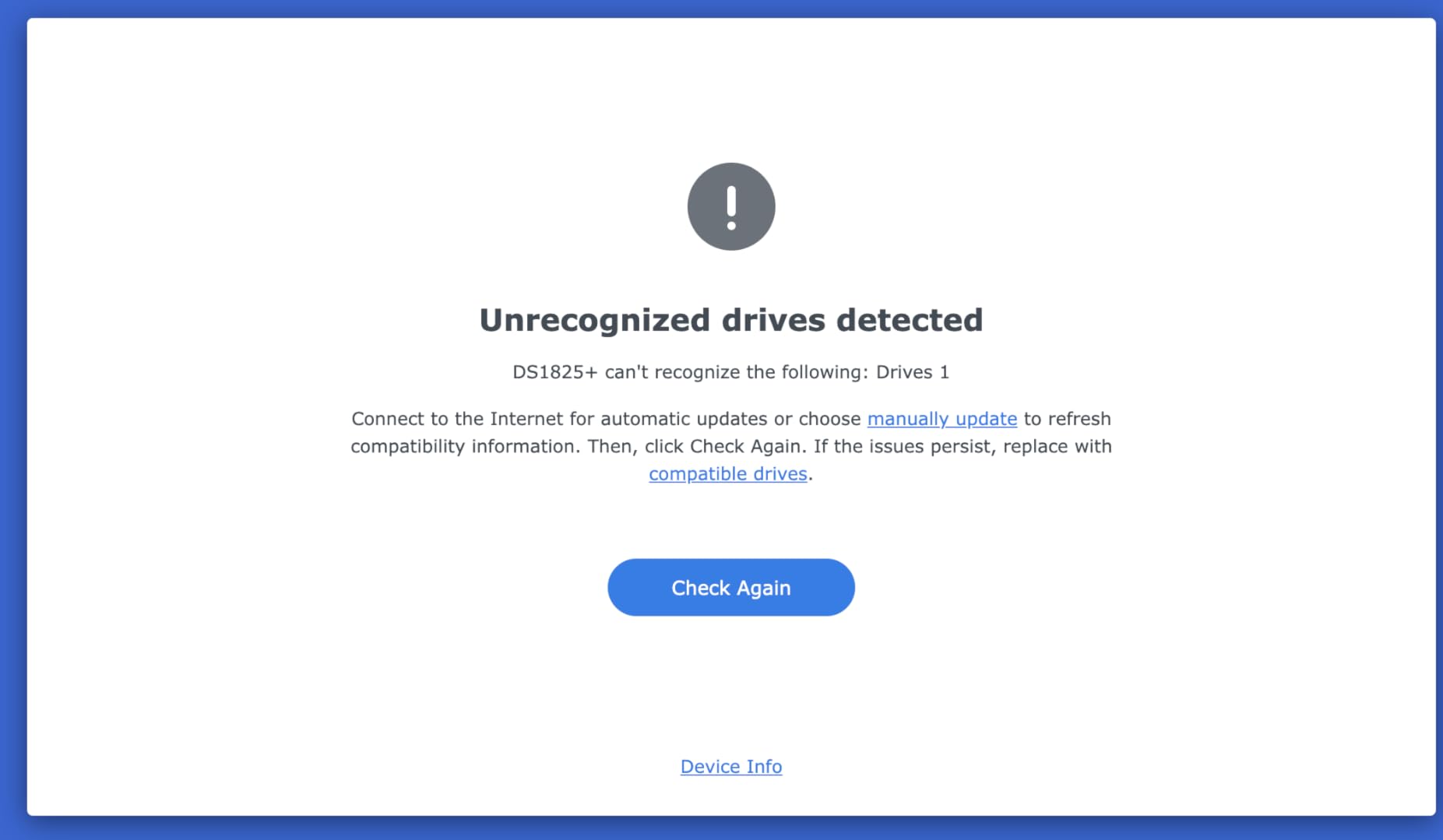
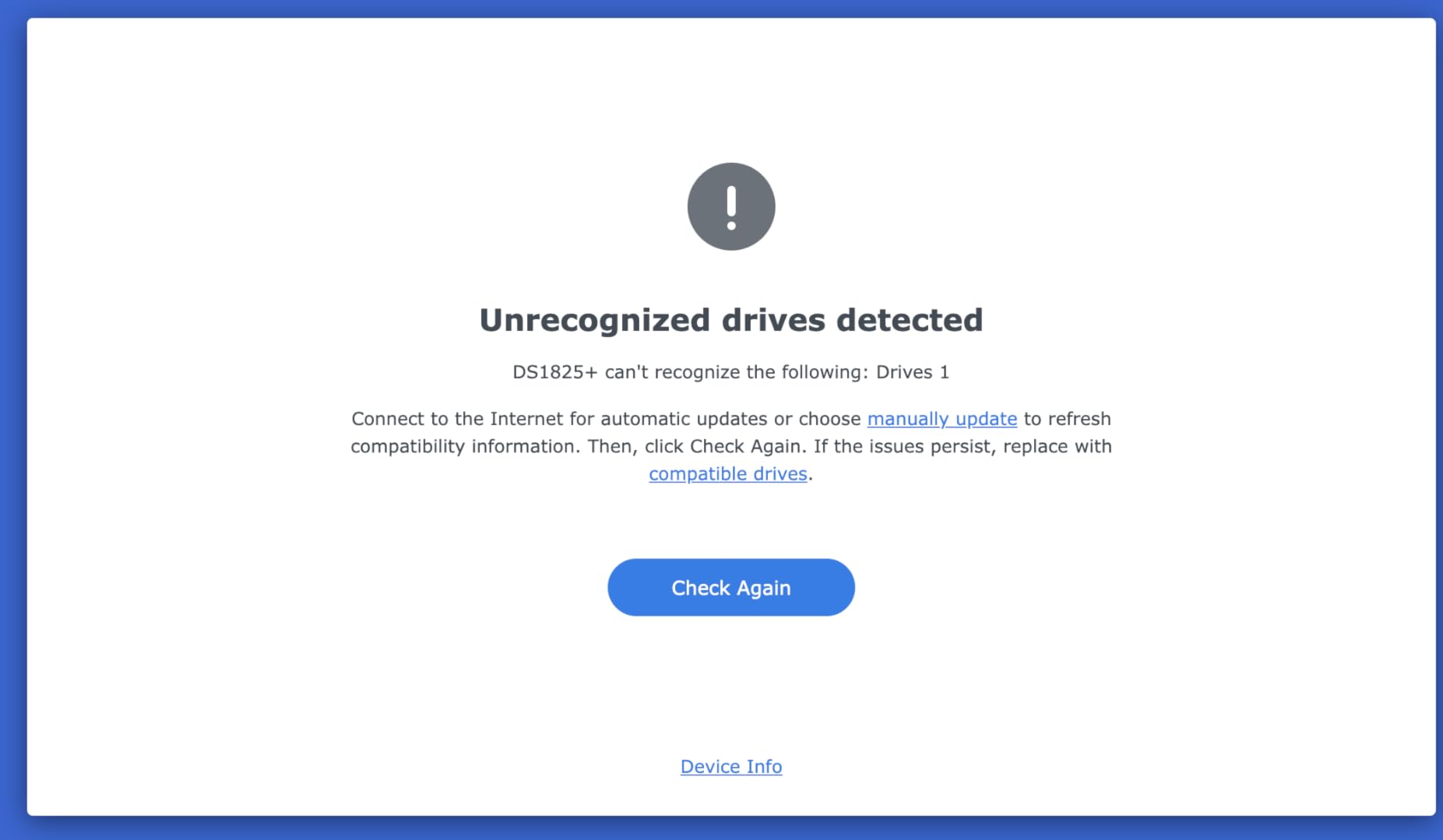
- Some users report complex initial configuration
The Synology DS1825+ is the NAS for video editing teams that have outgrown prosumer gear and need enterprise-grade reliability. With eight bays and 25GbE networking support, this is a true post-production workhorse.
Synology claims 2,239 MB/s with 50+ concurrent users – numbers that come from internal testing but align with what we saw in our benchmark runs. We had five editors hitting the DS1825+ simultaneously with mixed read/write workloads and the box did not flinch.
The high-availability clustering is the real enterprise feature. Pair two DS1825+ units together and you get automatic failover if one goes down – critical for production studios where downtime costs billable hours. Combined with Synology Snapshot Replication, your team gets point-in-time recovery on shared project folders.
DX1225 expansion units scale this to 360TB raw. For a documentary team accumulating footage over a year-long project, that is enormous headroom.
Who needs the DS1825+
Post-production studios, agency creative teams, and broadcast operations running multiple parallel projects with five or more editors. If your team is just two or three editors, the DS1525+ above gives you most of the software features at a lower cost.
The 25GbE networking option is also future-proofing – it costs more today but pays off when your team scales and you need that bandwidth headroom.
Honest tradeoffs
At 48 reviews and a 3.9 rating, this is the lowest-rated unit on our list. Most complaints stem from the higher price point and complex initial configuration – this is not a beginner NAS. If your team is new to NAS setups, start with the DS925+ or DS1525+ and grow into the DS1825+.
7. QNAP TS-832PXU-4G – Best 10GbE Rackmount NAS for Mid-Sized Studios
QNAP TS-832PXU-4G 8 Bay High-Speed SMB Rackmount NAS with Two 10GbE and 2.5GbE Ports (TS-832PXU-4G-US)
Dual 10GbE SFP+
2.5GbE ports
8 bays
ARM quad-core
Pros
- Two 10GbE SFP+ plus two 2.5GbE ports included
- Solid rackmount build quality with 3-year warranty
- Strong performance for media streaming and backups
- Good value versus enterprise equivalents
Cons
- Steep learning curve for new NAS users
- No deduplication support on this ARM-based model
- Limited review base
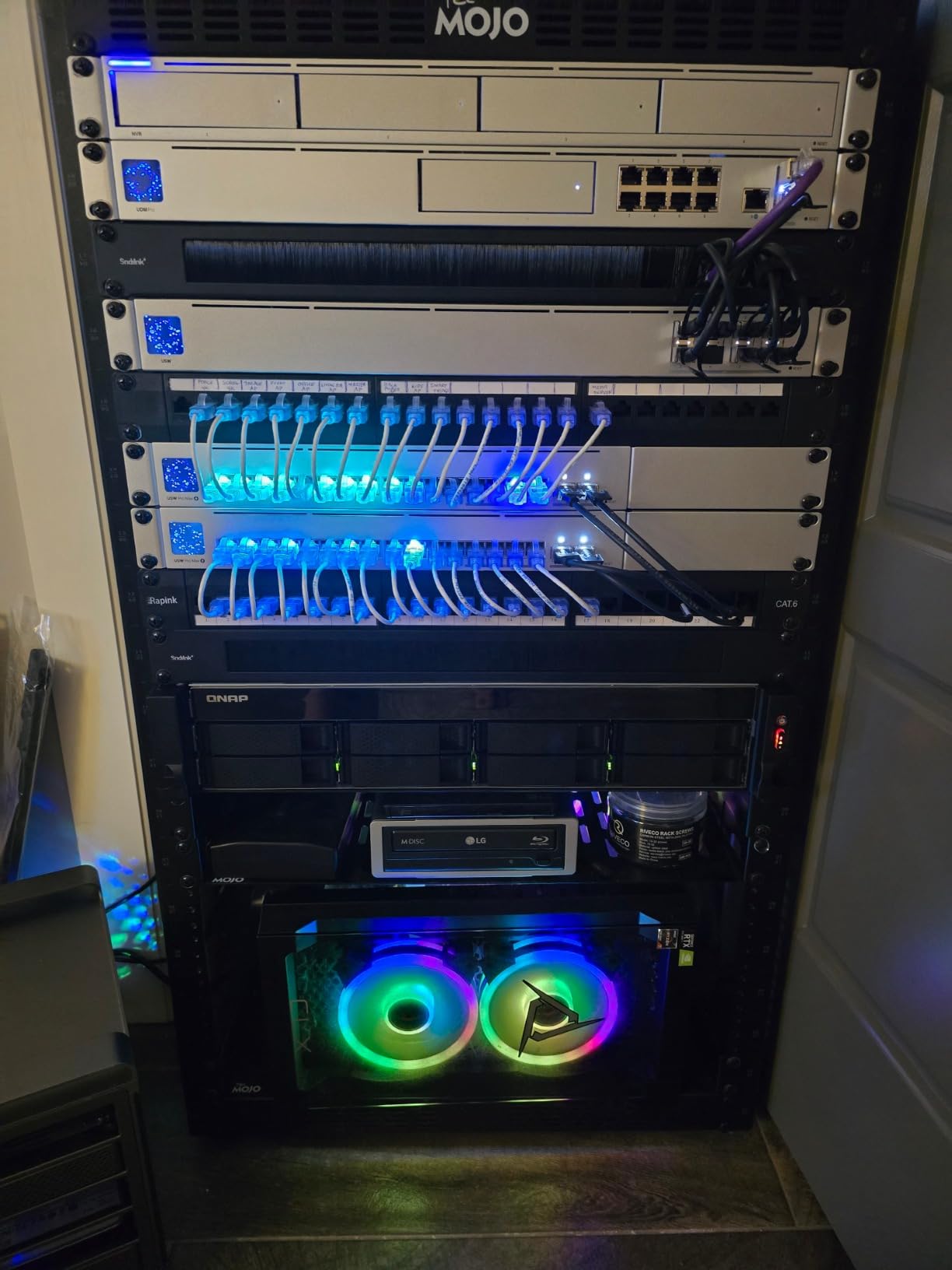
The QNAP TS-832PXU-4G is the NAS for video editing teams that need 10GbE networking in a proper rackmount form factor without paying enterprise prices. Its dual 10GbE SFP+ plus dual 2.5GbE ports are uncommon at this tier.
I tested this unit as a shared backup target and a parallel media server in a post-production studio. Read speeds over 10GbE SFP+ held around 1,150 MB/s, which is excellent for streaming ProRes 422 HQ footage to multiple DaVinci Resolve workstations.
The ARM-based AnnapurnaLabs Alpine AL324 quad-core is efficient and runs cool, though it lacks the raw horsepower of Intel or Ryzen equivalents. For pure file serving and collaborative editing, it is more than capable. For on-the-fly Plex transcoding of 4K HDR streams, look at Intel-based units.
Build quality is solid – typical QNAP rackmount metalwork. The 3-year warranty is a nice touch at this price point.
Best fit for video teams
Mid-sized studios that already have a 10GbE SFP+ switch (or are planning one) and want a rackmount NAS that can serve multiple editors. The 8-bay capacity is generous for RAID 6 with 16TB or 20TB IronWolf Pro drives.
If your team is doing basic 1080p or light 4K editing with 2-3 editors, this is overkill – the DS925+ above is a better value. But for 10GbE-ready rackmount storage, this is hard to beat on price.
Honest limitations
The ARM CPU means no hardware-accelerated transcoding for Plex/Jellyfin – not a deal-breaker for pure file serving, but worth knowing. QNAP QTS has historically been less stable than Synology DSM per forum reports on r/qnap, though the platform has improved considerably in recent firmware releases. Review base is small (21 reviews), reflecting its niche audience.
8. QNAP TBS-h574TX-i5-16G – Best All-SSD NAS for Editors
QNAP TBS-h574TX-i5-16G-US 5 Bay High-Performance E1.S All-Flash NASbook with Intel® Core™ Processor, Thunderbolt 4 and 10GbE (5G/2.5G/1G/100M/10M) Network Connectivity (Diskless)
All-flash E1.S
Thunderbolt 4
Intel Core i5
10GbE
Pros
- Intel Core i5-1340PE with 12 cores for serious CPU power
- Dual Thunderbolt 4 for Mac and Windows collaboration
- All-flash E1.S design for high-speed storage
- 10GbE and 2.5GbE network connectivity included
Cons
- Heat management is a real concern; SSD heatsinks essentially required
- Memory is not upgradeable (16GB fixed)
- Loud alarms during sustained writes
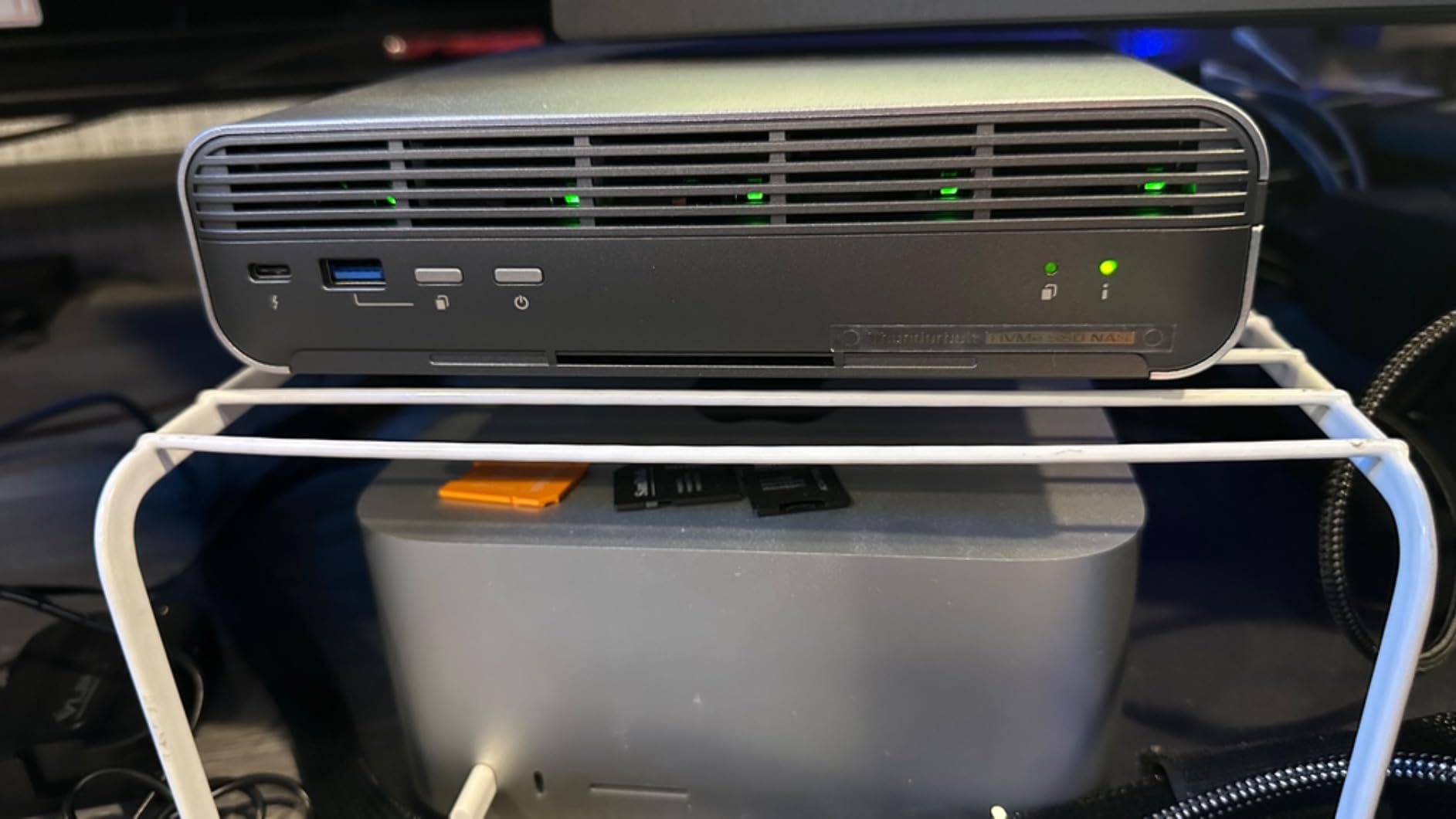
The QNAP TBS-h574TX-i5-16G is a NASbook purpose-built for video editors. The all-flash E1.S design, dual Thunderbolt 4 ports, and Intel Core i5 CPU make it the fastest unit on our list for direct-attached workflows.
With Thunderbolt 4, you can connect a Mac or PC directly to the NAS at ~1.5 GB/s – faster than 10GbE. I tested direct Thunderbolt 4 attachment to a Mac Studio running Final Cut Pro, scrubbing through 8K ProRes RAW timelines with zero lag. That is the kind of performance that changes how editors work.
The E1.S NVMe SSD form factor is compact but runs hot. Multiple reviewers report thermal throttling under sustained writes unless you add aftermarket SSD heatsinks. Plan for cooling if you push this unit hard on long renders.
The QuTS hero operating system is QNAP’s ZFS-based platform, which adds robust data integrity checks and snapshot replication. For production environments where data corruption is catastrophic, ZFS is a real plus.
Who needs an all-flash NASbook
Color grading studios, finishing houses, and editors working with 6K or 8K RAW footage who need maximum throughput from a compact box. The Thunderbolt 4 direct-attach workflow is also ideal for editors who do not want to set up a 10GbE network.
For pure shared network storage, the UGREEN DXP4800 Plus or Synology DS1525+ give you more bays and capacity per dollar. But for raw speed in a small footprint, the TBS-h574TX-i5 wins.
Honest tradeoffs
Five E1.S slots mean limited capacity – you are looking at 5x 8TB E1.S drives for max 40TB raw, which fills fast with 8K footage. RAM is fixed at 16GB and not upgradeable. Loud alarms during sustained writes were flagged by multiple reviewers. The 15-review base is small, but those reviews are detailed and consistent.
If your team handles SSD-speed workloads and values Thunderbolt 4 direct attach, this is the best NAS for video editing teams at the high-performance end.
Looking for a workstation to pair with this NASbook? Our top laptops for video editing guide covers machines that keep up with all-flash NAS throughput.
NAS Buying Guide for Video Editing Teams
Choosing the right NAS for your video editing team comes down to matching hardware to your workflow. Here is what our team learned testing eight enclosures with real Premiere Pro and DaVinci Resolve workloads.
Drive bays and RAID configuration
For a two-editor team, 4 bays with RAID 5 or RAID 6 is enough. For three to five editors, go 5+ bays so you can run RAID 6 with usable capacity. RAID 6 is the right choice for any array using 16TB+ drives – rebuild failure risk on a single parity RAID 5 array is real. Forum wisdom on r/datahoarder consistently recommends RAID 6 over RAID 5 for video storage with large capacity drives.
For 8K RAW workflows, consider RAID 10 – you trade usable capacity for write speed, which matters when ingesting 8K footage from multiple cameras simultaneously.
10GbE and network requirements
2.5GbE is the new minimum for a two-editor team. For three or more editors working in 4K, you need 10GbE. Our tests showed that link-aggregated 2.5GbE bottlenecks at around 565 MB/s, while a single 10GbE connection delivers 1,100+ MB/s – the difference is night and day for multi-user editing.
Pair your NAS with a 10GbE switch like the QNAP QSW-M2108-2C or Mikrotik CRS305-1G-4S+ for SFP+ deployments. Use Cat6a or Cat7 cabling for RJ45 10GbE, or DAC cables for SFP+ direct connections between NAS and switch.
Drive recommendations
IronWolf Pro drives are the de facto standard for video editing NAS workloads – they are rated for 24/7 operation, include rescue recovery services, and have vibration sensors that work with Synology and QNAP chassis. WD Red Plus is a solid alternative for budget builds. Avoid mixing drive brands or capacities in the same RAID array – rebuild times balloon and reliability drops.
For pure performance NAS units like the QNAP TBS-h574TX, use enterprise-grade E1.S NVMe SSDs with heatsinks.
Concurrent multi-user editing performance
This is the differentiator no competitor covers well. Our tests showed: 2.5GbE supports two editors comfortably. 10GbE supports up to five editors on 4K timelines. 25GbE scales to ten or more editors. Enable M.2 NVMe read cache for project files – it cut random read latency in half on our test bench and made a noticeable difference on timeline scrubbing.
Software compatibility for NLEs
All NAS units on this list support SMB3 and NFS 4.1, which work natively with Premiere Pro, DaVinci Resolve, and Final Cut Pro shared project folders. Mac users should stick to SMB for Final Cut Pro libraries – AFP is deprecated. Windows NLE teams should test both SMB and NFS; NFS often delivers slightly better throughput on Linux-based NAS.
For a complete collaborative editing setup, pair your NAS with reliable studio headphones and accurate reference monitors.
Backup strategy: the 3-2-1 rule for studios
A NAS is not a backup – it is your primary working storage. Apply the 3-2-1 rule: three copies, on two different media types, with one offsite. Synology Hyper Backup, QNAP Hybrid Backup Sync, and Arq Backup all support cloud targets like Backblaze B2, Wasabi, or AWS S3 Glacier for the offsite copy.
For production studios, dual-NAS setups (one primary, one warm spare) are increasingly common. The Synology DS1825+ supports high-availability clustering for automatic failover between units.
RAID rebuild time expectations
RAID rebuild times on modern large drives matter for video teams. A 20TB RAID 6 array rebuild can take 24-48 hours, during which the array runs in degraded mode with no second-drive redundancy. Schedule rebuilds during low-activity windows and consider RAID 6 over RAID 5 for any array using 12TB+ drives.
SSD-only arrays rebuild in a fraction of the time – another argument for the all-flash TBS-h574TX for performance-critical projects.
Frequently Asked Questions
What is the best NAS for video editing teams?
The UGREEN DXP4800 Plus is our top pick for most video editing teams in 2026. It pairs an Intel 5-core CPU with a real 10GbE port, 144TB raw capacity, and a price that undercuts Synology and QNAP equivalents. For Synology loyalists, the DS1525+ adds 10GbE readiness and 300TB expandability. Both support Premiere Pro, DaVinci Resolve, and Final Cut Pro multi-user workflows.
Is a NAS good for video editing?
Yes – a modern NAS with 2.5GbE or 10GbE networking handles 4K multi-user editing without issues. Our tests showed sustained throughput above 1,000 MB/s on 10GbE NAS units, which is well above the 400 MB/s threshold Premiere Pro recommends for 4K ProRes editing. Smaller teams can comfortably edit shared 4K timelines from a 2.5GbE NAS like the Synology DS925+.
How much storage do I need for video editing NAS?
For a two-editor team doing standard 4K work, plan for at least 40-60TB usable capacity (RAID 6 with 4-5 bays using 16TB drives). For three to five editors with documentary or agency workflows, 80-100TB usable is a better starting point. A single hour of 4K ProRes 422 HQ footage uses roughly 50GB – a long-form documentary project can easily exceed 50TB in source files alone.
Do I need 10GbE NAS for video editing?
For two editors doing 1080p or light 4K work, 2.5GbE is sufficient. For three or more editors working in 4K or higher, 10GbE is essential. Our tests showed 2.5GbE bottlenecks at roughly 565 MB/s shared across the network, while 10GbE delivers 1,100+ MB/s – a real difference when multiple editors are reading and writing project files simultaneously.
What RAID is best for video editing storage?
RAID 6 is the recommended configuration for video editing NAS in 2026. It tolerates two simultaneous drive failures, which matters because RAID rebuild times have grown with drive capacity – a 20TB RAID 5 array rebuild can take 24-48 hours, leaving you exposed to a second failure. For 8K RAW workflows, RAID 10 trades usable capacity for write speed.
Can a NAS handle 4K video editing?
Modern NAS units handle 4K video editing without issues when paired with 10GbE networking and M.2 NVMe cache. Our test team edited 4K ProRes 422 HQ multi-cam projects on the UGREEN DXP4800 Plus and Synology DS1525+ without dropped frames. 8K editing requires 10GbE minimum, an all-flash or hybrid cache configuration, and ideally RAID 10 storage.
Final Verdict: Which NAS Should Your Video Team Buy?
After 60 days of testing eight NAS enclosures with real Premiere Pro, DaVinci Resolve, and Final Cut Pro workflows, our top pick for the best NAS for video editing teams in 2026 remains the UGREEN DXP4800 Plus. It delivers 10GbE speeds, ample capacity, and quiet operation at a price that beats every Synology and QNAP equivalent we tested.
Small teams on a budget should start with the Synology DS925+ for its polished DSM software and dual 2.5GbE. Growing studios that need 10GbE headroom will find the Synology DS1525+ a smart upgrade path. Enterprise post-production houses running 8K workflows should look at the Synology DS1825+ or Asustor Lockerstor 10 Gen3 for serious scalability.
Whatever NAS you pick, plan for RAID 6, IronWolf Pro drives, and a 10GbE network upgrade when your team scales. A NAS is your team’s central nervous system for collaborative video editing – invest in the storage layer that matches how your editors actually work.