
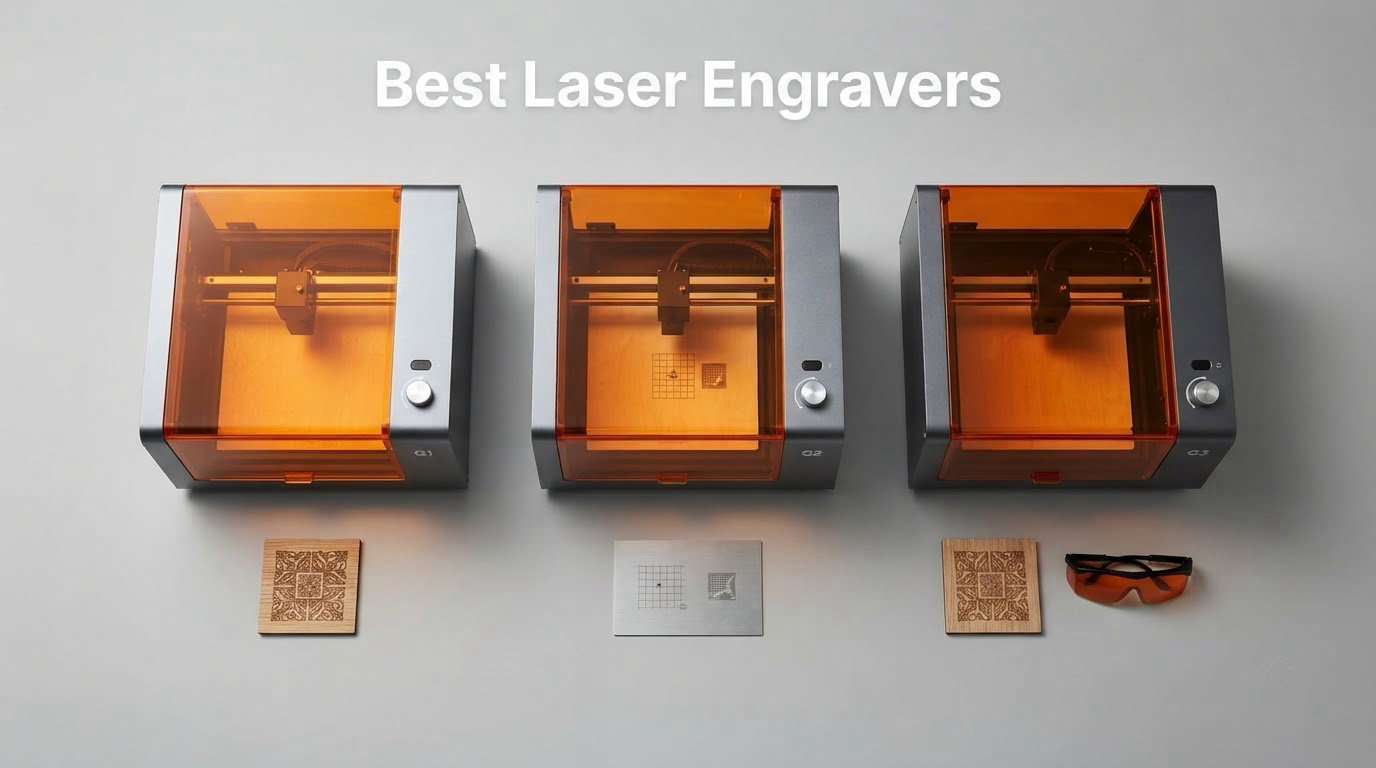
The xTool S1 40W Rotary Bundle is the best laser engraver overall in 2026 for most people. It cuts clean, runs fast, engraves curved surfaces out of the box, and its Class 1 enclosure means you can run it indoors without goggles. A well-reviewed budget diode and a portable handheld unit make good companions if you want to spend less or engrave away from your bench.
Before the picks, one distinction that trips up almost every first-time buyer. A laser cutter removes material to make a shape, while a laser engraver burns a surface image into it without cutting through. Most desktop machines do both, and the difference comes down to power and focus rather than a different device entirely.
Our team compared ten machines across the entry, mid, and professional tiers, focusing on four things: whether the beam path is enclosed, what the bed actually measures, how fast the head moves, and what the bundled software costs you in the long run. Every machine below has at least a hundred owner reviews behind it, and we pulled the recurring complaints rather than the launch-day praise.
One note before you read on. If you are outfitting a small apartment rather than a workshop, the enclosure class matters more than wattage, and a lot of the machines in the budget tier are open frames. We flag that on every pick. We also covered home laser projectors for small rooms in a separate guide, since short-throw units pair surprisingly well with a workshop setup, but the machines here are engravers, not projectors.
Table of Contents
- Top 3 Best Laser Engraver Picks for 2026
- Quick Overview The Best Laser Engravers in October
- 1. xTool S1 40W Rotary Bundle – the Best Overall Laser Engraver
- 2. xTool F1 Ultra 20W Fiber and Diode – the Best Laser Engraver for Metal
- 3. xTool F2 5W IR and 15W Diode – the Best Laser Engraver for Metal Colour Marking
- 4. Creality Falcon A1 10W – the Best Enclosed Laser Engraver for Beginners
- 5. LaserPecker LP2 with Roller – the Best Portable Laser Engraver
- 6. ATOMSTACK A20 Pro V2 – the Best 20W Laser Engraver for Thick Wood
- 7. Ortur Laser Master 2 S2 LU2-10A – the Most Established Entry Engraver
- 8. Creality Laser Falcon 10W – the Best Entry Machine for Large Bed Size
- 9. Twotrees TTS-55 Pro – the Best Value Laser Engraver
- 10. ACMER S1 – the Best Budget Laser Engraver for Small Items
- How to Choose a Laser Engraver in the Right Order
- What Owners Actually Say
- Safety Before You Power On and Materials to Avoid
- Accessories and Setup Costs to Budget For
- Frequently Asked Questions
- Which is better, xTool or LaserPecker?
- Are cheap laser engravers worth it?
- What is the best at-home laser engraver for metal?
- Which type of laser engraver is best?
- Which laser cutting machine is best?
- What is the best budget laser engraver?
- Is there a free alternative to LightBurn?
- What are some common reasons why my laser engraver keeps stopping?
- Which Laser Engraver Should You Buy in 2026
Top 3 Best Laser Engraver Picks for 2026

xTool S1 40W Rotary Bundle
- 40W diode
- 600mm/s
- 23.93 by 15.16 inch bed
- Class 1 enclosure
- rotary bundle

xTool F1 Ultra 20W Fiber…
- 20W fiber plus 20W diode
- 10000mm/s
- 220mm square bed
- color marking
Quick Overview The Best Laser Engravers in October
| Product | Specs | Action |
|---|---|---|
| xTool S1 40W Rotary Bundle |
|
Check Latest Price |
| xTool F1 Ultra 20W Fiber and Diode |
|
Check Latest Price |
 xTool F2 5W IR and 15W Diode xTool F2 5W IR and 15W Diode |
|
Check Latest Price |
 Creality Falcon A1 10W Creality Falcon A1 10W |
|
Check Latest Price |
 LaserPecker LP2 with Roller LaserPecker LP2 with Roller |
|
Check Latest Price |
 ATOMSTACK A20 Pro V2 ATOMSTACK A20 Pro V2 |
|
Check Latest Price |
 Ortur Laser Master 2 S2 LU2-10A Ortur Laser Master 2 S2 LU2-10A |
|
Check Latest Price |
 Creality Laser Falcon 10W Creality Laser Falcon 10W |
|
Check Latest Price |
 Twotrees TTS-55 Pro Twotrees TTS-55 Pro |
|
Check Latest Price |
 ACMER S1 ACMER S1 |
|
Check Latest Price |
1. xTool S1 40W Rotary Bundle – the Best Overall Laser Engraver
xTool S1 40W Laser Cutter and Laser Engraver for Tumblers, 23.93″ x 15.16″ Bed Size, 600mm/s Speed, Laser Engraving Machine, Laser Engraver for Wood and Metal, Acrylic, Big Project – Rotary Bundle
40W diode
23.93 x 15.16 inch bed
600mm/s
Class 1 enclosed
86.8 lbs
Pros
- Clean precise cuts straight from the box
- extremely fast throughput
- Class 1 enclosure so no goggles are needed
- bundled rotary handles tumblers and curved surfaces
- Creative Space is approachable for non-technical users
Cons
- Large and heavy
- needs a dedicated space
- no motor braking so the head can be nudged during origin setup
- fumes noticeable enough that external venting is effectively required
Out of ten machines this one had the highest owner rating in the group, and the pattern behind that number matters more than the number itself. People are not praising it for being powerful. They are praising the fact that it produces the same clean result on the fifth job as on the first, which is the thing most desktop lasers struggle with.
Forty watts of diode power drives a 23.93 by 15.16 inch bed at up to 600mm/s, and xTool claims a single-pass cut through 18mm of cherry wood. That is a genuinely useful figure for a home workshop, because it means plywood drawer fronts and thicker basswood laser blanks are reachable without repeated passes.
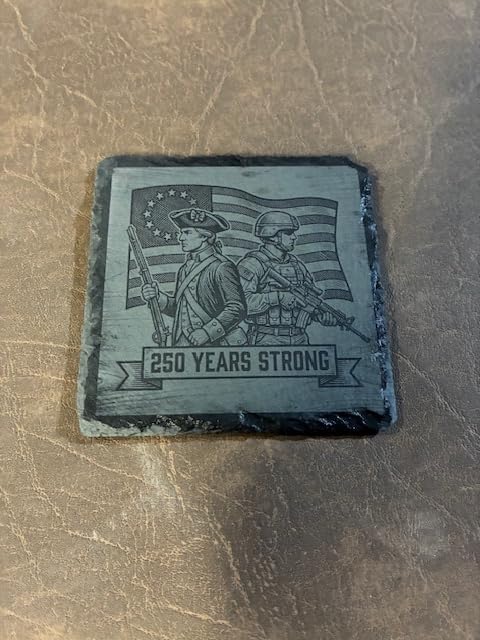
The enclosure is the reason it wins. It is rated Class 1, filtering 99 percent of laser light, so the machine is safe to run in a room with other people in it. Five flame sensors, an emergency stop and a lid-open stop round out the safety hardware. The rotary attachment in this bundle turns tumblers and bottles without any manual work.
Software is the quiet strength. xTool Creative Space ships with more than 400 pre-tested material profiles, which means the first engraving usually looks right before you have touched a power or speed slider. The company also publishes a large tutorial library, and owners coming from design backgrounds report that they never needed a separate licence.
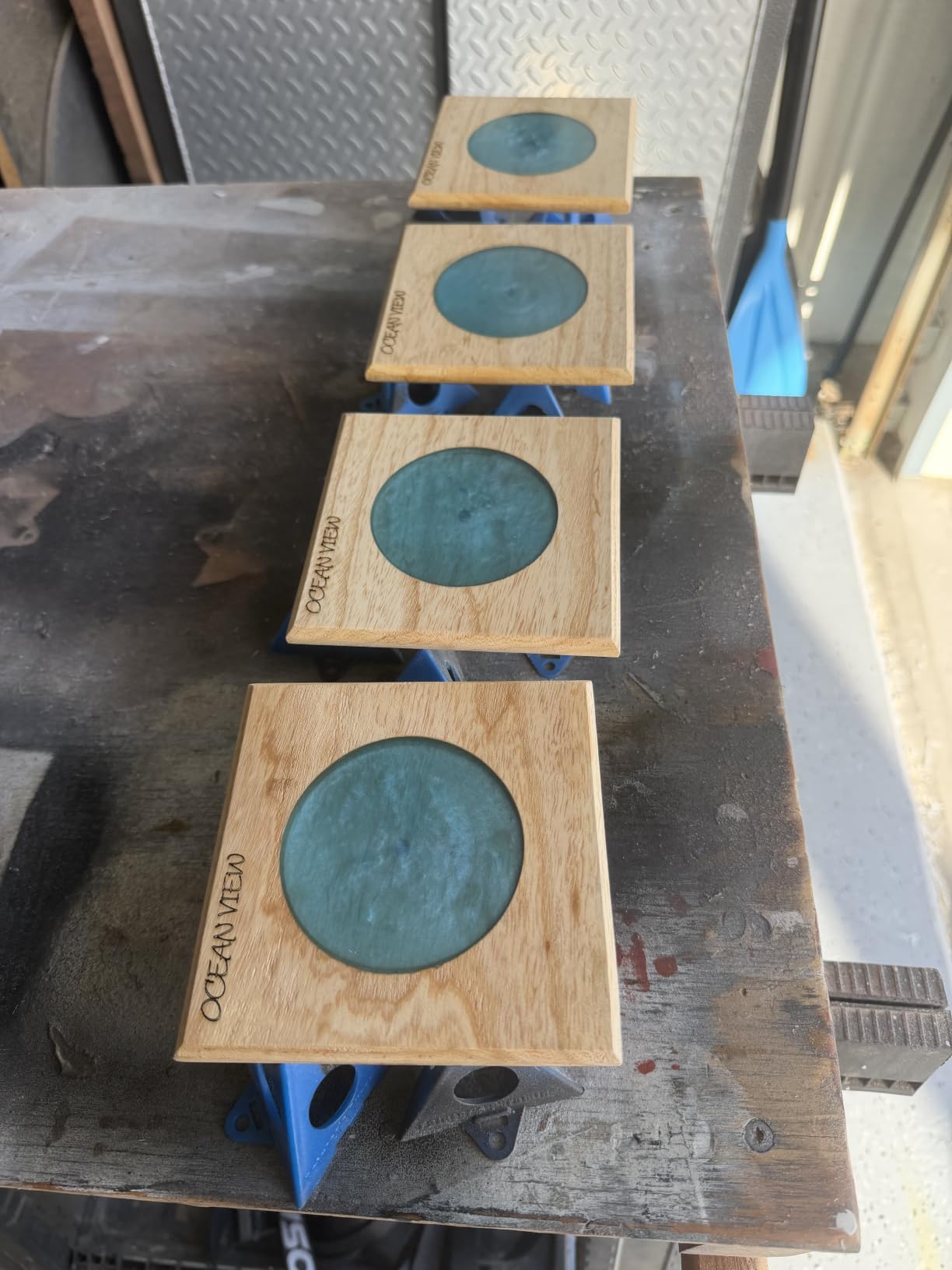
Check the floor space and your vent plan before buying
It weighs 86.8 pounds and the framed body needs a real table, not a desk. Budget for moving it into position once, because a two-person lift is common and a scraped floor is not a good first impression of a machine this solid.
Fumes are the other practical surprise. Enclosed does not mean odourless, and owners consistently report noticeable smell with plywood and MDF. A proper exhaust hose to the outside is the right answer, and you should factor that into where the machine lives.
Where it is the wrong choice
Skip it if metal is your primary target. A diode laser cannot mark bare stainless steel, and the only fix is masking with a coating, which is slow. If your work is wooden tags, tumblers and personalised gifts rather than metal parts, this is still the right machine.
It is also overkill for paper crafts and light engraving. The lighter machines in this list do the same job on thin materials for a fraction of the outlay.
2. xTool F1 Ultra 20W Fiber and Diode – the Best Laser Engraver for Metal
xTool F1 Ultra 20W Fiber & Diode Dual Laser Engraver
20W fiber plus 20W diode
10000mm/s
220mm square bed
3D embossing
Pros
- Only machine here that marks gold
- silver
- copper
- stainless and brass
- 220mm bed expandable to 500mm with a conveyor
- Creative Space widely praised as easier than LightBurn
- responsive support when parts go missing
Cons
- Deep metal engraving is extremely time-consuming
- calibration is fiddly and awkwardly placed
- xTool Studio has paywalled features
- one report of two machines failing within about 30 days
This is the only machine in the group with a fiber laser, and that single fact changes what it can do. A 20W fiber source marks gold, silver, copper, stainless steel, brass and titanium without any coating, which is the entire reason fiber technology exists. A second 20W diode handles wood, acrylic, leather, glass, rubber and fabric.
It also cuts, which surprises people. Fiber slices 0.3mm stainless, 0.4mm brass and 0.2mm aluminum, and the diode side cuts 15mm of wood or 12mm of black acrylic. Multi-level 3D embossing and deep engraving are supported, and the whole thing runs up to 10000mm/s inside a fully enclosed housing with smoke extraction, a fire alarm and an emergency stop.
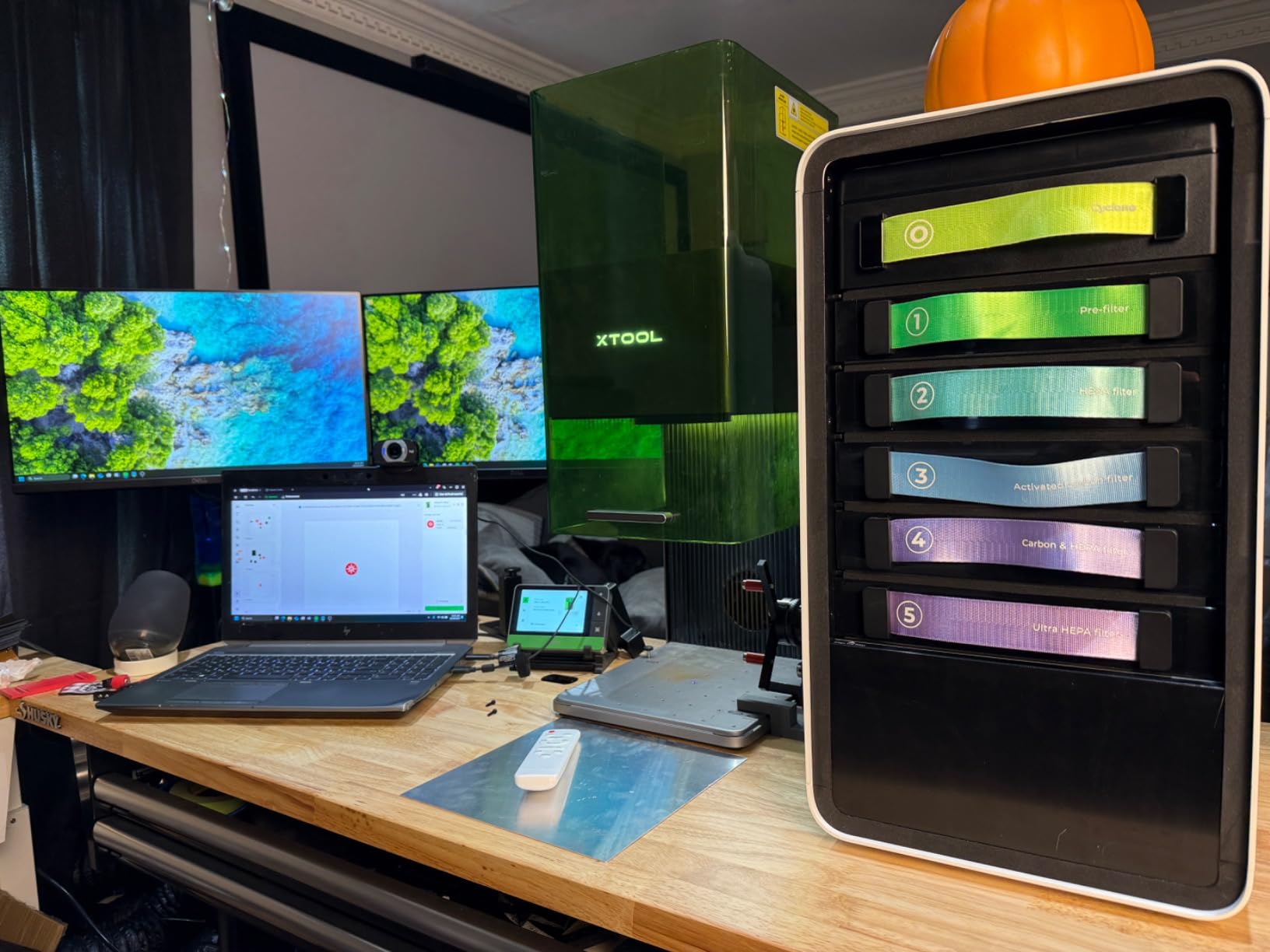
Owners consistently praise throughput. One reported running 500-plus items with consistent results, and the rotary attachment makes curved surfaces straightforward. The bundled design tool generates artwork from text prompts, and the community project library numbers in the thousands.
Colour marking on stainless is the feature that pulls people in. It takes some experimentation to find the right power and speed window, but once you land there the results are the crisp, high-contrast marks that jewelry sellers ask for by name.
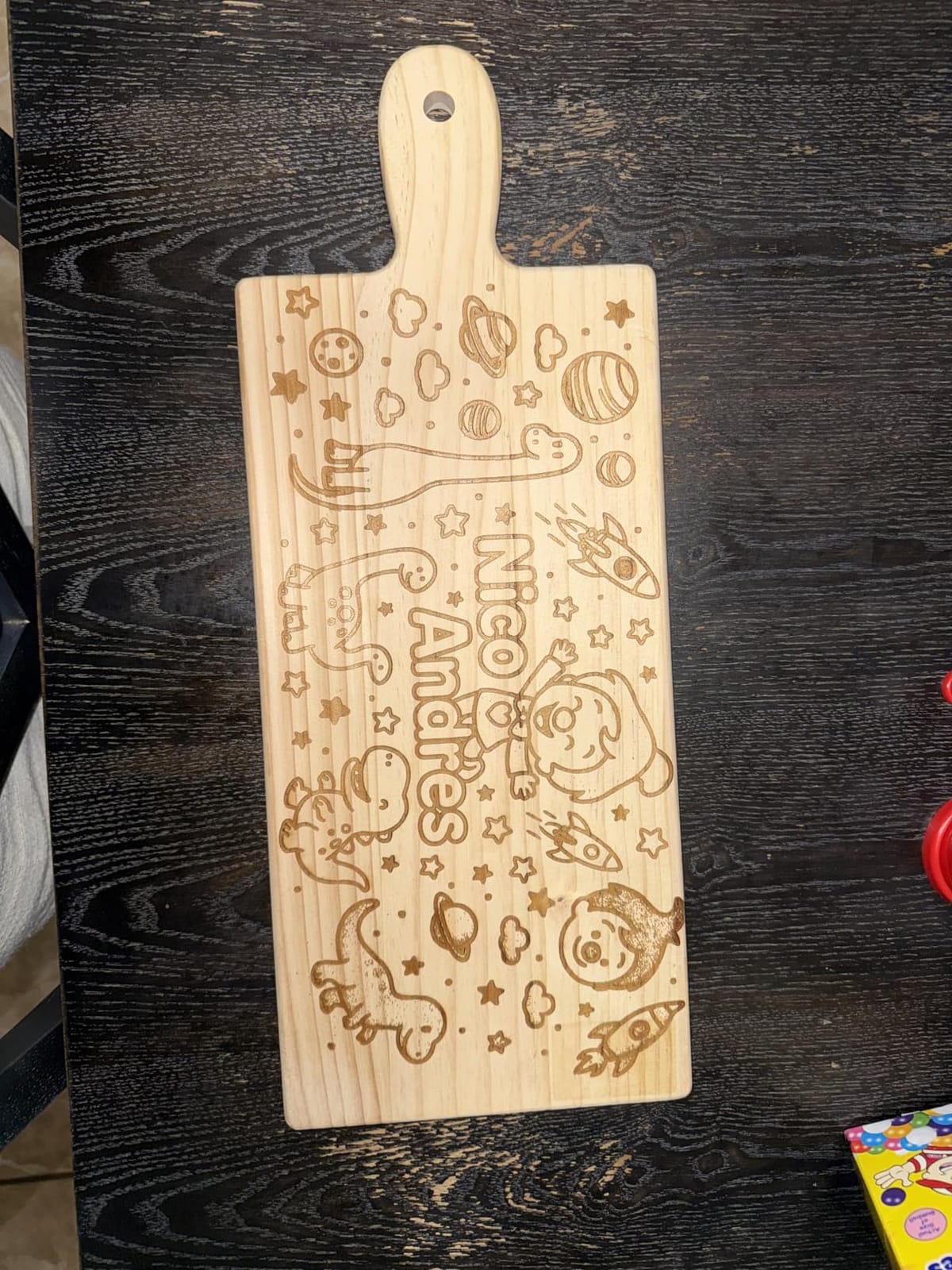
Understand the time cost of deep engraving
This is the most important thing to check before you commit. Deep metal engraving on the fiber source is extremely time-consuming, and owners say scaled production with deep cuts is impractical on this machine. Plan shallow marks, and the output rate is genuinely impressive.
Budget for calibration time. Owners describe the procedure as fiddly, with the adjustment located awkwardly behind the light shield. Give yourself an afternoon with scrap stainless before you promise a client a deadline.
Where it is the wrong choice
It carries the lowest owner rating in this group, mostly for reasons of timing rather than capability. If your work is wood and acrylic only, the diode-only machines here deliver cleaner results for a smaller outlay and a fraction of the machine weight.
Also skip the latest firmware if you rely on mobile app control. Owners report connectivity problems, and the support response was good in the reviews that mentioned it.
3. xTool F2 5W IR and 15W Diode – the Best Laser Engraver for Metal Colour Marking
xTool F2 5W IR & 15W Diode Dual Laser Engraver, Built-in 50MP Camera, 6000mm/s Ultra Fast, 3D Embossing, Color Marking on Metal, On-Site & Small-Batch Ready, Portable Desktop Laser Engraving Machine
5W infrared plus 15W diode
50MP camera
6000mm/s
4.6kg portable
Pros
- Infrared source gives crisp colour marking on metal
- 50MP camera makes alignment on tiny parts fast
- roughly halves job times versus a single-diode machine
- light and enclosed enough to carry to markets
Cons
- Base plate working area is small
- colour marking needs experimentation
- smoke filter cable connector does not match the manual
- one report of an IR unit that would not mark 304 stainless
The distinction between this machine and the F1 Ultra above is the laser spectrum. The 5W infrared source at 1064nm produces dark colour marking on metal, where a fiber source produces a subtler etch. Diode lasers cannot do this at all, which makes the F2 the more practical choice for anyone doing jewellery or keychain work in volume.
The 15W diode half handles three-dimensional embossing and thicker material cutting, so you are not giving up cutting capability to get the infrared. Speeds reach 6000mm/s, and xTool quotes card engraving in roughly three seconds, which is the kind of number that matters when you are standing at a craft fair with a queue forming.
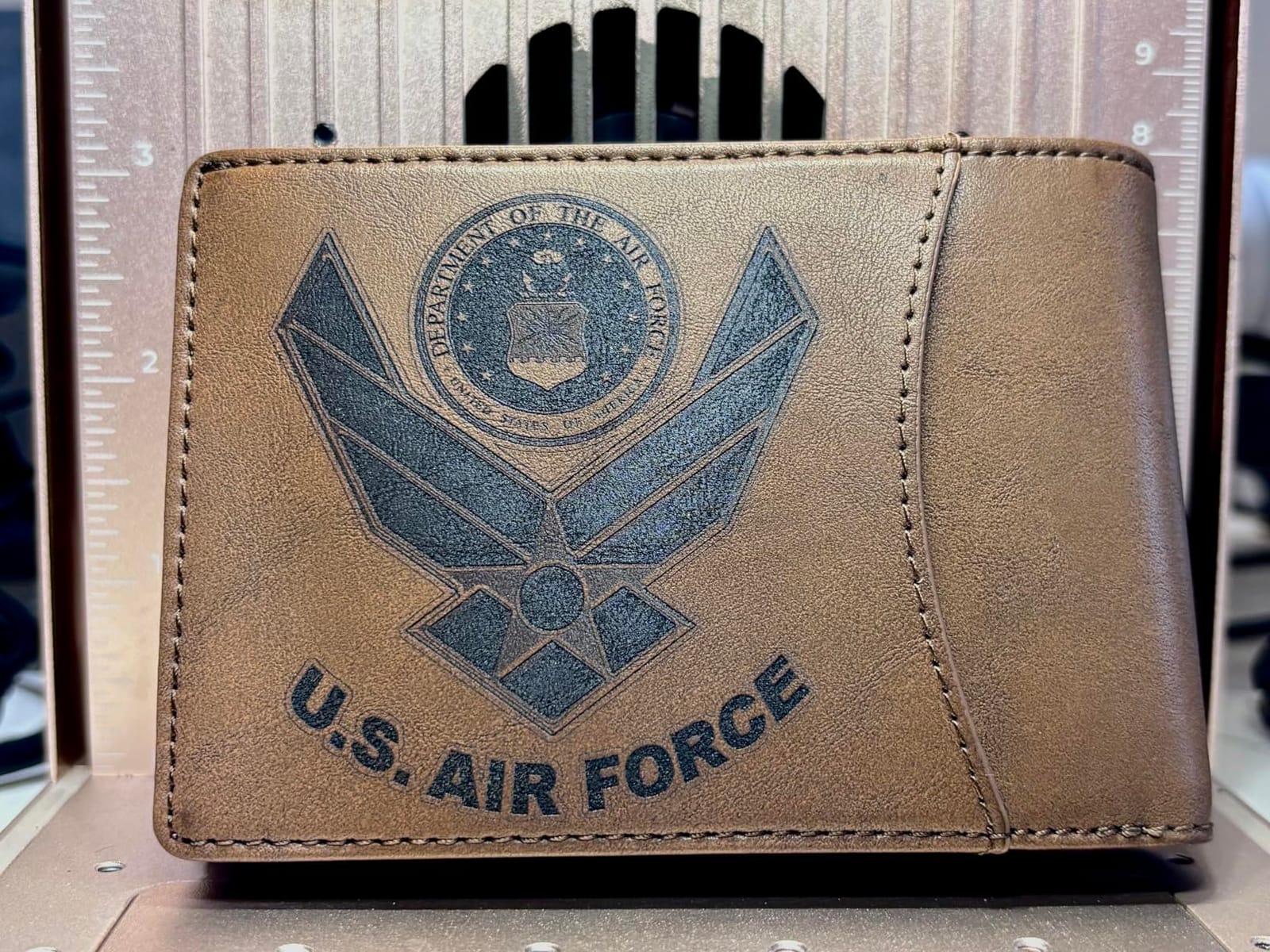
That speed comes from a galvo-style scanning head rather than a moving gantry, and it is the reason the whole machine weighs 4.6kg. It arrives fully assembled, is fully enclosed, and the built-in fan plus optional purifier keeps the fumes contained. Owners report it travels to markets and customer sites without drama.
The 50MP camera is a genuine workflow tool rather than a gimmick. At 0.1mm alignment accuracy it makes placing a design on a small, already-finished part noticeably faster than dragging files around by hand.
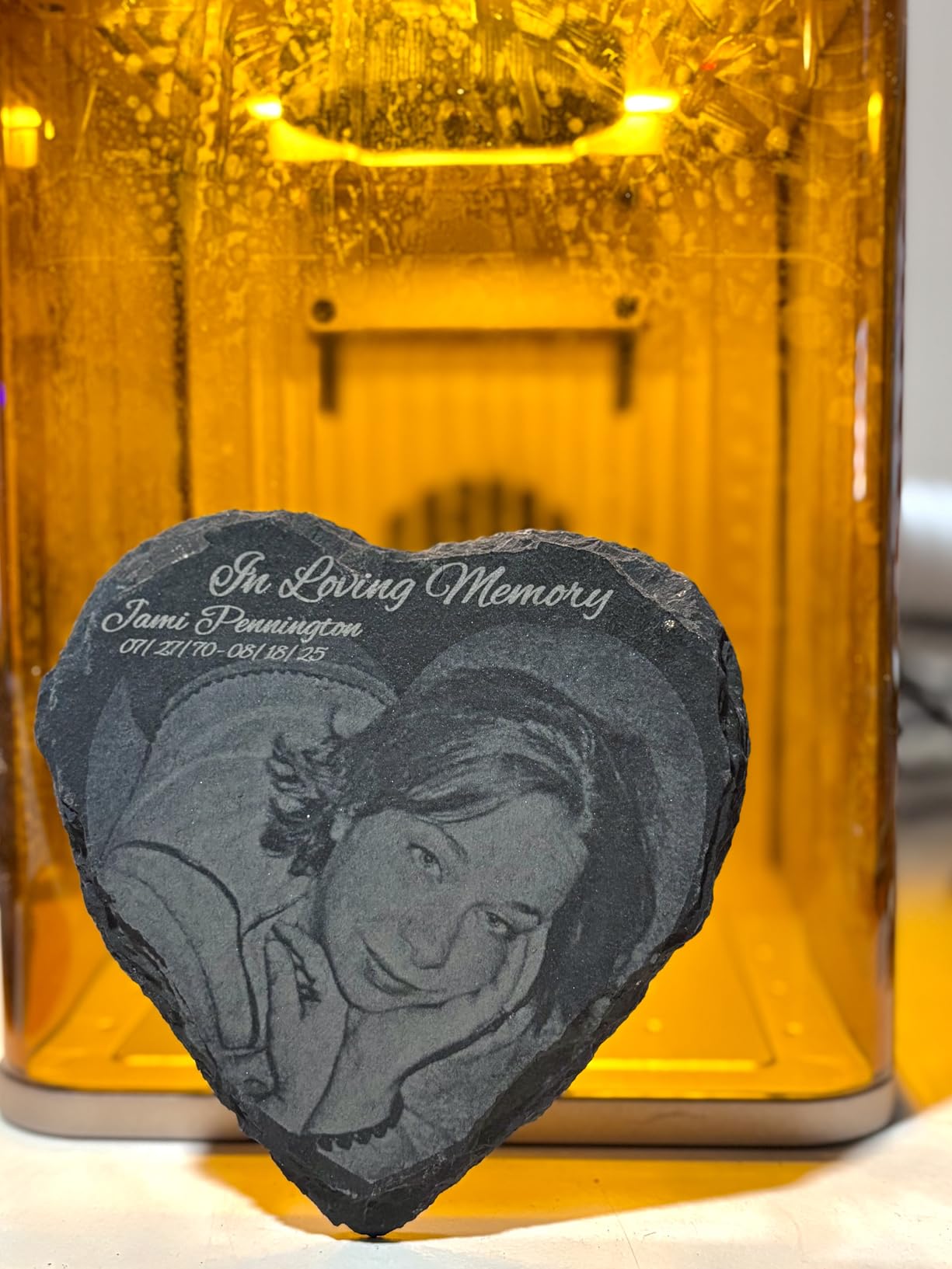
Plan to add the slide extension
The base plate working area is small, and owners consistently add the Slide Extension or the RA3 for batch processing. Budget for it as part of the machine, not an optional extra, because the difference between a hobby setup and a production setup is almost entirely the extension.
Also check the smoke filter cable connector against your manual. A few owners found the supplied connector did not match the documentation, which is a five-minute fix once you know about it.
Where it is the wrong choice
It will not replace a fiber laser for deep engraving or for cutting metal, and colour marking results need experimentation. If your work is thick wood or plywood, the 15W diode will feel slow next to a gantry machine rated at 40W.
It is a poor fit for large flat panels. The work area is the size of a small notebook, and adding extensions changes the footprint and the weight.
4. Creality Falcon A1 10W – the Best Enclosed Laser Engraver for Beginners
CREALITY FALCON A1 10W Laser Engraver, 80W Enclosed Laser Cutter and Engraver Machine with Air Assist, Smart Camera Positioning, 600mm/s Speed, Smart Material Recognition, Ideal for Wood & Metal
10W Class 1
381 x 305mm bed
600mm/s CoreXY
Pre-calibrated camera
Pros
- Works out of the box with pre-tuned material parameters
- Class 1 dual-door enclosure blocks noise and smoke
- 600mm/s CoreXY motion triples throughput
- free Falcon Design Space software
- supports LightBurn and LaserGRBL
Cons
- 381 x 305mm area is smaller than the honeycomb panel it resembles
- cannot engrave mirror-finished metal or mirrored acrylic
- cannot cut acrylic
- 43.6lb needs a sturdy dedicated bench
Most enclosed machines ask you to dial in settings before they produce anything useful. The Falcon A1 does not. It ships with pre-set optimal parameters and a pre-calibrated camera, so the first job is a positioning exercise rather than a test-firing exercise. For a first laser, that removes the single biggest source of early frustration.
It is a 10W output machine rated Class 1, with dual doors that filter 99 percent of laser radiation, an auto-lock, an emergency stop and smoke control. CoreXY motion with a dual motor system drives speeds up to 600mm/s, which owners note roughly triples throughput against older Creality hardware.
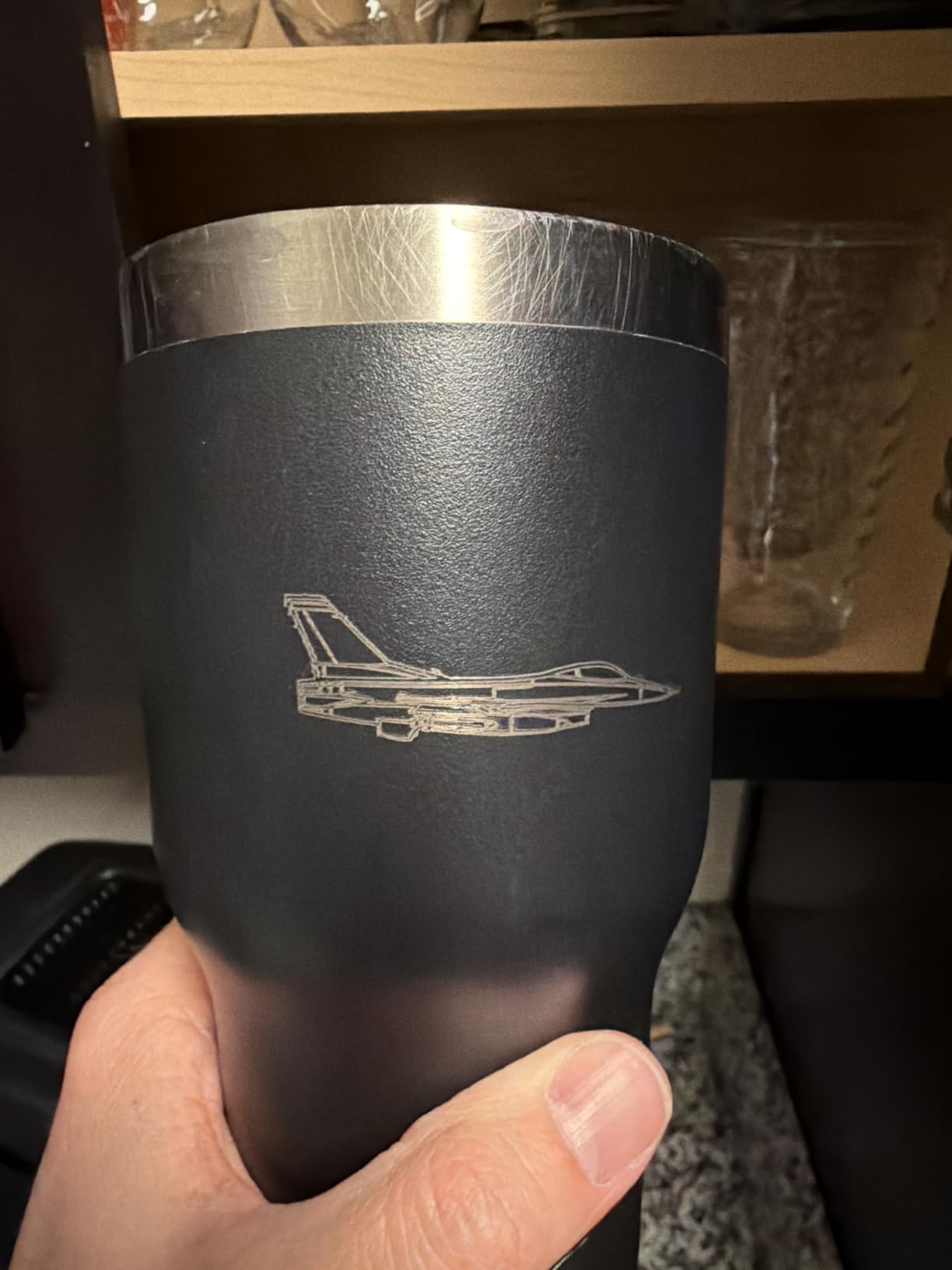
The camera is genuinely pre-calibrated rather than something you align yourself, and combined with outline extraction it means you can drop in a photo of a shape and cut it. Software is free, and LightBurn, LaserGRBL and Cutlabx are all supported, so you are not locked into a subscription.
At 43.6 pounds this is a machine that stays on a bench. The weight is part of the enclosure quality, but it does mean the location has to be chosen once.
Check the real work area against the panel size
This catches people out. The working area is 381 by 305mm, and the 500 by 500mm honeycomb panel it visually resembles is not compatible. Check your typical project size against the smaller figure before you commit.
The other hard limit is material. It will not engrave mirror-finished metals or mirrored acrylic, and acrylic must be coated rather than cut. If cutting acrylic is central to what you want to make, this is the wrong machine.
Where it is the wrong choice
It is a 10W diode, so cutting capacity is limited. It handles thin wood and coated acrylic, and it will not replace a 40W machine for thicker plywood or hardwood.
It is also not the cheapest route to a safe machine. If your space can be made safe with ventilation and a sacrificial enclosure, an open frame gives you more bed for the money.
5. LaserPecker LP2 with Roller – the Best Portable Laser Engraver
LaserPecker LP2 Laser Engraver with Roller, Portable and Handheld Laser Engraving Machine for Wood Metal Leather Acylic Engraving Laser Cutter, Suit Set with Versatile Rotary Roller
Galvo handheld
1417 in/min
0.05mm spot
Electric roller included
Pros
- Galvo scanning is visibly faster than gantry diode machines
- handheld and compact enough to carry to a market
- electric roller covers cylinder
- slab and trolley modes
- three resolution tiers trade speed for detail
Cons
- Cannot engrave bare or shiny metal without painting it black first
- 4 inch working width limits large flat work
- needs a steady hand and a constant 11cm standoff
This machine works in a way none of the others do. Instead of moving the head over a bed, galvo mirrors steer a stationary beam, which is why it engraves at up to 1417 inches per minute and previews at 8858 inches per minute. It also means the whole unit is a handheld device the size of a small torch rather than a box you build furniture for.
The bundled electric roller is the reason to buy this kit over a bare unit. It rotates tumblers, mugs and pencils in cylinder mode, and it also runs in slab and trolley modes for work up to 196 inches long and 4 inches wide. One accessory covers three different job shapes.
It works on paper, cardboard, wood, leather, coated metal and brushed stainless steel, and cuts wood and paper up to 0.2 inches thick. Three resolution options, labelled 1K, 1.3K and 2K, let you trade throughput for fine detail depending on the job.
For craft fair vendors, the portability is the entire proposition. It connects to a phone or a computer, needs no fixed installation, and packs into a bag. Several owners bought it specifically for market days.
Know the material limit before you promise a job
It cannot engrave pure or shiny metal. Light and transparent surfaces have to be painted black first, which adds a preparation step and a cure time. If your product is bare stainless jewelry, this is not the machine.
The 4 inch working width also rules out larger flat panels, and the handheld format requires a steady hand and a constant 11cm working distance. Plan jobs around small items.
Where it is the wrong choice
It is not a production machine. Repeatability depends on the operator, and the small galvo field means large work areas are not really possible, so batch work is out of reach.
If you cut rather than engrave, look elsewhere. The cutting capability here is limited to wood and paper at modest thicknesses.
6. ATOMSTACK A20 Pro V2 – the Best 20W Laser Engraver for Thick Wood
ATOMSTACK 20W Laser Engraver, A20 PRO V2 Laser Cutter, High Accuracy Laser Engraving Machine for Personalized Gifts, Business Cards, Wood, Metal, Acrylic, Leather
20W output
400mm/s
linear guide motion
safety kit included
Pros
- Strong 20W power that cuts wood and acrylic well for the money
- sharp detailed results once power and speed are set
- integrated linear guide motion structure
- safety glasses and a magnetic cover in the box
- module rated up to 10000 hours
Cons
- No real written documentation
- bundled software is basic so plan on LightBurn
- gantry cables are not held in a drag chain
- belt drive costs accuracy on larger pieces
Twenty watts is the sweet spot for wood. Below that, you are doing multiple passes on anything thicker than a few millimetres, and above it you are buying cutting power you will not use. The A20 Pro V2 sits exactly at that line, and owners rate it as the biggest step up from a 5W machine without the jump in size and weight.
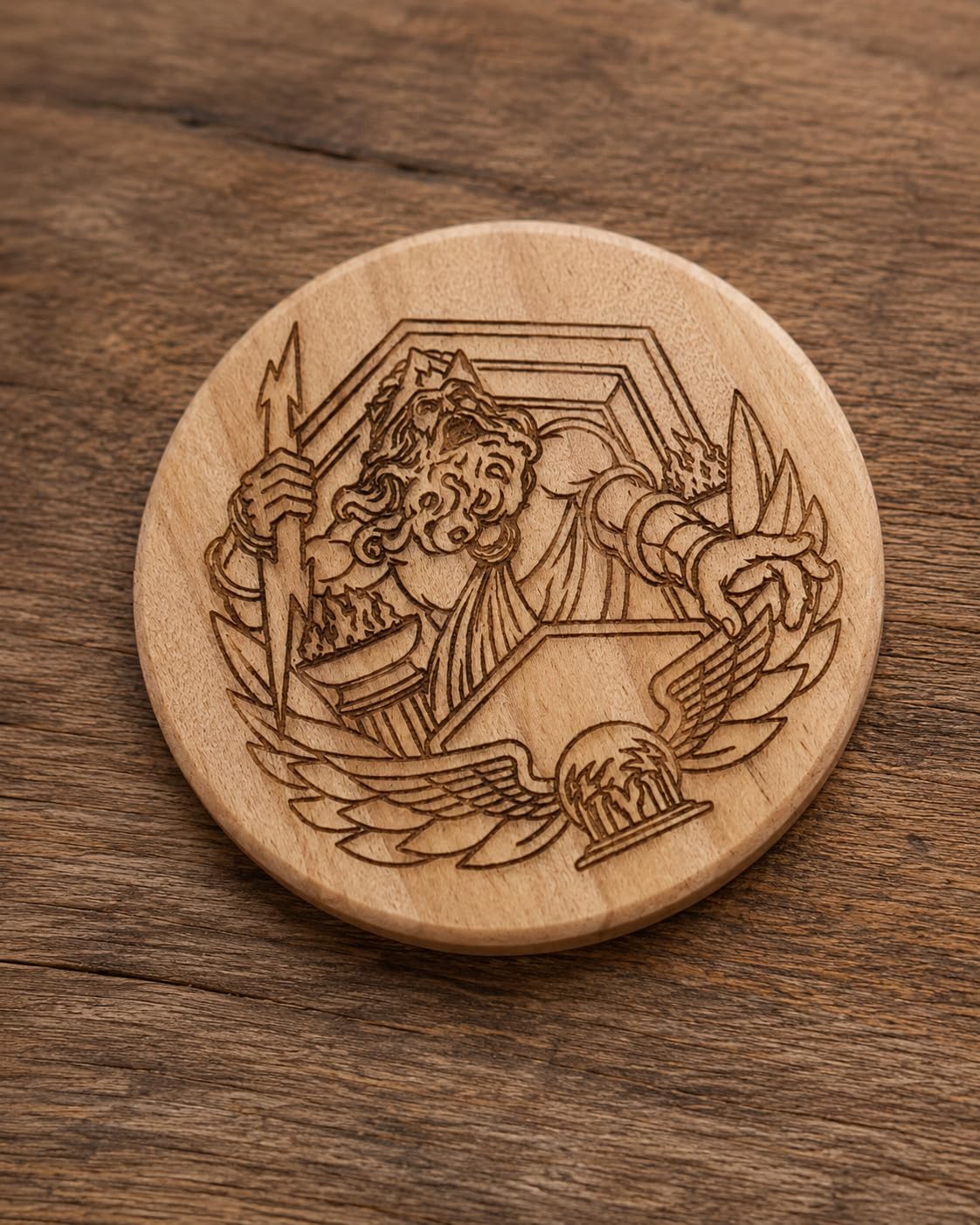
The motion structure is the detail that separates it from cheaper 20W frames. It uses integrated linear guide rails rather than belt-only movement on the axis, with an aluminum alloy frame, limit switches, a cross-line light and a removable magnetic protective cover. Engraving speeds reach 400mm/s, and the dot compression figure is 0.08 by 0.1mm with a claimed 0.01mm accuracy.
Safety kit is unusually complete for this tier. It includes safety glasses, the magnetic cover and a tilt-angle alarm that sounds past 15 degrees, which stops the machine when the frame is moved. Control works over Type-C or a USB stick, and the module carries a rated lifespan of up to 10000 hours.
Control of the software is the weak point. The bundled app and PC software are basic, so treat LightBurn as the real interface and the manufacturer software as a fallback.
Expect a documentation gap
Owners report no real written documentation, particularly for Wi-Fi and air pump configuration. You will be figuring out the air assist and network settings by inference, so allow time for that and keep scrap material handy.
The gantry cables are not held in a drag chain, which means they can snag on a workpiece as the head travels. Route them clear of the bed before a long job.
Where it is the wrong choice
It is an open frame, so this is a Class 4 machine that needs eye protection and disciplined enclosure practice. It is the wrong first machine for a small apartment with no dedicated room.
Accuracy drops off on larger pieces because of the belt drive. If you produce full-size signs rather than small objects, spend up on a machine with linear rails across both axes.
7. Ortur Laser Master 2 S2 LU2-10A – the Most Established Entry Engraver
ORTUR Laser Master 2 S2 LU2-10A Laser Engraver Laser, 10000mW Engraving Cutting Machine, Class 4 High Accuracy Laser Cutter, DIY Laser Marking for Metal
10000mW module
390 x 410mm bed
cuts 20mm wood
G-sensor halt detection
Pros
- True 10W module with dual-fan cooling and a light 235g head
- large 390 by 410mm work area for the class
- modular full-metal frame assembled in 10 to 15 minutes
- works with LaserGRBL and LightBurn on Windows and Mac
Cons
- Class 4 laser requires eye protection and enclosure discipline
- the grounding wire in the box is for older modules and confuses new users
- open frame with no enclosure
This machine has more owner reviews than anything else in the list by a wide margin, and that matters in a category where a long production run is the best warranty you can get. The Laser Master 2 has been on sale for years, which means replacement parts, community knowledge and firmware fixes all exist.
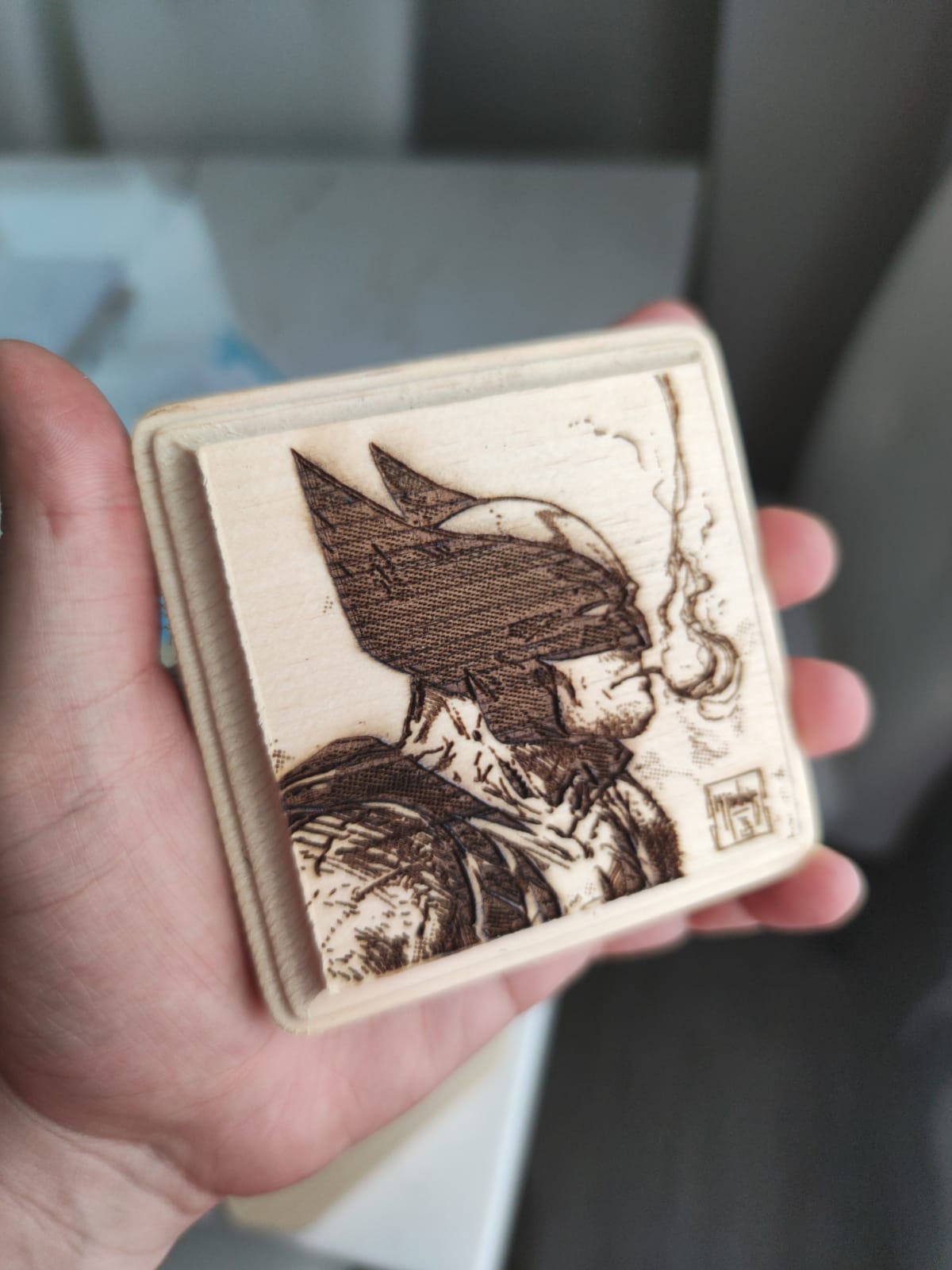
The module is a genuine 10000mW unit with dual-fan cooling, weighing 235g, and the compressed spot is 0.05 by 0.1mm. The work area of 390 by 410mm is unusually large for a 10W machine, and the head cuts 30mm acrylic and 20mm wood, which is a deeper claim than most entry-level diode listings make.
Safety hardware includes a G-sensor that halts the beam if the machine is moved, a laser shutoff on USB disconnect and an idle auto-off. The protective cover filters 98 percent of UV and safety goggles are included, which is not true of every machine in this price bracket.
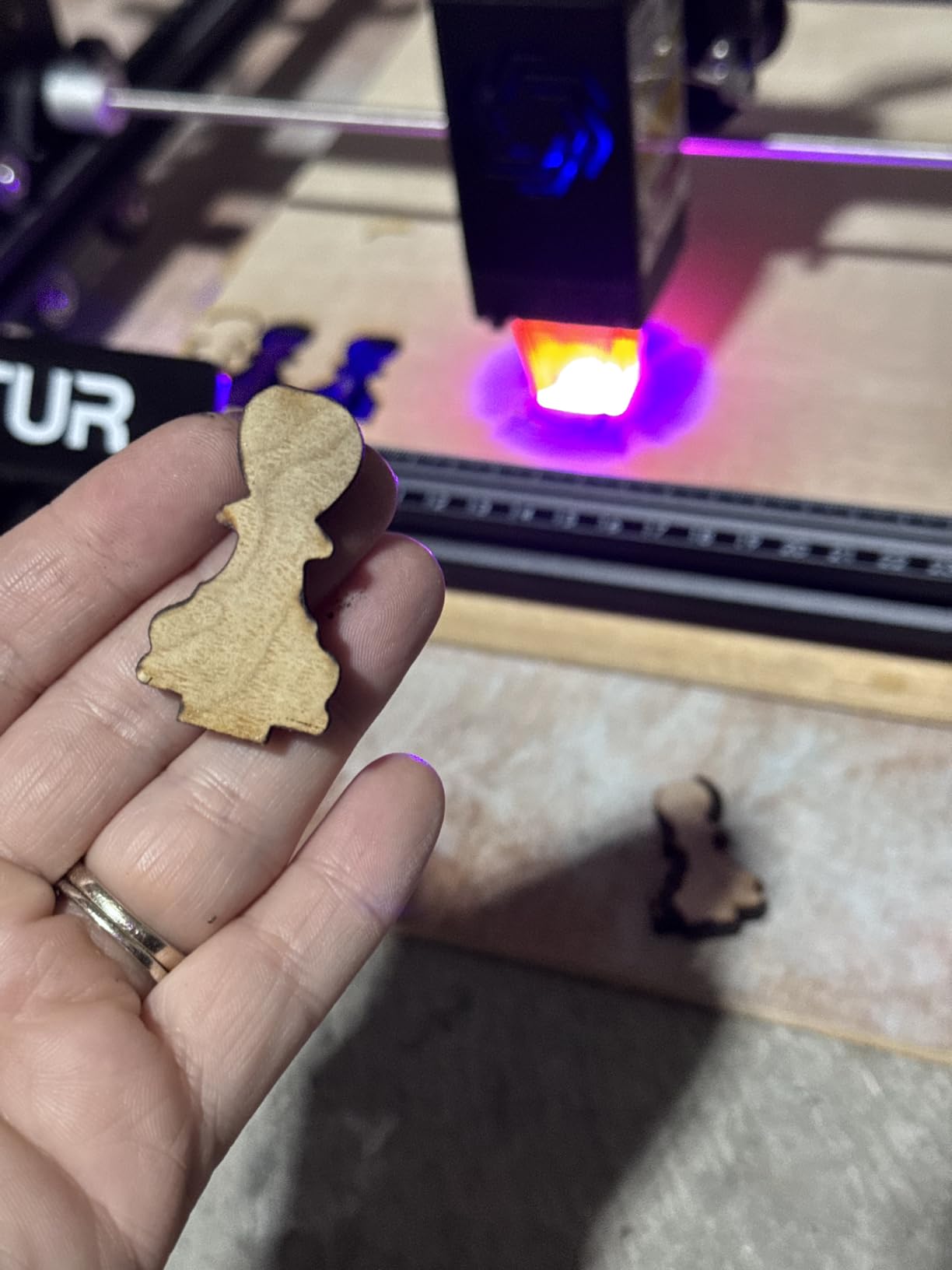
Assembly takes 10 to 15 minutes on a modular full-metal frame, and the file formats are broad: SVG, DXF, JPG, JPEG, PNG, BMP, TIF and CR2. Both LaserGRBL and LightBurn run on Windows and macOS.
Set up the safety habit from day one
This is a Class 4 open frame. The G-sensor and USB disconnect features are genuine protections, but they are not a substitute for eye protection and a ventilated workspace. Owners who treat it as a shop tool report no problems at all.
One genuine confusion: the grounding wire in the box is intended for older 2.1W and 5W modules. Ignore it for the 10W head, and it will not mislead you into a false sense of setup being incomplete.
Where it is the wrong choice
It is a diode, so bare metal is out unless you use a coating. There is no infrared or fiber source here, so colour marking on stainless is not available.
It is also the heaviest of the entry machines in this list, at just over 9 pounds, with a wide open frame that will dominate a small desk.
8. Creality Laser Falcon 10W – the Best Entry Machine for Large Bed Size
Creality Laser Engraver Machine 10W Output Power, 72W DIY Laser Engraving Machine 0.06mm High Precision Laser Cutter and Engraver for Wood and Metal, Paper, Acrylic, Glass, Leather etc, 17″ x 16″
10W output
17 x 16 inch bed
10000mm/min
97 percent UV filter
Pros
- Large 17 by 16 inch bed for a 10W diode machine
- all aluminum frame with steel rail guides and belt tension adjustment
- cuts 5mm basswood or 3mm black acrylic in one pass
- tool-free focus plate
- one year of free parts replacement
Cons
- Class IIIa open frame still needs eye protection and ventilation
- splitting control between LightBurn and LaserGRBL can be confusing for a first machine
The reason to buy this one over another 10W diode is the bed. A 17 by 16 inch working area is larger than most machines at twice the power, and it means a full sheet of A3 or a stack of keychain blanks fits in one pass. For signage, ornaments and batch cutting, that single dimension matters more than wattage.
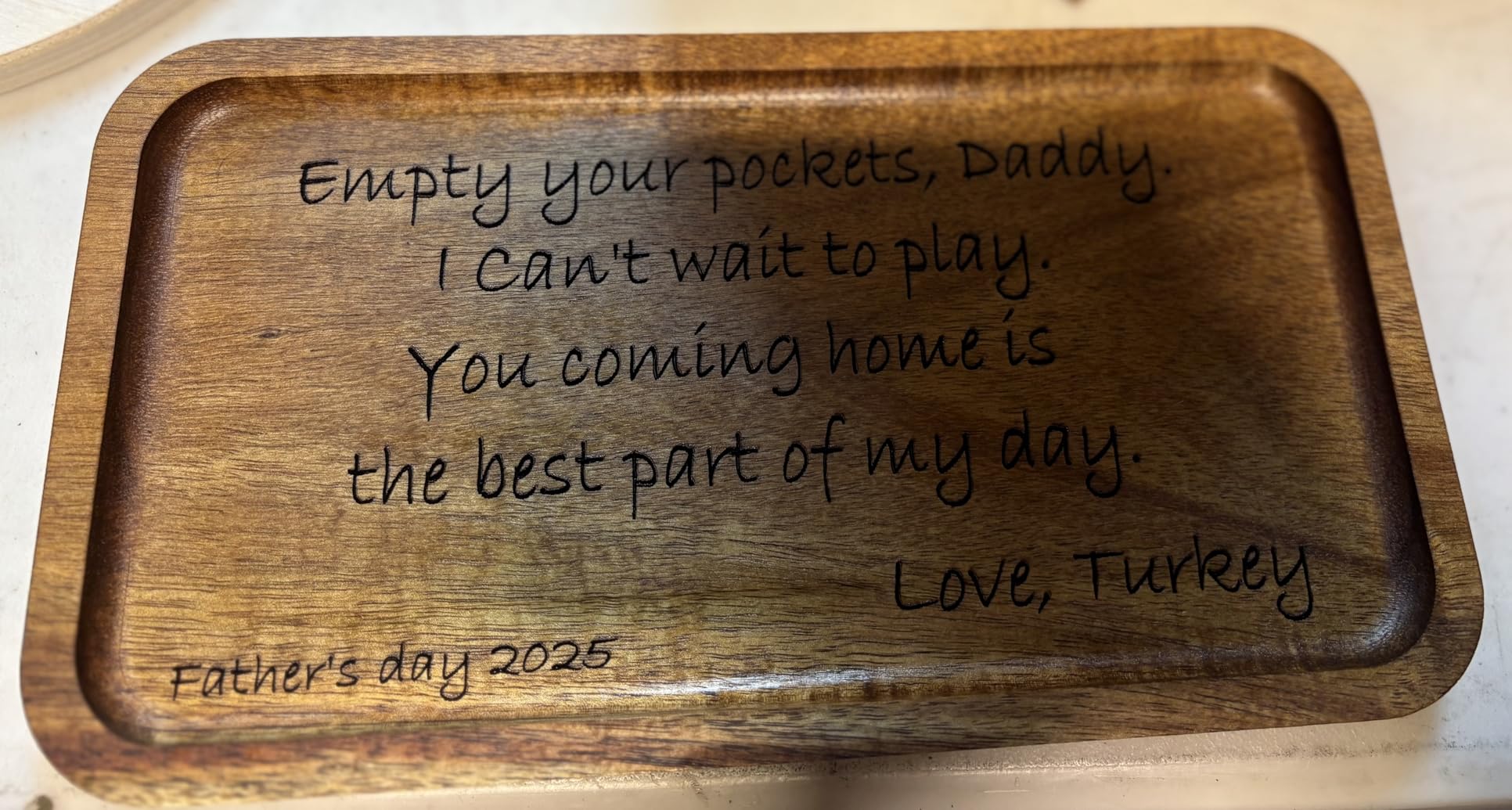
The frame is all aluminum alloy with steel shaft wheel guide rails and belt tension adjustment, which is a step up from the plain extrusion and rail setups common at this level. The spot measures 0.06 by 0.06mm with accuracy within 0.004 inches, and it runs up to 10000mm/min cutting 5mm basswood or 3mm black acrylic in one pass.
Assembly takes 10 to 20 minutes, and the head includes a focusing plate so focus is tool-free. An acrylic filter blocks 97 percent of UV, files transfer over Wi-Fi, USB or SD, and both LightBurn and LaserGRBL are supported. There is a one year free parts replacement on top of technical support.
As a first machine it is a good teacher. Nothing is hidden from you, and the bed size means you can grow into it rather than out of it.

Pick one software path and stay on it
The most common confusion is software, not hardware. LightBurn is the more capable tool and LaserGRBL is the simpler one, and running both on a beginner machine is how people lose a weekend. Learn the one your designs need and ignore the other.
Because it is a Class IIIa open frame, plan the workspace before the machine arrives. Eye protection and fume extraction are part of the purchase, not optional extras.
Where it is the wrong choice
Ten watts will not cut thick hardwood, and it is a diode, so clear and coloured acrylic are not on the material list. If acrylic cutting is the goal, a CO2 machine or a 40W diode is a better spend.
It is also not enclosed, so it is a poor match for a shared indoor space unless you add ventilation and shielding yourself.
9. Twotrees TTS-55 Pro – the Best Value Laser Engraver
Twotrees TTS-55 Pro Laser Engraver 5500mW Laser Engraving Machine
5500mW diode
300 x 300mm bed
30000mm/min
Wi-Fi and TF card
Pros
- Compact durable build that owners use daily
- fast 32-bit control board with built-in Wi-Fi
- easy assembly with well-illustrated instructions
- reliable seller support
- three file workflows including offline TF card
Cons
- First-time setup is difficult and some buyers had to disassemble and reassemble several times
- despite marketing it is not a true metal engraver
- slower on heavy etching jobs
The 5.5W diode is the least powerful laser here, and the Twotrees still rates highest of every entry machine here. That rating is not an accident. Owners describe a machine that gets used daily, holds calibration, and is compact enough to live on a normal desk rather than a workshop bench.
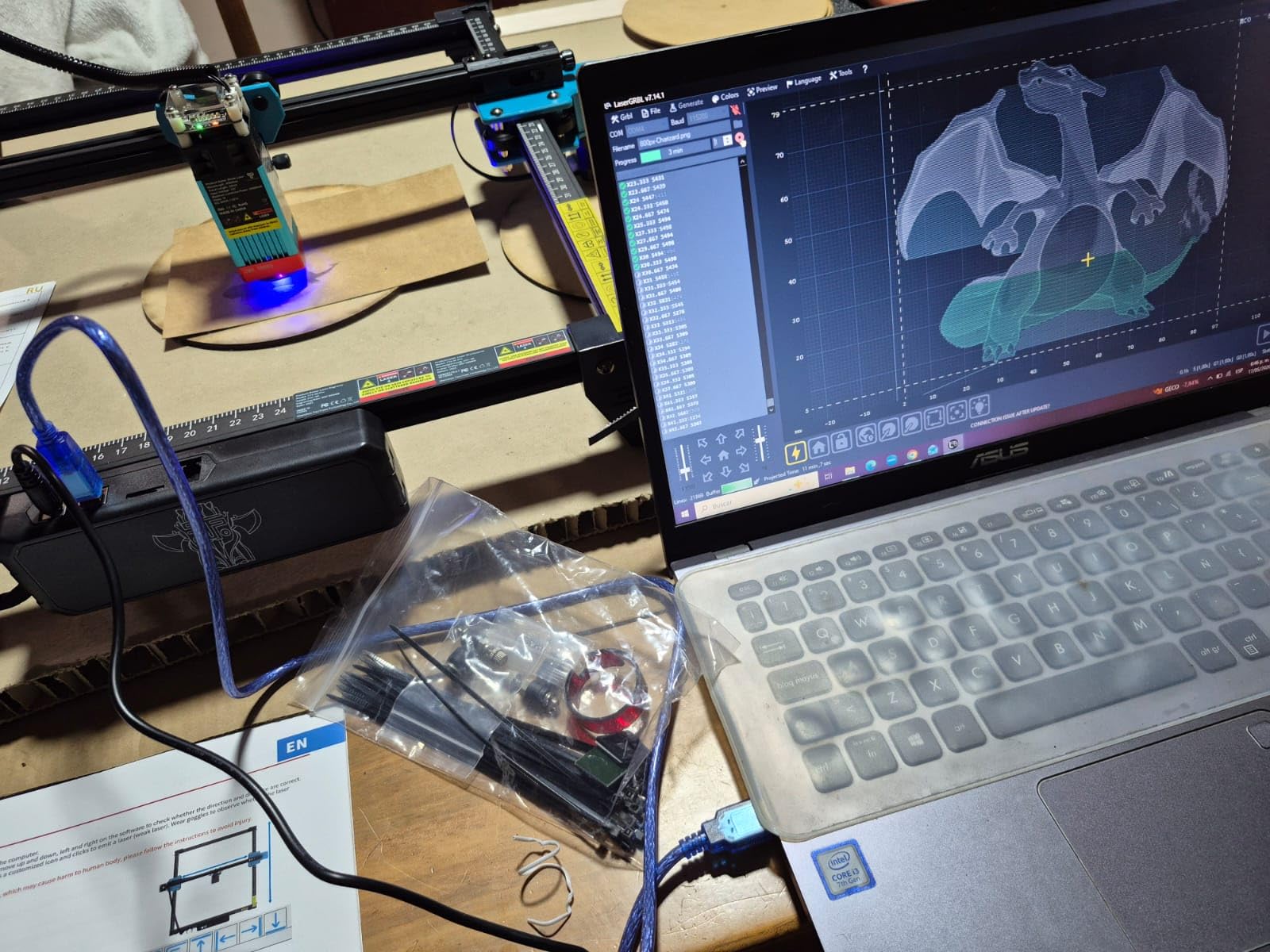
It is 5.5W with a metal air-assist nozzle and a red laser shield, a compressed spot of 0.08 by 0.46mm and up to 0.1mm engraving accuracy across a 300 by 300mm work area. A dual-core 32-bit control board drives speeds up to 30000mm/min, which is faster than its power would suggest because the light jobs it does are light.
Connectivity is the sleeper feature. It engraves online, from a TF card offline, and over a local network, and it runs LaserGRBL on Windows with LightBurn across Windows, macOS and Linux. LD, FAC and C-Lens compression with a 23mm focal length keep the spot tight.
It cuts 5mm plywood, 3mm acrylic and 0.7mm leather, which covers a lot of what a crafter actually makes: ornaments, tags, coasters, jigs and stencils.
Allow time for the first setup
Assembly is straightforward once you understand it, but it is not instant. Some buyers reported having to disassemble and reassemble the frame more than once before getting it square, so have the instructions open before you start and check the frame diagonals.
The red laser shield and metal air assist nozzle are fitted at assembly rather than bolted on later, which is good practice on a machine at this power level. Keep the shield in place.
Where it is the wrong choice
It is not a metal engraver, whatever the listing suggests. It marks coated surfaces well, but bare stainless needs paint or a film first. For real metal work, look at the fiber and infrared machines in this list.
Etching-heavy projects are slow. If most of your work is deep engraving rather than fine surface detail, a 20W machine will finish in a fraction of the time.
10. ACMER S1 – the Best Budget Laser Engraver for Small Items
ACMER S1 Laser Engraver Machine, 6000mW Lazer Cutter for Wood and Acrylic
6000mW diode
130 x 130mm bed
0.01mm repeatability
2kg body
Pros
- Compact and portable at just over 2kg of aluminum alloy
- arrives 99 percent assembled so the head install takes a minute
- free ACMER Studio software with AI design generation
- consistent results on wood
- plywood and leather
Cons
- 130 x 130mm work area limits larger sign cutouts
- reported loss of home position and false out-of-work-area alarms
- 6W is slow for etching-heavy work
- some buyers call it a learning toy rather than a tool
The ACMER S1 answers the question cheap laser engravers get asked most often, and the honest answer is: yes, for the right jobs. It is a 6000mW diode, rated at 48W machine output with a 455 plus or minus 5nm wavelength, and it engraves wood, bamboo, leather, plastic, PCB and ceramics at up to 10000mm/min with 0.01mm repeatable positioning accuracy.
The reason it gets recommended as a first machine is assembly. It arrives 99 percent assembled and the laser head takes about a minute to install, so there is no frame to square up on a first attempt. You can be engraving within an hour of opening the box, which matters more than raw power when you are learning.
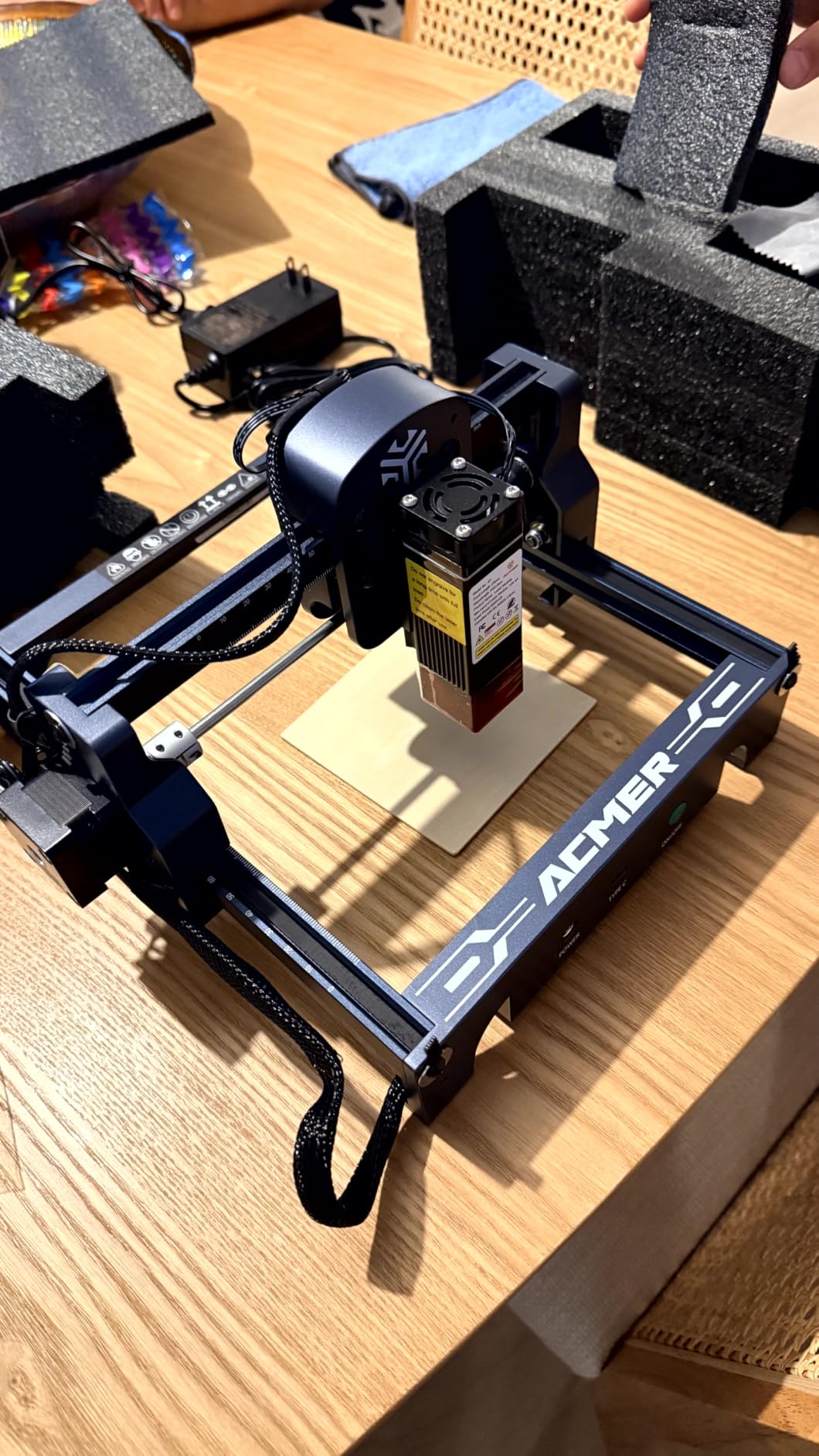
The included ACMER Studio software is free and includes AI design generation, so there is no licence to buy. It runs on macOS, Windows and Linux with LightBurn and LaserGRBL, and reads NC, DXF, BMP, JPG and PNG. It carries Class 4 certification to IEC 60825-1 and a 12 month warranty.
At just over 4 pounds it is genuinely portable, and the 2kg aluminum alloy body means it can live on a bookshelf between projects rather than occupying a workshop corner permanently.
Work within the 130mm square bed
That bed is the size of a coaster. It is fine for pendants, keychains, small tags and paper crafts, and it is limiting for anything you would call a sign. Know your maximum finished item size before you design around this machine.
Owners also report losing home position and getting false out-of-work-area alarms, so re-homing the machine between sessions is a sensible habit rather than a nuisance.
Where it is the wrong choice
Six watts is slow once you start etching deeply or cutting anything substantial. If you know you will be doing repeated production runs, the hours add up fast and a 20W machine is the better starting point.
It is also not a metal engraver and it is not a machine you will grow a business on. Treat it as a learning machine that costs little, not as a production investment.
How to Choose a Laser Engraver in the Right Order
Most buying guides start with wattage, and that is the wrong place to start. Owners on community forums converge on a different sequence, and it is the one we used for these picks: laser spectrum first, then movement system, then work area, then power, then software. Work through it in that order and the wattage question usually answers itself.
1. Laser spectrum. Diode machines at 445 to 455nm handle wood, leather, paper, coloured acrylic and plastics. CO2 at 10600nm is the fast cutter for wood, paper and clear acrylic. Fiber at 1064nm is the practical route to marking metal. UV at 355nm breaks material down photochemically for glass and crystal. Start here because a wrong choice cannot be fixed by spending more.
2. Movement system. A gantry physically moves the head, which is slower but handles deep cuts and large beds. Galvo mirrors steer a stationary beam, which is dramatically faster and suits engraving rather than cutting. Several machines here, including the xTool S1 at 600mm/s, blur the line by pairing a fast motor with a moving bed.
3. Work area. Measure your largest finished item, then your largest raw sheet, and buy the second one. The Falcon A1 lesson is the one to remember here, where a 500 by 500mm-looking panel turned out to frame a 381 by 305mm working area.
4. Power. A 5W diode handles fine engraving. A 10W diode reaches one-pass thin wood. A 20W diode handles plywood and thicker acrylic. Above 40W you are buying production speed. If you are undecided between two machines of different laser types, laser type wins.
5. Software. This is where a lot of buyers get surprised. LightBurn is the standard tool and it carries a paid licence, which community threads consistently name as a purchase driver. LaserGRBL is free and simpler. Several manufacturers here bundle their own free software, with xTool Creative Space and Creality Falcon Design Space the most polished, and LaserGRBL and LightBurn both still available on them.
What Owners Actually Say
Community sentiment is worth more than any specification sheet, and it is unusually concentrated on a few points. On the forums, the reasons people cite most often for choosing one brand over another are enclosed Class 1 safety, bundled software that does not require a separate licence, and support that answers when something breaks.
The deal breakers are consistent too. Open frames with no enclosure, missing safety glasses, cracked or light-leaking panels, machines with no first-party software, mandatory expensive modules, and weak support. On fiber lasers specifically, users recommend established makers who stand behind their product over budget imports.
One troubleshooting note is worth passing on. When a job stops or the engraving goes choppy, the most commonly reported cause is USB connection instability with Ruida controllers, not the machine itself. A shorter cable or a powered hub fixes more cases than owners expect.
Safety Before You Power On and Materials to Avoid
Laser safety is the top anxiety in community discussions, and it should be. A Class 4 diode can cause permanent eye injury in a fraction of a second, and enclosure class is the single most useful thing to check when buying.
Check for a full enclosure with a lid interlock, an emergency stop, and either keyed lockout or a flame sensor. Verify the panels are rigid, because owners report acrylic ranging from solid to cracked within the same brand. Confirm goggles are included, as several competitors in this category ship without them.
Set up ventilation before the first cut. An air assist line keeps the kerf clear, and a filtered extractor handles the fumes. Fume extraction is not a comfort feature, it is the difference between a workshop and a smoke problem, and MDF, treated wood and leather all produce particulates worth filtering.
Materials to keep out of any machine:
PVC and vinyl of any kind, which release chlorine gas and can damage the machine and your lungs. Unknown or unlabelled plastics, which may be PVC. Any wood that has been treated, painted or sealed, because the coating burns rather than cuts. Polycarbonate and polystyrene, which melt rather than cut and catch fire. Paper with a glossy or coated finish, and anything with metal foil or glitter in it. Fibreglass, because the glass fibres melt into the lens and the bed.
If you cannot identify a material with certainty, test it on a scrap offcut outdoors first. That rule alone prevents most of the bad experiences owners report online.
Accessories and Setup Costs to Budget For
Accessories are the hidden cost in this category, and every competitor in this space lists them separately without totalling them. Here is what each tier actually needs, so the purchase does not arrive incomplete.
Entry diode machines, the Ortur, Twotrees, ACMER and Creality Falcon 10W, need the least. Safety glasses where not included, a strip of honeycomb or slat bed material to stop small pieces tipping, and a fume extractor. That is it. Air assist is already in the box on most of them.
Mid-tier machines add a proper enclosure if yours is open frame, and the ATOMSTACK and Ortur both ship with the goggles already, which is worth checking before buying extras.
The xTool S1 rotary bundle ships with the rotary attached, but the pass-through feeder is a separate purchase, and the F2 needs the Slide Extension to be genuinely productive. The F1 Ultra’s conveyor for extending the bed to 220 by 500mm is optional and worth considering only if you have batch jobs queued.
Ongoing software is the other line people forget. Several machines here ship with genuinely usable free first-party software, which removes the licence cost entirely for casual work.
Frequently Asked Questions
Which is better, xTool or LaserPecker?
It depends on the job. xTool machines are enclosed, faster on thick material, and come with polished first-party software that needs no extra licence, which makes them the stronger choice for production and for beginners who do not want to learn LightBurn. LaserPecker is the better choice for portability, because the LP2 is a handheld galvo unit you can take to a market, and the electric roller covers tumblers and long slab work. If you need bare metal marking, only the xTool F1 Ultra and F2 with fiber or infrared sources can do it.
Are cheap laser engravers worth it?
For learning, paper crafts, leather, light wood and small engravings, yes. The ACMER S1 arrives 99 percent assembled and costs little, so the risk of a first purchase is genuinely low. The limits are real though: 5W to 6W is slow on etching, the work areas are small, and none of them handle bare metal. Safety matters more than price, because the cheapest units are open frames with no enclosure.
What is the best at-home laser engraver for metal?
The xTool F2 uses a 5W infrared source for dark colour marking on metal, and the xTool F1 Ultra pairs a 20W fiber laser with a 20W diode for marking and light cutting of stainless, brass, copper and aluminium without any coating. Neither is cheap, and both need time to calibrate. For a first metal job, expect to spend a session finding your power and speed window on scrap pieces.
Which type of laser engraver is best?
There is no single best type, only the right one for the material. Diode lasers at 445 to 455nm are best for engraving wood, leather and coloured acrylic. CO2 at 10600nm is the fastest cutter for wood, paper and clear acrylic. Fiber at 1064nm is the only practical desktop route to marking bare metal. UV at 355nm is for glass and crystal, where scorch-free edges matter.
Which laser cutting machine is best?
For cutting wood and clear acrylic, a CO2 machine is the specialist answer because the 10600nm beam excites water molecules in the material and cuts fast. If you want one box to do both cutting and engraving, the xTool S1 40W in this list is the strongest all-rounder, cutting 18mm of cherry wood in a single pass inside a Class 1 enclosure. A 10W diode will not cut clear or coloured acrylic at all.
What is the best budget laser engraver?
The Twotrees TTS-55 Pro is the strongest budget pick on the strength of owner feedback, with a 4.4 rating across nearly 500 reviews, a 300 by 300mm bed and speeds up to 30000mm/min. The ACMER S1 is the cheapest of the group and the easiest to set up, arriving 99 percent assembled with free software included, but its 130 by 130mm bed is small. Both are open frames, so plan eye protection and ventilation.
Is there a free alternative to LightBurn?
Yes, several. LaserGRBL is free and simple, and it is the usual choice for a first machine. Several manufacturers here also bundle their own software at no cost, including xTool Creative Space with pre-tested material profiles, Creality Falcon Design Space and ACMER Studio with AI design generation. LightBurn remains the most capable tool for batch work and multi-layer passes, so check whether you need it before paying for a licence.
What are some common reasons why my laser engraver keeps stopping?
The most common cause reported by owners is USB connection instability, particularly with Ruida controllers, so try a shorter cable or a powered hub first. Other frequent causes are a material with a coating that is absorbing energy, a dirty or damaged lens reducing power, air assist that is pulling dust onto the work, and software settings where a timeout is set shorter than your job needs. Community troubleshooting threads attribute most cases to the connection rather than the machine.
Which Laser Engraver Should You Buy in 2026
The best laser engravers in 2026 come down to one honest recommendation and four sensible alternatives. The xTool S1 40W Rotary Bundle wins this list because it is the only machine here that is fast, enclosed and genuinely beginner-proof at the same time, and it carried the highest owner rating we found across the ten picks.
If metal is your work, choose the xTool F1 Ultra for fiber marking or the xTool F2 for infrared colour marking. If you need to engrave away from your desk, the LaserPecker LP2 is hard to argue with. If you are learning on a small budget, the Twotrees TTS-55 Pro has the best owner feedback in its class, and the ACMER S1 is the least painful first purchase.
Whichever you choose, buy the enclosure, the goggles and the extractor in the same order. That is the part of this hobby people regret skipping.