
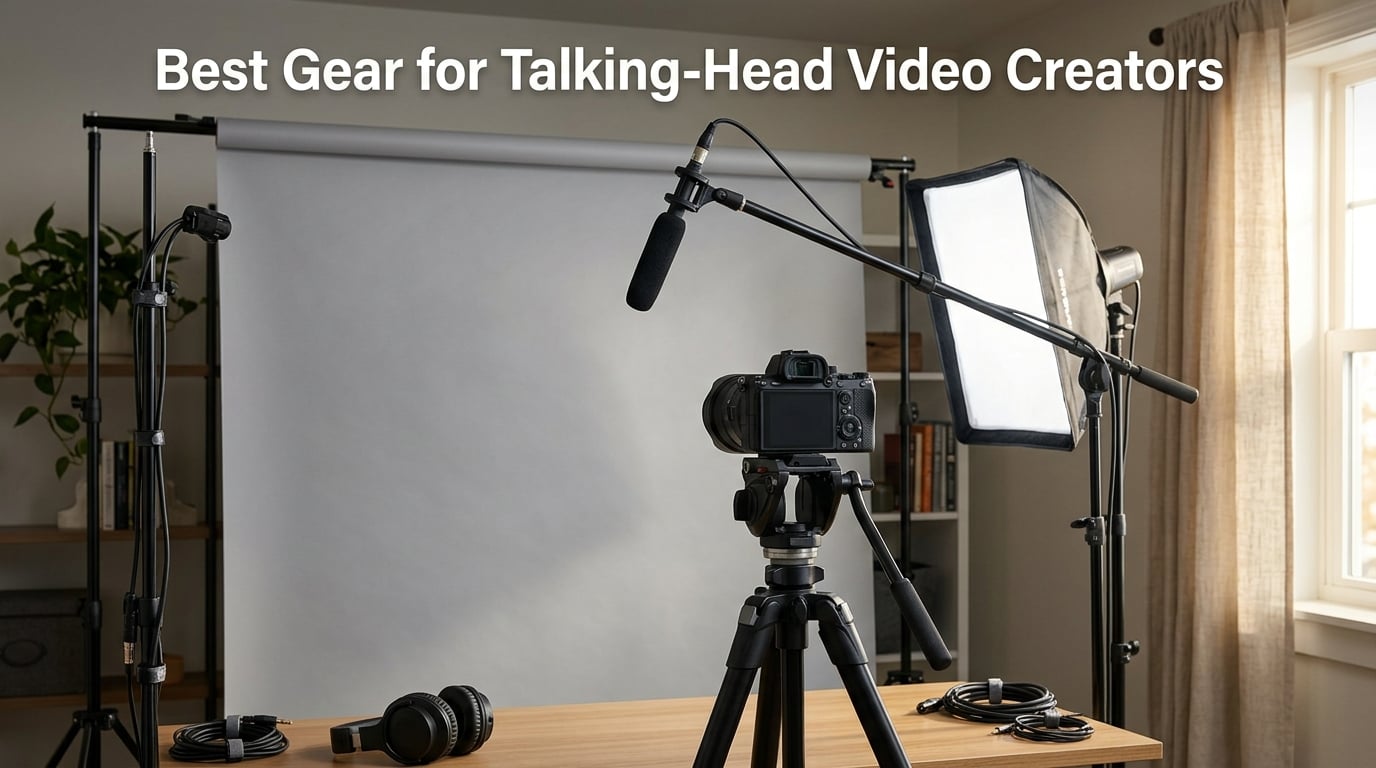
Talking-head video is the workhorse format for YouTubers, online course creators, podcasters, and coaches, and the right kit makes the difference between content that builds an audience and content that gets scrolled past. After testing dozens of setups and talking to working creators, our team put together this 2026 guide to the best gear for talking head video creators across every category that matters: camera, microphone, lighting, and support.
We focused on gear that solves real creator problems, not spec-sheet fantasies. Audio quality is the number one reason viewers click away, so we lead with microphones. Then we cover lighting that flatters your face, cameras that nail Eye AF on the first try, and tripods that survive daily recording sessions. Whether you are filming your first video this week or upgrading to a pro studio kit, you will find a recommendation here.
If you also create short-form vertical video, our 12 Best Gear for Vertical Video Creators Top Picks covers that niche in depth. For ASMR creators, the 12 Best Gear for ASMR Creators Trusted Reviews list pairs perfectly with this one.
Table of Contents
- Top 3 Picks for Talking-Head Creators in September
- Best Gear for Talking-Head Video Creators in 2026
- 1. Rode PodMic – Best Overall Broadcast Microphone for Talking-Head Creators
- 2. DJI Mic Mini – Best Wireless Lavalier System for Solo Creators
- 3. Blue Yeti USB Microphone – Best Plug-and-Play Value for Beginners
- 4. Focusrite Scarlett Solo – Best Audio Interface for XLR Microphones
- 5. FIFINE K688 Dynamic Microphone – Best Budget XLR and USB Hybrid
- 6. MAONO A04 USB Microphone – Best Beginner Podcasting Kit
- 7. EMEET PIXY 4K Webcam – Best AI-Tracking Webcam for Solo Creators
- 8. Logitech C920x Webcam – Best Reliable 1080p Webcam for Desktop Setups
- 9. NEEWER Bi-Color LED Panels – Best Portable Lighting for Traveling Creators
- 10. NiceVeedi LED Light Kit – Best Budget Lighting for Beginners
- 11. SmallRig AD-01 Video Tripod – Best Heavy-Duty Tripod with Fluid Head
- 12. XXZU 75-inch Camera Tripod – Best Budget Tripod for Beginners
- How to Choose Gear for Talking-Head Videos
- Frequently Asked Questions
- What equipment do I need for talking head videos?
- What is the most important piece of gear for a talking head video?
- Do I need an expensive camera for a talking head video setup?
- What lighting is best for beginners?
- Can I just use my phone for talking head videos?
- Why not a ring light for talking head videos?
- Final Verdict
Top 3 Picks for Talking-Head Creators in September
Best Gear for Talking-Head Video Creators in 2026
| Product | Specs | Action |
|---|---|---|
 Rode PodMic Rode PodMic |
|
Check Latest Price |
 DJI Mic Mini Wireless DJI Mic Mini Wireless |
|
Check Latest Price |
 Blue Yeti USB Microphone Blue Yeti USB Microphone |
|
Check Latest Price |
 Focusrite Scarlett Solo Focusrite Scarlett Solo |
|
Check Latest Price |
 FIFINE K688 Dynamic Mic FIFINE K688 Dynamic Mic |
|
Check Latest Price |
 MAONO A04 USB Mic MAONO A04 USB Mic |
|
Check Latest Price |
 EMEET PIXY 4K Webcam EMEET PIXY 4K Webcam |
|
Check Latest Price |
 Logitech C920x Webcam Logitech C920x Webcam |
|
Check Latest Price |
 NEEWER Bi-Color LED Panels NEEWER Bi-Color LED Panels |
|
Check Latest Price |
 NiceVeedi LED Light Kit NiceVeedi LED Light Kit |
|
Check Latest Price |
 SmallRig AD-01 Tripod SmallRig AD-01 Tripod |
|
Check Latest Price |
 XXZU 75-inch Tripod XXZU 75-inch Tripod |
|
Check Latest Price |
1. Rode PodMic – Best Overall Broadcast Microphone for Talking-Head Creators
RØDE PodMic Cardioid Dynamic Broadcast Microphone, XLR
Dynamic XLR mic
Built-in pop filter
All-metal body
Pros
- Broadcast-quality speech reproduction
- Built-in pop filter tames plosives
- Excellent rejection of room noise
- All-metal rugged construction
- Pairs perfectly with RODEcaster interfaces
Cons
- Requires XLR interface
- Low output needs strong preamp
- No headphone monitoring port
I have been running a Rode PodMic as my daily driver for two years of weekly YouTube uploads, and it has never let me down. The first thing you notice is the weight at 937 grams, which tells you immediately that this is a serious broadcast tool, not a desk toy. Bolted to a Rode PSA1 boom arm, it sits about six inches below my chin, exactly where experienced creators like Peter McKinnon recommend. The internal pop filter genuinely kills plosives without needing a separate foam sock.
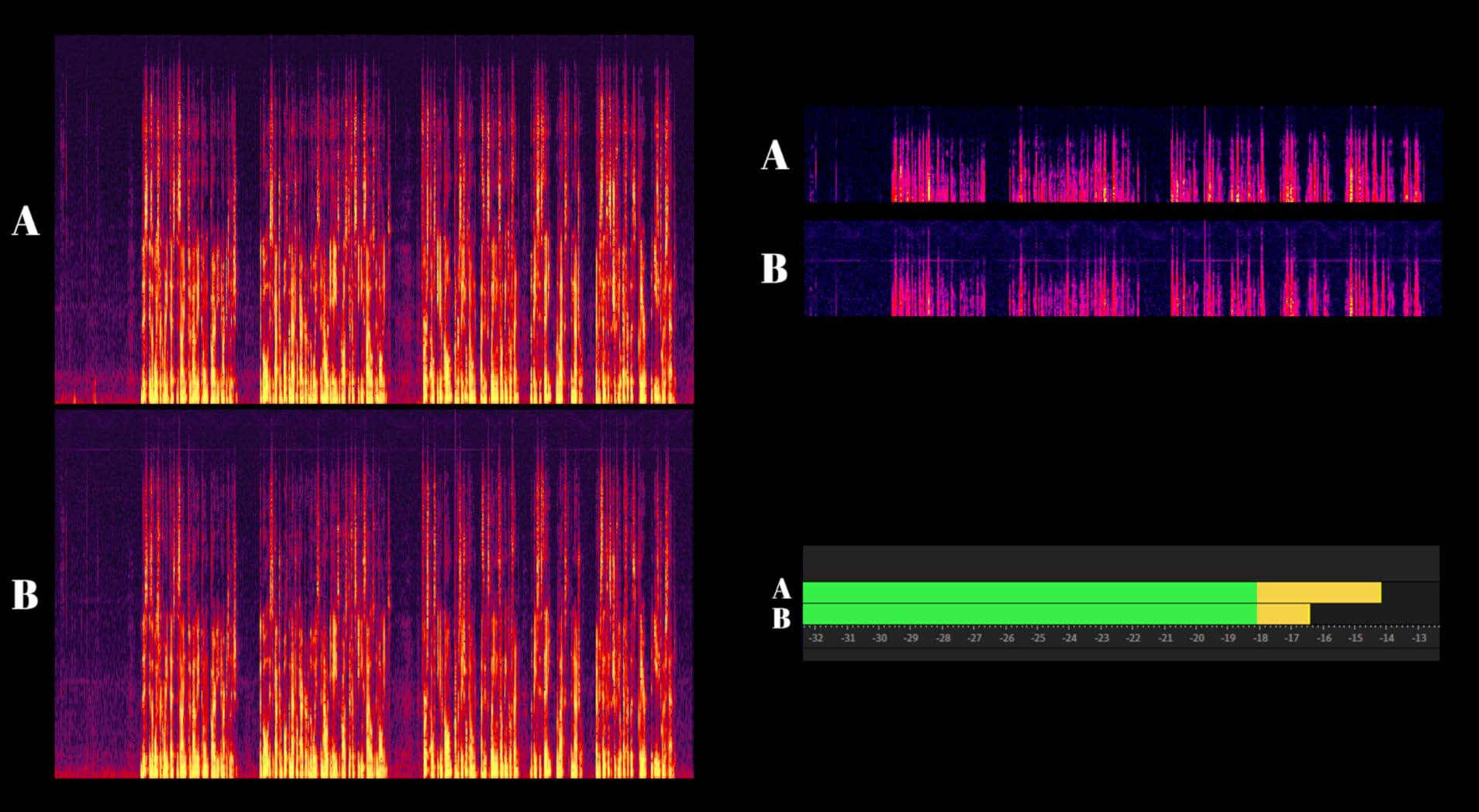
What sold me on the PodMic over USB rivals is its noise rejection. I record in a converted bedroom with bare drywall, and the dynamic capsule refuses to pick up the neighbor’s HVAC system. Reviewers report the same experience in untreated home studios, which is exactly where most creators start. The all-metal body has survived being knocked off my desk twice with zero cosmetic damage.
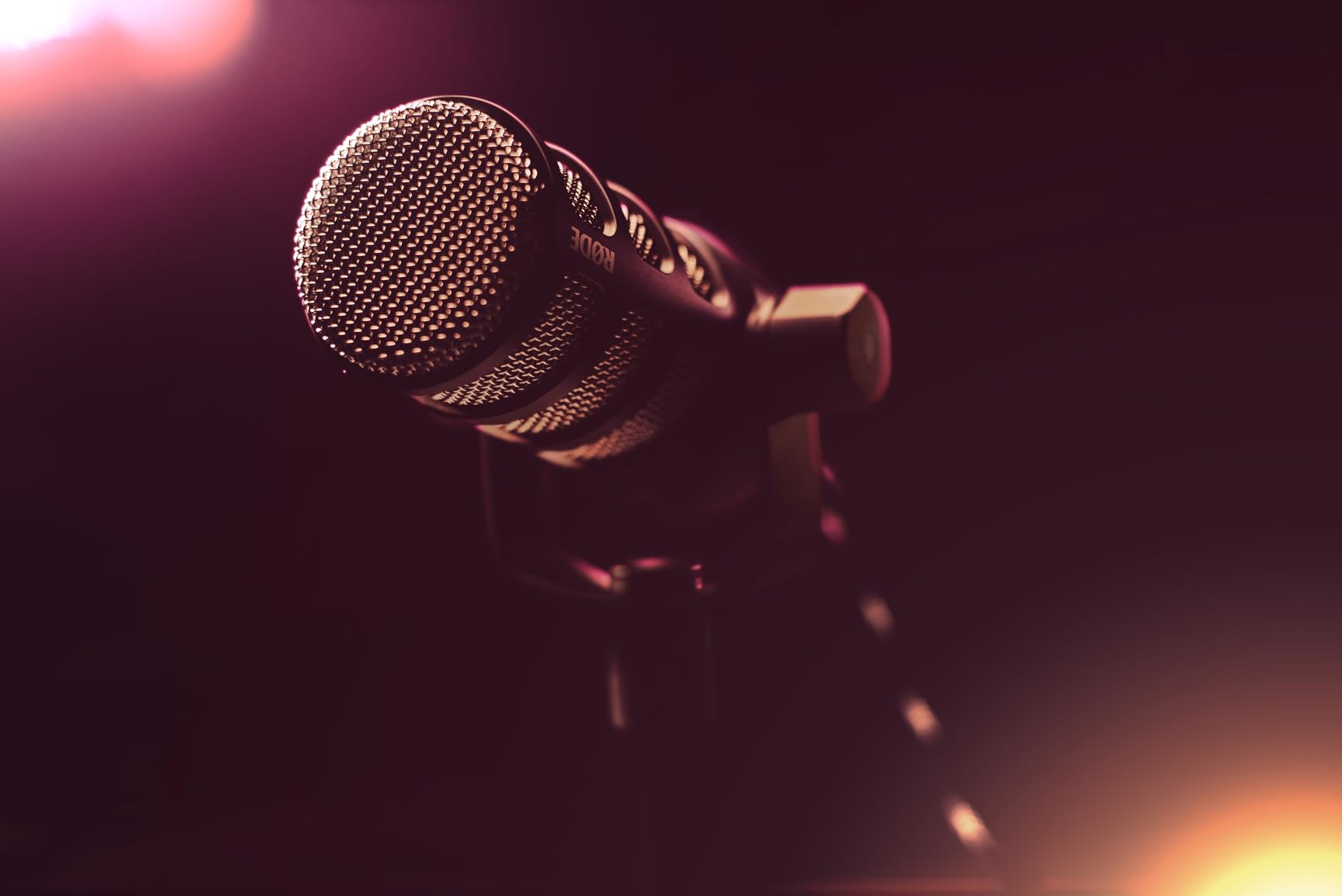
The trade-off is real: this is XLR-only, so you need an audio interface. If you skip that step, the PodMic will sound thin because it has a low output that demands a clean preamp. Pair it with a Focusrite Scarlett Solo or a Rode AI-1, and you get broadcast-level results. There is no headphone jack on the mic itself, so monitoring happens through your interface.
Sound quality sits at a true 4.8 average across 7,000+ reviews, the highest in our lineup. If you are recording talking-head videos in a room that is not acoustically treated, the Rode PodMic will outperform almost every USB condenser at any price. It is the reason we gave it our EDITOR’S CHOICE badge.
Who the Rode PodMic is for
Creators who already own or plan to buy an audio interface, record in untreated rooms, and want broadcast-quality speech without a rack of outboard gear. If your videos run 20 minutes or longer, the shock-mount system prevents desk thumps from ruining your edit.
Who should skip the Rode PodMic
First-time creators who want a USB plug-and-play experience. The Rode NT-USB Mini or Blue Yeti are friendlier entry points. If you shoot in a fully treated studio, the extra noise rejection becomes less valuable and a large-diaphragm condenser might flatter your voice more.
2. DJI Mic Mini – Best Wireless Lavalier System for Solo Creators
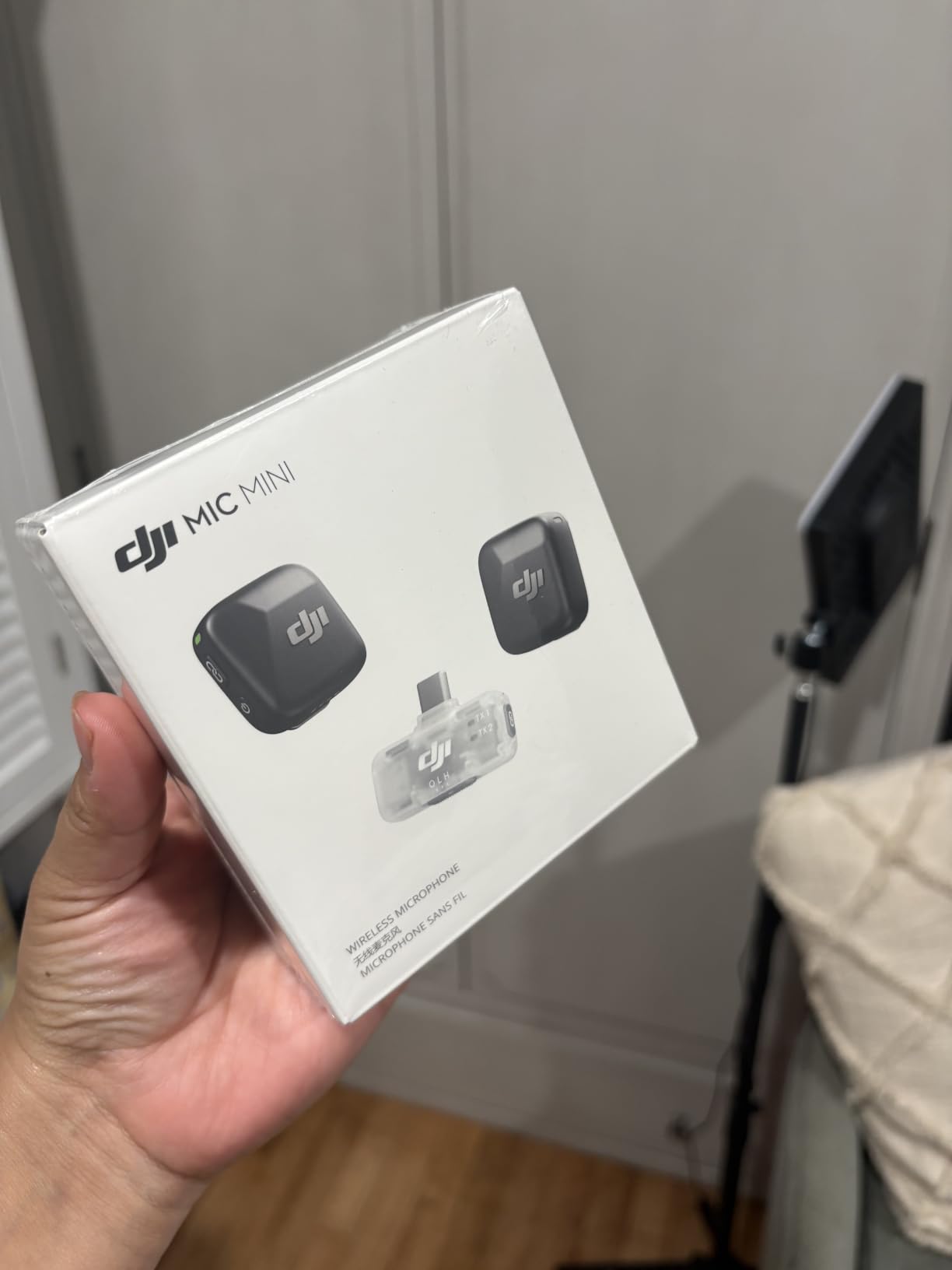
DJI Mic Mini (2 TX + 1 Mobile RX), Ultralight, Active Noise Cancelling
Ultralight 10g transmitters
300m wireless range
11.5-hour battery
Pros
- Transmitters weigh only 10 grams each
- Stable 300m wireless range
- 11.5 hours of total battery life
- Two-tier active noise cancellation
- Plug-and-play with phone or PC
Cons
- No on-mic mute button
- Carrying case can feel tight
Wireless audio used to be overkill for a seated creator who sits three feet from the camera, but the DJI Mic Mini changed that math. Each transmitter weighs 10 grams, roughly the weight of a sheet of paper, so they clip onto a shirt collar without pulling the fabric down. I tested the 2 TX plus 1 Mobile RX kit across a week of walking-and-talking B-roll, and the audio stayed locked the whole time.
The 300-meter wireless range is overkill for talking-head work but reassuring for creators who film themselves pacing during tutorial segments. Two levels of active noise cancellation help when you record near a window with street noise, and the 11.5-hour battery life covered two full days of shooting for me. The DJI Mic Mini connects directly to Osmo devices through OsmoAudio, which is a nice bonus for hybrid creators.
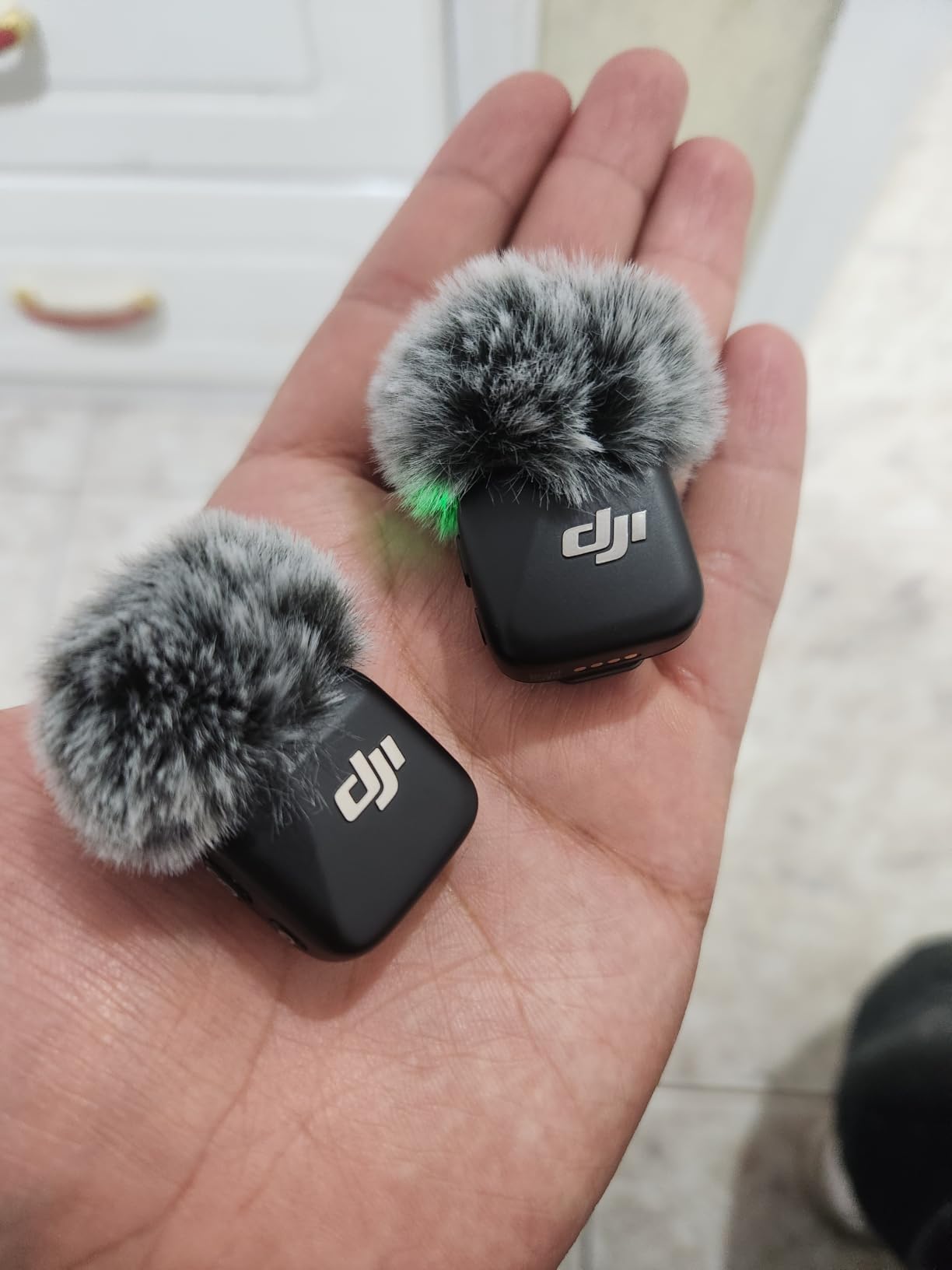
Across more than 24,000 reviews the average sits at 4.7, and the most common praise is the plug-and-play experience with both iPhone and Android. Reviewers do flag two small gripes: there is no physical mute button on the transmitter itself, and the carrying case does not always leave room for both transmitters plus the mobile receiver plus the charging dock.
If your talking-head format has you moving around the frame, switching between sit-down segments and standing demonstrations, wireless lavs suddenly become the right tool. For a pure seated-shot creator who never moves, a wired shotgun or XLR dynamic gives you better audio per dollar.
Who the DJI Mic Mini is for
Creators who film tutorials with a mix of seated and standing segments, mobile journalists, and anyone who wants clean audio without running a cable across the frame. Also a strong fit for hybrid creators who already own DJI Osmo gear.
Who should skip the DJI Mic Mini
Pure seated talking-head creators on a budget. The DJI Mic 2 or a wired lavalier like the Boya BY-M1 will save you money without sacrificing speech clarity. Wireless lavs earn their price when you actually move.
3. Blue Yeti USB Microphone – Best Plug-and-Play Value for Beginners
Logitech Creators Blue Yeti USB Microphone for PC, Mac, Gaming, Recording, Streaming, Podcasting, Studio and Computer Condenser Mic with Blue VO!CE effects, 4 Pickup Patterns, Plug and Play – Blackout
USB condenser
Four polar patterns
Onboard mute and gain
Pros
- Broadcast-quality sound out of the box
- Four switchable pickup patterns
- Plug-and-play with Mac and PC
- Onboard headphone gain and mute
- Sturdy metal construction
Cons
- Mini-USB instead of USB-C
- Highly sensitive to room noise
- Large desk footprint
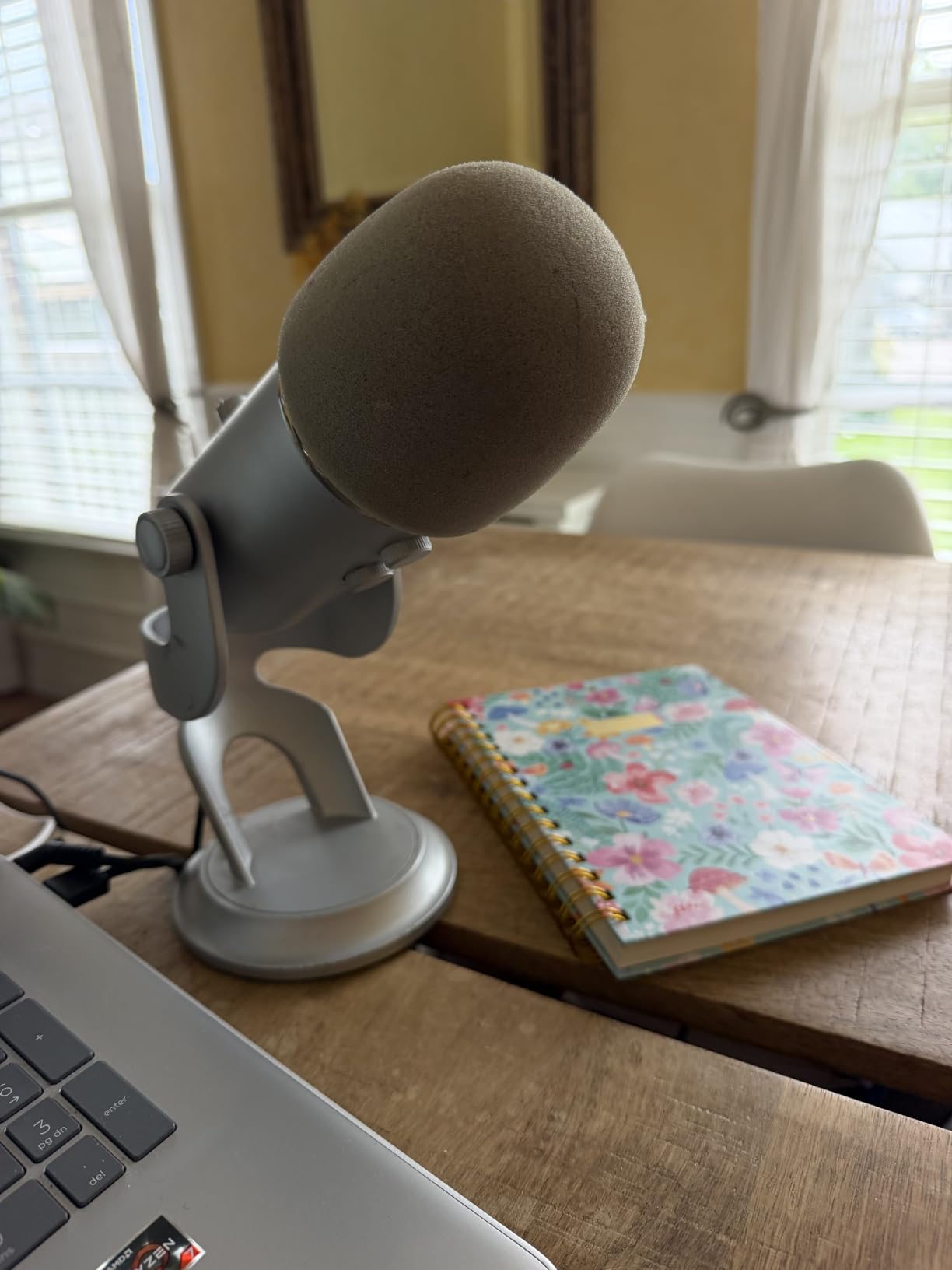
The Blue Yeti has been the default USB microphone for over a decade for one reason: it works on the first try. Plug it into a USB port, open your recording software, and you get broadcast-quality sound with zero driver hunting. With 57,000+ reviews and a 4.6 average, it is the most-validated USB mic ever made, which is why we gave it our BEST VALUE badge.
Four pickup patterns make it unusually flexible. Cardioid mode for solo talking-head, omnidirectional for roundtable discussions, bidirectional for two-host interviews, and stereo for ASMR. The onboard controls for gain, mute, and headphone volume are real buttons you can find without looking, which matters when you are mid-take.
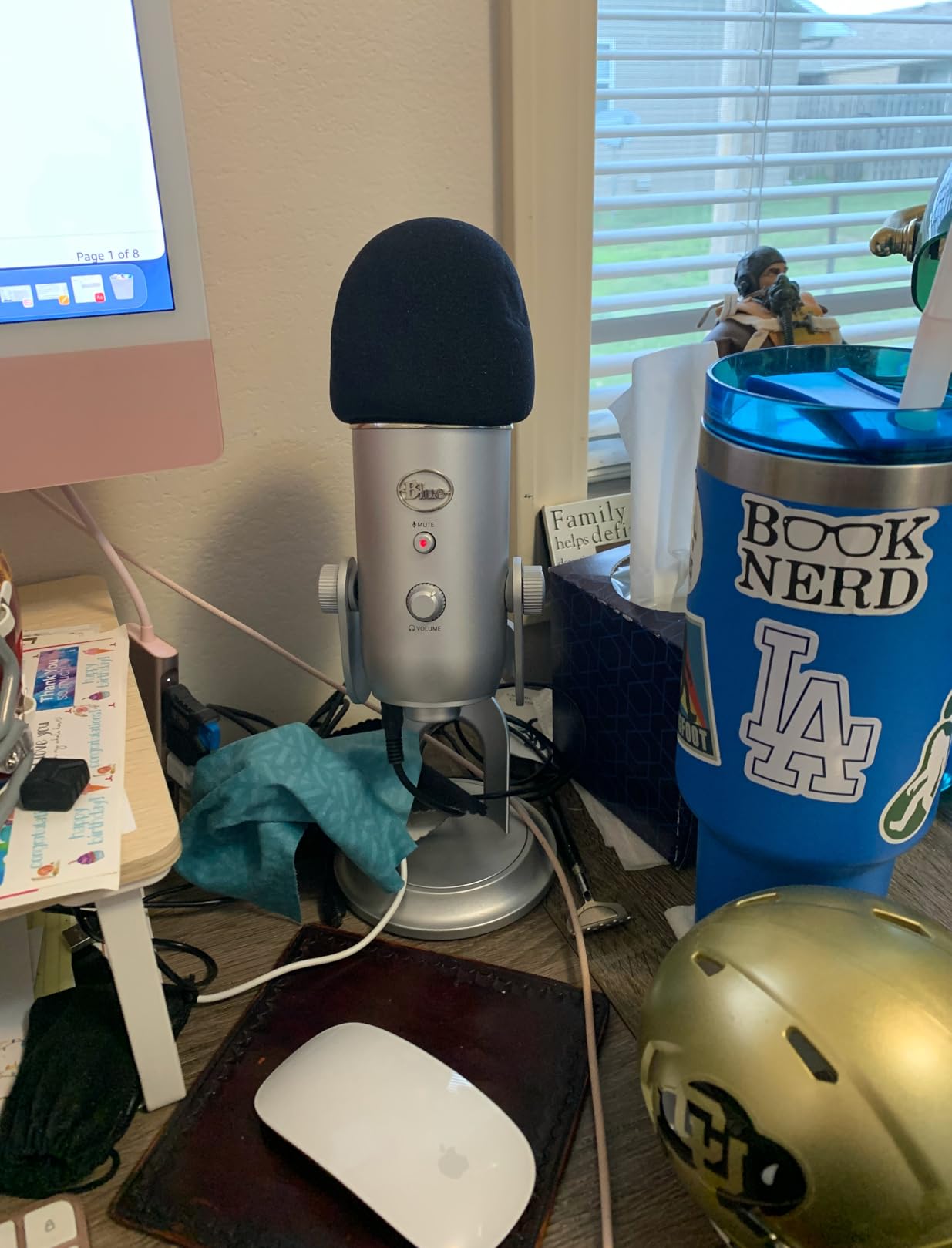
The downsides are well known. It still uses mini-USB rather than USB-C, and the condenser capsules are highly sensitive to room echo. In an untreated bedroom you will hear your voice bouncing off the walls. Reviewers consistently note this, and the workaround is acoustic treatment panels or recording closer to the mic.
The Blue Yeti is heavier than expected at 3.5 pounds, so plan on using the included desktop stand or a proper boom arm. For a creator who wants one mic that handles every recording format without learning audio engineering, the Yeti remains the smartest first purchase.
Who the Blue Yeti is for
First-time creators, podcasters, and streamers who want one mic that does everything. Beginners who do not want to learn gain staging, polar patterns, or audio interfaces. Anyone who records in a room with rugs, curtains, or bookshelves that absorb echo.
Who should skip the Blue Yeti
Creators who film in untreated rooms with bare walls. A dynamic USB mic like the FIFINE K688 will reject room noise better. If you already own an audio interface, an XLR dynamic will give you more upgrade headroom.
4. Focusrite Scarlett Solo – Best Audio Interface for XLR Microphones
Focusrite Scarlett Solo 3rd Gen USB-C Audio Interface
USB-C audio interface
24-bit/192kHz
Air mode
Pros
- Clean low-noise preamps
- 24-bit/192kHz recording
- Switchable Air mode adds clarity
- Hi-Z instrument input for guitar
- Includes Pro Tools and Ableton software
Cons
- Pop-up welcome folder on each connection
- Limited to one mic plus one instrument
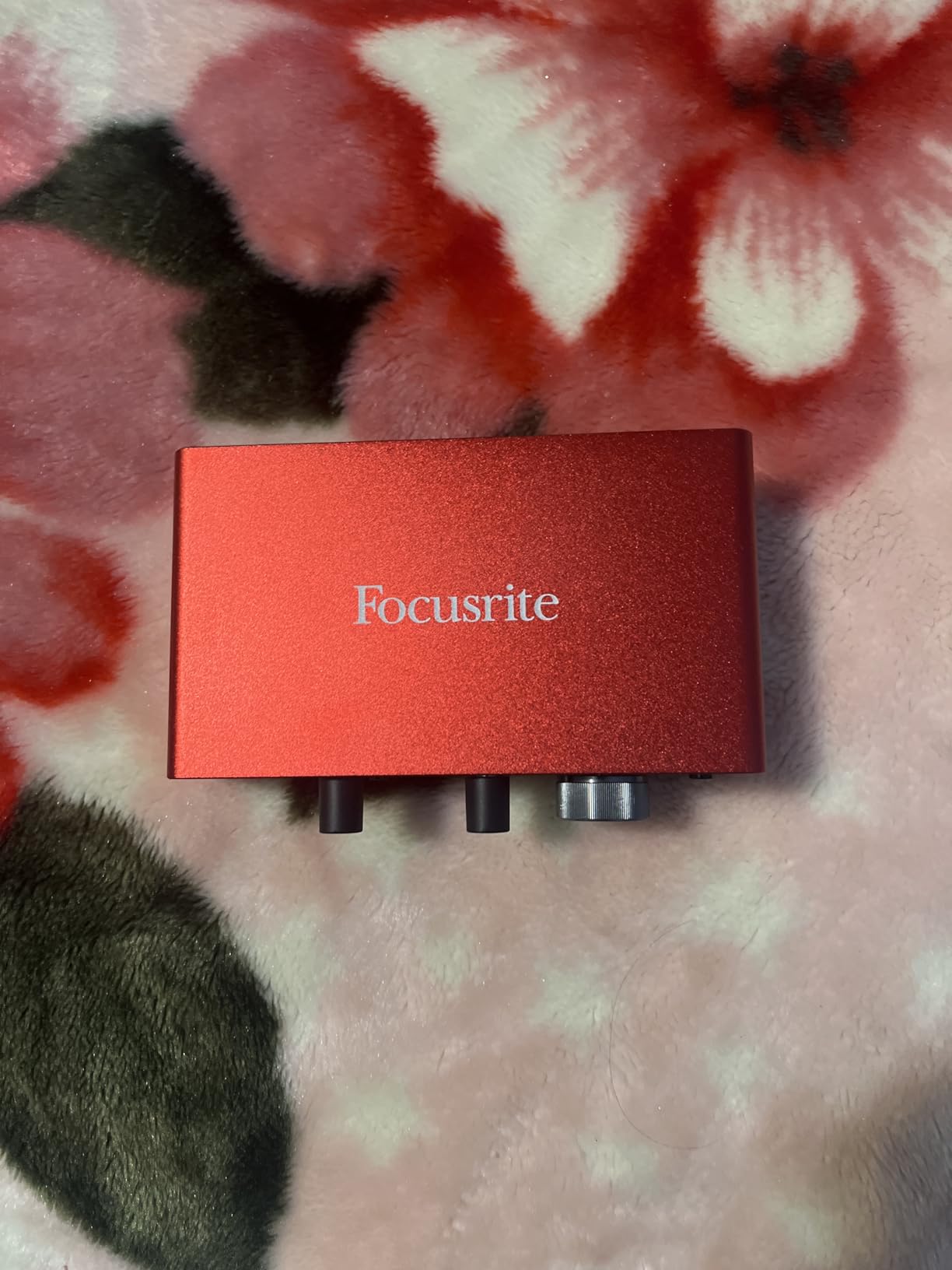
If you commit to an XLR microphone like the Rode PodMic, you need an audio interface, and the Focusrite Scarlett Solo 3rd Gen is the one most creators buy. I run a Scarlett Solo between my dynamic mic and my MacBook, and the preamps are clean enough that I never have to chase hiss or hum. The 56dB of gain handles the Rode PodMic’s low output without breaking a sweat.
Air mode is a high-shelf boost that adds presence to vocals. For talking-head work, switching it on brightens your voice without making it sound processed. The Hi-Z instrument input on the front is a bonus for creators who also play guitar between segments.
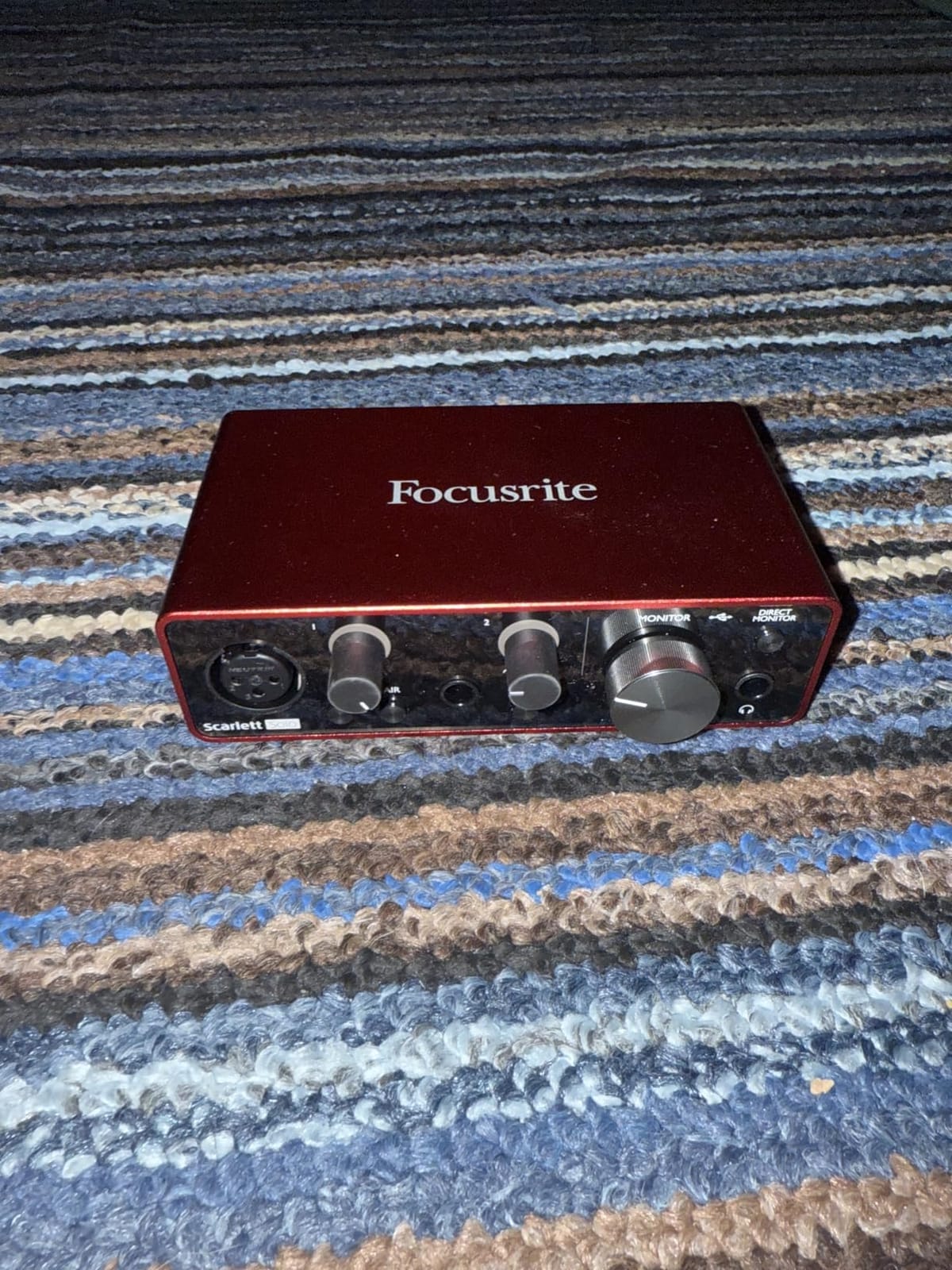
Across nearly 30,000 reviews the average is 4.7, and the most consistent praise is the bundled software. Pro Tools Intro, Ableton Live Lite, Cubase LE, and the Hitmaker Expansion cover every DAW a beginner would want. Reviewers do flag two minor annoyances: a pop-up welcome folder every time you connect the interface, and the 2-channel I/O limit if you ever want to record two mics at once.
For solo creators, the 2-channel limit is rarely a problem. If you start running interviews with two microphones, step up to the Scarlett 2i2.
Who the Scarlett Solo is for
Creators who already own an XLR microphone or plan to buy one, want bundled recording software, and need a small box that fits on a crowded desk. Also great for musicians who double as YouTubers.
Who should skip the Scarlett Solo
Anyone who only wants USB plug-and-play. If you are not ready to learn gain staging and signal flow, start with the Blue Yeti or FIFINE K688. The Solo is a step up, not a beginner tool.
5. FIFINE K688 Dynamic Microphone – Best Budget XLR and USB Hybrid
FIFINE AmpliTank K688 Dynamic Microphone, XLR/USB Podcast Recording PC Mic
XLR and USB dynamic
Tap-to-mute
3.5mm monitoring
Pros
- Dual XLR and USB output
- Tap-to-mute button on USB mode
- 3.5mm real-time headphone monitoring
- Strong background noise rejection
- No drivers required
Cons
- Boom arm not included
- Occasional defective mute buttons
- Sound quality below premium tier
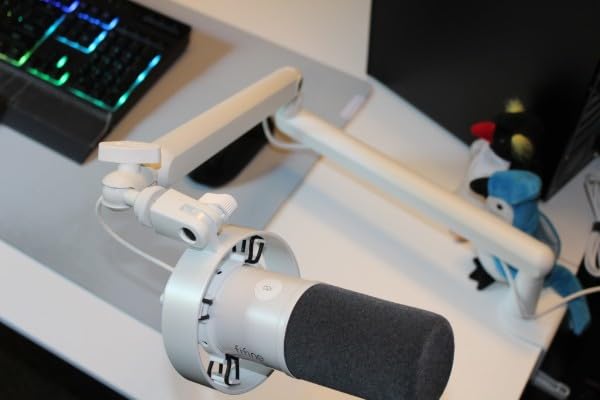
The FIFINE K688 is the most interesting mic in our lineup because it does both jobs. Plug in USB and it works like a Yeti. Plug in XLR and it works like a PodMic. For a creator who is not sure which path they will take, that flexibility is worth real money. Across 4,000+ reviews it averages 4.5, and reviewers consistently praise the value.
The dynamic capsule rejects background noise better than any USB condenser at this price. In my untreated office, the K688 picked up far less room echo than a Blue Yeti placed in the same spot. The tap-to-mute button on top is genuinely useful when you need to cough or take a call mid-recording.
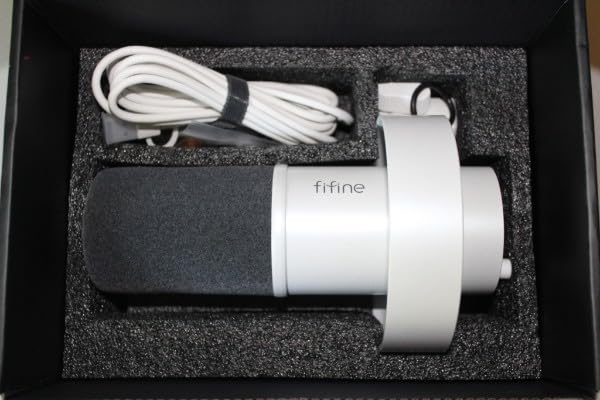
Real-time monitoring through the 3.5mm headphone jack on USB mode means you hear your audio with zero latency. That feature alone is rare on budget mics. The downsides: no boom arm or XLR cable is included, and a small number of reviewers reported defective mute buttons, which FIFINE’s customer service replaced quickly.
Sound quality is a step below the Rode PodMic or a true broadcast condenser, but the gap is smaller than the price difference suggests.
Who the FIFINE K688 is for
Creators who want to start on USB today and add an audio interface later without buying a second microphone. Budget podcasters who need decent noise rejection in untreated rooms. Anyone who wants real-time headphone monitoring without spending premium-mic money.
Who should skip the FIFINE K688
Creators who already committed to a pure XLR setup and want maximum sound quality. The Rode PodMic plus Focusrite Solo combo will outperform the K688 at the cost of two boxes instead of one.
6. MAONO A04 USB Microphone – Best Beginner Podcasting Kit
MAONO A04 USB Microphone, 192kHz/24Bit Condenser Mic Kit for PC Podcast
192kHz/24Bit USB
All-in-one kit
Cardioid condenser
Pros
- Crisp 192kHz/24Bit audio
- Plug-and-play with no drivers
- Includes arm stand and shock mount
- Cardioid pattern with good rejection
- Full kit at a budget price
Cons
- Boom arm is the weak link
- No headphone monitoring port
- Some units report weak output
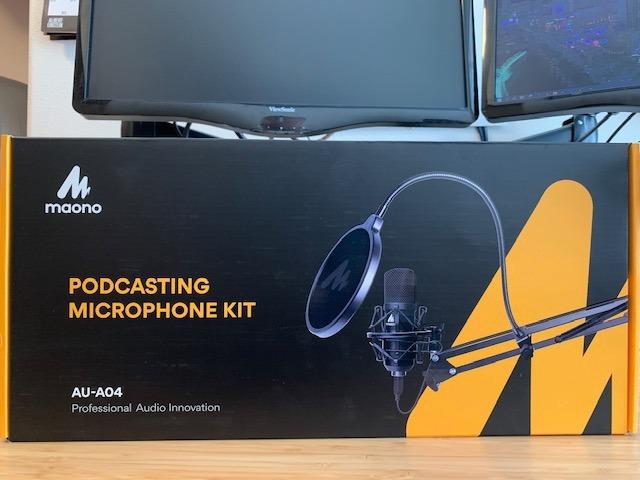
The MAONO A04 is the kit you buy when you want everything in one box. Boom arm, shock mount, pop filter, windscreen, and a 192kHz/24Bit condenser mic. Open the package, attach the arm to your desk, plug in USB, and you are recording in under 10 minutes. With nearly 20,000 reviews averaging 4.5, it is one of the most popular starter kits on Amazon.
Audio quality is genuinely impressive for the price. The 16mm electret condenser delivers clear, broadcast-style sound, and the cardioid pattern rejects keyboard clicks and PC fan noise from behind the mic. Plug-and-play works on Mac, PC, PS4, PS5, and most phones through USB-C.
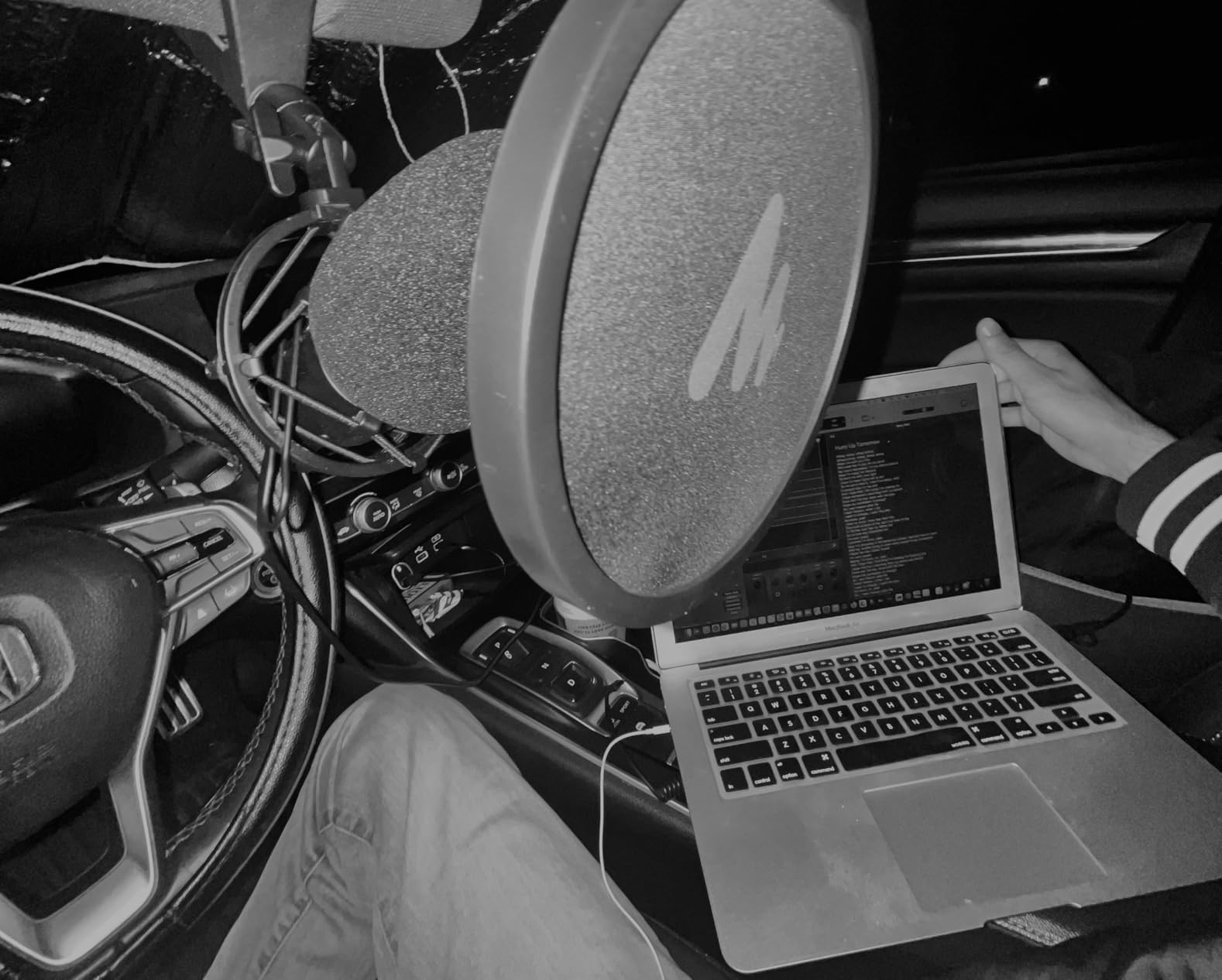
The honest trade-off is the included boom arm. It is functional but lightweight, and reviewers report plastic brackets cracking after a year of daily use. There is also no headphone monitoring port on the mic, so you monitor through your computer’s output, which adds latency. For most beginners that is fine.
If you outgrow the included arm, you can swap in any standard boom. The mic itself is the keeper.
Who the MAONO A04 is for
First-time creators who want everything in one purchase and are willing to upgrade the boom arm later. Students, hobbyist podcasters, and creators filming their first 10 videos before committing to a more expensive rig.
Who should skip the MAONO A04
Creators who already own a boom arm and want the mic only. Buying the standalone MAONO PM320 or a Blue Yeti plus a quality arm gets you better long-term value. Also skip if you record in untreated rooms; the condenser capsule will pick up echo.
7. EMEET PIXY 4K Webcam – Best AI-Tracking Webcam for Solo Creators
EMEET PIXY Dual-Camera AI-Powered PTZ Camera 4K with Tripod, AI Tracking
4K PTZ webcam
AI subject tracking
Includes tripod
Pros
- Sharp 4K video quality
- Smooth AI tracking keeps you framed
- PDAF autofocus in 0.2 seconds
- 310-degree pan and 180-degree tilt
- Triple-mic array with sound modes
Cons
- Tracking can lose subject during quick movements
- Tripod may be too short for some users
- Settings do not persist across reboots
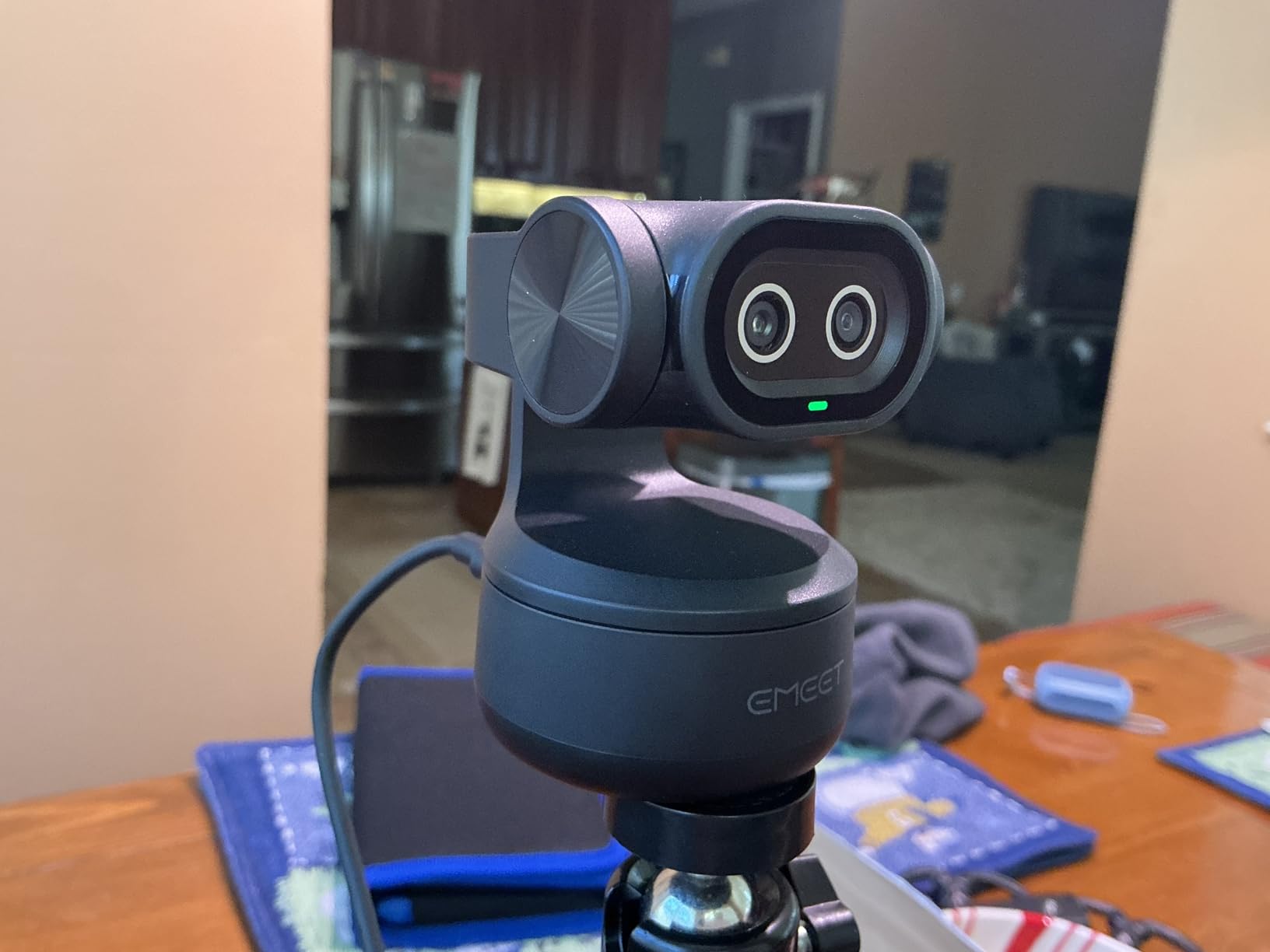
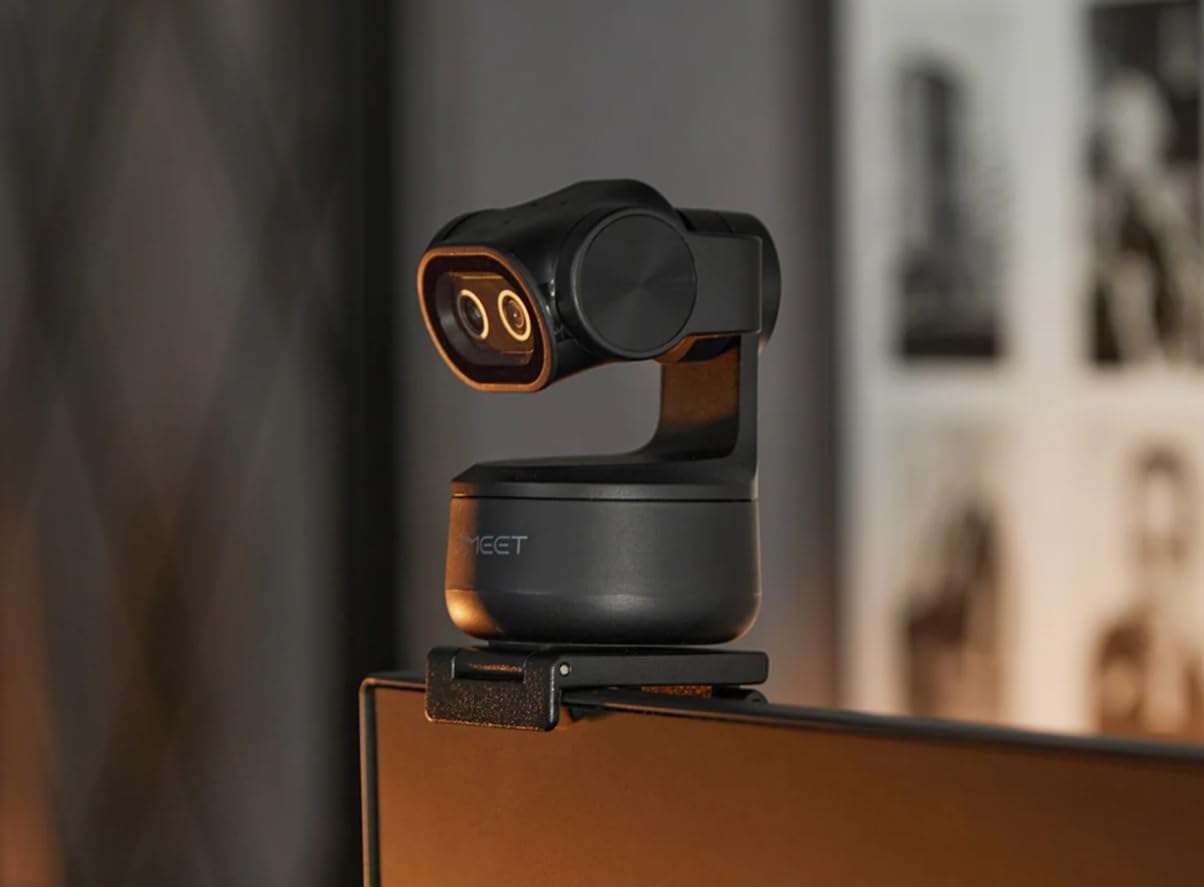
The EMEET PIXY is the only webcam in our lineup that follows you around the room. The dual-camera AI tracking system uses PDAF autofocus in 0.2 seconds and a 3-chip AI processor that kept me centered while I paced during a 30-minute product review. The included tripod adjusts from 6.7 to 18.5 inches, which is a real bonus for desk setups.
Video quality is genuinely sharp at 4K, and the 310-degree pan range means the camera can sweep to a whiteboard or second presenter without manual repositioning. The triple-mic array with three sound modes (omni, directional, noise-cancelling) is surprisingly capable for a webcam.
Across 178 reviews the average is 4.3, which is lower than the Logitech options because of niche use cases. Reviewers report the AI tracking can lose subjects during rapid standing-to-sitting transitions, and settings do not persist across shutdowns, so you reconfigure presets each session. Some Windows 11 users flagged software compatibility hiccups.
For solo streamers and educators who move around the frame, no other webcam in this price range offers comparable AI tracking. For seated-only talking-head work, the Logitech C920x is a simpler choice.
Who the EMEET PIXY is for
Solo creators who stream live and walk during segments, online teachers who move between whiteboard and desk, and creators who hate fiddling with framing. Also a fit for podcasters who want a second camera angle without buying a full PTZ setup.
Who should skip the EMEET PIXY
Pure seated talking-head creators who do not need AI tracking. The Logitech C920x delivers better plug-and-play reliability at a lower price. Also skip if you shoot in vertical video, the PIXY is horizontal-only.
8. Logitech C920x Webcam – Best Reliable 1080p Webcam for Desktop Setups
Logitech C920x HD Pro PC Webcam Full 1080p/30fps Video – Black
Full HD 1080p/30fps
Stereo dual mics
USB plug-and-play
Pros
- Crisp 1080p at 30fps
- Reliable autofocus on faces
- Stereo audio from dual mics
- Plug-and-play across all platforms
- Includes 3-month XSplit VCam license
Cons
- No privacy shutter included
- Can be resource-heavy on Linux
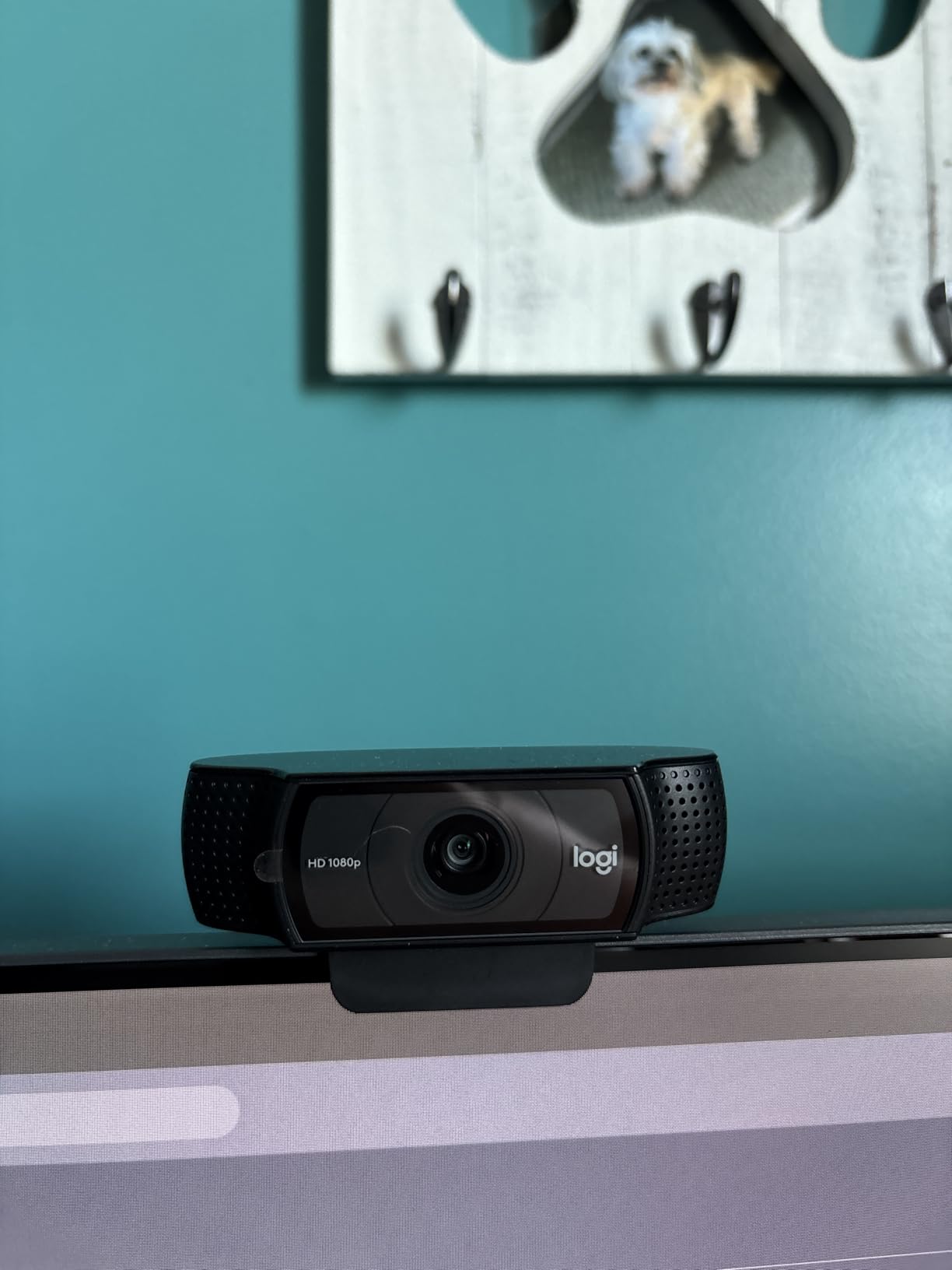
The Logitech C920x is the webcam most YouTubers used before mirrorless cameras became affordable, and it still earns its spot in 2026. With 22,000+ reviews averaging 4.6, it is one of the most-validated webcams ever made. The 1080p at 30fps image looks sharp enough for YouTube, Twitch, and podcast video, and the autofocus locks onto your face without hunting.
Plug-and-play works on Windows, Mac, ChromeOS, and even the Nintendo Switch 2 GameChat. The dual stereo mics deliver surprisingly usable voice audio for video calls, though we still recommend a dedicated microphone for actual content recording. The bundled XSplit VCam license lets you blur or replace your background without a green screen.
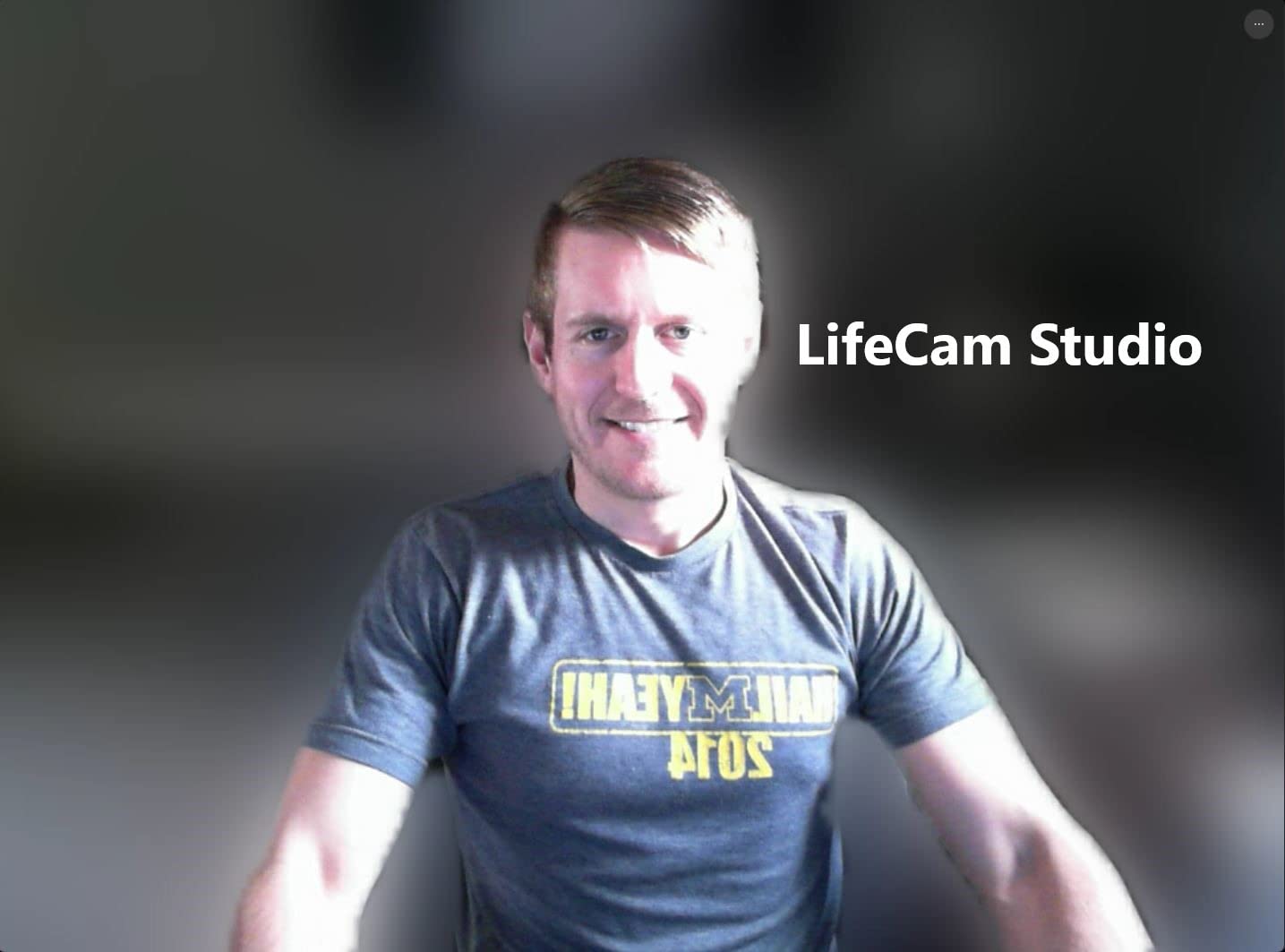
The two recurring complaints are the lack of a privacy shutter and heavier resource use on Linux systems. Neither matters for most creators. The 78-degree field of view frames a head-and-shoulders talking-head shot perfectly when the webcam sits on top of a monitor.
For creators who want a simple, reliable camera without learning mirrorless menus, the C920x is the right answer.
Who the Logitech C920x is for
Creators who film at a desk, podcasters who want a clean webcam feed, streamers who need a backup camera, and anyone who wants zero setup fuss. Also a strong fit for online teachers and remote workers who occasionally record videos.
Who should skip the Logitech C920x
Creators who want 4K video, cinematic background blur, or AI tracking. The EMEET PIXY covers those use cases. Also skip if you already own a mirrorless camera, a dedicated camera will always outperform a webcam in low light.
9. NEEWER Bi-Color LED Panels – Best Portable Lighting for Traveling Creators
NEEWER 13″ LED Video Light Panel Kit with Tripod Stand, 2 Pack, NL-192AI
Bi-color 3200K-5600K
4000mAh battery
CRI 97+
Pros
- Bi-color adjustable from 3200K to 5600K
- Built-in 4000mAh battery
- Lightweight 0.4-inch thin panels
- CRI 97+ for accurate color
- Includes 2 tripods and carrying case
Cons
- Battery lasts only about 90 minutes
- Not powerful enough for outdoor sunlight
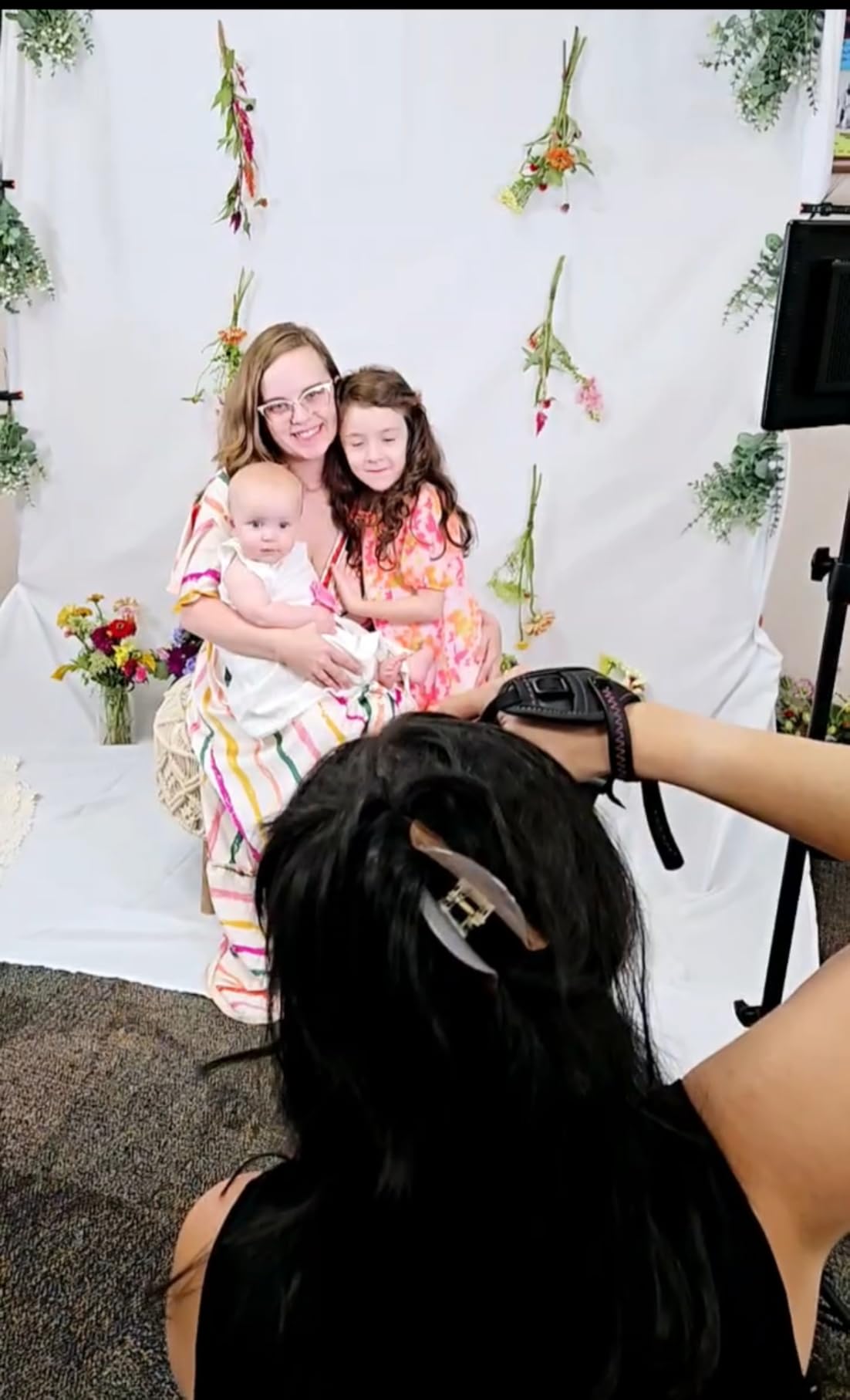
The NEEWER bi-color LED panels solved a problem I did not know I had: shooting talking-head videos in hotel rooms on the road. Each panel weighs 1.3 pounds and is only 0.4 inches thin, so they fit in a laptop bag. The built-in 4000mAh battery runs for about 90 minutes at full brightness, which covers two full interviews before needing a charge.
The bi-color range from 3200K to 5600K means you can match the panel to whatever room light exists. CRI 97+ delivers accurate skin tones, which matters more than people realize for talking-head work where the face fills the frame. The included aluminum stands extend to 70 inches.
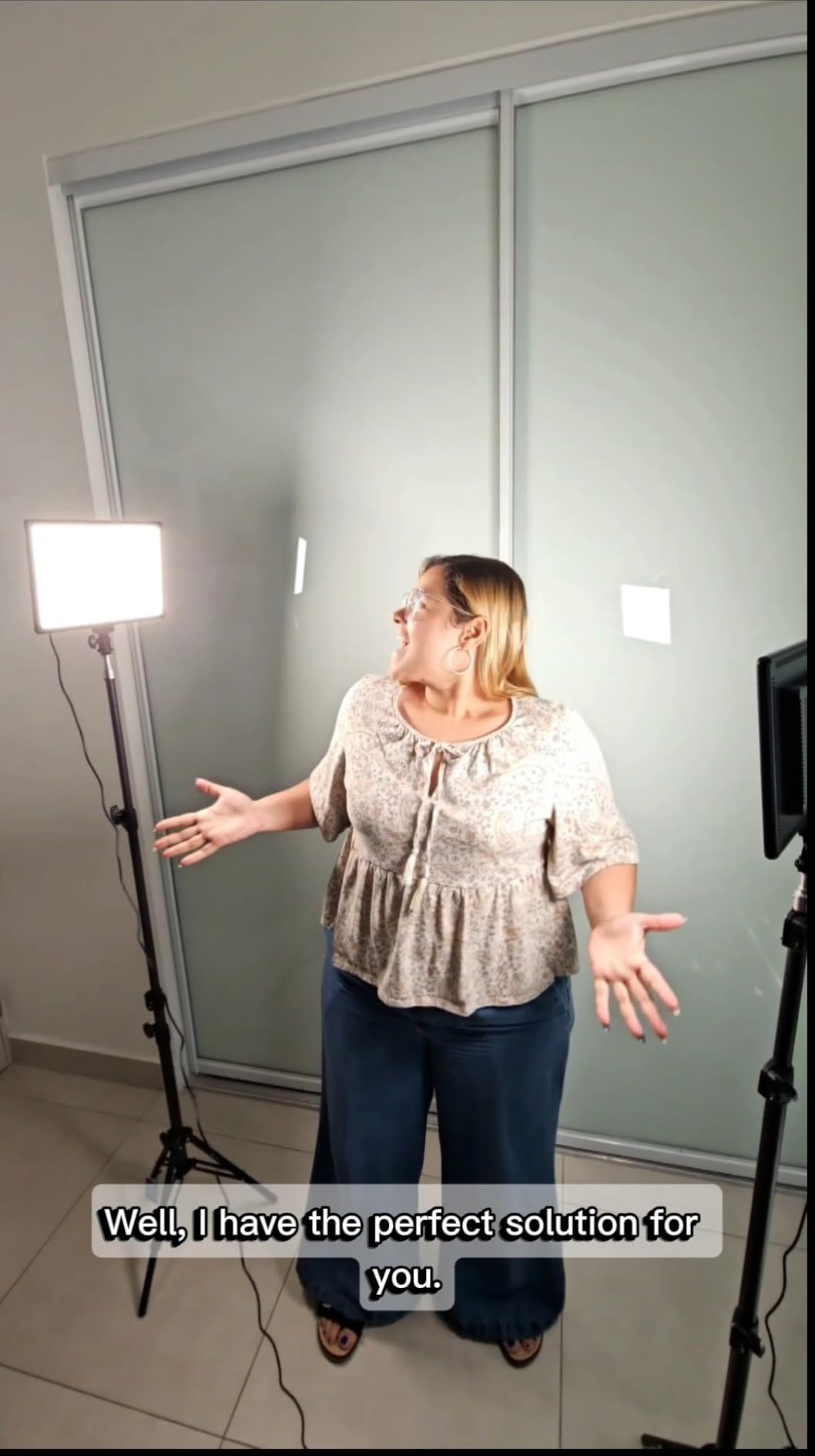
Across 875 reviews the average is 4.6, and the most consistent praise is portability plus the included carrying case. The most common limitation is the 90-minute battery, which means you cannot shoot a full multi-hour course session without AC power. Reviewers also note these panels are not bright enough to overpower direct sunlight, so they are indoor-only tools.
For creators who travel, shoot in multiple locations, or want cordless lighting for clean desk setups, the NEEWER panels are hard to beat at this weight class.
Who the NEEWER panels are for
Traveling creators, remote podcasters, and educators who film in different rooms. Also a fit for creators who want clean cable-free setups at a permanent desk.
Who should skip the NEEWER panels
Studio-bound creators who shoot in one location. A larger COB light plus softbox will give you more output per dollar. If you do not travel, the battery feature is wasted money.
10. NiceVeedi LED Light Kit – Best Budget Lighting for Beginners
Pros
- Three color temperatures from 2800K to 6500K
- Adjustable brightness from 10 to 100 percent
- High CRI 97+ for accurate color
- Includes tripods and phone holders
- 2-pack offers strong value
Cons
- Tripod legs cannot adjust independently
- Power supply adapter not included
- Some defective panels reported
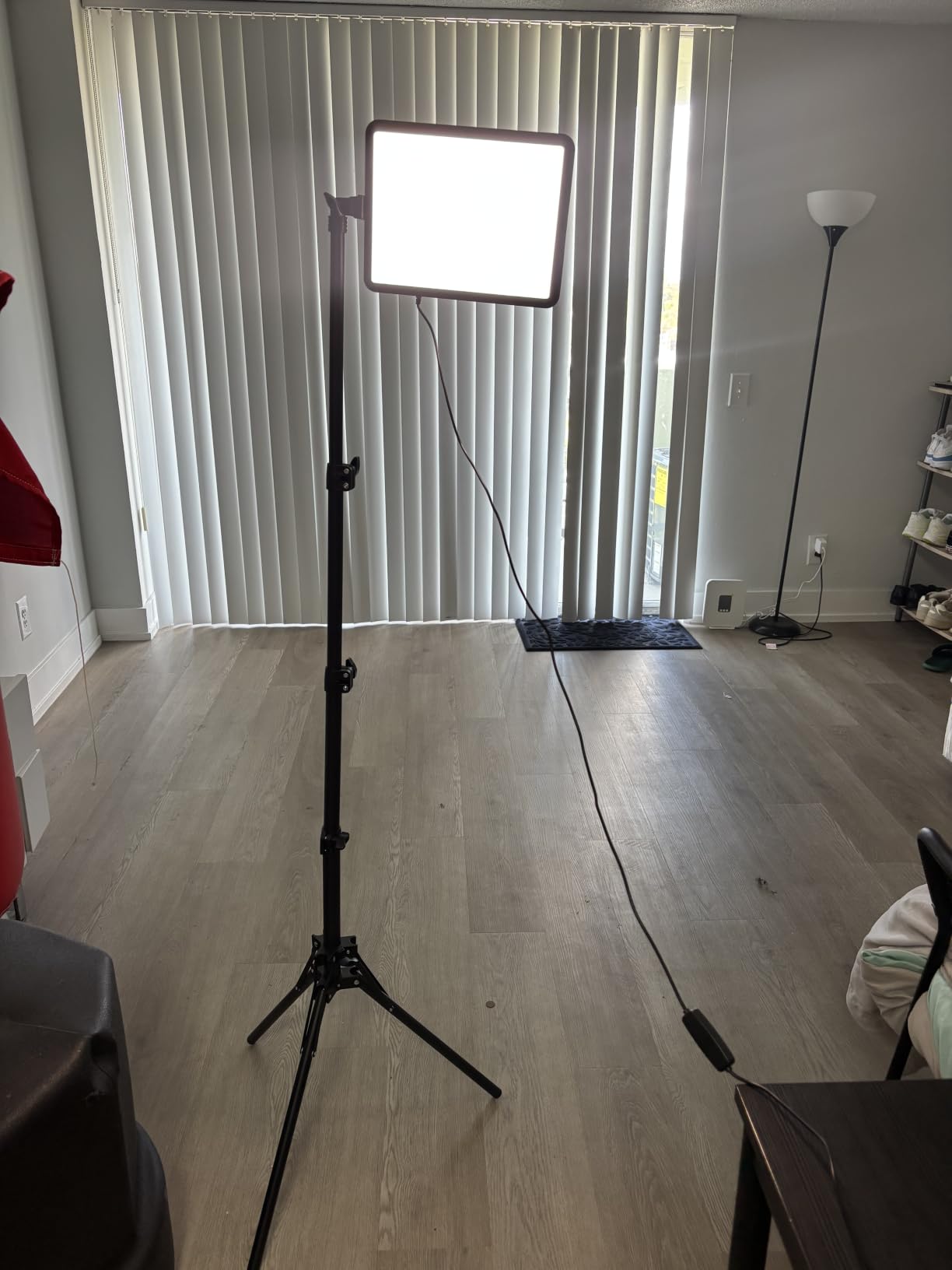
The NiceVeedi 2-pack LED kit is the cheapest way to get two adjustable lights on your desk. With three color temperatures (2800K, 4800K, 6500K) and brightness from 10 to 100 percent, you can dial in the look without buying filters. CRI 97+ means your skin tones will read correctly on camera.
The panels include 356 LEDs each, which is enough output for typical home studio setups. Each light ships with a tripod that extends to 60 inches and a phone holder for creators who film with a smartphone. The whole kit fits in the included storage bag.
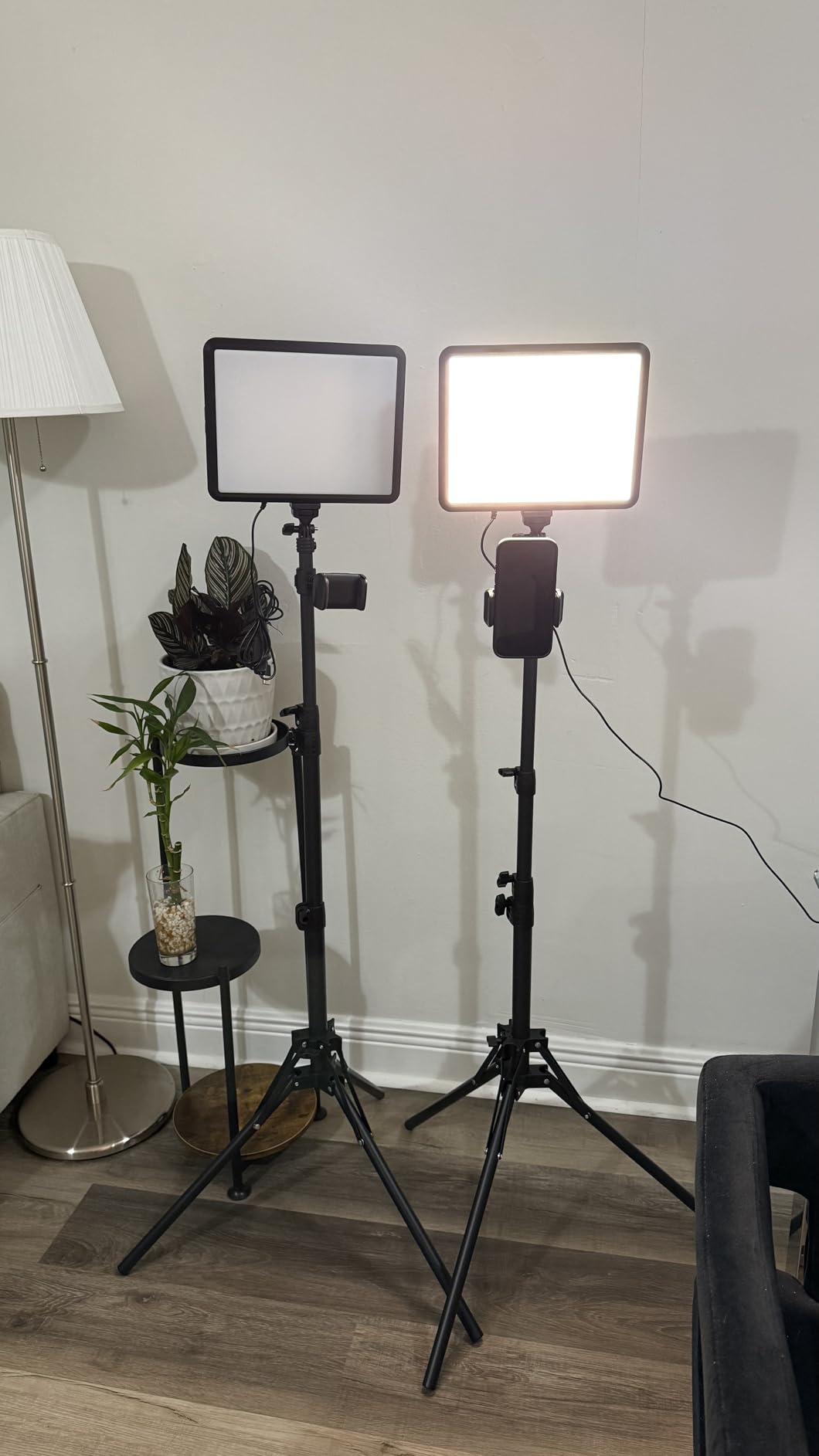
Across 6,000+ reviews the average is 4.3, with most praise focused on value. The recurring critiques are minor: tripod legs cannot adjust independently (so getting one light level on uneven ground is harder), the power supply adapter is not included, and a small percentage of buyers reported defective panels that the company replaced.
For beginners who want to start filming immediately and plan to upgrade later, the NiceVeedi kit is the most affordable entry into soft, even lighting.
Who the NiceVeedi kit is for
First-time creators on a tight budget, smartphone filmmakers, and hobbyists who want to test content creation before investing in pro lighting. Also works as a backup kit for creators who travel.
Who should skip the NiceVeedi kit
Studio creators who shoot every day. The panel construction is not as rugged as NEEWER or Godox, and the lack of independent leg adjustment becomes annoying on real desks. Plan on upgrading within a year of consistent use.
11. SmallRig AD-01 Video Tripod – Best Heavy-Duty Tripod with Fluid Head
SmallRig 73.2″/ 186cm Heavy Duty Video Tripod with Fluid Head AD-01
Built-in fluid head
73-inch max height
17 lb load
Pros
- Stable double-tube aluminum legs
- Built-in fluid head for smooth pans
- Adjustable from 33 to 73 inches
- Dual-mode quick-release plate
- 17-pound load capacity
Cons
- Some plastic parts feel cheap
- Cannot get extremely low to the ground
- Pan friction is locked or free only
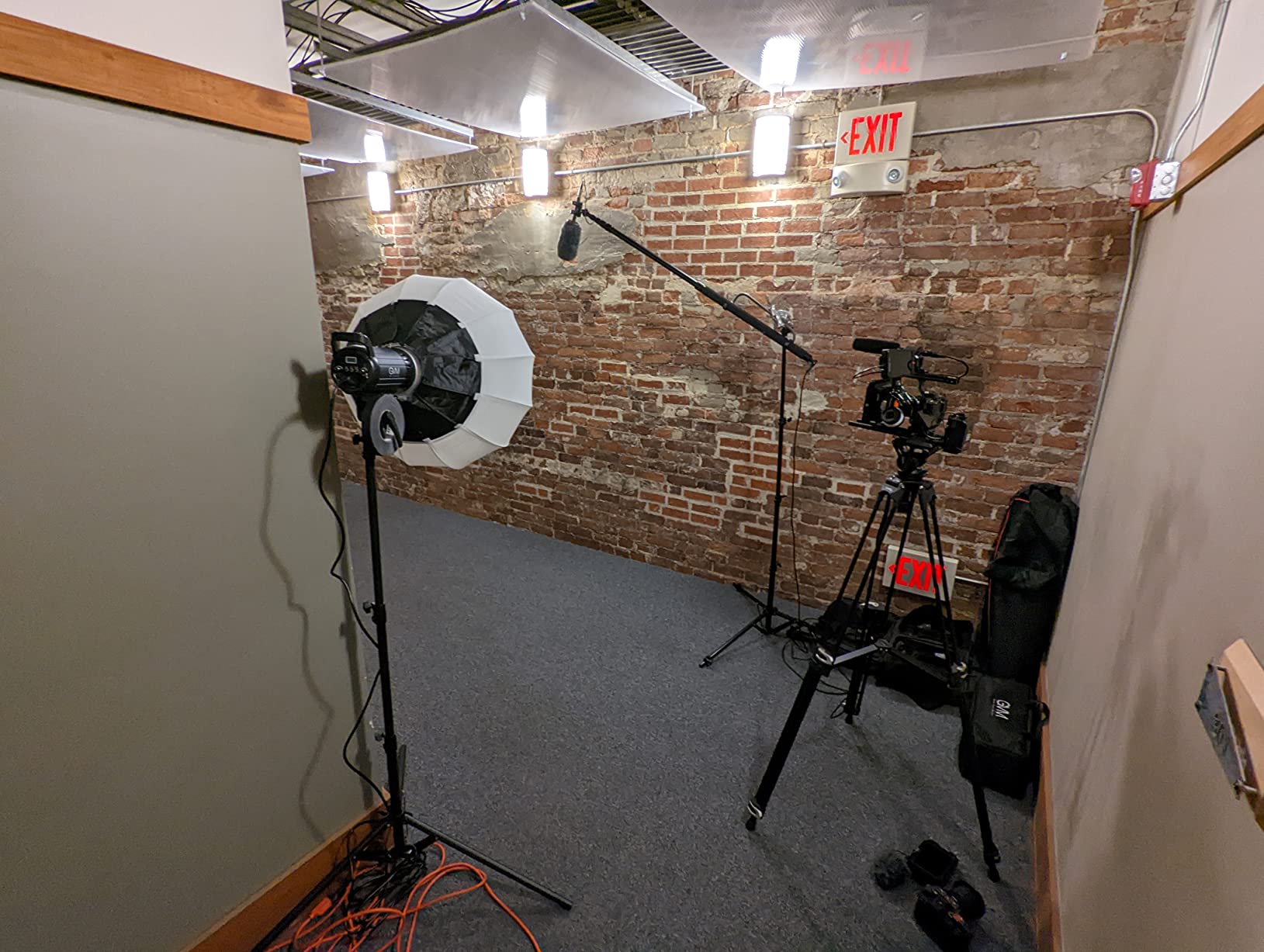
The SmallRig AD-01 is the tripod I reach for when a camera costs more than my car payment. The aluminum double-tube legs are noticeably stiffer than budget tripods, and the built-in fluid head pans and tilts smoothly enough for B-roll without buying a separate video head. With 744 reviews averaging 4.6, it punches well above its weight class.
The 33 to 73-inch height range covers eye-level talking-head setups for both seated and standing shots. The dual-mode quick-release plate is compatible with DJI RS gimbal plates, which matters if you also run a gimbal setup. Maximum load is 17.6 pounds, more than enough for any mirrorless camera plus a shotgun mic.
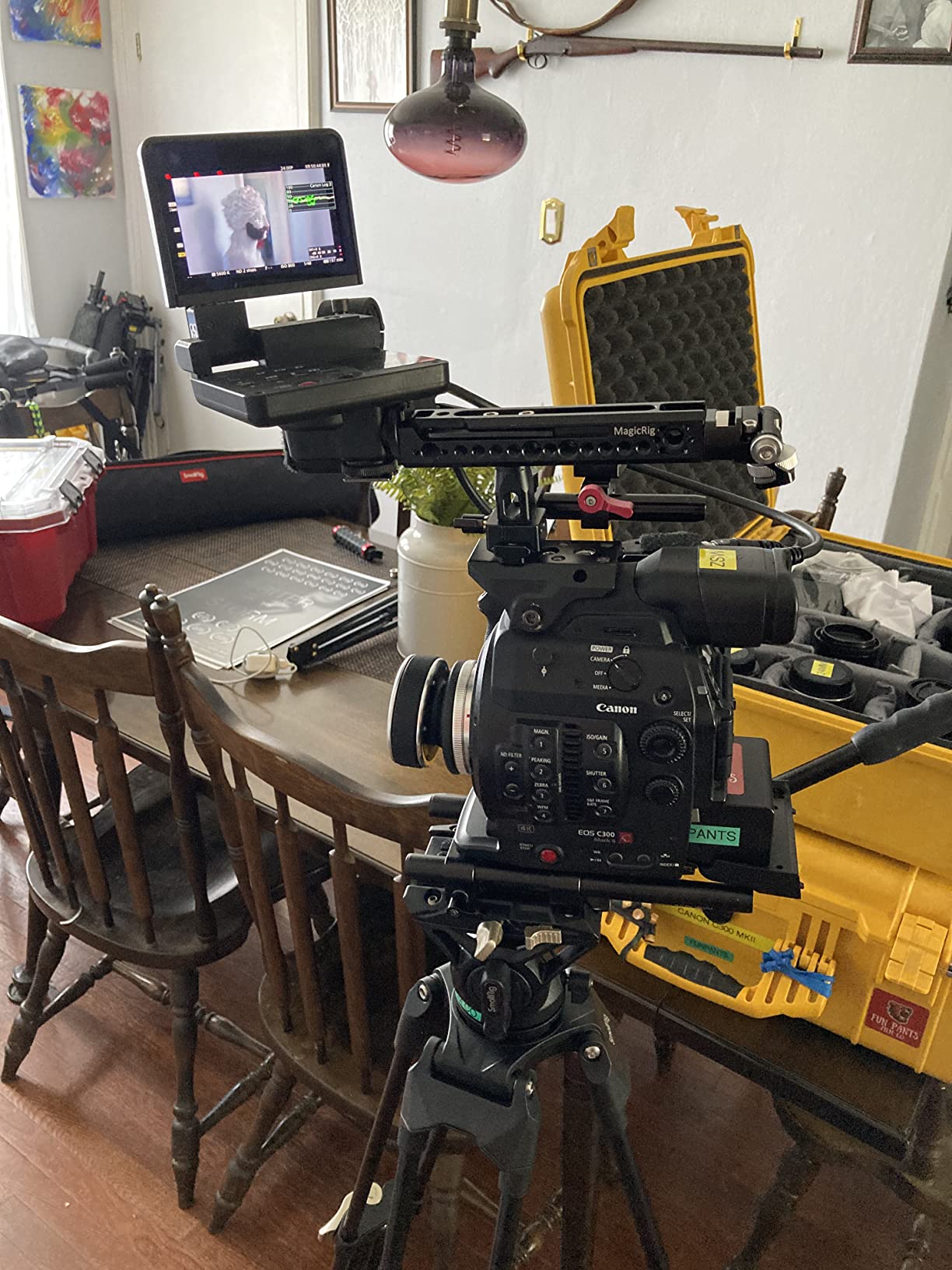
The honest limitations: a few plastic components feel brittle under heavy daily use, the minimum height of 33 inches prevents true low-angle shots, and the pan friction is either locked or fully free with no in-between adjustment. None of these matter for seated talking-head work, where the AD-01 is rock-solid.
If you are running a Sony FX30, Canon R5, or any mid-size mirrorless plus on-camera mic, the AD-01 is the budget pro choice.
Who the SmallRig AD-01 is for
Creators running mid-size mirrorless cameras, hybrid shooters who film both seated talking-head and standing B-roll, and anyone who wants pro fluid-head feel without pro prices.
Who should skip the SmallRig AD-01
Creators who only use lightweight gear like webcams or smartphones. The XXZU 75-inch tripod covers those setups at a fraction of the price. Also skip if you need low-angle shots; the AD-01 sits too high.
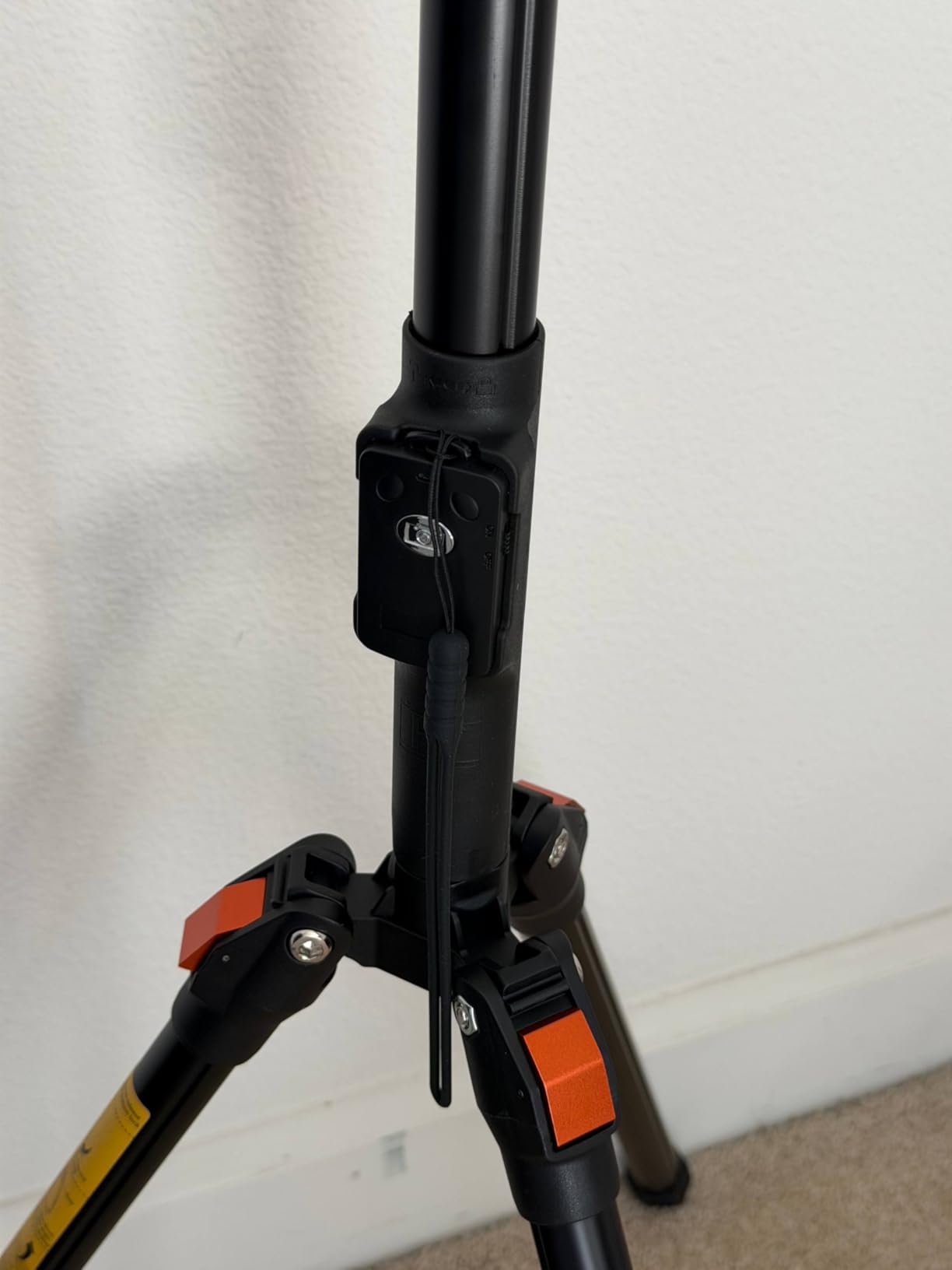
12. XXZU 75-inch Camera Tripod – Best Budget Tripod for Beginners
XXZU 75″ Camera Tripod,Aluminum Tripod for Camera Phone/Monopod with Remote
75-inch max height
360-degree ball head
Includes remote
Pros
- Extends to 75 inches for tall shooting
- 3-in-1 center column converts to monopod
- Ball head with 360-degree rotation
- Wireless remote included
- Lightweight 2.18 pounds folded
Cons
- Stability limits under heavier loads
- Plastic parts of lesser quality
The XXZU 75-inch tripod is the surprising value play of our lineup. With 11,000+ reviews averaging 4.6, it is one of the most-validated tripods on Amazon. The 75-inch maximum height is taller than many tripods twice the price, which matters if you are 6 feet tall and want eye-level framing without standing on a chair.
The 3-in-1 center column converts the tripod into a monopod or selfie stick, which is a nice bonus for vloggers. The ball head rotates a full 360 degrees, and the included wireless remote triggers your camera shutter from up to 10 meters away. At 2.18 pounds folded, it is light enough to throw in a backpack.
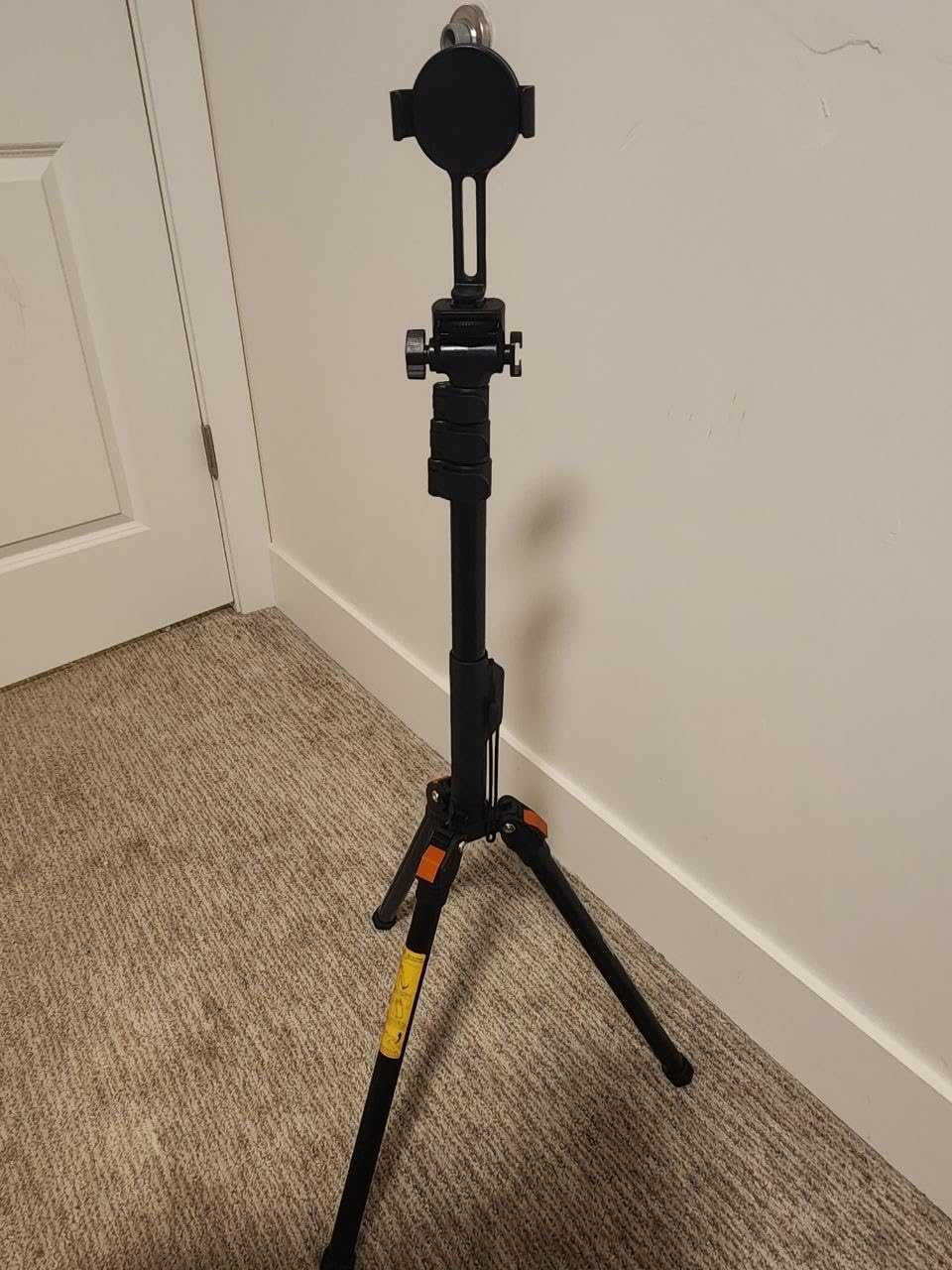
The trade-off is stability under heavier loads. Reviewers consistently note that the tripod performs best with cameras under 3 pounds, which covers most webcams, smartphones, and entry-level mirrorless. Heavier rigs like a full-frame camera with a large lens will cause the legs to flex slightly.
For beginners running lightweight gear, the XXZU is the smartest first tripod. When you upgrade to a heavier camera, step up to the SmallRig AD-01.
Who the XXZU tripod is for
First-time creators, smartphone filmmakers, and YouTubers running lightweight cameras. Also great as a backup tripod for travel shoots.
Who should skip the XXZU tripod
Creators running full-frame mirrorless cameras with large lenses. The plastic leg locks and lightweight construction cannot handle the weight reliably. Step up to the SmallRig AD-01 or a similar heavy-duty tripod.
How to Choose Gear for Talking-Head Videos
Audio comes before video. Every creator we interviewed, from first-time YouTubers to veterans like Peter McKinnon, repeats the same lesson: viewers forgive mediocre video but click away from bad audio. Start with a microphone that suits your room. If your room echoes, choose a dynamic mic like the Rode PodMic or FIFINE K688. If your room is treated, a condenser like the Blue Yeti works fine.
Lighting beats camera money. A flat-lit face looks amateur on any camera. The 45-degree rule is the single best lighting tip for talking-head work: place your key light 45 degrees to one side of your face, slightly above eye level, and angled down. This adds dimension and prevents the glowing-halo-in-glasses problem that ring lights create.
Why not a ring light? Ring lights flatten facial features because the light comes straight from the camera axis. They also print circular halos in eyeglasses and cast harsh shadows under the chin. A diffused COB light or LED panel at 45 degrees flatters every face shape. That is why every pro talking-head setup you have ever admired uses a side light, not a ring.
Camera choice matters less than you think. Modern smartphones shoot 4K with reliable autofocus and benefit from features like Cinematic mode. For creators starting out, a recent iPhone or Pixel with a tripod and good lighting will outperform a cheap dedicated camera. When you outgrow your phone, the next step is a mirrorless camera with reliable Eye AF and a flip-out screen so you can frame yourself.
Do you need 4K for YouTube? Most viewers watch on phones where 1080p and 4K look identical. 4K matters if you crop in post, deliver to clients who expect it, or want to future-proof your archive. For pure talking-head uploads, a sharp 1080p image with good lighting and audio is plenty.
Tripods and support gear get ignored. The best camera in the world fails on a wobbly tripod. For seated talking-head work, you want a tripod that reaches eye level without extending the center column, because the column makes the camera top-heavy. Fluid heads add cost but give you smooth pans for B-roll. If you travel, prioritize folded length and weight over maximum height.
Acoustic treatment is the hidden upgrade. No competitor we studied covers this, but a basic pack of acoustic foam panels on the wall behind your camera can transform audio quality. Hard surfaces create echo that even expensive microphones cannot fully remove. Bookshelves, rugs, and curtains help. A dedicated acoustic panel kit is one of the cheapest ways to make every microphone in this guide sound better.
Audio monitoring matters. Use closed-back headphones while recording to catch plosives, mouth clicks, and background noise in real time. Speakers leak sound into the microphone and create echo in your recordings. The Sony MDR-7506 and Audio-Technica ATH-M50x are industry-standard picks.
Teleprompters are optional. Peter McKinnon and MKBHD both use teleprompters for longer scripts, but most talking-head creators wing it or memorize bullet points. If you film long-form scripted content like online courses, a teleprompter app on a tablet behind the camera is a worthwhile upgrade. For short YouTube videos, skip it.
For more kit ideas, our 12 Best Fluid Head Tripods for Video Top Tested deep-dives into tripods, and the 12 Best Gear for TikTok Creators Tested Picks covers short-form creator gear. If you need a green screen for chroma-key work, the 8 Best Green Screen for Solo Talking-Head Videos Top Guide is a companion read.
Frequently Asked Questions
What equipment do I need for talking head videos?
You need four gear categories for a talking head video: a camera with reliable autofocus, a microphone placed close to your mouth, a key light at 45 degrees to your face, and a tripod that holds everything steady. Audio matters most, then lighting, then camera resolution. A USB dynamic microphone, an LED panel, and any modern smartphone or webcam will start you filming today.
What is the most important piece of gear for a talking head video?
Audio is the most important piece of gear. Viewers tolerate mediocre video but click away from bad audio within seconds. Invest in a microphone first, ideally a dynamic model if your room is untreated. The Rode PodMic, FIFINE K688, and Blue Yeti are our top picks at different price tiers.
Do I need an expensive camera for a talking head video setup?
No. Modern smartphones shoot sharp 4K video with reliable face detection, and a recent iPhone or Pixel on a tripod will outperform most budget dedicated cameras. Spend money on a microphone and lighting first, then upgrade the camera when you outgrow your phone. A clean 1080p image with good audio and lighting looks more professional than 4K with bad sound.
What lighting is best for beginners?
A single diffused LED panel or COB light at 45 degrees to your face, slightly above eye level, is the best beginner lighting setup. Place the light to one side so it adds dimension instead of flattening your features. Avoid ring lights because they create circular halos in glasses and flatten skin texture. Window light from a north-facing window also works as a free starter option.
Can I just use my phone for talking head videos?
Yes. A modern smartphone on a tripod with a clip-on lavalier microphone and a window or LED panel will produce professional-looking talking head videos. The main trade-offs are heat buildup on long takes, file management across many clips, and the inability to swap lenses for different focal lengths. For most creators, a phone is the right starting point.
Why not a ring light for talking head videos?
Ring lights flatten facial features because the light source sits directly on the camera axis, removing shadows that add dimension. They also print circular halos in eyeglasses and create harsh under-chin shadows. A diffused key light positioned 45 degrees to one side of your face produces more flattering results. Every pro talking head setup uses a side light, not a ring.
Final Verdict
The best gear for talking head video creators in 2026 is a kit that matches your room, your workflow, and your budget, not the most expensive box in each category. If we had to pick one starter microphone for most creators, it would be the Rode PodMic paired with a Focusrite Scarlett Solo. That combo delivers broadcast-quality audio, the highest priority for any talking-head video, and it scales with you as you upgrade your camera and lighting.
Start with audio, add lighting at 45 degrees, and only then worry about camera resolution. Follow that order and your videos will look more professional than 90 percent of competing content, no matter what gear you film with.