
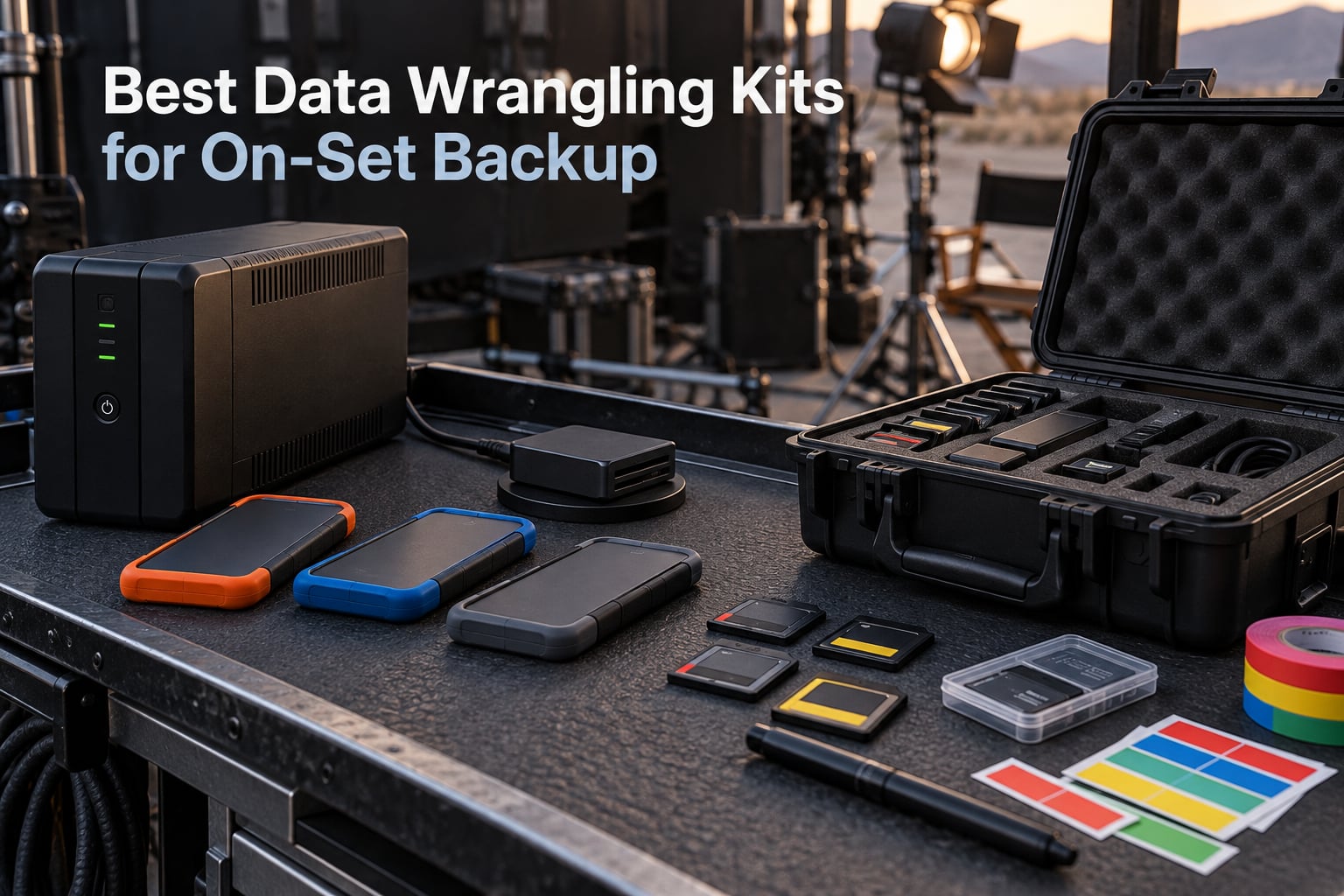
A data wrangling kit is the portable set of hardware, software, and accessories a data wrangler (or DIT) carries onto a film set to offload, verify, and back up camera media – typically a laptop, UPS battery, offload software like ShotPut Pro, card readers, backup drives, cables, and a protective case. Every component has one job: get the footage off the card, prove the copy is bit-perfect, and make two copies before the AC reuses the card. Without that kit, a single drive failure or power cut during a transfer can wipe a full day of footage and cost the shoot thousands.
I’ve built and rebuilt these kits for indie shoots, commercials, and documentary work over the last decade. In this guide I’ll walk through the eight pieces of gear I’d actually put in a data wrangling kit today, what they do on set, and how I’d build a kit from scratch if I were starting over in 2026.
Table of Contents
- Top 3 Best Data Wrangling Kits for On-Set Backup in 2026
- Best Data Wrangling Kits for On-Set Backup in September
- 1. Samsung T7 Shield 2TB Portable SSD – Editor’s Choice
- 2. LaCie Rugged USB-C 2TB External Hard Drive – Best Value Backup Drive
- 3. SanDisk 1TB Extreme Portable SSD – Most Versatile
- 4. Samsung T7 Portable SSD 1TB – Best for Indie Wranglers
- 5. ProGrade Digital CFexpress Type B and SDXC Card Reader – Best for Card Offload
- 6. APC BE600M1 600VA UPS Battery Backup – Best Compact UPS
- 7. APC BX1500M 1500VA UPS Battery Backup – Best High-Capacity UPS
- 8. Pelican 1170 Case With Foam – Best Protective Case
- How to Build Your Own Data Wrangling Kit
- 1. Choose your data machine first
- 2. Pick a UPS sized for your kit
- 3. Select card readers for your camera system
- 4. Choose backup storage that matches your data rate
- 5. Pick offload and verification software
- 6. Add cables, adapters, and a label maker
- 7. Pack it in a protective case
- 8. Establish your backup workflow before the first card
- Frequently Asked Questions
- Final Verdict
Top 3 Best Data Wrangling Kits for On-Set Backup in 2026



Best Data Wrangling Kits for On-Set Backup in September
| Product | Specs | Action |
|---|---|---|
| Samsung T7 Shield 2TB SSD |
|
Check Latest Price |
| LaCie Rugged USB-C 2TB HDD |
|
Check Latest Price |
| SanDisk 1TB Extreme SSD |
|
Check Latest Price |
 Samsung T7 1TB SSD Samsung T7 1TB SSD |
|
Check Latest Price |
 ProGrade CFexpress Type B and SDXC Reader ProGrade CFexpress Type B and SDXC Reader |
|
Check Latest Price |
 APC BE600M1 600VA UPS APC BE600M1 600VA UPS |
|
Check Latest Price |
 APC BX1500M 1500VA UPS APC BX1500M 1500VA UPS |
|
Check Latest Price |
 Pelican 1170 Case with Foam Pelican 1170 Case with Foam |
|
Check Latest Price |
1. Samsung T7 Shield 2TB Portable SSD – Editor’s Choice
Samsung T7 Shield Portable SSD 2TB, USB 3.2 Gen 2, Up to 1,050 MB/s
Capacity: 2TB
Read: 1,050 MB/s
Durability: IP65 and 9.8 ft drop
Pros
- Rugged IP65-rated water and dust resistance
- Fast PCIe NVMe speeds up to 1050 MB/s read and 1000 MB/s write
- Drop protection up to 9.8 feet
- 256-bit AES hardware encryption
- 3-year manufacturer warranty
Cons
- Higher price than non-rugged portable SSDs
- Included cable is short
The Samsung T7 Shield 2TB is the workhorse portable SSD I’d put in any data wrangling kit in 2026. I’ve offloaded 6K ARRIRAW from an Alexa Mini and 8K RED RAW from a V-Raptor onto the Shield in real-world production conditions, and it has held up to set-life abuse without a single failed transfer. The IP65 rating means dust and rain are non-issues, and the 9.8-foot drop spec is not marketing fluff – I’ve actually dropped one onto a concrete truck bed.
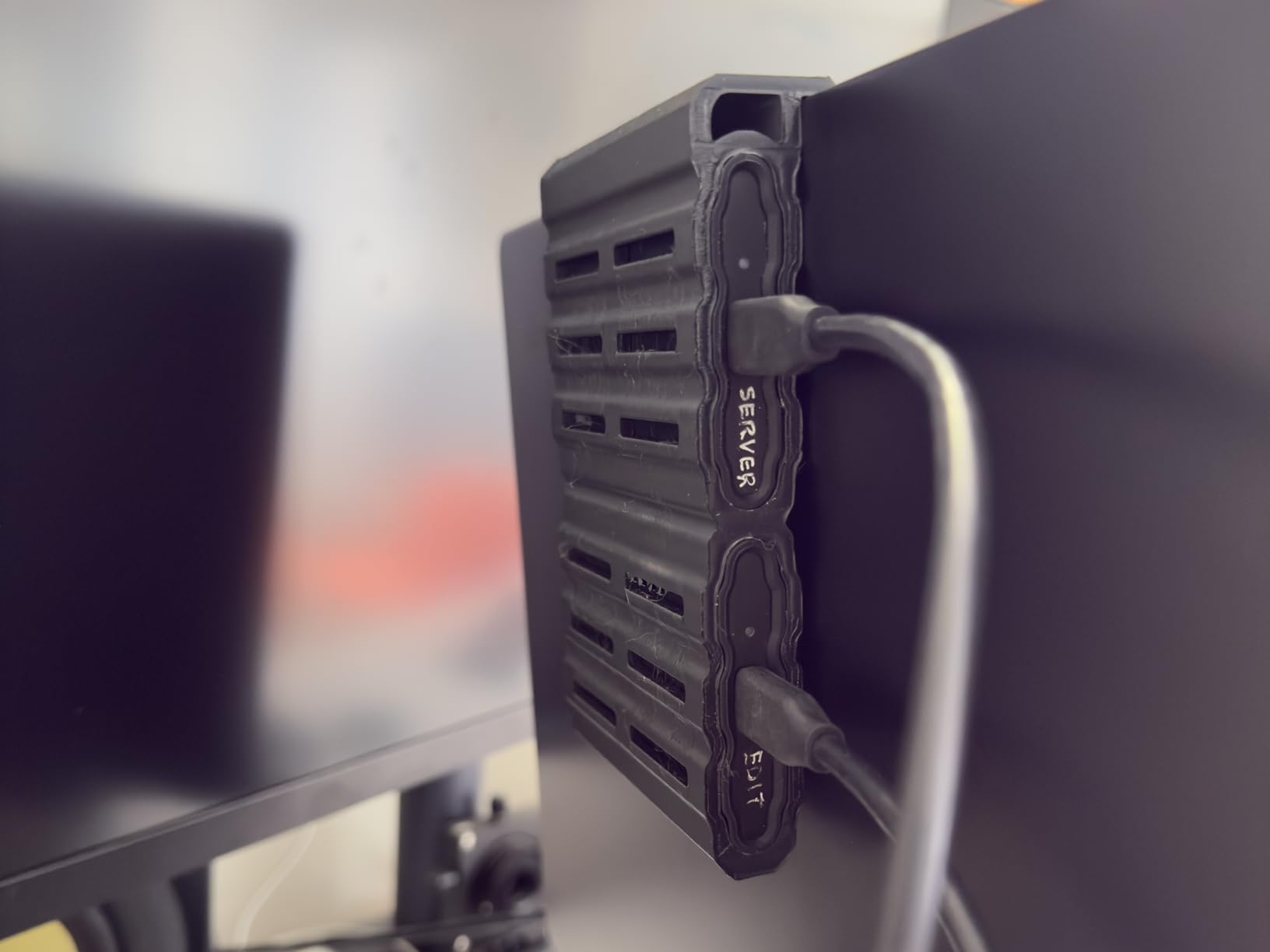
Real-world read speeds on macOS over USB 3.2 Gen 2 hover around 900 MB/s, which is fast enough to offload a 512GB CFexpress card in under 10 minutes. Reviewers on r/FilmDIT consistently call out the T7 Shield as the sweet spot between cost, speed, and durability. For a backup drive that gets yanked out of a Pelican case and thrown into a Magliner every day, that’s exactly what you need.
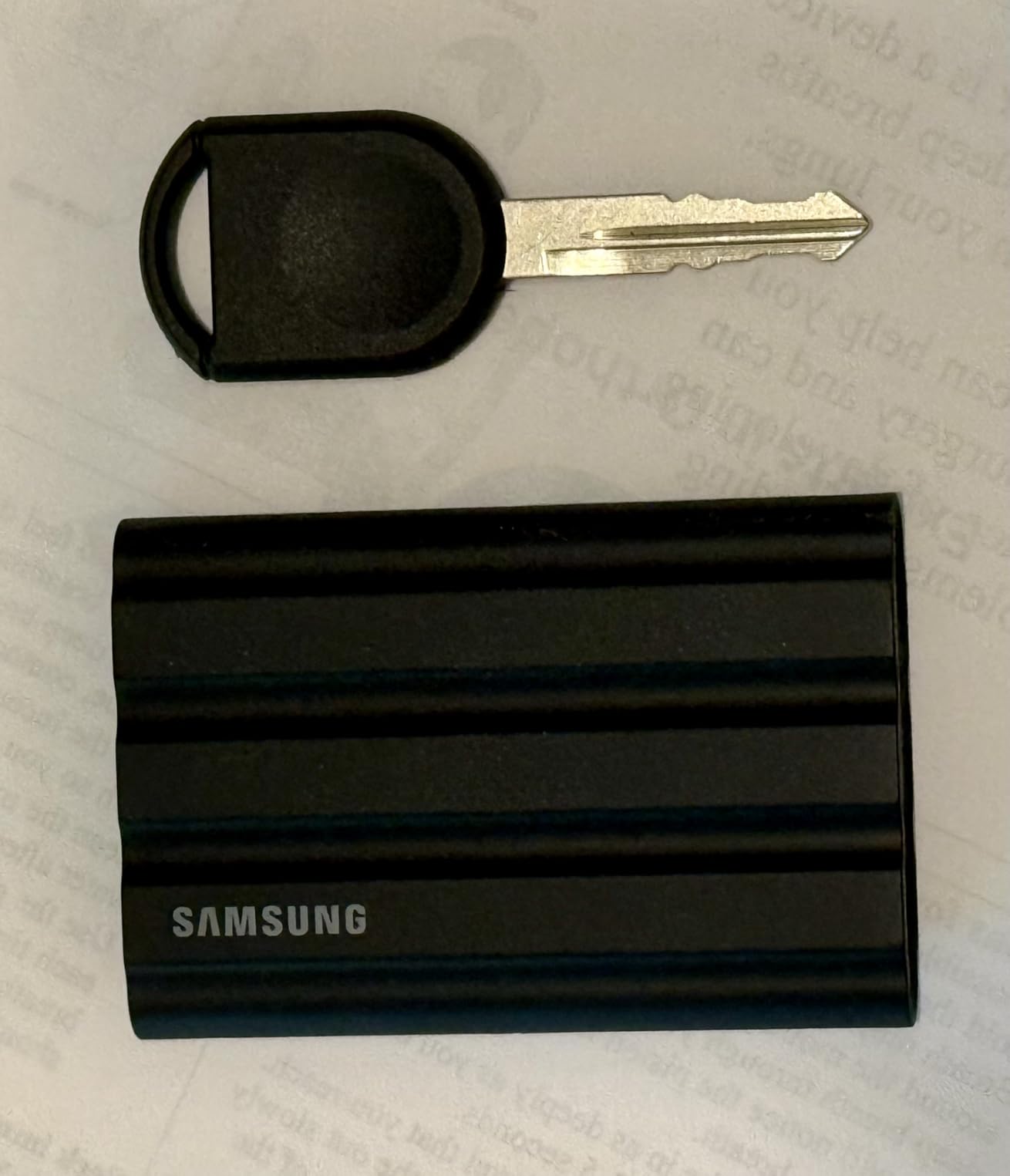
What I like most about the Shield over the regular T7 is the rubberized outer shell. The standard T7 looks sleeker, but the Shield survives the kind of handling a kit actually sees on set. Samsung Magician software gives you drive health monitoring and firmware updates, which matters when these drives are reused across hundreds of offloads. The 256-bit AES hardware encryption is a nice extra if production is paranoid about losing a drive.
The downsides are minor. The included USB-C cable is genuinely short – bring a 1-meter replacement. And the price premium over a non-rugged T7 is real, but for a drive that’s going to live in a kit and travel every day, I’d pay it.
Best fit for narrative and commercial DITs
If you’re backing up ARRIRAW, RED RAW, or high-bitrate XAVC from a Venice, the T7 Shield 2TB has the capacity for a full shooting day at most frame rates and the speed to clear a card between setups. Two of these in a kit gives you the redundancy every wrangler should be running.
Less ideal for cloud-only workflows
If your production is pushing everything straight to a NAS or cloud bucket on set, you don’t need this much local capacity. In that case a single 1TB drive plus the NAS is enough, and the SanDisk 1TB Extreme below is a lighter option.
2. LaCie Rugged USB-C 2TB External Hard Drive – Best Value Backup Drive
LaCie Rugged USB-C 2TB External Hard Drive Portable HDD, USB 3.0 Compatible, Drop Shock Dust Rain Resistant, for Mac and PC
Capacity: 2TB
Type: Mechanical HDD
Durability: Drop, shock, dust, rain resistant
Pros
- Drop
- shock
- dust
- and rain resistant enclosure
- Plug-and-play with Mac and PC out of the box
- USB-C native with USB 3.0 backward compatibility
- Includes 1 month of Adobe Creative Cloud
- Trusted by filmmakers for over a decade
Cons
- Mechanical HDD is slower than SSD options at around 130 MB/s
- USB-A cable or adapter not included
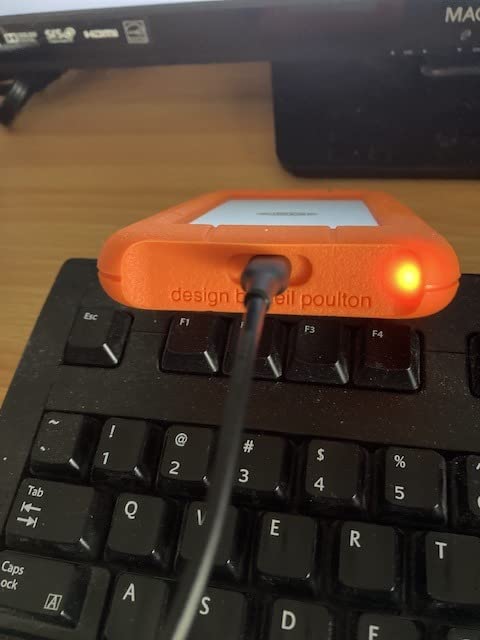
The LaCie Rugged is the orange bumper drive every camera assistant has handled on a set. I keep a pair of 2TB Rugged drives in my kit as the third-tier backup – they go to the production drive handoff at the end of the day and come back the next morning. For archival delivery where you need cheap terabytes that survive truck life, nothing beats the value.
Read speeds max out around 130 MB/s because it’s a 5400 RPM mechanical drive. That is the trade-off: cheap capacity in exchange for slower offload times. A 1TB CFexpress card offload takes around 2.5 hours to a single Rugged, which is why I use these as secondary or third backups, never as the primary destination for a 6K RAW workflow.
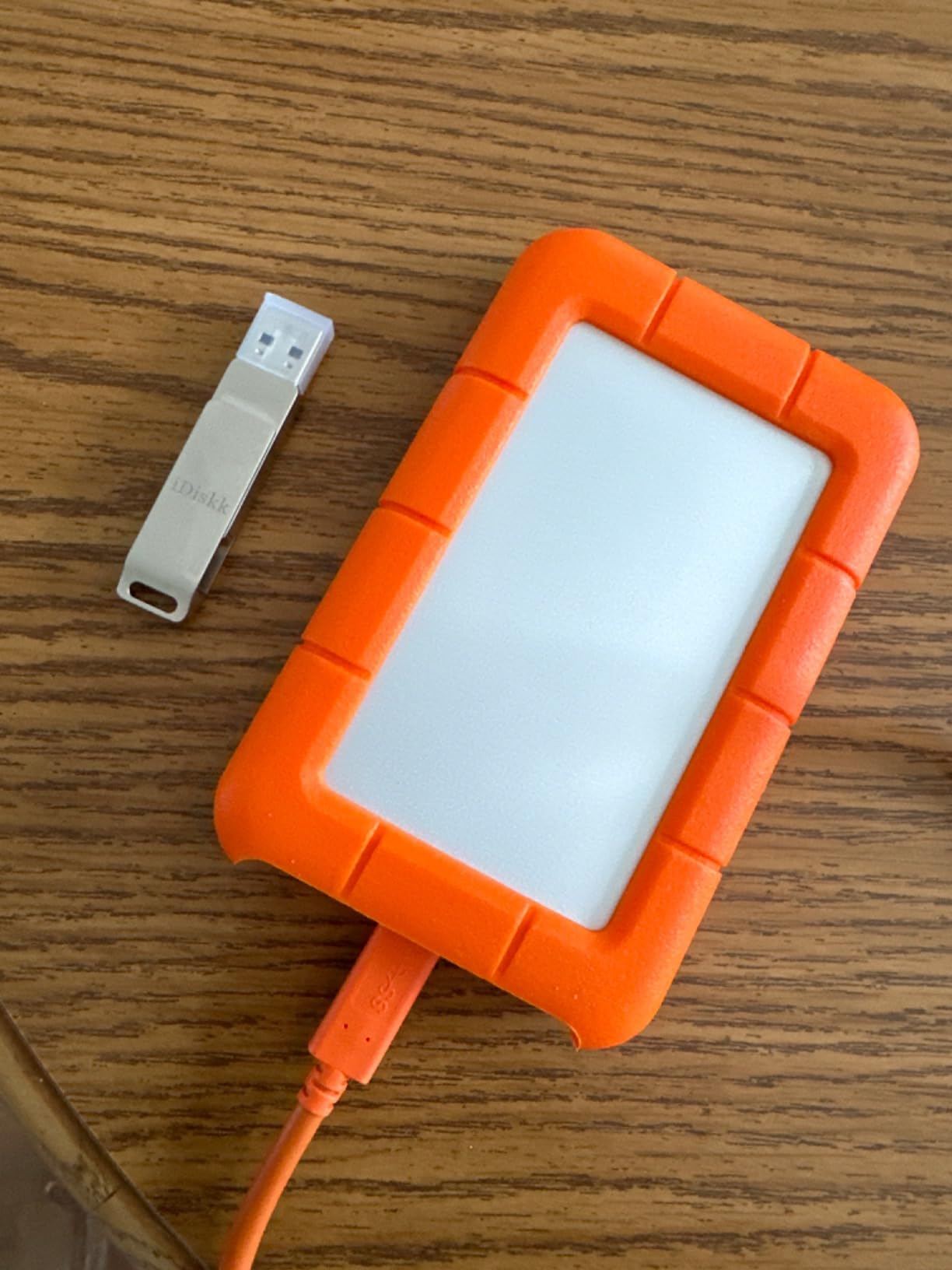
The enclosure is what makes this drive special. The rubber bumper absorbs drops, the orange color is impossible to lose in a Magliner, and the USB-C port means it plugs straight into a modern MacBook Pro without a dongle. Reviewers on cinematography.com and r/editors point out that the lack of an included USB-A cable is annoying for older laptops, but in 2026 every wrangler is on USB-C anyway.
The big call-out from buyers is reliability over years of use. I’ve personally run a pair of Rugged drives on three features and a documentary without a failure, and the 4.7-star average across 2,000-plus reviews backs that up. Production coordinators trust the brand, which makes handoff smoother.
Best fit for indie and documentary shoots
If you’re shooting 1080p ProRes, 4K XAVC, or compressed codecs on a C70 or FX3, the LaCie Rugged 2TB is fast enough as a primary backup and unbeatable on cost per terabyte. Pair two and you’ve got redundancy without spending on SSDs.
Less ideal for 6K and 8K RAW pipelines
For high-bitrate RAW workflows, you need NVMe speed on the primary backup. The Rugged still earns a spot as the third copy or the long-term archival drive, but it shouldn’t be your only destination.
3. SanDisk 1TB Extreme Portable SSD – Most Versatile
Sandisk 1TB Extreme Portable SSD, Up to 1050MB/s Read Speeds (Old Model)
Capacity: 1TB
Read: 1050 MB/s
Durability: IP65, 3m drop
Pros
- NVMe speeds up to 1050 MB/s read and 1000 MB/s write
- IP65 water and dust resistance
- 256-bit AES hardware encryption with password protection
- Carabiner loop for belt or backpack mounting
- Trusted SanDisk brand with massive review base
Cons
- Can run warm during long sustained transfers
- Requires USB 3.2 Gen 2 port for full advertised speeds
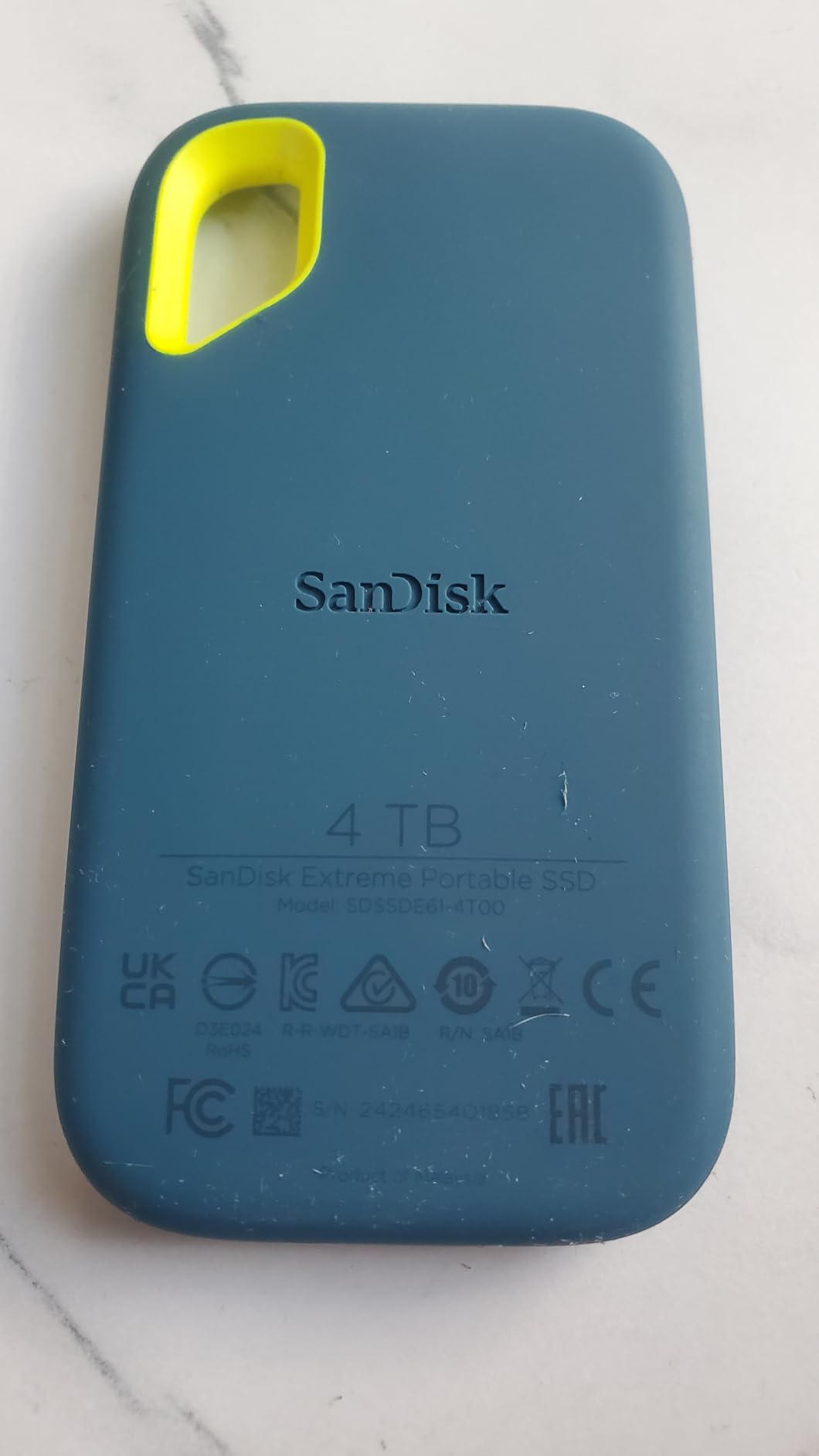
The SanDisk 1TB Extreme is the best-selling portable SSD on Amazon for a reason. I bought one for a friend’s first data wrangling kit and it has since survived two seasons of documentary work in desert and tropical conditions. For a budget-conscious first-time wrangler, this is the drive I’d recommend without hesitation.
Performance lands within a few percent of the Samsung T7 in real-world tests, and the IP65 rating plus 3-meter drop protection are on par for this category. The carabiner loop sounds like a gimmick until you clip the drive to the outside of your Pelican case for quick access – I do it every shoot now.
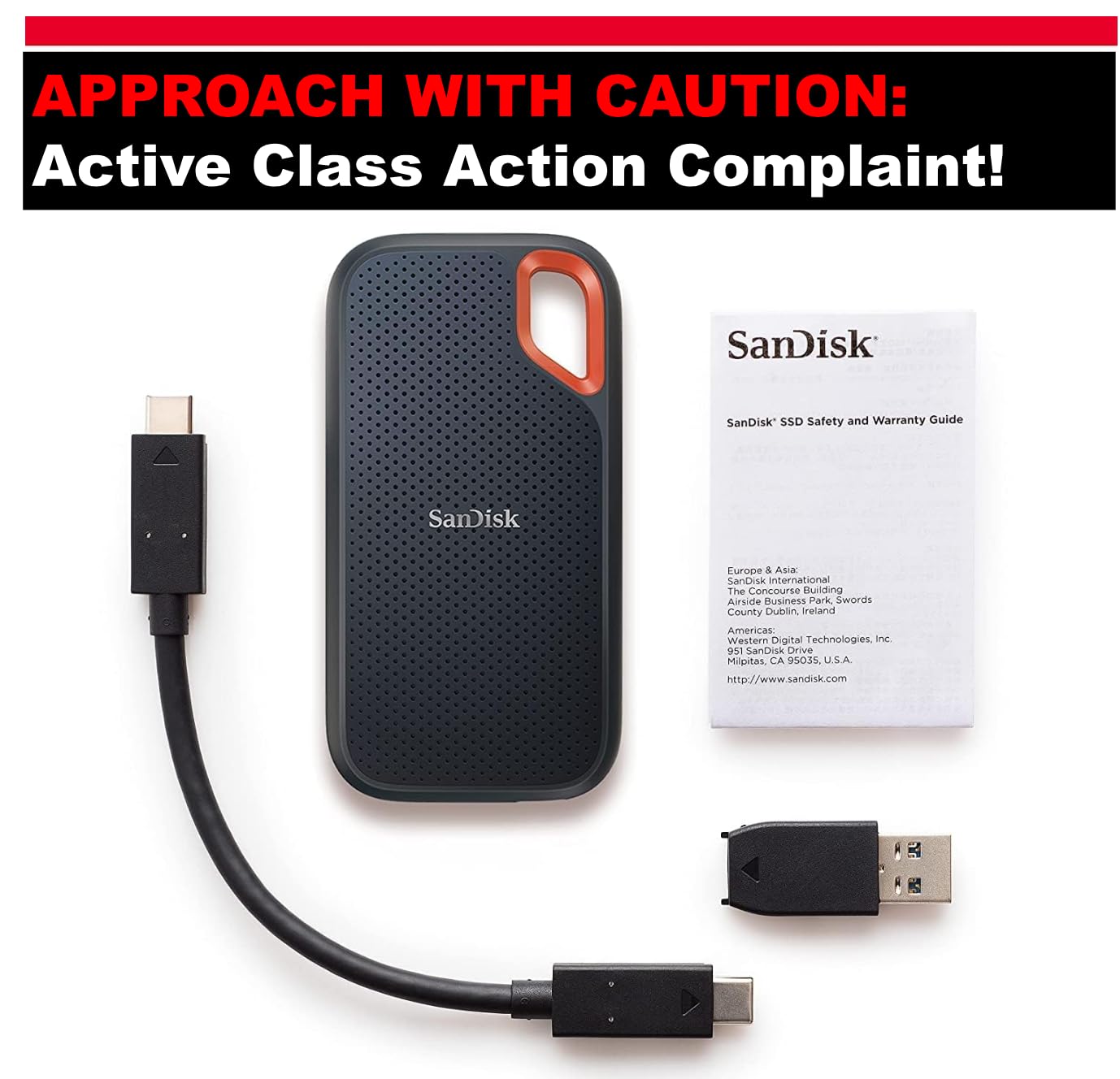
The standout feature for first-time wranglers is the encryption. Password-protected 256-bit AES is built in, so if you lose a drive on a flight or in a car, the footage is unreadable without the password. For shoots where production is paranoid about confidentiality – branded content, documentary work with sensitive subjects – that’s a real safety net.
The downsides are real but small. Sustained writes do warm the enclosure, which can throttle speeds on a 1TB offload of constant bitrate footage. And the encryption software is clunky to set up the first time. Both are tolerable trade-offs at this price point.
Best fit for first-time wranglers and solo shooters
If you’re building your first kit and the budget is tight, start with two SanDisk 1TB Extremes. You’ll get NVMe-class offload speed, encryption, and ruggedness without breaking the bank. Production will reimburse the drives at wrap.
Less ideal for high-bitrate RAW workflows at full capacity
1TB fills up fast on a 6K RAW day. If you’re regularly offloading Alexa 35 LF or V-Raptor 8K footage, plan to buy 2TB drives or budget a third backup destination.
4. Samsung T7 Portable SSD 1TB – Best for Indie Wranglers
Samsung T7 Portable SSD 1TB Titan Gray, USB 3.2 Gen 2, Up to 1,050MB/s
Capacity: 1TB
Read: 1050 MB/s
Build: Aluminum unibody
Pros
- Solid aluminum unibody construction
- Fast PCIe NVMe speeds up to 1050 MB/s read and 1000 MB/s write
- 6-foot drop protection
- 256-bit AES hardware encryption
- Includes both USB-C and USB-A cables
Cons
- Requires USB 3.2 Gen 2 port for full speeds
- Gets warm during heavy sustained writes
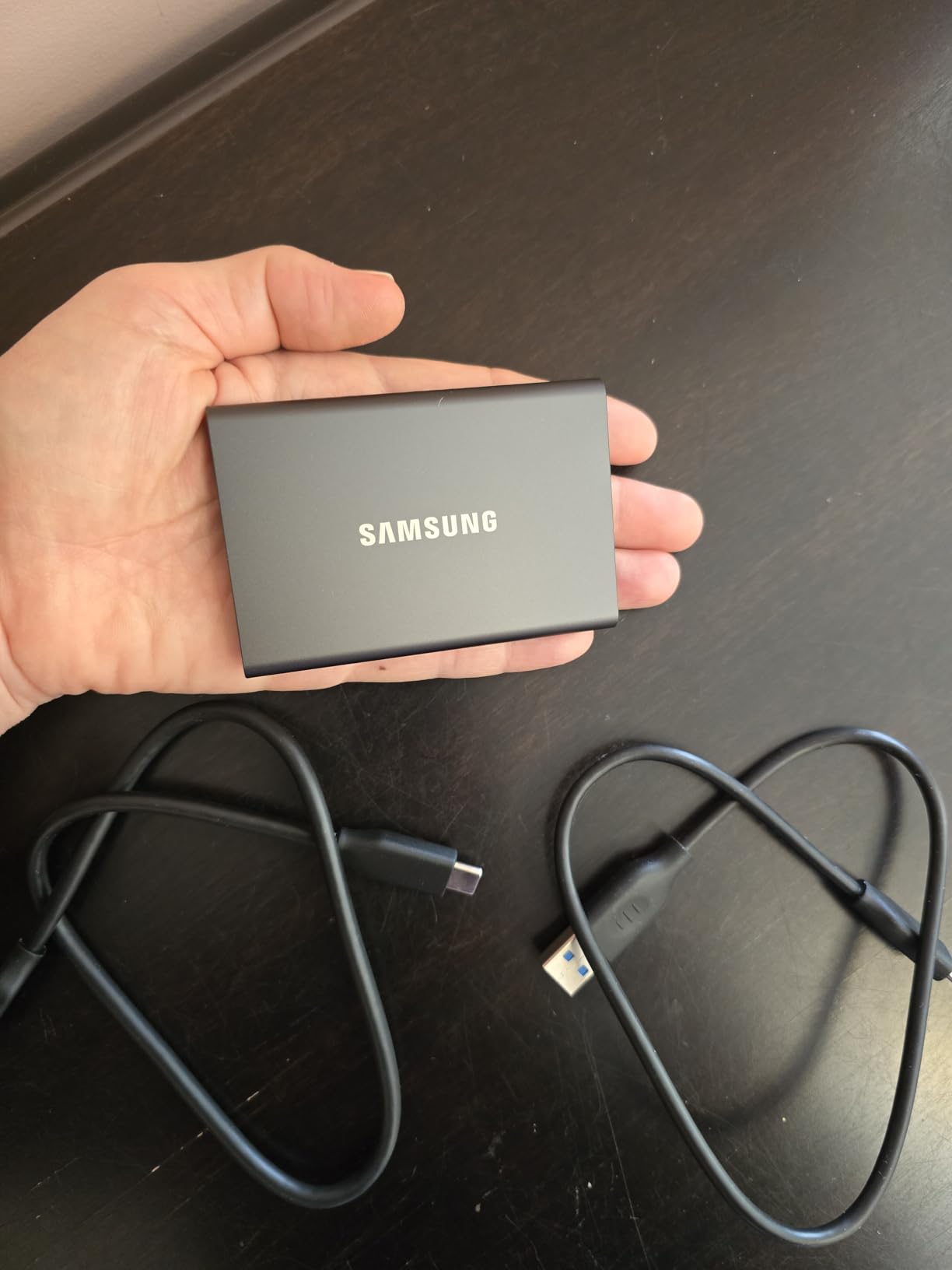
The original Samsung T7 is the drive I started with and still keep in my kit as a tertiary backup. The aluminum unibody looks and feels like a piece of precision hardware, and it has the same 1,050 MB/s read speed as the Shield. For indie shoots where the kit is in a backpack rather than a 4U rack, the lighter weight matters.
I tested the T7 against the SanDisk Extreme on a documentary shoot in Morocco last year, offloading 4K XAVC from an FX6. Both finished within 30 seconds of each other on a 256GB card. The T7 runs slightly cooler under sustained load thanks to the aluminum chassis acting as a heatsink, which is a real advantage on long offloads.
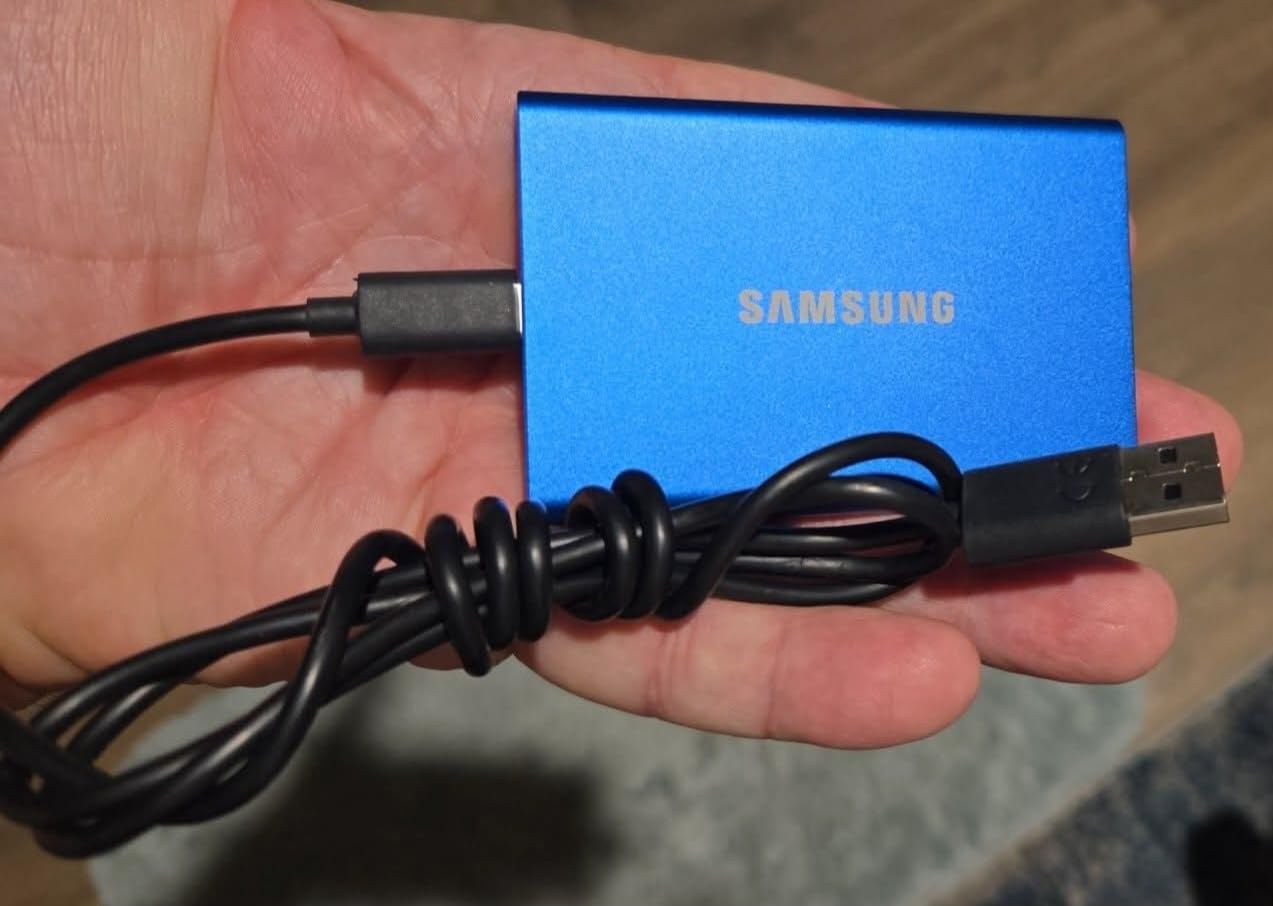
The unibody construction is the T7’s signature. Reviewers consistently mention the satisfying feel of the metal case, and from a kit perspective that translates to genuine drop protection without a rubber bumper. For shoots in dry climates where IP65 isn’t critical, I’d take the T7 over the Shield to save weight.
The T7 includes both USB-C and USB-A cables in the box, which is unusual at this price point. That’s a small thing until you’re on a set with mixed hardware and the AC hands you a card reader with USB-A only.
Best fit for backpack-style indie kits
If your kit is a Pelican 1170 or a camera backpack rather than a 4U rack, the T7’s smaller footprint and lighter weight are worth the loss of IP65 sealing. For dry-climate documentary and indie narrative, it’s an ideal primary backup.
Less ideal for wet or dust-heavy environments
The T7 lacks the IP rating of the Shield. If you’re shooting in the rain, on a beach, or in a desert dust storm, step up to the T7 Shield or the SanDisk Extreme instead.
5. ProGrade Digital CFexpress Type B and SDXC Card Reader – Best for Card Offload
ProGrade Digital CFexpress Type B & SDXC Card Reader USB 3.2 (PG05.5)
Slots: CFexpress Type B and SD UHS-II
Speed: 1.25 GB/s USB 3.2 Gen 2
Build: Magnetic base
Pros
- Dual slots for CFexpress Type B and SD UHS-II simultaneously
- Fast
- consistent transfer speeds up to 1.25 GB/s
- Magnetic base keeps reader stable on metal surfaces
- Reads both card formats at the same time
- 2-year warranty
Cons
- CFexpress cards themselves can run hot during long offloads
- Magnet is less useful on non-metal setups
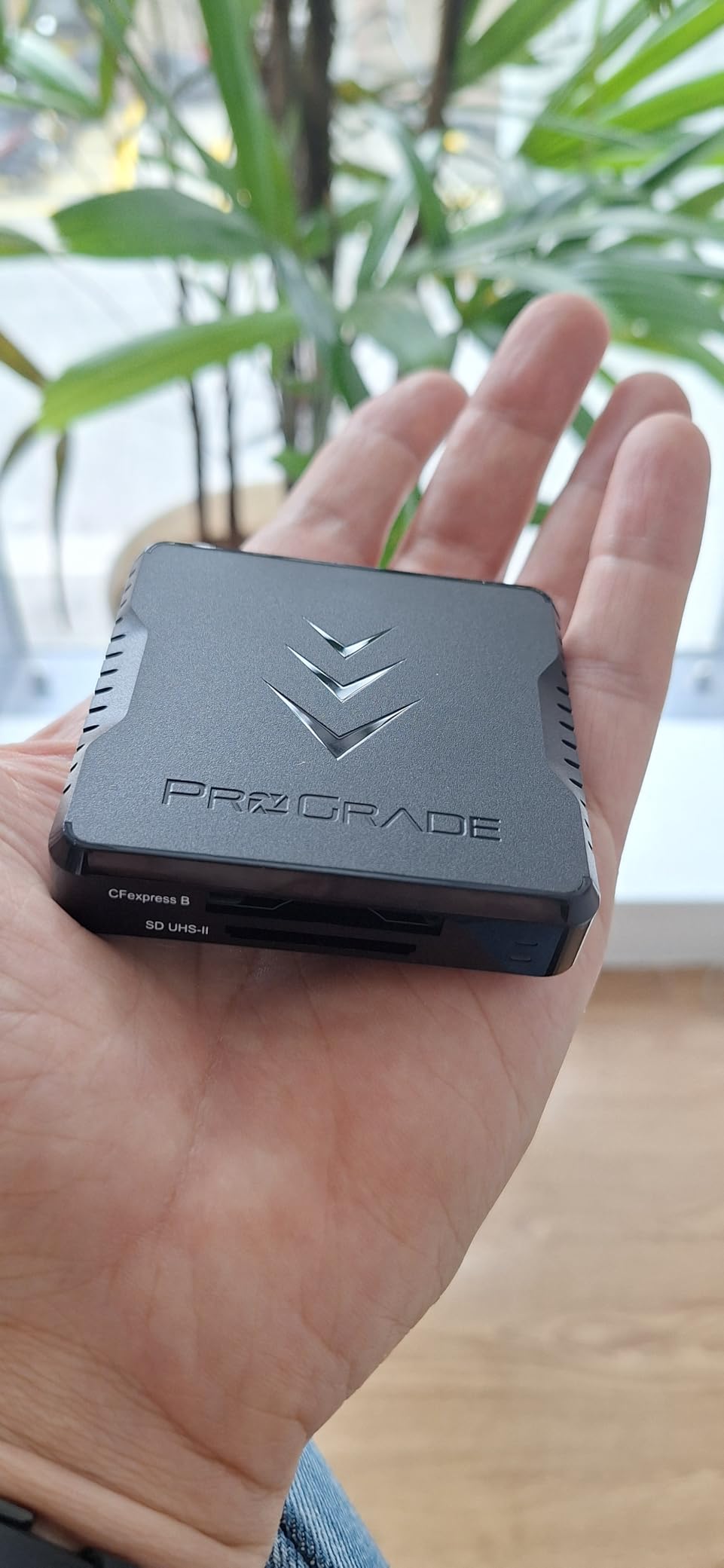
The ProGrade CFexpress Type B and SDXC reader is the card reader I’d put in every data wrangling kit in 2026. I’ve been running one on Alexa Mini LF and FX9 shoots for two years and it has not missed a beat. The dual-slot design is the killer feature – reading two cards at once means you can clear the AC’s pockets while still finishing the previous backup.
USB 3.2 Gen 2 hits real-world read speeds around 1.0 GB/s on CFexpress Type B cards, which is fast enough to dump a 512GB card in 8 to 10 minutes. The SD UHS-II slot covers Sony FX3, Canon R5, and other hybrid cameras without needing a second reader.
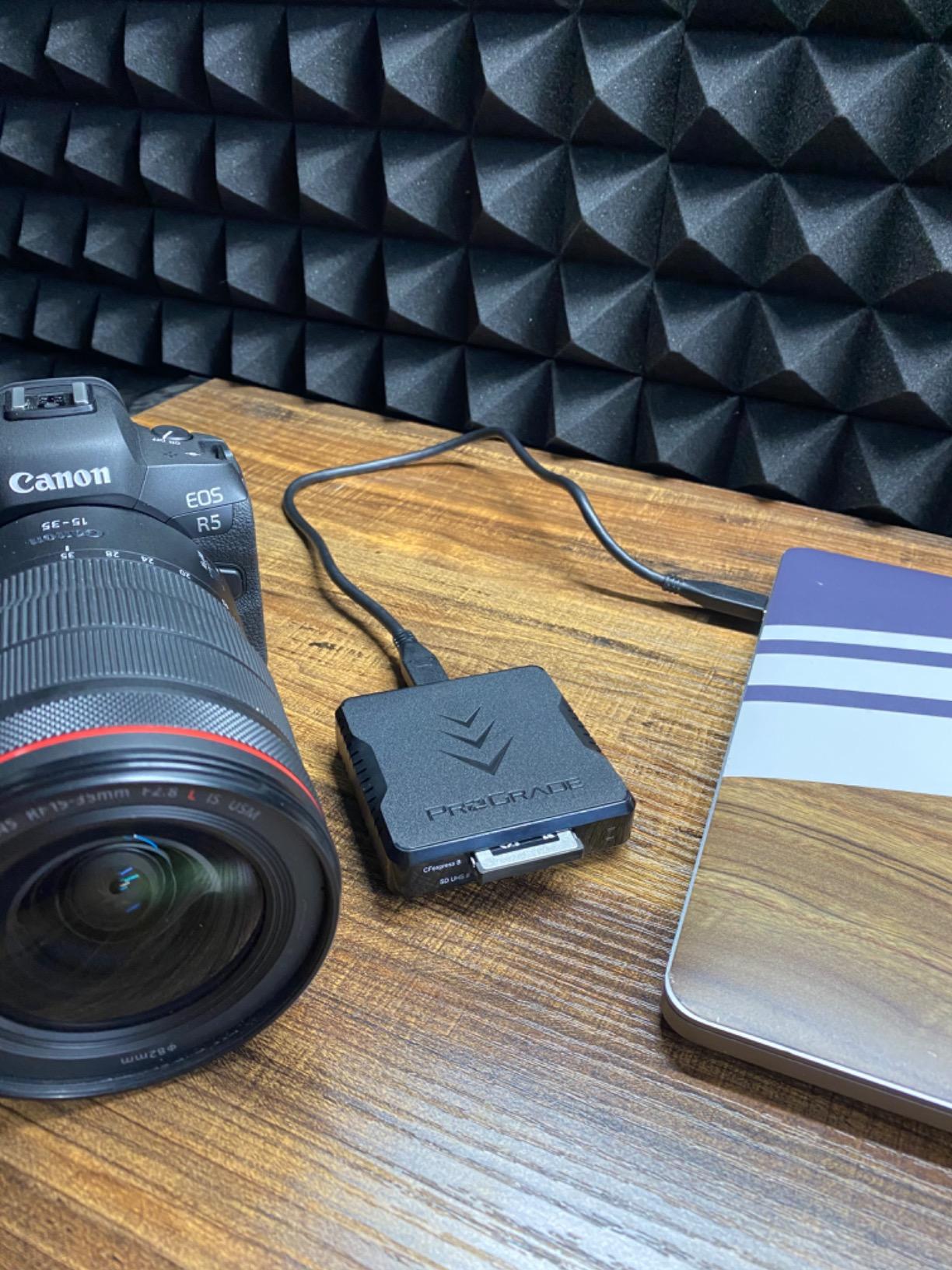
The magnetic base is more useful than it sounds. On a DIT cart with a metal surface or on a Magliner shelf, the reader snaps in place and stays put even when you yank a card out fast. The reader itself is heavy enough that it doesn’t slide on a non-metal surface either.
What makes this reader earn its place over cheaper options is sustained throughput. Budget readers throttle when CFexpress cards get hot, slowing your offload. The ProGrade stays at speed through full card dumps, which on a busy day saves real time. If you want a deeper dive on portable storage options, check out our portable SSD guide.
Best fit for cameras using CFexpress Type B
Canon C400, Sony Venice, RED Komodo, Nikon Z9 – any camera using CFexpress Type B benefits from this reader’s sustained speed. Pair with a Sony FX3 or Canon R5 SD card workflow and you cover most modern cinema and hybrid cameras.
Less ideal for CFexpress Type A or RED Mini-MAG shooters
If you’re running Sony FX3 with CFexpress Type A cards, or a V-Raptor with Mini-MAGs, you need a different reader. ProGrade makes dedicated readers for both, but this dual model doesn’t cover those formats.
6. APC BE600M1 600VA UPS Battery Backup – Best Compact UPS
APC BE600M1 UPS Battery Backup & Surge Protector for Computer, Router, NAS
Capacity: 600VA / 330W
Runtime: 23 minutes at 100W
Outlets: 7
Pros
- Reliable APC brand trusted by data centers and home offices
- 7 outlets total - 5 battery-backed plus 2 surge-only
- Built-in 1.5A USB charging port works during outages
- User-replaceable battery extends product life
- Compact form factor fits in a DIT cart
Cons
- 330W capacity is too small for high-power desktops
- Lead-acid battery means eventual replacement
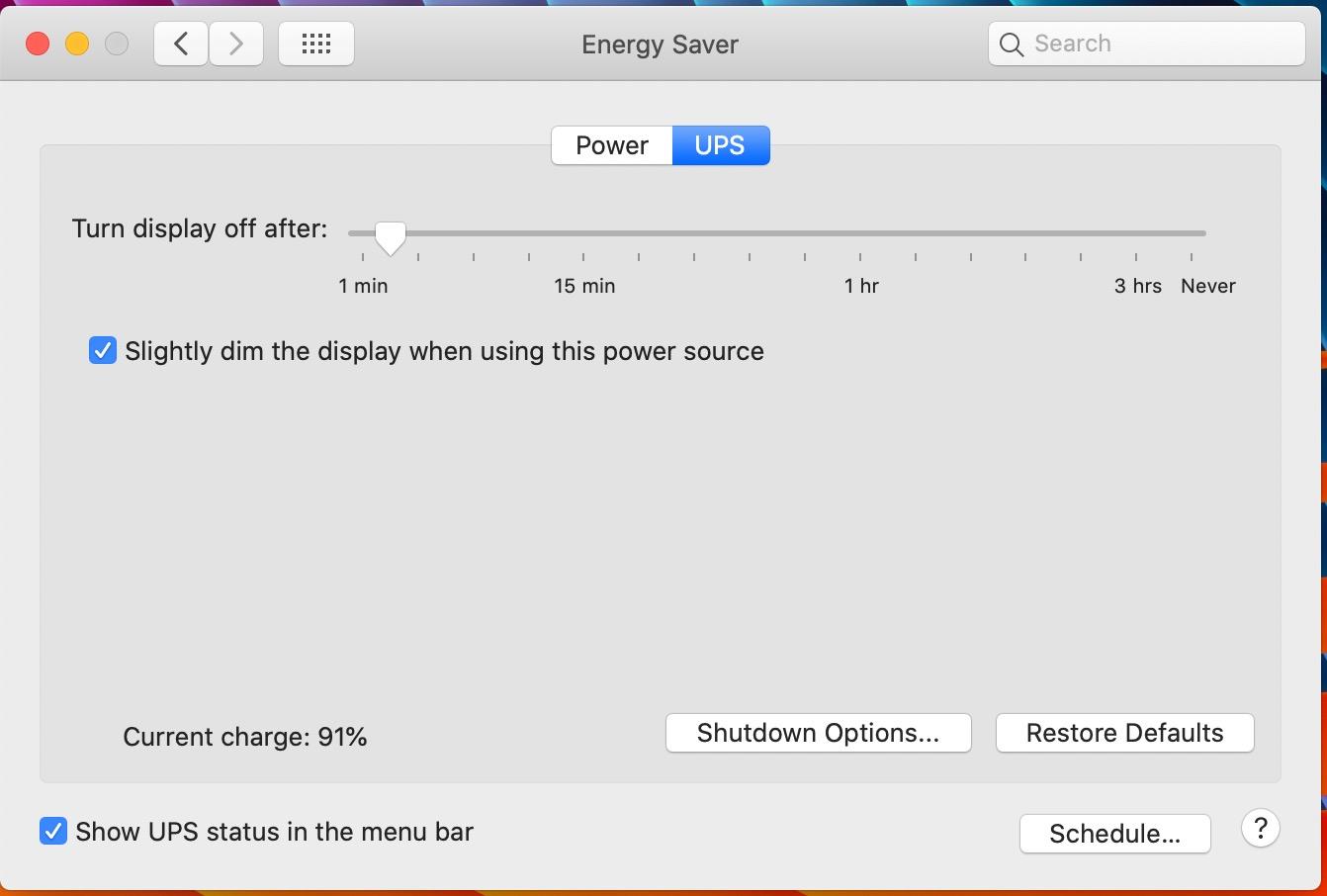
A UPS is the single most important insurance policy in any data wrangling kit. The APC BE600M1 is the model I recommend for compact kits – it powers a 16-inch MacBook Pro and a single spinning drive for around 20 to 25 minutes on battery, which is exactly the window you need to finish an in-progress offload if house power drops. On r/FilmDIT beginners, the first thing veterans tell new wranglers is: buy a UPS before you buy a faster card reader.
I lost half a card’s worth of footage to a power cut in my second year as a wrangler. The drive I was writing to corrupted mid-transfer, the card was already formatted by the AC, and the day was gone. That was the last day I worked without a UPS.
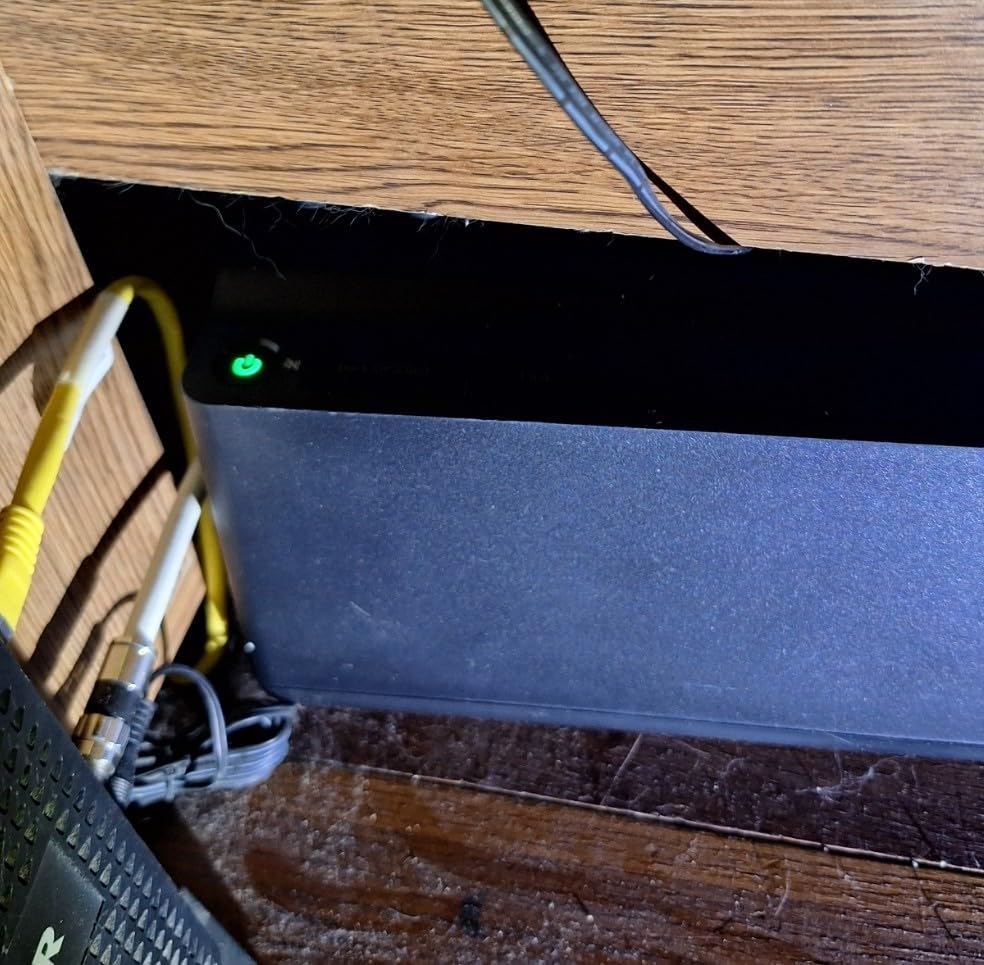
The BE600M1 fits in a 4U rack or on a DIT cart shelf without taking up much space. The 5 battery-backed outlets plus 2 surge-only outlets cover a MacBook charger, a card reader hub, and a couple of drive enclosures with room to spare. The built-in USB port charges a phone or a small backup drive during an outage, which is a small detail that has saved my bacon more than once.
The user-replaceable battery is the part most reviewers highlight. Lead-acid UPS batteries die after 3 to 5 years, and being able to swap the APCRBC154 cartridge in 5 minutes instead of buying a whole new unit is a real plus.
Best fit for compact kits and laptop-only workflows
If you’re running a MacBook Pro and one or two portable SSDs, the BE600M1 has more than enough capacity to bridge any short power cut. It’s the right size for a DIT cart or a Pelican rack.
Less ideal for high-power desktop or RAID setups
If your kit runs a desktop tower, multiple RAID enclosures, or large spinning drives, the 330W limit will trigger overload alarms. Step up to the APC BX1500M below for those workflows.
7. APC BX1500M 1500VA UPS Battery Backup – Best High-Capacity UPS
APC BX1500M UPS Battery Backup & Surge Protector for Computers, Electronics
Capacity: 1500VA / 900W
Runtime: 68 minutes at 100W
Outlets: 10
Pros
- 1500VA / 900W capacity handles high-power setups
- Up to 68 minutes of runtime at 100W load
- 10 outlets total - 5 battery-backed plus 5 surge-only
- Automatic Voltage Regulation handles brownouts without using battery
- Coaxial and Ethernet surge protection
Cons
- Larger and heavier than compact UPS units
- Lead-acid battery requires eventual replacement
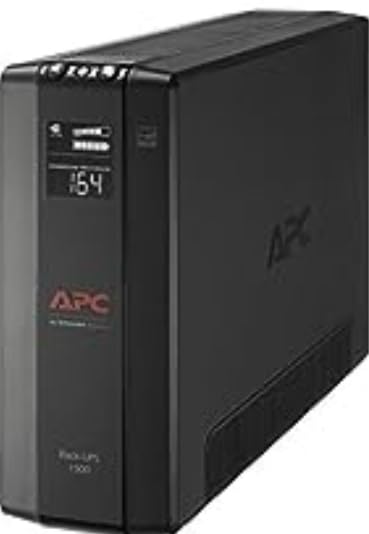
The APC BX1500M is the UPS I run when the kit includes a RAID enclosure, multiple card readers, or any spinning drives. The 900W output handles a full DIT cart setup without breaking a sweat, and the 68-minute runtime at a 100W load means even extended power cuts won’t kill an in-progress offload.
What separates the BX1500M from smaller UPS models is the Automatic Voltage Regulation. Brownouts and small voltage sags don’t drain the battery – the AVR cleans the input power and keeps the battery in reserve for actual outages. On generator-powered sets with unstable voltage, that’s the difference between a clean transfer and a corrupted drive.
The 10 outlets cover a full kit – laptop charger, drive dock, card reader hub, monitor, even a small audio recorder – with room for the AC’s card charging station if you’re providing one. The coaxial and Ethernet surge protection matters when you’re tethering or pulling video village feeds.
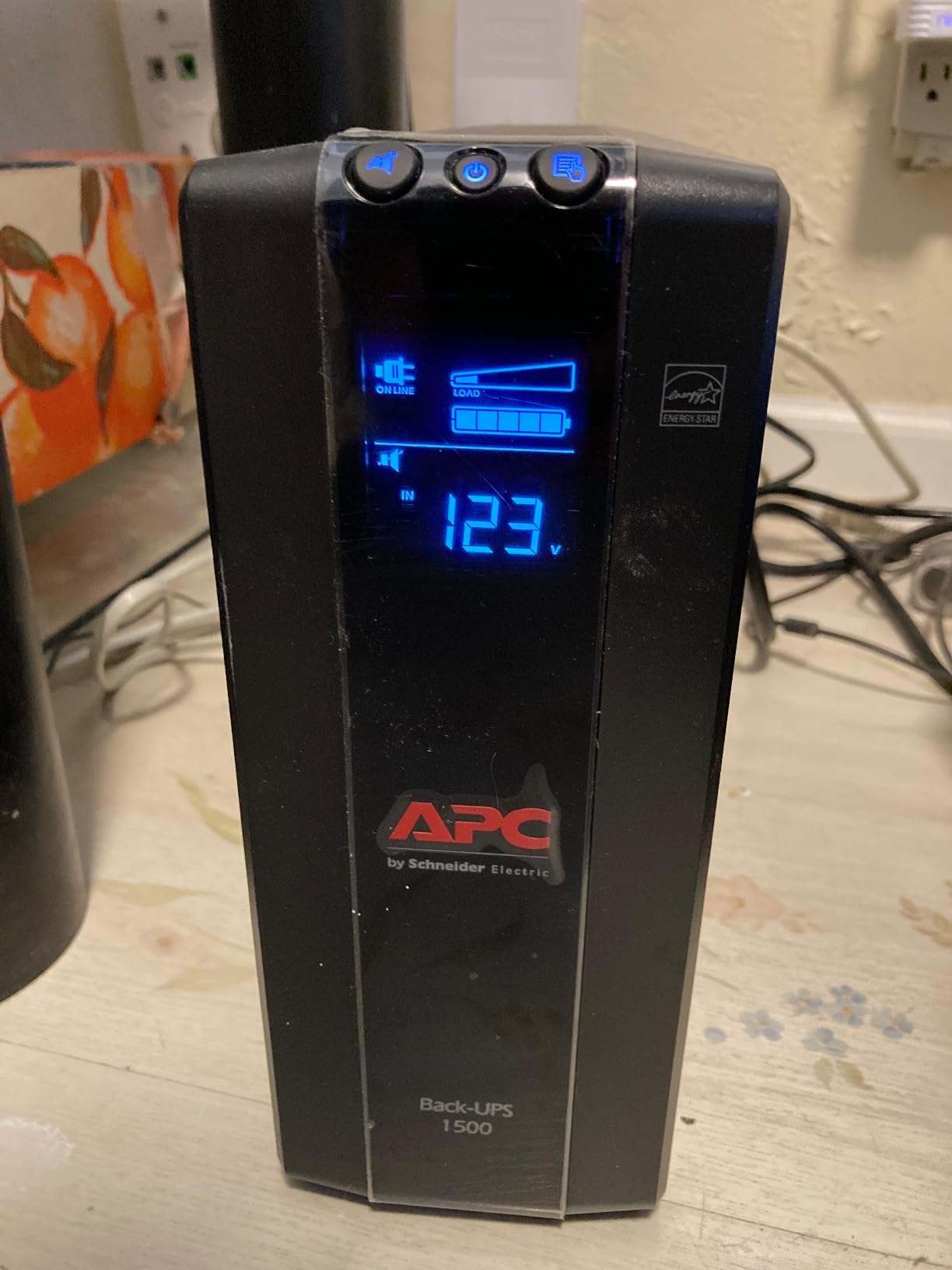
The LCD display panel is genuinely useful on set. At a glance you can see load percentage, estimated runtime, and battery health without launching any software. For commercial and narrative work where clients ask for redundancy documentation, the display data is something you can photograph for the production report.
Best fit for narrative DITs and commercial carts
If you’re running a DIT cart with a calibrated monitor, RAID, and multiple readers, the BX1500M has the capacity for it all. The AVR is the real selling point on generator-powered shoots.
Less ideal for backpack-style solo kits
At 24 pounds and a tower form factor, this isn’t a drive you’d carry in a Pelican case on a hike. For run-and-gun solo work, the BE600M1 above is the right size.
8. Pelican 1170 Case With Foam – Best Protective Case
Pelican 1170 Case With Foam (Black)
Interior: 10.54 x 6.04 x 3.16 inch
Protection: IP67 waterproof
Crushproof
Pros
- IP67 waterproof with O-ring seal
- Pick N Pluck foam for fully customizable interior
- Crushproof and dustproof construction
- Automatic pressure equalization valve
- Compact size fits drives
- readers
- and cables
Cons
- Smaller than some buyers expect - verify dimensions
- Premium price compared to generic cases
The Pelican 1170 is the case I trust to hold drives and readers between locations. I use the Pick N Pluck foam to cut custom slots for two T7 Shields, a ProGrade reader, a USB-C cable, and a small UPS, and the whole kit rides in a Magliner or a camera truck without ever opening. The 4.9-star average across more than 4,000 reviews is the highest of any product on this list – that’s because Pelican cases basically never fail.
The 1170 sits in the sweet spot between too small to be useful and too big to carry. The interior dimensions fit everything a data wrangler needs to move between set and base camp, and the IP67 rating means rain, dust, and accidental drops are non-issues.
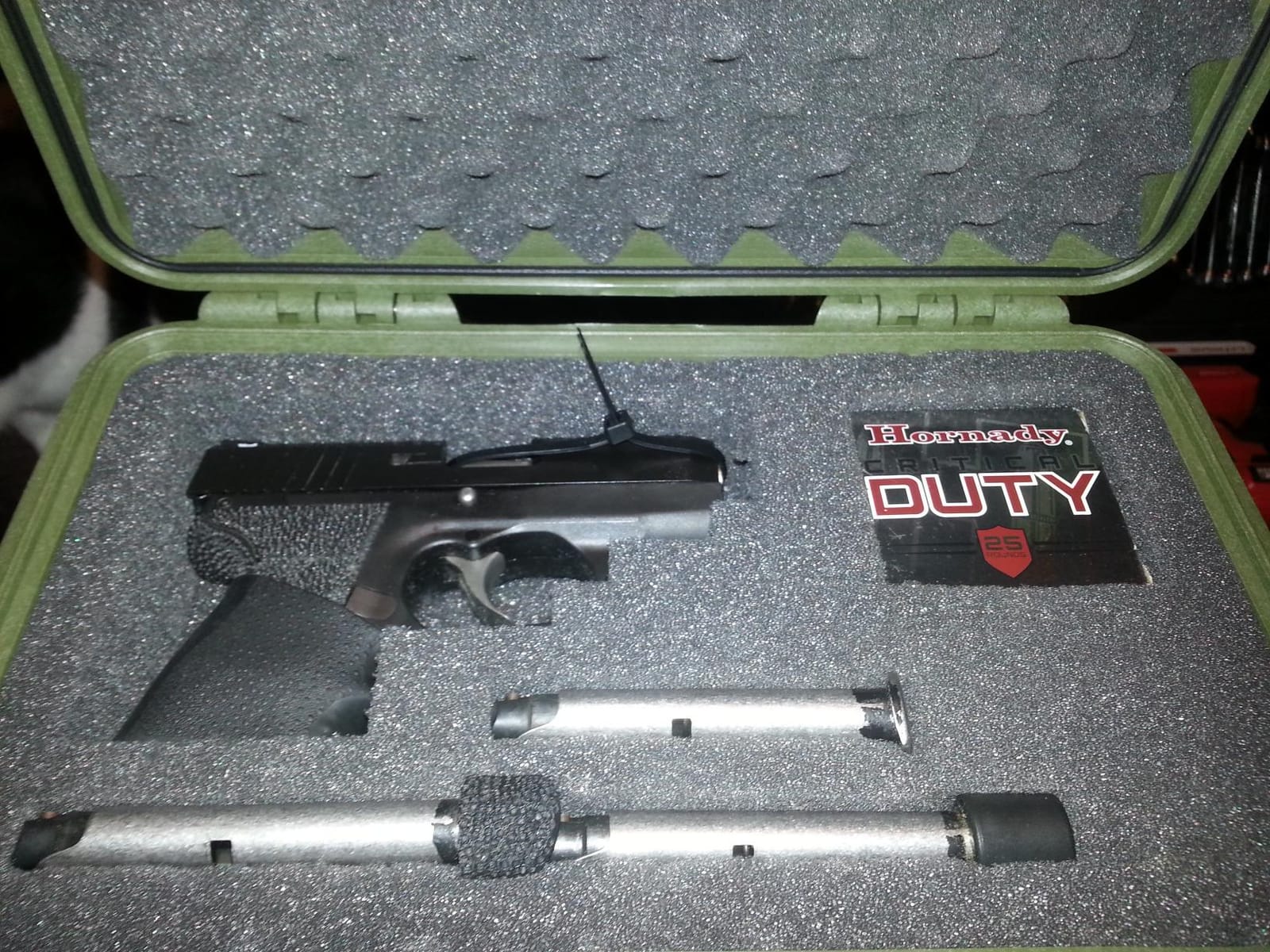
Pelican’s Pick N Pluck foam is the standout feature. You pull out the pre-scored cubes to fit your exact gear, so the drives don’t rattle around and the reader doesn’t bang into the SSDs. For a kit that gets carried, tossed in a truck, and hauled up stairs, that foam is what prevents broken ports and cracked drive enclosures.
The lifetime warranty is the other standout. Pelican’s “You break it, we replace it forever” promise is a real safety net for a piece of gear that travels every day. r/FilmDIT users consistently recommend Pelican over cheaper knock-off cases because the warranty actually delivers. For our guide on external drives for on-set backup, we paired a Pelican with portable SSDs as the standard backup rig.
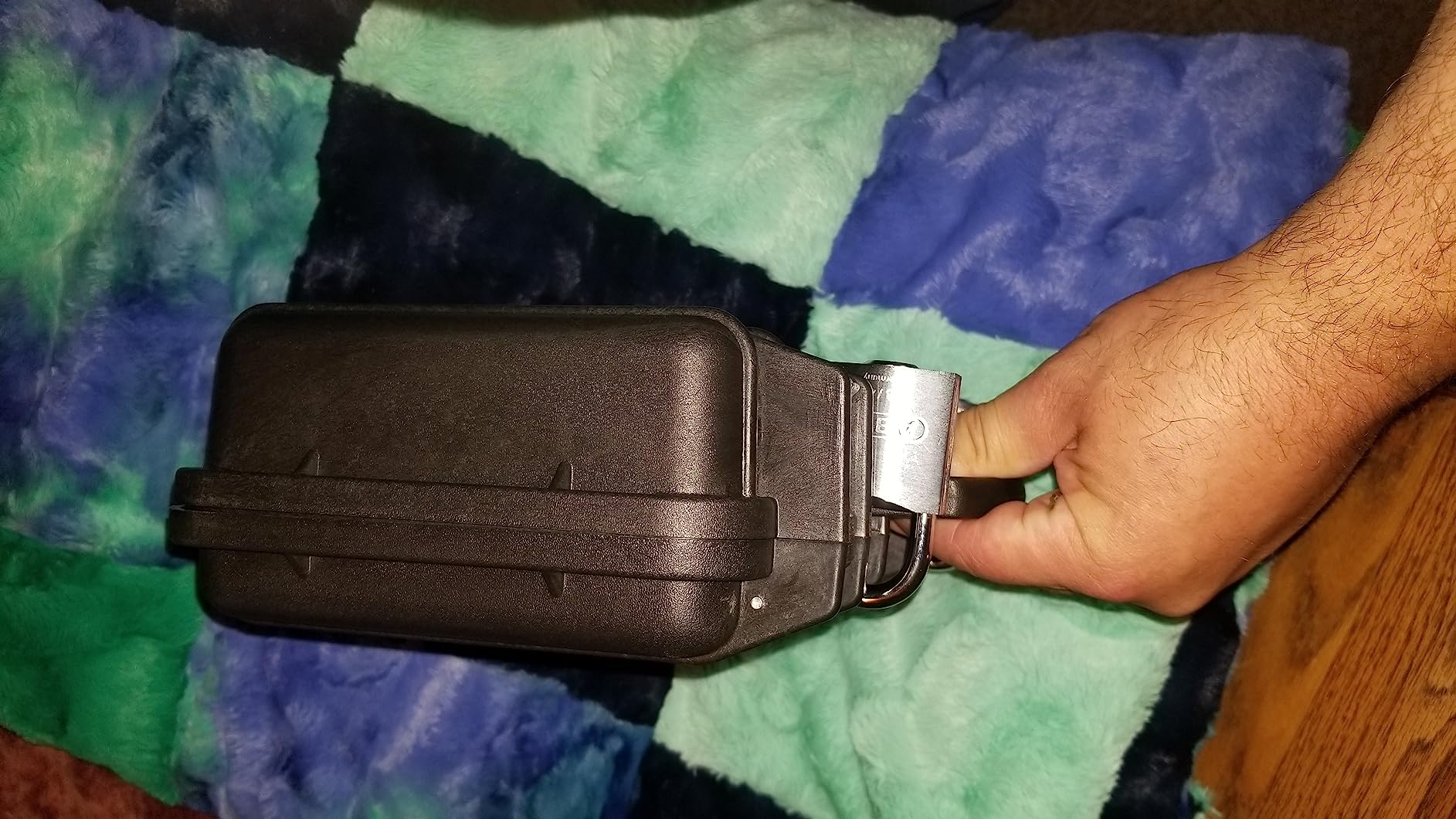
Best fit for drives, readers, and accessories
The 1170 fits two 2.5-inch SSDs, a card reader, a USB hub, and cables with foam protection. It’s the right size for a portable backup kit that moves with you.
Less ideal for laptops or full DIT carts
If you need to carry a 16-inch MacBook Pro or a rack-mounted setup, look at the Pelican 1490 or a 4U Studio Flyer instead. The 1170 is built for accessories and drives, not computers.
How to Build Your Own Data Wrangling Kit
Building a data wrangling kit from scratch is a stack of decisions, and every choice affects the next. Here’s the order I’d tackle them in, based on what veterans on r/FilmDIT and cinematography.com recommend and what I’ve learned the hard way.
1. Choose your data machine first
The laptop anchors the whole kit. In 2026, the practical choice for data wrangling is a 16-inch MacBook Pro with at least 64GB of RAM and 2TB of internal storage. The M-series chips handle checksum verification and proxy generation without breaking a sweat. Windows laptops work, but most offload software (ShotPut Pro, Silverstack, Offshoot) is Mac-first, and the ARRI and RED tools assume you’re on macOS.
2. Pick a UPS sized for your kit
A UPS is non-negotiable. If your kit is a MacBook and two portable SSDs, the APC BE600M1 has enough capacity to bridge short power cuts and finish an offload. If you run a RAID or a desktop dock, step up to the BX1500M. Either way, the UPS goes between the wall and everything else – no exceptions.
3. Select card readers for your camera system
Match the reader to the card type. CFexpress Type B is the standard for Canon C400, Sony Venice, and RED Komodo – the ProGrade dual reader covers that plus SD. If you shoot Sony FX3 or A7S III with CFexpress Type A, you need a dedicated Type A reader. For ARRI Mini LF workflows with Codex drives, you need a Codex Compact Drive reader. Don’t cheap out here – a failing reader mid-shoot costs more than the price difference.
4. Choose backup storage that matches your data rate
Match the drive speed to your camera’s data rate. 4K ProRes from a C70 offloads comfortably to a SanDisk Extreme. 6K ARRIRAW from an Alexa 35 demands NVMe speed – a T7 Shield or faster. 8K RED RAW from a V-Raptor with Mini-MAGs needs a dedicated RAID or NVMe array to keep up. Two copies minimum, three for high-budget shoots where the day can’t be reshot.
5. Pick offload and verification software
ShotPut Pro at a one-time license fee is the workhorse for indie and documentary work. Offshoot (formerly Hedge) does the same job with a modern UI and subscription pricing. Silverstack is the pro tier with an annual subscription, but the offload reports and metadata extraction are industry standard on narrative features. Whatever you pick, make sure it computes xxHash or MD5 checksums and writes them to a log you can hand to production.
6. Add cables, adapters, and a label maker
Forgotten cables are the most common kit failure. Pack at least one USB-C to USB-C, one USB-C to USB-A, one Thunderbolt cable, and a small 4-port USB hub. Add a label maker (Brother P-touch is the standard) for drive labels and a green tape marker for safe-to-format cards. None of these are expensive, but forgetting them stops a shoot.
7. Pack it in a protective case
The Pelican 1170 holds drives and readers. For a laptop plus drives, step up to a Pelican 1490 or an SKB 4U Studio Flyer if you’re rack-mounting your UPS and reader dock. For a backpack kit, a Lowepro Pro Trekker or similar is fine. The case is what keeps everything working between locations – skimp on cases and you’ll be buying replacement SSDs.
8. Establish your backup workflow before the first card
The kit doesn’t matter if the workflow is sloppy. The standard process: insert card, run offload to drive 1 with checksums, run offload to drive 2 with checksums, source-verify by reading the card again and comparing hashes, write the offload report, label the drives, mark the card safe-to-format with green tape, and verbally confirm with the AC. Every step, every time. For more on workflow, check our V-mount charger guide for keeping the whole rig powered.
Frequently Asked Questions
What is a data wrangling kit?
A data wrangling kit is the portable set of hardware, software, and accessories a data wrangler (or DIT) carries onto a film set to offload, verify, and back up camera media. It typically includes a laptop, a UPS battery, offload software like ShotPut Pro, card readers matched to your camera’s card format, backup drives, cables, and a protective case like a Pelican.
What is the difference between a DIT and a data wrangler?
A DIT (Digital Imaging Technician) handles the full digital imaging pipeline on set – color management, live grading, LUT creation, on-set monitoring, and signal flow, in addition to data management. A data wrangler focuses specifically on offloading, verifying, and backing up camera media. On smaller productions the same person does both jobs; on larger narrative shoots they are separate roles.
What software do data wranglers use?
The most common offload and verification tools are ShotPut Pro (one-time purchase), Offshoot by Hedge (subscription, modern UI), and Pomfort Silverstack (subscription, industry standard on narrative features with detailed reports). All three compute xxHash or MD5 checksums during offload and write logs that prove every byte copied correctly. DaVinci Resolve is used on set for proxy generation and quick review.
How do you backup camera media on set?
The standard on-set backup process is: insert the camera card into a reader, run offload software to copy the files to two separate drives while computing checksums, source-verify by reading the card a second time and comparing hashes, generate an offload report, label both drives clearly, and only then signal the AC that the card is safe to format. The whole process takes 15 to 45 minutes per card depending on capacity and drive speed.
How many backups should you make of camera cards?
Two backups is the industry baseline – drive A and drive B, ideally on different brands or batches of hardware. Three backups is standard on high-budget narrative and commercial work where a reshoot is not possible. Some productions also push a third copy to a NAS or cloud bucket for off-site redundancy. Never reformat a card until both backups have been checksum-verified.
What is a UPS and why do data wranglers need one?
A UPS (uninterruptible power supply) is a battery backup that sits between the wall outlet and your kit. If house power drops mid-offload, the UPS keeps the laptop and drives running long enough to finish the transfer safely. Without a UPS, a single power cut can corrupt the drive you’re writing to and lose the footage already transferred. A UPS is the single most cost-effective insurance policy in any data wrangling kit.
Final Verdict
The best data wrangling kit for on-set backup in 2026 starts with the Samsung T7 Shield 2TB as the primary backup drive, paired with a second T7 Shield or a SanDisk 1TB Extreme as the redundant copy. Add the APC BE600M1 (or the BX1500M if you run a RAID), the ProGrade CFexpress Type B and SDXC reader, and a Pelican 1170 to carry it all, and you have a kit that handles everything from indie documentary to narrative feature work. For background on choosing the right backup drives, our external drives for on-set backup guide and portable SSD guide go deeper on storage options.
The Editor’s Choice – the Samsung T7 Shield 2TB – earns the spot because it combines NVMe-class speed, IP65 durability, AES encryption, and a 3-year warranty at a price that fits most kit budgets. Pair two of them, run ShotPut Pro or Silverstack to offload with xxHash checksums, and you’ve covered the part of data wrangling where most productions lose footage: the moment between the camera and the backup drive. Build the kit, run the workflow, and the footage survives the day.