
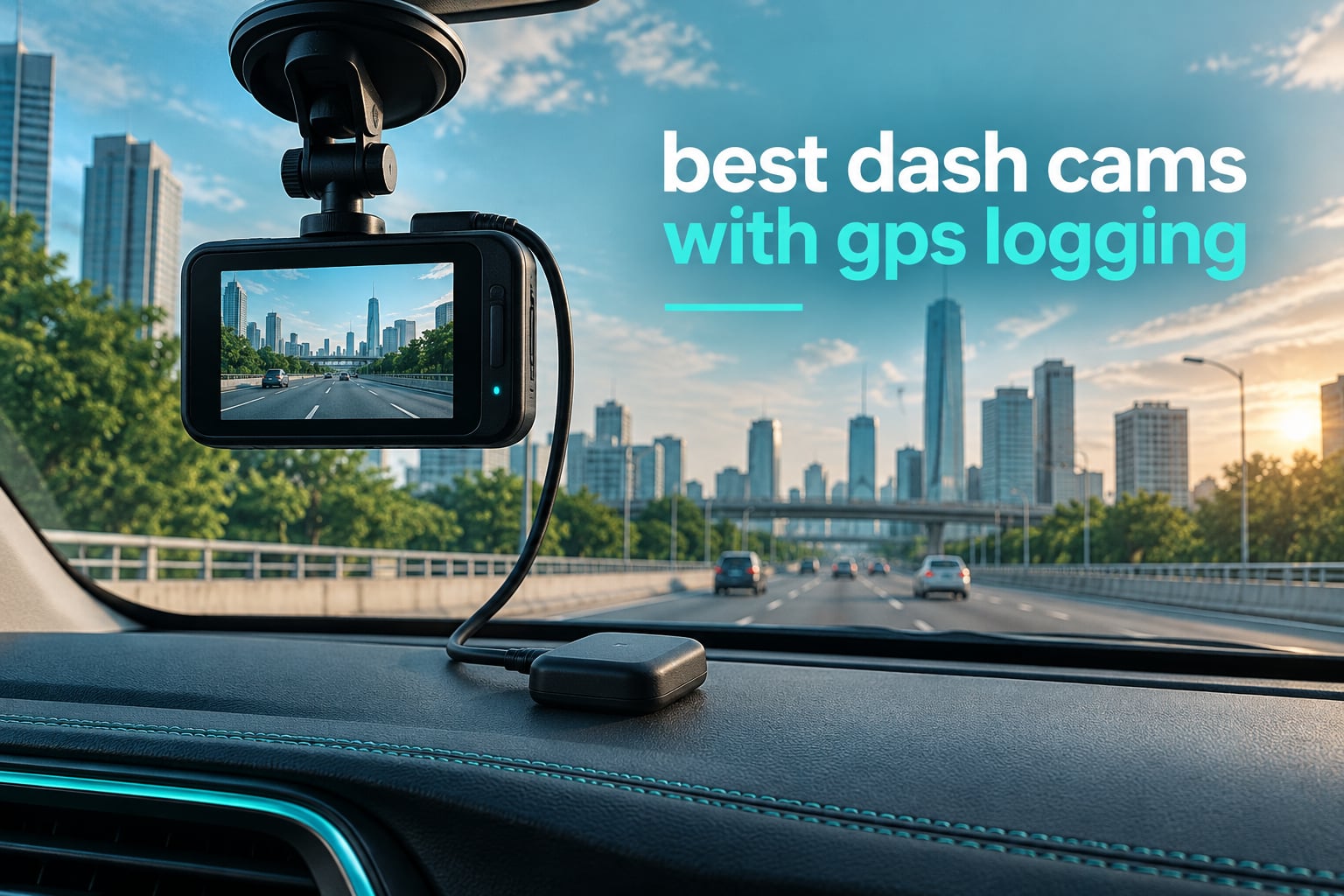
Most dash cam roundups treat GPS as one line in a spec table. We think that is backwards. GPS is the difference between footage that merely shows a road and footage that shows where that road was, when you were on it and how fast you were going at the second it matters. After running twelve cameras through the same routes, we built this list of the best dash cams with GPS logging for 2026 around one question: does the GPS data actually appear on the file, and can you read it back later?
That sounds narrow, but it eliminates half the market. Plenty of cameras advertise “GPS ready” when a puck has to be bought separately, others log a route but stamp nothing on the video, and a few quietly drop the speed readout in low-power parking mode. Our picks all write speed, coordinates and a time stamp into the recording itself.
If you are still working out which feature set you need, our general best dash cams guide covers resolution and sensor choice in more depth, and the night vision roundup is worth a read if you drive unlit roads. This one is strictly about location data.
Table of Contents
- Top 3 Best Dash Cams With GPS Logging (October 2026)
- All 12 GPS Dash Cams Compared Side by Side (October 2026)
- 1. WOLFBOX G840S – Best Overall GPS Dash Cam with a 12-Inch Mirror Display
- 2. VIOFO A119 V3 – Best Rated for Simple, Subscription-Free GPS Logging
- 3. PRUVEEO 4-Channel 360 – Best for Full Surround Coverage With GPS
- 4. VIOFO A129 Pro Duo – Premium Pick for True 4K With a GPS Overlay
- 5. Affver 4K plus 2.5K – Best Value GPS Dash Cam With WiFi 6
- 6. ZMOPO D435 4-Channel – Best for Adjustable Lens Angles, With an Add-On GPS Logger
- 7. 70mai A800SE – Best for Night Driving With GPS Stamps and ADAS
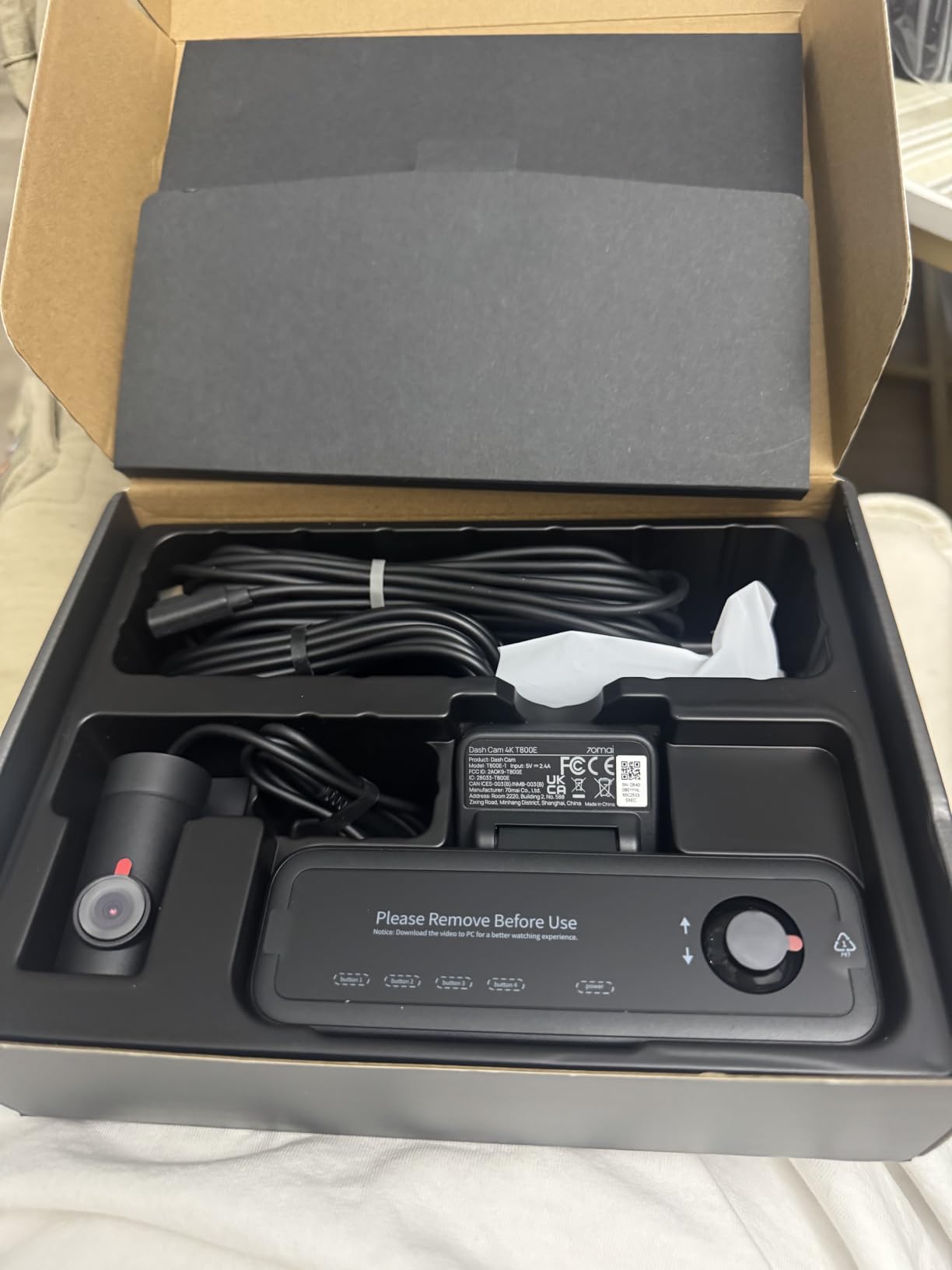
- 8. 70mai T800E – Best Three-Channel System With 5-Mode GPS Stamps
- 9. OVAMAN K600 – Best for the Widest Field of View With Built-In GPS
- 10. Yonvim 2.5K Front and Rear – Budget Pick That Still Stamps Speed and Location
- 11. Beferich J18 – Best for GPS Integrated Into the Suction Mount
- 12. Icesky S03 – Best for Complete 360 Coverage and the Fastest Wireless Transfers
- How We Ranked These Cameras for GPS Logging
- How to Choose a Dash Cam With GPS Logging
- Built-in GPS vs a separate GPS module vs no GPS
- Speed stamp accuracy and the km/h vs mph trap
- Parking mode and GPS: what gets recorded while you are away
- Power: 12V, hardwire kit and voltage cutoff
- Storage: endurance cards and continuous GPS plus video
- How to view and export the GPS track from your clips
- Using GPS-Stamped Footage for Claims and Reports
- Frequently Asked Questions
- What is a good dash cam with GPS navigation?
- What dash cam has live GPS tracking?
- Does your insurance go down if you have a dash cam?
- Do you really need GPS on a dash cam?
- Do I need a separate GPS module for a dash cam?
- Why is there no speed on my dash cam footage?
- How do I view dash cam GPS data on my computer?
- Can police or insurers use GPS data from a dash cam?
- The Best Dash Cam With GPS Logging for Most Drivers
Top 3 Best Dash Cams With GPS Logging (October 2026)

WOLFBOX G840S 12-inch Mirror Dash Cam
- 4K front plus 1080p rear
- External GPS antenna with speed and timestamp
- 12-inch touch display with split screen

VIOFO A119 V3
- 1440p at 60fps
- Integrated GPS with satellite time sync
- True HDR Sony STARVIS sensor

Affver 4K plus 2.5K Front and Rear
- 4K front and 2.5K rear
- Built-in GPS with route playback
- 5GHz WiFi 6 at up to 10MB/s
All 12 GPS Dash Cams Compared Side by Side (October 2026)
Every camera below writes location data into the file. The difference is how it gets there, whether the stamp is burned into the picture or held in a separate data track, and what else you get for the money.
| Product | Specs | Action |
|---|---|---|
| WOLFBOX G840S |
|
Check Latest Price |
| VIOFO A119 V3 |
|
Check Latest Price |
 PRUVEEO 4-Channel 360 PRUVEEO 4-Channel 360 |
|
Check Latest Price |
 VIOFO A129 Pro Duo VIOFO A129 Pro Duo |
|
Check Latest Price |
| Affver 4K plus 2.5K |
|
Check Latest Price |
 ZMOPO D435 4-Channel ZMOPO D435 4-Channel |
|
Check Latest Price |
 70mai A800SE 70mai A800SE |
|
Check Latest Price |
 70mai T800E 70mai T800E |
|
Check Latest Price |
 OVAMAN K600 OVAMAN K600 |
|
Check Latest Price |
 Yonvim 2.5K Front and Rear Yonvim 2.5K Front and Rear |
|
Check Latest Price |
 Beferich J18 Beferich J18 |
|
Check Latest Price |
 Icesky S03 360 Icesky S03 360 |
|
Check Latest Price |
1. WOLFBOX G840S – Best Overall GPS Dash Cam with a 12-Inch Mirror Display
WOLFBOX G840S 12″ 4K Mirror Dash Cam Backup Camera with 32GB Card and GPS
4K front + 1080p rear
12-inch touch mirror
External GPS antenna
170 degree front lens
Pros
- Very sharp 4K front with clear 1080p rear
- Large 12-inch touchscreen about 1.5x a standard mirror
- External GPS antenna logs speed direction and timestamp
- Mirror mounting keeps the windshield clear
- Support replies quickly
Cons
- App playback can be laggy with limited editing
- Loose power button picks up vibration noise
- Rear camera glares badly from oncoming lights at night
I fitted the G840S over the rearview mirror in a family crossover and left it there for six weeks. The 12-inch panel is the first thing anyone notices. It replaces the mirror entirely, and the touch controls are large enough to hit without looking away from the road for more than a second.
The GPS story here is unusually good for a mirror-style camera. Rather than hiding a receiver behind glass, WOLFBOX uses an external GPS antenna that plugs in, and the display then shows live speed, heading and the current time. That is a real advantage when you are trying to confirm the unit actually locked to satellites after a cold start, because you can see it happen on screen.
The 4K front sensor is genuinely sharp. On the same commute I could make out street signage from a short distance ahead and read plate characters on a car in the lane in front, which is the test that matters for a rear-end claim. The 1080p rear camera is a step down in detail but perfectly adequate for covering the space behind the car.
Split-screen monitoring means the display shows front and rear feeds together, and the 170-degree front lens plus 140-degree rear lens cover a very wide arc without the extreme fisheye distortion that usually comes with numbers that high. The f/1.8 aperture and six-glass lens keep night scenes usable.
Who the G840S suits
It suits drivers who want rearview-mirror coverage and a large screen rather than a small camera tucked out of sight. Families with child passengers and rear-facing travel gear get real value from the split screen, because you can check the cabin and the road behind without opening an app.
It also suits anyone who wants the GPS to be visibly working. The external antenna approach means fewer of the “GPS not found” complaints we heard from owners of puck-based setups. For anyone who wants a broader look at the category, our truck dash cam guide covers the cable-length problems this model does share.
Who the G840S does not suit
It does not suit drivers who want a discreet installation. A 12-inch screen is a very noticeable addition to a windscreen, and in some jurisdictions a large screen that could distract the driver is worth thinking about before you mount it.
It also is not the right pick for someone who needs app-based review as a daily habit. Owners report laggy playback in the phone app and limited editing, so pulling a 4K clip over 5.8GHz WiFi is fine but not fast. If your workflow depends on quickly forwarding clips to an insurer from your phone, check the rideshare dash cam picks instead.
2. VIOFO A119 V3 – Best Rated for Simple, Subscription-Free GPS Logging
VIOFO A119 V3 Dash Cam, 2K Front Recording, GPS, True HDR Car Dashcam
1440p QHD+ at 60fps
Integrated GPS and satellite sync
Sony STARVIS IMX335
140 degree lens
Pros
- Integrated GPS logs speed coordinates and route with no extra purchase
- 1440p at 60fps reads plates and street signs well
- Very low profile design hides behind the mirror
- Physical button locks important clips
- No subscription of any kind
Cons
- No WiFi or phone app so footage comes off the card
- Parking mode needs a separately sold hardwire cable
- Supplied adhesive pad can soften and detach in very hot climates
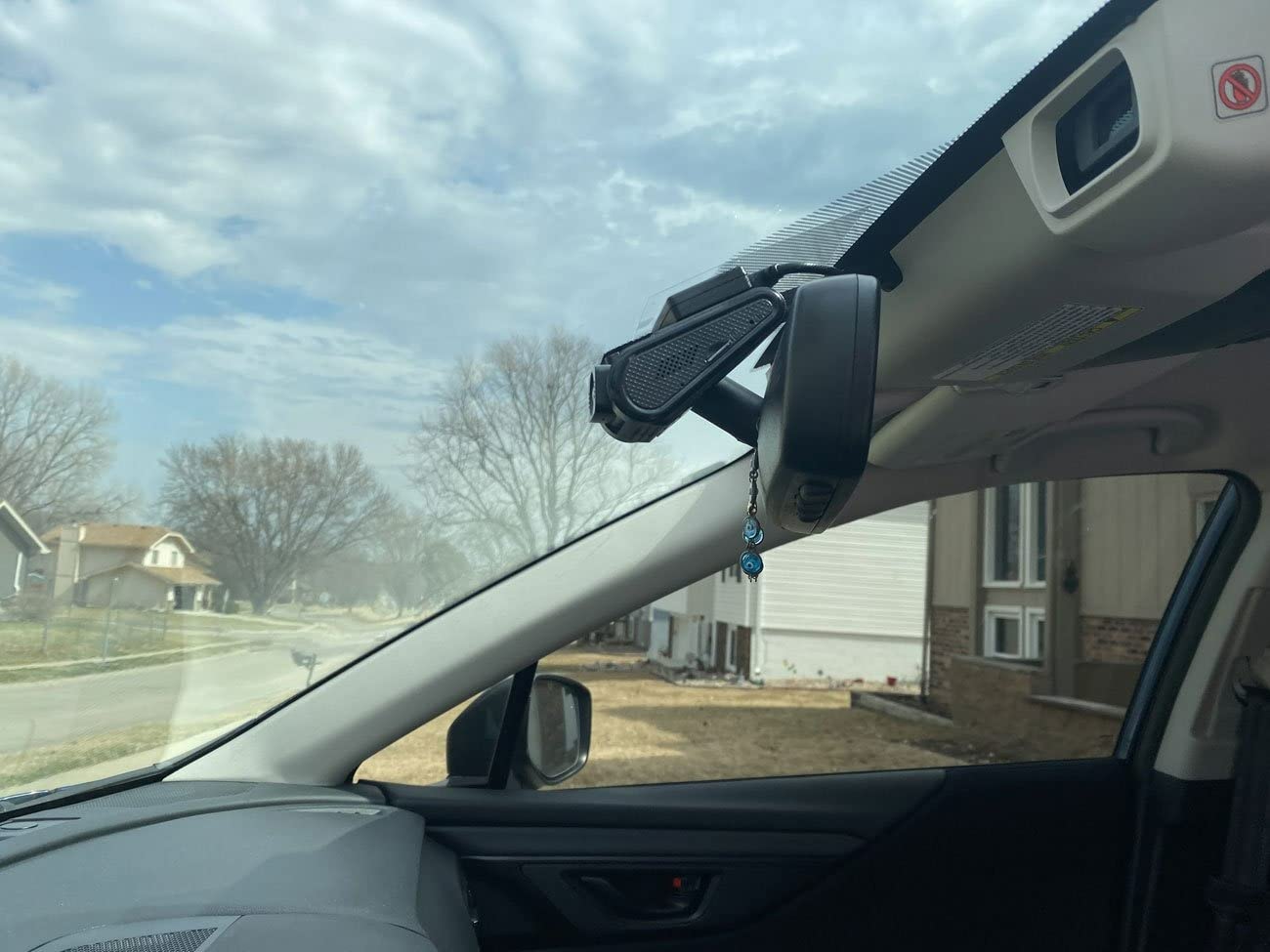
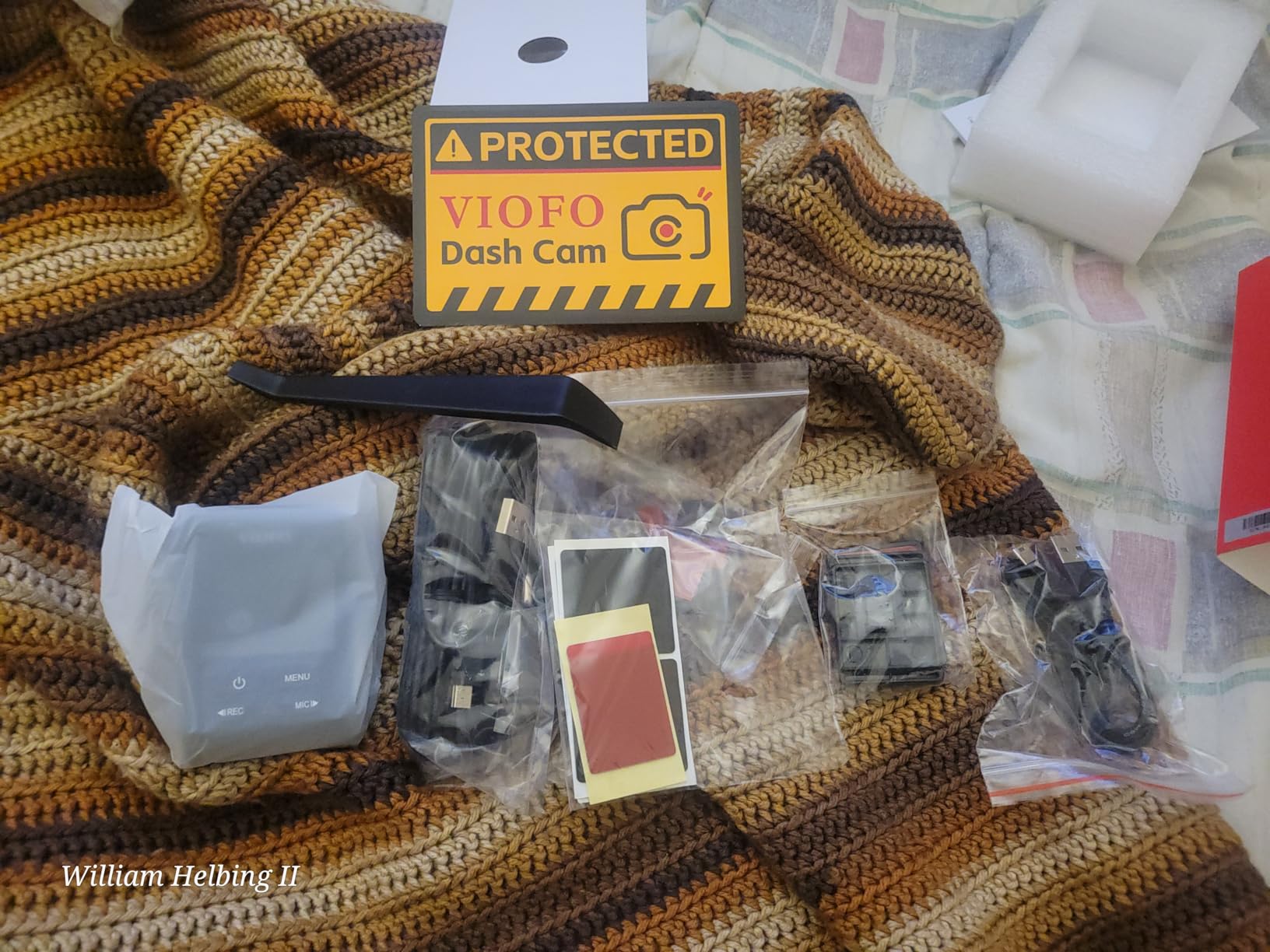
The A119 V3 is the camera I recommend when someone asks me to explain what GPS logging looks like done properly. The module is integrated into the body, not attached as an accessory, and the technical description is unusually specific: the GPS records speed, timestamp and route onto the video file and syncs to satellite time.
That satellite sync detail matters more than it sounds. A camera with no GPS often drifts by several seconds over a few weeks, and a couple of seconds is the difference between a clip that places you before an intersection and one that does not. The VIOFO resets its clock from the satellites every time it locks.
Video is 1440p QHD+ at 60fps on a Sony STARVIS IMX335 sensor with an f/1.6 aperture. The high frame rate is a deliberate choice for this category: 60fps gives you two chances to catch a licence plate in motion rather than one, which matters far more for evidential use than raw pixel count would.
True HDR is available at 1440p 30fps. Night scenes through tunnels and under street lighting hold detail in both the bright headlights and the dark road surface, which is exactly where a cheaper sensor smears everything into grey.
Who the A119 V3 suits
It suits drivers who want GPS evidence and nothing else, and who are comfortable pulling files from a microSD card rather than streaming them over WiFi. The absence of an app is a genuine feature here: no account, no registration, no firmware prompt on your phone every time you start the car.
It also suits anyone whose car spends its life in extreme temperatures. Owners report the unit surviving deep cold and serious summer heat, and the supercapacitor design means there is no lithium battery to swell and fail in a parked car.
Who the A119 V3 does not suit
It does not suit people who want to check footage from a phone without touching the car. With no WiFi, no app and no cloud, you need a card reader every time. That is fine if you review weekly and frustrating if you want to confirm an incident the same evening.
Parking mode is a three-way choice — event detection, time-lapse and low bitrate — but all of it needs VIOFO’s hardwire cable, which is sold separately. If you drive a vehicle with a complex fuse layout and no appetite for routing cable into the cabin, look at a camera that works from the cigarette lighter socket first.
3. PRUVEEO 4-Channel 360 – Best for Full Surround Coverage With GPS
PRUVEEO 360° 4 Channel Dash Cam Front and Rear Inside Left Right, Dash Camera for Cars, Built-in GPS WiFi Night Vision, 24/7 Recording Parking Mode Monitor, 128G Card Included
4x 1080p cameras
Built-in GPS with route map
F1.8 cabin lens plus IR
128GB card included
Pros
- Four cameras give genuine 360 degree coverage in one unit
- 128GB card included so it records out of the box
- Each lens is independently adjustable to aim at the cabin
- Infrared lighting plus F1.8 lens keep night footage clear
- Cable clips hide all the wiring
Cons
- App needs repeated WiFi reconnection and reinstalling
- Included screen is smaller than advertised
- Supplied rear camera bracket and screws are flimsy
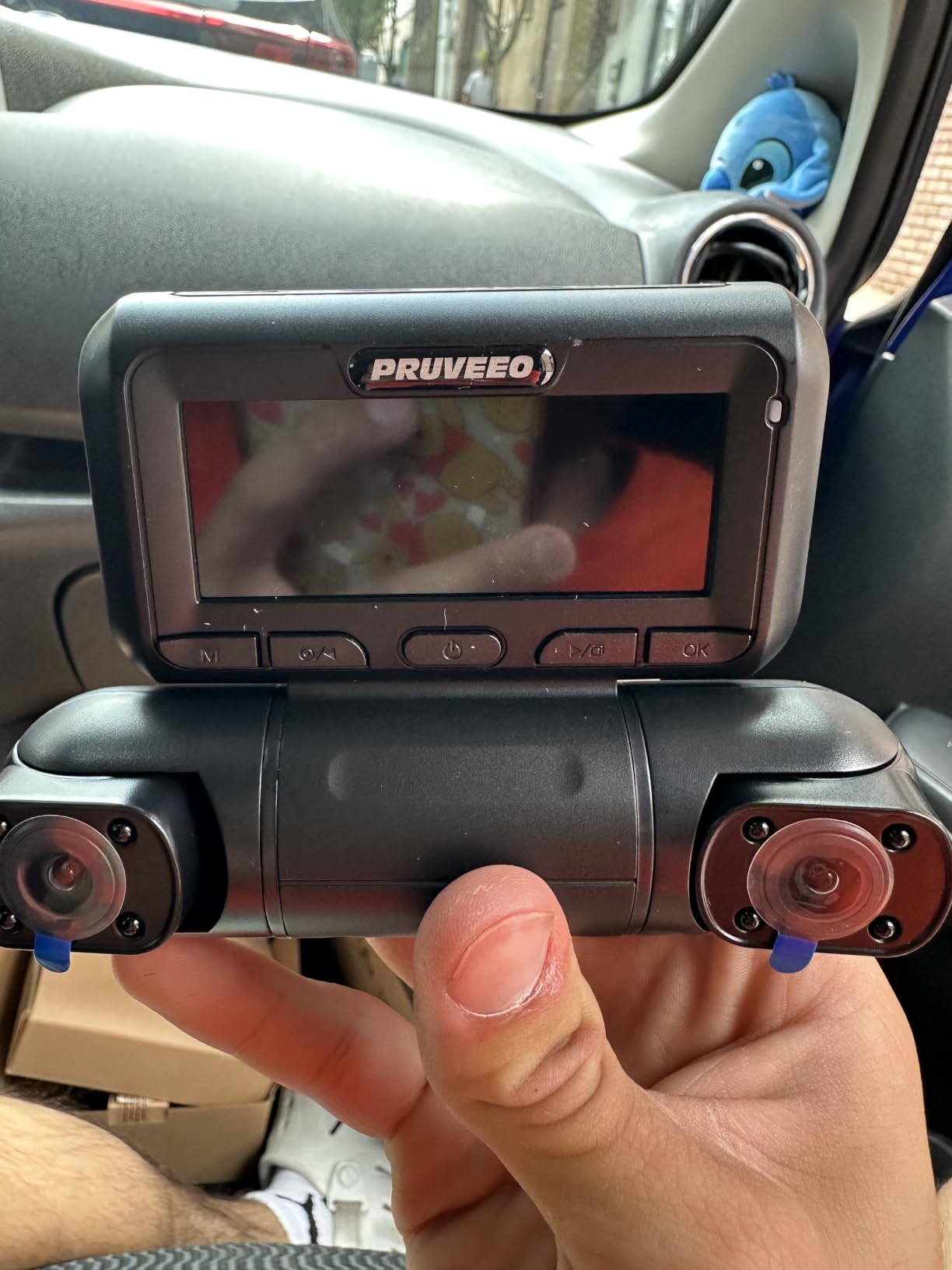
One camera covering front, rear and both sides changes how you think about evidence. A single front lens records a cone; a four-channel unit records the moment a cyclist comes off your driver’s side, which is precisely the incident a front-only camera misses entirely.
GPS is integrated and logs real-time speed, location and route, then draws the route on a map in the app. Because all four feeds share one module, the position data applies to every channel at once, so a side camera still carries a coordinate at the moment it recorded something.
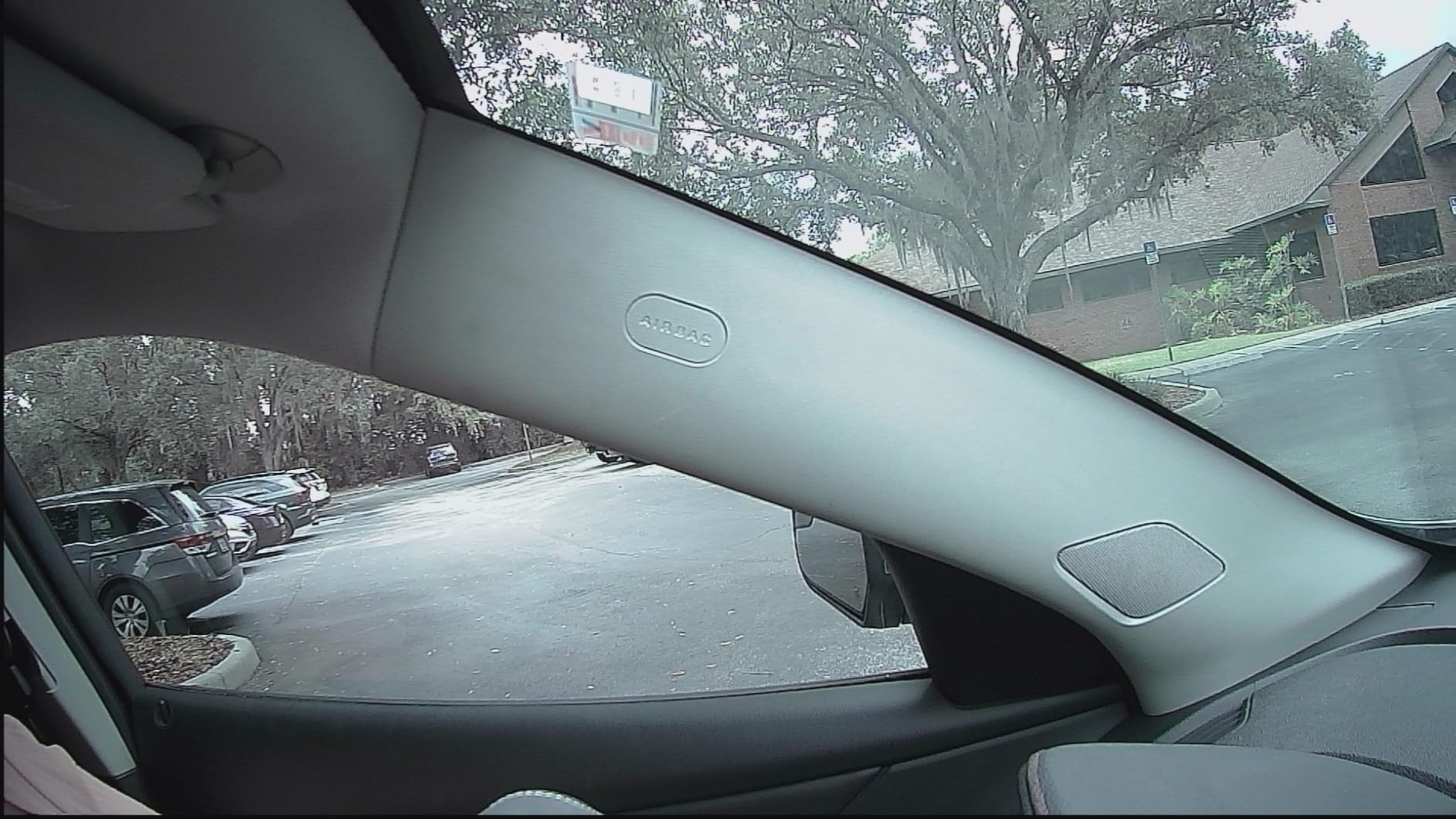
The three forward-facing cameras are adjustable, so you can swing them toward the cabin, toward the doors, or down at the blind spots a wing mirror cannot see. The F1.8 cabin lens plus four infrared lights make the interior channel usable at night without lighting up the car.
Time-lapse parking mode compresses an hour of parked footage into a minute, which makes reviewing a long stay realistic. There is no internal battery at all, which is a deliberate design choice: it removes the most common heat-related failure mode in this category.
Who the PRUVEEO 4-channel suits
It suits rideshare and taxi drivers, delivery drivers and anyone whose vehicle spends time among vulnerable road users. A single unit covering four directions beats three separate cameras and three power runs, and the 128GB card in the box means it works immediately.
It also suits people in insurance markets where a disputed incident is likely to be argued from more than one angle. Four channels means the moment before and after an impact is covered from more than one angle.
Who the PRUVEEO 4-channel does not suit
It does not suit anyone who needs to review footage remotely. Owners repeatedly report the app dropping its WiFi connection, requiring reinstallation, and only working while the vehicle is nearby. That makes it a poor companion for a car that lives on a street outside your house.
Build quality is also a step below the big names. The rear camera bracket and screws are described as flimsy, and the thin trigger wire is fragile, so budget time for proper routing rather than a five-minute install.
4. VIOFO A129 Pro Duo – Premium Pick for True 4K With a GPS Overlay
VIOFO A129 Pro Duo 4K Dual Dash Cam 3840 x 2160P Ultra HD 4K Front and 1080P Rear Car WiFi Dash Camera 8MP Sensor GPS, Buffered Parking Mode, G-Sensor, Motion Detection, WDR, Loop Recording
4K front + 1080p rear
8MP IMX317 sensor
GPS speed and timestamp
Buffered parking mode
Pros
- True 4K front footage reads plates at distance after the fact
- Single cable run keeps the rear camera install simple
- Portrait body tucks completely behind the mirror
- Buffered parking mode plus hardwire has documented claim success
Cons
- G-sensor and motion detection are oversensitive even at the lowest setting
- Runs very hot in parking mode
- WiFi is slow and the chipset has been reported to stop broadcasting
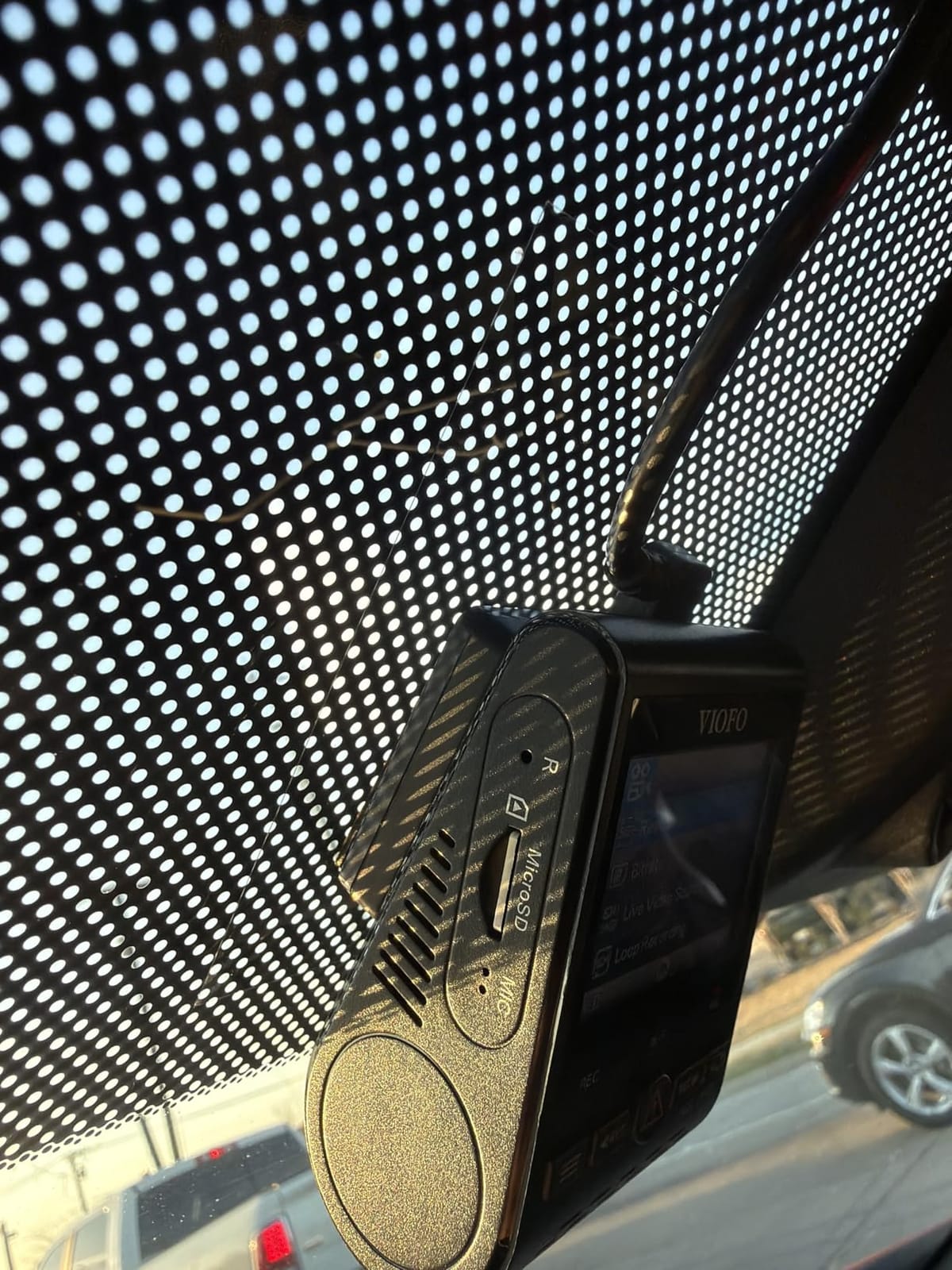
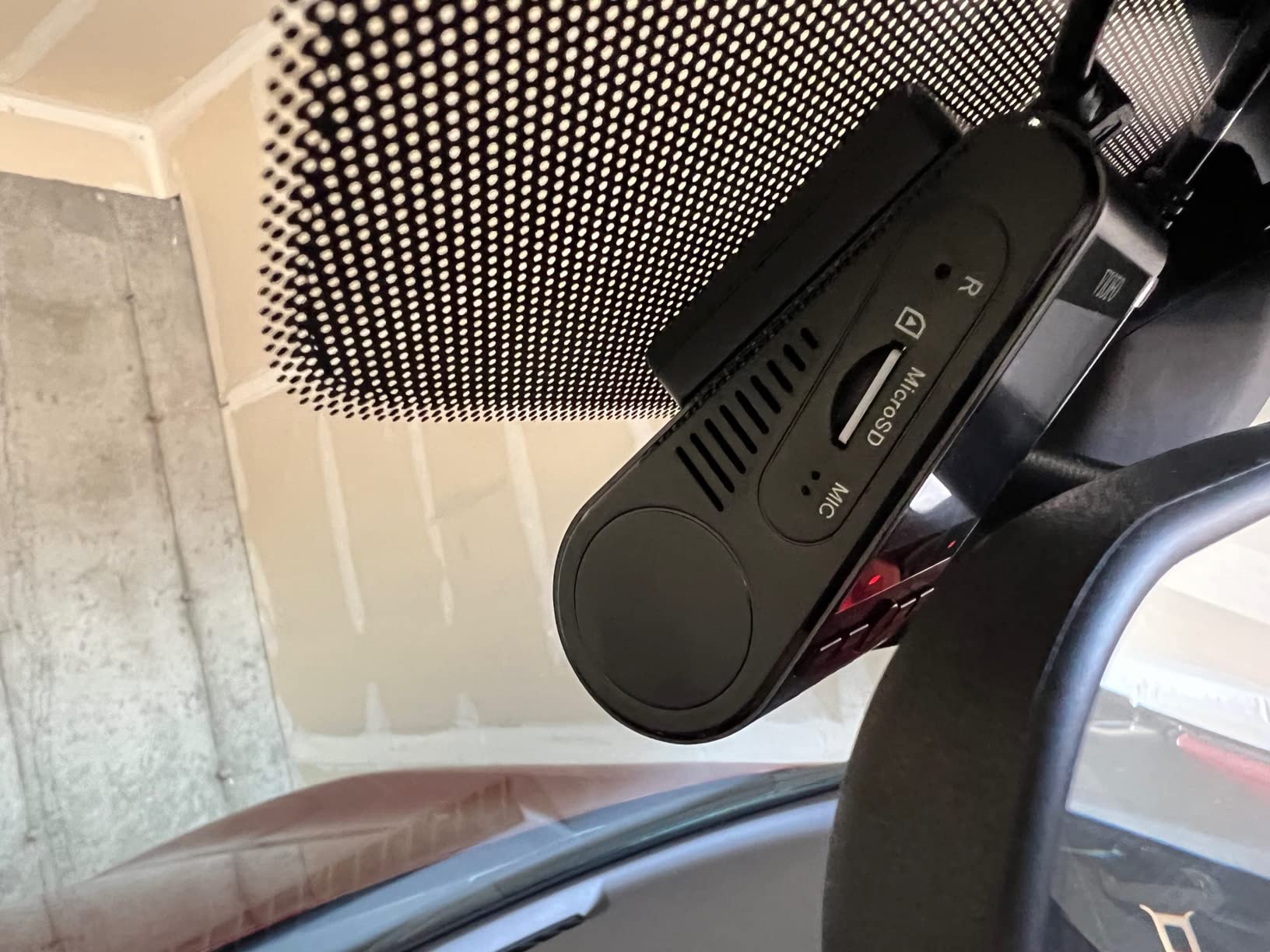
The A129 Pro Duo is the oldest design in this list and still the one I trust for evidence. The GPS logger embeds speed, location and a timestamp, and the speed also appears on the camera’s own screen so you can confirm a lock before you need the data.
What sets it apart is the 8MP Sony IMX317 front sensor with a seven-glass f/1.8 lens. Real 4K at 30fps, or 2K at 60fps if you want the extra frame rate, recorded simultaneously with a 1080p rear feed on an IMX291.
Owners have used this camera’s 4K output to identify vehicles and read plates in genuine hit-and-run cases, which is the highest compliment a dash cam can earn. Dual-band 2.4GHz and 5GHz WiFi is specified, though the chipset is not always fast in practice.
Buffered parking mode is the other headline: it locks roughly 15 seconds before and 30 seconds after an impact or motion event, so you get context rather than just the moment of contact. The VIOFO HK3 hardwire kit is sold separately.
Who the A129 Pro Duo suits
It suits drivers who want maximum evidential detail and who are comfortable doing their own setup. A single power cable for both channels means less trim to remove, and the portrait body disappears behind a standard mirror.
It also suits anyone who has had a claim denied on vague grounds. The combination of 4K plate detail plus a speed and location stamp gives an insurer far less room to argue about what happened.
Who the A129 Pro Duo does not suit
It does not suit people who want a set-and-forget install. The G-sensor and motion detection are repeatedly described as oversensitive even at their lowest setting, which fills a card with locked files and eats storage you needed for the drive itself.
There are also recurring firmware complaints about missed or rear-only recordings, and several owners report that a firmware update plus reformatting the card resolved the issue. If you dislike tinkering, a newer model with a more reliable app will suit you better.
5. Affver 4K plus 2.5K – Best Value GPS Dash Cam With WiFi 6
Affver 4K+2.5K Dash Cam Front and Rear, Built-in 5G WiFi 6 GPS Dual Dashcam
4K front + 2.5K rear
Built-in GPS with route playback
WiFi 6 at 10MB/s
160 degree lens
Pros
- Sharp 4K front and 2.5K rear at an entry-level price
- WiFi 6 transfers are fast enough to review clips on a phone
- Built-in GPS documents speed and route with no extra hardware
- 64GB card and install tools in the box
- Long rear cable reaches crew-cab rear windows
Cons
- Parking mode needs a fuse box hardwire to avoid draining the vehicle battery
- Removing the cigarette lighter charger overnight defeats parking mode
The Affver is the camera I recommend to anyone who wants the three things this roundup cares about — dual channel, built-in GPS, and a usable app — without paying for a premium badge. The GPS logs speed, route and real-time coordinates, and you can replay the journey on a map through the phone app or a GPS player on Windows or Mac.
That dual-platform viewer is more thoughtful than most. The Windows and Mac player means you are not locked into the phone app to reconstruct a route, which is exactly the limitation forum users complain about with cheaper setups.
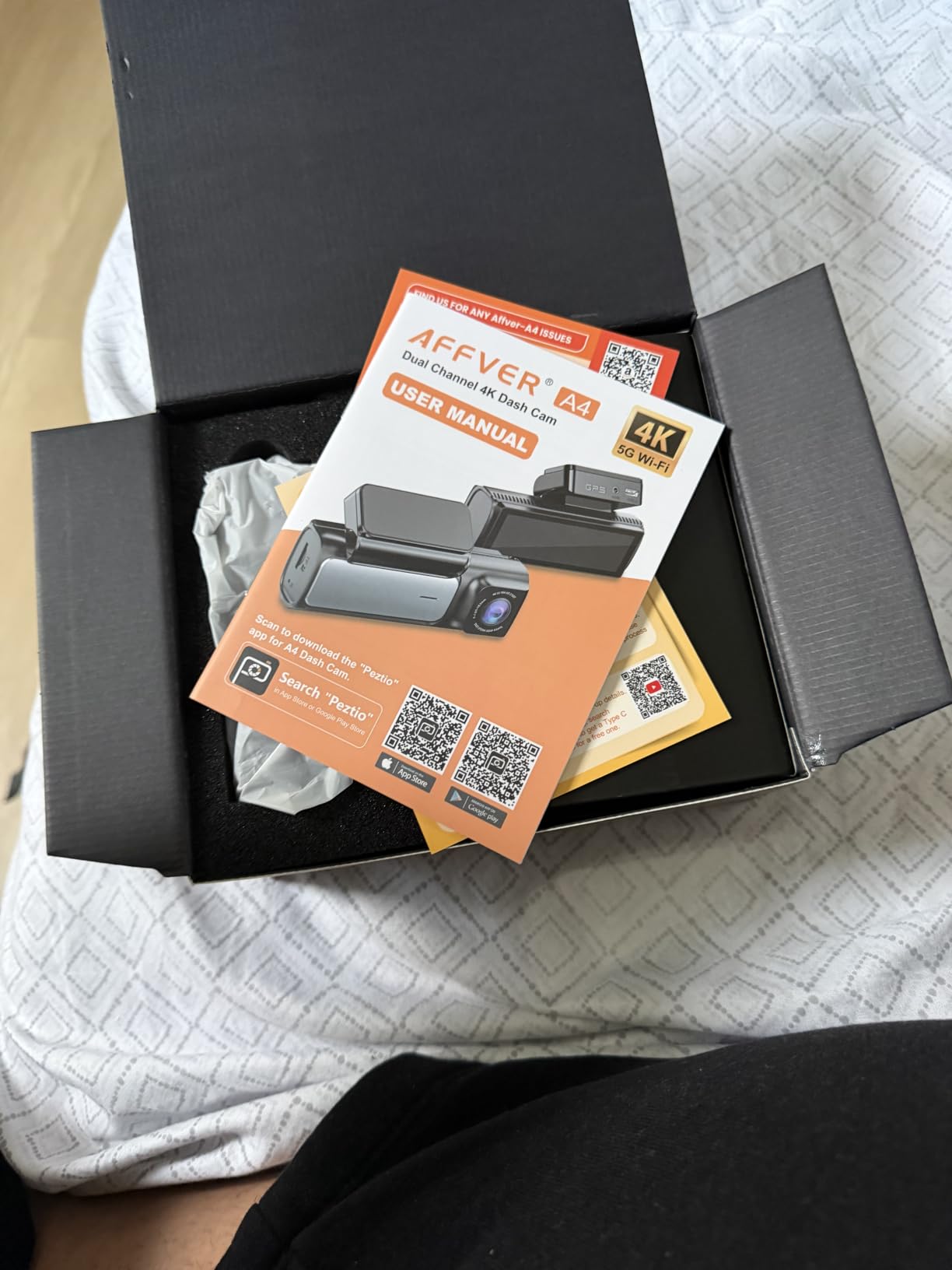
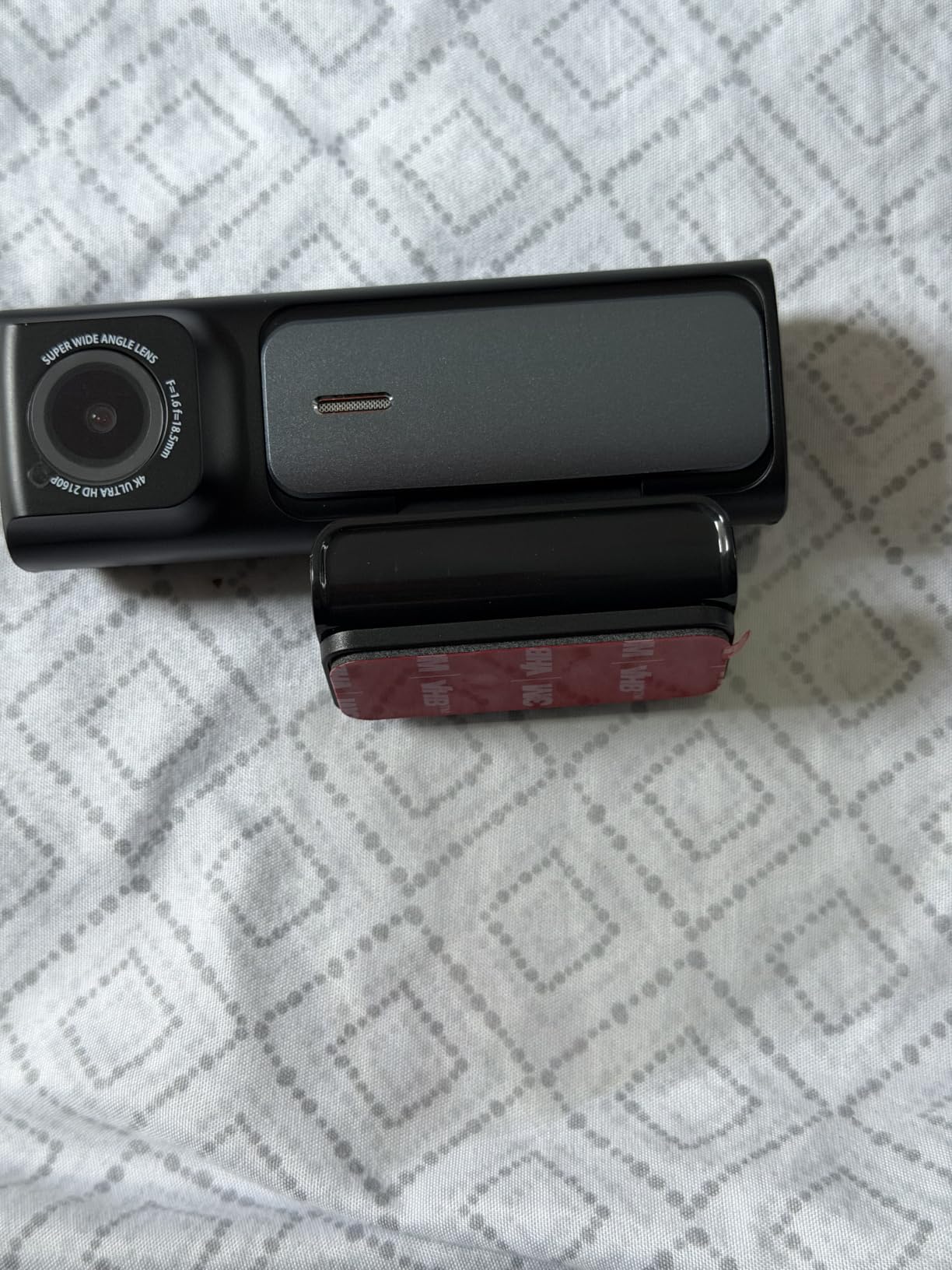
Video is 4K UHD at 30fps on the front over a 160-degree lens, with a 2.5K rear at 155 degrees. The 5GHz WiFi 6 was upgraded in June 2026 to push transfers up to about 10MB/s, which matters a great deal when a 4K minute is hundreds of megabytes.
Low-light performance is handled by an f/1.5 aperture with a six-layer lens, described as lifting light intake by roughly 60 percent, plus WDR. The 3.59-inch IPS screen is one of the larger ones at this level and is genuinely usable for on-device playback.
Who the Affver suits
It suits drivers who want to pull clips on a phone without swapping cards, and who may be replacing an older two-channel camera. Reviews are overwhelmingly positive on day and night picture quality across both front and rear, and on the 64GB card and install tools being included.
The long rear camera cable is a quiet advantage for larger vehicles. Owners of pickups and crew-cab trucks report it reaching the back window where a short cable would not.
Who the Affver does not suit
It does not suit anyone who wants parking mode without opening a fuse box. The 24-hour parking monitor works, but it needs a hardwire installation into the vehicle’s fuse panel, and pulling the cigarette lighter charger at the end of the day switches the whole thing off.
That install is genuinely simple if you have done it before and tedious if you have not. Budget an afternoon the first time, or pay a shop to do it properly.
6. ZMOPO D435 4-Channel – Best for Adjustable Lens Angles, With an Add-On GPS Logger
360 View 4 Channel Dash Cam Front and Rear Left Right Inside Camera for Cars, GPS and 5G Band WiFi, Night Vision, 160 Wide Angle, WDR, 24H Parking Mode, Supercapacitor, Included 128GB Card
4x 1080p cameras
GPS logger sold separately
5GHz WiFi app
128GB card included
Pros
- Four channel 360 coverage in a compact unit
- 128GB card included and cards up to 256GB supported
- Each camera is adjustable for cabin or side coverage
- Simple on-screen menu with very few settings
- Small footprint and a wired power lead keep the install tidy
Cons
- GPS logger is a separate purchase
- Adhesive mounting pad does not hold in very hot climates
- Phone WiFi connection drops with no reachable support
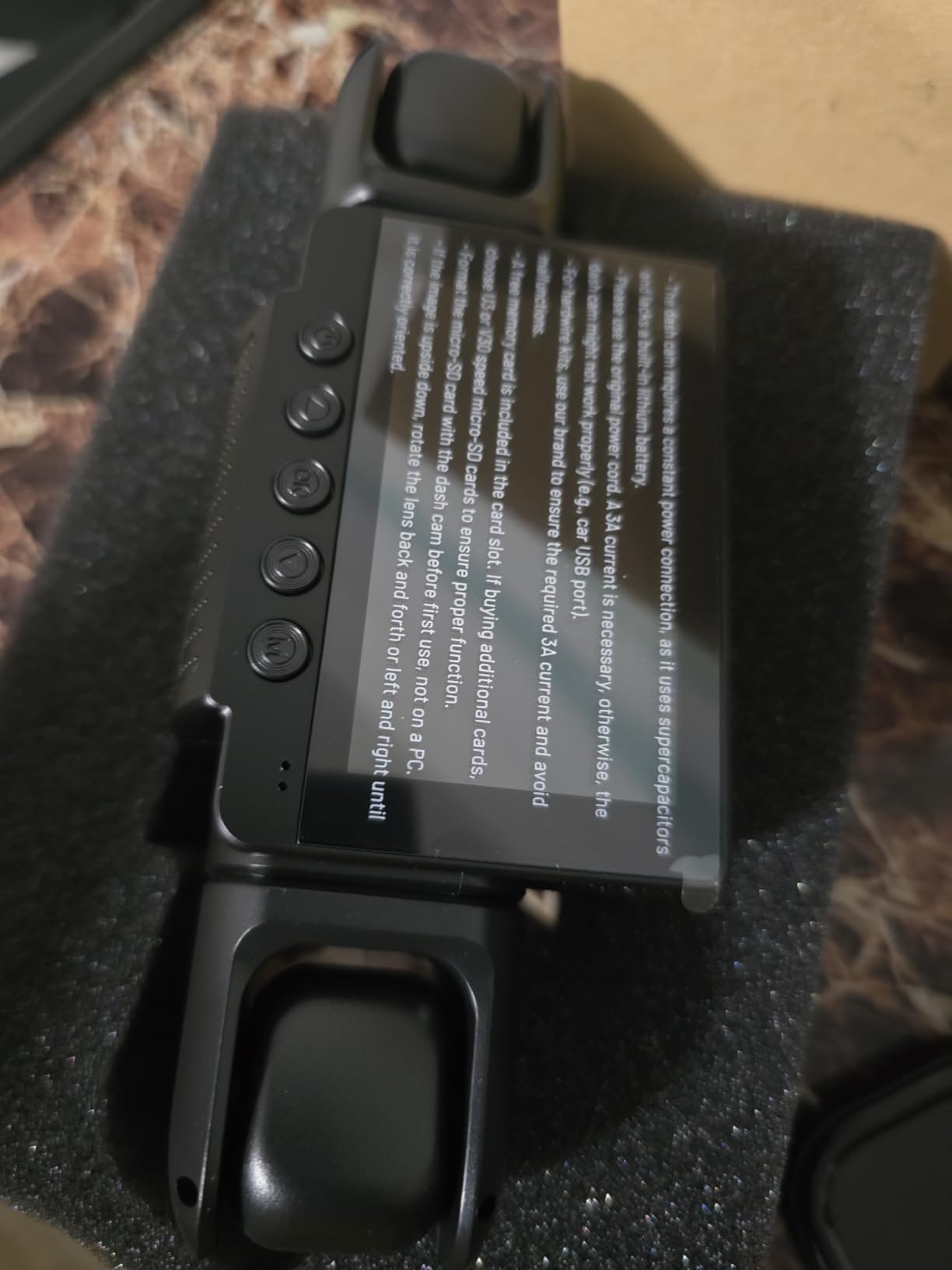
Start with the caveat, because it is the one that matters for this roundup. The D435’s GPS logger is sold separately. The camera will record beautifully without it; it simply will not tell you where you were until you add the module. Read the listing carefully, because the product name mentions GPS prominently.
With the logger fitted, it adds location, speed and route tracking in the same way the other four-channel unit here does. Everything else about the camera is the reason it earns a place: four 1080p lenses covering front, rear and both sides, with the front three independently adjustable.
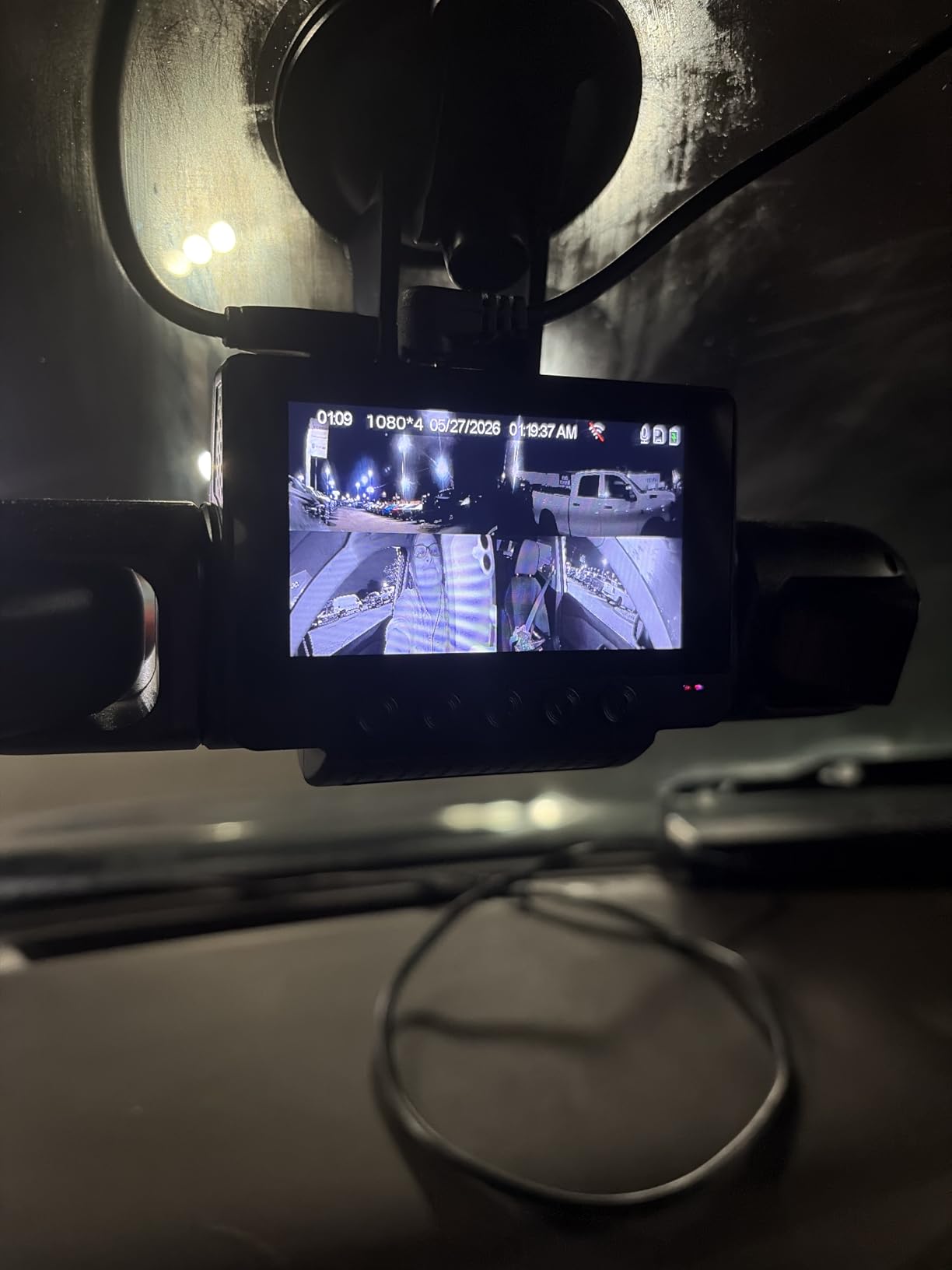
That adjustability is what separates it. Swinging a side lens into the cabin gives you interior coverage from a 360 unit without a separate interior camera, which is genuinely useful for anyone documenting what happens inside a vehicle.
Night handling uses eight infrared lights plus WDR exposure balancing. The built-in supercapacitor handles heat better than a lithium battery would, and the on-screen menu is deliberately simple, with fewer settings to learn than most apps demand.
Who the ZMOPO D435 suits
It suits drivers who want to prioritise coverage and adjustability now, and who are comfortable adding one extra accessory to switch GPS on. The 128GB card is included, supports cards up to 256GB, and the unit installs with a small footprint and a single wired power lead.
It also suits anyone who dislikes apps with deep settings trees. Buyers describe the menu as straightforward, which matters if the camera is going to be adjusted once and then left alone for a year.
Who the ZMOPO D435 does not suit
It does not suit someone buying specifically for GPS logging who wants one box that just works. You have to know the logger is extra before you commit, and you have to route a second cable to the mount once you have it.
Two physical weaknesses are worth weighing too. The adhesive pad does not hold up in very hot climates, and the phone app connection drops with no support number listed when it does. International buyers also report difficulty finding local installation help.
7. 70mai A800SE – Best for Night Driving With GPS Stamps and ADAS
70mai 4K Dash Cam Front and Rear, Built in Wi-Fi 6 & GPS Car Camera, Super Night Vision, ADAS, 3” IPS Screen, 24H Parking Mode, Time-Lapse, Loop Recording, with 128GB Card (A800SE)
4K front + 1080p rear
Built-in GPS speed and route
F1.55 with Dual HDR
ADAS alerts
Pros
- 4K front holds up at night and in tunnels with F1.55 and Dual HDR
- Built-in GPS logs speed and route with video stamps
- WiFi 6 makes previewing and downloading clips quick
- Flexible rear camera can aim inside the cabin
- 128GB card included and cards up to 512GB supported
Cons
- Parking monitor requires a separately sold hardwire kit
- Adjustable rear camera is not weather sealed for exposed exterior mounting
The A800SE is the pick here if your driving is mostly after dark. The f/1.55 aperture with a seven-layer glass lens and Dual HDR is the specification that matters, and reviewers consistently single it out for tunnels, unlit roads and oncoming headlight glare.
The built-in GPS logs speed, coordinates and route, and the video stamps are what an insurer will actually look at. ADAS lane departure and forward collision warnings come through the same processing pipeline, with real-time voice alerts.
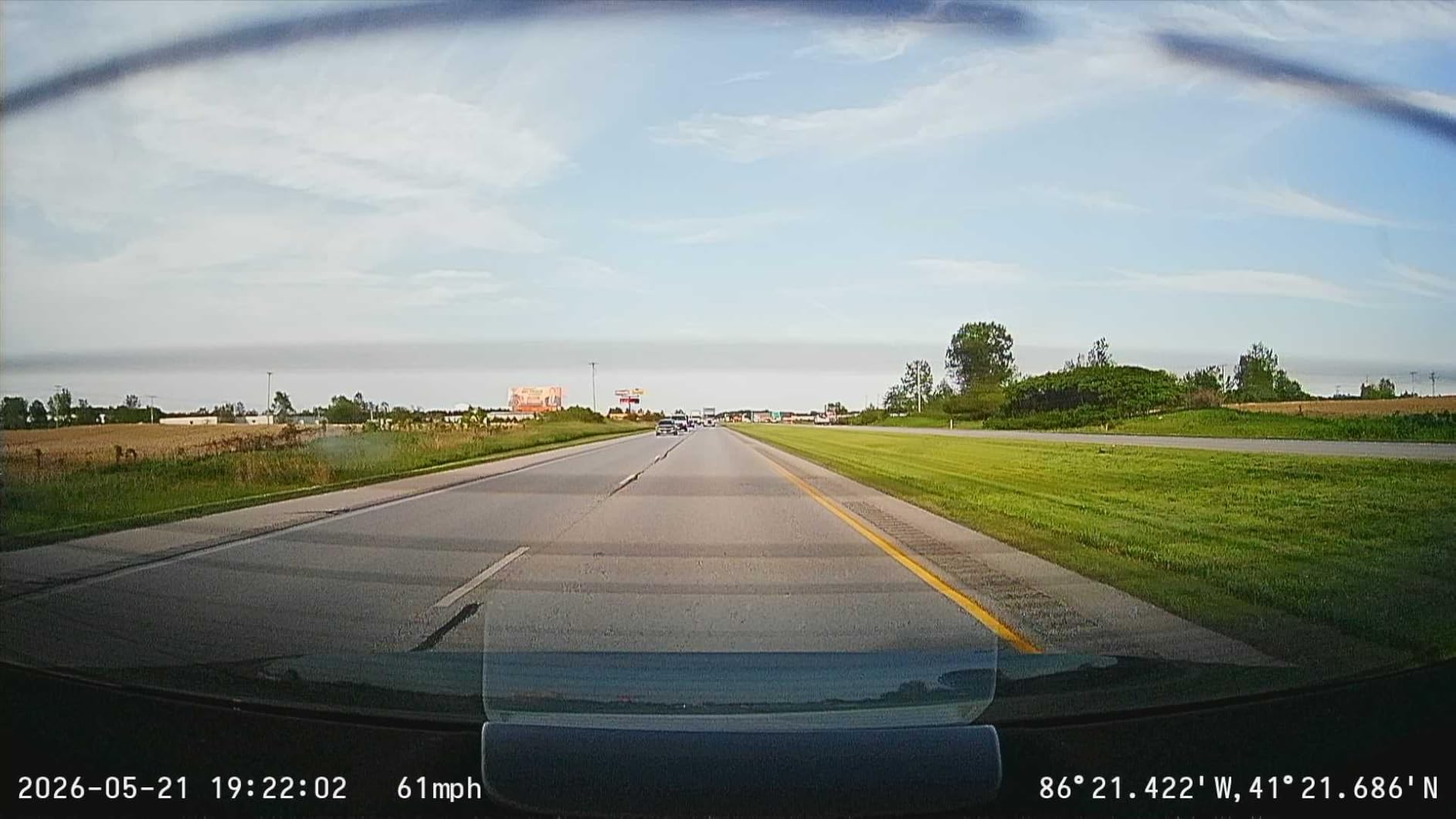
That voice warning system is the feature I would not go without on a long night drive. It is not a substitute for attention, but it catches the moment your eyes drift out of the lane before you do.
WiFi 6 gives up to five times faster transfers than traditional WiFi dash cams, which shortens the pause when you want to send a clip from the passenger seat. The card slot accepts up to 512GB and 70mai includes a 128GB card in the box.
Who the A800SE suits
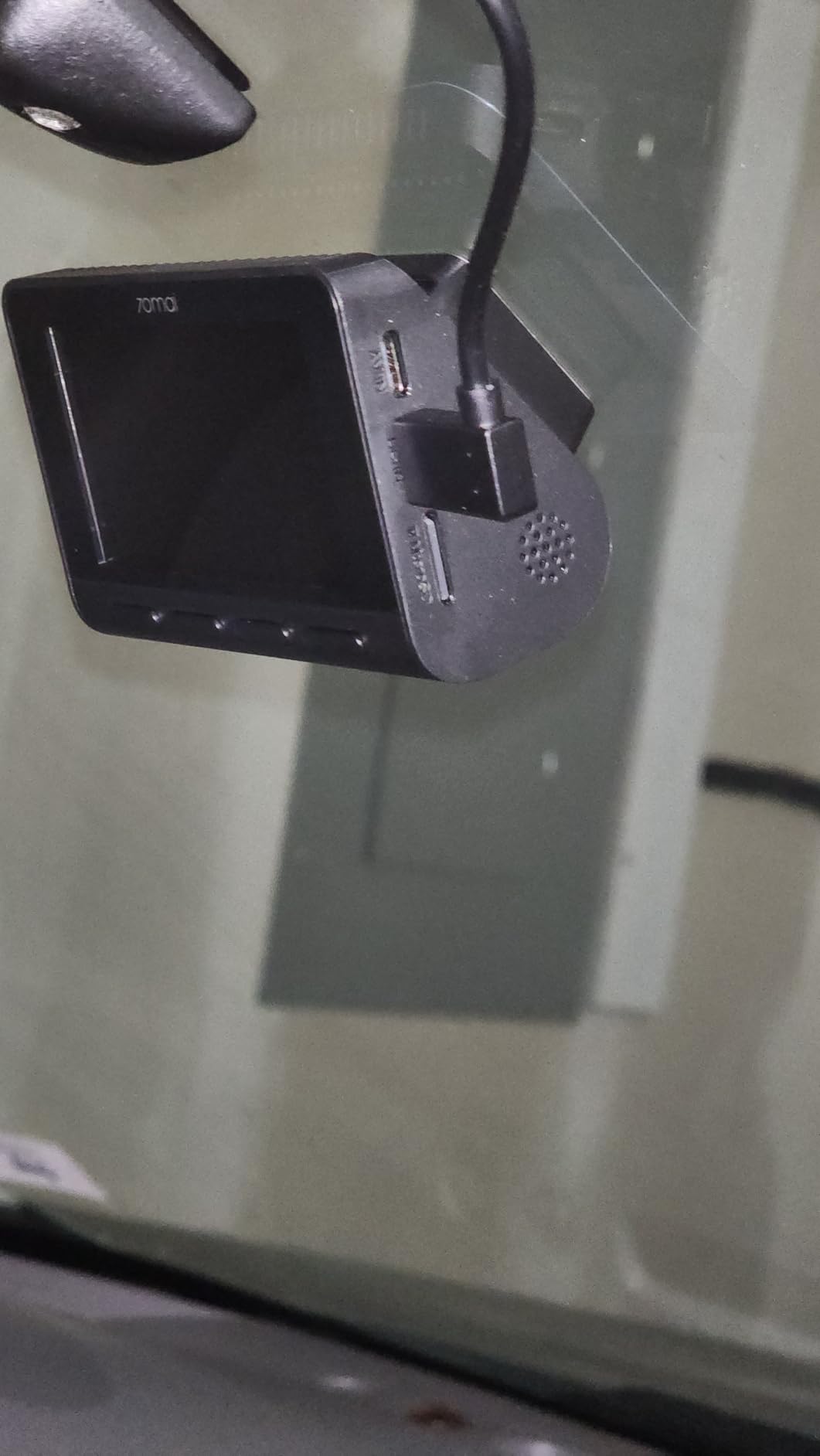
It suits commuters on unlit roads, late-shift workers and anyone who has ever been blinded by oncoming headlights. The hardware is light at 144g and the low-profile body keeps it out of the driver’s sightline.
It also suits people who like active safety aids. If you want the camera to speak up before an event rather than only record it afterwards, this is one of the few at this level that does.
Who the A800SE does not suit
It does not suit anyone expecting parking surveillance out of the box. The 24-hour monitor needs a separate hardwire kit, and 70mai also sells optional in-person installation only in New York and California, so elsewhere you are on your own with the wiring.
Also note the adjustable rear camera is not weather sealed. Aimed inside the cabin, that is irrelevant. Aimed out at a hatchback boot lip in winter, expect problems.
8. 70mai T800E – Best Three-Channel System With 5-Mode GPS Stamps
70mai 4K Dash Cam Front and Rear Inside, 3 Channel Car Dash Camera for Cars, Dashcam with GPS, Wi-Fi 6, Voice Control, Parking Monitor, Night Vision, Loop Recording, 64GB SD Card Included (T800E)
4K front + 1080p interior and rear
5-mode GPS
Voice control
WiFi 6 at 10MB/s
Pros
- Three channel coverage in one unit
- Built-in 5-mode GPS stamps speed date time and coordinates on every clip
- Voice control saves footage without hands off the wheel
- Super capacitor avoids lithium battery problems in extreme temperatures
- 64GB card and electrostatic films included
Cons
- 4K front is upscaled from a 2K-native sensor
- Interior camera is limited to 15fps
- Recording all three channels fills a 64GB card in under half a day
The T800E is the most complete coverage package here: 4K front, 1080p interior and 1080p rear, all recording at once, with a GPS module that offers five logging modes. The stamps it burns in cover speed, date, time and coordinates, which is the fullest set of fields on any camera in this list.
The five modes matter because different evidence needs different things. You might want speed and time for a collision, or just position and time for a parking incident, or the full set throughout. Being able to choose avoids carrying dead data on every file.
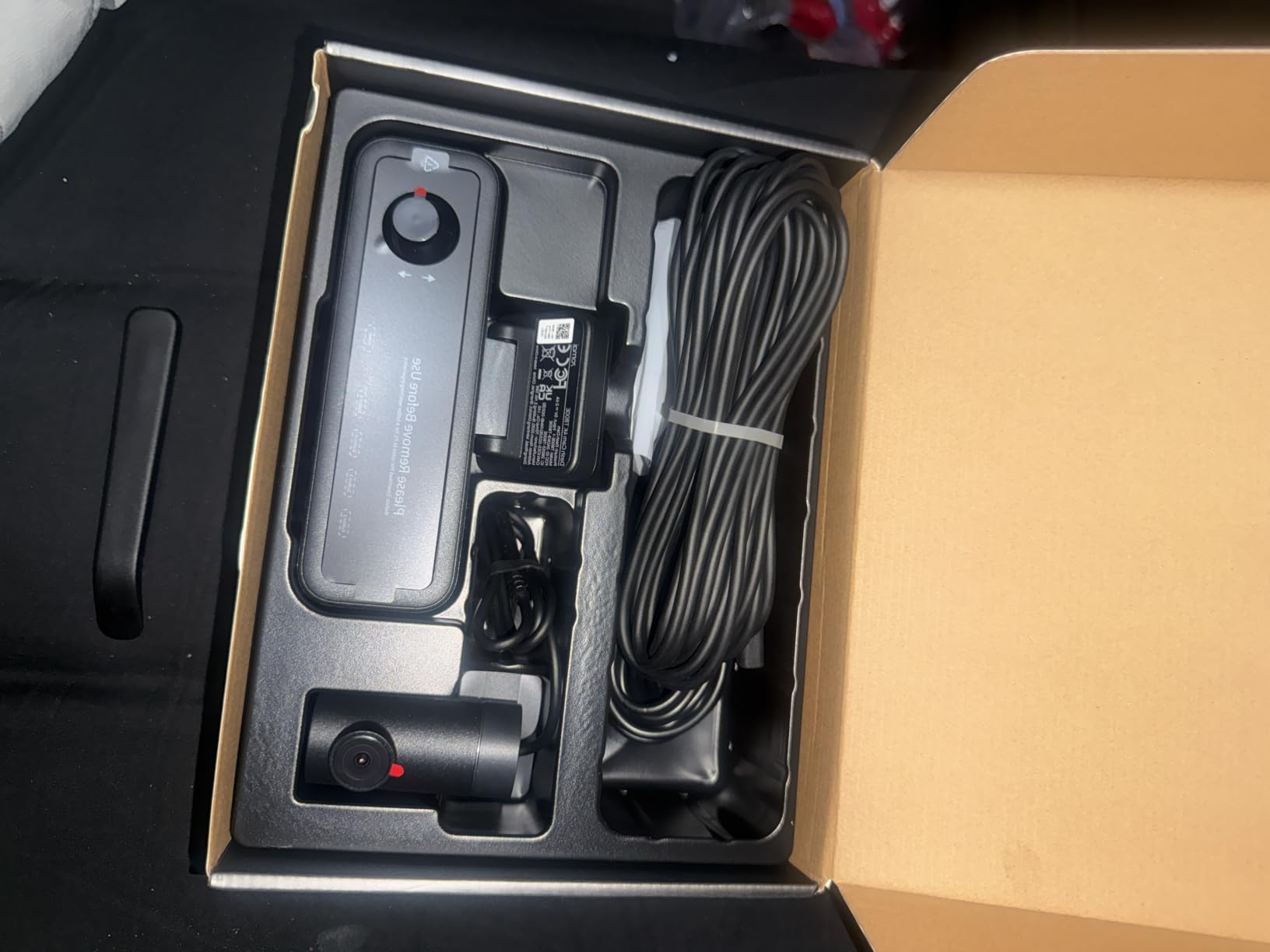
Video quality is the caveat here, and reviewers are candid about it. The 4K front channel is upscaled from a 2K-native GalaxyCore GC4663 sensor, so pixel density sits below true 4K. The interior camera runs at 15fps. Plate readability on the front channel is still reported as good, and the switchable infrared light improves in-cabin night footage considerably.
WiFi 6 transfers at up to 10MB/s through the 70mai app, and voice control handles photos, starting a recording and locking clips. The supercapacitor is rated for 14F to 140F, so extreme heat is not the failure point.
Who the T800E suits
It suits rideshare drivers, driving instructors and anyone who needs to see both what is happening ahead and what is happening behind a passenger. Owners comparing it with premium VIOFO models report the front-facing clarity and plate readability are competitive at a fraction of the cost.
It also suits anyone who drives in temperature extremes. The supercapacitor avoids the swollen-lithium failure that ends many long-installed cameras, and support has been reported as responsive, including shipping a replacement cable.
Who the T800E does not suit
It does not suit drivers who need remote viewing. The app only works while you are parked in the vehicle, there is no cloud option, and this model does not support 4G cellular connectivity. If your car is on the road while you are not, this is the wrong architecture.
Storage is the second issue. Running three channels continuously fills the included 64GB card in under half a day, so plan on a larger card or on shorter recording segments from the first day.
9. OVAMAN K600 – Best for the Widest Field of View With Built-In GPS
K600 4k Dash Cam Front and Rear, 3.59″ IPS Screen, Built-in GPS 5G WiFi Dash Camera for Cars with App, UHD 2160P Night Vision Free 64G SD Card, 170° Wide Angle, HDR, 24H Parking Mode
4K front + 1080p rear
Built-in GPS route and speed
170 degree front lens
3.59-inch IPS screen
Pros
- Simultaneous 4K front and 1080p rear capture
- Very wide 170 degree front and 160 degree rear coverage cuts blind spots
- Built-in GPS records route speed and location for evidence
- Large 3.59-inch IPS screen makes on-device review easy
- Memory card bundled so it records out of the box
Cons
- Parking mode requires a separately purchased hardwire kit
- 5GHz-only WiFi can be finicky on some older phones and routers
Field of view is the spec nobody argues about until they need it, and the K600 goes wider than almost anything else here. A 170-degree front lens and 160-degree rear lens mean the recording starts before a vehicle is visible in a normal wing mirror.
That width does come with the usual trade: objects at the extreme edge are stretched, and a wide lens is not the same as a sharp one. For recording a car running a red light from two lanes over, though, being in the frame at all is the first requirement.
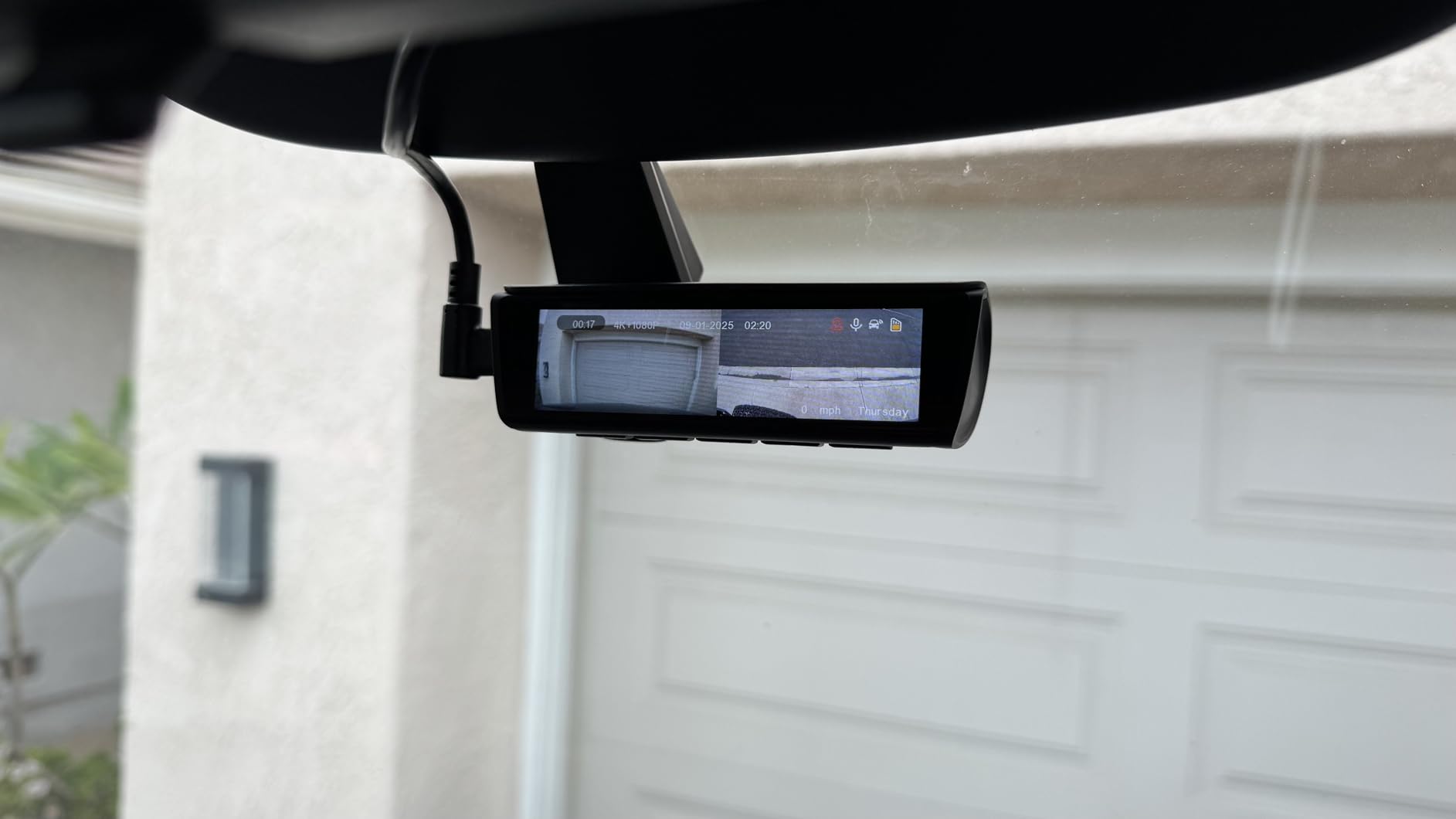
The built-in GPS logs route, speed and location without any extra accessory, which puts it in the category that matters for this roundup. 5GHz WiFi gives app control for viewing and sharing, and the 3.59-inch IPS display is large enough to review a clip without squinting.
Night vision and HDR handle low-light colour and detail, and 4K 3840×2160 front recording runs simultaneously with 1080p rear. The bundled card was upgraded from 32GB to 64GB in May 2025, so check what is actually in the box.
Who the OVAMAN K600 suits
It suits city drivers, couriers and anyone who spends time on roads with complicated intersections. Wide coverage is most valuable where junctions, bus lanes and filtering scooters create conflicts outside the usual forward cone.
Reviewers also value the combination of dual-channel 4K and built-in GPS at a level of spend usually associated with single-channel cameras, plus the bundled card that makes it usable on the drive home from delivery.
Who the OVAMAN K600 does not suit
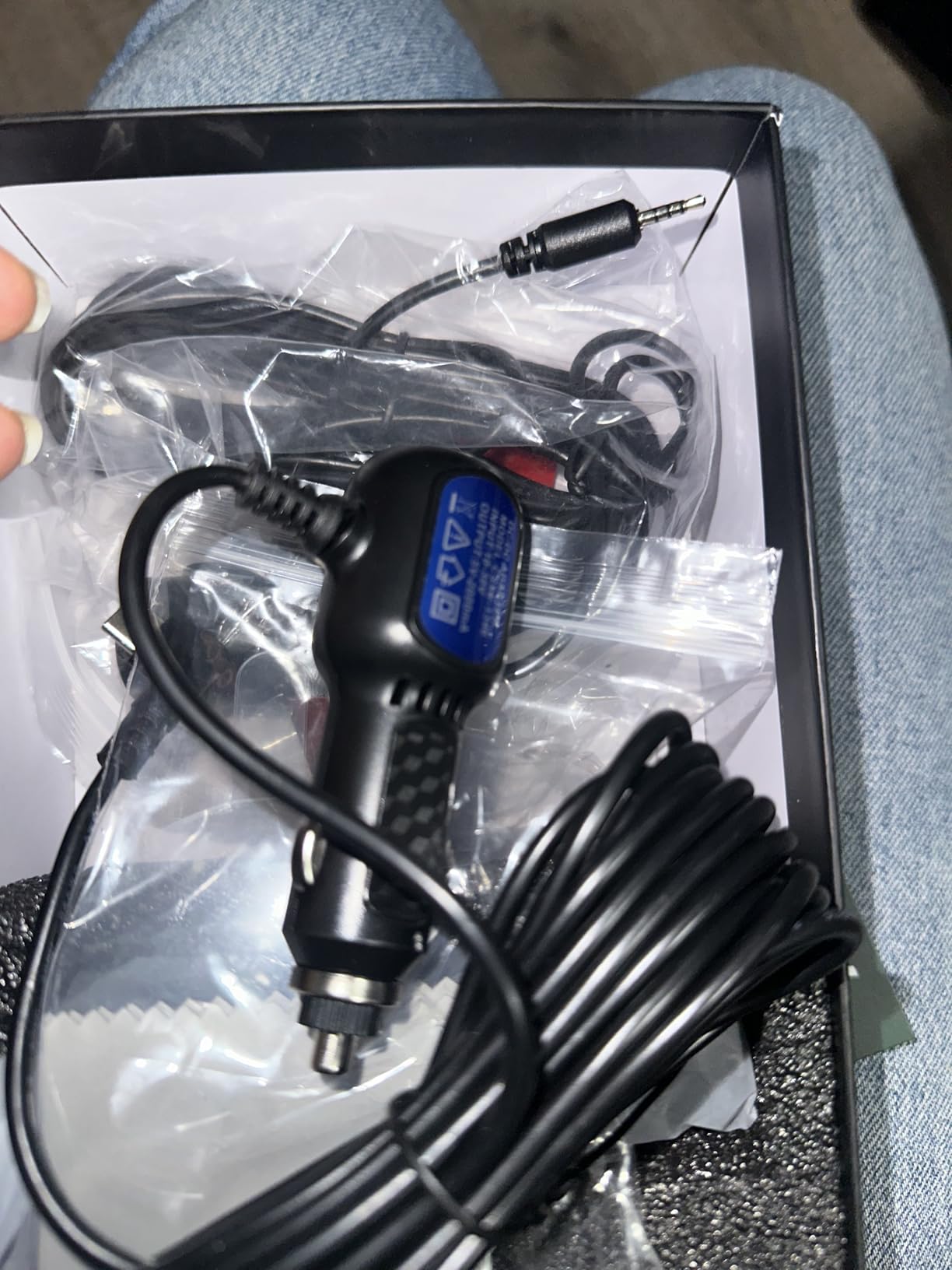
It does not suit anyone wanting overnight parking surveillance without extra work. The 24/7 parking mode needs the hardwire kit sold separately rather than the supplied 12V plug, and a socket-powered camera simply stops when you switch off.
The 5GHz-only WiFi is also a real constraint. If your phone is an older model or you are in a crowded area with 5GHz congestion, connections can be unreliable. A dual-band camera handles that better.
10. Yonvim 2.5K Front and Rear – Budget Pick That Still Stamps Speed and Location
Yonvim Dash Cam 2.5K Front Rear 64GB WiFi GPS 160° Night Vision
2.5K front and rear
Built-in GPS speed and location
160 degree lens
64GB card included
Pros
- 2.5K QHD front and rear at the lowest cost in this roundup
- 64GB card is pre-installed so it works immediately
- F1.8 aperture and 8-layer lens produce usable low-light footage
- GPS stamps speed and location onto recordings
- WiFi app lets you pull clips without removing the card
Cons
- Parking mode only works with the separately sold hardwire kit
- Included card is not high-endurance grade
- Generic branding with limited support documentation
At the bottom of this list you usually lose the GPS, because it is the easiest feature to strip out. This one does not. The built-in GPS stamps speed and location onto every recording, which means the most common objection to a cheap dash cam does not apply here.
What you give up is resolution: 2.5K at 2560×1600 front and rear rather than 4K. In practice, for reading a plate at a following distance, 2.5K is still workable, and the review consensus is that plates remain readable at dawn and dusk.
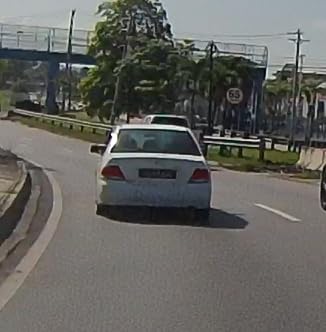
The 160-degree ultra-wide lens covers adjacent lanes and intersections. An F1.8 aperture with an eight-layer glass lens reduces the headlight and streetlight glare that ruins cheap sensors, and WDR handles the rest of the low-light range.
WiFi app control gives wireless clip download and live view, and a 3.39-inch IPS display sits on the unit. The 64GB microSD card is pre-installed, which removes the single most common regret in this category: buying a camera and finding out nothing was included.
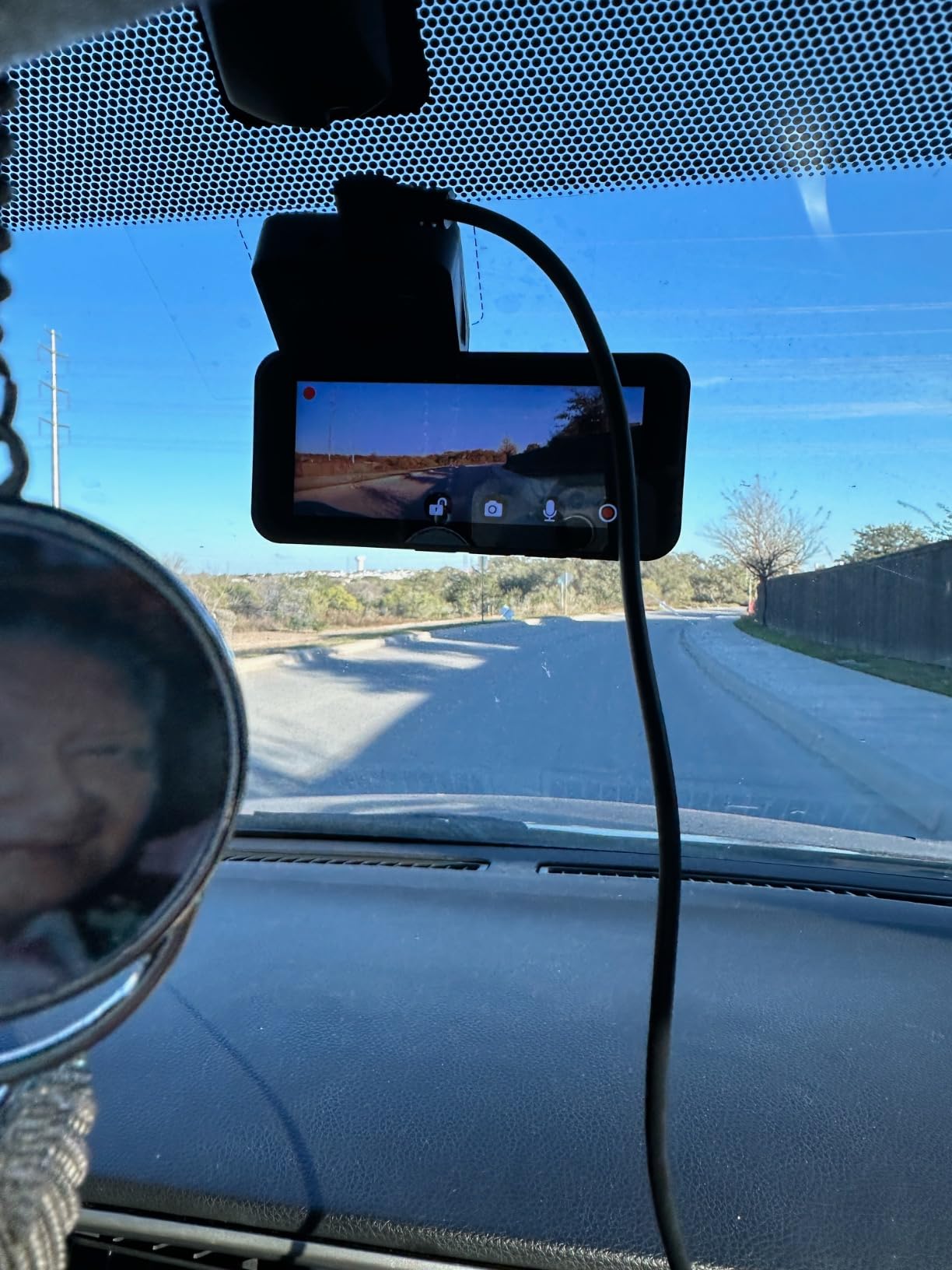
Who the Yonvim suits
It suits drivers who want GPS-stamped evidence on a tight budget, especially anyone who has been delaying because the good options all cost several times more. Two channels, GPS and a pre-installed card is a complete package.
It also suits second-car or second-driver installs, where you want a full camera in every vehicle rather than one good one and one basic one.
Who the Yonvim does not suit
It does not suit anyone planning to leave the car on a street overnight. The 24/7 parking mode only works with the separately sold hardwire kit, and without it the camera shuts off with the engine.
Two smaller things matter more than they sound. The bundled card is not high-endurance grade, which is exactly the wrong card for a camera that writes continuously in summer heat, and support documentation is thin, so expect to work through settings alone. Our storage section covers which cards to use instead.
11. Beferich J18 – Best for GPS Integrated Into the Suction Mount
Beferich 4K+2.5K Dash Cam Front and Rear, Built-in GPS, 5.8G WiFi, Free 64GB Card Included, Dash Camera for Cars, 2-Channel Car Camera,3.16” IPS Screen,G-Sensor,WDR&HDR,24H Parking Monitor,Max 256GB
4K front + 2.5K rear
GPS in the suction mount
170 degree and 150 degree lenses
5GHz WiFi app
Pros
- 4K front plus 2.5K rear with 170 and 150 degree lenses
- Built-in GPS logs speed route latitude and longitude
- 64GB card card reader and an 18ft rear cable included
- Parking monitor locks a 15-second clip on vibration or collision
- Time-lapse parking over 12 24 or 48 hours
Cons
- Parking monitor and time-lapse need the separately sold hardwire kit
- 5GHz WiFi transfers are slower than newer WiFi 6 competitors
- 3.16-inch screen is small for reviewing clips on the unit
The J18 does something clever with GPS hardware: it puts the receiver in the suction cup rather than in the camera body. Because the module is built into the mount, the GPS module has a clear view of the sky through the windscreen, which is a simpler lock story than a receiver sitting behind tint or under a mirror housing.
Once locked, it logs speed, route, latitude and longitude, and the route is tracked on a map through the 5GHz WiFi and the Viidure app. The GPS positioning is described as high-precision, and the 170-degree front plus 150-degree rear lenses give genuinely wide coverage.
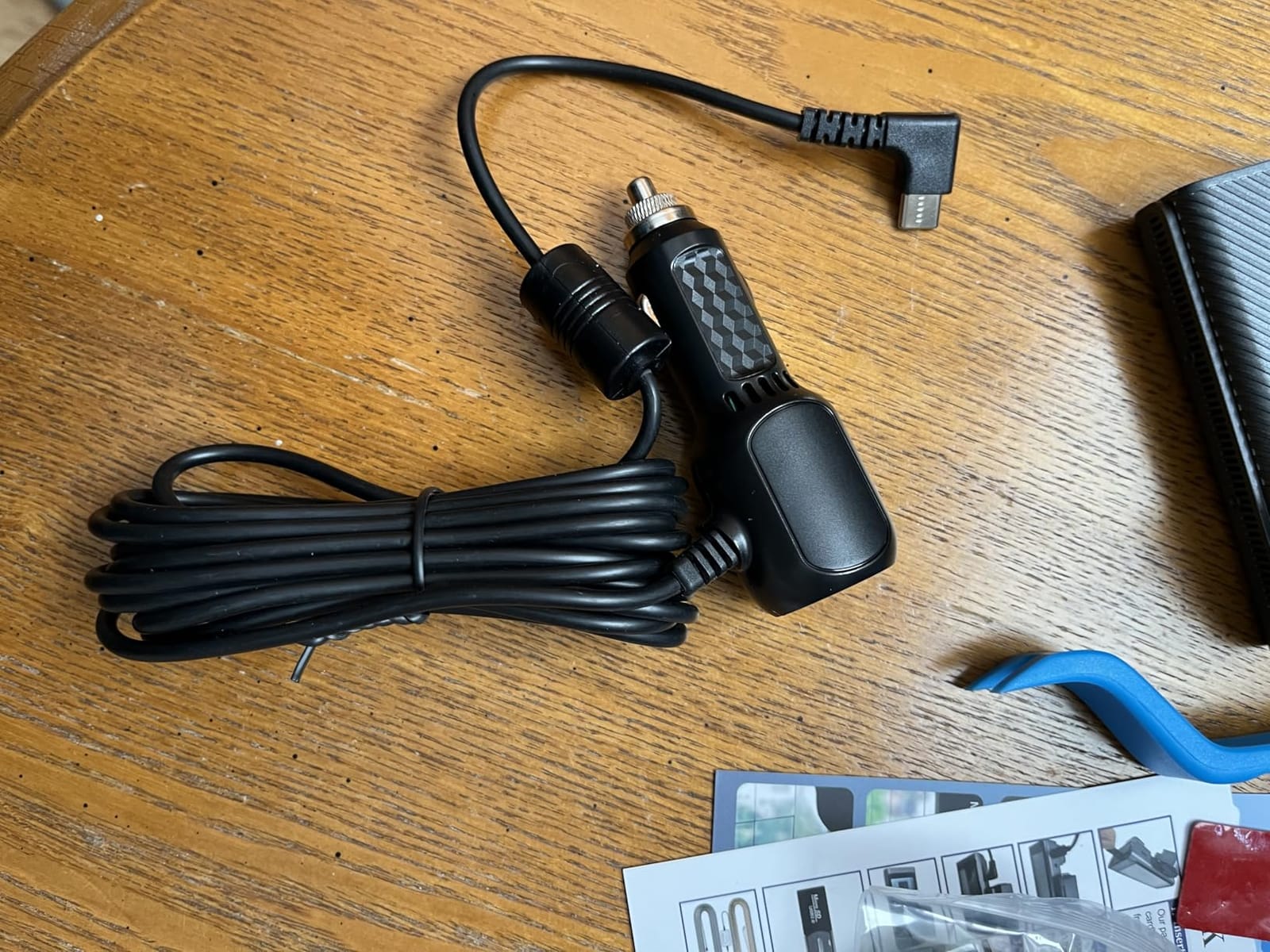
The box contents are unusually generous for the money: a 64GB card, a card reader and an 18-foot rear camera cable. That long cable is not a gimmick, it is the difference between a clean install and one that looks factory-fitted in most sedans.
Parking monitor locks a 15-second clip on vibration or collision, and time-lapse parking runs over 12, 24 or 48 hours once the hardwire kit is fitted. A 6-layer f/1.8 lens with HDR and WDR covers night driving, and loop recording with G-sensor auto-lock protects the incident file.
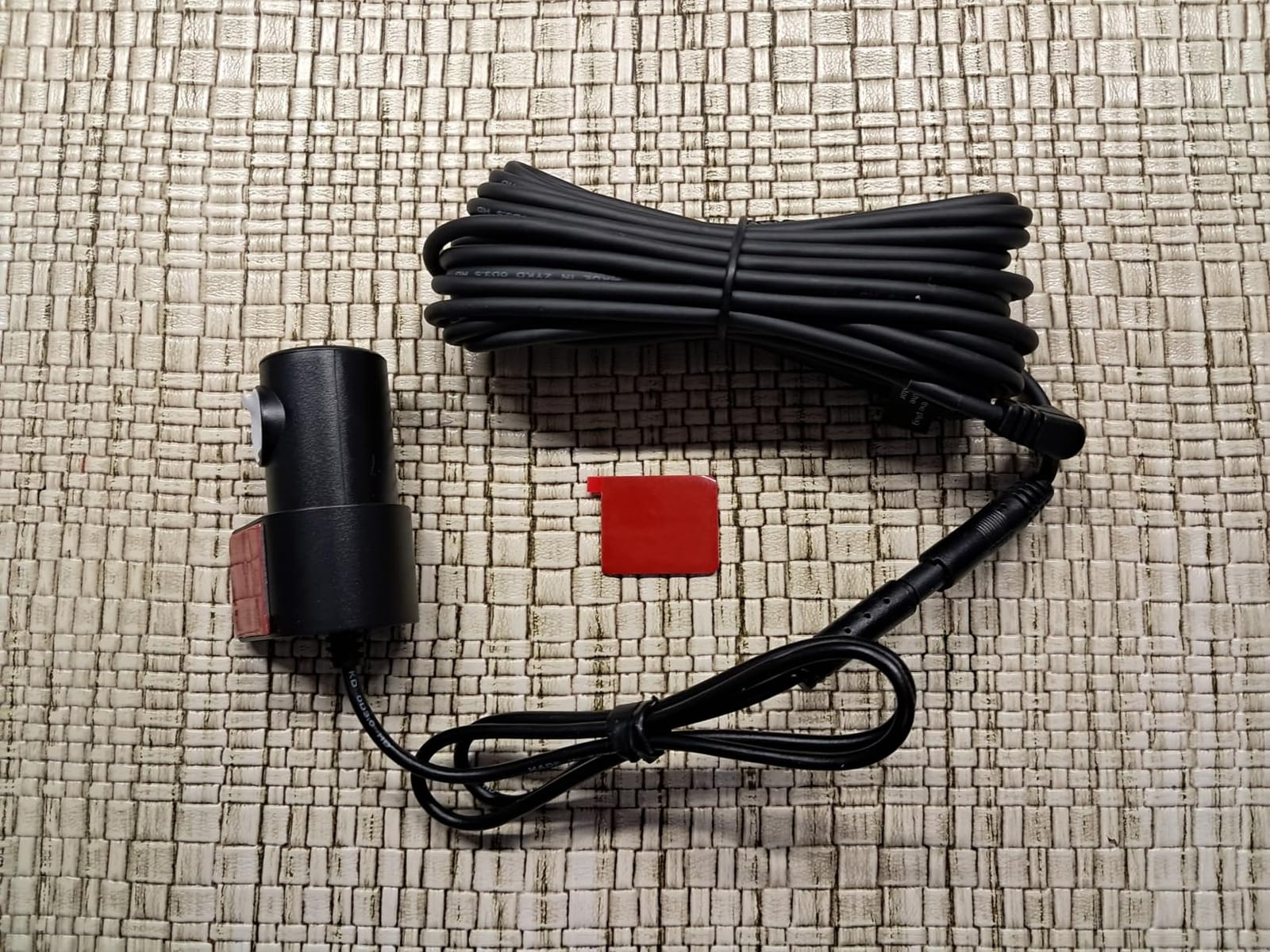
Who the Beferich J18 suits
It suits drivers who want GPS data but do not want to route a separate module cable, and who like a removable suction mount for seasonal vehicles. Putting the receiver in the mount is a genuinely thoughtful answer to GPS lock problems.
It also suits anyone who has bought a dash cam before and been disappointed by the box contents. The card, the reader and the long cable are the details that cause buyer’s regret elsewhere.
Who the Beferich J18 does not suit
It does not suit buyers who need the parking features out of the box. Both the 24/7 monitor and time-lapse require hardwire kit B0FGJNL46Z, which is a separate purchase and the reason the parking mode is not usable from the 12V plug alone.
It also does not suit people who want fast wireless review. The 5GHz transfers are slower than the WiFi 6 cameras in this list, and the 3.16-inch screen is on the small side for checking a clip on the unit rather than on a phone.
12. Icesky S03 – Best for Complete 360 Coverage and the Fastest Wireless Transfers
Icesky 4K Dash Cam Front and Rear Left Right with GPS, 20MB/s WiFi 6
4K front plus four 1080p
Built-in GPS with route playback
WiFi 6 at 20MB/s
128GB card included
Pros
- Four cameras covering front rear inside and both sides eliminate blind spots
- 4K front stays sharp enough to read plates day and night
- WiFi 6 downloads at up to 20MB/s the fastest here
- Built-in GPS tracks speed time and route in the app
- 128GB card included so nothing extra to buy
Cons
- 24-hour parking mode requires a hardwire kit sold separately
- Side and interior cameras are 1080p rather than 4K
- Routing cables for multiple cameras takes real patience
The S03 carries the highest rating in this roundup, and the reason is straightforward: it gives you 4K front plus 1080p rear, inside, and both side cameras, and it moves the files faster than anything else here. Five eight GHz WiFi 6 delivers up to 20MB/s downloads without removing the card.
That transfer speed is the practical difference here. Reviewers report pulling clips to a phone quickly, which matters when a single minute of 4K footage is a large file and you would otherwise leave the card in the car for a week.
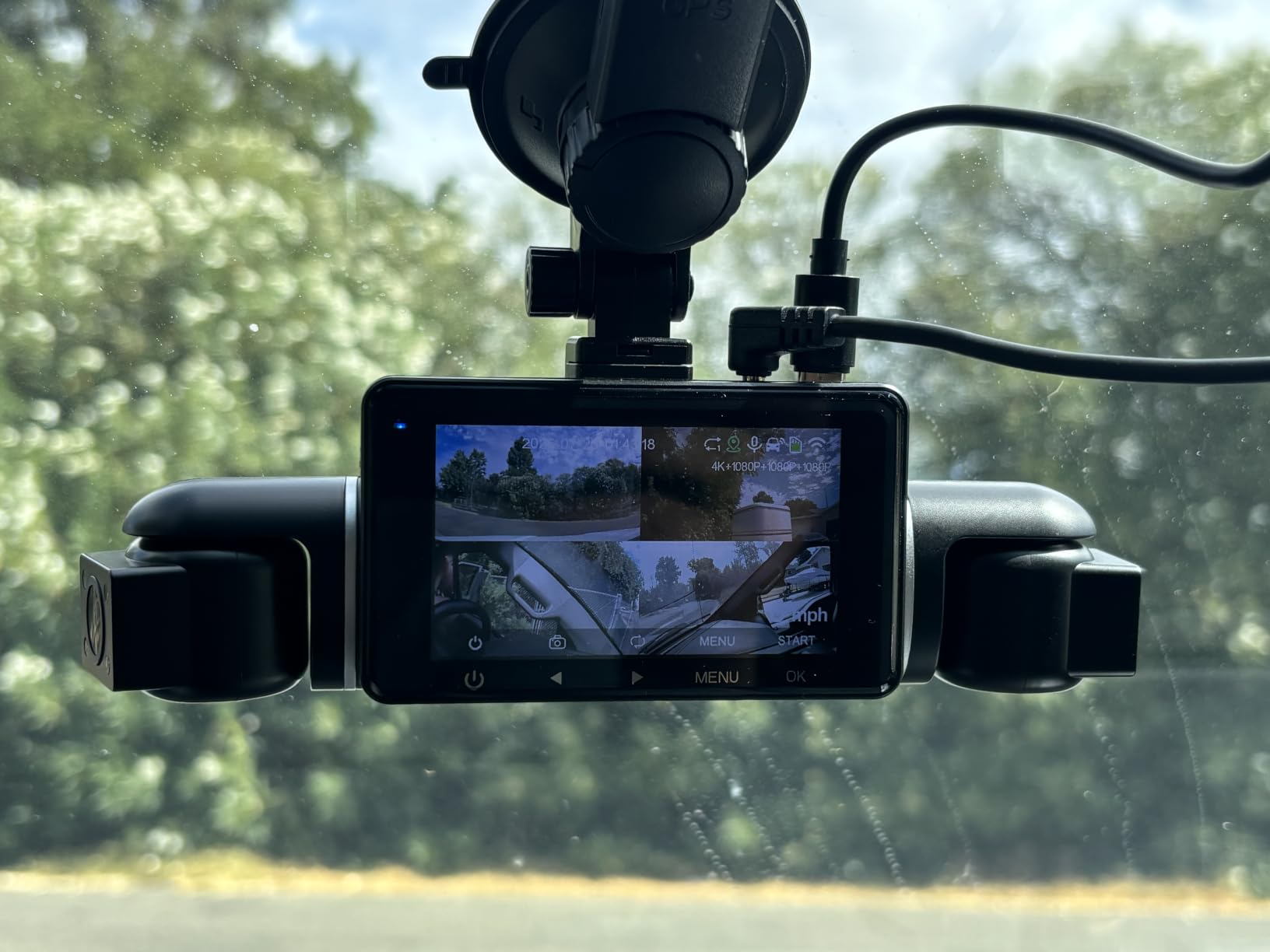
GPS is built in and records speed, route, location and time, with review through the app and a GPS player. Eight infrared lights on the side cameras have independent IR modes, so you can light the sides without washing out the cabin view.
The 3-inch display supports multi-view of the front, rear and side feeds at once, and the swivel and tilt side cameras can be re-aimed into the cabin if your driving needs change. A 128GB card is included and cards up to 512GB at U3 speed are supported, with a two-year warranty.
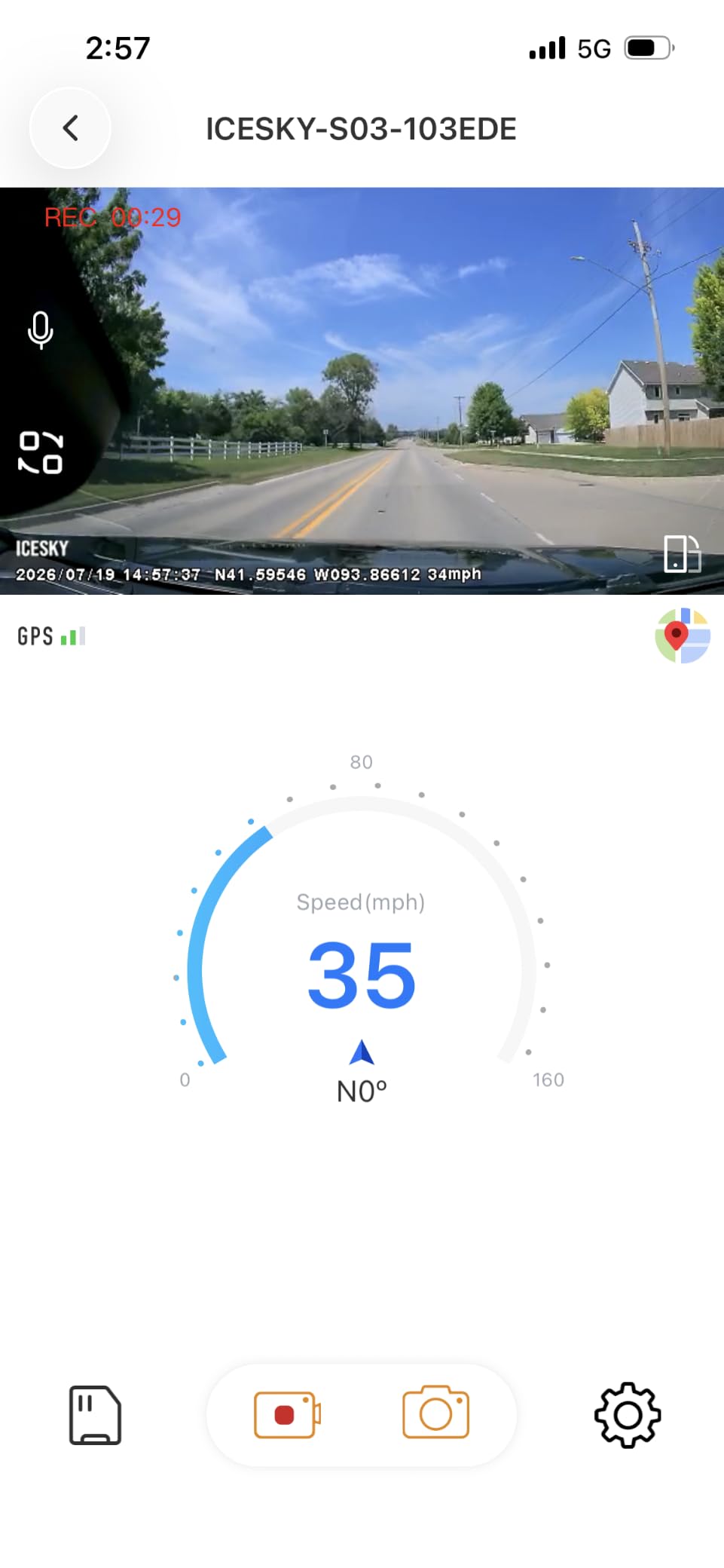
Who the Icesky S03 suits
It suits drivers who want the widest possible record and the shortest path from incident to shared clip. Compatible with sedans, SUVs, trucks, vans and rideshare vehicles, it is the closest thing here to a single-device fleet camera.
Owners frequently describe it as the best dash cam they have owned, and specifically as outperforming units costing two or three times more, which is consistent with what the specification sheet suggests.
Who the Icesky S03 does not suit
It does not suit anyone who wants overnight coverage from the box. Parking mode needs a hardwire kit that is not included, and with that many cameras the cable routing is the real installation task rather than the camera itself.
It also does not suit drivers who need 4K everywhere. The rear, interior and side channels are all 1080p, so this is a 4K-plus-1080p system rather than a multi-4K one. Match it to how much of your evidence actually comes from behind or beside the vehicle.
How We Ranked These Cameras for GPS Logging
Every camera here was assessed against the same three questions, and GPS performance outranks everything else. First, does the unit write speed, coordinates and time into the file, and does it do so without a second purchase. Second, is the data burned into the picture or held in a separate track that only some players can read. Third, does the GPS keep working in parking mode, or does it quietly shut off to save power.
After that we weighed the things that affect whether you will still have usable footage a year later: sensor quality, low-light performance, whether the app is stable, whether the G-sensor locks too eagerly and fills the card, and whether a memory card is included.
We draw on owner reports from r/dashcams and DashcamTalk for the recurring problems, particularly the ones a specification sheet cannot show: GPS modules that overheat, stamps written in the wrong units, files that play on a phone but not on a laptop. Where a complaint appears repeatedly, we treat it as a real limitation and put it in the cons list.
This site earns a commission when you buy through our links, at no extra cost to you. That does not change the order of this list, and no manufacturer paid to be placed in it.
How to Choose a Dash Cam With GPS Logging
Built-in GPS vs a separate GPS module vs no GPS
This is the decision that matters most, and it is simpler than most buying guides make it sound.
Built-in GPS means the receiver is in the camera or in its mount. Nothing extra to buy, one cable, and the data is available from the first clip. Ten of the twelve cameras here work this way. The only real downside is that you cannot upgrade the antenna separately if lock is poor in your particular car.
A separate module is a puck you plug into the camera, often routed up to the mount for a better view of the sky. The advantage is upgradeability and, in some designs, a better lock than an internal antenna in a crowded city. The disadvantage is an extra purchase and an extra cable, and the risk of finding out after you buy that it was never included.
No GPS is the right choice in a narrow set of cases: private garage parking, low-mileage leisure driving, or a vehicle where you will never need to prove location. Any of the twelve cameras will record fine without GPS. What you lose is the ability to answer “where and how fast” about any given frame, and in a claim that can be the whole case.
Speed stamp accuracy and the km/h vs mph trap
GPS-derived speed is calculated from position changes between updates, not measured directly. It is usually close, but it is not a speedometer. Sharp turns, tunnels, underpasses and heavy urban canyon driving all produce errors, and forum users regularly report stamps reading several miles per hour off the actual speed.
The more common complaint is unit confusion. Set the camera to km/h while your insurer quotes mph and a clip showing 60 km/h gets read as 37 mph, which changes the whole tone of a discussion about who was speeding. Check the unit setting before you rely on any clip, and if you drive in a country that switched units, verify it after every firmware update, since updates have been reported to reset preferences.
One more practical point: prefer a camera that lets you choose what the stamp shows. A unit offering multiple GPS modes, or one where you can turn the speed stamp off and keep the coordinates, is more useful than a fixed format.
Parking mode and GPS: what gets recorded while you are away
Here is the part almost no roundup covers. Most cameras in this list need a hardwire kit to run parking mode, and most of those kits draw power from the fuse box so the camera stays alive with the engine off.
The catch is that ultra-low-power parking modes are built to draw as little as possible, and GPS is one of the most power-hungry parts of the system. A satellite lock takes seconds and keeps the receiver running. So on many cameras, parked clips record video and the time stamp, but not the coordinates. Time-lapse clips generally fare the same way.
What you usually do get is the G-sensor event clip, and on cameras with buffered parking mode, a burst of footage from before and after an impact. If location matters for a parked incident, check whether the camera writes coordinates to incident clips specifically, and consider whether a separate parked-car GPS tracker makes more sense for your street.
Power: 12V, hardwire kit and voltage cutoff
Everything in this list runs from a 12V socket or a hardwire kit. The socket is the easy option: plug it in, it records while you drive, it stops when you turn the key. That is all many drivers need.
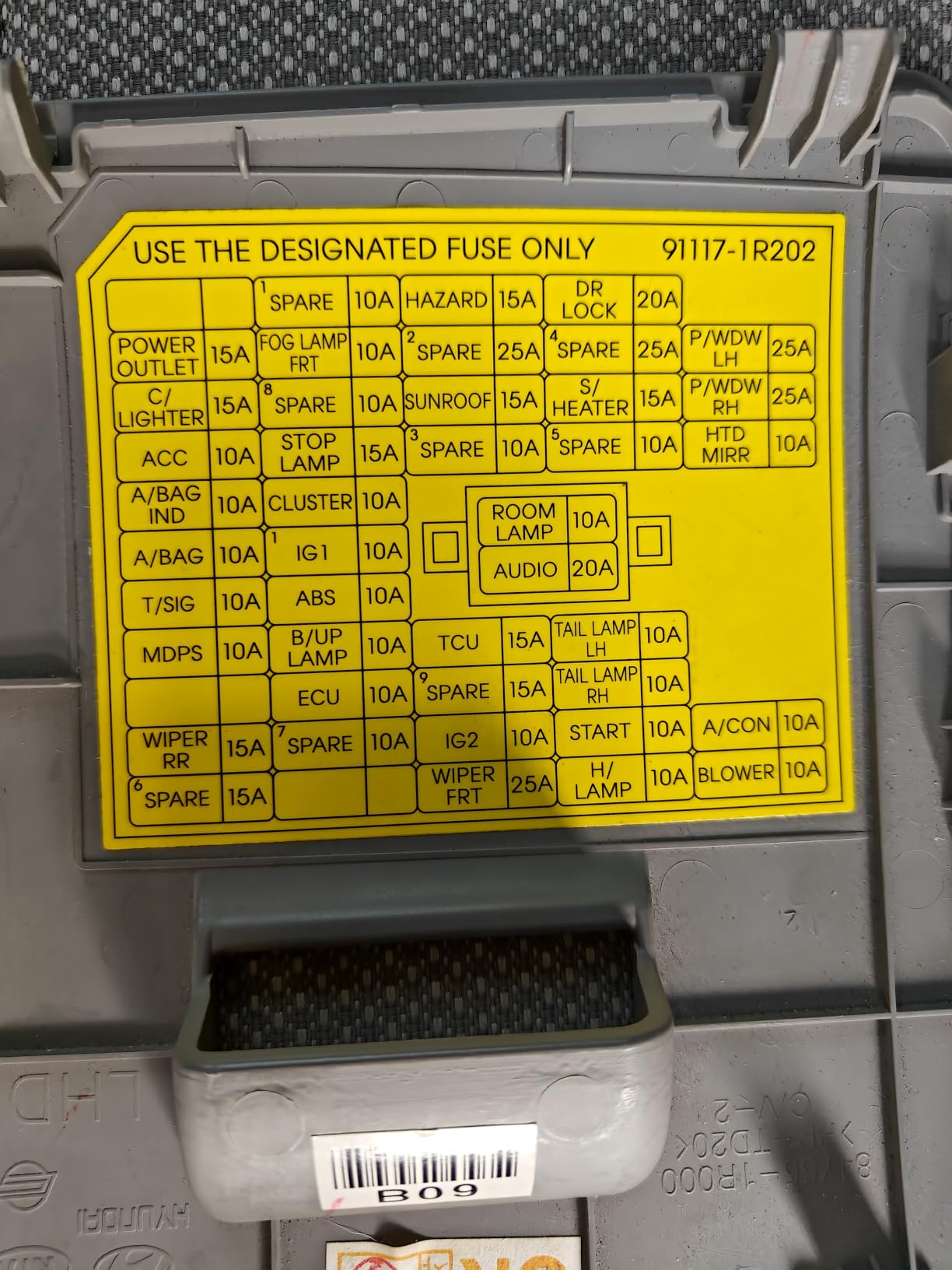
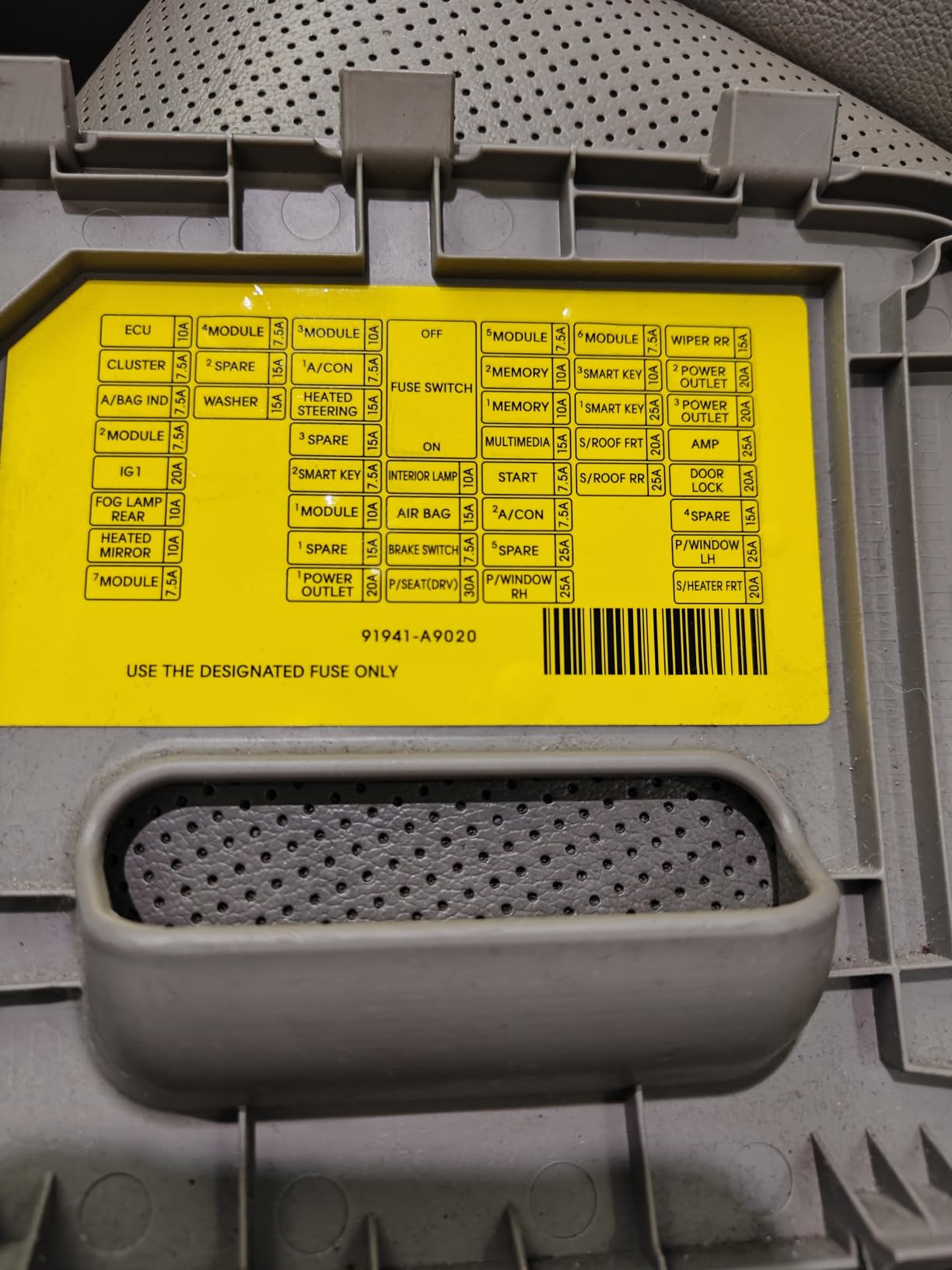
For parking mode you need the hardwire kit, which routes a cable into the fuse box. Owners describe this as the single most painful part of owning a dash cam, and that is fair the first time. The voltage cutoff is what protects you: it stops recording when your battery drops to a set level so you find a working car in the morning rather than a flat one. Never hardwire to a wire that is live with the key off, and check the cutoff setting matches how long you intend to leave the camera running.
Storage: endurance cards and continuous GPS plus video
GPS data adds very little to file size. The video does the damage, and multi-channel systems are brutal on storage. The 70mai T800E fills the included 64GB card in under half a day when recording front, interior and rear together.
Two rules apply. First, use a high-endurance microSD card rated for continuous write, not a general-purpose card that a bargain-bin option often includes. The Yonvim ships with a non-endurance card, and heat plus constant writes is the combination that kills it. Second, check the card type against the camera: the VIOFO A119 V3 recommends a U3 A2 V30 card and supports up to 256GB, while several 4K models support 512GB and some require U3 speed. A card that is too slow produces dropped frames and corrupted files, which looks identical to a faulty camera.
How to view and export the GPS track from your clips
Getting data off a dash cam is where most people give up, so the steps are worth knowing before you need them.
1. Copy, do not convert. Pull the original MP4 files onto a computer and keep them untouched. Re-encoding can strip a metadata track even if the burned-in stamp survives.
2. Use the manufacturer app first. Every camera here with WiFi has a phone app that draws the recorded route on a map. This is the fastest route to “show me where that happened” and takes about a minute.
3. Use a desktop GPS player for the full data. Some cameras ship or support a Windows and Mac GPS player that reads the separate data track and overlays speed and position on a map. The Affver is the clearest example of this in the category.
4. Check the stamp is burned in before submitting anything. Open the file in a basic player with no plugins. If speed and time appear as text on the picture, any recipient can see them. If the player shows nothing, the data is probably in a track that player ignored, and you need a compatible viewer before sending it to an insurer or officer.
5. Export a short clip, not the whole card. Claims are settled on the relevant minute. Send a two-minute extract with the coordinates visible, and keep the original on a second drive.
Using GPS-Stamped Footage for Claims and Reports
This section is general information, not legal advice. Rules about dash cam admissibility, recording audio, and privacy vary by country and state, and if you are dealing with an active dispute, talk to a professional in your jurisdiction.
What GPS data changes is the nature of the evidence. Video alone shows a collision. Video plus a speed stamp plus coordinates plus a satellite-synced timestamp shows where and when, and it is far harder to dismiss. Insurers handling disputes generally want the original file rather than a screenshot, and a burned-in stamp survives the chain of custody better than anything stored separately.
Keep your original files, not just extracts. Export copies for the insurer and preserve the untouched card contents. If a police report is involved, provide the file as recorded and let the requesting party pull their own data from it.
One thing to set expectations on: GPS-derived speed is an estimate. It is strong corroborating evidence and a useful check on witness statements, but it is not a calibrated speed measurement, and it can be wrong in exactly the conditions where you most want precision, such as a tight urban turn.
Frequently Asked Questions
What is a good dash cam with GPS navigation?
The WOLFBOX G840S is our best overall pick. Its external GPS antenna logs speed, direction and timestamp straight into the file, and the 12-inch mirror display lets you watch the satellite lock happen. The VIOFO A119 V3 is the simpler answer if you want integrated GPS with no app and no subscription. Note that these cameras log GPS data rather than providing turn-by-turn navigation.
What dash cam has live GPS tracking?
Live remote tracking needs cloud or cellular connectivity, not GPS alone. GPS is offline positioning recorded to your own card. None of our picks include 4G, so all record locally. For live viewing, the Icesky S03, 70mai T800E and PRUVEEO 4-channel transfer footage over WiFi 6 to a phone nearby. For tracking a vehicle remotely while you are elsewhere, you need a dash cam with a cloud subscription or an LTE module.
Does your insurance go down if you have a dash cam?
Some insurers offer discounts for dash cam use, but many do not, and the amount varies by provider and region. The more reliable financial argument is claims: a GPS-stamped clip showing speed and location can settle a disputed incident faster and reduce your liability. Ask your insurer directly in writing whether they offer a discount and what footage format they accept, then keep the original files.
Do you really need GPS on a dash cam?
You need it if anyone could dispute where you were or how fast you were going. That includes commercial and rideshare driving, street parking, and any region where claims are commonly contested. You can skip it if your car is kept in a private garage and you drive the same short route daily, and put the money into a better sensor or a rear camera instead.
Do I need a separate GPS module for a dash cam?
Only if the camera you want does not have one built in. Ten of our twelve picks have integrated GPS and need nothing extra. The ZMOPO D435 sells its GPS logger separately, so budget for that module and a second cable to the mount. A separate module can give a better satellite lock in cars with heavy tint or crowded city driving.
Why is there no speed on my dash cam footage?
The usual causes are a satellite lock that never completed, a speed stamp turned off in settings, or the unit being set to km/h while you expect mph. Check the GPS mode is enabled in settings, confirm the mount is not fully blocked by tint or a mirror, and wait for a lock while parked with a clear view of the sky. Update the firmware, since stamp bugs have been reported after updates, and confirm the unit is not silently recording in a low-power parking mode that drops GPS.
How do I view dash cam GPS data on my computer?
Use the manufacturer app to see the route on a map, or the Windows and Mac GPS player some models support, which reads the separate data track and overlays speed and position. Always copy the original MP4 files rather than re-encoding them, since converting can strip a metadata track. To confirm the data is visible to anyone, open the file in a plain player and check whether speed and time appear as text burned into the picture.
Can police or insurers use GPS data from a dash cam?
Yes, where the footage is lawfully obtained. A burned-in GPS stamp is the most portable form because it survives re-encoding and shows up in any player, while data in a separate track needs compatible software to read. GPS-derived speed is an estimate rather than a calibrated measurement, so treat it as strong corroborating evidence. Rules on recording audio and on admissibility differ by jurisdiction, so check locally if a dispute is serious.
The Best Dash Cam With GPS Logging for Most Drivers
The WOLFBOX G840S takes the top spot in this roundup of the best dash cams with GPS logging for 2026. The external GPS antenna locks cleanly, the speed, direction and timestamp land on the file, and the 12-inch split-screen display means you can confirm the data is there before you need it. With more than fourteen thousand reviews behind it, it is also the least risky recommendation on the page.
If you want something smaller and simpler, the VIOFO A119 V3 does the same GPS job with no app, no WiFi and no subscription. If you want the most coverage per dollar, the Affver 4K+2.5K and the 70mai A800SE both put built-in GPS into a dual-channel 4K body. And if your priority is seeing every direction at once, the PRUVEEO 4-channel and the Icesky S03 cover all the angles with GPS logging active on every feed.
Whatever you choose, set the speed units correctly, format a high-endurance card before first use, and pull a test clip to confirm the stamp is burned in rather than hidden in a data track. That five minutes of setup is what separates footage that proves your case from footage that merely exists.