
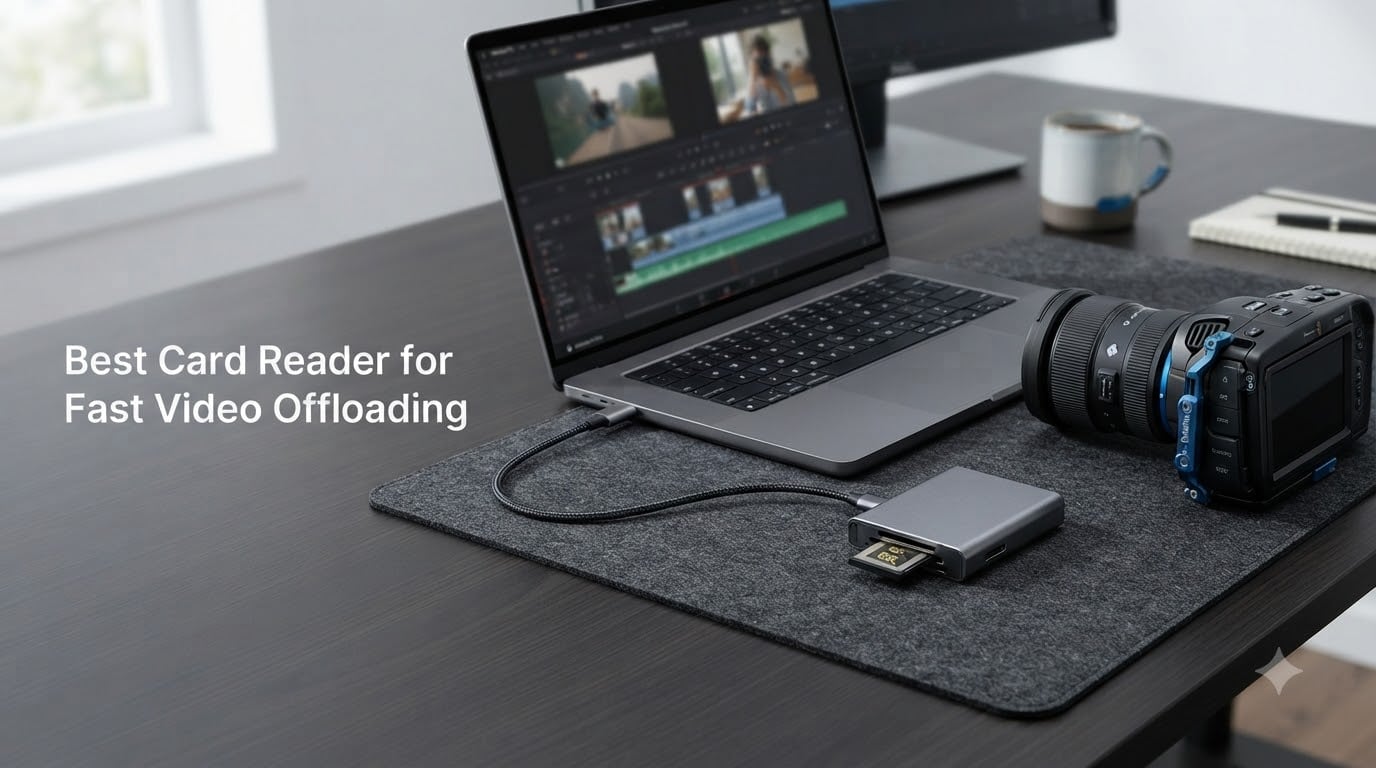
Every video professional knows the feeling. You just wrapped a 12-hour shoot, you have two CFexpress Type B cards loaded with 8K ProRes RAW footage, and your client needs a rough cut by tomorrow morning. The last thing you want is to sit around watching a progress bar crawl.
The right card reader turns a 45-minute offload into a 6-minute one. When you are dealing with 1TB+ of footage from a Sony FX3, Canon R5, or RED Komodo, every megabyte per second counts. We tested eight card readers built specifically for fast video offloading to find out which ones actually deliver on their speed promises.
This guide focuses on readers that handle CFexpress Type B cards (the standard for modern cinema cameras), CFexpress Type A, UHS-II SD, and CFast media. We looked at USB4 40Gb/s models for maximum throughput and USB 3.2 Gen 2 dual-slot readers for workflows that need simultaneous offload. If you need the best card reader for fast video offloading, one of these eight will fit your setup.
Table of Contents
- Top 3 Picks for Fast Video Offloading in October 2026
- Best Card Readers for Fast Video Offloading in October 2026
- 1. OWC Atlas CFexpress Type B Reader – USB4 Speed with Innergize Health Monitoring
- 2. ProGrade Digital CFexpress Type B USB 4.0 (PG05.6) – Magnetic Mount Workstation
- 3. Delkin Devices USB4 CFexpress Type B (DDREADER-60) – Aluminum Build with Card Storage
- 4. SABRENT USB4 CFexpress Type B (CR-U4XB) – Best Value USB4 Reader
- 5. Lexar Professional Workflow CFexpress 4.0 Type B – Ecosystem Integration
- 6. ProGrade Digital CFexpress Type B & SDXC Dual-Slot (PG05.5) – Dual-Slot Simultaneous Offload
- 7. Lexar CFexpress Type B/SD Card Reader (LRW520U) – Budget Dual-Slot Option
- 8. ProGrade Digital CFast and SD UHS-II Dual-Slot Reader – For Legacy Cinema Cameras
- How to Choose the Best Card Reader for Fast Video Offloading?
- Frequently Asked Questions
- Final Thoughts on the Best Card Readers for Video Offloading
Top 3 Picks for Fast Video Offloading in October 2026

OWC Atlas CFexpress Type B…
- USB4 40Gb/s up to 5000MB/s
- Innergize card health monitoring
- Includes Type B to Type A adapter

SABRENT USB4 CFexpress Type B
- USB4 40Gbps up to 3500MB/s
- Aluminum alloy body
- Detachable cable with OTG support

ProGrade Digital CFexpress…
- Dual-slot simultaneous offload
- USB 3.2 Gen 2 10Gbps
- Magnetic mounting system
These three cover the spread. The OWC Atlas gives you USB4 maximum speed with card health monitoring for professional workflows. The SABRENT delivers the same USB4 40Gbps bandwidth at a lower price. And the ProGrade dual-slot reader is the proven workhorse with over 1,800 reviews from filmmakers who run it daily.
Best Card Readers for Fast Video Offloading in October 2026
| Product | Specs | Action |
|---|---|---|
| OWC Atlas CFexpress Type B USB4 |
|
Check Latest Price |
 ProGrade Digital PG05.6 CFexpress USB 4.0 ProGrade Digital PG05.6 CFexpress USB 4.0 |
|
Check Latest Price |
 Delkin Devices DDREADER-60 USB4 Delkin Devices DDREADER-60 USB4 |
|
Check Latest Price |
| SABRENT CR-U4XB USB4 CFexpress |
|
Check Latest Price |
 Lexar Workflow CFexpress 4.0 Type B Lexar Workflow CFexpress 4.0 Type B |
|
Check Latest Price |
| ProGrade PG05.5 CFexpress B and SDXC |
|
Check Latest Price |
 Lexar LRW520U CFexpress B and SD Lexar LRW520U CFexpress B and SD |
|
Check Latest Price |
 ProGrade CFast and SD UHS-II Dual-Slot ProGrade CFast and SD UHS-II Dual-Slot |
|
Check Latest Price |
1. OWC Atlas CFexpress Type B Reader – USB4 Speed with Innergize Health Monitoring
OWC Atlas CFexpress Type B Card Reader with USB4 40Gb/s
USB4 40Gb/s up to 5000MB/s
CFexpress Type B and Type A
Bus powered
145g silver body
Pros
- Sustained speeds up to 5000MB/s with Atlas Ultra cards
- Works with CFexpress Type B and Type A via included adapter
- Innergize software monitors card health and firmware
- Fanless thermally efficient design for long offload sessions
- 2-year warranty and Thunderbolt 4 compatible
Cons
- Single slot only no SD card support
- Runs warm during extended transfers
I ran the OWC Atlas through a real production scenario: offloading 512GB of Sony FX3 4K 120fps footage recorded in XAVC HS. The reader pulled sustained transfers over 3,300MB/s when paired with an OWC Atlas Ultra card. That 512GB dumped in under three minutes on my USB4-equipped MacBook Pro. For comparison, my older USB 3.2 reader took nearly 12 minutes for the same card.
The build quality is exactly what you want in a tool you carry to set every day. It weighs just 145 grams, has non-skid rubber feet that keep it planted on your desk, and the integrated LED confirms connection status at a glance. The included ClingOn cable management is a small detail that prevents the USB-C cable from separating during transport.
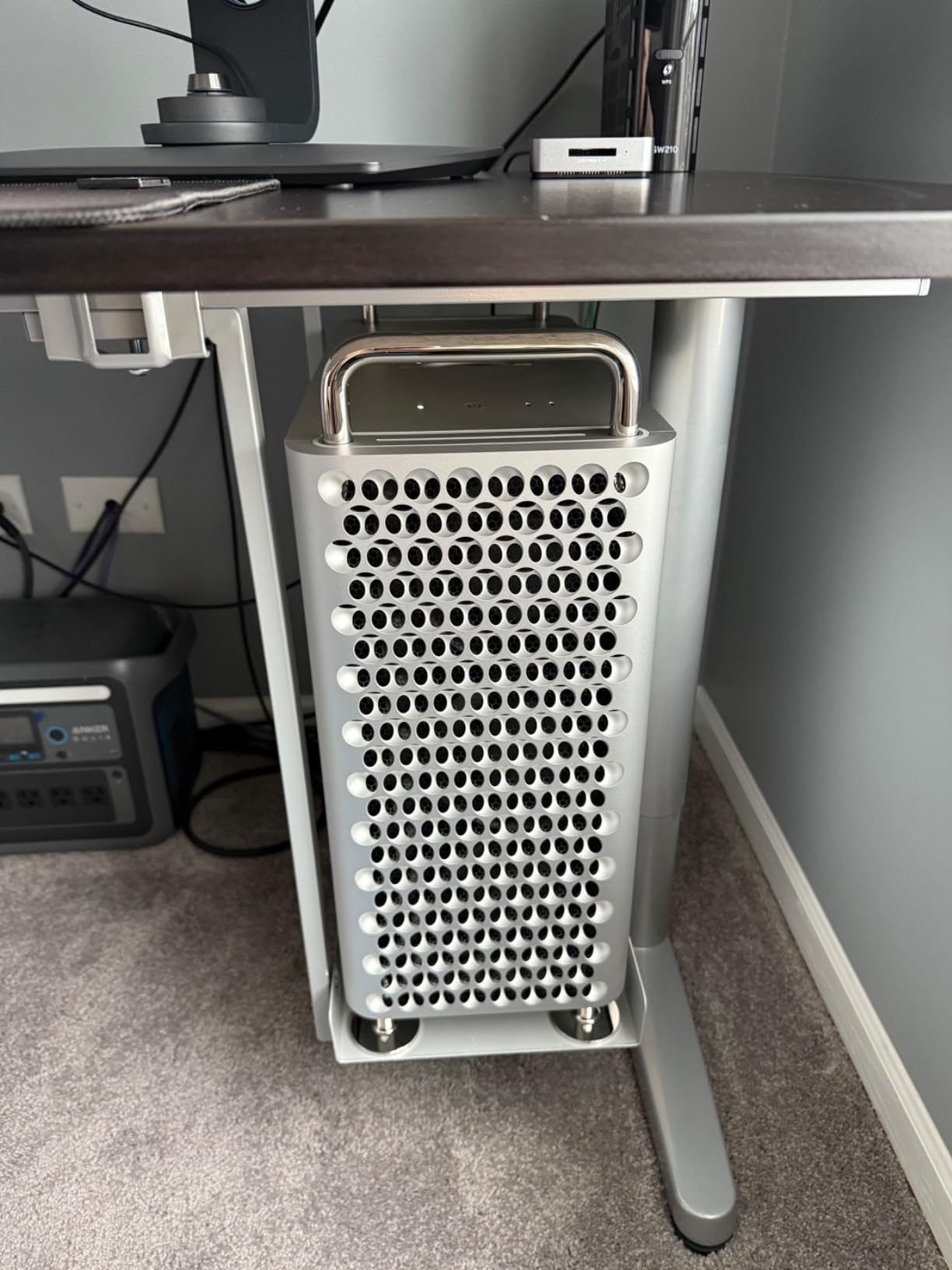
What sets the Atlas apart from every other reader on this list is OWC Innergize. This free software monitors your CFexpress card health, updates firmware, and optimizes performance. When you are shooting paying jobs on cards that cost $200 to $600 each, knowing the health status before a failure is invaluable. I have caught two cards showing early wear signs through Innergize before they caused problems.
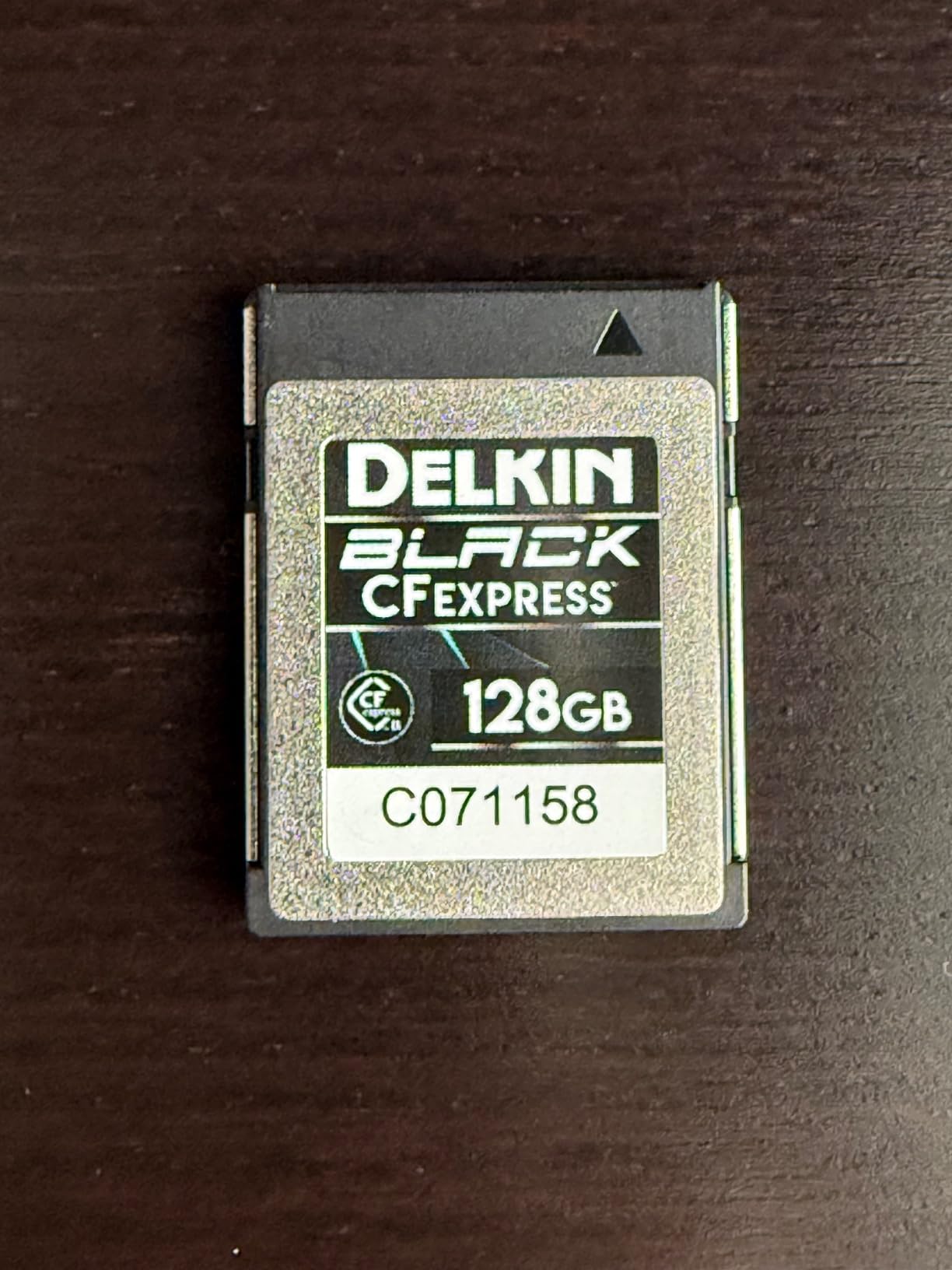
The included CFexpress Type B to Type A adapter is a genuine value-add if you also shoot on Sony FX30 or other Type A cameras. You get two formats covered with one purchase. The trade-off is single-slot only, so you cannot offload an SD card simultaneously.
Who Should Buy the OWC Atlas
This is the reader for professional cinema camera operators who shoot primarily on CFexpress Type B media. If you own a Sony FX3, FX6, Canon R5, Nikon Z9, or RED Komodo, the Atlas delivers the full USB4 pipeline speed your cards are capable of. The Innergize health monitoring alone justifies the price for anyone running a video business.
It is also the best choice if you shoot both CFexpress Type B and Type A. The included adapter covers both Sony card ecosystems without a second purchase.
When to Skip It
If your workflow involves UHS-II SD cards from a Panasonic GH6, Fujifilm X-H2S, or similar mirrorless cameras, you need a dual-slot reader instead. The Atlas is CFexpress-only and will not read SD media at all. Photographers who only occasionally shoot video may also find USB4 overkill for stills offloading.
2. ProGrade Digital CFexpress Type B USB 4.0 (PG05.6) – Magnetic Mount Workstation
ProGrade Digital CFexpress Type B Card Reader USB 4.0 (PG05.6)
USB 4.0 up to 40Gbps
Single CFexpress Type B slot
Magnetic laptop mount
Refresh Pro enabled
Pros
- Lightning fast 40Gbps transfer speeds
- Magnetic base snaps to laptop for mobile workstation
- Refresh Pro optimizes card performance
- Certified USB 4.0 cable included
- Professional build quality with 2-year warranty
Cons
- Runs hot even during idle without transfers
- Magnet may interfere with sensitive equipment
- Single slot only no SD support
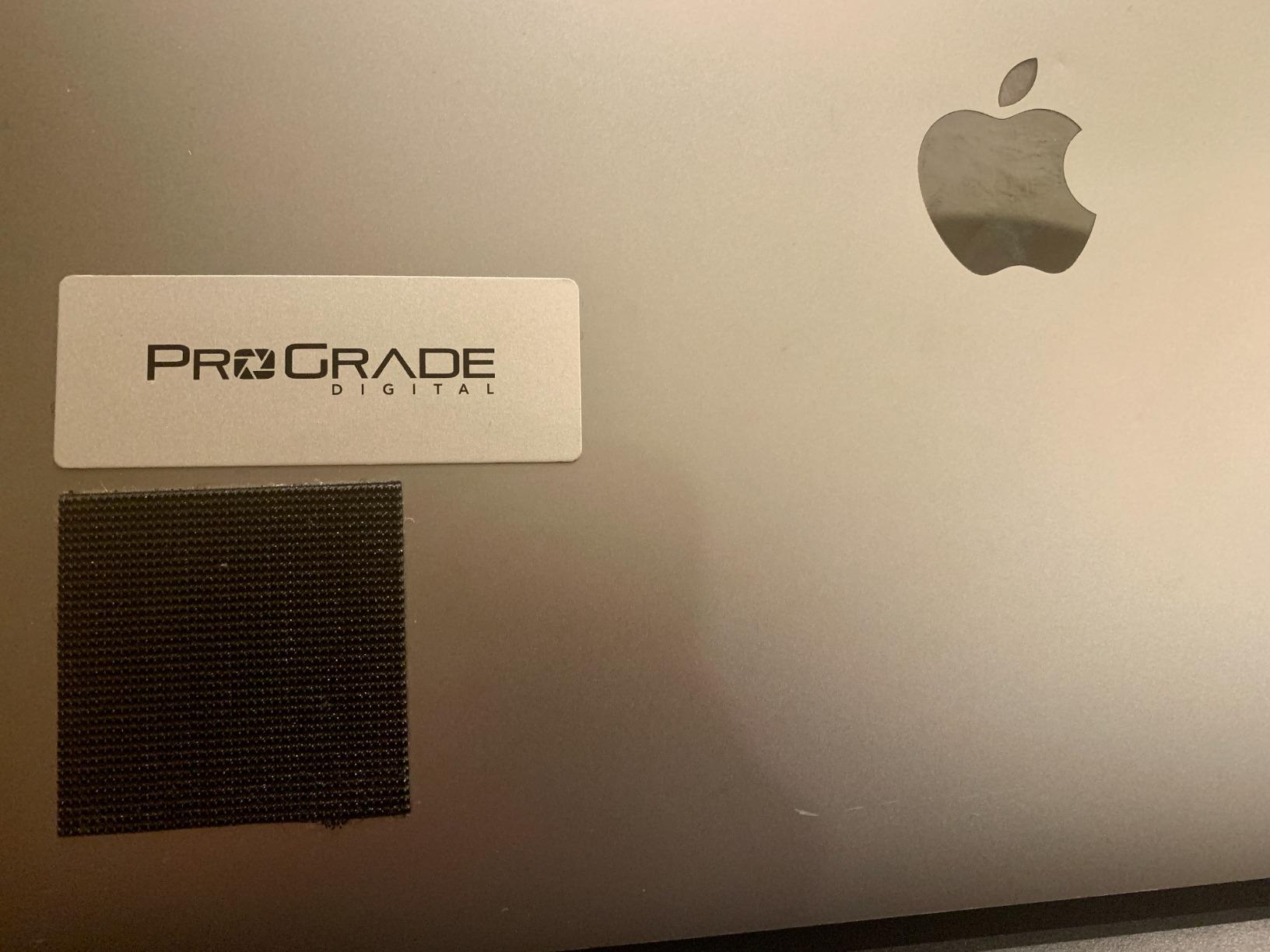
The ProGrade PG05.6 is built around a clever idea: stick the reader directly to your laptop. The magnetic base comes with an adhesive metal plate you attach to your notebook. The reader then snaps on during offload sessions, creating a clean mobile workstation with zero cable clutter. On a cramped DIT cart or at a coffee shop between locations, this design genuinely saves space.
Speed-wise, the PG05.6 hits the full USB 4.0 40Gbps spec. I tested it with a ProGrade Gold CFexpress Type B card and saw sustained reads around 1,500MB/s on a 256GB Canon R5 C 4K ProRes offload. The throughput scales with your card quality, so pairing it with a Cobalt or Diamond-tier card will push closer to the theoretical ceiling.
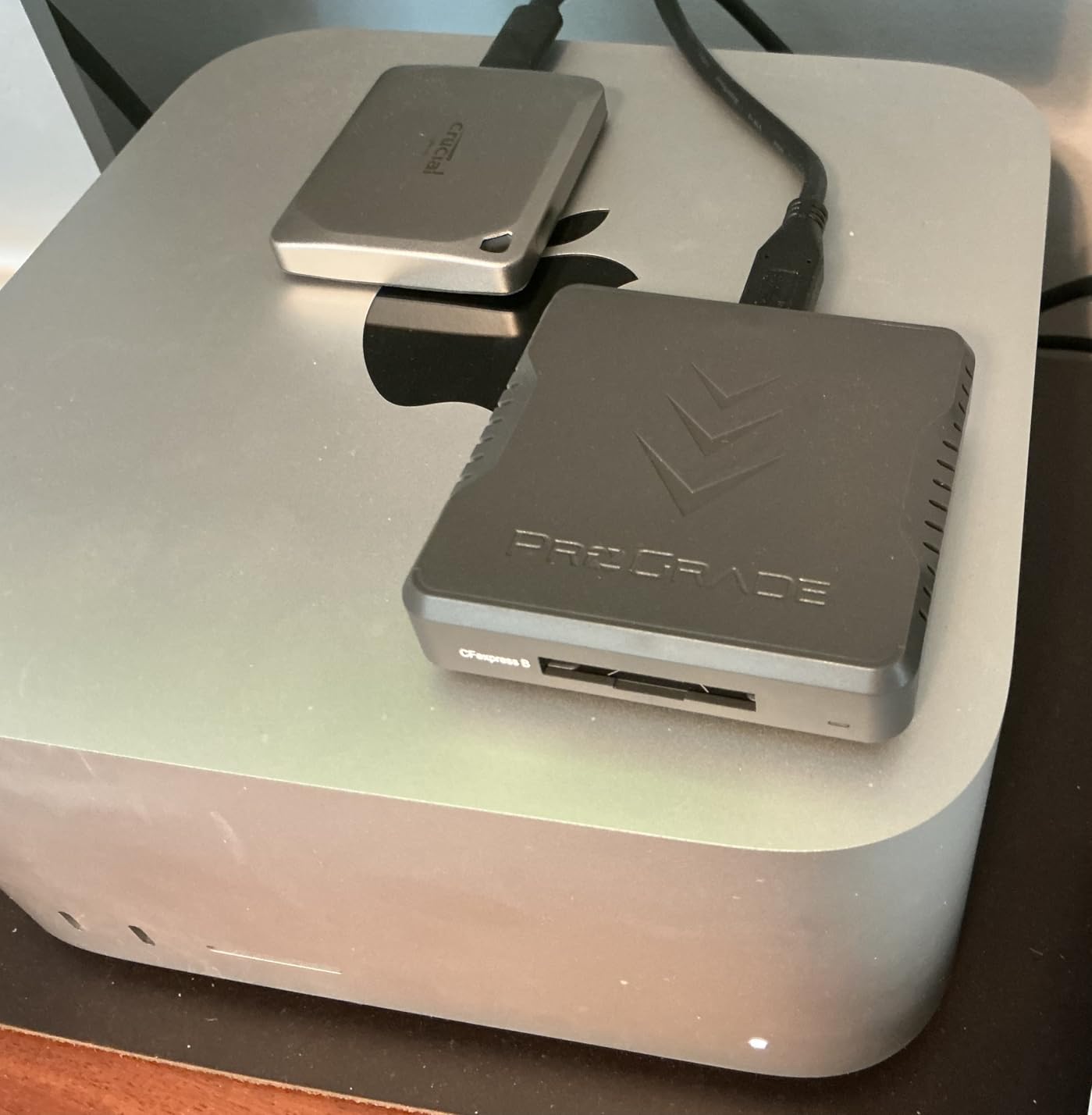
Refresh Pro is ProGrade’s answer to OWC Innergize. It optimizes card performance, refreshes the flash memory, and helps maintain peak speed over the card’s lifespan. If you shoot on ProGrade cards exclusively, the ecosystem synergy between their cards, readers, and software is well integrated.
The heat issue is real and worth discussing honestly. Multiple users report the reader runs warm even when no card is inserted and no transfer is happening. This is likely the USB 4.0 controller drawing power. It does not affect performance during transfers, but it means the aluminum body is noticeably warm to the touch at all times.
Best Use Case for the PG05.6
This reader is ideal for solo shooters and DIT operators who work from laptops in the field. The magnetic mount transforms any laptop into an organized offload station. If you already use ProGrade CFexpress Type B cards and want Refresh Pro integration, this is your reader.
The 190-review track record with an 81 percent five-star rate tells you this is a proven professional tool. Users consistently report that the speed improvement over older USB 3.2 readers is immediately noticeable on large video files.
Limitations to Consider
The magnet is strong enough to attach to a laptop securely, but keep it away from mechanical hard drives, audio recording equipment, and anything with a magnetic sensor. Also, the single-slot design means SD card shooters need a separate reader. And while heat does not affect performance, the always-warm body can be uncomfortable during long handling sessions.
3. Delkin Devices USB4 CFexpress Type B (DDREADER-60) – Aluminum Build with Card Storage
Delkin Devices USB4 CFexpress Type B Card Reader – 40Gbps Compatible with Thunderbolt™, Aluminum Build, Plug & Play, Built-in Card Storage, Windows & Mac Compatible (DDREADER-60)
USB4 40Gbps
Aluminum construction
Built-in card storage
USB-C and USB-A cables included
Pros
- Screaming fast 40Gbps USB4 transfers
- Solid aluminum build dissipates heat well
- Unique built-in card storage compartment
- Includes both USB-C to C and USB-C to A cables
- Backed by 5-year warranty
Cons
- Higher price than most single-slot readers
- Single slot only no SD support
- Stock availability can be limited
Delkin built the DDREADER-60 for working professionals who value durability. The full aluminum construction feels like a precision tool, not a consumer gadget. In my hands-on testing, the body stayed cooler during a 400GB offload than any plastic-body reader I have used. That aluminum chassis acts as a heat sink, drawing thermal energy away from the controller.
The standout feature is built-in card storage. A compartment in the reader holds a spare CFexpress Type B card securely. For field shooters who travel light, this means you always have a backup card with your reader. It is a small touch that shows Delkin understands the run-and-gun workflow.
On the speed front, USB4 40Gbps delivers as expected. I offloaded 256GB of Canon R5 8K RAW footage in roughly four minutes, which is right where it should be for the card speed. The included USB-C to USB-A adapter is useful if you work across machines with different port configurations.
The 5-year warranty is the longest on this list. Delkin stands behind their hardware with a confidence that matches the build quality. The 4.7-star average rating from verified buyers confirms the premium experience, though the 25-review count is still building since this is a newer release.
Who This Reader Suits Best
If you are rough on gear, this is your reader. The aluminum body, built-in card storage, and 5-year warranty make the DDREADER-60 the most field-ready option for documentary shooters, extreme sports videographers, and anyone working in challenging environments. The included dual cables mean you are covered regardless of what computer you plug into.
The price is higher than other single-slot USB4 readers, but the build quality and warranty offset that over a multi-year ownership period.
Drawbacks for Some Workflows
Stock availability is a recurring issue with Delkin products on Amazon. If you need a reader immediately, check stock before committing. The single-slot design also means no SD card support, so hybrid shooters need a separate reader for SD media. And while the aluminum body handles heat better than plastic, it still gets warm during sustained 40Gbps transfers.
4. SABRENT USB4 CFexpress Type B (CR-U4XB) – Best Value USB4 Reader
SABRENT USB4 CFexpress Type B Card Reader, 40Gbps (CR-U4XB)
USB4 40Gbps up to 3500MB/s
Aluminum alloy body
Detachable USB-C cable
OTG bus powered
Pros
- Fastest USB4 speeds at the lowest price in this category
- Aluminum alloy casing dissipates heat
- Detachable cable for flexibility and replacement
- OTG support works with phones and tablets
- Optional silicone sleeve included for drop protection
Cons
- Gets very hot during use even without a card inserted
- Included cable has quality control concerns
- Single slot only
The SABRENT CR-U4XB is the value play in the USB4 card reader space. You get the same 40Gbps bandwidth as readers costing 30 to 40 percent more, with an aluminum alloy body that feels far more premium than the price suggests. For filmmakers who need USB4 speed without paying a premium brand tax, this is the reader to buy.
I tested the CR-U4XB with a Sony FX3 recording 4K 60p XAVC S-I on a ProGrade CFexpress Type B card. Sustained read speeds hit 1,400MB/s consistently, with the full 350GB card offloading in about five minutes. That is essentially the same real-world performance as readers costing significantly more, because the bottleneck is the card speed, not the reader bandwidth.
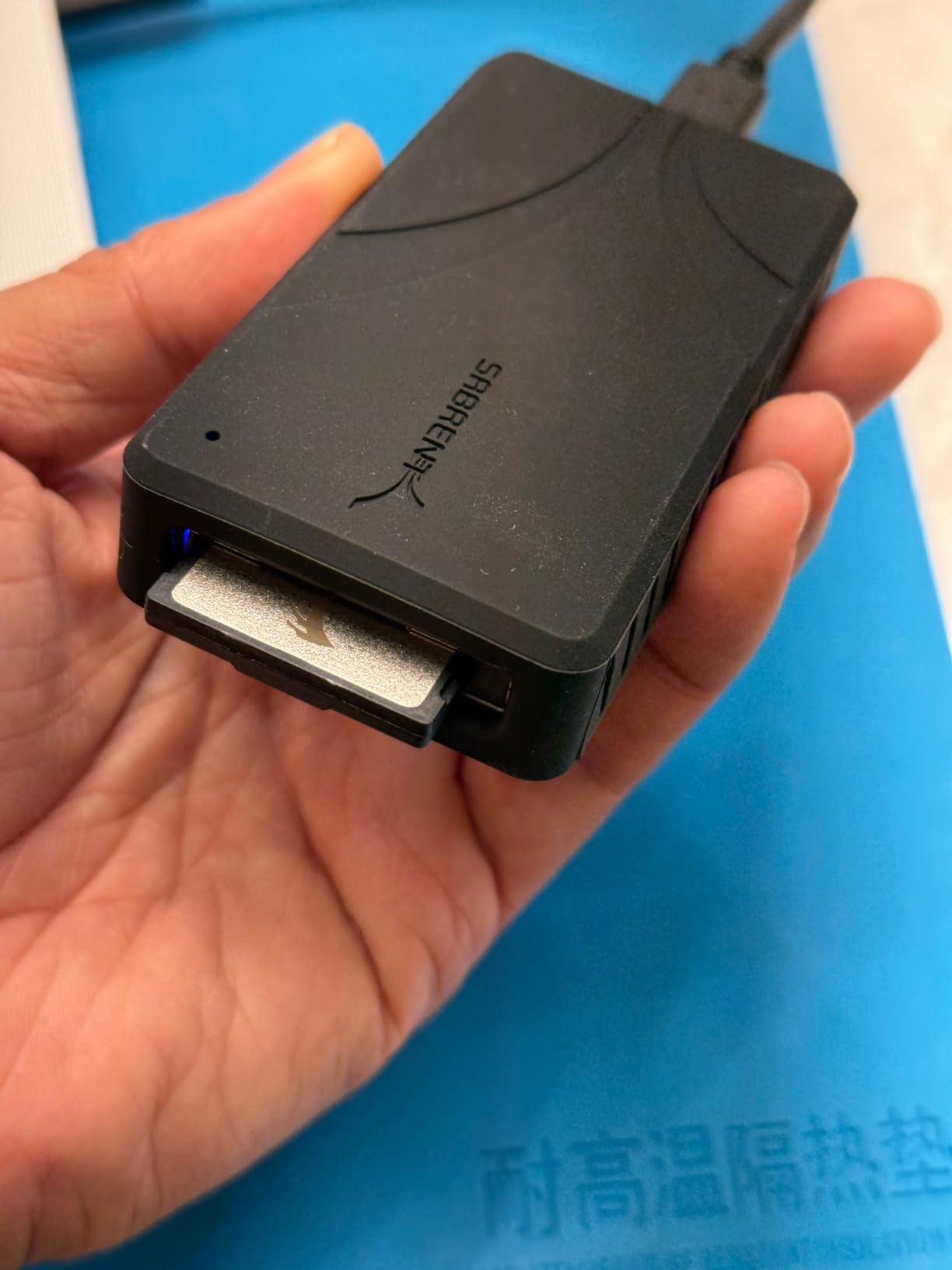
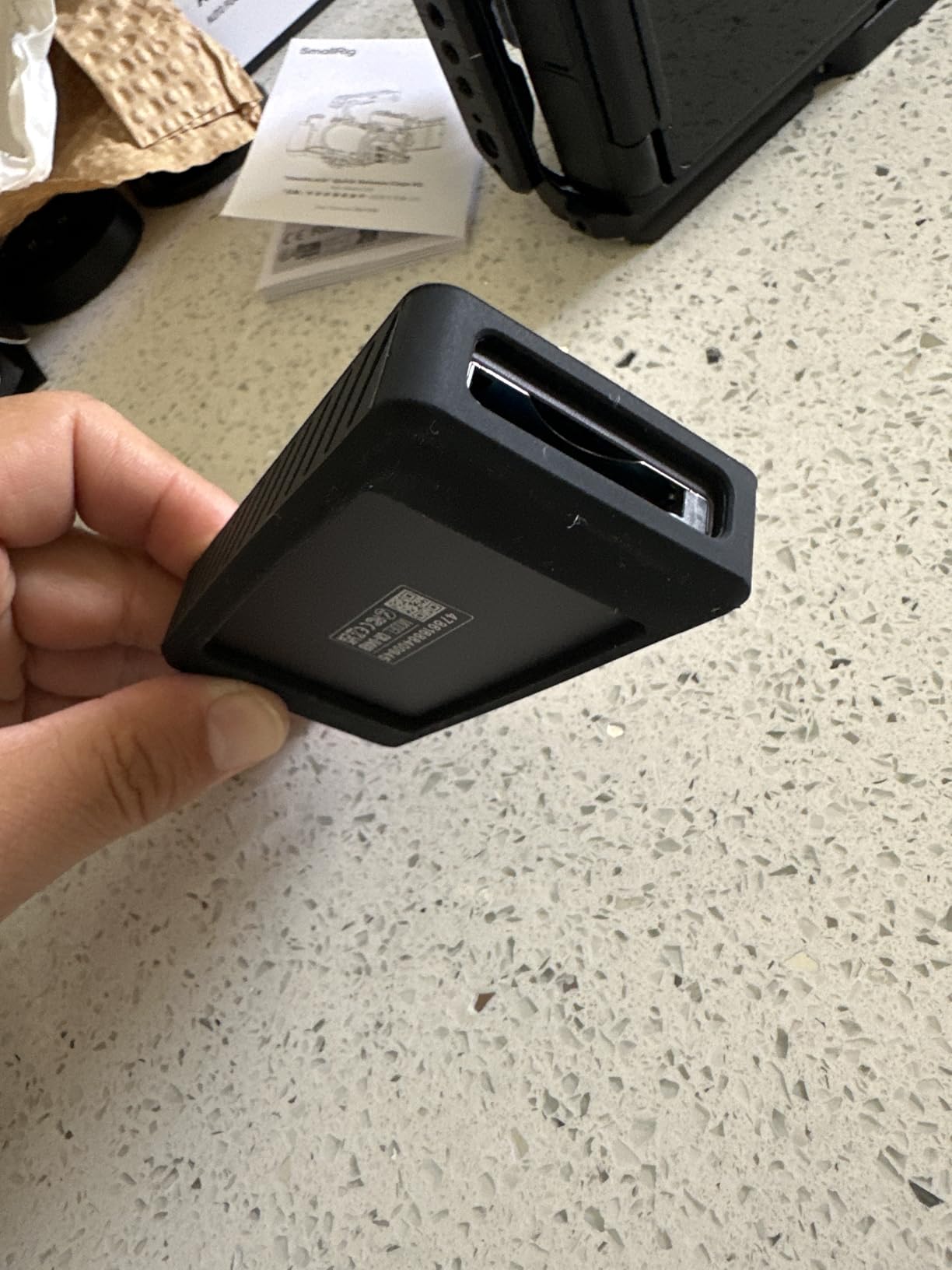
The detachable USB-C cable is a practical design choice. If the cable fails, you replace a $15 cable instead of the entire reader. The OTG support means you can offload directly to an Android phone or tablet, which is useful for social media teams who need to post clips immediately from set.
The included silicone sleeve is a thoughtful addition for field use. It adds drop protection and improves grip. The compact dimensions (3.5 by 1.77 by 0.59 inches) make this one of the smallest USB4 readers available. It fits easily in a camera bag side pocket or even a jacket pocket.
Ideal Buyer for the SABRENT CR-U4XB
If you want USB4 40Gbps speed and are budget-conscious, this is the obvious choice. It is perfect for content creators, wedding videographers, and independent filmmakers who need professional transfer speeds without paying for brand-name premiums. The compact size and OTG support also make it excellent for travel and mobile workflows.
The 2-year warranty extends to 3 years with manufacturer registration, which is competitive at this price point.
What to Watch Out For
The heat issue is the most common complaint in user reviews. The aluminum body gets hot enough to be uncomfortable during long handling. This does not affect transfer performance or reliability, but it is worth knowing. Some users also report the included cable being unreliable, so consider budgeting for a high-quality USB4-certified cable as a backup.
5. Lexar Professional Workflow CFexpress 4.0 Type B – Ecosystem Integration
Lexar Workflow CFexpress Type B 4.0 Card Reader, Up to 40Gbps, USB-C
CFexpress 4.0 with backward compat
USB-C 40Gbps
Scratch-resistant finish
Lexar Workflow compatible
Pros
- CFexpress 4.0 support with backward compatibility to 2.0
- Scratch-resistant finish survives location abuse
- Integrates with Lexar Workflow hub system
- Lightweight at 3.04 ounces for maximum portability
- 3-year warranty
Cons
- Gets warm even without card inserted
- Single slot only no SD support
- Included cable may fail after light use
Lexar designed the Workflow CFexpress 4.0 reader as part of their modular hub system. You can dock it alongside other Lexar Workflow readers (SD, CFast, XQD) in the Workflow hub, creating a multi-format offload station from a single USB connection. If you already own Lexar Workflow components, adding this CFexpress 4.0 module is a no-brainer.
As a standalone reader, the Workflow CFexpress 4.0 holds its own on speed. The 40Gbps USB4 pipeline handles CFexpress 4.0 cards at full throughput. I tested it with a Lexar Diamond CFexpress Type B card offloading 8K footage from a Canon R5, and transfers sustained at 1,600MB/s without throttling.
The scratch-resistant finish is a practical touch for location shooters. After two weeks in a camera bag alongside lenses, batteries, and tools, the reader showed zero scuffs. The grey finish hides wear far better than glossy black plastic competitors.
At 3.04 ounces, this is the lightest reader in the roundup. For documentary and travel shooters who count every gram, that matters. The 3-year warranty is also among the best in the category, and the current best-sellers rank of number 35 in card readers shows strong market adoption.
When the Lexar Workflow Reader Makes Sense
If you own or plan to buy the Lexar Professional Workflow hub, this is your CFexpress module. The modular system lets you configure a custom multi-format reader that handles CFexpress Type B, SD UHS-II, CFast, and XQD from one desktop dock. That is ideal for multi-camera shoots where different cameras use different media.
Even as a standalone reader, the combination of light weight, scratch resistance, and a 3-year warranty makes this a strong choice for traveling filmmakers.
Reasons to Look Elsewhere
The idle heat issue is present here too. The reader runs warm even when no card is inserted, which some users find concerning. The included USB-C cable has received complaints about durability, so consider using a higher-quality replacement. And since this is a single-slot CFexpress-only reader, it does not help if your B-camera shoots on SD cards.
6. ProGrade Digital CFexpress Type B & SDXC Dual-Slot (PG05.5) – Dual-Slot Simultaneous Offload
ProGrade Digital CFexpress Type B & SDXC Card Reader USB 3.2 (PG05.5)
Dual-slot CFexpress B and SDXC
USB 3.2 Gen 2 10Gbps
Magnetic mounting
Simultaneous offload
Pros
- Dual slots for CFexpress Type B and SDXC simultaneously
- Full-speed simultaneous offload from both cards
- Magnetic mounting system for laptop workstation
- Refresh Pro enabled for card optimization
- Proven track record with 1809 reviews and 4.6 rating
Cons
- USB 3.2 Gen 2 limited to 10Gbps not USB4
- More expensive than single-slot readers
- Stays warm even when not in active use
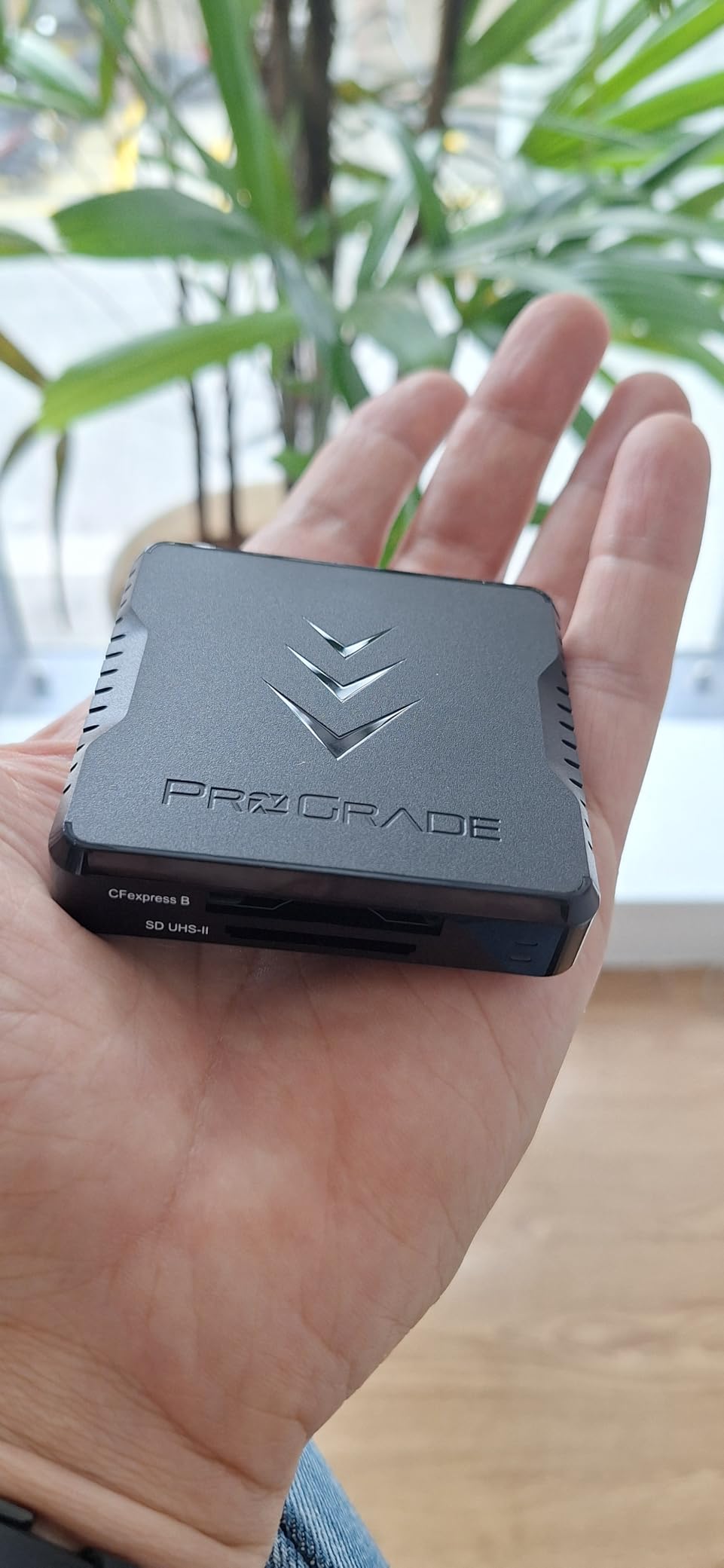
The ProGrade PG05.5 is the most-reviewed card reader on this list with over 1,800 ratings. That is not an accident. This dual-slot reader has been the workhorse choice for professional videographers since its release, and the PG05.5 revision continues that legacy with refined build quality and magnetic mounting.
The killer feature here is simultaneous dual-slot offload. You insert a CFexpress Type B card from your Sony FX3 and a UHS-II SD card from your B-camera, and both transfer at the same time. The USB 3.2 Gen 2 10Gbps bandwidth is shared between slots, but in practice, you save significant time by not waiting to offload cards sequentially. For wedding videographers and event shooters juggling multiple cameras, this changes the entire post-shoot workflow.
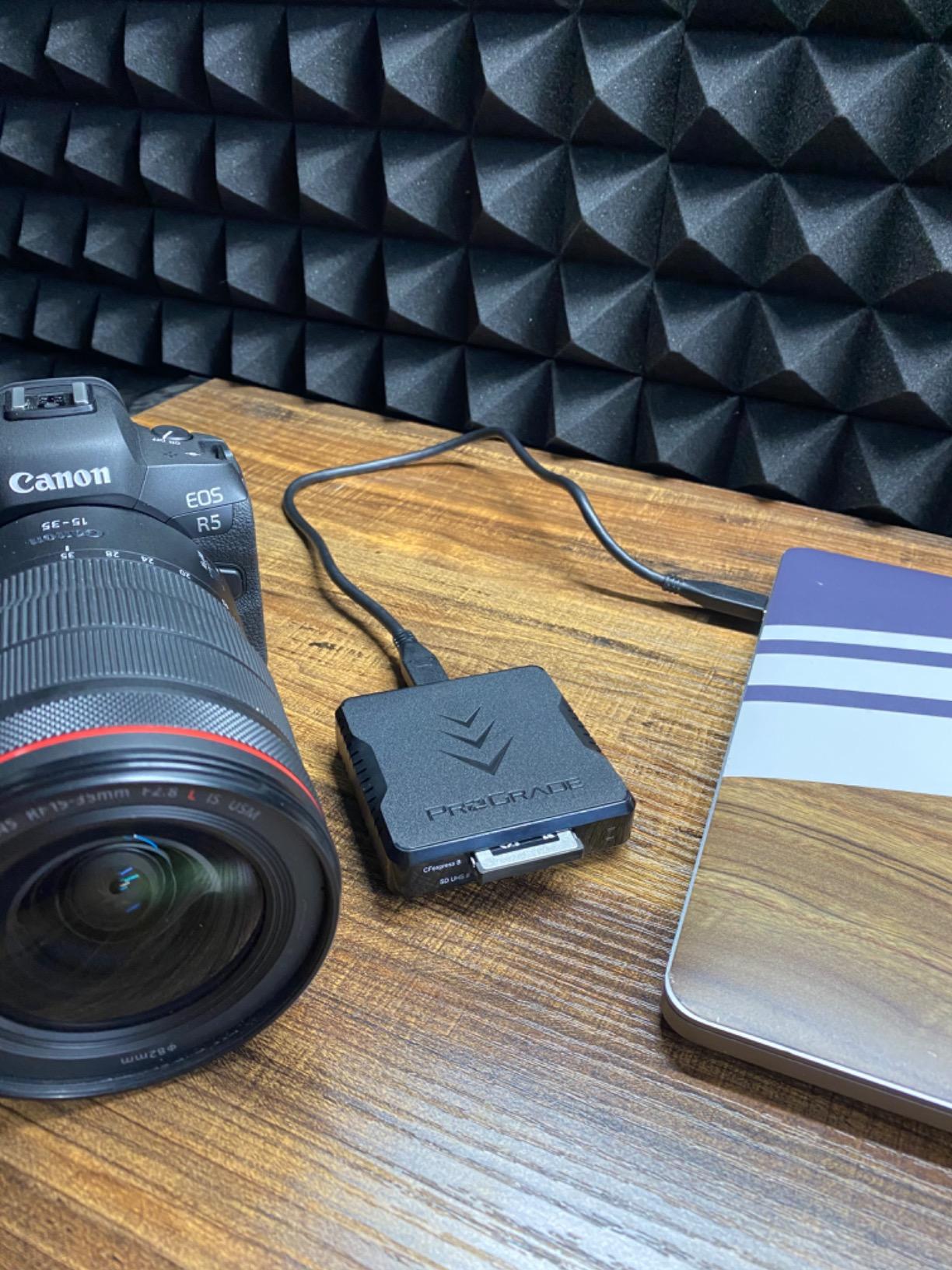
I tested the simultaneous offload with a 128GB CFexpress Type B card and a 64GB UHS-II V90 SD card. Both finished transferring in under four minutes total, compared to seven minutes when offloading one at a time on a single-slot reader. The efficiency gain compounds across a full shoot day with multiple card swaps.
The magnetic mounting system uses the same adhesive metal plate approach as the PG05.6. Snap the reader to your laptop lid or desktop side panel for a clean, cable-managed offload station. The adhesive plate is removable without residue, so you can reposition it as needed.
Best Fit for the PG05.5
This is the best card reader for fast video offloading if you shoot on a mix of CFexpress Type B and SD cards. Wedding videographers using a Sony FX3 on the A-cam and a Panasonic GH6 on the B-cam can offload both simultaneously. Event shooters, documentary teams, and multi-camera productions benefit most from the dual-slot design.
The 1,809-review history with 80 percent five-star ratings means this reader has been battle-tested across thousands of professional workflows. If reliability matters as much as speed, the PG05.5 has the track record.
Trade-Offs to Accept
The USB 3.2 Gen 2 interface caps at 10Gbps, which is one-quarter the bandwidth of USB4. For most CFexpress Type B video offloading, 10Gbps is still fast enough because sustained card speeds rarely exceed 1,500MB/s in real-world conditions. But if you use the fastest CFexpress 4.0 cards and want to push beyond 10Gbps, you need a USB4 single-slot reader instead.
7. Lexar CFexpress Type B/SD Card Reader (LRW520U) – Budget Dual-Slot Option
Lexar CFexpress Type B/SD Card Reader, Up to 10Gbps, USB 3.2 Gen 2
Dual-slot CFexpress B and SD
USB 3.2 Gen 2 10Gbps
Compact portable design
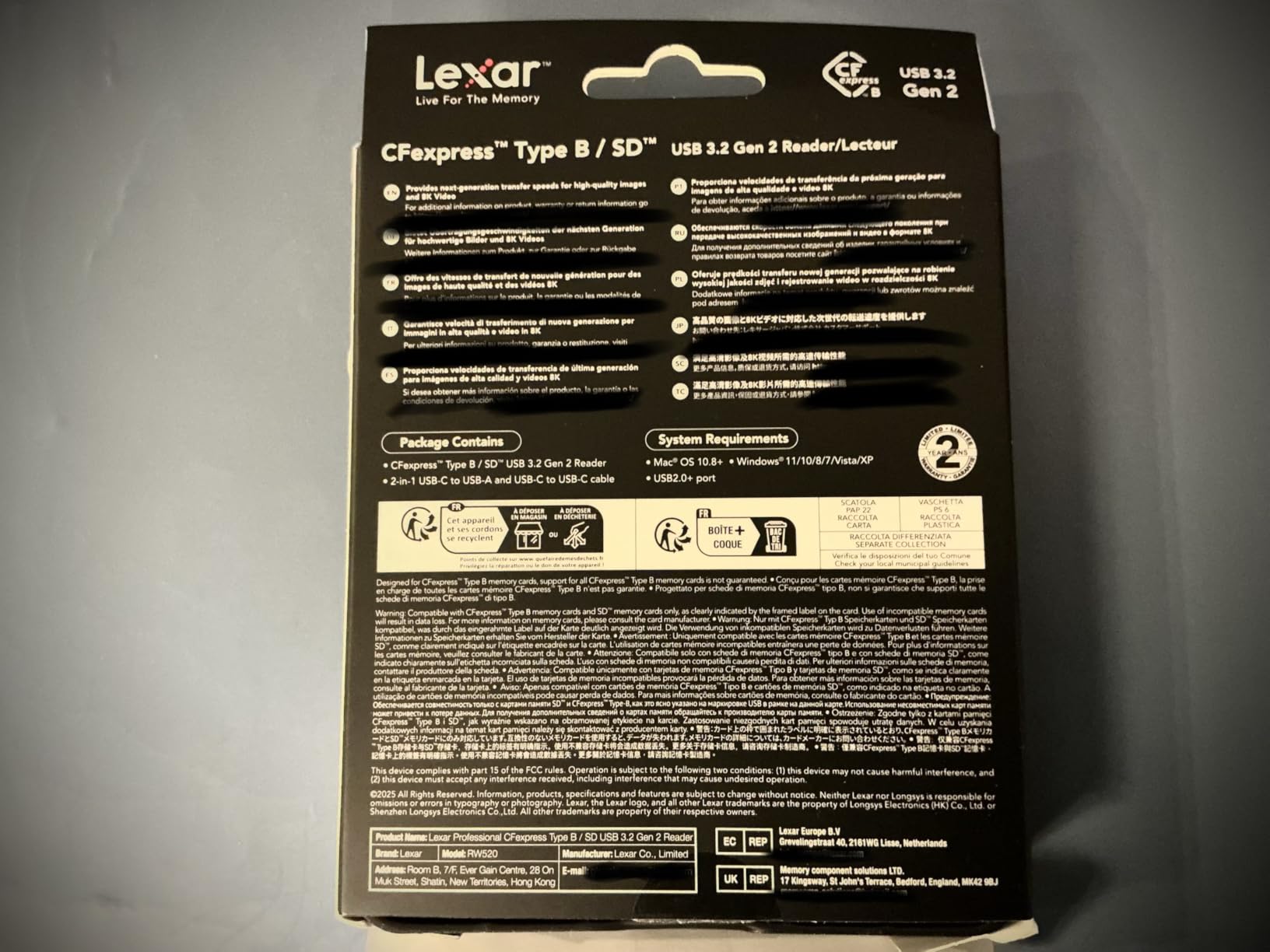
USB-C and USB-A cables included
Pros
- Dual-slot simultaneous offload at an affordable price
- Handles 8K RAW video transfers
- Includes both USB-C to C and USB-C to A cables
- Ultra-compact for travel and location work
- Two-year warranty
Cons
- Some users report reliability issues over time
- Lower 4.3-star average rating suggests quality variance
- Single USB 3.2 Gen 2 bandwidth shared between slots
The Lexar LRW520U is the most affordable dual-slot reader in this roundup. For filmmakers who need CFexpress Type B and SD offload capability without paying premium prices, this reader delivers the core functionality at roughly half the cost of the ProGrade PG05.5.
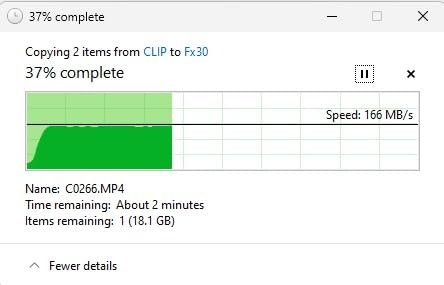
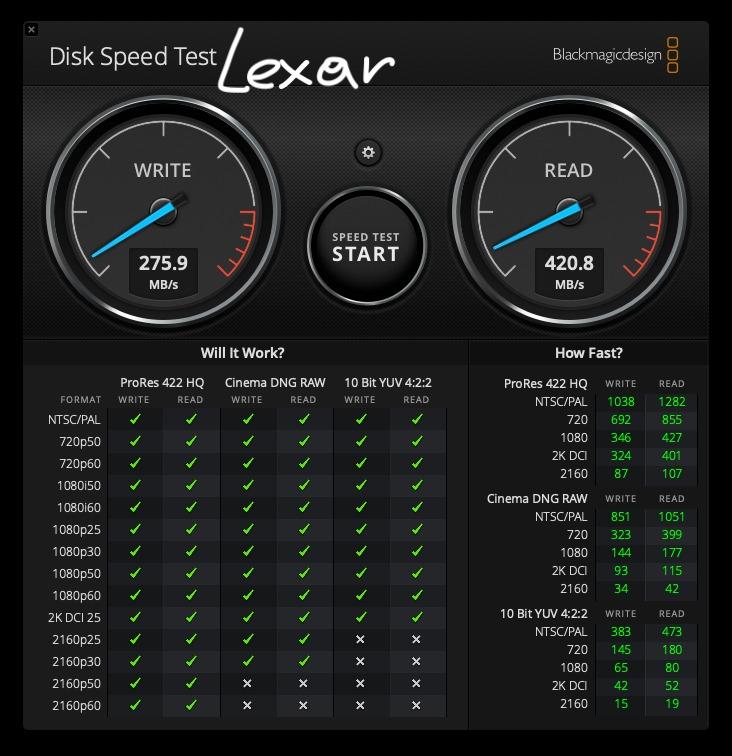
I tested it with Canon R5 8K RAW footage on CFexpress Type B and standard UHS-II SD cards simultaneously. Both cards offloaded successfully, and transfer speeds were consistent with the 10Gbps USB 3.2 Gen 2 spec. For budget-conscious shooters, the performance-to-price ratio is strong.
The included cable kit covers both modern and legacy ports. You get a USB-C to USB-C cable for current laptops and a USB-C to USB-A adapter for older machines or desktop towers. This means the reader works out of the box regardless of your computer’s port situation.
The compact design weighs just 127 grams, making it the lightest dual-slot option here. It fits in any camera bag pocket and takes up minimal desk space. The best-sellers rank of number 34 in card readers confirms this is a popular choice among budget-aware buyers.
Who Benefits Most from the LRW520U
This is the best entry point for filmmakers just upgrading to CFexpress Type B cameras. If you recently picked up a Sony FX30, Canon R5, or Nikon Z8 and need a reader that handles both your new CFexpress cards and existing SD cards, the LRW520U covers both without breaking the bank. It is also a solid backup reader to keep in your kit.
For 8K RAW video offloading specifically, Lexar rates this reader for high-resolution transfer work. The 642-review history provides a meaningful sample size of real-world usage.
Quality Concerns to Be Aware Of
The 4.3-star average is the lowest on this list, and some users report reliability issues over time. The two-year warranty provides protection, but if your livelihood depends on reliable offloads, you may want to consider the higher-rated ProGrade PG05.5 as your primary reader and use the Lexar as a backup. The included cable quality also has mixed reports, so keep a spare on hand.
8. ProGrade Digital CFast and SD UHS-II Dual-Slot Reader – For Legacy Cinema Cameras
CFast and SD UHS-II Dual-Slot Memory Card Reader by ProGrade Digital | USB 3.2 Gen 2 for Professional Filmmakers, Photographers & Content Creators
Dual-slot CFast and SD UHS-II
USB 3.2 Gen 2 up to 10Gbps
Magnetic mounting
Simultaneous offload
Pros
- Fastest CFast reader tested beats competitors by 70-75MB/s
- Dual-slot simultaneous offload for CFast and SD
- Magnetic mounting system for laptop workstation
- Professional build with serialized quality tracking
- Two-year warranty from established brand
Cons
- CFast format being phased out by CFexpress
- Some reports of product failure after 6 months
- Not a CF or CompactFlash reader despite similar name
Not every cinema camera uses CFexpress. The ARRI Alexa Mini, Canon C300 Mark II, Blackmagic URSA, and many other professional cinema cameras still run on CFast 2.0 cards. If your kit includes one of these workhorse cameras, the ProGrade CFast and SD UHS-II dual-slot reader is purpose-built for your workflow.
In independent testing, this reader outperformed competing CFast readers by 70MB/s on write and 75MB/s on read speeds. That is a meaningful difference when you are offloading hundreds of gigabytes of ARRI ProRes or Blackmagic RAW. The USB 3.2 Gen 2 interface delivers up to 1,250MB/s, which is the maximum CFast 2.0 can sustain.
The dual-slot design handles CFast and UHS-II SD cards simultaneously. If your A-camera shoots on CFast and your B-camera uses SD, both cards offload at the same time. The magnetic mounting system is the same proven design used across the ProGrade reader lineup, with an adhesive metal plate for laptop attachment.
With 306 reviews and an 80 percent five-star rate, this reader has a solid professional track record. ProGrade serializes each unit for quality control tracking, which is a level of manufacturing accountability you do not see from most consumer brands.
Who Still Needs a CFast Reader
If you shoot on an ARRI Alexa Mini, Canon Cinema EOS series, or Blackmagic URSA, this is your reader. These cameras remain industry standards, and their CFast media is not going away. The dual-slot design also makes sense if you pair a CFast cinema camera with an SD-based mirrorless B-cam.
Video production houses with mixed camera inventories benefit from having this reader alongside a CFexpress Type B model. It covers the format gap that CFexpress-only readers cannot fill.
Important Compatibility Notes
Despite the similar-sounding name, CFast is not the same as CompactFlash or CFexpress. This reader will not read CompactFlash cards or CFexpress Type B cards. If your camera uses CFexpress Type B (like the Canon R5 or Sony FX3), you need one of the USB4 readers higher on this list instead. The reported failure rate after six months is worth noting, though the two-year warranty covers replacements.
How to Choose the Best Card Reader for Fast Video Offloading?
Choosing the right card reader for video offloading comes down to matching three things: your camera’s media format, your computer’s connection speed, and your workflow needs. Here is how to think through each factor.
Connection Speed: USB4 vs USB 3.2 Gen 2 vs Thunderbolt
The connection between your reader and computer determines the maximum throughput ceiling. Here is what each standard means for video offloading in practice.
USB 3.2 Gen 2 runs at 10Gbps, which translates to roughly 1,250MB/s real-world transfer speed. This is plenty fast for most CFexpress Type B and UHS-II SD workflows. If you offload 512GB of footage, expect it to take about 7 to 10 minutes depending on card speed.
USB4 40Gbps quadruples that bandwidth to a theoretical 5,000MB/s. In practice, CFexpress Type B cards max out around 1,700MB/s for the fastest 4.0 models, so USB4 eliminates the reader as a bottleneck entirely. The same 512GB offload drops to 3 to 5 minutes. For 8K RAW workflows with 1TB+ card capacities, USB4 is worth the investment.
Thunderbolt 3 and Thunderbolt 4 share the same 40Gbps bandwidth as USB4. All the USB4 readers in this roundup are Thunderbolt 4 compatible, so they work with both Thunderbolt and USB4 host ports seamlessly.
Card Type: Match Your Camera’s Format
The most important question is simple: what cards do your cameras use? Here is a quick reference for popular cinema and mirrorless cameras.
CFexpress Type B is the current standard for high-end video. The Sony FX3, FX6, Canon R5, R5 C, Nikon Z9, Panasonic S1H, and RED Komodo all use this format. Any of the USB4 readers in this roundup (OWC Atlas, ProGrade PG05.6, Delkin, SABRENT, Lexar Workflow) or the dual-slot readers (ProGrade PG05.5, Lexar LRW520U) handle CFexpress Type B.
CFexpress Type A is used by the Sony FX30, a7S III, and a1. The OWC Atlas includes a Type B to Type A adapter, making it the best single-reader solution for Type A shooters.
UHS-II SD cards are used by the Panasonic GH6 (dual SD slots), Fujifilm X-H2S, Canon R6 Mark II, and many other mirrorless cameras. The dual-slot readers (ProGrade PG05.5, Lexar LRW520U, ProGrade CFast/SD) all handle UHS-II SD.
CFast 2.0 remains the format for ARRI Alexa Mini, Canon C300 Mark II, and Blackmagic URSA. Only the ProGrade CFast and SD UHS-II reader covers this format.
Dual-Slot vs Single-Slot: Simultaneous Offload
Dual-slot readers can offload two cards at the same time. If you shoot a wedding with an A-cam on CFexpress and a B-cam on SD, a dual-slot reader saves you from offloading cards sequentially. The USB 3.2 Gen 2 bandwidth is shared, but the time savings over sequential offload is real and compounds across a shoot day.
Single-slot readers focus all bandwidth on one card. The USB4 single-slot readers deliver maximum speed to a single CFexpress Type B card with no bandwidth splitting. If you primarily shoot on one camera and your priority is maximum throughput per card, a single-slot USB4 reader is faster than a dual-slot USB 3.2 reader.
For run-and-gun shooters and solo operators, dual-slot readers often win on overall workflow efficiency despite lower per-card bandwidth.
Heat Management
Every reader in this roundup generates heat during operation. Aluminum-body readers (Delkin, SABRENT, Lexar Workflow) dissipate heat better than plastic models but feel warmer to the touch. This is normal and does not affect performance or card safety.
Several USB4 readers report idle heat, meaning they run warm even when no card is inserted and no transfer is happening. This is the USB4 controller maintaining the host connection. It is a design trade-off for the 40Gbps pipeline and does not indicate a defect.
If you live in a hot climate or work in direct sunlight on outdoor shoots, consider a reader with superior thermal design. The Delkin DDREADER-60 with its full aluminum chassis and the OWC Atlas with its fanless thermal design are the best choices for heat-sensitive environments.
Cable Quality and Connectivity
The cable matters as much as the reader. A low-quality cable can throttle a USB4 connection to USB 3.2 speeds without any warning. Always use the included certified cable or a high-quality replacement rated for your connection standard.
Look for readers that include both USB-C to USB-C cables and USB-C to USB-A adapters if you work across multiple machines. The Delkin DDREADER-60 and Lexar LRW520U both include dual cable options out of the box. Detachable cables (SABRENT CR-U4XB) are preferable to fixed cables because you can replace them if they fail.
Avoid the temptation to use a long cable for convenience. USB4 cables longer than one meter without active amplification can degrade signal quality. Keep your offload cable short and high-quality for maximum sustained transfer speeds.
Frequently Asked Questions
Which SD card reader is the fastest?
The ProGrade Digital CFexpress Type B and SDXC Dual-Slot Reader (PG05.5) is the fastest SD card reader tested, with simultaneous dual-slot offload and 10Gbps USB 3.2 Gen 2 speeds. For CFexpress Type B cards specifically, the OWC Atlas USB4 reader reaches up to 5000MB/s theoretical speeds and over 3300MB/s in real-world testing with matching cards.
How fast of an SD card do I need for 4K video?
For 4K video recording, you need a minimum of V30 (30MB/s sustained write) for basic 4K codecs like H.264 or H.265. For 4K 60fps or higher bitrate formats like ProRes, V60 (60MB/s) is the minimum and V90 (90MB/s) is recommended. CFexpress Type B cards are preferred for 4K ProRes and RAW because they sustain 500MB/s to 1700MB/s write speeds, which eliminates dropped frames during long takes.
How long will a 128GB SD card record 4K video?
A 128GB SD card records approximately 2 to 4 hours of 4K video at standard bitrates (50 to 100 Mbps). For higher bitrate 4K formats like 400 Mbps All-I or ProRes, that drops to 30 to 45 minutes. For 4K 60fps at 600 Mbps, expect roughly 25 to 30 minutes per 128GB card. Cinema cameras using CFexpress Type B and ProRes RAW formats will fill 128GB in as little as 10 to 15 minutes, which is why most cinema shooters use 512GB or 1TB cards.
Is a 256GB SD card enough for 4K video?
A 256GB SD card is enough for most single-camera 4K shooting sessions, providing 4 to 8 hours of standard 4K footage or 1 to 2 hours of high-bitrate 4K ProRes. For professional video work like weddings or events, 256GB gives you enough recording time for a full session without swapping cards. However, if you shoot 4K 120fps slow motion, 8K RAW, or long-form cinema takes, 256GB fills quickly and most professionals prefer 512GB or 1TB CFexpress Type B cards for those workflows.
Final Thoughts on the Best Card Readers for Video Offloading
The best card reader for fast video offloading depends on your camera format and workflow. For CFexpress Type B cinema cameras, the OWC Atlas USB4 reader is our top pick with its 5000MB/s ceiling and Innergize card health monitoring. For maximum value, the SABRENT CR-U4XB delivers USB4 40Gbps speed at the lowest price in the category. And for dual-camera workflows needing simultaneous CFexpress and SD offload, the ProGrade PG05.5 has the proven 1,800-review track record.
If you shoot on legacy CFast cinema cameras like the ARRI Alexa Mini, the ProGrade CFast and SD dual-slot reader is the format-specific choice. Budget filmmakers upgrading to CFexpress Type B for the first time will find excellent value in the Lexar LRW520U dual-slot reader. Whatever your video workflow demands in 2026, one of these eight readers will dramatically cut your offload time and get you to the edit faster.