
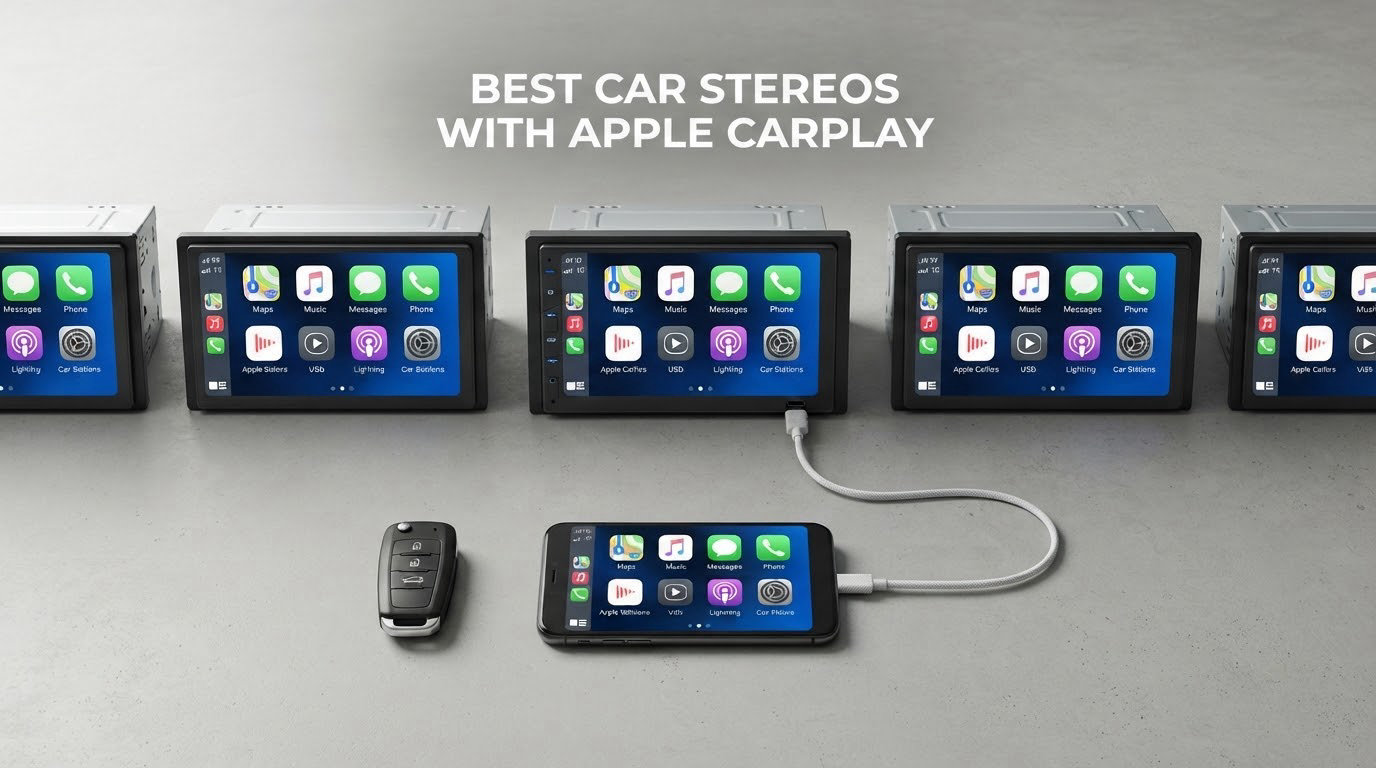
Short answer: the BOSS Audio Systems BV9358B is the best car stereo with Apple CarPlay for most people in 2026. It runs CarPlay and Android Auto on a 7 inch 800×480 screen, plays CD and DVD discs, takes front and rear camera inputs, and has the deepest owner history in this group at more than 5k ratings.
That is the unit we kept returning to after reading specs, owner complaints and install notes for a dozen current head units. It is not the biggest screen or the newest interface, and plenty of newer hardware beats it on display quality. What it wins on is the combination buyers actually live with: media support, camera flexibility, a shallow body, and owners reporting the same behaviour a year later.
This guide covers every current CarPlay head unit worth considering, from entry-level budget receivers to Kenwood and Alpine models aimed at people building a real system. We are not listing the legacy model numbers older roundups still recommend, because buying discontinued hardware is one of the most common expensive mistakes in this category.
If you are chasing a specific install, start with the buying criteria below, because the most important question is not which radio is best but whether it fits your dash opening and keeps your steering wheel controls. If you also shoot automotive content, our guide to cameras for car photography covers the other half of that setup.
Table of Contents
- Top 3 Picks for Best Car Stereos with Apple CarPlay in 2026
- All 12 Car Stereos with Apple CarPlay Compared in October
- 1. BOSS Audio Systems BV9358B – Best Overall CarPlay Stereo
- 2. PLZ MP-902W 7-Inch Wireless – Best Value Head Unit
- 3. SJOYBRING 7-Inch QLED – Top Rated for the Money
- 4. PLZ MP-108 10.1-Inch Single DIN – Best for Single-DIN Openings
- 5. Pioneer DMH-W2770NEX – Best Shallow-Chassis Fit
- 6. Sony XAV-AX3200 – Best for Direct Sun and Glare
- 7. Alpine iLX-W670 – Best for Audio Tuning
- 8. Haudio CVS1520A-AJ 10.1-Inch – Best Rotating Display
- 9. Kenwood DMX709S – Best for Multiple Camera Inputs
- 10. BOSS Audio Systems BCPA8 – Best for 4V Preamp Outputs
- 11. Kenwood DMX4710S – Best for Maestro Vehicle Integration
- 12. BOSS Audio Systems BVCP9700A – Best Budget Wireless CarPlay
- How to Choose an Apple CarPlay Head Unit: 7 Criteria That Matter
- 1. Is your opening single DIN or double DIN?
- 2. Do you want wireless CarPlay or is wired fine?
- 3. Mechless, disc-equipped, or pure digital media receiver?
- 4. Capacitive, resistive, or anti-glare touch?
- 5. Preamp voltage and channel count
- 6. How many camera inputs, and do you already have a camera?
- 7. What does the iDatalink Maestro keep, and what do you lose without it?
- Is Apple CarPlay Being Phased Out? What the Change Means for Aftermarket Stereos
- iDatalink Maestro Troubleshooting: Blinking Red, Dead Camera, Dead Steering Wheel Controls
- Frequently Asked Questions
- Why is Apple CarPlay being phased out?
- What car stereos have Apple CarPlay?
- What is the best car stereo with Apple CarPlay?
- Can I add Apple CarPlay to my existing stereo?
- How do I know if my car is single DIN or double DIN?
- Is wireless CarPlay better than wired?
- How do I reset my iDatalink Maestro RR module?
- Which CarPlay Stereo Should You Buy in 2026?
Top 3 Picks for Best Car Stereos with Apple CarPlay in 2026

BOSS BV9358B
- 7 inch touchscreen
- CD and DVD playback
- Front and rear camera inputs
- 5528 owner ratings


SJOYBRING QLED 7 inch
- QLED 1280x720 screen
- Wireless CarPlay
- Backup camera included
- 982 owner ratings
All 12 Car Stereos with Apple CarPlay Compared in October
| Product | Specs | Action |
|---|---|---|
| BOSS Audio Systems BV9358B |
|
Check Latest Price |
| PLZ MP-902W 7 inch Wireless |
|
Check Latest Price |
| SJOYBRING 7 inch QLED |
|
Check Latest Price |
 PLZ MP-108 10.1 inch Single DIN PLZ MP-108 10.1 inch Single DIN |
|
Check Latest Price |
 Pioneer DMH-W2770NEX Pioneer DMH-W2770NEX |
|
Check Latest Price |
 Sony XAV-AX3200 Sony XAV-AX3200 |
|
Check Latest Price |
 Alpine iLX-W670 Alpine iLX-W670 |
|
Check Latest Price |
 Haudio CVS1520A-AJ 10.1 inch Haudio CVS1520A-AJ 10.1 inch |
|
Check Latest Price |
 Kenwood DMX709S Kenwood DMX709S |
|
Check Latest Price |
 BOSS Audio Systems BCPA8 BOSS Audio Systems BCPA8 |
|
Check Latest Price |
 Kenwood DMX4710S Kenwood DMX4710S |
|
Check Latest Price |
 BOSS Audio Systems BVCP9700A BOSS Audio Systems BVCP9700A |
|
Check Latest Price |
1. BOSS Audio Systems BV9358B – Best Overall CarPlay Stereo
BOSS Audio Systems BV9358B CarPlay Android Car Stereo, 7 Inch Touchscreen
7 inch 800x480 screen
80 watts x 4 channels
CD DVD and USB media
Front and rear camera inputs
Pros
- CarPlay and Android Auto at a budget price point
- Plays discs plus USB and SD media
- Front and rear camera inputs with external mic
- Light 2.5 pound chassis with color-coded wiring
Cons
- Touch sensitivity is low so buttons can need multiple taps
- Reports of popping noise clock resets and cleared presets
- EQ presets cannot be saved per genre
The BV9358B is the one I recommend when someone wants a single unit that covers everything without a second purchase. It is a digital media receiver with a real disc drive, which almost nothing else at this level still offers.
Specs are unremarkable in the best way: 800×480 on a 7 inch widescreen, 80 watts x 4 channels, 30 preset stations, and front, rear and subwoofer pre-amp outputs. Reviewers repeatedly note it sounds better than the factory speakers it replaces, which is the honest bar most people are trying to clear.
Over 5k ratings sit behind this unit, and the pattern in that volume is consistent rather than random. Praise covers value, wiring simplicity, media support and an amplifier stage that makes a real difference. Complaints cluster on touch sensitivity and occasional electrical noise, and none of them say the unit failed at its core job.
Is an 800×480 screen good enough in 2026?
For navigation prompts, music and phone screens, yes. You will not watch video through CarPlay regardless, and the panel will not satisfy you if you care about dense map detail up close. Against the QLED and 1024×600 units further down this list the difference is obvious side by side and nearly invisible in a moving car.
Who should skip this BOSS unit?
Skip it if you will run external amplifiers and care about headroom, because the pre-amp output voltage is not specified at 4V like the BCPA8 or the BVCP9700A. Skip it too if wireless CarPlay is non-negotiable, since this unit is wired only and has no firmware path to wireless later.
2. PLZ MP-902W 7-Inch Wireless – Best Value Head Unit
PLZ 7″ Wireless Double Din Car Stereo Apple Carplay Radio Screen for Car Audio Receivers, Bluetooth 5.3 Car Play Android Auto Touchscreen, 240W 4.2 CHN 2 Subwoofers Outputs, Backup Camera, SWC, FM/AM
7 inch IPS at 1024x600
4.2 channel 240W pre-amp
Dual subwoofer outputs
Bluetooth 5.3 with antenna
Pros
- Wireless CarPlay reconnects automatically at startup
- Bright and responsive 1024x600 IPS screen
- Dedicated Bluetooth 5.3 module with external antenna
- Vendor provides firmware updates and custom boot logos
Cons
- Call and navigation audio can show distortion
- Reverse camera input sometimes flashes or shows no signal
- Needs a separate wiring adapter and sometimes a dash kit
The MP-902W is the value pick because it does the one thing budget head units usually cannot, which is wireless CarPlay that holds a connection. Owners report it reconnecting on its own at startup without touching the phone.
The screen is a real step up from the entry tier, a 7 inch IPS panel at 1024×600 with responsive touch. Underneath sits a 4.2 channel pre-amp rated at 240W max, a 10-band EQ, two subwoofer outputs, and a separate Bluetooth 5.3 module with its own antenna rather than borrowing the Wi-Fi chip.
With 2226 ratings, the recurring message is that the display and phone integration punch above the cost. The support channel is worth noting too, because this brand issues firmware updates and will flash custom vehicle boot logos, which is unusual at this level.
Does the 240W rating mean anything real?
Not directly. That is a peak-style figure across 4.2 channels, not a clean 4-channel RMS measurement you can compare against a premium Kenwood. What it does tell you is that there is a real amplifier stage inside and enough EQ range to shape it.
For a stock system or a factory amplifier it is ample. If you are adding amplifiers downstream, look at pre-amp voltage rather than wattage, because that number decides whether the signal clips when you turn it up.
What do buyers complain about most?
Audio on calls and navigation prompts is the top complaint, with owners describing high-pitched distortion that does not appear during music playback. A few also report the reverse camera input dropping signal, which is usually a grounding or voltage-drop issue at install rather than a dead camera port. There is also no Wi-Fi hotspot function.
The dash opening requirement is strict, needing at least 6.69 by 3.81 inches with a 7.44 by 4.61 inch trim frame that has to clear your bezel. Measure before you commit to any unit in this category.
3. SJOYBRING 7-Inch QLED – Top Rated for the Money
SJoyBring 7″ QLED Double Din Car Stereo – Wireless Apple CarPlay & Android Auto, 240W 4.2CHN, SWC, Bluetooth, FM/AM Car Radio, 2 Subwoofers Outputs, Backup Camera
7 inch QLED 1280x720
4.2 channel dual sub outputs
Front and rear camera inputs
Pros
- QLED 1280x720 screen stays readable in direct sun
- Wireless CarPlay and Android Auto connect quickly and hold
- Solid sound that matches factory premium systems
- Physical buttons with adjustable LED backlight colour
Cons
- Some owners report total audio loss after a short period
- Roughly half a second of input lag on touch and buttons
- USB music browser has no nested folders or A to Z jump
One of the highest-rated head units in our group at 4.3 across 982 ratings, and the reason is the display. A 7 inch QLED panel at 1280×720 with 1080P video playback is the sharpest screen here at a fraction of the cost of premium double-DIN receivers, and owners specifically call out readability in direct sunlight.
It does wired and wireless Apple CarPlay plus Android Auto with voice control, and connections establish quickly and then hold. Audio is a 4.2 channel output with dual subwoofer outputs and a custom EQ, and several buyers compare it favourably against factory premium systems.
The box is unusually complete. You get a rear camera, the camera cable, an ISO stereo adapter, two frames, a remote and mounting hardware, which removes most of the accessory spend that trips people up on other units at this level. Support will also flash custom boot logos and wallpapers.
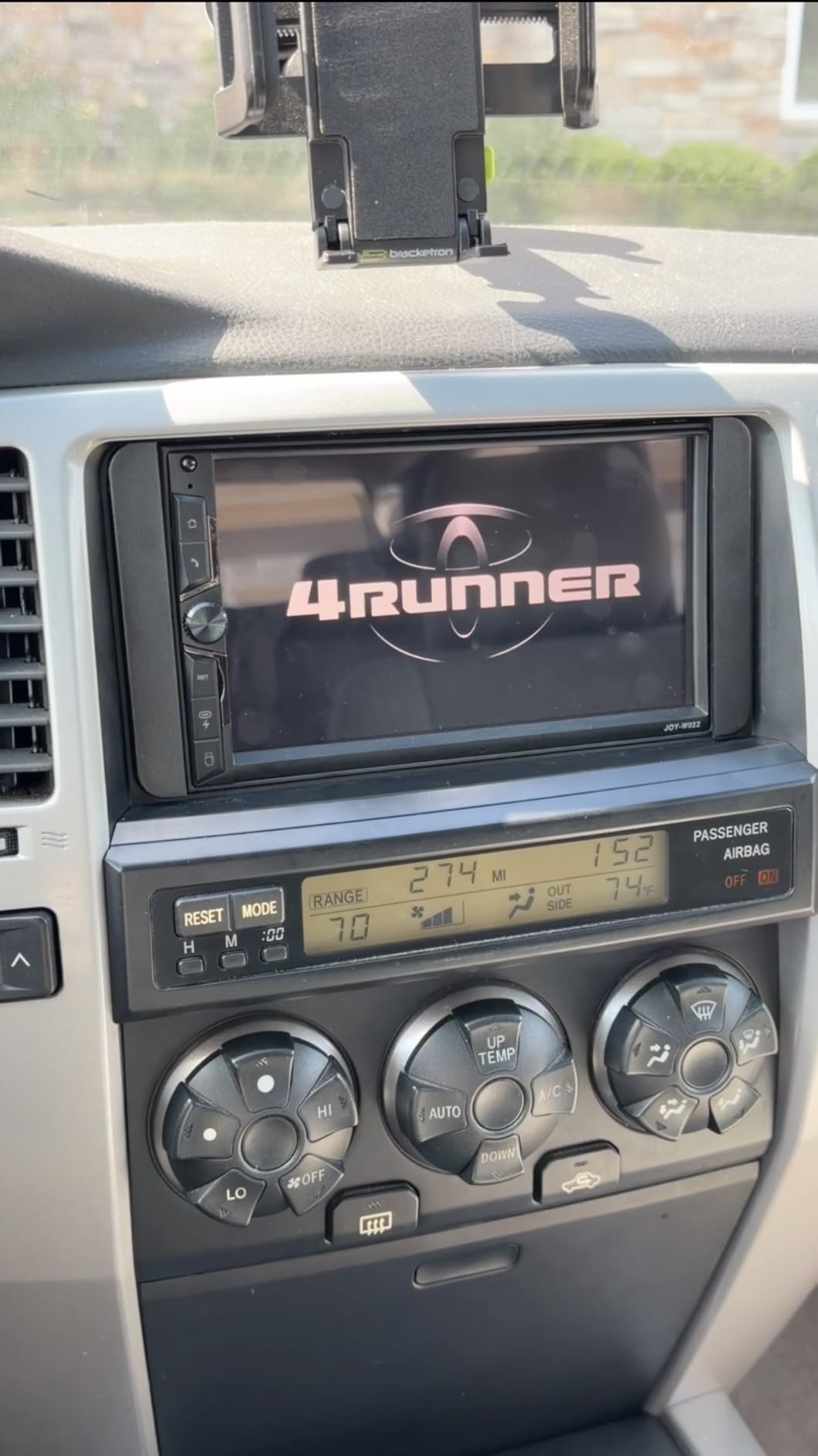
What separates this from the PLZ MP-902W is panel technology. Both are 7 inch double-DIN with wireless CarPlay, but the QLED screen at 1280×720 has roughly twice the pixel count of a 1024×600 IPS panel, and that shows when you pull up a dense map or scroll a long contact list.
Physical buttons with adjustable LED backlight colour are a small detail that matters daily, because you can find the volume control without looking and match the illumination to your dash at night. The 4.2 channel layout with two subwoofer outputs gives you a dedicated sub feed without a harness split.
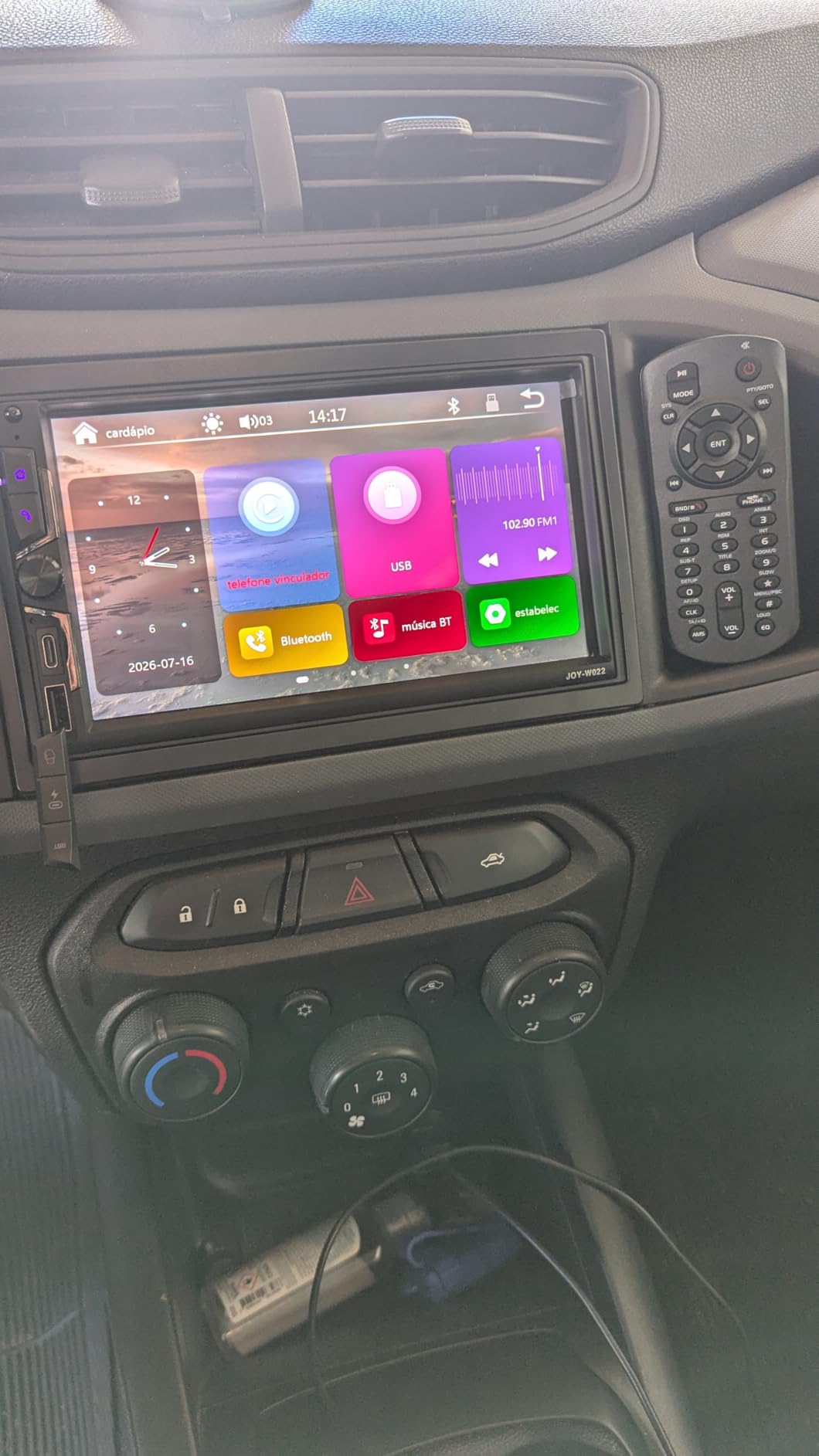
The 6.69 by 3.81 inch footprint is the standard double-DIN size, and the frame has to sit flush inside your bezel. Some owners report the faceplate sitting proud in certain dashboards without a filler panel, so if your dash has a tight or curved bezel, budget for a trim kit or move to a mech-less chassis.
Is the half-second input lag a real problem?
For music, calls and navigation guidance, no. You will not notice it while driving. You will notice it the first time you tap a CarPlay icon and watch the screen catch up, which is where most reviewers first describe the frustration.
The more serious report pattern is audio dropping out entirely on some units after a short period of use. That is a hardware failure rather than a software quirk, and this brand has responded with free replacements, which is worth weighing against cheaper competing options.
What should you know before installing it?
Steering wheel control support needs a separately purchased interface module on this unit. That is normal across the whole category, but it is a real line item in your install cost, so factor it in before assuming the box is the whole price.
4. PLZ MP-108 10.1-Inch Single DIN – Best for Single-DIN Openings
PLZ 10.1″ Wireless Single Din Car Radio Stereo with Apple Carplay Android Auto Touch Screen, Car Play Audio Receivers Headunit, Bluetooth 5.3, Backup Camera, 240W, 2 Subwoofers, Navigation, FM/AM, SWC
10.1 inch adjustable IPS screen
4.2 channel 240W pre-amp
Wired and wireless CarPlay
Pros
- Oversized 10.1 inch display with adjustable viewing angle
- Works in single-DIN openings where little else fits
- Wired and wireless CarPlay plus Android Auto
- Dual subwoofer outputs and included backup camera
Cons
- Requires a matching dash kit and vehicle-specific wiring adapter
- Some owners report interface lag and connection drops
- Navigation prompt audio is quiet relative to music
If your dash opening is the narrow single-DIN size, your shortlist is short and this is the strongest current option on it. A 10.1 inch floating screen over a single-DIN chassis sounds contradictory until you realise the display sits proud of the body on an adjustable bracket, so the opening requirement stays the same.
Inside, it is a 4.2 channel pre-amp rated at 60 watts x 4 with a 240W peak figure, a built-in DSP with a 10-band EQ, and two subwoofer outputs. Phone integration covers wired and wireless CarPlay and Android Auto with voice control, and MirrorLink handles wired screen sharing.
With 804 ratings at 4.2, owners single out the screen size and fit flexibility as the reasons to buy. Bluetooth 5.3 with a dedicated external antenna is a real improvement over borrowing the Wi-Fi radio, and it shows in connection stability reports.
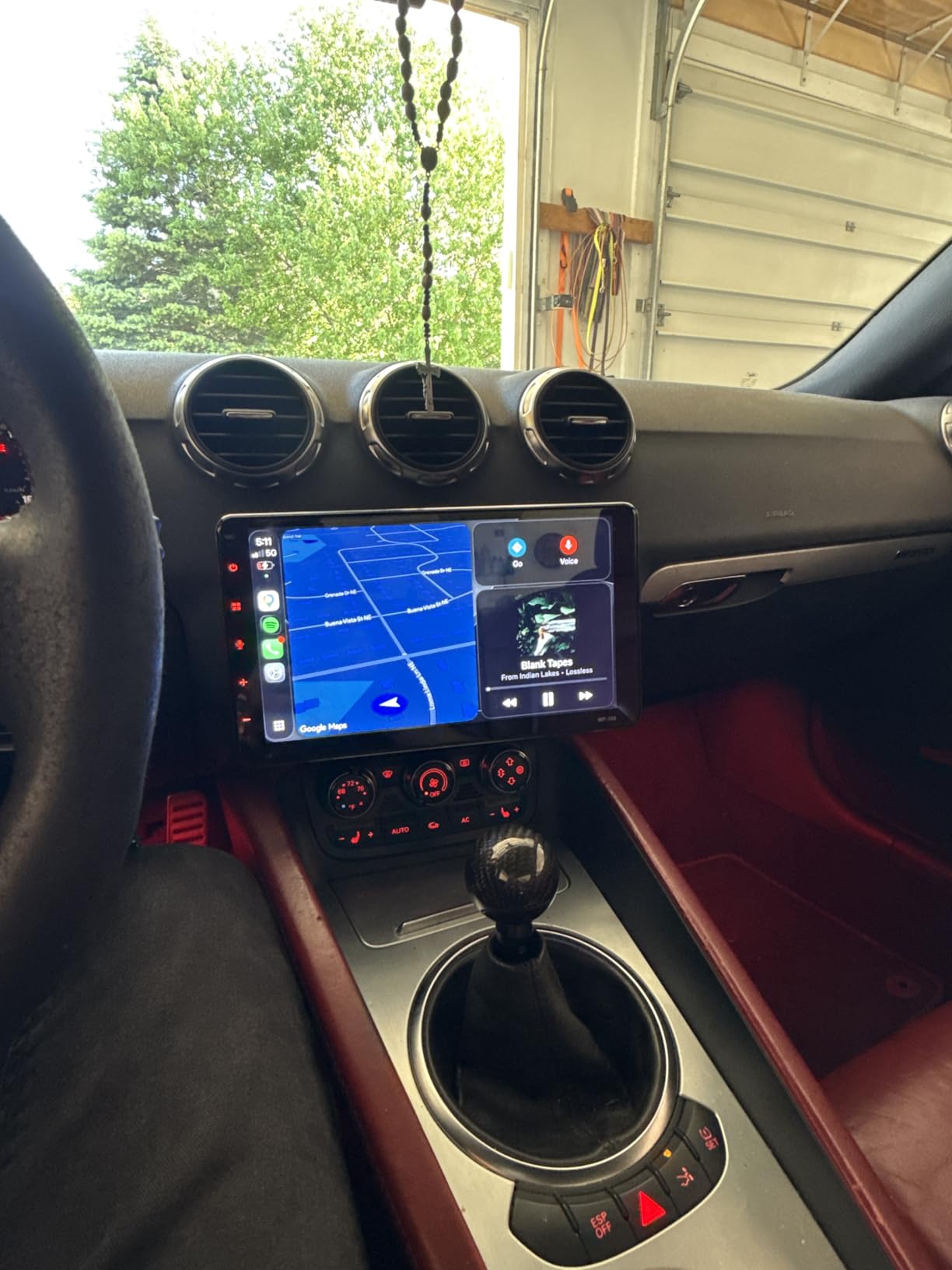
The multi-angle adjustment is more than a gimmick. On a single-DIN install the screen usually sits lower than a double-DIN faceplate, and tilting it toward the driver is the difference between a readable map and one you crane your neck for at a stoplight. The bracket also lets the screen drop lower so it stops blocking factory gauges or a climate readout.
Steering wheel control support is built in and a backup camera is included, which is unusual for a single-DIN chassis. That combination handles the two most common install gaps in this category, a missing camera cable and a missing control interface, out of the box.
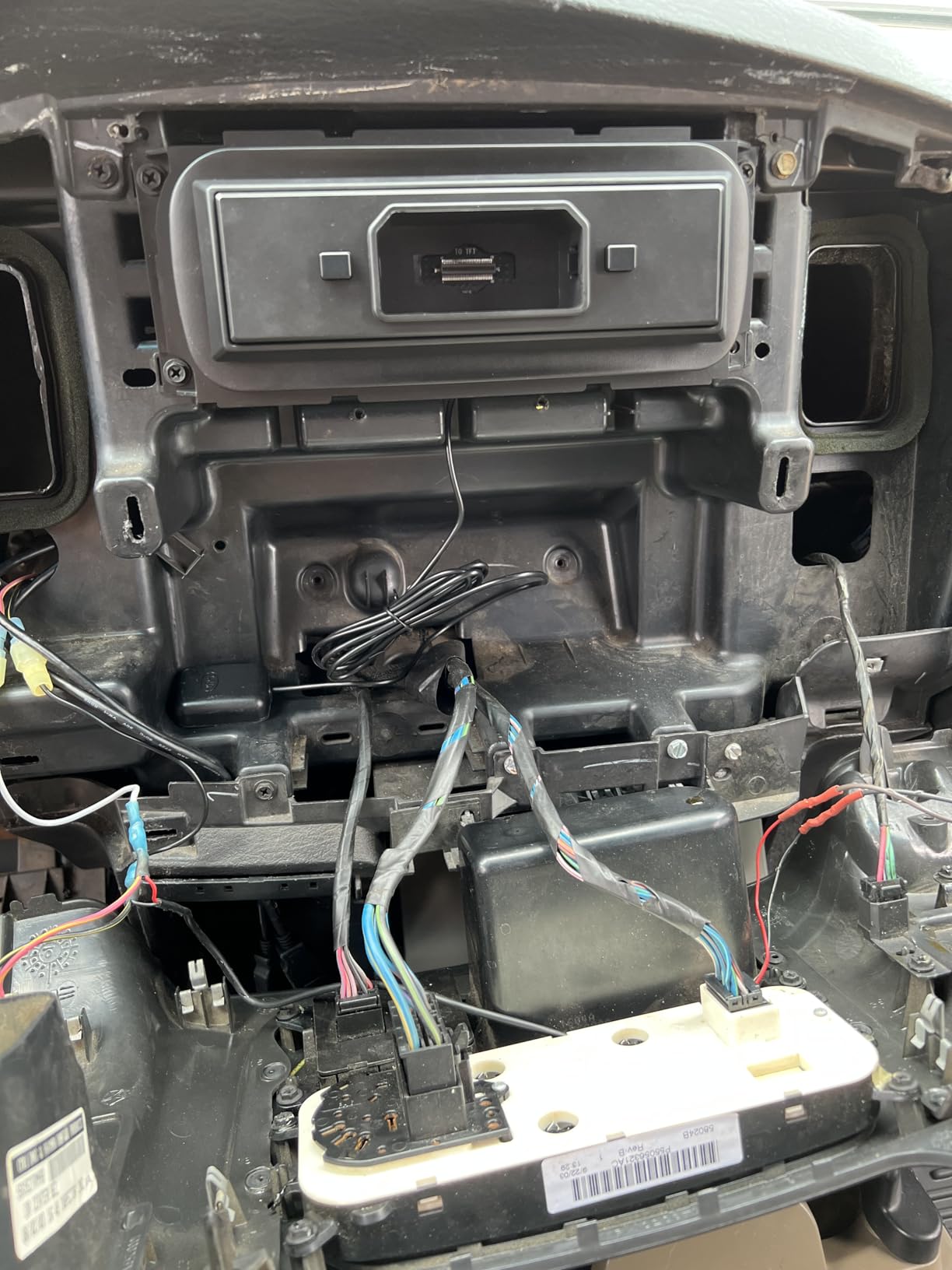
The catch is fitment hardware. This unit needs a matching dash kit and, in most vehicles, a vehicle-specific wiring adapter. That is not optional, and it is the difference between a weekend install and a unit that sits in a box for a month.
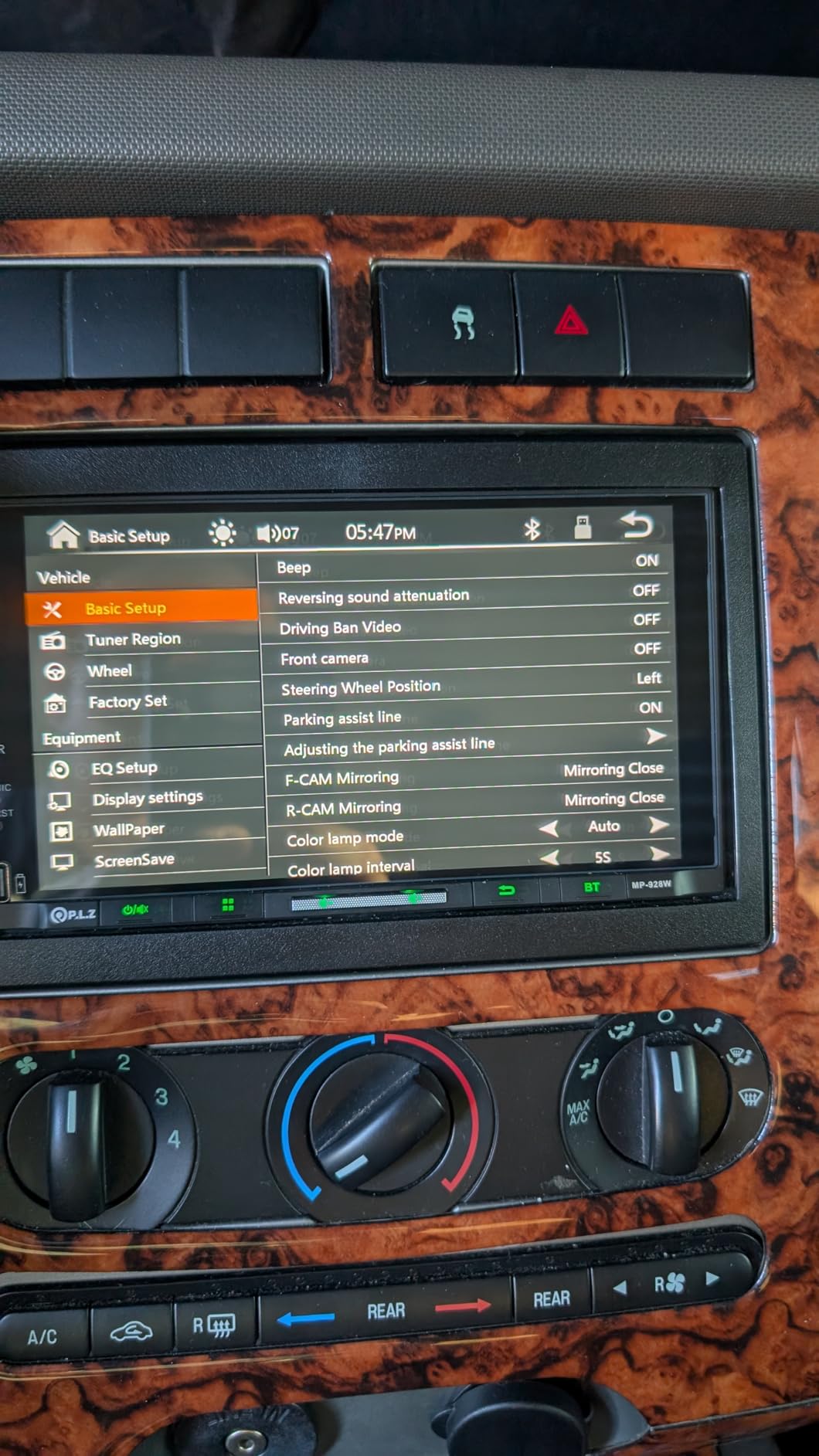
Does a floating screen need modification to fit?
Usually yes, and that is the honest answer for every 10.1 inch single-DIN unit. The chassis passes through the opening, but the trim and bezel almost always need a dash kit specific to your make and model, and on some vehicles a little dash trimming or a filler panel is involved.
On a truck or SUV with a large, flat, upright opening the fit is often easier than in a car with a sculpted console, because there is more flat surface for the screen to sit against.
Where it falls short of a double-DIN build
The screen is standard IPS rather than the QLED class, and it does not rotate the way the Haudio does. More importantly, a floating screen gives you no hard button row and no volume knob unless the bracket happens to line up with your steering wheel controls. Pre-amp output voltage is also not specified at 4V on this model, so system builders should note that.
5. Pioneer DMH-W2770NEX – Best Shallow-Chassis Fit
Pioneer DMH-W2770NEX 6.8″ Capacitive Touchscreen Double Din Car Stereo
6.8 inch WVGA capacitive screen
Wireless CarPlay and Android Auto
Short chassis depth
Pros
- Short chassis fits where depth behind the dash is limited
- Wireless CarPlay pairs reliably with a responsive capacitive screen
- Clear call audio through the included external microphone
- SiriusXM ready and FLAC playback
Cons
- Some units have gone dead within a few months of install
- Noticeable delay when switching between screens
- Alexa is not built in and needs the Vozsis and Weblink apps
The Pioneer DMH-W2770NEX solves a problem most spec sheets gloss over, which is how much depth you actually have behind the dash. Its chassis measures about 4-7/8 inches deep with a 7 by 3-7/8 inch faceplate, and that short body is why it fits vehicles where a full-depth receiver will not seat.
You get a 6.8 inch WVGA capacitive touchscreen, wireless Apple CarPlay and Android Auto, built-in Bluetooth and Wi-Fi, and FLAC playback. Amazon Alexa is reachable through the Vozsis and Weblink phone apps, which is not the same as built-in Alexa and is worth knowing before you buy on that basis.
Rear view camera input and SiriusXM readiness cover the two most requested features in this category. With 516 ratings at 4.0, owners praise the responsive screen, shallow fit and clean sound, while a smaller group reports complete power loss within the first year.
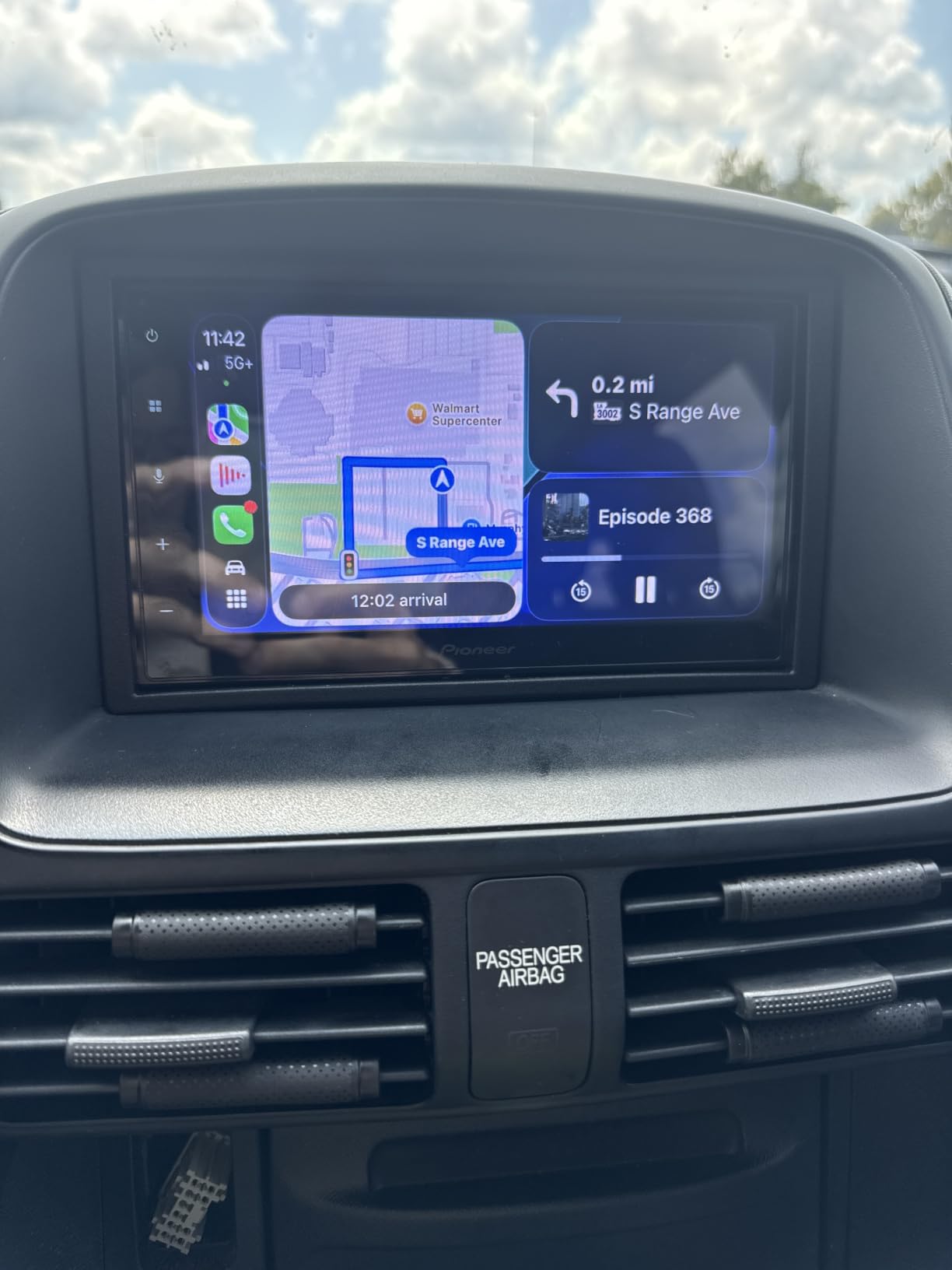
Depth is the spec that saves installs. Some dashboards leave barely four inches between the back of the factory radio cavity and the HVAC duct, and a full-depth chassis either will not go in or pushes the trim bezel out of alignment. Shallow designs exist precisely for those cars.
The capacitive panel is a genuine quality difference from the resistive screens in this roundup. Multi-touch works, scrolling is smooth, and 6.8 inches fits a standard double-DIN opening without needing a floating bracket. The external microphone produces clear call audio according to owners, which matters more than most buyers expect once road noise gets involved.
One installation note: night dimming flicker is reported with some vehicle wiring adapters, and the remote control angle is described as inconsistent. Neither is a dealbreaker, but test the dimmer before the trim goes back on.
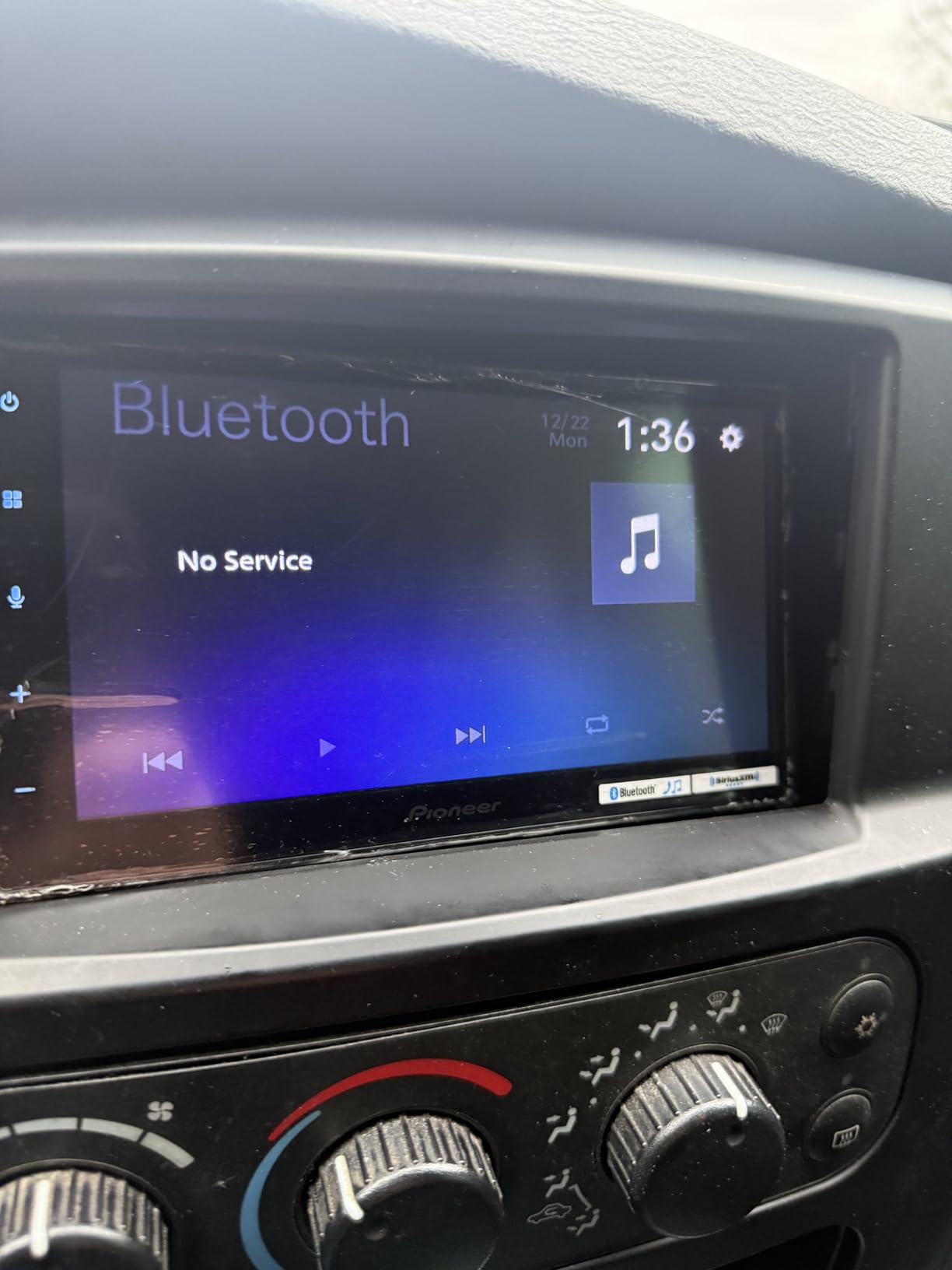
Why does the wireless CarPlay support matter here?
Because it is uncommon at this price among fixed-screen double-DIN receivers. Most mainstream models in this range are wired only, and requiring a cable every time you start the car is the most repeated complaint across the category. When a unit handles wireless pairing well, it changes how often people actually use CarPlay.
Should you avoid it after hearing the failure reports?
Not on the strength of a handful of reviews. Total power loss within months is the most serious complaint, and the same class of report appears on several other units in this roundup, which points to a supplier-level issue rather than something unique to this model. The more practical caution is the Alexa framing, since that route requires the phone to be connected and the apps running. For plain Siri and navigation, this unit does its job.
6. Sony XAV-AX3200 – Best for Direct Sun and Glare
Sony XAV-AX3200 7-Inch Multimedia Receiver with Apple CarPlay/Android Auto
7 inch anti-glare resistive screen
Compact rear chassis
2V pre-amp outputs
Pros
- Anti-glare screen stays readable in direct sun
- Compact rear chassis simplifies tight dash installs
- Gold-plated front rear and subwoofer pre-amp outputs
- Clean familiar interface with WebLink Cast mirroring
Cons
- Resistive touch means no true multi-touch
- SiriusXM needs a separately purchased tuner
- Backup camera is not included
The Sony XAV-AX3200 is the pick if your drive takes you into direct sun more than a parking garage. It uses a 7 inch resistive anti-glare screen, and that panel type is chosen for outdoor legibility rather than touch fidelity, which is a real trade you have to decide about rather than a defect.
It is also the friendliest double-DIN receiver here to install. The compact rear chassis is a Sony design choice that pulls the connection panel back so the cable bend radius fits in a shallow cavity, and installers report this unit going in with less fuss than competing receivers of the same size.
The feature set covers Apple CarPlay and Android Auto, a built-in rear camera input, gold-plated 2V pre-amp outputs at front, rear and subwoofer, a rear 3.5mm A/V input, a 10-band EQ, 55W x 4 peak power and SiriusXM readiness. It rates 4.3 across 387 ratings.
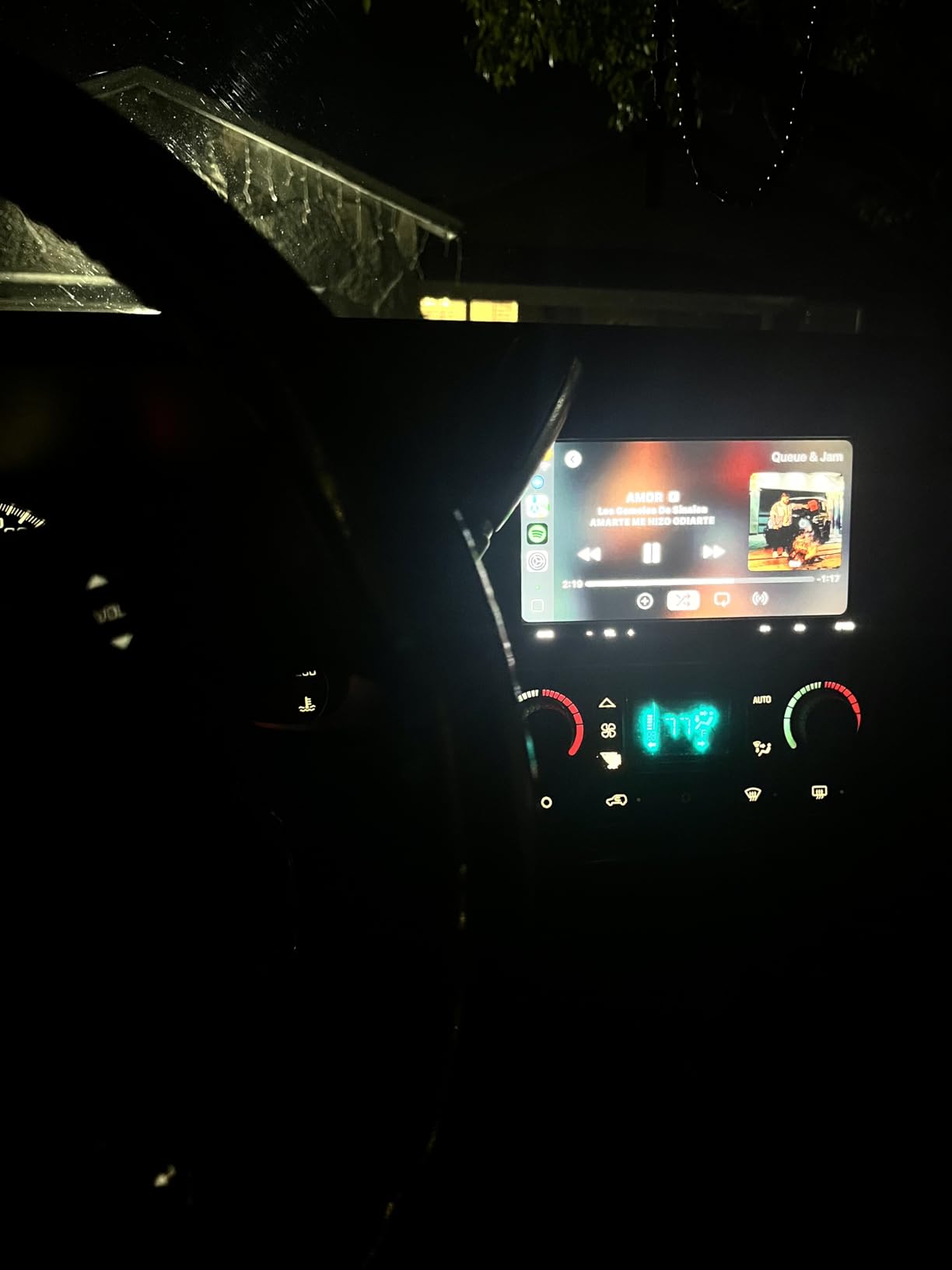
Capacitive screens look superb indoors and lose badly in glare, while anti-glare resistive panels look duller in a showroom and stay readable in the conditions most drivers actually see. If your commute crosses open highway with low sun through the windscreen, that is the entire argument, and it is why this panel type has never disappeared.
The cost is touch response. Resistive panels register one point of contact at a time, so pinch-to-zoom does not work, scrolling feels heavier, and the screen needs a firmer press. Nothing here is broken, it is just slower than the QLED and capacitive units elsewhere in this list.
The 2V pre-amp outputs are the number to check if you are adding amplifiers. It is the standard voltage in this class and pairs fine with typical aftermarket amps, but it is half what a 4V unit delivers, so on a high-gain system you can hit the headroom ceiling earlier than you would with the BCPA8 or the BVCP9700A.
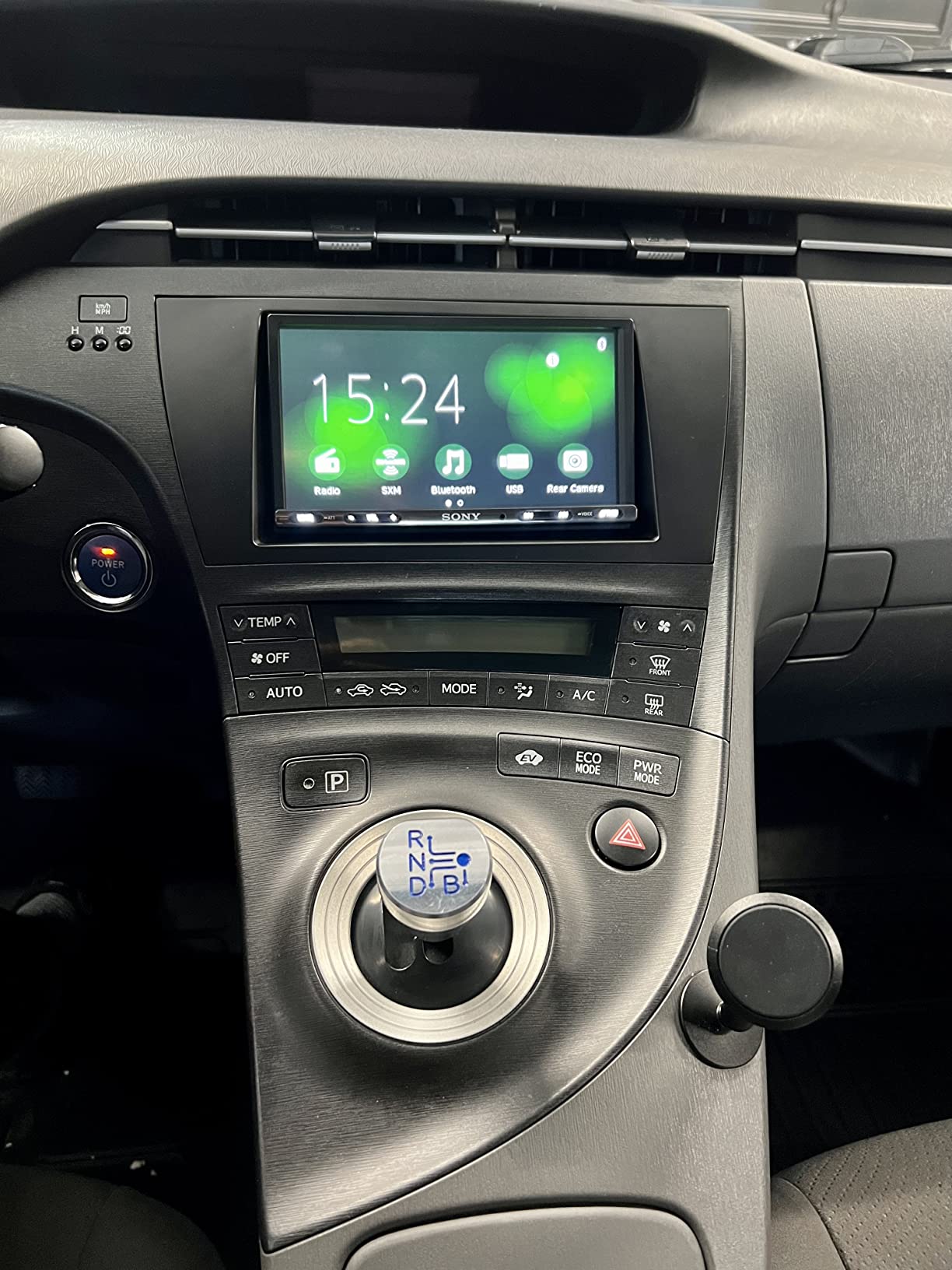
What does the compact chassis actually fix?
It fixes cable strain. Most install problems with double-DIN receivers come from the wiring block sitting directly behind the unit with no room to bend the harness, which forces wires to be pinched. Pulling the panel back gives the cable room to curve, meaning fewer pinched wires, fewer blown accessory feeds, and a unit that seats without forcing the trim bezel.
It also helps where the factory radio cavity is shallow or a factory amplifier module sits right behind the opening.
Is a 2V pre-amp enough if I plan to add a sub?
For most single-amplifier builds, yes. A 2V pre-out is what the majority of head units ship, and it drives a standard sub amp and a four-channel front stage without issue at sensible listening levels. Where it starts to matter is with a high-voltage amplifier gain setting, or a multi-stage system with a processor in the chain, and that is why several budget units in this list still make sense for system builders.
7. Alpine iLX-W670 – Best for Audio Tuning
Alpine iLX-W670 Digital Multimedia Receiver with CarPlay and Android Auto Compatibility
7 inch mech-less double-DIN
13-band EQ with time correction
Wired CarPlay only
Pros
- Very shallow mech-less chassis fits almost any dash
- 13-band EQ with time correction and adjustable crossovers
- CarPlay connects quickly with no lag between apps
- External microphone handles road noise well on calls
Cons
- Settings menu stays locked without the parking brake trigger wire
- Wired CarPlay only with no wireless option
- Music can stop after shifting out of reverse
The Alpine iLX-W670 is the only receiver here built around a mech-less chassis, and that physical design is why it fits places other double-DIN units cannot. A mech-less receiver has no disc mechanism taking up depth, so the body is dramatically shallower and can sit inside a custom housing or a dash cavity with almost nothing behind it.
The tuning tools set it apart. A 13-band graphic EQ, time correction across six channels, and adjustable crossovers for front, rear and subwoofer means you can set speaker delays and slope a subwoofer properly instead of guessing with a bass boost slider. Sound Boost adds bass and mid-bass boost plus PrismaLink subwoofer lighting control.
Five-colour key illumination, a customizable home screen, SiriusXM readiness and PowerStack capability round out a set aimed at people who intend to build. It holds 4.3 across 358 ratings, with owners most enthusiastic about time alignment, EQ depth and chassis depth.
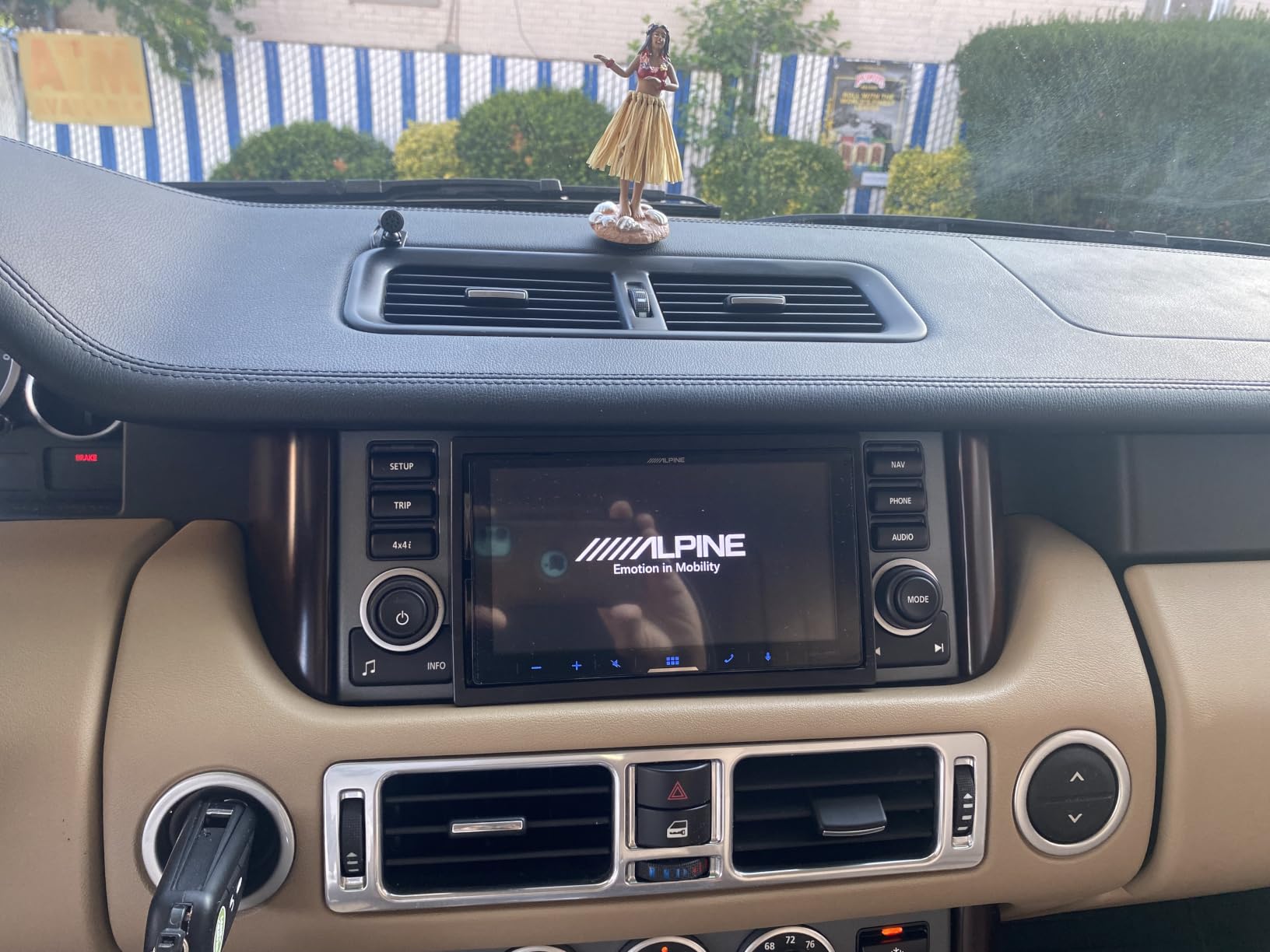
Time correction is the feature most buyers never learn to use and most installers value most. Your front speakers are typically much closer to one ear than the other, and a few milliseconds of delay on the far channel makes a centre-mixed image sound centred instead of pulled to one side.
Built-in crossovers do the other half of the job. Pointing the subwoofer channel at a low-pass around 80 Hz and setting the front channels to a high-pass at the same point stops the sub fighting the door speakers, which is where most factory-sounding aftermarket systems get their muddiness.
PowerStack compatibility matters if you plan to add amplification. Rather than buying a separate compact amp, you can use an Alpine power pack that stacks directly behind the unit, keeping the install tidy and the signal path short. That ecosystem is the biggest reason installers gravitate toward this brand.
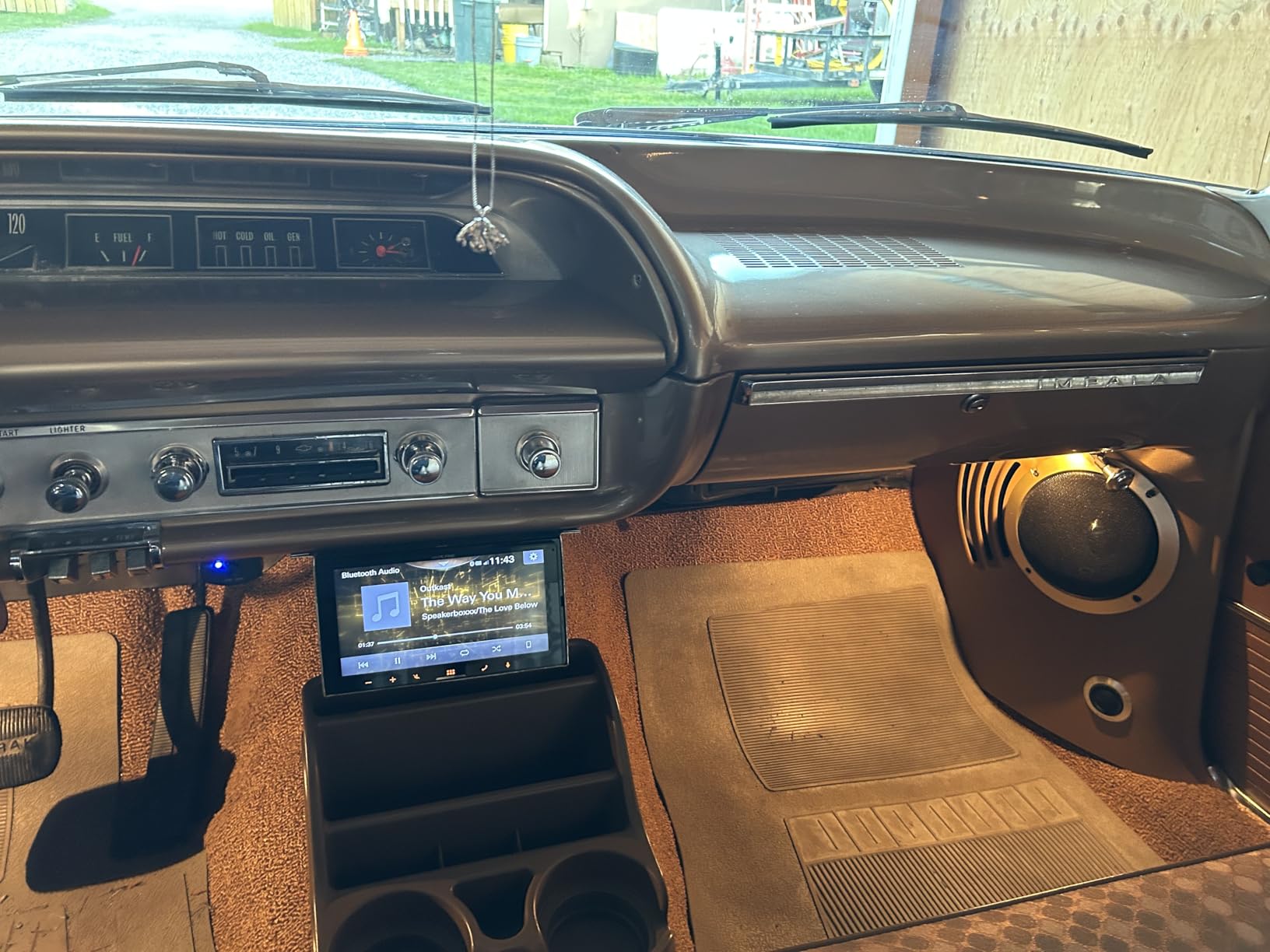
Why is the parking brake wire not included?
Because on many vehicles the brake signal is not present in the standard harness and has to be tapped separately, so it ships as a 6.5 foot accessory lead. Until that wire is connected the full settings menu stays locked, and that includes the tuning features this receiver is famous for.
Owners mention this more than almost anything else, and it is a fair criticism of the packaging rather than the unit. Wire it before the trim goes back on, because reaching the brake switch afterwards is a miserable job.
Is wired-only CarPlay a dealbreaker in 2026?
For most drivers, no. The cable is one plug at the start of a journey, and in exchange you get a connection that is not hunting for Wi-Fi and a phone that is not running a Wi-Fi radio at full power. There is a persistent position across car audio forums that wired CarPlay is the more stable experience, and this is a unit that fully supports that view. It becomes a dealbreaker only if you refuse to touch a cable, in which case the wireless units in this roundup are your shortlist.
8. Haudio CVS1520A-AJ 10.1-Inch – Best Rotating Display
Haudio 10.1″ Single DIN Car Stereo with Wireless Apple CarPlay & Android Auto, Android 13 Floating Touchscreen, Split Screen, Bluetooth, WiFi, Mirror Link, AHD Camera, 2GB+32GB
10.1 inch rotatable IPS screen
Android 13 with 2GB and 32GB
Wireless CarPlay
Pros
- Largest screen in the group with portrait and landscape modes
- Full Android 13 platform with split-screen multitasking
- Wireless CarPlay and Android Auto connect quickly
- AHD backup camera included and steering wheel control compatible
Cons
- Most vehicles need an additional dash kit for the floating screen
- Requires a wiring adapter and antenna adapter for most installs
- Only 25W stated output compared with the rest of this list
The Haudio is the odd one out here, because underneath the CarPlay interface it is a full Android 13 tablet with 2GB of RAM and 32GB of storage. That means split-screen multitasking, an app drawer, and the ability to run apps on the dash screen that have nothing to do with your phone.
The display is 10.1 inches and it rotates. In landscape it is a normal wide head unit screen, and in portrait it becomes a tall display for navigation, which is genuinely useful if your dash opening is narrow and you want more vertical map detail. Buyers consistently single out the rotating panel as the reason they bought it.
Wireless CarPlay and Android Auto run over Bluetooth and Wi-Fi, there is a MirrorLink path for wired sharing, and an AHD backup camera is included. It carries 4.3 from 297 ratings, a strong score for a design that unusual.
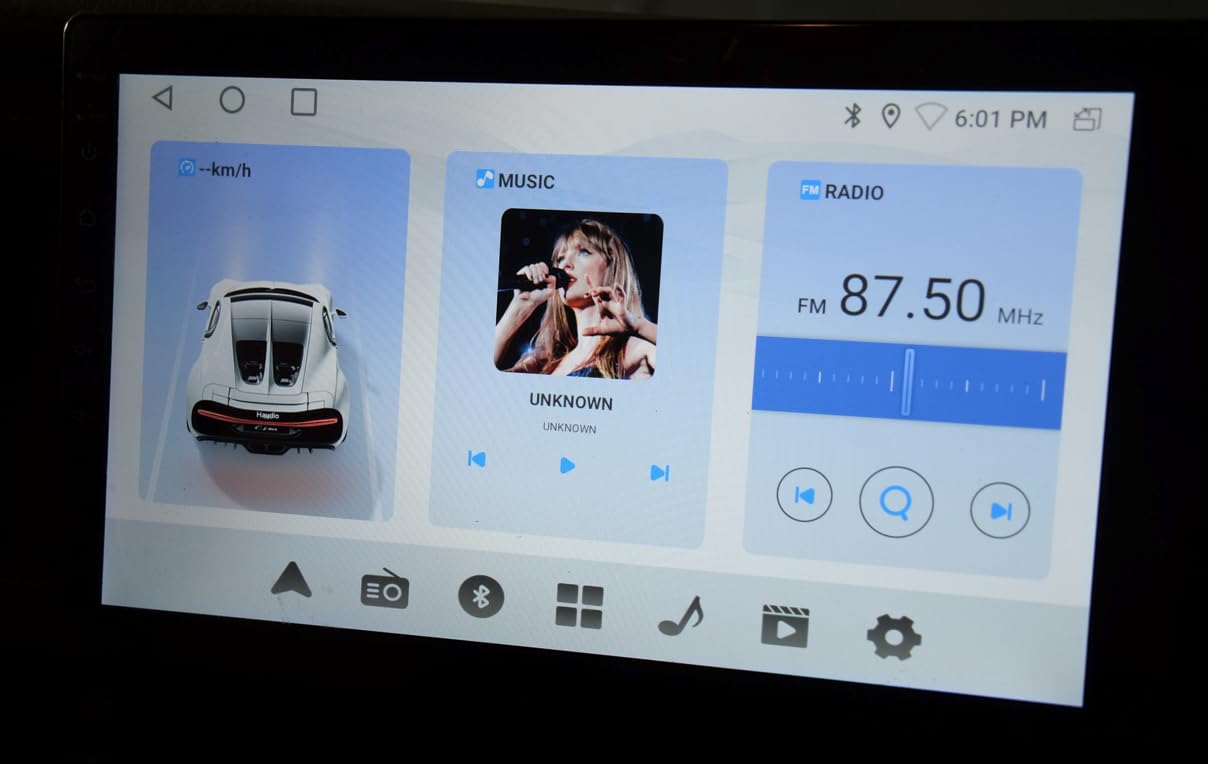
The Android platform is the real differentiator. A standard CarPlay head unit is a display for your phone and does nothing on its own. This one is a small computer in your dash, which means it can show information with no phone connected, run its own interface, and multitask two apps side by side on a 10.1 inch panel. For a work truck or a van used as an office on wheels, that is a different proposition.
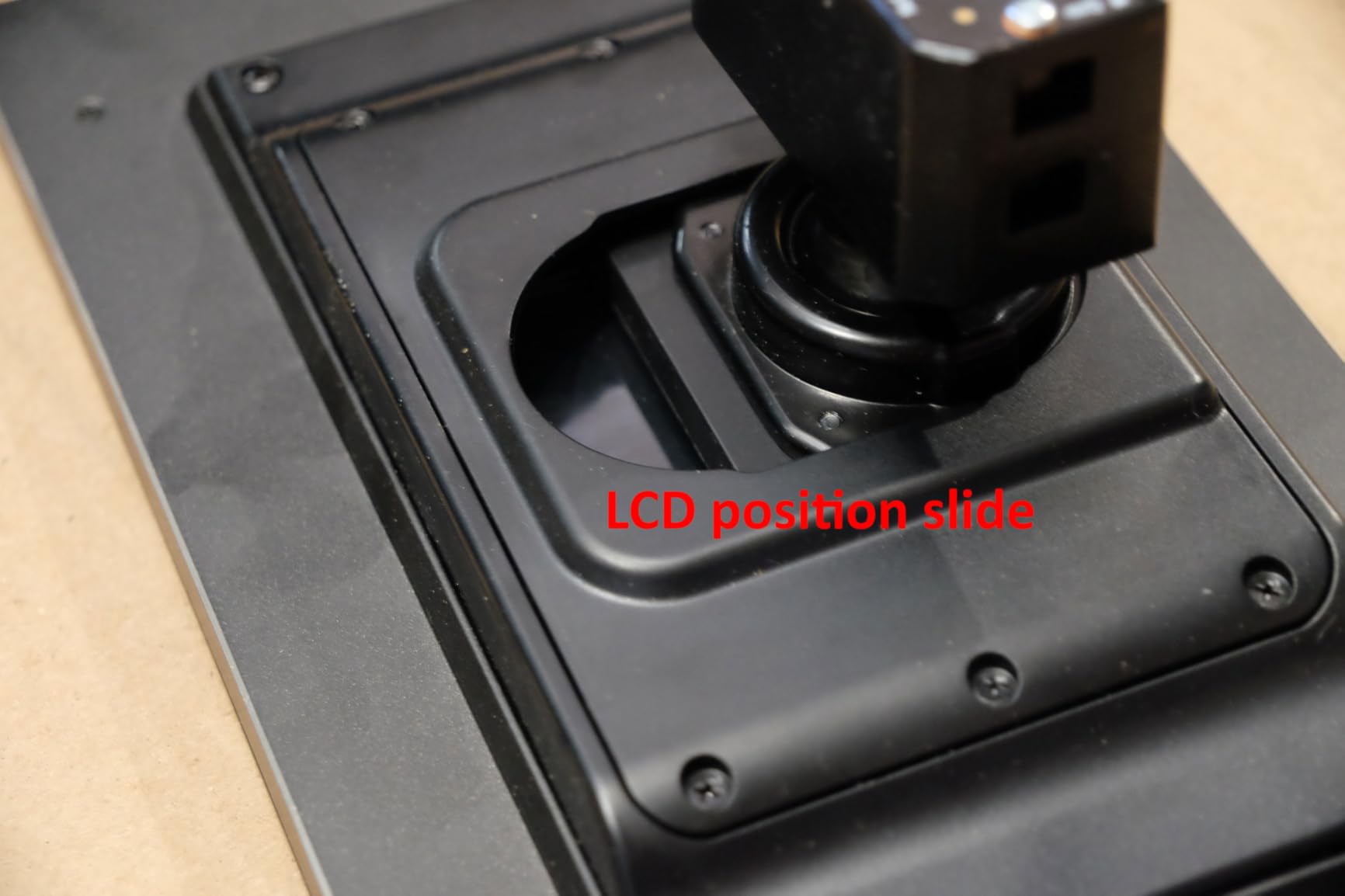
Rotation is a physical mechanic, so the mounting bracket needs clearance above and below. In a flat, open dash cavity that is easy, but in a sculpted console where the top of the opening sits close to a vent it can be tight, so check vertical clearance before committing.
The 4.2 channel output with a customizable EQ handles audio competently, but the 25W stated output figure is well below the 80W and 240W peak claims on the budget double-DIN units here. Treat it as a reason to keep the built-in amplifier driving your door speakers rather than expecting it to push a heavy component set.
Is an Android-based head unit risky for CarPlay?
It is a different risk profile, not a worse one. On a conventional receiver CarPlay is the operating system, so a CarPlay bug affects everything. Here CarPlay is a layer running alongside a full platform, so failures are more often contained and the underlying unit can be rebooted. The trade is a more complex interface for people who just want CarPlay to appear when they start the car.
What does the install actually require?
Almost every vehicle needs more than the unit. A dash kit for the floating screen, a vehicle-specific wiring adapter, and an antenna adapter are the standard three, which puts this in the same accessory bracket as the PLZ MP-108 and the BOSS BCPA8 even though the hardware is the cheapest here. The price of the head unit is rarely the price of the install.
9. Kenwood DMX709S – Best for Multiple Camera Inputs
KENWOOD DMX709S eXcelon 6.95-Inch Capacitive Touch Screen, Car Stereo, CarPlay and Android Auto, Bluetooth, AM/FM HD Radio, MP3 Player, USB Port, Double DIN, 13-Band EQ, SiriusXM
6.95 inch capacitive touchscreen
Three camera inputs
13-band EQ and time alignment
Pros
- High-contrast capacitive screen with quick response
- 13-band EQ plus crossovers for real system tuning
- Three camera inputs with adjustable parking guidelines
- HD Radio built in and SiriusXM ready
Cons
- CarPlay connection can drop unexpectedly
- Sound character varies noticeably by source
- Interface graphics look dated and SiriusXM tuner sold separately
The Kenwood DMX709S is the camera pick, and that is a narrow but increasingly important distinction. Three camera inputs means you can wire a rear camera, a front camera and a side or interior camera, with adjustable parking guide lines on the rear view. For anyone adding cameras to a truck or a large SUV, that is a different product category from a single-camera head unit.
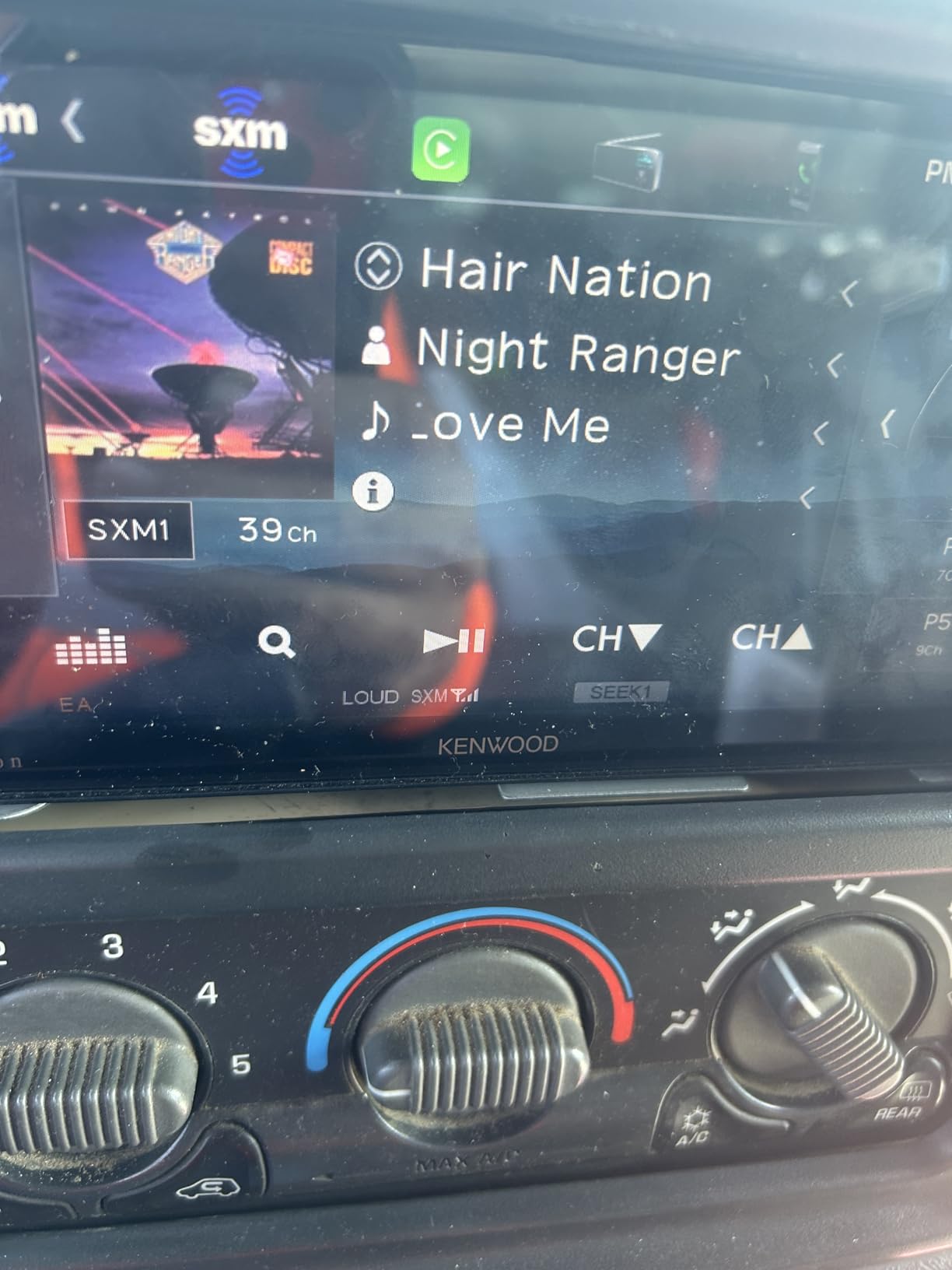
On audio you get a 13-band graphic EQ, time alignment, and built-in crossovers, which is the same class of tuning control as the Alpine. HD Radio is built in rather than an accessory, FLAC playback is supported, and SiriusXM is ready with the tuner sold separately.
It rates 4.4 across 144 ratings, the second-highest average in this group, with owners pointing to EQ depth, feature density and screen response. The most common criticism is that the interface reads a generation behind newer competitors.
Multi-camera support is a real quality-of-life feature rather than a novelty. A front camera removes the guesswork from tight parking, and a side or interior camera is useful in a work vehicle or when towing. The adjustable guidelines let you match the overlay to your car rather than accepting generic lines.
The EQ here is more capable than the ten-band units at the budget end of this list, and paired with time alignment and crossovers it lets a head unit do real work on a system with an external amplifier. Owners of other Kenwood models consistently rate the tuning depth as the reason they stay in the brand.
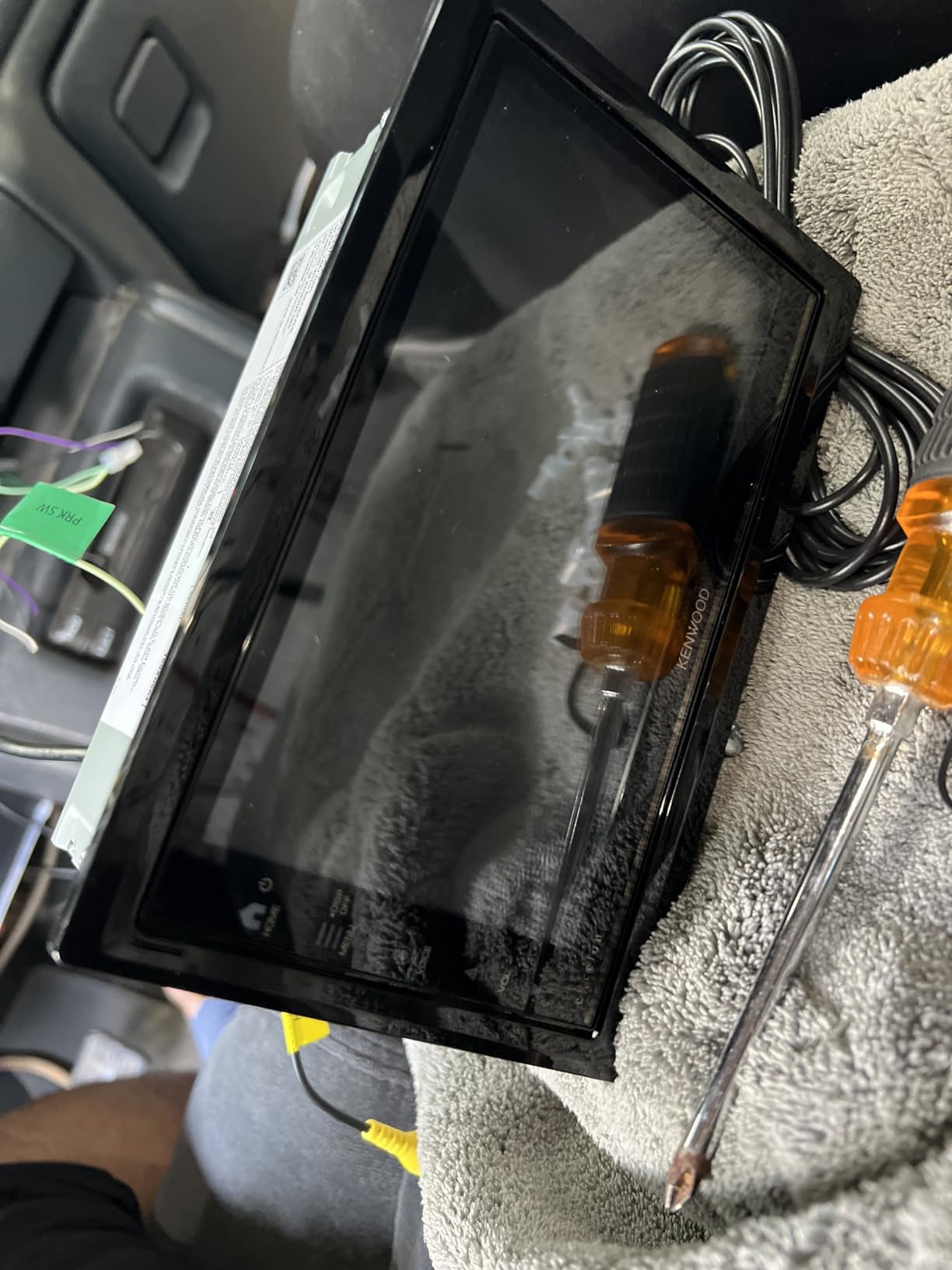
Phone integration is wired only, so you plug in a cable each trip. The box does include a GPS antenna, a high-quality external microphone on a bracket, a parking brake wire and the trim and sleeve hardware, which makes it one of the better-equipped packages out of the box.
How many camera inputs do you actually need?
One if you only want a reversing view, two if you want a front camera as well, three if you are fitting cameras around a large vehicle or towing. For most drivers replacing a factory radio, a single rear input is enough, and paying for three you never use is a waste without a specific reason.
That said, a front camera also needs a trigger wire from the gear selector, so confirm your vehicle can supply that signal before ordering.
Why does sound quality vary between sources?
Because the receiver applies per-source processing and remembers separate EQ settings, and because sources differ in level and bandwidth. Owners report radio, Bluetooth and CarPlay each sounding different and needing their own curve, which is annoying if you expect one setting everywhere. FLAC playback over USB is the closest thing to a neutral source here, so use that for a proper listening test.
10. BOSS Audio Systems BCPA8 – Best for 4V Preamp Outputs
BOSS Audio Systems BCPA8 CarPlay Android Car Stereo, 8 Inch Touchscreen
8 inch capacitive IPS screen
85W x 4 with 4V pre-outs
Wired or wireless CarPlay
Pros
- 4V front rear and subwoofer pre-amp outputs on a single-DIN chassis
- Wireless CarPlay connects fast and holds in daily use
- Swivelling screen clears dashboard gauges
- Easy first-time install with a standard single-DIN adapter
Cons
- No brightness adjustment which is distracting at night
- Some owners cannot get wired CarPlay to connect at all
- Tuner drift and random system resets reported
The BCPA8 is the unit to buy if you are building a system with external amplifiers and preamp headroom matters. One owner verified the 4V front, rear and subwoofer outputs on an oscilloscope, and that is a measurement rather than a marketing claim, and it is why this unit punches above its class for system builders.
It is also a single-DIN chassis with an 8 inch capacitive IPS screen that swivels up and down, which is a rare combination. The swivel exists so the display can clear factory dashboard gauges or a climate control stack, and it is a genuine solution for older vehicles where the radio sits low in a deep console.
Output is 85 watts x 4 with those 4V pre-outs, plus two USB ports, an A/V input, front and rear camera inputs, Bluetooth calling and switchable US and EU tuner frequencies. It holds 4.0 from 203 ratings, with owners praising wireless CarPlay reliability and sound quality for the money.
Why preamp voltage matters: a pre-out is the line-level signal leaving the head unit for an external amplifier, and higher voltage means more signal before noise becomes audible. At 2V you can run out of clean signal on a high-gain amplifier, and the fix is turning the gain down, which then risks an under-driven amplifier.
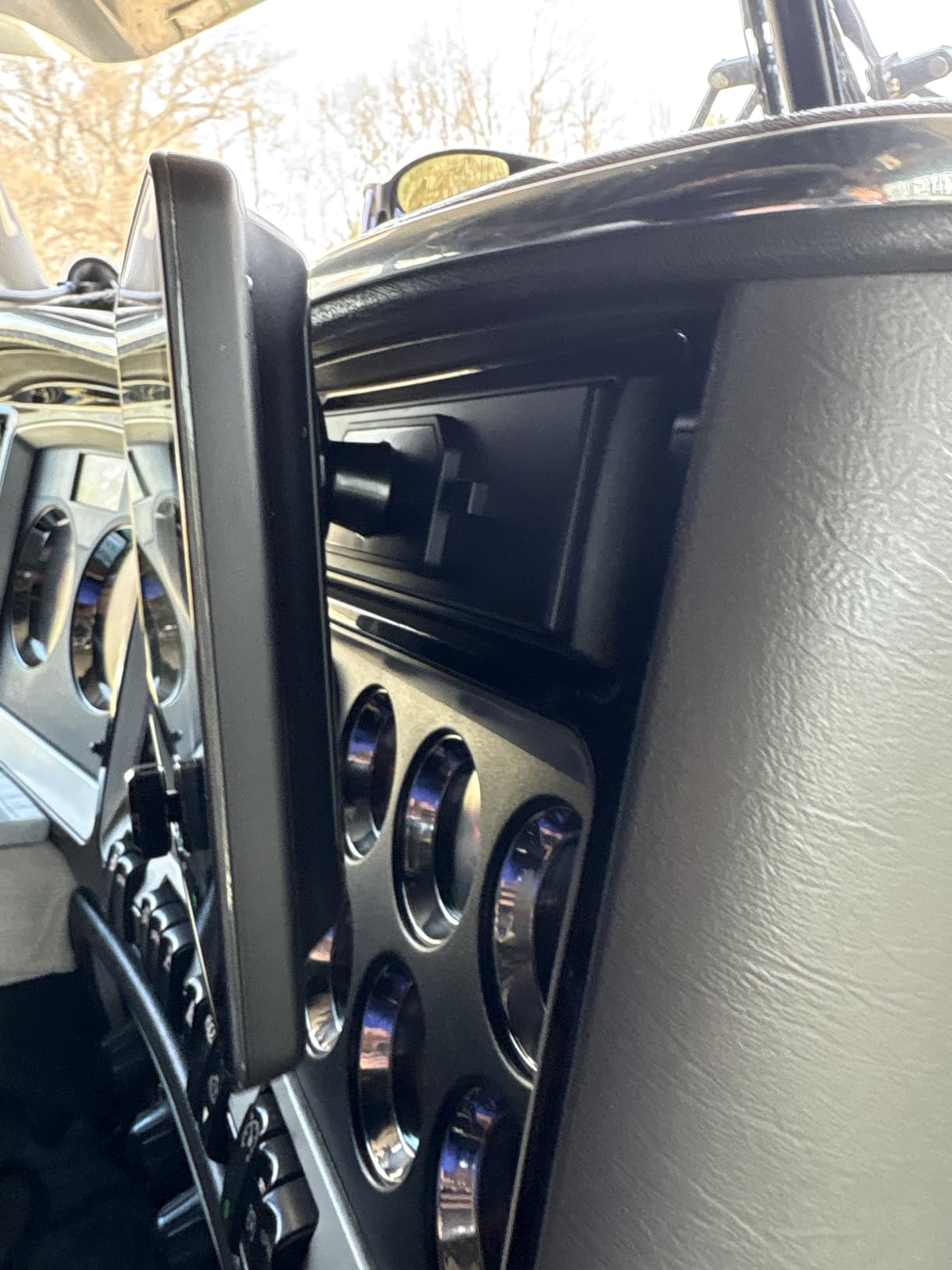
The swivelling screen answers a specific problem. Many older dashboards put the factory radio below the air vents and gauges, so a flat head unit is partly hidden. Tilting the screen upward restores visibility without fabricating a new mounting location, which is much cheaper than a custom dash.
The two USB ports are split sensibly, one dedicated to phone connection and one for media, which stops you unplugging your music library every time you want navigation. That detail alone puts this ahead of several more expensive units for anyone who carries their own music.
What does no brightness adjustment mean day to day?
It means a fixed backlight that some owners find distracting at night, and it is the most repeated complaint about this unit. You cannot dial the screen down to near-black when parked, so on a dark road the display is one of the brighter things in the cabin. If night driving is your main use, weigh that against the 4V advantage.
Is the tuner a real problem?
Owners report the AM and FM tuner drifting and the system resetting on its own occasionally, and both appear often enough to take seriously. If you listen to broadcast radio heavily, especially where reception is marginal, that is a fair reason to look at a Kenwood or Sony instead. Wired CarPlay also failed to connect for some owners across multiple cables, so test it early.
11. Kenwood DMX4710S – Best for Maestro Vehicle Integration
KENWOOD DMX4710S Digital Car Stereo (50W x 6-Ch), Wired Apple CarPlay & Android Auto, Bluetooth-Enabled Head Unit with 6.8″ LCD Display, Single DIN Touchscreen Car Stereo with USB Mirroring
6.8 inch 1024x600 capacitive screen
Maestro RR and RR2 support
13-band EQ
Pros
- Highest average rating in the group at 4.5
- Sharp 1024x600 capacitive display with vivid text
- Maestro RR and RR2 support keeps factory steering wheel controls and amps
- GPS antenna plus front rear and subwoofer pre-outs
Cons
- Wired Apple CarPlay only with no wireless option
- Needs a Maestro module and a vehicle-specific install kit
- Newer model with a smaller installed base
The Kenwood DMX4710S is the pick when your vehicle has a factory radio that talks to the rest of the car over a data network, which is most vehicles from roughly 2015 onward. It is explicitly compatible with the iDatalink Maestro RR and RR2 modules, and that compatibility is the whole point rather than an incidental feature.
The Maestro module sits between your factory wiring and the new head unit, translating vehicle data bus signals into something the aftermarket unit understands. In practice your steering wheel volume and track buttons keep working, and in supported vehicles the factory amplifier, the OEM reverse camera, the vehicle settings menu and the secondary information display survive the swap.
Everything else is strong too: a 6.8 inch 1024×600 WSVGA capacitive screen, a 13-band EQ with digital time alignment, front, rear and subwoofer pre-outs, a dedicated GPS antenna, SiriusXM readiness and two-way Android screen mirroring. It carries the highest average rating here at 4.5 from 82 ratings.
What do you lose without a Maestro module?
More than most roundups will tell you. Without it, steering wheel controls stop doing anything, and on a networked vehicle the head unit sitting idle does not replace the original unit, so you can lose the vehicle settings menu, the driver information display, tire pressure and battery voltage readouts, HVAC status and factory amplifier control.
On some vehicles the upgrade leaves you with a big screen and a car that no longer tells you what the climate system is doing. That is the moment an upgrade feels like a downgrade, and it is the most common regret reported in vehicle forums. A Maestro module is the fix and also an added cost on top of the head unit.
Are 82 ratings enough to trust a 4.5 score?
Enough to trust the fit and the feature set, not enough to trust a long-term reliability verdict. A model with a small installed base has had less time to generate failure reports, and early buyers are often enthusiasts comfortable with the setup rather than first-time installers. What it does mean is current parts, firmware and accessory support, which is worth something on its own.
The one feature to accept before ordering is that CarPlay is wired only. For a Maestro install you are already committing to a more involved installation, so plugging in a cable fits that workflow better than a wireless pairing would.
12. BOSS Audio Systems BVCP9700A – Best Budget Wireless CarPlay
BOSS Audio Systems BVCP9700A CarPlay Android Car Stereo, 7 Inch Touchscreen
7 inch double-DIN touchscreen
Wireless or wired CarPlay
4V pre-amp outputs
Pros
- Wireless and wired CarPlay work well for the money
- Adjustable brightness with automatic night dimming
- 4V front rear and subwoofer pre-amp outputs
- Easy swap from an off-brand unit that did not fit
Cons
- No volume knob so volume uses plus and minus buttons
- Weak external microphone forces loud calls
- Call status can stick after a CarPlay call ends
The BVCP9700A is the budget pick and the most popular unit in this list by volume, with more than 1.2k ratings. It is a 7 inch double-DIN touchscreen with no disc drive, and it does the two things a first upgrade actually needs: wireless CarPlay that holds, and 4V preamp outputs.
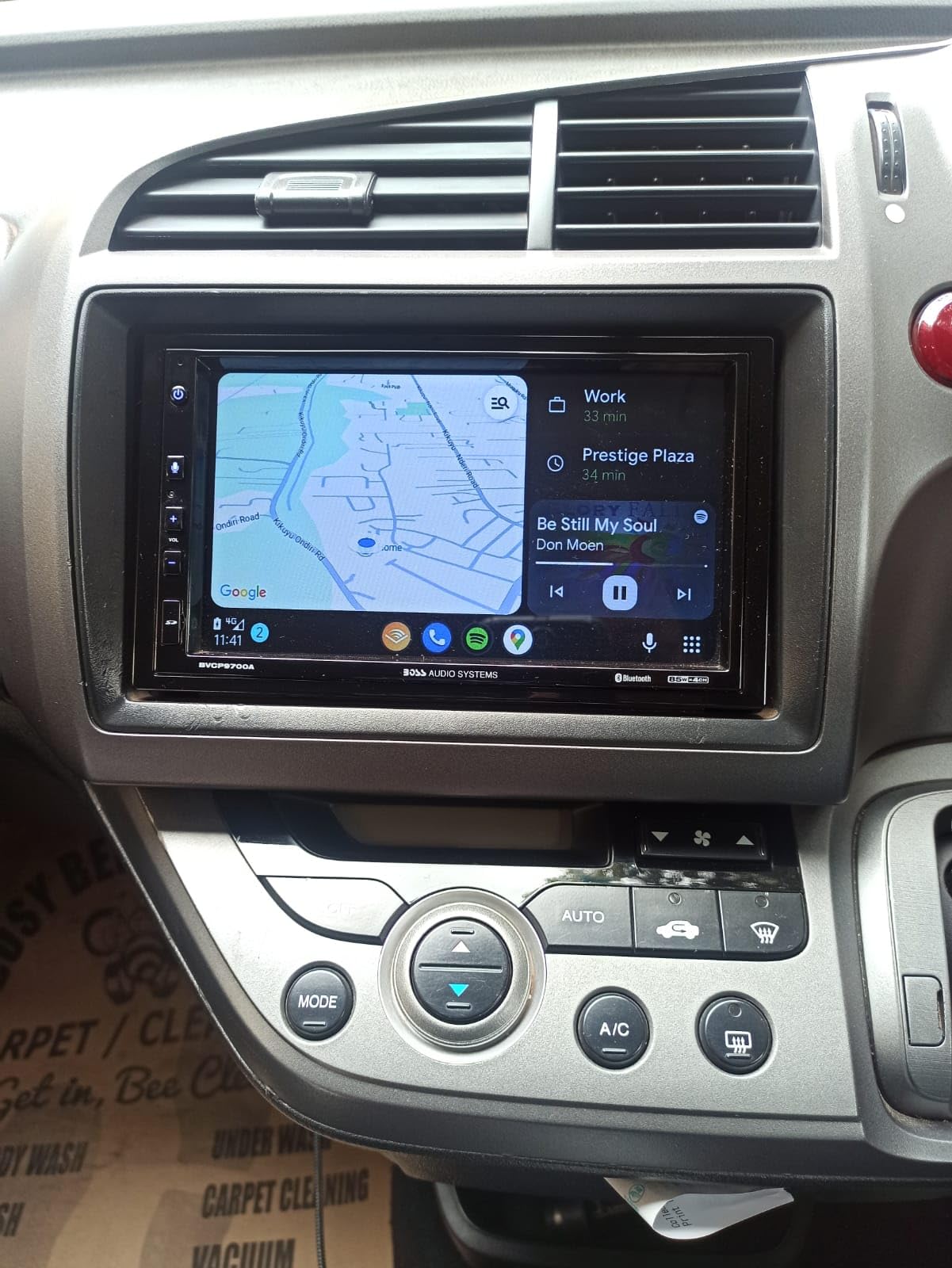
Wireless and wired Apple CarPlay and Android Auto both work well for the money, and owners praise the screen as clear and responsive in daylight and at night. Brightness is adjustable and the display dims automatically, which fixes the biggest complaint we flagged on the BCPA8.
With 4V front, rear and subwoofer pre-amp outputs and 340 watts stated across a 4.1 channel layout, it also has a dedicated microphone button for waking Siri quickly. It holds 4.1 from 1213 ratings, and owners report a satisfying step up from a factory system.
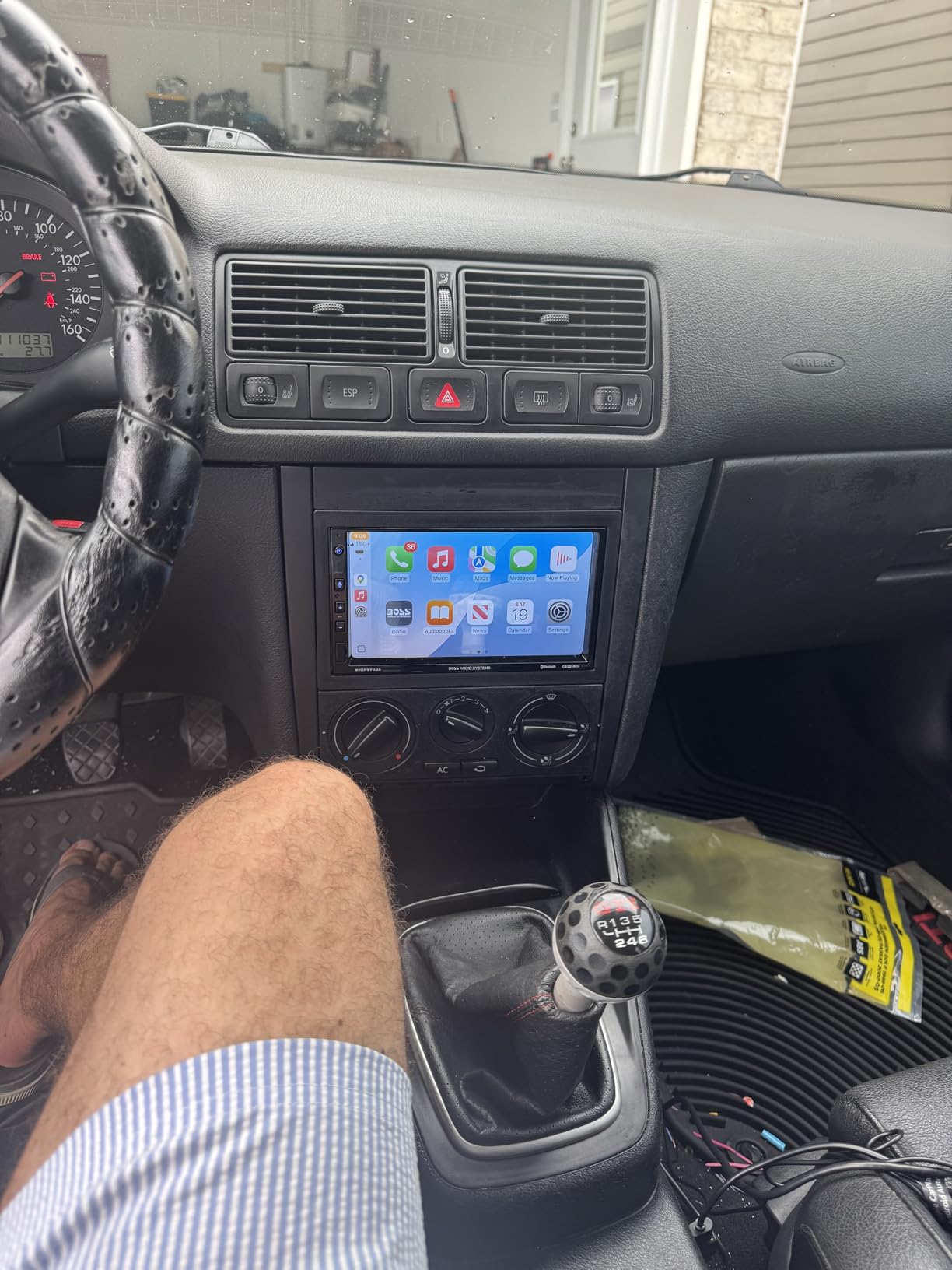
Losing the volume knob sounds minor until you have driven a car without one. You end up pressing plus and minus repeatedly, which is slow and easy to overdo at highway speed. If your current car has a rotary control, that is the most common reason people regret a touchscreen-only head unit.
The microphone is the other weak point. Owners report having to speak loudly and still get marginal call quality, and a poor microphone shows up in every scenario where you use the car as a phone, which for a lot of drivers is daily.
On the positive side, a single DIN adapter version of this model is offered separately, so the same feature set can reach a narrow dash opening. The 4V preamp outputs mean it works as a starting point for a system build, which is unusual at this price and a genuine reason to shortlist it ahead of cheaper 2V units.
Why is this the one most people should buy?
Because it hits the two features that make a head unit feel modern, wireless CarPlay and adjustable brightness, at a price that does not require a second thought, and it adds 4V preamp outputs that cost more elsewhere. The rating is not as high as the top of this list, but the volume of owner experience behind it is by far the largest.
Its reported quirks, a weak microphone, a missing volume knob, occasional random restarts and a call state that can stick after a CarPlay call, are annoying rather than disqualifying. A system that starts reliably every morning and shows navigation clearly is still a large improvement over a radio with a CD slot and no phone integration.
When should you pay more instead?
Pay more if you care about sound and plan to add amplifiers, because the processing is basic next to the Alpine or the Kenwood. Pay more if you want a disc drive, in which case the BOSS BV9358B at the top of this list is the only one here that still plays discs. Also pay more if the car is a truck or SUV where a larger screen helps with reversing, or if you need three camera inputs. For a normal double-DIN opening in a compact car or sedan, none of those apply.
How to Choose an Apple CarPlay Head Unit: 7 Criteria That Matter
Screen size is the least important decision you will make, and the dash opening is the most important one. Work through the criteria in this order and the shortlist usually narrows to two or three units before you read a single specification.
1. Is your opening single DIN or double DIN?
Double DIN is a 4 by 8 inch opening and single DIN is a 2 by 8 inch opening, and that measurement determines everything else. Most modern cars use double DIN, most older sedans use single DIN, and trucks and SUVs vary enough that you should measure rather than assume. A tape measure across the opening, height first, takes thirty seconds.
Floating and single-DIN designs with a large adjustable screen are a workaround rather than an escape, because the screen is far bigger than the opening behind it. They still need a dash kit sized for your vehicle, which is why fitment hardware is the most common unexpected cost in this category.
2. Do you want wireless CarPlay or is wired fine?
Wireless is genuinely more convenient and is now standard on the mid-range and up. But there is a persistent position in car audio communities that wired CarPlay is the more stable experience, and the consistency of that view across forums is worth taking seriously.
Practically, wireless costs phone battery, an extra pairing step on a cold morning, and occasional reconnection drama. Our advice is to buy wireless if you can, but to check that the unit reports reliable reconnection, because a wireless unit that hunts for a connection is worse than a wired one every time.
3. Mechless, disc-equipped, or pure digital media receiver?
Mechless means no disc mechanism at all, which produces the shallowest chassis and the most installation flexibility, and it is the Alpine approach. A disc-equipped unit plays CDs and DVDs but is physically deeper. A pure digital media receiver has no drive, is thinner than a disc unit, and is what most of the wireless CarPlay units in this roundup are.
Only pick a disc drive if you have discs. Physical media is in decline, but if your car is full of CDs and you drive somewhere with no signal, the BOSS BV9358B remains the only unit here that keeps that door open.
4. Capacitive, resistive, or anti-glare touch?
Capacitive panels feel modern, support multi-touch and scroll smoothly, and lose legibility in direct sun. Resistive anti-glare panels look duller but stay readable in glare, which is why the Sony XAV-AX3200 makes sense for people who drive in open sun. Decide based on your climate, because the difference is real once you have lived with both.
5. Preamp voltage and channel count
Preamp outputs are the line-level signals feeding external amplifiers, and 2V is standard, 4V is better and 5V is the enthusiast end. The difference matters only if you are adding amplifiers, because higher voltage means more clean signal before noise, and audible road noise is the whole reason people add amps.
Channel count matters too. A receiver with front, rear and subwoofer pre-outs can feed a three-way system without a splitter. Check voltage before wattage, because peak wattage numbers are marketing while preamp voltage is engineering.
6. How many camera inputs, and do you already have a camera?
One rear camera input is the minimum for a modern install, and most cars built in the last decade already have a factory camera you would want to keep. Whether you can keep it is a wiring question, not a head unit question, and it is the thing people discover too late.
Two inputs let you add a front camera, and three opens up side or interior views for trucks and vans. Remember a front camera also needs a reverse trigger from the gear selector, which not every vehicle provides without extra work.
7. What does the iDatalink Maestro keep, and what do you lose without it?
The Maestro sits between your factory wiring and the new head unit, translating the vehicle data bus so the aftermarket unit can keep talking to the car. With it, you retain steering wheel controls, the OEM reverse camera, the factory amplifier, the vehicle settings menu, the secondary information display and vehicle data such as tire pressure and battery voltage, plus HVAC status in supported vehicles.
Without it on a networked vehicle you may lose all of that, and the head unit may not power on at all because the original radio was supplying power through the data bus. Check Maestro support for your exact year, make and model before you buy, not after. The Kenwood DMX4710S in this list leans hardest into that integration.
One more check before you commit: measure your dash opening, confirm the DIN size, confirm your vehicle is supported, and confirm the wiring adapter you need exists. Owners on our film and photography forums tell us the same thing about car builds that they tell us about rigs, which is that prep work decides whether a job takes an afternoon or a month. We covered the mounting side in our guide to vehicle mounting rigs for car shoots.
Is Apple CarPlay Being Phased Out? What the Change Means for Aftermarket Stereos
CarPlay is not being phased out in any practical sense, and that framing is misleading. What is changing is that Apple is moving from a small set of phone-mirrored apps toward a fuller vehicle operating system, which brings higher hardware requirements and a longer list of features a cheap head unit will not support.
For buyers the practical takeaway is simple. Do not buy a stereo for a CarPlay feature you will never use, and do not assume a unit sold today will run the newest CarPlay features five years from now. Prioritise the fundamentals that stay true: a responsive screen, a reliable connection, camera support, usable preamp outputs, and steering wheel control retention.
Buying current-generation hardware with both wired and wireless CarPlay, camera inputs and adequate preamp voltage protects you from most of what is changing, because those are hardware capabilities rather than software licensing.
iDatalink Maestro Troubleshooting: Blinking Red, Dead Camera, Dead Steering Wheel Controls
These four issues account for most Maestro complaints found across vehicle owner forums, and all four are diagnosable. Work through the list in order rather than replacing hardware, because the majority of cases are configuration or power rather than a failed module.
Why is my Maestro RR blinking red?
A blinking or solid red LED means the module has not completed its vehicle configuration. The usual causes are a failed or interrupted firmware flash, an incompatible vehicle configuration, a damaged or badly seated wiring adapter, or insufficient power reaching the module. Start by reseating the adapter at both the module and the head unit, then reflash and confirm your exact year, make and model are supported.
If power is the issue, check that the module receives a clean constant 12V feed and a proper ground. A module on a marginal supply will often boot, pair a phone, then drop into a fault state once the accessory circuit loads up, which reads as a module that randomly dies.
How do I reset my iDatalink Maestro RR module?
Hold the reset button while powering the module, keep holding for about ten seconds until the LED changes, then let it restart. After the reset, reflash the firmware, reselect your exact vehicle configuration, and complete the head unit pairing sequence from the start rather than resuming an old pairing.
Resetting clears stored vehicle data, so expect the settings menu and vehicle readouts to need re-enabling. If the LED returns to red immediately after a clean reset and reflash, the problem is almost certainly power or a harness pinout rather than software.
Why is my Maestro RR reverse camera not working?
Check the camera trigger source first, because a Maestro install can lose the OEM camera when the video input is not routed or when the camera sits on a separate network node the module does not pass through. Confirm the reverse trigger wire is connected, confirm the head unit input is set to the correct source, then verify the camera still receives power in reverse.
This is the most common complaint reported as an otherwise perfect install, with everything working except the camera. It is usually resolved by the correct input configuration or a vehicle-specific harness rather than by a new module, and it is worth taking to an installer who has worked on your vehicle generation.
Why are my Maestro steering wheel controls not working?
The most frequent causes are using the wrong module for the vehicle, which happens because some vehicles need the RR2 rather than the RR, a configuration that was never flashed after installation, an incompatible head unit, and a harness that is not fully seated in the ISO connection. Confirm the module model first, then the configuration, then the seating, in that order.
Also check that the steering wheel control setting on the head unit is switched on and mapped correctly, because a disabled head unit ignores the module entirely even when the module works perfectly. Voice control failing after a Maestro install is a related symptom, and microphone placement and routing are usually the culprit.
Why will my stereo not turn on unless the red and yellow wires are joined?
Because your head unit needs a constant 12V memory feed and a switched 12V accessory feed, and on a networked vehicle the original radio may have supplied the memory feed through the data bus rather than a wire. Without a proper constant feed the unit has nowhere to store settings, and if the Maestro is bridging the connection you may have created a temporary path that no longer exists later.
Do not rely on that arrangement. Connect a real constant 12V feed to the yellow wire, a switched 12V feed to the red wire, a solid ground to the black wire, and a parking brake lead to the light green wire where the head unit requires it. The memory lead is what stops the unit losing settings, presets and time every time you shut the car off.
Frequently Asked Questions
Why is Apple CarPlay being phased out?
CarPlay is not being phased out. Apple is expanding CarPlay from phone-mirrored apps toward a fuller vehicle operating system, which brings higher hardware requirements, and some new features will not run on older head units. The practical advice is to buy current-generation hardware with both wired and wireless CarPlay, camera inputs and adequate preamp voltage, since those are hardware capabilities that will not age out.
What car stereos have Apple CarPlay?
Any current aftermarket head unit from Kenwood, Alpine, Sony, Pioneer, JVC, BOSS Audio, PLZ, Haudio or Dual, in double-DIN, single-DIN, floating-screen or mech-less form factors. If you want to keep your existing stereo instead, a CarPlay interface module or a wireless conversion dongle can add the CarPlay screen to a stereo that does not have it.
What is the best car stereo with Apple CarPlay?
The BOSS Audio Systems BV9358B is the best overall pick in our group, with a 7 inch 800×480 screen, CD and DVD playback, front and rear camera inputs, front, rear and subwoofer pre-amp outputs and more than 5k owner ratings. For the best budget option with wireless CarPlay and adjustable brightness, the BOSS Audio Systems BVCP9700A is the stronger fit.
Can I add Apple CarPlay to my existing stereo?
Yes, with a CarPlay interface module or a wireless conversion dongle. An interface module wires into the back of your existing stereo and relays the CarPlay screen, calls and navigation to it, while a dongle upgrades a wired-only CarPlay system to wireless. Both are far less invasive than replacing the head unit, but neither can add camera inputs, preamp outputs or better sound.
How do I know if my car is single DIN or double DIN?
Measure the height of your dash opening first. A single-DIN opening is about 2 inches tall and 8 inches wide, while a double-DIN opening is about 4 inches tall and 8 inches wide. Most modern cars use double DIN, most older sedans use single DIN, and trucks and SUVs vary enough that measuring is the only reliable method.
Is wireless CarPlay better than wired?
Wireless is more convenient because you do not plug in a cable each trip, and current wireless implementations on well-reviewed head units reconnect reliably at startup. Wired remains the more stable option in the view of many owners on car audio forums, and it costs you nothing but a cable. A wireless unit that repeatedly fails to reconnect is worse than a wired one every time.
How do I reset my iDatalink Maestro RR module?
Hold the reset button while powering the module, keep holding for about ten seconds until the LED changes state, then let it restart. Afterward, reflash the firmware, reselect your exact year, make and model configuration, and complete the head unit pairing again. If the LED returns to red immediately, suspect power or a harness pinout rather than software.
Which CarPlay Stereo Should You Buy in 2026?
If you want one answer, buy the BOSS Audio Systems BV9358B. It plays discs, takes two cameras, has a shallow body, and has the largest body of owner feedback behind it. If your priority is wireless CarPlay on a budget, the BOSS BVCP9700A gives you wireless, adjustable brightness and 4V preamp outputs, which no cheaper unit in this roundup manages.
For specific situations: a single-DIN opening means the PLZ MP-108 with its 10.1 inch adjustable screen, a tight dash cavity means the Pioneer DMH-W2770NEX, direct sun on the dash means the Sony XAV-AX3200, and building a system with amplifiers means the Alpine iLX-W670 for tuning or the BOSS BCPA8 for preamp headroom. Three camera inputs point to the Kenwood DMX709S, and keeping your factory steering wheel controls, amplifier and camera points to the Kenwood DMX4710S with a Maestro module.
Before any of that, measure your dash opening, confirm your vehicle is supported, and count the accessories you will need. The best car stereos with Apple CarPlay are the ones that physically fit your car and keep the features you already drive with, and those two checks take less than ten minutes.
Once the install is planned, documenting the dash before and after is worth doing, and our guide to suction car mounts for filmmaking covers the mounting side if you want to capture the work.