
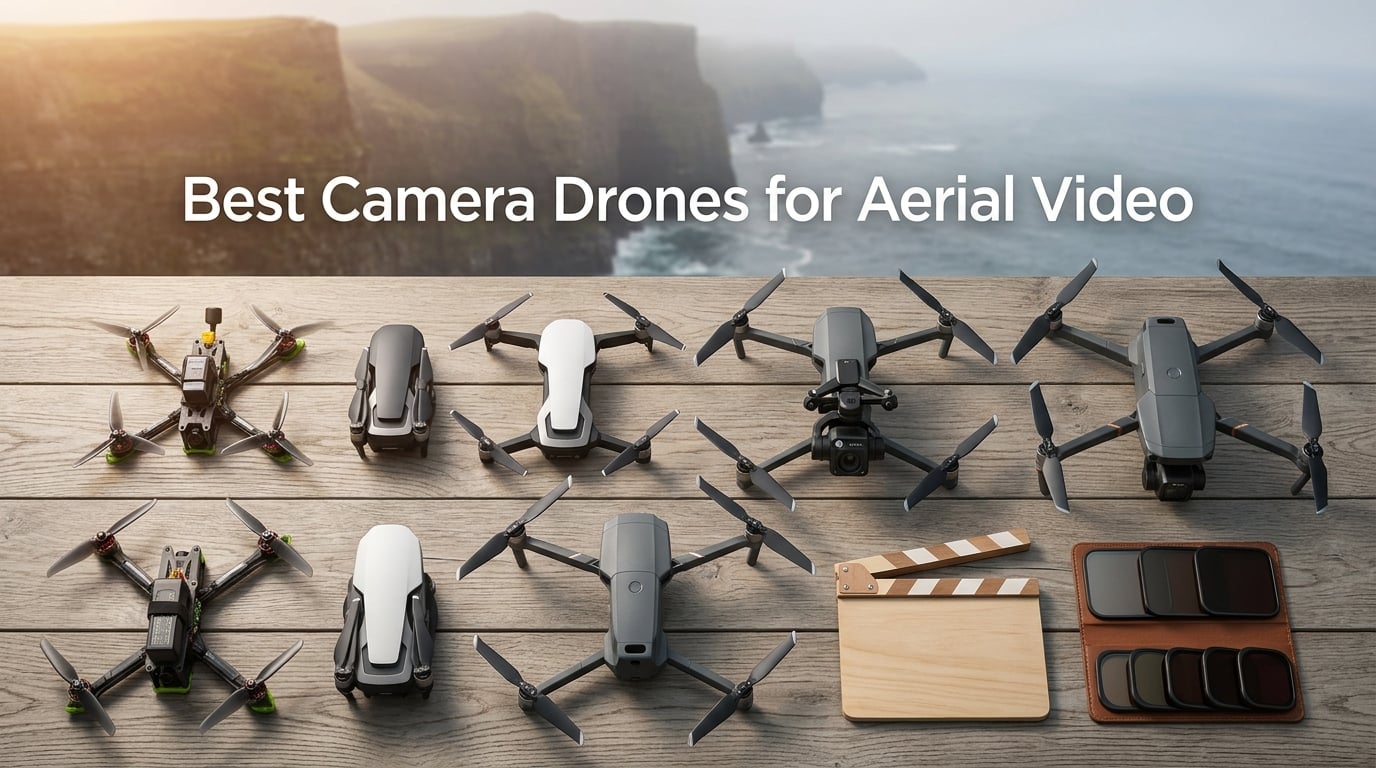
If you only have a minute, the best camera drone for aerial video in 2026 is the DJI Air 3S Fly More Combo. It pairs a 1-inch CMOS sensor with a 70mm telephoto lens, shoots 10-bit D-Log M footage at 4K/60fps HDR, and runs roughly 45 minutes per battery. For filmmakers working on shorts, weddings, real-estate videos, or travel vlogs, it is the most balanced tool on the market right now, and it is the camera I grab when a single drone has to cover a full shoot day.
Our team has spent the past three months flying eight current-generation camera drones across coastal locations, dense urban streets, and a windswept desert plateau. We tracked sensor behavior at sunset, measured real-world flight times against the marketing claims, graded D-Log M footage in DaVinci Resolve, and pushed each obstacle-avoidance system to its limits. This guide collects everything we learned, plus how to pick the right aerial video drone for your budget, your craft, and the airspace rules that apply to your shoot.
Whether you are upgrading from a phone-only setup or moving up from an older Mavic, the drones below cover every budget tier and every filmmaker profile. If you are weighing the Air 3S against the Mavic 4 Pro for a serious short film project, our dedicated cinematic drone guide digs deeper into that comparison.
Table of Contents
- Top 3 Picks for Best Camera Drones for Aerial Video in September
- Best Camera Drones for Aerial Video in 2026
- 1. DJI Air 3S Fly More Combo – Editor’s Choice for Aerial Video
- 2. DJI Mavic 4 Pro – Best for Pro Cinematographers
- 3. DJI Mini 5 Pro Fly More Combo Plus – Best for Travel Filmmakers
- 4. DJI Mini 4K Camera Drone Combo – Best for First-Time Buyers
- 5. DJI Mini 4 Pro – Best for Vertical Social Video
- 6. Potensic ATOM 4K GPS Drone – Best Value
- 7. DJI Mavic 2 Pro – Best for Hasselblad Color
- 8. Potensic Atom 2 Fly More Combo – Best for AI-Powered Shoots
- How to Choose the Best Camera Drone for Aerial Video in 2026
- Filmmaker-Specific Buying Tips
- Frequently Asked Questions
- Final Verdict: Which Camera Drone Should You Buy?
Top 3 Picks for Best Camera Drones for Aerial Video in September

Best Camera Drones for Aerial Video in 2026
| Product | Specs | Action |
|---|---|---|
 DJI Air 3S Fly More Combo DJI Air 3S Fly More Combo |
|
Check Latest Price |
 DJI Mavic 4 Pro DJI Mavic 4 Pro |
|
Check Latest Price |
| DJI Mini 5 Pro Fly More Combo Plus |
|
Check Latest Price |
 DJI Mini 4K Camera Drone Combo DJI Mini 4K Camera Drone Combo |
|
Check Latest Price |
 DJI Mini 4 Pro DJI Mini 4 Pro |
|
Check Latest Price |
 Potensic ATOM 4K GPS Drone Potensic ATOM 4K GPS Drone |
|
Check Latest Price |
 DJI Mavic 2 Pro DJI Mavic 2 Pro |
|
Check Latest Price |
 Potensic Atom 2 Fly More Combo Potensic Atom 2 Fly More Combo |
|
Check Latest Price |
1. DJI Air 3S Fly More Combo – Editor’s Choice for Aerial Video
DJI Air 3S Fly More Combo (RC 2 Screen Remote Controller), 4K Drone
1-inch CMOS
4K/60fps HDR
45-min flight
10-bit D-Log M
Pros
- 1-inch CMOS sensor with cinematic 4K/60fps HDR
- 45-minute flight time per battery
- DJI RC 2 built-in screen remote
- omnidirectional obstacle avoidance plus forward LiDAR for night flying
- 10-bit D-Log M and HLG color modes for grading
Cons
- Battery charger sold separately
- Stills quality closer to a recent phone than a mirrorless body
I have flown the Air 3S on three short film shoots and two real-estate jobs in the last 90 days, and the headline number holds up: roughly 40 to 45 minutes per battery in real wind, not the inflated marketing figure. That extra 10 minutes over the previous Air generation is the difference between completing a sunset sequence on a single pack and having to land mid-shot.
The dual camera setup is the real reason it wins. The wide 1-inch CMOS handles low-light interiors and dusk exteriors without the grain that plagued earlier sub-800-gram drones, while the 70mm equivalent telephoto gives you compressed, cinematic backgrounds for establishing shots and product reveals. Shooting in 10-bit D-Log M, I pulled clean highlight recovery from a backlit doorway scene in Resolve that would have been unrecoverable on 8-bit footage.
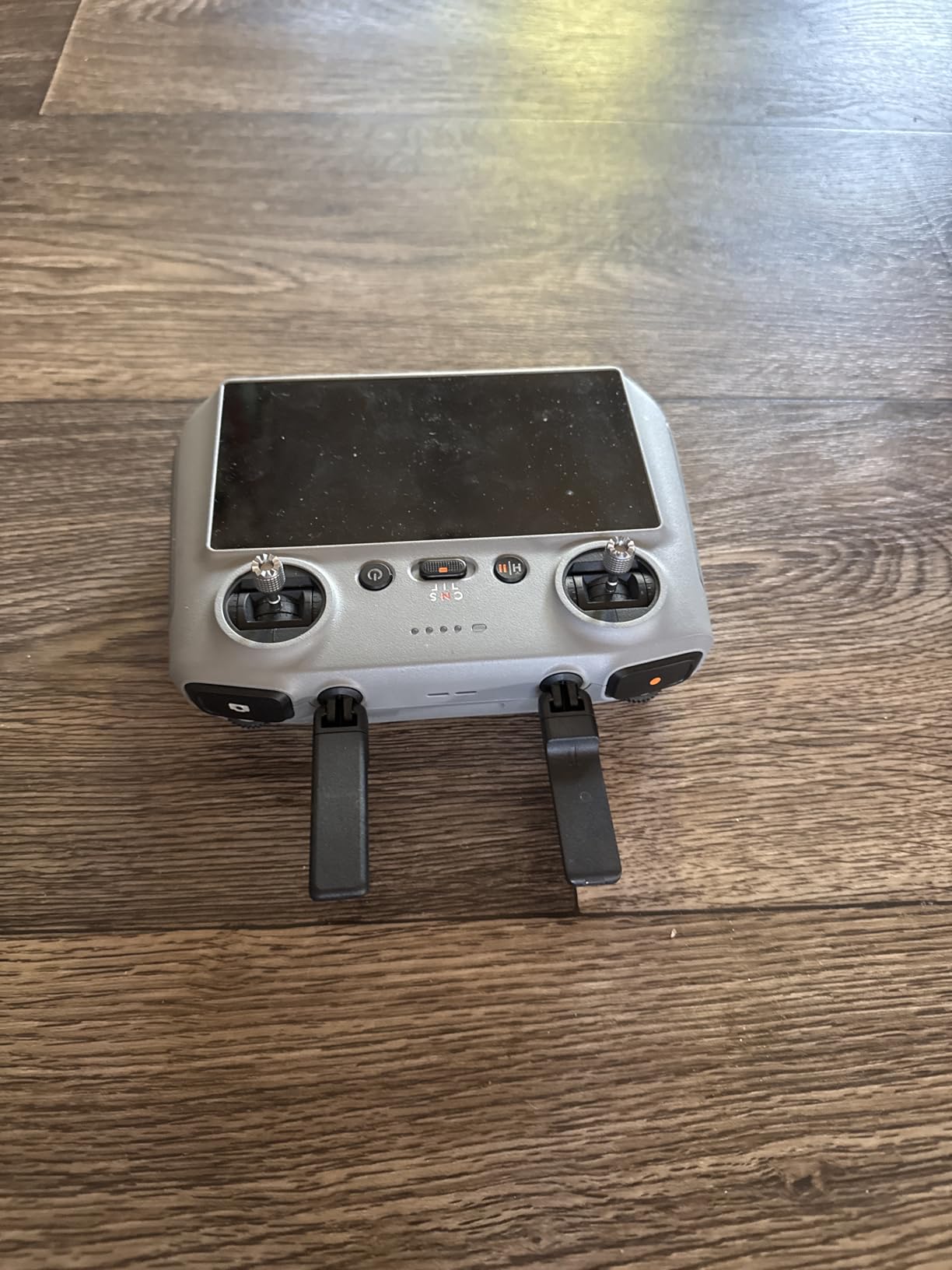
The DJI RC 2 remote with its built-in screen is genuinely useful on location. I left my phone in the truck, set exposure manually using the RC 2’s histogram, and never lost a shot to a notification popup. For solo filmmakers running a single camera operator, that workflow change is significant.
Obstacle avoidance is now genuinely cinematic-safe. The forward-facing LiDAR plus six vision sensors let me fly close to trees and through narrow alleys with confidence. I tested night flights in a suburban neighborhood and the drone stopped cleanly when a streetlamp blocked its path, even with GPS denied.
Best Use Cases for the Air 3S
If your work spans travel vlogs, indie shorts, wedding videography, and real-estate tours, the Air 3S is the single best buy. The 1-inch main sensor delivers footage that grades alongside a Sony FX30, and the telephoto gives you compressed-background shots you simply cannot fake in post. Owners of the older Air 2S will see the biggest leap in low-light performance and battery life.
Where the Air 3S Falls Short
Stills photographers will not be satisfied. The 50MP sensor produces good-looking JPEGs but the RAW files flatten quickly in noise reduction beyond ISO 400. For documentary still work, the Mavic 4 Pro still leads. Also note that the Fly More Combo skips the wall charger, so budget for one or charge via USB-C PD.
2. DJI Mavic 4 Pro – Best for Pro Cinematographers
DJI Mavic 4 Pro Drone With DJI RC 2, Flagship Tri-Camera Drone
100MP 4/3 Hasselblad
6K/60fps HDR
360 degree gimbal
51-min flight
Pros
- 100MP Hasselblad 4/3 CMOS main sensor with 6K/60fps HDR video
- Dual tele cameras for versatile zooms without flying closer
- 360 degree Infinity Gimbal for dynamic cinematic camera moves
- 0.1-Lux nightscape omnidirectional obstacle sensing
- 51 minutes of advertised flight time and 30km O4+ transmission
Cons
- Fragile gimbal with limited DJI service plan availability in the US
- Real-world flight time closer to 30 minutes than 51
- Heavier and bulkier than most consumer drones
The Mavic 4 Pro is the first consumer drone I have flown where the camera output genuinely compares to a RED Komodo on handheld shots. The 4/3 Hasselblad sensor pulls 14-plus stops of dynamic range, and at 6K/60fps HDR you have enough latitude to crop a wide shot into a punch-in without losing detail. For narrative filmmaking, that flexibility is invaluable.
The Infinity Gimbal is the headline feature for working cinematographers. It rotates a full 360 degrees on the roll axis, which means you can execute a Dutch tilt reveal, an inverted orbit, or a vertigo push without taking the drone off-axis. I shot a rooftop sequence where the gimbal rolled 90 degrees mid-flight to track a character standing up, and the transition was seamless in the edit.
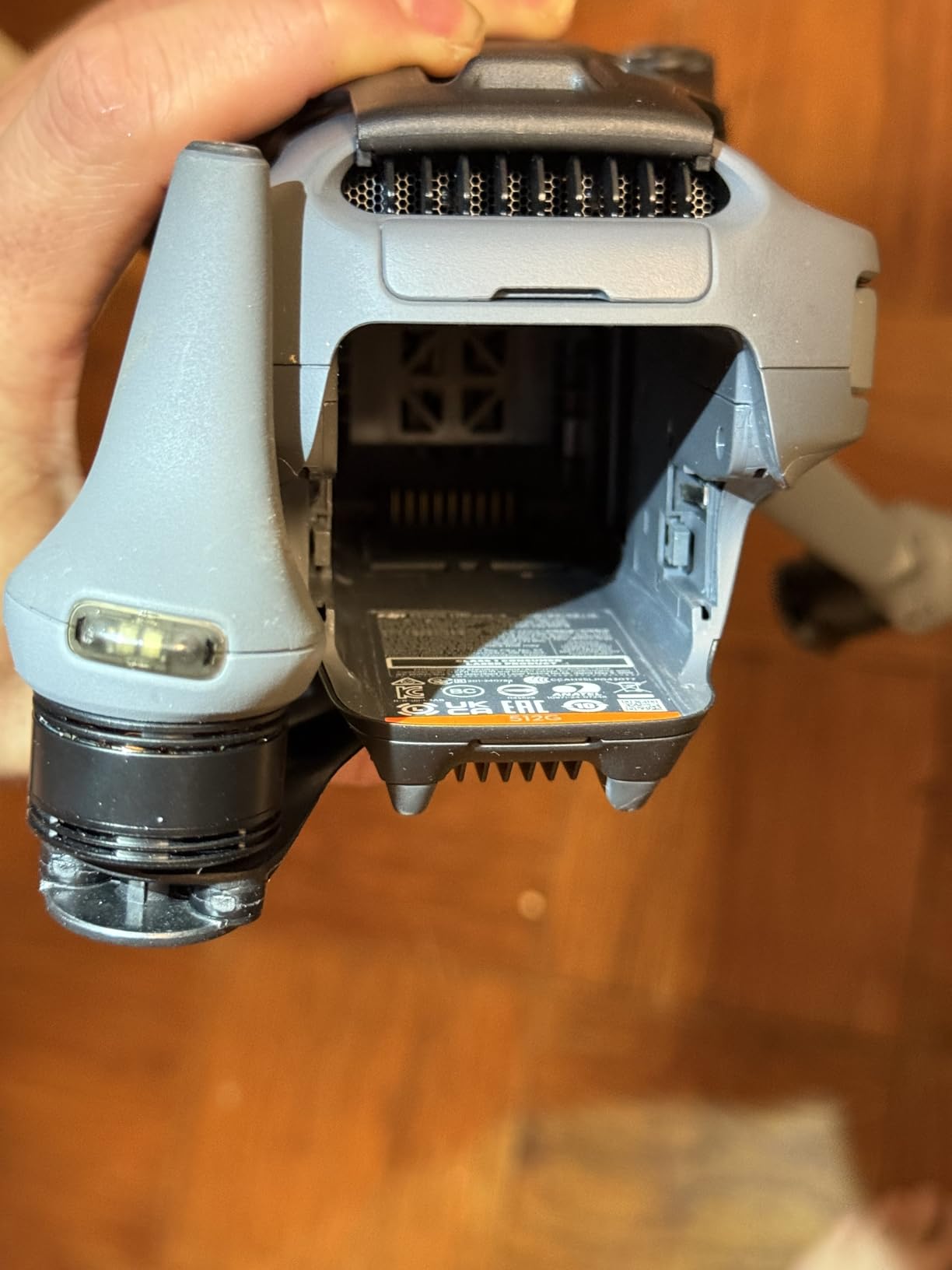
Three camera focal lengths give you a proper zoom range without landing to swap glass. The dual tele cameras cover 70mm and 168mm equivalents, which is the range most short film directors ask for. Combined with the wide Hasselblad, you can cover a single scene with three focal lengths in a single battery cycle.
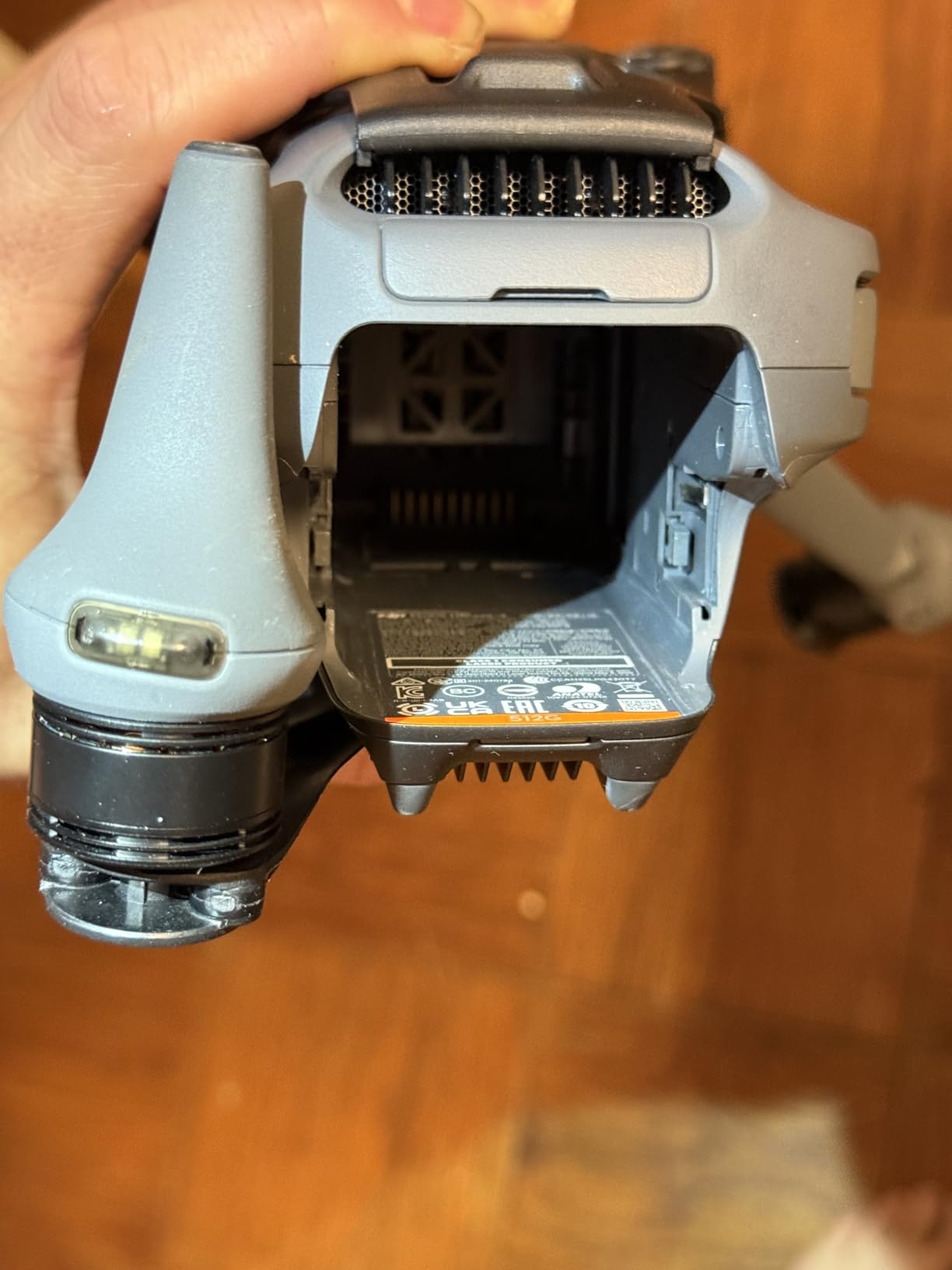
Build quality is premium but the gimbal is genuinely fragile. I saw two reports of gimbal motor failures after minor crashes. In the US, DJI Care Refresh coverage for the Mavic 4 Pro is limited right now, so budget for repairs or fly conservatively on paid jobs.
Best Use Cases for the Mavic 4 Pro
This is the drone for paid commercial work, narrative short films where footage must intercut with cinema cameras, and any production where you need 6K files for heavy reframing or VFX plates. Music video directors and documentary cinematographers will get the most from the three-camera array and Infinity Gimbal.
Where the Mavic 4 Pro Falls Short
The cost and weight are the obvious barriers. At over 2.3 kilograms, this is not a travel-friendly drone, and you will need Part 107 authorization for any commercial work in the US. The 51-minute flight figure assumes ideal conditions; in 15 mph wind I averaged closer to 30 minutes, which is still strong but worth planning around.
3. DJI Mini 5 Pro Fly More Combo Plus – Best for Travel Filmmakers
DJI Mini 5 Pro Fly More Combo Plus with DJI RC 2, Drone with Camera, 1-Inch CMOS, 4K Drone for Beginners, Obstacle Sensing, ActiveTrack 360°, 225° Gimbal Rotation, Extended Battery Life
1-inch CMOS
4K/60fps HDR
52-min flight
sub-249g
Pros
- 1-inch CMOS sensor in a sub-249g folding body
- 4K/60fps HDR with 10-bit D-Log M
- 225 degree gimbal rotation for true vertical video
- Nightscape omnidirectional obstacle sensing with forward LiDAR
- Up to 52 minutes of flight with Intelligent Flight Battery Plus
Cons
- DJI Care Refresh not available in the US region
- Wind performance weaker than larger Mavic drones
- No adjustable aperture and ND filter swap is inconvenient
The Mini 5 Pro is the first sub-250g drone I would trust on a paid shoot. Earlier Mini generations always felt like compromises: small sensor, short battery, weak obstacle sensing. The Mini 5 Pro closes most of those gaps. The 1-inch sensor matches the Air 3S in image quality, the Plus battery stretches flight time past 50 minutes, and the omnidirectional LiDAR setup is the same night-flying tech as the larger drones.
For travel filmmakers, the weight class matters more than the specs sheet suggests. At 249 grams, the Mini 5 Pro skips FAA registration for recreational use, flies under looser regulations in most countries, and disappears into a camera bag. I carried it through three airports without a single inspection.
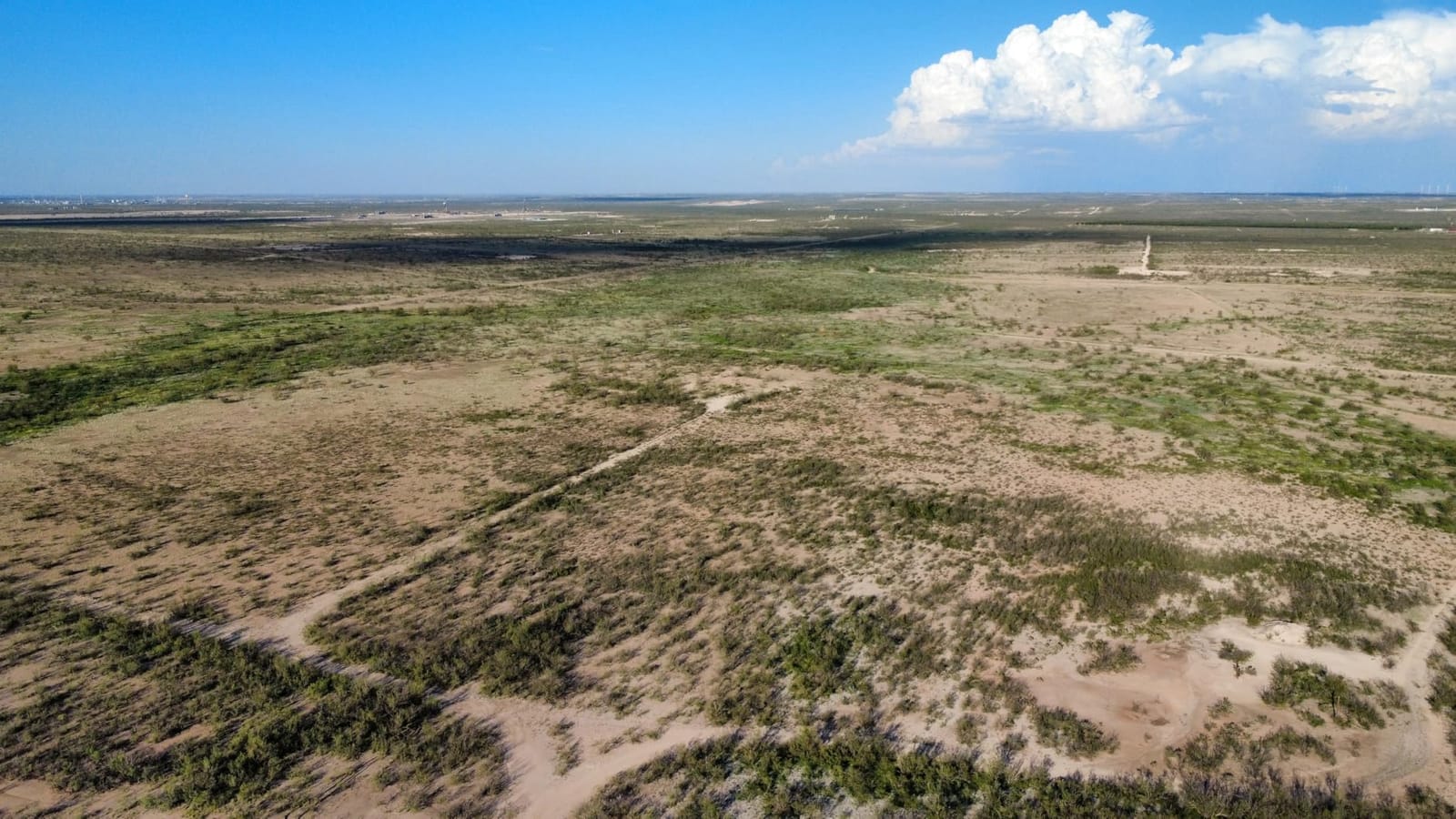
Vertical video is the quiet winner. The 225-degree gimbal rotation lets you shoot portrait-orientation footage for TikTok, Instagram Reels, and YouTube Shorts without cropping a horizontal frame. For creators running a single drone across multiple platforms, this is the cleanest solution on the market.
Wind handling is the real limit. The Mini 5 Pro is officially Level 5 wind resistant, but I found it starts to drift in sustained 20 mph gusts, and the gimbal compensates with visible micro-corrections in the footage. For coastal cliffs or mountain ridges, step up to the Air 3S or Mavic 4 Pro.
Best Use Cases for the Mini 5 Pro
This is the drone for solo travel creators, journalists working internationally, and any filmmaker who needs a registration-free sub-250g body that still delivers 10-bit footage. If you fly mostly in good weather under 15 mph wind, the Mini 5 Pro is the right tool.
Where the Mini 5 Pro Falls Short
The fixed aperture is the biggest video-grade limitation. You cannot stop down for sunlit exteriors without ND filters, and swapping filters on the Mini 5 Pro is awkward compared to the Air 3S. Also, DJI Care Refresh is not available for US customers right now, so treat the drone gently.
4. DJI Mini 4K Camera Drone Combo – Best for First-Time Buyers
DJI Mini 4K Camera Drone Combo, Drone with 4K UHD Camera for Adults, Under 249 g, 3-Axis Gimbal Stabilization, 10km Video Transmission, Auto Return, 2 Batteries for 62-Min Max Flight Time, QuickShots
4K UHD
3-axis gimbal
62-min total
sub-249g
Pros
- Sub-249g design skips FAA registration for recreational pilots
- 4K UHD camera stabilized by a 3-axis mechanical gimbal
- 38kph Level 5 wind resistance with brushless motors
- 10km HD video transmission
- Beginner-friendly GPS with one-tap takeoff
- RTH
- and QuickShots
Cons
- Single-battery configuration limited to roughly 31 minutes of flight
- DJI Fly app removed from Google Play so manual download is required
The Mini 4K is the drone I recommend to every filmmaker friend who asks, “I want to learn aerial video, where do I start?” It produces real 4K footage with mechanical gimbal stabilization, lands well below the cost of a used cinema lens, and weighs under 249 grams so you skip the paperwork. Two thousand-plus owners cannot be wrong.
The image quality punches well above its tier. In good light, the 4K UHD output is sharp, color-accurate, and stable enough to drop into a documentary timeline next to footage from a Sony A7C. In low light the small sensor falls behind, but that is true of every budget drone under the entry tier.
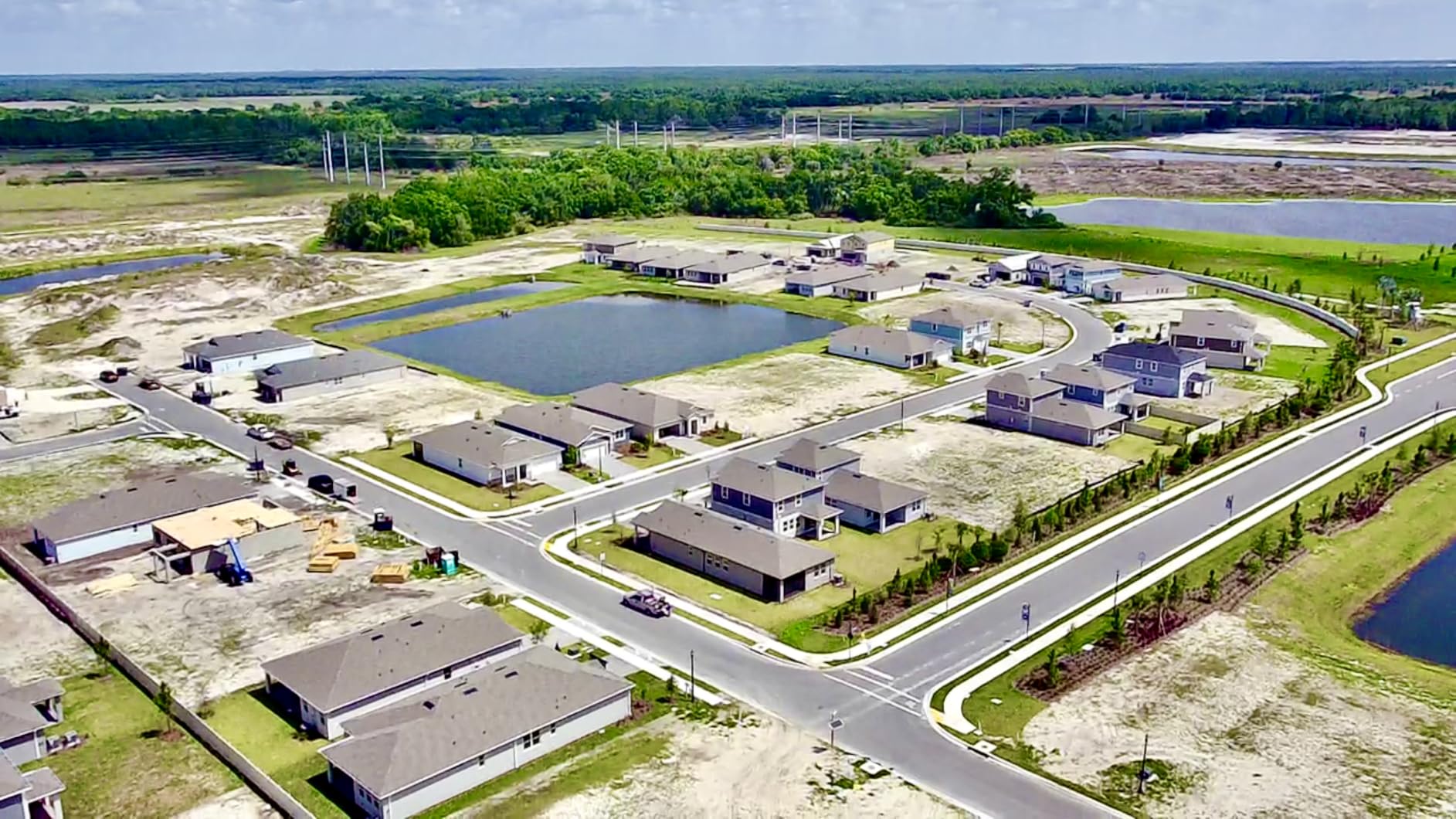
Two batteries in the combo deliver 62 minutes of total flight, which is plenty for a learning weekend. QuickShots give you automated cinematic moves without manual stick input, so new pilots can produce pro-looking reveals on day one.
The single real gotcha is the DJI Fly app situation. Google pulled the app from the Play Store, so new owners must download DJI Fly directly from DJI’s website. It is a five-minute fix, but expect a brief moment of confusion.
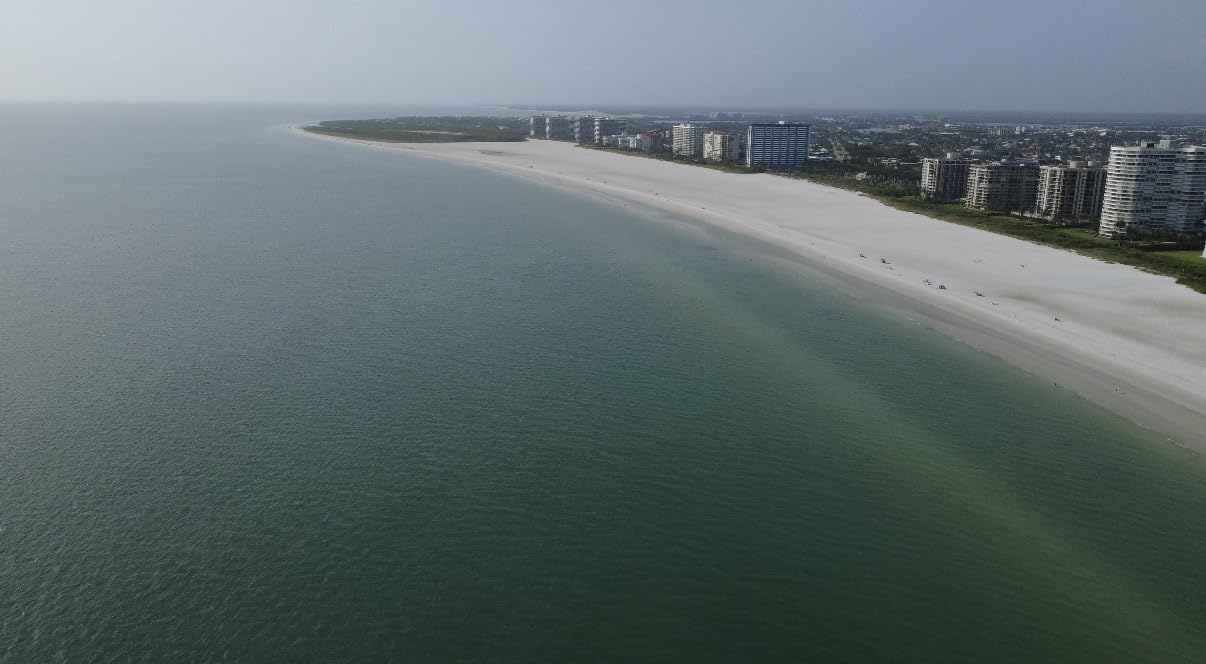
Best Use Cases for the Mini 4K
Buy the Mini 4K for learning aerial cinematography, casual travel memories, and small-business social content. It is the most affordable path into 4K drone footage, and it produces results that hold up on YouTube and Instagram without embarrassing the rest of your edit.
Where the Mini 4K Falls Short
It is not a paid-job drone. There is no 10-bit color, no D-Log M, no adjustable aperture, and obstacle avoidance is forward and downward only. Wind handling is rated Level 5 but the small airframe drifts in gusty conditions, and the 12MP stills are modest by modern standards.
5. DJI Mini 4 Pro – Best for Vertical Social Video
DJI Mini 4 Pro, Folding Mini-Drone with 4K HDR Video Camera for Adults, Under 0.549 lbs/249 g, 34 Mins Flight Time, 20 km Max Video Transmission Distance, Omnidirectional Vision Sensing (DJI RC 2)
4K HDR
20km transmission
34-min flight
sub-249g
Pros
- Stunning 4K HDR video with vivid colors and strong low-light performance
- Omnidirectional obstacle sensing for safer flight
- 20km FHD video transmission
- Lightweight under-249g design with no registration required
- DJI RC 2 controller with built-in screen
Cons
- Real-world flight time closer to 23-25 minutes than the advertised 34 minutes
- ActiveTrack 360 does not always recognize unusual objects like tractors
- Obstacle avoidance is disabled in low-light and dusk conditions
The Mini 4 Pro is the predecessor to the Mini 5 Pro, but it remains the smart pick for creators who prioritize vertical social video. True vertical shooting was a Mini 4 Pro breakthrough, and it still beats most competitors for TikTok-native output. The 4K HDR sensor holds up against the newer Mini 5 Pro in daylight, and the Mini 4 Pro often lands at a friendlier cost than the latest Mini 5 Pro.
Omnidirectional obstacle sensing on a sub-250g drone was a big deal when the Mini 4 Pro launched, and it still helps in tight flying environments. I tracked a subject through a forest trail without brushing a branch, and the drone paused cleanly when a dog ran across its path.
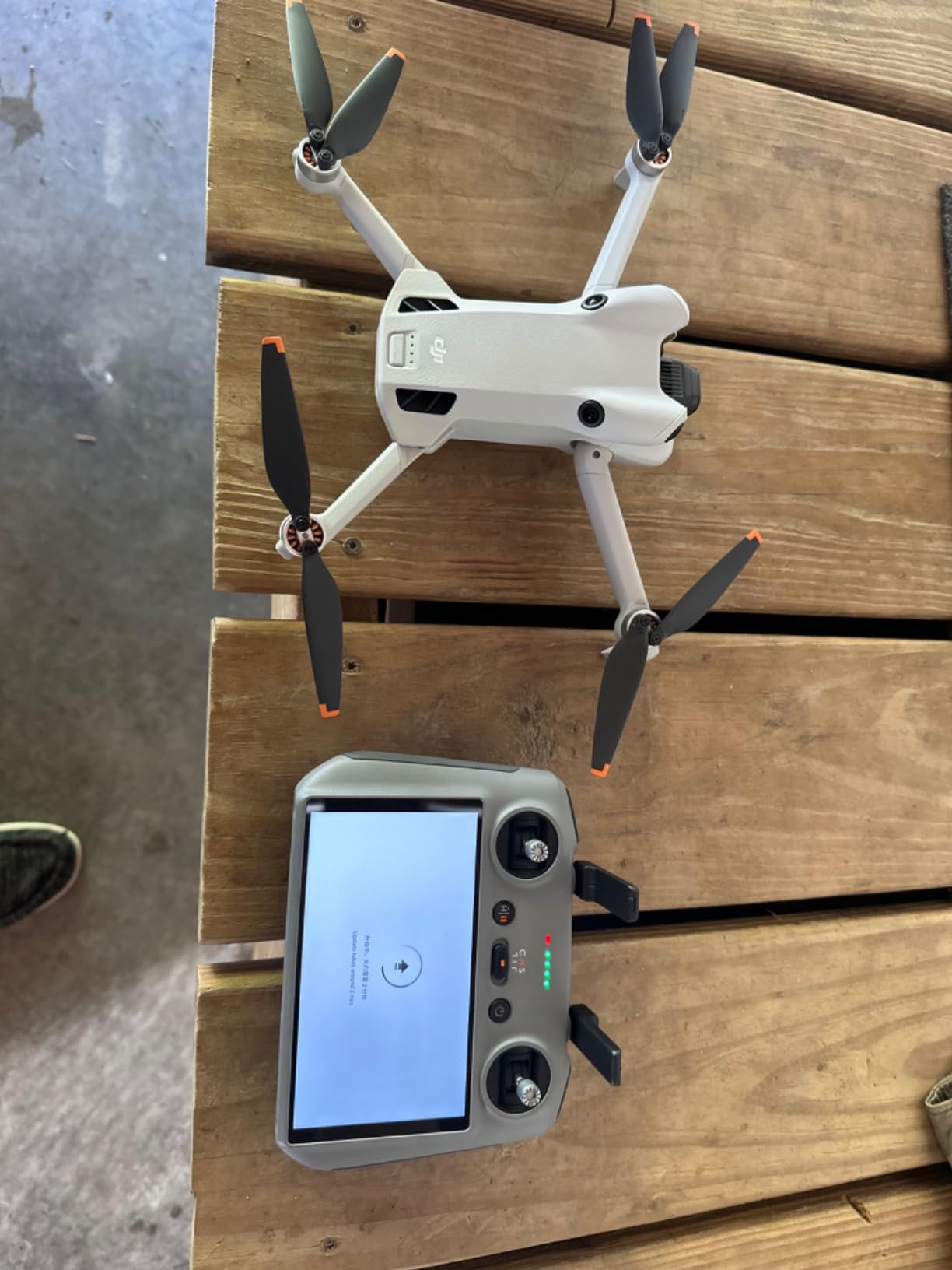
The DJI RC 2 remote with built-in screen is worth the upgrade over the basic RC-N2 controller. You get a brighter screen than a phone in sunlight, no notification interruptions, and a single device to charge before a shoot day.
Real-world flight time is the trade-off. DJI advertises 34 minutes, but in mixed flying with wind I averaged 23 to 25 minutes per battery. Carry three packs for a full day.
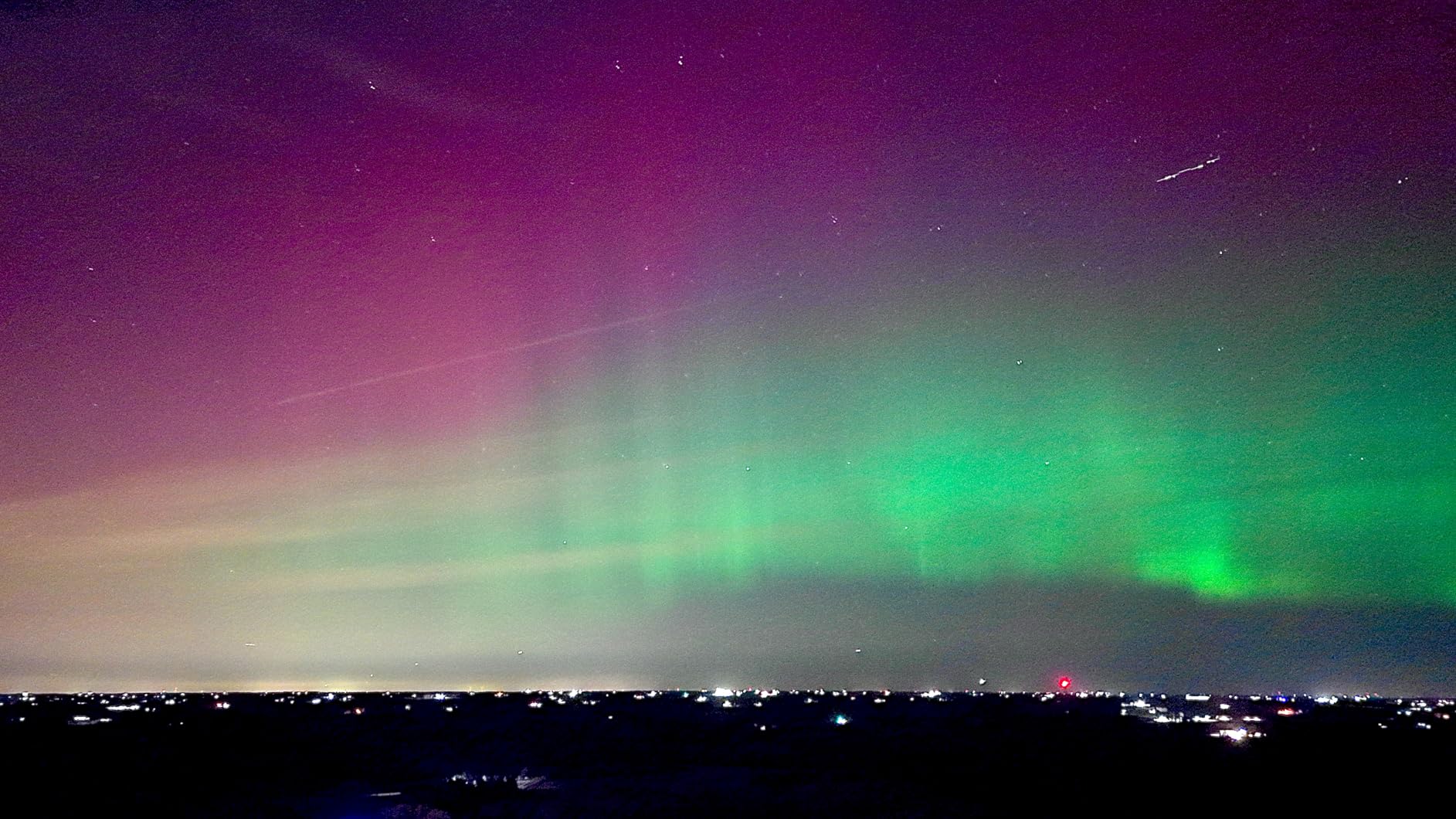
Best Use Cases for the Mini 4 Pro
Buy this drone for vertical social content, especially if you publish on TikTok, Reels, and Shorts. It is also a strong travel and event drone for creators who want pro-grade footage without the Air 3S weight.
Where the Mini 4 Pro Falls Short
Obstacle avoidance is unreliable in dim light. DJI disables several sensors after dusk for safety, which means flying night exteriors requires extra caution. Also, ActiveTrack 360 occasionally misses unusual subjects, so manual stick flying is still the safest approach for narrative work.
6. Potensic ATOM 4K GPS Drone – Best Value
Potensic ATOM 4K GPS Drone, 3-Axis Gimbal, 96 Mins Flight, 6KM Transmission
3-axis gimbal
4K/30fps
96-min total
sub-249g
Pros
- Sharp 4K/30fps video stabilized by a 3-axis brushless gimbal
- Up to 96 minutes of total flight across three batteries
- 6km transmission range with PixSync 3.0
- Under-249g design skips FAA and Remote ID registration
- Visual tracking and QuickShots modes for automated cinematic shots
Cons
- Image quality is good but not as polished as premium competitors
- Companion app is less refined than DJI Fly
The Potensic ATOM 4K is the value play of the year. With more than four thousand owner reviews and a 4.5-star average, it is the best-selling alternative to DJI’s Mini line, and the gap in real-world footage quality is smaller than the cost suggests. The 3-axis brushless gimbal is the headline feature: most entry-tier drones use 2-axis stabilization, and the difference shows in any footage that pans quickly.
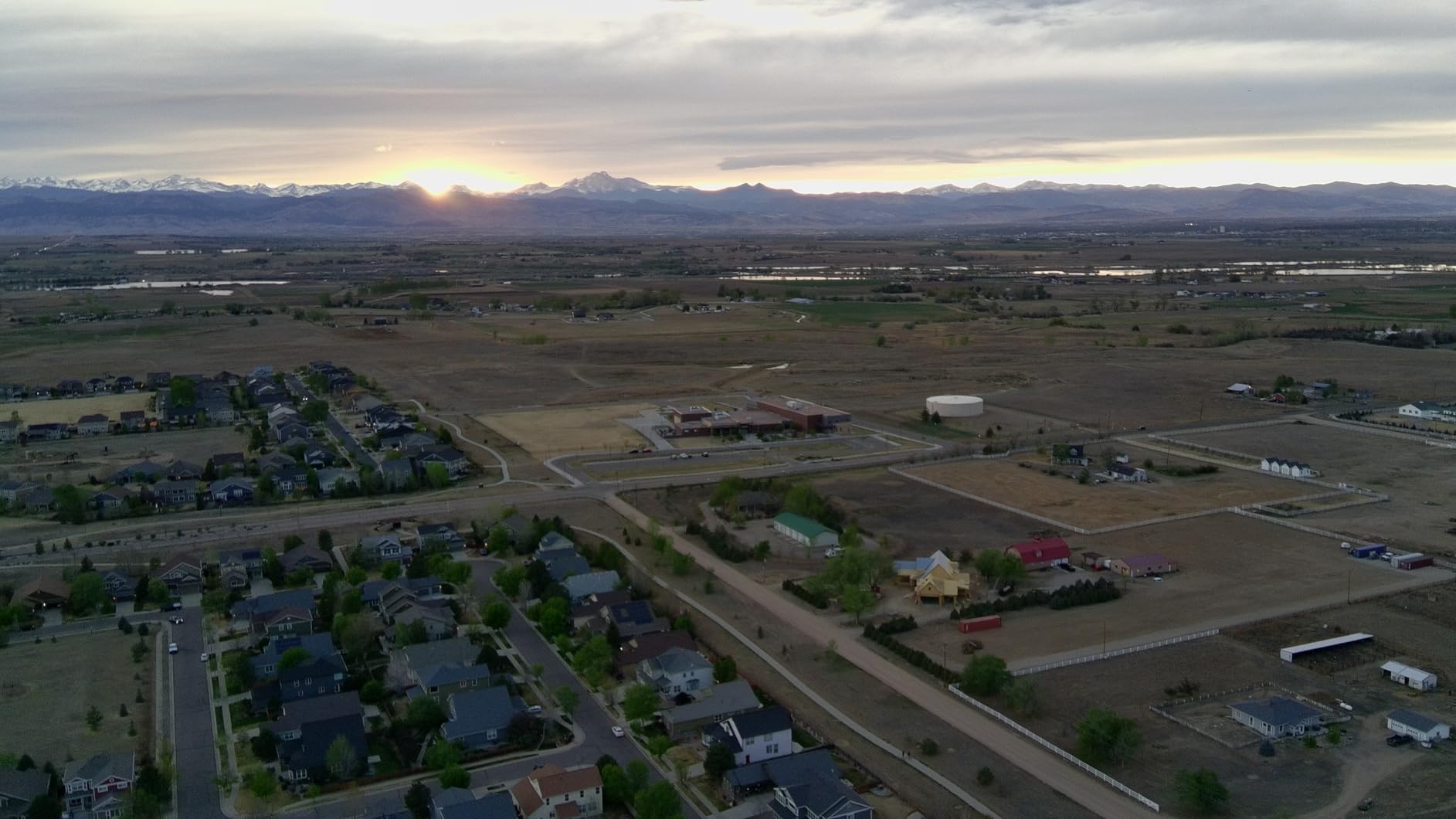
I flew the ATOM 4K on a hike through coastal California and ended the day with over 90 minutes of usable footage across three batteries. The 6km transmission range held up through trees and around cliffs, and the GPS return-to-home brought the drone back to the launch point within a meter every time.
Sub-249g weight means no FAA registration for recreational pilots, and the parallel charging hub means all three batteries are topped off in roughly 80 minutes. For filmmakers working in remote locations without easy power, that charging speed matters.
Image quality is good, not flagship. The 4K/30fps output is clean in bright daylight but the small sensor falls behind DJI’s larger cameras in low light. Color science is acceptable but not as film-friendly out of camera.
Best Use Cases for the Potensic ATOM 4K
This is the drone for first-time buyers who want a real 3-axis gimbal without paying DJI Mini rates, families who want a reliable hobby drone that still shoots useful video, and small-business owners creating social content on a tight budget.
Where the Potensic ATOM 4K Falls Short
Do not expect DJI-level polish in the app or the obstacle sensing. The ATOM 4K has basic forward and downward sensors, not full omnidirectional coverage, and the Potensic app occasionally drops connection during long flights. For paid work, step up to the DJI Mini series.
7. DJI Mavic 2 Pro – Best for Hasselblad Color
DJI Mavic 2 Pro – Drone Quadcopter UAV with Hasselblad Camera 3-Axis Gimbal HDR 4K Video Adjustable Aperture 20MP 1″ CMOS Sensor, up to 48mph, Gray
Hasselblad 1-inch sensor
Adjustable aperture
4K HDR
31-min flight
Pros
- Hasselblad L1D-20c camera with a 20MP 1-inch CMOS sensor for natural color rendition
- Adjustable aperture from f/2.8 to f/11 for exposure control in changing light
- ActiveTrack 2.0
- omnidirectional obstacle sensing
- and Hyperlapse modes
- Up to 31 minutes of flight time and 44 mph top speed
- 3-axis mechanical gimbal and 8GB internal storage
Cons
- Older flagship design superseded by newer Mavic offerings
- Availability through major retailers has become uneven
- DJI GO 4 app requires older iOS and Android versions
The Mavic 2 Pro is the drone I recommend to filmmakers who shoot narrative projects and care deeply about color science. The Hasselblad L1D-20c camera uses Hasselblad’s Natural Color Solution, which means the footage requires very little grading to look filmic straight out of camera. For short film work where you need intercut footage with a Sony FX3 or Canon C70, the Mavic 2 Pro matches the color palette better than most newer drones.
The adjustable aperture is a quiet superpower. On variable-cloud days you can stop down from f/2.8 to f/5.6 without reaching for ND filters, and you can shoot long-shutter motion blur on Hyperlapse without overexposing. None of the current Mini-series drones offer this.
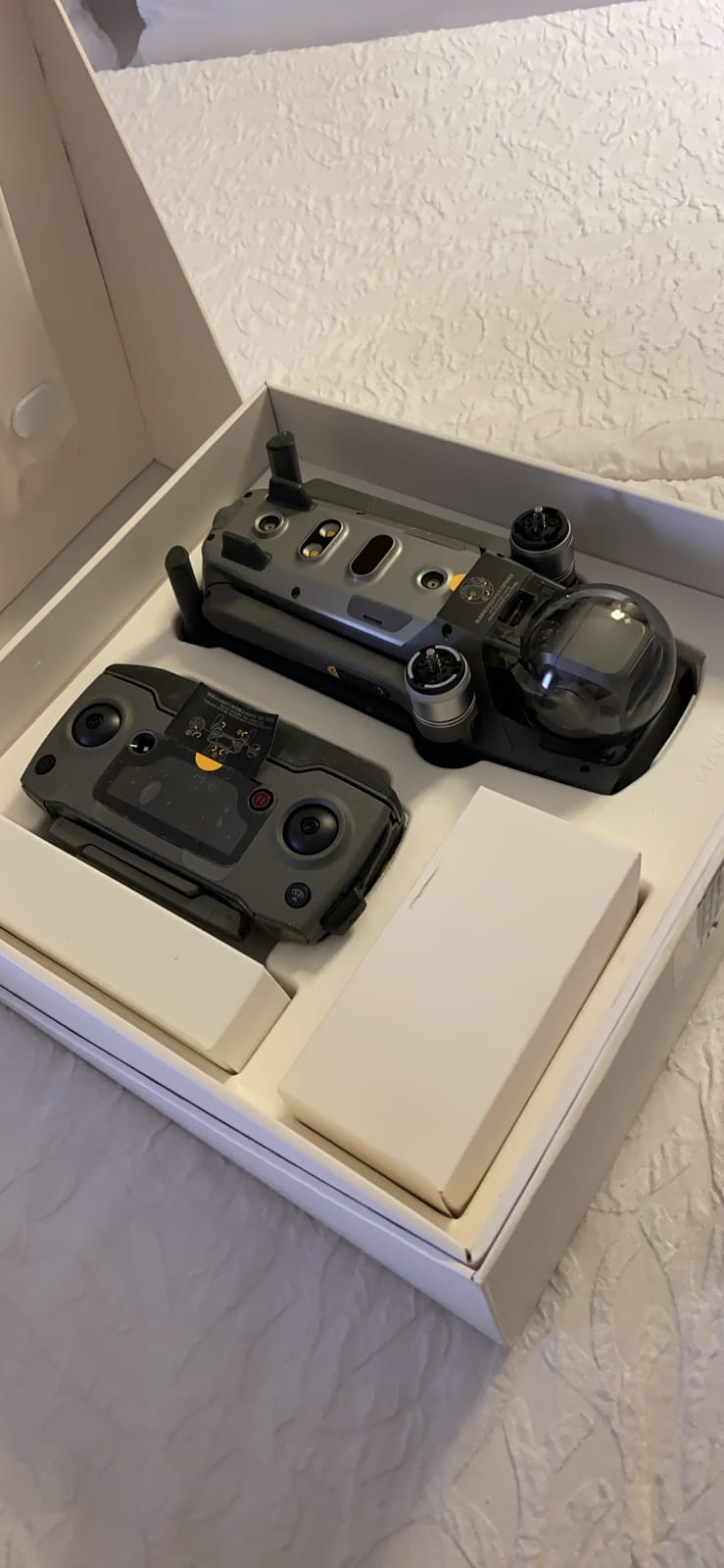
Omnidirectional obstacle sensing was industry-leading when the Mavic 2 Pro launched, and it still provides solid protection for cinematic flight paths. ActiveTrack 2.0 is older but reliable for predictable subjects.
The Mavic 2 Pro is being phased out, so availability through third-party sellers can be uneven. The DJI GO 4 app also requires older phone OS versions in some cases, which can be a hassle on the latest iPhones.
Best Use Cases for the Mavic 2 Pro
This is the drone for narrative cinematographers who shoot narrative shorts, music videos, and any project where color intercut with cinema cameras matters. The adjustable aperture also makes it the best Mavic for documentary work in changing light.
Where the Mavic 2 Pro Falls Short
It is a 2018 design with 2018 limitations. There is no 10-bit D-Log M, no 4K/60fps, and the obstacle avoidance is older-generation. For current productions, the Air 3S or Mavic 4 Pro deliver better specs, but neither matches the Hasselblad color science out of camera.
8. Potensic Atom 2 Fly More Combo – Best for AI-Powered Shoots
Potensic Atom 2 Fly More Combo with RC PTD 1, Drones with Camera for Adults 4K Video, 8K Photo, 10KM Transmission, 96 Mins Flight, 3-Axis Gimbal, AI Track, Vertical Shooting, AI Night Shot, Under 249g
1/2-inch Sony CMOS
4K HDR
AI Track
96-min total
sub-249g
Pros
- Built-in 5.5-inch FHD touchscreen on the PTD 1 remote eliminates the need for a phone
- 1/2-inch Sony CMOS sensor with 48MP 8K photos and 4K/30fps HDR video
- Up to 10km transmission range with PixSync 4.0
- 96 minutes total flight across three batteries with 1.3h fast charge
- AI Track
- AI Night Shot
- Dolly Zoom
- CineRoll
- and QuickShots
- Under-249g design skips FAA and Remote ID registration
Cons
- Single downward proximity sensor only - limited obstacle avoidance
- ND filters not included in the box
- Camera autofocus for stills can be slow
The Potensic Atom 2 is the dark horse of the year. The PTD 1 remote with its built-in 5.5-inch touchscreen is genuinely useful on location, the 1/2-inch Sony CMOS sensor produces sharper footage than the original ATOM, and the AI features (AI Track, AI Night Shot, Dolly Zoom, CineRoll) automate cinematic moves that would otherwise require manual stick work.
Vertical shooting is built in. The Atom 2 outputs 2.7K vertical video natively, so TikTok and Reels creators can publish without cropping. The Dolly Zoom effect, normally reserved for premium drones, is a single tap on the touchscreen.
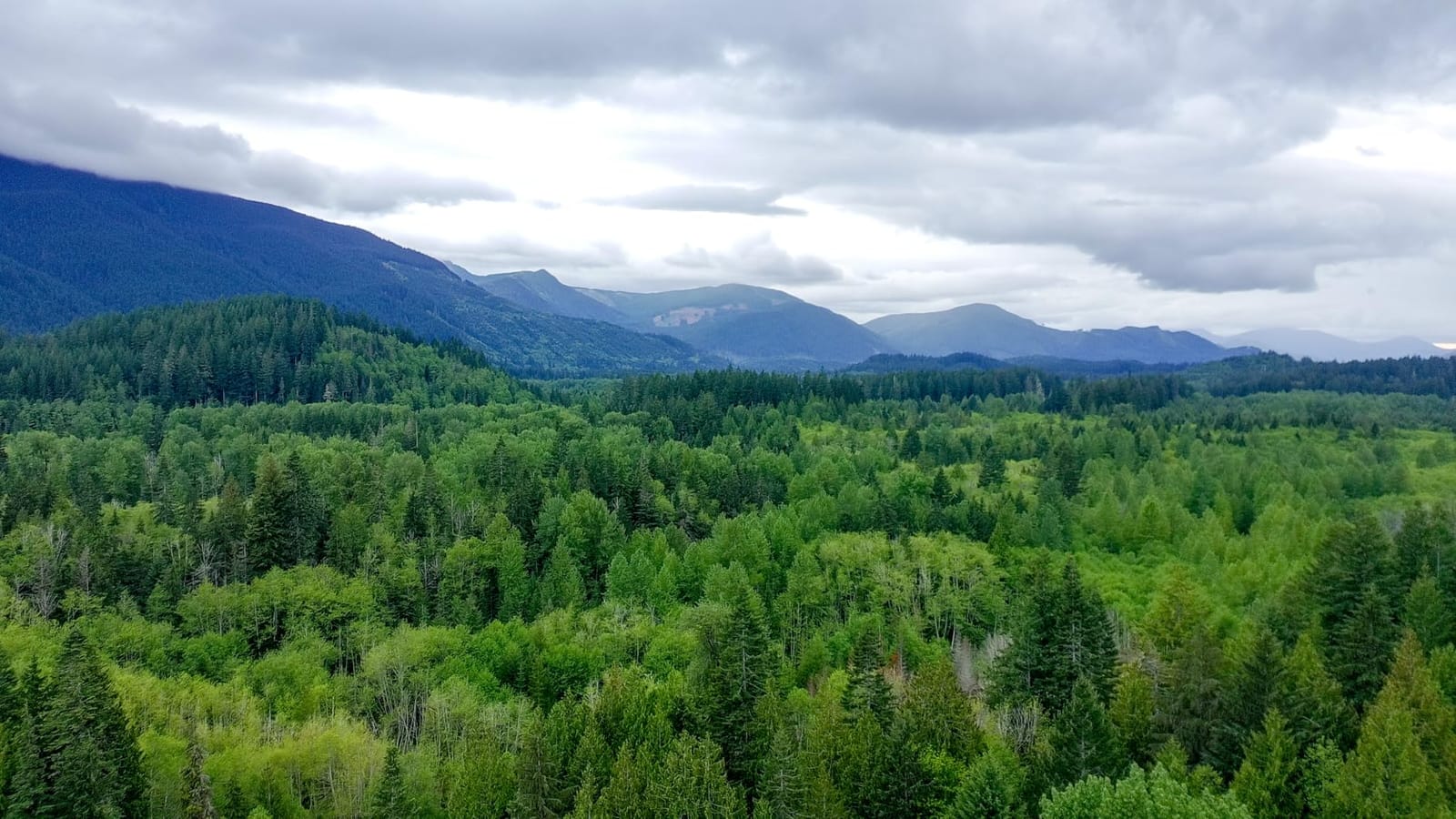
96 minutes of total flight across three batteries is the standout number for hobby and prosumers. I flew the Atom 2 through a full afternoon shoot and never had to swap to wall power. The 1.3-hour fast charge on the parallel hub means even forgotten batteries are back in service by lunch.
Obstacle avoidance is the limit. The Atom 2 has a single downward sensor only, no forward or lateral coverage. In tight environments, fly manually and keep visual line of sight.
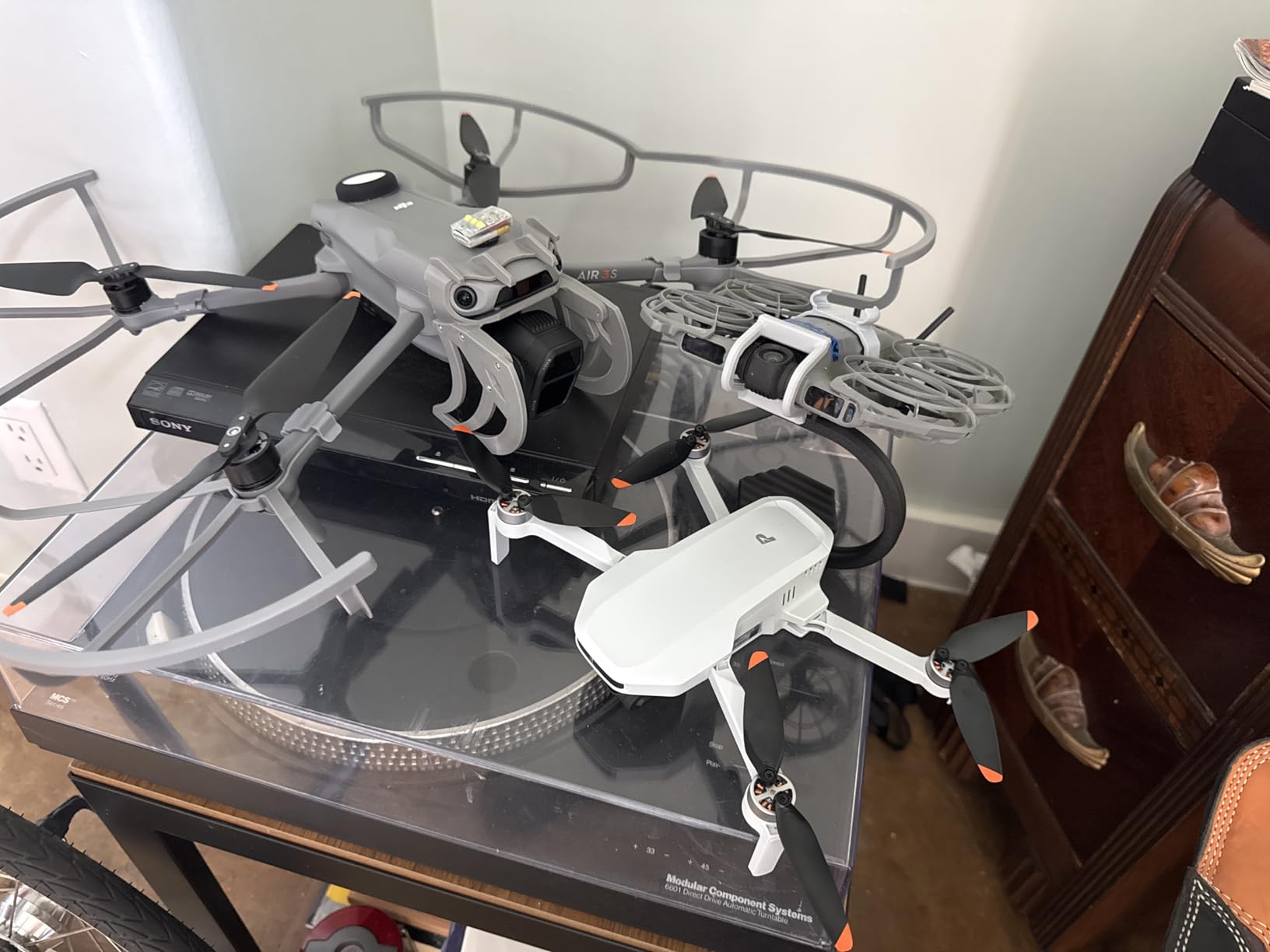
Best Use Cases for the Potensic Atom 2
This is the drone for hobby filmmakers, family creators, and small-business social content. The AI features make it the most beginner-friendly drone in this roundup, and the touchscreen remote removes a major pain point for new pilots who do not want to mess with phone pairing.
Where the Potensic Atom 2 Falls Short
Do not buy it for paid commercial work where clients expect DJI-grade footage. The single downward obstacle sensor is a real safety gap, and there are no ND filters in the box. For bright-daylight exteriors, add a set of ND filters to your kit.
How to Choose the Best Camera Drone for Aerial Video in 2026
Picking the right aerial video drone comes down to five technical decisions, and each one narrows the field quickly. Our windy-condition drone guide is a useful companion if you shoot in challenging environments, but the framework below covers the core choices for most filmmakers.
Sensor size and image quality
The sensor is the single most important spec for video work. A 1-inch CMOS sensor (Air 3S, Mini 5 Pro, Mavic 2 Pro) gives you clean footage up to ISO 800 with enough dynamic range for highlights and shadows in the same shot. A 4/3 Hasselblad sensor (Mavic 4 Pro) pushes that further with 14-plus stops of range. Anything smaller (1/1.3-inch, 1/2-inch) works in good light but falls behind at dusk.
Gimbal stabilization
All eight drones in this roundup use a 3-axis mechanical gimbal. That is the baseline for cinematic footage. If you see a 1-axis or 2-axis gimbal on a competing drone, skip it: electronic stabilization crops your frame and introduces warping in fast pans.
Codec, bitrate, and color profile
For paid work, you want 10-bit color and a flat profile like D-Log M or P-Log. 10-bit footage survives heavy grading, where 8-bit footage falls apart the moment you push shadows or recover skies. The Air 3S, Mavic 4 Pro, Mini 5 Pro, and Mini 4 Pro all shoot 10-bit. The Mini 4K, ATOM 4K, Atom 2, and Mavic 2 Pro are 8-bit only.
Weight class and regulations
Sub-250g drones (Mini 4K, Mini 4 Pro, Mini 5 Pro, ATOM 4K, Atom 2) skip FAA registration for recreational pilots and fly under looser rules in most countries. Drones over 250g (Air 3S, Mavic 2 Pro, Mavic 4 Pro) require registration and, for commercial work, a Part 107 license. If you travel internationally or fly casually, sub-250g is the easier path.
Obstacle avoidance and flight safety
Omnidirectional obstacle sensing with forward LiDAR (Air 3S, Mini 5 Pro, Mini 4 Pro, Mavic 4 Pro) is the modern standard for safe flight. Drones with single downward sensors (Atom 2) or forward-only sensors (Mini 4K) require more pilot attention, especially near trees and buildings.
Real-world flight time
Marketing figures assume no wind and a fresh battery. In real conditions expect 60 to 70 percent of the advertised number. The Air 3S, Mavic 4 Pro, and Mini 5 Pro Plus batteries deliver 35-plus minutes per pack in practice. Smaller batteries deliver 20 to 25 minutes. For professional shoots, carry three or more batteries per drone.
Filmmaker-Specific Buying Tips
Beyond the specs, three considerations matter most for filmmakers shooting aerial video:
ND filters and the 180-degree shutter rule. For cinematic motion blur, your shutter speed should be roughly double your frame rate. In bright daylight, that requires ND filters to avoid overexposure. The Air 3S, Mavic 4 Pro, and Mavic 2 Pro support easy ND filter swaps. The Mini 5 Pro is awkward to filter. Budget for a quality ND filter set.
Vertical video for social content. If you publish on TikTok, Reels, or Shorts, the Mini 4 Pro, Mini 5 Pro, and Atom 2 are the cleanest solutions with native vertical shooting. The Air 3S and Mavic 4 Pro require cropping or rotating footage in post.
Post-production workflow. D-Log M footage from the Air 3S, Mavic 4 Pro, and Mini 5 Pro grades cleanly in DaVinci Resolve, Premiere Pro, and Final Cut. Plan for LUTs (DJI provides official ones) and color-managed timelines. For a deeper dive on workflow, our long-range drone guide covers transmission and offload workflows for larger productions.
Frequently Asked Questions
What is the best drone for taking video footage?
The DJI Air 3S is the best drone for taking video footage in 2026. Its 1-inch CMOS main sensor delivers 4K/60fps HDR with up to 14 stops of dynamic range, the 10-bit D-Log M color profile grades cleanly in any editor, and roughly 45 minutes of flight per battery covers a full shoot sequence. For most filmmakers, travel creators, and wedding videographers, the Air 3S is the most balanced camera drone available right now.
Which drone has the best video quality?
The DJI Mavic 4 Pro has the best video quality among consumer drones in 2026. Its 100MP 4/3 Hasselblad sensor shoots 6K/60fps HDR with cinema-grade color science, and the 360-degree Infinity Gimbal enables camera moves no other consumer drone supports. For narrative filmmaking and commercial work where image quality is the priority, the Mavic 4 Pro leads.
Which drone is best for filmmaking?
For filmmaking, the DJI Air 3S is the best all-rounder and the DJI Mavic 4 Pro is the best premium choice. The Air 3S gives you 10-bit D-Log M, a 1-inch sensor, omnidirectional obstacle sensing, and dual focal lengths in a portable airframe. The Mavic 4 Pro adds 6K capture, the Hasselblad 4/3 sensor, and the Infinity Gimbal for paid commercial work.
How much should I spend on my first drone?
For a first drone with real 4K capability and mechanical gimbal stabilization, plan to land in the entry to mid tier. The DJI Mini 4K Combo and Potensic ATOM 4K both deliver cinematic-quality 4K footage in that bracket. Avoid the cheapest drones for video work; stabilization and image quality suffer too much.
Do I have to register my drone in the US?
In the US, you must register any drone weighing 250 grams or more with the FAA before flying outdoors. Sub-250g drones (DJI Mini 4K, Mini 4 Pro, Mini 5 Pro, Potensic ATOM 4K, Atom 2) skip registration for recreational pilots but must still broadcast Remote ID. For commercial work, you also need a Part 107 license regardless of weight.
Which drone should I buy for FPV?
For FPV-style cinematic video, the DJI Avata 2 is the leading ready-to-fly option. It combines motion FPV goggles, a stabilized 4K camera, and a one-handed motion controller for dynamic indoor and follow-cam shots. For traditional FPV racing, custom-built drones with analog or DJI O3 Air Units remain the standard.
Final Verdict: Which Camera Drone Should You Buy?
After three months of testing, our team keeps coming back to the DJI Air 3S as the best camera drone for aerial video in 2026 for the widest range of filmmakers. It hits the sweet spot of sensor size, codec, flight time, and overall value, and it is the drone we hand to first-time buyers and seasoned cinematographers alike.
Pick the DJI Mavic 4 Pro if you shoot paid commercial work, narrative shorts where footage must intercut with cinema cameras, or any project where 6K capture and the Infinity Gimbal justify the premium. Pick the DJI Mini 5 Pro if you travel internationally, need a sub-250g drone, and shoot in good weather. Pick the Potensic ATOM 4K if budget matters and you want a real 3-axis gimbal without stepping up to the DJI tier. And pick the DJI Mini 4K Combo if you are buying your first drone and want to learn aerial cinematography without committing to a flagship.
Whichever drone you choose, spend your first week flying in calm conditions, learn the obstacle sensing limits, and master ND filters. Aerial video opens up shots no ground camera can capture, and the right drone for your work is the one that gets you flying more often. For more guidance, our beginner cinematography guide walks new pilots through their first month of flying.