
The best 55-inch TV right now is the TCL 55QM6K, a Mini LED QLED set with a 144Hz native panel and full array local dimming. It gives you flagship-style contrast and gaming headroom at a mid-range price, and it is the pick we would put in a mixed-use living room without hesitating.
I have spent the last few weeks going through eight 55-inch sets that cover the whole price ladder, from a 60Hz Roku QLED up to a 144Hz OLED. For each one I read the panel specs, checked the port layout, looked at what the smart TV platform actually does, and read through thousands of owner reviews to find the complaints people repeat. The picks below are ranked by picture quality, gaming support, platform polish and value, not by marketing language.
One thing worth saying up front: 55 inches is the size most living rooms actually want. It is big enough to feel cinematic at two to three metres, small enough to mount without planning a wall, and the size where the price ladder is widest. If you are weighing sizes, our TV sizing and screening guide covers the viewing-distance math, and our picks for OLED sets built for movie watching go deeper on the one category where black level matters most.
By the end of this guide you should be able to narrow your choice by room lighting, budget and primary content. If you watch in a dark room and care about contrast, read the OLED and Mini LED picks first. If the TV lives in a bright family room and the kids use it daily, start with the mid-range Mini LED and the budget sets. And if the room is bright enough that reflections bother you, note that the panel type matters less than the anti-reflection coating on the glass.
Table of Contents
- Top 3 Picks for 55-Inch TVs in 2026
- Best 55-Inch TVs at a Glance in October
- 1. TCL 55QM6K Mini LED QLED – Best Overall 55-Inch TV
- 2. Amazon Ember 55 4-Series Fire TV – Best for Cloud Gaming and Casual Use
- 3. LG C4 OLED evo – Premium Pick for Movies and Gaming
- 4. Roku Select 55 4K QLED – Most Versatile
- 5. Insignia QF Series 55 QLED – Best Budget Dolby Vision
- 6. Samsung U8000H Crystal UHD – Best for Free Streaming
- 7. Samsung M70H Mini LED – Best Mini LED for Sports
- 8. Roku 55R6C7 Plus Mini LED – Best Value
- How to Choose the Best 55-Inch TV in 2026
- OLED vs QLED vs Mini LED: which panel type to buy
- Native refresh rate vs motion rate marketing
- Dolby Vision, HDR formats and Filmmaker Mode
- Local dimming, blooming and the room you watch in
- 55 inch vs 65 inch: a viewing-distance rule
- Smart TV platforms: webOS, Tizen, Google TV, Fire TV and Roku OS
- Ownership risks: OLED burn-in and what actually causes it
- Seven things to check before you order
- Reliability: what the data does and does not tell you
- Frequently Asked Questions
- What is the best 55-inch TV to buy right now?
- Which TV is best, OLED or QLED or Mini-LED?
- What are the downsides of a Mini LED TV?
- Is OLED burn-in still a problem in 2026?
- What is the most reliable smart TV brand?
- Can the average person tell the difference between OLED and QLED?
- Is a 55 inch TV big enough for my room?
- Which 55-inch TV is best for gaming PS5 or Xbox Series X?
- The Best 55-Inch TV for 2026
Top 3 Picks for 55-Inch TVs in 2026

TCL 55QM6K Mini LED QLED
- 144Hz native refresh
- Mini LED local dimming
- Dolby Vision
- Onkyo 2.1 audio

Those three cover the realistic range of choices. The TCL is the one I would buy with no follow-up questions, the LG C4 is the picture-quality ceiling if your budget stretches, and the Roku Plus is the strongest argument that you do not need to spend flagship money for Mini LED contrast and Dolby Vision.
Best 55-Inch TVs at a Glance in October
| Product | Specs | Action |
|---|---|---|
| TCL 55QM6K Mini LED QLED |
|
Check Latest Price |
 Amazon Ember 55 4-Series Fire TV Amazon Ember 55 4-Series Fire TV |
|
Check Latest Price |
| LG C4 OLED evo |
|
Check Latest Price |
 Roku Select 55 4K QLED Roku Select 55 4K QLED |
|
Check Latest Price |
 Insignia QF Series 55 QLED Insignia QF Series 55 QLED |
|
Check Latest Price |
 Samsung U8000H Crystal UHD Samsung U8000H Crystal UHD |
|
Check Latest Price |
 Samsung M70H Mini LED Samsung M70H Mini LED |
|
Check Latest Price |
 Roku 55R6C7 Plus Mini LED Roku 55R6C7 Plus Mini LED |
|
Check Latest Price |
1. TCL 55QM6K Mini LED QLED – Best Overall 55-Inch TV
TCL 55 Inch Class QM6K Series | Mini LED QLED 4K HDR | 55QM6K, Latest Model | 120HZ-144HZ High Brightness Smart Google TV Dolby Atmos Onkyo Audio | Voice Remote Alexa Gaming Streaming Television
Mini LED QLED 4K
144Hz native refresh
Full array local dimming
Dolby Vision and HDR10+
Onkyo 2.1 audio
Pros
- Mini LED local dimming at a mid-range price
- 144Hz native panel handles fast motion
- Onkyo 2.1 speakers with a built-in subwoofer
- Four HDMI ports and Wi-Fi 5
- Handles bright rooms and off-angle seating
Cons
- Google TV home screen is ad-heavy
- Google Home app often fails to spot the TV for voice power-on
- Built-in audio still wants a soundbar for movies
This is the set I kept coming back to. TCL pairs a Mini LED backlight with quantum dot colour and full array local dimming, which is the combination that closes most of the gap between an entry-level set and a flagship. The panel is a 144Hz native unit, not a marketing number, and TCL’s Halo Control dimming is tuned to keep shadow detail without obvious blooming around subtitles.
The model number is 55QM6K and it lists a 2025 model year. Four HDMI ports is more than most sets at this level manage, which means a soundbar, a console and a cable box all fit without a switcher. Wi-Fi 5 and Bluetooth 5.4 are fine for streaming. VESA mounting is 300 x 300 mm, and the set weighs 27.3 pounds with the stand.
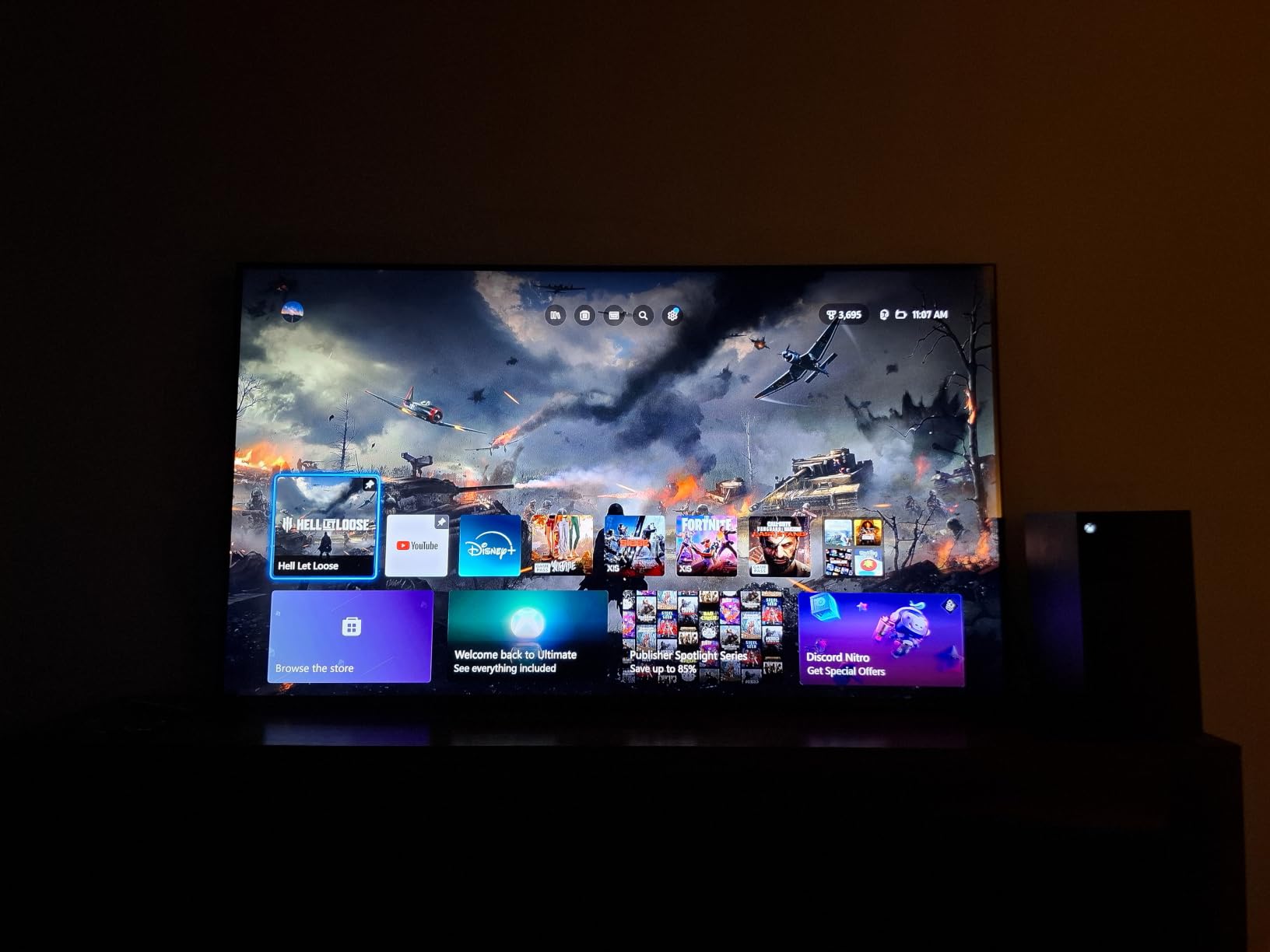
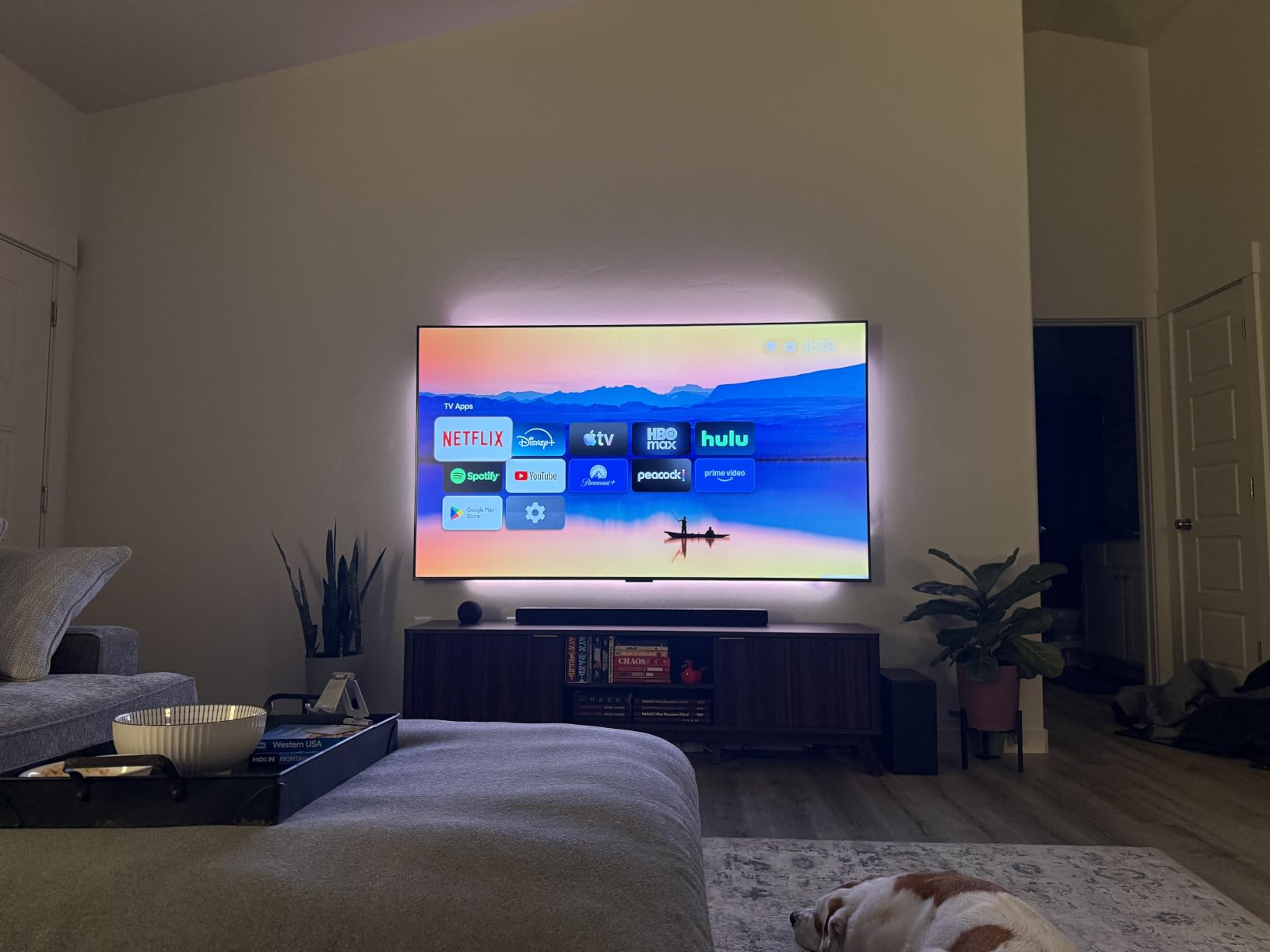
Owners consistently call this the value pick of the group, and the reason is that three things normally reserved for expensive sets are all here: local dimming, a high native refresh rate and Dolby Vision. The most repeated complaint has nothing to do with the panel. It is the Google TV home screen, which is crowded with recommended content and advertising, and many buyers install a third-party launcher on day one.
A second recurring note is that the Google Home phone app does not reliably detect the television for voice power-on. It is an annoyance rather than a fault, and it is a good reminder that the smart platform is a separate decision from the panel. The Onkyo 2.1 speaker system with a built-in subwoofer is genuinely above the budget norm, though owners still recommend a soundbar for films.
What you get for the money
At this tier you are buying the picture engine, not the ecosystem. The 144Hz native panel with a 240Hz VRR gaming accelerator means a PS5 or Xbox Series X can run at high frame rates, and TCL’s Motion Rate 480 figure is a marketing companion to the real number rather than a substitute for it. Check the native rate, not the marketing rate.
The trade-off is refinement. This is not an OLED, so blacks in a dark room sit slightly above true zero, and the viewing angle is good but not the near-total off-axis performance of a self-emissive panel. For a mixed room with ambient light, that difference matters far less than it does in a blackout cinema.
Who should skip it
If you want a television to double as a desktop monitor with static windows open all day, an OLED is the better long-term answer. If you are deeply bothered by advertising on the home screen, either budget for a launcher or pick a Roku set, because Roku OS is the cleanest interface in this group.
It is also a 2025 model, so if you are comparing against the newest generation, read the refresh rate carefully. Nothing in the spec list suggests this set is at a disadvantage for mixed 4K content and current consoles.
2. Amazon Ember 55 4-Series Fire TV – Best for Cloud Gaming and Casual Use
Amazon Ember 55″ 4-Series with Fire TV (newest model), 4K Ultra HD smart TV with Alexa Remote, HDR10+, fast processor, Dolby Audio, Ambient Experience, free and live TV, find shows faster with Alexa+
4K UHD LED with HDR10+
Wi-Fi 6 and quad-core processor
2026 Fire TV with Alexa+
Omnisense ambient display
Pros
- HDR10+ picture at an entry-level price
- Wi-Fi 6 and a new quad-core chip keep apps responsive
- Alexa+ voice search across apps and smart home devices
- Four HDMI inputs and AirPlay
Cons
- Fire TV interface is ad-supported and menu-heavy
- Dolby Audio is basic compared with larger speaker arrays
- App navigation is still slower than Roku OS
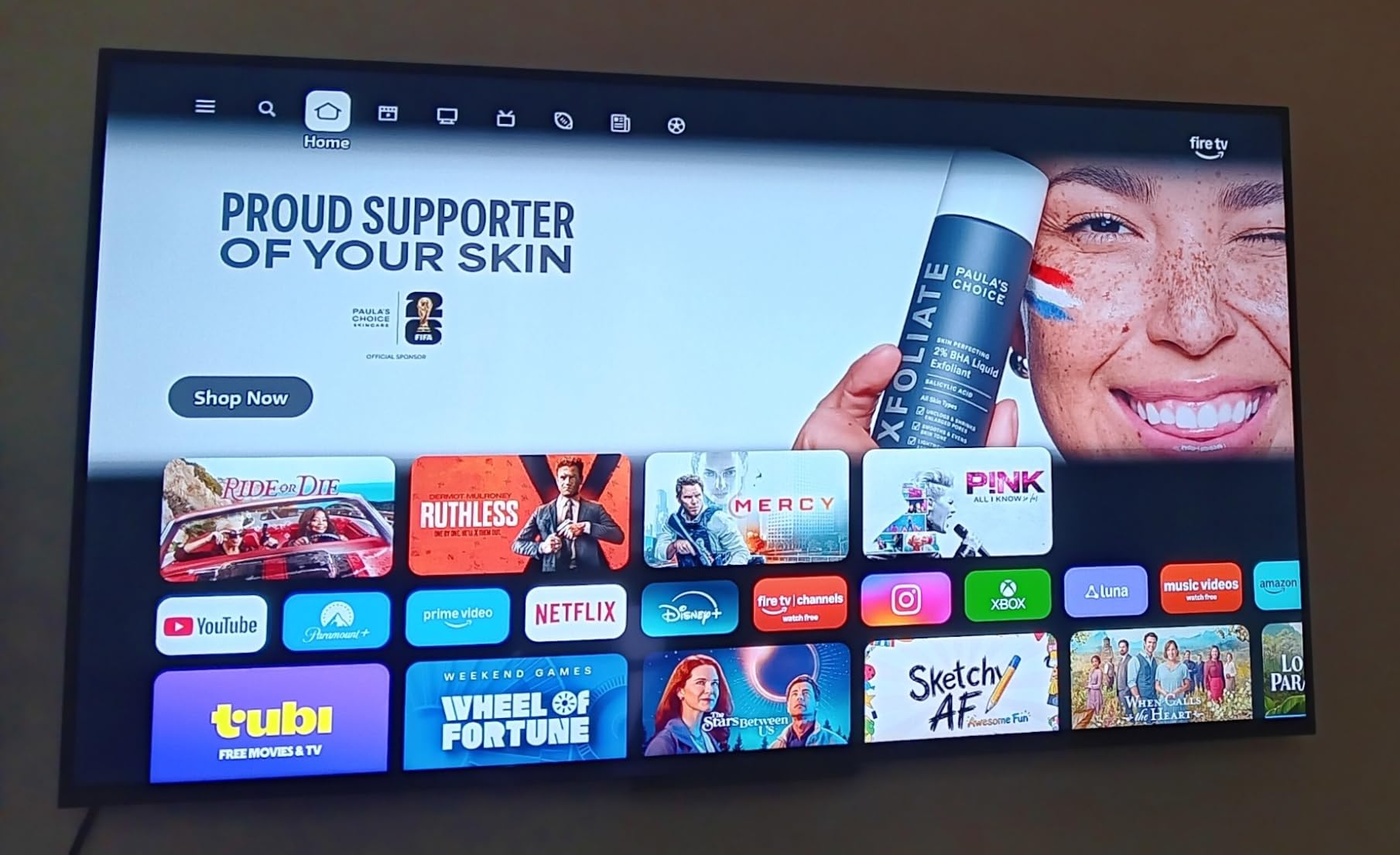
The Ember 4-Series is the set to buy if the household watches a lot of streaming and nobody in the house is chasing peak brightness. It is a 4K UHD LED panel with HDR10+ support and enhanced brightness, driven by a new quad-core processor on Wi-Fi 6. That combination is about responsiveness, which is what actually annoys people day to day.
The 2026 Fire TV experience adds Alexa+ recommendations and Omnisense sensor technology that wakes the display when you approach it. Owners like the ambient mode as much as anything else. Four HDMI inputs is generous for a set in this class, and the available sizes are 43, 50 and 55 inches, so the panel is not the only thing that changes between variants.
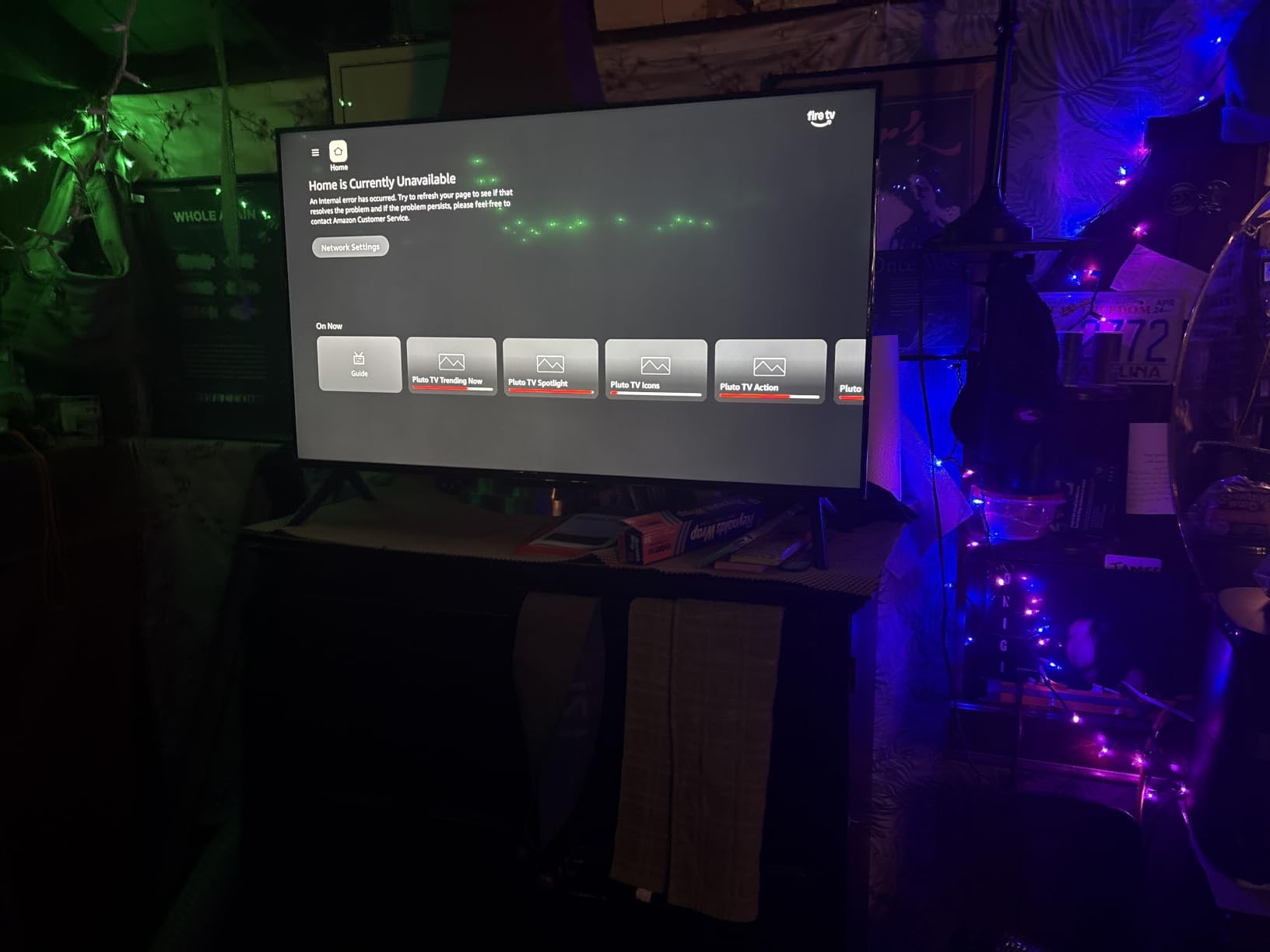
What the reviews consistently praise is dependability. Buyers describe a picture that holds up in daylight for the price, a setup that goes smoothly, and a voice remote with app shortcut buttons that removes the hunting-through-menus problem. Several owners use it as a second or bedroom television where reliability matters more than peak performance.
The complaints are all platform complaints. The Fire TV interface remains ad-supported and menu-heavy, and a fair number of reviewers compare app launch speeds unfavourably with Roku OS. The built-in Dolby Audio is fine for news and casual programmes but will not carry an action film, and there is no local dimming to speak of on a standard LED backlight.
Where the gaming support sits
There is no high native refresh rate here, and no VRR, so this is not a console gaming picture. What it does have is cloud gaming through Amazon Luna and Xbox Game Pass, and that is a real advantage in a bedroom or a holiday home where you do not want a console taking up shelf space. Wi-Fi 6 helps when the connection is the bottleneck.
Four HDMI ports means a soundbar, a console and a capture device can all be connected at once. The lack of an eARC port is the main audio limitation, so check whether your soundbar relies on that return channel before you commit.
Who should skip it
Skip it if the television is your main display and the room is dim. Without local dimming, black levels in a dark room are the weak point, and a Mini LED or OLED set in this list handles that case far better. Owners who hate advertising in the interface should also look elsewhere.
Also skip it if the plan is to mount it on an arm and the packaging matters. Dimensions and weight are not published in the same detail as the other sets here, so measure the box and the furniture before ordering.
3. LG C4 OLED evo – Premium Pick for Movies and Gaming
LG 55-Inch Class OLED evo C4 Series Smart TV 4K Processor Flat Screen with Magic Remote AI-Powered with Alexa Built-in (OLED55C4PUA, 2024)
OLED evo self-lit panel
Up to 144Hz with 0.1ms response
Four HDMI 2.1 ports
Dolby Vision and Filmmaker Mode
Pros
- Reference-quality OLED picture with perfect blacks and wide viewing angles
- Excellent 4K upscaling of lower-resolution sources
- Up to 144Hz with VRR and four HDMI 2.1 ports
- Dolby Vision with Filmmaker Mode
- Five years of webOS software updates
Cons
- Built-in speakers are unremarkable for a premium set
- webOS menus and settings can feel slow
- OLED brightness trails Mini LED in very bright rooms
The C4 is the only OLED in this group and the only set here with a self-luminous panel. Every pixel emits its own light, which is why the black level is effectively zero and why the viewing angle holds up from the side seat. For a dark room, that difference is visible immediately and it is the whole reason to spend more.
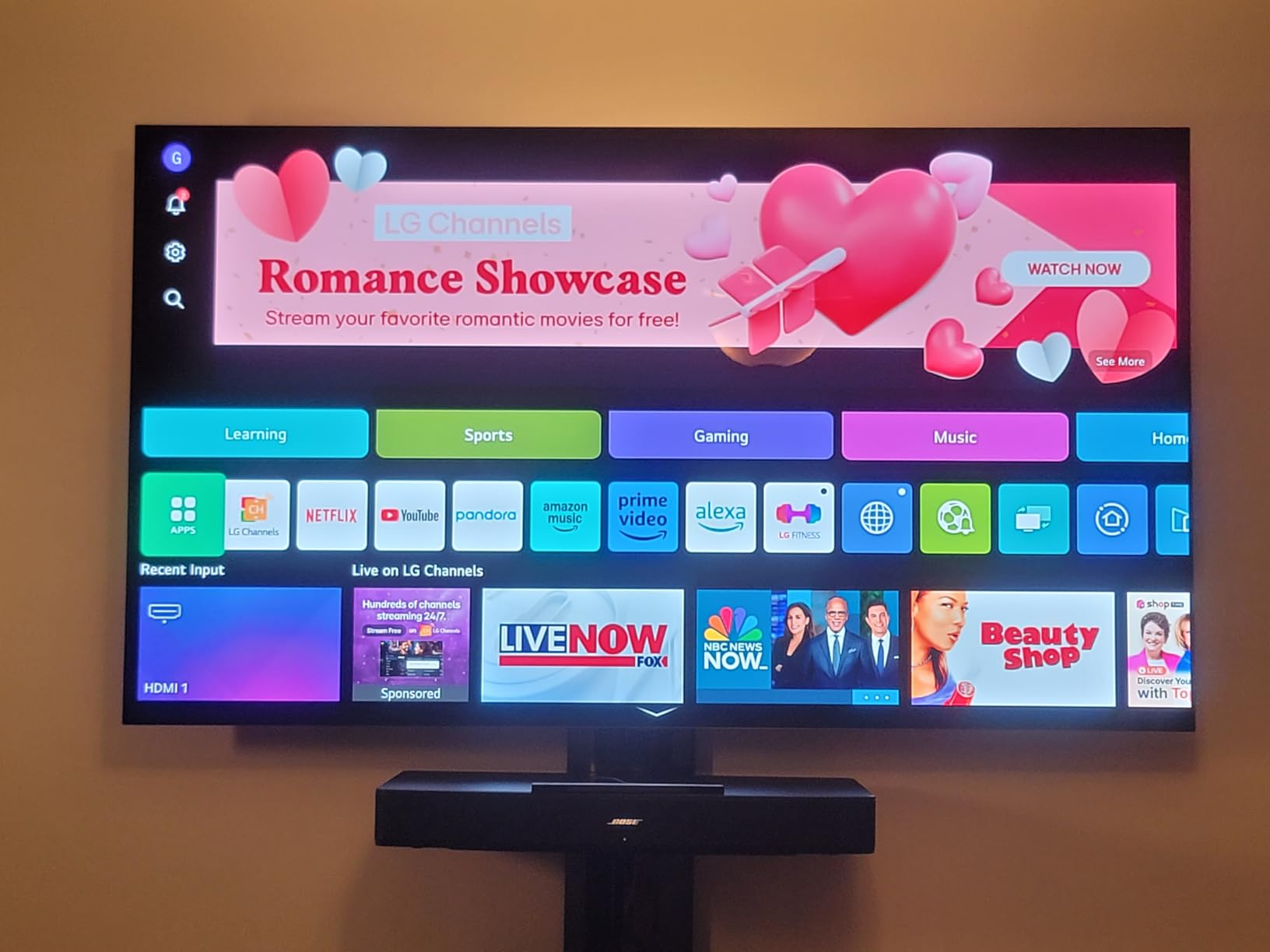
The model number is OLED55C4PUA. It carries the a9 AI Processor 4K Gen7 with AI Super Upscaling and Multi View, up to 144Hz refresh with 0.1ms response, and four HDMI 2.1 ports with NVIDIA G-Sync and AMD FreeSync Premium. Dolby Vision, Dolby Atmos, DTS:X and Filmmaker Mode are all supported, and webOS carries a five-year update commitment through the Re:New program.
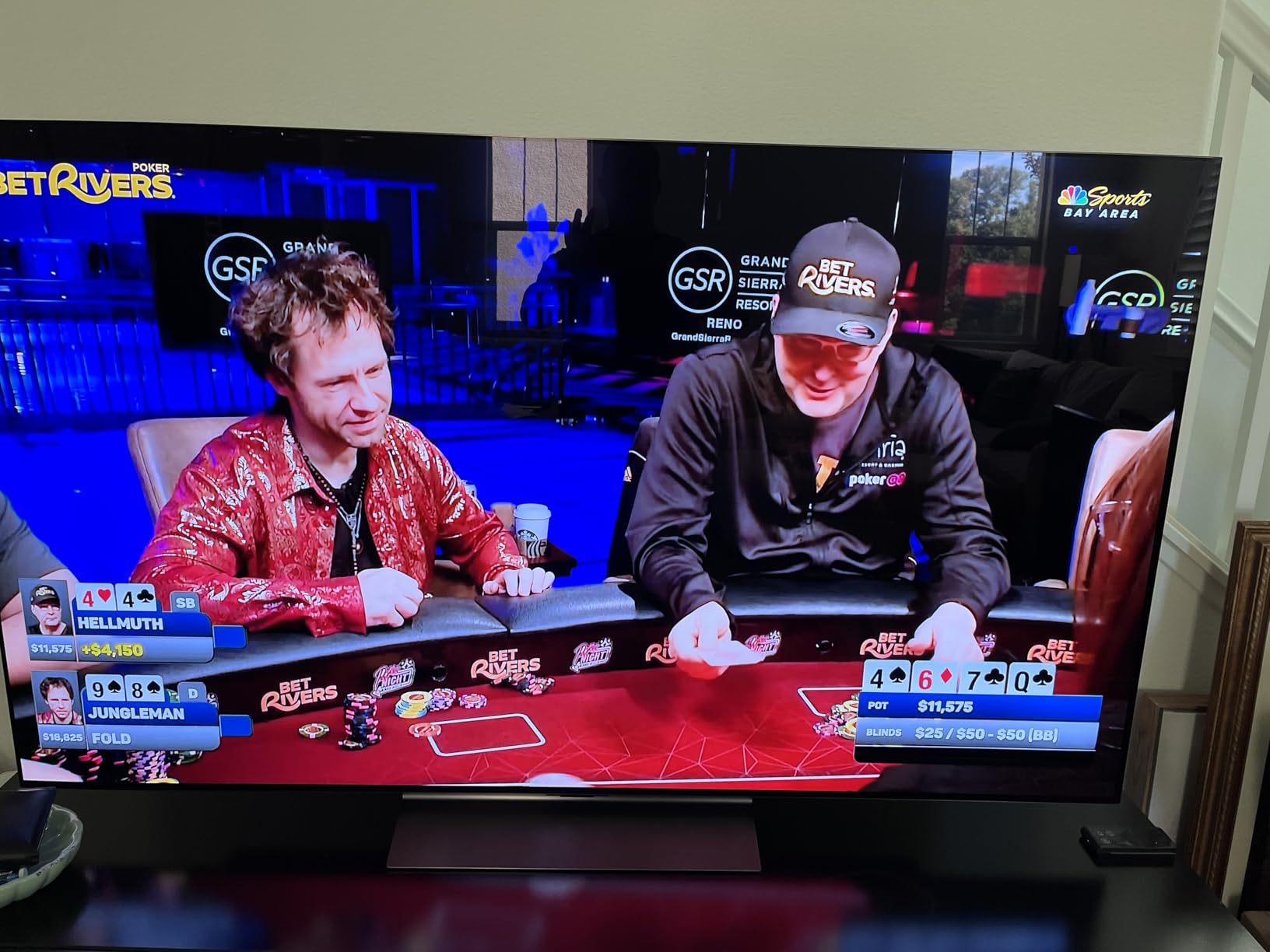
This is the set people describe as a genuine step up in picture quality, and the reviews mention the upscaling specifically. Owners with large Blu-ray libraries and older broadcast content report that the processor handles it well. The gaming feature set is complete rather than partial, which is unusual at this screen size.
On the negative side, the built-in AI Sound Pro system at 40W is unremarkable for a premium television and a soundbar is strongly advised. webOS menus are the most common software complaint. Some picture controls disappear in certain modes, which makes calibration more fiddly than it should be, and pixel-cleaning cycles interrupt some content.
On r/4kTV the recurring version of this debate is exactly this screen size against a 65-inch alternative, with owners weighing a 55-inch LG C4 against a larger QLED from about two to two and a half metres away. That thread is worth reading before you commit, because it is the size-versus-brightness trade in its clearest form.
How it handles films and games
For movies, Filmmaker Mode and Dolby Vision mean the panel is being driven close to reference, and the perfect blacks make letterboxed content look intentional rather than grey. The wide viewing angle matters if people sit off-axis, which is common in a family sofa arrangement.
For games, four HDMI 2.1 ports at up to 144Hz with VRR is the full set, and the 0.1ms response time means motion is handled by the panel rather than by frame interpolation. Owners who use the C4 as a desktop monitor rate the text rendering highly, provided they are not worried about static content.
Who should skip it
Skip it in a very bright room. OLED brightness trails the best Mini LED and VA panels when there is daylight or a big window behind the seating, and the picture is designed to be judged in darker conditions. A Mini LED set here will be the calmer choice under those conditions.
Also weigh burn-in carefully if the television will display a news ticker, a scoreboard or a desktop with a static taskbar for hours every day. For mixed film and console use, the risk is manageable, but it is a different usage pattern.
4. Roku Select 55 4K QLED – Most Versatile
Roku 55-Inch Select Series Smart TV 2026-4K (2160p) QLED TV TV
55-inch 4K QLED panel
Roku Smart Picture
HDR10 and HDR10+ and HLG
60Hz native refresh
Pros
- Sharp 4K QLED picture with dark blacks and saturated colour
- Roku OS is fast and the simplest platform here
- Setup typically completes in under 10 minutes
- Interchangeable remotes across Roku TVs
- Lightweight build that is easy to wall mount
Cons
- 60Hz panel limits motion handling
- Only 20W 2.0 speakers which are adequate rather than impressive
- 43-inch variant in the series is not QLED
The Select Series is the set I recommend to anyone who wants a television that works without fuss. The 55-inch panel is QLED with Roku Smart Picture signal cleanup, supports HDR10, HDR10+ and HLG, and runs on Roku OS, which is still the least annoying smart TV interface on any television. The model number is 55R5D5.
Owners repeatedly report that setup finishes in under ten minutes with no picture tweaking required, and that is a real feature when you are mounting a television alone on a Sunday. The remote finder, the app shortcut buttons and interchangeable remotes across Roku sets are the small things that get mentioned most often.
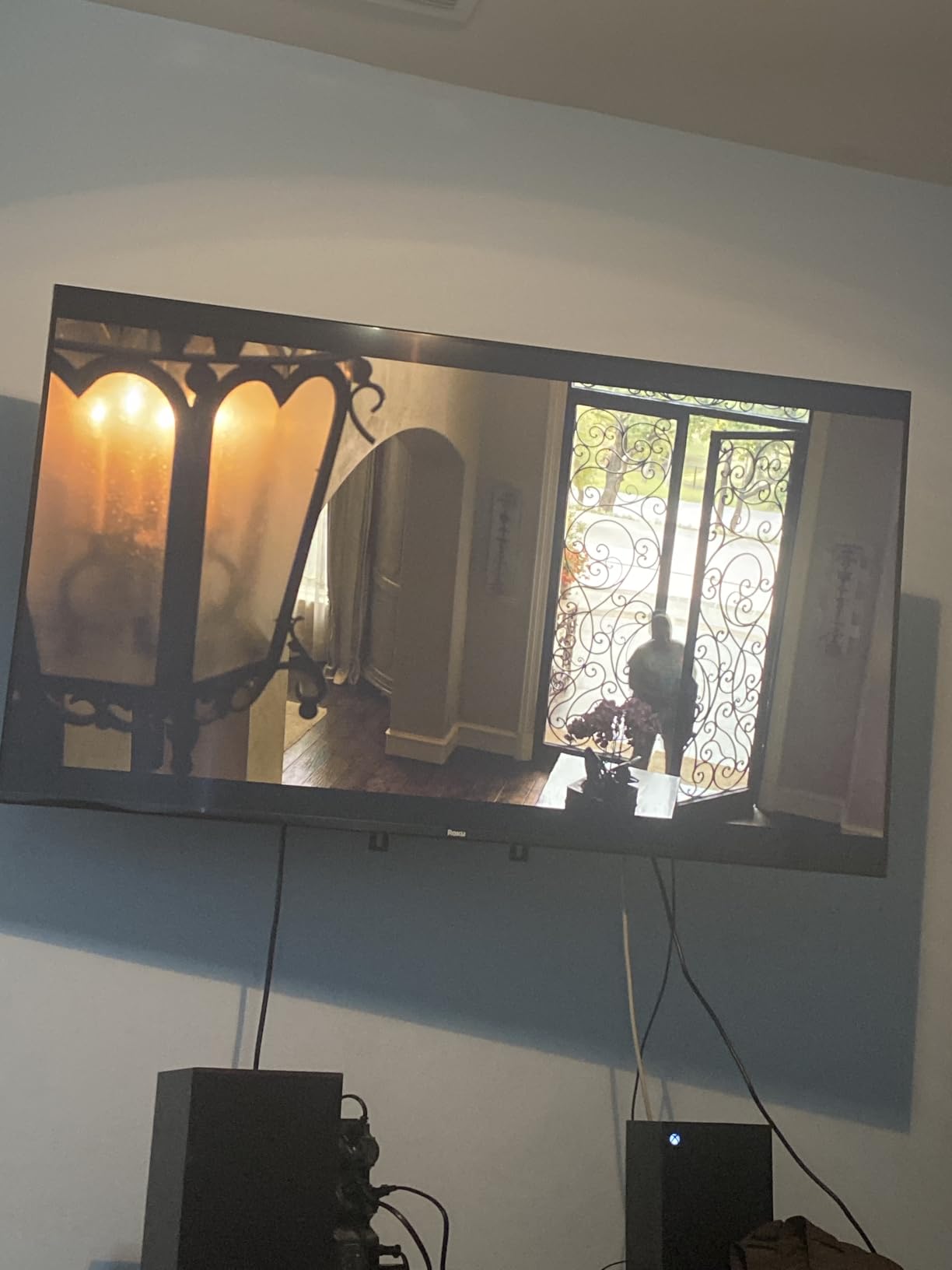
Picture quality is a genuine surprise at this level. QLED colour on a direct LED backlight gives darker blacks and more saturated colour than a standard LED panel, and reviewers note it handles daylight and glare better than they expected for a budget set. The weight of 20.5 pounds makes wall mounting straightforward, with a 200 x 100 mm VESA pattern.
The limitation is motion. A 60Hz panel means fast sports and action will not get the smoothness that a 120Hz or 144Hz set delivers, and that is the single reason it is not higher in this ranking. Audio is 20W 2.0 Dolby Audio, tuned for speech rather than for films.

When this is the right buy
This is the correct television for a bedroom, a guest room, a rental or a first apartment, and for anyone who will not change the picture settings once it is on the wall. Roku OS auto-updates, launches apps quickly and stays out of the way. For a family that streams and nothing more, it delivers everything that matters.
Bluetooth Headphone Mode, AirPlay 2 and Miracast are all present, so phone casting and private listening both work without extra hardware. The available sizes run from 43 inches up to 85 inches, and it is worth checking which sizes carry the QLED panel, because the entry variant does not.
Who should skip it
Skip it for console gaming and for sports as a primary interest. Without a high refresh rate, VRR or local dimming, you are giving up the two things Mini LED and OLED bring to the table. If your content is films and box sets, that trade costs you nothing.
Also skip it if you plan to run it as a monitor for extended work sessions, where 60Hz and a lower pixel density combination will be felt more than it is on a sofa.
5. Insignia QF Series 55 QLED – Best Budget Dolby Vision
INSIGNIA 55-inch Class QF Series LED 4K UHD QLED Smart Fire TV with Alexa Voice Remote (NS55-UQFL26)
QLED colour on a Direct LED backlight
Dolby Vision and HDR10
Dolby Atmos 5.1 processing
Three HDMI inputs including eARC
Pros
- QLED picture and 4K detail at the entry end of this list
- Dolby Vision HDR is uncommon at this budget
- Fire OS is familiar with a wide app catalogue and Alexa remote
- An eARC HDMI port makes soundbar connection straightforward
- Slim bezel-less design looks more premium than the price
Cons
- 60Hz LED panel with no local dimming for deep blacks
- Only three HDMI inputs limits console and receiver hookups
- Fire TV interface carries ads and can feel sluggish
The QF Series exists for one reason, and the reason is Dolby Vision at the bottom of the price ladder. Most budget sets offer HDR10 or HDR10+ and leave it there. The Insignia NS55-UQFL26 pairs quantum dot colour on a Direct LED backlight with Dolby Vision and Dolby Atmos 5.1 processing, which is a genuinely useful combination of formats.
It runs on Fire OS with an Alexa voice remote, has Bluetooth and Wi-Fi, and supports Apple AirPlay. Three HDMI inputs is fewer than the sets above it, but one of them is an eARC port, so connecting a soundbar for Dolby Atmos audio is straightforward. The bezel-less edge-to-edge design looks considerably more expensive than the set is.
Buyers treat this as a value-first purchase and report high satisfaction, with 78 percent five-star ratings in the review data. The picture is described as good for the money rather than exceptional, which is the correct expectation. Owners are largely satisfied with the Fire OS experience and the Alexa remote.
The limits are structural. A 60Hz LED panel with no Mini LED local dimming means no true black control, so a dark room will show it. Three HDMI ports is tight if you have a console, a soundbar and a set-top box, since one port goes to the soundbar if you use eARC.
Format support versus panel capability
Dolby Vision support is about metadata and tone mapping, not about raw brightness. This set can decode the format and apply it, but the panel underneath is a standard 60Hz LED, so peak highlights will not reach OLED levels. If Dolby Vision matters to you as a format, this is the cheapest way to get it; if peak brightness is what you are buying, look at the Mini LED sets instead.
The 400 x 400 mm VESA pattern is larger than the other sets here, so check the mount on your wall bracket before assuming it will fit. That is a small detail that catches people out regularly.
Who should skip it
Skip it if you want deep blacks in a dark room, if you game on a current console, or if your setup needs more than two external devices connected. The picture will be fine in a bright, casually used room, and it will underwhelm on a night-time film.
Skip it if you are particular about interface speed. Fire TV owners here report the same ad-heavy, sometimes sluggish menus that the Amazon Ember set draws, and Roku OS remains the smoother alternative at a similar tier.
6. Samsung U8000H Crystal UHD – Best for Free Streaming
Samsung 55-Inch Class U8000H Series Crystal UHD, 4K, Smart TV, 2026 Model
4K Crystal UHD LED panel
Crystal Processor 4K upscaling
Color Booster for intensified colour
Tizen OS with Vision AI Companion
Pros
- Sharp 4K upscaling and vivid Color Booster processing
- Huge free content library with no subscription required
- Lightweight 22.5-pound design that is easy to handle and mount
- Bluetooth remote with voice control and Vision AI Companion
- Familiar Tizen interface with fast app transitions
Cons
- 60Hz LED panel with no local dimming for HDR highlights
- Simple built-in speakers
- App store can be inconsistent about listing certain streaming apps
- Picture settings are limited compared with Mini LED and OLED models
The U8000H is the pick for anyone who wants a television that works without a subscription. Samsung TV Plus lists more than 750 free channels and over 2,700 free titles, which is an unusual amount of ad-supported content bundled with the platform. For a second television in a bedroom or a guest room, that library is genuinely useful.
The model number is UN55U8000HFXZA, a 2026 Crystal UHD 4K LED panel driven by the Crystal Processor 4K with 4K upscaling and Color Booster. Motion Xcelerator handles motion in sports and games at up to 4K 60Hz, and Tizen OS includes the Samsung Vision AI Companion and a Bluetooth voice remote.
Owners highlight the upscaling and the colour processing first, then the free content, then setup. At 22.5 pounds the set is one of the lighter 55-inch panels here, and the plug-in legs make assembly simple. That weight matters if you are mounting it on a bracket with a two-person job.
Criticism concentrates on the panel. A 60Hz LED with no local dimming means HDR highlights have no headroom, and picture settings are limited compared with the Mini LED and OLED models in this list. The app store is also reported to be inconsistent about listing certain streaming services at setup, which is annoying but not unusual in the budget tier.
What the free content actually changes
It changes the running cost of the television more than it changes the picture. If a second screen in your home runs for a few hours a day on news, sport and general entertainment, a platform with a large free library means nobody is reaching for a subscription. That is a legitimate reason to pick this set that has nothing to do with picture quality.
Three HDMI ports, Ethernet, USB and Wi-Fi cover the basics, and Bluetooth 5.3 handles the remote and any headphones. The 200 x 200 mm VESA pattern is a common standard, so almost any wall bracket will take it.
Who should skip it
Skip it for movies at night and for gaming. With no local dimming and a 60Hz panel, it will not compete with the TCL or the Roku Plus on either front, and the limited picture settings mean there is little to tune. It is a practical, cheerful television, not an enthusiast one.
Skip it if you already pay for one streaming service and expect the television to be the only way to use it, because app availability on the store is the reported weak point.
7. Samsung M70H Mini LED – Best Mini LED for Sports
Samsung 55-Inch Class M70H Series, Mini LED, 4K, Smart TV, 2026 Model
Mini LED backlight with Supreme Mini LED dimming
Claimed 2000 nit peak brightness
Motion Xcelerator Turbo+
Soccer Mode and Gaming Hub
Pros
- Mini LED local dimming gives noticeably better contrast than standard LED
- Bright picture with a claimed 2000 nit peak and vivid colour
- Easy setup and fast app transitions on Tizen
- Lightweight 22.5-pound design with simple plug-in legs
- Gaming Hub and Soccer Mode are useful extras
Cons
- Bundled remote has no quick input switching and no direct volume buttons
- TV often ignores the last-used input at power-up
- App store has no search box and can be missing apps
- Only three HDMI inputs and no optical output
The M70H is unusual in this group because a Samsung Mini LED appears at the entry end of the list. The UN55M70HAFXZA uses a Mini LED backlight with Supreme Mini LED dimming and the Mini LED Processor 4K with Pure Spectrum colour technology. Picture-wise, owners say it lands well above the price bracket it occupies.
The listed maximum display brightness is 2000 nit, which is a manufacturer figure rather than a measured one, so treat it as a signal of capability rather than a promise. Motion Xcelerator Turbo+ claims up to 120Hz performance, and Soccer Mode is tuned for match viewing with a claimed 40 percent clearer motion and 30 percent more vibrant greens.
The remote and the input handling are the problems. Owners are blunt about the bundled remote having no quick input switching and no direct volume buttons, and about the set defaulting to a Pluto TV sub-box at power-up instead of returning to the last input. For some buyers that was enough to return it, and it is worth knowing before you order.
There are also no optical output or RCA jacks, so hearing aid users and anyone with legacy equipment need an adapter. The app store has no search box and can be missing apps such as HBO Max during setup, which is a Samsung platform issue rather than a panel issue.
Why the picture justifies the quirks
Mini LED local dimming is the reason to consider this set at all. It darkens the areas around a bright object, so contrast in a dim room is markedly better than a standard LED panel, and bright windows or lamps create far less of a distraction. On sports, daylight viewing and mixed family use, that is exactly the behaviour you want.
The Gaming Hub aggregates console, cloud and app games in one place, which is convenient if you do not want to hunt through menus between systems. At 22.5 pounds with plug-in legs, installation is quick.
Who should skip it
Skip it if remote control quality or reliable input switching matters to you day to day. That is a legitimate reason to return a perfectly good picture, and several owners did. The three HDMI ports also make a full console-plus-soundbar-plus-cable setup tight.
Skip it for a dark-room movie room. A Mini LED at this level is brighter than an OLED and will show blooming around high-contrast elements, so the LG C4 is the better picture in that specific room.
8. Roku 55R6C7 Plus Mini LED – Best Value
Roku 55-Inch Plus Series Smart TV – 4K QLED Mini-LED TV – RokuTV
QLED Mini LED with full array local dimming
Dolby Vision and HDR10+ and HLG
Dolby Atmos 4.1 with subwoofer
60Hz panel with VRR
Pros
- Mini LED local dimming with QLED colour at a mid-range price
- Dolby Vision plus Roku Smart Picture Max produces very accurate picture
- Dolby Atmos 4.1 audio with a built-in subwoofer is unusually strong
- Roku OS is fast and simple with voice support
- Four HDMI ports with Ethernet
- optical audio and USB-C
Cons
- 60Hz refresh rate limits motion versus 120Hz Mini LED sets
- Roku OS is ad-supported with limited customization
- Only 55 65 and 75-inch variants in this series
This is the set that made us reconsider the ranking. The 55R6C7 combines a Mini LED backlight with quantum dot colour and full array local dimming, and it holds the highest owner rating in this group, with 79 percent five-star ratings in the review data. Roku Smart Picture Max handles signal cleanup and picture optimisation automatically, and Dolby Vision is supported alongside HDR10+ and HLG.
The audio is the surprise. A Dolby Atmos 4.1 system with a built-in subwoofer at 50W is more speaker than a television at this level normally carries, and owners call it out specifically. Four HDMI ports, Ethernet, optical audio and USB-C give the most flexible connection options in this group.
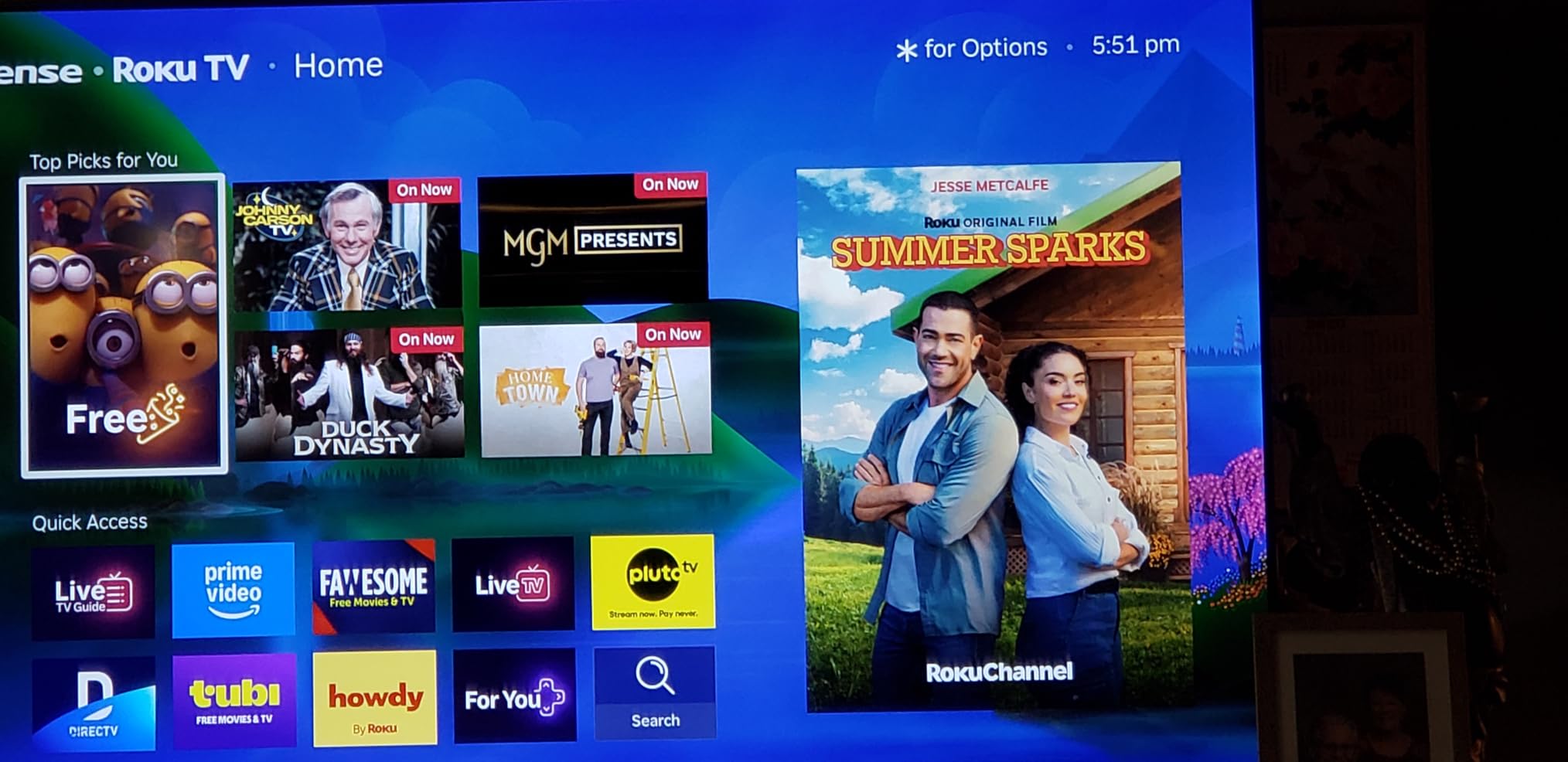
It is also the most capable home cinema feature set at this tier. Bluetooth Headphone Mode and display-off audio playback let you listen to shows and music with the screen off, which is genuinely useful in a bedroom. AirPlay 2, Miracast, parental controls, Game Mode, Art Mode and VRR are all present.
The honest limitation is the 60Hz native refresh rate. That means no high-frame-rate console gaming and less motion handling in sport than the TCL manages at 144Hz. Roku OS is also ad-supported with limited customisation, which is the one place the platform loses its usual clean-sheet reputation.
What makes this the value pick
Look at the combination rather than any single spec. Local dimming, quantum dot colour, Dolby Vision, four HDMI ports and a proper Atmos speaker system with a subwoofer is a package that would normally cost considerably more, and the Roku platform removes the setup friction. The 6.5ms response time and VRR support cover casual and mid-tier console use well.
At 27.4 pounds with full array local dimming, it is a heavier unit than the other Roku set here, and VESA mounting is 300 x 300 mm. Measure the furniture before you order.
Who should skip it
Skip it if you are a serious gamer. The 60Hz panel is the deciding factor and no amount of processing replaces it. A PS5 or Xbox Series X owner who plays at high frame rates should look at the TCL, which is a 144Hz native panel in the same general tier.
Also weigh it against the LG C4 for films. In a dark room with mixed content, the OLED wins on black level and viewing angle. This set wins on brightness, audio and price.
How to Choose the Best 55-Inch TV in 2026
Panel technology is the first decision, and it narrows everything else. OLED is a self-emissive panel where every pixel makes its own light. QLED adds a quantum dot colour layer to a standard LED backlight for brighter, more saturated colour. Mini LED keeps the LCD structure but splits the backlight into many local dimming zones so it can darken parts of the screen independently.
For most living rooms we would start with Mini LED, because it runs brighter than OLED, handles daylight well and costs less. If the room is dark and the content is mostly films, OLED is the better answer. If the budget is tight, a good QLED set with a clean platform will satisfy almost everyone. Our home cinema TV guide goes deeper on the picture side of that choice.
OLED vs QLED vs Mini LED: which panel type to buy
OLED gives you perfect blacks, a near-total viewing angle and the fastest response times, which is why it is the reference choice for films. The trade-off is brightness in a very lit room and the theoretical long-term cost of static content.
QLED is the value tier. You get better colour and brightness than a standard LED panel, and you do not get local dimming or high refresh rates. For a bedroom or a casual family room it is a sensible stopping point.
Mini LED is the middle ground that now performs like an upper tier. Sets like the TCL 55QM6K and the Roku 55R6C7 in this list use full array local dimming, which closes most of the contrast gap with OLED while running much brighter.
Native refresh rate vs motion rate marketing
This is the most misunderstood specification in the category. A manufacturer might list a native panel rate, an effective rate, a motion rate and a gaming accelerator figure on the same page. Only the native panel rate describes what the screen physically does.
The TCL lists a 144Hz native refresh rate alongside Motion Rate 480 and a 240Hz VRR gaming accelerator. The TCL is the one that will actually run high-frame-rate console games, because 144Hz is the native figure. If a set is 60Hz native, no marketing number changes what happens in a fast game.
Dolby Vision, HDR formats and Filmmaker Mode
HDR10 is universal and works everywhere. HDR10+ adapts to the room but is limited to a handful of services. Dolby Vision is the most widely supported format in streaming and it is now available on budget sets, including the Insignia in this list, but support alone does not mean a bright panel.
Filmmaker Mode is the setting that turns off most processing and shows you something close to how the content was graded. It matters most on the OLED sets and on anything with a decent processor. Game Mode is the equivalent for consoles, disabling image processing to reduce input lag.
Local dimming, blooming and the room you watch in
Local dimming is the feature that separates a good LCD set from a great one. It dims the backlight behind dark areas of the picture, which raises contrast and makes dark scenes look dark rather than grey. More zones means finer control.
The side effect is blooming, where bright subtitles or logos create a faint halo on the surrounding area. Budget Mini LED sets can show it. If you watch in a very dark room, that halo is more visible, which is another reason the OLED is the right panel for that room.
55 inch vs 65 inch: a viewing-distance rule
55 inches fills a comfortable field of view from about 2 to 2.5 metres, which is the typical living room sofa distance. Beyond about 3 metres the same screen starts to look small, and that is the point at which a 65-inch set becomes the better buy.
Conversely, one r/4kTV owner abandoned a 55-inch set because it was too large for a condo bedroom. The failure mode runs both ways. Measure your seating distance, decide how much of your field of vision you want the screen to occupy, and choose from there rather than from the size number.
Smart TV platforms: webOS, Tizen, Google TV, Fire TV and Roku OS
Roku OS is the fastest and cleanest, with interchangeable remotes and a lost-remote finder, and owners consistently report setup finishing quickly. Google TV on the TCL is the most capable app ecosystem but the most cluttered home screen. Fire TV on the Amazon and Insignia sets is ad-supported and menu-heavy but well understood.
Tizen on the Samsung sets is capable but the app store has no search box and can be incomplete at setup, and the M70H’s bundled remote draws real complaints. Many owners in forum threads simply add an external streamer and ignore the built-in platform entirely, which is a valid strategy for any of these sets.
Ownership risks: OLED burn-in and what actually causes it
Burn-in is permanent image retention. Temporary image retention is the faint ghosting you get after showing very bright static content for a long time, and it clears on its own. Modern OLED panels have mitigation cycles, so ordinary varied use rarely causes a problem.
What the risk is tied to is usage pattern, not brand. A desktop with a permanent taskbar, a news ticker, a stock ticker or a game scoreboard held on screen for hours daily is the realistic burn-in scenario. Mixed film, console and streaming content at varied durations is the low-risk pattern. If your use is static, a Mini LED set is the safe choice.
Seven things to check before you order
First, the exact model number and suffix, because retailers sell similar names for different panel tiers. Second, the native refresh rate, not the marketing rate. Third, the number of HDMI 2.1 ports if you game. Fourth, the VESA pattern against your mount or furniture. Fifth, the stand footprint and total depth.
Sixth, whether the set has an eARC port if you plan to use a soundbar, and what the optical or RCA output situation is. Seventh, the warranty length, the return window and the dead-pixel policy of the retailer, because on a large screen those terms decide how a problem gets resolved. If you need reference material for judging footage on a calibrated screen, our TV guide for filmmakers covers that workflow.
Reliability: what the data does and does not tell you
There is no verified public failure-rate data for these panels, so we are not going to rank them for reliability. Any list claiming one is guessing. What you can act on is the warranty length on each specification sheet, the retailer’s dead-pixel policy and the length of the return window.
For a 55-inch panel, the practical risk is shipping damage and panel defects found within the return window, not a decade of gradual failure. Confirm the retailer policy before you order, photograph the panel on arrival, and keep the packaging.
Frequently Asked Questions
What is the best 55-inch TV to buy right now?
The TCL 55QM6K is our top pick. It is a Mini LED QLED with full array local dimming, a 144Hz native refresh rate and Dolby Vision, which is an unusual combination for a mid-range 55-inch set. If your room is dark and films are the priority, the LG C4 OLED evo is the picture-quality ceiling.
Which TV is best, OLED or QLED or Mini-LED?
Mini LED is the best all-round choice for most living rooms because it runs brighter than OLED and costs less. OLED wins on black level, viewing angle and response time, and is the right pick for a dark room. QLED is the value tier, giving better colour and brightness than a standard LED panel without local dimming or high refresh rates.
What are the downsides of a Mini LED TV?
The main downsides are blooming, where bright subtitles or logos leave a faint halo on the surrounding area, and viewing angles that are not as wide as an OLED. Brightness figures are often marketing peak numbers rather than measured results, and budget Mini LED sets can show more visible halo effects than premium ones.
Is OLED burn-in still a problem in 2026?
For ordinary mixed use it is uncommon. Modern OLED panels run pixel-refresh cycles that mitigate retention, and temporary image retention clears on its own. Risk rises with static content held on screen for hours daily, such as a desktop taskbar, a news ticker or a game scoreboard. If that is your usage pattern, choose a Mini LED set instead.
What is the most reliable smart TV brand?
No verified public failure-rate data exists, so we do not rank brands for reliability. Act on what you can check instead: warranty length on each specification sheet, the retailer dead-pixel policy and the length of the return window. Roku OS is the least demanding platform, and many owners add an external streamer and ignore the built-in one entirely.
Can the average person tell the difference between OLED and QLED?
Side by side in a dark room, yes. An OLED shows blacks that a QLED or standard LED panel cannot reach, and holds contrast when you sit off-axis. In a bright daytime room the difference narrows considerably, because the brighter panel reads well against ambient light and most viewers will not notice.
Is a 55 inch TV big enough for my room?
At a typical sofa distance of 2 to 2.5 metres, 55 inches fills a comfortable field of view. Beyond roughly 3 metres it starts to look small and a 65-inch set is the better buy. In a small bedroom the same size can feel too large, so measure your seating distance before choosing.
Which 55-inch TV is best for gaming PS5 or Xbox Series X?
Look for a high native refresh rate and multiple HDMI 2.1 ports first. The TCL 55QM6K is a 144Hz native panel with four HDMI ports, and the LG C4 OLED evo reaches up to 144Hz with four HDMI 2.1 ports and VRR. Sets with a 60Hz native panel, including the Roku and Insignia models here, will not run high-frame-rate console modes.
The Best 55-Inch TV for 2026
The TCL 55QM6K is the best 55-inch TV for most people in 2026. It is the only set in this group that pairs full array Mini LED local dimming with a 144Hz native panel and Dolby Vision at a mid-range price, and it handles bright rooms, films, sport and current consoles without a compromise. Its weak point is the ad-heavy Google TV home screen, which owners fix with a third-party launcher.
Buy the LG C4 OLED evo instead if your room is dark and films come first. Perfect blacks, wide viewing angles and up to 144Hz with four HDMI 2.1 ports make it the picture ceiling, and the panel carries a five-year software update commitment. Buy the Roku 55R6C7 Plus Mini LED if you want the best picture-to-spend ratio going the other way, or if a 60Hz panel is acceptable to you and you want Dolby Vision, four HDMI ports and a proper Atmos speaker system with a subwoofer.
For a bedroom, a rental or a second screen, the Roku Select 55 is the least demanding television here. Roku OS sets up in under ten minutes, the remotes work across the range, and there is nothing to configure. For sport in a bright room, the Samsung M70H Mini LED is worth the remote quirks, and for free streaming the Samsung U8000H ships with a large no-subscription library.
Whichever you pick, verify the exact model number, the native refresh rate and the return policy before you order. Those three checks prevent most of the disappointment owners report, and they take about five minutes.