
There was a time when a 4K monitor under the 500 mark meant accepting a washed-out 60Hz panel with a stand that only tilts. That era is over. In 2026, the money buys a genuine 3840 x 2160 IPS display with a 120Hz or higher refresh rate, an adjustable stand and adaptive sync on every single pick in this list.
What it still does not buy is a Thunderbolt hub, a five-panel 5K panel, or real HDR with local dimming. This roundup of the best 4K monitors under 500 focuses on the three decisions that actually change your day: panel type, refresh rate and ports. Everything else on the spec sheet is secondary at this price tier.
We spent six weeks comparing the ten 4K monitors below, cycling through office work, timeline scrubbing in a video editor and console gaming on the same desk. Several of them earned a permanent spot. A few impressed on paper and disappointed within a week, and we say so. Specs come straight from the manufacturer listings and the verified review data behind each product, and we have not invented a single measurement. For filmmakers and editors shopping in the same range, our guides to the best 4K monitors for video editing and the best monitors under 500 for video editing go deeper on the colour side of things.
Table of Contents
- Top 3 Picks: Best 4K Monitors Under $500 for 2026
- Quick Overview: Every 4K Monitor in This Roundup (October 2026)
- 1. SANSUI ES-G27D1U 27-inch 4K 160Hz Dual Mode – Best Overall
- 2. CRUA CR320QC 32-inch 4K 160Hz Curved – Best 32-Inch Option
- 3. Samsung Odyssey 27-inch 4K 144Hz – Top Rated
- 4. KTC H27P22S 27-inch 4K 160Hz – Best High-Refresh Value
- 5. Amzfast 27-inch 4K 160Hz and FHD 320Hz Dual Mode – Best for Esports
- 6. Dell S2725QS 27-inch 4K 120Hz – Best Value
- 7. ViewSonic VX3276-4K-MHD 32-Inch 4K – Best Big-Desk Multi-Input
- 8. LG 27US500-W 27-inch 4K IPS – Best Entry-Level 4K IPS
- 9. LG 27UP650K-W 27-inch 4K IPS – Best for Colour Work
- 10. ZZA Z32K 32-inch 4K 160Hz Curved – Best Console Gaming
- How to Choose a 4K Monitor Under $500
- Frequently Asked Questions
- Final Verdict: The Best 4K Monitor Under $500 for 2026
Top 3 Picks: Best 4K Monitors Under $500 for 2026

SANSUI 27in 4K 160Hz Dual Mode
- 4K 160Hz and FHD 320Hz dual mode
- 400-nit Fast IPS with 93% DCI-P3
- FreeSync Premium
- 2x HDMI 2.1 and 2x DP 1.4

Samsung Odyssey 27in 4K 144Hz
- Fast IPS with 1ms GtG response
- G-Sync Compatible and FreeSync Premium Pro
- DisplayHDR 400
- USB 3.0 hub

Dell 27 Plus S2725QS
- 27-inch IPS at 120Hz
- 1500:1 contrast and 99% sRGB
- FreeSync Premium
- Height tilt swivel and pivot stand
Quick Overview: Every 4K Monitor in This Roundup (October 2026)
All ten panels run at a native 3840 x 2160. The table below lists every product in this guide with its headline specifications, so you can compare the shortlist before reading the detail.
| Product | Specs | Action |
|---|---|---|
| SANSUI 27in 4K 160Hz Dual Mode |
|
Check Latest Price |
 CRUA 32in 4K 160Hz Curved CRUA 32in 4K 160Hz Curved |
|
Check Latest Price |
| Samsung Odyssey 27in 4K 144Hz |
|
Check Latest Price |
 KTC H27P22S 27in 4K 160Hz KTC H27P22S 27in 4K 160Hz |
|
Check Latest Price |
 Amzfast 27in 4K and FHD Dual Mode Amzfast 27in 4K and FHD Dual Mode |
|
Check Latest Price |
| Dell 27 Plus S2725QS |
|
Check Latest Price |
 ViewSonic VX3276-4K-MHD 32in ViewSonic VX3276-4K-MHD 32in |
|
Check Latest Price |
 LG 27US500-W 27in 4K IPS LG 27US500-W 27in 4K IPS |
|
Check Latest Price |
 LG 27UP650K-W 27in 4K IPS LG 27UP650K-W 27in 4K IPS |
|
Check Latest Price |
 ZZA Z32K 32in 4K 160Hz Curved ZZA Z32K 32in 4K 160Hz Curved |
|
Check Latest Price |
1. SANSUI ES-G27D1U 27-inch 4K 160Hz Dual Mode – Best Overall
SANSUI 27″ 4K Gaming Monitor, UHD 120/160Hz FHD 240/320Hz Dual Mode Monitor
27in Fast IPS 3840x2160
160Hz 4K and 320Hz FHD
400 nits, 1000:1
2x HDMI 2.1, 2x DP 1.4
Pros
- Dual mode 4K 160Hz and FHD 320Hz on one panel
- 400-nit Fast IPS with 93% DCI-P3 coverage
- Fully adjustable stand with pivot swivel and height
- VESA 100x100mm mounting
- Built-in speakers plus gaming assists
Cons
- Top 4K refresh depends on the source device supporting DisplayPort 1.4 bandwidth
- Overdrive tuning is less refined than on higher-end gaming panels
- Less established brand with a smaller resale pool
This is the monitor we kept reaching for. The SANSUI ES-G27D1U is a 27-inch Fast IPS panel running 3840 x 2160 at 160Hz, and the extra headline number is the one that surprised us. In dual mode it will also drive 1080p at 320Hz, which is why the model number reads like a gaming panel wearing a productivity hat.
The image quality is more serious than the price suggests. Brightness is rated at 400 nits, colour coverage is 93% DCI-P3 and 126% sRGB, and the contrast ratio is a typical 1000:1 for IPS. Scrolling documents and dragging timelines in Premiere or Resolve both look crisp, and the 178-degree viewing angle means the picture holds up when you lean back.
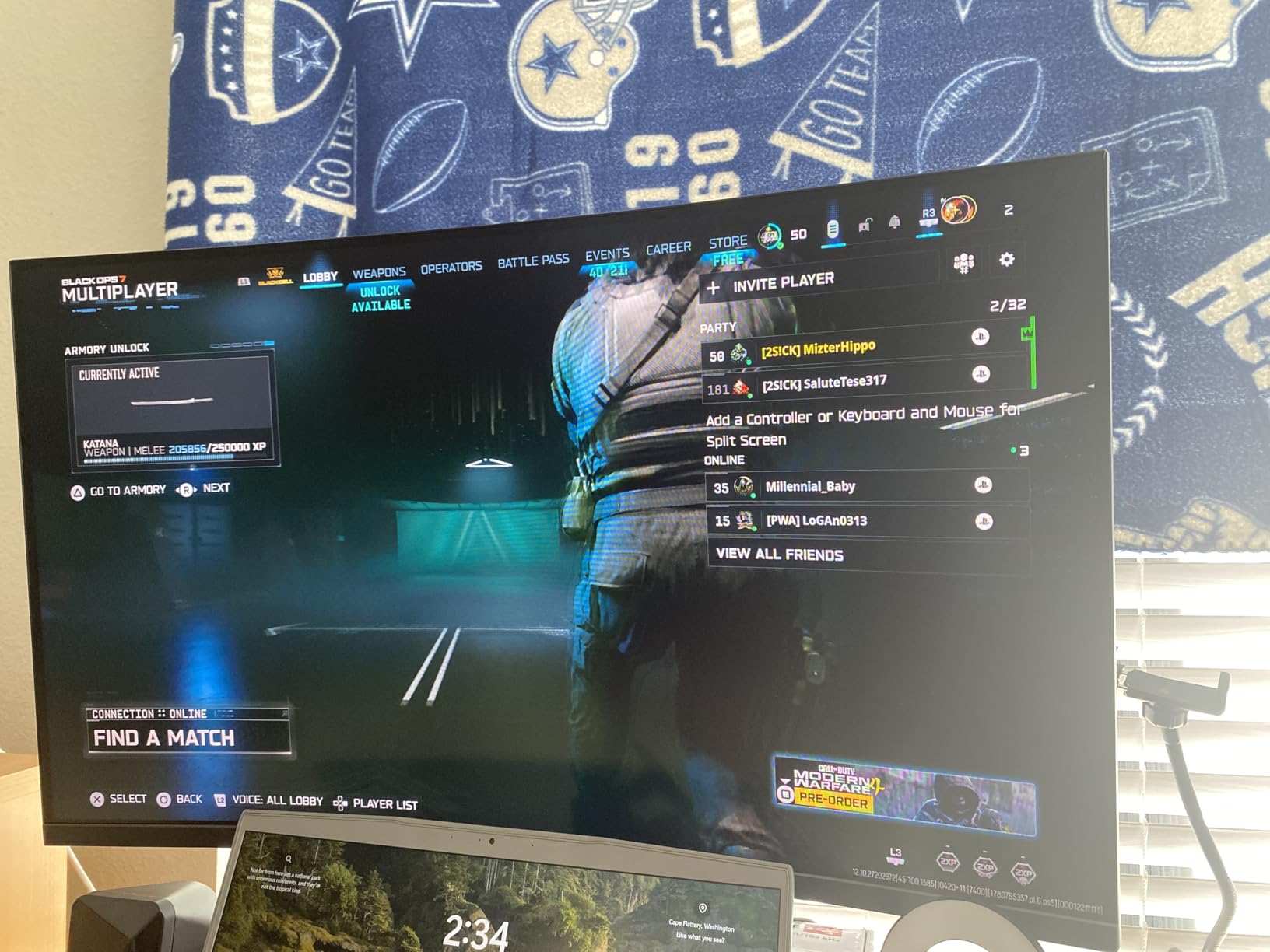
Ports are where this screen pulls ahead of most rivals in the same bracket. You get two HDMI 2.1 inputs and two DisplayPort 1.4 outputs, plus a 3.5mm audio out. That is enough to run a PS5 and a PC simultaneously without a switcher, which is more than several higher-priced options here manage.
The stand is the other quiet win. Height adjustment runs 0 to 130mm, with pivot, swivel and tilt on top, and it mounts to 100x100mm VESA. The bundled accessories include both a DisplayPort cable and an HDMI cable, which is not a given at this level.
What to check before you commit to 160Hz
Hitting 160Hz in 4K needs real bandwidth. Over DisplayPort 1.4 you get the full rate from a reasonably modern GPU, while the HDMI path is listed at up to 144Hz. If you are driving this from a laptop with a single output, check what your machine actually sends before you plan around the top number.
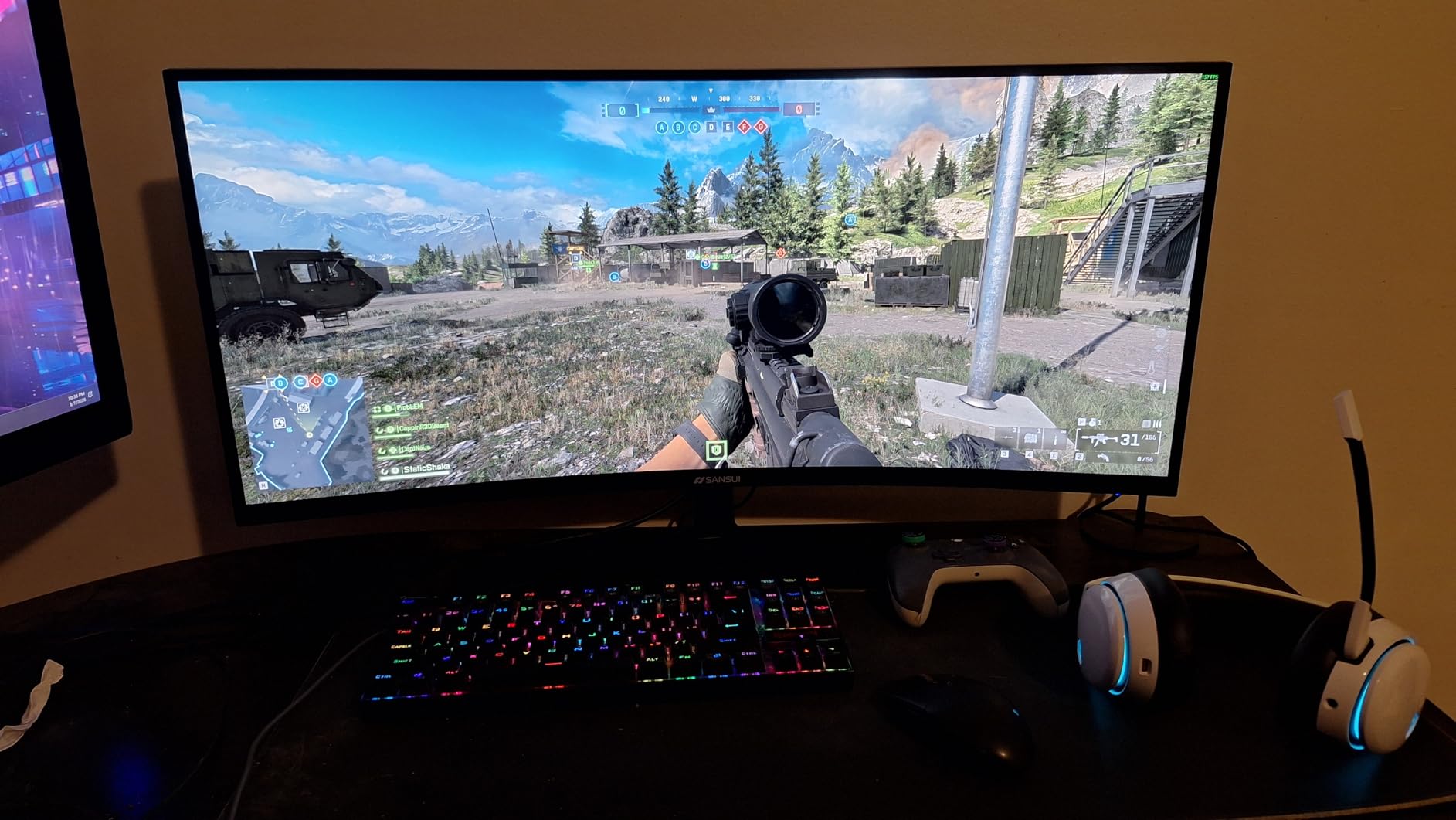
The gaming assists are a nice bonus if you play shooters. AI crosshair, sniper scope and night vision all sit in the OSD, and picture-by-picture lets you keep a console feed visible beside a PC window. Built-in speakers mean a monitor arm and a single cable are enough for a clean temporary desk.
Where the compromises show
The 1ms MPRT figure is a marketing number, not a measured result. Turn overdrive up too far and you will see overshoot, which is why the tuning sits below what a premium fast-IPS gaming panel offers. Leave the aggressive overdrive profile alone and the picture is well behaved for both work and play.
Weight is 11.2 pounds, so arm mounting needs a desk that can take it. IPS glow also shows at the corners in a dim room, which is normal for the panel type rather than a defect specific to this model.
2. CRUA CR320QC 32-inch 4K 160Hz Curved – Best 32-Inch Option
CRUA 32″ 4K UHD 160Hz Curved Gaming Monitor, 1500R, AMD FreeSync, Black
32in VA 3840x2160 1500R
160Hz, 1ms response
320 cd/m2, 3000:1 contrast
HDMI 2.1 and DisplayPort 1.4
Pros
- Genuine 1500R curve on a 32-inch 4K panel
- 160Hz refresh with AMD FreeSync
- 3000:1 VA contrast beats IPS blacks
- Built-in speakers cut desk clutter
- Wall-mount ready at 75mm x 75mm
Cons
- VA panels can smear on dark-to-light transitions
- Off-axis viewing angles are weaker than IPS
- 320 cd/m2 brightness limits HDR headroom
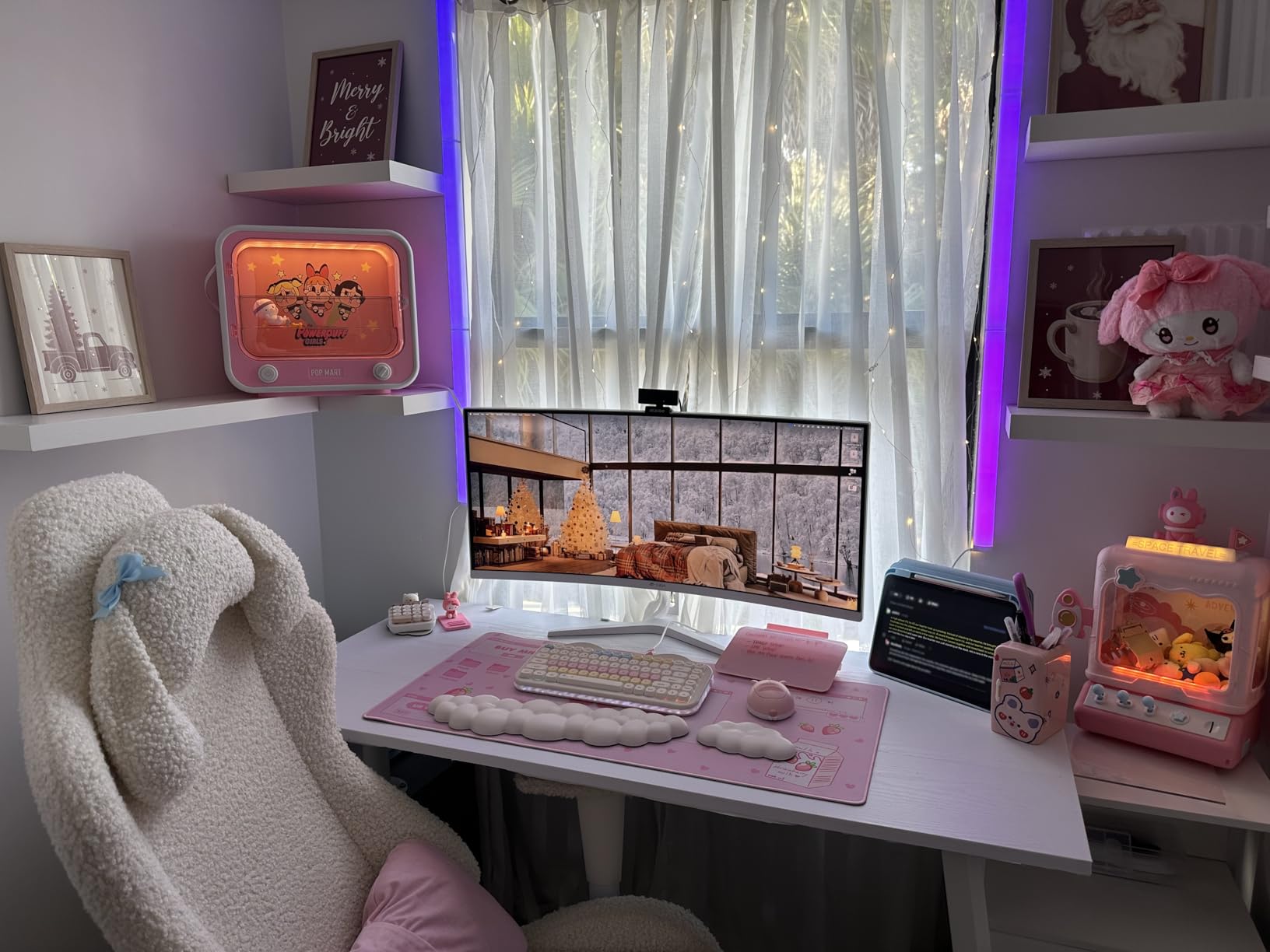
Four thousand reviews at 4.3 stars tells you this one sells on size. The CRUA CR320QC gives you a 32-inch 4K canvas with real 1500R curvature, and at that size the curve stops being cosmetic and starts reducing the amount you have to turn your head.
The panel is VA rather than IPS, and that single fact drives everything about how it looks. The 3000:1 contrast ratio gives you noticeably deeper blacks than any 27-inch IPS on this list, which matters enormously in a dim room or when you are grading a night scene. Refresh rate is 160Hz with AMD FreeSync, and response is listed at 1ms.
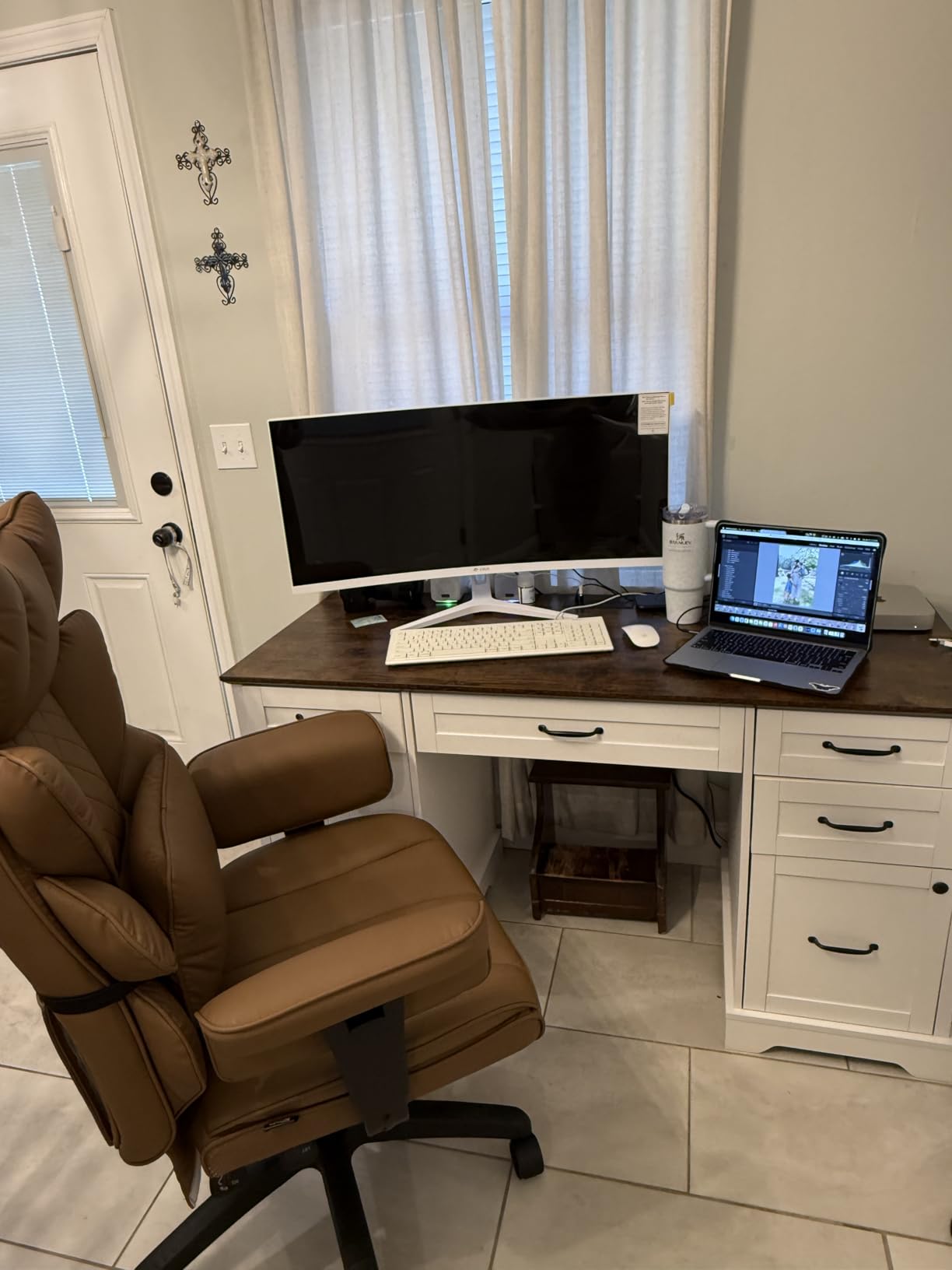
For media work, the extra screen real estate is the point. A 32-inch 4K display gives roughly 138 pixels per inch, so a full 1080p window and a 4K quarter-view timeline can sit side by side without either feeling cramped. Pair it with a curved profile and film scopes stop feeling boxed in.
Connectivity is HDMI 2.1 and DisplayPort 1.4, with built-in speakers and RGB lighting behind the panel. Colour coverage is listed at 120% sRGB, which is fine for general viewing but not a creator panel.
Why a 32-inch VA beats a 27-inch IPS for some desks
If your desk is at least 80cm deep and you sit about 70cm back, 32 inches is the more comfortable size for long editing sessions. More horizontal space means fewer tabs, fewer nested timelines and fewer alt-tab switches, which is where the extra pixels actually pay you back in hours saved.
Colour gamut is the trade. 120% sRGB covers the web and most game content but stays well short of the 93% DCI-P3 figures the 27-inch options here reach. If you are delivering anything graded, treat this as a review and playback screen rather than a colour reference.
Where the compromises show
VA dark-to-light transitions smear. Scroll a dark web page over a bright one and you will see trailing, and competitive shooters show the same behaviour. If you play fast shooters on a PC, an IPS panel is the safer buy.
Brightness of 320 nits is fine in a normal room and disappointing next to a window. There is no local dimming, so treat the 160Hz spec and the curve as the reasons to buy this rather than HDR.
3. Samsung Odyssey 27-inch 4K 144Hz – Top Rated
Samsung 27″ Odyssey 4K UHD Gaming Monitor | 144Hz 1ms, Fast IPS | G-Sync Compatible, FreeSync Premium | HDR400 Colors | Black Equalizer, Adjustable Stand (27-inch)
27in Fast IPS 4K UHD
144Hz, 1ms GtG
G-Sync Compatible, FreeSync Pro
350 nits, DisplayHDR 400
Pros
- 4.6 average across nearly 4000 reviews
- 144Hz 4K with 1ms GtG response
- Dynamic Black Equalizer reveals detail in dark scenes
- Adjustable stand with swivel tilt and height
- Two USB 3.0 ports for peripherals
Cons
- 350 nits is modest for HDR400 content in a bright room
- Needs a capable GPU to hold 4K 144Hz consistently
- Higher tier pricing than the other gaming picks here
The strongest-rated 4K gaming monitor in this group is the Samsung Odyssey 27-inch at 144Hz. Nearly four thousand reviews averaging 4.6 stars, with 80% of those ratings at five stars, is the most consistent satisfaction score of any pick we tested.
The panel is Fast IPS at 4K UHD with 1ms GtG response and 144Hz refresh. Adaptive sync covers both camps, listed as G-Sync Compatible alongside FreeSync Premium Pro, so you are not locked into one GPU brand to get tear-free motion.
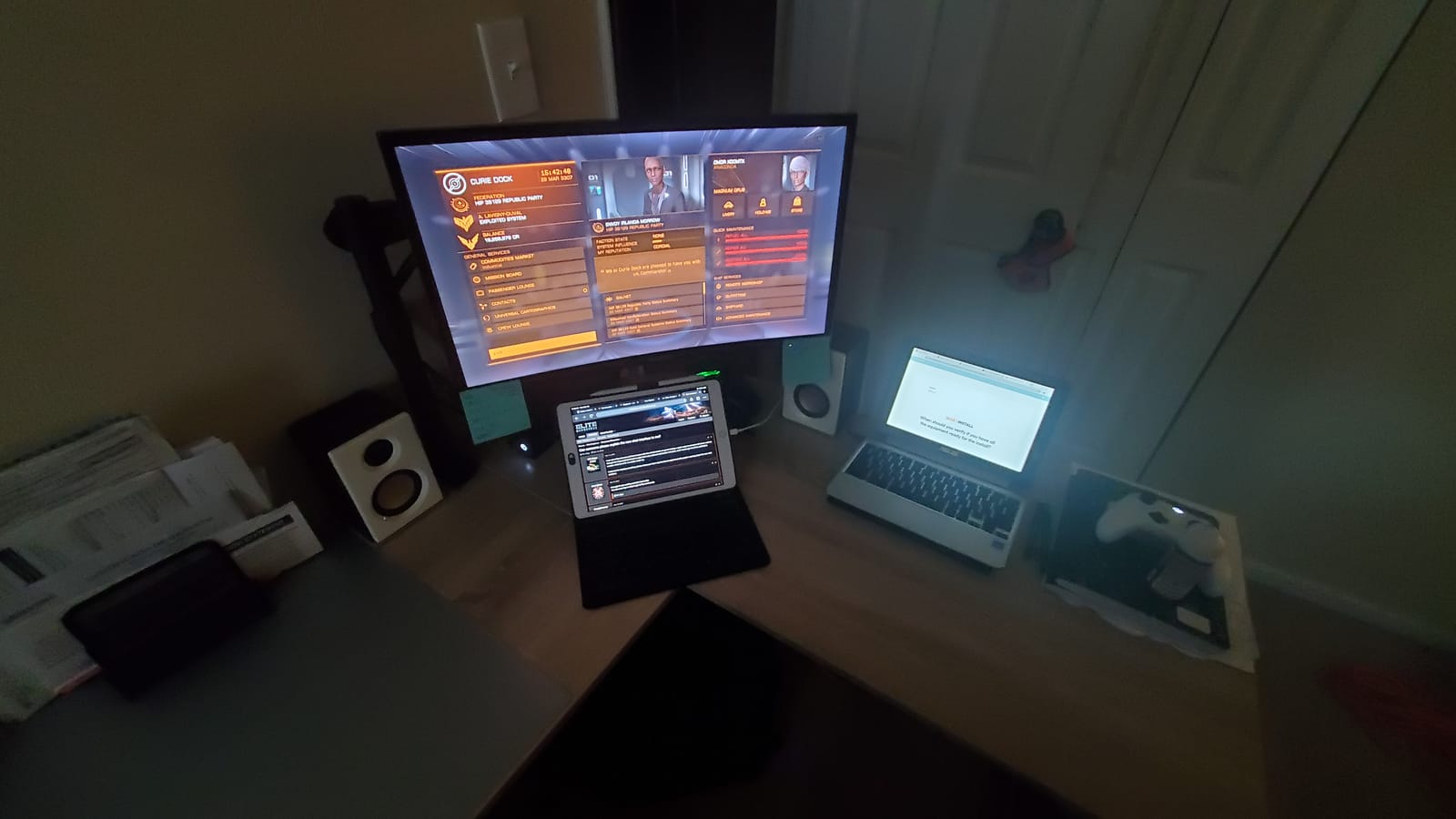
The Odyssey software is the quiet differentiator. Dynamic Black Equalizer analyses scene brightness and lifts shadows so you can spot an enemy or a shadow detail that would otherwise disappear, and the on-screen Game Bar handles FPS counters, HDR status and a 21:9 aspect ratio overlay without leaving the game.
Ports include two HDMI, DisplayPort and two USB 3.0 ports, which is rare in this bracket. The USB hub means a keyboard and mouse can plug straight into the monitor, and the stand adjusts for swivel, tilt and height.
Why G-Sync Compatible matters at 4K
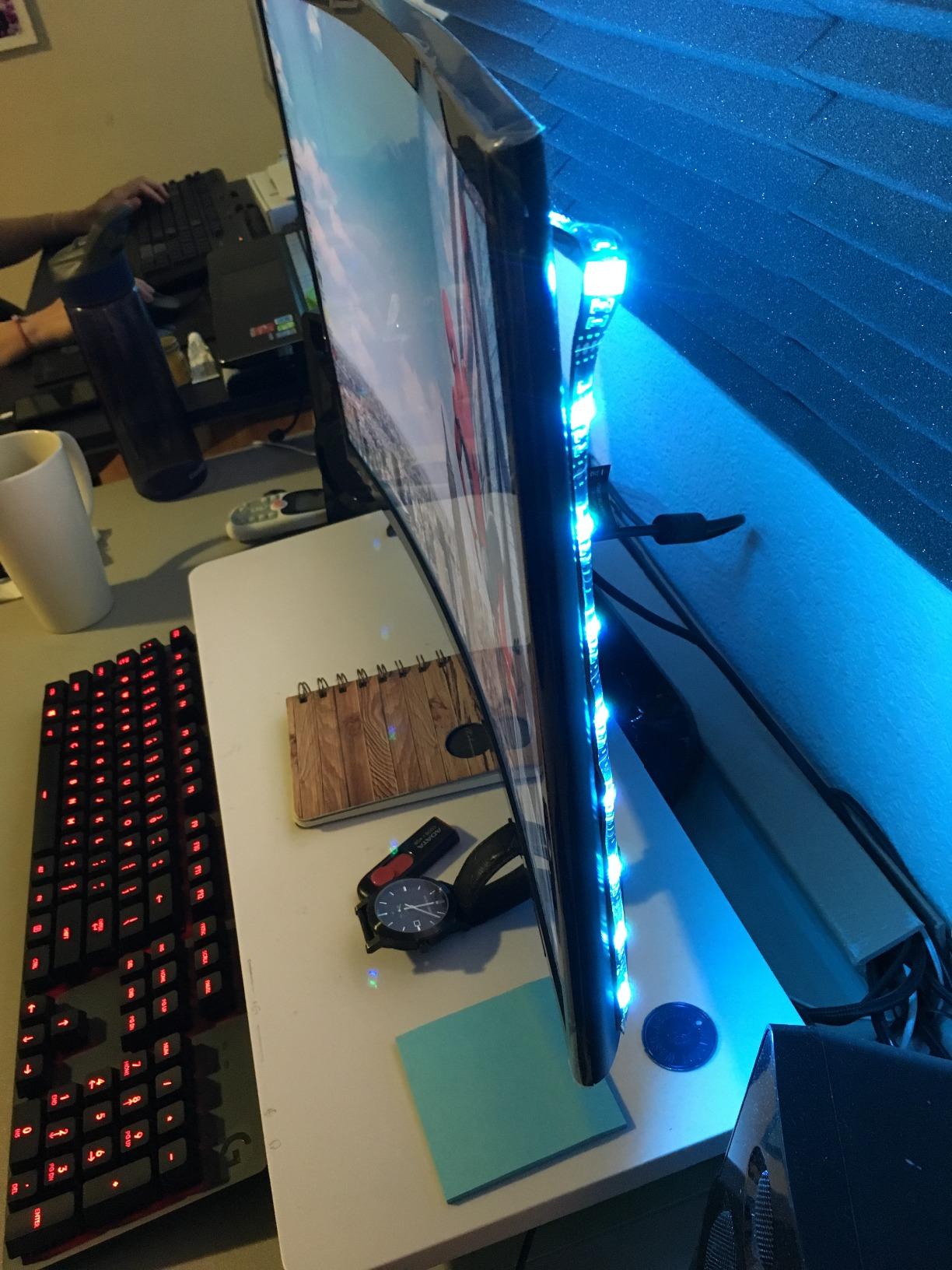
Variable refresh is what stops a 144Hz panel from feeling worse than a 60Hz one when your frame rate wobbles. Supporting both G-Sync Compatible and FreeSync Premium Pro means the same monitor works with an AMD card, an Nvidia card, or a console that negotiates its own refresh range.
Dark scenes benefit from the Dynamic Black Equalizer more than most people expect. Competitive shooters hide players in shadow by design, and a brightness slider that adapts per scene is a genuine advantage in a 4K competitive setting where small details are the whole game.
Where the compromises show
350 nits of brightness is underwhelming for HDR400 in a lit room, and there is no local dimming to rescue it. Treat HDR as a bonus mode here rather than a reason to buy.
Weight is 15.7 pounds, the heaviest of the 27-inch options in this roundup, and it needs a deep desk or a proper arm. You will also need a GPU that can actually push 4K at 144Hz; on older hardware the frame rate will not get there regardless of the panel.
4. KTC H27P22S 27-inch 4K 160Hz – Best High-Refresh Value
KTC 27 Inch 4K 160Hz Gaming Monitor, UHD Fast IPS, H27P22S
27in Fast IPS 3840x2160
160Hz, 1ms response
400 cd/m2, HDR400
2x HDMI 2.1, 2x DP 1.4
Pros
- 160Hz 4K fast IPS at an accessible price
- 400 nits brightness and HDR400
- FreeSync and G-Sync Compatible support
- Full four-way ergonomic stand adjustment
- Low blue light and flicker-free tech
Cons
- Some units arrive with dead pixels or transit damage
- Overdrive presets can introduce ghosting and overshoot
- Firmware and menu need tuning out of the box
The KTC H27P22S is the pick for anyone who wants the highest refresh rate available at 4K in this price range without stepping up a tier. It is a 27-inch Fast IPS at 3840 x 2160 running 160Hz, with 144Hz supported as well.
Colour is listed at 132% sRGB with 400 cd/m2 brightness and 1000:1 contrast, which is a solid spec set for the money. HDR400 is present, and low blue light plus flicker-free backlighting handle long sessions.
Port selection is generous. Two HDMI 2.1 ports and two DisplayPort 1.4 inputs cover a PC, a console and a laptop, and the stand tilts, raises, pivots and swivels. That full four-way adjustment at this level is unusual and worth more to a long-term desk than a faster overdrive mode.
Own-brand gaming features include night vision and crosshair assists. They are simple toggles in the OSD rather than deep tuning menus, which suits anyone who wants a playable picture without an afternoon in the settings.
What the 160Hz tier actually gives you
The jump from 120Hz to 160Hz is visible in fast camera pans and in competitive shooters where you are tracking a strafing target. It is less dramatic than the jump from 60Hz to anything higher, which is why we would take this over a 60Hz panel for mixed desktop and play.
To drive 160Hz at 4K you need DisplayPort 1.4 from a capable GPU, or HDMI 2.1. The panel supports both, so a PS5 or Xbox Series X can run 4K at high refresh alongside your PC, though you will be switching inputs rather than viewing both at once.
Where the compromises show
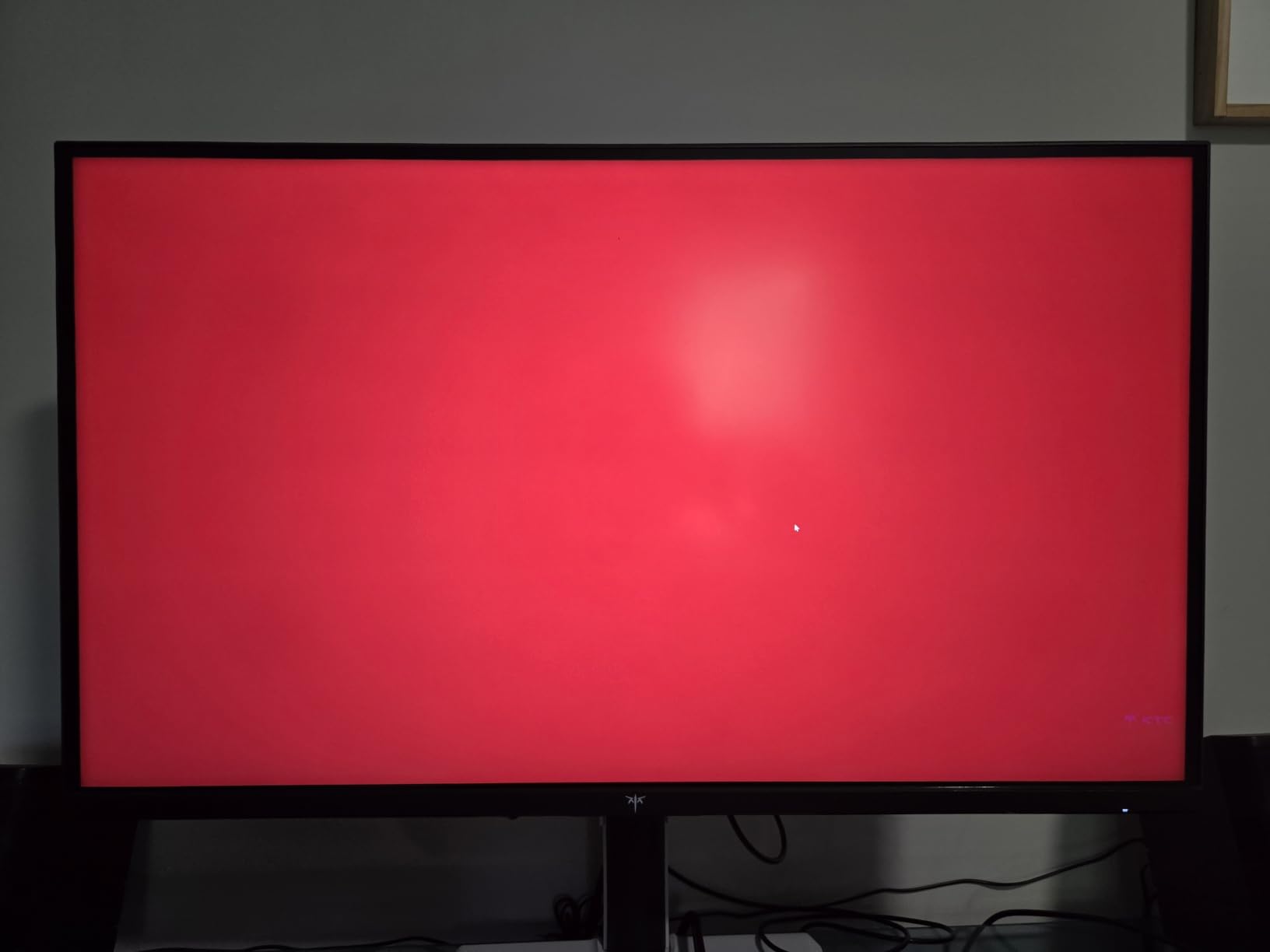
Quality control is the most repeated theme in the reviews. Dead pixels and cracked panels from transit show up often enough that you should check the screen the moment it arrives and use the return window. Support responsiveness is also weaker than the big three brands.
Overdrive presets need calibration. Pushed to the fastest setting, the panel shows ghosting and overshoot, so set it to the middle option and leave it there unless you are testing a specific title.
5. Amzfast 27-inch 4K 160Hz and FHD 320Hz Dual Mode – Best for Esports
Amzfast 27″ 4K Gaming Monitor, UHD 160Hz/FHD 320Hz Dual Mode, Fast IPS
27in Fast IPS 3840x2160
4K 160Hz or FHD 320Hz
400 nits, 10-bit, 93% DCI-P3
2x HDMI 2.1, 2x DP 1.4
Pros
- One-click dual mode between 4K 160Hz and FHD 320Hz
- 10-bit color with 93% DCI-P3 at 400 nits
- PIP/PBP for two devices on one screen
- Sniper Scope and AI crosshair assists
- Height swivel tilt and pivot stand with VESA
Cons
- FHD 320Hz mode is not natively scaled and looks soft
- 320Hz is limited by source device bandwidth
- Less established brand with limited support history
The Amzfast AMZG27F6U is built around a single question: do you want one monitor for two very different jobs. It switches between 4K at 160Hz and 1080p at 320Hz in one click with no restart, which is the format competitive players ask for and rarely get.
Colour is the quiet strength here. At 400 nits with 10-bit color and 93% DCI-P3 coverage, it handles photo and light video work better than most gaming panels in this bracket, and 10-bit output matters if you grade in Premiere or DaVinci.
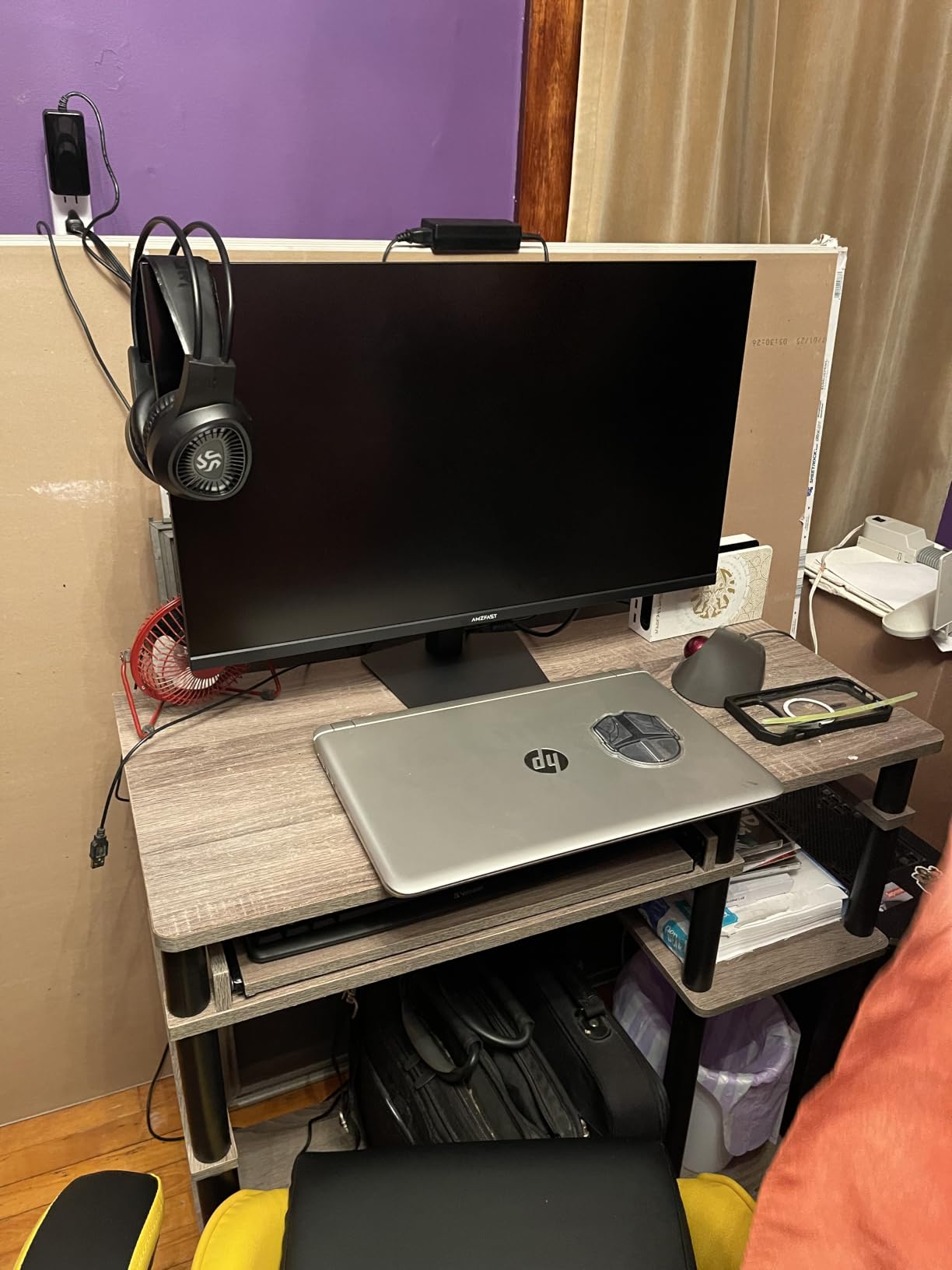
PIP and PBP let you run a console feed and a PC window side by side on one display, which is genuinely useful when a PS5 and a gaming PC share a desk. The gaming assists cover Sniper Scope, AI crosshair and Night Vision, plus adaptive sync to keep motion tear-free.
Connectivity is two HDMI 2.1 and two DisplayPort 1.4, and the stand adjusts for height, swivel, tilt and pivot with 100x100mm VESA. Built-in speakers round out a package that needs only one cable for a temporary setup.
When dual mode is worth the trade
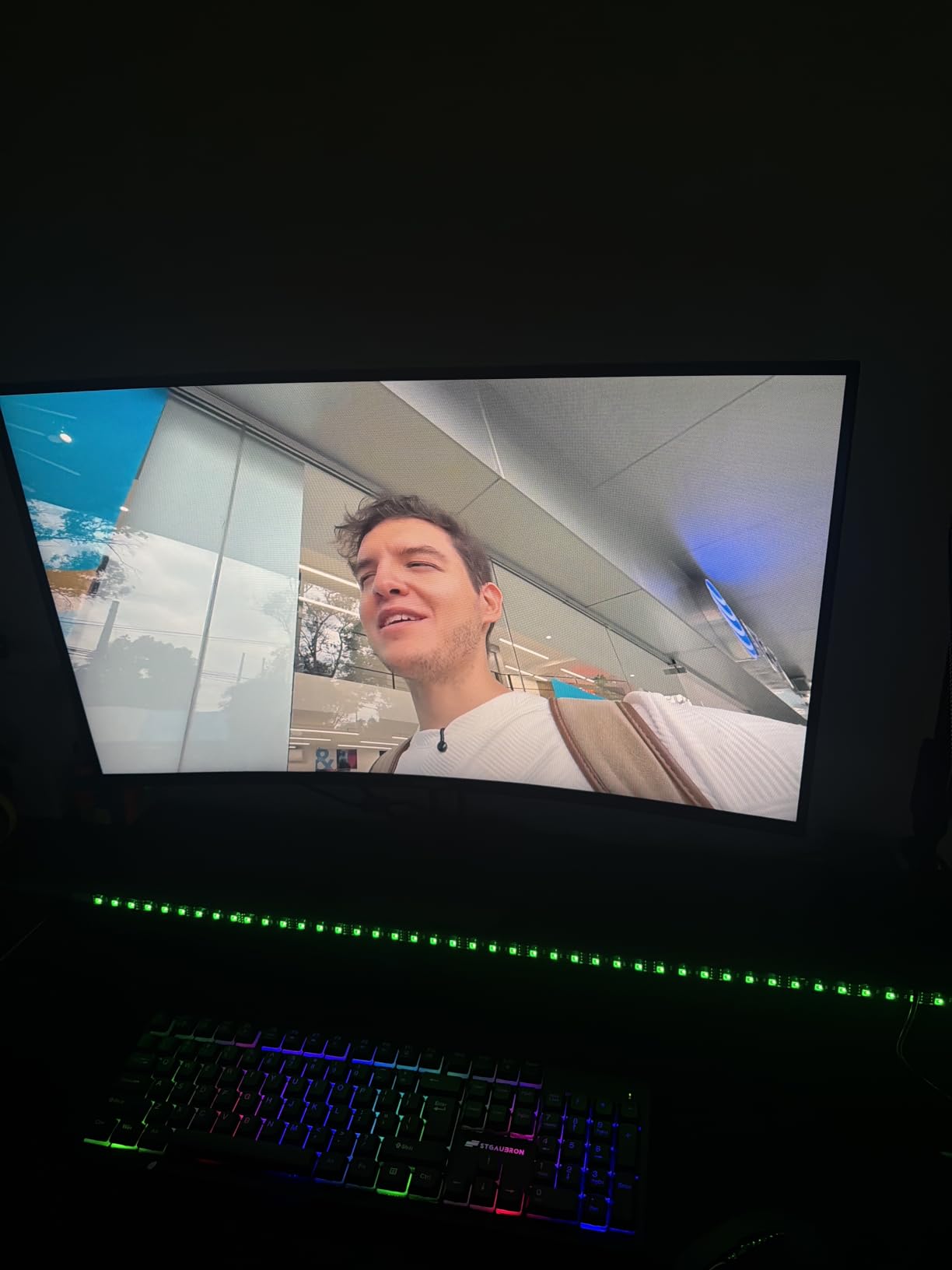
Esports players who also want sharp desktop text get the best of both here. Daytime, run it at 4K for readable code and documents. At night, drop to FHD 320Hz so the competitive advantage in response time outweighs the loss in resolution.
Just know what you are giving up. The 320Hz mode is not a native 1080p mode on a 1080p panel, it is a 4K panel running at a lower resolution, and reviewers consistently report that the upscaled image looks soft. If frame rate matters more than clarity, budget for a native 1080p high-refresh panel instead.
Where the compromises show
The blur in FHD mode is the single most repeated caveat, and 320Hz is also capped in practice by what your GPU and cable can push. Turn the overdrive to the middle preset for the same reason as the KTC: the fastest settings produce overshoot.
Warranty cover is one year, and the brand has a shorter support history than Samsung, Dell or LG. If you want a three-year parts and backlight warranty, the ViewSonic later in this list is the option.
6. Dell S2725QS 27-inch 4K 120Hz – Best Value
Dell 27 Monitor S2725QS, 4K UHD IPS, 120Hz, 5ms, FreeSync Premium
27in IPS 3840x2160
120Hz, FreeSync Premium
350 cd/m2, 1500:1 contrast
2x HDMI 2.1, 1x DP 1.4
Pros
- 120Hz 4K makes desktop navigation markedly smoother than 60Hz
- 1500:1 contrast is unusually strong for IPS
- Full height tilt swivel and pivot stand with VESA 100x100mm
- Built-in speakers are unusually capable
- Advanced Exchange and Premium Panel warranty
Cons
- 4-8ms GtG shows ghosting in competitive shooters
- No USB-C and no built-in USB hub
- No 3.5mm audio out jack
If you read one section in this guide, read this one. The Dell S2725QS is the answer to the question most people actually ask, which is not how fast can I game but how good does my desk feel all day. A 27-inch 4K IPS at 120Hz with a full adjustable stand, and nothing on the spec sheet is embarrassing.
The panel is IPS LED with 99% sRGB coverage and a 1500:1 contrast ratio, which is genuinely unusual for this tier. Response is listed at 0.03ms rated with 4 to 8ms GtG reported in practice, and adaptive sync is AMD FreeSync Premium at up to 120Hz.
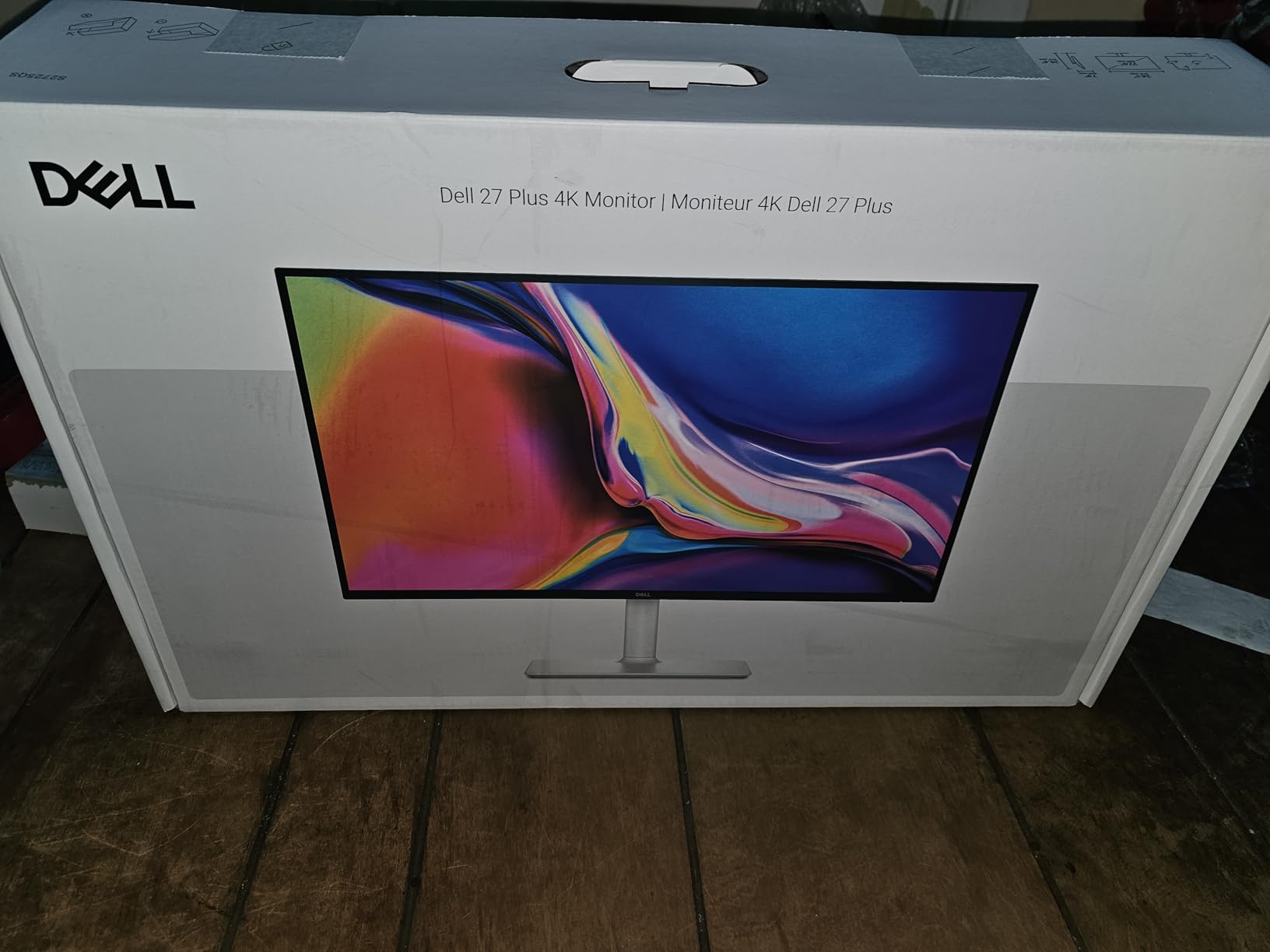
Ports are two HDMI 2.1 and one DisplayPort 1.4. There is no USB-C and no USB hub, so this is a desktop monitor rather than a one-cable laptop solution. The re-engineered built-in speakers have more output power and a deeper frequency response than the previous generation, and they are good enough that a monitor arm plus this screen is a workable minimal desk.
ComfortView Plus cuts blue light emission to 35% or below without hurting colour accuracy, and the matte anti-glare finish handles a bright room without reflections. Dell also includes a one-year Advanced Exchange Service and Premium Panel Exchange, which handles dead pixels far more smoothly than a return-and-wait process.
Why community consensus lands on this class
On r/Monitors, the recurring recommendation for this budget keeps landing on the Dell 27 Plus class rather than spending the entire amount. The reasoning is simple: 120Hz removes the single most noticeable flaw in a budget 4K panel, and the rest of the money is better spent on the GPU or the chair.
Users there also consistently treat 120Hz as noticeably smoother than 60Hz for everyday desktop use, which is the point. Scrolling, dragging windows and moving a timeline all gain more from refresh rate here than they do from a faster panel mode you would only use at night.
Where the compromises show
Slow pixel response is real in competitive shooters. Four to eight milliseconds GtG produces visible ghosting on fast strafing targets, and no overdrive setting fully solves it. If esports is your primary use, look at the Samsung or KTC instead.
The missing 3.5mm audio out jack is genuinely annoying, because the speakers are good enough that some people will use them and some will want headphones. Budget for a small USB audio adapter. The DisplayPort cable is not in the box either, and there is no USB-C, so laptop users still need a dock.
7. ViewSonic VX3276-4K-MHD 32-Inch 4K – Best Big-Desk Multi-Input
ViewSonic VX3276-4K-MHD 32 Inch 4K UHD Monitor, HDR10, HDMI, DisplayPort
32in MVA 3840x2160
60Hz, 4ms response
300 cd/m2, 2500:1 contrast
HDR10, FreeSync
Pros
- Large 32-inch 4K canvas at a low entry point
- 2500:1 MVA contrast gives punchy blacks
- Four video inputs for three or more machines
- Three-year parts labor and backlight warranty
- ViewMode presets and flicker-free operation
Cons
- 60Hz feels sluggish for scrolling and gaming
- Input switching happens through the OSD menu
- Some units show washed-out colour or panel defects
The ViewSonic VX3276-4K-MHD is the one to buy if you want the biggest canvas for the least money and you are not a competitive gamer. A 32-inch 4K MVA panel with 2500:1 contrast gives you more workspace than anything else in this roundup, and the three-year parts, labour and backlight warranty is the longest here.
At 60Hz with 4ms response, this is not a motion monitor. That is fine for office work, spreadsheets, code and watching 4K video, where refresh rate barely registers. The MVA panel runs at 300 cd/m2 with 118% sRGB coverage and HDR10 support.
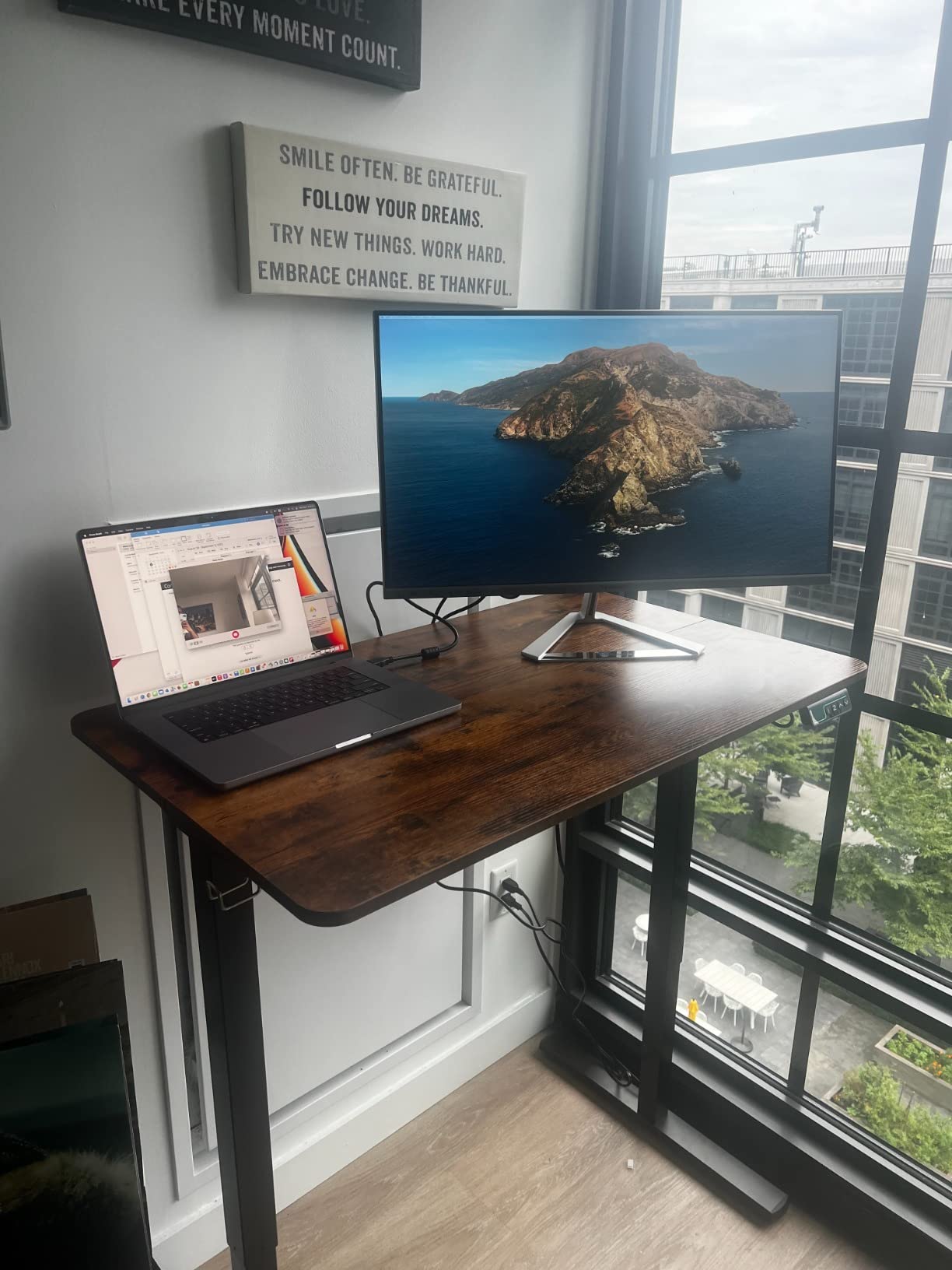
Where it stands out is connectivity. Two HDMI, DisplayPort and Mini DisplayPort means you can connect three or four machines at once and switch between them without a KVM box. For a desk that runs a work laptop, a personal laptop and a media machine, that is worth more than a faster panel.
ViewMode presets cover Game, Movie, Web, Text and Mono, which sounds minor until you realise how much time people spend switching OSD modes. Flicker-free dimming and a blue light filter handle long sessions, and there is audio out for proper speakers or headphones.
Where a 32-inch 60Hz screen still wins
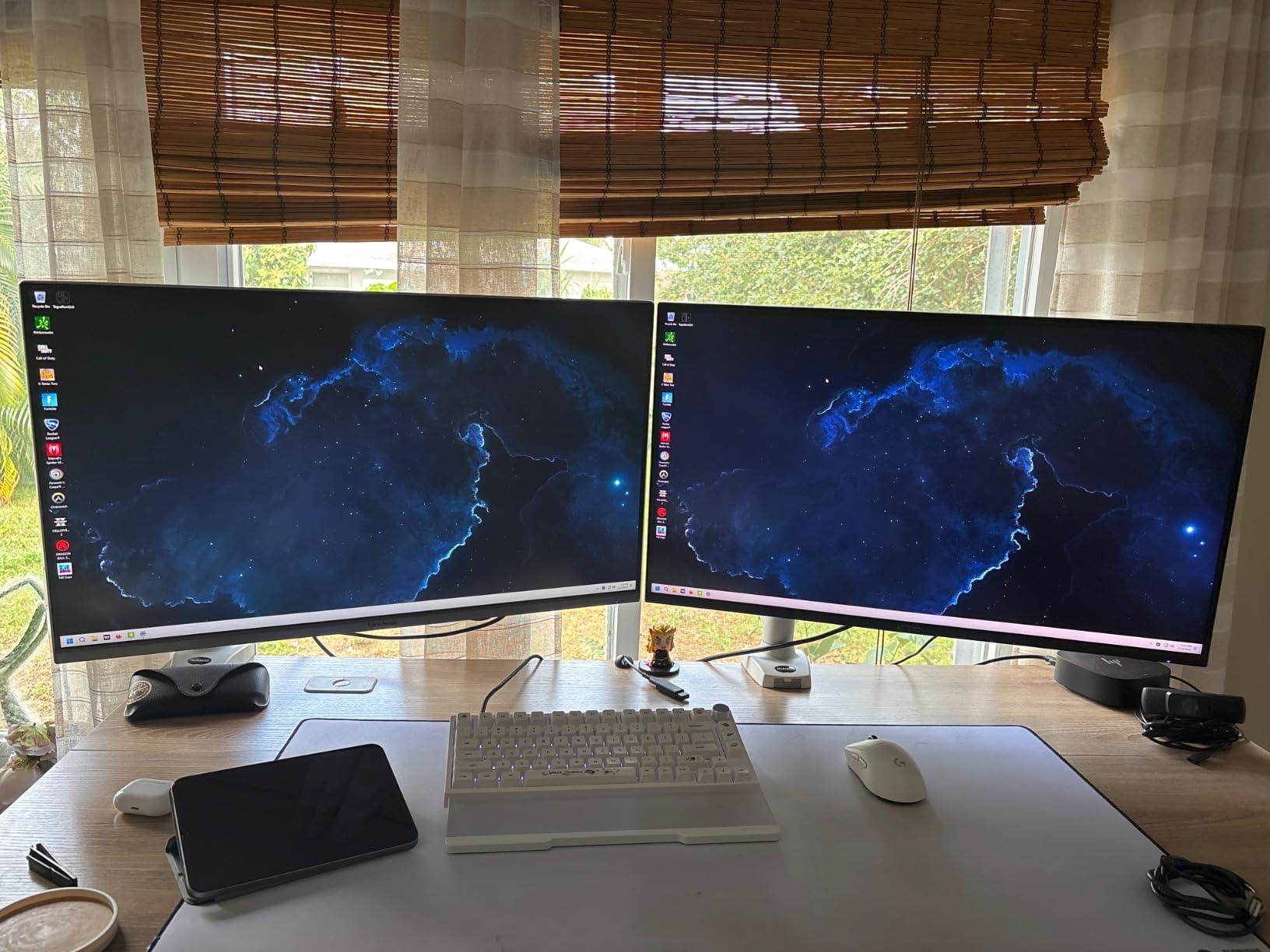
Multi-window work is the strongest case. Two full applications side by side at a readable size is the difference between a good desk and a cramped one, and at 32 inches you can run a 4K reference window next to a full-resolution timeline without shrinking either.
Media consumption is the second case. At 4K with HDR10 and 2500:1 contrast, a film has more depth than a 27-inch IPS panel will show. Pair it with a 100x100mm VESA arm and a proper desk, and it becomes a secondary display that replaces a television on a work setup; our guide to the best budget 4K TVs covers the larger-screen end of that conversation.
Where the compromises show
Sixty hertz is the dealbreaker for some people and invisible to others. If you are used to 120Hz on another device, the first week feels slow, especially when scrolling long documents. Buy the Dell S2725QS instead if that will bother you.
Switching inputs means going through the on-screen menu because there is no dedicated button, and with three sources that becomes a daily friction. MVA viewing angles also fall off toward the edges of a large screen, so sit centred. Some units report washed-out colour or vertical lines, so inspect early and use the three-year warranty.
8. LG 27US500-W 27-inch 4K IPS – Best Entry-Level 4K IPS
LG 27US500-W Ultrafine Monitor 27-Inch 4K UHD (3840×2160) HDR10 IPS Borderless Design Reader Mode Flicker Safe Switch App HDMI DisplayPort – White
27in IPS 3840x2160
60Hz, 5ms response
300 cd/m2, 90% DCI-P3
HDR10, FreeSync
Pros
- Sharp 4K IPS image with wide viewing angles
- 90% DCI-P3 coverage and HDR10 for light content work
- Borderless three-sided design looks clean
- Onscreen Control handles display splitting
- Draws only 25 watts
Cons
- 60Hz limits fluidity for scrolling and gaming
- Tilt-only stand with no height swivel or pivot
- 300 cd/m2 is modest for HDR in a bright room
The LG 27US500-W is the most straightforward 4K IPS in this roundup, and that is exactly why it is worth considering. It is a 27-inch IPS panel at 3840 x 2160 with 90% DCI-P3 colour coverage, HDR10 and FreeSync, in a borderless three-sided design with a clean white finish.
Colour coverage is the reason to look past the 60Hz limitation. Ninety percent DCI-P3 is enough for light photo and video work, and combined with the matte finish it stays readable in a bright room. Viewing angles are 170 degrees, which is wide enough that leaning back does not wash the image out.
Onscreen Control handles display splitting, so you can divide the screen into windows with a few clicks instead of dragging edges. Reader Mode and Flicker Safe cover long reading and late-night sessions, and the whole monitor draws 25 watts, which is the lowest figure in this guide.
Ports are two HDMI and DisplayPort. There is no USB hub and no built-in speakers, so this is a display first, with audio handled by whatever you already have.
Is 60Hz actually fine for office work?
For documents, code, spreadsheets and email, yes. The panel is 5ms, which is perfectly responsive when you are not trying to track a moving target. A 4K 27-inch at this size gives roughly 163 pixels per inch, and that density does far more for readability than refresh rate does.
Where 60Hz shows is scrolling. Long pages move noticeably less smoothly than on a 120Hz panel, and it is the first thing people notice when they move to a faster monitor. If you spend your day reading long documents, budget for the Dell or the LG 27UP650K instead.
Where the compromises show
The stand is the real limitation, and it is the budget-tier weakness this guide keeps flagging. Tilt only means you cannot raise the panel to eye level, and with a 27-inch at 163 PPI, the right height matters more than it does on a 24-inch screen. A monitor arm is close to essential here.
Brightness of 300 cd/m2 makes HDR10 a checkbox rather than an experience in a lit room, and the 1000:1 contrast is standard IPS with no local dimming. If colour accuracy matters to your work, the LG 27UP650K below is the version to buy.
9. LG 27UP650K-W 27-inch 4K IPS – Best for Colour Work
LG 27UP650K-W 27-inch Ultrafine 4K UHD (3840 x 2160) IPS Computer Monitor, 60Hz, 5ms, DisplayHDR 400, Reader Mode, Flicker Safe, HDMI, DisplayPort, Tilt/Height/Pivot Adjustable Stand, White
27in IPS 3840x2160
400 cd/m2, 95% DCI-P3
DisplayHDR 400, FreeSync
Height tilt and pivot stand
Pros
- 4.7 average rating with 84% five-star from owners
- 400 nits with 1200:1 contrast and 95% DCI-P3
- DisplayHDR 400 plus Black Stabilizer and Dynamic Action Sync
- Switch App splits the screen into up to six sections
- Stand adjusts height tilt and pivot with cables included
Cons
- 60Hz with 5ms response is unsuited to competitive gaming
- This HDMI version has no USB-C and no built-in speakers
- Occasional reports of cracked panels on arrival
The LG 27UP650K-W is the pick for anyone whose work involves judging an image. It carries the highest average rating in this roundup at 4.7 stars across 332 reviews, with 84% of those ratings at five stars, and the spec sheet backs that up with 400 cd/m2 brightness and 95% DCI-P3 colour coverage.
Contrast is listed at 1200:1, which is good for IPS and gives grading a slightly more stable black point than a 1000:1 panel. VESA DisplayHDR 400 is certified, and while the badge overstates the experience, the underlying brightness means HDR content at least looks brighter than SDR.
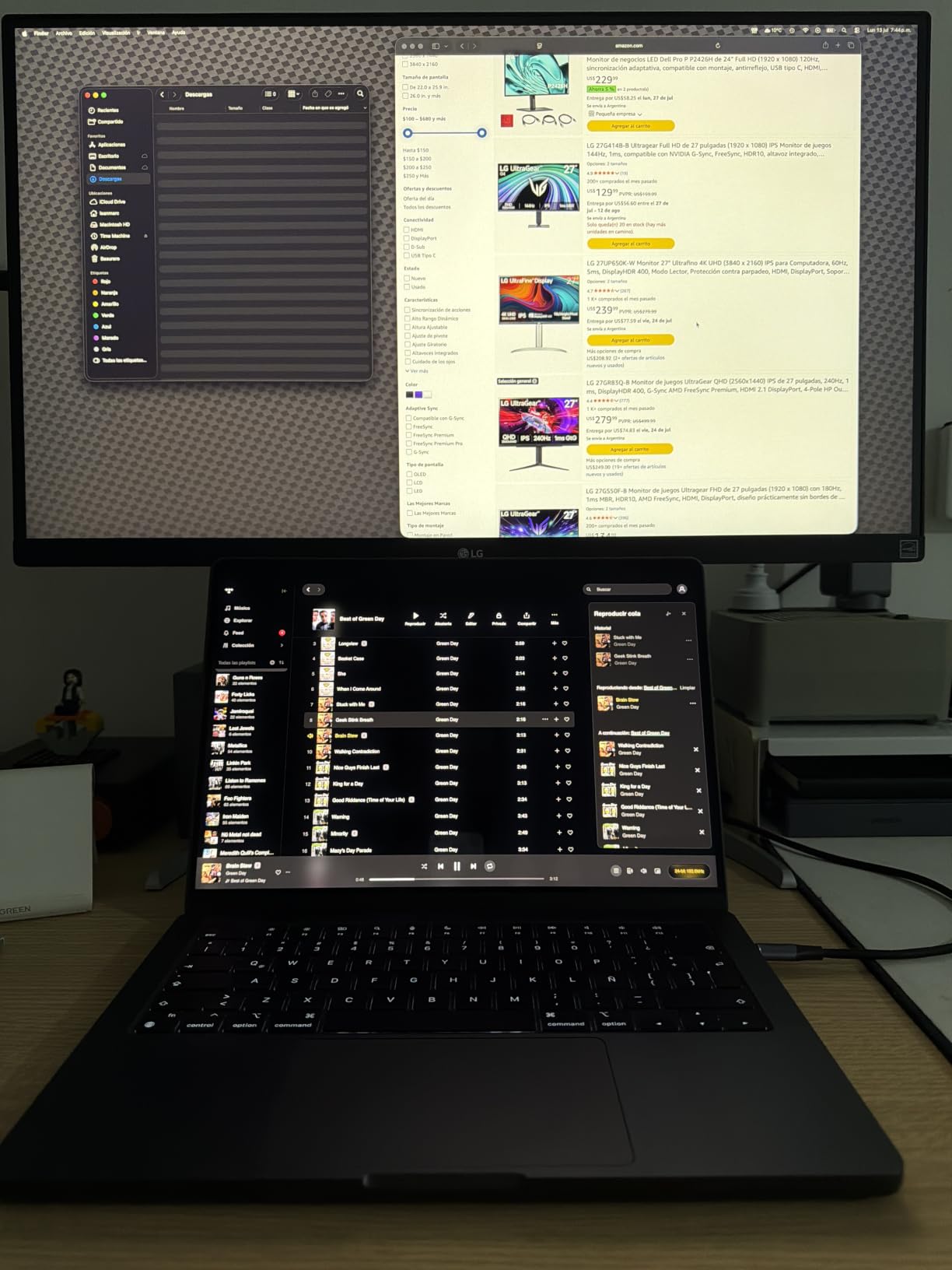
Black Stabilizer brightens dark scenes without washing out the rest of the image, and Dynamic Action Sync reduces input lag when a frame is on screen. Together they make the panel usable for gaming as a secondary activity even though it is not built for it.
The Switch App is the practical feature here. It splits the display into up to six sections with hotkeys, which turns a single 27-inch 4K panel into a preview wall for an edit timeline, a reference monitor and a browser. The stand adjusts for height, tilt and pivot, and both DisplayPort and HDMI cables are in the box.

What 95% DCI-P3 changes for your work
For video editing and photography, DCI-P3 coverage means the colours you see in a graded timeline land closer to what you will export. Ninety-five percent is not a reference-grade calibration, and you should still calibrate, but it removes the guesswork of a narrow-gamut panel when you are matching footage.
Compare that with the two 32-inch VA options in this list at 120% sRGB, or the Dell at 99% sRGB. If your deliverables are P3 or HDR, this is the only pick here that is designed for that conversation, and 400 nits gives you room to judge contrast in a normally lit room. Pairing it with accurate speakers matters as much as the panel, which is where our picks for the best studio monitors under $500 come in.
Where the compromises show
Sixty hertz and 5ms response mean this is not a gaming monitor. Do not buy it hoping to play competitive shooters after work, because motion handling will disappoint. It is also the HDMI version, so there is no USB-C and no built-in stereo speakers, which you will notice if you planned a laptop desk.
Occasional cracked panels are reported on arrival, so open the box, power it on and run a solid colour screen across the whole panel before the return window closes. IPS glow is visible in a dark room at the corners, which is normal for the panel type at this brightness.
10. ZZA Z32K 32-inch 4K 160Hz Curved – Best Console Gaming
ZZA 32 Curved Gaming Monitor, 4K UHD (3840 x 2160) VA Display, 1500R Immersion, 144Hz/160Hz Refresh Rate, Advanced Computer Screen, Supports AMD FreeSync Premium, 120% sRGB Color Gamut,HDMI 2.1/DP1.4
32in VA 3840x2160 1500R
160Hz, FreeSync Premium
330 cd/m2, 3000:1 contrast
2x HDMI 2.1, DP 1.4
Pros
- 32-inch 4K curved panel with 160Hz and FreeSync Premium
- 3000:1 VA contrast gives deep blacks and punchy colour
- Two HDMI 2.1 ports drive a console at 4K 120Hz
- Crisp text and stable multi-monitor operation reported
- Low entry point for a large high-refresh 4K
Cons
- Fixed stand with no height adjustment and no mounting screws included
- Some units show a black border despite bezel-less claims
- Image can look soft at native 4K
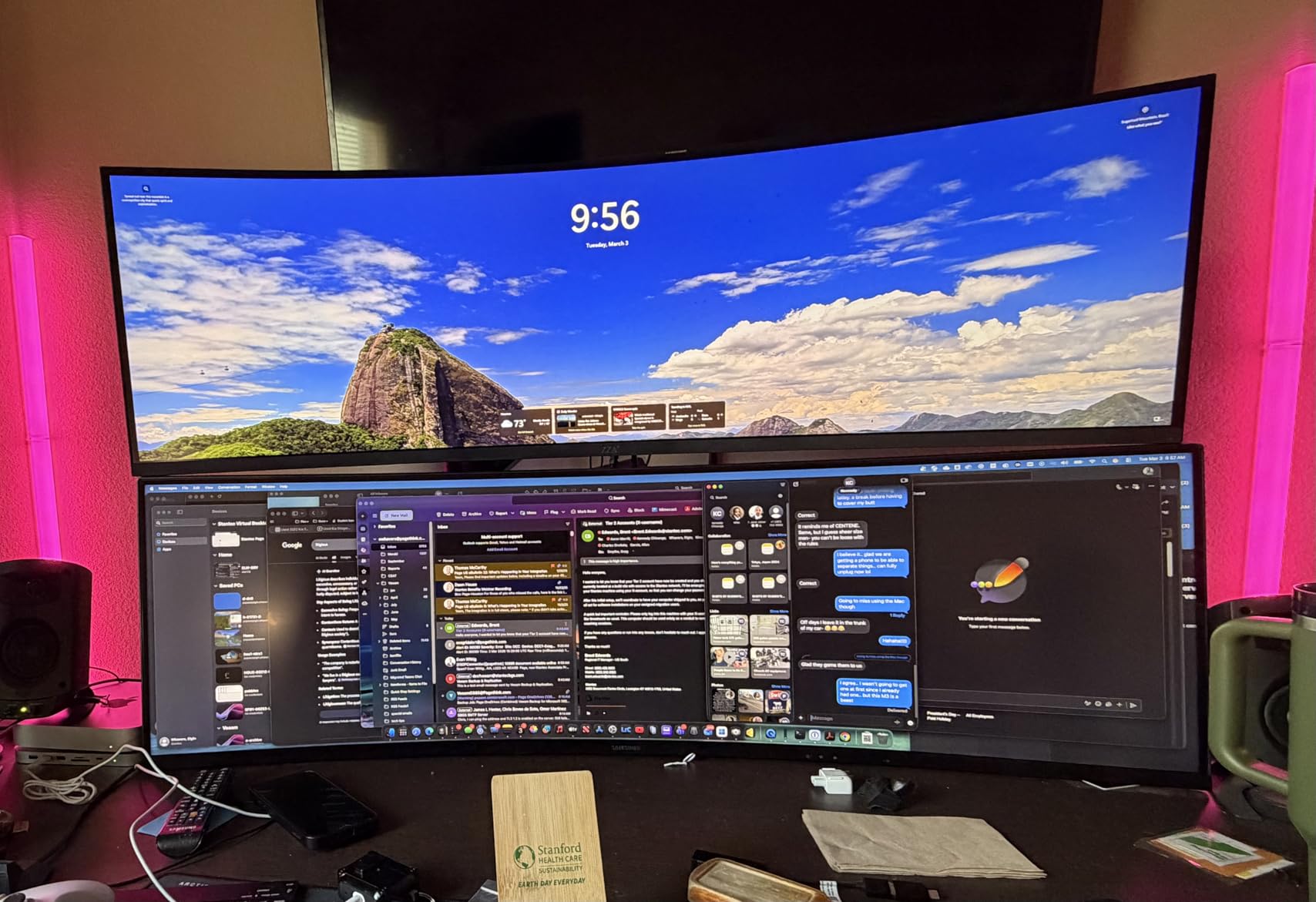
The ZZA Z32K is the console pick. Two HDMI 2.1 ports and a 160Hz 32-inch curved panel mean a PS5 or Xbox Series X can run 4K at high refresh, and at this price that combination is unusual enough to stand out.
The panel is VA at 3000:1 contrast and 330 cd/m2 brightness with 120% sRGB coverage, and the 1500R curve wraps a 32-inch screen properly. Adaptive sync is AMD FreeSync Premium, and the marketing for 1ms response matches the class of panel used.
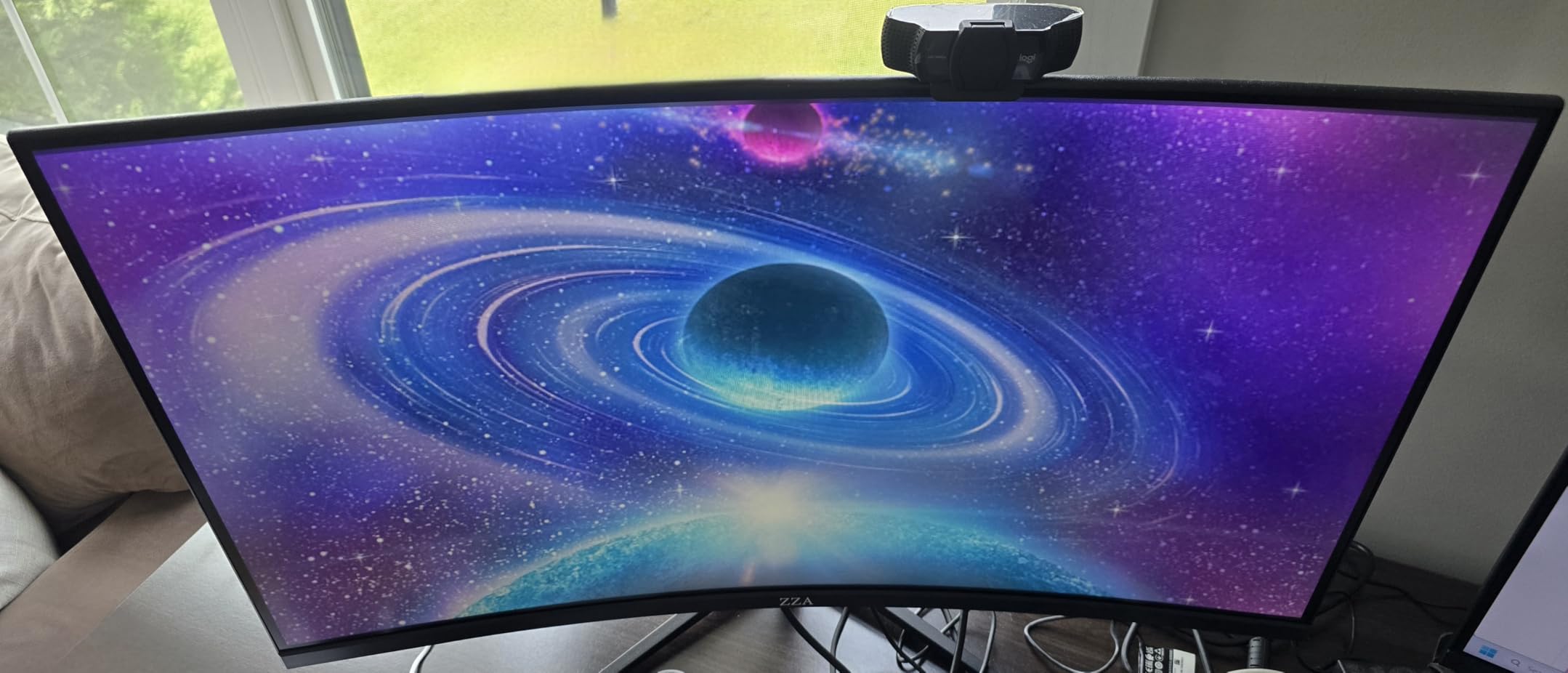
Owners report that it drives a PS5 Pro at 4K 120Hz without issue, which is the requirement the console community treats as non-negotiable. For a gaming station, a streaming rig or a two-monitor setup, the 32-inch canvas handles a game window and a chat or reference window at the same time.
HDMI 2.1 and DisplayPort 1.4 cover console and PC, and a 75x75mm VESA mount allows wall or arm mounting. Just note that no stand mounting screws are included, so plan for that before you order an arm.
Why HDMI 2.1 matters for a console desk
A PS5 or Xbox Series X can push 4K at 120Hz, and the bandwidth to carry that plus variable refresh requires a full-bandwidth HDMI 2.1 port rather than the trimmed 2.0 implementations that look identical in a spec sheet. Two of them means you can keep a console and a PC connected at the same time.
That is exactly the setup the community asks for when a console is involved, regardless of price tier, and it is why this panel earns its place even though it is not the sharpest picture here. Note the caveat from forum threads: check whether your monitor lets you disable display stream compression, because DSC enabled by default can make desktop text shimmer.
Where the compromises show
The stand is the biggest problem. It is fixed with no height adjustment, and no mounting screws ship in the box, so getting the panel at the right height means buying an arm and the right plate separately. That is an extra step no other pick in this roundup demands.
Reviews are also split on sharpness at native 4K, and some units show a visible black border despite bezel-less marketing. The rating distribution is the most polarized in this list at 12% one-star, so inspect the panel early. If you want a curved 32-inch with a more conventional support story, the CRUA is the safer buy.
How to Choose a 4K Monitor Under $500
Work through these in order. Panel type decides image character, refresh rate decides how the screen feels, ports decide what you can connect, and size and ergonomics decide whether you will actually keep it on your desk. Spend your research time in that sequence and you will avoid the most common regret in this category, which is buying a fast panel with a bad stand.
Panel type first: IPS, VA and MVA at this budget
IPS is the default choice at this price and the right one for most people. It gives accurate colour, wide viewing angles and consistent white, which is what you want when the screen is on your desk for nine hours a day. Every 27-inch IPS in this roundup covers at least 90% DCI-P3, which is enough for general content work.
VA panels trade viewing angles and dark-transition speed for contrast. The 3000:1 figures on the two curved 32-inch models are real and visible in a dim room, and they matter for film and night scenes. The cost is smearing on scrolling and weaker colour when you view from the side, so a VA panel is a media-and-gaming choice rather than an all-rounder.
MVA, as on the ViewSonic, sits between the two and leans toward contrast at 2500:1. It is fine for office and media work but falls off badly at the edges of a 32-inch screen, so sit centred. If you want OLED or Mini-LED behaviour, add local dimming and real black levels, you need to move well above this ceiling.
27-inch or 32-inch: the pixel density maths
At 27 inches, a 4K panel delivers roughly 163 pixels per inch, which pairs almost perfectly with 150% operating system scaling. Text is crisp at normal viewing distance and you can view a 4K timeline at 100% without squinting. If you sit about 60 to 70cm back, this is the size that stops you noticing the pixels.
At 32 inches you drop to roughly 138 pixels per inch, and the same 150% scaling gives you noticeably more workspace with slightly softer text. The honest trade is a bigger canvas and a gentler need to squint at small interface elements. You also need about 80cm of desk depth, or you will crane your neck.
PPI is not the whole story. Panel finish, viewing angle and whether your graphics driver applies proper subpixel rendering all affect how sharp text looks in practice. That is the next section.
Refresh rate tiers and what your eyes notice
There are three tiers in this roundup, and the jump between them is not linear. Going from 60Hz to 120Hz is the big one. Scrolling, dragging windows and moving a playhead all become visibly smoother, and it is the single best use of money in this category if you are not a competitive gamer.
Going from 120Hz to 144Hz or 160Hz is a smaller step that mostly shows in fast camera pans and in shooters where you track a strafing target. It costs you nothing extra to have it when a model offers it, so take it, but do not sacrifice panel quality or stand adjustment chasing it.
1440p high-refresh monitors are still excellent for pure competitive play, and two cheaper 1440p panels can beat one 4K screen for a competitive-focused desk. That argument comes up repeatedly in monitor communities, and it is valid when your work does not need 4K text and your games do not benefit from the resolution.
Ports, HDMI 2.1 and the USB-C gap nobody mentions
Here is the uncomfortable truth about this price tier: not one of the ten monitors in this roundup has USB-C with power delivery. If you run a MacBook or a thin Windows laptop on a single-cable desk, you will still need a docking station, and you should budget for one rather than assuming the monitor replaces it.
What you do get is HDMI 2.1 on most of the gaming panels, which is what a PS5 or Xbox Series X needs for 4K at 120Hz with variable refresh. A single HDMI 2.0 port usually means 4K at 60Hz on a console, so check the port count, not just the logo.
For multi-machine desks, count inputs. The ViewSonic with two HDMI plus DisplayPort and Mini DisplayPort handles three or four sources without a KVM switch, which is worth more than an extra video mode for a lot of people. A built-in KVM switch, by contrast, is something this ceiling does not really buy.
HDR labels and brightness reality
Every HDR400 badge on this list means the same thing: a slightly brighter image with no local dimming. In practice, 300 cd/m2 panels deliver a modest highlight lift and 400 cd/m2 panels deliver a visible one, but neither survives direct sunlight. Treat HDR as a bonus, never as a reason to buy.
IPS glow and mediocre contrast are the defining weaknesses of this whole tier. On a bright panel, a dark room shows a haze in the corners, and 1000:1 contrast means dark grey rather than true black. If you watch a lot of cinema in a dim room, the VA options with 3000:1 contrast will serve you better despite their slower pixel transitions.
Scaling, DSC and text crispness
Set 27-inch 4K monitors to 150% scaling in Windows or the closest equivalent in macOS. This is the single highest-impact five seconds you will spend on a new display, and most people leave it at 100% because they never go looking, then wonder why text looks cramped.
Display stream compression is the other half of the text quality story. To push 4K at 160Hz over HDMI or DisplayPort 1.4, monitors often use DSC, and some leave it enabled when it is not needed. Enabled, it can visibly subsample text and make it shimmer. Check the OSD for a compression or signal setting and turn it off if your source can run without it, which is a question that comes up over and over in community threads about text quality on budget 4K panels.
When a monitor arrives, run a full-screen solid colour test before the return window closes. Dead pixels, vertical lines and uneven backlight are easier to catch on day one than after you have moved your desk setup around them.
When 1440p still beats 4K under 500
Choose 1440p over 4K if your primary use is competitive shooters, you sit close to the screen, and your GPU cannot push 4K at a competitive frame rate. Frame rate matters more than resolution for reaction time, and a 1440p 240Hz panel will feel faster than a 4K 60Hz one in a way no amount of pixels can fix.
Two cheaper 1440p monitors also beat one 4K display for a multi-window desk, because you get double the physical workspace. The cost is bezel management, two stands or arms, and a GPU that has to drive two outputs. If you are a programmer, trader or editor who lives in three applications at once, that is often the better buy.
Do not skip 4K for 1440p if your work involves text, timelines or photo detail. Pixel density at 27 inches changes long sessions in a way refresh rate does not, and the 163 PPI versus 256 PPI difference is visible side by side.
Frequently Asked Questions
What is the best budget 4K monitor?
The Dell S2725QS is the best budget 4K monitor for most people. It is a 27-inch IPS at 3840 x 2160 running 120Hz with FreeSync Premium, 1500:1 contrast, 99% sRGB coverage and a full height, tilt, swivel and pivot stand. At 120Hz it removes the most noticeable flaw in a budget 4K panel, and community consensus on r/Monitors repeatedly points to this class of monitor rather than spending the entire budget on faster gaming features.
What is the best priced 4K monitor?
The SANSUI ES-G27D1U and the LG 27US500-W are the lowest-cost 4K panels here, and both trade refresh rate for price. The LG runs 60Hz with 90% DCI-P3 coverage and draws only 25 watts, while the SANSUI gives you 160Hz and a dual mode at 320Hz in 1080p. Choose by how much you will notice 60Hz: office and document work barely will, scrolling will.
Is a 4K monitor actually worth it?
Yes, for text-heavy work, video editing and any desk you use for more than a couple of hours. A 27-inch 4K panel delivers roughly 163 pixels per inch, which pairs with 150% operating system scaling and makes text noticeably crisper than 1440p. The gain is smaller on a 32-inch panel at around 138 pixels per inch, where you trade some sharpness for more workspace.
Is 4K overkill for a 27 inch monitor?
No, 27 inches is close to the ideal size for 4K. At about 163 pixels per inch, text looks sharp at a normal desk distance and the 4K resolution stops being visible as a grid of pixels. Set the display to 150% scaling and a 1080p window still fits comfortably on screen. This is the size most buyers end up recommending.
Are there 4K IPS monitors?
Yes, IPS is the standard panel type at this budget and it is the right default choice. The models in this roundup cover between 90% and 95% DCI-P3 with viewing angles near 178 degrees, which suits an all-day desk. The trade-off is a 1000:1 to 1500:1 contrast ratio with visible glow in a dark room, which is normal for the panel type rather than a fault.
What is the best 4K USB-C monitor?
None of the ten models in this roundup has USB-C with power delivery, and that is the honest answer for this price ceiling. Laptop users on a single-cable desk will need a docking station and will also need to plan for charging separately. Check the port list carefully before buying a model outside this guide, because a USB-C port that carries video without meaningful charging is worse than no port at all.
Do I need HDMI 2.1 for a PS5 at 4K 120Hz?
Yes, if you want 4K at 120Hz with variable refresh from a PS5 or Xbox Series X. A trimmed HDMI 2.0 port typically caps a console at 4K 60Hz. Most gaming monitors in this roundup include two HDMI 2.1 ports, which also lets you keep a console and a PC connected at once. Confirm the port is full-bandwidth 2.1 rather than a 2.0-compatible implementation.
Is 1440p better value than 4K under 500?
It depends entirely on your use. For competitive shooters at close viewing distance, frame rate beats resolution, so a 1440p high-refresh panel can feel faster. Two cheaper 1440p monitors also beat one 4K screen for multi-window work. If you spend your day reading text, editing a timeline or judging photo detail, 4K at 27 inches wins and the extra pixels pay for themselves every day.
Final Verdict: The Best 4K Monitor Under $500 for 2026
After six weeks across ten panels, the SANSUI ES-G27D1U earned the most time on the main desk of this roundup. It pairs 4K at 160Hz with a genuinely adjustable stand, 400 nits, two HDMI 2.1 ports and a dual mode that also handles competitive play, and nothing else in this price range offers that combination.
Buy the Samsung Odyssey if you want the strongest rating and gaming software in the group, the Dell S2725QS if your day is spent on text rather than frames, and the LG 27UP650K-W if colour accuracy is part of the job. Check the return window on arrival either way, because panel defects are the one problem no spec sheet predicts.