
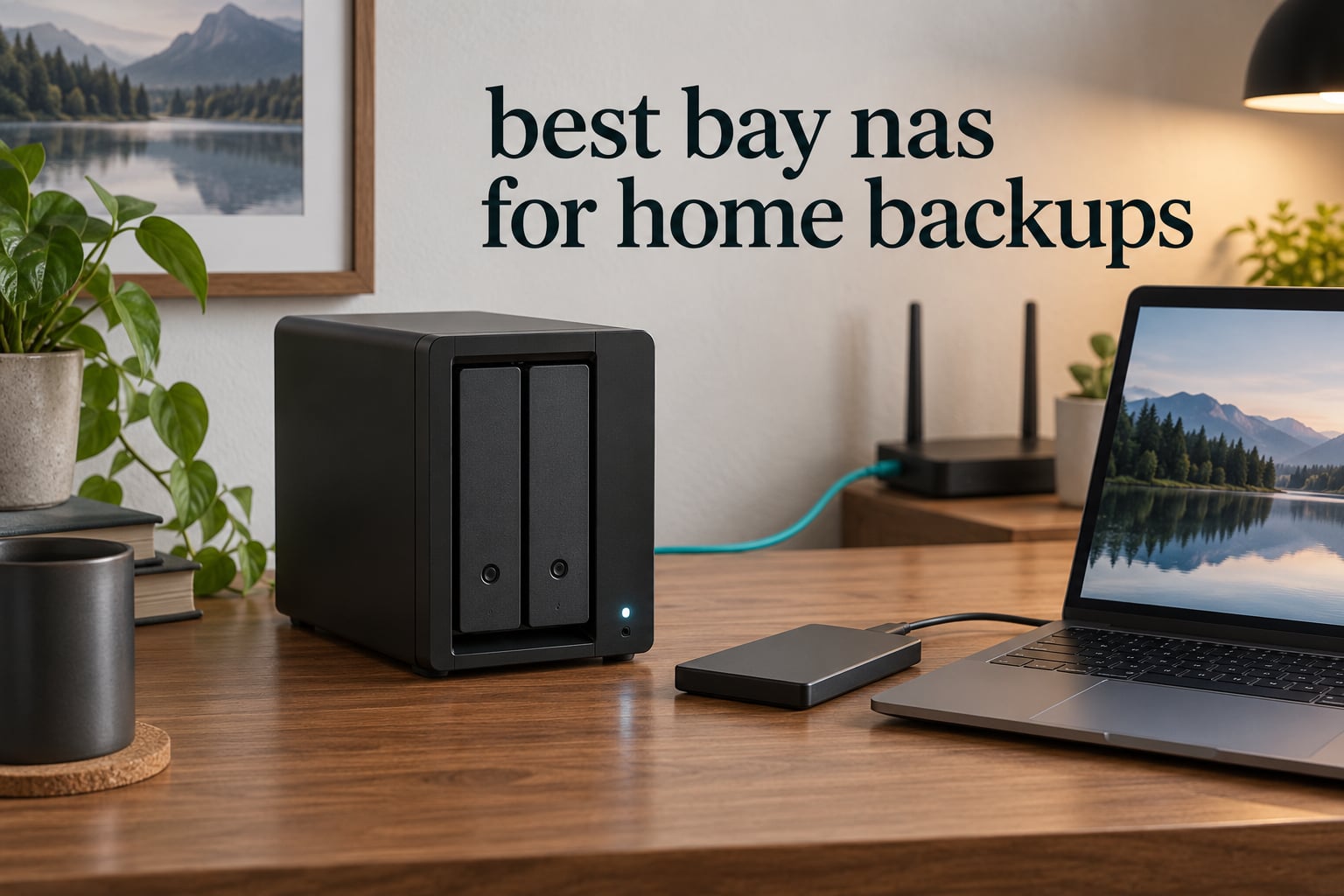
The best 2 bay NAS for home backups is the UGREEN DXP2800, because an Intel N100 processor, 8GB of memory and 2.5GbE networking give you a backup box that stays responsive even while a nightly PC backup is running. If your priority is a mature, well-documented backup app instead, the Synology DS223j is the cheaper route into the same idea.
Most people buy a 2-bay NAS for one reason: they want their photos, documents and machine backups in their own house instead of on someone else’s server. A 2-bay enclosure gives you exactly one useful storage decision, which is two matching drives mirrored to each other, so a single drive failure does not take your data with it.
That is the whole benefit, and it is a real one. Cloud storage subscriptions can be repriced or cancelled, and a laptop that dies on a Tuesday takes years of family photos with it. A mirrored NAS in a cupboard costs you a box and two drives once, and then it quietly works every night.
I compared all ten enclosures in this guide against the same question: will this box hold a backup you would actually want to restore from? We looked at the backup tooling, the drive bays, the networking, the memory ceiling and the total cost once drives are added. Ten units across Synology, UGREEN, QNAP, Asustor and BUFFALO, read end to end in 2026.
One warning before the picks. A mirror is not a backup, and the difference decides how you configure everything else in this guide. I explain it in full below, because it is the single most repeated misunderstanding in home NAS discussions.
Table of Contents
- Top 3 Picks for the Best 2-Bay NAS for Home Backups in 2026
- All 10 Picks at a Glance in 2026
- 1. UGREEN DXP2800 — Best 2-Bay NAS for Home Backups Overall
- 2. Synology DS223j — Budget Pick 2-Bay NAS for Home Backups
- 3. Synology DS223 — Best for First-Time NAS Builders
- 4. Synology DS225+ — Best for Large Photo Libraries and Power Users
- 5. QNAP TS-264-8G — Best 2-Bay NAS for Fast Transfers and NVMe Cache
- 6. Asustor AS5402T — Best for NVMe Expansion and 4K Media
- 7. UGREEN DH2300 — Best 2-Bay NAS for Phone Photo Backup
- 8. Asustor AS1202T — Best Value for Basic Home Backup
- 9. BUFFALO LinkStation 220 8TB — Best 2-Bay NAS With Drives Included
- 10. QNAP TS-233 — Best 2-Bay NAS for Snapshot Ransomware Protection
- RAID 1 Is Not a Backup
- How to Set Up Automatic Backups on a 2-Bay NAS
- Buying Guide: How to Choose a 2-Bay NAS for Home Backups
- Off-Site Backup and UPS Protection
- Troubleshooting Common First-Time Setup Problems
- Frequently Asked Questions
- What is the best home NAS for backup?
- What is the best NAS solution for home use?
- Are NAS drives worth it for home use?
- What is the best backup software for a Synology NAS?
- What is the difference between Synology Hyper Backup and Hyper Backup Vault?
- Is RAID 1 a backup?
- Do I need 2.5GbE for NAS backups?
- What is the Synology controversy?
- Conclusion
Top 3 Picks for the Best 2-Bay NAS for Home Backups in 2026


Synology DS223j
- DSM with Hyper Backup and Synology Photos
- 1GB RAM
- 1GbE
- quiet 0.87 kg chassis

Synology DS223
- 2GB DDR4 RAM
- metal chassis
- automated Mac PC and phone backup
- 2-year warranty
All 10 Picks at a Glance in 2026
| Product | Specs | Action |
|---|---|---|
| UGREEN DXP2800 2-Bay |
|
Check Latest Price |
| Synology DS223j 2-Bay |
|
Check Latest Price |
 BUFFALO LinkStation 220 8TB BUFFALO LinkStation 220 8TB |
|
Check Latest Price |
 UGREEN DH2300 2-Bay UGREEN DH2300 2-Bay |
|
Check Latest Price |
| Synology DS223 2-Bay |
|
Check Latest Price |
 QNAP TS-233 2-Bay QNAP TS-233 2-Bay |
|
Check Latest Price |
 QNAP TS-264-8G 2-Bay QNAP TS-264-8G 2-Bay |
|
Check Latest Price |
 Asustor AS5402T 2-Bay Asustor AS5402T 2-Bay |
|
Check Latest Price |
 Synology DS225+ 2-Bay Synology DS225+ 2-Bay |
|
Check Latest Price |
 Asustor AS1202T 2-Bay Asustor AS1202T 2-Bay |
|
Check Latest Price |
1. UGREEN DXP2800 — Best 2-Bay NAS for Home Backups Overall
UGREEN NAS DXP2800 2-Bay for Advanced Home Users, Remote Workers & Creators
Intel N100 quad-core
8GB DDR5 RAM
2.5GbE
Dual M.2 NVMe slots
Up to 80TB raw
Pros
- Intel N100 with 8GB DDR5 handles Docker and VMs
- 2.5GbE speeds up large transfers
- Aluminum chassis feels durable
- Quiet in normal use
- Photos and Theater apps included
Cons
- Documentation is poor for first-time NAS users
- Chassis can amplify drive vibration under heavy writes
- Rear fan collects dust quickly
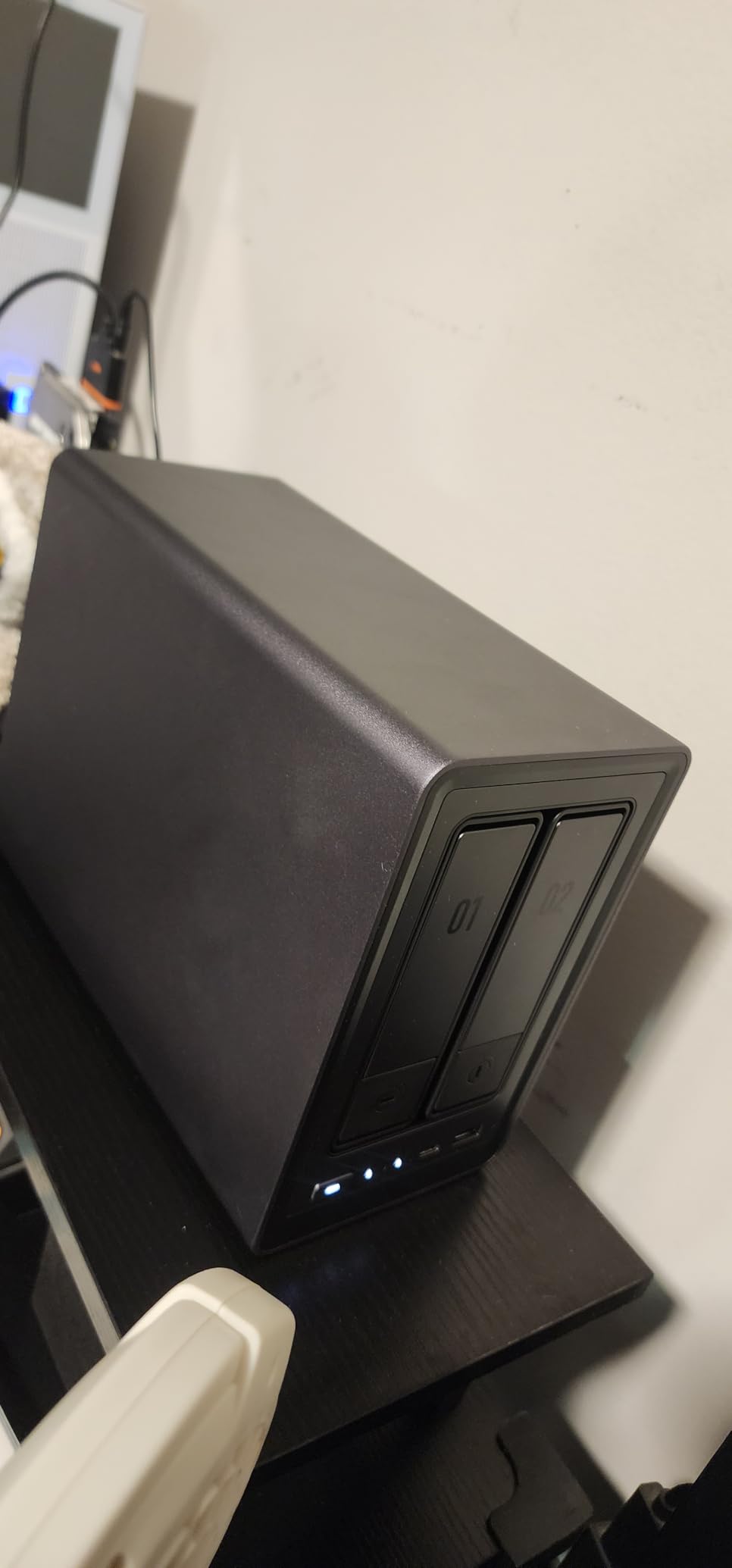
This is the box I would put in a home that is serious about backups but does not want to run a hobby operating system. The Intel N100 is a proper x86 chip, so containers and virtual machines behave normally, and 8GB of DDR5 is enough headroom that a backup job does not stall the interface the way it does on a 1GB ARM unit.
Two M.2 NVMe slots sit alongside the two drive bays, which gives you somewhere to put a fast scratch area or a cache while the hard drives hold the mirrored archive. Networking is 2.5GbE, so a large photo library moves at roughly double the speed a gigabit link allows, provided the switch and client also support it.
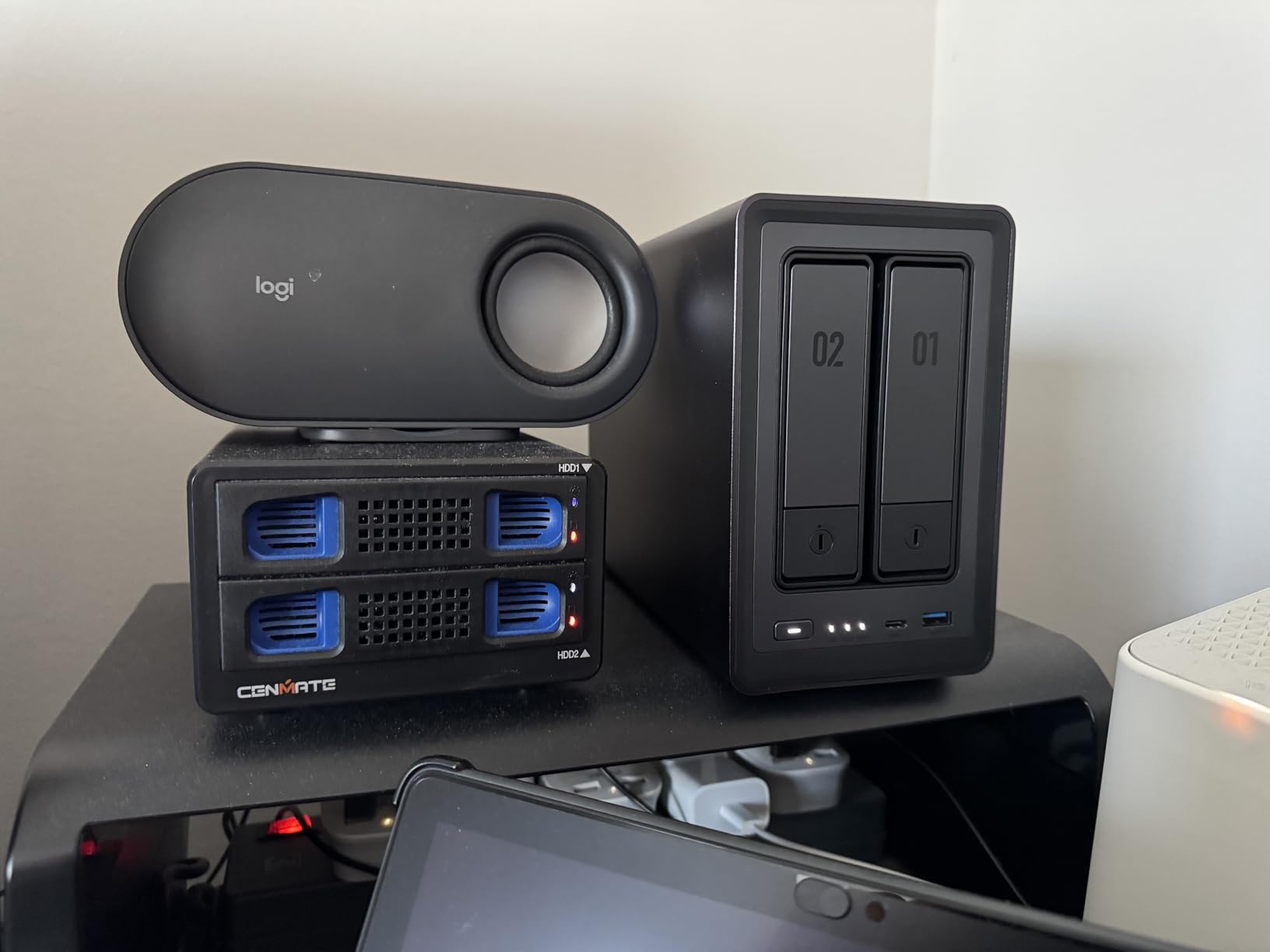
UGREEN lists this as a diskless enclosure, so you supply two drives of your own. That is the part that catches people out on day one, and it is also the part where the total cost of the machine is decided, because two matching NAS-rated hard drives usually cost more than the enclosure.
Reviewers are near-unanimous that the hardware is good and repeatedly complain that the paperwork is not. Owners describe setup as obvious if you have used a NAS before and baffling if you have not, with the documentation skipping the network configuration step that beginners need most.
What you get that a cheaper box does not
The x86 platform is the deciding factor. Anything written for Docker or a virtual machine runs on it without translation, and 8GB of memory means a backup schedule, a photo indexer and a media server can share the box at the same time.
Where it will disappoint you
Setup guidance is the weak point, and the enclosure amplifies vibration from large drives during sustained writes, which matters if you live upstairs from the unit. Two M.2 slots also mean more cooling surface to keep clean.
2. Synology DS223j — Budget Pick 2-Bay NAS for Home Backups
Synology 2-Bay DiskStation DS223j (Diskless)
1GB DDR4 RAM
DSM web interface
Automated Mac PC and phone backup
IP camera support
2-year warranty
Pros
- Web assistant detects and initializes drives automatically
- Quiet compact 0.87 kg unit
- Reliable phone photo backup over the local network
- Works well as a Time Machine target
- Intuitive user and permission setup
Cons
- Processor struggles with very large video file transfers
- Dashboard guidance is thin for non-technical users
- Apps cannot be side-loaded outside the Synology catalog
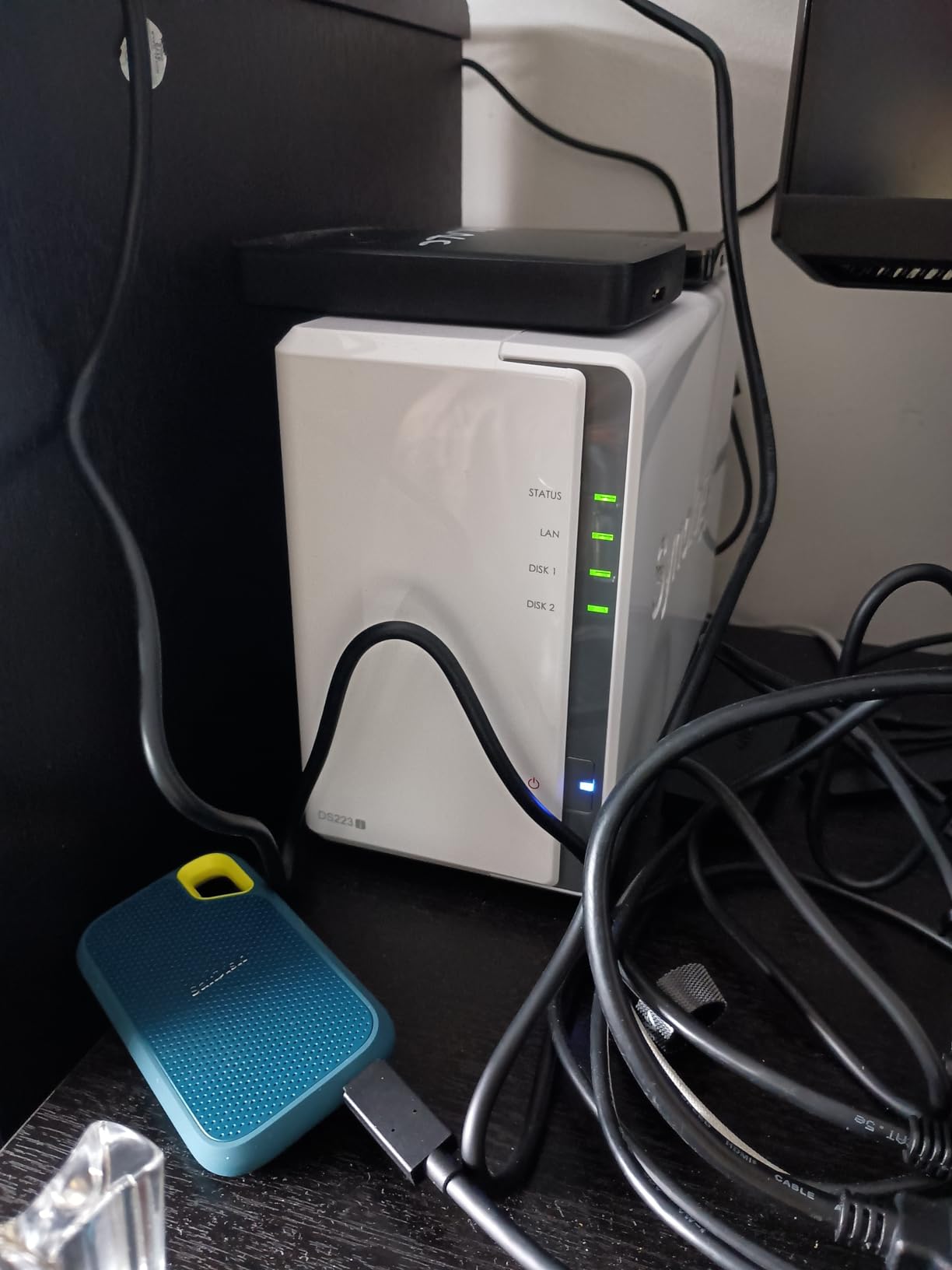
The DS223j is the enclosure most first-time buyers end up with, and for a plain backup target it does the job with very little fuss. The web-based assistant finds the drives, initialises them and builds the storage volume without you touching a disk utility.
Synology Photos handles phone photo backup automatically over the local network, which is the feature that quietly turns people into NAS owners. Once a family has years of photos living there, the backup job tends to expand to laptops and desktops on its own.
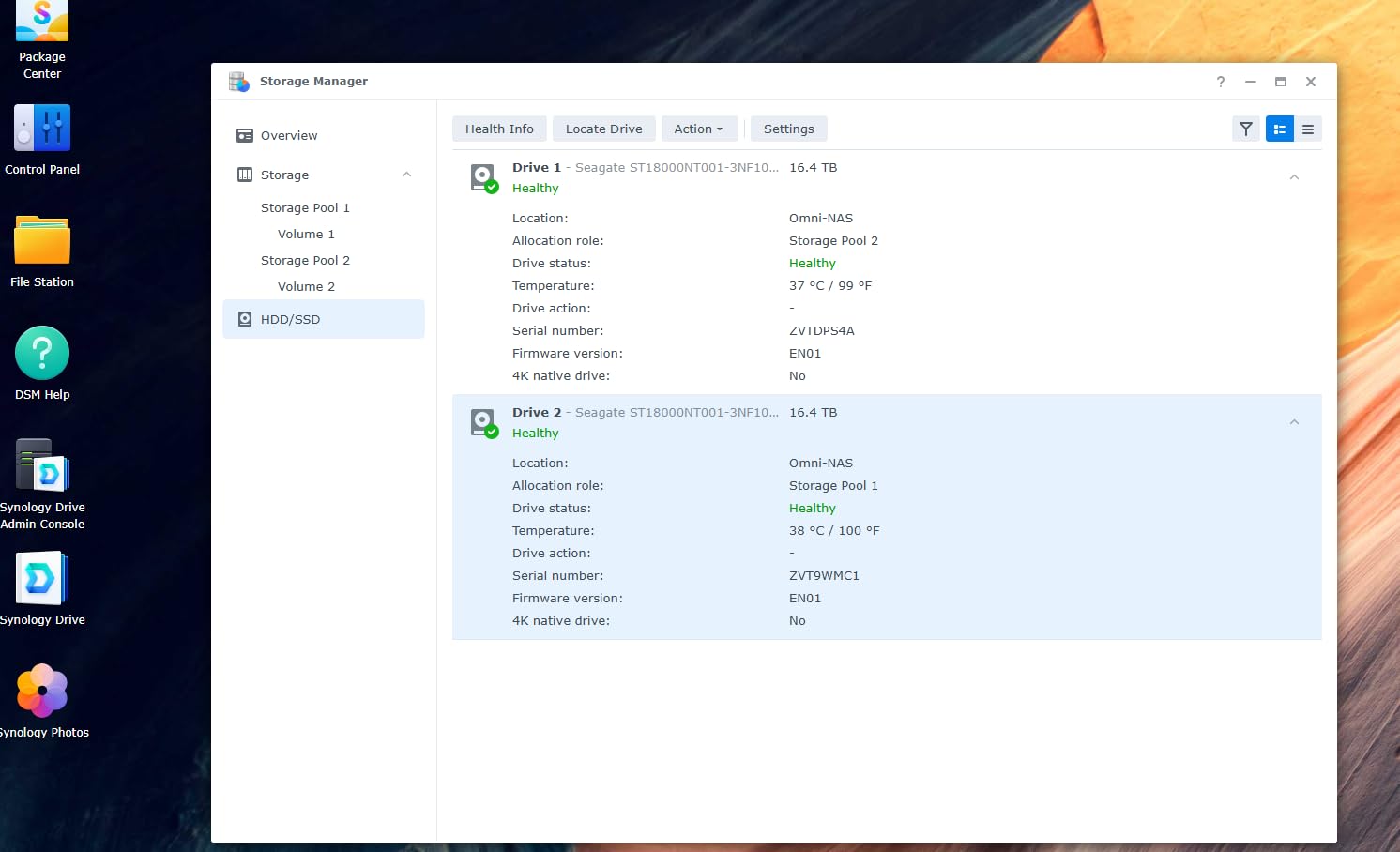
At 0.87 kg it is the lightest unit in this group and one of the easiest to place out of sight. Multiple owners describe retiring an aging consumer drive and finding the DS223j noticeably faster and far more dependable over daily use.
The processor is the trade-off. It is fine for documents, photos and a Mac Time Machine target, and it stutters when you push a very large video file across the network or open several heavy tasks at once.
Best fit for a mixed household
Phones, a family Mac and a Windows laptop all back up to the same box without anyone needing command-line skills. The permission model is simple enough to give a child their own folder and stop them seeing everything else.
Where it falls short
You are locked to the Synology package catalog, so software that exists on x86 hardware elsewhere may not be installable. With only two bays, redundancy and future expansion compete for the same two slots.
3. Synology DS223 — Best for First-Time NAS Builders
Synology DS223 Home & Office Backup Hub – Centralize Files, Protect Data & Monitor Property (2-Bay Diskless NAS)
2GB DDR4 RAM
DSM operating environment
Automated backup to cloud and external drives
IP camera support
Metal enclosure
Pros
- Consolidates computers phones and external drives into one hub
- Set-and-forget automated backup for Macs PCs and phones
- Built-in surveillance with motion alerts
- File sharing and version control included
- Compact metal enclosure
Cons
- Diskless enclosure so drives cost extra
- Value depends on the Synology package ecosystem rather than third-party apps
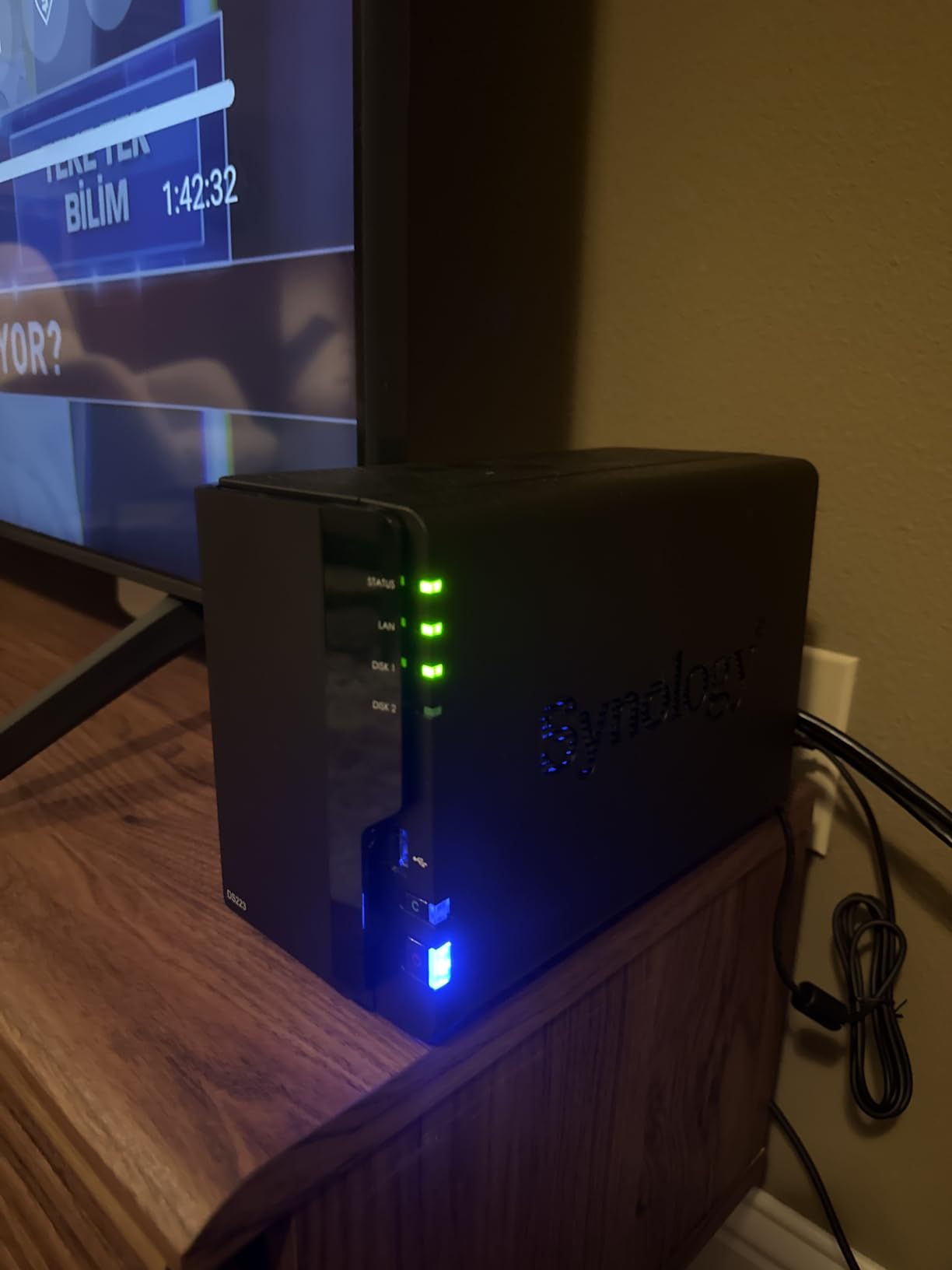
The DS223 is the same idea as the DS223j with more memory and a metal body, and that difference shows up most in how the interface feels under load. Two gigabytes of RAM is a much more comfortable ceiling if you plan to add a photo index, a package and a scheduled backup on the same system.
It is a diskless enclosure, so the headline number covers the box and not the storage. Budget for two matching NAS-rated drives, and size them larger than you think you need, because a mirror can only be as big as its two equal halves.
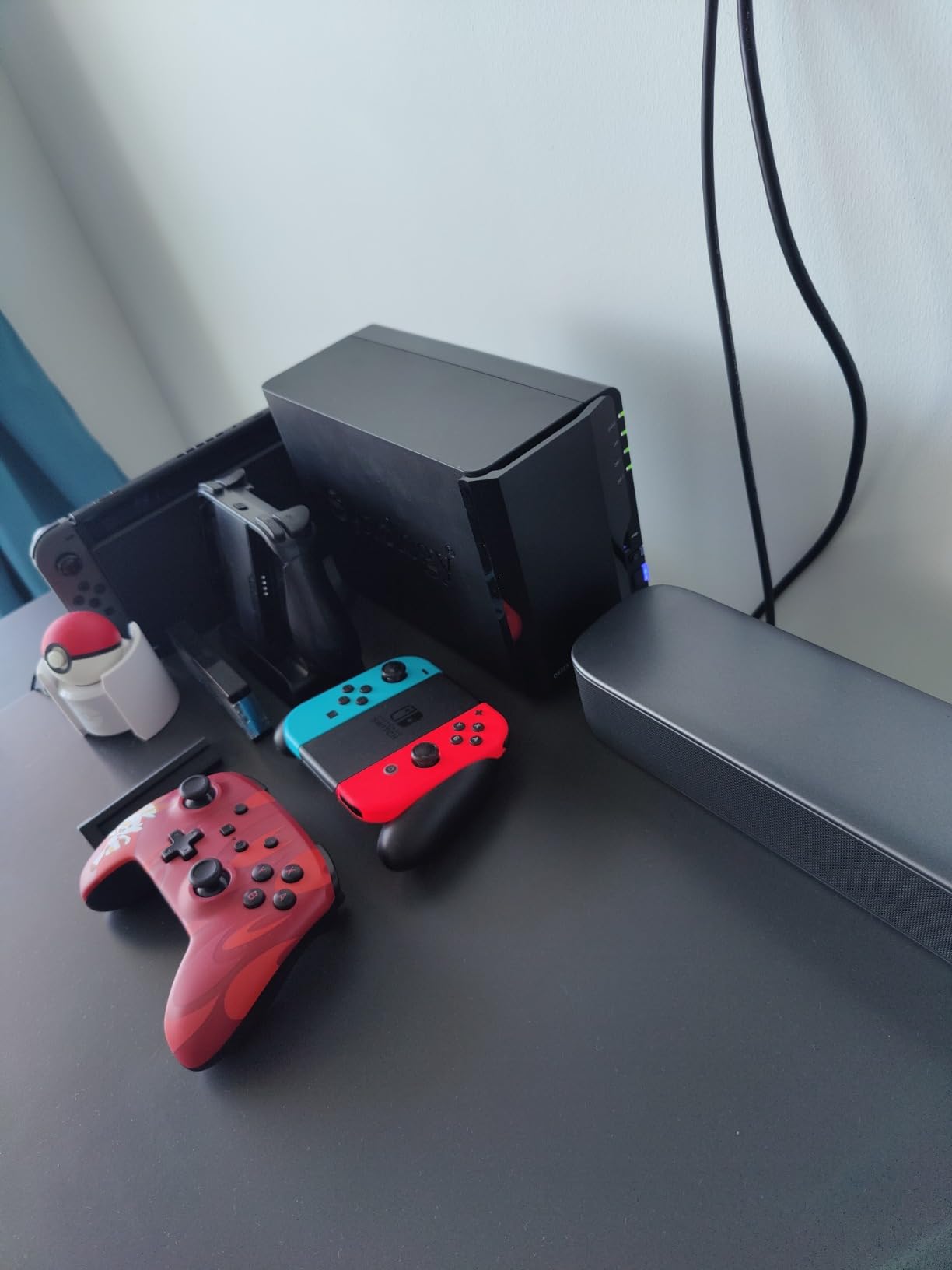
Buyers consistently credit DSM for doing the unglamorous work well. Scheduled backup to more than one destination, including cloud and an attached external drive, is a few clicks rather than a project.
The honest limitation is software, not hardware. Everything you can do here comes from Synology packages, which are well maintained but finite, and there is no supported way to install an application from outside the catalog.
Who it suits
Anyone who wants a predictable, well-supported backup target rather than a machine to tinker with. Two years of warranty and ongoing software updates are included.
Who it does not suit
If your plan involves running services you installed yourself, a different operating system with a package manager will suit you better. Remember the two drives are bought separately.
4. Synology DS225+ — Best for Large Photo Libraries and Power Users
Synology DS225+ Private Cloud Media Server – Stream, Back Up Photos & Share Files, Intel CPU for Hardware Transcoding (2-Bay Diskless NAS)
Intel 4-core processor
File access up to 282 MB/s
RAID redundancy plus snapshots
Up to 30 IP cameras
3-year warranty
Pros
- DSM interface feels as responsive as a desktop app
- 4-core Intel CPU has real headroom
- Saturates gigabit networks and supports 2.5GbE
- Silent compact and easy to migrate into
- Runs Plex and Docker containers
Cons
- No hardware video transcoding for multiple remote streams
- Synology drive compatibility rules can restrict features
- Some installs needed a DSM update before completing
Where the DS223j is a backup box, the DS225+ is a small server that happens to be excellent at backups. The Intel 4-core processor handles container workloads and background services without the lag you get from an entry ARM chip, and Synology quotes file access up to 282 MB/s on the right network.
That headroom matters most for photos. A family shooting video every weekend generates enough data that indexing, thumbnailing and a backup pass can overlap for hours, and a processor that stalls turns a set-and-forget job into something you check on.
Owners upgrading from older DiskStation models call the migration painless, which matters if you are moving years of data off a previous box. The three-year warranty is also the longest in this group.
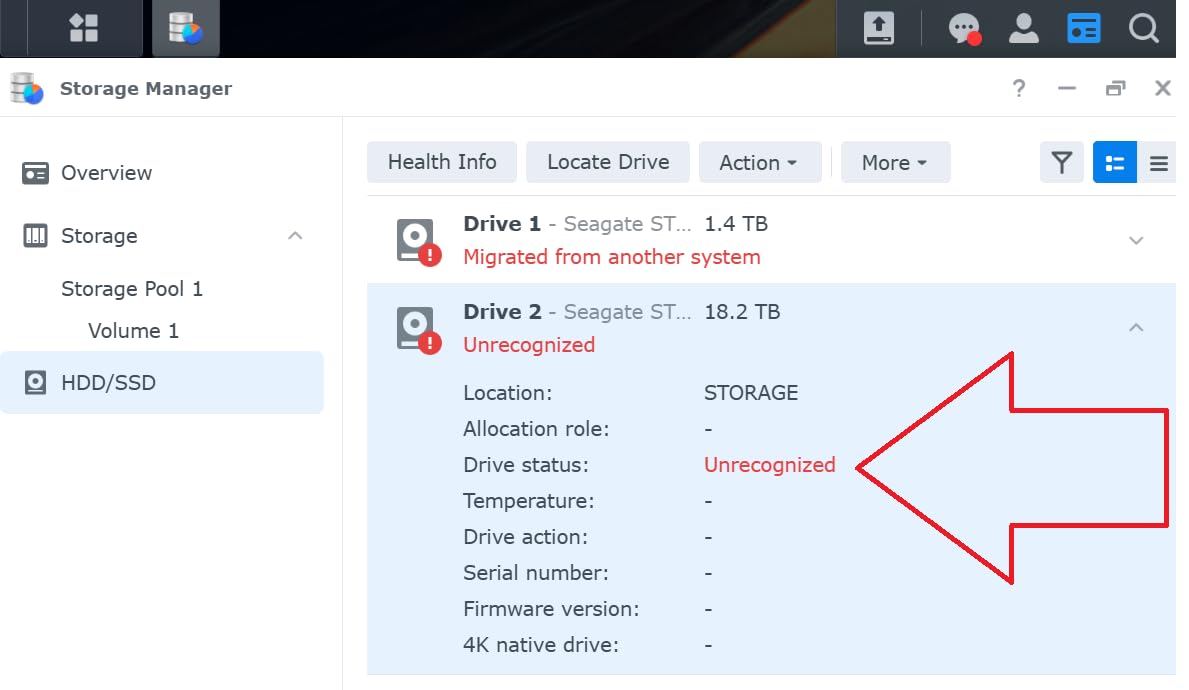
There is no hardware video transcoding, so multiple simultaneous remote streams push work to the CPU. Some buyers also hit an installation problem that only cleared after a DSM update, and Synology’s drive compatibility policy draws occasional frustration.
Best fit for a serious photo library
RAID redundancy, automated backup and snapshot technology combine into a layered setup, so a mistaken deletion is recoverable without touching a hard drive. Surveillance support extends to 30 IP cameras with detection alerts.
Where you will feel the limit
If you are not running containers or a large library, the extra capability is expensive headroom you will not use. Check drive compatibility rules before buying drives, not after.
5. QNAP TS-264-8G — Best 2-Bay NAS for Fast Transfers and NVMe Cache
QNAP TS-264-8G-US 2 Bay Desktop NAS
Intel Celeron N5095 quad-core to 2.9 GHz
8GB RAM
Dual 2.5GbE ports
Dual M.2 PCIe Gen3 NVMe slots
HDMI output
Pros
- Dual 2.5GbE is a real jump over gigabit networking
- 8GB RAM and NVMe slots make it expandable
- Drive installation is simple with clear instructions
- Solid metal chassis
- Good container and virtual machine app support
Cons
- Celeron processor struggles with transcoding
- Fan noise more noticeable than some Synology models
- Some Windows users could not see it in File Explorer
- Front panel can restrict airflow
- External power brick instead of an internal supply
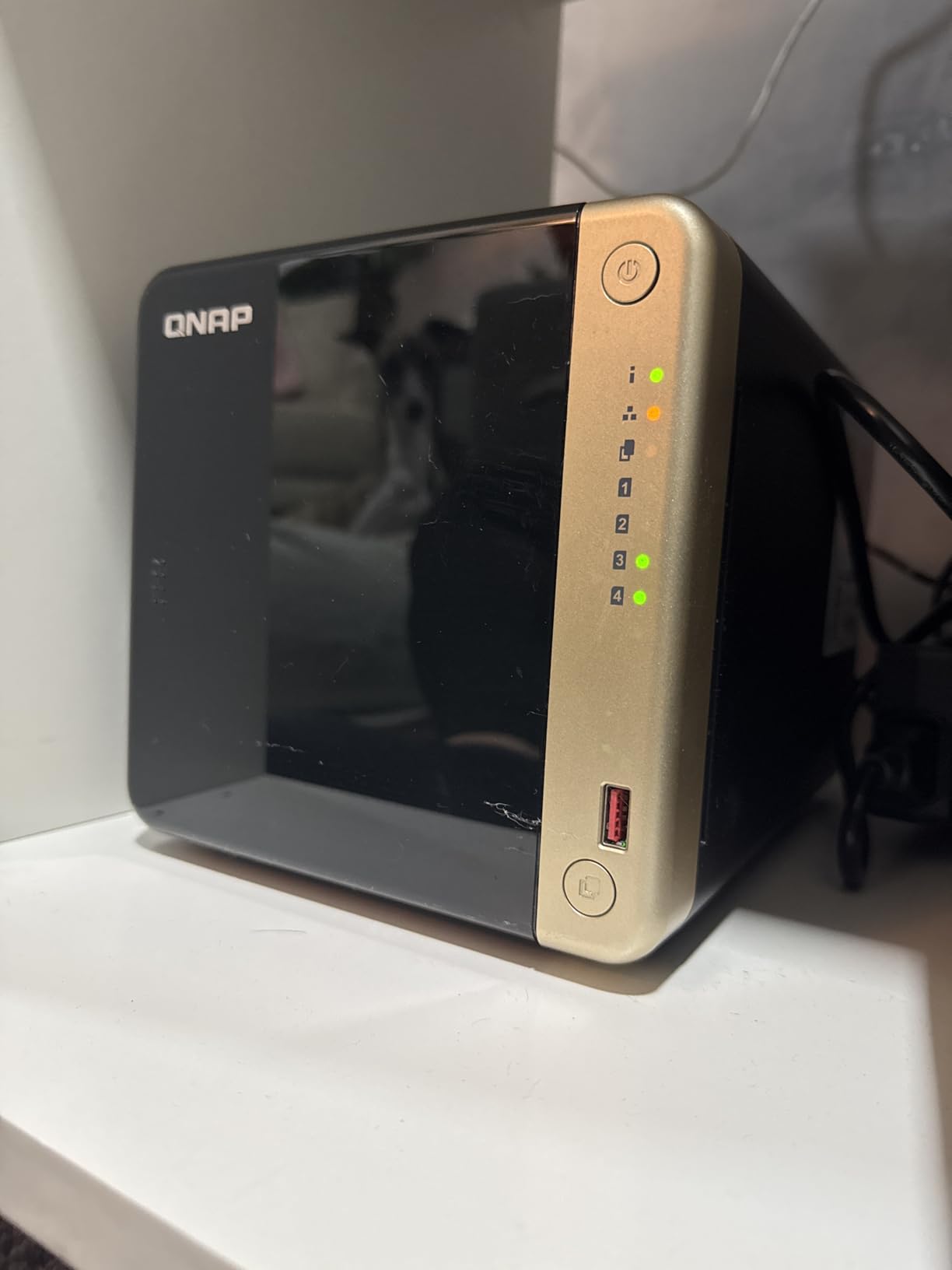
This is the fastest networking in the group. Two 2.5GbE ports mean a single large file transfer can run at more than double gigabit speed, and the second port can be used for link aggregation if your switch supports it.
Two M.2 PCIe Gen3 slots let you add NVMe drives for cache or a fast pool, and the 8GB of installed memory gives containers and virtual machines somewhere to run. QTS handles a wide app catalog, and QuTS Hero firmware on the same hardware supports ZFS if you want checksumming on your backup volume.
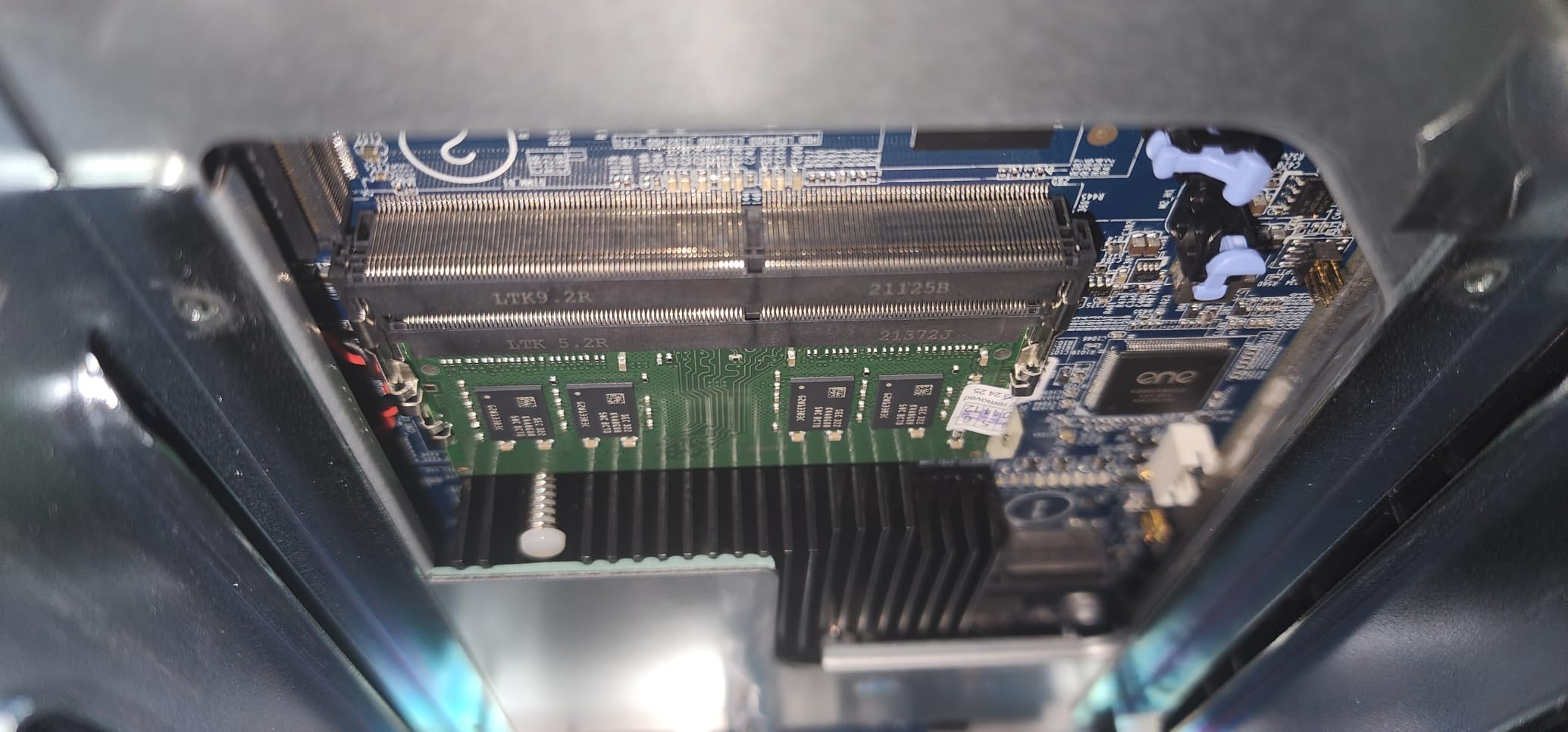
Buyers moving up from older ARM-based QNAP boxes describe the jump in everyday responsiveness as transformative, largely because the processor is a true x86 part rather than a phone chip.
The Celeron N5095 is a budget part. It is fine for storage and backup, but high-bitrate or multi-device streaming pushes it to its limits, and the front panel layout can leave drives running warmer underneath.
Where the speed actually shows
Initial backups of a large photo or video archive, and restores when you need them fast. Both are the moments when the 1GbE ceiling on cheaper boxes makes you wait.
Where it does not
Single files to a single laptop on a gigabit network will feel identical to a 1GbE NAS. The port only helps when the client and the switch can feed it.
6. Asustor AS5402T — Best for NVMe Expansion and 4K Media
Asustor AS5402T 2 Bay NAS Storage for Content Creators & Video Editors
Intel N5105 quad-core to 2.0 GHz
4GB DDR4 upgradeable to 16GB
Four M.2 NVMe slots
Dual 2.5GbE with link aggregation
HDMI 2.0b 4K output
Pros
- N5105 handles storage backup and virtualization work
- Four M.2 slots for caching or all-flash pools
- Dual 2.5GbE with link aggregation
- Memory upgradeable to 16GB
- Hardware 4K transcoding plus HDMI output
Cons
- Diskless enclosure so drives cost extra
- Asustor ADM is less mainstream than DSM or QTS
Four M.2 NVMe slots in a two-bay box is unusual and genuinely useful. You can put a fast cache in front of your mirrored drives, or build a small all-flash pool for the files you open constantly while the hard disks hold the archive.
The Intel N5105 is a well-regarded budget x86 chip, and the 4GB of DDR4 is upgradeable to 16GB, so this enclosure can grow into a small virtualization host. Two 2.5GbE ports with link aggregation make it a credible choice for a home office with more than one workstation.
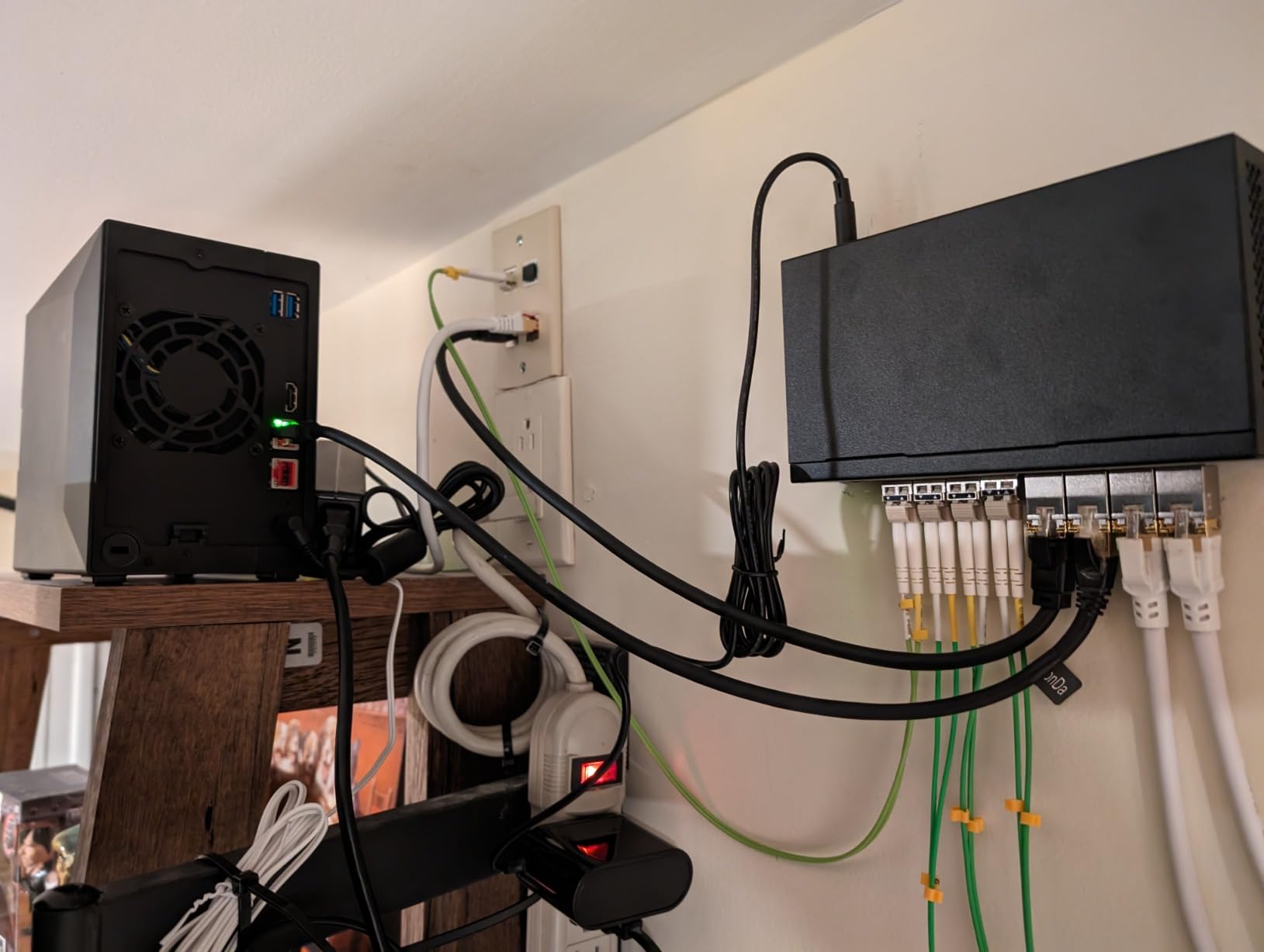
Owners highlight the specification sheet first, since four NVMe slots and dual 2.5GbE are unusual at this size. Hardware 4K transcoding and HDMI 2.0b output let the box drive a television directly.
Feedback is more measured than for Synology or QNAP machines, and the reason is usually software. Asustor’s ADM interface is competent but less documented, so a first-time owner should expect a slower first hour than on DSM.
Best fit for a mixed backup and media box
It handles storage, backup, streaming and light virtualization in one enclosure, and the memory upgrade path keeps it useful for years.
Who should look elsewhere
If you want the most straightforward guided setup, choose a brand with heavier documentation. And remember the drives are purchased separately.
7. UGREEN DH2300 — Best 2-Bay NAS for Phone Photo Backup
UGREEN NAS DH2300 2-Bay for Beginners & Personal Users, Phone Backup
4GB onboard RAM
1GbE Ethernet
Transfers rated up to 125 MB/s
AI photo tagging and duplicate detection
Two-factor authentication
Pros
- Built for beginners replacing cloud storage and scattered drives
- Automatic backup across Windows iOS Android and macOS
- AI photo organisation and duplicate removal
- Two-factor authentication and permission controls
- No recurring cloud subscription fees
Cons
- Entry-level performance limits for server applications
- No Docker or virtual machine support
- Wired Ethernet only with no built-in Wi-Fi
- Advertised capacity assumes RAID 0 so usable space is lower
- Drives not included
The DH2300 exists for a specific person: someone with a phone full of photos and a set of external drives they cannot keep track of. Automatic backup runs across Windows, iOS, Android and macOS, and AI tagging sorts faces, places, text and objects while flagging duplicates.
Privacy features are the quiet selling point. Two-factor authentication, permission controls, encrypted transfers and RAID options are all present, and the unit is certified against ETSI EN 303 645 and TRUSTe, which matters if you are moving family data off a public cloud.
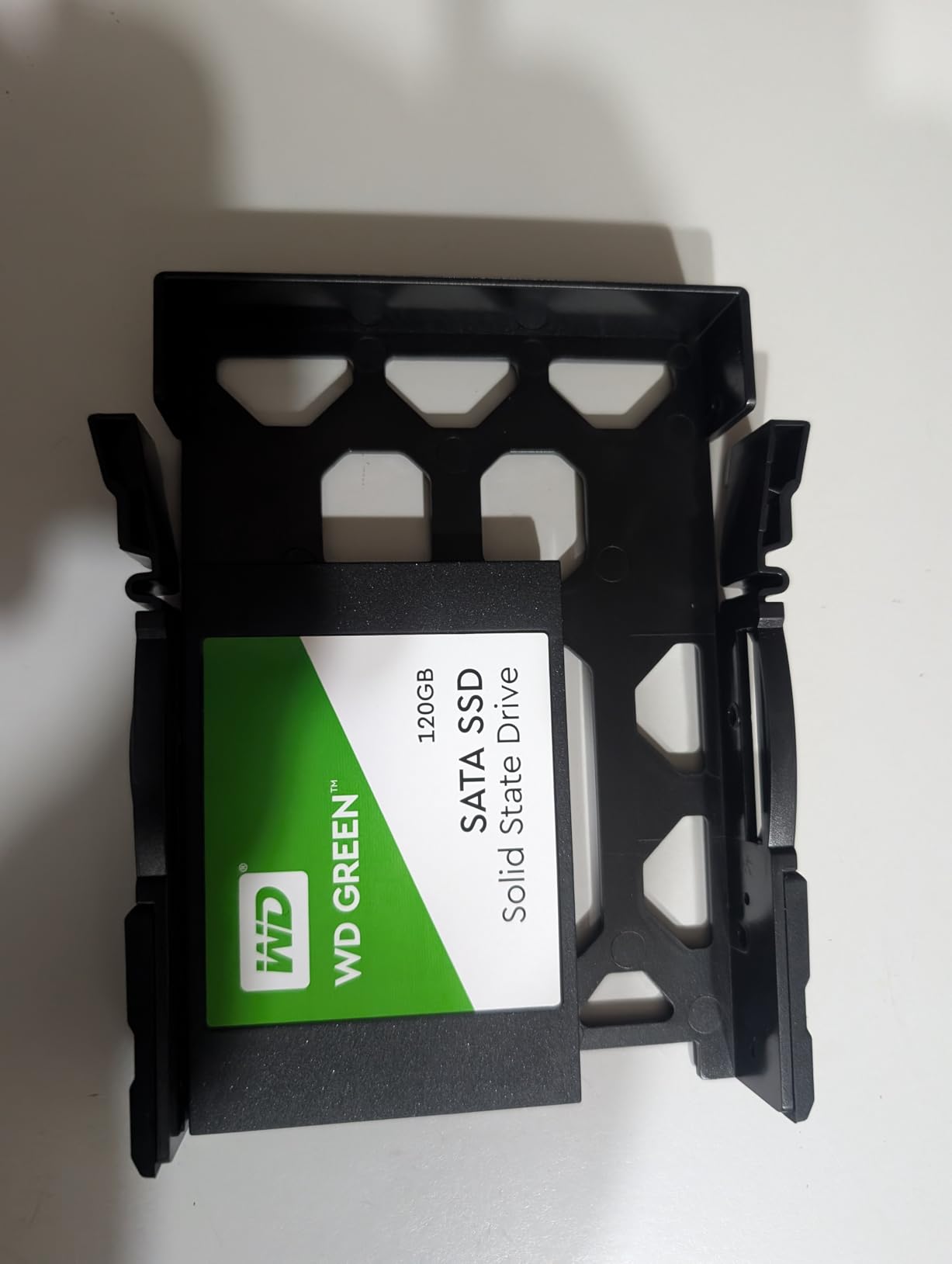
Buyers frame the purchase as an economics decision. One payment replaces a subscription that keeps charging, and reviews describe the AI photo tools as a genuine replacement for a consumer cloud gallery.
The limits are honest ones. There is no Docker or virtual machine support, networking is 1GbE only with no built-in Wi-Fi, and the quoted capacity assumes RAID 0, so your usable mirrored space is half of what the number suggests.
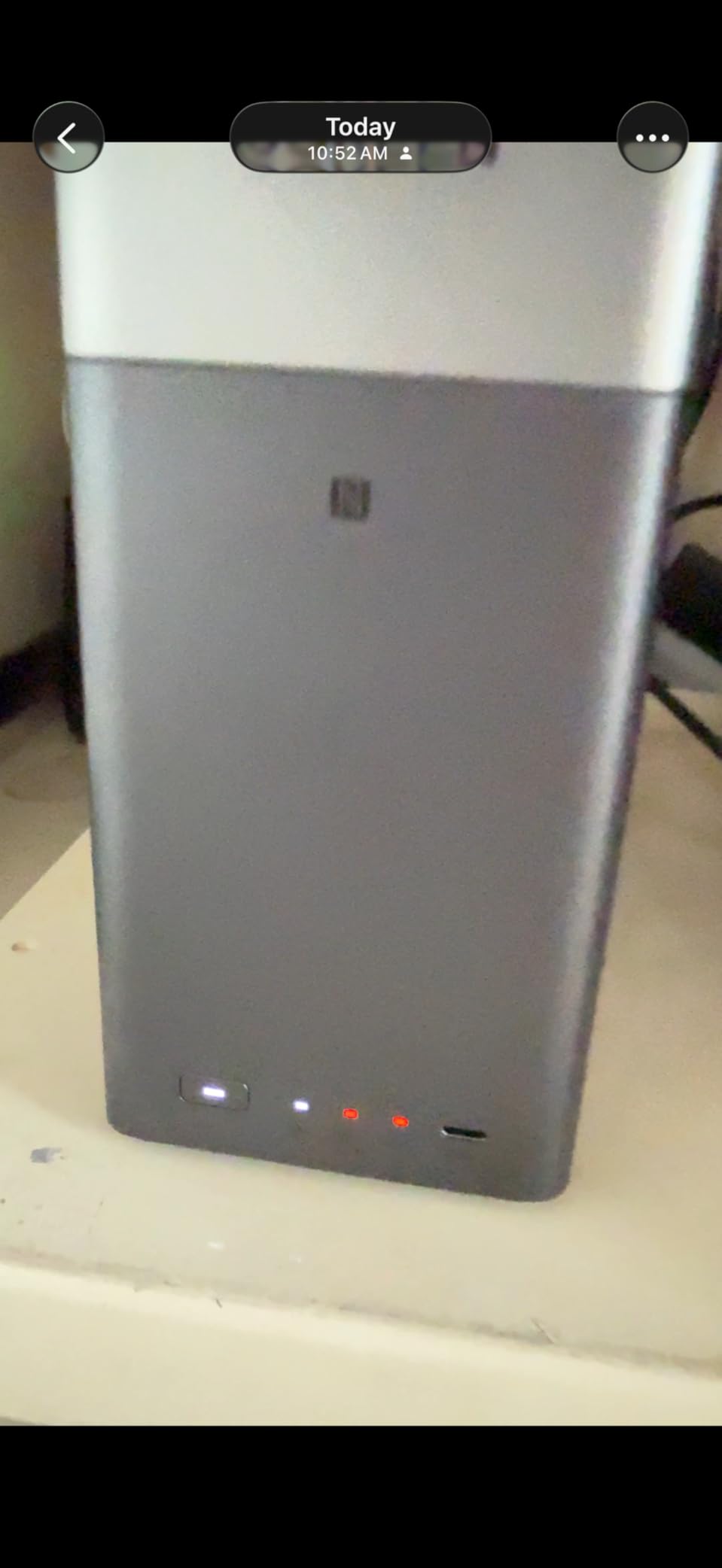
Best fit for a single user
Individuals rather than households or businesses. If the only job is phone and laptop backups with automatic photo organisation, the 4GB of memory and gigabit port are enough.
Where it will frustrate you
Anyone planning to add a media server with Docker later, or who wants to run containers on the same machine. There is no path to that on this hardware.
8. Asustor AS1202T — Best Value for Basic Home Backup
Asustor Drivestor 2 Gen 2 AS1202T 2-Bay NAS Storage, Quad-Core 1.7GHz CPU, 2.5GbE High-Speed Network, 1GB DDR4, 4K Media Server, Best Entry-Level Personal Cloud, Network Attached Storage (Diskless)
Realtek RTD1619B quad-core 1.7 GHz
1GB DDR4
2.5-Gigabit Ethernet
Tool-free drive installation
3-year warranty
Pros
- Tool-free drive installation is fast and beginner friendly
- 2.5GbE is a real upgrade over gigabit budget NAS units
- Compact cube form factor
- Personal cloud backup with full data ownership
- Three-year manufacturer warranty
Cons
- 1GB DDR4 memory is limited and not expandable
- Realtek quad-core is modest against x86 competitors
- Diskless enclosure requires purchasing drives separately
The AS1202T is the cheapest way I found to get 2.5GbE into a two-bay backup box, and the tool-free drive installation means no screws and no hunting for a screwdriver in a drawer. You slide the drives into the trays and close them.
It is the newest and least reviewed enclosure in this group, with a much smaller pool of owner feedback than the Synology and UGREEN boxes. What those owners do report is that sizing it for personal file storage and a 4K media server produces a satisfied user.
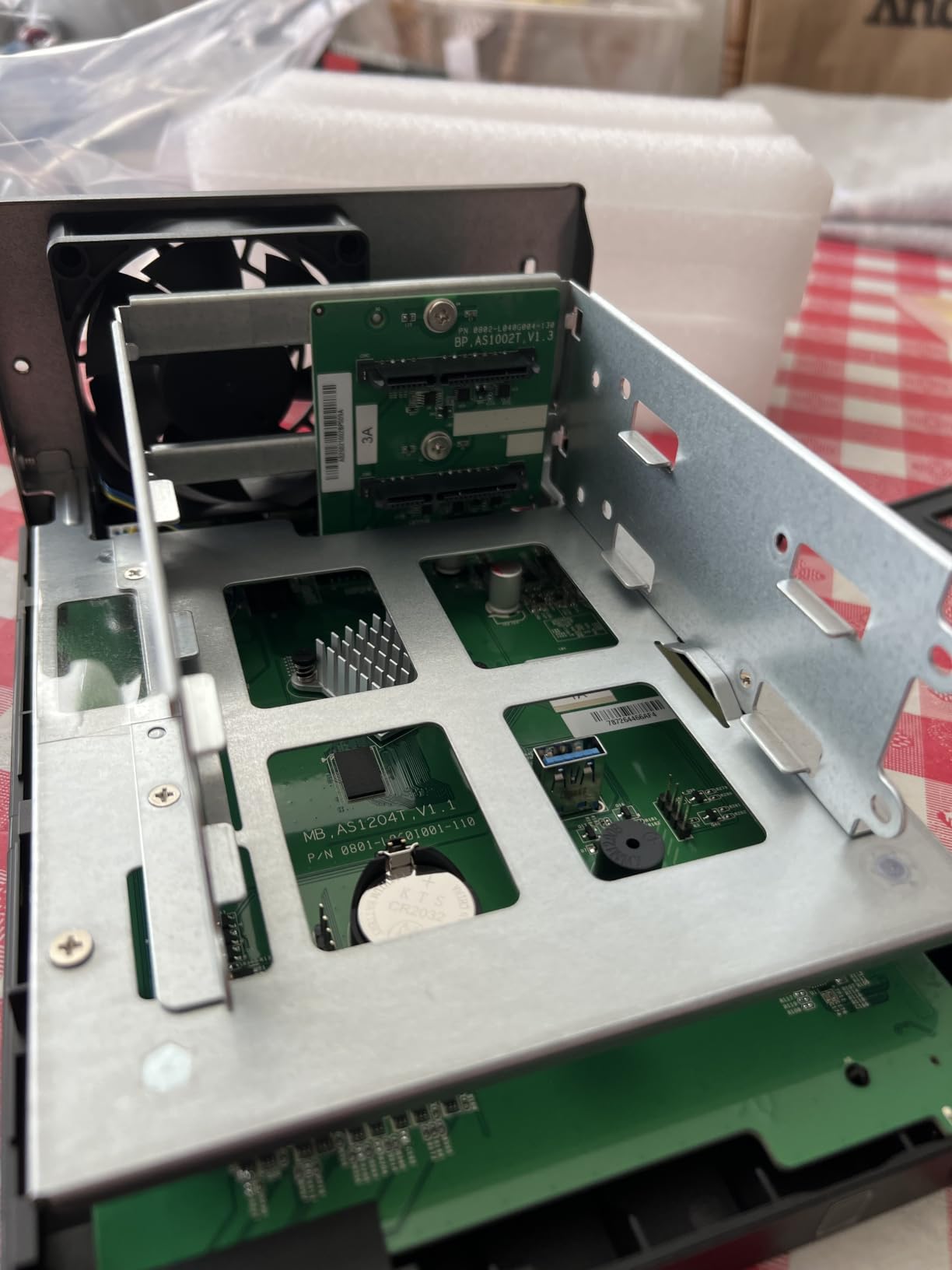
The 1GB of DDR4 is the number to understand before you buy. It is listed as a fixed maximum with no upgrade path, which is fine for file serving, a media server and scheduled backups, and thin for anything else.
The Realtek processor is also modest next to the x86 chips in this roundup. Backups complete, and nothing feels sluggish, but you are buying throughput headroom you will never use.
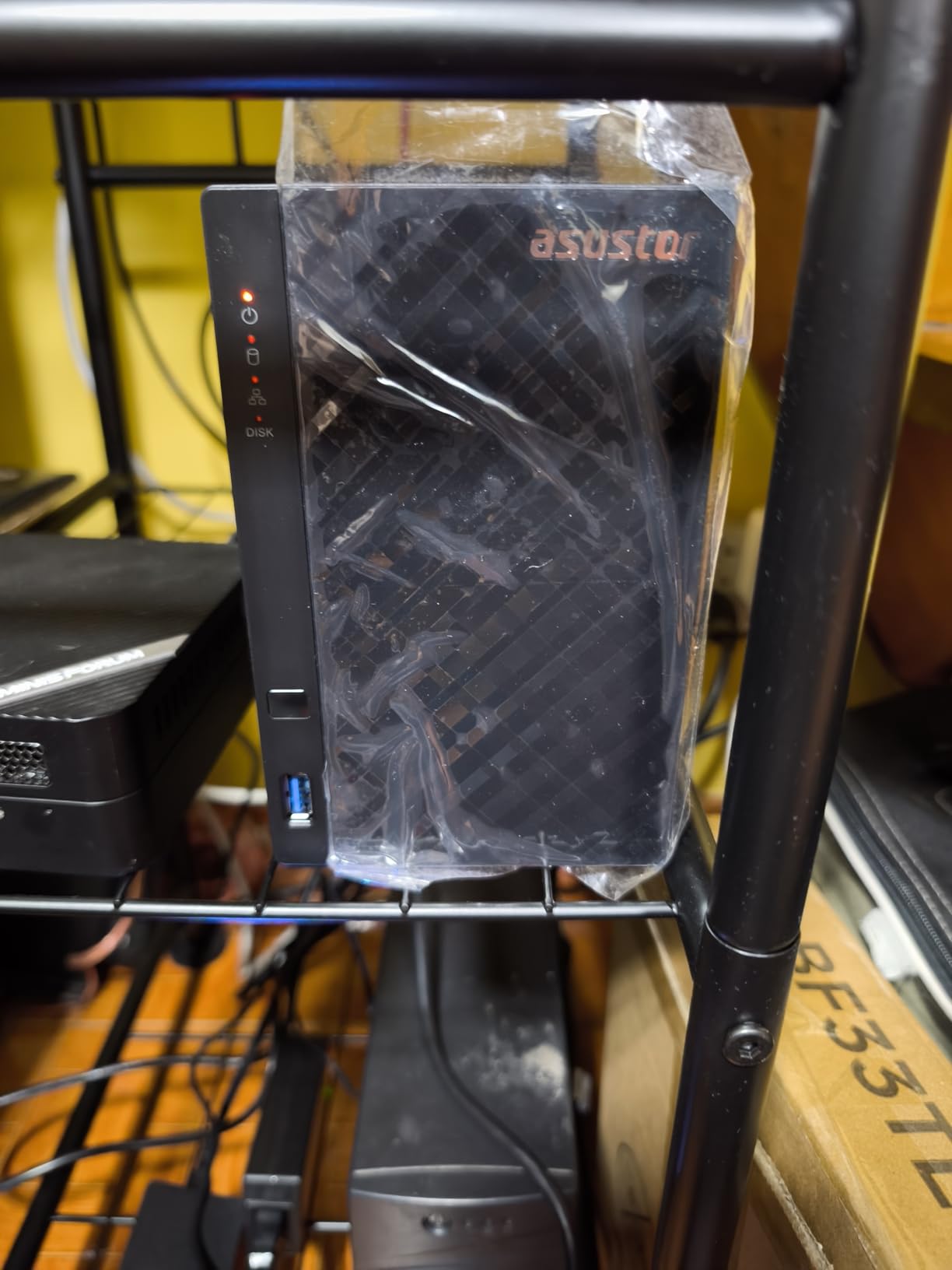
Best fit for a first backup appliance
A household that wants mirrored storage, a personal cloud and a media server without spending heavily. The three-year warranty is generous for an entry enclosure.
Where the ceiling shows
The fixed 1GB of memory is the hard limit. If you later want a photo index, containers and a backup schedule competing for memory, you will be replacing the box rather than upgrading it.
9. BUFFALO LinkStation 220 8TB — Best 2-Bay NAS With Drives Included
BUFFALO LinkStation 220 8TB 2-Bay NAS Network Attached Storage with HDD Hard Drives Included NAS Storage that Works as Home Cloud or Network Storage Device for Home
Two 4TB drives included
RAID 1 as configured
4TB usable mirrored capacity
SSL encrypted transfers
2-year warranty covering the drives
Pros
- Hard drives included so it backs up out of the box
- Short quick-start guide and a simple web interface
- RAID 1 enabled by default for automatic mirroring
- Good value when you want drives bundled in
- DLNA streaming works with smart televisions
- 24/7 support and a warranty that covers the drives
Cons
- Network transfers are slow at roughly 17 MB/s from one client
- NAS Navigator interface feels dated with limited utilities
- Some buyers report intermittent network connectivity
- Mobile backup apps are unstable
- Power switch is on the rear out of sight
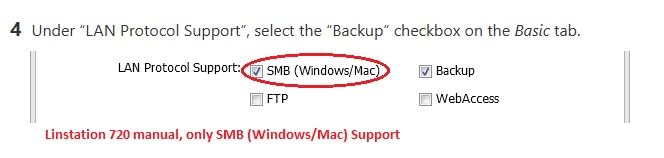
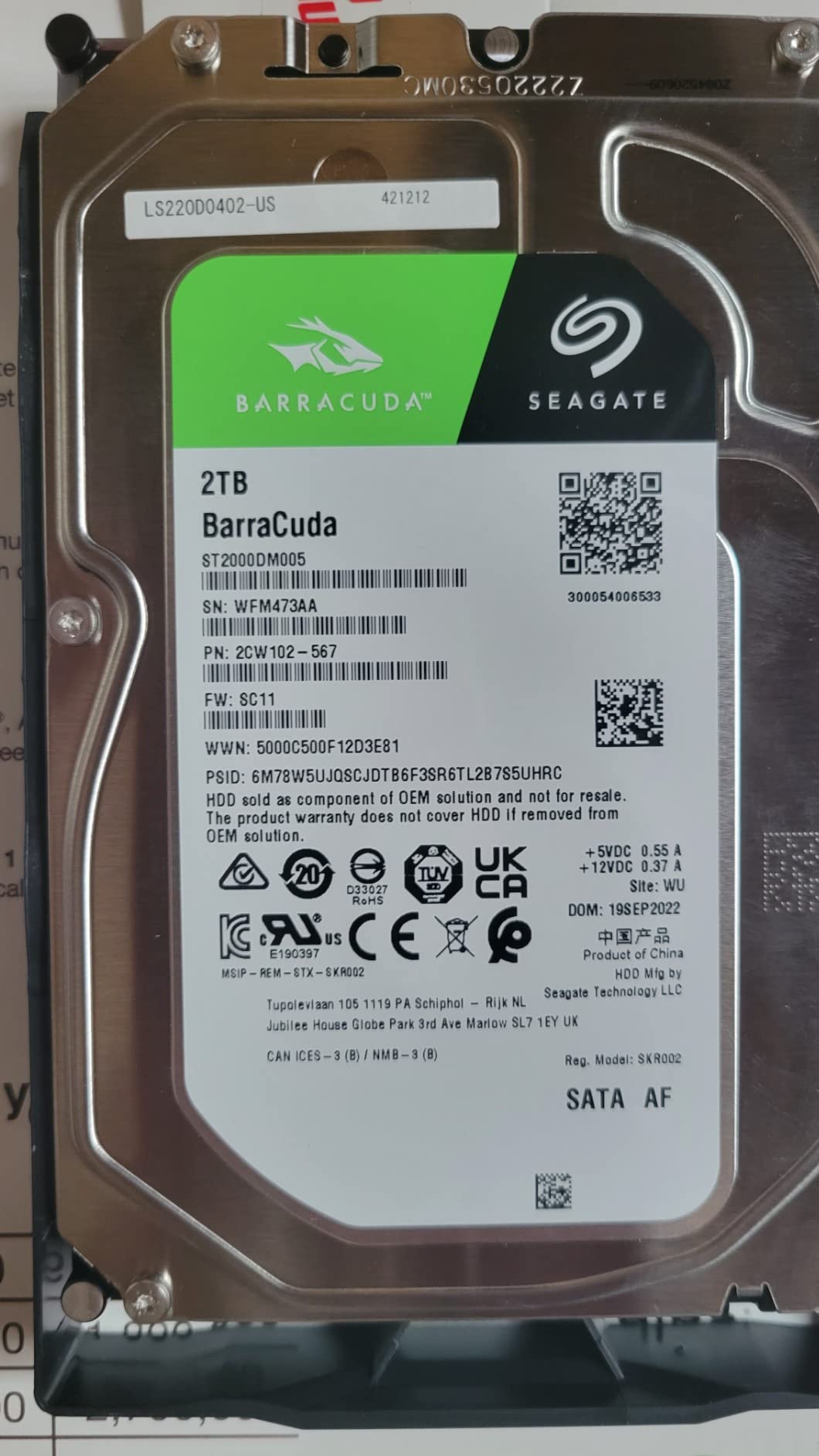
Every other enclosure here is a diskless box you fill yourself. The LinkStation 220 arrives with two 4TB drives already installed and mirrored, giving 4TB of usable storage, which makes it the fastest route from decision to a working backup.
The system is deliberately closed. There is no package ecosystem to learn, SSL encryption protects transfers, and NAS Navigator plus the included PC backup software handle the basics. Per-folder access restrictions let you share selected directories without opening everything.
The catch is speed. Transfers of roughly 17 MB/s from a single client are the slowest in this group, which is fine for overnight backups of documents and marginal for a large photo library you want to browse from a phone.
A minority of buyers report the unit dropping off the network intermittently, while others running multi-year units report no dropouts at all. Mobile backup apps are the most consistently criticised part of the software.
Best fit for a set-and-forget household
Anyone who wants mirrored storage without choosing drives, installing them or building a volume. The two-year warranty covers the hard drives as well as the enclosure.
Where it falls short
Slow transfers and a dated management utility make it a poor choice for large media libraries. Note also that it supports macOS 15 and earlier, with newer macOS versions directed to a different series.
10. QNAP TS-233 — Best 2-Bay NAS for Snapshot Ransomware Protection
QNAP TS-233-US 2 Bay Affordable Desktop NAS with ARM Cortex-A55 Quad-core Processor and 2 GB RAM
ARM Cortex-A55 quad-core 2.0 GHz
2GB installed memory
1x Gb LAN port
Snapshot-based ransomware protection
Hardware transcoding
Pros
- Minimalist desktop design
- Quad-core Cortex-A55 at 2.0 GHz
- Snapshot protection against ransomware threats
- Hardware-accelerated transcoding and AI image recognition
- Accepts both 2.5-inch and 3.5-inch drives
Cons
- Single 1Gb LAN port limits throughput
- 2GB RAM is modest for heavier workloads
- ARM platform is less suited to demanding virtualization
The TS-233 is the cheapest QNAP here, and the reason to pick it over the other budget options is snapshots. Snapshot-based ransomware protection records the state of shared folders on a schedule, so encrypted or deleted files can be rolled back to an earlier point without touching the drives.
That is the one backup feature that matters most and is missing on simpler appliances, and it costs you nothing extra to configure. Hardware-accelerated transcoding and AI image recognition are also present at this tier.
Accepting both 2.5-inch and 3.5-inch drives is unusual and useful if you are working with laptop drives rather than a matched pair of desktop hard disks.
Best fit for ransomware-conscious households
Families that want automatic rollback protection alongside their mirror, without moving up to a larger or more expensive enclosure. The desktop design is deliberately plain and compact.
Where it is out of its depth
The single gigabit port is the network ceiling, and 2GB of memory with an ARM processor limits containers and virtualisation. For heavier workloads, the x86 models are a better foundation.
RAID 1 Is Not a Backup
This is the sentence that decides how you configure everything else, so it is worth being blunt. RAID 1 mirroring writes every file to two drives at the same time, and it protects you from exactly one event: one drive failing.
It does not protect you from deleting a folder by accident, because the deletion lands on both drives. It does not protect you from ransomware, because the encryption reaches the mirror too. It does not protect you from a dead power supply, a flooded cupboard, a theft, or the NAS itself failing and taking both disks with it.
The rule of thumb in the home NAS community is three copies of your data, on two different types of media, with one copy kept somewhere you did not put it. A two-bay mirrored NAS gets you to two copies, so you still need a third somewhere else.
For most households that third copy is the easiest gap to close. An encrypted external drive that lives at an office or a relative’s house, rotating monthly, costs very little and covers fire, flood and theft. Cloud sync of your photo folder covers the rest, at the cost of upload time and a recurring bill for the largest libraries.
How to Set Up Automatic Backups on a 2-Bay NAS
On a Synology box, open Package Center and install Active Backup for Business, then Hyper Backup. Active Backup for Business is the agent that runs on your Windows PC or Mac and sends selected folders to a shared folder on the NAS. Hyper Backup is the NAS-side tool that keeps versioned copies and can push a second copy to cloud storage or an attached external drive.
On QNAP, the equivalent is HBS3, which handles scheduled backup jobs and versioning in one place, with snapshot options in Storage Manager for shared folders. Asustor calls theirs Backup Plan, and UGREEN provides backup utilities in both its desktop and mobile apps. The names change, the logic does not: a schedule, a destination, and a retention policy.
Whichever tool you use, set these four things before you walk away. Turn on version retention so you keep deleted-file history. Add a second destination, ideally an external drive you connect once a week. Test that a backup has actually completed rather than assuming it has. And write down where the restore button is.
If you use a Mac, both Synology and QNAP boxes work as a Time Machine destination over shared folders, which is a genuinely good reason to pick a 2-bay NAS as your first backup target.
Buying Guide: How to Choose a 2-Bay NAS for Home Backups
Bays and capacity. Two bays means two drives, and in RAID 1 your usable space equals the smaller drive. That single constraint drives the most important buying decision: buy the largest matching drives you can justify now, because a mirror cannot be upgraded one disk at a time later without rebuilding.
Drives. NAS-rated hard drives such as Seagate Ironwolf or WD Red Plus are built for continuous duty and vibration tolerance that desktop drives lack. Most enclosures here are diskless, so two drives are on top of the box price. The BUFFALO LinkStation 220 is the only one in this group that includes them.
Ethernet speed. A 1GbE port tops out around 110 to 115 MB/s in practice, and most home routers are the real limit, not the NAS. If you already own a 2.5GbE switch, a 2.5GbE enclosure such as the DXP2800, TS-264, AS5402T or AS1202T pays for itself during the first large restore. If you do not, gigabit is perfectly fine for overnight backups.
Processor and memory. Backups of documents and photos need very little. Video libraries, containers and virtual machines need a real x86 CPU and more than 1GB of memory. Anything running Docker for a media server should start at 4GB and be upgradeable to 16GB.
Operating system and apps. Synology DSM has the most mature backup tooling for ordinary households, including phone photo backup that works reliably. QNAP offers the widest container and filesystem choice, including ZFS. Asustor and UGREEN provide capable packages with lighter documentation. Whichever you pick, check that the apps you actually want exist in its catalog.
NVMe slots. Four M.2 slots, as on the Asustor AS5402T, let you add cache or a fast pool. Two slots, as on the DXP2800 and TS-264, are enough for most homes. None is a problem for a pure backup target.
Noise and placement. Two spinning hard drives are the main source of sound, not the fans. A NAS in a living room is usually fine in a Synology or UGREEN enclosure, while some QNAP models are reported as louder. If the unit will sit near your desk, measure before committing.
Power protection. A NAS that holds your only second copy deserves a UPS. A unit such as those covered in our tested UPS battery backup guide gives the enclosure time to shut down cleanly, which prevents the corrupt volumes that sudden power loss can cause.
Off-Site Backup and UPS Protection
Getting to three copies with two bays takes one deliberate decision. A monthly rotating encrypted external drive stored away from the house is the most private option and the one that survives an internet outage. Cloud sync of the photo folder is the most automatic, and the only one that also protects against a total loss of the device itself.
Whichever you choose, encryption matters. Data leaving your house should be encrypted before it leaves, not by the cloud provider’s promise. Several of the enclosures here, including the DH2300 and the LinkStation 220, support encrypted transfers, and portable encrypted drives do it at the hardware level.
Set up a restore drill before you need one. Delete a photo by accident, restore it from a snapshot or a versioned backup, and confirm the process works. An untested backup is a hope, and a restore you have never performed is where most people discover their setup was wrong.
On power, a UPS is the cheapest insurance in this article. It is worth adding IP camera coverage at the same time, and our home security camera picks pair well with the surveillance features on the Synology and Asustor boxes here.
If you also edit video, our NAS picks for video editing and backup cover the scratch-storage side of the same decision, which these 2-bay enclosures can handle but do not optimise for.
Troubleshooting Common First-Time Setup Problems
The NAS has no network address. Some units come up on an automatic address in the 169.254.x.x range and the web interface never loads. Plug directly into a router with an Ethernet cable, power cycle the unit, and open the find-my-NAS utility on your computer to locate it on the local network.
A drive is not detected. Almost always a seating problem. Undo the tray, reseat the drive until the latch clicks, and check that the disk is NAS-rated and not a laptop drive that does not fit the sled. Confirm the drive is initialised before building a volume.
The shared folder will not open from Windows. This is a permissions problem, not a hardware one. Map the drive using the account you created in DSM or QTS rather than the administrator account, and check that Windows credentials manager is not still holding a stale login for the same machine name.
Backup jobs stall partway through. A gigabit network, a slow processor and a very large number of small files together will make a first backup look broken. Leave it running overnight, and expect the second run to be dramatically faster because of versioning and caching.
If a Synology configuration or DSM installation fails outright, update the firmware on another Synology model or download the full DSM package, then reinstall. Several owners of the DS225+ report that installation only completed after a DSM update.
Frequently Asked Questions
What is the best home NAS for backup?
The UGREEN DXP2800 is the strongest all-round choice for home backups, with an Intel N100 processor, 8GB of memory, 2.5GbE networking and two M.2 NVMe slots. If you want the most mature backup software rather than the most capable hardware, the Synology DS223j is the better first purchase.
What is the best NAS solution for home use?
A two-bay enclosure with two matching NAS-rated drives in RAID 1 covers most households, giving one mirrored copy of your files plus whatever off-site copy you add. Choose Synology for guided backup apps, QNAP for containers and ZFS, or UGREEN and Asustor for more hardware per dollar.
Are NAS drives worth it for home use?
Yes, if you want backups that run without you thinking about them. A mirrored 2-bay NAS gives you automatic scheduled backups of your computers and phones in your own home, with no monthly fee and no third party able to cancel your access. It does not replace off-site copies.
What is the best backup software for a Synology NAS?
Active Backup for Business handles scheduled backups from Windows PCs and Macs, while Hyper Backup keeps versioned copies on the NAS and can push a second copy to cloud storage or an external drive. Enable version retention and test a restore before you rely on either.
What is the difference between Synology Hyper Backup and Hyper Backup Vault?
Hyper Backup is the backup tool inside the NAS that copies data to external drives, other NAS units or cloud destinations. Hyper Backup Vault is a separate target device that receives backups from multiple Synology NAS units, giving each source its own versioned repository.
Is RAID 1 a backup?
No. RAID 1 mirroring protects you against a single drive failure and nothing else. An accidental deletion, ransomware encryption, a dead power supply or the loss of the whole unit reaches both drives at once, so a mirrored 2-bay NAS still needs a third copy stored somewhere else.
Do I need 2.5GbE for NAS backups?
Only if you back up very large files often. A 1GbE connection tops out near 110 MB/s and is limited by your router more than the NAS. A 2.5GbE port roughly doubles that, which helps most during a first full backup and during restores.
What is the Synology controversy?
The main complaints concern drive and SSD compatibility rules, which can restrict storage pool features, and the ecosystem model, which limits you to Synology packages. Buyers who want unrestricted software choice often move to QNAP, Asustor or UGREEN, accepting a less guided setup.
Conclusion
The best 2 bay NAS for home backups is the UGREEN DXP2800, because an Intel N100 processor with 8GB of memory, 2.5GbE networking and two NVMe slots keeps a scheduled backup from ever being the thing that slows your network down. Buy it if you want hardware headroom and a photo-focused interface, and add two matching NAS-rated drives.
Choose the Synology DS223j instead if the deciding factor is how well the backup software guides you, and the DS225+ if your photo library has outgrown an entry processor. The QNAP TS-233 earns its place for snapshot rollback, and the BUFFALO LinkStation 220 is the only enclosure here that works as a backup the day it arrives.
Whichever you choose in 2026, mirror two drives, schedule the backups, and put a third copy somewhere else. That is the difference between owning a NAS and actually having a backup.