
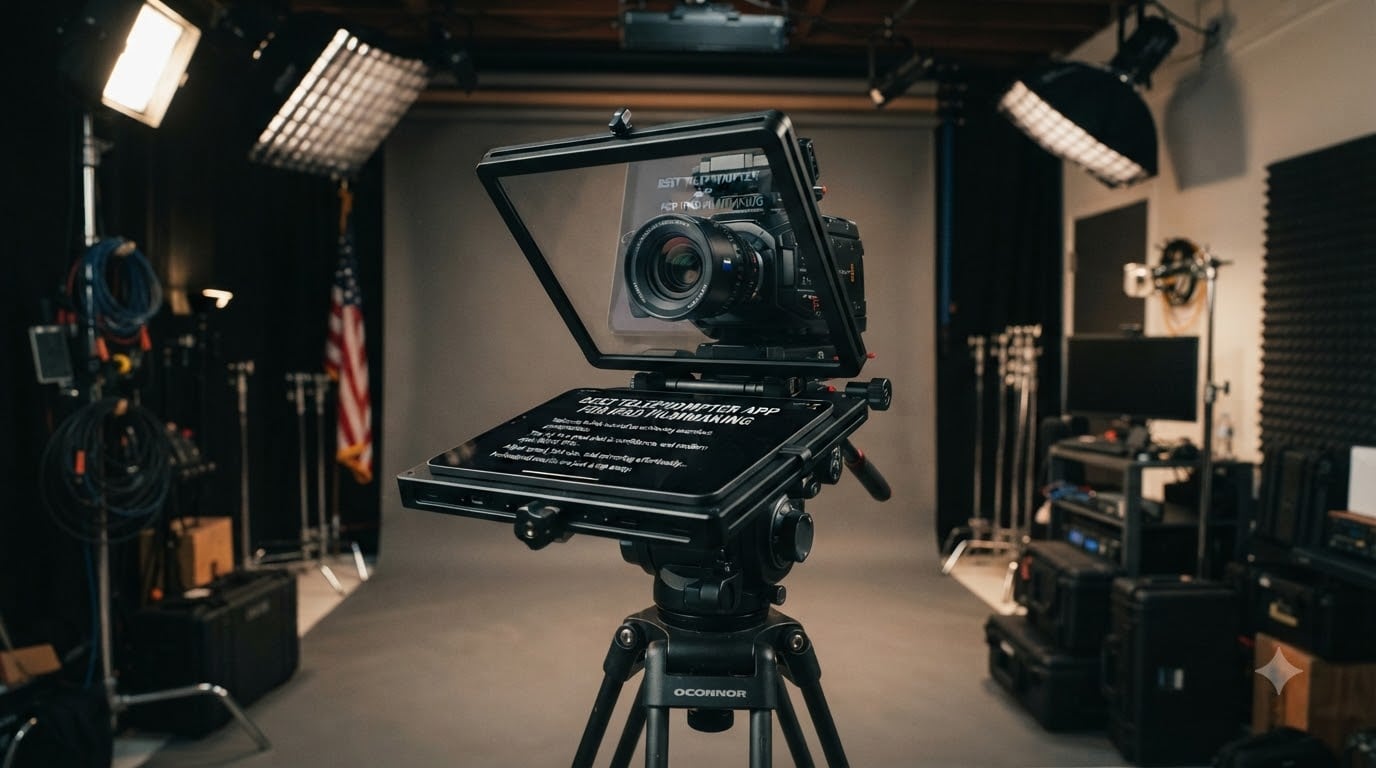
Looking for the best teleprompter app for iPad filmmaking? Here is the short version: the app matters most for scroll control and mirror mode, but the rig holding your iPad decides whether your footage looks professional. After testing the most popular iPad teleprompter rigs used with teleprompter apps, our top pick is the Glide Gear TMP 100 for its professional 70/30 glass and no-fuss build.
Here is the thing most reviews skip. Every teleprompter on this list is dumb glass until you pair it with an iPad teleprompter app that can mirror text, adjust scroll speed in words per minute, and accept a Bluetooth remote. The NEEWER and Desview rigs ship with their own free apps. The Glide Gear, SmallRig, and TeleprompterPad rigs work with any third-party iOS teleprompter app that flips text horizontally.
I have shot scripted client videos, YouTube content, and documentary talking heads with these setups over the past two years. Solo filmmakers on forums consistently ask the same questions: does it work with a remote, does it fit my iPad, and will it survive a real shoot? This guide answers all three for every rig on the list.
Table of Contents
- Top 3 Picks for iPad Filmmaking Teleprompters for October 2026
- Best Teleprompter Rigs for iPad Filmmaking in October 2026
- 1. Glide Gear TMP 100 – Professional 70/30 Beam Splitter Glass
- 2. NEEWER X17 II – Large 17 Inch Glass for Long-Distance Reads
- 3. NEEWER Basics X12B – Best Budget Pick for Solo Creators
- 4. NEEWER X12 – Balanced 14 Inch Rig with Remote Included
- 5. NEEWER X11 2-in-1 – Built-In Monitor Plus Tablet Support
- 6. NEEWER X14 III – Manfrotto-Ready Frame for Cinema Rigs
- 7. TeleprompterPad iLight PRO 12 – Cross-Platform App Included
- 8. SmallRig 3646 – Pro Matte-Box Style Prompter for 15mm Rods
- 9. Desview T3 – Brightest Glass for Wide Angle Shooters
- 10. Desview T5 – Vertical Mode Switching with Smart App
- Buying Guide: Choosing an iPad Teleprompter Setup for Filmmaking
- Frequently Asked Questions
- Conclusion
Top 3 Picks for iPad Filmmaking Teleprompters for October 2026

Glide Gear TMP 100 Teleprom…
- 70/30 beam splitter glass
- Fits tablets up to 10.5 inch
- No assembly required
- Lifetime warranty

NEEWER X17 II Teleprompter
- 17 inch HD beamsplitter
- RT113 remote and app control
- Manfrotto 501PL QR plate
- 13ft reading distance

NEEWER Basics X12B Teleprom…
- 12 inch display
- #1 best seller in teleprompters
- RT113 remote and app
- No assembly design
If you shoot with a standard iPad or iPad Air and want glass you can trust on paid work, get the Glide Gear TMP 100. If you present from 10 to 13 feet away on set, the NEEWER X17 II gives you the biggest, clearest text. On a tight budget, the NEEWER Basics X12B delivers the same app and remote ecosystem for less.
Best Teleprompter Rigs for iPad Filmmaking in October 2026
| Product | Specs | Action |
|---|---|---|
| Glide Gear TMP 100 Teleprompter |
|
Check Latest Price |
 NEEWER X12 Teleprompter NEEWER X12 Teleprompter |
|
Check Latest Price |
| NEEWER Basics X12B Teleprompter |
|
Check Latest Price |
 NEEWER X11 2-in-1 Teleprompter NEEWER X11 2-in-1 Teleprompter |
|
Check Latest Price |
 NEEWER X14 III Teleprompter NEEWER X14 III Teleprompter |
|
Check Latest Price |
| NEEWER X17 II Teleprompter |
|
Check Latest Price |
 TeleprompterPad iLight PRO 12 inch TeleprompterPad iLight PRO 12 inch |
|
Check Latest Price |
 SmallRig 3646 Teleprompter SmallRig 3646 Teleprompter |
|
Check Latest Price |
 Desview T3 Teleprompter Desview T3 Teleprompter |
|
Check Latest Price |
 Desview T5 Teleprompter Desview T5 Teleprompter |
|
Check Latest Price |
1. Glide Gear TMP 100 – Professional 70/30 Beam Splitter Glass
Glide Gear TMP 100 Teleprompter – DSLR, Tablet, Smartphone – 12″ Glass, Carry Case, No Assembly
12 inch glass
Fits tablets up to 10.5 x 8 inch
6061 aluminum build
5 pounds
Lifetime warranty
Pros
- Professional-grade 70/30 beam splitter glass
- Wide compatibility up to 10.5 x 8 inch including iPad Air and iPad Mini
- Collapsible design with protective carry bag
- No assembly required
- Durable 6061 aluminum construction with tripod threads
Cons
- Does not fit iPad Pro
- Accessory mounting screws can loosen
- Cloth hood can intrude with wide angle lenses
- Requires a teleprompter app with mirror text function
This is the rig I reach for first on client shoots. The 70/30 beam splitter glass is the same ratio used on broadcast prompters, and text stays readable and bright even when I shoot against a window with the hood zipped tight. It arrives fully assembled, so the first setup took me under five minutes from box to recording.
With 2607 reviews and a 4.6 rating, it is also the most proven performer in the category, with 79 percent of reviewers giving it five stars. The 6061 aluminum frame has survived being bounced around in my trunk for months without a wobble. The lifetime warranty is a nice safety net for a rig you plan to keep for years.
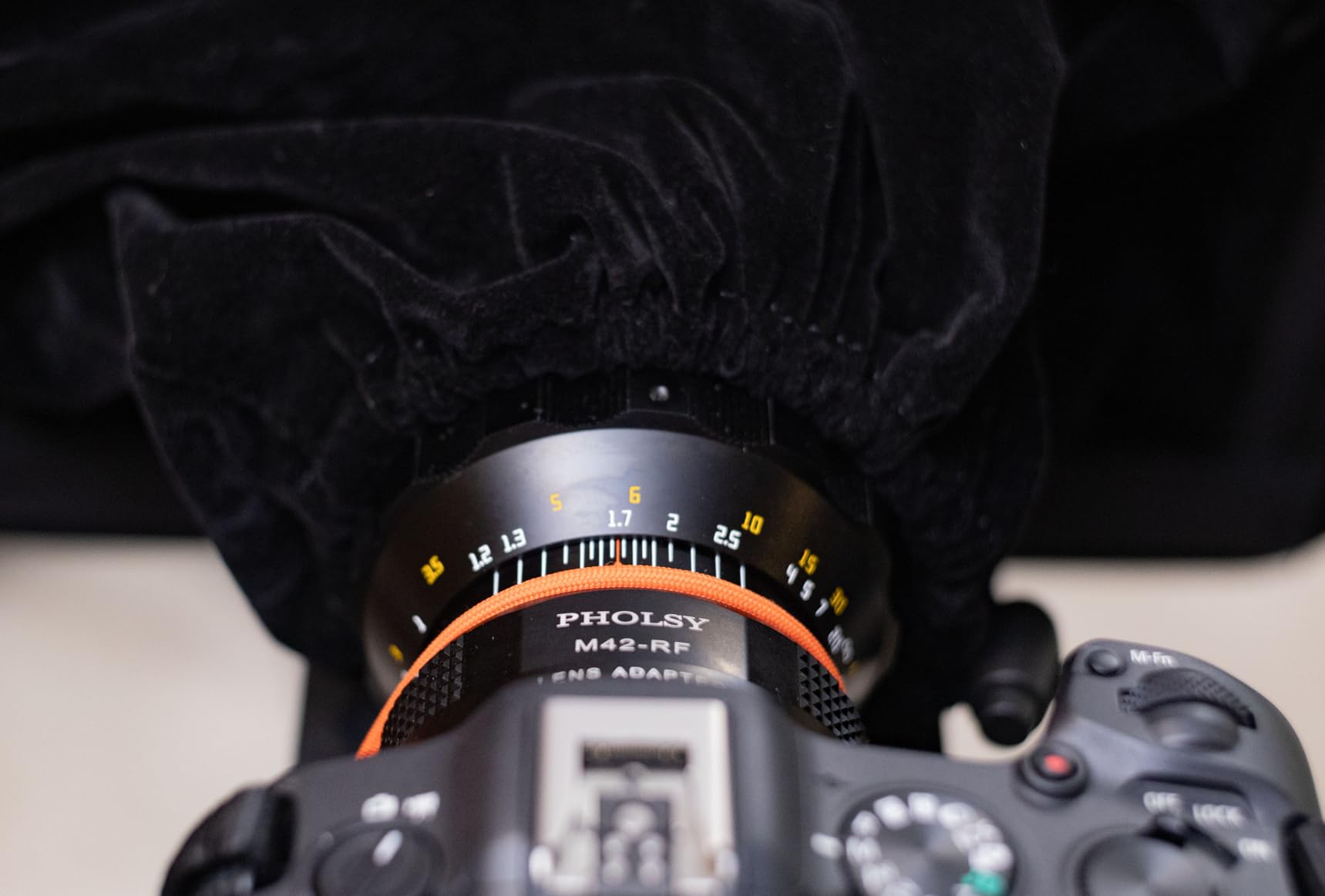
The catch is the app side. Glide Gear does not include software, so you need a third-party teleprompter app with a mirror or horizontal flip mode – this is exactly the pairing that makes or breaks the best teleprompter app for iPad filmmaking workflow. Any established iOS prompter app with mirror mode works fine here. Wide angle shooters should note the cloth hood can creep into frame below about 28mm.
One recurring complaint in reviews is that the accessory mounting screws loosen over time. A quick twist with a hex key before each shoot solves it completely. Also double-check your tablet size: iPad Air, iPad Mini, and the standard iPad fit, but the iPad Pro is too large.
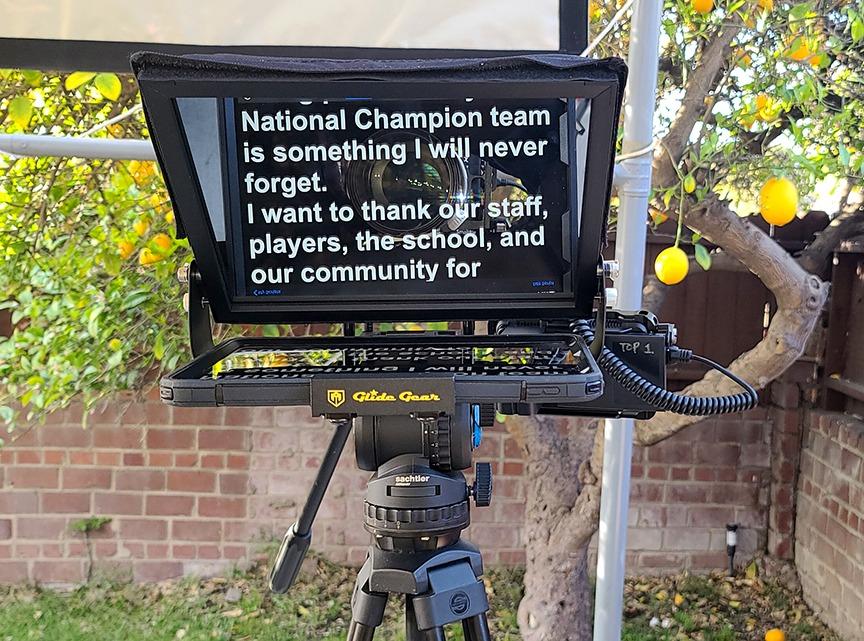
Which iPads and cameras does it actually fit?
The tray accepts devices up to 10.5 by 8 inches, which covers iPad Air, iPad Mini, and the standard iPad with room for a slim case. On the camera side, the 1/4-inch and 3/8-inch tripod threads handle DSLRs and mirrorless bodies up to 6 pounds. Heavier cinema rigs will need external support.
Is the 70/30 glass worth it over cheaper 60/40 options?
For filmmaking, yes. The 70/30 ratio reflects more light to the lens, which means less light loss on your exposure and brighter, easier-to-read text for you. Cheaper 60/40 glass dims your image by roughly a stop and gets harder to read at distance.
2. NEEWER X17 II – Large 17 Inch Glass for Long-Distance Reads
NEEWER Teleprompter X17 II w RT113 Remote/App Control, 17″ HD Beamsplitter
17 inch beamsplitter
71% light transmittance
13ft reading distance
105 ounce weight
44lb camera load
Pros
- Reads confidently from up to 13 feet away
- Quick release plate compatible with Manfrotto 501PL
- No assembly required out of the box
- Smart app remote control via Bluetooth
- Universal iPad iPhone and Android compatibility
Cons
- Tablet holder limited to 9.3 inch width
- Heavy at 6.5 pounds requiring a sturdy tripod
When your camera sits 10 to 13 feet back – interview setups, wide master shots – a small prompter forces you to squint and slow down. The X17 II solved that for me on a documentary shoot: 17 inches of glass with 71 percent transmittance meant I could read copy comfortably across the room without pushing font sizes absurdly high in the app.
The Manfrotto 501PL-compatible quick release plate is a genuine filmmaking feature. My cinema camera snapped straight onto my existing tripod plate system with no adapter dance. It supports cameras up to 44 pounds, which covers serious rigs.
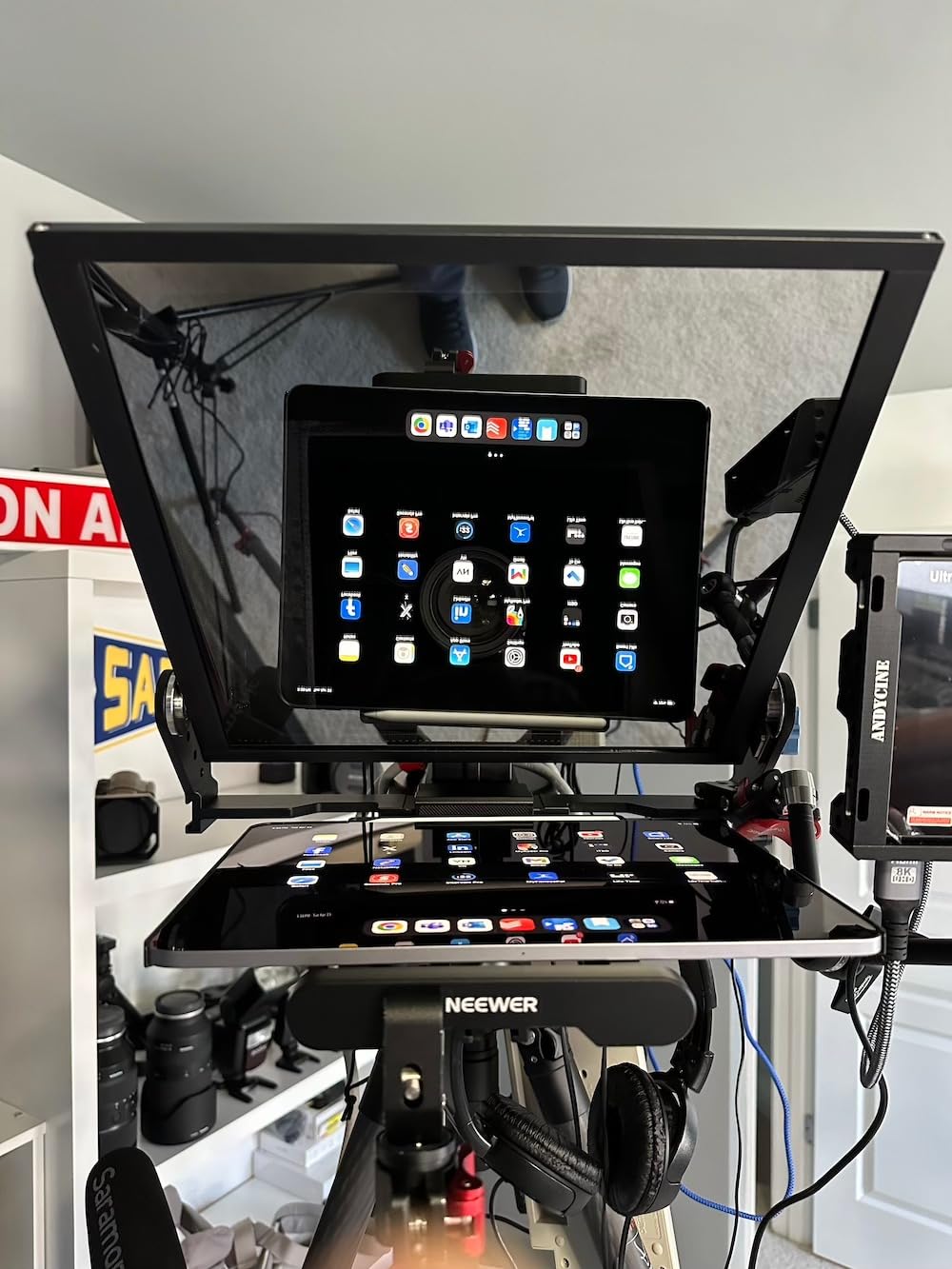
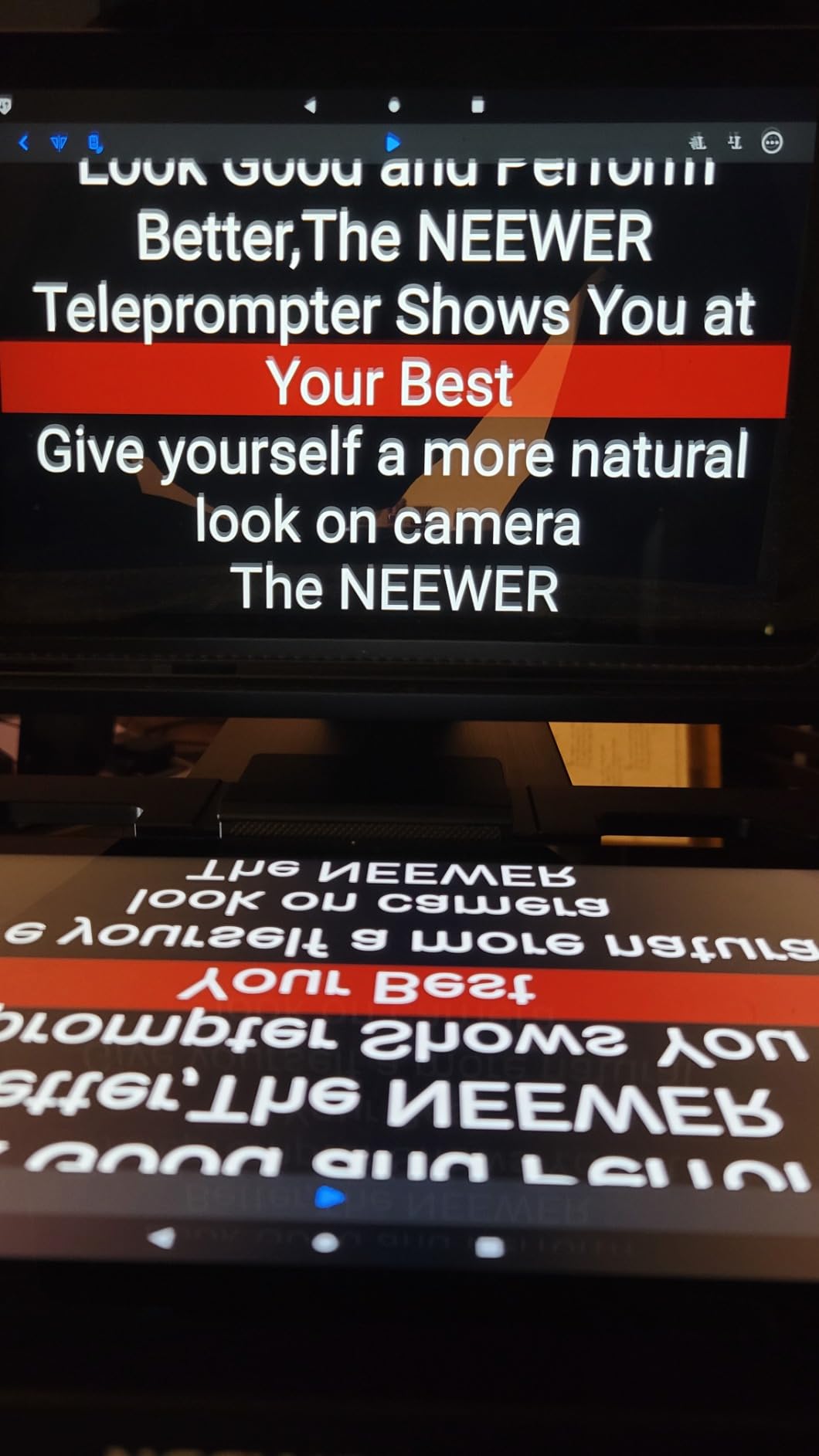
The NEEWER Teleprompter App and RT113 remote handle scroll start, pause, and speed over Bluetooth, and the silent buttons do not ruin audio takes. The app supports iOS 11 and later, so even older iPads still work as the display. Reviewers consistently praise the out-of-the-box readiness – no assembly, just unfold and shoot.
It is heavy at over 6 pounds before you add camera and tablet, so budget for a proper video tripod. And the tablet tray maxes out at 9.3 inches wide, which fits iPad Pro 11 and iPad Air but not the iPad Pro 12.9. The included zippered sunhood and drawstring lens hood do a good job blocking light leaks.
How far away can you actually read the text?
NEEWER rates it at 13 feet, and my testing matches that. At normal font sizes in the app, text stays legible at 4 meters, which is roughly double what the 12 inch rigs manage. Beyond that, increase font size rather than scroll speed for comfort.
Does it work with your existing tripod and plates?
If you already run Manfrotto 501PL plates, the camera snaps directly into your standard plate system. The frame carries cameras up to 44 pounds on 1/4 and 3/8 inch screws. Just make sure your tripod head is rated for the combined weight of prompter, camera, and tablet.
3. NEEWER Basics X12B – Best Budget Pick for Solo Creators
NEEWER Basics X12B Aluminum Alloy Teleprompter 12″ for Tablet DSLR Camera
12 inch display
75% light transmittance
RT113 remote
Foldable carry case
#1 best seller
Pros
- No assembly required design
- 12 inch HD display with 75% light transmittance
- RT113 remote with quiet buttons
- NEEWER app compatible with iOS 11 and Android 6
- Foldable and portable with carry case
Cons
- Remote control reliability issues reported by some users
- Tablet holder may not grip firmly
- Bluetooth connectivity issues reported
- Not designed for phone shooting
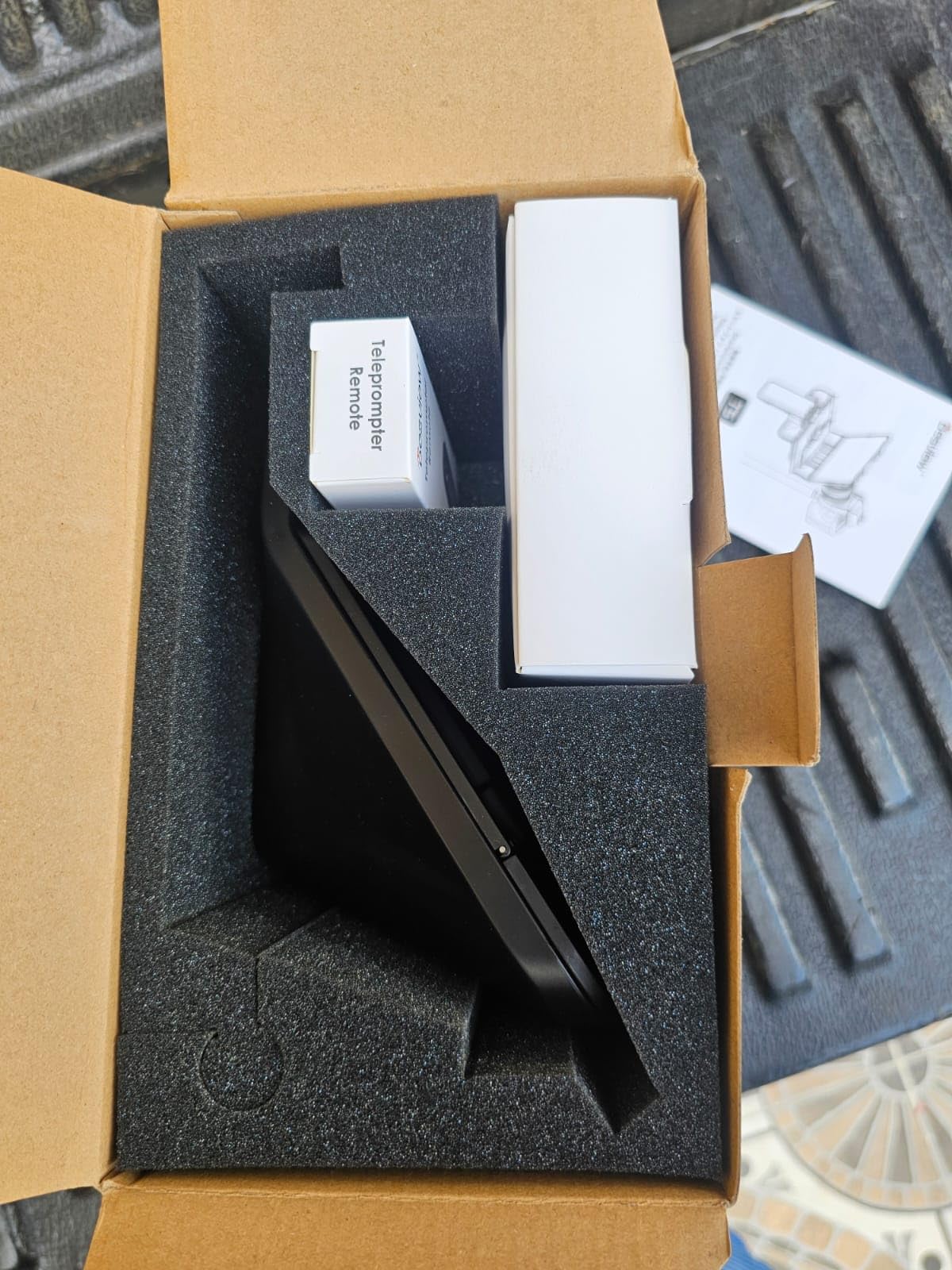
This is the rig I recommend to filmmakers testing the waters. It ranks number one in its Amazon category, costs less than most competitors, and keeps the features that matter: 12 inches of HD glass at 75 percent transmittance, the RT113 Bluetooth remote, and full access to the NEEWER app ecosystem.
The flip-open, assembly-free design genuinely works. On a run-and-gun shoot I had it mounted and scrolling a script in about three minutes. Text reads clearly at 10 feet, which covers most single-camera YouTube and training video setups.
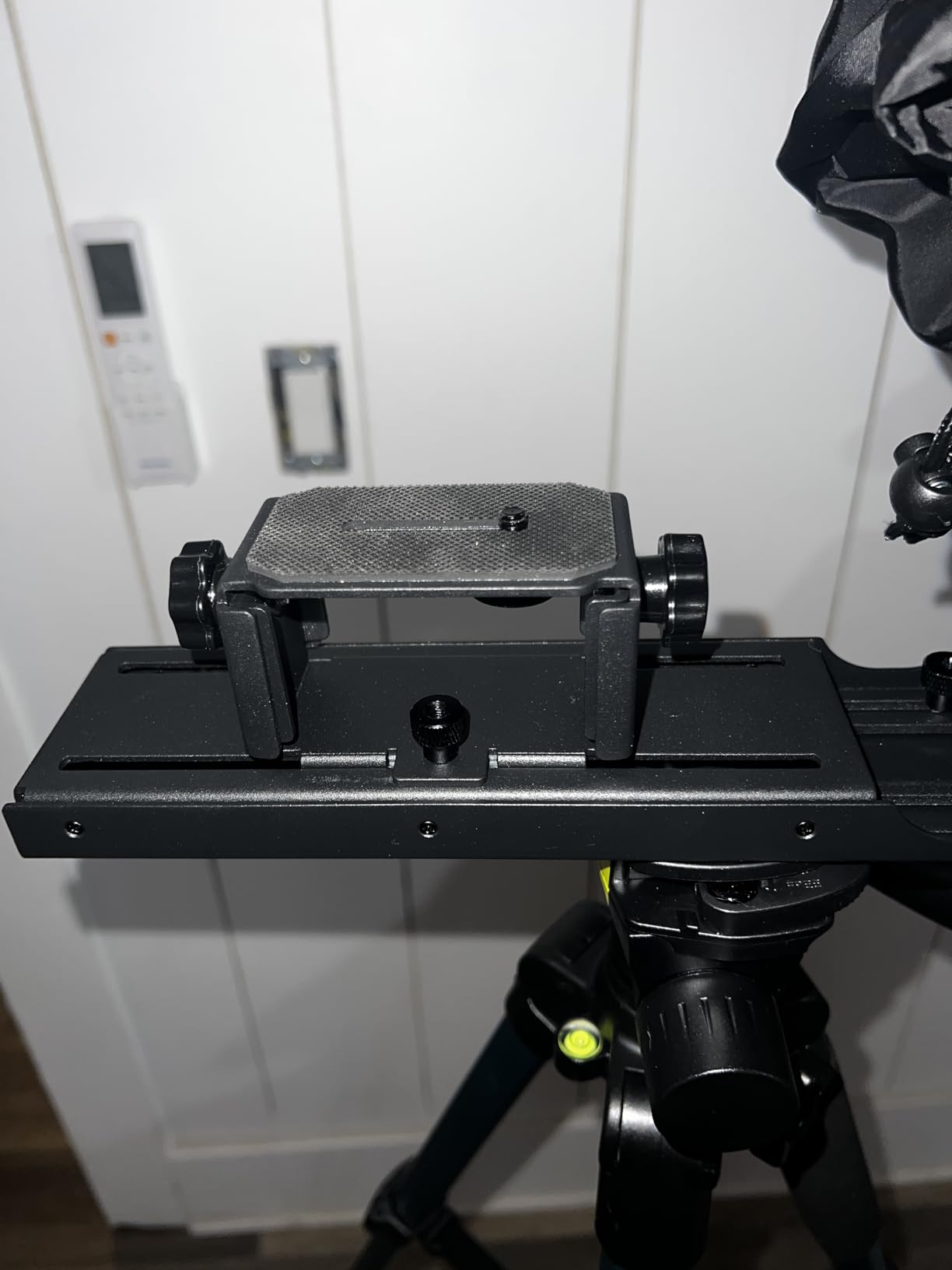
The compromises are real but manageable. A minority of reviewers report the remote dropping its Bluetooth connection or the tablet holder gripping loosely – I added a strip of gaffer tape to the tray edges and the hold improved immediately. There are also scattered reports of screen damage in shipping, so inspect the glass on arrival.
It is built for tablets rather than smartphones, which is fine since you are here for an iPad workflow. Pair it with the free NEEWER app or any iOS prompter app with mirror mode and remote support. For the price, the value is hard to beat.
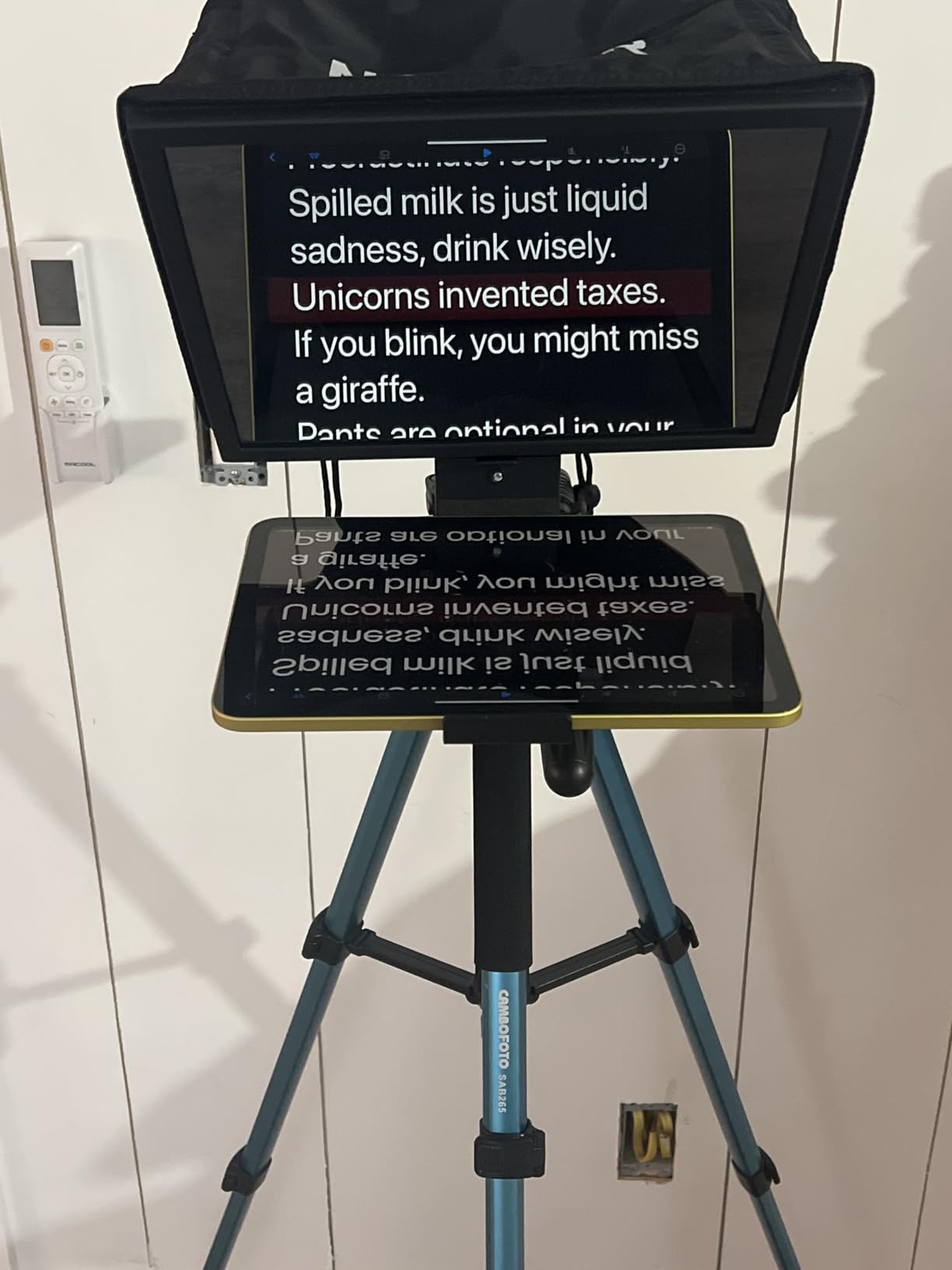
How reliable is the RT113 remote in real shoots?
For most users it works out of the box – start, pause, and speed control over Bluetooth with quiet buttons. A small share of reviews mention dropped connections, usually fixed by re-pairing or keeping line of sight to the iPad. If you depend on hands-free control for every take, test it before shoot day.
Is the cheaper Basics line good enough versus the standard X12?
Yes for most solo creators. You get the same glass size, similar transmittance, and the same app support. The standard X12 adds wider device compatibility and a phone holder. If you shoot exclusively from an iPad, save the difference.
4. NEEWER X12 – Balanced 14 Inch Rig with Remote Included
NEEWER X12 14 Inch Aluminum Alloy Teleprompter for iPad Tablet Phone Camera
Fits tablets up to 9.84 x 8.68 inch
75% light transmittance
RT-110 remote
Bluetooth app control
Carry case
Pros
- HD beam splitter glass with 75% light transmittance
- Text readable up to 10 feet
- Intelligent control via RT-110 remote and NEEWER app
- Fits smartphones and tablets up to 9.84 x 8.68 inches
- Lightweight aluminum alloy construction
Cons
- Not compatible with wide angle lenses under 28mm
- Not compatible with iPad Pro 12 inch
- Remote buttons not labeled
- Requires app for full remote functionality
The X12 sits in the sweet spot of NEEWER’s lineup: bigger than the Basics, cheaper than the X14 and X17, with the same app-and-remote control system. I used it for a series of training videos and found the adjustable hood genuinely useful for killing glare under studio LEDs.
Text stays readable at 10 feet thanks to 75 percent light transmittance through the beam splitter. The aluminum build feels lighter than the specs suggest, which your tripod arm will thank you for. Assembly is straightforward and the collapse-flat design plus carry case makes it easy to stash in a kit bag.
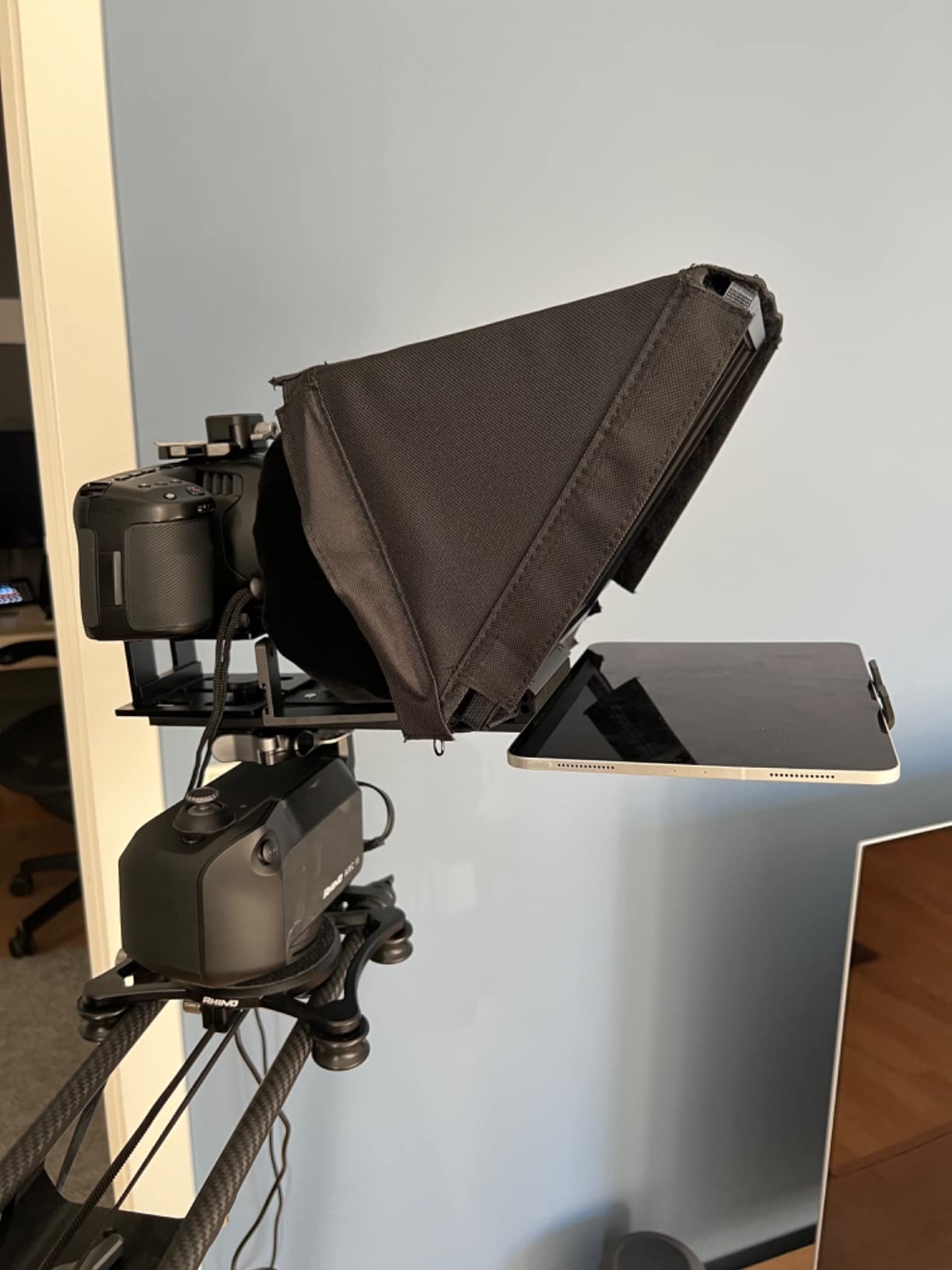
Two compatibility warnings matter for filmmakers. First, lenses wider than 28mm will see the hood edges – shoot 28mm or longer. Second, the tray does not take the iPad Pro 12.9, though the iPad Pro 11 and iPad Air fit fine.
The unlabeled remote buttons are a small annoyance you memorize in one session. Note that stock runs low on this model periodically, so if it shows limited availability, the Basics X12B uses the same app ecosystem. Some older iPad Mini units have app quirks, so update iOS before the shoot.
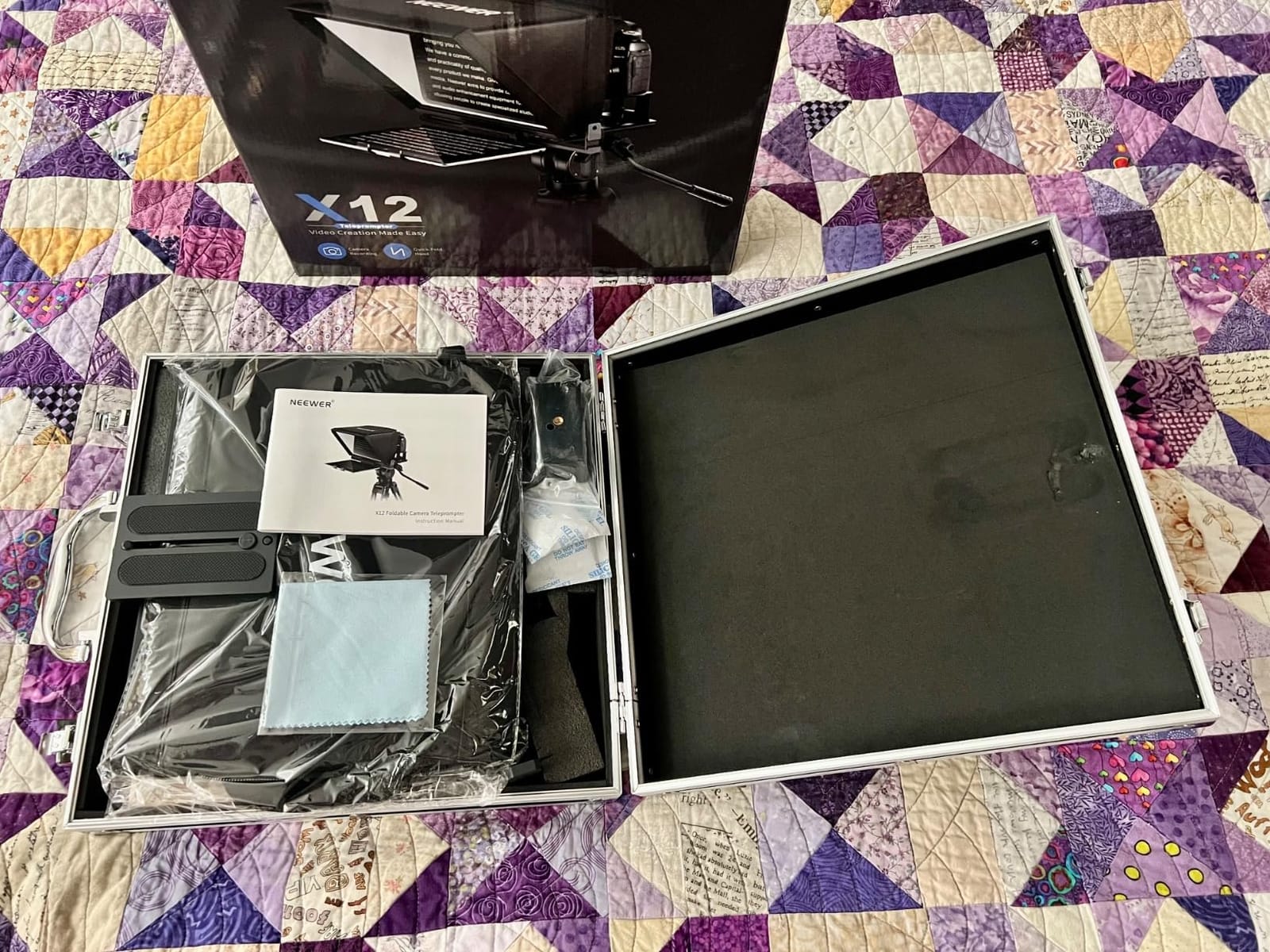
What lenses work without seeing the hood in frame?
Anything 28mm or longer on a full-frame body stays clean. Wider lenses pick up the hood and frame edges. If your style depends on 16mm or 24mm wides, look at the Desview T3 instead, which supports 24mm horizontally.
How does the NEEWER app handle scripts and scrolling?
The free NEEWER Teleprompter App for iOS and Android imports plain text, controls scroll speed, and mirrors text for the beam splitter. The RT-110 remote adjusts speed and pauses mid-scroll over Bluetooth. You can also edit scripts on the iPad between takes without re-pairing.
5. NEEWER X11 2-in-1 – Built-In Monitor Plus Tablet Support
NEEWER X11 2 in 1 Teleprompter 11″ with Monitor, Supports Screen Mirroring
Built-in 9 inch LCD monitor
11 inch beamsplitter
USB C and HDMI
Screen mirroring support
1.3 pounds
Pros
- Built-in 9 inch HD LCD monitor works without any tablet
- 2-in-1 design for tablet phone or internal monitor
- USB C and HDMI computer connectivity
- Screen mirroring support for iPhone and Android
- Arca type holder with 10cm horizontal adjustment
Cons
- Voice sync not supported
- Requires separate app downloads for mobile and PC
- Driver required for HDMI on some computers
- Limited to phones with DP protocol for mirroring
The X11 is the problem solver of this list. Its 2-in-1 design means you can slide in your iPad like any other prompter, or skip the tablet entirely and use the built-in 9-inch LCD monitor – a real advantage when your iPad is busy being your director’s monitor or running a shot list app.
I ran it both ways on a livestream production. With USB C connected to the Mac, the prompter behaved like a second display, scrolling the script from teleprompter software on the computer. That opens up desktop-class script tools instead of relying only on mobile apps.
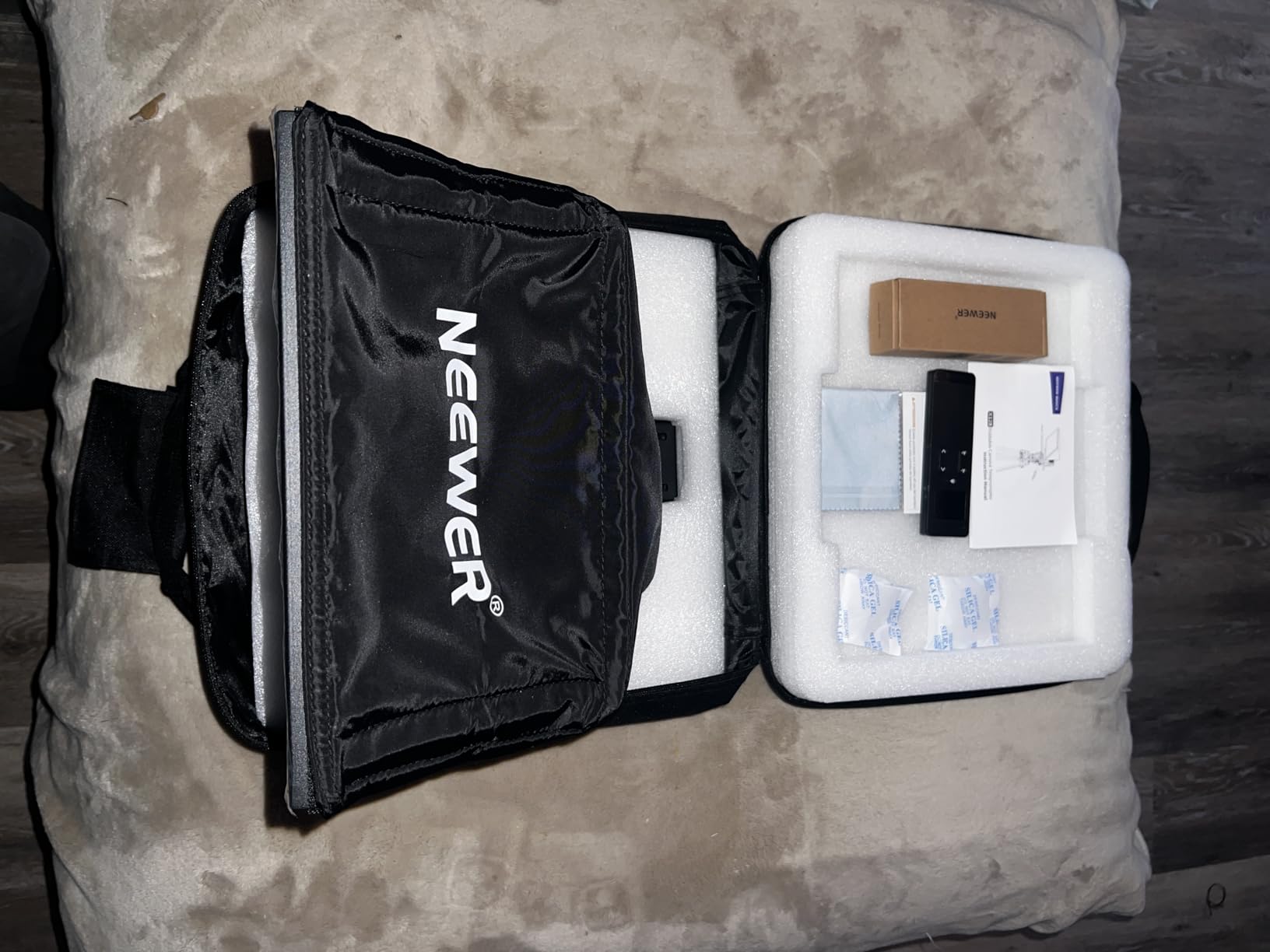
The multi-coated HD glass cuts ghosting noticeably compared to uncoated budget glass, with 75 percent light transmission and text readable at 2.5 meters. The Arca-type holder gives 10cm of horizontal adjustment, which made centering my webcam and mirrorless camera painless.
Be aware of the mirroring limits: phone screen mirroring requires DP protocol support, so check your phone before buying. HDMI setups on some computers need a driver install. And there is no voice-sync scrolling – control is manual, by remote, or via connected software.
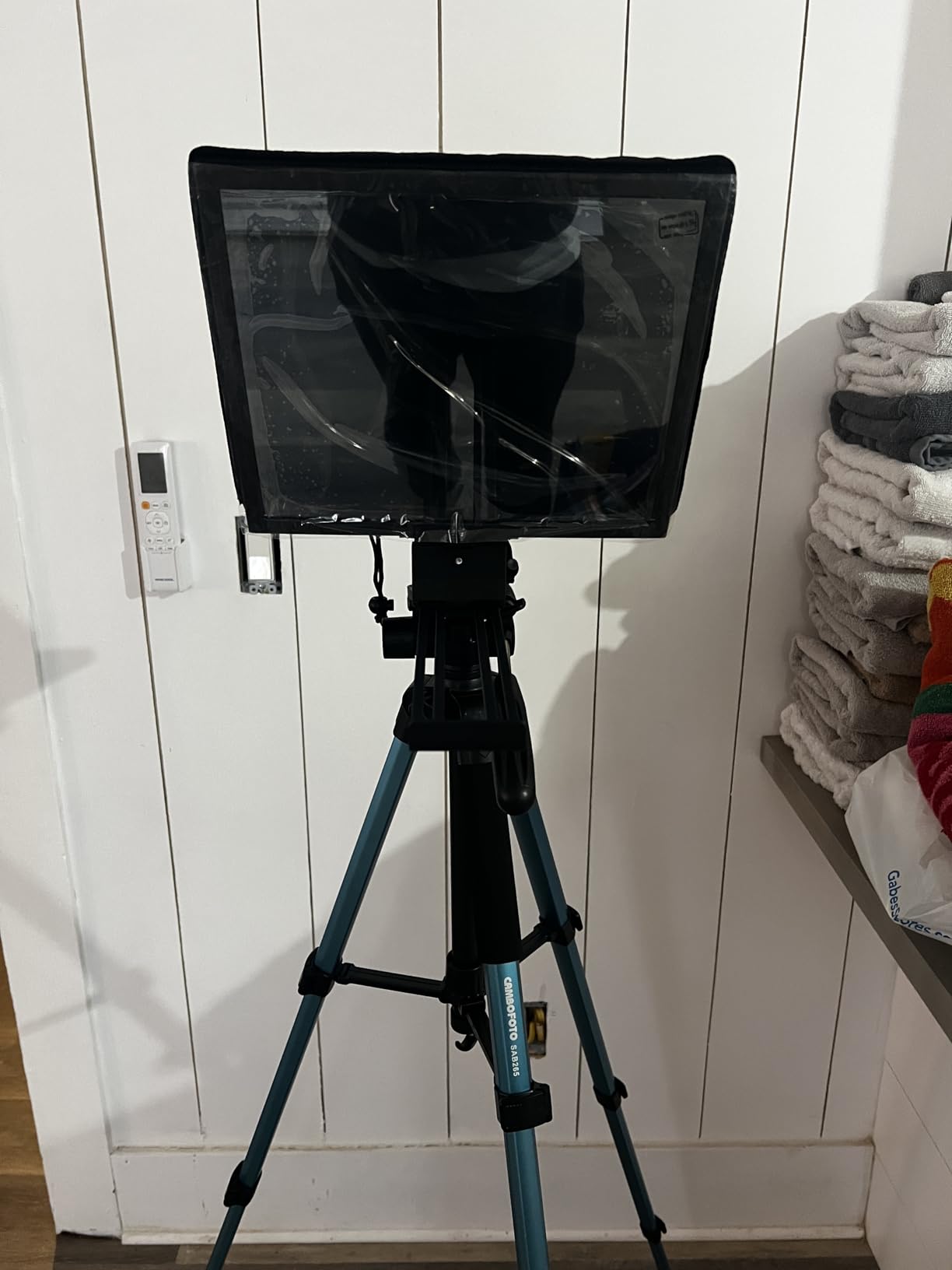
When is the built-in monitor better than using your iPad?
When your iPad is already serving as a monitor, capture device, or control surface on set. The internal 9-inch screen also helps multi-presenter shoots where each speaker has their own copy. The iPad path wins when you want to edit scripts on the fly between takes.
Can it work as an external display for a computer?
Yes – over USB C to USB C or USB A to HDMI with a splitter. It works as a second display on Windows and macOS, so desktop teleprompter software can drive it. Some computers require a driver for HDMI, so test before a live session.
6. NEEWER X14 III – Manfrotto-Ready Frame for Cinema Rigs
NEEWER Teleprompter X14 III with RT113 Remote/App Control, 14″ Beamsplitter
14 inch beamsplitter
71% light transmission
Manfrotto 501PL plate
All metal frame
5.2 pounds
Pros
- Assembly free foldable design
- Upgraded camera mount compatible with Manfrotto 501PL
- 14 inch HD beamsplitter with 45 degree tilt
- RT113 remote with NEEWER app via Bluetooth
- All metal frame fits devices up to 8.7 inches wide
Cons
- Heavy at 5.2 pounds requiring a sturdy tripod
- Display tray does not clamp devices firmly
- Some light leakage through zipper banding
- App margins not adjustable
The X14 III is the mid-size workhorse between the X12 and X17 II. The all-metal frame feels like a real production tool rather than a content-creator gadget, and the 45-degree tilt on the 14-inch glass gives a natural reading angle whether you shoot seated or standing.
The Manfrotto 501PL-compatible quick release plate is the headline feature for filmmakers already invested in that ecosystem. Camera swaps during a shoot took seconds instead of minutes. The 71 percent transmittance glass reads comfortably at 10 feet.
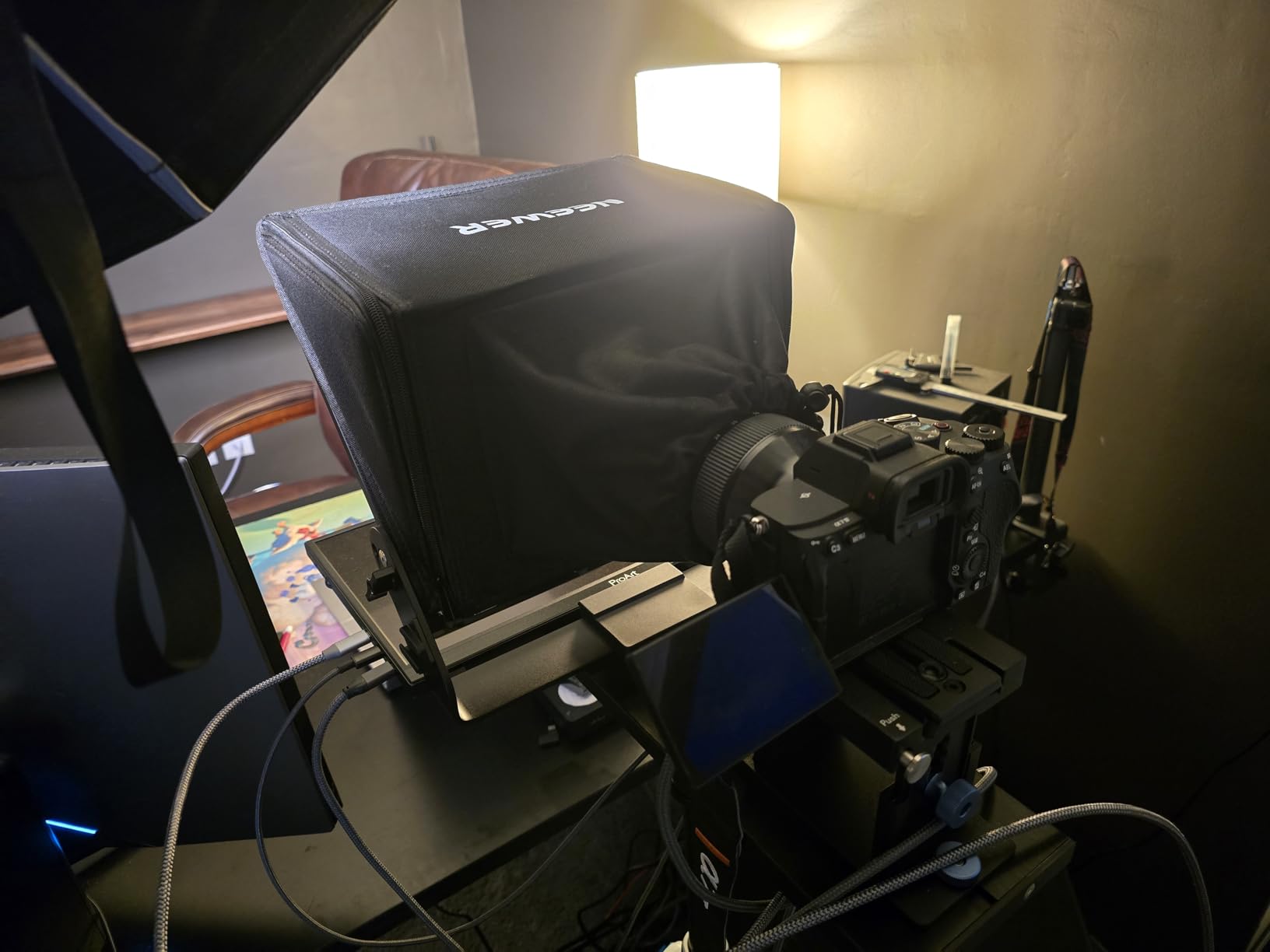
On the app side, the RT113 remote and NEEWER app pair over Bluetooth and behave identically to the other NEEWER rigs – speed, pause, and start control with silent buttons. One app limitation bugged me: you cannot adjust text margins, so very wide scripts wrap awkwardly. Breaking scripts into shorter lines before import solves it.
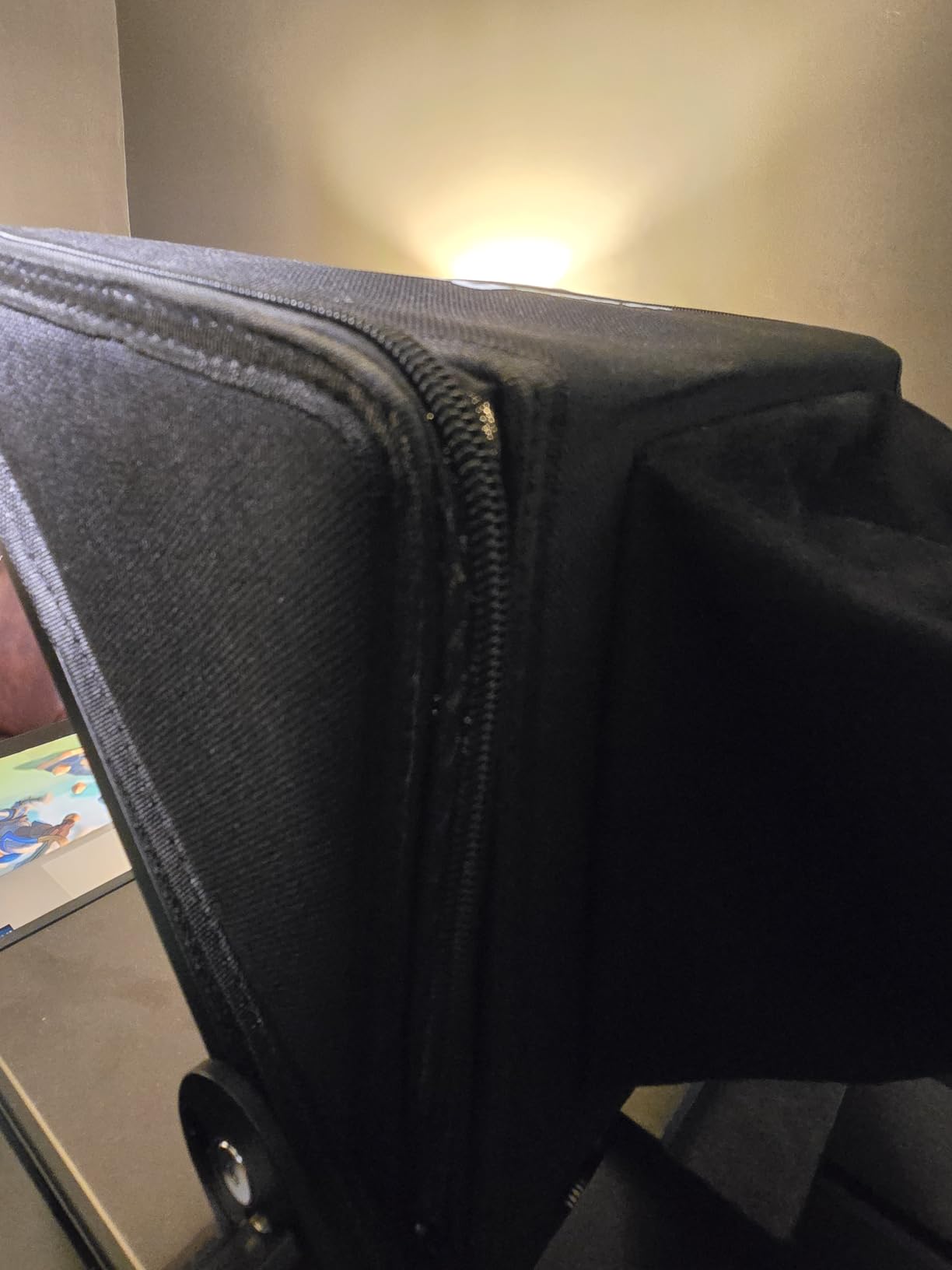
Minor build nits from the field: the display tray relies on gravity rather than a clamp, so I add a strip of foam tape for angled setups, and the zipper banding on the hood lets in a sliver of light in harsh backlight. At 5.2 pounds plus camera and tablet, use a video tripod, not a photo tripod.
How does it hold up with heavier cinema cameras?
The frame is rated for 10 kilograms and the metal construction handles cinema bodies without flexing. The 501PL plate means your existing video head takes the load as designed. Just balance the rig forward on the head so the added glass weight does not fight your drag settings.
Is 14 inches the right size for your shooting distance?
It is ideal for the 6 to 10 foot range where most solo and two-person shoots happen. Closer than 6 feet, the extra glass is overkill; beyond 12 feet, step up to the X17 II. Match the glass size to your actual camera position, not your ambitions.
7. TeleprompterPad iLight PRO 12 – Cross-Platform App Included
TELEPROMPTER PAD iLight PRO 12″ Autocue teleprompter iPad Tablet – Kit teleprompter for Video with Remote Control, APP & Carry Bag, Beam Splitter Prompter DSLR, iPhone, APP for Apple Android Mac Win
12 inch prompter
60/40 beamsplitter glass
Angle adjust system
Collapsible design
Remote included
Pros
- Premium 60/40 beamsplitter glass with 4mm scratch-resistant thickness
- Easy angle adjusting system for quick framing
- Professional app included on iOS Android Mac and Windows
- Compatible with tablets up to 20 x 26 cm including iPad Pro 11
- Collapsible for easy transport with carry bag
Cons
- Only 9 units left in stock at time of writing
- Lower 4.1 rating than category leaders
The iLight PRO is the pick when your workflow spans devices. Its bundled professional app runs on iOS, Android, Mac, and Windows, so the same script files move from your iPad on set to your laptop in the edit bay without conversion headaches.
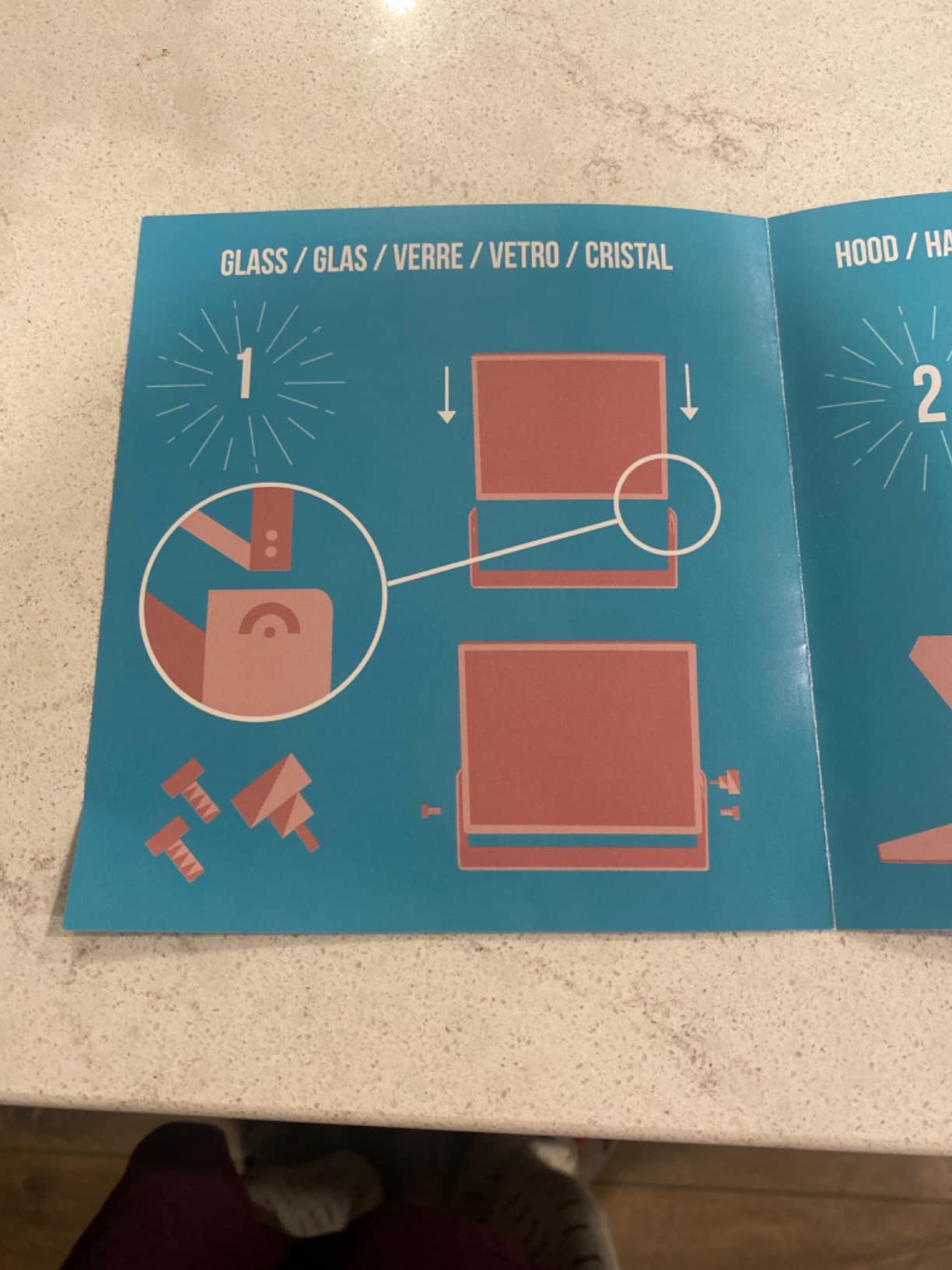
The 4mm-thick 60/40 glass is notably more scratch-resistant than the thin panels on some budget rigs, and the angle adjustment system lets you reframe quickly when you swap between standing interviews and seated pieces to camera. It folds down flat and ships with a carry bag and remote.
Device compatibility is generous: anything up to 20 by 26 centimeters, which covers iPad 10.2, iPad Air 10.5, iPad Pro 11, and iPad mini. Camera-side it plays nice with DSLRs and the pro camcorder families most documentary shooters still use.
The 4.1 rating across 1288 reviews is solid if a step below Glide Gear and NEEWER, and the 60/40 glass costs you more light than 70/30 or 75 percent alternatives – plan for roughly a stop of compensation on exposure. Stock also runs thin, so if you want it, do not wait for your shoot week.
Which app do you get and does it support mirror mode?
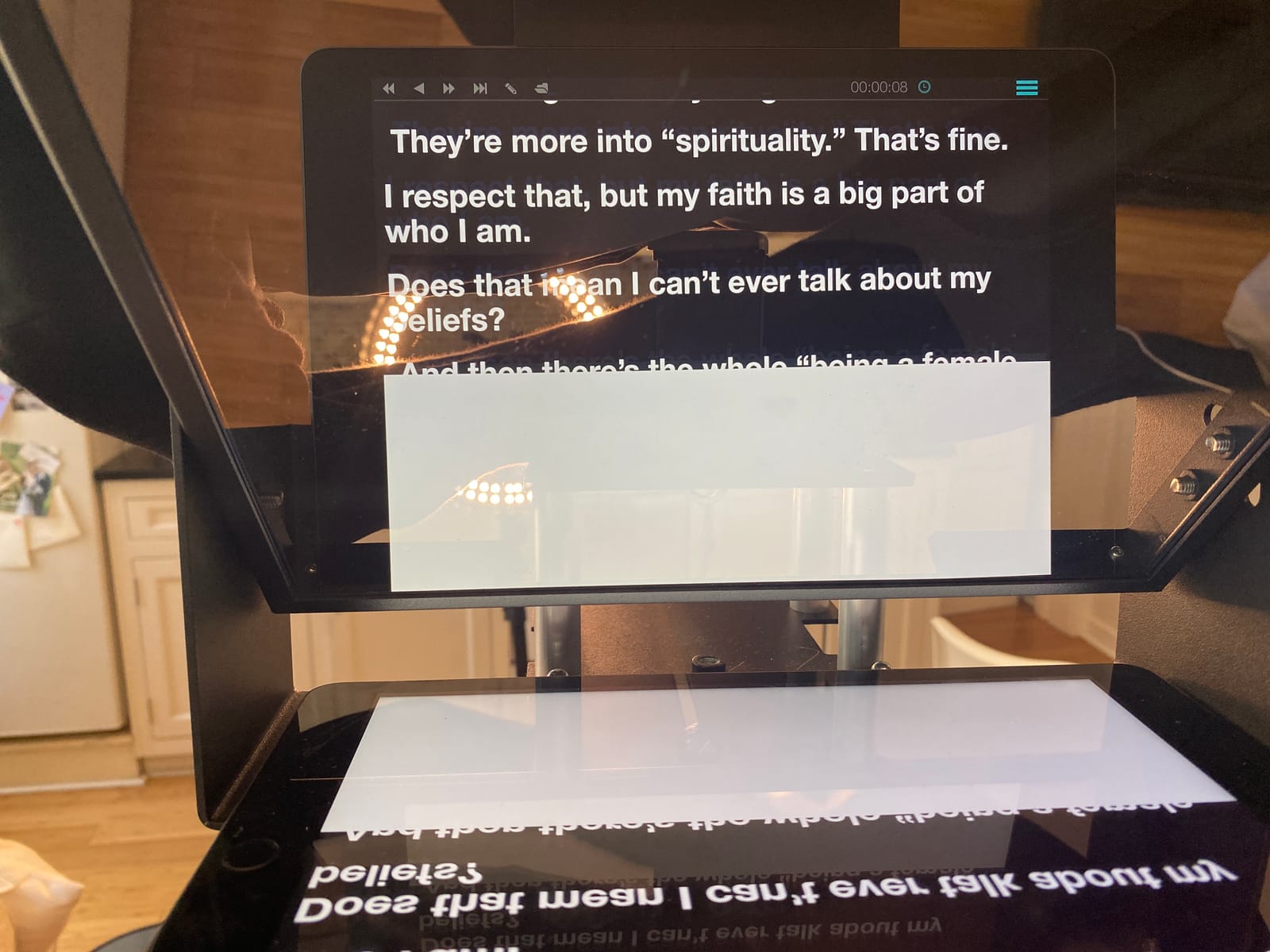
The included TeleprompterPad app covers iOS, Android, Mac, and Windows with mirror text, scroll speed control, and remote compatibility. Because the app spans platforms, you can control the iPad scroll from your phone – a handy trick for solo shoots.
How much light does the 60/40 glass cost you?
Expect to open up roughly a stop compared to shooting without the prompter, since 60/40 glass transmits less light to the lens than 70/30 alternatives. In bright studios it is a non-issue; in dim locations, add a key light or raise ISO before blaming the rig.
8. SmallRig 3646 – Pro Matte-Box Style Prompter for 15mm Rods
SMALLRIG Teleprompter for iPad Tablet up to 11 inch, NOT for Smartphone
15mm LWS baseplate mount
iPad up to 11 inch
4x5.65 filter adapter
49-95mm lens support
898 grams
Pros
- Professional grade SmallRig build quality
- Includes 4x5.65 inch standard filter adapter
- SmallGoGo app extracts text from PDF Word TXT and images
- No vignetting at 22mm or longer
- Quick-release lens hood and top flag against glare
Cons
- Requires separate 15mm LWS baseplate not included
- Not compatible with smartphones
- Some users report remote control issues
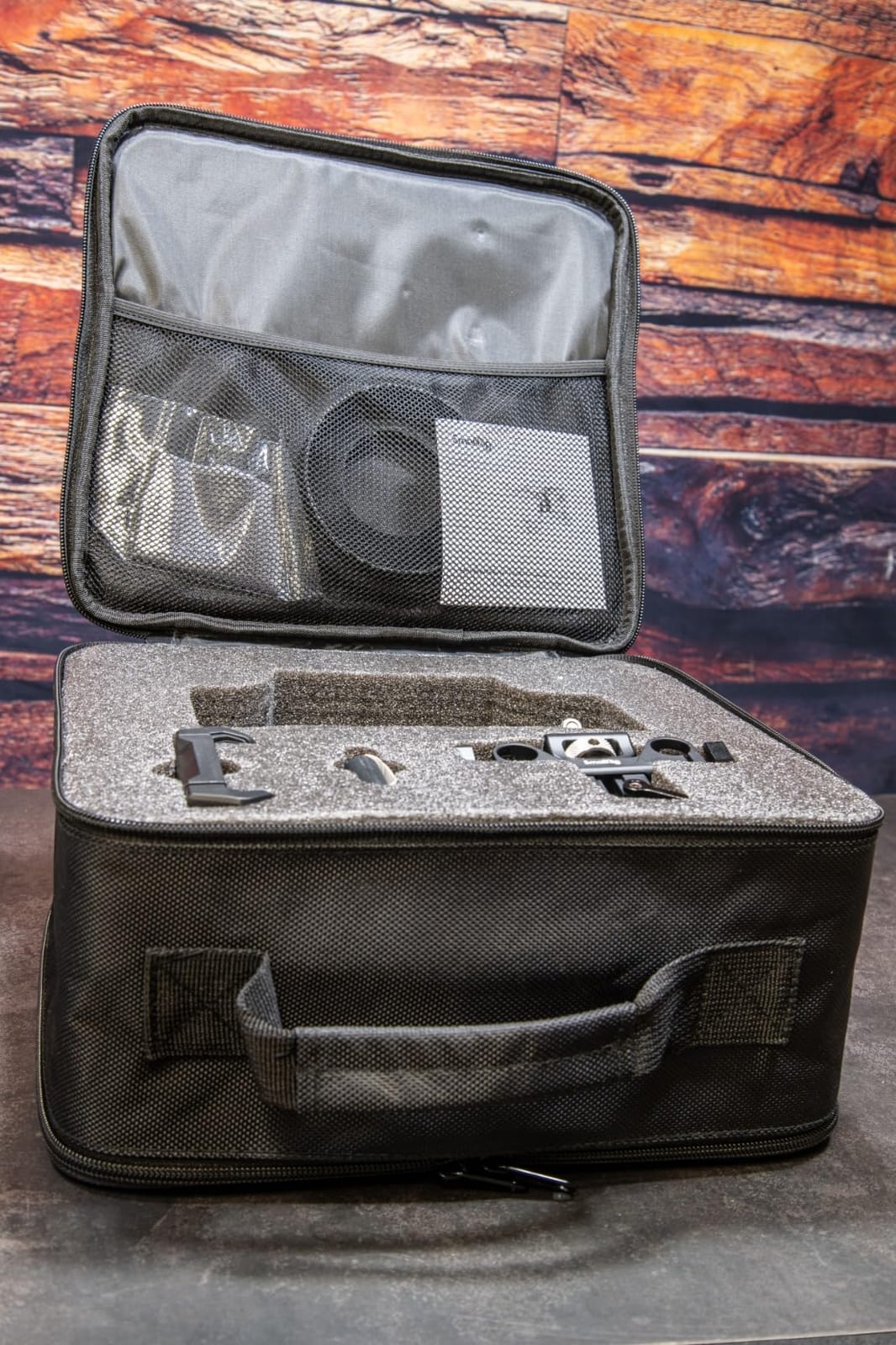
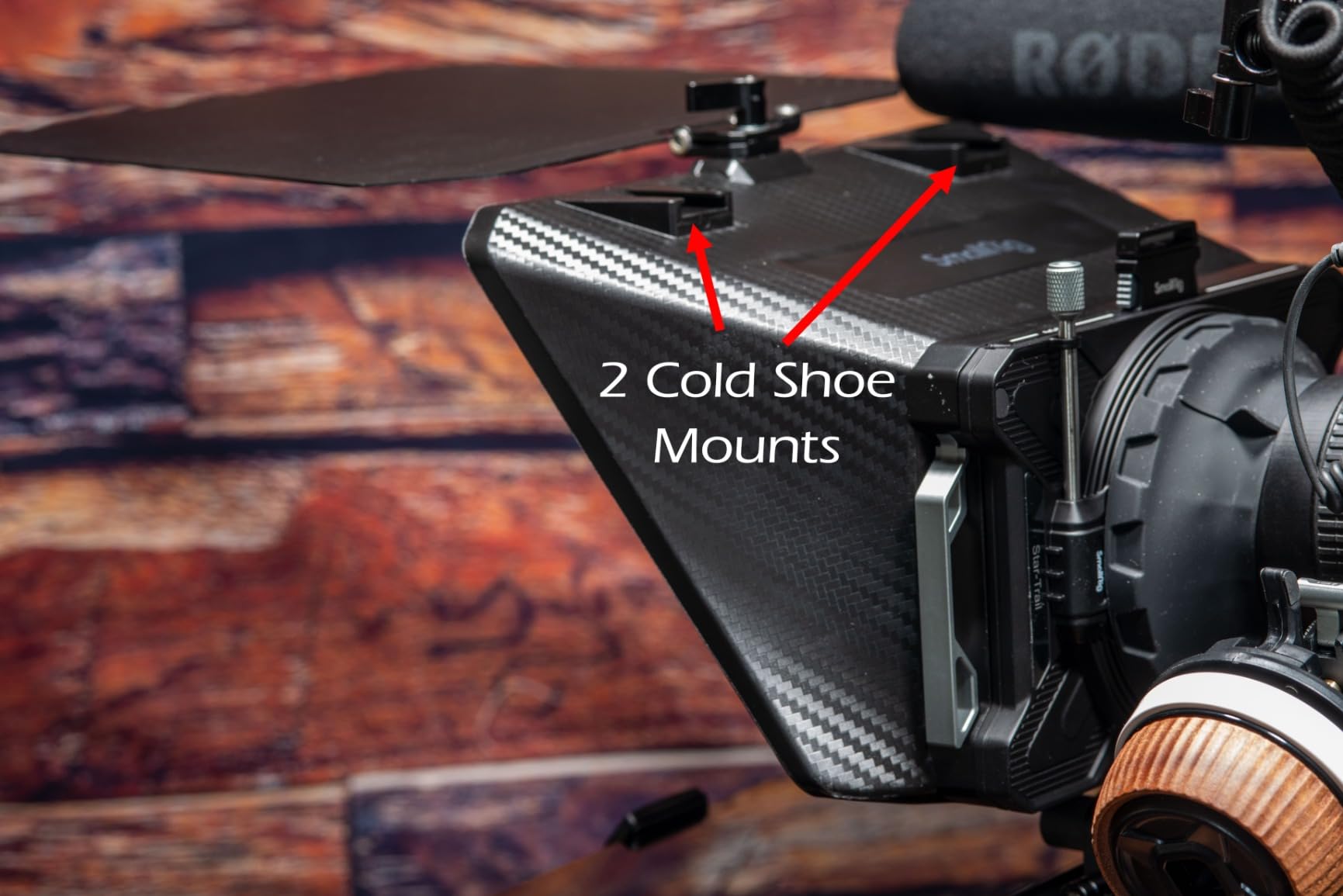
SmallRig built the 3646 for people who already own a cinema rig. It mounts on a 15mm LWS baseplate – the standard rod system on most professional camera builds – and even includes a 4×5.65-inch filter adapter, effectively giving you a compact matte box as a bonus.
This is not a tabletop gadget; it is a modular production tool. The silicone lens cover supports 49mm to 95mm diameter lenses, and the optics stay clean from 22mm and longer with no vignetting. The top flag and gasket system handles glare and ghosting properly, which cheap hoods do not.
The bundled SmallGoGo app is the sleeper feature for filmmakers: it extracts script text from PDFs, Word documents, TXT files, and even photos of printed pages. When a director hands you a script as a PDF on set, you are scrolling it in thirty seconds instead of retyping.
The honest caveat: you must buy the 15mm LWS baseplate separately, so factor that into the real cost. It is iPad-only by design – no phone tray – and a few reviewers noted remote quirks. With 87 reviews it is less battle-tested than the NEEWER options, but the build quality is beyond question.
What extra gear do you need to mount it?
A 15mm LWS baseplate (SmallRig IDs 2092B or 3067) sold separately, plus rods if your build does not have them. If you already run a rod-based cinema rig, you likely own everything. If you shoot from a bare camera on a photo tripod, choose a different prompter from this list.
How well does the SmallGoGo app handle real production scripts?
Very well for text extraction – PDF, Word, TXT, and photographed pages all convert to scrolling script. Combined with mirror mode and speed control, it covers the full on-set workflow. Users who need granular remote control should test the Bluetooth remote before relying on it for live takes.
9. Desview T3 – Brightest Glass for Wide Angle Shooters
Desview T3 Teleprompter for Camera & Smartphone – Supports iPad/Tablet up to 10″ – Beam Splitter Glass with Bluetooth Remote – Wide Angle Support for YouTube, TikTok & Live Streaming
70/30 beamsplitter
97% light transmittance
9 adapter rings 49-82mm
24mm wide angle support
Under 1 pound
Pros
- Premium 70/30 beamsplitter with 97% light transmittance
- 26-layer optical coating for ghost-free readability
- Includes 9 adapter rings from 49 to 82mm
- Wide-angle support down to 24mm with zero vignetting
- Smart Bluetooth remote with free Desview app
Cons
- Lower 3.9 rating than competitors
- Limited to smartphones and tablets up to 10 inches
The T3 wins on optics. Its 26-layer coated 70/30 glass transmits 97 percent of light, which is the brightest reading experience in this roundup. On a dimly lit narrative shoot, that difference meant clean exposure without cranking ISO.
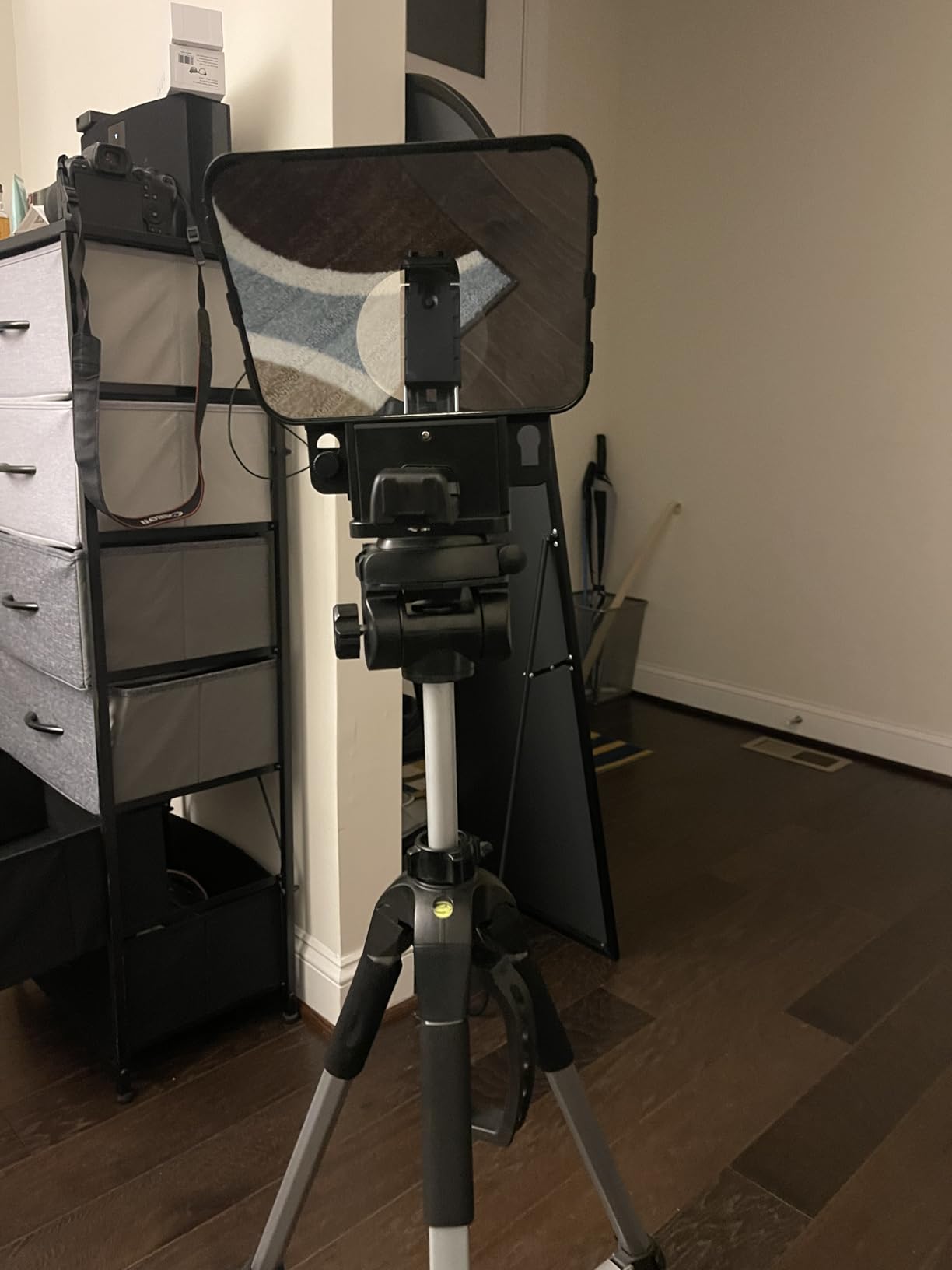
Wide angle shooters finally get an option here: the T3 stays vignette-free from 24mm for horizontal shots and 35mm for vertical TikTok-style framing. Nine included adapter rings from 49mm to 82mm fit virtually any lens you own, and the whole rig weighs under a pound.
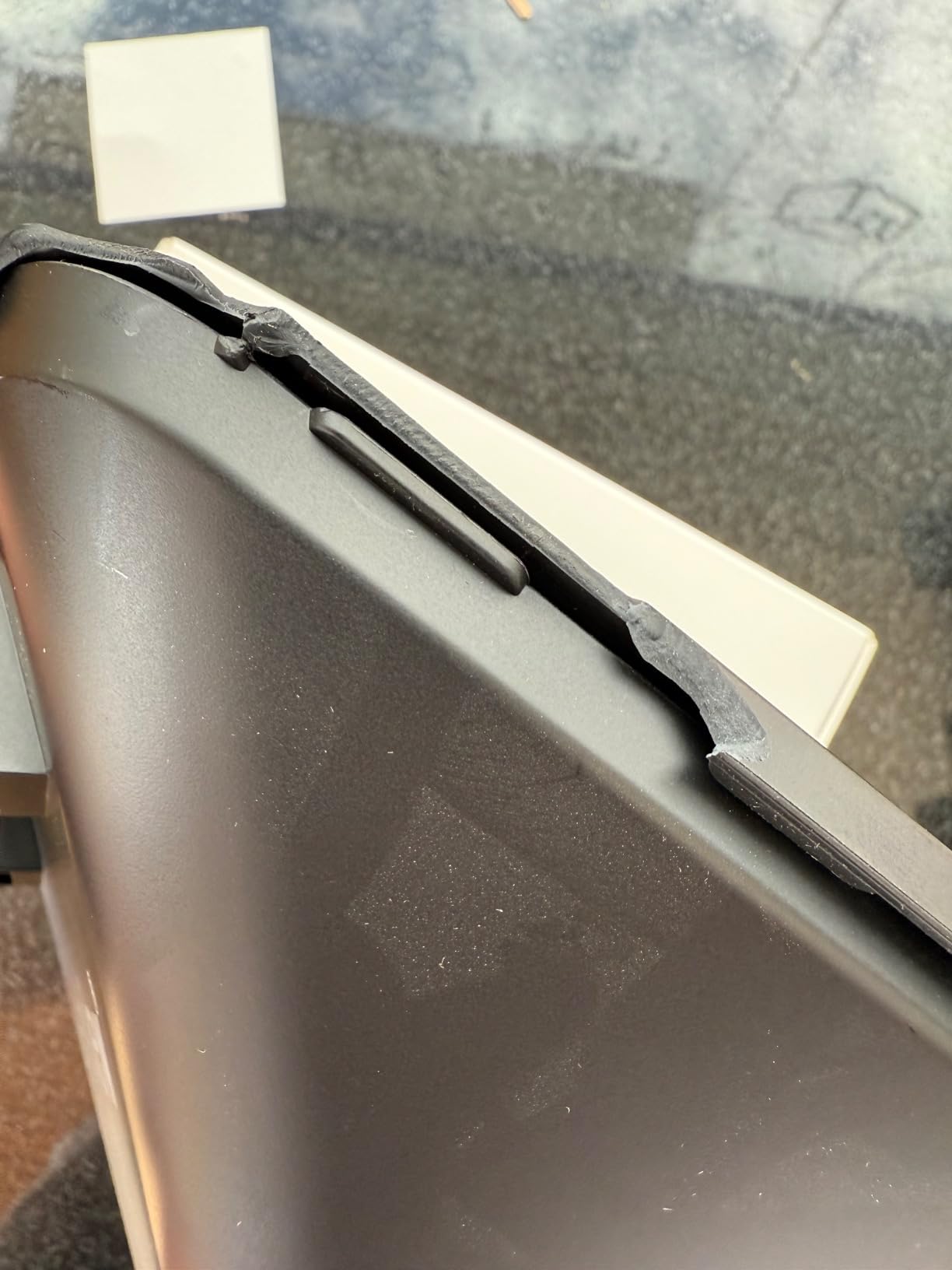
The free Desview app handles scroll speed and mirroring, and the Bluetooth remote covers play, pause, and speed adjustments. The 7H hardness glass has shrugged off bag wear that would scratch softer panels.
The trade-off is the track record: a 3.9 rating across 105 reviews trails the category leaders, and the tray caps at 10-inch tablets – standard iPads fit, larger Pros do not. For filmmakers who prioritize image quality and shoot wide, those compromises may be worth accepting.
Why does 97 percent transmittance matter for filmmaking?
Every teleprompter sits between your lens and your subject, and cheap glass can eat a full stop of light. The T3’s coated 70/30 glass passes nearly everything through, so your exposure stays close to unprompted levels and text reflection stays bright for you.
Does it work for vertical video and social formats?
Yes. The optics support 35mm and longer for vertical shooting, which covers YouTube Shorts, Reels, and TikTok production without vignetting. Combined with the sub-pound weight, it is the most social-friendly rig in this lineup.
10. Desview T5 – Vertical Mode Switching with Smart App
Desview T5 Teleprompter for Smartphone & Tablet, Video Recording | Compatible with DSLR Cameras. Includes 49-82mm Adapter Rings, Coated Glass, Bluetooth Remote, Free App for Streaming
Tablets up to 11 inch
Horizontal and vertical modes
TXT DOCX import
Bluetooth remote
520 grams
Pros
- Multi-device compatibility with smartphones tablets under 11 inches and DSLR cameras
- Horizontal and vertical shooting modes
- Real-time self-check with second phone viewing
- Professional Desview app imports TXT and DOCX
- Bluetooth remote with auto sleep and lifetime maintenance
Cons
- Tablet holder can feel loose on camera
- Adapter rings can strip easily
- Setup can be time-consuming with multiple adapters
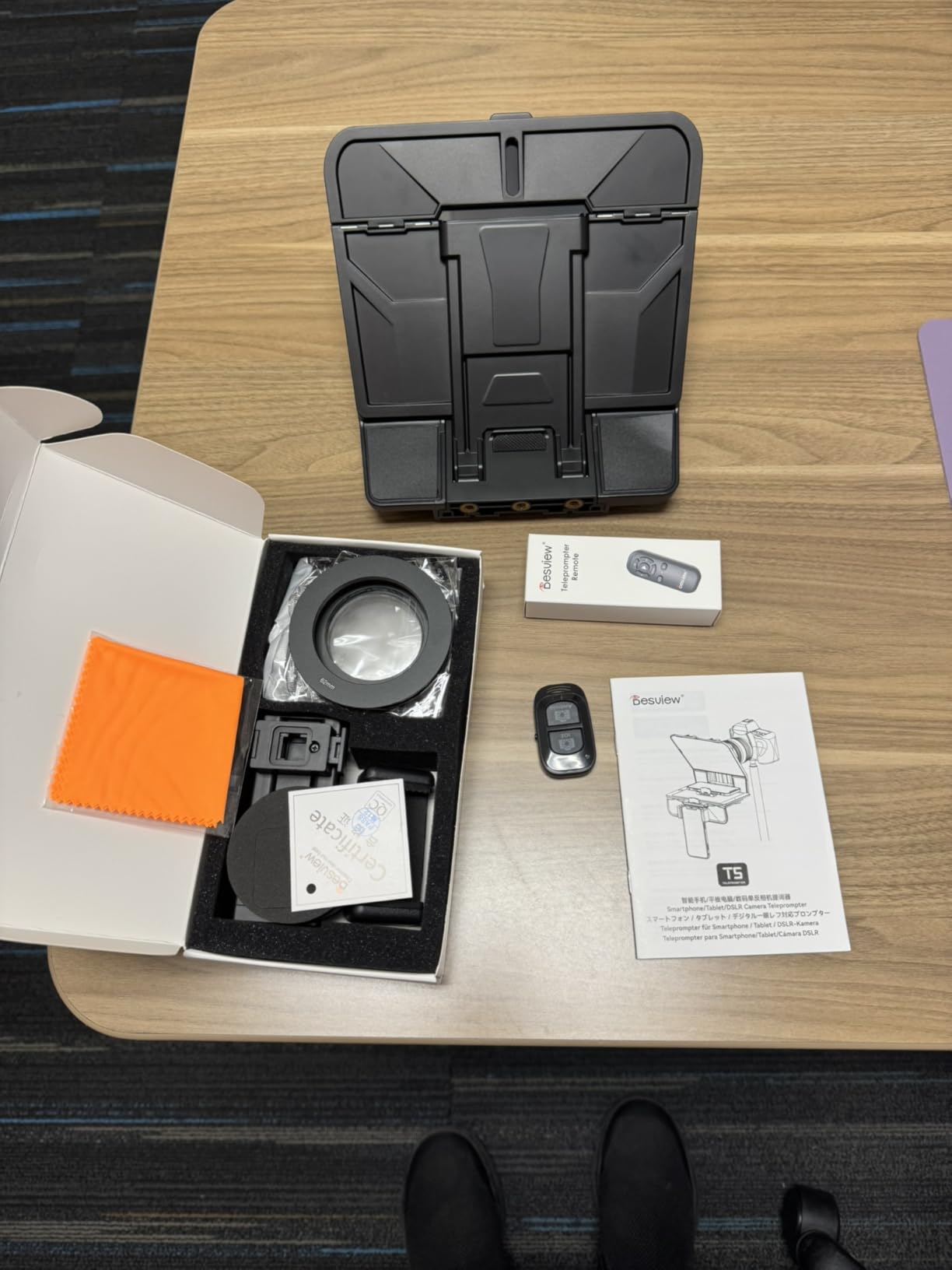
The T5 is the flexible all-rounder of the Desview line. It takes tablets up to 11 inches alongside smartphones and DSLRs, and switches between horizontal and vertical shooting modes without a full rebuild – a genuine time-saver when a client wants both a YouTube master and vertical cutdowns.
The real-time self-check function is a clever solo-filmmaker feature: a second phone shows your framed shot while you present, so you catch off-center composition or a drifting script before recording twenty takes. The Bluetooth remote adds play, pause, speed, and page-turn control with an auto sleep mode that preserves battery.
The Desview app imports TXT and DOCX files directly and lets you adjust font size, color, and background, plus mirror and rotate the screen and set a countdown timer. That countdown alone prevents the classic ruined first two seconds of a take.
Build nits from my use and reviews: the tablet holder can feel slightly loose on the camera mount, the adapter rings strip if overtightened, and initial setup with multiple adapters takes patience. Once dialed in, it stays put. The one-year warranty plus lifetime maintenance takes some sting out of the quirks.
How does the second-phone self-check work on set?
You connect a second phone as a live viewing screen while the first device runs the prompter. You see exactly what the camera sees while reading your script, so you catch framing errors and lighting issues in real time instead of in the edit.
What file formats does the app accept?
The Desview app imports TXT and DOCX files natively, with adjustable font size, color, and background, plus mirror and rotate options for beam splitter use. Scripts written in Word drop straight in without conversion – a small thing that saves real time on busy shoot days.
Buying Guide: Choosing an iPad Teleprompter Setup for Filmmaking
The right setup is a partnership between glass and software. Here is how I evaluate both halves before spending money.
App requirements: mirror mode is non-negotiable
Every beam splitter rig on this list reflects your iPad screen, so the text must be horizontally flipped in the app or it reads backwards through the glass. Confirm mirror mode before anything else. After that, look for adjustable scroll speed measured in words per minute, script import from TXT or DOCX (or PDF extraction with SmallGoGo), and remote control support over Bluetooth.
Forum threads are full of filmmakers frustrated by subscription-only apps. Most rigs here bundle a free app – NEEWER, Desview, and TeleprompterPad all include theirs at no extra cost. If you prefer a third-party iOS prompter app, check whether it offers a one-time purchase before subscribing.
Remote control and hands-free operation
Solo filmmakers cannot walk to the iPad between every take. Bluetooth remotes like the RT110, RT113, and Desview remote handle start, pause, and speed adjustments from your mark. Test pairing before shoot day, keep the remote in line of sight of the iPad, and note that voice-activated scrolling – a recurring forum request – is still unreliable across most apps, so manual remote control remains the dependable choice.
Glass quality determines your image
Beam splitter ratios tell you how light divides between your lens and the reflected text. Desview’s 97 percent coated glass is the brightest here; NEEWER’s 75 percent panels are solid; 60/40 glass like the TeleprompterPad costs you roughly a stop. Coatings also reduce ghosting, which matters when lights sit close to the rig.
Match the rig to your camera and lenses
Check lens clearance before buying. The NEEWER X12 needs 28mm or longer, the Desview T3 manages 24mm, and the SmallRig stays clean from 22mm. Heavier rigs like the X14 III and X17 II need video tripods, while the SmallRig demands a 15mm rod system. If you shoot on a bare mirrorless body with a kit lens, the simpler fold-out rigs serve you better.
Match reading distance to glass size
Under 8 feet, a 12-inch rig is plenty. At 10 feet, step up to 14 inches. Beyond 12 feet, the 17-inch X17 II keeps text legible at normal font sizes. Buying glass bigger than your shooting distance wastes money and tripod capacity.
Frequently Asked Questions
What is the best iPad teleprompter app?
The best iPad teleprompter app depends on your rig: NEEWER’s free app pairs with the RT113 remote for most NEEWER prompters, Desview’s app imports TXT and DOCX with vertical mode support, TeleprompterPad’s app runs on iOS, Android, Mac, and Windows, and SmallGoGo extracts text from PDFs and Word documents. Any app you choose must support mirror mode for beam splitter use.
Can you make an iPad a teleprompter?
Yes. Mount the iPad behind a beam splitter glass rig like the Glide Gear TMP 100 or NEEWER X12, run a teleprompter app with mirror mode, and the reflected text appears correctly over your camera lens. You can also use the iPad alone as a simple scrolling script display without a rig.
What is the best iOS teleprompter app?
For NEEWER rigs, the free NEEWER Teleprompter App with the RT113 remote is the most complete package. Desview’s app is best for social and vertical formats, TeleprompterPad’s app for cross-platform Mac and Windows workflows, and SmallGoGo for pulling scripts from PDFs and photos. All support the mirror text function needed for physical prompters.
What app can I use to read my script while filming?
Use a teleprompter app paired with a beam splitter rig: the NEEWER app, Desview app, TeleprompterPad app, or SmallGoGo all scroll your script at adjustable speeds while a Bluetooth remote controls start, pause, and words per minute. This lets you read copy while maintaining direct eye contact with the camera lens.
Conclusion
Choosing the best teleprompter app for iPad filmmaking really means choosing an app-and-rig pairing: software with mirror mode, adjustable words per minute, and remote control, mounted behind glass that fits your cameras and shooting distance.
For most filmmakers, the Glide Gear TMP 100 with a third-party mirror-mode app is the strongest all-round pick. Long-distance productions should step up to the NEEWER X17 II, solo creators on a budget get outstanding value from the NEEWER Basics X12B, and cinema rod-rig shooters will love the SmallRig 3646.
Pick the rig that matches your tripod, your lenses, and your reading distance – then practice with the remote before your first real take. Your retake count will drop from the very first shoot.