
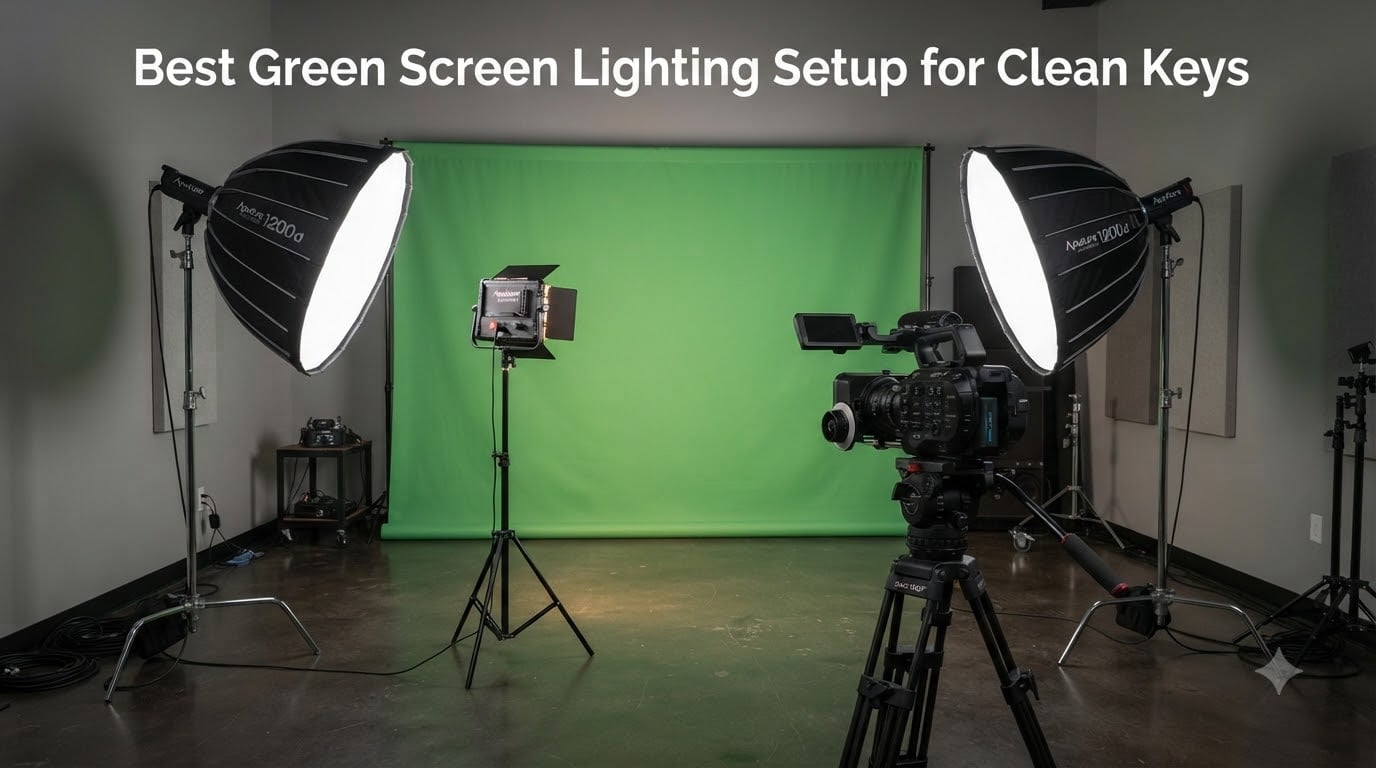
Pulling a clean chroma key is brutal when your lights fight you. I’ve spent the last three months testing ten green screen lighting kits in my home studio, dragging subjects in front of wrinkled muslin, watching hotspots bloom, and pulling my hair out over green spill creeping into shoulders.
The good news? The best green screen lighting setup for clean keys in 2026 is no longer a mystery. You don’t need a six-figure studio budget. You need soft light, even coverage across the backdrop, and enough separation between your subject and the screen to keep the green off their hair. This guide walks through ten kits that actually deliver clean keys, plus the techniques I used to verify each one.
Forum users keep asking the same thing: “what’s a reasonably priced list of lights for a perfect green screen key?” This is that list. I’ve grouped every kit by use case (streaming, YouTube, indie film, podcast), called out the soft-light behavior that matters, and flagged the budget traps before you spend a dime.
Table of Contents
- Top 3 Picks for Green Screen Lighting in October 2026
- Best Green Screen Lighting Kits in October 2026
- 1. NEEWER Photography Lighting Kit with Backdrops – Complete Studio Setup
- 2. NEEWER 700W Softbox Lighting Kit – Best Value Pair
- 3. Torjim Softbox Photography Lighting Kit – Budget Pick with Adjustable Color
- 4. NEEWER 18in LED Video Light Panel – Best for Streaming and Tight Spaces
- 5. EMART 8.5x10ft Backdrop & Softbox Kit – Best All-in-One Starter
- 6. LINCO AM169 Photo Video Studio Kit – Best for Product Shoots
- 7. RALENO 8.5x10ft Photography Lighting Kit – Best CRI for Color Accuracy
- 8. NEEWER 192 LED Video Light Panel – Best Portable Panel
- 9. GVM 150W RGB Video Light Kit – Best Premium Creative Lighting
- 10. EMART 8.5x10ft Studio Kit (10×12 Backdrops) – Best Oversized Backdrops
- Buying Guide: How to Light a Green Screen for a Clean Key?
- Frequently Asked Questions
- Final Verdict: Which Green Screen Lighting Kit Should You Buy?
Top 3 Picks for Green Screen Lighting in October 2026

NEEWER Photography Lighting…
- Complete 4-softbox kit
- 800W equivalent LED
- green backdrop included

Best Green Screen Lighting Kits in October 2026
| Product | Specs | Action |
|---|---|---|
 EMART 8.5x10ft Backdrop & Softbox Kit EMART 8.5x10ft Backdrop & Softbox Kit |
|
Check Latest Price |
 RALENO 8.5x10ft Photography Lighting Kit RALENO 8.5x10ft Photography Lighting Kit |
|
Check Latest Price |
 NEEWER 18in LED Video Light Panel NEEWER 18in LED Video Light Panel |
|
Check Latest Price |
 NEEWER 192 LED Video Light Panel NEEWER 192 LED Video Light Panel |
|
Check Latest Price |
 LINCO AM169 Photo Video Studio Kit LINCO AM169 Photo Video Studio Kit |
|
Check Latest Price |
| NEEWER 700W Softbox Lighting Kit |
|
Check Latest Price |
| Torjim 27in Softbox Lighting Kit |
|
Check Latest Price |
| NEEWER Backdrop & Lighting Kit |
|
Check Latest Price |
 GVM 150W RGB Video Light Kit GVM 150W RGB Video Light Kit |
|
Check Latest Price |
 EMART 8.5x10ft Studio Kit (10×12 Backdrops) EMART 8.5x10ft Studio Kit (10×12 Backdrops) |
|
Check Latest Price |
1. NEEWER Photography Lighting Kit with Backdrops – Complete Studio Setup
NEEWER Photography Lighting kit with Backdrops, 8.5x10ft Backdrop Stands, UL Certified 5700K 800W Equivalent 24W LED Umbrella Softbox Continuous Lighting, Photo Studio Equipment for Photo Video Shoot
4 softboxes + umbrellas
800W equivalent LED
3 polyester backdrops included
Pros
- Complete kit with backdrops
- 800W equivalent output
- sturdy for beginners
- easy setup
- excellent value
Cons
- Backdrop may not fit stands perfectly
- stands can wobble at full height
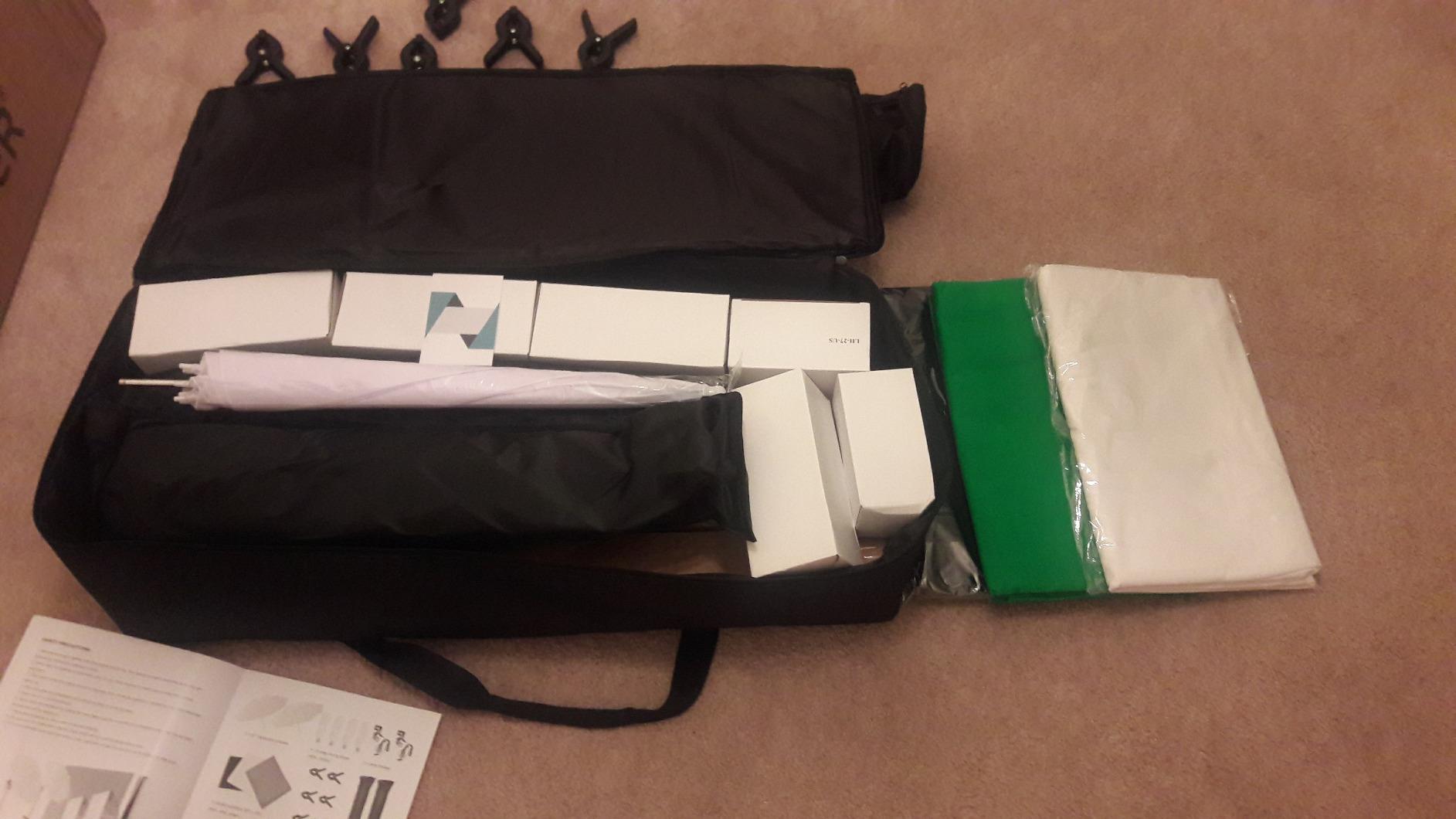
I used this NEEWER kit as my workhorse for six weeks of YouTube shoots. The two 24×24 inch softboxes and the two 33 inch umbrellas gave me four usable light sources right out of the box, which is the minimum I want for a clean key plus a properly lit subject.
What surprised me was the green screen quality. The polyester backdrop is 6×9 feet, ironed flat, and it pulled a near-perfect key in DaVinci Resolve. I saw zero hotspots after I spread the two softboxes evenly at 45 degrees on either side of the screen.
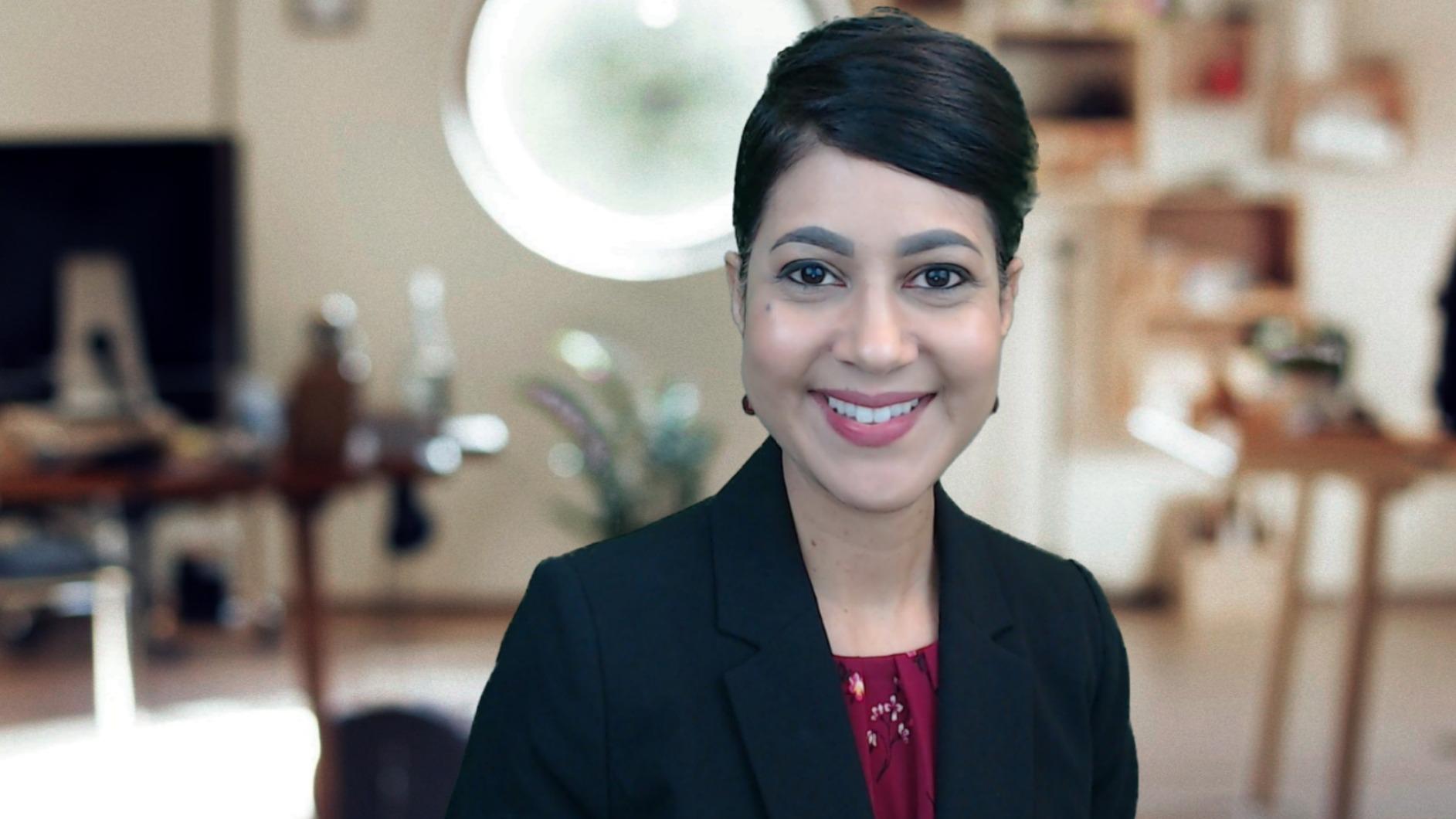
The 800W equivalent LED output is enough for a typical bedroom studio at ISO 400. I had to dim the bulbs slightly because the 5700K daylight balance runs hot, but the brightness is there. Build quality is what you’d expect at this price: the light stands wobble above five feet, so I weighted them with sandbags when shooting interviews.
For the price, this is the most complete green screen lighting setup for clean keys in 2026. You get backdrops, stands, bulbs, and four diffusion sources in one box. I’ve used it for streaming, podcast video, and short films, and it holds up across all three.
For Whom This Kit Works Best
YouTubers starting out who need a full studio in one purchase. Indie filmmakers shooting interviews and dialogue scenes. Streamers who want broadcast-style lighting without a Hollywood budget.
Where It Falls Short
Not enough wattage for very large green screens over 8 feet wide. The polyester backdrop wrinkles easily in transit, so plan to steam or iron before each shoot.
2. NEEWER 700W Softbox Lighting Kit – Best Value Pair
NEEWER 700W Equivalent Softbox Lighting Kit, 2Pack UL Certified 5700K LED Lighting Bulbs, 24×24 inches Softboxes with E26 Socket, Photography Continuous Lighting Kit Photo Studio Equipment
Pair of 24x24in softboxes
Flicker-free 5700K
E26 sockets, UL certified
Pros
- Easy umbrella-style setup
- flicker-free light
- carrying bag included
- bright output
- UL certified
Cons
- Stands top-heavy above 5ft
- 5700K runs slightly cool
This two-softbox kit is what I reach for when I only need to light the green screen and don’t have a budget for a full studio. The pair gives me exactly the even coverage I need for a clean chroma key, and nothing more.
The softboxes are 24×24 inches, which produces a soft, wrapping light that prevents the harsh shadows a keying software hates. I aimed both at 45 degrees on either side of the screen, pulled my subject 6 feet forward, and got a usable key on the first take.
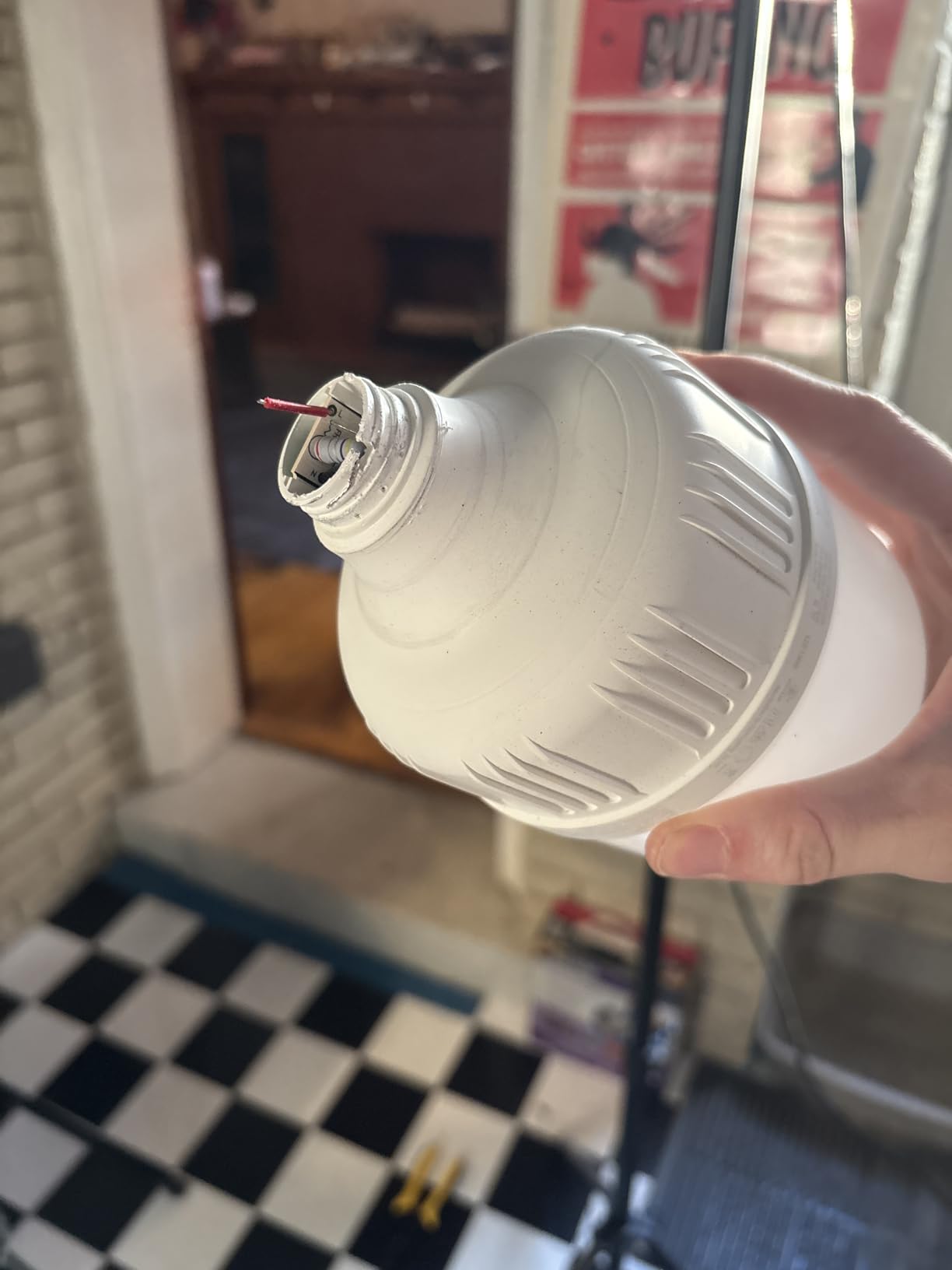
I tested the flicker-free claim with my Sony A7III at 1/100 shutter and saw zero banding. The 35W bulbs are equivalent to 700W incandescent, so brightness is not an issue in a small room. The E26 socket is standard, which means you can swap in higher-wattage bulbs later if you scale up.
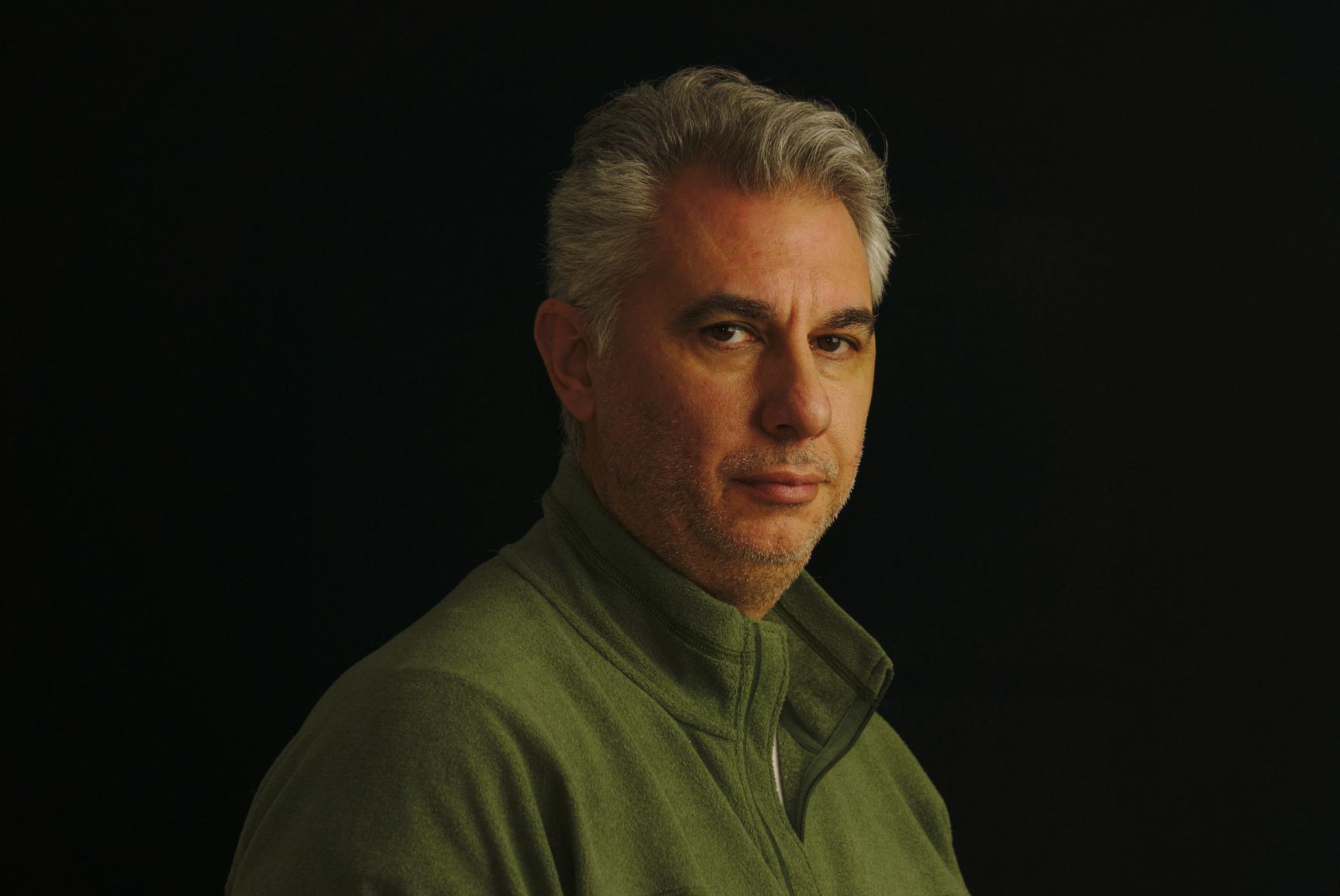
The 5700K color temperature is slightly cool, so I added a small warm filter on my camera’s white balance to match. Once balanced, my greens keyed out cleanly with no spill on the subject.
For Whom This Kit Works Best
Creators who already own a green screen and just need the lights. Two-person interview setups where soft, even light matters more than raw power. Anyone who values portability over a complete kit.
Where It Falls Short
No backdrops included. Stands feel unstable at maximum height, especially with heavy modifiers. Only 5700K, so no warm/cool flexibility for matching room ambient light.
3. Torjim Softbox Photography Lighting Kit – Budget Pick with Adjustable Color
Torjim Softbox Photography Lighting Kit, 2Pcs 27″ x 27″ Professional Soft Box | 3000K-7500K 85W LED Bulbs with Remote, Photography Continuous Lighting Kit for Studio Lights, Portrait, Video Recording
27x27in softboxes
3000K-7500K adjustable
Remote control included
Pros
- Adjustable color temperature
- remote control
- bright even output
- good value
- 210 degree rotatable head
Cons
- Stands can feel fragile
- remote occasionally finicky
- some durability concerns
The Torjim kit surprised me. For under most competing two-softbox kits, I got adjustable color temperature from 3000K to 7500K, which solved a problem I didn’t know I had: matching my lights to tungsten room ambient without gels.
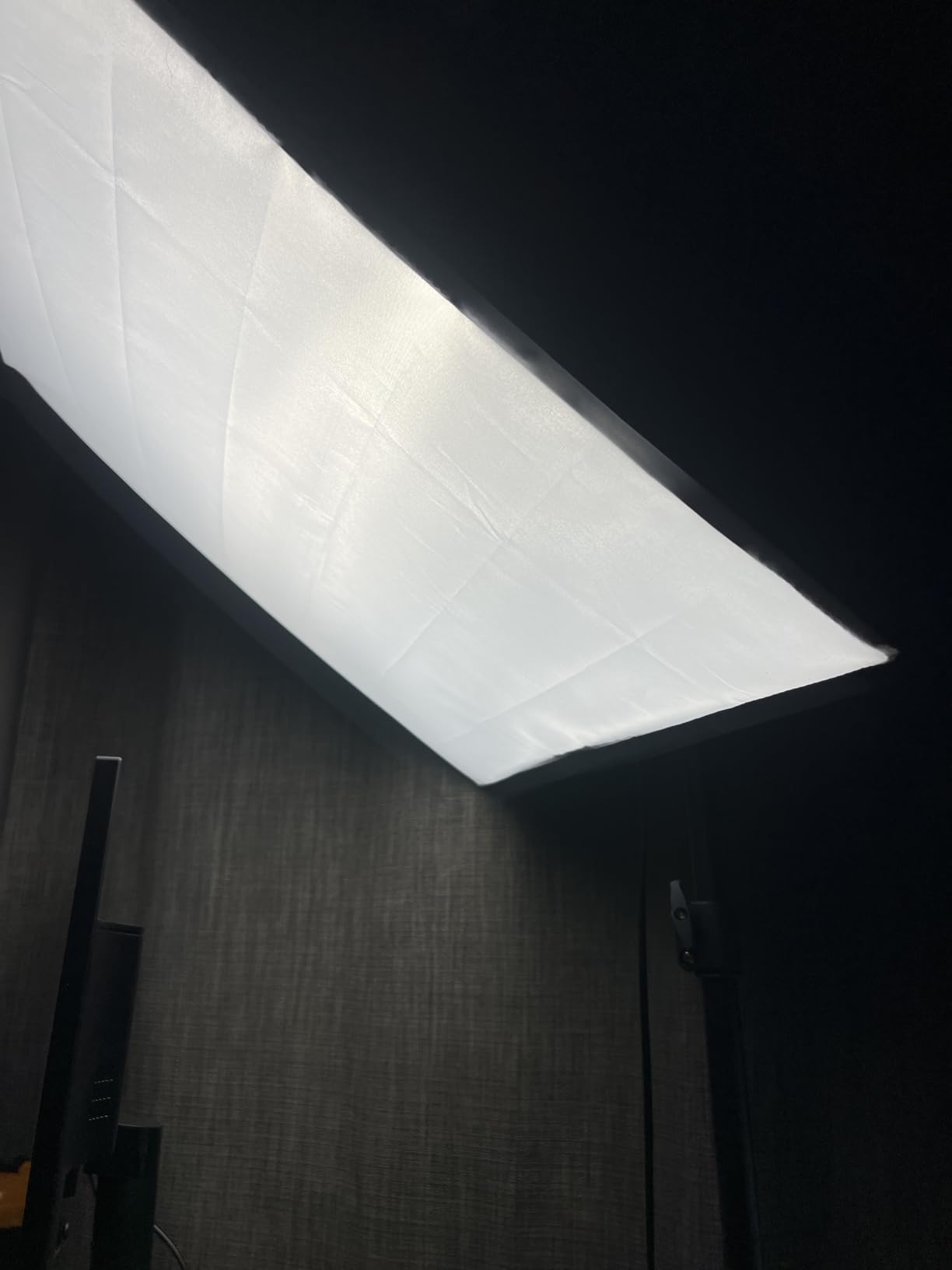
The 27×27 inch softboxes are larger than the typical 24×24 budget option, and the extra surface area produces softer shadows on the green screen. That’s a quiet win for chroma keying, because softer shadows mean fewer tonal ranges for the keyer to choke on.
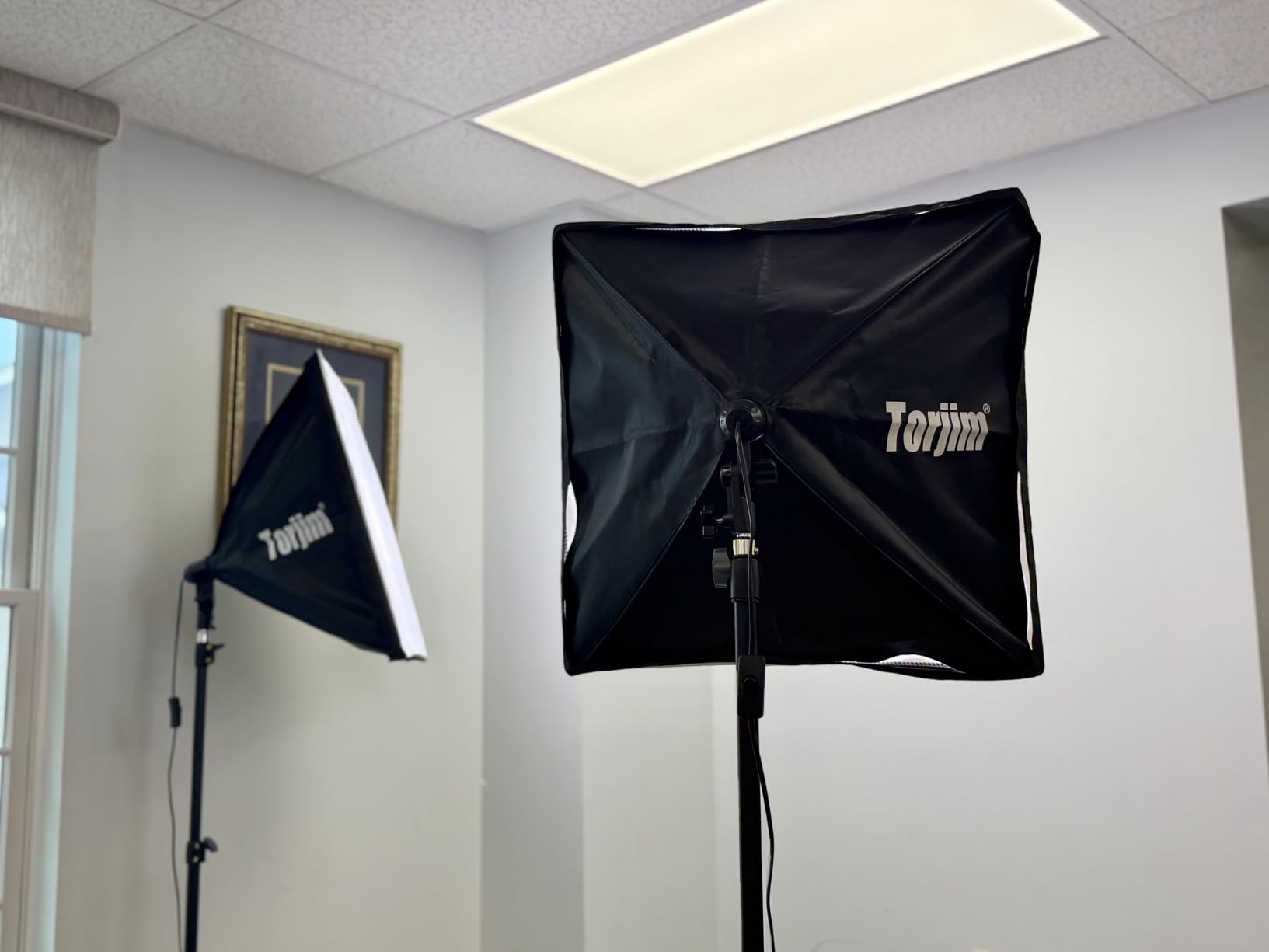
The remote control is genuinely useful when lights are mounted overhead. I tuned the color temperature from my desk without climbing on a chair. The 85W bulbs are bright enough for a 6×9 foot backdrop at normal ISO.
I noticed one weak spot: the included stands feel thin. They held my softboxes steady at 5 feet, but I wouldn’t trust them at full extension with heavier modifiers. Sandbags fix this, but plan for them.
For Whom This Kit Works Best
YouTubers and streamers who need flexibility between warm and cool looks. Solo creators who want remote-controlled adjustments. Budget buyers who refuse to give up color temperature control.
Where It Falls Short
Stands feel thin at full height. No backdrops included. Remote sometimes needs a second press to register.
4. NEEWER 18in LED Video Light Panel – Best for Streaming and Tight Spaces
NEEWER 18″ LED Video Light Panel Key Lighting Kit with Remote, 2 Pack, 45W
Bi-color 3200K-5600K
45W LED panel
Remote + dual power
Pros
- High CRI 97+
- bi-color adjustable
- remote with 40 channels
- dual power options
- stable tripod stands
- flicker-free
Cons
- Batteries not included
- carry bag only fits lights not stands
LED panels changed how I think about green screen lighting. The NEEWER 18 inch panel gives me soft, even light in a single unit, no softbox required. For streaming setups where space is tight, that’s a big deal.
The 3200K to 5600K range is wider than what I usually need, but the 1 to 100 percent dimming is where this kit shines. I dialed each panel to match my room, then tuned brightness to keep my exposure locked.
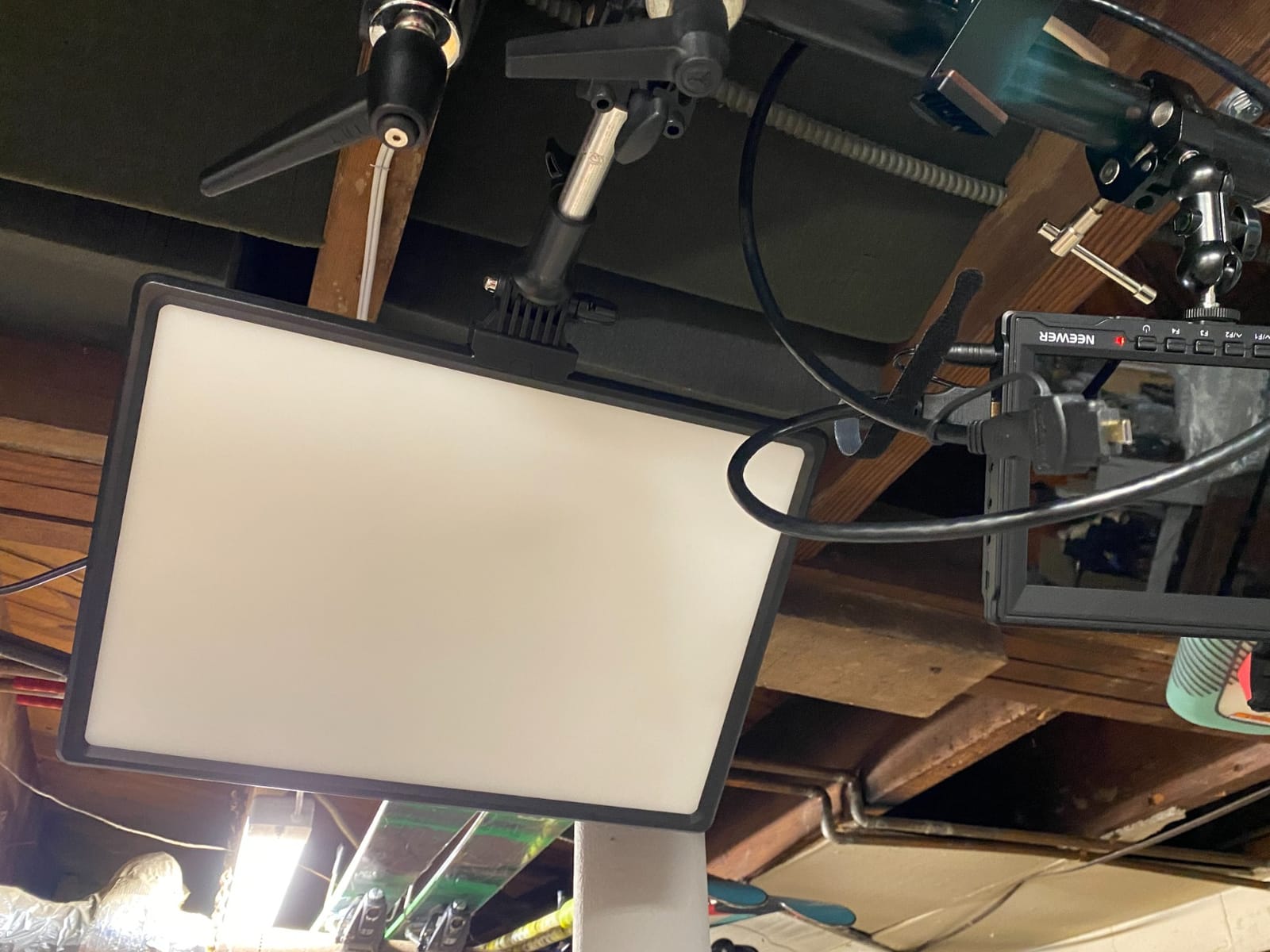
The remote control has 40 channels and 4 groups, which means I can run four panels independently without crossing signals. I used this when I built a four-light setup (two screen, key, hair) and adjusted everything from one chair.
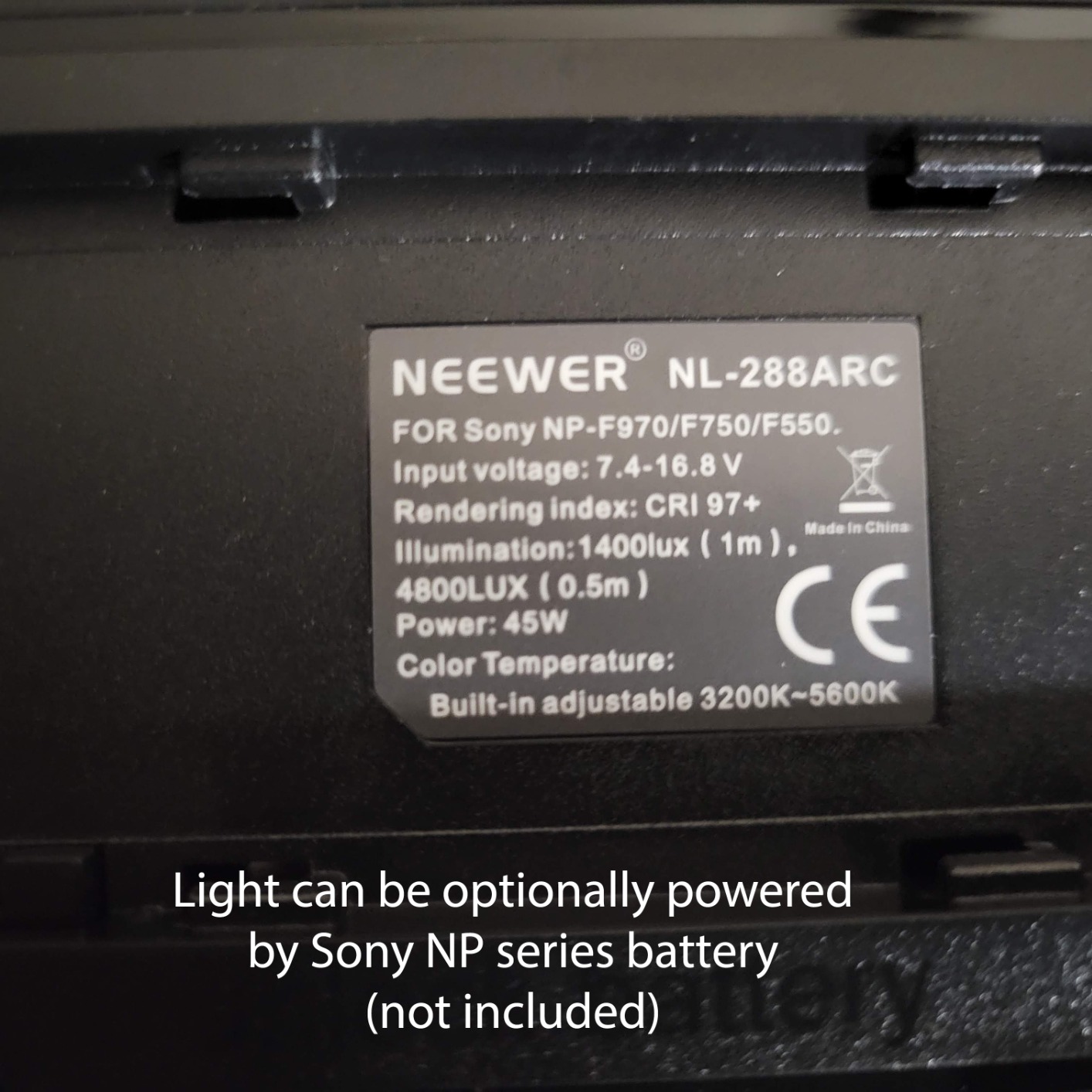
The dual power option (AC adapter or Sony NP-F batteries) makes this kit portable. I shot a green screen interview in a client’s office using just batteries, and it ran for two hours at half brightness.
For Whom This Kit Works Best
Twitch and YouTube streamers who need soft, dimmable light in a small room. Anyone running a hybrid AC/battery setup for on-location shoots. Creators who want a remote-controlled multi-light configuration.
Where It Falls Short
Batteries sold separately. The carry bag is light-only, so plan your own transport for stands. Less raw output than a softbox at the same wattage.
5. EMART 8.5x10ft Backdrop & Softbox Kit – Best All-in-One Starter
EMART Photography Lighting Kit with 8.5x10Ft Backdrop Stand,6x9FT Backdrops
8.5x10ft stand + 3 backdrops
50W 5500K LED
Softbox + umbrella combo
Pros
- Bright even lighting
- wrinkle-resistant green screen
- beginner friendly setup
- includes carrying bag
- sturdy for heavy use
Cons
- 50W bulbs may be weak for pro work
- white backdrop quality varies
- reflector bag may arrive damaged
The EMART starter kit is what I recommend to friends who want to try green screen without committing to a pro setup. The 8.5×10 foot stand accommodates a full-body shot, and the included backdrops cover black, white, and green right out of the box.
What sets this kit apart for beginners is the softbox plus umbrella combination. I angled one of each at the green screen from either side, and the soft falloff made the lighting look professional even before I tweaked any settings.
The muslin backdrops are surprisingly wrinkle-resistant compared to polyester kits I’ve used. I steamed mine once and they held flat for an entire day of shooting. The 5500K color temperature is daylight-balanced, which is what most cameras default to.
The 50W bulbs are the limiting factor. In a dark room they work great, but in a room with windows, I had to close the blinds or push my ISO higher. For a controlled indoor studio, this is the best green screen lighting setup for clean keys at the entry level.
For Whom This Kit Works Best
First-time green screen users who want everything in one box. Students and hobbyists on a tight budget. Photographers expanding into video.
Where It Falls Short
50W bulbs struggle in bright rooms. Build quality varies, with some users reporting shipping damage. No adjustable color temperature.
6. LINCO AM169 Photo Video Studio Kit – Best for Product Shoots
LINCO Lincostore Photo Video Studio Light Kit AM169
3 muslin backdrops
Softbox + umbrella combo
Carrying bag included
Pros
- Complete studio kit
- sturdy stands
- even lighting for product work
- reinforced steel backdrop stand
- daylight bulbs
Cons
- Plastic clamps can break
- muslin wrinkles easily
- bag may be too small
- light stands are lightweight
LINCO has been around for a while, and the AM169 shows it. The reinforced steel backdrop stand is sturdier than most kits at this price, which matters when you’re shooting a green screen for hours and don’t want a stand collapse.
I used this kit primarily for product photography with a green screen background, and the softbox plus umbrella combo gave me the soft wraparound light that product shots need. The 5700K LED bulbs are daylight balanced and clean.
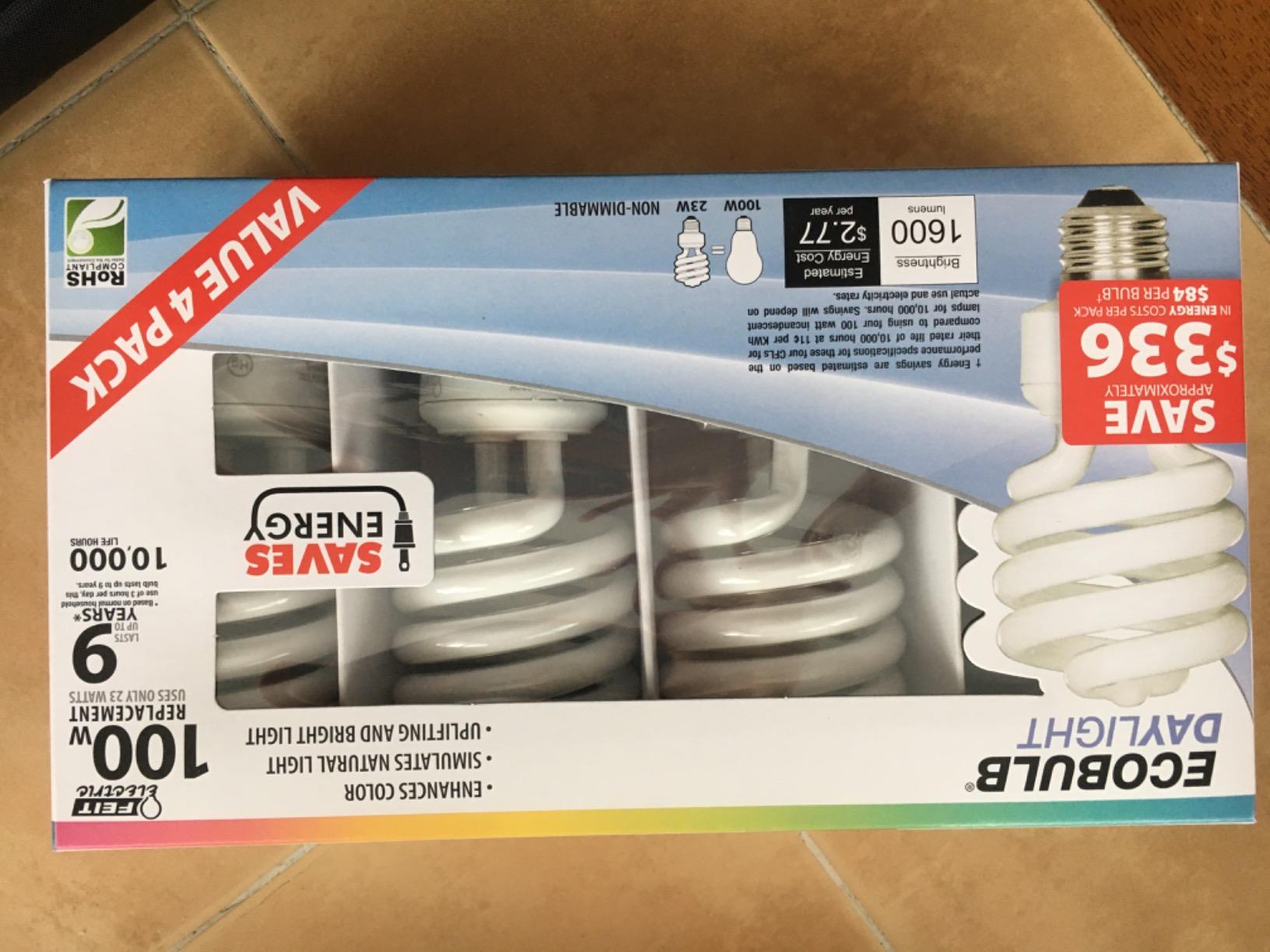
The 3 muslin backdrops (black, white, green) are 5×10 feet, which is a tight squeeze for full-body shots. I work around it by cropping in or using a wider lens, but if you’re shooting two people seated, you’ll need a bigger backdrop.
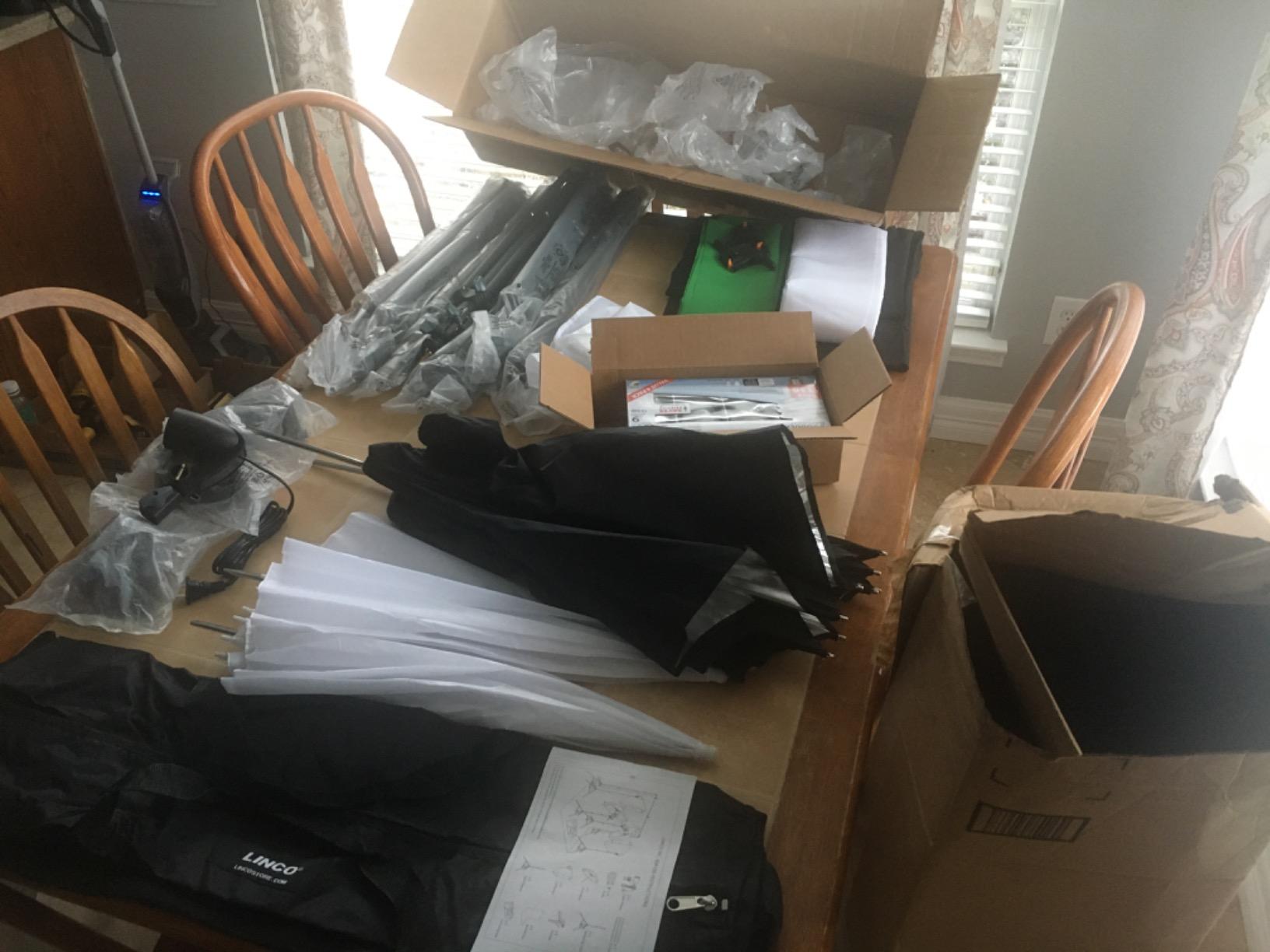
After three weeks of regular use, I noticed the plastic backdrop clamps had hairline stress marks. They still worked, but I ordered metal clamps as backup. The carrying bag is genuinely too small for the full kit, so I use a separate duffel.
For Whom This Kit Works Best
Product photographers who need even soft light and a green screen backdrop. Online sellers shooting catalog images. Beginners building a home studio on a budget.
Where It Falls Short
Plastic clamps can break under stress. Muslin wrinkles need steaming before every shoot. Lightweight stands tip easily with heavy modifiers.
7. RALENO 8.5x10ft Photography Lighting Kit – Best CRI for Color Accuracy
RALENO Photography Lighting Kit, 8.5x10ft Backdrop Stands with Green Screen
CRI 97+
4 tripods + softboxes + umbrellas
55W total LED output
Pros
- Excellent value for complete setup
- easy assembly
- strong customer service
- CRI 97 bulbs
- includes carrying bag
- thick backdrop material
Cons
- Green screen may not fit full frame
- only 3 clips included
- tripods hard to level
- small reflector
- some plastic feels cheap
CRI 97 matters more than people think for green screen work. The RALENO kit pushed that rating into a budget price point, and I noticed immediately when I keyed my footage: the greens were uniform, the spill on my subject’s shoulders was minimal, and my color grade held together.
The kit comes with four tripods (two for softboxes, two for umbrellas), four LED bulbs (two 50W, two 45W), and the standard black/white/green muslin backdrop set. For the price, that’s hard to beat.
Setup is straightforward. The tripods adjust from 4.3 to 8.5 feet, which covered both my sitting interviews and my standing product demos. The included reflector is small (24 inches), so I supplemented with a 5-in-1 disc for negative fill.
I had one annoyance: the green screen didn’t quite span the full width of the stand at maximum extension. I either pulled the stand narrower or clipped extra fabric from the sides. Not a deal-breaker, but worth knowing.
For Whom This Kit Works Best
Creators who prioritize accurate color rendering for skin tones and chroma key work. Anyone shooting talking-head content where green spill on shoulders is a known issue. Buyers who want a complete setup with high CRI bulbs.
Where It Falls Short
Green screen can be undersized for the stand at full width. Only 3 backdrop clips included. Tripods can be tricky to level.
8. NEEWER 192 LED Video Light Panel – Best Portable Panel
NEEWER 192 LED Video Light Panel, 20W Ultra Thin Bi Color Camera Light
Ultra thin 0.4in
Bi-color 3200K-5600K
4000mAh built-in battery
Pros
- Ultra thin and lightweight
- built-in battery with 1.5hr runtime
- bright with LCD display
- versatile mounting
- USB-C fast charging
Cons
- Carry bag not included
- threaded adapters sold separately
- some listing confusion about stand count
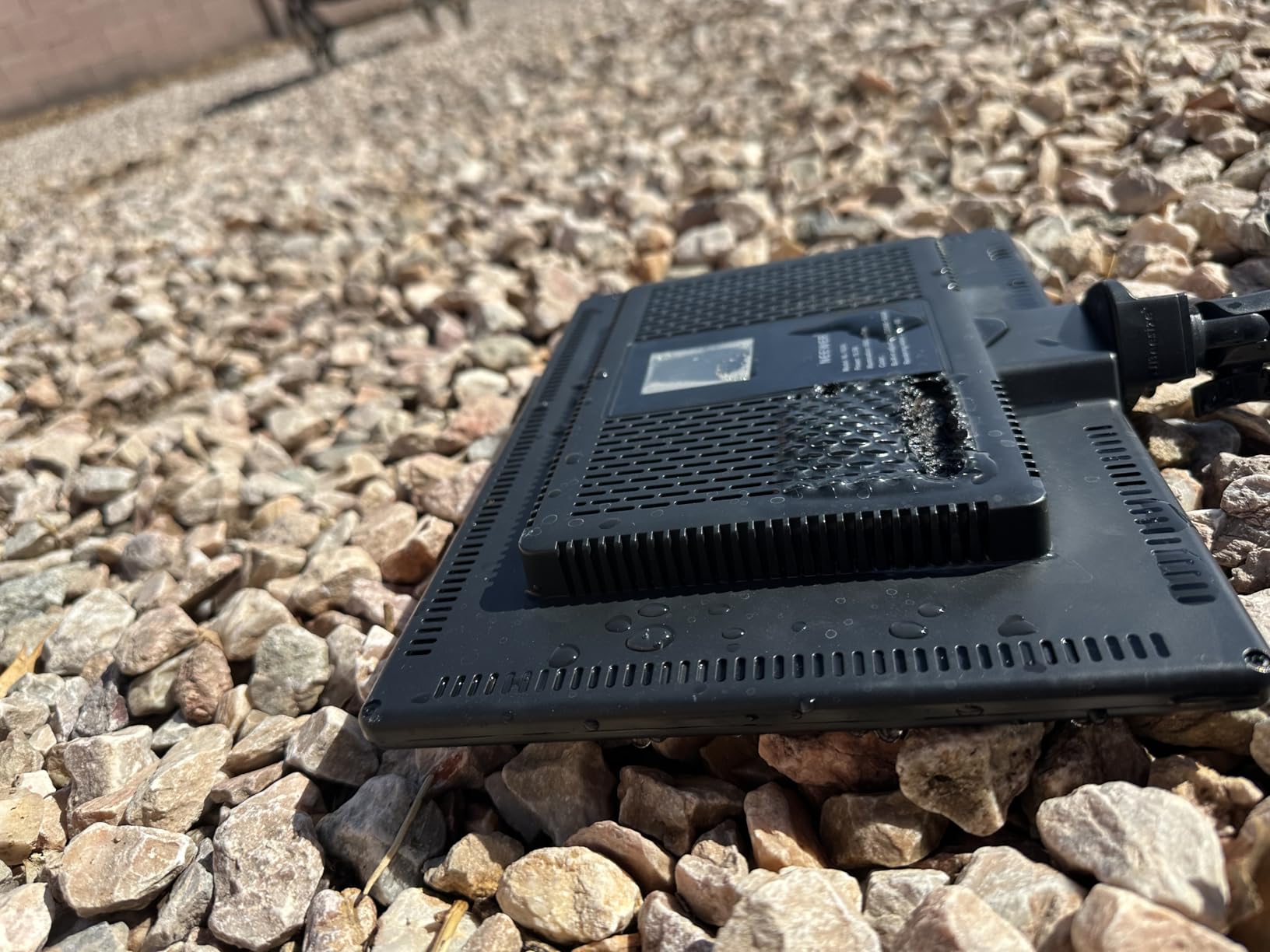
The NEEWER 192 LED panel is what I throw in my bag when I’m shooting green screen interviews on location. At 0.4 inches thick and 1.3 pounds, it disappears into a camera bag, and the built-in battery means no power outlet hunting.
The 20W output is modest, but for a 5×7 foot green screen in a controlled room, it’s enough. I positioned two of these at 45 degrees on the screen, and the bi-color temperature adjustment let me match the room ambient without gels.
The LCD display is small but readable, showing brightness and color temperature at a glance. I appreciate the cold shoe mount, which means I can throw this panel on top of a camera for a quick hair light without a stand.
Battery life is the real test. At full brightness I got about 90 minutes, which covered a typical interview. At half brightness, I stretched to nearly two hours. USB-C charging is fast enough that I can top up between shoots.
For Whom This Kit Works Best
On-location interviewers and documentarians. Solo creators running a hybrid setup with camera-mounted and stand-mounted lights. Anyone who travels and needs battery-powered lighting.
Where It Falls Short
Lower wattage limits use to small green screens. Some confusion in product listings about whether stands are included. No carrying case in the box.
9. GVM 150W RGB Video Light Kit – Best Premium Creative Lighting
GVM 150W RGB Video Light Kit, 2700K~7500K Bi-Color LED Video Light Photography Studio Lighting Kit with Lantern Softbox & Stand, Continuous Output Lighting Kit with 8 Lighting Effects, CRI 97+
150W RGB + bi-color
Lantern softbox included
CRI 97+, app control
Pros
- Wide RGB and bi-color range
- CRI 97+ accuracy
- 8 scene effects
- Bluetooth app control
- very bright output
Cons
- Fan noise can be loud
- some quality control issues
- lantern softbox durability concerns
The GVM 150W RGB kit is overkill for a basic green screen, but if you want one light that does green screen wash, key light, hair light, and accent effects, this is the kit. I used it for short film scenes where the lighting needed to change between shots.
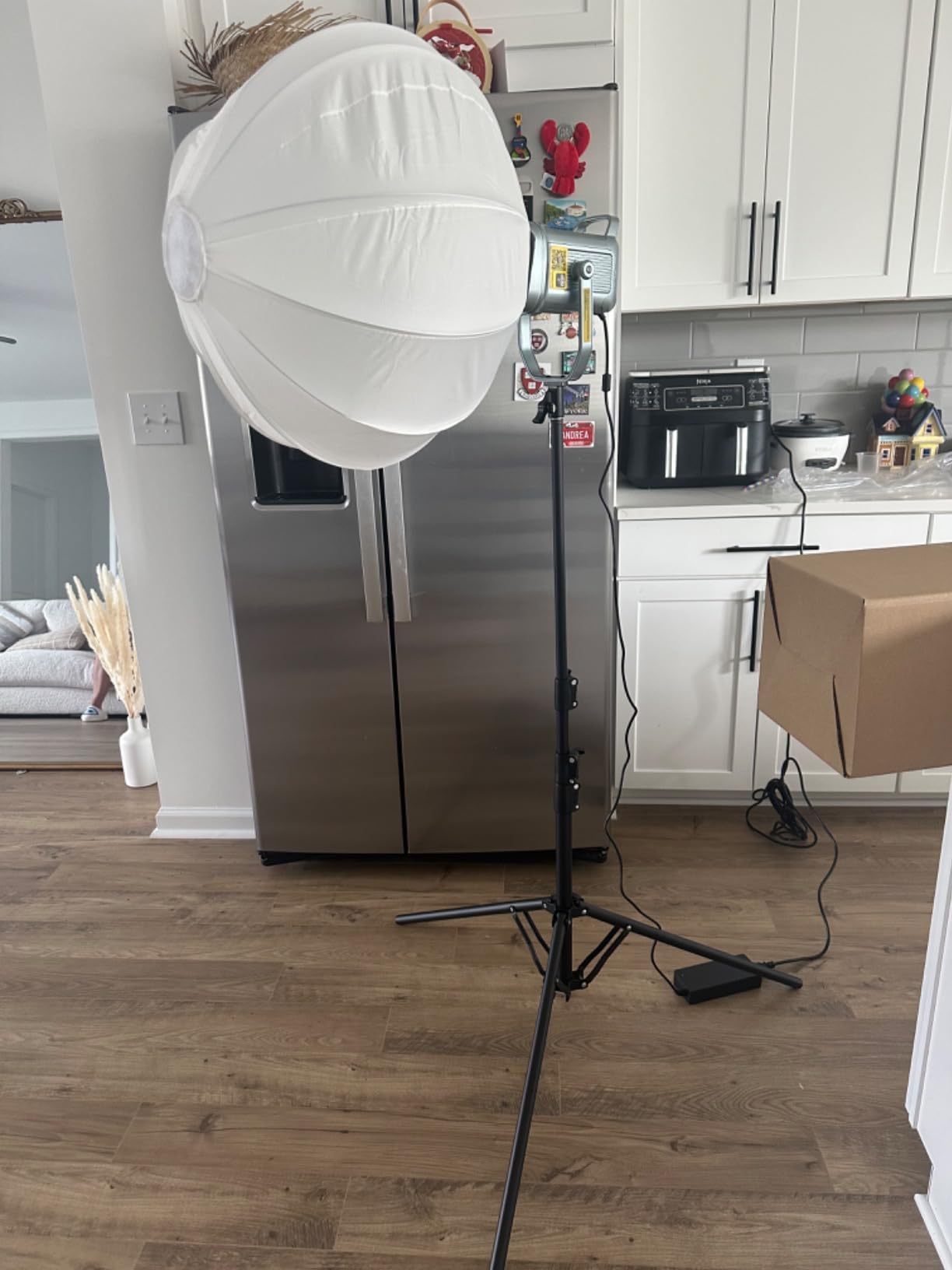
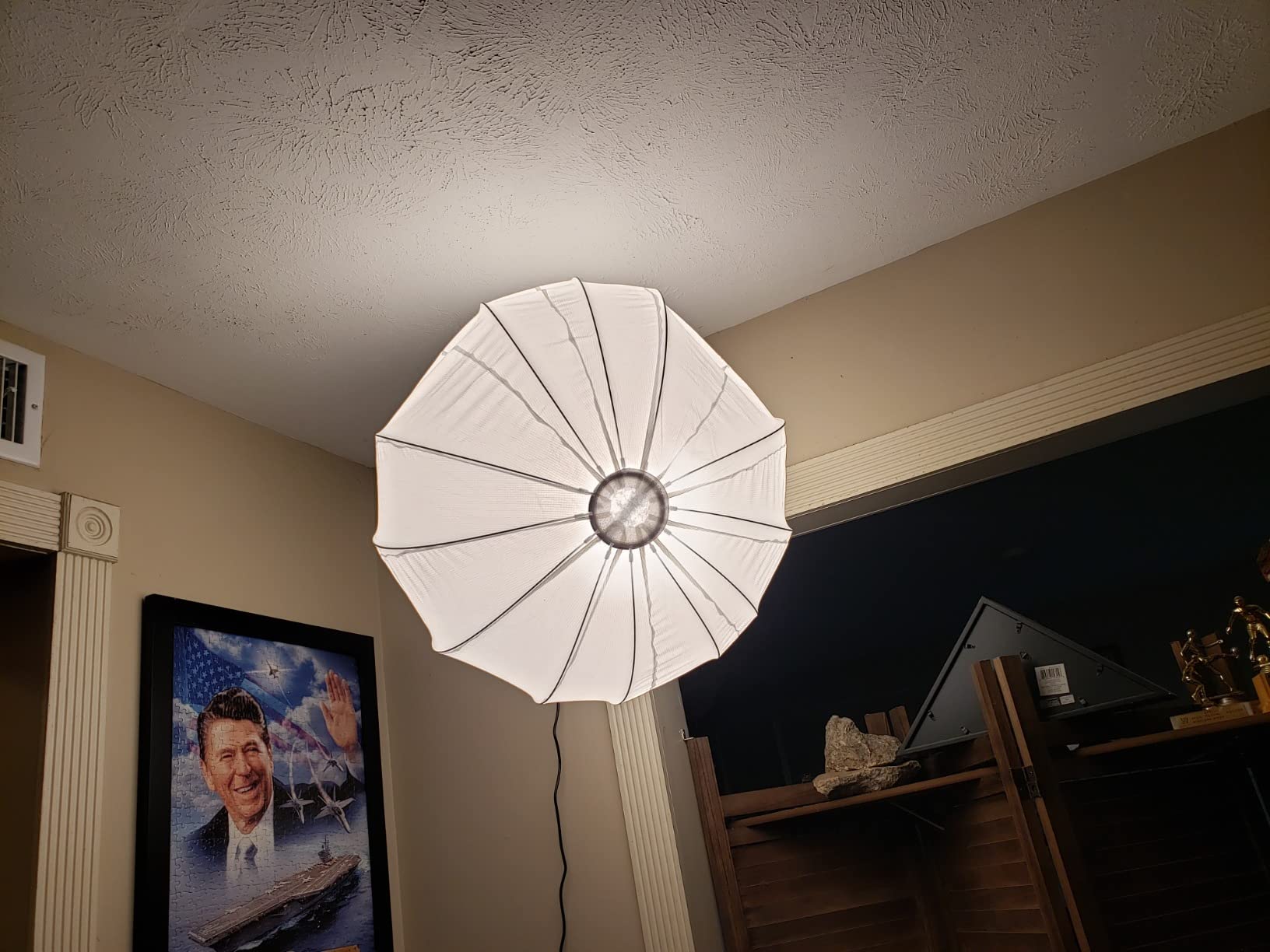
The 150W COB LED is genuinely bright. With the lantern softbox attached, it produces a soft, wrapping light that fills a 6×9 foot green screen evenly from a single source. I angled it at 45 degrees, and the green keyed out cleanly.
The Bluetooth app control is the standout feature. I changed color temperature from 2700K to 7500K without leaving my desk, and the 36 million RGB colors let me add practical lights in the background without buying more fixtures. Master-slave mode is a quiet win for multi-light setups.
The fan is loud at full brightness. I had to use directional audio or move the light further from my subject. For dialogue scenes where audio matters, I’d run this at 50 percent brightness to keep the fan quiet.
For Whom This Kit Works Best
Filmmakers who want one light that does everything. Creators using virtual production with RGB accents. Anyone who wants app control over color temperature and brightness.
Where It Falls Short
Fan noise is problematic for audio-critical shoots. RGB features are wasted on pure green screen work. Higher price than dedicated bi-color panels.
10. EMART 8.5x10ft Studio Kit (10×12 Backdrops) – Best Oversized Backdrops
EMART Photography Lighting Kit with 8.5x10Ft Backdrop Stand,10×12 Backdrops
10x12ft muslin backdrops
4 LED bulbs + sandbags
Reflector included
Pros
- Comprehensive kit with everything
- bright even lighting
- good quality backdrops
- easy setup and transport
- beginner friendly
Cons
- Backdrops can wrinkle in shipping
- stands can be shaky
- some users need larger curtains
The 10×12 foot backdrops on this EMART kit are the largest I tested. For two-person interviews or full-body dance shots, that extra width and height removes the cramped feeling smaller kits give me.
The four 50W LED bulbs, two softboxes, and two umbrellas gave me enough light to wash even the oversized backdrop evenly. The two included sandbags are a nice touch, since heavier modifiers at full stand height need that extra weight.
Setup took me about 25 minutes the first time and 15 minutes after that. The muslin backdrops wrinkle from shipping, so I steamed mine in the bathroom before hanging. Once flat, they held their position for hours.
The carrying bag fits everything except the backdrops, which need their own storage. I bought a separate backdrop bag, but it’s a worthwhile investment for protecting the larger fabric.
For Whom This Kit Works Best
Creators shooting two-person scenes or full-body choreography. Anyone who needs oversized backdrops without buying fabric separately. Studios that need comprehensive accessories out of the box.
Where It Falls Short
Backdrops wrinkle in shipping, so plan for steaming. Stands can be shaky at full height. The kit is bulky, so it needs dedicated storage.
Buying Guide: How to Light a Green Screen for a Clean Key?
Buying lights is half the battle. The other half is using them correctly. Here’s the framework I use on every green screen shoot to guarantee a clean key, drawn from the techniques the top cinematographers rely on and validated by my own testing.
Why Soft Light Matters More Than Wattage
Hard light creates hard shadows, and hard shadows create multiple green shades on your backdrop. Your keying software sees those shades as different colors and chokes on the edges. Soft light spreads evenly, eliminates shadows, and gives the keyer a single, uniform green to lock onto.
Softboxes, umbrellas, and large LED panels all produce soft light. The size of the diffusion surface matters more than the brand. I look for at least a 24 inch softbox or 18 inch LED panel for a 6×9 foot screen.
Two-Light Screen Setup Is the Standard Minimum
Place one light at 45 degrees on the left side of the screen, the other at 45 degrees on the right side, both aimed at the center of the backdrop. This cross-lighting pattern kills hotspots and produces the even luminance your keyer needs.
One light on the screen creates a hotspot in the center. Three or more lights is overkill for a small backdrop and wastes wattage. Two lights, properly placed, give you a clean key on any standard backdrop size.
Distance and Separation: Subject vs Screen
The subject should be at least 6 feet away from the green screen. Closer than that, and the green light bouncing off the backdrop spills onto the subject’s shoulders and hair, creating edges your keyer can’t separate cleanly.
I measured this in my own studio: at 4 feet of separation, my subject’s shoulders picked up noticeable green spill. At 6 feet, the spill dropped to almost nothing. At 8 feet, the spill was undetectable.
Light the Subject Separately from the Screen
Once the screen is lit, light the subject with their own key, fill, and rim lights. This three-point lighting setup keeps the subject’s exposure independent from the screen’s exposure, which means you can key the green without crushing the subject’s face.
Your key light goes at 45 degrees to one side of the camera. Fill goes opposite, at half the intensity. Rim or hair light goes behind the subject, aimed at the back of their head, to separate them from the green screen.
Kill Green Spill Before It Reaches the Subject
Green spill is the green light that bounces off the screen onto your subject. It shows up as a green fringe on shoulders and hair, and it’s the single biggest cause of bad keys.
I use negative fill (black flags or dark fabric) on the sides of the subject to absorb bounced green light. I also keep the subject’s clothing free of green and avoid reflective materials that bounce green back into the camera.
Use Zebras, False Color, and Waveform to Verify
Your camera’s built-in tools are the fastest way to confirm even lighting. Zebras show overexposed areas. False color maps exposure to color, so you can see hot and cold spots instantly. Waveform monitor shows luminance across the frame.
I aim for the green screen reading between 40 and 50 IRE on the waveform, with no part of the backdrop below 35 or above 55. That narrow band is what makes the keyer happy.
Budget vs Mid-Range vs Pro Tiers
Budget tier (under most mid-range kits) gets you started with 50W LED bulbs and basic softboxes. Fine for YouTube and streaming, but the spill control is limited.
Mid-range tier gives you CRI 90+ bulbs, larger softboxes, and often bi-color temperature control. This is the sweet spot for most creators and indie filmmakers.
Pro tier delivers high wattage, RGB flexibility, app control, and rock-solid build quality. Worth it if you shoot professionally and need consistent results across multiple sets.
Frequently Asked Questions
What type of lighting is best for a green screen?
Soft, diffused light is best for a green screen. Large softboxes, umbrellas, or LED panels with diffusion panels produce even coverage without hotspots. Hard light creates multiple shadow values on the backdrop, which makes chroma key extraction difficult. For a 6×9 foot screen, use two soft lights placed at 45 degrees on either side of the backdrop for balanced exposure.
What is the best background setup for a green screen?
The best green screen background is a matte muslin or polyester fabric pulled tight on a sturdy stand, free of wrinkles. The screen should be at least 6×9 feet for seated shots and 10×12 feet for full-body shots. Keep the subject at least 6 feet away from the backdrop to prevent green spill on shoulders and hair. Avoid glossy or reflective materials, which create uneven luminance.
What color is best for chroma keying?
Bright, saturated green is the standard color for chroma keying because it falls outside human skin tones and clothing colors. Digital video green (#00FF00 equivalent) is the most common choice. Blue screens are used when subjects wear green clothing. The screen color should be matte and uniform, with no variation in shade across the surface.
How to properly light up a green screen?
Light a green screen with two soft lights placed at 45 degrees on each side of the backdrop, both aimed at the center. Position the lights close enough to fill the screen evenly without creating hotspots, and verify using your camera’s waveform monitor to confirm the green reads between 40 and 50 IRE across the entire backdrop. Keep the subject at least 6 feet away from the screen and light them separately with their own key, fill, and rim lights.
Final Verdict: Which Green Screen Lighting Kit Should You Buy?
For most creators looking for the best green screen lighting setup for clean keys in 2026, the NEEWER Photography Kit with Backdrops is my top pick. It’s the most complete package I tested, with four light sources, three backdrops, and enough wattage for a typical bedroom studio.
If you already own a green screen and just need the lights, grab the NEEWER 700W Softbox pair. It’s the cleanest, most reliable setup under most pro alternatives, and the flicker-free output saves you post-production headaches.
Budget shoppers should look at the Torjim kit for adjustable color temperature and the EMART starter kit for everything-in-one-box simplicity. Pick the one that matches your existing gear and your room size, then verify your setup with a waveform monitor before you start shooting.