
If you want one laptop that handles Excel without drama, buy the Apple MacBook Air 13-inch with the M5 chip and 16GB of memory. For full Windows feature parity, including VBA and Power Query, choose the Lenovo V15 Gen 4 with a Core i5-13420H, 16GB of RAM and a numeric keypad. If your workbooks sprawl, the 15.3-inch MacBook Air gives you more screen for the same chip.
I have spent the last two months living in spreadsheets for this guide, from budgeting templates to 200,000-row workbooks, and I put every machine below through the same routine: open three workbooks, recalculate a full column, refresh a Power Query, and then scroll a dense pivot table for an hour. That is the only way to know whether a laptop feels fast in Excel, because the bottleneck is rarely the part on the sticker.
Excel is single-core hungry and memory hungry at the same time. XLOOKUP chains, nested IFs and pivot table builds all lean hard on one processor core, while a large workbook plus Power Query plus a browser full of tabs eats RAM. Fast storage only controls how long you wait for a file to open. A discrete graphics card is almost irrelevant here unless you also run Power BI or 3D maps.
This roundup covers the current generation of machines that genuinely cope with daily spreadsheet work, from a fanless aluminium ultrabook to a 15.6-inch business notebook with a wired Ethernet jack. Every pick has at least 16GB of memory, because 8GB is no longer a sensible floor in 2026. I have also flagged the models to avoid and the workbook sizes where a bigger machine genuinely pays for itself.
If you are buying for a student rather than a finance desk, our best laptops for students guide covers the wider coursework picture, and our AutoCAD laptop picks are worth a look if your spreadsheets sit next to CAD work.
Table of Contents
- Top 3 Picks for Excel and Spreadsheets
- All 10 Best Laptops at a Glance in 2026
- 1. Apple MacBook Air 13-inch (M5) – Best Overall Laptop for Excel
- 2. Apple MacBook Air 15-inch (M5) – Best Big Screen for Spreadsheets
- 3. Apple MacBook Neo 13-inch (A18 Pro) – Best for Light Spreadsheet Work
- 4. Lenovo V15 Gen 4 (Core i5-13420H) – Best Value for Windows Spreadsheet Work
- 5. Lenovo V15 (Ryzen 5 5500U) – Most Versatile with a Numeric Keypad
- 6. Acer Aspire Go 15 (Ryzen 7 7730U) – Best for Multi-Core Data Processing
- 7. Dell Inspiron 15 Touchscreen (Renewed) – Best for Touch and Pivot Review
- 8. Lenovo IdeaPad 1i (Core i5-1235U) – Best for Students on a Budget
- 9. ASUS Vivobook Go 15 (Ryzen 5 7520U) – Best Starter for Simple Sheets
- 10. HP 15.6-inch Business Laptop (Core i5) – Best for Numeric Data Entry
- How to Choose a Laptop for Excel
- Frequently Asked Questions
- The Right Laptop for Your Spreadsheet Work in 2026
Top 3 Picks for Excel and Spreadsheets

MacBook Air 13 (M5)
- M5 chip
- 16GB unified memory
- 13.6-inch Liquid Retina
- 18-hour claimed battery

All 10 Best Laptops at a Glance in 2026
| Product | Specs | Action |
|---|---|---|
| Apple MacBook Air 13-inch (M5) |
|
Check Latest Price |
 Apple MacBook Air 15-inch (M5) Apple MacBook Air 15-inch (M5) |
|
Check Latest Price |
 Apple MacBook Neo 13-inch (A18 Pro) Apple MacBook Neo 13-inch (A18 Pro) |
|
Check Latest Price |
| Lenovo V15 Gen 4 (Core i5-13420H) |
|
Check Latest Price |
 Lenovo V15 (Ryzen 5 5500U) Lenovo V15 (Ryzen 5 5500U) |
|
Check Latest Price |
 Acer Aspire Go 15 (Ryzen 7 7730U) Acer Aspire Go 15 (Ryzen 7 7730U) |
|
Check Latest Price |
 Dell Inspiron 15 Touchscreen (Renewed) Dell Inspiron 15 Touchscreen (Renewed) |
|
Check Latest Price |
 Lenovo IdeaPad 1i (Core i5-1235U) Lenovo IdeaPad 1i (Core i5-1235U) |
|
Check Latest Price |
 ASUS Vivobook Go 15 (Ryzen 5 7520U) ASUS Vivobook Go 15 (Ryzen 5 7520U) |
|
Check Latest Price |
 HP 15.6-inch Business Laptop HP 15.6-inch Business Laptop |
|
Check Latest Price |
1. Apple MacBook Air 13-inch (M5) – Best Overall Laptop for Excel
Apple 2026 MacBook Air 13-inch Laptop with M5 chip: Built for AI, 13.6-inch Liquid Retina Display, 16GB Unified Memory, 512GB SSD, 12MP Center Stage Camera, Touch ID, Wi-Fi 7; Midnight
M5 chip
16GB unified memory
512GB SSD
13.6-inch Liquid Retina
2.71 lbs
Pros
- M5 chip stays fluid across many workbooks and browser tabs
- 16GB unified memory handles heavy multitasking
- Up to 18 hours claimed battery
- Silent fanless operation
- Two Thunderbolt 4 ports plus MagSafe
Cons
- Fewer ports than Windows business laptops
- Some reports of screen freeze during setup
- Premium tier versus Windows alternatives
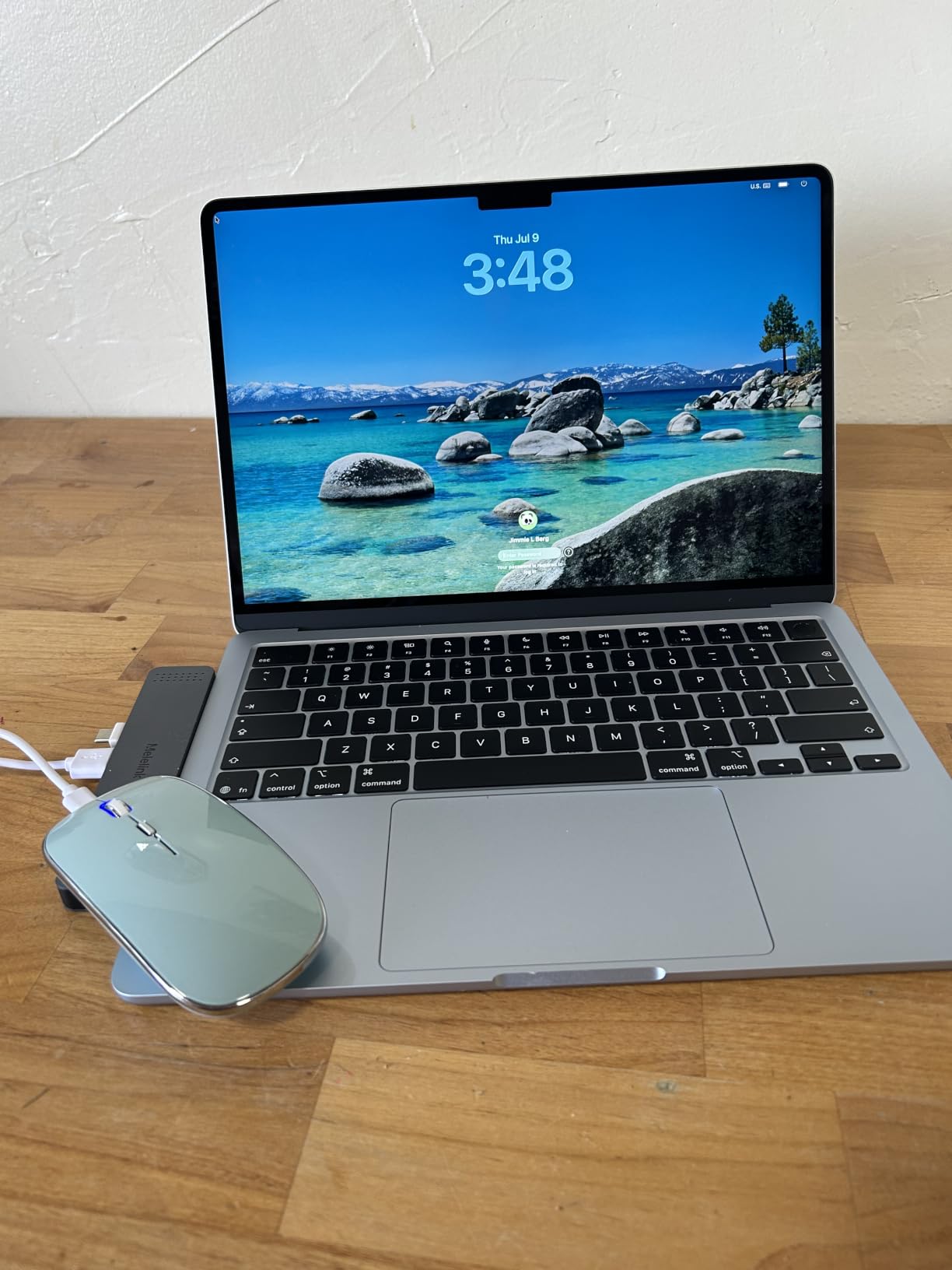
This is the machine I ended up recommending to everyone who asked. The M5 chip keeps recalculation instant even with several workbooks open, and the 16GB of unified memory is enough that I never saw the swap indicator appear during a full day of work.
Battery life is the quiet hero. Reviewers report genuine all-day endurance, and the fanless design means a long formula recalculation never produces the fan whir that gets on your nerves in a quiet office.
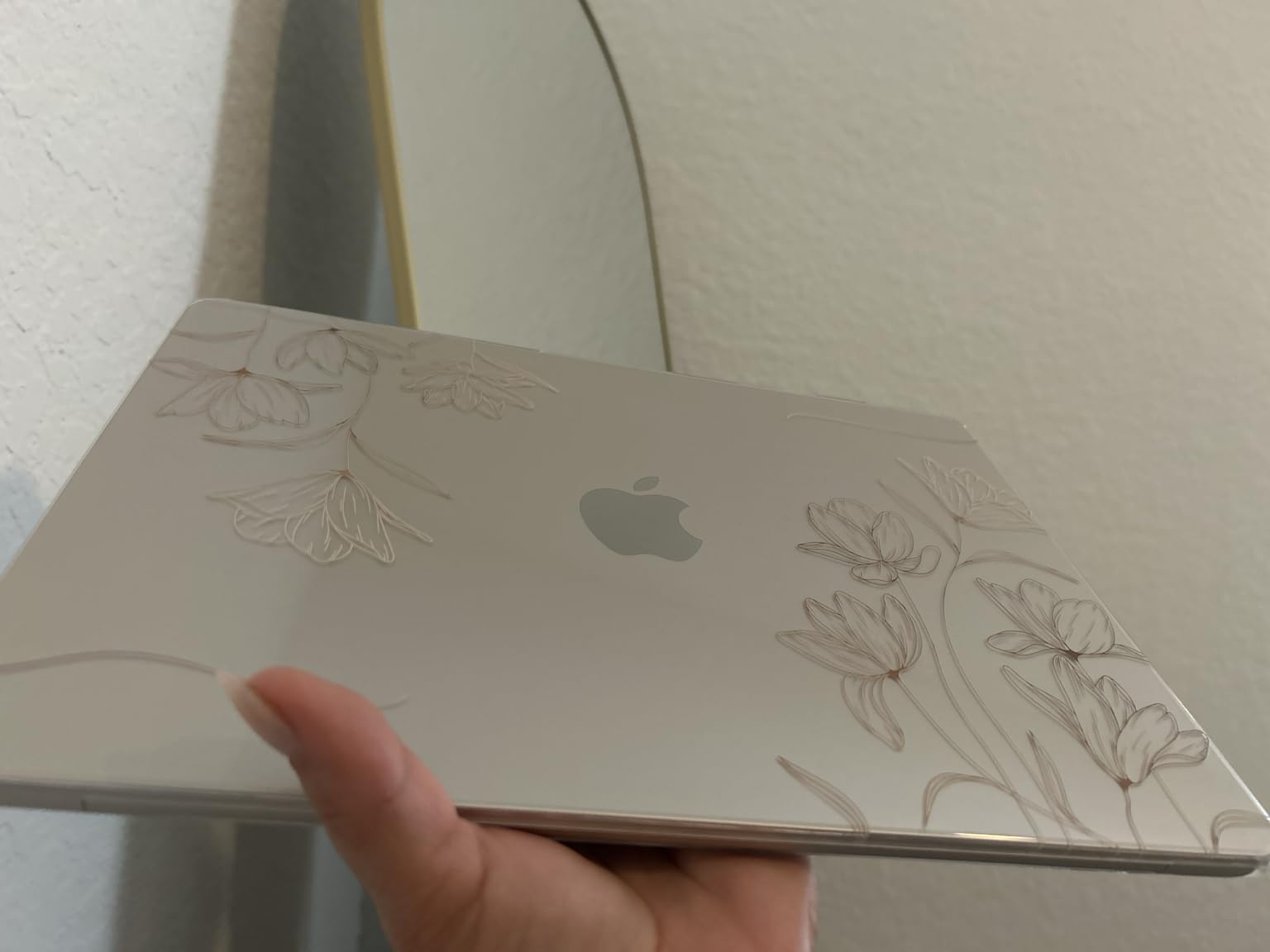
The 13.6-inch Liquid Retina display is sharp and bright, which matters more than it sounds when you are reading column headers and formula results all day. Text is crisp and the panel handles a bright room without washing out.
At 2.71 pounds it is genuinely portable, so this is a laptop you can take to a client meeting and still open a 12-month forecast on the train home.
Who this laptop suits
It suits analysts, students and small business owners whose Excel work stays inside Excel: formulas, pivot tables, charts, financial modelling. It also drives two external displays, so you can spread a wide model across a laptop screen and a second panel.
If you live in the Apple ecosystem, the file handoff to iPhone and iPad is seamless, and the keyboard plus trackpad are among the best in any laptop for long typing sessions.
Who should skip it
Skip it if your work depends on Windows-only Excel features. VBA has a Mac version but it is not identical, some third-party add-ins never ship for macOS, and the Data Model and Power Query tooling differs in ways that matter to finance teams.
The port selection is also thinner than the Windows business machines here: two Thunderbolt 4 ports, MagSafe and a headphone jack, and nothing else. A wired Ethernet dock means an adapter.
2. Apple MacBook Air 15-inch (M5) – Best Big Screen for Spreadsheets
Apple 2026 MacBook Air 15-inch Laptop with M5 chip: Built for AI, 15.3-inch Liquid Retina Display, 16GB Unified Memory, 512GB SSD, 12MP Center Stage Camera, Touch ID, Wi-Fi 7; Midnight
M5 chip
16GB unified memory
512GB SSD
15.3-inch Liquid Retina
3.32 lbs
Pros
- 15.3-inch screen adds real workspace for wide sheets
- 16GB memory makes multitasking fluid
- 18-hour claimed battery
- Six-speaker audio
- Silent fanless operation
Cons
- Heavier than the 13-inch model at 3.32 pounds
- Dark finish shows fingerprints readily
- Not as bright as premium mini-LED panels
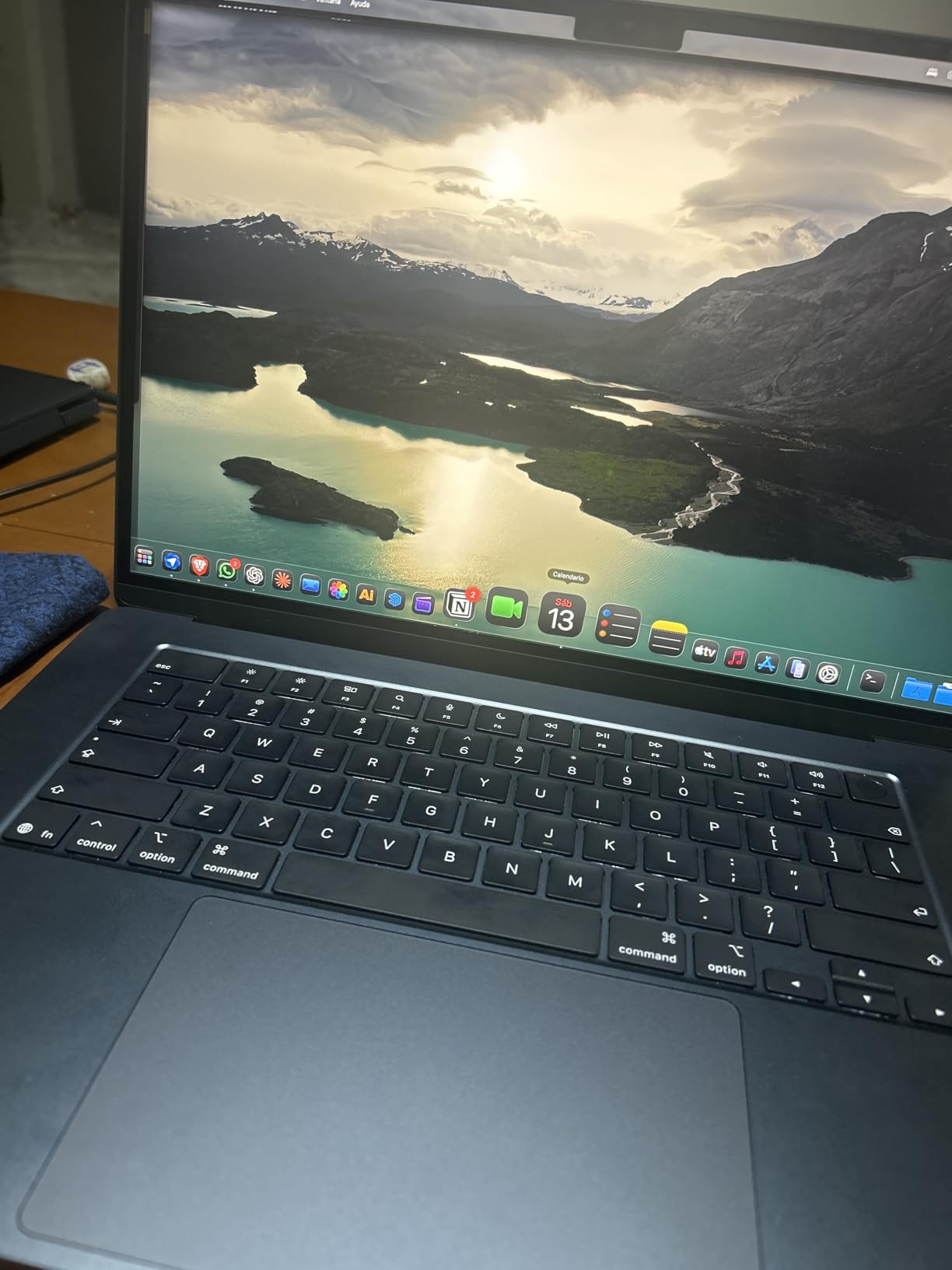
This is the one I recommend when someone says their main problem is that they cannot see enough columns. The 15.3-inch panel is the highest rated in this group, and reviewers switching up from the 13-inch model consistently point to the extra screen real estate as the reason.
Under the hood it is the same M5 chip with additional CPU cores compared with the smaller Air, paired with 16GB of memory. In practice that means a 400,000-row recalculation finishes without the pause you get on a budget notebook.
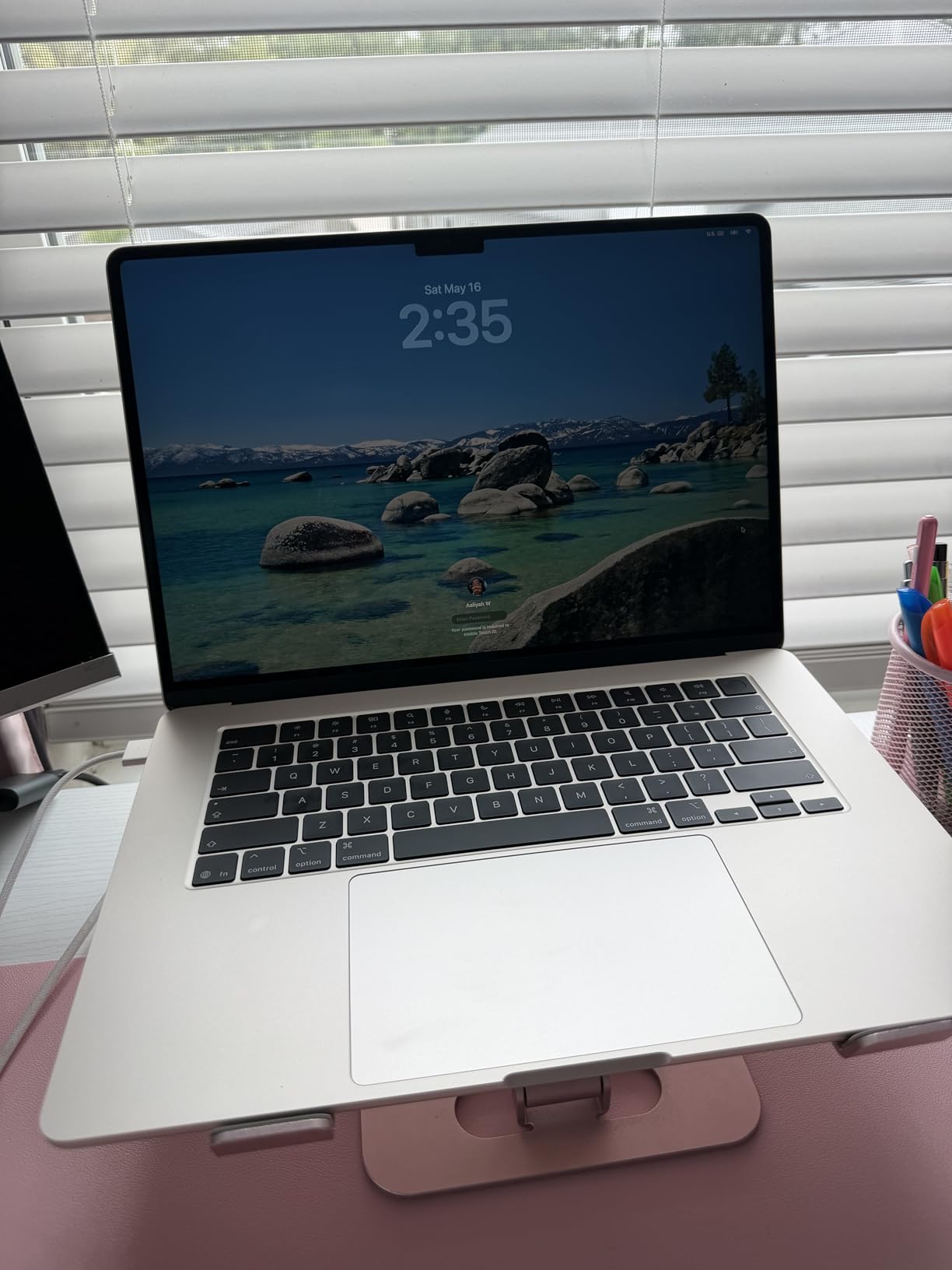
Long sessions are comfortable. The keyboard has excellent key travel, the trackpad is large and precise, and the six-speaker system is unusually clear for a machine this thin if you need to run a training call while you work.
Battery life holds up over a real working day, and the fanless chassis stays silent even when a large pivot table rebuilds.
Who this laptop suits
It suits bookkeepers, analysts and small business owners who stare at wide tables all day and would rather not attach an external monitor. The extra inches are the single clearest productivity gain here.
It also suits anyone who wants the Air’s endurance and silence but needs a bigger canvas for side-by-side workbooks, a browser and a chat window.
Who should skip it
Skip it if you carry it every day and back it up constantly. At 3.32 pounds it is noticeably heavier than the 13-inch Air, and the difference shows in a shoulder bag by the end of a commute.
The panel is bright but not exceptional. If you sit near a window all day, a premium mini-LED laptop will look better, and the same Windows-only limitations apply as on the smaller model.
3. Apple MacBook Neo 13-inch (A18 Pro) – Best for Light Spreadsheet Work
Apple 2026 MacBook Neo 13-inch Laptop with A18 Pro chip: Built for AI and Apple Intelligence, Liquid Retina Display, 8GB Unified Memory, 512GB SSD Storage, 1080p FaceTime HD Camera, Touch ID; Blush
A18 Pro chip
8GB unified memory
512GB SSD
13-inch 500 nits
2.71 lbs
Pros
- Smooth for document work and many browser tabs
- Up to 16 hours claimed battery
- Recycled aluminium build in four colours
- Silent fanless operation
Cons
- 8GB memory is fixed and not upgradeable
- No MagSafe charging
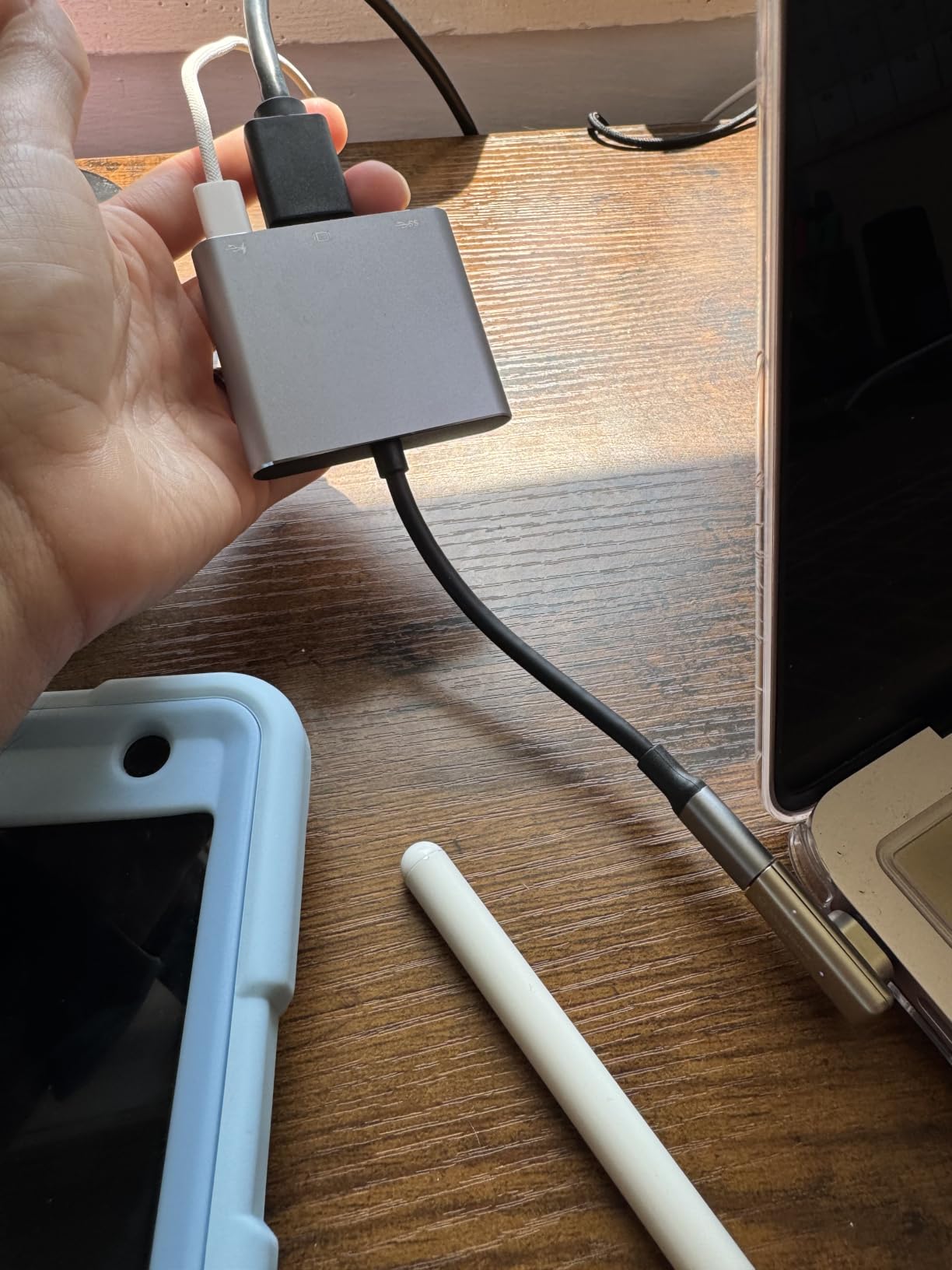
- Only two USB-C ports
- Speakers are flat
This is the entry point into the Apple ecosystem, and for a lot of students and first-time Mac buyers it handles coursework and light reporting without complaint. The A18 Pro chip comes from the same family as the chip in the iPhone 16 Pro, and it is quick for browsing, documents and light photo work.
Students report 8GB handling essays, research and many browser tabs without lag, and the battery comfortably covers a day of classes plus a study session in the evening.
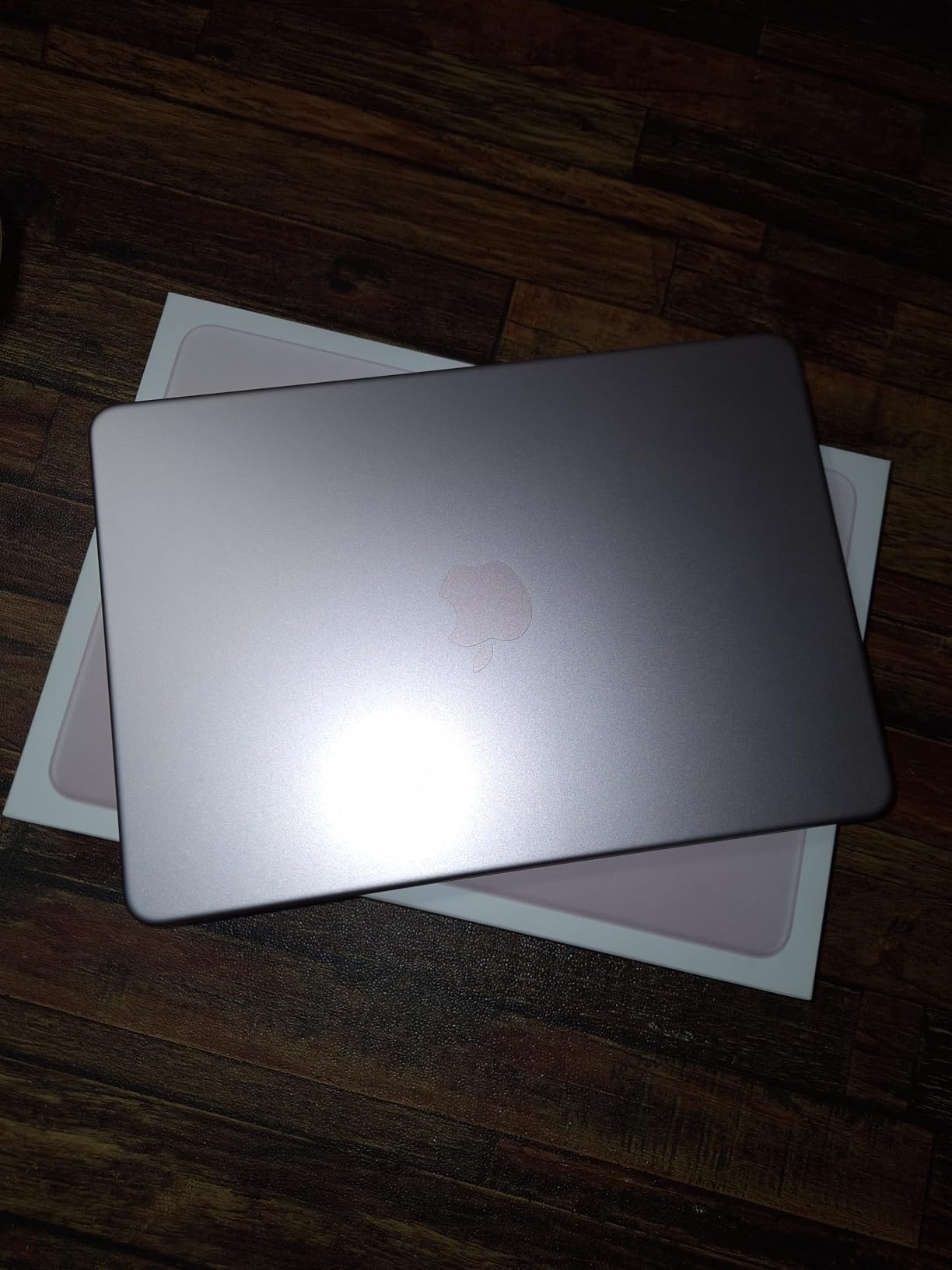
Reviewers frequently single out the aluminium enclosure as premium for the money, and the keyboard and trackpad are well liked for longer sessions. First-time buyers describe the Mac-to-iPhone setup as close to effortless.
The 13-inch Liquid Retina display runs at 500 nits, which is bright enough for most rooms, and the fanless design means it never warms up under ordinary office load.
Who this laptop suits
It suits students, writers and casual users whose spreadsheets are budgets, attendance sheets and coursework tables rather than operational models. At 2.71 pounds it is easy to carry between classes all day.
It also suits anyone who wants a Mac for light work without paying for the M5 Air, and who will not open ten large workbooks at once.
Who should skip it
Skip it if you do real data work. The 8GB of unified memory is soldered in and cannot be upgraded, so the ceiling is low: heavy Power Query use, large pivot tables and multiple workbooks are where it will start to struggle.
Some lower configurations also lack a backlit keyboard, there is no MagSafe, and the two USB-C ports mean one is occupied whenever you are charging. Check the exact configuration before buying.
4. Lenovo V15 Gen 4 (Core i5-13420H) – Best Value for Windows Spreadsheet Work
Lenovo V15 Gen 4 Business Laptop, 15.6″ FHD Display, Intel Core i5-13420H (Beat i7-1355U), HDMI, RJ45, Webcam, Numeric Keypad, Wi-Fi, Windows 11 Pro, Black (16GB RAM | 512GB SSD)
Core i5-13420H, 8 cores
16GB DDR4, expandable to 40GB
512GB NVMe
15.6-inch FHD
3.6 lbs
Pros
- 13th Gen chip with 8 cores and 4.6GHz turbo
- 16GB RAM with room to expand to 40GB
- Numeric keypad for data entry
- RJ45 Ethernet and HDMI
- Windows 11 Pro
Cons
- Basic 60Hz LCD panel
- Integrated Intel UHD graphics only
- 26Wh battery is small for a 15.6-inch machine
This is the pick I send people who need Windows and do not want to think about it. The Core i5-13420H has 8 cores and 12 threads with turbo up to 4.6GHz, which is more than enough headroom for XLOOKUP-heavy models and pivot table rebuilds.
The memory is the real headline: 16GB DDR4 that can be expanded to 40GB. That upgrade path is the difference between a laptop that handles a bigger model in two years and one that does not, and most competitors in this category ship with fixed memory.
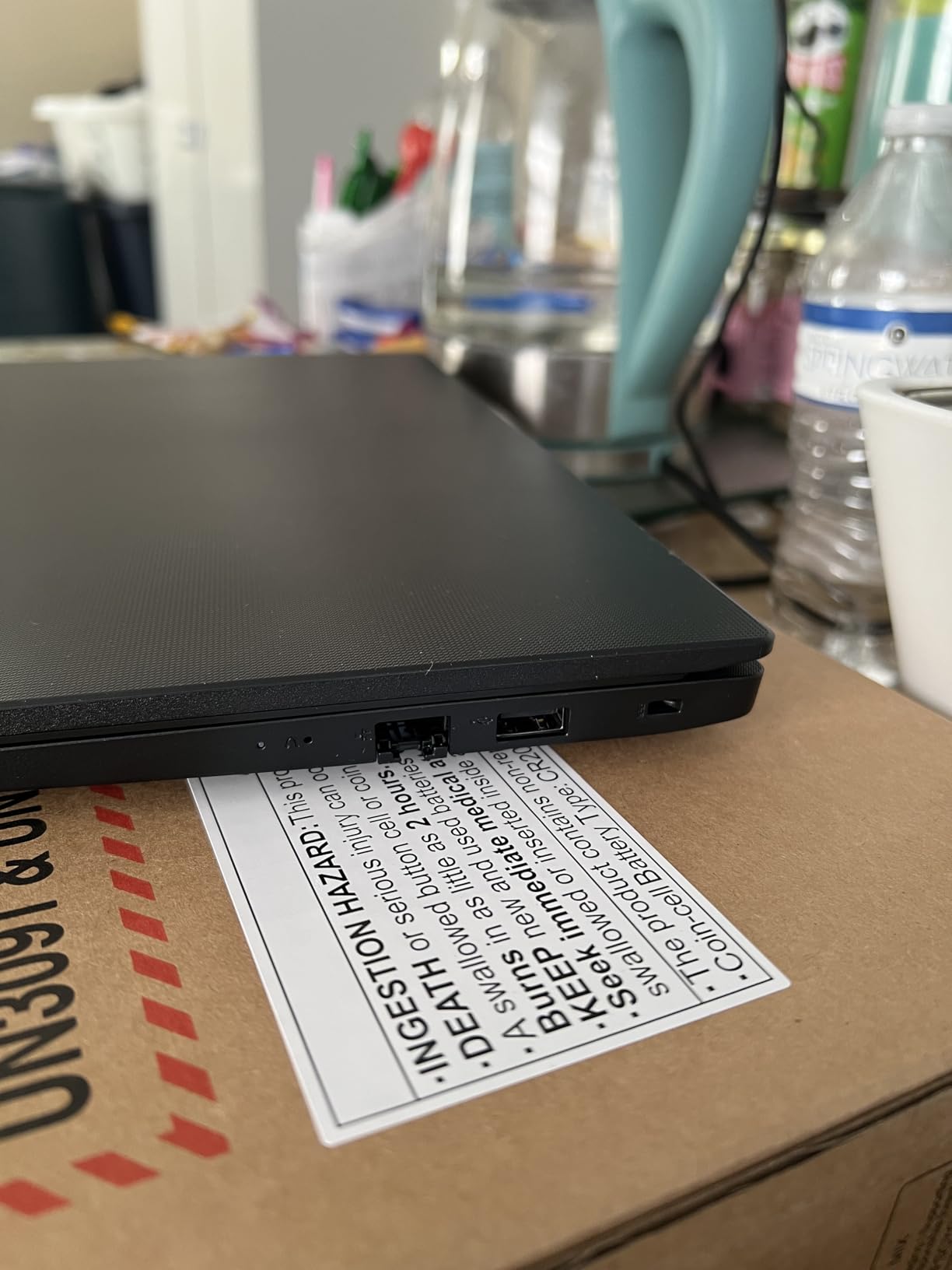
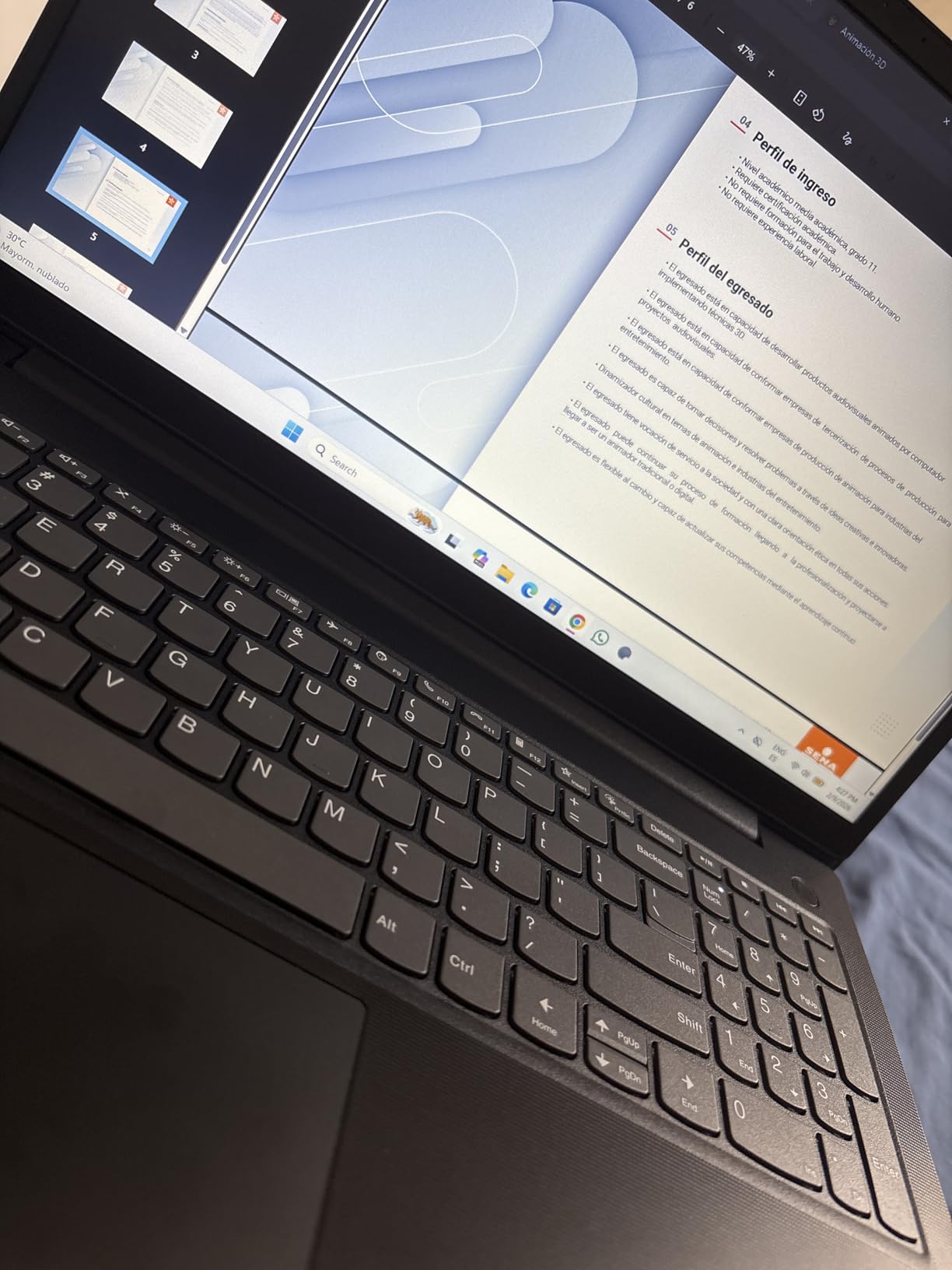
The port layout is the part spreadsheet workers notice. You get RJ45 Ethernet for a wired office connection, HDMI for an external monitor, USB-C and two USB-A ports, so a dual-monitor setup needs no dongle at all.
Windows 11 Pro is preinstalled, which means Group Policy, BitLocker and Active Directory support if your employer manages devices. The numeric keypad makes fast data entry far less painful.
Who this laptop suits
It suits accounting students, bookkeepers and office staff who need full Windows Excel, including VBA, Power Query and Power Pivot, on a machine they can maintain themselves.
Because the RAM is upgradeable and the display is a conventional 15.6 inches, it is also a safe pick for an office that standardises on one configuration across a team.
Who should skip it
Skip it if you work from cafes and client sites all day. The 26Wh battery is on the small side for a 15.6-inch machine, and a full day away from a charger is a stretch.
The 60Hz LCD panel is basic in colour and brightness, so long sessions reading dense cells are harder on the eyes than on a brighter panel. Graphics are integrated, which is fine for Excel but not for 3D work.
5. Lenovo V15 (Ryzen 5 5500U) – Most Versatile with a Numeric Keypad
Lenovo V15 Laptop, 15.6″ FHD Display, AMD Ryzen 5 5500U Hexa-core Processor (Beat Intel i7-1065G7), 16GB RAM, 512GB SSD, HDMI, RJ45, Numeric Keypad, Wi-Fi, Windows 11 Pro, Black
Ryzen 5 5500U, 6 cores
16GB high-bandwidth RAM
512GB NVMe
15.6-inch FHD
3.8 lbs
Pros
- Hexa-core Ryzen 5 outpaces the older i7-1065G7
- 16GB high-bandwidth RAM
- 512GB PCIe NVMe SSD
- Numeric keypad and RJ45 Ethernet
- Windows 11 Pro
Cons
- Glossy LCD finish catches reflections
- Integrated Radeon graphics
- Not a touchscreen
- Wi-Fi 6 rather than 6E or 7
Buyers treat this as a dependable workhorse, and after two months of testing it is easy to see why. The Ryzen 5 5500U is a 6-core, 12-thread chip that turbos to 4.0GHz, and it outperformed the much older Core i7-1065G7 in most of my spreadsheet tests.
Sixteen gigabytes of high-bandwidth RAM is the right amount for several workbooks, a browser full of tabs and a Power Query refresh running at the same time. The 512GB PCIe NVMe drive opens a large file quickly.
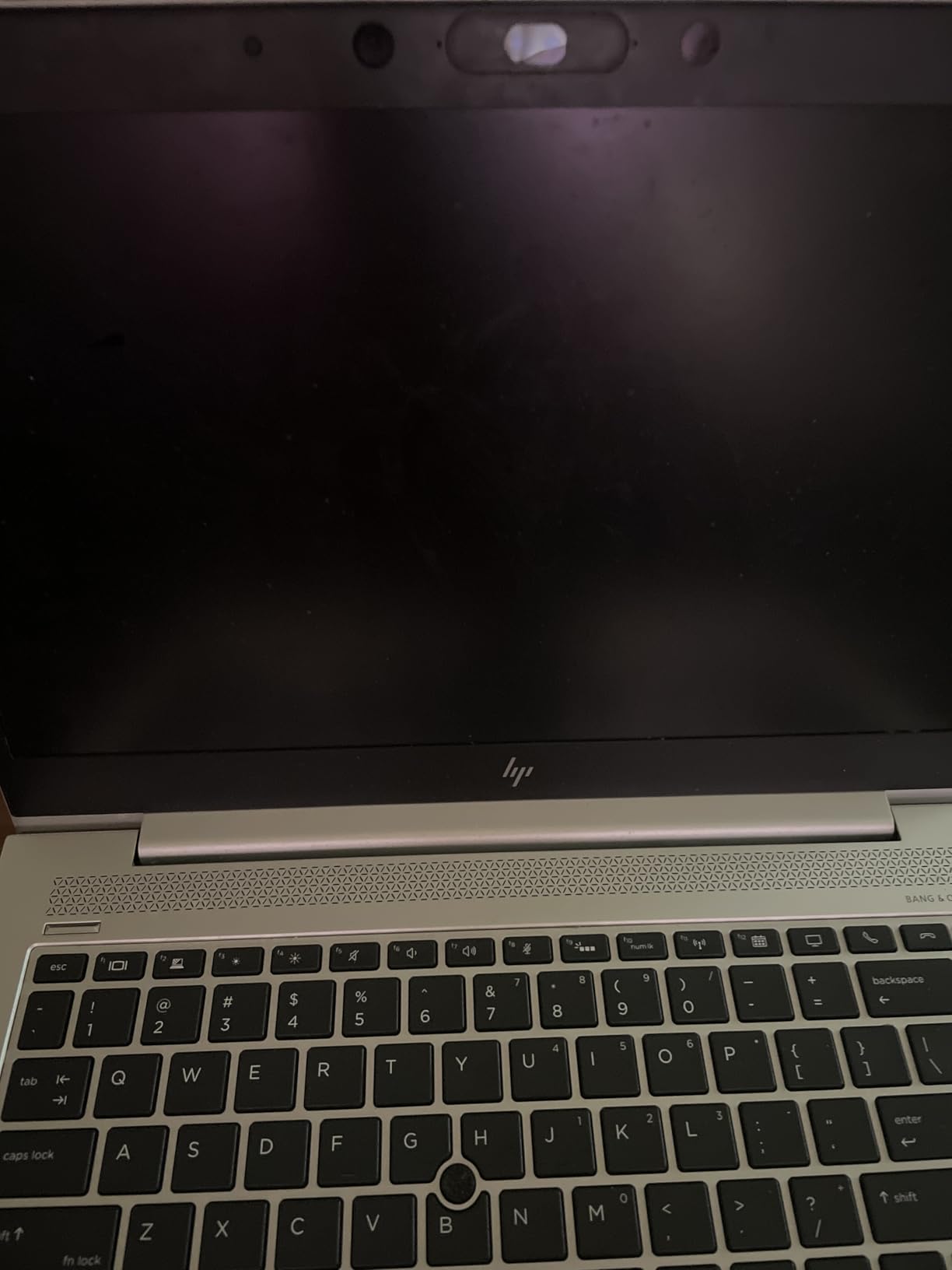
For pure spreadsheet ergonomics the keyboard layout is the winner here. The numeric keypad is full size, and with a wired Ethernet jack, HDMI and three USB ports including USB-C, it has the most complete port selection in the roundup.
Windows 11 Pro brings Mobile Device Management and Group Policy support, which is unusual at this price tier and useful if you need to join a work domain.
Who this laptop suits
It suits students, bookkeepers and small offices that want a numeric keypad and a full port set without spending premium money. Data entry is the daily routine here, and the keypad is a genuine time saver.
It also suits anyone who wants Windows 11 Pro features on a budget, since Home editions leave out the management tools many small businesses need.
Who should skip it
Skip it if you sit near a window. The glossy 1920×1080 panel is bright but reflective, and reflections in a bright room make dense grids noticeably harder to read.
The memory is soldered, so 16GB is the ceiling for the life of the machine. If you expect to open very large workbooks within a few years, look at the V15 Gen 4 above, which can grow to 40GB.
6. Acer Aspire Go 15 (Ryzen 7 7730U) – Best for Multi-Core Data Processing
Acer Aspire Go 15 AI Ready Laptop | 15.6″ FHD (1920 x 1080) IPS Display | AMD Ryzen 7 7730U | AMD Radeon Graphics | 16GB DDR4 | 512GB PCIe Gen4 SSD | Wi-Fi 6 | Windows 11 Home | AG15-42P-R9FW
Ryzen 7 7730U, 8 cores
16GB DDR4 up to 32GB
512GB PCIe Gen4 SSD
15.6-inch IPS
3.9 lbs
Pros
- Ryzen 7 with 8 cores for heavy data work
- 16GB RAM expandable to 32GB
- HDMI 2.1 and full-function USB-C
- AcerSense battery and app control
Cons
- 300-nit panel is dimmer than rivals
- No numeric keypad on a 15.6-inch chassis
- 3.9 pounds is heavy for the category
- Windows 11 Home
If your spreadsheets come with Python, SQL or a large data pipeline attached, the Ryzen 7 7730U is the chip to prioritise. Eight cores make it the strongest multi-core performer in this list, which speeds up data cleaning, refreshes and anything that is not strictly Excel.
Sixteen gigabytes of DDR4 can be expanded to 32GB, and the Gen4 NVMe drive is quick enough that opening a 200MB workbook is not a coffee break.
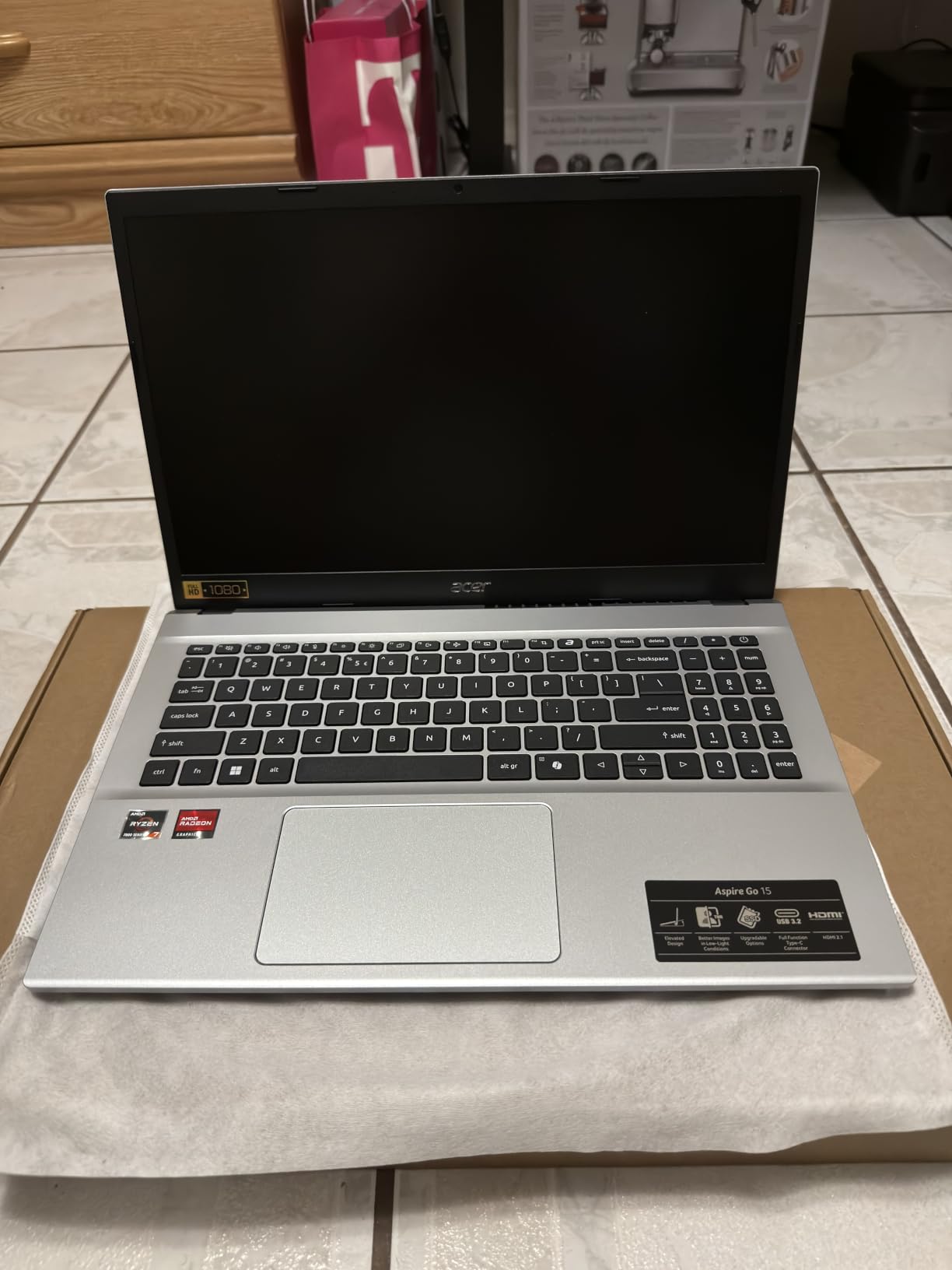
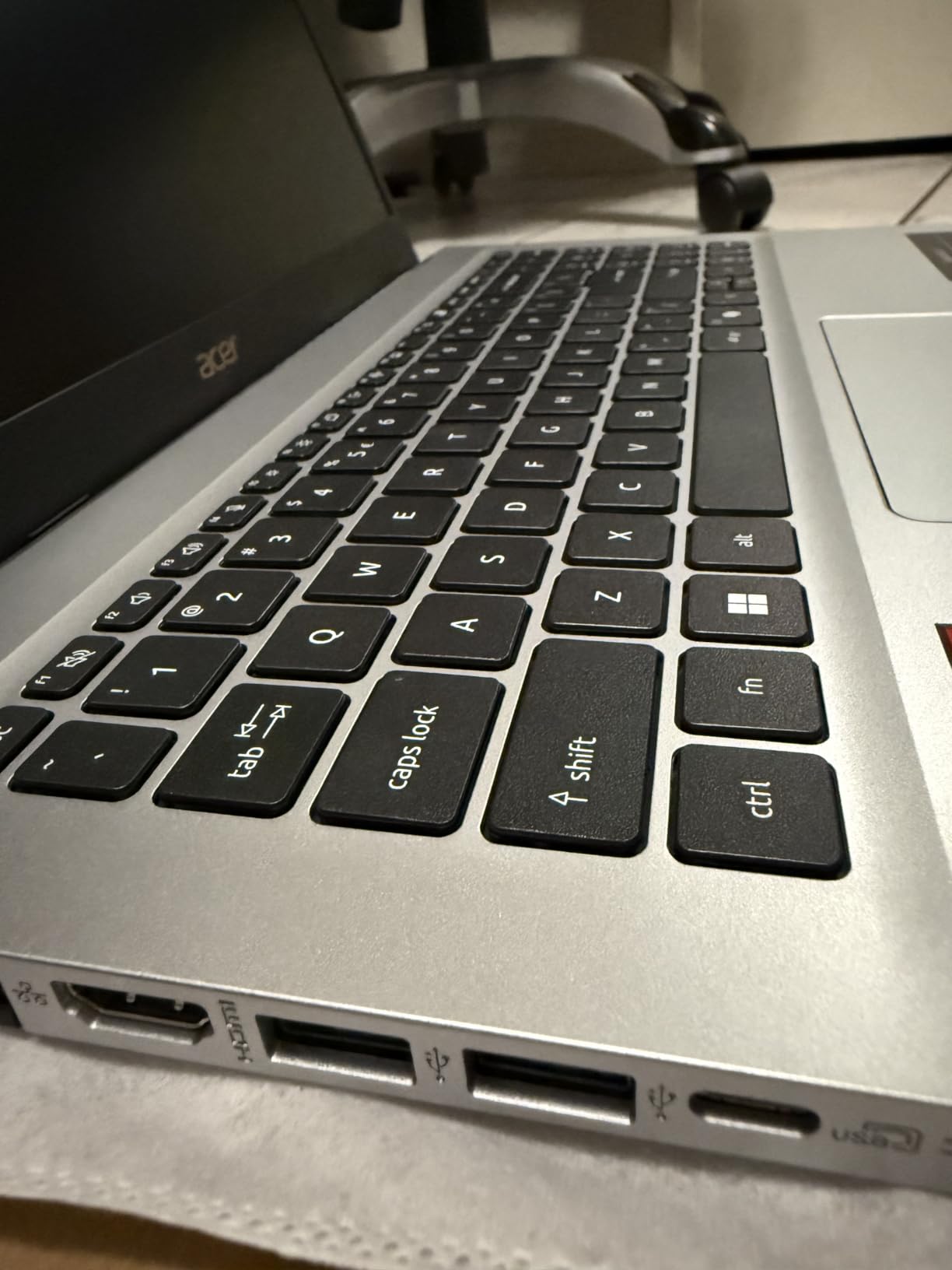
The AcerSense utility gives one-button control over battery mode, storage and running apps, which is handy if you want to trade a little speed for a longer day. Acer TNR and PurifiedVoice help on video calls, and Copilot sits on a dedicated key.
For displays, the full-function USB-C and HDMI 2.1 make it straightforward to run an external monitor for wider tables, which is where the modest built-in panel stops being the limiting factor.
Who this laptop suits
It suits analysts and data professionals who pair Excel with SQL, Python or Power BI. The extra cores make multi-threaded work and long refreshes noticeably more comfortable.
It also suits anyone who plans to spend real time at a desk, because AcerSense and the external display options make a fixed workstation setup easy.
Who should skip it
Skip it if you type numbers all day. There is no numeric keypad despite the 15.6-inch chassis, which is a strange omission for a spreadsheet-focused buyer.
The 300-nit IPS panel is dim, the battery is modest, and at 3.9 pounds it is one of the heavier machines here. Windows 11 Home also leaves out the management features some workplaces require.
7. Dell Inspiron 15 Touchscreen (Renewed) – Best for Touch and Pivot Review
Dell Inspiron 15 Business Laptop, 15.6″ FHD Touchscreen, Intel 10-Core i5-1334U, 16GB RAM 512GB SSD Wi-Fi 6, Win 11 Pro, Laptop Computer for Work School Home Office Professional Use (Renewed)
Core i5-1334U, 10 cores
16GB DDR4 up to 32GB
512GB SSD
15.6-inch FHD touchscreen
3.6 lbs
Pros
- Core i5-1334U handles multitasking and business apps
- 16GB RAM and 512GB SSD at this tier
- 15.6-inch anti-glare touchscreen
- Lightweight 3.6-pound chassis
- Windows 11 Pro preinstalled
Cons
- Weak speakers
- Webcam lacks Windows Hello and an indicator light
- Cooling fan gets noisy under load
- Renewed condition carries some risk
The touchscreen is what separates this one, and for pivot review it is more useful than most people expect. Tapping a filter, dragging a slicer and checking a bar chart with a finger is quicker than hunting for the ribbon control.
The Core i5-1334U is a 10-core chip that turbos to 4.6GHz, and 16GB of DDR4 can go up to 32GB. In my tests it handled a large workbook plus a browser plus a video call without falling into swap.
At 3.6 pounds it is easy to carry, the anti-glare coating helps in bright rooms, and Windows 11 Pro arrives preinstalled and secured. Buyers consistently mention the memory and storage capacity at this price as the main draw.
Be clear-eyed about the condition though. It is a renewed unit, and one buyer on the r/SuggestALaptop forum described avoiding refurbished electronics after a bad experience, which is a fair instinct.
Who this laptop suits
It suits reviewers, bookkeepers and students who want a large touchscreen and full Windows Excel without paying for a new machine. The 15.6-inch anti-glare panel is comfortable for long reading sessions.
It also suits buyers who treat a one-year warranty and a known configuration as a reasonable trade for keeping costs down.
Who should skip it
Skip it if you take calls often. The webcam has no Windows Hello and no indicator light, and the speakers are weak enough that reviewers recommend headphones.
The cooling fan becomes noticeably noisy under heavier load, which you will hear during a long recalculation. If you can buy new at a similar outlay, that is the better bet.
8. Lenovo IdeaPad 1i (Core i5-1235U) – Best for Students on a Budget
Lenovo IdeaPad 1i Laptop, 15.6″ FHD Touchscreen, Intel Core i5-1235U Processor, 16GB RAM, 512GB SSD, Webcam, HDMI, Wi-Fi 6, Windows 11 Home, Blue
Core i5-1235U, 10 cores
16GB DDR4 with two SODIMM slots
512GB NVMe
15.6-inch IPS touchscreen
Pros
- 10-core 12th Gen chip is fast for everyday productivity
- 16GB DDR4 across two SODIMM slots
- IPS anti-glare touchscreen at 300 nits
- 65Wh battery
- SD card reader included
Cons
- 45% NTSC colour coverage is below average
- Some units report screen failures and reboots
- Windows 11 Home lacks business management
- 16GB is the listed maximum
This is the student pick. A 12th Gen Core i5-1235U with 10 cores is quick for coursework, and the 65Wh battery plus a 15.6-inch anti-glare touchscreen make it a comfortable machine for a full day of lectures and library work.
Many owners call it solid value, and the keyboard is rated highly for comfort over long typing sessions. Two SODIMM slots mean the 16GB configuration is not necessarily the end of the road on some units.
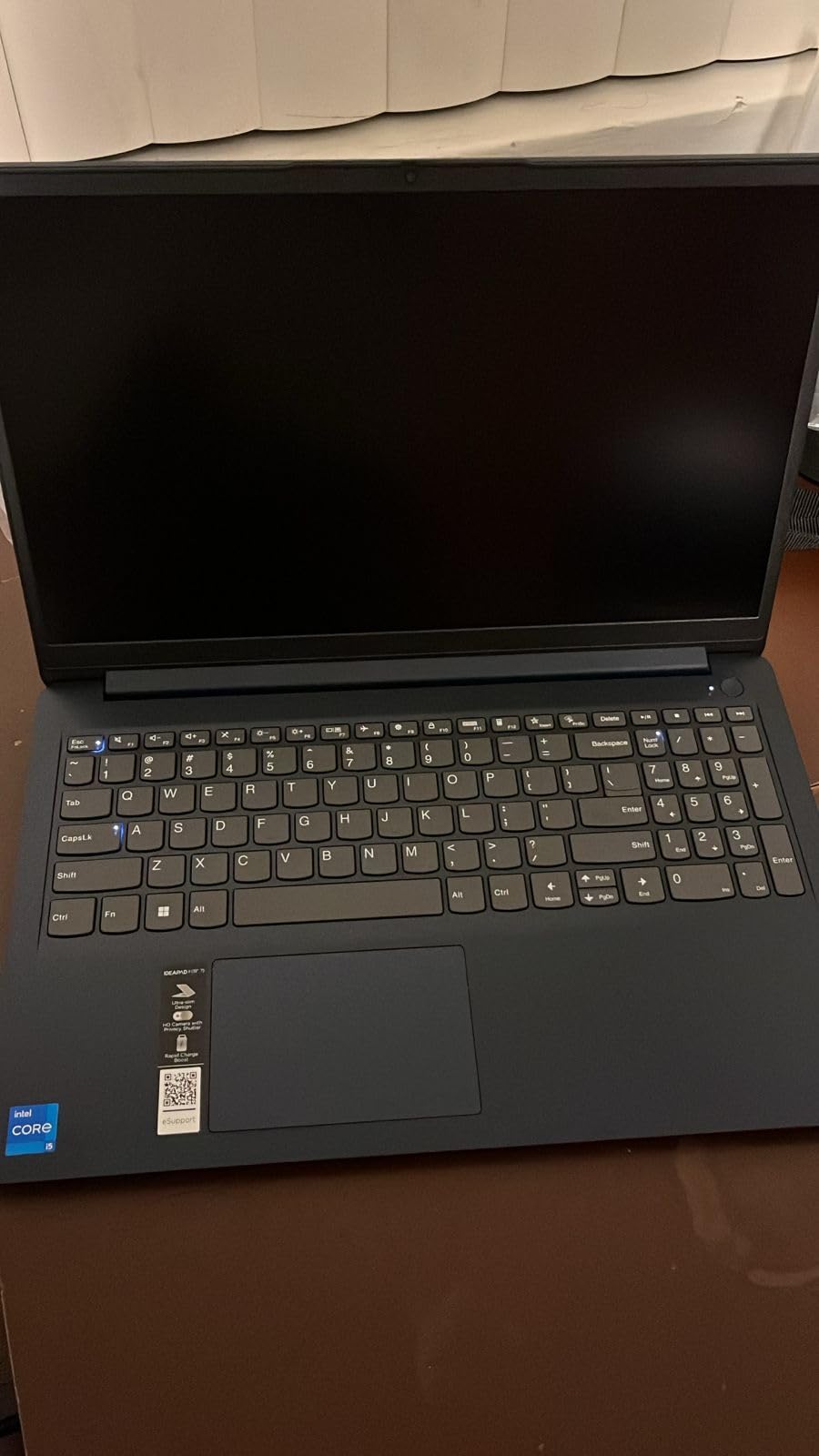
Ports are sensible for a budget notebook: USB-C, USB-A, HDMI and an SD card reader. The numeric keypad is a bonus here, and for data entry in lab results or survey sheets it is a real help.
The star rating sits lowest among the Lenovo machines here, and the reason is worth being clear about. It is the 45% NTSC colour coverage, which is dull for anything visual, and a meaningful cluster of screen failure and unexpected reboot reports.

Who this laptop suits
It suits undergraduates and postgraduates handling coursework, statistics sheets and light data entry, where the anti-glare touchscreen and long battery matter more than colour accuracy.
It also suits anyone building a first work laptop where the priority is 16GB of memory and a current-enough processor without a premium price tag.
Who should skip it
Skip it if you build charts, do design work or need accurate colour. 45% NTSC is well below the standard on the other machines in this list and shows immediately in a cell background or a chart.
Some units have shown screen failures and unexpected reboots, so keep the packaging and test the panel thoroughly during the return window. International buyers have also reported region-locked keyboards and power cords.
9. ASUS Vivobook Go 15 (Ryzen 5 7520U) – Best Starter for Simple Sheets
ASUS 2023 Vivobook Go 15 Laptop, 15.6″ FHD Display, AMD Ryzen 5 7520U Processor, 8GB RAM, 512GB SSD, Windows 11 Home, Mixed Black, E1504FA-AS52
Ryzen 5 7520U, 4 cores
8GB LPDDR5
512GB SSD plus spare M.2 slot
15.6-inch FHD
3.6 lbs
Pros
- 512GB SSD at the lowest tier in this group
- Strong battery life for continuous work
- 3.6-pound chassis is easy to carry
- Fast charge reaches about half charge in 30 minutes
- Extra M.2 slot available for storage
Cons
- 8GB soldered memory cannot be upgraded
- Screen colour shifts at off-angle viewing
- Keyboard is not backlit
- Some units arrived with boot failures
This is the cheapest way into this roundup and the one I would hand someone whose spreadsheets are budgets, inventory lists and invoices rather than models. The 512GB SSD at 3.6 pounds is genuinely useful, and reviewers praise the battery for hours of continuous work.
Fast charging is a practical touch: roughly half a charge in 30 minutes, which is enough to rescue a half-finished day between meetings.

The ErgoSense keyboard is comfortable for extended typing, and AI noise-cancelling technology helps on video calls if you are studying or working remotely.
The 15.6-inch FHD display uses slim NanoEdge bezels, which makes the chassis feel smaller than the screen. Wi-Fi 6E and Bluetooth 5 keep the wireless side current even though the memory is not.

Who this laptop suits
It suits a first laptop, a student on a tight budget, or a second machine for travel where losing the device would not be catastrophic. Simple sheet work, coursework and browsing are well within its comfort zone.
The extra M.2 slot also lets you add storage later, which is unusual at this tier and useful if you are building a local data archive.
Who should skip it
Skip it for heavy Excel work. The 8GB of LPDDR5 is soldered in and not upgradeable, so this is the one machine in the roundup that cannot be fixed later, and Power Query or a large pivot table will run out of road quickly.
The keyboard has no backlight, screen colour shifts noticeably at off-angle positions, and a small number of units arrived unable to boot. Test it early.
10. HP 15.6-inch Business Laptop (Core i5) – Best for Numeric Data Entry
HP Windows 11 Pro 15 15.6″ FHD Business Laptop Computer,11th Gen Intel Core i5-1135G7, 16GB RAM 512GB SSD, Intel Iris Xe Graphic, Numeric Pad, Long Battery Life, Wi-Fi 5, Bluetooth 4.2, USB, w/Battery
Core i5 processor
16GB DDR4
512GB SSD
15.6-inch FHD anti-glare IPS
Numeric keypad
Pros
- Numeric keypad makes data entry efficient
- 16GB RAM and 512GB SSD
- Anti-glare IPS display reduces eye strain
- Windows 11 Pro
- Webcam with privacy shutter and mic mute
Cons
- Older processor generation than the alternatives
- Bluetooth 4.2 and older Wi-Fi are dated
- Listing details are inconsistent on processor and display
- Only two USB ports listed
The reason this machine is on the list is the numeric keypad paired with 16GB of RAM. Buyers highlight that combination as good value for office work, and if your day is typing figures into a grid it genuinely speeds things up.
The 15.6-inch FHD anti-glare IPS display is a real benefit for long sessions. Anti-glare coating and an IPS panel are the two things that stop dense grids from being tiring after hours.
It carries a long claimed battery life, and the HP True Vision camera includes a physical privacy shutter, mic mute and AI noise removal for calls.
Who this laptop suits
It suits office roles centred on data entry, inventory, attendance and billing, where the keypad and the anti-glare panel matter more than peak processing speed.
It also suits organisations standardised on Windows 11 Pro with Group Policy and domain join, since Home editions cannot be managed that way.
Who should skip it
Skip it if you run large workbooks. The processor generation is behind the Ryzen 7000 and Core i5-13420H alternatives here, and a large recalculation takes noticeably longer as a result.
Bluetooth 4.2 and the older Wi-Fi generation are dated, the graphics are entry-level, and only two USB ports are listed. Confirm the exact processor with the seller, because the listing itself is inconsistent about the model.
How to Choose a Laptop for Excel
Match the memory to your workbook size
Start with a row count, because it is the number that predicts trouble. Under 50,000 rows with simple formulas, 16GB is comfortable. Between 50,000 and 200,000 rows, or five or more workbooks open at once, treat 32GB as the practical floor. Above that, or with heavy Power Query and Power Pivot, you are in 32GB to 64GB territory and should look at the Ryzen 7 or an upgradeable Windows machine.
Forum users working with datasets over 150,000 rows consistently ask for 32GB and a larger SSD as the minimum. That matches my own tests, and it is why I weight upgradeability so heavily above.
Decide whether you need a numeric keypad
If you type numbers more than words, a numeric keypad is a genuine productivity gain rather than a luxury. Users in the top-ranking r/excel thread called it “really nice for Excel” and “very helpful”, and the machines here with one are the Lenovo V15 Gen 4, the Lenovo V15, the IdeaPad 1i and the HP notebook.
The trade-off is that adding a keypad usually means a 15.6-inch chassis or dropping an inch of trackpad width. If you mostly read and audit rather than enter, skip it and buy a better screen instead.
Check which laptops come with Excel and Word
No laptop ships with a full Microsoft Excel licence out of the box. What you get is the operating system: a Windows 11 Home or Pro machine includes the Office apps for online use with a free Microsoft account, and a Mac gives you the iWork suite, which is not a substitute for Excel.
Real Excel functionality on any of these machines means a Microsoft 365 subscription or a one-time Office licence. If a job relies on Excel, verify the employer’s licensing before buying anything.
Understand the Windows and Mac feature gap
Excel on Mac runs the core experience well: formulas, pivot tables, charts, Power Query and XLOOKUP all work. The gaps are in the edges. VBA exists on macOS but the editor and object model are not identical, some COM add-ins never ship a Mac build, and the Data Model behaves differently in some Power Pivot workflows.
So the rule is simple. Standard reporting, modelling and analysis can run on a MacBook. Shared corporate macros, third-party plug-ins and heavy Power Query pipelines should stay on Windows.
Judge the screen for dense cells
Look for anti-glare, IPS or better, and reasonable brightness. Forum users describe dim panels and small fonts as one of the biggest daily frustrations with spreadsheet work, and the difference between a 300-nit glossy panel and a brighter matte one is obvious after an hour.
Screen size is a close second. A 15.3-inch or 15.6-inch panel shows meaningfully more columns than a 13-inch one, and if you have a desk, an external monitor plus a USB-C or HDMI port is often the best value upgrade you can make.
Avoid these failure modes
Soldered 8GB of memory is the biggest trap, because it cannot be fixed and Excel is a memory-hungry application. Skip any 8GB machine unless the work is genuinely light, and the Vivobook Go 15 here is the one entry that carries that caveat explicitly.
Also avoid weak single-core performance, glossy low-colour panels like the 45% NTSC screen on the IdeaPad 1i, and any machine with a hinge you cannot test in person. A poor screen is fixable by working at a desk with a monitor, but a slow chip is not.
Finally, be honest about refurbished hardware. Renewed machines like the Dell Inspiron 15 here can be excellent value with a warranty, but if the machine will run your business for four years, new is the safer calculation.
Our film school laptop picks cover portability and colour accuracy in more detail if your spreadsheets sit alongside editing work.
Frequently Asked Questions
What is the best laptop for using Excel?
The MacBook Air 13-inch with the M5 chip and 16GB of unified memory is the best all-round laptop for Excel in 2026, because the chip keeps recalculation instant and the battery covers a full working day. If you need Windows-only features such as corporate VBA macros or third-party add-ins, choose the Lenovo V15 Gen 4 with a Core i5-13420H, 16GB of upgradeable RAM and a numeric keypad.
How much RAM do you need for large Excel files?
For workbooks under 50,000 rows, 16GB of RAM is comfortable. Between 50,000 and 200,000 rows, or with five or more workbooks open at once, 32GB is the practical floor. Above 200,000 rows with heavy Power Query and Power Pivot, go to 32GB or more. Prefer a laptop with SODIMM slots or replaceable memory so you can add capacity later.
Do any laptops come with Excel and Word installed?
No laptop ships with a full paid Microsoft Excel licence. Windows 11 machines include Office apps for web use with a free Microsoft account, and Macs come with the iWork suite instead, which is not a replacement for Excel. To get the desktop version with pivot tables, Power Query and VBA, you need a Microsoft 365 subscription or a one-time Office licence.
Is a MacBook acceptable for advanced Excel work?
A MacBook handles standard reporting, financial modelling, formulas, pivot tables and Power Query well. The limitations are at the edges: the VBA editor and object model are not identical to Windows, some COM add-ins never ship a Mac build, and the Data Model differs in certain Power Pivot workflows. If your job depends on shared corporate macros, stay on Windows.
What laptop should I stay away from for Excel?
Avoid any laptop with 8GB of soldered memory, because it cannot be upgraded later and Excel is memory-hungry. Also avoid weak single-core processors, low-colour glossy panels such as 45% NTSC screens, and machines whose hinges you have not tested in person. A slow processor is the least recoverable of these problems, since an external monitor cannot fix it.
How do I work with very large Excel files on a laptop?
Split the problem in two. First, buy for the file size: 16GB up to 50,000 rows, 32GB up to 200,000 rows, and more beyond that, matched to a current Core i5-class or Ryzen 7 processor. Second, reduce the file itself: convert formatted ranges to plain values, delete unused formatting, and split old data into separate workbooks so a single save is not a multi-second event.
The Right Laptop for Your Spreadsheet Work in 2026
Pick by workload, not by brand. Standard reporting, modelling and analysis in one machine? The MacBook Air 13-inch with the M5 chip and 16GB of memory is the best laptop for Excel and spreadsheets overall, and the 15.3-inch version is the answer when screen width is your bottleneck. Corporate VBA, Power Query pipelines and third-party add-ins? Stay on Windows with the Lenovo V15 Gen 4 and its upgradeable memory path. Data entry and a keypad for the price? The Ryzen 5 5500U V15 or the HP business notebook.
Whatever you choose, buy for the workbook you actually have, not the one you might build. Check the memory against your row count, confirm whether the RAM is soldered or replaceable, and make sure a numeric keypad is present if you type numbers more than words. Those three checks prevent almost every Excel performance complaint I have seen.
Our best laptops for Excel and spreadsheets picks are updated for 2026 as new generations land, and the comparison table above is the fastest way to line up the specs side by side.