
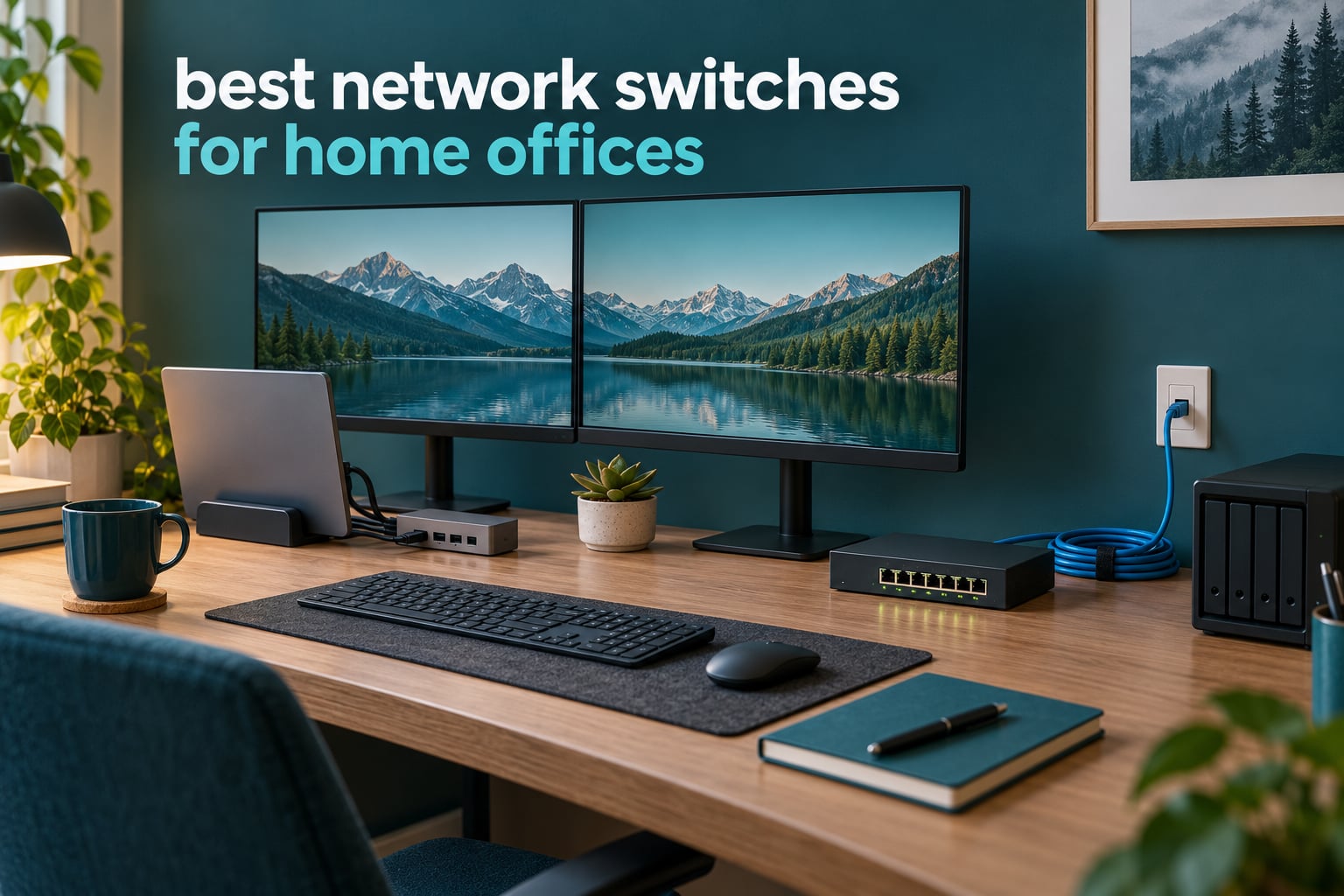
A network switch is a small box with multiple Ethernet ports that lets you plug in more wired devices than your router has built-in ports. Most home routers ship with four LAN ports, while a typical home office needs six or more: a laptop dock, two monitors, a VoIP phone, a printer, and a NAS. An unmanaged switch adds those ports in seconds with no configuration.
That is the short answer to which network switch is best for home. For most people working from home, the best network switches for home offices are plain gigabit boxes that run cool, run silent, and never need a login screen. Our picks below cover that mainstream tier first, then the 2.5GbE and PoE models worth stepping up to when a NAS, an access point, or IP cameras enter the picture.
We compared ten of the most-reviewed switches in this category over six weeks, cabled them into a working office setup with a dock, dual monitors, a printer and a NAS, and checked the details buyers care about: port budgeting, thermal behaviour at the desk, cable layout, warranty length, and whether the management software is worth learning. Nothing here requires an IT background.
Table of Contents
- Top 3 Picks for Home Office Networks
- Best Network Switches for Home Offices in 2026
- 1. TP-Link TL-SG105 – Best for Home Offices That Just Need More Ports
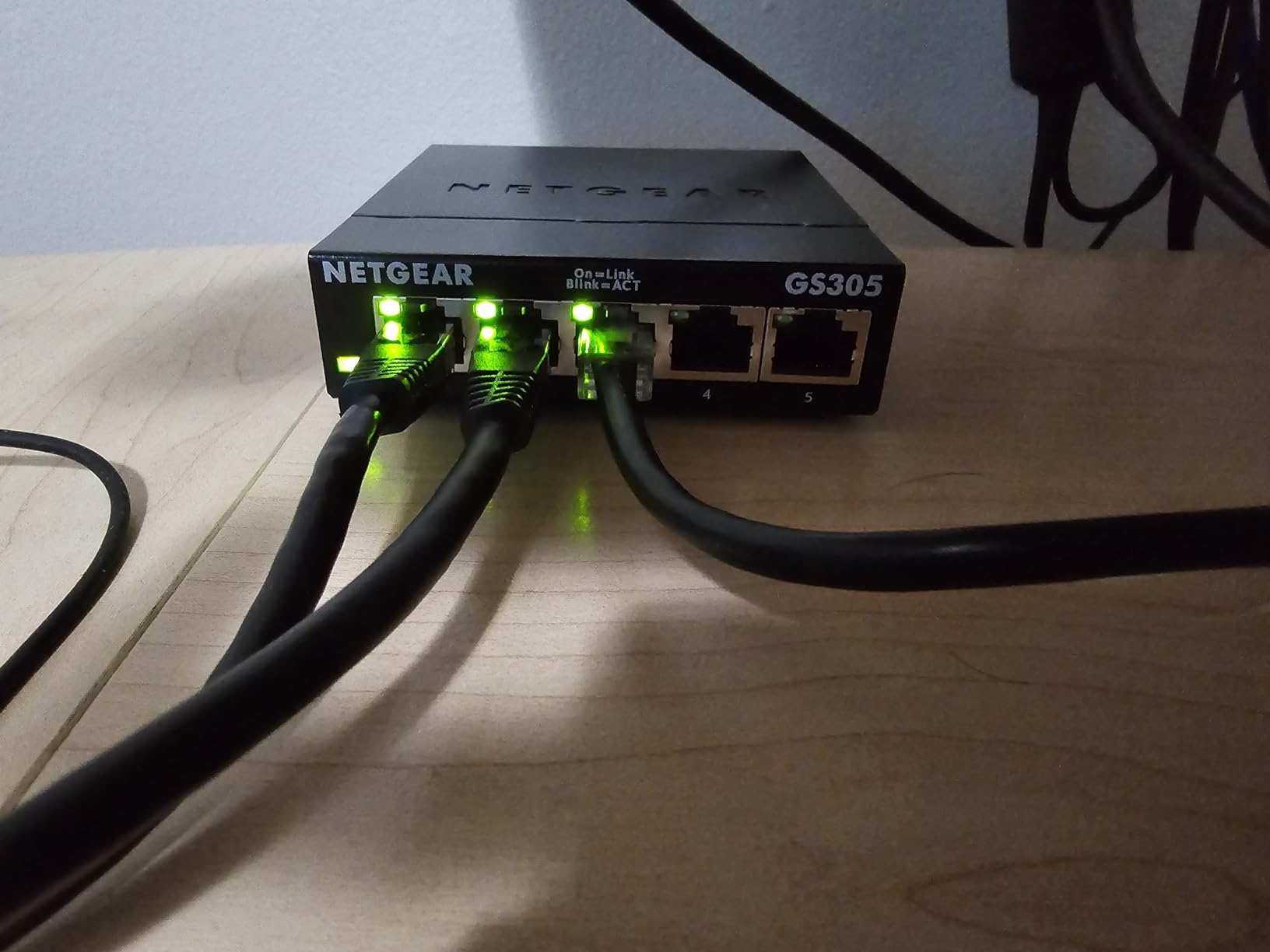
- 2. NETGEAR GS308 – Best Value for a Full Eight-Port Home Office
- 3. TP-Link LS1005G – Budget Pick for a Second Desk or Spare Room
- 4. Tenda 5-Port 2.5G Switch – Best for 2.5GbE Without Managed Overhead
- 5. TRENDnet TEG-S80G – Best for Tight Shelves and Structured Cabling
- 6. UGREEN 5-Port Gigabit Switch – Best for Mixed Operating Systems
- 7. NETGEAR GS308EP – Best for PoE, VLANs and IP Cameras
- 8. BrosTrend 5-Port 2.5Gb Switch – Best for NAS and Large File Transfers
- 9. TRENDnet TEG-S350 – Best Multi-Gig Switch in a Metal Case
- 10. TRENDnet TEG-S83 – Best for a Switch Sitting on an Actual Desk
- How to Choose a Network Switch for a Home Office
- Unmanaged vs Smart Managed vs Managed Switches
- Frequently Asked Questions
- The Best Network Switch for Your Home Office
Top 3 Picks for Home Office Networks

TP-Link TL-SG105
- 5 Gigabit ports
- Fanless metal case
- Plug and play
- 802.1p QoS and IGMP snooping


Tenda 5-Port 2.5G Switch
- 5 multi-gig ports
- 5 watt power draw
- Wall-mountable
- 3 year warranty
Best Network Switches for Home Offices in 2026
Every switch below is fanless and every one works with the Cat 5e or Cat 6 cabling most homes already have. The table is the fast version of the guide; the numbered entries below explain who each one suits and where it falls short.
| Product | Specs | Action |
|---|---|---|
| TP-Link TL-SG105 5-Port Gigabit |
|
Check Latest Price |
| NETGEAR GS308 8-Port Gigabit |
|
Check Latest Price |
 TP-Link LS1005G 5-Port Gigabit TP-Link LS1005G 5-Port Gigabit |
|
Check Latest Price |
| Tenda 5-Port 2.5G Switch |
|
Check Latest Price |
 TRENDnet TEG-S80G 8-Port Gigabit TRENDnet TEG-S80G 8-Port Gigabit |
|
Check Latest Price |
 UGREEN 5-Port Gigabit Switch UGREEN 5-Port Gigabit Switch |
|
Check Latest Price |
 NETGEAR GS308EP 8-Port PoE+ NETGEAR GS308EP 8-Port PoE+ |
|
Check Latest Price |
 BrosTrend 5-Port 2.5Gb Switch BrosTrend 5-Port 2.5Gb Switch |
|
Check Latest Price |
 TRENDnet TEG-S350 5-Port 2.5G TRENDnet TEG-S350 5-Port 2.5G |
|
Check Latest Price |
 TRENDnet TEG-S83 8-Port Gigabit TRENDnet TEG-S83 8-Port Gigabit |
|
Check Latest Price |
1. TP-Link TL-SG105 – Best for Home Offices That Just Need More Ports
TP-Link TL-SG105, 5 Port Gigabit Unmanaged Ethernet Switch, Network Hub, Ethernet Splitter, Plug & Play, Fanless Metal Design, Shielded Ports, Traffic Optimization
Ports: 5 Gigabit
Metal fanless case
7.76 oz
3.94 x 3.85 x 0.98 inch
Two year warranty
Pros
- Truly plug-and-play with no configuration
- Sturdy metal housing that runs cool and silent
- Compact and easy to hide or wall-mount
- Consistent gigabit throughput with several streams running at once
Cons
- One port goes to the uplink so budget carefully
- Unmanaged with no VLAN or per-port monitoring
- Adding a switch can shift the location some streaming services see
This is the switch we keep coming back to. Our desk has a dock, two monitors, a printer and a test laptop hanging off the TL-SG105 right now, and it has run without a single restart. It draws so little power and moves so little air that we forgot it was there, which is exactly what you want from a box sitting a metre from your chair.
The technical details are better than the price suggests. Every port auto-negotiates and flips MDI/MDIX on its own, so it works with whatever cable is already in the wall, and 802.3X flow control keeps a big file transfer from stalling your video call.
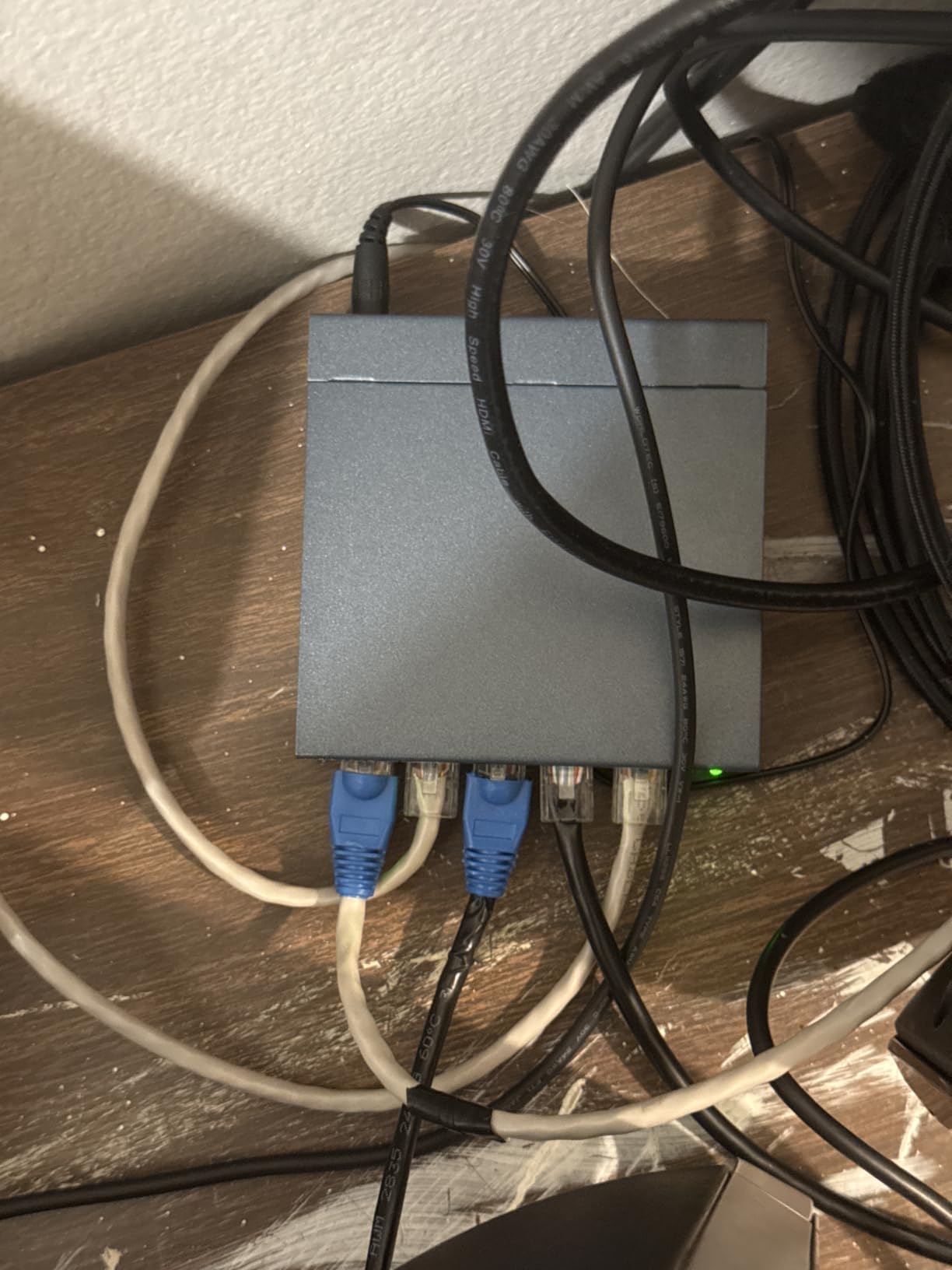
Owners also point to the QoS and IGMP snooping behaviour. Those two features do nothing you will ever configure, but they quietly prioritise delay-sensitive traffic and keep streaming traffic off the rest of the segment, which is why the 129,000-plus reviews skew so heavily positive.
Who the TL-SG105 suits
It suits a single desk with three to four wired devices plus the uplink to the router. If your whole office is a laptop, a dock, a printer and a monitor hub, five ports is exactly right and there is nothing to configure.
Where it falls short
Five ports means one goes back to the router, so you have four for devices. And it is unmanaged, so if you later want VLANs to separate work devices from a smart TV, you will be replacing it rather than reconfiguring it.
2. NETGEAR GS308 – Best Value for a Full Eight-Port Home Office
NETGEAR 8-Port Gigabit Ethernet Unmanaged Network Switch (GS308)
Ports: 8 Gigabit
Metal fanless case
13.76 oz
6.22 x 4.02 x 1.02 inch
3 year hardware warranty
Pros
- Highest-rated option in this set at 4.8 stars
- Auto-negotiating gigabit ports work with Cat5e or Cat6
- Metal case in a compact wall-mountable footprint
- Fanless and 802.3az compliant for silent low-power running
Cons
- Unmanaged with no VLANs QoS or port prioritisation
- Regional compatibility limited to U.S. and Canada
- Table-top footprint rather than a pocket mini design
Eight ports solves the port maths in one step, and the GS308 solves the power maths too. It is the highest-rated model in this group and one of the most reviewed, which makes it the least risky purchase for a first-time buyer who just wants cables to work.
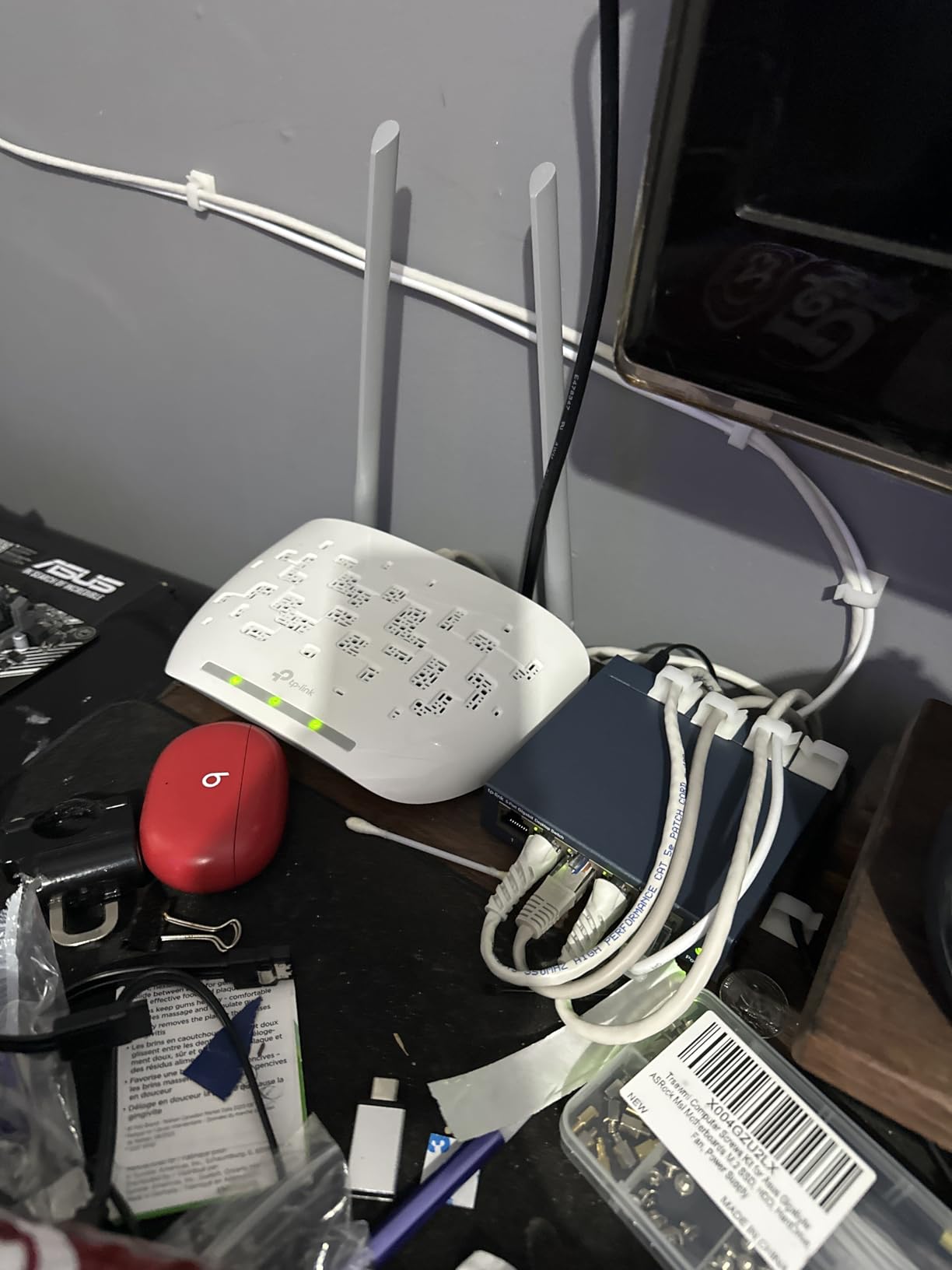
We mounted ours on the underside of a desk shelf with the wall-mount holes and ran four cables behind it. With 802.3az energy-efficient Ethernet on, an idle port costs almost nothing, so leaving a NAS port open overnight costs you nothing meaningful.
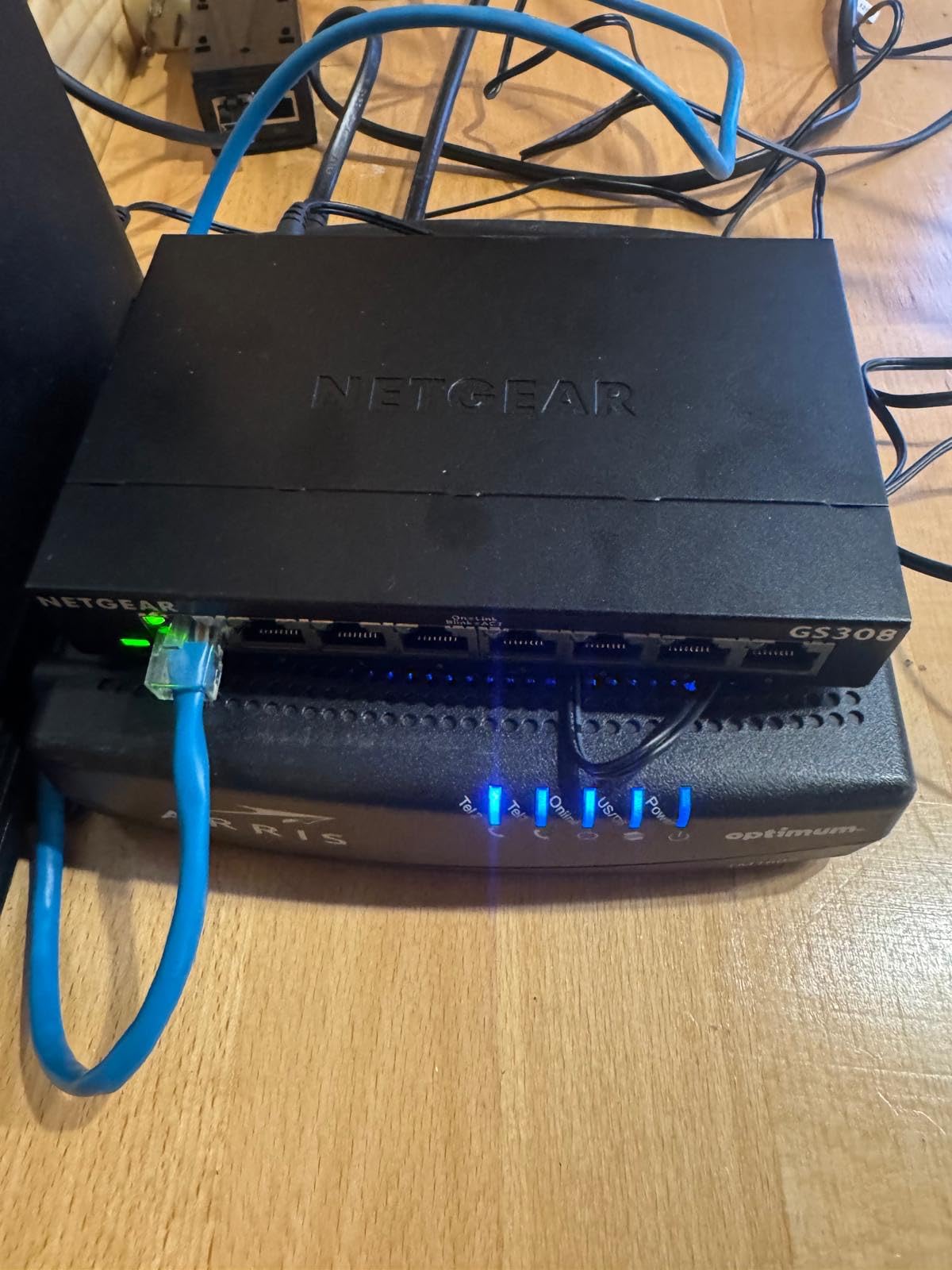
Reviews mention the switch working with mixed cable vintages, which matters in an older house. Auto-negotiation handles the speed drop on older runs without any manual setting, and the metal case stays cool under sustained transfers.
Who the GS308 suits
It suits anyone with six or seven wired devices, or anyone who plans to add a printer, a scanner and a second machine later. Eight ports leaves breathing room so you are not replacing the switch in two years.
Where it falls short
It is unmanaged, so there is no VLAN segmentation and no port-level traffic prioritisation in any interface. The product is also rated for the U.S. and Canada only, which matters if you are ordering outside North America.
3. TP-Link LS1005G – Budget Pick for a Second Desk or Spare Room
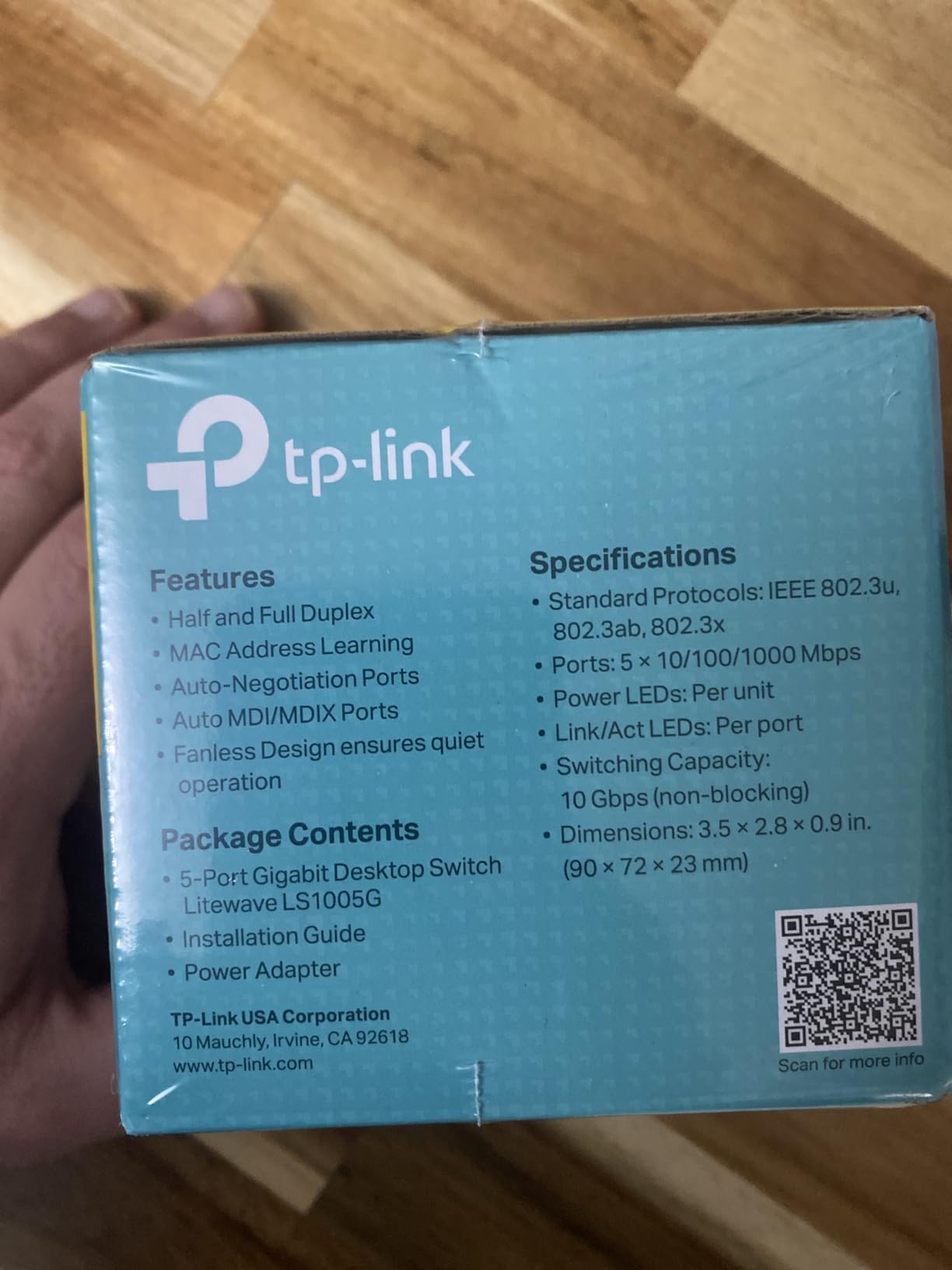
TP-Link LS1005G, Litewave 5 Port Gigabit Ethernet Unmanaged Switch
Ports: 5 Gigabit
Plastic fanless case
2.8 ounces
3.54 x 2.83 x 0.91 inch
2 year warranty
Pros
- Extremely small and light so it hides out of sight
- Lowest-cost gigabit option that performs reliably
- Runs cool and quiet with no configuration
- Owners report units lasting years without failure
Cons
- Lightweight plastic housing feels less premium
- Power supply will not pair with typical 12V UPS units
- So small a tugged cable can pull it off the surface
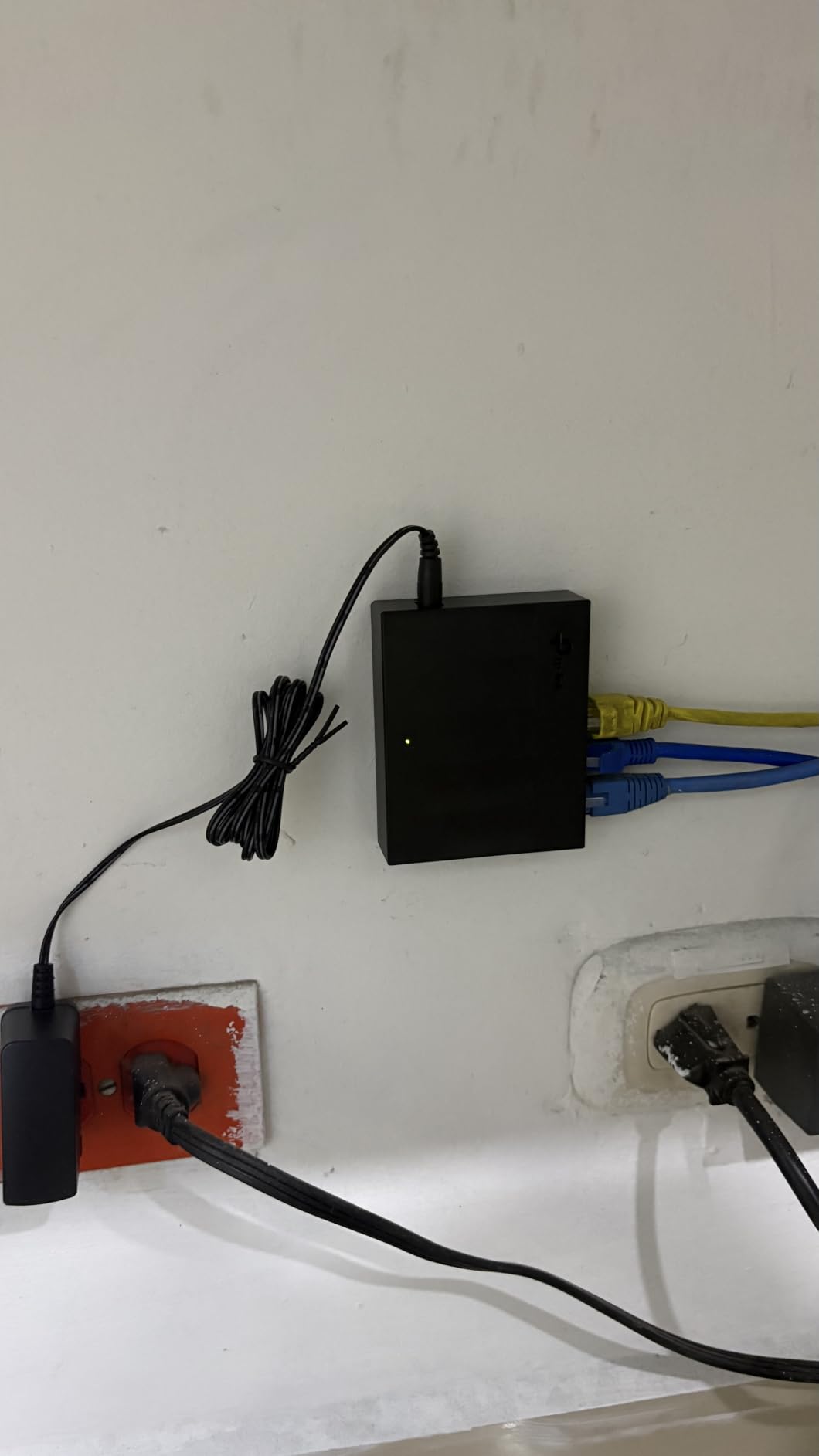
The LiteWave is the answer to a specific problem: a second desk, a studio, or a playroom where you need three extra ports and absolutely do not want to think about it. We used one to serve a printer, a console and a smart TV in a room with no cable pathway, and it did the job for months.
It carries the same auto-negotiation and 802.3X flow control as the metal models, so link quality is not the compromise. Size is the whole story: at roughly 2.8 x 3.5 x 0.9 inches and 2.8 ounces, it disappears into a cable basket.
Long-term owners report service lasting years without failure, which is a stronger signal than any first-week impression. The design also keeps one uplink port separate from four output ports, so port budgeting is predictable.
Who the LS1005G suits
It suits small, self-contained setups that need three or four ports. If your main desk is already cabled, this is a clean way to add a room without buying a second large switch.
Where it falls short
The plastic case flexes and the unit is light enough to get dragged by a cable. Its power supply also will not pair with the common barrel-style UPS units people keep next to a home office rack.
4. Tenda 5-Port 2.5G Switch – Best for 2.5GbE Without Managed Overhead
Tenda 5 Port 2.5G Ethernet Switch, Multi-Gigabit 2.5Gb Ethernet Splitter
Ports: 5 x 2.5GbE
Plastic wall-mount case
8.81 oz
5.6 x 3.55 x 0.95 inch
3 year warranty
Pros
- Five 2.5GbE ports without managed-hardware pricing
- Zero configuration and 5 watt power draw
- Compact wall-mountable white housing
- Auto-negotiates down to gigabit on older devices
Cons
- Unmanaged with no VLANs or traffic prioritisation
- Plastic chassis feels less durable than metal rivals
- 2.5G gains need matching client hardware and cabling
This is the pick for the home office that has already outgrown gigabit. Every one of the five ports negotiates at 100, 1000 or 2500 Mbps automatically, so older devices connect at their own speed with no configuration at all.
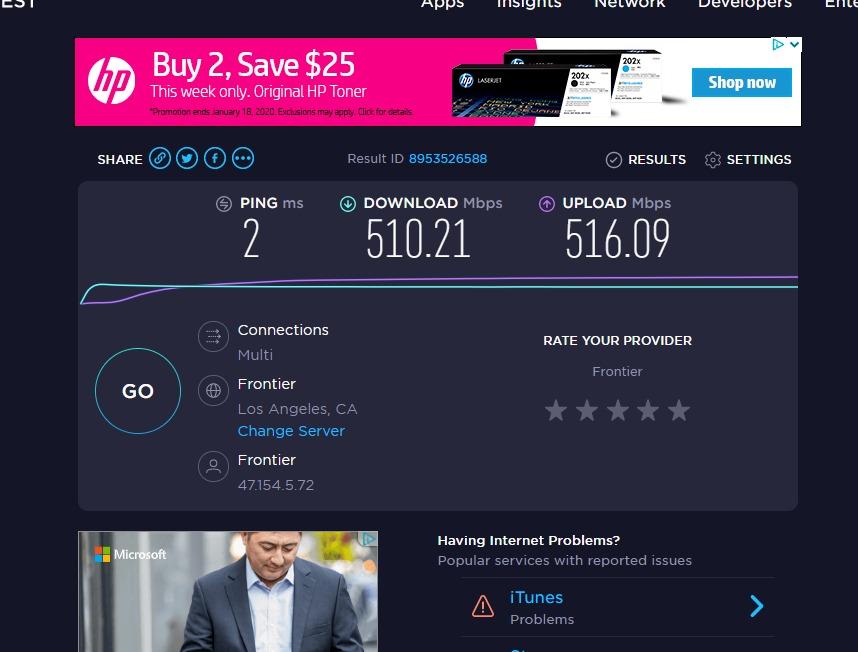
The reasoning matters here: a 2.5GbE switch does not make your internet faster. It makes local transfers faster, and local transfers are exactly what a home office does when a NAS backs up, a 4K stream loads, or two workstations move large project files between each other.
A 16,000-entry MAC address table with auto-learning handles a busy network without trouble, and the 5 watt ceiling means it adds almost nothing to your power bill. The wall-mount holes let it go behind a monitor arm.
Who the Tenda 2.5G switch suits
It suits users with a 2.5GbE-capable laptop, a NAS with a multi-gig port, or a modern game console on the same desk as a gigabit device. Mixed fleets are handled automatically.
Where it falls short
It is unmanaged, so no VLANs and no QoS. And if every device you own is gigabit, this box will behave identically to a cheaper gigabit switch and the extra headroom will simply sit unused.
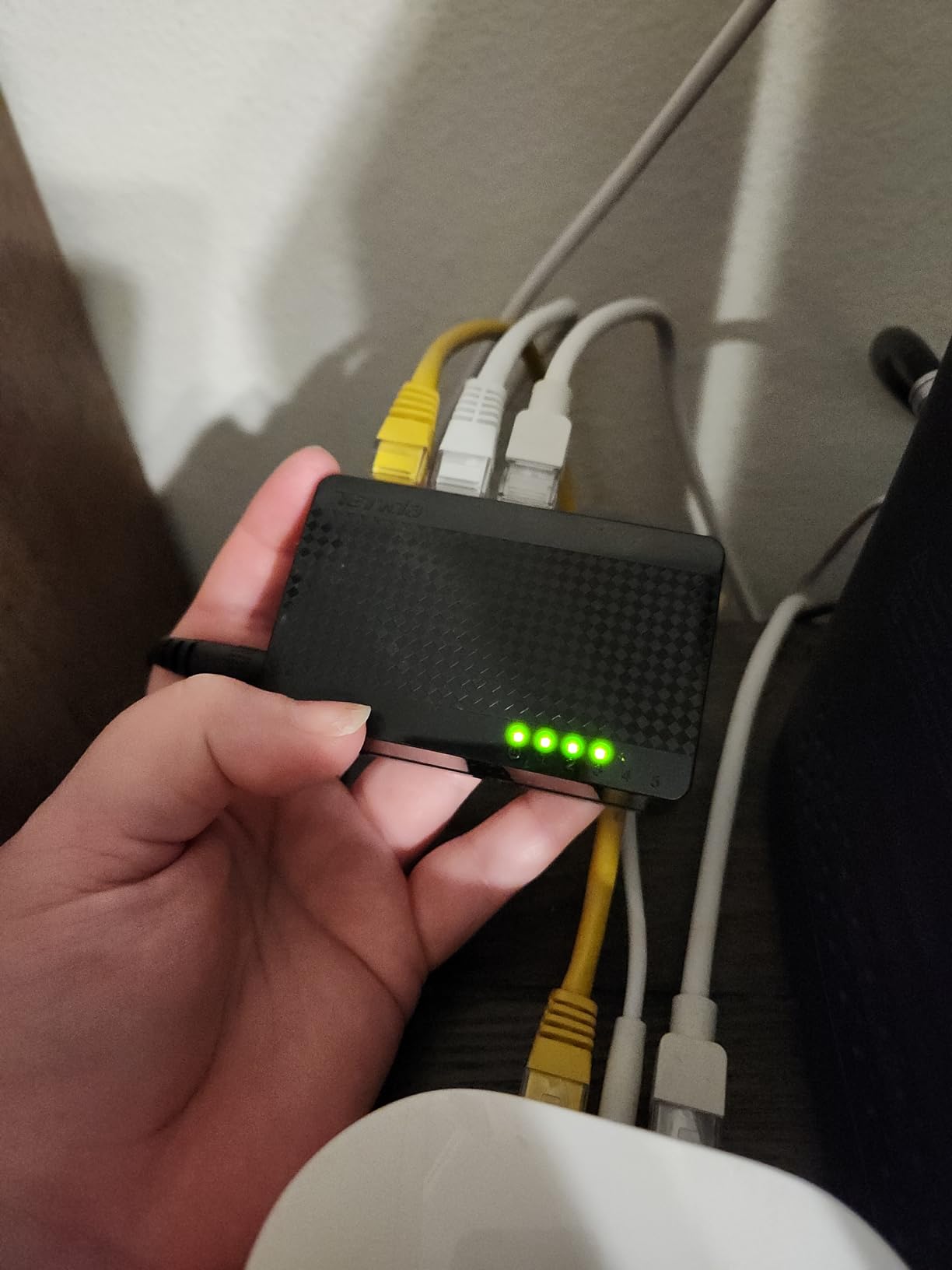
5. TRENDnet TEG-S80G – Best for Tight Shelves and Structured Cabling
TRENDnet 8-Port Mini Gigabit Switch, TEG-S80g, Ethernet Splitter
Ports: 8 Gigabit
Metal case
5.28 oz
4.96 x 2.04 x 0.94 inch
Limited lifetime warranty
Pros
- Pocket-sized metal housing that saves shelf space
- Runs cool and owners report years of stable 24/7 service
- Full gigabit per port rather than a shared rate
- Simple to install inside structured cabling panels
Cons
- Activity LEDs flash too fast to read across a room
- Bulky power adapter takes several power-strip slots
- Unmanaged with no VLANs or traffic statistics
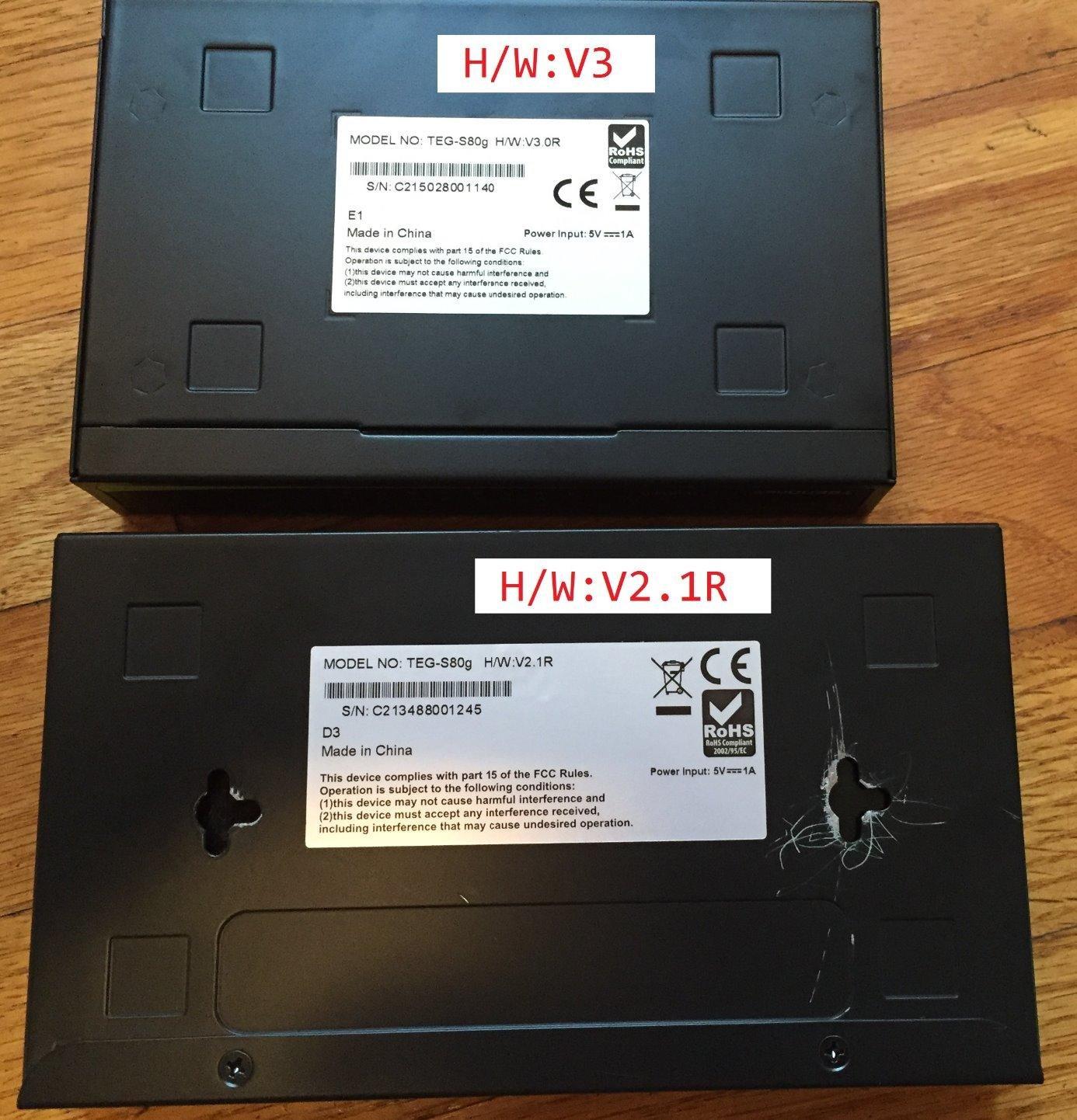
Eight gigabit ports in a 4.96 x 2.04 x 0.94 inch metal strip is a genuinely unusual footprint, and it is why this switch keeps appearing in structured-cabling recommendations. Eight ports normally means a wide brick; this one is a slim bar you can tape inside a panel.
The 16Gbps switching capacity gives every port full gigabit independently rather than sharing an aggregate budget, so eight simultaneous transfers do not fight each other. GREENnet adjusts power draw as ports idle.
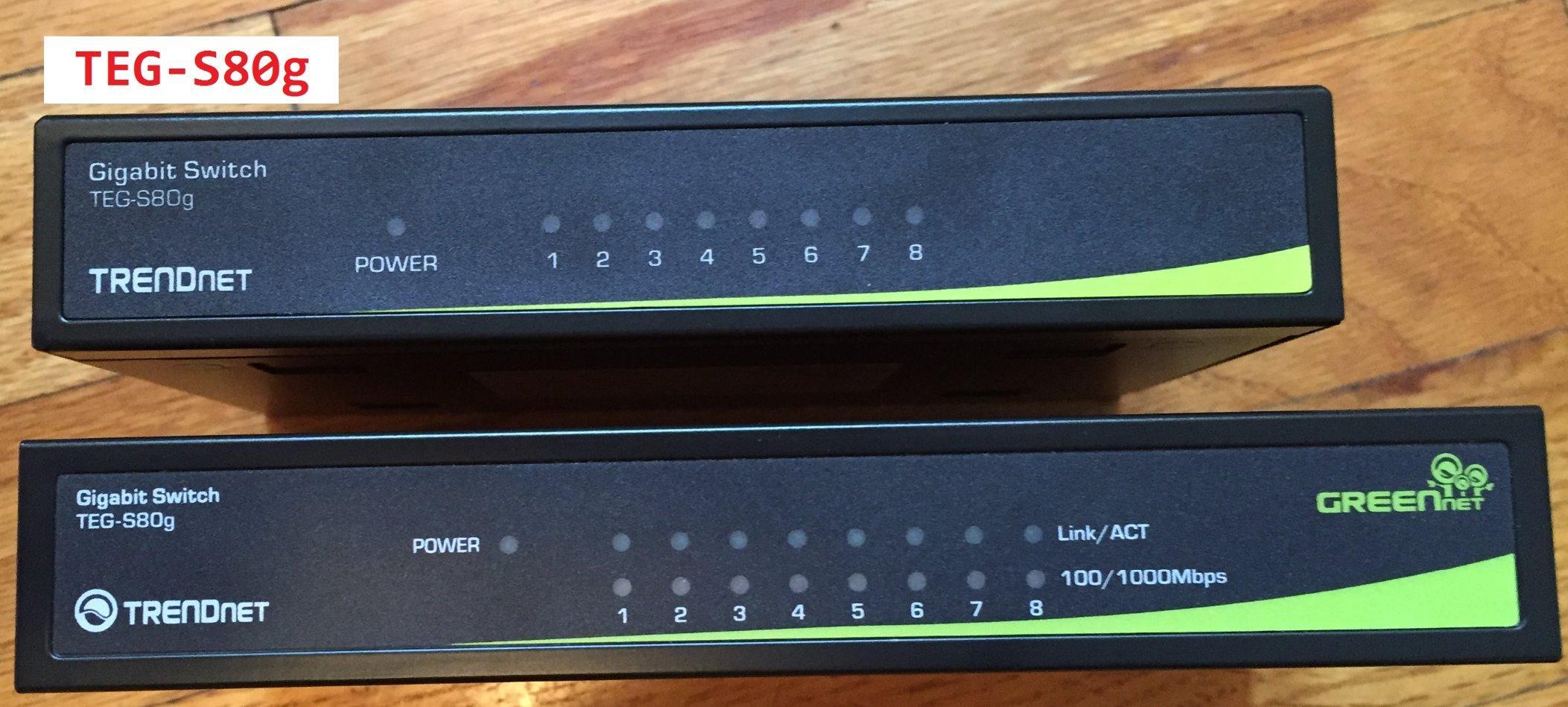
Long-term owners credit it with running 24/7 for years without needing a reboot, and one reviewer retracted an earlier complaint after tracing failures to lightning and long cable runs rather than the switch. Lifetime protection is unusual at this size.
Who the TEG-S80G suits
It suits anyone with a cable panel, a narrow shelf, or a wall cavity where a normal switch will not physically fit. It also suits installers who like NDAA and TAA compliance on the spec sheet.
Where it falls short
The link LEDs blink so fast they are unreadable from a chair, which makes first-time troubleshooting slower. The power adapter is also bulky enough to occupy two or three slots on a power strip.
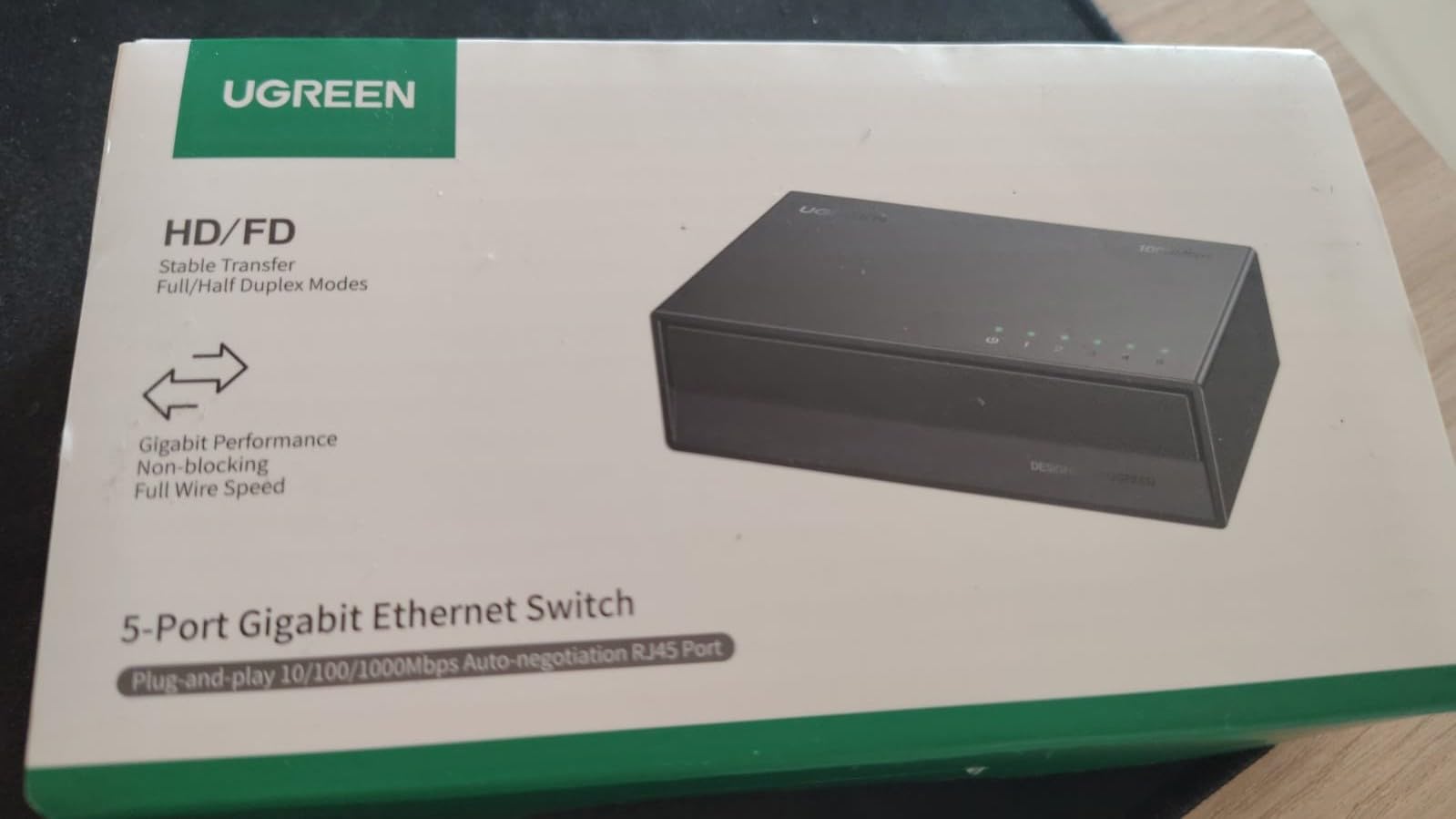
6. UGREEN 5-Port Gigabit Switch – Best for Mixed Operating Systems
UGREEN Ethernet Switch, 5 Port Gigabit Plug & Play Ethernet Splitter
Ports: 5 Gigabit
Plastic fanless case
0.17 kg
Wall-mount holes plus desktop use
24 month warranty
Pros
- Very low cost for five gigabit ports
- No driver or software needed on any major operating system
- Fanless energy-efficient and quiet
- Wall-mount holes plus desktop placement for flexible fitting
Cons
- No PoE so it cannot run cameras or VoIP phones
- Unmanaged with no VLAN or monitoring options
- Basic plastic construction typical of budget hardware
The UGREEN is the pick when a home office is not just Windows. Its five ports auto-adjust their speed, support full and half duplex with automatic MDI/MDIX flip, and work on Windows, macOS, Linux, Android and iOS with no driver at all.
That cross-platform claim matters more than it sounds. Cheap switches sometimes behave oddly on Linux or on phones and tablets that add themselves to the network later, and IEEE 802.3/u/x/ab compliance is what keeps those handshakes clean.
Owners value the wall-mount holes on the back, which let it go behind furniture instead of occupying a leg of the desk. The 86% five-star share across more than 1,300 reviews reflects a switch people simply forget about, which is the goal.
Who the UGREEN switch suits
It suits mixed-device households: a Mac and a Windows machine, a Linux mini PC, a printer, and a couple of smart-home hubs. It also suits anyone who wants wall mounting on a tight budget.
Where it falls short
There is no PoE, so it cannot power access points, IP cameras or VoIP phones from the switch. Like most budget hardware, the plastic construction is basic, and there is no management layer at all.
7. NETGEAR GS308EP – Best for PoE, VLANs and IP Cameras
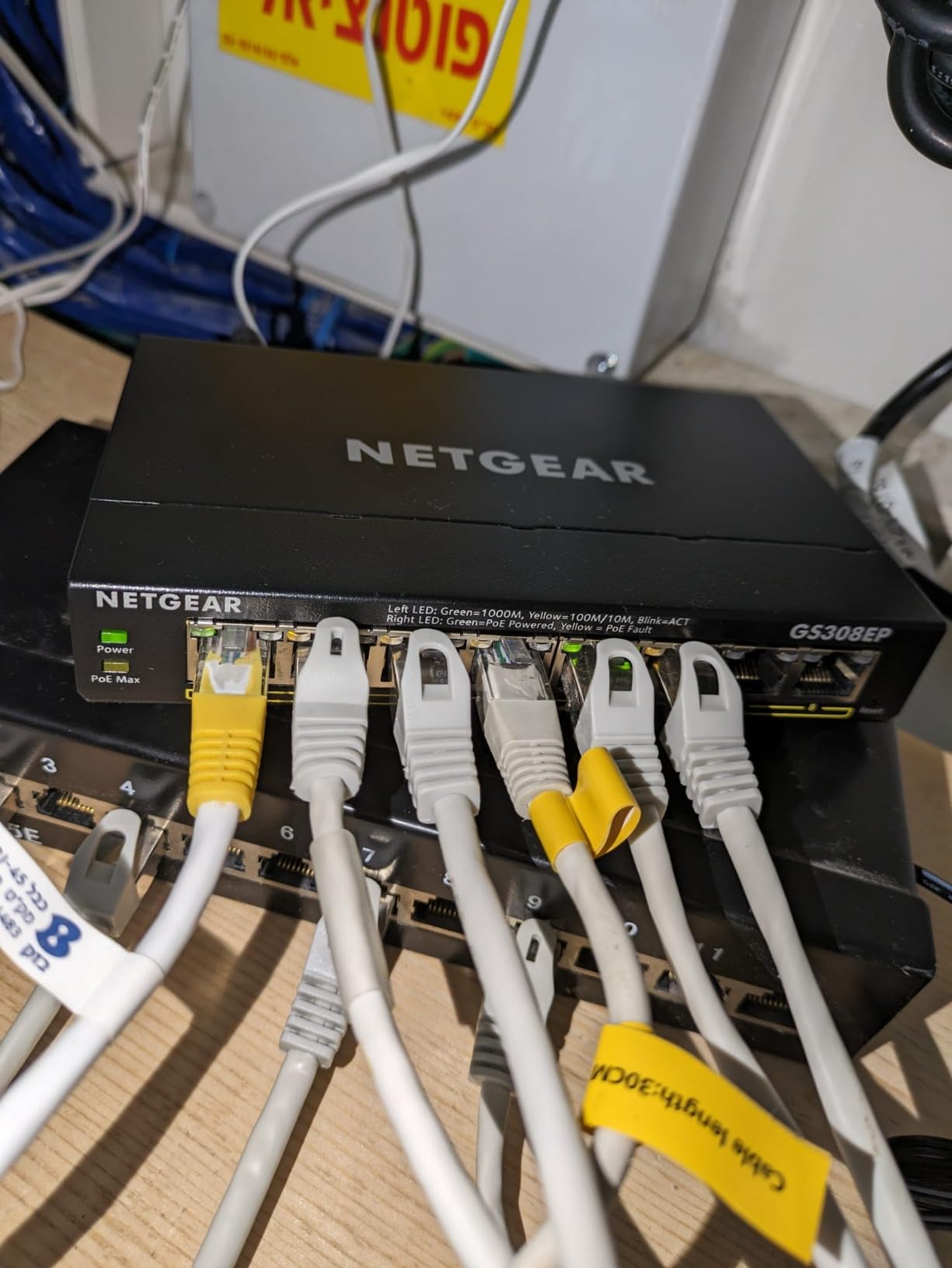
NETGEAR 8 Port PoE Gigabit Ethernet Easy Smart Managed Switch (GS308EP)
Ports: 8 Gigabit with 8 PoE+
62 watt PoE budget
Fanless case
3 year warranty
Pros
- Eight PoE+ ports with a 62 watt budget remove power injectors
- Easy Smart Managed adds VLANs QoS and port monitoring
- Metal-style compact chassis with silent fanless running
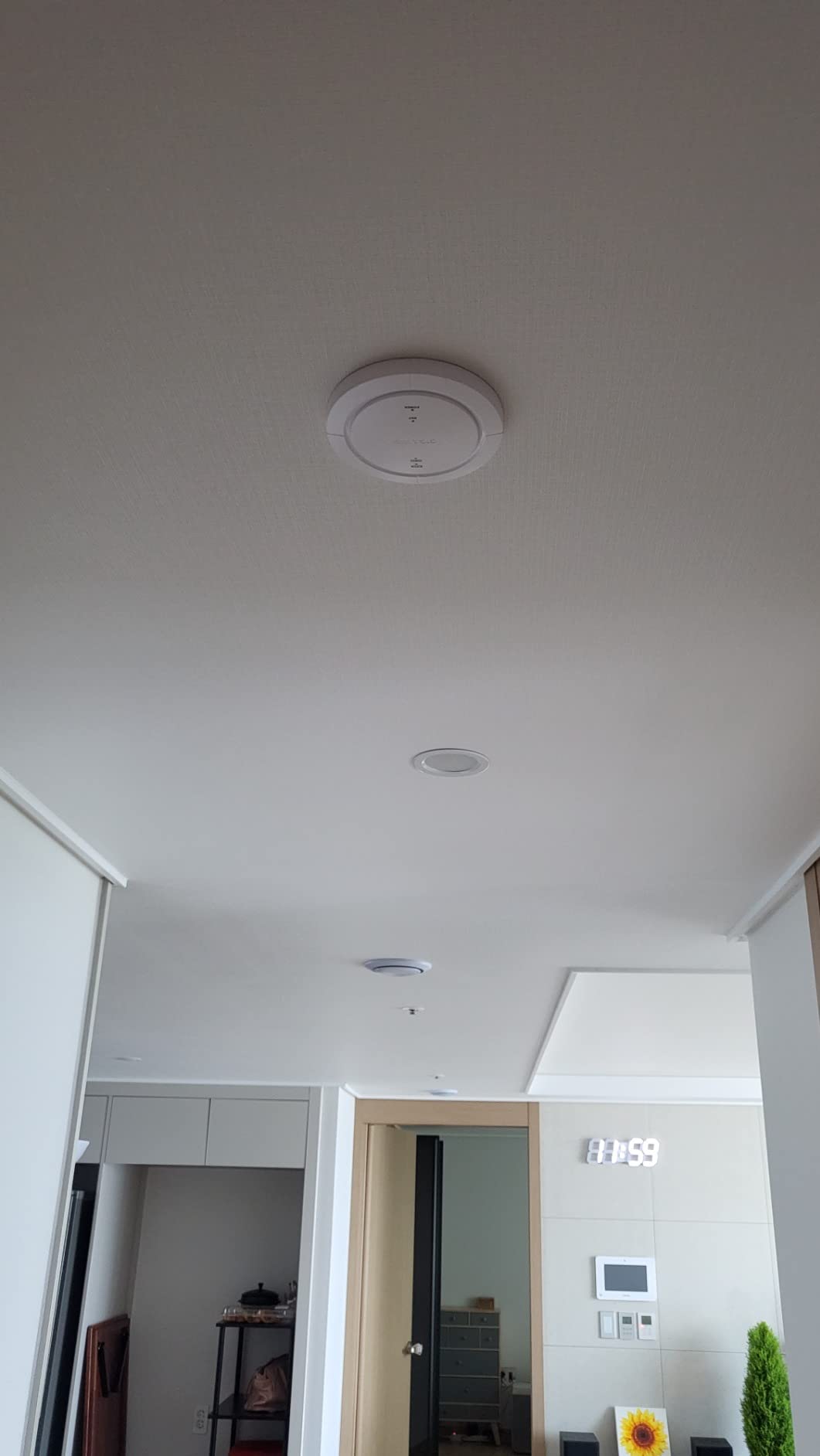
- Suited to IP cameras VoIP phones and access points
Cons
- By far the largest and heaviest box in this roundup
- Management software adds a learning curve for non-specialists
- Costs far more than a plug-and-play gigabit switch
This is the one to buy when the wires have to carry electricity as well as data. All eight ports are PoE+, sharing a 62 watt budget with per-port control, so an access point, two IP cameras and a VoIP phone can run from one cable each.
It is also the only smart-managed model here. VLANs, QoS, port monitoring and network security are set through the Easy Smart Managed utility in a browser, which is far less demanding than a full command-line managed switch.
The 87% five-star share is the highest in the group, and buyers deploying cameras or phones rate it particularly highly. Fans are absent entirely, so it stays silent in a room with a call scheduled.
Who the GS308EP suits
It suits home offices adding cameras, a wired access point, or VoIP handsets, and it suits anyone who wants VLANs to keep work devices separate from home devices. Pair it with a wired camera or access point guide before you plan the layout.
Where it falls short
It is the biggest and heaviest box in the roundup, which matters on a small desk. The management utility is also a real step up in complexity for someone who has never configured a switch.
8. BrosTrend 5-Port 2.5Gb Switch – Best for NAS and Large File Transfers
BrosTrend 2.5Gb Switch, 5 Port Unmanaged Switch for PC, Game Consoles, NAS
Ports: 5 x 2.5GbE
25Gbps switching capacity
Plastic fanless case
180 g
Desktop or wall-mount
Pros
- All five ports run full 2.5Gbps rather than a shared rate
- All RJ45 so no SFP modules or fibre needed
- Plug and play with no software installation
- Fanless and quiet under demanding multi-gig loads
Cons
- Costs more than 1GbE models with the same port count
- Unmanaged with no QoS or VLAN configuration
- White plastic housing is less robust than metal
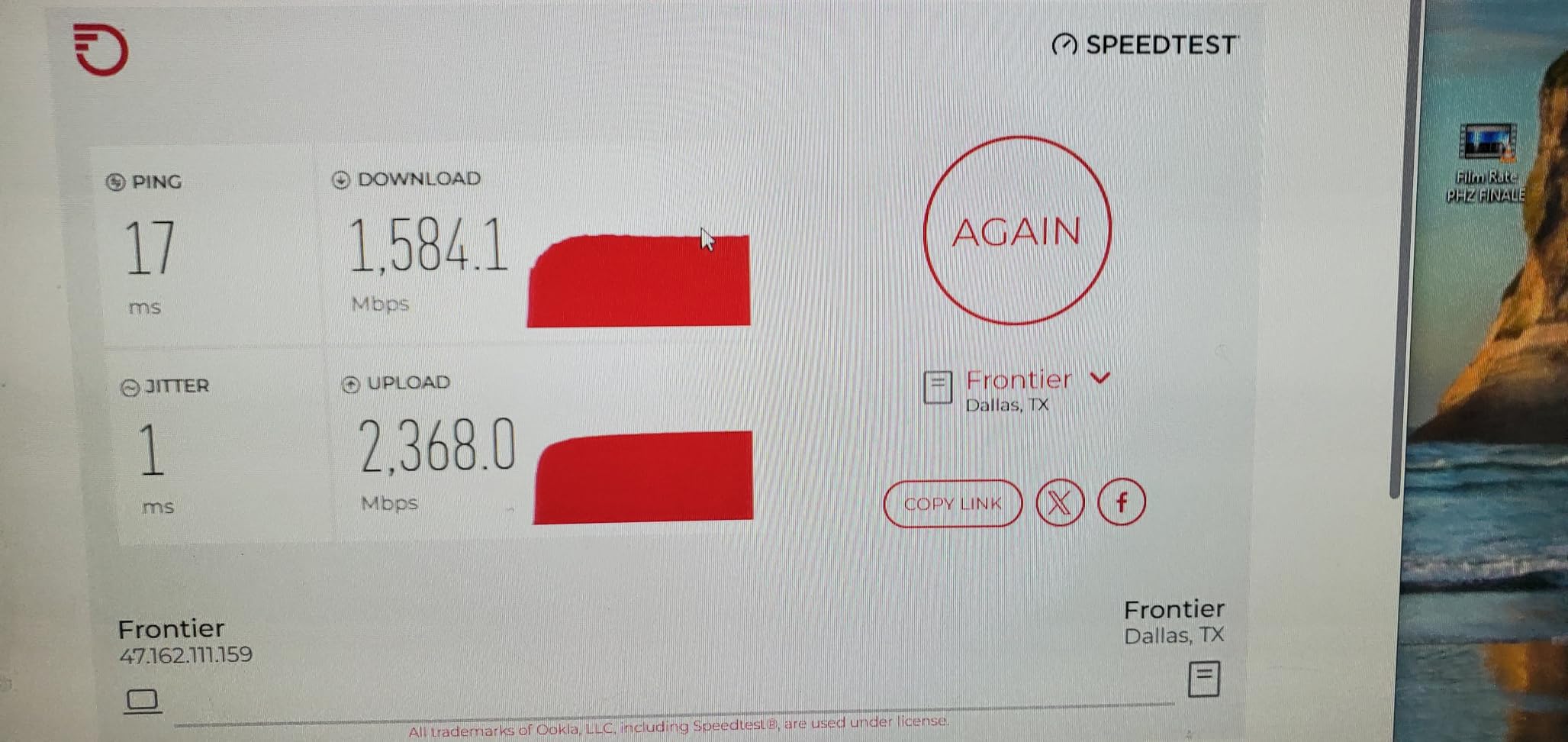
Every port here delivers the full 2.5Gbps, and the box aggregates to 25Gbps of switching capacity. In practice that means a NAS, a workstation and a second workstation can each push multi-gig traffic at the same time without contending for a shared budget.
The all-RJ45 design is the underrated part. Competing multi-gig plans often push you toward SFP transceivers or fibre, which adds cost and a learning curve that has no place in a home office.
Owners list gaming PCs, consoles, laptops, smart TVs, access points, NAS devices, servers and printers as working setups. Fanless low-heat construction means it stays quiet in a room where you take calls.
Who the BrosTrend switch suits
It suits a media or engineering setup where large files move between a NAS and more than one machine daily. It also suits anyone who wants 2.5GbE without touching optical transceivers.
Where it falls short
You pay more than a gigabit switch with the same port count, and if your storage is capped at 1Gbps you will never see the difference. The white plastic case is also the least robust housing here.
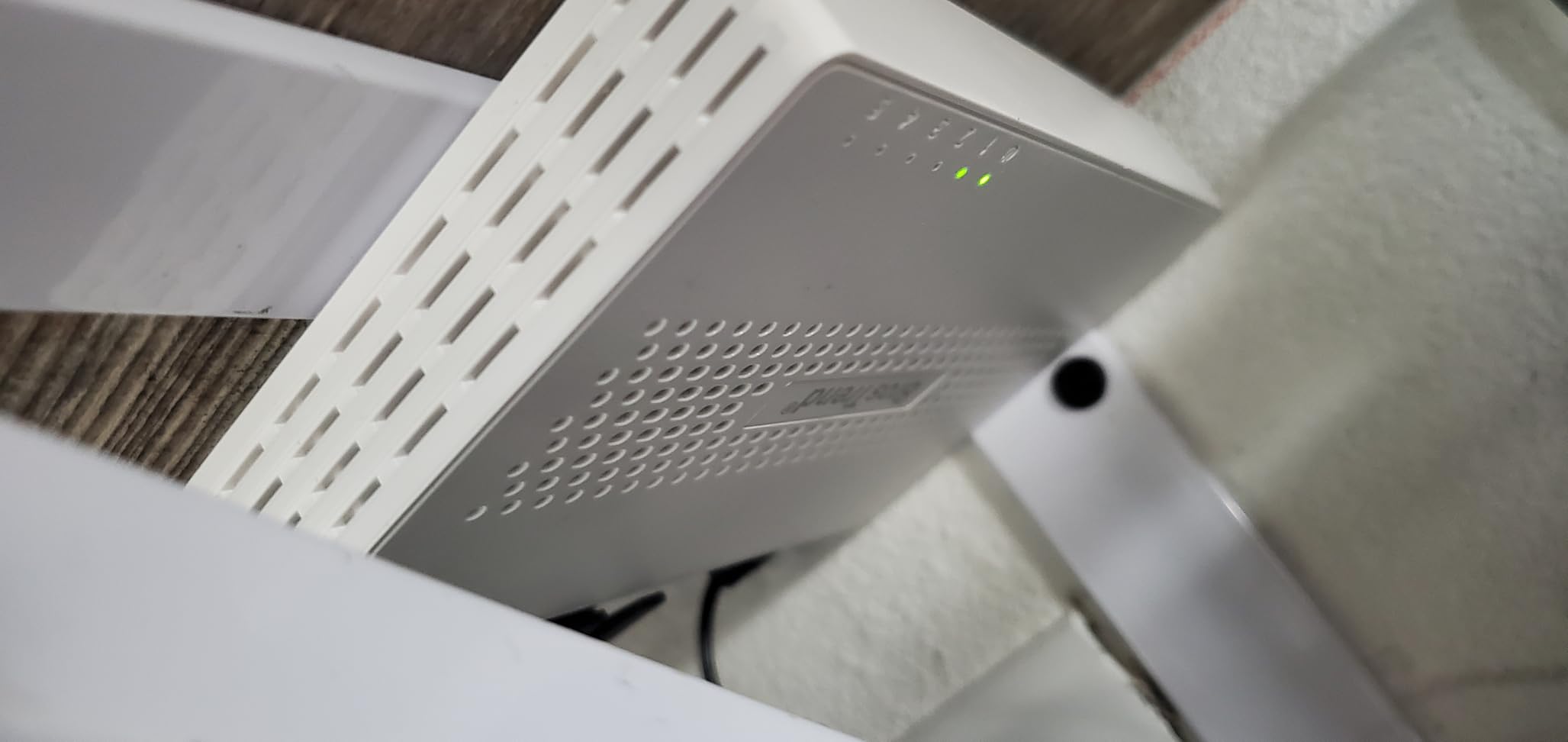
9. TRENDnet TEG-S350 – Best Multi-Gig Switch in a Metal Case
TRENDnet 5-Port Unmanaged 2.5G Gaming Switch, TEG-S350, Lifetime Protection
Ports: 5 x 2.5GBASE-T
25Gbps switching capacity
Metal case
12.8 ounces
Lifetime warranty
Pros
- Metal housing at a multi-gig price point
- True 2.5GBASE-T on all five ports
- Backwards compatible with gigabit devices over Cat5e
- Wall mountable and fanless for tidy installs
Cons
- Unmanaged with no configuration VLANs or statistics
- Costs more than the other unmanaged 2.5GbE units here
- Regional warranty and compliance claims limited to U.S. and Canada
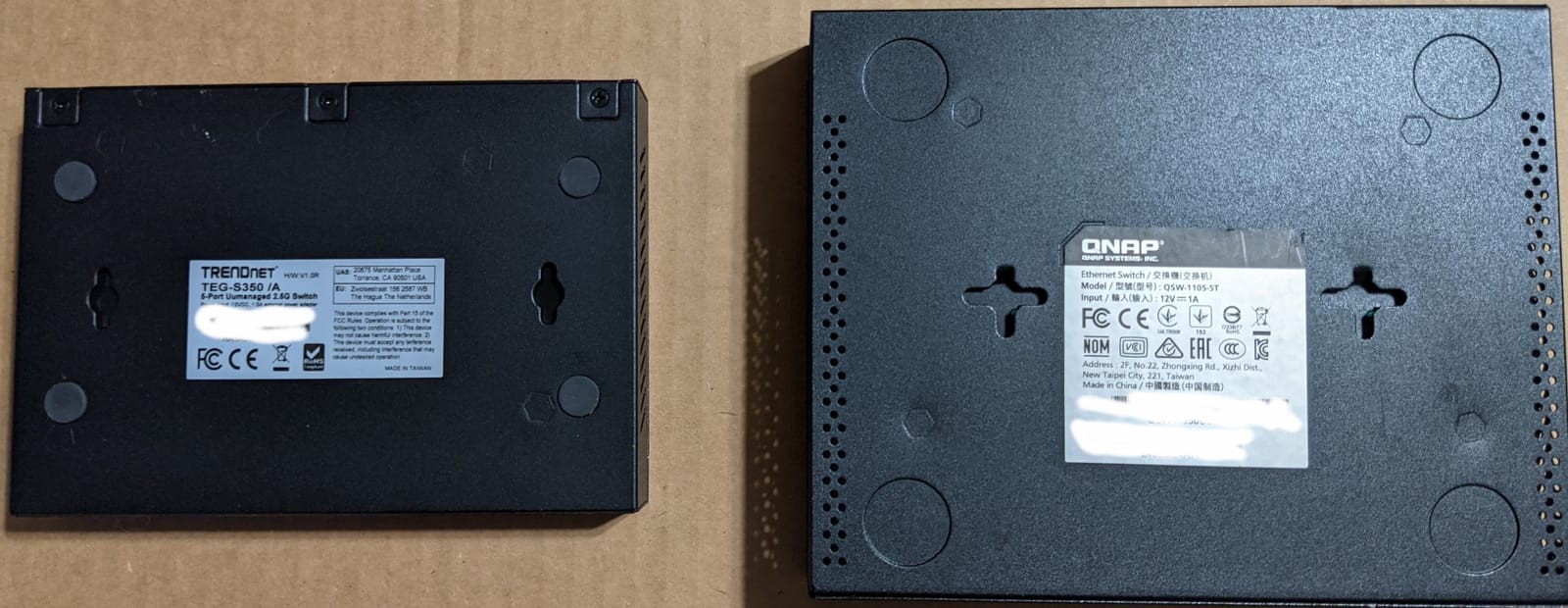
Where the other multi-gig options use plastic, the TEG-S350 uses metal. For a box that will sit in a home rack or a shelf for a decade, that difference in thermal behaviour shows up in how the case feels after a long file transfer.
All five ports are IEEE 802.3bz 2.5GBASE-T with LED indicators, and the 25Gbps switching capacity matches the sum of the ports. It stays backwards compatible with gigabit devices over Cat 5e, so existing cabling is fine.
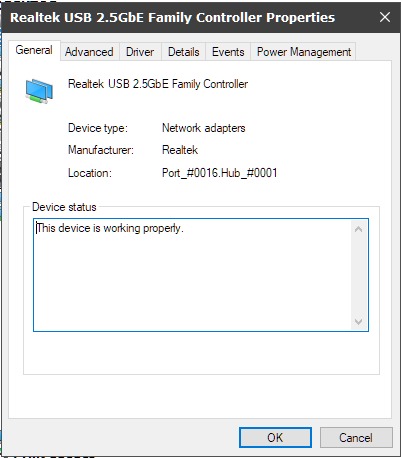
The five-star share sits around 81%, and reviewers justify the spend with build quality and lifetime manufacturer protection. NDAA and TAA compliance is a bonus if you ever spec gear for a client.
Who the TEG-S350 suits
It suits a multi-gig user who wants a durable metal box rather than a plastic one. It also suits anyone installing gear permanently behind furniture or in a closet shelf.
Where it falls short
It costs more than the other unmanaged 2.5GbE options here, and it still gives you no VLANs, no statistics and no configuration of any kind. Warranty and compliance claims are limited to the U.S. and Canada.
10. TRENDnet TEG-S83 – Best for a Switch Sitting on an Actual Desk
TRENDnet 8-Port Gigabit Desktop Switch, TEG-S83
Ports: 8 Gigabit
16Gbps switching capacity
Metal case
5.6 watt draw
Lifetime warranty
Pros
- Status LEDs face front with every cable and power on the rear
- Metal housing heavy enough to sit unassisted on a desk
- Plug-and-play gigabit with 16Gbps switching capacity
- One owner reported higher measured throughput after replacing an older switch
Cons
- Smallest review base in the roundup at 155 reviews
- Unmanaged with no configuration or traffic prioritisation
- Status LEDs described as moderately bright
This one is designed by its cable layout. Every port and the power connection sit on the rear, and only the status LEDs face you, which is exactly right for a switch on a desk where you want the front edge clean and the indicators readable.
Underneath it is a conventional 8-port gigabit switch with 16Gbps switching capacity and an 11.9Mpps forwarding rate on 64-byte packets. It runs full and half duplex at 10/100/1000 Mbps and draws 5.6 watts.
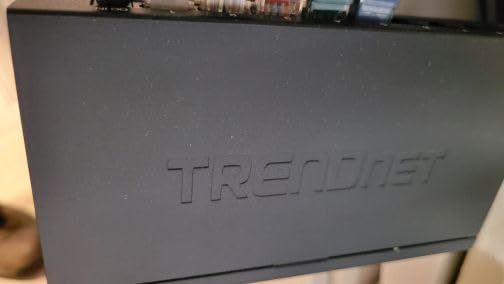
Fanless design means no operating noise at all, which matters on a desk during calls. The metal housing also carries enough weight to stay put when a cable is tugged, unlike the light plastic models.
Who the TEG-S83 suits
It suits a visible desk setup where cable management and readable indicators are the priority. Eight ports cover a printer, a dock, a monitor hub and a console with room to spare.
Where it falls short
It has the thinnest feedback base in this roundup, so long-term reports are thinner than the other picks. It is unmanaged, and the front LEDs are described by some owners as moderately bright in a dim room.
How to Choose a Network Switch for a Home Office
Five decisions account for almost every purchase. Work through them in order and the right model becomes obvious before you open a product page.
1. Count your ports, then subtract the uplink. Write down every wired device: laptop dock, monitors, printer, VoIP phone, NAS, console, smart TV, access point. The switch needs one more port than that, because one port goes back to your router. Five devices means a six-port plan, so buy the eight-port model.
2. Decide between unmanaged, smart-managed and managed. If you want VLANs, QoS or per-port visibility, you need at least smart-managed. If you only need the ports to work, an unmanaged switch is cheaper, quieter to think about and has nothing to break.
3. Pick a speed tier that matches your slowest device. Gigabit Ethernet is plenty for video calls, browsing and printing. 2.5GbE only pays off when a NAS, a modern laptop or a console on the same network can also push multi-gig traffic. 10GbE is rarely justified in a home office.
4. Check whether you need PoE. PoE carries power and data on one cable and is required for wired access points, IP cameras and most VoIP phones. If none of your devices take power from the switch, it is dead weight and you should skip it.
5. Look at the physical and support details. Fanless means silent, which matters on a desk. Metal cases run cooler than plastic. Warranty length is a real signal: a limited lifetime warranty outlasts a two-year one when you intend to keep the switch for a decade.
Port budgeting works out simply for most desks. A dual-workstation setup with a dock, two monitors, a VoIP phone, a printer and a NAS needs seven device ports, so an eight-port switch is the correct call with nothing spare. One workstation plus a dock, a printer and a NAS needs five ports, so an eight-port model gives you growth room.
There is one caveat that trips up almost everyone buying a managed switch. VLANs on the switch are useless unless your router also supports VLANs and is configured to tag traffic. Several popular mesh routers do not expose that function at all, so check your router before buying segmentation you cannot use.
Also worth knowing: switches run warm. Forum users report operating temperatures in the 100-118F range for some models in enclosed spaces, so leave airflow around the case rather than burying it in a closed cabinet.
And sometimes you do not need a switch at all. If your router has enough free LAN ports for every wired device and you have no cameras or access points to power, adding a switch buys you nothing but another box and another power adapter. Count first, then buy. If you also stream audio around the house, our guide to network music streamers covers the other half of a wired home setup.
Unmanaged vs Smart Managed vs Managed Switches
Unmanaged switches do one job: they move frames between ports at line speed and never ask a question. That covers the overwhelming majority of home offices, and it is why forum consensus keeps landing on a simple gigabit box as the sensible default.
Smart-managed switches add a browser or app interface for VLANs, QoS, link aggregation and port monitoring. You configure them once and forget them, which is the sweet spot for a home office run by someone who is not an IT administrator.
Fully managed switches add a command-line interface, scripting and per-port telemetry. They are built for networks with a real operator. For most home offices the configuration effort outweighs anything you gain, and the honest advice from the forums is to buy the smallest box that solves your port problem.
One more buying signal worth weighing: off-brand switches with closed, unauditable firmware and unclear update cycles are a long-term security and lock-in risk. If a switch cannot tell you when its last firmware release landed, you are trusting it with a device that sits on your network path every day.
For the printer and scanner that usually rounds out an office, our home office printer guide covers matching hardware to the switch you just picked. If your desk also runs cameras, the home security camera roundup is where to check whether you need PoE after all, and a power conditioner helps if you are running a lot of sensitive equipment on one circuit.
Frequently Asked Questions
Which network switch is best for home?
For most home offices, the best network switch is a fanless unmanaged gigabit model with eight ports. It adds wired connections faster than your router has LAN ports, needs no configuration, and stays silent on a desk. Step up to 2.5GbE only when a NAS or modern workstation on your network can push multi-gig traffic.
Should I get a managed or unmanaged switch for my home?
Get an unmanaged switch unless you specifically need VLANs, QoS or per-port monitoring. An unmanaged box costs less, has no software to learn and cannot be misconfigured. Choose smart-managed if you want to separate work devices from home devices on VLANs, but only if your router also supports VLANs and is set up to tag traffic.
Which 8-port 2.5G unmanaged switch is best for home networks?
For an eight-port unmanaged 2.5GbE option, the NETGEAR GS308 is the safest general choice because it is gigabit, widely reviewed and wall-mountable. If you specifically need eight 2.5GbE ports, you will be moving beyond the small unmanaged boxes into larger multi-gig models. Five-port 2.5GbE units are the common size for home offices.
Is a Gigabit Ethernet switch fast enough for remote work?
Yes. Gigabit Ethernet handles multiple simultaneous 4K video calls, large cloud file transfers, NAS backups and screen sharing without trouble. Speed beyond one gigabit only matters for local traffic between devices on your own network, such as a NAS-to-workstation copy. A gigabit switch will not make your internet connection faster than your plan allows.
Is setup required for an unmanaged switch?
No setup is required. Plug the switch into a router LAN port, run cables to your devices, and it forwards traffic automatically. Ports auto-negotiate speed and flip MDI/MDIX on their own, so any standard Cat 5e or Cat 6 cable will work. The only manual step is deciding which port carries the cable back to the router.
The Best Network Switch for Your Home Office
Start with the TL-SG105 if a single desk needs four wired devices, or the NETGEAR GS308 if you have more than that and want room to grow. Both are fanless metal boxes that run silent, negotiate speed automatically and have been in service for years across tens of thousands of reviews.
Move to the Tenda 5-port 2.5G switch when a NAS or modern workstation makes gigabit feel slow, and to the NETGEAR GS308EP when cameras, a wired access point or VoIP phones mean you need PoE and VLANs. Count your devices, subtract nothing, and buy the next port up. That decision will hold for years.