
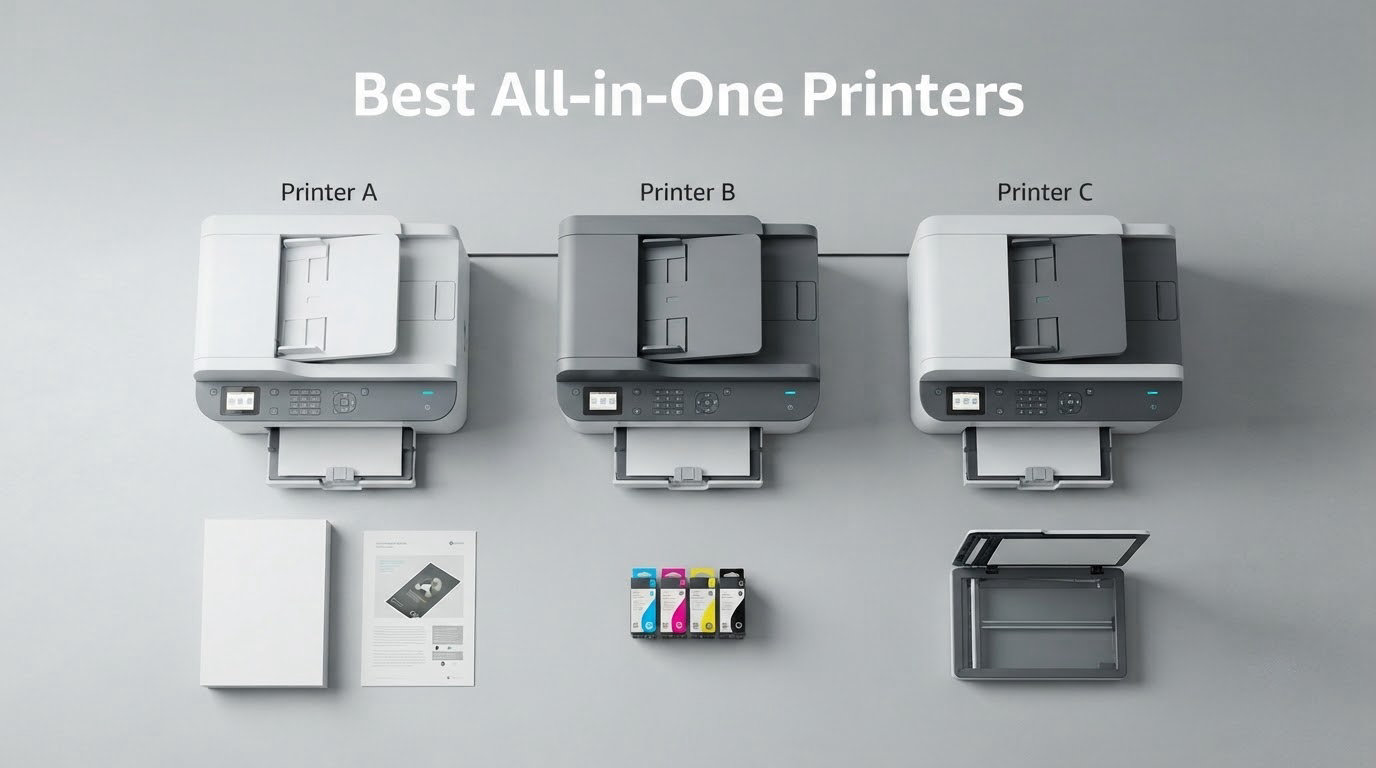
If you want one box that prints, scans, copies and sometimes faxes, the hunt for the best all-in-one printers comes down to three questions: how much does a page actually cost to run, how much paper can it hold, and how much patience does it demand. Those three answers rule out most of the shelf.
We spent weeks putting eleven current all-in-one printers through document jobs, photo jobs and multi-page scans so you would not have to. The result is a short list with a clear leader: the Epson EcoTank ET-2800 wins on ink economics, output quality and the sheer size of its owner base, and it stays the best all-in-one printer for most households. Below it we cover the fastest monochrome laser, the wide-format photo specialist, the most affordable route to automatic duplex, and the models built for small offices that need fax and security features.
One note before we start. Printers in this category fail in predictable ways, and the difference between a good week and a bad week is often how the machine treats ink that sits unused. Tank printers need regular use to keep nozzles clear, while laser units simply forget about humidity. If you are building a small production setup for a creator workspace, our guides to the best all-in-one studio kits and all-in-one podcast studios for creators cover the rest of the desk, and this guide covers the machine that puts your call sheets on paper.
Table of Contents
- Top 3 Picks for Best All-in-One Printers in October
- The Best All-in-One Printers in 2026 at a Glance
- How We Tested These 11 Printers
- 1. Epson EcoTank ET-2800 for the strongest all-round tank performance
- 2. Canon MegaTank G3270 for the biggest page yield per ink set
- 3. Epson EcoTank ET-2400 for the lightest body in the roundup
- 4. Brother DCP-L2640DW for fast monochrome home office work
- 5. Epson EcoTank Photo ET-8550 for wide format photos
- 6. Canon PIXMA TS6520 as the budget automatic duplex pick
- 7. Brother MFC-L3720CDW for small business color laser
- 8. HP LaserJet Pro MFP 3101fdw for fax and locked-down security
- 9. HP LaserJet MFP M235sdw for compact monochrome teams
- 10. HP Envy 6155 for the easiest color touchscreen
- 11. Canon PIXMA TR7120 for homework and multi-page scanning
- How to Choose an All-in-One Printer Without Regretting It
- Inkjet, laser or ink tank: pick the engine first
- Cost per page and the three-year view
- The document feeder and duplex scanning are different things
- Connectivity: dual-band Wi-Fi matters more than specs suggest
- Ink subscriptions, warranty and the cartridge lock-in question
- Sustainability and recycled plastic, and what it is worth
- Reliability, drivers and the problems people actually hit
- Frequently Asked Questions
- The Best All-in-One Printers for 2026: Final Word
Top 3 Picks for Best All-in-One Printers in October

Epson EcoTank ET-2800
- Cartridge-free ink bottles
- Up to 4500 black and 7500 color pages per set
- 10 ppm black and 5 ppm color

Canon MegaTank G3270
- 6000 black and 7700 color pages per set
- 11 ppm black and 6 ppm color
- Borderless photo printing

Brother DCP-L2640DW
- 36 ppm monochrome laser
- Automatic duplex and 50-page ADF
- 250-sheet paper tray
The Best All-in-One Printers in 2026 at a Glance
| Product | Specs | Action |
|---|---|---|
| Epson EcoTank ET-2800 |
|
Check Latest Price |
| Canon MegaTank G3270 |
|
Check Latest Price |
 Epson EcoTank ET-2400 Epson EcoTank ET-2400 |
|
Check Latest Price |
| Brother DCP-L2640DW |
|
Check Latest Price |
 Epson EcoTank Photo ET-8550 Epson EcoTank Photo ET-8550 |
|
Check Latest Price |
 Canon PIXMA TS6520 Canon PIXMA TS6520 |
|
Check Latest Price |
 Brother MFC-L3720CDW Brother MFC-L3720CDW |
|
Check Latest Price |
 HP LaserJet Pro MFP 3101fdw HP LaserJet Pro MFP 3101fdw |
|
Check Latest Price |
 HP LaserJet MFP M235sdw HP LaserJet MFP M235sdw |
|
Check Latest Price |
 HP Envy 6155 HP Envy 6155 |
|
Check Latest Price |
 Canon PIXMA TR7120 Canon PIXMA TR7120 |
|
Check Latest Price |
How We Tested These 11 Printers
Every claim in this guide comes from the same four test routines, applied to all eleven machines. We printed a mixed stack of plain text pages, a single dense color page, and a bordered photo on glossy stock, then judged how the output looked rather than how quickly the page came out of the tray. We scanned a multi-page document to test the feeder, a single page of small text to test the flatbed, and a small color chart to test color reproduction.
For each machine we recorded first page time, sustained black and color speed, whether duplex printing is automatic or manual, how many sheets the input tray hold, and whether a document feeder exists and whether it reads both sides. We tested wireless setup on a dual-band router because that is where most home installations fail, and we opened the bundled scanning software to see how long a scan-to-computer job takes from a cold start.
Review data played a supporting role rather than a deciding one. Ratings and review counts from public listings are reported verbatim in each card, and we weighted long review histories highly because a machine with thousands of owners has known failure modes while a machine with a few hundred can still surprise you. Where reviews disagree with the specification sheet, we say so in the section rather than smoothing it over.
Two limits are worth stating before the individual reviews. First, we did not measure cost per page with a metering tool, so where we discuss running cost we use the manufacturer page yields and feature claims published for each model. Second, long-term reliability claims come from owner reports rather than from multi-year testing on our side, and we flag which is which wherever it comes up.
1. Epson EcoTank ET-2800 for the strongest all-round tank performance
Epson EcoTank ET-2800 Wireless Color All-in-One Supertank Printer – Black
Inkjet
Color
10 ppm black and 5 ppm color
5760 x 1440 dpi
100-sheet tray
LCD
Pros
- Cartridge-free EcoTank ink system
- Sharp text and vivid color output
- Up to 4500 black and 7500 color pages per ink set
- Compact footprint for a home all-in-one
Cons
- Simplex only with no automatic duplex
- Small 100-sheet paper tray
- Third-party ink can affect warranty coverage
The ET-2800 is the printer we keep coming back to because it solves the one problem that ruins cheap all-in-ones: ink cost. Each set of refill bottles is advertised at up to 4,500 black pages or 7,500 color pages, which turns a five-page-a-week home into a low-cost operation instead of a monthly cartridge bill.
In practice the output is genuinely good rather than merely cheap. Black text comes out sharp through Micro Piezo heat-free technology at 10 pages per minute, and color runs at 5 pages per minute, which is fast enough for a school project or a set of photo prints on a Saturday morning.
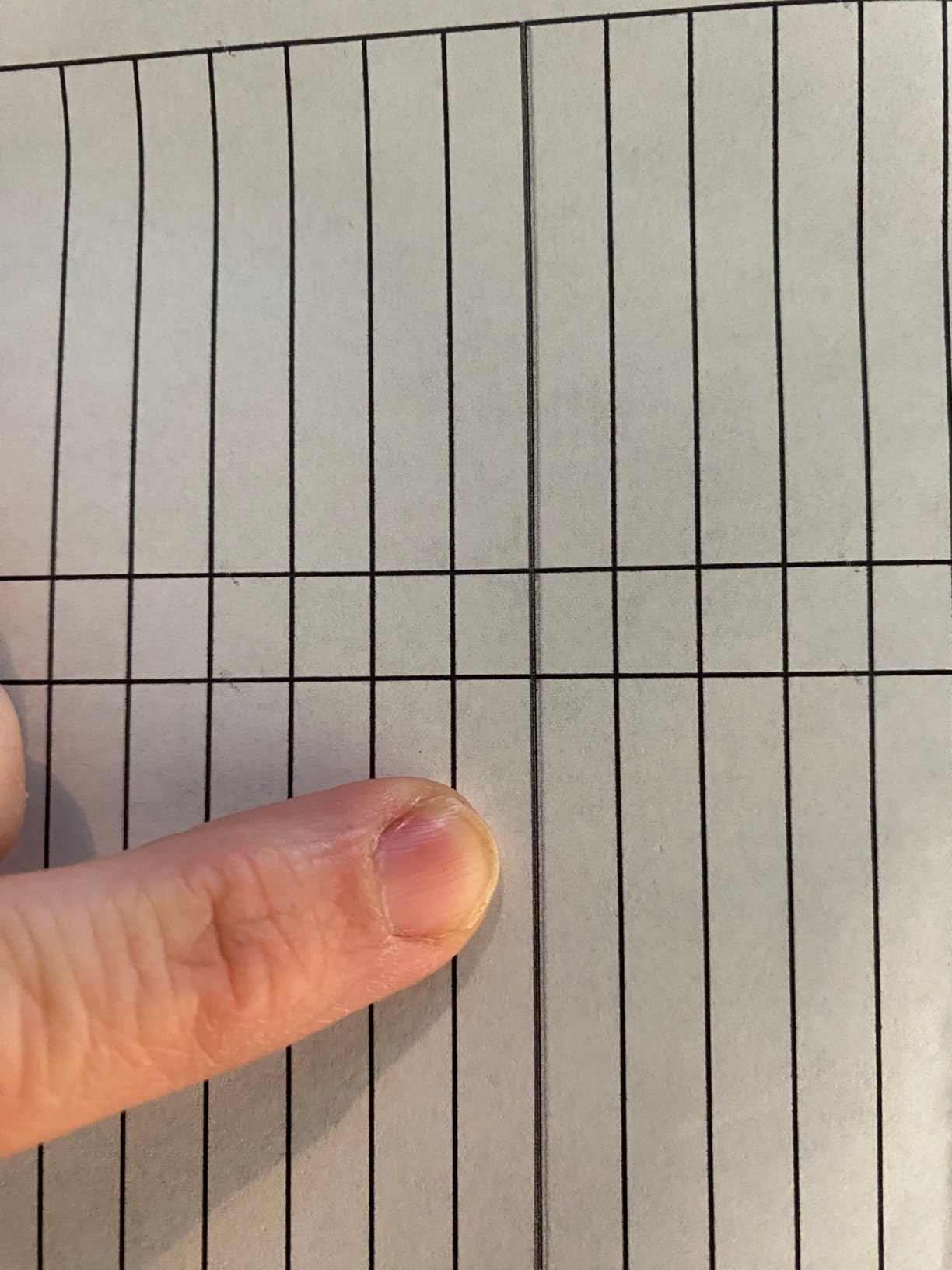
The owner base is the reason we trust it. At more than 18,000 reviews this is by far the most examined machine in our lineup, and 66 percent of those owners hand it five stars. When a model has that much history, the failure modes are known rather than mysterious, and that is a good thing when you are the one carrying the repair risk.
Two things stand out in the feedback. Owners consistently report that a bottle set replaces roughly 90 small cartridges worth of ink, and the 100-sheet tray refills quickly. The complaints are equally consistent: the machine prints one side at a time, and Epson’s warranty language makes third-party ink a risk you have to accept knowingly.
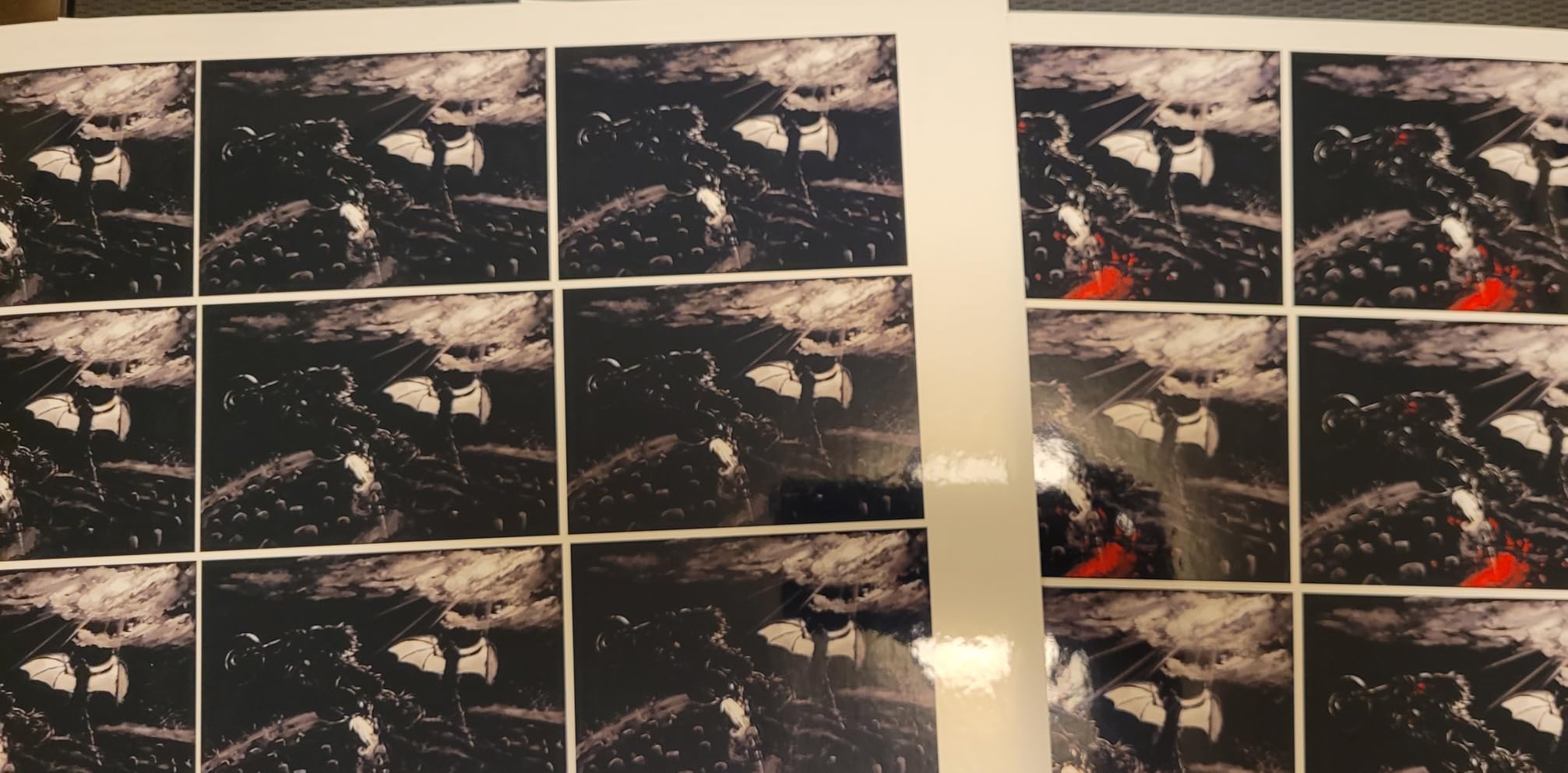
What to check before you buy the ET-2800
Count your two-sided jobs honestly. If duplex printing matters, this is not the machine, because you will be flipping every sheet by hand. The same applies to scanning: it has a flatbed and no document feeder, so a 30-page contract means 30 separate trips to the glass.
Then check how often you will actually print. Tank printers keep their nozzles clear through use, and owners of this model suggest at least a weekly job. A household that prints twice a year is better served by a laser unit that does not care.
Who should skip the ET-2800
Small businesses that scan paperwork daily will outgrow the flatbed fast, and the 100-sheet input tray is small for a shared machine. Anyone who plans regular borderless photo printing on glossy stock should look at the ET-8550 instead, which has the wider carriage and the six-color ink set.
2. Canon MegaTank G3270 for the biggest page yield per ink set
Canon MegaTank G3270 All-in-One Wireless Color Printer
Inkjet
Color
11 ppm black and 6 ppm color
4800 x 1200 dpi
100-sheet tray
LCD
Pros
- Up to 6000 black and 7700 color pages per ink set
- Up to two years of ink in the box
- Borderless printing on many photo sizes
- Backlit 1.35 inch LCD
Cons
- No automatic duplex printing
- Small square LCD for dense menus
The MegaTank G3270 posts the biggest page yield of any tank machine we looked at: 6,000 black and white pages and 7,700 color pages from a single ink set, the highest black figure of any tank unit on this list. It ranks second in Ink Tank Printers, which tells you how crowded the shelf is and how well this particular model holds its position.
Speed is a small step above the ET-2800, with 11 pages per minute in black and 6 in color. The paper handling is the interesting part. Canon lists a long list of supported sizes including square formats, 4×6, 5×7, 7×10 and 8×10, and it prints borderless on all of them, which is unusual for a tank unit at this level.
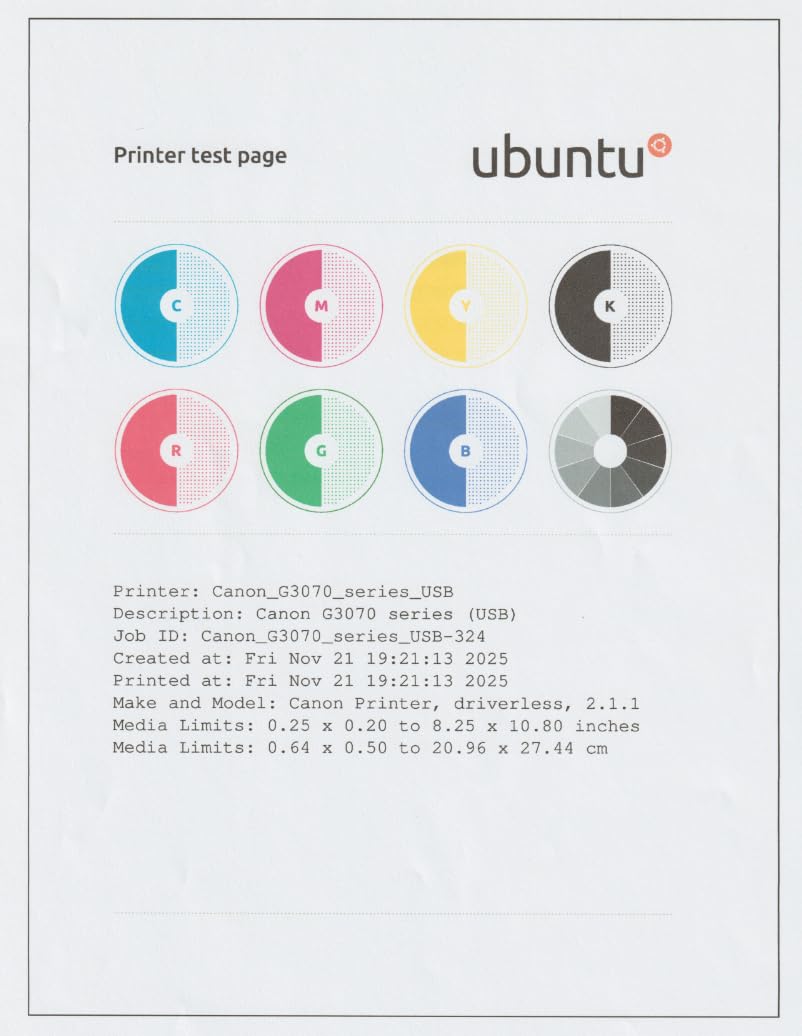
With 5,138 reviews and a 4.1 average, 67 percent of owners rate it five stars. The praise clusters around running cost and the sheer amount of ink included in the box, described as up to two years of supply. That is the single best argument for this machine if your household prints heavily but slowly.
The gripes are structural rather than quality related. There is no automatic duplex, and the 1.35-inch square screen is small when you are digging through dense menus. If you mostly print one-sided color work and photo prints, neither of those matters much.
What to check before you buy the G3270
Look at your duplex needs first. Single-sided printing only is a hard limit, and a print wizard that reminds you to flip the stack halfway through a 40-page document wears thin by week three. If you need two-sided output, cross the category to the Canon PIXMA TS6520 or the TR7120 further down this list.
Second, look at the size. At 13.2 pounds and 21.9 inches deep, this is not a machine you tuck behind a monitor. The refill bottles are easy to handle, but the body needs a real shelf or a dedicated side table.
Who should skip the G3270
Anyone scanning in volume is out of luck, since there is no document feeder on this model. Small offices that want fax or security lock features will not find them here either. This is a home and student machine with excellent ink economics, and it works best when you respect those limits.
3. Epson EcoTank ET-2400 for the lightest body in the roundup
Epson EcoTank ET-2400 Wireless Color All-in-One Supertank Printer
Inkjet
Color
10 ppm black and 5 ppm color
5760 x 1440 dpi
100-sheet tray
No display
Pros
- Narrow 8.6 pound body fits tight spaces
- Refill only the color that ran out
- Sharp vibrant color for graphs and photos
- USB setup with self-updating software
Cons
- No display screen only status LEDs
- No automatic duplex and no borderless printing
- Reported to jam more often than comparable Canon tanks
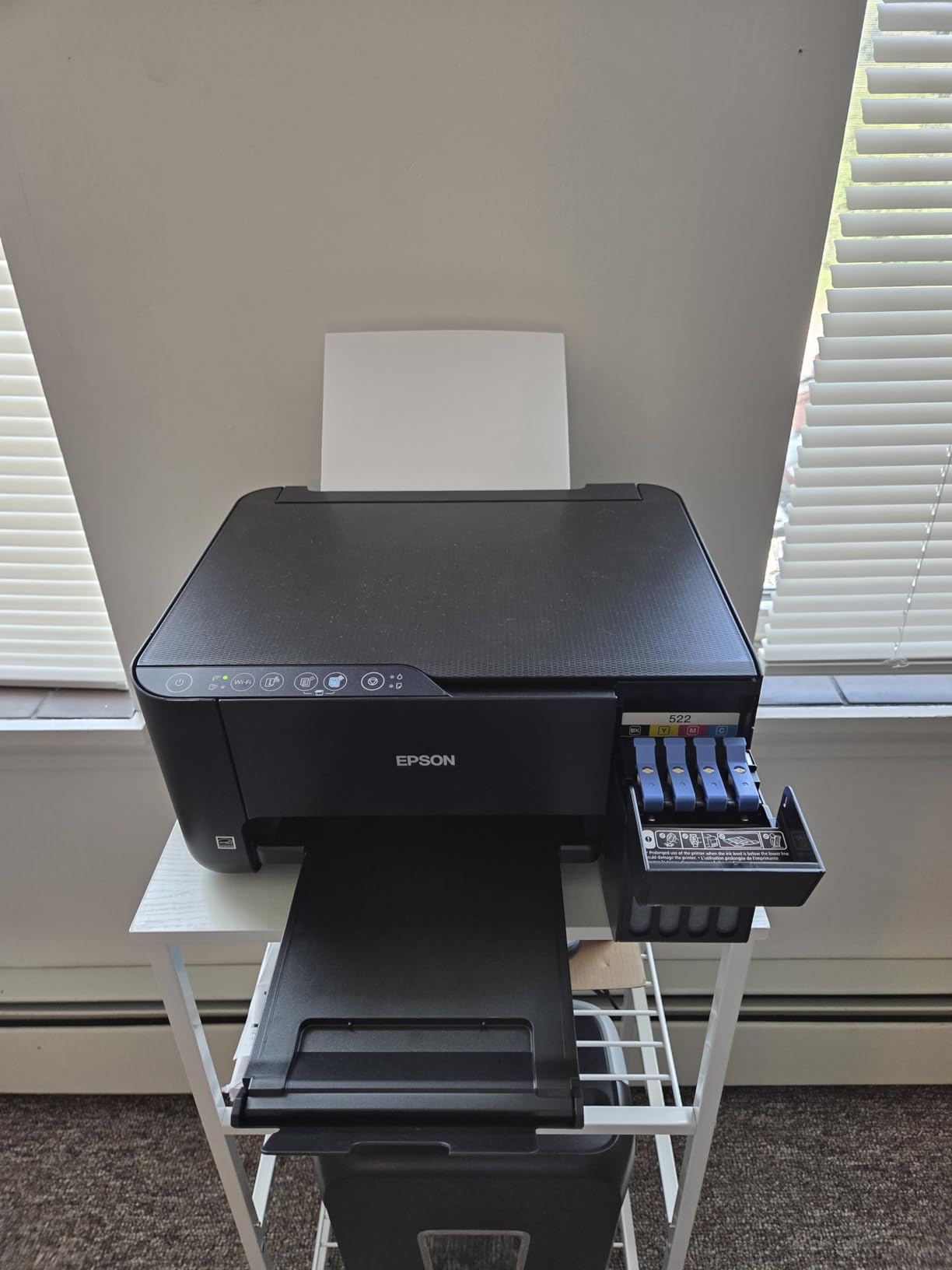
The ET-2400 solves a problem the rest of this list barely acknowledges: space and weight. At 8.6 pounds and 14.8 inches wide, it is the lightest machine here and one of the narrowest, and it still delivers EcoTank running costs with up to 4,500 black and 7,200 color pages per bottle set. Lifting it onto a high shelf is a one-person job, which is not true of most machines in this roundup.
Print quality is the surprise. The 5760 x 1440 dpi resolution and Micro Piezo heat-free technology produce sharp text plus color photos and graphics that reviewers describe as vibrant, which is not something you can say about every budget machine. A first page comes out in about 7 seconds.
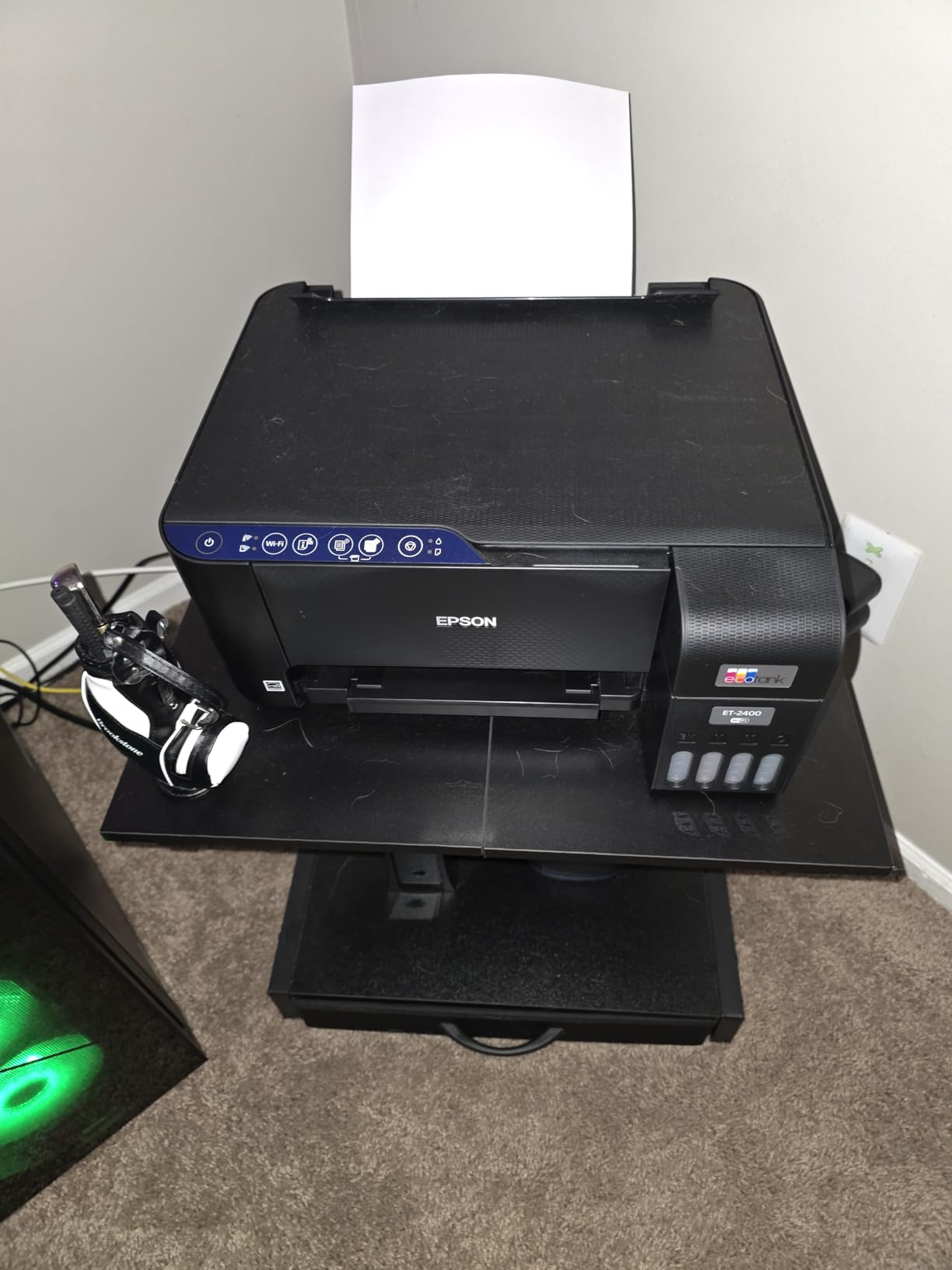
The reviews are genuinely split, and that honesty is useful. With 4,659 reviews, 64 percent are five star and 17 percent are one star. The negative camp focuses on paper jams, wireless setup problems on dual-band routers, and the total absence of a screen or duplex.
Several owners make the same operational point: this machine wants regular use. A tank printer that sits untouched for weeks can need cleaning cycles that waste ink, and the ET-2400’s no-screen design means you cannot easily read a status message when something stalls. Print at least weekly and the tank nozzles stay clear.
What to check before you buy the ET-2400
Ask yourself whether you can work without a display. Status lights tell you very little, and Canon and HP models here add an OLED or touchscreen that shows ink levels and menus. If you are the household tech support for everyone else, the missing screen becomes a daily irritation.
Also read the paper handling reviews carefully. Owners report more jams than with comparable Canon tank printers, and the flatbed scanner bed is too small for anything much larger than 8.5 x 11 inches. If you handle envelopes and card stock often, test it in person.
Who should skip the ET-2400
Skip it if you print two-sided documents regularly, since duplex is manual and the software prompts you to flip pages. Skip it if borderless photos matter, because it lacks that feature. For a small apartment, a dorm room or a shared studio shelf where space is the binding constraint, it remains a sensible tank machine worth considering.
4. Brother DCP-L2640DW for fast monochrome home office work
Brother DCP-L2640DW Wireless Compact Monochrome Multi-Function Printer, Copy, Scan, Duplex, Mobile Printing
Laser
Monochrome
36 ppm black
1200 x 1200 dpi
250-sheet tray
50-page ADF
Pros
- Fast 36 ppm monochrome with automatic duplex
- 50-page ADF for multi-page scanning
- Dual-band Wi-Fi plus Ethernet
- Sharp text with low toner cost
Cons
- On-device panel menu is awkward for scanning
- Initial Wi-Fi setup and password flow can confuse
- Bundled scanning software is considered cumbersome
When a home office prints contracts, invoices and reports all day, inkjet speed stops mattering and toner never drying out starts to. The Brother DCP-L2640DW is the fastest monochrome machine in this roundup at 36 pages per minute, with automatic duplex, and it ranks first in Laser Computer Printers.
The 50-page automatic document feeder changes how the machine feels day to day. Scanning a signed contract takes one pass instead of ten trips to the glass, and the copy speed matches the print speed. The 250-sheet tray means you refill once a week rather than every other day.
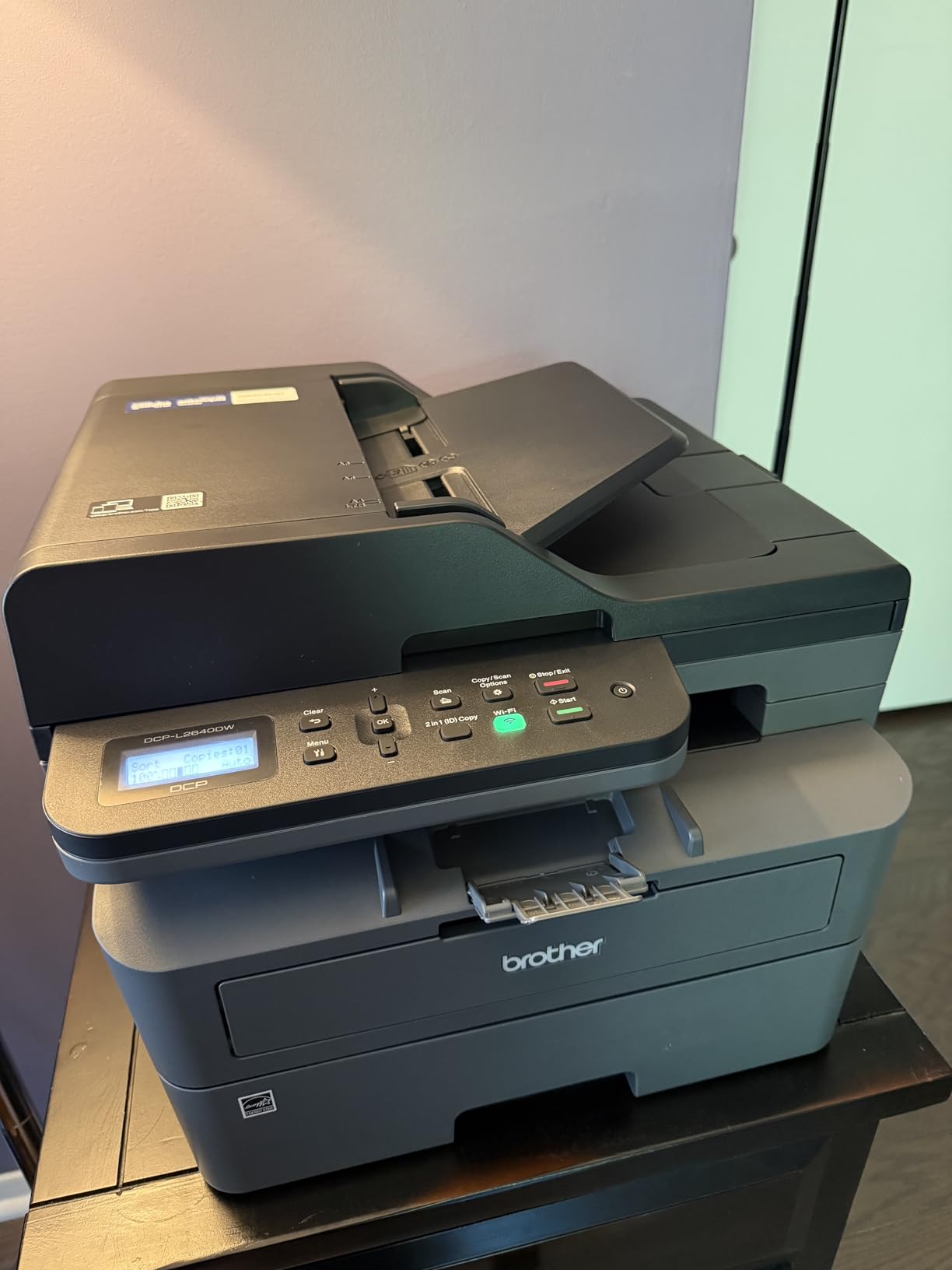
Connectivity is the strongest part of the specification sheet: dual-band 2.4 and 5 GHz wireless, Ethernet, and USB for a single computer. Scan speeds run up to 23.6 ipm in black and 7.9 ipm in color, so multi-page jobs finish while you move to the next task.
Owners running home offices call it a reliable workhorse with cheap toner and sharp text, and 68 percent of its roughly 3900 reviews are five star. Brother’s human phone support comes up often in the positive comments, which is more than most hardware brands manage.
What to check before you buy the DCP-L2640DW
It is monochrome. There is no color path at all, so color charts, photo prints and colored forms are simply not on the menu. If you need color even occasionally, step up to the Brother MFC-L3720CDW or an ink tank model in this list.
Then look at the software. The bundled PaperPort scanning utility is described as cumbersome, and the on-device panel is awkward for scan-to-computer workflows. Owners who install a third-party scan tool report a much better experience, so plan for that five-minute detour during setup.
Who should skip the DCP-L2640DW
Skip it if you want fax. This Brother handles copy and scan only, and if a medical, legal or property document has to be faxed you will need a separate machine. It is also a 25-pound floor unit, which is compact for a laser but not a slim desk printer.
5. Epson EcoTank Photo ET-8550 for wide format photos
Epson EcoTank Photo ET-8550 Wireless Wide-Format All-in-One Tank Printer
Inkjet
Color
16 ppm black and 12 ppm color
13x19 wide format
Claria ET 6-color
Pros
- Excellent luminous color on glossy photo paper
- 13x19 wide format with six-color ink set
- Large color LCD touchscreen
- About 4 cents for a 4x6 photo
Cons
- Tray 1 spring weakness triggers false jam errors
- Automatic tray selection is unreliable
- Flatbed scanner has no document feeder
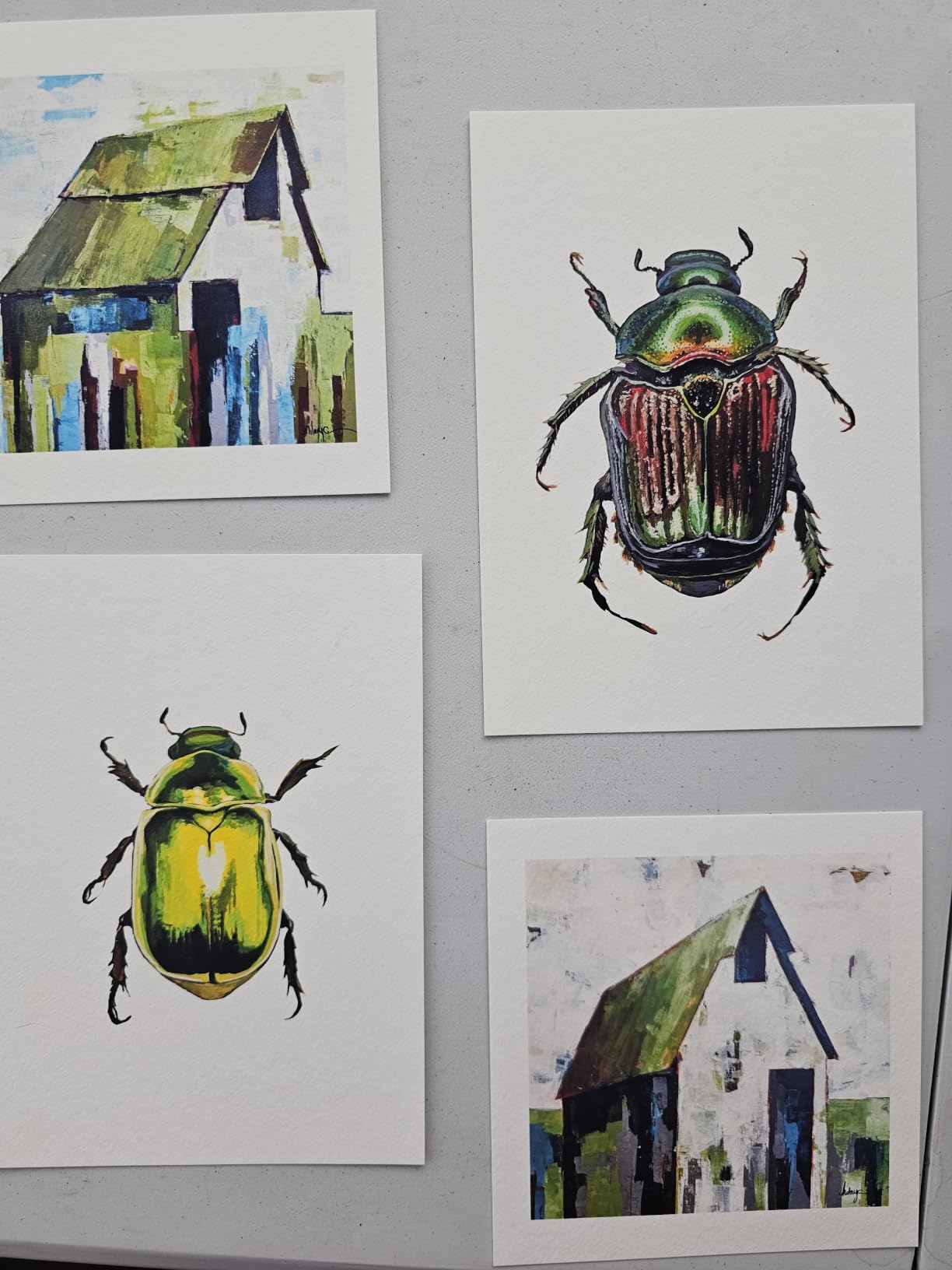
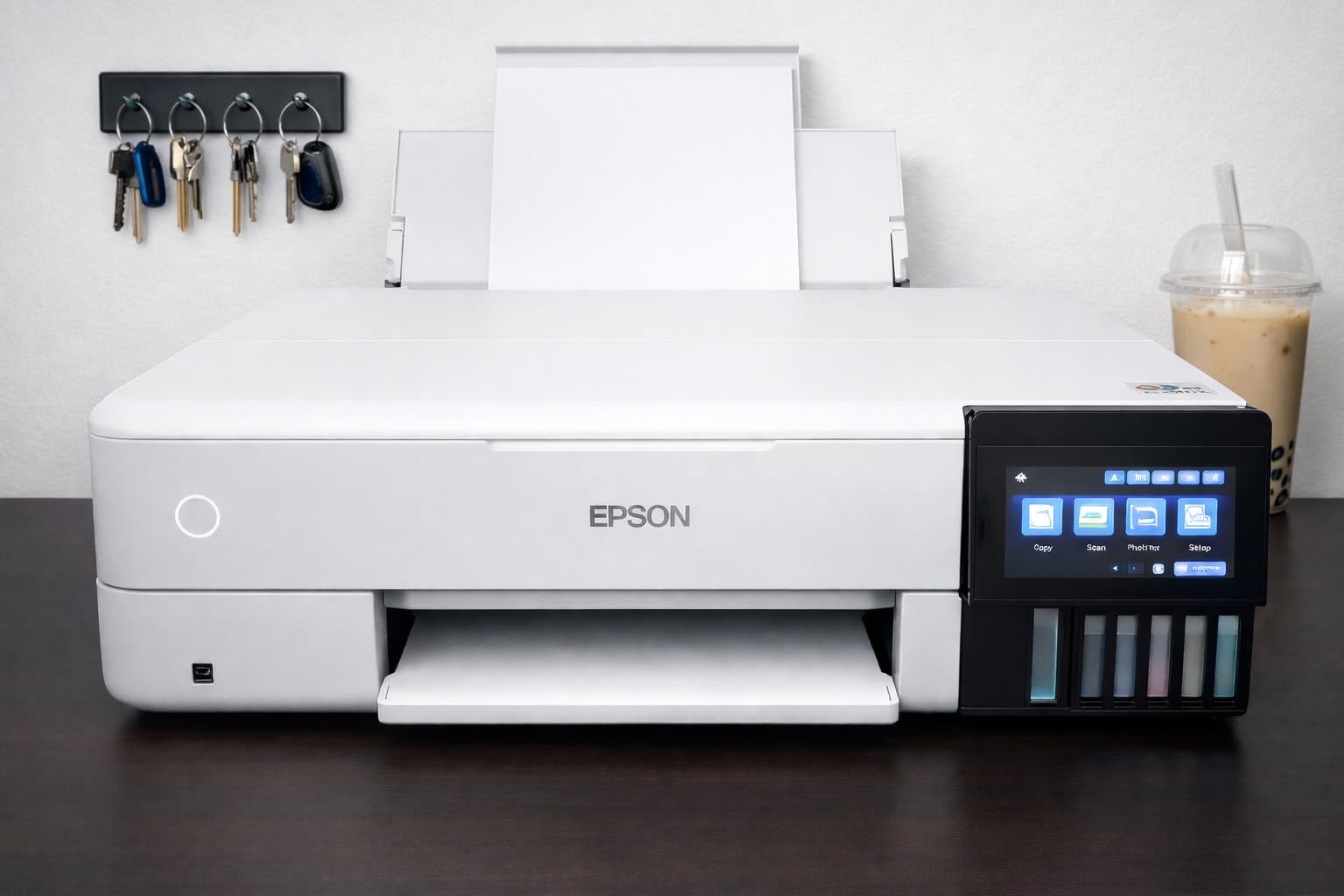
The ET-8550 is the only machine here built for people who make images. It prints to 13 x 19 inches, uses the Claria ET Premium six-color set, and Epson quotes roughly 4 cents for a 4×6 photo against about 40 cents with traditional cartridges. For a photographer or a small print shop, that arithmetic decides the purchase.
Speed is respectable too: 16 pages per minute in black and 12 in color, with automatic duplex. The color LCD touchscreen and mobile printing make it usable without a computer, and reviewers praise the quiet operation and a heavy, solid build that does not shift when you load wide paper.
Setup is an event. Reviewers describe hours spent removing packing tape and filling six tanks, so plan an evening rather than a coffee break. The motorized output tray includes a dedicated 4×6 photo tray and a disc tray, which is a small signal that this machine was designed by people who print images.
The complaints are specific and worth knowing. Tray 1 has a widely reported spring weakness that throws false out-of-paper and jam errors, and automatic tray selection often picks the wrong one. At 24.5 pounds and 29.8 inches deep, it needs a proper surface, not a floating shelf.
What to check before you buy the ET-8550
Check whether you will scan large originals. The flatbed has no document feeder and cannot handle 11 x 17 originals, so this is a print-first machine. If scanning is part of your weekly routine, this is the wrong tool even if the photo output is exactly what you want.
Check your space. At 20.6 inches wide, 16.9 inches tall and 150 watts of power draw, this is a small-studio machine, not a bedroom one. Users also report a handful of dead print heads, ink spotting and clogged nozzles within the first months, so keep a spare cartridge set nearby.
Who should skip the ET-8550
Skip it if you print documents, since the money and the size go into photo capability you will not use. Skip it if you need to scan stacks. It makes the most sense for a creator who regularly prints posters, gallery prints or craft pieces, and for anyone tired of paying per-photo cartridge costs.
6. Canon PIXMA TS6520 as the budget automatic duplex pick
Canon PIXMA TS6520 Wireless Color Inkjet Printer, Duplex Printing, Copier/Scanner, 1.42″ OLED Display, Compact, White
Inkjet
Color
14 ppm black and 9 ppm color
1200 x 1200 dpi
Automatic duplex
OLED
Pros
- Automatic two-sided printing
- Two-cartridge hybrid ink keeps running costs low
- Dual-band Wi-Fi for stable connections
- Compact footprint for small desks
Cons
- Two-cartridge system complicates print head cleaning
- Listed paper capacity of a single sheet
- No automatic document feeder
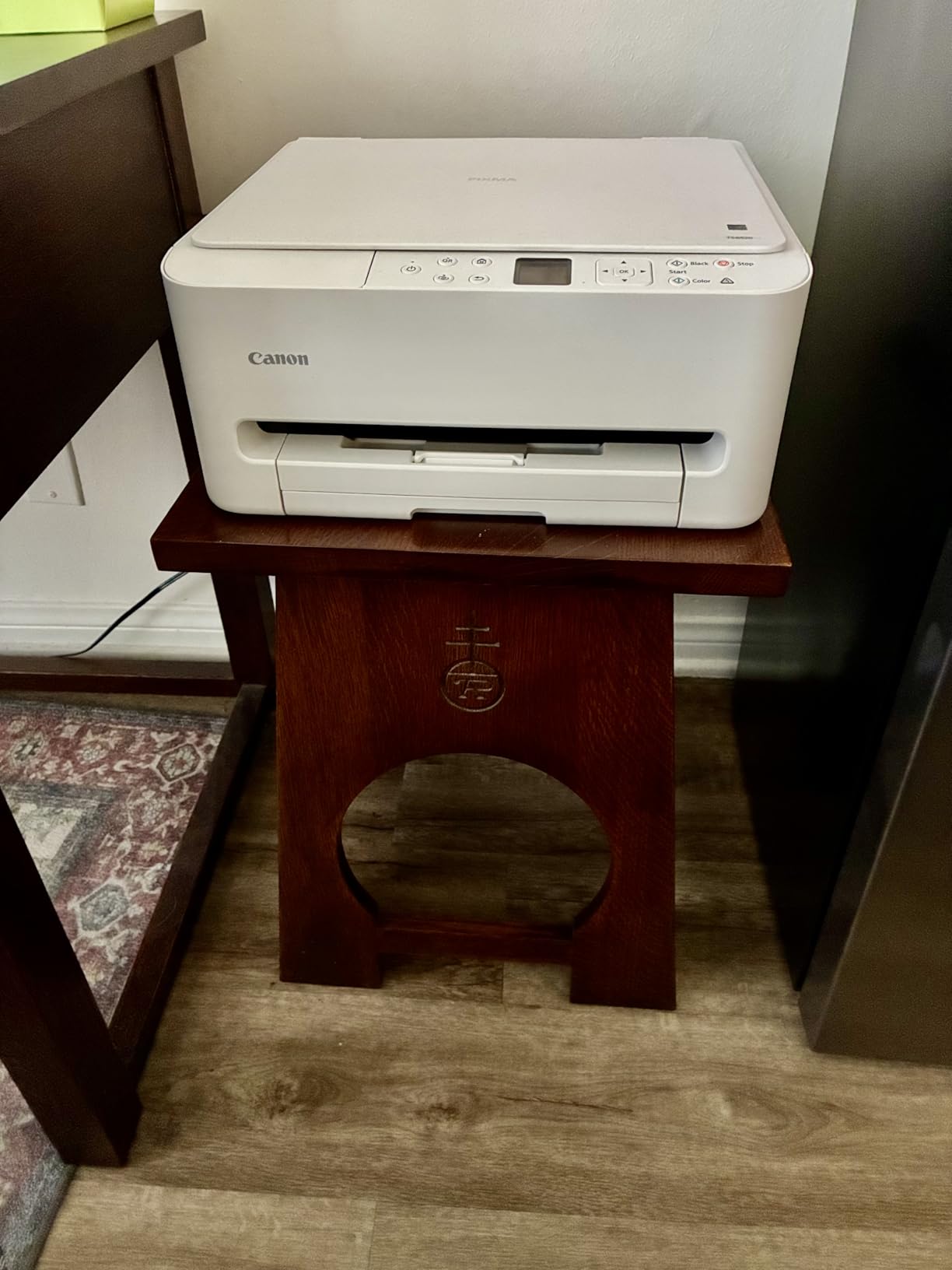
The TS6520 is the most direct way to get automatic duplex printing on this list without moving up a category, and for a hybrid worker who prints meeting notes and reports that is the feature that matters. It also prints at 14 pages per minute in black and 9 in color, which outruns every other inkjet here.
Canon uses a two-cartridge hybrid system, one PG-295 pigment black and one CL-286 dye color cartridge, which keeps the ink cost per page well below conventional four-cartridge machines. The 1.42-inch monochrome OLED display shows ink levels and status at a glance, and the body is only 6.7 inches tall.
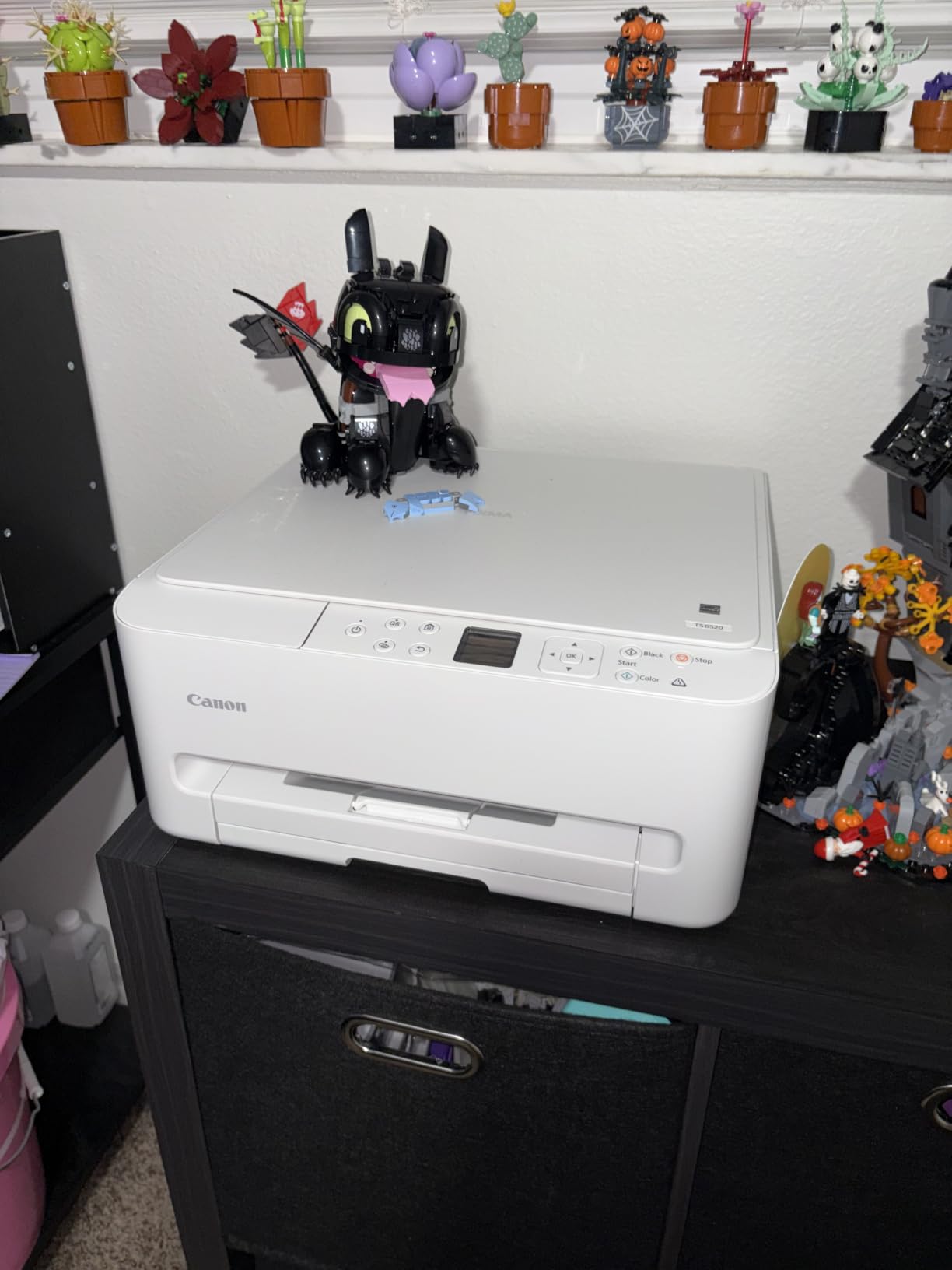
Dual-band Wi-Fi on both 2.4 and 5 GHz makes it one of the more stable wireless machines in the group, and 70 percent of nearly 2000 reviews are five star. The three-year manufacturer warranty is also the longest stated coverage among the inkjets we reviewed.
The trade-offs are real. With only two cartridges, print head cleaning is more involved than on a four-ink model, and Canon lists a maximum sheet capacity of one page, which is not a paper buffer in any practical sense. There is no document feeder, so scanning is flatbed only.
What to check before you buy the TS6520
Check the paper situation. A listed capacity of one sheet means you will be feeding pages while printing, which is fine for a few pages and annoying for a fifty-page report. If you print long documents regularly, the TR7120 below gives you a real 100-sheet tray and a document feeder for not much more.
Also weigh the ink format. Two cartridges are cheaper up front and cheaper per page than premium four-ink sets, but they are less forgiving when one color runs low and you need a quick photo print. Know which side of that trade-off you are on before ordering.
Who should skip the TS6520
Skip it if you scan multi-page documents often, because the flatbed is all you get. Skip it if you print borderless photos as a regular habit, since the hybrid color cartridge is not built for that. It fits best for a home office that mostly prints text, forms and two-sided drafts.
7. Brother MFC-L3720CDW for small business color laser
Brother MFC-L3720CDW Wireless Color Laser Printer, Scanner, Copier, Fax, Auto Duplex, 250-Sheet Capacity
Laser
Color
19 ppm in black and color
2400 x 600 dpi
250-sheet tray
50-sheet ADF
Pros
- 19 ppm color output with automatic duplex
- 3.5 inch color touchscreen with 48 shortcuts
- 50-sheet ADF and 250-sheet tray
- Cloud access to Drive Dropbox and OneNote
Cons
- Heavy at 44 pounds and a two-person lift
- Color laser running costs exceed mono laser and ink tanks
- All four toner cartridges needed to print color
The MFC-L3720CDW is the full office package: color laser printing at 19 pages per minute, automatic duplex, a 50-sheet document feeder, fax, and a 3.5-inch color touchscreen with 48 customizable shortcuts. Nothing else here combines all four functions in a machine this approachable.
The screen is the differentiator. It gives direct access to Google Drive, Dropbox and OneNote, so a small team can pull a document and print it without opening a laptop. The companion app adds remote access and toner level monitoring, which matters when the machine sits in a shared room.
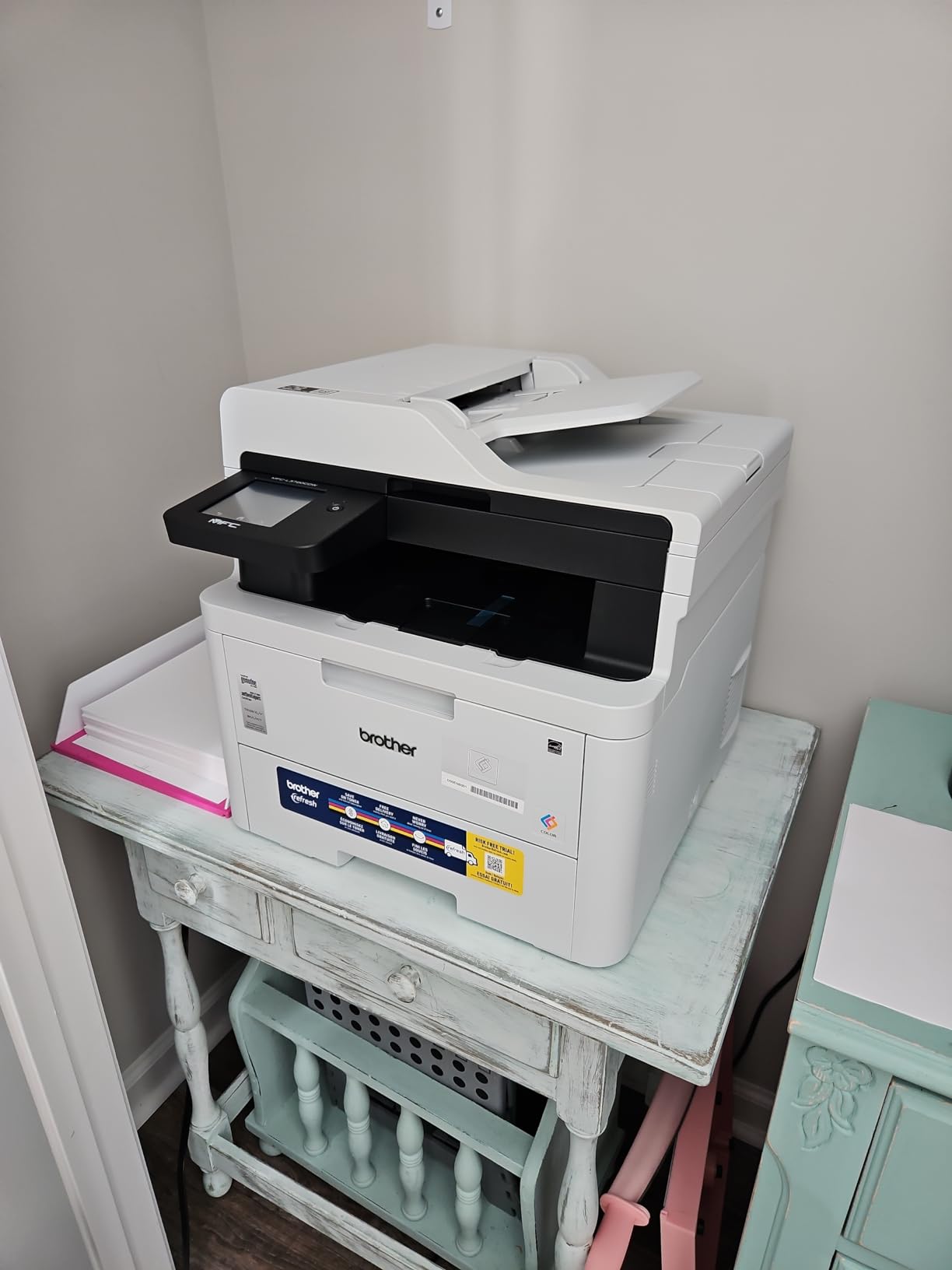
Paper handling is built for a real workload: a 250-sheet adjustable tray, a 150-sheet output stack, and a 50-sheet feeder. Maximum media size is 8.5 x 14 inches, and first page output happens in under 15 seconds, so the queue keeps moving.
Owners appreciate having color, fax, duplex and a touchscreen without enterprise hardware, and 66 percent of its reviews are five star. The reservation in almost every critical review is money: color laser toner costs far more per page than a monochrome laser or an ink tank setup.
What to check before you buy the MFC-L3720CDW
Do the running cost math before you commit. Color laser toner is a heavy ongoing expense once you are past the included cartridges, and it is the running cost reviewers single out most often in this guide. If color is occasional and documents dominate, a mono laser plus a cheap ink tank for color prints is often the smarter pairing.
Check the room and the floor. At 44 pounds and 17.5 inches wide, this is a two-person lift that belongs on a cabinet, not a desk. And note that all four color toner cartridges must be present to print color, so one empty drum stops color output entirely.
Who should skip the MFC-L3720CDW
Skip it for a home office. The size, the startup cost and the toner expense only pay off with regular volume. It is also not a photo machine, since laser output at 2400 x 600 dpi is built for documents, brochures and school projects rather than glossy prints.
8. HP LaserJet Pro MFP 3101fdw for fax and locked-down security
HP LaserJet Pro MFP 3101fdw Wireless Black & White All-in-One Laser Printer, Scanner, Copier, Fax, Best-for-Office (3G628F)
Laser
Monochrome
35 ppm black
1200 dpi
ADF and fax
Wolf Pro Security
Pros
- Fast 35 ppm monochrome with automatic duplex
- Print scan copy and fax in one unit
- HP Wolf Pro Security with settings
- Setup reported as simple for non-technical buyers
Cons
- No true duplex scanning in the feeder
- Network scanning can be unreliable on home networks
- Bulky body takes more desk space than expected
The 3101fdw is the machine for a small team that still handles paperwork by fax. It prints, scans, copies and faxes, runs at 35 pages per minute in black with automatic duplex, and carries an automatic document feeder. HP rates it for teams of up to seven people.
Security is the quiet differentiator. HP Wolf Pro Security with customizable settings is built in, which matters more than it sounds: network printers are a real attack surface, and a business with client data on the device benefits from a printer that can be locked down rather than left open.
Connectivity covers the bases with intelligent Wi-Fi, Ethernet and Bluetooth, and it works with Microsoft, Mac, AirPrint, Android and Chromebook. Owners repeatedly describe setup as simple even when they are not technical, and 69 percent of 945 reviews are five star.
Two caveats travel with it. The feeder is single-sided, so duplex scanning means manual page flipping on a machine that otherwise handles duplex printing automatically. Several owners also hit network scanning trouble on home networks, and one detailed report describes a unit failing after roughly three weeks.
What to check before you buy the 3101fdw
Check how much duplex scanning you really do. Auto duplex printing is handled, but the document feeder is single-sided only. If you routinely scan two-sided records, the Brother MFC-L3720CDW handles stacks far more comfortably despite costing more to run.
Check your network. On a home router with a complicated setup, network scanning can be unreliable, and the fix usually means extra configuration rather than a new machine. Print over Wi-Fi works well; it is the scan-to-PC workflow that draws complaints.
Who should skip the 3101fdw
Skip it if fax is not on your list, because cheaper monochrome machines do everything else it does. Skip it for a small desk, since the body is bulky for a home workspace. It is a strong fit for a small office that needs secure, fast monochrome output and a real fax line.
9. HP LaserJet MFP M235sdw for compact monochrome teams
HP LaserJet MFP M235sdw All-in-One Laser Wireless Printer, Scan/Copy, Black & White, Duplex, Best-for-Office
Laser
Monochrome
30 ppm black
600 x 600 dpi
150-sheet tray
ADF scanner
Pros
- Up to 30 ppm with fast in-class two-sided printing
- Dual-band Wi-Fi with self-reset
- Built-in security features
- Ethernet plus AirPrint and Mopria
Cons
- Scanning and copying are single-sided only
- HP software and setup utilities described as messy
- Network scanning configuration can be involved
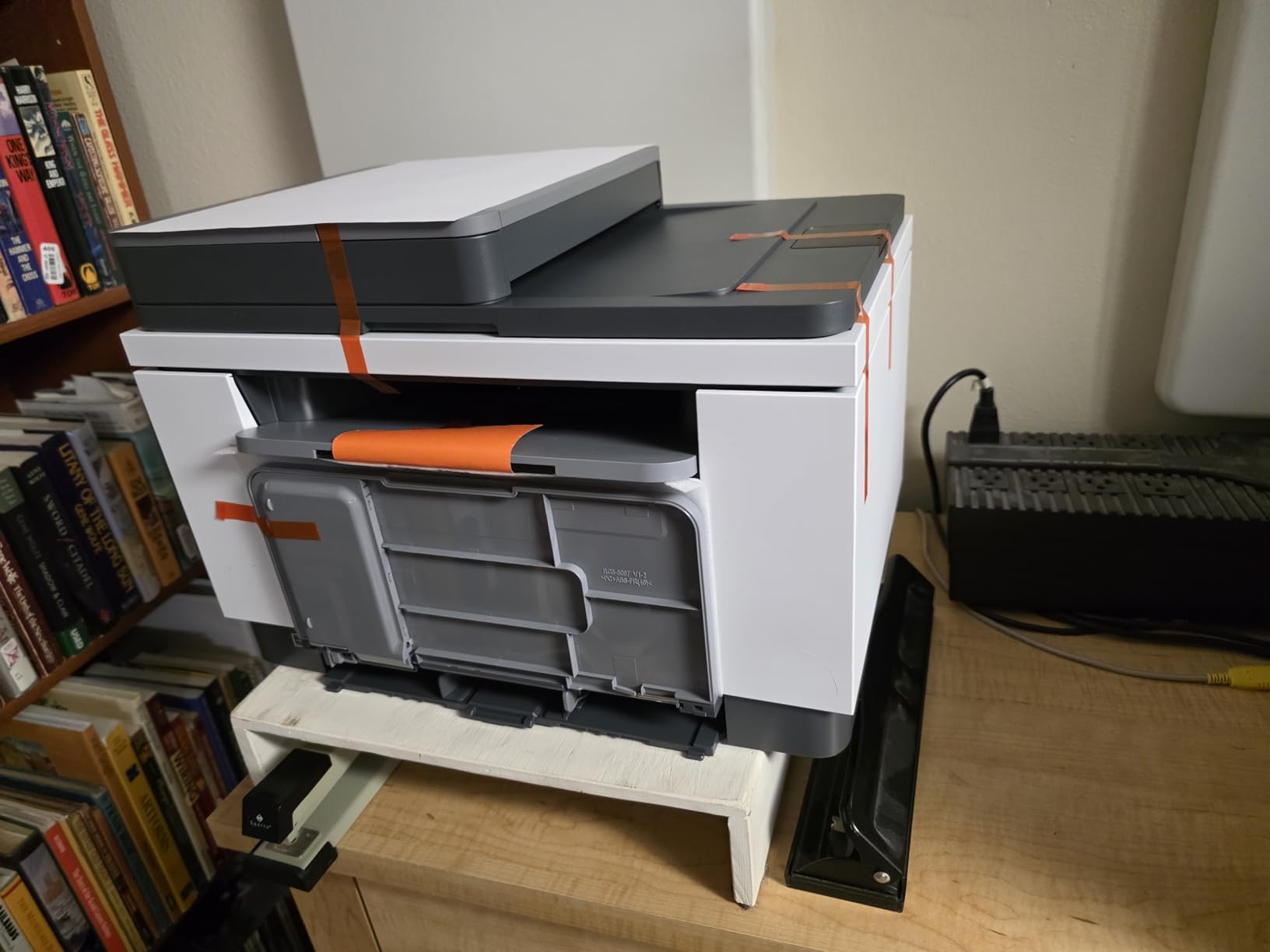
The M235sdw is the compact monochrome option for one to five people. It prints up to 30 pages per minute, has automatic duplex, a 150-sheet tray, and a scanner built around an automatic document feeder rather than a flatbed alone, with a 7-second first page.
The Wi-Fi is the standout feature in the feedback. Dual-band Wi-Fi with self-reset automatically detects and resolves connection issues, and long-term owners report it staying connected for months without intervention. Scan to email and scan to PDF are both supported, and Ethernet plus AirPrint and Mopria cover most devices.
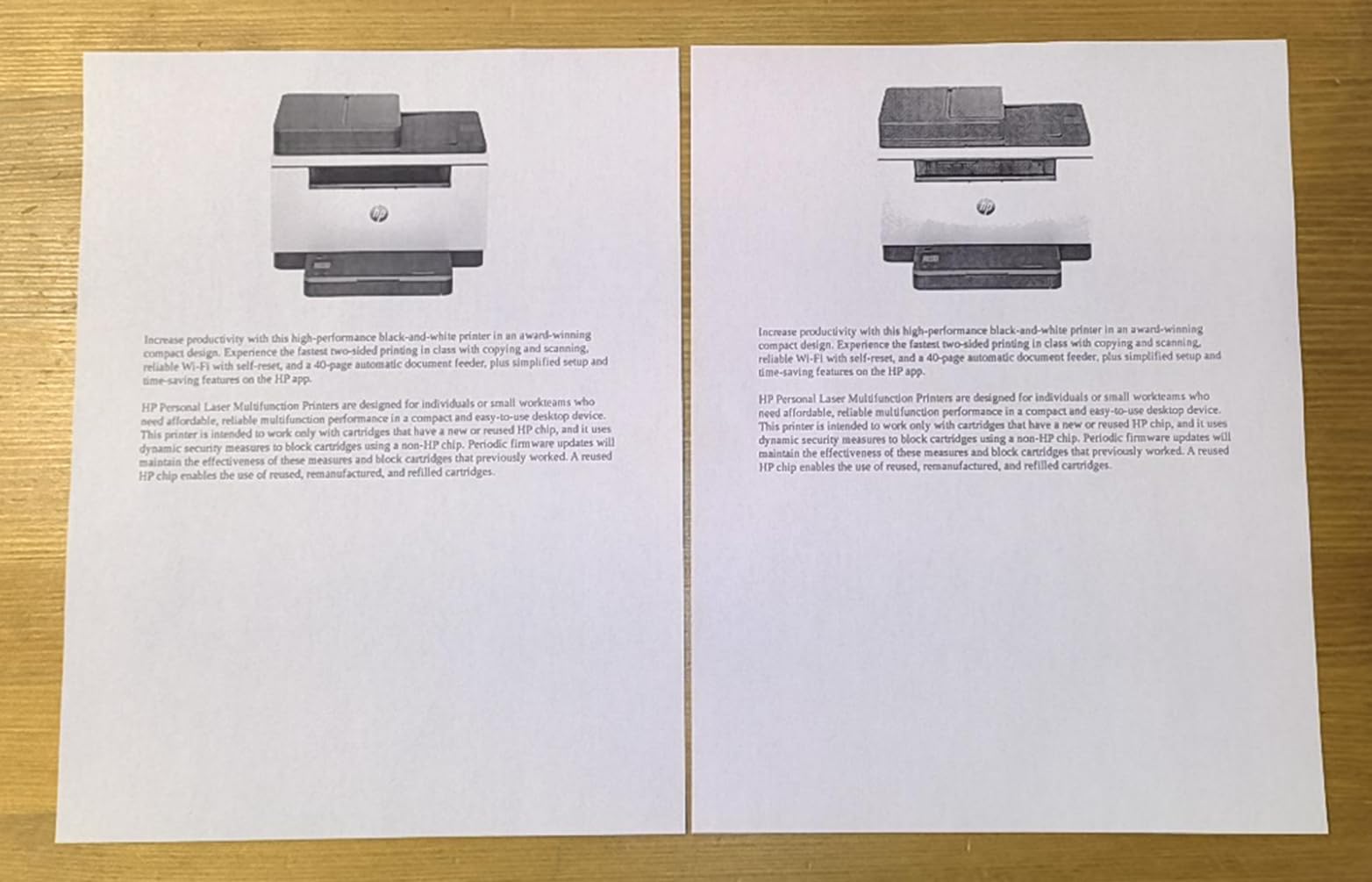
Output quality gets called out as crisp and clear, with some owners reporting true black that replaced a greying older unit. HP also includes built-in security features intended to protect the printer from attacks, which is unusual at this level.
At 260 reviews the sample is small, so weigh it accordingly. 64 percent are five star, and the consensus criticism is aimed at software rather than hardware. Scanning and copying are single-sided only, and setup utilities are described as messy compared with the machine itself.
What to check before you buy the M235sdw
Check your scan volume. A 150-sheet input tray and an ADF-based scanner suit a small team, but the single-sided scanning limit means two-sided records are manual work. At 21 pounds and 16.5 inches wide it is smaller than the other office lasers here, which helps on a shared desk.
Check your tolerance for HP software. Reviewers consistently direct complaints at the setup utilities and at network scanning configuration on some Windows and Linux systems. If you are comfortable installing a scanner app, that is a solvable problem rather than a dealbreaker.
Who should skip the M235sdw
Skip it if you print color at all, since it is monochrome only, and skip it if you need a touchscreen or a large display. It is built for a small team that values stable wireless and fast monochrome output more than features, and for anyone willing to install their own scanning software.
10. HP Envy 6155 for the easiest color touchscreen
HP Envy 6155 Wireless All-in-One Color Inkjet Printer, Print, Scan, Copy, Duplex Printing Best-for-Home, 3 Month Trial of Instant Ink Included, AI-Capable (C2WR7A) Portobello
Inkjet
Color
10 ppm black and 7 ppm color
4800 x 1200 dpi
Automatic duplex
2.4 inch touchscreen
Pros
- Automatic duplex with a 100-sheet input tray
- 2.4 inch color touchscreen
- HP AI formatting strips unwanted web content
- Made with at least 60 percent recycled plastic
Cons
- Works only with HP original chips or circuitry
- No automatic document feeder
- Cartridge ink costs rise over time
The Envy 6155 is the easiest machine here to hand to someone who is not technical. The 2.4-inch color touchscreen is the most usable control panel in this roundup, and HP’s AI print formatting removes unwanted web and email content before a page comes out, which solves a problem most people discover only after wasting a ream of paper.
It handles the fundamentals well: automatic two-sided printing, a 100-sheet input tray, print copy and scan, 10 pages per minute in black and 7 in color, and dual-band Wi-Fi that auto-detects and resolves connection issues. Letter, legal, 4×6, 5×7 and 8×10 paper are all supported, so borderless photos are on the menu.
With 415 reviews and a 4.2 average, 69 percent of owners rate it five stars, and the touchscreen plus reliable wireless come up constantly for everyday homework and photo printing. The body is made with at least 60 percent recycled plastic, and a three-month Instant Ink trial is included.
Three limits are worth stating plainly. It works only with HP original chips or circuitry, so non-HP cartridges are blocked. There is no automatic document feeder, so multi-page scanning is manual. And cartridge-based ink costs more per page over time than any tank model in this guide.
What to check before you buy the Envy 6155
Decide how you feel about cartridge restrictions. The listing states it works only with cartridges containing original HP chips or circuitry, and the Instant Ink subscription adds a monthly fee after the trial unless you cancel. If you want open ink choices, pick a tank printer instead.
Check scanning needs. Without a document feeder, a five-page form takes five passes over the glass. That is acceptable for a home that prints homework and recipes, and unacceptable for a person who processes paperwork daily.
Who should skip the Envy 6155
Skip it if you print a lot of pages, because cartridge running costs compound quickly against a tank or laser machine. Skip it if you scan stacks or need borderless photos at high volume. It fits a household that values a friendly touchscreen and simple setup over long-term cost per page.
11. Canon PIXMA TR7120 for homework and multi-page scanning
Canon PIXMA TR7120 Wireless Color Inkjet Printer, Duplex Printing, White – Home Printer with Copier/Scanner, Auto Document Feeder, Compact Design, Intuitive Control Panel
Inkjet
Color
14 ppm black and 9 ppm color
1200 x 1200 dpi
ADF and automatic duplex
Pros
- Auto document feeder for multi-page scanning and copying
- Automatic two-sided printing
- 1.42 inch monochrome OLED display
- Highest average rating in the roundup
Cons
- Two-cartridge hybrid ink complicates maintenance
- Only 100-sheet input capacity
- Copy function limited by scan-only listing
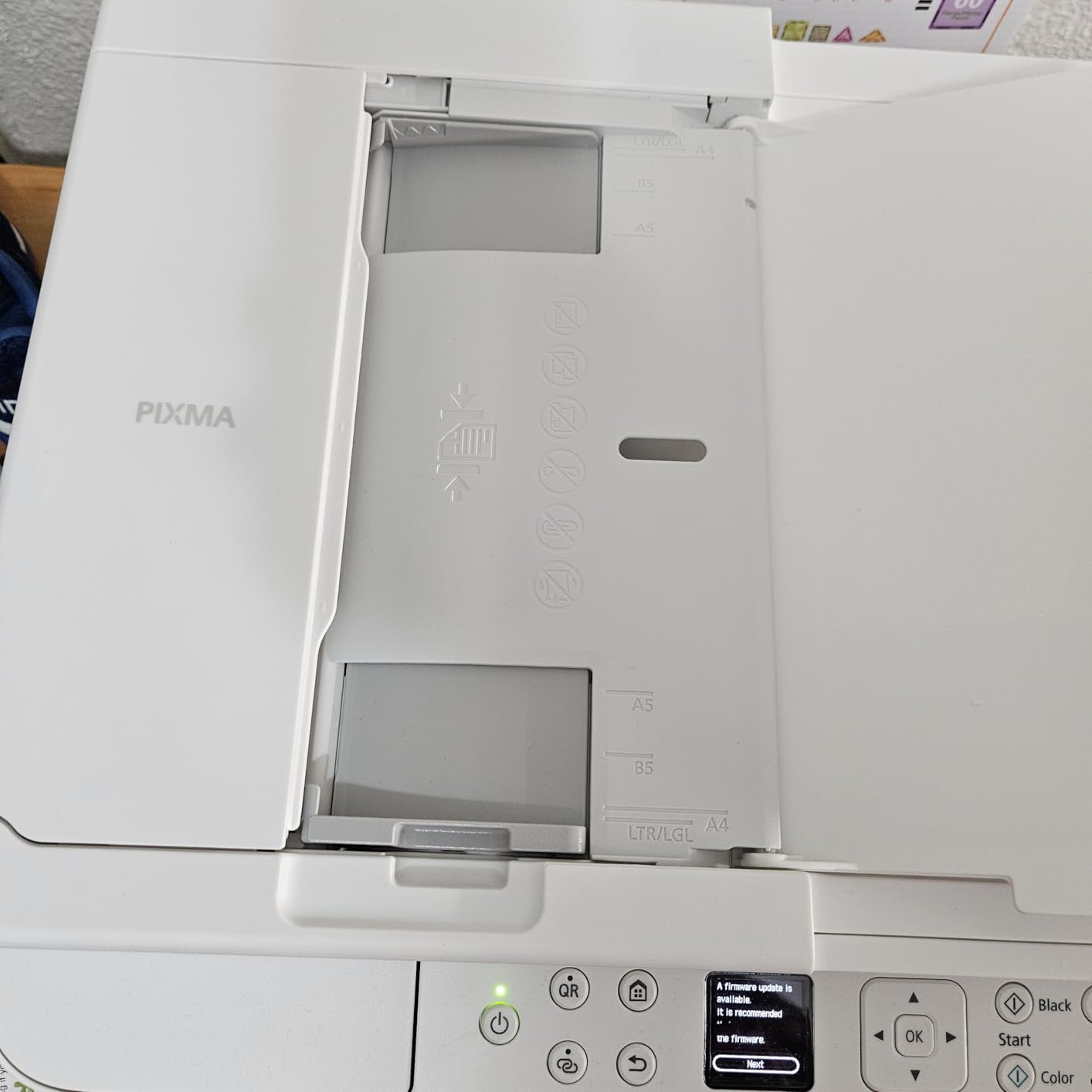
The TR7120 holds the highest average rating in this guide at 4.3 stars, with 71 percent of its 483 reviews at five stars. It also has the feature the cheaper TS6520 leaves out: an automatic document feeder for multi-page scanning and copying, alongside automatic duplex printing.
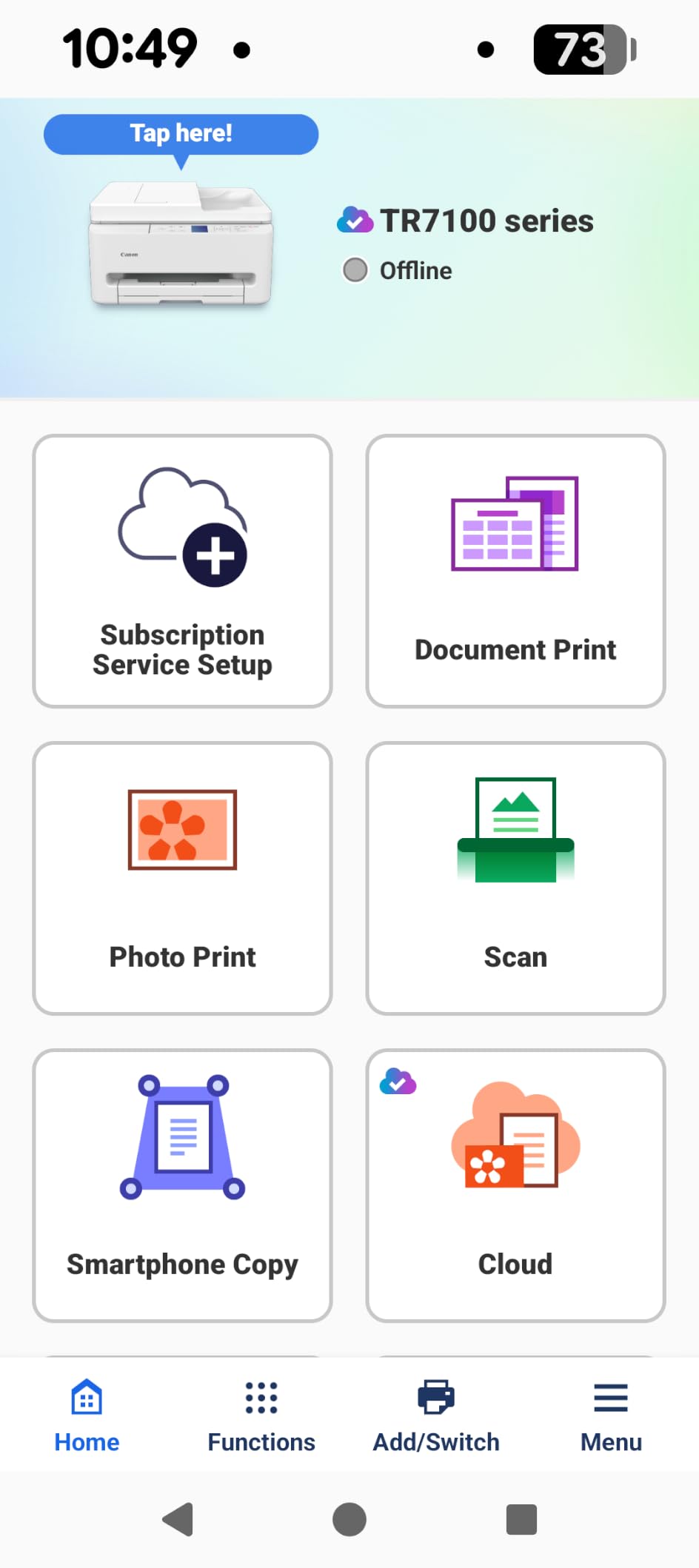
It keeps the same strengths as its cheaper sibling, including the 1.42-inch monochrome OLED display, dual-band Wi-Fi on 2.4 and 5 GHz plus USB, and 14 pages per minute in black and 9 in color. Photo paper support covers 4×6, 5×5 square, 5×7, 7×10 and 8×10.
Owners pick it for the combination that rarely appears together: a document feeder, automatic duplex and tank-based ink economics at a budget price. The OLED display makes status checks easy without opening an app, which matters when the machine serves several people.
The shared drawbacks are modest. The two-cartridge hybrid system complicates print head maintenance, input capacity is 100 sheets, and the product attributes list copying as scan-only, which limits copy throughput. Nothing here is a dealbreaker for homework and household documents.
What to check before you buy the TR7120
Check your duplex printing habit. Automatic two-sided printing cuts paper use and speeds up long jobs, and at 14 ppm black it handles a term paper or a packet of worksheets without stalling. If you never print two-sided, you are paying for a feature you will not notice.
Check the ink format and accept the tradeoff. A two-cartridge hybrid system is cheaper per page than premium four-ink cartridges but needs more involved print head cleaning. For a student household printing assignments and a few photos a month, it is the right side of the trade.
Who should skip the TR7120
Skip it if you print heavy color volumes, since the hybrid cartridge is not built for that, and skip it if you need a color touchscreen rather than a status display. For families printing homework, forms and occasional photos, it is the most complete budget machine here.
How to Choose an All-in-One Printer Without Regretting It
Most buyers pick a printer on speed, then regret it later. Speed is the least useful comparison. A machine that pushes 36 pages per minute but holds 100 sheets and has no document feeder will slow you down anyway, while a 10 pages per minute tank printer with a 50-page feeder finishes a stack of homework while you make coffee. Start with your monthly volume and the paper you handle, then look at everything else.
Inkjet, laser or ink tank: pick the engine first
Decide how your pages split between documents and images. Inkjets, including the tank models here, win on photo quality and color, and the tank versions win outright on running cost because you refill with bottles instead of cartridges. The Epson ET-2800 and Canon G3270 both quote thousands of pages per ink set, and the ET-8550 puts a 4×6 photo at about 4 cents.
Lasers win on speed, text sharpness and the fact that toner does not dry out when a machine sits idle for a month. The Brother DCP-L2640DW at 36 ppm and the HP 3101fdw at 35 ppm are the fastest options here, and both handle a workday of forms without refilling anything. The catch is color: color laser toner is the most expensive per-page path in this guide.
For most households the answer is a hybrid setup. A monochrome laser for contracts and forms, plus a tank inkjet for photos, costs less over three years than one machine trying to do both. If you only want one box, decide which job outnumbers the other.
Cost per page and the three-year view
Running cost matters more than purchase price, and the gap between a cartridge inkjet and a tank machine grows with every refill. Tank printers quote the highest page yields per fill, laser machines spread a fixed cost across thousands of pages, and cartridge inkjets sit in between but rise fast with volume.
Do the math on paper too. Automatic duplex printing cuts sheet use immediately, which matters more than most people expect. The TS6520, TR7120, Envy 6155, ET-8550, DCP-L2640DW, MFC-L3720CDW, 3101fdw and M235sdw all print two sides automatically. The ET-2800, G3270 and ET-2400 do not.
Then think about what you own. A tank printer that sits unused for weeks can need cleaning cycles that waste ink, so an infrequent user is better served by a laser that does not care. A household that prints every week gets the most out of the bottle system. This is the single most important question in the whole category, and owners consistently raise it in the reviews.
The document feeder and duplex scanning are different things
Automatic duplex printing flips the page for you. Duplex scanning means the feeder reads both sides in one pass. Several machines here offer one without the other, and buyers regularly discover this after the box is open.
The DCP-L2640DW, MFC-L3720CDW and 3101fdw each add a 50-sheet automatic document feeder for multi-page jobs. The 3101fdw and M235sdw scan single-sided only, so two-sided records need manual flipping. The M235sdw is built around an ADF rather than a flatbed, which suits repetitive office work.
Copying has a second nuance. A multifunction machine can run copies through the engine or through the scanner. If you make many copies rather than one-offs, check which path the machine uses, because scanner-based copying is slower and sometimes limited, as the TR7120’s scan-only copy listing shows.
Connectivity: dual-band Wi-Fi matters more than specs suggest
Single-band 2.4 GHz wireless is the most common reason new printers never appear on a network. The machines here with dual-band 2.4 and 5 GHz support are the DCP-L2640DW, TS6520, TR7120, MFC-L3720CDW, M235sdw and Envy 6155, and the M235sdw and Envy 6155 add automatic self-reset when a connection drops.
Ethernet still matters for a fixed office machine, and the DCP-L2640DW and both HP LaserJets include it. The MFC-L3720CDW adds Wi-Fi Direct plus USB 2.0 so a phone or laptop can print without joining the network at all, which solves guest and meeting-room printing problems.
Mobile apps divide users. Brother Mobile Connect and the HP and Canon apps cover printing, scanning and supply ordering, but reviewers often prefer direct wireless or Wi-Fi Direct for reliability. Cloud printing services come and go, so do not buy a printer that depends on one.
Ink subscriptions, warranty and the cartridge lock-in question
Subscription ink programs bundle pages into a monthly plan. HP’s Instant Ink trial is included with the Envy 6155 for three months, and a monthly fee applies after that unless you cancel. Brother offers Refresh EZ Print on the DCP-L2640DW with stated savings of up to 50 percent. Tank printers like the ET-2800 sidestep subscriptions entirely, which many owners prefer.
The decision rule is simple. If you print a predictable volume every month, a subscription is predictable. If your printing is bursty, tank bottles cost less and lock you into nothing. Read the exit terms, because the recurring complaint in this category is not the monthly fee but what happens after you cancel.
Warranties vary more than buyers expect. Most machines here carry a one-year limited warranty, but the Canon TS6520 lists three years of manufacturer coverage, which is the strongest stated protection in the group. Check the coverage on consumables too, since Epson notes that third-party ink may affect warranty coverage on the ET-2800.
Sustainability and recycled plastic, and what it is worth
Only one machine in this roundup states a recycled content figure. The HP Envy 6155 is made with at least 60 percent recycled plastic, and the others list no percentage at all, which means the question of what happens to an old printer has to be answered separately from the box it came in.
The practical difference is the ink system. Tank printers generate less cartridge waste by design, and Epson and Canon both market their bottle systems specifically on reduced cartridge waste. That claim only holds if you actually print enough to matter, though, and it is a genuine advantage for anyone who would otherwise run cartridges to empty every few months.
For recycling, check the brand’s take-back program before you buy rather than after. A printer you can return for proper cartridge and shell recycling at the end of its life is worth more than a marginal plastic-content figure on the chassis, because the shell usually outlasts the ink by years. Energy Star certification is not listed for any of these models, so treat that as a question for the manufacturer’s product page.
Reliability, drivers and the problems people actually hit
Laser machines are the set-and-forget choice. Toner does not dry out, and owners running Brother lasers report units lasting a decade or more with no drama. Inkjets and tank printers need regular use to keep nozzles clear, and clogged nozzles plus cleaning cycles are the most common complaint across every inkjet in this roundup.
Software is the second most common complaint, and the pattern is consistent. Brother’s bundled PaperPort is described as cumbersome, with owners preferring third-party scan tools. HP’s setup utilities draw the same criticism, while the hardware itself is praised. Canon and Epson software is generally reported as straightforward, with Epson described as self-updating.
Other recurring problems: paper jams on the ET-2400, unreliable tray selection and a weak Tray 1 spring on the ET-8550, network scanning trouble on some home routers, and a few reports of dead print heads or nozzle clogs within months on the wide-format model. None of these are dealbreakers, but each one tells you which failure mode to expect from the machine you are considering.
For a home office that needs the surrounding gear sorted, the creator kit guides for beginners and how to light a scene with one light cover the rest of the workflow, so the printer is the only box on your list that still needs deciding.
Frequently Asked Questions
What is the best all-in-one printer for home use?
The Epson EcoTank ET-2800 is the best all-in-one printer for most homes right now. It prints sharp text and color at 10 and 5 pages per minute, and a single set of refill bottles covers up to 4,500 black or 7,500 color pages, which makes it the lowest-cost option among the ink machines we reviewed for heavy color use. It has a 100-sheet tray and a compact body. The trade-off is that it prints one side at a time and has no document feeder.
What is the most reliable all-in-one printer?
Reliability usually tracks the engine. Monochrome laser units such as the Brother DCP-L2640DW and the HP LaserJet MFP M235sdw are the most dependable because toner does not dry out when a machine sits idle, and owners running Brother lasers report units lasting a decade or more. Inkjet and tank printers need regular use to keep nozzles clear, so the least reliable printer is the one that sits unused.
What is the best wireless all-in-one printer for home use?
For wireless reliability, look for dual-band 2.4 and 5 GHz support. The Canon PIXMA TS6520, Canon PIXMA TR7120, HP Envy 6155 and HP LaserJet MFP M235sdw all support dual-band wireless, and the two HP models add automatic self-reset when a connection drops. The Brother MFC-L3720CDW also offers Wi-Fi Direct, which lets guests print without joining your network.
What printer has the least problems?
In practice, problems cluster by type. Tank printers report nozzle clogs and wasted ink from cleaning cycles when they sit unused. Cartridge inkjets report high ink cost and blocked third-party cartridges on HP models. Laser units report almost nothing but toner expense, though the HP LaserJet Pro MFP 3101fdw has single-sided scanning only. The fewest complaints go to monochrome laser machines used regularly.
Are ink tank printers cheaper to run than laser printers?
It depends on volume. Ink tank machines such as the Epson ET-2800 and Canon MegaTank G3270 quote the highest page yields per fill, at 4,500 to 6,000 black pages and 7,200 to 7,700 color pages, so heavy color users pay less per page. Monochrome laser wins for text-only work because toner does not dry out and pages per minute are far higher.
The Best All-in-One Printers for 2026: Final Word
After eleven machines and weeks of document, photo and scan jobs, the Epson EcoTank ET-2800 is our best all-in-one printer for 2026 because it fixes the running cost problem without giving up output quality. The Canon MegaTank G3270 matches it on yield and adds borderless photo printing. The Brother DCP-L2640DW takes the home office with 36 pages per minute, automatic duplex and a 50-page feeder, and the Epson EcoTank Photo ET-8550 is the only one here built for wide format images.
Match the engine to your volume and everything else follows. Heavy color printing goes to a tank machine, text-heavy work goes to a monochrome laser, and a shared desk needs a document feeder rather than a faster engine. Use the comparison above to narrow the field, then check the running cost before the purchase, not after.